
Best Soundbars for Conference Rooms
Soundbars for meeting and training rooms — professional UC bars and display-audio bars, read by connection type, mounting, channel layout and what the built-in microphone means.
Conference room soundbars in stock at Uniqcli
How to choose →A curated selection with live pricing — in-stock lines first, then back-ordered lines with a typical lead time. Every line is sourced through US distribution and screened for NDAA §889 status before checkout, with TAA verified on request.
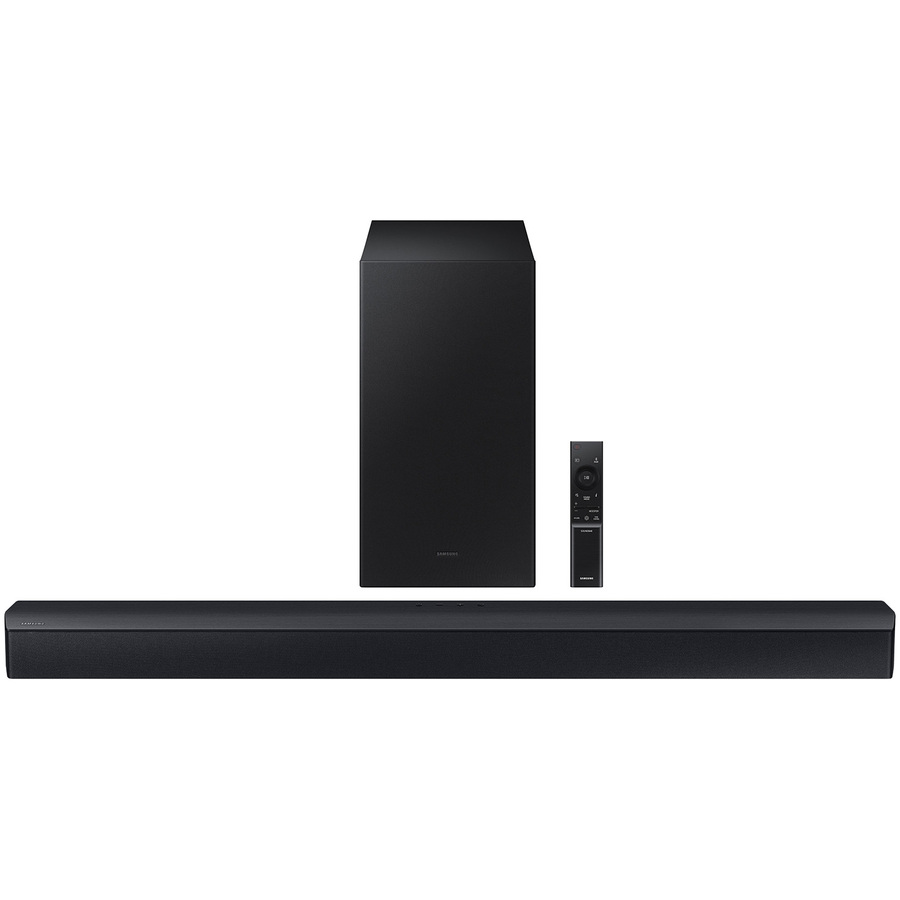
- SamsungSamsung HW-C450 2.1 Bluetooth Sound Bar Speaker - 300 W RMS - Alexa Supported - Wall Mountable - DTS Virtual:X, 3D Sound - HDMI - 1HW-C450/ZA
$201.92
Back-orderedBack-ordered — estimated OEM lead time 3–8 weeks (Nov 13 – Dec 18 if ordered today).
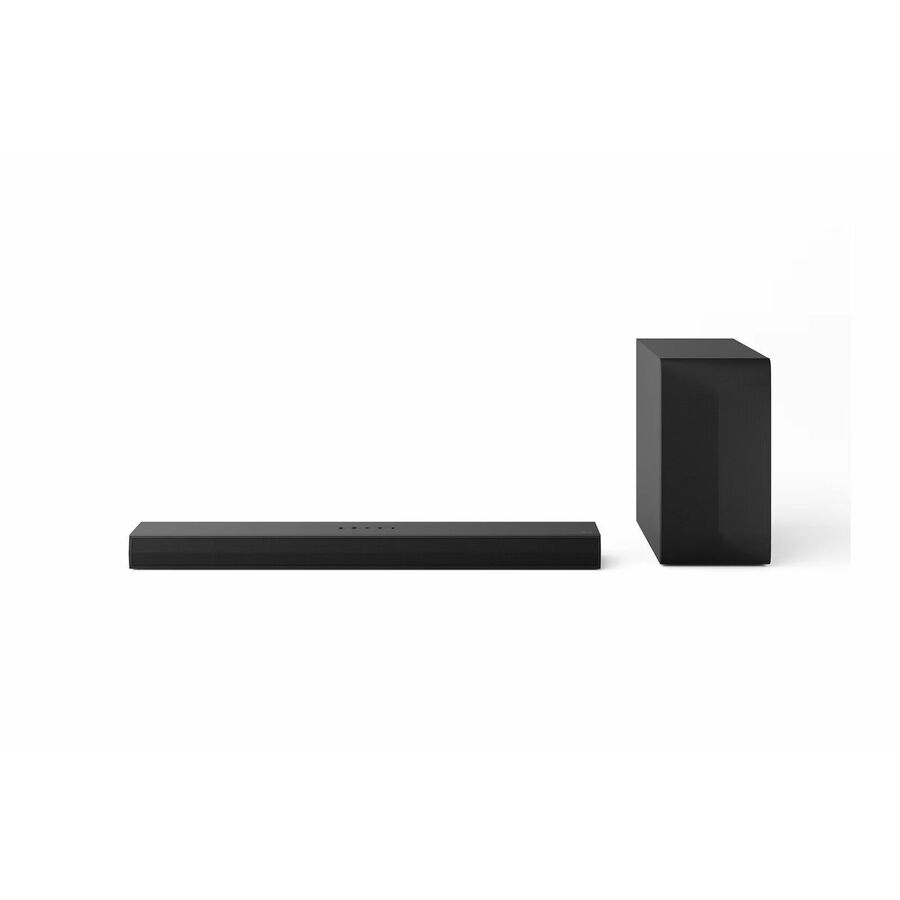
- LG ElectronicsLG S60T 3.1 Bluetooth Sound Bar Speaker - Wall Mountable - Dolby Digital, DTS Digital Surround, Dolby Audio - USB - HDMIS60T.CUSALLK
$249.99
$212.49
Back-orderedBack-ordered — estimated OEM lead time 3–8 weeks (Nov 13 – Dec 18 if ordered today).
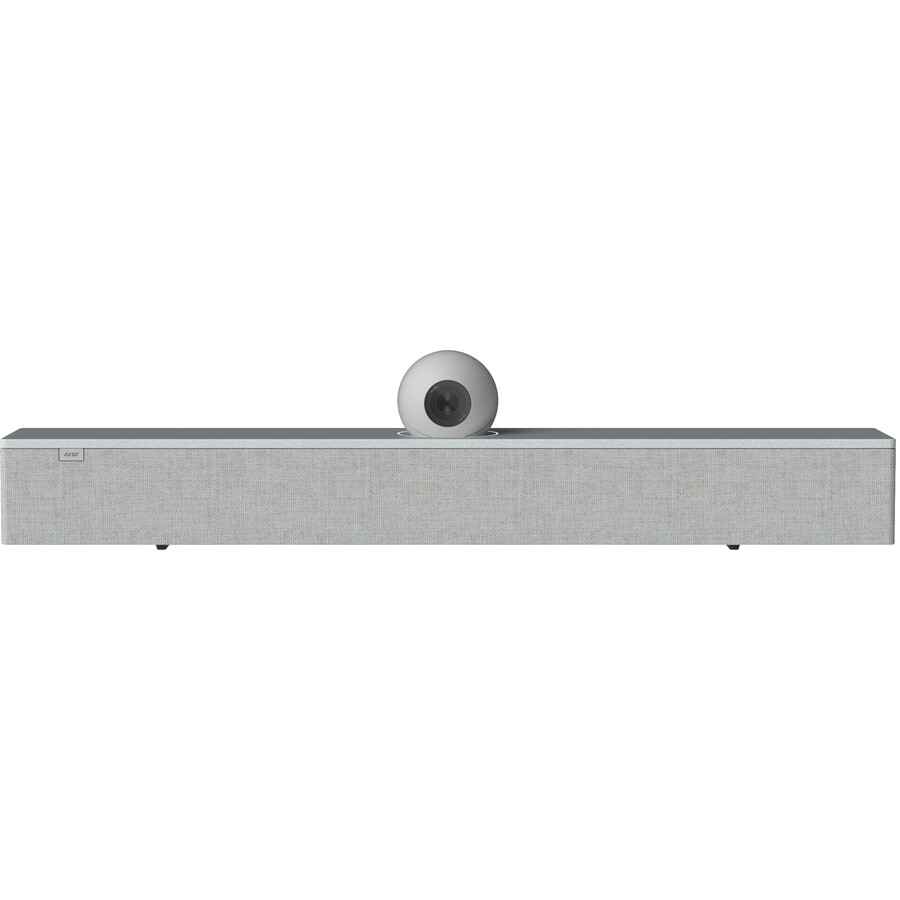
- Harman International IndustriesAMX Acendo Vibe ACV-5100GR Bluetooth Sound Bar Speaker - Gray - Wall Mountable - Tabletop - USB - HDMIFG4151-00GR
$1,656.50
$272.77
Back-orderedBack-ordered — estimated OEM lead time 3–8 weeks (Nov 13 – Dec 18 if ordered today).
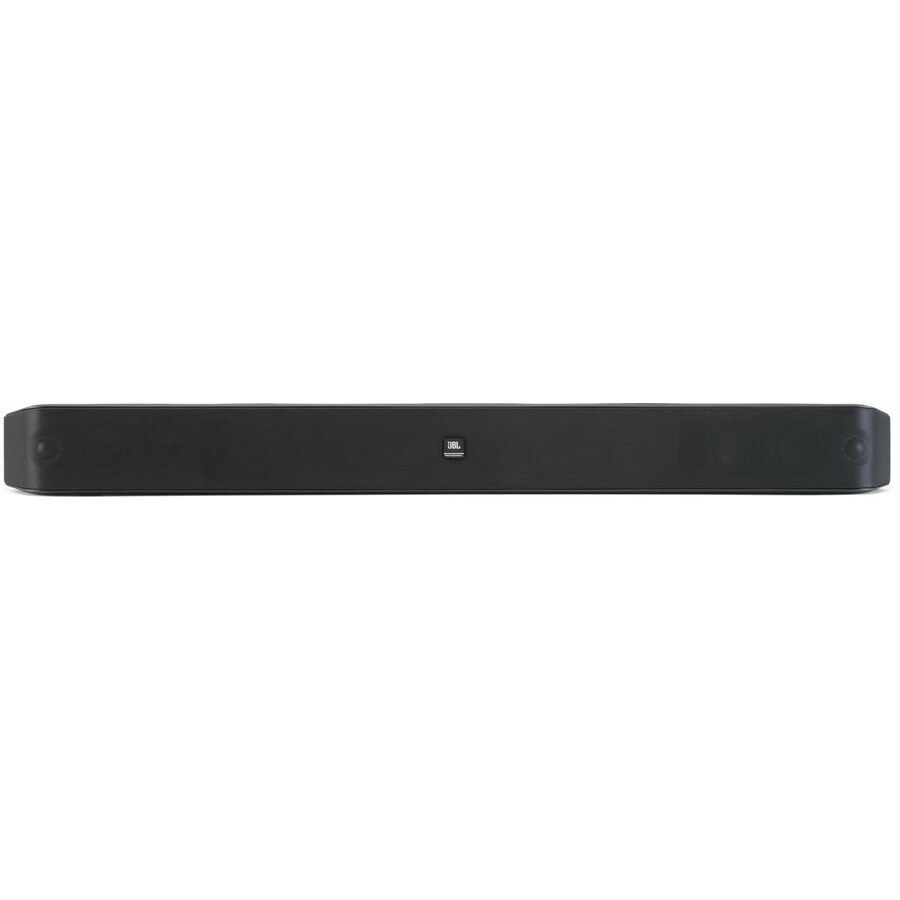
- Harman International IndustriesJBL Professional Pro SoundBar PSB-2 2.0 Bluetooth Sound Bar Speaker - Black - Wall Mountable, Table Mountable - 62 Hz to 20 kHz - HDMIJBL-PSB2NA
$300.00
$276.79
Back-orderedBack-ordered — estimated OEM lead time 3–8 weeks (Nov 13 – Dec 18 if ordered today).
- LG ElectronicsLG S70TY 3.1.1 Bluetooth Sound Bar Speaker - 400 W RMS - Wall Mountable - Dolby Atmos, Dolby Digital, Dolby Digital Plus, DTS Digital Surround, Dolby TrueHD, DTS:X, DTS-HD High Resolution, DTS-HD Master Audio - USBS70TY.AUSALLK
$349.99
$297.49
Back-orderedBack-ordered — estimated OEM lead time 3–8 weeks (Nov 13 – Dec 18 if ordered today).
- LegrandVaddio EasyTALK Sound Bar - Black - Desktop, Freestanding, Tabletop - 100 Hz to 20 kHz - USB - 1 Pack999-8565-000
$448.79
Back-orderedBack-ordered — estimated OEM lead time 3–8 weeks (Nov 13 – Dec 18 if ordered today).
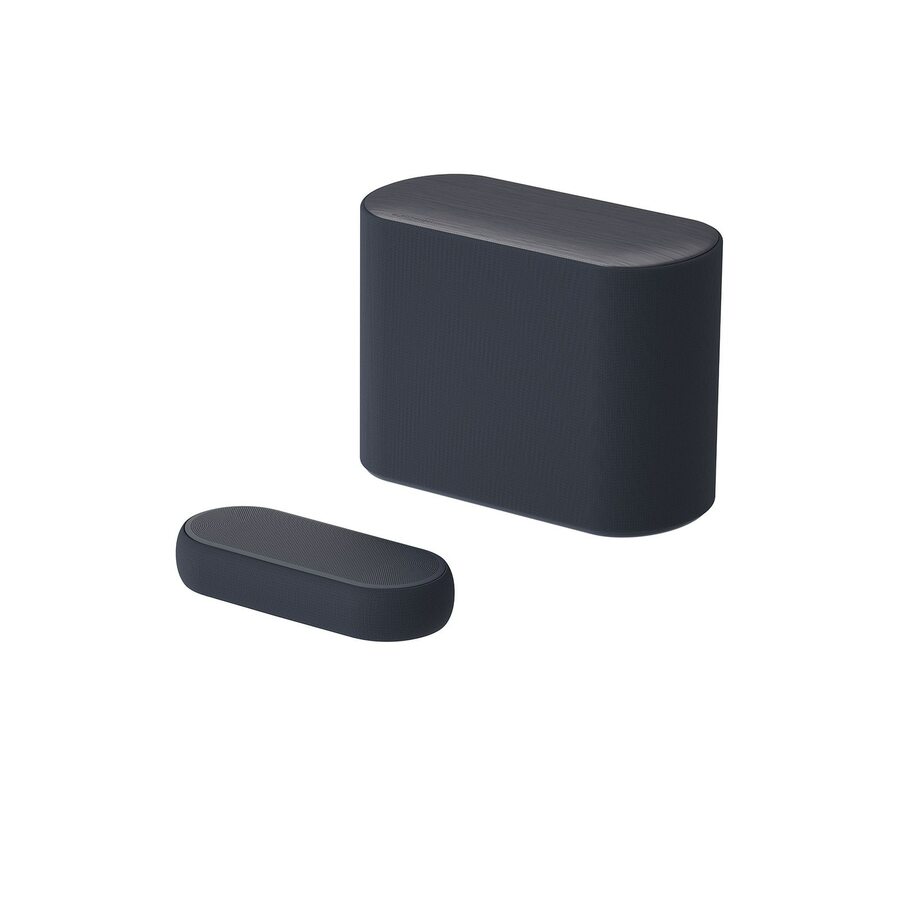
- LG ElectronicsLG Eclair QP5 3.1.2 Bluetooth Sound Bar Speaker - 320 W RMS - Black - Dolby Atmos, DTS:X, Dolby TrueHD, Dolby Digital, DTS-HD Master Audio, Dolby Digital Plus, DTS Digital Surround, DTS-HD High Resolution - USB - HDMIQP5
$599.99
$509.99
Back-orderedBack-ordered — estimated OEM lead time 3–8 weeks (Nov 13 – Dec 18 if ordered today).
- LG ElectronicsLG S80TR 5.1.3 Bluetooth Sound Bar Speaker - Google Assistant, Alexa Supported - Wall Mountable - Dolby Atmos, Dolby Digital, Dolby Digital Plus, Dolby TrueHD, DTS Digital Surround, DTS:X, DTS-HD High Resolution, DTS-HD Master Audio, Surround Sound - Wireless LAN - USB - HDMIS80TR.DUSAJLK
$849.99
$722.49
Back-orderedBack-ordered — estimated OEM lead time 3–8 weeks (Nov 13 – Dec 18 if ordered today).
- LG ElectronicsLG S80TR 5.1.3 Bluetooth Sound Bar Speaker - 580 W RMS - Alexa, Google Assistant Supported - Wall Mountable - Tabletop, Bookshelf - Dolby Digital Plus, Dolby TrueHD, DTS Digital Surround, DTS:X, DTS-HD High Resolution, DTS-HD Master Audio, Dolby Atmos, DTS HD - Wireless LAN - USB - HDMIS80TR.DUSALLK
$849.99
$722.49
Back-orderedBack-ordered — estimated OEM lead time 3–8 weeks (Nov 13 – Dec 18 if ordered today).
- SamsungSamsung HW-Q800D 5.1.2 Bluetooth Sound Bar Speaker - 360 W RMS - Alexa Supported - Black - Wall Mountable - Dolby Atmos, Dolby TrueHD, Dolby Digital Plus, DTS:X, DTS-HD Master Audio, DTS 5.1 - Wireless LAN - HDMIHW-Q800D/ZA
$999.99
$845.22
Back-orderedBack-ordered — estimated OEM lead time 3–8 weeks (Nov 13 – Dec 18 if ordered today).
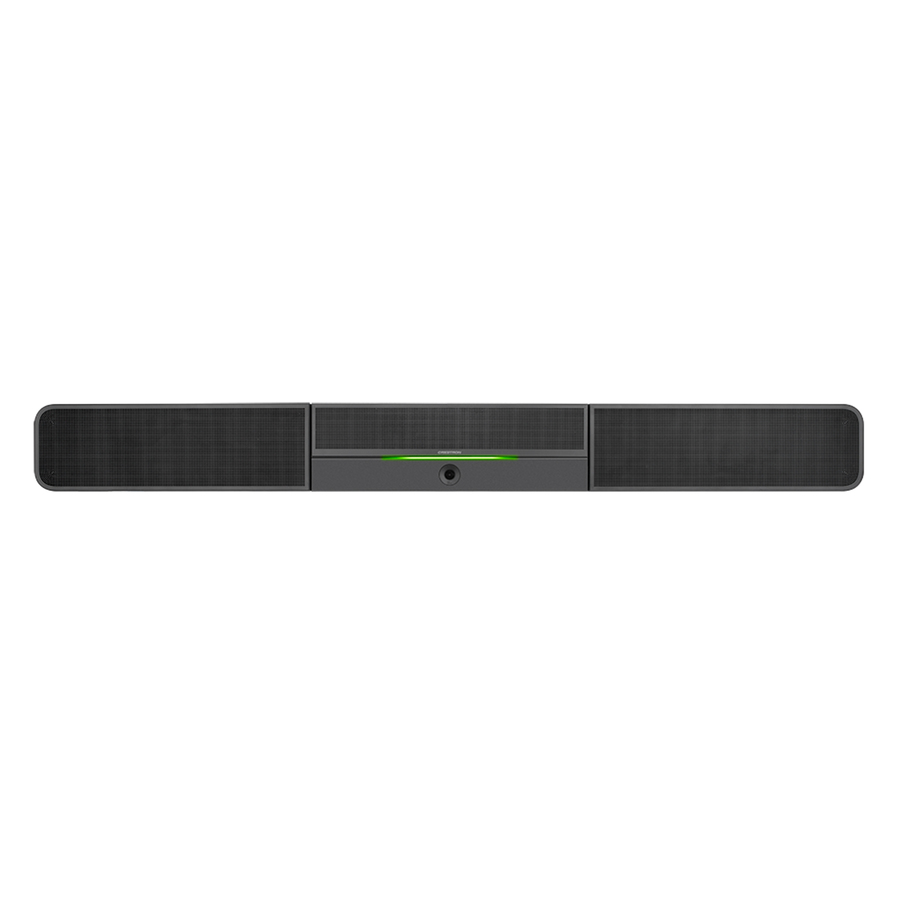
- Crestron ElectronicsCrestron UC-SB1-CAM Sound Bar Speaker - 20 W RMS - Black - Wall Mountable, Surface-mountable - Freestanding - 80 Hz to 20 kHz - USB6511281
$1,130.51
Back-orderedBack-ordered — we expect to receive stock the week of Oct 26 – Nov 1 and will process your delivery right after.









Professional 2.0 bar
Harman International Industries
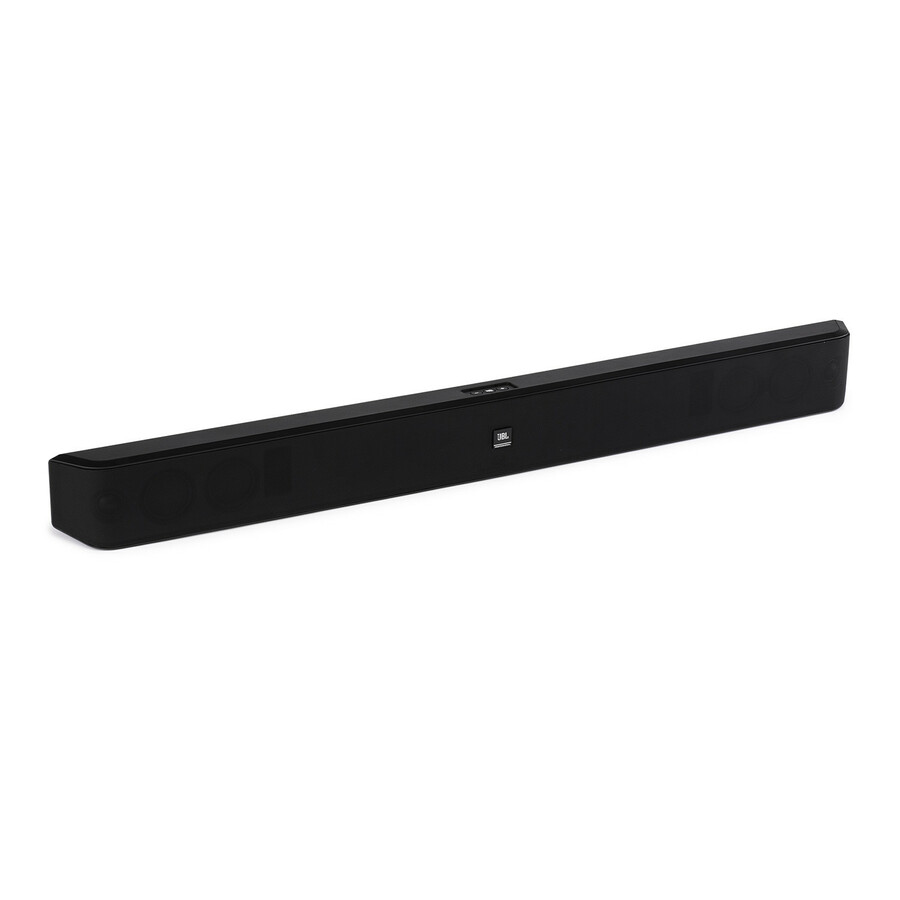
JBL Professional Pro SoundBar PSB-1 2.0 Sound Bar Speaker
PSB-1
A JBL Professional Pro SoundBar PSB-1 2.0 bar, wall-mountable or on a table, rated 42 Hz to 20 kHz — a professional-line bar for a meeting room rather than a living room.
$274.29In stockProfessional, HDMI
Harman International Industries
JBL Professional Pro SoundBar PSB-2 2.0 Bluetooth Sound Bar Speaker
JBL-PSB2NA
A JBL Professional Pro SoundBar PSB-2 2.0 bar with Bluetooth and HDMI, wall- or table-mountable — the HDMI-connected member of the same professional line.
$276.79Back-orderedAMX conferencing bar
Harman International Industries
AMX Acendo Vibe ACV-5100GR Bluetooth Sound Bar Speaker
FG4151-00GR
An AMX Acendo Vibe ACV-5100GR sound bar with USB and HDMI, wall-mountable or on a tabletop — a pro-AV bar from a line built around meeting spaces.
$272.77Back-orderedVaddio USB bar
Legrand
Vaddio EasyTALK Sound Bar
999-8565-000
A Vaddio EasyTALK sound bar connecting over USB, listed for desktop, freestanding or tabletop use at 100 Hz to 20 kHz — a professional-AV bar for a small room.
$448.79Back-orderedCrestron UC bar
Crestron Electronics
Crestron UC-SB1-CAM Sound Bar Speaker
6511281
A Crestron UC-SB1-CAM sound bar rated 20 W RMS over USB, wall-, surface-mountable or freestanding — a unified-communications bar from the room-control side of the industry.
$1,130.51Back-ordered2.1 display audio
Samsung
Samsung HW-C450 2.1 Bluetooth Sound Bar Speaker
HW-C450/ZA
A Samsung HW-C450 2.1 soundbar rated 300 W RMS with HDMI and wall mounting, listed with DTS Virtual:X — display audio for a room that mostly plays content.
$201.92Back-ordered5.1.2 for large rooms
Samsung
Samsung HW-Q800D 5.1.2 Bluetooth Sound Bar Speaker
HW-Q800D/ZA
A Samsung HW-Q800D 5.1.2 soundbar rated 360 W RMS, wall-mountable with Dolby Atmos and DTS:X decoding — the louder end of display audio for a training room.
Listed by the maker as Alexa supported; a built-in assistant is a policy decision in a meeting room.
$845.22Back-ordered3.1.1 wall-mount bar
LG Electronics
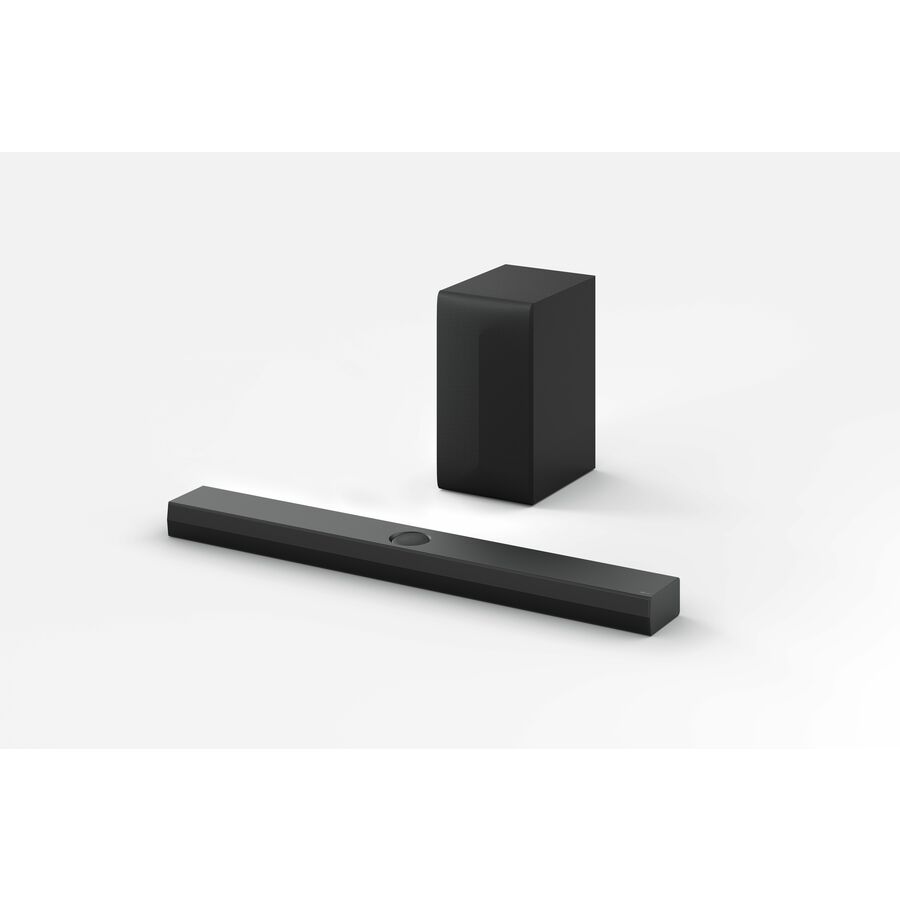
LG S70TY 3.1.1 Bluetooth Sound Bar Speaker
S70TY.AUSALLK
An LG S70TY 3.1.1 soundbar rated 400 W RMS, wall-mountable with Dolby Atmos and DTS:X — a mid-size display-audio bar with a dedicated centre channel for speech.
$297.49Back-ordered5.1.3 large format
LG Electronics
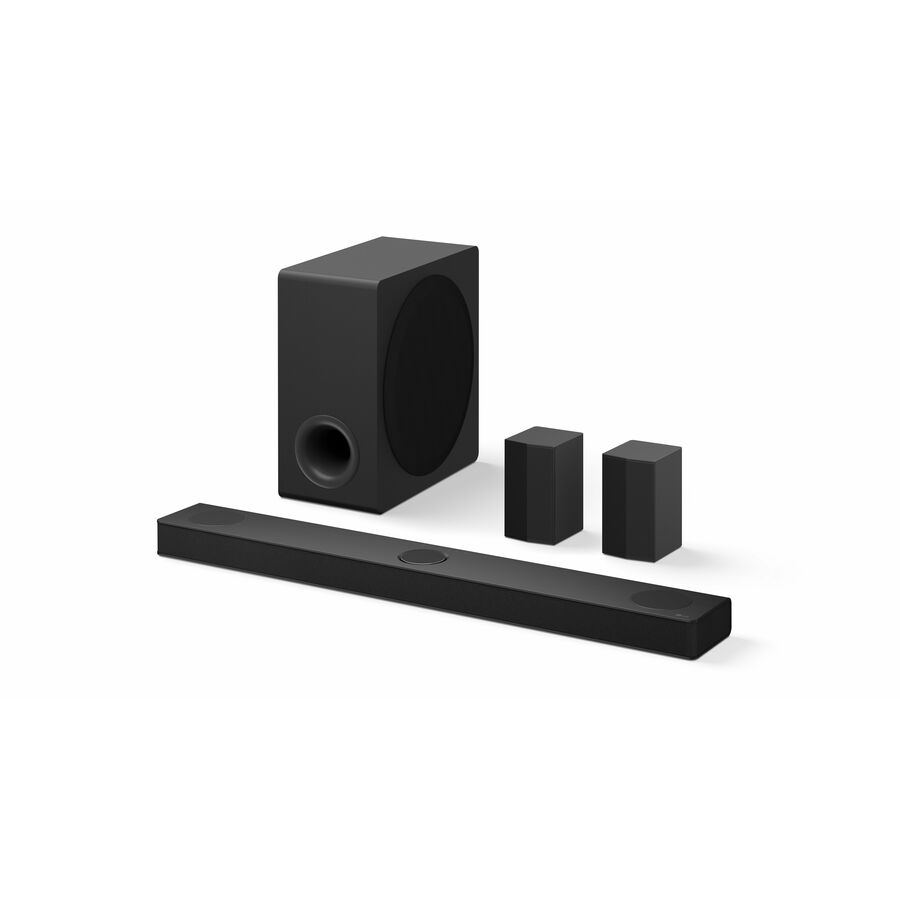
LG S80TR 5.1.3 Bluetooth Sound Bar Speaker
S80TR.DUSALLK
An LG S80TR 5.1.3 soundbar rated 580 W RMS, wall-mountable or on a bookshelf with Dolby and DTS decoding — for a large room where content has to carry to the back.
Listed by the maker as Alexa and Google Assistant supported; confirm that against the room's policy.
$722.49Back-orderedCompact 2.0
Sonos
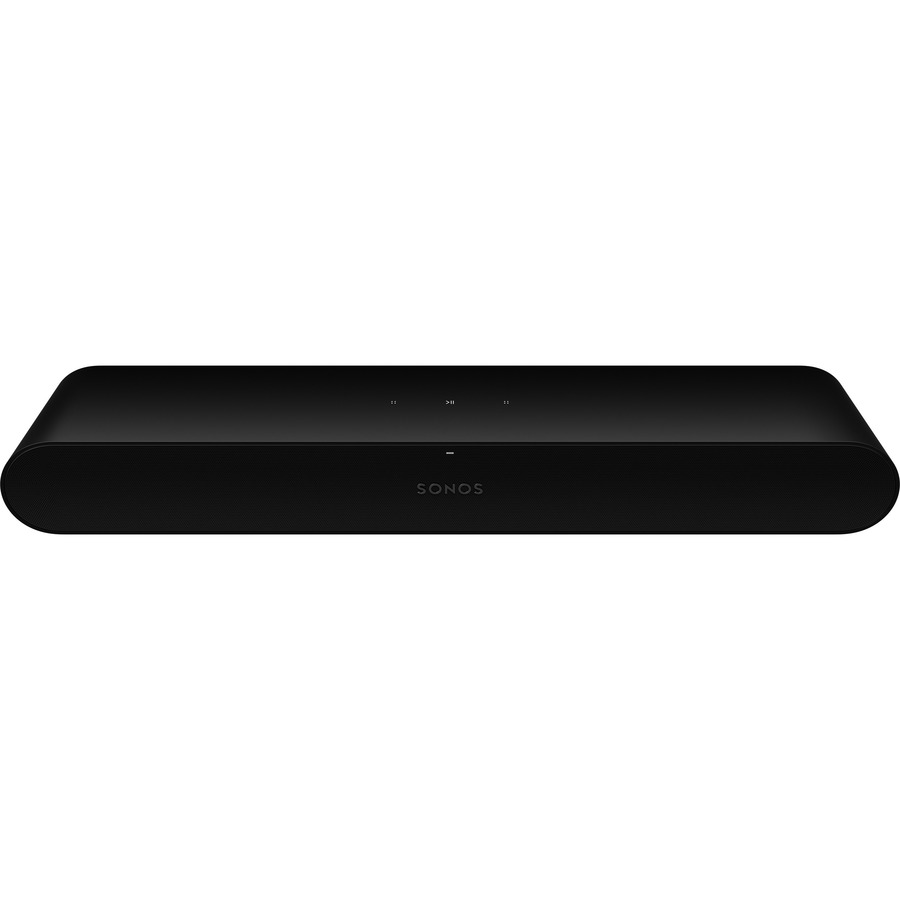
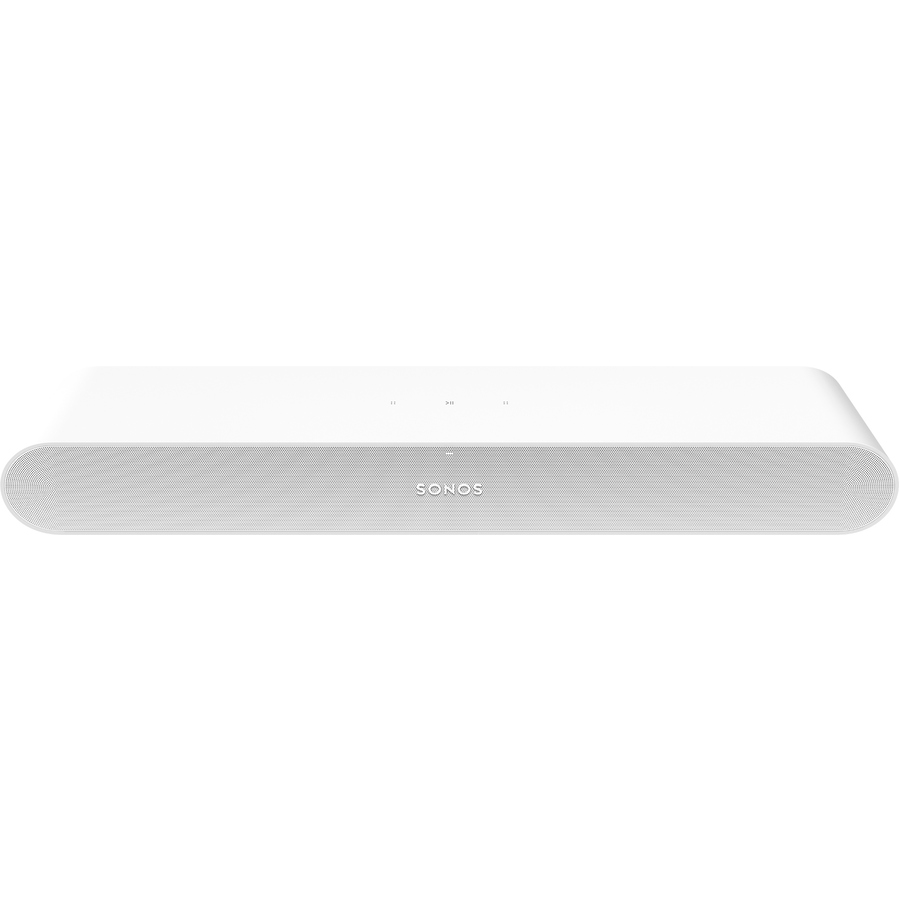
SONOS Ray 2.0 Sound Bar Speaker
RAYG1US1BLK
A SONOS Ray 2.0 soundbar, wall-mountable with Dolby Digital 5.1 and DTS decoding over the network — a compact bar with no microphone and no voice assistant in its listing.
$253.61In stockMid-size networked bar
Sonos
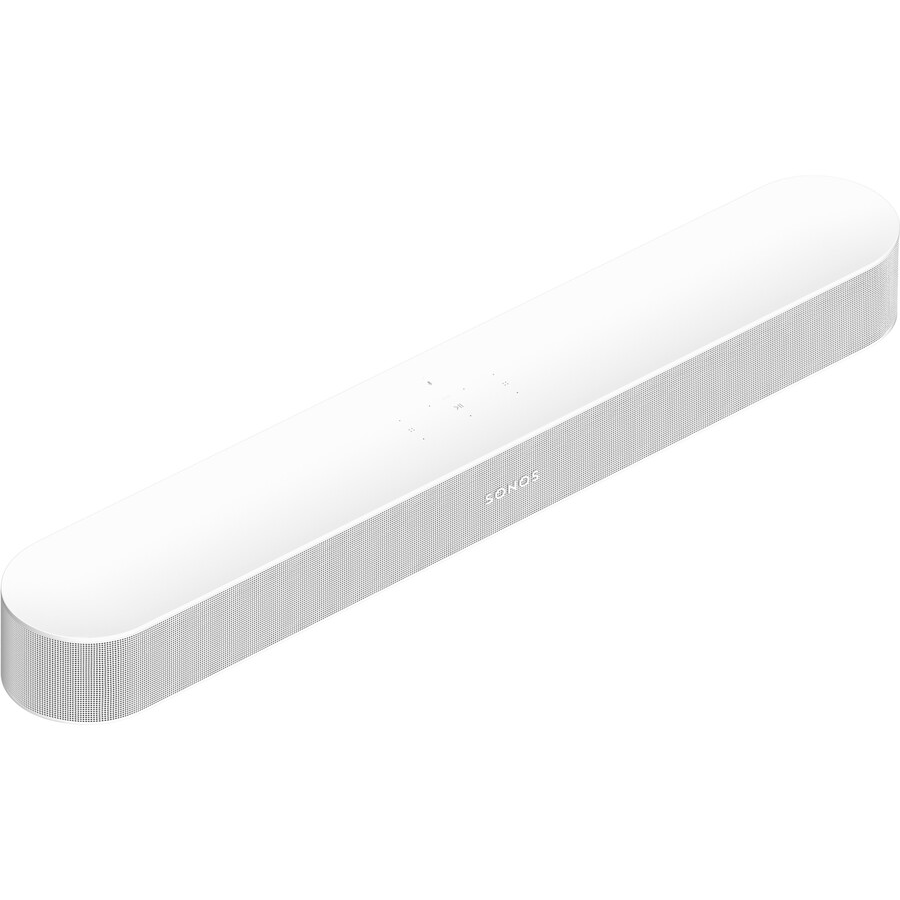
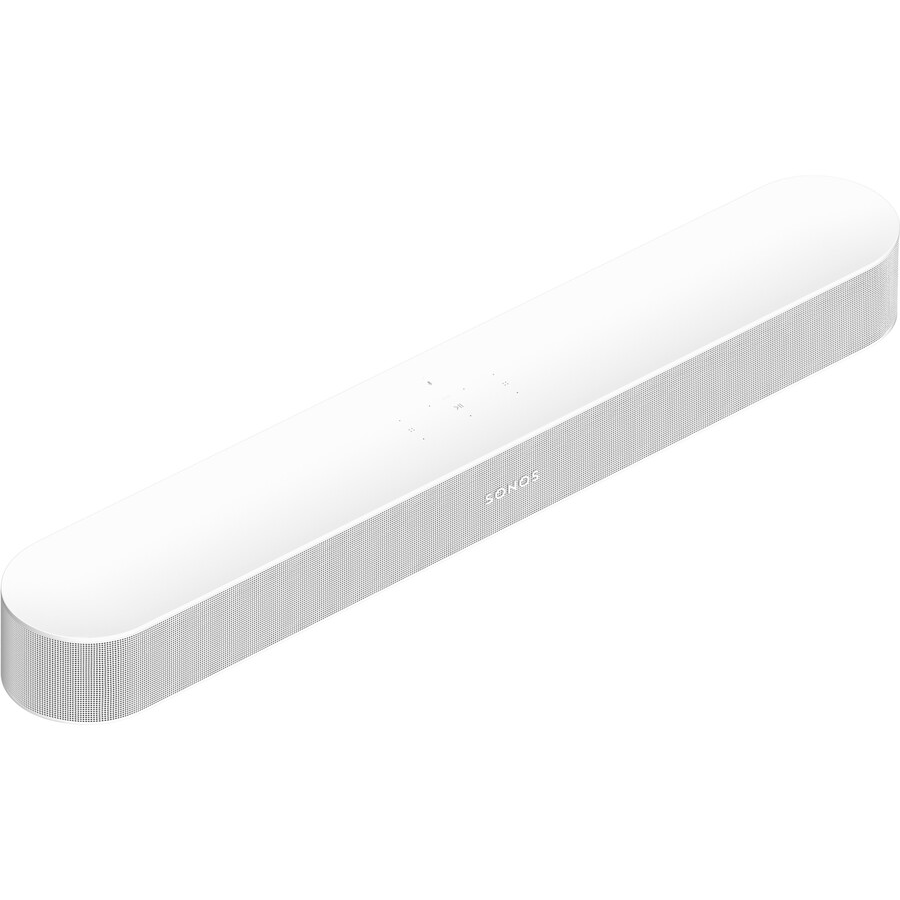
SONOS Beam Bluetooth Smart Sound Bar Speaker
BEAM2US1BLK
A SONOS Beam smart soundbar, wall-mountable with Dolby Atmos and virtual surround — a compact networked bar for a medium room.
Listed by the maker as Alexa and Google Assistant supported; that is a microphone in the room.
$580.07In stockLarge networked bar
Sonos
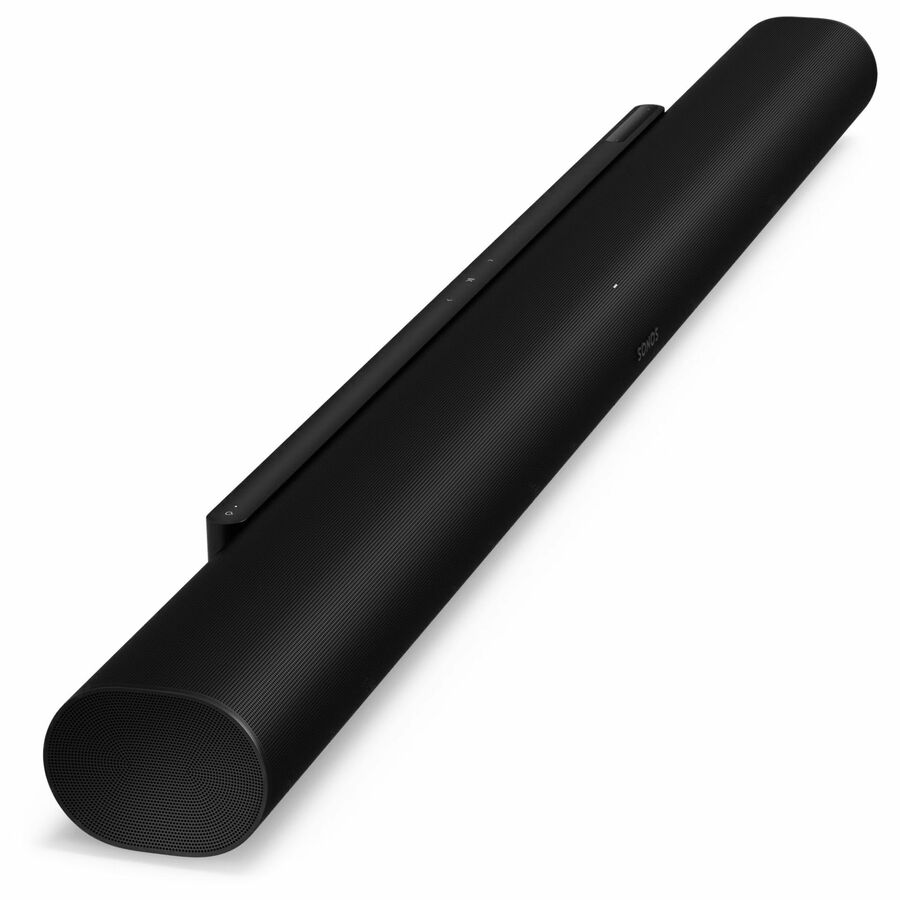
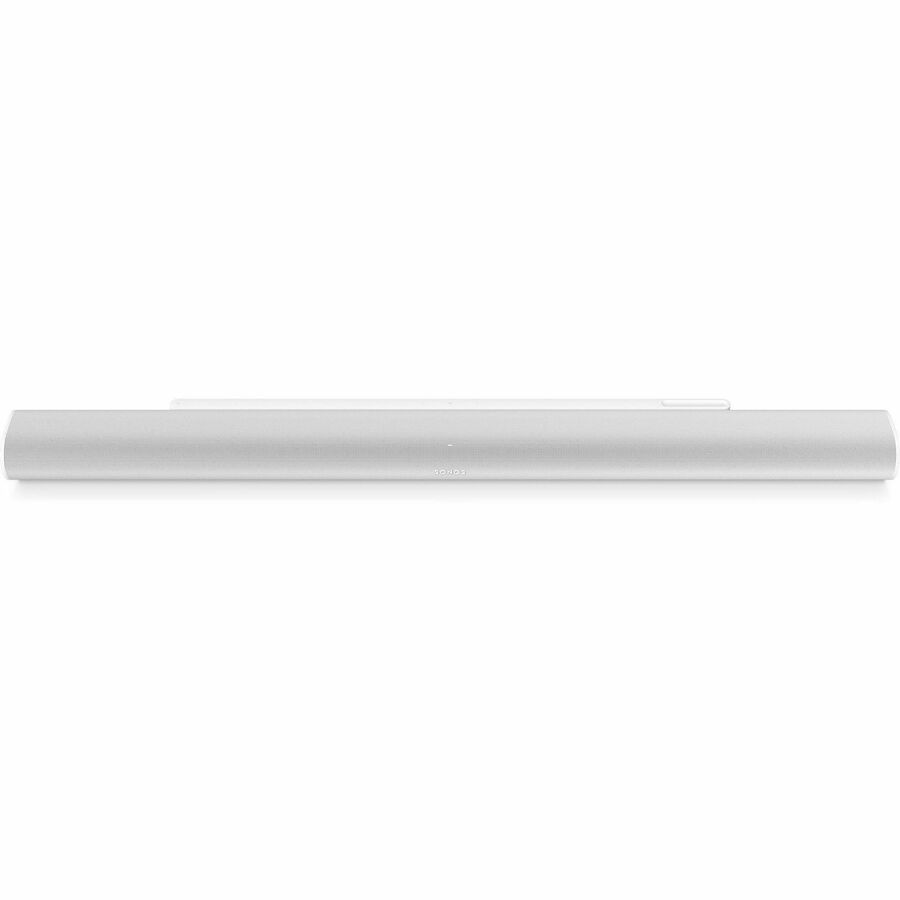
SONOS Arc Ultra Bluetooth Smart Sound Bar Speaker
ARCG2US1BLK
A SONOS Arc Ultra smart soundbar with Dolby Atmos, surround and DTS decoding on a tabletop or under a display — the largest networked bar in this set.
Listed by the maker as Alexa supported; check the assistant against the room's policy.
$1,272.16In stockBose smart bar
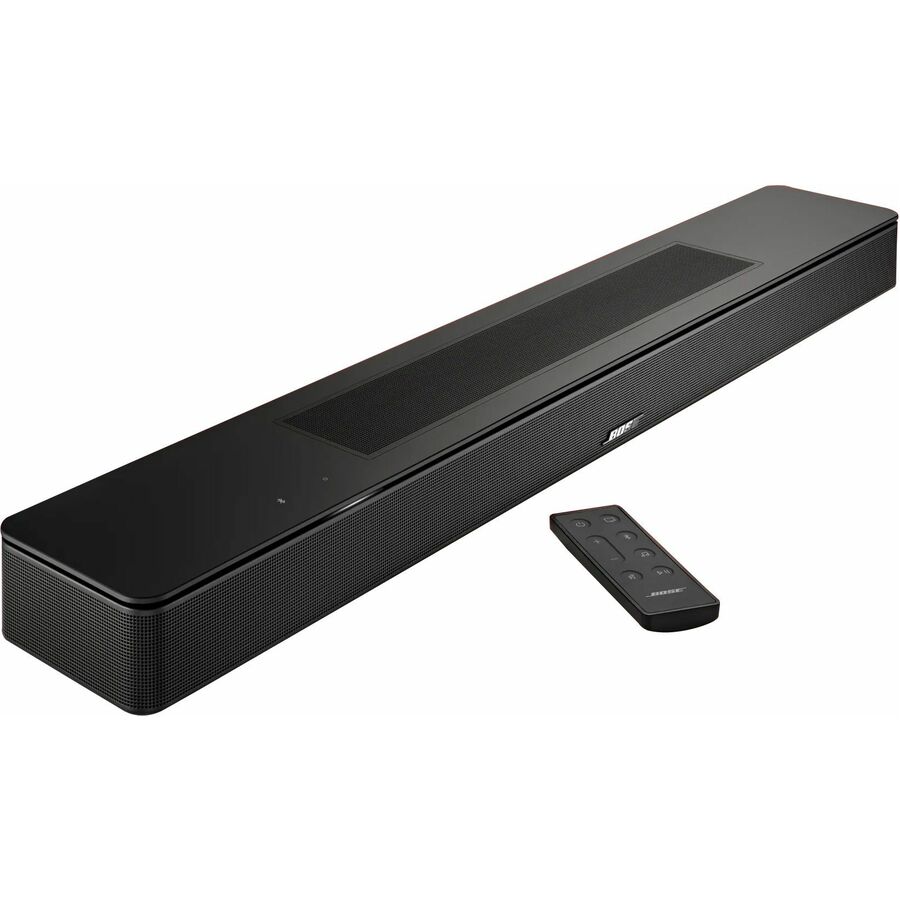
Bose
Bose Bluetooth Smart Sound Bar Speaker
892079-1100
A Bose smart soundbar with HDMI, USB and wireless networking, listed with Dolby Atmos, Dolby Digital Plus and TrueHD decoding — display audio with a full decoder set.
Listed by the maker as Alexa and Google Assistant supported.
Request pricingBose 5.1.2
Bose
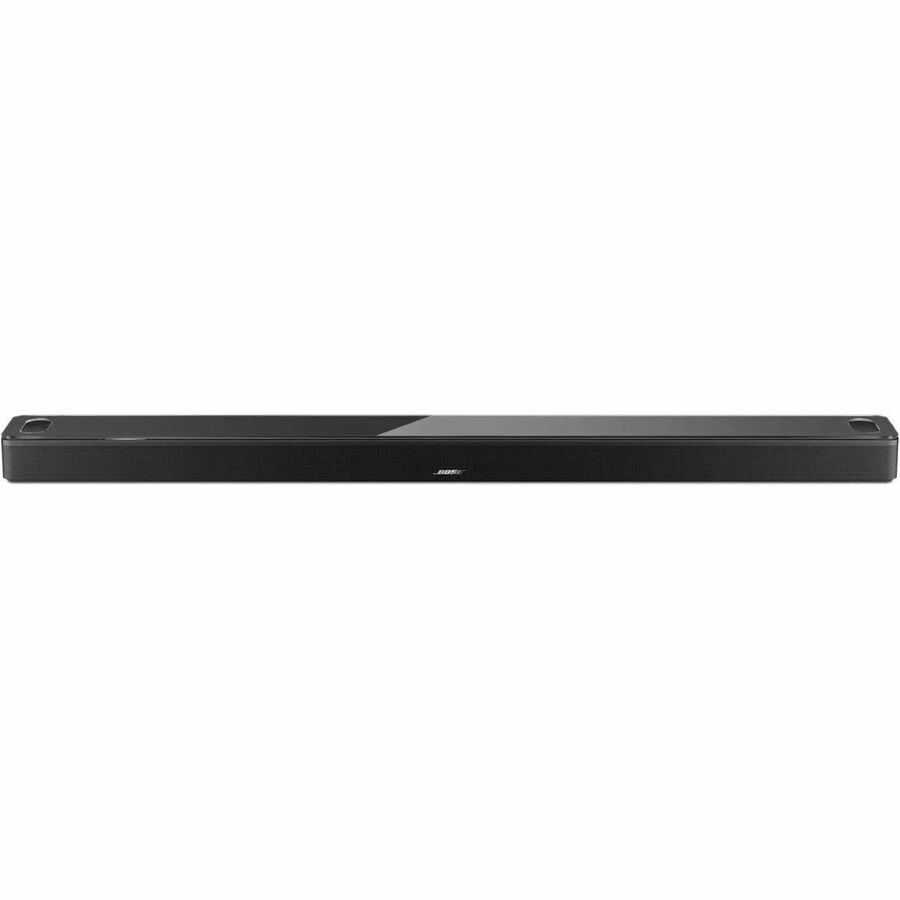
Bose Smart Ultra 5.1.2 Bluetooth Smart Sound Bar Speaker
882963-1100
A Bose Smart Ultra 5.1.2 soundbar with Dolby Atmos, TrueSpace and surround processing over a wireless network — the largest Bose bar in this set.
Listed by the maker as Alexa and Google Assistant supported; a policy question in a meeting room.
$979.02In stockMore speakers in the Uniqcli catalog
See all 280 speakersMore from across this category. In-stock lines lead, and a back-ordered line carries the same estimated availability its product page does — with live pricing throughout, NDAA §889 screening before checkout and TAA verified on request.
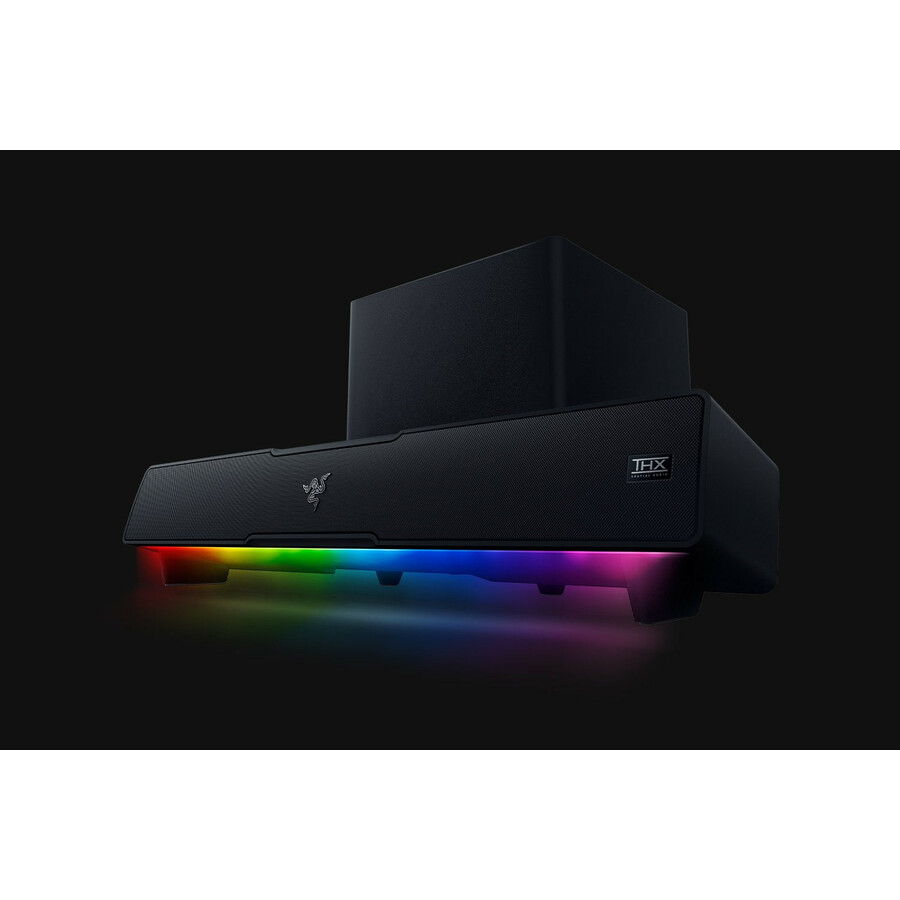
- RazerRazer Leviathan V2 Bluetooth Sound Bar Speaker - Desktop - 45 Hz to 20 kHz - Surround Sound - USBRZ05-03920100-R3U1
$763.94
$732.48
Back-orderedBack-ordered — estimated OEM lead time 3–8 weeks (Nov 13 – Dec 18 if ordered today).
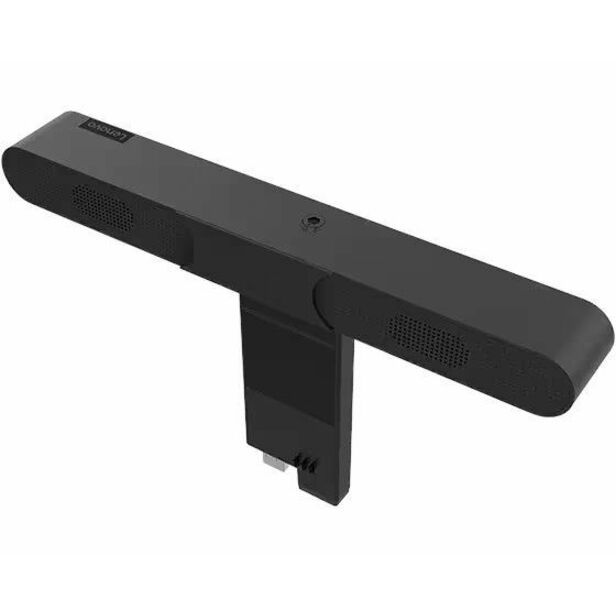
- LenovoLenovo ThinkVision MS30 Sound Bar Speaker - 4 W RMS - Black - 140 Hz to 20 kHz - USB4XD1K97400
$33.99
$30.05
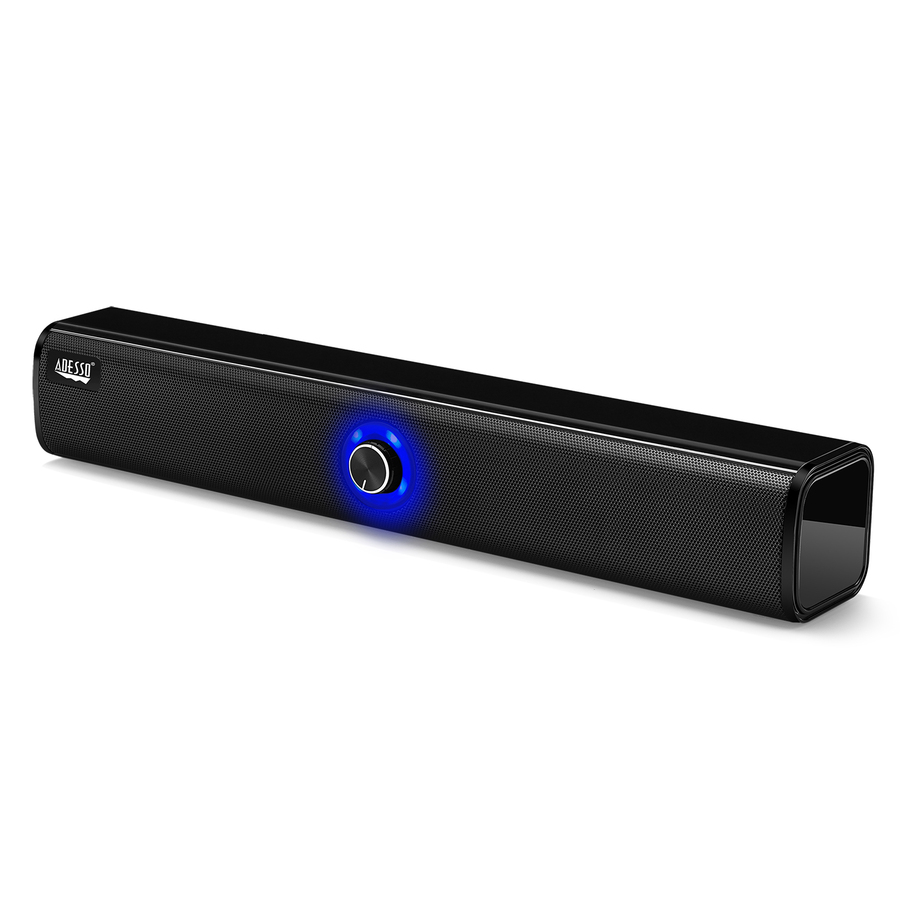
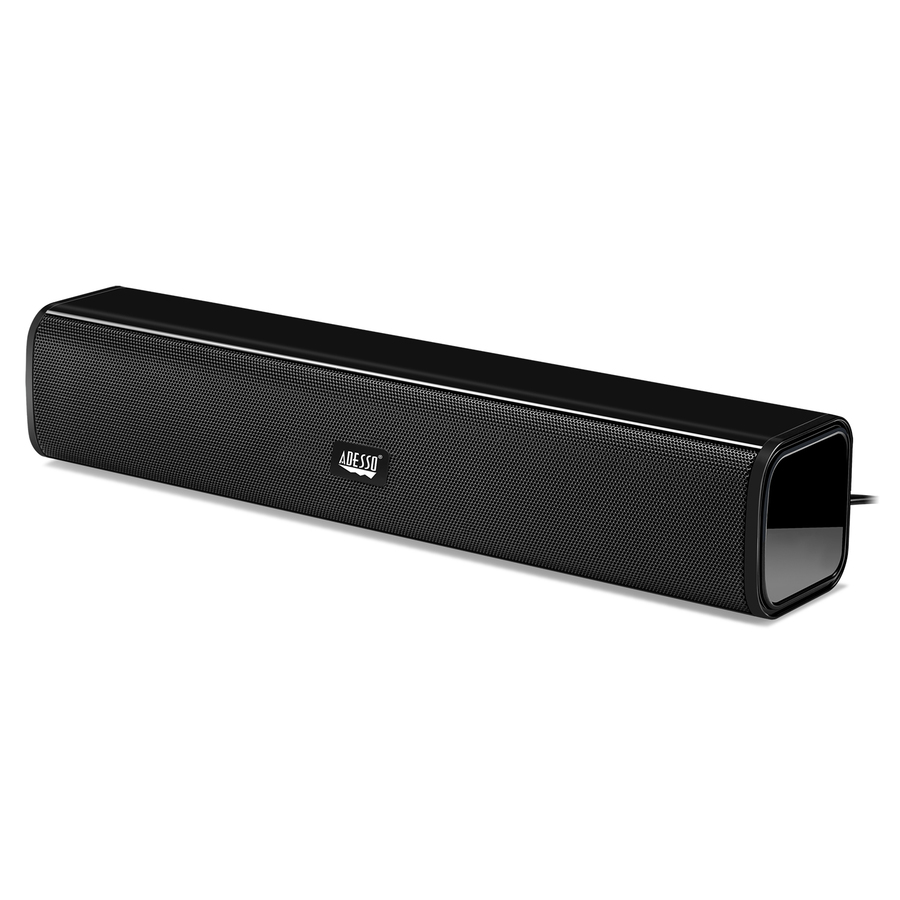
5 in stock - AdessoAdesso Xtream S6 Portable Bluetooth & Aux Sound Bar Speaker - 10W x 2 -Black - 3.5mm - Rechargeable Battery - Volume Control Knob - Wired/Wireless - Works with Computer, Tablet, Smartphone and Projector. Ideal for Zoom, Microsoft Team, Skype, Webex, Google MeetXTREAM S6
$59.99
$58.19
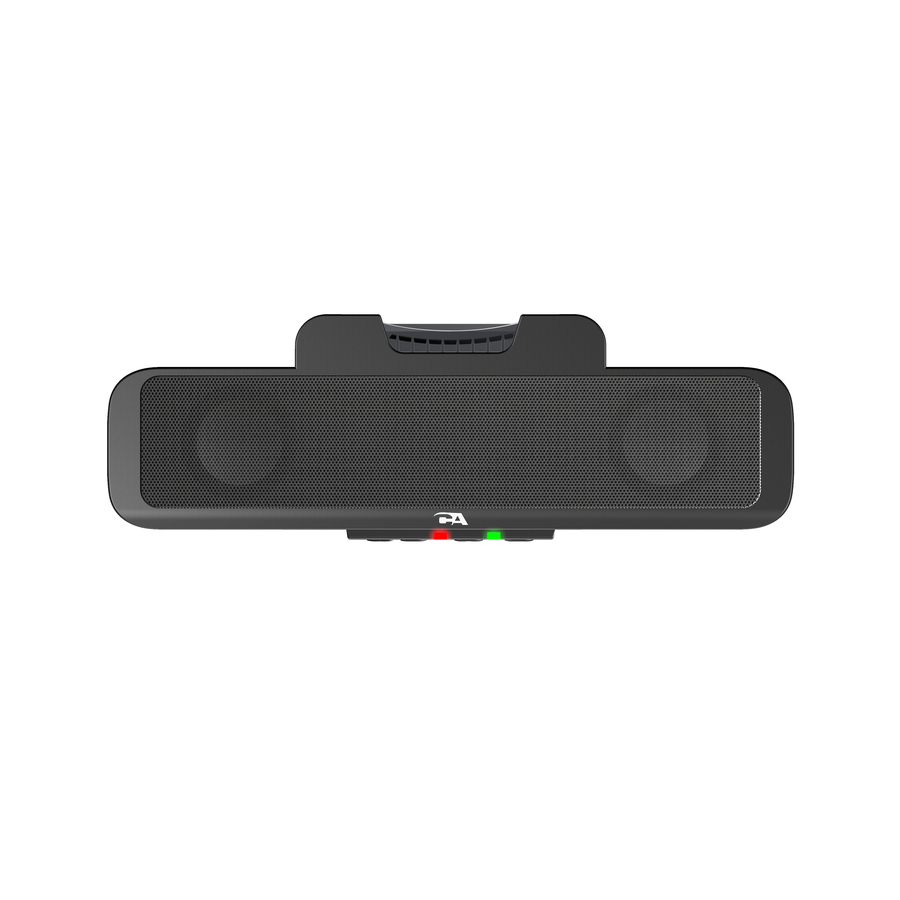
259 in stock - Cyber AcousticsCyber Acoustics Sound Bar Speaker - Under Monitor - Desktop - USBCA-2890
$28.91
155 in stock - Cyber AcousticsCyber Acoustics CA-2890GX Sound Bar Speaker - 10 W RMS - Black - Under Monitor, Clamp Mount - Desktop - USB - 1CA-2890GX
$39.45
Back-orderedBack-ordered — estimated OEM lead time 3–8 weeks (Nov 13 – Dec 18 if ordered today).
- Cyber AcousticsCyber Acoustics Party Block CA-2890BT Bluetooth Sound Bar Speaker - Black - Wireless LAN - USBCA-2890BT
$32.35
Back-orderedBack-ordered — estimated OEM lead time 3–8 weeks (Nov 13 – Dec 18 if ordered today).



Need pricing on conference room soundbars?
Tell us where to reach you and a Uniqcli specialist will follow up by email with current pricing, availability and lead time for the quantities you need — including parts that aren’t shown on this page.
Buying for an organization or for yourself — both work. No payment up front.
A meeting-room display has speakers, and they are almost always the weakest part of the room. They fire backwards or downward from behind the panel, they are voiced for television rather than speech, and the moment the room is more than three metres deep the far end of a call stops being intelligible. A soundbar under the display fixes that for a fraction of what a ceiling-speaker and amplifier install costs, and it fixes it in an afternoon rather than a project.
The shelf splits cleanly in two, and the split is the buying decision. Professional and unified-communications bars — the JBL Professional, AMX, Vaddio and Crestron models here — are built for speech in a room: they connect over USB or HDMI to the room's PC or codec, they mount under a display or sit on a table, and some of them carry a camera or microphones as part of the same device. Display-audio bars are the mainstream models from Samsung, LG, Sonos and Bose: they take HDMI ARC or optical from the display, they are voiced for content, they are considerably louder for the money, and they do playback only.
That distinction matters most for the microphone. A conference room needs pickup as well as output, and a bar that only outputs sound must be paired with a room microphone or a speakerphone — which is often the right architecture anyway, because a microphone belongs near the people, not under the screen. It also matters for security: several of the mainstream bars carry always-listening voice assistants, stated in their own titles, which is a policy question in a meeting room and a hard no in some of them. Send the room size, what drives the display, whether the room needs microphones, and any assistant or network restrictions, and the bar, the mount and the microphone can be specified together.
Buyer's checklist
How to choose a soundbar for a meeting room
- Decide first whether the room needs pickup as well as output. A soundbar makes the far end audible in the room; it does not make the room audible to the far end unless it carries microphones. Most rooms want a soundbar plus a speakerphone or a ceiling microphone, and that pairing is usually better than either device trying to do both.
- Match the connection to what drives the display. A professional bar generally connects over USB to a room PC or codec, which makes it an audio device the meeting platform can select; a display-audio bar takes HDMI ARC or optical from the panel and plays whatever the screen is playing. Those are different integration stories — check which one your room actually needs.
- Size the output to the room, not to the specification sheet. A 20W professional bar is ample for a huddle room where people sit within a few metres; a large training room or a divisible space needs considerably more, and beyond a certain size the honest answer is a distributed ceiling system rather than a bigger bar.
- Check the mounting and the sightline. Most bars here state wall-mountable, tabletop or both. Under the display is the natural position, and it needs a bracket that does not block the panel's IR receiver, the camera, or the bottom of the picture.
- Treat a built-in voice assistant as a policy decision. Several mainstream bars state Alexa or Google Assistant support in their own titles, which means a microphone array and a cloud service in the meeting room. In secure and government spaces that is often prohibited outright — the professional bars are the straightforward answer where it is.
- Prefer speech intelligibility over channel count. Dolby Atmos and 5.1.2 layouts are content features; a meeting room mostly needs a centre channel that renders human speech clearly at the back of the room. A simple 2.0 professional bar can outperform a large surround bar for exactly the job the room does.
- Confirm what the room's platform will actually select. If the meeting joins from a room PC or a codec, the bar has to appear as an audio device to it; if the room joins from a laptop, the display and its ARC path have to carry that audio. Work this through before the install, not on the first call.
- Order the bar, the mount and the cabling as one line. The HDMI or USB run, the mounting bracket and the display mount all land on the same install visit, and quoting them together is what keeps a room build to a single delivery.
UC bars and display-audio bars are different products
The professional bars on this page belong to unified-communications and pro-AV lines. They are voiced for speech, they connect over USB or HDMI to the machine running the meeting, and they are designed to be selected as an audio device by the platform. Some carry a camera or a microphone array in the same enclosure, which turns a small huddle room into a single-device install. They are not the loudest bars per dollar and they are not trying to be — what they are optimised for is a conference room in which people at the far end have to be understood.
The display-audio bars are mainstream models: HDMI ARC or optical from the display, considerably more output for the money, surround decoding, and in several cases wireless subwoofers and rear speakers. In a training room, a lobby, a briefing space or any room where the job is playing content loudly and clearly, they are the pragmatic buy. They do not have microphones for the room, so a call in that room needs a speakerphone or a ceiling microphone beside them — which is generally the correct design anyway, because a microphone belongs near the participants rather than under the display at the front.
Voice assistants, microphones and rooms with rules
Several of the mainstream bars state Alexa or Google Assistant support in the manufacturer's own title. That is a microphone array plus a cloud service sitting in a room where confidential conversations happen. Plenty of organisations are relaxed about that in a lobby and absolutely not in a meeting room, and in government and regulated spaces it is often prohibited by policy. It is worth reading the title line rather than assuming: the assistant is a stated feature on some models here and absent on others, and the professional bars generally do not carry one at all.
The related question is what actually picks up the room. A soundbar without microphones is an output device; pairing it with a USB speakerphone or a ceiling microphone gives the far end a clear signal from where the people are sitting. Where the room is small and the budget is one device, a UC bar with an integrated camera and microphones is the tidy answer. Send the room dimensions, the platform, whether the space has restrictions on voice assistants and where people actually sit, and we will match the bar, the microphone, the mount and the cabling as one room specification.
FAQ
Common questions
- Can a soundbar replace a conference room speakerphone?
- Only if it carries microphones, and most do not. A soundbar's job is output — making the far end audible in the room — while a speakerphone's job is pickup as well. The professional UC bars here are the ones designed to do both, and some carry a camera as well; the mainstream display-audio bars are playback-only. For most rooms the best architecture is a soundbar under the display for output plus a speakerphone or ceiling microphone near the people for pickup, because a microphone works best close to the participants.
- What is the difference between a UC soundbar and a regular one?
- How it connects and what it is voiced for. A UC or professional bar generally connects over USB or HDMI to the room PC or codec so the meeting platform can select it as an audio device, and it is tuned for speech intelligibility in a room. A display-audio bar takes HDMI ARC or optical from the display and plays whatever the screen plays; it is tuned for content, is usually louder for the money and often adds surround decoding and a wireless subwoofer. Both are legitimate room purchases — they answer different questions.
- Are voice assistants a problem in a meeting room?
- They can be, and it is worth deciding deliberately. Several mainstream soundbars state Alexa or Google Assistant support in their own titles, which means a listening microphone array and a cloud service in a room where confidential conversation happens. Many organisations restrict or prohibit that in meeting spaces, and government and regulated environments frequently do so by policy. The professional and UC bars here generally do not carry an assistant, which makes them the straightforward choice where that restriction applies.
- How big a room can a soundbar cover?
- A small huddle or focus room is comfortably covered by a compact professional bar; a standard meeting room for eight to twelve people is the mainstream case for both categories here; a large training room or a divisible space is where a single bar starts to struggle and a distributed ceiling-speaker system becomes the right answer. Output rating helps you compare models but it is not the whole story — placement, room treatment and whether people sit along a long table all matter. Send the dimensions and the seating layout and the room can be specified properly.
- Can business, government and education buyers order these?
- Every line Uniqcli quotes is sourced through US distribution and screened for TAA country-of-origin and NDAA §889 status before checkout — with documentation tied to the specific part number, not a product family.
Need conference room soundbars pricing?
Send a bill of materials or part numbers — we confirm stock and a below-market total, with TAA verified on request. No payment up front.