
Best HDMI Extenders and Boosters for Meeting Rooms
Extenders and boosters for the runs a passive HDMI cable cannot make — with the reach and resolution figures on each card.
HDMI extenders in stock at Uniqcli
How to choose →A curated selection with live pricing — in-stock lines first, then back-ordered lines with a typical lead time. Every line is sourced through US distribution and screened for NDAA §889 status before checkout, with TAA verified on request.
- EatonEaton Tripp Lite Series HDMI over Cat5/6 Passive Extender, Low-Profile Remote Receiver for Video/Audio, Up to 100 ft. (30 m), TAA - 1 Output Device - 100 ft Range - 1 x Network (RJ-45) - 1 x USB - 1 x HDMI Out - Full HD - 1920 x 1080 - Twisted Pair - Category 6 - TAA CompliantB126-1P0-MINI
$54.00
$49.68*
17 in stock - EatonTripp Lite series 8K HDMI Signal Booster/Extender (F/F) - 8K 60 Hz, 4K 120 Hz, 4:4:4, HDR10+, Up to 10 m (32.8 ft.) - 1 Input Device - 1 Output Device - 65.62 ft Range - 1 x USB - 1 x HDMI In - 1 x HDMI Out - 1080p, 720p - 8K, 4K, 8K UHD, 4K UHD - 7680 x 4320 - Notebook, Blu-ray Player, Monitor, Projector, TV, ServerB122-000-8K6
$60.00
$55.20
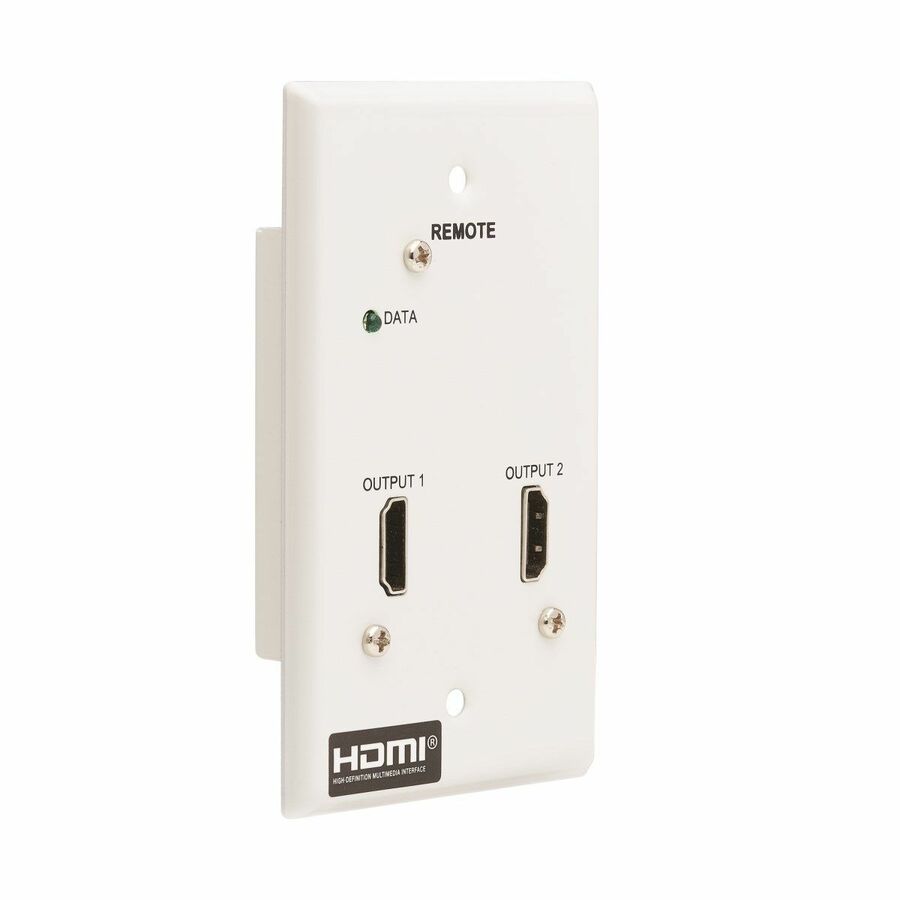
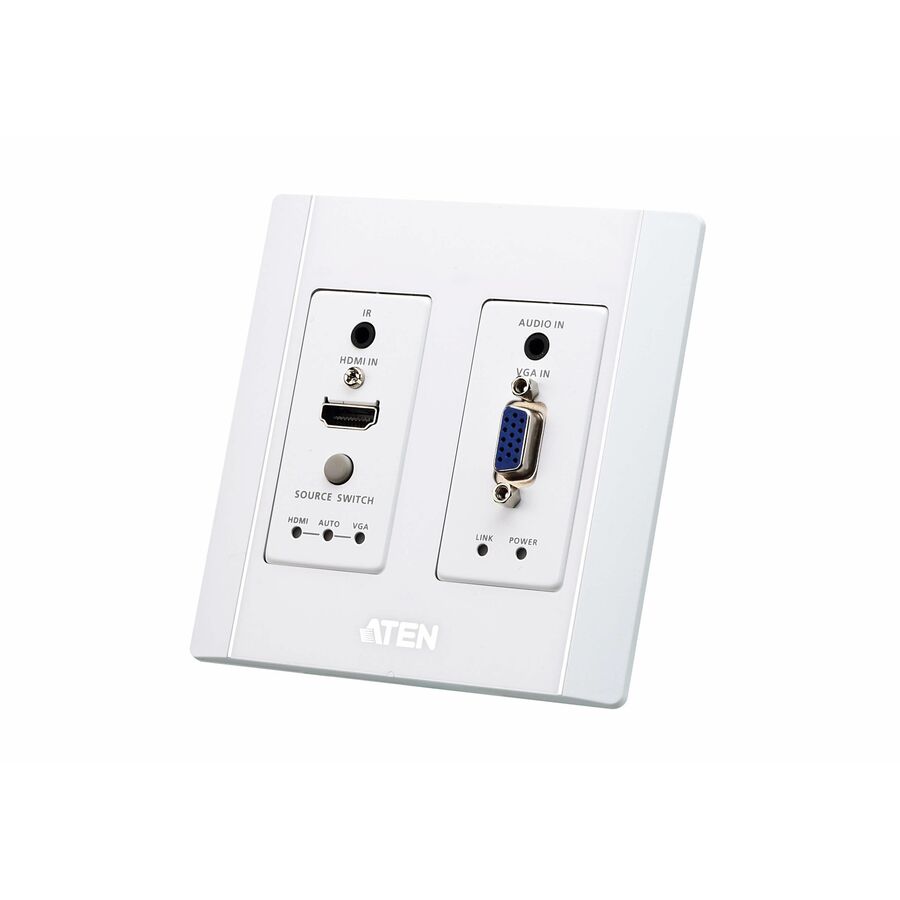
980 in stock - EatonEaton Tripp Lite Series 2-Port HDMI over Cat6 Receiver, Wall Plate - 4K 60 Hz, HDR, 4:4:4, PoC, HDCP 2.2, 230 ft. (70.1 m), TAA - 2 Output Device - 230 ft Range - 1 x Network (RJ-45) - 2 x HDMI Out - 4K UHD - 3840 x 2160 - Twisted Pair - Category 6 - Wall Plate - TAA CompliantB127A-2A0-FH
$93.00
$85.56*
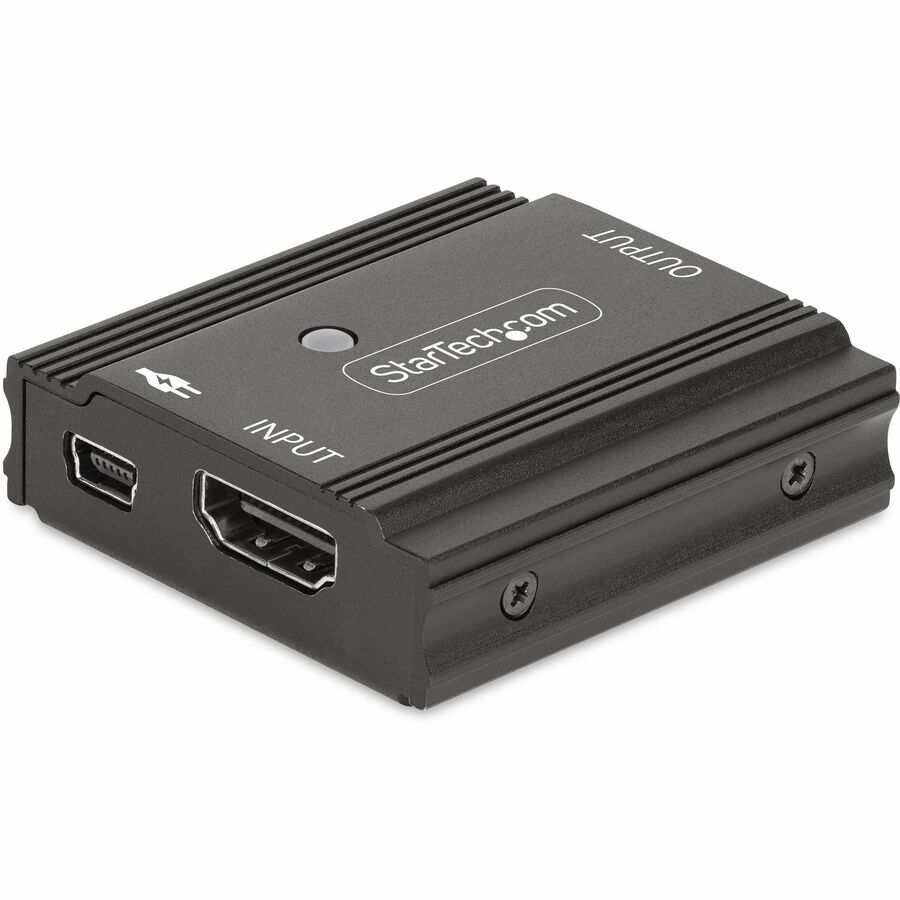
9 in stock - StarTech.comStarTech 33ft (10m) 8K 60Hz HDMI Signal Booster, Active HDMI 2.1 Inline Repeater/Video Signal Amplifier, Compact Cable Extender, TAA - Combine two HDMI cables to make an extra long cable supporting 8K 60Hz / 4K 144Hz; Maximum total cable length of 33ft (10m); TAA Compliant HDMI 2.1 Booster is USB Powered; Inline Signal Repeater supports lower resolutions at longer distances33FT-8K-HDMI-BOOSTER
$108.64
$99.95*
98 in stock






Long-reach pick
SIIG
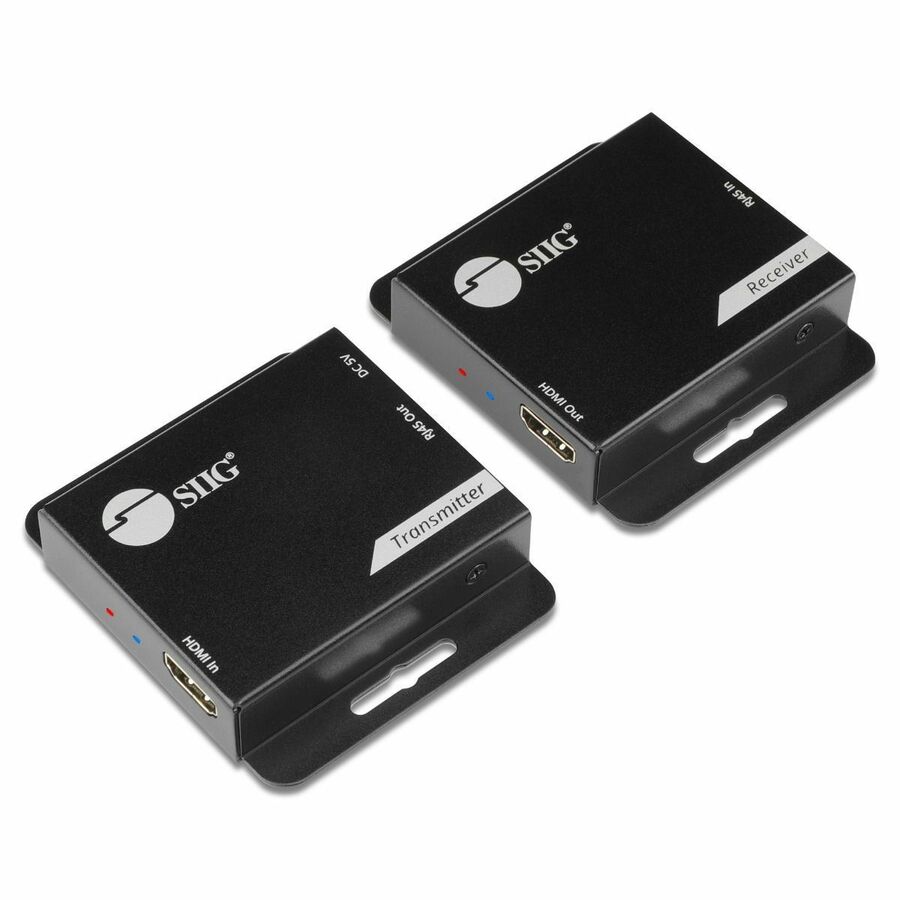
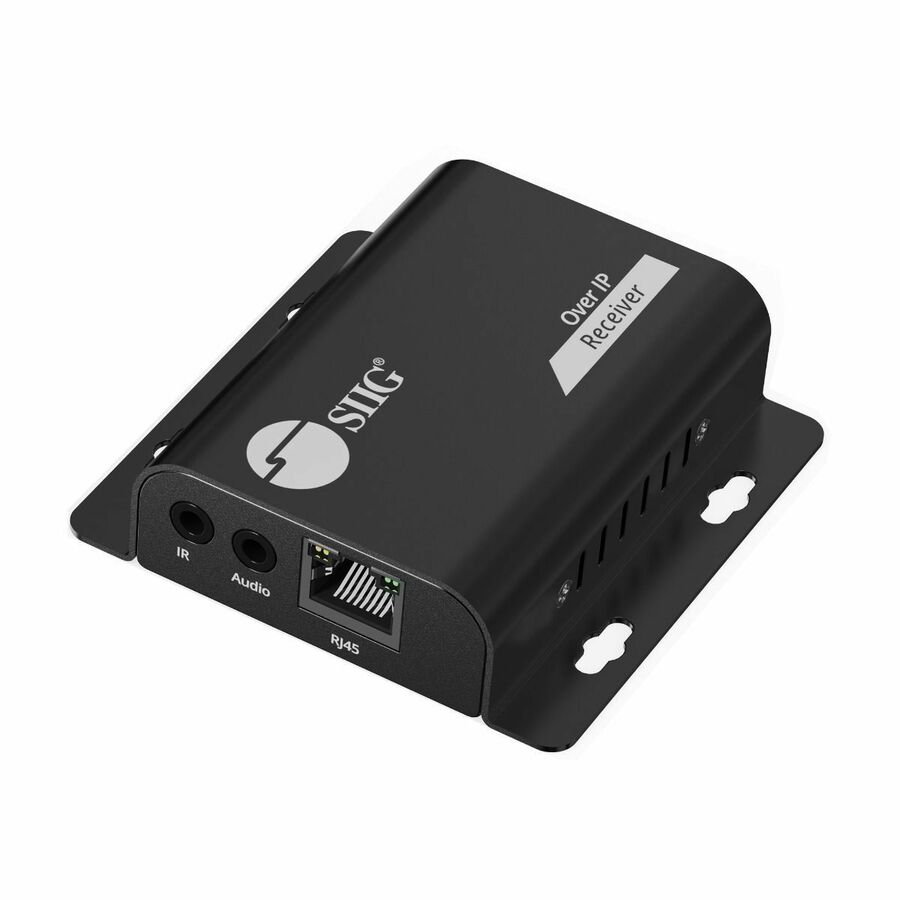
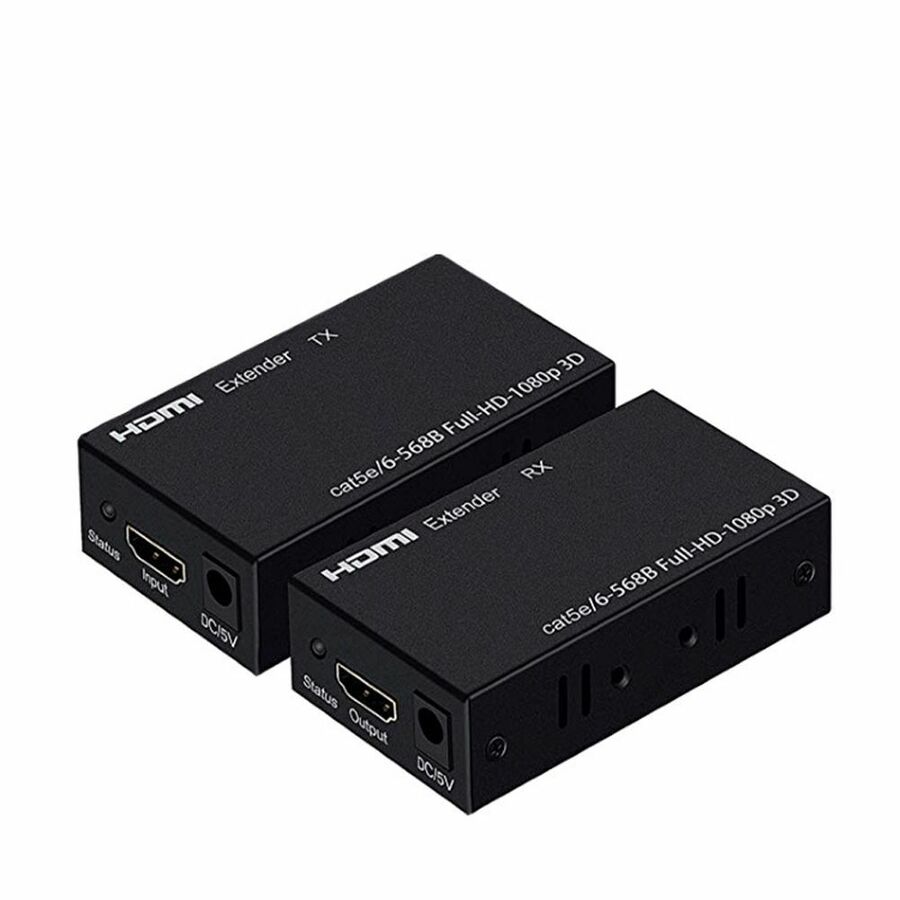
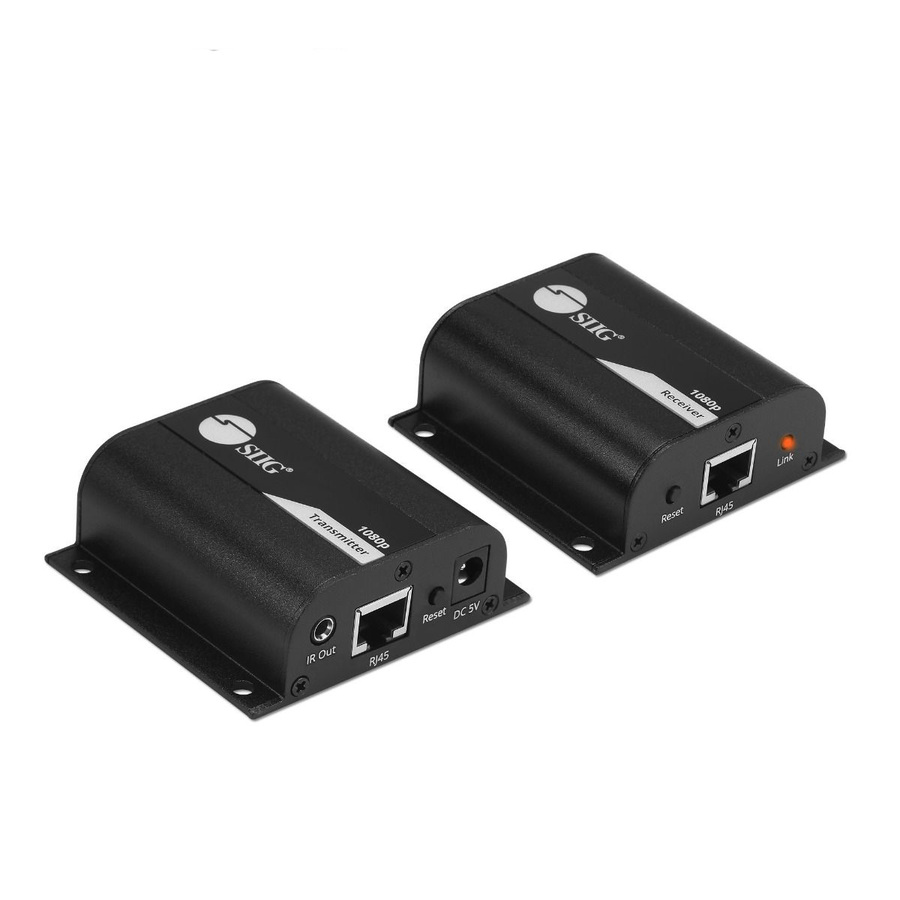
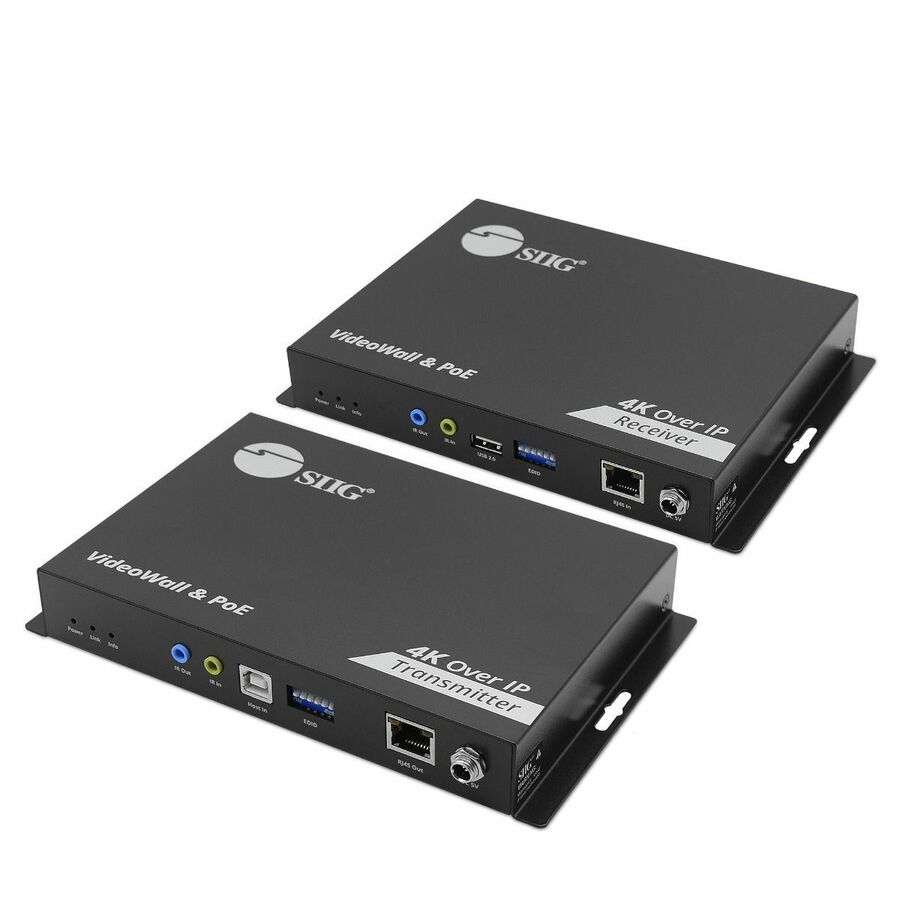
SIIG HDMI Over Cat6 Extender
CE-H3EX01-S1
SIIG's HDMI-over-Cat6 extender in a mountable metal housing, listed at up to 197 ft over a single Cat6 run with power over cable at the remote end. The listing states 720p, 1080i and 1080p at 60 Hz with HDCP 1.4 and 3D support.
1080p-class — for a 4K room, use one of the 4K-rated units instead.
$36.11In stock4K kit pick
Rocstor
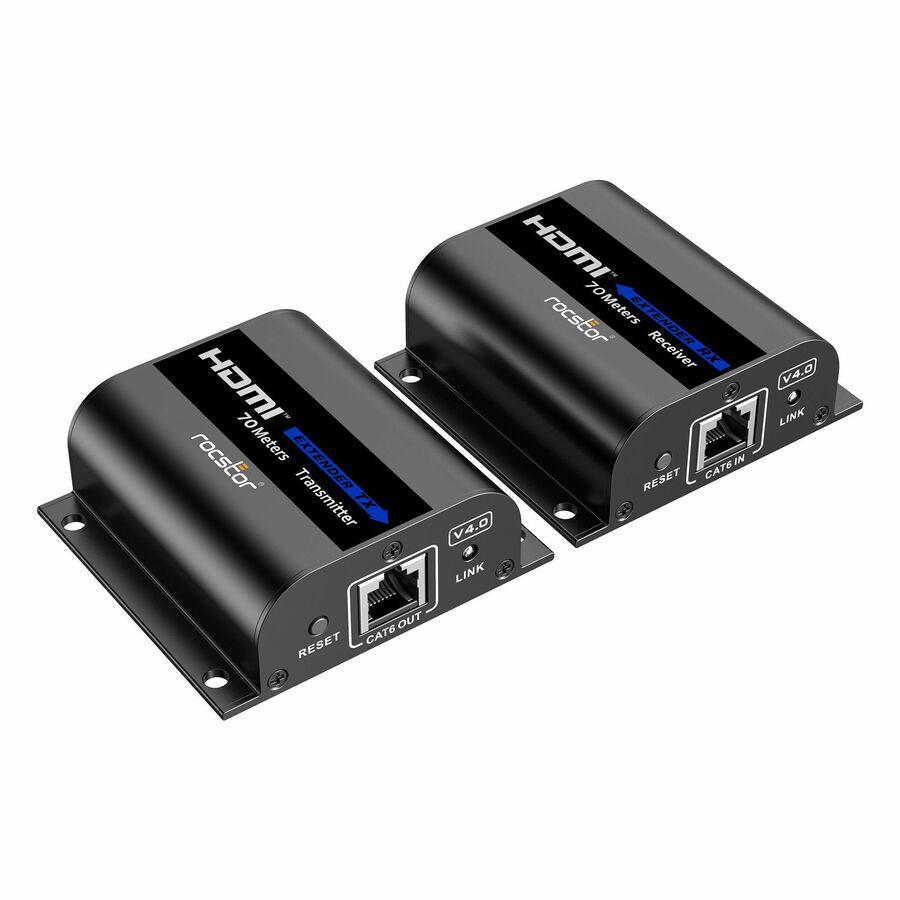
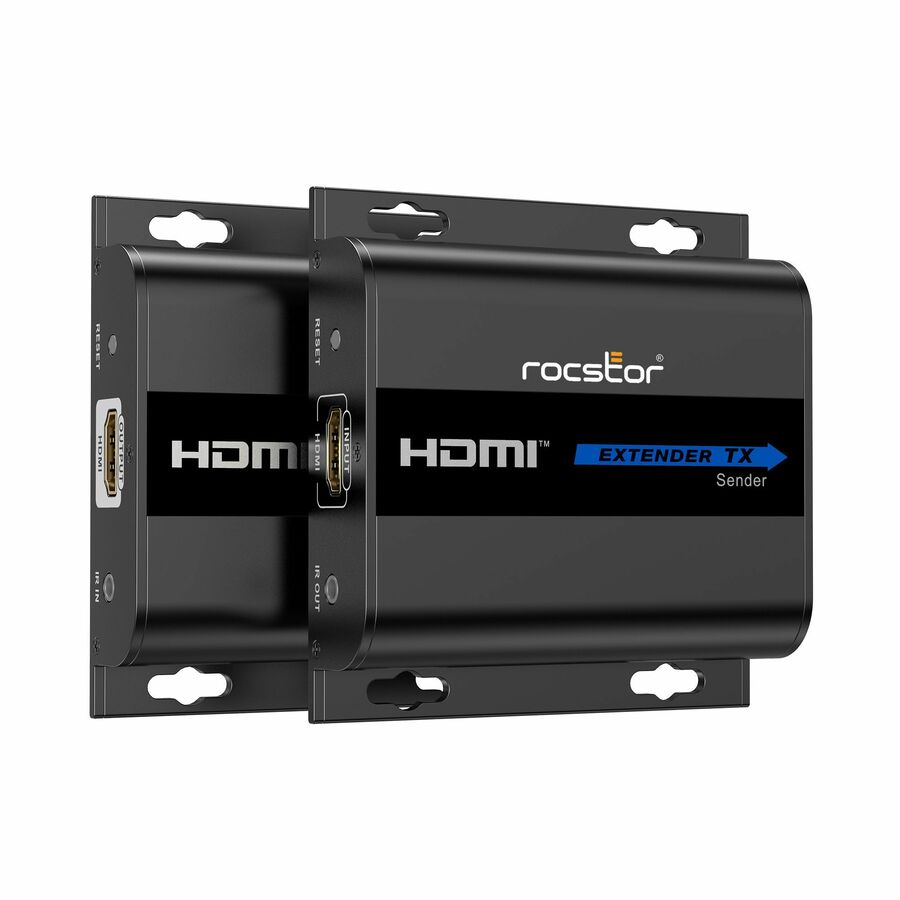
Rocstor TrueReach HDMI Extender over CAT6/CAT6a/Cat7 Ethernet Cable
Y10G008-B1
Rocstor's TrueReach transmitter-and-receiver kit over Cat6, Cat6a or Cat7, listed at 4K 30 Hz to 131 ft or 1080p 60 Hz to 230 ft, with IR pass-back, HDCP 1.4, EDID and HDR support. A metal housing with built-on mounting brackets, and no drivers to install.
$64.36In stock8K booster pick
Eaton
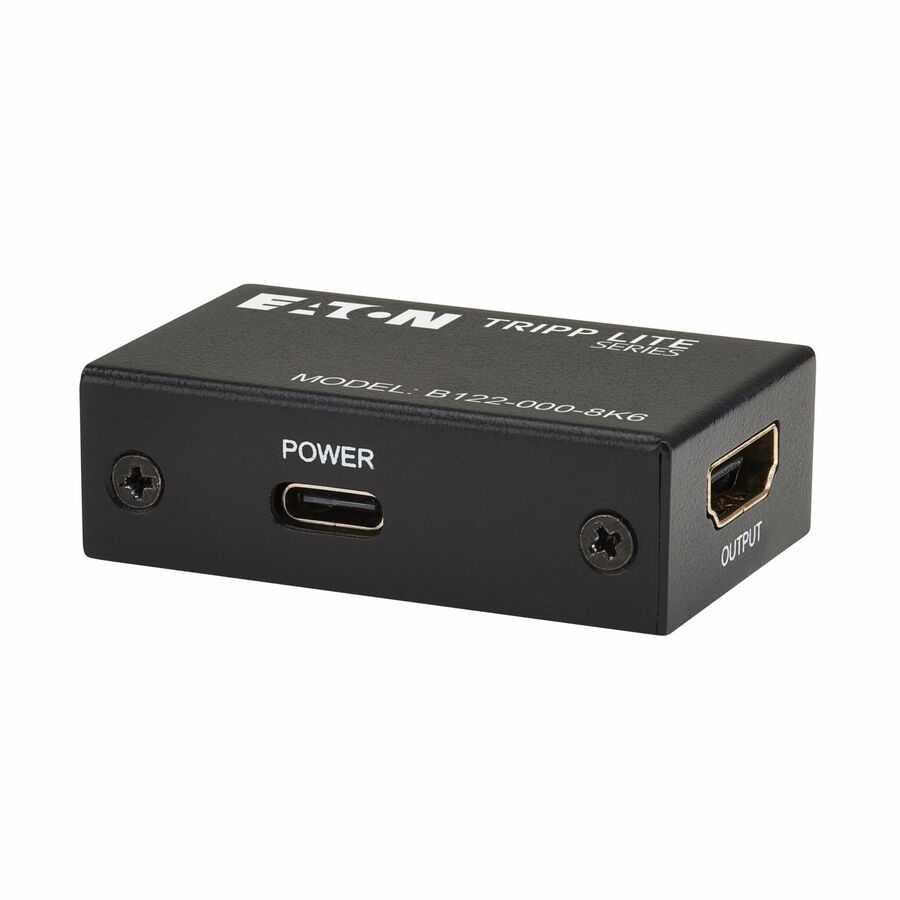
Tripp Lite series 8K HDMI Signal Booster/Extender (F/F)
B122-000-8K6
Not an extender but a signal booster: Tripp Lite's inline unit reconditions an HDMI run and is listed at 8K 60 Hz and 4K 120 Hz with 4:4:4 and HDR10+, up to 10 m. The right tool when the cabling stays HDMI and the run is simply too long.
$55.20In stockTAA-recorded pick
Eaton
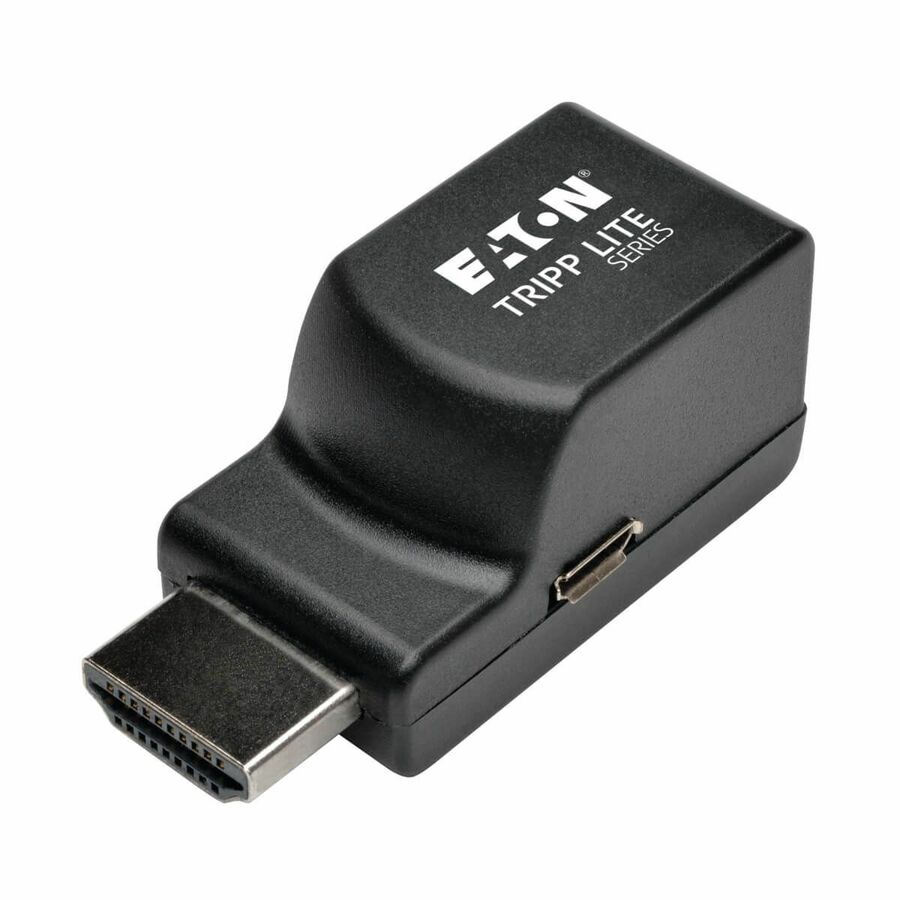
Eaton Tripp Lite Series HDMI over Cat5/6 Passive Extender, Low-Profile…
B126-1P0-MINI
Eaton's low-profile passive receiver for HDMI over Cat5/6, listed at up to 100 ft at 1920 x 1080 and recorded on the manufacturer's listing as TAA compliant. The low-profile body is the point — it fits behind a wall-mounted panel.
Passive receiver — check what is at the transmitter end before ordering.
$49.68*In stock100 ft pick
4XEM
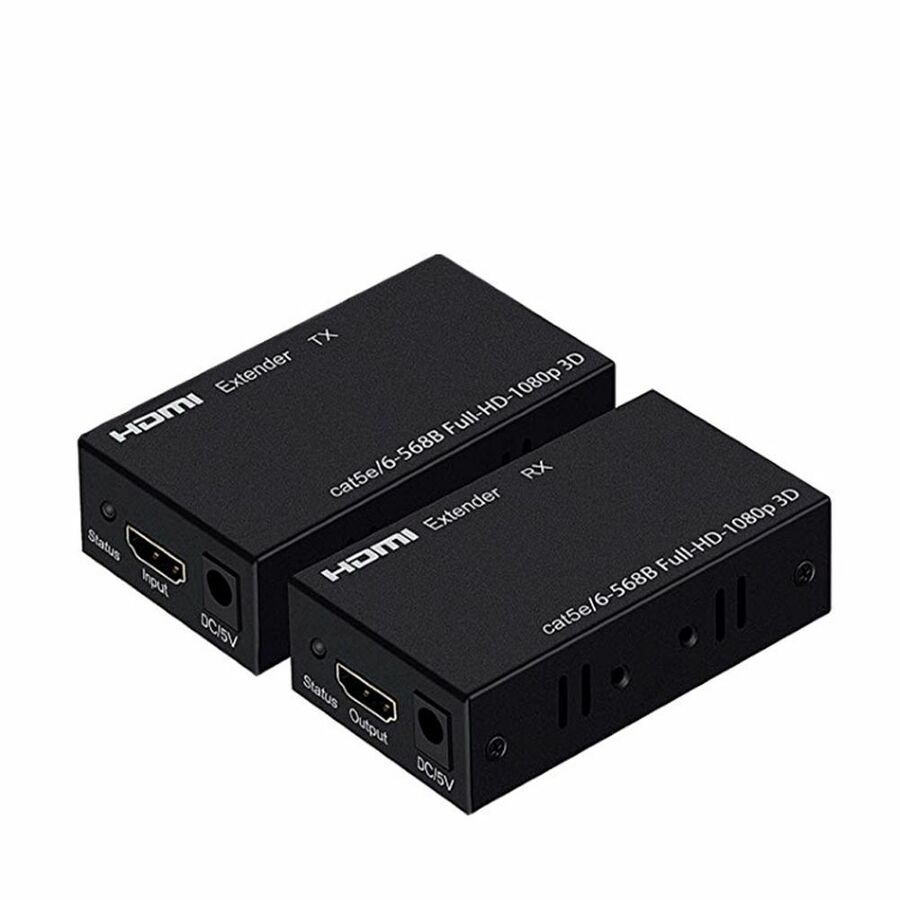
4XEM 30M/100Ft HDMI Extender Over Double Cat-5E or Cat-6 RJ45
4XHDMIEXT30M
4XEM's 30 m extender over Cat5e or Cat6, listed at 98.43 ft range at 1920 x 1080. It uses two network runs rather than one, which is worth knowing before the cabling is pulled.
$62.36In stock150 ft pick
4XEM
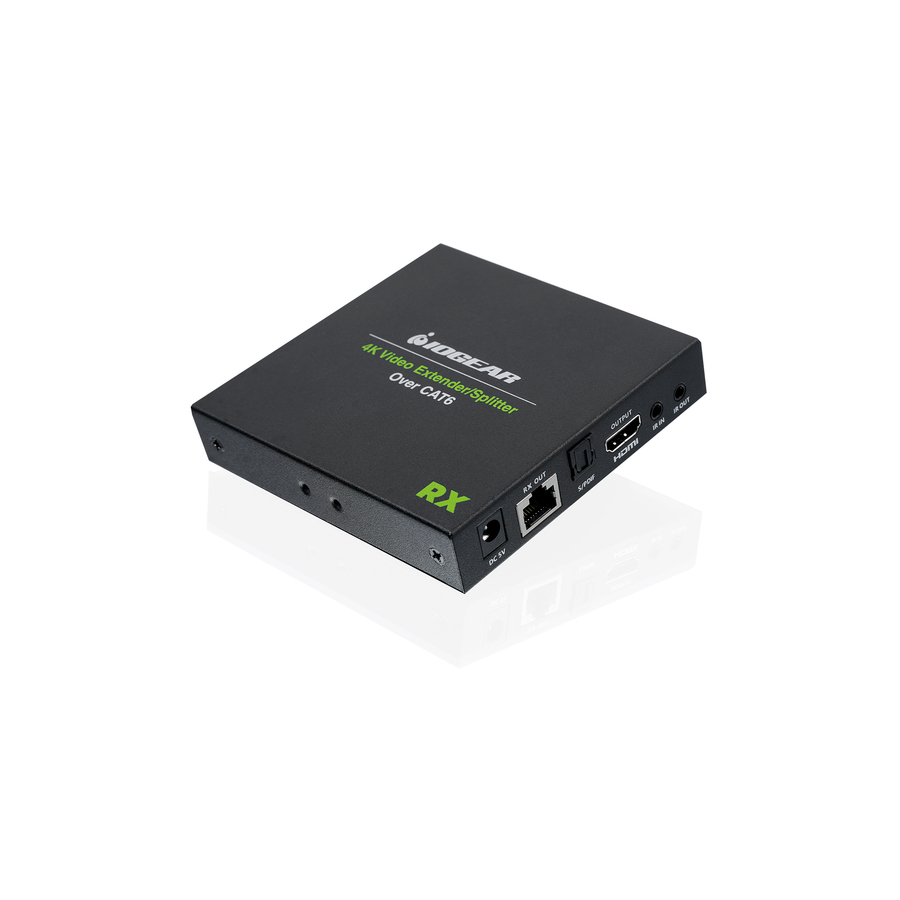
4XEM 50M 150FT HDMI Extender
4XHDMIEXT50M
The 50 m unit in the same family, listed at 150 ft range at 1920 x 1080 over Cat6. For the lecture room or the long corridor run where the display is nowhere near the source.
$67.25In stockMore AV extenders and switching in the Uniqcli catalog
See all 429 AV extenders and switchingMore from across this category. In-stock lines lead, and a back-ordered line carries the same estimated availability its product page does — with live pricing throughout, NDAA §889 screening before checkout and TAA verified on request.
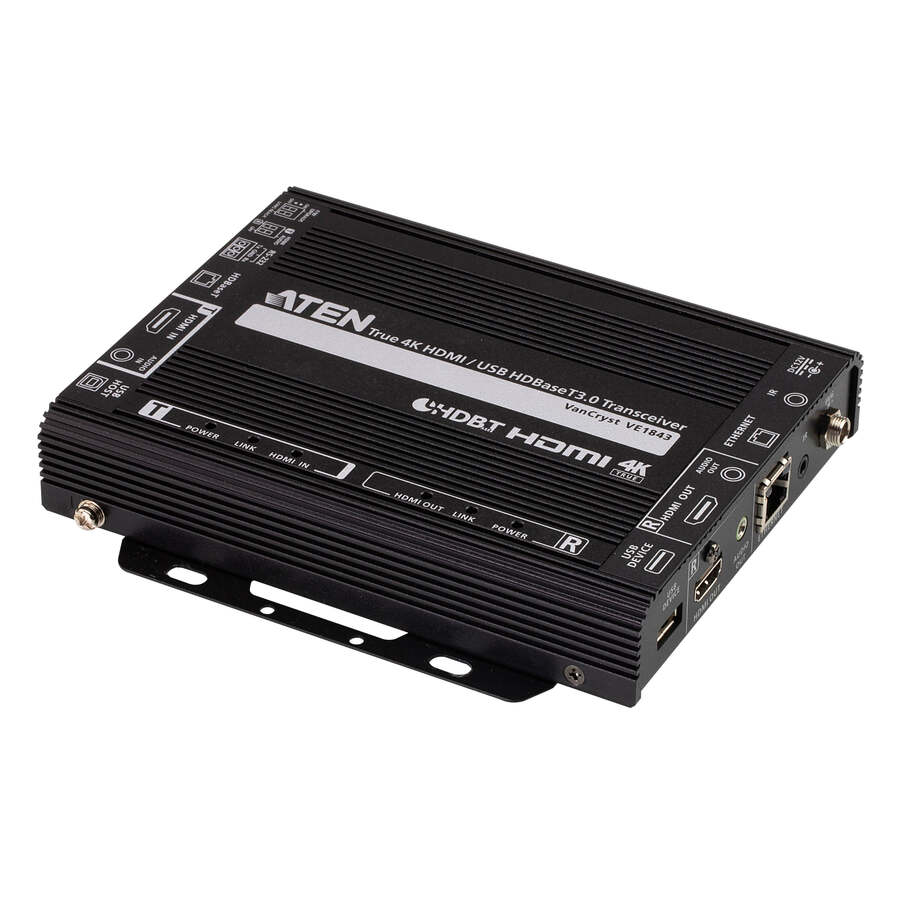
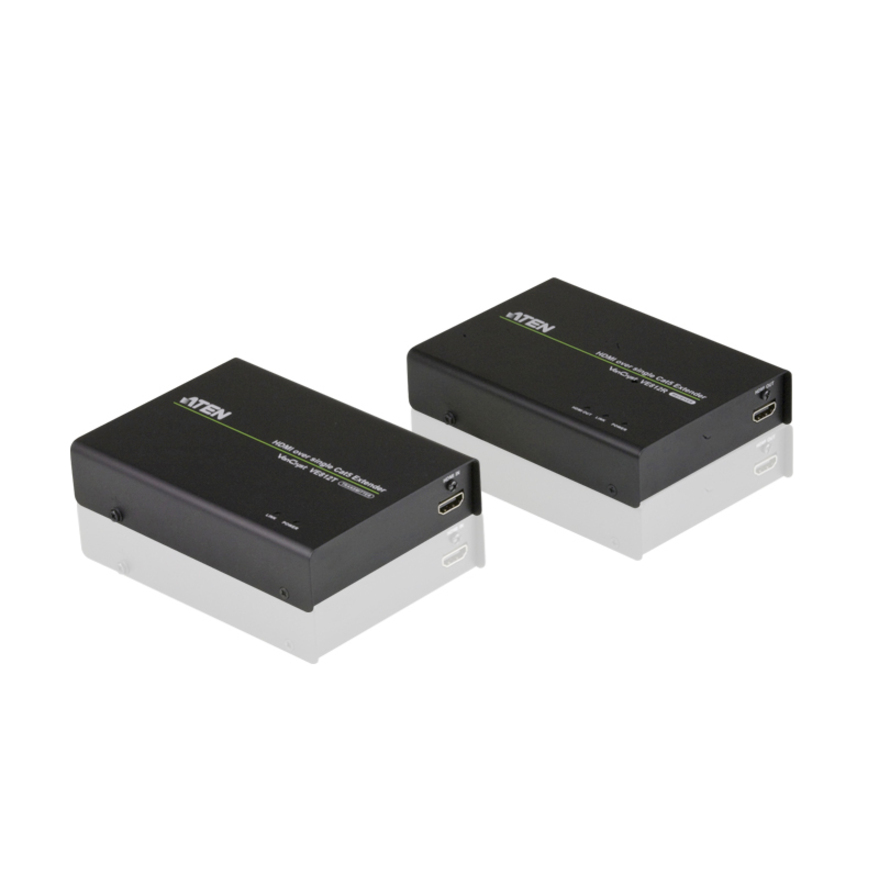
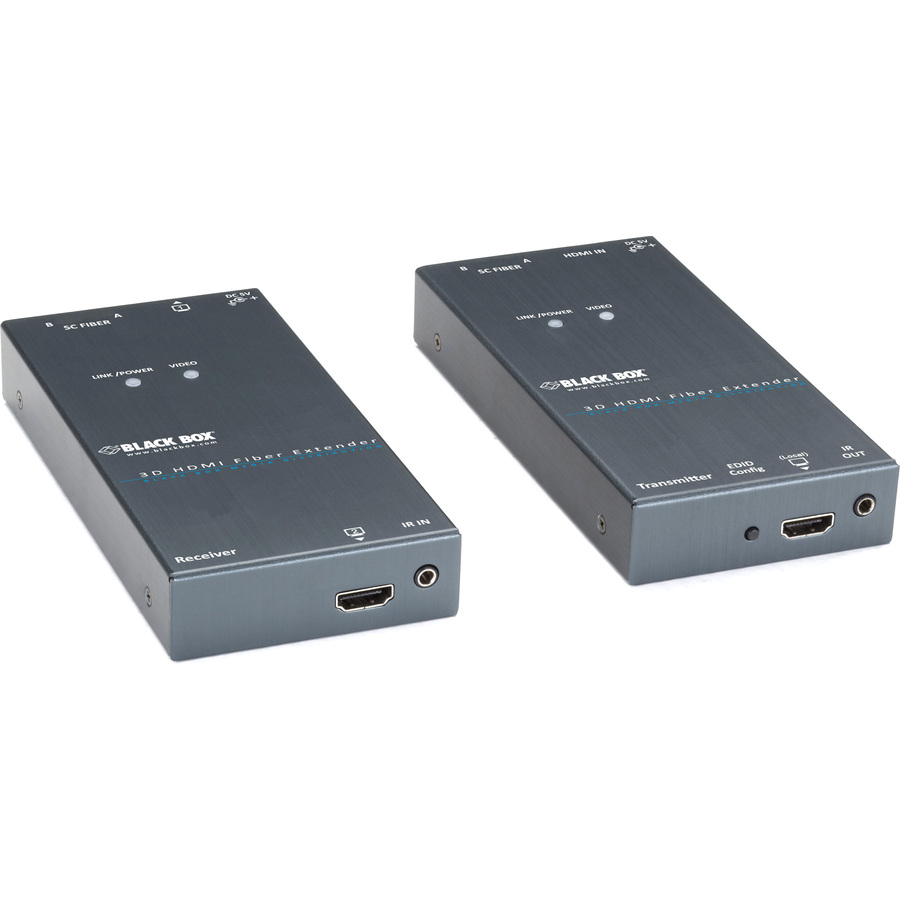
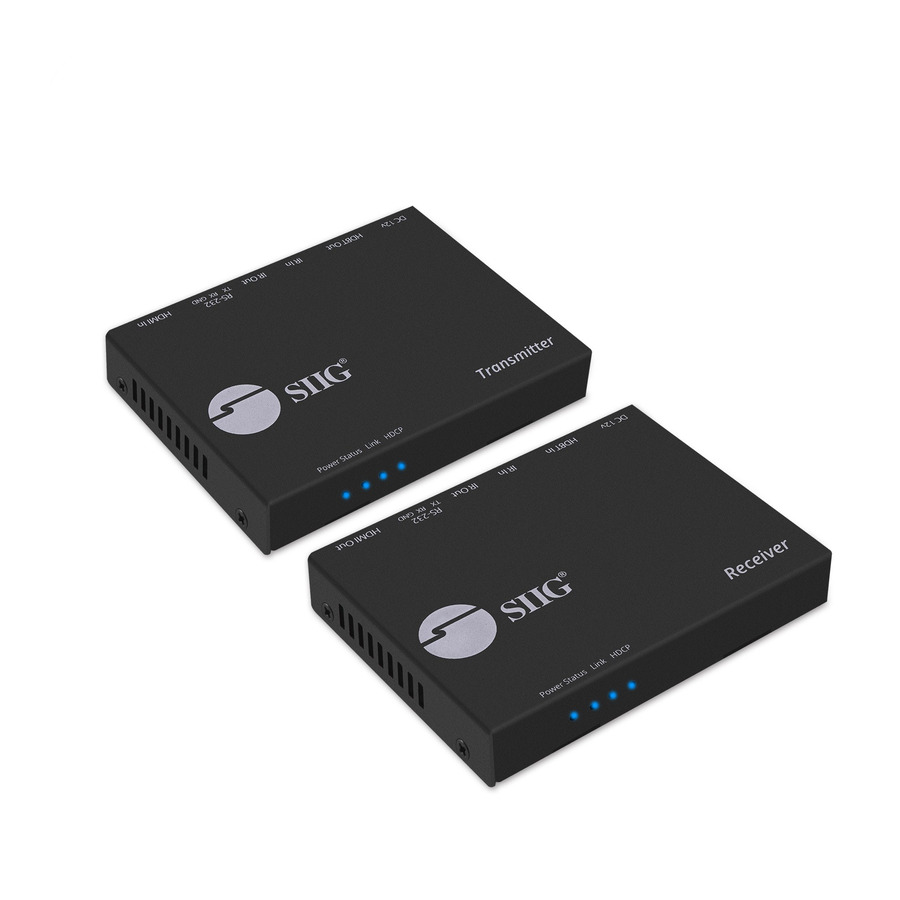
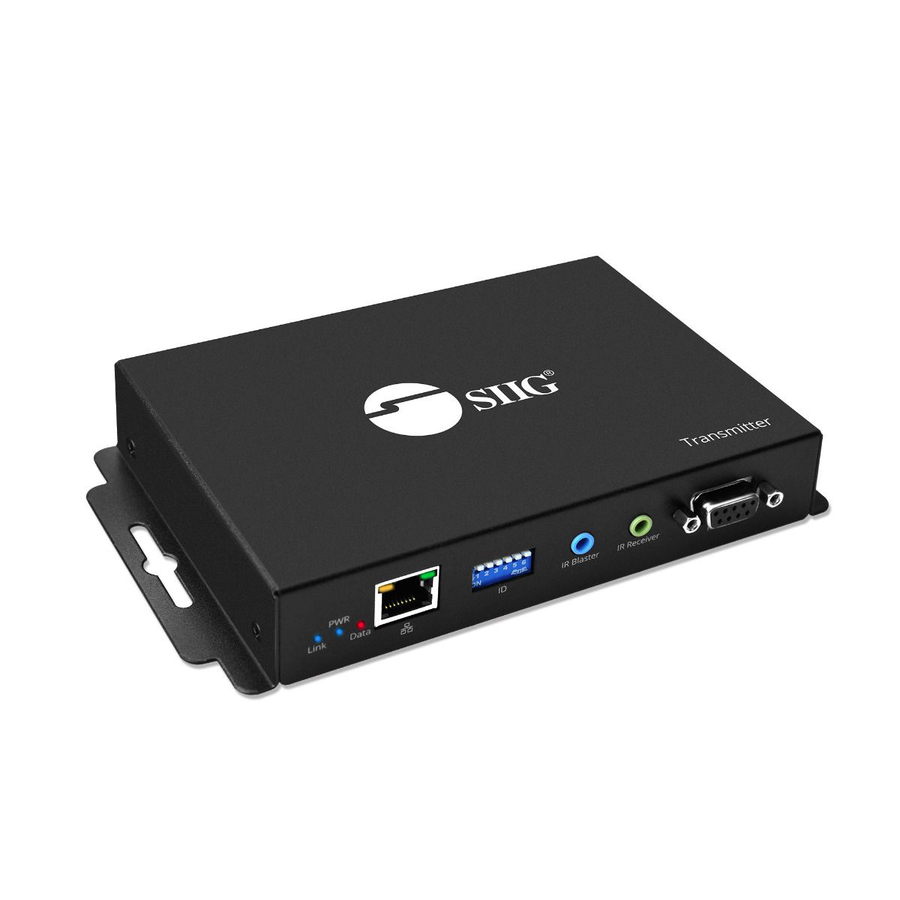
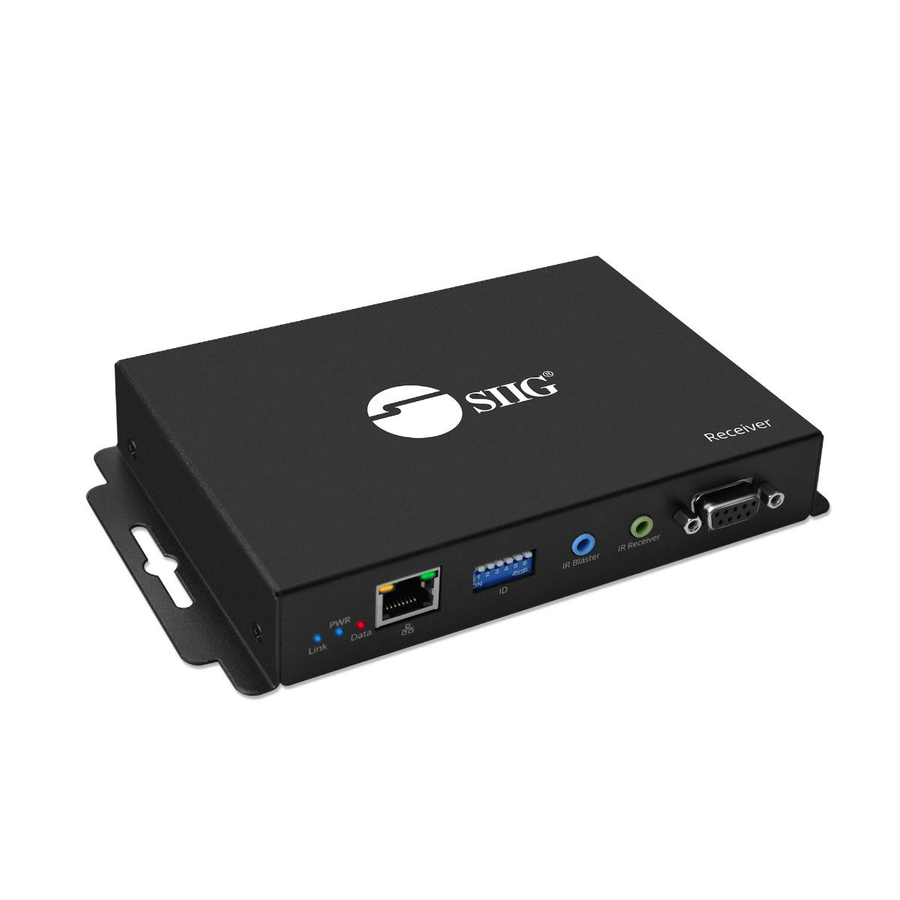
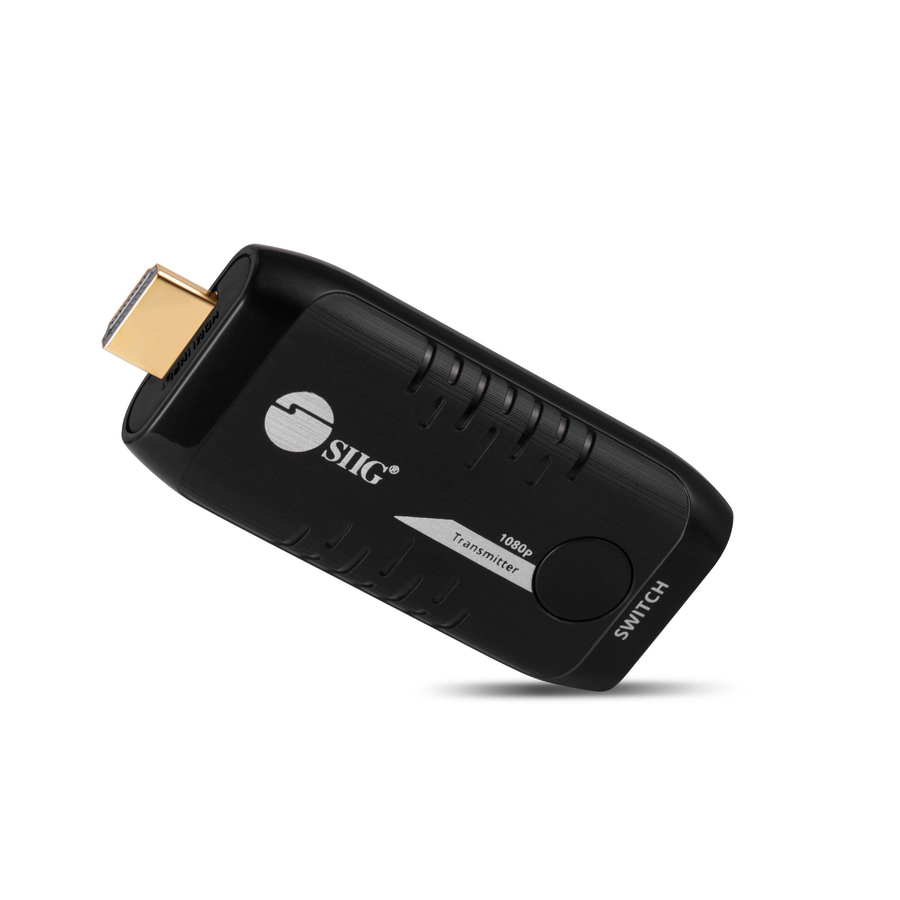
- SIIGSIIG 10x1 1080p Wireless HDMI Extender 66ft - Transmitter - Works with Kit (part # CE-H24D11-S1) Sold SeparatelyCE-H24E11-S1
$227.99
$101.18
28 in stock




Need pricing on HDMI extenders?
Tell us where to reach you and a Uniqcli specialist will follow up by email with current pricing, availability and lead time for the quantities you need — including parts that aren’t shown on this page.
Buying for an organization or for yourself — both work. No payment up front.
Bandwidth against distance is what governs an HDMI extender: the higher the resolution and refresh rate, the shorter the reach before the signal degrades, which is why listings quote a distance at 1080p and a shorter one at 4K. Read the figure at the resolution the room drives, then settle power at each end of the link.
This is a problem discovered late. The room is designed, the display is specified, the table position is agreed, and then someone measures the distance from the floor box to the screen and it is thirty metres. Passive HDMI does not go thirty metres — at high bandwidth it struggles past about three — and the fix is either an extender pair over structured cabling or a fiber HDMI assembly. Which one depends on the distance, the resolution and whether there is a Cat6 run in the wall already.
The arithmetic that governs is bandwidth against distance. HDMI carries a lot of data over copper, and the higher the resolution and refresh rate, the shorter the reach before the signal degrades. That is why extender listings quote two numbers rather than one: a distance at 1080p and a shorter distance at 4K. Read both, and read them against what the room actually drives — a 4K panel fed 1080p because nobody checked the extender is a common and avoidable disappointment.
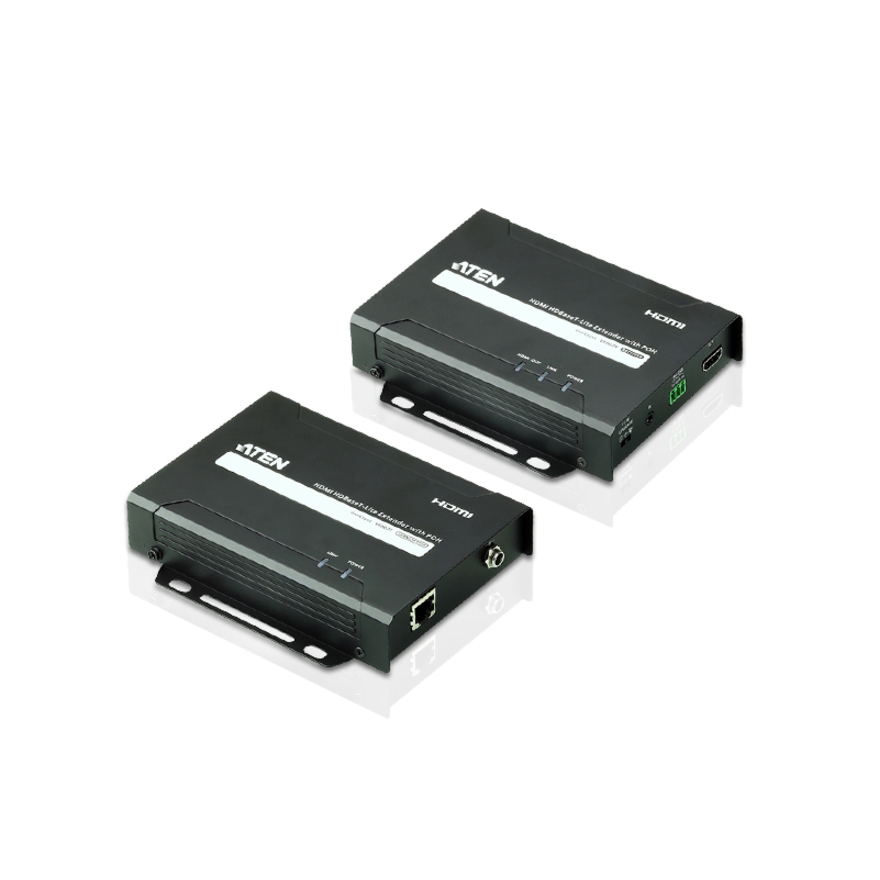
The other thing to settle early is power. Many extenders are transmitter-and-receiver pairs where the remote end draws power over the same cable that carries the signal (listed as PoC, power over cable), which means one power supply at the source and nothing behind the display. Others need mains at both ends, and a display bracket with no socket behind it is where that gets discovered. The selection below is drawn from the HDMI extenders and boosters Uniqcli currently carries, with live pricing and stock on each card.
Buyer's checklist
How to choose an HDMI extender
- Measure the actual cable route, not the straight-line distance — a run that goes up a wall, across a ceiling and back down is often half again as long as the room is wide.
- Read the reach figure AT YOUR RESOLUTION. Extenders list a longer distance at 1080p and a shorter one at 4K, and the 4K number is the one that matters for a modern room.
- Check the cable category the listing specifies — most extenders assume solid-core Cat6, and some older designs need two runs rather than one.
- Confirm power: a power-over-cable design needs mains only at the transmitter, while a two-supply design needs a socket behind the display, which a wall bracket may not have.
- Decide whether you need a booster or an extender. A booster reconditions the signal on a single long HDMI cable; an extender converts to twisted pair and back, and reaches much further.
- Check for IR pass-back if the source has to be controlled from the display end — it is a separate feature, not a given.
- Standardize one extender across a room programme so spares, install instructions and the commissioning checklist stay identical from room to room.
Where passive HDMI stops working
HDMI is a high-bandwidth copper interface with no active signal recovery in a plain cable, so attenuation sets the limit and bandwidth sets how quickly attenuation matters. At 1080p a good passive cable will run a surprisingly long way. At 4K with high refresh and full chroma the usable passive distance collapses toward a couple of metres, which is why a cable that worked fine on the old projector fails on the new panel in the same room. The failure mode is usually not a gradual softening but a black screen or intermittent sparkle, because the link either negotiates or it does not.
Two devices solve two different versions of this. A signal booster sits inline on a single HDMI run and reconditions the signal, extending a copper cable by a useful margin without changing the cabling type — the right tool for a rack-to-lectern run that is just too long. An extender converts HDMI to twisted pair at the source and back at the display, which is why it reaches tens of metres over Cat6 and why it needs structured cabling rather than an HDMI cable. For genuinely long runs, an active optical HDMI assembly with the electronics built into the connectors is a third option and often the tidiest.
Reading the two distance numbers
Nearly every extender listing quotes reach twice, and the difference between the two figures is the whole specification. One number is at 1080p, and it is the marketing number. The other is at 4K, often at 30 Hz rather than 60, and it is the number that governs whether the room works. A unit listed at 70 m for 1080p and 40 m for 4K is not a 70 m unit in a room with a 4K display in it.
Check the refresh rate and the chroma alongside the resolution. 4K at 30 Hz is adequate for slides and documents and visibly unpleasant for anything that moves, including a cursor. 4K at 60 Hz with 4:4:4 chroma is what a room needs if people will read text from a laptop on the big screen. Those are three separate figures on the listing and they compound, so read the full line rather than the headline.
One room, and then twelve
A single meeting room is a cart purchase: one extender, one Cat6 run, done. A room programme is a different scope, and it is where standardizing pays. One extender model across every room means one install instruction, one commissioning checklist, one spare on the shelf and one set of behaviours for the support desk to learn. Mixing four models across twelve rooms because each was bought separately is how AV estates become unsupportable.
It is also where the rest of the room shows up: displays and mounts, the conferencing camera and audio, the switching and cabling, the room-booking and conferencing licences the space needs to be usable, and the design, staging and installation labour to make it work on the day. Uniqcli quotes the whole shape through US distribution rather than only the hardware, so a twelve-room standard is one scope of work instead of a sequence of surprises.
FAQ
Common questions
- How far can HDMI run without an extender?
- It depends entirely on the bandwidth. At 1080p a good passive cable runs a useful distance; at 4K with high refresh and full chroma the reliable passive distance collapses toward a couple of metres, which is why a cable that worked with an older projector can fail with a new 4K panel in the same room. Past that you need either a signal booster inline on the HDMI run, an extender pair over structured cabling, or an active optical HDMI assembly. The failure is usually abrupt rather than gradual — a black screen or intermittent sparkle — because the link either negotiates or it does not.
- What is the difference between an HDMI booster and an HDMI extender?
- A booster sits inline on a single HDMI cable and reconditions the signal, buying extra distance without changing the cabling type — the right tool for a rack-to-lectern run that is only somewhat too long. An extender is a transmitter and receiver pair that converts HDMI to twisted pair at the source and back at the display, which is what lets it reach tens of metres over Cat6. The trade is that an extender needs structured cabling in the wall and introduces two more devices to power and commission, while a booster needs neither.
- Do HDMI extenders support 4K?
- Many do, but at a shorter distance than the same unit manages at 1080p, and the listings quote both figures for exactly that reason. Read the 4K number rather than the headline: a unit listed at 70 m for 1080p and 40 m for 4K is a 40 m unit in a 4K room. Check the refresh rate and chroma alongside the resolution too — 4K at 30 Hz is fine for slides and unpleasant for anything that moves, while 4K at 60 Hz with 4:4:4 is what a room needs if people will read laptop text from the big screen.
- What cabling does an HDMI extender need?
- Most current extenders specify solid-core Cat6, and some designs need two runs rather than one, which is a decision that has to be made before the cabling is pulled rather than after. Stranded patch cable will often work over short distances and will disappoint at the reach the listing quotes. Where the extender supports power over cable, only the transmitter end needs mains — worth confirming early, because a display on a wall bracket frequently has no socket behind it and adding one is an electrician's visit rather than an afternoon.
- Can Uniqcli quote AV hardware for a multi-room programme?
- Every line Uniqcli quotes is sourced through US distribution and screened for TAA country-of-origin and NDAA §889 status before checkout — with documentation tied to the specific part number, not a product family.
Need HDMI extenders pricing?
Send a bill of materials or part numbers — we confirm stock and a below-market total, with TAA verified on request. No payment up front.