
Best AV-over-IP Extenders for Distributed Video
HDMI, DisplayPort and audio-over-IP encoders, decoders, kits and video-wall controllers — selected by resolution, distance, PoE and multicast topology.
AV-over-IP extenders in stock at Uniqcli
How to choose →A curated selection with live pricing — in-stock lines first, then back-ordered lines with a typical lead time. Every line is sourced through US distribution and screened for NDAA §889 status before checkout, with TAA verified on request.
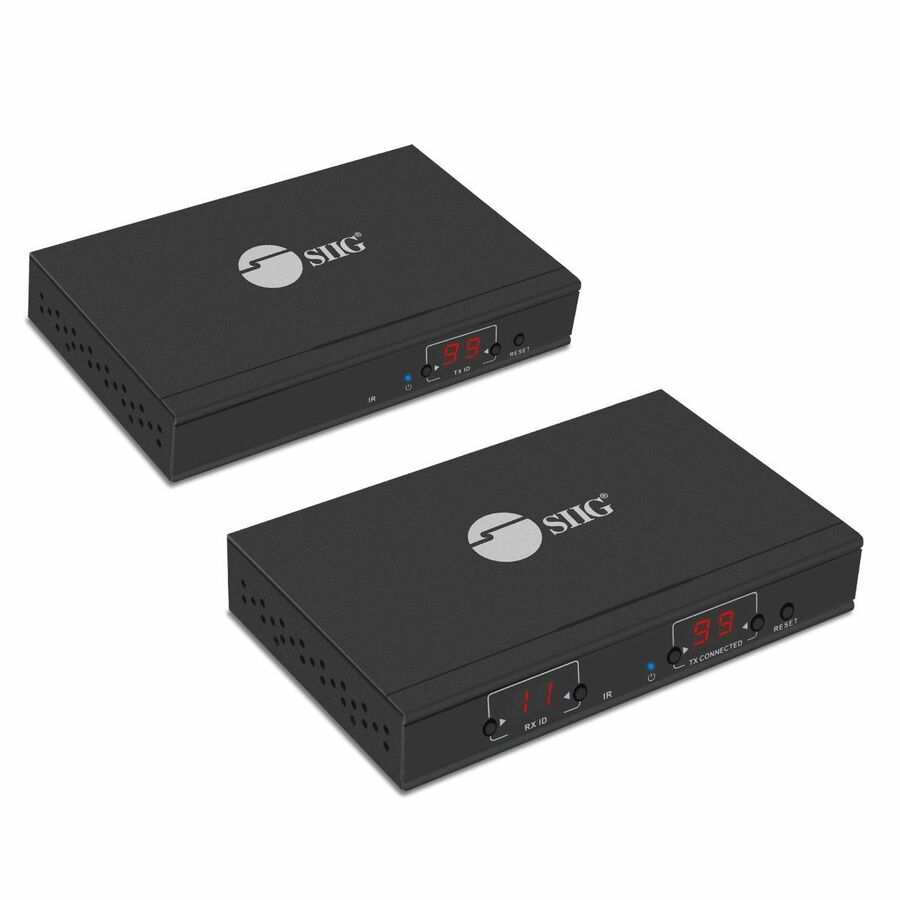
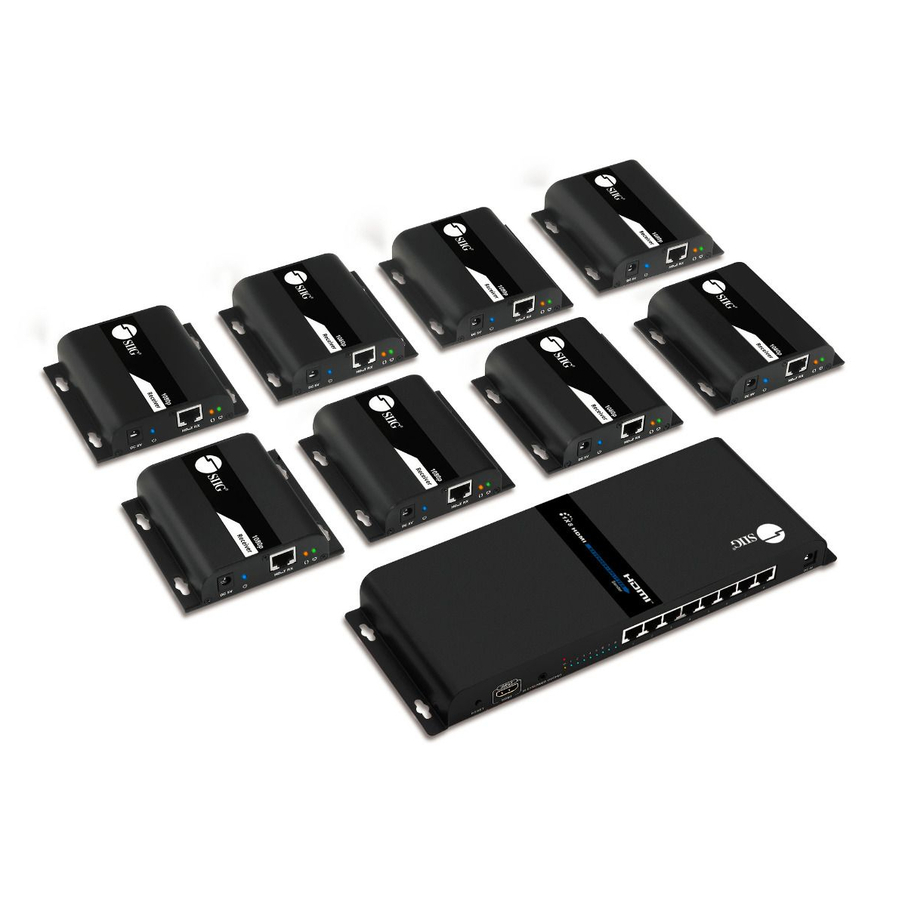
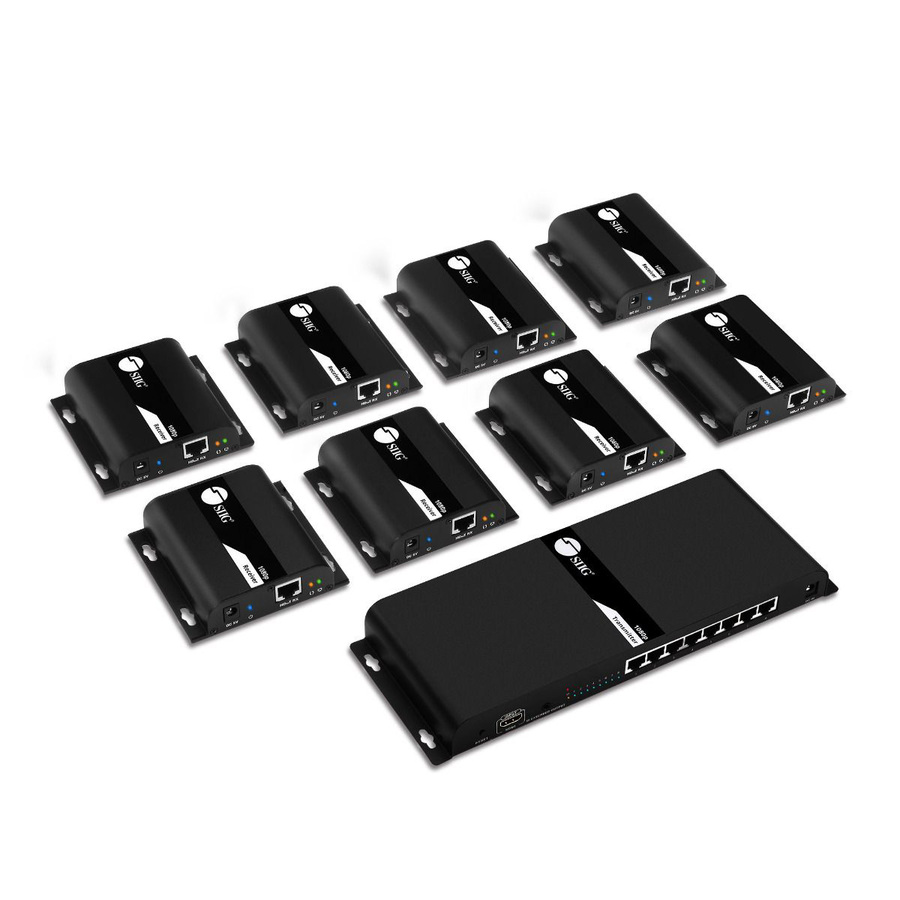
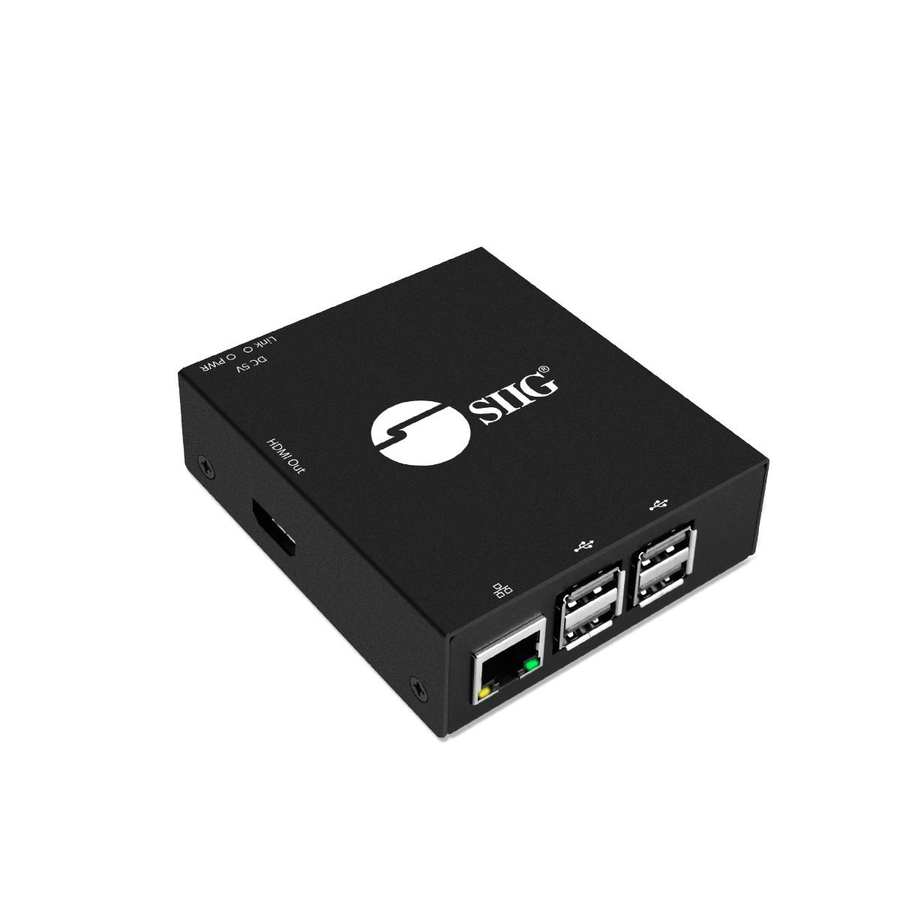
- SIIGSIIG HDMI Over IP Extender / Matrix with IR - Transmitter - 1080p - Through CAT5e/6 up to 120MCE-H23B11-S1
$118.20
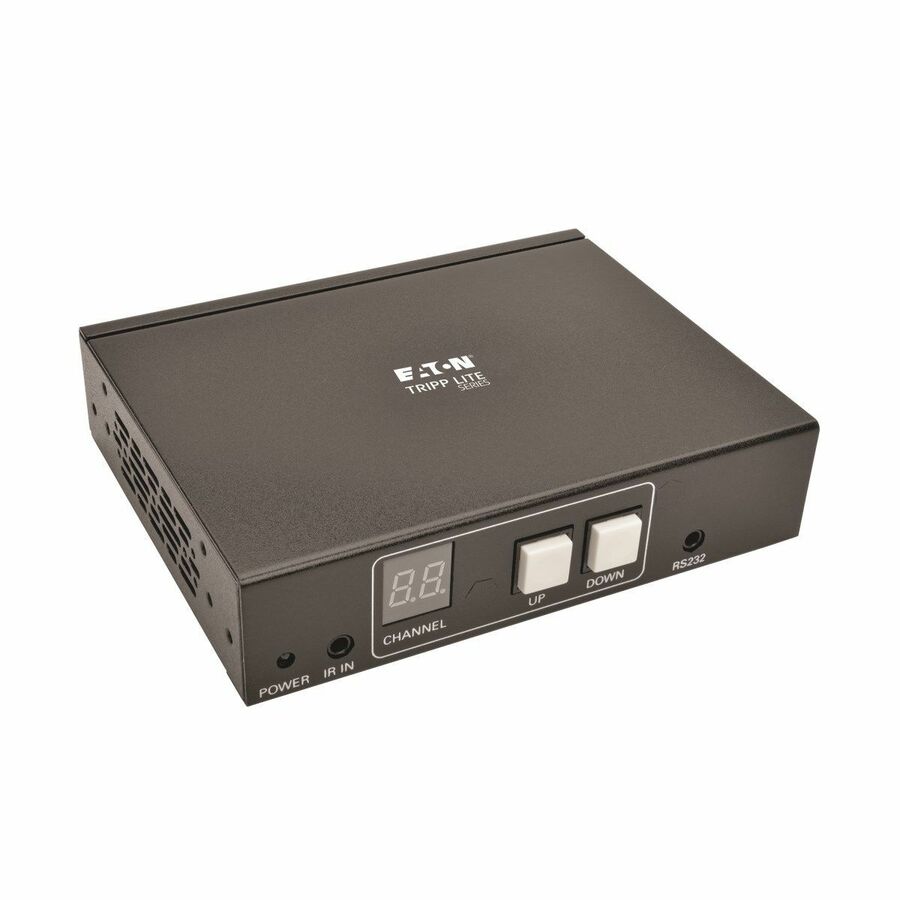
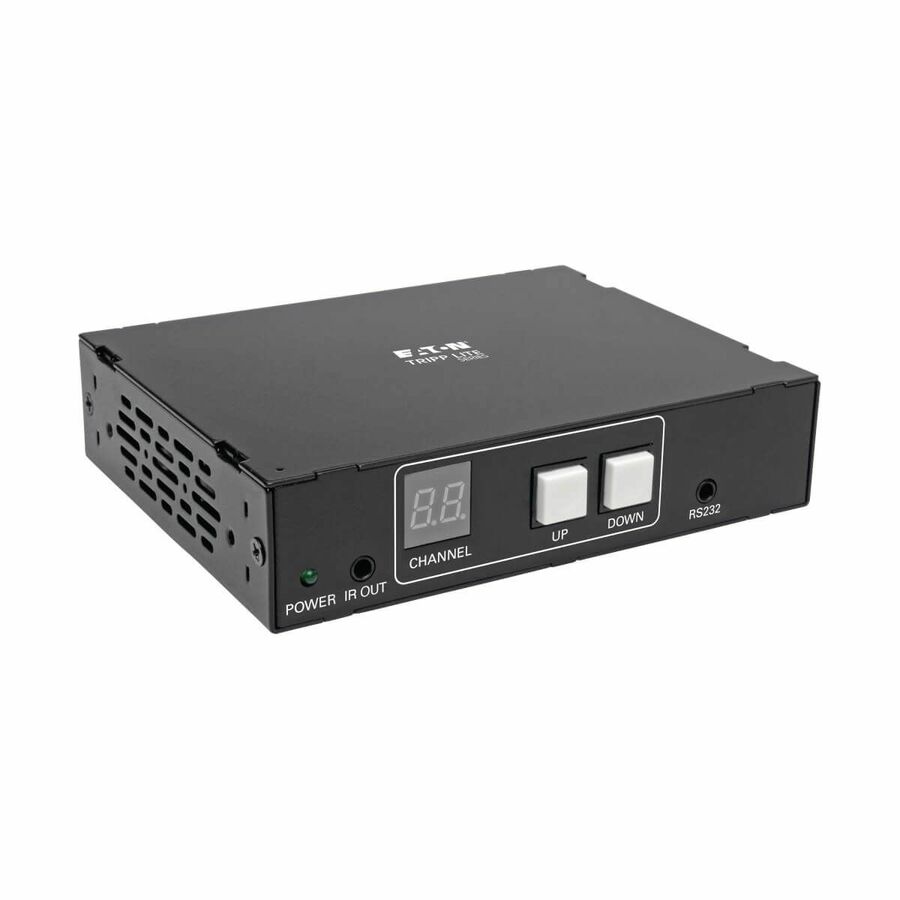
31 in stock - EatonEaton Tripp Lite Series DisplayPort over IP Extender Receiver over Cat5/Cat6, RS-232 Serial and IR Control, 1080p 60 Hz, 328 ft. (100 m), TAA - 1 Output Device - 656.17 ft Range - 1 x Network (RJ-45) - DisplayPort - Serial Port - Full HD - 1920 x 1080 - Twisted Pair - Category 6 - Wall Mountable, Rack-mountable, Pole-mountable - TAA CompliantB160-100-DPSI
$186.00
$171.12*
10 in stock - SIIGSIIG Full HD HDMI Over IP Extender Kit - 120M - Over IP Networks - Many to Many - Supports HDBit-TCE-H23A11-S2
$245.58
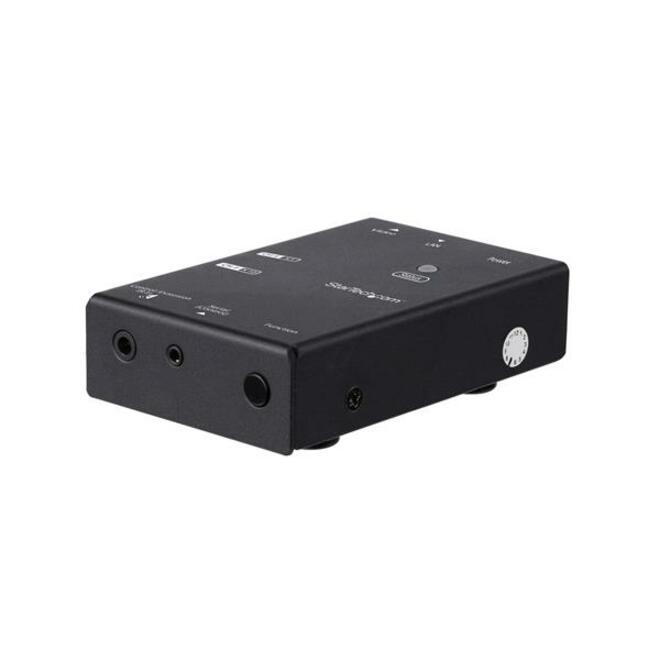
42 in stock - StarTech.comStarTech HDMI over IP Extender with Video Compression, HDMI over CAT6 Extender, 1080p, TAA - Broadcast your HDMI signal to multiple locations throughout your site using your existing network - HDMI over IP extender - HDMI over CAT6 extender - Newer Version Available: ST12MHDLAN2K supports 100m/330ft range and video wall supportST12MHDLNHK
$446.89
$411.14*
149 in stock


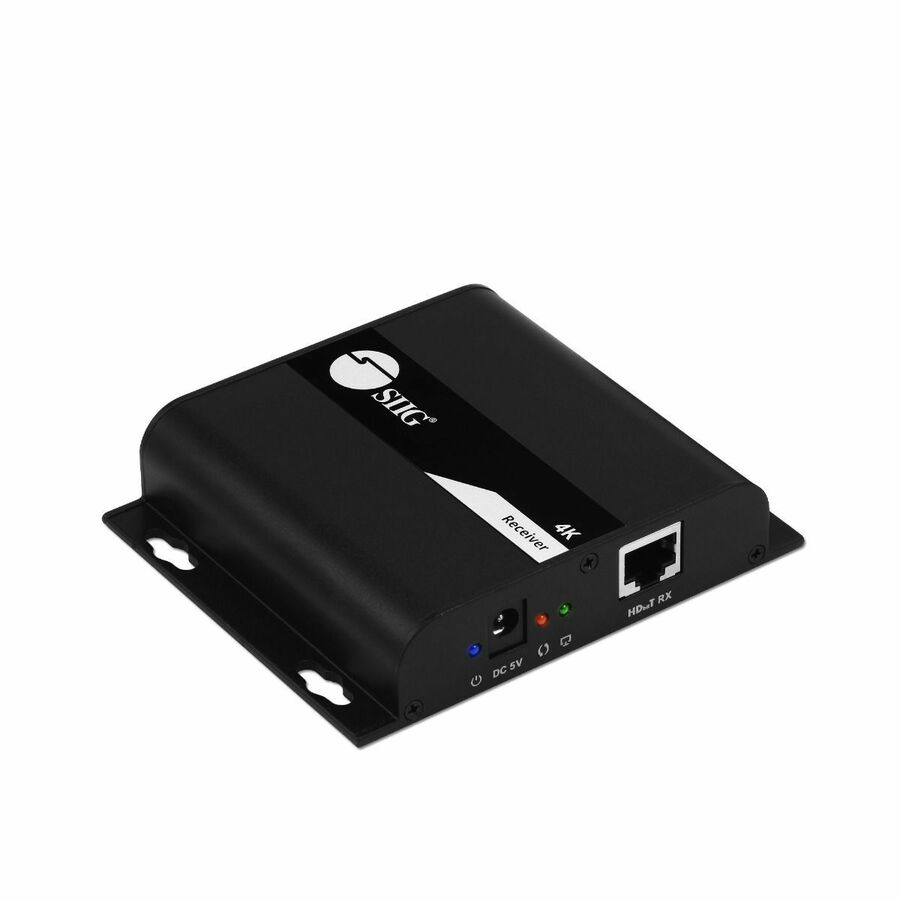
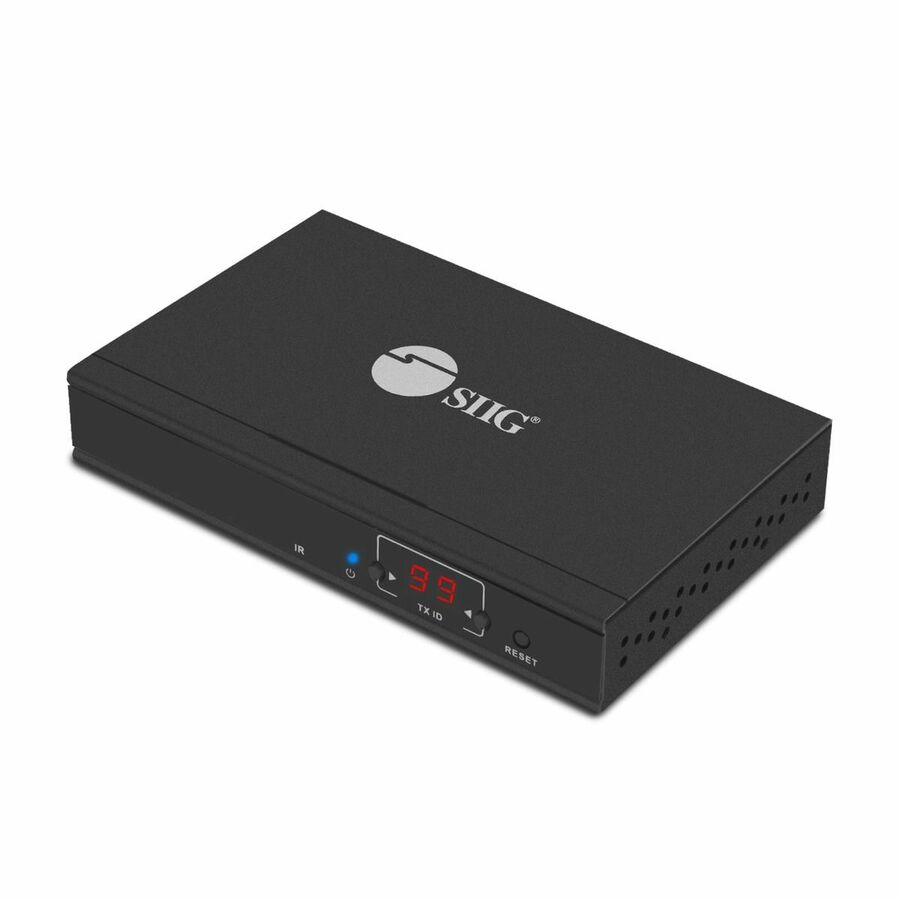
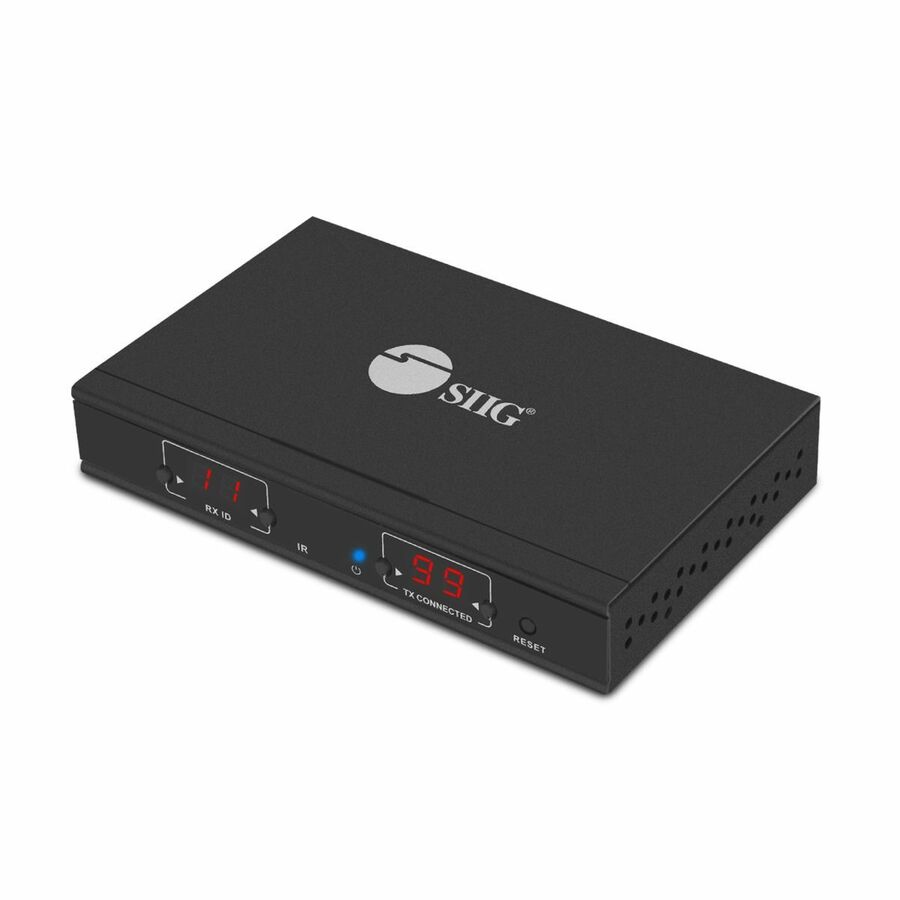


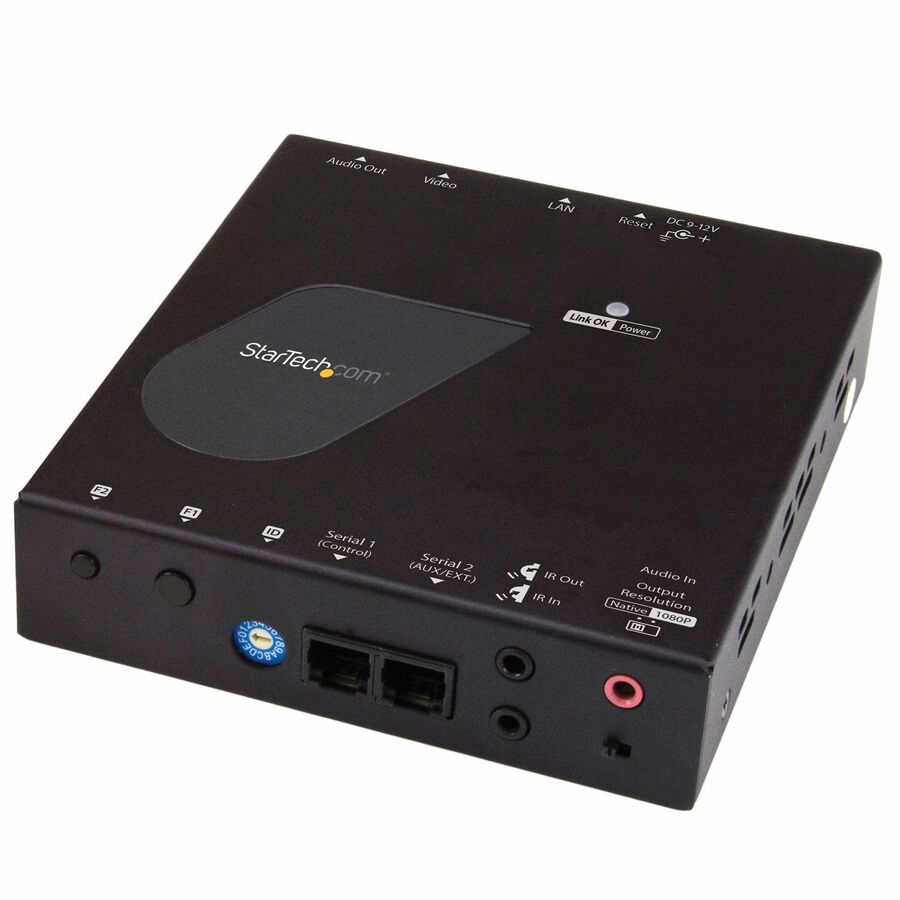
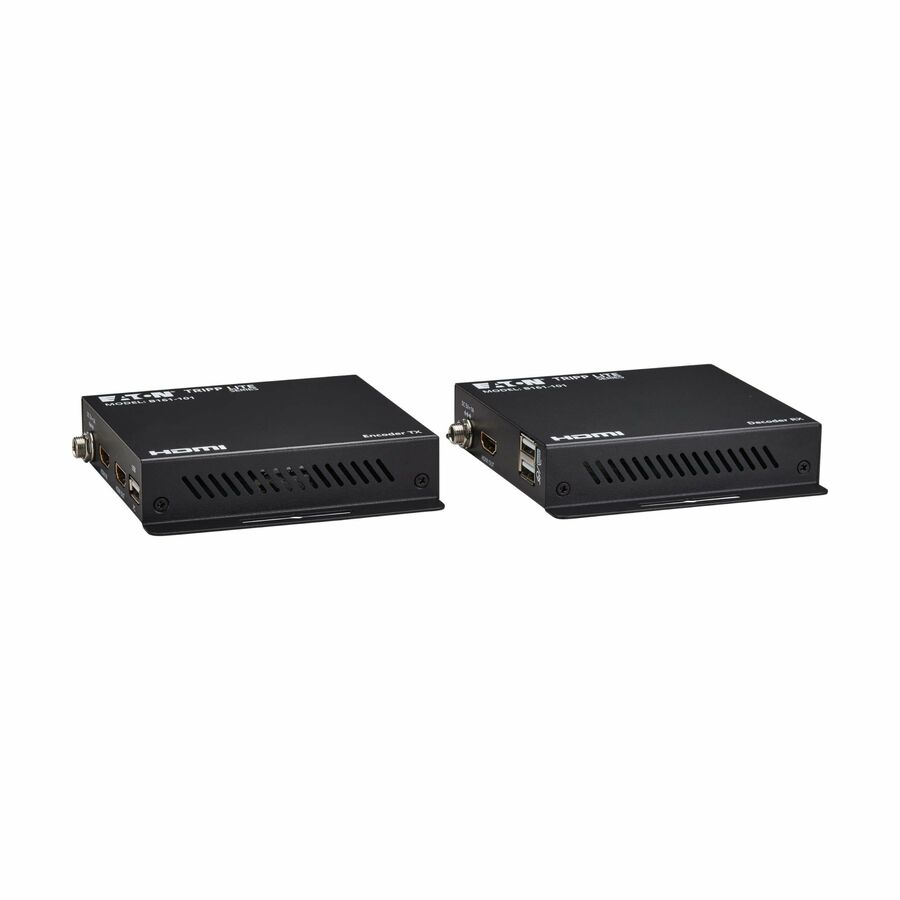
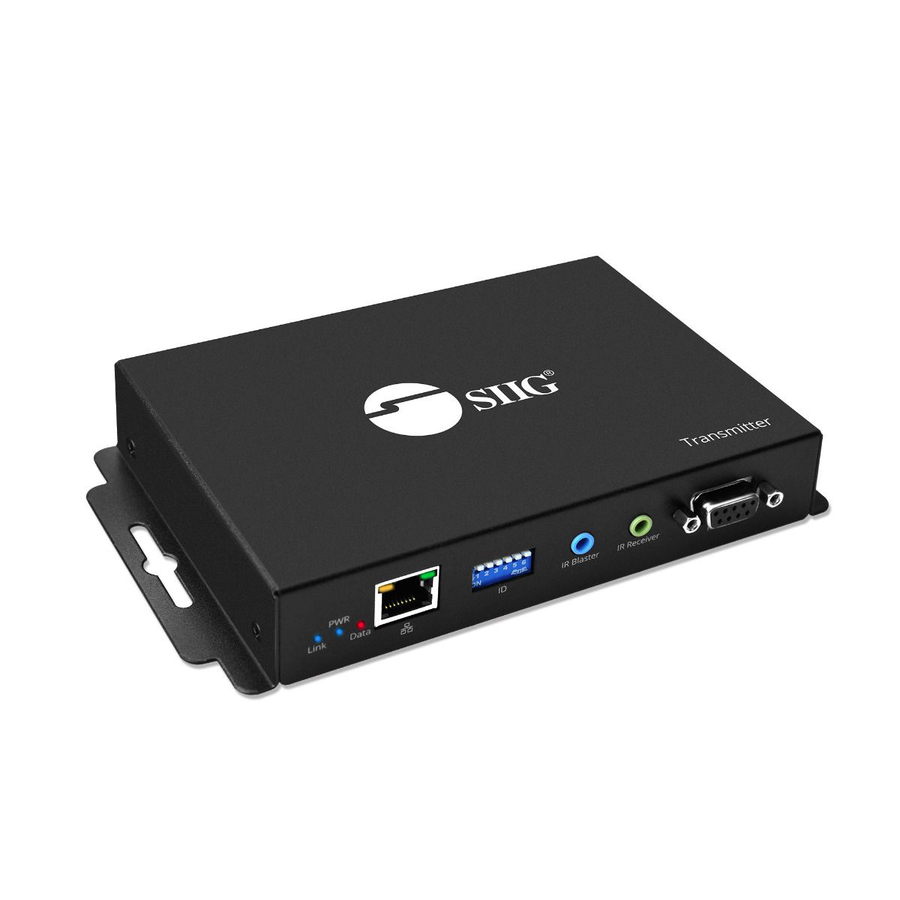
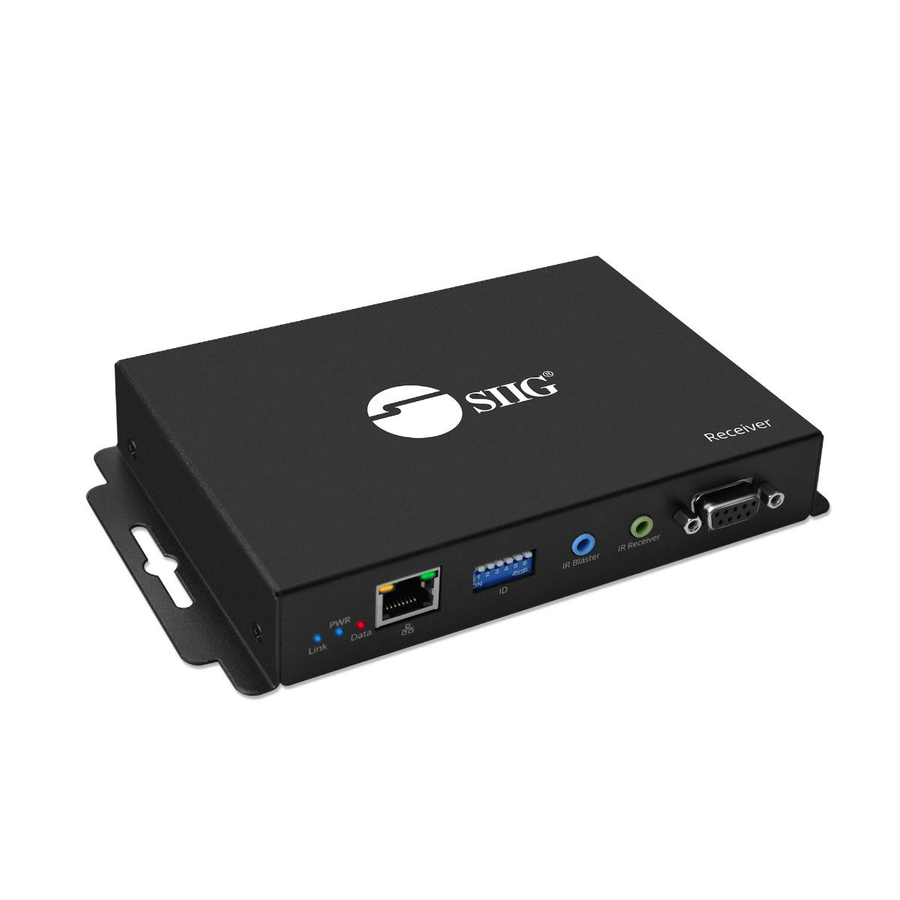
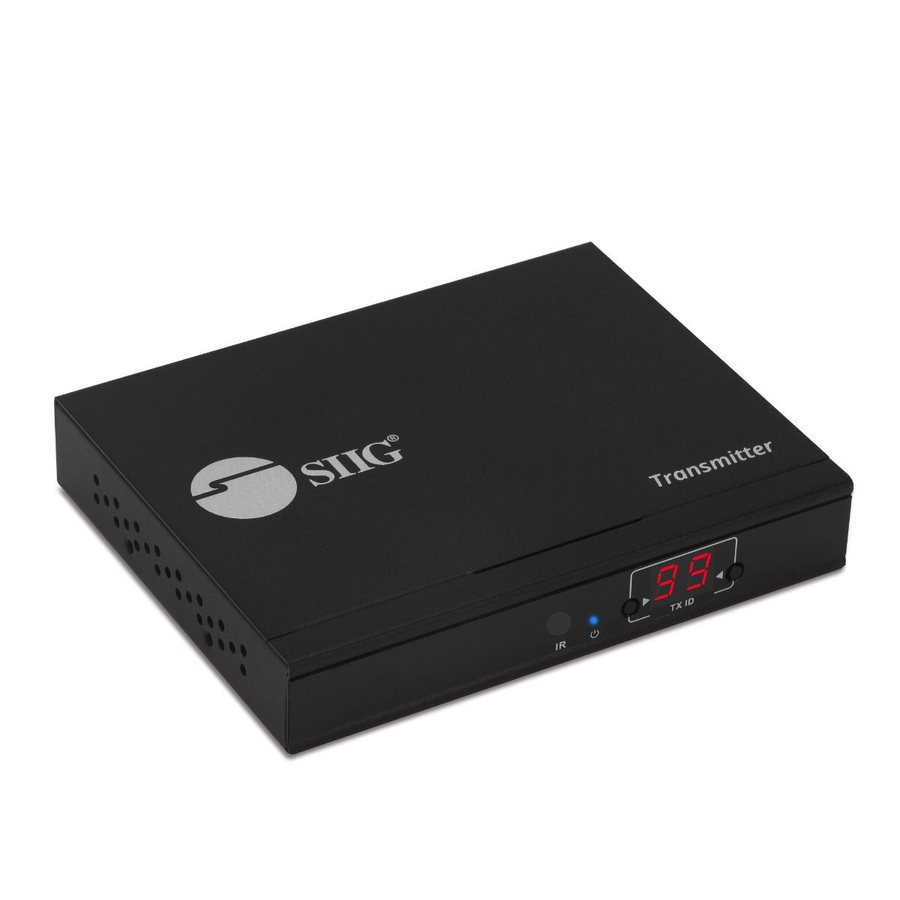
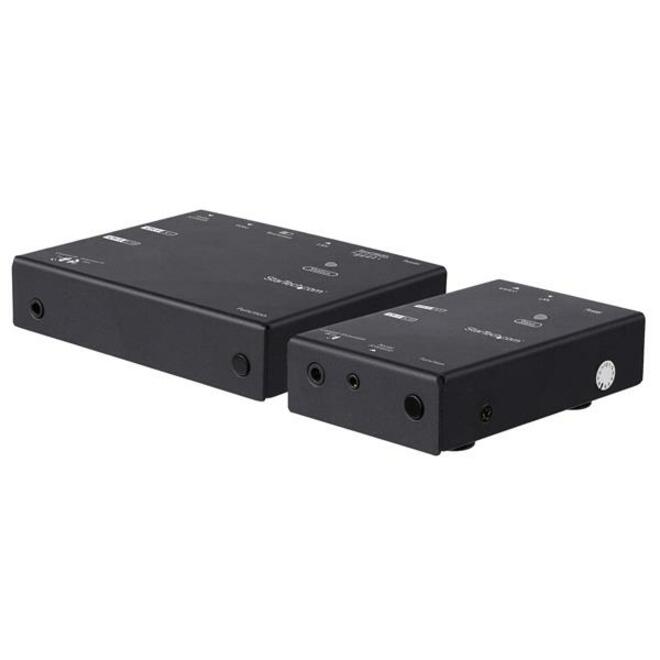
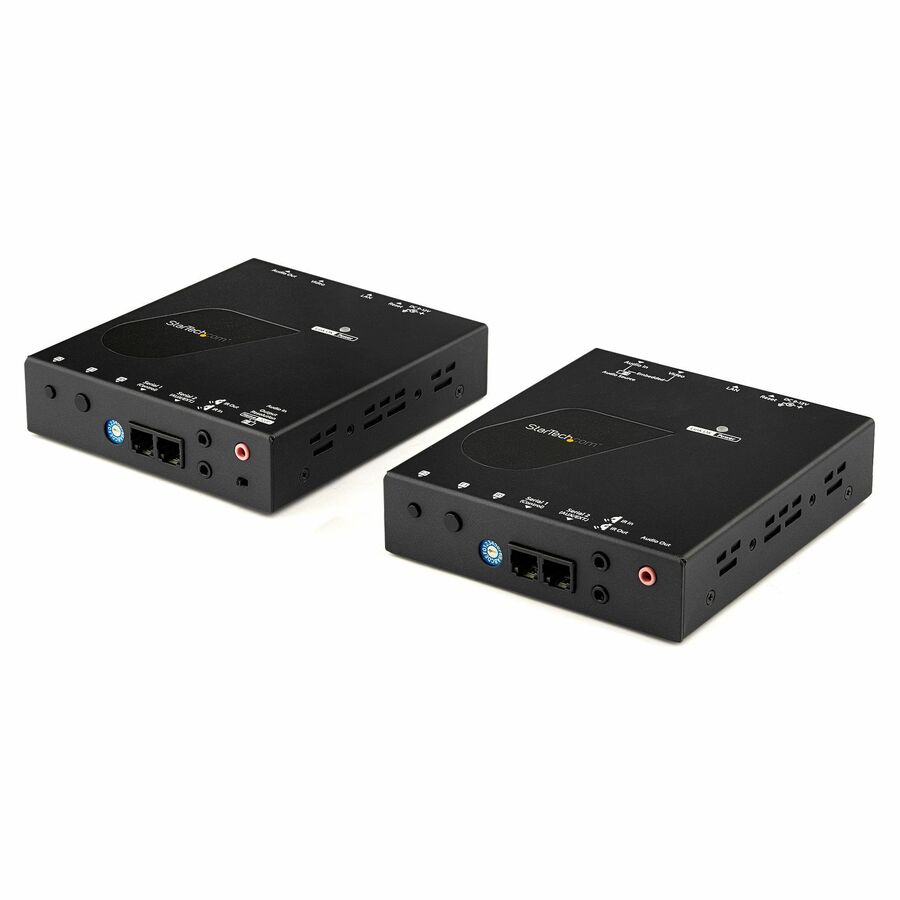
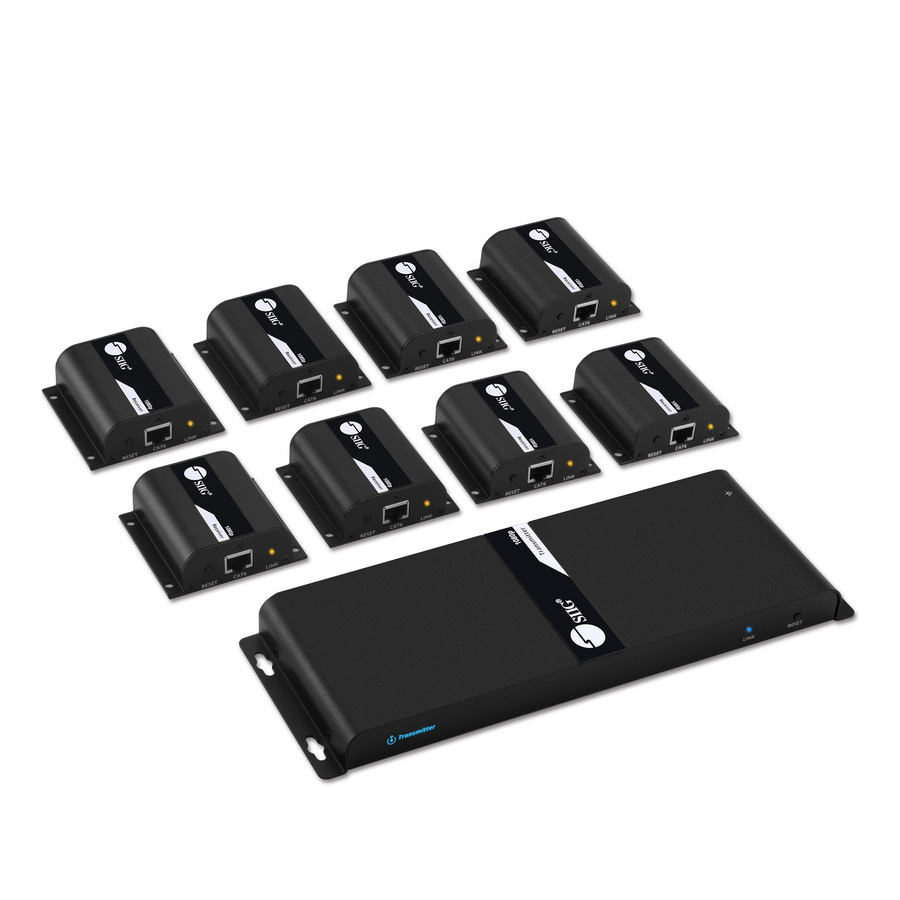
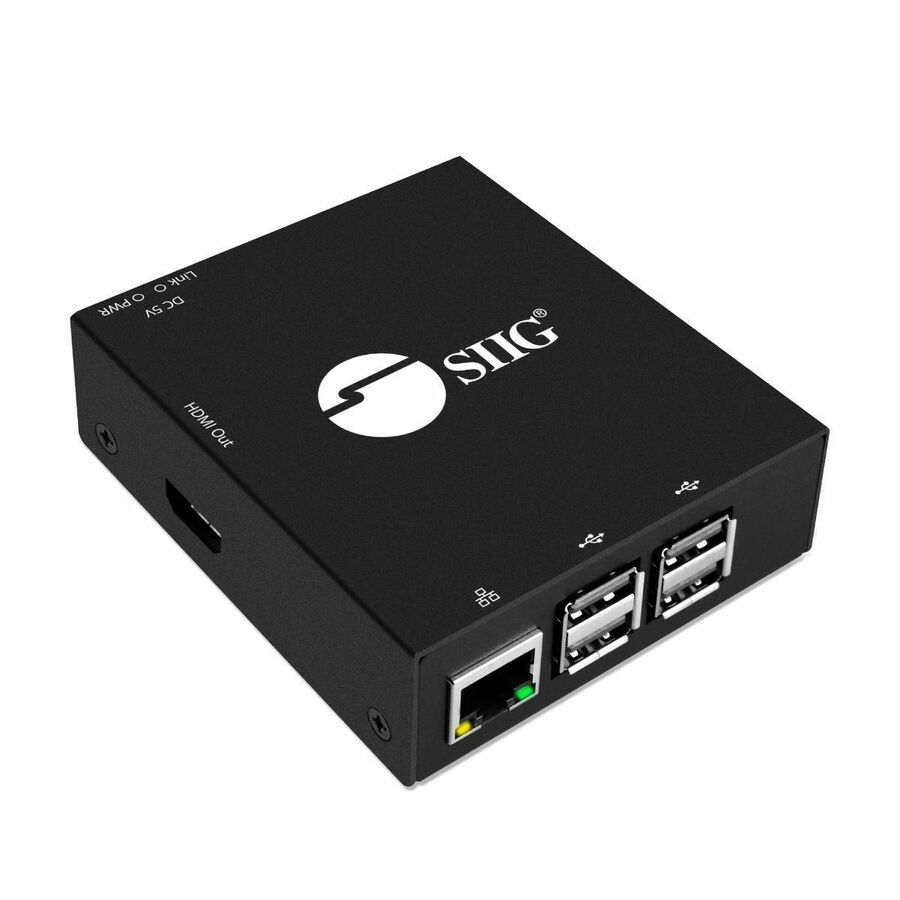
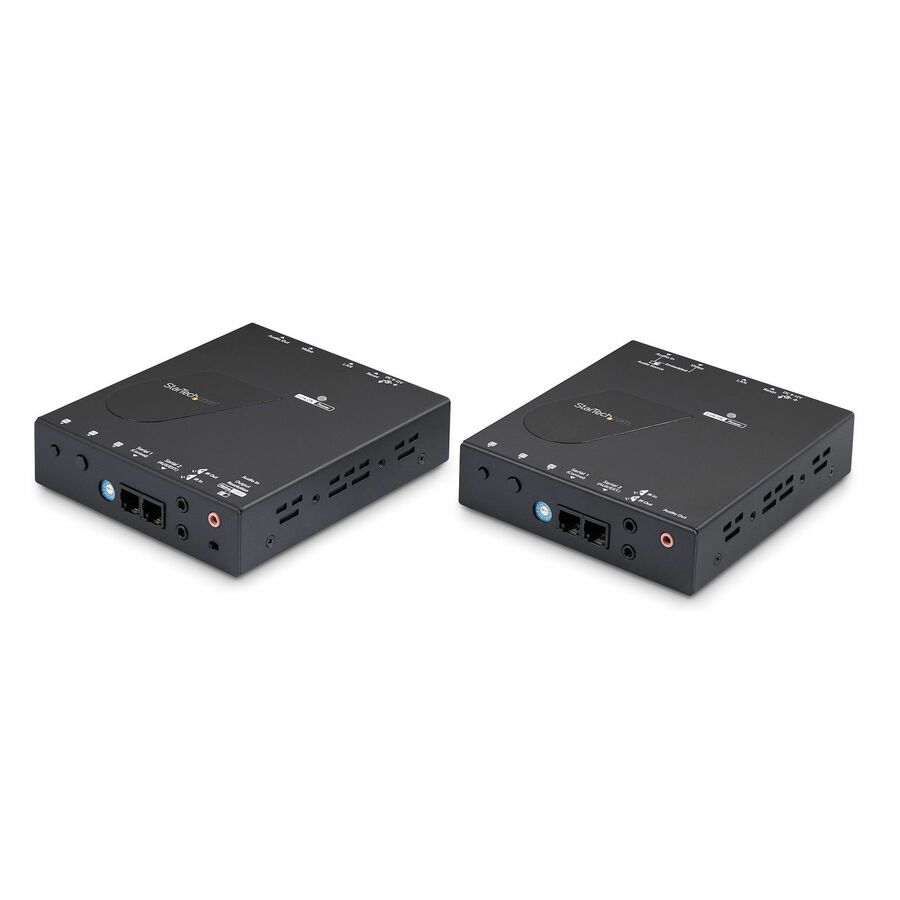
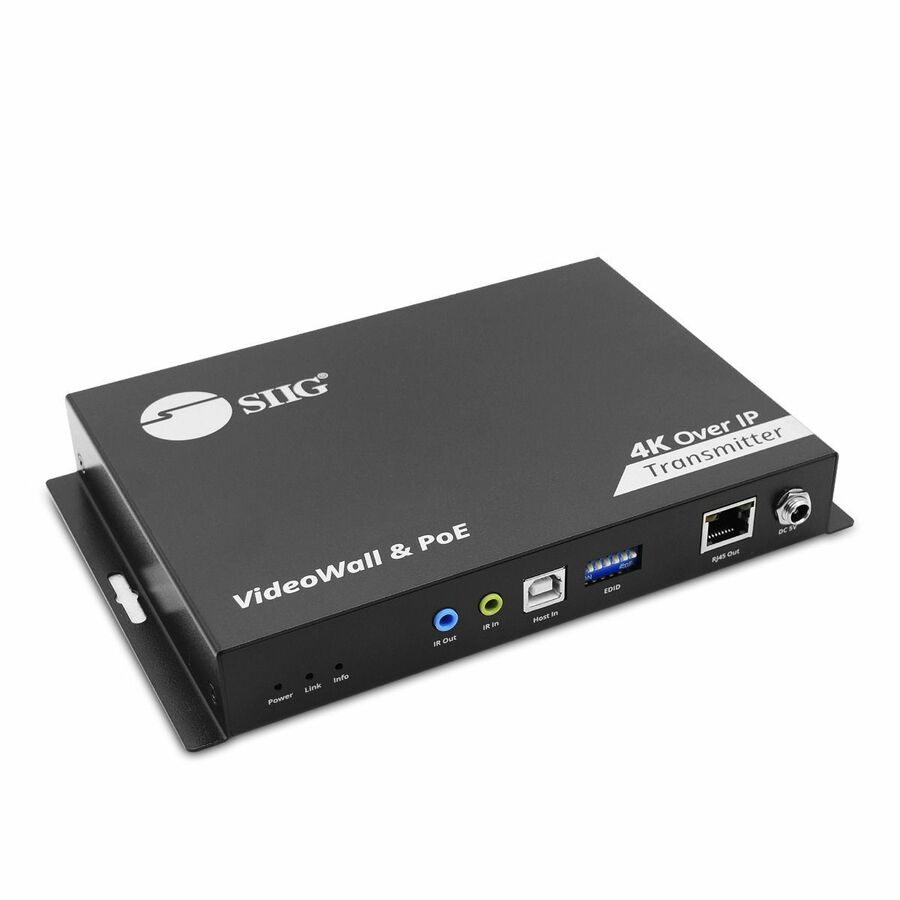
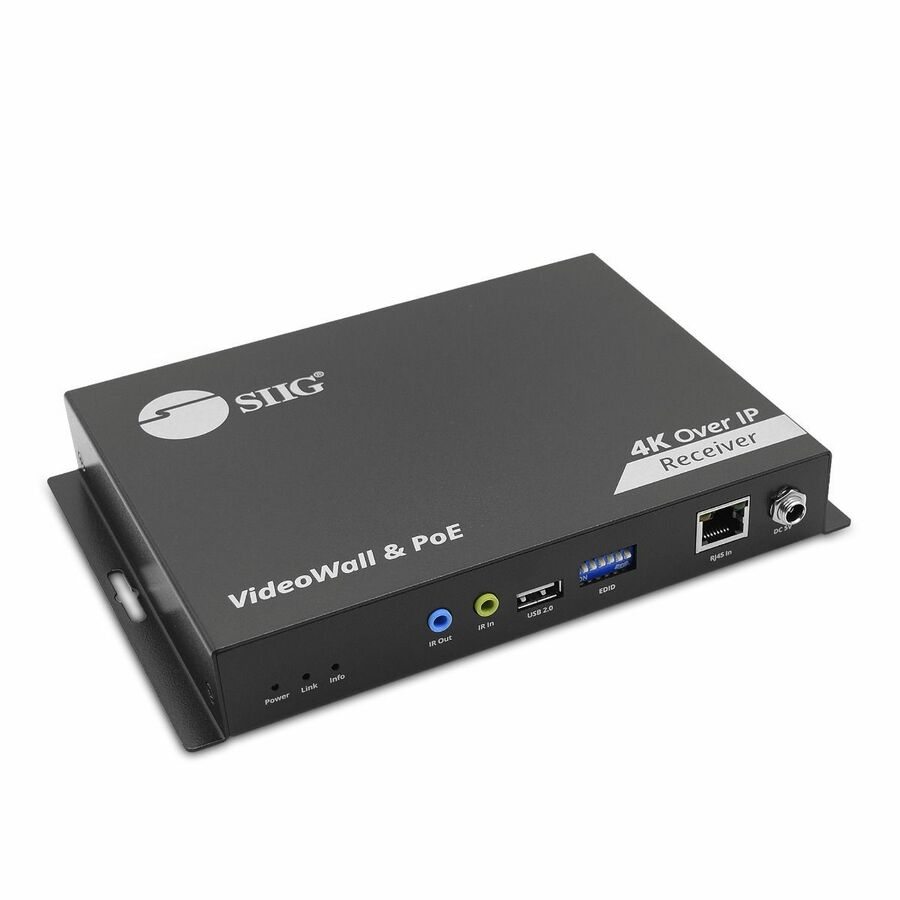
1080p kit, entry
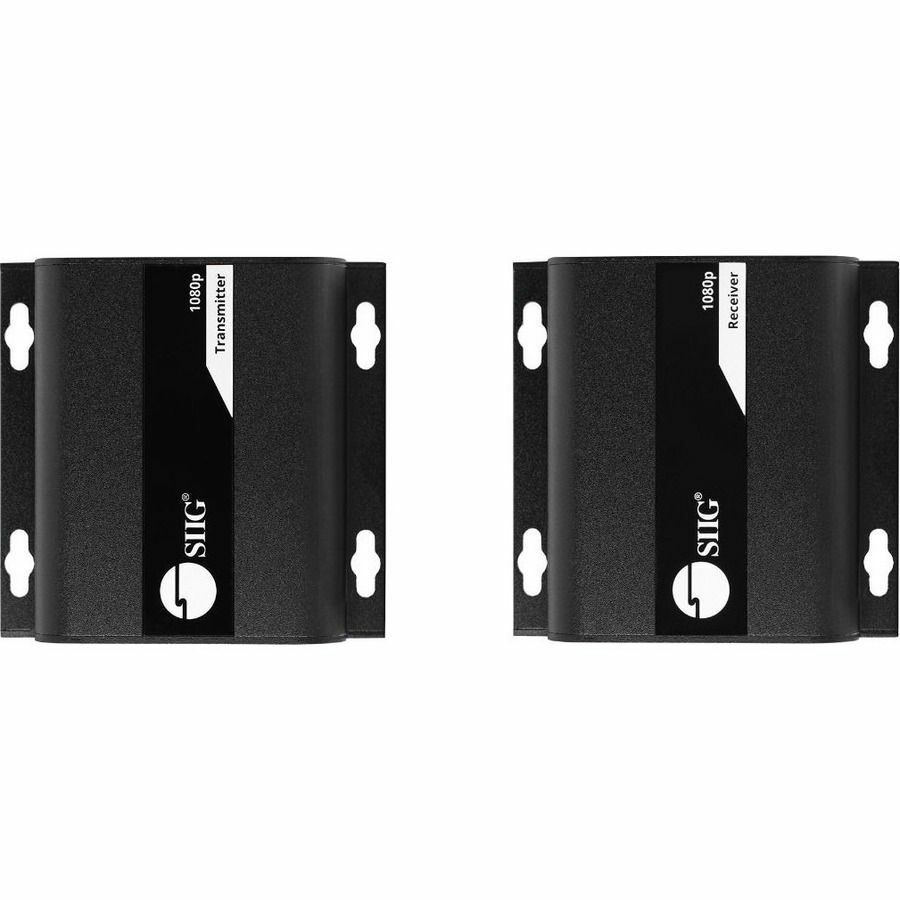
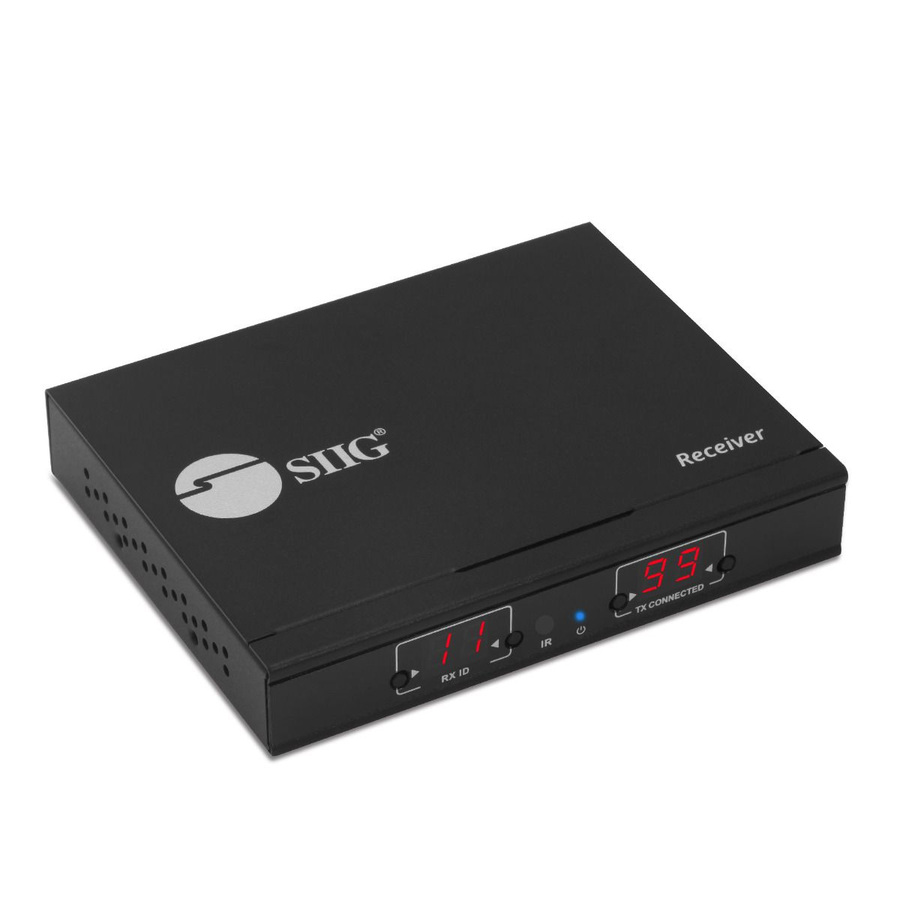
SIIG
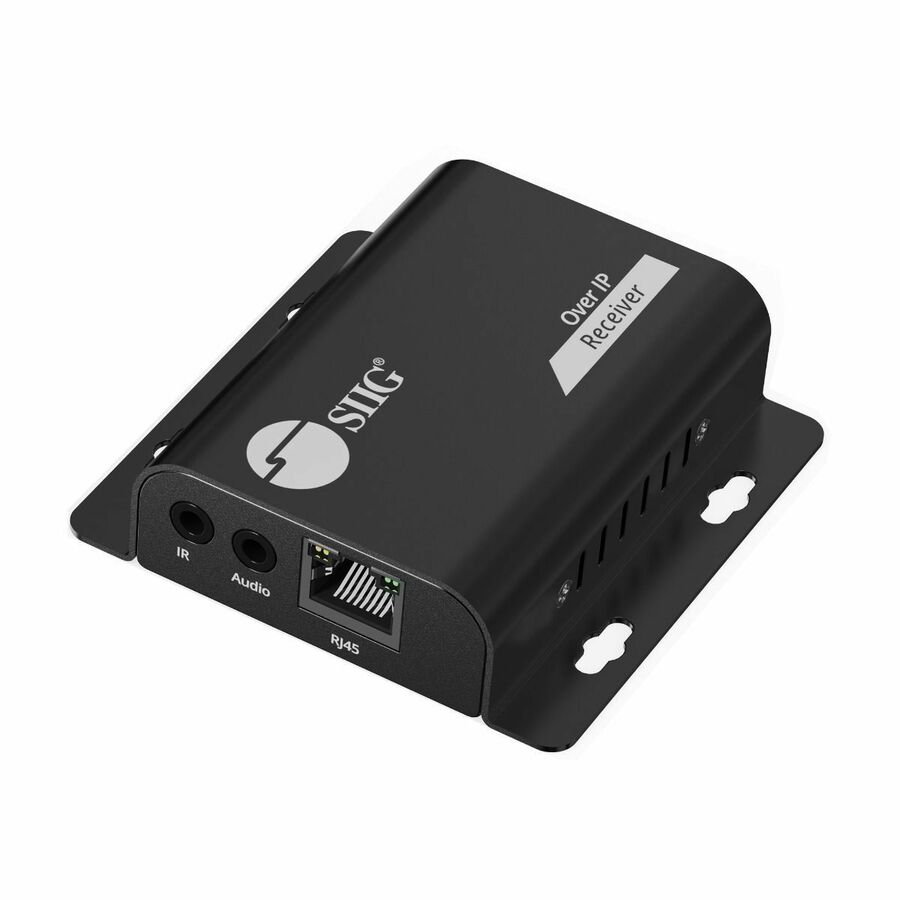
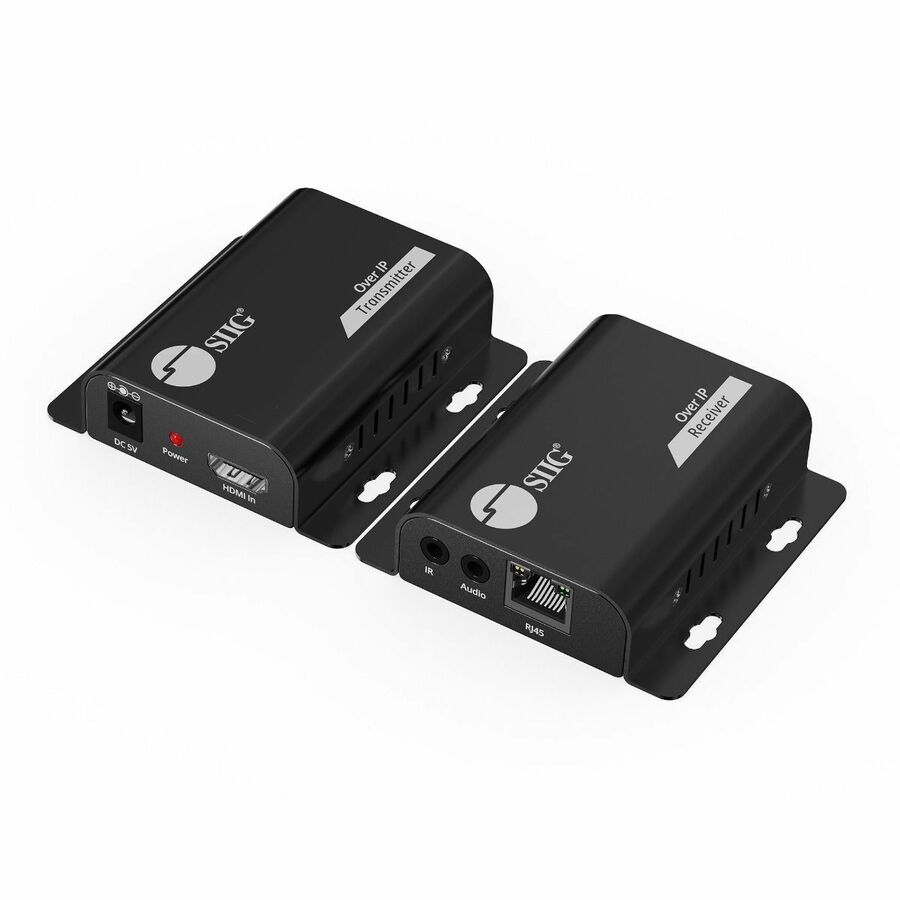
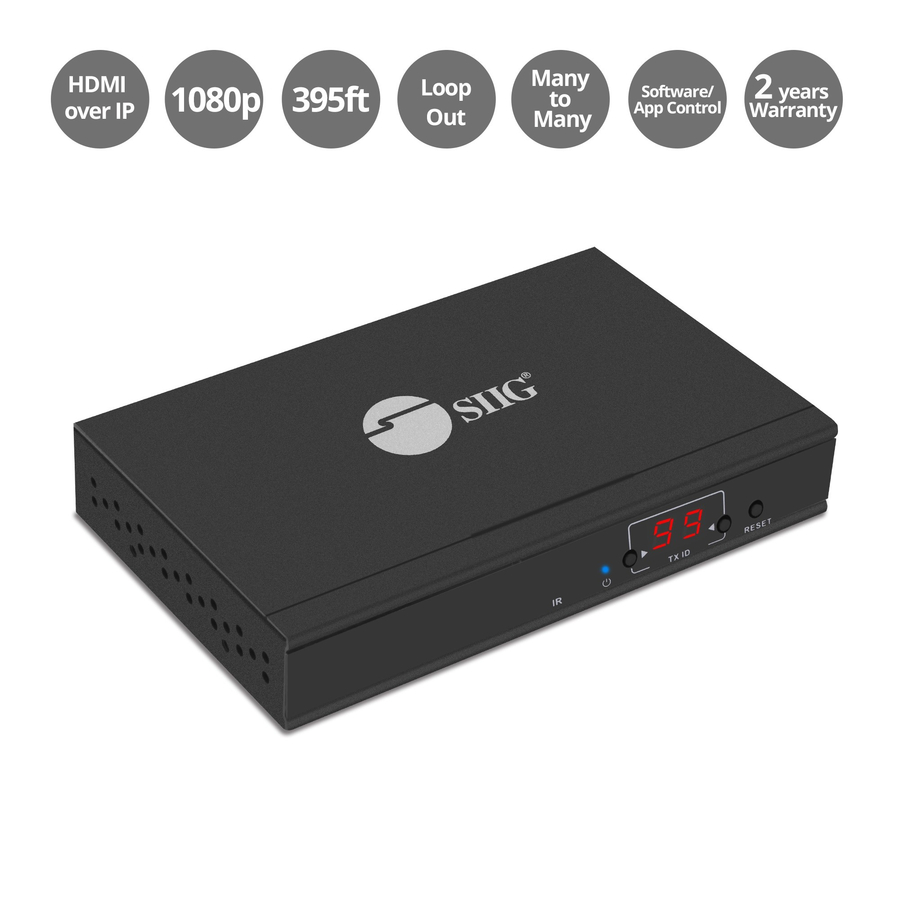
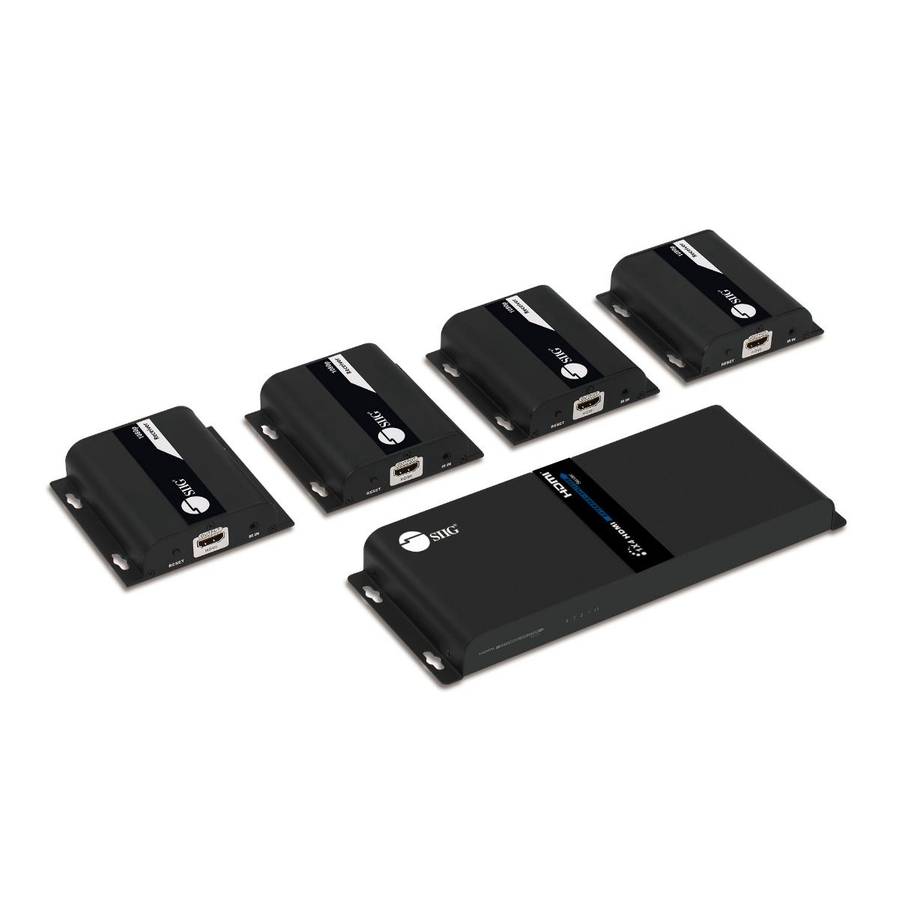
SIIG HDMI HDbitT Over IP Extender with IR
CE-H26T11-S1
SIIG's HDbitT HDMI-over-IP extender kit with IR, rated to 120 m over Cat5e/6 at Full HD 1080p 60Hz — a one-to-one or one-to-many starting point that cascades over an IGMP gigabit switch.
Request pricing4K30 kit
SIIG
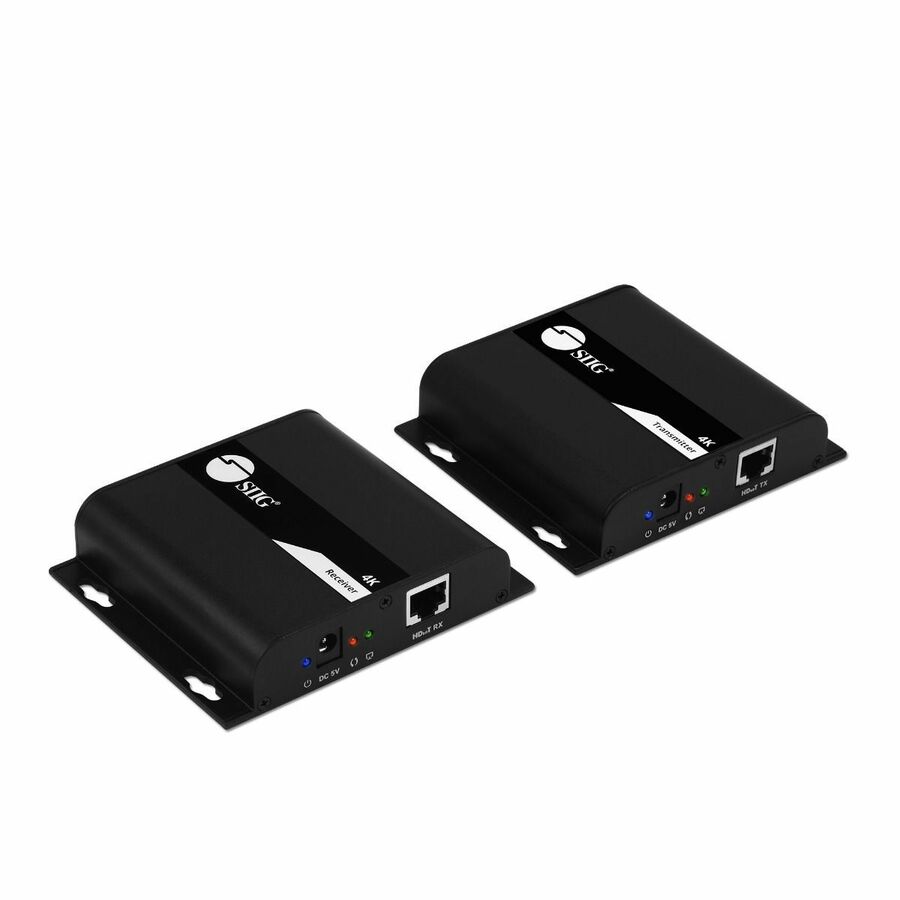
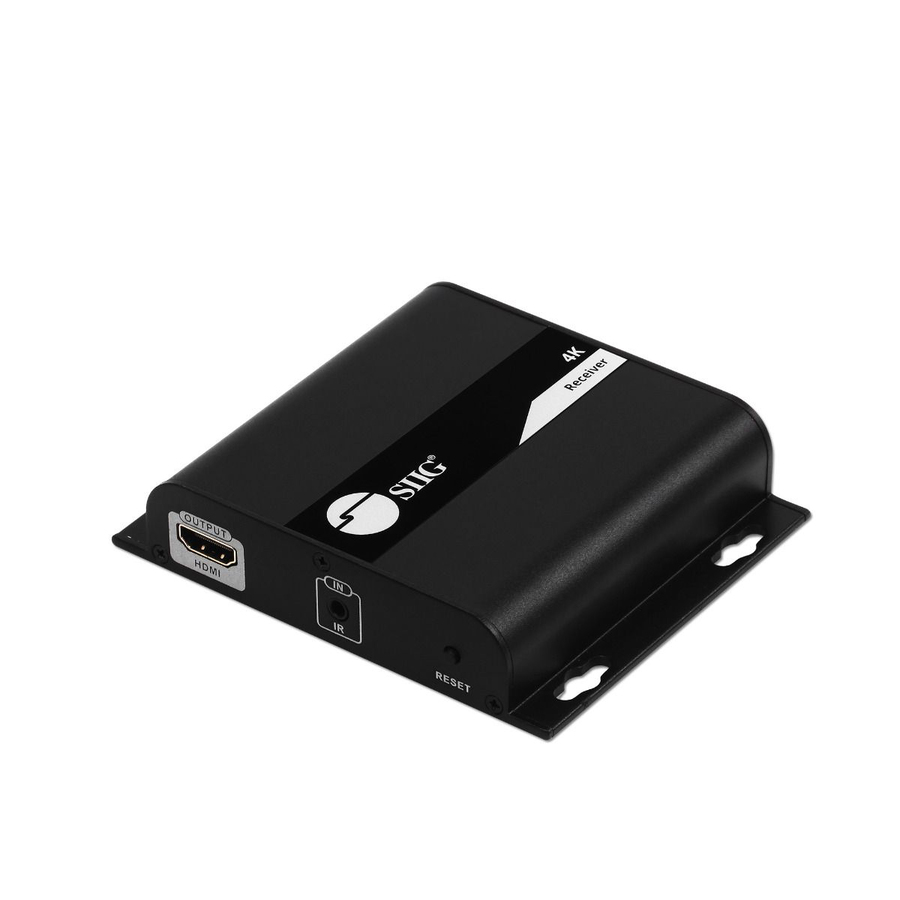
SIIG HDMI 4K30Hz HDbitT over IP Extender
CE-H25D11-S2
The 4K30Hz HDbitT step up in the same SIIG family: HDMI audio and video to 120 m over Cat6/7, with one-to-many and many-to-many modes and IR control.
$267.16In stock4K60 matrix kit
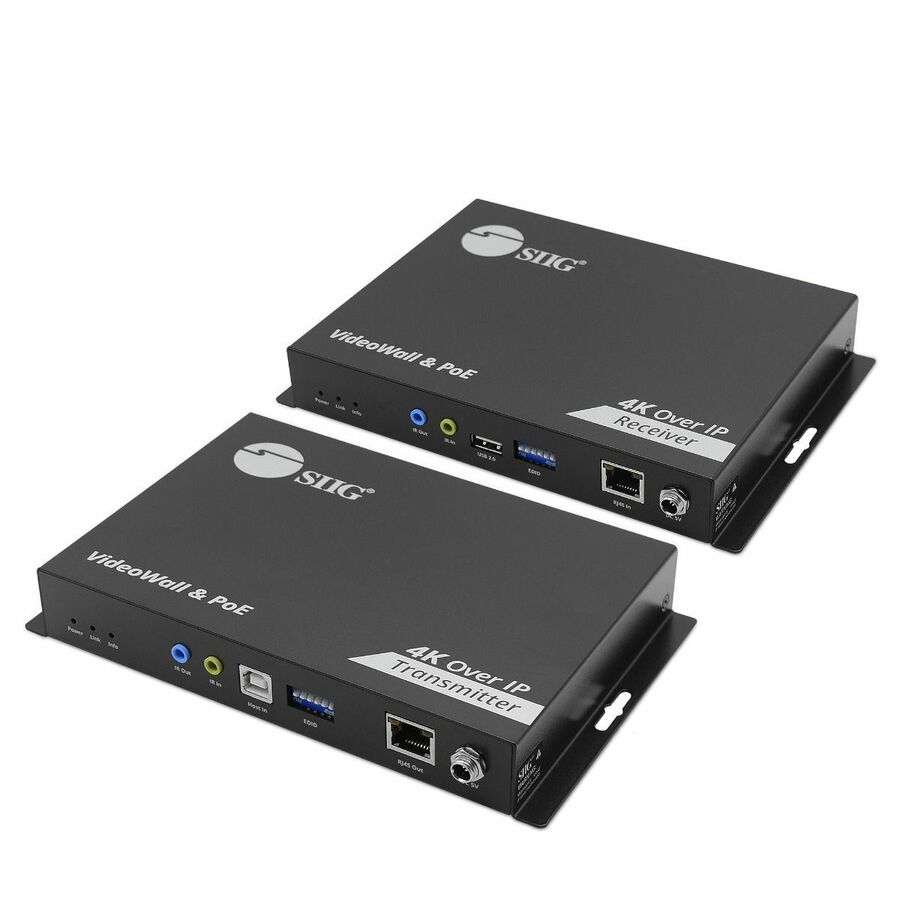
SIIG
SIIG 4K60Hz 18Gbps HDMI over IP Matrix Kit
CE-H28A11-S1
SIIG's 4K60Hz 18Gbps HDMI-over-IP matrix kit — 394 ft over a single Cat6/7 run, with PoE, KVM, video-wall and multicast modes for a full distributed system.
$1,120.88*In stock4K encoder/decoder kit
Eaton
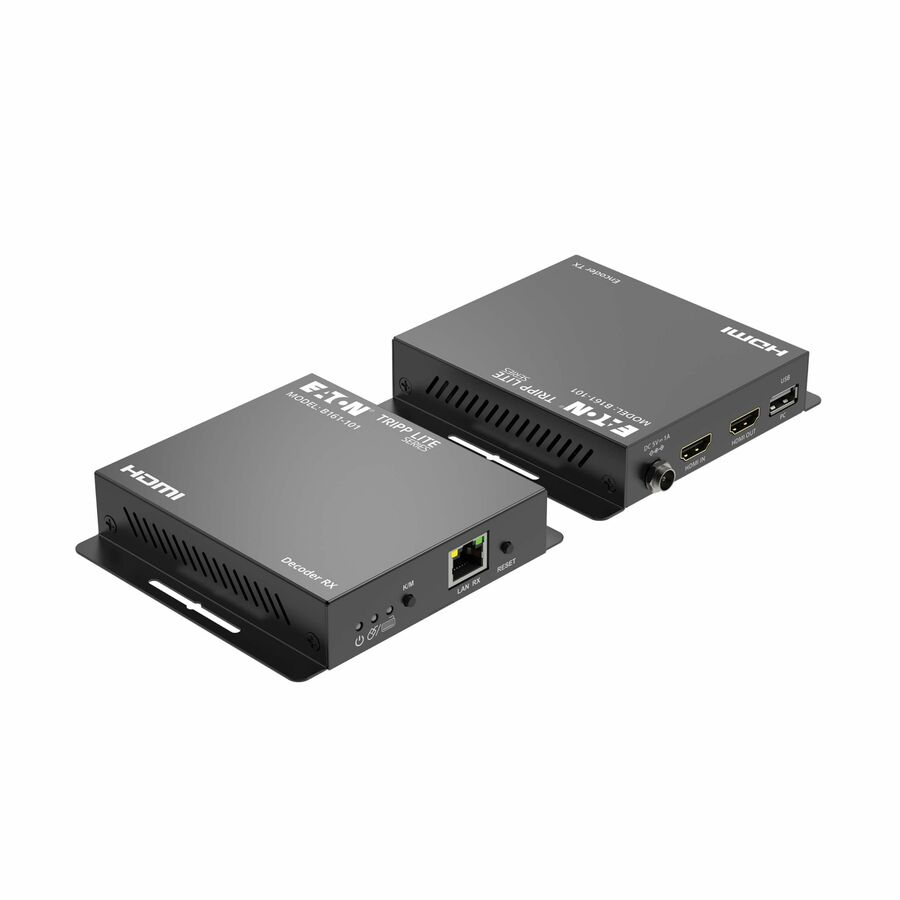
Tripp Lite series HDMI over IP Encoder/Decoder Kit with KVM
B161-101
Tripp Lite by Eaton's HDMI-over-IP encoder and decoder kit with KVM at 4K over TCP/IP to 393 ft, powered over Ethernet and carrying USB keyboard and mouse alongside the picture.
$340.40In stock4K 4:4:4 encoder
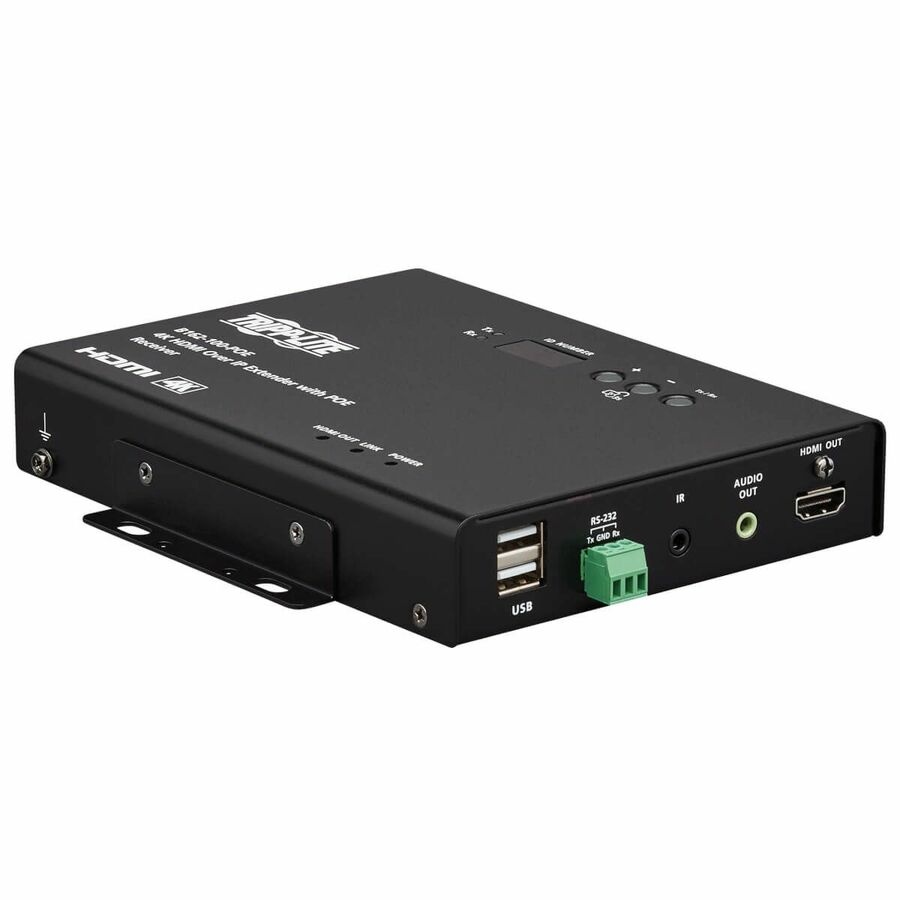
Eaton
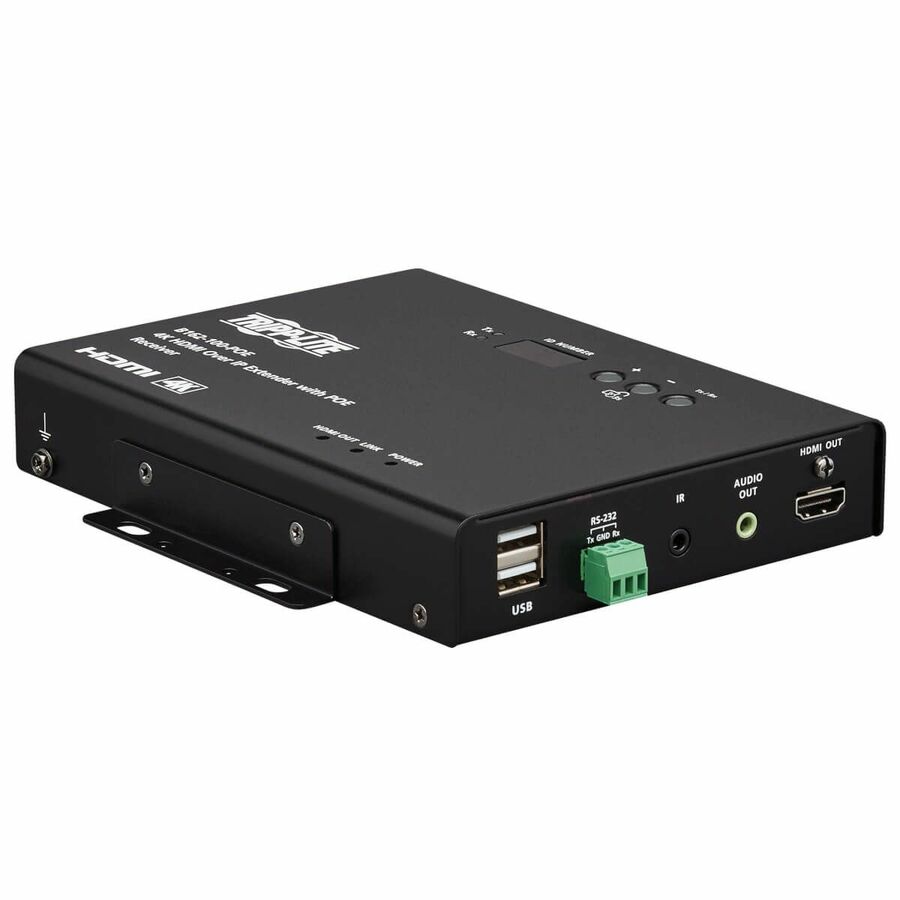
Eaton Tripp Lite Series HDMI over IP Encoder
B162-001-POE
The Eaton Tripp Lite HDMI-over-IP encoder at 4K with 4:4:4 chroma over 100 m, PoE-powered — the chroma that keeps a computer desktop's small text legible on the remote screen.
Titled TAA — a per-part fact to confirm on the exact row ordered.
$1,162.44*In stockDisplayPort receiver
Eaton
Eaton Tripp Lite Series DisplayPort over IP Extender Receiver over…
B160-100-DPSI
A DisplayPort-over-IP extender receiver over Cat5/Cat6 with RS-232 serial and IR control at 1080p 60Hz to 100 m — the DisplayPort road for sources that have no HDMI output.
Titled TAA Compliant.
$171.12*In stock4K kit, video wall
StarTech.com
StarTech 4K HDMI over IP Extender Kit with Video Control App, Scalable…
ST12MHDLAN4K
StarTech's 4K HDMI-over-IP extender kit with a video-control app, built to scale into AVoIP video walls by adding transmitters and receivers to the same network.
Titled TAA Compliant.
$593.39*In stock1080p kit, video wall
StarTech.com
StarTech HDMI over IP Extender Kit with Video Wall Support, 1080p…
ST12MHDLAN2K
The 1080p sibling with video-wall support and mobile-app management, extending HDMI and RS-232 control over existing Cat5e/Cat6 infrastructure.
Titled TAA.
$506.38*In stock1080p receiver
StarTech.com
StarTech HDMI over IP Receiver for ST12MHDLNHK, Video over IP, 1080p…
ST12MHDLNHR
A single HDMI-over-IP receiver for the ST12MHDLNHK kit — how a proven one-to-one link becomes one-to-many without buying a second transmitter.
Titled TAA.
$185.76*In stock4K PoE transmitter
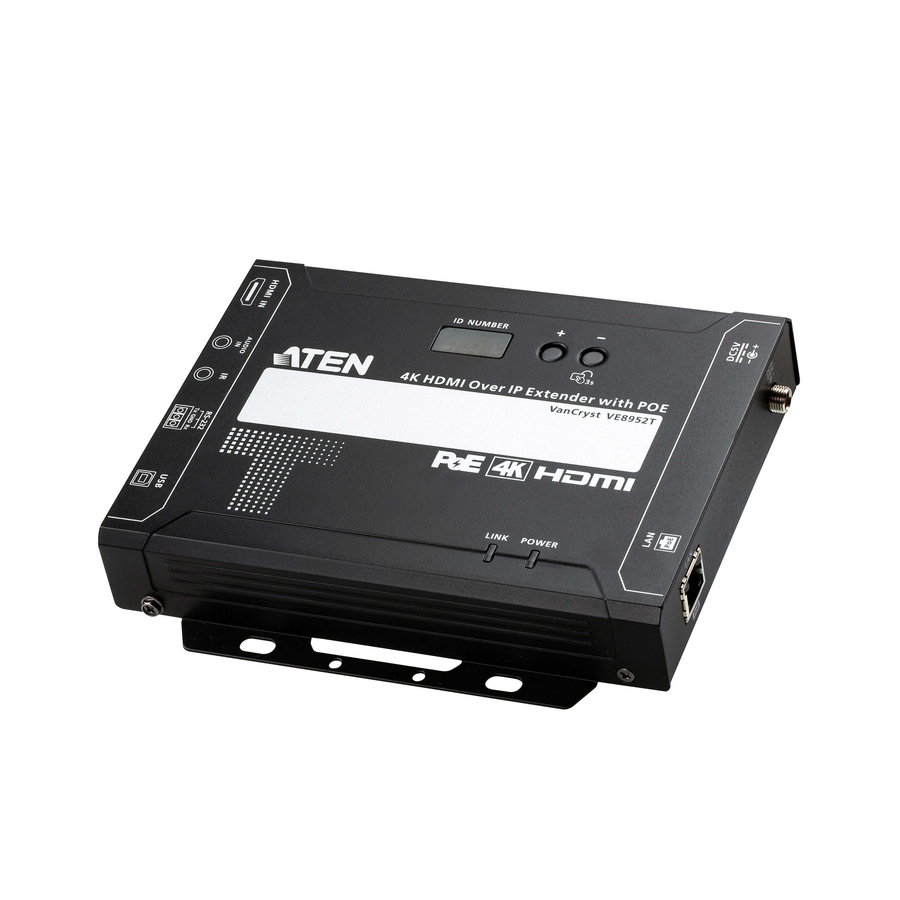
ATEN Technology
ATEN VE8952T 4K HDMI over IP Transmitter with PoE
VE8952T
ATEN's 4K HDMI-over-IP transmitter with PoE to 328 ft over Cat6 — one encoder per source in a system where the switch also powers the endpoints.
$727.19Back-ordered4K PoE receiver
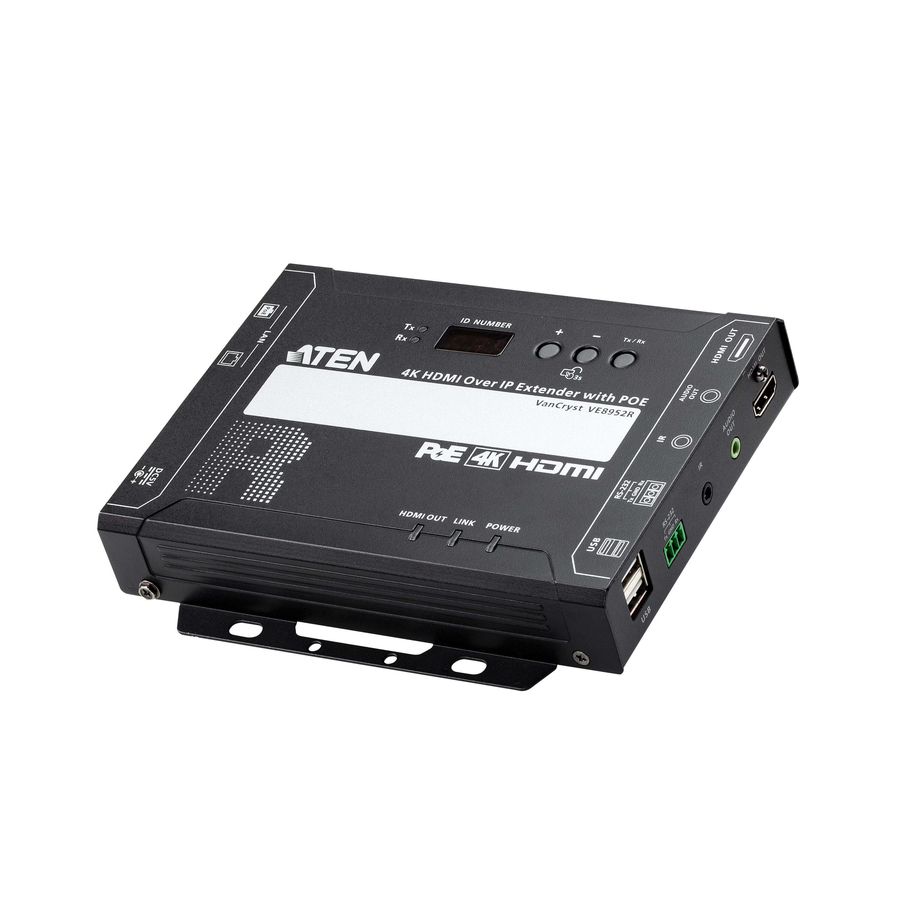
ATEN Technology
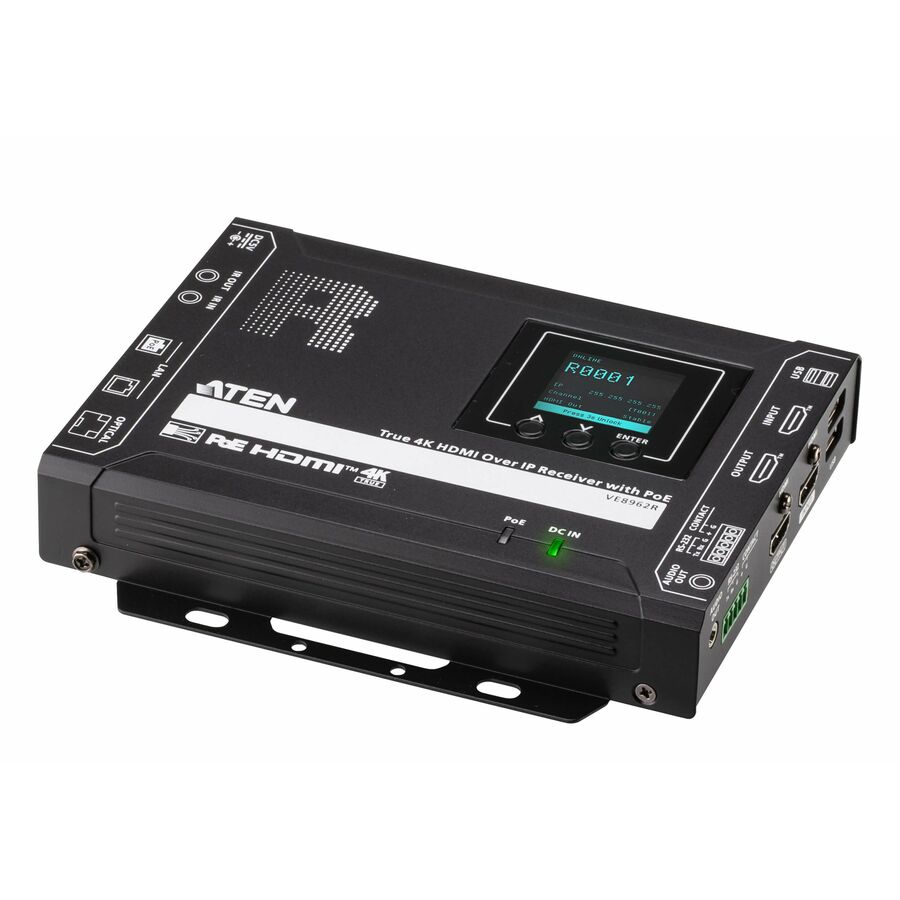
ATEN VE8952R 4K HDMI over IP Receiver with PoE
VE8952R
The matching 4K HDMI-over-IP receiver with PoE and dual RJ-45 ports — one decoder per display, added as the estate grows rather than at design time.
$727.19Back-orderedTrue 4K transmitter
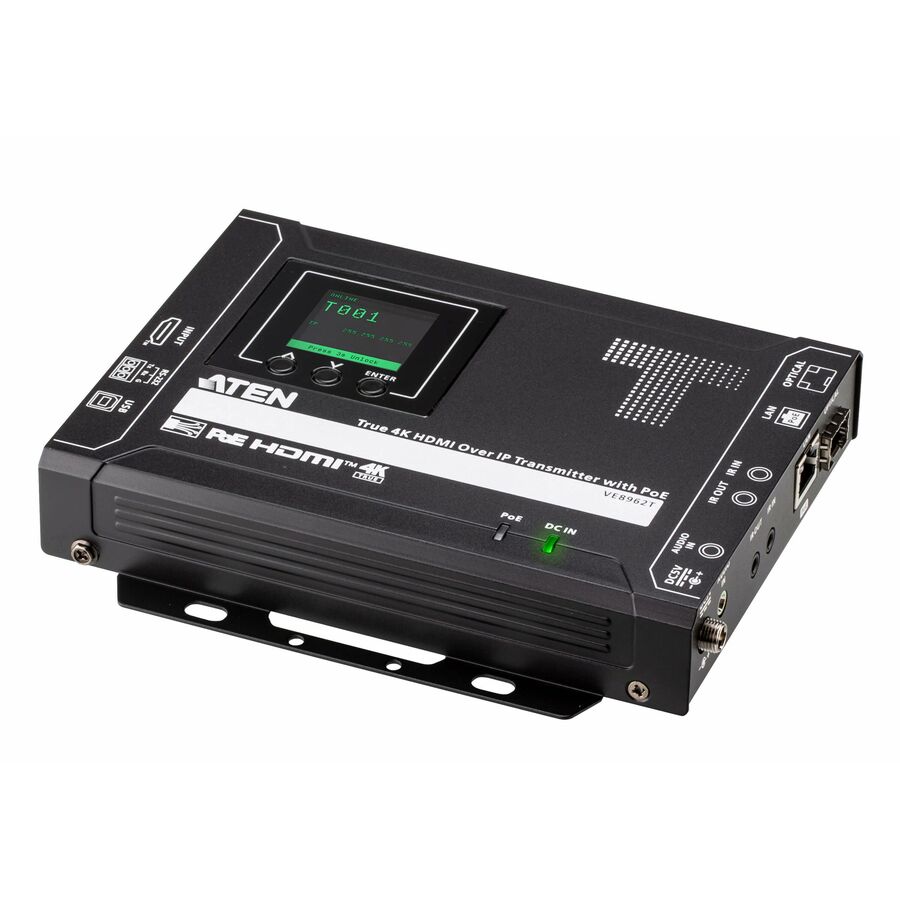
ATEN Technology
ATEN True 4K HDMI over IP Transmitter with PoE
VE8962T
ATEN's True 4K HDMI-over-IP transmitter with PoE — the top of the ATEN range here, for a source whose picture has to survive the compression at full 4K.
$1,279.76Back-ordered4K60 encoder
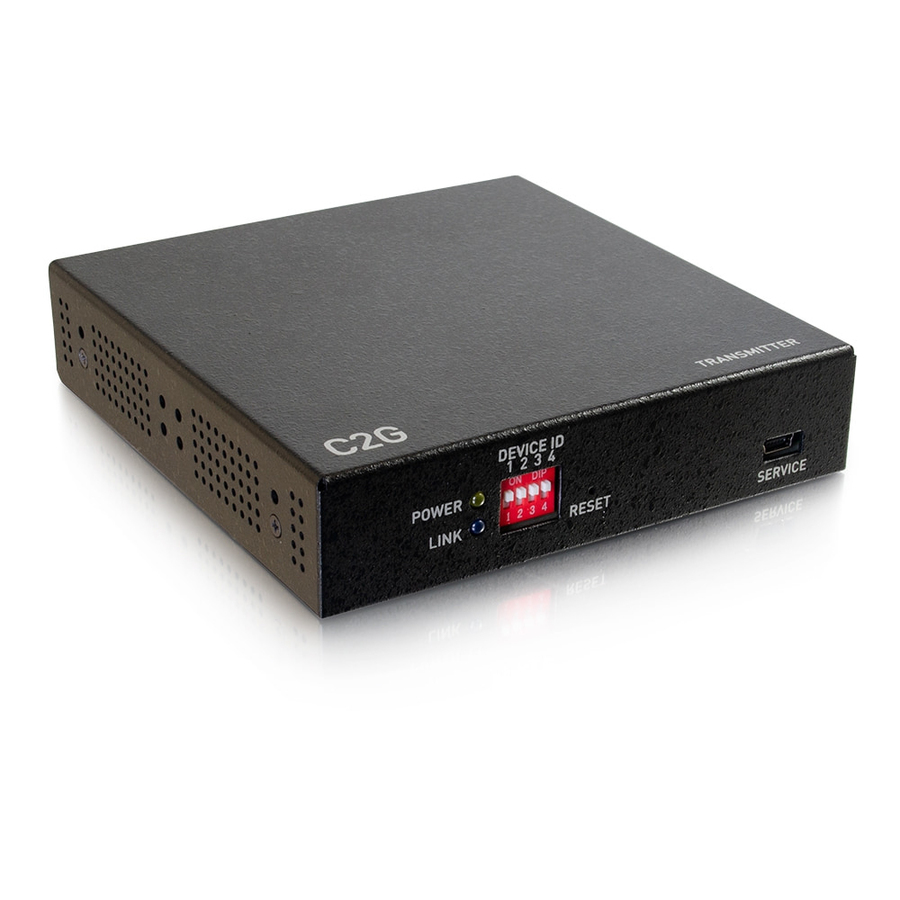
C2G
C2G 4K HDMI over IP Encoder
CG29975
A C2G 4K HDMI-over-IP encoder at 60Hz with a USB port and a Cat6 network path — a single-source encoder for an installed C2G distribution system.
$964.51Back-orderedAudio over IP card
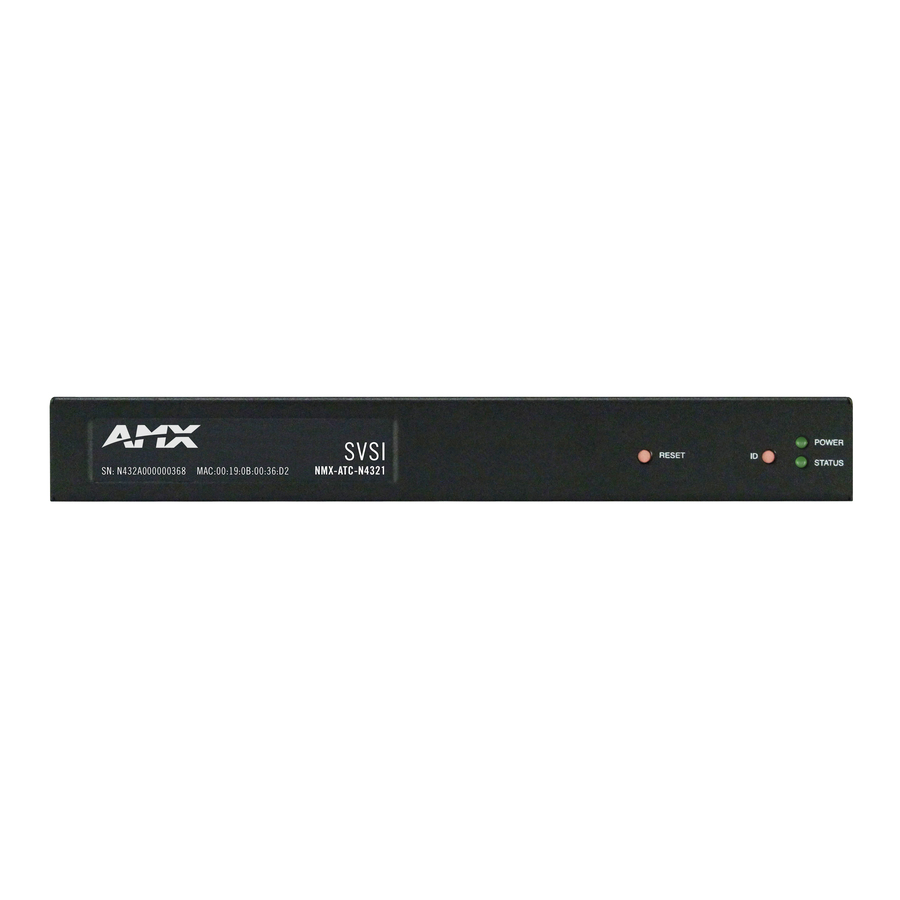
Harman International Industries
AMX NMX-ATC-N4321-C Audio over IP Transceiver Card
FGN4321-CD
AMX's NMX-ATC-N4321-C audio-over-IP transceiver card, rack-mountable with two inputs and two outputs — the audio half of a distributed system, on the same network as the video.
$721.13Back-ordered1080p with IR
Rocstor
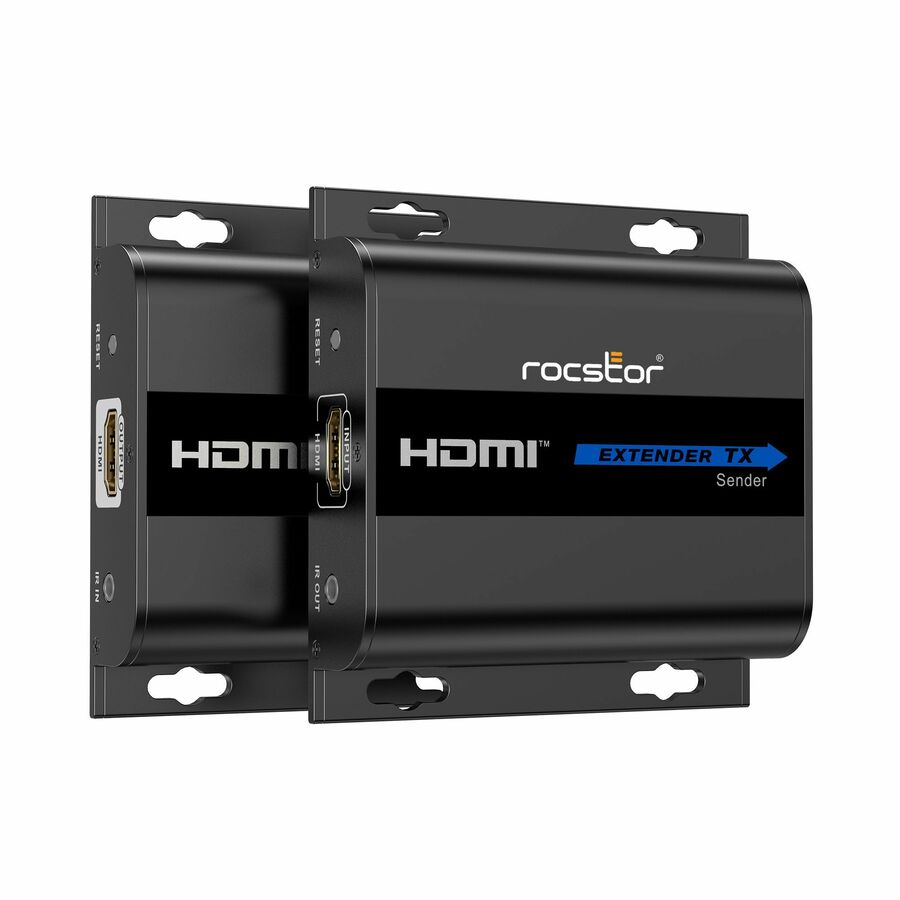
Rocstor TrueReach 1080p HDMI & IR Over IP Extender
Y10G002-B1
Rocstor's TrueReach 1080p HDMI and IR over-IP extender kit to 393 ft, industrial-grade metal housing with built-on mounting brackets and IR passback.
$84.76In stockMore AV extenders and consoles in the Uniqcli catalog
See all 429 AV extenders and consolesMore from across this category. In-stock lines lead, and a back-ordered line carries the same estimated availability its product page does — with live pricing throughout, NDAA §889 screening before checkout and TAA verified on request.
- EatonEaton Tripp Lite Series HDMI over IP Encoder - 4K, 4:4:4, PoE, 328 ft. (100 m), TAA - 1 Input Device - 328 ft Range - 1 x Network (RJ-45) - 1 x USB - 1 x HDMI In - 4K UHD - 4096 x 2160 - Twisted Pair - Category 6 - Rack-mountable, Desktop - TAA CompliantB162-001-POE
$1,263.52
$1,162.44*
27 in stock - EatonEaton Tripp Lite Series HDMI over IP Decoder - 4K, 4:4:4, PoE, 328 ft. (100 m), TAA - 1 Output Device - 328 ft Range - 1 x Network (RJ-45) - 1 x USB - 1 x HDMI Out - 4K UHD - 4096 x 2160 - Twisted Pair - Category 6 - Rack-mountable, Desktop - TAA CompliantB162-100-POE
$1,263.52
$1,162.44*
19 in stock - C2GC2G 4K HDMI over IP Encoder - 60Hz - 1 Input Device - 1 x Network (RJ-45) - 1 x USB - 1HDMI Out - 4K - Twisted Pair - Category 6CG29975
$1,535.99
$964.51
Back-orderedBack-ordered — estimated OEM lead time 3–8 weeks (Nov 15 – Dec 20 if ordered today).
- Harman International IndustriesAMX NMX-ATC-N4321-C Audio over IP Transceiver Card - 2 Input Device - 2 Output Device - 2 x Network (RJ-45) - Twisted Pair - Rack-mountable, Plug-in CardFGN4321-CD
$1,111.37
$721.13
Back-orderedBack-ordered — estimated OEM lead time 3–8 weeks (Nov 15 – Dec 20 if ordered today).
Back-ordered — estimated OEM lead time 3–8 weeks (Nov 15 – Dec 20 if ordered today).
Back-ordered — estimated OEM lead time 3–8 weeks (Nov 15 – Dec 20 if ordered today).
- ATEN TechnologyATEN VE8952R 4K HDMI over IP Receiver with PoE - 1 Output Device - 328.08 ft Range - 2 x Network (RJ-45) - 2 x USB - 1 x HDMI Out - 4K UHD - 4096 x 2160 - Twisted Pair - Category 6 - Desktop, Rack-mountableVE8952R
$939.00
$727.19
Back-orderedBack-ordered — estimated OEM lead time 3–8 weeks (Nov 15 – Dec 20 if ordered today).
- ATEN TechnologyATEN VE8952T 4K HDMI over IP Transmitter with PoE - 1 Input Device - 328.08 ft Range - 1 x Network (RJ-45) - 1 x USB - 1 x HDMI In - 4K UHD - 4096 x 2160 - Twisted Pair - Category 6 - Desktop, Rack-mountableVE8952T
$939.00
$727.19
Back-orderedBack-ordered — estimated OEM lead time 3–8 weeks (Nov 15 – Dec 20 if ordered today).
Back-ordered — estimated OEM lead time 3–8 weeks (Nov 15 – Dec 20 if ordered today).
- SIIGSIIG HDMI 2.0 Over IP Matrix and Video Wall - Controller - Supports Video Wall Function - TAA CompliantCE-H25411-S1
$349.99
$338.22*
Back-orderedBack-ordered — estimated OEM lead time 3–8 weeks (Nov 15 – Dec 20 if ordered today).
Back-ordered — estimated OEM lead time 3–8 weeks (Nov 15 – Dec 20 if ordered today).
- SIIGSIIG HDMI 4K30Hz HDbitT over IP Extender - Receiver - Extend HDMI Audio/Video Signals up to 394ft - The kit (CE-H25D11-S1)CE-H25E11-S1
$172.62
Back-orderedBack-ordered — estimated OEM lead time 3–8 weeks (Nov 15 – Dec 20 if ordered today).



Need pricing on AV-over-IP extenders?
Tell us where to reach you and a Uniqcli specialist will follow up by email with current pricing, availability and lead time for the quantities you need — including parts that aren’t shown on this page.
Buying for an organization or for yourself — both work. No payment up front.
An AV-over-IP extender is a pair of network devices, not a cable run. The encoder (transmitter) takes an HDMI, DVI or DisplayPort source, compresses it and puts it on an Ethernet network; the decoder (receiver) pulls that stream back off and drives a display. Because the transport is the network, the reach stops being a fixed cable length and starts being however far your switching goes, and one source can feed many displays without a matrix chassis. Every device on this page states the over-IP transport in the manufacturer's own title, which is the fact that separates it from a point-to-point HDBaseT extender that happens to run on Cat6.
Two decisions do most of the work. The first is resolution and colour: 1080p HDbitT-class hardware is inexpensive and fine for signage and classrooms, 4K30 covers most conference and lecture use, and 4K60 with 4:4:4 chroma is what you want when the source is a computer desktop and small text has to stay legible. The second is topology — one-to-one point extension, one-to-many multicast distribution, many-to-many matrix switching, or a tiled video wall — because that is what decides how many encoders and decoders you buy and whether you need a separate controller.
The third decision is the network itself, and it is the one that most often bites. These devices multicast, so the switch has to handle IGMP snooping with a querier, the VLAN has to be planned, and PoE-powered models want a switch with the budget to feed them. Several units here take power over the same cable that carries the video, several are titled TAA-compliant, and several add KVM so a remote keyboard and mouse follow the picture. The cards below carry live pricing and current availability from the catalog.
Buyer's checklist
How to choose an AV-over-IP extender
- Start from the source, not the display. A computer desktop with small text needs 4K60 with 4:4:4 chroma to stay sharp; camera and signage content survives 4:2:0 or 1080p compression far better. Buying resolution you do not need is the most common overspend on this shelf.
- Decide the topology before the part number. Point-to-point extension, one-to-many multicast, many-to-many matrix and video wall are four different builds — some families here need a separate controller for matrix and wall modes, and the manufacturer's own title says which role each unit plays (encoder/TX, decoder/RX, kit or controller).
- Count encoders and decoders separately. A distributed system is priced per endpoint: one encoder per source, one decoder per display. Kits bundle one of each and are the right way to pilot; scaling afterwards means buying single units, so check that the family you pilot sells them individually.
- Confirm the switch will actually carry it. Multicast AV needs IGMP snooping with an active querier and, on most builds, a dedicated VLAN and a gigabit path per stream. An AV-over-IP system dropped onto a flat unmanaged switch is the classic failed pilot.
- Check the power road. PoE-powered encoders and decoders remove a wall wart at every display, which matters on a ceiling or behind a panel — but they also consume switch power budget, so size the PoE switch for the endpoint count.
- Add KVM only where someone will actually type. Several units here extend USB keyboard and mouse alongside the picture, which is what a control room or a remote-workstation deployment needs; a signage screen does not.
- Where the purchase order carries an origin clause, read TAA on the part number itself. Several units on this page carry a TAA marking in the manufacturer's own title and others in the same family do not; screening is performed before the quote, tied to the specific part number.
Point-to-point extension vs. distribution: what changes when video goes on the network
A conventional extender is a sealed pair: one transmitter, one receiver, one dedicated cable, one picture. It is simple, it is cheap, and it does not scale — a second display means a second run and a splitter, and a matrix means a chassis with a fixed port count you have to buy up front. AV-over-IP inverts that. The encoder puts the stream on the network once; every decoder that subscribes to it gets a copy. Adding a display is adding an endpoint, not re-cabling the building, and the matrix is the switch you already own.
That is also where the extra homework lives. A multicast stream that nobody manages floods every port on the switch, so IGMP snooping and a querier are not optional, and a dedicated VLAN keeps AV traffic away from everything else. Bandwidth per stream depends on the codec — the 1080p HDbitT-class units here are frugal, the 4K60 4:4:4 units are not — so plan the uplinks. Done properly the result is a system where a source added in a back room appears on any screen in the estate; done casually, it is a network outage with a picture on it.
Kits, single endpoints, video walls and KVM
The units on this page fall into four roles, and the manufacturer's title names each one. Kits pair a transmitter and a receiver and are the honest way to prove a design before it is scaled. Single encoders and decoders are how a proven design grows — one more source, one more screen. Controllers are the piece that turns a pool of encoders and decoders into a switchable matrix or a tiled video wall, and the families here that support wall mode say so in the title. KVM variants carry USB keyboard and mouse beside the video, which is what makes a control room, a lecture-capture lectern or a remote workstation usable rather than merely visible.
Plan the endpoints and the switch together. Send us the source count, the display count, the resolution the content actually needs, whether any position needs KVM, and whether the switching will be new or existing, and we will come back with part numbers, availability, lead times and volume pricing — with the PoE switch, the mounts, the patch cabling and the structured-cabling labour on the same document, so the small parts and the install date stay together. Where an order carries an origin clause, request a TAA-verified quote and screening is performed before it is issued.
FAQ
Common questions
- What is the difference between an AV-over-IP extender and an HDBaseT extender?
- The transport. An HDBaseT or Cat-x extender is a dedicated point-to-point link: one transmitter, one receiver, one cable, one picture, and the distance limit is the cable. An AV-over-IP extender puts the video on an Ethernet network as a stream, so the reach is however far your switching goes and one encoder can feed many decoders without a matrix chassis. The trade is that the network becomes part of the AV system — you need managed switching with IGMP snooping, a plan for VLANs and enough bandwidth per stream. For a single screen at the end of one run, a point-to-point extender is simpler and cheaper; for many sources and many displays, distribution over IP is what scales.
- What does my network need to support AV over IP?
- Managed gigabit switching with IGMP snooping and an active querier, at minimum. These devices multicast, and without snooping the stream is flooded to every port, which is how an AV pilot takes a network down. Most deployments also put AV on its own VLAN, size uplinks for the number of concurrent streams, and use PoE switching where the endpoints are PoE-powered — several models here are. Check the bandwidth each family asks for at the resolution you need before you size the switch: a 1080p compressed stream and a 4K60 4:4:4 stream are not remotely the same load.
- Do I need 4K60 4:4:4, or is 4K30 enough?
- It depends on what is on the screen. Camera and signage content — video, motion, photography — survives chroma subsampling and lower frame rates well, so 4K30 or even 1080p is often indistinguishable in the room. A computer desktop is the opposite case: small text and thin UI lines are exactly what 4:2:0 subsampling blurs, so a workstation extended to a remote monitor, a control-room position or a lecture capture of a screen share wants 4K60 with 4:4:4. Decide per position rather than across the estate; mixing families on one network is normal.
- Can I mix transmitters and receivers from different manufacturers?
- No — assume not. AV-over-IP endpoints only interoperate within their own family, because the codec, the discovery mechanism and the control layer are all vendor-specific. An encoder from one manufacturer will not be decoded by another's receiver even when both are on the same switch and both say 4K. Standardise on one family per system, confirm that the family sells single encoders and decoders as well as kits before you scale, and keep the controller in the same family too.
- Are these AV-over-IP extenders TAA compliant?
- It is a per-part-number fact rather than a family rule, and this page is mixed: several units carry a TAA marking in the manufacturer's own catalog title while otherwise similar parts in the same range do not. Where our catalog data records a part number as TAA compliant, that is what we are reporting. Where an order carries a country-of-origin clause, request a TAA-verified quote and read the designation on the exact part number ordered — screening is performed before the quote and screening results are available with it, tied to that part number and never restated as a Uniqcli certification.
- Can business, government and education buyers order these?
- Every line Uniqcli quotes is sourced through US distribution and screened for TAA country-of-origin and NDAA §889 status before checkout — with documentation tied to the specific part number, not a product family.
Need AV-over-IP extenders pricing?
Send a bill of materials or part numbers — we confirm stock and a below-market total, with TAA verified on request. No payment up front.