
Best KVM Extenders for Racks and Remote Consoles
Point-to-point CATx and fiber kits and over-IP transmitter/receiver pairs that put the keyboard, monitor and mouse somewhere the machine cannot be — read by resolution at distance, USB behaviour and which half of the pair you are actually buying.
KVM extenders in stock at Uniqcli
How to choose →A curated selection with live pricing — in-stock lines first, then back-ordered lines with a typical lead time. Every line is sourced through US distribution and screened for NDAA §889 status before checkout, with TAA verified on request.
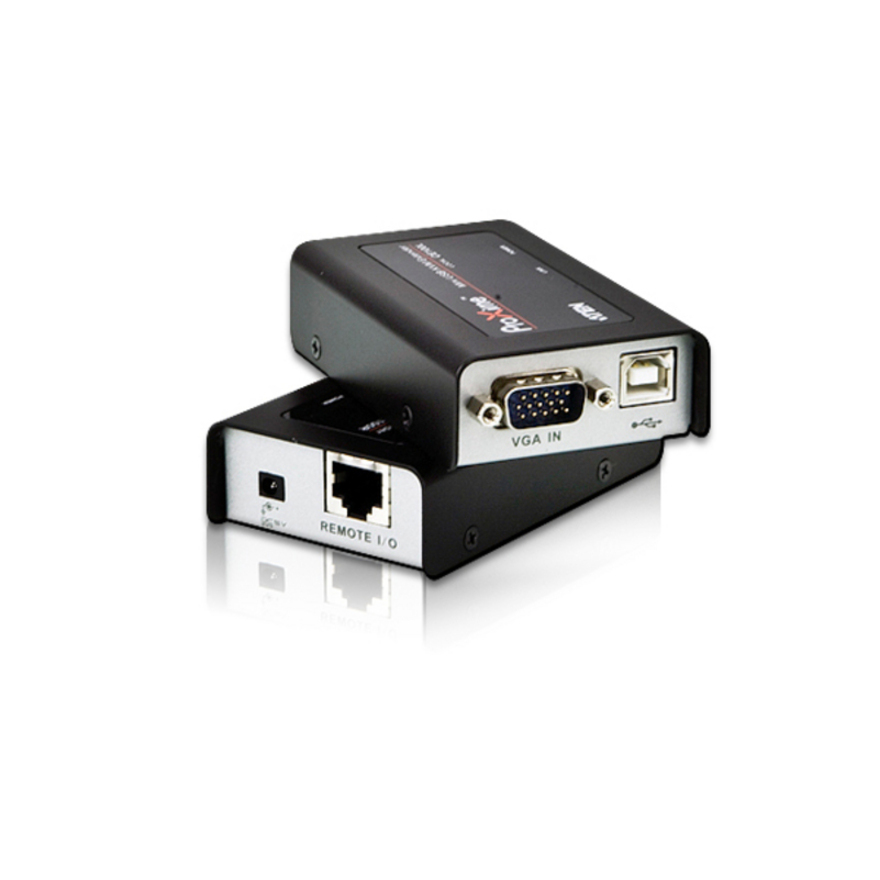
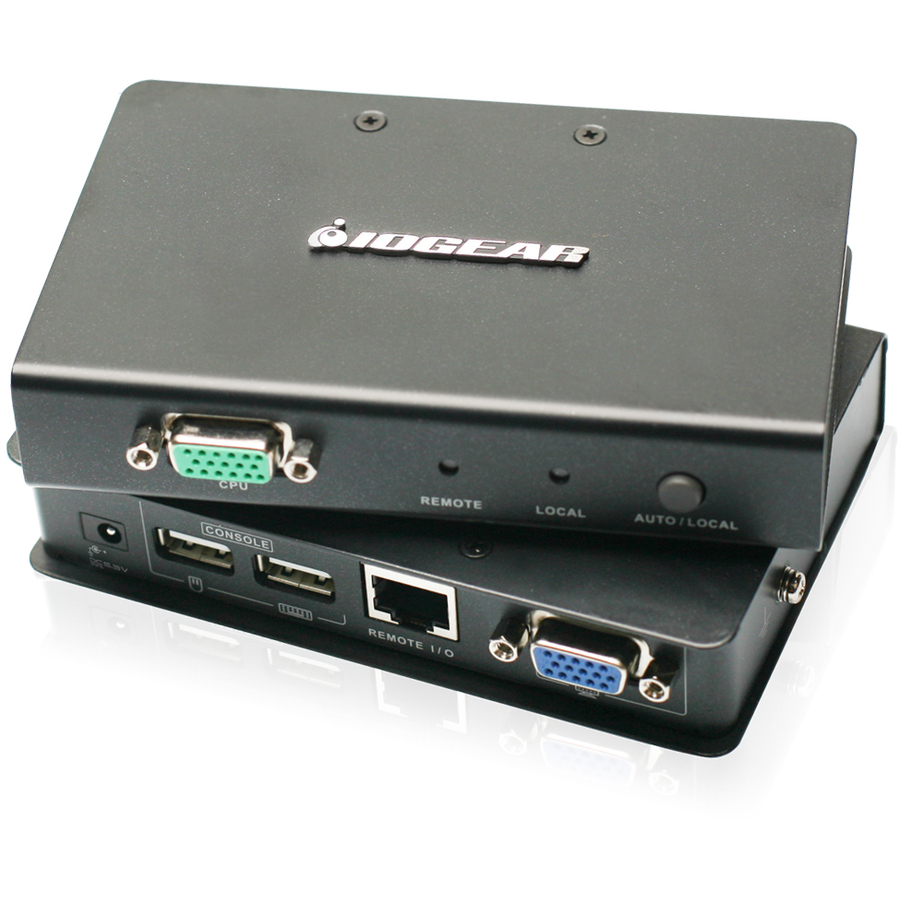
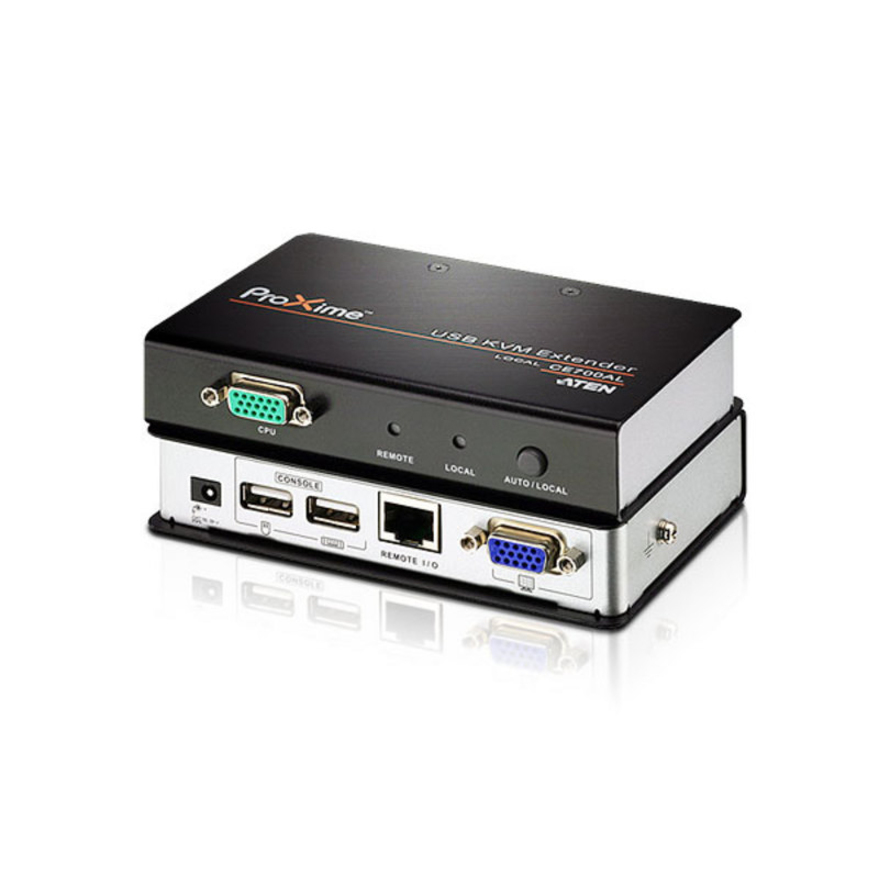
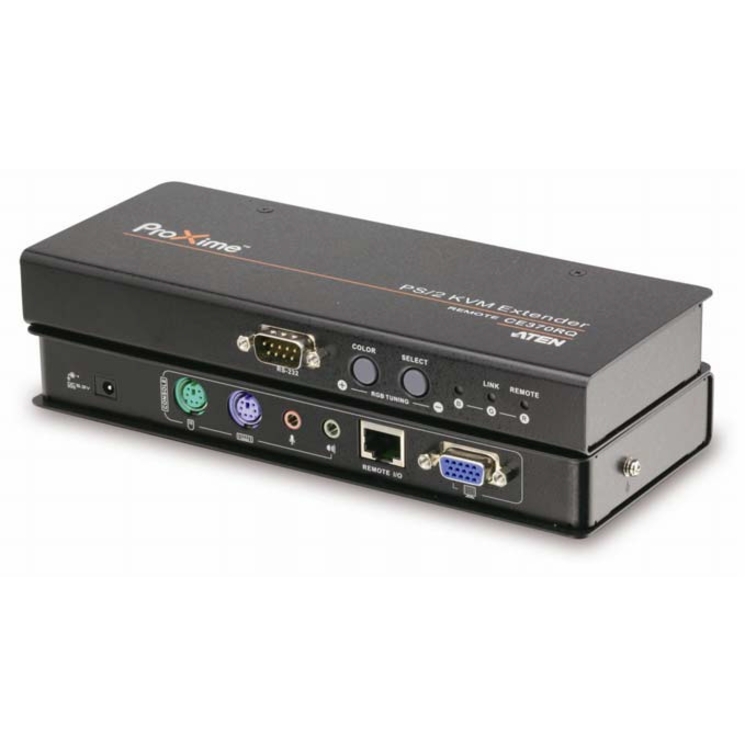
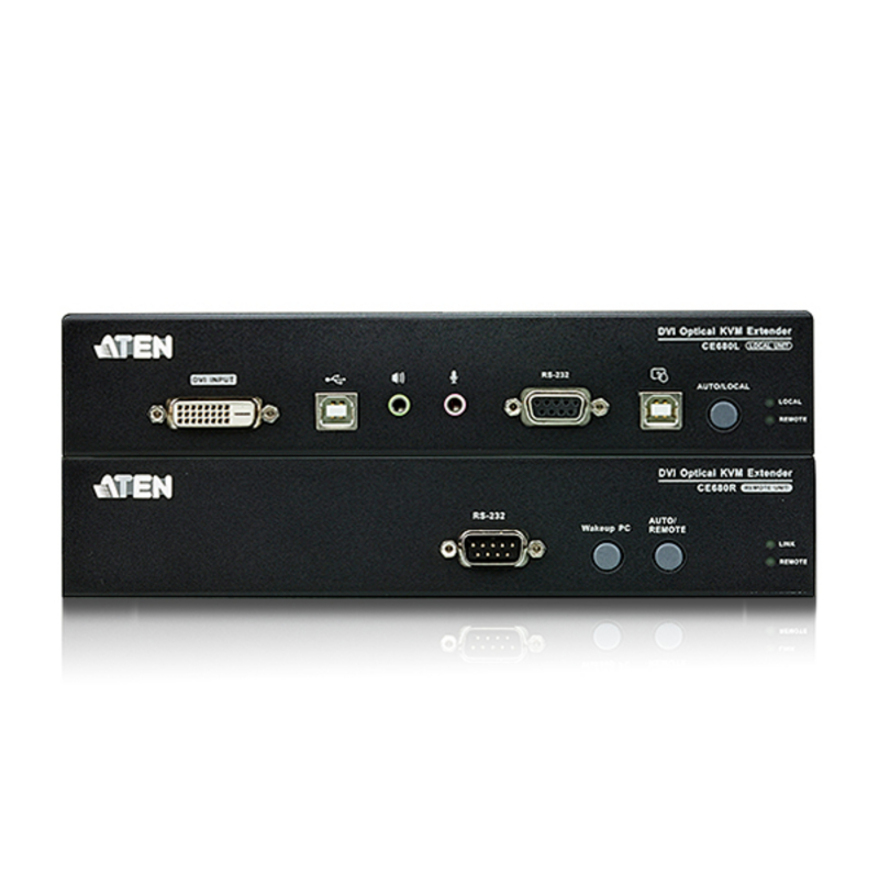
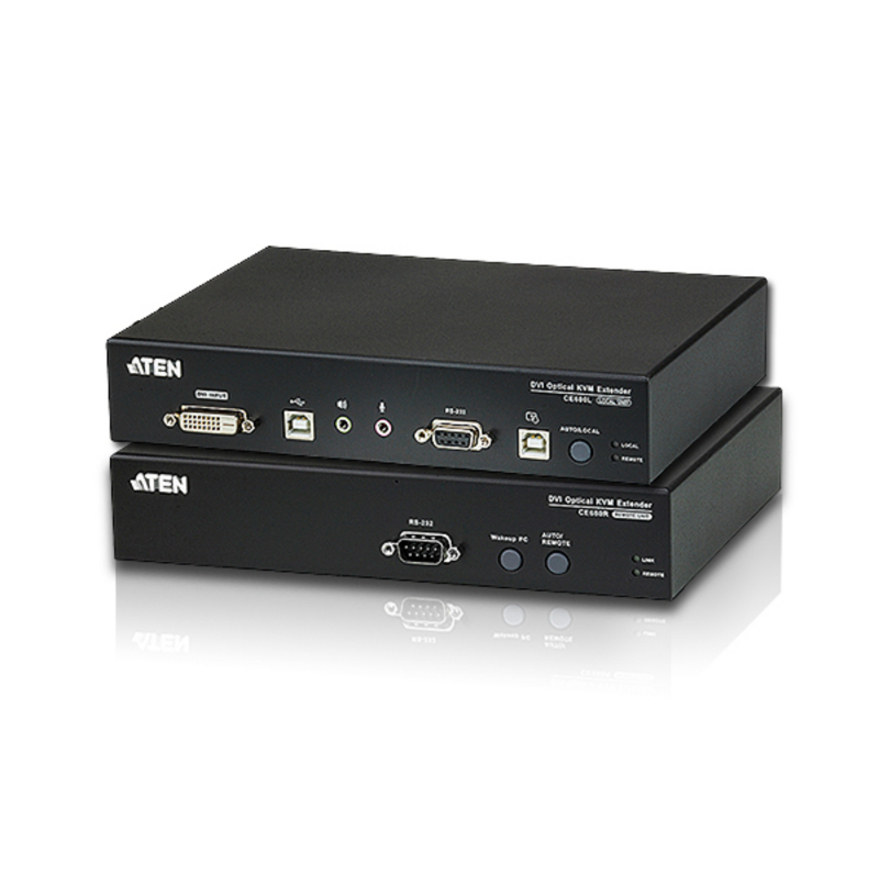
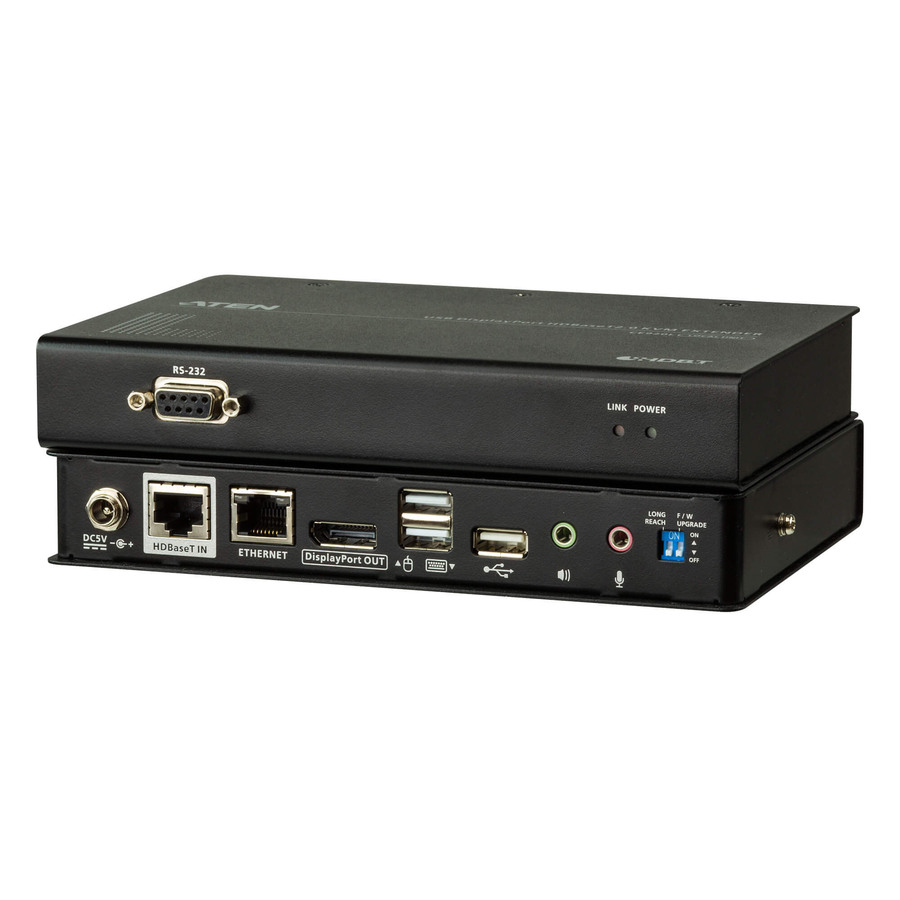
- ATEN TechnologyATEN Proxime CE700A KVM Console/Extender - 1 Computer(s) - 1 Local User(s) - 1 Remote User(s) - 492.13 ft Range - WUXGA - 1920 x 1200 Maximum Video Resolution - 2 x Network (RJ-45) - 4 x USB - 2 x VGA - Proprietary Interface - 5.3 V DC Input Voltage - Rack-mountableCE700A
$342.00
$272.83
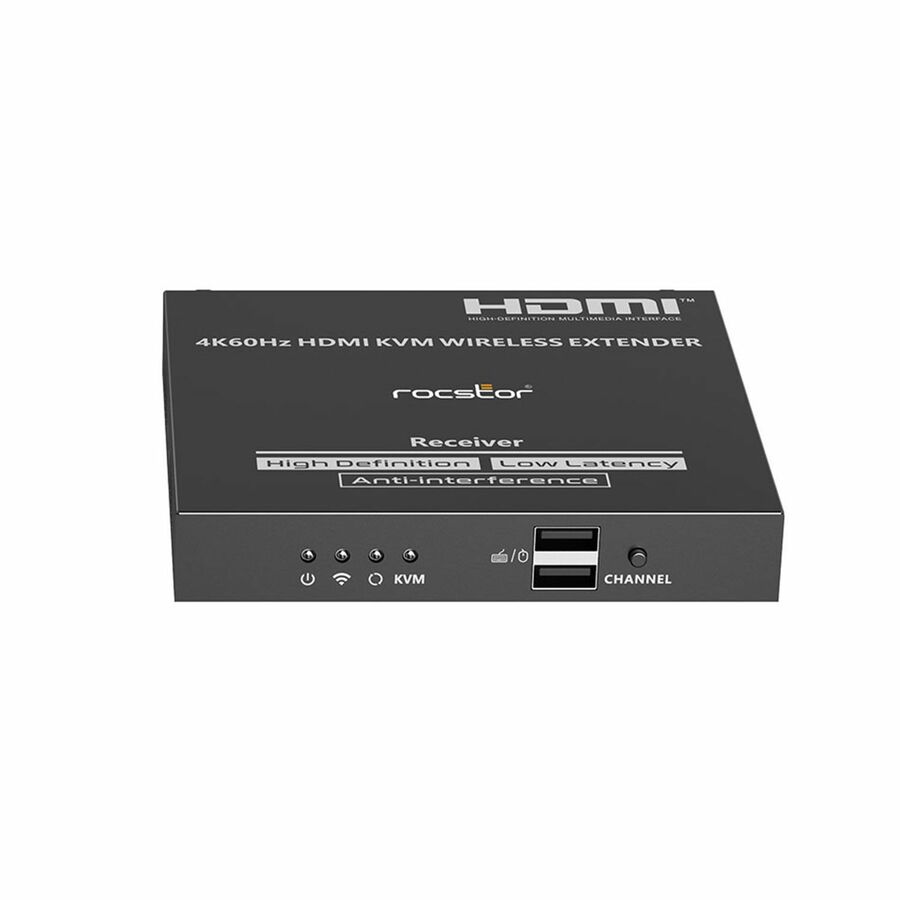
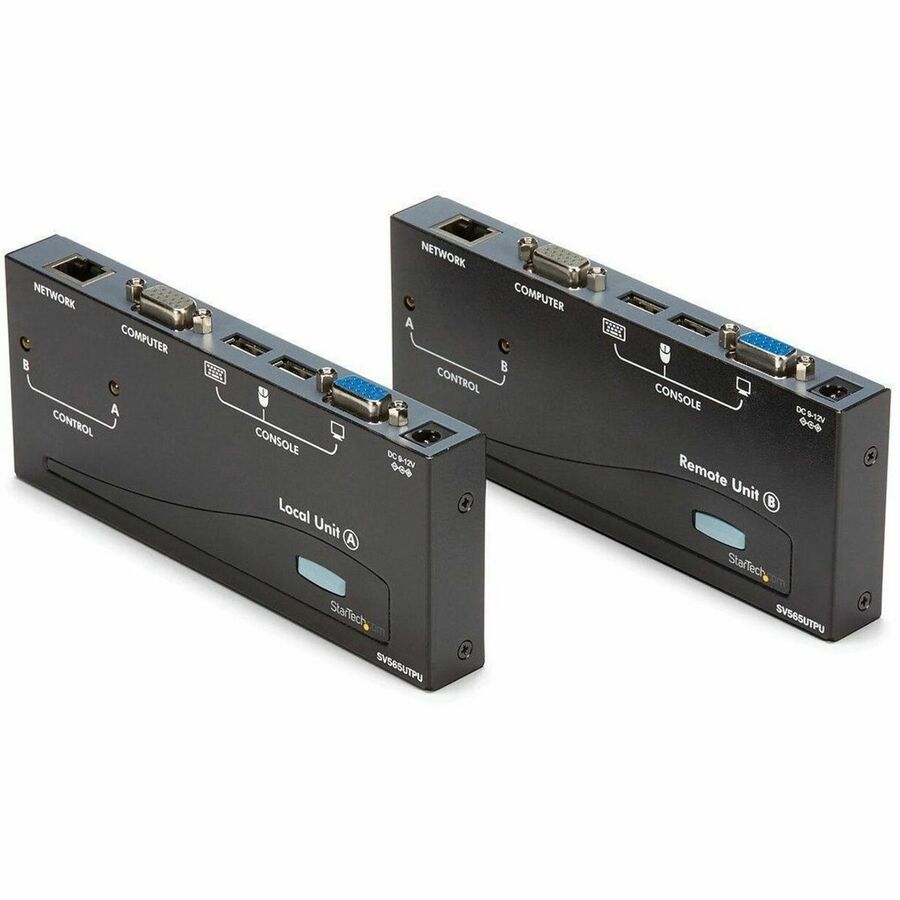
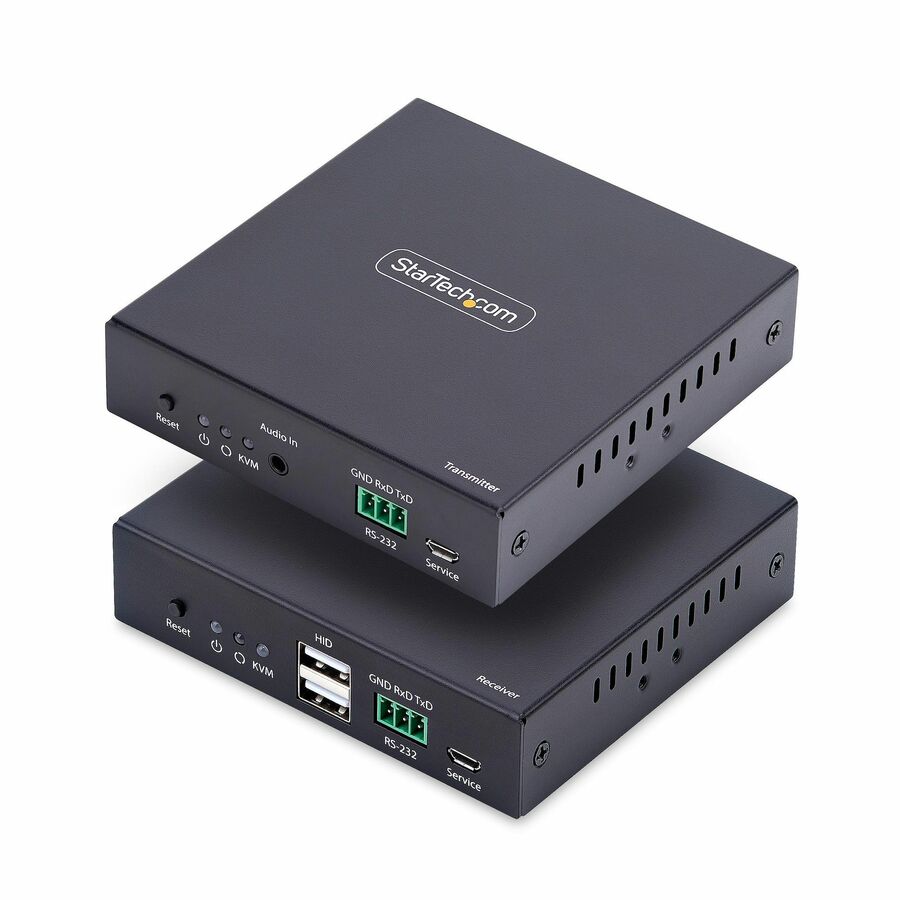
249 in stock - StarTech.comStarTech HDMI KVM Extender Over IP Network, 4K 60Hz, Driverless, HDMI and USB Over Ethernet/CAT6, AVoIP, Transmitter/Receiver Kit - Control a computers keyboard/mouse/4K 60Hz HDMI monitor from a remote location over an existing IP network; Additional IP KVM receivers sold separately; No Drivers/Software; Works with any OS/hardware platform; Transmitter has a local HDMI outputIH2006-KVM-EXTENDER
$400.76
$368.70
351 in stock




Best value
SIIG
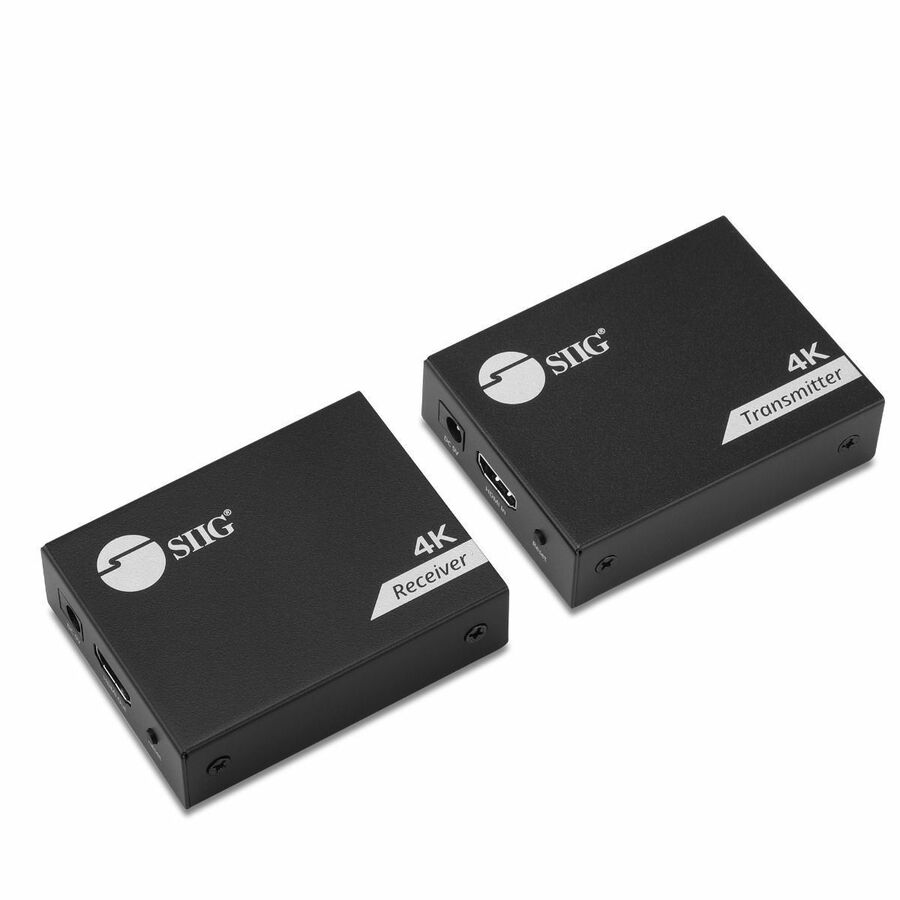
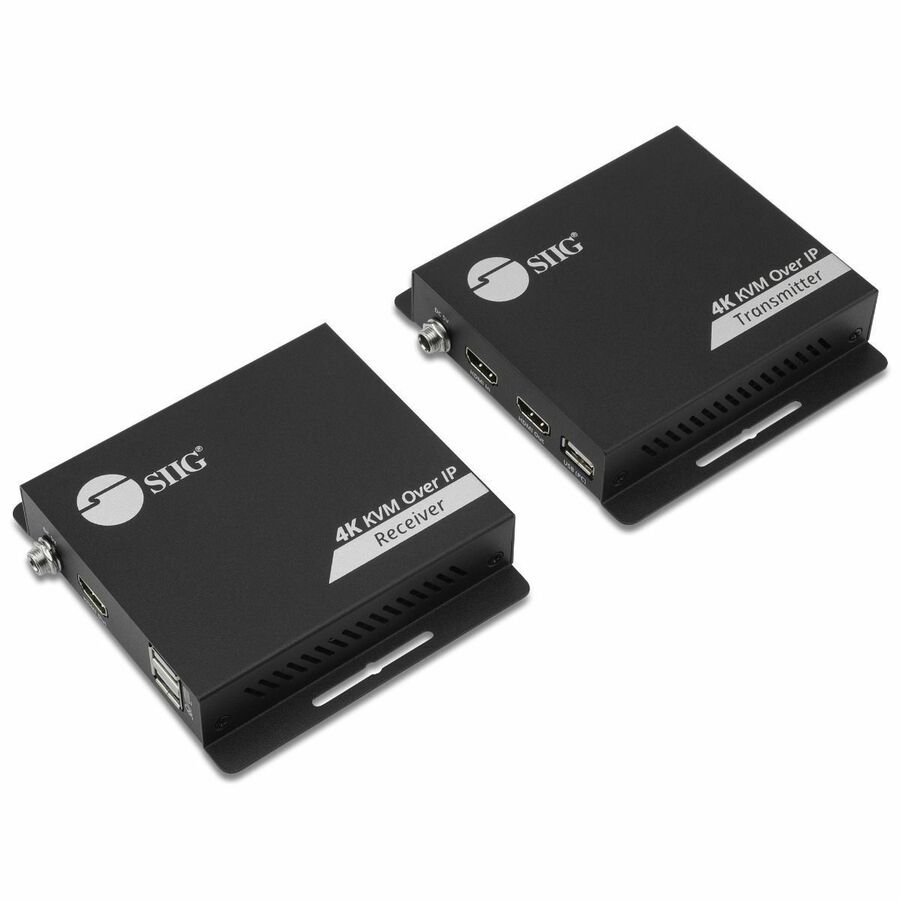
SIIG 4K HDMI USB KVM Extender over CAT6
CE-H28411-S1
The entry into the category and a genuinely capable one: HDMI and USB over a single Cat6 or Cat7 run, rated up to about 230 feet, with 4K at 30 Hz to roughly 130 feet, HDCP 1.4, HDR10 and a metal housing with ESD and surge protection on the line. For one console outside one machine room, this is the whole job.
$140.78In stockTop pick
Eaton
Tripp Lite by Eaton HDMI HDBaseT KVM Console Extender over Cat6
B013-HU-4K
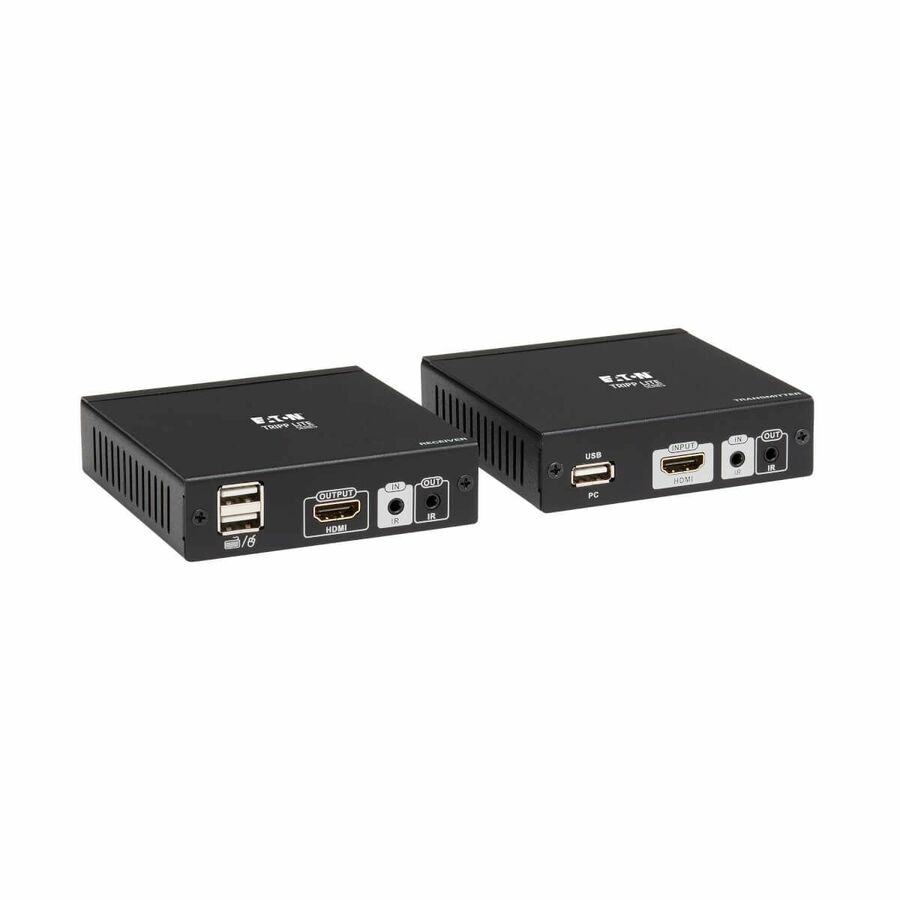
An HDBaseT console extender over Cat6 with two USB ports and infrared pass-through, rated 4K at 30 Hz to about 130 feet and 1080p to about 230 feet. The dual rating is the honest way to read this whole category — decide which of the two numbers your run needs before you decide the model.
$528.89In stockOver an IP network
StarTech.com
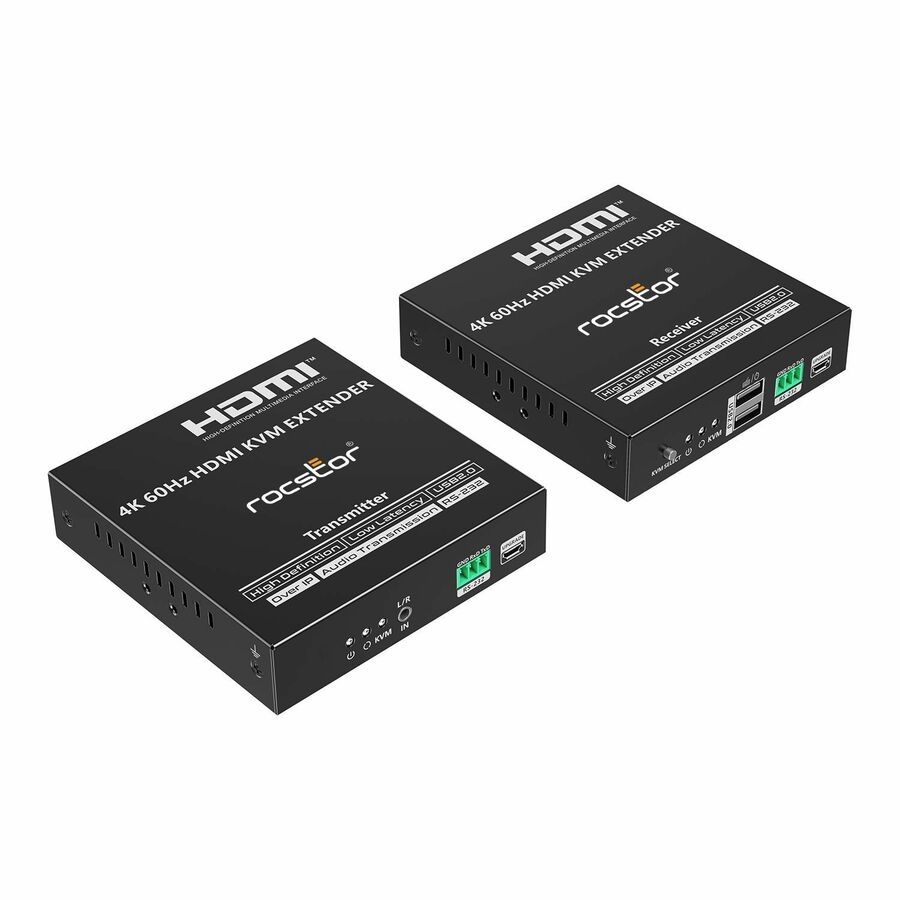
StarTech HDMI KVM Extender Over IP Network, 4K 60Hz, Driverless, HDMI…
IH2006-KVM-EXTENDER
A transmitter and receiver kit that carries 4K at 60 Hz HDMI plus USB across an existing IP network rather than a dedicated run, driverless and platform-independent, with a local HDMI output at the transmitter. Additional receivers for this series are separate part numbers, which is exactly how a one-to-many deployment is meant to grow.
Over-IP means the network becomes part of the product. Bandwidth, multicast behaviour and switch configuration belong in the deployment plan, not on the install day.
$368.70In stockLongest copper reach
ATEN Technology
ATEN Proxime CE700A KVM Console/Extender
CE700A
An ATEN Proxime unit rated to roughly 492 feet with a local and a remote user position and WUXGA video at 1920 x 1200. The trade is explicit and worth understanding: this is the analog road, chosen when the distance matters more than the pixel count — a machine-room console rather than a design workstation.
$272.83In stockDisplayPort kit
Eaton
Tripp Lite by Eaton DisplayPort over Cat6 Extender Kit KVM Support USB…
B127A-1A1-BDBD
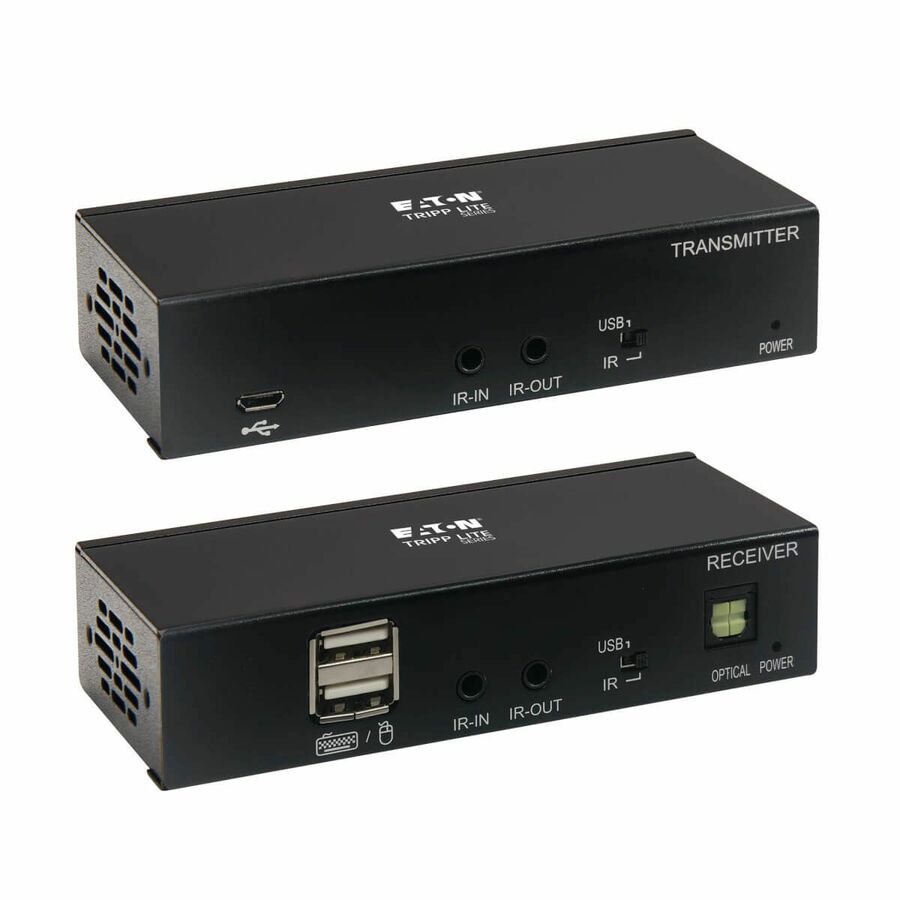
A DisplayPort-over-Cat6 extender kit with KVM and USB support, 4K DP1.2a video, HDCP 2.2 and power over the cable, rated to about 230 feet, in a wall- and rack-mountable body. The one to read when the source is DisplayPort and converting it to HDMI first would add a failure point nobody wants in a rack.
Our catalog data records this part number as TAA compliant. We confirm the screening result against this exact part number on the quote rather than restating it as a Uniqcli certification.
$448.59*In stockMore KVM consoles and extenders in the Uniqcli catalog
See all 295 KVM consoles and extendersMore from across this category. In-stock lines lead, and a back-ordered line carries the same estimated availability its product page does — with live pricing throughout, NDAA §889 screening before checkout and TAA verified on request.
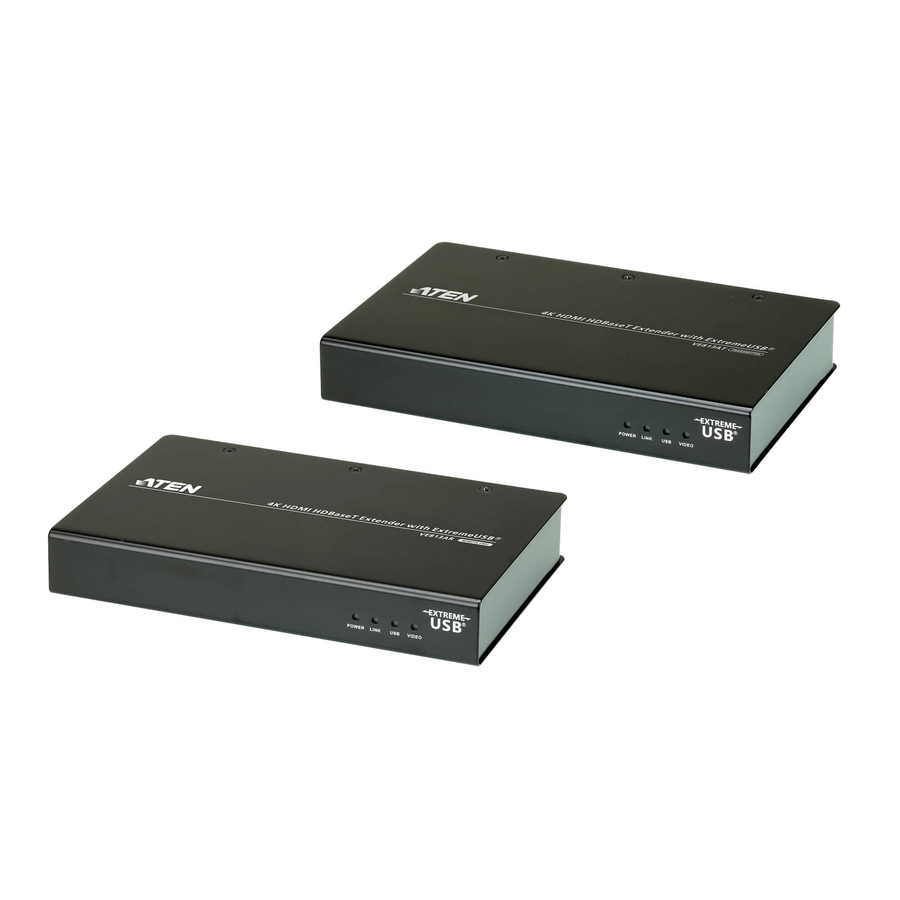
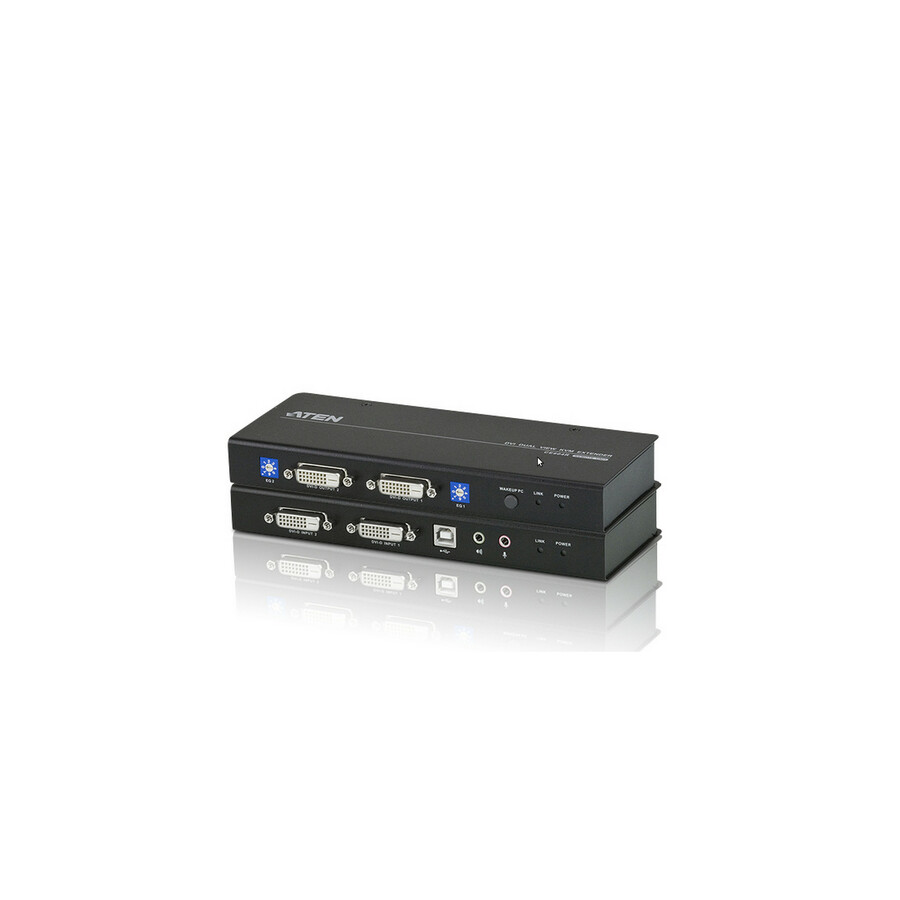
- ATEN TechnologyATEN 4K HDMI HDBaseT Extender with ExtremeUSB (4K@100m) (HDBaseT Class A)-TAA Compliant - 1 Computer(s) - 1 Remote User(s) - 328.08 ft Range - 4K - 4096 x 2160 Maximum Video Resolution - 2 x Network (RJ-45) - 4 x USB - 2 x HDMI - 5 V DC Input Voltage - Rack-mountable - For PCVE813A
$1,737.00
$1,072.20
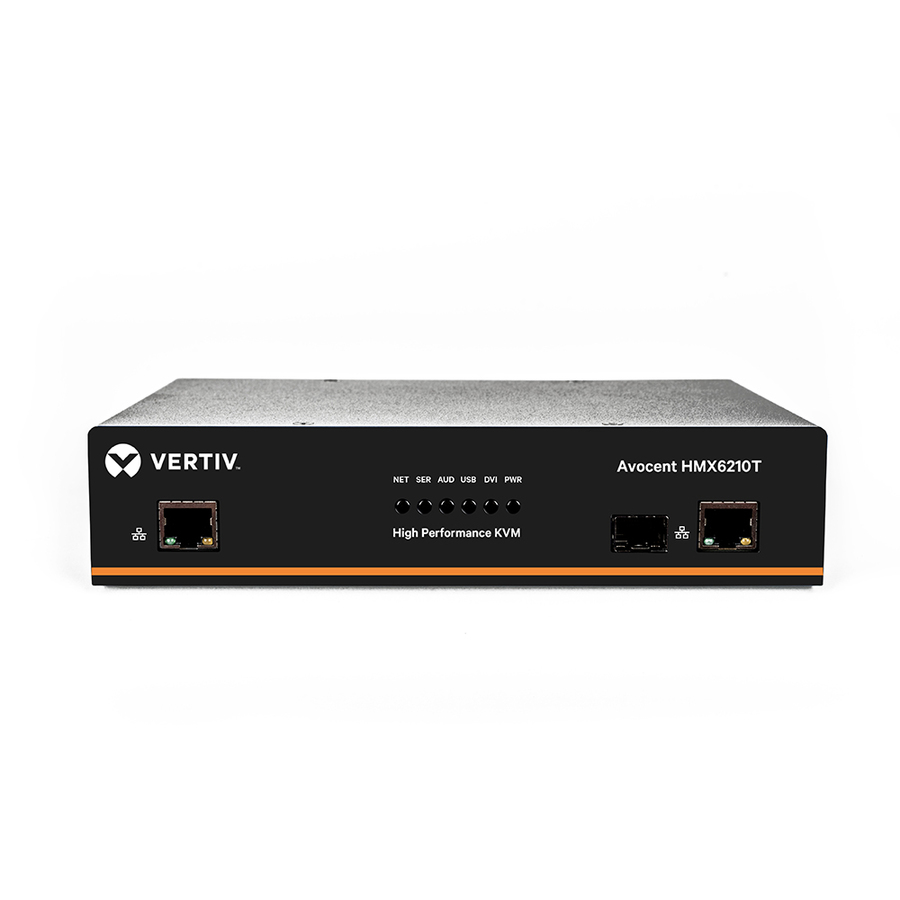
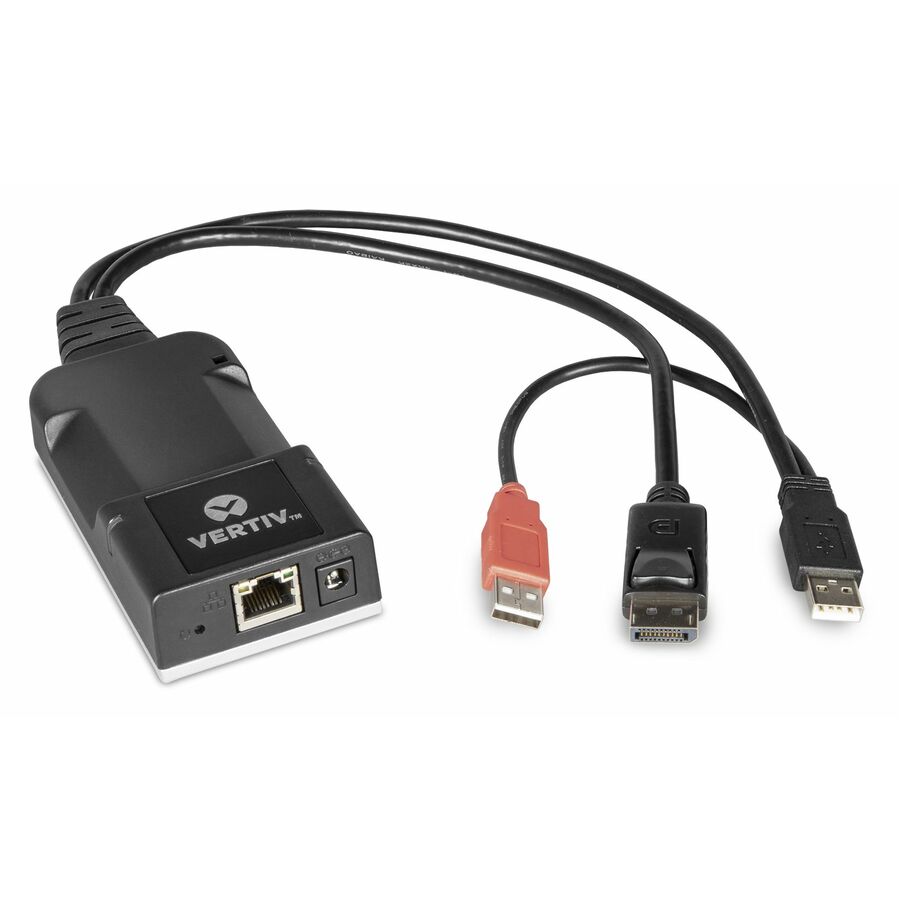
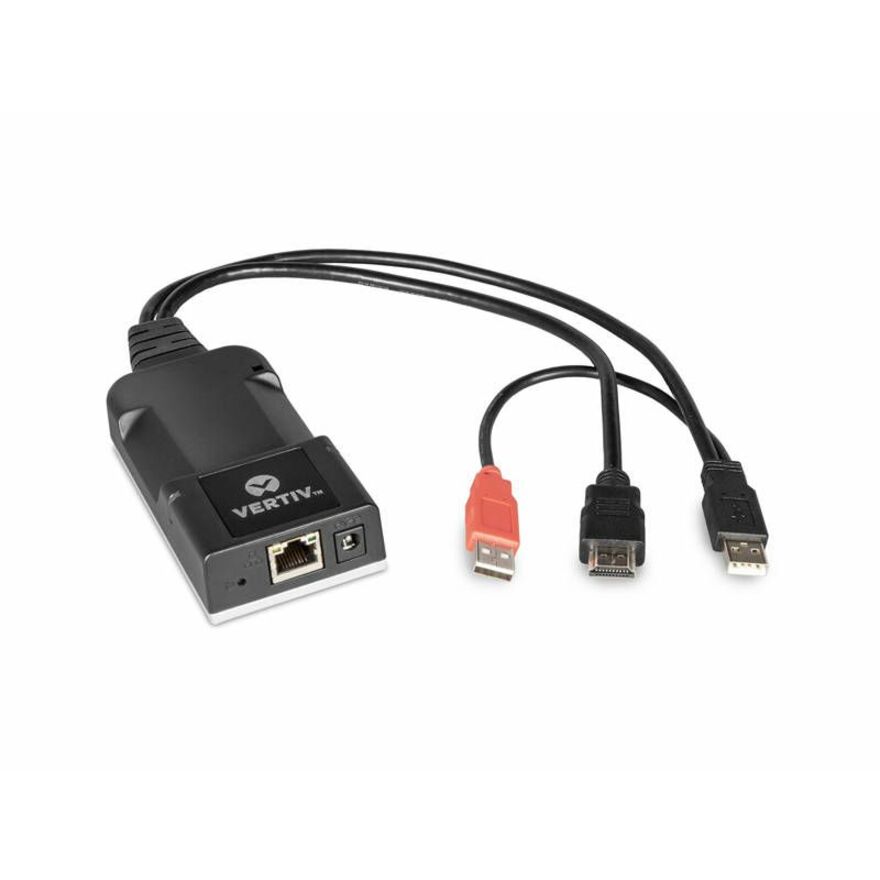
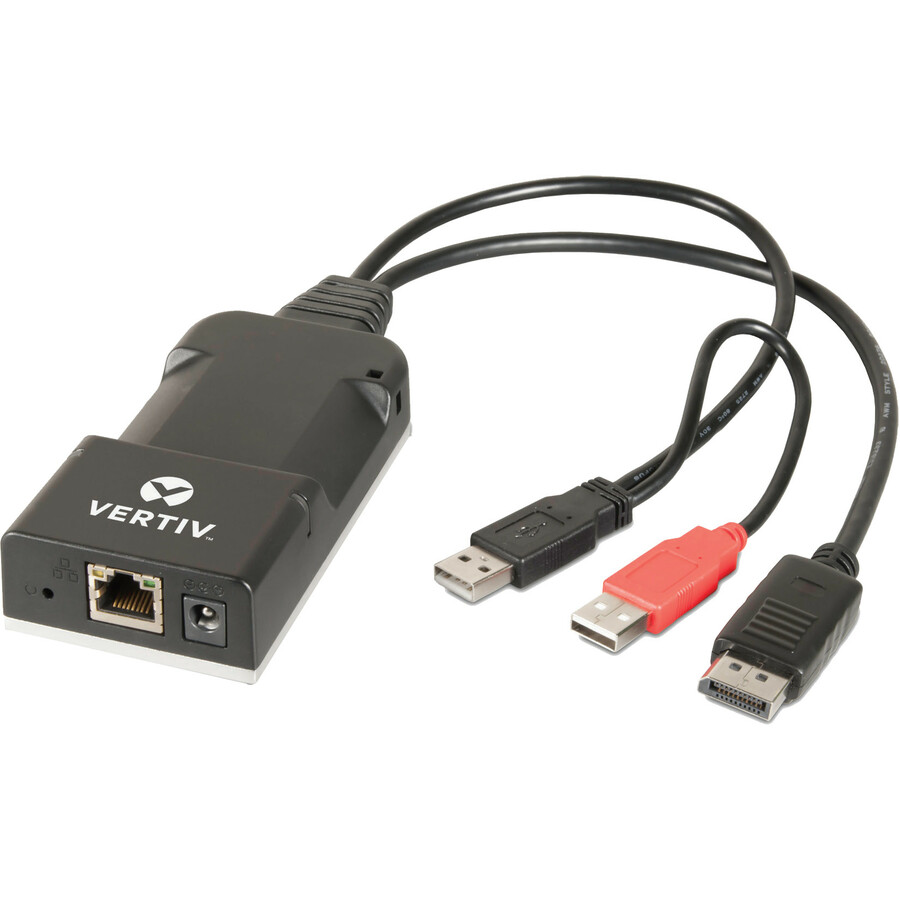
13 in stock - VertivVertiv Avocent HMX 6000 | High Performance KVM Extender | KVM Transmitter | Dual Transmitter | DVI-D Audio SFP (HMX6210T-001) - High Performance KVM Extender | IP-Based KVM Receiver | IP-Based KVM Transmitter | DVI-D | SFP Cage | USB | Single Head | Dual Head | TAA CompliantHMX6210T-001
$3,172.00
$2,522.75
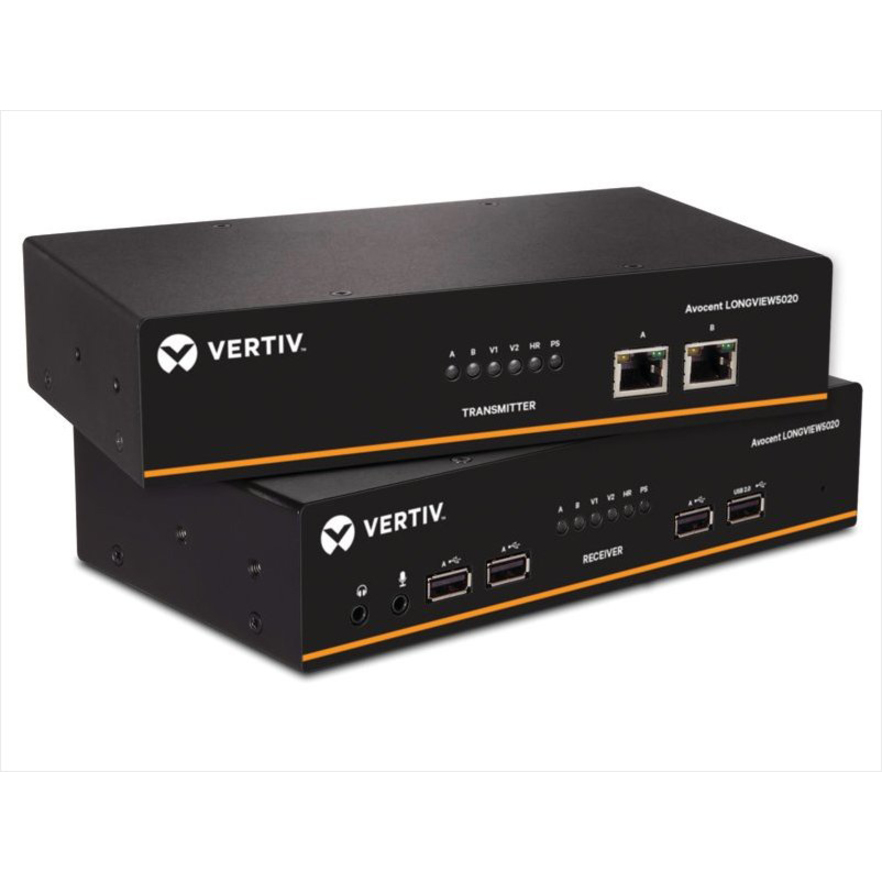
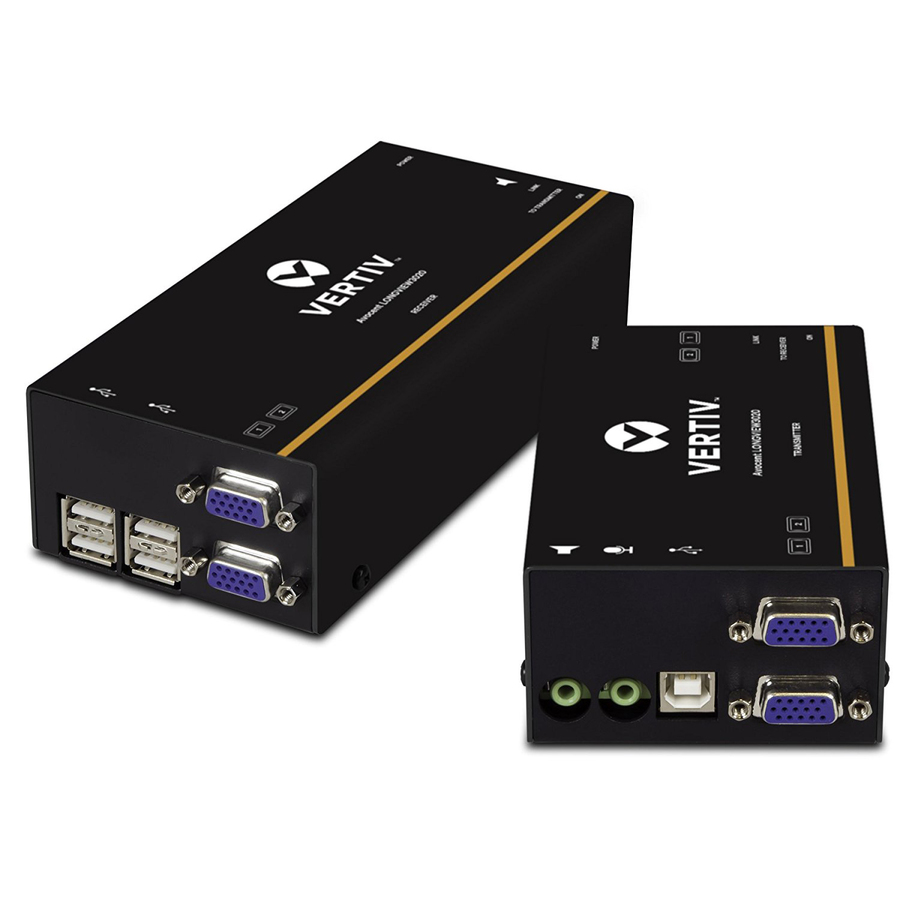
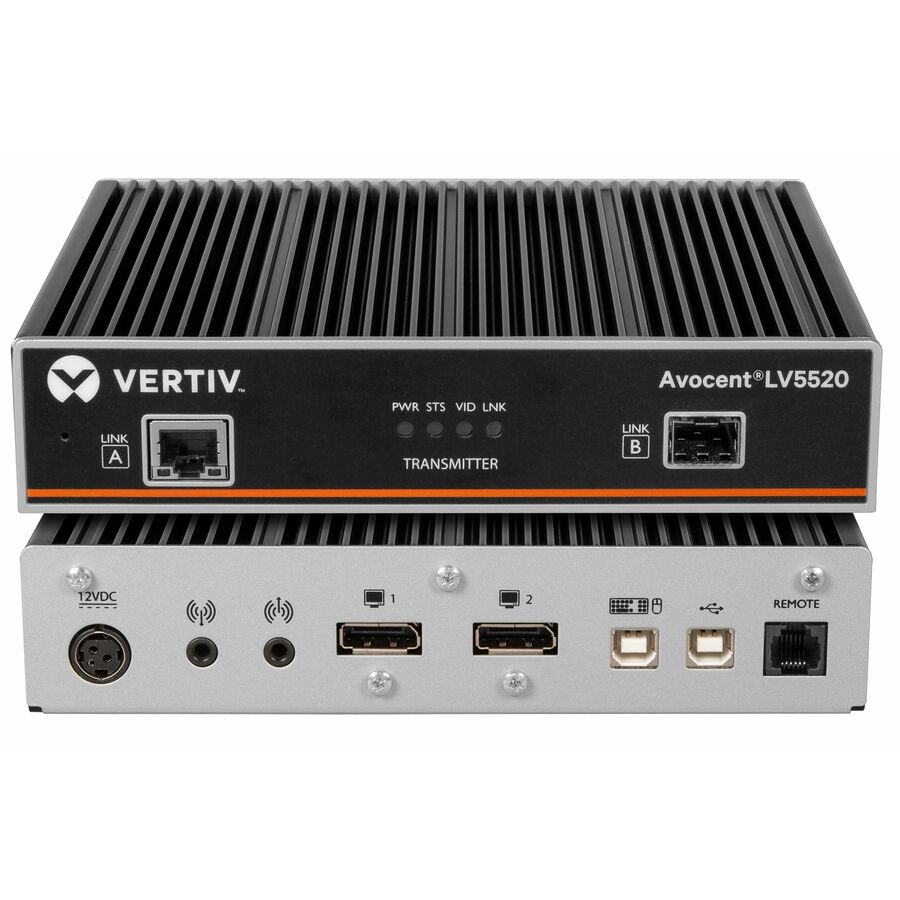
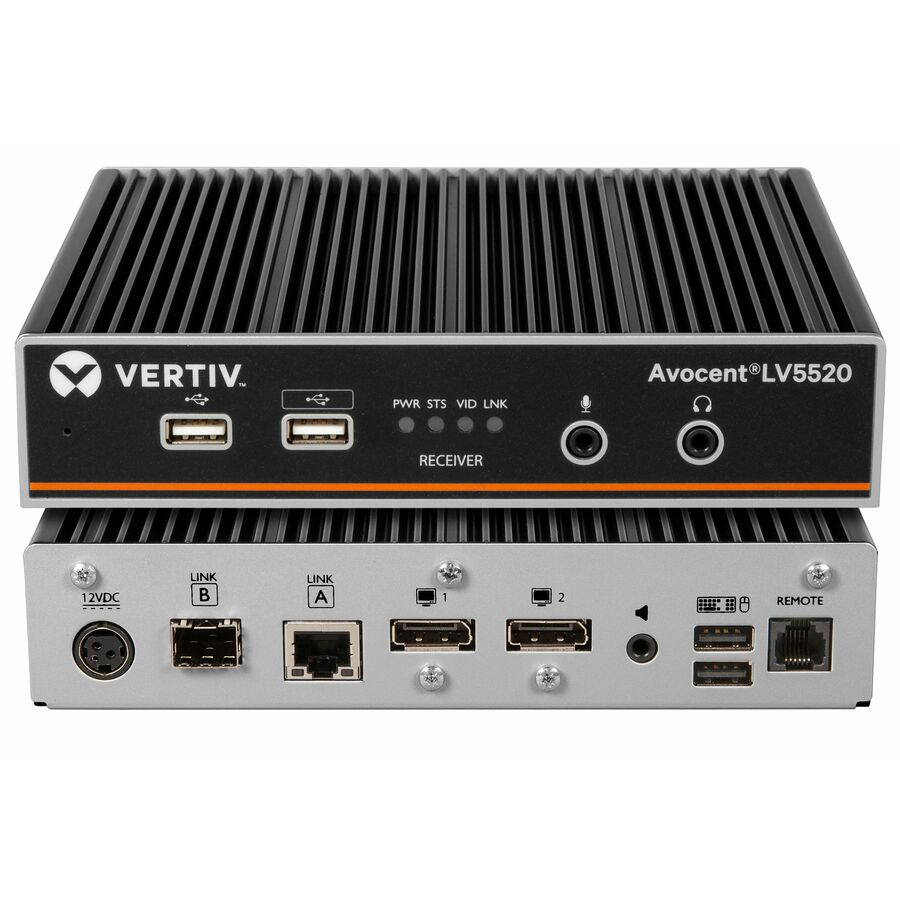
24 in stock - VertivVertiv Avocent LV5520 High-Performance KVM Extender | Transmitter - High-Performance KVM Extender | 4K 60Hz | Single Head | Dual Head | Single Port KVM | 2 Port KVM | 4 Port KVM | 4K DisplayPort | USB 2.0 | True USB Emulation | DVI KVM Switch | Fiber Optic | High Resolution DisplayLV5520T-400
$1,728.00
$1,374.32*
229 in stock - VertivVertiv Avocent LV5520 High-Performance KVM Extender | Receiver - High-Performance KVM Extender | 4K 60Hz | Single Head | Dual Head | Single Port KVM | 2 Port KVM | 4 Port KVM | 4K DisplayPort | USB 2.0 | True USB Emulation | DVI KVM Switch | Fiber Optic | High Resolution DisplayLV5520R-400
$1,728.00
$1,374.32*
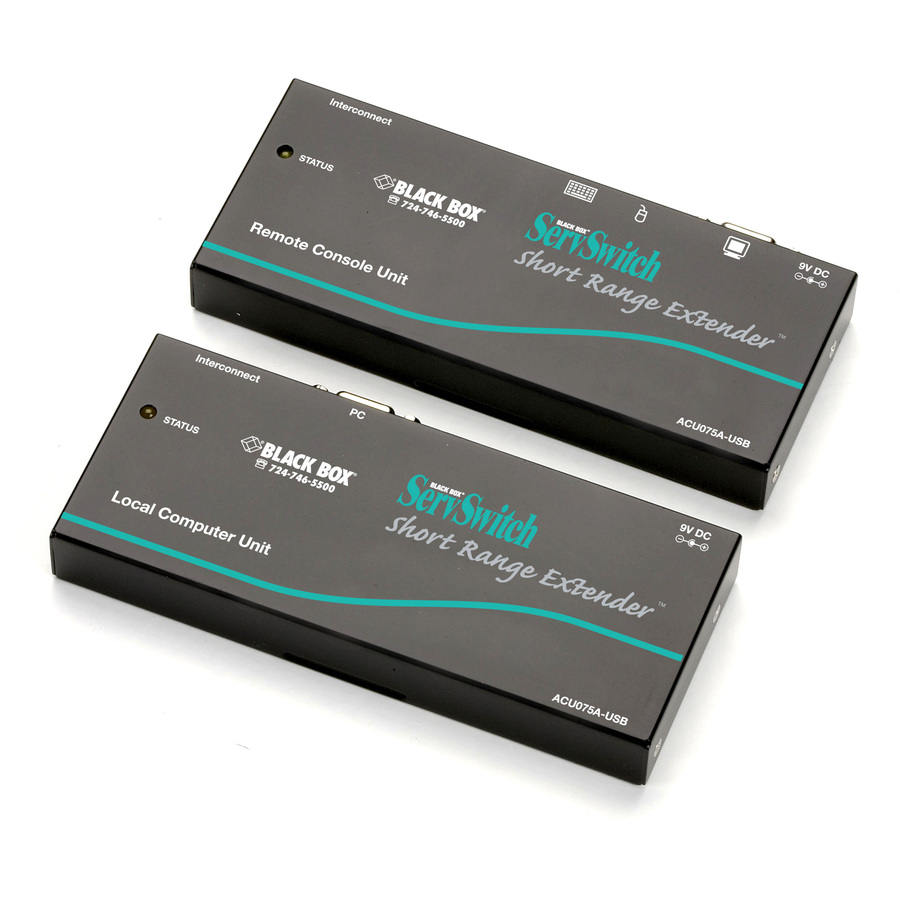
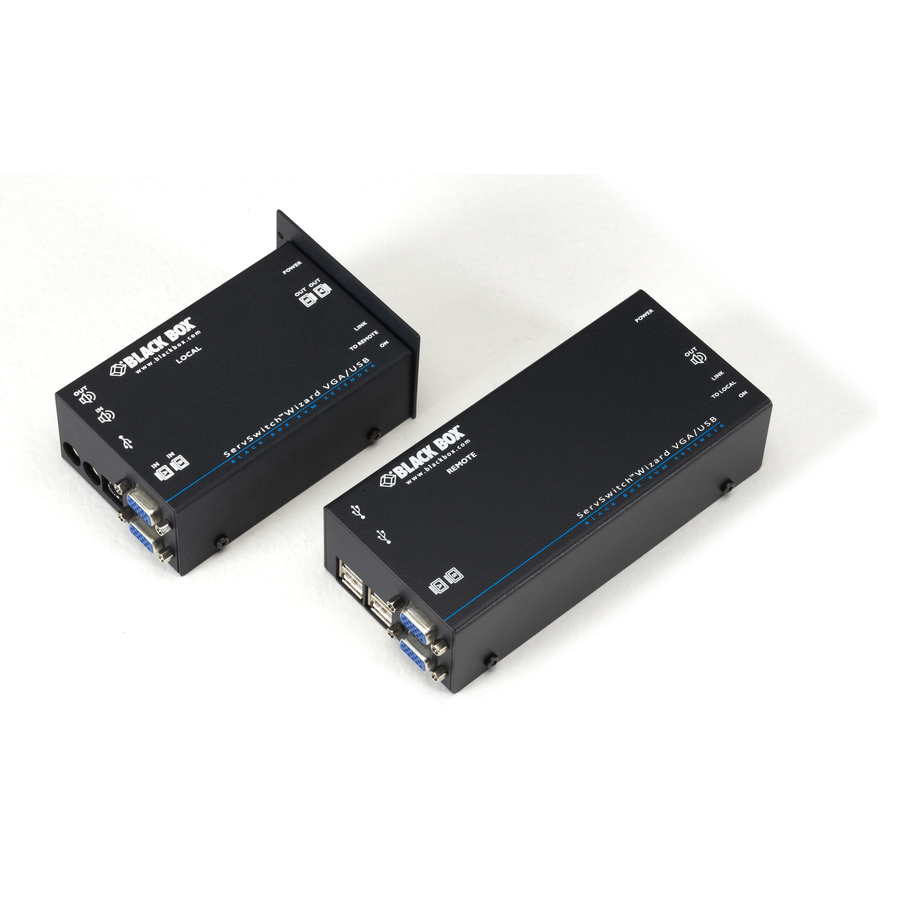
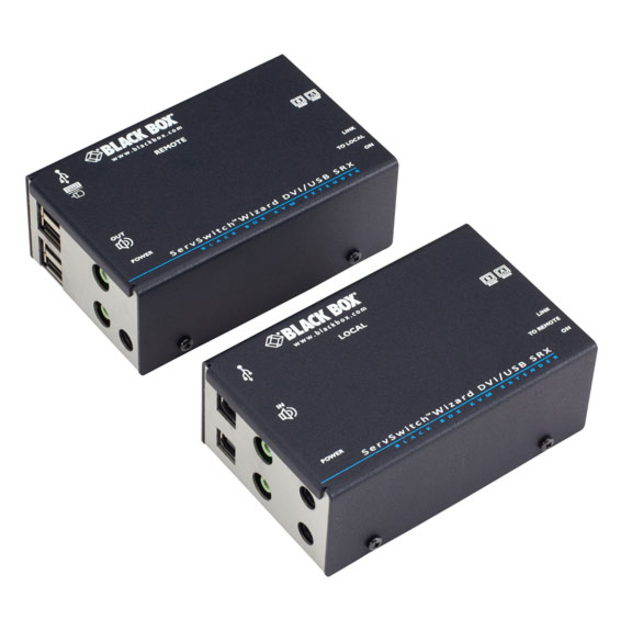
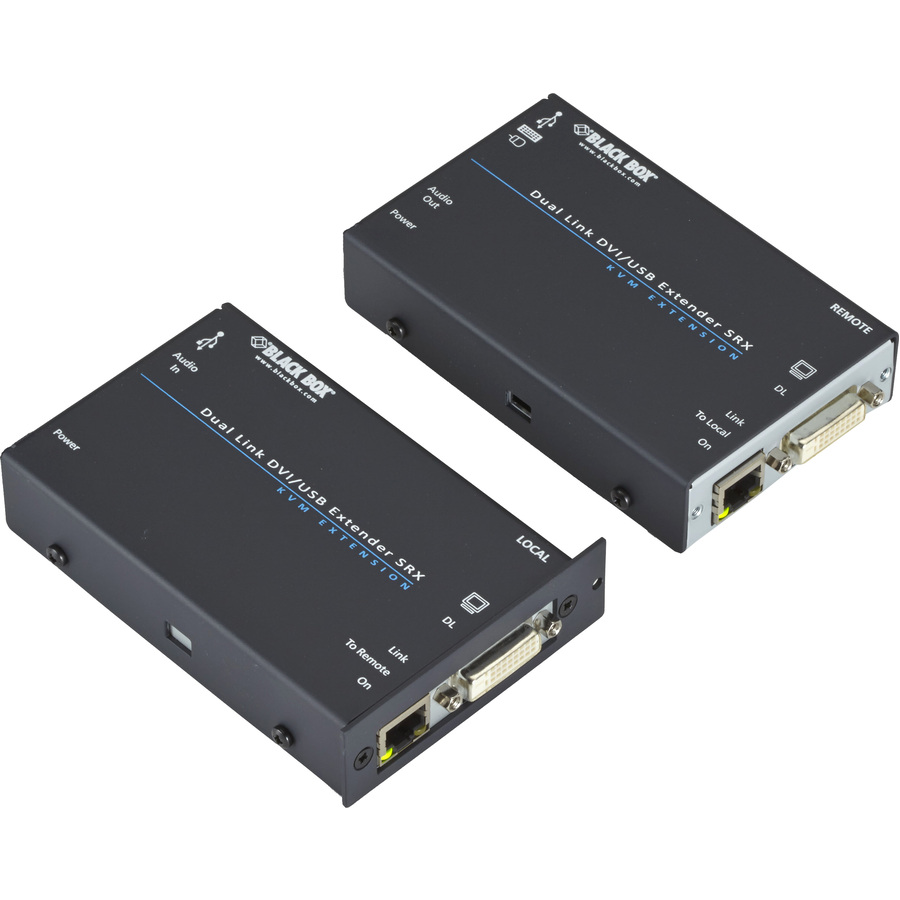
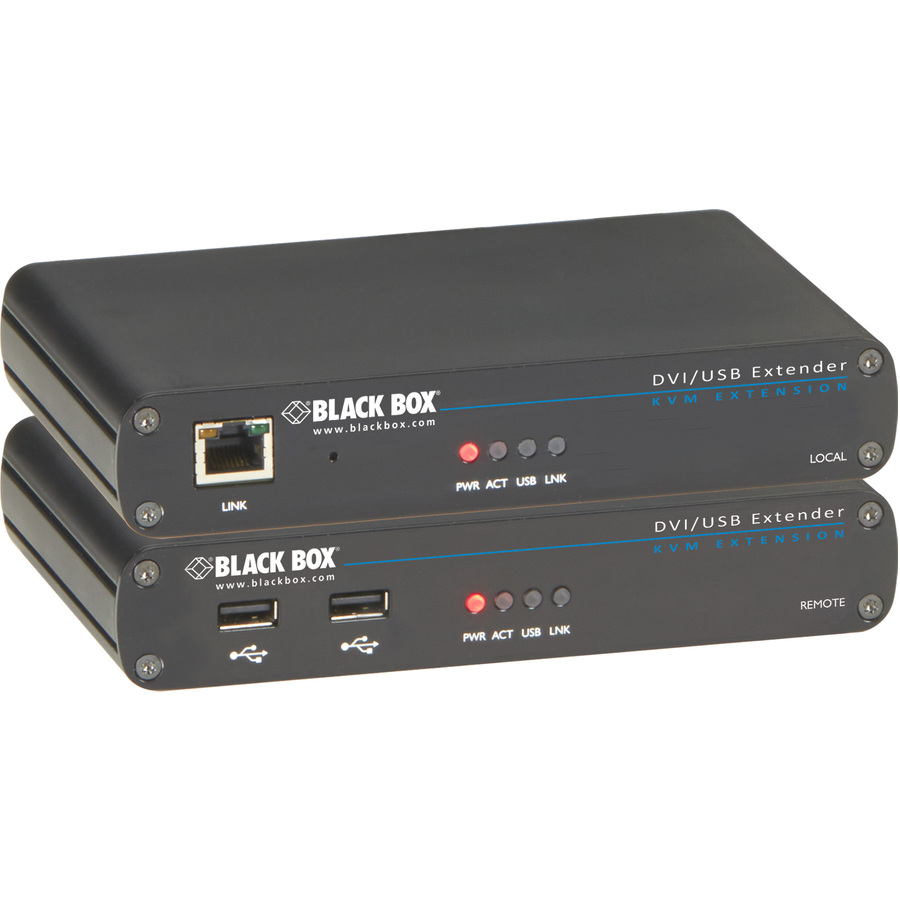
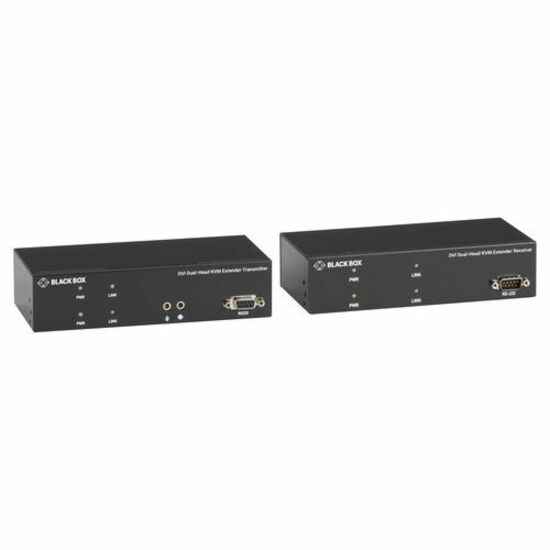
222 in stock - Black BoxBlack Box Wizard SRX KVM Extender - Dual-Monitor DVI-D, USB 2.0, Audio, Single-Access,CATx - 1 Computer(s) - 1 Local User(s) - 196 ft Range - 3840 x 2400 Maximum Video Resolution - 4 x Network (RJ-45) - 6 x USB - 4 x DVI - 110 V AC, 220 V AC Input Voltage - Rack-mountableACU5502A-R3
$2,389.48
$2,038.34
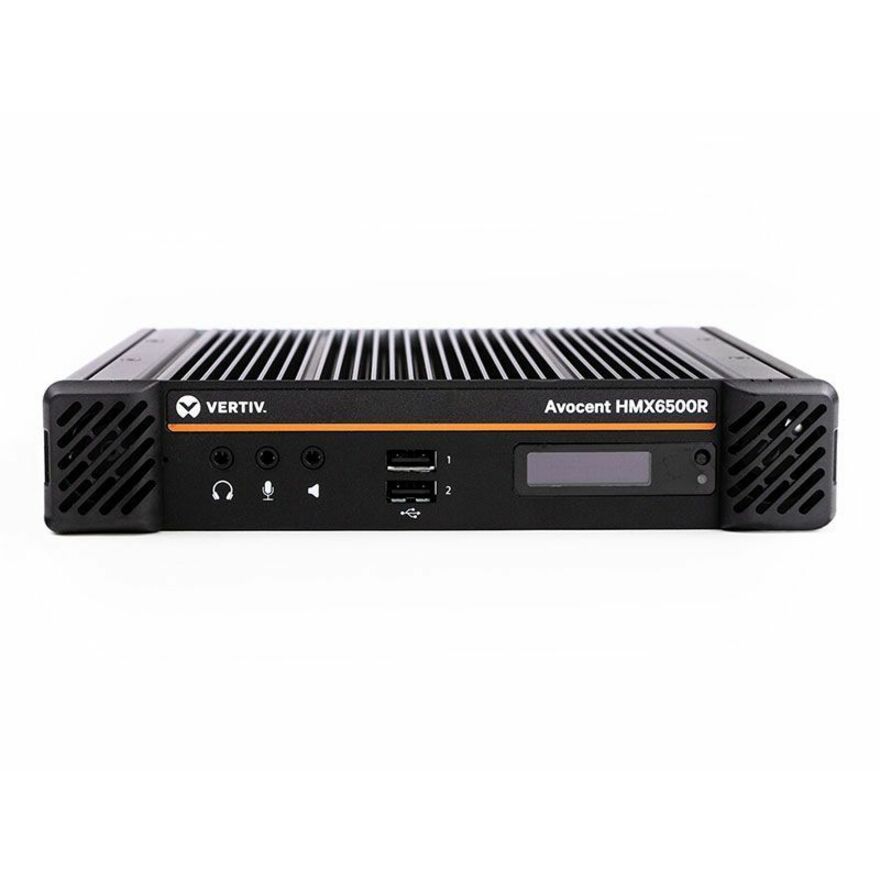
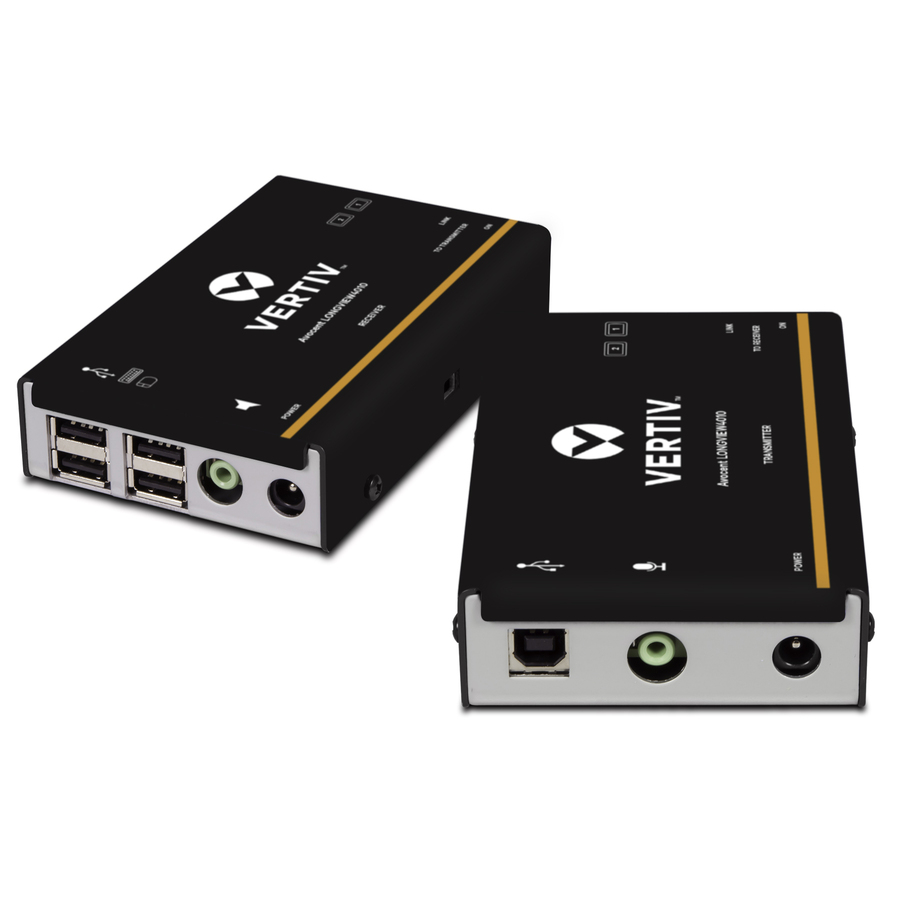
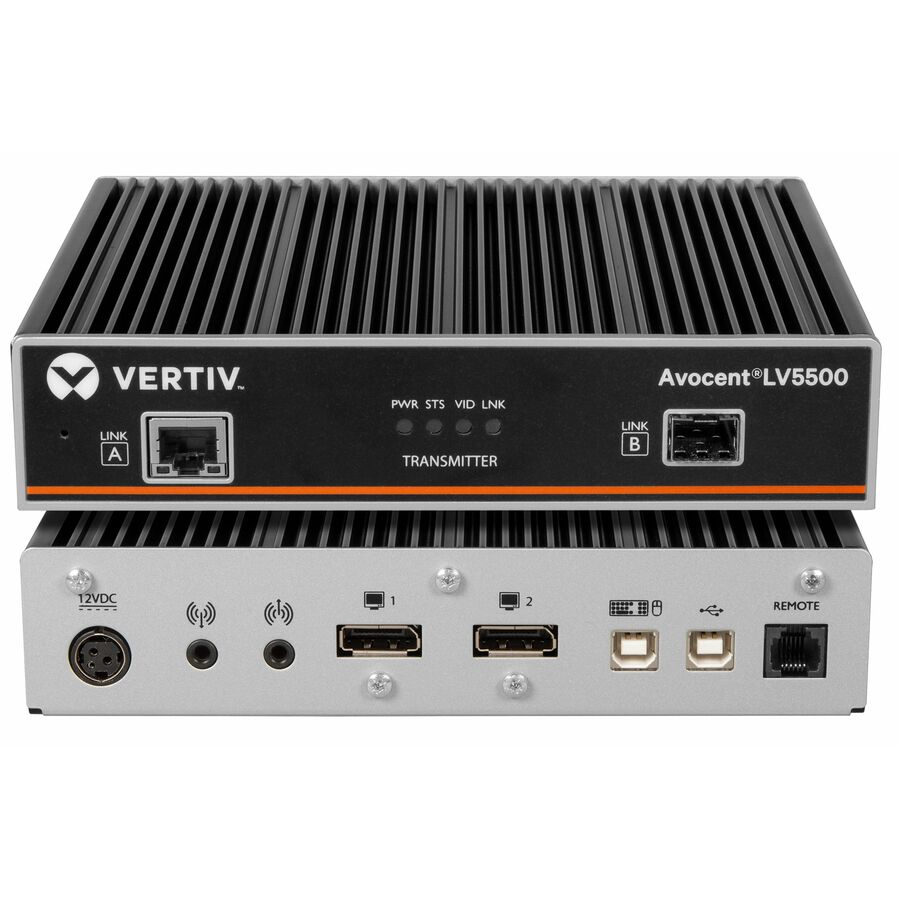
4 in stock - VertivVertiv Avocent LV5500 High-Performance KVM Extender | Transmitter - High-Performance KVM Extender | 4K 60Hz | Single Head | Dual Head | Single Port KVM | 2 Port KVM | 4 Port KVM | 4K DisplayPort | USB 2.0 | True USB Emulation | DVI KVM Switch | Fiber Optic | High Resolution DisplayLV5500T-400
$1,694.00
$1,347.27*
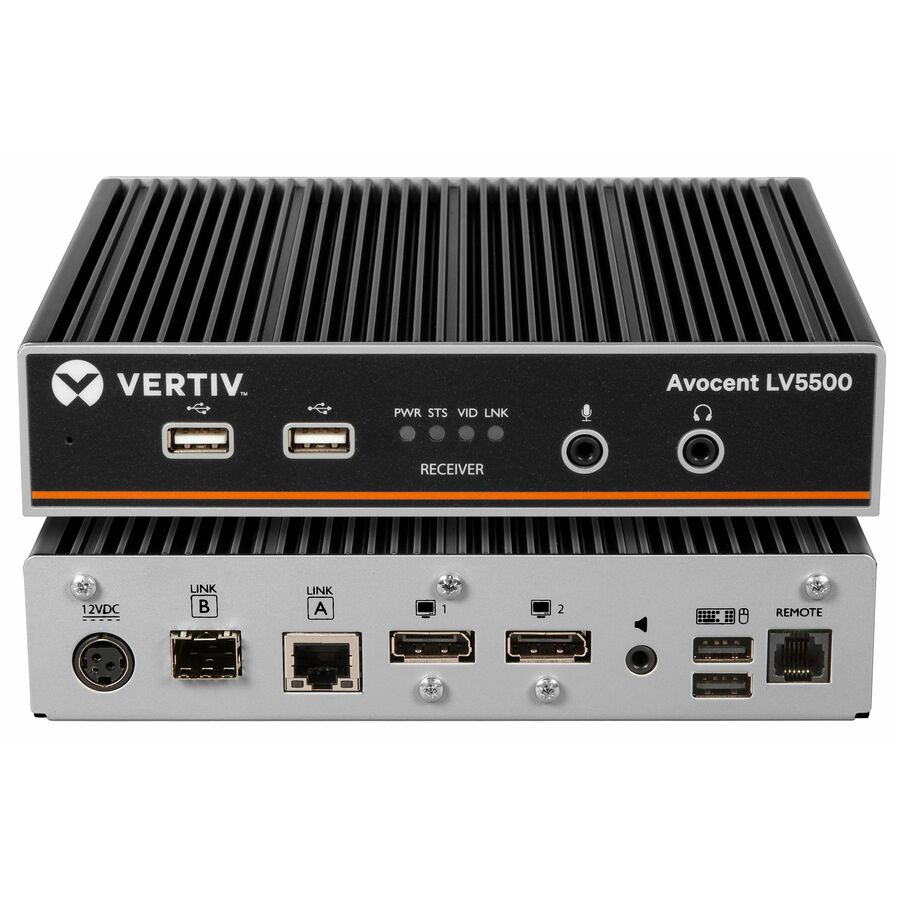
43 in stock - VertivVertiv Avocent LV5500 High-Performance KVM Extender | Receiver - High-Performance KVM Extender | 4K 60Hz | Single Head | Dual Head | Single Port KVM | 2 Port KVM | 4 Port KVM | 4K DisplayPort | USB 2.0 | True USB Emulation | DVI KVM Switch | Fiber Optic | High Resolution DisplayLV5500R-400
$1,694.00
$1,347.27*
40 in stock

Need pricing on KVM extenders?
Tell us where to reach you and a Uniqcli specialist will follow up by email with current pricing, availability and lead time for the quantities you need — including parts that aren’t shown on this page.
Buying for an organization or for yourself — both work. No payment up front.
An extender moves one console away from its machine, and what is being bought is distance at a resolution: a unit rated 4K at 30 Hz to about 130 feet may carry only 1080p to about 230 feet on the same cable. Read resolution, refresh rate and distance as one specification, and confirm whether the part number is a complete transmitter/receiver kit or a single end.
An extender solves a different problem from a switch. A KVM switch puts several machines behind one console; an extender keeps one console and moves it away from the machine — out of a noisy, hot, locked rack room and onto a desk, a factory floor, a control position or the far side of a building. The variable being bought is distance, and the range in this selection is wide: the entry-level HDMI-over-Cat6 units carry a console roughly 230 feet, an ATEN Proxime unit here is rated around 492 feet, several StarTech and IOGEAR models sit between 500 and 650 feet, the single-mode fiber units run to thousands of feet and in the longest cases tens of thousands, and the over-IP models drop the fixed point-to-point limit entirely by riding an existing network instead of a dedicated run.
Resolution is not a single number on these devices — it is a number at a distance. The product data is explicit about the trade: one Tripp Lite HDBaseT unit here is rated 4K at 30 Hz to about 130 feet and 1080p to about 230 feet on the same cable, and that pattern repeats across the range. Read the resolution, the refresh rate and the distance together, then check them against the run you actually have rather than the headline on the box. The older long-reach units are honest about the other half of this: the models that go furthest over copper tend to be analog VGA at WUXGA rather than 4K, which is exactly the right answer for a machine-room console and the wrong one for a design workstation.
The most expensive ordering mistake in this category has nothing to do with specifications. Extenders come as transmitter/receiver kits and as single ends, and the catalog contains plenty of both — a receiver bought on its own will never work until its matching transmitter arrives, and over-IP systems in particular sell additional receivers separately by design because that is how a one-to-many deployment scales. Confirm what is in the box before the purchase order goes out. Uniqcli quotes the extenders, the structured cabling, patch panels and fiber they ride on, the console hardware and mounts at the far end, any management software licensing an over-IP system needs, and the installation and commissioning labour on a single order.
Buyer's checklist
How to choose a KVM extender
- Establish whether the part number is a complete kit or one end of a pair. Transmitters, receivers and full transmitter/receiver kits all appear in this category under similar names, and over-IP receivers are routinely sold separately so that one source can feed several positions.
- Read resolution, refresh rate and distance as one specification. A unit rated 4K at 30 Hz to 130 feet and 1080p to 230 feet is not a 4K extender at 230 feet, and the longest-reach copper models in this range are analog VGA rather than digital 4K.
- Match the transport to the plant you have. Most units here run over solid-core Cat5e, Cat6 or Cat6a; fiber models exist for runs past the copper limit or across an electrically noisy environment; over-IP models use an ordinary switched network instead of a dedicated point-to-point run.
- Check the USB behaviour per model rather than assuming. Some extenders pass a keyboard and mouse only, others pass general USB peripherals, and a smart-card or CAC reader is a USB device whose behaviour across a specific extender has to be verified with the manufacturer's own compatibility statement before it is designed in.
- Do not confuse reach with isolation. Nothing in this selection is a NIAP-evaluated secure peripheral sharing device — that is a different product family, and a requirement written against a Protection Profile has to be met with an evaluated model rather than with an extender that happens to sit between two networks.
- Confirm how each end is powered. Some kits power the remote unit over the same cable that carries the signal, and some need a supply at both ends — which decides whether the far position needs an outlet installed before the install date.
- Ask whether the transmitter needs a local monitor. A local loop-out lets someone stand at the machine and see the same screen, which matters in a rack room and is not present on every model.
- Count the heads and the audio. Dual- and quad-head units exist in this range at a real price step, and audio, serial and infrared pass-through are per-model features rather than category defaults.
CATx, fiber or over IP
A point-to-point CATx extender is the simplest thing that works: a transmitter at the machine, a receiver at the console, one structured cable between them, and no network involvement at all. It is deterministic, it needs nothing configured, and it fails in obvious ways. The limits are equally simple — one console, one machine, and a distance ceiling set by the transport. That is the right answer for a single operator position outside a machine room, and it is the bulk of what this selection contains.
Fiber extends the same idea past copper's reach and through electrical noise, which is why it turns up in industrial and campus installs rather than in offices — copper in this selection tops out around 650 feet, while the single-mode fiber models are rated in thousands of feet and the longest in tens of thousands, which is a different scale of problem entirely. Over-IP is a different architecture again: the transmitter publishes onto an ordinary switched network and receivers subscribe, so one source can feed several positions and a matrix can be built without a dedicated cable per path. That flexibility costs network design — bandwidth, multicast behaviour and switch configuration all become part of the deployment — and it is the reason over-IP models list additional receivers as separate line items. The high end of this category, the Black Box and Vertiv systems that run into four figures, is largely this class of product.
USB, smart cards, and what an extender does not do
USB is where extender projects go wrong after the video works. "USB support" covers everything from basic keyboard-and-mouse emulation to general peripheral pass-through, and the difference decides whether a badge reader, a signature pad, a headset or a licence dongle at the remote console works at all. Smart-card and CAC readers deserve particular care: they are USB devices, their behaviour over a given extender is a per-model question, and the only safe way to design one in is to confirm the specific part number against the manufacturer's own compatibility statement before it is ordered — never to assume that a port marked USB will carry it.
The other honest limit is security. An extender lengthens a console; it does not isolate networks. Nothing in this selection is a NIAP-evaluated secure peripheral sharing device, and no amount of distance turns one into the other. Where a requirement names a Protection Profile version, an evaluated secure KVM switch is the product family that answers it, and the check is a part-number check against the list the security team is working from. If a position needs both — one operator, more than one network, and the machines somewhere else — that is two products on one quote, and it is worth designing before anything is ordered.
Cabling, install and lifecycle
Extenders inherit the quality of the cable plant they are dropped onto, and the most common install-day failure is a run that was never built for the job: stranded patch cable used for a long horizontal run, a shared sheath, an unterminated pair, or a distance that measured shorter on the drawing than it does through the ceiling. Measure the real path, use solid-core cable of the category the extender asks for, keep the run dedicated where the manufacturer says to, and confirm the far end has whatever power it needs. On over-IP systems, add the network work to the plan rather than to the install day — the switch configuration is part of the product.
On compliance, a number of rows in this category carry the manufacturer's own TAA marking in their product data. Uniqcli does not restate that as a certification of its own. What we do is source through US distribution and screen the exact part number for TAA country-of-origin and NDAA Section 889 status before checkout, with documentation tied to that part number rather than to a product family, so an acquisition team is verifying a SKU rather than a brand claim. Around the hardware, the cabling and patch panels, the console furniture or rack drawer at the remote end, the software licensing an over-IP system needs, spare units for critical positions and the commissioning labour all belong on the same quote.
Related reading
FAQ
Common questions
- What is the difference between a KVM extender and a KVM switch?
- A switch puts several machines behind one console — you press a button to change which one you are working on. An extender keeps a single console and moves it away from the machine, over structured cable, fiber or an IP network. They solve different problems and are often bought together: a switch in the rack gathers the servers, and an extender carries the resulting console out to where the operator actually sits. If you need both, say so on the quote and we will size the pair so the switch's video output matches what the extender can carry.
- How far can a KVM extender reach?
- It depends on the transport and the resolution you want at the far end. Copper units in this selection are rated from roughly 130 feet at 4K up to about 500 to 650 feet at lower resolutions, with the longest-reach models typically analog VGA rather than digital 4K. Fiber goes further and handles electrically noisy environments. Over-IP models have no fixed point-to-point limit at all because they ride an existing network — the constraint becomes bandwidth and switch design rather than cable length. Measure the real cable path, not the straight line.
- Will a CAC or smart-card reader work through an extender?
- That has to be verified for the specific model, not assumed. A card reader is a USB device, and extenders differ in how much USB they carry — some pass keyboard and mouse only, others pass general peripherals. Before designing a reader into a remote console position, confirm the exact extender part number against the manufacturer's published compatibility statement for that reader. Tell us the reader model with the requirement and we will check it against the extender before the order goes out rather than after.
- Are any of these extenders NIAP-certified secure devices?
- No. Extenders lengthen a console; they do not isolate networks, and nothing in this selection is a NIAP-evaluated secure peripheral sharing device. If your requirement cites a Protection Profile version, it has to be met with an evaluated secure KVM switch — a specific model and revision, checked as a part number against the list your security team is working from. It is entirely normal for a secure position to need both products, and the two belong on the same quote so the video formats and USB behaviour are designed to match.
- How are these screened for TAA and NDAA compliance?
- Every line is sourced through US distribution and screened for TAA country-of-origin and NDAA Section 889 status before checkout, with documentation tied to the specific part number so it matches what ships. This is a sourcing and screening service, not an independent Uniqcli certification. Where our catalog data records a part number as TAA compliant, we confirm the screening result against that exact part number rather than treating the marking as a claim across a whole product line.
Need KVM extenders pricing?
Send a bill of materials or part numbers — we confirm stock and a below-market total, with TAA verified on request. No payment up front.