
Best Secure KVM Switches for Multi-Network Desks
One operator, two or more networks, one set of peripherals that must never carry anything between them — and how to check a model against the requirement you were given.
KVM switches in stock at Uniqcli
How to choose →A curated selection with live pricing — in-stock lines first, then back-ordered lines with a typical lead time. Every line is sourced through US distribution and screened for NDAA §889 status before checkout, with TAA verified on request.
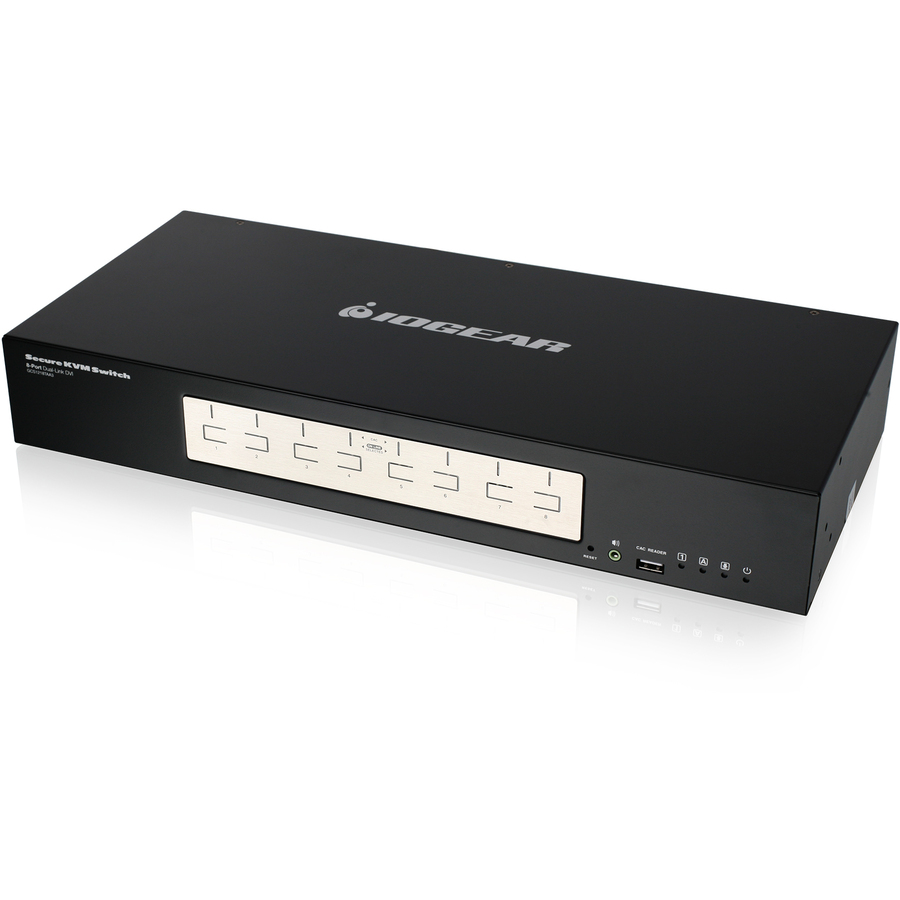
- IOGEARIOGEAR GCS1218TAA3 Secure KVM Switchbox - 8 Computer(s) - 1 Local User(s) - 3840 x 2160 - USB - 9 x DVI - Desktop - TAA CompliantGCS1218TAA3
$1,299.95
$42.38*
3 in stock

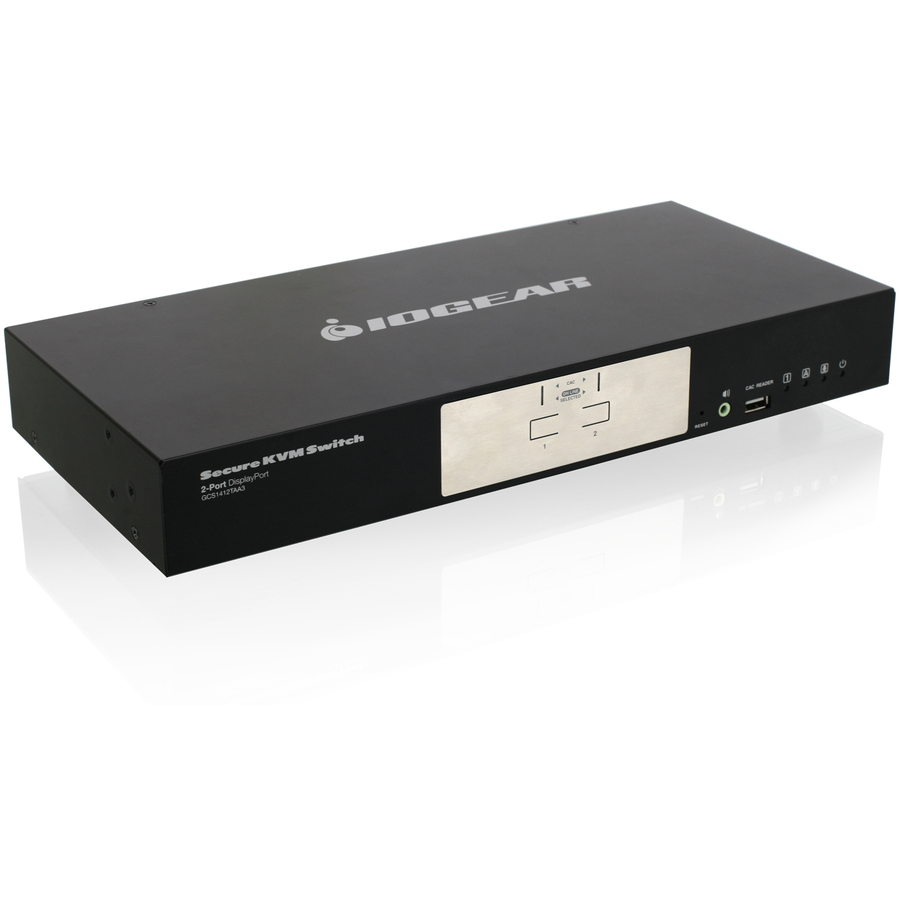


Dual-view DVI pick
IOGEAR
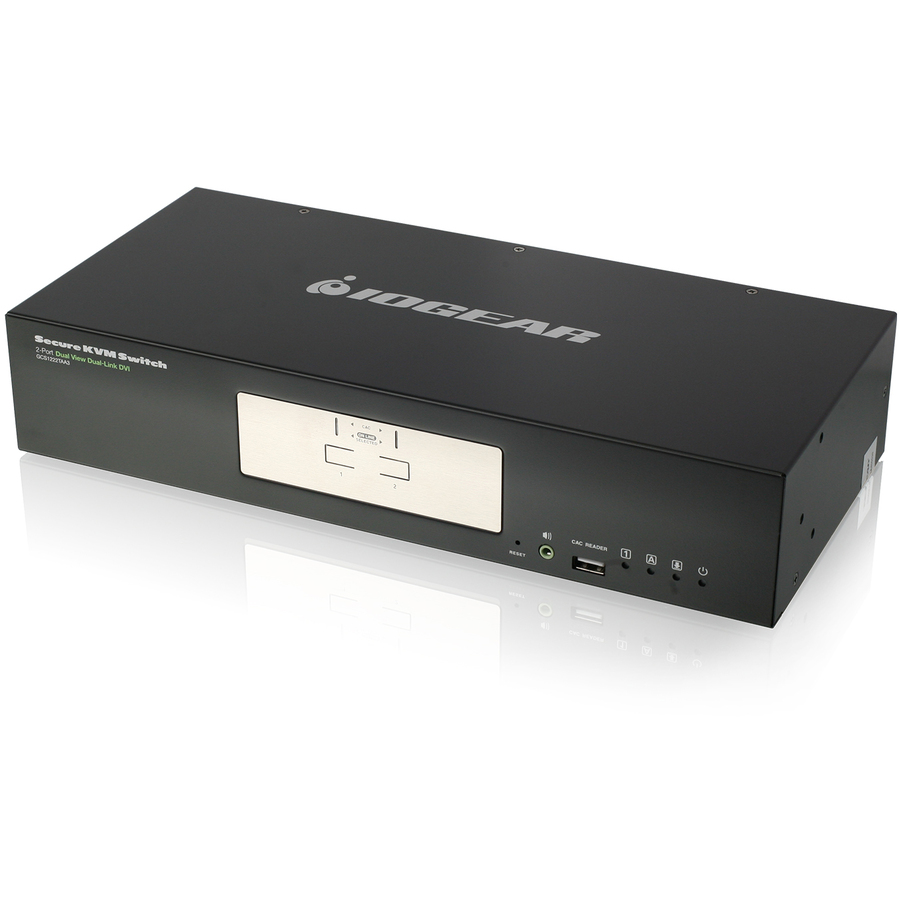
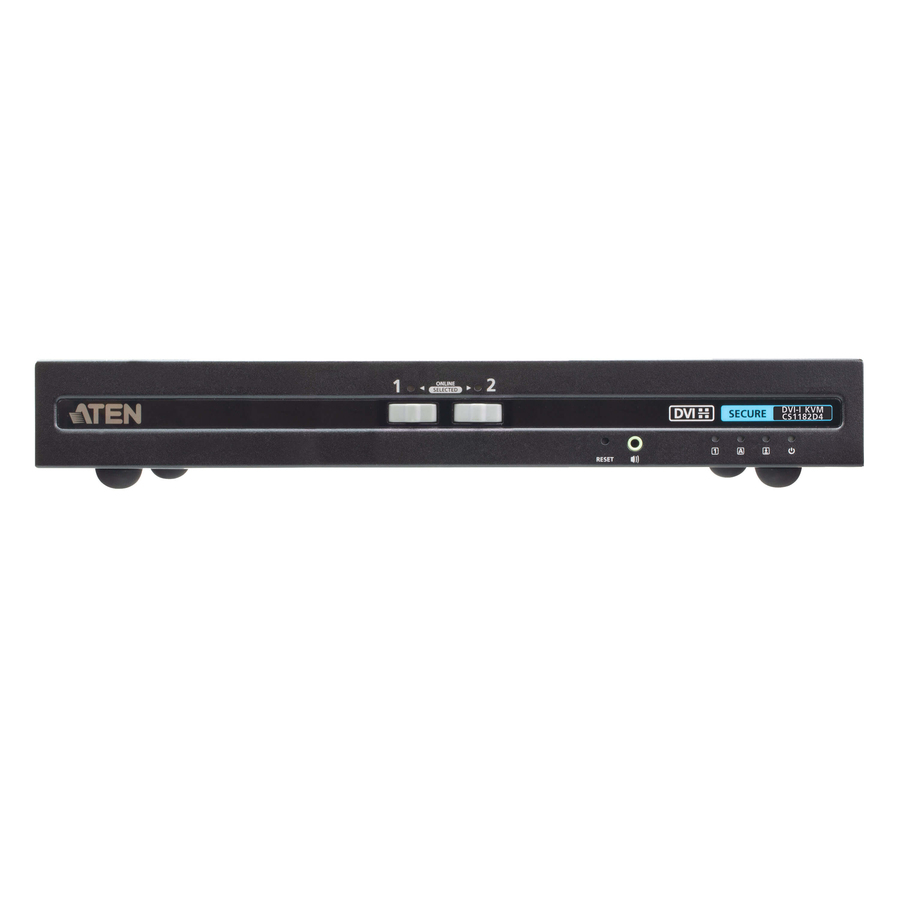
IOGEAR 2-Port Dual View Dual-Link DVI Secure KVM Switch
GCS1222TAA3
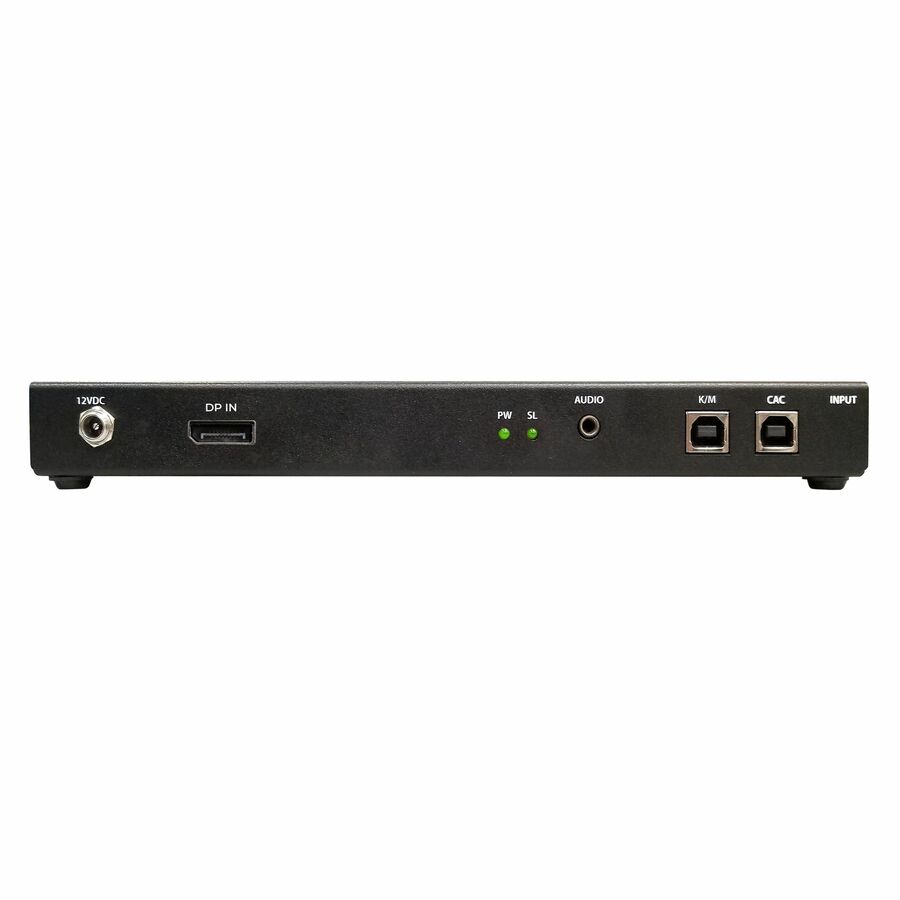
A two-port dual-view dual-link DVI secure switch listed to 3840 x 2160 with six DVI connections, in a desktop body. The starting point where one operator drives two computers across two screens and the video path is DVI.
The manufacturer's listing records this part number as TAA compliant.
$71.59*In stockDisplayPort with CAC
ATEN Technology
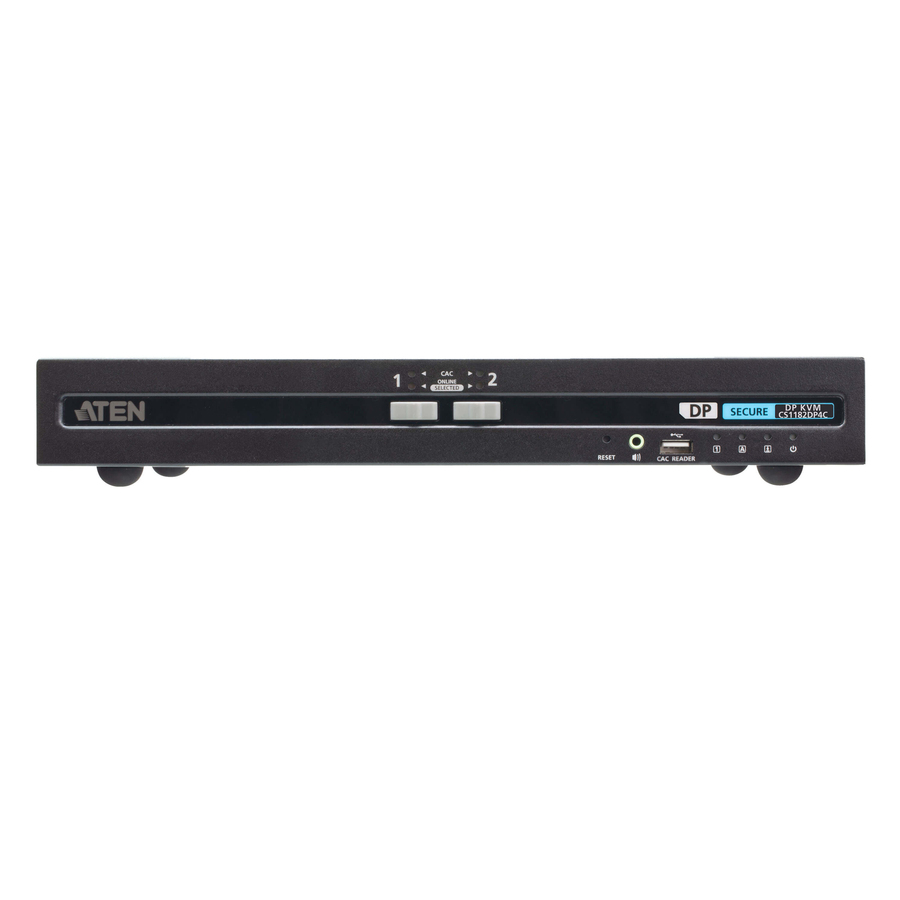
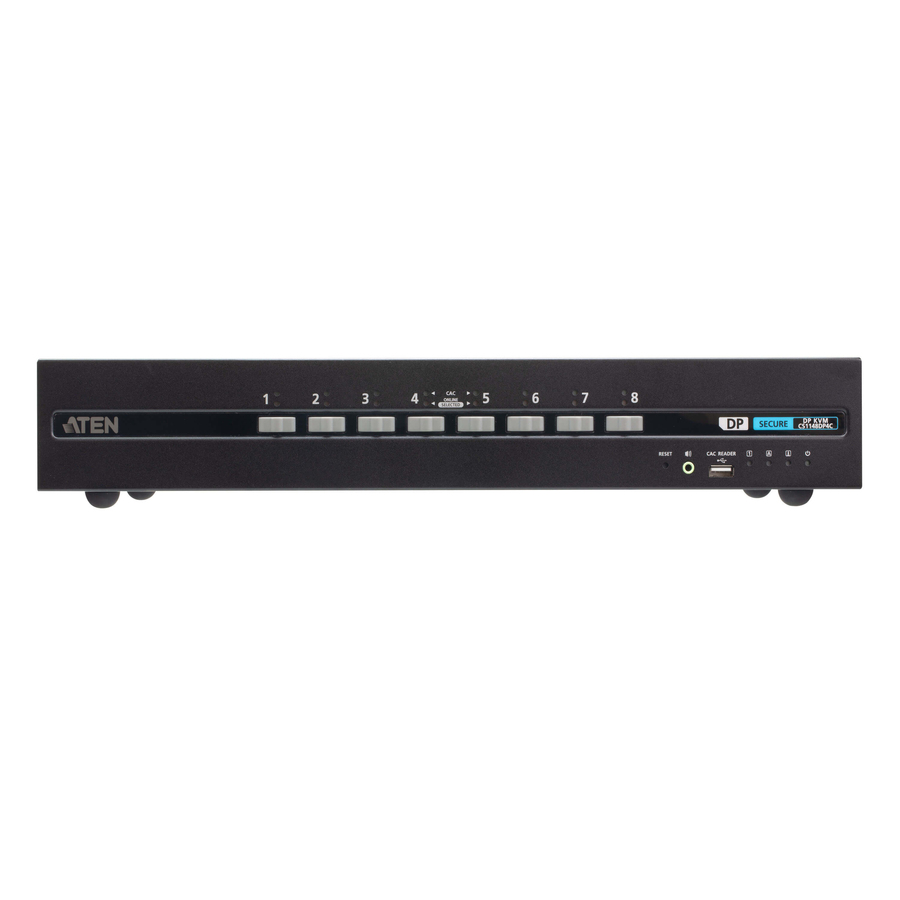
ATEN 2-Port USB DisplayPort Secure KVM Switch with CAC…
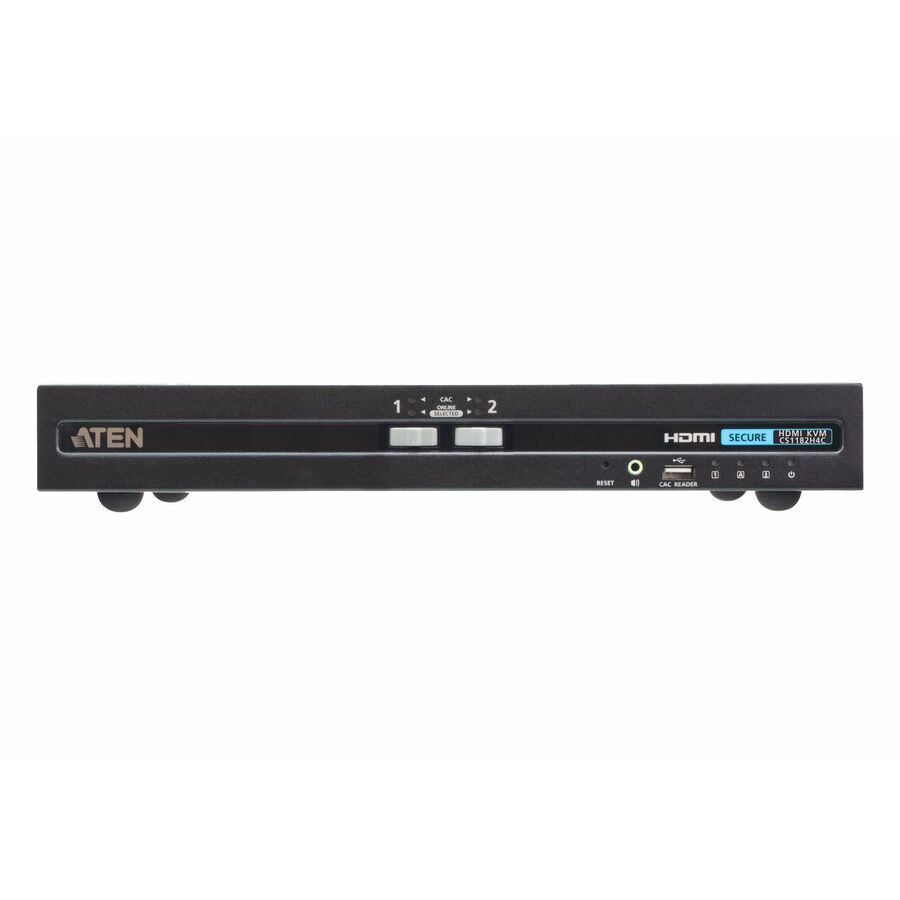
CS1182DP4C
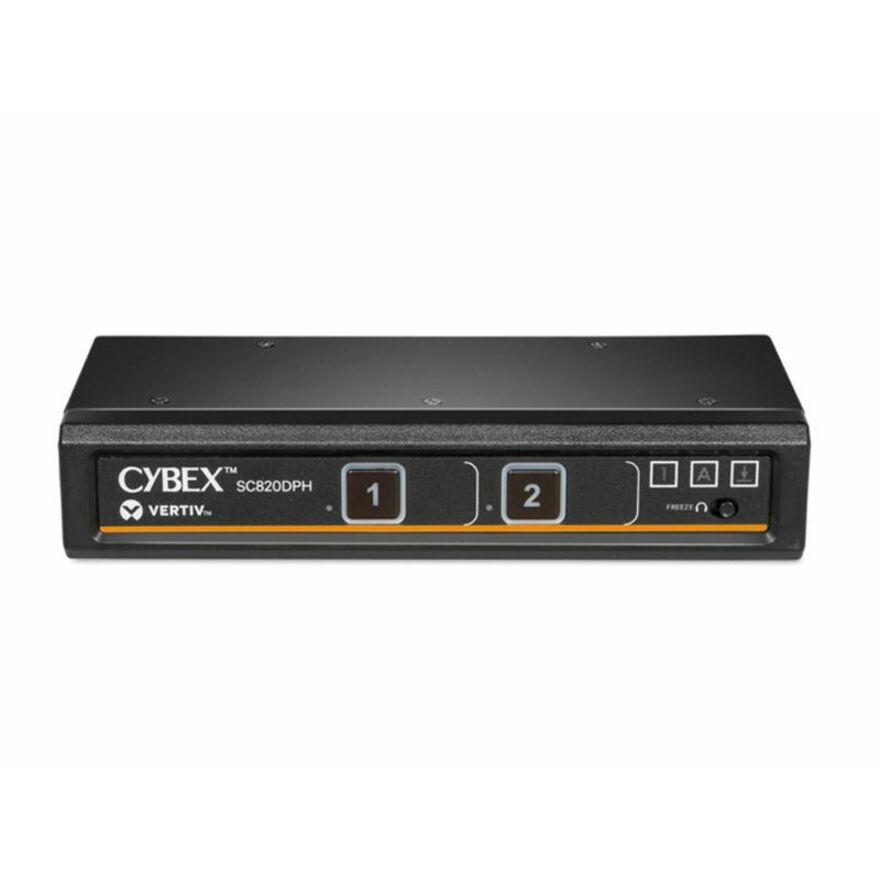
A two-port USB DisplayPort secure switch with card-reader support, described on the manufacturer's listing as PSD PP v4.0 compliant, listed to 3840 x 2160 at 50 and 60 Hz with seven USB ports. The card-reader channel is the reason to choose this over a plain secure switch.
$460.69In stockFour-port HDMI, CAC
ATEN Technology
ATEN 4-Port USB HDMI Secure KVM Switch with CAC (PSD PP v4.0 Compliant)
CS1184H4C
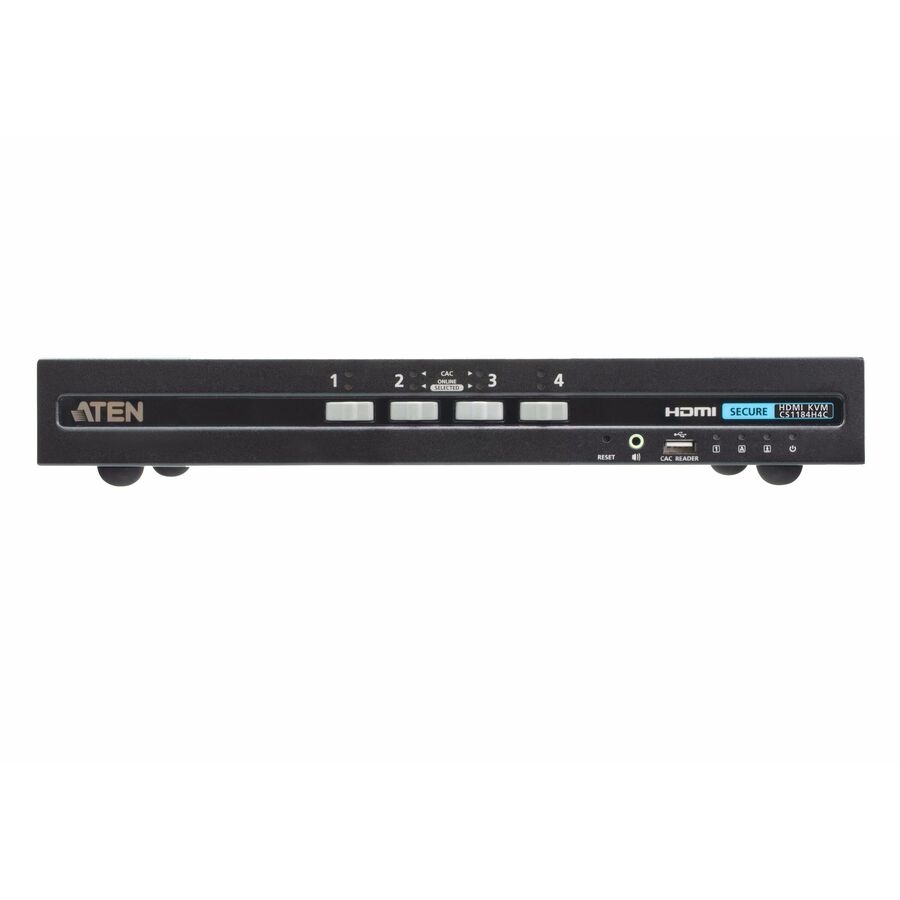
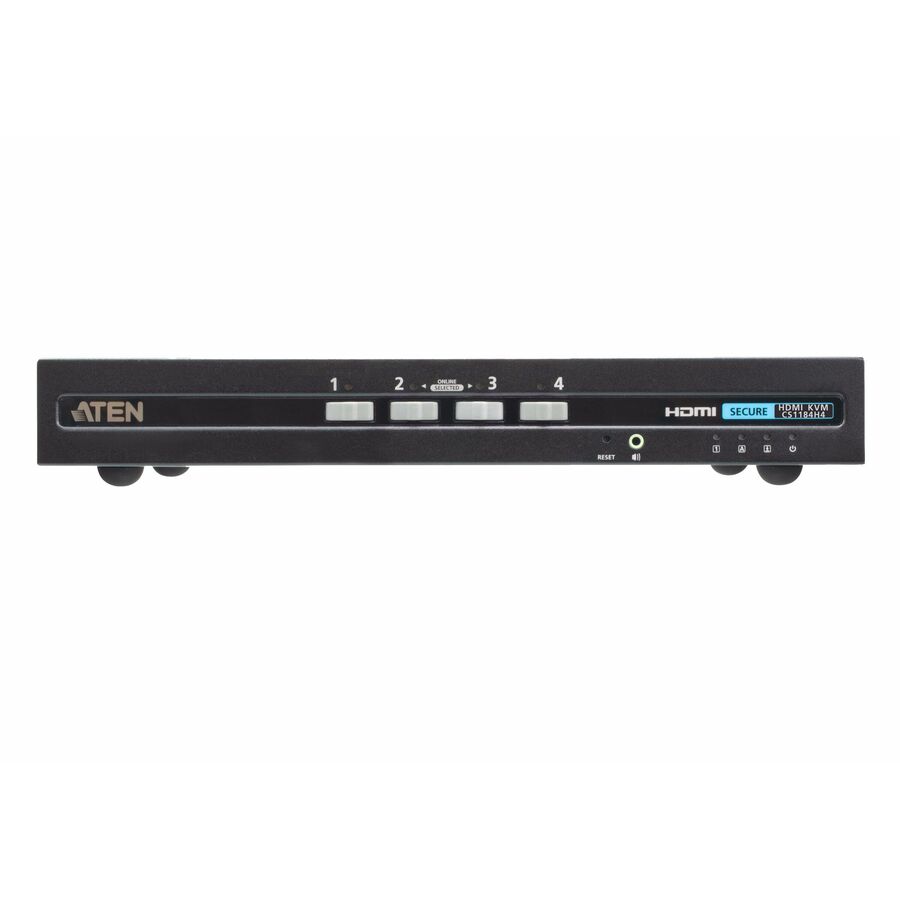
The same design at four computers rather than two: a rack-mountable USB HDMI secure switch with card-reader support, described on the manufacturer's listing as PSD PP v4.0 compliant, listed to 3840 x 2160 at 50 and 60 Hz.
Rack-mountable rather than desktop, which is the shape to specify when the switch belongs in a cabinet and only the console sits at the seat.
$557.77In stockTwo-port DVI switch
Black Box
Black Box NIAP 3.0 Secure 2-Port Single-Head DVI-I KVM Switch
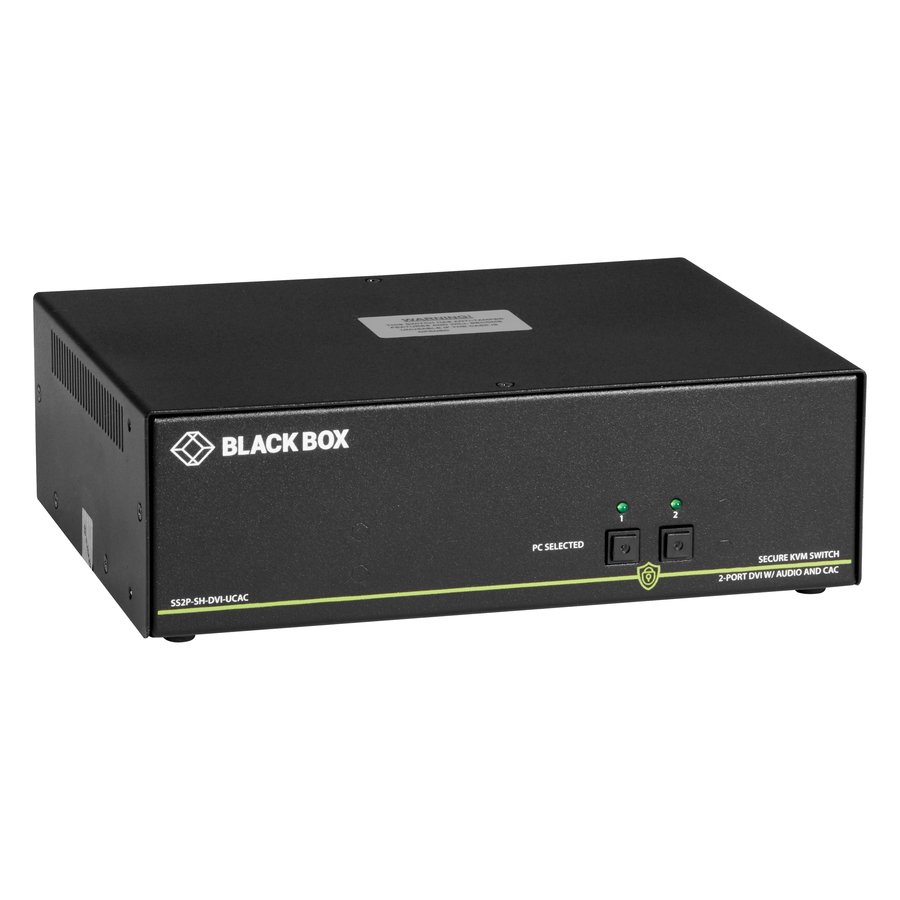
SS2P-SH-DVI-U
A two-port single-head DVI-I secure switch described on the manufacturer's listing as NIAP 3.0 secure, listed to 3840 x 2160 with four USB ports and PS/2 support, in a desktop body. A straightforward two-network seat with one screen.
The manufacturer's listing records this part number as TAA compliant. Protection Profile versions differ across this category — check the version your requirement names against the specific model.
$478.47*In stockSingle-computer filter
Black Box
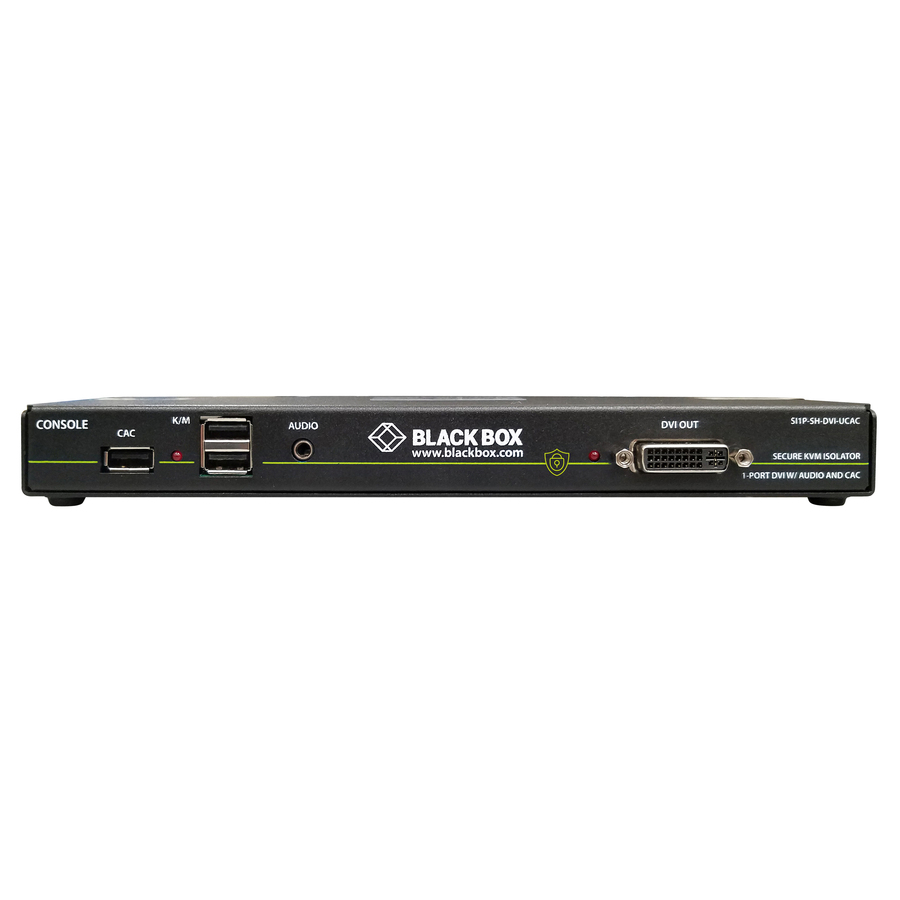
Black Box Secure NIAP 3.0 Single-Head DVI-I USB KVM Defender with CAC
SI1P-SH-DVI-UCAC
A different product shape worth knowing about: a single-computer single-head DVI-I USB isolator with card-reader support, described on the manufacturer's listing as NIAP 3.0 secure. It filters the peripherals on one machine rather than switching between two.
This one is for ONE computer — it is a peripheral filter, not a switch. Buy it where the requirement is to control what a single machine's USB devices can do, and buy a switch where the requirement is two networks at one seat.
$454.96*Back-orderedKeyboard and mouse only
Belkin International
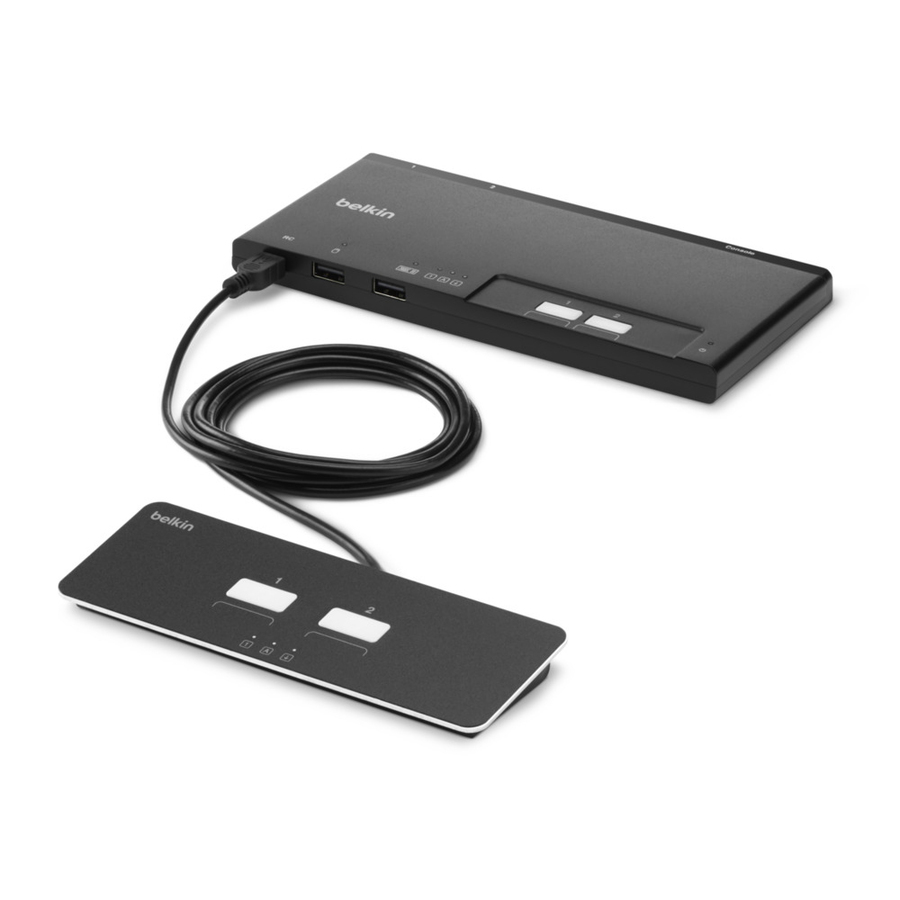
Belkin 2-Port Modular Secure KM Switch PP4.0 W/ Remote
F1DN002MOD-KM-4
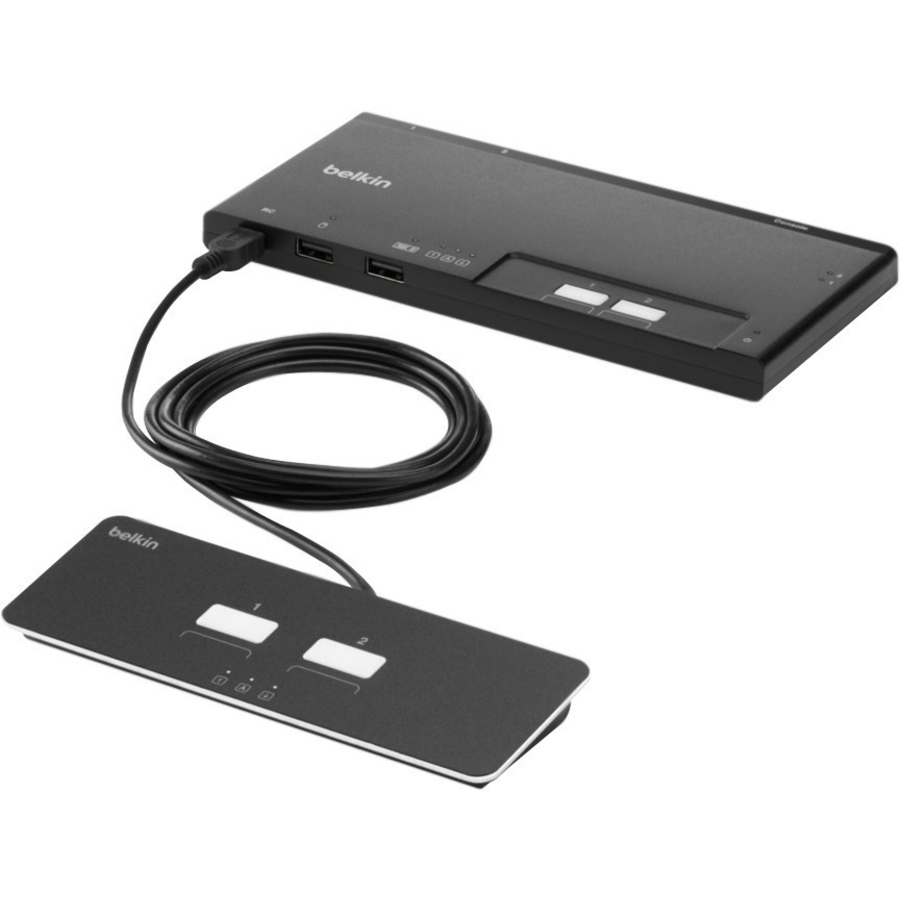
A two-port modular secure KM switch with a remote — keyboard and mouse only, with no video switching, described on the manufacturer's listing as PP 4.0. It suits the desk where each computer already drives its own monitor and only the input devices move.
KM, not KVM: this moves the keyboard and mouse and leaves the displays alone. The manufacturer's listing records this part number as TAA compliant.
$317.39*Back-orderedMore KVM switchboxes in the Uniqcli catalog
See all 878 KVM switchboxesMore from across this category. In-stock lines lead, and a back-ordered line carries the same estimated availability its product page does — with live pricing throughout, NDAA §889 screening before checkout and TAA verified on request.
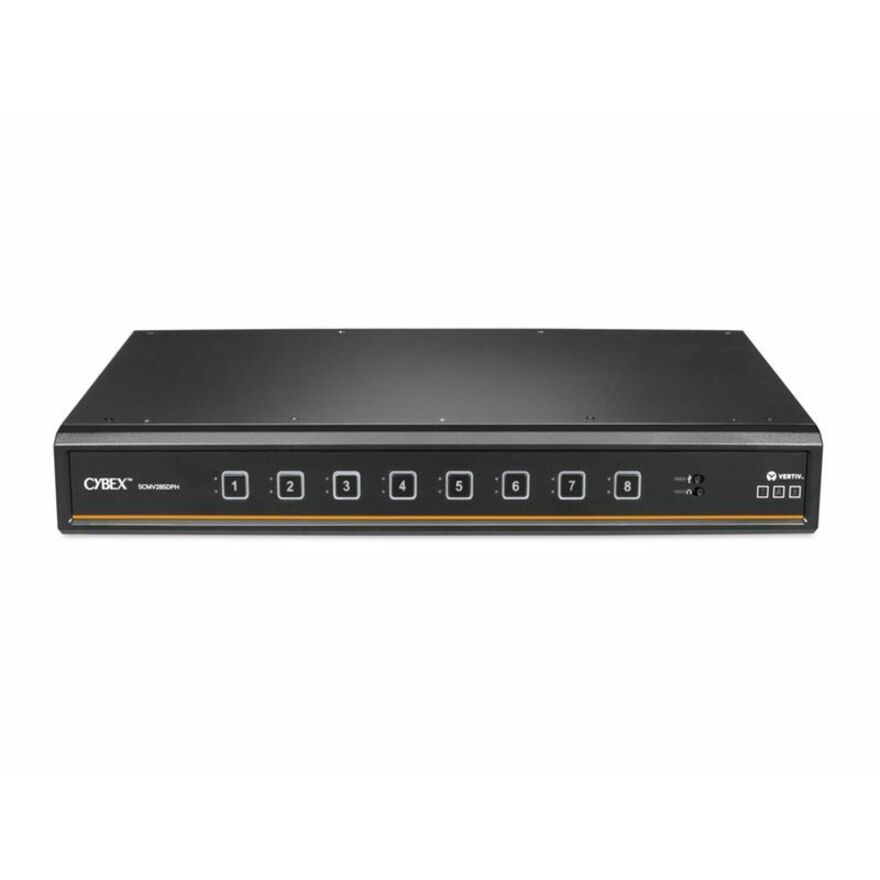
- VertivVertiv Avocent Cybex Secure MultiViewer KVM Switch, 16 Port, Cursor Navigation Switching, NIAP Version 4.0 Certified, TAA Compliant (SCMV2160DPH-400) - Switches | Universal Video Port | Multiple Viewer | DPP Channel | 4 x USB 2.0 Type A | 2x DP/HDMI universal port | UHD 4K at 30SCMV2160DPH-400
$19,646.00
$15,624.85*
38 in stock - VertivVertiv Avocent Commercial MultiViewer KVM Switch | 8 port | Dual AC Power - Commercial Desktop KVM Switches | Commercial KVM Switch | Dual Head | Secure Keyboard | 4 to 8 Port | 3-Year Full Coverage Factory Warranty - Optional Extended Warranty AvailableSVMV280DPH-400
$12,291.00
$9,775.28*
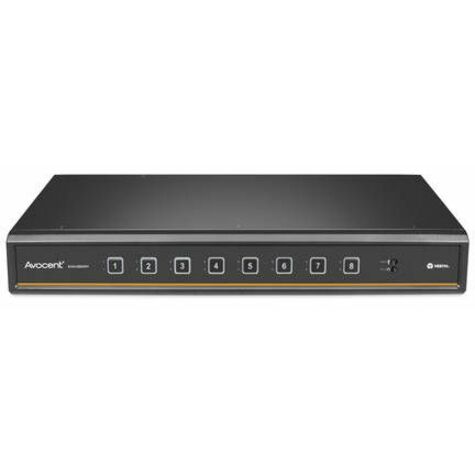
226 in stock - VertivVertiv Avocent Cybex Secure MultiViewer KVM Switch, 8 Port, Cursor Navigation Switching, NIAP Version 4.0 Certified, TAA Compliant (SCMV285DPH-400) - Switches | Universal Video Port | Multiple Viewer | DPP Channel | DP | HDMI | DVI-D | 0 to 40C or 32 to 104 F | AC Input Voltage | 100 - 240V ACSCMV285DPH-400
$11,764.00
$9,356.14*
90 in stock - VertivVertiv Avocent Commercial MultiViewer KVM Switch | 4 port | Dual AC Power - Commercial Desktop KVM Switches | Commercial KVM Switch | Dual Head | Secure Keyboard | 4 to 8 Port | 3-Year Full Coverage Factory Warranty - Optional Extended Warranty AvailableSVMV240DPH-400
$5,730.00
$4,557.18*
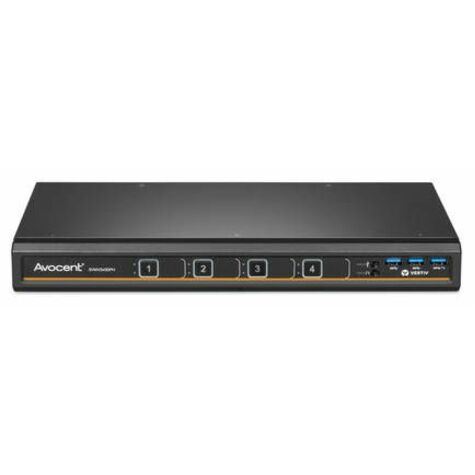
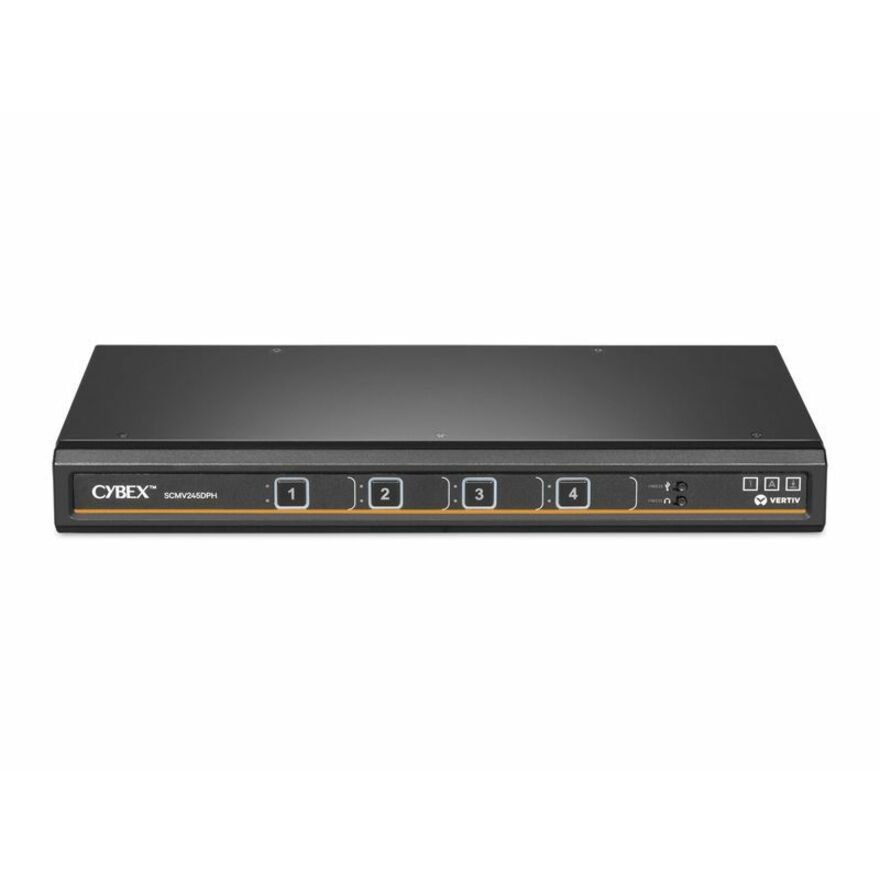
193 in stock - VertivVertiv Cybex Secure MultiViewer KVM Switch | 4 port | NIAP Approved | Dual AC - Secure Desktop KVM Switches | Secure KVM Switch | Dual Head | NIAP Certified | Secure Keyboard | 4 to 16 Port | 3-Year Full Coverage Factory Warranty - Optional Extended Warranty AvailableSCMV245DPH-400
$5,696.00
$4,530.14*
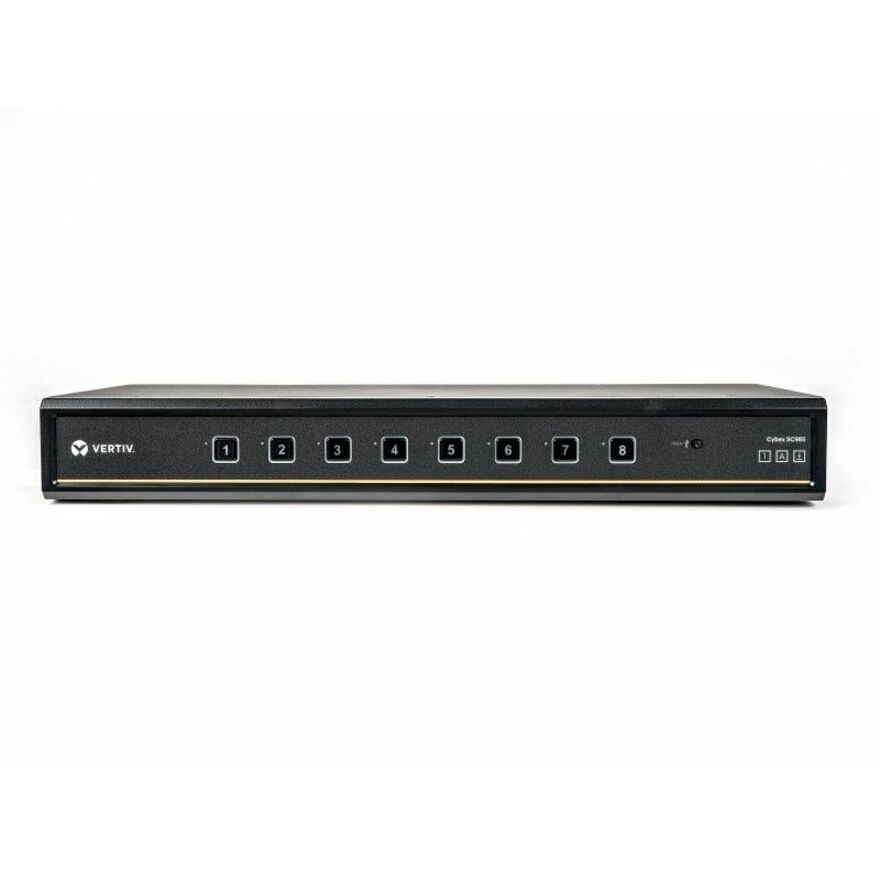
222 in stock - VertivVertiv Cybex SC900 Secure KVM | Dual Head | 8 Port Universal and DPP | NIAP version 4.0 Certified - Secure Desktop KVM Switches | Secure KVM Switch | Dual Head | NIAP Certified | Secure Keyboard | 2 to 8 Port, Secure Isolated Channels | Running up to UHD 4K at 60Hz | 3-Year Full Coverage Factory Warranty - Optional Extended Warranty AvailableSC985DPH-400
$3,739.00
$2,973.71*
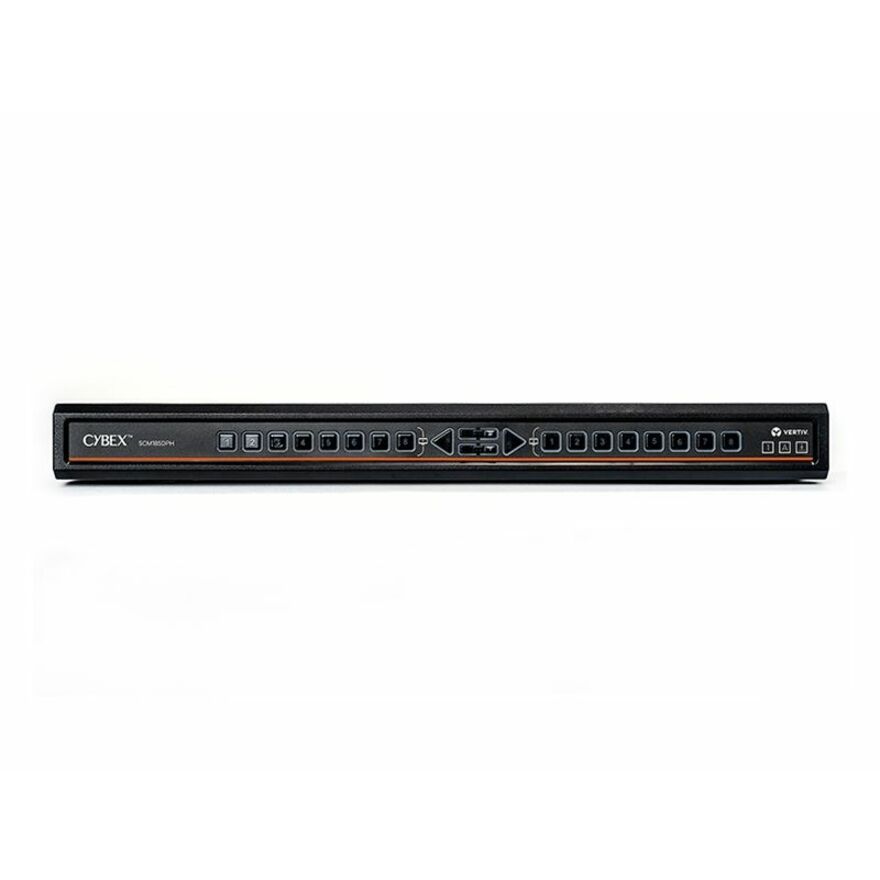
1,074 in stock - VertivVertiv Avocent Cybex Secure Desktop KVM Switch, 8 Port, Common Access Card, Touch Screen Support, NIAP Version 4.0, TAA Compliant (SCM185DPH-400) - 4 Computer(s) | 2 Local User(s) | 3840 x 2160 | 11 x USB | USB 2.0 | 6 x DVI | Desktop | TAA CompliantSCM185DPH-400
$3,419.00
$2,719.20*
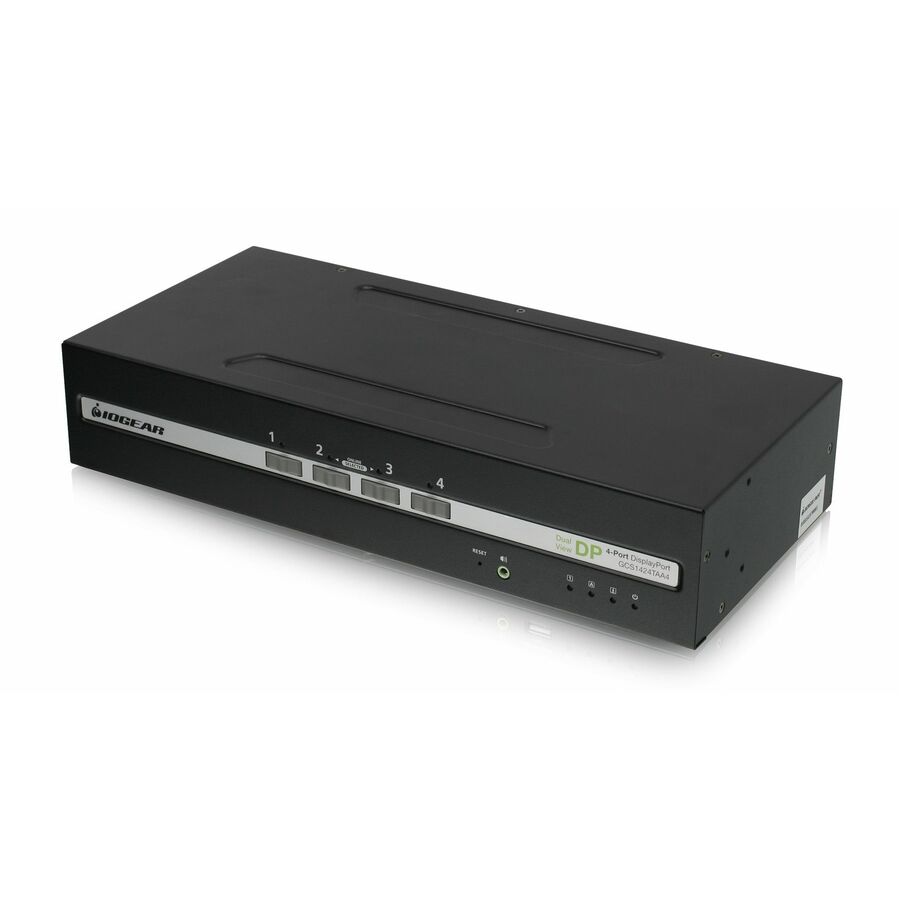
284 in stock - IOGEARIOGEAR 4-Port Dual View DisplayPort/HDMI Secure KVM Switch w/Audio - 4 Computer(s) - 1 Local User(s) - 3840 x 2160 - 50 Hz, 60 Hz - 6 x USB - 10 x DisplayPortGCS1424TAA4-UN
$1,539.95
$1,061.35
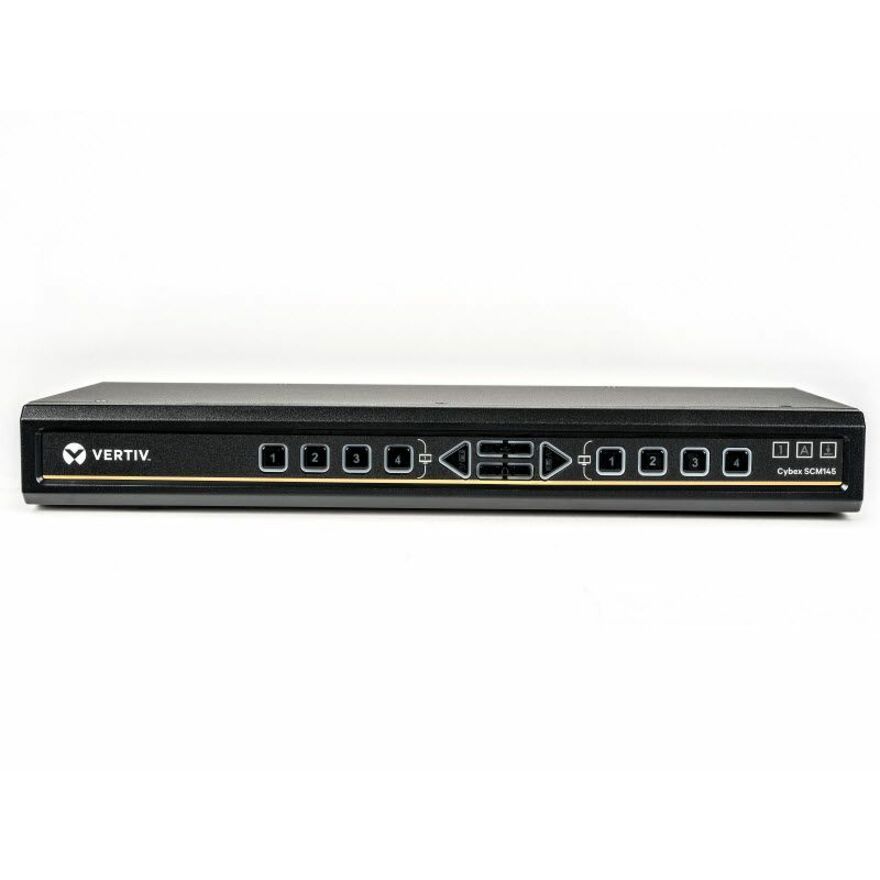
137 in stock - VertivVertiv Avocent Cybex Secure Desktop KVM Switch, 4 Port, Common Access Card, Touch Screen Support, NIAP Version 4.0, TAA Compliant (SCM145DPH-400) - 4 Computer(s) | 1 Local User(s) | 3840 x 2160 | 3 x USB | USB 2.0 | Desktop | TAA Compliant | Multiple Viewer | DPP ChannelSCM145DPH-400
$2,308.00
$1,835.59*
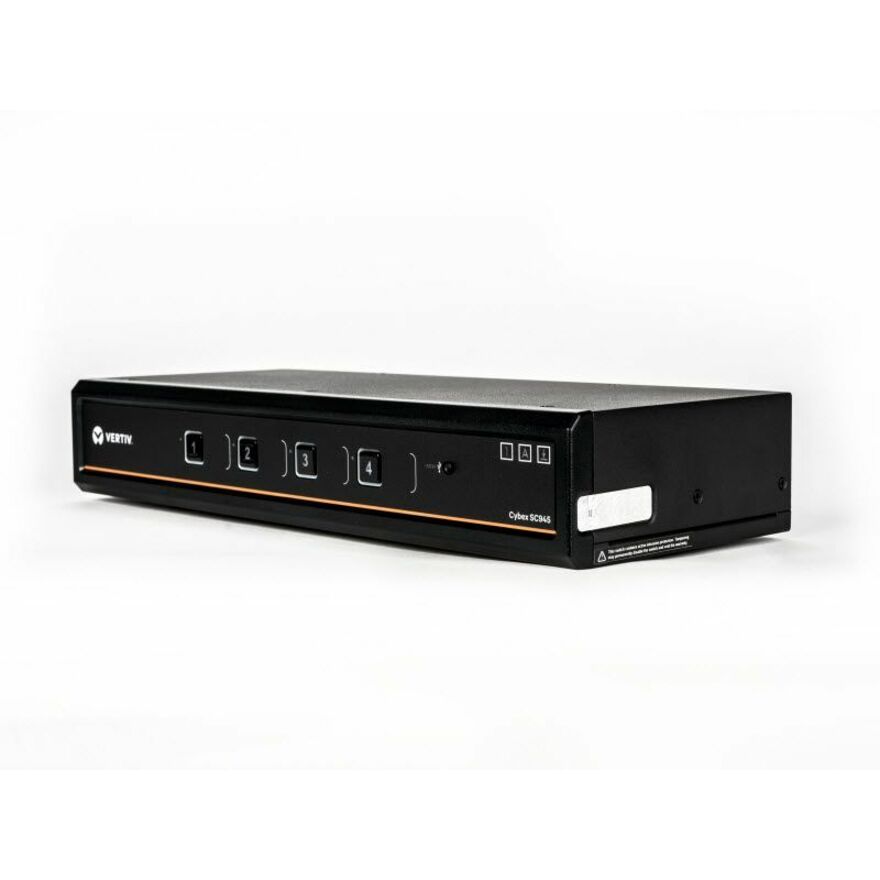
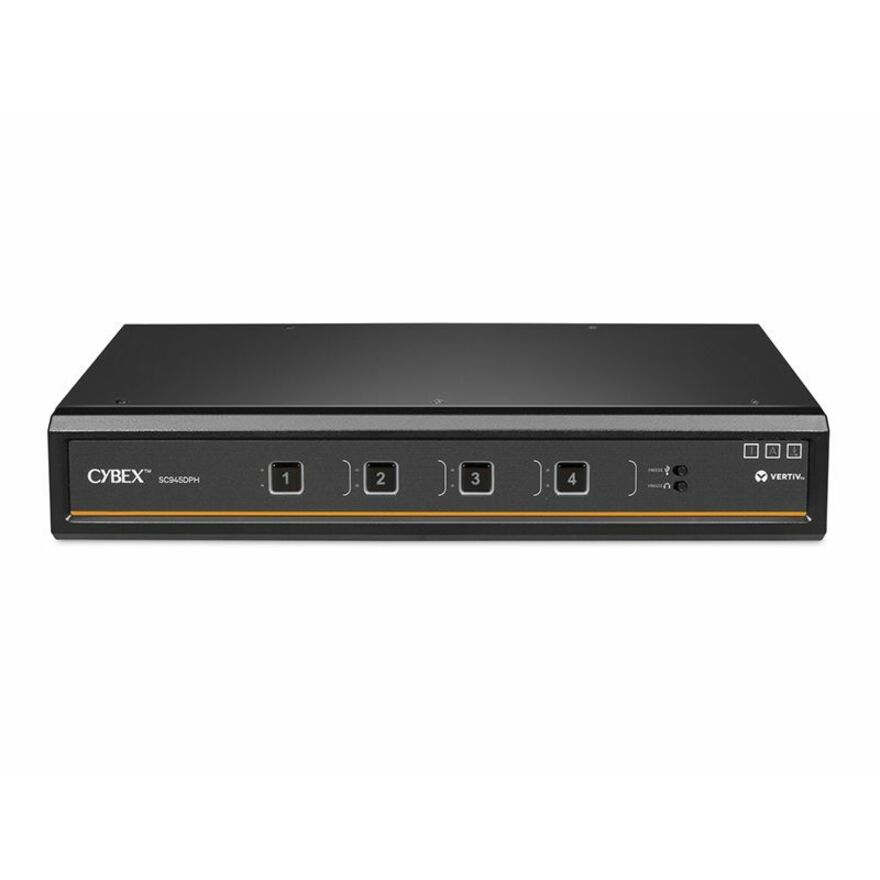
259 in stock - VertivVertiv Cybex SC900 Secure KVM | Dual Head | 4 Port Universal and DPP | NIAP version 4.0 Certified - Secure Desktop KVM Switches | Secure KVM Switch | Dual Head | NIAP Certified | Secure Keyboard | 2 to 8 Port, Secure Isolated Channels | Running up to UHD 4K at 60Hz | 3-Year Full Coverage Factory Warranty - Optional Extended Warranty AvailableSC945DPH-400
$2,092.00
$1,663.81*
1,132 in stock - VertivVertiv Cybex SC900 Secure KVM | Dual Head | 4 Port Universal DisplayPort | USB-C | NIAP version 4.0 Certified - Secure Desktop KVM Switches | Secure KVM Switch | Dual Head | NIAP Certified | Secure Keyboard | 2 to 8 Port, Secure Isolated Channels | Running up to UHD 4K at 60Hz | 3-Year Full Coverage Factory Warranty - Optional Extended Warranty AvailableSC940DPHC-400
$1,988.00
$1,581.10*
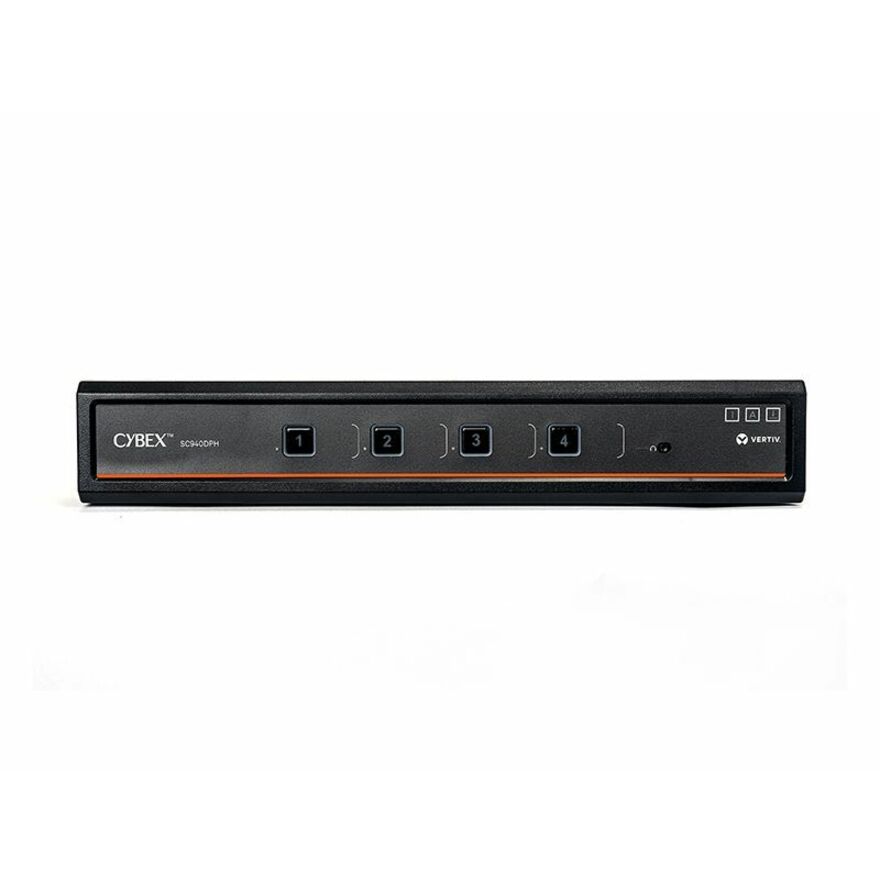
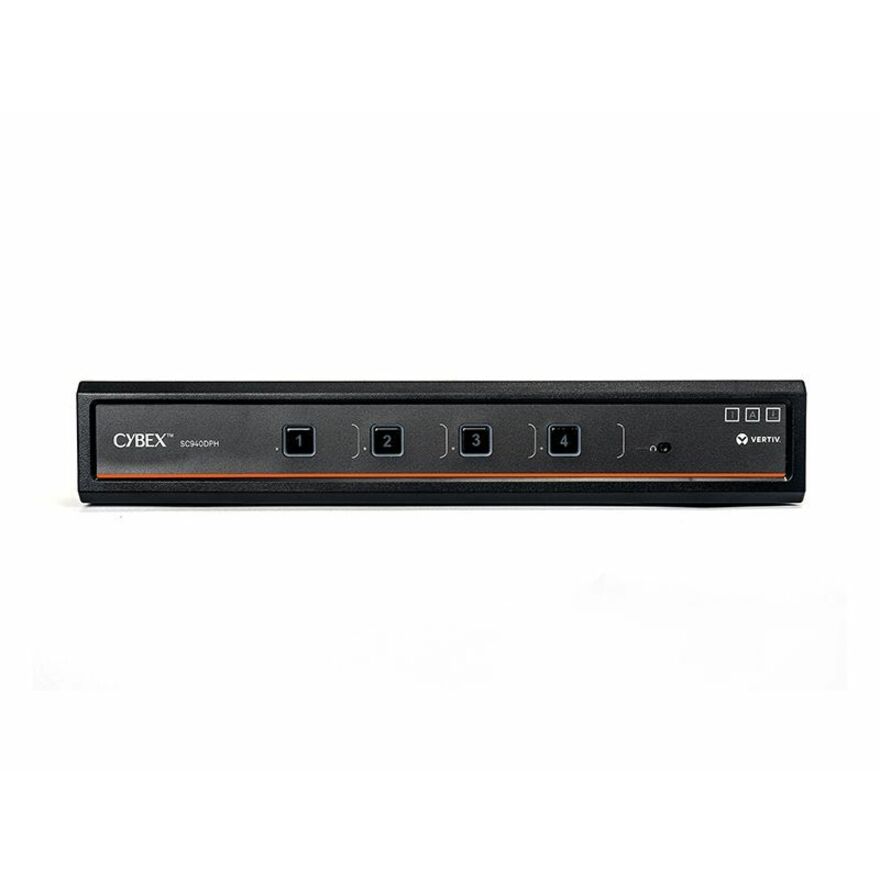
208 in stock - VertivVertiv Cybex SC900 Secure KVM | Dual Head | 4 Port Universal DisplayPort | NIAP version 4.0 Certified - Secure Desktop KVM Switches | Secure KVM Switch | Dual Head | NIAP Certified | Secure Keyboard | 2 to 8 Port, Secure Isolated Channels | Running up to UHD 4K at 60Hz | 3-Year Full Coverage Factory Warranty - Optional Extended Warranty AvailableSC940DPH-400
$1,988.00
$1,581.10*
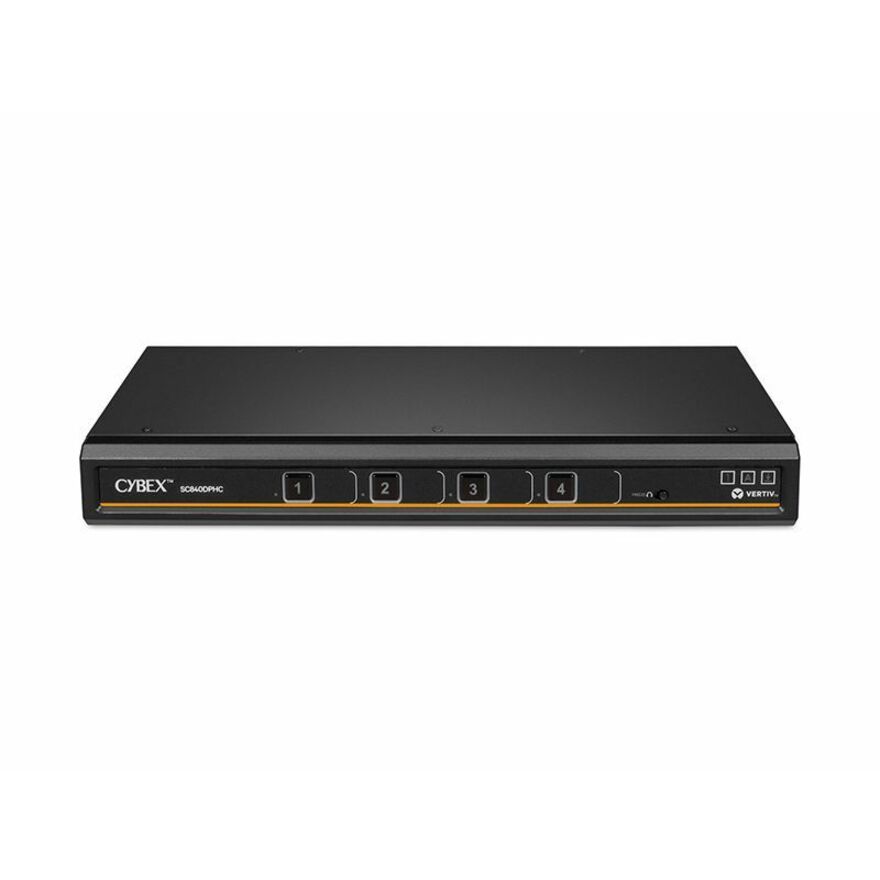
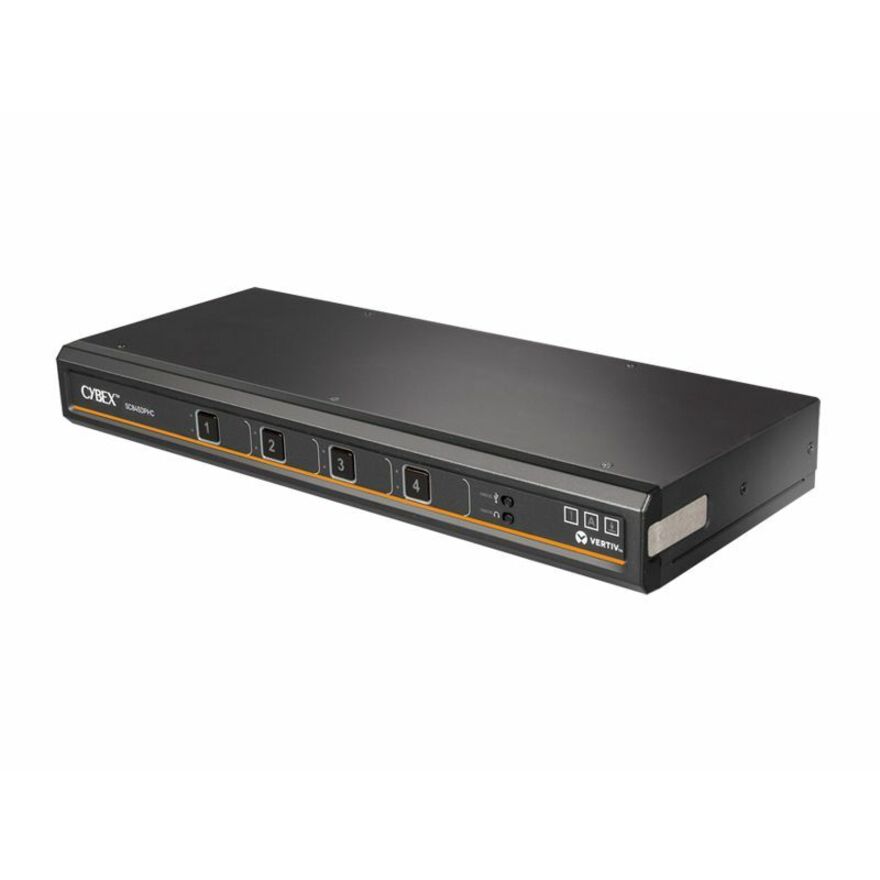
1,825 in stock - VertivVertiv Cybex SC800 Secure KVM | Single | 4 Port Universal DisplayPort | USB-C | NIAP version 4.0 Certified (SC840DPHC-400) - Secure Desktop KVM Switches | Secure KVM Switch | Single Head | NIAP Certified | Secure Keyboard | 2 to 8 Port, Secure Isolated Channels | Running up to UHD 4K at 60Hz | 3-Year Full Coverage Factory Warranty - Optional Extended Warranty AvailableSC840DPHC-400
$1,842.00
$1,464.98*
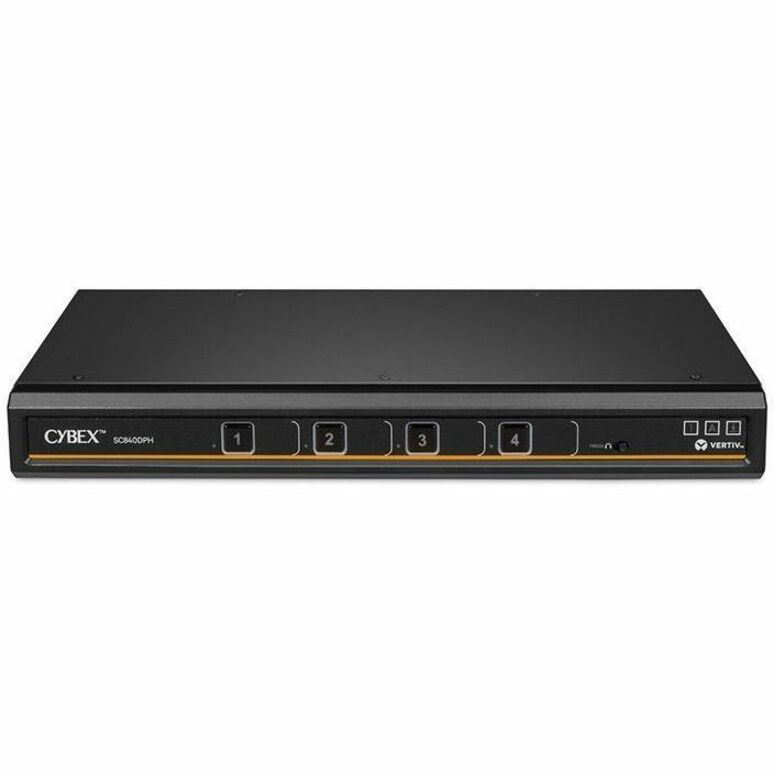
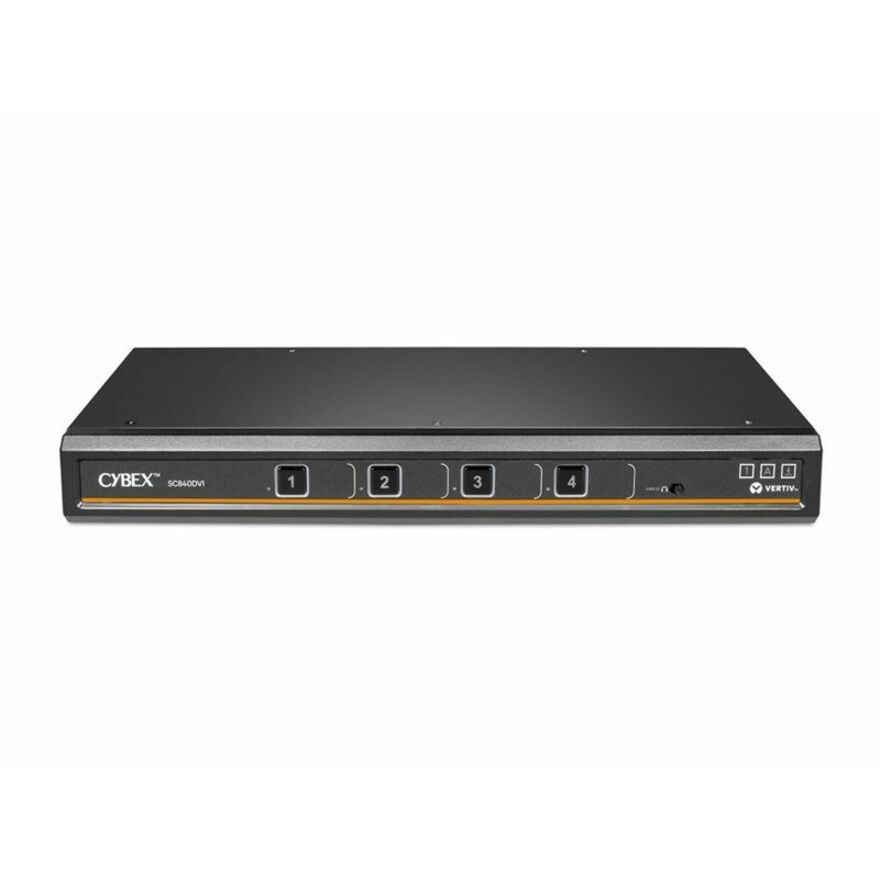
68 in stock - VertivVertiv Cybex SC800 Secure KVM | Single Head | 4 Port Universal DisplayPort | NIAP version 4.0 Certified (SC840DPH-400) - 4K UHD | NIAP PP 4.0 Compliant | Secure Isolated Channels | 3-Year Full Coverage Factory Warranty - Optional Extended Warranty AvailableSC840DPH-400
$1,842.00
$1,464.98*
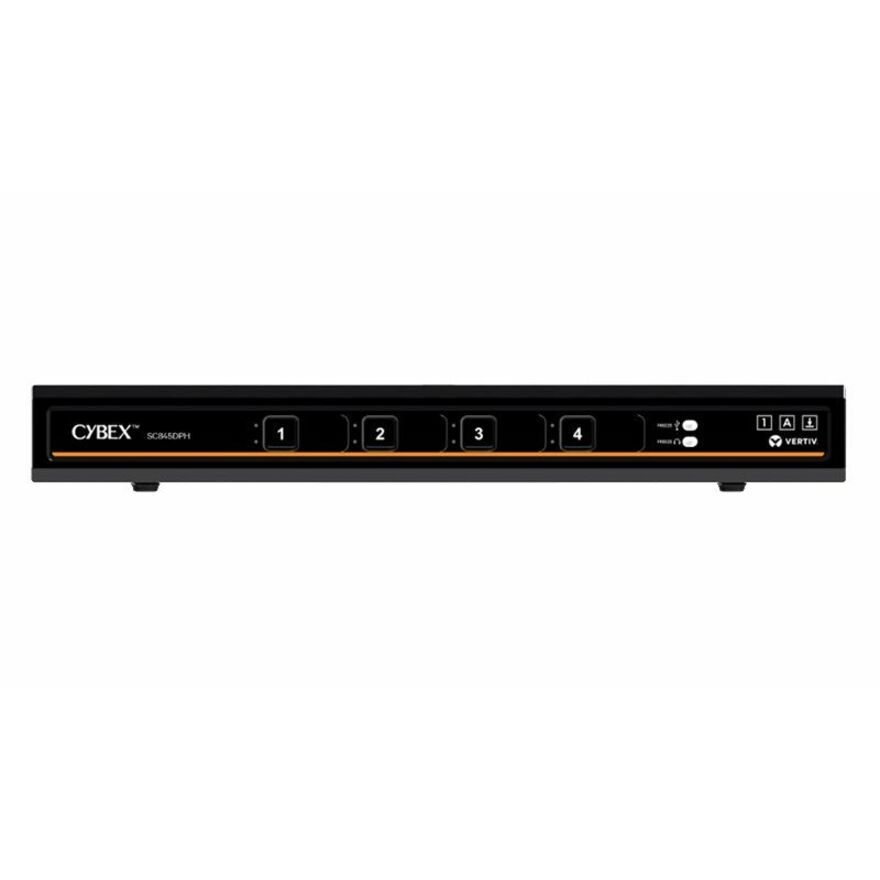
2,012 in stock - VertivVertiv Cybex SC800 Secure KVM | Single Head | 4 Port Universal and DPP | USB-C | NIAP version 4.0 Certified (SC845DPHC-400) - Secure Desktop KVM Switches | Secure KVM Switch | Single Head | NIAP Certified | Secure Keyboard | 2 to 8 Port, Secure Isolated Channels | Running up to UHD 4K at 60Hz | 3-Year Full Coverage Factory Warranty - Optional Extended Warranty AvailableSC845DPHC-400
$1,656.00
$1,317.05*
511 in stock - VertivVertiv Cybex SC800 Secure KVM| 4 Port Universal DP/H Single Display| CAC PP4.0 - Secure Desktop KVM Switches | Secure KVM Switch | Single Head | NIAP Certified | Secure Keyboard | 2 to 8 Port, Secure Isolated Channels | Running up to UHD 4K at 60Hz | 3-Year Full Coverage Factory Warranty - Optional Extended Warranty AvailableSC845DPH-400
$1,656.00
$1,317.05*
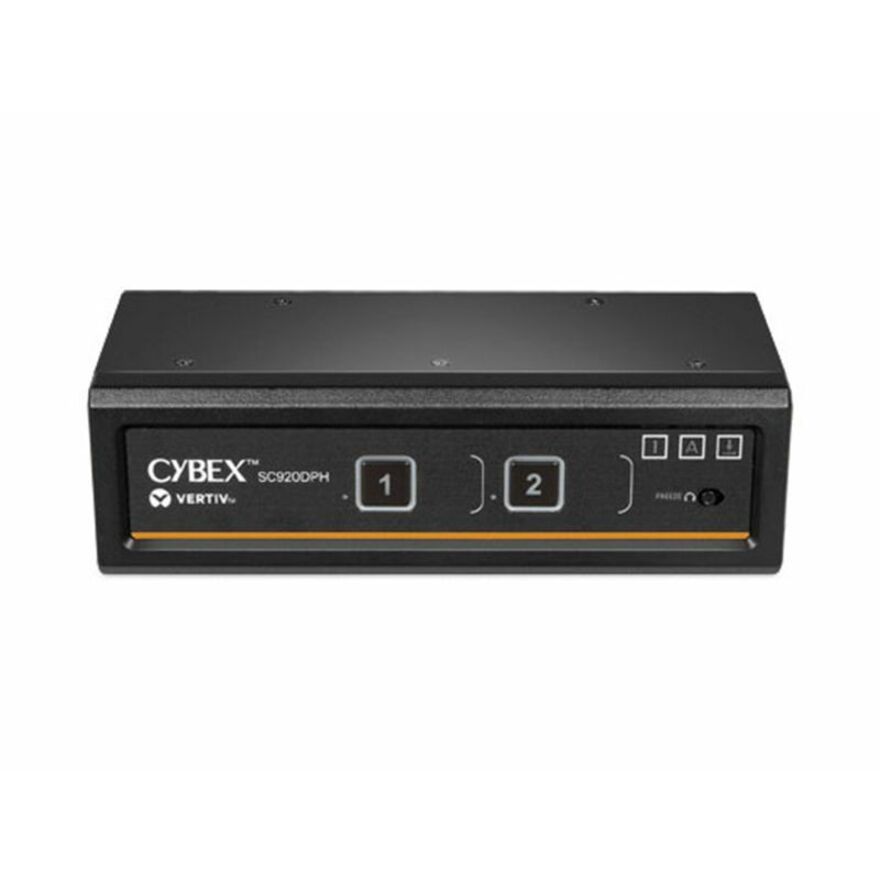
552 in stock - VertivVertiv Cybex SC900 Secure KVM | Dual Head | 2 Port Universal DisplayPort | NIAP version 4.0 Certified - Secure Desktop KVM Switches | Secure KVM Switch | Dual Head | NIAP Certified | Secure Keyboard | 2 to 8 Port, Secure Isolated Channels | Running up to UHD 4K at 60Hz | 3-Year Full Coverage Factory Warranty - Optional Extended Warranty AvailableSC920DPH-400
$1,418.00
$1,127.76*
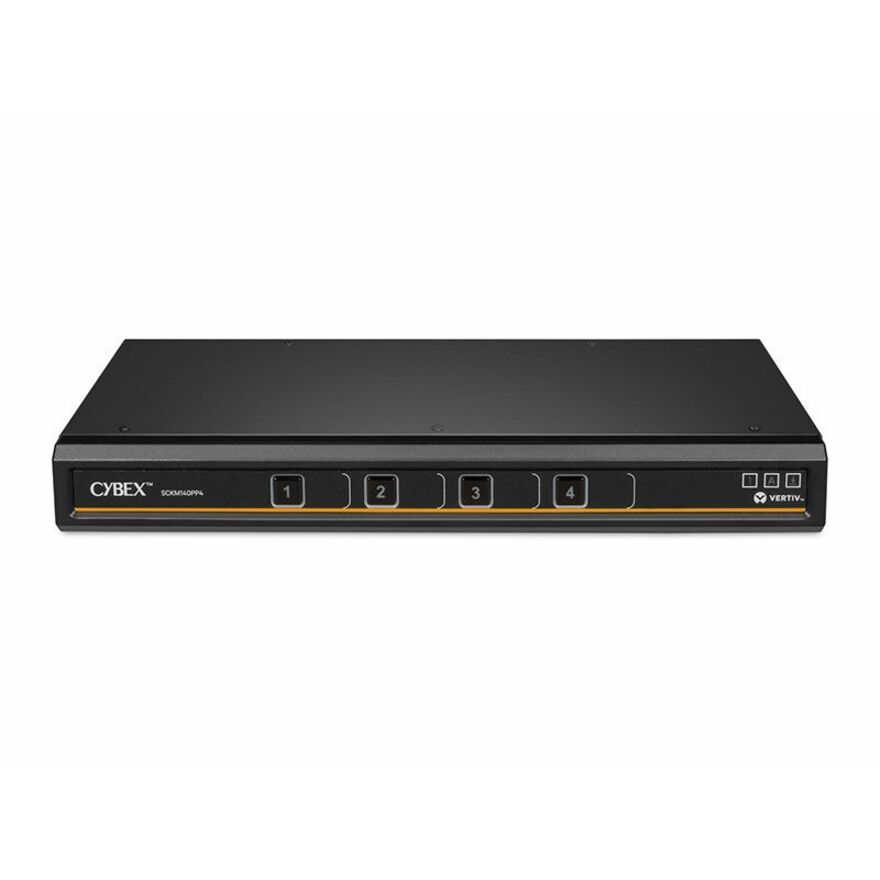
715 in stock - VertivVertiv Avocent Cybex SCKM100 Secure Desktop KVM Switch, 4 Port, Dedicated Peripheral Port, NIAP Version 4.0 Certified, TAA Compliant (SCKM140PP4-400) - Switches | Universal Video Port | DPP Channel | USB 2.0 | DP/HDMI | LED | PC | Switch Box | Cursor Navigation Switching | 100 - 240V ACSCKM140PP4-400
$1,133.00
$901.10*
468 in stock
Need pricing on KVM switches?
Tell us where to reach you and a Uniqcli specialist will follow up by email with current pricing, availability and lead time for the quantities you need — including parts that aren’t shown on this page.
Buying for an organization or for yourself — both work. No payment up front.
A secure KVM exists for one situation: one operator working more than one network from one desk, where the keyboard, mouse and display must never become a path between them. Isolated data paths, fixed peripheral emulation, no shared memory between channels and a tamper-evident housing are what is bought, and evaluations are published per model.
A secure KVM exists for one situation: an operator has to work more than one network from one desk, at different sensitivity levels, and the keyboard, mouse and display must not become a path between them. That is a different design brief from an ordinary switch, not a feature added to one. Isolated data paths, fixed peripheral emulation, no shared memory between channels, tamper-evident housings and a locked-down firmware are the things being bought, and they are why these units cost multiples of a desk switch and why the model list is short and changes slowly.
The requirement usually arrives written against an evaluation rather than against a product. Programs cite NIAP-evaluated peripheral sharing devices and a Protection Profile version, and the important thing to understand is that those evaluations are published by the manufacturer and the evaluating body against a specific model and revision — not against a brand, and not against a product line. That means the check is a part-number check. Take the exact model your requirement names or excludes, and verify it against the list your security team is actually working from before anything is ordered.
Beyond the evaluation, three practical things decide the model. Port count and head count: how many computers, and how many displays per seat, because single-head and dual-head are physically different products with no upgrade path between them. Video standard, read off the computers rather than the monitor, because adapter chains are where switching failures come from. And card-reader support, which is a separate line item — a smart-card seat needs the reader switched along with everything else, and a switch without a dedicated CAC channel will not do it. Deployments of these rarely stop at the switch either: the workstations, the displays, the software licensing and the installation labour are part of the same programme and belong on the same quote.
Buyer's checklist
How to choose a secure KVM switch
- Start from the exact model your requirement names or excludes. Evaluations are published per model and revision, so this is a part-number check and never a brand one.
- Count computers and displays separately. Single-head and dual-head are different products, and adding a second monitor later means a new switch rather than a new cable.
- Decide whether the seat needs a card reader. CAC support is a dedicated switched channel, not something a plain secure switch can be given afterwards.
- Match the video standard to what the computers output — DisplayPort, HDMI or DVI — because an adapter in front of a secure switch is where resolution drops and failed hotplug come from.
- Read resolution and refresh rate together. Several units in this category list 3840 x 2160 at 60 Hz and several do not, and on a desk that is visible all day.
- Confirm the seat's peripherals will work. Fixed device emulation is the security property, and it is exactly why card readers, drawing tablets and dongled devices need checking per model.
- Check whether the unit switches video at all. Some secure products in this family are keyboard-and-mouse only and pair with separate displays per computer.
- Plan for tamper evidence in operation: these units are designed so interference is visible, which only helps if someone is checking the seals as part of a routine.
- Buy spares against lead time rather than against failure rate. This is a low-volume category and a replacement is not a next-day part.
What makes a secure KVM secure
The design brief is isolation, and every visible characteristic follows from it. Data paths between channels are one-way and physically separate, so there is no shared buffer a keystroke could survive in. Peripheral emulation is fixed, meaning the switch presents a generic keyboard and mouse to each computer rather than passing the real device through — which is why an arbitrary USB device plugged into a secure switch simply does not appear. Housings are tamper-evident, firmware is locked so it cannot be updated in the field, and the units are built so that interference leaves a visible trace.
Those same properties are the trade-off. A drawing tablet, a specialist mouse, a biometric sensor or a dongled presenter that works on an ordinary KVM will frequently not work here, and that is the switch doing its job rather than failing. Card readers are the important exception, and they are handled by a dedicated switched channel that the model either has or does not — which is why CAC support is a purchasing decision made at specification time and not something added to a unit later.
Evaluations are the manufacturer's claim, checked per model
Programs in this space are written against evaluated peripheral sharing devices and a Protection Profile version, and the evaluation is published by the manufacturer and the evaluating body against one model at one revision. It is not a property of a brand, it does not carry across a product line, and it is not something a reseller issues. Two units from the same maker sitting next to each other in this category can reference different Protection Profile versions, which is exactly why the check has to be made against the part number.
What Uniqcli does here is narrow and worth stating plainly. We put the exact part number on the quote so your security team can check it against the list they are working from, we quote what the manufacturer's own listing states rather than paraphrasing it, and we screen the line for TAA country-of-origin and NDAA §889 status at sourcing. We do not certify hardware, we do not evaluate it, and we do not test it. If a requirement names a specific model or revision, send it with the request and the quote will be built to that part number rather than to a close relative of it.
Where the console lives, and the rest of the seat
Most secure deployments are desk-shaped: a switch under or beside the monitor, one keyboard, one mouse, one or two displays, and a card reader. Some are not. Where the switching belongs in a cabinet rather than at the seat, a rack-mountable unit plus a console is the shape, and the rack console drawers and extenders that go with it sit in the catalog's separate KVM consoles and extenders category rather than in the switch category this page's grid shows. If the seat needs to sit somewhere quieter than the equipment, that extender road is the one to ask about.
The switch is also rarely the whole order. A two-network seat means two workstations, the displays, the peripherals the switch will actually pass, the licensing on both machines and the labour to build and commission the desk — and in a secure environment, the commissioning is not a detail. Putting all of it on one quote keeps the part numbers, the origin screening and the schedule attached to each other. Everything on this page is checked against manufacturer documentation and live catalog data; confirm a model's current Protection Profile reference against your own requirement at each re-order rather than carrying a previous answer forward.
FAQ
Common questions
- What makes a secure KVM different from an ordinary one?
- The design brief. Secure models are built so peripherals cannot become a path between networks: isolated one-way data paths, fixed device emulation instead of passing the real keyboard and mouse through, no shared memory between channels, tamper-evident housings and firmware that cannot be updated in the field. They are bought where one operator works two networks at different sensitivity levels from one seat. Those properties are also why they refuse peripherals an ordinary switch would accept.
- Does a secure KVM support a CAC or smart-card reader?
- Only if the specific model has a dedicated card-reader channel, and many do not. Because these switches emulate a fixed set of devices rather than passing arbitrary USB through, a reader has to be handled by a channel designed for it and switched along with the keyboard, mouse and video. Models that support it say so in the product name or the specification. It is a specification-time decision — a plain secure switch cannot be given card-reader support afterwards.
- How do I check a model against a NIAP or Protection Profile requirement?
- By part number, against the list your program is working from. Evaluations are published by the manufacturer and the evaluating body against a specific model and revision, so they do not transfer across a product line and two units from one maker can reference different Protection Profile versions. Uniqcli quotes what the manufacturer's own listing states and puts the exact part number on the quote so your security team can verify it; we do not certify, evaluate or test hardware ourselves.
- What is the difference between a KM switch and a KVM switch?
- A KVM switch moves the keyboard, video and mouse between computers, so one display serves both machines. A KM switch moves only the keyboard and mouse and leaves each computer driving its own monitor, which suits a desk that already has two screens and wants one set of input devices across them. Both shapes exist in secure form. Decide by whether the displays are shared or dedicated before choosing a model, because the two are not interchangeable.
- Can Uniqcli quote secure KVM switches for a government programme?
- Every line Uniqcli quotes is sourced through US distribution and screened for TAA country-of-origin and NDAA §889 status before checkout — with documentation tied to the specific part number, not a product family.
Need KVM switches pricing?
Send a bill of materials or part numbers — we confirm stock and a below-market total, with TAA verified on request. No payment up front.