
Best Black Box KVM Switchboxes for secure government and enterprise consoles
NIAP-certified secure KVMs with CAC, Emerald KVM-over-IP gateways, ServSwitch and EC Series rack switches, and TC Series / Freedom II desktop KM switches.
Black Box KVM switches in stock at Uniqcli
How to choose →A curated selection with live pricing — in-stock lines first, then back-ordered lines with a typical lead time. Every line is sourced through US distribution and screened for NDAA §889 status before checkout, with TAA verified on request.
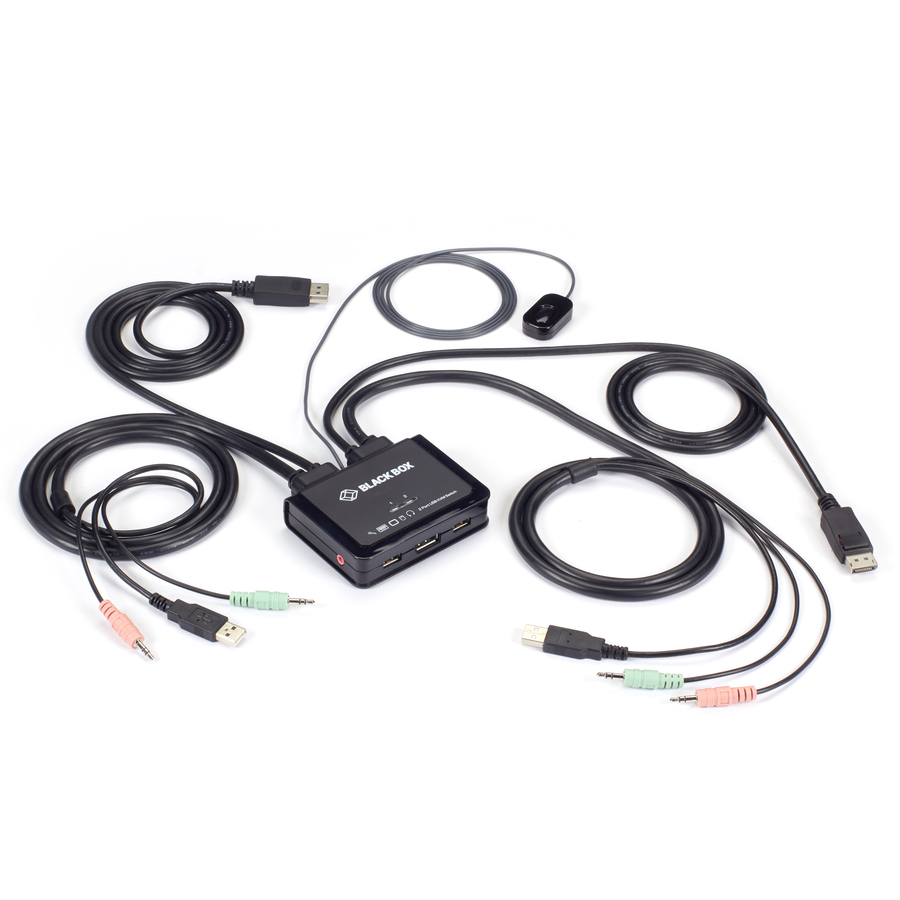
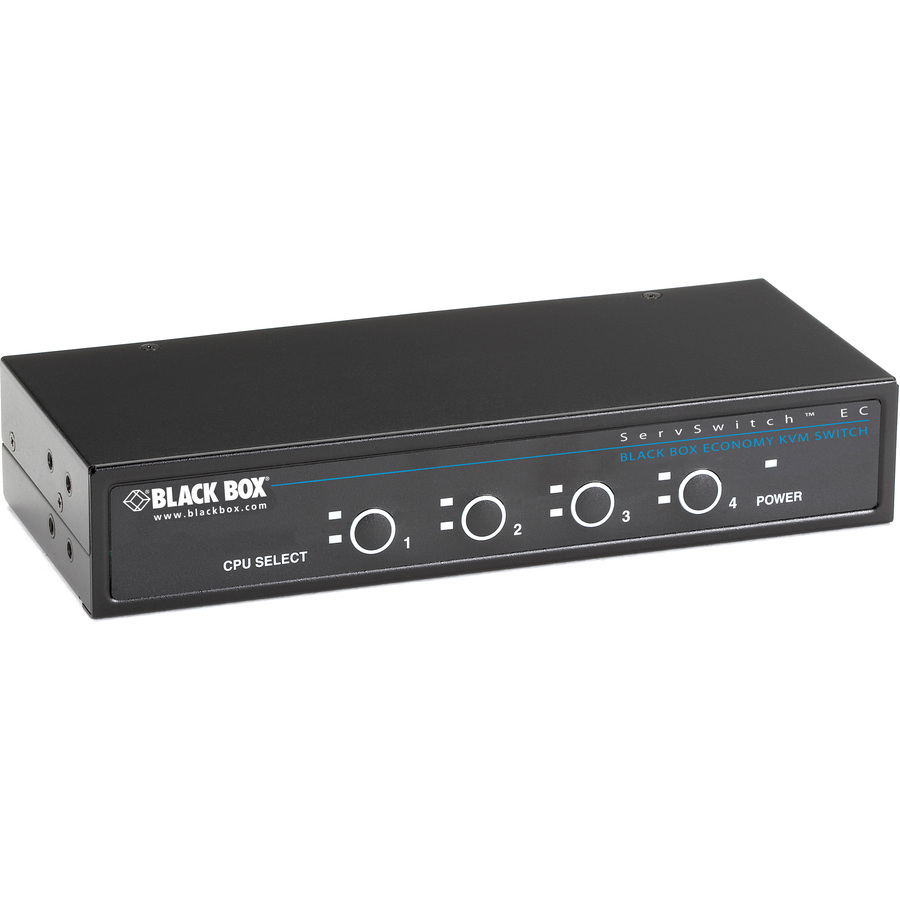
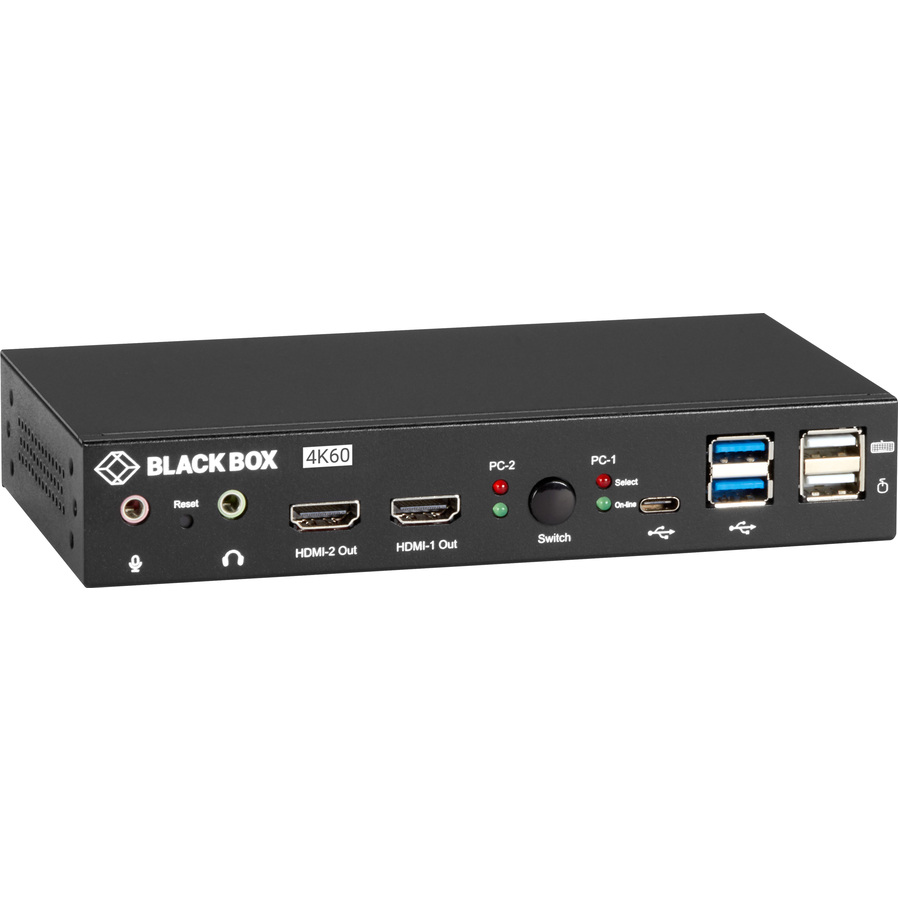
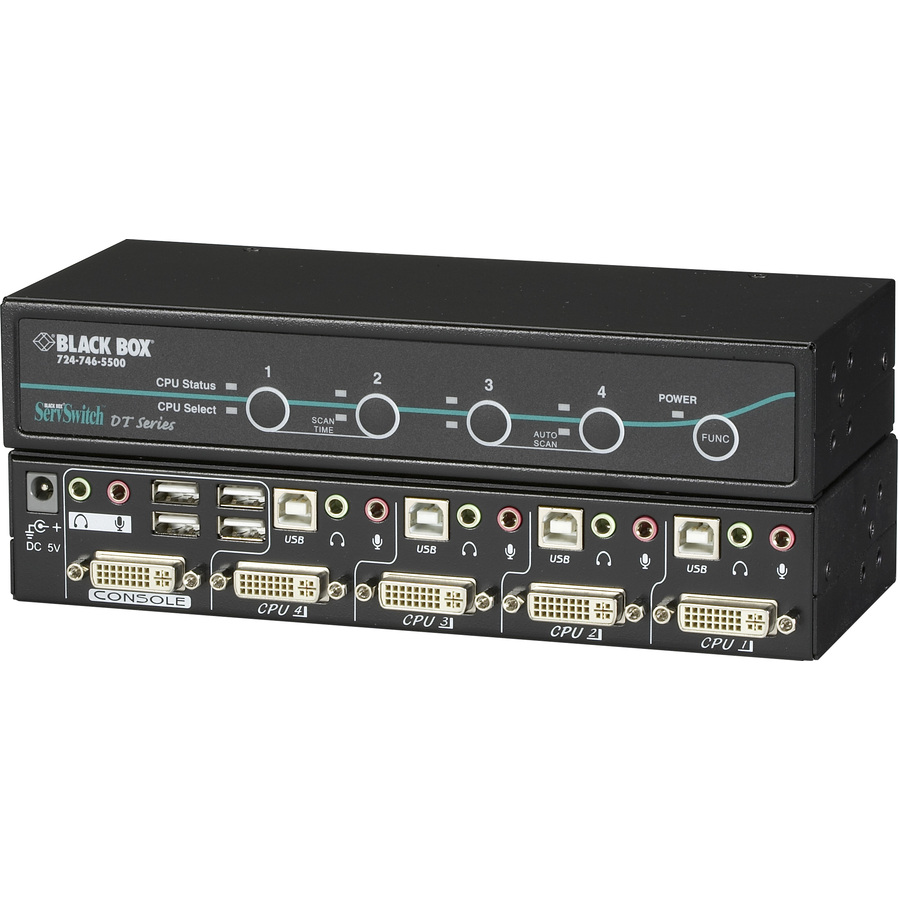
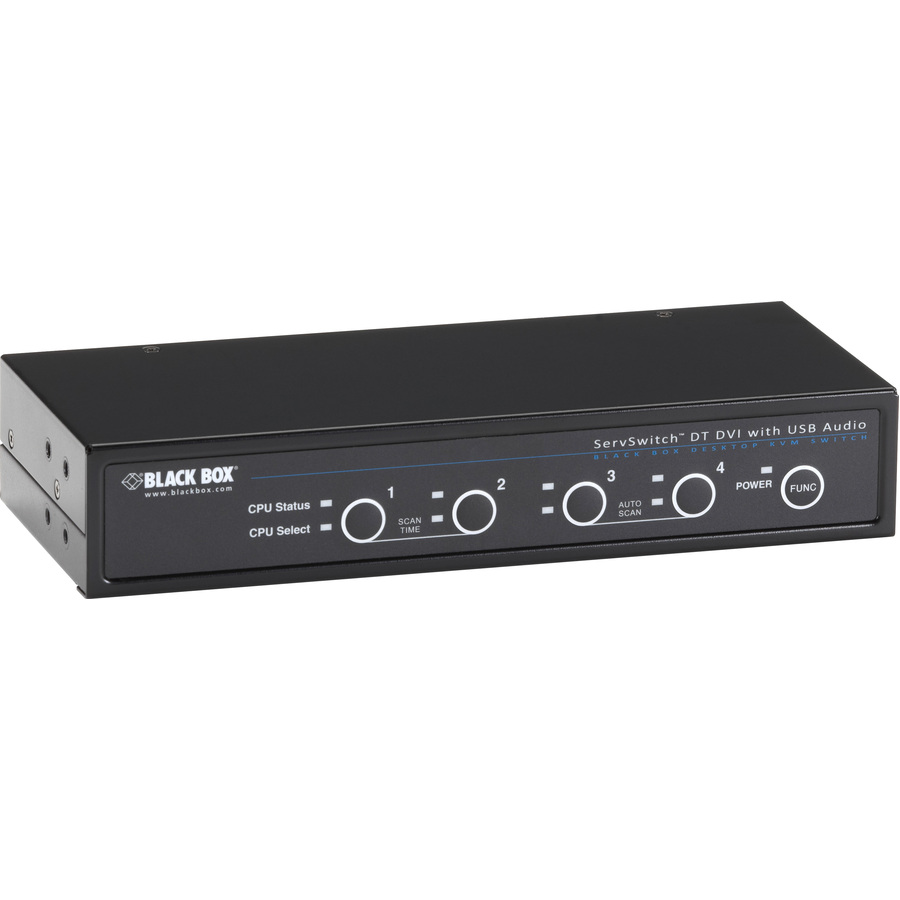
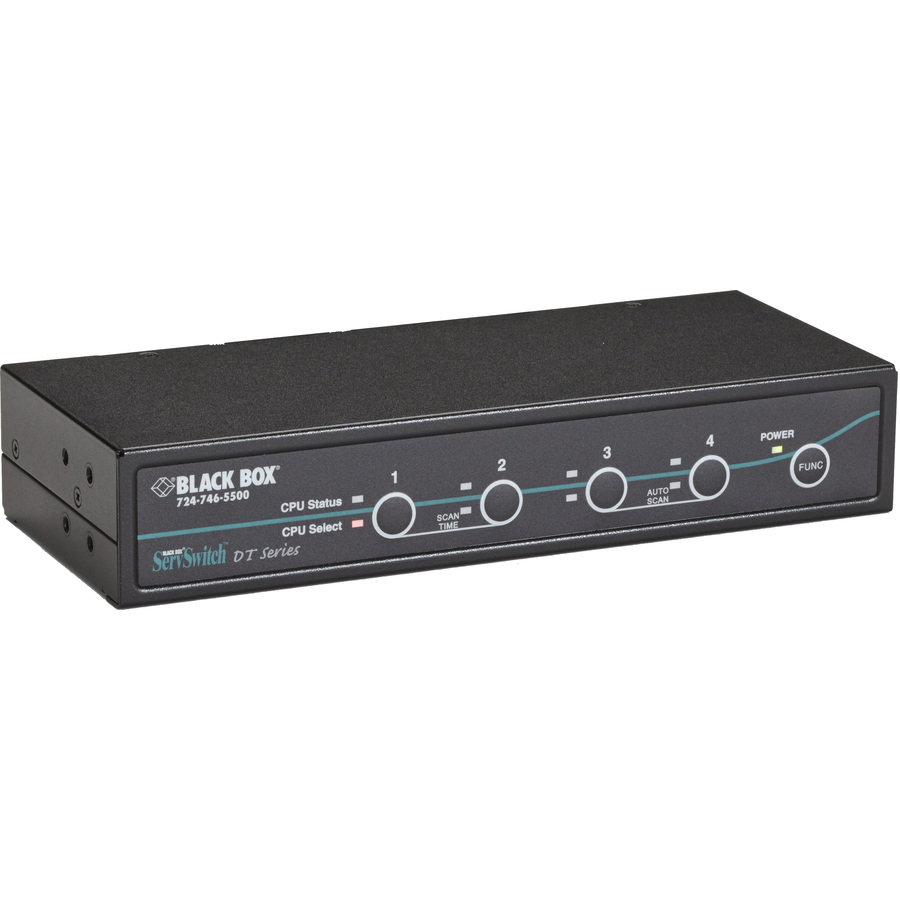
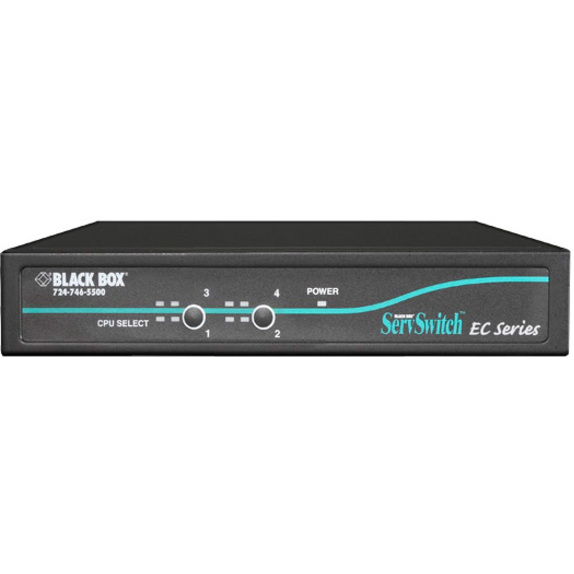
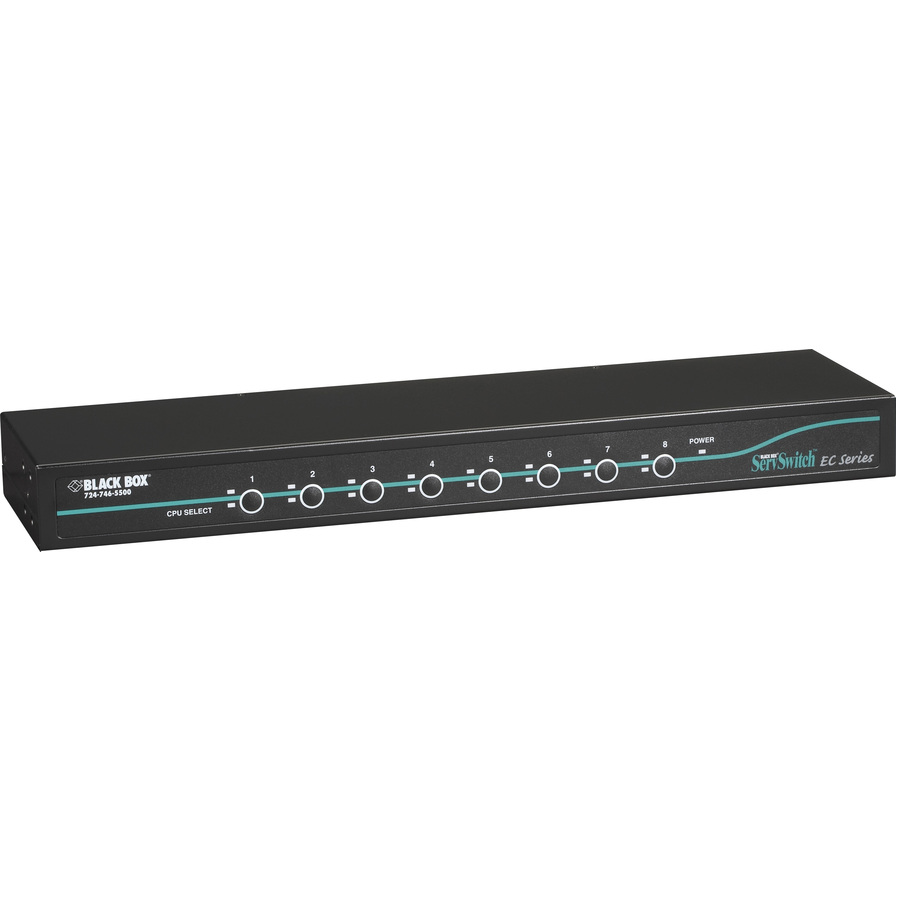
- Black BoxBlack Box ServSwitch EC KVM Switch - 4 x 1 - 4 x HD-15 Keyboard/Mouse/Video - 1U - Rack-mountableKV9004A
$288.58
$248.21
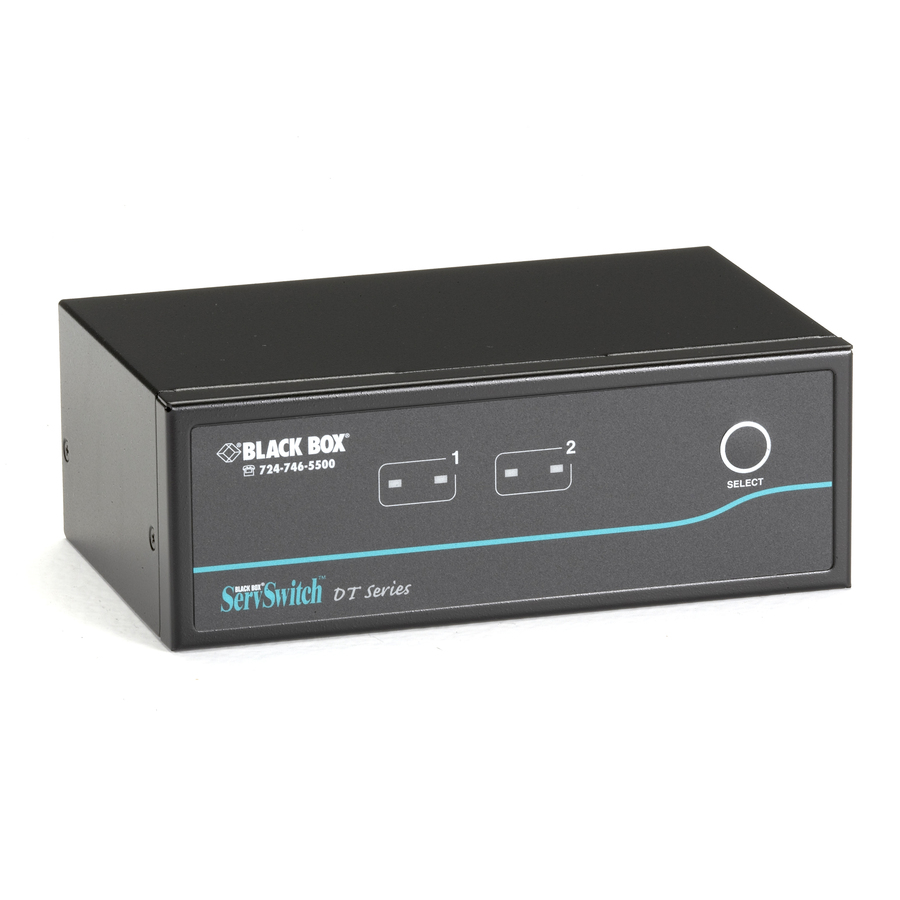
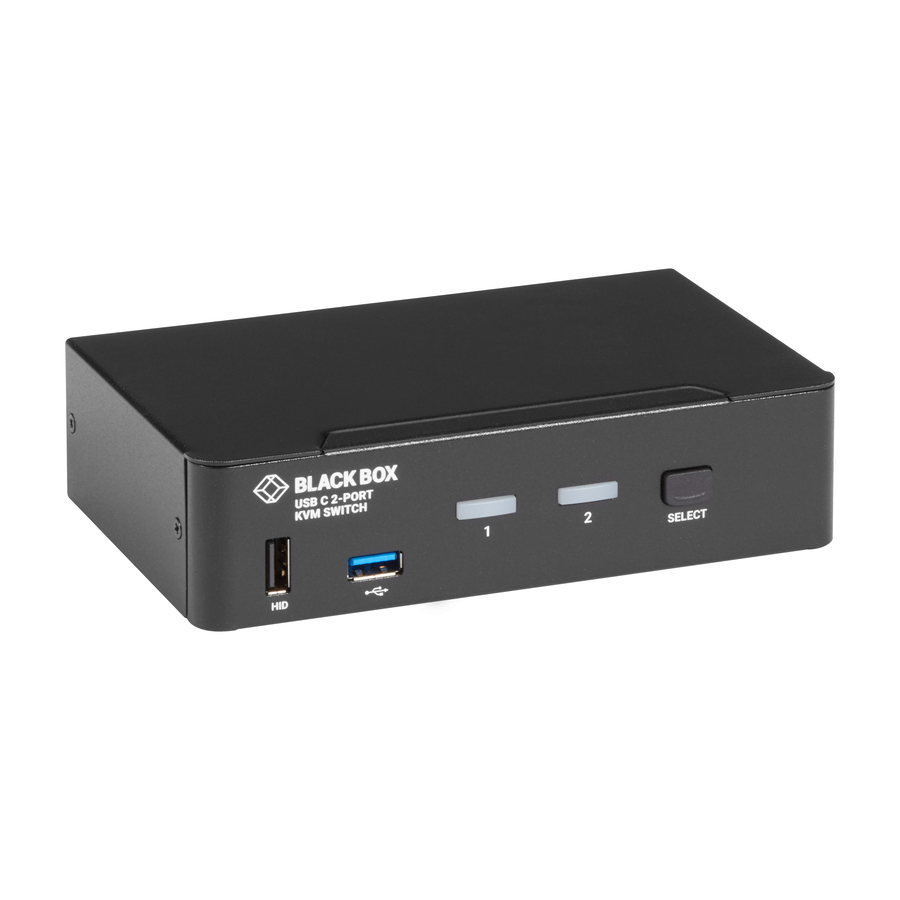
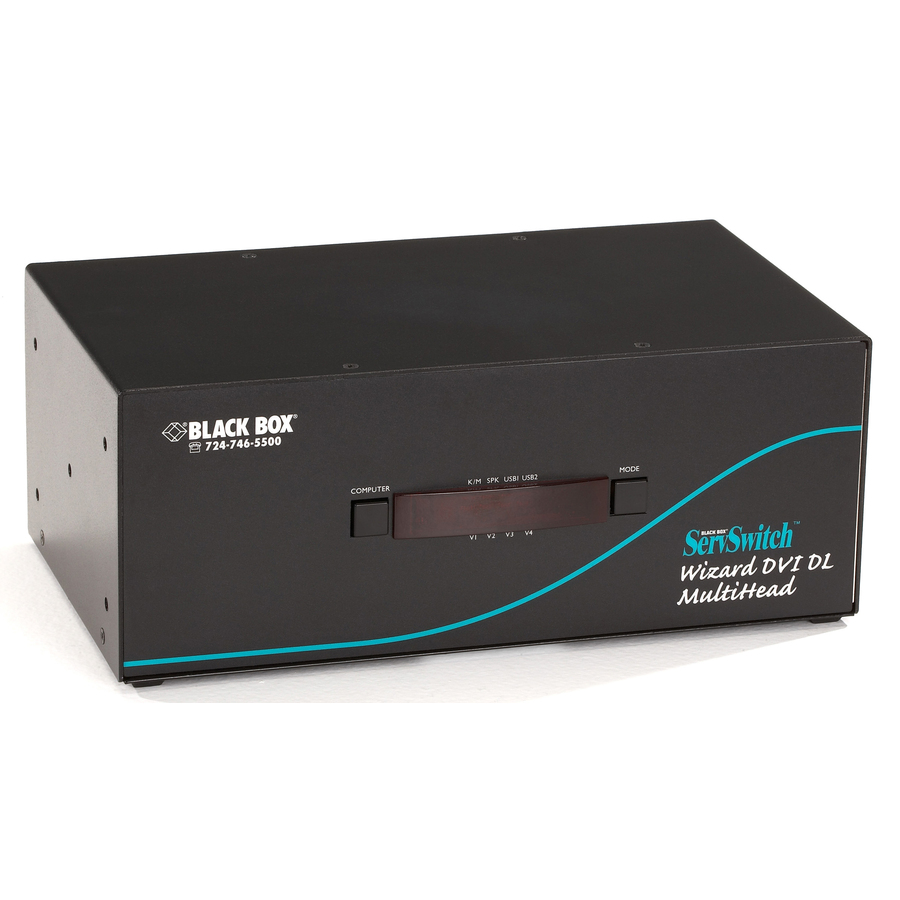
1 in stock - Black BoxBlack Box ServSwitch KV9622A Dual-Head KVM Switch - 2 x 2 - DVI Video, 2 x Type B USBKV9622A
$343.64
$294.43
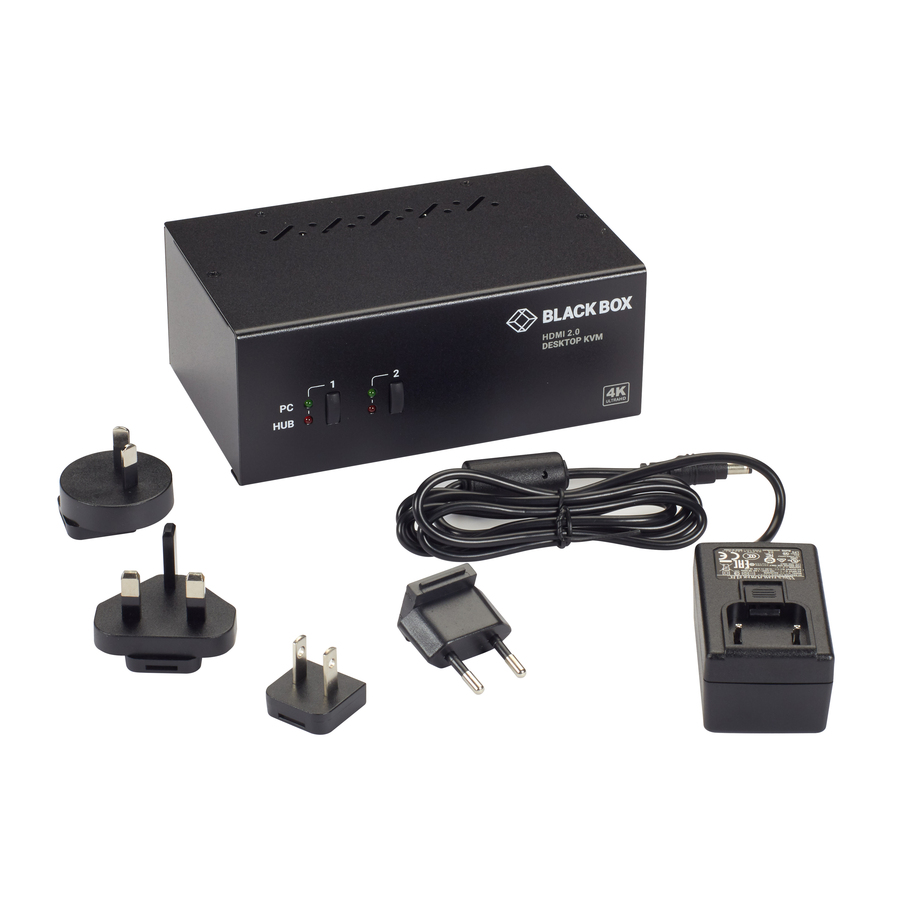
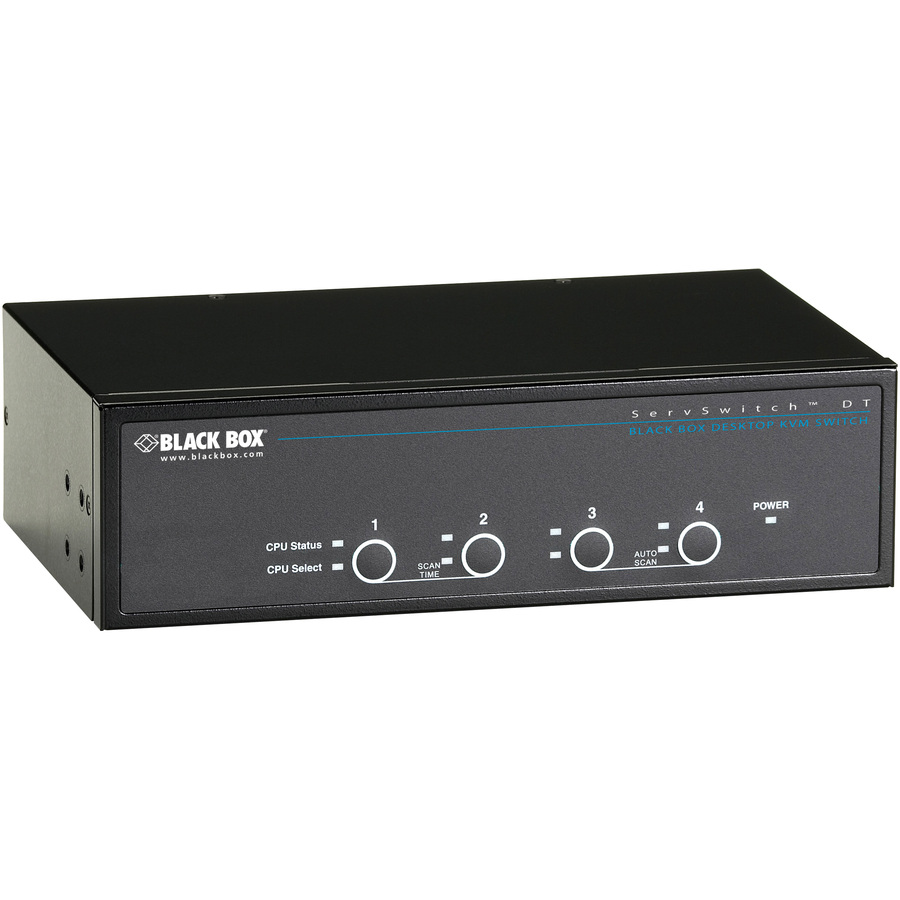
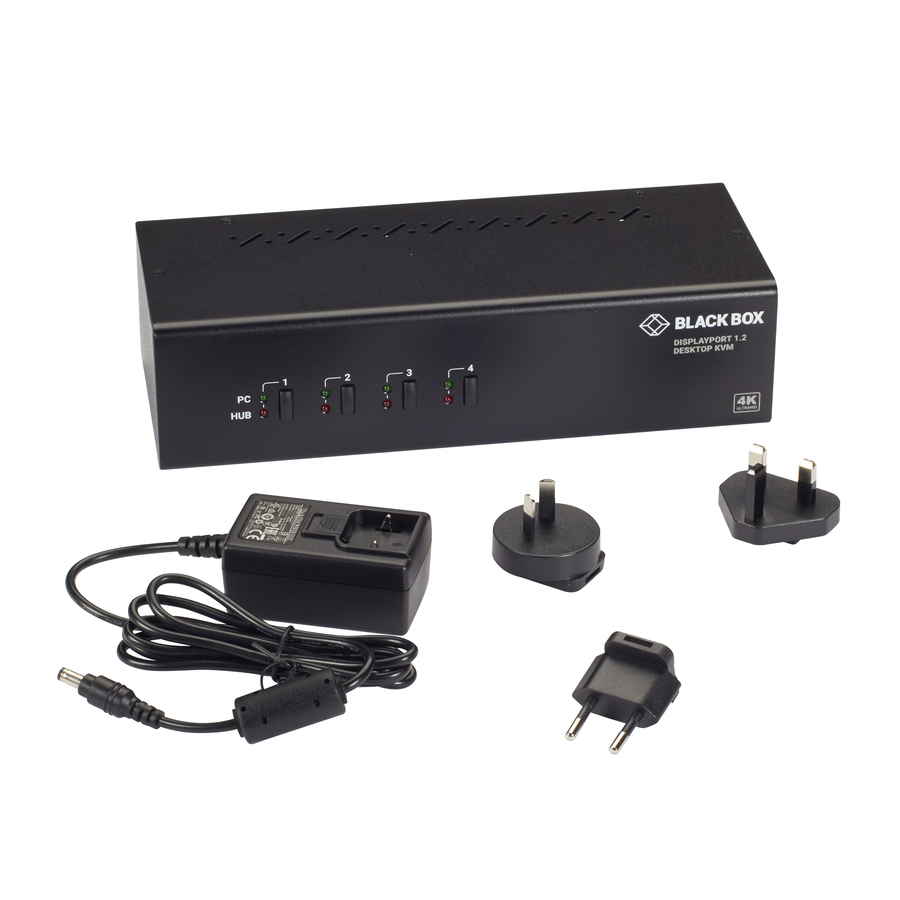
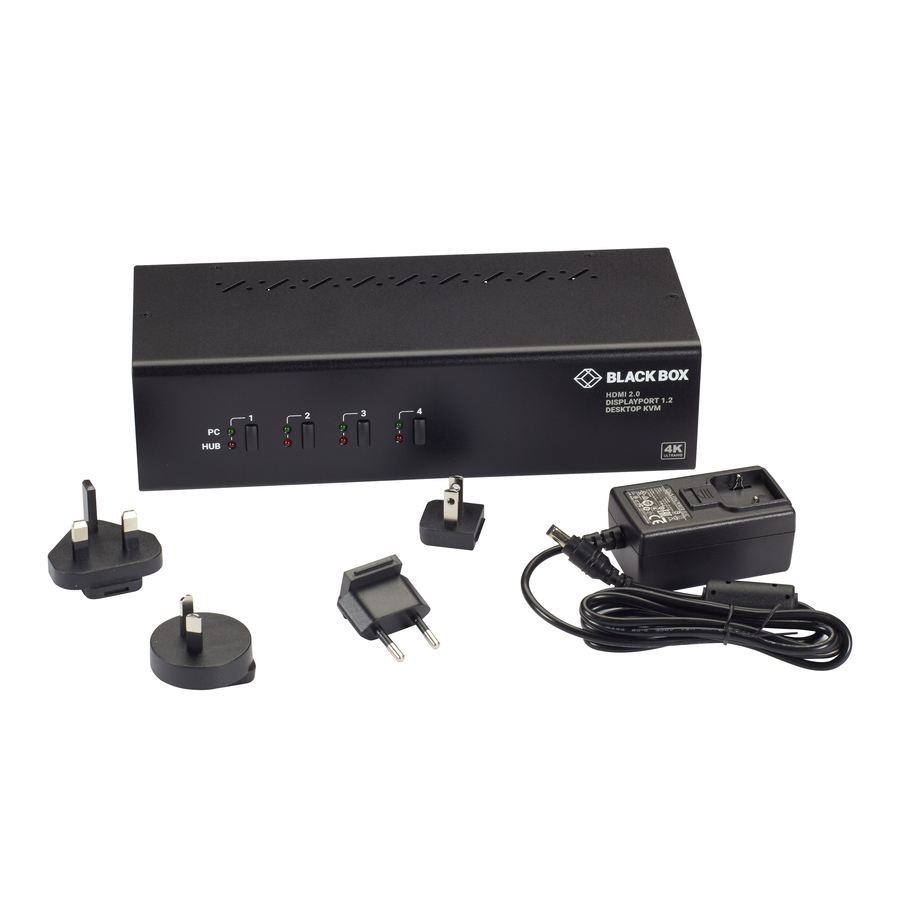
9 in stock - Black BoxBlack Box ServSwitch DT KVM Switch - 4 x 1 - 4 x DVI-I Video, 4 x Type B USB - DesktopKV9604A
$359.14
$307.90
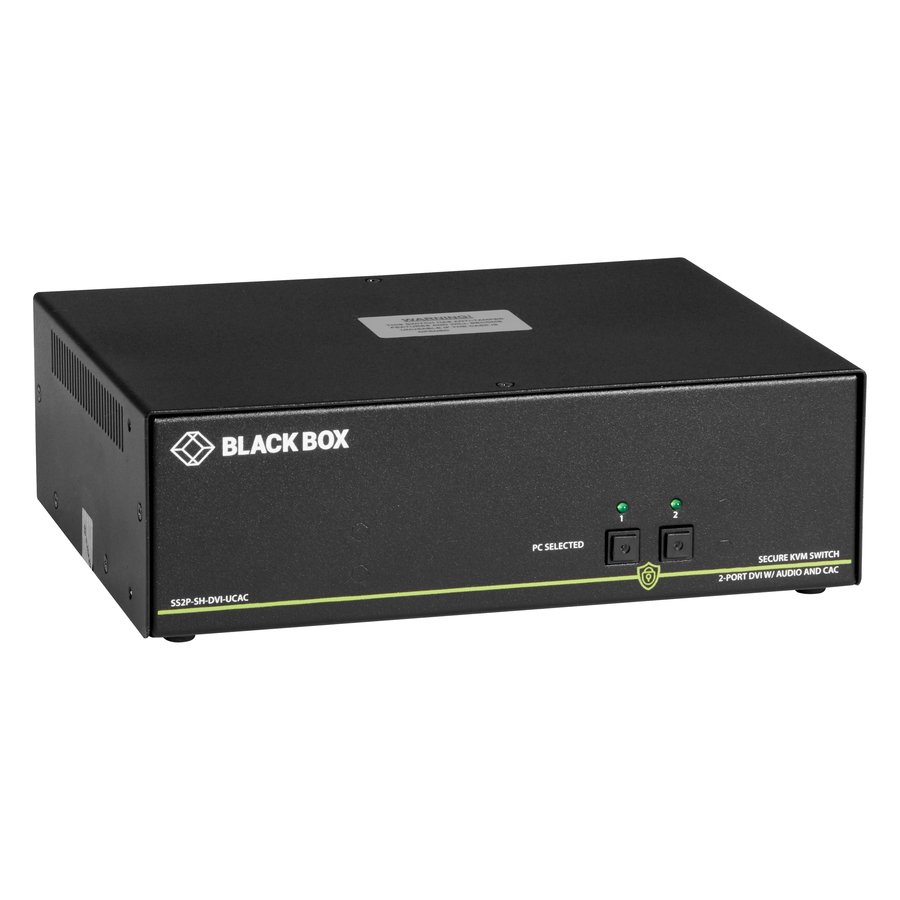
11 in stock - Black BoxBlack Box ServSwitch KV9204A KVM Switch - 4 x 1 - 4 x HD-15 Keyboard/Mouse/Video - 1UKV9204A
$398.33
$341.70
6 in stock
More KVM switches in the Uniqcli catalog
See all 878 KVM switchesMore Black Box first — closest to what you were just looking at; “See all KVM switches” above opens every other brand in the category. In-stock lines lead, and a back-ordered line carries the same estimated availability its product page does — with live pricing throughout, NDAA §889 screening before checkout and TAA verified on request.
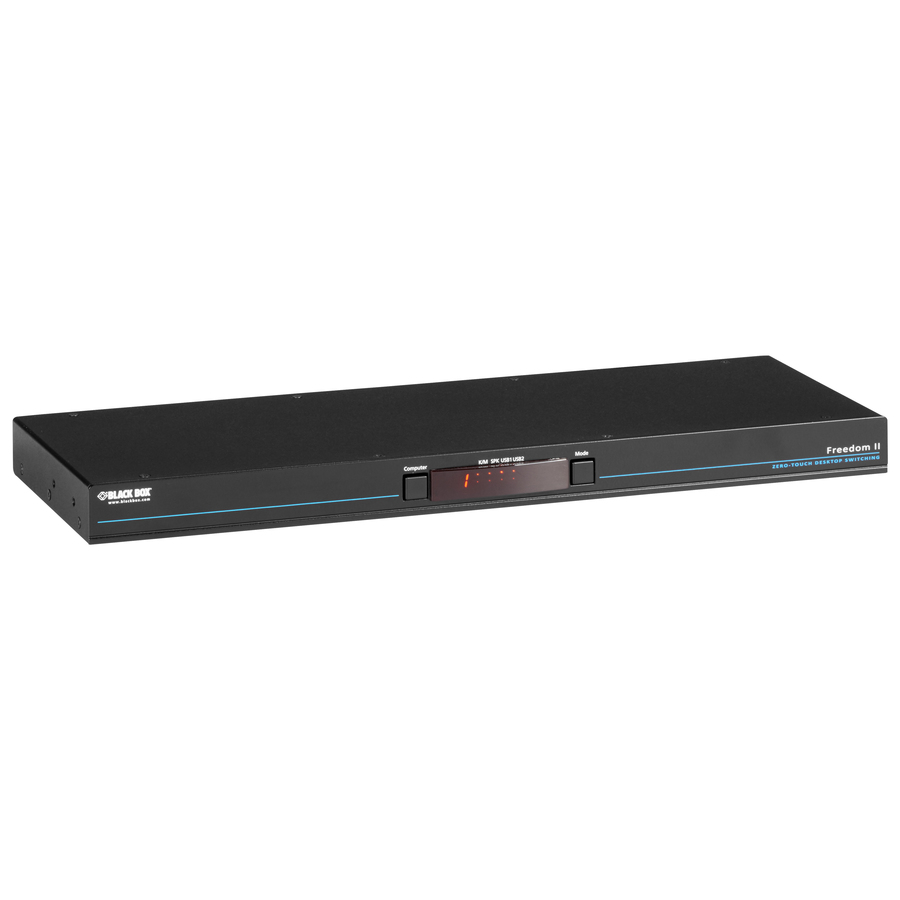
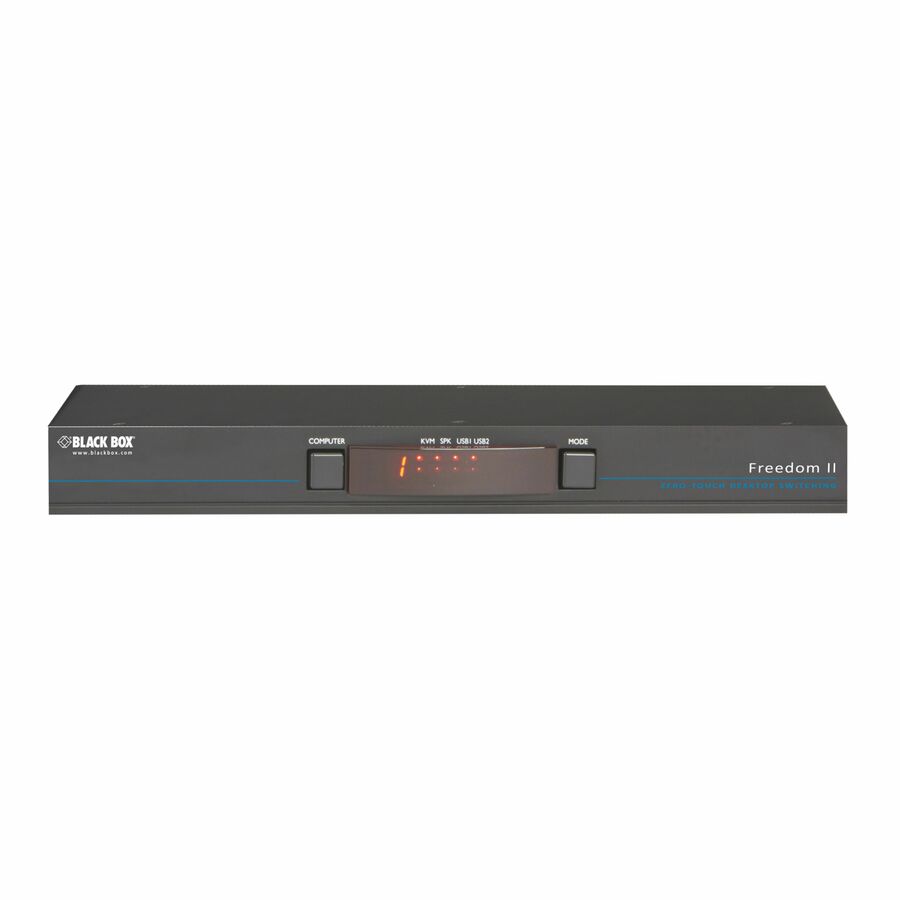
- Black BoxBlack Box Freedom II KM Switch - 8-Port - 8 Computer(s) - 1 Local User(s) - 2 x Network (RJ-45) - 2 x PS/2 Port - 13 x USB - TAA CompliantKV0008A-R2
$1,853.64
$1,582.52*
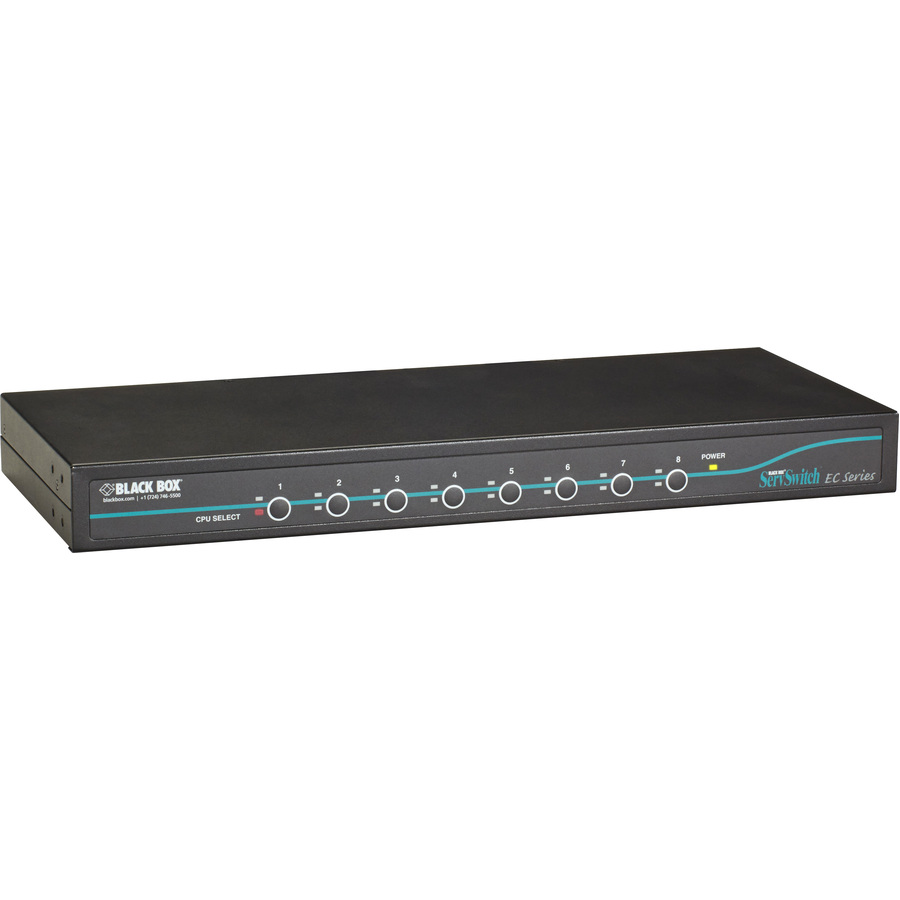
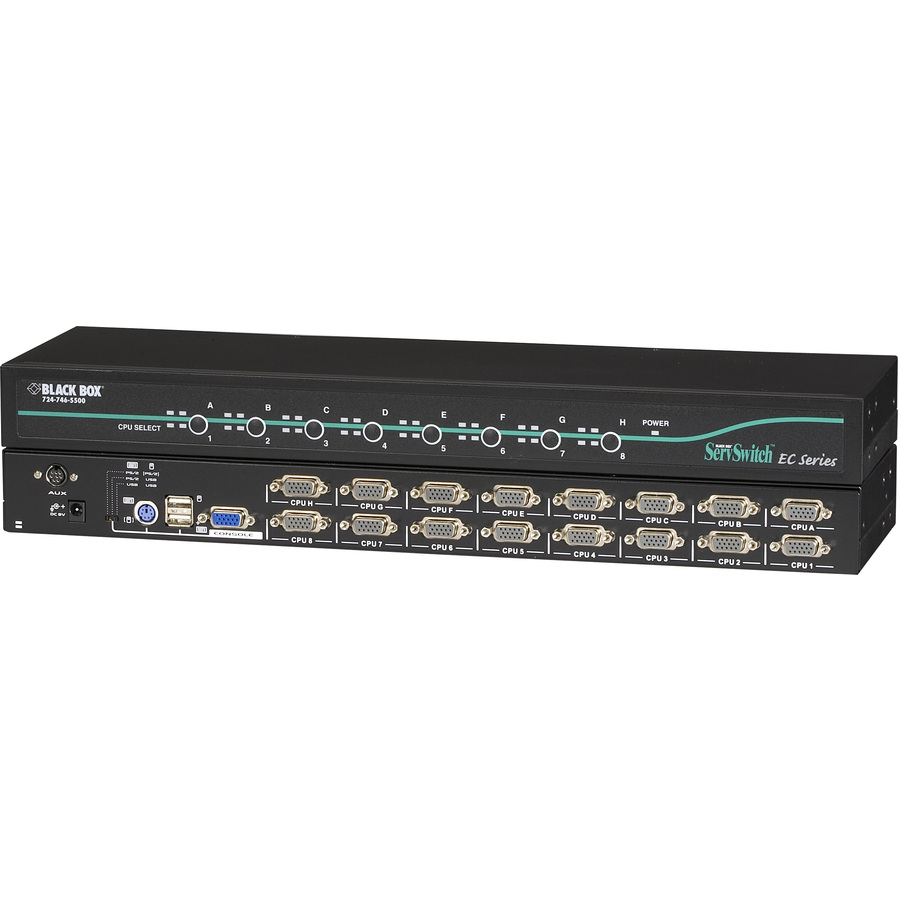
17 in stock - Black BoxBlack Box ServSwitch EC KVM Switch - 8 x 4 - 8 x HD-15 Keyboard/Mouse/Video - 1U - Rack-mountableKV9208A
$658.66
$563.82
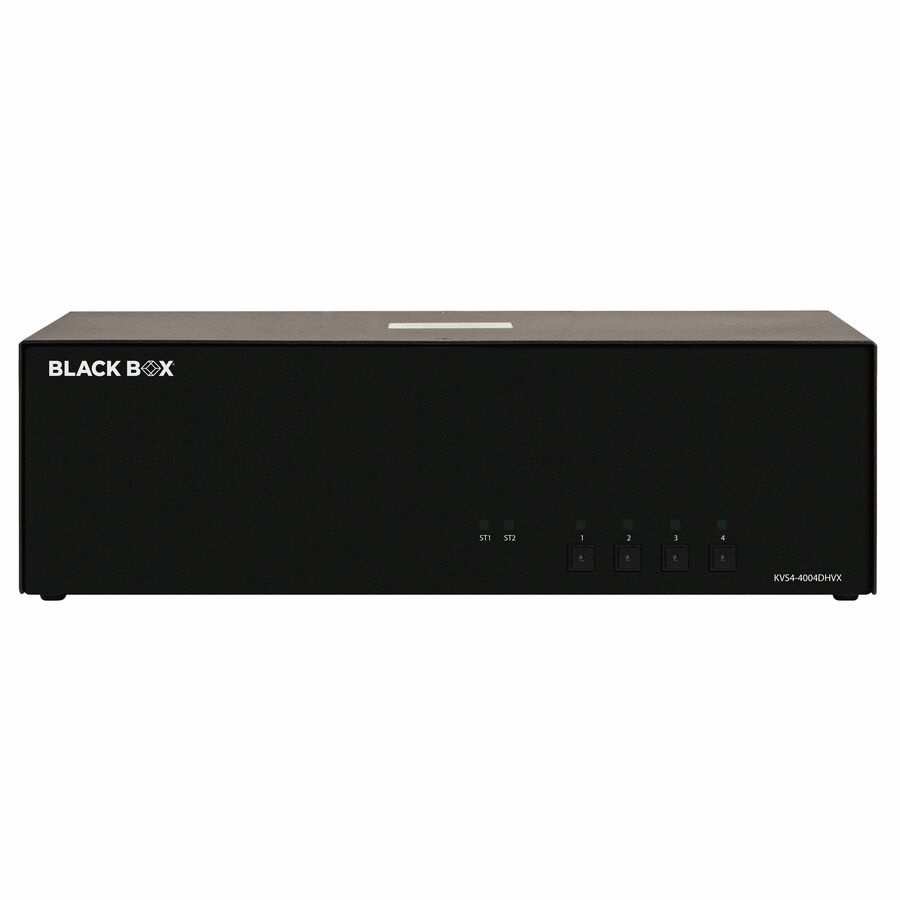
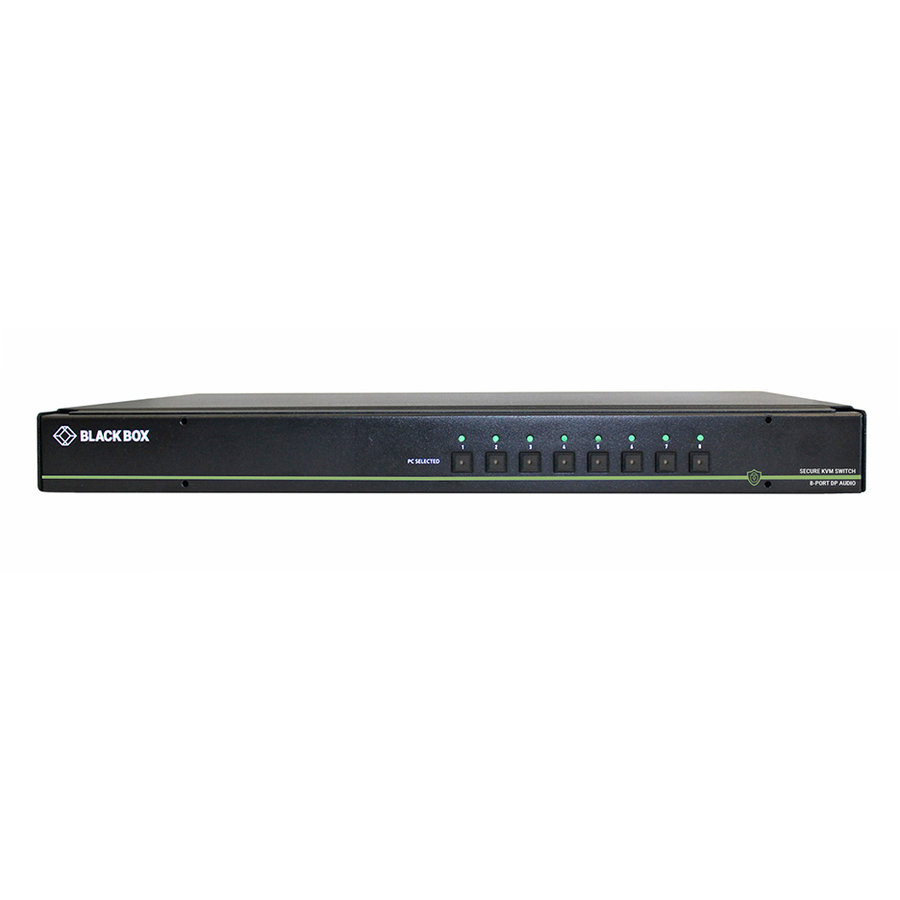
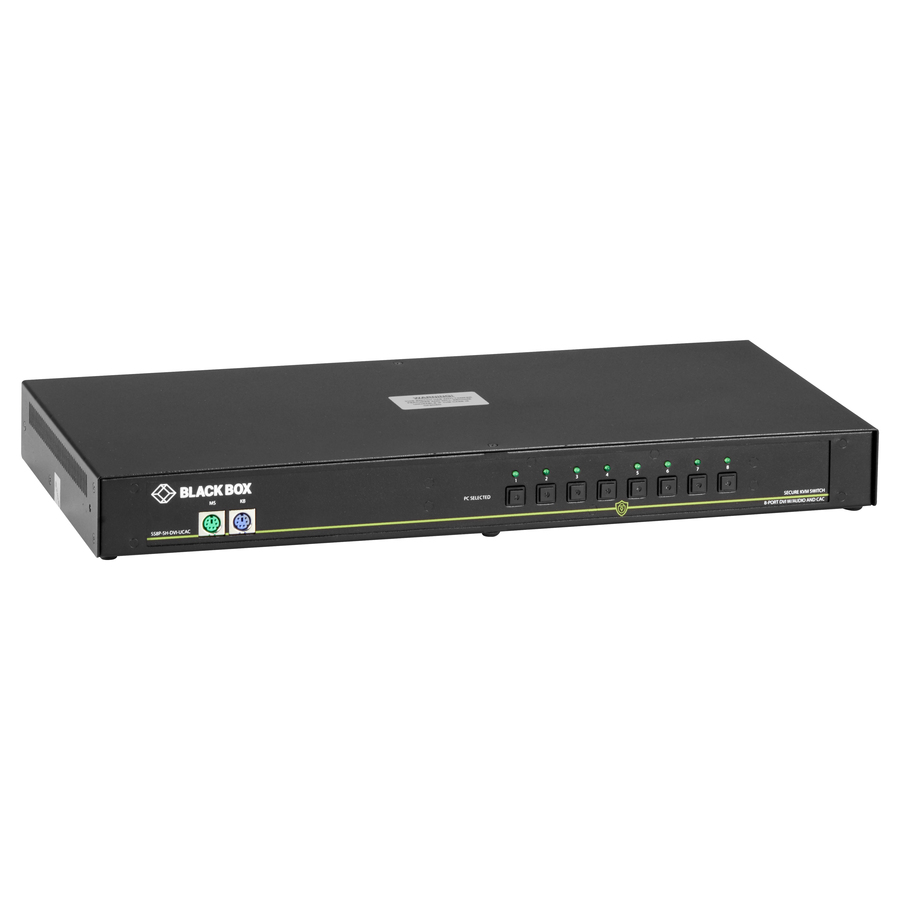
11 in stock - Black BoxBlack Box KM Switchbox with CAC - 8 Computer(s) - 1 Local User(s) - 10 x USB - Desktop - TAA CompliantSS8P-KM-UCAC
$1,190.33*
9 in stock
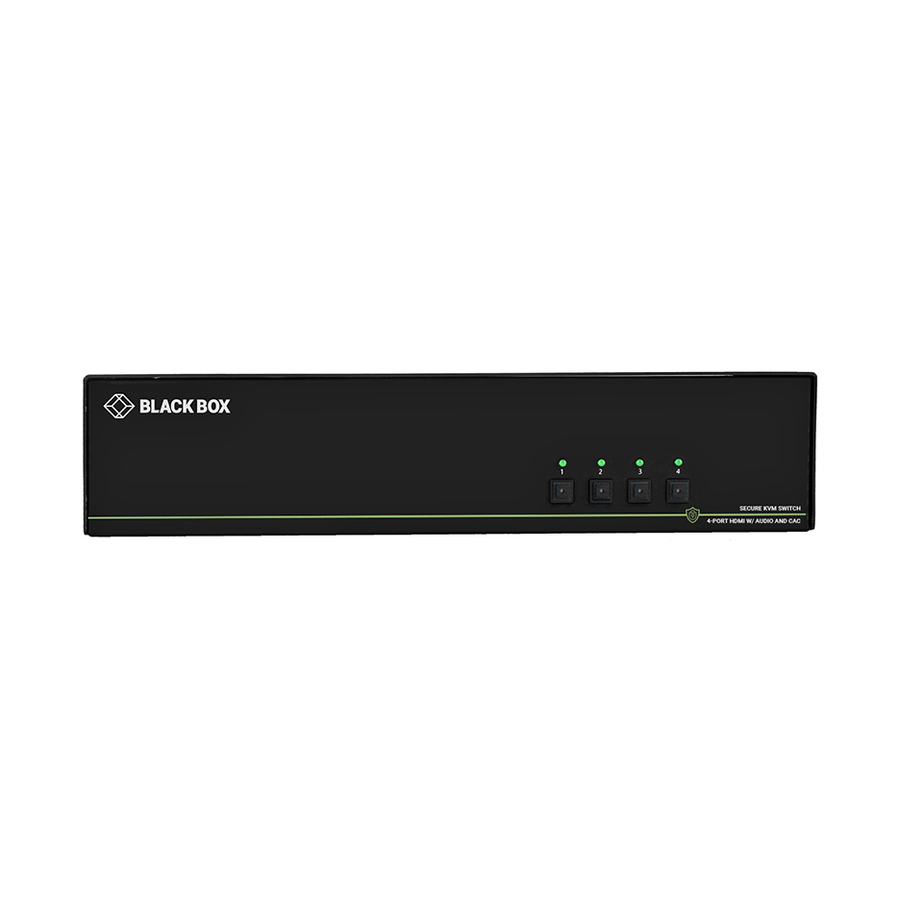
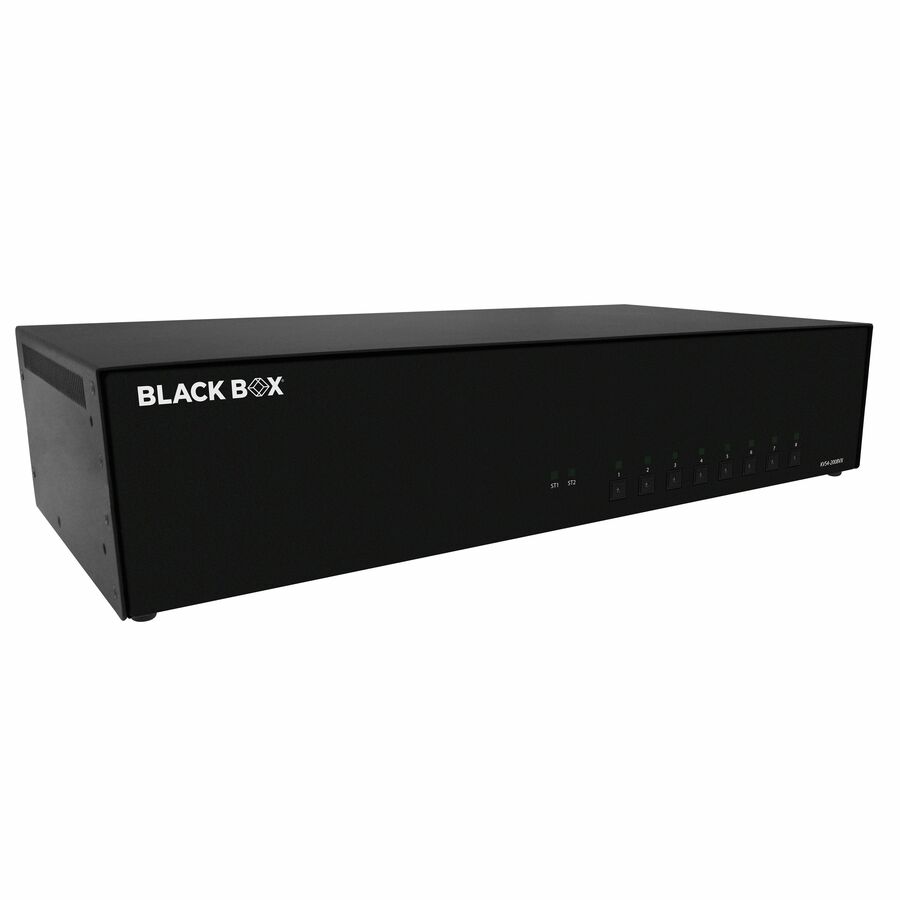
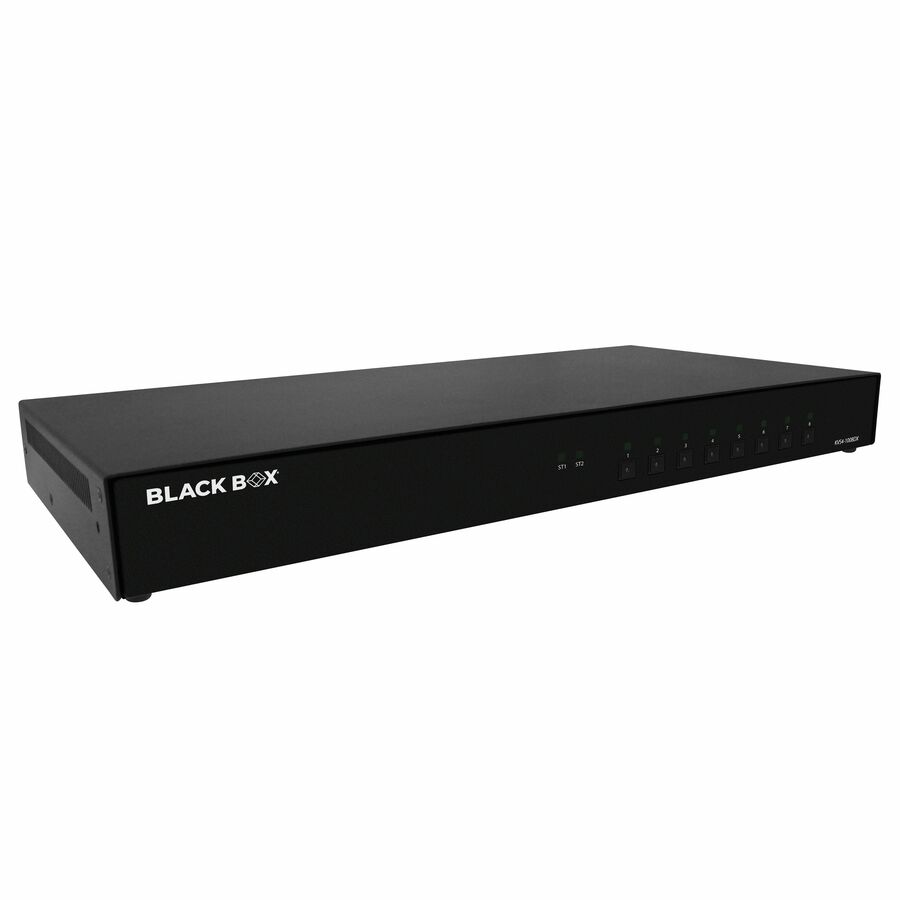
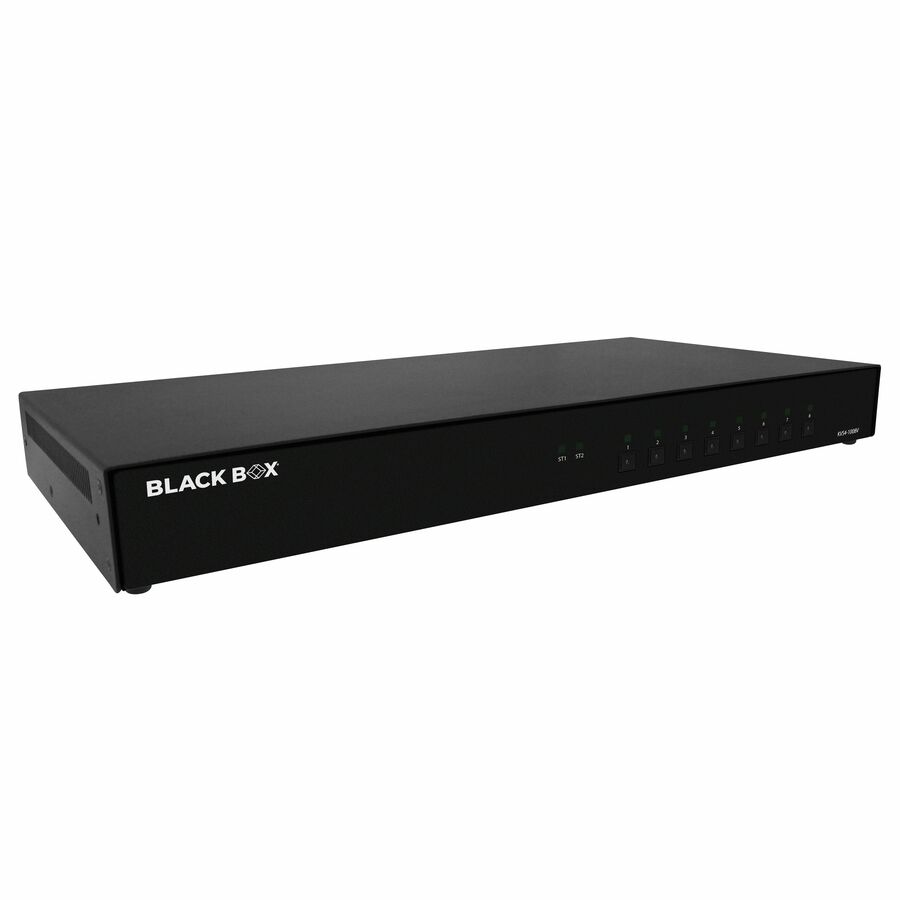
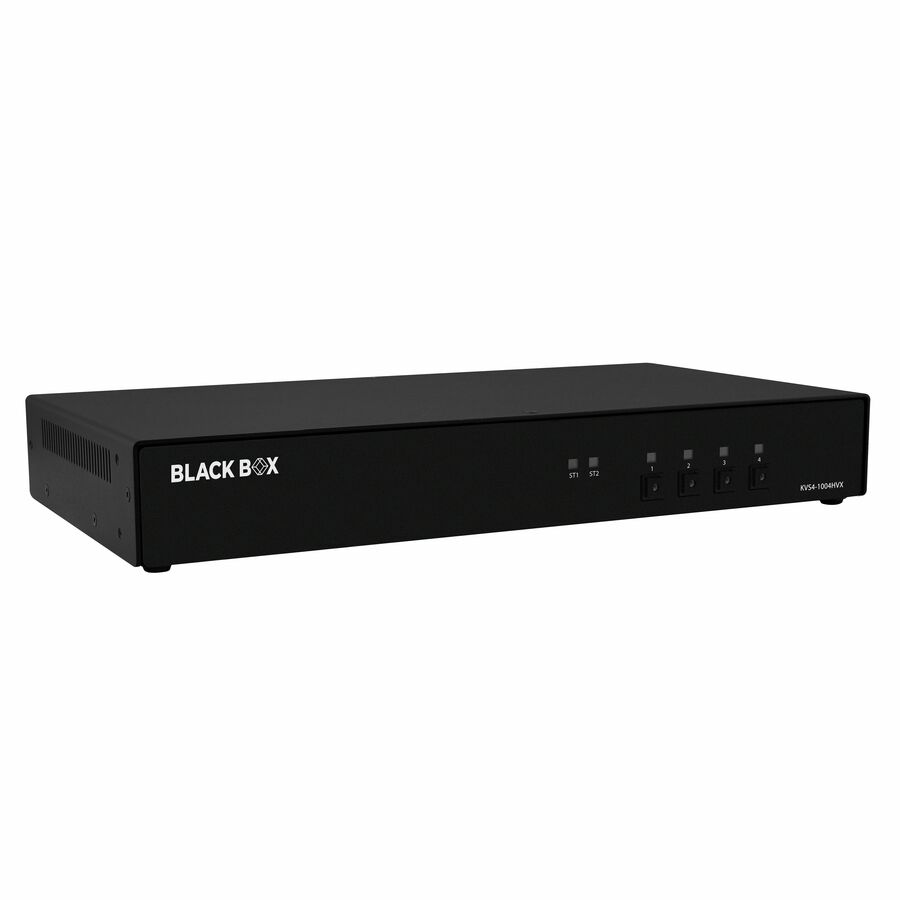
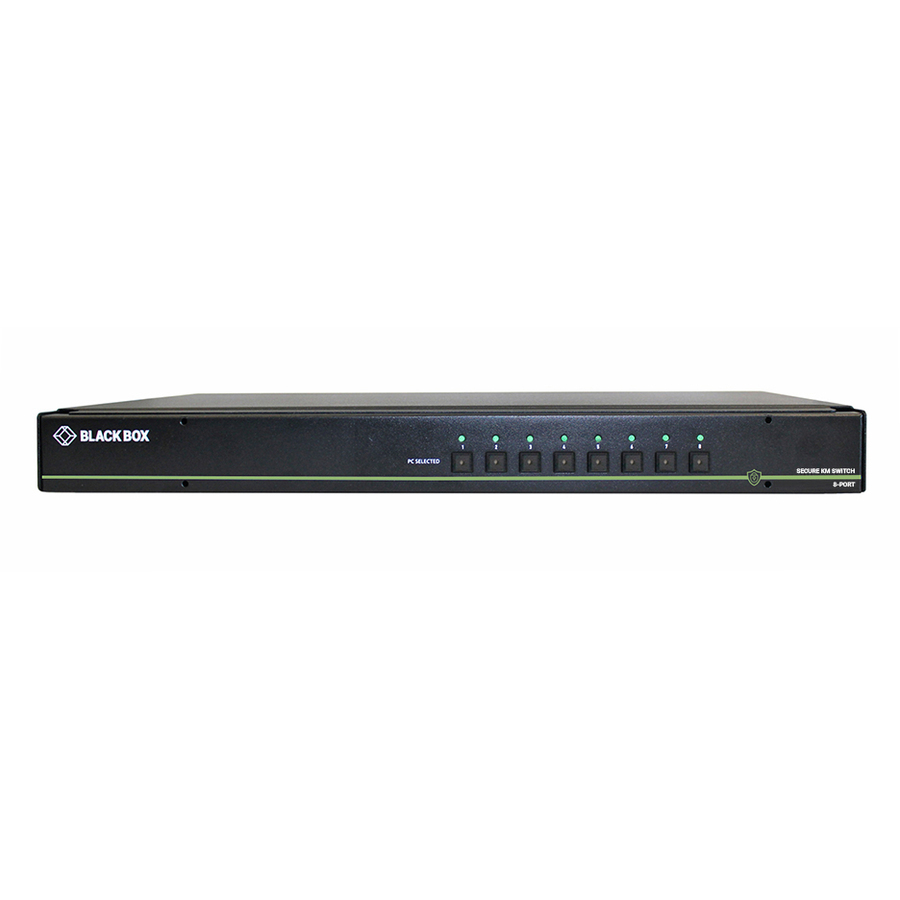
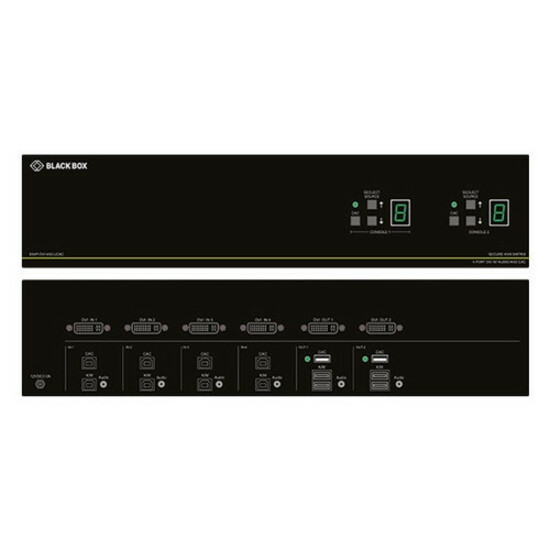
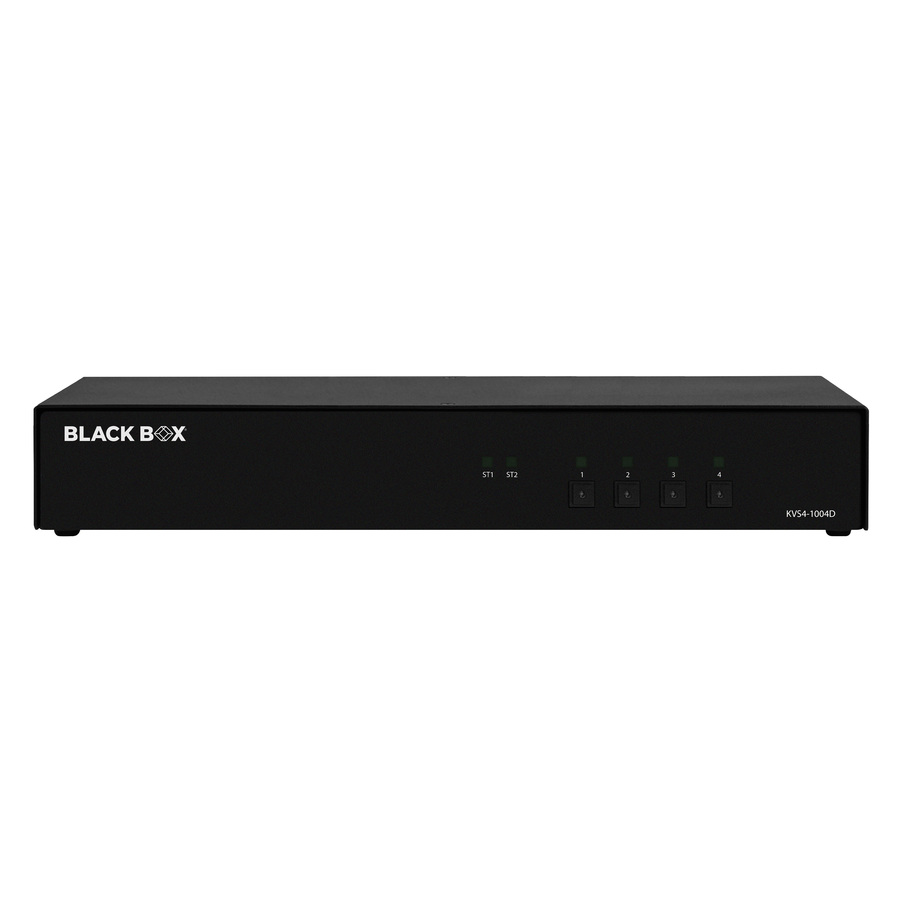
Need pricing on Black Box KVM switches?
Tell us where to reach you and a Uniqcli specialist will follow up by email with current pricing, availability and lead time for the quantities you need — including parts that aren’t shown on this page.
Buying for an organization or for yourself — both work. No payment up front.
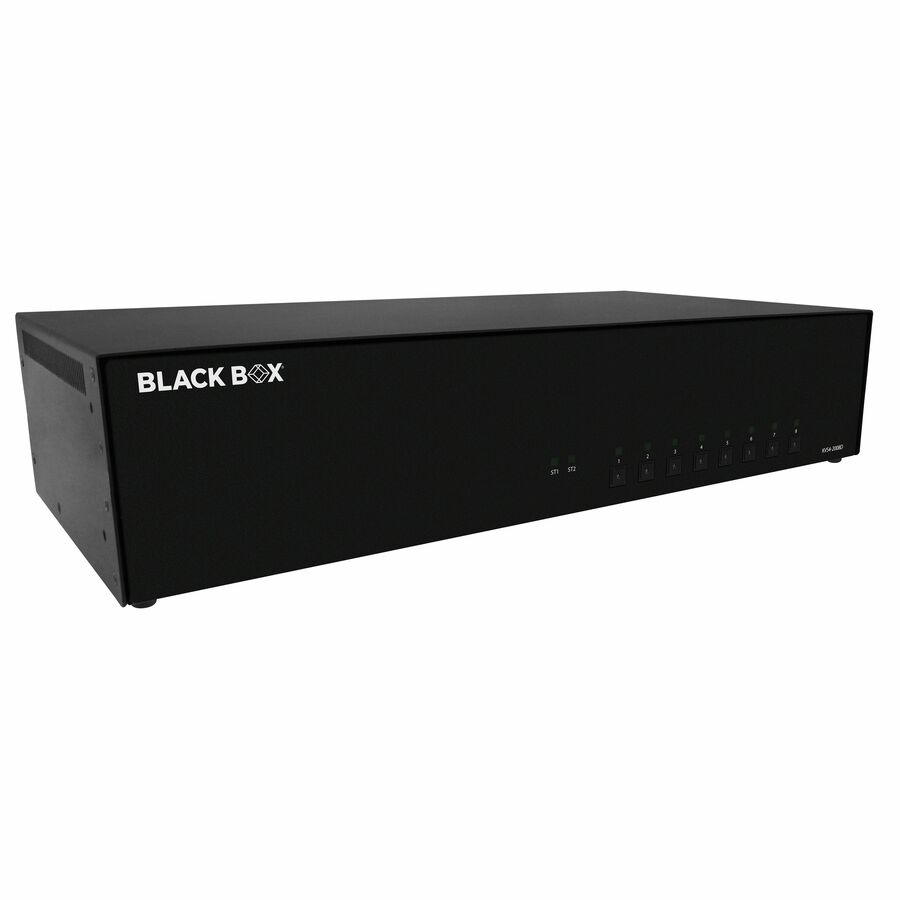
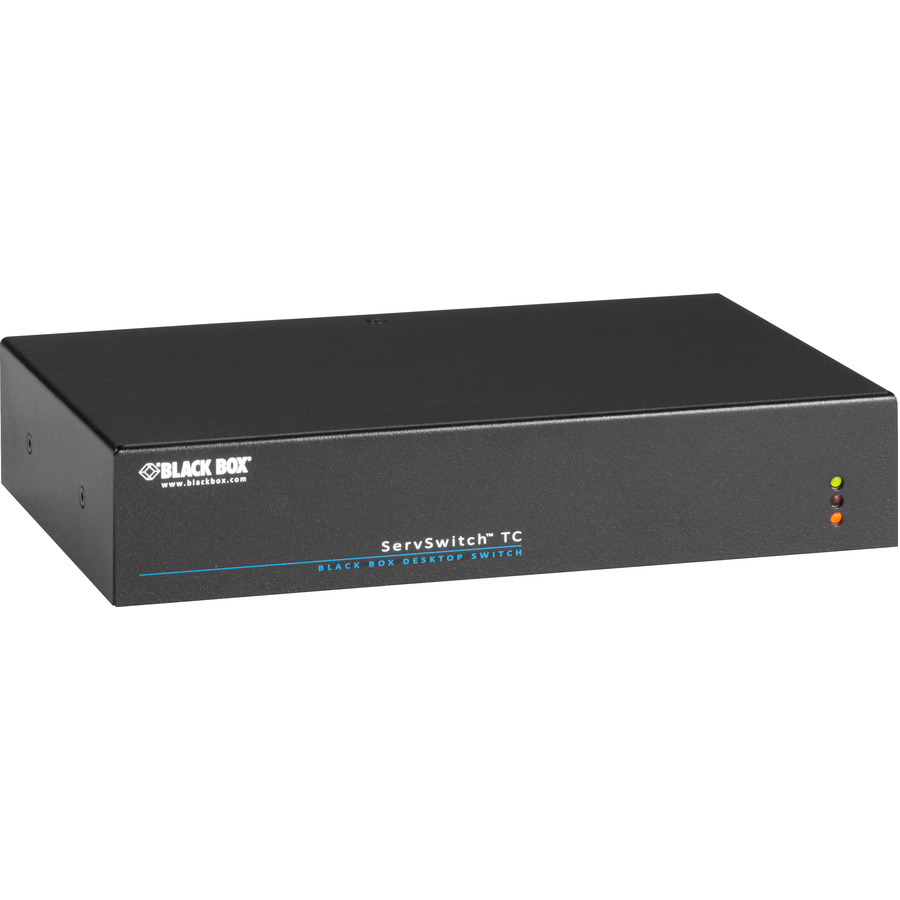
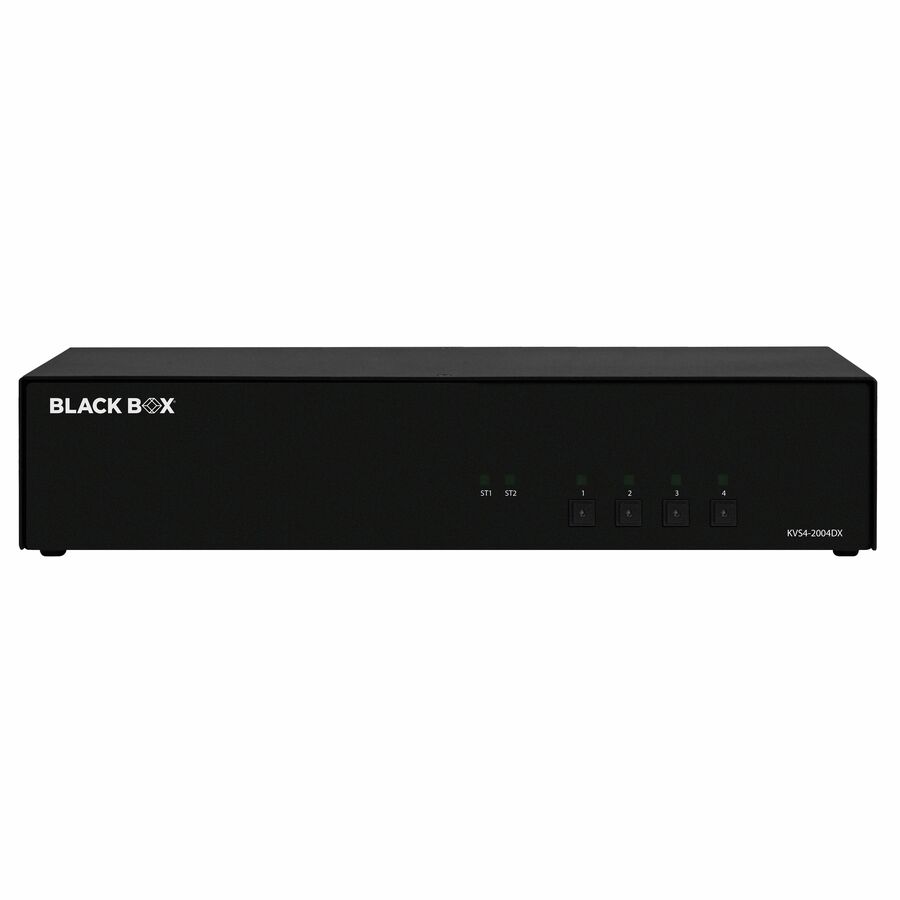
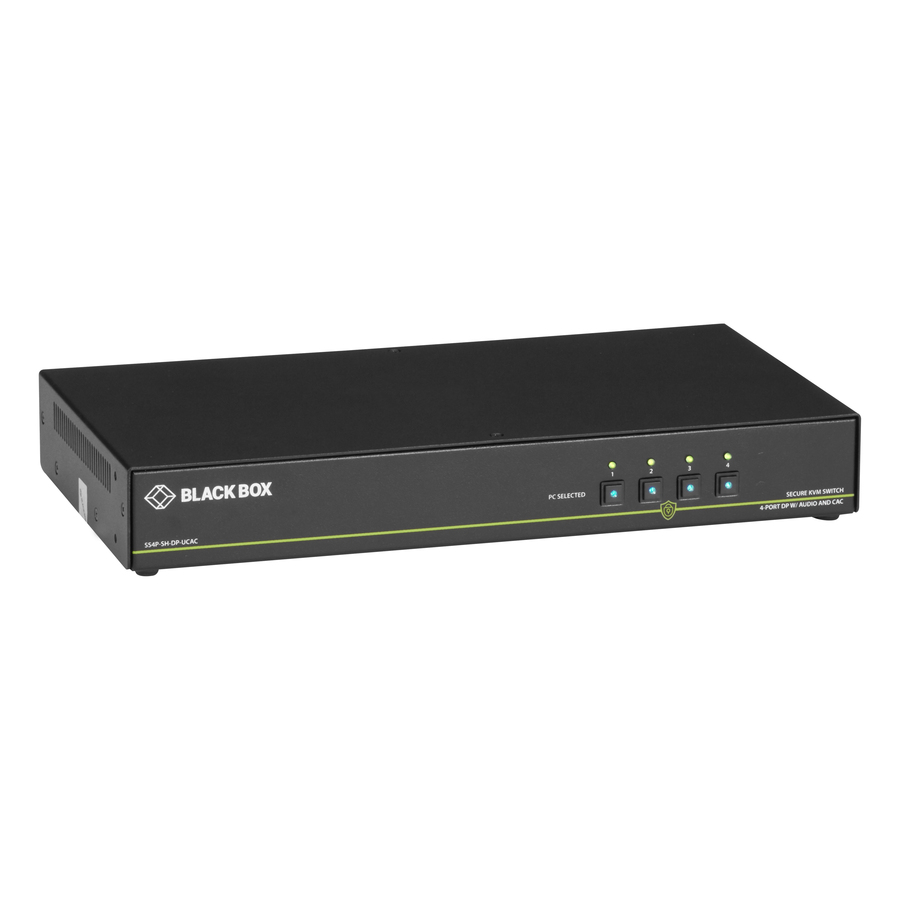
Black Box builds KVM switching across several distinct lines, and the models Uniqcli stocks span the full range: NIAP-certified secure KVMs with data-path isolation and CAC (Common Access Card) support, Emerald KVM-over-IP gateways for networked access to remote hosts, ServSwitch CX and EC Series rack switches for server rooms, ServSwitch Wizard desktop units with USB True Emulation, and TC Series and Freedom II KM switches for keyboard-and-mouse-only control. Video coverage runs from legacy VGA and DVI-I up to 4K DisplayPort at 3840 x 2160, in single-, dual-, and quad-monitor configurations from 4 up to 24 ports.
The right unit depends on the environment. Secure consoles that touch networks at different classification levels call for a NIAP-certified secure KVM (Protection Profile 3.0 or 4.0) with isolated channels and, where operators log in with a smart card, a CAC-capable port. Operations centers driving many servers from one desk lean toward high-port rack switches or an Emerald IP gateway. Simpler multi-host desktops are well served by a KM or desktop KVM. Work backward from host count, number of monitor heads, connector type, and required resolution before narrowing the list.
Every entry on this page is a model Uniqcli actively stocks, with live in-stock status shown on each product so you can see what ships now versus what is back ordered. Many Black Box KVMs are marketed by the manufacturer as TAA Compliant; regardless of that marking, orders are sourced through US distribution and screened for TAA country-of-origin and NDAA 889 status before checkout, with documentation tied to the specific part number.
Buyer's checklist
How to choose a Black Box KVM switch
- Match the security model to the environment: a NIAP-certified secure KVM (Protection Profile 3.0 or 4.0) with isolated data channels for multi-domain consoles, or a standard switch where isolation is not required.
- Count your hosts and monitor heads: models range from 4 to 24 ports in single-, dual-, and quad-monitor layouts, so confirm both the computer count and the number of displays per station.
- Confirm the video connector and resolution ceiling you need: DisplayPort, HDMI, DVI-I, or VGA, with resolutions from 1920 x 1440 up to 4K 3840 x 2160.
- Decide whether operators need CAC / smart-card passthrough, and choose a CAC-capable model when login is gated by a Common Access Card reader.
- Pick the form factor to fit the deployment: secure desktop KVM, ServSwitch Wizard desktop, 1U rack-mountable ServSwitch or EC Series, or an Emerald KVM-over-IP gateway for networked access.
- Check peripheral handling: USB True Emulation and USB 2.0 support keep keyboards, mice, and CAC readers reliable across host switches.
Where these consoles do their work
The setting drives the choice more than the port count. In a security or network operations center, one analyst must reach many hosts without a wall of keyboards, so the desk consolidates onto a high-port rack switch, or an over-IP gateway when the machines sit in another room. Multi-domain positions — one operator working networks held at different sensitivity levels — are the case the secure line exists for. Help desks, imaging labs, and control rooms usually need dependable everyday switching rather than isolation, and a desktop KVM or keyboard-and-mouse KM fits.
Deploying secure KVMs correctly
On a secure console the switch is one part of a larger discipline. NIAP-certified units enforce isolated, unidirectional data paths and restrict peripheral behavior, but the protection depends on the whole setup: approved keyboards and mice, no unauthorized USB devices, intact tamper-evident labels, and CAC readers passed through only where the model provides a dedicated port. Plan for that operational rigor and for the documentation an accreditation review will expect, and confirm the Protection Profile version — 3.0 or 4.0 — named on the exact model you intend to field.
Sourcing and compliance for government buyers
Certified and secure gear rewards planning the sourcing path early. NIAP certification and any TAA-compliant marking come from the manufacturer and apply to specific part numbers, so the model on the quote should be the model that ships — a substitution can quietly change the certification status. Every order is sourced through US distribution and screened for TAA country-of-origin and NDAA 889 status, with documentation tied to the exact part number, which is the record a procurement or accreditation file needs rather than a family-level claim.
Related reading
FAQ
Common questions
- What is the difference between a secure KVM and a standard KVM switch?
- A secure KVM enforces isolation between connected computers so data cannot leak from one host to another through the shared keyboard, mouse, and display. Black Box's secure line is built to NIAP Protection Profile 3.0 or 4.0 with unidirectional data paths and restricted peripheral behavior, which is why it is used for consoles that touch networks at different sensitivity or classification levels. A standard switch simply shares peripherals across hosts without those isolation guarantees.
- Do these switches support CAC or smart-card readers?
- Several Black Box secure KVM and MultiViewer models expose a dedicated CAC (Common Access Card) port so a smart-card reader can pass through to the selected host for login. If your workflow requires card-based authentication at the console, choose a model whose listing specifies CAC support; the product titles in this category call it out where it applies.
- Can I drive multiple monitors or 4K displays?
- Yes. The stocked lineup includes single-, dual-, and quad-monitor configurations, with DisplayPort models supporting 4K at 3840 x 2160 and DVI-I models up to 2560 x 1600. Confirm the head count and connector on the specific product page, since resolution ceilings vary by model and video interface.
- Can government and education buyers purchase these?
- Yes. Black Box KVM Switchboxes are available to business, government, and education buyers. Orders are sourced through US distribution and screened for TAA country-of-origin and NDAA 889 status before checkout, with documentation tied to the specific part number. Many models are also marketed by Black Box as TAA Compliant; where that applies it is noted on the listing, and the screening and documentation apply to the exact part number you order.
Need Black Box KVM switches pricing?
Send a bill of materials or part numbers — we confirm stock and a below-market total, with TAA verified on request. No payment up front.