
Best KVM Switches for Desks, Racks and Secure Workstations
Desk switches for two and four computers, including secure models for a seat that works two networks — with the 1U eight- and sixteen-port rack switches further down the page.
KVM switches in stock at Uniqcli
How to choose →A curated selection with live pricing — in-stock lines first, then back-ordered lines with a typical lead time. Every line is sourced through US distribution and screened for NDAA §889 status before checkout, with TAA verified on request.
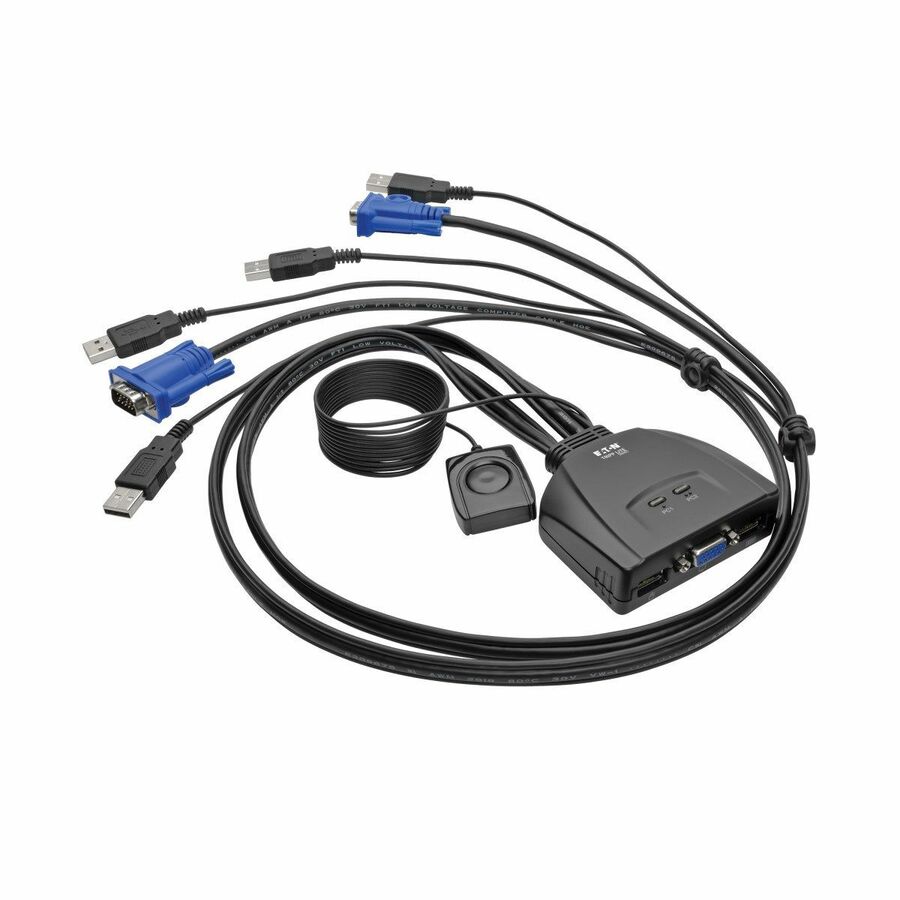
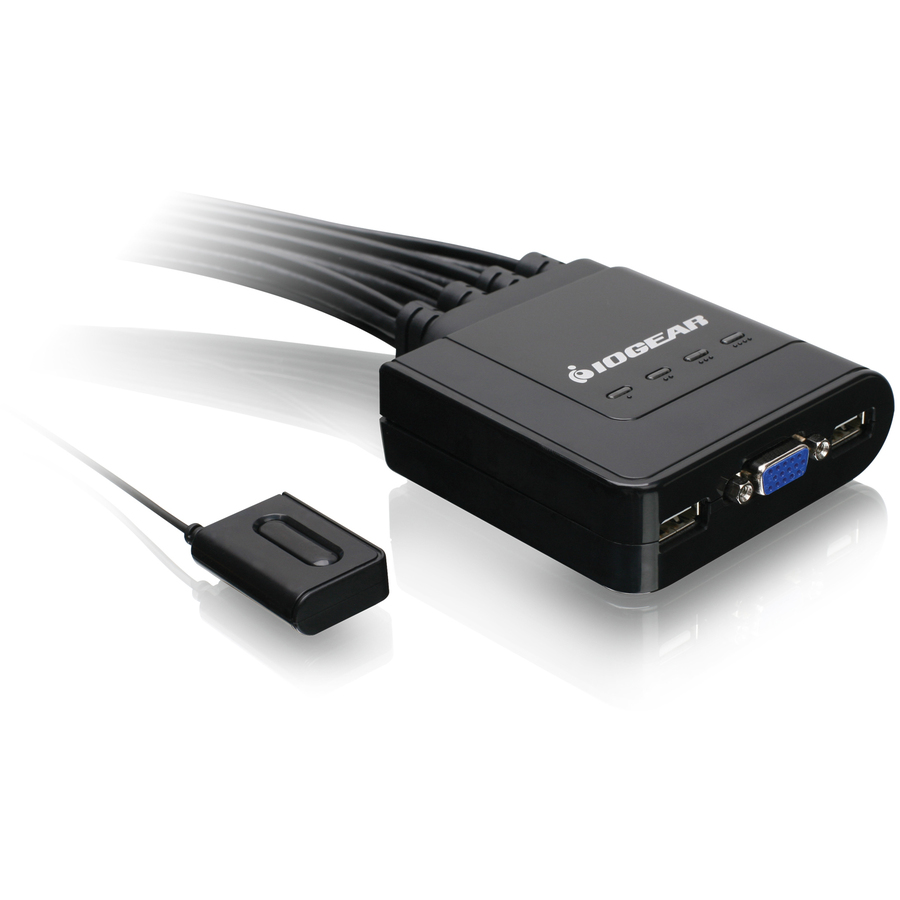
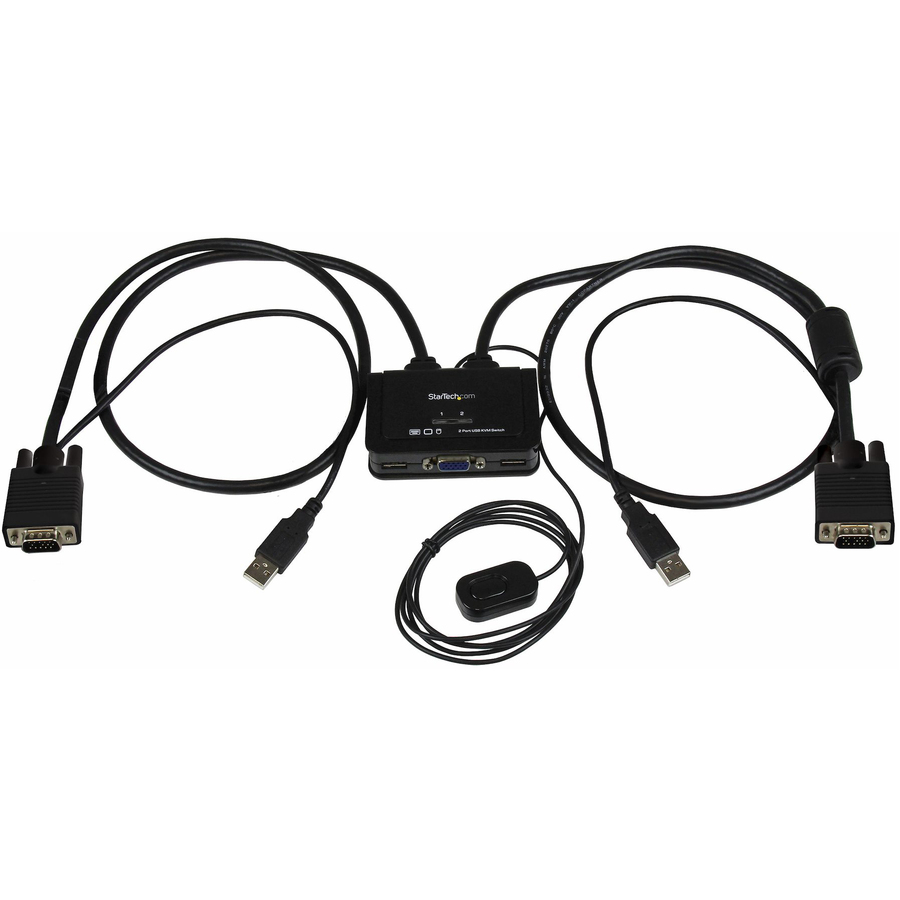
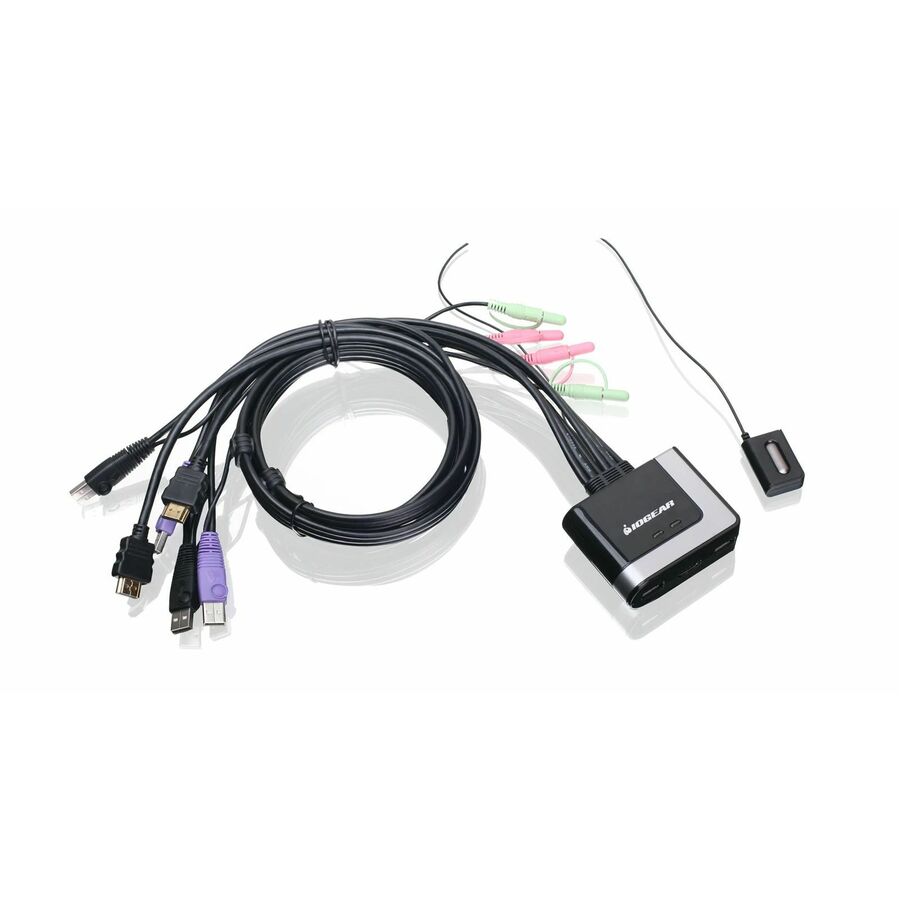
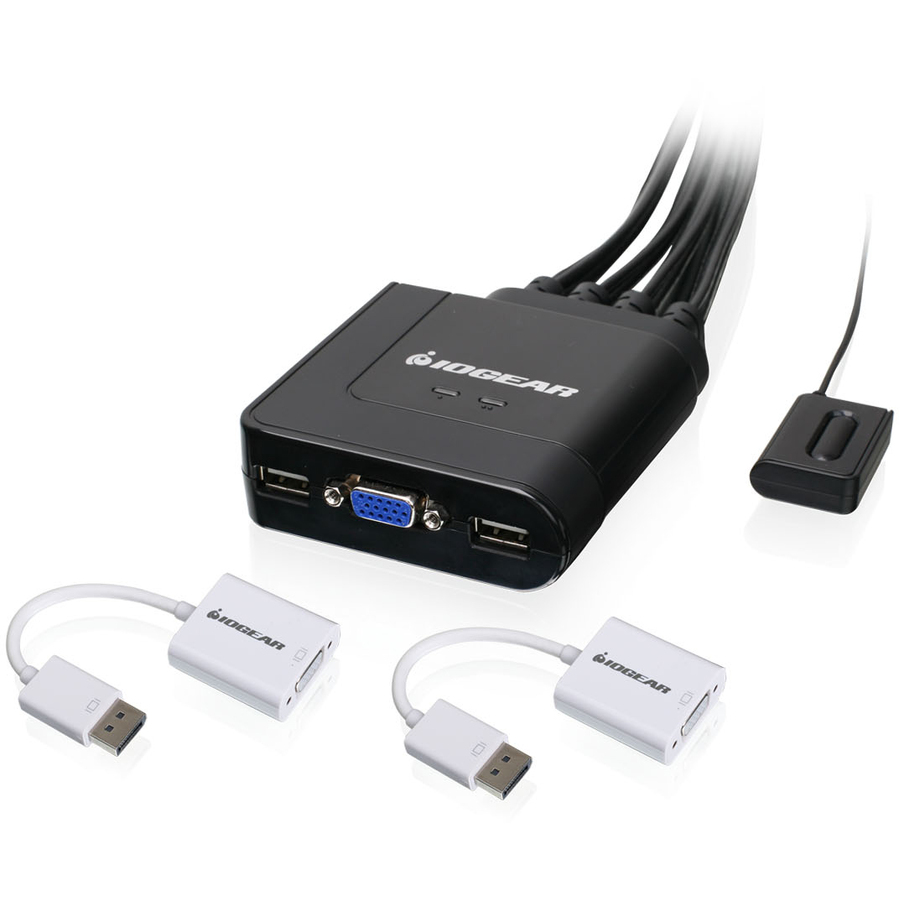
- IOGEARIOGEAR USB KVM Switch - 4 x 1 - 4 x HD-15 Video, 4 x Type A USB - DesktopGCS24U
$69.95
$62.31
740 in stock





USB-C desk pick
IOGEAR
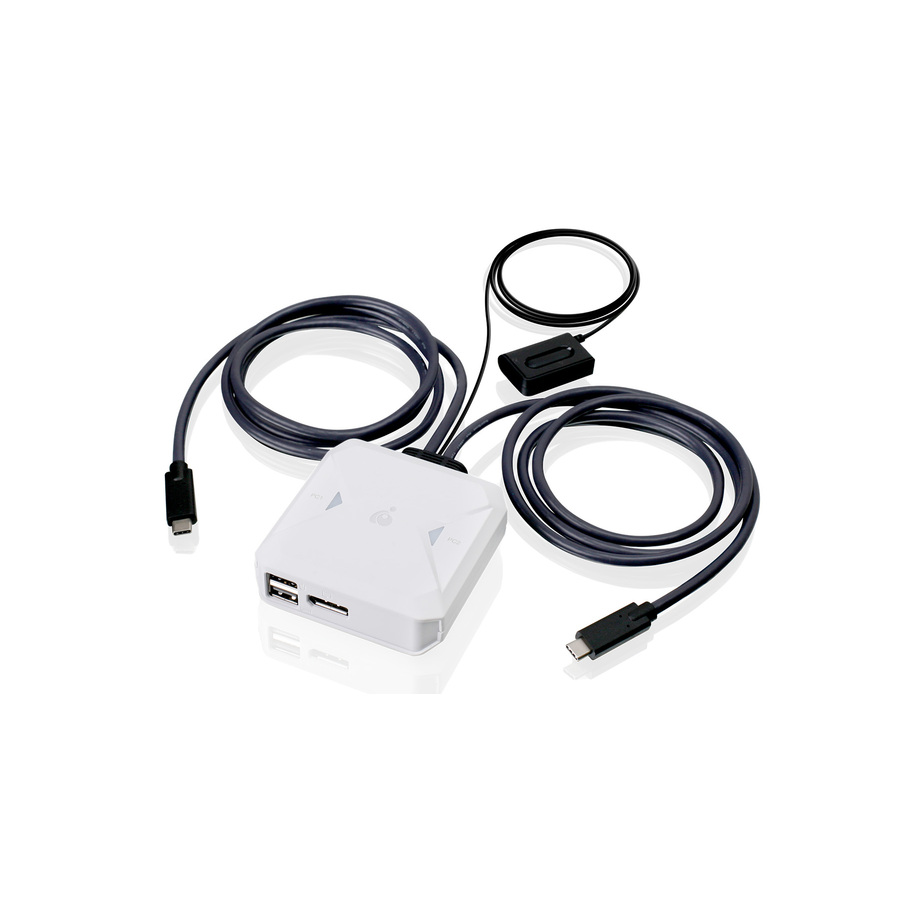
IOGEAR 2-Port 4K USB-C KVM Switch with DisplayPort output
GCS72CC
A two-port 4K USB-C switch with a DisplayPort output, for the desk where both machines are USB-C and the monitor is not. Listed to 4096 x 2160, with four USB ports for the keyboard, mouse and two more peripherals.
$67.97In stockHDMI desk pick
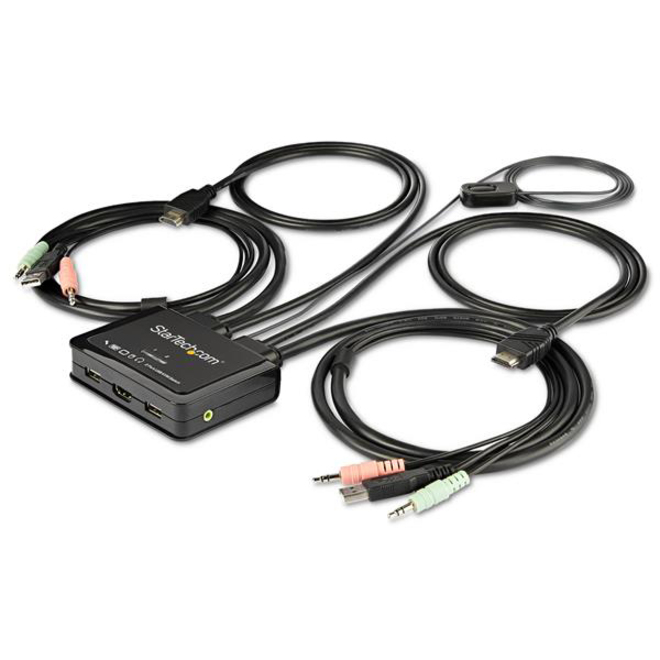
StarTech.com
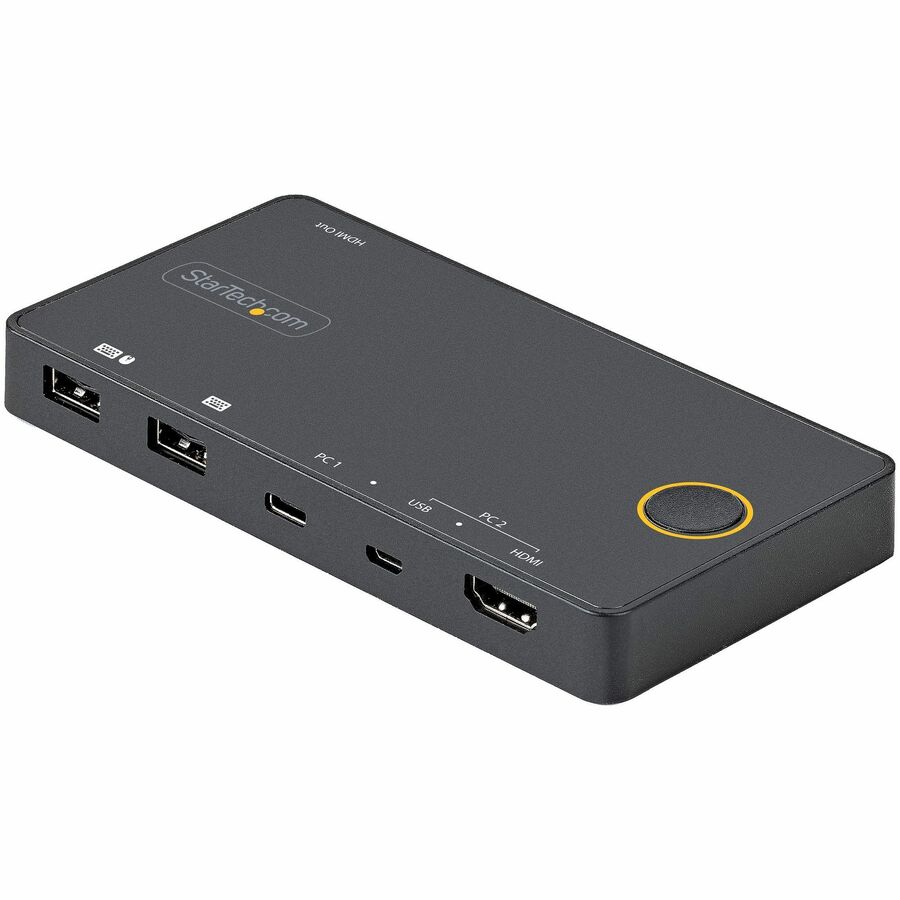
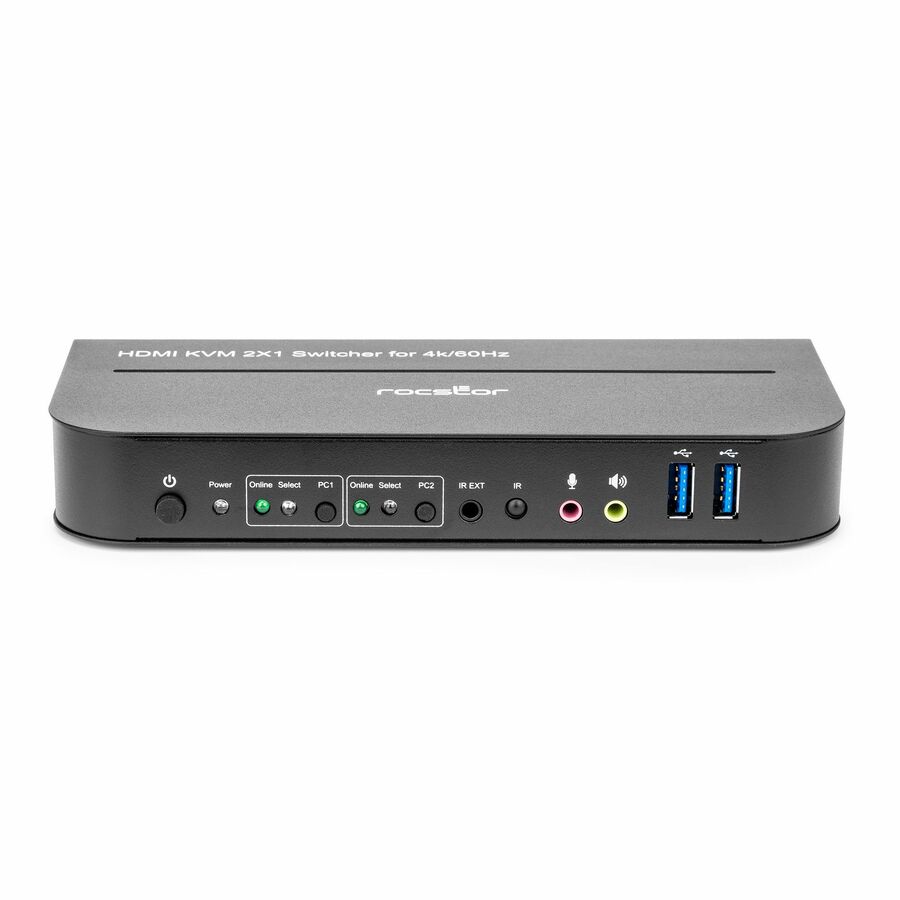
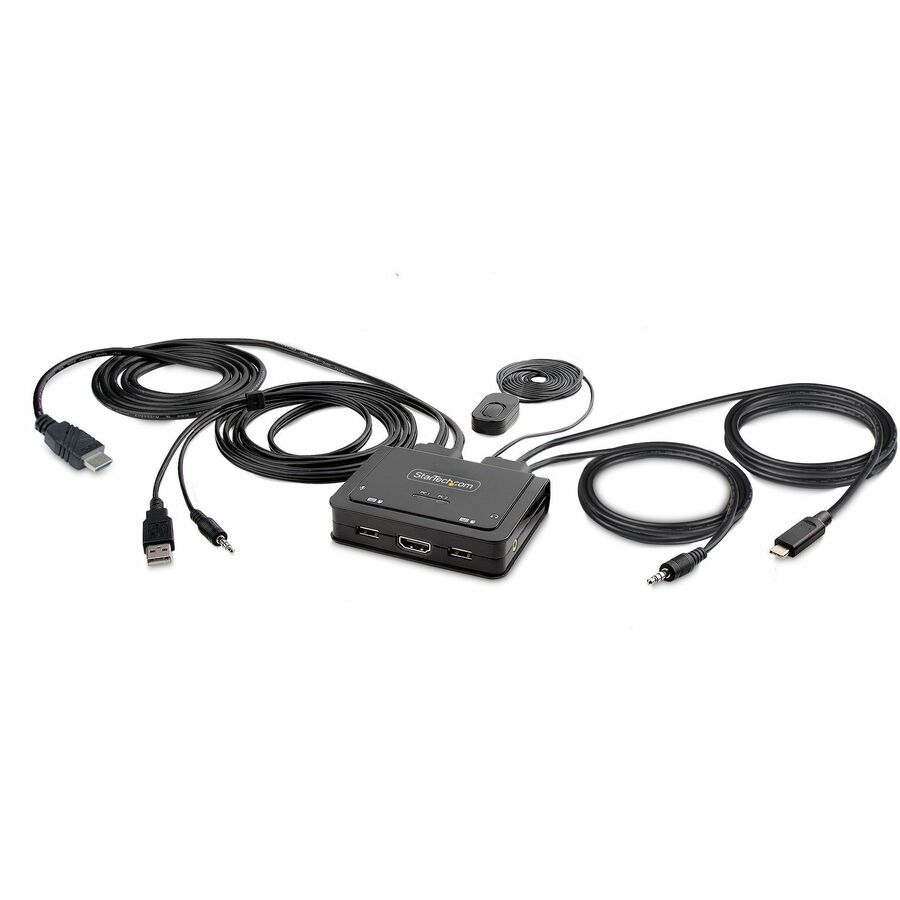
StarTech 2 Port HDMI KVM Switch
SV211HDUA4K
Two computers on one HDMI monitor at 4K 60 Hz, with the KVM cables built into the unit, audio switching and remote switching. Bus powered, so it is one less adapter on the desk.
$121.63In stockDisplayPort desk pick
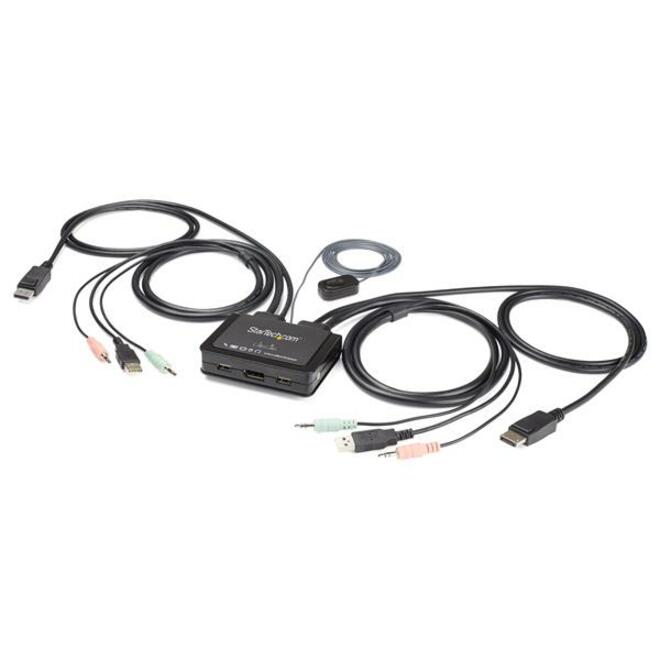
StarTech.com
StarTech 2 Port DisplayPort KVM Switch
SV211DPUA4K
The DisplayPort twin of the HDMI unit above: DP 1.2 at 4K 60 Hz, cables built in, audio switching and remote switching. Choose by what the computers output rather than by what the monitor accepts.
$133.39In stockDual-display pick
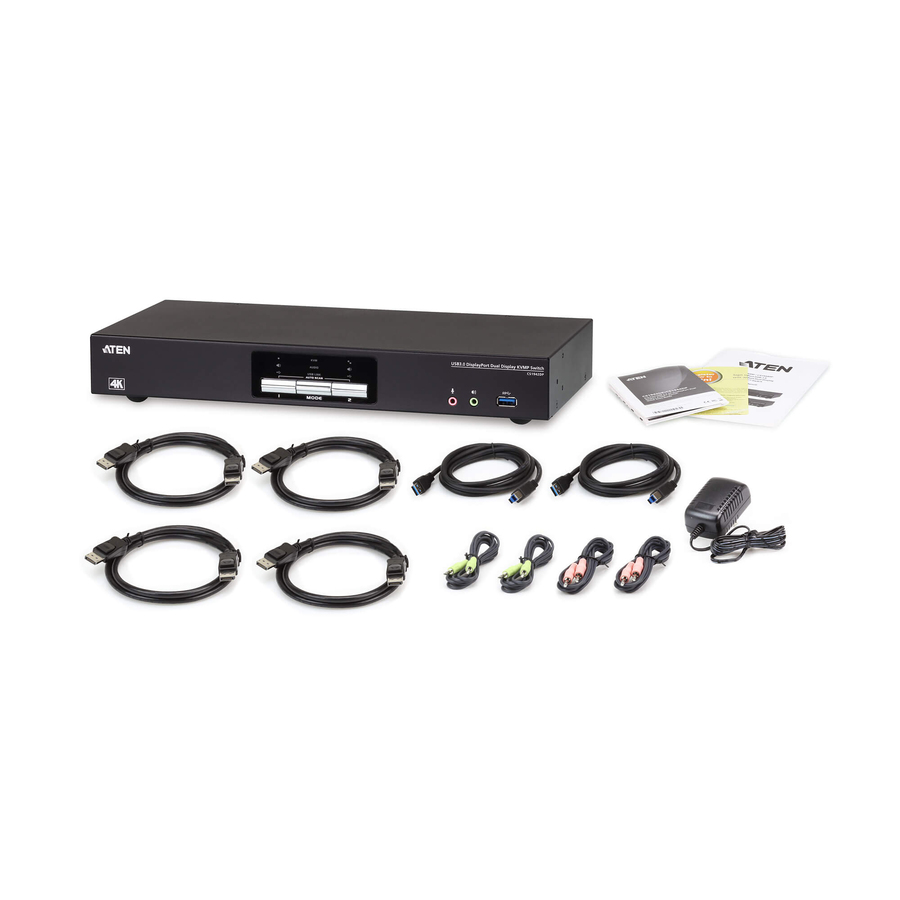
ATEN Technology
ATEN 2-Port USB 3.0 4K DisplayPort Dual Display KVMP Switch-TAA…
CS1942DP
A two-port USB 3.0 KVMP switch that carries two DisplayPort outputs per computer, so a dual-monitor seat stays dual-monitor across the switch. Listed to 4096 x 2160 with six USB ports, and rack-mountable if the switch belongs off the desk.
The manufacturer's listing records this part number as TAA compliant.
$339.22Back-orderedDual-head alternative
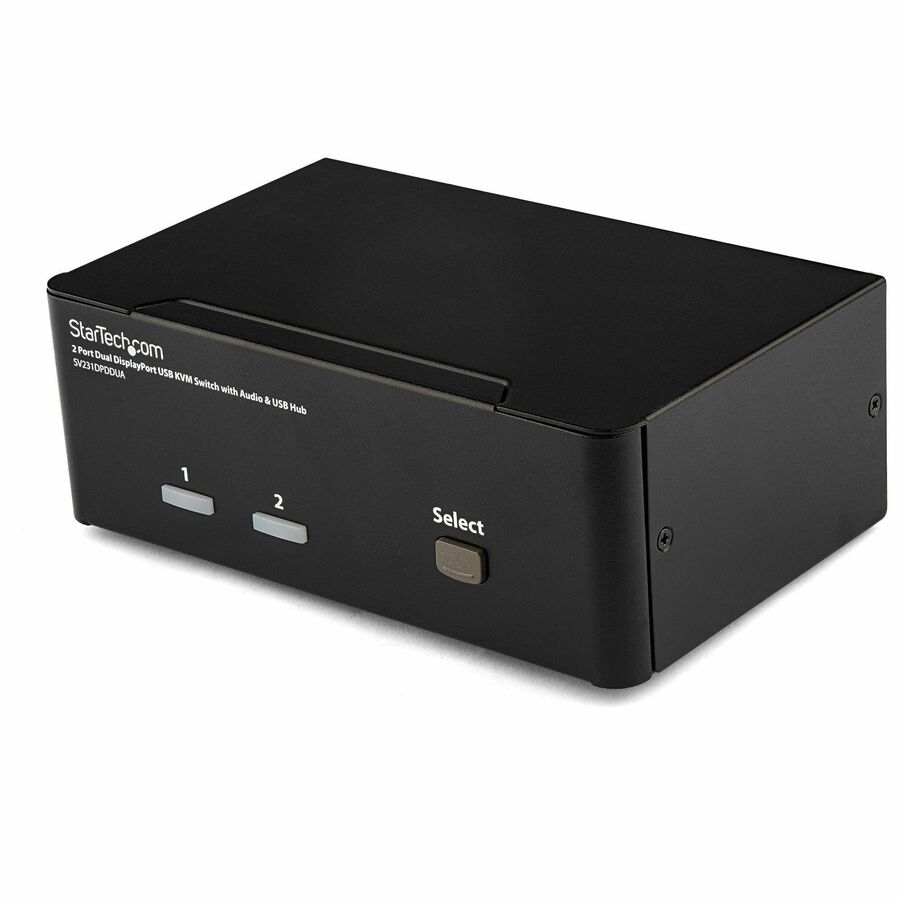
StarTech.com
StarTech 2 Port Dual DisplayPort USB KVM Switch with Audio, TAA
SV231DPDDUA
The other way to do two screens: a two-port dual-DisplayPort switch with audio, aimed at a high-resolution two-monitor workstation driving two computers from one console.
The manufacturer's listing records this part number as TAA compliant.
$289.79*In stock4-port rack pick
StarTech.com
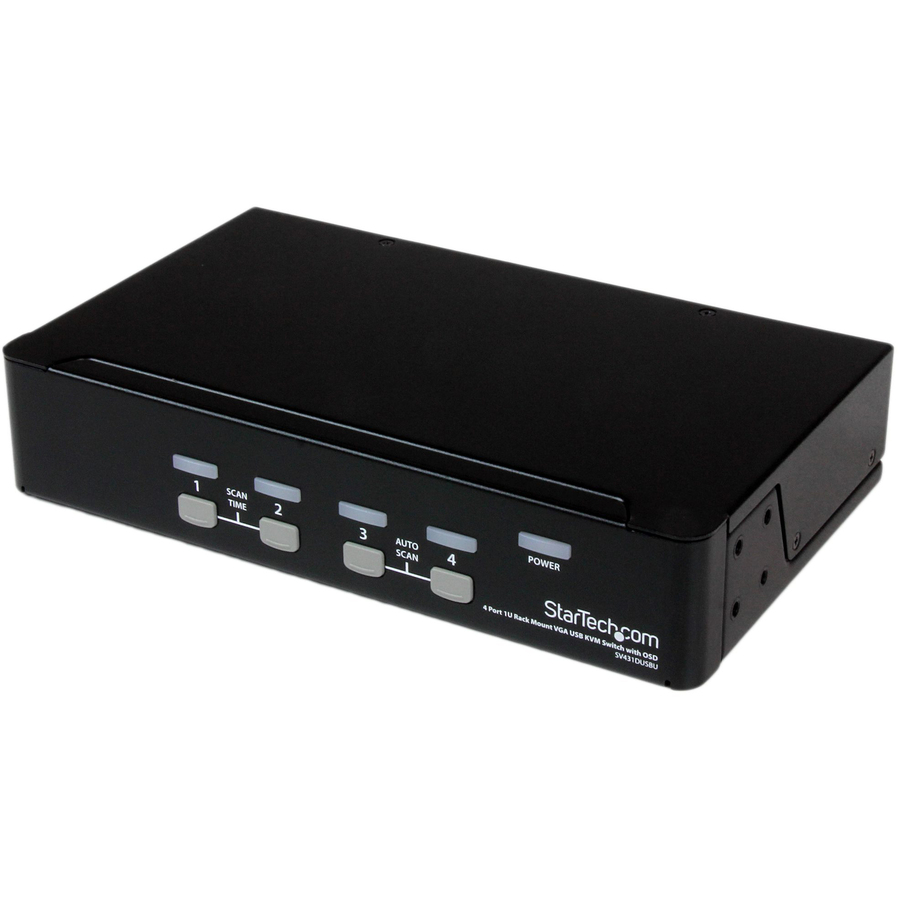
StarTech 4 Port 1U Rackmount USB KVM Switch with OSD, TAA
SV431DUSBU
A 1U rack switch for four VGA and USB computers, with an on-screen display for selecting between them. The entry point for a cabinet that has outgrown moving a monitor from server to server.
The manufacturer's listing records this part number as TAA compliant.
$186.70*In stock8-port rack pick
ATEN Technology
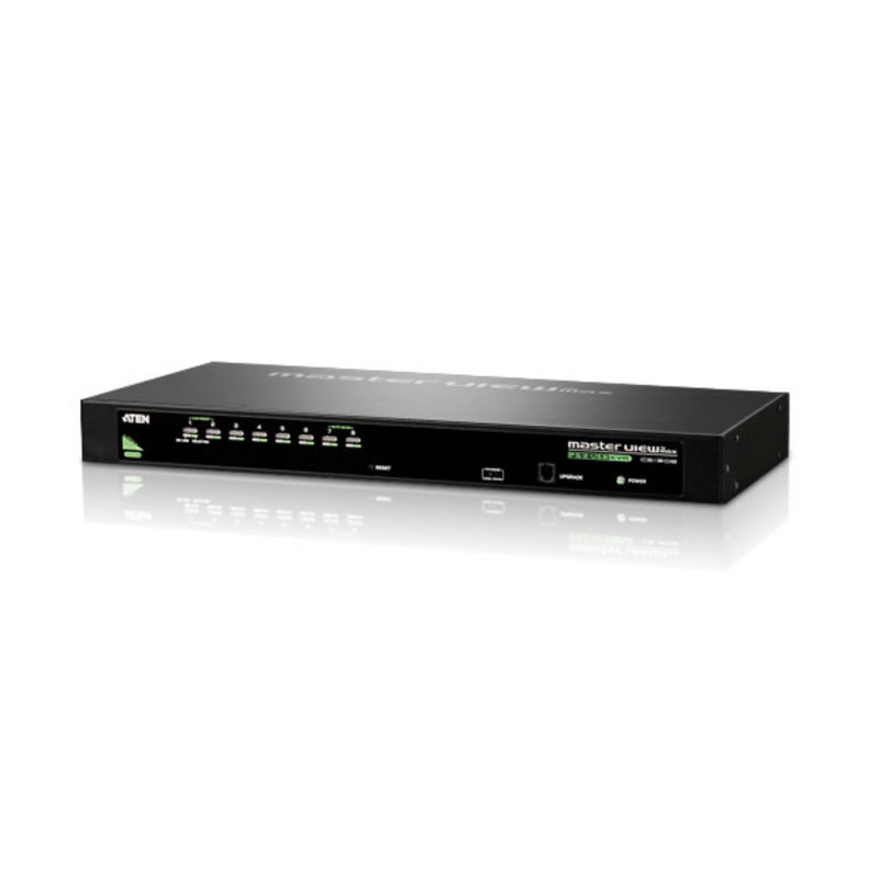
Aten CS1308 KVM Switch - 8 x 1
CS1308
Eight servers on one console in 1U, using SPHD-15 keyboard/mouse/video connections. The standard cabinet switch — one keyboard, one mouse, one screen, eight machines.
$270.19In stock16-port rack pick
IOGEAR
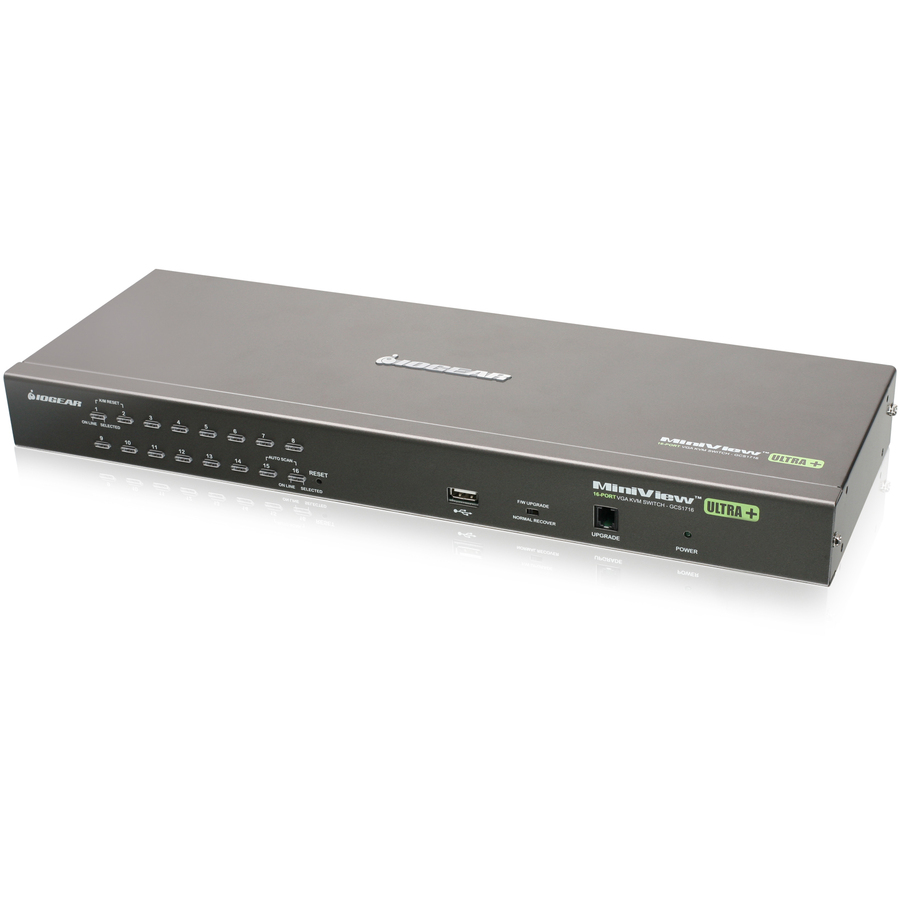
IOGEAR GCS1716 16-Port USB PS/2 Combo KVM Switch - 16 x 1
GCS1716
A 16-port combo switch in 1U that takes both USB and PS/2 computers, which is what a mixed cabinet with older hardware in it actually needs.
$453.99*In stockCrash-cart adapter
IOGEAR
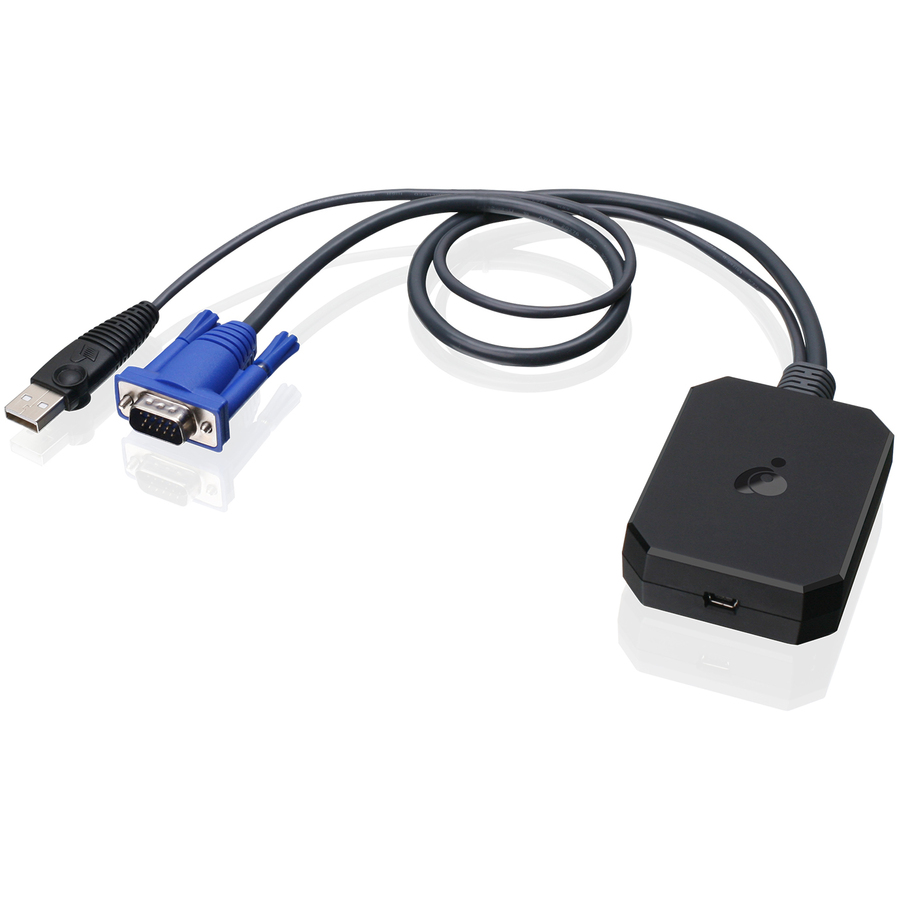
IOGEAR Portable Laptop Console Crash Cart Adapter (TAA Compliant)
GUC211V
The alternative to a rack console: a portable adapter that turns a laptop into the crash cart, giving keyboard, video and mouse access to a machine that will not answer the network. Listed to 1900 x 1200 over USB and VGA.
The manufacturer's listing records this part number as TAA compliant. This one sits in the catalog's KVM Consoles/Extenders category rather than the switch category the grid above shows.
$323.82In stockEntry secure pick
IOGEAR
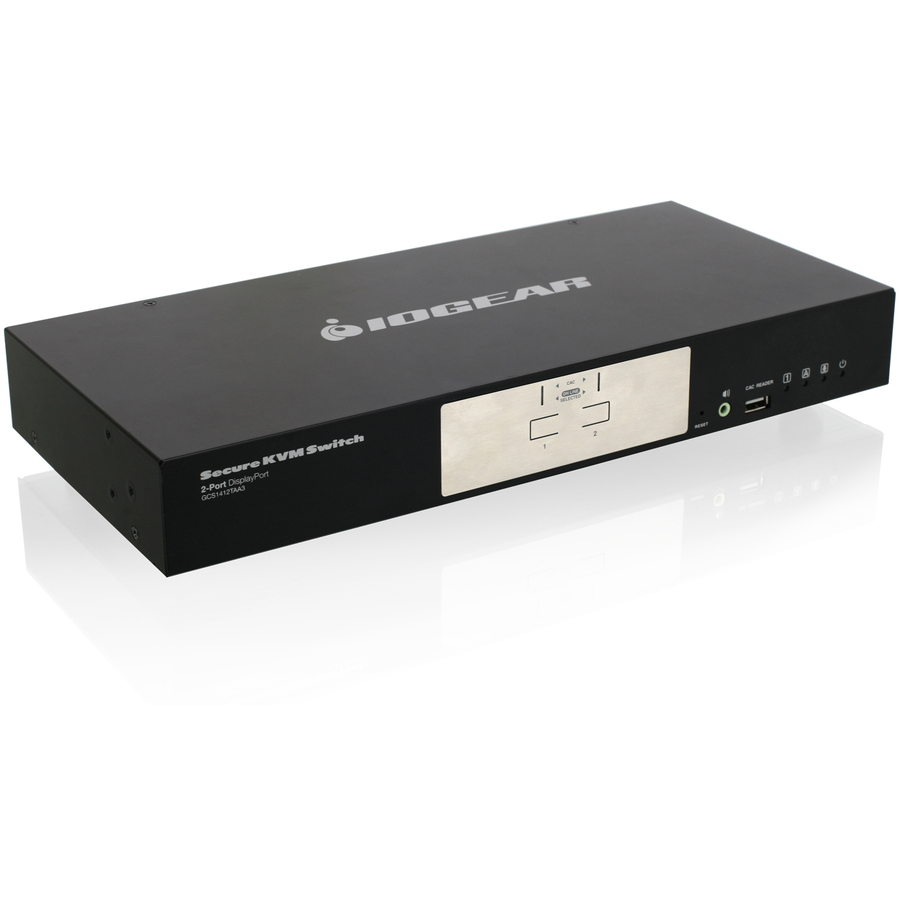
IOGEAR 2-Port DisplayPort Secure KVM Switch (TAA)
GCS1412TAA3
A two-port DisplayPort secure KVM switch listed to 3840 x 2160, with seven USB ports and rack mounting. The starting point where one operator has to work two networks from one seat.
The manufacturer's listing records this part number as TAA compliant.
$70.74*In stockSecure HDMI with CAC
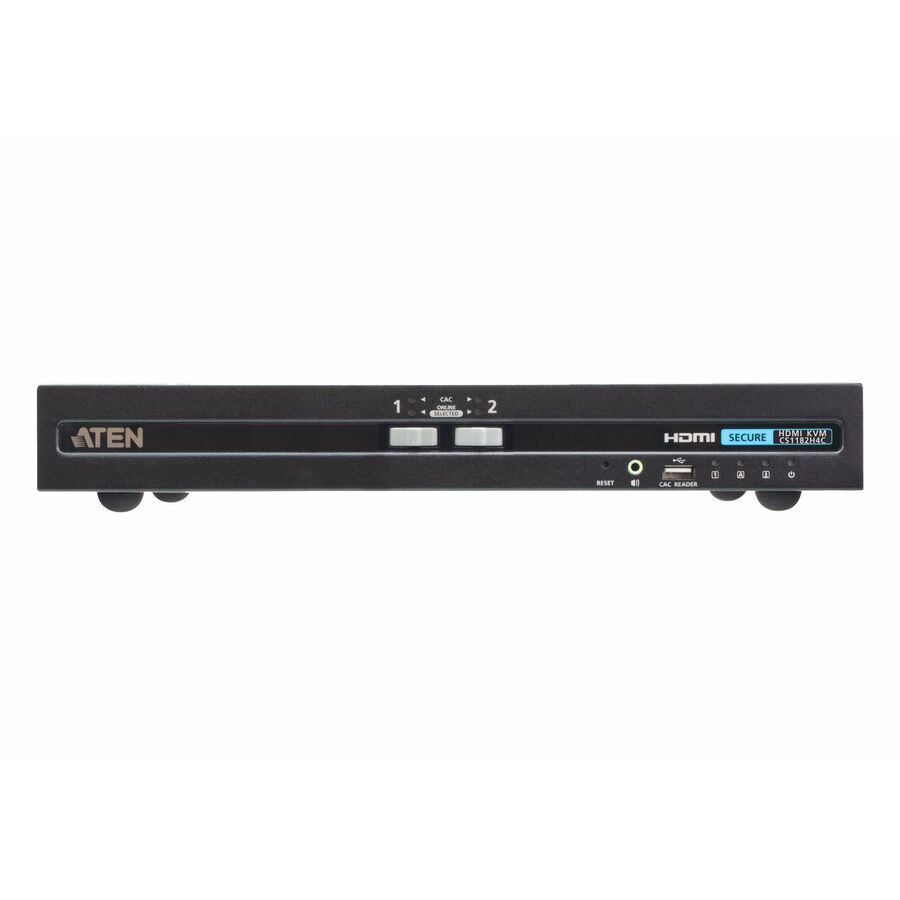
ATEN Technology
ATEN 2-Port USB HDMI Secure KVM Switch with CAC (PSD PP v4.0 Compliant)
CS1182H4C
A two-port HDMI secure switch with card-reader (CAC) support, described on the manufacturer's listing as PSD PP v4.0 compliant. The card-reader channel is the reason to choose this over a plain secure switch — a smart-card seat needs the reader switched with everything else.
$476.00In stockNIAP-listed pick
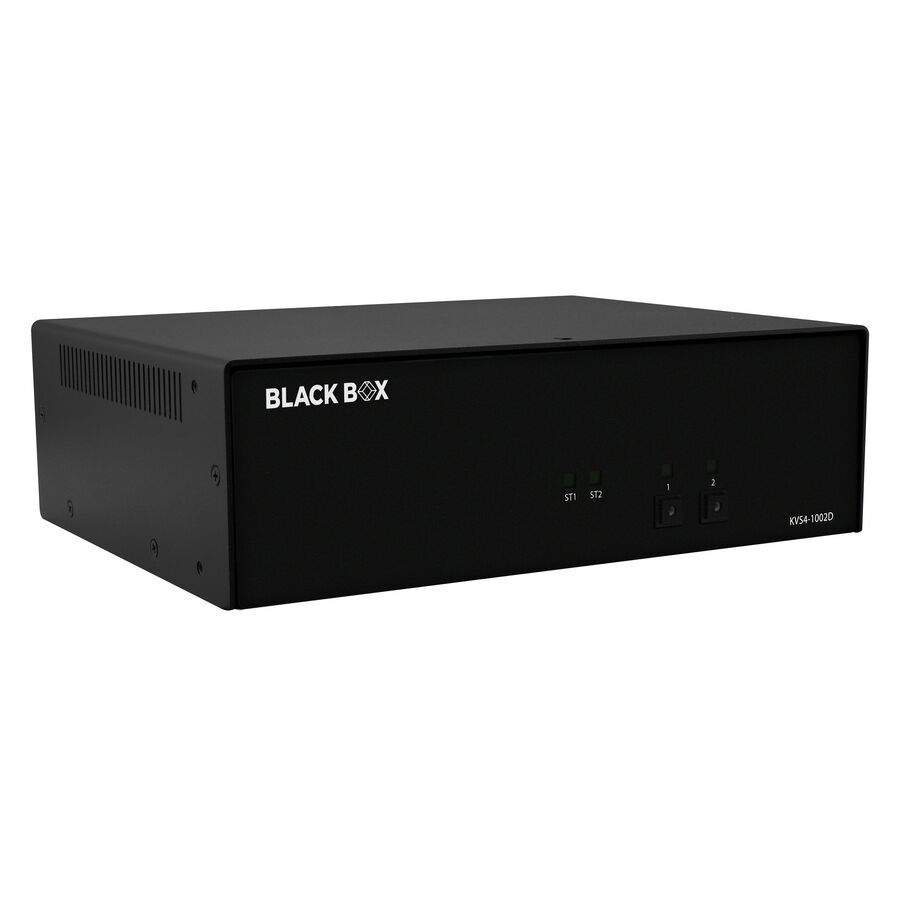
Black Box
Black Box KVM Switch, NIAP 4.0 Certified
KVS4-1002D
A two-port single-monitor DVI-I secure switch described on the manufacturer's listing as NIAP 4.0 certified, with four USB ports and a desktop body. Where a program is written against an evaluated peripheral-sharing device, this is the class of product it means.
The manufacturer's listing records this part number as TAA compliant. Certification is published by the manufacturer per model — check it against your own requirement before you order.
$548.66*In stockMore KVM switchboxes in the Uniqcli catalog
See all 878 KVM switchboxesMore from across this category. In-stock lines lead, and a back-ordered line carries the same estimated availability its product page does — with live pricing throughout, NDAA §889 screening before checkout and TAA verified on request.
- VertivVertiv Avocent Cybex Secure MultiViewer KVM Switch, 16 Port, Cursor Navigation Switching, NIAP Version 4.0 Certified, TAA Compliant (SCMV2160DPH-400) - Switches | Universal Video Port | Multiple Viewer | DPP Channel | 4 x USB 2.0 Type A | 2x DP/HDMI universal port | UHD 4K at 30SCMV2160DPH-400
$19,646.00
$15,624.85*
38 in stock - VertivVertiv Avocent Commercial MultiViewer KVM Switch | 8 port | Dual AC Power - Commercial Desktop KVM Switches | Commercial KVM Switch | Dual Head | Secure Keyboard | 4 to 8 Port | 3-Year Full Coverage Factory Warranty - Optional Extended Warranty AvailableSVMV280DPH-400
$12,291.00
$9,775.28*
226 in stock - VertivVertiv Avocent Cybex Secure MultiViewer KVM Switch, 8 Port, Cursor Navigation Switching, NIAP Version 4.0 Certified, TAA Compliant (SCMV285DPH-400) - Switches | Universal Video Port | Multiple Viewer | DPP Channel | DP | HDMI | DVI-D | 0 to 40C or 32 to 104 F | AC Input Voltage | 100 - 240V ACSCMV285DPH-400
$11,764.00
$9,356.14*
90 in stock - VertivVertiv Avocent Commercial MultiViewer KVM Switch | 4 port | Dual AC Power - Commercial Desktop KVM Switches | Commercial KVM Switch | Dual Head | Secure Keyboard | 4 to 8 Port | 3-Year Full Coverage Factory Warranty - Optional Extended Warranty AvailableSVMV240DPH-400
$5,730.00
$4,557.18*
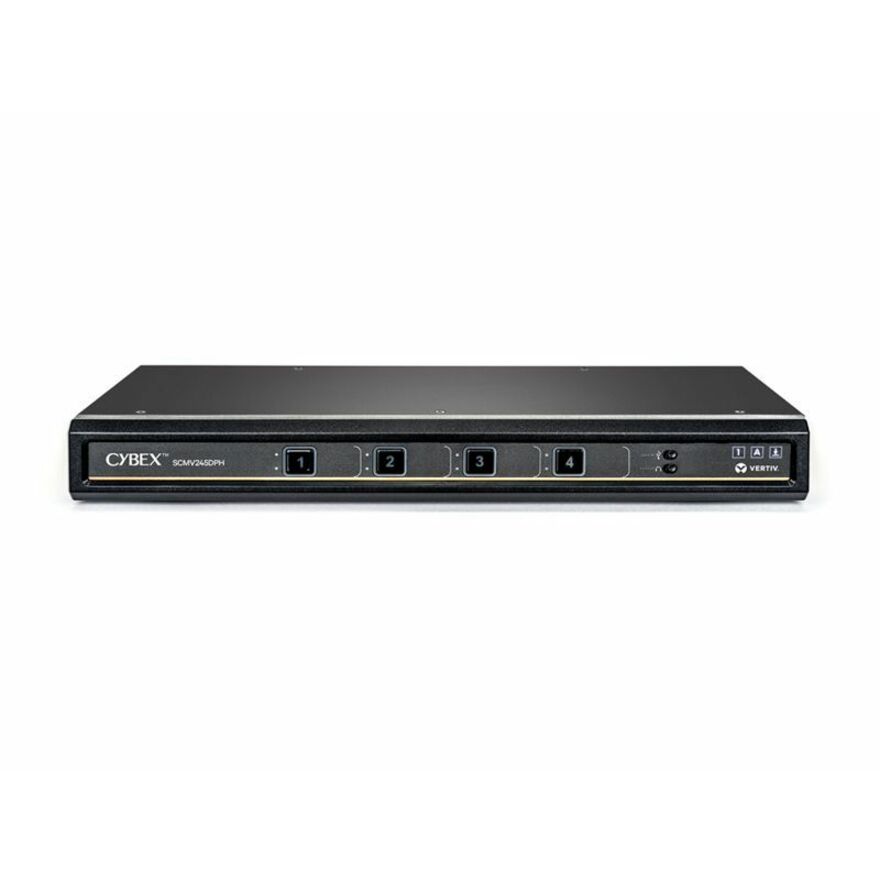
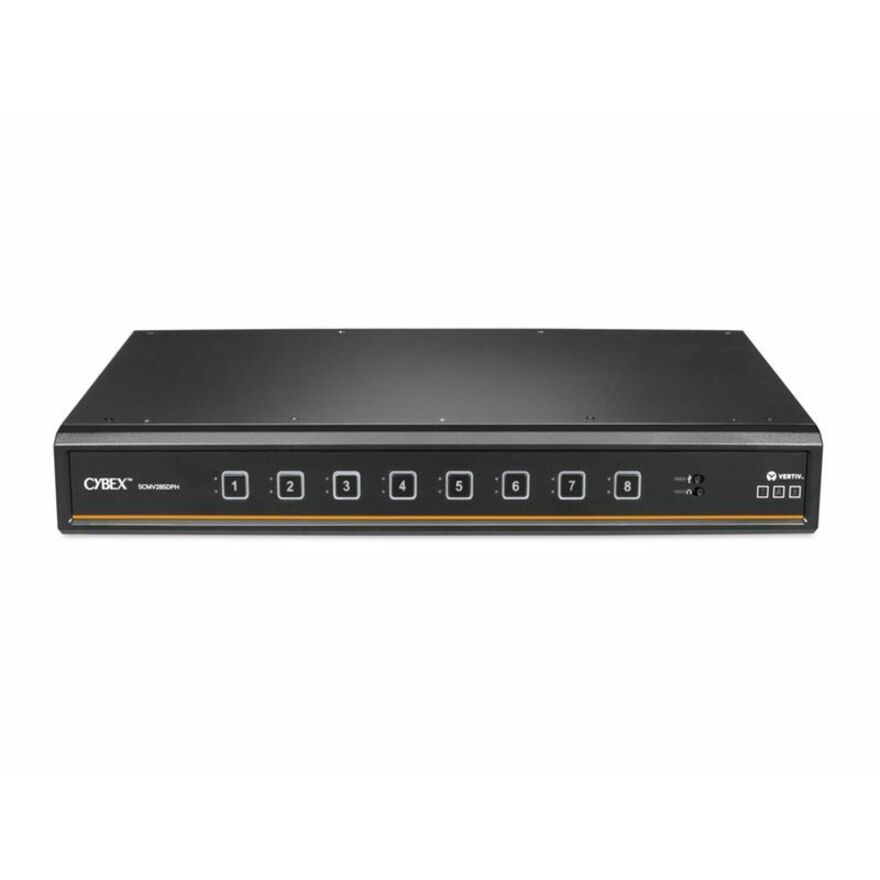
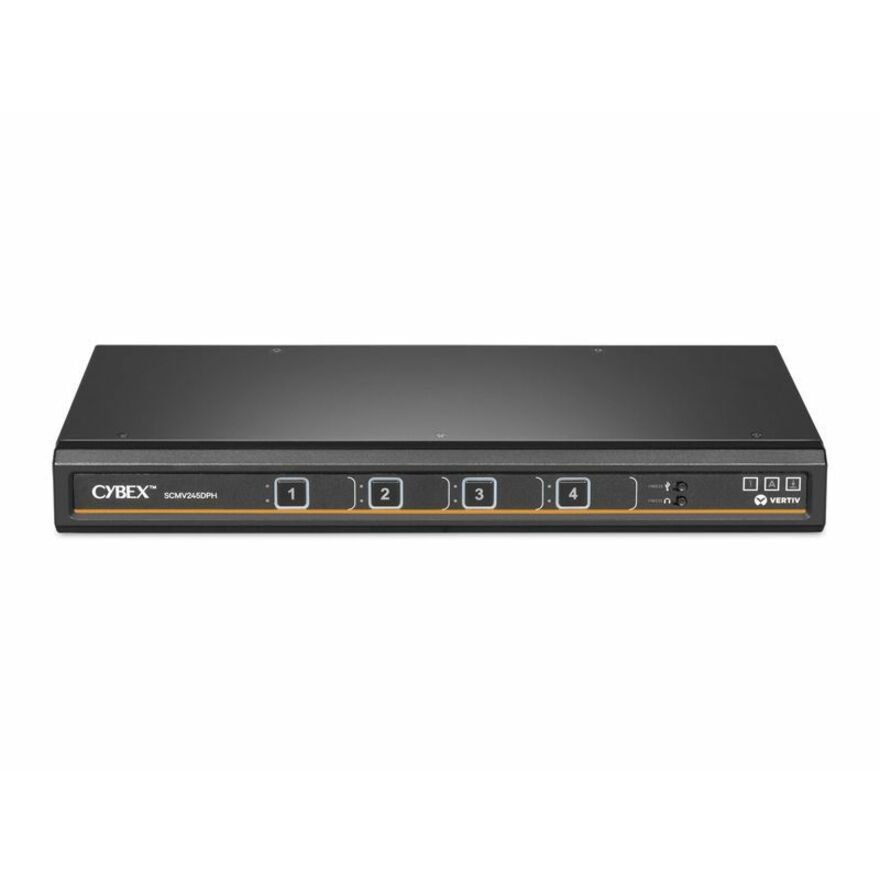
193 in stock - VertivVertiv Cybex Secure MultiViewer KVM Switch | 4 port | NIAP Approved | Dual AC - Secure Desktop KVM Switches | Secure KVM Switch | Dual Head | NIAP Certified | Secure Keyboard | 4 to 16 Port | 3-Year Full Coverage Factory Warranty - Optional Extended Warranty AvailableSCMV245DPH-400
$5,696.00
$4,530.14*
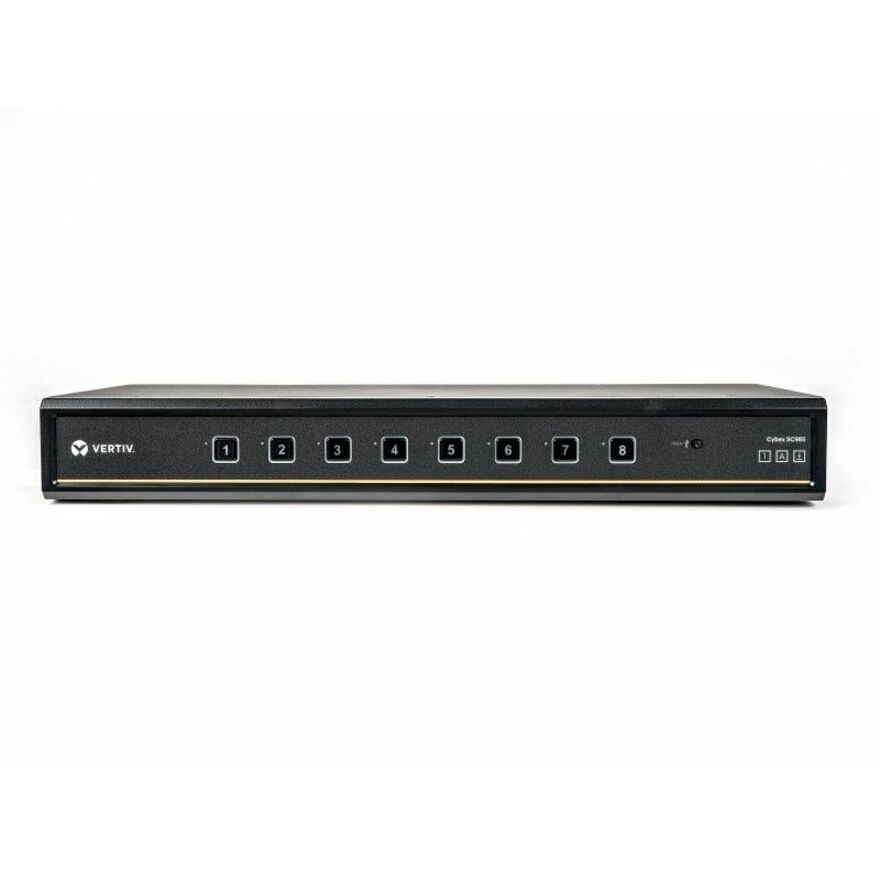
222 in stock - VertivVertiv Cybex SC900 Secure KVM | Dual Head | 8 Port Universal and DPP | NIAP version 4.0 Certified - Secure Desktop KVM Switches | Secure KVM Switch | Dual Head | NIAP Certified | Secure Keyboard | 2 to 8 Port, Secure Isolated Channels | Running up to UHD 4K at 60Hz | 3-Year Full Coverage Factory Warranty - Optional Extended Warranty AvailableSC985DPH-400
$3,739.00
$2,973.71*
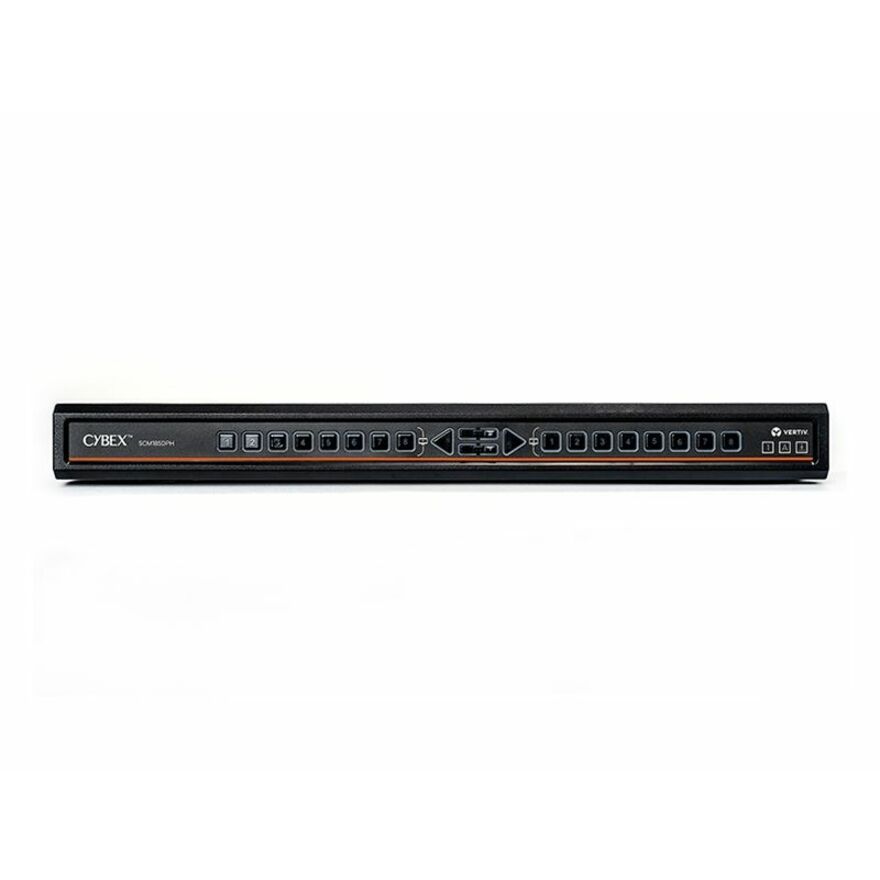
1,042 in stock - VertivVertiv Avocent Cybex Secure Desktop KVM Switch, 8 Port, Common Access Card, Touch Screen Support, NIAP Version 4.0, TAA Compliant (SCM185DPH-400) - 4 Computer(s) | 2 Local User(s) | 3840 x 2160 | 11 x USB | USB 2.0 | 6 x DVI | Desktop | TAA CompliantSCM185DPH-400
$3,419.00
$2,719.20*
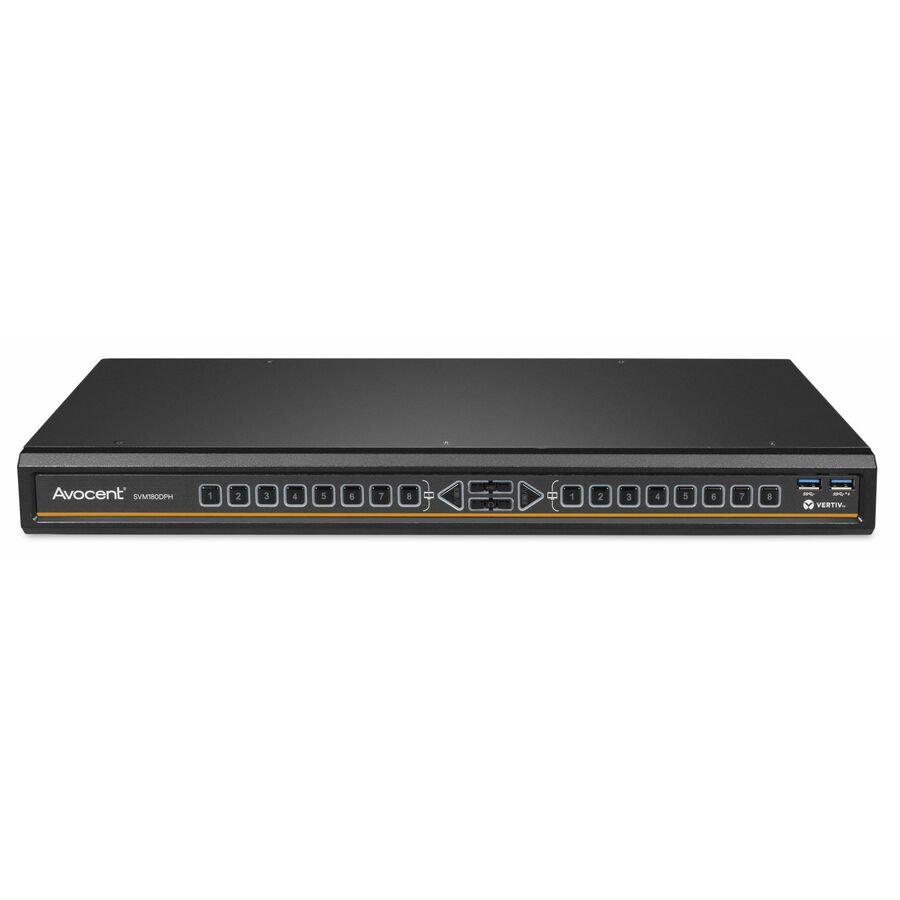
263 in stock - VertivVertiv Avocent SwitchView Matrix | 8 Port | DisplayPort | HDMI | DVI-D | TAA Compliant - Desktop Matrix | Single Head | Zero Delay Switching | Universal Video Connector | USB Port | TAA Compliant | 2-Year Full Coverage Factory Warranty - Optional Extended Warranty AvailableSVM180DPH-400
$2,836.00
$2,255.53*
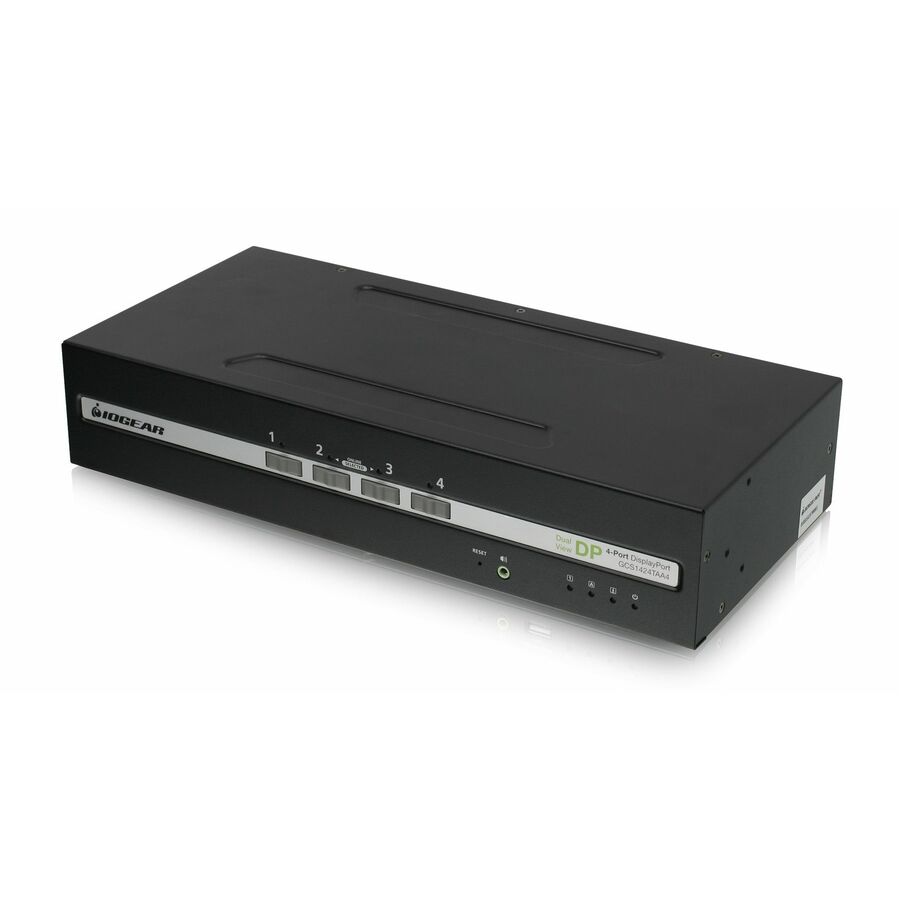
232 in stock - IOGEARIOGEAR 4-Port Dual View DisplayPort/HDMI Secure KVM Switch w/Audio - 4 Computer(s) - 1 Local User(s) - 3840 x 2160 - 50 Hz, 60 Hz - 6 x USB - 10 x DisplayPortGCS1424TAA4-UN
$1,539.95
$1,061.35
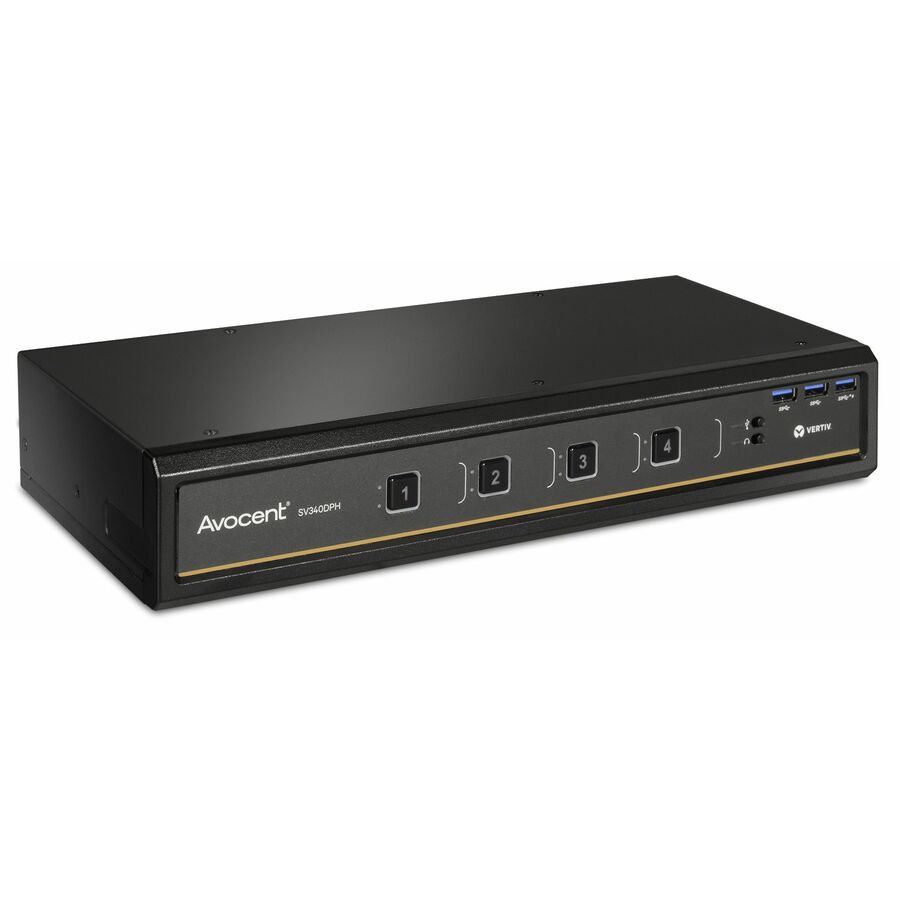
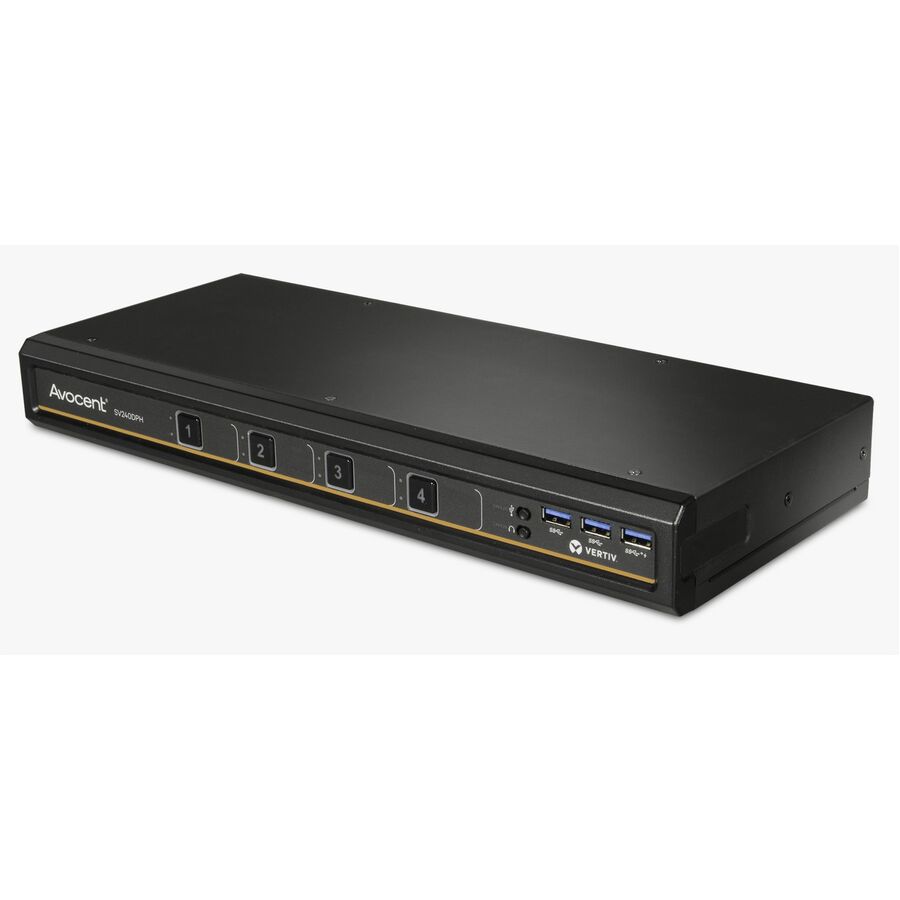
137 in stock - VertivVertiv Avocent SwitchView Desktop KVM | 4 Port | Dual Head | Universal Connector | TAA Compliant - Desktop KVM Switches | Zero Delay Switching | Universal Video Connector | USB Port | TAA Compliant | 2-Year Full Coverage Factory Warranty - Optional Extended Warranty AvailableSV340DPH-400
$2,335.00
$1,857.07*
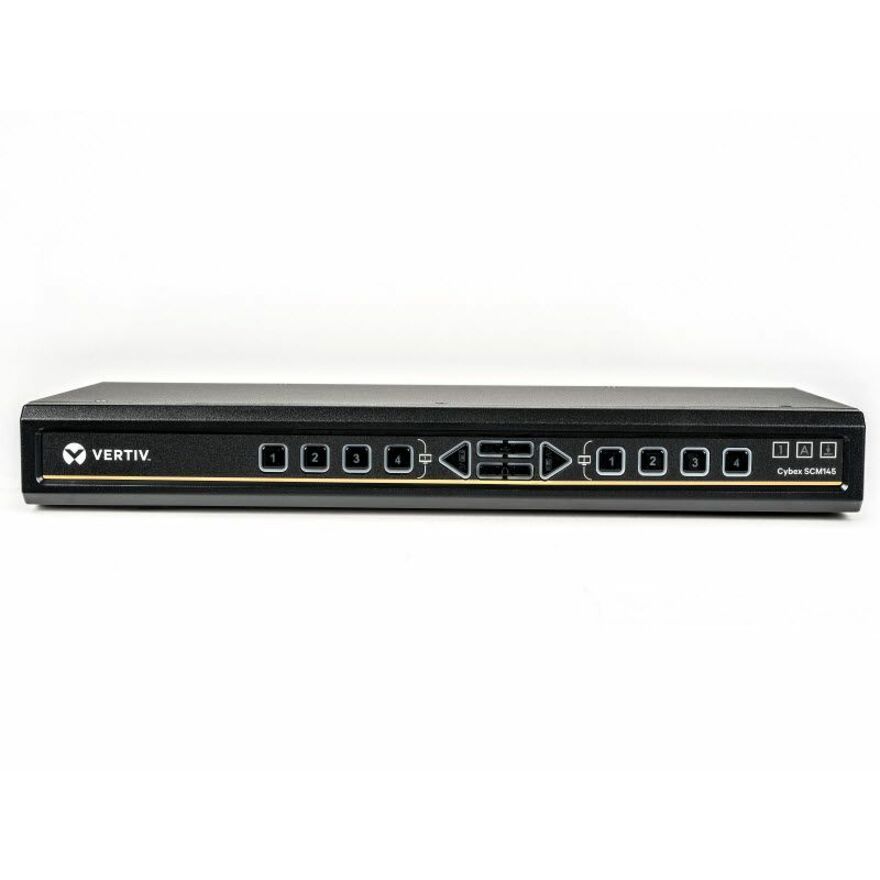
193 in stock - VertivVertiv Avocent Cybex Secure Desktop KVM Switch, 4 Port, Common Access Card, Touch Screen Support, NIAP Version 4.0, TAA Compliant (SCM145DPH-400) - 4 Computer(s) | 1 Local User(s) | 3840 x 2160 | 3 x USB | USB 2.0 | Desktop | TAA Compliant | Multiple Viewer | DPP ChannelSCM145DPH-400
$2,308.00
$1,835.59*
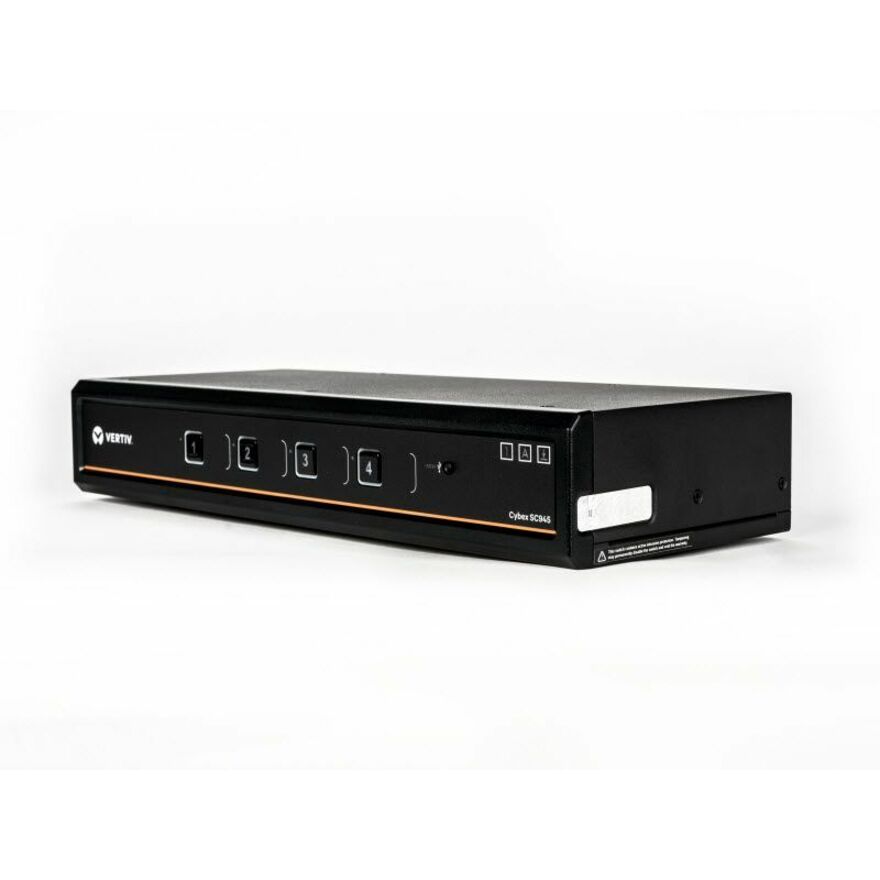
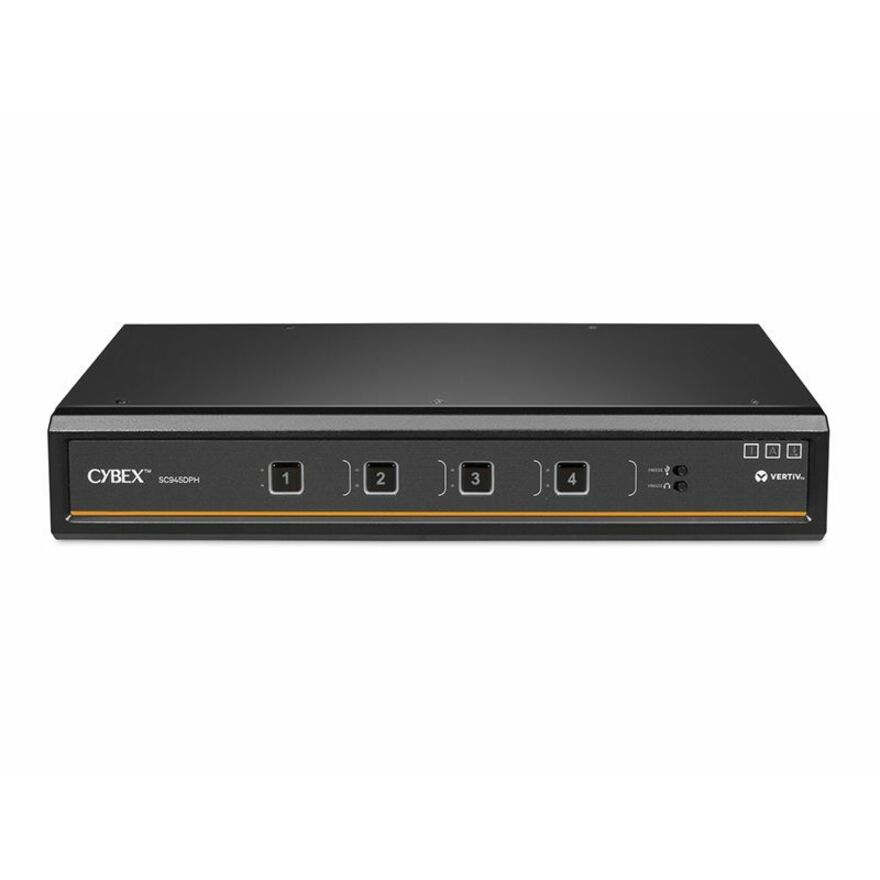
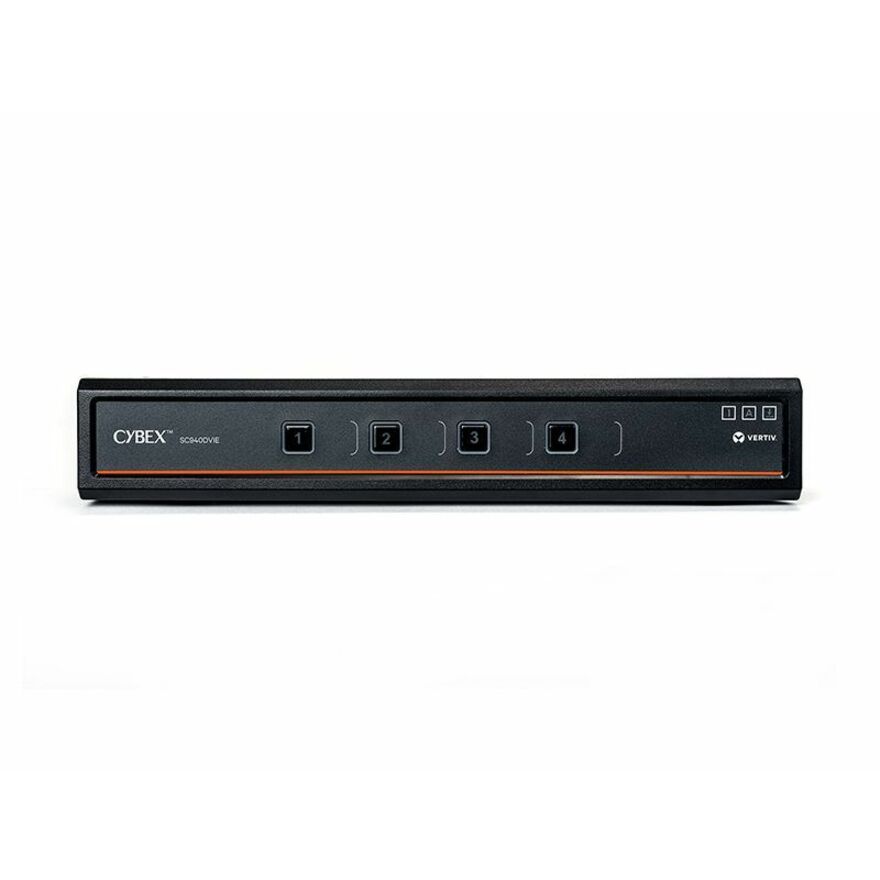
90 in stock - VertivVertiv Cybex SC900 Secure KVM | Dual Head | 4 Port Universal and DPP | NIAP version 4.0 Certified - Secure Desktop KVM Switches | Secure KVM Switch | Dual Head | NIAP Certified | Secure Keyboard | 2 to 8 Port, Secure Isolated Channels | Running up to UHD 4K at 60Hz | 3-Year Full Coverage Factory Warranty - Optional Extended Warranty AvailableSC945DPH-400
$2,092.00
$1,663.81*
1,397 in stock - VertivVertiv Cybex SC900 Secure KVM | Dual Head | 4 Port Universal DisplayPort | USB-C | NIAP version 4.0 Certified - Secure Desktop KVM Switches | Secure KVM Switch | Dual Head | NIAP Certified | Secure Keyboard | 2 to 8 Port, Secure Isolated Channels | Running up to UHD 4K at 60Hz | 3-Year Full Coverage Factory Warranty - Optional Extended Warranty AvailableSC940DPHC-400
$1,988.00
$1,581.10*
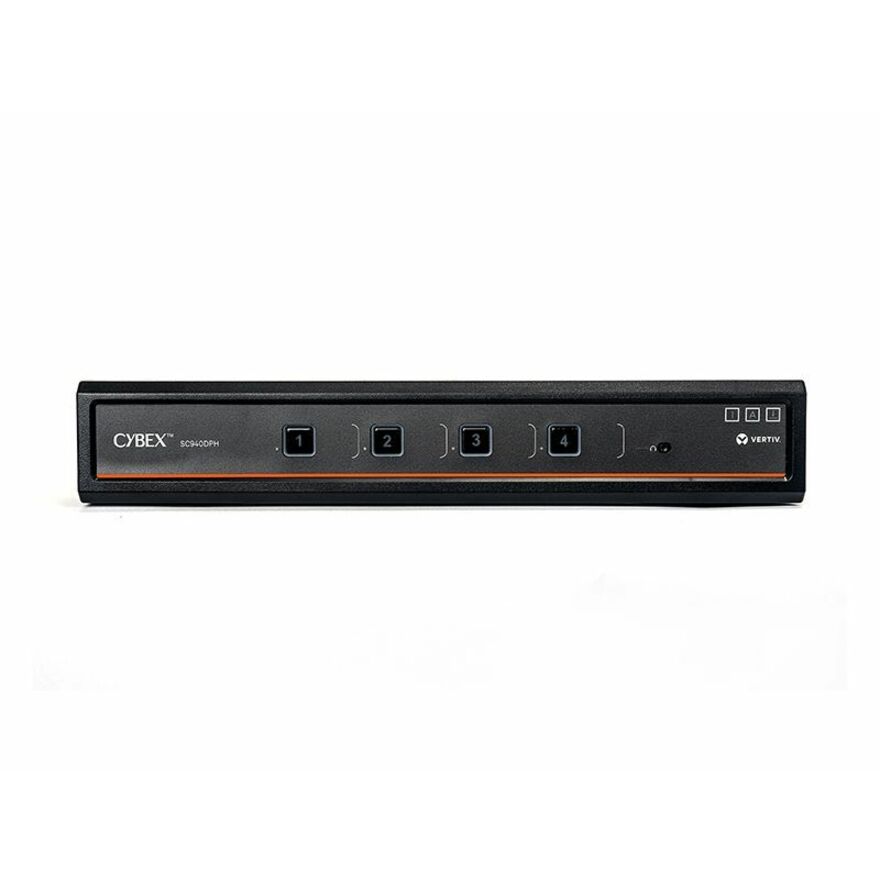
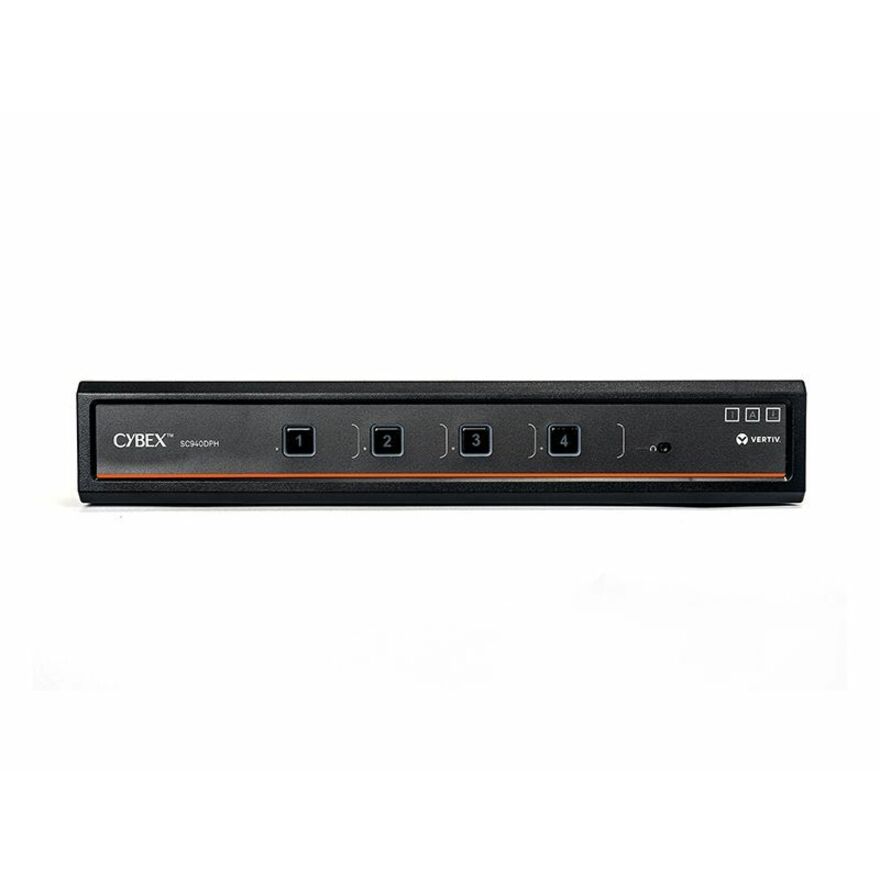
208 in stock - VertivVertiv Cybex SC900 Secure KVM | Dual Head | 4 Port Universal DisplayPort | NIAP version 4.0 Certified - Secure Desktop KVM Switches | Secure KVM Switch | Dual Head | NIAP Certified | Secure Keyboard | 2 to 8 Port, Secure Isolated Channels | Running up to UHD 4K at 60Hz | 3-Year Full Coverage Factory Warranty - Optional Extended Warranty AvailableSC940DPH-400
$1,988.00
$1,581.10*
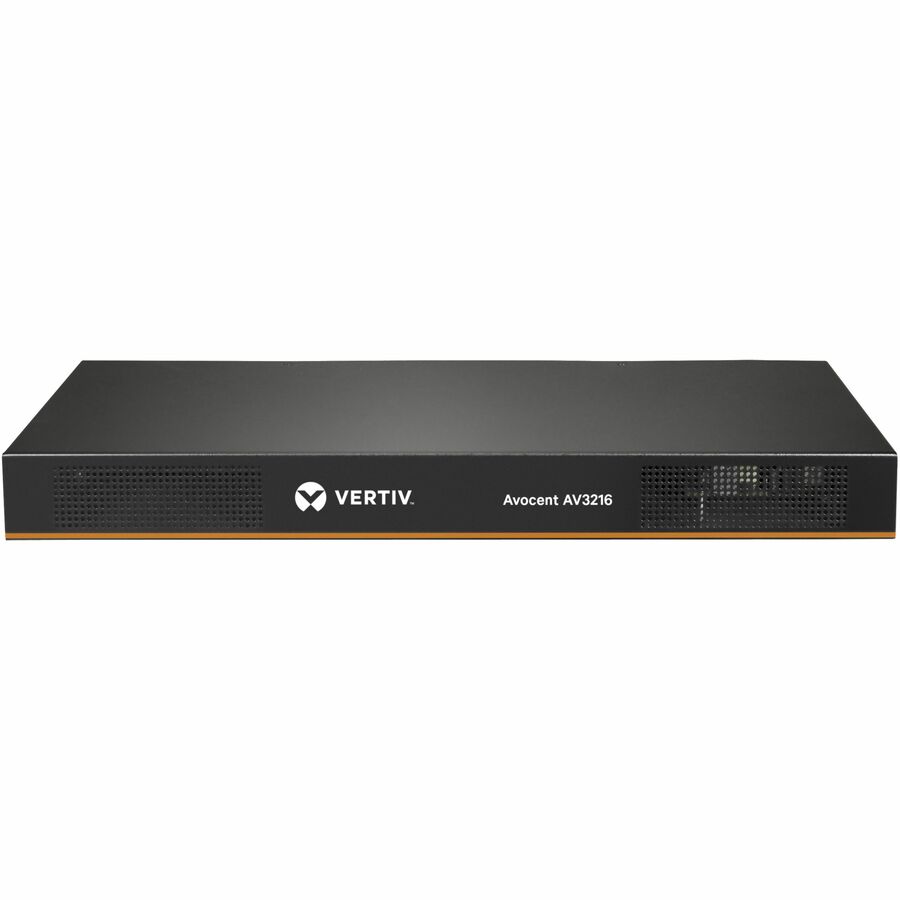
2,323 in stock - VertivVertiv Avocent AV3000 KVM Over IP Switch | 16 port KVM | VGA Cable (AV3216-400) - KVM over IP| Rackmount| 8 to 16 port| CAC| User Access Control| Local or Remote Access| Scalable| 2-Year Full Coverage Factory Warranty - Optional Extended Warranty AvailableAV3216-400
$1,965.00
$1,562.80
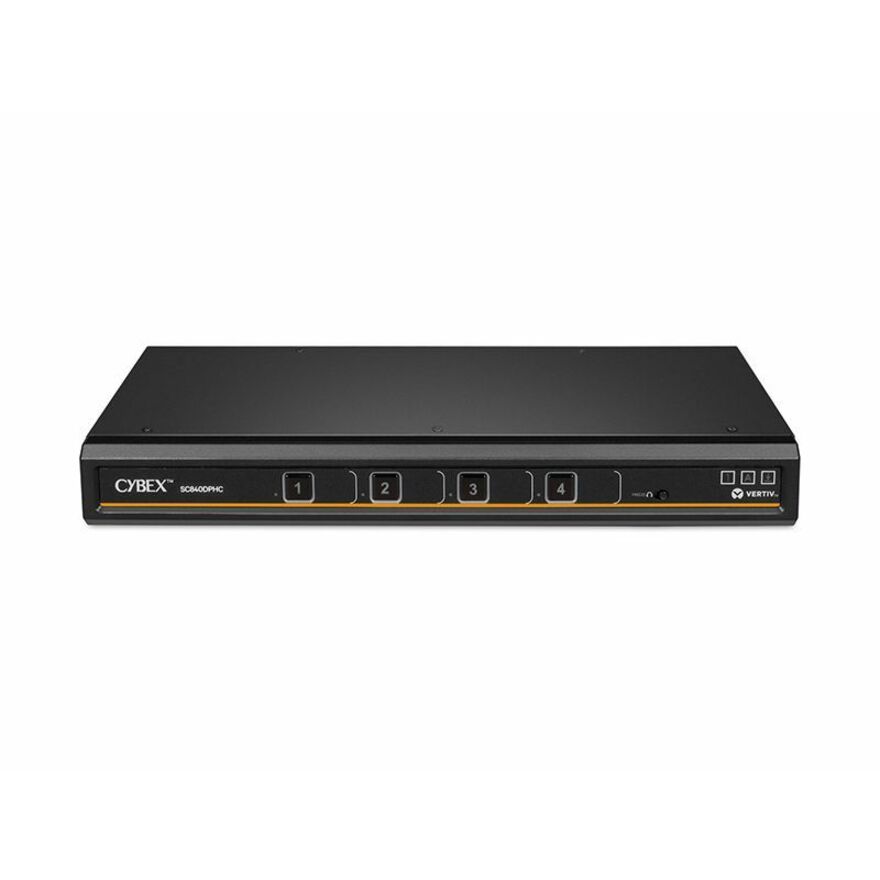
8 in stock - VertivVertiv Cybex SC800 Secure KVM | Single | 4 Port Universal DisplayPort | USB-C | NIAP version 4.0 Certified (SC840DPHC-400) - Secure Desktop KVM Switches | Secure KVM Switch | Single Head | NIAP Certified | Secure Keyboard | 2 to 8 Port, Secure Isolated Channels | Running up to UHD 4K at 60Hz | 3-Year Full Coverage Factory Warranty - Optional Extended Warranty AvailableSC840DPHC-400
$1,842.00
$1,464.98*
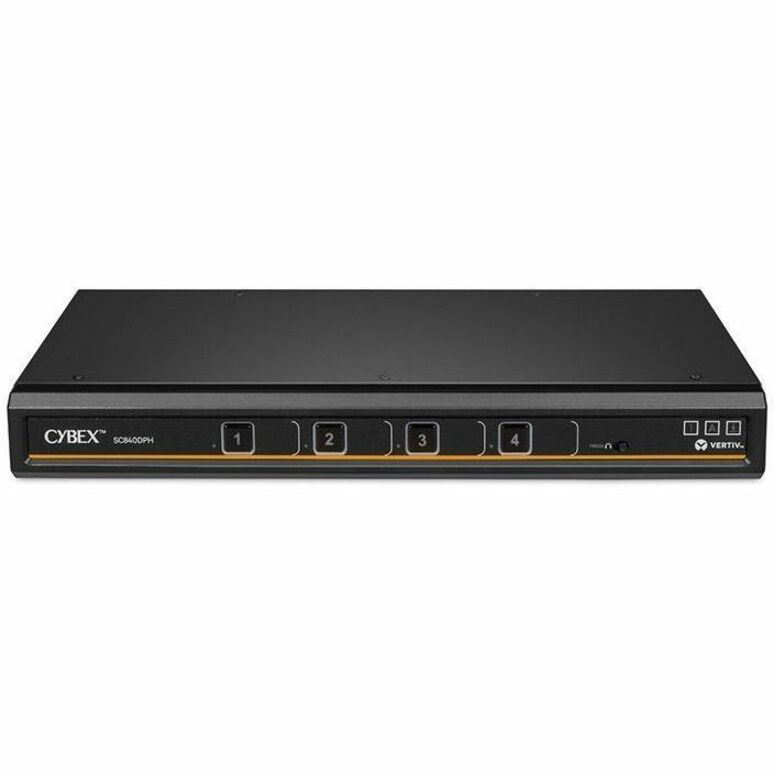
68 in stock - VertivVertiv Cybex SC800 Secure KVM | Single Head | 4 Port Universal DisplayPort | NIAP version 4.0 Certified (SC840DPH-400) - 4K UHD | NIAP PP 4.0 Compliant | Secure Isolated Channels | 3-Year Full Coverage Factory Warranty - Optional Extended Warranty AvailableSC840DPH-400
$1,842.00
$1,464.98*
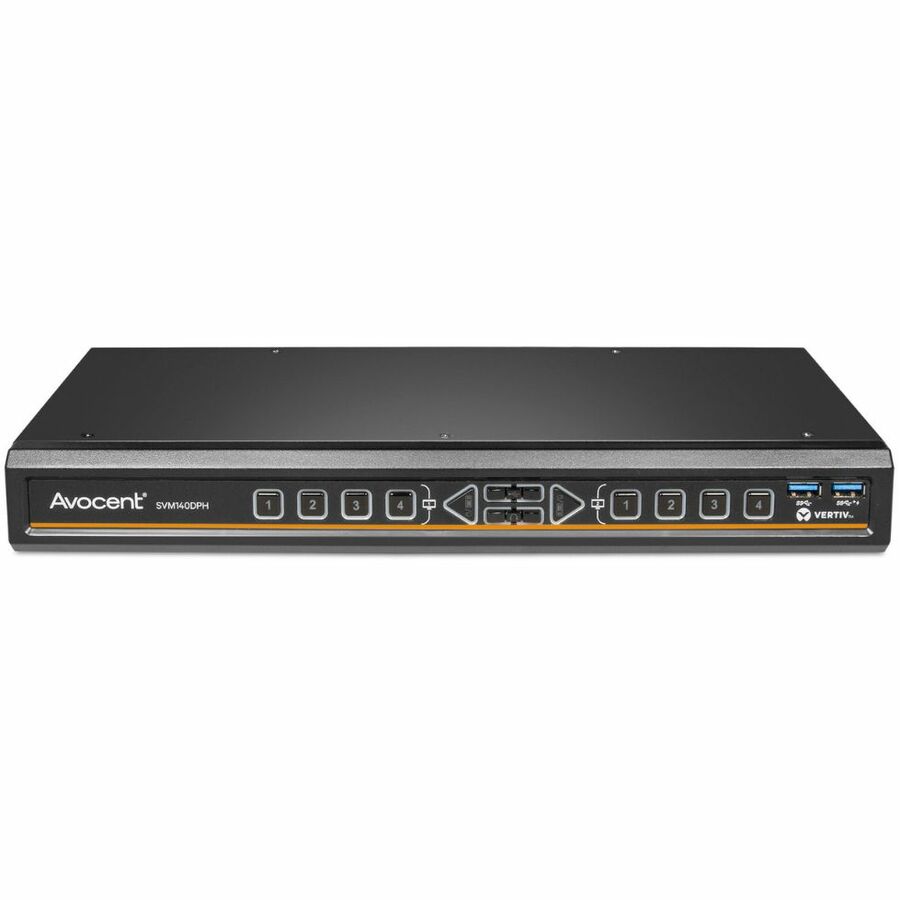
1,995 in stock - VertivVertiv Avocent SwitchView Matrix | 4 Port | DisplayPort | HDMI | DVI-D | TAA Compliant - Desktop Matrix | Single Head | Zero Delay Switching | Universal Video Connector | USB Port | TAA Compliant | 2-Year Full Coverage Factory Warranty - Optional Extended Warranty AvailableSVM140DPH-400
$1,835.00
$1,459.41*
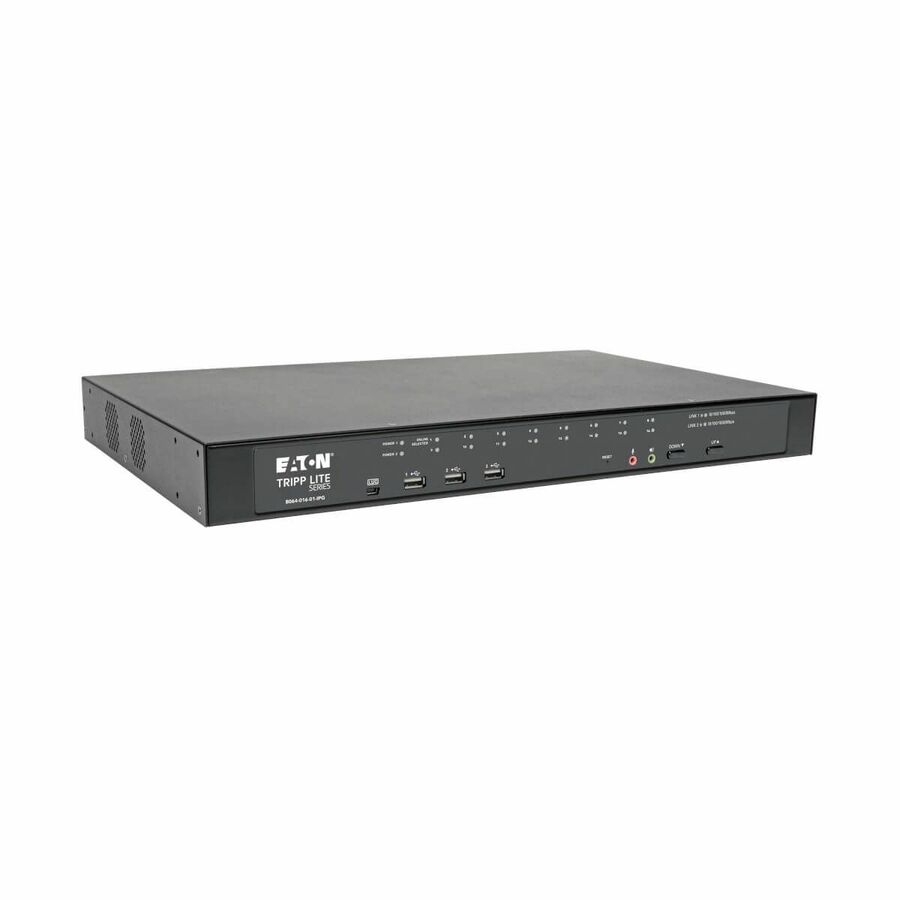
203 in stock - EatonTripp Lite by Eaton NetDirector 16-Port Cat5 KVM over IP Switch - Virtual Media 1 Remote + 1 Local User 1U Rack-Mount TAA - 16 Computer(s) - 1 Local User(s) - 1 Remote User(s) - 19 x Network (RJ-45) - 2 x PS/2 Port - 6 x USB1 x VGA - Rack-mountable, Desktop - 1U - TAA CompliantB064-016-01-IPG
$4,509.24
$4,148.50*
105 in stock - VertivVertiv Avocent SwitchView Desktop KVM | 4 Port | Single Head | Universal Connector | TAA Compliant - Desktop KVM Switches | Zero Delay Switching | Universal Video Connector | USB Port | TAA Compliant | 2-Year Full Coverage Factory Warranty - Optional Extended Warranty AvailableSV240DPH-400
$1,667.00
$1,325.80*
423 in stock

Need pricing on KVM switches?
Tell us where to reach you and a Uniqcli specialist will follow up by email with current pricing, availability and lead time for the quantities you need — including parts that aren’t shown on this page.
Buying for an organization or for yourself — both work. No payment up front.
A KVM switch answers one question — how many machines does one person drive from one keyboard, mouse and screen — and the answer splits the category into three products: a desk switch for two or three computers, a 1U rack switch for eight or sixteen servers, and a secure switch for a seat that works two networks at different sensitivity levels.
A KVM switch answers one question — how many machines does this person drive from one keyboard, mouse and screen — and the answer splits the category into three products that only share a name. A desk switch moves one operator between two or three computers, usually a laptop and a workstation, and lives on or under the desk. A rack switch gives one console access to eight, sixteen or more servers in a cabinet. A secure switch exists because an operator sits on two networks at different sensitivity levels and the peripherals must not carry anything between them. Buying across those lines is the most common mistake here.
For a desk, the video standard is what decides the model, and it should be read off the computers rather than the monitor. A machine that only has USB-C wants a USB-C switch, one with DisplayPort outputs wants DisplayPort, and adapters between them are where flicker, resolution drops and failed hotplug come from. Then check the resolution the switch itself supports at the refresh rate you want — a 4K switch that tops out at 30 Hz is a different product from one that does 4K at 60 Hz, and on a desk that is a visible difference every second of the day.
In a rack, the console is the point. An eight- or sixteen-port 1U switch with an on-screen display lets one crash cart or one rack console reach every server in the cabinet, which is what you want when a machine will not boot far enough to answer the network. The other road is a console adapter that turns a laptop into the crash cart. Both are below. The selection is brand-neutral and drawn live from what Uniqcli lists.
Buyer's checklist
How to choose a KVM switch
- Decide the shape first — desk switch, rack switch or secure switch. They share a category and almost nothing else, and a rack switch on a desk is as wrong as the reverse.
- Match the video standard to the computers, not the monitor: HDMI, DisplayPort and USB-C switches exist precisely so an adapter chain does not have to.
- Read the resolution AND the refresh rate together — 4K at 30 Hz and 4K at 60 Hz are different products and the difference is obvious on a desk.
- Count the displays per seat. A single-head switch and a dual-head switch are separate models; adding a second monitor later means a new switch, not a new cable.
- Check whether the unit is cable-attached or takes separate KVM cable kits — a switch with built-in cables is simpler at a desk and inflexible in a rack.
- For a rack, look for an on-screen display and 1U mounting, and count ports against the cabinet's growth rather than today's server list.
- For a secure switch, buy against the manufacturer's own published evaluation for that model — the certification is theirs to state, and it is per part number.
- Confirm peripheral support before ordering if the seat uses a card reader, a specialist mouse or an audio headset; not every switch passes every USB device class.
Desk switches: the two things that actually go wrong
The first is the video chain. A switch is a link in the path between a graphics output and a panel, and it is where an adapter-heavy setup falls over — black frames on switching, a resolution that silently drops, a monitor that does not come back after sleep. The fix is boring and reliable: pick the switch that matches the connector the computers actually have, and keep the adapter count at zero if you can. Where one machine is USB-C and the other is not, buy a hybrid switch designed for that rather than a plain switch plus a dongle.
The second is the peripherals. Keyboards and mice pass almost everywhere; card readers, drawing tablets, headsets, biometric sensors and dongled presenters do not. A switch that emulates a generic keyboard and mouse can be exactly what a secure deployment wants and exactly what a designer's tablet cannot live with. If the seat has an unusual peripheral, confirm it against the specific model before ordering, because this is a per-model behaviour rather than a category one.
Rack switching, consoles and the machine that will not boot
In a cabinet, the KVM exists for the failure case. Remote management handles the running estate; the KVM is what reaches a server that is sitting at a firmware prompt, has lost its network configuration or is halfway through an operating-system install. That is why the on-screen display and port count matter more than video quality in a rack — nobody is doing design work on it, they are reading a boot screen at three in the morning.
There are two roads to that console and they cost very differently. A fixed rack switch plus a console gives every cabinet its own permanent access, which is right where cabinets are many and staff visits are rare. A portable crash-cart adapter turns any laptop into the console and travels between cabinets, which is right where the room is small and the same person visits everything. Extenders are the third road, putting the console somewhere quieter than the room the servers are in — those live in the catalog's consoles and extenders category rather than this one.
Secure KVM, and what a reseller can and cannot tell you
A secure KVM is not a normal switch with a badge. The whole design brief is isolation: one-way data paths, fixed peripheral emulation, tamper-evident housings and no shared memory between channels, so that connecting a keyboard to two networks cannot become a route between them. That is why they cost multiples of a desk switch, why they refuse peripherals that ordinary switches accept, and why the model list is short and changes slowly.
What Uniqcli will not do is tell you a unit is certified. Evaluations are published by the manufacturer and the evaluating body against a specific model and revision — it is their claim, not a reseller's, and it is checked against a part number rather than a product line. What we will do is put the exact part number on the quote so your security team can check it against the list they are working from, and screen the line for TAA country-of-origin and NDAA §889 status at sourcing. If the deployment also needs the workstations, the displays, the licences and the installation labour, those go on the same quote as the switches rather than on a second one.
FAQ
Common questions
- What is the difference between a KVM switch and a USB hub or docking station?
- A dock connects one computer to many peripherals. A KVM switch connects many computers to one set of peripherals — one keyboard, one mouse, one or two monitors — and moves that set between machines on a hotkey or a button. If you have one laptop and several accessories, you want a dock. If you have two or three computers and one desk, you want a KVM. Some hybrid units do both, sharing a monitor and a peripheral set between two machines, and those are the two-port desk switches at the top of this page.
- Do I need a dual-monitor KVM switch?
- Only if the seat runs two screens today or will within the life of the switch. Single-head and dual-head are physically different products: a single-head switch has one video path per computer and there is no upgrade route, so adding a second monitor later means buying a second switch rather than a second cable. If the seat is likely to grow, the dual-head unit is cheaper than doing it twice. If it is a fixed one-screen desk, the single-head switch is smaller, simpler and less expensive.
- What makes a secure KVM switch different?
- Secure models are designed so that peripherals cannot become a path between networks: fixed device emulation, isolated data paths, no shared buffers between channels, and tamper-evident construction. They are bought where one operator works two networks at different sensitivity levels from one seat. The certifications you will see quoted on them — NIAP evaluations, PSD protection-profile compliance — are published by the manufacturer and the evaluating body per model, so check the exact part number against the requirement your program is written to. Uniqcli supplies these units and puts the part number on the quote; we do not certify or test hardware ourselves.
- How many computers can one KVM switch handle?
- Desk switches are usually two, three or four ports. Rack switches run eight, sixteen or more, and can often be cascaded so a second switch hangs off a port of the first for larger cabinets. Buy the port count against where the rack is going, not where it is: a switch that is full on the day it is installed is a switch you replace rather than expand, and the labour of re-cabling a cabinet costs more than the extra ports would have.
- Can Uniqcli quote KVM switches for a government or education order?
- Every line Uniqcli quotes is sourced through US distribution and screened for TAA country-of-origin and NDAA §889 status before checkout — with documentation tied to the specific part number, not a product family.
Need KVM switches pricing?
Send a bill of materials or part numbers — we confirm stock and a below-market total, with TAA verified on request. No payment up front.