
Short answer
The main difference between Wi-Fi 6 and Wi-Fi 7 is what the radio may use: Wi-Fi 7 (802.11be) adds 320 MHz channels in 6 GHz, 4K QAM and Multi-Link Operation on top of Wi-Fi 6's 160 MHz and 1024-QAM. Choose Wi-Fi 6 when the clients are Wi-Fi 6 and coverage already measures fine; choose Wi-Fi 7 when the refresh is due and 6 GHz is permitted. A new access point does not upgrade an existing client.
Key facts
- Wi-Fi 6 is IEEE 802.11ax and tops out at 160 MHz channels with 1024-QAM; Wi-Fi 7 is IEEE 802.11be and adds 320 MHz channels and 4K QAM.
- The 320 MHz channel exists only in the 6 GHz band, so the gain depends on whether 6 GHz is permitted and usable at that site.
- Multi-Link Operation lets one Wi-Fi 7 client use more than one link at once, and needs support in the AP, the client radio, the driver and the OS.
- The 802.11be amendment's stated scope is at least 30 Gbit/s of maximum throughput at the MAC service access point, between 1 and 7.25 GHz.
- Wi-Fi 6E is the fair prior-generation comparison for 6 GHz — it puts 802.11ax in the same band with no 802.11be feature attached.
Wi-Fi 7 expands the toolkit with features such as 320 MHz channels, 4K QAM, and Multi-Link Operation. That can raise capacity and reduce delay for compatible clients in the right design. Wi-Fi 6 remains a practical standard for many business sites, especially where clients are mostly Wi-Fi 6, spectrum is constrained, or switching and power upgrades would not solve a measured problem.
At a glance
Side by side
| Area | Wi-Fi 6 | Wi-Fi 7 | Buyer implication |
|---|---|---|---|
| IEEE generation | 802.11ax | 802.11be | Validate certified implementation and software, not draft-era labels |
| Common bands | 2.4 and 5 GHz | 2.4, 5, and 6 GHz where allowed | Regulatory domain and client bands matter |
| 6 GHz | Added through Wi-Fi 6E | Part of Wi-Fi 7 capability where allowed | Wi-Fi 6E is the fairer prior-generation comparison for 6 GHz |
| Maximum channel width | Up to 160 MHz | Up to 320 MHz in 6 GHz | Wider channels need contiguous spectrum and a compatible client |
| Modulation | Up to 1024-QAM | Adds 4096-QAM, commonly called 4K QAM | Higher modulation needs a clean, strong link |
| Multi-link | No Wi-Fi 7 MLO | Multi-Link Operation | Client, AP, driver, OS, and mode support determine benefit |
| Client experience | Mature, broad device base | New capabilities for compatible clients | Inventory actual endpoints and replacement dates |
| Wired/PoE needs | Model-specific | Model-specific, sometimes higher | Read each AP's data and installation guides |
Wi-Fi 6 vs Wi-Fi 7 at a glance
The table describes generation-level capabilities, not a promise for every product. Access points differ in radio count, stream count, antenna design, channel support, ports, power, environmental rating, controller requirements, and licenses. Clients differ even more. Compare the exact models and tested configuration.
Key takeaways
- Wi-Fi 6 is based on IEEE 802.11ax and operates in 2.4 and 5 GHz; Wi-Fi 6E extends the same generation into 6 GHz. Wi-Fi 7 is based on IEEE 802.11be and can operate in 2.4, 5, and 6 GHz where permitted.
- Wi-Fi 7's 320 MHz channels are a 6 GHz capability and depend on national spectrum rules. Wide channels are not always the best choice in a dense deployment.
- 4K QAM and Multi-Link Operation require compatible APs, clients, software, and favorable conditions; neither is a universal per-device gain.
- A Wi-Fi 7 AP does not automatically require 10GbE or the highest PoE class. Check the exact model, enabled radios, measured traffic, and documented power modes.
- Existing clients keep their own capabilities. Replacing the AP does not turn a Wi-Fi 6 endpoint into a Wi-Fi 7 endpoint.
Bands: Wi-Fi 6, Wi-Fi 6E, and Wi-Fi 7
Wi-Fi 6 brought 802.11ax efficiency features to 2.4 and 5 GHz. Wi-Fi 6E extended 802.11ax operation into newly available 6 GHz spectrum. Wi-Fi 7 builds on the three-band environment, but availability of 6 GHz channels and power modes depends on national regulation and device class.
The distinction matters because a buyer might attribute every 6 GHz benefit to Wi-Fi 7. A Wi-Fi 6E AP and client can already use 6 GHz. If the business goal is simply to move compatible clients into a less-congested band, compare Wi-Fi 6E with Wi-Fi 7 rather than Wi-Fi 6 alone.
6 GHz also changes coverage planning. Higher-frequency signals usually experience different path loss and material attenuation than 2.4 or 5 GHz, while lower permitted power in a given device class can affect cell shape. Do not reuse a 5 GHz AP count without modeling and survey. Some locations may need different placement, not merely a newer AP.
In the United States, standard-power 6 GHz access points use an automated frequency coordination system, while low-power indoor devices operate under different conditions. Other countries have different allocations and rules. Confirm the model's regulatory domain, intended indoor/outdoor mode, permitted channels, and any coordination service before basing a design on 6 GHz.
Channel width: more is not automatically better
Wi-Fi 6 supports channels up to 160 MHz. Wi-Fi 7 adds the ability to use channels up to 320 MHz in 6 GHz where enough permitted contiguous spectrum is available. Doubling channel width increases potential physical-layer capacity, but it also consumes twice the spectrum.
In a home or isolated lab, a very wide channel can produce an impressive single-client result. In a multi-AP office, school, venue, or hospital, using narrower channels may create more reusable cells and reduce co-channel contention. The correct width comes from the channel plan, neighboring networks, AP density, client support, and capacity model.
Many clients support fewer streams or narrower channels than the AP. The connection uses their shared capability. Inventory the client radio rather than assuming the AP's maximum width appears on every endpoint. Validate the configured width in the destination country and management release.
Wi-Fi 7 also includes mechanisms intended to make better use of spectrum under interference, but feature names should not replace measurement. Test the real interference pattern, client implementation, and application behavior.
4K QAM: a peak-rate tool
Quadrature amplitude modulation carries information by representing symbols with different amplitude and phase states. Wi-Fi 6 supports up to 1024-QAM. Wi-Fi 7 adds 4096-QAM, or 4K QAM, which can carry more bits per symbol under suitable conditions.
The tradeoff is signal quality. Higher-order modulation needs a strong, clean link and compatible transmitter and receiver. As distance, obstruction, or interference worsens, the connection selects a more robust modulation and coding scheme. This is normal adaptive behavior.
Do not apply the theoretical modulation gain across a floor plan or user population. Measure throughput and reliability at the locations and device orientations that matter. A smaller gain at a busy desk can still be useful, while no gain at the cell edge does not mean the AP is defective.
Multi-Link Operation: useful, but implementation-dependent
Multi-Link Operation lets a compatible Wi-Fi 7 device establish or coordinate multiple links across bands or channels. Depending on supported mode and policy, those links can contribute to throughput, resilience, or lower delay. It is one of Wi-Fi 7's most meaningful architectural changes.
MLO is also a chain of dependencies. The AP, client radio, firmware, driver, operating system, security mode, and management configuration must support a compatible implementation. A product may be Wi-Fi 7 capable while a specific MLO mode is unavailable in the deployed software. Enterprise authentication and network design may influence how the links are presented and controlled.
Test MLO on named client models. Record driver and OS versions, bands used, security mode, traffic pattern, and whether the application result improves. Include roaming, sleep/wake, battery, and failure scenarios. A multi-link speed test beside one AP does not prove stable behavior across a building.
Throughput: use an end-to-end model
Wi-Fi marketing typically begins with physical-layer link rates. Application throughput is lower because airtime is shared and protocol overhead, acknowledgements, contention, retransmission, signal, client design, and channel plan intervene. The test server, switch port, closet uplink, WAN, firewall, and service can also become the limit.
Evaluate three layers:
- Client link: band, channel width, stream count, modulation, signal, and driver.
- Cell capacity: number and behavior of clients sharing radios and airtime.
- Service path: AP port, access switch, uplinks, routing, security inspection, WAN, and application endpoint.
Measure current busy-hour utilization before upgrading. If a 1GbE AP port is lightly used and users are limited by WAN latency, a 10GbE Wi-Fi 7 port will not fix the problem. If several dense cells repeatedly approach wired or airtime capacity, Wi-Fi 7 may be part of a broader redesign.
Use bidirectional tests and the actual applications. File transfer, voice, interactive desktop, video conference, scanner traffic, and cloud application response reveal different constraints. Keep a wired control measurement so the wireless layer is not blamed for a slow remote service.
Latency: focus on distribution and contention
Wi-Fi 7 includes capabilities that can reduce delay in suitable implementations, including use of multiple links. But "low latency" is not one fixed number. Application experience depends on median delay, tail latency, jitter, loss, retransmissions, roaming, queueing, and the wired and WAN path.
Define a workload-specific threshold. A large download may prioritize throughput; voice and interactive control may care more about jitter and loss. Test during representative load, not only on an empty network. Include contention from older clients because they will remain part of many mixed fleets.
Measure at several points: near AP, cell edge, roaming path, congested area, and normal desk. Compare Wi-Fi 6 and Wi-Fi 7 using the same channel plan, client, application, security stack, and service target where possible. When the clients differ, label the result as a platform comparison rather than an AP-generation comparison.
Client compatibility and migration
Wi-Fi generations are designed with backward interoperability in mind, but a mixed network runs at each client's capabilities. A Wi-Fi 6 client does not gain 320 MHz or Wi-Fi 7 MLO by connecting to a Wi-Fi 7 AP. It can benefit indirectly from a better design or other capable clients using airtime efficiently, but that benefit should be measured.
Create a client inventory by model, radio, bands, stream count, security capability, driver, OS, critical application, and retirement date. Include printers, scanners, sensors, voice handsets, medical or industrial devices, and other endpoints that may remain longer than laptops.
Test the oldest critical devices against the proposed security and radio configuration. A migration can expose outdated drivers, certificate problems, band-steering behavior, or unsupported authentication even when basic association works. Preserve a fallback SSID or staged AP area when operationally appropriate.
Client refresh timing affects return. If most high-demand endpoints will become Wi-Fi 7-capable during the AP lifecycle, buying Wi-Fi 7 at a normal refresh may make sense. If the fleet will remain Wi-Fi 6 and the existing network meets requirements, an early replacement needs another justified benefit.
Switching, ports, and cabling
Wi-Fi 7 enterprise APs may offer 2.5, 5, or 10GbE uplinks, sometimes with secondary ports. That does not mean every AP needs a 10GbE access port. Model expected traffic and check the exact AP's port behavior, including supported redundancy or aggregation modes.
The switch must support the selected rate and required features on that port. Validate VLANs, authentication, discovery, QoS, management, monitoring, and any port-security behavior at multigig speeds. Then model closet and core uplink oversubscription.
Document the installed cable channel: category, length, patching, terminations, test result, bundle conditions, and PoE load. Existing Cat5e or Cat6 may support some multigig applications under applicable standards, but an unknown run is not evidence. Field-test the intended channel and remediate failures. Use a documented new-cabling standard for new work.
Switching cost should include line cards or switches, power supplies, fans, optics, DACs, fiber, racks, UPS, software, licenses, support, and labor. A mixed design can allocate higher-rate ports only to APs whose demand justifies them.
PoE is model-specific
Both Wi-Fi 6 and Wi-Fi 7 product families span different power requirements. Radio count, processors, USB ports, IoT radios, environmental heating, and enabled features affect demand. A generation label does not determine the PoE class.
Read the exact AP installation guide for supported power inputs and degraded modes. Some models operate with fewer radios, lower transmit capability, disabled ports, or other limits when supplied below the preferred level. Firmware can change documented behavior, so record the tested software.
Calculate the switch's aggregate budget using the planning draw for every powered endpoint, cable loss assumptions, power-supply configuration, and redundancy state. A switch can support a high class on each port without enough total wattage to power every attached AP at maximum. Test loss of one supply or input circuit and decide which service must remain.
Security, management, and licensing
Compare platforms on enterprise authentication, WPA support, certificate workflows, segmentation, guest access, management roles, logging, API capability, firmware process, vulnerability response, configuration backup, and replacement workflow. New radio features do not reduce these obligations.
Confirm controller or cloud compatibility and capacity before ordering. An AP may need a minimum management release or license tier. Price subscriptions and support for the planned lifecycle, and document what happens when a license expires.
For 6 GHz and MLO, verify security prerequisites and client behavior from current vendor documentation. Avoid weakening the security standard merely to make a legacy client connect; isolate or replace the exception deliberately.
Upgrade decision checklist
- Survey coverage, interference, and capacity by site.
- Inventory clients, bands, drivers, security, and refresh dates.
- Confirm local 6 GHz rules and intended device class.
- Compare exact AP radios, ports, antennas, power modes, and management support.
- Model channel reuse instead of defaulting to the widest channel.
- Measure busy-hour traffic and the complete service path.
- Field-test cabling for the selected Ethernet application.
- Size total PoE under normal and failed-power states.
- Price switches, uplinks, licenses, subscriptions, support, survey, and labor.
- Pilot representative clients and applications under load.
- Define acceptance, rollback, and post-install survey steps.
- Archive the final design, versions, results, and owner approvals.
When Wi-Fi 6 remains the better buy
- Wi-Fi 6 can be the better choice when it meets measured coverage and capacity, most clients are Wi-Fi 6, 6 GHz is not available or useful, and the infrastructure would need disproportionate change. It can also fit branches where WAN or application constraints dominate and where a mature approved platform reduces operational variation.
- That choice should still consider lifecycle. Check sale status, support horizon, firmware policy, controller compatibility, and availability of replacements. A low acquisition price is not a saving if support ends before the planned service life.
When Wi-Fi 7 is justified
- Wi-Fi 7 is a stronger candidate when the AP refresh is already due, compatible clients will be material during the lifecycle, high-density or latency-sensitive workloads have measured constraints, 6 GHz is permitted and useful, or the organization needs the lifecycle runway of a current platform. It may also simplify a standard when a validated Wi-Fi 7 model can serve both present Wi-Fi 6 clients and later capable clients.
- The decision should survive without maximum-rate claims. Document which sites and roles benefit, which features are enabled at launch, what the supporting infrastructure costs, and how acceptance will be measured.
Bottom line
Choose upgrade timing by coverage, capacity, latency, lifecycle, security, client refresh, and complete infrastructure cost rather than peak link-rate marketing.
Products for this decision
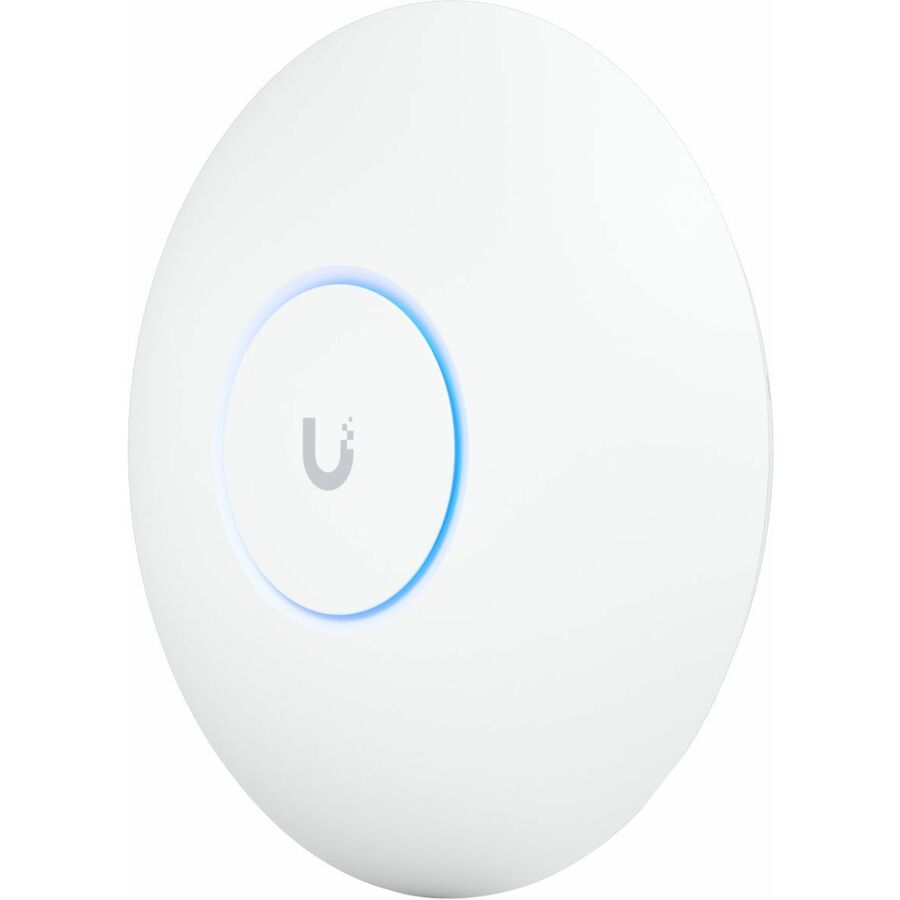
Wi-Fi 7, tri-band
Ubiquiti
Ubiquiti U7 Pro Tri Band Wi-Fi 7 IEEE 802.11a/b/g/n/ac/ax/be/k/r/v 5.80…
U7-PRO-US
A tri-band 802.11be access point with a 6 GHz radio — the band the 320 MHz channel lives in, so the generation's headline feature is actually reachable.
Check the uplink: a tri-band AP can outrun a 1 GbE switch port before it outruns the air.
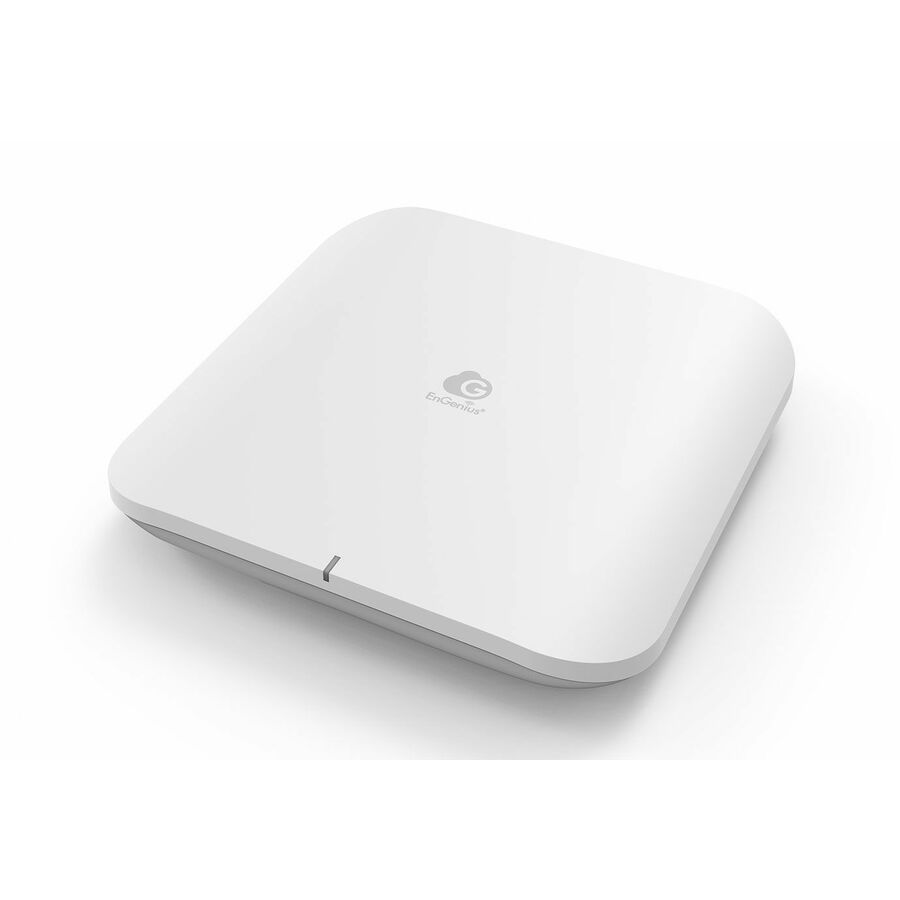
$245.76In stockWi-Fi 7, cloud-managed
EnGenius Technologies
EnGenius ECW526 Tri Band Wi-Fi 7 IEEE 802.11 a/b/g/n/ac/ax/be 5.66…
ECW526
A tri-band 802.11be indoor access point for sites that manage APs from a controller rather than per device.
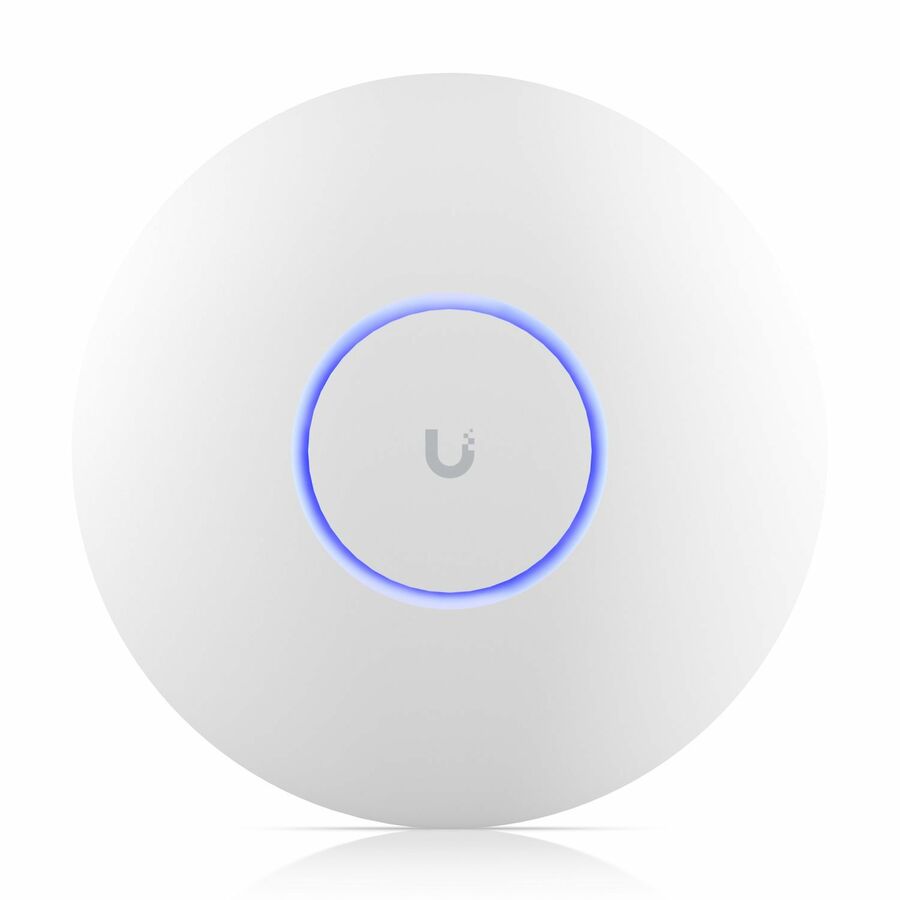
$416.21Back-orderedWi-Fi 6, dual-band
Ubiquiti
Ubiquiti UniFi 6 Professional U6 Pro Dual Band Wi-Fi 6 IEEE 802.11…
U6-PRO-US
A dual-band 802.11ax access point for floors where the client fleet is Wi-Fi 6 and 6 GHz would carry nothing.
$208.89Back-orderedFAQ
Common questions
- Is Wi-Fi 7 always faster than Wi-Fi 6?
- Wi-Fi 7 has a higher capability ceiling, but a particular connection depends on AP and client support, band, channel width, streams, signal, interference, software, and the wired path. A Wi-Fi 6 network can outperform a poorly designed Wi-Fi 7 deployment.
- Is Wi-Fi 6E the same as Wi-Fi 7?
- No. Wi-Fi 6E extends Wi-Fi 6/802.11ax into 6 GHz. Wi-Fi 7 is based on 802.11be and adds features including 320 MHz channels, 4K QAM, and MLO in supported implementations.
- Do we need 10GbE switching for Wi-Fi 7?
- Not automatically. Check each AP's ports and realistic aggregate traffic, then validate cabling, switch features, closet uplinks, and the service path. Some designs justify 10GbE; others fit 2.5 or 5GbE.
- Will Wi-Fi 7 improve our Wi-Fi 6 laptops?
- They remain Wi-Fi 6 clients and do not gain Wi-Fi 7-only features. They may benefit from a better channel plan, placement, or reduced contention, but that is a design result to measure.
- Should we skip Wi-Fi 6 and wait for Wi-Fi 7 clients?
- Base timing on the site's current problems, platform lifecycle, and client roadmap. If Wi-Fi 6 already meets requirements, waiting until normal refresh may be rational. If the network is constrained and a validated Wi-Fi 7 design solves it, delay also has a cost.
- Is Wi-Fi 7 worth the upgrade?
- It pays back where the clients speak 802.11be and the wired side can carry what the radio produces. A 320 MHz channel needs 6 GHz spectrum the site is allowed to use, and a tri-band access point can saturate a 1 GbE switch port, so a Wi-Fi 7 AP behind a gigabit uplink often moves the bottleneck rather than removing it. If the APs are due for replacement anyway, buying the current generation costs little extra and lengthens the platform's remaining life.
- Do I need Wi-Fi 7?
- Only if a measurement says so. Start from the problem — coverage, capacity at peak, or latency on a named application — and check whether the current design, channel plan and AP placement explain it. If the client fleet is mostly Wi-Fi 6, 6 GHz is unavailable, or the closet uplinks are 1 GbE, Wi-Fi 7 will not change the number you are unhappy with. If the refresh is already scheduled, choose Wi-Fi 7 for the lifecycle rather than the peak rate.
Sources