
Short answer
Wi-Fi 6E and Wi-Fi 7 both use the 6 GHz band, so the difference is how they use it: Wi-Fi 7 doubles the widest channel from 160 MHz to 320 MHz, moves from 1024-QAM to 4K-QAM, and adds Multi-Link Operation so a client can hold two bands at once. They interoperate — a Wi-Fi 6E client on a Wi-Fi 7 access point simply connects as a 6E client, without those three features.
Key facts
- Wi-Fi 6E is Wi-Fi 6 extended to the 6 GHz band; its channel-width feature is 160 MHz and its modulation is 1024-QAM.
- The Wi-Fi Alliance says Wi-Fi 7's 320 MHz channels in 6 GHz provide twice the throughput of Wi-Fi 6.
- It also states that Wi-Fi 7's 4K QAM achieves 20% higher transmission rates than Wi-Fi 6's 1024 QAM.
- Multi-Link Operation balances traffic across links for throughput and reliability; it does not add transmit power or range.
- The underlying amendment, IEEE 802.11be, received final IEEE SA approval in September 2024; Wi-Fi 7 was introduced in 2024.
The most common misconception in this comparison is that Wi-Fi 7 introduces the 6 GHz band. It does not — Wi-Fi 6E opened that spectrum, and both standards operate across the same 2.4 GHz, 5 GHz, and 6 GHz bands, with up to 1,200 MHz of 6 GHz spectrum available in the US. A 6 GHz signal propagates identically regardless of which standard generated it, so range, wall penetration, and the clean, legacy-free character of the band are shared property. What Wi-Fi 7 (802.11be) actually adds over Wi-Fi 6E (802.11ax extended into 6 GHz) is a set of efficiency features layered on top of that shared spectrum: channels up to 320 MHz wide in the 6 GHz band, 4096-QAM modulation for roughly 20% more peak rate per spatial stream, and Multi-Link Operation (MLO), which lets a single device use more than one band at the same time.
That reframing changes the procurement question. Because the spectrum is shared, choosing between 6E and 7 for an access-point refresh comes down to three practical inputs. First, client readiness: MLO, 320 MHz channels, and 4K-QAM all require Wi-Fi 7-capable endpoints, and a fleet of 6E-or-older laptops gets essentially identical service from either access point. Second, the wired plant: a Wi-Fi 7 radio running wide channels can outrun a 1 GbE uplink, so full value assumes multi-gig switch ports and often 802.3bt (PoE++) power, while 6E access points typically run comfortably on existing 1 GbE or 2.5 GbE with 802.3at. Third, lifecycle: access points commonly stay on the ceiling for five to seven years, so the client mix at mid-life matters more than the mix on install day. This guide works through those tradeoffs factor by factor.
At a glance
Side by side
| Factor | Wi-Fi 6E | Wi-Fi 7 |
|---|---|---|
| IEEE standard | 802.11ax, extended into 6 GHz | 802.11be |
| Bands | 2.4, 5 & 6 GHz | 2.4, 5 & 6 GHz — same three bands, same propagation |
| Max channel width | 160 MHz | 320 MHz (6 GHz band only) |
| Peak modulation | 1024-QAM (10 bits/symbol) | 4096-QAM (12 bits/symbol), ~20% higher peak rate per stream |
| Multi-Link Operation (MLO) | Not supported — one band per connection | Yes — aggregate or steer traffic across bands for throughput or latency |
| Max spatial streams | Up to 8x8 MU-MIMO | Up to 16 defined by the standard; shipping APs commonly 4-8 |
| Practical AP uplink | 1 GbE or 2.5 GbE typically sufficient | Multi-gig (2.5/5/10 GbE) needed to avoid capping the radio |
| Typical PoE class | Commonly 802.3at (PoE+) | High-end models often need 802.3bt (PoE++) for full radios |
| Client ecosystem | Broad — 6E clients shipping since 2021 | Growing — arriving through 2024-onward laptop and phone refreshes |
Choose Wi-Fi 6E when
- Your goal is clean 6 GHz capacity now and the client fleet is mostly Wi-Fi 6/6E, so MLO and 320 MHz channels would sit unused
- The access layer is 1 GbE or 2.5 GbE with 802.3at (PoE+) power and there is no budget line to upgrade switching this cycle
- Per-AP cost matters across a large estate and mature, well-understood 6E firmware lowers deployment risk
- Density is moderate and the congestion relief you need comes from the 6 GHz band itself, not from wider channels
- You are extending an existing 6E deployment and want consistent RF behavior and management across the floor
- The refresh horizon is short enough that you can revisit Wi-Fi 7 once clients and switching have caught up
Choose Wi-Fi 7 when
- Multi-gig switch ports (2.5/5/10 GbE) and 802.3bt (PoE++) power are in place or already budgeted, so the radios are not capped at the uplink
- Wi-Fi 7 clients are entering the fleet through device refreshes and will be a meaningful share at the access points' mid-life
- Latency-sensitive workloads — real-time collaboration, AR/VR, wireless-first floors — justify MLO's link steering and aggregation
- High-density 6 GHz areas can use 320 MHz channels without starving neighboring access points of spectrum
- You are cabling a greenfield building and want the wired plant and APs to outlast several client-device generations
- The price gap between comparable 6E and Wi-Fi 7 models has narrowed enough that the newer standard costs little extra
Bottom line
Because both standards reach the same 6 GHz spectrum, this is a narrower decision than the version numbers suggest. Wi-Fi 6E remains a rational buy where the goal is clean 6 GHz capacity on existing 1 GbE or 2.5 GbE switching and 802.3at power, and where the fleet will not include meaningful Wi-Fi 7 client numbers for years. Wi-Fi 7 earns its premium when multi-gig backhaul and 802.3bt PoE are in place or budgeted, and when arriving clients can actually use MLO and 320 MHz channels. On a five-to-seven-year refresh cycle with the wired plant already funded, Wi-Fi 7 is the safer default; where uplinks and clients are not ready, 6E delivers most of the outcome at lower total cost.
Products for this decision
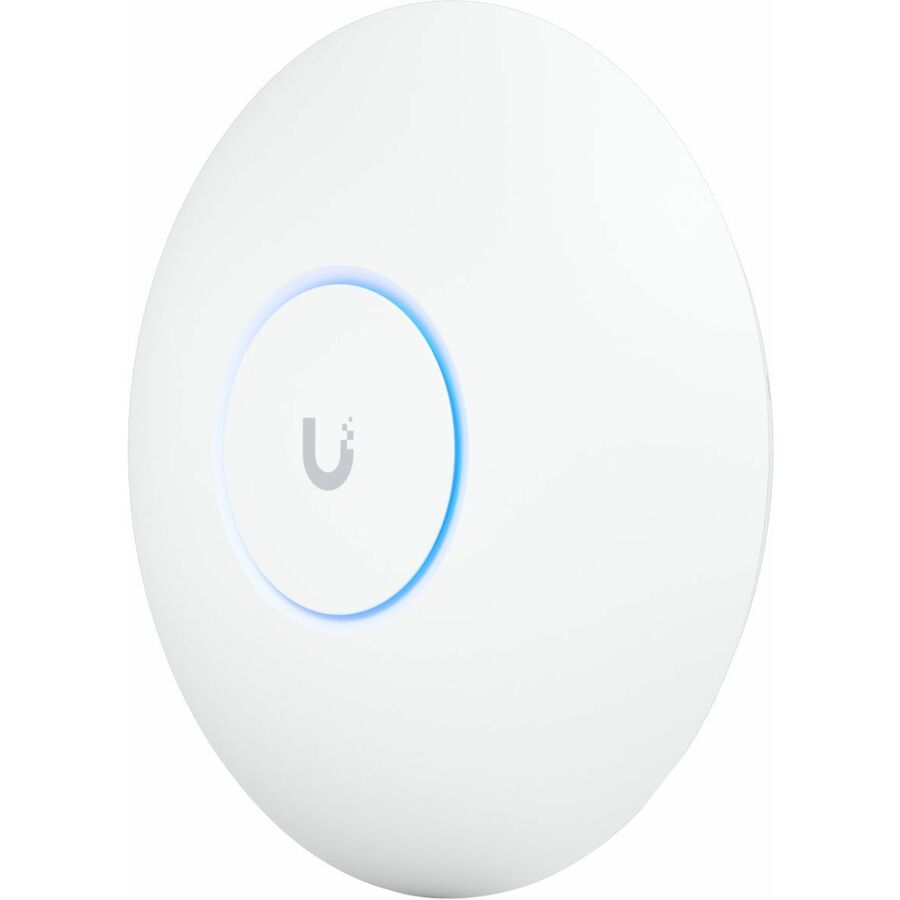
Wi-Fi 7, tri-band
Ubiquiti
Ubiquiti U7 Pro Tri Band Wi-Fi 7 IEEE 802.11a/b/g/n/ac/ax/be/k/r/v 5.80…
U7-PRO-US
A tri-band Wi-Fi 7 access point with a 2.5 Gigabit uplink — the multi-gig port is the part that lets 320 MHz channels mean anything.
Budget the wired side with the AP: a 1 GbE uplink caps a Wi-Fi 7 radio well below what it can carry.
$245.75In stock6 GHz on 802.11ax
Ubiquiti
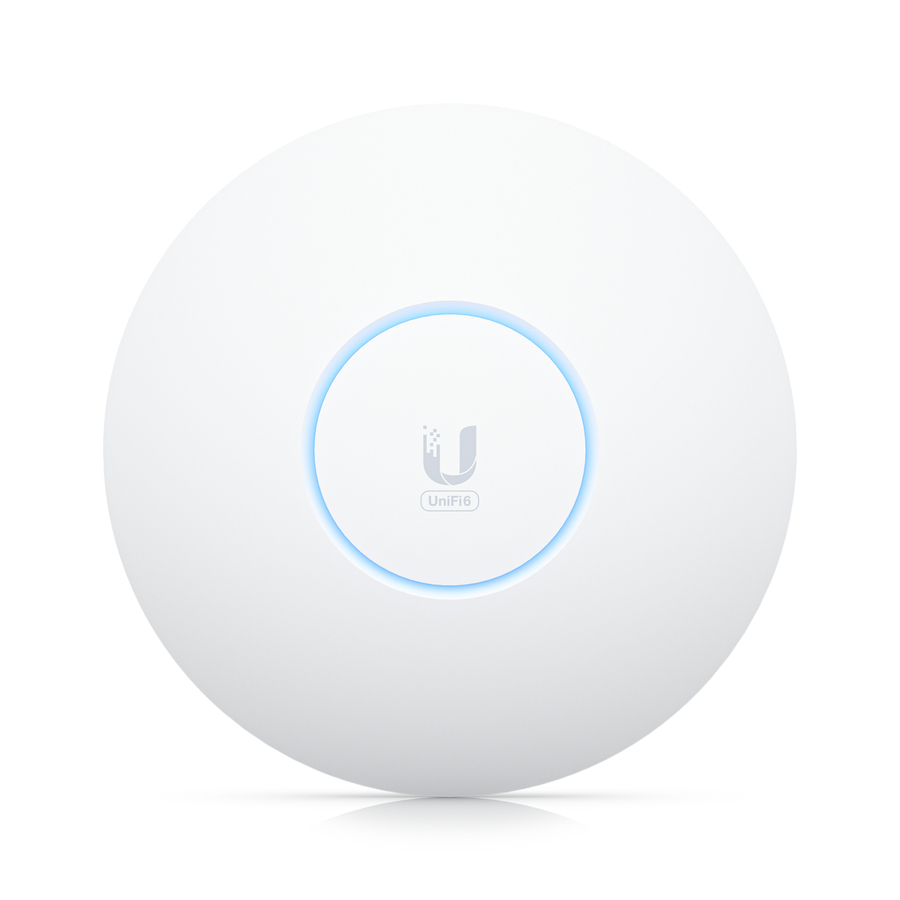
Ubiquiti UniFi6 Enterprise Multi-band IEEE 802.11 a/b/g/n/ac/ax 10.20…
U6-Enterprise-US
An 802.11ax access point that covers 2.4, 5 and 6 GHz on a 2.5 Gigabit port — the congestion relief of 6 GHz without the Wi-Fi 7 premium.
$368.06In stockFAQ
Common questions
- Does Wi-Fi 7 have better range than Wi-Fi 6E?
- No. Range is set by frequency and regulatory transmit-power rules, not by the standard generation, and both operate in the same 2.4, 5, and 6 GHz bands — a 6 GHz signal attenuates the same whether an 802.11ax or 802.11be radio produced it. What Wi-Fi 7 can improve is behavior at the cell edge: MLO lets a client hold a 5 GHz link alongside 6 GHz, so sessions degrade more gracefully as devices roam toward the edge of coverage.
- Will Wi-Fi 6E devices work on a Wi-Fi 7 access point?
- Yes. Wi-Fi 7 access points are backward compatible, and 6E clients connect on the 6 GHz band exactly as they would to a 6E access point — the same 160 MHz maximum channel width, 1024-QAM, and single-link operation. They simply do not get MLO, 320 MHz channels, or 4K-QAM. This is why client mix drives the decision: a fleet with no Wi-Fi 7 endpoints performs essentially the same on either access point.
- Do I need to upgrade switches and PoE for Wi-Fi 7?
- Usually, to get full value. A Wi-Fi 7 radio using 320 MHz channels and 4096-QAM can push more traffic than a 1 GbE uplink carries, so plan for multi-gig switch ports (2.5/5/10 GbE), and higher-end access points often need 802.3bt (PoE++) rather than 802.3at to run all radios at full power. Category 6 handles 2.5/5 GbE over typical runs; Cat6A is the safer pull where 10 GbE is in scope. Budget the wired plant alongside the AP count.
- Is Wi-Fi 6E a dead end now that Wi-Fi 7 is shipping?
- No. 6E access points use the same 6 GHz spectrum, and the band's congestion relief — the biggest single win for most environments — is identical on either standard. 6E is a dead end only in the sense that it will never gain MLO or 320 MHz channels. If your switching, PoE budget, and client fleet cannot exploit those features within the access points' service life, 6E delivers most of the outcome for less money.
- Does WiFi 7 penetrate walls?
- No better than Wi-Fi 6E does on the same band. Wall penetration is a function of frequency and transmit power, both set by physics and regulation rather than by the standard generation, so a 6 GHz signal loses the same energy through the same wall whichever radio produced it. Wi-Fi 7's Multi-Link Operation helps at the edge in a different way: a client can keep a 5 GHz link alongside 6 GHz, so the session degrades instead of dropping.
- Can WiFi 6E go through walls?
- It can, but 6 GHz attenuates more than 5 GHz and considerably more than 2.4 GHz, so expect smaller cells. That is the trade the band exists to make: less reach, far less congestion, because only 6E and Wi-Fi 7 devices are allowed in it. Plan more access points at lower power rather than fewer at high power.
- Is Wi-Fi 7 worth the upgrade?
- It is worth it when the wired plant and the client fleet can use it. Wi-Fi 7's three headline features — 320 MHz channels, 4K QAM and Multi-Link Operation — all need Wi-Fi 7 clients, and the throughput needs a multi-gig uplink and often 802.3bt power. On a refresh where switching and PoE are already funded, it is the safer default; on 1 GbE access switching with a Wi-Fi 6 fleet, most of the money buys nothing yet.
- What are the downsides of Wi-Fi 7?
- Cost, power and dependency. Access points are dearer, higher-end models want 802.3bt rather than 802.3at, and 320 MHz channels need a multi-gig uplink to be worth anything — so the real bill includes switch ports and possibly cable. The features also need Wi-Fi 7 clients, and in dense deployments 320 MHz channels leave very few non-overlapping channels to plan with.
Sources
- 1.Wi-Fi Alliance — Wi-Fi CERTIFIED 7wi-fi.org
- 2.Wi-Fi Alliance — Wi-Fi CERTIFIED 6 and Wi-Fi 6Ewi-fi.org
- 3.IEEE 802.11 Task Group BE (EHT) status reportieee802.org