
Best Eaton Tripp Lite USB-C Docking Stations
USB-C docking stations for assigned desks, hot-desking floors and conference rooms.
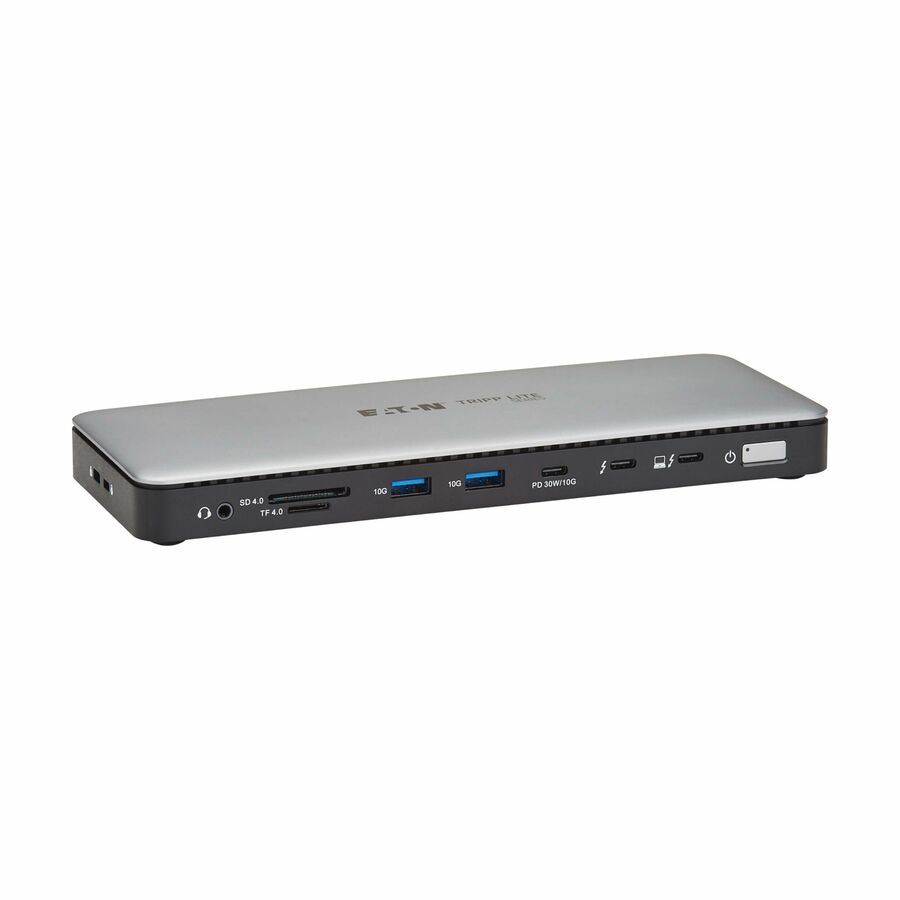
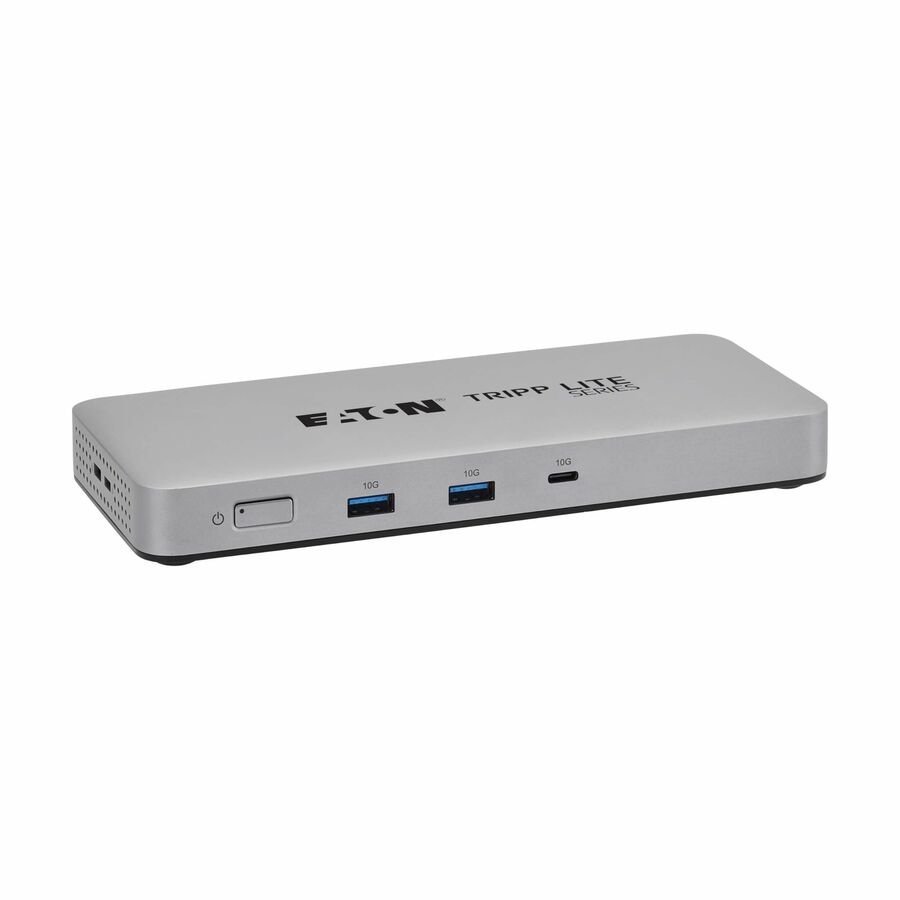
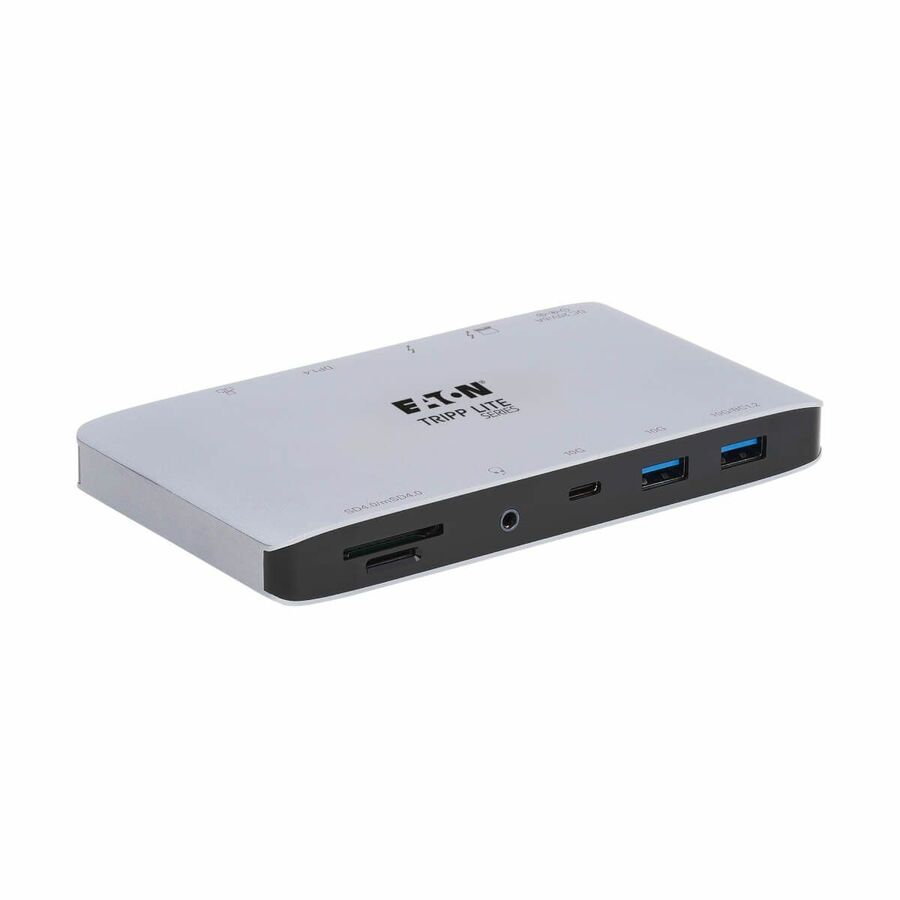
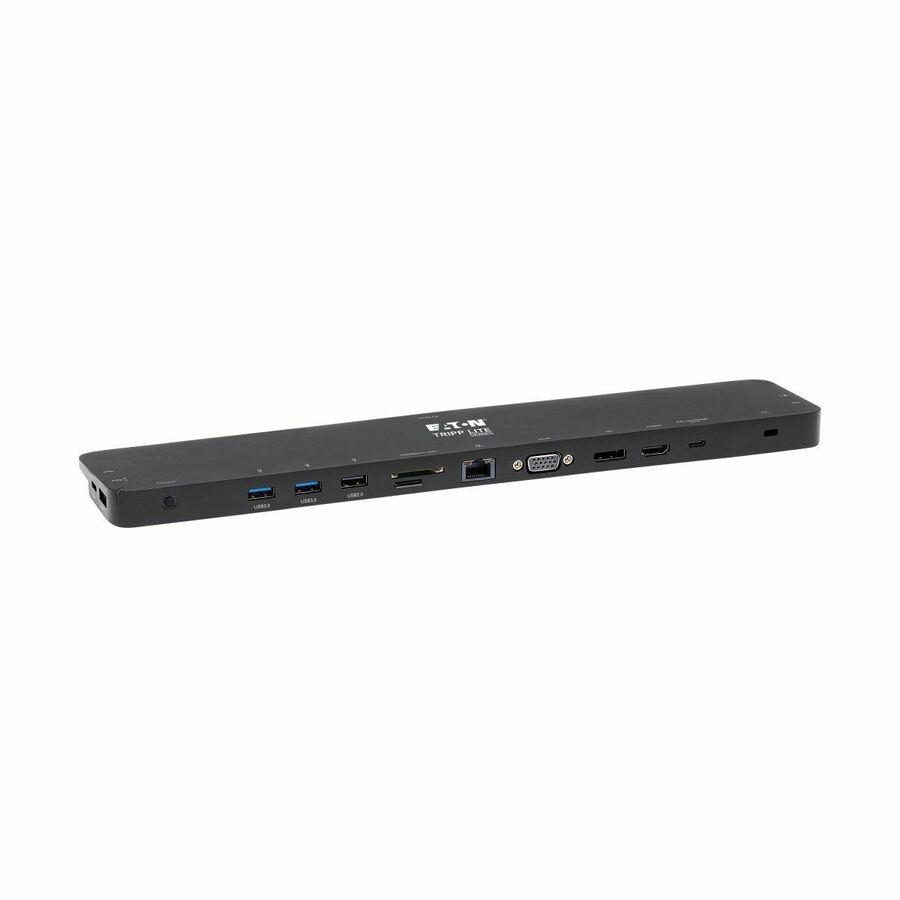
Eaton Tripp Lite docking stations in stock at Uniqcli
How to choose →A curated selection with live pricing — in-stock lines first, then back-ordered lines with a typical lead time. Every line is sourced through US distribution and screened for NDAA §889 status before checkout, with TAA verified on request.
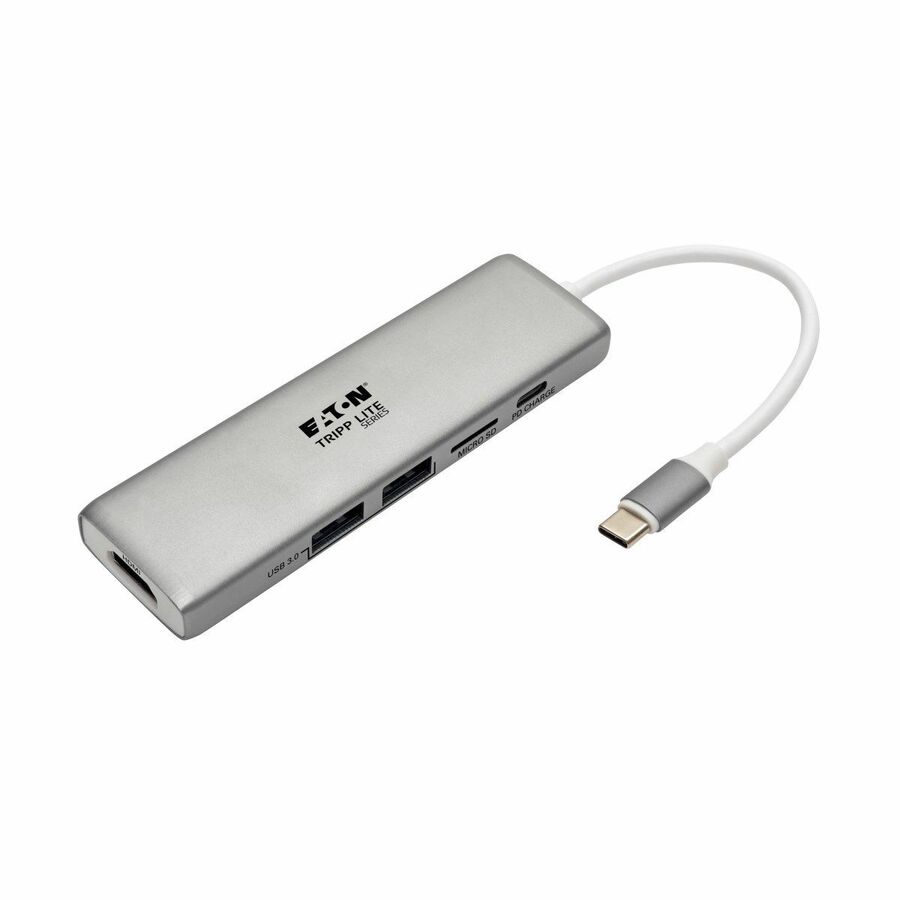
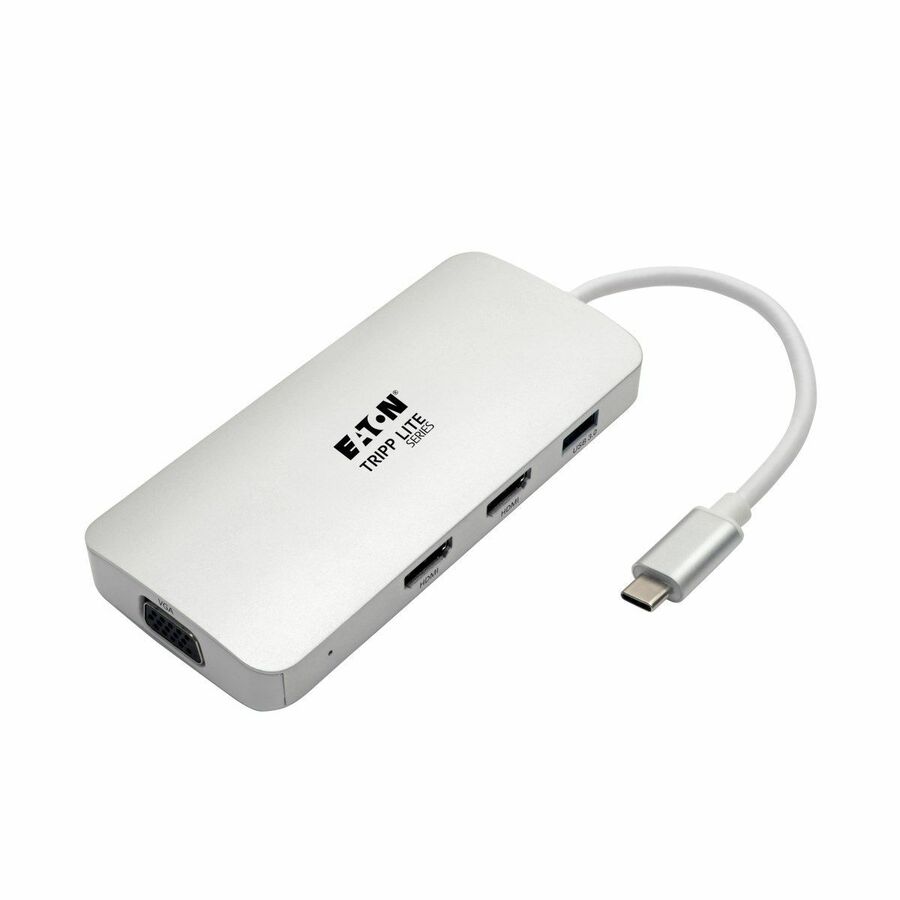
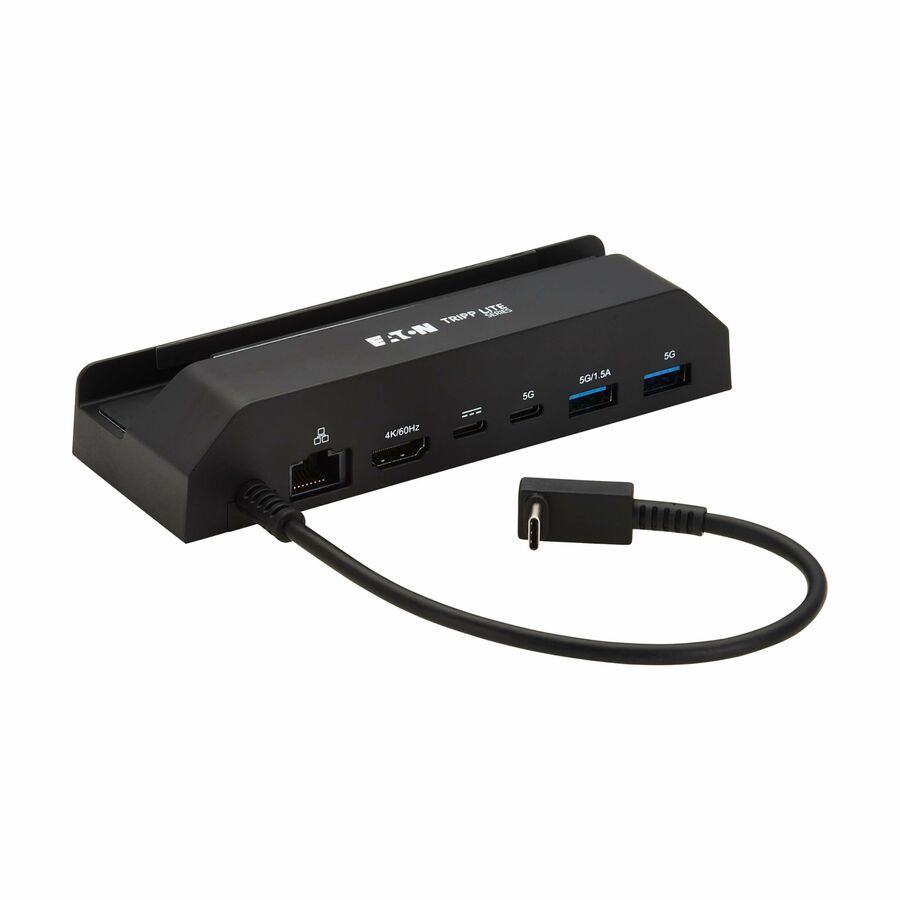
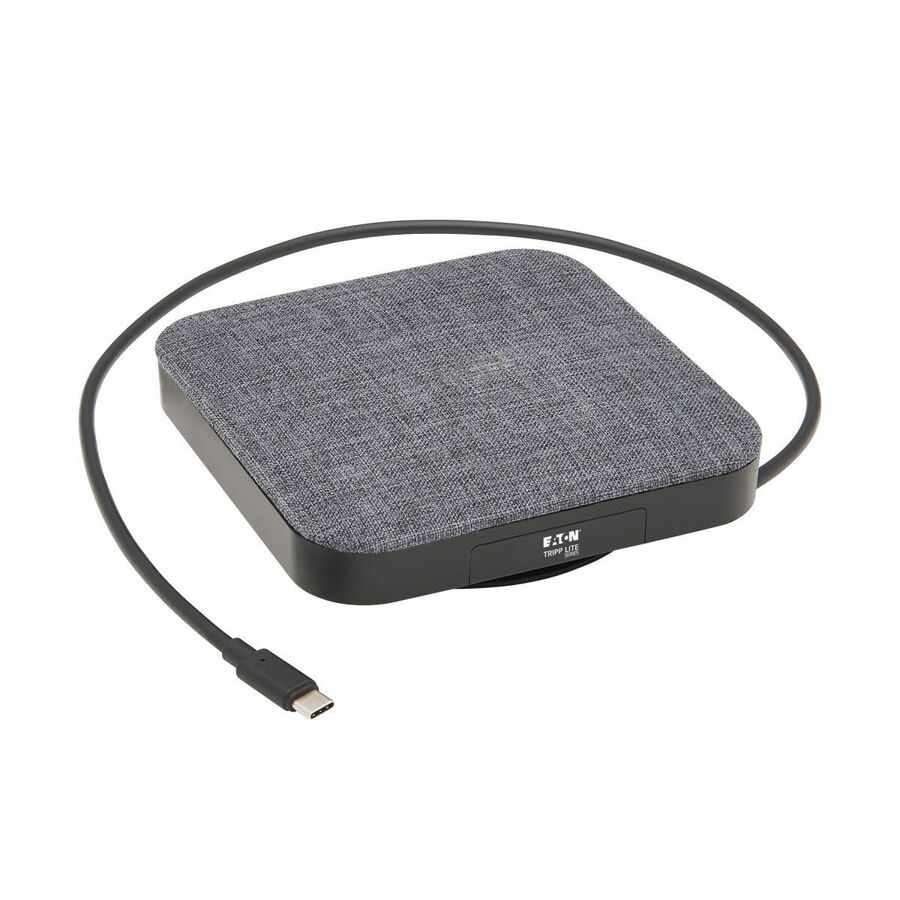
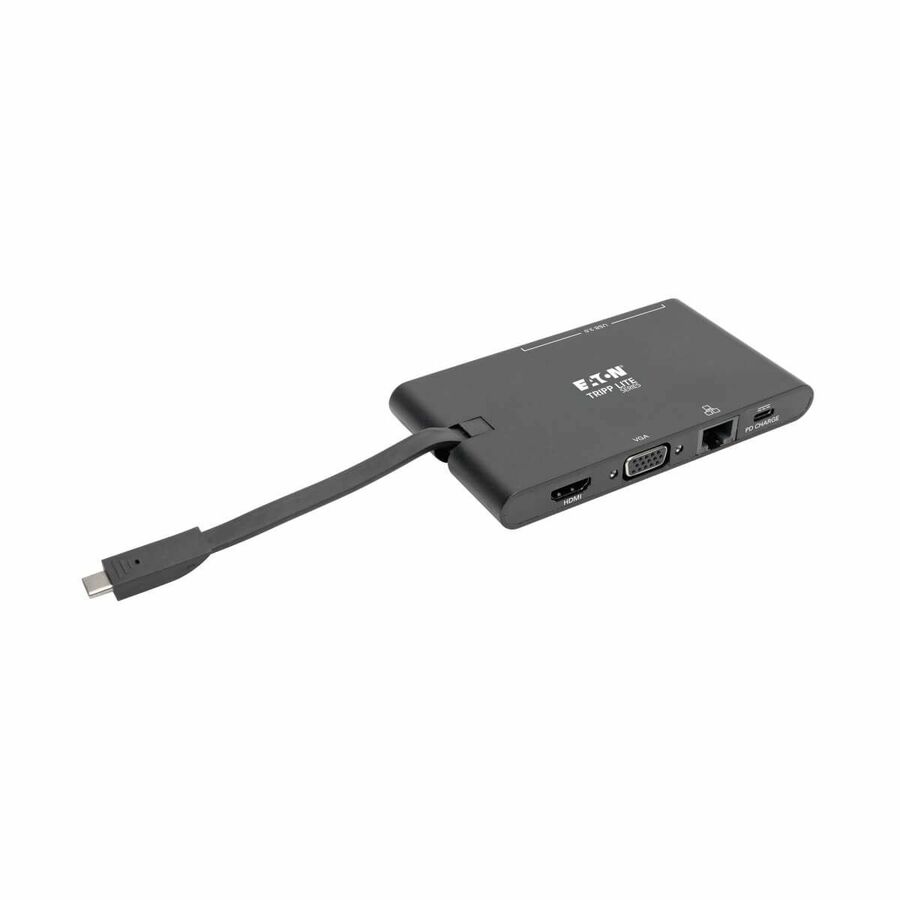
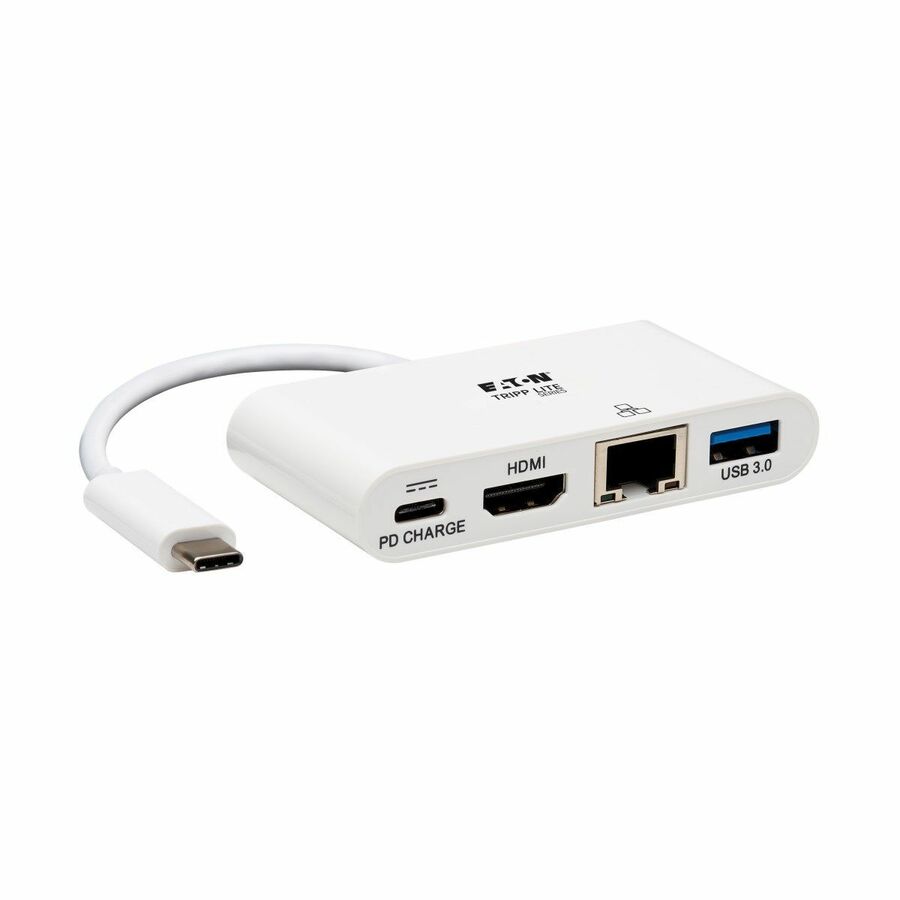
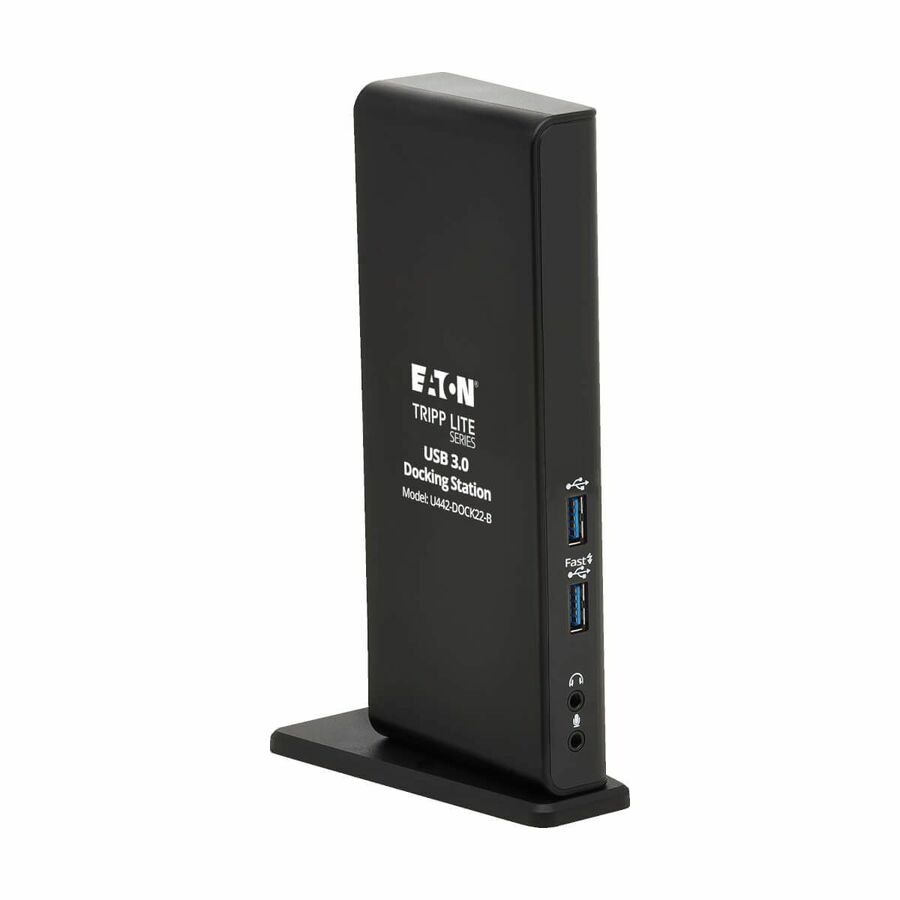
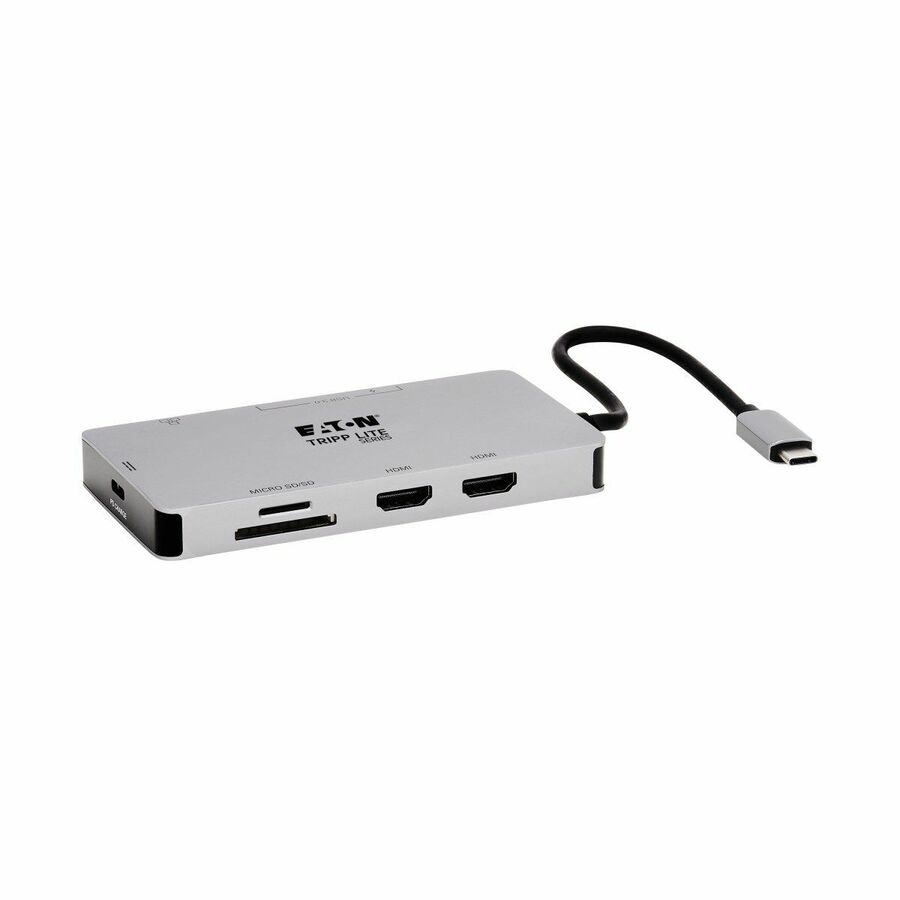
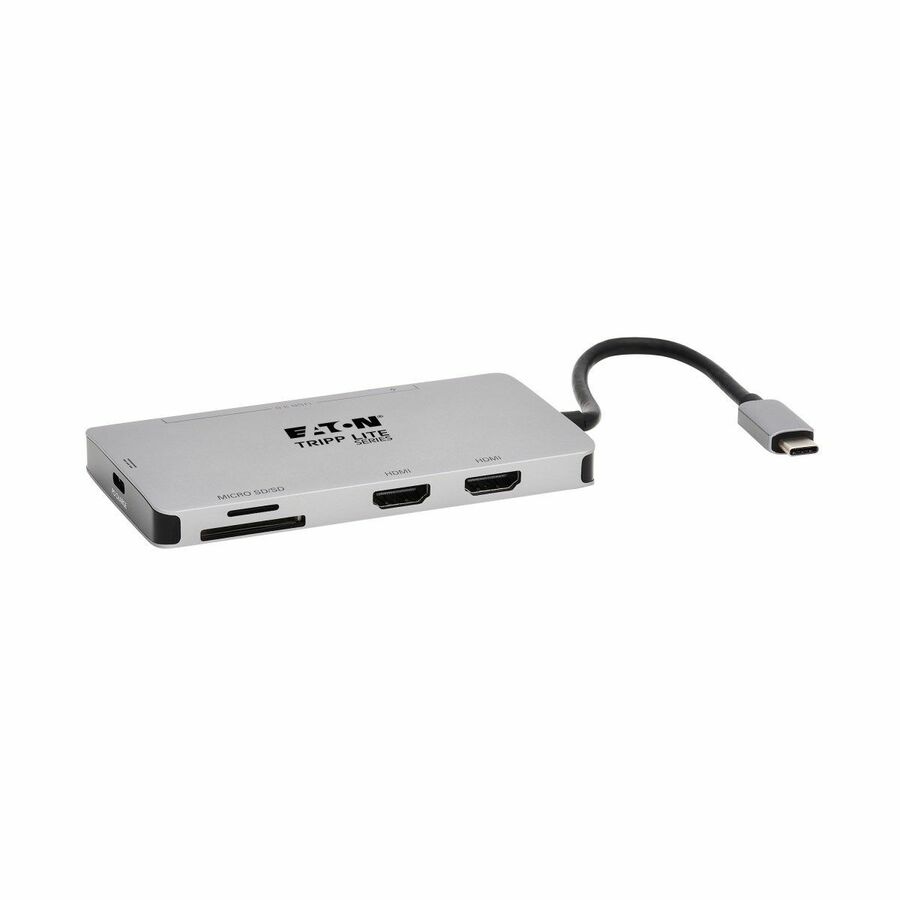
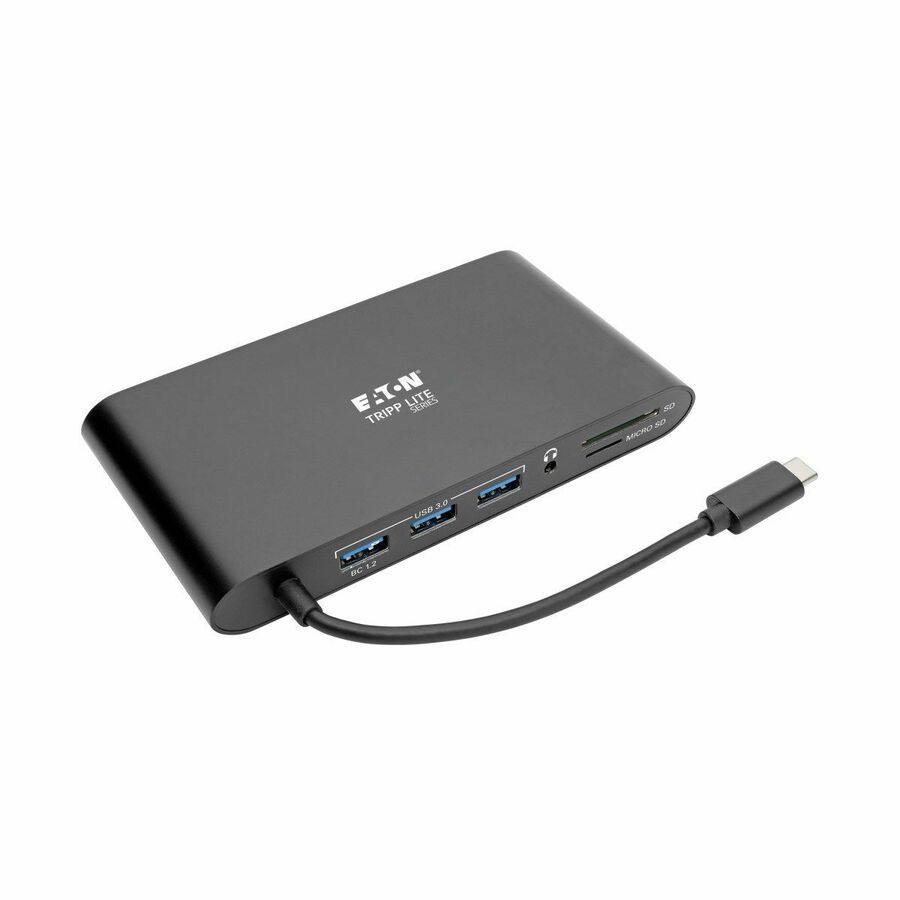
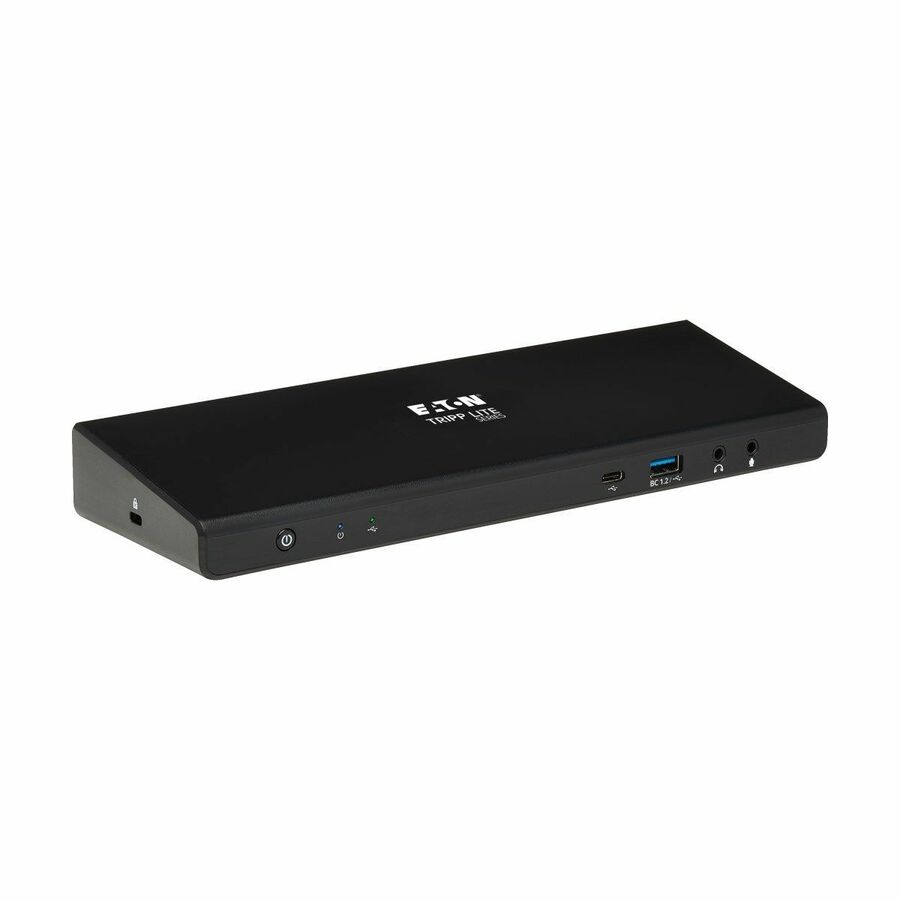
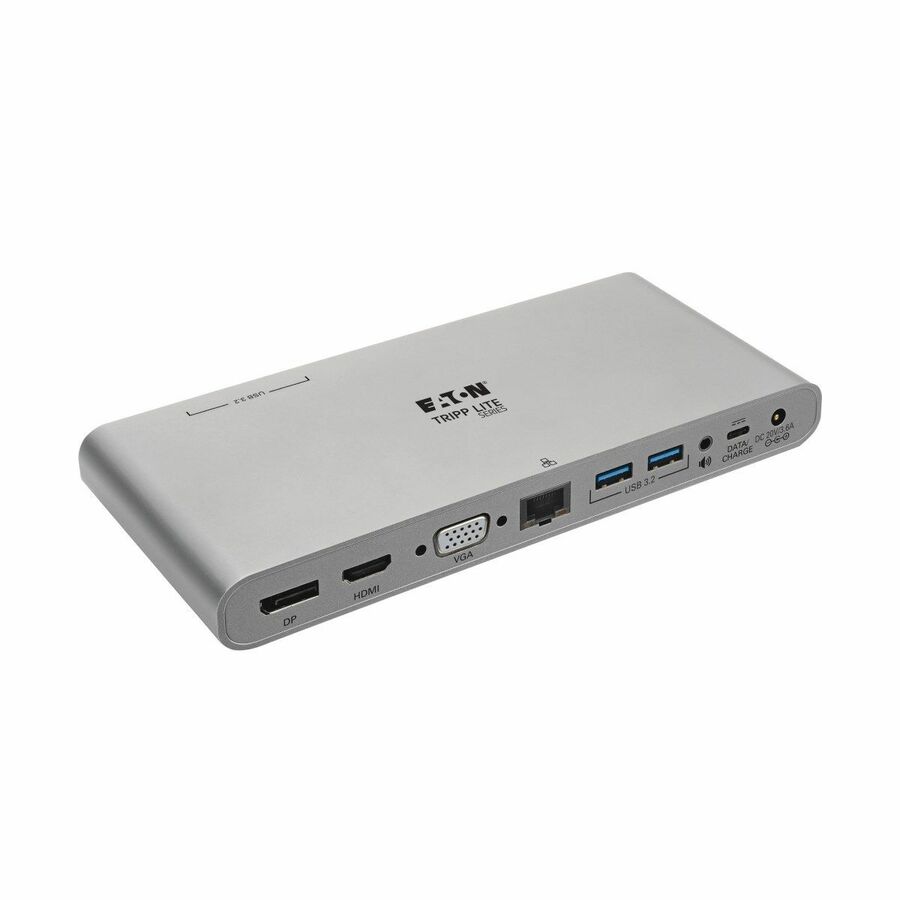
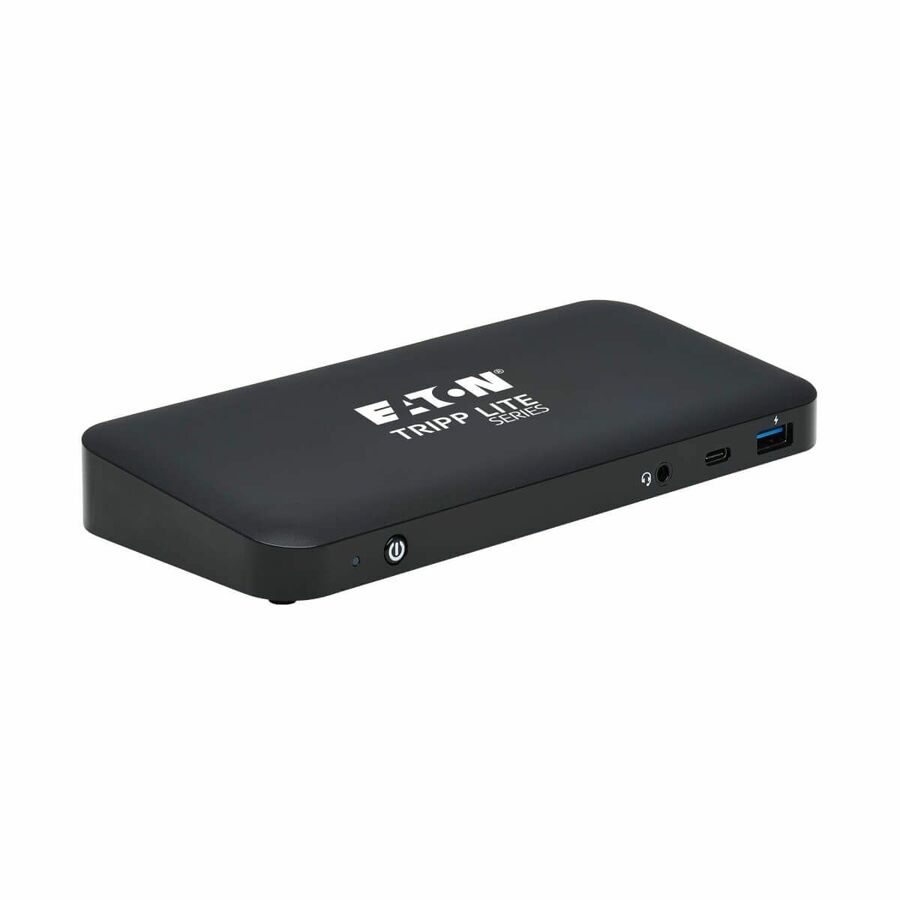
- EatonTripp Lite by Eaton USB-C Dock - 4K HDMI VGA USB 3.x (5Gbps) USB-A/C Hub Gigabit Ethernet Memory Card Slots 100W PD Charging - for Notebook/Tablet PC/Desktop PC/Smartphone - 100 W - USB 3.0 Type C - 4 x USB Ports - 2 x USB 3.0 - Network (RJ-45) - HDMI - VGA - Thunderbolt - WiredU442-DOCK3-B
$135.78
$124.92
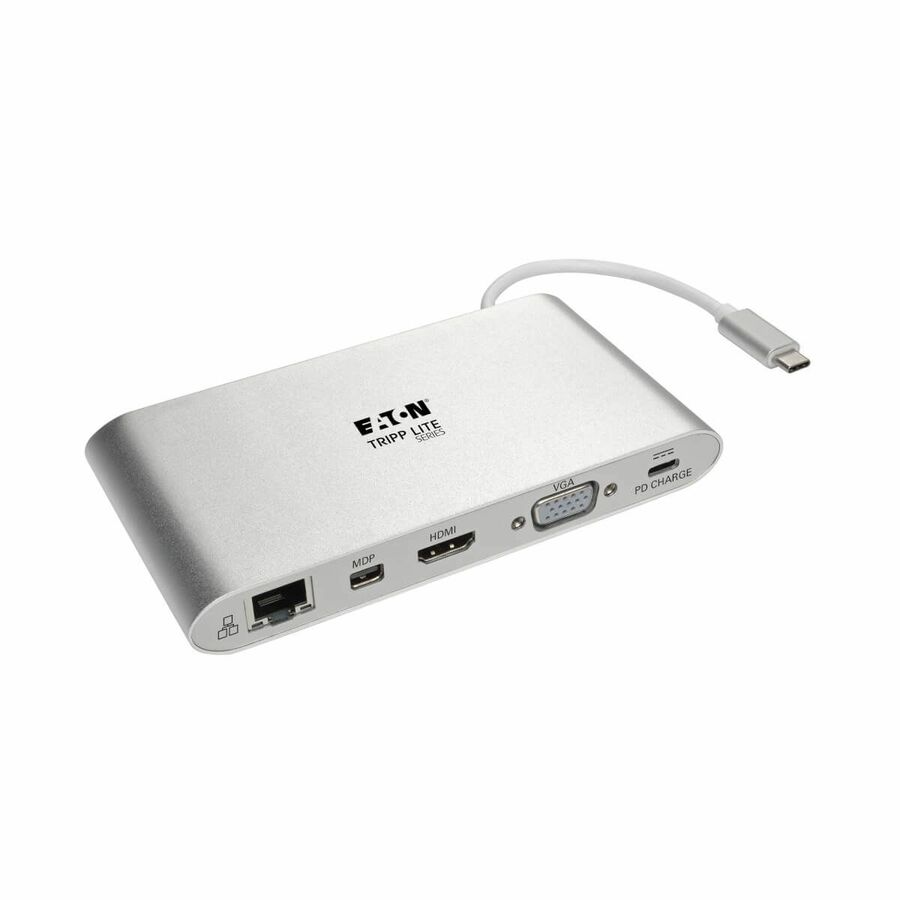
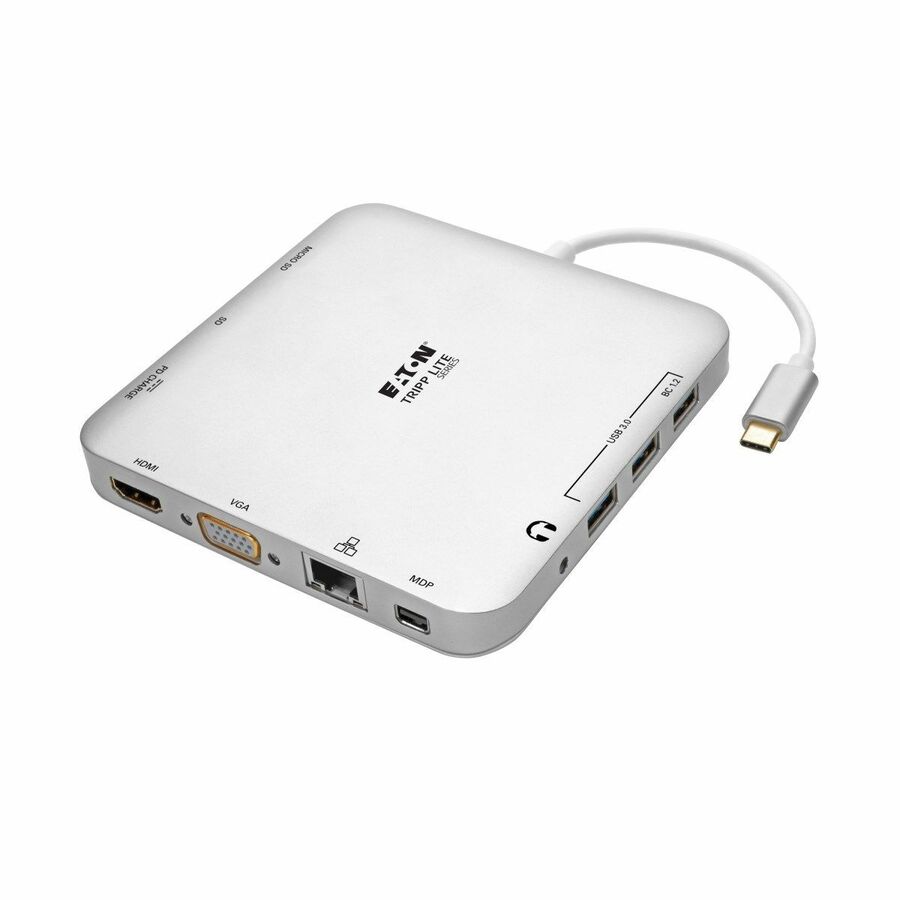
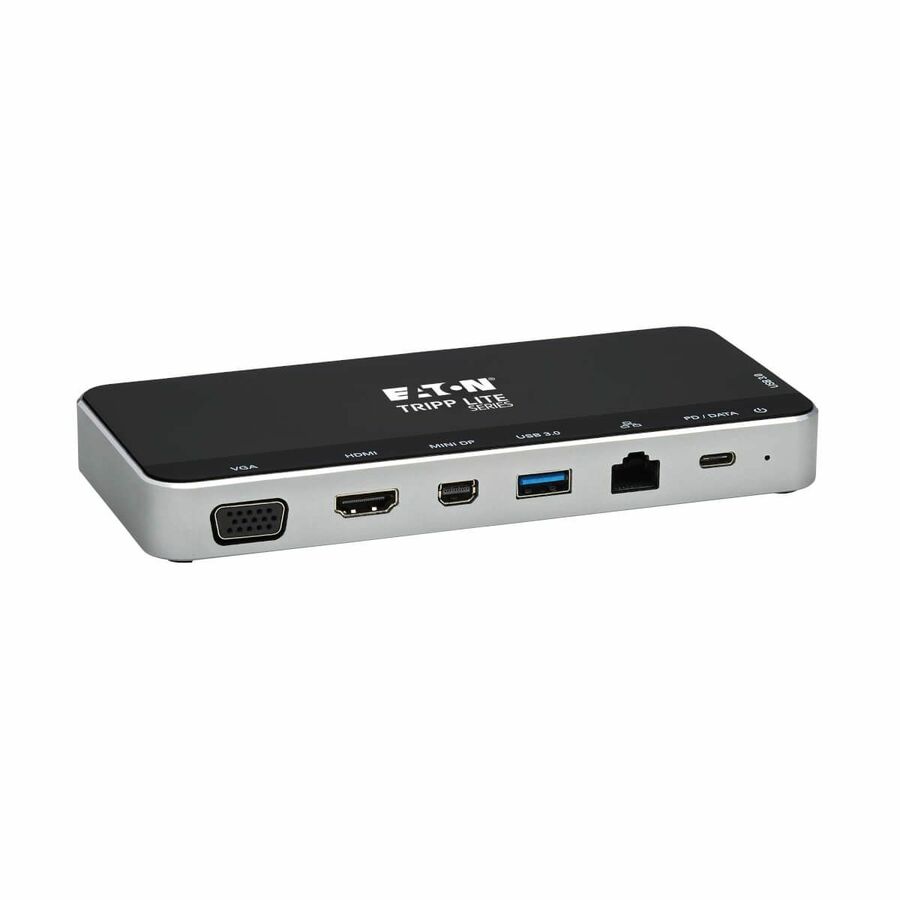
325 in stock - EatonTripp Lite by Eaton USB-C Dock Dual Display - 4K HDMI/mDP VGA USB 3.x (5Gbps) USB-A/C Hub GbE Memory Card 100W PD Charging - Docking Station for Notebook/Tablet PC - USB Type C - 3 x USB Ports - 3 x USB 3.0 - Network (RJ-45) - HDMI - VGA - Mini DisplayPort - Microphone - WiredU442-DOCK1
$191.63
$176.30
769 in stock - EatonEaton Tripp Lite Series USB-C Dock, Dual Display - 4K HDMI/mDP, VGA, USB 3.x (5Gbps), USB-A/C Hub, GbE, 60W PD Charging - Docking Station for Notebook/Tablet PC/Desktop PC/Smartphone - 60 W - USB Type C - 4 x USB Ports - 3 x USB 3.0 - Network (RJ-45) - HDMI - VGA - Mini DisplayPort - Microphone - Thunderbolt - WiredU442-DOCK2-S
$195.00
$179.40
232 in stock

More docking stations in the Uniqcli catalog
See all 1,162 docking stationsMore Eaton Tripp Lite first — closest to what you were just looking at; “See all docking stations” above opens every other brand in the category. In-stock lines lead, and a back-ordered line carries the same estimated availability its product page does — with live pricing throughout, NDAA §889 screening before checkout and TAA verified on request.
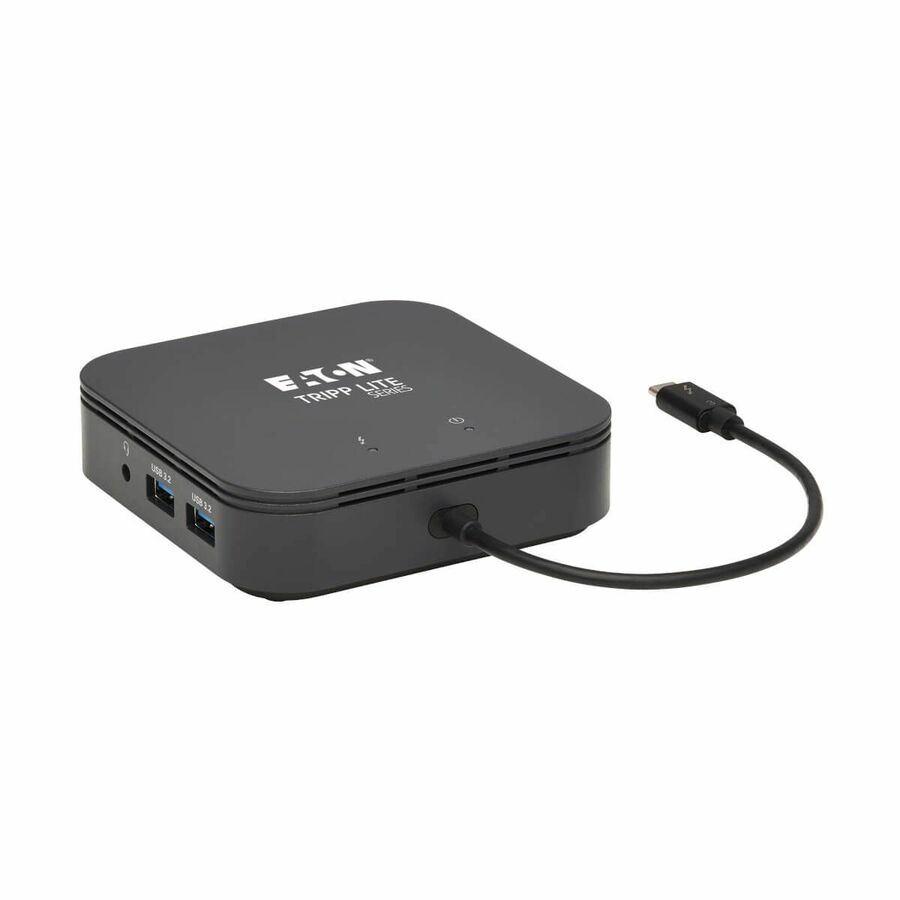
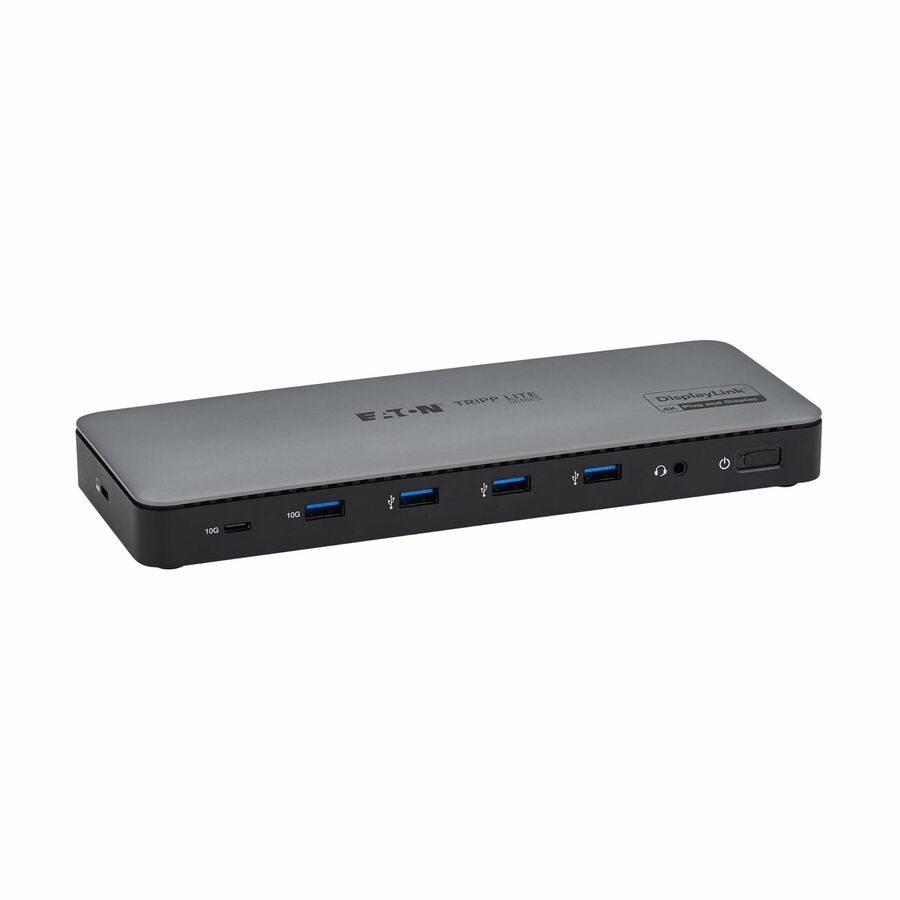
- EatonTripp Lite by Eaton Thunderbolt 3 Dock w USB-C Compatibility, Dual Display - 8K DisplayPort, USB 3.2 Gen 2 10G, USB-A/C Hub, Memory Card, GbE, 60W Charging - for Notebook - USB Type C - 5 x USB Ports - Network (RJ-45) - DisplayPort - Audio Line Out - Thunderbolt - WiredMTB3-DOCK-03
$430.00
$395.60
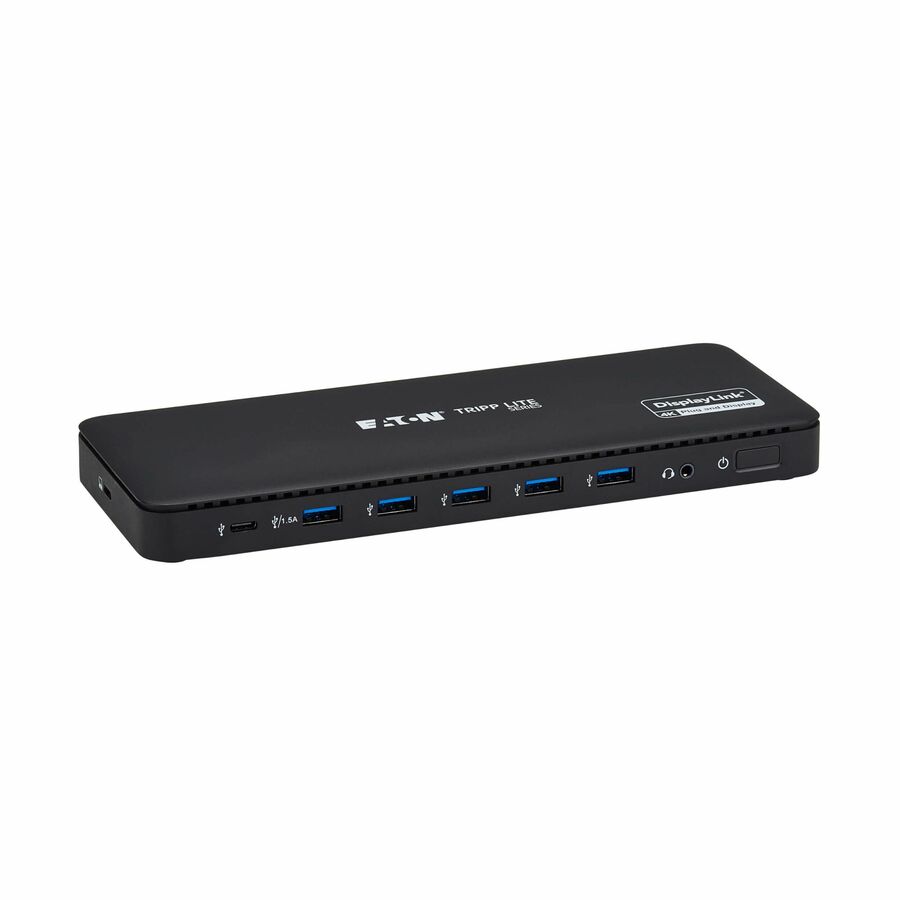
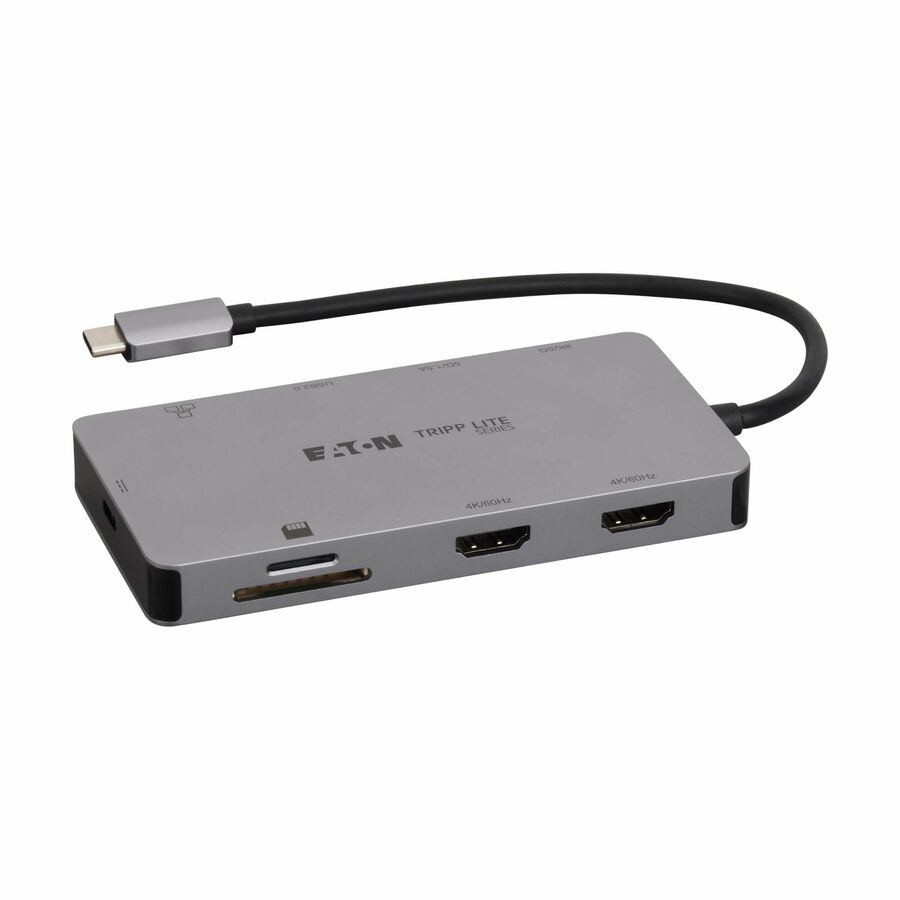
32 in stock - EatonTripp Lite by Eaton USB-C Dock Triple Display - 4K HDMI & DP VGA USB 3.x (5Gbps) and USB 2.0 Hub Ports GbE 100W PD Charging - for Notebook/Tablet/Smartphone - 100 W - USB Type C - 6 x USB Ports - 2 x USB 2.0 - 2 x USB 3.0 - Network (RJ-45) - HDMI - VGA - DisplayPort - Thunderbolt - WiredU442-DOCK7D-B
$400.00
$368.00
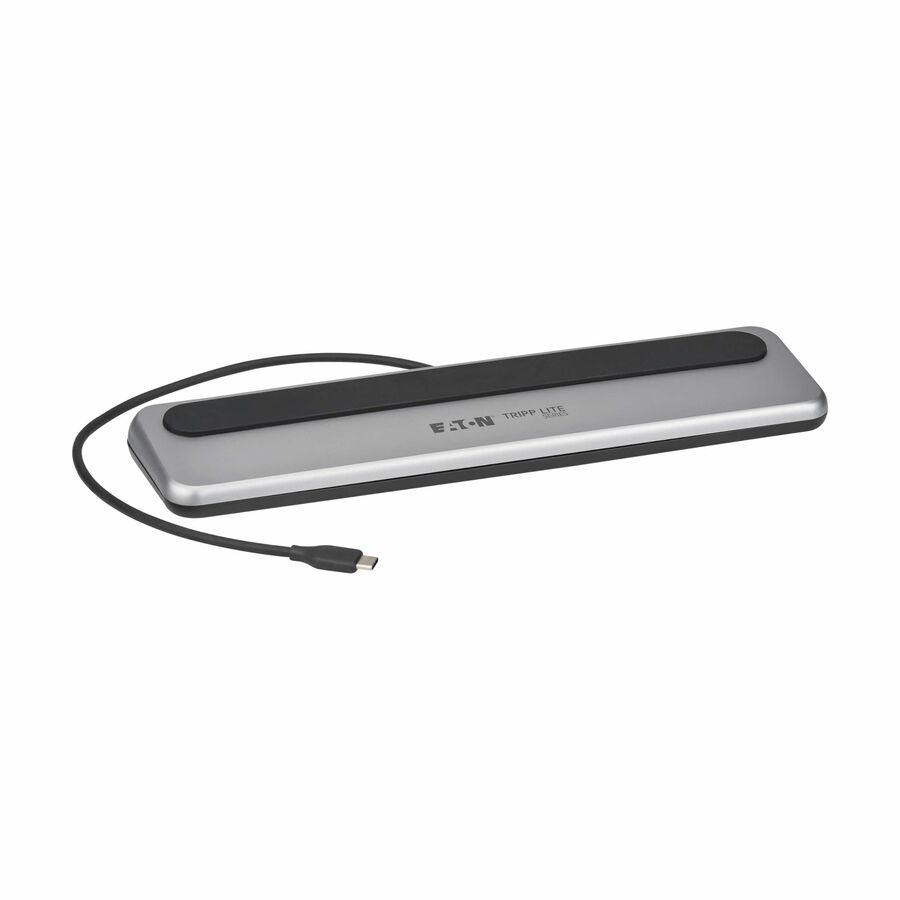
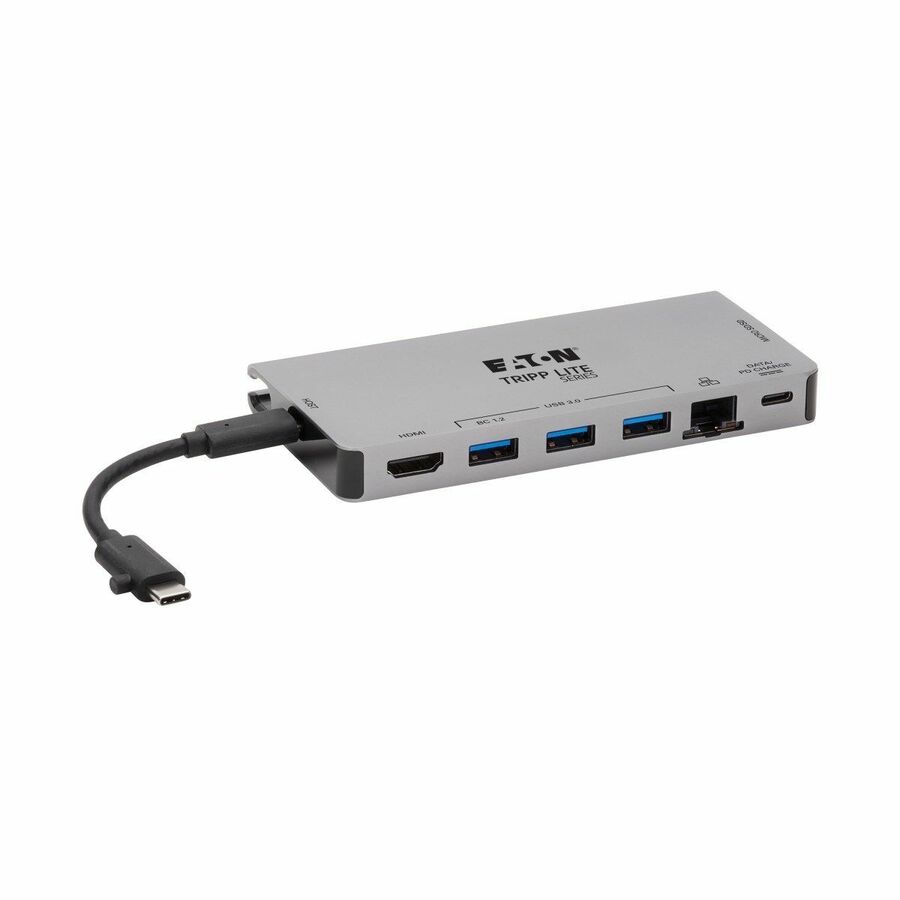
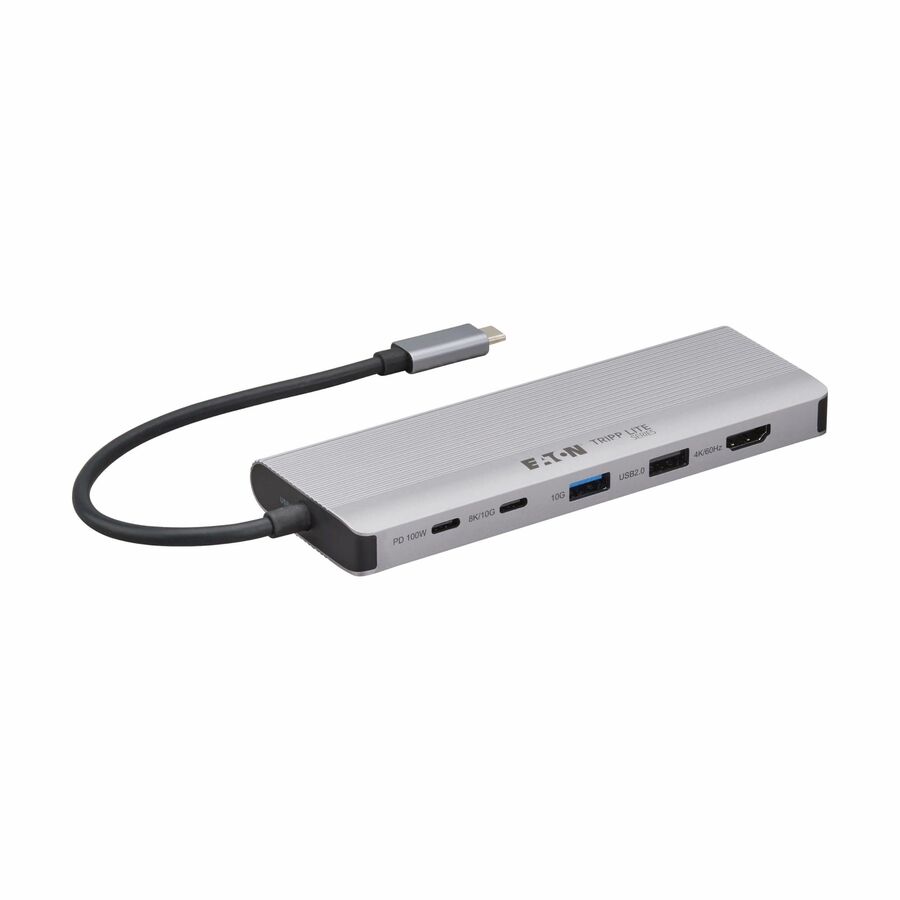
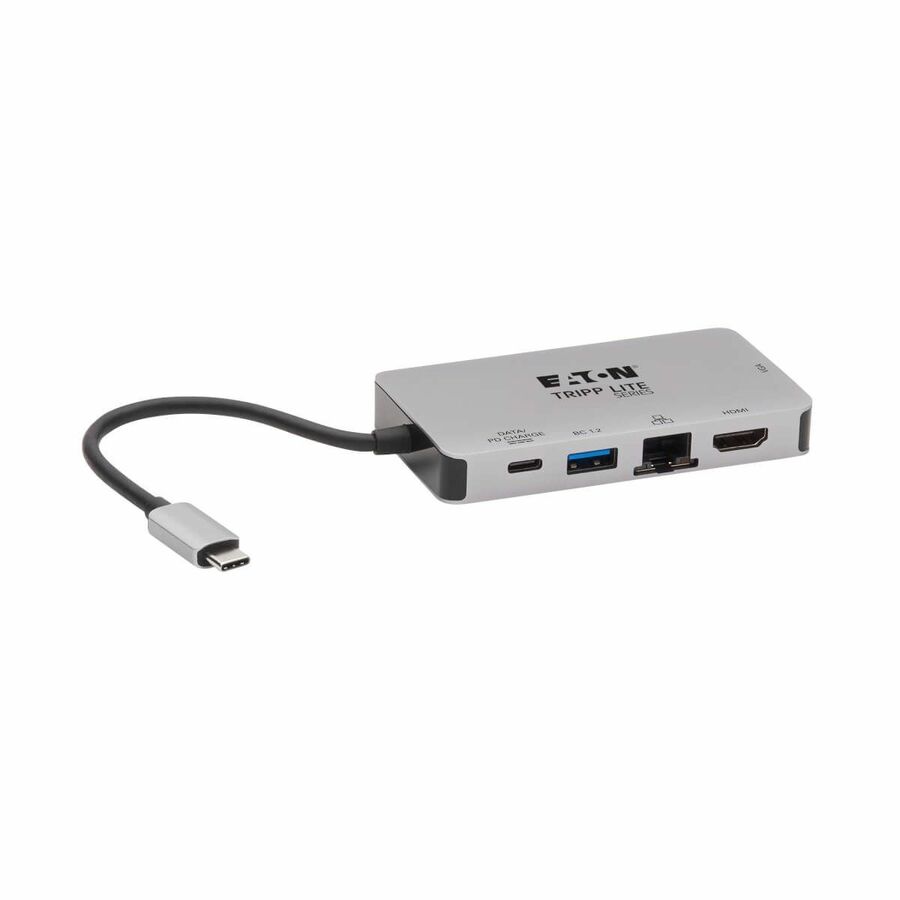
669 in stock - EatonEaton Tripp Lite Series USB-C Dock - 4K HDMI, USB 3.x (5Gbps), USB-A/C Hub Ports, GbE, Memory Card, 100W PD Charging, Detachable Cord - Docking Station for Notebook/Tablet/Smartphone - 100 W - USB Type C - 3 x USB 3.0 - Network (RJ-45) - HDMI - Thunderbolt - WiredU442-DOCK5D-GY
$295.95
$272.27
55 in stock - EatonEaton Tripp Lite Series USB-C Dock, Dual Display - 5K 60 Hz DP, 4K 60 Hz HDMI, USB 3.x (5Gbps), USB-A/C Hub, GbE, 85W PD Charging - for Notebook/Tablet/Smartphone - 85 W - USB Type C - 6 x USB Ports - 4 x USB 3.0 - Network (RJ-45) - HDMI - DisplayPort - Thunderbolt - WiredU442-DOCK21-B
$915.45
$842.21
Back-orderedBack-ordered — estimated OEM lead time 3–8 weeks (Nov 18 – Dec 23 if ordered today).
Back-ordered — we expect to receive stock the week of Dec 14–20 and will process your delivery right after.
Back-ordered — estimated OEM lead time 3–8 weeks (Nov 18 – Dec 23 if ordered today).
- EatonEaton Tripp Lite Series USB-C Dock, Dual Display - 4K HDMI, VGA, USB 3.x (5Gbps), USB-A/C Hub, GbE, 100W PD Charging - Docking Station for Notebook/Tablet/Smartphone - 100 W - USB Type C - 3 x USB 3.0 - Network (RJ-45) - HDMI - Thunderbolt - WiredU442-DOCK6-GY
$131.40
$120.89
Back-orderedBack-ordered — estimated OEM lead time 3–8 weeks (Nov 18 – Dec 23 if ordered today).
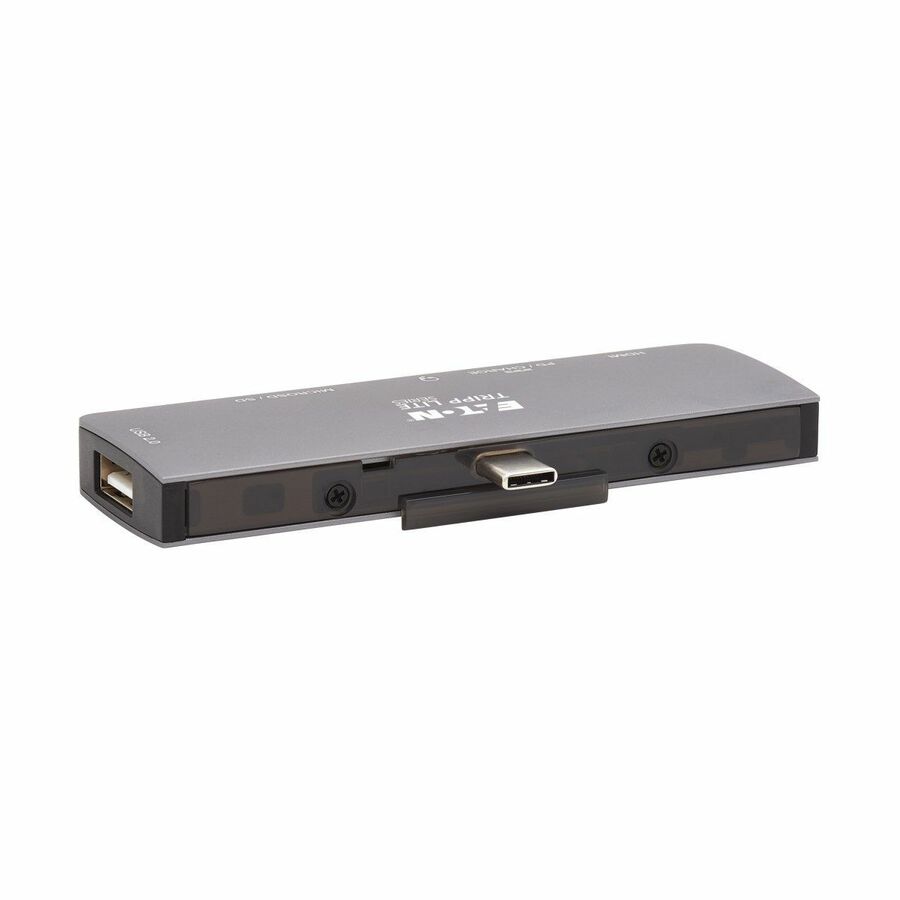
- EatonEaton Tripp Lite Series USB-C Dock with Removable Clip - For Laptops and Tablets, 4K HDMI, USB 2.0 Port, 60W PD Charging - Docking Station for Notebook/Tablet/Smartphone/Projector/Monitor - 60 W - USB Type C - 3 x USB Ports - HDMI - Thunderbolt - DockingU442-DOCK15-S
$127.02
$116.86
Back-orderedBack-ordered — estimated OEM lead time 3–8 weeks (Nov 18 – Dec 23 if ordered today).
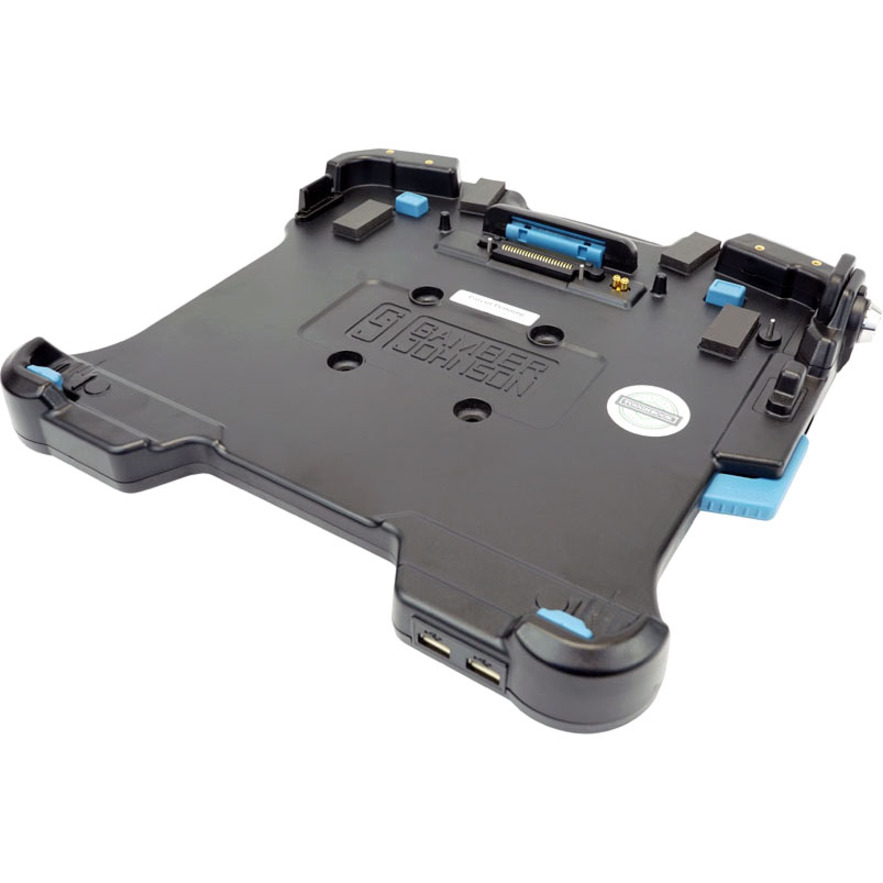
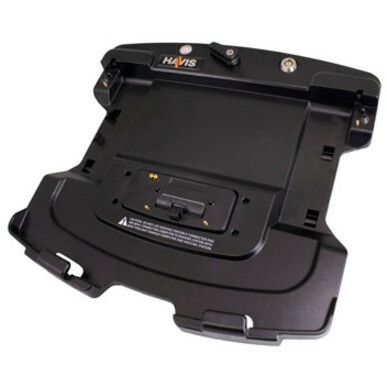
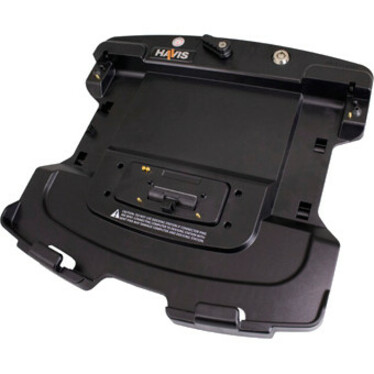
- PanasonicPanasonic Docking Station - 120 W - 2 x USB Type-A Ports - USB Type-A - Wired - EthernetGJ-55LVDLT2P
$1,810.00
$1,413.67
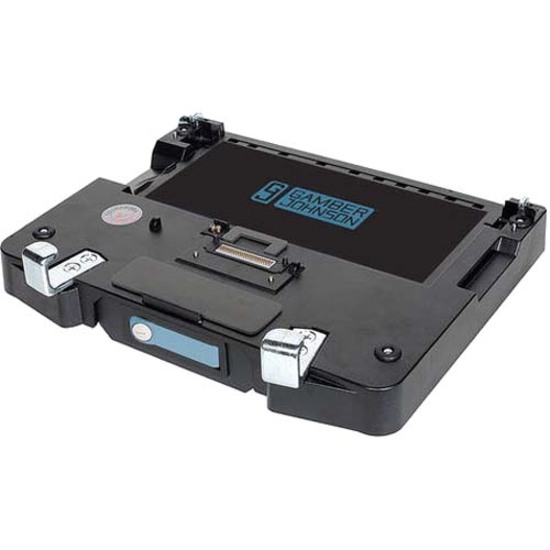
1 in stock - PanasonicPanasonic Docking Station - for Notebook - 1 x RJ-45 Ports - Network (RJ-45) - VGA - Wired - EthernetHA-55LVDLT0
$981.00
$884.23
51 in stock

Need pricing on Eaton Tripp Lite docking stations?
Tell us where to reach you and a Uniqcli specialist will follow up by email with current pricing, availability and lead time for the quantities you need — including parts that aren’t shown on this page.
Buying for an organization or for yourself — both work. No payment up front.
The host port decides a USB-C dock, then the power. A USB-C port with DP Alt Mode drives displays from the laptop's own graphics; a plain USB-C data port needs a DisplayLink dock to drive them at all; a Thunderbolt or USB4 port carries displays, data, network and charging over one link. Then match the dock's Power Delivery output to the charger the laptop already ships with.
A docking station is the cheapest way to turn a laptop into a full workstation, and the first decision is which connection standard the fleet actually has. A USB-C dock using DP Alt Mode drives displays directly from the laptop's own graphics, so it works on most modern USB-C ports with nothing to install. A DisplayLink dock moves that work onto a dedicated chip and a driver, which is how it reaches more monitors on hosts whose ports are limited. Thunderbolt docks sit above both, carrying displays, data, network and charging power over one high-bandwidth link, but only where the laptop has a Thunderbolt or USB4 port.
Power is the second decision, and the one buyers most often get wrong. The wattage in a dock's specification is what it delivers back to the laptop, so match it to the charger the machine already ships with. A thin-and-light on a 65W supply is comfortable on an 85W or 100W dock, while a mobile workstation that asks for more will charge slowly, or not at all under load, on an underpowered unit. Display count, refresh rate and whether the desk needs Gigabit Ethernet follow from the role.
The docks below are the Eaton Tripp Lite USB-C docking stations Uniqcli currently stocks in the hub catalog, ordered in-stock first with live pricing on every card. The notes are here to help an IT or procurement team match a dock to a deployment: assigned desks, a hot-desking floor, or a set of conference rooms.
Buyer's checklist
How to choose a docking station for a fleet
- Confirm what the host port really is — a Thunderbolt or USB4 port, a USB-C port with DP Alt Mode, or a plain USB-C data port that needs a DisplayLink dock to drive displays at all.
- Match the dock's Power Delivery output to the charger the laptop already ships with; an underpowered dock charges slowly or not at all under sustained load.
- Count the displays and the resolution and refresh rate each role actually needs, rather than buying the highest number on the spec sheet.
- Decide driverless vs. driver-required before you order — a driver-based dock needs its driver in the standard image and an update path through your management tooling.
- Specify the network port the desk needs where the floor is wired, and check the dock actually carries one.
- Standardize on one or two part numbers per deployment so imaging, spares and helpdesk support stay simple, and confirm live stock before a floor-wide rollout.
Where these docks fit
Assigned desks are the simplest case: one dock, one cable, and a monitor pair that stays put, which a DP Alt Mode USB-C dock covers without adding anything to the laptop image. Hot-desking and hoteling floors are where standardizing pays off, because any laptop in the fleet has to wake up correctly at any desk, and that argues for one dock model, one firmware baseline and a driverless design wherever the hosts support it. Conference and huddle rooms are the third case, where the dock is the room's single connection point for a visiting laptop, so port labeling and cable reach matter as much as raw bandwidth.
Planning a fleet rollout
Pilot the exact part number against your standard laptop image before committing a floor. Sleep, wake and external-display behavior are driver- and firmware-dependent, and a dock that behaves on one machine can misbehave on another with a different port controller. Settle the driver question early: a driverless dock deploys with nothing to package, while a driver-based dock needs that driver in the image and a plan for updates. Confirm cable length and routing at the desk, and check that the power supply is counted in the quantity you order.
What a dock costs to own
A dock usually outlives the laptop it was bought for, which is what makes standardizing worthwhile: the same unit can serve two refresh cycles as long as the host port standard holds. The wear items are the cable and the external power supply, so keep a small spares pool rather than replacing whole units. Watch stock status before a floor-wide rollout, because docking configurations move between in-stock and back-ordered as availability shifts, and a split delivery leaves half a floor working off adapters.
FAQ
Common questions
- What's the difference between a USB-C dock and a Thunderbolt dock?
- A USB-C dock connects over a standard USB-C port and, in the common DP Alt Mode design, drives external displays from the laptop's own graphics — which is why the number of displays it supports depends on the host. A Thunderbolt dock requires a Thunderbolt or USB4 port and carries displays, data, network and charging power over one much higher-bandwidth link, so it holds up better on multi-monitor and high-refresh setups. Buy the Thunderbolt dock only where the laptops actually have the port; on a mixed fleet, a USB-C dock is the safer common denominator.
- When does a fleet need a DisplayLink dock instead?
- DisplayLink is a different approach entirely: it compresses and sends display data over USB using a dedicated chip and a software driver, which lets a dock drive more monitors than the host port would otherwise allow — useful on machines whose USB-C ports don't support DP Alt Mode, or where you need more screens than the laptop's graphics can address. The trade-off is the driver, which has to be in your standard image and kept updated through your management tooling. Where the hosts can drive the displays natively, a driverless USB-C dock is the simpler deployment; ask us if you need the DisplayLink option priced.
- How much Power Delivery does a docking station need?
- Match the dock's Power Delivery output to the wattage of the charger the laptop already ships with. Thin-and-light notebooks are generally happy on an 85W or 100W dock, while mobile workstations and larger machines commonly ask for more and will charge slowly — or drain while working — on an underpowered unit. The wattage listed on a dock is what it delivers back to the host, so check that figure against the laptop's requirement before standardizing a floor on one model.
- What is the difference between a docking station and a docking hub?
- A docking station is built to be the desk's single connection point: it drives external displays, adds wired networking and sends charging power back to the laptop over the same cable. A hub generally only fans out USB ports, passes video through where the host already supports it, and carries little or no power back to the machine. If the desk needs displays, Ethernet and charging from one cable, that is a dock.
- Do I need a docking station for two monitors?
- Not always — many laptops drive two external displays directly when they have enough video outputs of their own. A dock is what you need when the machine has one usable port, when both monitors should come up on a single cable at the desk, or when the host's USB-C port does not carry DP Alt Mode, in which case a DisplayLink dock drives the displays instead of the laptop's graphics.
- What is the best brand for docking stations?
- There is no single best brand, because the dock has to match the laptop's port before anything else. Settle the standard first — Thunderbolt or USB4, USB-C with DP Alt Mode, or DisplayLink for a plain USB-C data port — then choose a model that publishes its Power Delivery wattage and display support for the exact part number. For a fleet, standardizing on one or two part numbers matters more than the badge on the case.
- Can these docking stations be quoted for a government or education purchase?
- Every line Uniqcli quotes is sourced through US distribution and screened for TAA country-of-origin and NDAA §889 status before checkout — with documentation tied to the specific part number, not a product family.
Need Eaton Tripp Lite docking stations pricing?
Send a bill of materials or part numbers — we confirm stock and a below-market total, with TAA verified on request. No payment up front.