
Best Philips Business Monitors
Philips office and professional displays — Full HD, WQHD, 4K UHD and curved ultrawide panels, read by panel type, USB-C docking, built-in KVM and ergonomic stand.
Philips monitors at Uniqcli
How to choose →A curated selection with live pricing and honest availability — everything below is currently back-ordered, and we quote a dated lead time on request. Every line is sourced through US distribution and screened for NDAA §889 status before checkout, with TAA verified on request.
Back-ordered — estimated OEM lead time 3–8 weeks (Nov 18 – Dec 23 if ordered today).
Back-ordered — estimated OEM lead time 3–8 weeks (Nov 18 – Dec 23 if ordered today).
Back-ordered — estimated OEM lead time 3–8 weeks (Nov 18 – Dec 23 if ordered today).
Back-ordered — estimated OEM lead time 3–8 weeks (Nov 18 – Dec 23 if ordered today).
Back-ordered — estimated OEM lead time 3–8 weeks (Nov 18 – Dec 23 if ordered today).
Back-ordered — estimated OEM lead time 3–8 weeks (Nov 18 – Dec 23 if ordered today).
Back-ordered — estimated OEM lead time 3–8 weeks (Nov 18 – Dec 23 if ordered today).
Back-ordered — estimated OEM lead time 3–8 weeks (Nov 18 – Dec 23 if ordered today).
Back-ordered — estimated OEM lead time 3–8 weeks (Nov 18 – Dec 23 if ordered today).
Back-ordered — estimated OEM lead time 3–8 weeks (Nov 18 – Dec 23 if ordered today).
Back-ordered — estimated OEM lead time 3–8 weeks (Nov 18 – Dec 23 if ordered today).
Back-ordered — estimated OEM lead time 3–8 weeks (Nov 18 – Dec 23 if ordered today).
Back-ordered — estimated OEM lead time 3–8 weeks (Nov 18 – Dec 23 if ordered today).
Back-ordered — estimated OEM lead time 3–8 weeks (Nov 18 – Dec 23 if ordered today).
Back-ordered — estimated OEM lead time 3–8 weeks (Nov 18 – Dec 23 if ordered today).
Back-ordered — estimated OEM lead time 3–8 weeks (Nov 18 – Dec 23 if ordered today).
Back-ordered — estimated OEM lead time 3–8 weeks (Nov 18 – Dec 23 if ordered today).
Back-ordered — estimated OEM lead time 3–8 weeks (Nov 18 – Dec 23 if ordered today).
Back-ordered — estimated OEM lead time 3–8 weeks (Nov 18 – Dec 23 if ordered today).
Back-ordered — estimated OEM lead time 3–8 weeks (Nov 18 – Dec 23 if ordered today).
Back-ordered — estimated OEM lead time 3–8 weeks (Nov 18 – Dec 23 if ordered today).
Back-ordered — estimated OEM lead time 3–8 weeks (Nov 18 – Dec 23 if ordered today).
Back-ordered — estimated OEM lead time 3–8 weeks (Nov 18 – Dec 23 if ordered today).
Back-ordered — estimated OEM lead time 3–8 weeks (Nov 18 – Dec 23 if ordered today).

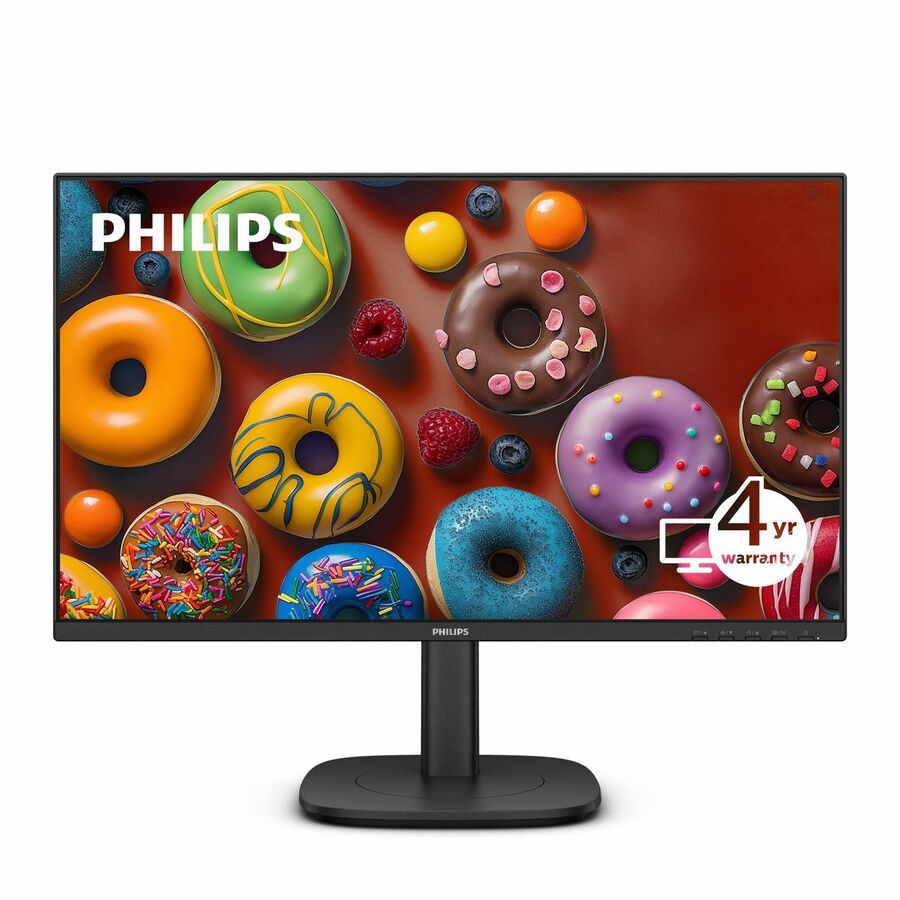
V-line 22-inch
Philips Electronics
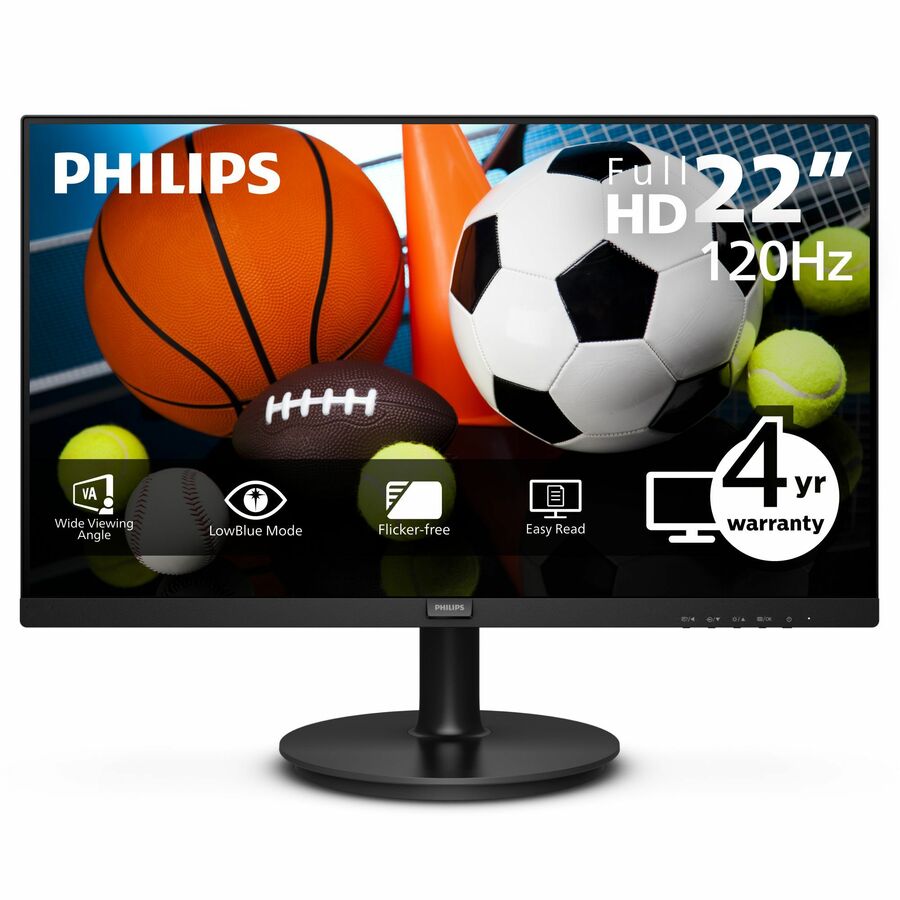
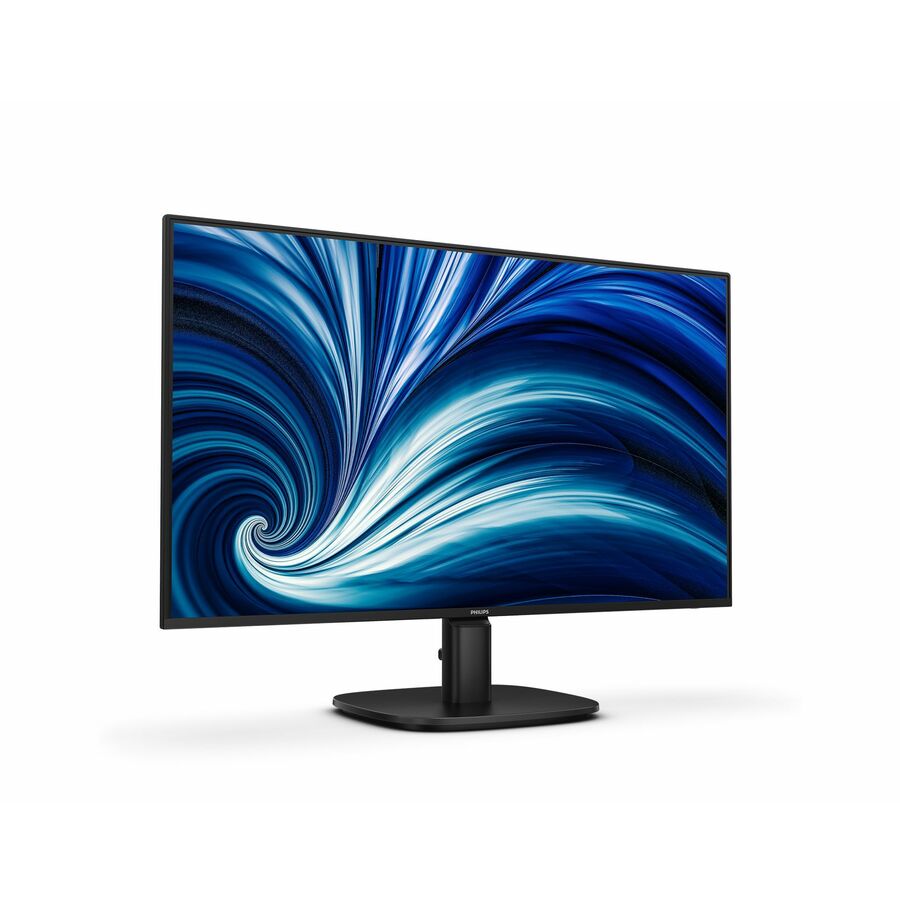
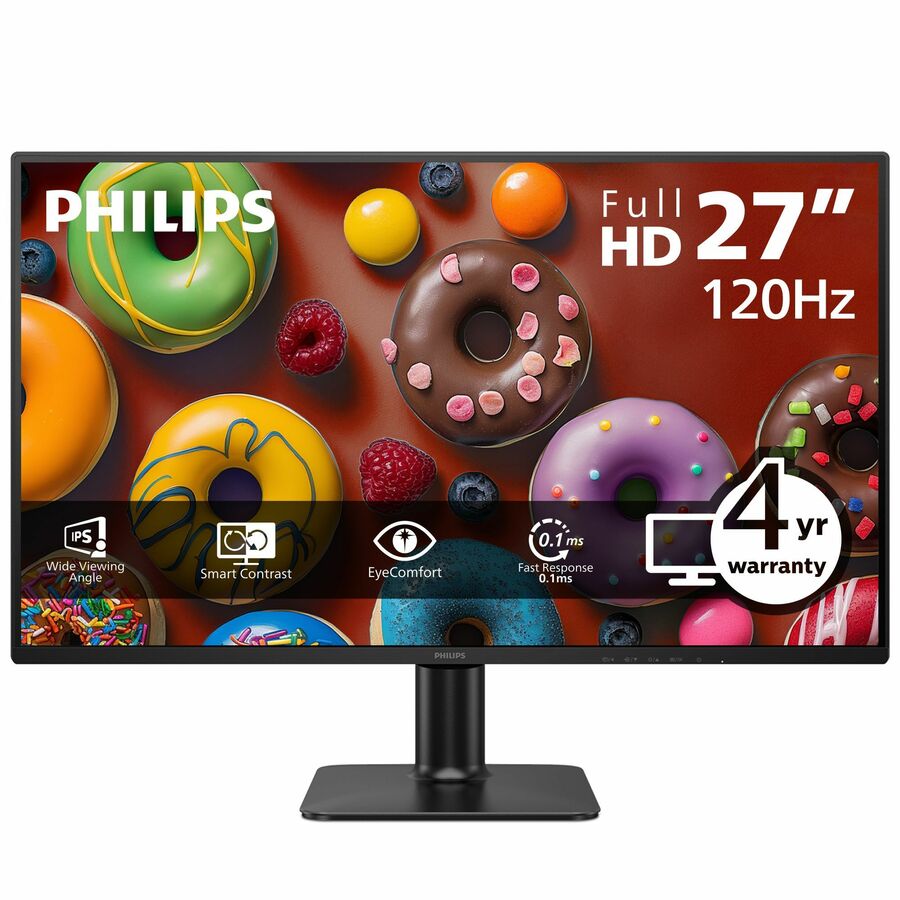
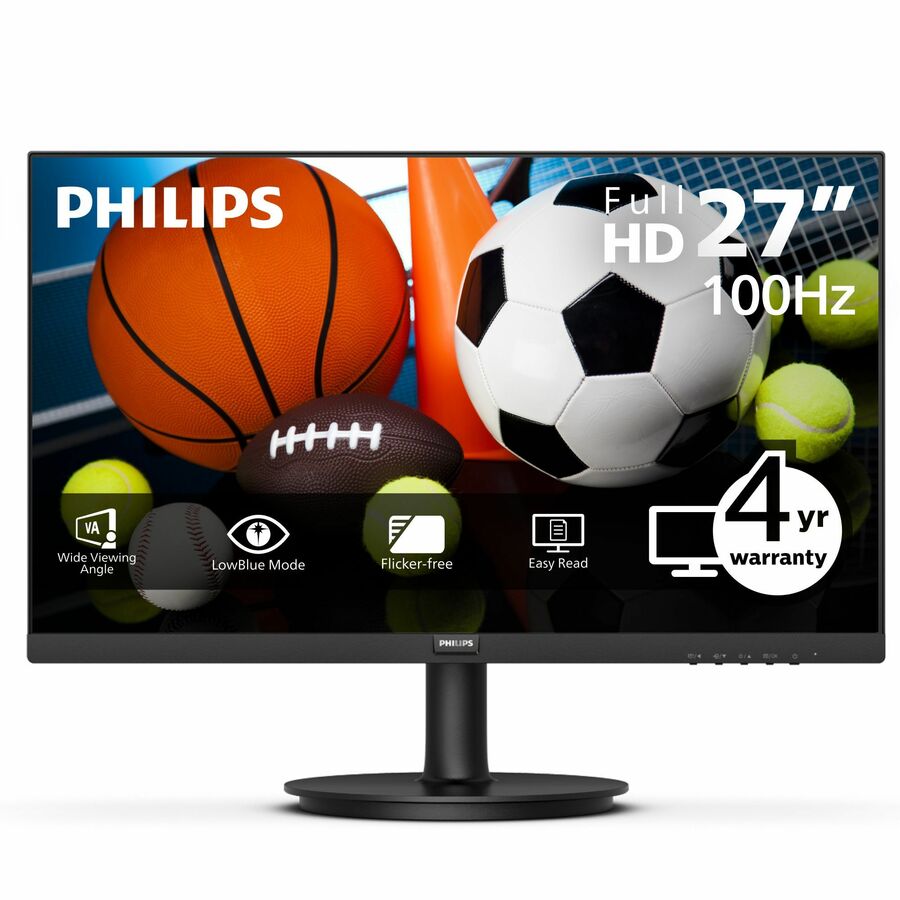
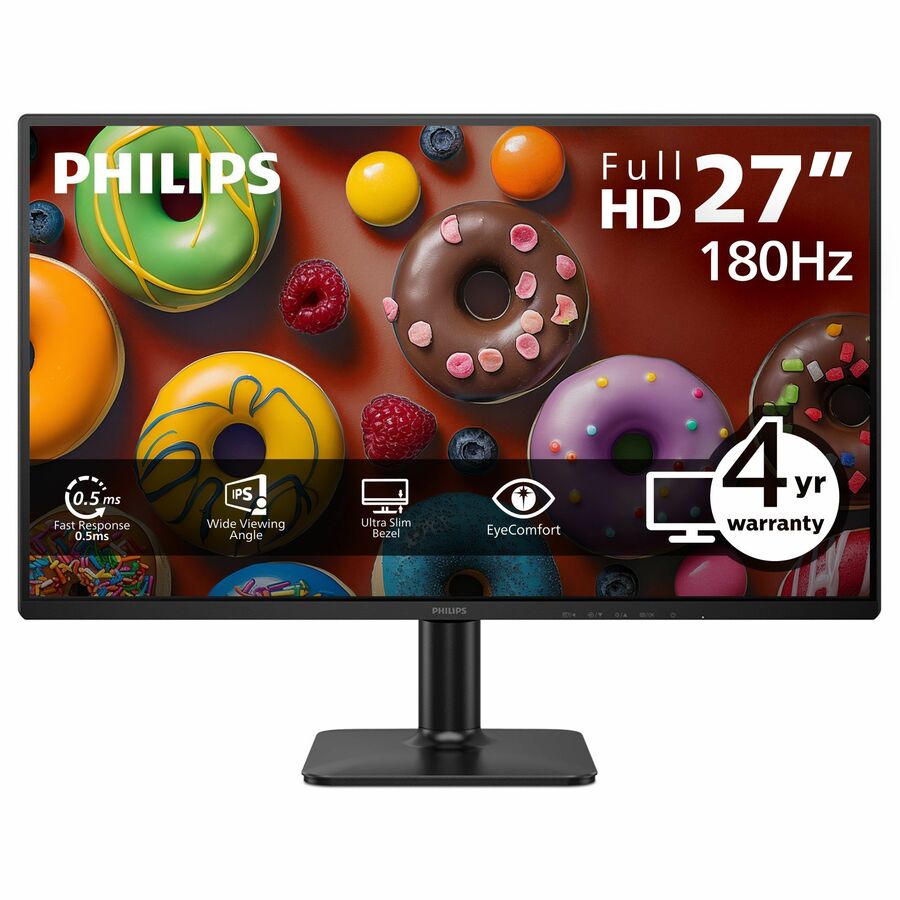
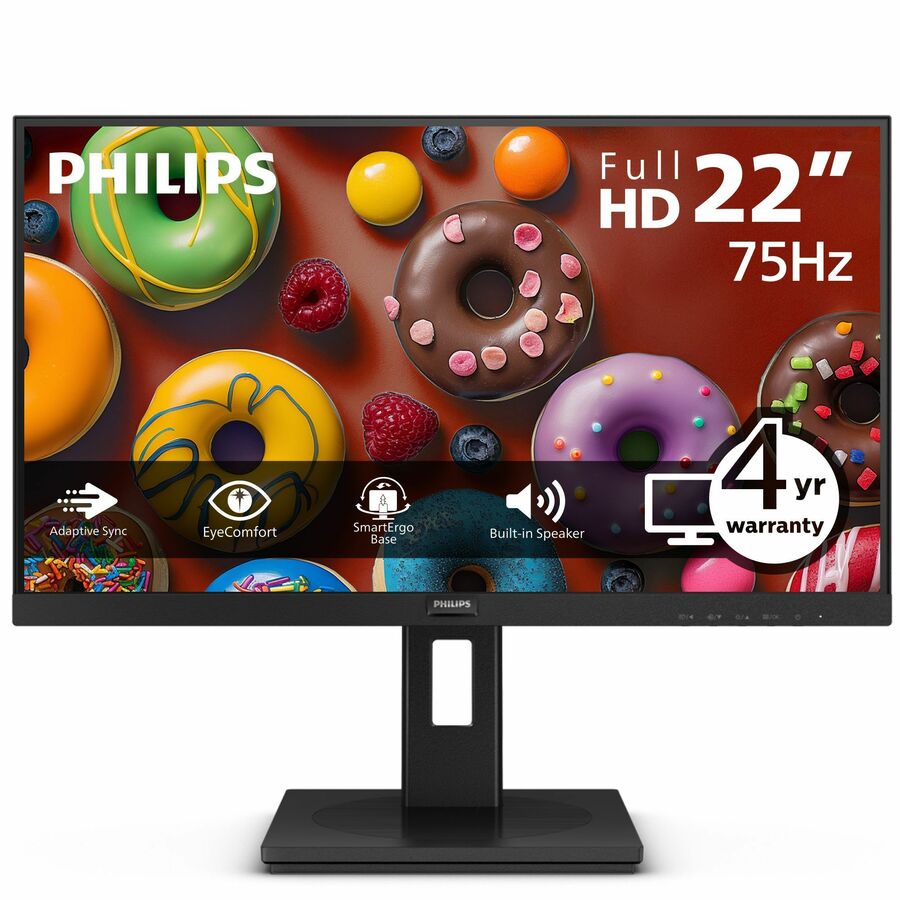
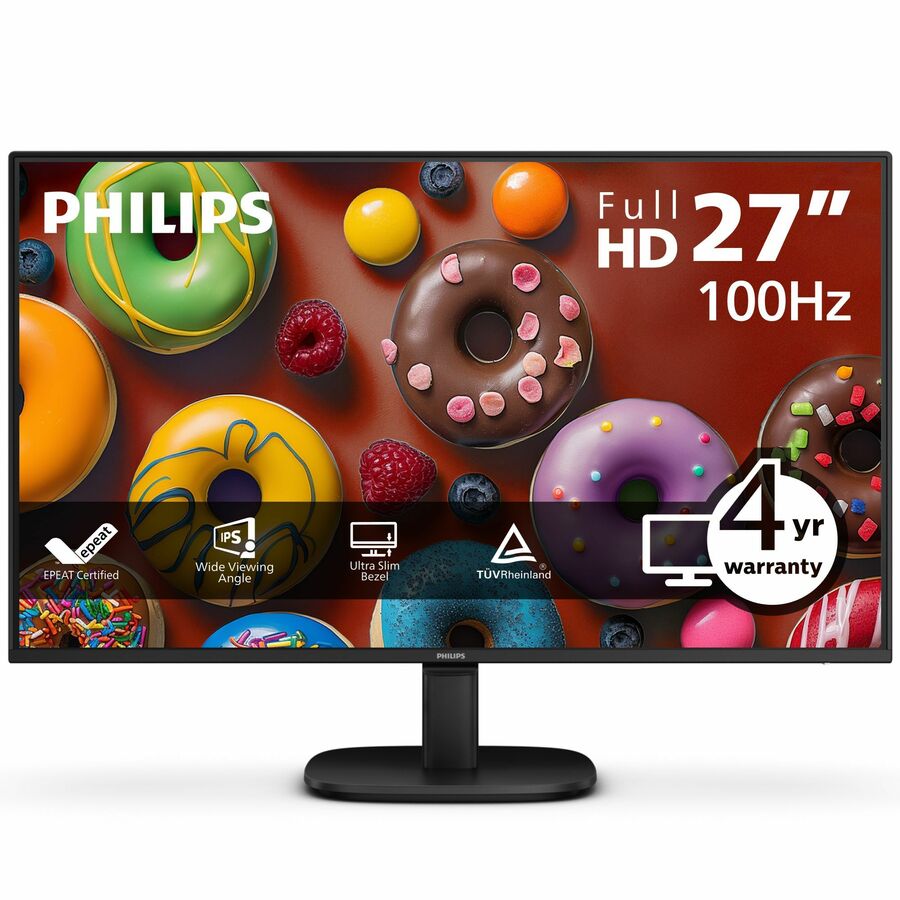
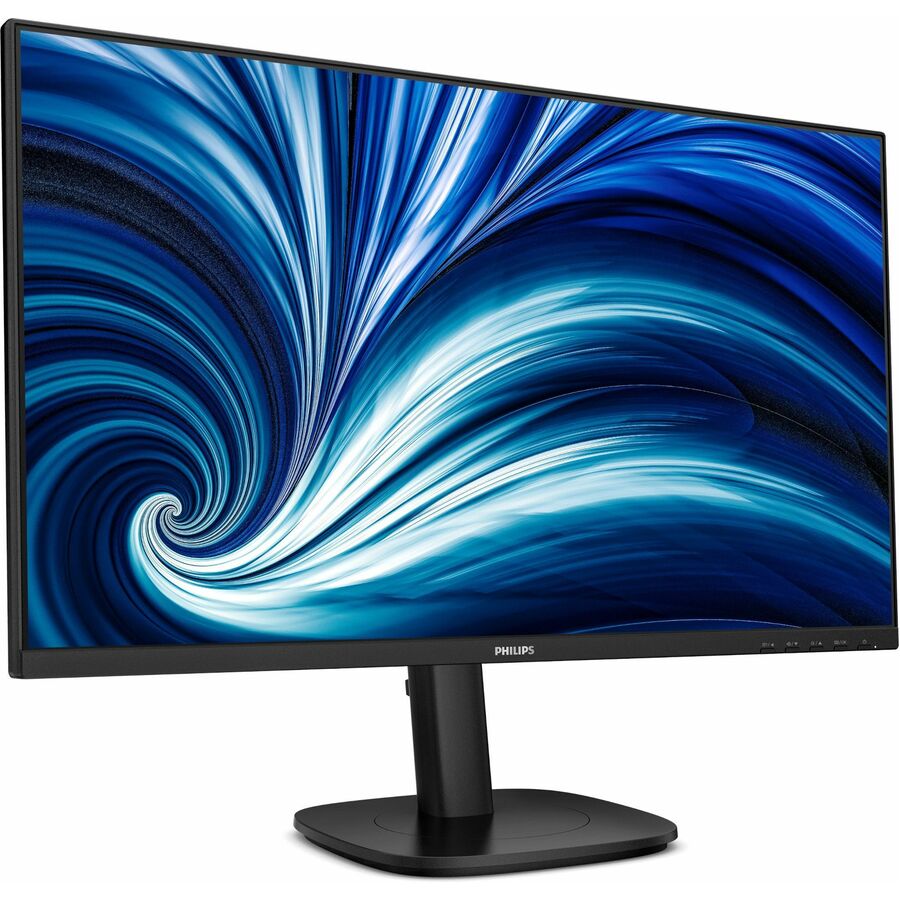
Philips V-line 221V8LB3S 22" Class Full HD LED Monitor
221V8LB3S
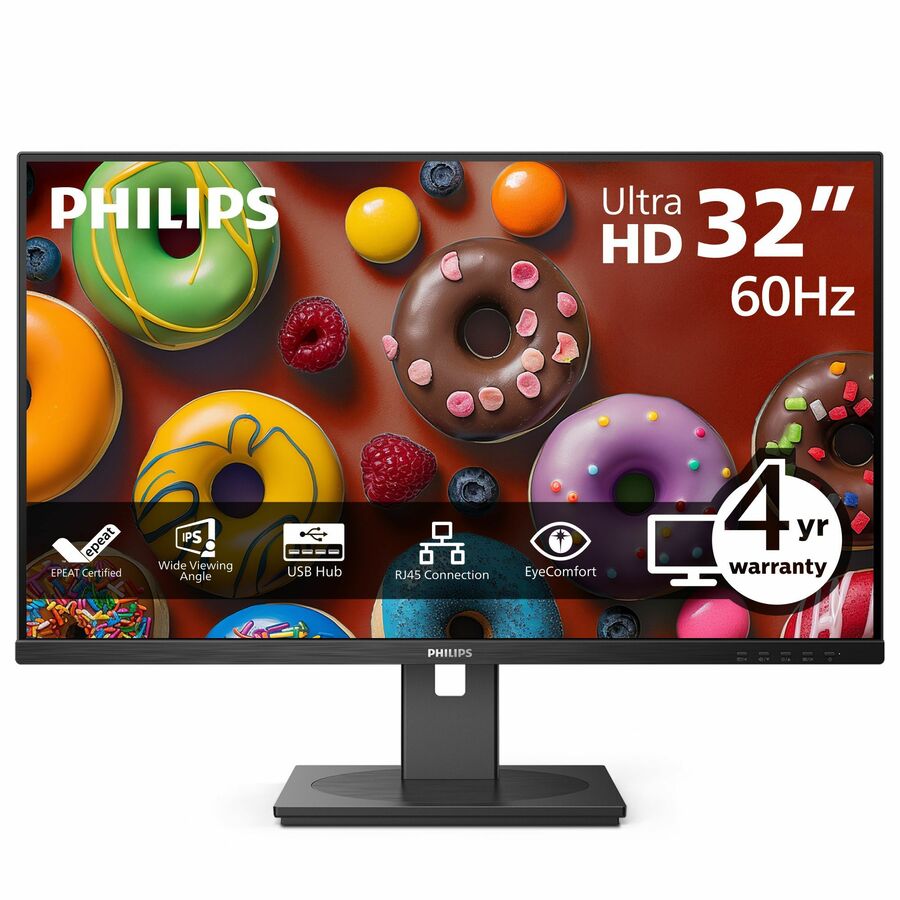
A Philips V-line 221V8LB3S 22" class Full HD monitor on a VA panel, 21.5" viewable with a tilt stand — the value tier for a shared desk or a second dashboard screen.
$93.09Back-orderedE-line 24-inch IPS
Philips Electronics
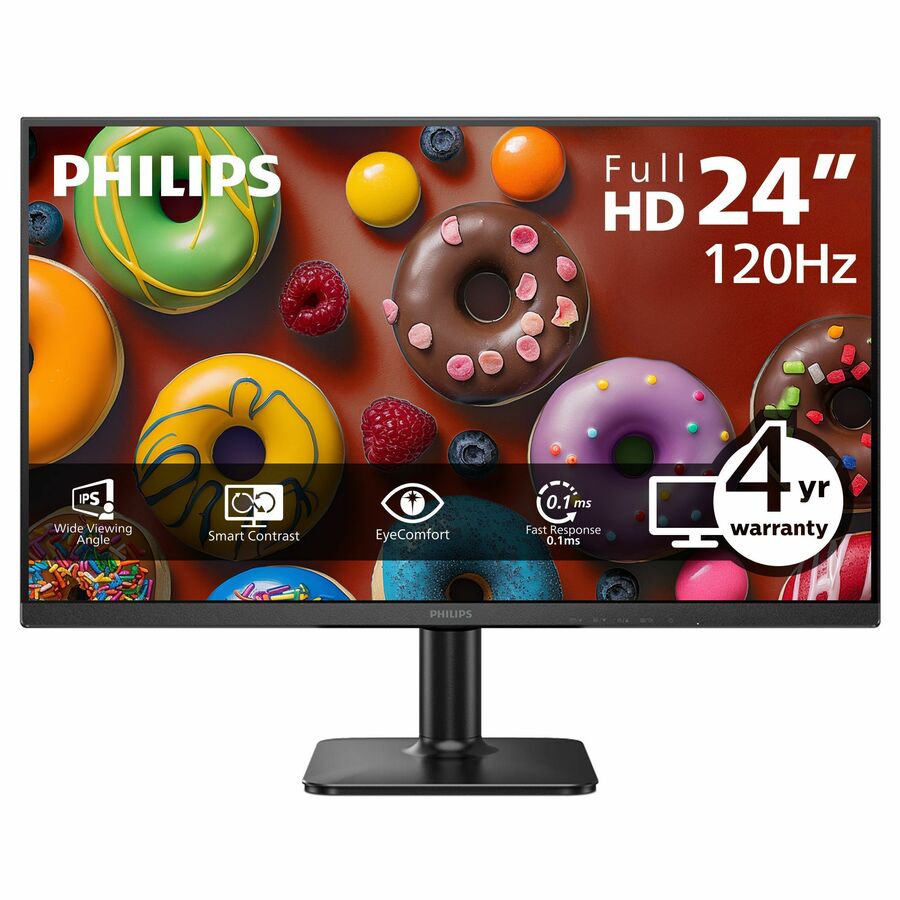
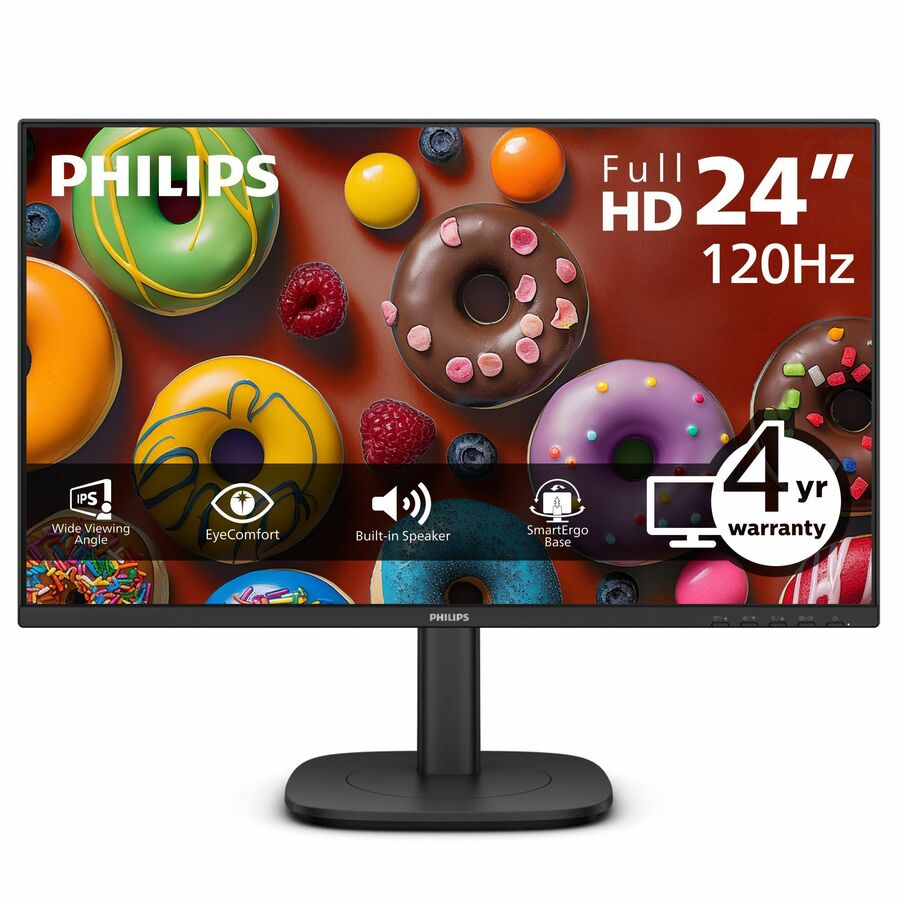
Philips 24E2N2100S 24" Class Full HD LED Monitor
24E2N2100S
A Philips 24E2N2100S 24" class Full HD IPS monitor, 23.8" viewable at 300 nits — the general-office step up from the value tier at the volume desk size.
$112.70Back-ordered24-inch business IPS
Philips Electronics
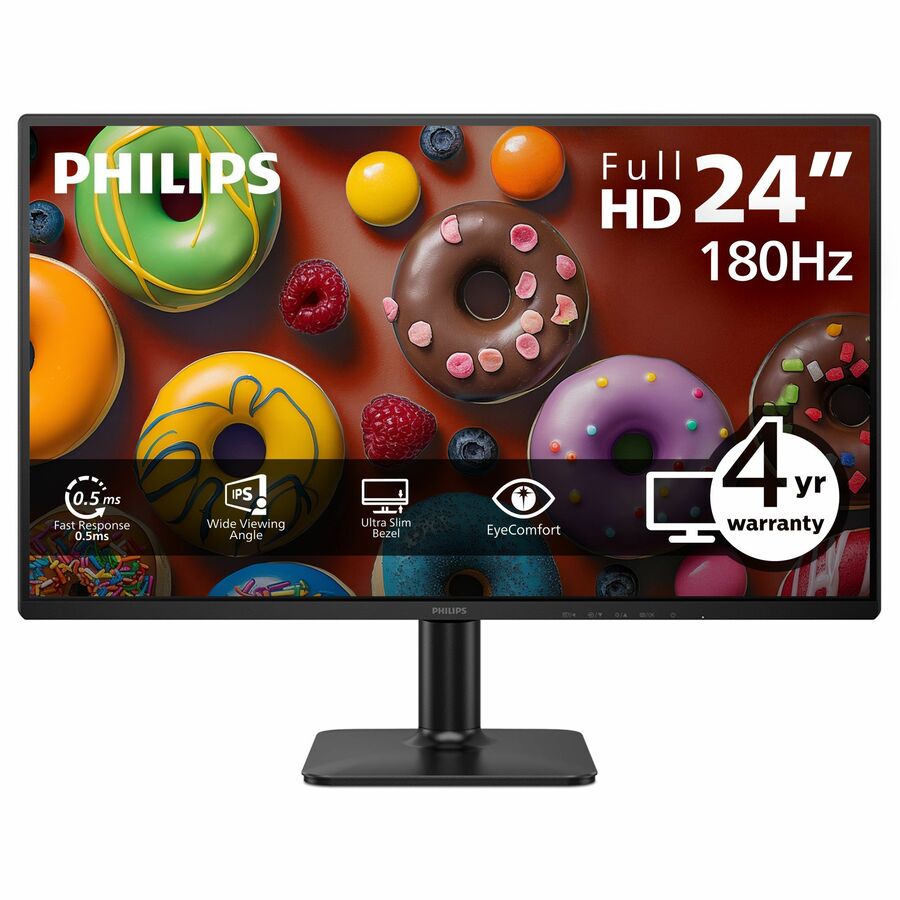
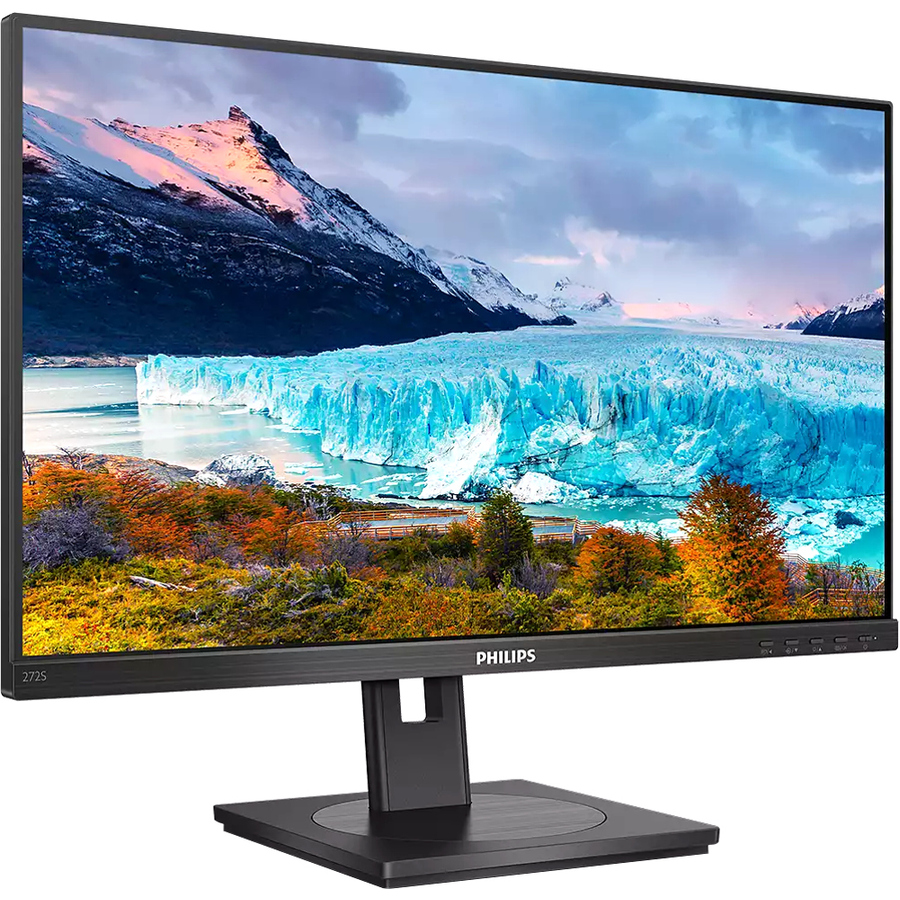
Philips 24B2N2100 24" Class Full HD LED Monitor
24B2N2100
A Philips 24B2N2100 24" class Full HD IPS monitor, 23.8" viewable and VESA mount compatible — a plain, well-specified business panel for a fleet standard.
$128.12Back-ordered90W USB-C dock
Philips Electronics
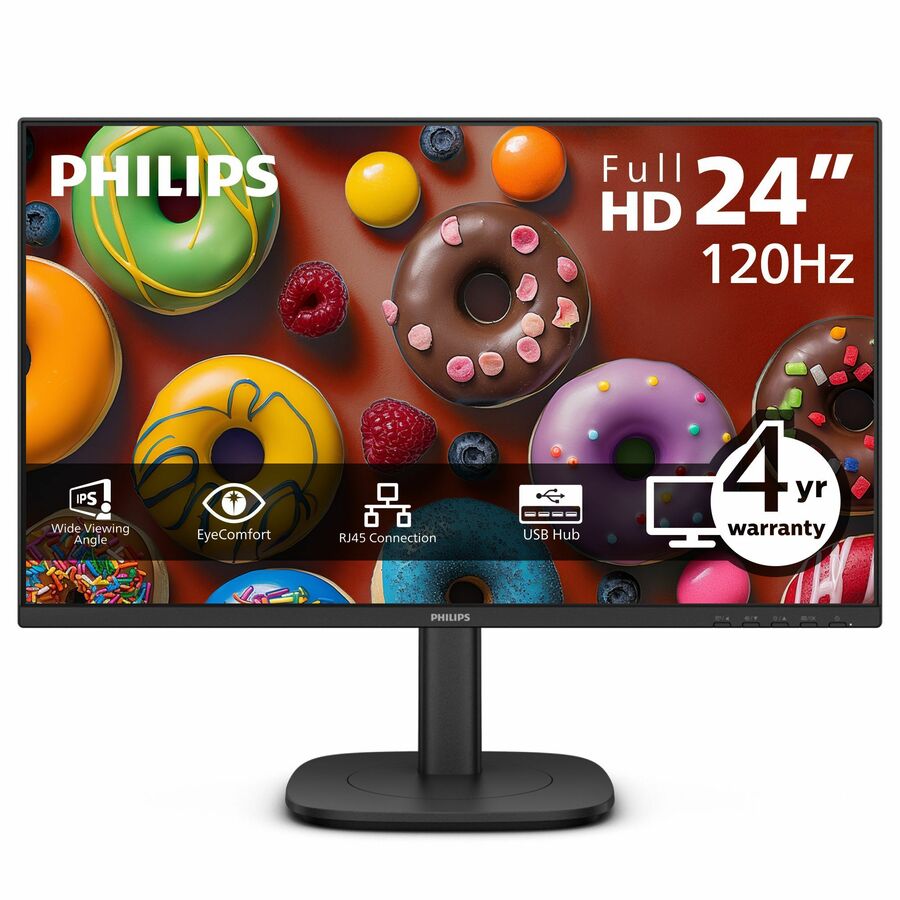
PHILIPS 24B2U3301
24B2U3301
A Philips 24B2U3301 23.8" Full HD monitor with 90W USB-C alongside HDMI and DisplayPort, listed by the maker with Energy Star and EPEAT and a four-year advance-replacement warranty.
$250.03Back-ordered24-inch webcam
Philips Electronics
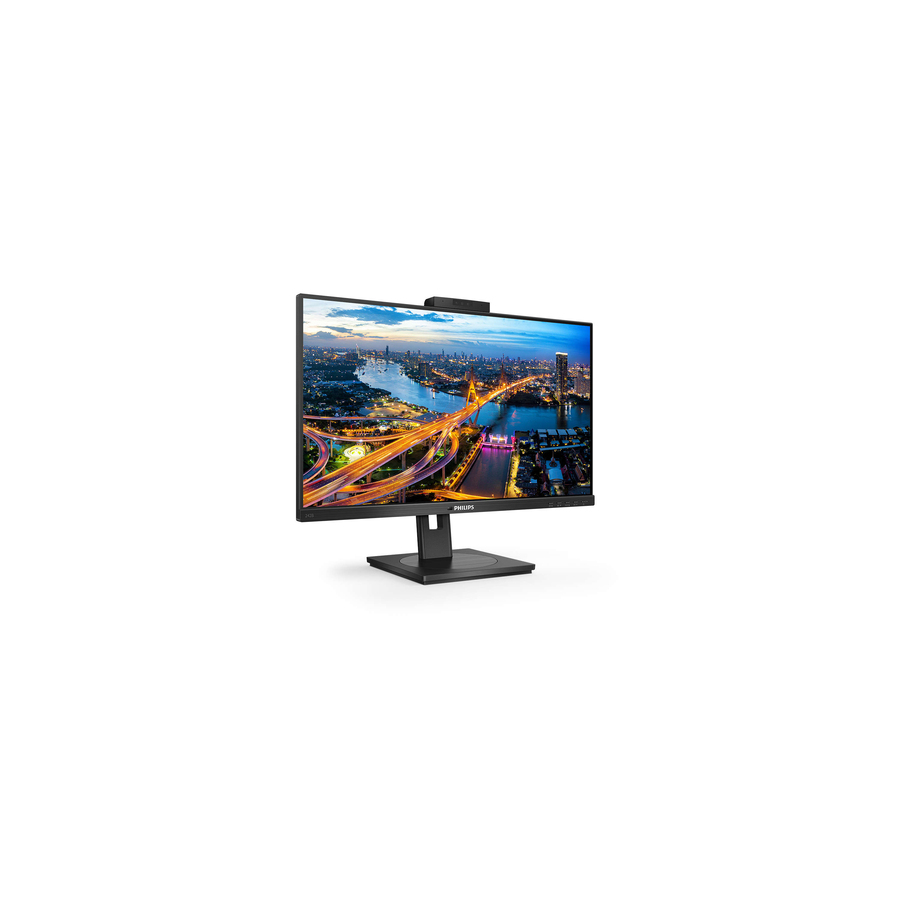
Philips 242B1H 24" Class Webcam Full HD LCD Monitor
242B1H
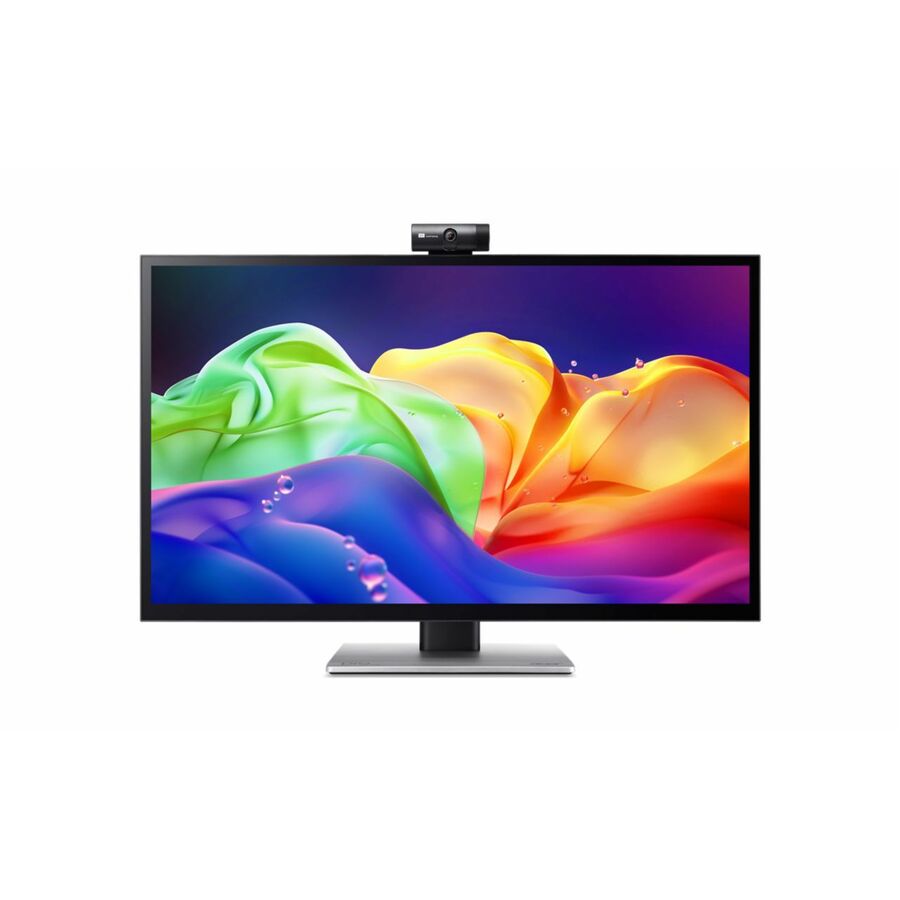
A Philips 242B1H 24" class Full HD IPS monitor with a webcam, speakers and a height, pivot, swivel and tilt stand — the video-call desk in one screen.
$303.90Back-ordered27-inch Full HD
Philips Electronics
Philips 27B2N2100 27" Class Full HD LED Monitor
27B2N2100
A Philips 27B2N2100 27" class Full HD IPS monitor, 27" viewable with a tilt stand — the larger screen without moving up a resolution tier.
$171.85Back-ordered27-inch WQHD
Philips Electronics
Philips 27B2N3500J 27" Class WQHD LED Monitor
27B2N3500J
A Philips 27B2N3500J 27" class WQHD IPS monitor at 2560x1440 with speakers and a full swivel, pivot, tilt and height stand — the productivity sweet spot at 27 inches.
$287.90Back-orderedB-Line WQHD, USB-C
Philips Electronics
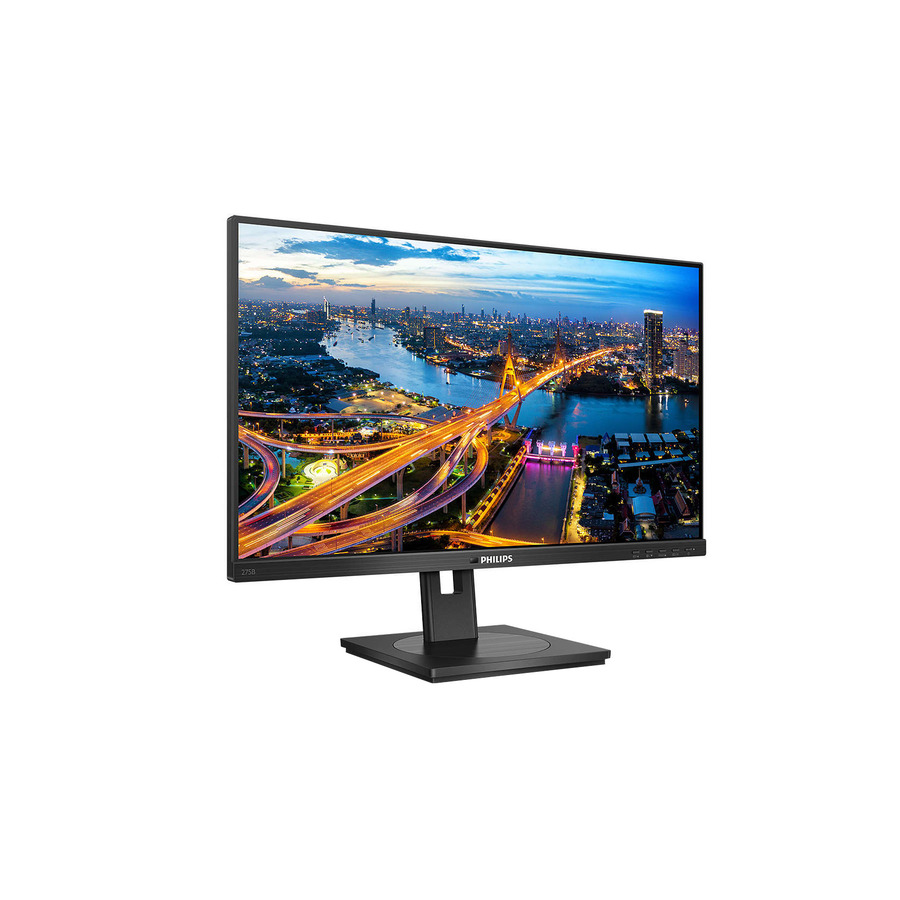
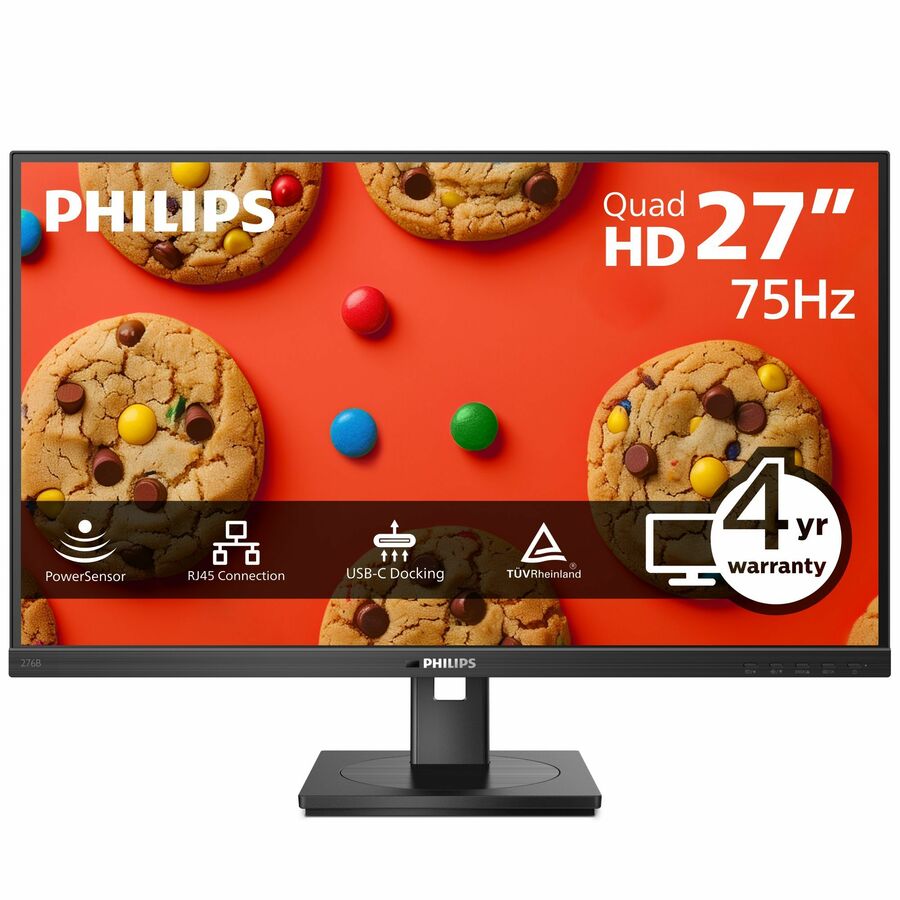
Philips B-Line 276B1 27" Class WQHD LED Monitor
276B1
A Philips B-Line 276B1 27" class WQHD IPS monitor with USB Type-C, a USB hub and a height, pivot, swivel and tilt stand — a 1440p screen that also docks the laptop.
$339.28Back-ordered27-inch 4K, USB-C
Philips Electronics
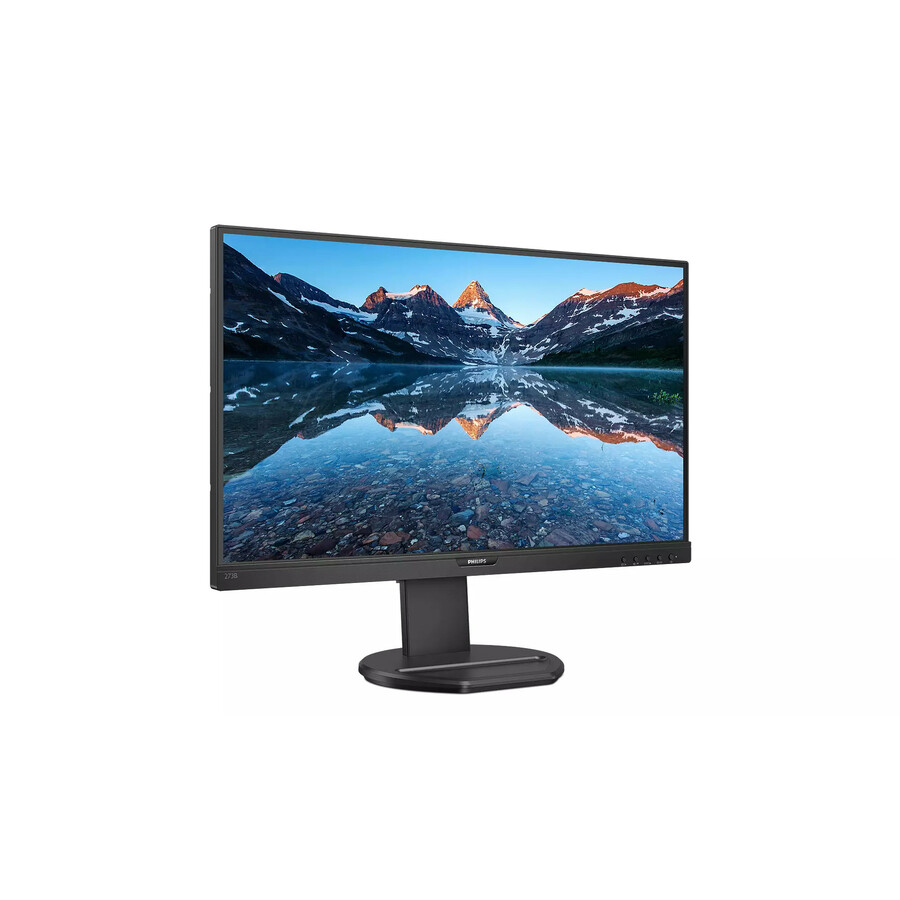
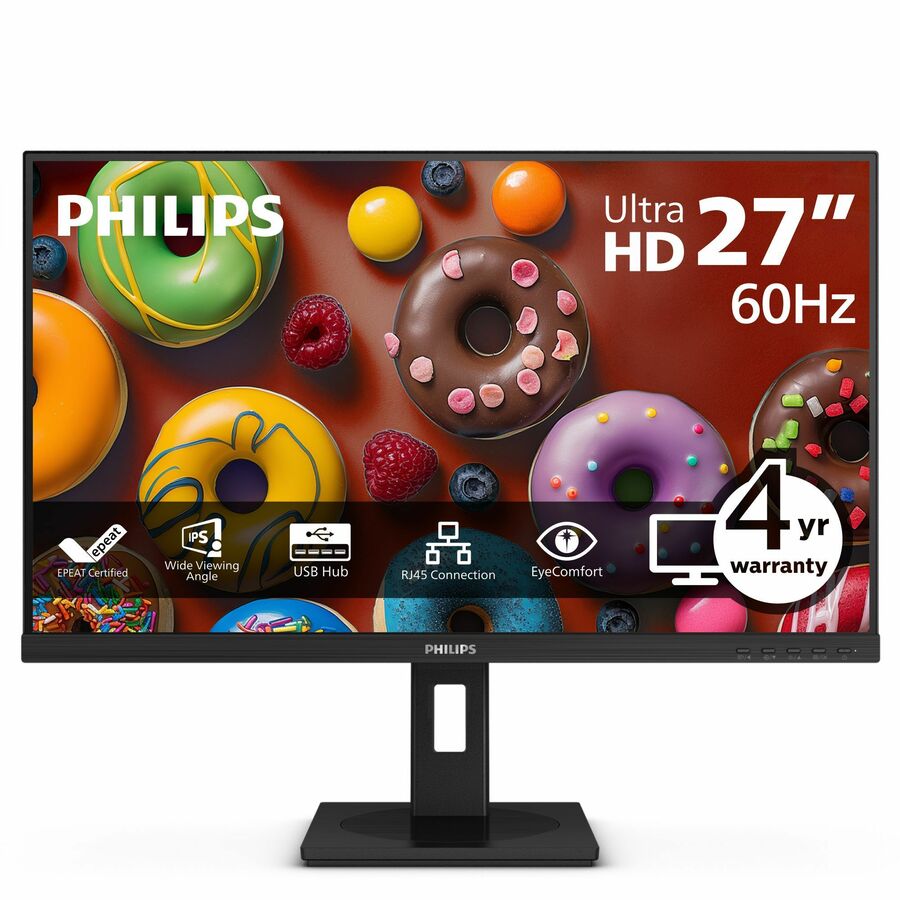
Philips 27B1U3900 27" Class 4K UHD LED Monitor
27B1U3900
A Philips 27B1U3900 27" class 4K UHD IPS monitor with USB Type-C, a USB hub and a full ergonomic stand — the sharp tier for detail work on a docking desk.
$358.13Back-ordered32-inch 4K, USB-C
Philips Electronics
Philips 32B1U3900 32" Class 4K UHD LED Monitor
32B1U3900
A Philips 32B1U3900 32" class 4K UHD monitor on a VA panel, 31.5" viewable, with USB Type-C and a swivel, height, pivot and tilt stand — 4K with room to work either side of it.
$451.89Back-ordered32-inch 4K value
Philips Electronics
Philips 328B1 32" Class 4K UHD LCD Monitor
328B1
A Philips 328B1 32" class 4K UHD monitor, 31.5" viewable on a VA panel with speakers and a USB hub — the large 4K panel without the USB-C docking premium.
$518.50Back-ordered34-inch curved, KVM
Philips Electronics
Philips 34B2U3600C 34" Class WQHD Curved Screen LED Monitor
34B2U3600C
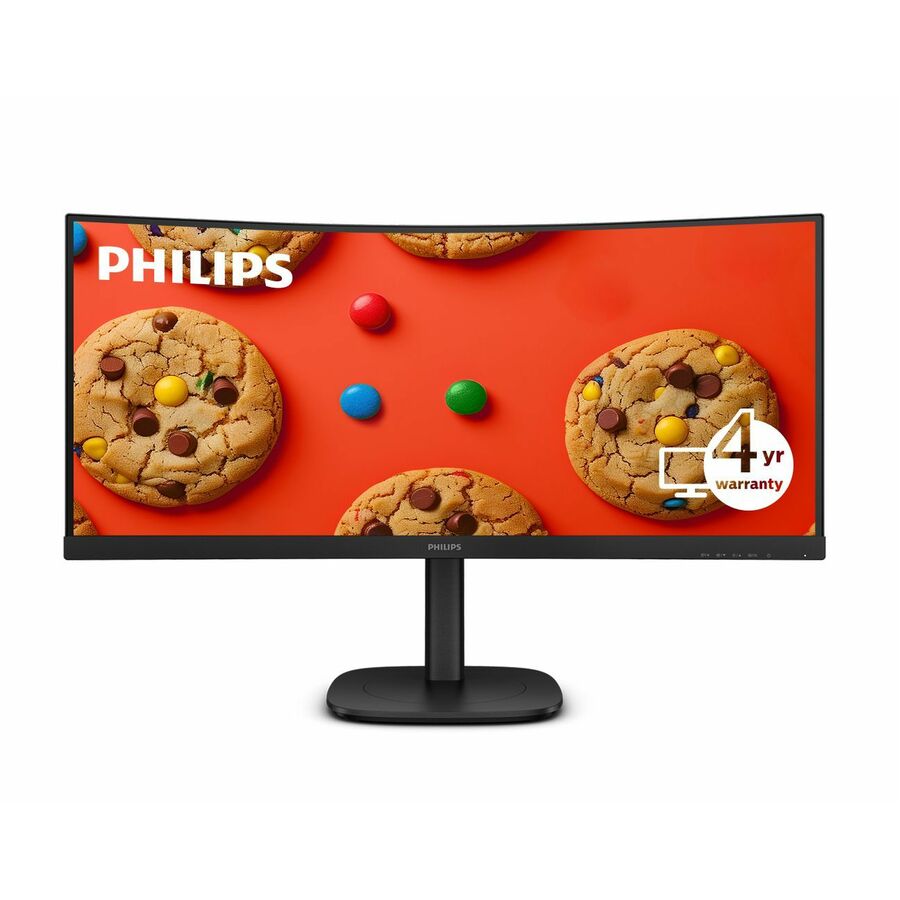
A Philips 34B2U3600C 34" class WQHD curved 21:9 monitor at 3440x1440 with USB Type-C, a USB hub and a built-in KVM switch — one screen driving two machines.
$510.77Back-orderedUltrawide webcam
Philips Electronics
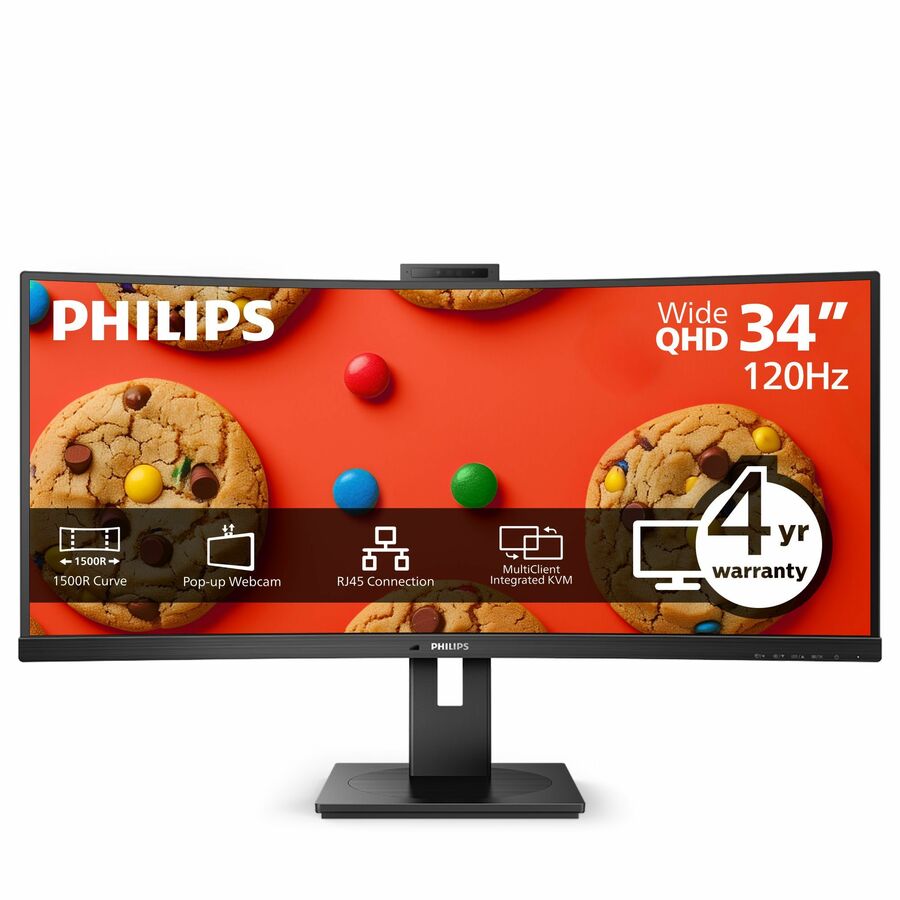
Philips Ultrawide 34B1U5600CH 34" Class Webcam UW-QHD Curved Screen LCD…
34B1U5600CH
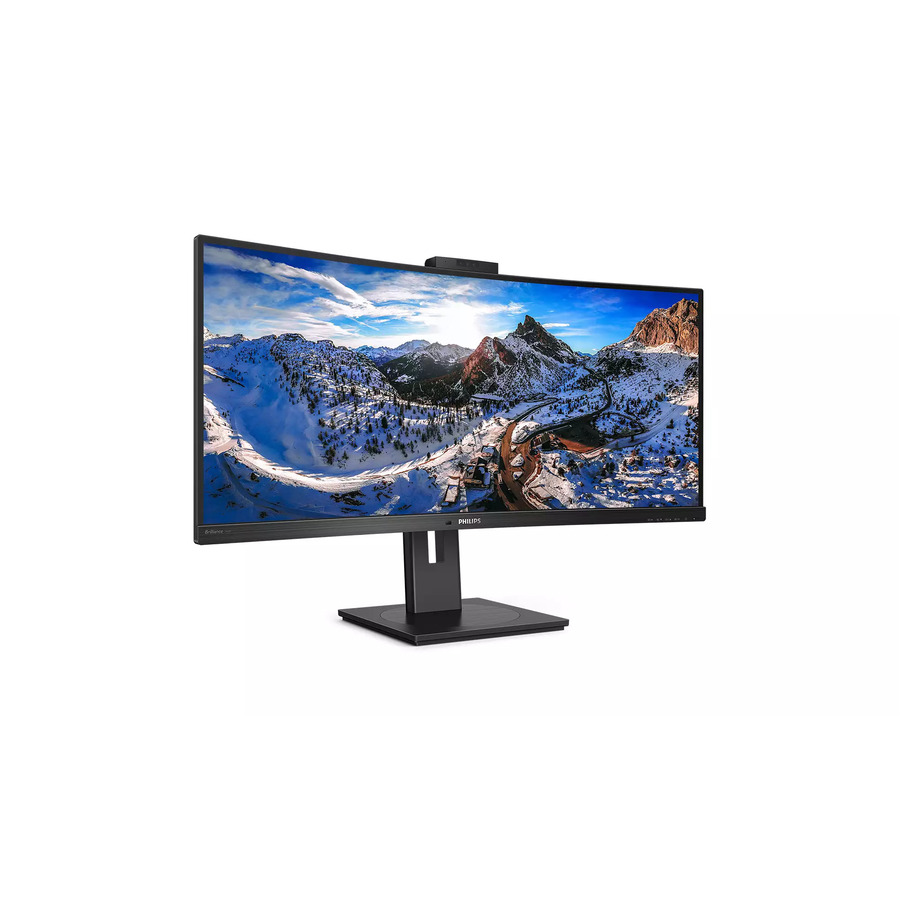
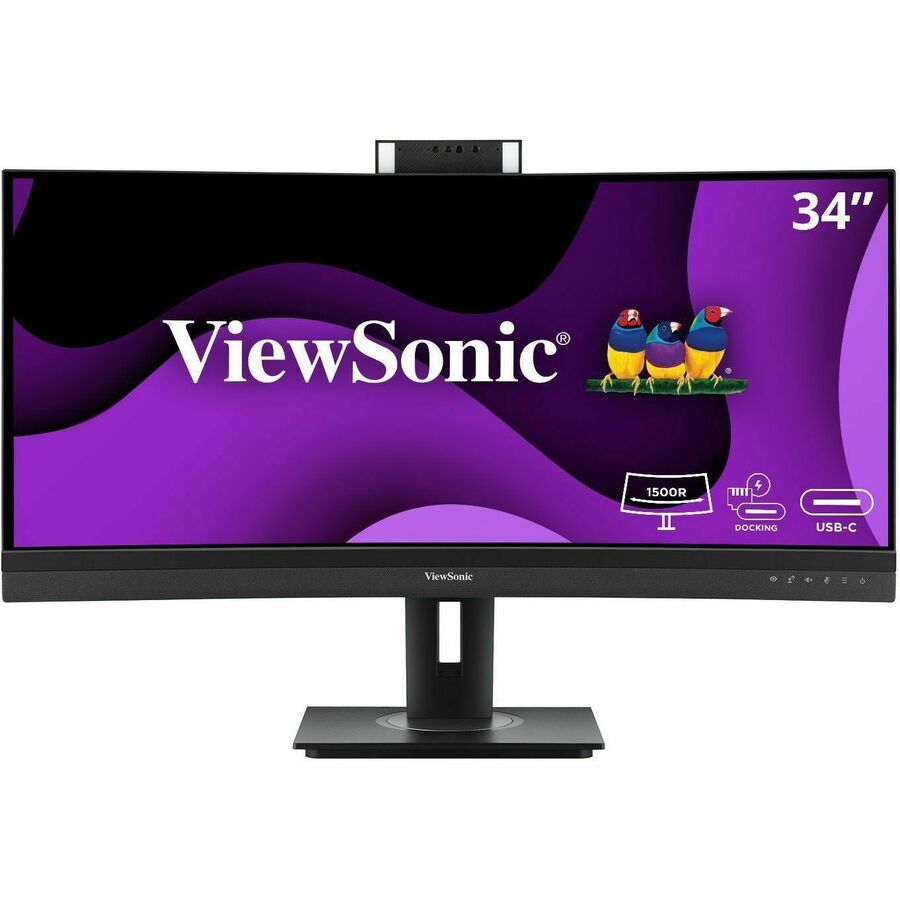
A Philips Ultrawide 34B1U5600CH 34" class UW-QHD curved monitor with a webcam, USB Type-C, a USB hub and a built-in KVM — the ultrawide that also takes the video call.
$615.05Back-ordered43-inch Brilliance 4K
Philips Electronics
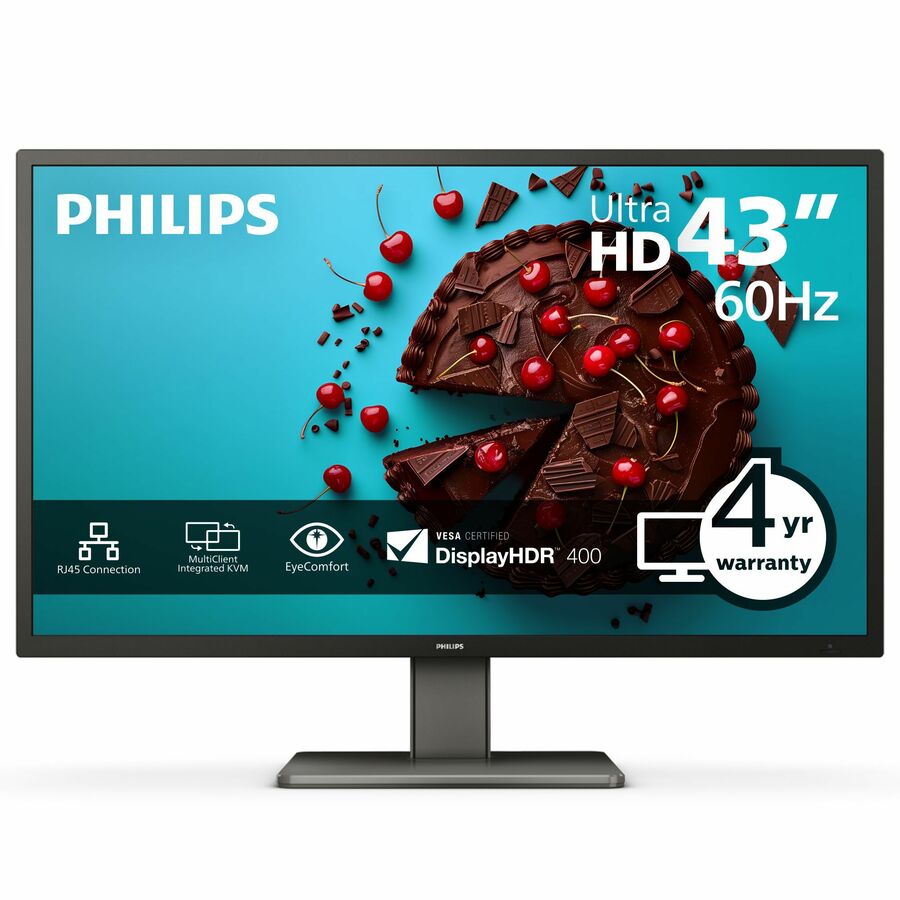
Philips Brilliance 439P1 43" Class 4K UHD LCD Monitor
439P1
A Philips Brilliance 439P1 43" class 4K UHD monitor, 42.5" viewable, with USB Type-C, a built-in KVM and a height, swivel and tilt stand — a large-format single-surface desk.
$744.02Back-ordered49-inch super ultrawide
Philips Electronics
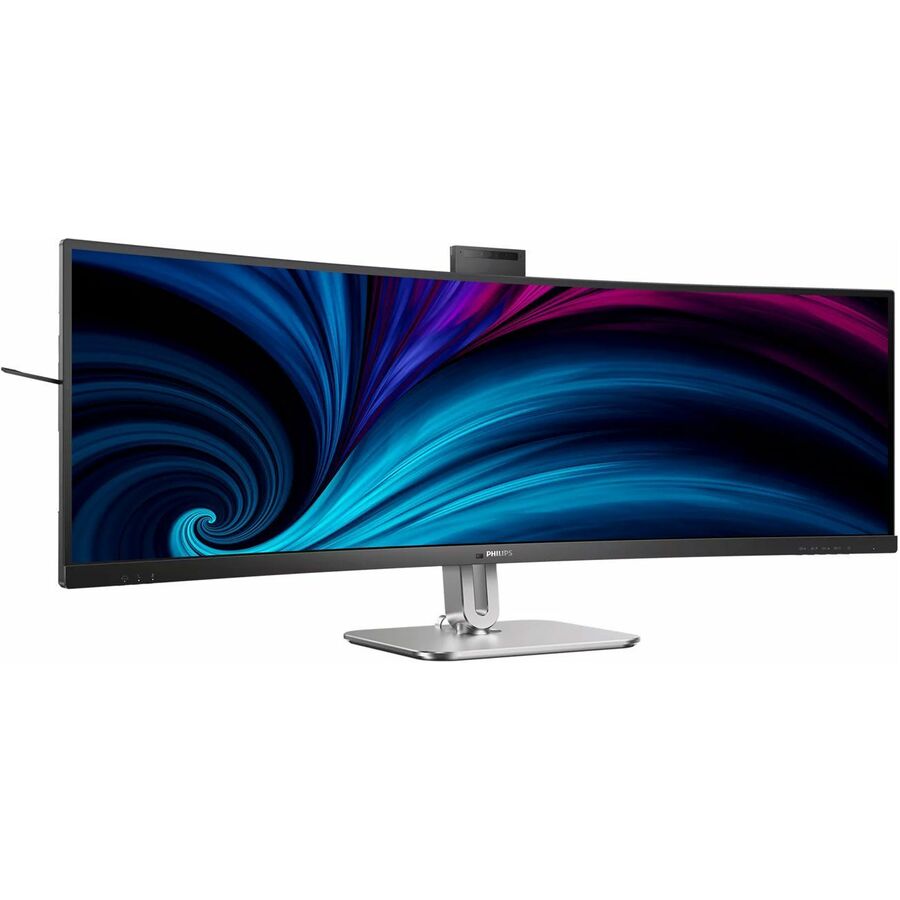
Philips 49B2U6900CH 49" Class Webcam UW-QHD Curved Screen LED Monitor
49B2U6900CH
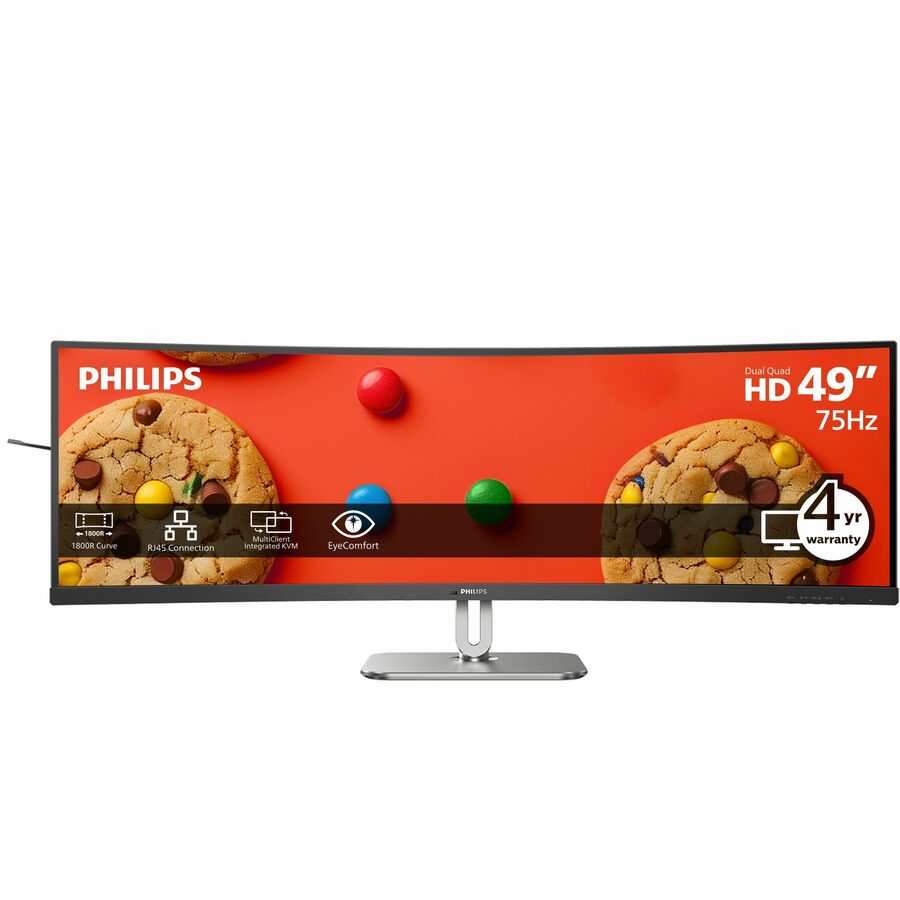
A Philips 49B2U6900CH 49" class UW-QHD curved 32:9 monitor at 5120x1440 with a webcam, USB Type-C and a built-in KVM — the dual-screen replacement in one panel.
Every spec named here is stated in Philips' own catalog title for this part number.
$1,306.77Back-orderedMore monitors in the Uniqcli catalog
See all 1,690 monitorsMore Philips first — closest to what you were just looking at; “See all monitors” above opens every other brand in the category. In-stock lines lead, and a back-ordered line carries the same estimated availability its product page does — with live pricing throughout, NDAA §889 screening before checkout and TAA verified on request.
Back-ordered — estimated OEM lead time 3–8 weeks (Nov 18 – Dec 23 if ordered today).
Back-ordered — estimated OEM lead time 3–8 weeks (Nov 18 – Dec 23 if ordered today).
Back-ordered — estimated OEM lead time 3–8 weeks (Nov 18 – Dec 23 if ordered today).
Back-ordered — estimated OEM lead time 3–8 weeks (Nov 18 – Dec 23 if ordered today).
Back-ordered — estimated OEM lead time 3–8 weeks (Nov 18 – Dec 23 if ordered today).
Back-ordered — estimated OEM lead time 3–8 weeks (Nov 18 – Dec 23 if ordered today).
Back-ordered — estimated OEM lead time 3–8 weeks (Nov 18 – Dec 23 if ordered today).
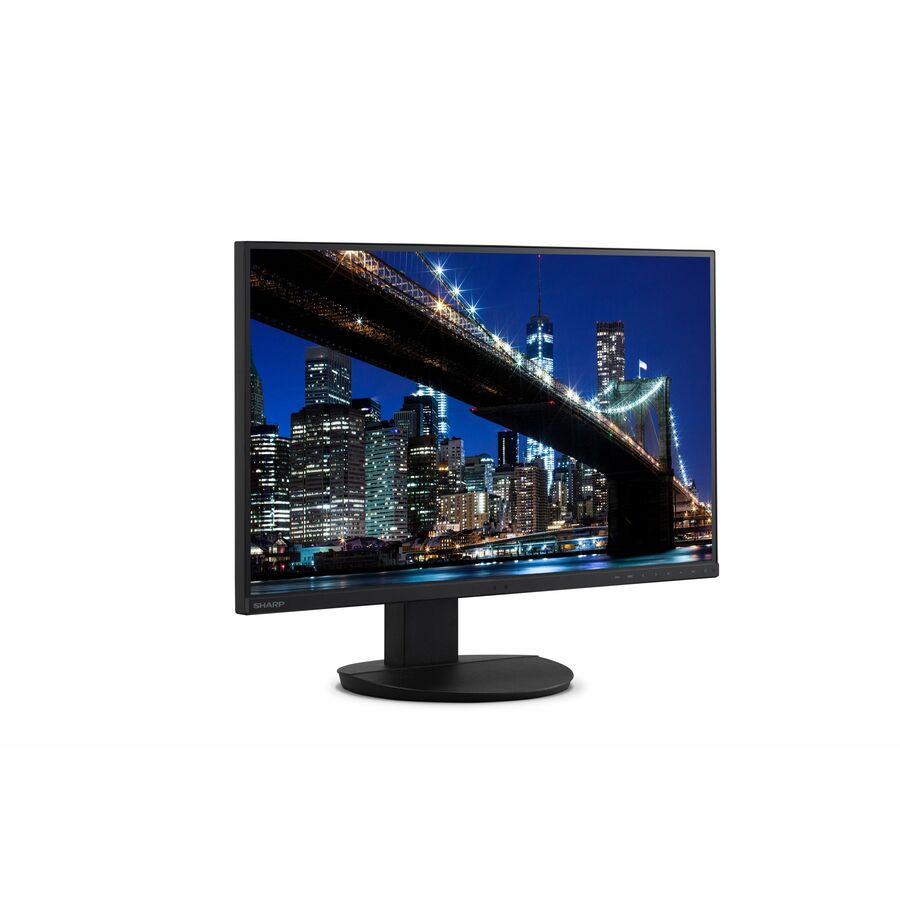
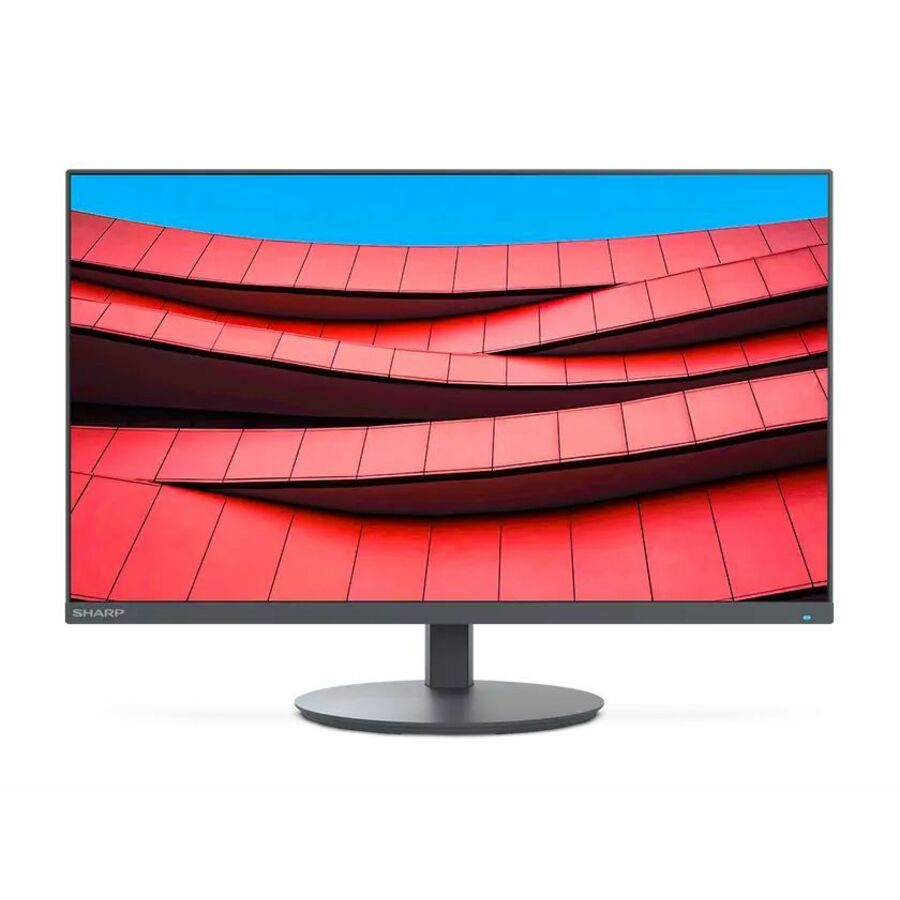
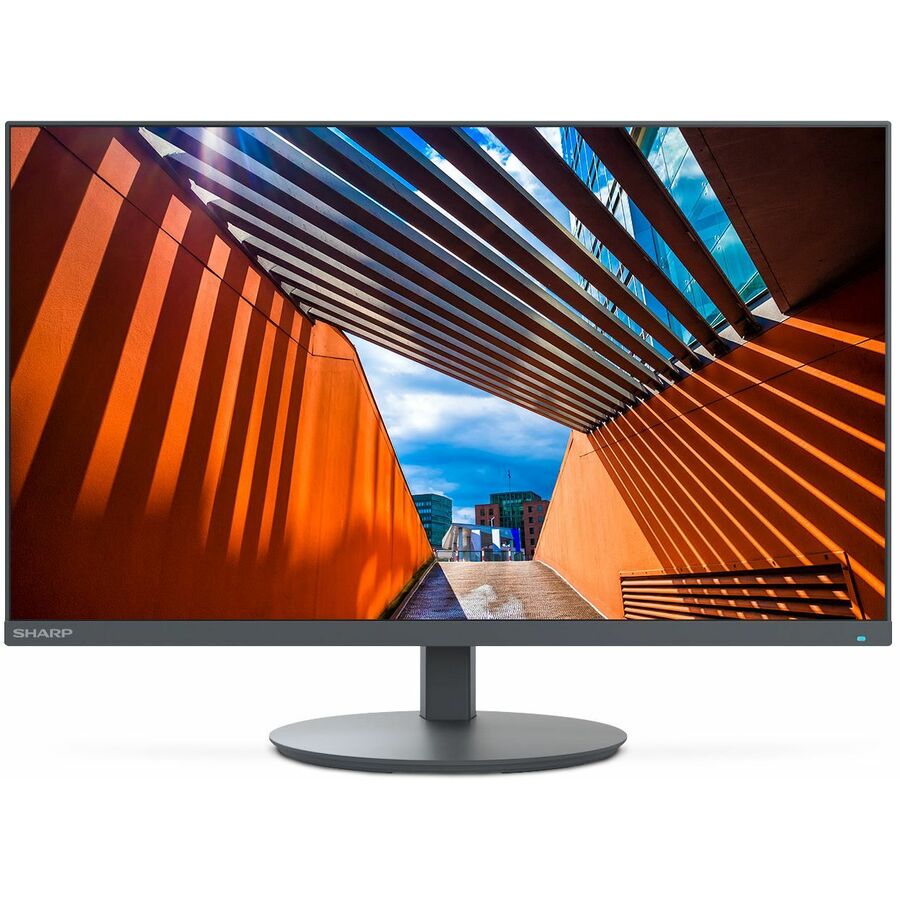
- SharpSharp NEC Display MultiSync DD-EA272U 27" Class 4K UHD LED Monitor - 16:9 - 27" Viewable - In-plane Switching (IPS) Technology - LED Backlight - 3840 x 2160 - 16.7 Million Colors - 350 Nit - 6 ms - 60 Hz Refresh Rate - USB Type-C - HDMI - DisplayPort - VESA Mount Compatible - USB HubDD-EA272U
$1,149.00
$752.00
28 in stock - AcerAcer ProDesigner PE320QXT 32" Class 6K LCD Monitor - 16:9 - Black - 31.5" Viewable - In-plane Switching (IPS) Technology - LED Backlight - 6016 x 3384 - 1.07 Billion Colors - 600 Nit - 4 ms - 60 Hz Refresh Rate - Speakers - Height - USB Type-C - HDMI - DisplayPort - VESA Mount Compatible - SpeakerUM.JP0AA.003
$1,799.99
$1,523.73
3 in stock - AcerAcer Nitro XV272U W2 27" Class WQHD Gaming LED Monitor - 16:9 - Black - 27" Viewable - In-plane Switching (IPS) Technology - LED Backlight - 2560 x 1440 - 1.07 Billion Colors - AMD FreeSync Premium - 400 Nit - 1 ms - 144 Hz Refresh Rate - Speakers - HDMI - DisplayPort - VESA Mount CompatibleUM.HX2AA.201
$483.99
$278.32
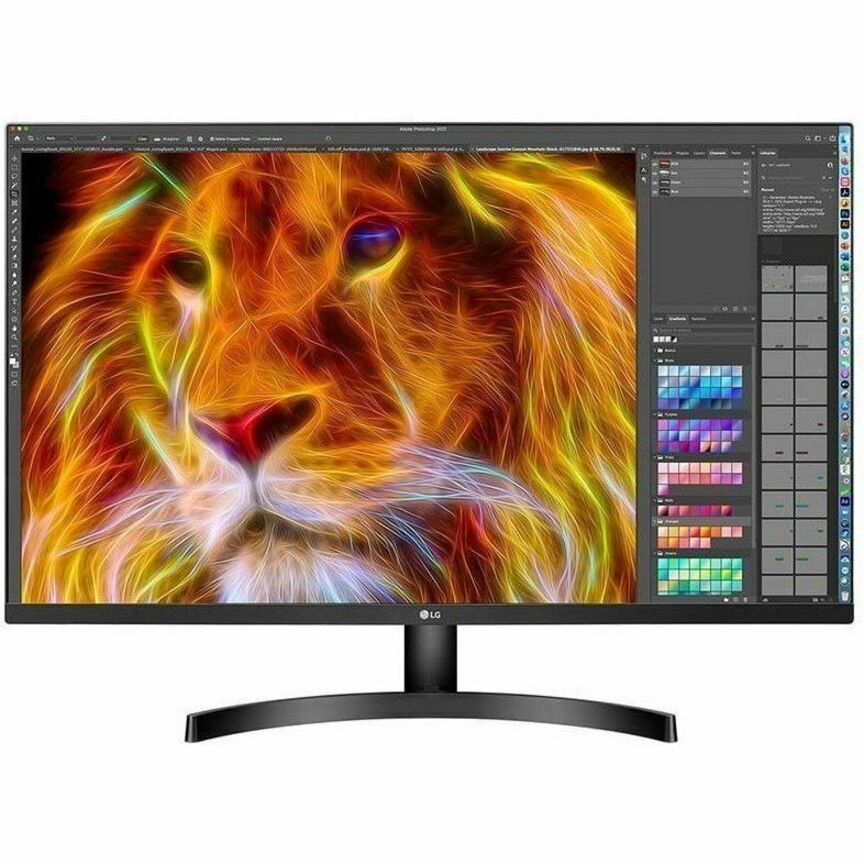
7 in stock - LG ElectronicsLG 32BN67U-B 32" Class LCD Monitor - 16:9 - Textured Black - 31.5" Viewable - In-plane Switching (IPS) Technology - 1.07 Billion Colors - FreeSync - 350 Nit - 5 ms - Speakers - Swivel, Height, Tilt, Pivot - HDMI - DisplayPort - VESA Mount Compatible32BN67U-B
$1,073.00
$912.05
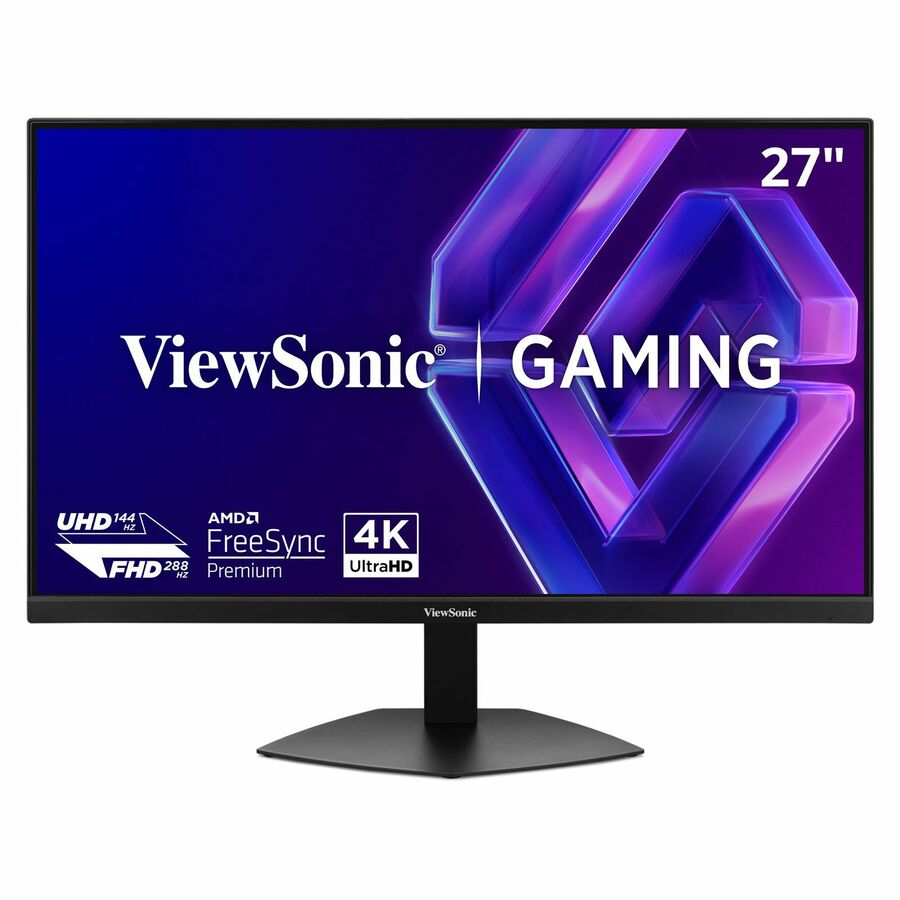
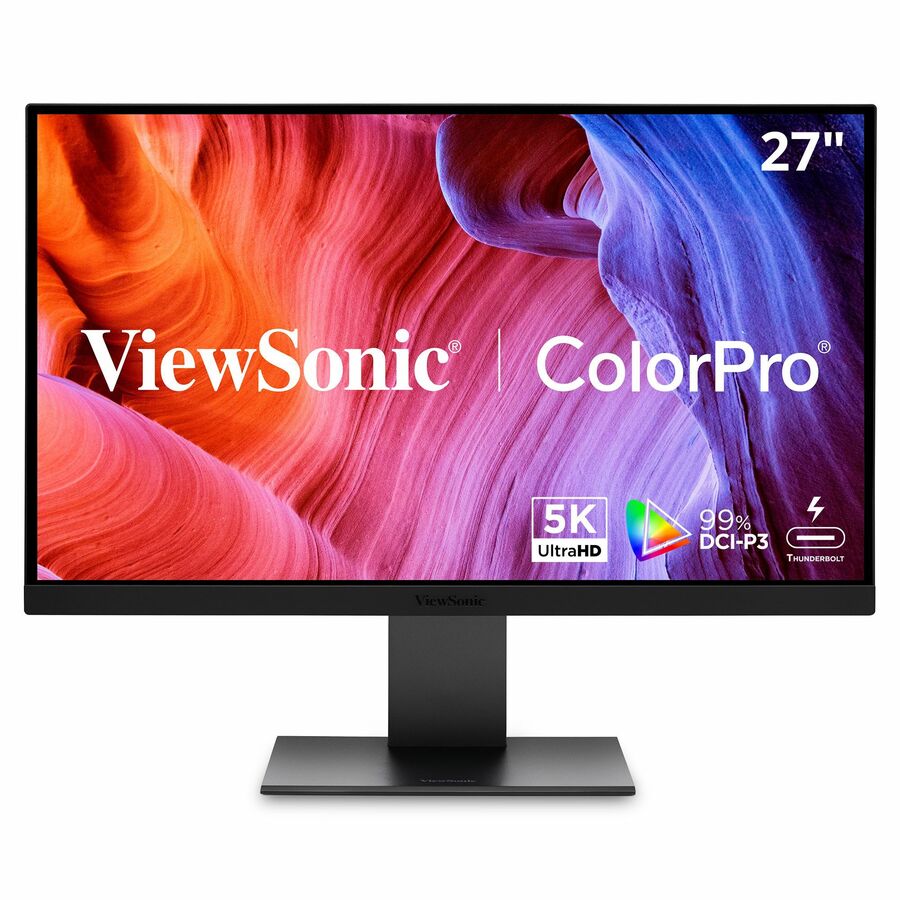
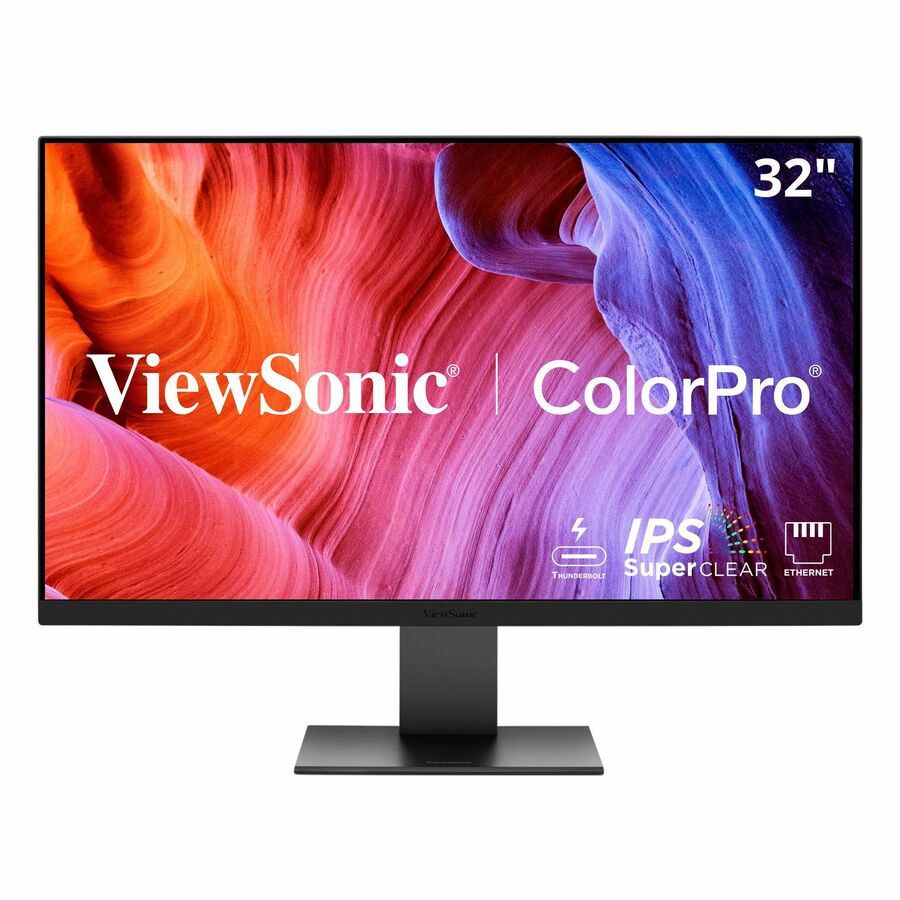
122 in stock - ViewSonicViewSonic VP2788-5K 27 Inch 5K Mac-Ready Monitor, IPS with 100% sRGB, 99% DCI-P3 and Pantone Validated for Mac Studio Desktop Setups, Advanced Ergonomics, Thunderbolt 4, USB, HDMI, and DisplayPort - 27? Viewable - In-plane Switching (IPS) Technology - LED Backlight - 5120 x 2880 - 500 Nit - 14 ms - Speakers - HDMI - DisplayPort - USB HubVP2788-5K
$1,209.00
$1,080.57
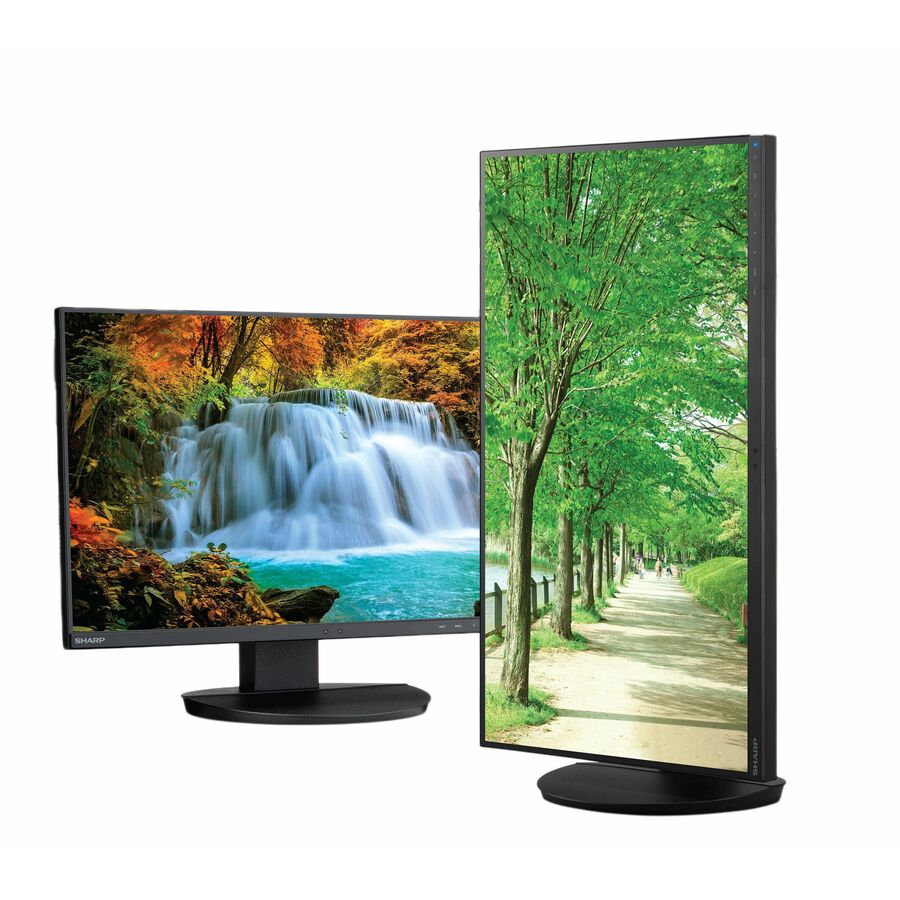
313 in stock - SharpNEC Display MultiSync DD-E224F 22" Class Full HD LED Monitor - 16:9 - 21.5" Viewable - Vertical Alignment (VA) - LED Backlight - 1920 x 1080 - 16.7 Million Colors - 250 Nit - 6 ms - 75 Hz Refresh Rate - Speakers - Swivel, Height, Pivot, Tilt - HDMI - VGA - DisplayPort - VESA Mount CompatibleDD-E224F
$375.00
$251.47
244 in stock - LG ElectronicsLG 32BN50U-B 32" Class 4K UHD LCD Monitor - 16:9 - Textured Black - TAA Compliant - 31.5" Viewable - Vertical Alignment (VA) - 3840 x 2160 - 1.07 Billion Colors - FreeSync - 350 Nit - 4 ms - Speakers - Tilt - HDMI - DisplayPort - VESA Mount Compatible32BN50U-B
$750.00
$637.50*
39 in stock






Need pricing on Philips monitors?
Tell us where to reach you and a Uniqcli specialist will follow up by email with current pricing, availability and lead time for the quantities you need — including parts that aren’t shown on this page.
Buying for an organization or for yourself — both work. No payment up front.
Philips builds monitors in named lines, and knowing the letter is most of the buying decision. The V-line is the value tier for a basic desk; the E-line adds a little screen quality for general office work; the B-line is the business range where the ergonomic stands, the USB-C docking and the USB hubs live; the P-line and Brilliance models sit at the professional end with the largest panels and the most connectivity. Once you can read the letter, the rest of the part number tells you the size and the generation.
The panel decisions here follow the same rules as any office display, and Philips titles state them plainly. IPS panels — which the smaller business models mostly use — hold colour and contrast across a wide viewing angle, which is what makes a screen readable when a colleague leans in. The very large and ultrawide models here use VA panels, which is the usual trade at those sizes: deeper contrast, a narrower comfortable viewing cone, and it matters less on a screen one person sits centred in front of. Resolution runs from Full HD on the 22 and 24-inch models through WQHD at 27 inches to 4K UHD at 27, 32 and 43 inches, and 3440x1440 or 5120x1440 on the curved ultrawides.
Two Philips features are worth singling out because they change what else you have to buy. Several models carry full-function USB Type-C, which means one cable from the laptop drives the screen, charges the machine and reaches the peripherals hanging off the monitor's own USB hub — that removes a docking station from the desk. And the large ultrawide models add a built-in KVM switch, so one keyboard and mouse can drive two connected machines from the same screen. Send the laptops, the desk layout and whether you need docking or KVM, and the monitor and the mounting can be quoted as one setup.
Buyer's checklist
How to choose a Philips monitor
- Start with the line letter. V is the value tier, E is the general-office step up, B is the business range with the ergonomic stands and USB-C docking, and P/Brilliance is the professional end with the largest panels and the most connectivity — it tells you more about the model than the size does.
- Read the panel type against the seating. The IPS models hold colour and contrast off-axis, which suits shared and collaborative desks; the large VA models trade viewing angle for contrast, which is a fair deal on a screen one person sits centred in front of.
- Match the resolution to the work. Full HD is the honest default at 22 and 24 inches, WQHD is the productivity step at 27, and 4K UHD suits detail work at 27 to 43 inches — with display scaling turned on, which is worth confirming against older line-of-business software.
- Look for USB Type-C where the desk is a docking desk. On the models that carry it, one cable drives the display, charges the laptop and connects the peripherals on the monitor's own hub, which takes a separate docking station off the desk. Check the wattage covers the largest laptop you deploy.
- Consider the built-in KVM on the ultrawide and large-format models. It lets one keyboard and mouse drive two connected machines from the same screen — the specific answer for a desk that runs a laptop and a workstation side by side.
- Buy the ergonomic stand for anyone at the screen all day. The business models state height, swivel, tilt and pivot in their own titles; the value tier is usually tilt-only, which is fine for a shared or kiosk position and wrong for a full-time desk.
- Check VESA mounting before planning arms. Philips states VESA compatibility on the models here, which is what lets a screen go onto a single or dual arm — worth confirming per part number when the desk plan depends on it.
- Decide between one ultrawide and two screens deliberately. A 34 or 49-inch curved panel replaces a dual-monitor setup with a single uninterrupted surface and one cable; two 24s are cheaper, easier to replace and let each screen be positioned independently.
Reading the Philips line letters
Philips names its ranges rather than leaving them to the model number alone, and it is the fastest way to shortlist. A V-line panel is the value option — tilt-only stand, the basic input set, and a fine screen for a shared desk, a signing station or a second monitor that mostly shows a dashboard. The E-line sits just above it for general office use. The B-line is the business range and the one most fleets should be looking at: it is where the height-adjustable, swivelling, pivoting stands live, where the USB hubs appear, and where the USB-C docking models sit.
Above that, the P-line and Brilliance models are the professional and large-format end — the 43-inch 4K panel and the 49-inch super-ultrawide, both with USB-C and a built-in KVM. Those are not fleet screens; they are the answer for a specific role, usually someone running several applications side by side or two machines from one desk. The practical approach for an estate is to standardize the volume desks on one B-line size, then buy the professional models by exception for the roles that can justify them.
USB-C docking, the built-in KVM and what leaves the desk
The Philips models that state USB Type-C in their titles carry video, data and power on that one connection. In practice that means the laptop is plugged in with a single cable: the screen lights up, the machine charges, and the keyboard, mouse and anything else on the monitor's USB hub connects at the same moment. For hot desks and hybrid workers, that is a docking station and a power brick removed from every position, which is a real saving in both hardware and desk clutter. The number to check is the charging wattage against the largest laptop in the fleet.
The built-in KVM switch on the large ultrawide models is the other feature worth planning around. It lets a single keyboard and mouse control two connected computers from the same screen, which is exactly the setup for a person running a laptop and a workstation, or a corporate machine alongside a lab machine. It removes a second keyboard, a second mouse and usually a second monitor from the desk. Send the machines that share the desk, the mounting plan and the number of positions, and we will match the model, the cabling and the arms as one order.
FAQ
Common questions
- What do the Philips monitor line letters mean?
- They name the range. V is the value tier — a basic panel, usually a tilt-only stand and a simple input set. E is a step up for general office work. B is the business range, where the height-adjustable ergonomic stands, the USB hubs and the USB-C docking models live; it is where most fleet buying should start. P and Brilliance are the professional and large-format end, including the 43-inch 4K and the 49-inch super-ultrawide, both with USB-C and a built-in KVM. The letter tells you more about how a model is equipped than the screen size does.
- Which Philips monitors can dock a laptop over one cable?
- The models whose own titles state USB Type-C. On those, the single connection carries video, charges the laptop and connects whatever is plugged into the monitor's USB hub, which is what lets it replace a separate docking station on a hot desk. The two things to confirm per part number are the charging wattage — it has to cover the largest laptop in the fleet under load — and, where relevant, whether the model also carries the built-in KVM. Both facts are on the individual product page rather than assumed across the range.
- What is the KVM switch built into the ultrawide models?
- It lets one keyboard and mouse drive two computers connected to the same monitor, switching between them without a separate KVM box on the desk. That is the specific answer for someone running a laptop alongside a workstation, or a corporate machine beside a lab or production machine — instead of two keyboards, two mice and often two screens, the desk holds one of each. It is stated in the titles of the ultrawide and large-format models here; it is not a range-wide feature.
- Should we buy one Philips ultrawide or two standard monitors?
- It depends on the work and the replacement plan. A 34 or 49-inch curved ultrawide gives one uninterrupted surface with no bezel down the middle, docks over a single USB-C cable and, on the models that have it, drives two machines through the built-in KVM — excellent for trading, monitoring and multi-application work. Two standard monitors cost less, are easier and cheaper to replace one at a time, and let each screen be angled independently. For a general office fleet two screens is usually the better estate decision; buy the ultrawide for the roles that argue for it.
- Can business, government and education buyers order these?
- Every line Uniqcli quotes is sourced through US distribution and screened for TAA country-of-origin and NDAA §889 status before checkout — with documentation tied to the specific part number, not a product family.
Need Philips monitors pricing?
Send a bill of materials or part numbers — we confirm stock and a below-market total, with TAA verified on request. No payment up front.