
Best USB-C Monitors for Laptop Docking
Monitors that dock a laptop over one USB-C cable — selected by power-delivery wattage, resolution, screen size and whether the panel adds a built-in dock or hub.
USB-C monitors in stock at Uniqcli
How to choose →A curated selection with live pricing — in-stock lines first, then back-ordered lines with a typical lead time. Every line is sourced through US distribution and screened for NDAA §889 status before checkout, with TAA verified on request.
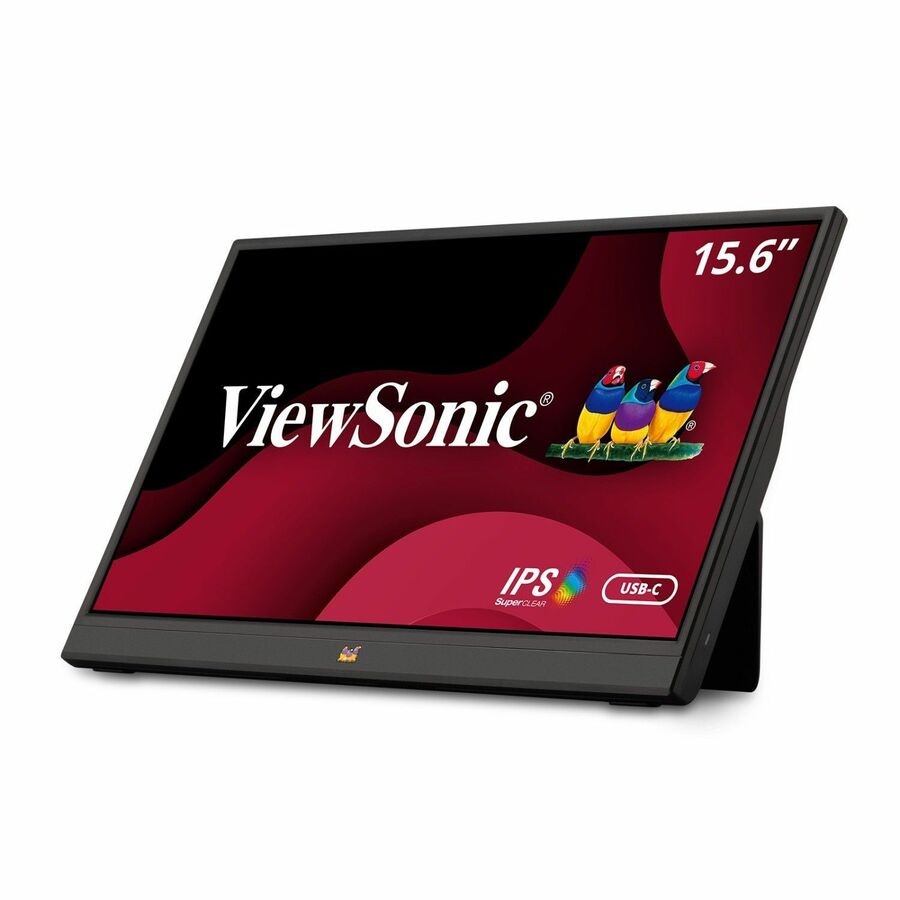
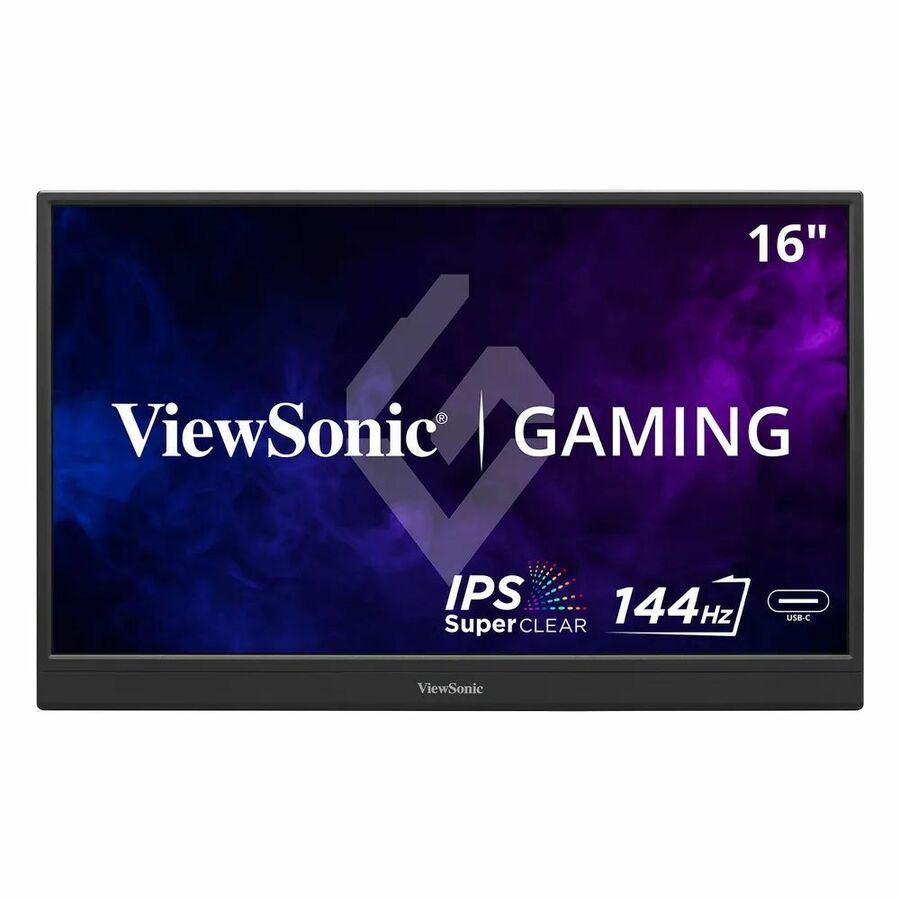
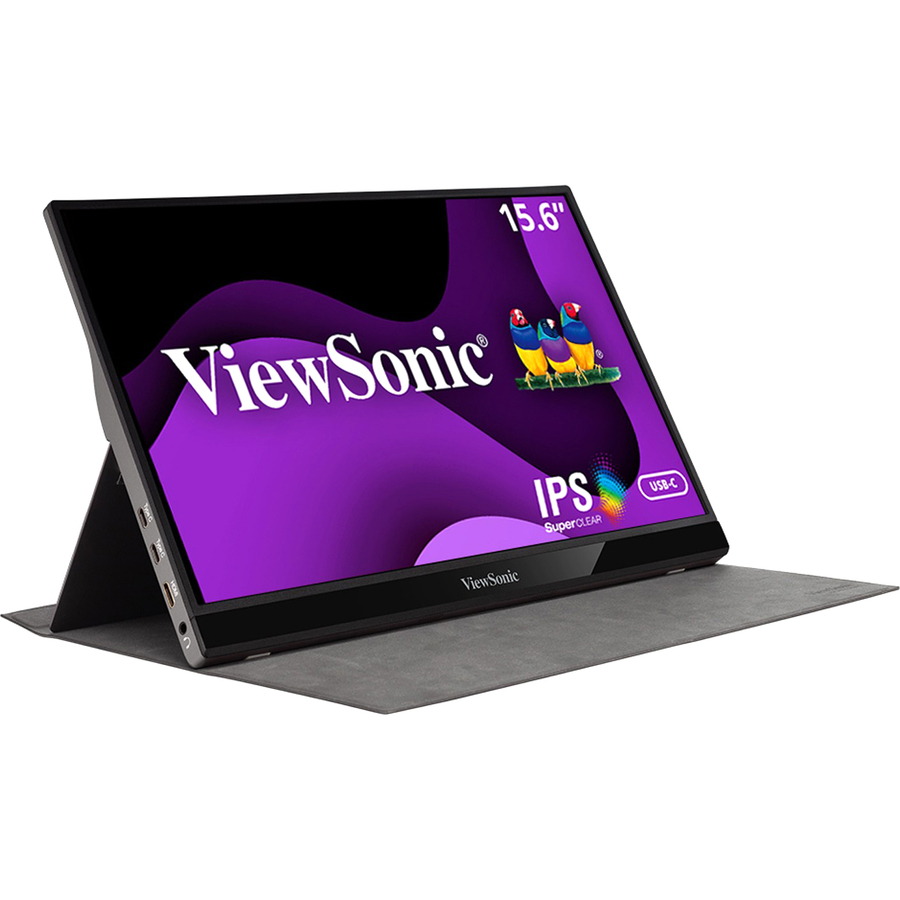
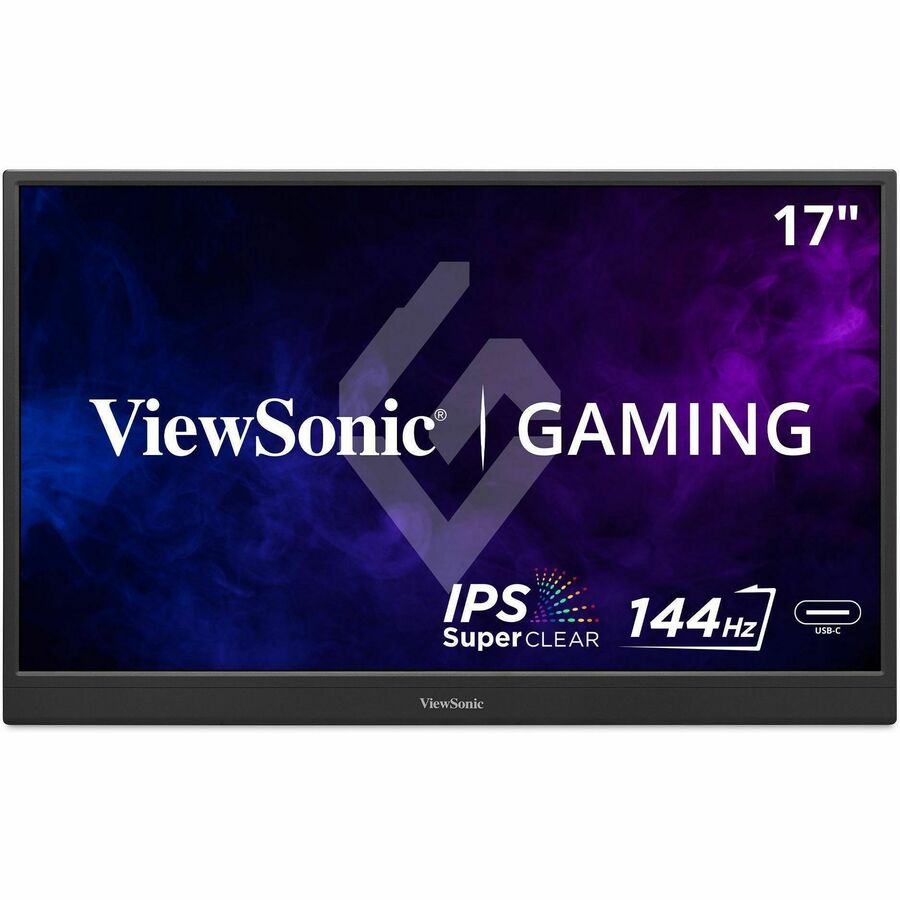
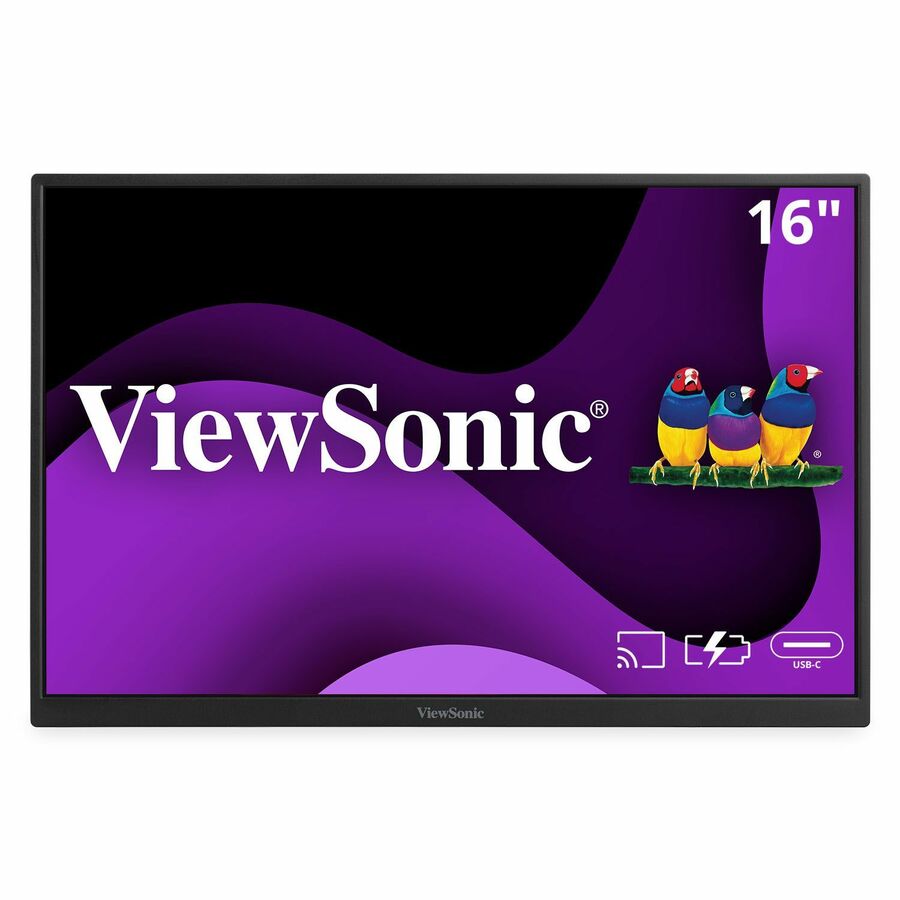
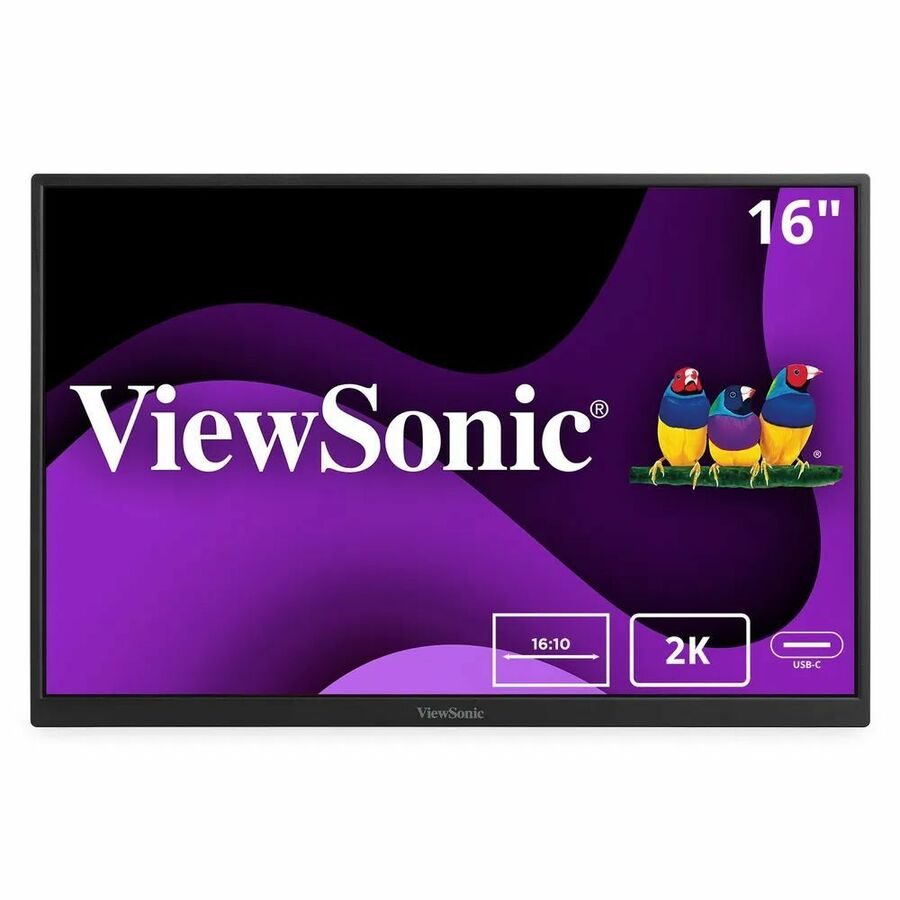
- ViewSonicViewSonic VA1655 15.6 Inch 1080p Portable Monitor, IPS Display with Eye Care for Comfortable Mobile Workspaces, Built-in Stand, 60W USB-C, Mini HDMI, and Protective Case - VA1655 - 1080p Portable Monitor USB-C, Mini HDMI, IPS, Built in Stand, Protective Case - 250 cd/m² - 15.6"VA1655
$145.00
$126.51
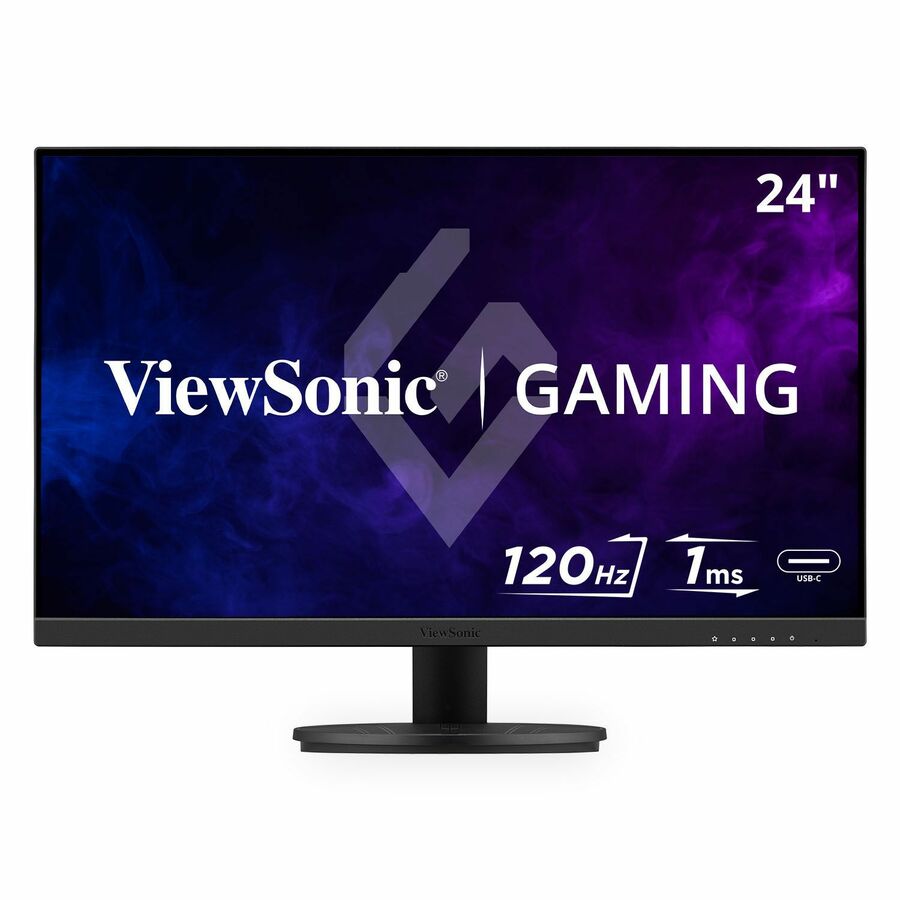
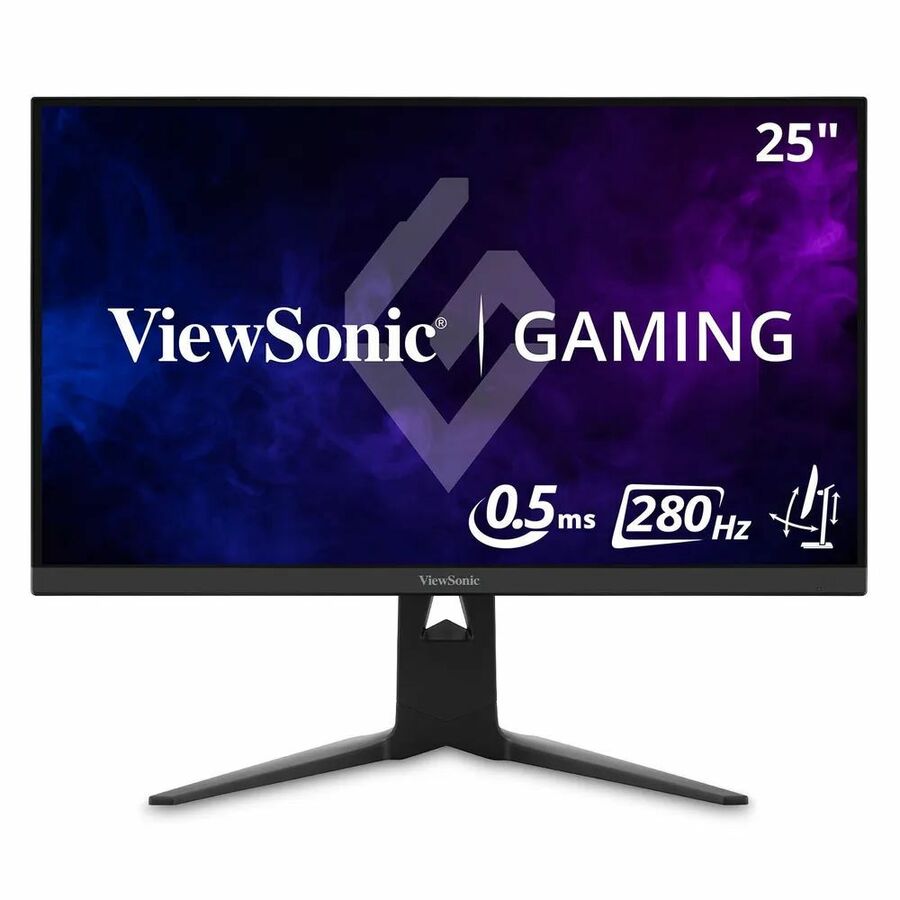
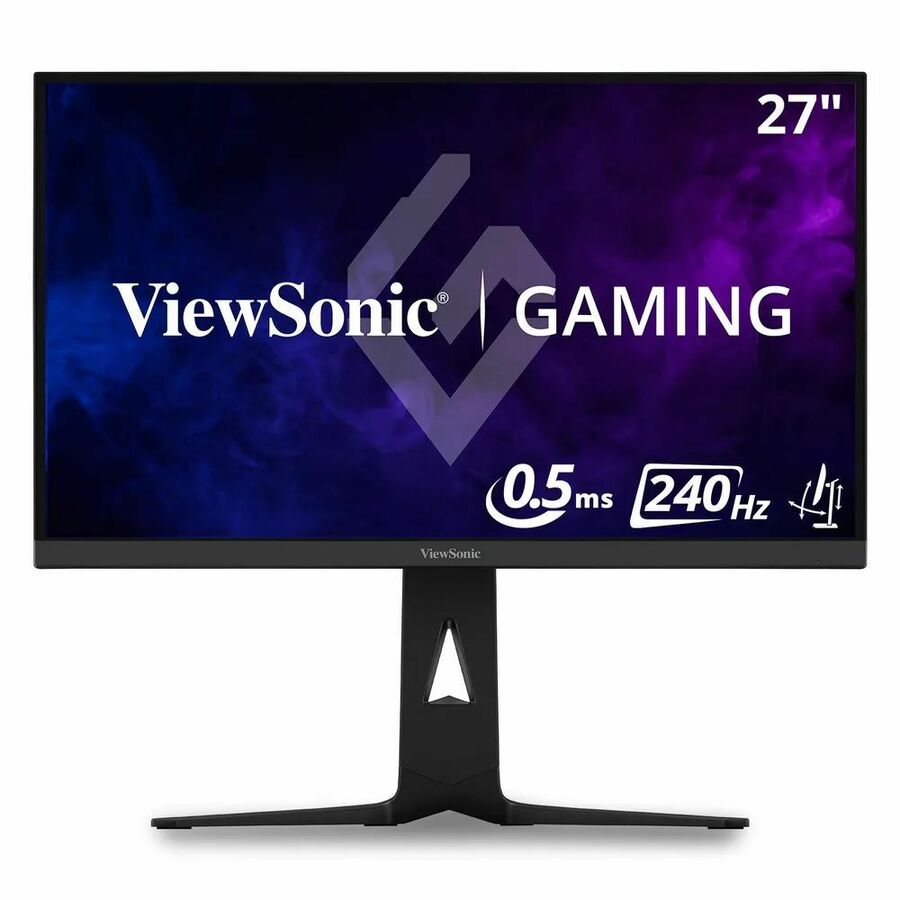
1,390 in stock - ViewSonicViewSonic VX2416A 24 Inch 1080p Gaming Monitor, IPS Display with 120Hz and 1ms for Smooth Gameplay, Eye Care Technology, DisplayPort for Daisy Chain, USB-C, and HDMI Inputs - ViewSonic Gaming VX2416A - 1080p 1ms 120Hz IPS Gaming Monitor with USB-C, HDMI, DP - 250 cd/m² - 24?VX2416A
$145.00
$127.81
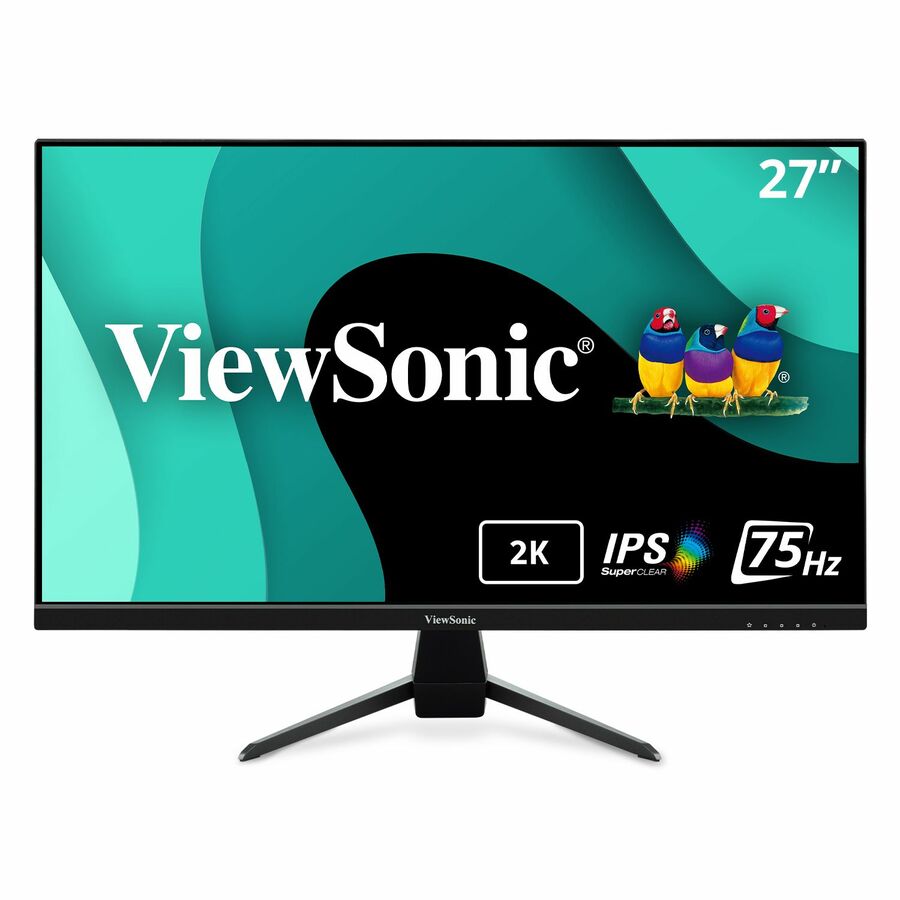
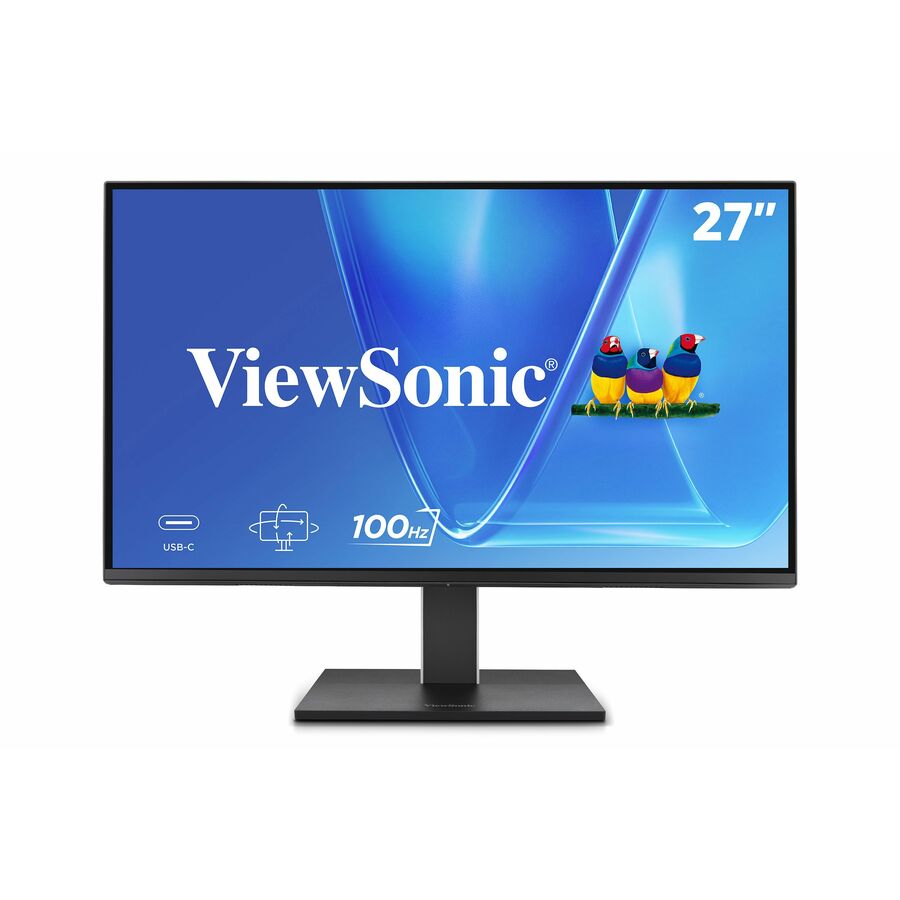
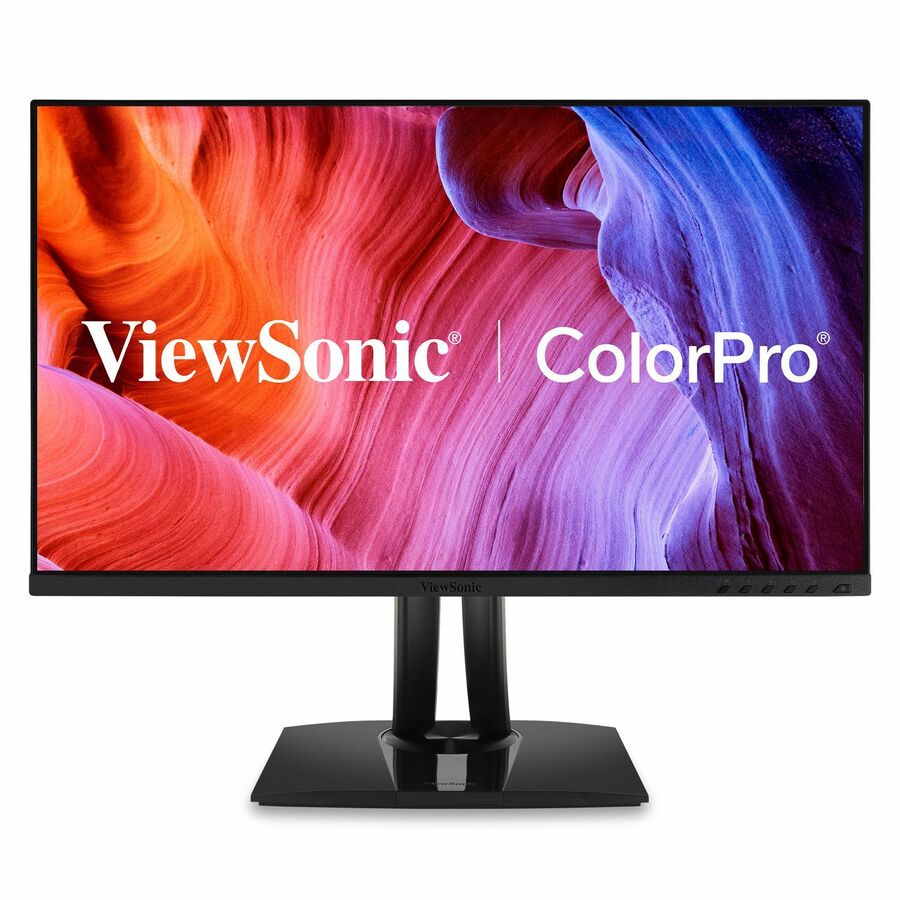
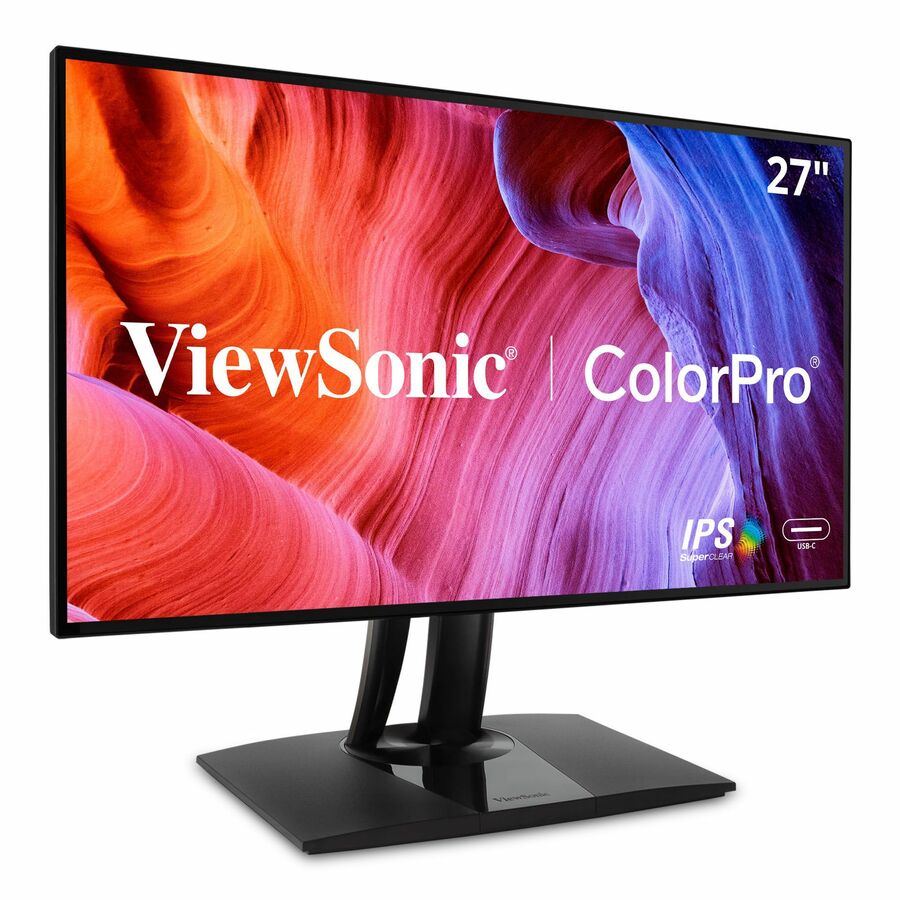
102 in stock - ViewSonicViewSonic VX2767U-2K 27 Inch 1440p Monitor, IPS Display with 65W USB-C and HDR10 for Ultimate Home Entertainment, Eye Care Technology, Ultra-Thin Bezels, HDMI, and DisplayPort Inputs - VX2767U-2K - 1440p Thin-Bezel IPS Monitor with 65W USB-C, HDMI, DisplayPort, HDR10 - 250 cd/m² - 27"VX2767U-2K
$279.00
$253.04
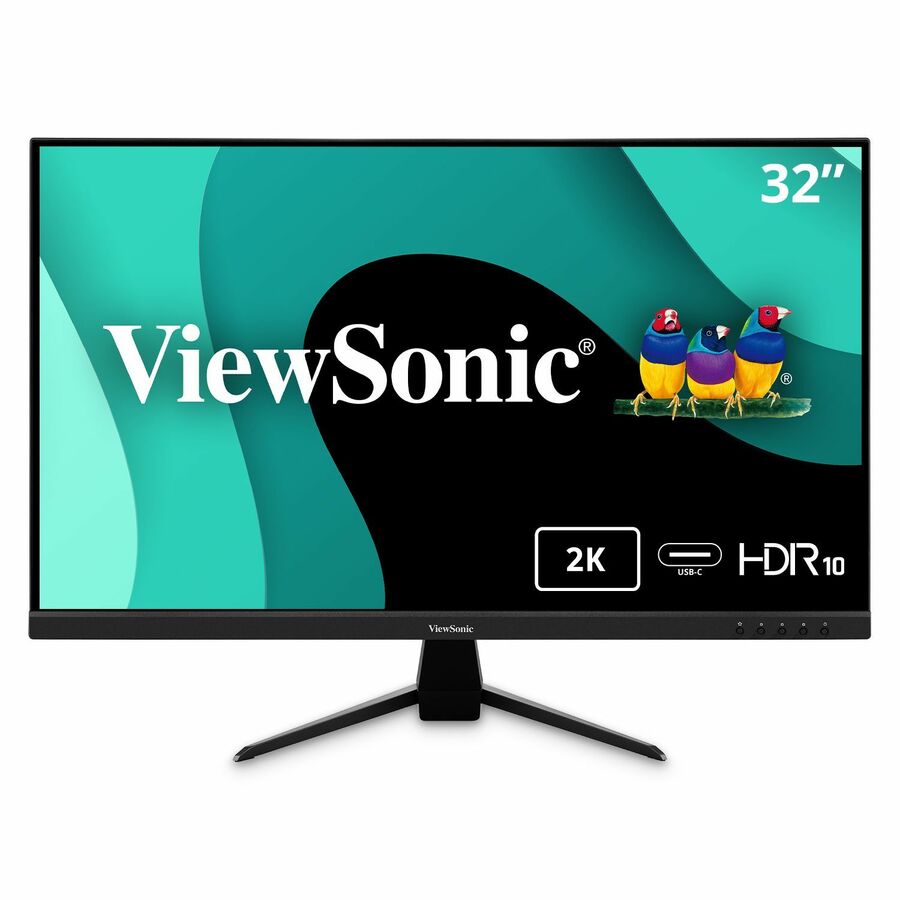
32 in stock - ViewSonicViewSonic VX3267U-2K 32 Inch 1440p Monitor, IPS Display with 65W USB-C and HDR10 for Ultimate Home Entertainment, Eye Care Technology, Ultra-Thin Bezels, HDMI, and DisplayPort Inputs - VX3267U-2K - 1440p Thin-Bezel IPS Monitor with 65W USB-C, HDMI, DisplayPort, HDR10 - 250 cd/m² - 32"VX3267U-2K
$299.00
$263.36
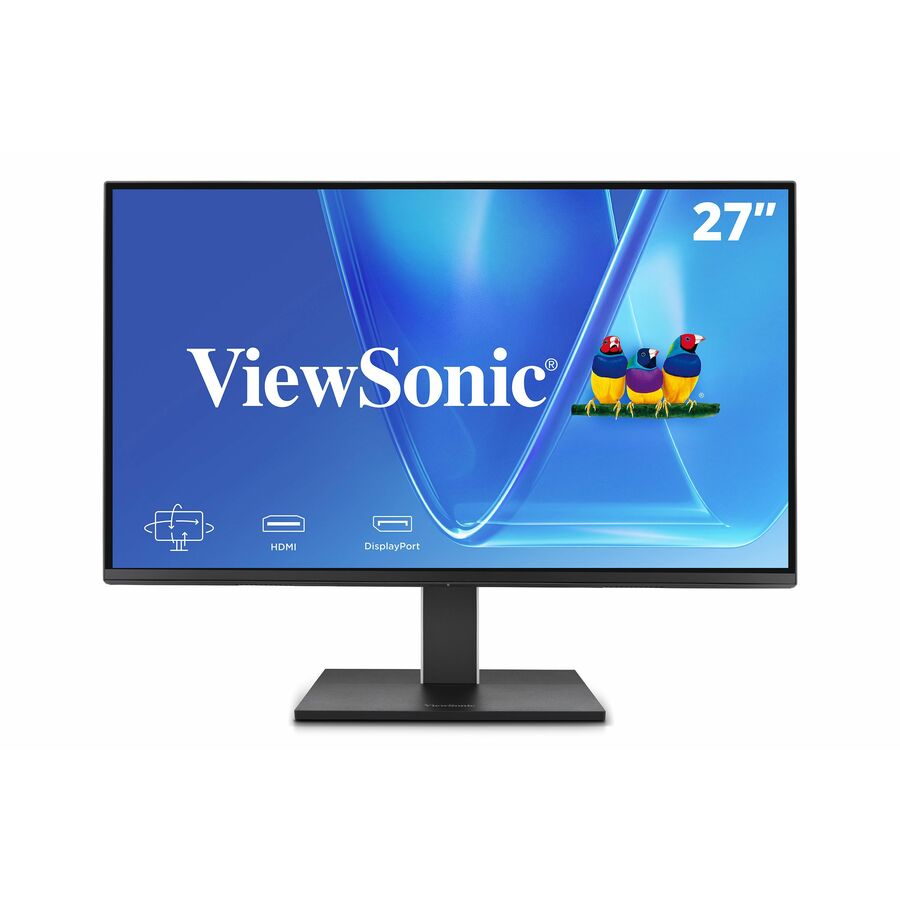
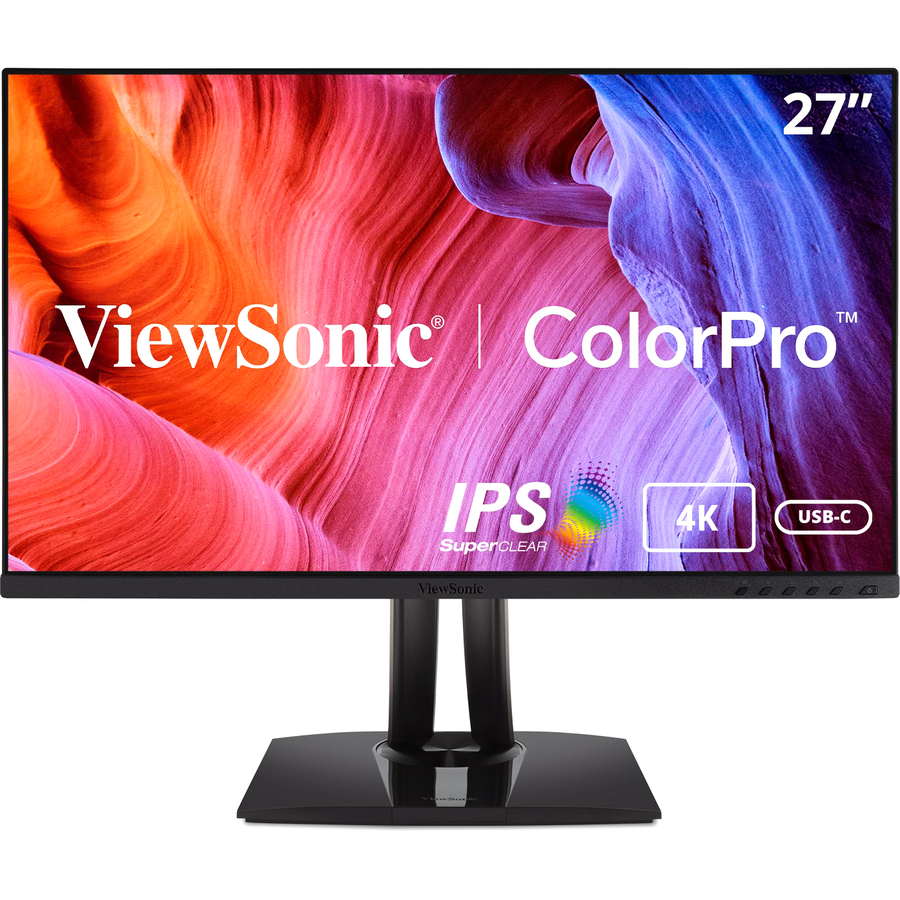
41 in stock - ViewSonicViewSonic VX2776-4K-MHDU 27 Inch 4K Monitor, IPS with 65W USB-C and HDR10 for Ultimate Home and Office Entertainment, Ultra-Thin Bezels, DisplayPort for Daisy Chain, and HDMI Inputs - VX2776-4K-MHDU - 4K UHD IPS Monitor with 65W USB-C, HDR10, HDMI and DisplayPort - 350 cd/m2 - 27?VX2776-4K-MHDU
$355.00
$317.59
298 in stock - ViewSonicViewSonic VG2455-2K 24 Inch 1440p Monitor, IPS Display with 60W USB-C for Smooth Home and Office Productivity, Full Ergonomic Adjustability, HDMI, and DisplayPort Inputs - Ergonomic VG2455-2K - 1440p IPS Monitor with USB-C, HDMI, DisplayPort and 40 Degree Tilt - 300 cd/m² - 24?VG2455-2K
$395.00
$329.20
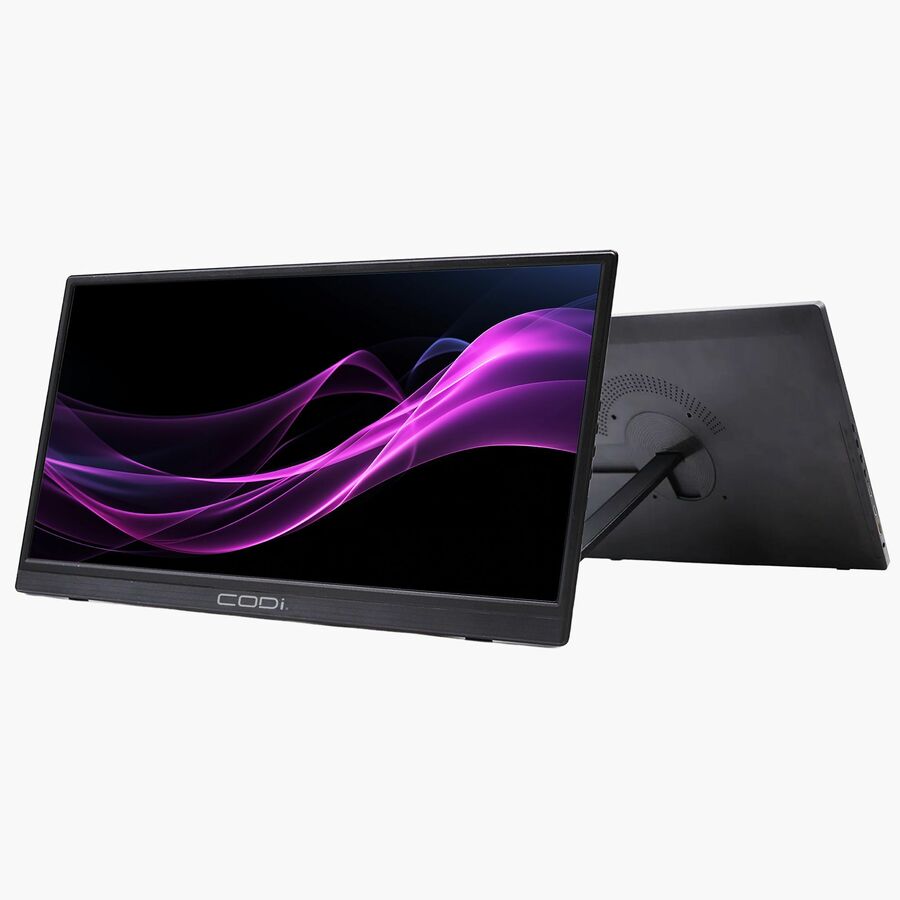
976 in stock - CODi WorldwideCODi 16" Portable Monitor - (HDR USB-C Portable Display)MO16P-2C
$375.00
$341.43
575 in stock



Value portable
MSI
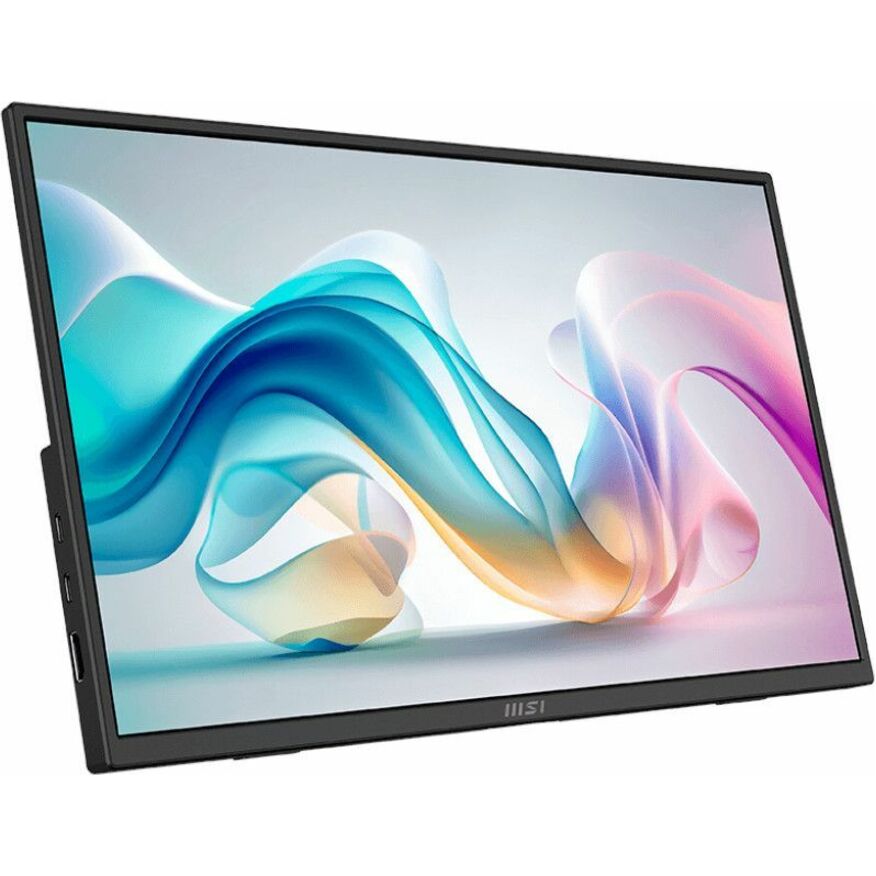
MSI Pro MP165 E6
PROMP165E6
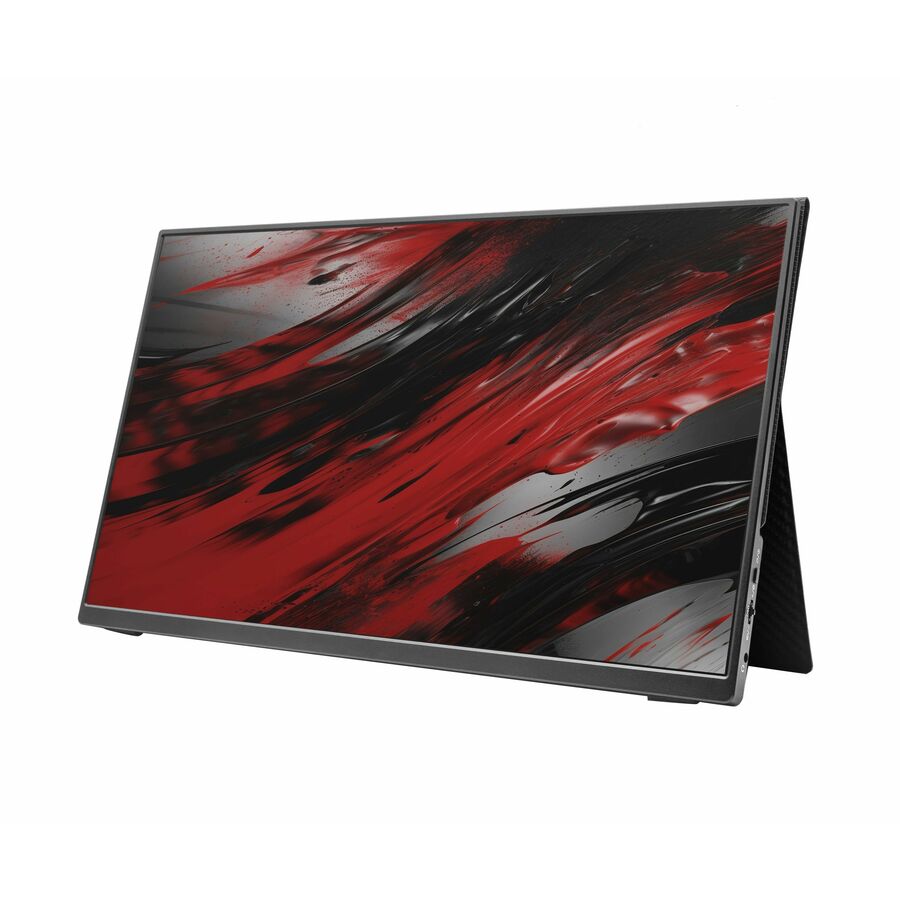
The MSI Pro MP165 E6 — a 15.6-inch FHD portable USB-C monitor for a travelling user who wants a second screen from a laptop's own port with no brick.
$96.25Back-orderedPortable + 85W
CODi Worldwide
CODi 15.6" Full HD Portable Monitor with Kickstand
MO156-KS
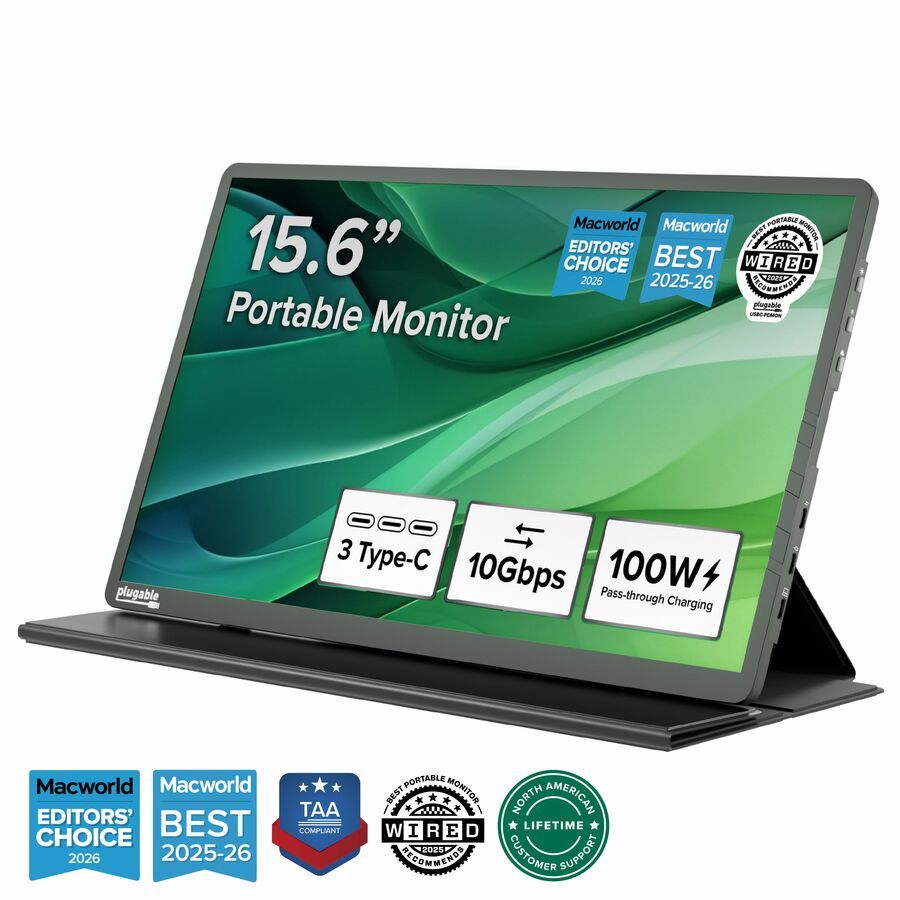
The CODi 15.6-inch Full HD portable monitor with a kickstand and 85W pass-through — a travel screen that also charges the laptop over the one USB-C cable.
$146.29In stock24in, 60W
ViewSonic
ViewSonic VG2456 24 Inch 1080p Monitor, IPS Display with 60W USB-C…
VG2456
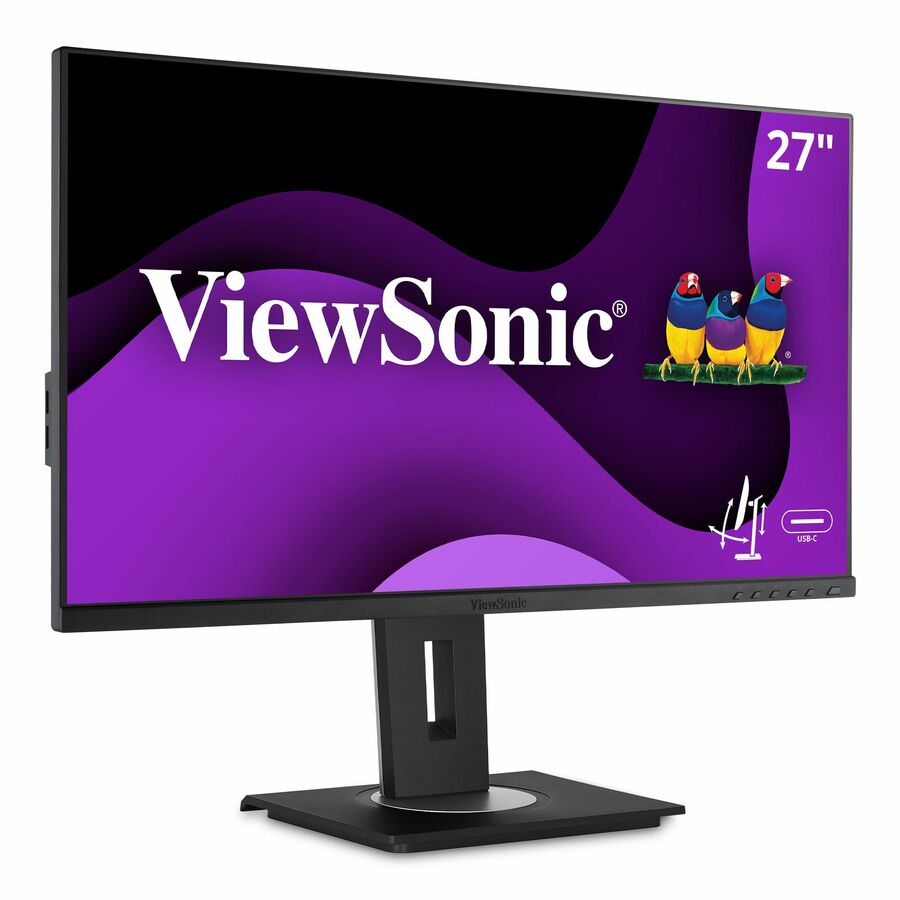
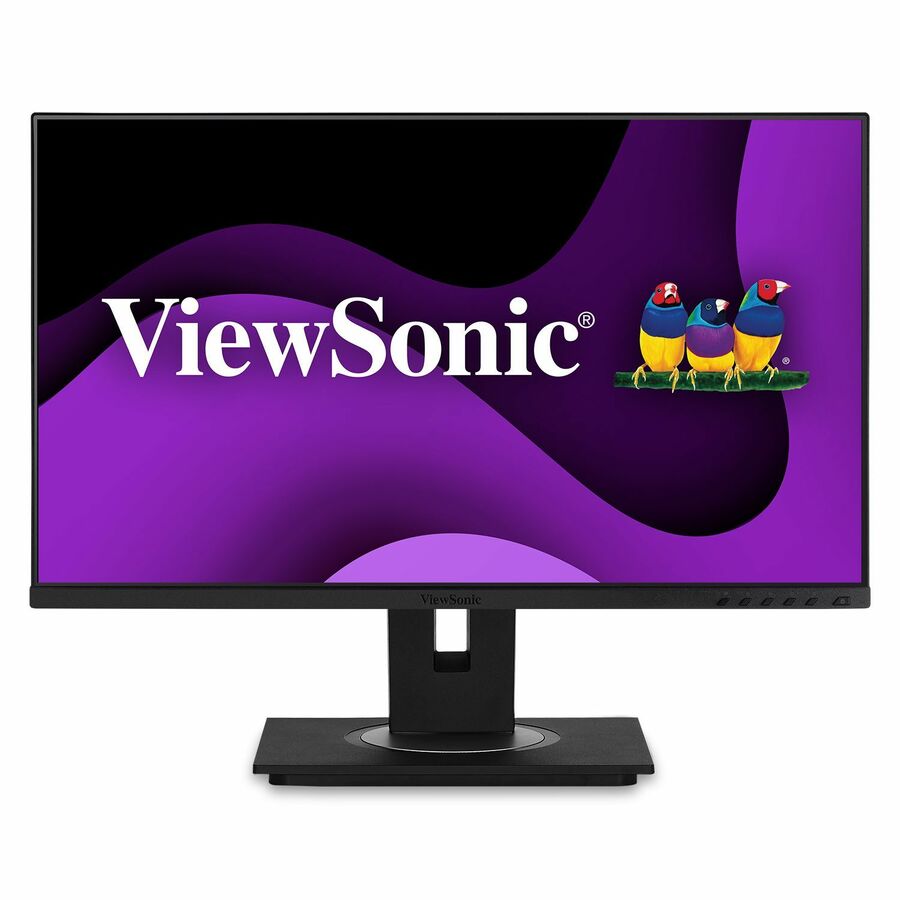
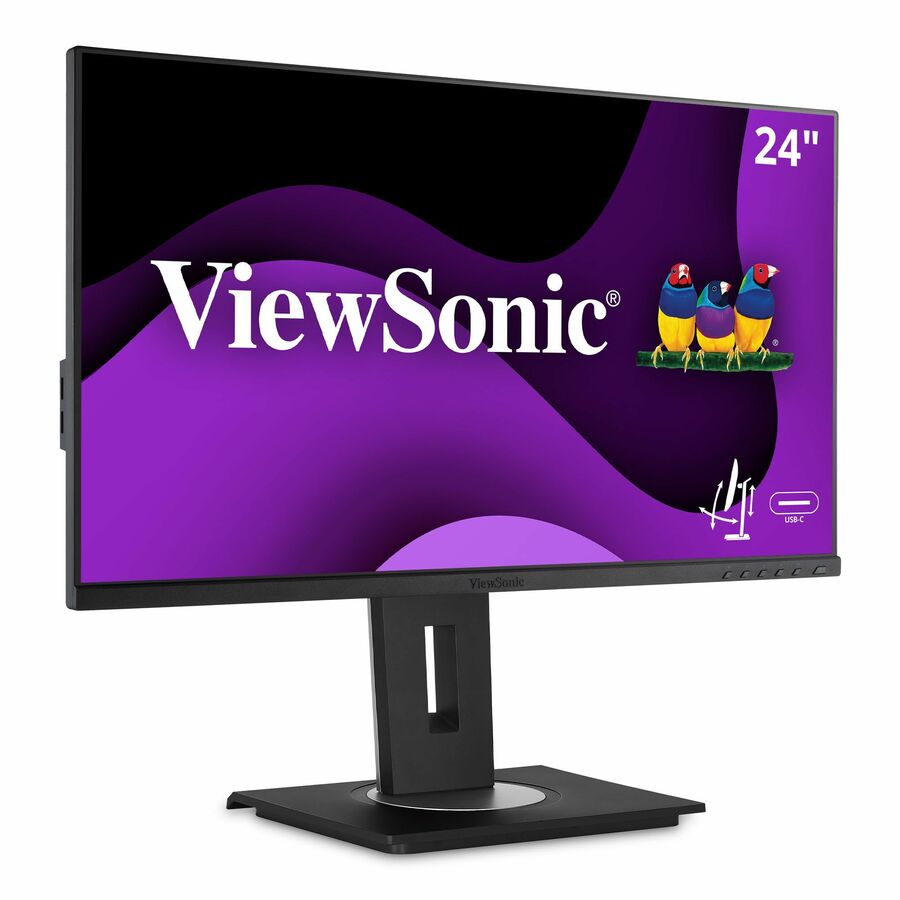
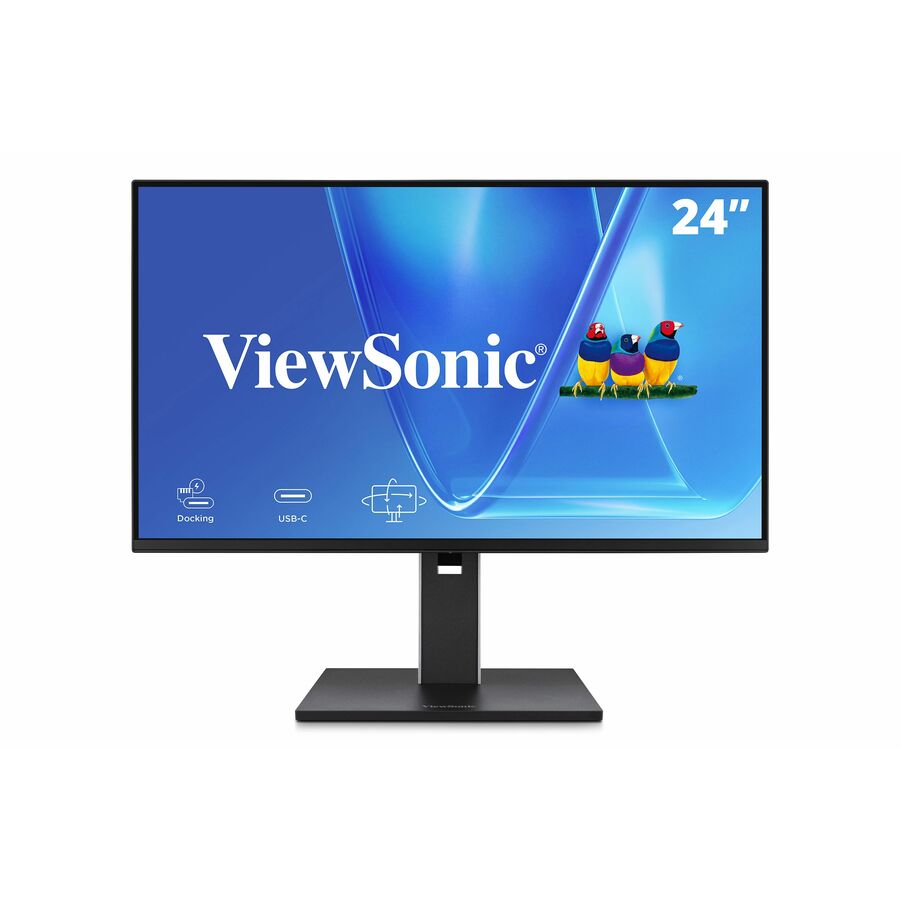
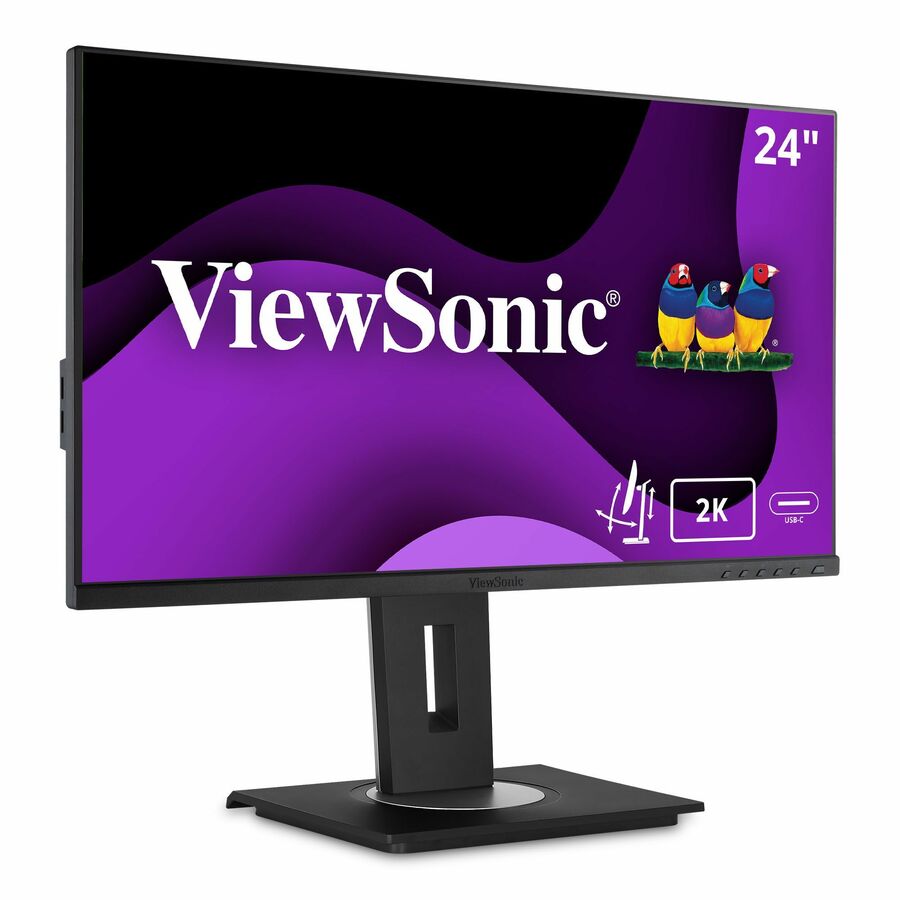
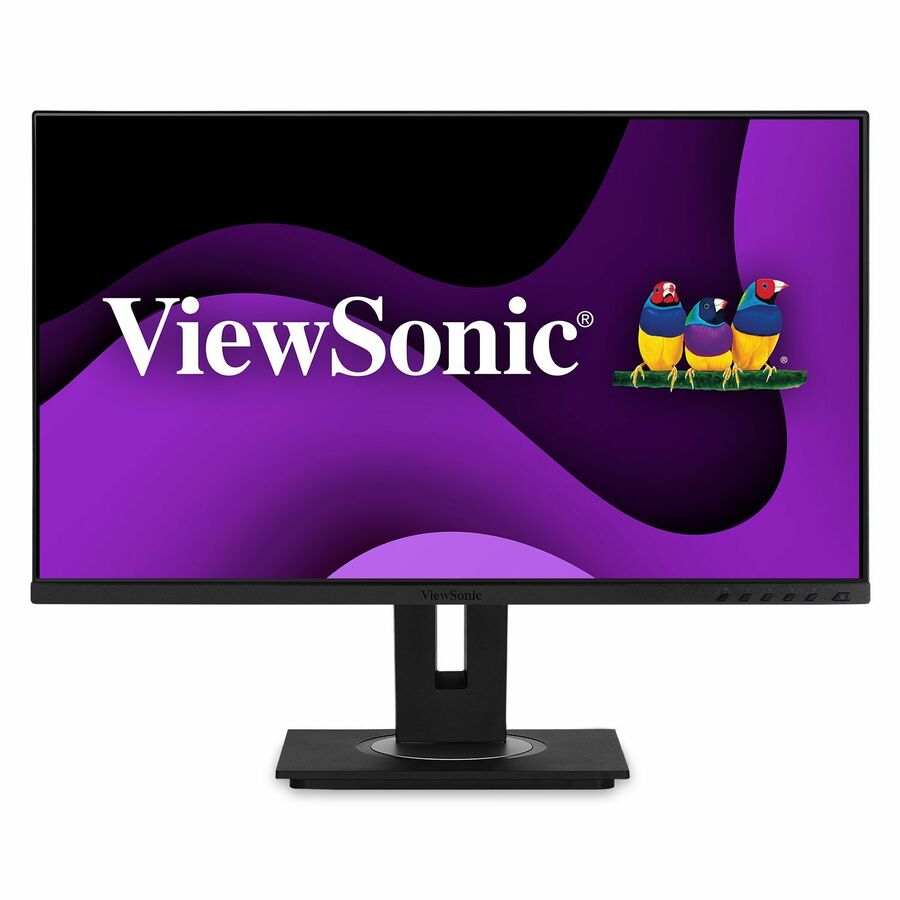
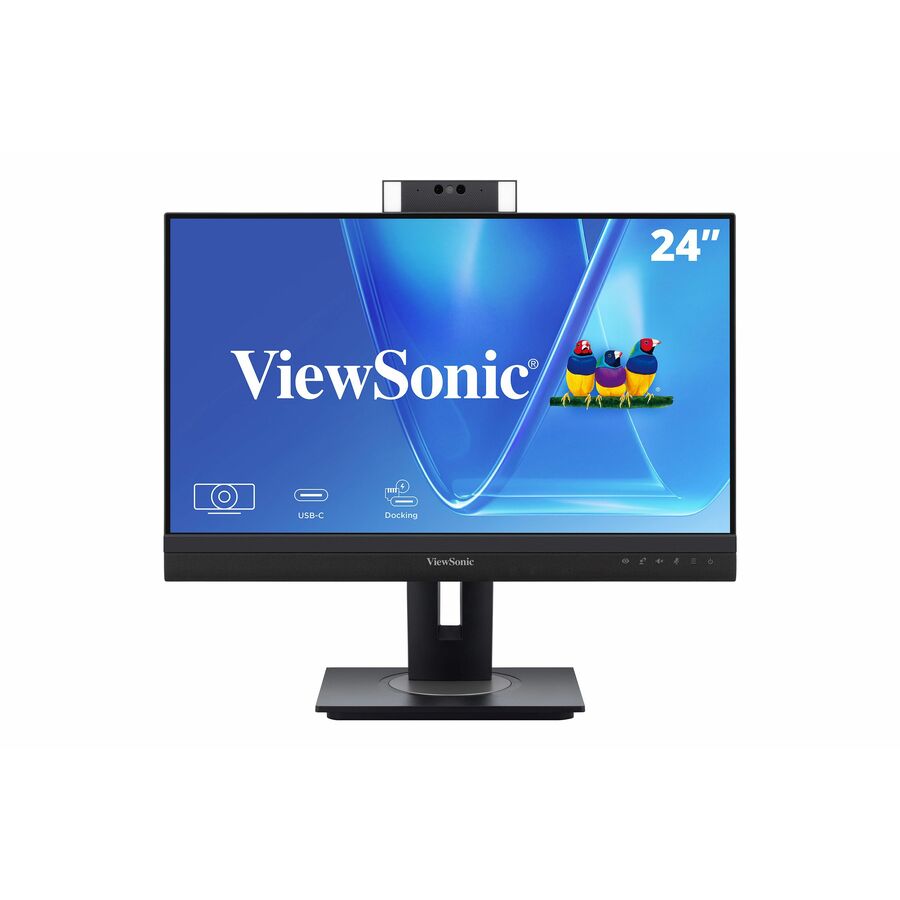
The ViewSonic VG2456 24-inch 1080p monitor with 60W USB-C — the fleet workhorse for an ultrabook desk, single cable for video, data and charging.
$295.64In stock24in dock, 100W
ViewSonic
ViewSonic VG2458 24 Inch 1080p Docking Monitor, IPS Display with 100W…
VG2458
The ViewSonic VG2458 24-inch 1080p Docking Monitor with 100W USB-C and a built-in hub — the monitor is the dock, with power to spare for a larger laptop.
100W covers most performance laptops that under-charge on 65W panels.
$317.59In stock24in, 90W
Philips Electronics
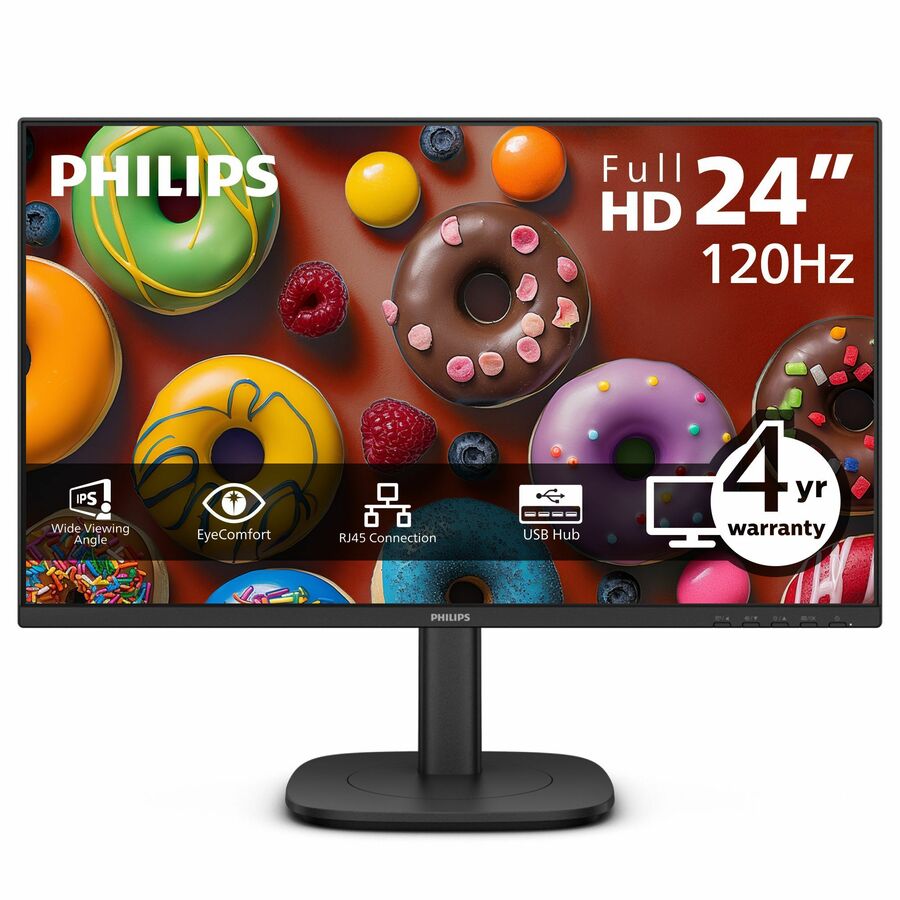
PHILIPS 24B2U3301
24B2U3301
The Philips 24B2U3301 23.8-inch FHD monitor with 90W USB-C plus HDMI and DisplayPort — high charging headroom in a compact office panel.
$250.03Back-ordered27in 4K, 65W
ViewSonic
ViewSonic VX2776-4K-MHDU 27 Inch 4K Monitor, IPS with 65W USB-C…
VX2776-4K-MHDU
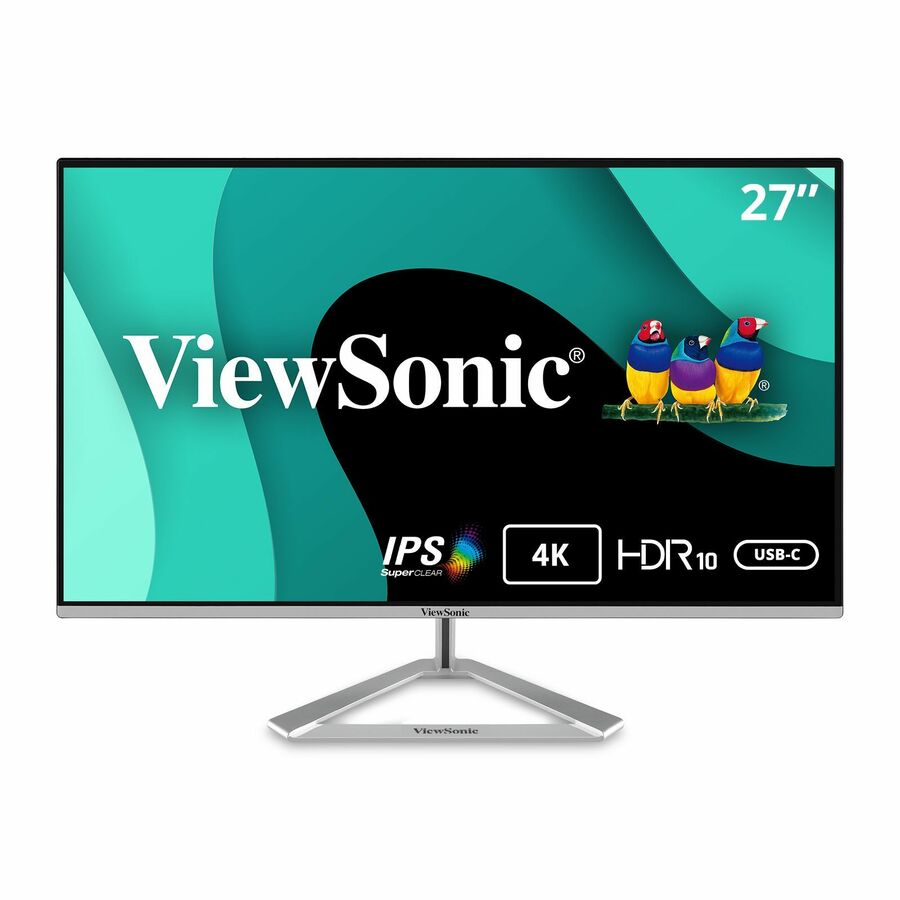
The ViewSonic VX2776-4K-MHDU 27-inch 4K monitor with 65W USB-C and HDR10 — 4K detail and single-cable docking for a typical business ultrabook.
$317.59In stockDesign 27in
ASUS Computer International
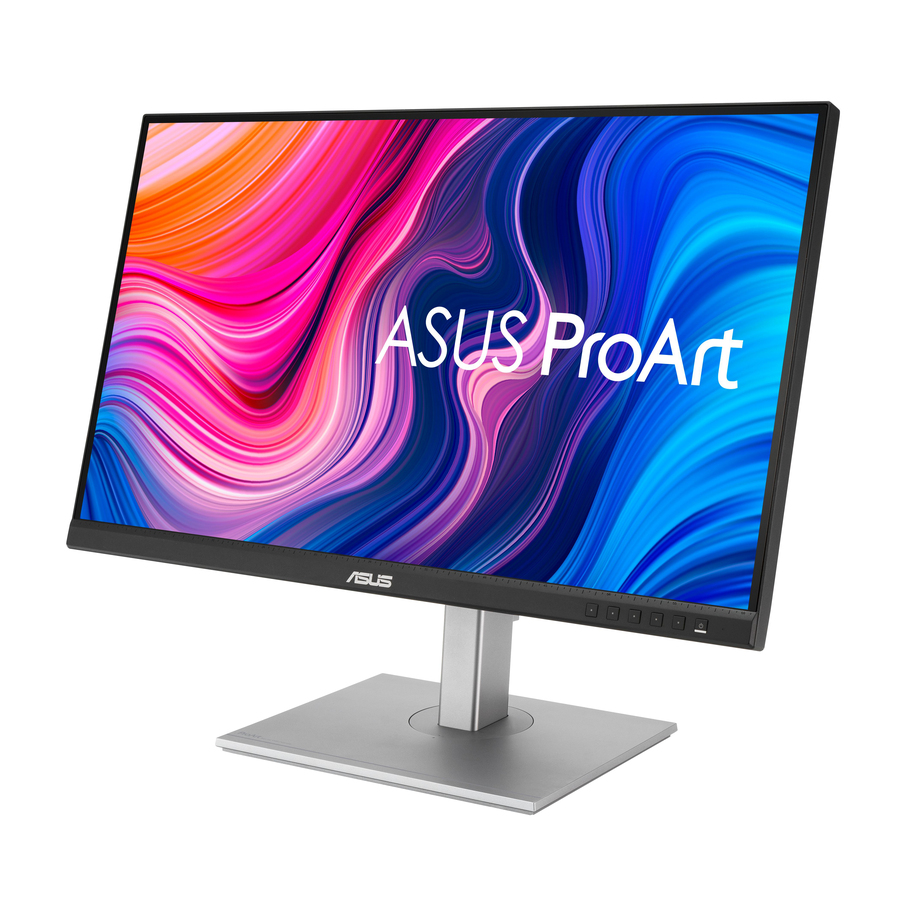
ASUS ProArt Display 27" 1440P Monitor (PA278CV)
PA278CV
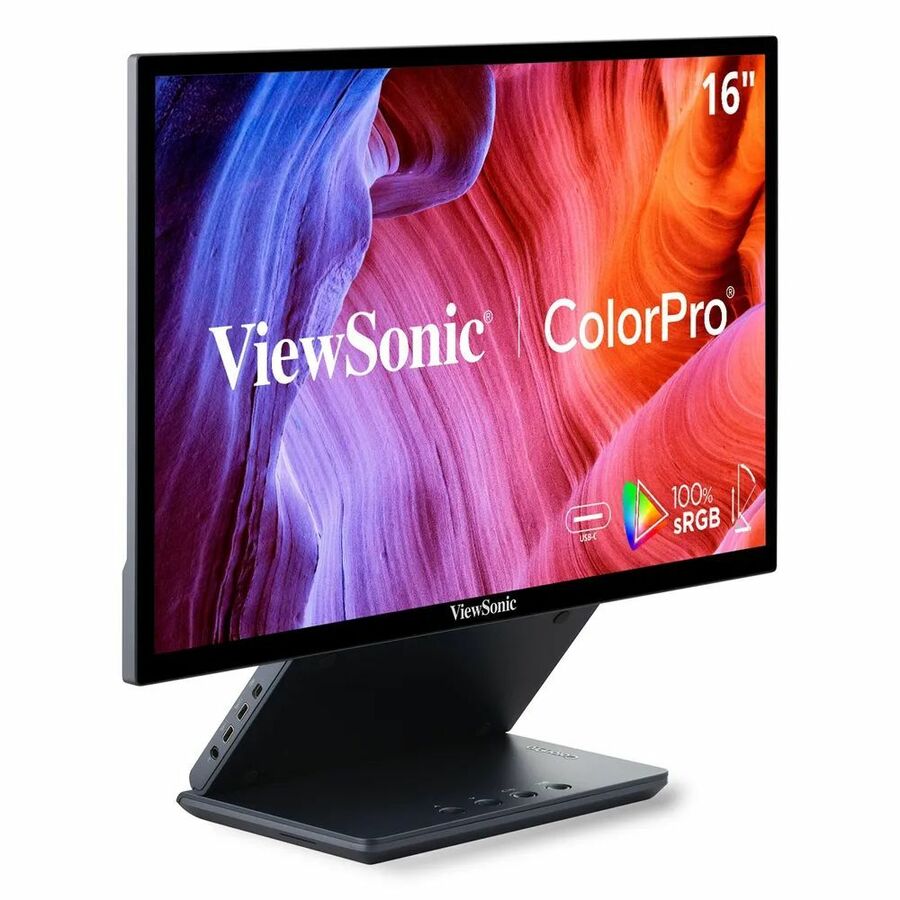
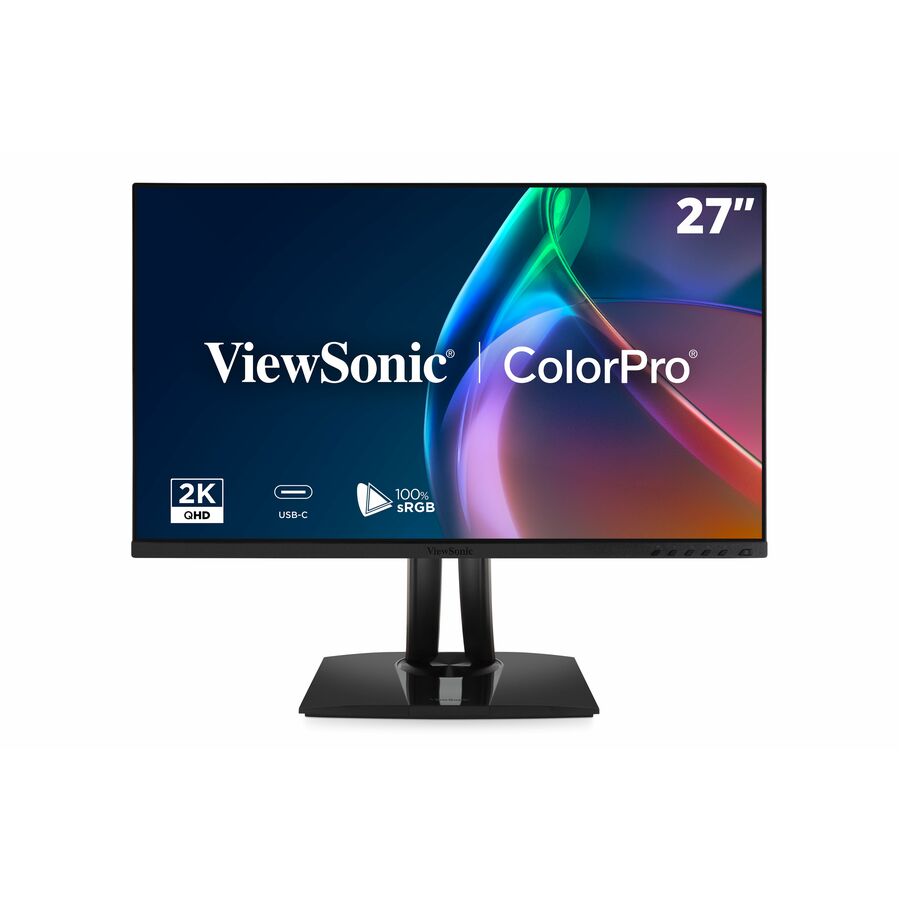
The ASUS ProArt PA278CV 27-inch 1440p monitor with 100% sRGB and factory calibration over USB-C — a colour-accurate single-cable panel for design and photo work.
$355.91In stock27in 4K, 90W
ViewSonic
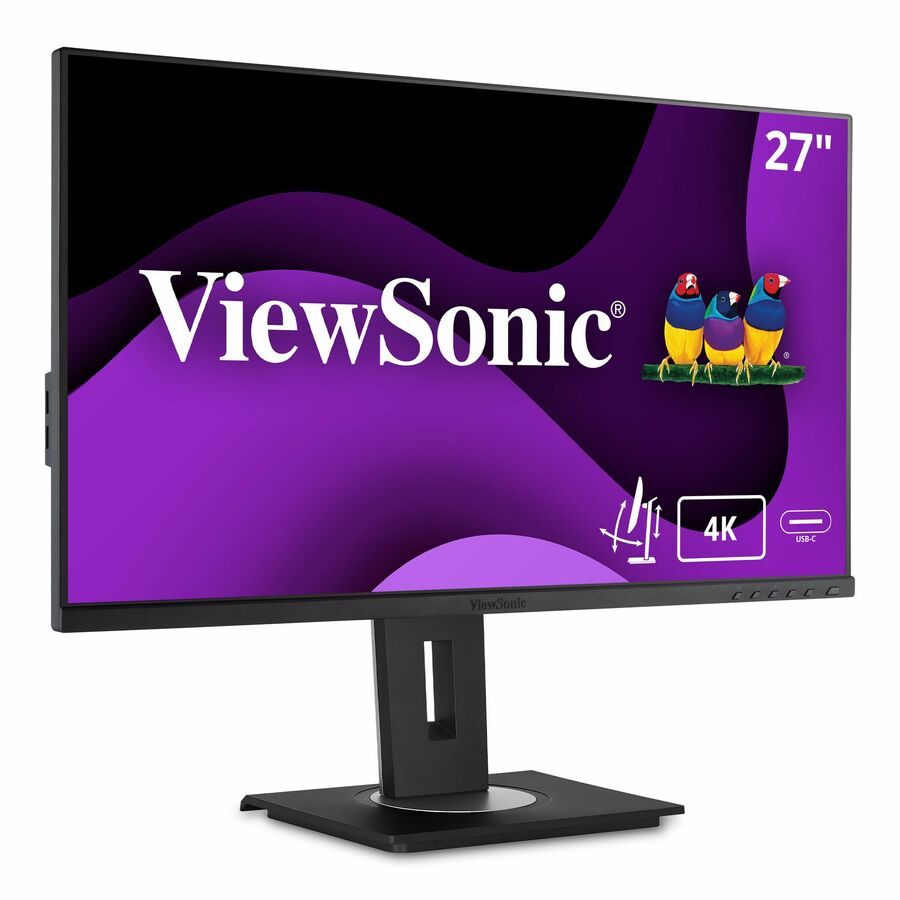
ViewSonic VG2756-4K 27 Inch 4K Monitor, IPS Display with 90W USB-C…
VG2756-4K
The ViewSonic VG2756-4K 27-inch 4K monitor with 90W USB-C — 4K resolution with enough power delivery for a performance laptop, plus a built-in hub.
$511.24In stock34in ultrawide dock
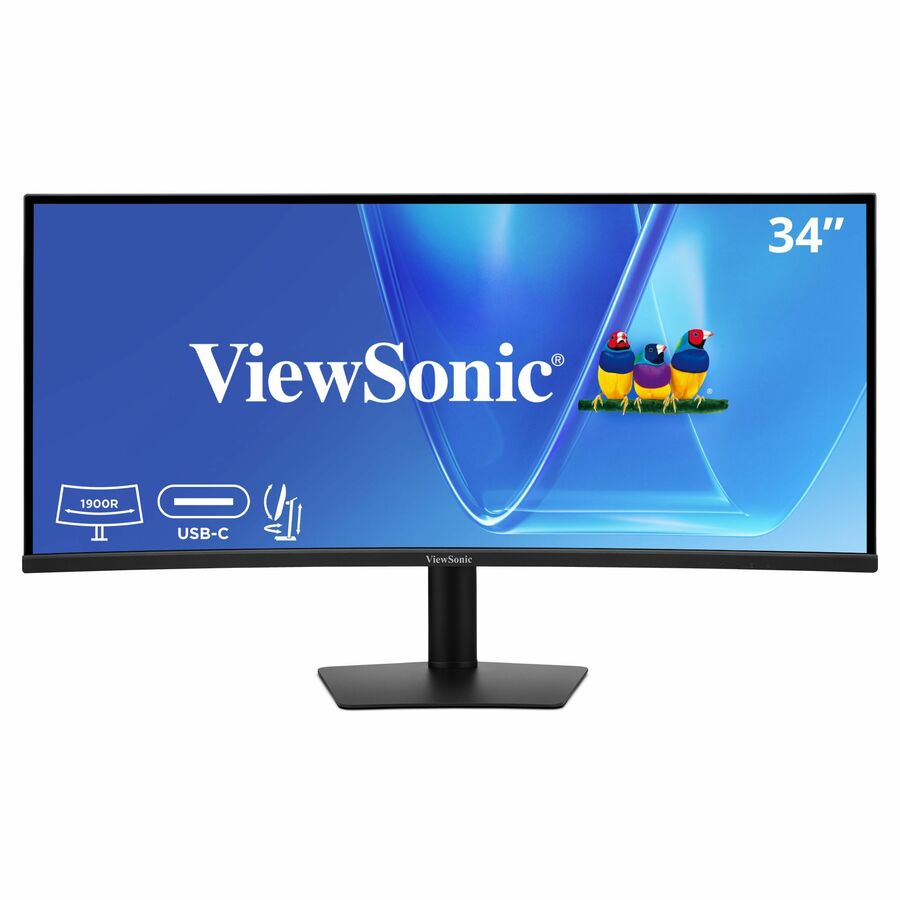
ViewSonic
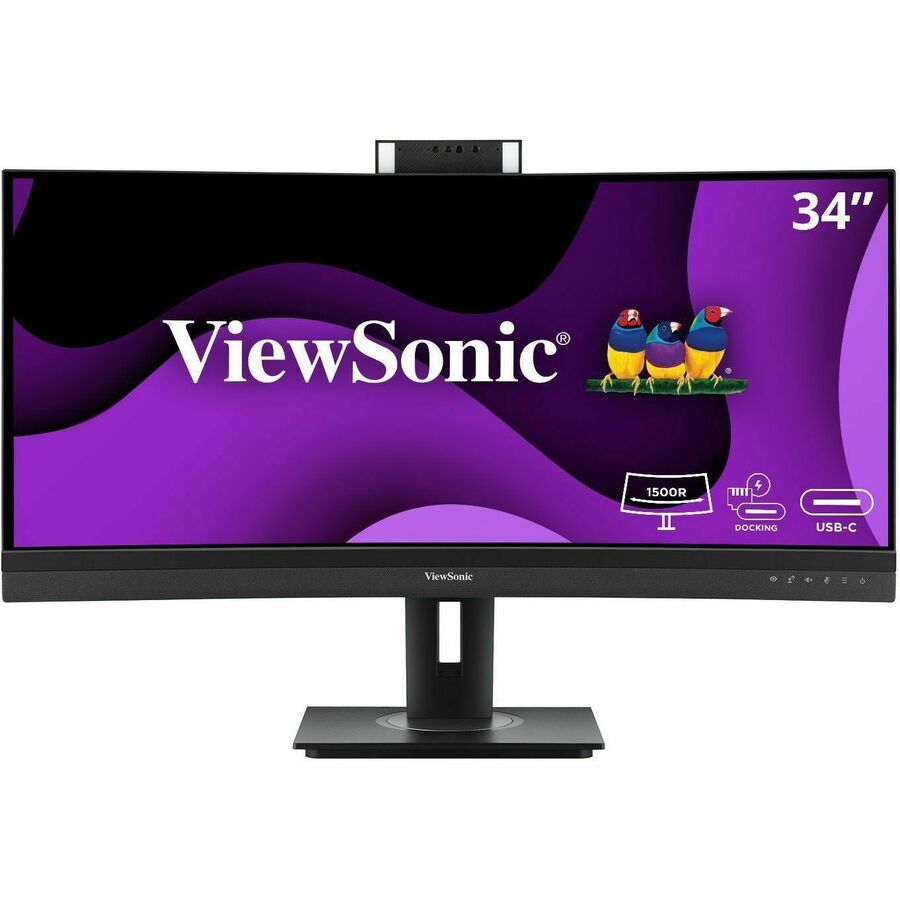
ViewSonic VG3420C 34 Inch UWQHD 1440p Curved Docking Monitor, 1900R IPS…
VG3420C
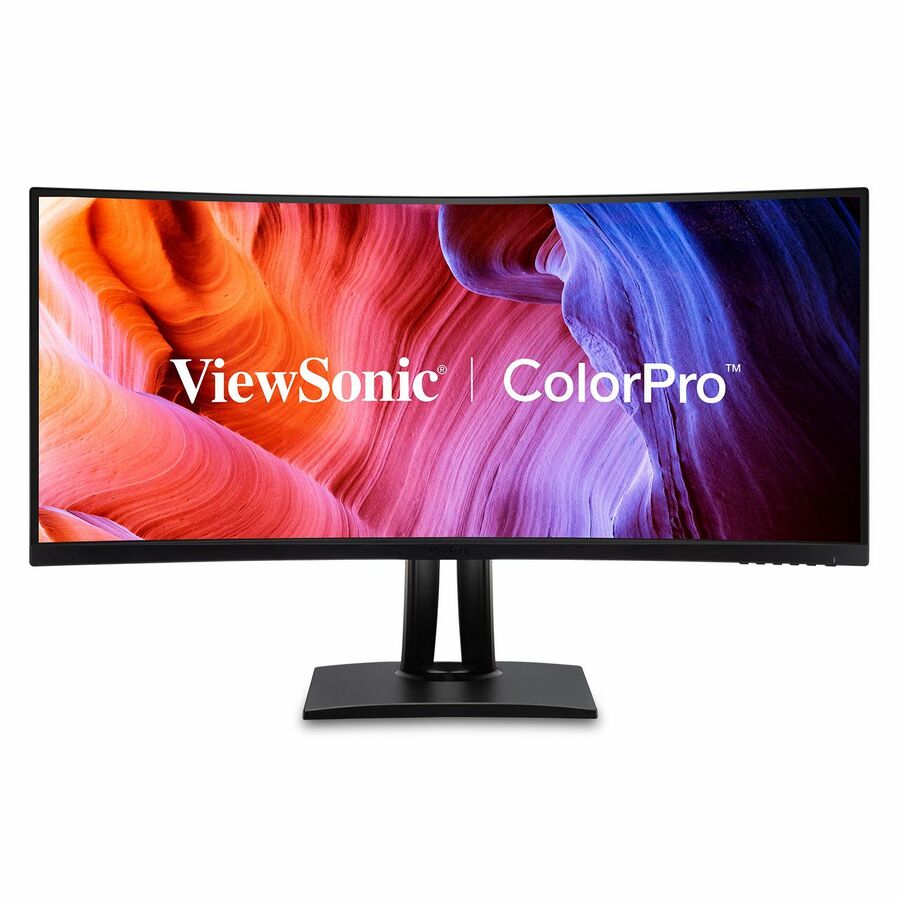
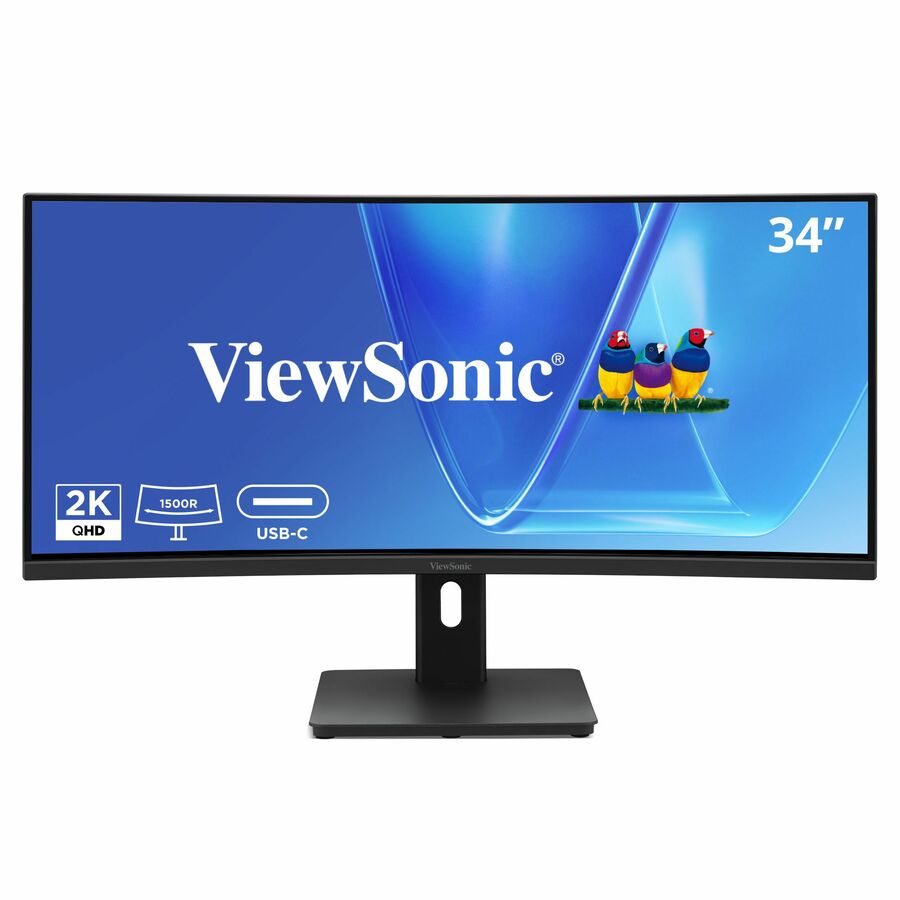
The ViewSonic VG3420C 34-inch UWQHD curved Docking Monitor — one ultrawide screen and one cable that replace a dual-monitor-plus-dock setup.
$409.25Back-ordered34in dock + hub
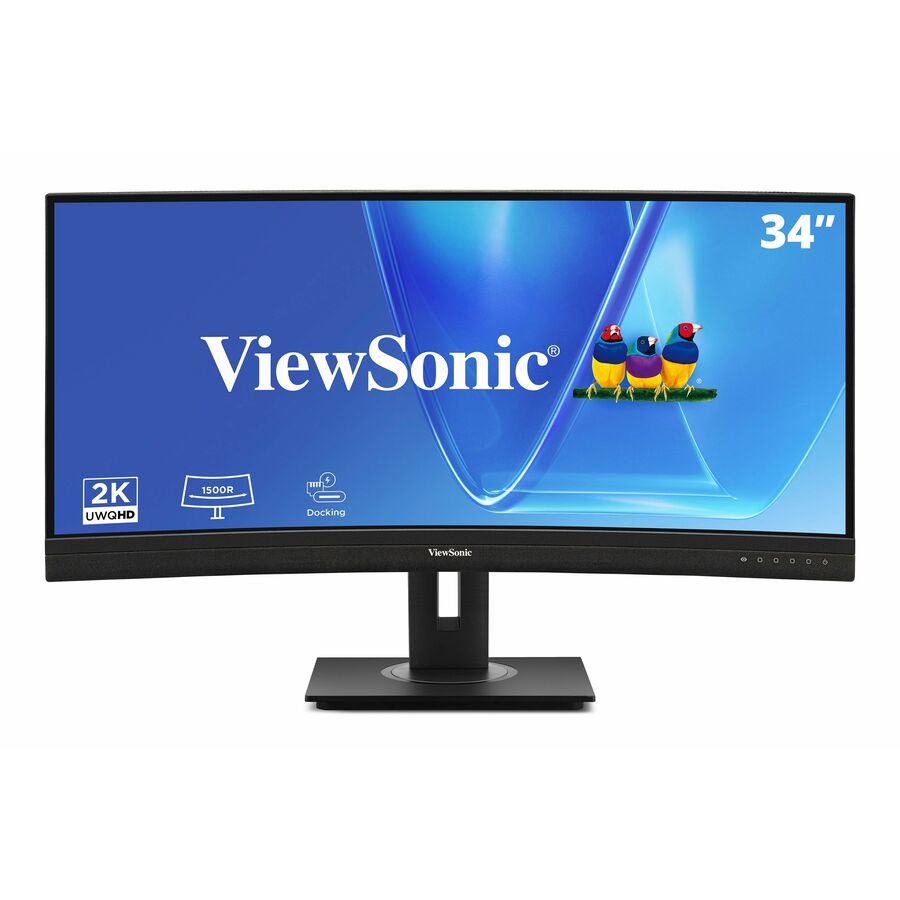
ViewSonic
ViewSonic VG3456CA 34 Inch 1440p Ultrawide Docking Monitor, Curved IPS…
VG3456CA
The ViewSonic VG3456CA 34-inch 1440p ultrawide Docking Monitor with a full built-in hub — the monitor-as-dock answer for a returning hybrid desk.
$568.04Back-ordered27in 4K hub, PD
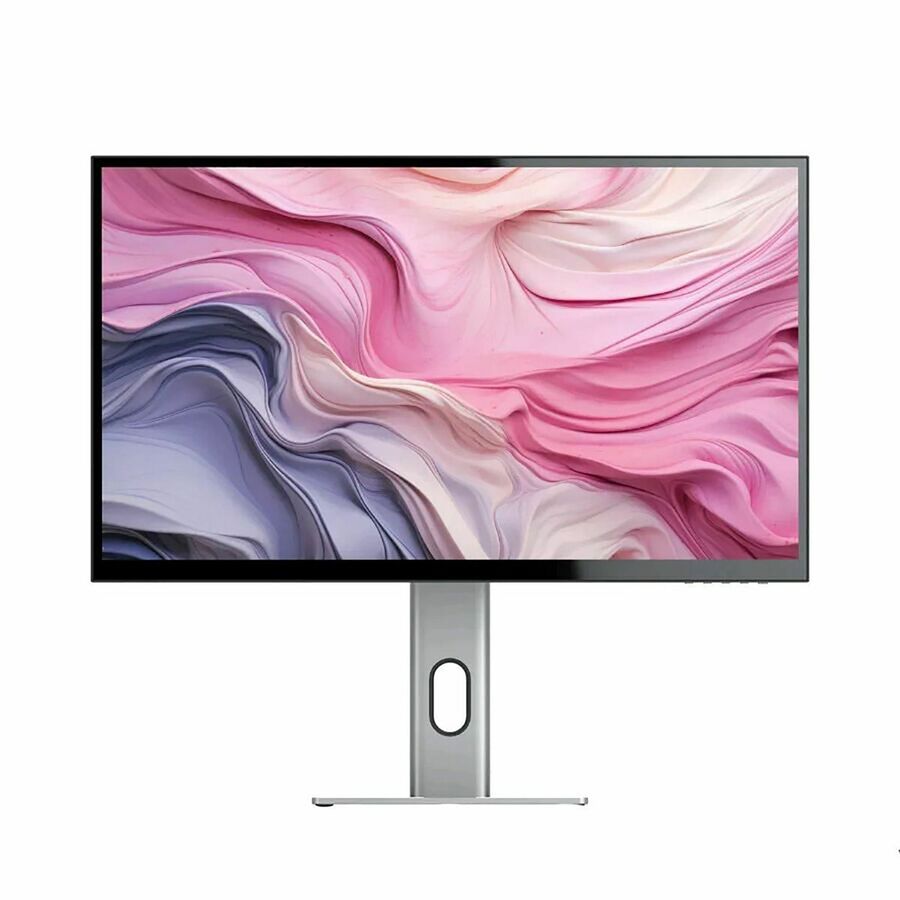
Alogic
Alogic 27"-inch 4K Ultra HD USB-C Hub monitor with Power Delivery
27F34KCPD
The Alogic 27-inch 4K USB-C hub monitor with Power Delivery — a 4K panel with a downstream USB hub built in for a clean single-cable desk.
$748.61In stock32in 4K designer

BenQ
BenQ PD3205U 32" 4K UHD IPS USB-C Calibrated LCD Monitor for Designer
PD3205U
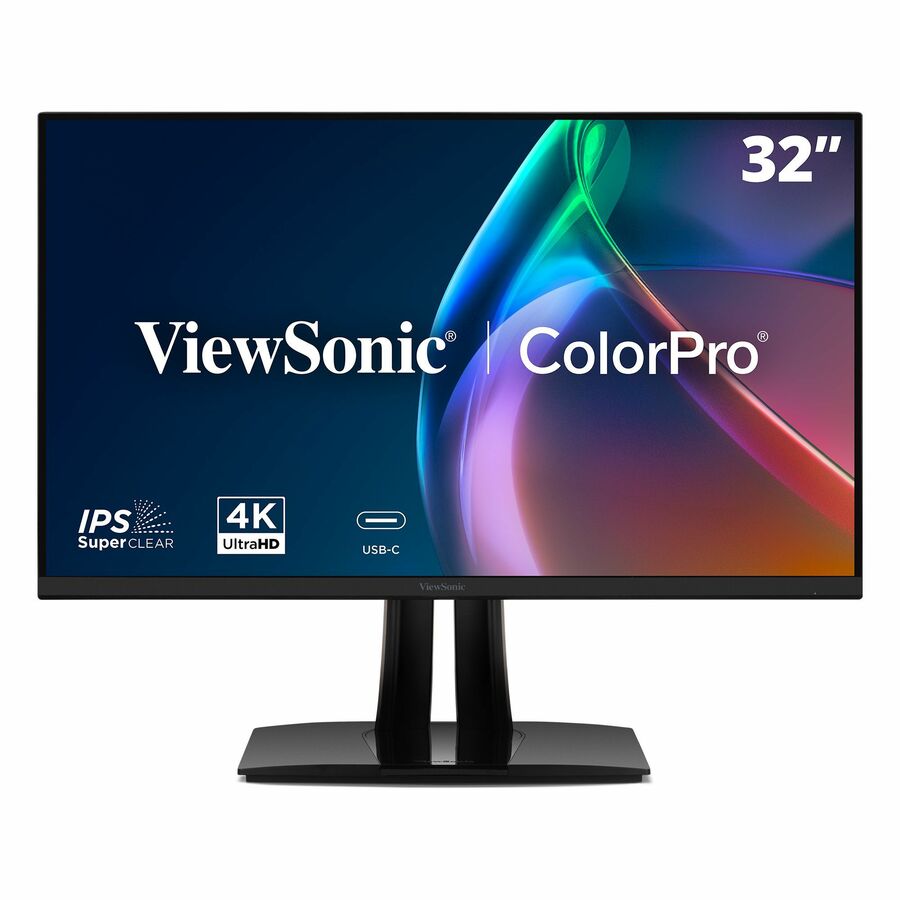
The BenQ PD3205U 32-inch 4K UHD IPS USB-C calibrated monitor — a large, colour-accurate designer display that docks a laptop over one cable.
$677.55In stock34in dock, CODi
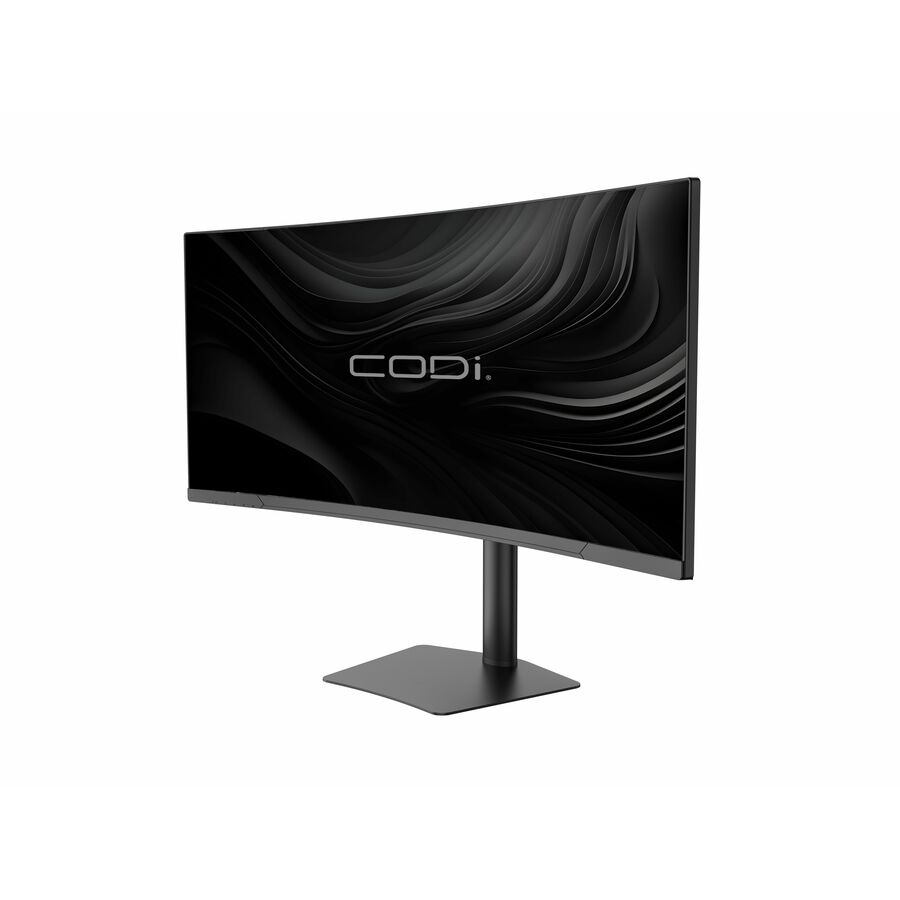
CODi Worldwide
CODi 34 Ultrawide Curved USB-C Monitor with Docking Station
MO34H-UC
The CODi 34-inch ultrawide curved USB-C monitor with a docking station built in — an enterprise-ready single-cable ultrawide for a shared desk.
$705.14In stockMore monitors in the Uniqcli catalog
See all 1,690 monitorsMore from across this category. In-stock lines lead, and a back-ordered line carries the same estimated availability its product page does — with live pricing throughout, NDAA §889 screening before checkout and TAA verified on request.
- ViewSonicViewSonic VG2756-4K 27 Inch 4K Monitor, IPS Display with 90W USB-C for Smooth Home and Office Productivity, Full Ergonomic Adjustability, RJ45, HDMI, USB Hub, and DisplayPort Inputs - Ergonomic VG2756-4K - 4K UHD IPS Monitor with Built-In Docking, USB-C, RJ45, 40 Degree Tilt - 350 cd/m² - 27?VG2756-4K
$609.00
$511.24
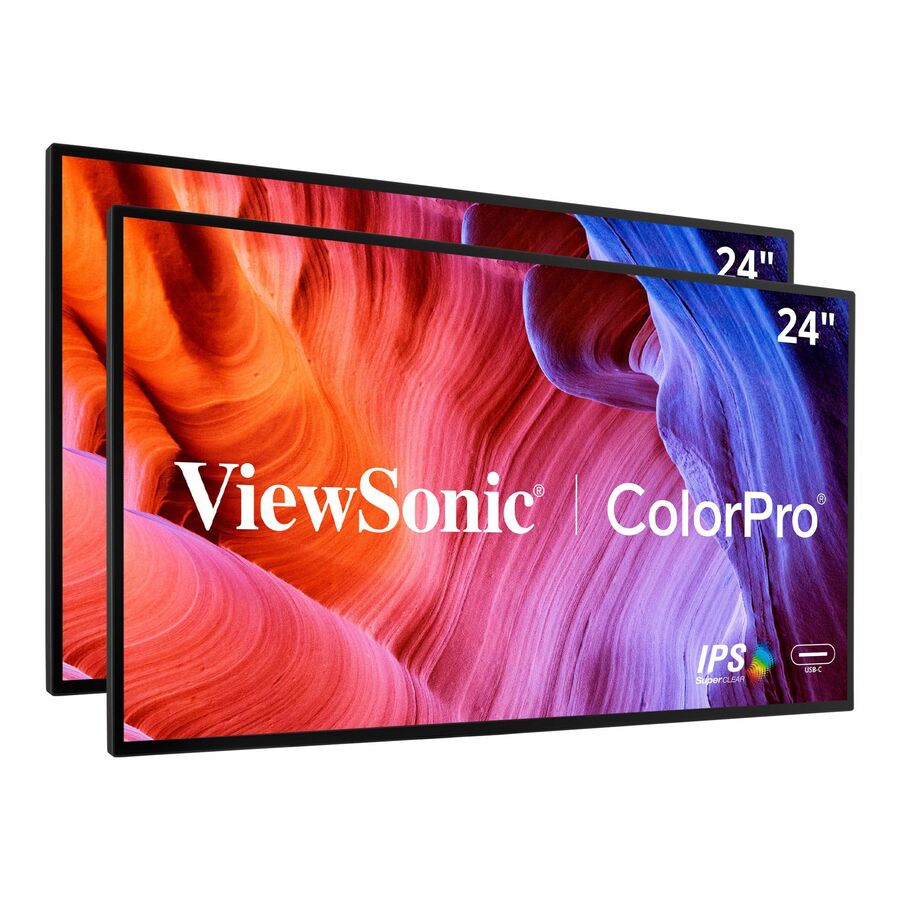
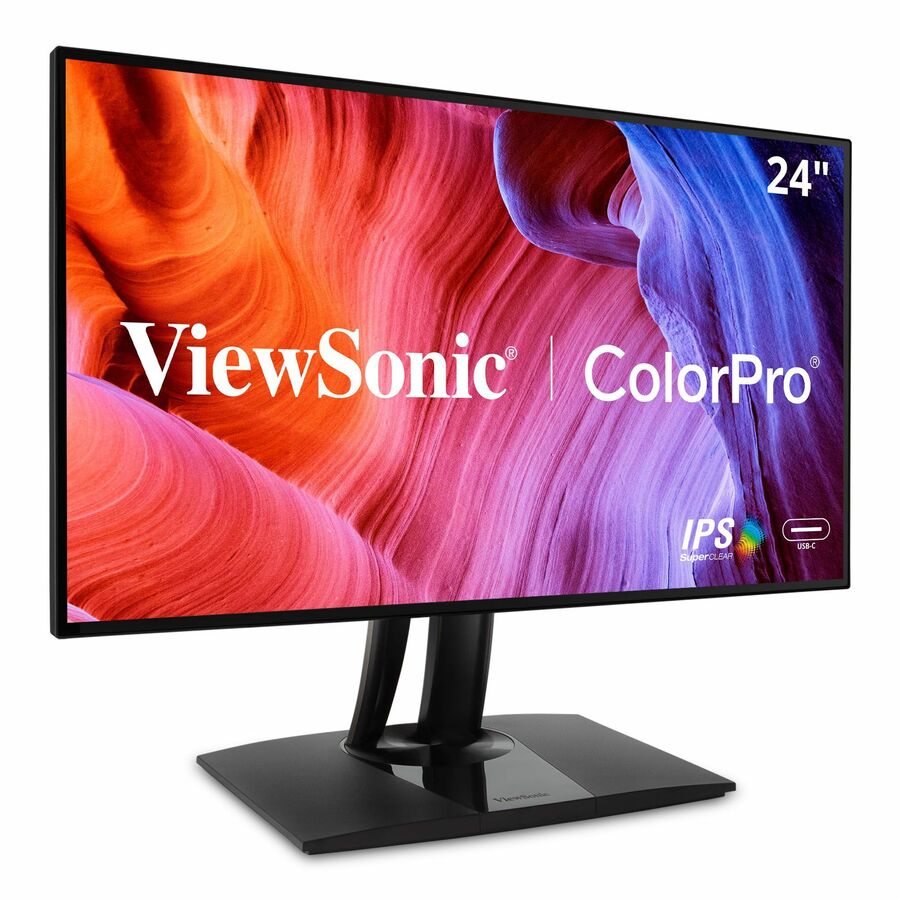
257 in stock - ViewSonicViewSonic VP2468A_H2 24 Inch 1080p Dual Pack Head-Only ColorPro Monitors, 100% sRGB and Pantone Validated for Dual Screen Graphic Design, Advanced Ergonomics, 65W USB-C, and DisplayPort Daisy Chain - ViewSonic ColorPro VP2468a_H2 - 24? Dual Pack Head-Only IPS 1080p Monitors with 60W USB C, Daisy Chain - 250 cd/m²VP2468A_H2
$669.00
$592.57
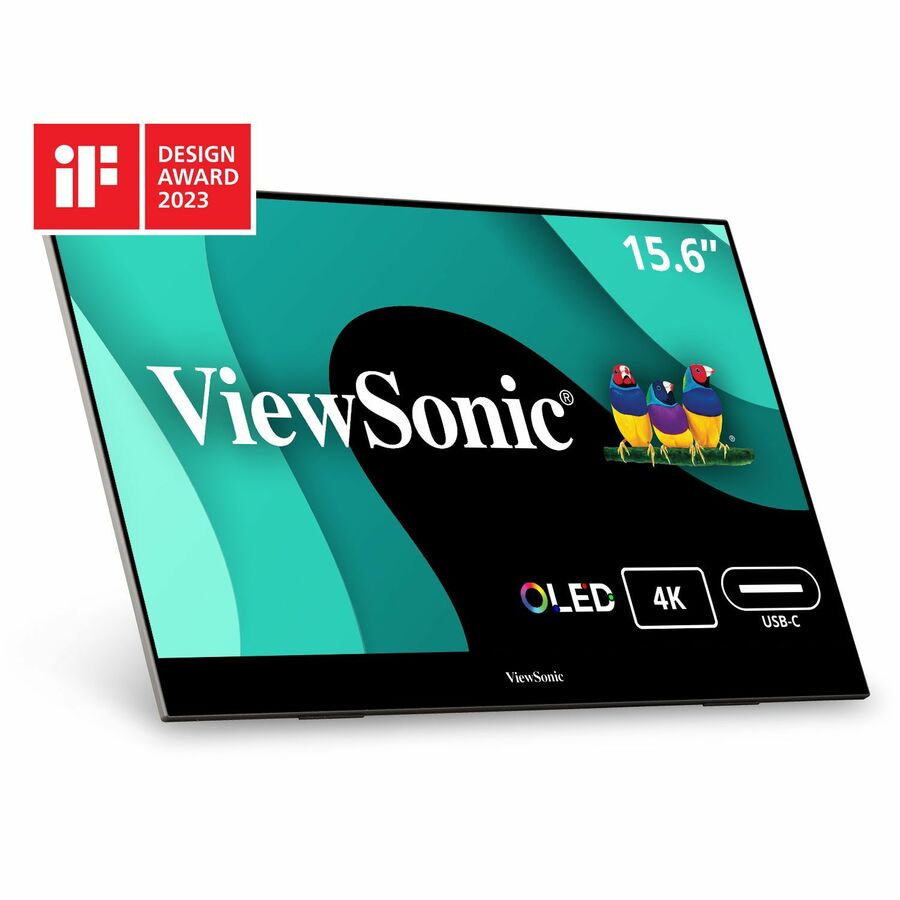
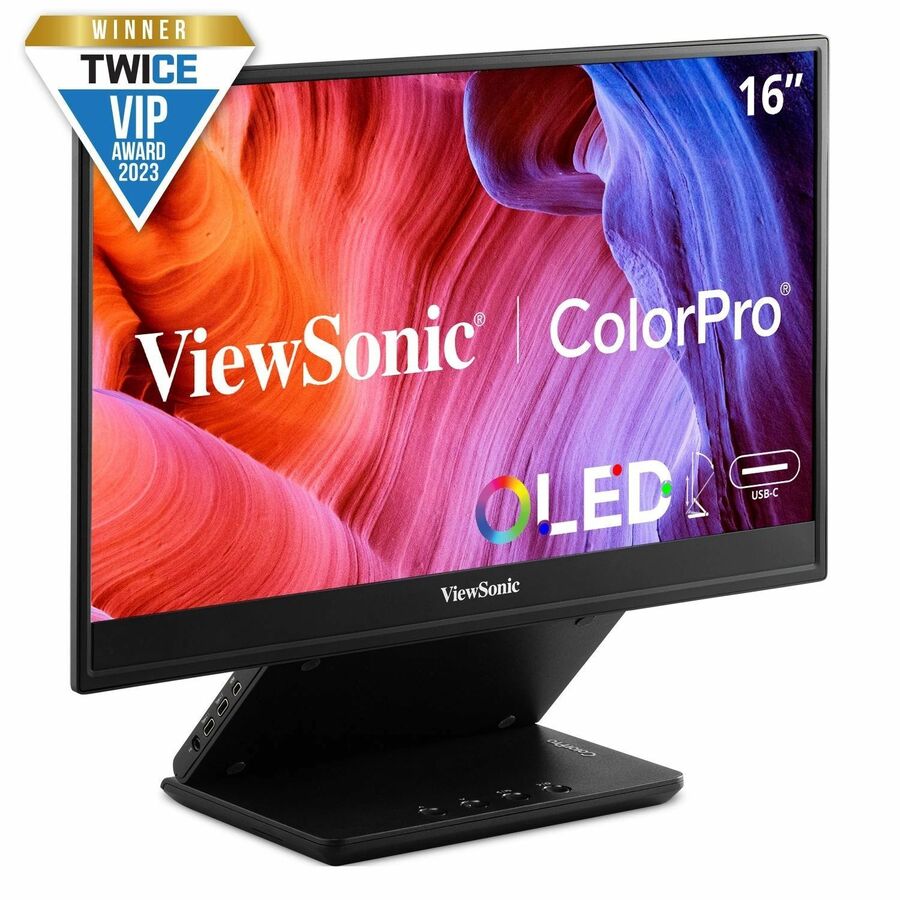
824 in stock - ViewSonicViewSonic VX1655-4K-OLED 15.6 Inch 4K Portable Monitor, OLED Display for Immersive Mobile Workspaces and Second Screen Productivity, Built-in Stand, 60W USB-C, and Mini HDMI Inputs - ViewSonic VX1655-4K-OLED - 15.6? 4K UHD OLED Portable Monitor w/ 60W USB-C, mini HDMI, 100% DCI-P3 - 400 cd/m²VX1655-4K-OLED
$649.00
$580.95
1,090 in stock - ViewSonicViewSonic VG1656N 16 Inch 1200p Wireless Portable Monitor, IPS for Improved Workflows and Second Screen Productivity, Built-in Stand and Battery, 60W USB-C, and WiFi Dongle Inputs - ViewSonic VG1656N - Portable 16:10 WUXGA IPS Monitor w/ Built-In Battery, Wireless Casting, 60W USB-C - 250 cd/m² - 16?VG1656N
$429.00
$383.43
1,080 in stock - ViewSonicViewSonic VG1656-2K 16 Inch 1600p Portable Monitor, WQXGA IPS for Improved Workflows and Second Screen Productivity, Built-in Stand, 65W USB-C, mini HDMI, and Smart Cover Inputs - ViewSonic VG1656-2K - Portable 16:10 WQXGA IPS Monitor with 65W USB C and Smart Cover Design - 400 cd/m² - 16?VG1656-2K
$429.00
$383.43
1,061 in stock



Need pricing on USB-C monitors?
Tell us where to reach you and a Uniqcli specialist will follow up by email with current pricing, availability and lead time for the quantities you need — including parts that aren’t shown on this page.
Buying for an organization or for yourself — both work. No payment up front.
The specification that decides whether a USB-C monitor can replace a dock is the power delivery on its upstream port, quoted in watts — 60W, 65W, 90W, 100W — which has to meet or exceed what the laptop's own charger supplies. The second check is on the laptop: one-cable docking needs a USB-C port carrying DisplayPort Alt Mode or Thunderbolt, since a data-only port will not drive the screen.
A USB-C monitor turns a desk into a dock. One cable from the laptop carries video, data and power at once, so a user closes the lid, plugs in a single connector, and gets a large screen, wired peripherals and a charging laptop without a separate dock, a power brick or a tangle of cables. Every row on this page states USB-C in the manufacturer's own title, which keeps the page to the monitors that actually do this rather than the far larger shelf of displays that only take HDMI or DisplayPort.
The number that decides whether a monitor can truly replace a dock is power delivery. USB-C Power Delivery is quoted in watts — 60W, 65W, 90W, 100W — and it has to meet or exceed what the laptop draws under load, or the machine charges slowly or not at all while docked. A thin ultrabook is happy on 65W; a 15-inch mobile workstation may want 90W or more. Read the wattage on the exact model against the laptop's own charger rating, because a monitor that drives the picture beautifully but under-powers the laptop is a half-finished dock.
Beyond power, the useful differences are resolution, size and whether the monitor adds a built-in hub. A 24-inch 1080p panel is the fleet workhorse; 27-inch 1440p and 4K suit detail work; 34-inch ultrawides replace a dual-monitor setup with one cable. Several models here go further and build a full dock into the stand — Ethernet, extra USB ports, sometimes daisy-chain out — so the monitor is the docking station. Nothing here is a test result; the selection is fenced to catalog rows whose own title names USB-C, and the cards carry live pricing and current availability.
Buyer's checklist
How to choose a USB-C docking monitor
- Match the power delivery to the laptop, not the monitor. USB-C PD is quoted in watts — 60W, 65W, 90W, 100W — and it has to meet or exceed the laptop's own charger rating, or the machine charges slowly or drains while docked. A mobile workstation needs more than an ultrabook.
- Confirm the laptop's USB-C port carries video. Docking over one cable needs a port with DisplayPort Alt Mode (or Thunderbolt); a data-only USB-C port will charge and move data but not drive the screen. Check the laptop's spec before assuming the cable does everything.
- Pick resolution and size for the work. A 24-inch 1080p panel is the fleet default; 27-inch 1440p and 4K suit detail and design work; a 34-inch ultrawide replaces two monitors with a single cable and a single dock.
- Decide whether you want the monitor to be the dock. Several models build Ethernet, extra USB ports and sometimes daisy-chain output into the stand — a true one-cable docking station — while others do power and video only and lean on the laptop's own ports.
- For hot-desks and shared benches, standardize on one power tier. A single 90W-or-higher model across shared desks means any laptop that lands there docks and charges, which removes the 'why isn't it charging' support call.
- Read colour and panel specs where the work needs them. Design and photo users want the sRGB or DCI-P3 coverage and factory calibration the ColorPro and ProArt lines state; a general office monitor does not need to pay for it.
Power delivery is the spec that makes or breaks the dock
Every USB-C monitor drives a picture; not every one can run as a dock, and power delivery is the line between the two. The monitor's USB-C port supplies power back to the laptop, and that figure — quoted in watts — has to cover what the laptop pulls under load, not just at idle. Under-provision it and the visible symptom is a laptop that slowly discharges through a heavy afternoon even though it is 'plugged in', or one that charges only when asleep. A 65W monitor keeps a typical business ultrabook topped up; a 90W or 100W monitor is what a larger or more powerful laptop needs, and it is the safer default for a shared desk where you cannot predict which machine will arrive.
The matching check on the laptop side is DisplayPort Alt Mode. A single-cable dock needs the laptop's USB-C port to carry video, which requires Alt Mode or Thunderbolt; a data-and-power-only USB-C port will charge the machine and move files but leave the screen dark. Confirm both ends — the monitor's wattage and the laptop's video-capable port — and the one-cable desk works as advertised.
When the monitor is the docking station
The most useful USB-C monitors do not just accept a dock cable; they are the dock. A built-in hub adds wired Ethernet, a cluster of downstream USB ports and, on the ultrawide and premium models, a daisy-chain output that drives a second display from the same cable — so a keyboard, mouse, wired network and a second screen all hang off the monitor and connect to the laptop through one connector. For a returning hybrid worker or a hot-desk, that is a genuine dock replacement at the price of a monitor they were going to buy anyway.
Design that around how the desk is used. A fixed personal desk can lean on a monitor-as-dock and skip a separate docking station entirely; a bench shared by many laptops benefits from a high-wattage model with the hub built in so any machine docks the same way. Uniqcli can quote the monitors, the docks and the cabling on one document for business, government and education buyers, so a desk refresh lands as a set.
FAQ
Common questions
- How much USB-C power delivery do I need to charge my laptop?
- Match the monitor's wattage to the laptop's own charger, and round up. A typical business ultrabook ships with a 45–65W charger and docks happily on a 65W monitor; a 15-inch or performance laptop may come with a 90W or 100W charger and needs a monitor that supplies at least that, or it charges slowly or drains under load while 'docked'. The watts are stated on each model here. For a shared desk where any laptop might arrive, standardize on 90W or higher so nothing under-charges — the extra headroom costs little and removes a whole class of support call.
- Can any laptop drive a monitor over a single USB-C cable?
- Only if the laptop's USB-C port carries video, which needs DisplayPort Alt Mode or Thunderbolt. Many laptops have this on at least one port, but some USB-C ports are data-and-power only — they will charge the machine and move files but not drive the screen, so a single-cable dock leaves the display dark. Check the laptop's specification for which ports support video output before standardizing on a one-cable monitor, and prefer laptops and monitors that both state the capability clearly.
- What is the difference between a USB-C monitor and a docking monitor?
- Every USB-C monitor takes video and usually power over the one cable; a docking monitor goes further and builds a full hub into the stand — wired Ethernet, extra USB ports, and often a daisy-chain output for a second display. So a plain USB-C monitor gives you a screen and charging on one cable and leaves peripherals on the laptop's own ports, while a docking monitor lets a keyboard, mouse, network and a second screen all hang off the monitor and reach the laptop through a single connector. The titles here flag the docking models; pick one where you want the monitor to replace a separate dock.
- Will a USB-C monitor work with a Mac or a Windows laptop the same way?
- The single-cable behaviour — video, data and charging over USB-C — works across platforms as long as the laptop's port supports DisplayPort Alt Mode or Thunderbolt, which covers most current Macs and business Windows laptops. What can differ is how far a built-in dock's extra features are supported by the operating system and whether daisy-chaining a second display works, since that depends on the laptop's graphics support. For a mixed fleet, a straightforward power-and-video USB-C monitor is the most universally compatible choice; confirm dock and daisy-chain features against the specific laptops if you rely on them.
- Can business, government and education buyers order these?
- Every line Uniqcli quotes is sourced through US distribution and screened for TAA country-of-origin and NDAA §889 status before checkout — with documentation tied to the specific part number, not a product family.
Need USB-C monitors pricing?
Send a bill of materials or part numbers — we confirm stock and a below-market total, with TAA verified on request. No payment up front.