
Best Thunderbolt 4 Docking Stations for Desks
Thunderbolt 4 and USB4 docks for assigned desks and hot-desking floors — and the specification floor that separates a dock from a multiport hub.
Docking stations in stock at Uniqcli
How to choose →A curated selection with live pricing — in-stock lines first, then back-ordered lines with a typical lead time. Every line is sourced through US distribution and screened for NDAA §889 status before checkout, with TAA verified on request.
- Belkin InternationalBelkin Thunderbolt 4 5-in-1 Multiport Core Hub - USB 4 - 40 Gbps - 96W - 4xTB4 USB-C, 1xUSB-A - Docking Station - Grey - 5-in-1 USB-C Multiport Core Hub w/ 96W Power Delivery for Mac, Windows, Single 8K or Dual 4K Display, Thunderbolt 4 Cable & Power Supply IncludedINC013TTSGY
$149.99
$137.99
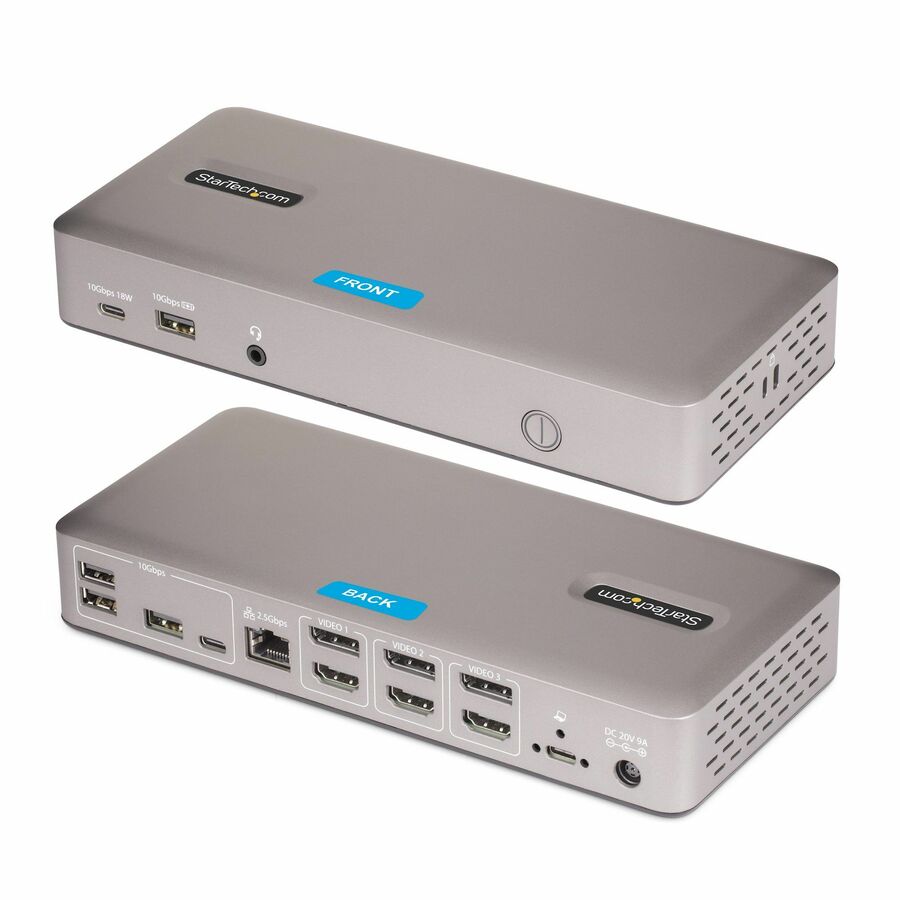
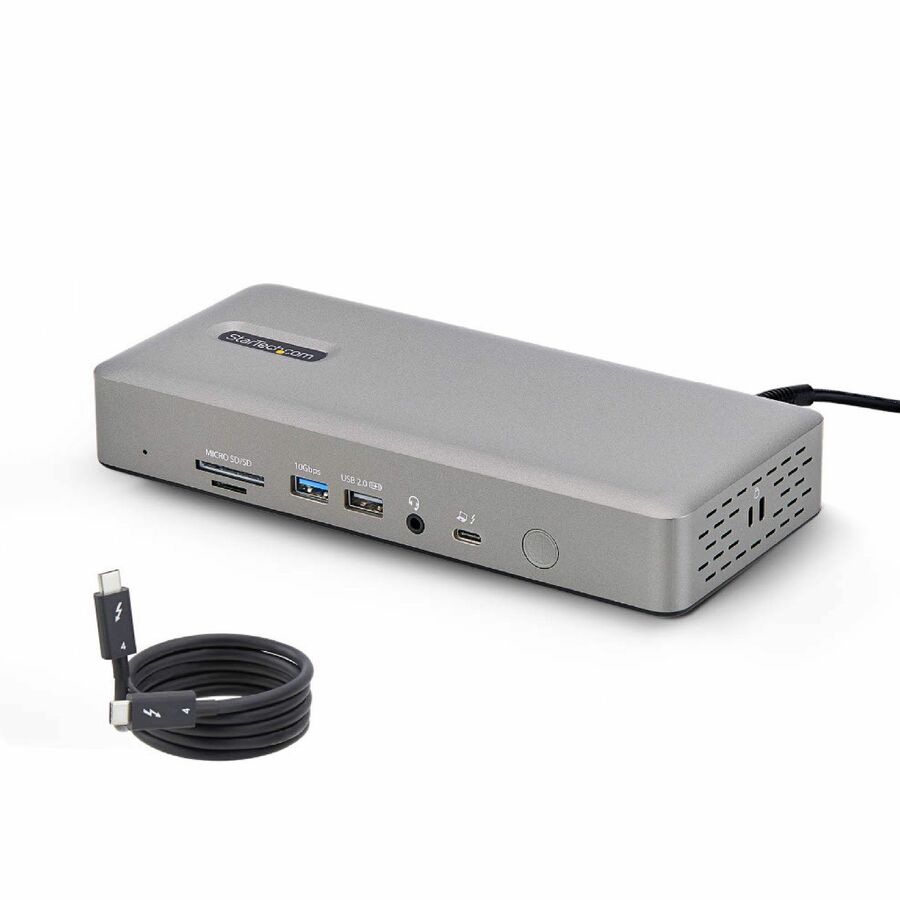
286 in stock - StarTech.comStarTech Triple-Monitor USB4 Docking Station, 4K 60Hz HDMI or DisplayPort, 6x USB Hub, 2.5GbE, 100W Charging, Driverless USB-C Dock - Connect 3x 4K 60Hz monitors via a single USB4/Thunderbolt 4 port; Utilize GPU capabilities (no software or compression); 3x video outputs (HDMI or DP options); 2.5Gb Ethernet; 100W Power Delivery to the host; Driverless install for Windows/ChromeOS150N-USB4DOCK-TRIPLE
$193.99
$178.47
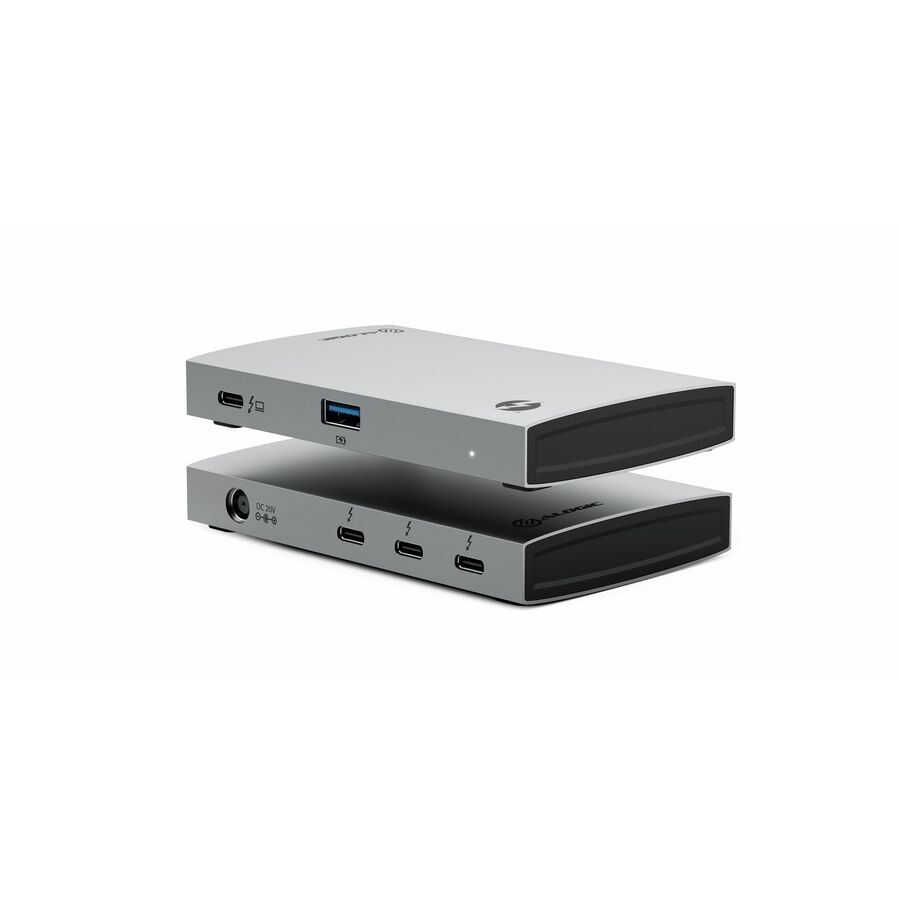
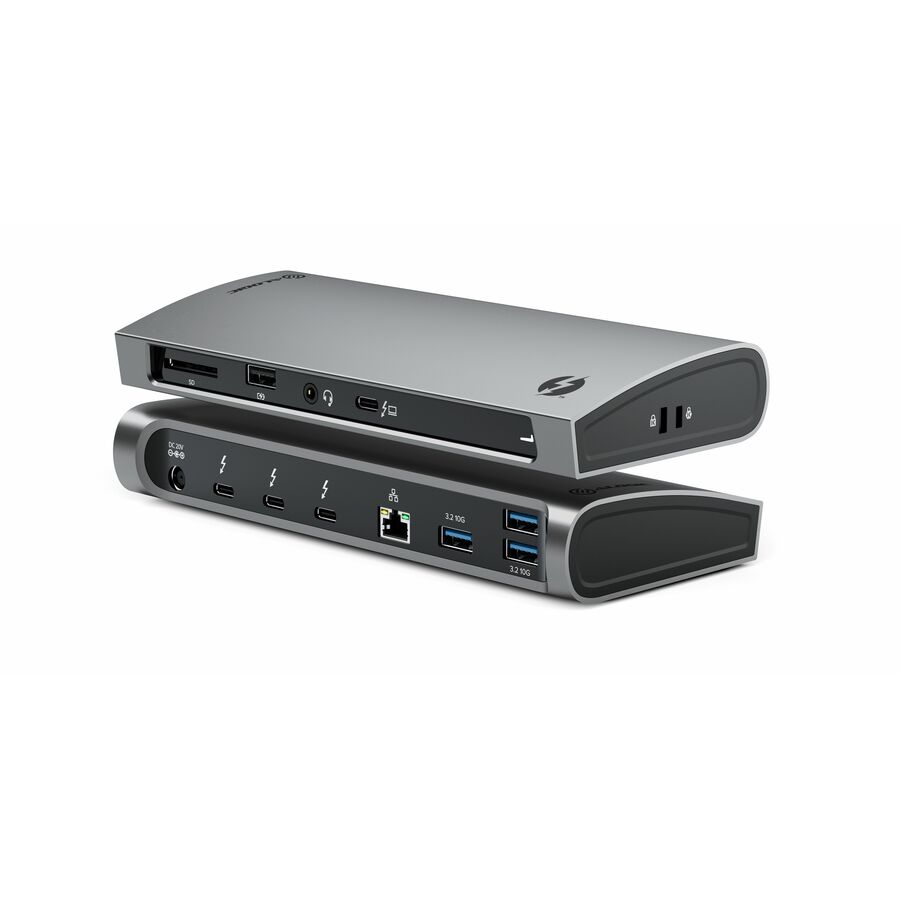
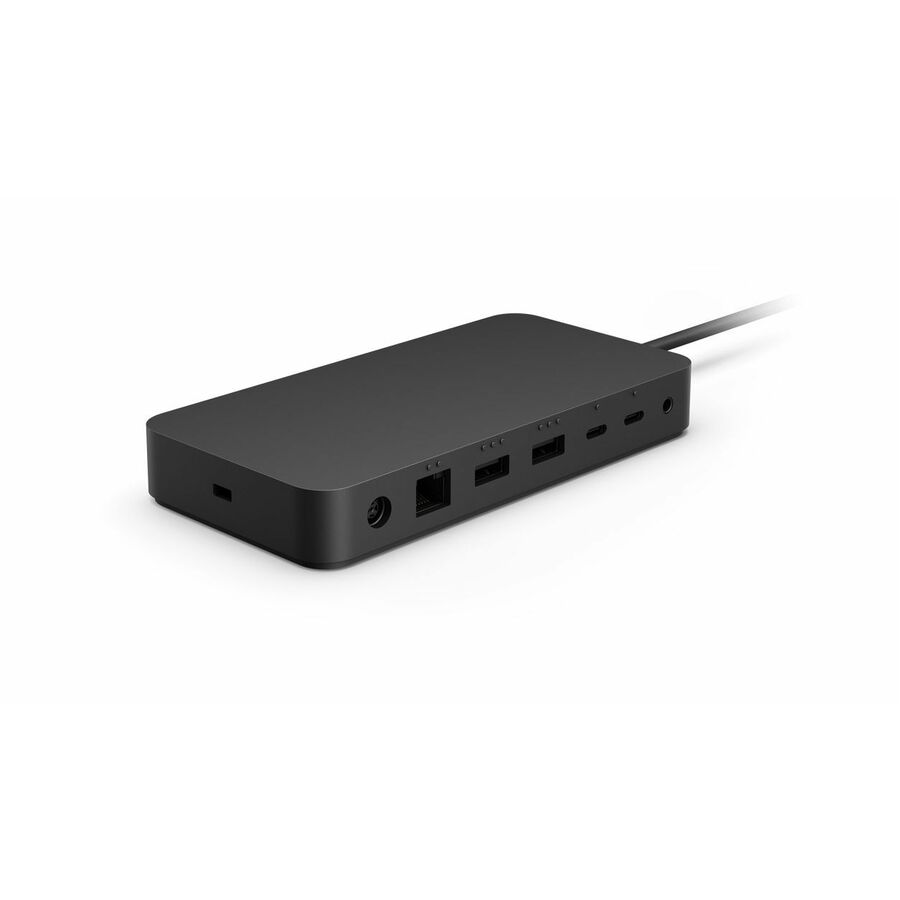
24 in stock - AlogicAlogic Thunderbolt 4 docking station with ultra-fast data transfer, 100W power delivery, and support for dual 8K or triple 4K displays - Thunderbolt 4 docking station with ultra-fast data transfer, 100W power delivery, and support for dual 8K or triple 4K displaysTB4D3TB
$219.99
$209.25*
131 in stock







Compact pick
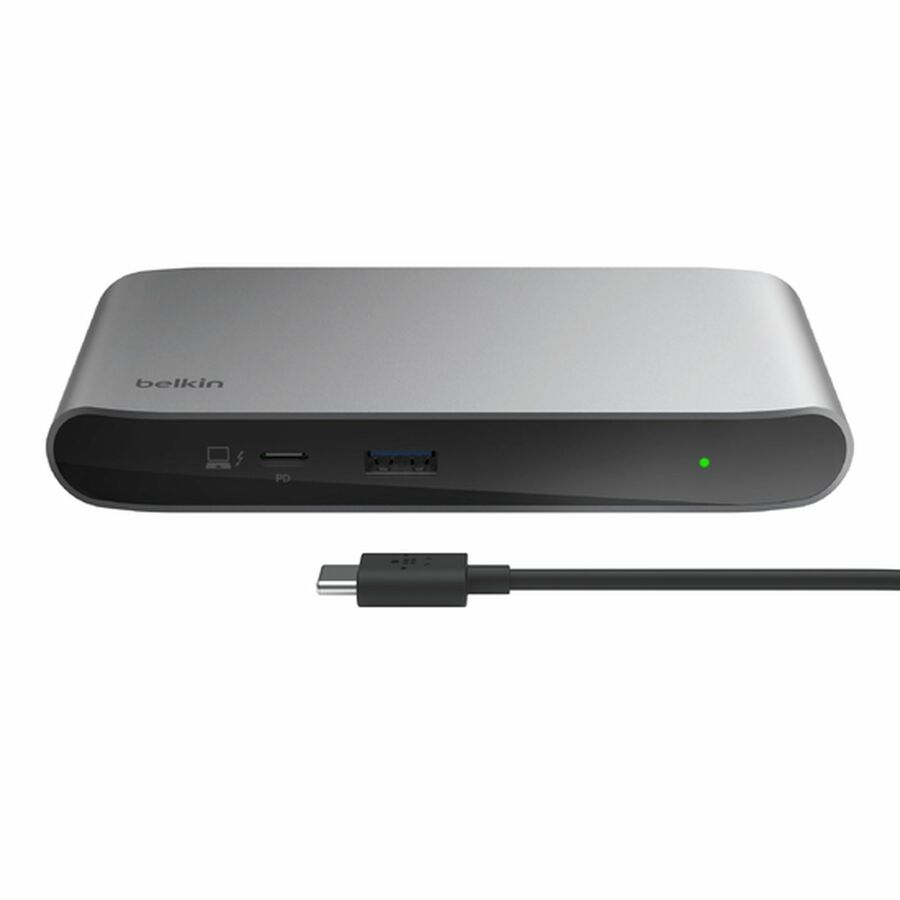
Belkin International
Belkin Thunderbolt 4 5-in-1 Multiport Core Hub
INC013TTSGY
Belkin's five-in-one Thunderbolt 4 core hub: 40 Gbps, 96 W power delivery, four Thunderbolt 4 USB-C ports and a USB-A, listed for a single 8K or dual 4K display. The small-footprint answer for a desk that needs the specification and not the port count.
Five ports is deliberate — if the seat needs card readers, several USB-A devices and Ethernet, one of the full docks below is the better fit.
$137.99In stockFull-dock pick
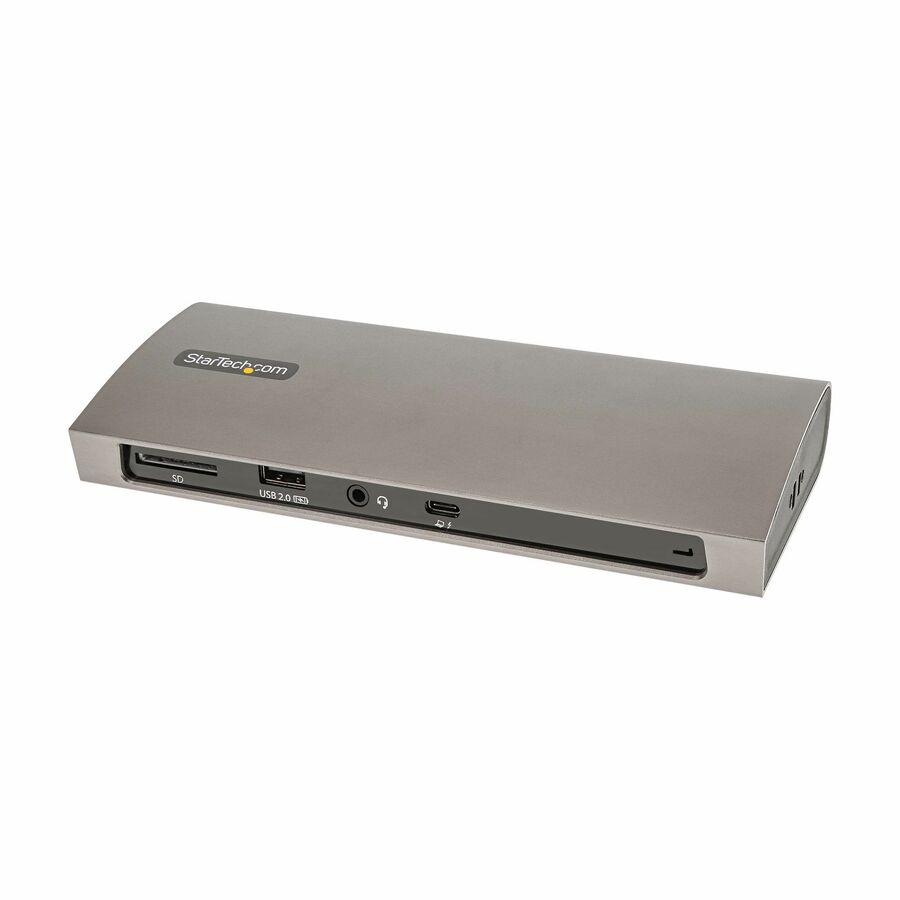
StarTech.com
StarTech Thunderbolt 4 Dock, 96W Power Delivery, Single 8K / Dual…
TB4CDOCK
A certified Thunderbolt 4 dock with 96 W power delivery, three downstream Thunderbolt 4 and USB4 ports, four USB-A, an SD reader, gigabit Ethernet and a short host cable, listed for a single 8K or dual 4K at 60 Hz.
The manufacturer lists compatibility with Thunderbolt 3 MacBooks as well as Thunderbolt 4 laptops; confirm against the specific machines on your floor.
$156.39In stockHigh-power pick
Rocstor
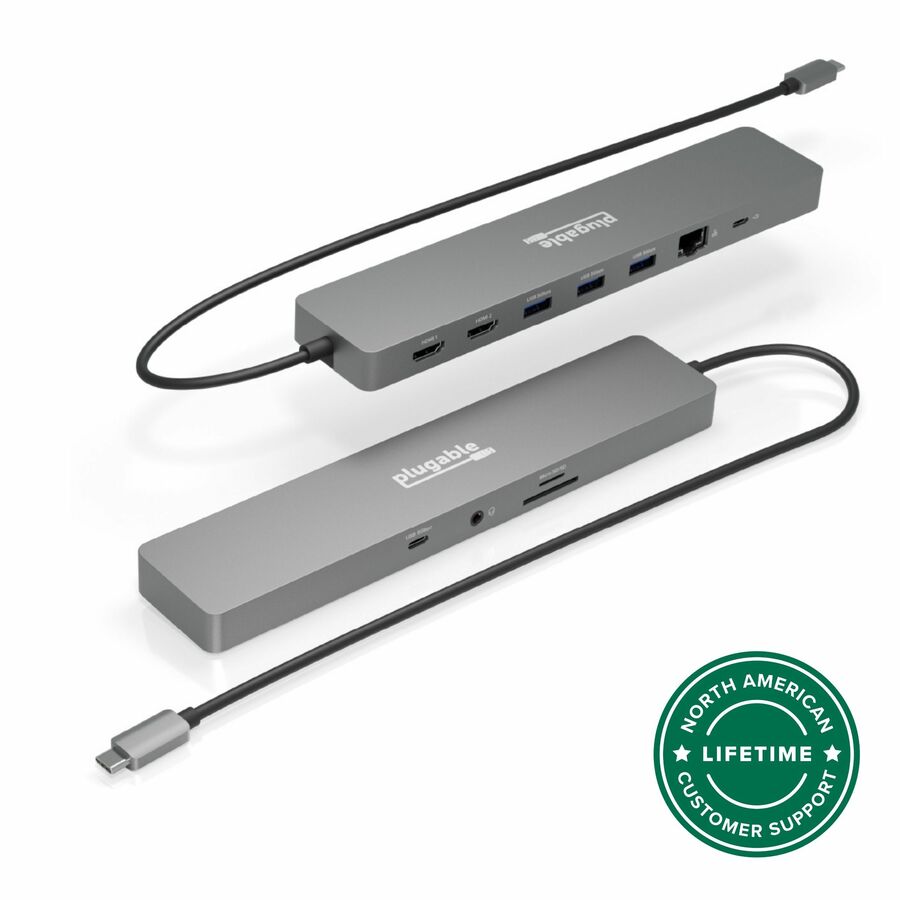
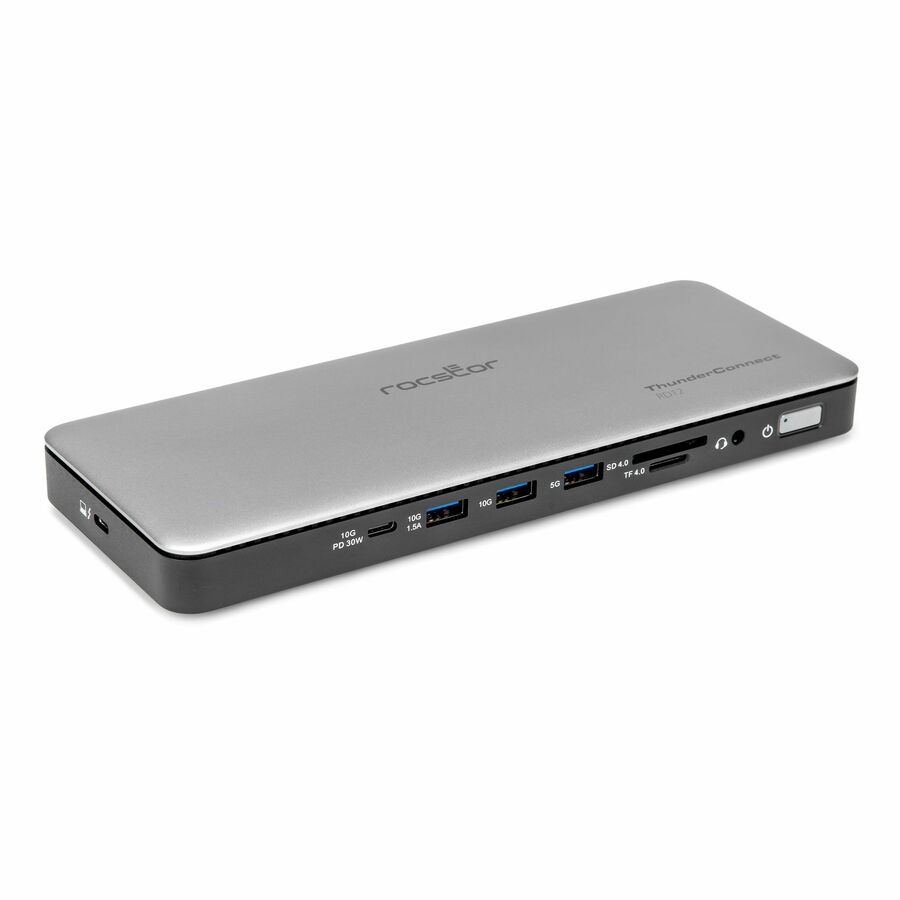
Rocstor ThunderConnect RD12 Thunderbolt 4 Multi-Display Docking Station
Y10P036-S1
A multi-display Thunderbolt 4 dock rated at 150 W with a memory-card reader and physical locking slots — the combination that matters at an unattended shared desk or in a public-facing area.
The higher power rating is the reason to choose it for mobile-workstation seats rather than general-issue laptops.
$202.85In stockTriple-display pick
StarTech.com
StarTech Triple-Monitor USB4 Docking Station, 4K 60Hz HDMI…
150N-USB4DOCK-TRIPLE
A USB4 and Thunderbolt 4 dock built for three 4K 60 Hz monitors over one host port, with a six-port USB hub, 2.5 gigabit Ethernet and 100 W charging, driving the displays through the host GPU rather than through added software.
Three displays over one port depends on the host as well as the dock — confirm the laptop's own display capability before standardizing a floor on it.
$178.47In stockMore docking stations in the Uniqcli catalog
See all 1,162 docking stationsMore from across this category. In-stock lines lead, and a back-ordered line carries the same estimated availability its product page does — with live pricing throughout, NDAA §889 screening before checkout and TAA verified on request.
Back-ordered — estimated OEM lead time 3–8 weeks (Nov 14 – Dec 19 if ordered today).
Back-ordered — estimated OEM lead time 3–8 weeks (Nov 14 – Dec 19 if ordered today).
Back-ordered — estimated OEM lead time 3–8 weeks (Nov 14 – Dec 19 if ordered today).
Back-ordered — estimated OEM lead time 3–8 weeks (Nov 14 – Dec 19 if ordered today).
Back-ordered — estimated OEM lead time 3–8 weeks (Nov 14 – Dec 19 if ordered today).
Back-ordered — estimated OEM lead time 3–8 weeks (Nov 14 – Dec 19 if ordered today).
Back-ordered — estimated OEM lead time 3–8 weeks (Nov 14 – Dec 19 if ordered today).
Back-ordered — estimated OEM lead time 3–8 weeks (Nov 14 – Dec 19 if ordered today).
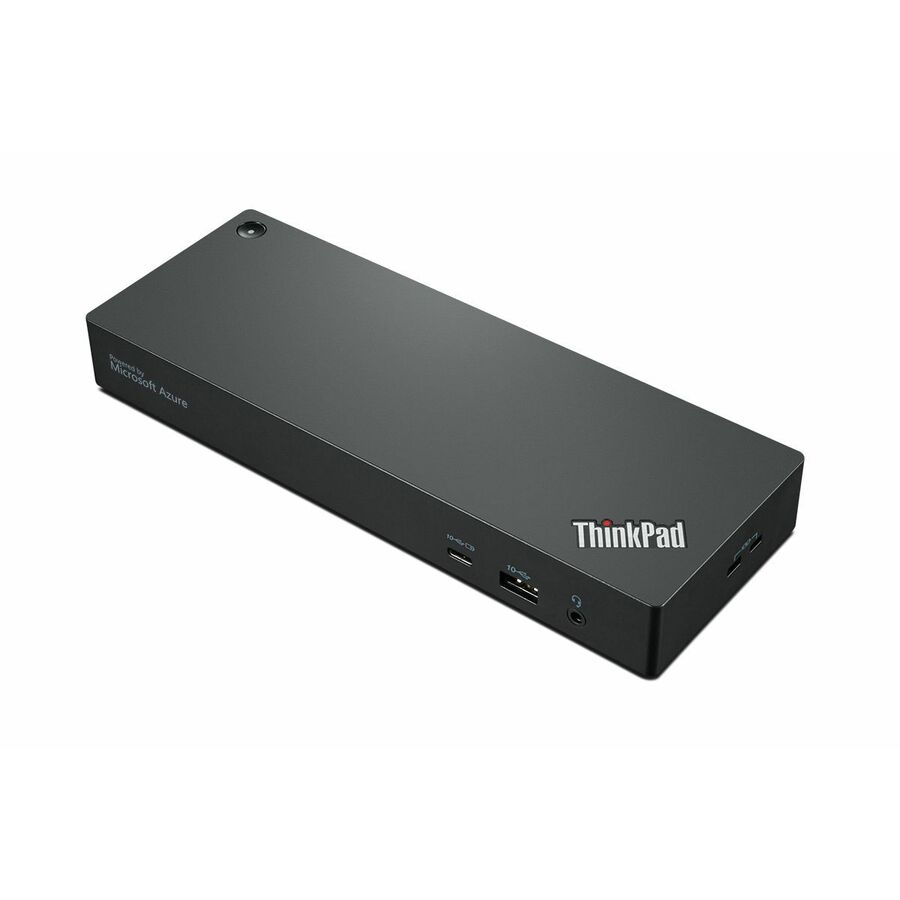
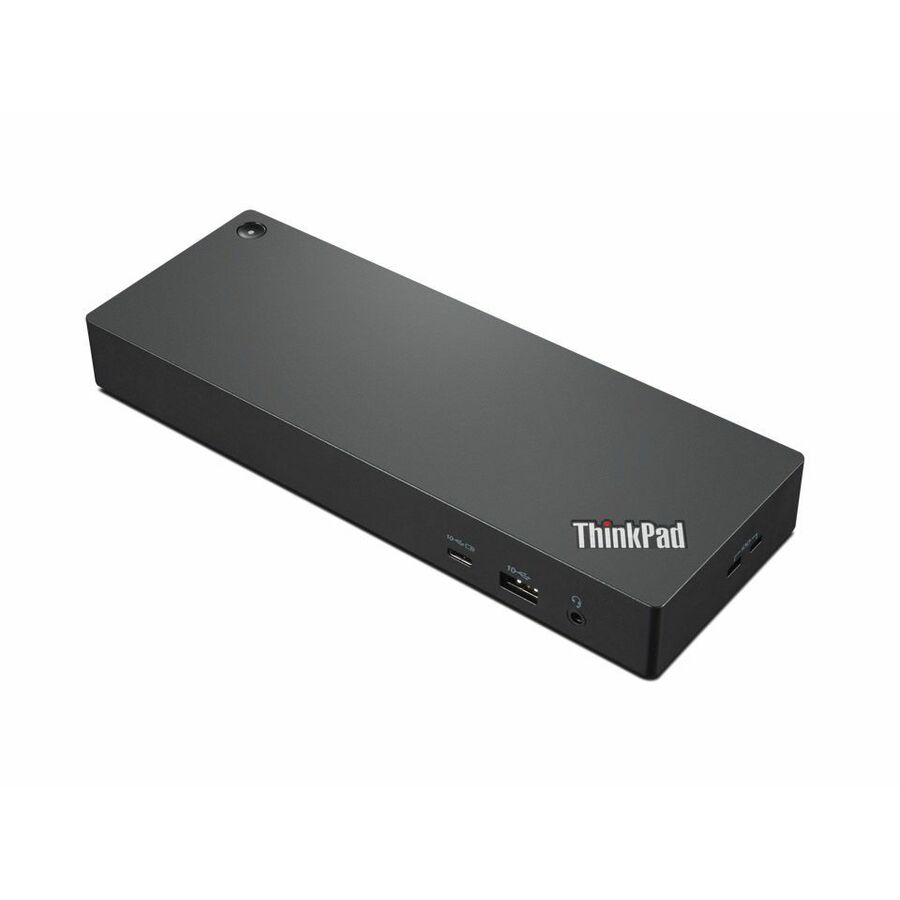
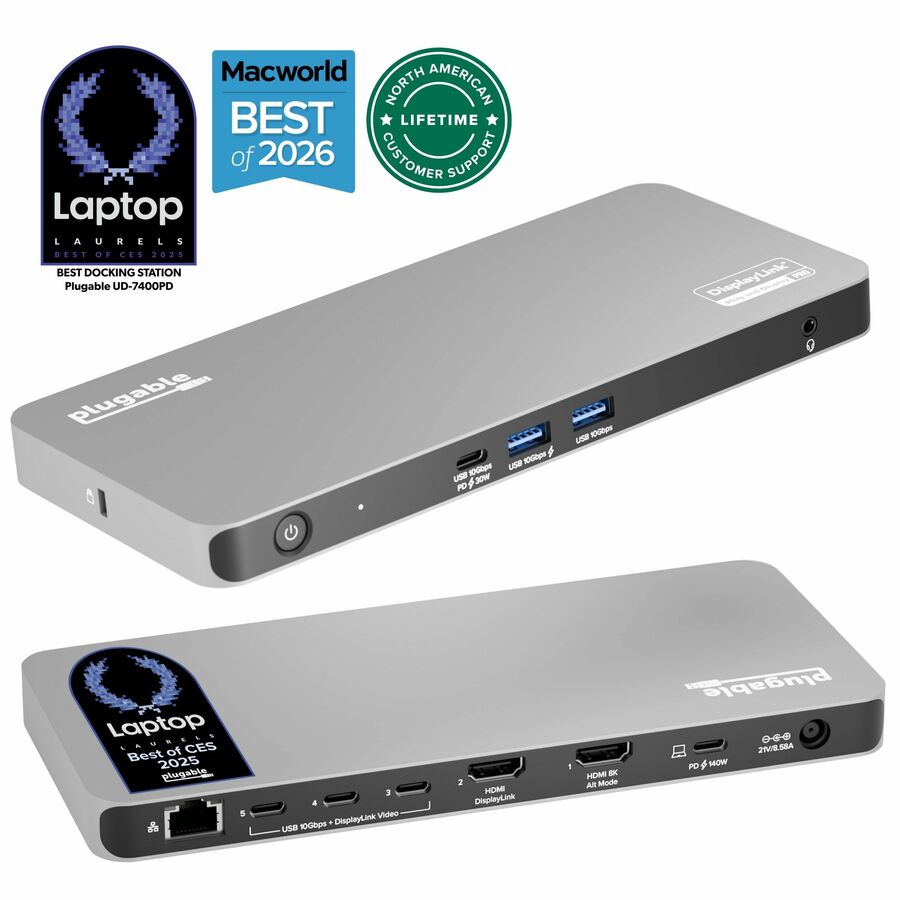
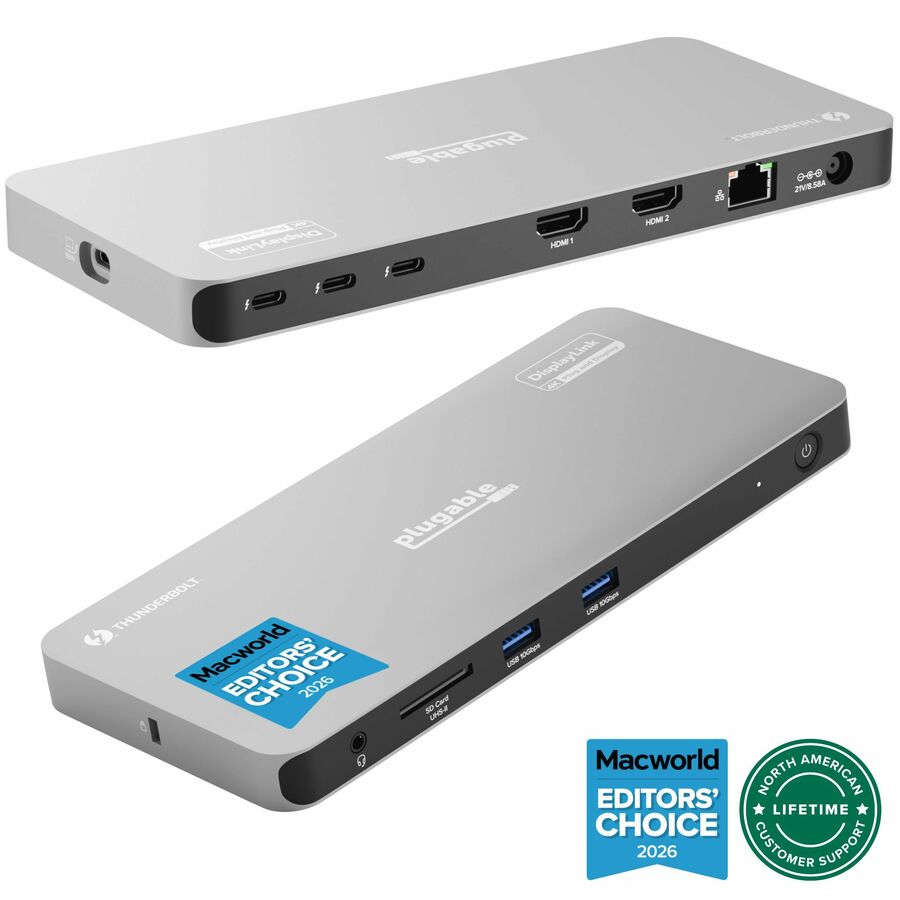
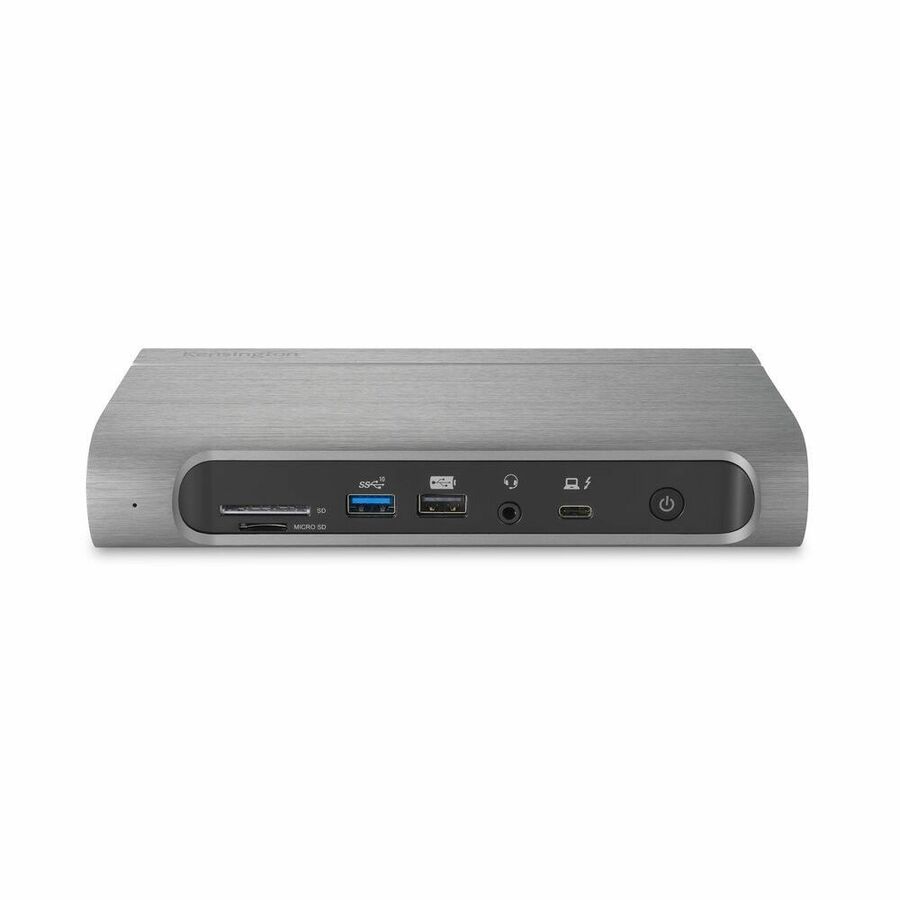
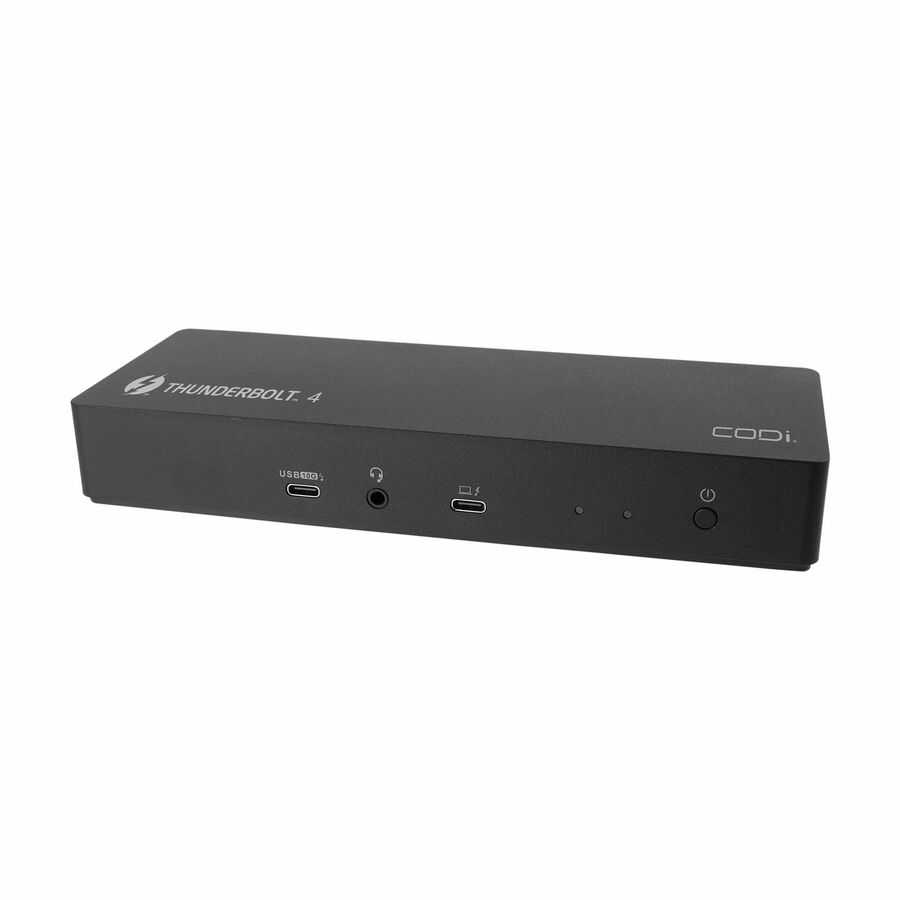
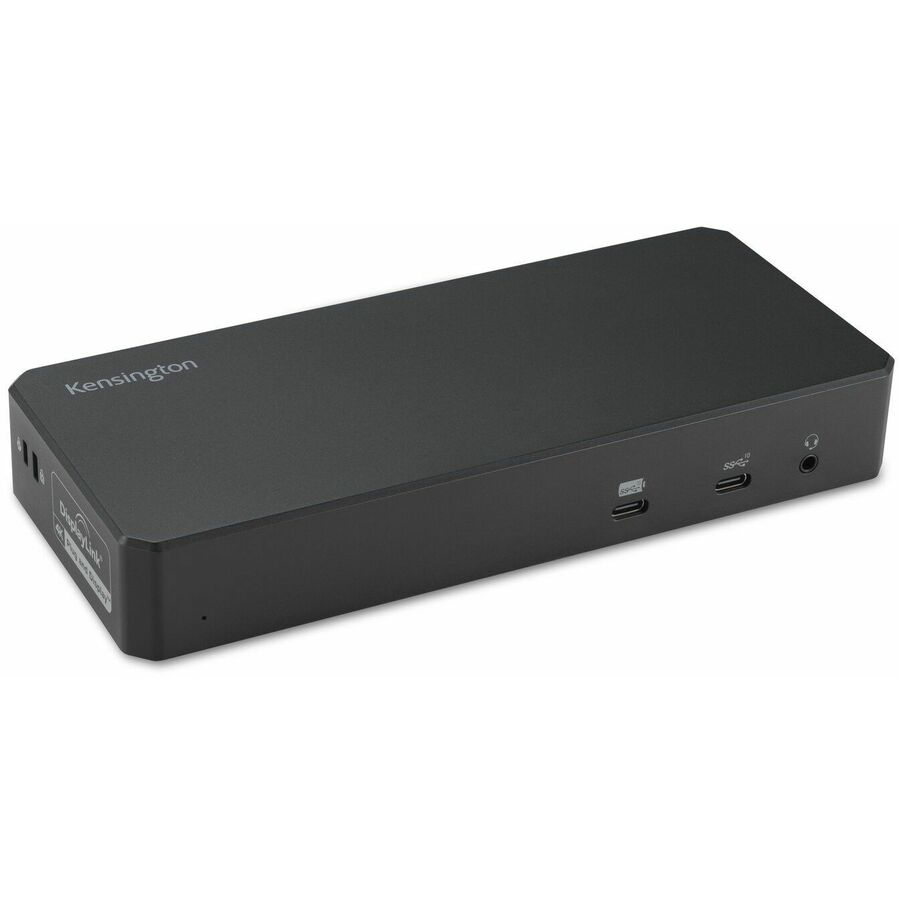
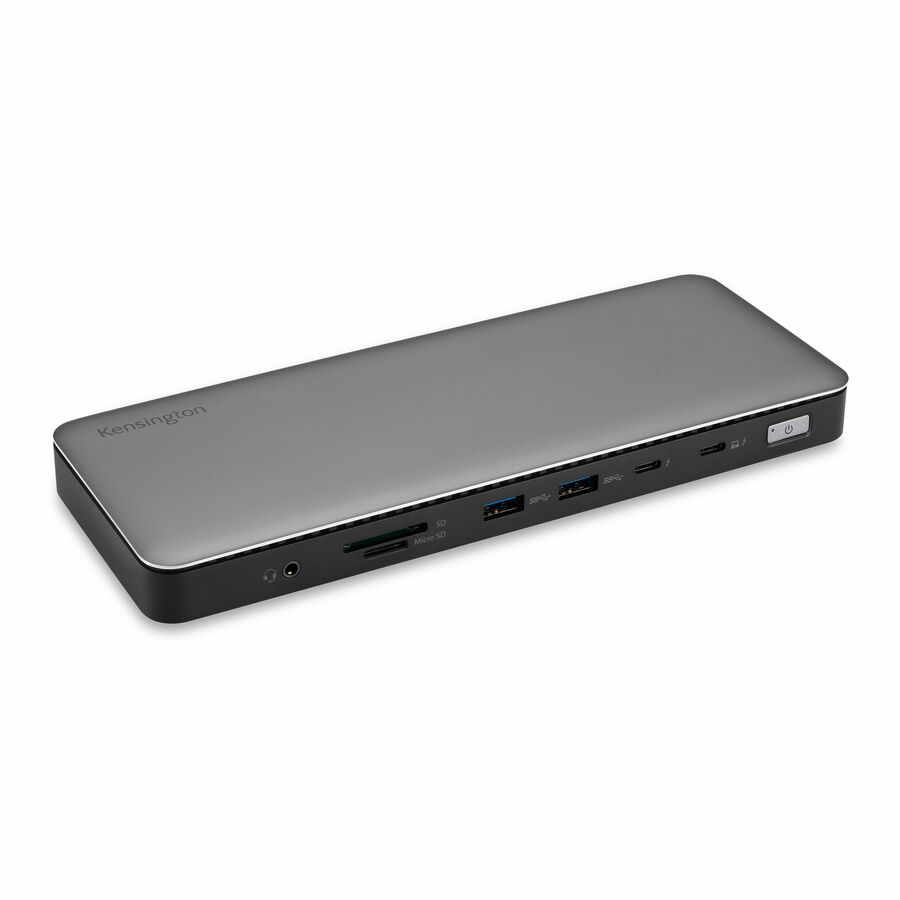
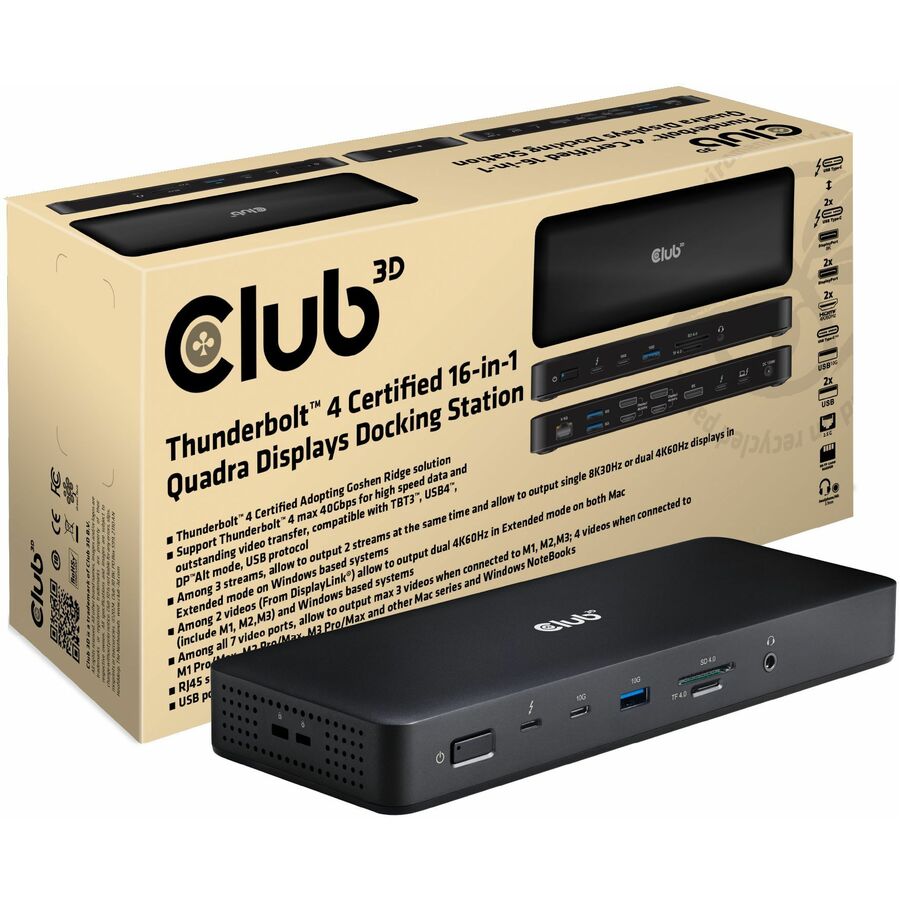
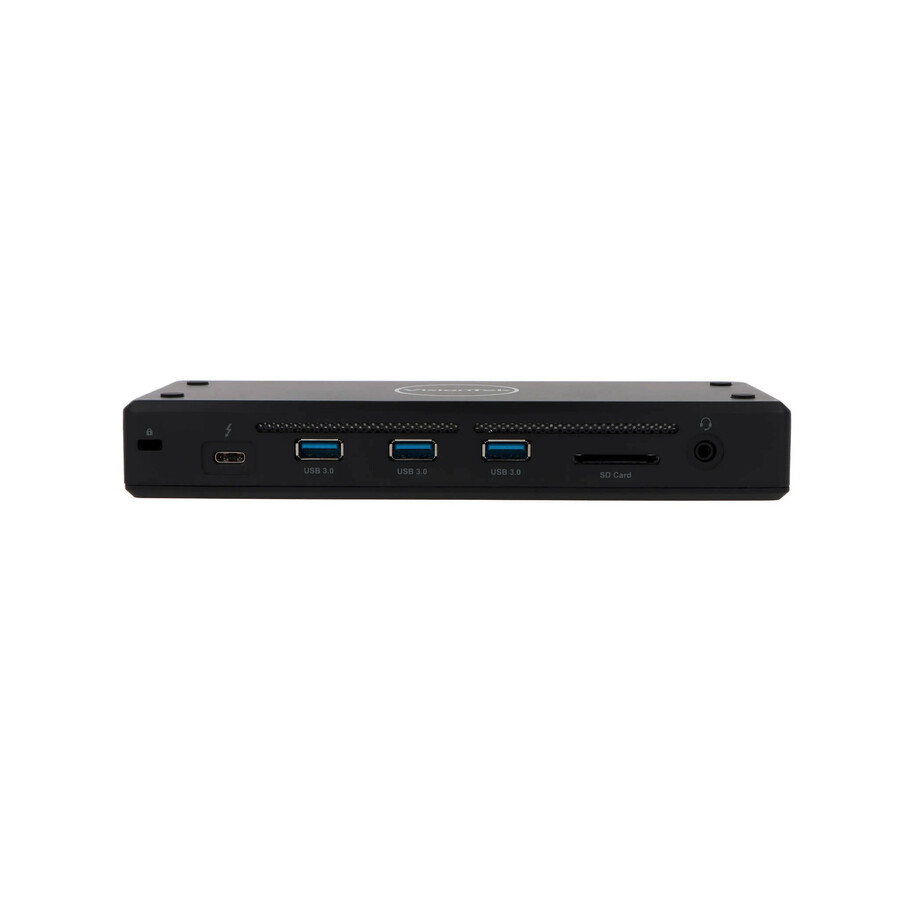
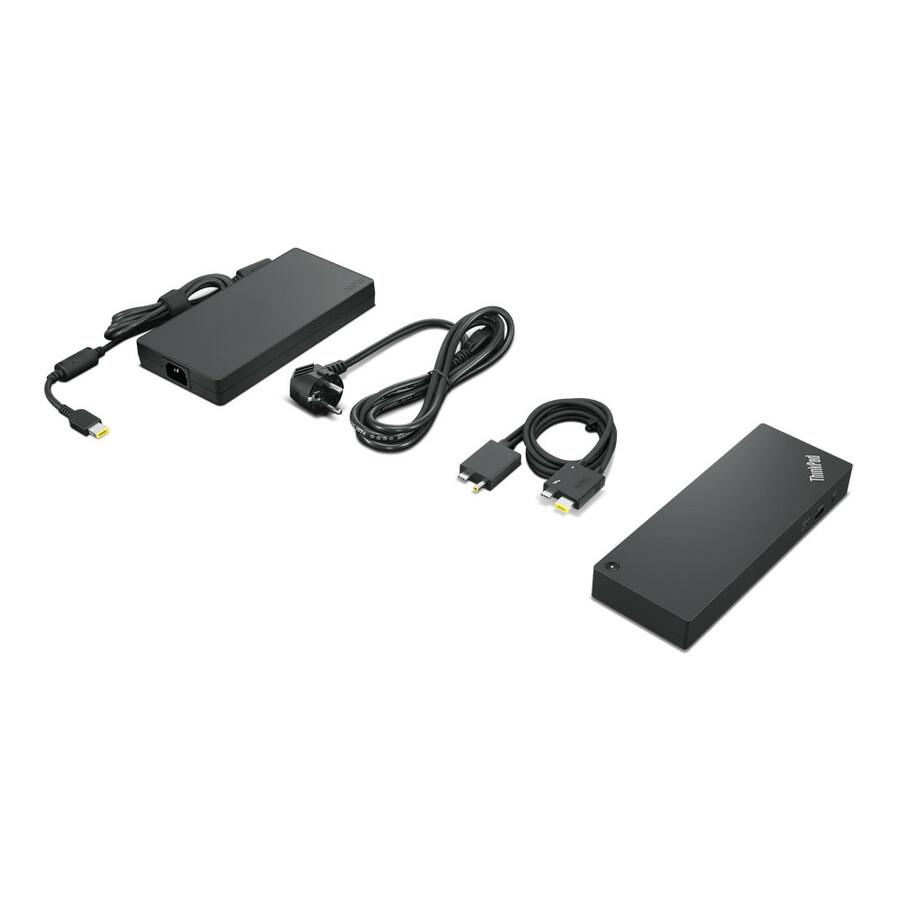
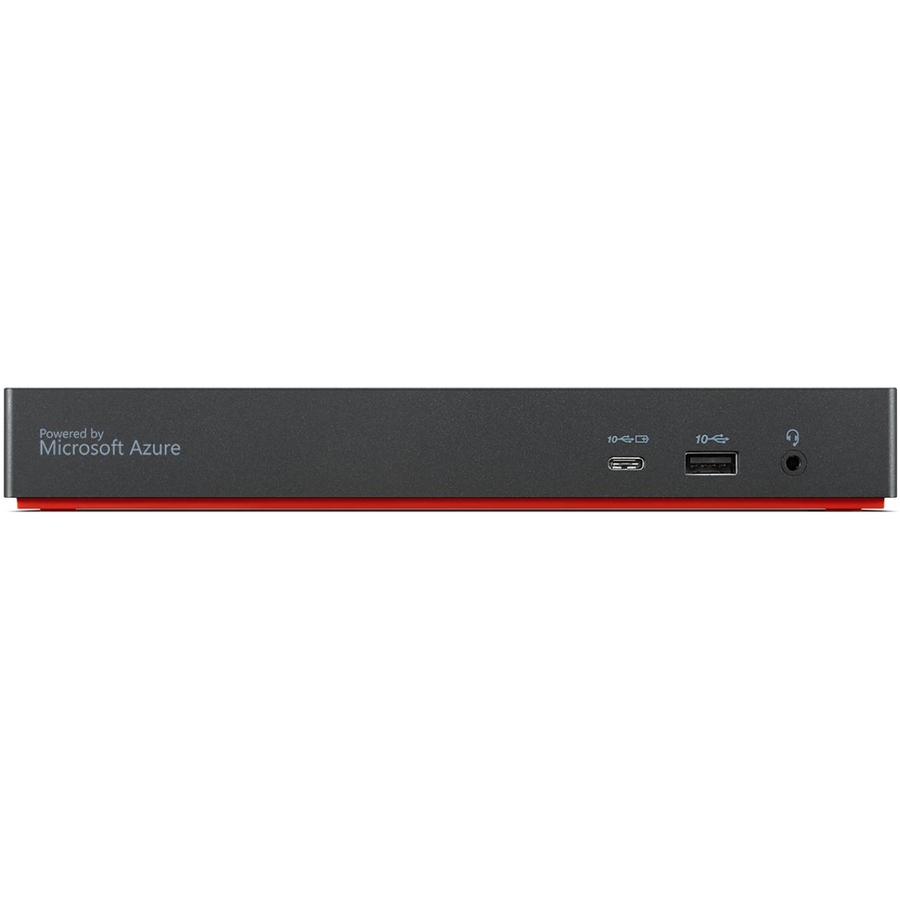
- LenovoLenovo ThinkPad Universal Thunderbolt 4 Smart Dock - 3840 x 2160, 7680 x 432040B10135US
$393.20
Back-orderedBack-ordered — estimated OEM lead time 3–8 weeks (Nov 14 – Dec 19 if ordered today).
Back-ordered — estimated OEM lead time 3–8 weeks (Nov 14 – Dec 19 if ordered today).
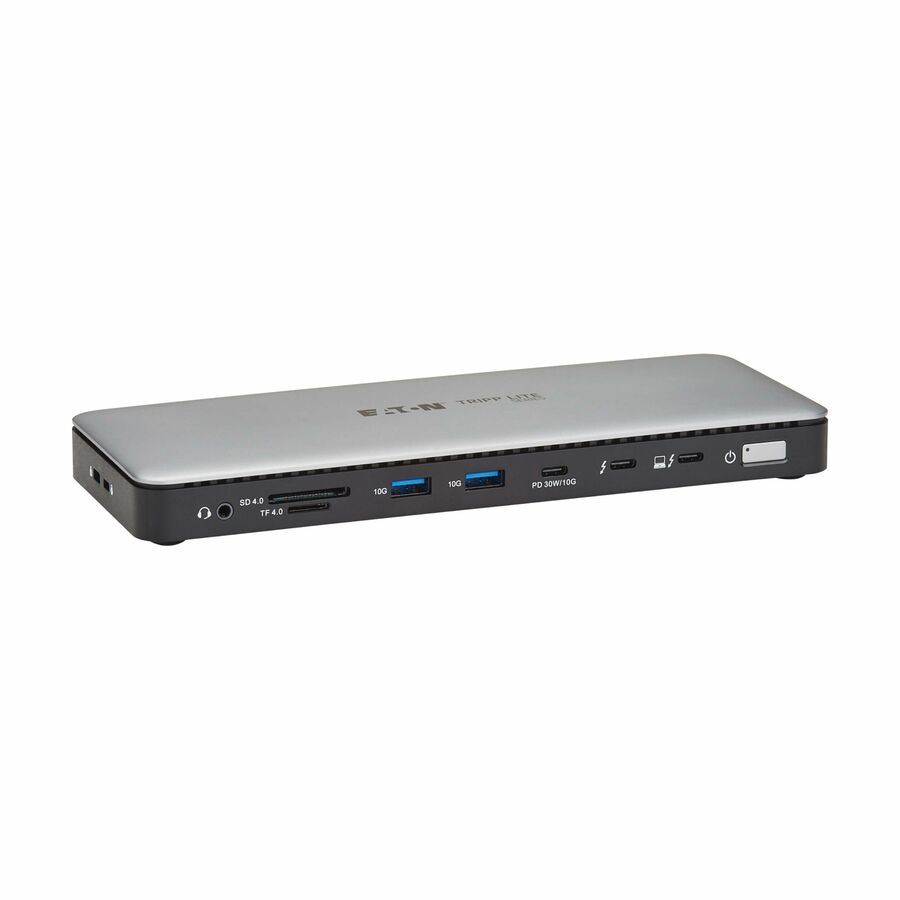

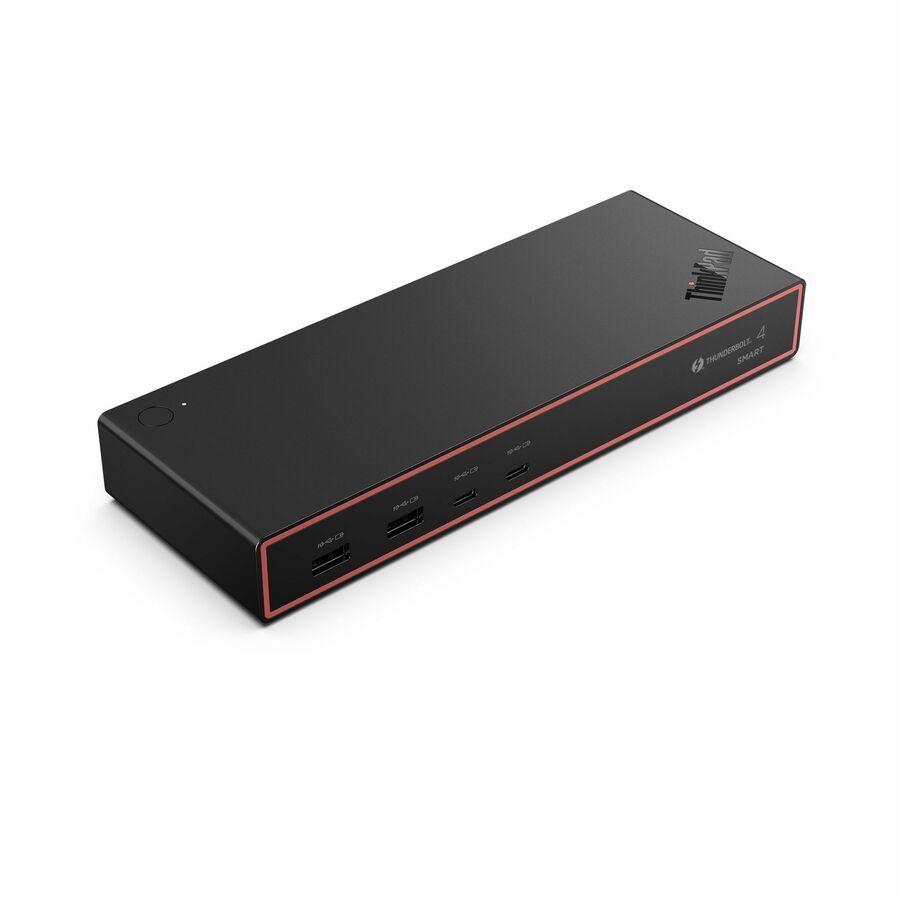

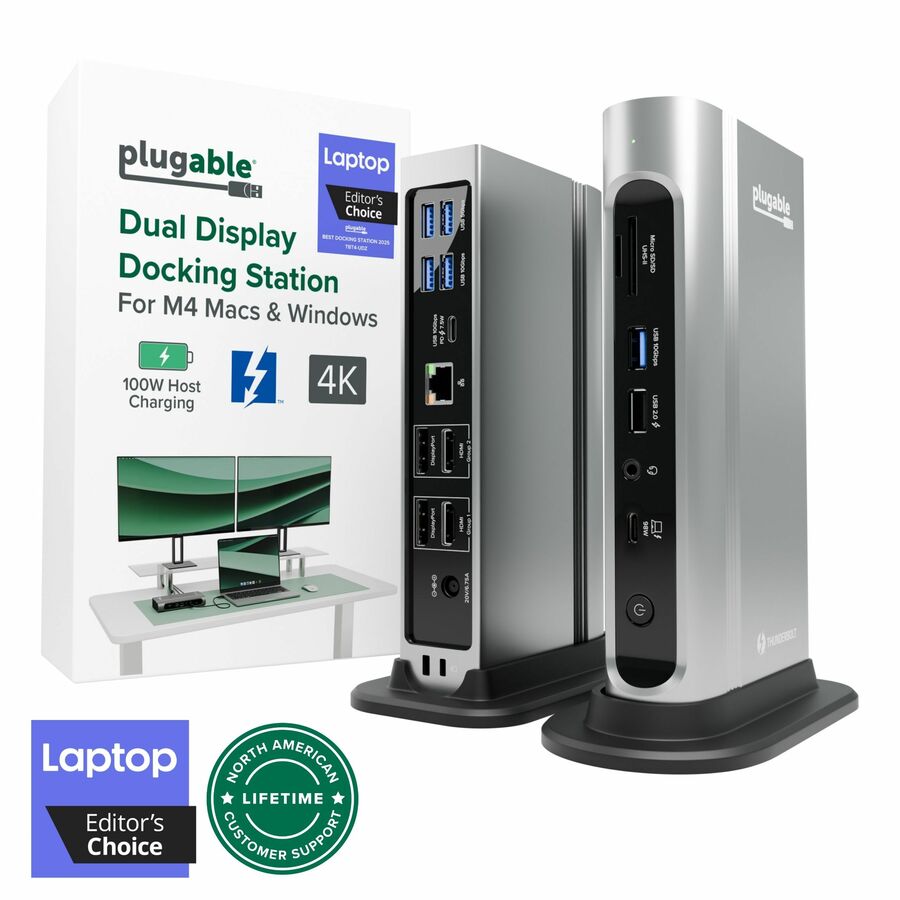
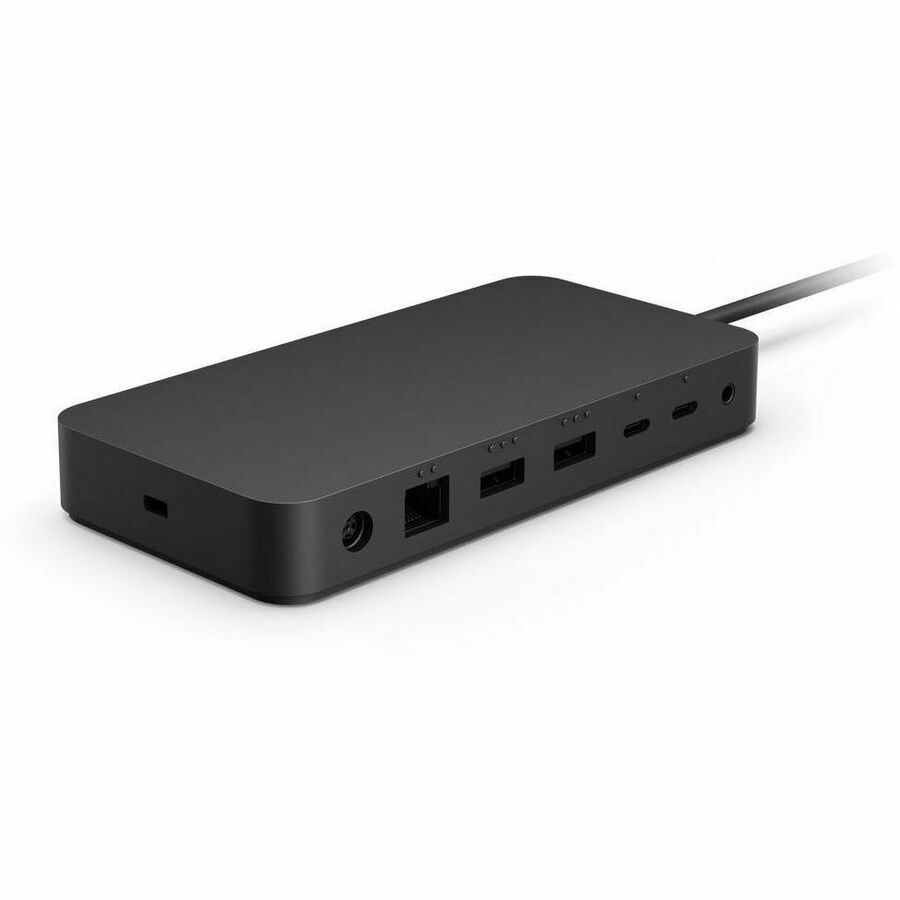





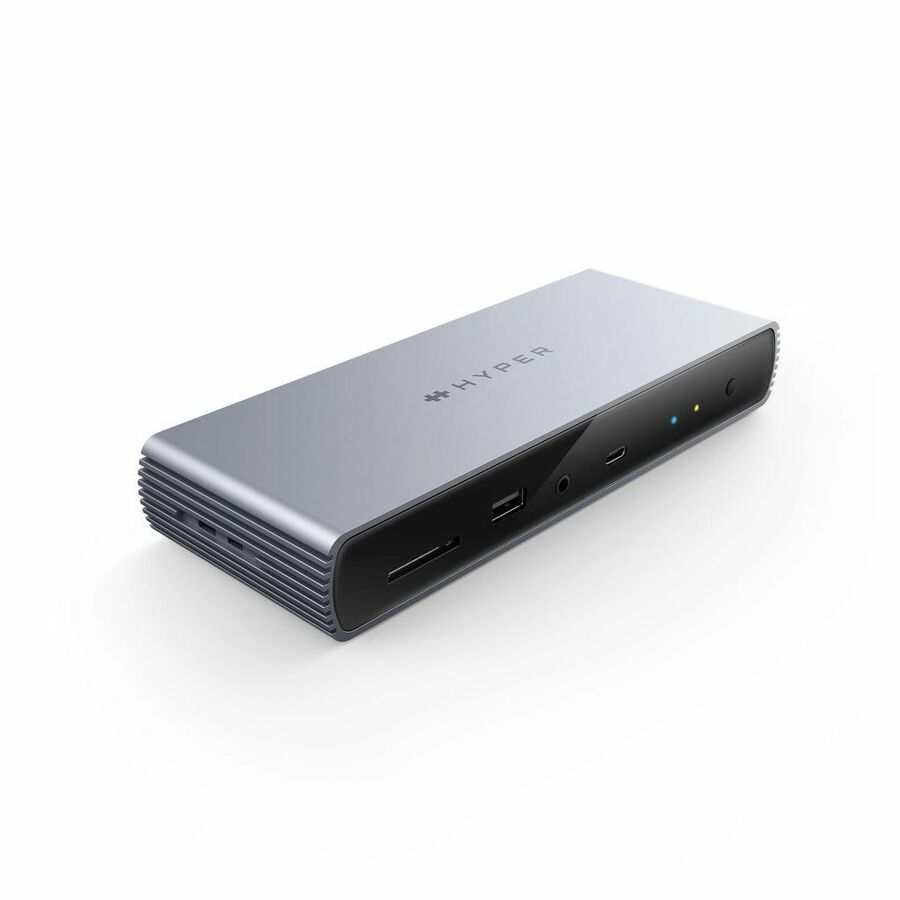

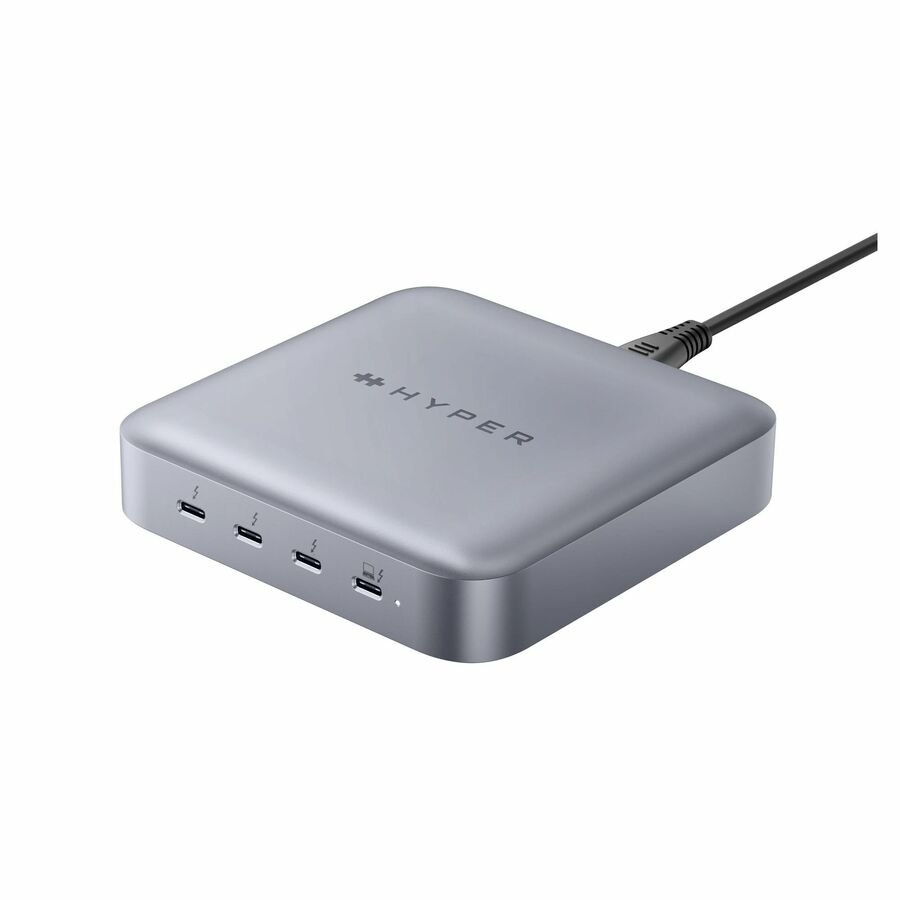
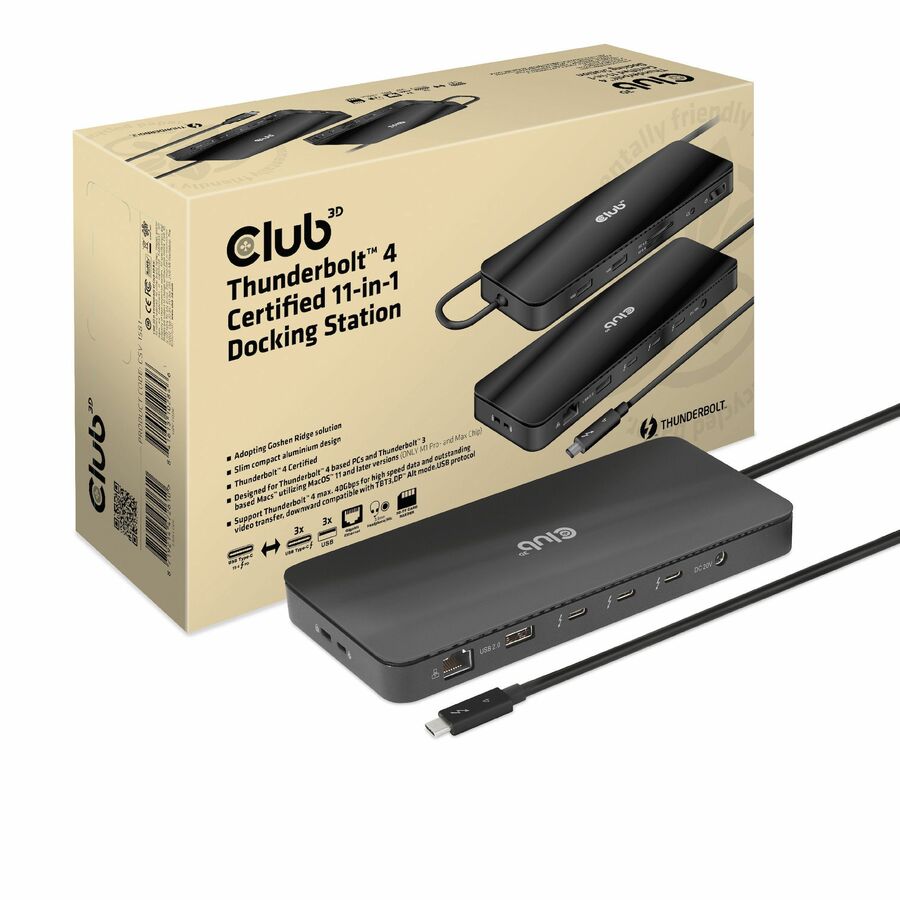
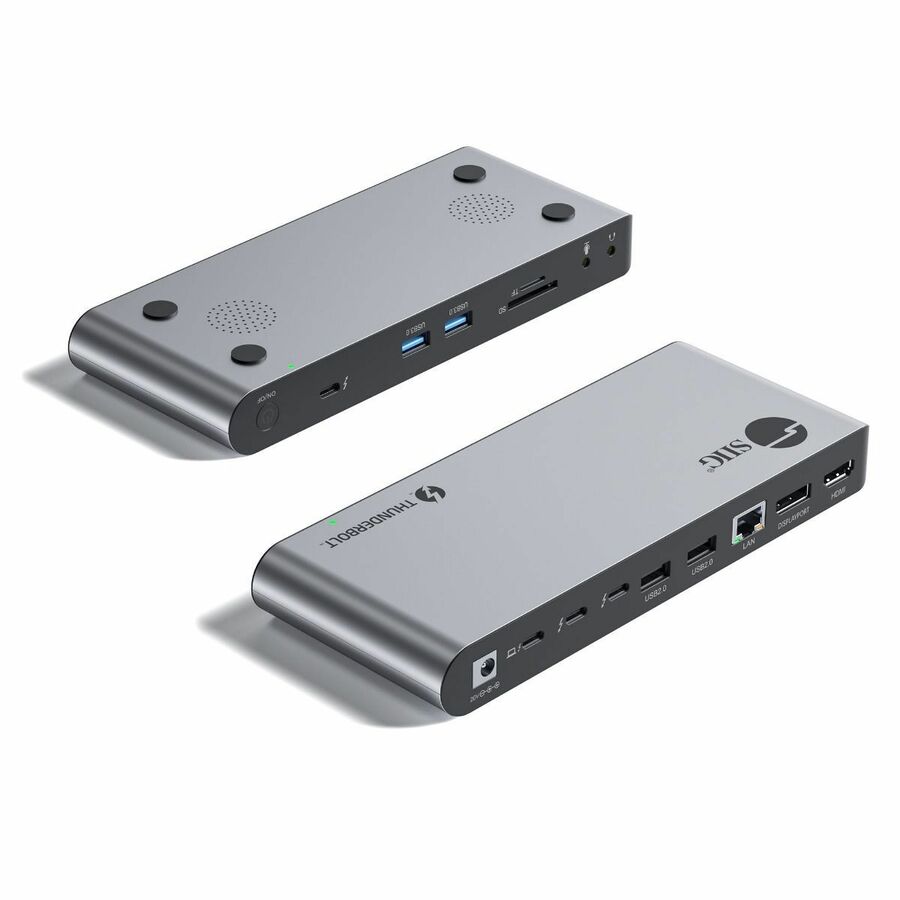

Need pricing on docking stations?
Tell us where to reach you and a Uniqcli specialist will follow up by email with current pricing, availability and lead time for the quantities you need — including parts that aren’t shown on this page.
Buying for an organization or for yourself — both work. No payment up front.
Thunderbolt 4 sets a floor rather than a range: certification requires 40 Gbps of bandwidth, support for two 4K displays or one 8K display, a minimum of 32 Gbps of PCIe throughput, and enough power delivery to charge a laptop from the same cable. Docks therefore differ on port count and charging wattage rather than on speed.
Thunderbolt 4 is unusual among modern standards in that it has a floor rather than a range. Where USB-C describes a connector that might carry almost anything, Thunderbolt 4 certification requires a minimum: 40 Gbps of bandwidth, support for either two 4K displays or one 8K display, PCIe data throughput, and enough power delivery to charge a laptop from the same cable. A device that meets all of that is a Thunderbolt 4 dock. A device that has a USB-C port and mentions Thunderbolt compatibility on the box is a hub, and it is a perfectly good product that will not do what this page is about.
That distinction is the whole reason to buy at this tier rather than below it, because the failure it prevents is specific and expensive. A hot desk built around a hub works beautifully for the first person who sits at it and then fails for the engineer with two 4K monitors, or drops to 30 Hz on the second display, or charges the laptop slowly enough that it is at sixty per cent by lunchtime. Every one of those is a helpdesk ticket that reads as a broken desk and is actually a specification nobody checked.
The buying decisions that remain are about the estate rather than the dock. How many displays each seat genuinely drives and at what refresh; how much power the laptops on the floor actually need, because a 96 W dock and a 135 W mobile workstation are a slow argument; whether the fleet is uniform enough for one dock to be the standard; and whether the daisy chain matters, which is where Thunderbolt still does something plain USB-C docking does not. A desk standard is also a deployment project — the cables, the mounting, the imaging and the rollout itself — and Uniqcli quotes that alongside the hardware rather than leaving it to a second purchase order.
Buyer's checklist
How to choose a Thunderbolt 4 dock
- Count displays and refresh per seat, not per floor: dual 4K at 60 Hz and a single 8K are different specifications, and a dock that lists 8K at 30 Hz is telling you something specific about its display engine.
- Match power delivery to the heaviest laptop that will sit at the desk — a mobile workstation drawing more than the dock supplies will charge slowly under load, which reads as a battery fault rather than a docking one.
- Check the laptop side before the dock side: a Thunderbolt 4 dock connected to a USB-C port that is not Thunderbolt or USB4 will work, but it will not deliver Thunderbolt bandwidth or display support.
- Read whether the dock drives displays through the host GPU or through added display software — the difference decides driver management, and it matters more on a locked-down fleet build than it does on one desk.
- Confirm the host cable is included and long enough for the desk layout; on a hot desk the dangling cable is the user interface, and a short one turns into a tension problem within a week.
- Count and place the downstream ports against what people actually plug in — a headset, a phone, a badge reader and a keyboard is four USB-A ports before anything else, and front placement matters daily.
- Decide whether you need wired Ethernet at the dock; on a hot-desking floor it is often the only path to a wired VLAN, and its speed is worth reading rather than assuming.
- Standardize on one dock across a floor if the laptop fleet allows it — mixed docks mean mixed behavior at hot desks, which is the most avoidable support load in this category.
What Thunderbolt 4 certification actually guarantees
The value of the Thunderbolt 4 badge is that it is a minimum rather than a maximum. Certified accessories are required to deliver 40 Gbps, to support either two 4K displays or one 8K display, to carry PCIe data at a specified rate, and to charge a compliant laptop over the host cable. That is why buying at this tier removes an entire class of procurement risk: the questions a buyer would otherwise have to ask about every individual dock are answered by the certification itself.
Thunderbolt 4 and USB4 overlap heavily, and several of the docks in this list are described as both. USB4 adopted much of the same underlying technology and carries the same 40 Gbps ceiling on capable implementations, but it permits a wider range of feature sets — which means a USB4 device may be excellent and may also be considerably less than a Thunderbolt 4 one. Where a product record names both, read the display and power figures rather than the badge.
The one thing certification cannot do is compensate for the host. A Thunderbolt 4 dock connected to an ordinary USB-C port will still work, because the fallback path is real, but it will fall back to whatever that port supports — frequently one display and much less bandwidth. On a mixed fleet that is the most common source of a dock that behaves differently at two desks, and it is a laptop specification question, not a dock fault.
Power delivery is a laptop specification, not a dock feature
The wattage figure on a dock is the maximum it will deliver to the host over the Thunderbolt cable, and it needs to be read against the machine that will sit there under load rather than at idle. A 96 W dock keeps a general-issue business laptop charged comfortably. The same dock under a mobile workstation with a discrete GPU compiling or rendering will supply less than the machine is drawing, and the battery drains slowly through the working day.
The symptom is misleading, which is why this deserves attention at specification time. Nobody reports a docking problem: they report that a laptop is at forty per cent by mid-afternoon, or that the battery is failing, or that the machine is slow — because some laptops throttle when they detect insufficient supply. The fix is to buy the higher-wattage dock for the seats that need it, which is why the power figure belongs on the desk standard alongside the display count.
One practical corollary: the host cable is part of the power path. Where a dock ships with its own captive or bundled cable, use it. A generic USB-C cable that carries data perfectly well may not be rated for the power the dock intends to deliver, and substituting it turns a correctly specified desk into an incorrectly behaving one.
Docks as a fleet standard
Docking becomes cheap to run at exactly the point where a floor stops mixing models. One dock part number means one behavior at every hot desk, one firmware baseline to manage, one support script, and a spare that fits anywhere. Two or three means a user who works fine on Monday and has one display on Tuesday, and a helpdesk that cannot reproduce anything.
That argument only holds if the laptop fleet supports it, which is the real constraint in most organizations. Where a floor spans several laptop generations, the honest answer is often two standards — one for the general-issue machines and one for the higher-power seats — chosen deliberately and documented, rather than five accumulated by attrition.
The rest is deployment work rather than product selection: cable management so the host lead reaches without tension, mounting where desks are shared, an imaging and driver baseline agreed before the boxes are opened, and asset tagging. It is genuinely the majority of the effort in a docking rollout, and quoting it with the hardware is how it stops being a surprise in week three.
FAQ
Common questions
- What is the difference between a Thunderbolt 4 dock and a USB-C hub?
- Thunderbolt 4 defines a minimum: 40 Gbps of bandwidth, support for two 4K displays or one 8K display, PCIe data throughput and laptop charging over the host cable. A USB-C hub has no such floor — it may offer one display at a modest refresh rate, limited bandwidth and little or no charging, and it is a good product for what it is. If a desk has to drive two high-resolution monitors and charge a laptop from one cable, the specification floor is the reason to buy at this tier.
- Will a Thunderbolt 4 dock work with a laptop that only has USB-C?
- Yes, with reduced capability. The dock falls back to what the host port supports, which frequently means a single display and considerably less bandwidth than the dock is capable of. Nothing breaks and nothing is damaged, but the desk will not behave the way the dock's specification suggests. On a mixed fleet this is the most common cause of a dock that seems to work differently at two desks.
- How much power delivery does a docking station need?
- Match it to the heaviest laptop that will use the desk, under load rather than at idle. General-issue business laptops are comfortable on around 90 to 100 W. Mobile workstations with discrete graphics draw considerably more, and a dock that supplies less will let the battery drain slowly through the working day — which usually gets reported as a battery fault rather than a docking one. Read the wattage on the dock against the power adapter the laptop shipped with.
- Can one dock drive three monitors?
- Some can, and the docks that do say so explicitly and state the resolution and refresh for each. It depends on the host as much as the dock, because the laptop's own graphics have to support that many external displays — and some triple-display docks achieve it through added display software rather than through the host GPU, which is a driver-management decision on a locked-down fleet build. Confirm both sides before standardizing a floor on a three-display desk.
- Can Uniqcli quote docks with the laptops and the deployment?
- Every line Uniqcli quotes is sourced through US distribution and screened for TAA country-of-origin and NDAA §889 status before checkout — with documentation tied to the specific part number, not a product family.
Need docking stations pricing?
Send a bill of materials or part numbers — we confirm stock and a below-market total, with TAA verified on request. No payment up front.