
Best 27-Inch Monitors for Business Fleets
Twenty-seven-inch office and professional monitors — read by resolution, panel type, USB-C single-cable docking, ergonomic stand and the business warranty behind them.
27-inch business monitors in stock at Uniqcli
How to choose →A curated selection with live pricing — in-stock lines first, then back-ordered lines with a typical lead time. Every line is sourced through US distribution and screened for NDAA §889 status before checkout, with TAA verified on request.
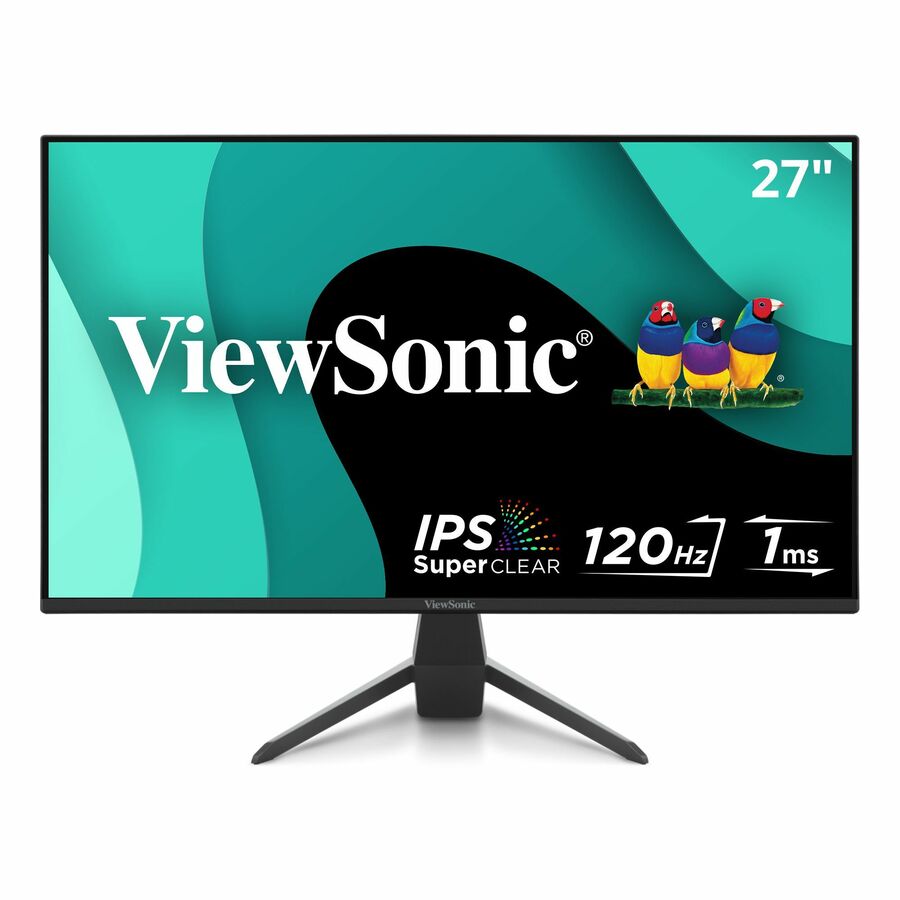
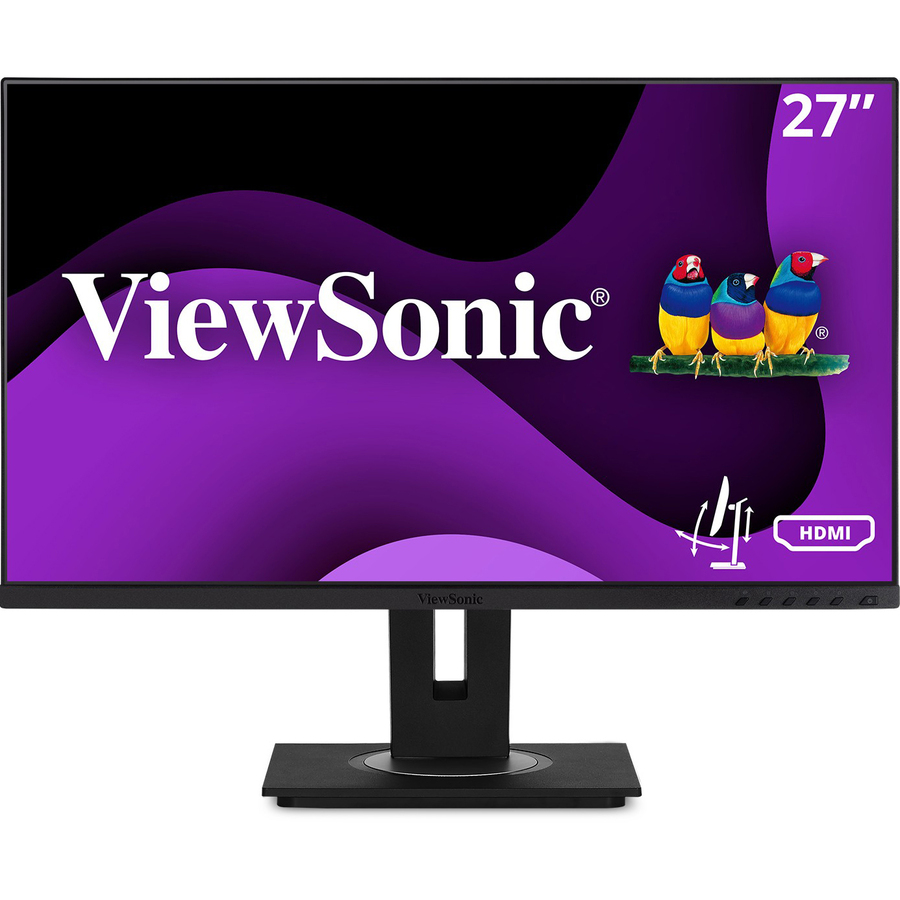
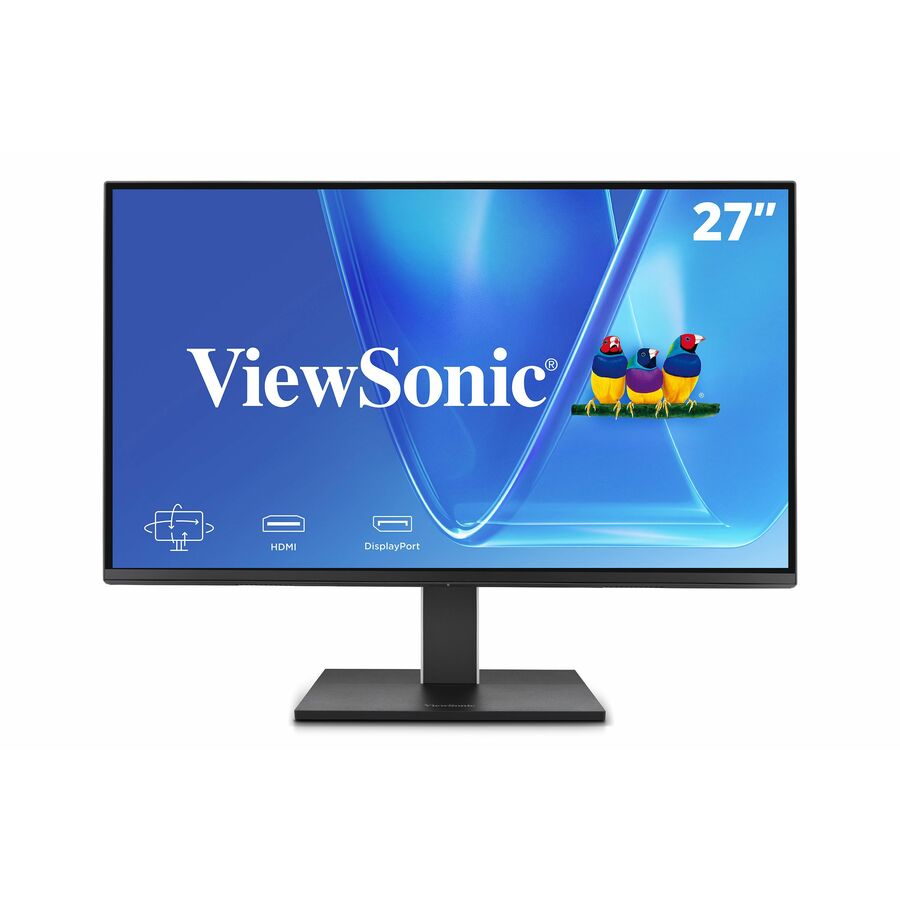
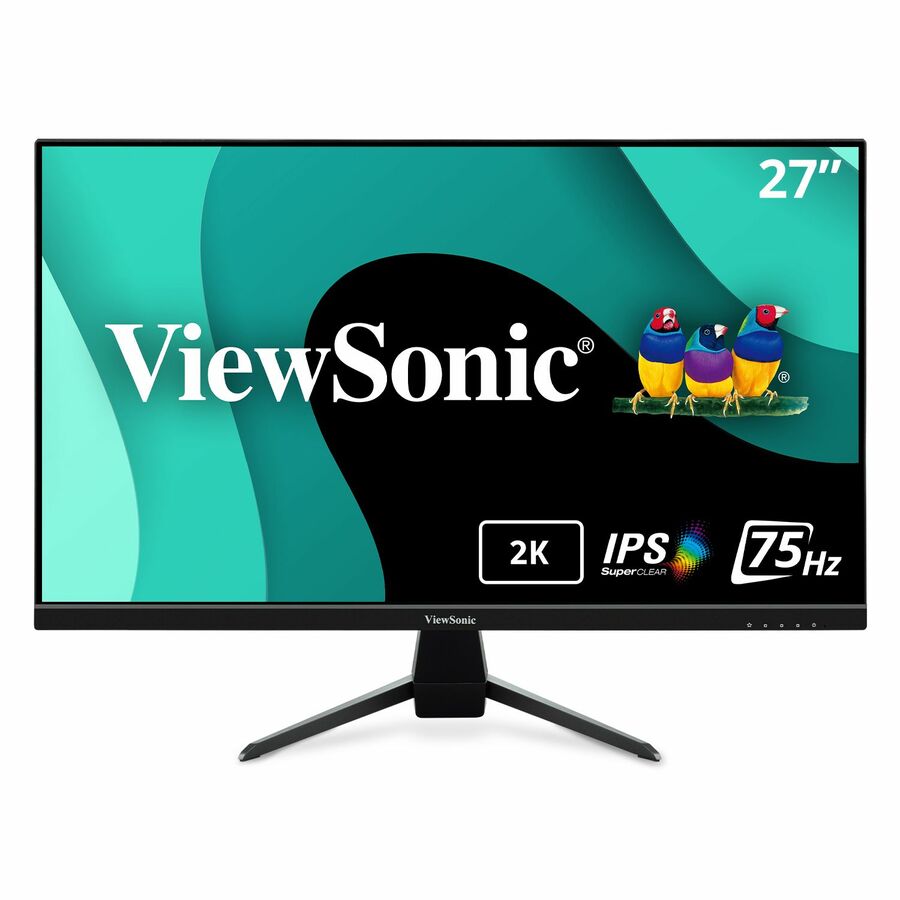
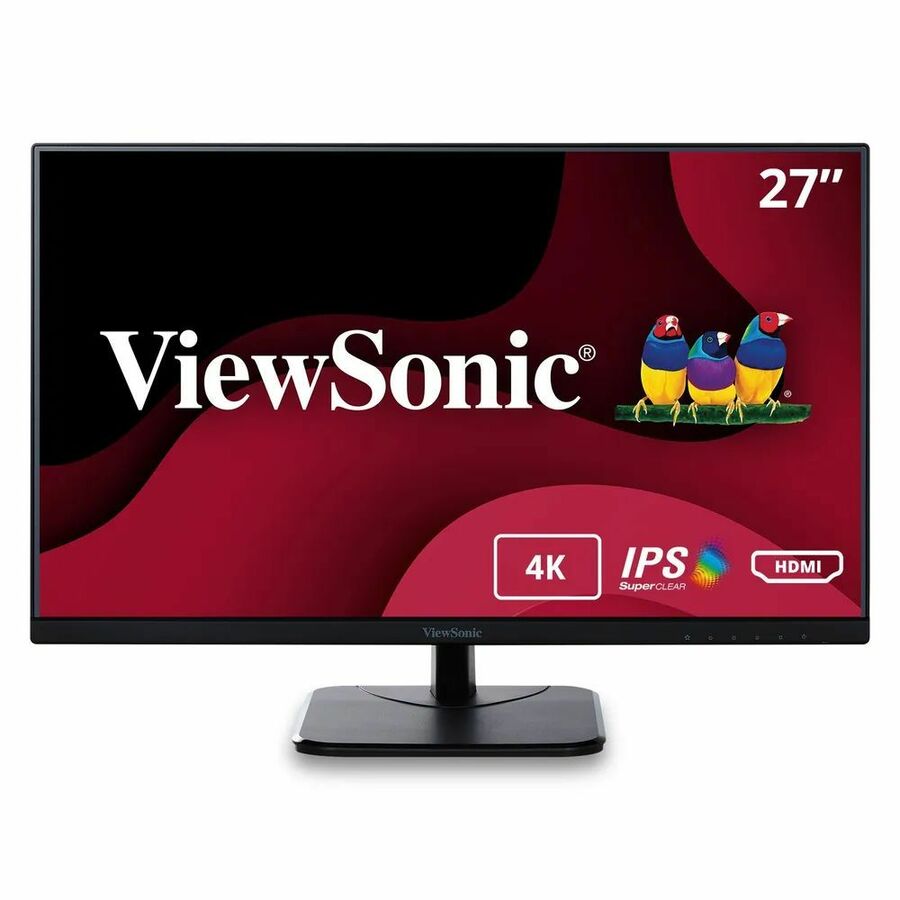
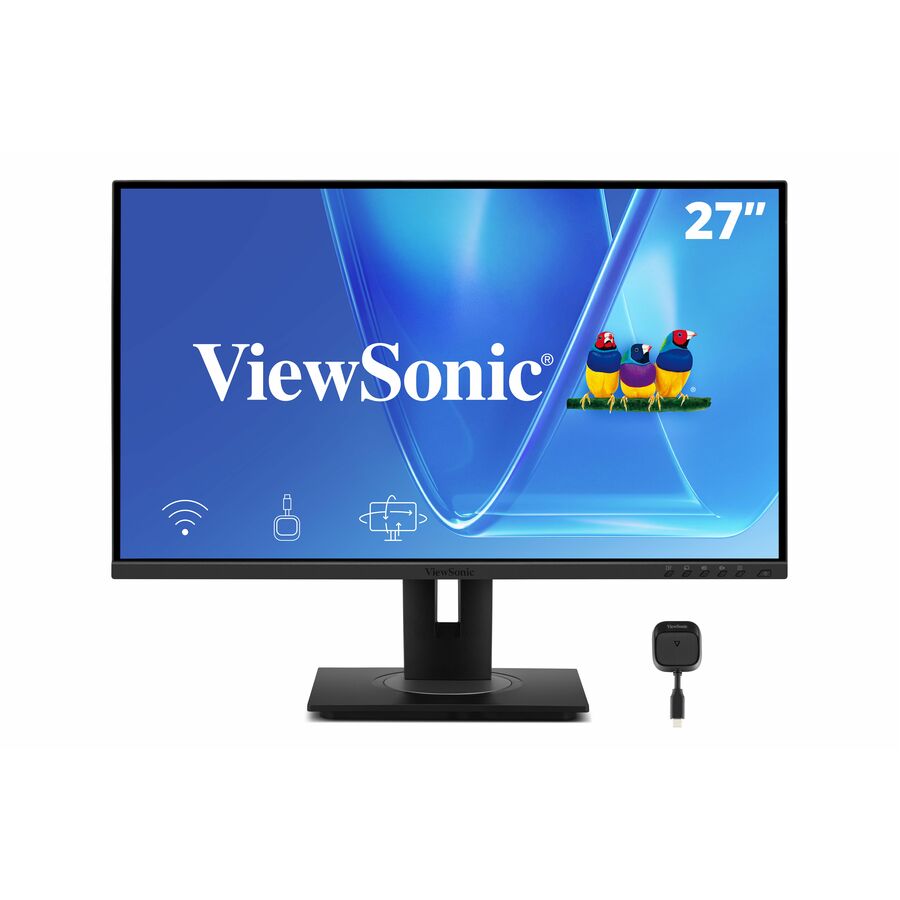
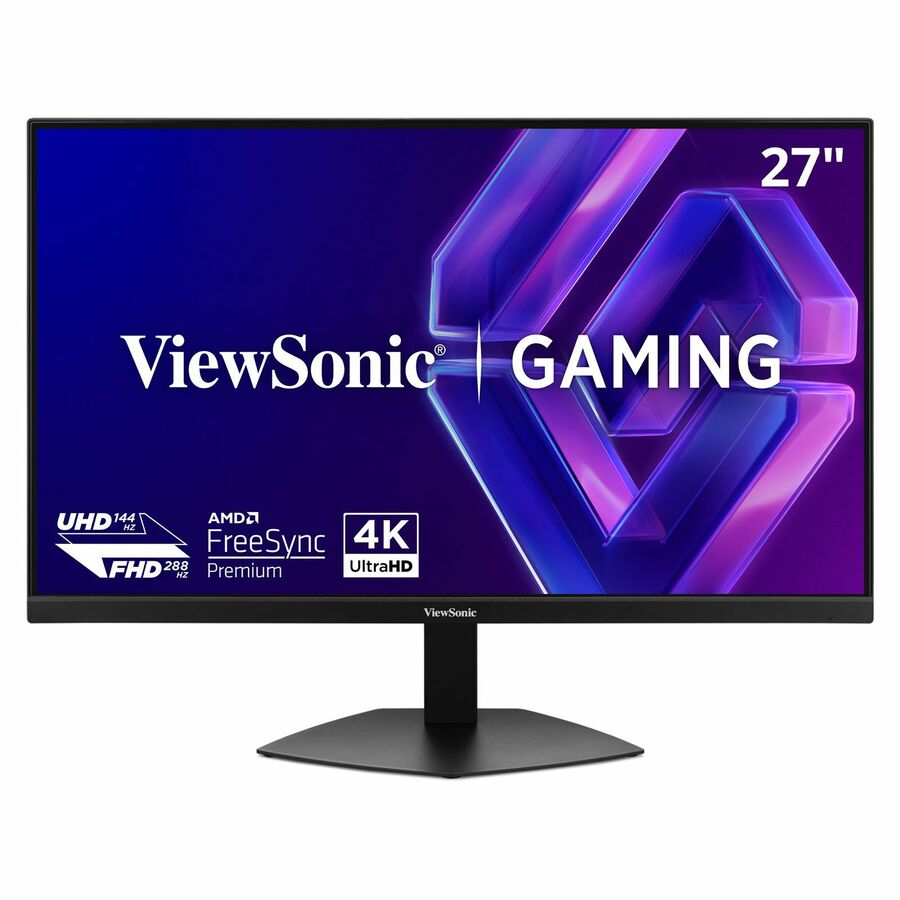
- ViewSonicViewSonic VX2767U-2K 27 Inch 1440p Monitor, IPS Display with 65W USB-C and HDR10 for Ultimate Home Entertainment, Eye Care Technology, Ultra-Thin Bezels, HDMI, and DisplayPort Inputs - VX2767U-2K - 1440p Thin-Bezel IPS Monitor with 65W USB-C, HDMI, DisplayPort, HDR10 - 250 cd/m² - 27"VX2767U-2K
$279.00
$253.04
20 in stock


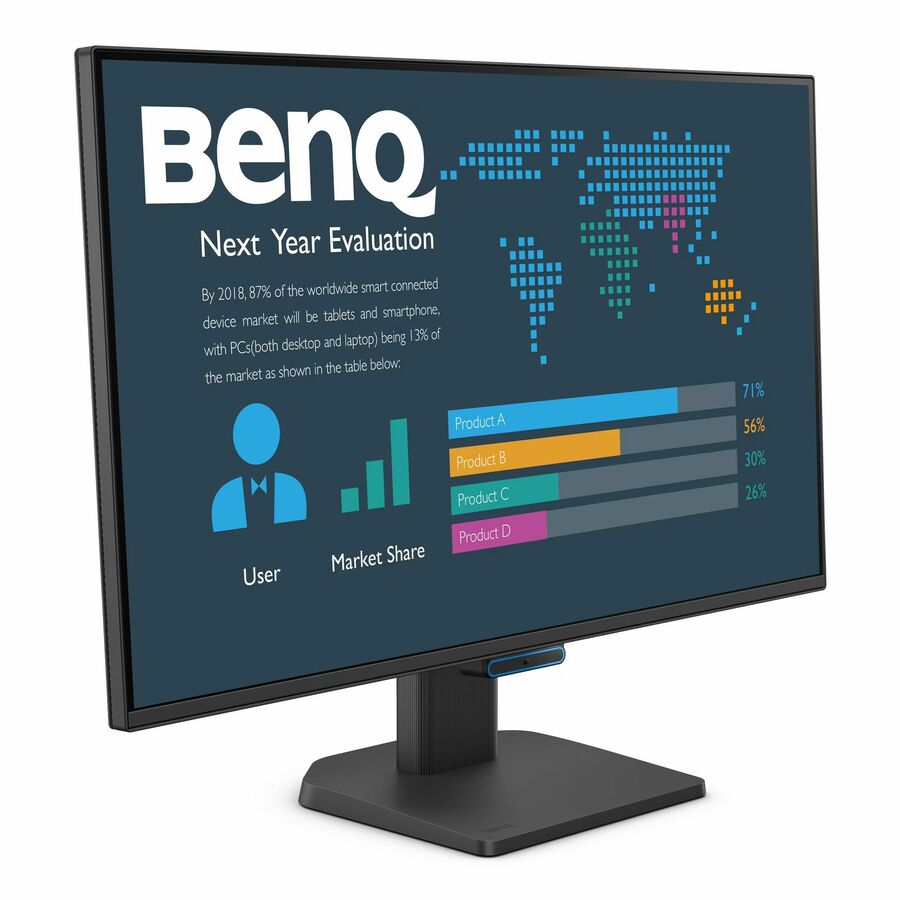
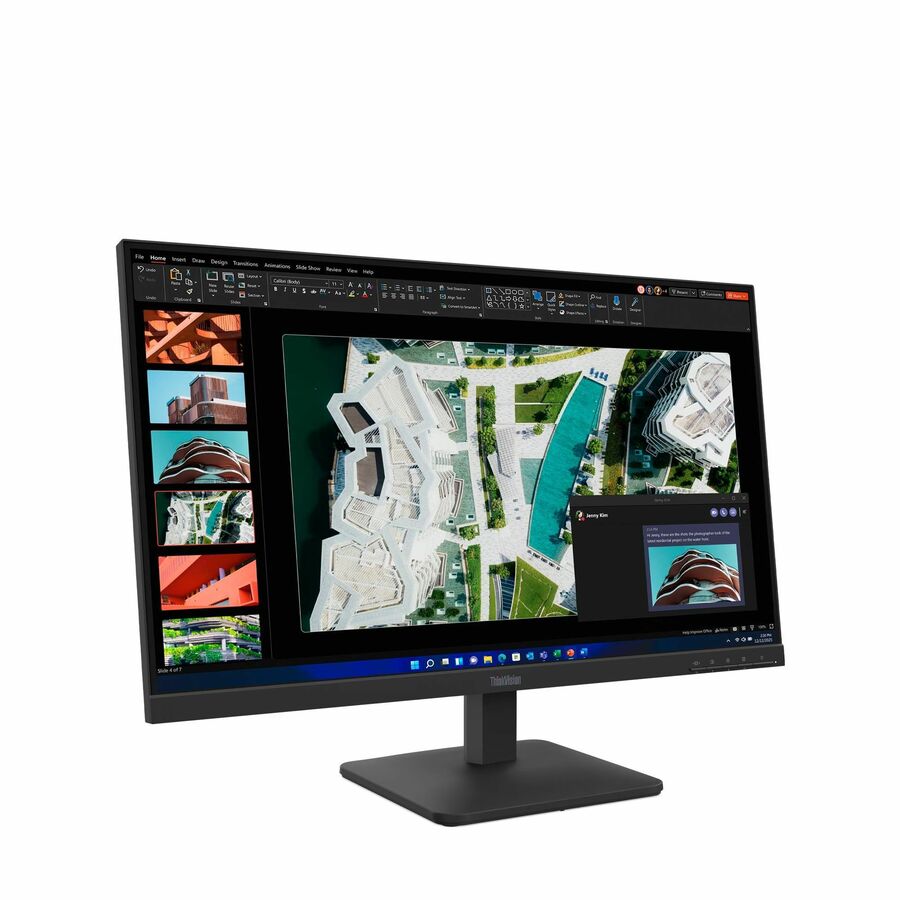

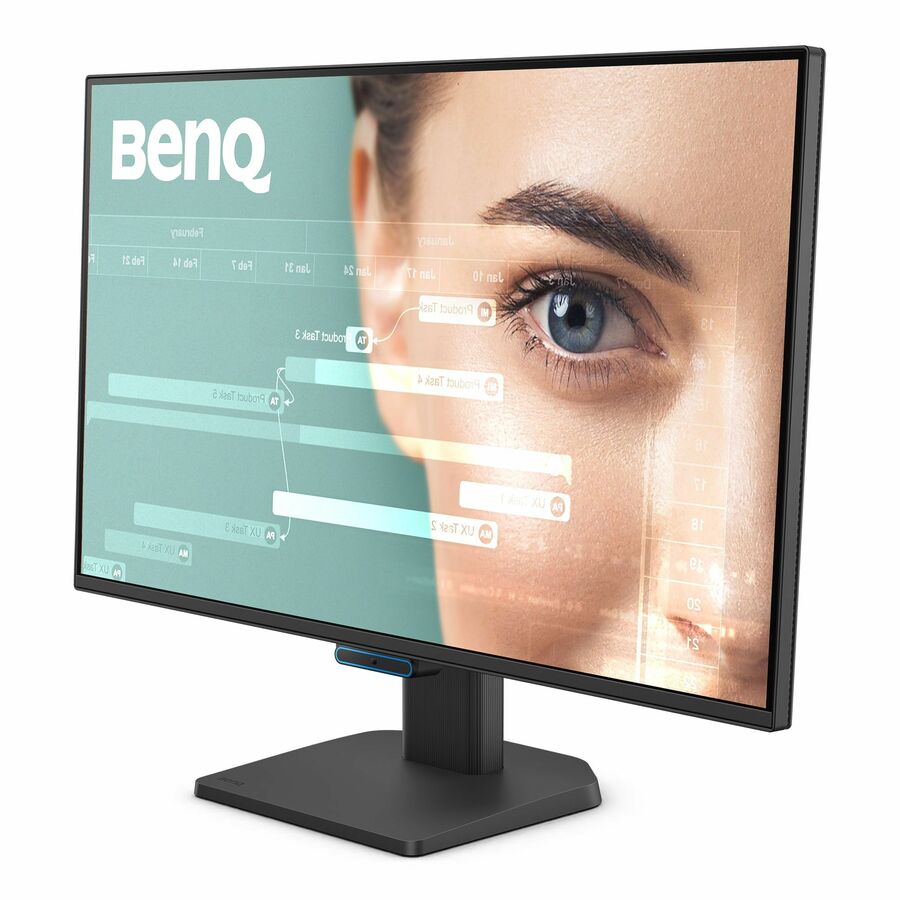
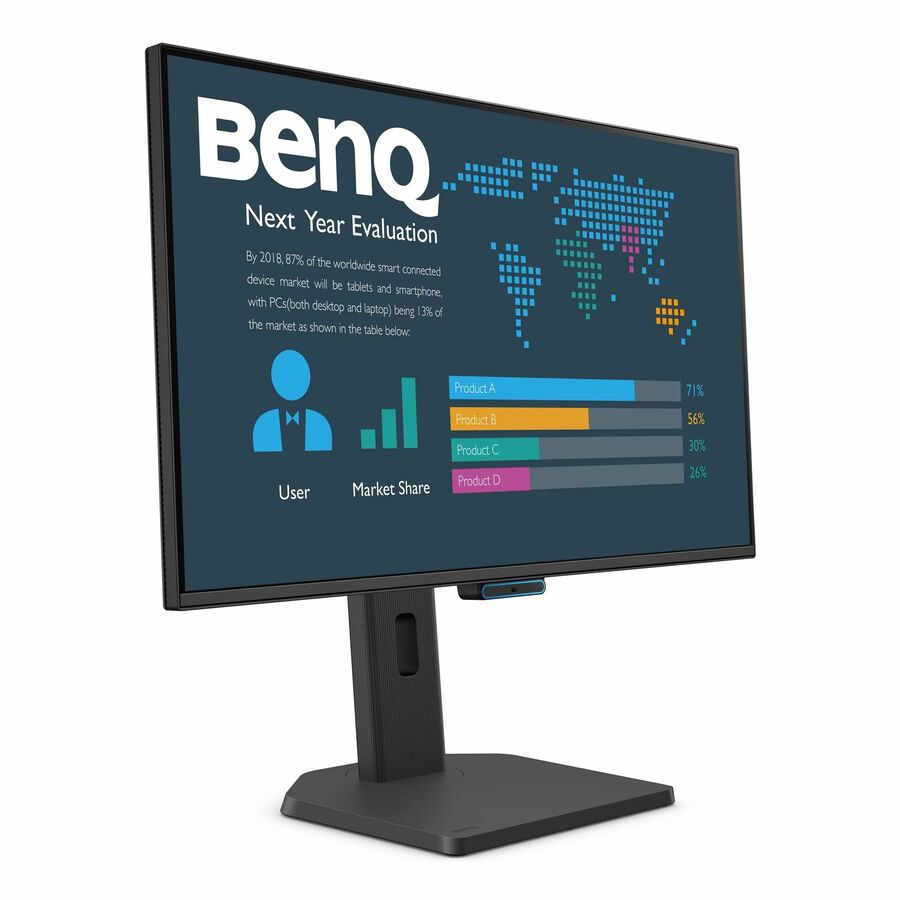


ThinkVision, FHD
Lenovo
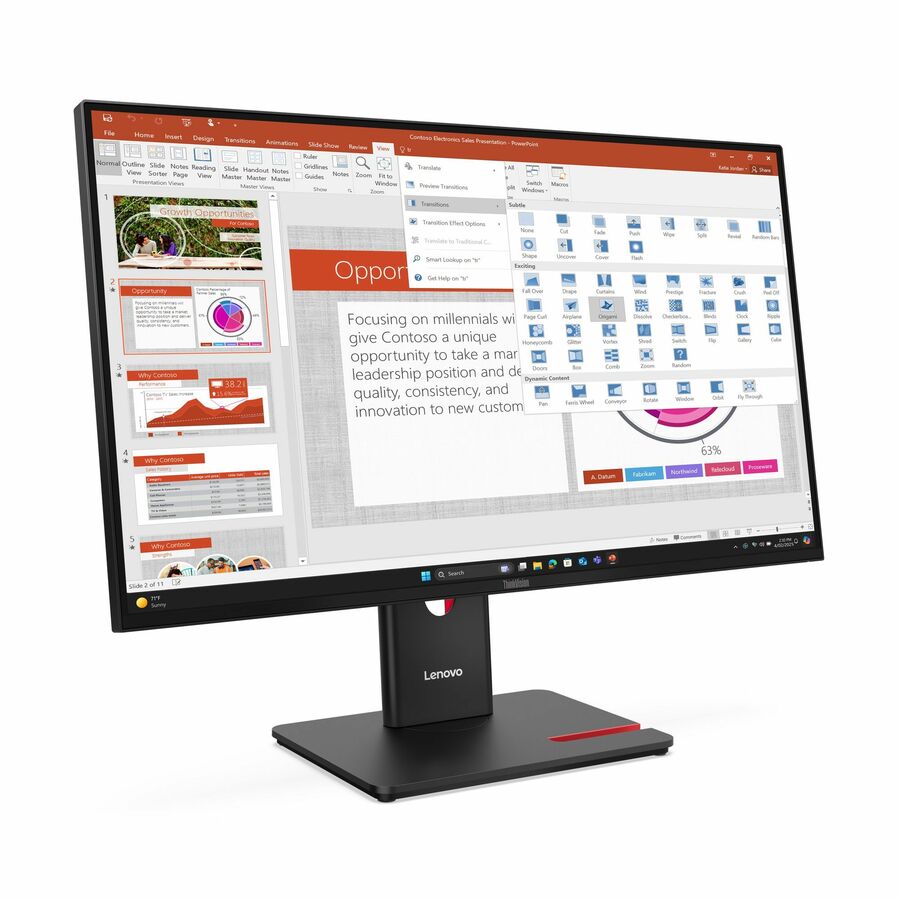
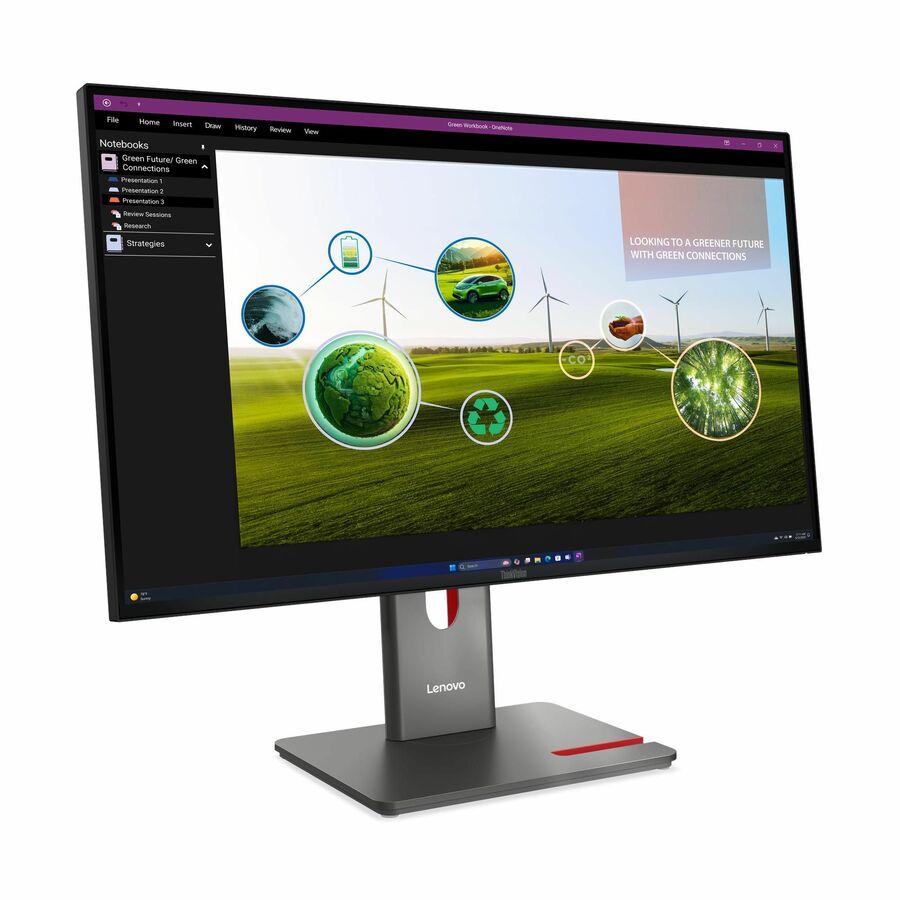
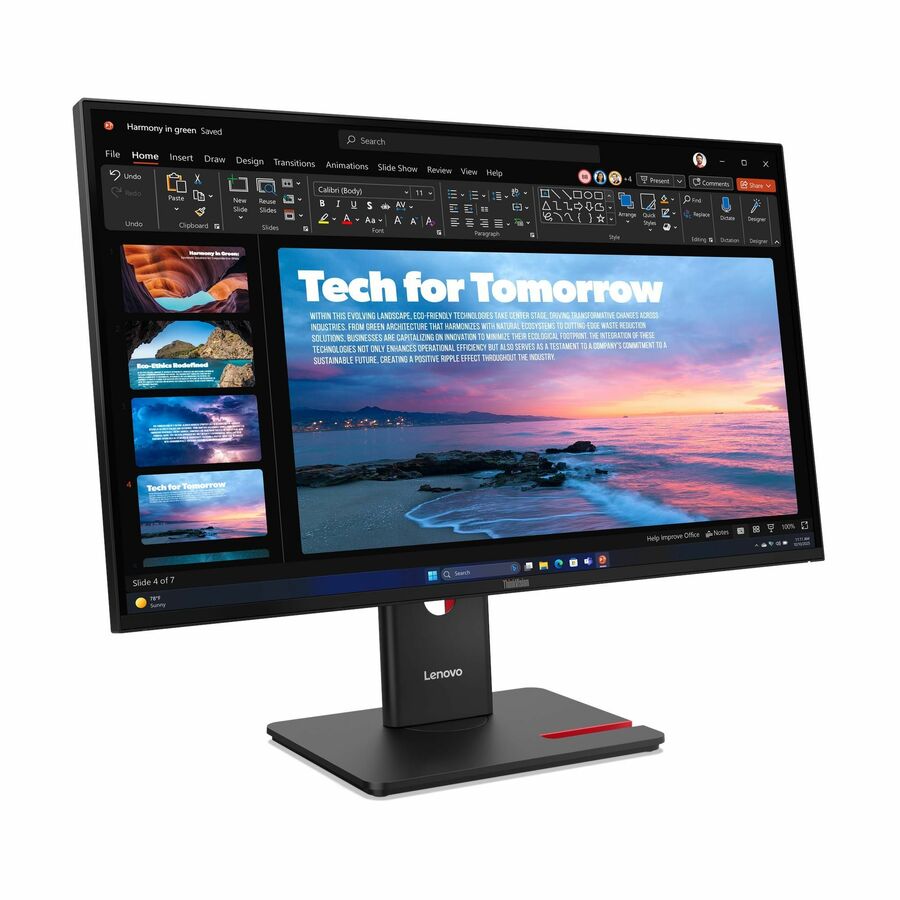
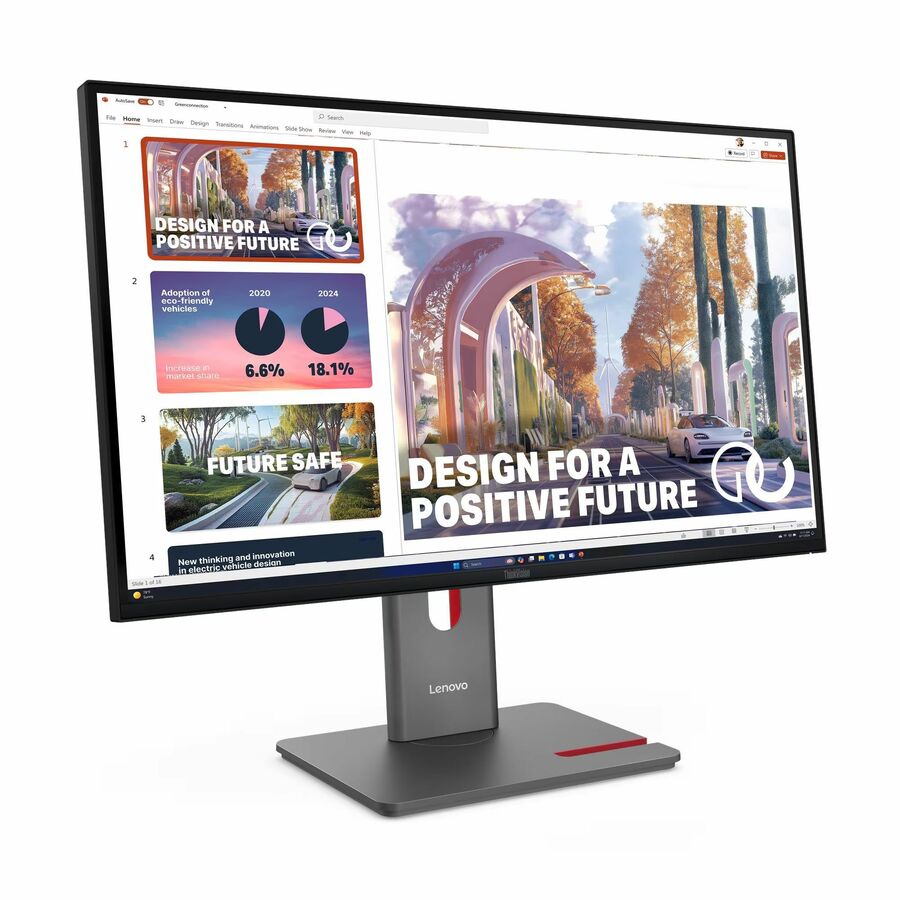
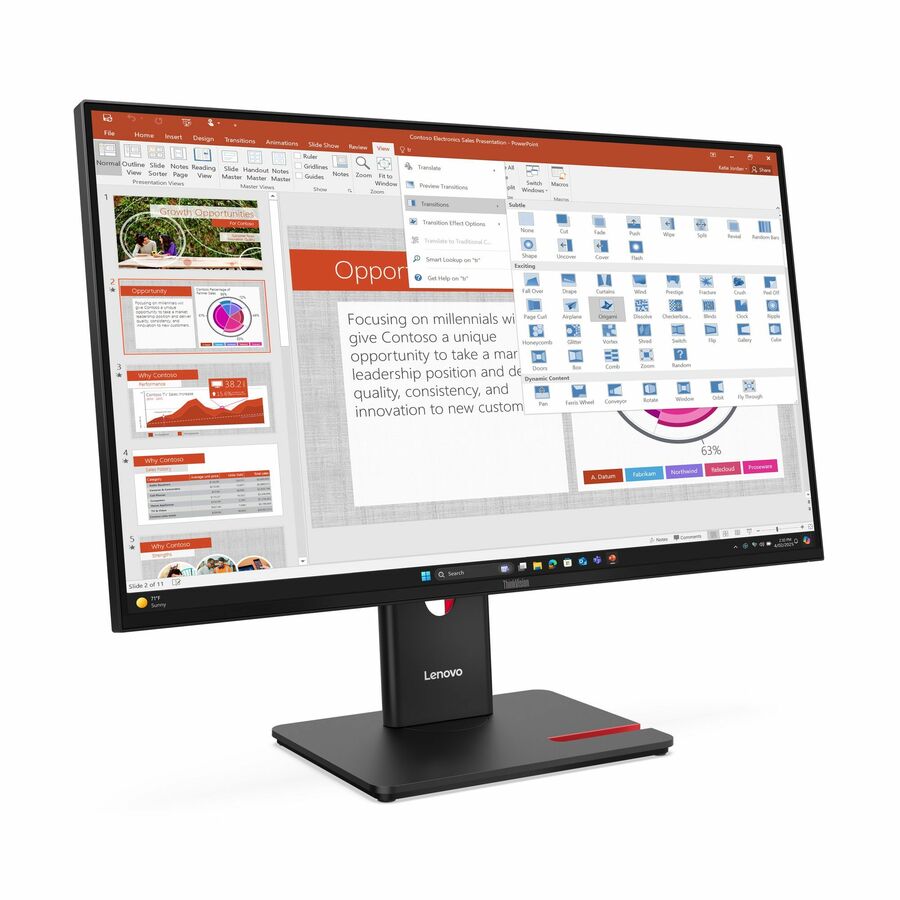
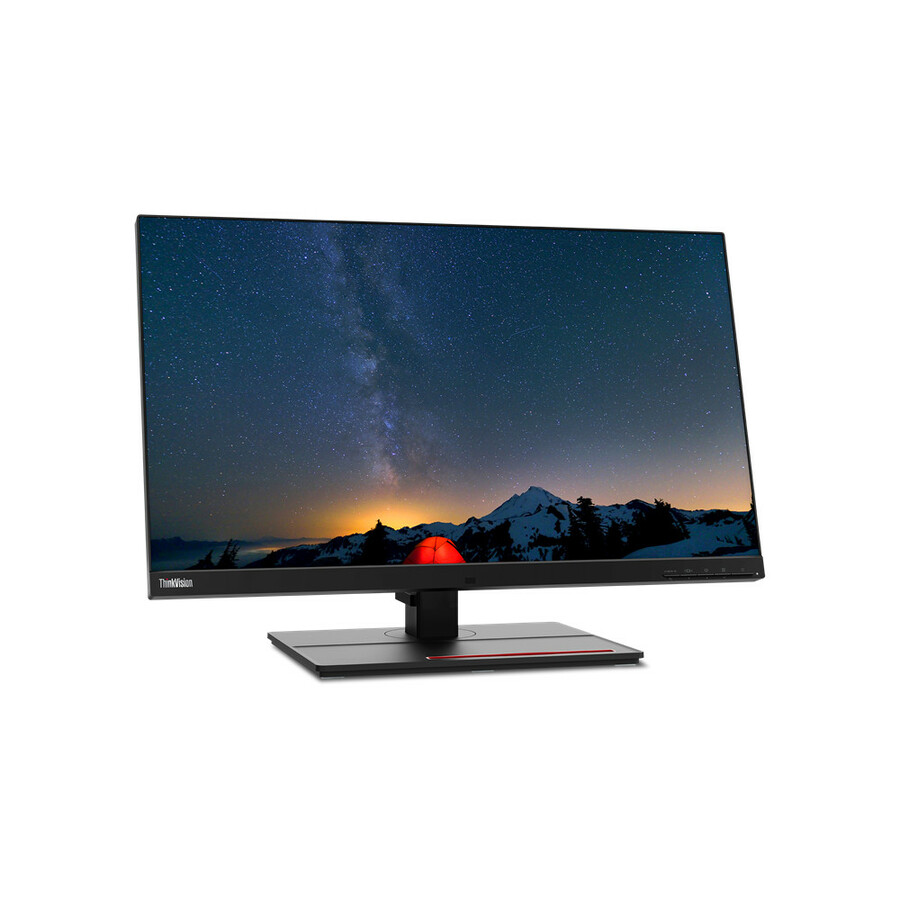
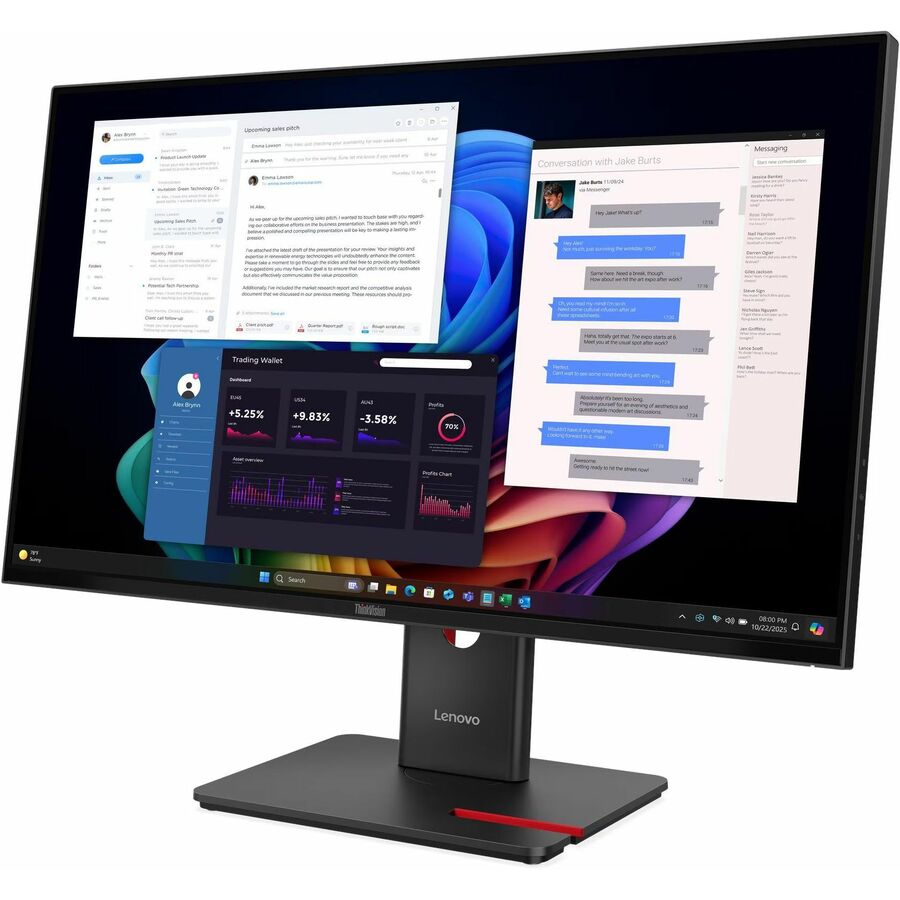
Lenovo ThinkVision T27-40 27" Class Full HD LED Monitor
64A5MAT6US
A Lenovo ThinkVision T27-40 27" Full HD monitor from the business ThinkVision line — the value tier for document and general office work.
Request pricingThinkVision, WQHD
Lenovo
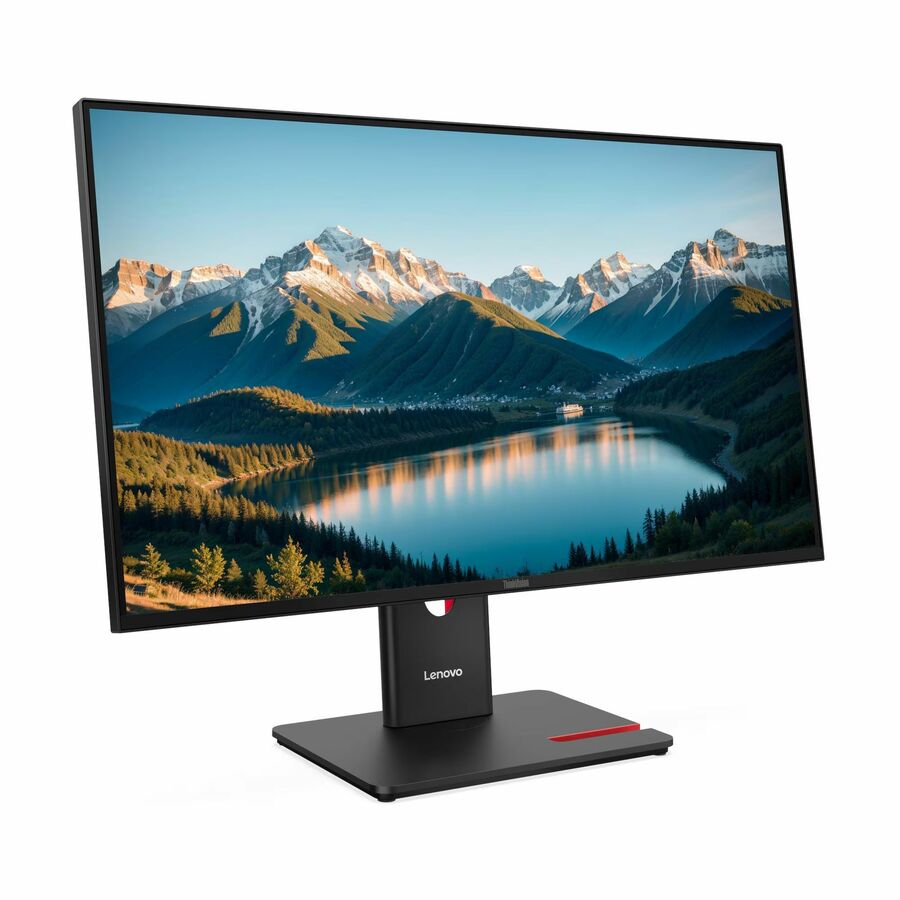
Lenovo ThinkVision T27Q-40 27" Class WQHD LED Monitor
64A6GAR6UZ
A Lenovo ThinkVision T27Q-40 27" WQHD monitor — the 1440p business sweet spot at this size, with the ThinkVision fleet stand and warranty.
$371.26Back-orderedThinkVision USB-C webcam
Lenovo
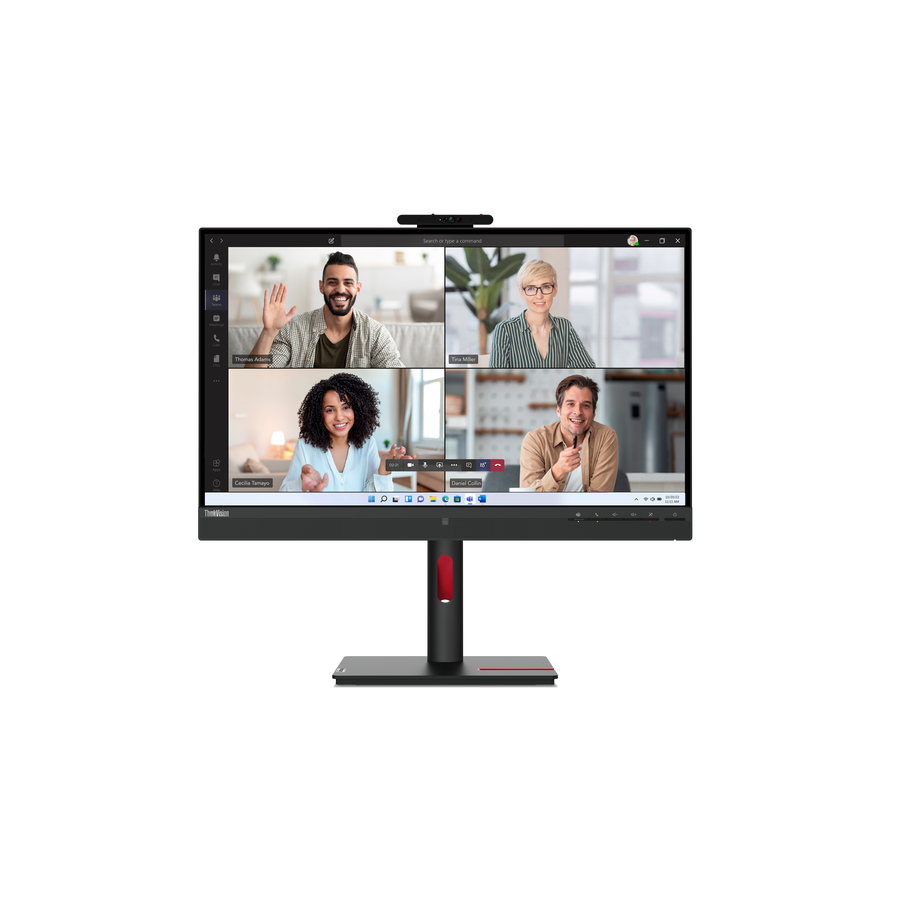
Lenovo ThinkVision T27hv-30 27" Class Webcam WQHD LED Monitor
63D6UAR3US
A Lenovo ThinkVision T27hv-30 27" WQHD monitor with a webcam, built to dock a laptop and take video calls from a single screen.
$720.95In stockFHD, TAA
LG Electronics
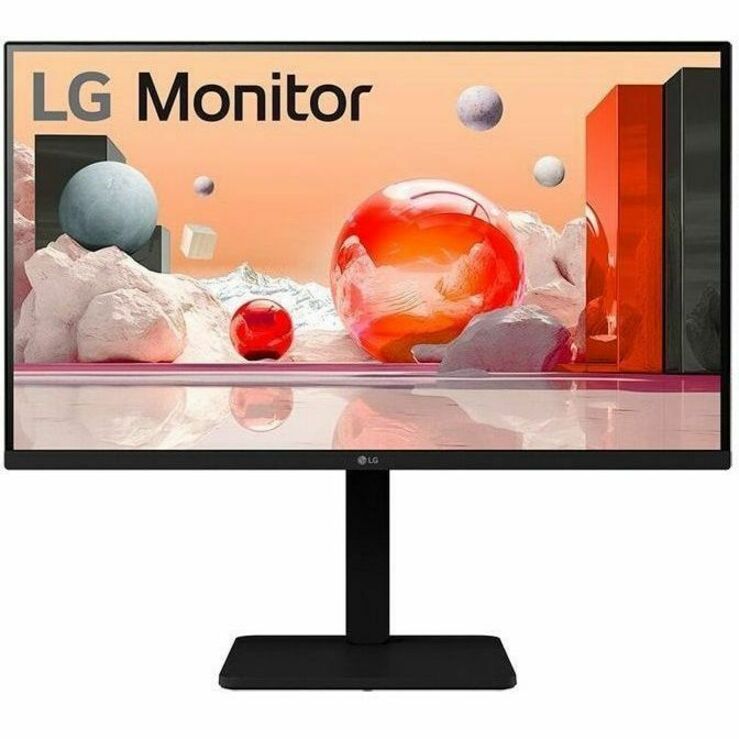
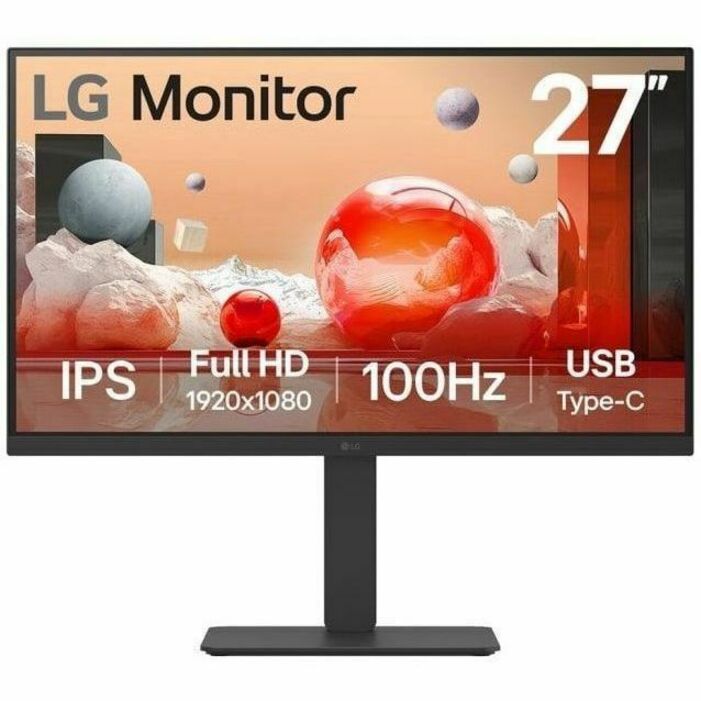
LG 27BA450-B 27" Class Full HD LCD Monitor
27BA450-B
An LG 27BA450-B 27" Full HD monitor listed by the maker as TAA Compliant — a per-part fact to confirm on the row you order.
Titled TAA Compliant by the manufacturer; the designation is a property of this part number.
$318.75*Back-ordered4K UHD
LG Electronics
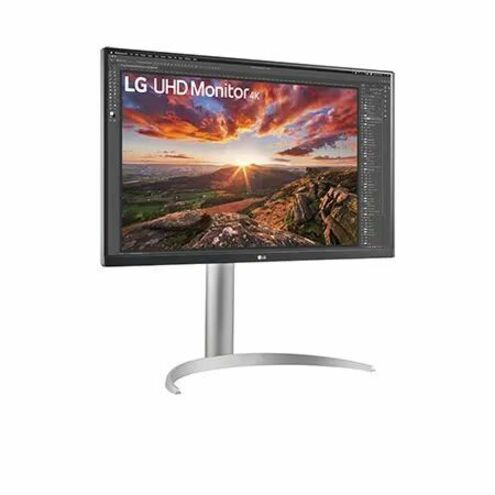
LG 27BP85UK-W 27" Class 4K UHD LCD Monitor
27BP85UK-W
An LG 27BP85UK-W 27" 4K UHD monitor — the very sharp tier for design and detail work where display scaling earns its keep.
$826.63Back-orderedWQHD IPS
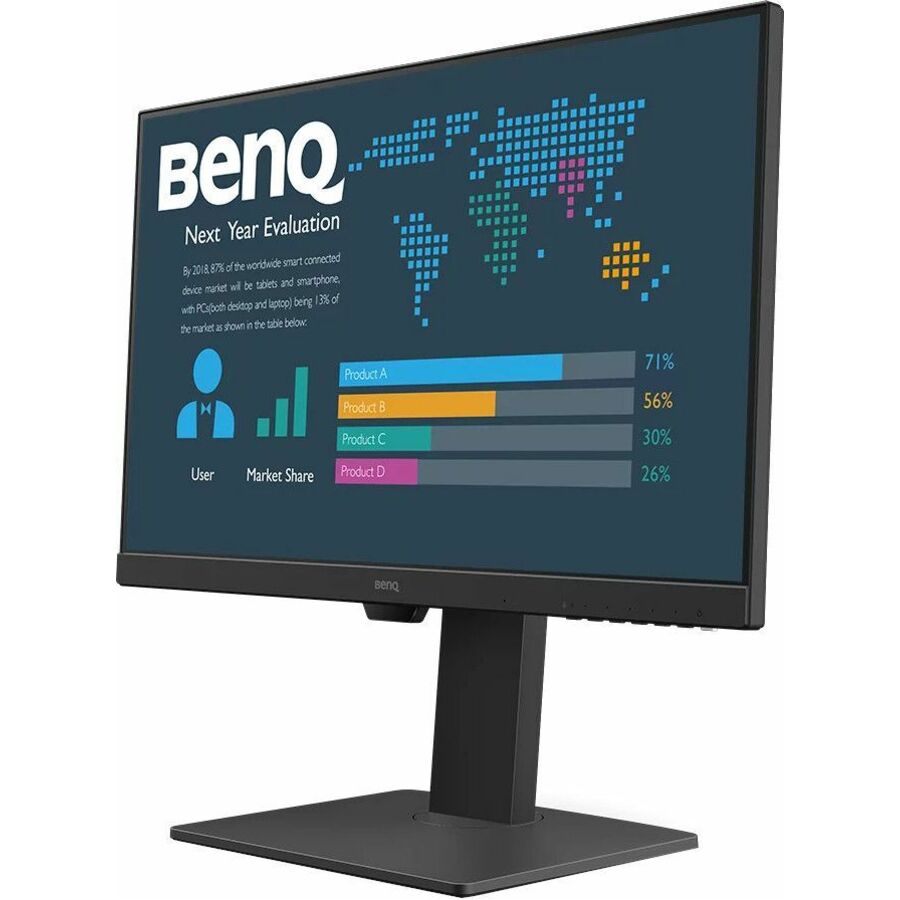
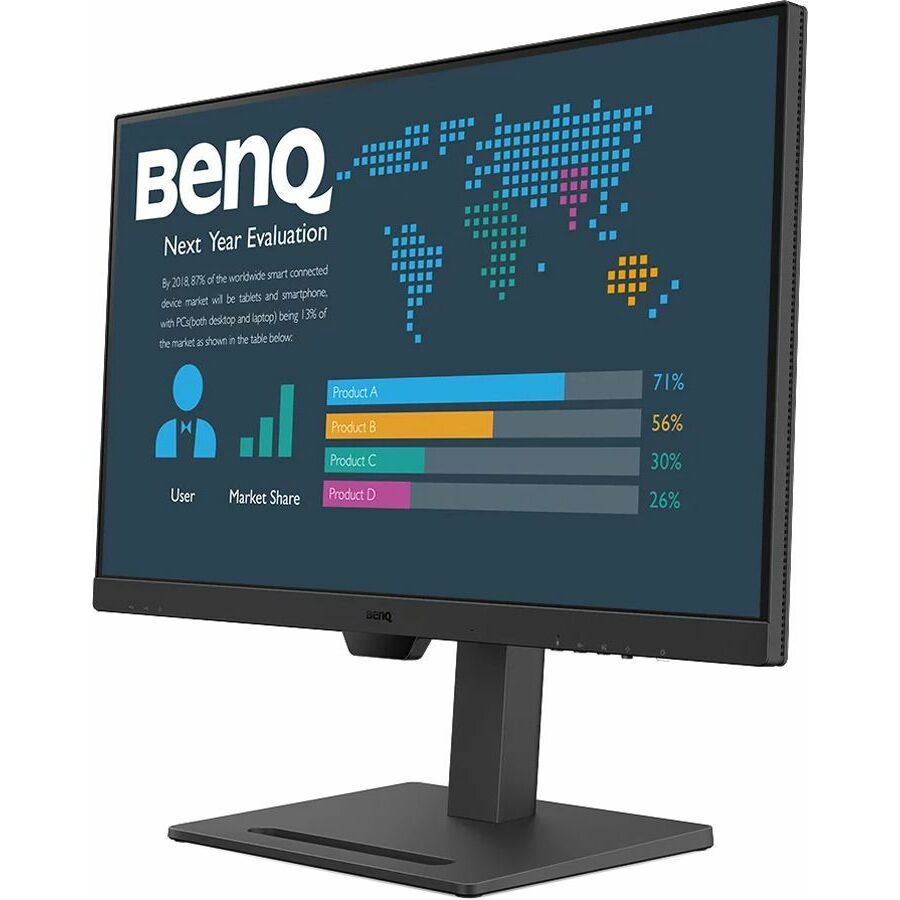
BenQ
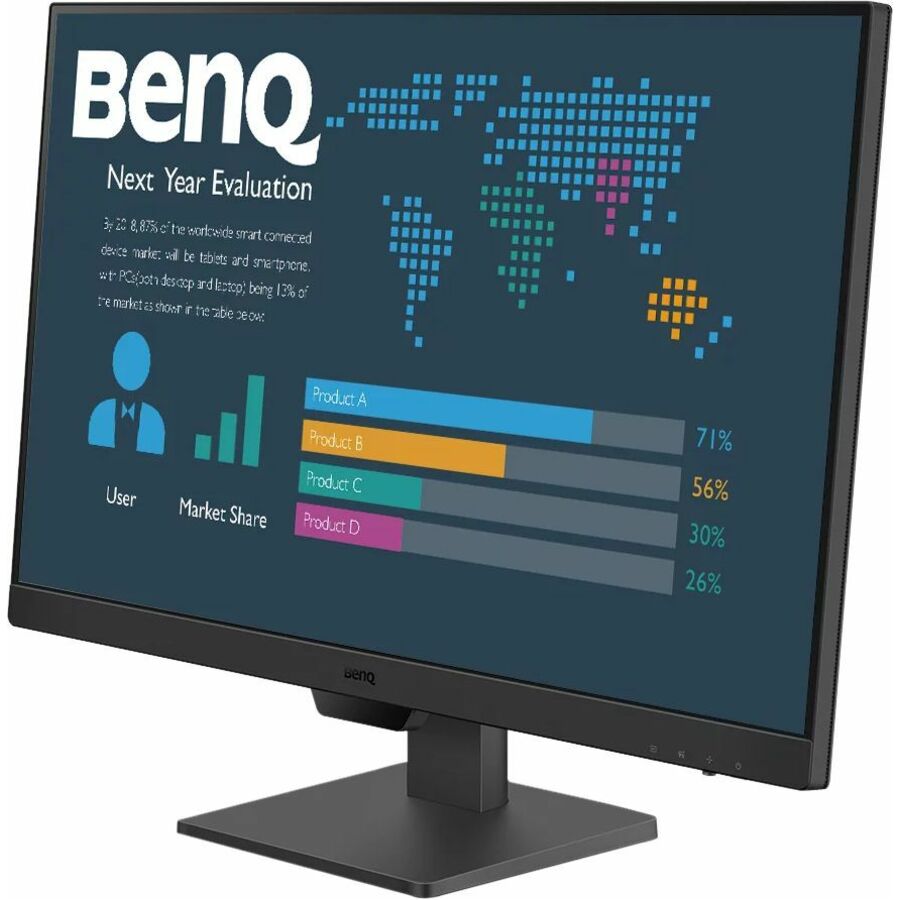
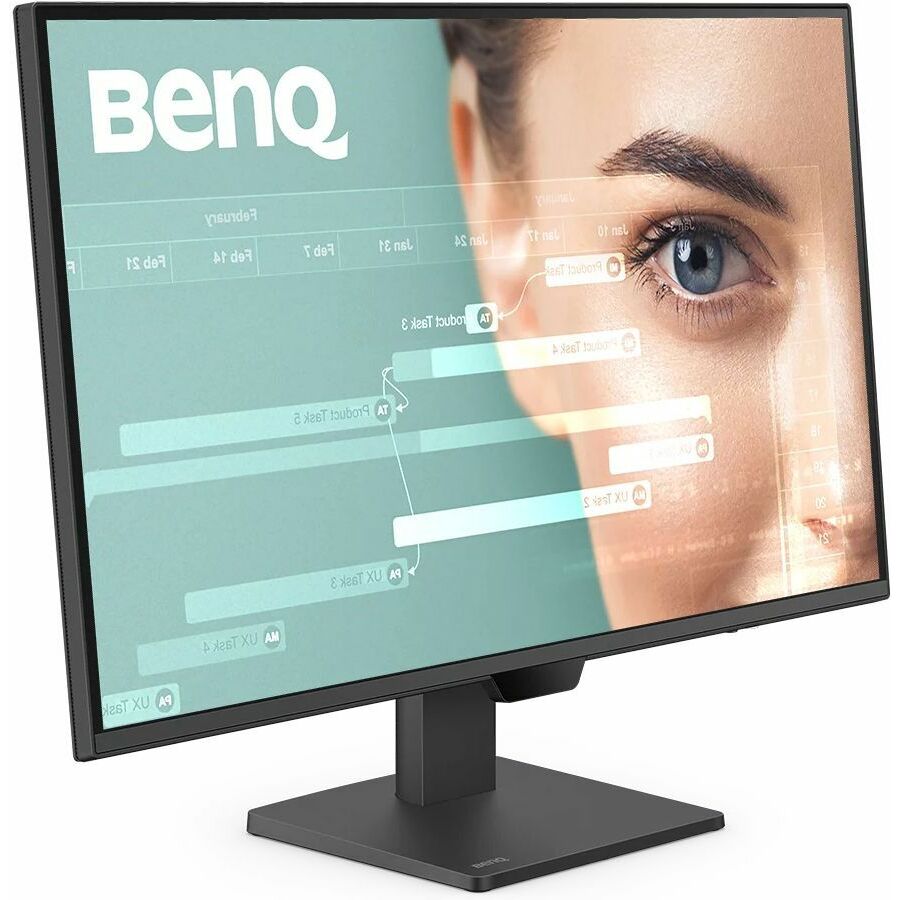
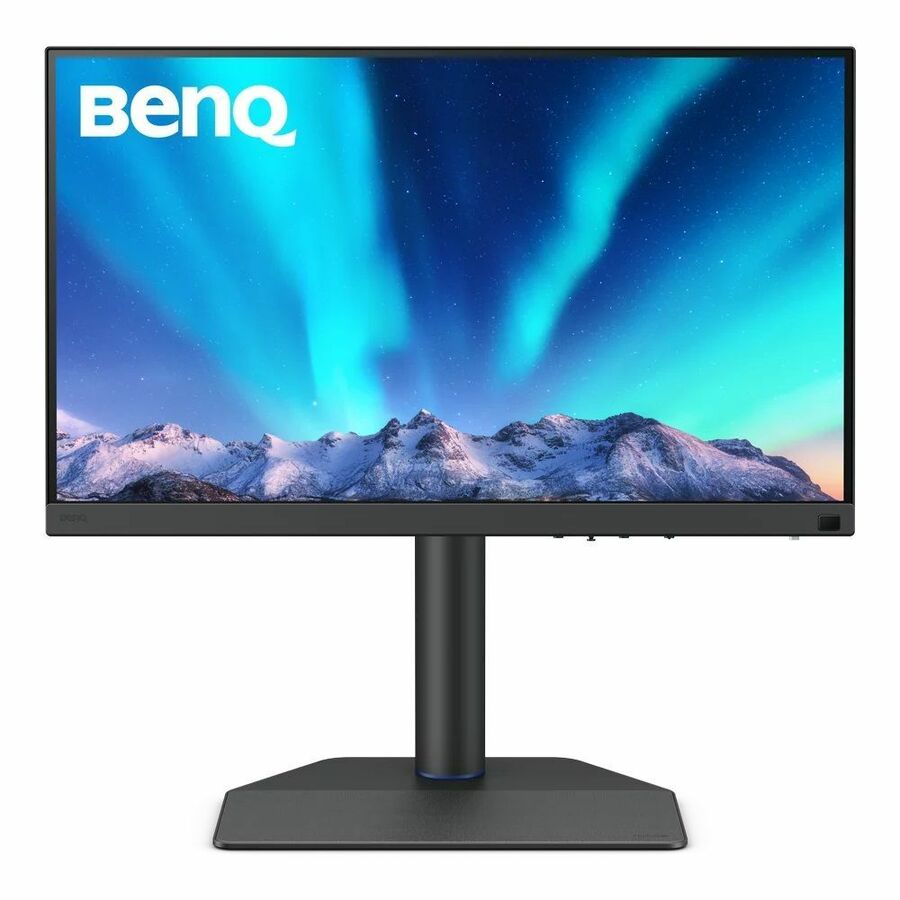
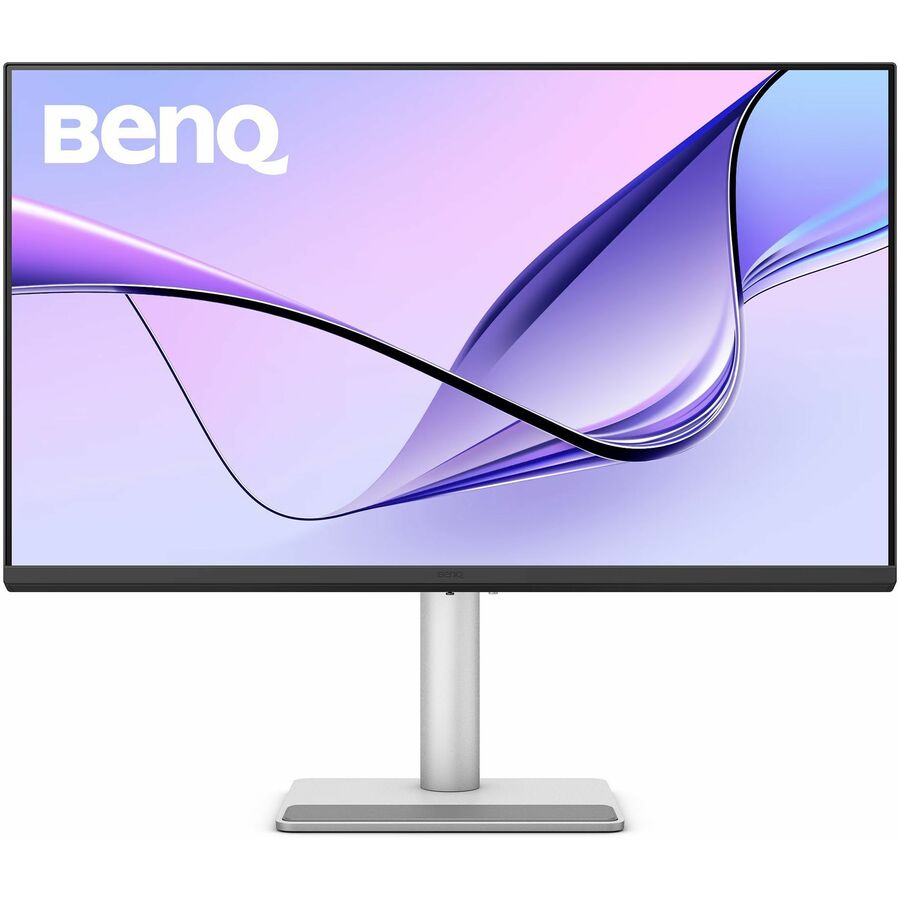
BenQ GW2790Q 27" Class WQHD LED Monitor
GW2790Q
A BenQ GW2790Q 27" WQHD monitor on an in-plane-switching panel — a clean 1440p business screen for a general office desk.
$233.63Back-orderedDesignVue 4K
BenQ
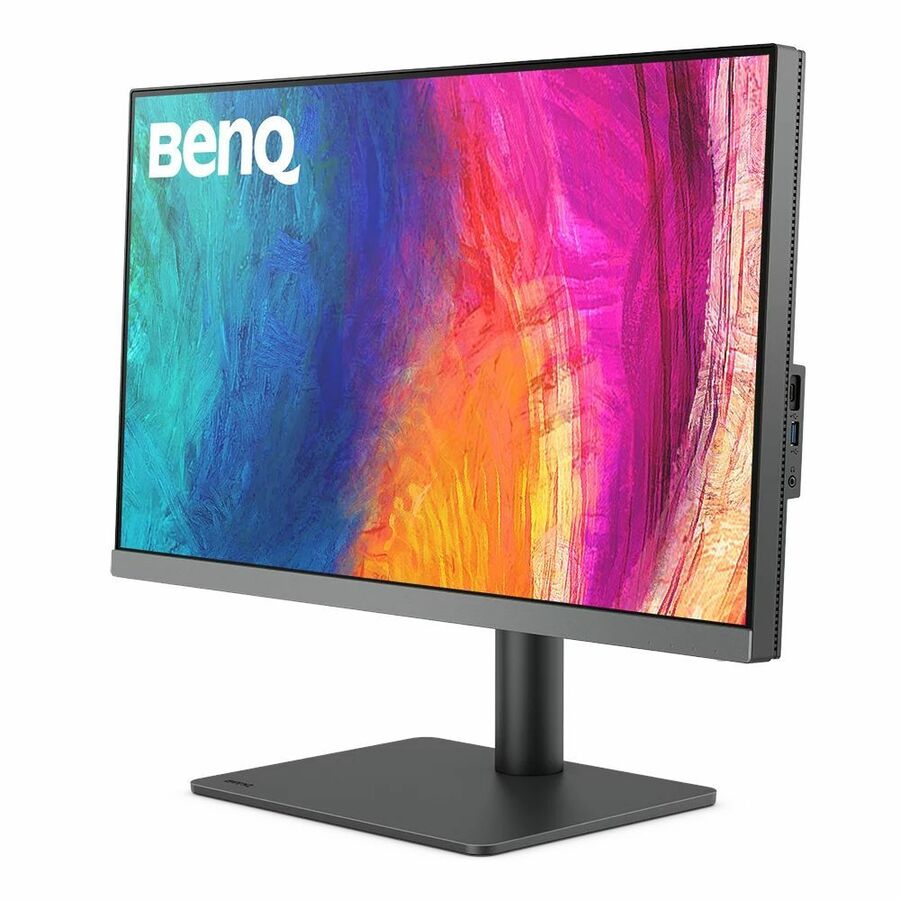
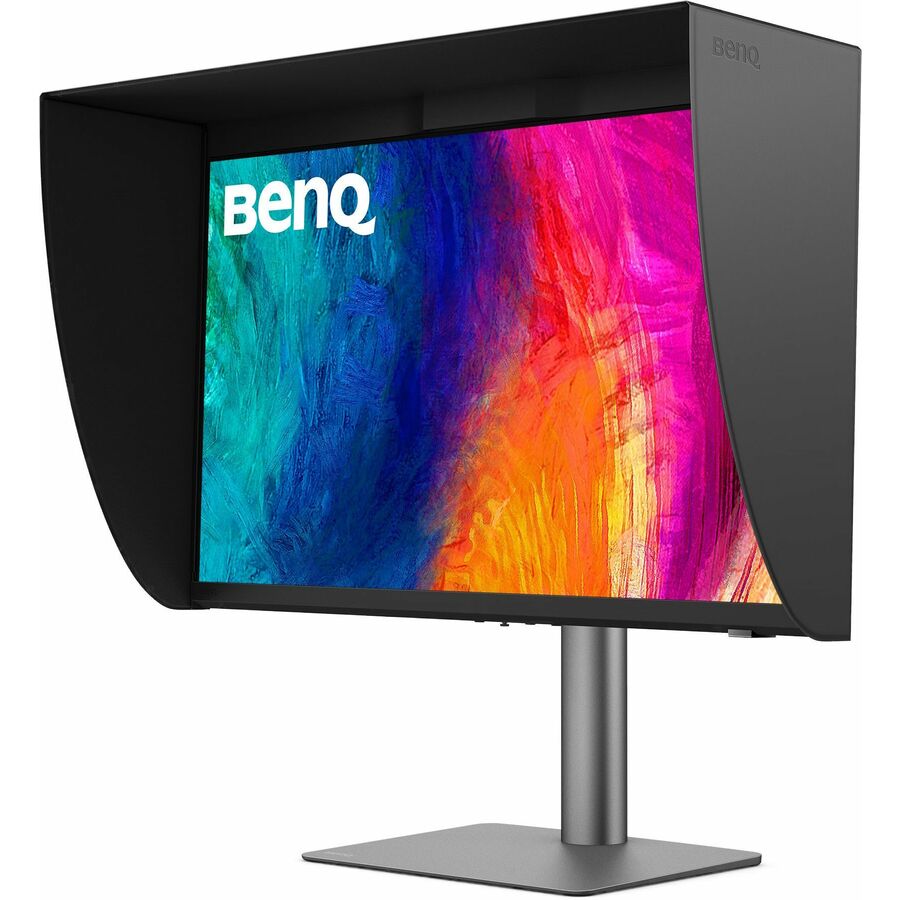
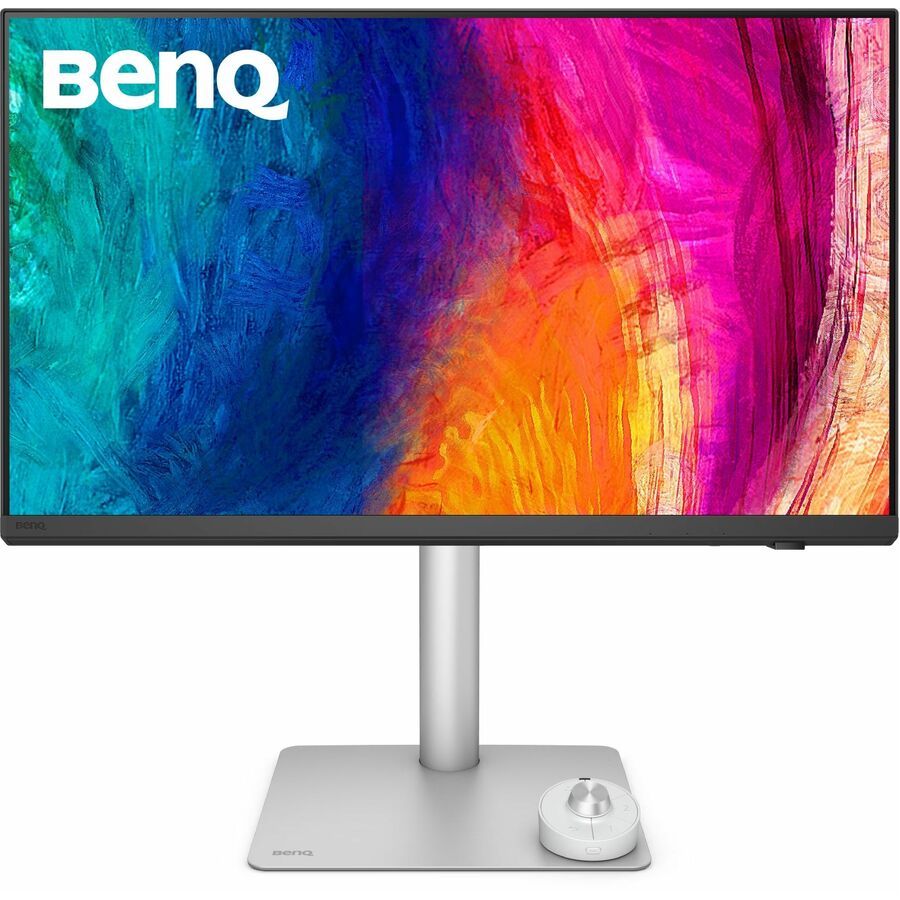
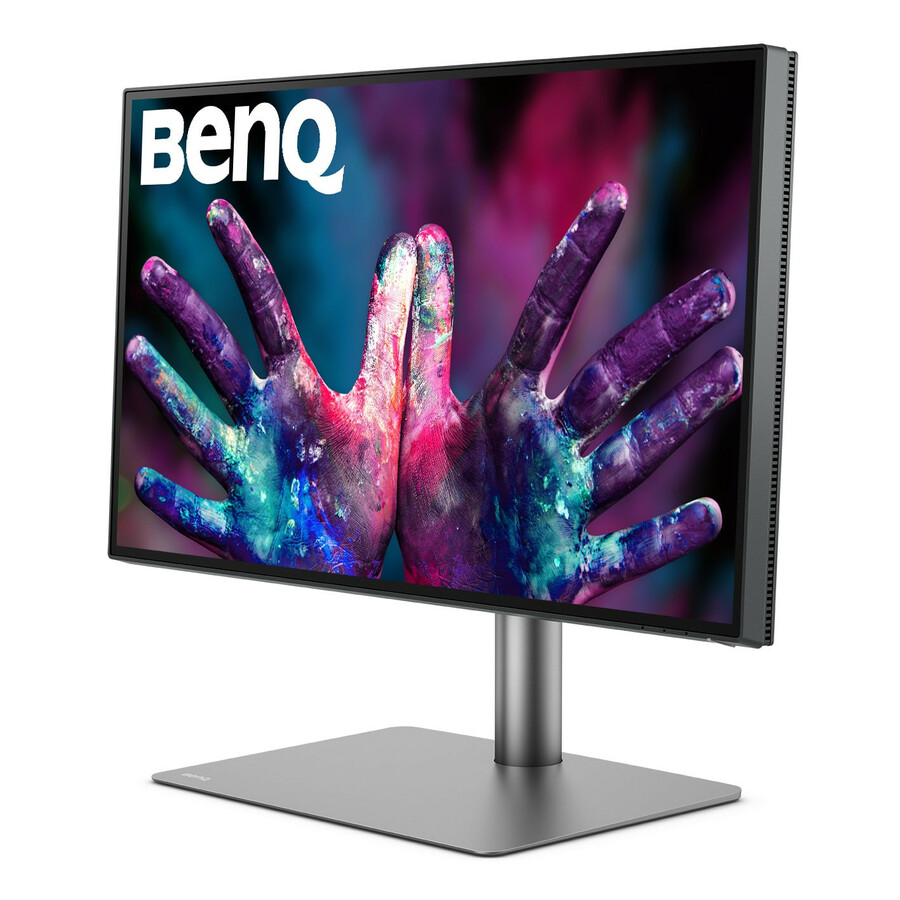
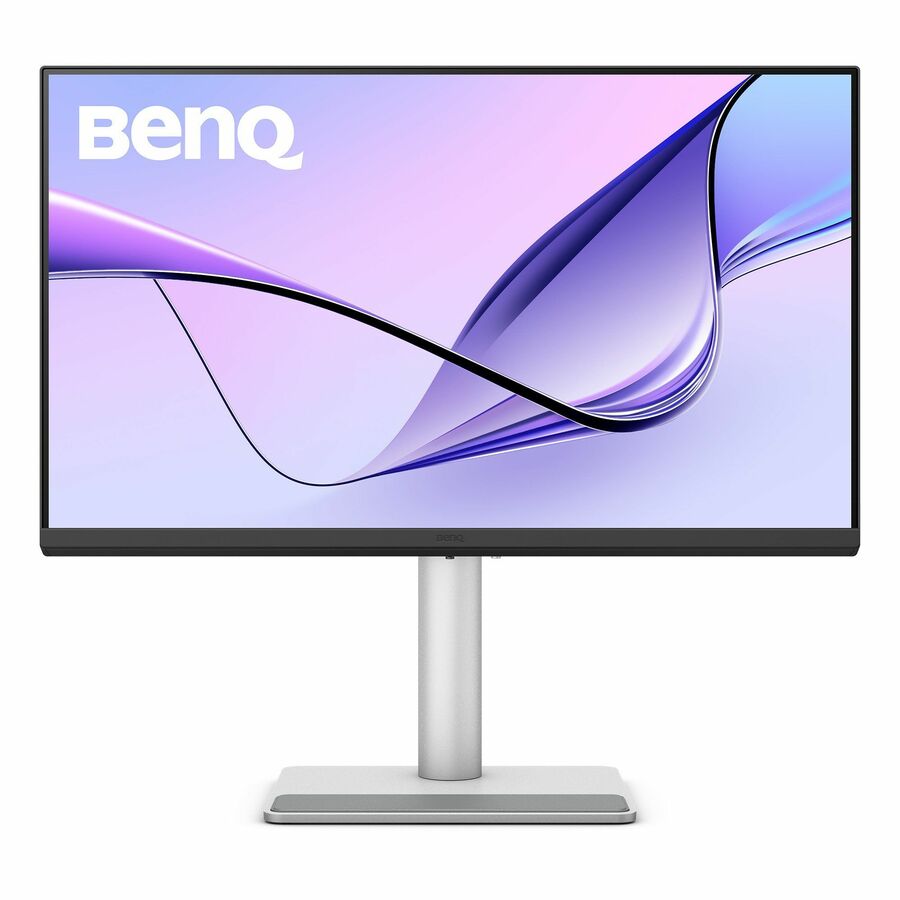
BenQ DesignVue PD2706U 27" Class 4K UHD LED Monitor
PD2706U
A BenQ DesignVue PD2706U 27" 4K UHD monitor from the designer line, for a colour-aware detail-work desk.
$467.27Back-orderedFlexScan WQHD
EIZO
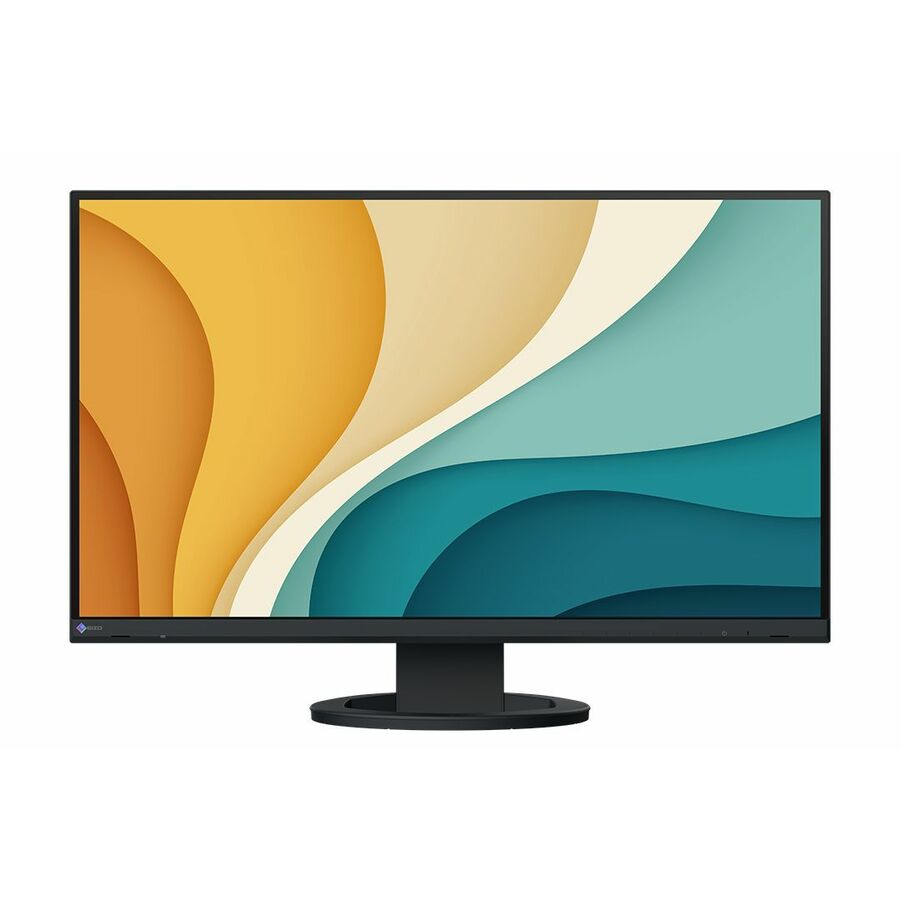
EIZO FlexScan EV2720S-BK 27" Class WQHD LED Monitor
EV2720S-BK
An EIZO FlexScan EV2720S 27" WQHD monitor — a professional office panel from a line built for all-day viewing comfort.
$1,151.84Back-orderedFlexScan 4K
EIZO
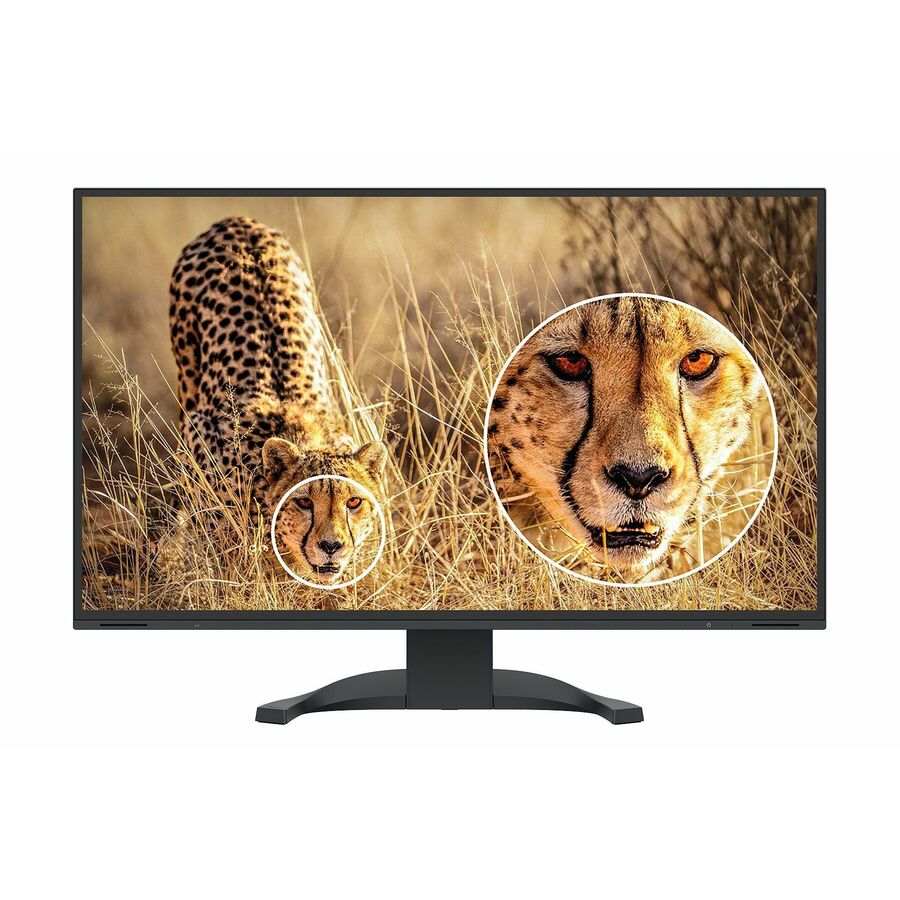
EIZO FlexScan EV2740X-BK 27" Class 4K UHD LED Monitor
EV2740X-BK
An EIZO FlexScan EV2740X 27" 4K UHD monitor, the high-resolution professional panel in the same FlexScan office line.
$1,362.48Back-orderedWQHD, B-line
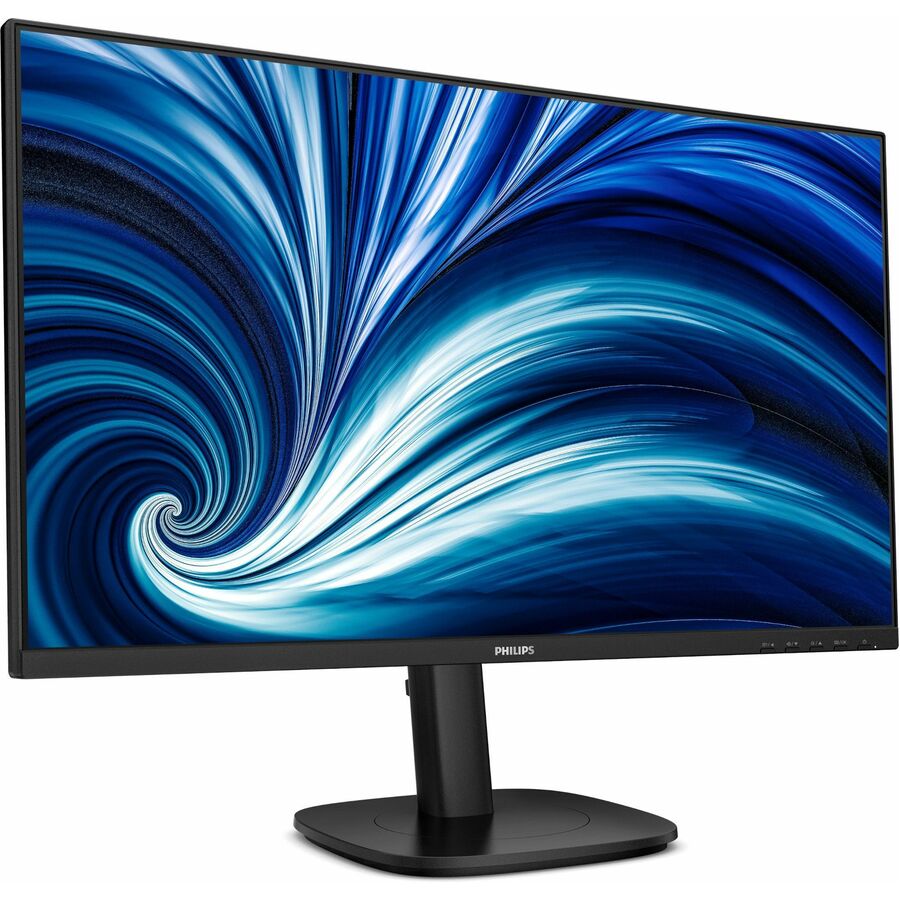
Philips Electronics
Philips 27B2U3601 27" Class WQHD LED Monitor
27B2U3601
A Philips 27B2U3601 27" WQHD monitor from the business B-line — a 1440p office screen sized for the fleet default.
$335.26Back-ordered4K UHD, business
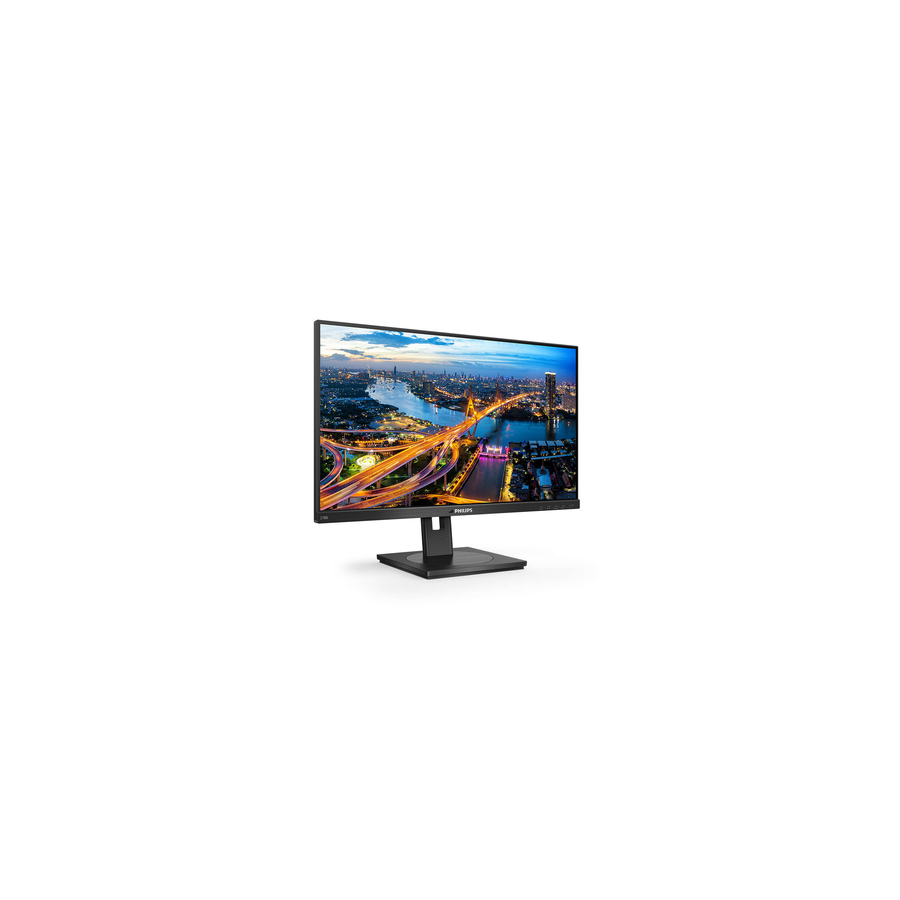
Philips Electronics
Philips 278B1 27" Class 4K UHD LCD Monitor
278B1
A Philips 278B1 27" 4K UHD monitor — the sharp tier for a Philips-standardized fleet's design and detail desks.
$377.98Back-ordered4K UHD IPS
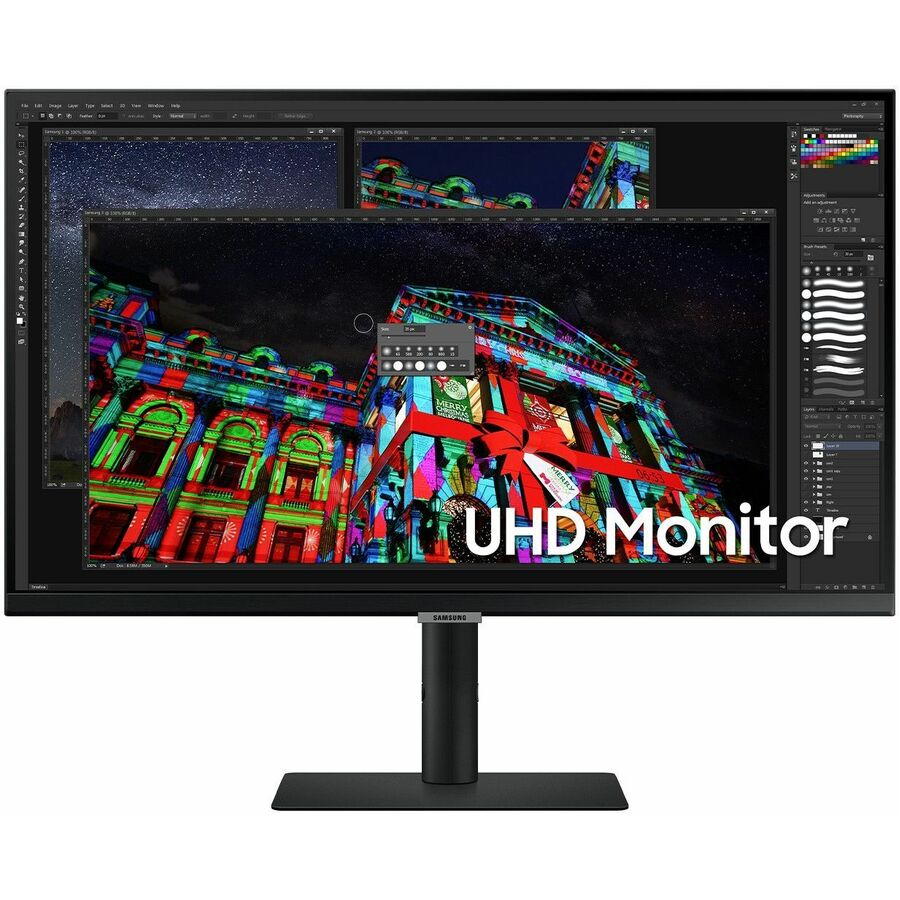
Samsung
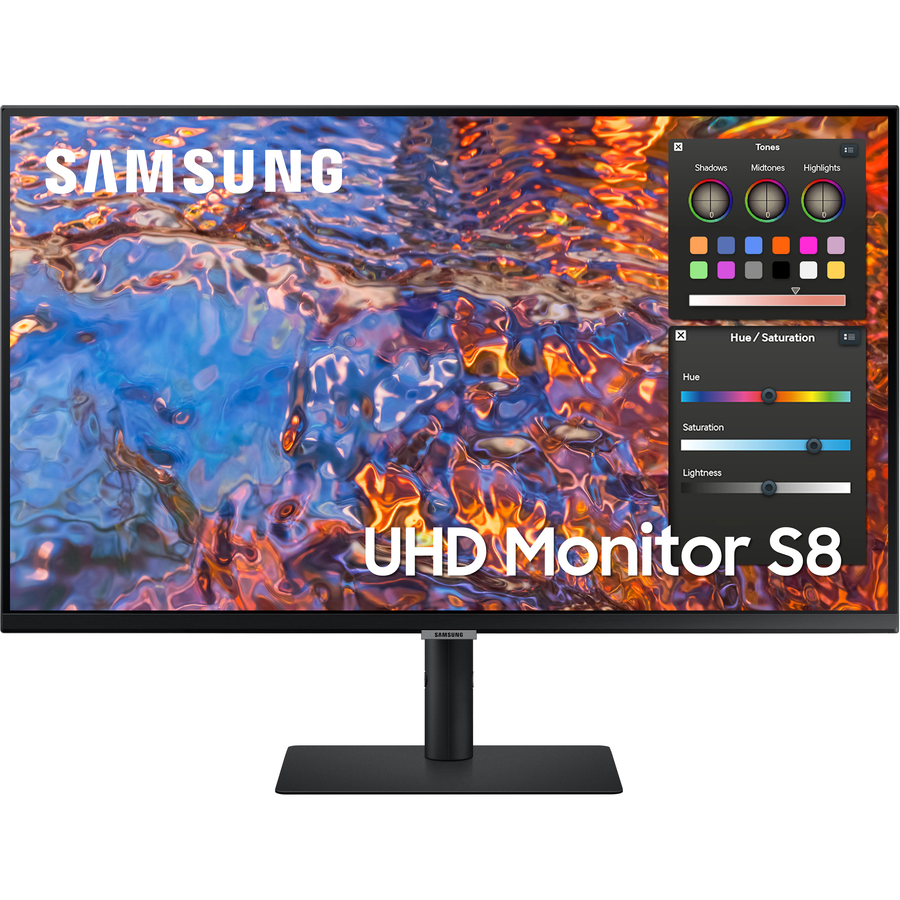
Samsung S27A804UJN 27" Class 4K UHD LCD Monitor
S27A804UJN
A Samsung 27" 4K UHD monitor on an in-plane-switching panel — a high-resolution office screen with wide-angle colour.
$547.36Back-orderedErgonomic IPS FHD
ViewSonic
ViewSonic VG2748A 27" 1080p Ergonomic 40-Degree Tilt IPS Monitor…
VG2748A
A ViewSonic VG2748A 27" 1080p IPS monitor with an ergonomic 40-degree tilt stand — a comfortable value office panel for all-day use.
Every row this page renders states 27" in the manufacturer's own title, as this one does.
$227.21In stockMore monitors in the Uniqcli catalog
See all 1,690 monitorsMore from across this category. In-stock lines lead, and a back-ordered line carries the same estimated availability its product page does — with live pricing throughout, NDAA §889 screening before checkout and TAA verified on request.
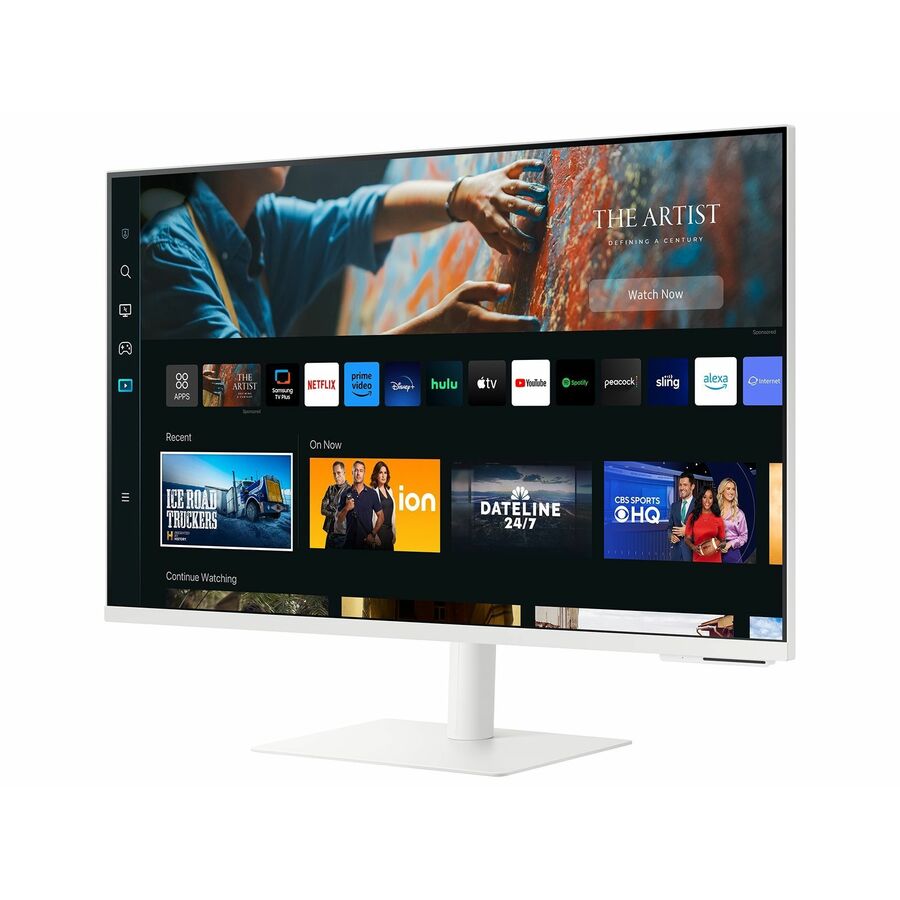
- SamsungSamsung S27CM701UN 27" Class 4K UHD Smart LCD Monitor - 16:9 - Warm White - 27" Viewable - Vertical Alignment (VA) - 3840 x 2160 - 1 Billion Colors - 240 Nit - 4 ms - 60 Hz Refresh Rate - Speakers - Height, Tilt, Pivot - USB Type-C - HDMI - VESA Mount Compatible - USB HubLS27CM701UNXZA
$864.00
9 in stock - LG ElectronicsLG 27HS714S-W 27" Class 4K UHD LED Monitor - 16:9 - 27" Viewable - In-plane Switching (IPS) Technology - Mini LED Backlight - 3840 x 2160 - 2000 Nit - 5 ms - HDMI - DisplayPort - VESA Mount Compatible27HS714S-W
$9,799.00
$8,329.15
Back-orderedBack-ordered — estimated OEM lead time 3–8 weeks (Nov 22 – Dec 27 if ordered today).
- LG ElectronicsLG 27HQ710S-W 27" Class 4K UHD LED Monitor - 16:9 - 27" Viewable - Vertical Alignment (VA) - Mini LED Backlight - 3840 x 2160 - 800 Nit - 5 ms27HQ710S-W
$8,750.00
$7,437.50
Back-orderedBack-ordered — estimated OEM lead time 3–8 weeks (Nov 22 – Dec 27 if ordered today).
- LG ElectronicsLG 27HJ713S-W 27" Class 4K UHD LCD Monitor - 16:9 - White - 27" Viewable - In-plane Switching (IPS) Technology - 3840 x 2160 - 1.07 Billion Colors - 800 Nit - 5 ms - HDMI - DisplayPort - VESA Mount Compatible27HJ713S-W
$8,250.00
$7,012.50
Back-orderedBack-ordered — estimated OEM lead time 3–8 weeks (Nov 22 – Dec 27 if ordered today).



Need pricing on 27-inch business monitors?
Tell us where to reach you and a Uniqcli specialist will follow up by email with current pricing, availability and lead time for the quantities you need — including parts that aren’t shown on this page.
Buying for an organization or for yourself — both work. No payment up front.
Twenty-seven inches is the size a lot of offices standardize on, and for good reasons: it is large enough to hold two documents side by side, small enough to sit at a normal desk depth, and it lands at a resolution sweet spot where a 1440p panel looks crisp without the scaling headaches a 4K screen can bring to older software. Every row on this page states 27" in the manufacturer's own catalog title, and the set is scoped to business and professional lines rather than the gaming panels that share the size, because a fleet screen is a different purchase from a 240Hz display with RGB on the back.
Resolution and panel type are the first two decisions, and they interact. A 27-inch Full HD panel is the value tier and is fine for documents and general work; 1440p (WQHD) is the resolution most businesses settle on at this size because it adds usable desktop space without needing display scaling; 4K UHD at 27 inches is very sharp and suits design and detail work but usually wants scaling turned on. The panel technology matters just as much: an IPS panel holds its colour and contrast across a wide viewing angle, which is why almost every serious office and professional monitor uses one, and why 'IPS' is worth looking for on the spec line.
Beyond the picture, the two things that decide how a monitor fits a modern desk are connectivity and the stand. A monitor with USB-C that carries video, data and power can dock a laptop with a single cable — one connection charges the machine, drives the screen and reaches the peripherals — which is the feature that turns a monitor into a docking station for a hot desk. A proper ergonomic stand with height, tilt, swivel and pivot matters for people who sit at the screen all day, and it is often the difference between a monitor that is comfortable and one that gets propped up on a ream of paper. Send the laptops in the fleet and the desk setup, and the monitor, the docking plan and the mounting can be matched together.
Buyer's checklist
How to choose a 27-inch monitor for a fleet
- Pick the resolution against the work and the software. Full HD is the value tier for documents; 1440p (WQHD) is the usual business sweet spot at 27 inches, adding desktop space without forcing display scaling; 4K UHD is very sharp for design and detail work but usually wants scaling on.
- Look for IPS on the panel line. An IPS panel holds colour and contrast across a wide viewing angle, which is why almost every office and professional monitor uses one; it is the difference between a screen that looks right from the side and one that washes out.
- Decide whether the fleet needs USB-C single-cable docking. A monitor with USB-C that carries video, data and power docks a laptop with one connection — charging it, driving the screen and reaching peripherals — which turns the monitor into the hot-desk dock and removes a separate docking station from the desk.
- Match the charging wattage of a USB-C monitor to the laptops. If the screen is the dock, its power delivery has to keep the largest laptop in the fleet charged under load, the same rule as a standalone dock.
- Buy the ergonomic stand for anyone who sits all day. Height, tilt, swivel and pivot are what make a monitor comfortable over an eight-hour shift; a fixed-tilt-only stand is fine for a kiosk and wrong for a desk worker.
- Confirm the monitor is VESA-mountable where arms or multi-screen setups are in play. A standard VESA pattern on the back is what lets the monitor go onto an arm or a dual-mount, and it is easy to miss on the value tier.
- Read the warranty and any dead-pixel and panel-swap terms — a business monitor line usually carries a longer warranty and an advance-replacement option that a consumer panel does not, and across a fleet that support term is part of the total cost.
- Standardize on as few models as the roles allow. One 1440p business panel for most desks and one 4K professional panel for the design and detail roles keeps stands, cables, firmware and the replacement conversation to a short list rather than a drawer of mismatched screens.
Why 1440p is the business default at 27 inches
The resolution question at 27 inches usually resolves to 1440p, and it is worth understanding why rather than defaulting to the biggest number. At this physical size, Full HD spreads its pixels far enough apart that text can look slightly soft to someone who works on the screen all day, while 4K packs them so tightly that Windows and macOS both want display scaling turned on to keep interface elements a usable size — and scaling, while it works well now, still occasionally trips up older line-of-business software that was written before high-density displays were common. 1440p sits between the two: it adds a genuinely useful amount of desktop space over Full HD, text is crisp at a normal viewing distance, and most applications render at native scale without any scaling at all. That combination is why so many fleets land on it.
The panel technology sits alongside the resolution as an equal decision. An IPS panel — in-plane switching — holds its colour and contrast whether you look at it straight on or from an angle, which matters in an office where a colleague leans in to look at a screen and in any role where colour has to be trusted. It is why nearly every serious business and professional monitor is IPS, and why the spec line is worth reading rather than assuming. The value tier occasionally uses other panel types to hit a price, and the trade — narrower viewing angles, colour that shifts off-axis — shows up exactly in the collaborative moments an office monitor exists for.
USB-C docking, ergonomics and the desk
The single feature that has changed the 27-inch office monitor in recent years is USB-C that carries video, data and power together. A monitor with full-function USB-C becomes the dock: one cable from the laptop drives the screen, charges the machine and — on the fuller models — carries a built-in USB hub and even wired networking out to the peripherals. For a hot desk or a hybrid worker who plugs in and unplugs daily, that single connection replaces a separate docking station and the cable nest that comes with it. The one thing to check is the charging wattage, because if the monitor is the dock it has to keep the largest laptop in the fleet powered under load, exactly as a standalone dock would.
Ergonomics is the other half of how a monitor fits a desk, and it is easy to under-value on a spec sheet. A stand with height adjustment, tilt, swivel and pivot lets each person set the screen to their own posture, which is what makes a monitor comfortable over a full working day rather than something propped up to eye level on whatever is to hand. Where desks use monitor arms or dual-screen mounts, a standard VESA pattern on the back is what makes that possible, and it is worth confirming on the value tier where it is sometimes omitted. Send the laptops, the desk layout and whether the screens dock over USB-C or mount on arms, and the monitor, the power budget and the mounting can be quoted as one setup rather than assembled piecemeal.
FAQ
Common questions
- What resolution should a 27-inch business monitor be?
- 1440p (WQHD) is the usual business default at 27 inches, and for a reason. Full HD spreads its pixels far enough apart at this size that text can look slightly soft for all-day work, while 4K packs them so tightly that the operating system wants display scaling turned on — which works well but can still occasionally trip up older line-of-business software. 1440p sits between: more usable desktop space than Full HD, crisp text at a normal distance, and most applications render at native scale with no scaling at all. Reach for 4K on the design and detail-work desks where the sharpness earns the scaling.
- What does USB-C docking on a monitor actually do?
- A monitor with full-function USB-C carries video, data and power over one cable, so a laptop docks with a single connection — the monitor drives the screen, charges the machine, and on the fuller models carries a USB hub and even wired networking out to peripherals. For a hot desk or a hybrid worker that replaces a separate docking station entirely. The one thing to confirm is the charging wattage: if the monitor is the dock, its power delivery has to keep the largest laptop in the fleet charged under load, the same rule as a standalone dock.
- Why does IPS matter on an office monitor?
- An IPS panel holds its colour and contrast across a wide viewing angle, so the screen looks right straight on and from the side. That matters in an office where colleagues lean in to look at a screen, and in any role where colour has to be trusted. It is why nearly every serious business and professional monitor uses an IPS panel, and why the spec line is worth reading — the value tier sometimes uses other panel types to hit a price, and the trade shows up exactly in the collaborative moments an office monitor is bought for.
- Do these monitors work with monitor arms?
- Where they carry a standard VESA mounting pattern on the back, yes — that pattern is what lets a monitor go onto an arm or a dual-screen mount instead of its own stand. Most business and professional monitors include it, but it is occasionally omitted on the value tier, so it is worth confirming on the spec line before planning arms or a multi-screen setup. The stand and the VESA option are separate things: a monitor can have an excellent ergonomic stand and still mount on an arm.
- Can business, government and education buyers order these?
- Every line Uniqcli quotes is sourced through US distribution and screened for TAA country-of-origin and NDAA §889 status before checkout — with documentation tied to the specific part number, not a product family.
Need 27-inch business monitors pricing?
Send a bill of materials or part numbers — we confirm stock and a below-market total, with TAA verified on request. No payment up front.