
Best LG Monitors for Business and Government Desks
Full HD, QHD, 4K and 21:9 ultrawide LG monitors for desk fleets — read by panel technology, resolution, stand adjustment and whether the model carries USB-C.
LG monitors in stock at Uniqcli
How to choose →A curated selection with live pricing — in-stock lines first, then back-ordered lines with a typical lead time. Every line is sourced through US distribution and screened for NDAA §889 status before checkout, with TAA verified on request.
- LG ElectronicsLG 24BF410B-B 24" Class Full HD LED Monitor - 16:9 - Black - 23.8" Viewable - In-plane Switching (IPS) Technology - LED Backlight - 1920 x 1080 - 16.7 Million Colors - 250 Nit - 1 ms - 120 Hz Refresh Rate - Tilt - USB Type-C - HDMI - VGA - VESA Mount Compatible24BF410B-B
$232.50
$197.63
100 in stock - LG ElectronicsLG 24BP450Y-I 24" Class LCD Monitor - 16:9 - Black - TAA Compliant - 23.8" Viewable - In-plane Switching (IPS) Technology - Direct LED Backlight - 16.7 Million Colors - FreeSync - 250 Nit - 5 ms - Swivel, Height, Pivot, Tilt - VGA - DisplayPort - VESA Mount Compatible24BP450Y-I
$312.50
$265.63*
32 in stock - LG ElectronicsLG 32BN50U-B 32" Class 4K UHD LCD Monitor - 16:9 - Textured Black - TAA Compliant - 31.5" Viewable - Vertical Alignment (VA) - 3840 x 2160 - 1.07 Billion Colors - FreeSync - 350 Nit - 4 ms - Speakers - Tilt - HDMI - DisplayPort - VESA Mount Compatible32BN50U-B
$750.00
$637.50*
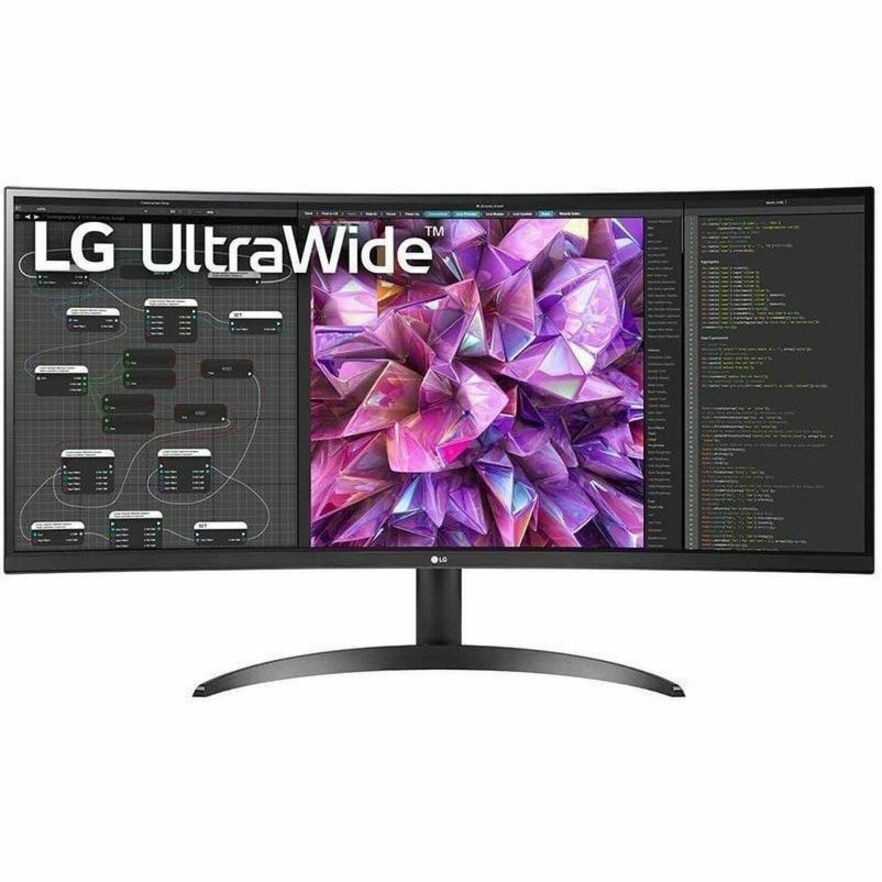
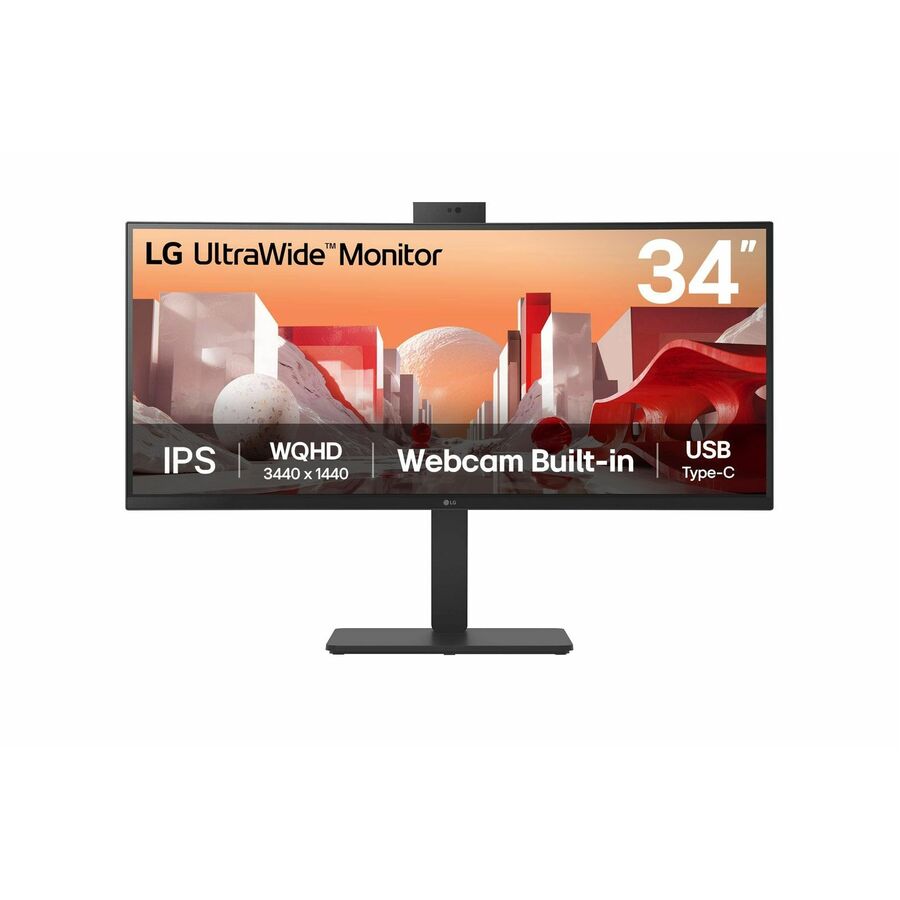
51 in stock - LG ElectronicsLG 34BQ77QE-B 34" Class Curved Screen LED Monitor - 21:9 - Textured Black - TAA Compliant - 34" Viewable - In-plane Switching (IPS) Technology - Edge LED Backlight - 1.07 Billion Colors - 300 Nit - 5 ms - Speakers - Swivel, Height, Tilt - USB Type-C - HDMI - DisplayPort - VESA Mount Compatible - KVM Switch34BQ77QE-B
$1,050.00
$892.50*
23 in stock - LG ElectronicsLG 27BF410B-B 27" Class Full HD LED Monitor - 16:9 - Black - 27" Viewable - In-plane Switching (IPS) Technology - LED Backlight - 1920 x 1080 - 16.7 Million Colors - 250 Nit - 1 ms - 120 Hz Refresh Rate - Tilt - HDMI - VGA - VESA Mount Compatible27BF410B-B
$290.00
$246.50
Back-orderedBack-ordered — estimated OEM lead time 3–8 weeks (Nov 21 – Dec 26 if ordered today).
- LG ElectronicsLG 24BA450-B 24" Class Full HD LCD Monitor - 16:9 - Matte Black - TAA Compliant - 23.8" Viewable - In-plane Switching (IPS) Technology - 1920 x 1080 - 16.7 Million Colors - 250 Nit - 5 ms - 100 Hz Refresh Rate - Speakers - Swivel, Height, Tilt, Pivot - HDMI - VGA - DisplayPort - Speaker24BA450-B
$312.50
$265.63*
Back-orderedBack-ordered — we expect to receive stock the week of Nov 2–8 and will process your delivery right after.
- LG ElectronicsLG 27BA450-B 27" Class Full HD LCD Monitor - 16:9 - Matte Black - TAA Compliant - 27" Viewable - In-plane Switching (IPS) Technology - 1920 x 1080 - 16.7 Million Colors - 250 Nit - 5 ms - 100 Hz Refresh Rate - Speakers - Swivel, Height, Tilt, Pivot - HDMI - VGA - DisplayPort - VESA Mount Compatible - Speaker27BA450-B
$375.00
$318.75*
Back-orderedBack-ordered — we expect to receive stock the week of Nov 2–8 and will process your delivery right after.
- LG ElectronicsLG 27BA560-B 27" Class Full HD LCD Monitor - 16:9 - Matte Black - TAA Compliant - 27" Viewable - In-plane Switching (IPS) Technology - 1920 x 1080 - 16.7 Million Colors - 250 Nit - 5 ms - 100 Hz Refresh Rate - Speakers - Swivel, Height, Tilt, Pivot - HDMI - VGA - DisplayPort - VESA Mount Compatible - Speaker27BA560-B
$412.50
$350.63*
Back-orderedBack-ordered — we expect to receive stock the week of Nov 2–8 and will process your delivery right after.
- LG ElectronicsLG 27BQ410B-B 27" Class WQHD LCD Monitor - 16:9 - Black - 23.8" Viewable - In-plane Switching (IPS) Technology - 2560 x 1440 - 16.7 Million Colors - 250 Nit - 5 ms - 100 Hz Refresh Rate - Tilt - USB Type-C - HDMI - DisplayPort - VESA Mount Compatible27BQ410B-B
$475.00
$403.75
Back-orderedBack-ordered — estimated OEM lead time 3–8 weeks (Nov 21 – Dec 26 if ordered today).
Back-ordered — we expect to receive stock the week of Nov 16–22 and will process your delivery right after.
- LG ElectronicsLG Ultrawide 29BF550B-W 29" Class WFHD LCD Monitor - 21:9 - 29" Viewable - In-plane Switching (IPS) Technology - 2560 x 1080 - 16.7 Million Colors - 250 Nit - 5 ms - 100 Hz Refresh Rate - Speakers - Swivel, Height, Tilt - USB Type-C - HDMI - DisplayPort - VESA Mount Compatible29BF550B-W
$537.50
$456.88
Back-orderedBack-ordered — estimated OEM lead time 3–8 weeks (Nov 21 – Dec 26 if ordered today).
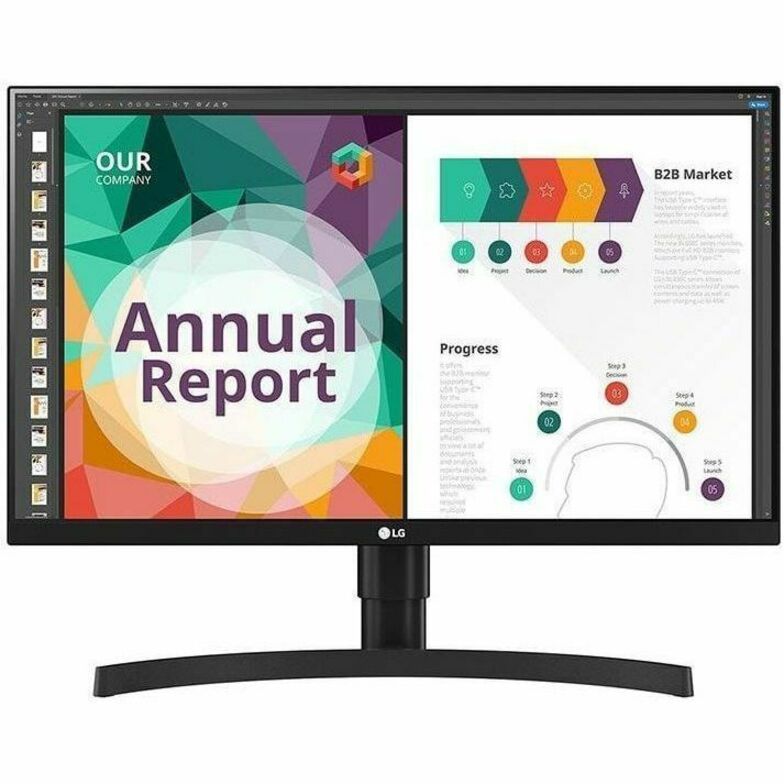
- LG ElectronicsLG 24BR650B-C 24" Class Full HD LCD Monitor - 16:9 - Textured Black - 23.8" Viewable - In-plane Switching (IPS) Technology - 1920 x 1080 - 16.7 Million Colors - 250 Nit - 5 ms - Speakers - Swivel, Height, Tilt, Pivot - USB Type-C - HDMI - DisplayPort - VESA Mount Compatible - Speaker24BR650B-C
$587.50
$499.38
Back-orderedBack-ordered — estimated OEM lead time 3–8 weeks (Nov 21 – Dec 26 if ordered today).
- LG ElectronicsLG 27BA45QB-B 27" Class WQHD LCD Monitor - 16:9 - 27" Viewable - In-plane Switching (IPS) Technology - 2560 x 1440 - 16.7 Million Colors (8-bit) - 363 Nit - 5 ms - Speakers - Swivel, Height, Pivot, Tilt - HDMI - DisplayPort - VESA Mount Compatible27BA45QB-B
$587.50
$499.38
Back-orderedBack-ordered — we expect to receive stock the week of Dec 14–20 and will process your delivery right after.
Back-ordered — estimated OEM lead time 3–8 weeks (Nov 21 – Dec 26 if ordered today).
Back-ordered — estimated OEM lead time 3–8 weeks (Nov 21 – Dec 26 if ordered today).
- LG ElectronicsLG 34BR55QC-B 34" Class UWQHD Curved Screen LCD Monitor - 21:9 - Textured Black - TAA Compliant - 34" Viewable - Vertical Alignment (VA) - 3440 x 1440 - 16.7 Million Colors - FreeSync - 300 Nit - 5 ms - 100 Hz Refresh Rate - Swivel, Height, Tilt - USB Type-C - HDMI - DisplayPort - VESA Mount Compatible34BR55QC-B
$925.00
$786.25*
Back-orderedBack-ordered — we expect to receive stock the week of Nov 2–8 and will process your delivery right after.
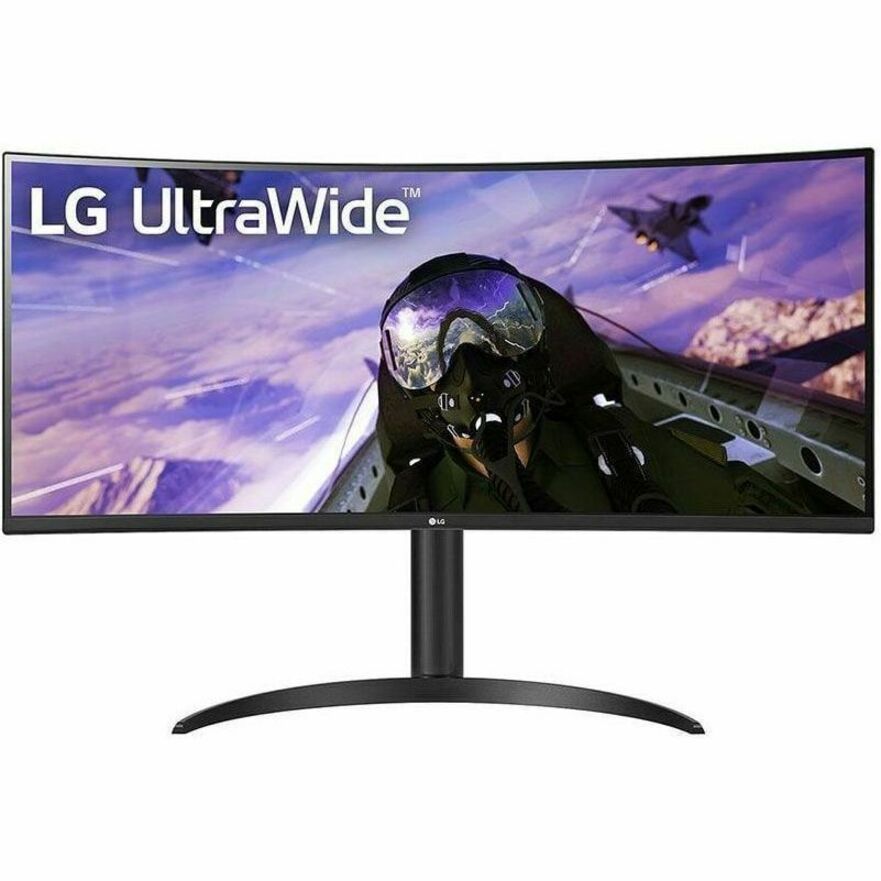
- LG ElectronicsLG 34BP65C-B 34" Class Curved Screen LED Monitor - 21:9 - Black - 34" Viewable - Vertical Alignment (VA) - Edge LED Backlight - 1.07 Billion Colors - FreeSync - 300 Nit - 5 ms - Speakers - Height, Tilt - HDMI - DisplayPort - VESA Mount Compatible34BP65C-B
$927.50
$788.38
Back-orderedBack-ordered — estimated OEM lead time 3–8 weeks (Nov 21 – Dec 26 if ordered today).
- LG ElectronicsLG 34BQ60QC-B 34" Class Curved Screen LCD Monitor - 21:9 - Textured Black - 34" Viewable - In-plane Switching (IPS) Technology - 1.07 Billion Colors - 300 Nit - 5 ms - Tilt - HDMI - DisplayPort - VESA Mount Compatible34BQ60QC-B
$927.50
$788.38
Back-orderedBack-ordered — estimated OEM lead time 3–8 weeks (Nov 21 – Dec 26 if ordered today).
- LG ElectronicsLG 27BN85UN-B 27" Class LCD Monitor - 16:9 - Textured Black - 27" Viewable - In-plane Switching (IPS) Technology - 1.07 Billion Colors - FreeSync - 5 ms - Speakers - Height, Swivel, Pivot, Tilt - USB Type-C - HDMI - DisplayPort - VESA Mount Compatible27BN85UN-B
$957.50
$813.88
Back-orderedBack-ordered — estimated OEM lead time 3–8 weeks (Nov 21 – Dec 26 if ordered today).
- LG ElectronicsLG 32BR85Q-B 32" Class LCD Monitor - 31.5" Viewable - In-plane Switching (IPS) Technology - 350 Nit - 5 ms - Swivel, Height, Tilt, Pivot - USB Type-C - HDMI32BR85Q-B
$957.50
$813.88
Back-orderedBack-ordered — estimated OEM lead time 3–8 weeks (Nov 21 – Dec 26 if ordered today).

24-inch Full HD
LG Electronics
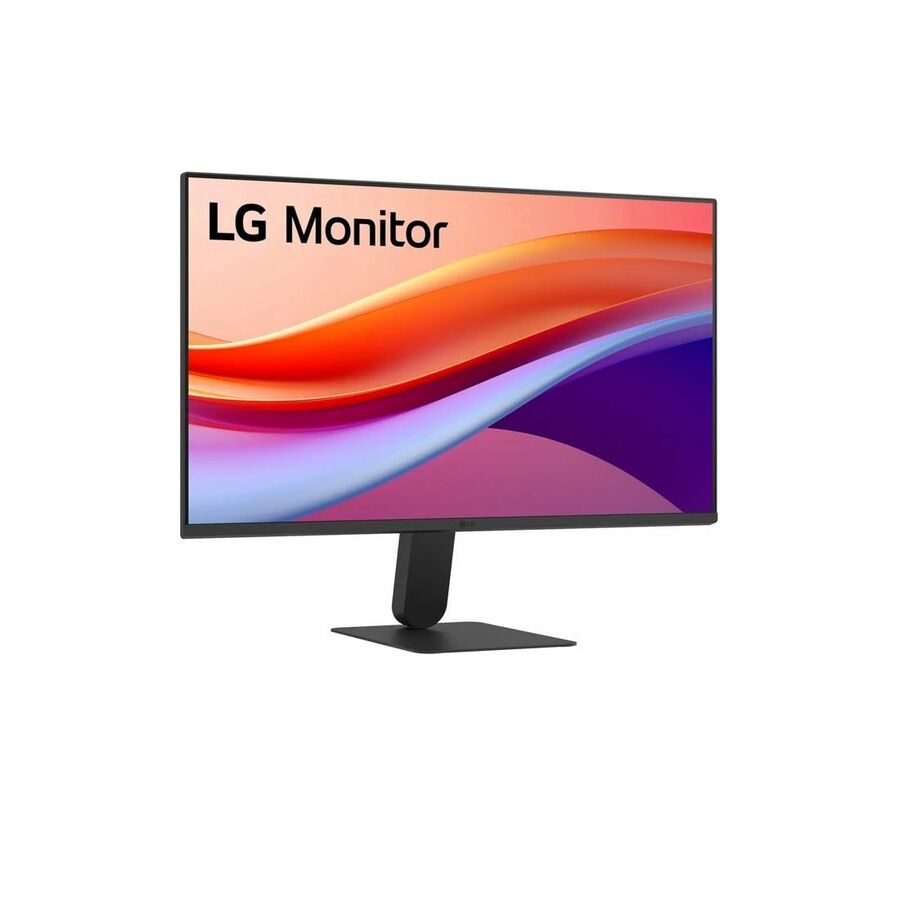
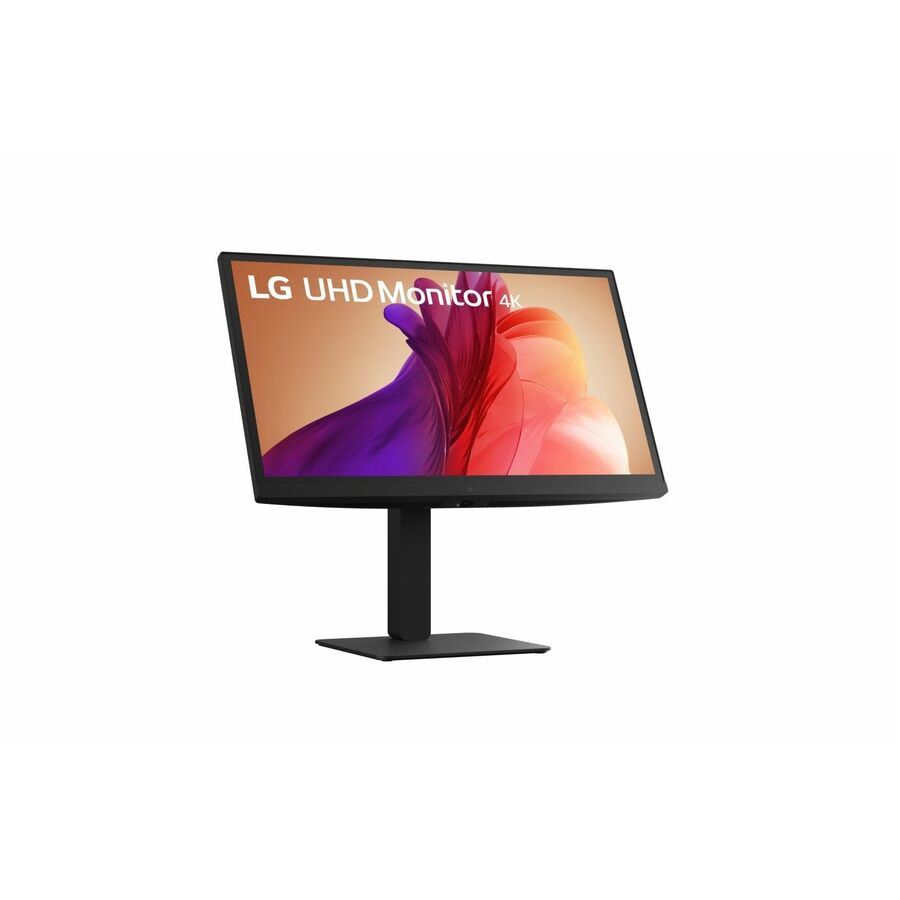
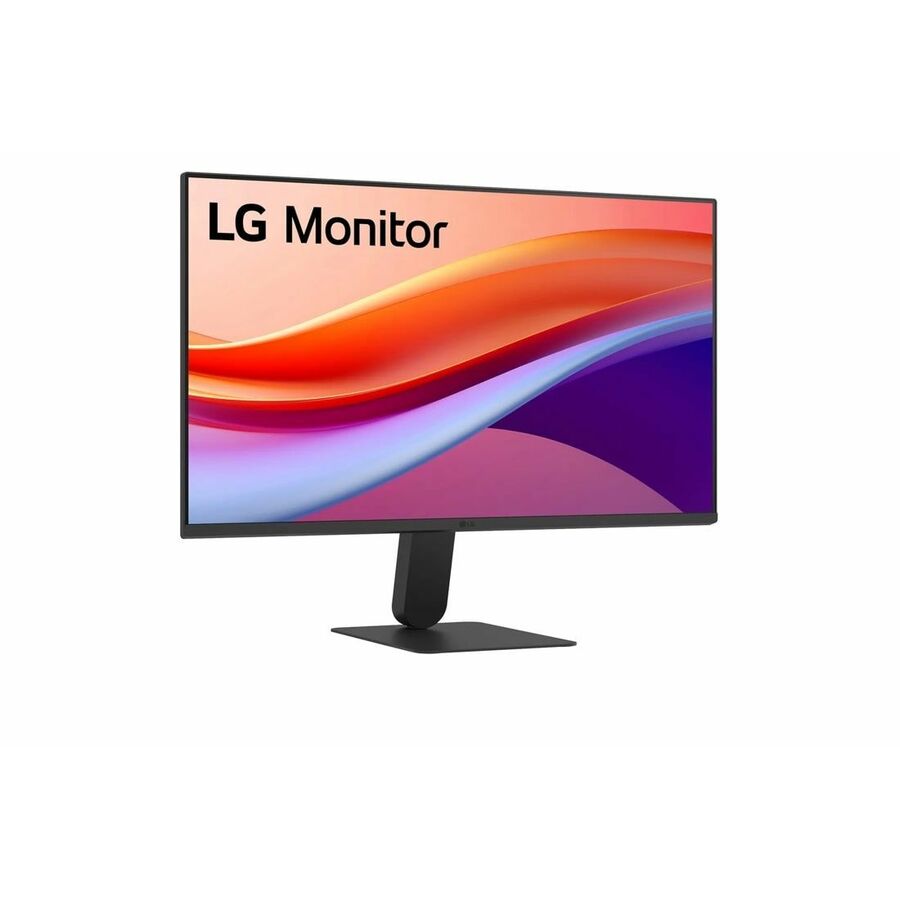
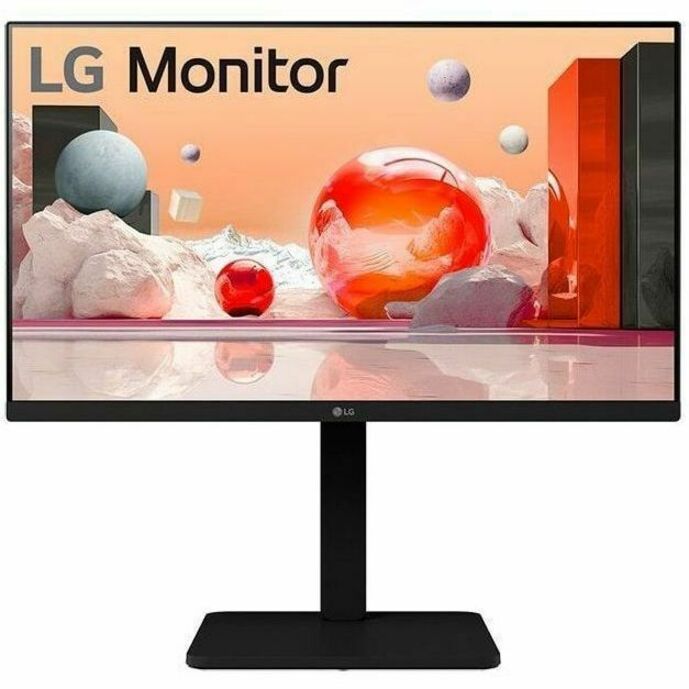
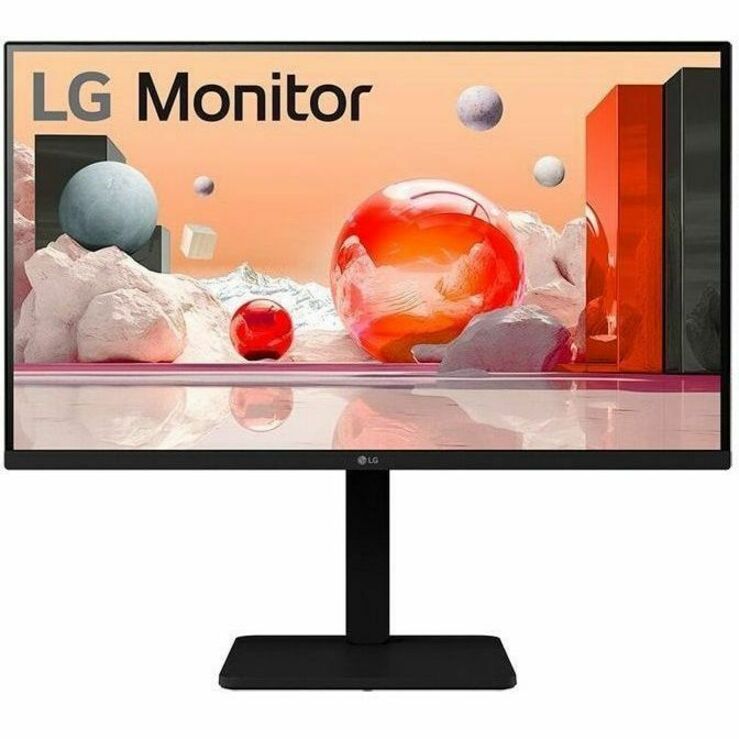
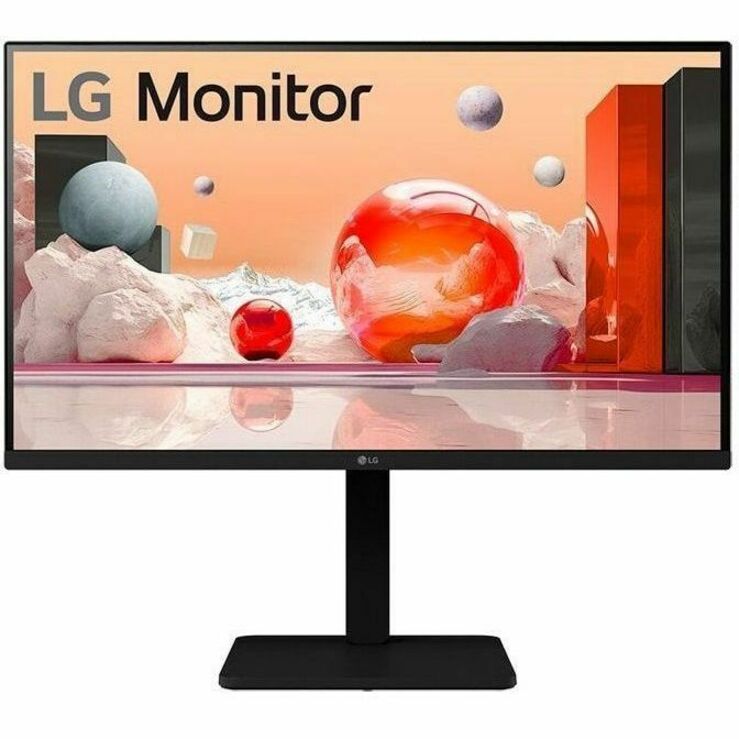
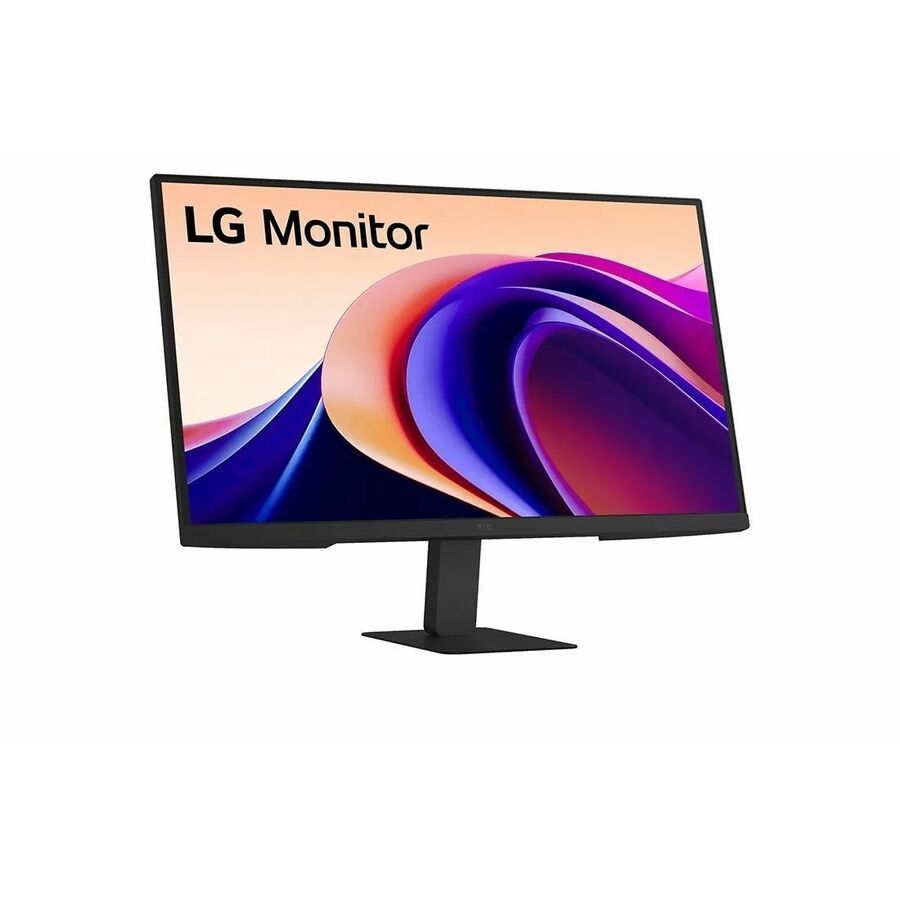
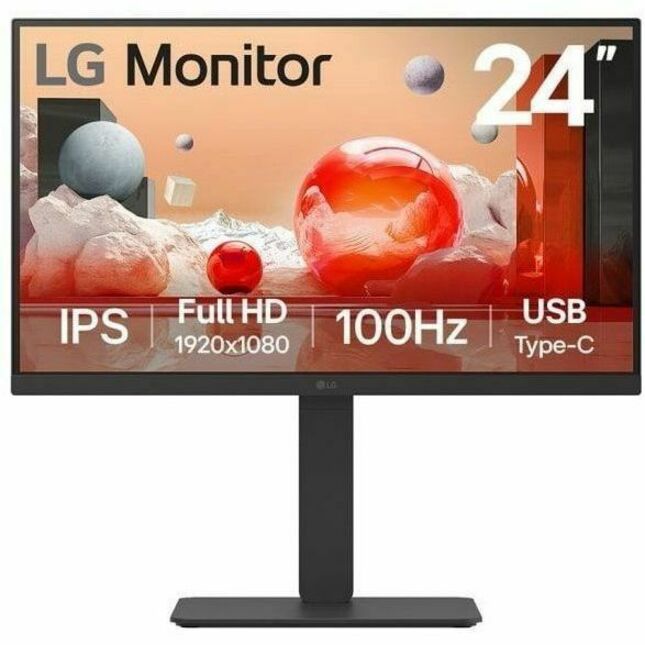
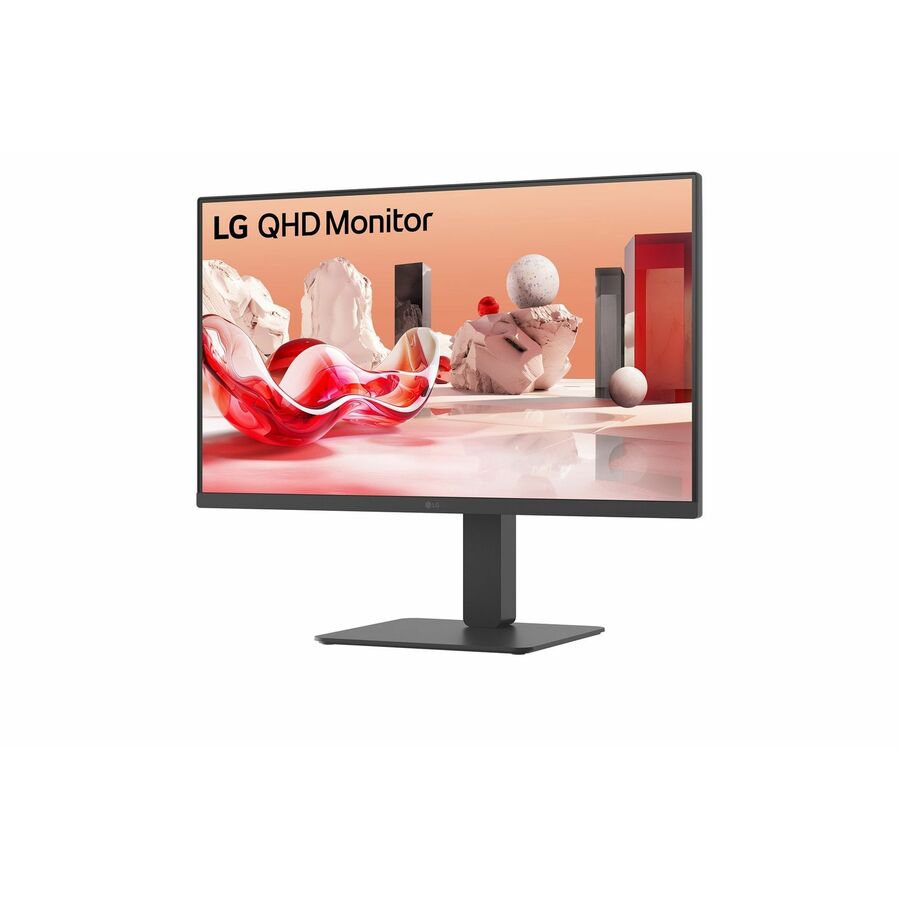
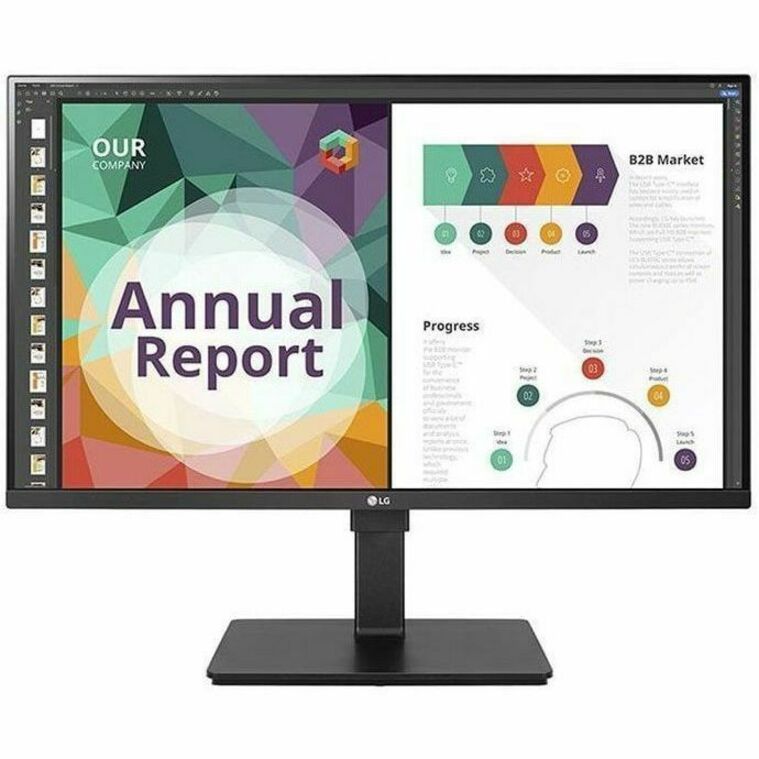
LG 24BF410B-B 24" Class Full HD LED Monitor
24BF410B-B
A 24-inch class Full HD monitor with an IPS panel and LED backlight at 1920 x 1080 in 16:9 — the plain fleet screen, sized where Full HD still looks right.
$197.63In stock27-inch Full HD
LG Electronics
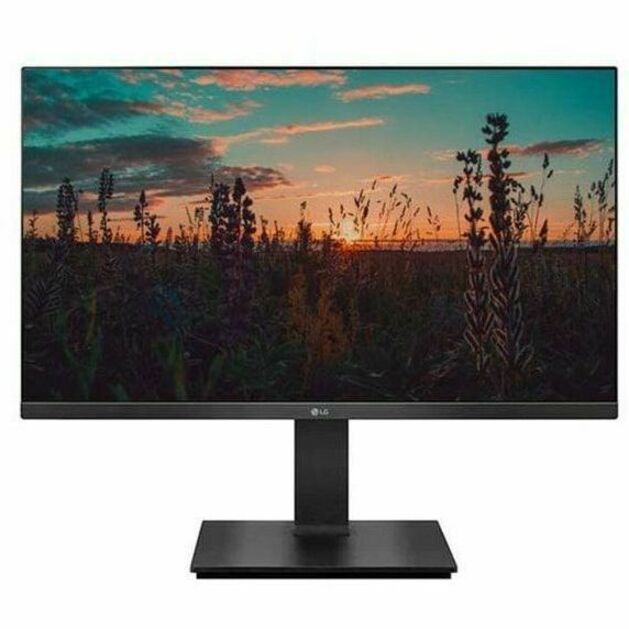
LG 27BF410B-B 27" Class Full HD LED Monitor
27BF410B-B
The same Full HD IPS specification stretched to a 27-inch class panel, for desks that want a larger surface without moving to a higher resolution.
$246.50Back-ordered24-inch, matte
LG Electronics
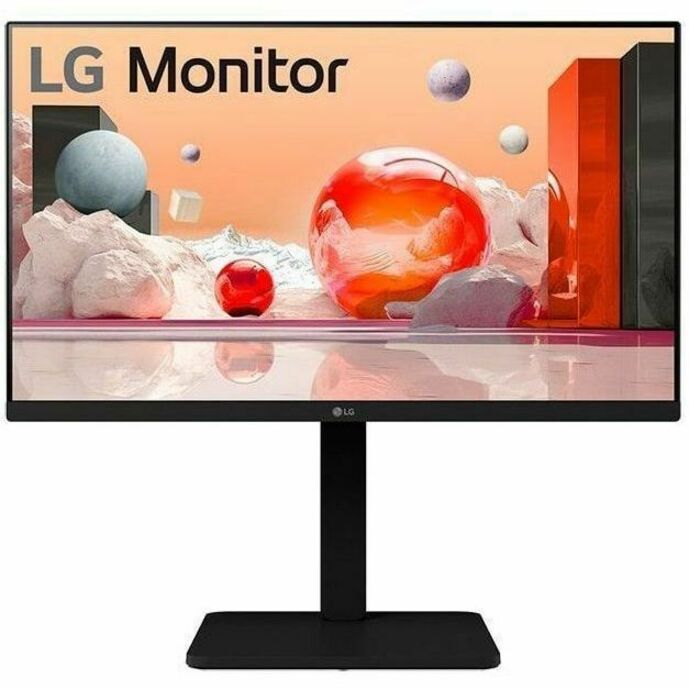
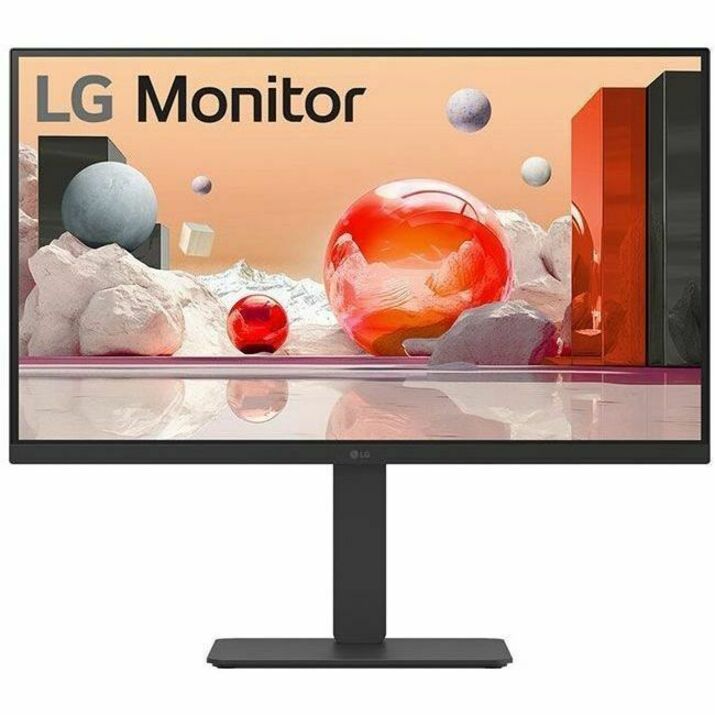
LG 24BA450-B 24" Class Full HD LCD Monitor
24BA450-B
A 24-inch class Full HD IPS monitor in matte black at 1920 x 1080 — the standard office panel from a series built around desk fleets rather than home use.
Titled TAA Compliant by the manufacturer — a per-part fact to confirm on the row you order.
$265.63*Back-ordered27-inch, matte
LG Electronics
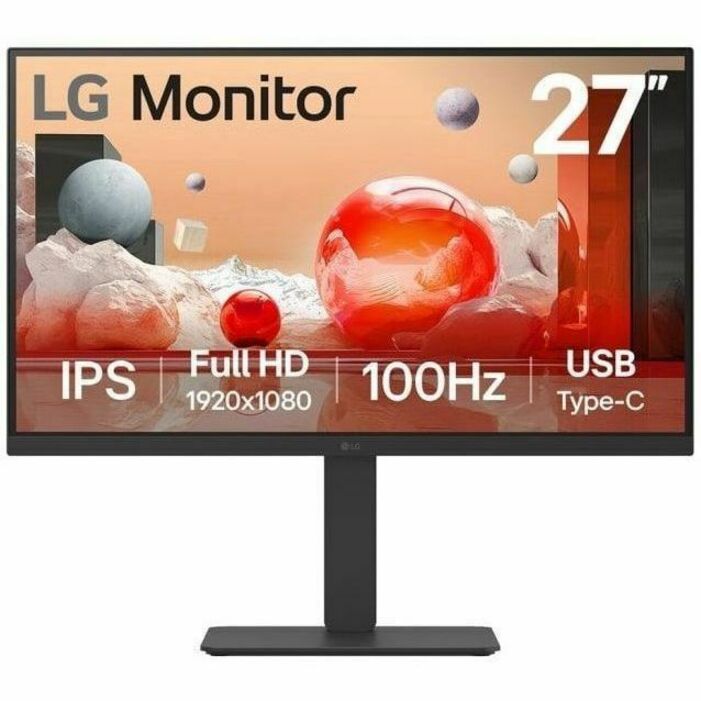
LG 27BA560-B 27" Class Full HD LCD Monitor
27BA560-B
The 27-inch class version of the same matte-black Full HD IPS line at 1920 x 1080, for a floor standardizing on one larger panel.
Titled TAA Compliant by the manufacturer on that part number.
$350.63*Back-ordered27-inch QHD
LG Electronics
LG 27BQ410B-B 27" Class WQHD LCD Monitor
27BQ410B-B
A 27-inch class WQHD monitor with an IPS panel at 2560 x 1440 — the resolution step that keeps a 27-inch panel sharp and adds a genuine column of working space.
$403.75Back-ordered29-inch ultrawide
LG Electronics
LG Ultrawide 29BF550B-W 29" Class WFHD LCD Monitor
29BF550B-W
A 29-inch class 21:9 ultrawide IPS panel at 2560 x 1080 with a 100 Hz refresh rate, speakers and USB Type-C alongside HDMI and DisplayPort.
$456.88Back-ordered27-inch, full stand
LG Electronics
LG 27BA45U-B 27" Class LCD Monitor
27BA45U-B
A 27-inch class IPS monitor at 300 nits with swivel, height, pivot and tilt on the stand and VESA mount compatibility — adjustment on every axis without an arm.
Titled TAA Compliant by the manufacturer on that part number.
$510.00*In stock32-inch 4K
LG Electronics
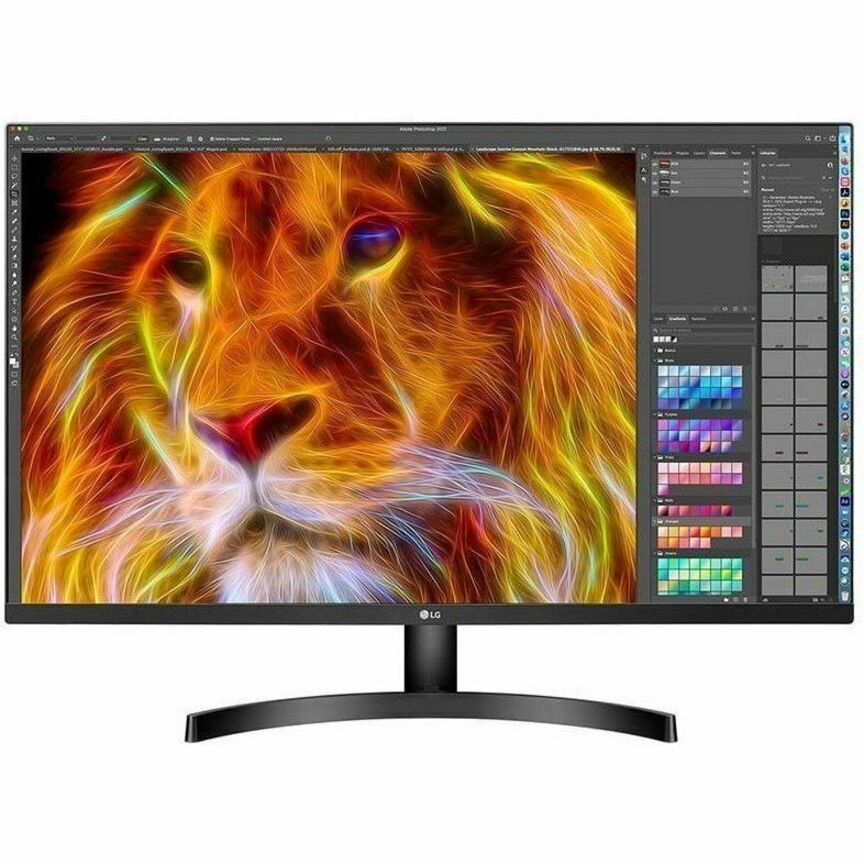
LG 32BN50U-B 32" Class 4K UHD LCD Monitor
32BN50U-B
A 32-inch class 4K UHD monitor with a VA panel at 3840 x 2160 and 1.07 billion colours — the size where 4K stops being sharpness and starts being extra windows.
Titled TAA Compliant by the manufacturer on that part number.
$637.50*In stock24-inch with webcam
LG Electronics
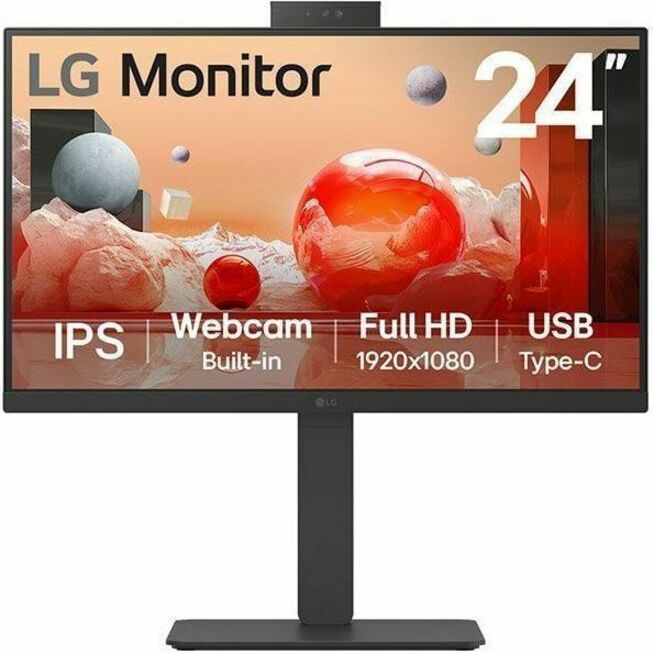
LG 24BA850-B 24" Class Webcam Full HD LCD Monitor
24BA850-B
A 24-inch class Full HD IPS panel with an integrated webcam, speakers, USB Type-C and a swivel, height, tilt and pivot stand — a whole call setup in one part number.
$652.38Back-ordered34-inch curved
LG Electronics
LG 34BR55QC-B 34" Class UWQHD Curved Screen LCD Monitor
34BR55QC-B
A 34-inch class UWQHD curved 21:9 monitor with a VA panel at 3440 x 1440, a 100 Hz refresh rate and USB Type-C — the dual-monitor replacement, minus the middle bezel.
Titled TAA Compliant by the manufacturer on that part number.
$786.25*Back-ordered32-inch 4K, VA
LG Electronics
LG 32BP55U-B 32" Class 4K UHD LCD Monitor
32BP55U-B
Another 32-inch class 4K UHD VA panel at 3840 x 2160 in textured black, for an estate standardizing its larger desks on one resolution and one size.
Titled TAA Compliant by the manufacturer on that part number.
$818.55*In stock27-inch 4K, USB-C
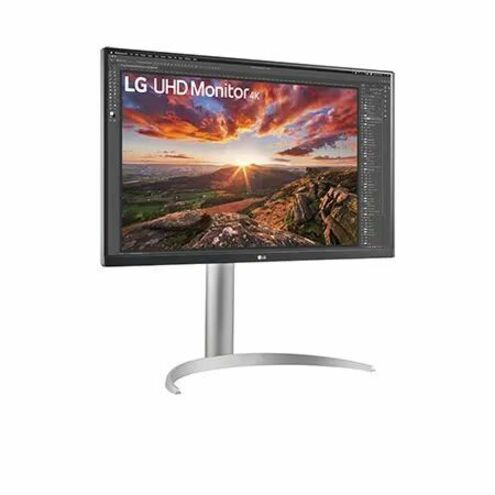
LG Electronics
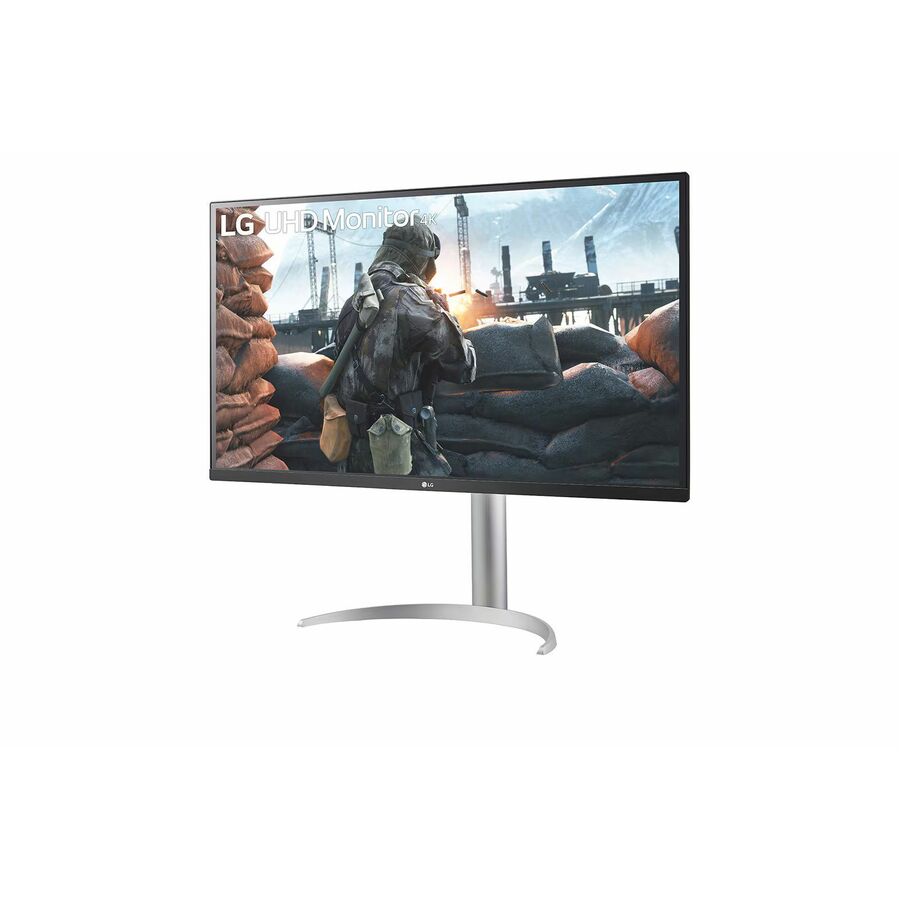
LG 27BP85UK-W 27" Class 4K UHD LCD Monitor
27BP85UK-W
A 27-inch class 4K UHD IPS monitor at 3840 x 2160 and 400 nits with USB Type-C, speakers and a height, pivot and tilt stand — the one-cable laptop desk in a single screen.
$826.63Back-ordered34-inch, built-in KVM
LG Electronics
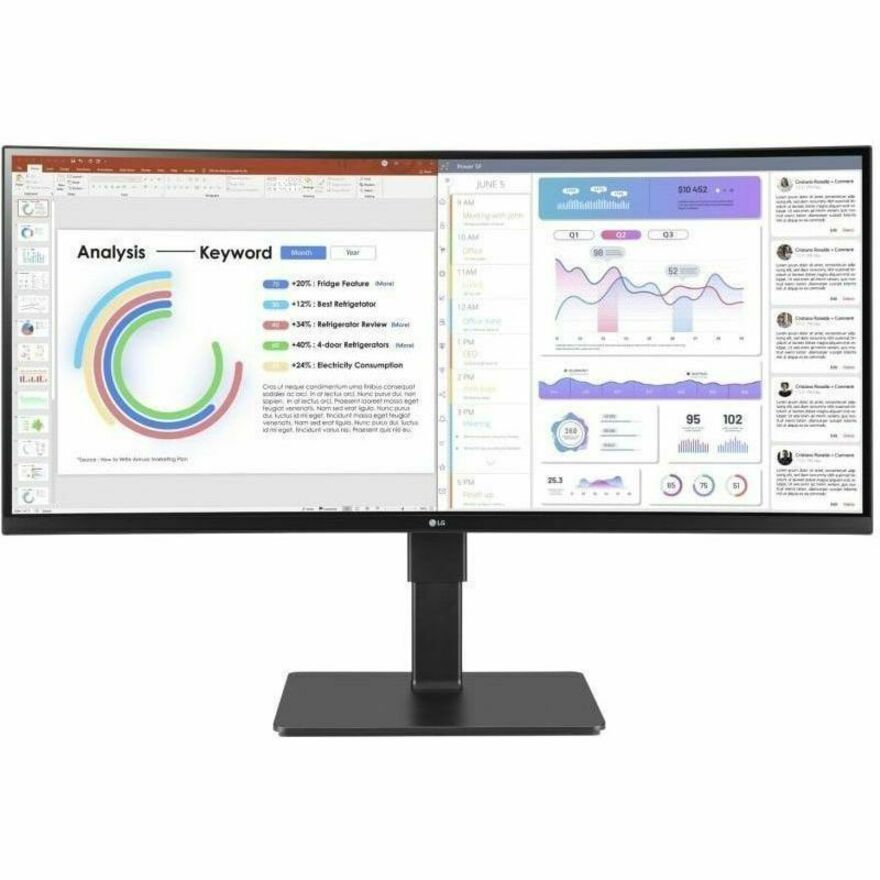
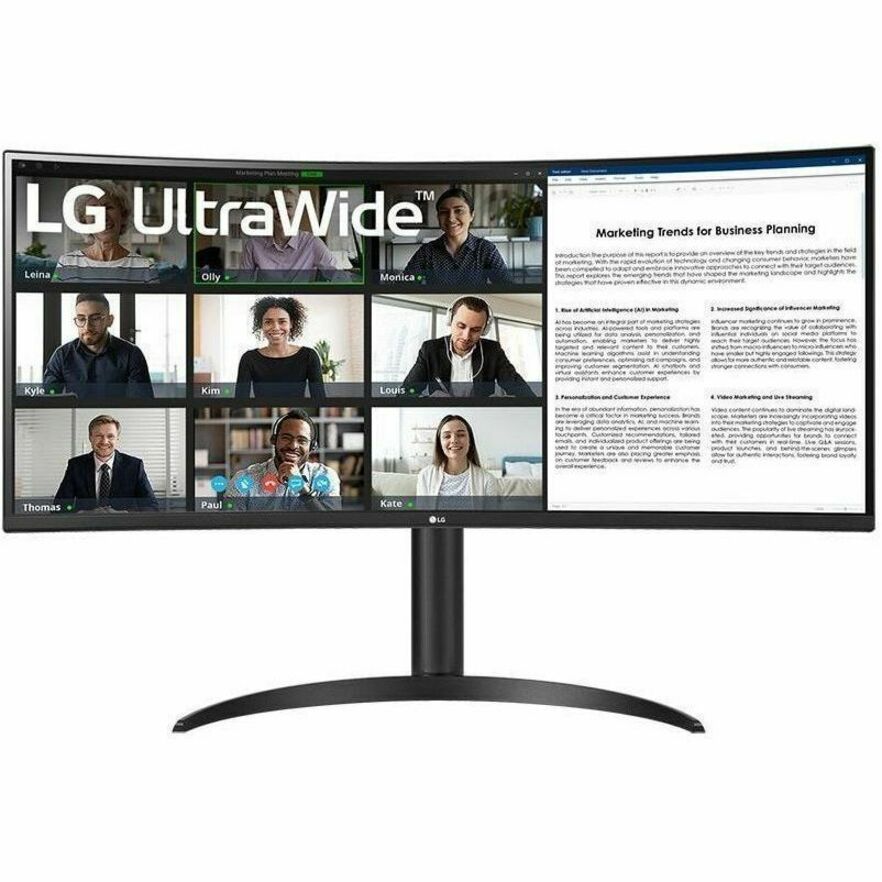
LG 34BQ77QE-B 34" Class Curved Screen LED Monitor
34BQ77QE-B
A 34-inch class curved 21:9 IPS panel with an edge LED backlight, USB Type-C and a KVM listed in its own title, for a desk that switches between two machines.
Titled TAA Compliant by the manufacturer on that part number.
$892.50*In stock32-inch IPS
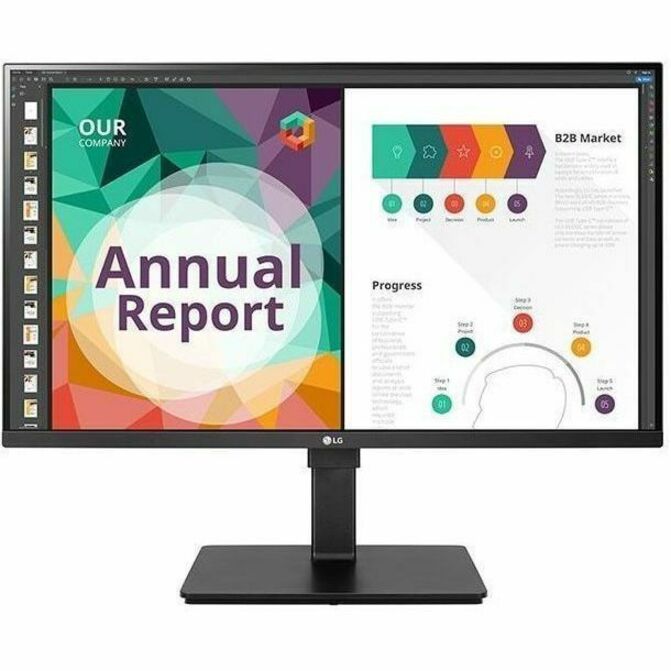
LG Electronics
LG 32BN67U-B 32" Class LCD Monitor
32BN67U-B
A 32-inch class IPS monitor at 350 nits with 1.07 billion colours, speakers and a swivel, height, tilt and pivot stand — the larger IPS option where viewing angle matters.
$912.05Back-ordered38-inch ultrawide
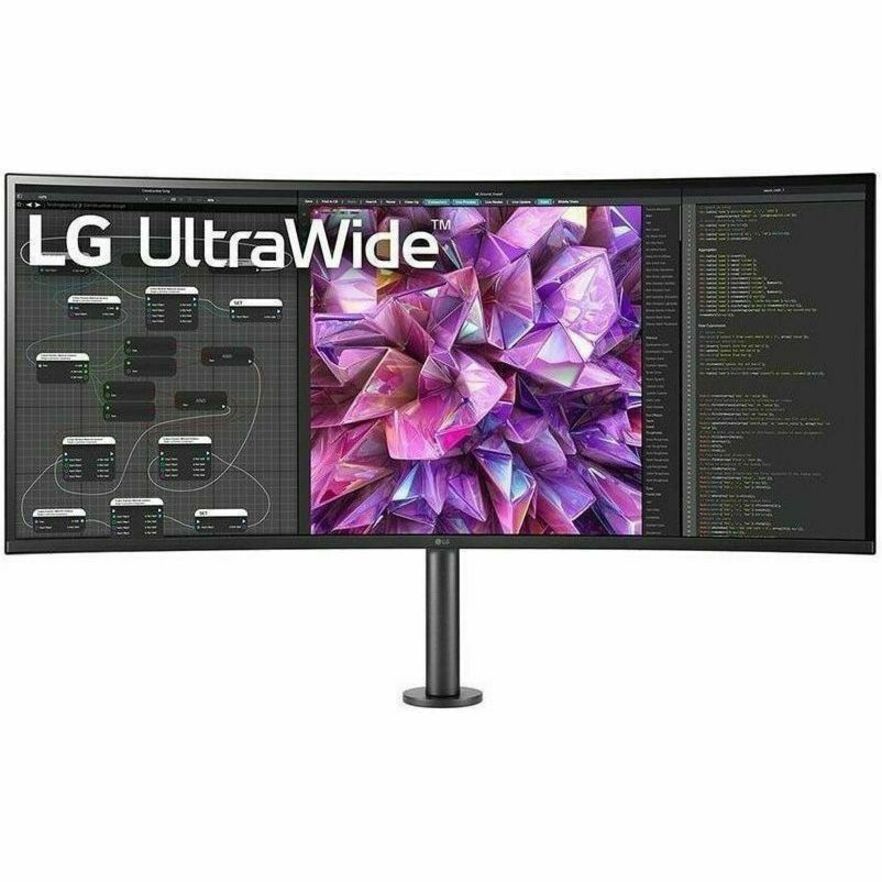
LG Electronics
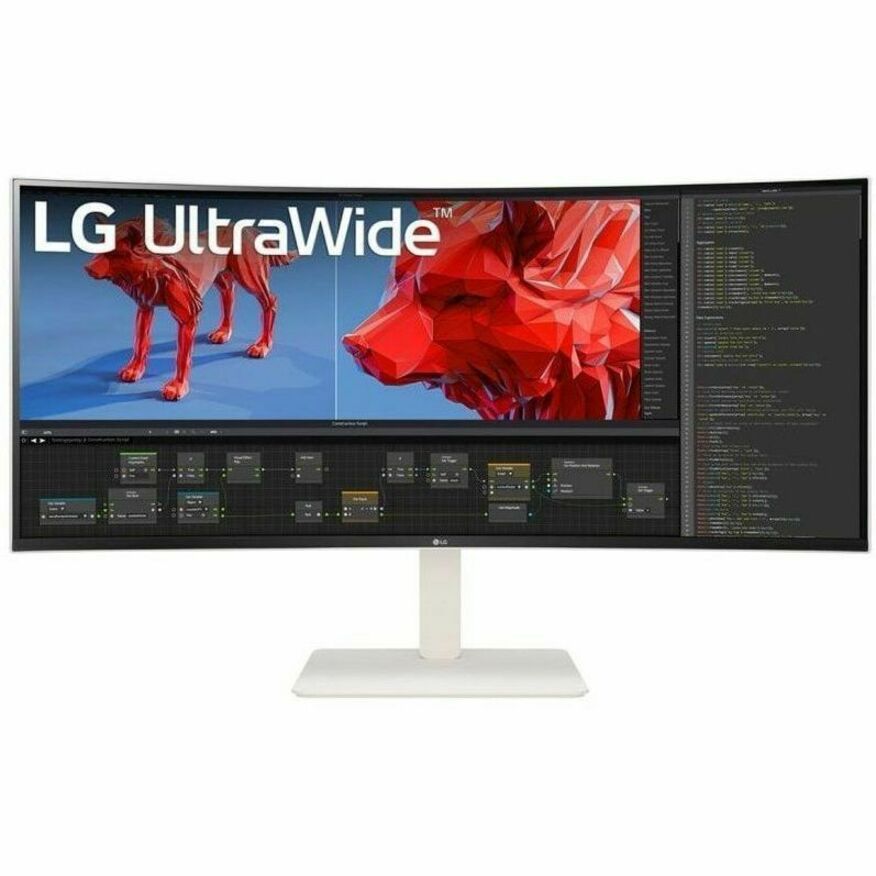
LG 38BQ88C-W 38" Class UW-QHD+ Curved Screen LCD Monitor
38BQ88C-W
A 38-inch class UW-QHD+ curved IPS panel at 3840 x 1600 in 21:9 with USB Type-C and a swivel, height and tilt stand — the widest single surface in this selection.
Every row this page renders is an LG monitor; the TAA notes above apply only to the parts whose own titles carry the designation.
$2,125.00Back-orderedMore monitors in the Uniqcli catalog
See all 1,690 monitorsMore LG first — closest to what you were just looking at; “See all monitors” above opens every other brand in the category. In-stock lines lead, and a back-ordered line carries the same estimated availability its product page does — with live pricing throughout, NDAA §889 screening before checkout and TAA verified on request.
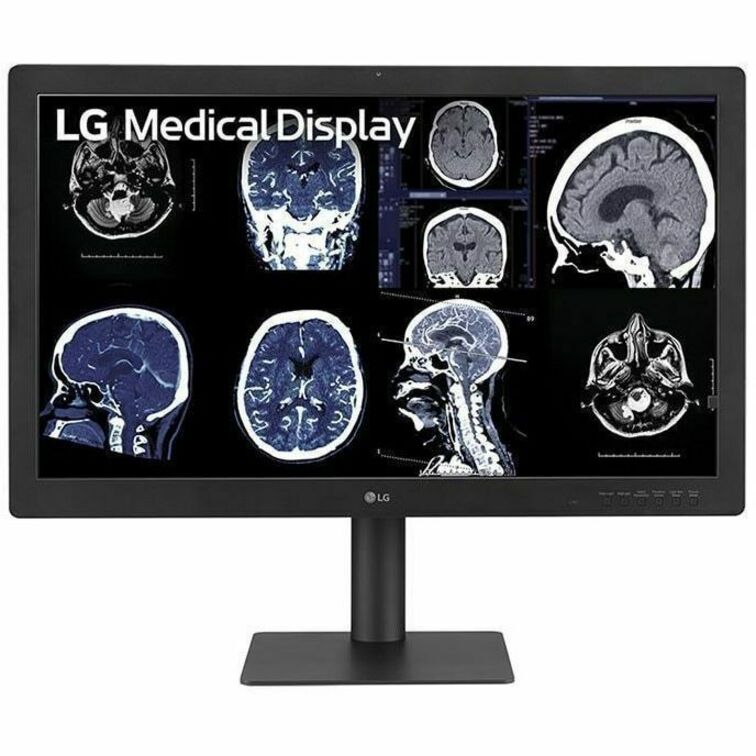
- LG ElectronicsLG 31HN713D-B 31" Class LCD Monitor - 16:9 - Matte Black - TAA Compliant - 31" Viewable - In-plane Switching (IPS) Technology - LED Backlight - 4200 x 2800 - 1080 Nit - 5 ms - DisplayPort31HN713D-B
$19,999.00
$16,999.15*
Back-orderedBack-ordered — estimated OEM lead time 3–8 weeks (Nov 21 – Dec 26 if ordered today).
- LG ElectronicsLG 55MH5K-W 55" Class 4K UHD LED Monitor - 16:9 - White - 55" Viewable - In-plane Switching (IPS) Technology - Edge LED Backlight - 3840 x 2160 - 1.07 Billion Colors - 680 Nit - 5 ms - DVI - HDMI - DisplayPort - VESA Mount Compatible55MH5K-W
$15,999.00
$13,599.15
Back-orderedBack-ordered — estimated OEM lead time 3–8 weeks (Nov 21 – Dec 26 if ordered today).
- LG ElectronicsLG 32HQ713D-B 32" Class 4K UHD LCD Monitor - 16:9 - Matte Black - TAA Compliant - 31.5" Viewable - In-plane Switching (IPS) Black Technology - LED Backlight - 3840 x 2160 - 1000 Nit - 5 ms - DisplayPort - VESA Mount Compatible32HQ713D-B
$11,499.00
$9,774.15*
Back-orderedBack-ordered — estimated OEM lead time 3–8 weeks (Nov 21 – Dec 26 if ordered today).
- LG ElectronicsLG 32HS710S-W 32" Class 4K UHD LED Monitor - 16:9 - White - 31.5" Viewable - In-plane Switching (IPS) Technology - LED Backlight - 3840 x 2160 - 800 Nit - 5 ms - DVI - HDMI - DisplayPort - VESA Mount Compatible32HS710S-W
$10,799.00
$9,179.15
Back-orderedBack-ordered — we expect to receive stock the week of Dec 7–13 and will process your delivery right after.
- LG ElectronicsLG 32HL710S-W 32" Class 4K UHD LCD Monitor - 16:9 - 31.5" Viewable - In-plane Switching (IPS) Technology - 3840 x 2160 - 800 Nit - 5 ms - DVI - HDMI - DisplayPort - VESA Mount Compatible32HL710S-W
$10,750.00
$9,137.50
Back-orderedBack-ordered — estimated OEM lead time 3–8 weeks (Nov 21 – Dec 26 if ordered today).
- LG ElectronicsLG 21HQ613D-B 21" Class LCD Monitor - Black - TAA Compliant - 21.3" Viewable - In-plane Switching (IPS) Technology - 1100 Nit - 5 ms - DisplayPort21HQ613D-B
$10,099.00
$8,584.15*
Back-orderedBack-ordered — estimated OEM lead time 3–8 weeks (Nov 21 – Dec 26 if ordered today).
- LG ElectronicsLG 27HS714S-W 27" Class 4K UHD LED Monitor - 16:9 - 27" Viewable - In-plane Switching (IPS) Technology - Mini LED Backlight - 3840 x 2160 - 2000 Nit - 5 ms - HDMI - DisplayPort - VESA Mount Compatible27HS714S-W
$9,799.00
$8,329.15
Back-orderedBack-ordered — estimated OEM lead time 3–8 weeks (Nov 21 – Dec 26 if ordered today).
- LG ElectronicsLG 27HQ710S-W 27" Class 4K UHD LED Monitor - 16:9 - 27" Viewable - Vertical Alignment (VA) - Mini LED Backlight - 3840 x 2160 - 800 Nit - 5 ms27HQ710S-W
$8,750.00
$7,437.50
Back-orderedBack-ordered — estimated OEM lead time 3–8 weeks (Nov 21 – Dec 26 if ordered today).
- LG ElectronicsLG 27HJ713S-W 27" Class 4K UHD LCD Monitor - 16:9 - White - 27" Viewable - In-plane Switching (IPS) Technology - 3840 x 2160 - 1.07 Billion Colors - 800 Nit - 5 ms - HDMI - DisplayPort - VESA Mount Compatible27HJ713S-W
$8,250.00
$7,012.50
Back-orderedBack-ordered — estimated OEM lead time 3–8 weeks (Nov 21 – Dec 26 if ordered today).
- LG ElectronicsLG 27BP95E-B 27" Class 4K UHD OLED Monitor - 16:9 - 27" Viewable - OLED - 3840 x 2160 - 1.07 Billion Colors - Speakers - Height, Pivot, Tilt - HDMI - DisplayPort - VESA Mount Compatible27BP95E-B
$8,225.00
$6,991.25
Back-orderedBack-ordered — estimated OEM lead time 3–8 weeks (Nov 21 – Dec 26 if ordered today).
- LG ElectronicsLG UltraFine 65EP5Q-B 65" Class 4K UHD OLED Monitor - 16:9 - 65" Viewable - OLED - 3840 x 2160 - 1.07 Billion Colors - 330 Nit - 0.10 ms - 120 Hz Refresh Rate - Speakers - HDMI - VESA Mount Compatible65EP5Q-B
$7,385.00
$6,277.25
Back-orderedBack-ordered — estimated OEM lead time 3–8 weeks (Nov 21 – Dec 26 if ordered today).
- LG ElectronicsLG 27HK510S-W 27" Class Full HD LCD Monitor - 16:9 - White - 27" Viewable - In-plane Switching (IPS) Technology - LED Backlight - 1920 x 1080 - 1000 Nit - 14 ms - DVI - HDMI - VGA - VESA Mount Compatible27HK510S-W
$7,250.00
$6,162.50
Back-orderedBack-ordered — estimated OEM lead time 3–8 weeks (Nov 21 – Dec 26 if ordered today).
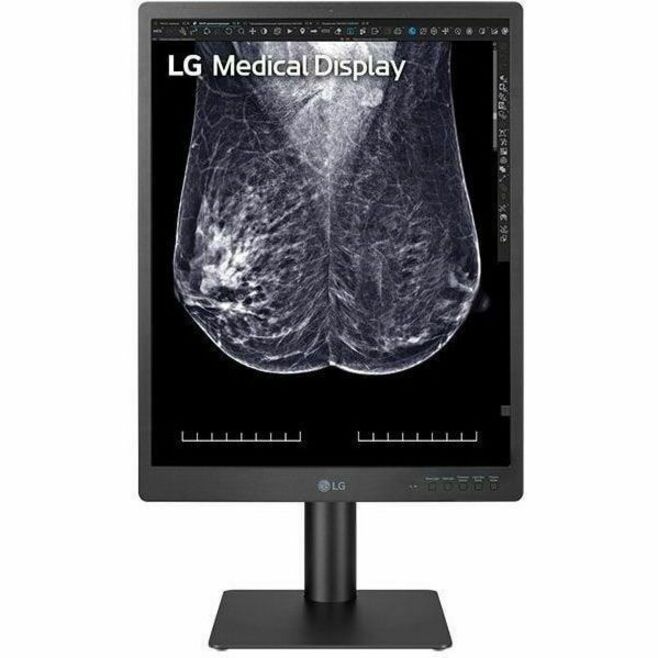
- LG ElectronicsLG 21HQ513D-S 21" Class QXGA LCD Monitor - 3:4 - 21.3" Viewable - In-plane Switching (IPS) Technology - 1536 x 2048 - 1100 Nit - 5 ms - Tilt, Pivot, Height - DisplayPort - VESA Mount Compatible - USB Hub21HQ513D-S
$5,999.00
$5,099.15
Back-orderedBack-ordered — estimated OEM lead time 3–8 weeks (Nov 21 – Dec 26 if ordered today).
- LG ElectronicsLG 32HL512D-B 32" Class 4K UHD LCD Monitor - 16:9 - Black - TAA Compliant - 31.5" Viewable - In-plane Switching (IPS) Technology - 3840 x 2160 - 450 Nit - 5 ms - HDMI - DisplayPort - VESA Mount Compatible32HL512D-B
$4,999.00
$4,249.15*
Back-orderedBack-ordered — estimated OEM lead time 3–8 weeks (Nov 21 – Dec 26 if ordered today).
Back-ordered — we expect to receive stock the week of Nov 2–8 and will process your delivery right after.
- LG ElectronicsLG Ultrawide 38BR85QC-H 38" Class UW-QHD+ Curved Screen LCD Monitor - 21:9 - 37.5" Viewable - Nano In-plane Switching (Nano IPS) Technology - 3840 x 1600 - FreeSync Premium Pro - 450 Nit - 1 ms - 144 Hz Refresh Rate - Speakers - Swivel, Height, Tilt - USB Type-C - HDMI - DisplayPort - KVM Switch, USB Hub38BR85QC-H
$2,755.00
$2,341.75
Back-orderedBack-ordered — we expect to receive stock the week of Nov 16–22 and will process your delivery right after.
- LG ElectronicsLG 38BQ88C-W 38" Class UW-QHD+ Curved Screen LCD Monitor - 21:9 - Textured Black, Textured White - 37.5" Viewable - In-plane Switching (IPS) Technology - 3840 x 1600 - 16.7 Million Colors - FreeSync - 300 Nit - 5 ms - 75 Hz Refresh Rate - Speakers - Swivel, Height, Tilt - USB Type-C - HDMI - DisplayPort - VESA Mount Compatible38BQ88C-W
$2,500.00
$2,125.00
Back-orderedBack-ordered — estimated OEM lead time 3–8 weeks (Nov 21 – Dec 26 if ordered today).
- LG ElectronicsLG 27HJ713C-B 27" Class 4K UHD LCD Monitor - 16:9 - Black - TAA Compliant - 27" Viewable - In-plane Switching (IPS) Technology - 3840 x 2160 - 1.07 Billion Colors - 350 Nit - 5 ms - DisplayPort - VESA Mount Compatible27HJ713C-B
$2,099.00
$1,784.15*
Back-orderedBack-ordered — estimated OEM lead time 3–8 weeks (Nov 21 – Dec 26 if ordered today).
- LG ElectronicsLG 27HS713C-B 27" Class Webcam 4K UHD LED Monitor - 16:9 - Black - 27" Viewable - In-plane Switching (IPS) Technology - LED Backlight - 3840 x 2160 - 5 ms - 60 Hz Refresh Rate - USB Type-C - HDMI - DisplayPort - VESA Mount Compatible - USB Hub, KVM Switch27HS713C-B
$2,099.00
$1,784.15
Back-orderedBack-ordered — estimated OEM lead time 3–8 weeks (Nov 21 – Dec 26 if ordered today).
- LG ElectronicsLG 34BP88CN-B 34" Class Curved Screen LED Monitor - 21:9 - Black - 34" Viewable - In-plane Switching (IPS) Technology - Edge LED Backlight - 16.7 Million Colors - FreeSync - 300 Nit - 5 ms - Speakers - Swivel, Height, Tilt - USB Type-C - HDMI - DisplayPort - VESA Mount Compatible34BP88CN-B
$1,625.00
$1,381.25
Back-orderedBack-ordered — estimated OEM lead time 3–8 weeks (Nov 21 – Dec 26 if ordered today).
- LG ElectronicsLG 34BA85QE-B 34" Class Webcam UWQHD Curved Screen LED Monitor - 21:9 - Textured Black, Black - 34" Viewable - In-plane Switching (IPS) Technology - 3440 x 1440 - 1.07 Billion Colors - 300 Nit - 5 ms - 60 Hz Refresh Rate - Speakers - Swivel, Height, Tilt - USB Type-C - HDMI - DisplayPort - VESA Mount Compatible - KVM Switch34BA85QE-B
$1,400.00
$1,190.00
Back-orderedBack-ordered — we expect to receive stock the week of Nov 16–22 and will process your delivery right after.
- LG ElectronicsLG 24HR513C-B 24" Class LCD Monitor - 16:10 - Black - 24" Viewable - In-plane Switching (IPS) Technology - 600 Nit - 5 ms - HDMI - DisplayPort - VESA Mount Compatible24HR513C-B
$1,339.00
$1,138.15
Back-orderedBack-ordered — estimated OEM lead time 3–8 weeks (Nov 21 – Dec 26 if ordered today).
- LG ElectronicsLG 32BN67U-B 32" Class LCD Monitor - 16:9 - Textured Black - 31.5" Viewable - In-plane Switching (IPS) Technology - 1.07 Billion Colors - FreeSync - 350 Nit - 5 ms - Speakers - Swivel, Height, Tilt, Pivot - HDMI - DisplayPort - VESA Mount Compatible32BN67U-B
$1,073.00
$912.05
Back-orderedBack-ordered — we expect to receive stock the week of Nov 16–22 and will process your delivery right after.
- LG ElectronicsLG 16MR70.ASDU 16" Class UW-QHD+ LCD Monitor - Silver, Black - 16" Viewable - In-plane Switching (IPS) Technology - 2560 x 1600 - 350 Nit - USB Type-C16MR70.ASDU
$1,015.00
$862.75
Back-orderedBack-ordered — estimated OEM lead time 3–8 weeks (Nov 21 – Dec 26 if ordered today).


Need pricing on LG monitors?
Tell us where to reach you and a Uniqcli specialist will follow up by email with current pricing, availability and lead time for the quantities you need — including parts that aren’t shown on this page.
Buying for an organization or for yourself — both work. No payment up front.
A monitor is the piece of hardware an office worker looks at for the whole working day, and it is the one most often bought on diagonal alone. Two 27-inch panels can differ on resolution, panel technology, brightness, how much of the stand actually moves and whether one cable will carry video, data and power to a laptop — and every one of those differences is felt daily in a way the size number is not.
This page is a single-brand guide: every row is an LG monitor, so nothing here is a comparison against another manufacturer, and none is implied. What the selection is doing instead is spreading across the decisions a desk fleet actually makes. There are 24-inch and 27-inch Full HD panels for general office work, QHD and 4K panels for people who keep several windows open at once, and 21:9 ultrawide and curved models for the desks where a second monitor would otherwise be needed.
Read three things off each title before the price. The panel technology — IPS or VA — which sets viewing angles and how the picture holds up when two people look at it from either side of a desk. The resolution, which is what actually determines how much fits on screen. And the stand: swivel, height, tilt and pivot are listed per model, and a monitor that cannot be raised is a monitor somebody will prop on a ream of paper. Several models in this selection also carry USB-C, which on a laptop desk collapses the docking question into one cable.
Buyer's checklist
How to choose LG monitors for a desk fleet
- Pair the resolution with the diagonal, not with the budget. Full HD is comfortable at 24 inches and starts to look coarse at 32; QHD suits 27 inches; 4K earns its place at 27 inches and above where the extra pixels become extra usable window space rather than smaller text.
- Read the panel technology from the title. IPS holds colour and contrast when viewed off-axis, which matters on a shared desk, at a counter or wherever a second person leans in; VA typically gives deeper blacks and is common on the larger and curved models here. Both appear in this selection and the titles say which is which.
- Check every axis of the stand before you standardize. Swivel, height, tilt and pivot are listed per model, and height adjustment in particular is the one that decides whether the fleet needs monitor arms as a separate line. A pivot to portrait is worth having wherever people read long documents or code.
- Decide whether USB-C is a requirement. On a laptop fleet a USB-C monitor carries video, data and power over one cable, which removes a dock from every desk. Several models here list USB Type-C alongside HDMI and DisplayPort; where they do, count the docking saving against the monitor's price rather than against the cheaper model.
- Take the brightness figure seriously in a bright room. The titles state nits per model, and a panel specified for a dim office is the one people complain about in a room with a south-facing window. It is a specification with a real comfort consequence, not a marketing number.
- Confirm VESA mount compatibility if arms are anywhere in the plan. Most of these models list it in their own titles; a monitor that will be arm-mounted also does not need to pay for a stand's full adjustment range, which occasionally changes which model is the right one.
- Standardize on as few part numbers as the estate allows. One 24-inch and one 27-inch model across a floor makes spares fungible, cable standards uniform and support calls short, in a way that four superficially similar models never do.
- Where an order carries a country-of-origin requirement, read the designation on the exact part number. Several models in this range carry a TAA designation in the manufacturer's own title and sit beside others that do not, and the two are indistinguishable on a desk.
Resolution, panel type and what a desk actually gains
The honest way to think about resolution is as usable window space rather than as sharpness. A Full HD panel at 24 inches comfortably holds a document and a browser side by side, which is the whole requirement for a great deal of office work and the reason the 24-inch Full HD monitor remains the default fleet purchase. QHD at 27 inches adds roughly the width of another column of text or a second application pane; 4K at 27 inches and above adds enough that people stop alt-tabbing and start arranging. Where the work is spreadsheets, design, code or anything with a timeline, that arrangement is the productivity gain — and where the work is a single line-of-business application in a browser, it genuinely is not, and the money is better spent on stands.
Panel technology is the specification most likely to be ignored and most likely to be noticed. IPS panels hold their colour and contrast when viewed from an angle, which is why they dominate shared desks, reception counters, meeting-room extras and any position where somebody leans over a colleague's shoulder. VA panels typically render deeper blacks and are common on larger and curved models, where the curve already assumes a single viewer sitting centrally. Neither is universally better; the question is who is looking and from where. Both technologies are named explicitly in the titles on this page, so the choice can be made per position rather than per price band.
Ultrawide, USB-C and the desks that stop needing two of everything
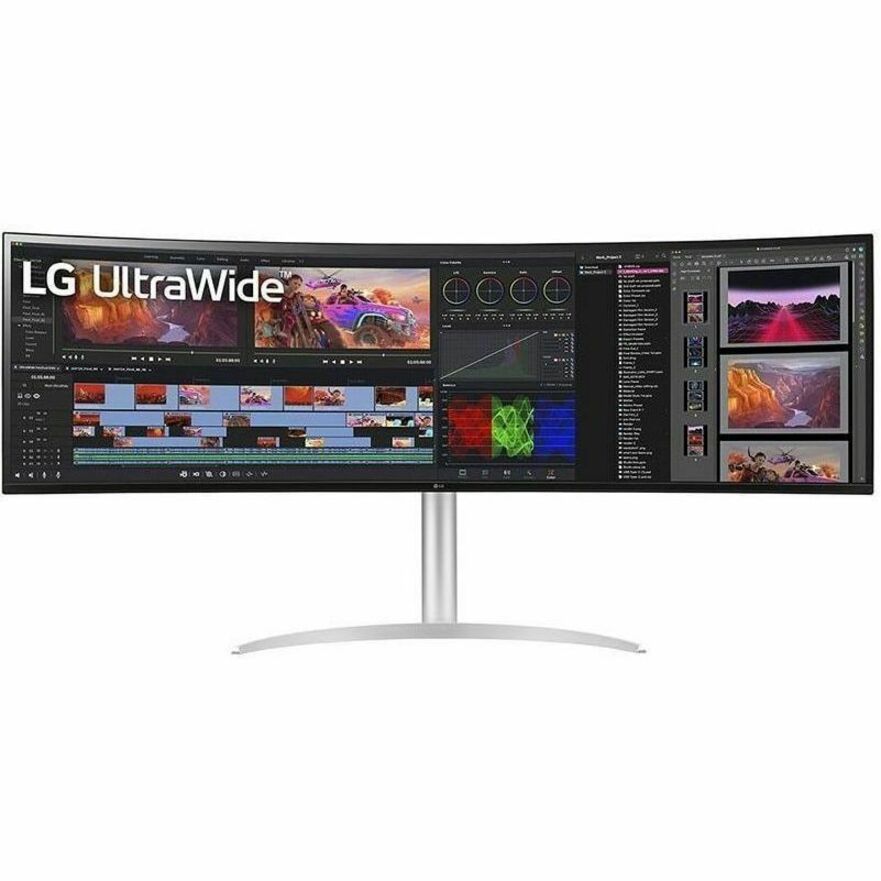
A 21:9 ultrawide is a dual-monitor setup with the bezel taken out of the middle, and for some roles that is exactly the right trade. One continuous surface suits work that spans horizontally — a timeline, a wide spreadsheet, a code editor beside a terminal and a browser — and it removes the second stand, the second cable and the second power supply from the desk. What it does not suit is work that genuinely wants two independent full-height windows or two different inputs, and it asks more of the desk depth than a pair of 24-inch panels does. The curved models in this selection exist for the same reason a curve exists at that width: at 34 and 38 inches the edges of a flat panel sit measurably further from the viewer's eye than the centre.
USB-C is the other change worth planning around, because it is a fleet decision rather than a monitor one. A USB-C monitor carrying video, data and power over a single cable turns a laptop desk into one connection: the laptop charges, the peripherals attach through the monitor, and the dock disappears from the purchase order and from the support queue. That only works if the laptops themselves support video and charging over USB-C, and if the power the monitor delivers matches what the machines need, so it is a decision to make against the laptop standard rather than one screen at a time. Several models here list USB Type-C beside HDMI and DisplayPort; where the fleet is standardizing, it is usually cheaper to pick the USB-C model everywhere than to buy docks for half the floor. Send the desk count, the laptop models and whether arms are in the plan, and the monitors, the mounts and the cabling can be quoted together on one document.
FAQ
Common questions
- What size LG monitor is right for an office desk?
- Twenty-four and twenty-seven inches cover most office work, and the size should be chosen together with the resolution rather than on its own. Twenty-four inches at Full HD is the long-standing fleet default and holds a document and a browser side by side comfortably. Twenty-seven inches wants QHD or 4K to stay sharp — a Full HD panel stretched to 27 inches has visibly larger pixels. Above 27 inches the sensible options are 4K or a 21:9 ultrawide, depending on whether the work spreads vertically or horizontally.
- IPS or VA — which panel should I choose?
- IPS where more than one person looks at the screen, VA where one person sits centrally and contrast matters. IPS holds colour and contrast off-axis, which is what makes it the right choice for shared desks, counters, meeting rooms and any position somebody leans into. VA typically delivers deeper blacks and appears more often on the larger and curved models, where the curve already assumes a single seated viewer. Both technologies are named in the manufacturer's own titles on this page, so it can be decided per position.
- Is a 21:9 ultrawide better than two monitors?
- For some roles, and it is a genuine trade rather than an upgrade. An ultrawide gives one continuous surface with no bezel down the middle, which suits horizontally spread work — wide spreadsheets, timelines, an editor beside a terminal — and it removes a second stand, cable and power supply from the desk. Two separate monitors are better where the work wants two independent full-height windows, or two different inputs, or where one screen needs to pivot to portrait. Desk depth matters too: a 34-inch or 38-inch panel needs room to sit back from.
- Do I need a USB-C monitor?
- It depends on the laptops, not on the monitor. A USB-C monitor carries video, data and power over one cable, which removes the dock from a laptop desk entirely and takes a support burden with it. That only works if the laptops support video output and charging over USB-C and if the power the monitor supplies matches what they draw, so it is a fleet standard to set against the machine specification rather than a per-screen choice. Where it does apply, weigh the model's price against the docks it replaces on every desk.
- Can these be purchased by business, government and education buyers?
- Every line Uniqcli quotes is sourced through US distribution and screened for TAA country-of-origin and NDAA §889 status before checkout — with documentation tied to the specific part number, not a product family.
Need LG monitors pricing?
Send a bill of materials or part numbers — we confirm stock and a below-market total, with TAA verified on request. No payment up front.