
Best ViewSonic Monitors for Office & Enterprise
1080p and 1440p ViewSonic monitors — including USB-C docking and ergonomic panels — for office and agency fleets.
ViewSonic monitors in stock at Uniqcli
How to choose →A curated selection with live pricing — in-stock lines first, then back-ordered lines with a typical lead time. Every line is sourced through US distribution and screened for NDAA §889 status before checkout, with TAA verified on request.
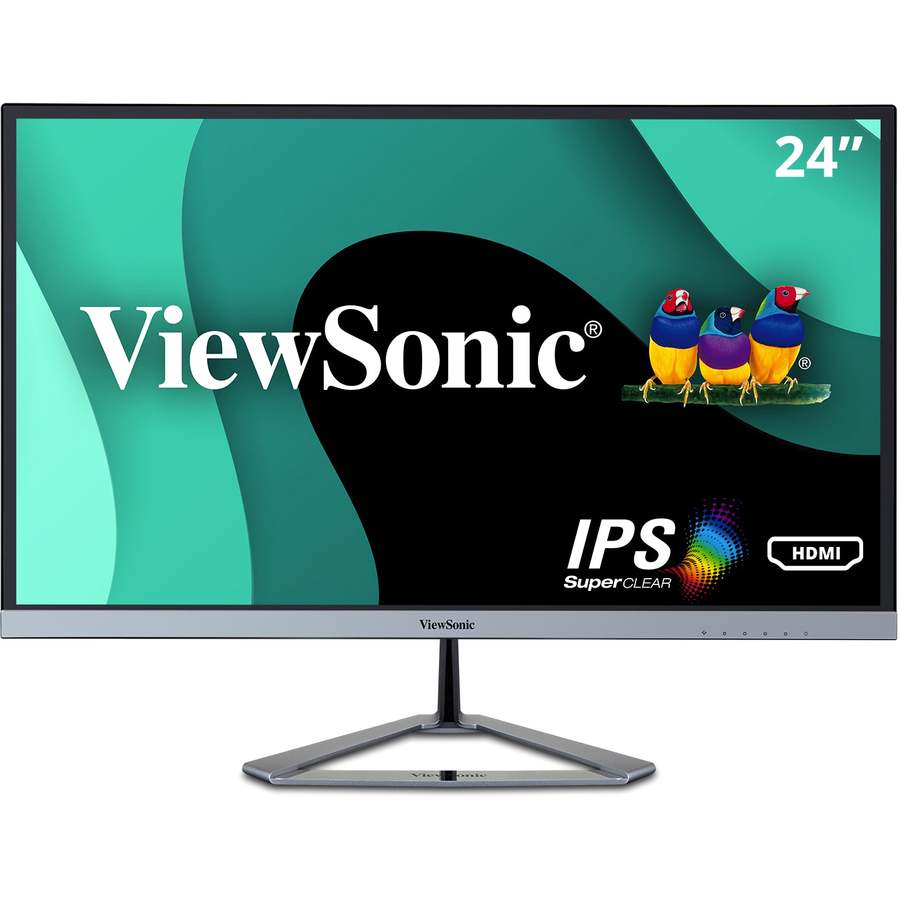
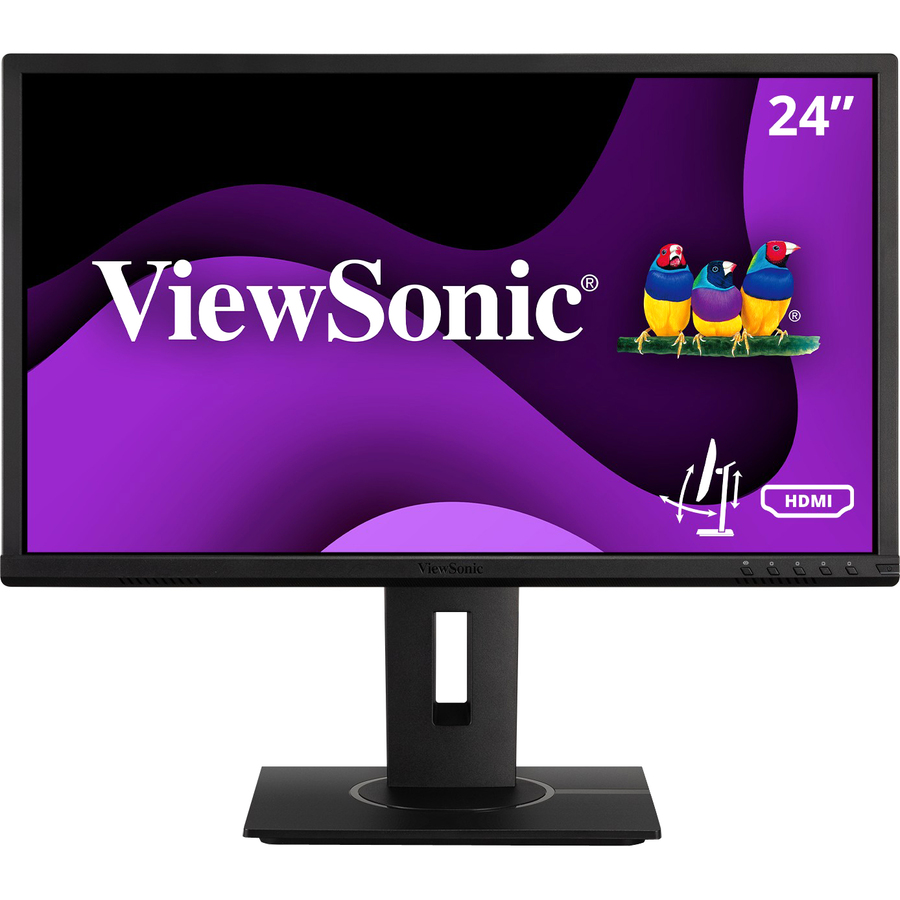
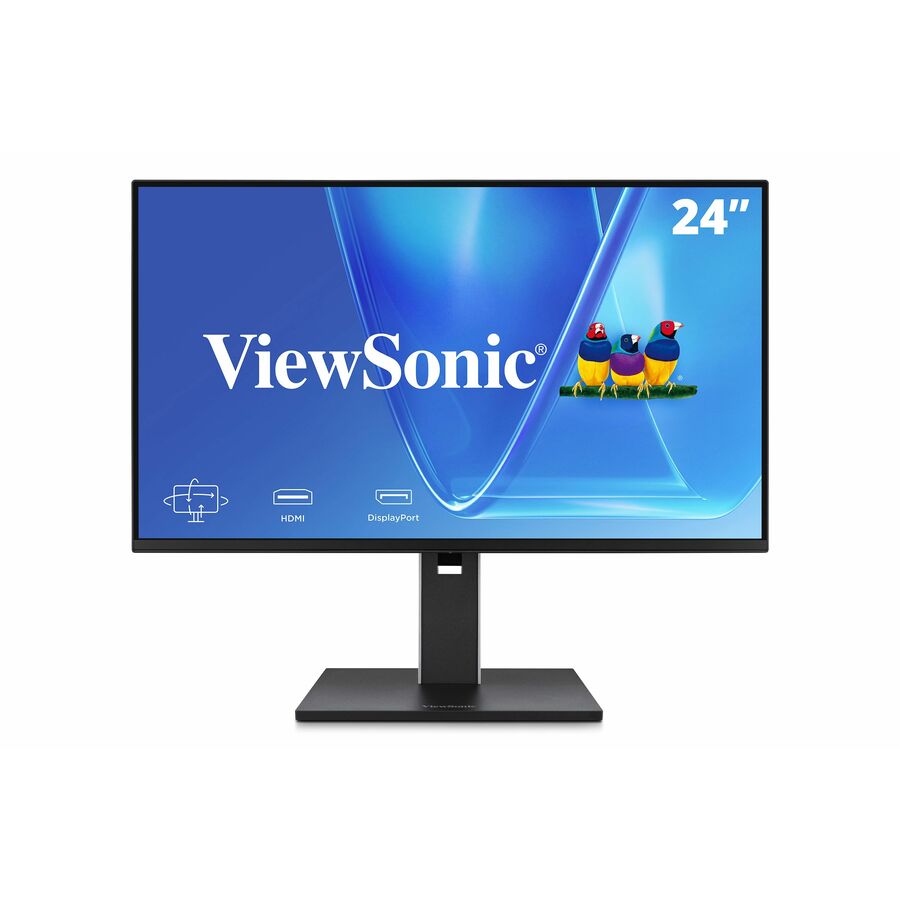
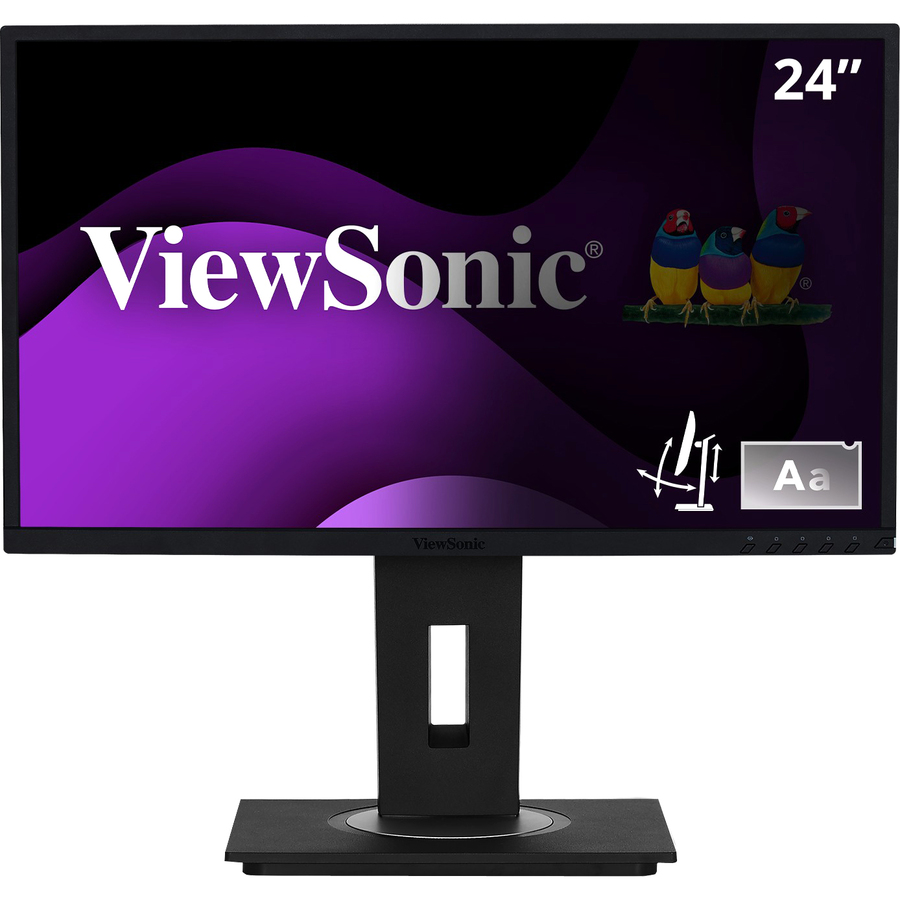
- ViewSonicViewSonic VX2476-SMHD 24 Inch 1080p Monitor, IPS Display with FreeSync and Eye Care Technology for Home and Office Entertainment, Ultra-Thin Bezels, DisplayPort for Daisy Chain, HDMI, and VGA Inputs - VX2476-SMHD - 1080p Widescreen IPS Monitor with Ultra-Thin Bezels, HDMI and DisplayPort - 250 cd/m² - 24?VX2476-SMHD
$165.00
$141.07
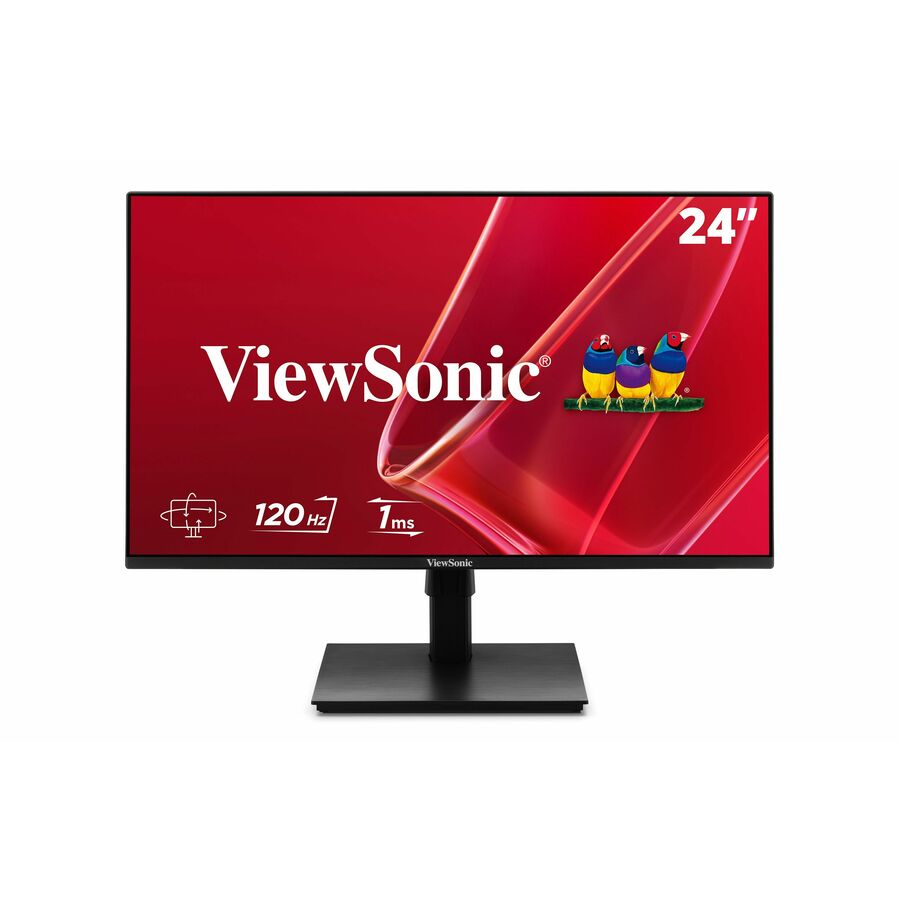
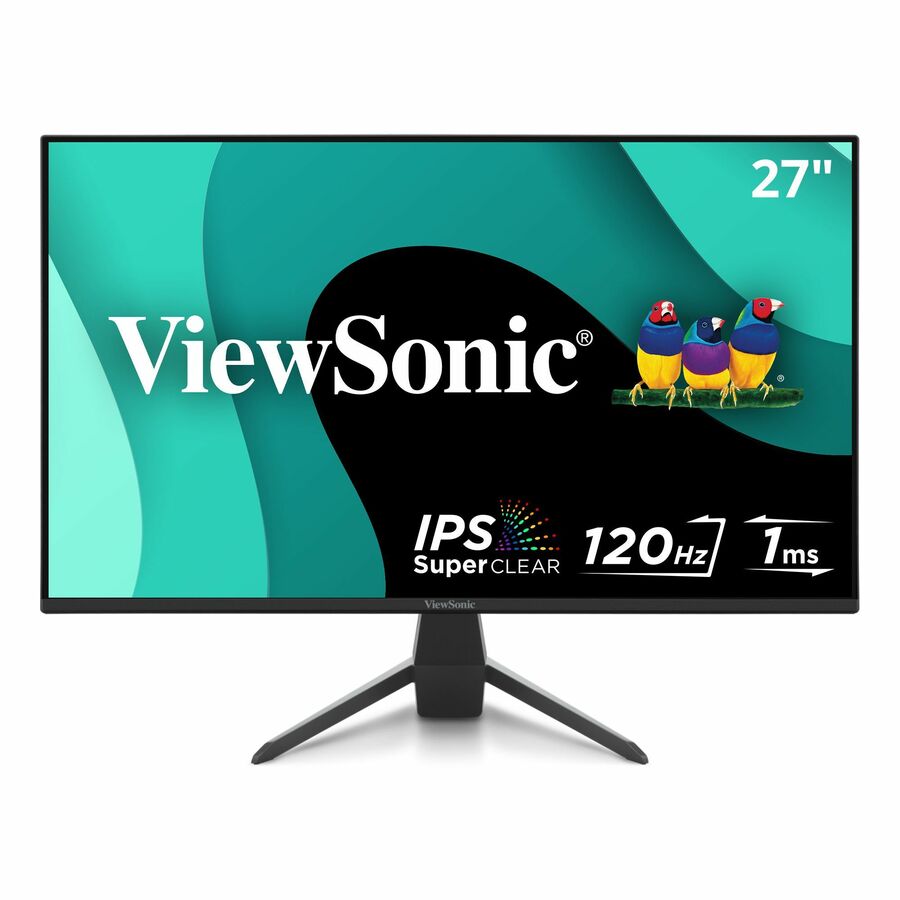
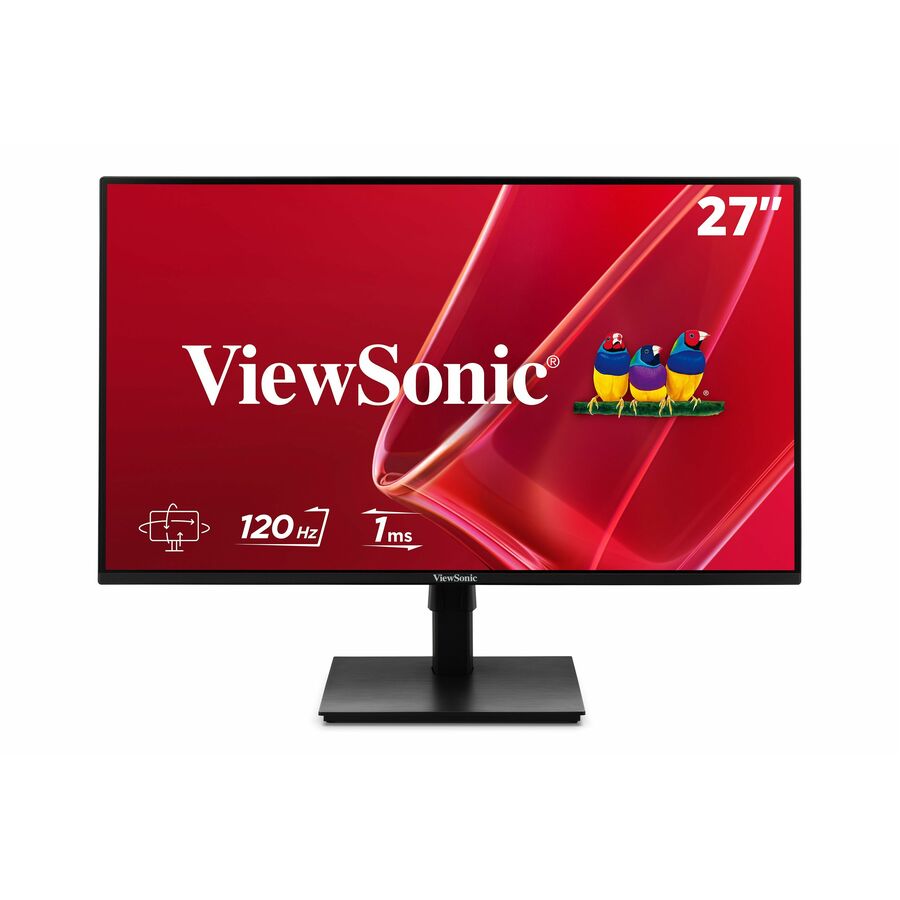
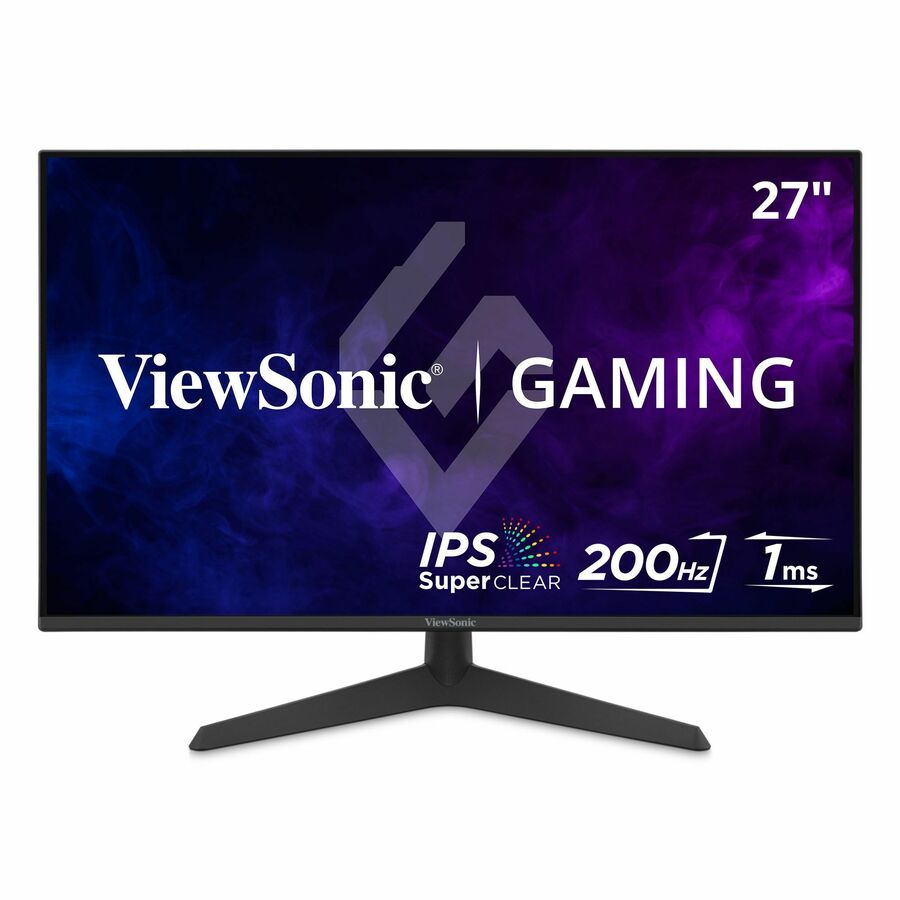
1,033 in stock - ViewSonicViewSonic VA2756A-MHD 27 Inch 1080p Monitor, IPS Display with 120Hz for Enhanced Home and Office Productivity, Eye Care Technology, HDMI, DisplayPort, and VGA Inputs - 27? Viewable - SuperClear IPS - LED Backlight - 1920 x 1080 - 16.7 Million Colors (8-bit) - 250 Nit - 1 ms - Speakers - HDMI - VGA - DisplayPortVA2756A-MHD
$175.00
$147.17
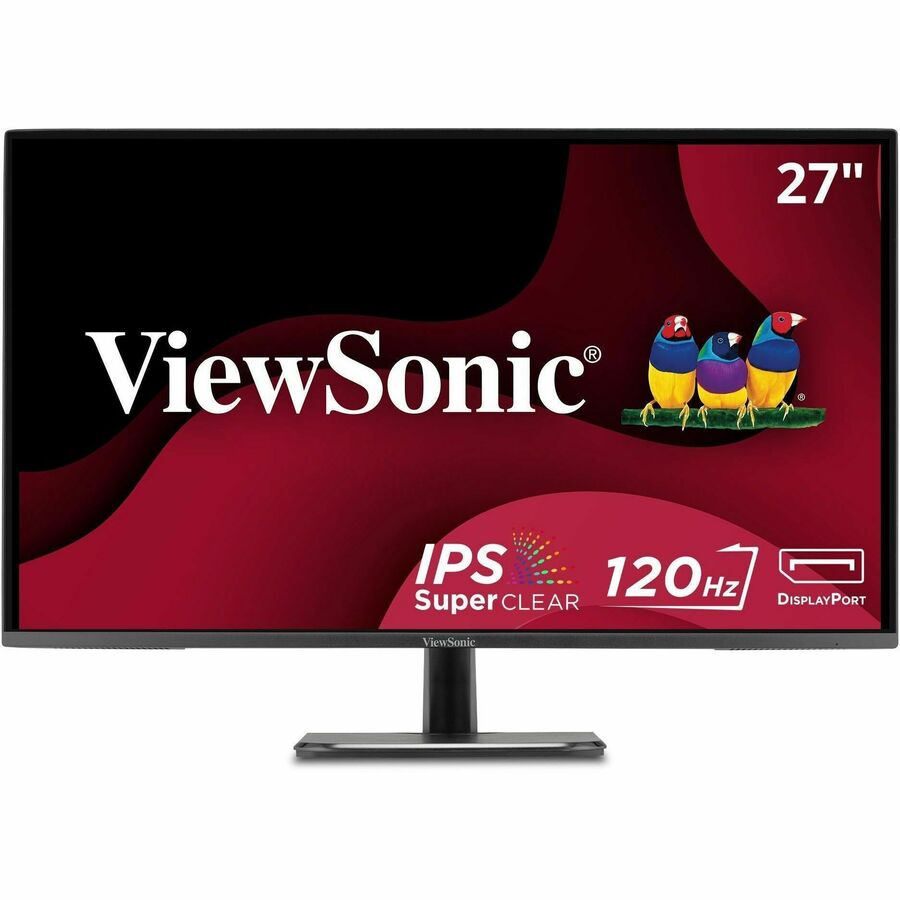
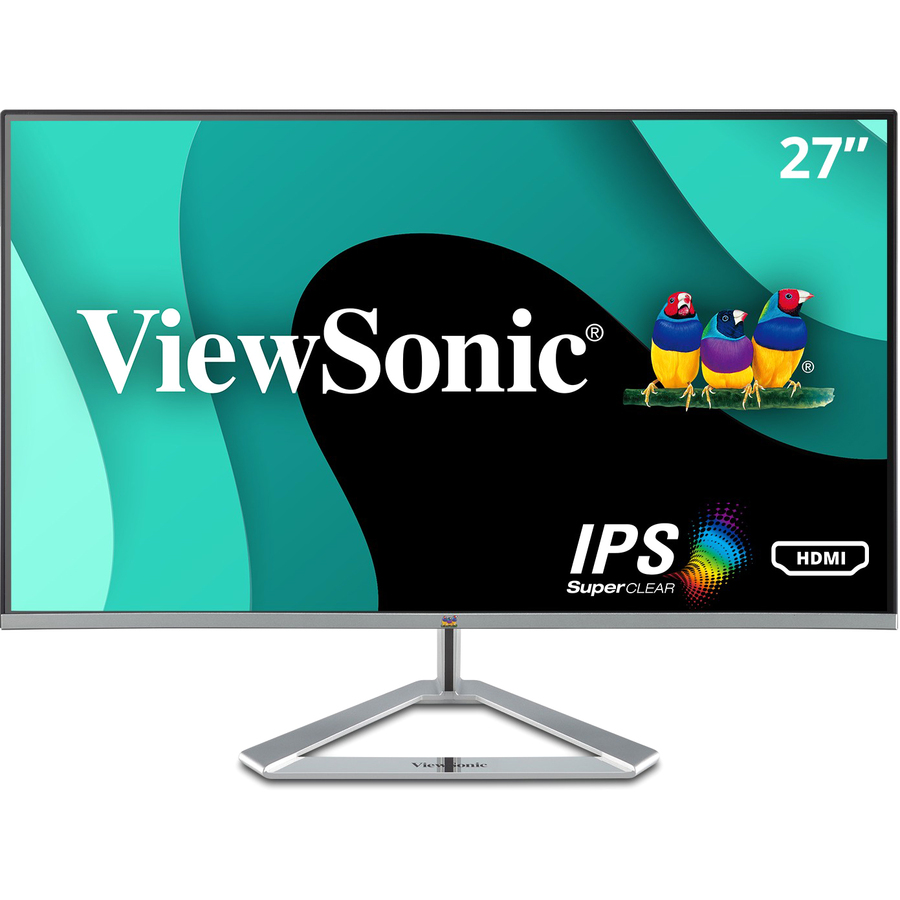
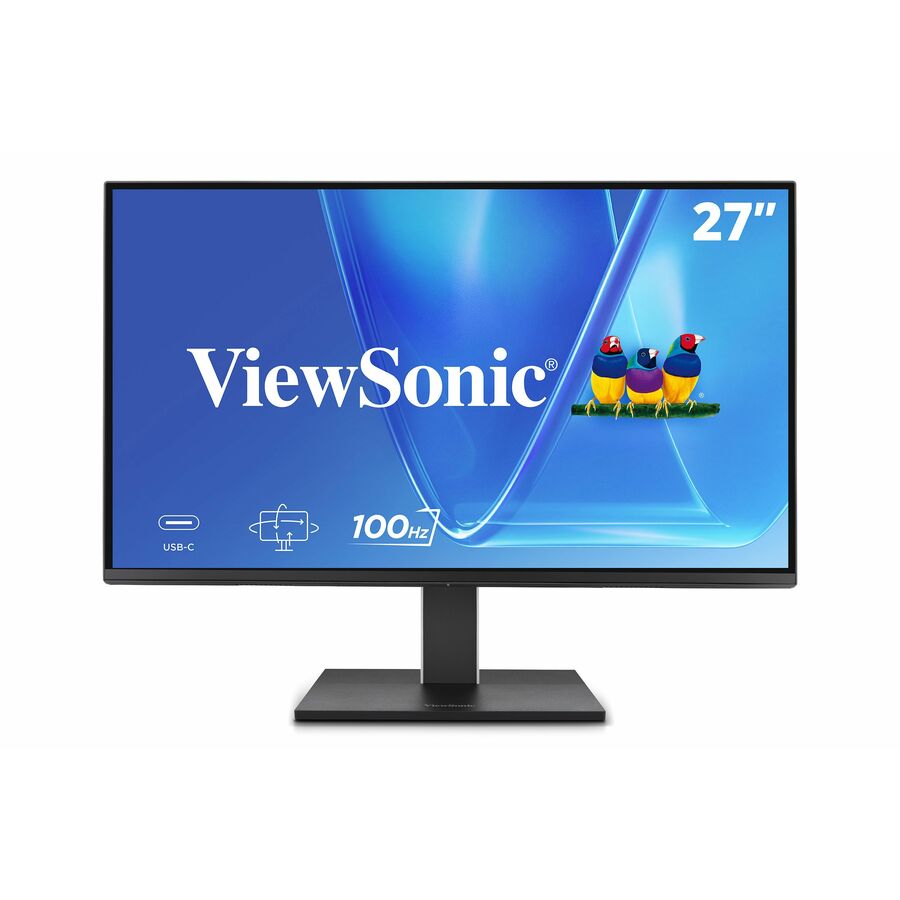
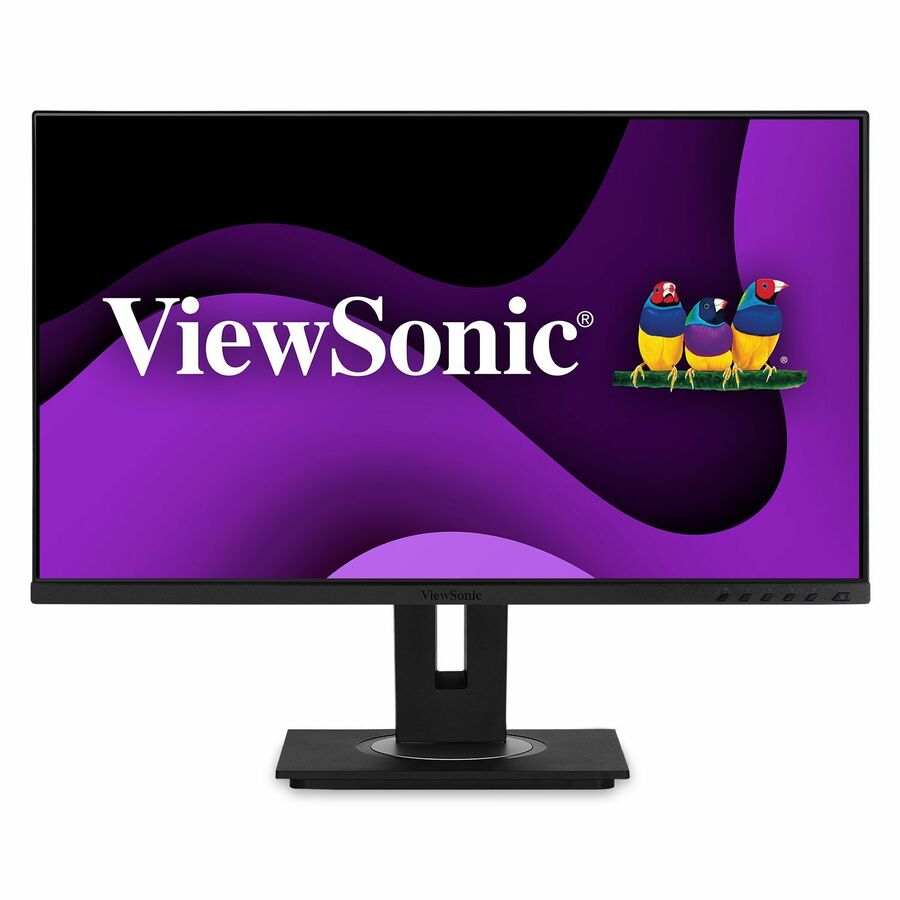
1,086 in stock - ViewSonicViewSonic VX2776-SMHD 27 Inch 1080p Monitor, IPS Display with FreeSync and Eye Care Technology for Home and Office Entertainment, Ultra-Thin Bezels, DisplayPort for Daisy Chain, HDMI, and VGA Inputs - VX2776-SMHD - 1080p Widescreen IPS Monitor with Ultra-Thin Bezels, HDMI and DisplayPort - 250 cd/m² - 27?VX2776-SMHD
$179.00
$161.38
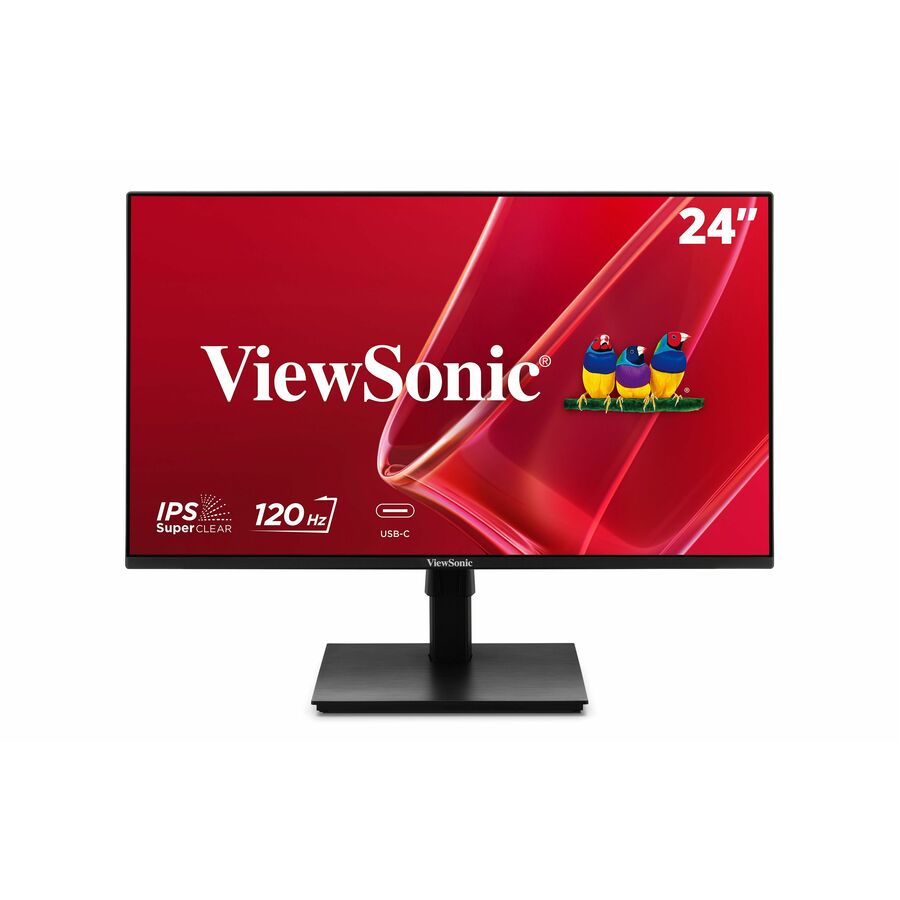
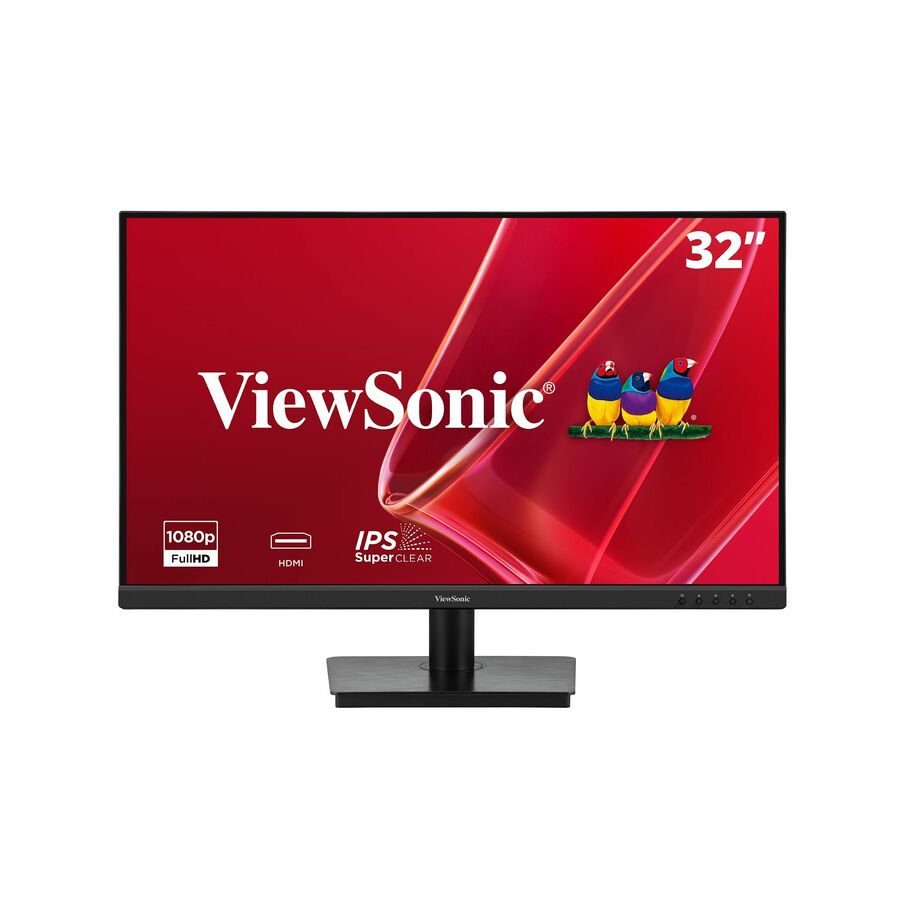
169 in stock - ViewSonicViewSonic VA3209M 32 Inch 1080p Monitor, IPS Display with Thin Bezels for Productive Office Setups, Built-in Speakers, Advanced Ergonomics, HDMI, and VGA Inputs - VA3209M - 1080p IPS Monitor with 75Hz, Adaptive Sync, HDMI, VGA, and Eye Care - 250 cd/m² - 32?VA3209M
$195.00
$174.29
880 in stock

More monitors in the Uniqcli catalog
See all 1,690 monitorsMore ViewSonic first — closest to what you were just looking at; “See all monitors” above opens every other brand in the category. In-stock lines lead, and a back-ordered line carries the same estimated availability its product page does — with live pricing throughout, NDAA §889 screening before checkout and TAA verified on request.
- ViewSonicViewSonic VP2788-5K 27 Inch 5K Mac-Ready Monitor, IPS with 100% sRGB, 99% DCI-P3 and Pantone Validated for Mac Studio Desktop Setups, Advanced Ergonomics, Thunderbolt 4, USB, HDMI, and DisplayPort - 27? Viewable - In-plane Switching (IPS) Technology - LED Backlight - 5120 x 2880 - 500 Nit - 14 ms - Speakers - HDMI - DisplayPort - USB HubVP2788-5K
$1,209.00
$1,080.57
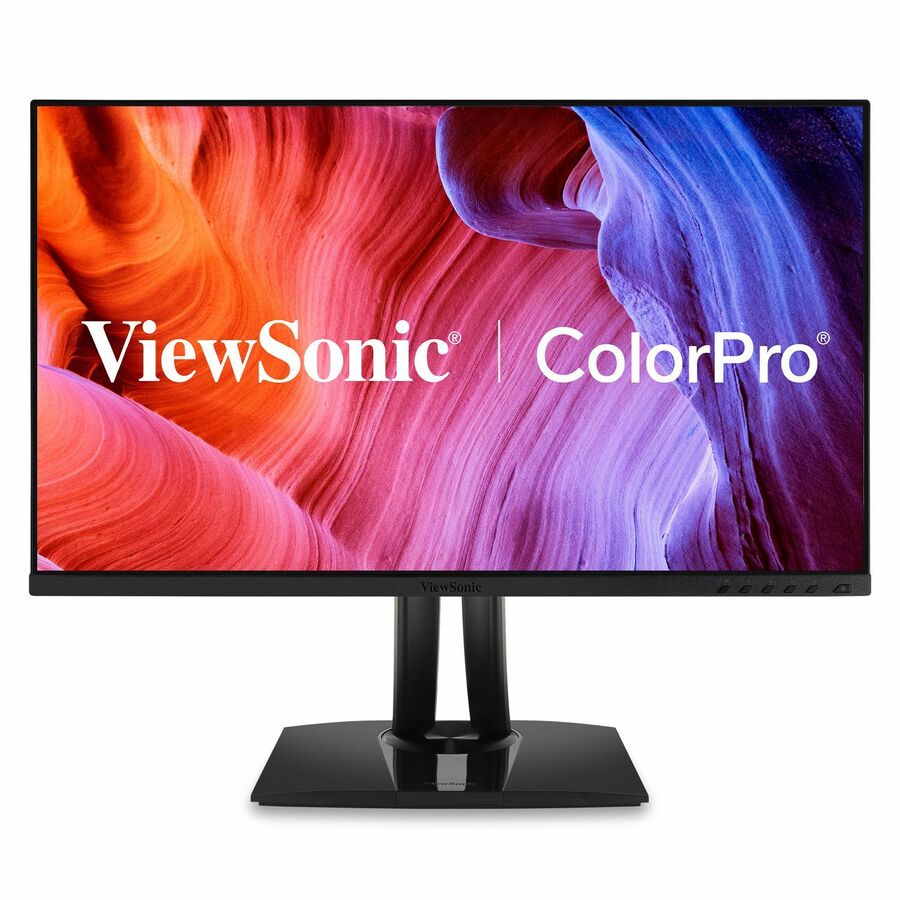
331 in stock - ViewSonicViewSonic VP2776T-4K 27 Inch 4K ColorPro Monitor, IPS Display with 100% sRGB and Pantone Validated for MacBook Pro Mac Studio Desktop Setups, Advanced Ergonomics, Thunderbolt 4, and HDMI 2.1 Inputs - 27? Viewable - In-plane Switching (IPS) Technology - 3840 x 2160 - 5 ms - HDMI - DisplayPortVP2776T-4K
$895.00
$795.26
245 in stock - ViewSonicViewSonic VG2756-4K 27 Inch 4K Monitor, IPS Display with 90W USB-C for Smooth Home and Office Productivity, Full Ergonomic Adjustability, RJ45, HDMI, USB Hub, and DisplayPort Inputs - Ergonomic VG2756-4K - 4K UHD IPS Monitor with Built-In Docking, USB-C, RJ45, 40 Degree Tilt - 350 cd/m² - 27?VG2756-4K
$609.00
$511.24
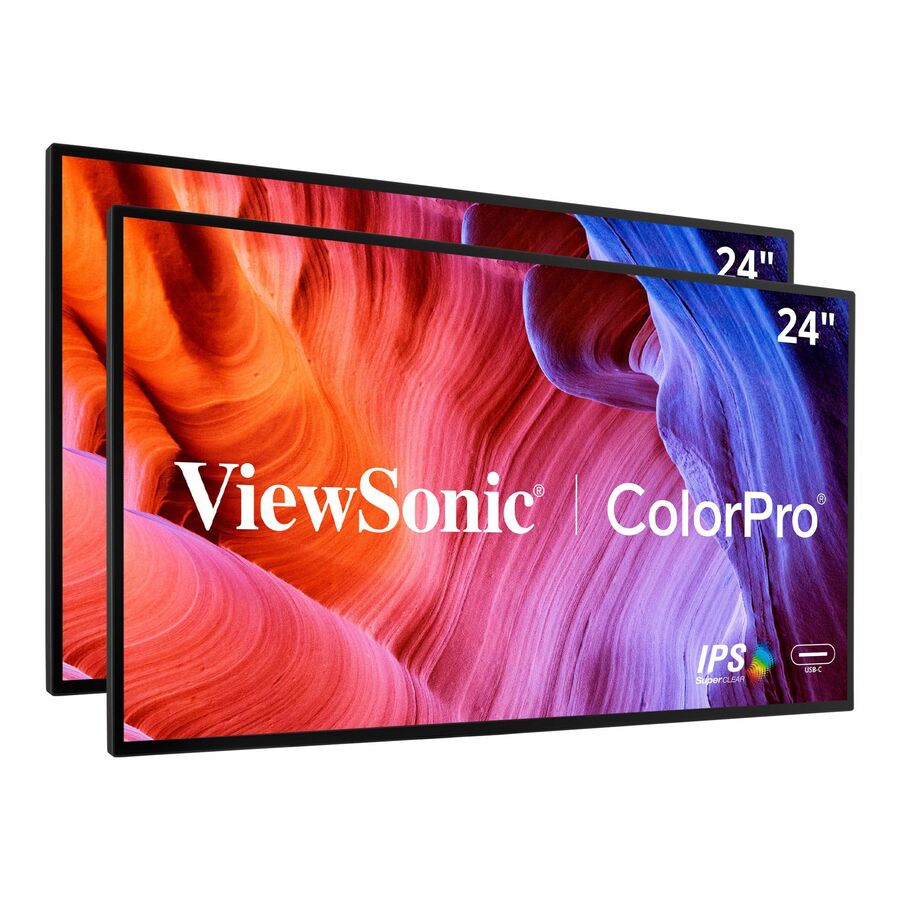
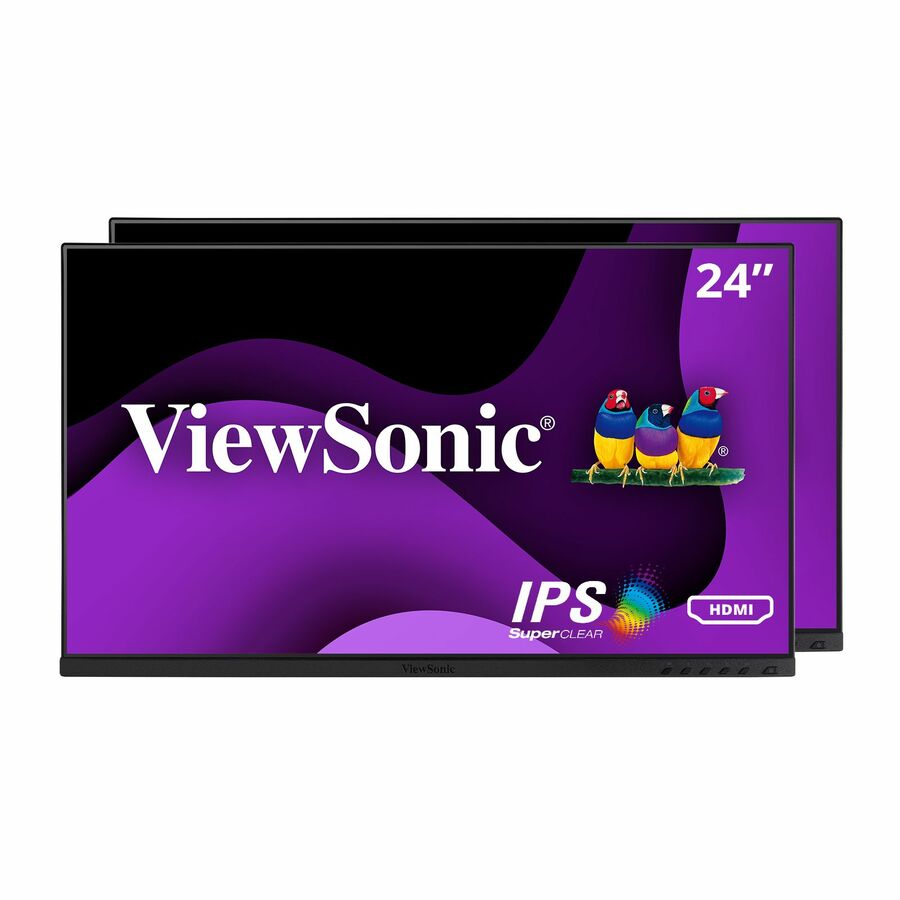
330 in stock - ViewSonicViewSonic VP2468A_H2 24 Inch 1080p Dual Pack Head-Only ColorPro Monitors, 100% sRGB and Pantone Validated for Dual Screen Graphic Design, Advanced Ergonomics, 65W USB-C, and DisplayPort Daisy Chain - ViewSonic ColorPro VP2468a_H2 - 24? Dual Pack Head-Only IPS 1080p Monitors with 60W USB C, Daisy Chain - 250 cd/m²VP2468A_H2
$669.00
$592.57
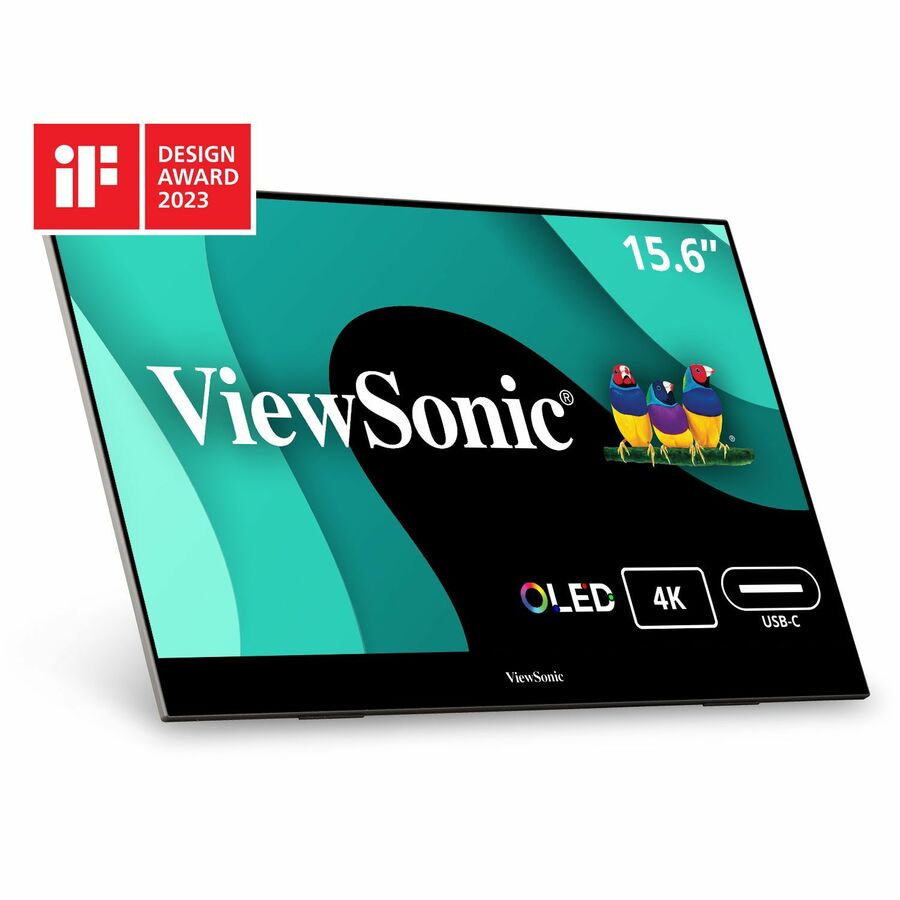
824 in stock - ViewSonicViewSonic VX1655-4K-OLED 15.6 Inch 4K Portable Monitor, OLED Display for Immersive Mobile Workspaces and Second Screen Productivity, Built-in Stand, 60W USB-C, and Mini HDMI Inputs - ViewSonic VX1655-4K-OLED - 15.6? 4K UHD OLED Portable Monitor w/ 60W USB-C, mini HDMI, 100% DCI-P3 - 400 cd/m²VX1655-4K-OLED
$649.00
$580.95
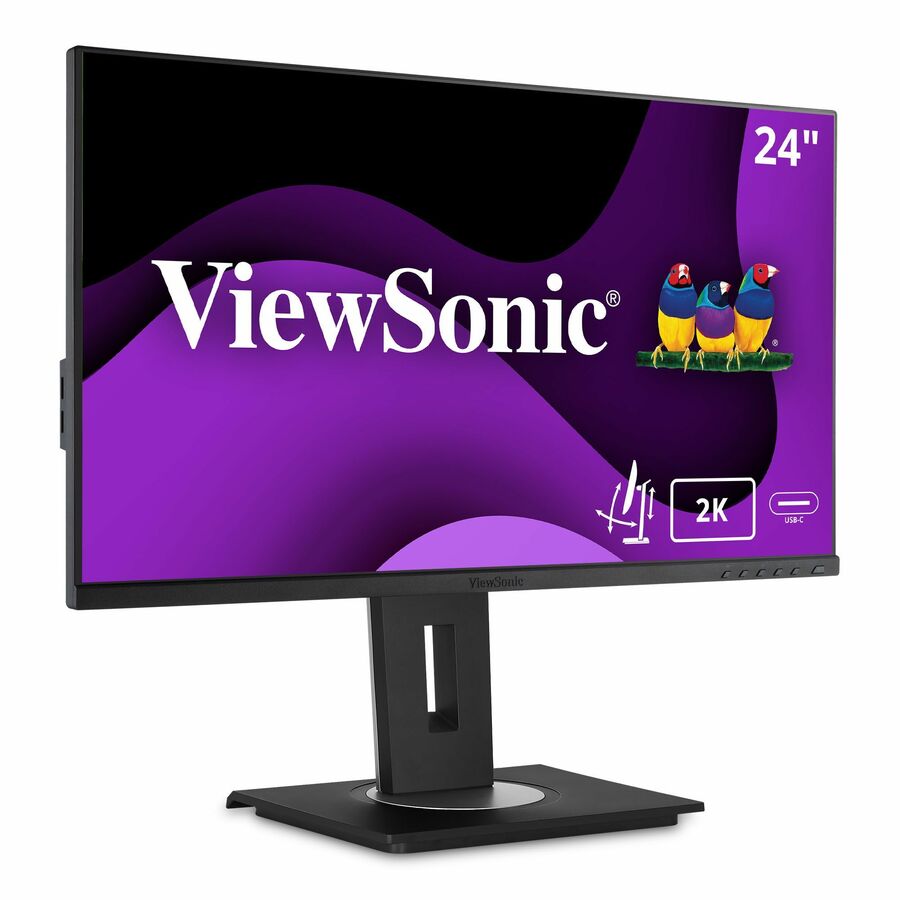
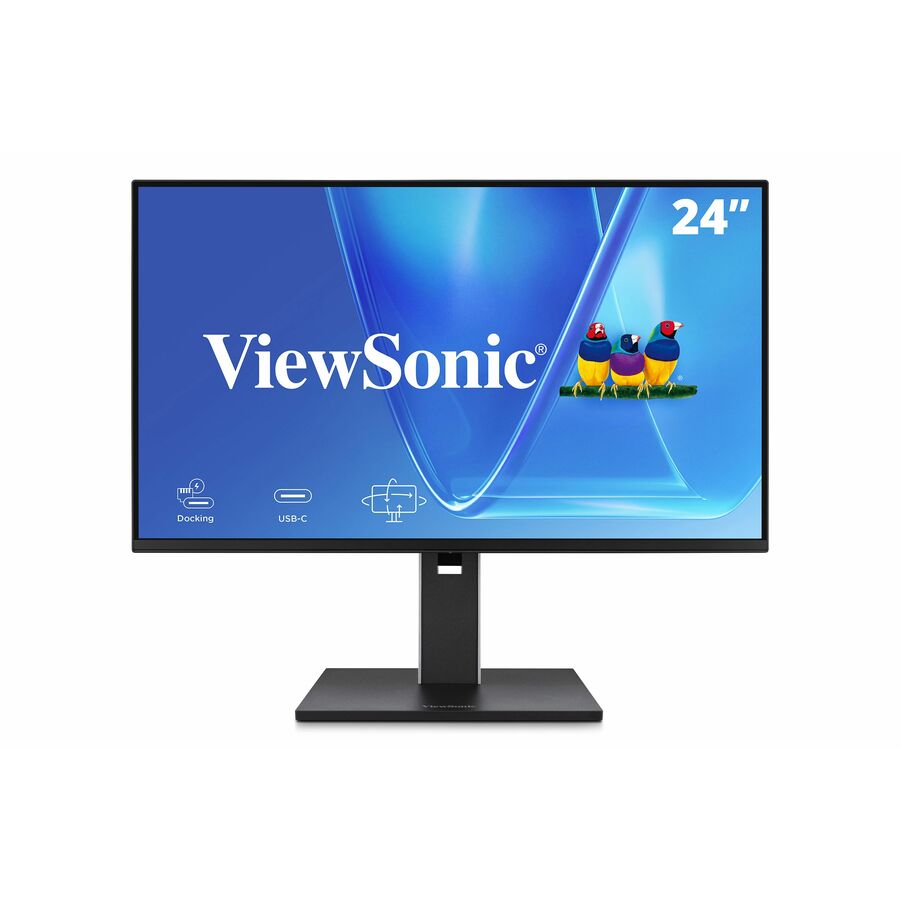
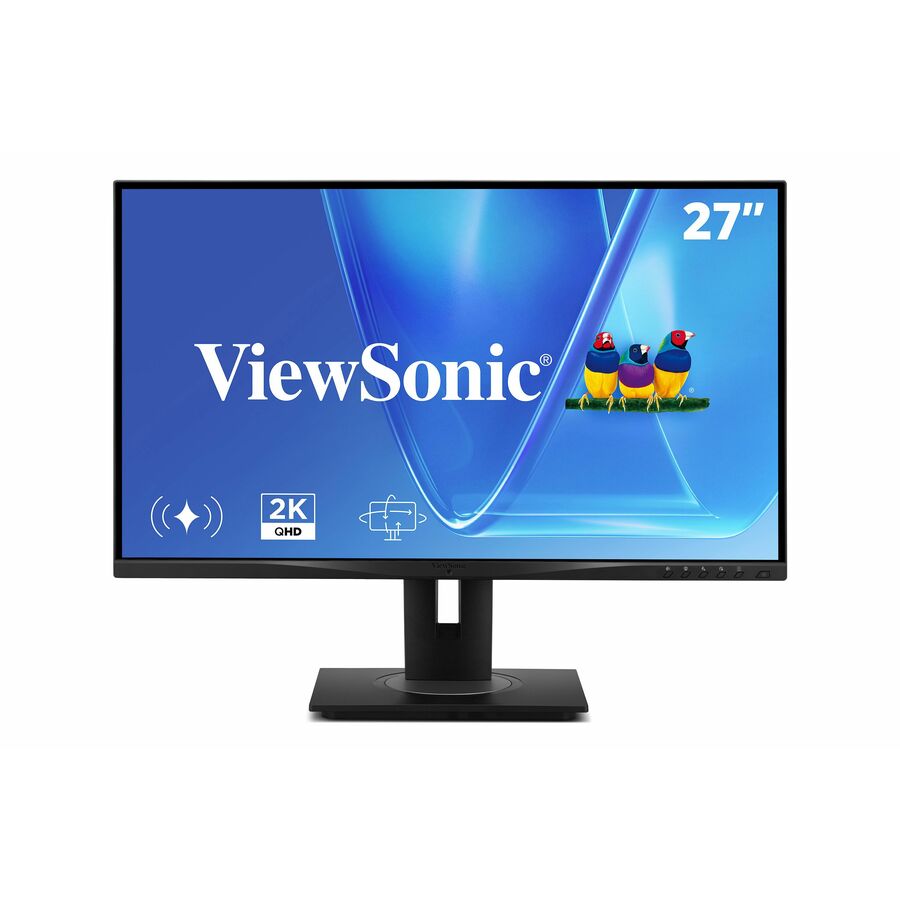
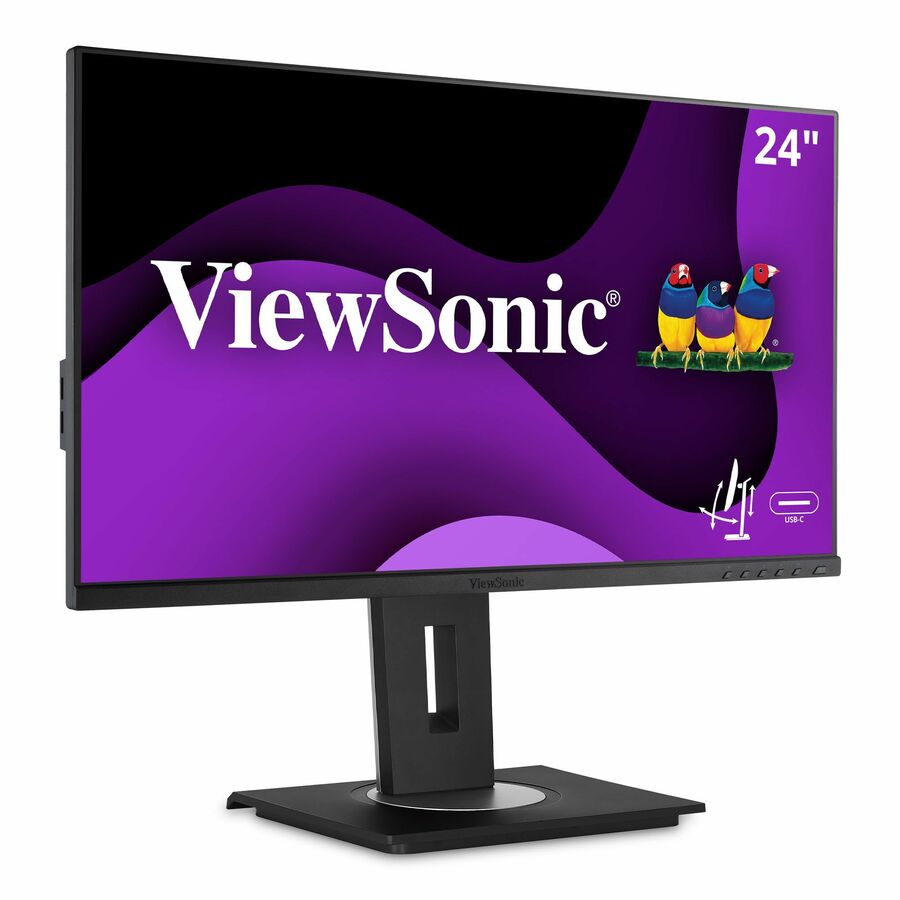
117 in stock - ViewSonicViewSonic VG2455-2K 24 Inch 1440p Monitor, IPS Display with 60W USB-C for Smooth Home and Office Productivity, Full Ergonomic Adjustability, HDMI, and DisplayPort Inputs - Ergonomic VG2455-2K - 1440p IPS Monitor with USB-C, HDMI, DisplayPort and 40 Degree Tilt - 300 cd/m² - 24?VG2455-2K
$395.00
$329.20
1,082 in stock - ViewSonicViewSonic VG2448A-2_H2 24 Inch 1080p Dual Pack Head-Only Monitors, IPS Display for Smooth Home and Office Productivity and Dual-Screen Setups, HDMI, DisplayPort, USB, and VGA Inputs - Ergonomic VG2448A-2_H2 - Dual Pack Head-Only 1080p IPS Monitor with HDMI, DP, USB, and VGA - 250 cd/m² - 24"VG2448A-2_H2
$392.00
$329.20
66 in stock - ViewSonicViewSonic VG2448-PF 24 Inch IPS 1080p Ergonomic Monitor with Built-In Privacy Filter HDMI DisplayPort USB and 40 Degree Tilt - 24" Monitor - Built-In Privacy Filter - IPS Technology - Full HD 1920 x 1080p - Ergonomic - 16.7 Million Colors - 250 Nit - 5ms - 60Hz Refresh Rate - HDMI - VGA - DisplayPortVG2448-PF
$346.00
$284.02
2,413 in stock
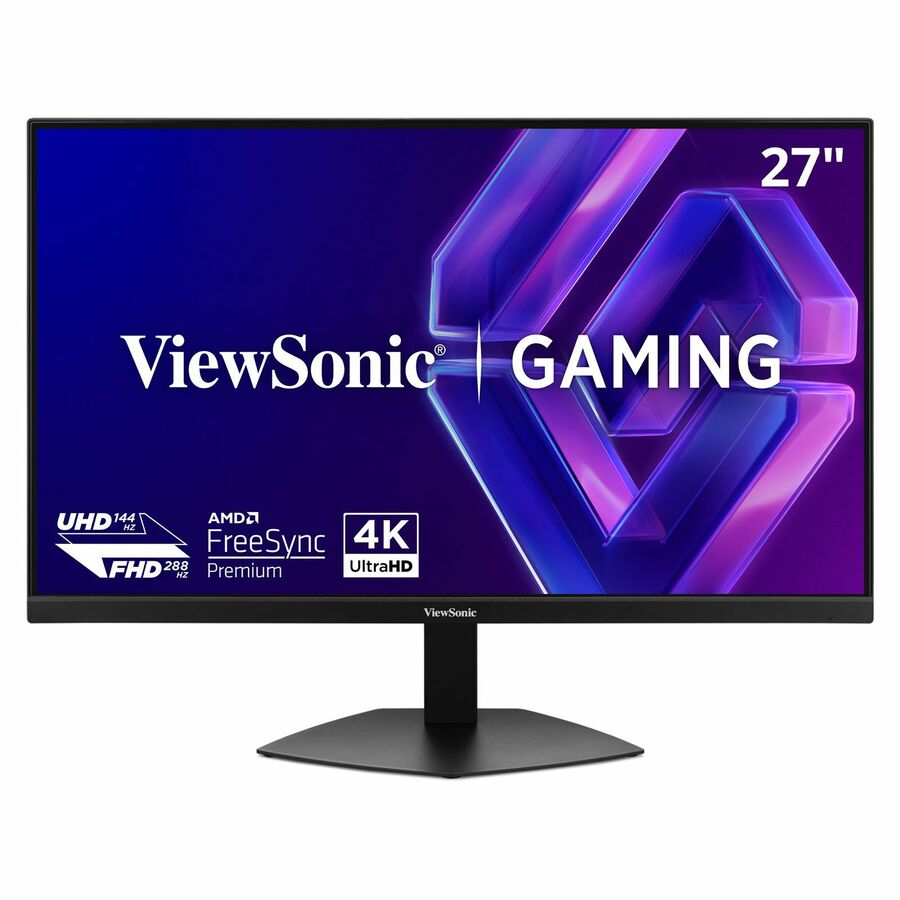
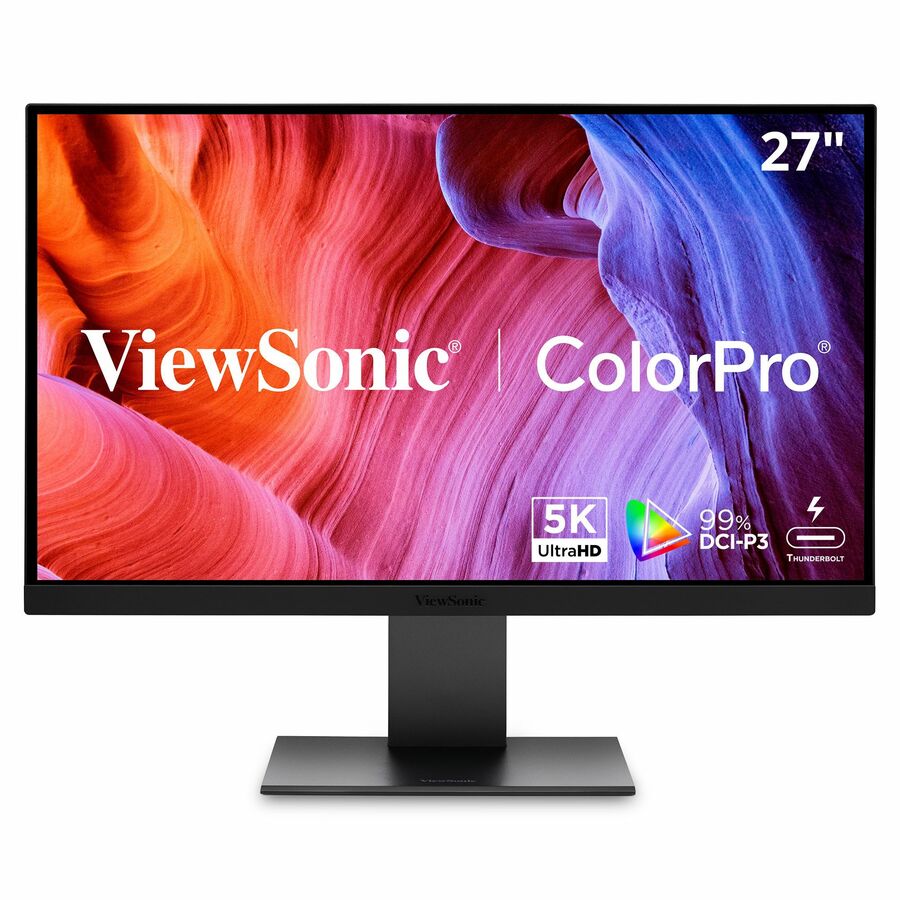
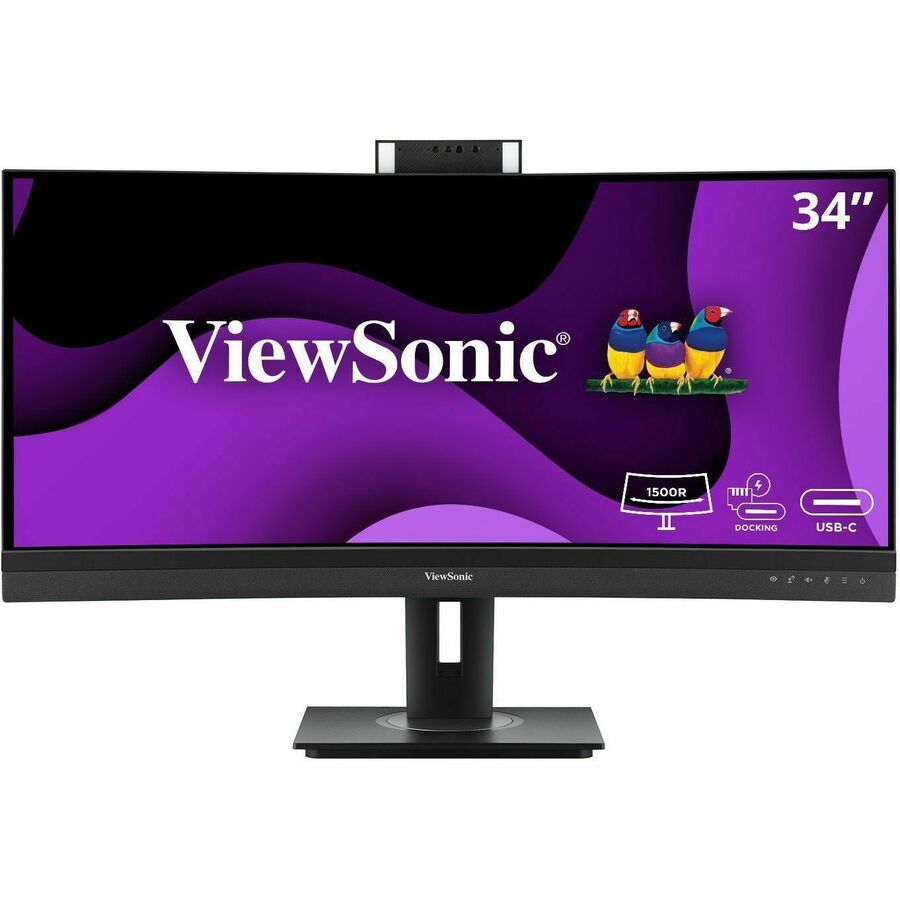
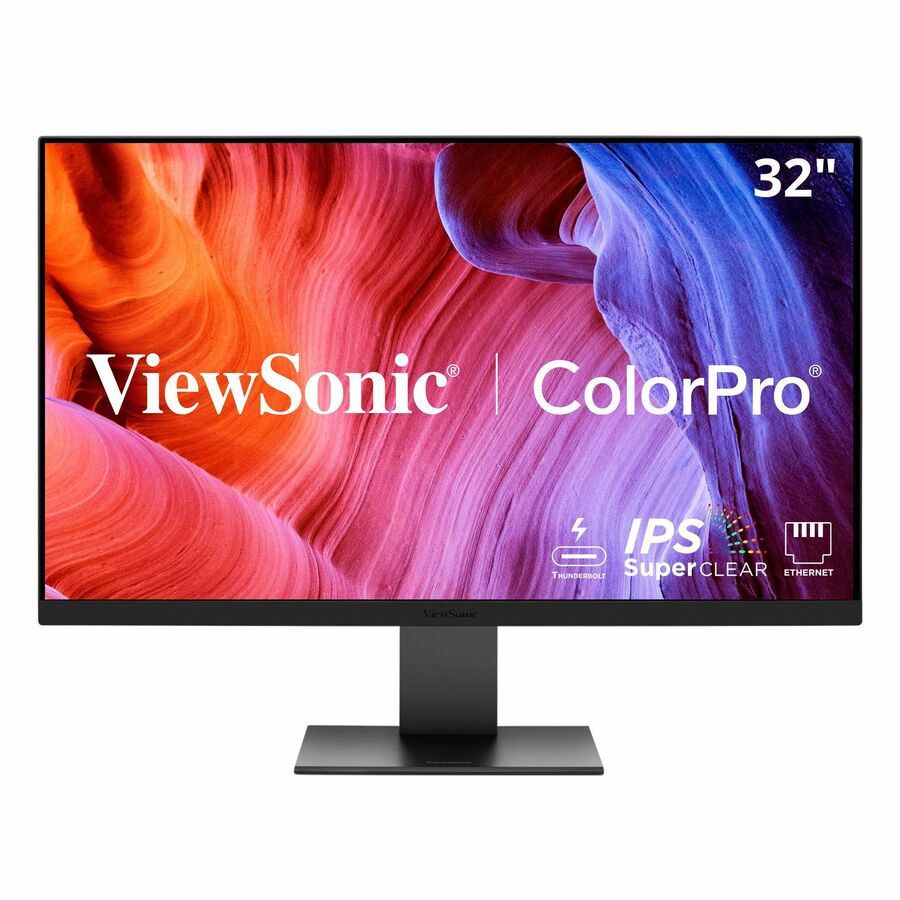
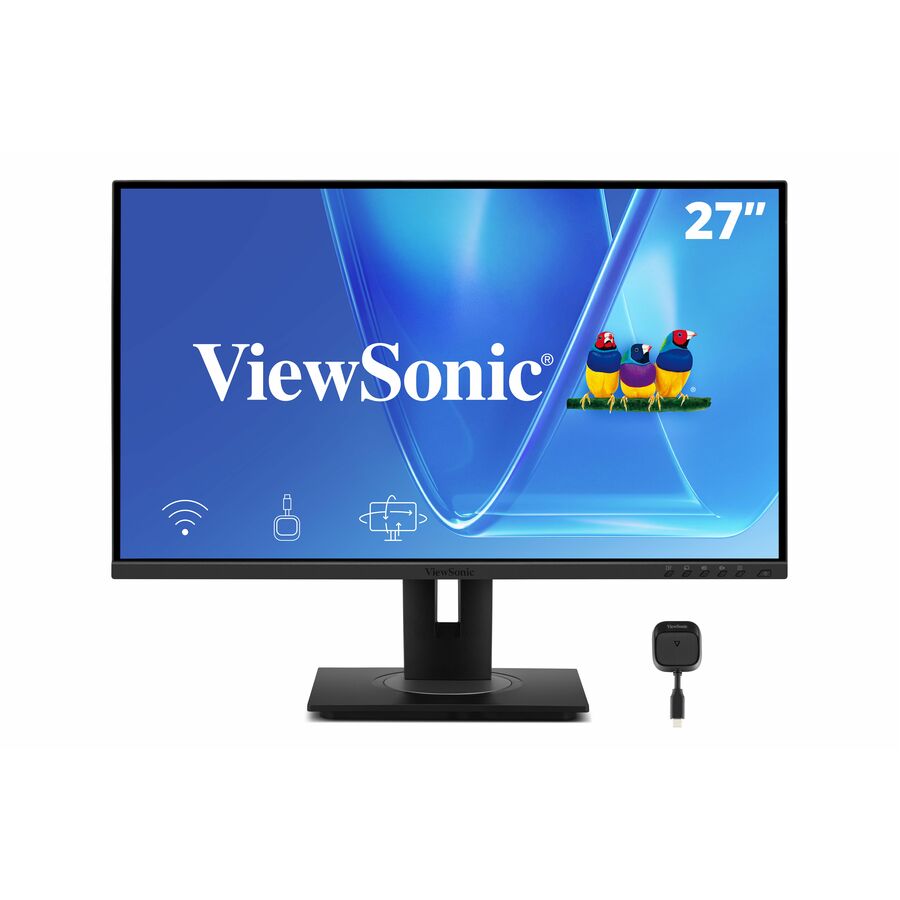
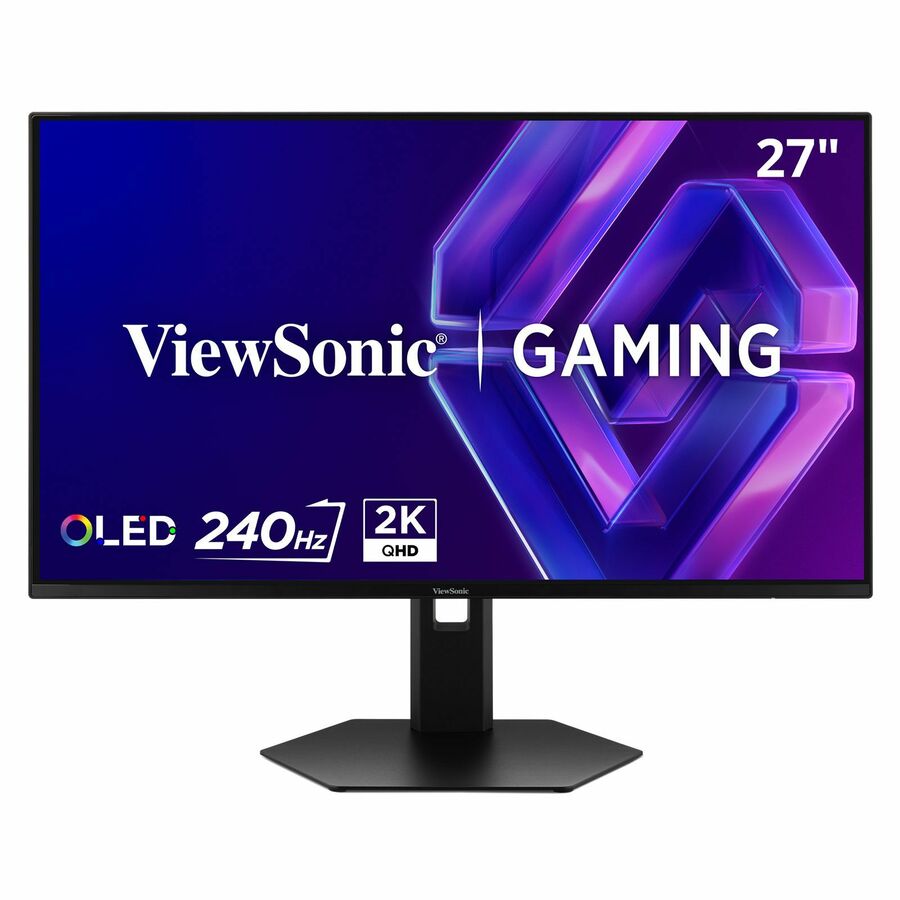
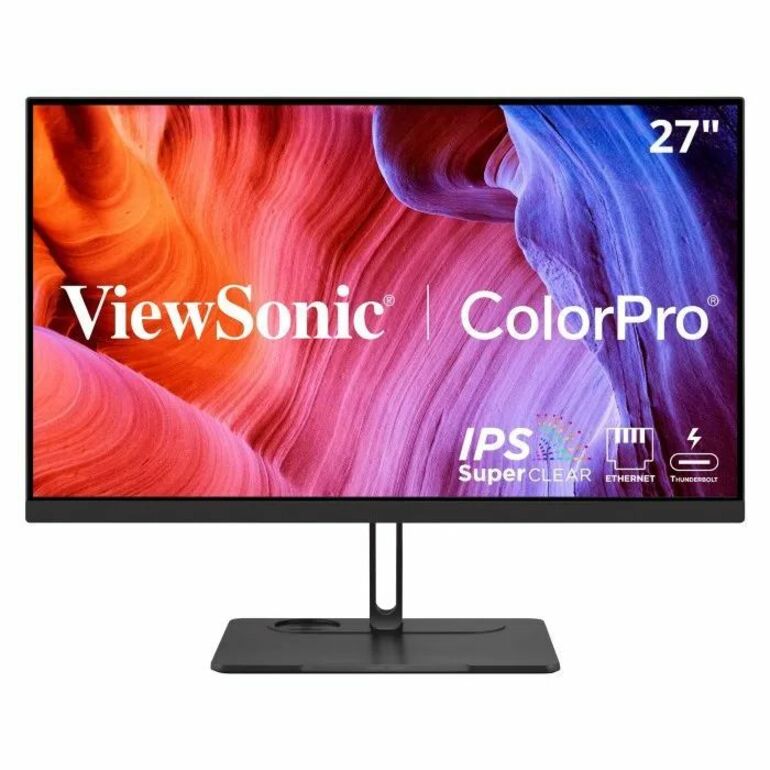
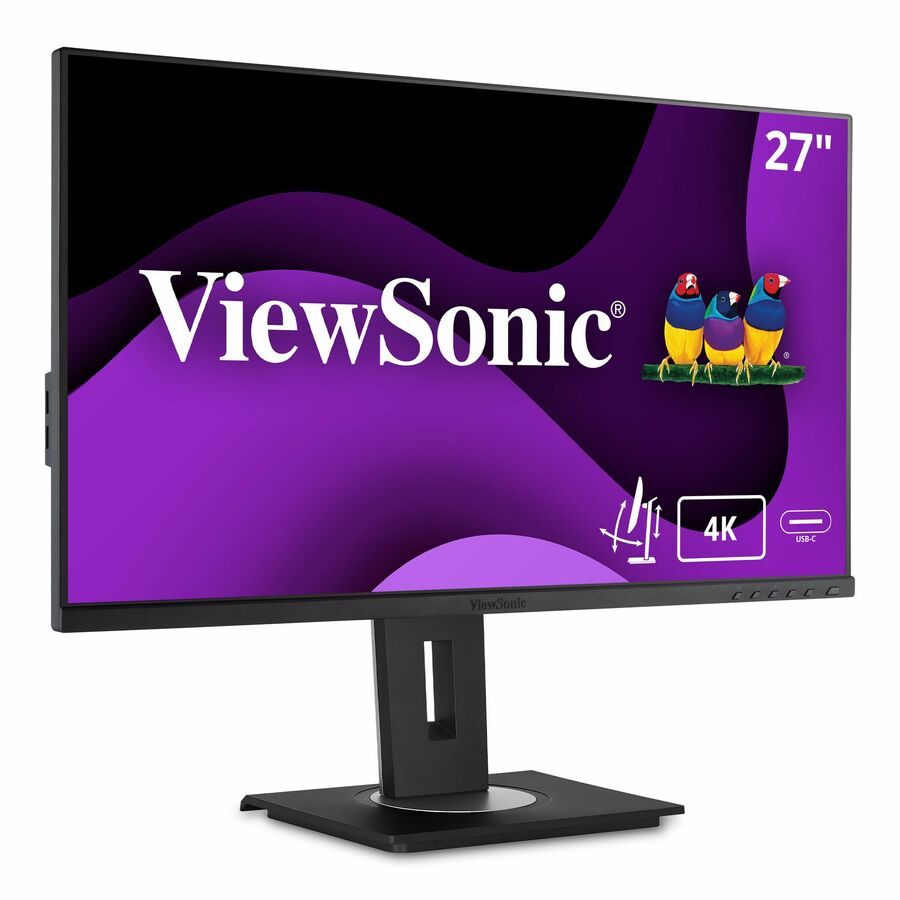
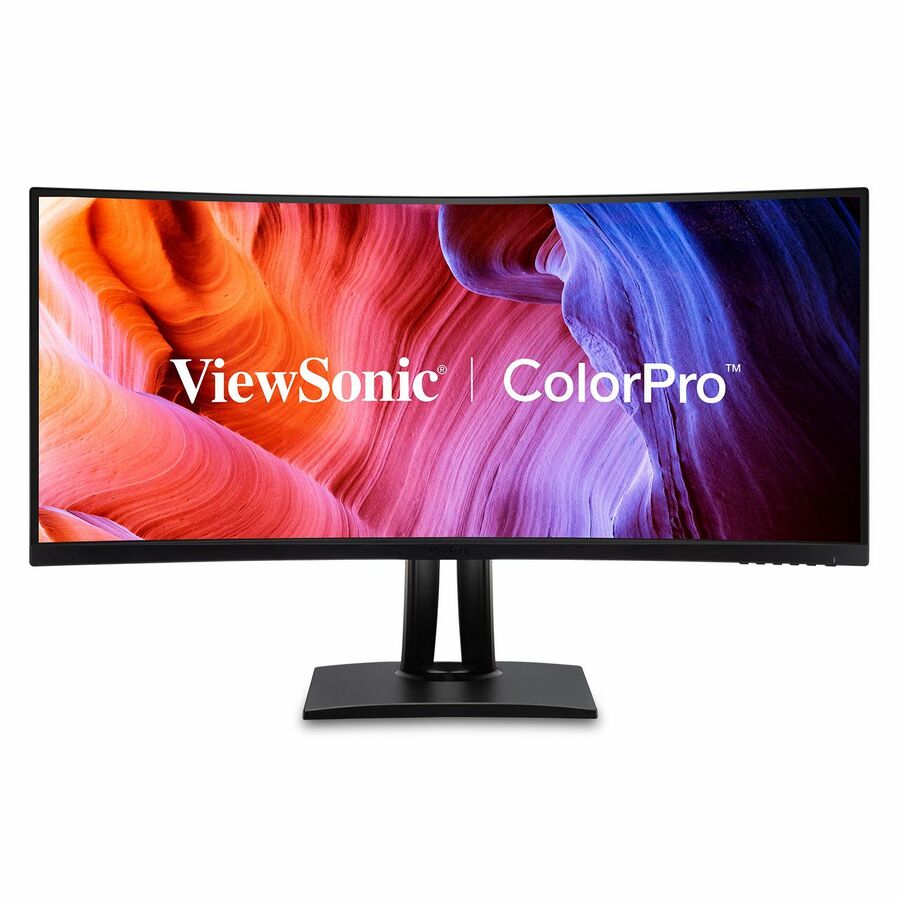
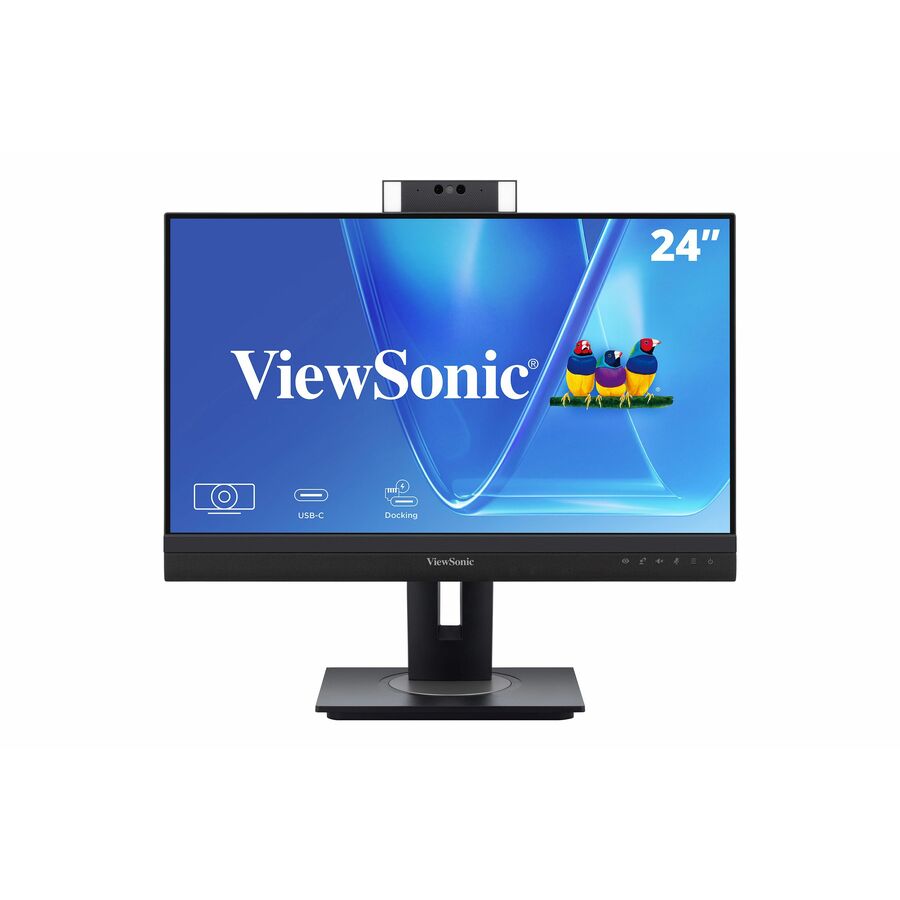
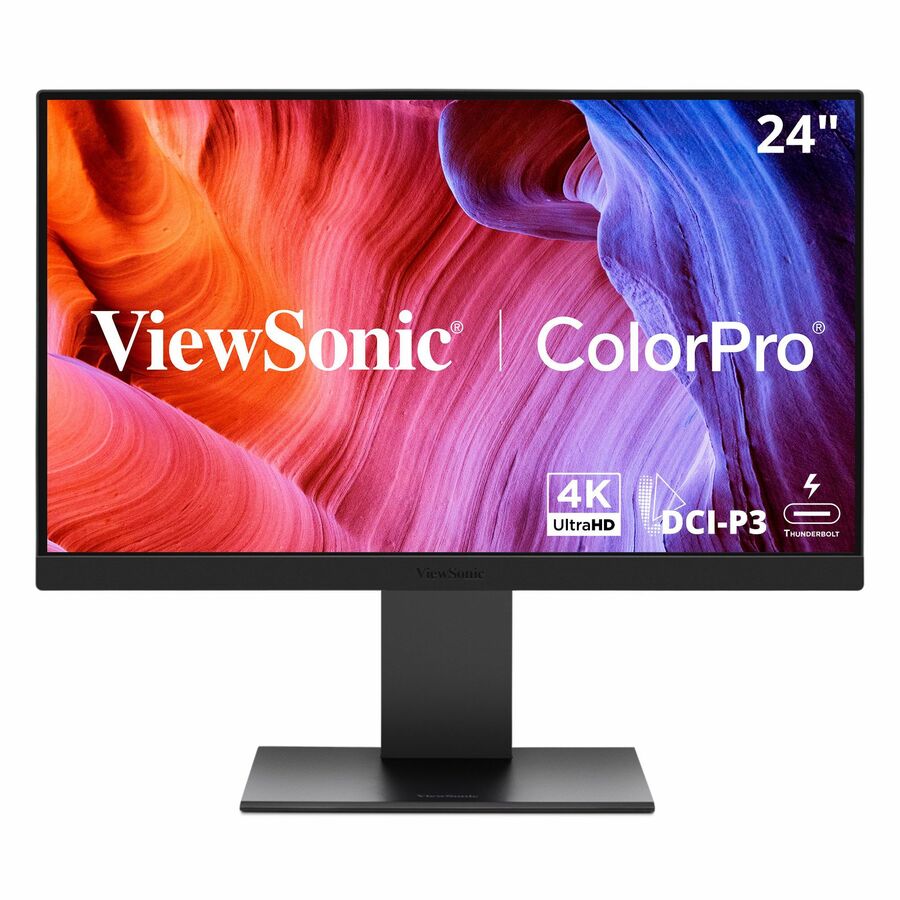
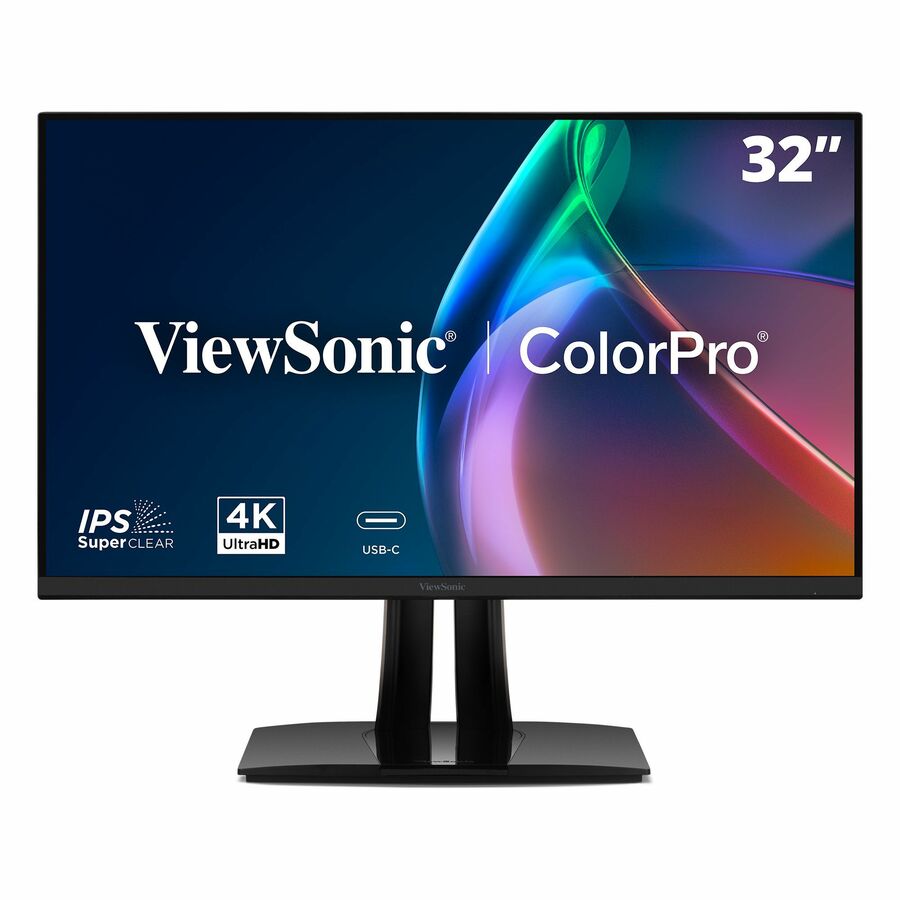
Need pricing on ViewSonic monitors?
Tell us where to reach you and a Uniqcli specialist will follow up by email with current pricing, availability and lead time for the quantities you need — including parts that aren’t shown on this page.
Buying for an organization or for yourself — both work. No payment up front.
Match a ViewSonic monitor to the task at the seat: 24-inch 1080p for general office work, 27-inch 1440p where users need two windows side by side. After that, a USB-C docking panel collapses power, video and data into one cable for laptop and hot-desk users, and a height-adjustable or VESA stand matters at any seat someone occupies all day.
ViewSonic is a practical fleet monitor brand: broad panel selection, a 3-year standard warranty on most commercial lines, and USB-C docking models that turn one cable into power, video and data for a laptop — which meaningfully simplifies a hot-desk or hybrid rollout. For a standardized deployment, the docking and ergonomic-stand options usually matter more than chasing the last few percent of color accuracy.
Size and resolution follow the task: 24" 1080p is the value workhorse for general office seats, 27" 1440p gives analysts and developers real estate for side-by-side windows, and a height-adjustable stand or VESA mount is worth specifying for any seat someone sits at all day. The ViewSonic monitors below are the models Uniqcli currently stocks.
Buyer's checklist
How to choose a ViewSonic monitor for a fleet
- 24" 1080p for general office seats; 27" 1440p where users need side-by-side windows (analysts, developers, dispatch).
- Choose a USB-C docking model to collapse power + video + data into one cable for laptop and hot-desk users.
- Specify a height-adjustable/VESA stand for all-day seats — it's an ergonomics and workplace-accommodation consideration, not a luxury.
- Confirm the input mix (HDMI/DisplayPort/USB-C) matches your endpoints and any KVM.
- Standardize one or two SKUs per role so mounting, cabling and spares stay uniform across the fleet.
Where these fit
The 24-inch 1080p panel is the general-office workhorse — reception, task work and single-application seats. Analysts, developers, finance and dispatch belong on 27-inch 1440p, where side-by-side windows cut the constant window-switching that eats a working day. USB-C docking models fit the hot-desk and hybrid population best, collapsing power, video and data to one cable, while any all-day seat justifies a height-adjustable stand. Matching size, resolution and stand to the role is where a monitor fleet earns its keep.
Deployment considerations
For USB-C docking rollouts, match the monitor's power-delivery wattage to what the laptops actually need to charge — an underpowered dock trickle-charges and generates tickets. Confirm the input mix (HDMI, DisplayPort, USB-C) lines up with your endpoints and any KVM before standardizing, and plan mounting: a VESA arm or dual-monitor stand is cleaner than bundled feet on a shared bench. Where two panels pair on one desk, order matching units so brightness and color align side by side.
Total cost of ownership and lifecycle
A monitor is a long-life asset, so the specification matters more than the first-year price. A standard multi-year commercial warranty and a clear pixel policy reduce the odds a dead panel becomes an argument, and standardizing one or two SKUs per role keeps spares, cabling and mounting uniform across refresh cycles. Energy-efficient panels trim the always-on power draw across hundreds of desks, and a height-adjustable stand is an ergonomic investment that quietly lowers workplace-comfort complaints.
FAQ
Common questions
- What size and resolution should we standardize on for office desks?
- A 24-inch 1080p panel is the cost-effective standard for general office work. Step up to 27-inch 1440p for roles that keep multiple windows open at once — developers, analysts, finance and dispatch — where the extra pixels reduce window-switching. Going to 4K on a 24–27" office panel rarely justifies the cost at normal viewing distance.
- Are USB-C docking monitors worth it?
- For laptop and hot-desk users, yes — a single USB-C cable delivers power, video and USB data, so a user docks with one connection instead of three or four. That simplicity cuts helpdesk tickets and desk clutter, and often removes the need for a separate docking station on the desk.
- Can ViewSonic monitors be purchased on a government or education contract?
- Every line Uniqcli quotes is sourced through US distribution and screened for TAA country-of-origin and NDAA §889 status before checkout — with documentation tied to the specific part number, not a product family.
Need ViewSonic monitors pricing?
Send a bill of materials or part numbers — we confirm stock and a below-market total, with TAA verified on request. No payment up front.