
Best Monitors for School Computer Labs
Affordable, durable 22-24 inch IPS displays for rooms of identical lab stations — selected by size, panel, ports including legacy VGA, and ease of standardizing a fleet.
Monitors in stock at Uniqcli
How to choose →A curated selection with live pricing — in-stock lines first, then back-ordered lines with a typical lead time. Every line is sourced through US distribution and screened for NDAA §889 status before checkout, with TAA verified on request.
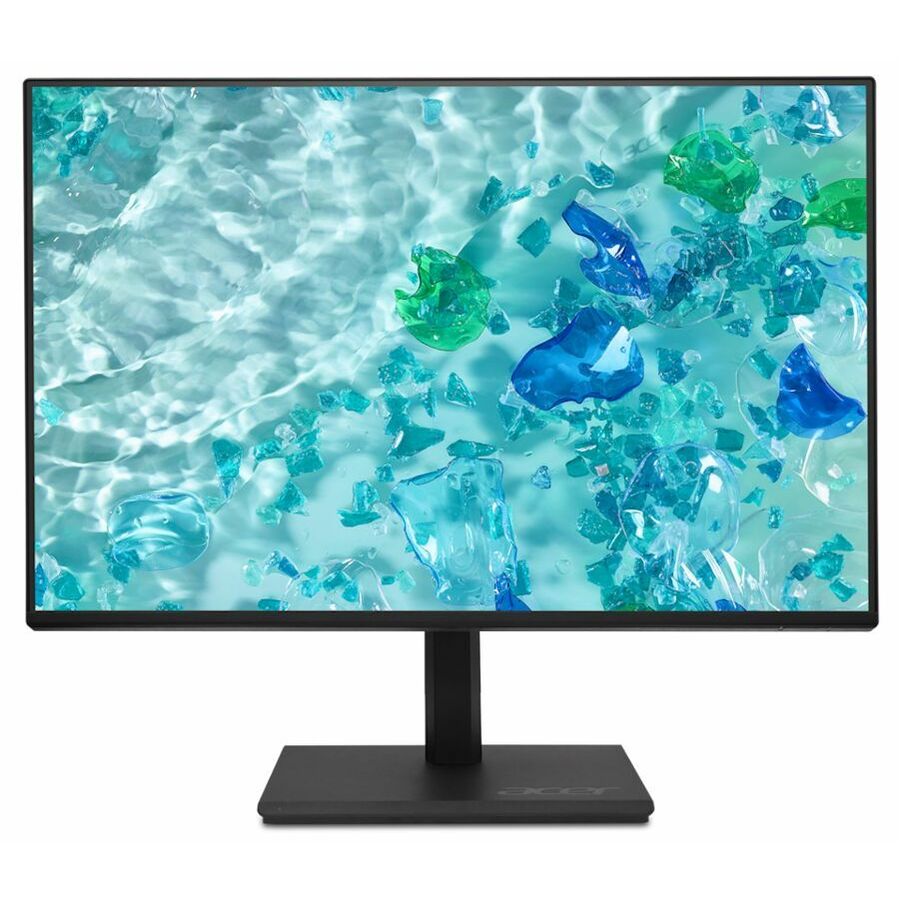
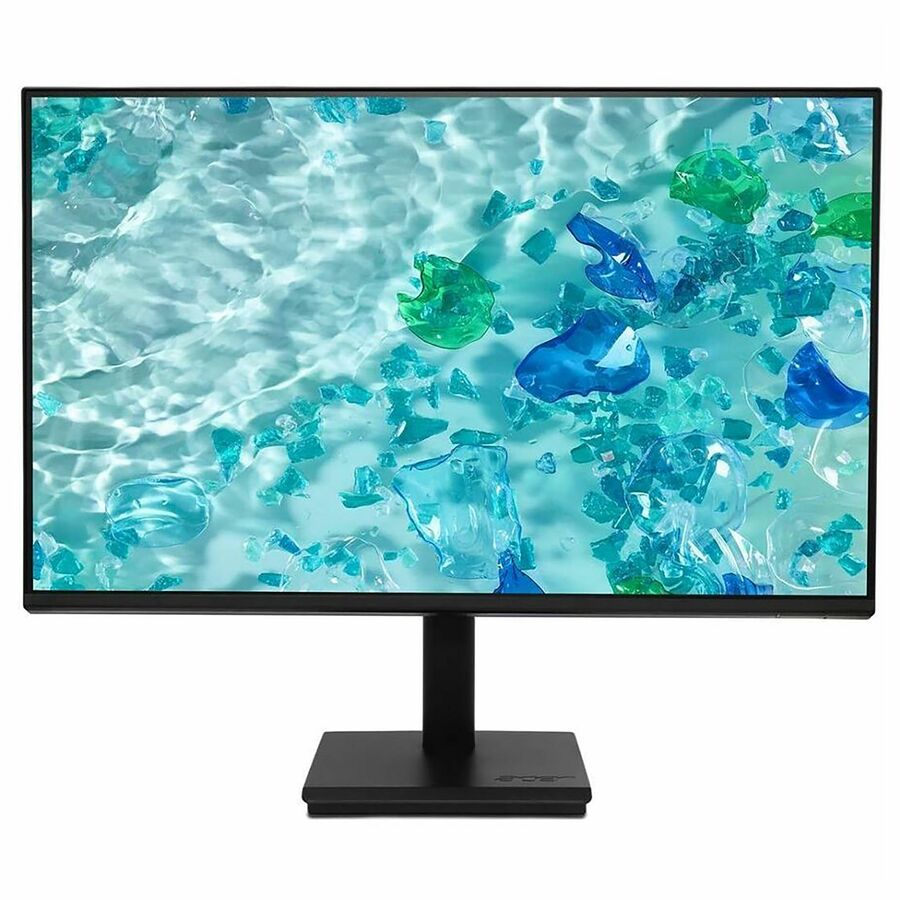
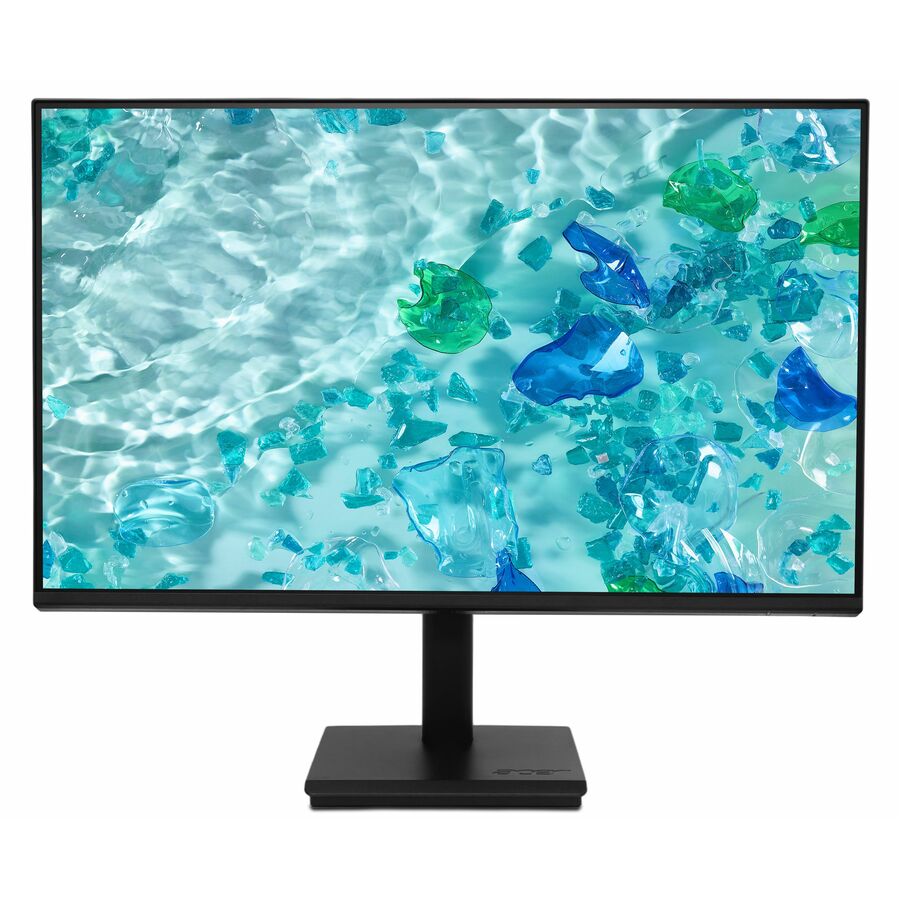
- AcerAcer Vero V247Y G 24" Class Full HD LCD Monitor - 16:9 - Black - 23.8" Viewable - In-plane Switching (IPS) Technology - LED Backlight - 1920 x 1080 - 16.7 Million Colors - VESA Adaptive Sync (DisplayPort VRR) - 250 Nit - 4 ms - 120 Hz Refresh Rate - Speakers - USB Type-C - HDMI - VGA - VESA Mount CompatibleUM.QV7AA.G05
$142.99
$101.66
117 in stock - AcerAcer Vero V227Q E1 22" Class Full HD LCD Monitor - 16:9 - Black - 21.5" Viewable - In-plane Switching (IPS) Technology - LED Backlight - 1920 x 1080 - 16.7 Million Colors - VESA Adaptive Sync - 300 Nit - 4 ms - 100 Hz Refresh Rate - Speakers - HDMI - DisplayPort - VESA Mount CompatibleUM.WV7AA.101
$139.99
$101.66
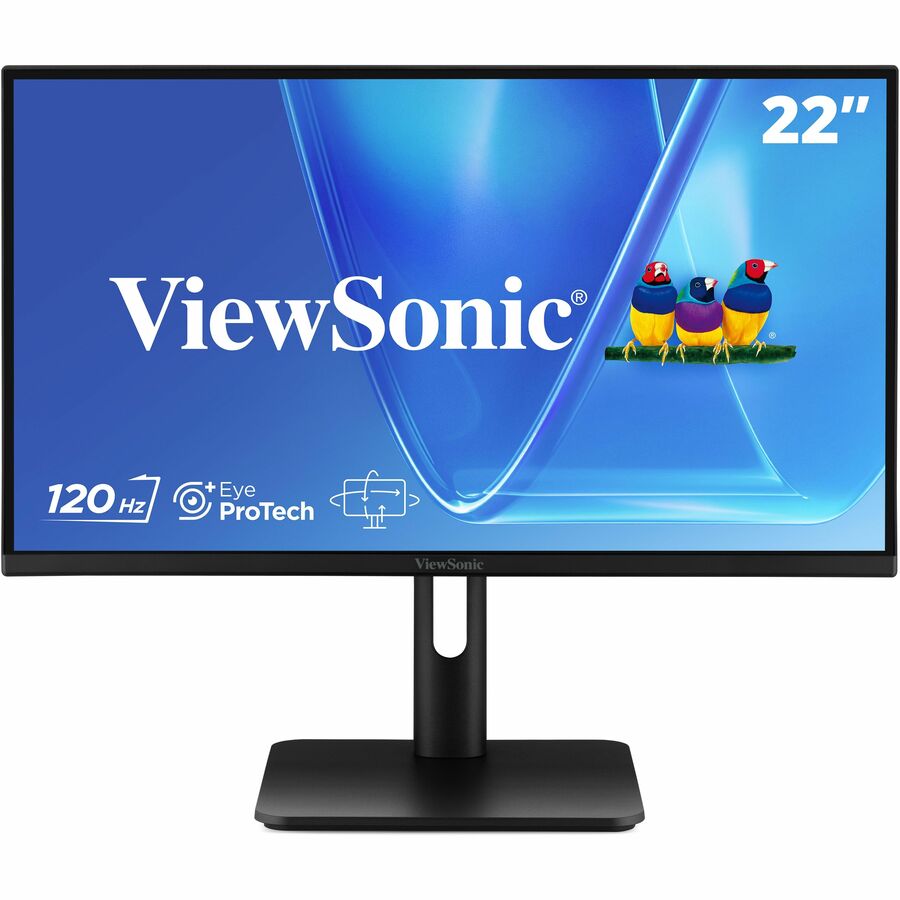
10 in stock - ViewSonicViewSonic VX2267-MHD 22 Inch 1080p Monitor, 100Hz Refresh Rate with FreeSync for Ultimate Home Entertainment, Eye Care Technology, Ultra-Thin Bezels, HDMI, and DisplayPort Inputs - VX2267-MHD - 1080p Gaming Monitor with 100Hz, 1ms, FreeSync, Eye Care, HDMI, VGA, and DP - 250 cd/m² - 22"VX2267-MHD
$115.00
$103.29
511 in stock - AcerAcer Vero V227Q E3 22" Class Full HD LED Monitor - 16:9 - Black - 21.5" Viewable - In-plane Switching (IPS) Technology - LED Backlight - 1920 x 1080 - 16.7 Million Colors - AMD FreeSync - 250 Nit - 4 ms - 75 Hz Refresh Rate - Speakers - HDMI - VGA - DisplayPort - VESA Mount CompatibleUM.WV7AA.303
$123.99
$106.75
268 in stock - AcerAcer Vero V7 V227Q E3 22" Class Full HD LED Monitor - 16:9 - 21.5" Viewable - In-plane Switching (IPS) Technology - LED Backlight - 1920 x 1080 - 16.7 Million Colors - AMD FreeSync - 250 Nit - 4 ms - 75 Hz Refresh Rate - Speakers - HDMI - VGA - DisplayPort - VESA Mount CompatibleUM.WV7AA.302
$129.99
$109.29
376 in stock - AcerAcer Vero V227Q H 22" Class Full HD LCD Monitor - 16:9 - Black - 21.5" Viewable - Vertical Alignment (VA) - LED Backlight - 1920 x 1080 - 16.7 Million Colors - AMD FreeSync (DisplayPort VRR) - 250 Nit - 4 ms - 100 Hz Refresh Rate - Speakers - HDMI - VGA - DisplayPort - VESA Mount Compatible - SpeakerUM.WV7AA.H02
$114.99
$109.29
105 in stock - AcerAcer Vero V247Y G 24" Class Full HD LCD Monitor - 16:9 - Black - 23.8" Viewable - In-plane Switching (IPS) Technology - LED Backlight - 1920 x 1080 - 16.7 Million Colors - VESA Adaptive Sync (DisplayPort VRR) - 250 Nit - 4 ms - 120 Hz Refresh Rate - Speakers - USB Type-C - HDMI - VGA - VESA Mount Compatible - SpeakerUM.QV7AA.G03
$149.99
$111.84
827 in stock - LenovoLenovo ThinkVision S22-4e 22" Class Full HD LED Monitor - 16:9 - Raven Black - 21.5" Viewable - In-plane Switching (IPS) Technology - WLED Backlight - 1920 x 1080 - 16.7 Million Colors - 250 Nit - 4 ms - 100 Hz Refresh Rate - Tilt - HDMI - VGA - VESA Mount Compatible64CBKAT6US
$113.64
3,033 in stock - ViewSonicViewSonic VX2276-SMHD 22 Inch 1080p Monitor, IPS Display with Ultra-Thin Bezels and Eye Care Technology for Home and Office Entertainment, DisplayPort for Daisy Chain, HDMI, and VGA Inputs - VX2276-SMHD - 1080p Widescreen IPS Monitor with Ultra-Thin Bezels, HDMI and DisplayPort - 250 cd/m² - 22"VX2276-SMHD
$129.00
$114.90
1,459 in stock - AcerAcer Vero V247Y G 24" Class Full HD LCD Monitor - 16:9 - Black - 23.8" Viewable - In-plane Switching (IPS) Technology - LED Backlight - 1920 x 1080 - 16.7 Million Colors - VESA Adaptive Sync (DisplayPort VRR) - 250 Nit - 4 ms - 120 Hz Refresh Rate - Speakers - USB Type-C - HDMI - VGA - DisplayPort - VESA Mount Compatible - SpeakerUM.QV7AA.G01
$154.99
$116.91
923 in stock - AcerAcer Vero V277 G 27" Class Full HD LCD Monitor - 16:9 - Black - 27" Viewable - In-plane Switching (IPS) Technology - LED Backlight - 1920 x 1080 - 16.7 Million Colors - VESA Adaptive Sync (DisplayPort VRR) - 250 Nit - 4 ms - 120 Hz Refresh Rate - Speakers - USB Type-C - HDMI - VGA - VESA Mount Compatible - SpeakerUM.HV7AA.G07
$159.99
$119.46
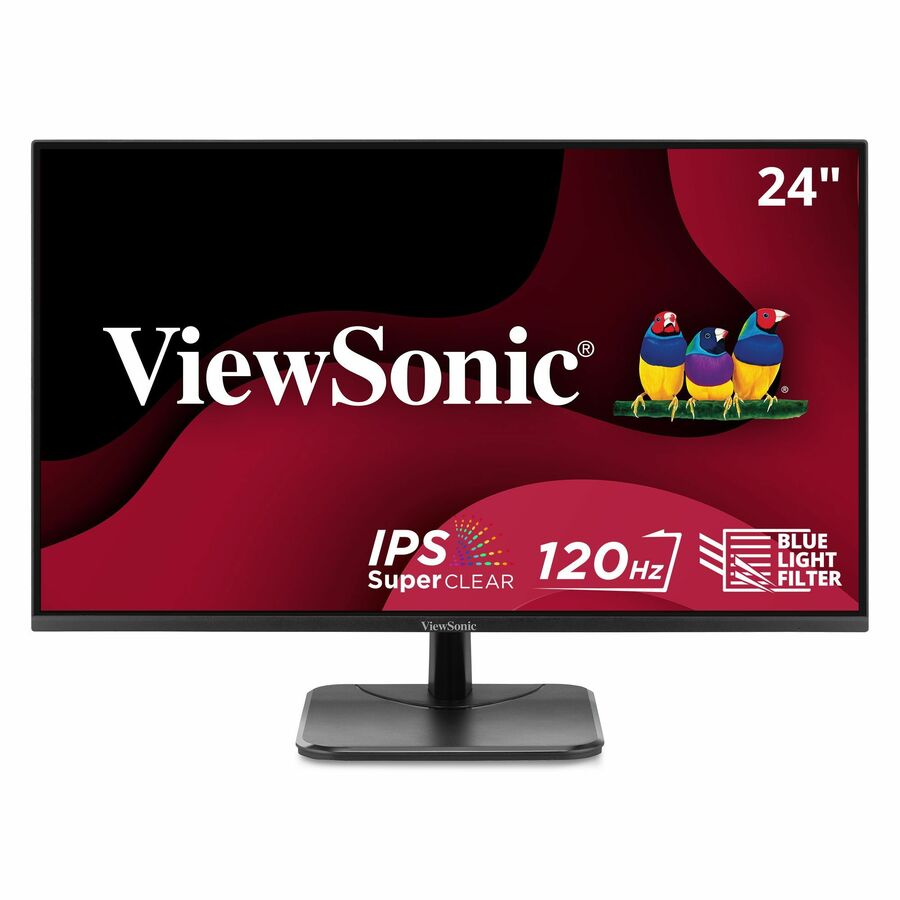
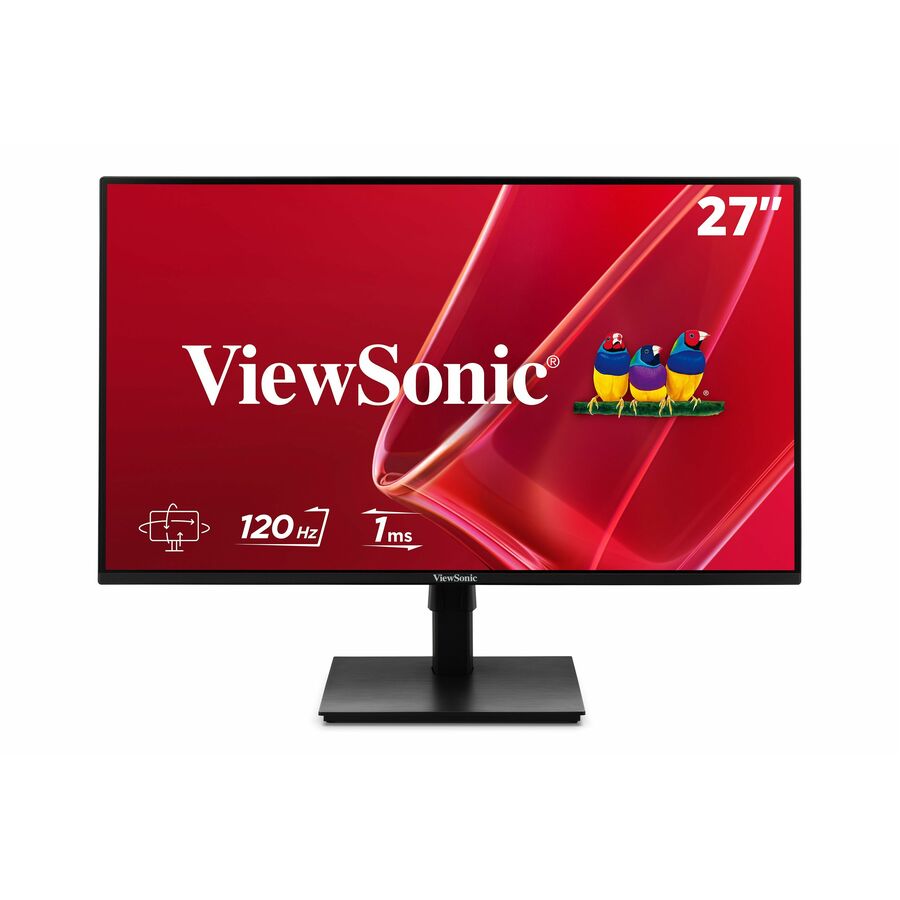
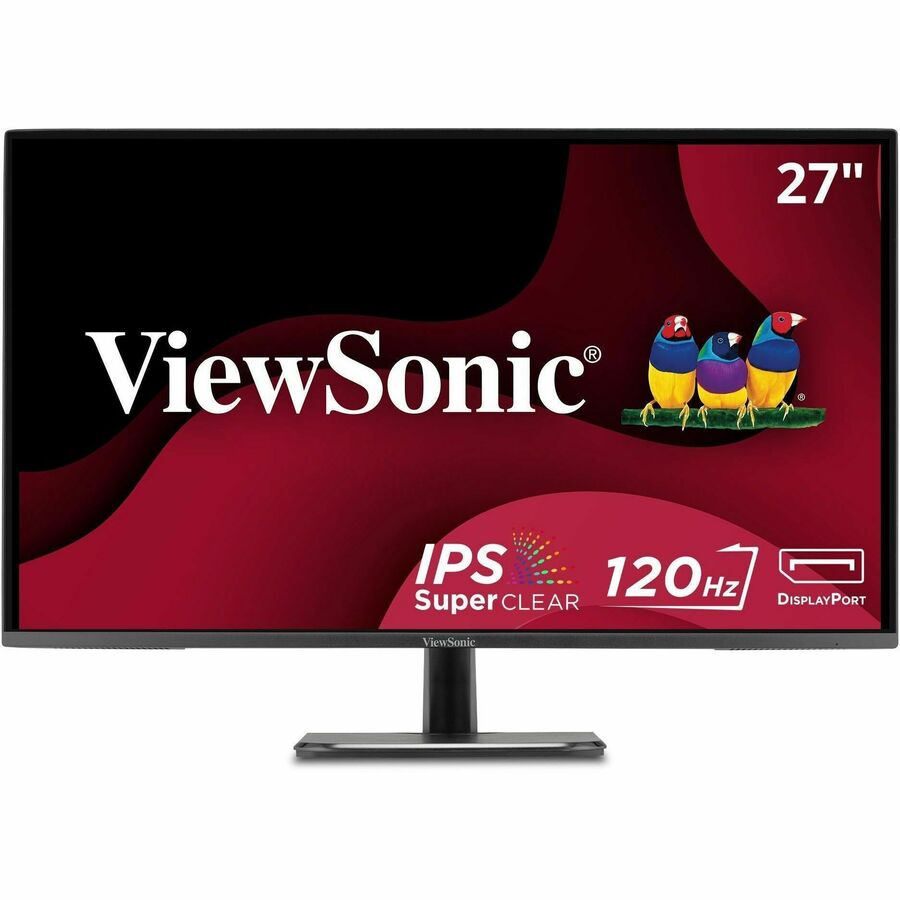
322 in stock - ViewSonicViewSonic VA2456A-MHD 24 Inch IPS 1080p Monitor with 120Hz, Eye Care, HDMI, DisplayPort, and VGA Inputs for Home and Office - 23.8? Viewable - SuperClear IPS - LED Backlight - 1920 x 1080 - 16.7 Million Colors (8-bit) - 250 Nit - 1 ms - Speakers - HDMI - VGA - DisplayPortVA2456A-MHD
$145.00
$123.94
1,182 in stock - ViewSonicViewSonic VA2416C 24 Inch 1080p Curved Monitor, Frameless Design with Variable Refresh Rate for Home Entertainment, HDMI, and DisplayPort Inputs - 23.6? Viewable - Vertical Alignment (VA) - LED Backlight - 1920 x 1080 - 16.7 Million Colors (8-bit) - 250 Nit - 4 ms - Speakers - HDMI - VGA - DisplayPortVA2416C
$139.00
$125.23
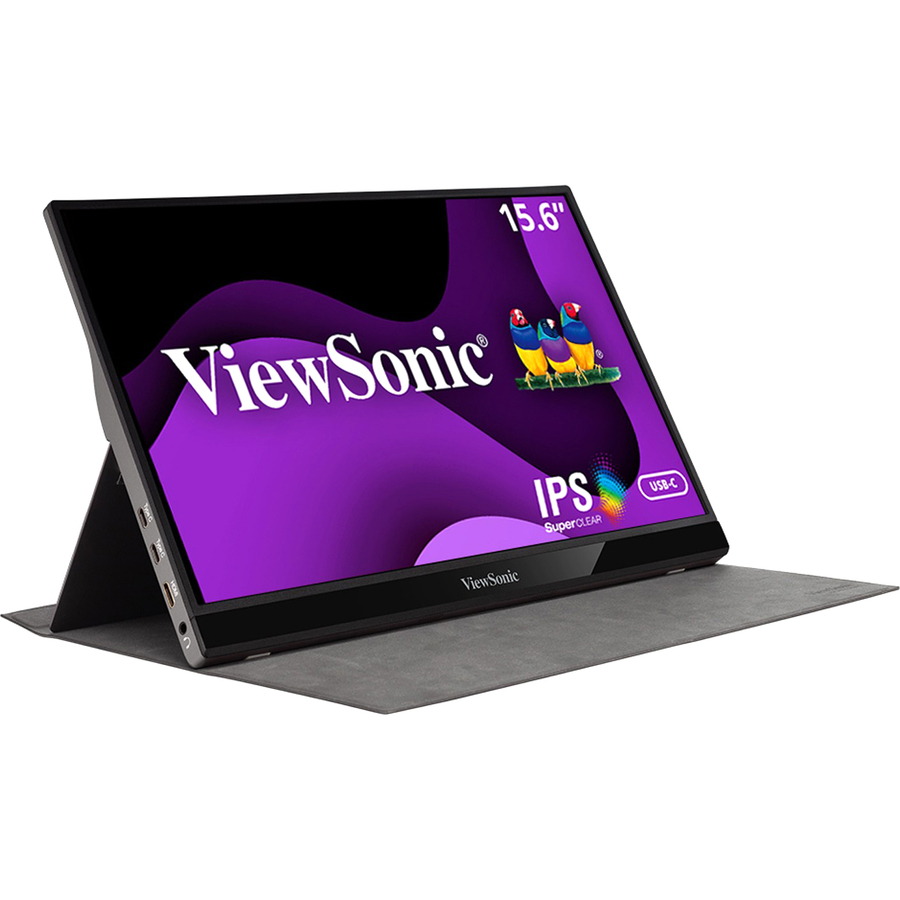
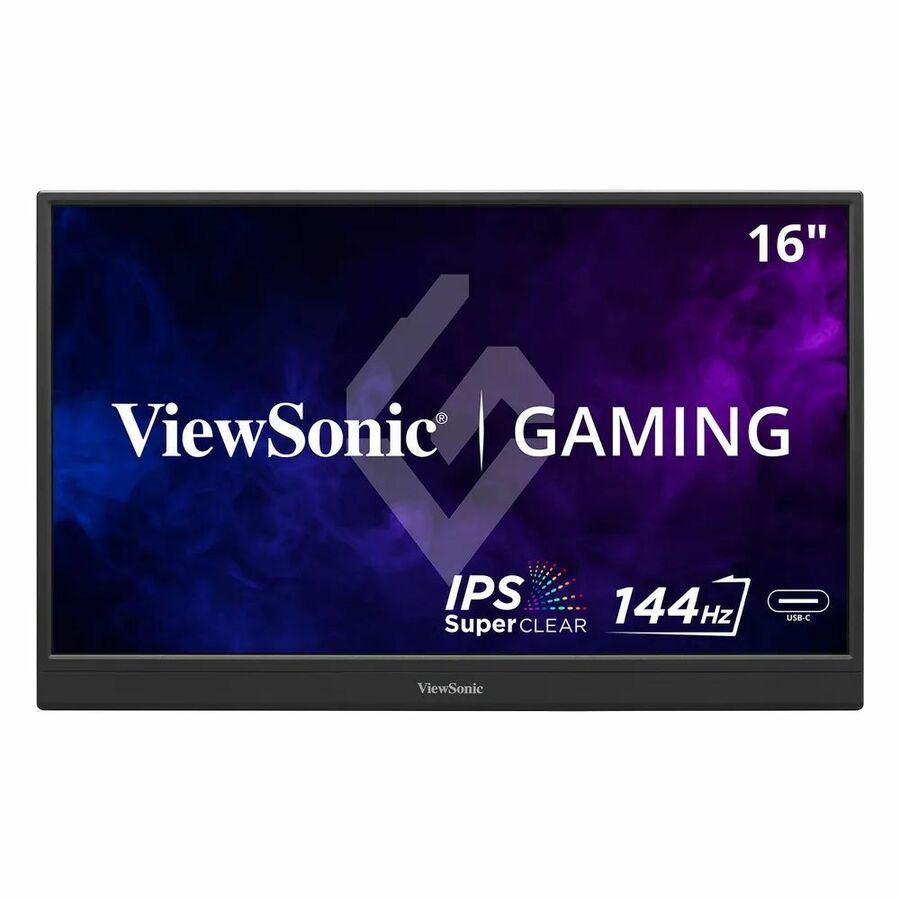
1,041 in stock - AcerAcer PM161Q B 16" Class Full HD LED Monitor - 16:9 - Black - 15.6" Viewable - In-plane Switching (IPS) Technology - LED Backlight - 1920 x 1080 - 16.7 Million Colors - AMD FreeSync - 250 Nit - 4 ms - 60 Hz Refresh Rate - Speakers - USB Type-C - HDMI - VESA Mount CompatibleUM.ZP1AA.B01
$139.99
$127.09
28 in stock - ViewSonicViewSonic VX2416A 24 Inch 1080p Gaming Monitor, IPS Display with 120Hz and 1ms for Smooth Gameplay, Eye Care Technology, DisplayPort for Daisy Chain, USB-C, and HDMI Inputs - ViewSonic Gaming VX2416A - 1080p 1ms 120Hz IPS Gaming Monitor with USB-C, HDMI, DP - 250 cd/m² - 24?VX2416A
$145.00
$127.81
341 in stock
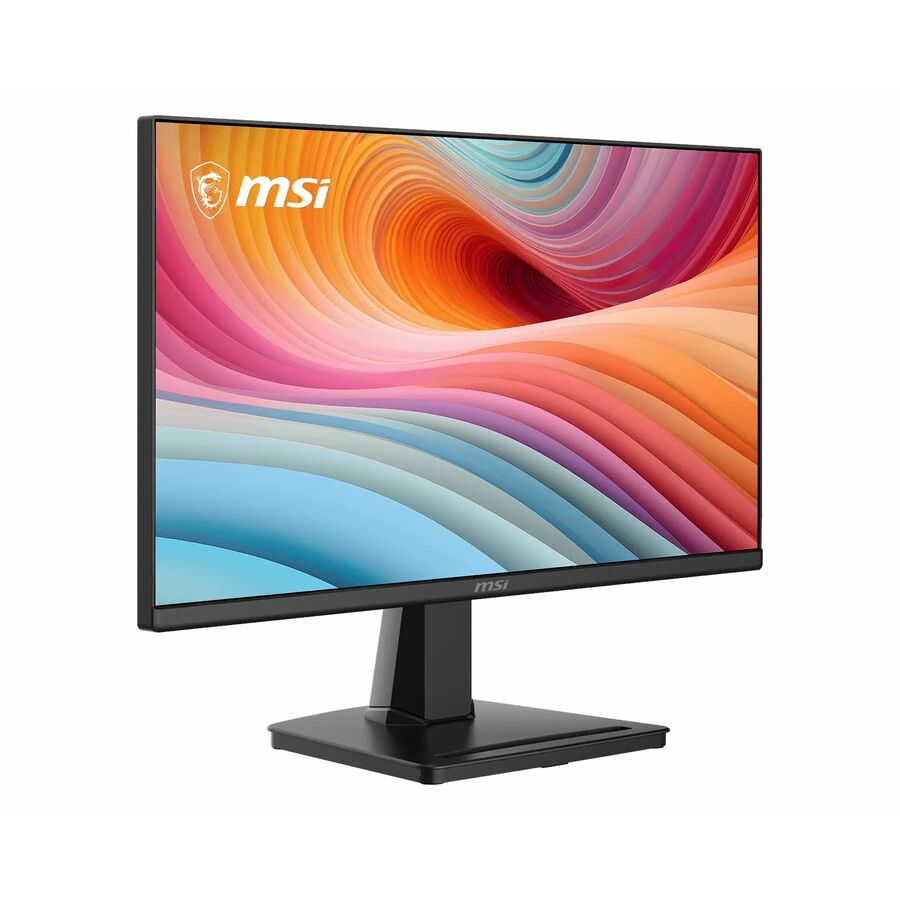

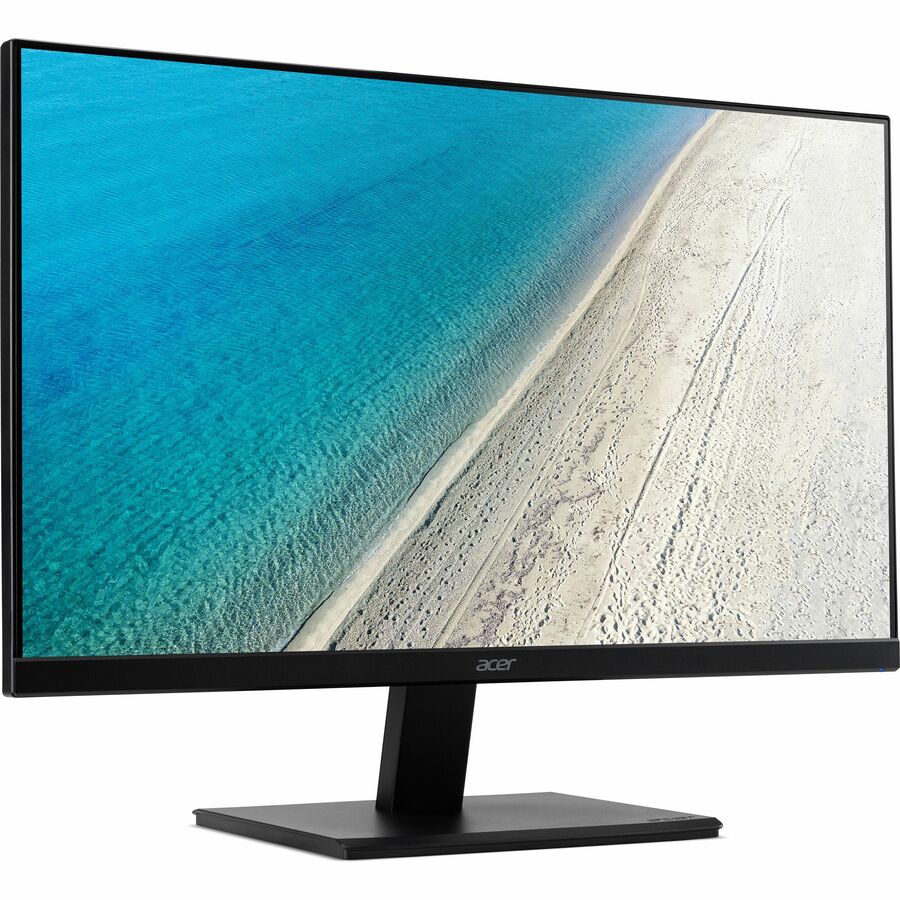

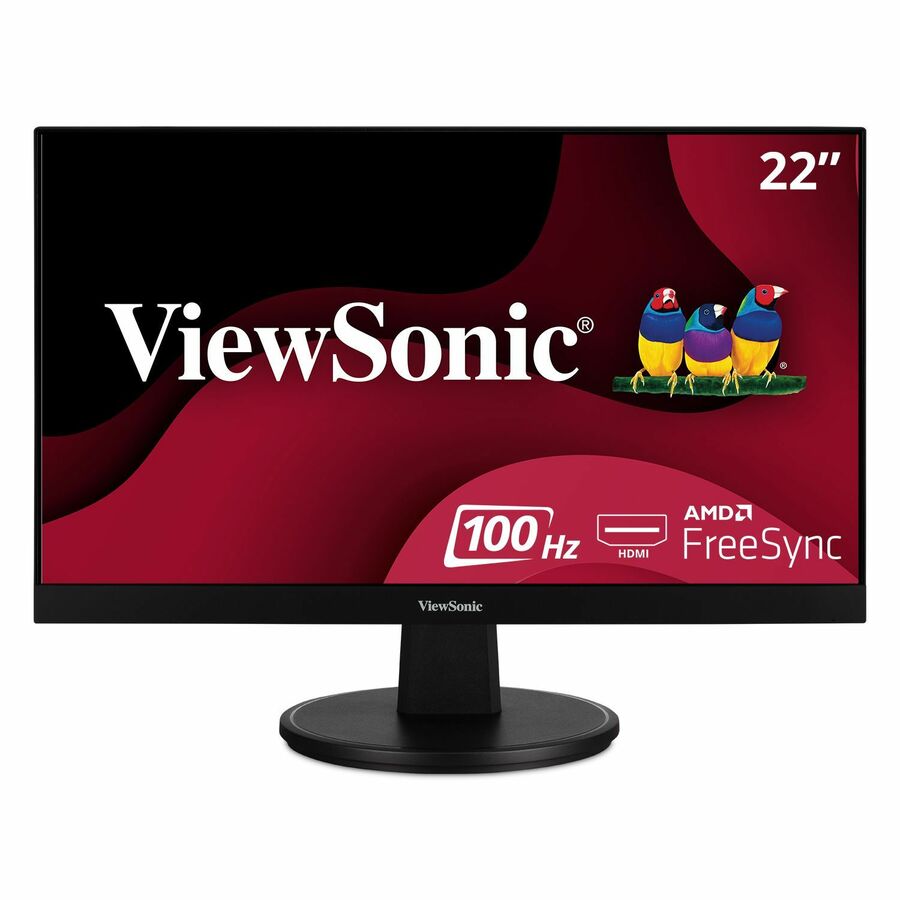

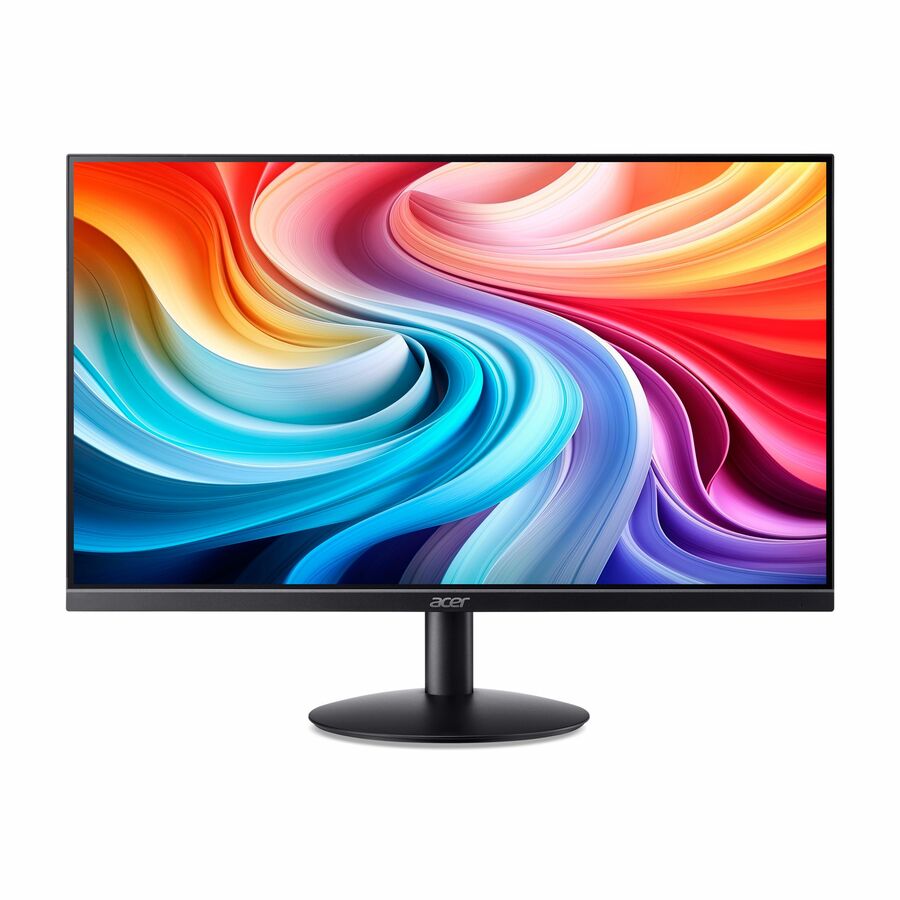
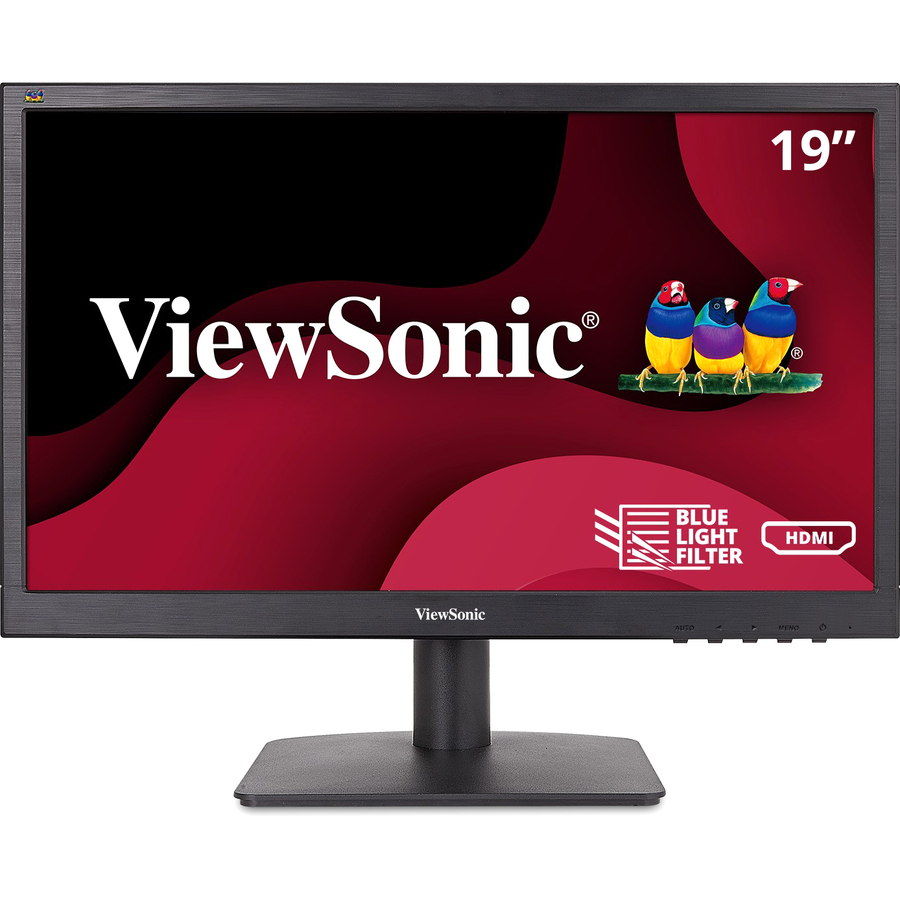
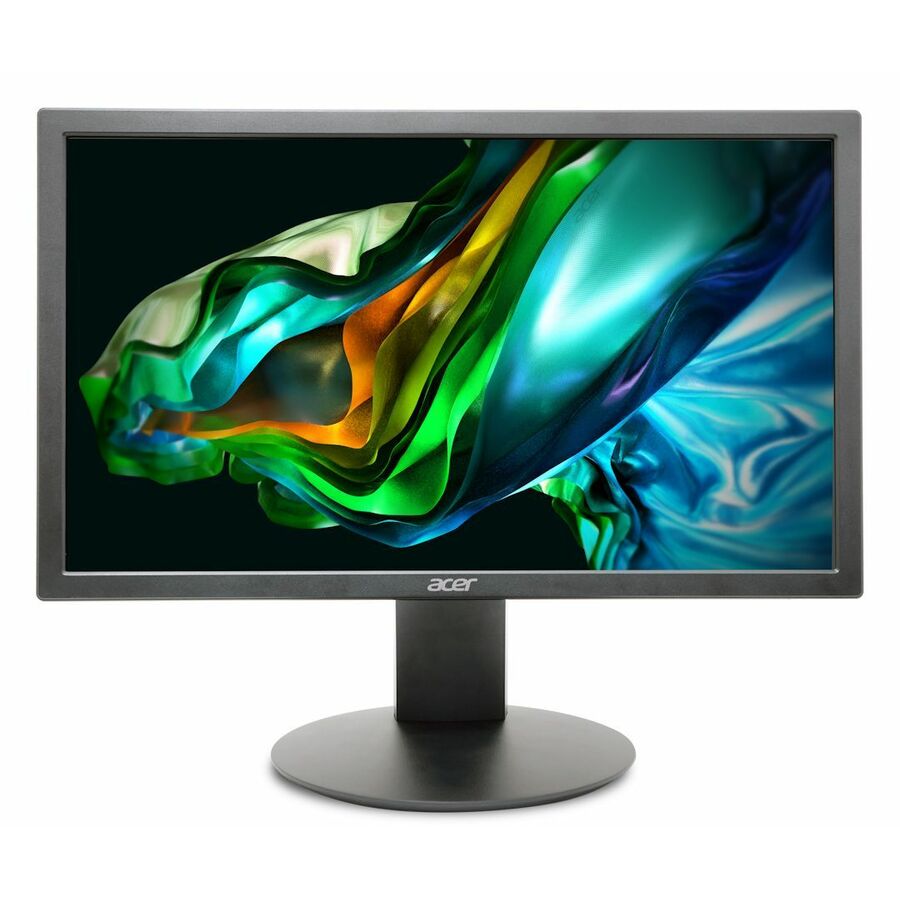
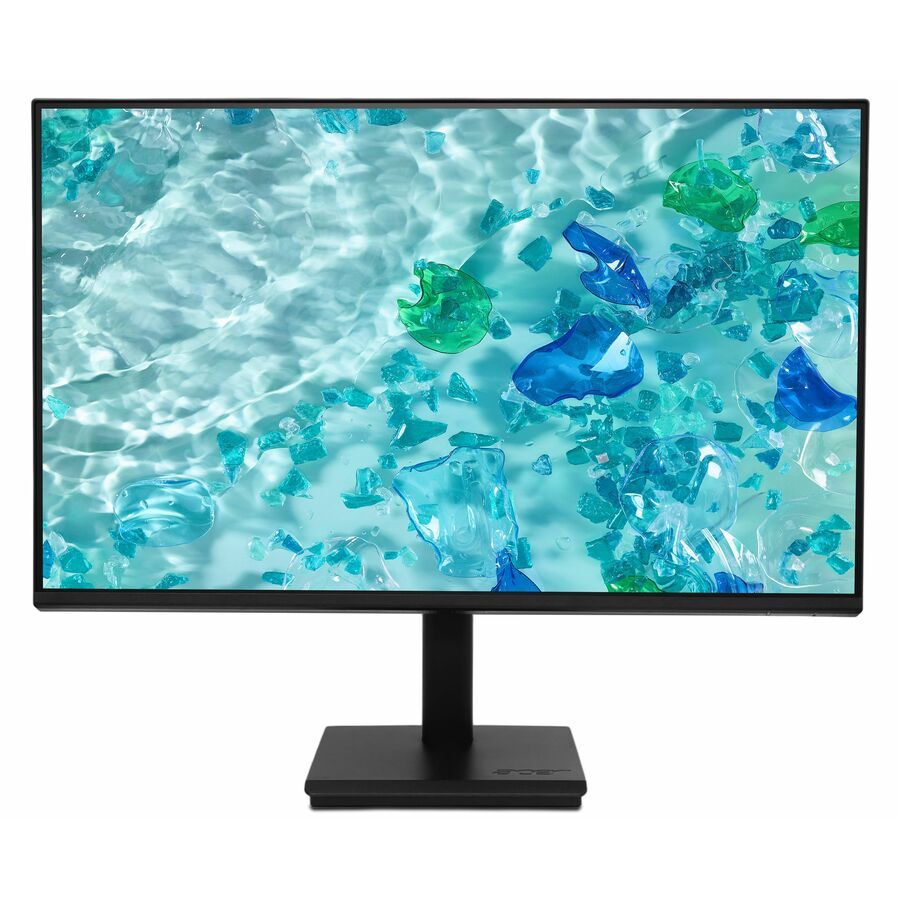
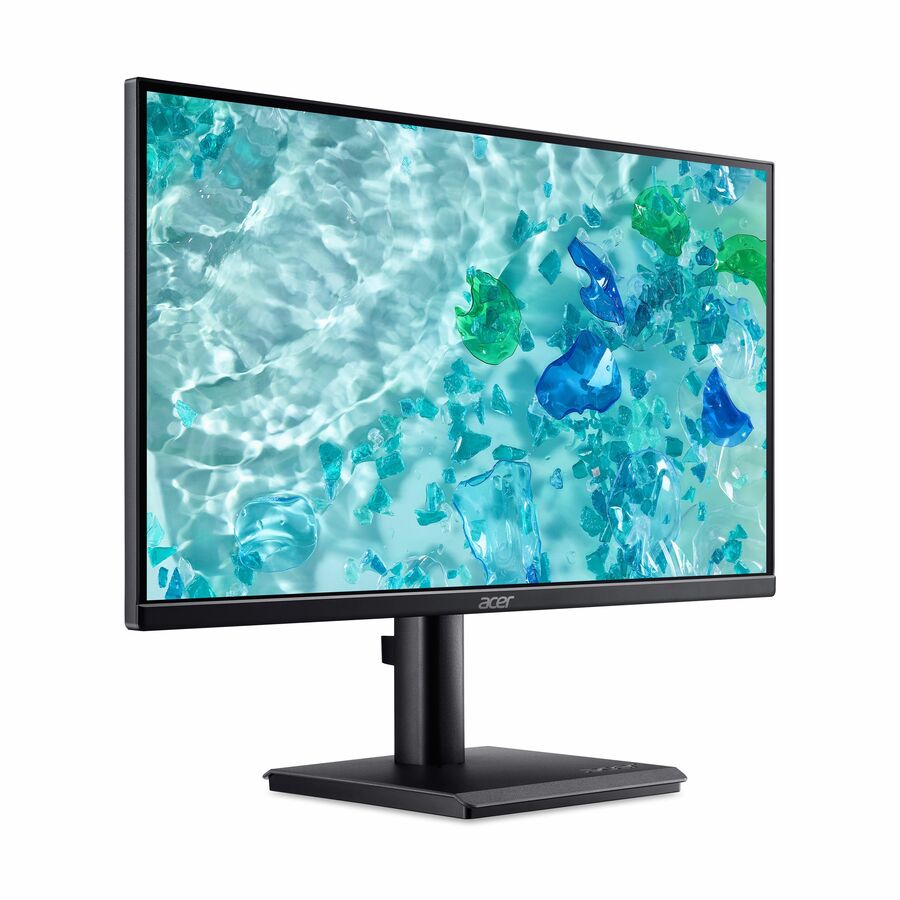
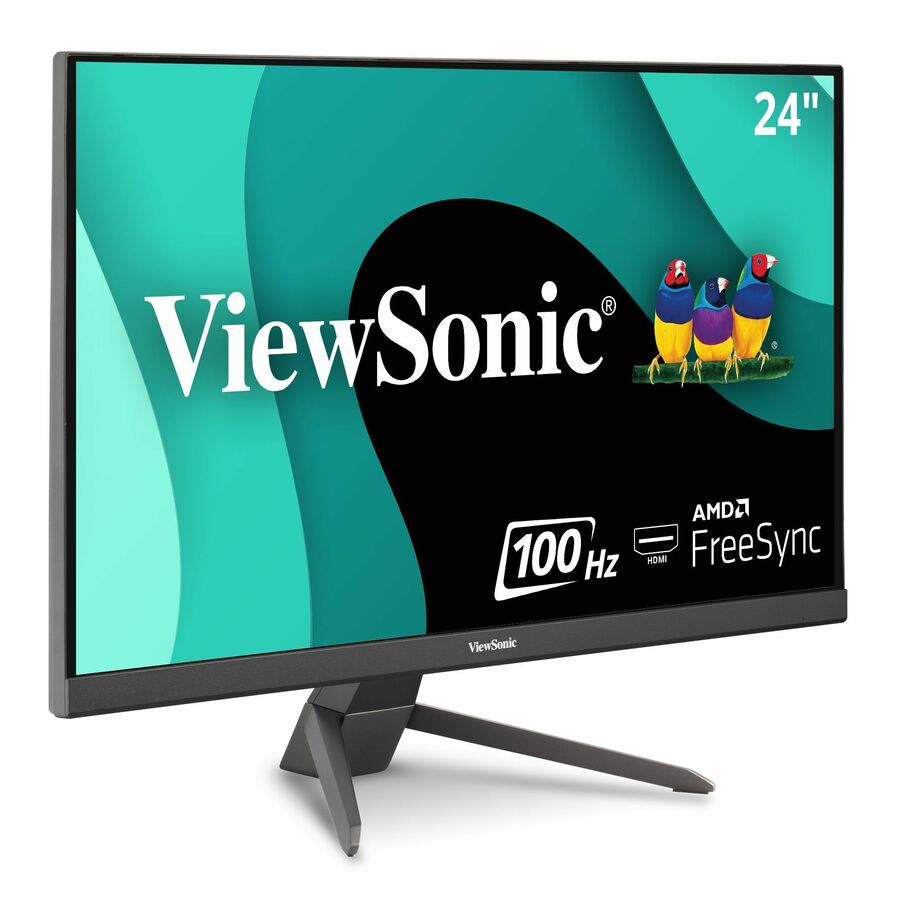
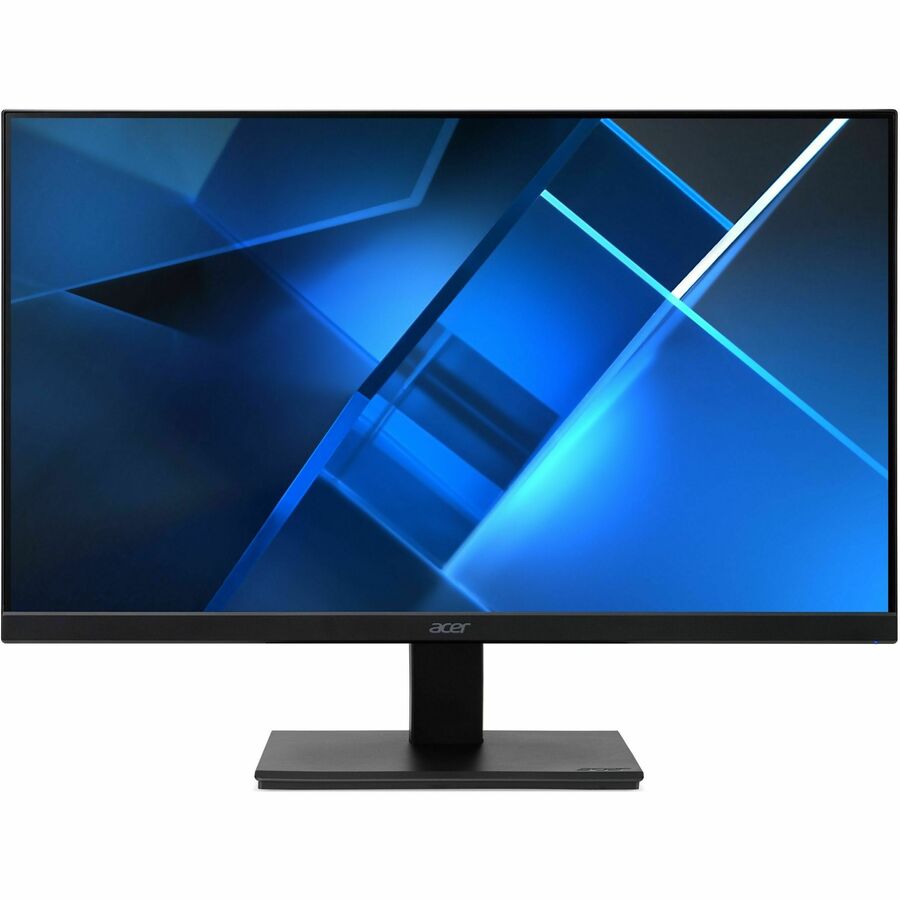
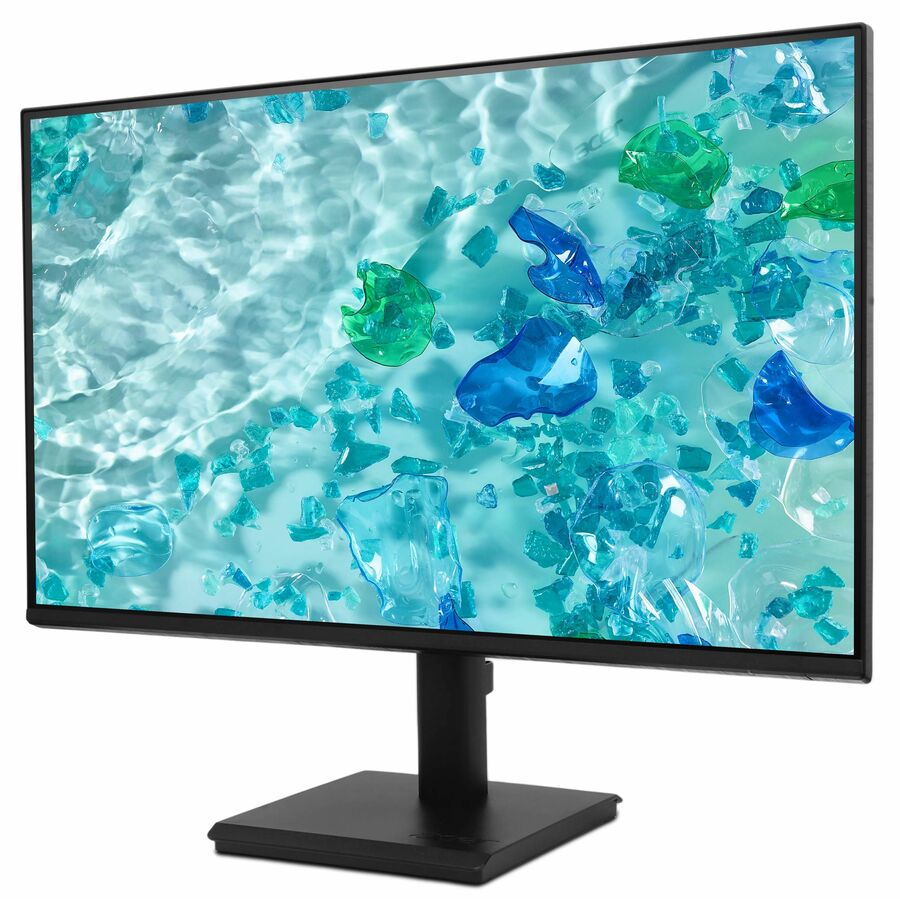


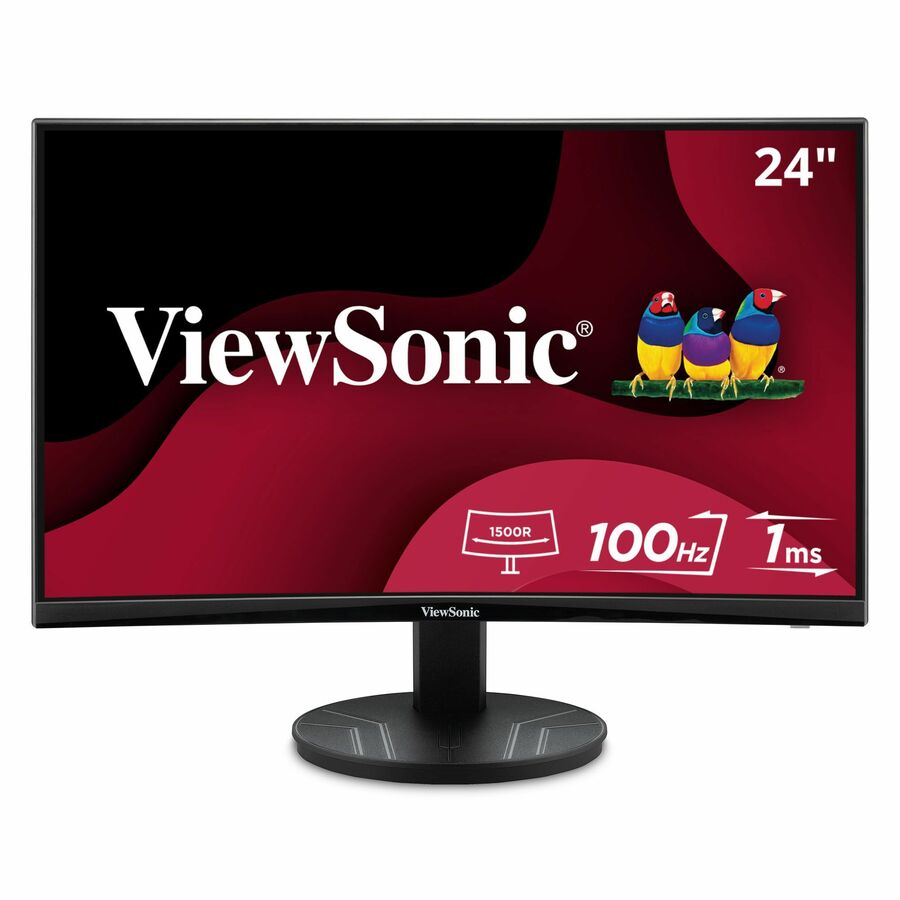
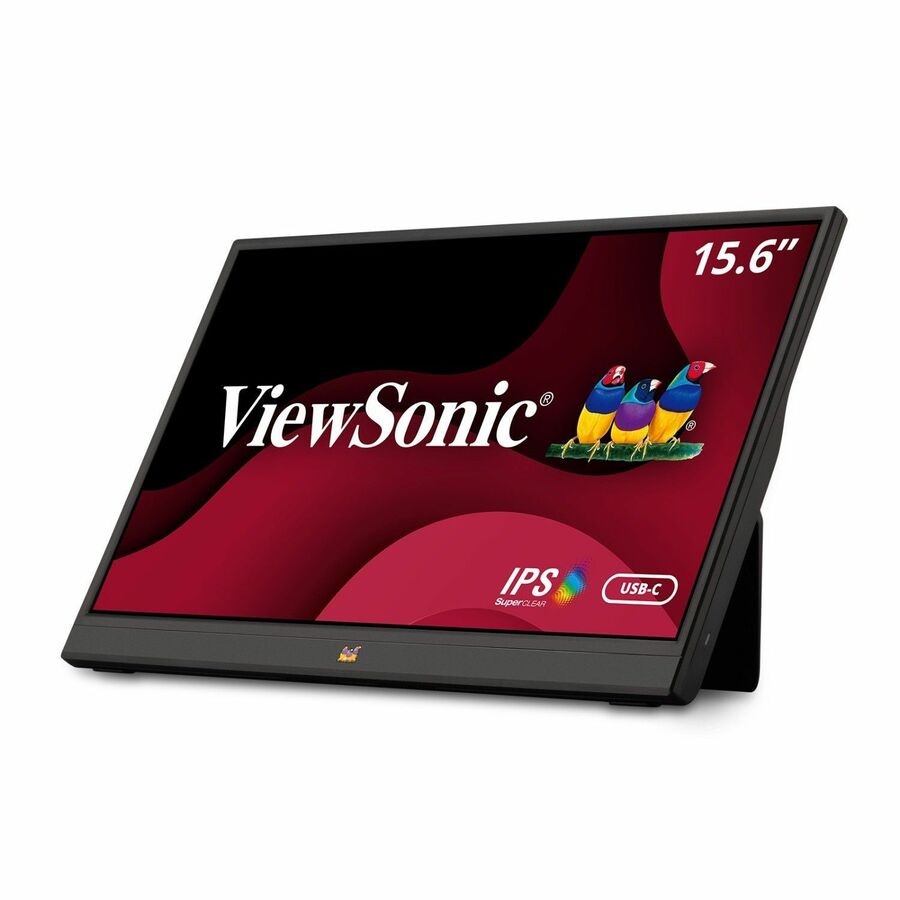
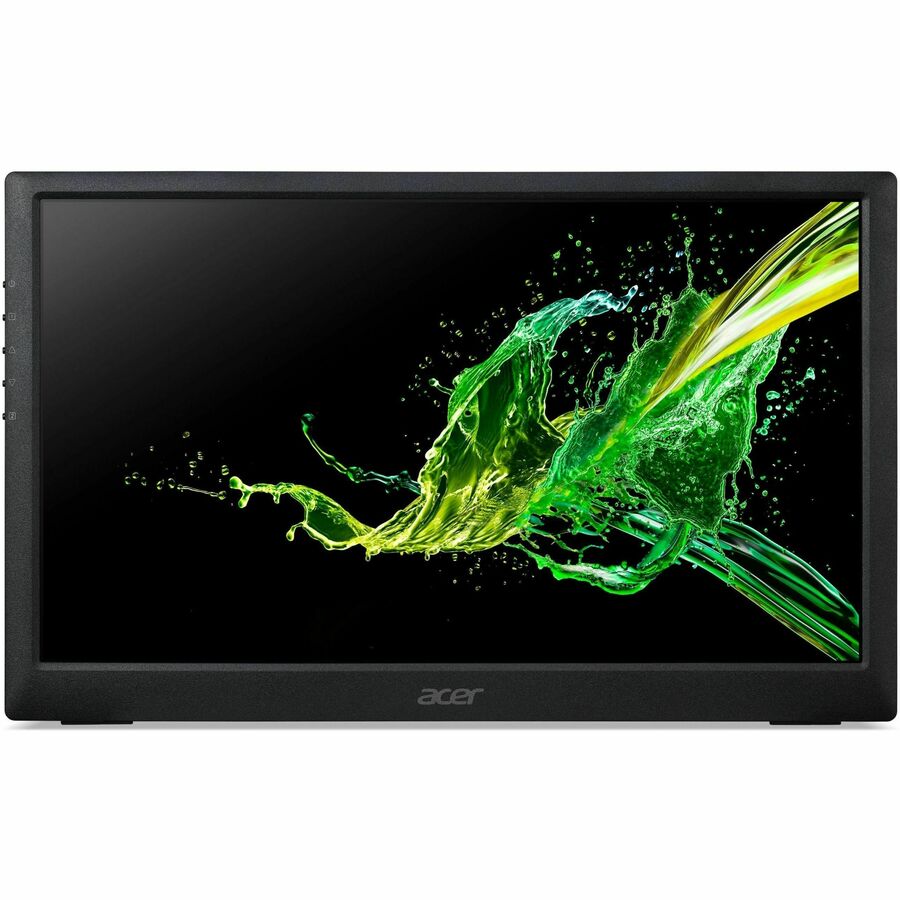
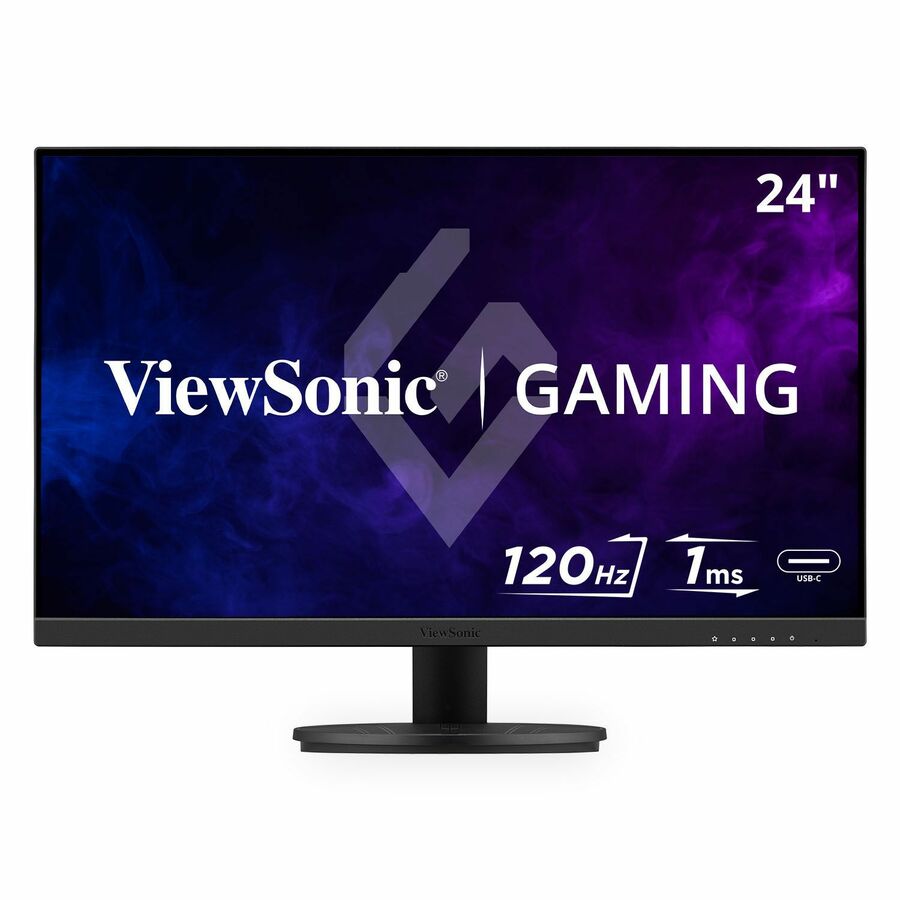
Acer SB242Y, value
Acer
Acer SB242Y H1 24" Class Full HD LCD Monitor
UM.QS2AA.101
Acer's SB242Y H1, a 23.8-inch Full HD display with HDMI and VGA — the plain, low-cost 24-inch panel that connects to both new and older lab towers without an adapter.
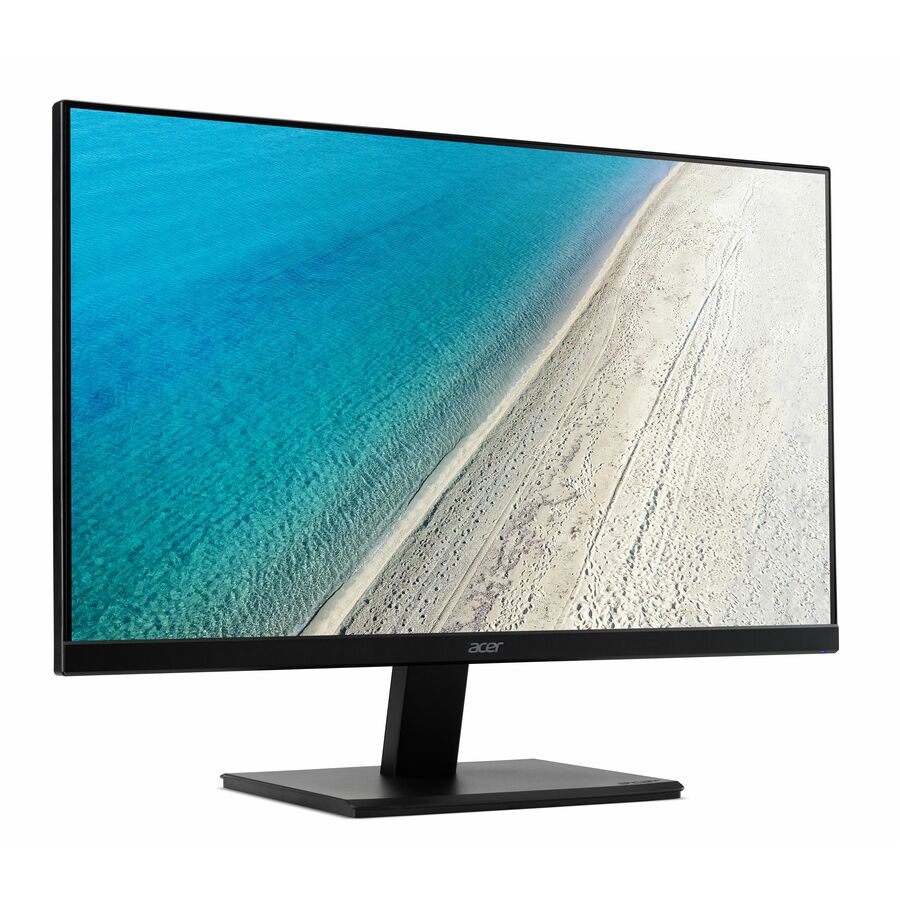
$88.96In stockAcer Vero V247Y
Acer
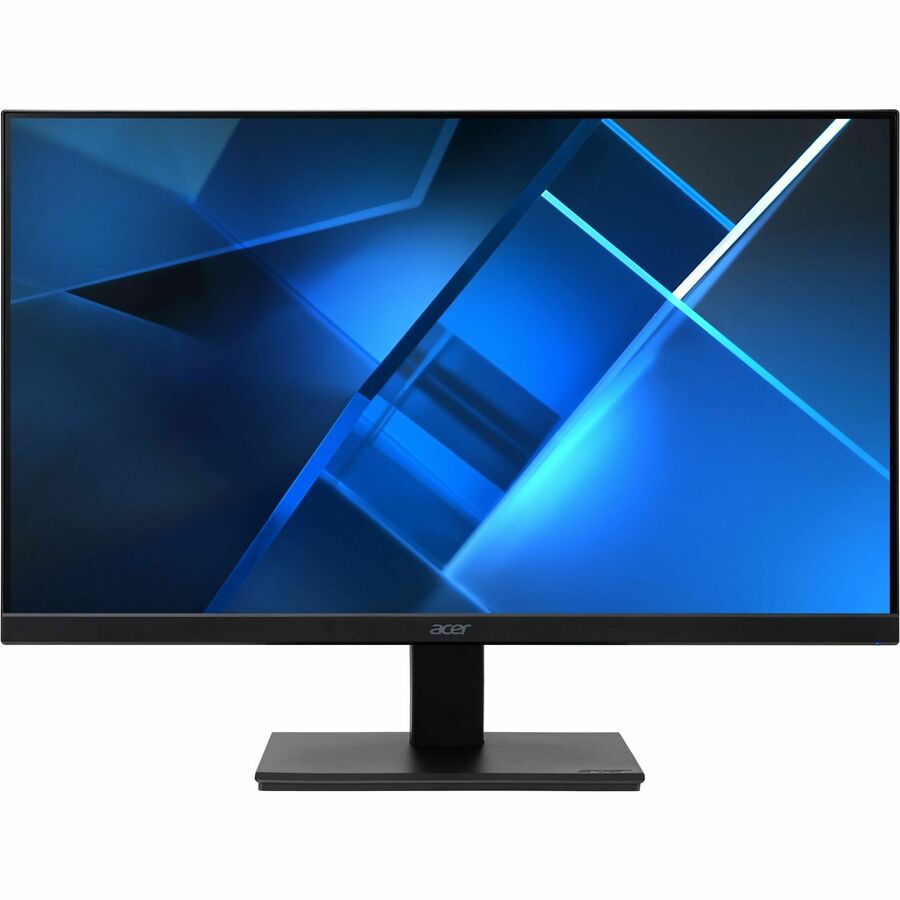
Acer Vero V247Y G 24" Class Full HD LCD Monitor
UM.QV7AA.G05
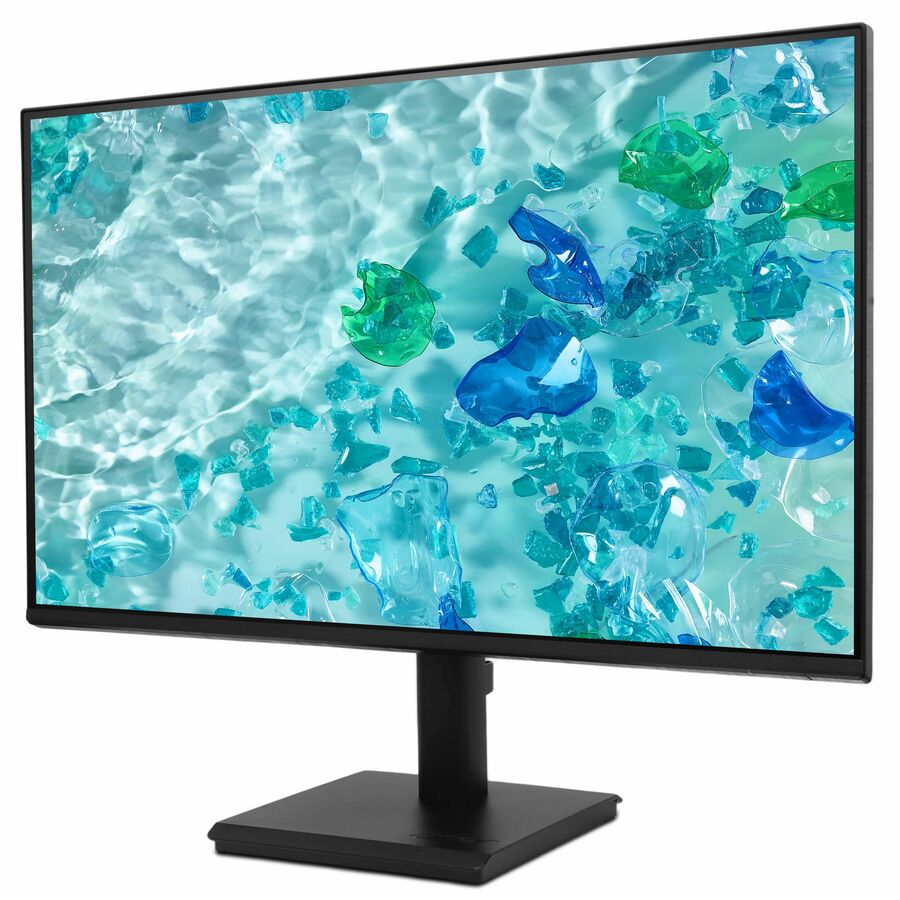
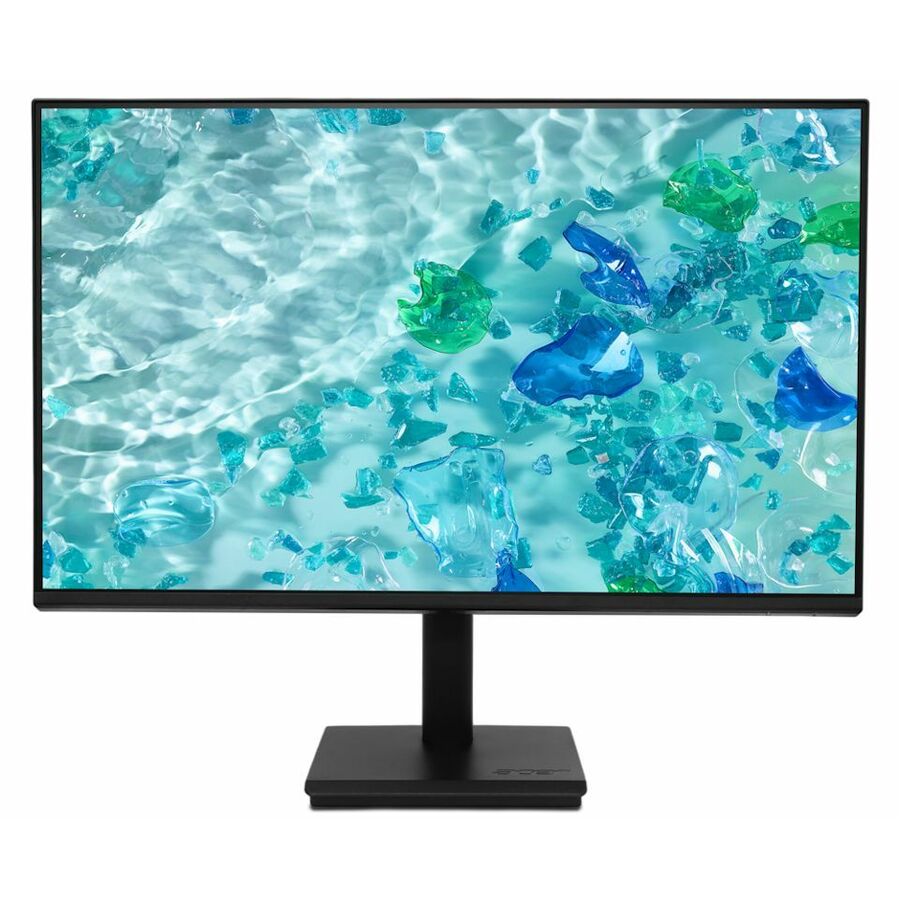
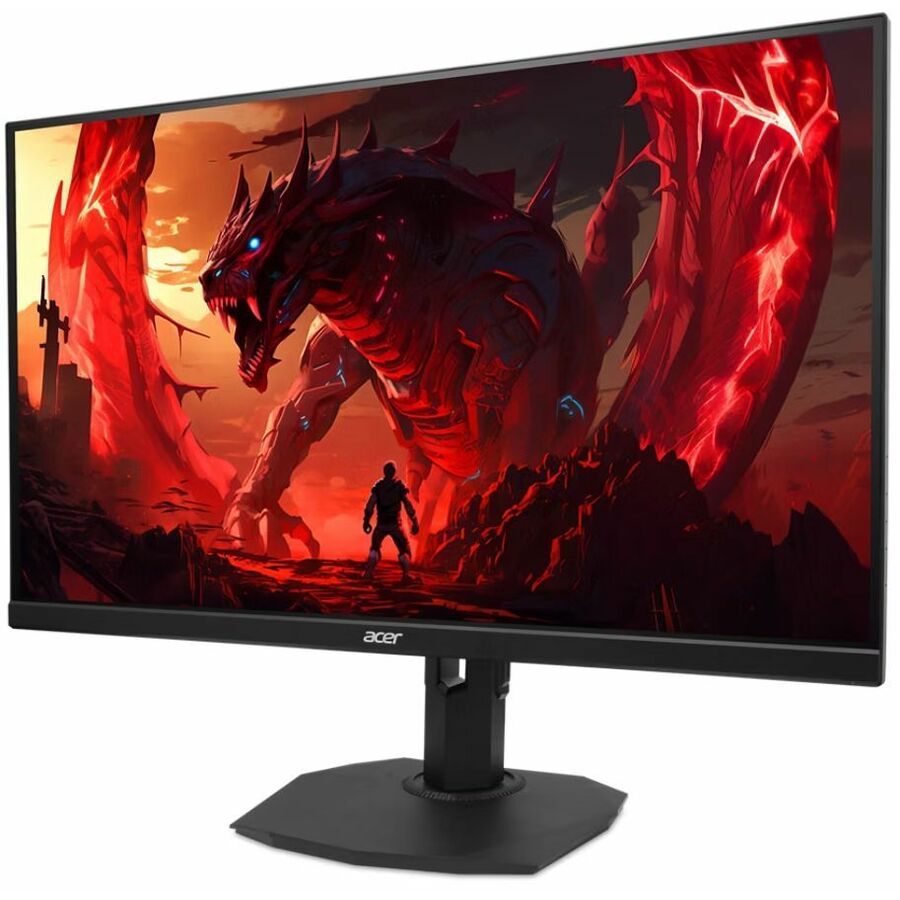
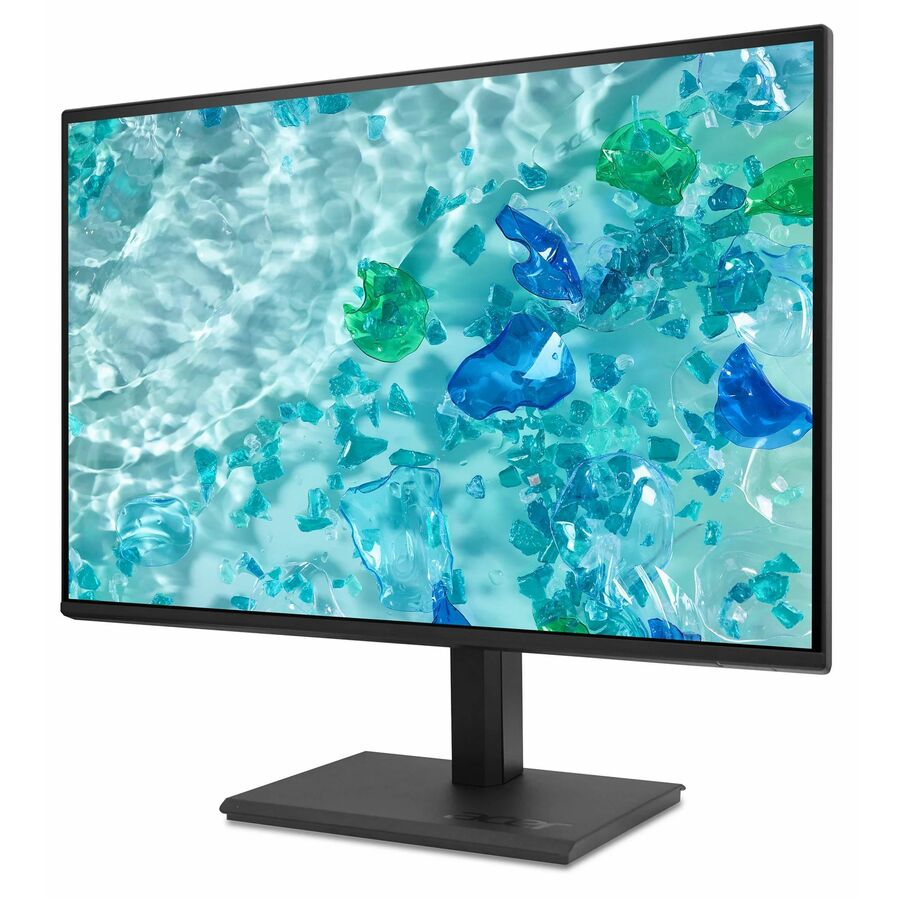
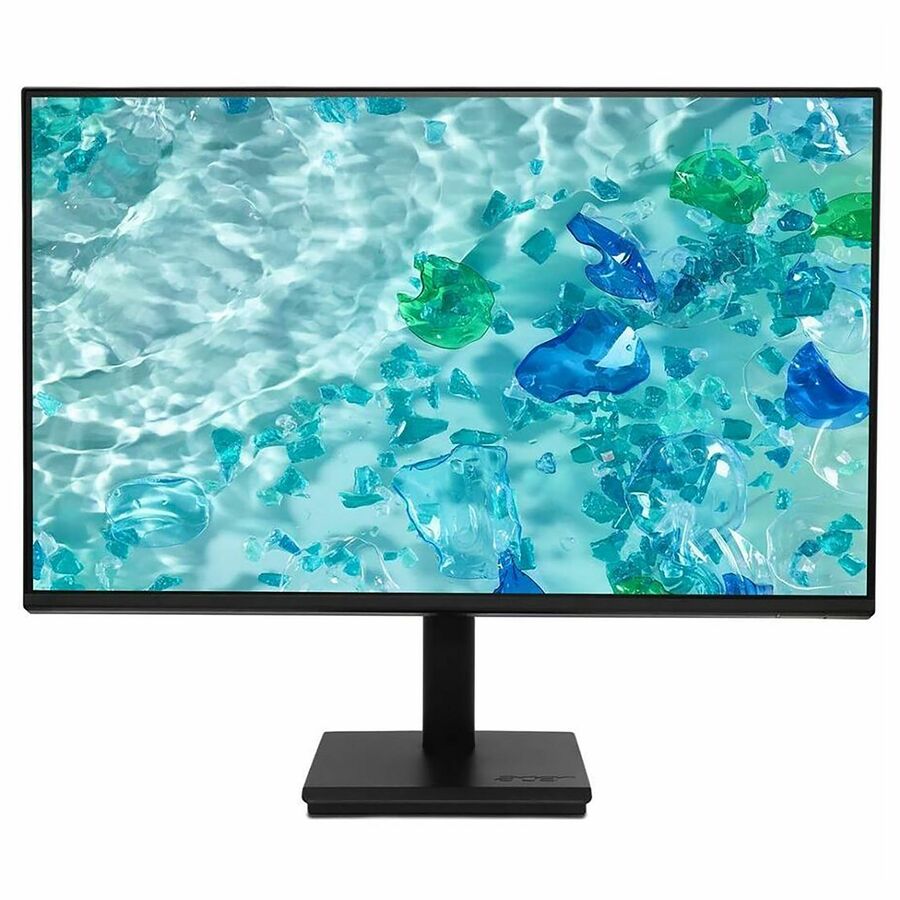
The Acer Vero V247Y G, a 23.8-inch Full HD IPS monitor with speakers, HDMI and VGA — a wide-angle panel for a shared screen, in Acer's recycled-material Vero line.
$101.66In stockAcer Vero V227Q, 22"
Acer
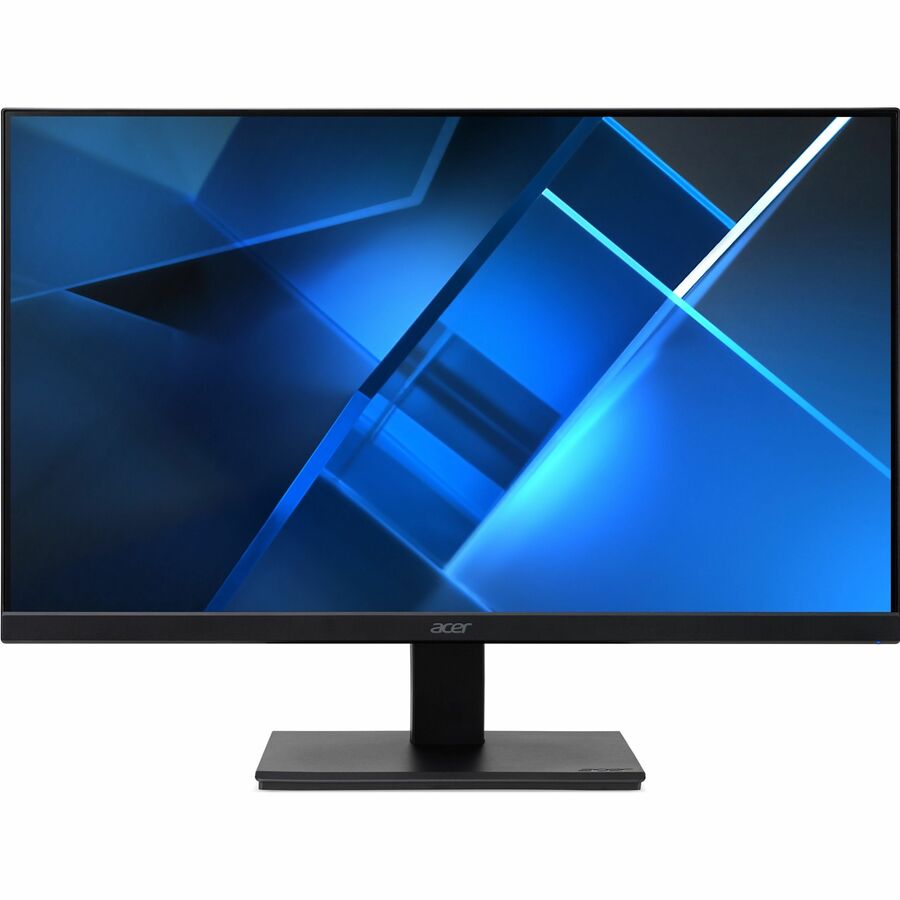
Acer Vero V7 V227Q E3 22" Class Full HD LED Monitor
UM.WV7AA.302
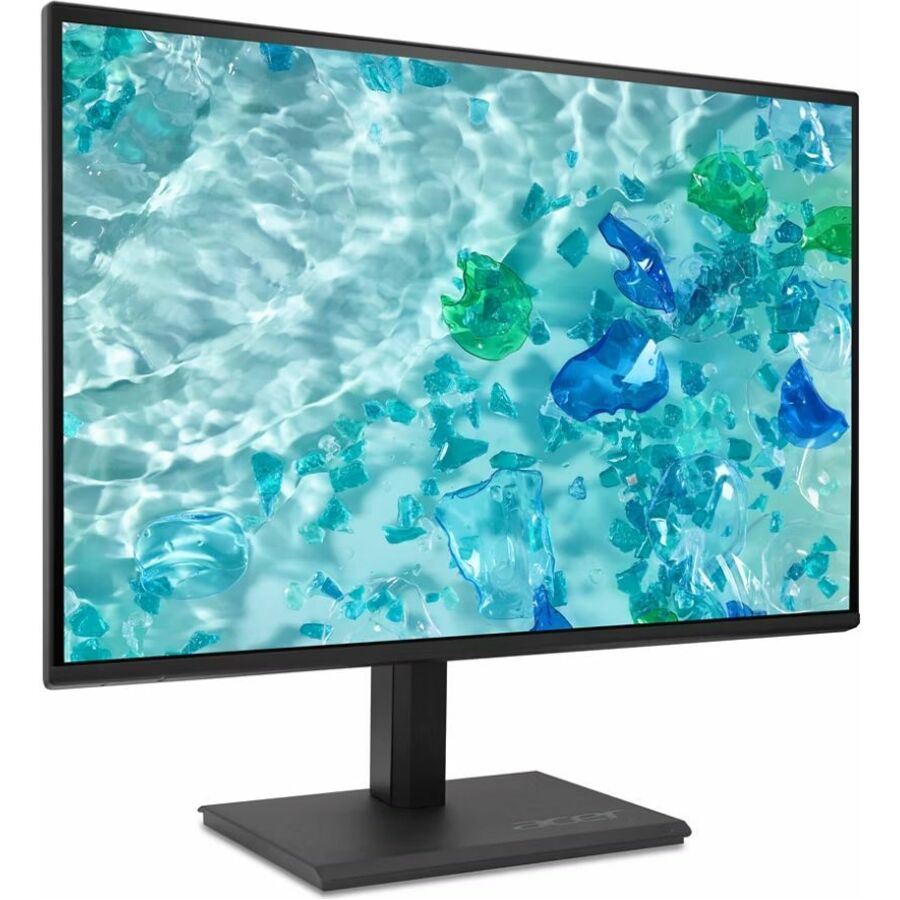
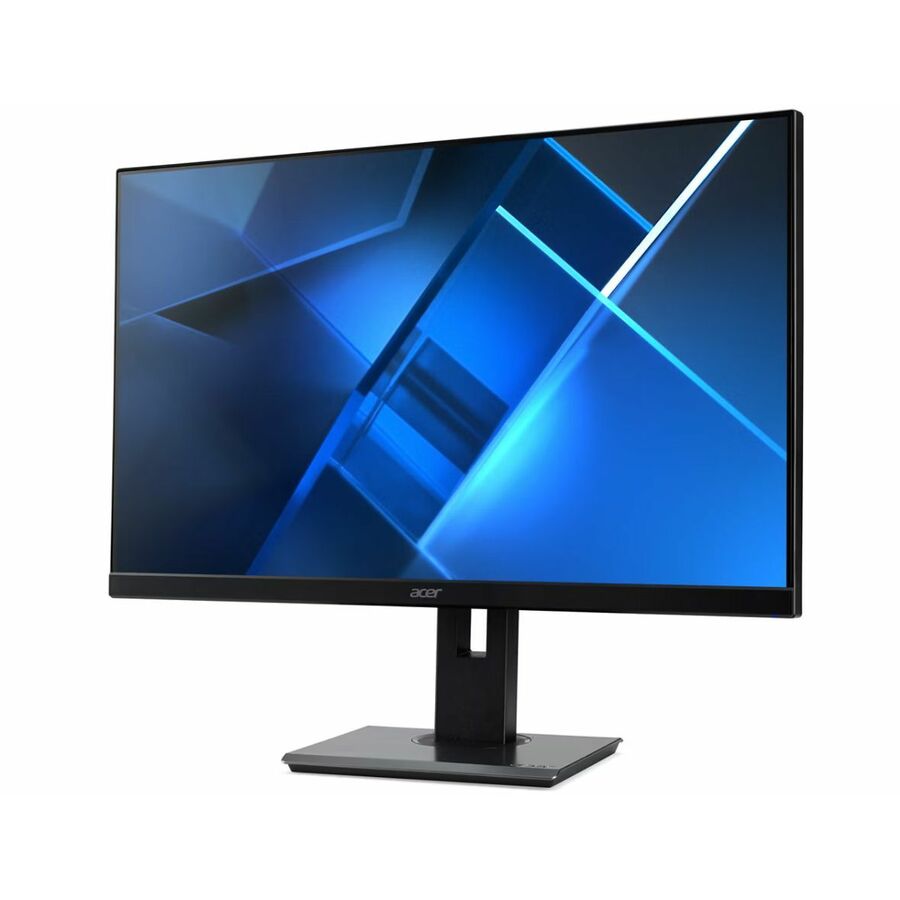
Acer's Vero V7 V227Q E3, a 21.5-inch Full HD IPS display with speakers, HDMI, VGA and DisplayPort — the compact size for tighter desks, with the full port set a mixed lab needs.
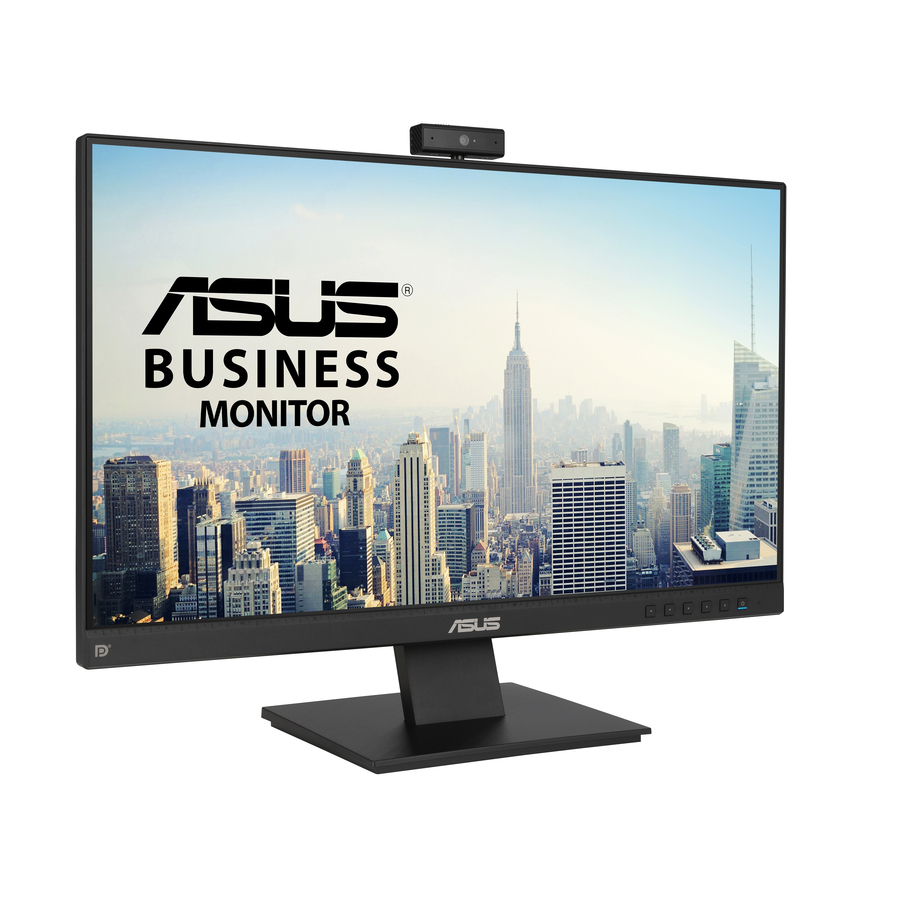
$109.29In stockAsus BE24EQK, webcam
ASUS Computer International
Asus BE24EQK 24" Class Webcam Full HD LCD Monitor
BE24EQK
The Asus BE24EQK, a 23.8-inch Full HD IPS business monitor with a built-in webcam, speakers, HDMI, VGA and DisplayPort — a one-piece station for labs that also do video work.
$214.14Back-orderedAsus VA24DQSB
ASUS Computer International
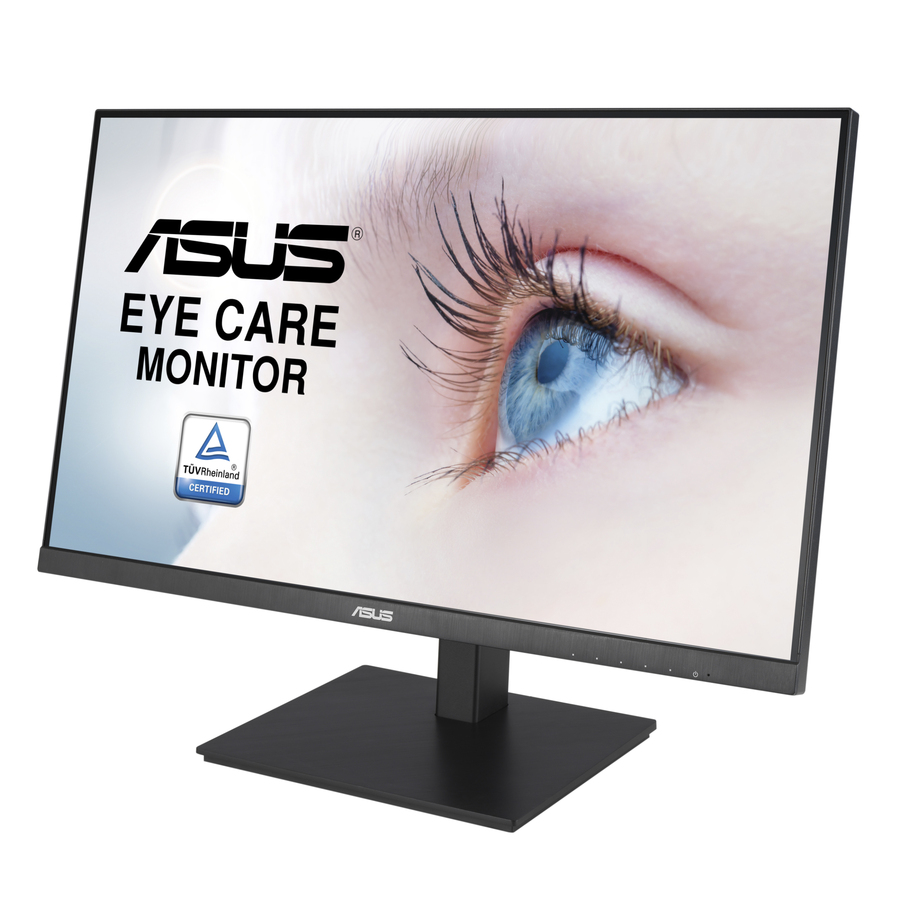
Asus VA24DQSB 24" Class Full HD LCD Monitor
VA24DQSB
Asus's VA24DQSB, a 23.8-inch Full HD IPS monitor with speakers, a USB hub, HDMI, VGA and DisplayPort — a well-connected mainstream panel for a shared lab desk.
$178.88In stockBenQ GW2491
BenQ
BenQ GW2491 24" Class Full HD LED Monitor
GW2491
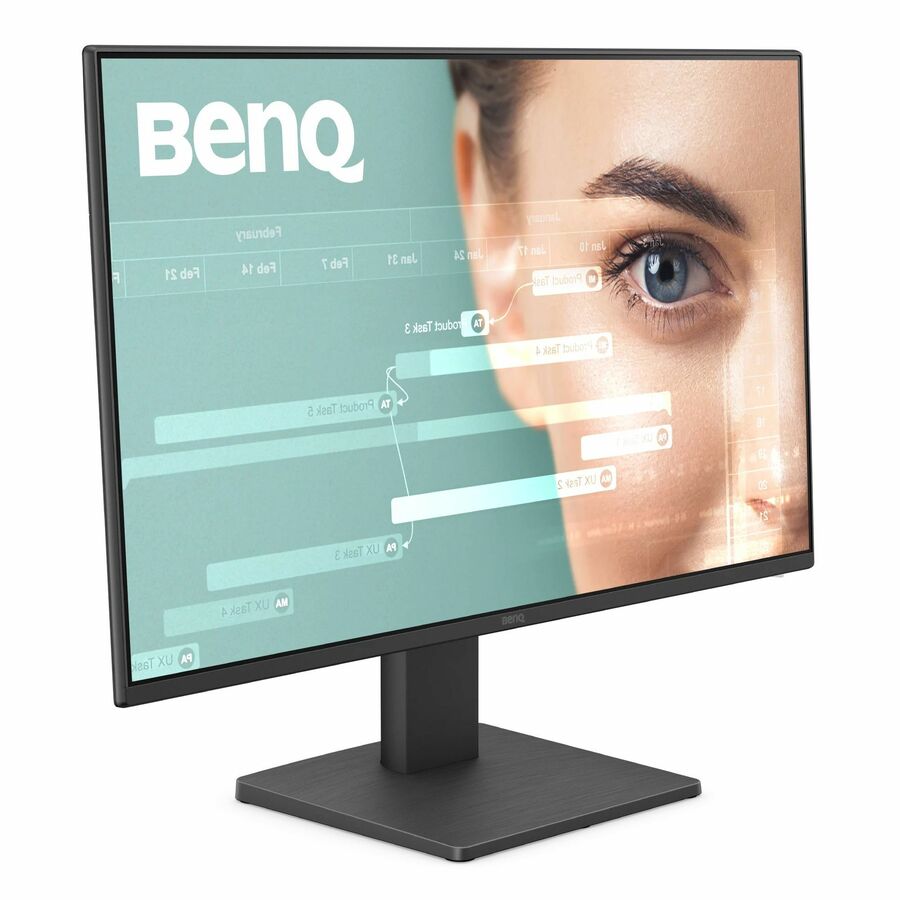
The BenQ GW2491, a 23.8-inch Full HD IPS monitor with HDMI and DisplayPort — a clean, slim-bezel display for a row of modern lab PCs.
$116.80In stockBenQ GW2283, 22"
BenQ
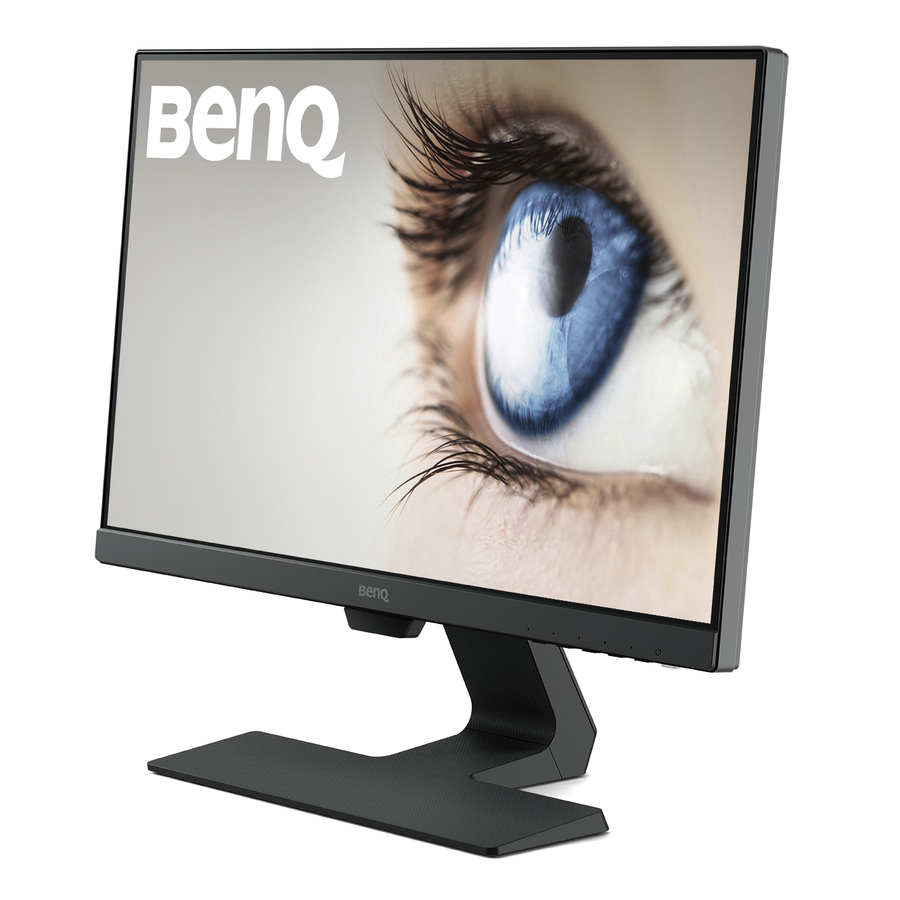
BenQ GW2283 22" Full HD 60 IPS LCD Monitor
GW2283
BenQ's GW2283, a 21.5-inch Full HD IPS monitor with speakers, HDMI and VGA — a compact wide-angle panel that still carries the legacy input older lab towers need.
$128.49In stockLenovo ThinkVision S22
Lenovo
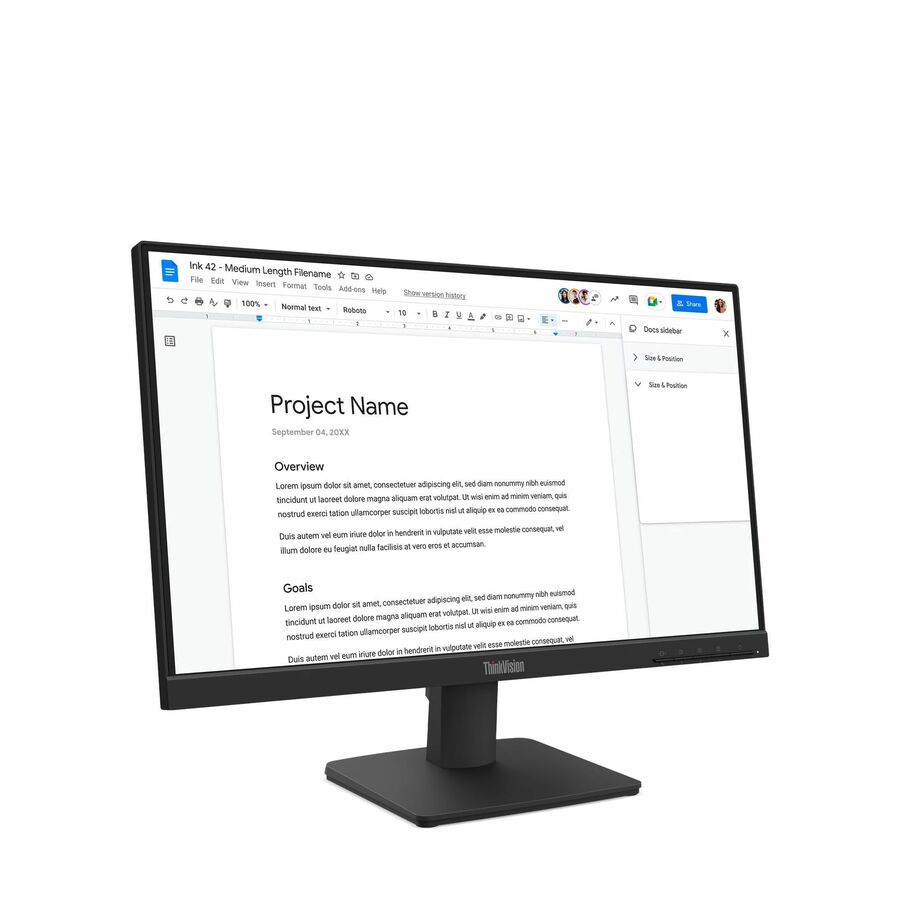
Lenovo ThinkVision S22-4e 22" Class Full HD LED Monitor
64CBKAT6US
Lenovo's ThinkVision S22-4e, a 21.5-inch Full HD IPS monitor with HDMI and VGA — a slim, business-grade 22-inch panel for a compact, standardized lab seat.
$113.64In stockLenovo ThinkVision S24
Lenovo
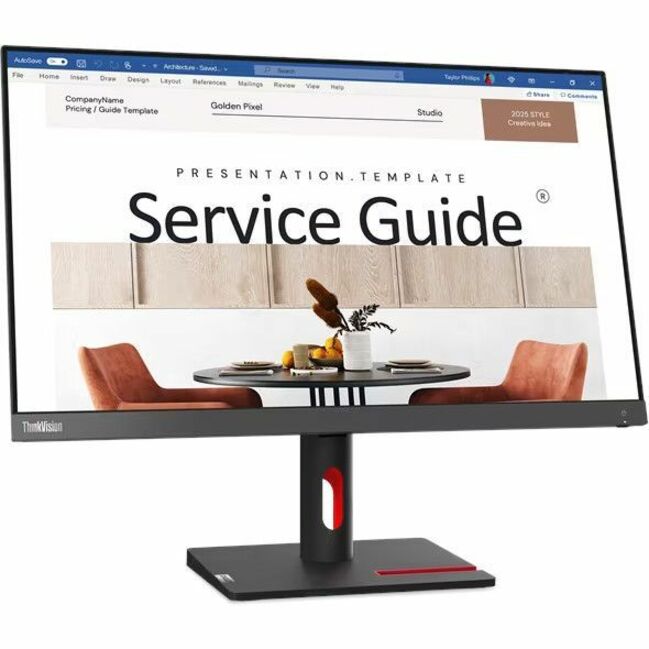
Lenovo ThinkVision S24i-30 24" Class Full HD LED Monitor
63DEKAR3US
The Lenovo ThinkVision S24i-30, a 23.8-inch Full HD IPS display with HDMI and VGA — the 24-inch sibling for labs standardizing on Lenovo alongside their towers.
$189.59Back-orderedLG 24BF410B
LG Electronics
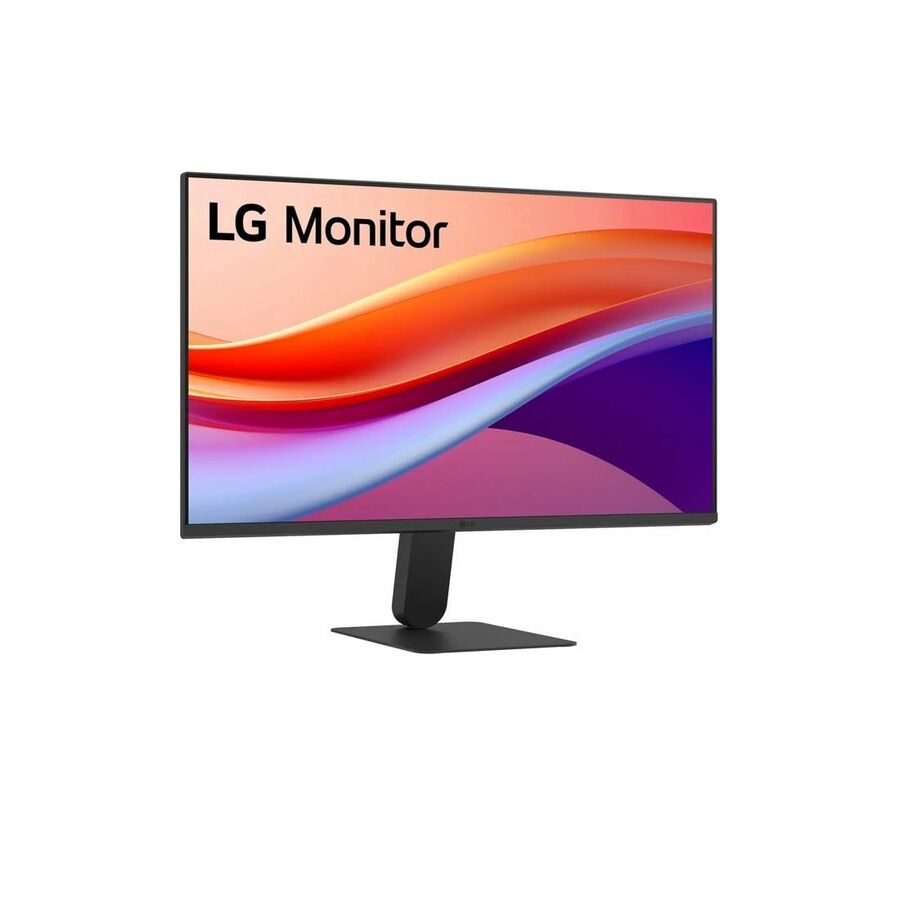
LG 24BF410B-B 24" Class Full HD LED Monitor
24BF410B-B
LG's 24BF410B-B, a 23.8-inch Full HD IPS monitor with USB Type-C, HDMI and VGA — a single-cable USB-C option that still keeps VGA for the older machines in the room.
$197.63In stockLG 24BA560, IPS
LG Electronics
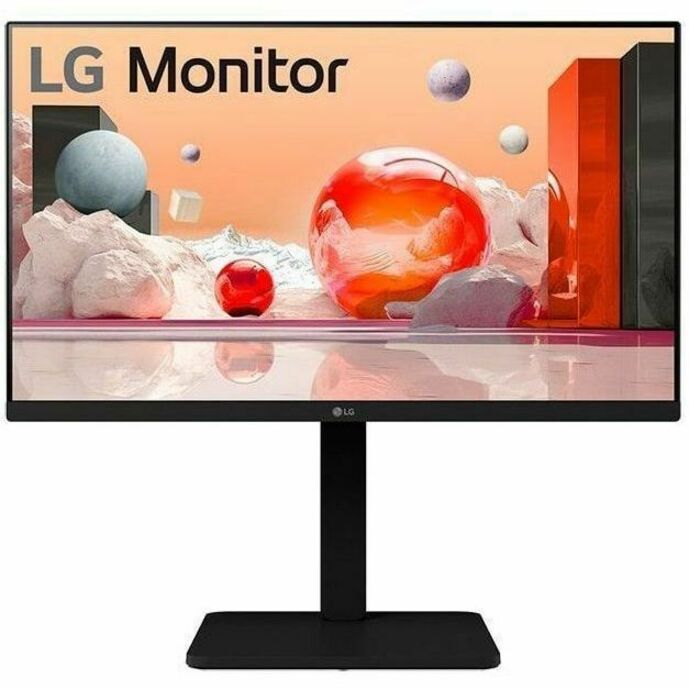
LG 24BA560-B 24" Class Full HD LCD Monitor
24BA560-B
The LG 24BA560-B, a 23.8-inch Full HD IPS display with speakers, a height-and-tilt stand, HDMI, VGA and DisplayPort — a fully adjustable panel for shared desks.
Titled TAA Compliant — a per-part fact to confirm on the exact row ordered.
$297.50*In stockPhilips 24B2N3200J
Philips Electronics
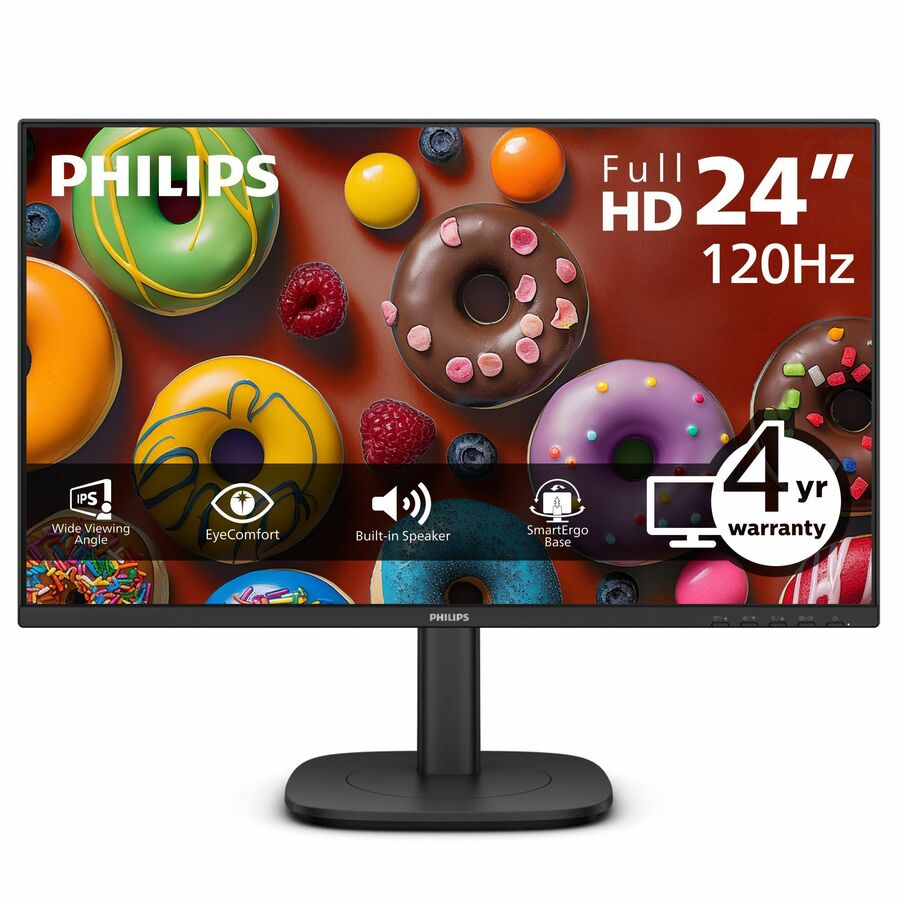
PHILIPS 24B2N3200J
24B2N3200J
Philips's 24B2N3200J, a 23.8-inch Full HD IPS monitor with speakers, a full-adjust stand, a USB hub and HDMI, DisplayPort and VGA — the most connected mixed-fleet option here.
$179.30Back-orderedPhilips 221V8, 22"
Philips Electronics
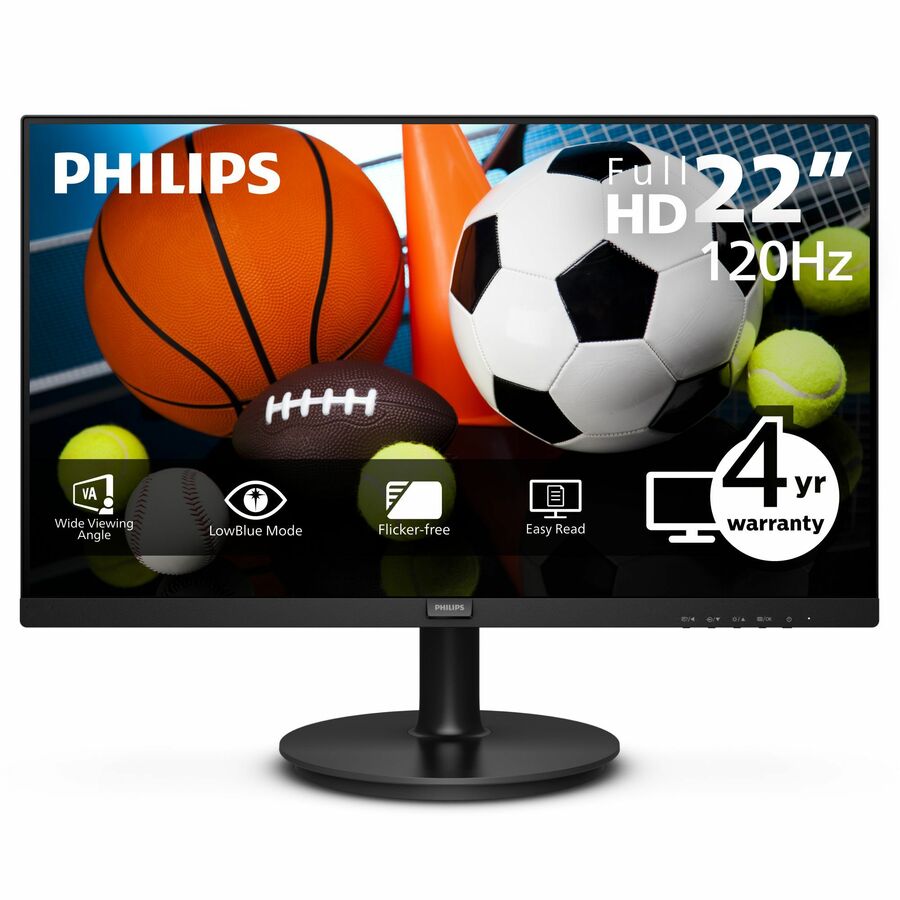
Philips V-line 221V8LB3S 22" Class Full HD LED Monitor
221V8LB3S
The Philips V-line 221V8LB3S, a 21.5-inch Full HD display with HDMI and VGA — the budget 22-inch panel for equipping a large room within a tight per-seat figure.
$93.09Back-orderedViewSonic VA2447
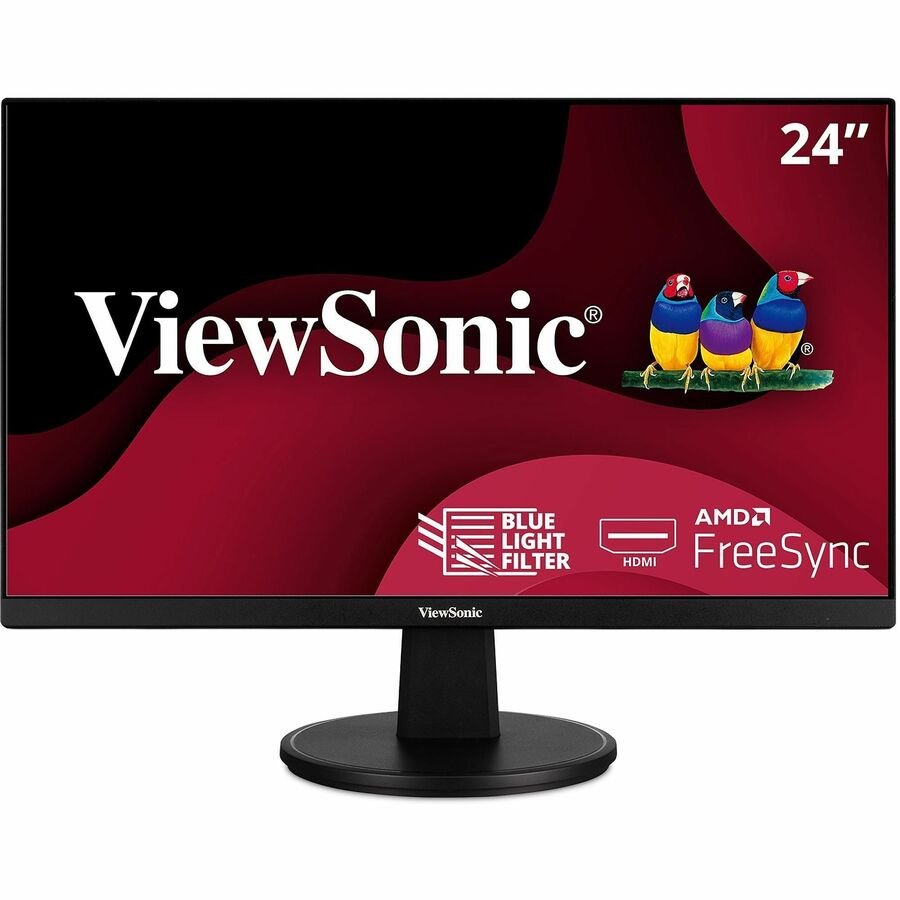
ViewSonic
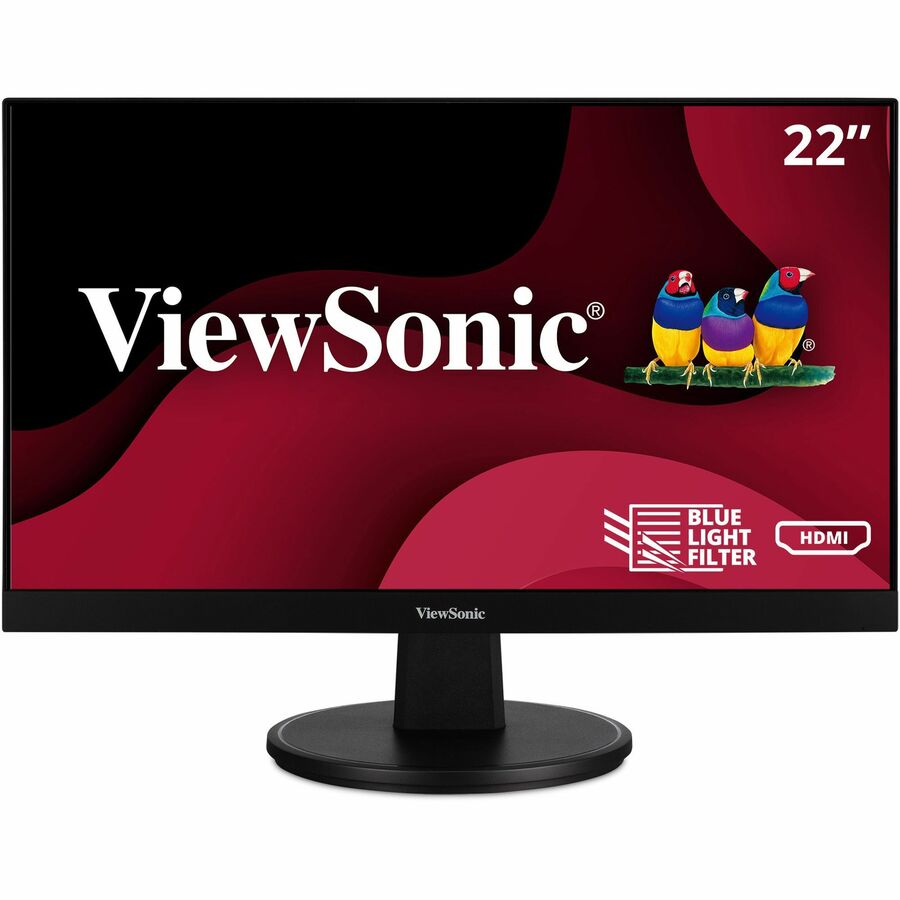
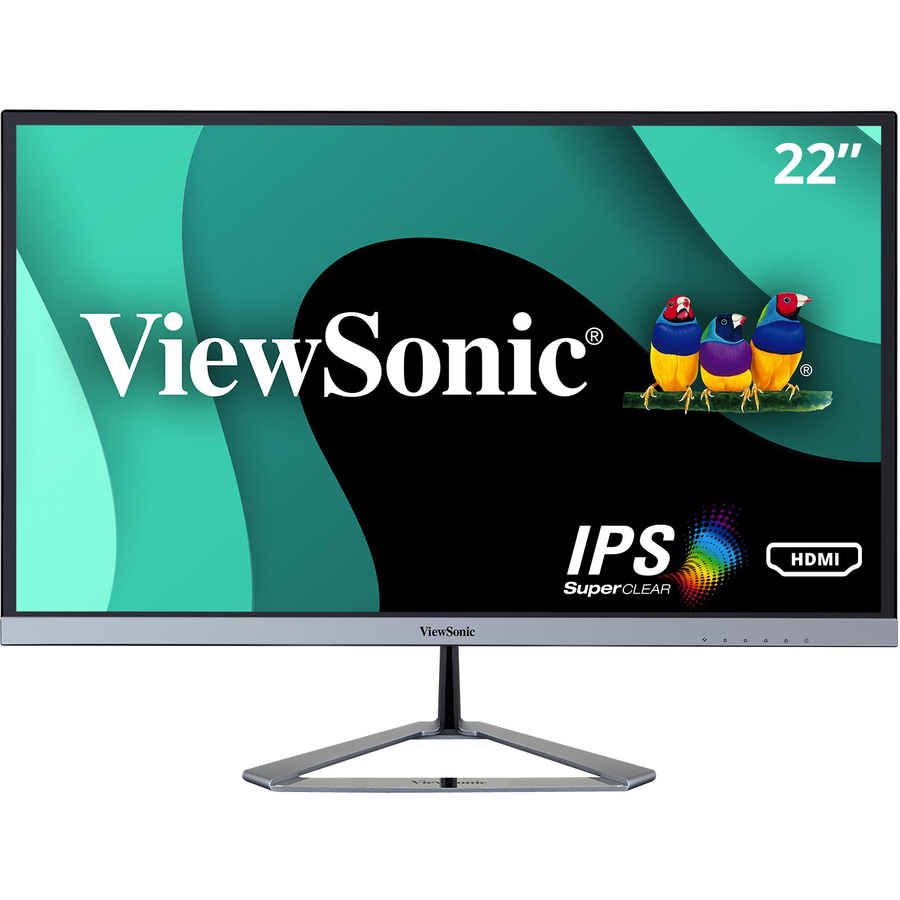
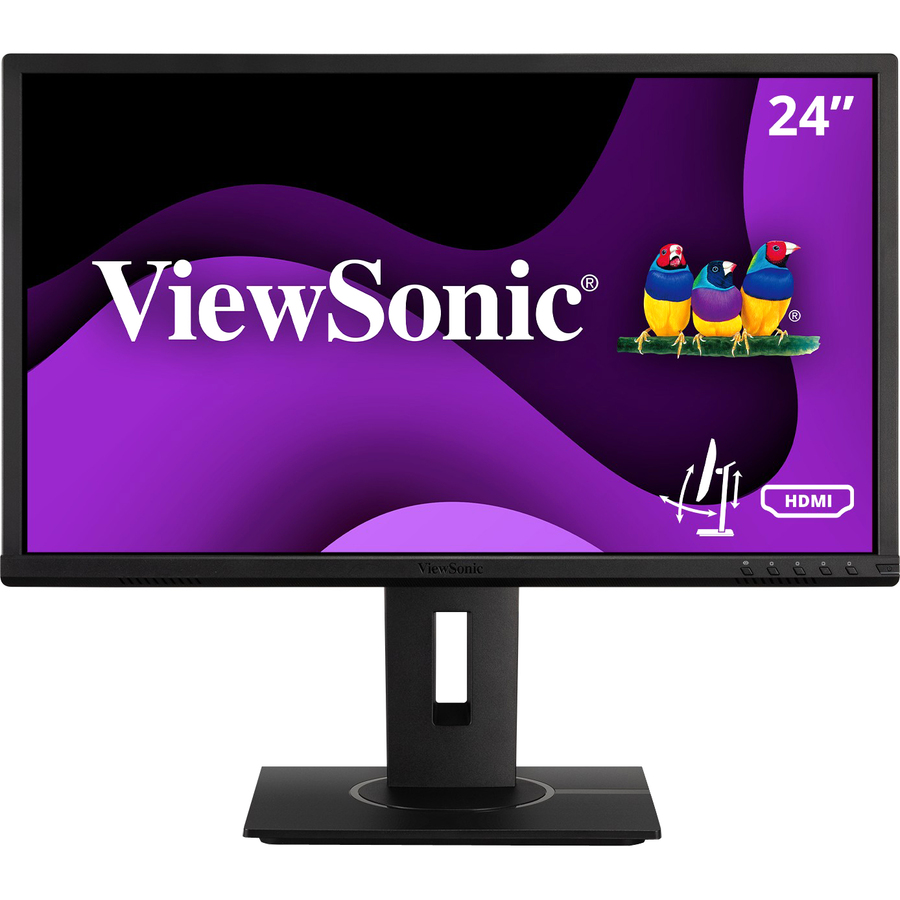
ViewSonic VA2447-MH 24 Inch Full HD 1080p Monitor with Ultra-Thin…
VA2447-MH
ViewSonic's VA2447-MH, a 24-inch Full HD monitor with an ultra-thin bezel, HDMI and VGA — a slim-frame panel that keeps a long row of lab screens looking tidy.
$113.61Back-orderedSamsung F22T454
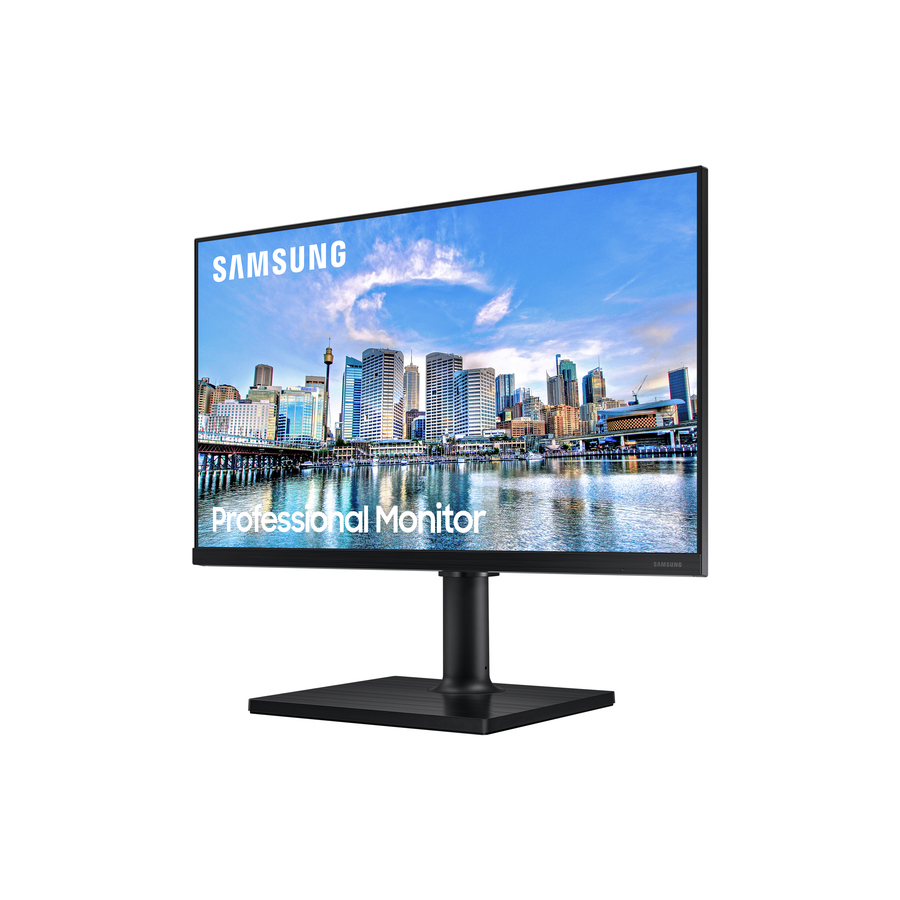
Samsung
Samsung F22T454FQN 22" Class Full HD LCD Monitor
F22T454FQN
The Samsung F22T454FQN, a 22-inch Full HD IPS monitor with a USB hub, HDMI and DisplayPort — a compact, well-connected display for a modern lab seat.
$198.42Back-orderedMore monitors in the Uniqcli catalog
See all 1,690 monitorsMore from across this category. In-stock lines lead, and a back-ordered line carries the same estimated availability its product page does — with live pricing throughout, NDAA §889 screening before checkout and TAA verified on request.
- AcerAcer EK321Q H 32" Class Full HD LCD Monitor - 16:9 - Black - 31.5" Viewable - Vertical Alignment (VA) - LED Backlight - 1920 x 1080 - 16.7 Million Colors - VESA Adaptive Sync (DisplayPort VRR) - 250 Nit - 1 ms - 100 Hz Refresh Rate - Speakers - HDMI - VGA - DisplayPort - VESA Mount Compatible - SpeakerUM.JE1AA.H03
$229.99
$165.21
64 in stock - AcerAcer Vero V277U G 27" Class WQHD LCD Monitor - 16:9 - Black - 27" Viewable - In-plane Switching (IPS) Technology - LED Backlight - 2560 x 1440 - 16.7 Million Colors - VESA Adaptive Sync (DisplayPort VRR) - 350 Nit - 4 ms - 120 Hz Refresh Rate - Speakers - HDMI - DisplayPort - VESA Mount Compatible - SpeakerUM.HV7AA.G05
$229.99
$177.91
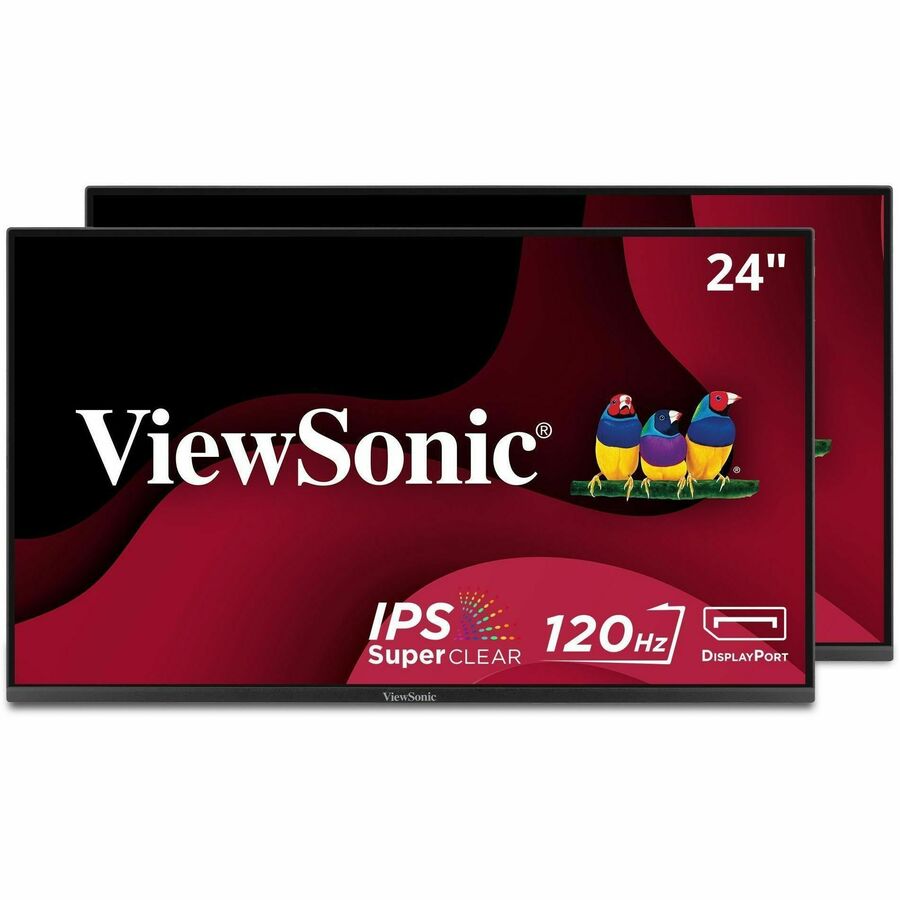
133 in stock - ViewSonicViewSonic VA2456A-MHD_H2 24 Inch 1080p Dual Pack Head-Only Monitors, IPS Display with 120Hz for Dual-Screen Home and Office Setups, HDMI, DisplayPort, and VGA Inputs - 23.8? Viewable - In-plane Switching (IPS) Technology - LED Backlight - 1920 x 1080 - 16.7 Million Colors - 250 Nit - 4 ms - Speakers - HDMI - VGA - DisplayPortVA2456A-MHD_H2
$289.00
$244.00
930 in stock - AcerAcer Vero B277 G 27" Class Full HD LCD Monitor - 16:9 - Black - 27" Viewable - In-plane Switching (IPS) Technology - LED Backlight - 1920 x 1080 - 16.7 Million Colors - VESA Adaptive Sync (DisplayPort VRR) - 250 Nit - 4 ms - 120 Hz Refresh Rate - Speakers - USB Type-C - HDMI - VGA - DisplayPort - VESA Mount Compatible - SpeakerUM.HB7AA.G01
$214.99
$170.29
34 in stock - AcerAcer Vero B277 G 27" Class Full HD LCD Monitor - 16:9 - Black - 27" Viewable - In-plane Switching (IPS) Technology - LED Backlight - 1920 x 1080 - 16.7 Million Colors - VESA Adaptive Sync (DisplayPort VRR) - 250 Nit - 4 ms - 120 Hz Refresh Rate - Speakers - HDMI - VGA - DisplayPort - VESA Mount Compatible - SpeakerUM.HB7AA.G02
$204.99
$162.66
243 in stock - ViewSonicViewSonic VA2256-MHD_H2 22 Inch 1080p Dual Pack Head-Only Monitors, IPS Display with FreeSync for Dual-Screen Home and Office Setups, HDMI, DisplayPort, and VGA Inputs - VA2256-MHD_H2 - Dual Pack Head-Only 1080p IPS Monitors with FreeSync, HDMI, DisplayPort and VGA - 250 cd/m² - 22?VA2256-MHD_H2
$269.00
$228.51
294 in stock - AcerAcer Vero V277 G 27" Class Full HD LCD Monitor - 16:9 - Black - 27" Viewable - In-plane Switching (IPS) Technology - LED Backlight - 1920 x 1080 - 16.7 Million Colors - VESA Adaptive Sync (DisplayPort VRR) - 250 Nit - 4 ms - 120 Hz Refresh Rate - Speakers - USB Type-C - HDMI - VGA - DisplayPort - VESA Mount CompatibleUM.HV7AA.G04
$179.99
$142.34
134 in stock - AcerAcer Vero B247Y G 24" Class Full HD LED Monitor - 16:9 - Black - 23.8" Viewable - In-plane Switching (IPS) Technology - LED Backlight - 1920 x 1080 - 16.7 Million Colors - VESA Adaptive Sync - 250 Nit - 4 ms - 75 Hz Refresh Rate - Speakers - HDMI - VGA - DisplayPort - VESA Mount CompatibleUM.QB7AA.G01
$189.99
$155.04
118 in stock - LG ElectronicsLG 24BF410B-B 24" Class Full HD LED Monitor - 16:9 - Black - 23.8" Viewable - In-plane Switching (IPS) Technology - LED Backlight - 1920 x 1080 - 16.7 Million Colors - 250 Nit - 1 ms - 120 Hz Refresh Rate - Tilt - USB Type-C - HDMI - VGA - VESA Mount Compatible24BF410B-B
$232.50
$197.63
100 in stock - AcerAcer Vero V277 G 27" Class Full HD LCD Monitor - 16:9 - Black - 27" Viewable - In-plane Switching (IPS) Technology - LED Backlight - 1920 x 1080 - 16.7 Million Colors - VESA Adaptive Sync (DisplayPort VRR) - 250 Nit - 4 ms - 120 Hz Refresh Rate - Speakers - USB Type-C - HDMI - VGA - DisplayPort - VESA Mount Compatible - SpeakerUM.HV7AA.G01
$184.99
$151.23
207 in stock - ViewSonicViewSonic VA2756A-MHD 27 Inch 1080p Monitor, IPS Display with 120Hz for Enhanced Home and Office Productivity, Eye Care Technology, HDMI, DisplayPort, and VGA Inputs - 27? Viewable - SuperClear IPS - LED Backlight - 1920 x 1080 - 16.7 Million Colors (8-bit) - 250 Nit - 1 ms - Speakers - HDMI - VGA - DisplayPortVA2756A-MHD
$175.00
$147.17
1,086 in stock - AcerAcer Vero V247Y G 24" Class Full HD LCD Monitor - 16:9 - Black - 23.8" Viewable - In-plane Switching (IPS) Technology - LED Backlight - 1920 x 1080 - 16.7 Million Colors - VESA Adaptive Sync (DisplayPort VRR) - 250 Nit - 4 ms - 120 Hz Refresh Rate - Speakers - USB Type-C - HDMI - DisplayPort - VESA Mount Compatible - SpeakerUM.QV7AA.G08
$179.99
$152.50
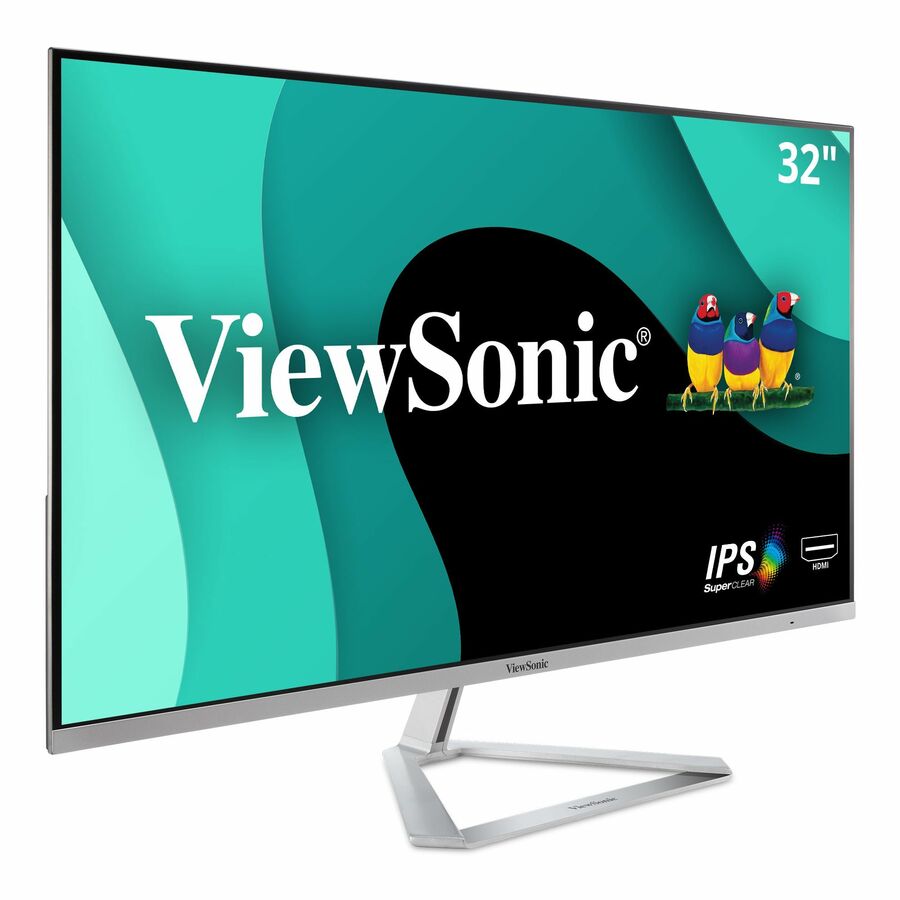
96 in stock - ViewSonicViewSonic VX3276-MHD 32 Inch 1080p Monitor, IPS with Screen Split Capability and Eye Care Technology for Home and Office Entertainment, Ultra-Thin Bezels, DisplayPort for Daisy Chain, and HDMI Inputs - VX3276-MHD - 1080p Widescreen IPS Monitor with HDMI and DisplayPort - 250 cd/m² - 32"VX3276-MHD
$235.00
$209.14
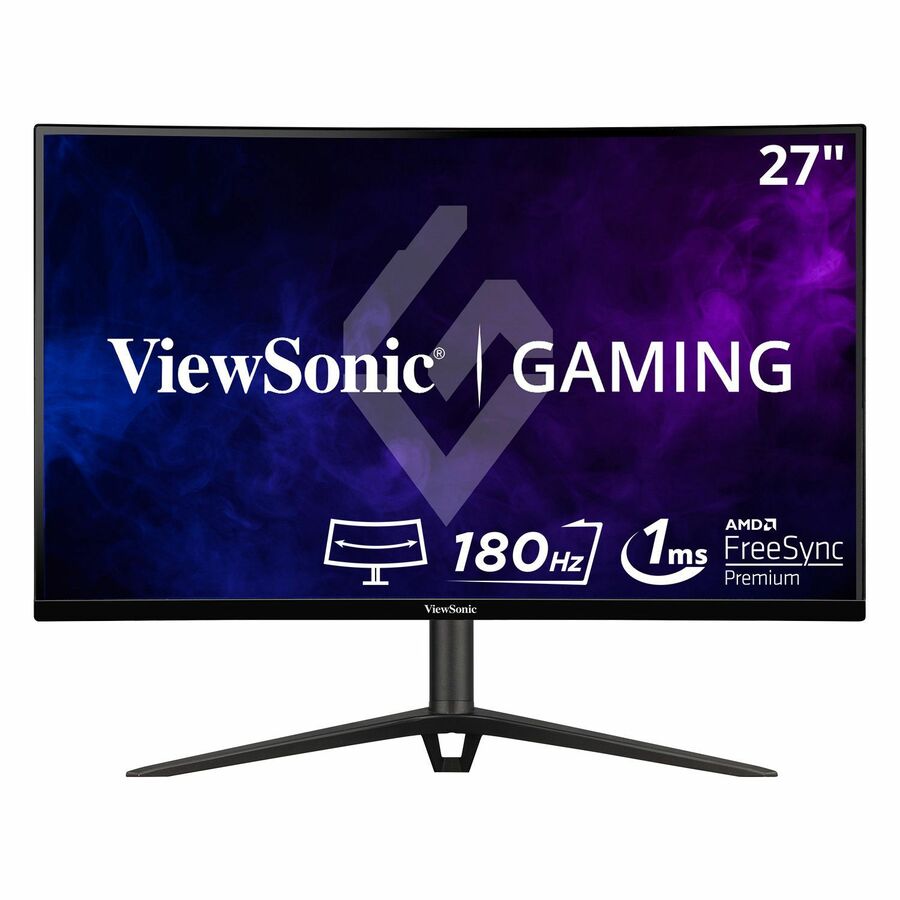
737 in stock - ViewSonicViewSonic VX2718-2KPC-MHD 27 Inch 1440p Curved Gaming Monitor, 180Hz and 1ms for Smooth Gameplay, FreeSync Premium and Eye Care Technology for Comfortable Viewing, HDMI, and DisplayPort Inputs - VX2718-2KPC-MHD - 27 Inch Curved 1440p 1ms 180Hz Gaming Monitor with FreeSync Premium - 250 cd/m² - 27?VX2718-2KPC-MHD
$235.00
$209.14
22 in stock

Need pricing on monitors?
Tell us where to reach you and a Uniqcli specialist will follow up by email with current pricing, availability and lead time for the quantities you need — including parts that aren’t shown on this page.
Buying for an organization or for yourself — both work. No payment up front.
A computer-lab monitor is bought thirty at a time, not one at a time, and that changes every priority. The room needs one display it can standardize on across every seat: the same size, the same stand, the same ports, the same on-screen menu, so a technician can swap a failed unit in minutes and a teacher never has to relearn a station. The monitors on this page are the part of the shelf a lab is actually specified from — affordable, mainstream 21.5-to-24-inch panels with the connectivity a mix of new and older lab PCs still needs, chosen so a whole room is one purchase and one spare-parts story rather than a drawer of mismatched screens.
Size and panel first. A 21.5-to-24-inch Full HD display is the lab standard: large enough for two documents side by side and small enough to fit a row of desks without crowding, at a price that lets a room be equipped in one budget. Prefer an IPS or comparable wide-viewing panel over a basic twisted-nematic one — in a lab, students sit off to the side of a shared screen as often as square in front of it, and an IPS panel keeps the colour and contrast honest across those angles, which a cheap TN panel does not. Full HD (1920 x 1080) is the right resolution here; higher resolutions raise the price without helping the coursework these rooms run.
Then read the ports against the machines you actually have. A lab is rarely all one generation, so a monitor that carries HDMI and DisplayPort for current PCs and a VGA input for the older towers still in service is the one that fits the whole room without adapters — several models here list VGA explicitly. Built-in speakers save a separate purchase where the coursework has audio; a height-and-tilt stand and VESA mounting matter where desks are shared and posture varies; and a slim bezel keeps a long row of screens from feeling like a wall. Cards carry live pricing and current availability from the catalog.
Buyer's checklist
How to choose monitors for a school computer lab
- Standardize the whole room on one model. The value in a lab is uniformity — the same size, stand, ports and menu on every seat — so a failed unit swaps in minutes and a teacher never relearns a station. Pick one display you can buy in quantity and keep a spare or two of, rather than mixing whatever is cheapest that week.
- Choose 21.5-24 inch Full HD. That size sits two documents side by side, fits a row of desks without crowding, and equips a whole room within one budget; Full HD (1920 x 1080) is the right resolution for lab coursework, where a higher-resolution panel adds cost without adding capability.
- Prefer an IPS panel for off-axis viewing. Students sit beside a shared screen as often as in front of it, and an IPS or comparable wide-viewing-angle panel keeps colour and contrast honest across those angles — a basic TN panel washes out from the side, which matters more in a shared room than at a single desk.
- Match the inputs to the machines you have. A lab is rarely one generation of PC, so a monitor with HDMI and DisplayPort for current towers and a VGA input for the older ones still in service fits the whole room without adapters — several models here list VGA explicitly. Confirm the connector set against your actual fleet before you standardize.
- Decide speakers, stand and mounting up front. Built-in speakers save a separate purchase where coursework has audio; a height-and-tilt stand suits shared desks and varied posture; and VESA mounting lets you arm- or wall-mount to reclaim desk space. These are room-fit decisions, not late details, on a purchase repeated across every seat.
- Keep the bezel slim and the footprint small. A long row of narrow-bezel screens reads as a clean lab rather than a wall of plastic, and a compact stand leaves room on a shared desk for a keyboard, a mouse and a student's own materials — small things that add up across thirty stations.
- Buy the room as one order. Specifying the monitors with the mounts, cables and a couple of spares on one part list keeps the rollout a single purchase and a single warranty story, instead of a scramble to match a discontinued model when the thirty-first station is needed next term.
Standardizing a room: why uniformity beats the cheapest screen
The defining feature of a lab purchase is that it repeats — every seat gets the same thing, and the room is refreshed as a block. That makes uniformity worth more than shaving a few dollars off one unit. One model across every station means one stand height to set, one menu to teach, one cable kit to stock, and a failed screen that swaps in minutes because the replacement is identical. It also means a technician can hold a single spare that fits any seat, instead of hunting for whichever discontinued panel used to sit at station fourteen. The monitors here are chosen to be exactly that kind of standard: mainstream, widely stocked sizes that a school can buy again next term.
Read the panel and the ports as the two decisions that actually differ between these models. An IPS or comparable wide-angle panel is the one to prefer, because a shared lab screen is viewed from the side constantly and a cheap TN panel loses colour and contrast off-axis. And the input set is what decides whether a monitor fits your specific room: a lab that still runs older towers needs the VGA input several of these carry alongside HDMI and DisplayPort, while a room of newer PCs may prefer a USB-C model that carries video and power on one cable.
Connectivity, speakers and the fit on a shared desk
Ports are where a lab monitor either fits your machines or forces adapters. HDMI and DisplayPort cover current PCs; a VGA input covers the older towers a school keeps in service far longer than a business would; and a USB-C model that carries video, data and charging on a single cable suits a room of newer laptops or thin clients. Built-in speakers matter wherever the coursework has audio and headphones are not always available, and a height-adjustable, tilting stand with VESA mounting is what lets a shared station suit students of different heights and lets a technician reclaim desk space with an arm or wall mount.
Buy the room as one order. Send us the seat count, the mix of PCs the monitors have to connect to, whether speakers and height adjustment are needed, and how the desks are laid out, and we will come back with part numbers, availability, lead times and volume pricing — with the mounts, cables and a couple of spares on the same document, so the lab is one purchase and one warranty story rather than a scramble to match a discontinued model a term later. Where an order carries an origin clause, request a TAA-verified quote and screening is performed before it is issued, tied to the specific part number — some models here are TAA-designated in the manufacturer's own catalog title.
FAQ
Common questions
- What size monitor is best for a school computer lab?
- A 21.5-to-24-inch Full HD display is the lab standard, and for good reasons. It is large enough to show two documents or a lesson and a worksheet side by side, small enough to fit a row of shared desks without crowding keyboards and materials, and priced so a whole room can be equipped within one budget and refreshed as a block. Full HD (1920 x 1080) is the right resolution for the coursework these rooms run — a higher-resolution panel raises the price per seat without adding capability students use. The more consequential decision at this size is the panel type and the port set, not squeezing to a slightly larger or sharper screen.
- Do lab monitors need a VGA input?
- Often yes, because a school computer lab is rarely all one generation of PC. Businesses retire hardware on a faster cycle than schools do, so a lab commonly runs a mix of newer towers with HDMI or DisplayPort and older machines that still output VGA. A monitor that carries VGA alongside the digital inputs fits the whole room without a drawer of adapters, and several of the models on this page list a VGA input explicitly. Check the actual outputs on the PCs the monitors will connect to before you standardize — if the room is entirely modern, a USB-C model that carries video and power on one cable may be the better fit instead.
- IPS or TN panel for a shared lab screen?
- Prefer IPS or a comparable wide-viewing-angle panel. In a lab, students sit beside a shared screen — helping a neighbour, watching a demonstration, angled at a desk — as often as they sit square in front of it, and an IPS panel keeps colour and contrast readable across those angles. A basic twisted-nematic (TN) panel washes out and shifts colour when viewed from the side, which is a small annoyance at a single private desk but a real one in a shared room where the screen is read off-axis all day. The price difference at 22-to-24 inches is modest, and the readability gain is exactly where a lab feels it.
- Why buy the same monitor for every station?
- Because uniformity is what makes a lab cheap to run, not just cheap to buy. One model across every seat means one stand height to set, one on-screen menu to teach, one cable kit to stock, and a single spare that fits any station — so a failed screen swaps in minutes with an identical unit instead of a hunt for a discontinued panel. It also keeps the room refreshable: buying a mainstream, widely stocked model means you can add the thirty-first station next term without matching an obsolete part. Mixing in whatever is cheapest each week saves a little up front and costs it back in support, spares and teacher confusion.
- Can business, government and education buyers order these?
- Every line Uniqcli quotes is sourced through US distribution and screened for TAA country-of-origin and NDAA §889 status before checkout — with documentation tied to the specific part number, not a product family.
Need monitors pricing?
Send a bill of materials or part numbers — we confirm stock and a below-market total, with TAA verified on request. No payment up front.