
Best 24-Inch Monitors for Office Fleet Refreshes
Twenty-four-inch office monitors — read by resolution and panel type, USB-C single-cable docking, ergonomic stand, VESA mounting and the business warranty behind them.
24-inch business monitors in stock at Uniqcli
How to choose →A curated selection with live pricing — in-stock lines first, then back-ordered lines with a typical lead time. Every line is sourced through US distribution and screened for NDAA §889 status before checkout, with TAA verified on request.
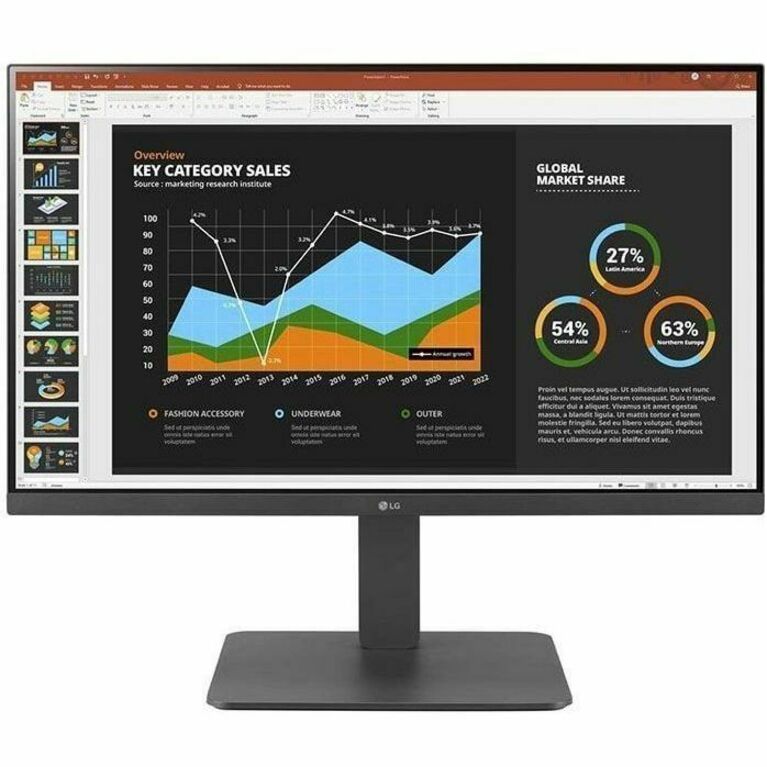
- LG ElectronicsLG 24BF410B-B 24" Class Full HD LED Monitor - 16:9 - Black - 23.8" Viewable - In-plane Switching (IPS) Technology - LED Backlight - 1920 x 1080 - 16.7 Million Colors - 250 Nit - 1 ms - 120 Hz Refresh Rate - Tilt - USB Type-C - HDMI - VGA - VESA Mount Compatible24BF410B-B
$232.50
$197.63
100 in stock - LG ElectronicsLG 24BP450Y-I 24" Class LCD Monitor - 16:9 - Black - TAA Compliant - 23.8" Viewable - In-plane Switching (IPS) Technology - Direct LED Backlight - 16.7 Million Colors - FreeSync - 250 Nit - 5 ms - Swivel, Height, Pivot, Tilt - VGA - DisplayPort - VESA Mount Compatible24BP450Y-I
$312.50
$265.63*
32 in stock - ViewSonicViewSonic VG2448-PF 24 Inch IPS 1080p Ergonomic Monitor with Built-In Privacy Filter HDMI DisplayPort USB and 40 Degree Tilt - 24" Monitor - Built-In Privacy Filter - IPS Technology - Full HD 1920 x 1080p - Ergonomic - 16.7 Million Colors - 250 Nit - 5ms - 60Hz Refresh Rate - HDMI - VGA - DisplayPortVG2448-PF
$346.00
$284.02
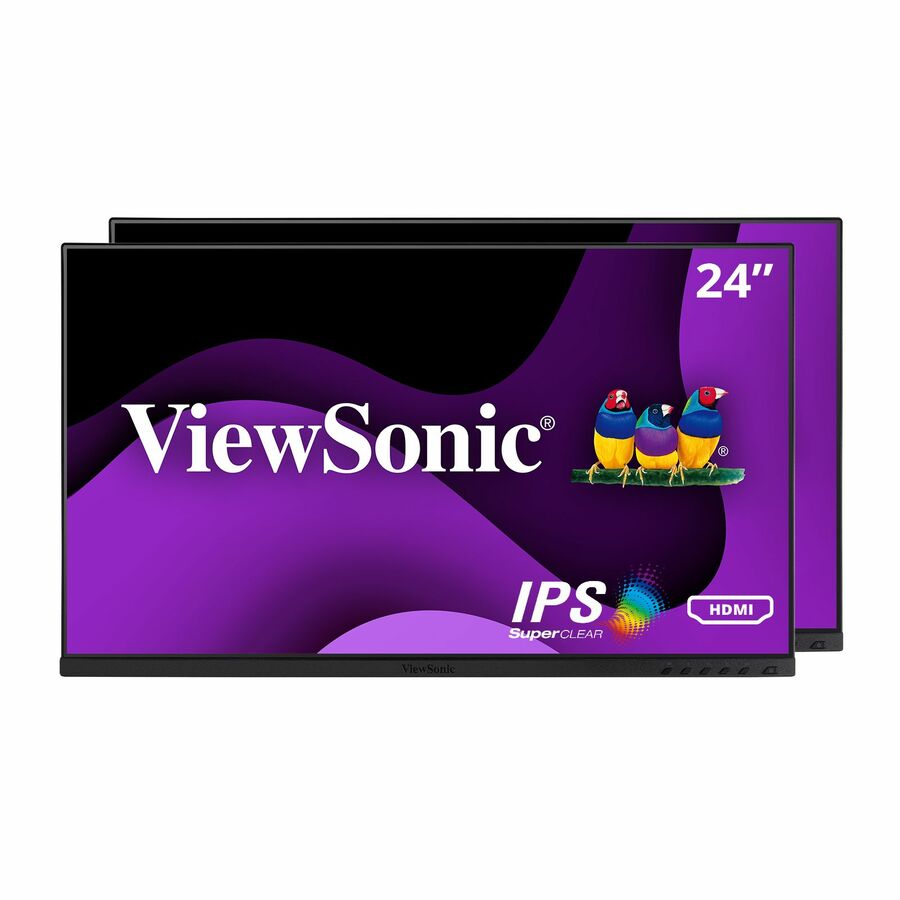
2,176 in stock - ViewSonicViewSonic VG2448A-2_H2 24 Inch 1080p Dual Pack Head-Only Monitors, IPS Display for Smooth Home and Office Productivity and Dual-Screen Setups, HDMI, DisplayPort, USB, and VGA Inputs - Ergonomic VG2448A-2_H2 - Dual Pack Head-Only 1080p IPS Monitor with HDMI, DP, USB, and VGA - 250 cd/m² - 24"VG2448A-2_H2
$392.00
$329.20
58 in stock


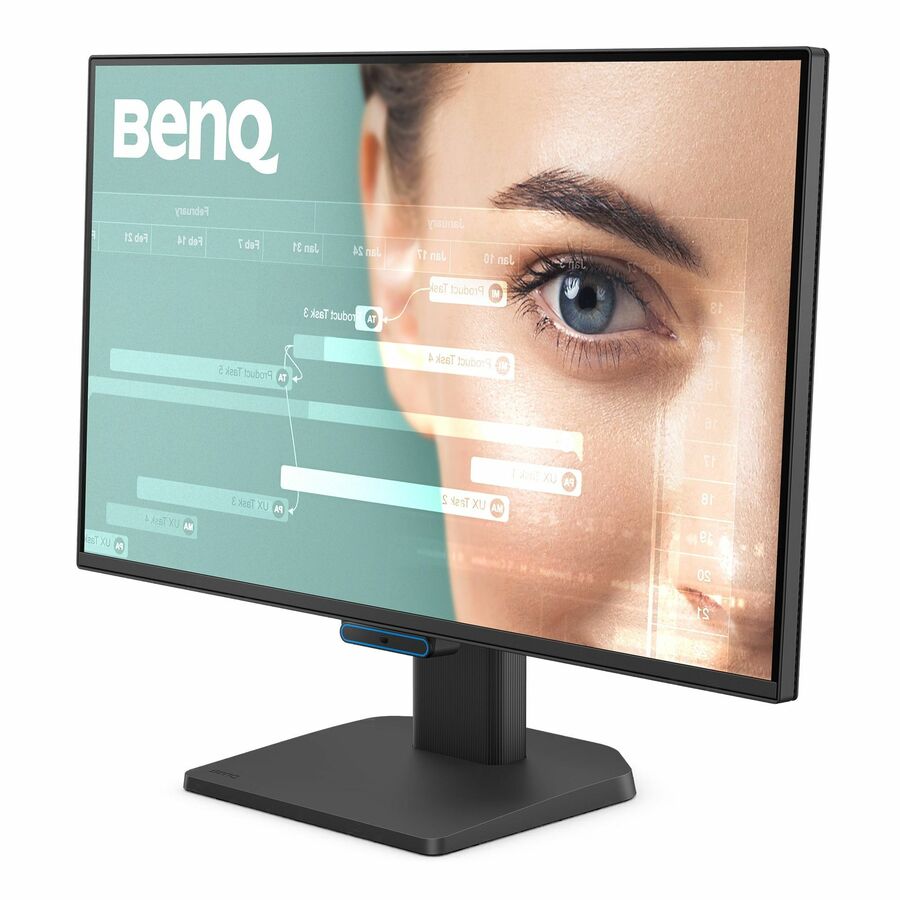
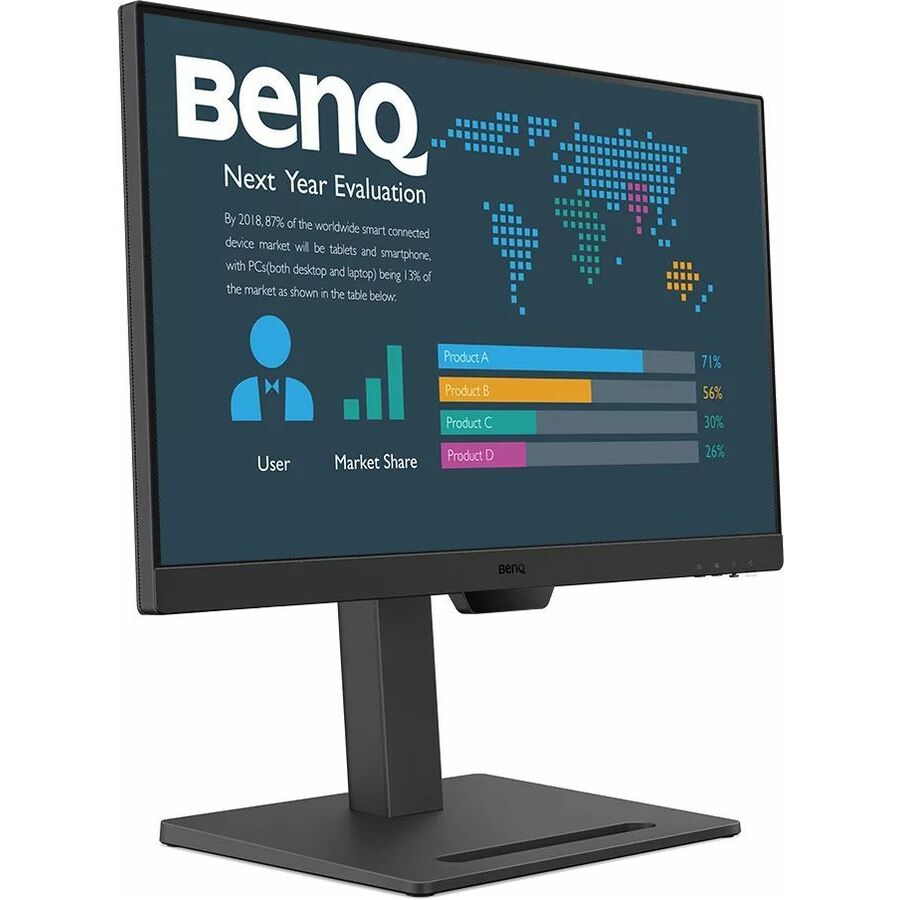
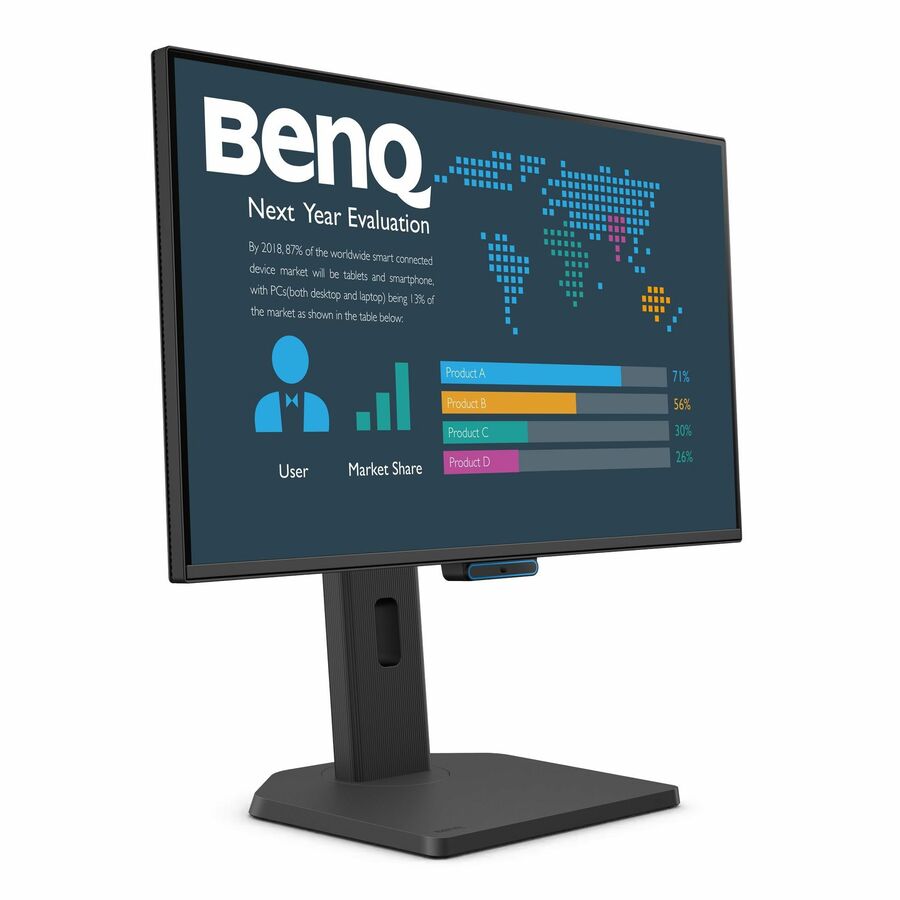

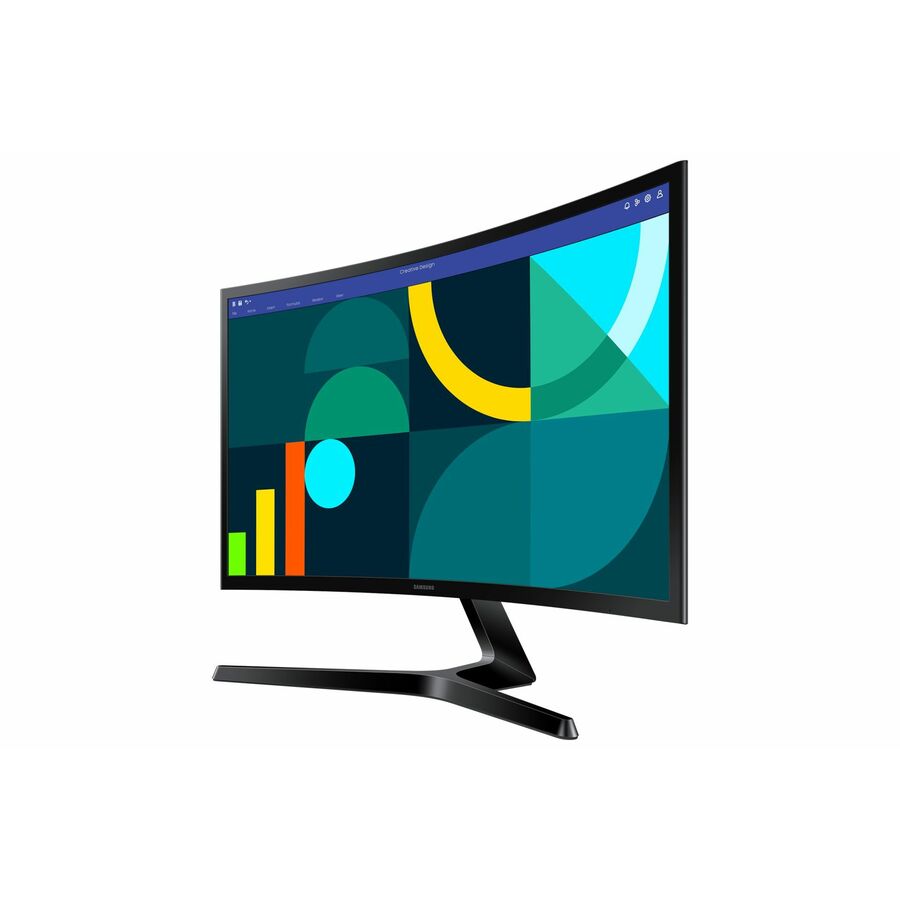




ThinkVision FHD
Lenovo
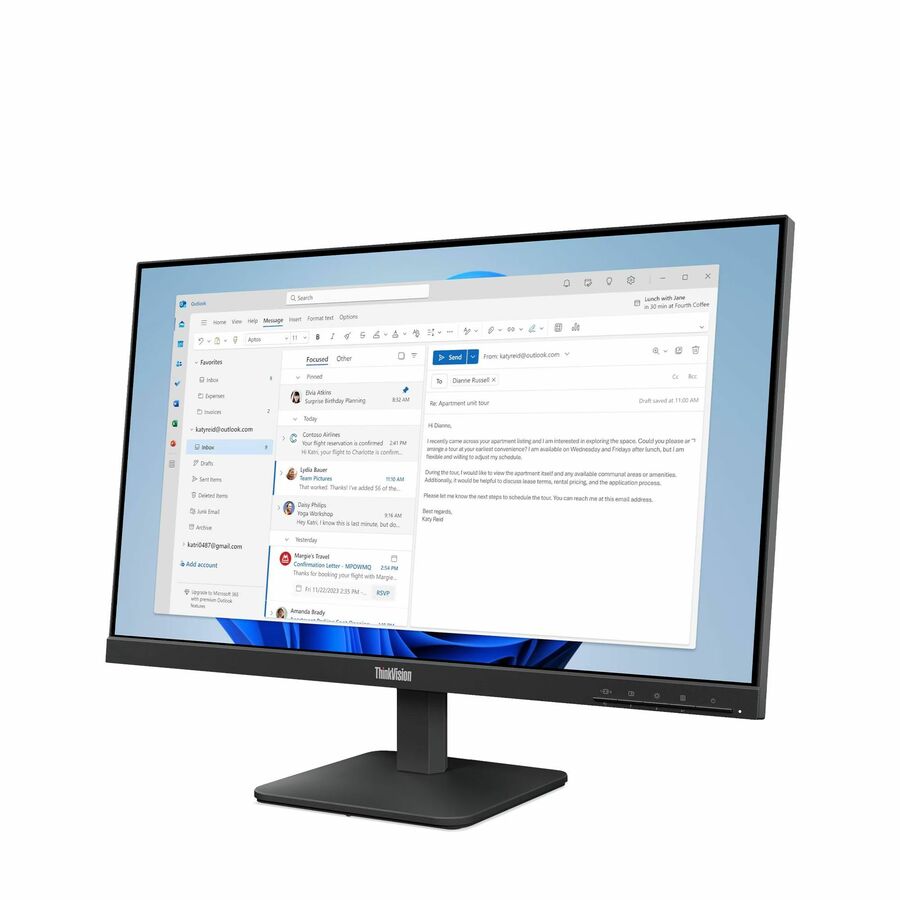
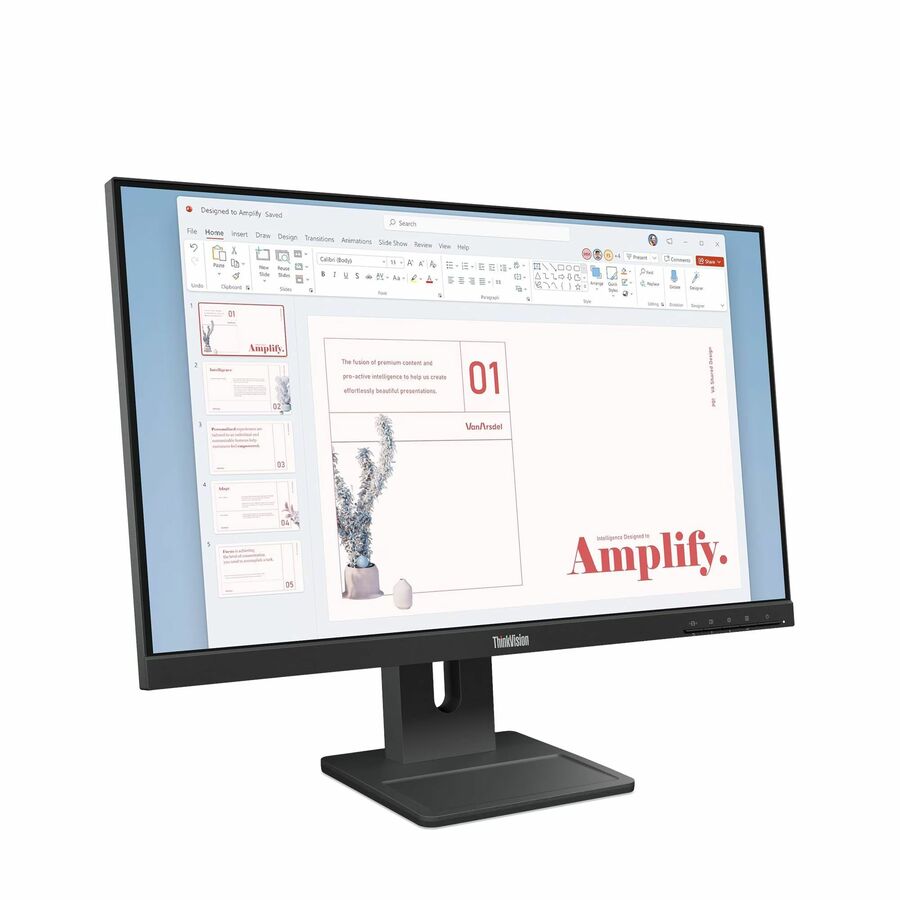
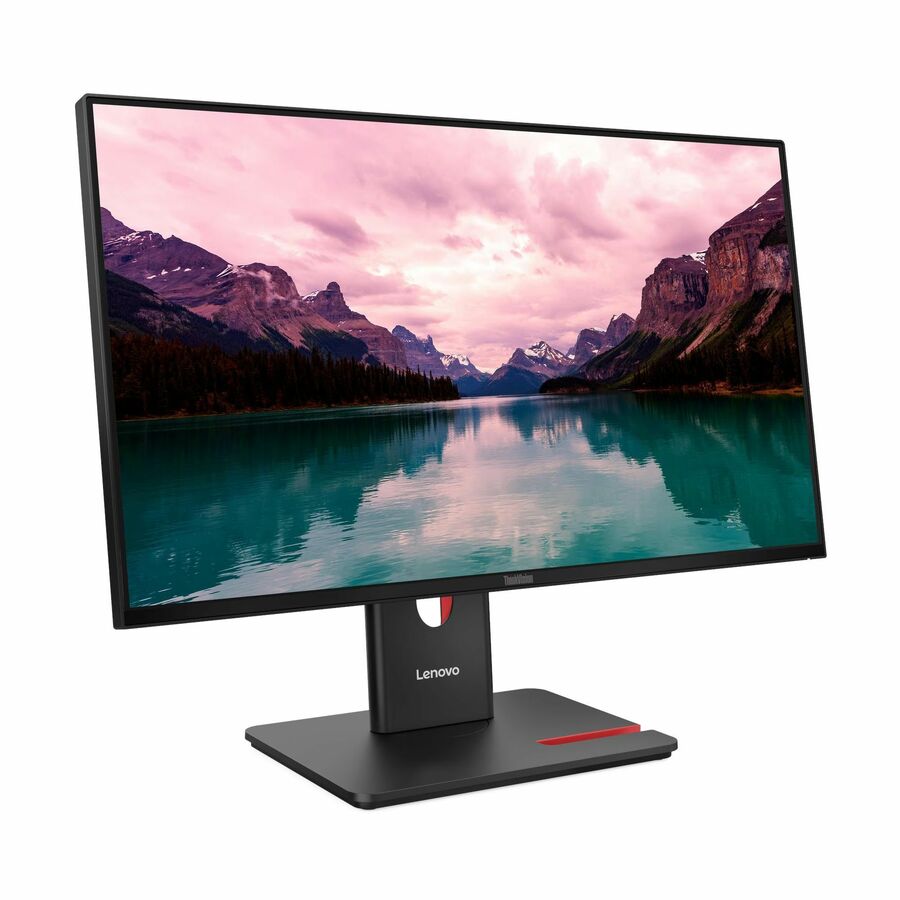
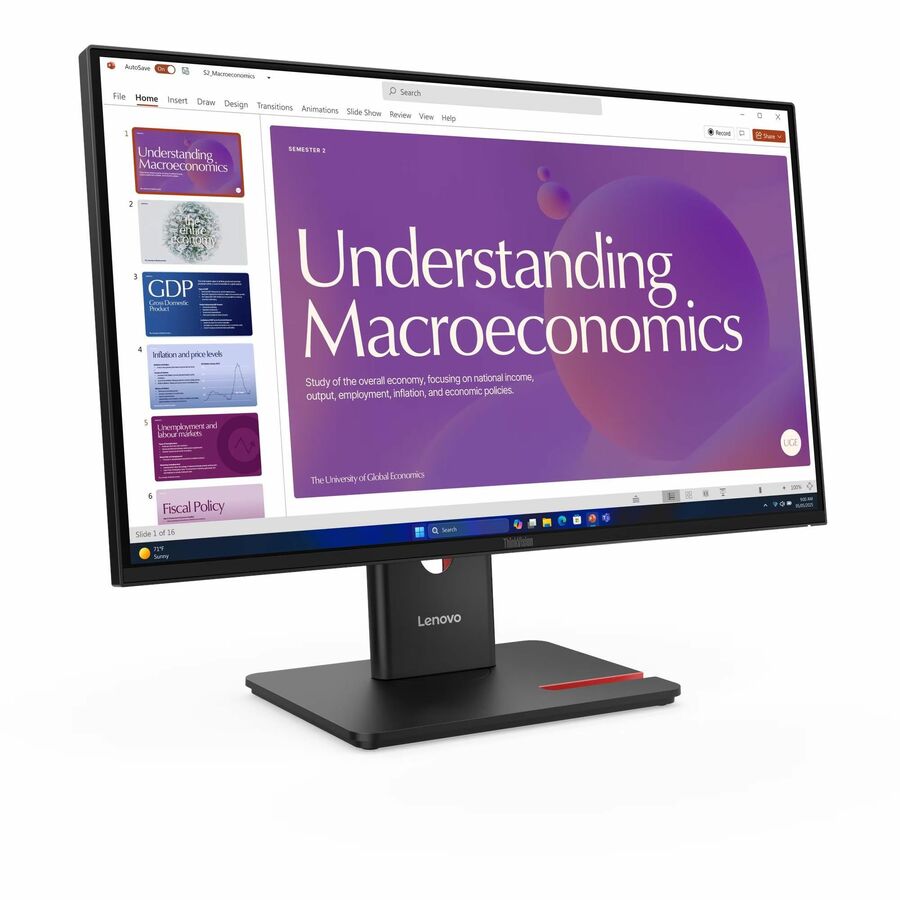
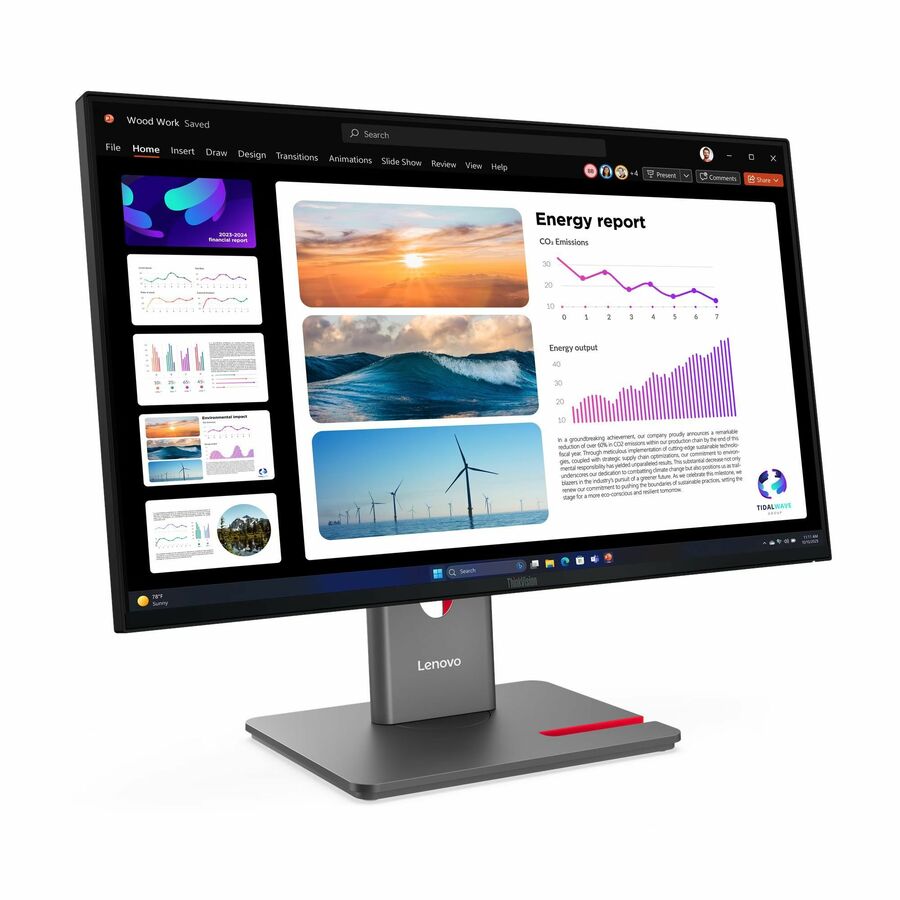
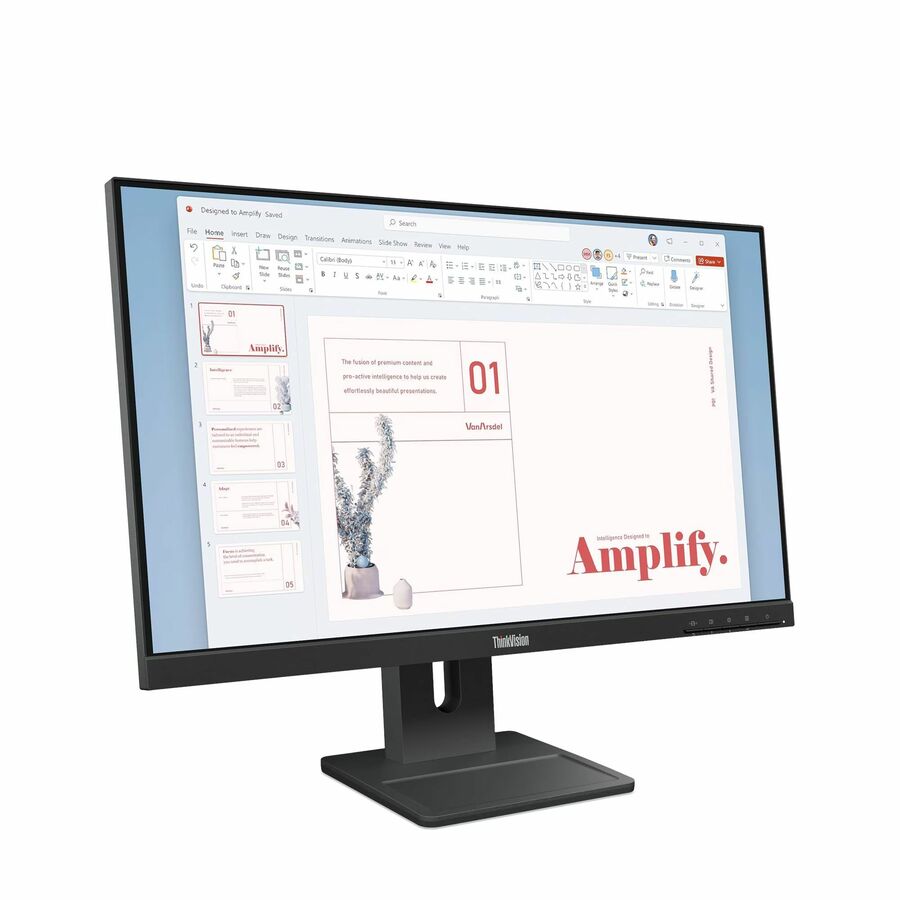
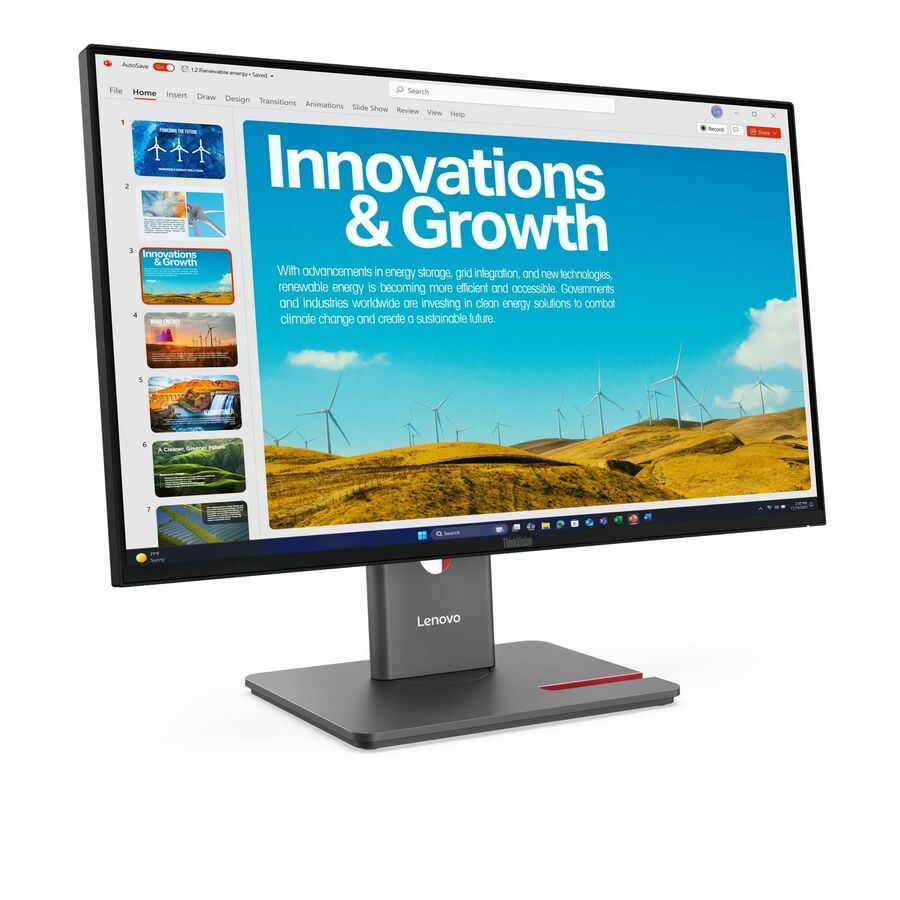
Lenovo ThinkVision E24-40 24" Class Full HD LED Monitor
64BAMAT1UZ
A Lenovo ThinkVision E24-40 24" class Full HD monitor on an IPS panel, 23.8" viewable — the volume office screen in Lenovo's business line.
$168.88Back-orderedThinkVision WQHD
Lenovo
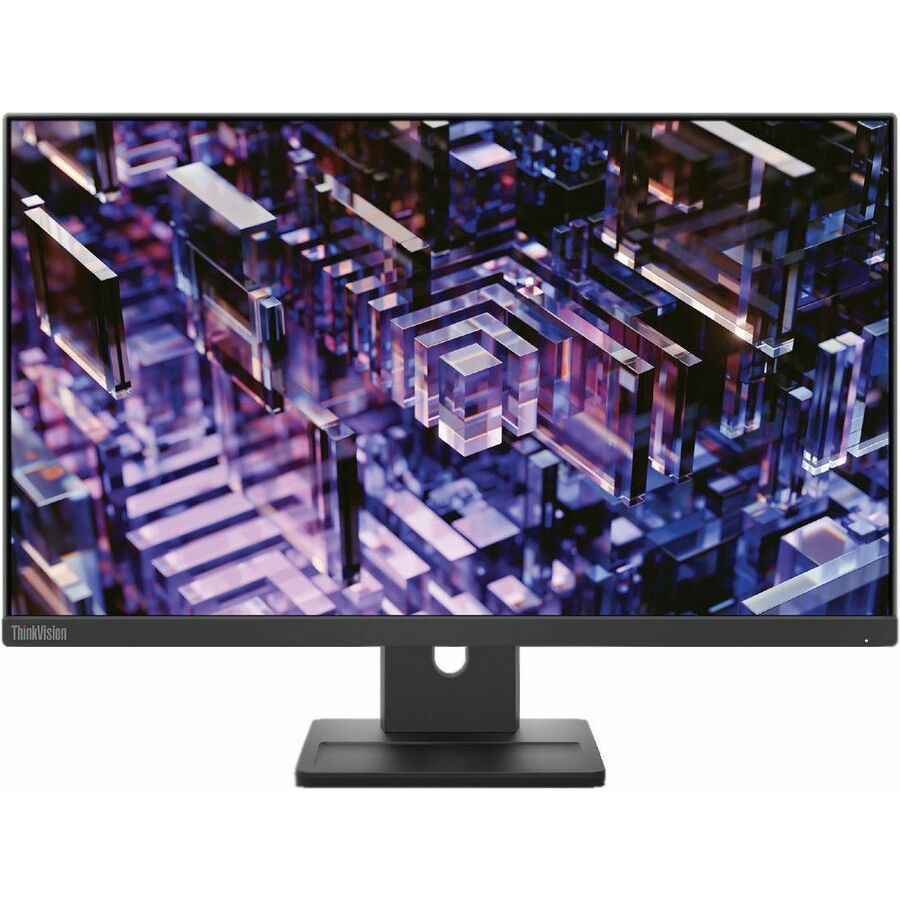
Lenovo ThinkVision E24q-30 24" Class WQHD LED Monitor
63ECGAR2US
A Lenovo ThinkVision E24q-30 24" class WQHD monitor on an IPS panel — the extra desktop space for spreadsheet and development desks at the fleet size.
$227.85In stockThinkVision webcam
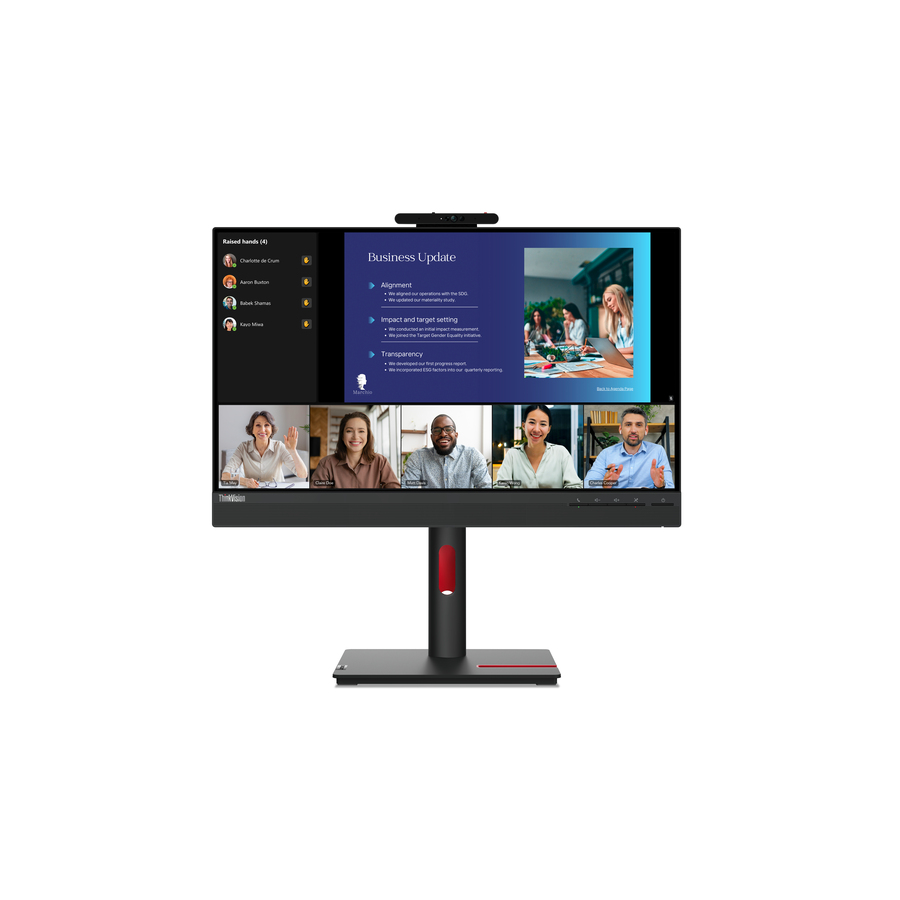
Lenovo
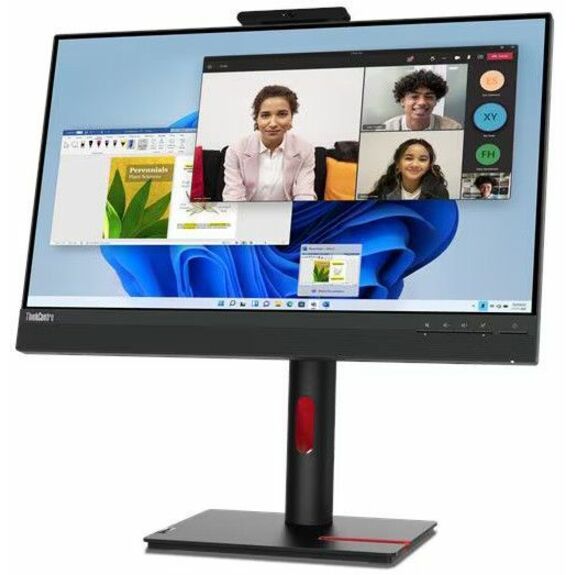
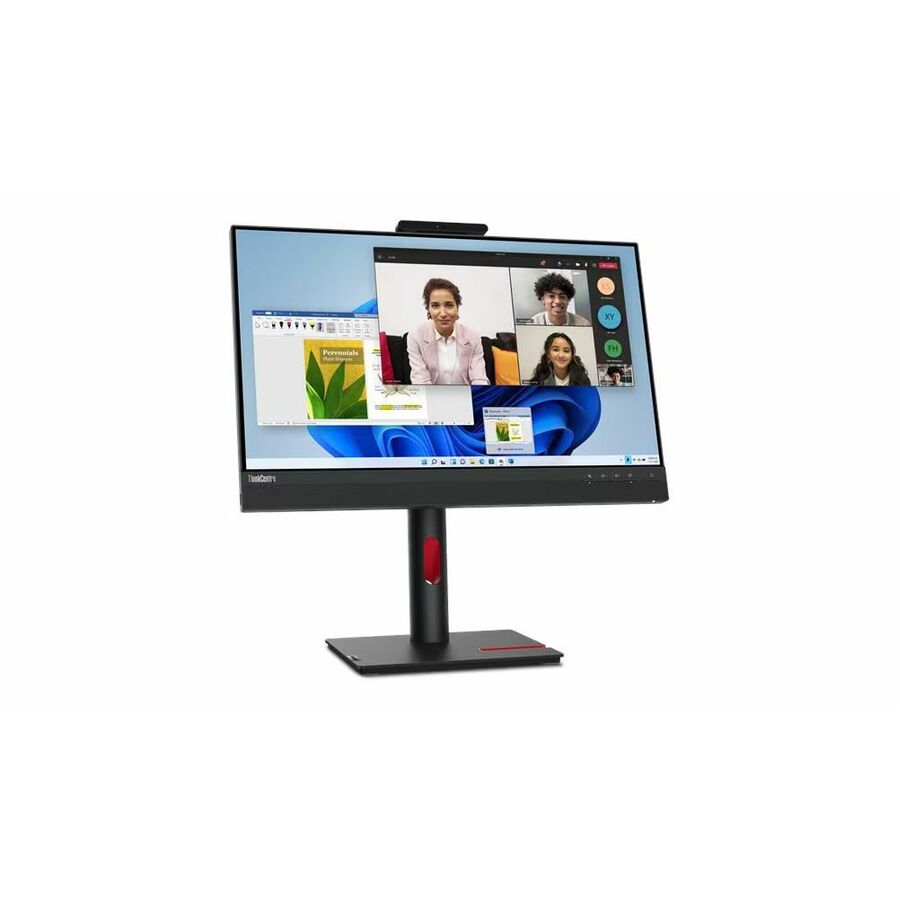
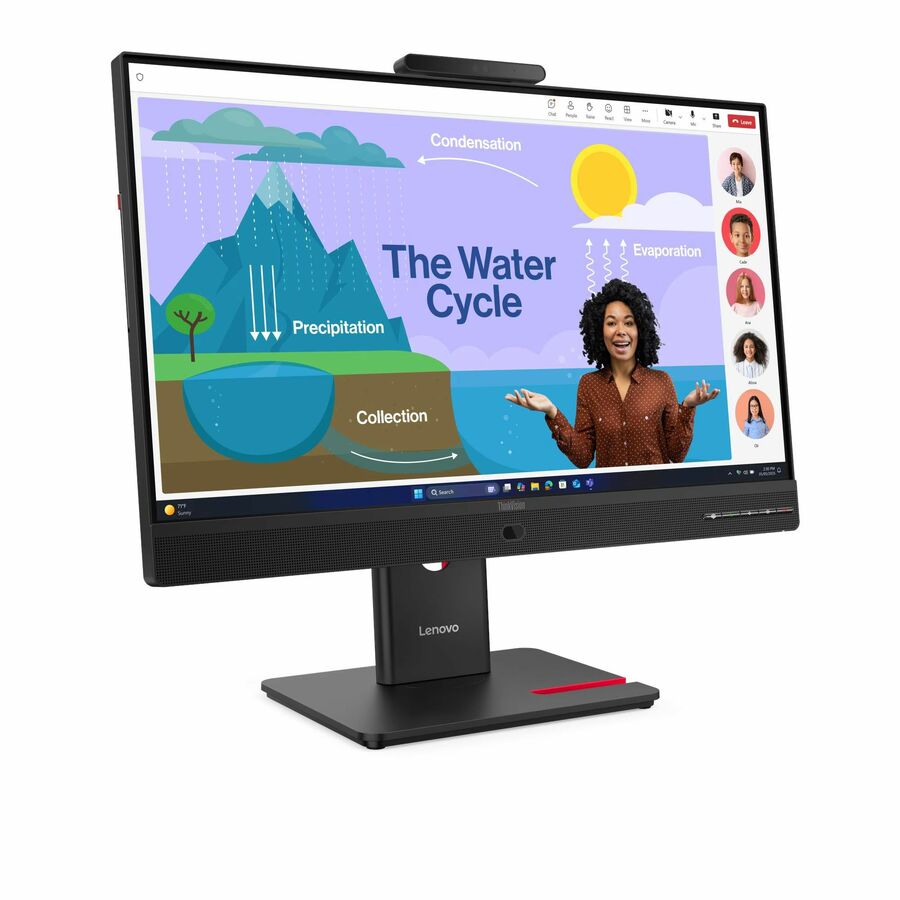
Lenovo ThinkVision T24v-30 24" Class Webcam Full HD LED Monitor
63D8MAR3US
A Lenovo ThinkVision T24v-30 24" class Full HD monitor with a built-in webcam — one screen that takes the video call without a separate camera on the desk.
$281.47Back-orderedLG FHD, TAA
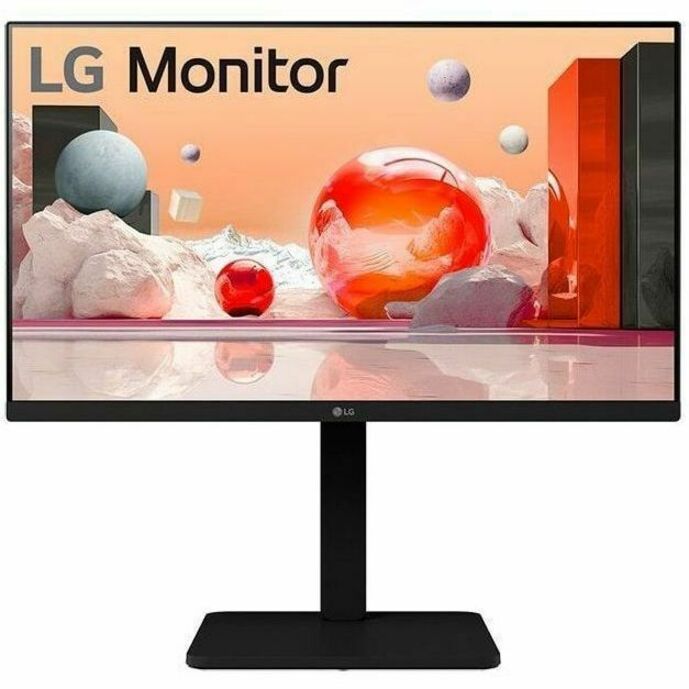
LG Electronics
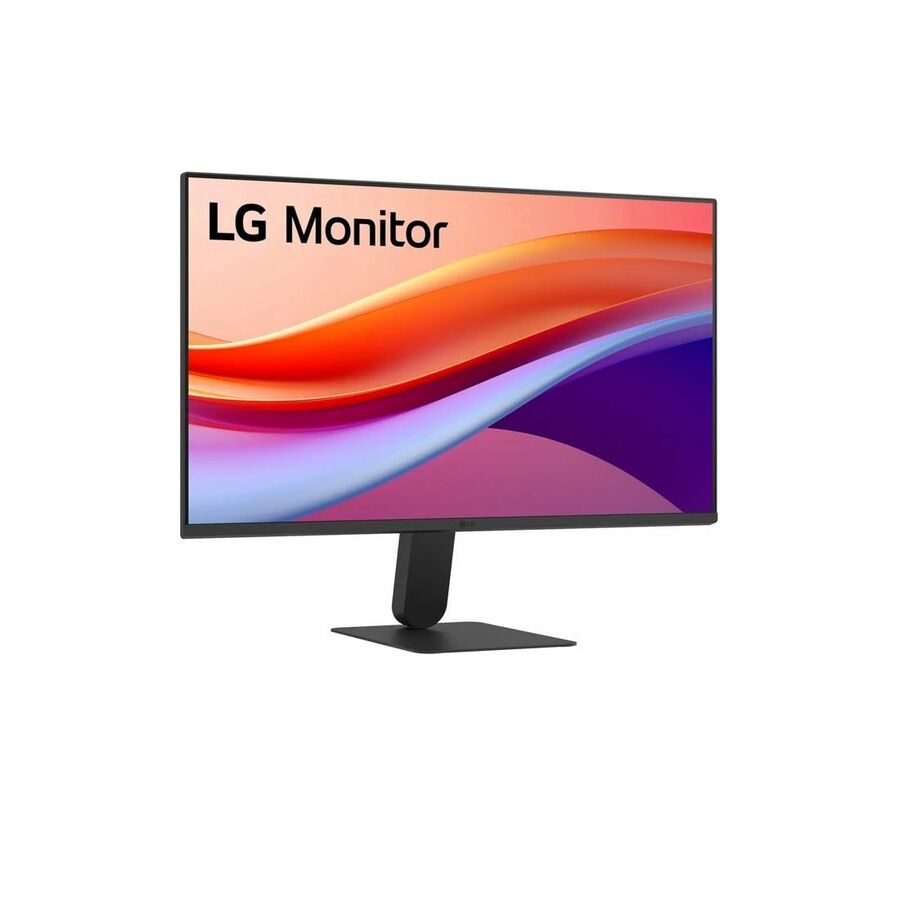
LG 24BA450-B 24" Class Full HD LCD Monitor
24BA450-B
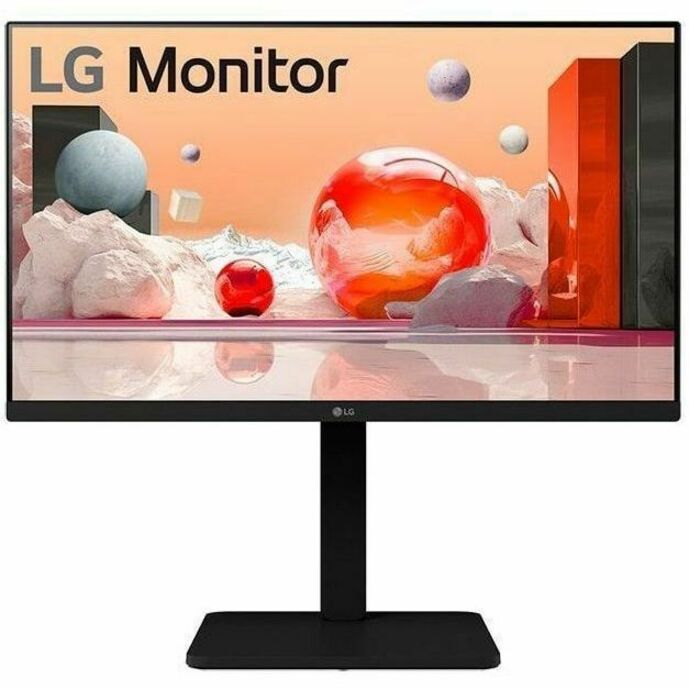
An LG 24BA450-B 24" class Full HD IPS monitor listed by the maker as TAA Compliant — a per-part fact to confirm on the row you order.
Titled TAA Compliant by the manufacturer; the designation is a property of this part number.
$265.63*Back-orderedLG business IPS
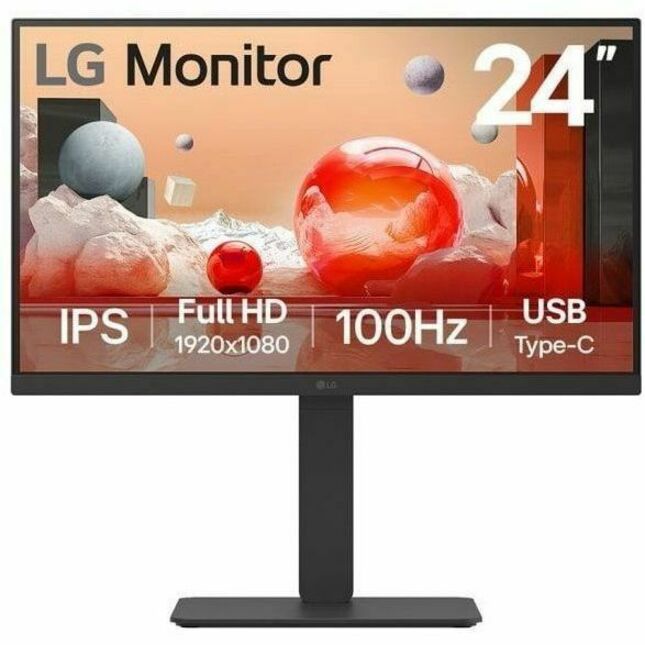
LG Electronics
LG 24BA650-B 24" Class Full HD LCD Monitor
24BA650-B
An LG 24BA650-B 24" class Full HD IPS monitor from the business B-line, 23.8" viewable — a straightforward standardization candidate for a desk fleet.
$446.25Back-orderedLG webcam model
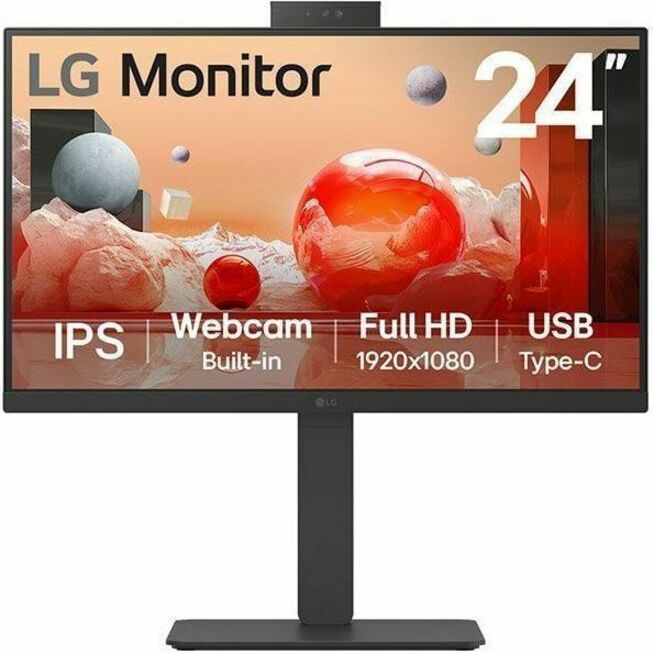
LG Electronics
LG 24BA850-B 24" Class Webcam Full HD LCD Monitor
24BA850-B
An LG 24BA850-B 24" class Full HD IPS monitor with a webcam — the conferencing variant of the same business line, for desks that take calls all day.
$652.38Back-orderedPhilips E-line IPS
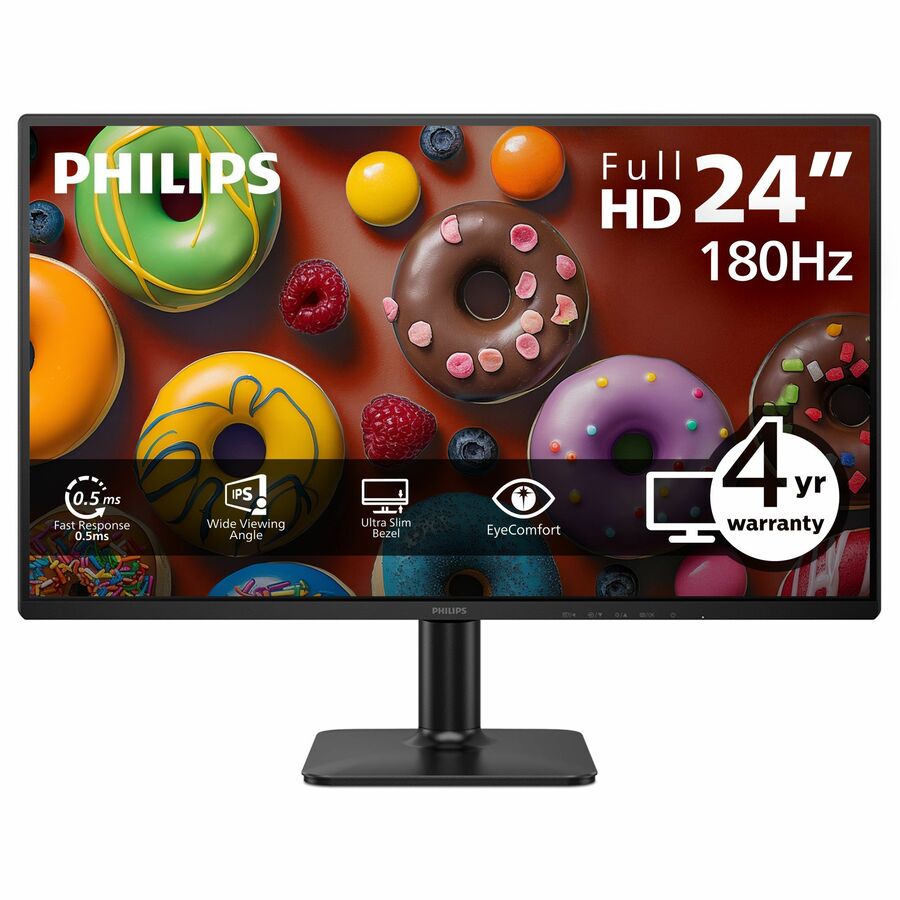
Philips Electronics
Philips 24E2G2201 24" Class Full HD LED Monitor
24E2G2201
A Philips 24E2G2201 24" class Full HD IPS monitor, 23.8" viewable at 300 nits with HDMI and DisplayPort — a plain, well-specified office panel at the fleet size.
$127.84Back-orderedPhilips webcam
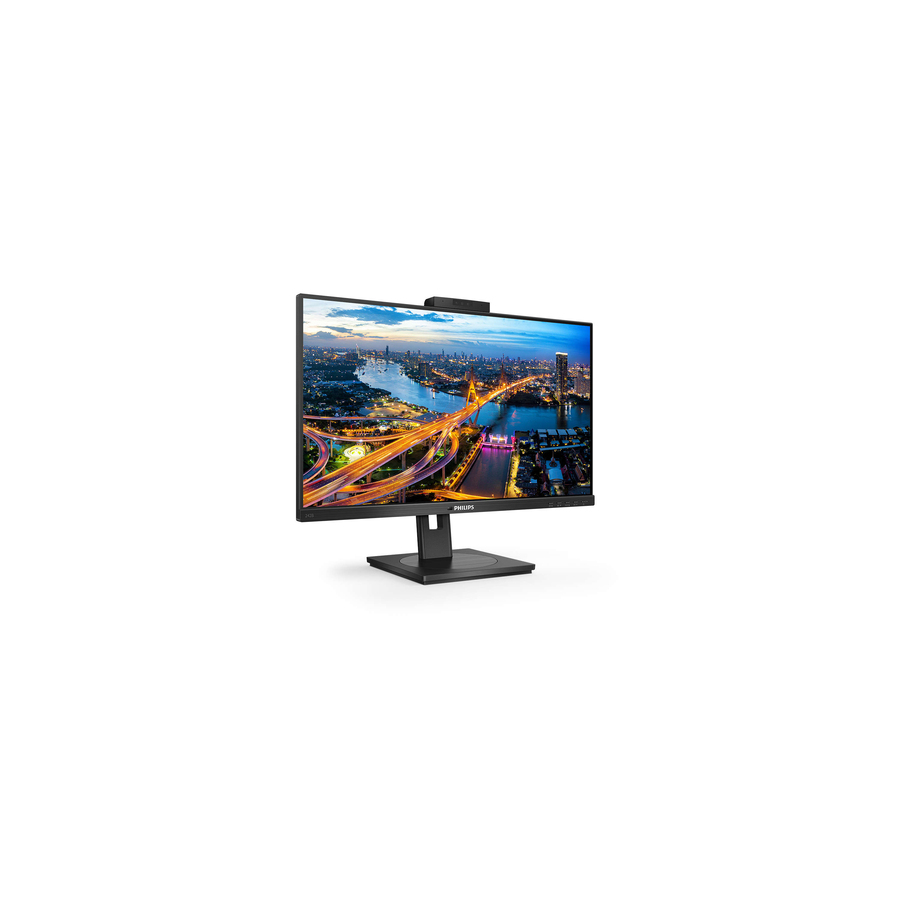
Philips Electronics
Philips 242B1H 24" Class Webcam Full HD LCD Monitor
242B1H
A Philips 242B1H 24" class Full HD IPS monitor with a built-in webcam — the video-call desk in the same Philips business family.
$303.90Back-orderedMultiSync commercial
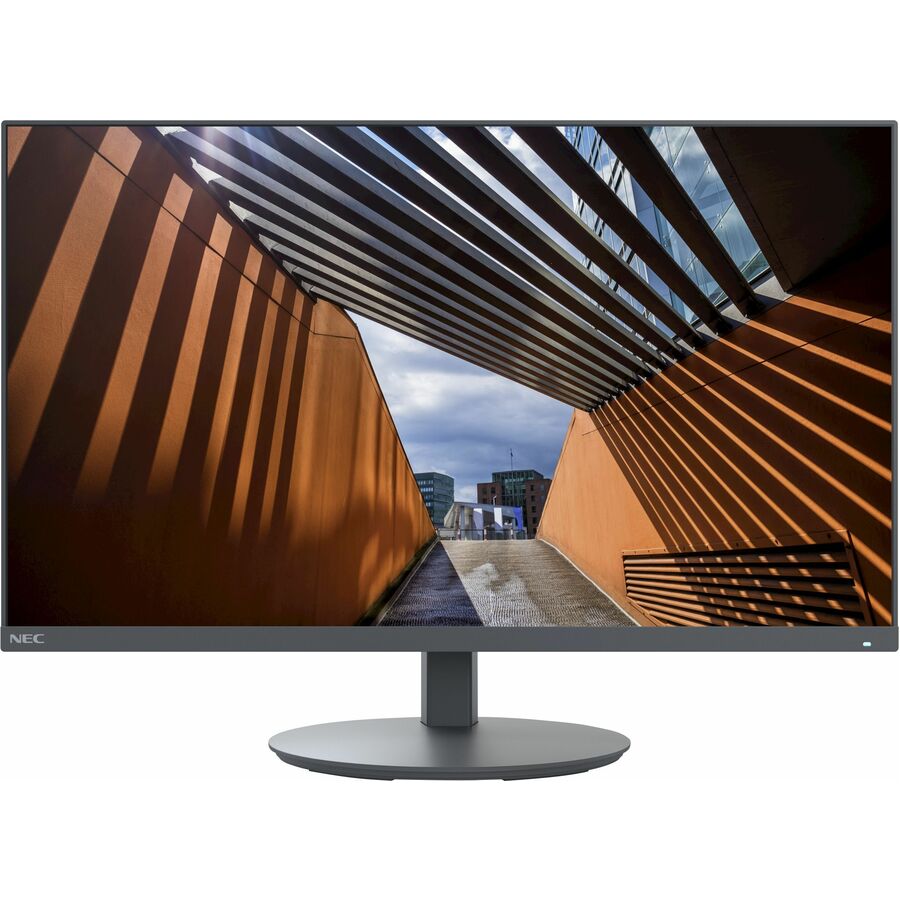
Sharp
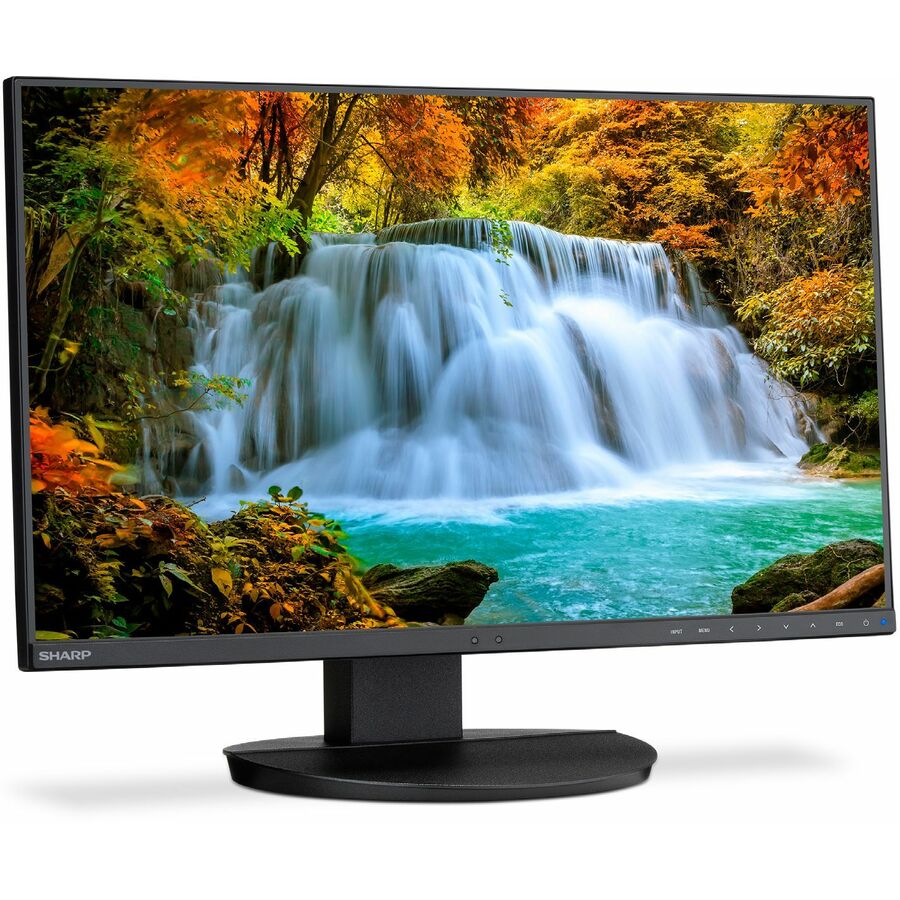
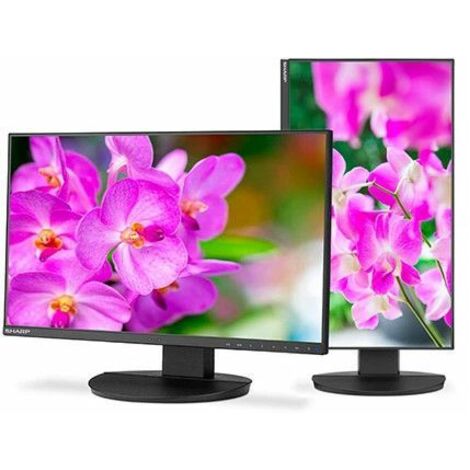
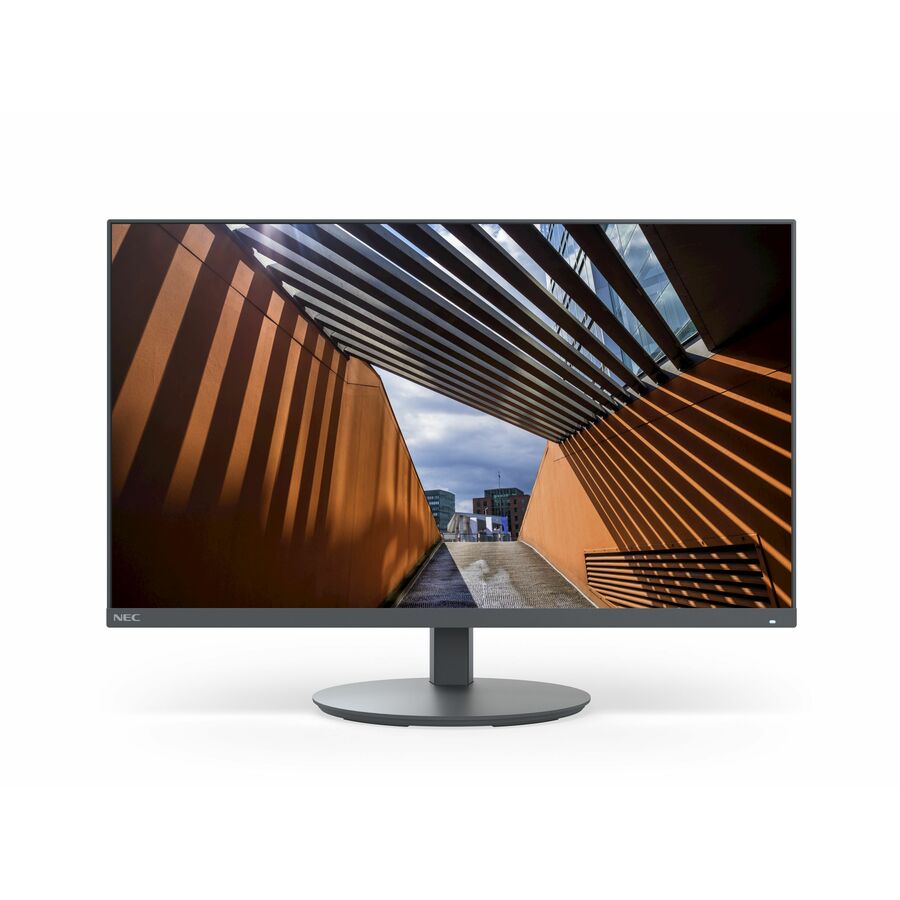
NEC Display MultiSync E244F-BK 24" Class Full HD LED Monitor
E244F-BK
A Sharp NEC MultiSync E244F 24" class Full HD monitor, 23.8" viewable — the commercial-display maker's office panel, from a line built for long duty cycles.
Request pricingMultiSync 16:10
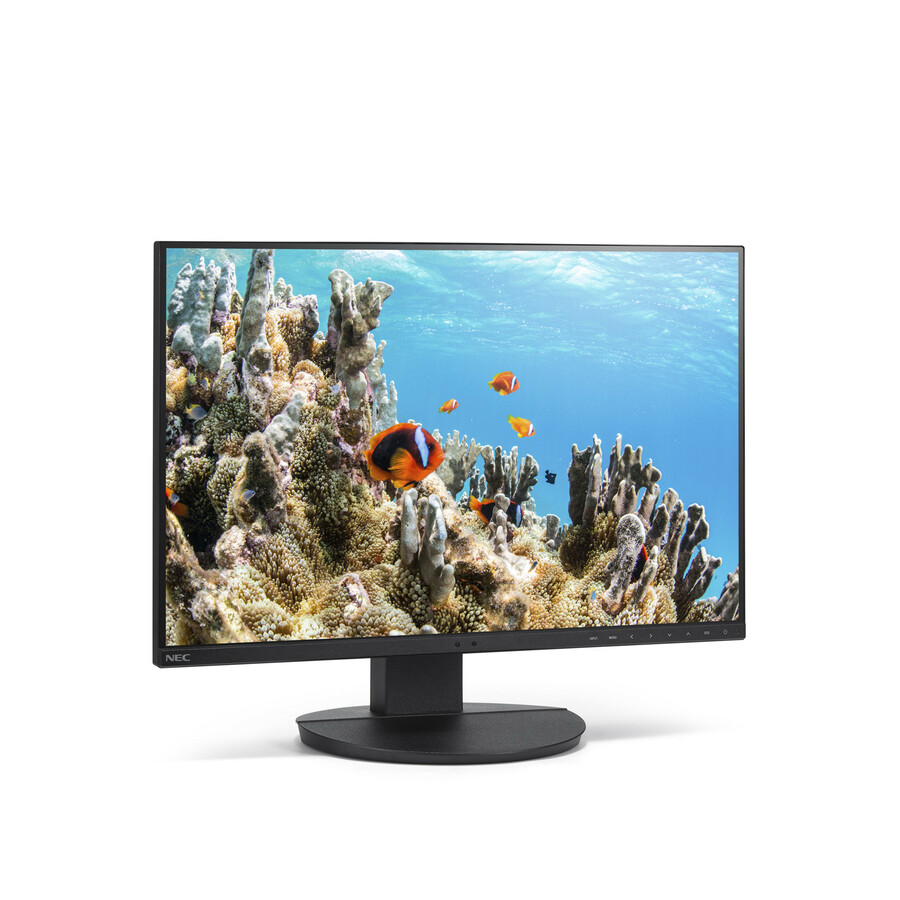
Sharp
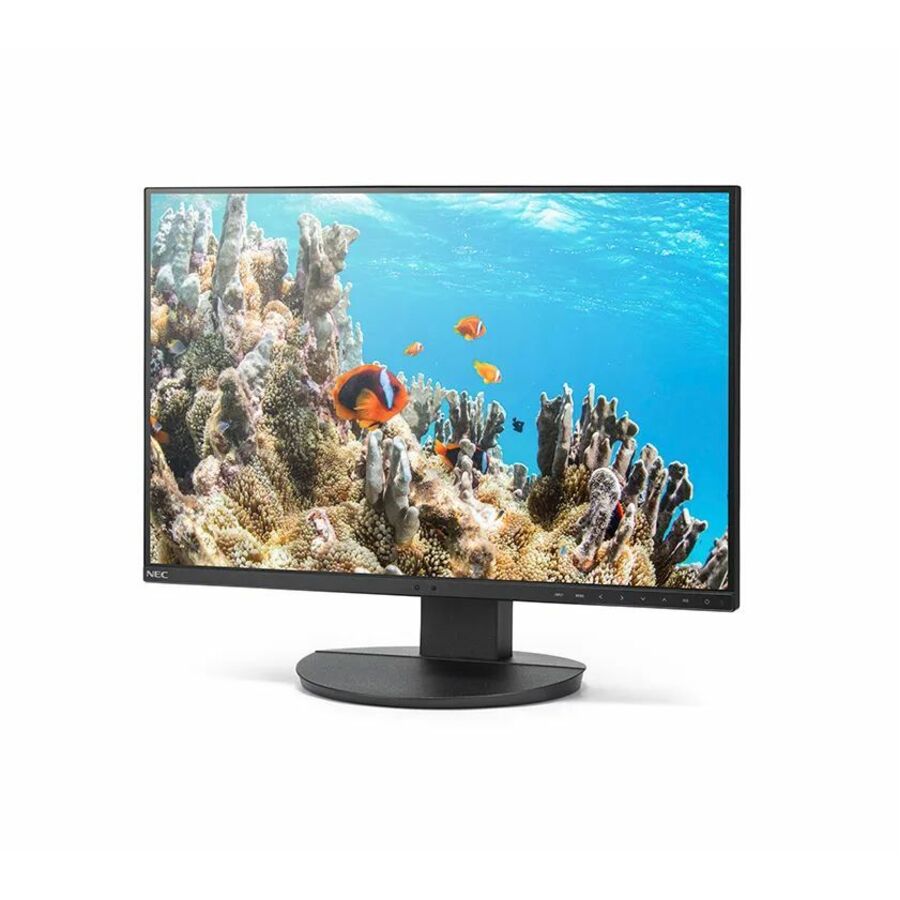
NEC Display MultiSync EA242WU-BK 24" Class WUXGA LCD Monitor
EA242WU-BK
A Sharp NEC MultiSync EA242WU 24" class WUXGA IPS monitor in 16:10, 24.1" viewable — the taller aspect ratio for document and code work.
Request pricingUSB-C docking
ViewSonic
ViewSonic VG2456 24 Inch 1080p Monitor, IPS Display with 60W USB-C…
VG2456
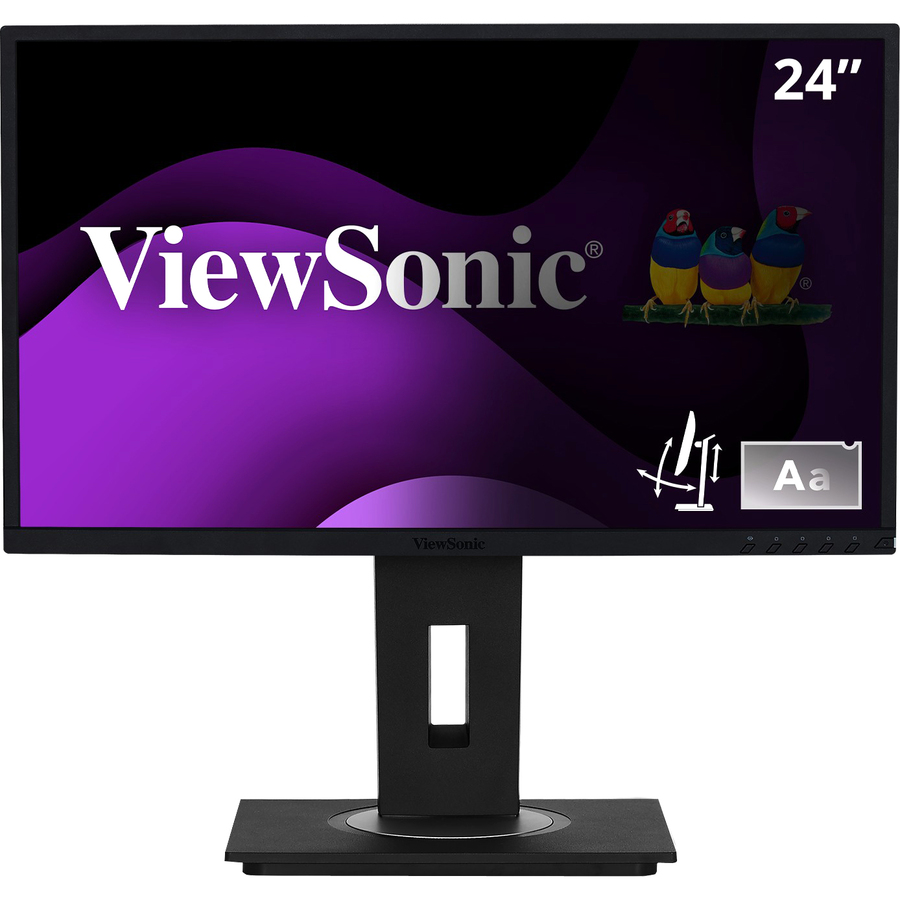
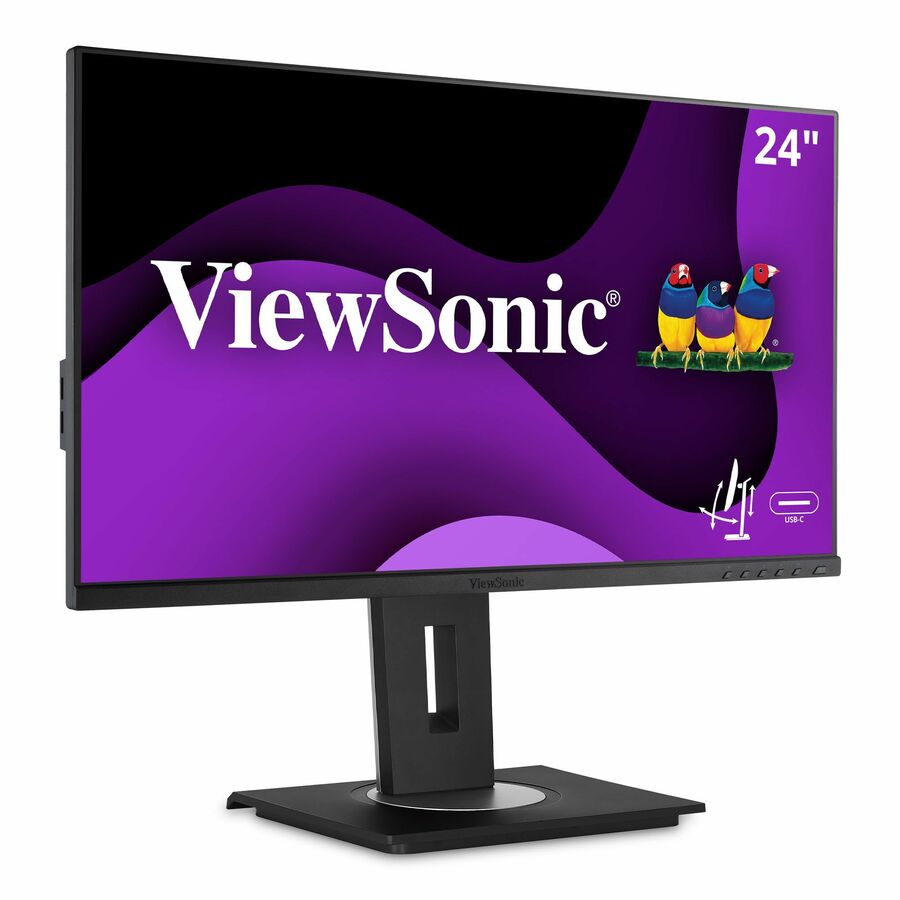
A ViewSonic VG2456 24-inch 1080p IPS monitor with 60W USB-C, listed by the maker for full ergonomic adjustment — one cable to drive the screen and charge the laptop.
$295.64In stockBuilt-in privacy filter
ViewSonic
ViewSonic VG2448-PF 24 Inch IPS 1080p Ergonomic Monitor with Built-In…
VG2448-PF
A ViewSonic VG2448-PF 24-inch 1080p IPS monitor with a built-in privacy filter and a 40-degree tilt stand — for open-plan desks that face a walkway.
$284.02In stockFlexScan office panel
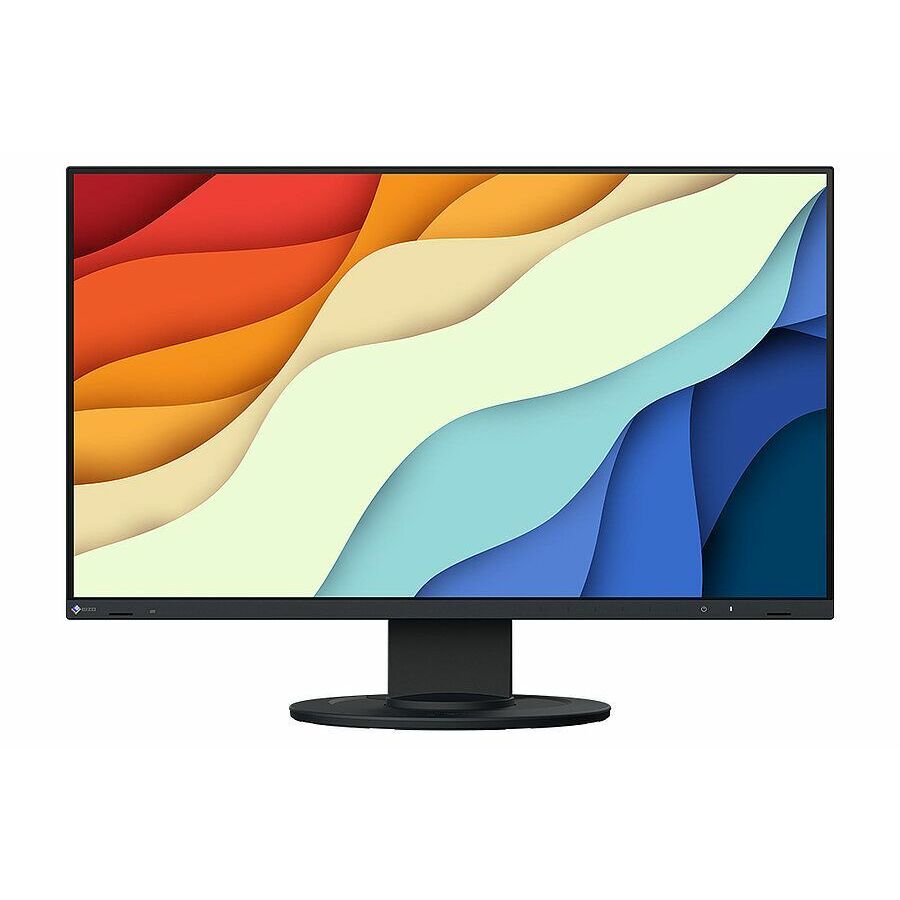
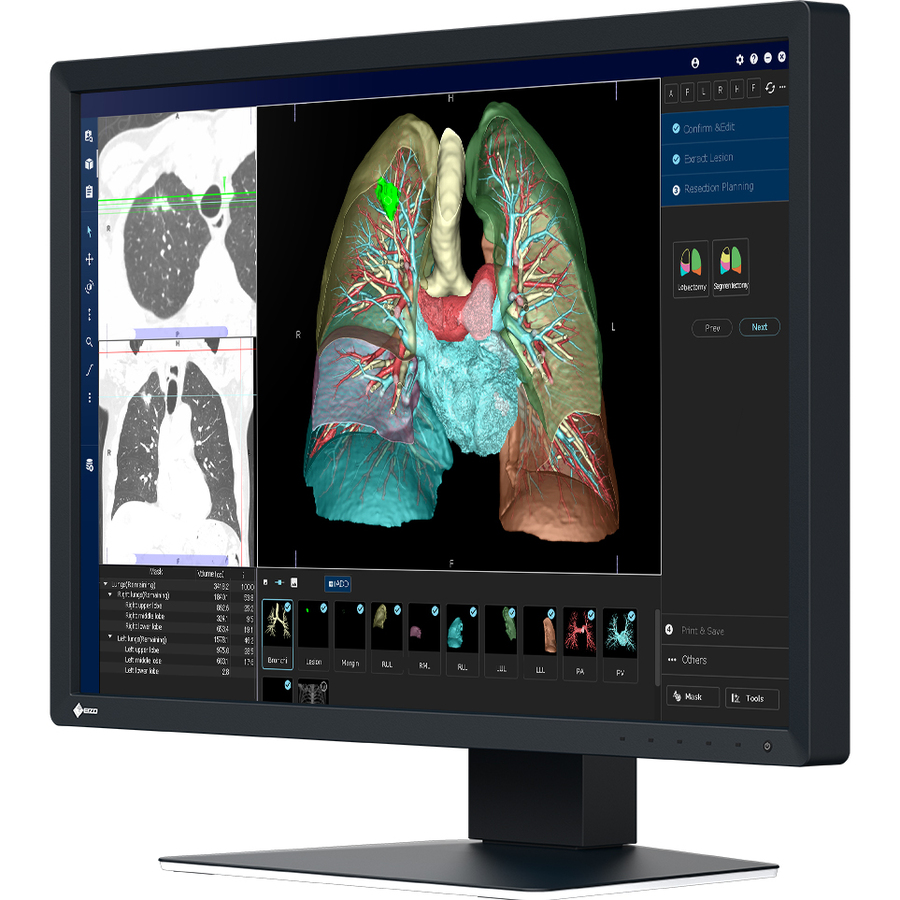
EIZO
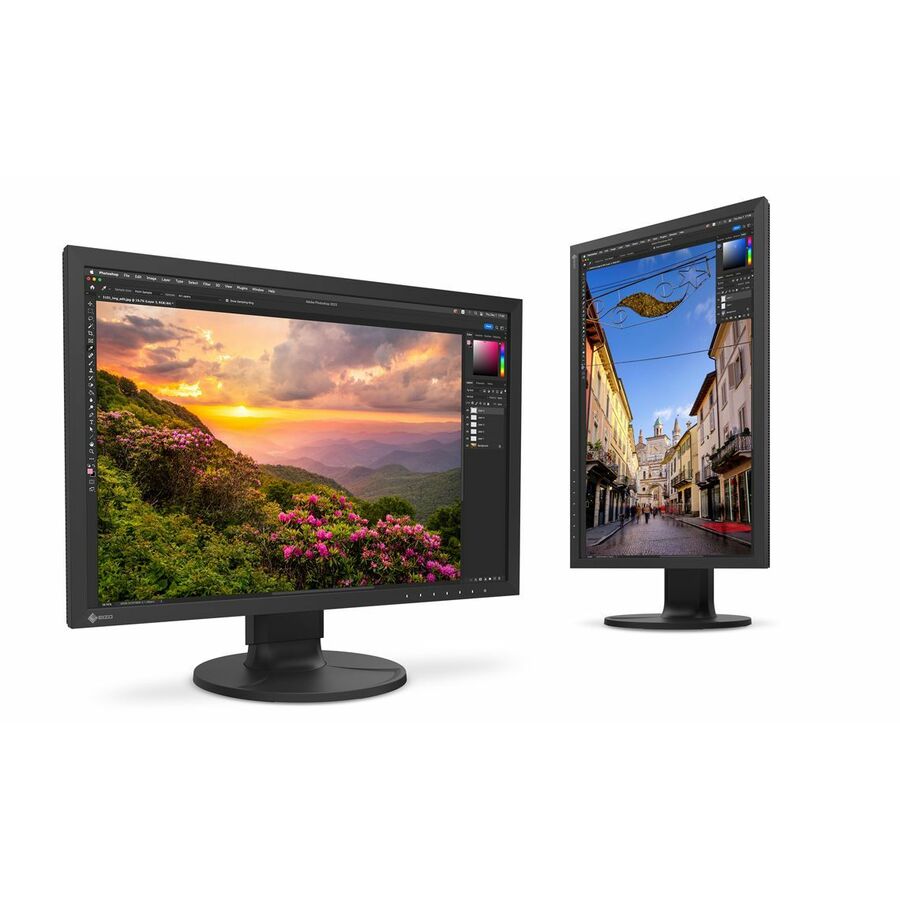
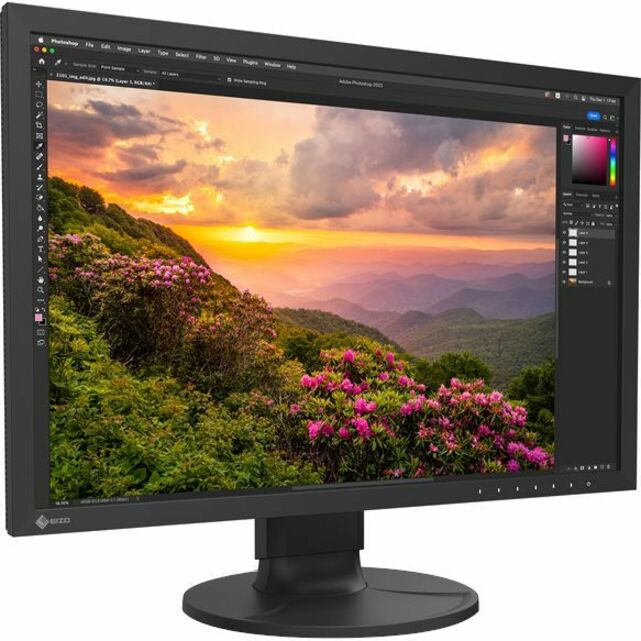
EIZO FlexScan EV2400R 24" Class Full HD LED Monitor
EV2400R-BK
An EIZO FlexScan EV2400R 24" class Full HD IPS monitor, 23.8" viewable — a professional office panel from a line built around all-day viewing comfort.
$469.86Back-orderedFlexScan WUXGA
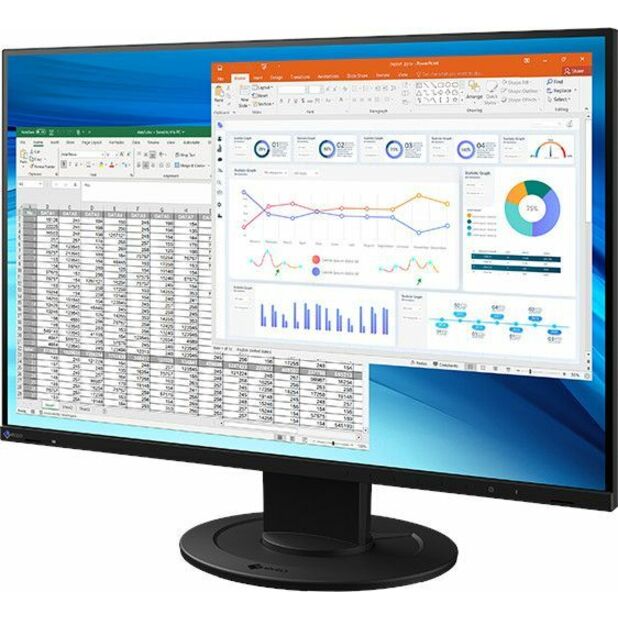
EIZO
EIZO FlexScan EV2410R-BK 24" Class WUXGA LED Monitor
EV2410R-BK
An EIZO FlexScan EV2410R 24" class WUXGA IPS monitor in 16:10, 24.1" viewable — the taller professional panel for document-heavy work.
$640.83In stockBenQ business IPS
BenQ
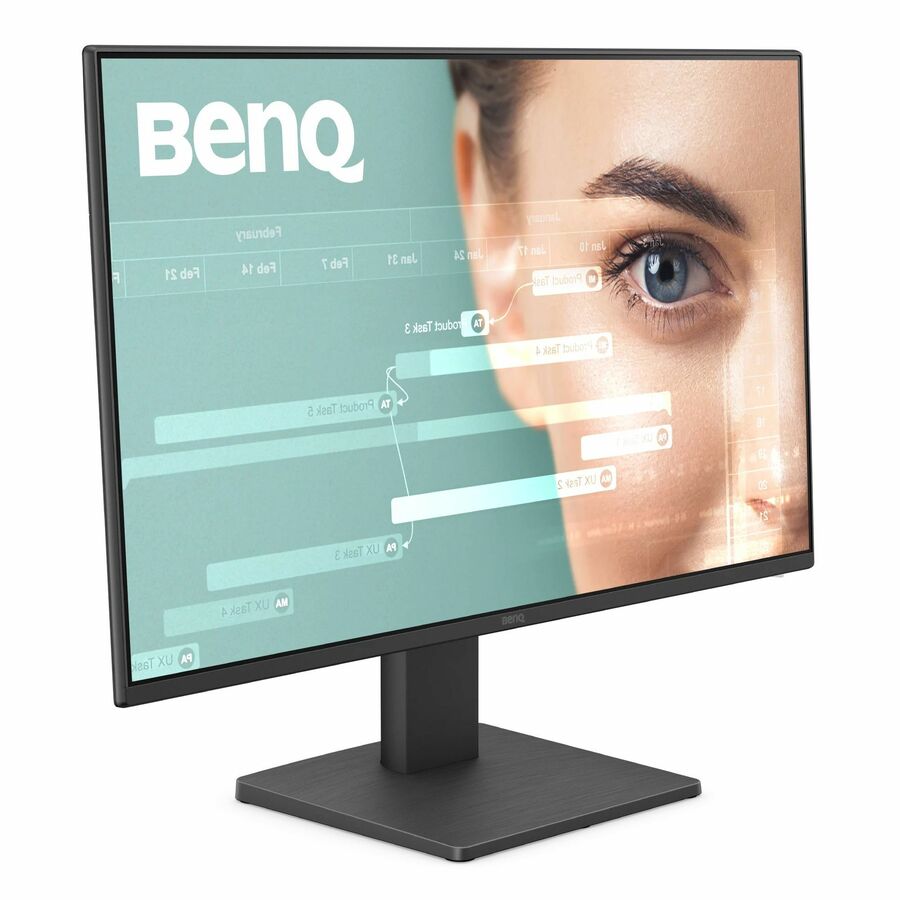
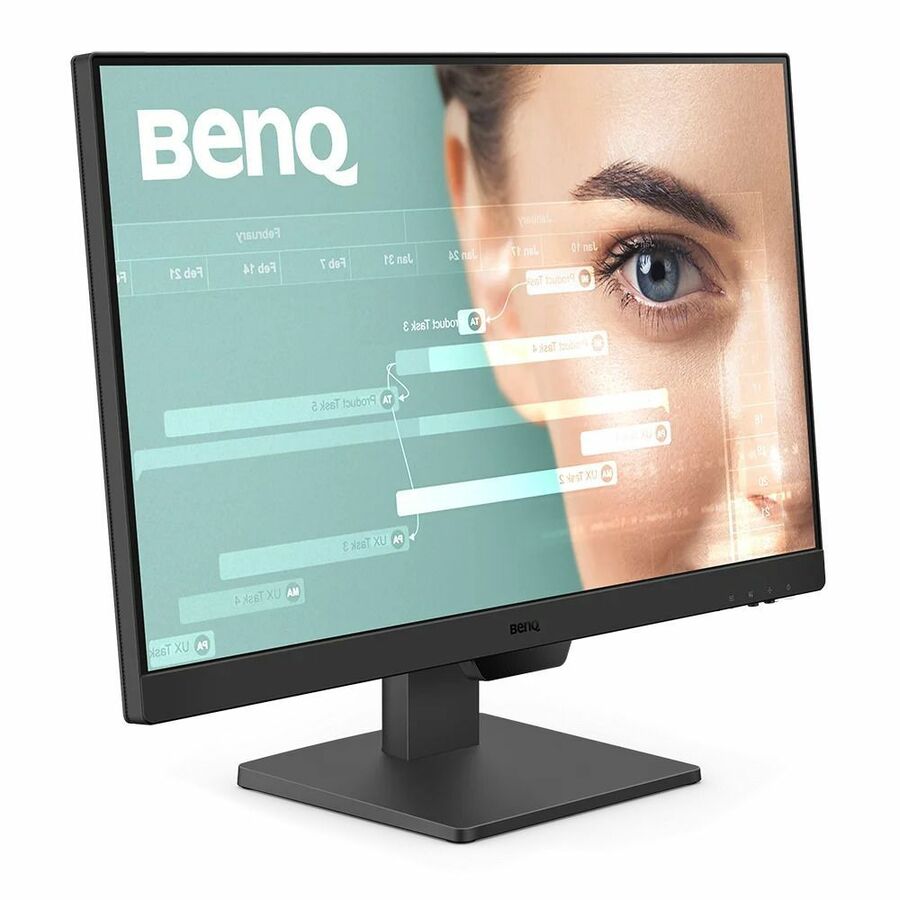
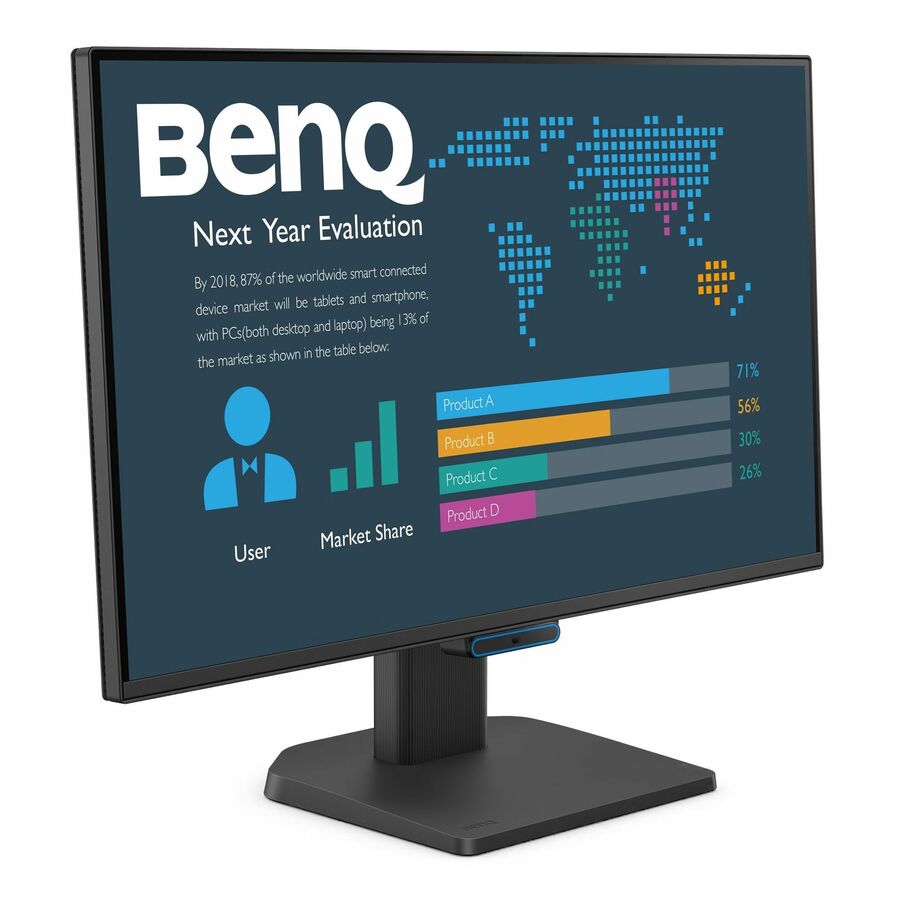
BenQ Business BL2490T 24" Class Full HD LED Monitor
BL2490T
A BenQ Business BL2490T 24" class Full HD IPS monitor, listed at 24" viewable — the business line rather than the gaming one that shares this size.
$163.54In stockSamsung Essential IPS
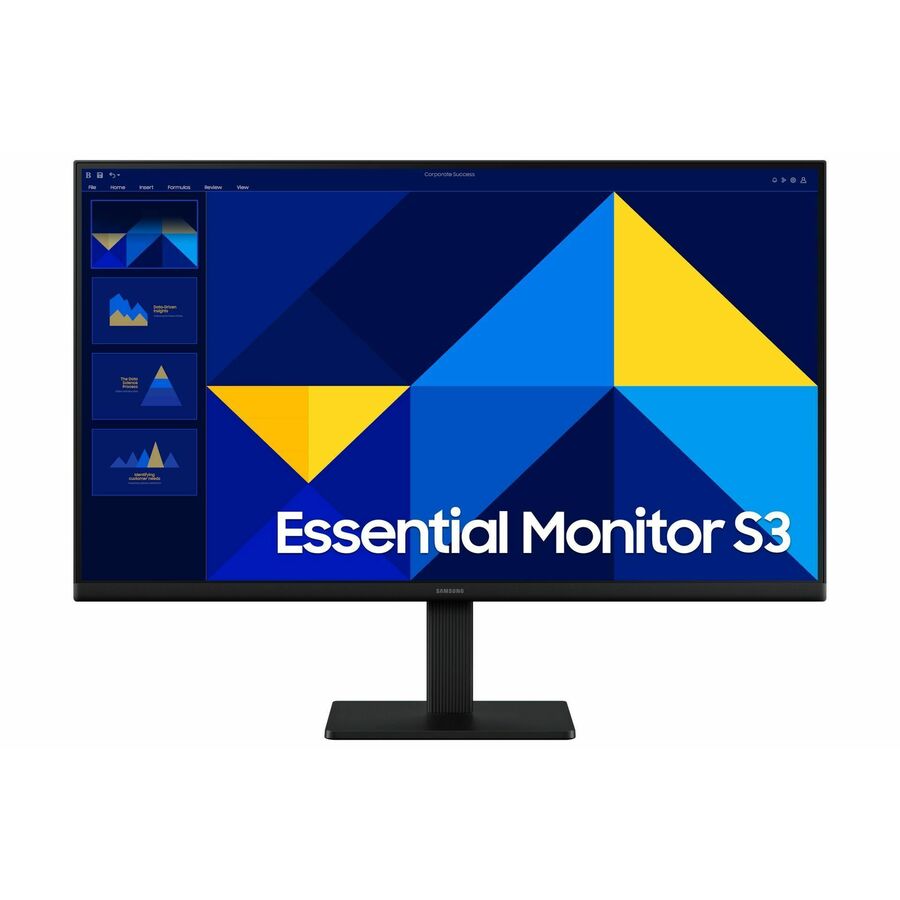
Samsung
Samsung Essential S3 S24D304GAN 24" Class Full HD LCD Monitor
LS24D304GANXZA
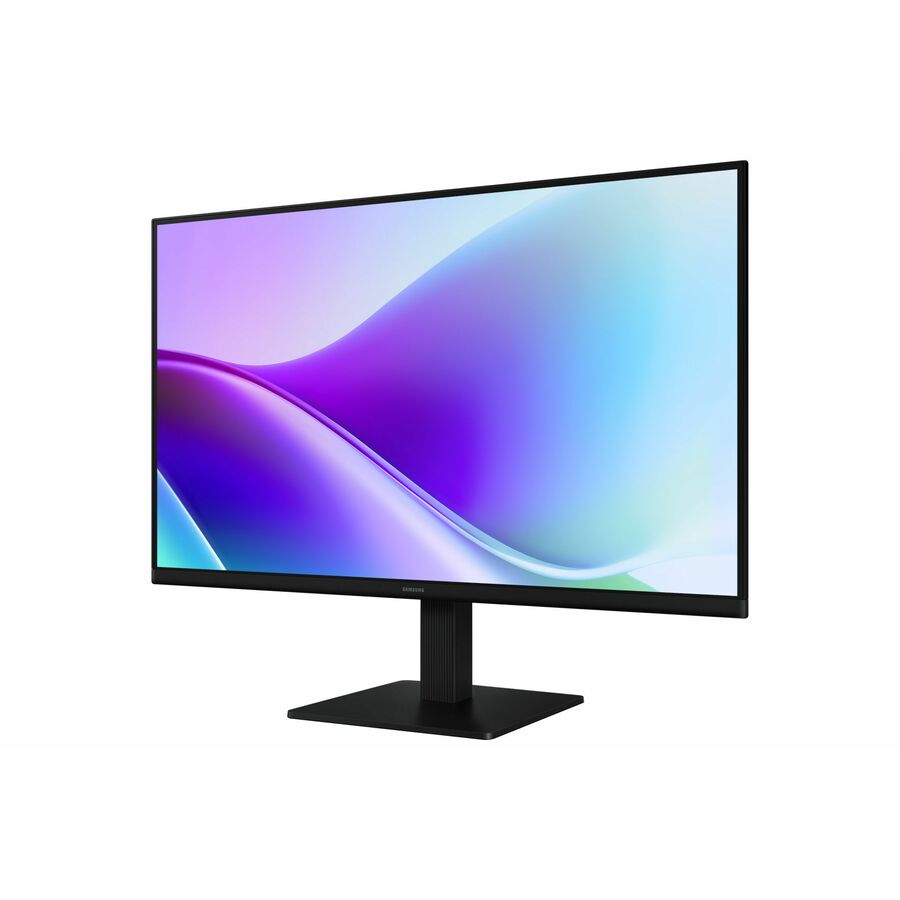
A Samsung Essential S3 S24D304GAN 24" class Full HD IPS monitor, 24" viewable — a flat IPS option for a Samsung-standardized desk estate.
Every row this page renders states 24" in the manufacturer's own title, as this one does.
$356.89In stockMore monitors in the Uniqcli catalog
See all 1,690 monitorsMore from across this category. In-stock lines lead, and a back-ordered line carries the same estimated availability its product page does — with live pricing throughout, NDAA §889 screening before checkout and TAA verified on request.
Back-ordered — we expect to receive stock the week of Nov 9–15 and will process your delivery right after.
Back-ordered — estimated OEM lead time 3–8 weeks (Nov 21 – Dec 26 if ordered today).
Back-ordered — estimated OEM lead time 3–8 weeks (Nov 21 – Dec 26 if ordered today).
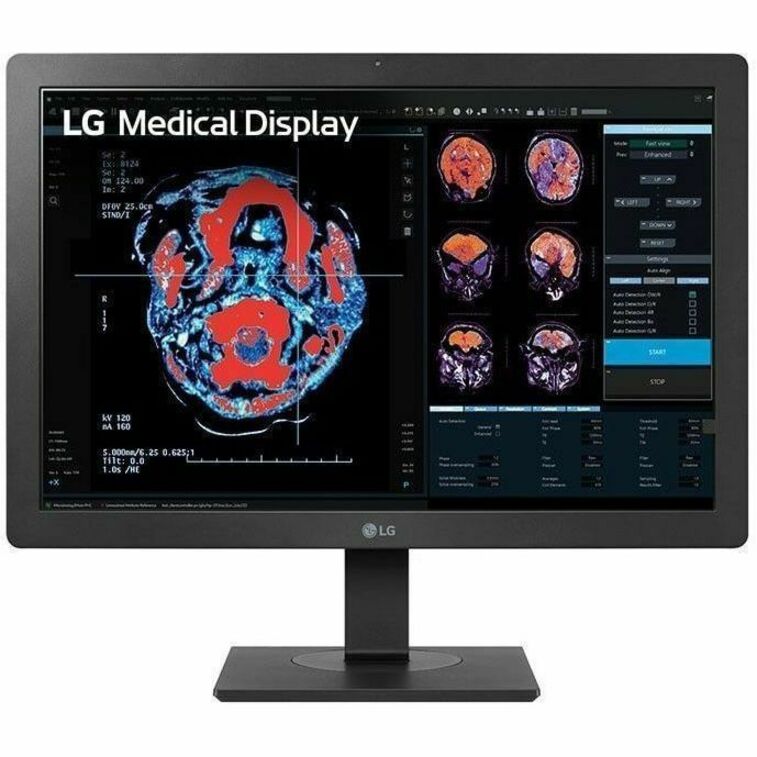
- LG ElectronicsLG 24HR513C-B 24" Class LCD Monitor - 16:10 - Black - 24" Viewable - In-plane Switching (IPS) Technology - 600 Nit - 5 ms - HDMI - DisplayPort - VESA Mount Compatible24HR513C-B
$1,339.00
$1,138.15
Back-orderedBack-ordered — estimated OEM lead time 3–8 weeks (Nov 21 – Dec 26 if ordered today).
Back-ordered — estimated OEM lead time 3–8 weeks (Nov 21 – Dec 26 if ordered today).
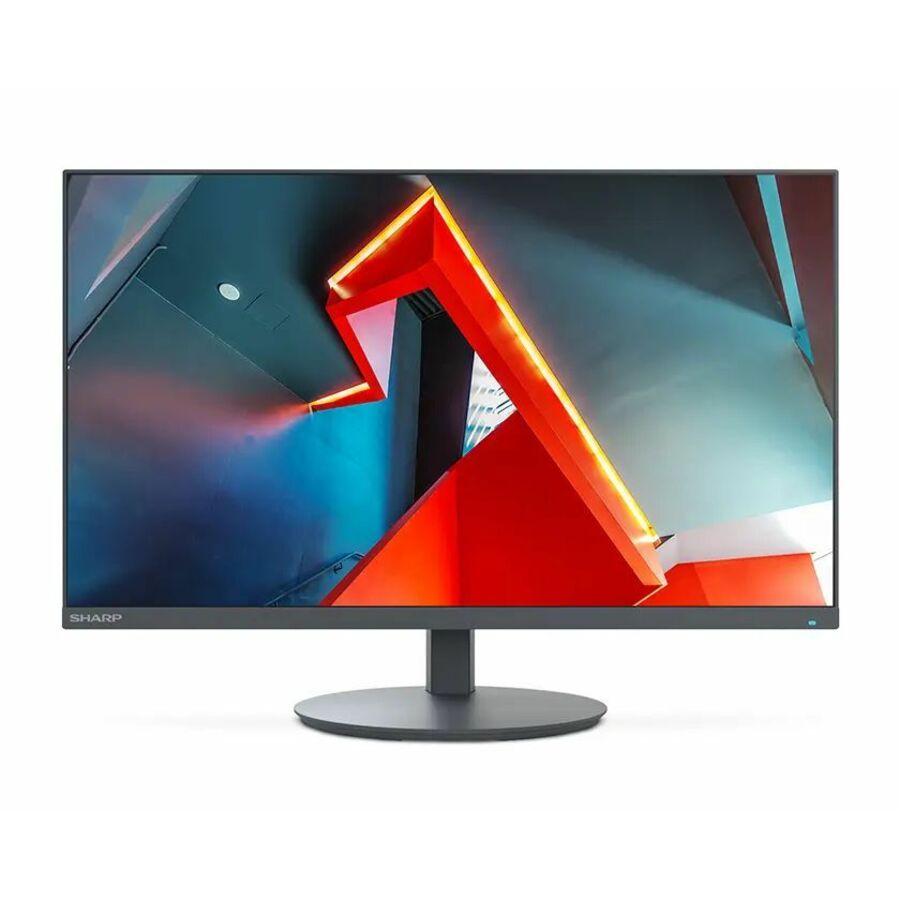
- SharpNEC Display MultiSync E244FL-BK 24" Class Full HD LED Monitor - 16:9 - 23.8" Viewable - Vertical Alignment (VA) - LED Backlight - 1920 x 1080 - 16.7 Million Colors - 250 Nit - 6 ms - 75 Hz Refresh Rate - Speakers - USB Type-C - HDMI - VGA - DisplayPort - VESA Mount CompatibleE244FL-BK
$453.00
$293.53
Back-orderedBack-ordered — estimated OEM lead time 3–8 weeks (Nov 21 – Dec 26 if ordered today).
- EIZOEIZO RadiForce MX243W 24" Class WUXGA LCD Monitor - 16:10 - Black - 24.1" Viewable - In-plane Switching (IPS) Technology - LED Backlight - 1920 x 1200 - 1.07 Billion Colors - 410 Nit - 22 ms - DVI - DisplayPort - VESA Mount Compatible - USB HubMX243W-BK
$1,999.00
$1,848.69
Back-orderedBack-ordered — estimated OEM lead time 3–8 weeks (Nov 21 – Dec 26 if ordered today).
Back-ordered — estimated OEM lead time 3–8 weeks (Nov 21 – Dec 26 if ordered today).
- LG ElectronicsLG 24BR650B-C 24" Class Full HD LCD Monitor - 16:9 - Textured Black - 23.8" Viewable - In-plane Switching (IPS) Technology - 1920 x 1080 - 16.7 Million Colors - 250 Nit - 5 ms - Speakers - Swivel, Height, Tilt, Pivot - USB Type-C - HDMI - DisplayPort - VESA Mount Compatible - Speaker24BR650B-C
$587.50
$499.38
Back-orderedBack-ordered — estimated OEM lead time 3–8 weeks (Nov 21 – Dec 26 if ordered today).
Back-ordered — we expect to receive stock the week of Nov 16–22 and will process your delivery right after.
- LG ElectronicsLG 24BA450-B 24" Class Full HD LCD Monitor - 16:9 - Matte Black - TAA Compliant - 23.8" Viewable - In-plane Switching (IPS) Technology - 1920 x 1080 - 16.7 Million Colors - 250 Nit - 5 ms - 100 Hz Refresh Rate - Speakers - Swivel, Height, Tilt, Pivot - HDMI - VGA - DisplayPort - Speaker24BA450-B
$312.50
$265.63*
Back-orderedBack-ordered — we expect to receive stock the week of Nov 2–8 and will process your delivery right after.
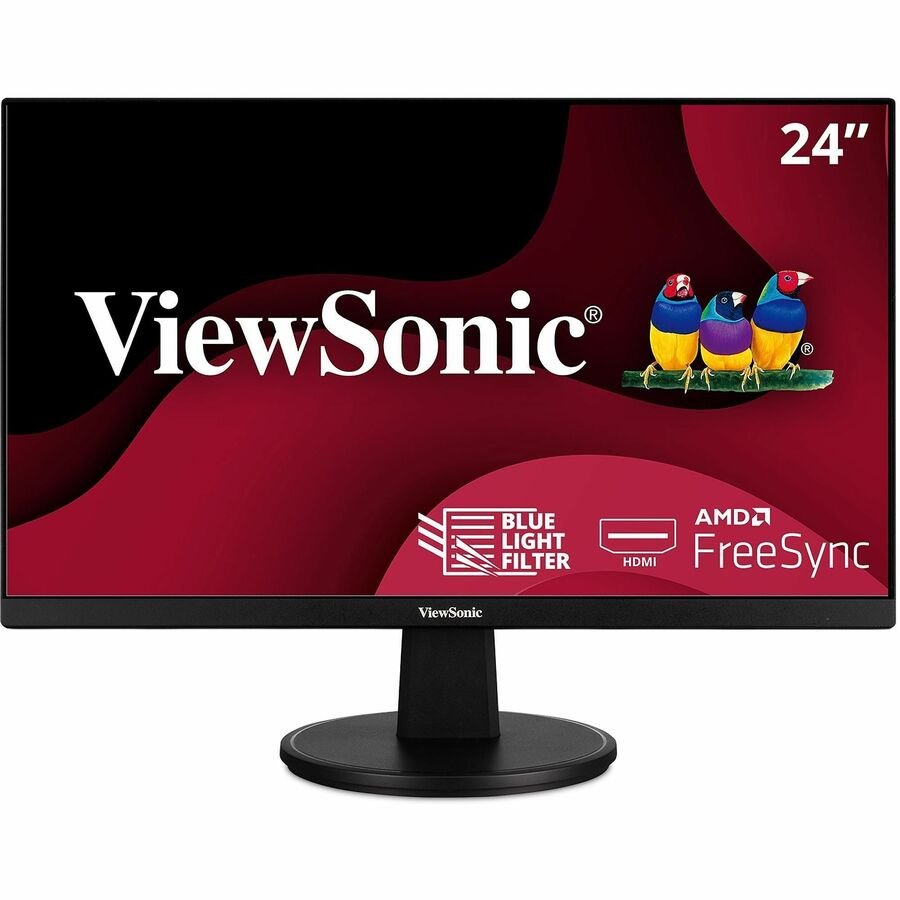
- ViewSonicViewSonic VA2447-MH 24 Inch Full HD 1080p Monitor with Ultra-Thin Bezel, AMDFreeSync, 75Hz, Eye Care, and HDMI, VGA Inputs for Home and Office - 24" Monitor - MVA technology - Full HD 1920 x 1080p - 16.7 Million Colors - AMD FreeSync - 250 Nit - 5ms - 75Hz Refresh Rate - HDMI - VGAVA2447-MH
$129.00
$113.61
Back-orderedBack-ordered — we expect to receive stock the week of Nov 2–8 and will process your delivery right after.
Back-ordered — estimated OEM lead time 3–8 weeks (Nov 21 – Dec 26 if ordered today).
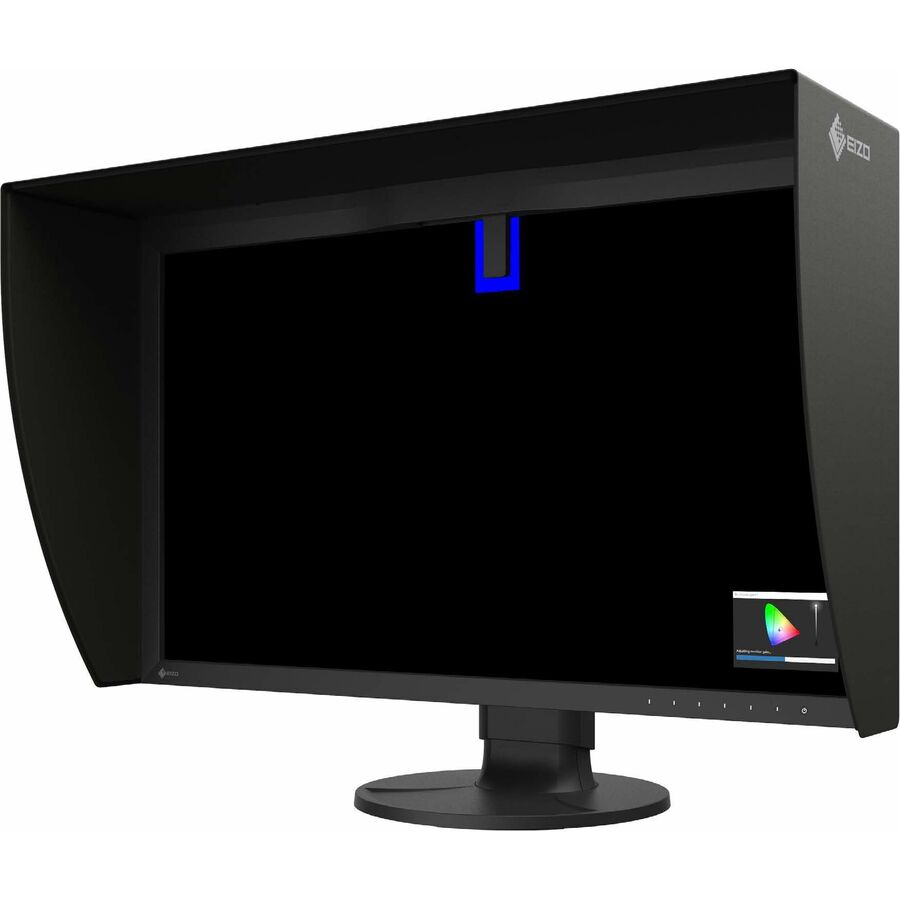
- EIZOEIZO ColorEdge CS2400S-BK 24" Class WUXGA LED Monitor - 16:10 - Black - 24.1" Viewable - In-plane Switching (IPS) Technology - LED Backlight - 1920 x 1200 - 1.07 Billion Colors - 410 Nit - 19 ms - USB Type-C - HDMI - DisplayPort - VESA Mount Compatible - USB HubCS2400S-BK-CNX
$1,163.68
Back-orderedBack-ordered — estimated OEM lead time 3–8 weeks (Nov 21 – Dec 26 if ordered today).
- EIZOEIZO ColorEdge CS2400S 24" Class WUXGA LED Monitor - 16:10 - Black - 24.1" Viewable - In-plane Switching (IPS) Technology - WLED Backlight - 1920 x 1200 - 1.07 Billion Colors - 410 Nit - USB Type-C - HDMI - DisplayPort - VESA Mount Compatible - USB HubCS2400S-BK
$999.79
Back-orderedBack-ordered — estimated OEM lead time 3–8 weeks (Nov 21 – Dec 26 if ordered today).

Need pricing on 24-inch business monitors?
Tell us where to reach you and a Uniqcli specialist will follow up by email with current pricing, availability and lead time for the quantities you need — including parts that aren’t shown on this page.
Buying for an organization or for yourself — both work. No payment up front.
Twenty-four inches is the volume size of the office. It is the screen that fits two to a desk without crowding, the one manufacturers build in the largest volume and therefore hold a stable part number for longest, and the one a fleet refresh can standardize on without arguing about desk depth. Every row on this page states 24" in the manufacturer's own catalog title, and the set is scoped to business and professional lines rather than the gaming panels that share the size, because a fleet screen is a different purchase from a high-refresh display bought for reaction time.
One piece of vocabulary saves a lot of confusion: a monitor sold as "24-inch class" is usually 23.8 inches of viewable diagonal, occasionally 24.1 on the 16:10 models. That is the industry's own rounding, not a discrepancy, and the vendor titles state both numbers — the class size and the viewable size. Where a page here says 24-inch it means what the maker's title says, and the individual card carries the exact viewable figure. The 16:10 models are worth a second look for document work: at the same width they give you a slightly taller page.
After size, three things decide how well a 24-inch screen serves a fleet. Panel type comes first — an IPS panel holds colour and contrast across a wide viewing angle, which is why nearly every serious office monitor uses one and why the value tier's alternatives show their trade the moment a colleague leans in. Then connectivity: a monitor with full-function USB-C carries video, data and power over one cable, so it docks a laptop by itself and removes a separate docking station from the desk. Then the stand, because height, tilt, swivel and pivot are what make a screen comfortable for eight hours. Send the laptops in the fleet and the desk layout, and the monitor, the docking plan and the mounting can be quoted together.
Buyer's checklist
How to choose a 24-inch monitor for a fleet
- Read the class size against the viewable size. A 24-inch class monitor is usually 23.8 inches viewable, or 24.1 on the 16:10 models — the makers' titles state both, and the difference is rounding, not a defect.
- Look for IPS on the panel line. An IPS panel holds colour and contrast across a wide viewing angle, which is what makes a screen readable from the side when someone leans in; the value tier sometimes uses other panel types to hit a price, and that trade shows up in exactly the collaborative moments an office monitor exists for.
- Full HD is the honest default at this size, and 1440p is the upgrade. At 24 inches a 1920x1080 panel is sharp enough for documents and general work without display scaling; WQHD adds desktop space for people who live in spreadsheets or code, and it is worth spending on those desks specifically rather than across the whole fleet.
- Decide whether the fleet needs USB-C single-cable docking. A monitor with full-function USB-C drives the screen, charges the laptop and reaches peripherals over one connection, which turns the monitor into the hot-desk dock. Match its charging wattage to the largest laptop in the fleet, the same rule as a standalone dock.
- Consider the 16:10 models for document and code work. At the same width a 16:10 panel is taller, which is more lines of text per screen — a small ergonomic win that costs nothing at purchase time.
- Buy the ergonomic stand for anyone who sits all day. Height, tilt, swivel and pivot are what make a screen comfortable over a shift; a tilt-only stand is fine for a kiosk and wrong for a desk worker, and pivot is what lets a developer or a document reviewer run the panel in portrait.
- Confirm the VESA pattern where arms or dual-screen setups are planned. That standard pattern on the back is what lets a monitor go onto an arm or a dual mount; it is occasionally omitted on the value tier and it is easy to miss until the arms arrive.
- Standardize on as few models as the roles allow, and read the warranty. A business monitor line usually carries a longer term and an advance-replacement option a consumer panel does not, and across a few hundred desks that support term is a real part of the cost.
Why 24 inches is still the fleet default
Bigger is not automatically better on a shared desk. A 24-inch panel sits at a comfortable arm's length without forcing the user to turn their head to read the corners, it fits two-to-a-desk in the widths most office furniture actually provides, and it leaves room for a laptop open beside it — which is how most hybrid workers use a screen. It is also the size manufacturers build in the largest volume, which in fleet terms means a part number that stays orderable long enough to standardize on, and replacements that match the units already deployed.
The resolution question at this size is genuinely simple. Full HD at 24 inches gives a pixel density that renders text crisply at normal viewing distance with no display scaling at all, which keeps older line-of-business applications happy. WQHD is a real upgrade in desktop space and it is the right call for spreadsheet-heavy, development and analysis desks — but it is a per-role decision, not a fleet-wide one, and 4K at 24 inches is a specialist choice that will need scaling turned on. Buy the resolution the work needs and spend the difference on the stand and the connectivity, which is where daily comfort actually lives.
Docking, mounting and the fleet standard
The single feature that changed the office monitor is USB-C that carries video, data and power together. On a hot desk the laptop arrives, one cable goes in, and the screen drives itself, charges the machine and connects the keyboard, mouse and often wired networking. That removes a docking station and its power brick from every desk it is deployed on. Two things to check: the charging wattage, which has to keep the largest laptop in the fleet powered under load, and whether the monitor's USB-C is full-function video-and-power rather than data-only.
Mounting is the other half. A standard VESA pattern is what lets these screens go onto a single arm, a dual arm or a wall bracket instead of their own stands, and in a dense open-plan office the arms are what buy the desk back. Where the screens stay on their own stands, height, tilt, swivel and pivot are the specification that matters for people who sit at them all day. Send the fleet's laptop models, the desk layout and whether you are standing screens or mounting them, and we will match the monitor, the power budget and the mounting hardware as one order rather than three.
FAQ
Common questions
- Why is a 24-inch monitor listed as 23.8 inches?
- Because "24-inch class" is a rounded marketing size and 23.8 inches is the actual viewable diagonal on most 16:9 panels at this size; the 16:10 models are usually 24.1 inches viewable. Both numbers appear in the manufacturers' own titles, and every card on this page carries the exact figure. It is rounding, not a mismatch — but if a desk layout or a mounting plan is tight to the millimetre, size it from the viewable measurement and the panel's stated dimensions rather than from the class number.
- Is Full HD enough on a 24-inch office monitor?
- For documents, email, browsers and most line-of-business applications, yes. At 24 inches a 1920x1080 panel puts text at a comfortable density at normal viewing distance with no display scaling, which also keeps older software rendering the way it was designed to. WQHD is a genuine upgrade in usable desktop space and is worth buying for spreadsheet-heavy, development and analysis desks — treat it as a per-role option rather than a fleet-wide default, and reserve 4K for the detail-work desks that will accept scaling.
- What does USB-C docking on a monitor do for a fleet?
- A monitor with full-function USB-C carries video, data and power over one cable, so a laptop docks with a single connection: the screen drives itself, the machine charges, and the keyboard, mouse and often wired networking hang off the monitor's own hub. On hot desks and hybrid setups that replaces a separate docking station and its power supply on every desk. Confirm two things on the spec line — that the USB-C port carries video and power rather than data alone, and that its charging wattage covers the largest laptop in the fleet.
- Should we buy 16:9 or 16:10 panels?
- 16:9 is the volume standard and the safer fleet default — more models, more consistent supply, and video content fits it natively. 16:10 is taller at the same width, which means more lines of a document, a spreadsheet or code on screen at once, and several of the professional lines here use it. If the fleet is mostly reading and writing rather than watching, 16:10 is a small ergonomic win at no extra desk width; just standardize deliberately, because mixing aspect ratios across a dual-screen desk is visually awkward.
- Can business, government and education buyers order these?
- Every line Uniqcli quotes is sourced through US distribution and screened for TAA country-of-origin and NDAA §889 status before checkout — with documentation tied to the specific part number, not a product family.
Need 24-inch business monitors pricing?
Send a bill of materials or part numbers — we confirm stock and a below-market total, with TAA verified on request. No payment up front.