
Short answer
The main difference between a 24-inch and a 27-inch monitor is pixel density, not size: 1920 x 1080 gives about 93 pixels per inch on a 23.8-inch panel but only about 82 on a 27-inch one, while 2560 x 1440 on a 27-inch panel gives about 109. Buy 24-inch at 1080p and 27-inch at 1440p; a 27-inch 1080p panel adds glass without adding working area.
Key facts
- A 24-inch-class panel is normally 23.8 inches of viewable diagonal, which at 1920 x 1080 works out to about 93 pixels per inch.
- The same 1920 x 1080 across a 27-inch diagonal falls to about 82 pixels per inch — larger pixels, not more desktop.
- A 27-inch panel at 2560 x 1440 works out to about 109 pixels per inch, close to a 24-inch 1080p desk's density.
- A 23.8-inch panel at 2560 x 1440 reaches about 123 pixels per inch, which is where display scaling starts to matter.
- Windows treats 96 dots per inch as its baseline and stretches interfaces above it, so panels near that figure run at 100 per cent scaling.
- Windows 11's own display requirement is only a 720p panel larger than 9 inches diagonally, so fleet sizing is a comfort decision, not a compatibility one.
A monitor refresh usually starts as a size argument and should end as a density one. Twenty-four inches and twenty-seven inches are the two sizes almost every office fleet chooses between, they cost within a modest margin of each other, and they take the same arms, the same mounts and the same cables. What separates them on a desk is not the diagonal, it is how many pixels are spread across it.
The arithmetic is simple and worth doing once. A 24-inch-class panel is normally 23.8 inches of viewable diagonal; at 1920 x 1080 that works out to roughly 93 pixels per inch. Put the same 1920 x 1080 on a 27-inch panel and the density falls to about 82 pixels per inch — the same desktop, the same amount of information, spread over more glass, with visibly larger text and softer edges. Move that 27-inch panel to 2560 x 1440 and density rises to about 109 pixels per inch, which is where the extra size finally buys extra working area rather than just bigger pixels.
That is the whole rule, and it is why the two sizes should be specified with different resolutions. Windows treats 96 dots per inch as its baseline and scales the interface up from there, so a panel far below that baseline reads as coarse and one far above it needs scaling to stay legible. A 24-inch 1080p panel and a 27-inch 1440p panel both land close enough to the baseline to run at 100 per cent scaling on a standard build, which is what makes them the two safe fleet defaults.
At a glance
Side by side
| Factor | 24-inch panel | 27-inch panel |
|---|---|---|
| Typical viewable diagonal | 23.8 inches | 27 inches |
| Fleet-standard resolution | 1920 x 1080 | 2560 x 1440 |
| Pixel density at that resolution | About 93 pixels per inch | About 109 pixels per inch |
| Pixel density at 1920 x 1080 | About 93 pixels per inch | About 82 pixels per inch |
| Pixel density at 2560 x 1440 | About 123 pixels per inch | About 109 pixels per inch |
| Usable desktop area | One document or one application at a time | Two documents or two applications side by side |
| Display scaling on a standard build | Runs at 100 per cent | Runs at 100 per cent at 1440p; scaling usually needed at 4K |
| Desk footprint | Fits a shallow desk and a two-panel array | Wants a deeper desk, or an arm to push it back |
| Two-panel desks | Two 24-inch panels fit most standard desks | Two 27-inch panels need the width and the depth |
Choose 24-inch when
- The standard build is 1920 x 1080 and you want every desk identical
- Desks are shallow, or users sit close, and a larger panel would force head movement
- The desk needs two panels and the available width is a standard workstation, not a corner
- Call-centre, front-counter and shared-desk roles where one application is on screen at a time
Choose 27-inch when
- You can pair it with 2560 x 1440, which is what makes the extra size worth buying
- Users work with two documents or two applications side by side all day
- Desks are deep enough, or panels sit on arms that can be pushed back
- Finance, design, engineering and analysis roles where working area is the constraint
Bottom line
Specify the pair, not the diagonal. A 24-inch panel at 1920 x 1080 and a 27-inch panel at 2560 x 1440 both land near enough to the 96 dots-per-inch baseline that a standard Windows build runs them at 100 per cent scaling, which keeps the fleet image simple and support calls low. The combination to avoid is a 27-inch panel at 1920 x 1080: it is the cheapest 27-inch line on any quote and it buys no additional working area at all, only larger pixels. If the budget will not stretch to 1440p, buy 24-inch panels and put the difference into arms or docks. If it will, the 27-inch 1440p desk is the one that actually changes how much a user can hold on screen at once.
Products for this decision
The 24-inch fleet default
Lenovo
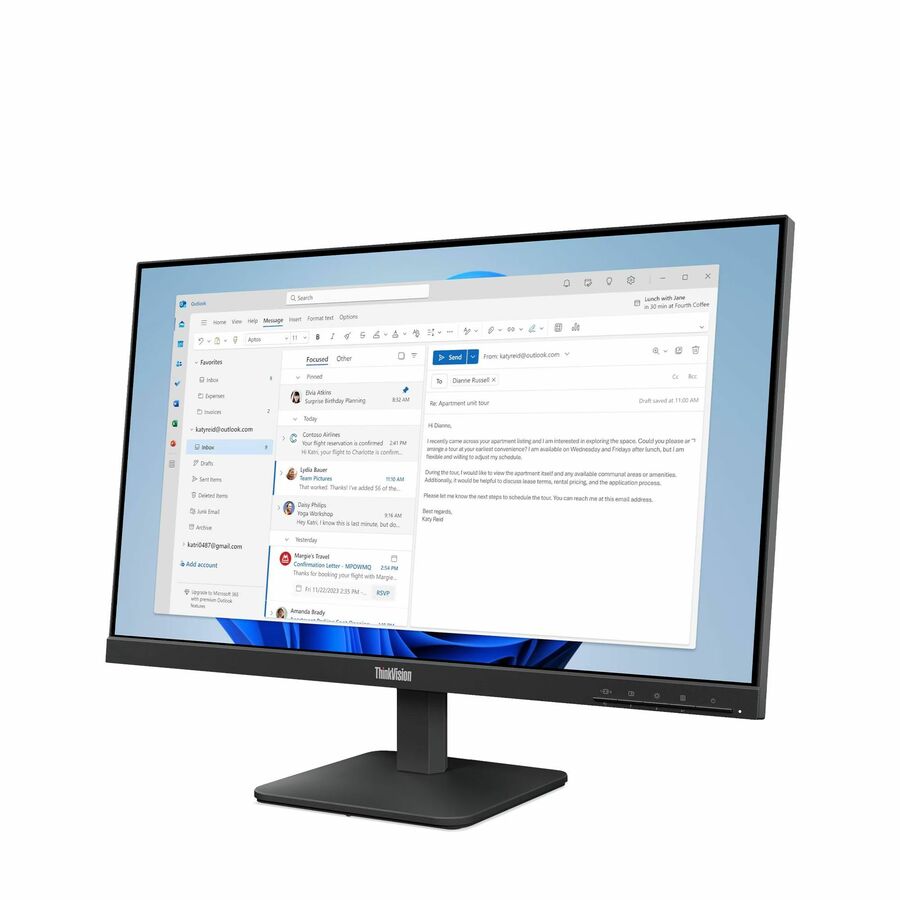
Lenovo ThinkVision S24-4e 24" Class Full HD LED Monitor
64B5KAR1UZ
A 23.8-inch 1920 x 1080 IPS panel with HDMI and VGA — the plain, repeatable desk build for a standard-issue office fleet.
$150.12In stockThe 27-inch fleet default
Lenovo
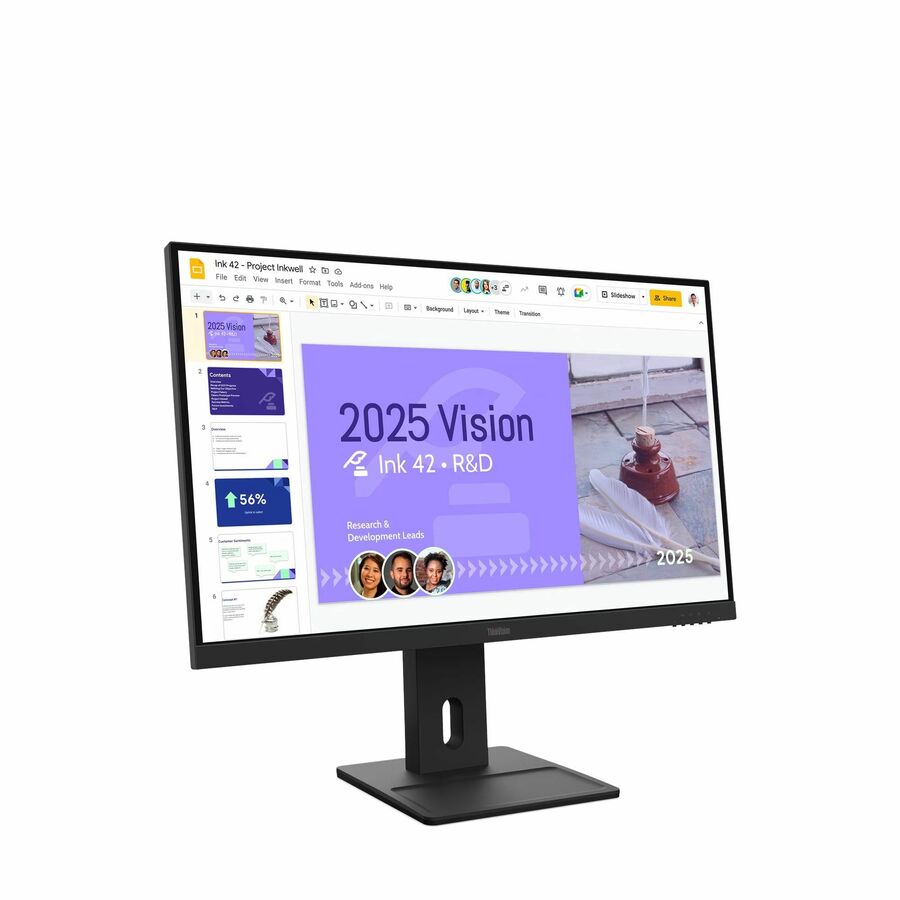
Lenovo ThinkVision E27Q-40 27" Class WQHD LED Monitor
64BDGAR4UZ
A 27-inch 2560 x 1440 IPS panel, the pairing that makes the larger diagonal buy extra working area rather than larger pixels.
$273.42Back-ordered27-inch, 1440p alternative

BenQ
BenQ GW2790Q 27" Class WQHD LED Monitor
GW2790Q
A 27-inch 2560 x 1440 IPS panel rated at 350 nits with HDMI, DisplayPort and speakers, for desks that need audio without a separate device.
$233.63Back-orderedDensity on a small panel
Lenovo
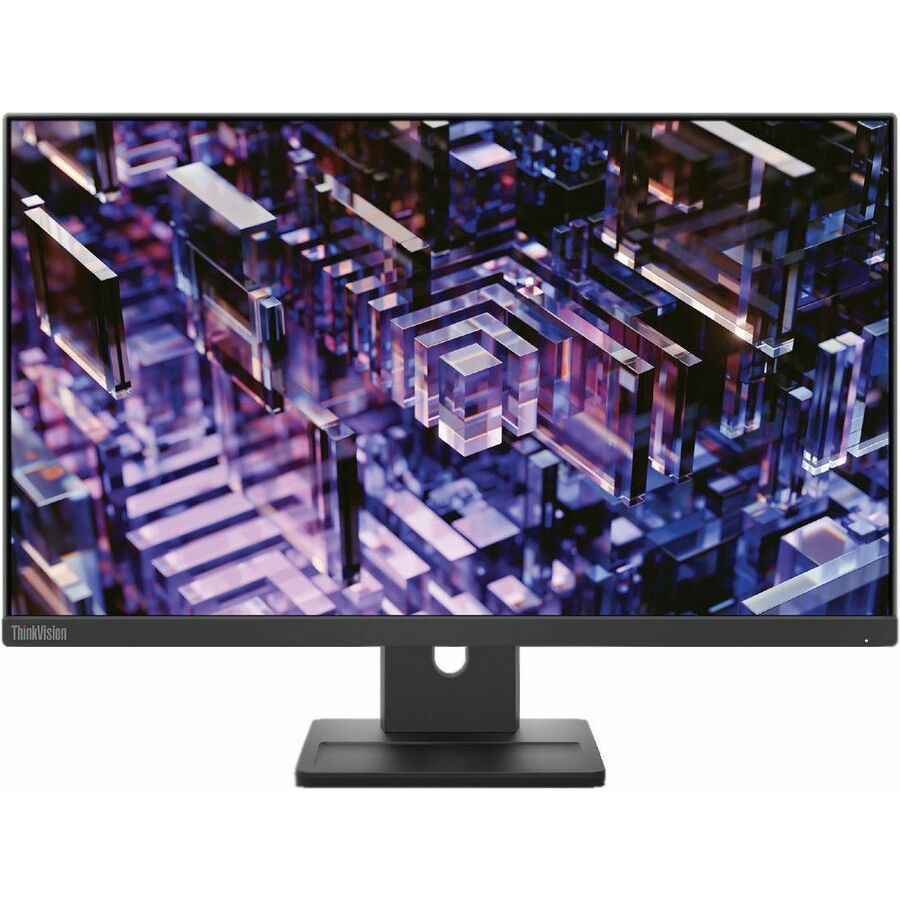
Lenovo ThinkVision E24q-30 24" Class WQHD LED Monitor
63ECGAR2US
A 23.8-inch 2560 x 1440 IPS panel for users who want the higher density on a shallow desk; expect to raise display scaling for readable text.
$227.85In stockFAQ
Common questions
- Is a 27-inch monitor better than a 24-inch for office work?
- Only if it is 2560 x 1440. At that resolution a 27-inch panel gives about 109 pixels per inch and holds two documents side by side comfortably. At 1920 x 1080 the same 27-inch panel drops to about 82 pixels per inch, which is the same desktop as a 24-inch panel with bigger pixels and softer text.
- What is the best monitor size for an office desk?
- Twenty-four inches at 1920 x 1080 is the safe fleet default: it fits a standard-depth desk, pairs with almost any dock, and runs at 100 per cent display scaling. Move to 27 inches at 2560 x 1440 for roles that keep two applications on screen at once, and give those desks the depth or the arm to sit the panel back.
- Do I need to change display scaling on a 27-inch 1440p monitor?
- Usually not. About 109 pixels per inch sits close enough to the 96 dots-per-inch baseline Windows works from that most users leave scaling at 100 per cent. Scaling becomes a real question on a 27-inch 4K panel, or on a 24-inch panel running 2560 x 1440, where density climbs past about 120 pixels per inch.
- Can I mix 24-inch and 27-inch monitors on one desk?
- Yes, and it works best when the two panels are at similar pixel density — a 24-inch 1080p panel beside a 27-inch 1440p panel is a good pairing because both sit near 100 pixels per inch. Mixing densities that differ widely means windows change apparent size as they move between screens, which is the usual complaint after a mixed refresh.
Sources