
Best Touch Screen Overlays for Commercial Displays
Infrared and projected-capacitive overlays that turn a standard commercial LCD into a touch display — read by exact screen size, touch technology and the number of touch points.
Touchscreen overlays at Uniqcli
How to choose →A curated selection with live pricing and honest availability — everything below is currently back-ordered, and we quote a dated lead time on request. Every line is sourced through US distribution and screened for NDAA §889 status before checkout, with TAA verified on request.
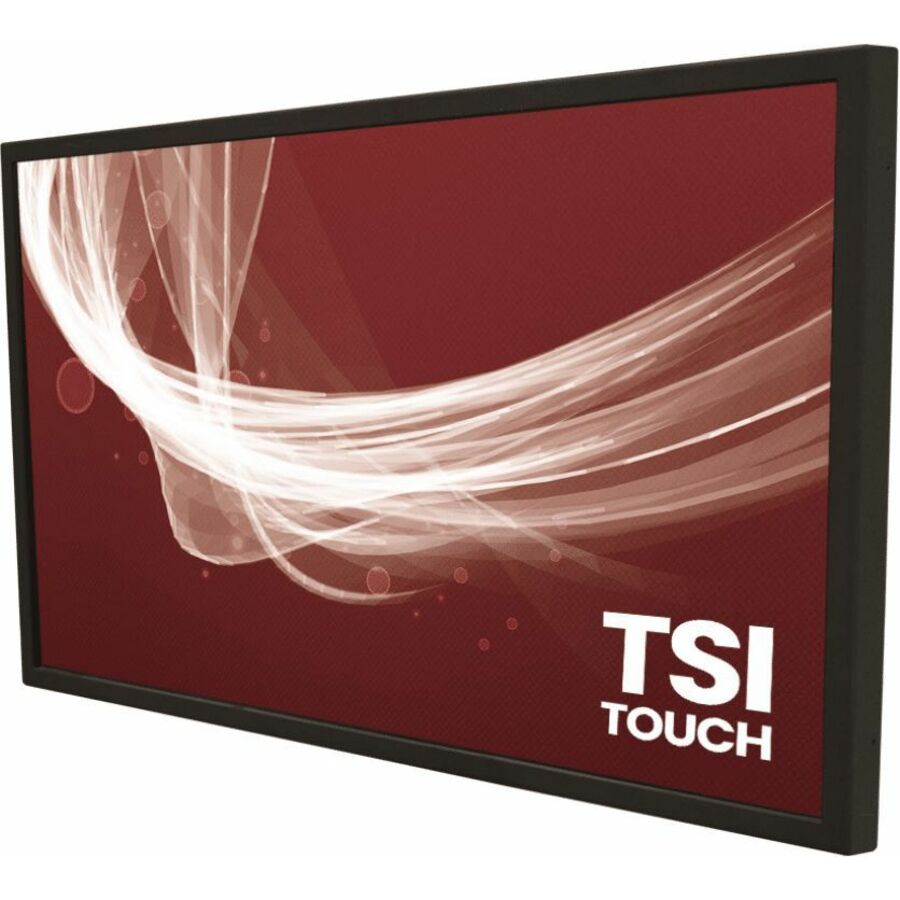
- TSItouchTSItouch Touchscreen Overlay - LCD Display Type Supported - 22" Infrared (IrDA) Technology - 2-pointTSI22NLAFT2CCZZ
$748.00
$628.43
Back-orderedBack-ordered — estimated OEM lead time 3–8 weeks (Nov 14 – Dec 19 if ordered today).
- TSItouchTSItouch Touchscreen Overlay - LCD Display Type SupportedTSI49NN126HJGZZ
$786.00
$660.73
Back-orderedBack-ordered — estimated OEM lead time 3–8 weeks (Nov 14 – Dec 19 if ordered today).
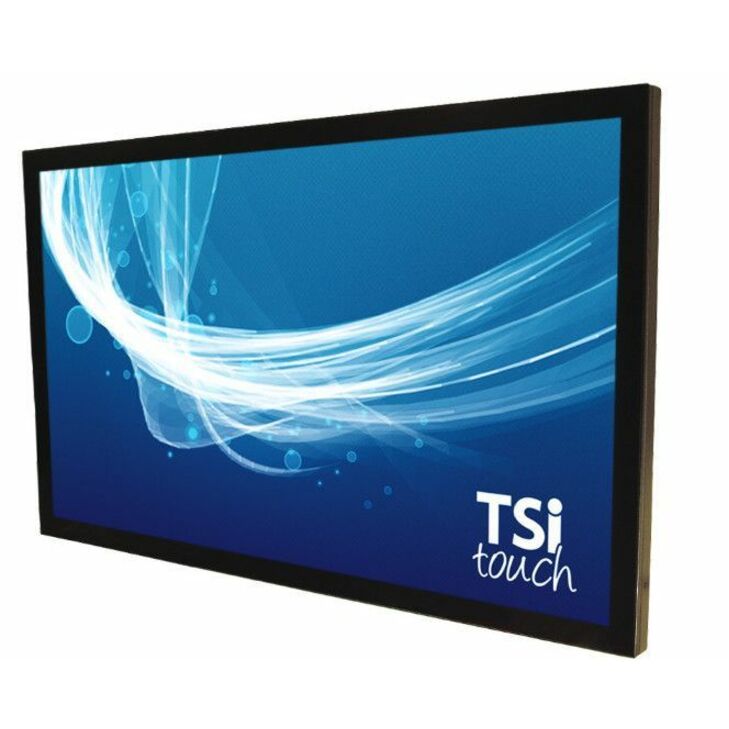
- TSItouchTSItouch 32" FHD Infrared Touch Screen Solution - LCD Display Type Supported - 32" Infrared (IrDA) Technology - 10-point - 6 ms Response Time - USB InterfaceTSI32NL10TACCZZ
$1,379.00
$1,149.20
Back-orderedBack-ordered — estimated OEM lead time 3–8 weeks (Nov 14 – Dec 19 if ordered today).
- TSItouchTSItouch Touchscreen Overlay - LCD Display Type Supported - 22" Infrared (IrDA) Technology - 2-pointTSI22PLAFT2CCZZ
$1,181.20
Back-orderedBack-ordered — estimated OEM lead time 3–8 weeks (Nov 14 – Dec 19 if ordered today).
- TSItouchTSItouch Touchscreen Overlay - LCD Display Type Supported Projected Capacitive Technology - 40-pointTSI43PLYV6HPGZZ
$1,282.52
Back-orderedBack-ordered — estimated OEM lead time 3–8 weeks (Nov 14 – Dec 19 if ordered today).
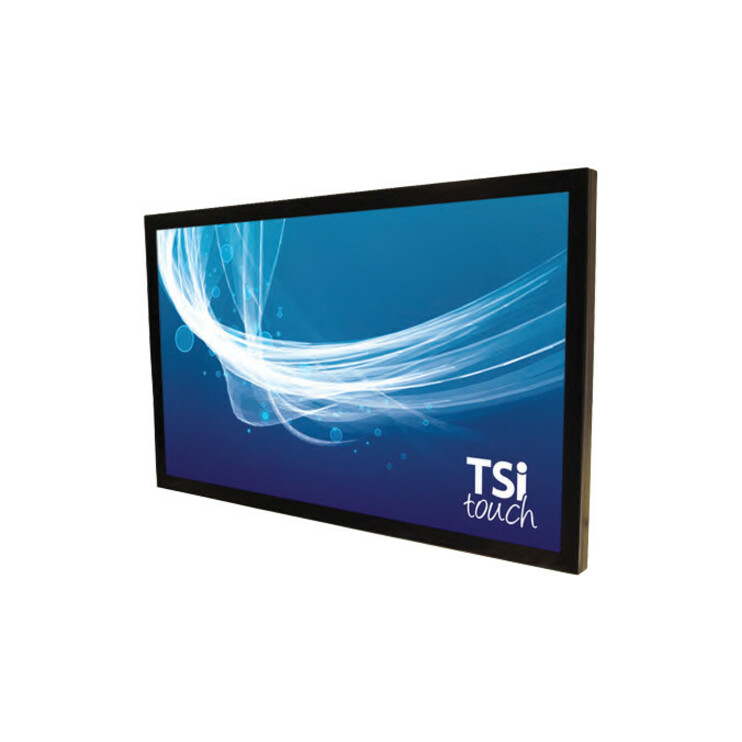
- TSItouchTSItouch 43" FHD Infrared Touch Screen Solution - LCD Display Type Supported - 43" Infrared (IrDA) Technology - 10-point - 6 ms Response Time - USB InterfaceTSI43NL10TACCZZ
$1,600.00
$1,328.10
Back-orderedBack-ordered — estimated OEM lead time 3–8 weeks (Nov 14 – Dec 19 if ordered today).
- TSItouchTSItouch Touchscreen Overlay - LCD Display Type Supported - 43" Infrared (IrDA) Technology - 10-point - 16 ms Response Time - USB InterfaceTSI43NS15TACCZZ
$1,652.00
$1,371.94
Back-orderedBack-ordered — estimated OEM lead time 3–8 weeks (Nov 14 – Dec 19 if ordered today).
- TSItouchTSItouch Touchscreen Overlay - LCD Display Type Supported - 43" Infrared (IrDA) Technology 16:9 - 10-point - 8 ms Response Time - USB InterfaceTSI43NS17TACCZZ
$1,652.00
$1,371.94
Back-orderedBack-ordered — estimated OEM lead time 3–8 weeks (Nov 14 – Dec 19 if ordered today).
- TSItouchTSItouch 49" FHD Infrared Touch Screen Solution - LCD Display Type Supported - 49" Infrared (IrDA) Technology 16:9 - 10-point - 6 ms Response Time - USB InterfaceTSI49NL10TACCZZ
$1,691.00
$1,403.81
Back-orderedBack-ordered — estimated OEM lead time 3–8 weeks (Nov 14 – Dec 19 if ordered today).
- TSItouchTSItouch LCD Touchscreen Overlay - LCD Display Type Supported - 49" - 10-point - Anti-reflectiveTSI49NSQURACRZZ
$1,485.00
$1,409.12
Back-orderedBack-ordered — estimated OEM lead time 3–8 weeks (Nov 14 – Dec 19 if ordered today).
- TSItouchTSItouch Touchscreen Overlay - LCD Display Type Supported Projected Capacitive Technology - 40-point - Anti-glareTSI43NL126HPGZZ
$1,702.00
$1,413.10
Back-orderedBack-ordered — estimated OEM lead time 3–8 weeks (Nov 14 – Dec 19 if ordered today).
- TSItouchTSItouch TSI43NSNNT6CRZZ LCD Touchscreen Overlay - LCD Display Type Supported - 43" Infrared (IrDA) Technology - 6-point - Anti-reflectiveTSI43NSNNT6CRZZ
$1,740.00
$1,443.65
Back-orderedBack-ordered — estimated OEM lead time 3–8 weeks (Nov 14 – Dec 19 if ordered today).
- TSItouchTSItouch Touchscreen Overlay - LCD Display Type Supported Infrared (IrDA) Technology - 10-point - Anti-reflectiveTSI49NSQYRACRZZ
$1,740.00
$1,443.65
Back-orderedBack-ordered — estimated OEM lead time 3–8 weeks (Nov 14 – Dec 19 if ordered today).
- TSItouchTSItouch Touchscreen Overlay - LCD Display Type Supported - 49" Infrared (IrDA) Technology - 10-point - 16 ms Response Time - USB InterfaceTSI49NS15TACCZZ
$1,740.00
$1,444.98
Back-orderedBack-ordered — estimated OEM lead time 3–8 weeks (Nov 14 – Dec 19 if ordered today).
- TSItouchTSItouch Touchscreen Overlay - LCD Display Type Supported Infrared (IrDA) Technology - 10-pointTSI50NS17TACCZZ
$1,773.00
$1,471.54
Back-orderedBack-ordered — estimated OEM lead time 3–8 weeks (Nov 14 – Dec 19 if ordered today).
- TSItouchTSItouch 55" Infrared Touch Screen Solution - LCD Display Type Supported - 55" Infrared (IrDA) Technology - 10-point - 6 ms Response Time - USB InterfaceTSI55NN10TACCZZ
$1,859.00
$1,543.26
Back-orderedBack-ordered — estimated OEM lead time 3–8 weeks (Nov 14 – Dec 19 if ordered today).
- TSItouchTSItouch 55" UHD Infrared Touch Screen Solution - LCD Display Type Supported - 55" Infrared (IrDA) Technology - 10-point - 6 ms Response Time - USB InterfaceTSI55NNTATACCZZ
$1,859.00
$1,543.26
Back-orderedBack-ordered — estimated OEM lead time 3–8 weeks (Nov 14 – Dec 19 if ordered today).
- TSItouchTSItouch Touchscreen Overlay - LCD Display Type Supported - 55" Infrared (IrDA) Technology - 10-point - 16 ms Response Time - USB InterfaceTSI55NS15TACCZZ
$1,859.00
$1,543.26
Back-orderedBack-ordered — estimated OEM lead time 3–8 weeks (Nov 14 – Dec 19 if ordered today).
- TSItouchTSItouch 55" UHD Infrared Touch Screen Solution - LCD Display Type Supported - 55" Infrared (IrDA) Technology - 10-point - 10 ms Response Time - USB InterfaceTSI55NL12TACCZZ
$1,901.00
$1,577.79
Back-orderedBack-ordered — estimated OEM lead time 3–8 weeks (Nov 14 – Dec 19 if ordered today).
- TSItouchTSItouch Samsung 43" UHD Projected Capacitive Touch Screen Solution - LCD Display Type Supported - 43" Projected Capacitive Technology - 40-point - 6 ms Response Time - USB InterfaceTSI43NS15DHJCZZ
$1,931.00
$1,603.03
Back-orderedBack-ordered — estimated OEM lead time 3–8 weeks (Nov 14 – Dec 19 if ordered today).
- TSItouchTSItouch 55" FHD Infrared Touch Screen Solution - LCD Display Type Supported - 55" Infrared (IrDA) Technology 16:9 - 10-point - 6 ms Response Time - USB InterfaceTSI55NL10TACCZZ
$1,938.00
$1,608.34
Back-orderedBack-ordered — estimated OEM lead time 3–8 weeks (Nov 14 – Dec 19 if ordered today).
- TSItouchTSItouch 32" FHD Infrared Touch Screen Solution - LCD Display Type Supported - 32" Infrared (IrDA) Technology - 10-point - 6 ms Response Time - USB InterfaceTSI32PLTUTACCZZ
$1,748.00
$1,682.71
Back-orderedBack-ordered — estimated OEM lead time 3–8 weeks (Nov 14 – Dec 19 if ordered today).
- TSItouchTSItouch Touchscreen Overlay - LCD Display Type Supported Projected Capacitive Technology - 40-point - Anti-glareTSI55PNTH6HJGZZ
$1,758.41
Back-orderedBack-ordered — estimated OEM lead time 3–8 weeks (Nov 14 – Dec 19 if ordered today).
- TSItouchTSItouch Touchscreen Overlay - LCD Display Type Supported - 32" Infrared (IrDA) Technology - 10-point - Anti-glareTSI32P8AATACGZZ
$1,895.00
$1,767.71
Back-orderedBack-ordered — estimated OEM lead time 3–8 weeks (Nov 14 – Dec 19 if ordered today).
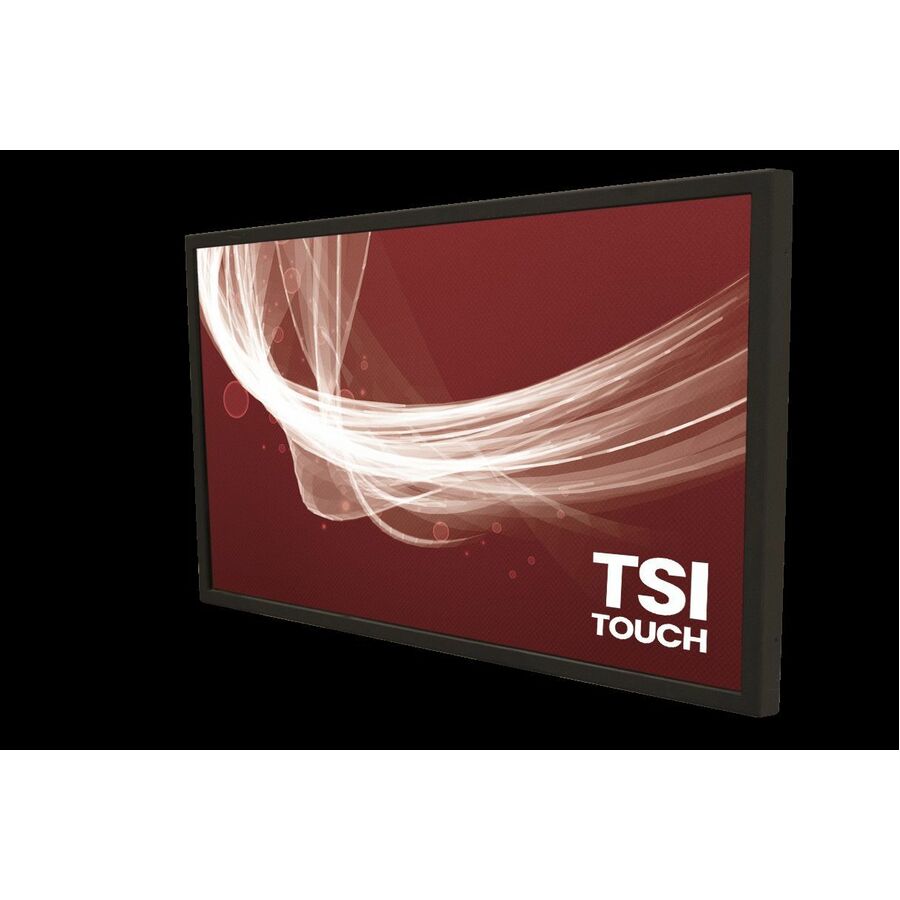

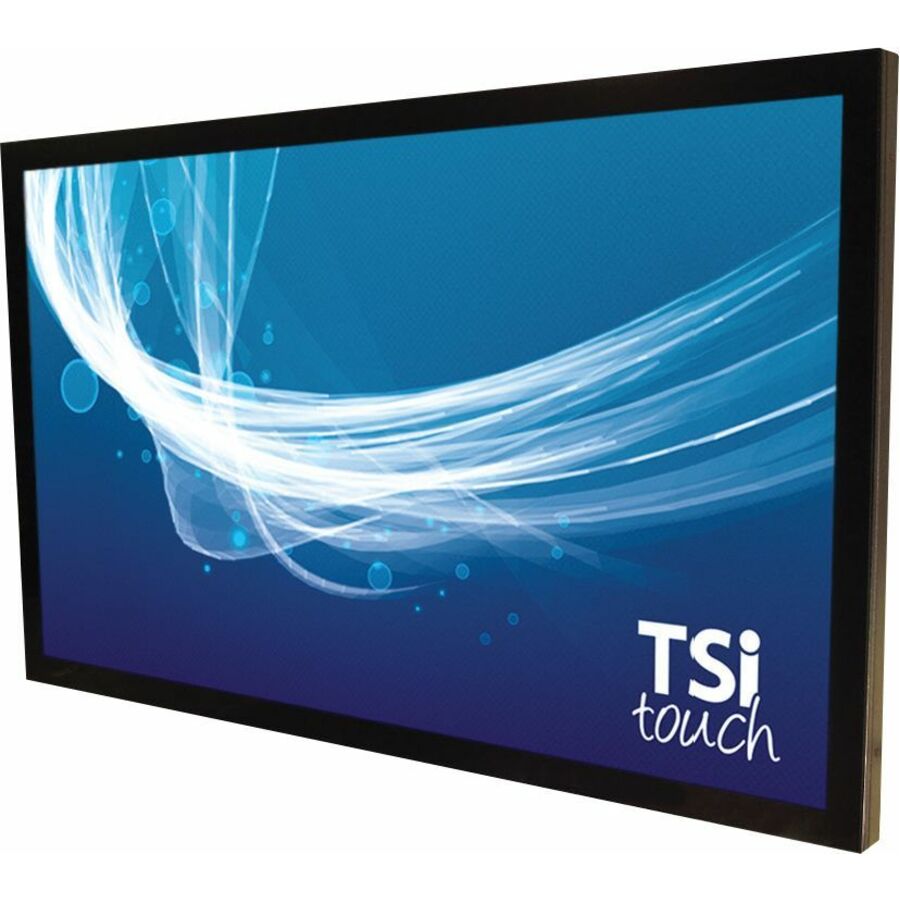
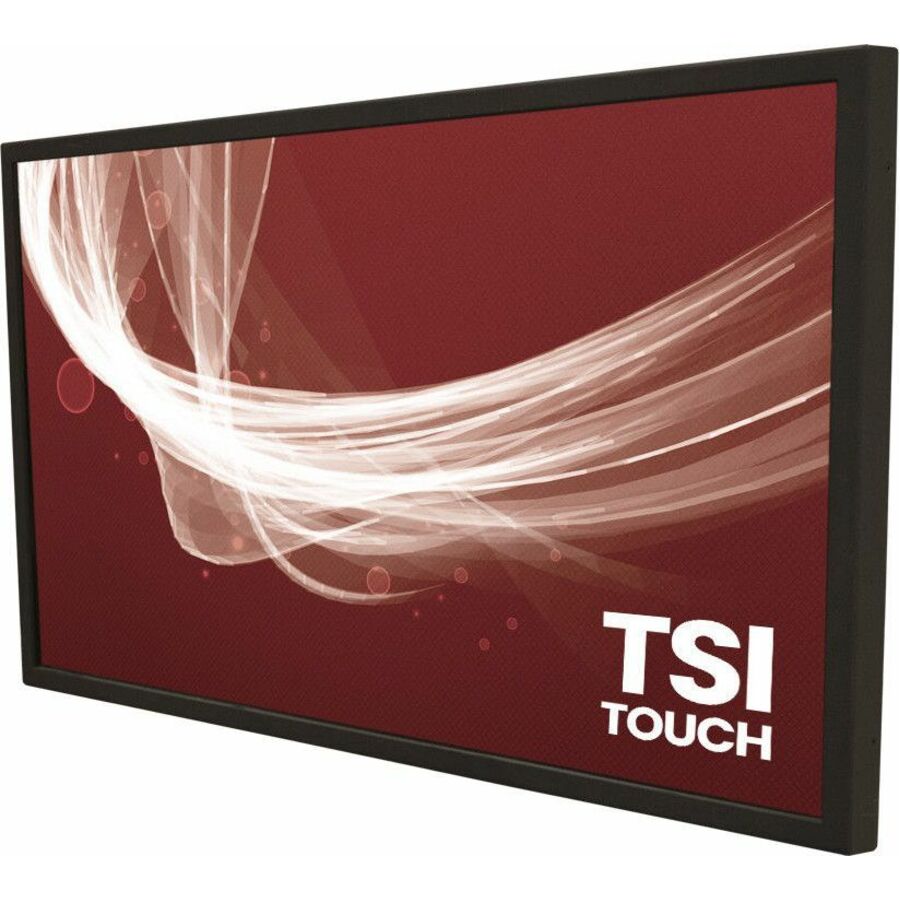

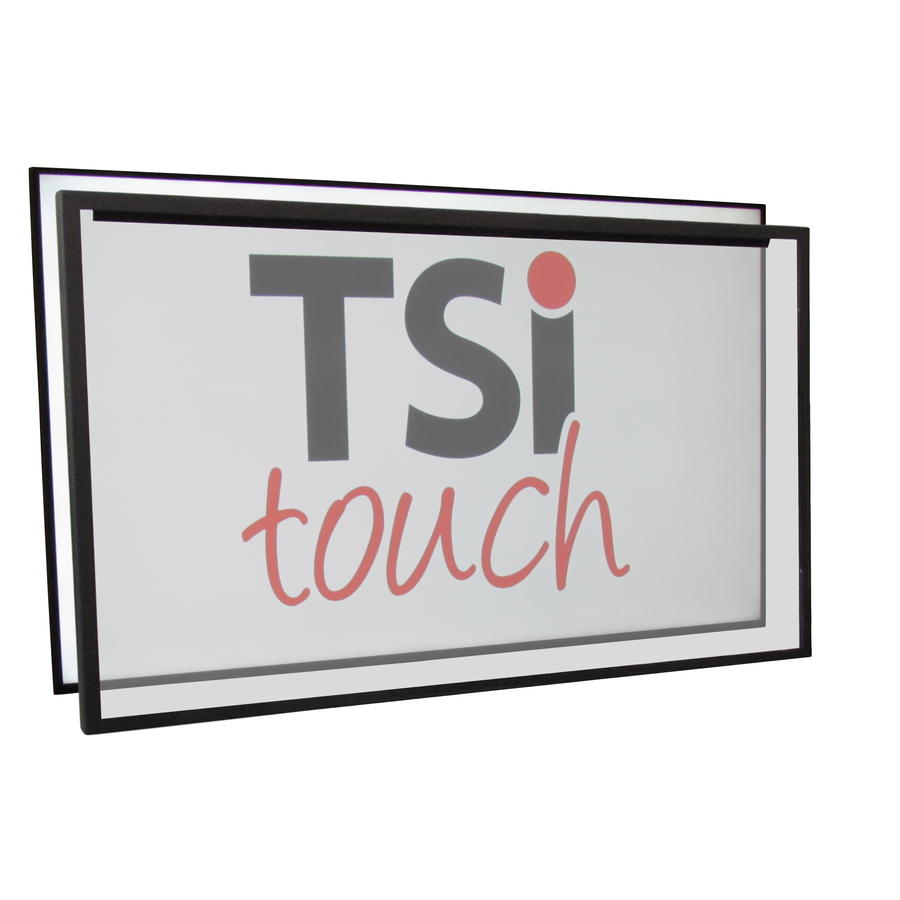
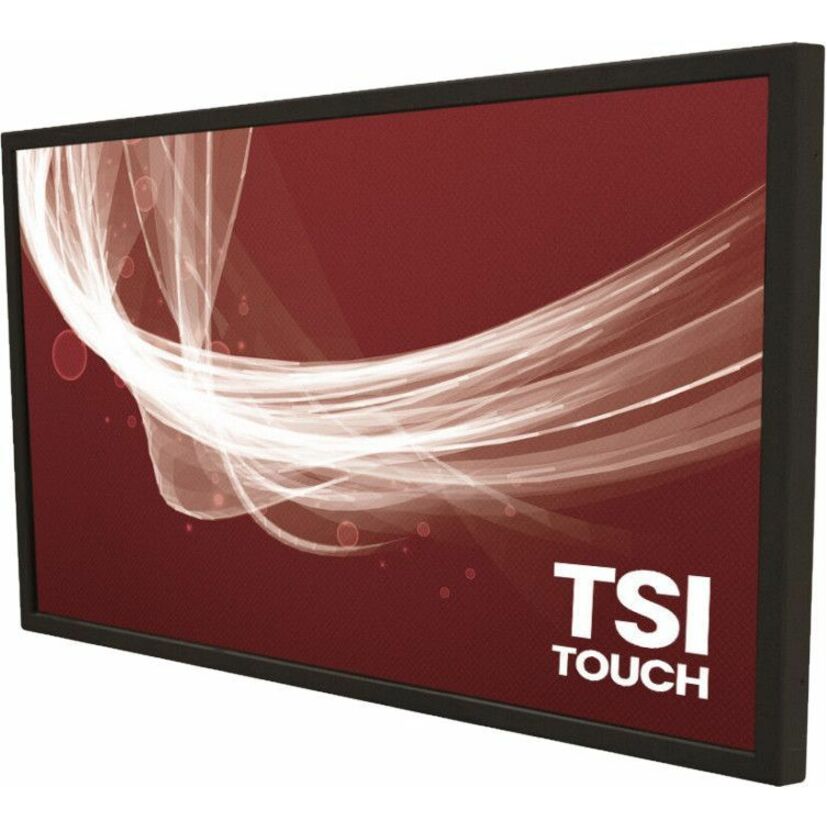
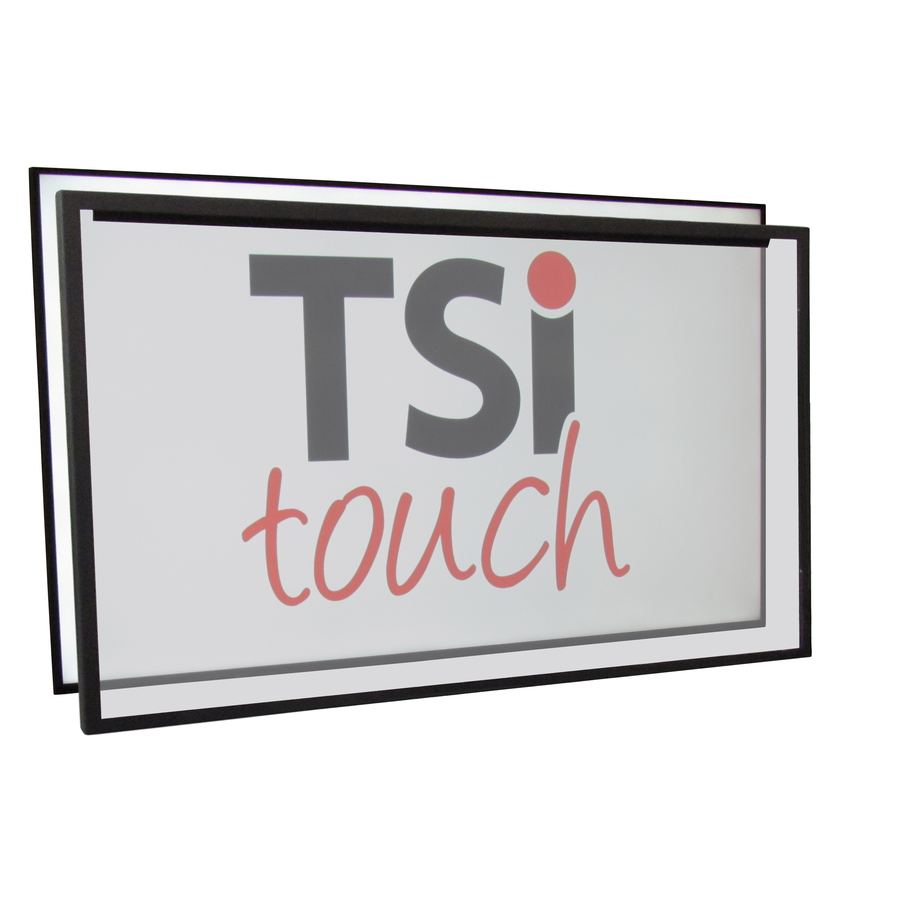



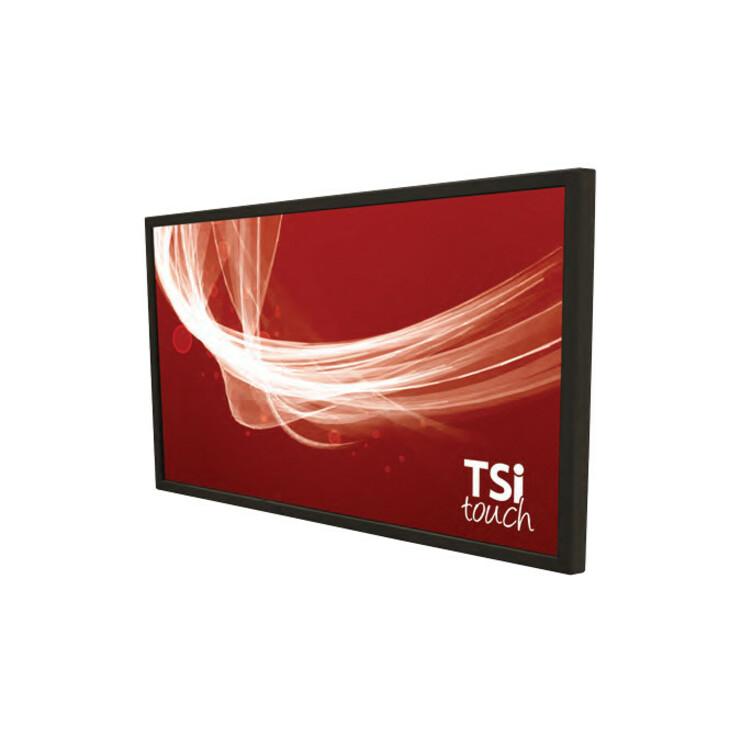
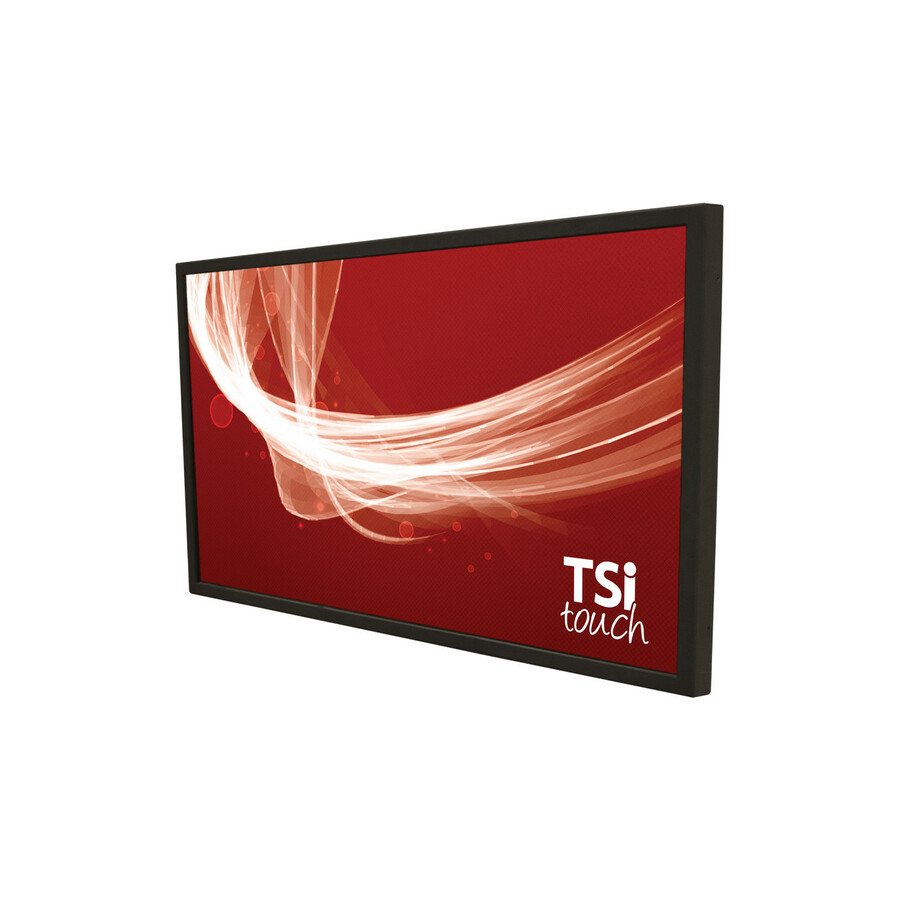
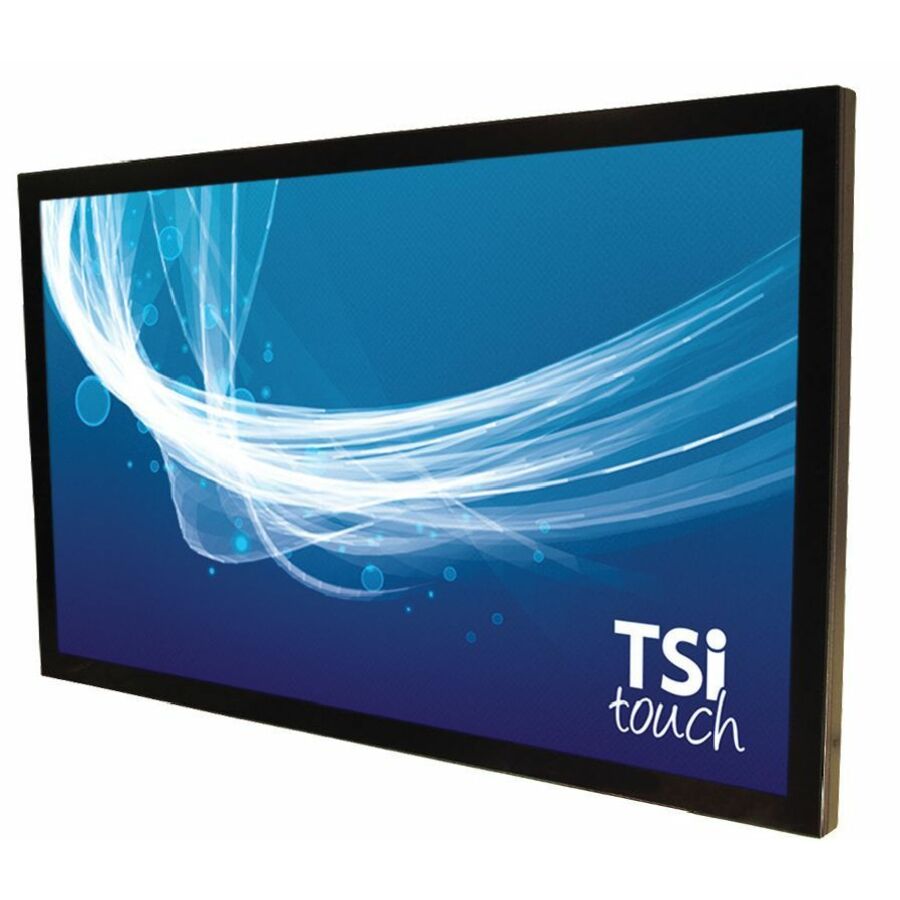
22-inch infrared
TSItouch
TSItouch Touchscreen Overlay
TSI22NLAFT2CCZZ
A 22-inch infrared touch overlay for a small commercial LCD — desk, kiosk and point-of-information screens where touch is added to a standard panel.
$628.43Back-ordered32-inch infrared FHD
TSItouch
TSItouch 32" FHD Infrared Touch Screen Solution
TSI32NL10TACCZZ
A 32-inch Full HD infrared touch-screen solution over an LCD panel — infrared works through a protective layer and over the display it fits.
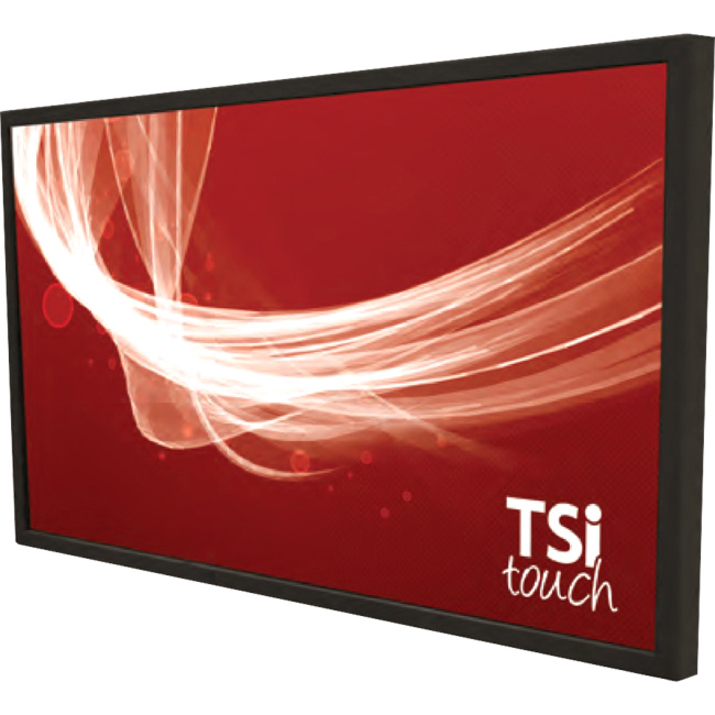
$1,149.20Back-ordered43-inch infrared FHD
TSItouch
TSItouch 43" FHD Infrared Touch Screen Solution
TSI43NL10TACCZZ
A 43-inch Full HD infrared touch-screen solution for a commercial LCD — the mid-size wayfinding and meeting-panel format.
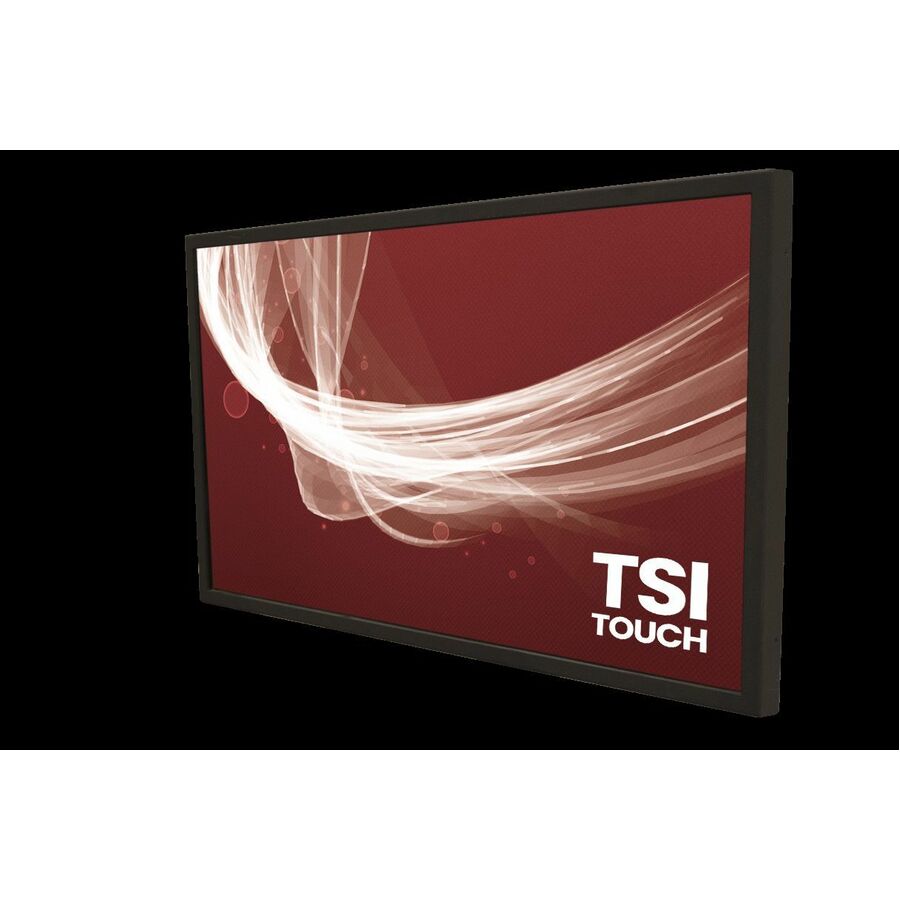
$1,328.10Back-ordered43-inch PCAP
TSItouch
TSItouch Touchscreen Overlay
TSI43PLYV6HPGZZ
A 43-inch projected-capacitive touch overlay — a bonded-glass surface for a smoother feel and tighter multi-touch at the mid size.
$1,282.52Back-ordered49-inch infrared FHD
TSItouch
TSItouch 49" FHD Infrared Touch Screen Solution
TSI49NL10TACCZZ
A 49-inch Full HD infrared touch-screen solution over an LCD — a large signage and kiosk size where infrared scales cleanly.
$1,403.81Back-ordered55-inch UHD infrared
TSItouch
TSItouch 55" UHD Infrared Touch Screen Solution
TSI55NNTATACCZZ
A 55-inch UHD infrared touch-screen solution for a 4K commercial panel — the common large-format meeting and signage size.
$1,543.26Back-ordered55-inch PCAP
TSItouch
TSItouch Touchscreen Overlay
TSI55PNTH6HJGZZ
A 55-inch projected-capacitive touch overlay — bonded glass for a premium surface and precise multi-touch at large-format size.
$1,758.41Back-ordered65-inch UHD infrared
TSItouch
TSItouch 65" UHD Infrared Touch Screen Solution
TSI65PLUATACCZZ
A 65-inch UHD infrared touch-screen solution over a 4K LCD — a large collaboration and signage panel with edge-to-edge touch.
$3,132.83Back-ordered65-inch PCAP
TSItouch
TSItouch Touchscreen Overlay
TSI65PLAB6HJGZZ
A 65-inch projected-capacitive touch overlay for a large 4K display where the glass surface finish and touch precision matter.
$4,932.48Back-ordered75-inch infrared

TSItouch
TSItouch Touchscreen Overlay
TSI75NS15TACCZZ
A 75-inch infrared touch-screen solution over a commercial LCD — a very large meeting and command-wall size on infrared technology.
$2,255.13Back-ordered75-inch PCAP
TSItouch
TSItouch Touchscreen Overlay
TSI75PNSA6HJGZZ
A 75-inch projected-capacitive touch overlay — bonded glass and tight multi-touch scaled to a large collaboration surface.
$3,726.53Back-ordered86-inch infrared

TSItouch
TSItouch Touchscreen Overlay
TSI86NL11Q6CCX6
An 86-inch infrared touch-screen solution for a large signage or lecture-capture LCD — the big-room infrared format.
$4,788.02Back-ordered86-inch PCAP
TSItouch
TSItouch 86" NEC Projected Capacitive Touch Screen Solution
TSI86PNRKDHJCZZ
An 86-inch projected-capacitive touch-screen solution built for an NEC panel — bonded-glass multi-touch at command-wall size.
$12,192.07Back-ordered98-inch UHD infrared
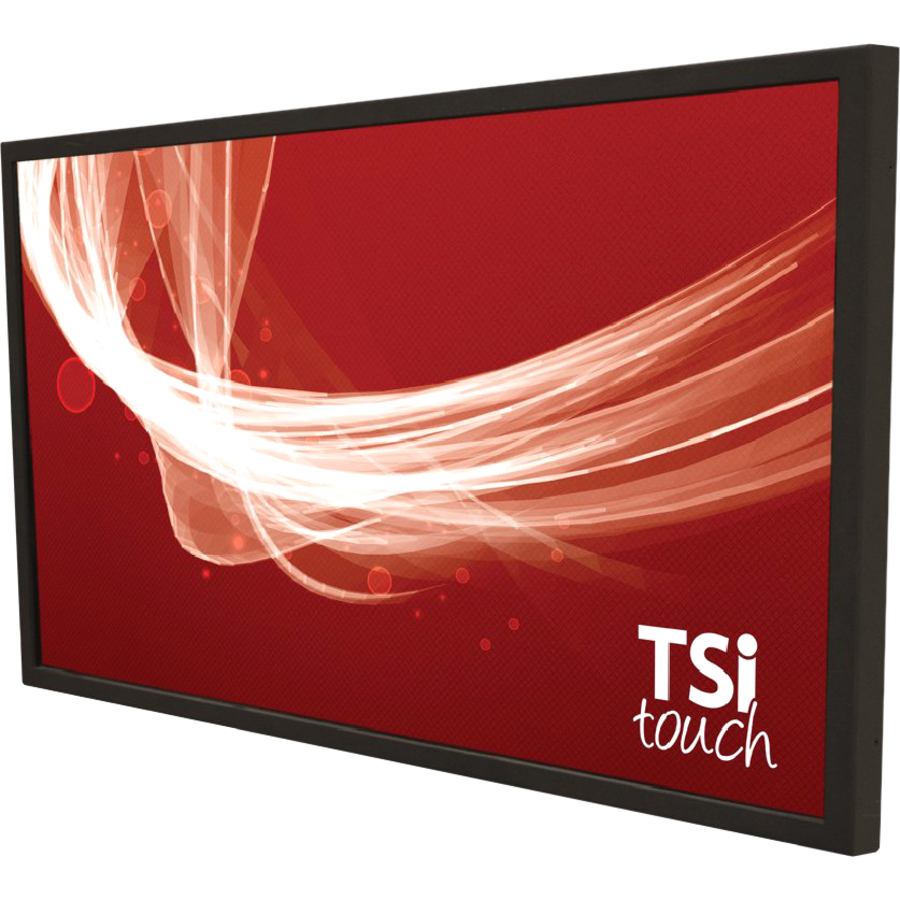
TSItouch
TSItouch NEC 98" UHD Infrared Touch Screen Solution
TSI98NN11QBCCX5
A 98-inch UHD infrared touch-screen solution built for a large NEC 4K signage panel — the largest infrared format on the shelf.
$6,384.81Back-orderedIR overlay, Smart City
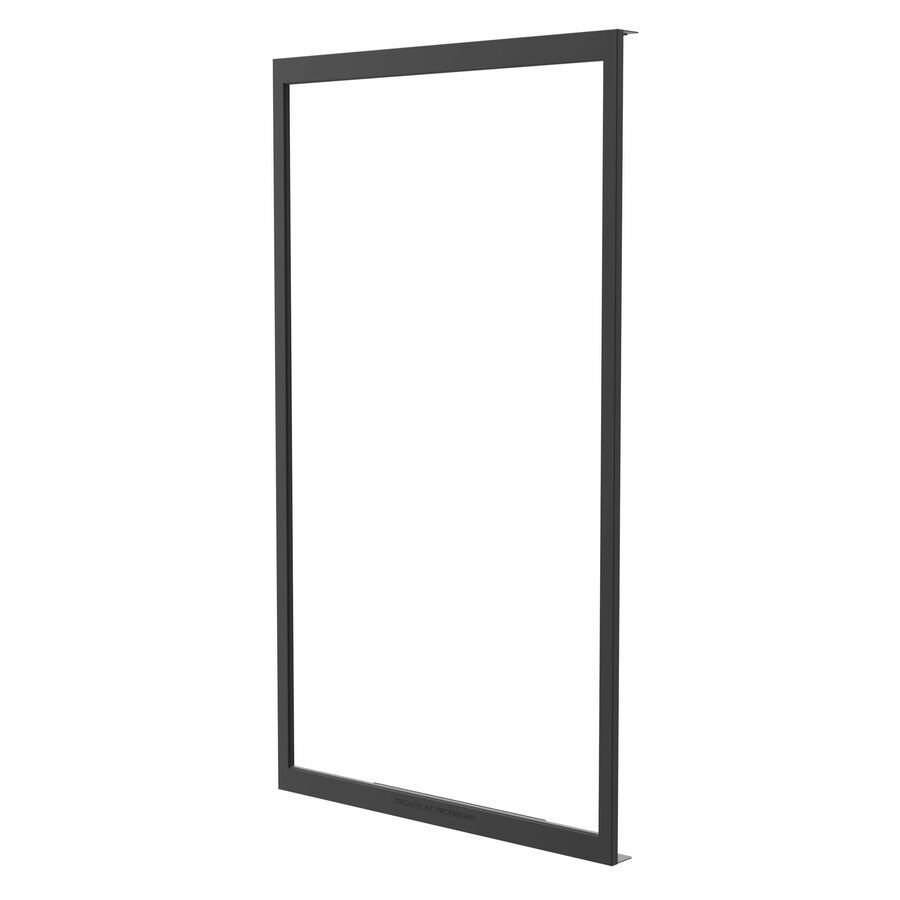
Peerless Industries
Peerless-AV® Smart City IR Touch Overlay for KOP55XHB and KOP55XHB2
KIRP-XHB4
A Peerless-AV Smart City infrared touch overlay built to integrate with the KOP55XHB outdoor display family — a panel-specific overlay from a second maker.
Built for a specific Peerless-AV display family; confirm the exact panel it mounts on before ordering.
$4,692.65Back-orderedMore touchscreen overlays in the Uniqcli catalog
See all 1,373 touchscreen overlaysMore from across this category. In-stock lines lead, and a back-ordered line carries the same estimated availability its product page does — with live pricing throughout, NDAA §889 screening before checkout and TAA verified on request.
- Peerless IndustriesPeerless-AV® Smart City IR Touch Overlay for KOP55XHB and KOP55XHB2 - LCD Display Type Supported - 55" Infrared (IrDA) Technology - 10-point - 15 ms Response TimeKIRPXHB4HT
$7,590.00
$5,189.63
Back-orderedBack-ordered — estimated OEM lead time 3–8 weeks (Nov 14 – Dec 19 if ordered today).
- Peerless IndustriesPeerless-AV® Smart City IR Touch Overlay for KOP55XHB and KOP55XHB2 - LCD Display Type Supported - 55" Infrared (IrDA) Technology - 10-point - 15 ms Response TimeKIRP-XHB4
$6,889.00
$4,692.65
Back-orderedBack-ordered — estimated OEM lead time 3–8 weeks (Nov 14 – Dec 19 if ordered today).
- TSItouchTSItouch Touchscreen Overlay - LCD Display Type Supported - 86" Infrared (IrDA) Technology - 6-point - 16 ms Response Time - USB InterfaceTSI86NLPRQ6CCZZ
$8,323.00
$6,875.14
Back-orderedBack-ordered — estimated OEM lead time 3–8 weeks (Nov 14 – Dec 19 if ordered today).
- TSItouchTSItouch NEC 98" UHD Infrared Touch Screen Solution - LCD Display Type Supported - 98" Infrared (IrDA) Technology - 12-point - 16 ms Response Time - USB InterfaceTSI98NN11QBCCX5
$7,730.00
$6,384.81
Back-orderedBack-ordered — estimated OEM lead time 3–8 weeks (Nov 14 – Dec 19 if ordered today).
- TSItouchTSItouch Touchscreen Overlay - LCD Display Type Supported Projected Capacitive Technology 16:9 - 40-point - Anti-glare - 5 ms Response Time - USB Interface - TAA CompliantTSI86NL146HPGZZ
$7,363.00
$6,082.16*
Back-orderedBack-ordered — estimated OEM lead time 3–8 weeks (Nov 14 – Dec 19 if ordered today).
- TSItouchTSItouch Touchscreen Overlay - LCD Display Type Supported - 86" Infrared (IrDA) Technology - 6-point - 6 ms Response Time - USB InterfaceTSI86NL11Q6CCX6
$5,781.00
$4,788.02
Back-orderedBack-ordered — estimated OEM lead time 3–8 weeks (Nov 14 – Dec 19 if ordered today).
- TSItouchTSItouch Touchscreen Overlay - LCD Display Type Supported Projected Capacitive Technology - 100-point - Anti-glareTSI98PLAGDFPCZZ
$28,392.00
$27,435.79
Back-orderedBack-ordered — estimated OEM lead time 3–8 weeks (Nov 14 – Dec 19 if ordered today).
- TSItouchTSItouch Touchscreen Overlay - LCD Display Type Supported - 75" Capacitive Technology - 40-point - 16 ms Response Time - USB InterfaceTSI75NS15DHJCZZ
$4,608.00
$3,816.64
Back-orderedBack-ordered — estimated OEM lead time 3–8 weeks (Nov 14 – Dec 19 if ordered today).
- TSItouchTSItouch Touchscreen Overlay - LCD Display Type Supported - 75" Projected Capacitive Technology 16:9 - 40-point - Anti-glare - 5 ms Response TimeTSI75PNSA6HJGZZ
$4,499.00
$3,726.53
Back-orderedBack-ordered — estimated OEM lead time 3–8 weeks (Nov 14 – Dec 19 if ordered today).
- TSItouchTSItouch Touchscreen Overlay - LCD Display Type Supported Projected Capacitive Technology - 40-point - Anti-glareTSI65PNTG6HJGZZ
$3,225.00
$2,670.32
Back-orderedBack-ordered — estimated OEM lead time 3–8 weeks (Nov 14 – Dec 19 if ordered today).
- TSItouchTSItouch Touchscreen Overlay - LCD Display Type Supported - Anti-glareTSI86NL14ZZNGZZ
$2,845.00
$2,361.37
Back-orderedBack-ordered — estimated OEM lead time 3–8 weeks (Nov 14 – Dec 19 if ordered today).
- TSItouchTSItouch Touchscreen Overlay - LCD Display Type Supported - 75" Infrared (IrDA) Technology 16:9 - 10-point - 8 ms Response Time - USB InterfaceTSI75NS17TACCZZ
$2,779.00
$2,306.92
Back-orderedBack-ordered — estimated OEM lead time 3–8 weeks (Nov 14 – Dec 19 if ordered today).
- TSItouchTSItouch Touchscreen Overlay - LCD Display Type Supported - 75" Infrared (IrDA) Technology - 10-point - 16 ms Response Time - USB InterfaceTSI75NS15TACCZZ
$2,718.00
$2,255.13
Back-orderedBack-ordered — estimated OEM lead time 3–8 weeks (Nov 14 – Dec 19 if ordered today).
- TSItouchTSItouch 55" NEC Projected Capacitive Touch Screen Solution - LCD Display Type Supported - 55" Projected Capacitive Technology - 80-point - Anti-glare - 6 ms Response Time - USB InterfaceTSI55NNTAPGJGZZ
$2,669.00
$2,215.29
Back-orderedBack-ordered — estimated OEM lead time 3–8 weeks (Nov 14 – Dec 19 if ordered today).
- TSItouchTSItouch Samsung 49" UHD Projected Capacitive Touch Screen Solution - LCD Display Type Supported - 49" Projected Capacitive Technology - 40-point - 6 ms Response Time - USB InterfaceTSI49NS15DHJCZZ
$2,165.00
$1,796.93
Back-orderedBack-ordered — estimated OEM lead time 3–8 weeks (Nov 14 – Dec 19 if ordered today).
- TSItouchTSItouch Samsung 75" UHD Projected Capacitive Touch Screen Solution - LCD Display Type Supported - 75" Projected Capacitive Technology - 40-point - 6 ms Response Time - USB InterfaceTSI75PSSBDHJCZZ
$6,428.00
$6,213.00
Back-orderedBack-ordered — estimated OEM lead time 3–8 weeks (Nov 14 – Dec 19 if ordered today).
- TSItouchTSItouch Touchscreen Overlay - LCD Display Type Supported Projected Capacitive Technology - 40-point - Anti-glareTSI55PSYG6HSGZZ
$3,209.00
$3,071.86
Back-orderedBack-ordered — estimated OEM lead time 3–8 weeks (Nov 14 – Dec 19 if ordered today).
- TSItouchTSItouch Touchscreen Overlay - LCD Display Type Supported Projected Capacitive Technology - 40-pointTSI43PSXH6HJGZZ
$2,652.00
$2,548.64
Back-orderedBack-ordered — estimated OEM lead time 3–8 weeks (Nov 14 – Dec 19 if ordered today).
- TSItouchTSItouch Samsung 43" UHD Projected Capacitive Touch Screen Solution - LCD Display Type Supported - 43" Projected Capacitive Technology - 40-point - 6 ms Response Time - USB InterfaceTSI43PSTEDHJCZZ
$2,411.00
$2,308.25
Back-orderedBack-ordered — estimated OEM lead time 3–8 weeks (Nov 14 – Dec 19 if ordered today).
- TSItouchTSItouch Samsung 49" UHD Projected Capacitive Touch Screen Solution - LCD Display Type Supported - 49" Projected Capacitive Technology - 40-point - 16 ms Response Time - USB InterfaceTSI49PSNQDHJCZZ
$2,798.00
$2,707.42
Back-orderedBack-ordered — estimated OEM lead time 3–8 weeks (Nov 14 – Dec 19 if ordered today).
- TSItouchTSItouch Samsung 43" UHD Infrared Touch Screen Solution - LCD Display Type Supported - 43" Infrared (IrDA) Technology - 10-point - 16 ms Response Time - USB InterfaceTSI43PSTFTACCZZ
$2,159.00
$2,070.52
Back-orderedBack-ordered — estimated OEM lead time 3–8 weeks (Nov 14 – Dec 19 if ordered today).
- TSItouchTSItouch Touchscreen Overlay - LCD Display Type Supported - 55" Infrared (IrDA) Technology - 10-point - Anti-glare - 16 ms Response Time - USB Interface - TAA CompliantTSI55P8ACTACGZZ
$2,959.00
$2,871.76*
Back-orderedBack-ordered — estimated OEM lead time 3–8 weeks (Nov 14 – Dec 19 if ordered today).
- TSItouchTSItouch Touchscreen Overlay - LCD Display Type Supported Infrared (IrDA) Technology - 12-pointTSI32PLVM6HPGZZ
$47,594.66
Back-orderedBack-ordered — estimated OEM lead time 3–8 weeks (Nov 14 – Dec 19 if ordered today).
- TSItouchTSItouch NEC 98" UHD Infrared Touch Screen Solution - LCD Display Type Supported - 98" Infrared (IrDA) Technology - 12-point - 16 ms Response Time - USB InterfaceTSI98PNFEQBCCX5
$28,072.82
Back-orderedBack-ordered — estimated OEM lead time 3–8 weeks (Nov 14 – Dec 19 if ordered today).






Need pricing on touchscreen overlays?
Tell us where to reach you and a Uniqcli specialist will follow up by email with current pricing, availability and lead time for the quantities you need — including parts that aren’t shown on this page.
Buying for an organization or for yourself — both work. No payment up front.
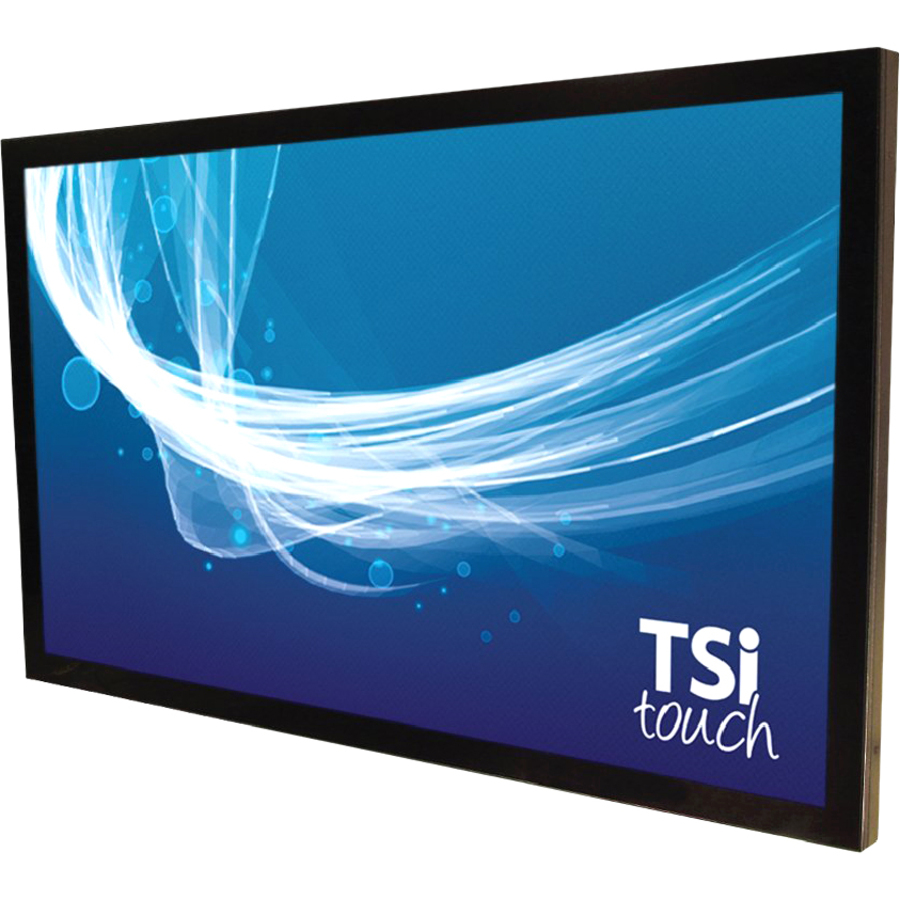
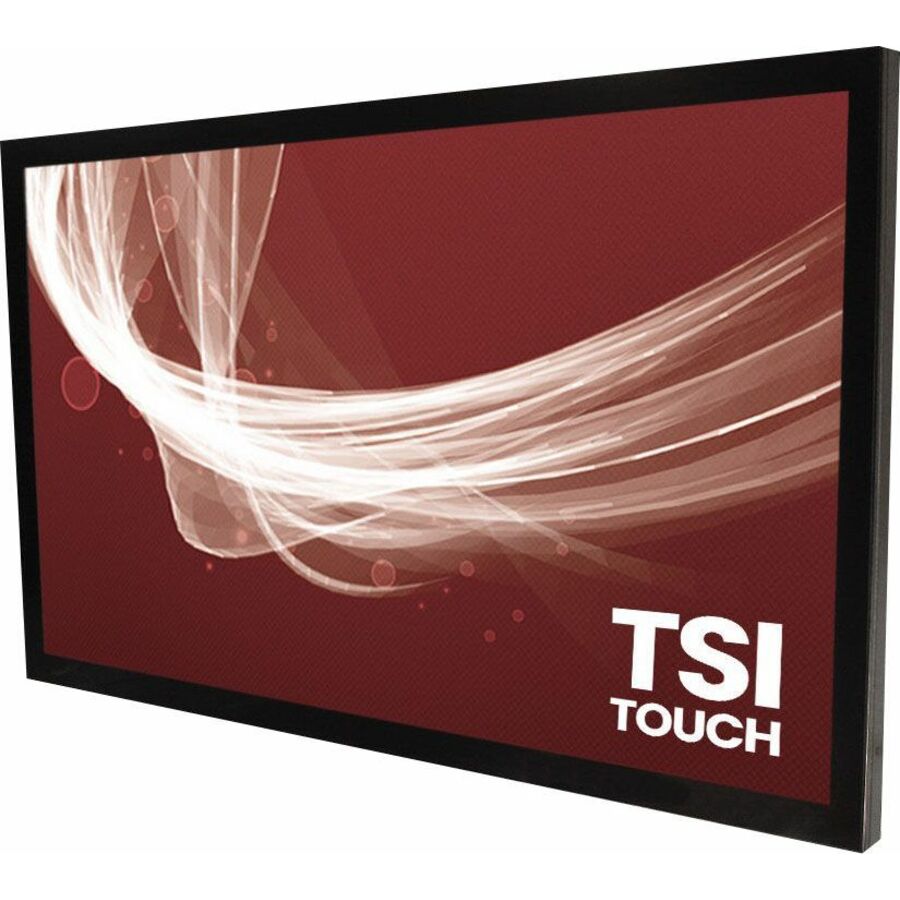
A touch overlay turns a standard commercial LCD or signage panel into an interactive touch display without replacing the screen, and the specification that makes it work is a physical one: the overlay has to match the exact size of the panel it mounts over. Every row on this page is a touchscreen overlay listed in the manufacturer's own catalog category, sized in inches, so the first decision is simply the display size — a 55-inch overlay is built for a 55-inch panel and nothing else. Get that right and the overlay adds multi-touch to a display the room already has, which is why an overlay is often the answer for a lobby sign, a wayfinding kiosk or a meeting screen that needs touch added rather than a whole new interactive panel.
The second decision is the touch technology, and it is a real trade-off rather than a preference. Infrared overlays use a grid of beams across the surface, work through a protective glass layer and over any panel, and scale cleanly to the largest sizes — they are the common answer for big signage and kiosk screens. Projected-capacitive overlays sense touch through a bonded glass surface, give a smoother, glass-like feel and tighter multi-touch, and are the choice where the surface finish and touch precision matter. The titles below state which technology each overlay uses, and several state the number of simultaneous touch points, so the interaction the room needs can be matched to the part.
The rest of the buying work is the surface and the mounting. Many of these overlays carry a protective glass front and an anti-glare or protective finish, which matters for a public, high-traffic surface that takes fingerprints and knocks; some are built to integrate with a specific panel family (a Samsung or NEC signage screen), which is stated in the title. Send the exact make and size of the display, whether it sits in a public kiosk or a controlled meeting room, and how many people touch it at once, and the overlay, the touch technology and the surface come back matched to the screen it goes over.
Buyer's checklist
How to choose a touch screen overlay
- Match the overlay size to the exact display size first. These overlays are sized in inches to fit a specific panel — a 65-inch overlay is for a 65-inch screen and will not fit a 55 or a 75. The size is stated in the title and it is the specification that decides compatibility before anything else.
- Choose the touch technology for the surface and the use. Infrared overlays work over any panel and through a protective glass layer and scale to the largest sizes, which suits signage and kiosks; projected-capacitive gives a smoother glass feel and tighter multi-touch, which suits precise interaction and a premium surface. The title names the technology per part.
- Read the number of touch points against how it will be used. A single-user kiosk needs far fewer simultaneous touches than a collaborative meeting surface where several people annotate at once; several of these titles state the touch-point count, and it is the honest way to size the overlay to the interaction.
- Confirm the protective surface for the environment. A public, high-traffic overlay benefits from a protective glass front and an anti-glare finish that resist fingerprints, scratches and knocks; a controlled meeting room is more forgiving. The finish is a per-part fact stated in the title or specs.
- Check whether the overlay is built for a specific panel family. Some overlays are designed to integrate with a particular Samsung or NEC signage display and state that make in the title; a panel-specific overlay fits and aligns better than a generic one for that screen.
- Plan the mounting and the connection. An overlay adds a frame over the panel and connects for touch data, so confirm the depth it adds and the interface it presents against the enclosure and the media player the display already uses.
- Size for the room's viewing and reach. A wall-mounted signage overlay is touched at arm's length near the edges; a table or kiosk surface is reached across; the display size and the overlay's touch area, both stated per part, decide whether the interaction is comfortable.
Size first: the overlay fits one panel
The single most important fact about a touch overlay is that it is built for one screen size. Unlike a mount or a media player that spans a range, an overlay is a framed sensor sized to sit precisely over a specific panel — a 55-inch overlay aligns to a 55-inch display's active area and will not fit a 50 or a 65. Every row on this page states its size in inches in the manufacturer's own title, from 22-inch desk and kiosk overlays up through the 43-, 55-, 65-, 75-, 86- and 98-inch sizes that cover the standard commercial and signage panels. The buying process starts by reading the exact size of the display the overlay has to mount over, because a mismatch is not a compromise, it is a part that does not fit.
Where a display comes from a named signage family — a Samsung or an NEC panel, for instance — some of these overlays are built specifically to integrate with it, and the title says so. A panel-specific overlay aligns to that screen's bezel and active area and often shares its mounting, which is a cleaner result than fitting a generic overlay of the same nominal size. For a display that is not part of a named family, a generic overlay of the matching inch size does the job; the point either way is that size and, where stated, panel family are read off the title before the touch technology is even considered.
Infrared or projected-capacitive, and the surface
Once the size is fixed, the touch technology is the decision that shapes how the display feels to use. Infrared overlays lay a grid of invisible beams just above the surface and register a touch where a finger or stylus breaks the grid; they work over any panel, function through a protective glass layer, and scale cleanly to the largest sizes, which is why so much of the big signage and kiosk hardware on this page is infrared. Projected-capacitive overlays sense touch through a bonded glass front, giving a smoother, more glass-like feel and tighter, more precise multi-touch — the choice where the surface finish and the accuracy of the interaction matter, and increasingly common at the larger meeting-room sizes too.
The surface and the touch-point count finish the specification. A public, high-traffic overlay in a lobby or a wayfinding kiosk benefits from a protective glass front and an anti-glare or anti-scratch finish that survive constant fingerprints and the occasional knock; several of these overlays carry exactly that, stated in the title. The number of simultaneous touch points, also stated on many parts, separates a single-user kiosk from a collaborative surface where several people annotate at once. Send the exact display make and size, the environment, and how many people touch it together, and the overlay, its touch technology and its surface come back matched to the screen and the room.
FAQ
Common questions
- How do I choose the right size touch overlay?
- Match it to the exact size of the display it mounts over. A touch overlay is a framed sensor built for one panel size — a 65-inch overlay fits a 65-inch screen and not a 55 or a 75. Every overlay on this page states its size in inches in the manufacturer's own title, so the first step is reading the display's exact size and choosing the overlay that matches it. Where the display is part of a named signage family, some overlays are built specifically to integrate with it, which the title states.
- What is the difference between an infrared and a projected-capacitive touch overlay?
- They sense touch differently and suit different uses. Infrared overlays use a grid of beams just above the surface, work over any panel and through a protective glass layer, and scale cleanly to the largest signage and kiosk sizes. Projected-capacitive overlays sense touch through a bonded glass front, giving a smoother glass-like feel and tighter multi-touch, which suits precise interaction and a premium surface. The titles here name the technology per part so the interaction the room needs can be matched to the overlay.
- Can I add touch to an existing commercial display with an overlay?
- Yes — that is exactly what an overlay is for. It mounts over a standard commercial LCD or signage panel and adds multi-touch without replacing the screen, which is why it is often the right answer for a lobby sign, a wayfinding kiosk or a meeting display that needs touch added rather than a whole new interactive panel. The overlay has to match the display's exact size, and for a named signage panel a model built to integrate with that family fits and aligns best.
- How many touch points do I need on an overlay?
- It depends on how the surface is used. A single-user kiosk or a wayfinding sign needs far fewer simultaneous touches than a collaborative meeting surface where several people write or annotate at once. Several of these overlays state their touch-point count in the title or specifications, and matching it to the interaction — solo use versus multiple people touching the surface together — is the honest way to size it, along with confirming the protective, anti-glare surface a public installation needs.
- Can business, government and education buyers order touch overlays here?
- Every line Uniqcli quotes is sourced through US distribution and screened for TAA country-of-origin and NDAA §889 status before checkout — with documentation tied to the specific part number, not a product family.
Need touchscreen overlays pricing?
Send a bill of materials or part numbers — we confirm stock and a below-market total, with TAA verified on request. No payment up front.