
Short answer
The main difference is where the light comes from: OLED pixels emit their own and switch fully off, so contrast is effectively unbounded, while an IPS panel modulates an always-on backlight and its datasheets land near 1,000:1. Choose IPS for desks running fixed toolbars and spreadsheets all day, where burn-in is the risk; choose OLED for colour and motion work, where per-pixel contrast pays.
Key facts
- A current IPS business panel lists typical contrast at 1000:1 and typical brightness around 350 cd/m2; a current OLED lists 1.5 million to 1.
- OLED response times are an order of magnitude faster: 0.03 ms grey-to-grey against roughly 5 ms on IPS.
- OLED makers ship pixel-shift protection turned on by default, which is a statement about the risk, not a marketing feature.
- Samsung's screen-optimisation pass runs automatically after four or more hours of cumulative screen time and takes 10 to 15 minutes.
- Its deeper Pixel Refresh takes over an hour with the monitor off, and interrupting it cancels the run.
- OLED care lists also include logo-brightness reduction and screen movement — all of them aimed at exactly the static taskbars an office desk shows all day.
The IPS-versus-OLED decision comes down to a single physical difference: an IPS panel is a liquid-crystal layer lit by an always-on LED backlight, while OLED pixels emit their own light and switch fully off. That one distinction cascades into every metric buyers care about — OLED wins decisively on contrast, black levels, and motion response, while IPS wins on sustained full-screen brightness, static-content durability, and price. Neither is universally 'better'; they fail in opposite directions.
For a fleet decision the real question is workload. Software developers, finance users, and general office staff keep the same static toolbars, spreadsheets, and IDE panels on screen for eight hours a day — the exact conditions that carry OLED burn-in risk and where IPS's immunity and lower cost matter most. Color-critical creative work and video review, by contrast, benefit enough from OLED's per-pixel contrast and near-instant response that the extra cost and care requirements are justified. Below is a factor-by-factor breakdown to map the technology to your actual users.
At a glance
Side by side
| Factor | IPS | OLED |
|---|---|---|
| Panel type | LED-backlit LCD (crystals modulate a constant backlight) | Self-emissive organic pixels (each lights independently) |
| Contrast / black levels | Limited, typically around 1,000:1; blacks look dark grey | Effectively infinite; pixels switch fully off for true black |
| Burn-in risk (static UI) | None — immune to permanent image retention | Real risk from persistent taskbars, logos, and docks |
| Sustained full-screen brightness | Holds rated output; typically ~250-450 nits SDR, more on HDR models | Full-white output limited by auto-brightness (ABL); small-window peaks are high |
| Response time / motion | Roughly 1-5 ms GtG; fast panels near 1 ms | Near-instant, around 0.03-0.1 ms GtG |
| Text / subpixel clarity | Standard RGB stripe renders crisp text | Non-standard subpixel layouts can fringe fine text |
| Color and HDR | Wide gamut available; HDR impact capped by low contrast | Wide gamut with per-pixel HDR; strong highlight detail against black |
| Cost and lifespan | Lower cost, long and predictable lifespan | Premium price; organic material dims gradually over years |
Choose IPS when
- Users keep static UI on screen all day — IDEs, spreadsheets, dashboards, or fixed toolbars where burn-in is a real long-term risk
- You need consistent full-screen brightness in a bright open-plan office and steady, all-day output
- You are deploying at fleet scale and unit cost, predictable lifespan, and low warranty risk drive the budget
- Crisp text rendering for documents and code matters more than absolute black levels
Choose OLED when
- The work is color-critical or contrast-critical — photo, video, motion design, or grading where true black and per-pixel accuracy pay off
- Fast motion clarity matters, such as video review or high-refresh interactive work
- Content is varied and moving rather than a fixed static layout, keeping burn-in risk low
- The price premium and periodic pixel-refresh maintenance are acceptable for the visual quality gain
Bottom line
Buy OLED for colour and motion work and IPS for desks that show the same toolbars all day. OLED delivers the better image — infinite contrast, true blacks, and near-instant response — but carries burn-in risk under static interfaces, lower sustained full-screen brightness, and a higher price. IPS gives up deep blacks in exchange for immunity to burn-in, steady brightness, crisp text, and lower cost. For everyday office and development seats running fixed layouts all day, IPS is the safer and more economical fit. For creative and color-critical roles, OLED's image quality justifies the premium and the added care. Decide by workload, then verify the specific panel's rated brightness, warranty, and any burn-in coverage before you commit.
Products for this decision
The fleet desk
MSI
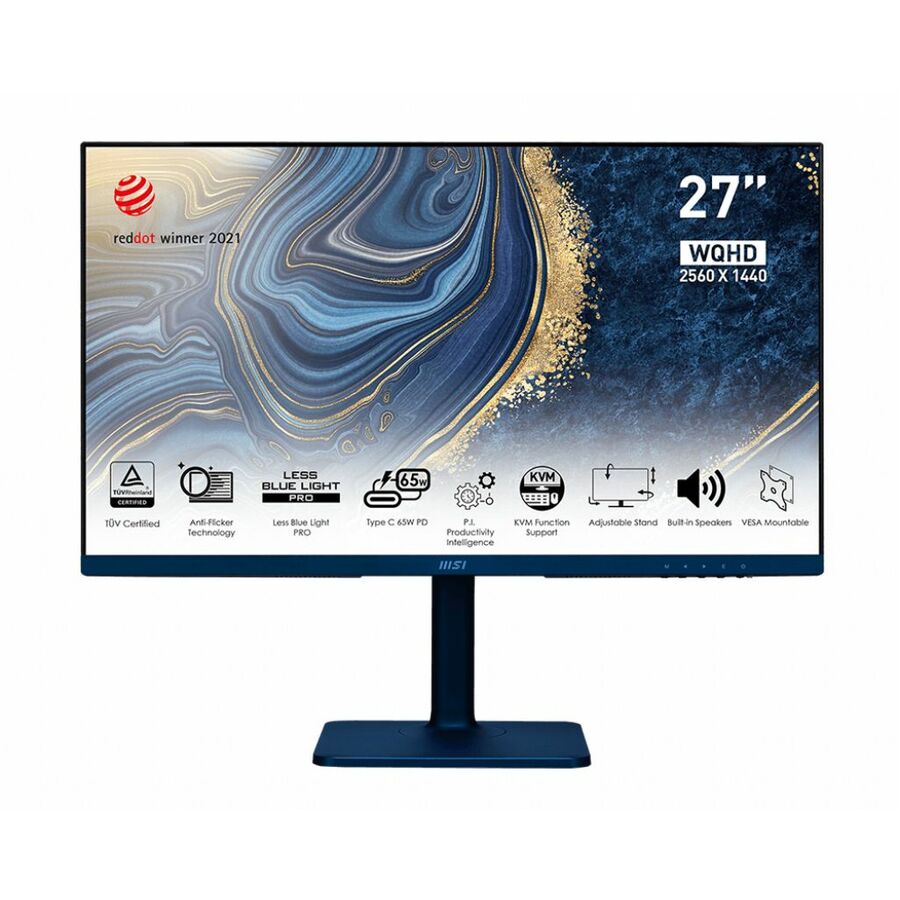
MSI Modern MD272QP 27" Class WQHD LCD Monitor
MODERNMD272QPULTRAMARINE
A 27-inch 1440p IPS monitor with USB-C, a USB hub and a KVM switch — the panel type that shows a fixed taskbar for eight hours and does not care.
$243.45Back-orderedOLED for motion and contrast
MSI
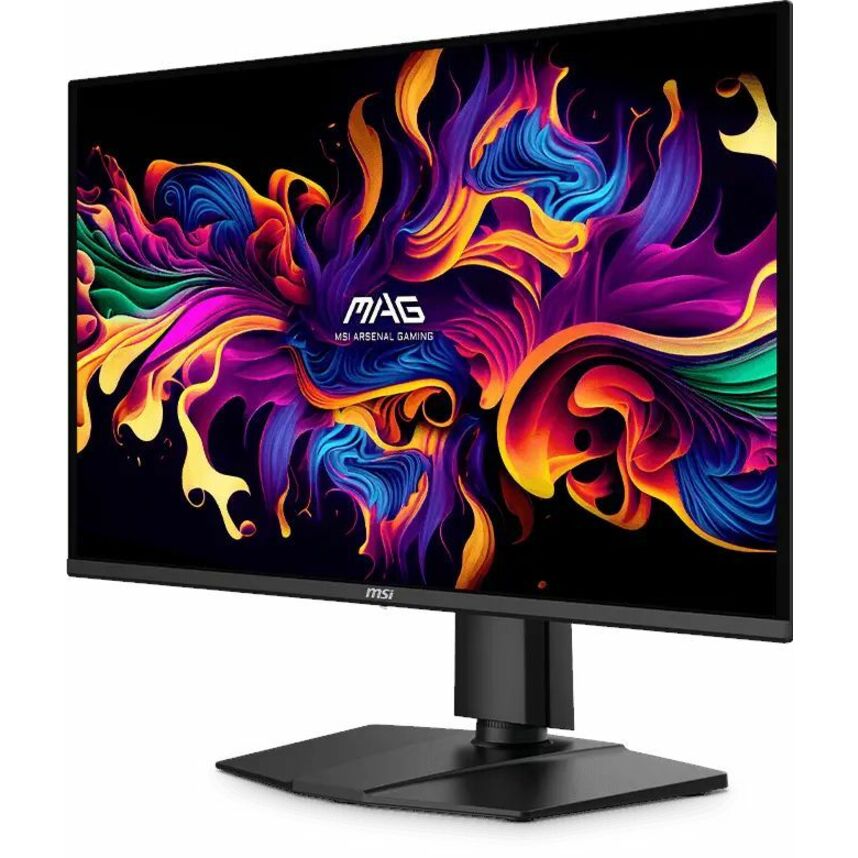
MSI MAG 274QP QD-OLED X24 27" Class WQHD Gaming OLED Monitor
MAG274QPQDOLEDX24
A 27-inch 1440p QD-OLED rated 0.03 ms grey-to-grey, for video review and motion work where per-pixel contrast and response are the point.
Leave the panel-care settings enabled and expect the automatic refresh passes described above.
$484.45Back-orderedColour work, portable
ViewSonic
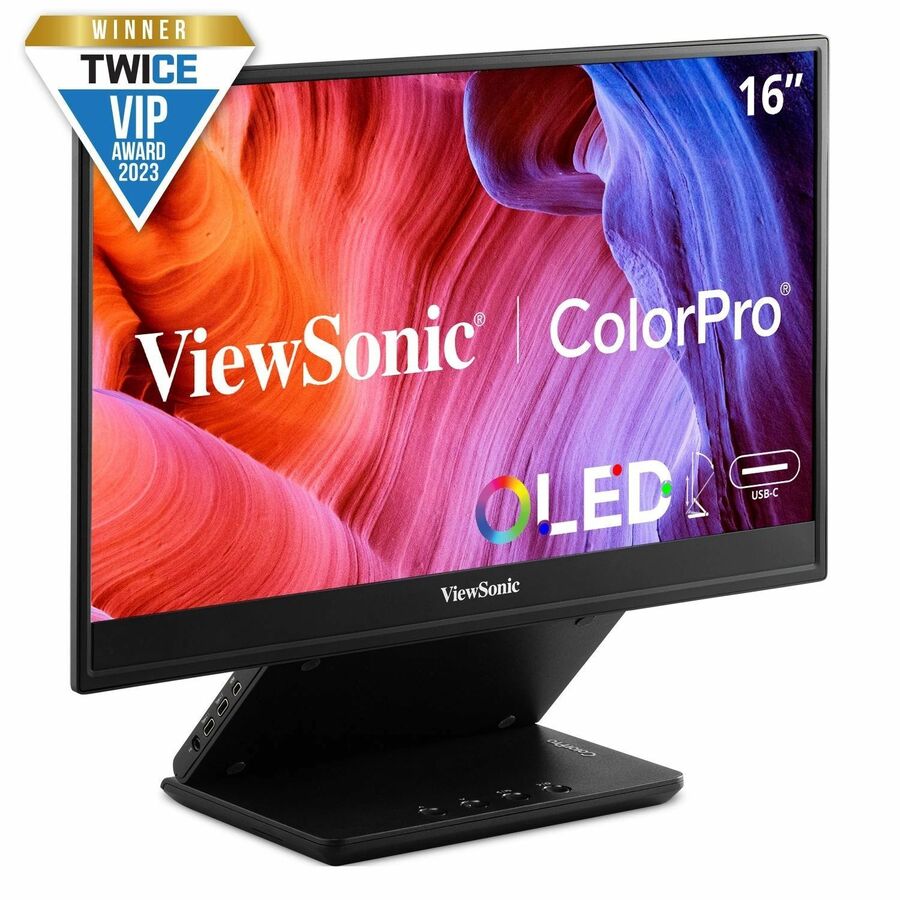
ViewSonic VP16-OLED 15.6 Inch 1080p ColorPro Monitor, OLED Display…
VP16-OLED
A 15.6-inch 1080p OLED second screen with Pantone-validated colour and USB-C power, for a reviewer who needs true black away from the main desk.
$344.70In stockShop it at Uniqcli
FAQ
Common questions
- Is OLED burn-in a real concern for office monitors?
- Yes. Burn-in is permanent uneven wear from displaying the same static elements for long periods — taskbars, menu bars, and application docks are the classic culprits. Office and development workflows show exactly this kind of fixed content for hours, which is the highest-risk pattern. Modern OLED panels include mitigations like pixel-shifting and periodic refresh cycles, and some warranties now cover burn-in, but IPS remains fully immune. If users keep static interfaces on screen all day, that difference matters.
- Why does OLED look better despite lower full-screen brightness numbers?
- Because contrast, not sustained brightness, drives perceived image quality. OLED switches individual pixels completely off, producing true black and effectively infinite contrast, so highlights appear to pop against black. IPS relies on an always-on backlight that leaks through 'black' pixels, capping contrast near 1,000:1 and making blacks look dark grey. OLED's peak highlight brightness in small areas is also very high; only its sustained full-white output is held back by automatic brightness limiting.
- Which is better for reading text and spreadsheets?
- IPS generally renders text more cleanly. IPS panels use a standard RGB subpixel stripe that font-smoothing systems are designed around, giving sharp edges. Many OLED panels use non-standard subpixel arrangements, which can produce faint color fringing on small text and thin lines. It is usually acceptable at normal viewing distance, but for document- and code-heavy work, IPS has the edge on pure text clarity.
- Does IPS glow or backlight bleed affect the decision?
- It is a real but usually minor factor. Because IPS uses a backlight, some light leaks at the edges (backlight bleed) and off-angle in dark scenes (IPS glow), most visible on black content in a dim room. It rarely affects office or productivity use and varies unit to unit. OLED has neither issue thanks to per-pixel emission. If users work primarily with dark content in low light, that favors OLED; for typical bright-office productivity, it is not a deciding factor.
- VA, IPS or OLED — which panel for a business monitor?
- IPS for most desks. IPS gives accurate colour at wide viewing angles, crisp text from a standard RGB subpixel stripe, and no burn-in risk at all, at typical contrast near 1000:1. VA sits between the two: much deeper blacks than IPS, but slower pixel response and colour that shifts more off-axis. OLED is the image-quality answer and the maintenance answer at the same time — it is specified for colour and motion work, not for a screen holding the same toolbar all day.
- What maintenance does an OLED monitor need?
- Panel-care routines the monitor runs itself, and they take real time. Pixel shift is on by default and nudges the image slightly so static elements do not settle. A screen-optimisation pass runs automatically after four or more hours of cumulative use and takes ten to fifteen minutes. A deeper pixel refresh runs with the monitor off and takes over an hour, and interrupting it cancels the run. Plan for a display that expects to be powered down, which is a different assumption from an always-on IPS desk.
Sources
- 1.Samsung — preventing burn-in on an OLED monitor (pixel shift, screen optimisation, Pixel Refresh)samsung.com
- 2.ASUS ROG Strix OLED XG27AQDMG Gen2 — 1.5M:1 contrast, 0.03 ms GtG, and the OLED-care feature listrog.asus.com
- 3.ASUS ProArt PA278CGV specifications — IPS, 1000:1 typical contrast, 350 cd/m2, 5 ms GtGasus.com