
Short answer
The main difference is the bus and the command protocol, not the flash: a SATA SSD rides a 6 Gb/s bus that caps near 600 MB/s, while an NVMe SSD talks over PCIe and reaches several gigabytes per second. Choose SATA for boot volumes, bulk capacity and 2.5-inch bay retrofits; choose NVMe for latency-bound work. Both share the M.2 card shape, so check what the slot is wired for.
Key facts
- SATA III is a 6 Gb/s bus, and Western Digital publishes 600 MB/s as the maximum interface transfer rate of a SATA drive — a SATA SSD lands at that ceiling.
- NVMe runs over PCIe instead: Micron rates its PCIe Gen5 data-centre SSD at 14.0 GB/s sequential read and 10.0 GB/s sequential write.
- M.2 is a form factor, not a protocol. A slot can be wired for SATA, for PCIe/NVMe or for both, and an NVMe drive will not work in a SATA-only M.2 socket.
- NVMe also ships in U.2/U.3 and EDSFF packages: Micron lists its Gen4 data-centre drive in E1.S and M.2, and its Gen5 drive in U.2 and E1.S.
- Both interfaces sit on the same NAND flash. What changes is how the drive is reached, which is why light and sequential work feels the same on either.
Both SATA and NVMe SSDs use the same underlying flash memory, so the question is rarely "which is faster" in the abstract — NVMe is. The real decision is whether a given workload can actually use that extra speed, whether the target platform exposes the right slots and PCIe lanes, and whether the price and thermal budget justify the upgrade. A boot drive for an office laptop and a caching tier for a database server are answered by the same two options but for completely different reasons.
The choice is driven by the interface and protocol, not the flash. SATA SSDs ride the same 6 Gb/s SATA bus that hard drives used, through the AHCI command model designed in the spinning-disk era, which caps real-world throughput around 550 MB/s. NVMe SSDs talk directly to the CPU over PCIe lanes with a protocol built for flash, delivering several gigabytes per second and far lower latency under deep queues. Whether that headroom matters depends on your access patterns, your slot availability, and how many drives you need to fit and cool at once.
At a glance
Side by side
| Factor | SATA SSD | NVMe SSD |
|---|---|---|
| Interface / protocol | SATA 6 Gb/s bus, AHCI protocol (built for spinning disks) | PCIe lanes direct to CPU, NVMe protocol (built for flash) |
| Sequential throughput | Capped near 550 MB/s by the SATA bus | ~3,500 MB/s on PCIe 3.0 x4; ~7,000 on 4.0; ~14,000 on 5.0 |
| Latency & queue depth | Higher latency; single command queue (32 entries) | Lower latency; many parallel queues, deep depth each |
| Form factors | 2.5-inch (7mm/15mm), some M.2 (SATA-keyed) | M.2 (2280 common), U.2/U.3, add-in PCIe card, EDSFF |
| Slot / lane needs | SATA port + power cable, or SATA-capable M.2 slot | PCIe lanes (typically x4) from CPU or chipset |
| Power & heat | Lower draw, minimal cooling; ~2-4W typical under load | Higher under load; PCIe 4.0/5.0 M.2 often needs a heatsink |
| Hot-swap & serviceability | Mature 2.5-inch hot-swap in most server bays | U.2/U.3 and EDSFF hot-swap; M.2 is usually internal, not hot-swap |
| Typical role | Boot drives, bulk capacity, drive-bay retrofits | OS boot on modern platforms, databases, virtualization, analytics |
Choose SATA SSD when
- You are retrofitting existing 2.5-inch drive bays or a platform with plenty of SATA ports but few PCIe lanes
- The workload is light or sequential — boot volumes, general office use, file/log storage — where 550 MB/s is never the bottleneck
- You need many low-cost drives per node and hot-swap serviceability from standard front bays
- Budget per gigabyte and broad compatibility matter more than peak throughput
Choose NVMe SSD when
- The workload is random-I/O and latency-sensitive — databases, virtualization hosts, analytics, or heavy build/compile pipelines
- The platform exposes M.2, U.2/U.3, or EDSFF slots with spare PCIe lanes to feed them
- You want maximum performance per drive and per rack unit, especially with PCIe 4.0/5.0
- You are specifying a new build where NVMe boot and data tiers are the current default
Bottom line
Choose NVMe wherever latency shows up in someone's day; choose SATA for boot volumes, bulk capacity and 2.5-inch bays. SATA remains the pragmatic choice for boot drives, bulk capacity, and retrofits into existing bays where its ~550 MB/s ceiling is irrelevant and cost, compatibility, and easy hot-swap win. NVMe is the default for anything performance- or latency-bound and for new platforms with the PCIe lanes and form factors to support it. Match the interface to the workload and the slots the platform actually exposes, and confirm lane budget and cooling before you commit.
Products for this decision
NVMe for a client machine
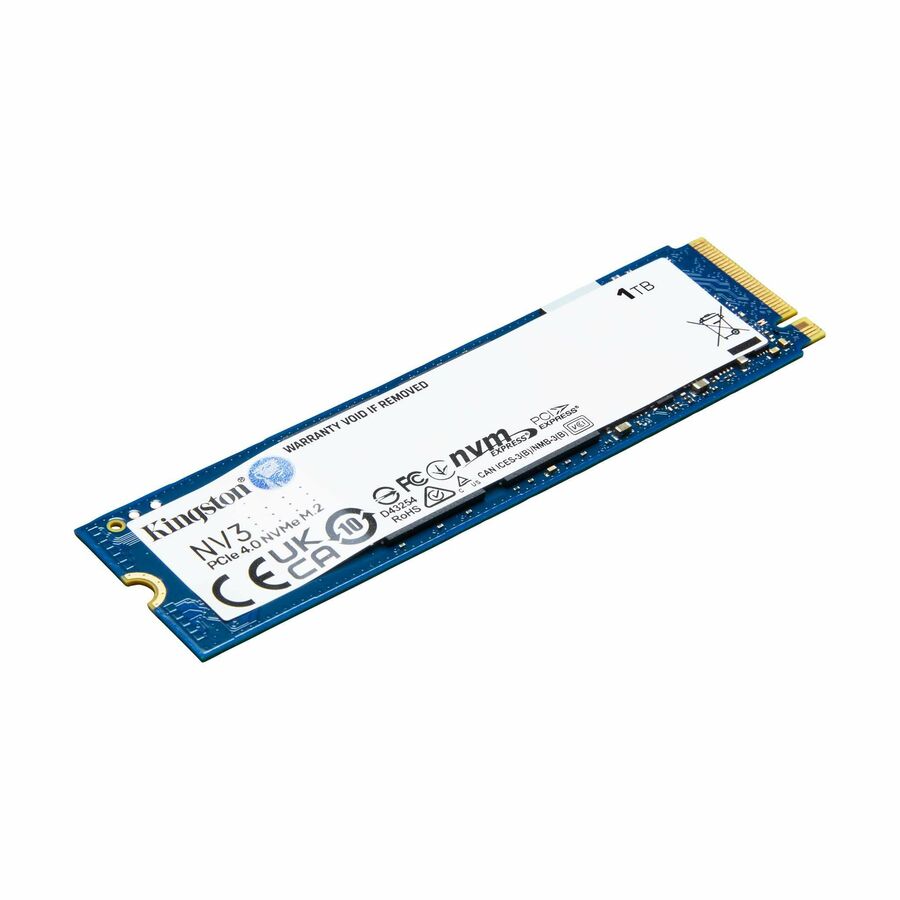
Kingston Technology
Kingston NV3 1 TB Solid State Drive
SNV3S/1000G
A 1 TB M.2 2280 NVMe drive on a PCIe 4.0 x4 interface, for a desktop or notebook board whose M.2 slot is wired for PCIe.
Check the board manual: an M.2 socket wired for SATA only will not run this drive.
$224.80In stockNVMe for a server
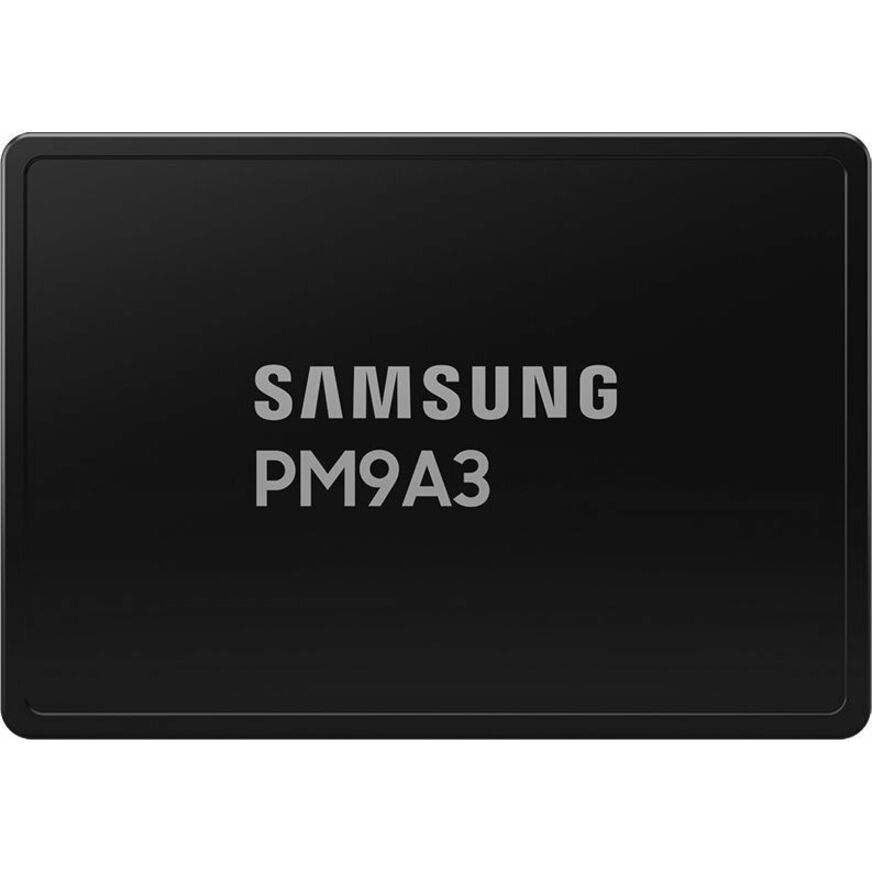
Samsung
Samsung PM9A3 960 GB Solid State Drive
MZQL2960HCJR-00BAL
A 960 GB U.2 NVMe drive on PCIe 4.0 x4, rated by Samsung at 6,800 MB/s read — the hot tier in a front-serviceable bay rather than an internal card.
$1,592.57Back-orderedSATA where the bay is the constraint
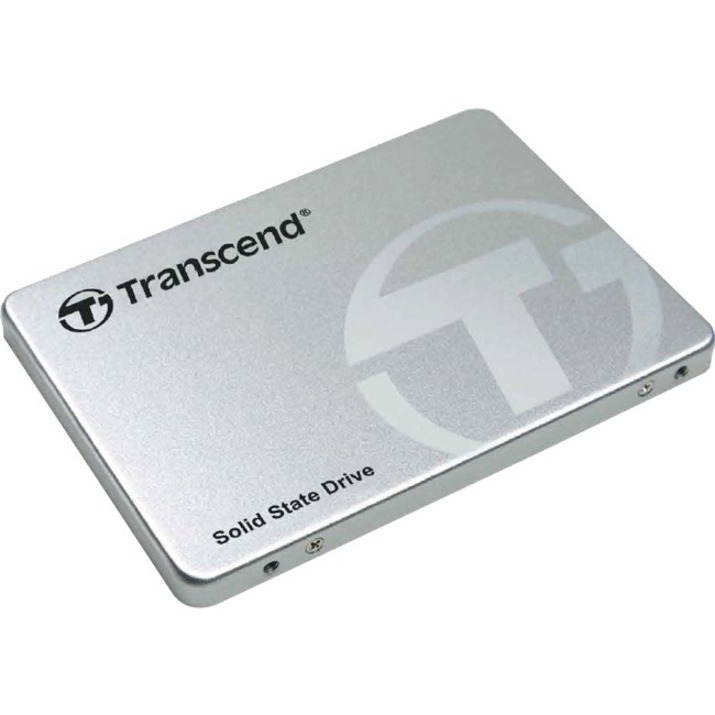
Transcend Information
Transcend SSD230 128 GB Solid State Drive
TS128GSSD230S
A 2.5-inch SATA SSD rated 560 MB/s read — the ceiling of the bus, and irrelevant on a boot volume or a log target that never saturates it.
$99.86Back-orderedShop it at Uniqcli
FAQ
Common questions
- Is an NVMe drive always noticeably faster than SATA in daily use?
- Not always. On benchmarks and large sequential transfers the difference is dramatic — several gigabytes per second versus roughly 550 MB/s. But for booting, launching applications, and general office work, both feel instant because those tasks are limited by small random reads and latency rather than raw bandwidth. NVMe's advantage shows up most under heavy, concurrent, random I/O such as databases, virtualization, and analytics.
- Can I put a SATA and an NVMe drive in the same M.2 slot?
- Only if the slot supports the interface you're using. M.2 is a form factor, not a protocol — a slot can be wired for SATA, PCIe/NVMe, or both, and the keying plus the motherboard spec determine what works. Always check the manual: an NVMe-only slot won't run a SATA M.2 drive, and vice versa. Some slots also share lanes with SATA ports, disabling one when the other is populated.
- Does PCIe generation matter when buying NVMe?
- It sets the ceiling, and it's backward compatible. A PCIe 4.0 drive in a 3.0 slot runs at 3.0 speeds; a 3.0 drive in a 4.0 slot still runs at 3.0. Typical peaks are roughly 3,500 MB/s on 3.0 x4, 7,000 on 4.0, and 14,000 on 5.0. Faster generations also run hotter, so PCIe 4.0 and 5.0 M.2 drives often need a heatsink or good airflow to avoid thermal throttling.
- Should servers use U.2/U.3 or M.2 NVMe?
- It depends on serviceability and density needs. U.2/U.3 (and newer EDSFF) drives fit front-accessible hot-swap bays, use sturdier connectors, and are built for sustained enterprise workloads and easy replacement. M.2 is compact and cheap but usually mounts internally, isn't hot-swappable, and has tighter thermal limits — better for boot devices or space-constrained builds than for high-duty data tiers.
- Can I put an NVMe in a SATA slot?
- No. An NVMe drive needs PCIe lanes, and a SATA port supplies none — there is no adapter that turns one into the other. The confusion comes from M.2: an M.2 NVMe card and an M.2 SATA card look alike, but the socket has to be wired for PCIe. A 2.5-inch SATA bay and a SATA data cable will never carry an NVMe drive.
- How to tell if m 2 slot is SATA or NVMe?
- Read the board manual — the slot's wiring is a motherboard property, not something the connector reveals reliably. The manual states which protocols each M.2 socket supports and often which SATA ports it disables when populated. Keying gives a partial hint (a B+M-keyed card is usually SATA, an M-keyed one usually PCIe), but many boards accept both keys in a socket wired for only one.
- What does "M.2" stand for?
- Nothing, as an abbreviation — M.2 is the standard's name, adopted when the earlier NGFF (Next Generation Form Factor) specification was finalised. It describes a card size and edge connector, not a protocol: an M.2 2280 card is 22 mm wide and 80 mm long, and the same outline carries SATA drives, NVMe drives and Wi-Fi modules.
- What are the disadvantages of NVMe SSD?
- Lanes, heat and serviceability. NVMe needs PCIe lanes the platform may not have spare, PCIe 4.0 and 5.0 M.2 drives run hot enough to want a heatsink or directed airflow, and an M.2 card usually mounts internally rather than in a hot-swap bay — U.2/U.3 and EDSFF solve that last one but need a backplane that supports them. On light or sequential work the extra speed also returns nothing a SATA drive was not already delivering.
Sources
- 1.Western Digital — Ultrastar DC HC580 data sheet (SATA interface transfer rate, 600 MB/s max)documents.westerndigital.com
- 2.Micron 9550 NVMe SSD — PCIe Gen5, 14.0 GB/s sequential readmicron.com
- 3.Micron 7450 NVMe SSD — PCIe Gen4 in E1.S and M.2micron.com