
Best Western Digital Drives for NAS, Servers and Data Centers
NAS, enterprise, data-center and surveillance drives — from Red Pro and Gold to Ultrastar SATA and SAS.
Western Digital drives in stock at Uniqcli
How to choose →A curated selection with live pricing — in-stock lines first, then back-ordered lines with a typical lead time. Every line is sourced through US distribution and screened for NDAA §889 status before checkout, with TAA verified on request.
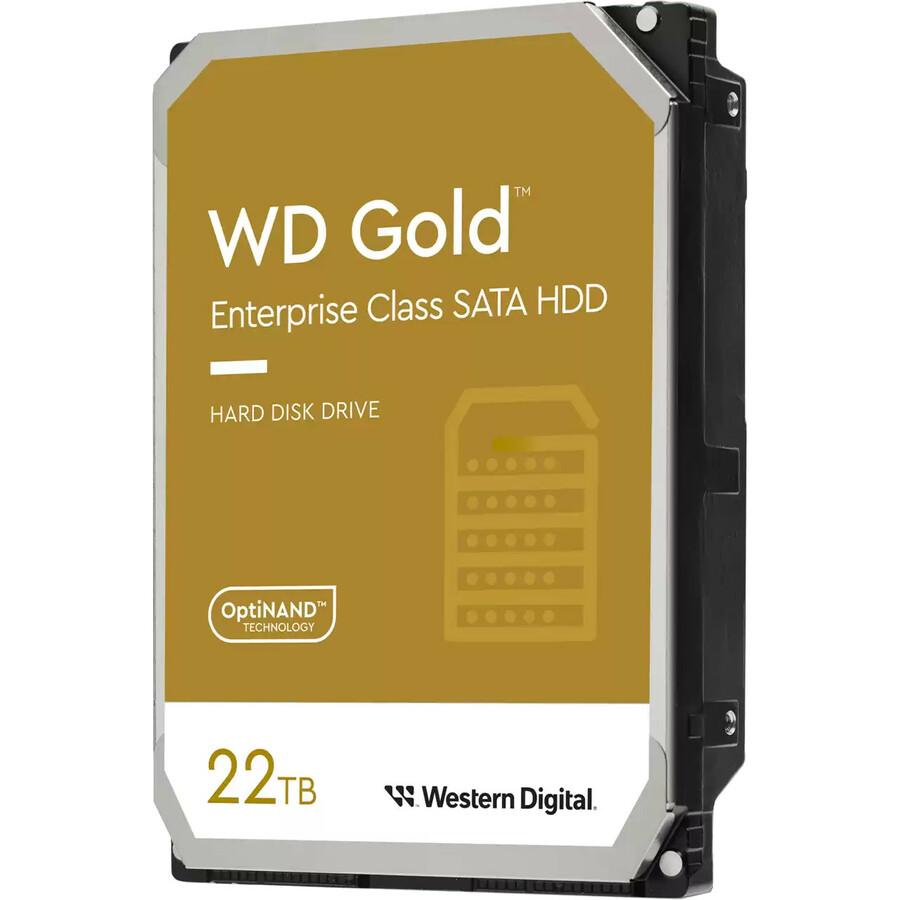
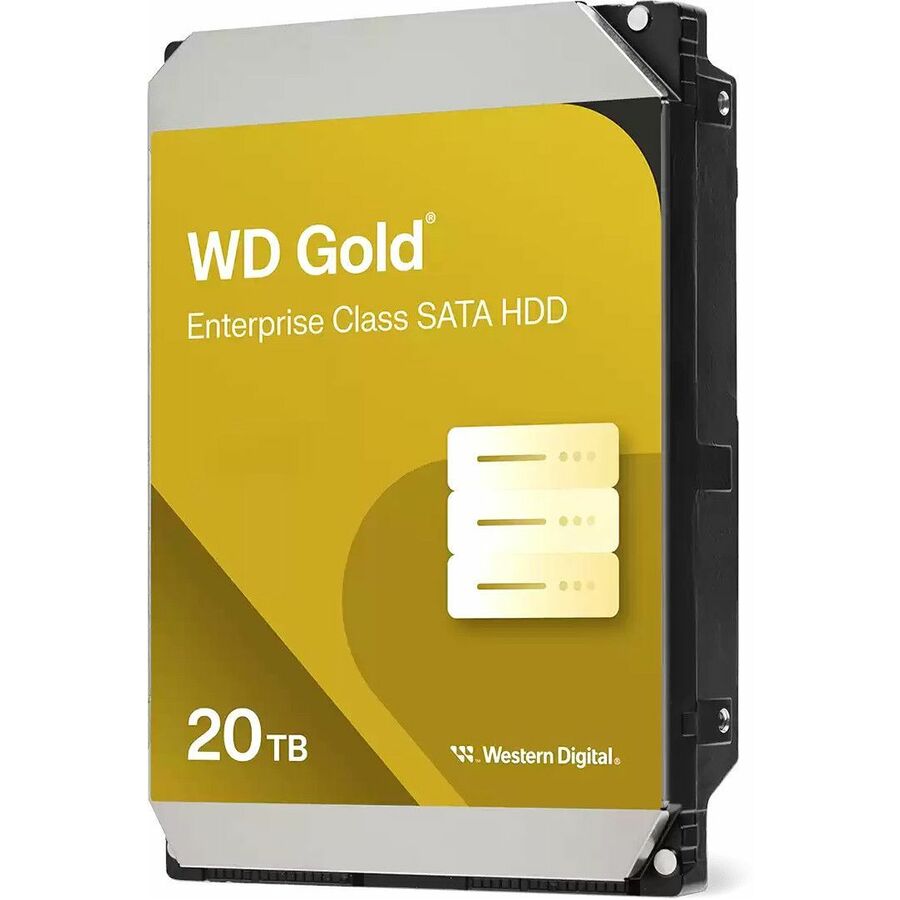
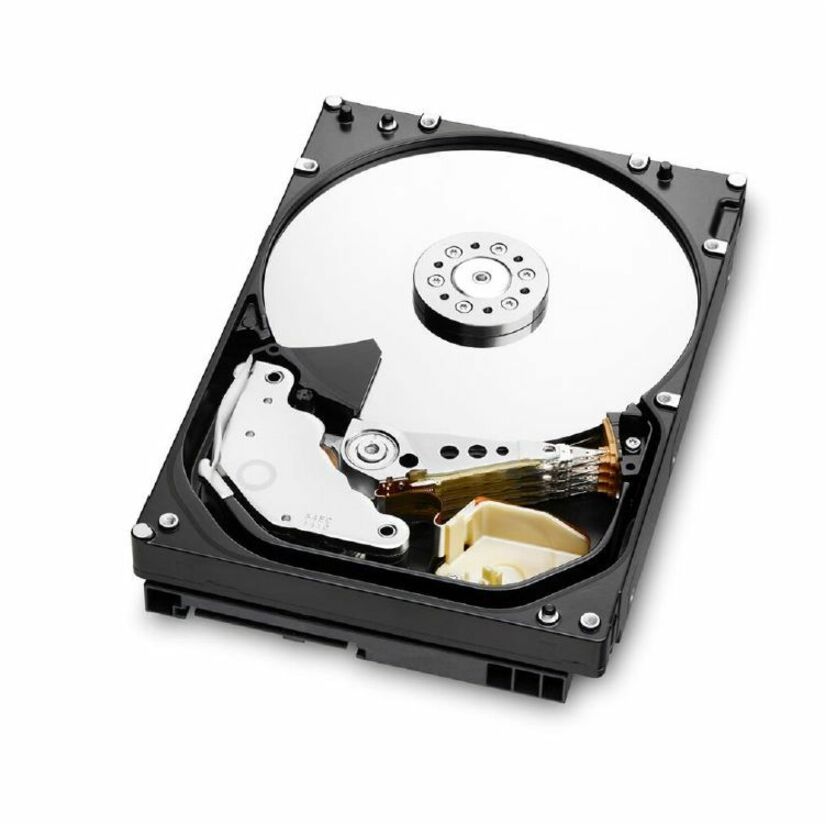
- Western DigitalWestern Digital Gold 20 TB Hard Drive - 3.5" Internal - SATA - 20 PackWD203KRYZ-20PK
$29,568.46
3 in stock

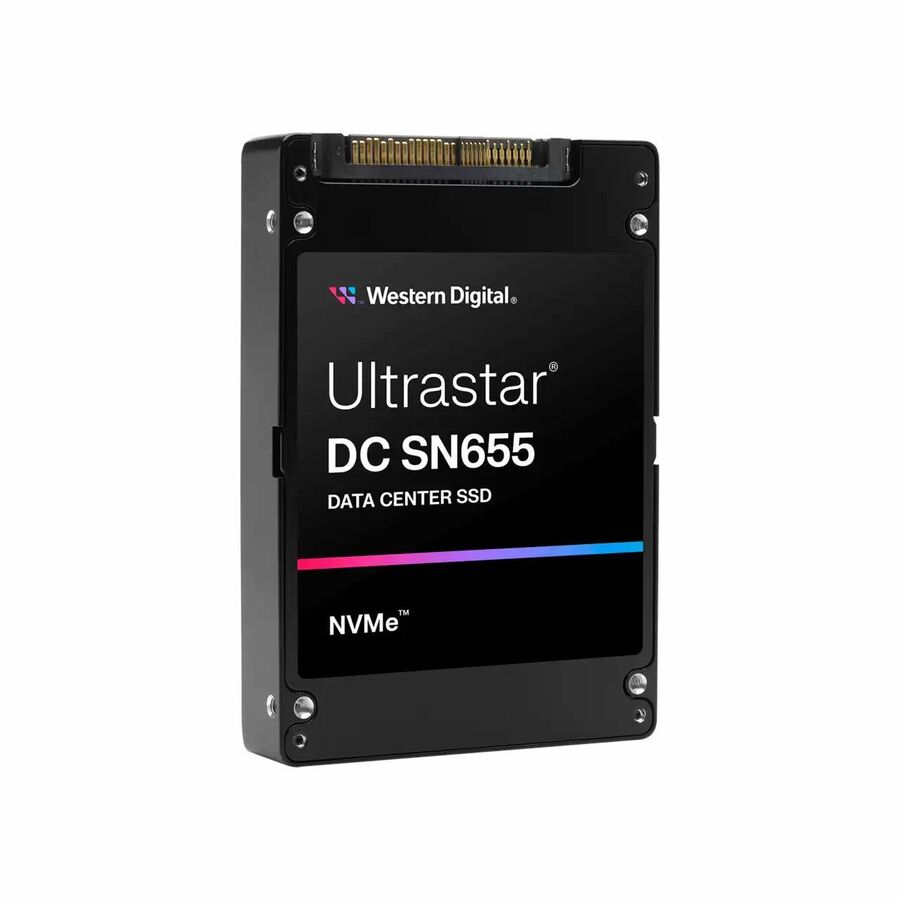
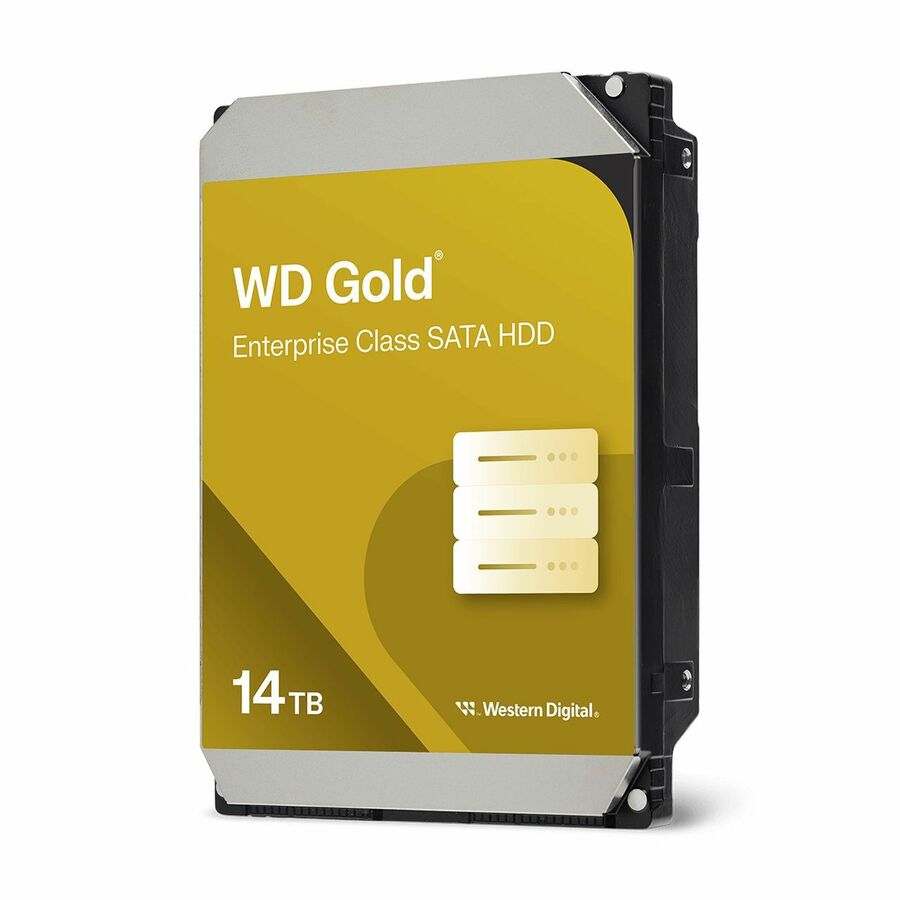
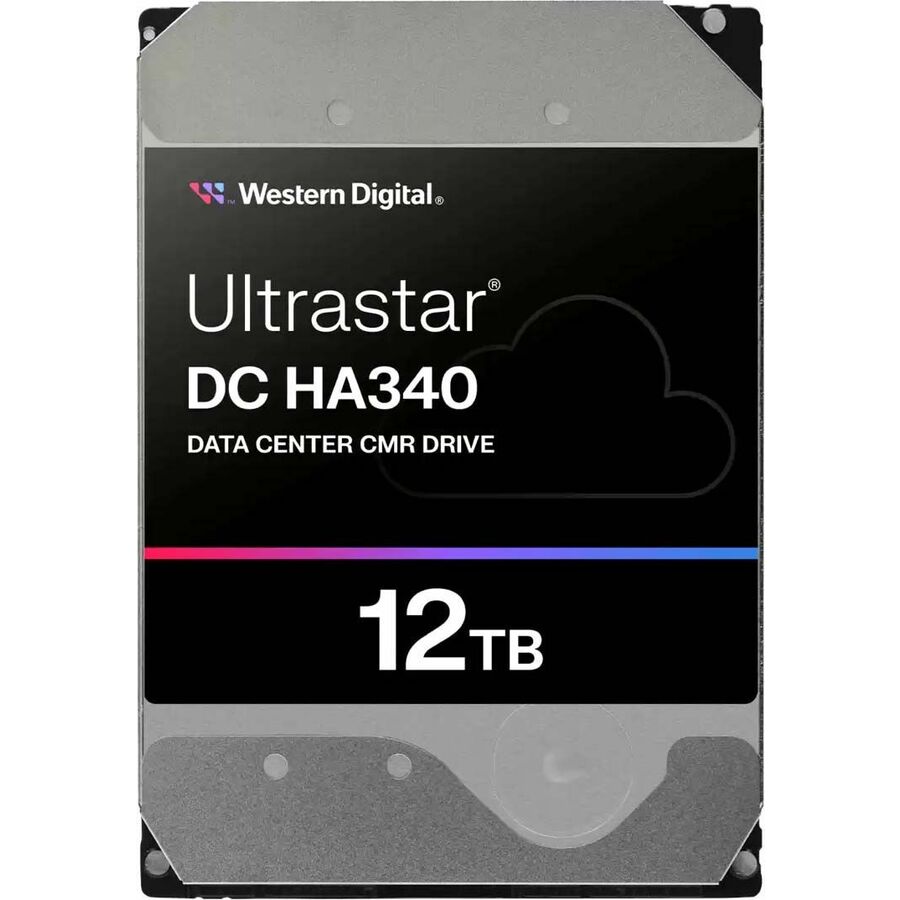
More drives and SSDs in the Uniqcli catalog
See all 9,677 drives and SSDsMore Western Digital first — closest to what you were just looking at; “See all drives and SSDs” above opens every other brand in the category. In-stock lines lead, and a back-ordered line carries the same estimated availability its product page does — with live pricing throughout, NDAA §889 screening before checkout and TAA verified on request.
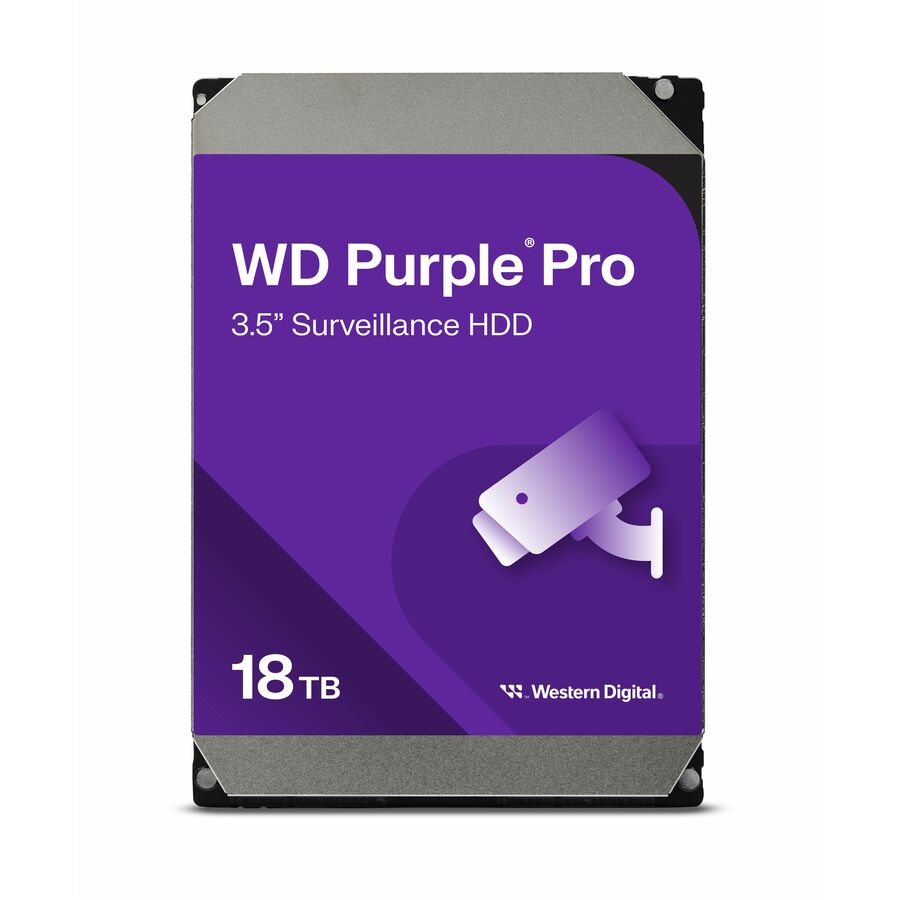
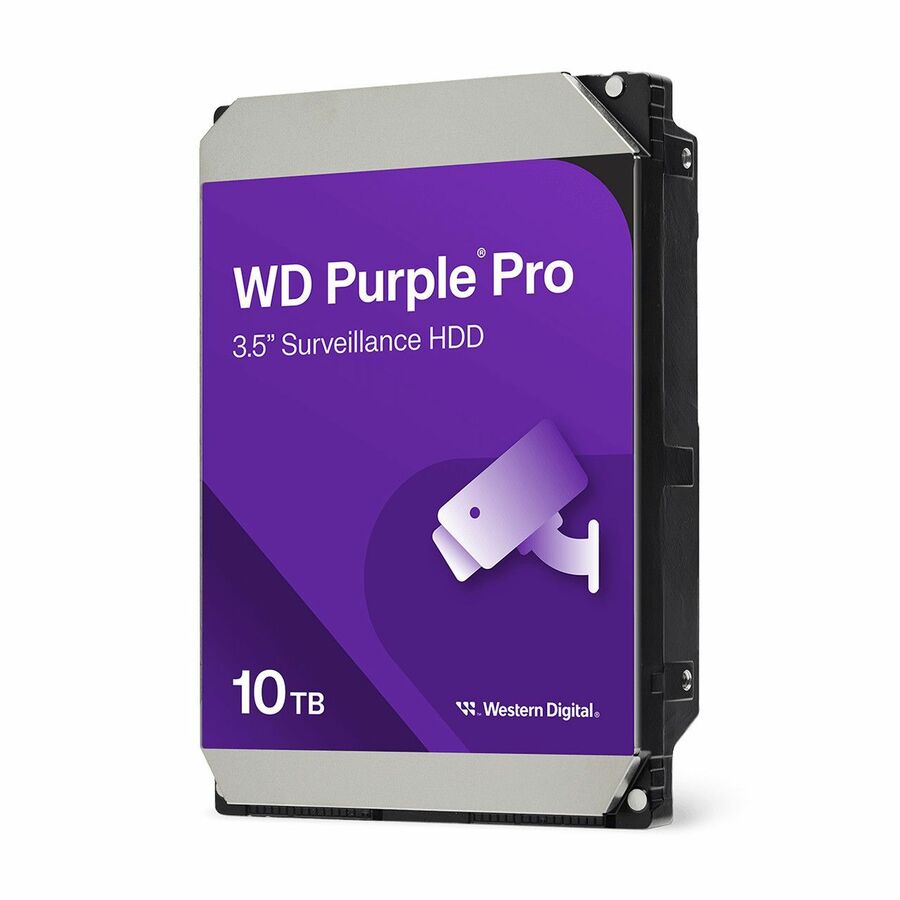
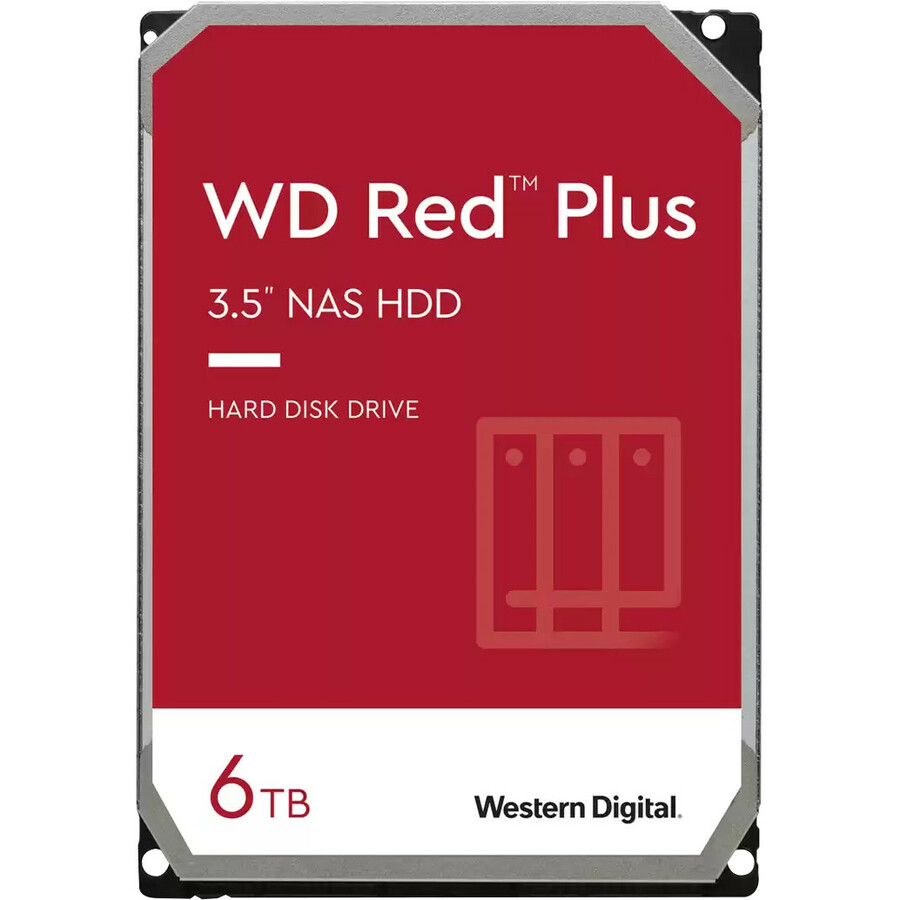
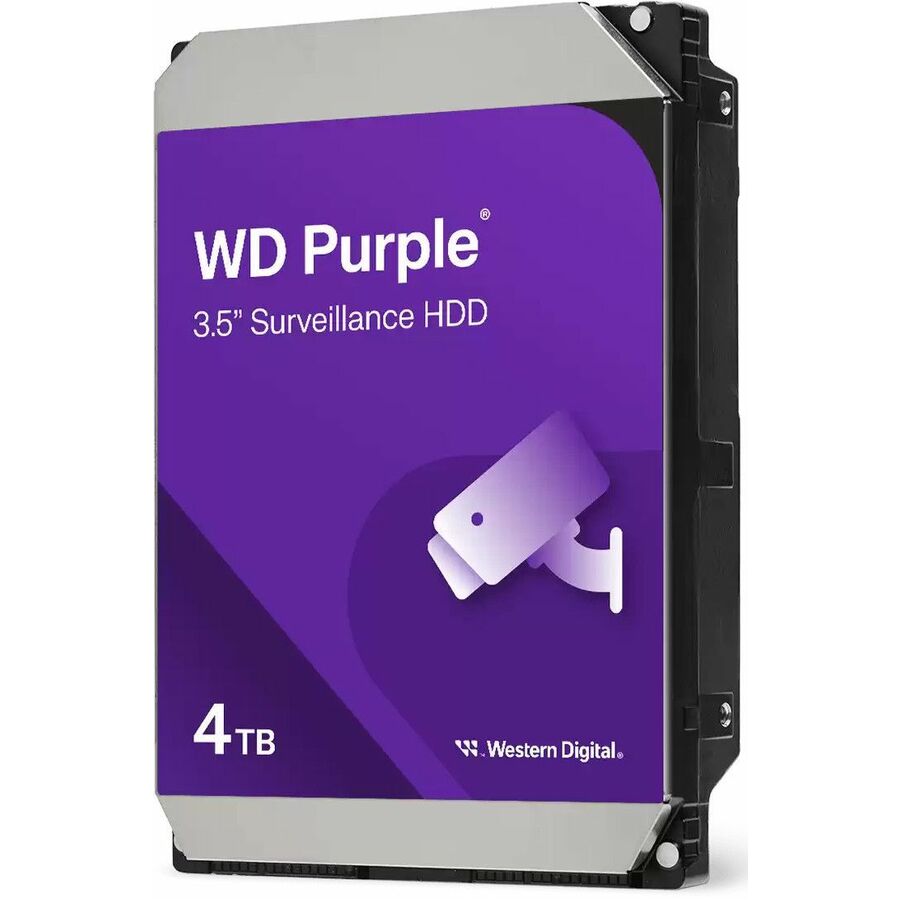
- Western DigitalWestern Digital Purple Pro WD102PURP 10 TB Hard Drive - 3.5" Internal - SATA (SATA/600) - Conventional Magnetic Recording (CMR) Method - Camera, Cloud Storage, Video Surveillance Systems, Video Recorder Device Supported - 7200rpm - 550 TB TBW - 5 Year Warranty - 20 PackWD102PURP-20PK
$13,276.60
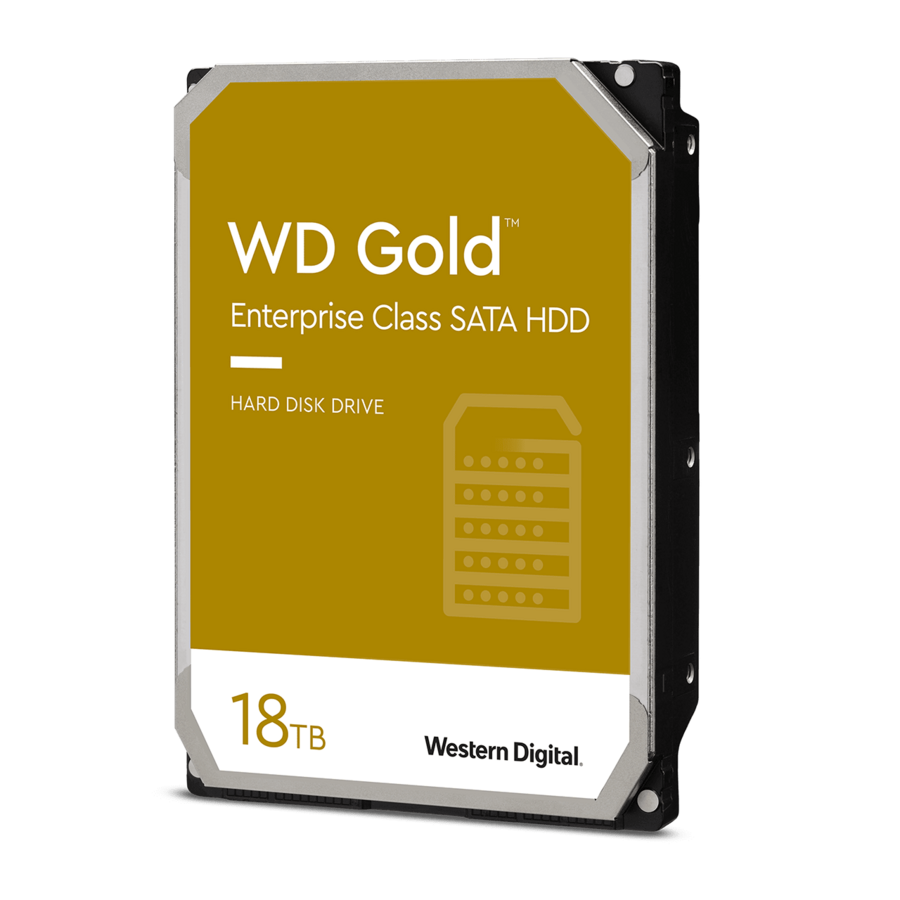
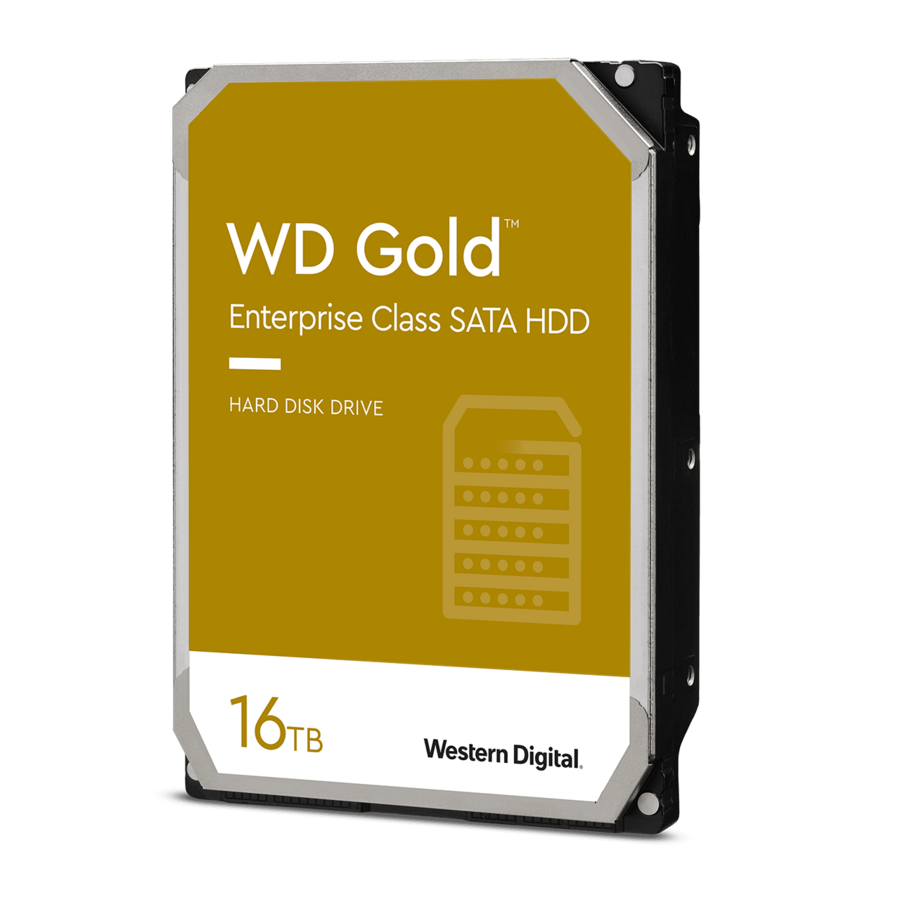
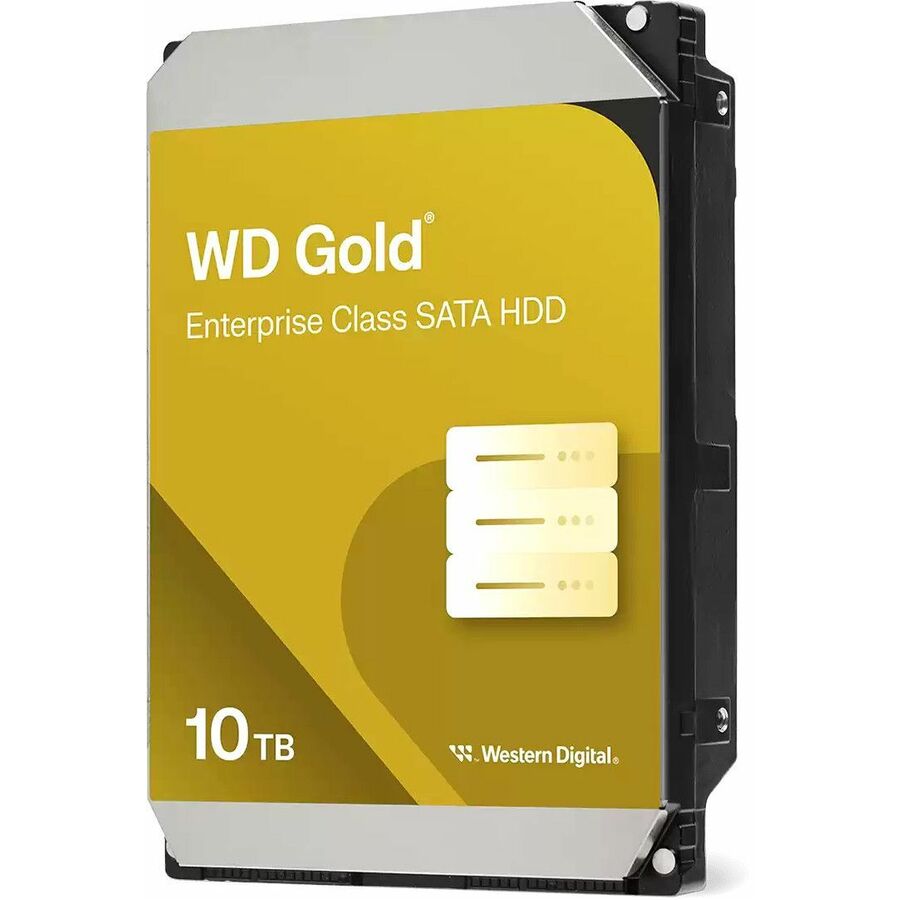
15 in stock - Western DigitalWD Gold 10 TB Hard Drive - 3.5" Internal - SATA (SATA/600) - 7200rpm - 20 PackWD103KRYZ-20PK
$12,905.52
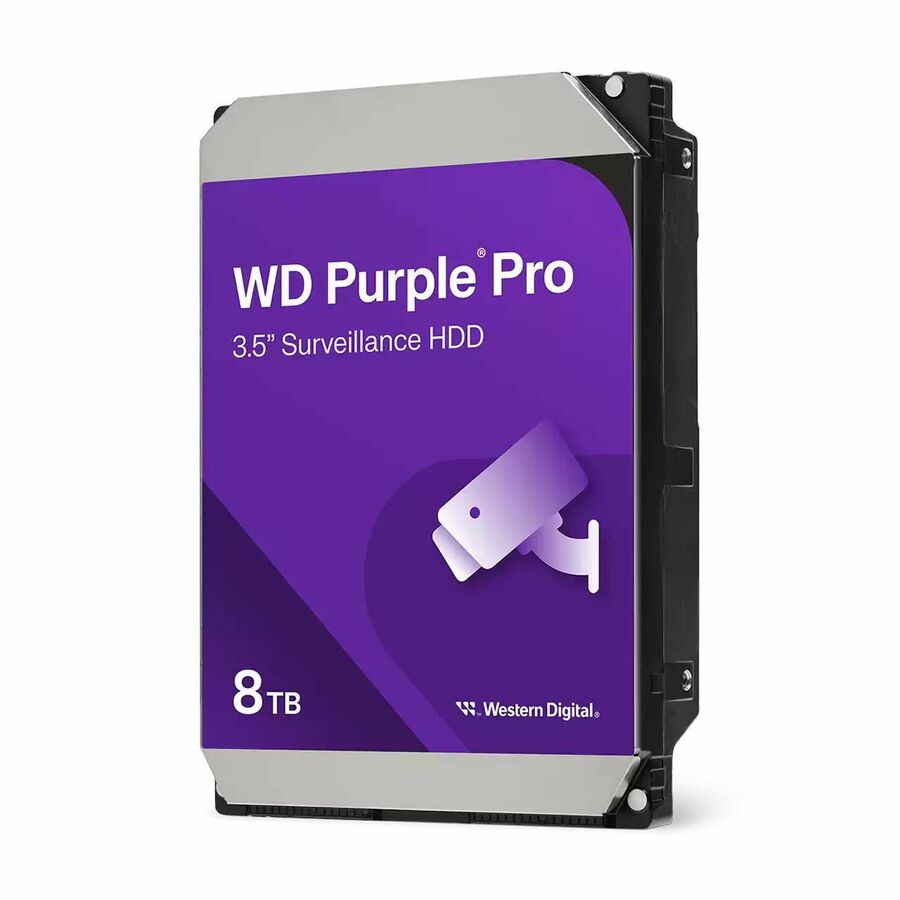
1 in stock - Western DigitalWD Purple Pro 8 TB Solid State Drive - 3.5" Internal - SATA - 20WD8002PURP-20PK
$10,653.98
7 in stock - Western DigitalWD Purple WD64PURZ 6 TB Hard Drive - 3.5" Internal - SATA - 20WD64PURZ-20PK
$7,333.95
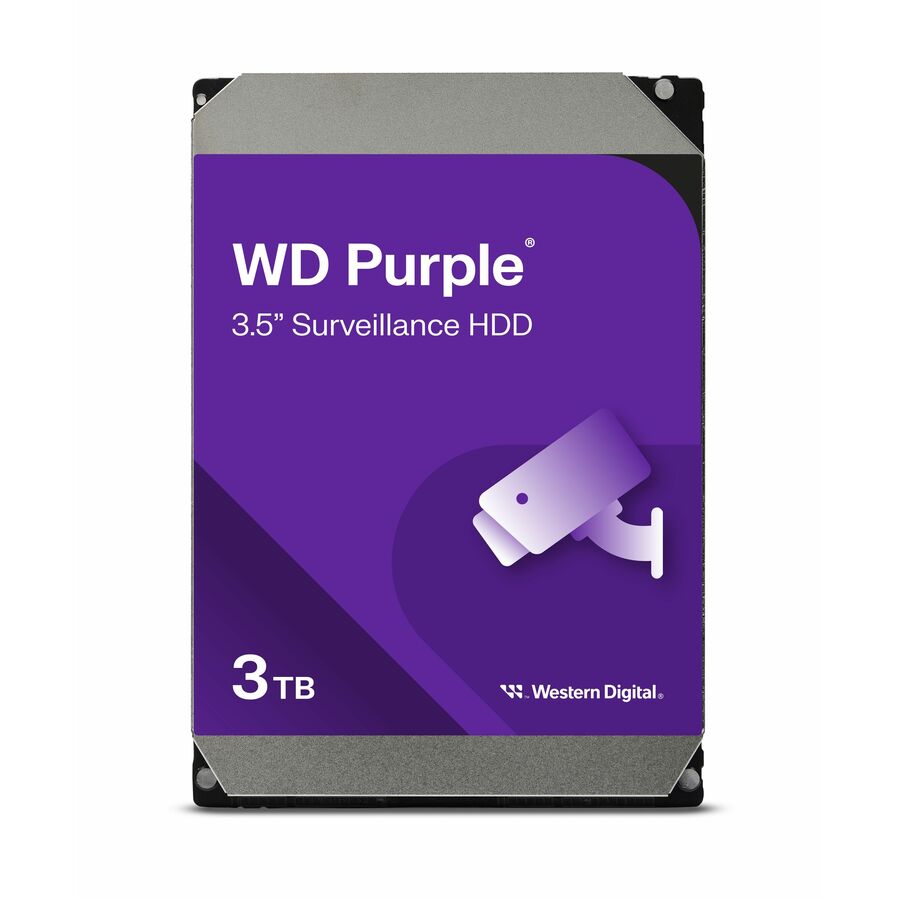
25 in stock - Western DigitalWD Purple WD33PURZ 3 TB Hard Drive - 3.5" Internal - SATA (SATA/600) - 5400rpm - 20WD33PURZ-20PK
$4,152.93
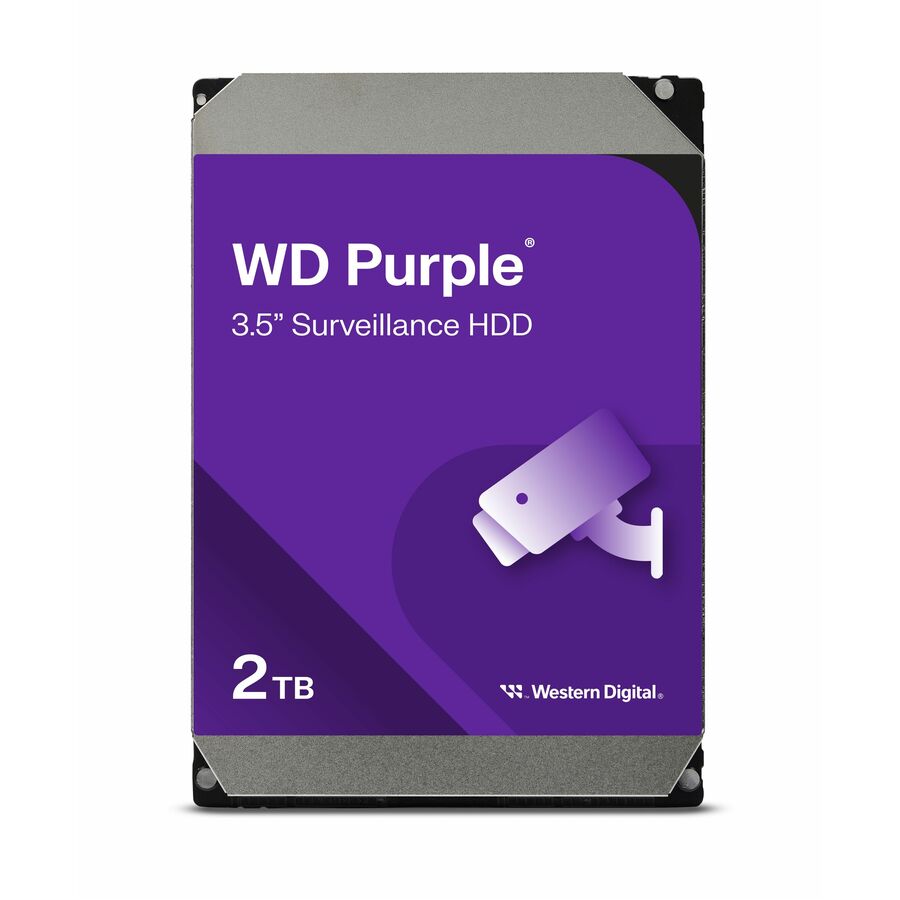
4 in stock - Western DigitalWD Purple WD23PURZ 2 TB Hard Drive - 3.5" Internal - SATA - 20WD23PURZ-20PK
$3,875.66
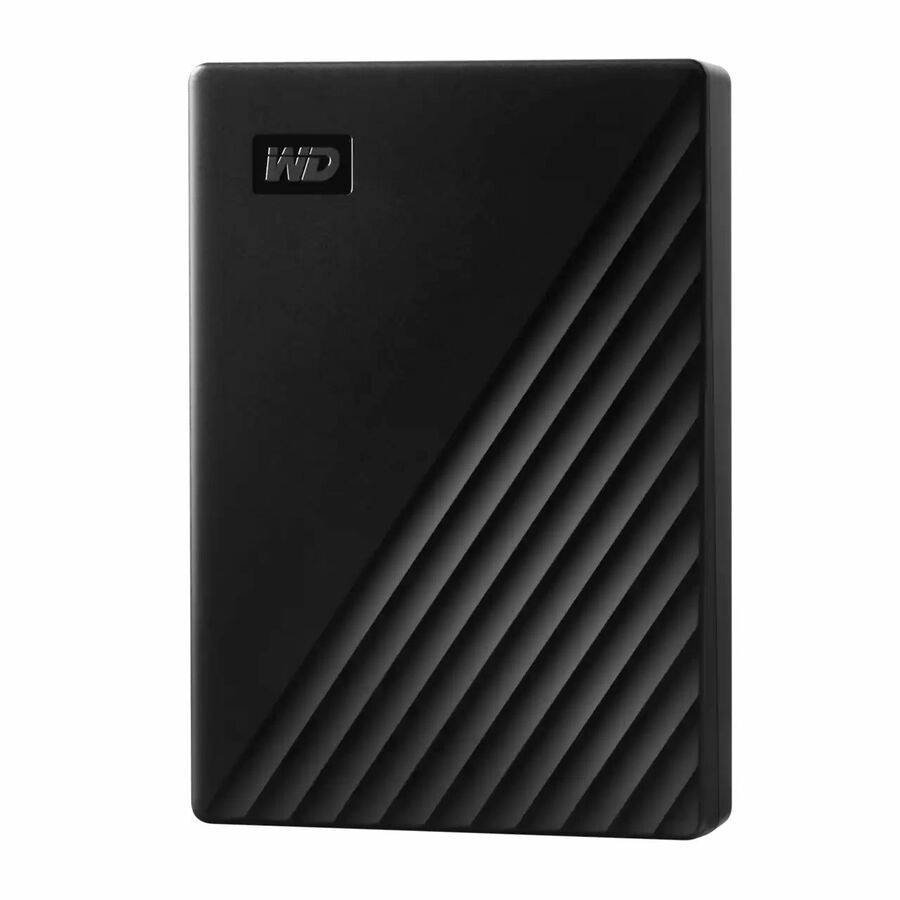
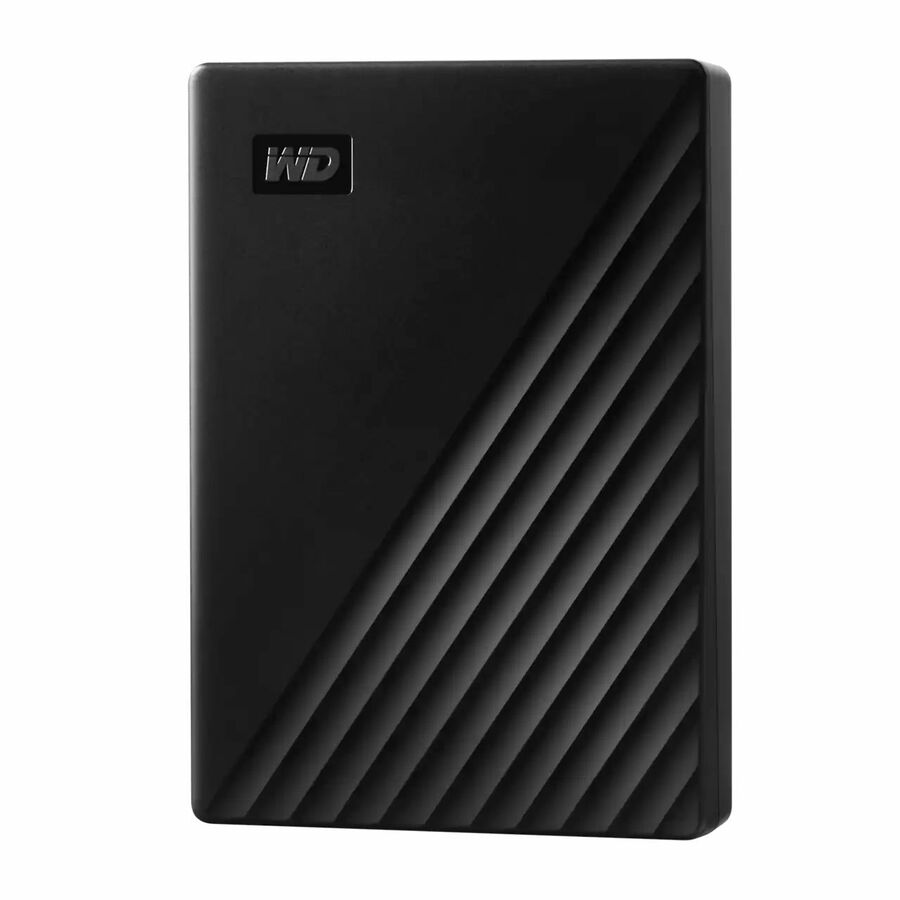
50 in stock - Western DigitalWD My Passport WDBPKJ0050BBK-WESN 5 TB Portable Hard Drive - External - Black - USB 3.0 - 256-bit Encryption Standard - Retail - 6 PackWDBPKJ0050BBK-WESN-6PK
$2,188.51
12 in stock - Western DigitalWD My Passport WDBPKJ0040BBK-WESN 4 TB Portable Hard Drive - External - Black - USB 3.0 - 256-bit Encryption Standard - Retail - 6 PackWDBPKJ0040BBK-WESN-6PK
$1,945.96
2 in stock
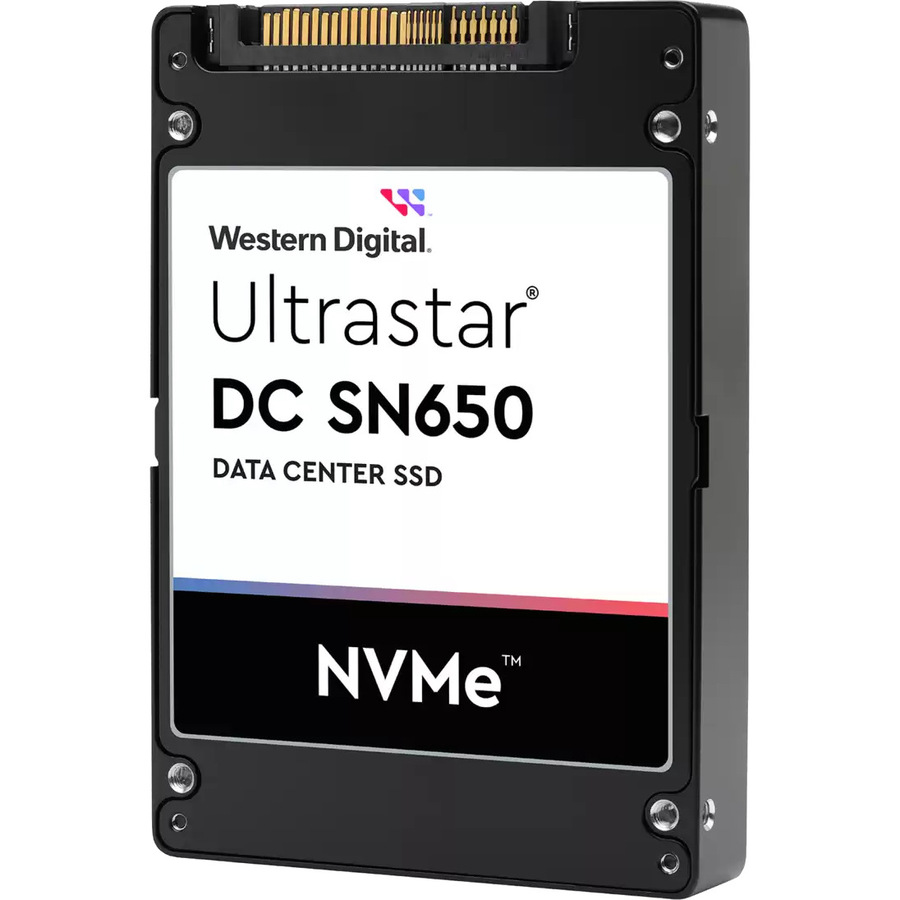
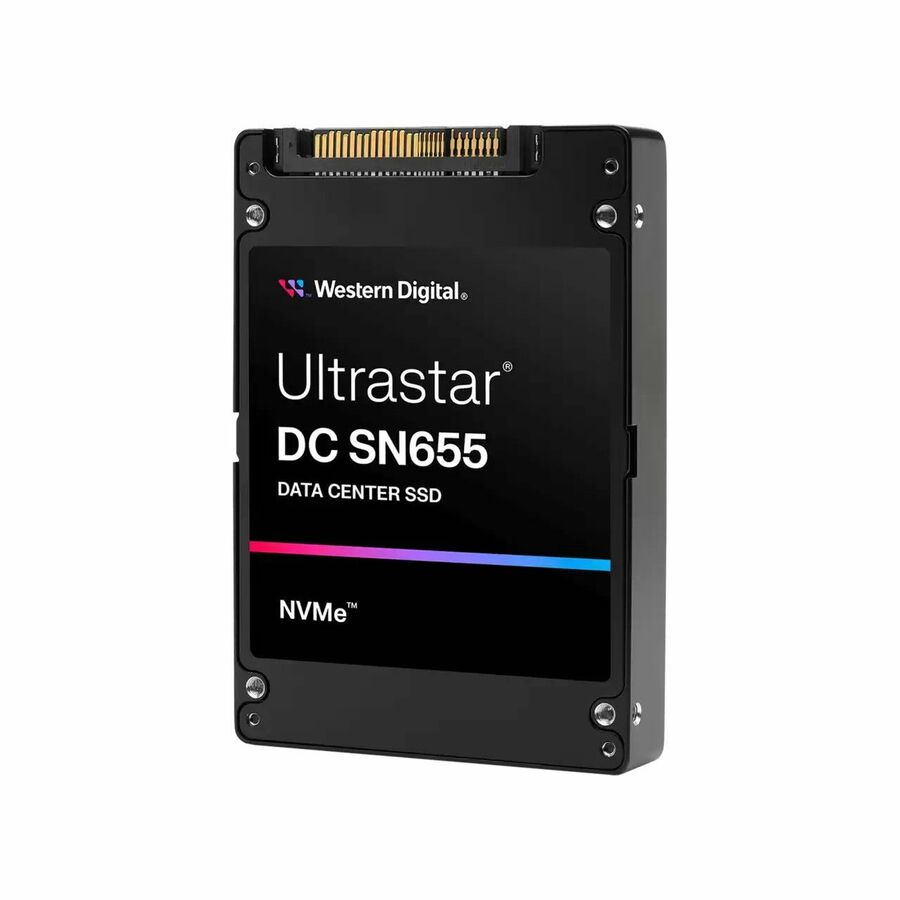
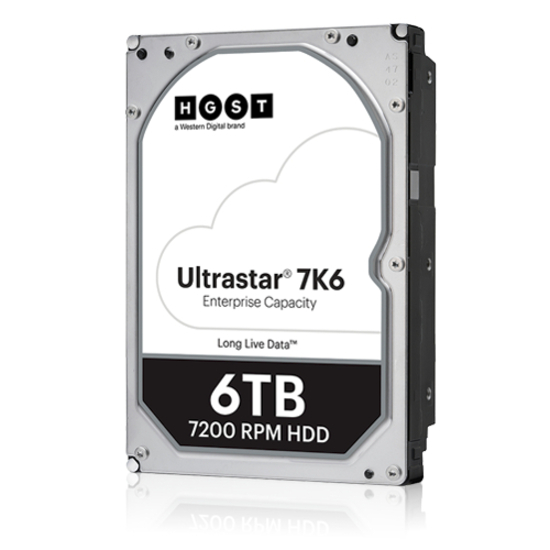
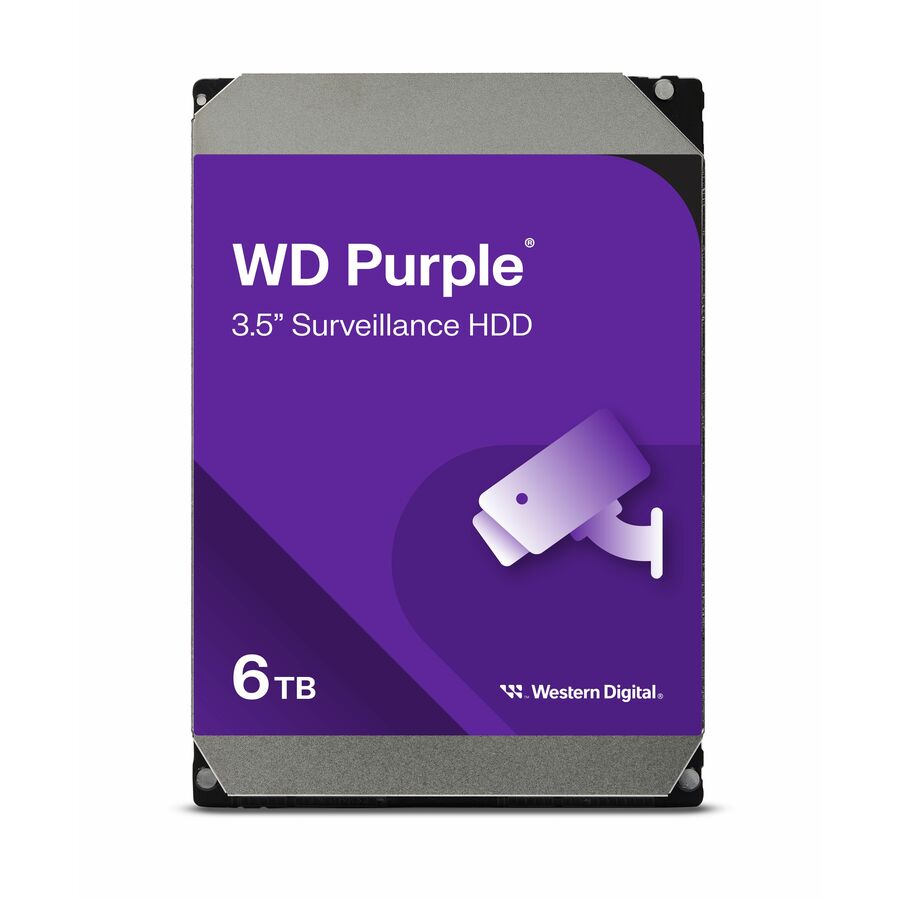
Need pricing on Western Digital drives?
Tell us where to reach you and a Uniqcli specialist will follow up by email with current pricing, availability and lead time for the quantities you need — including parts that aren’t shown on this page.
Buying for an organization or for yourself — both work. No payment up front.
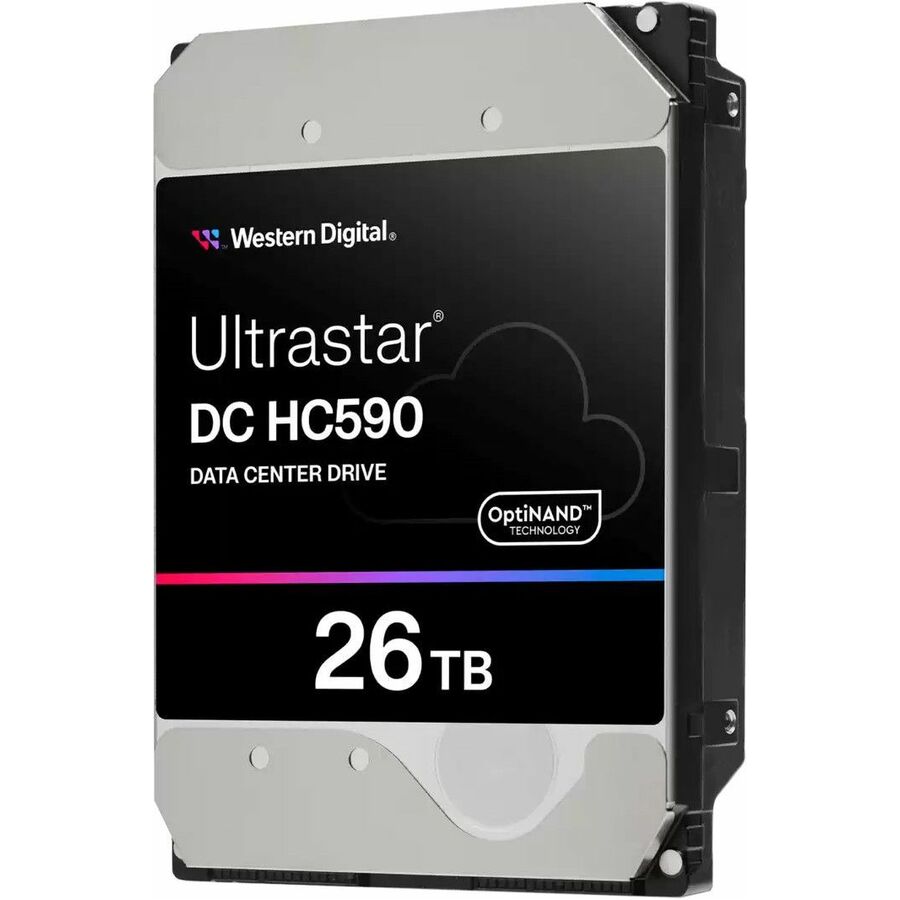
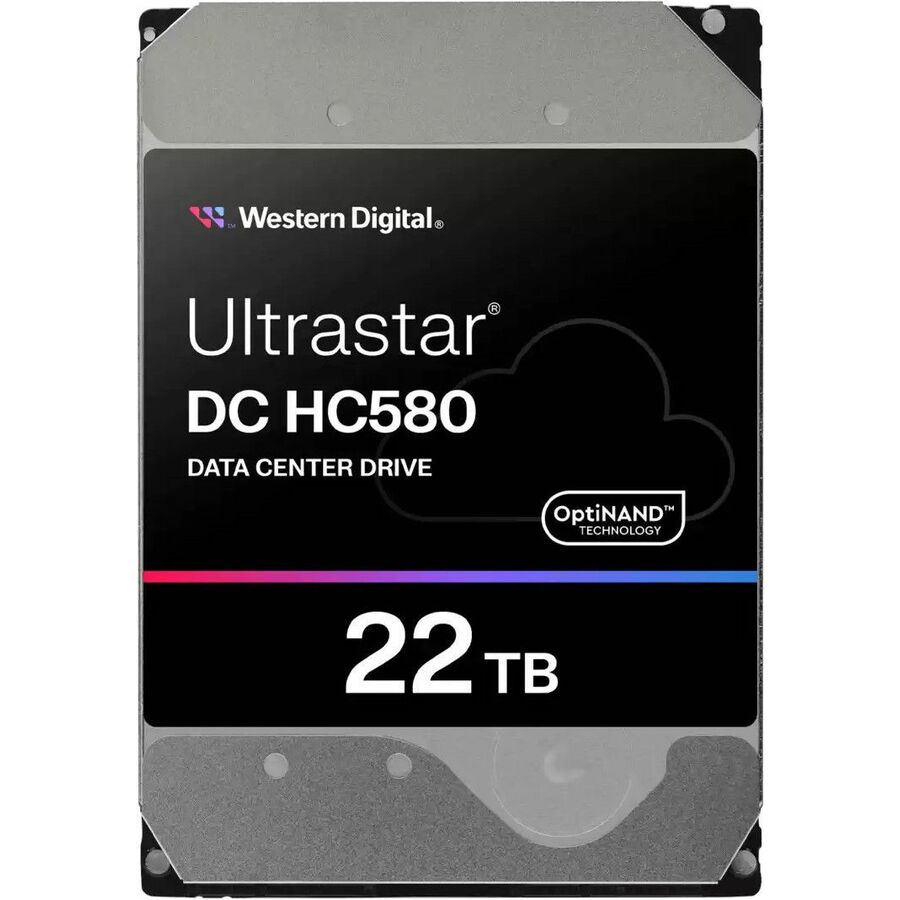
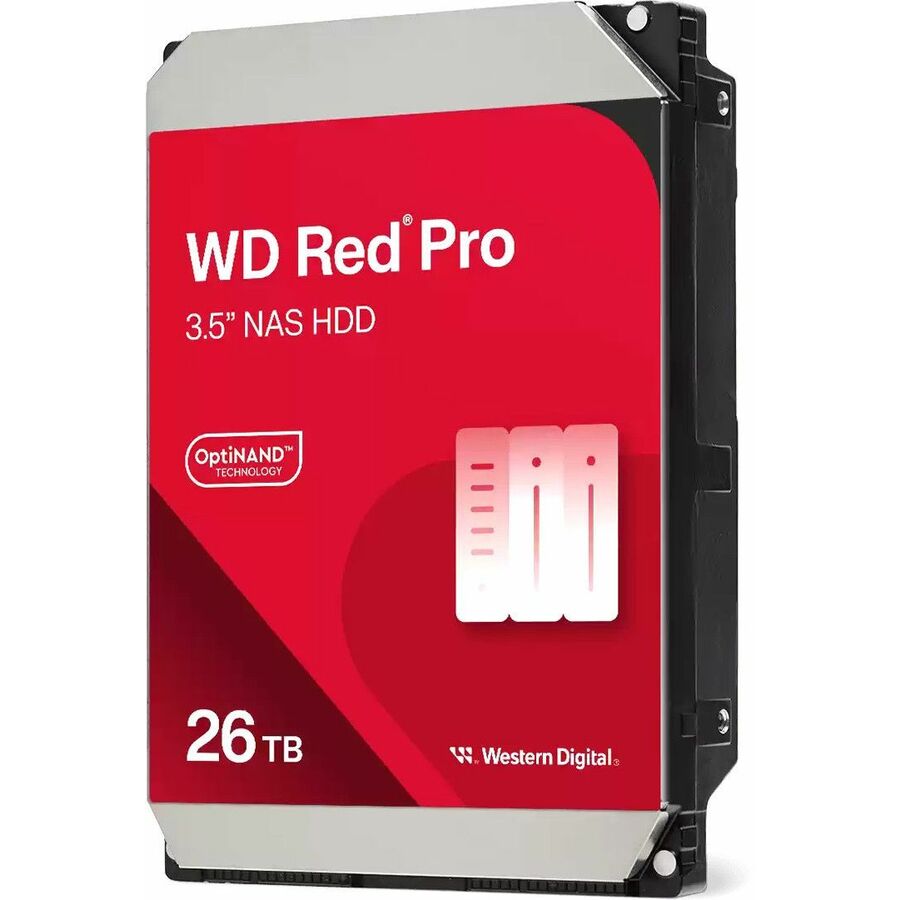
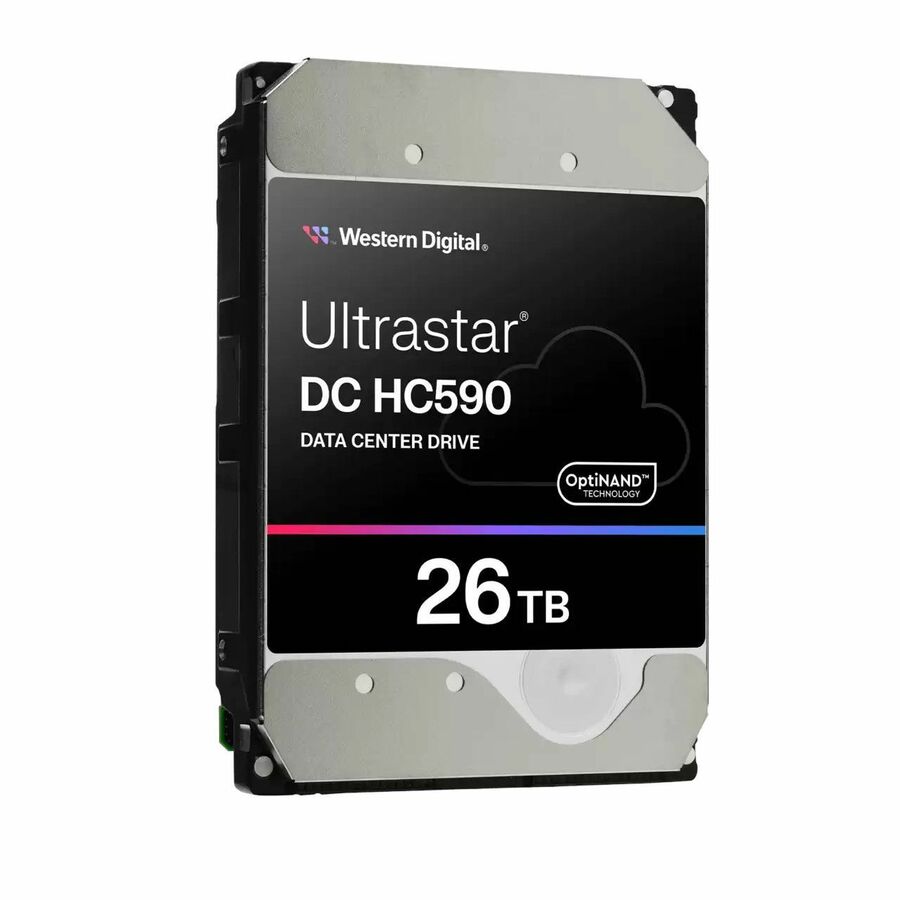
Western Digital organizes its drives into purpose-built families rather than a single generic line, and matching the family to the workload matters more than raw capacity. Red and Red Pro are tuned for multi-bay NAS; Gold and the Ultrastar DC series are built for enterprise and data-center duty; Purple is designed for continuous surveillance writes; and external My Passport and G-DRIVE units cover portable and desktop capacity. Picking the right family up front saves you from putting a desktop-class drive into an always-on array.
Within a family, the variant is defined by interface, recording method, form factor, endurance and warranty. Most NAS and workstation deployments run SATA at 6Gb/s, while enterprise controllers that need dual-port redundancy and higher queue depth call for 12Gb/s SAS. The drives here are largely 3.5-inch, 7200rpm, CMR-based units intended for sustained multi-drive workloads — check the rated workload-per-year and TBW against how hard your array actually writes, and confirm capacity limits on your controller and enclosure before you buy at the high end.
A few common mistakes to avoid: dropping consumer desktop drives into 24/7 arrays, ignoring vibration tolerance in dense multi-bay chassis, and under-planning rebuild time as single-drive capacity climbs past 16TB. The selection below is what Uniqcli currently stocks, with in-stock status shown on each item; every part is sourced through US distribution and screened for TAA country-of-origin and NDAA Section 889 status before checkout, with documentation tied to the specific part number.
Buyer's checklist
How to choose a Western Digital drive
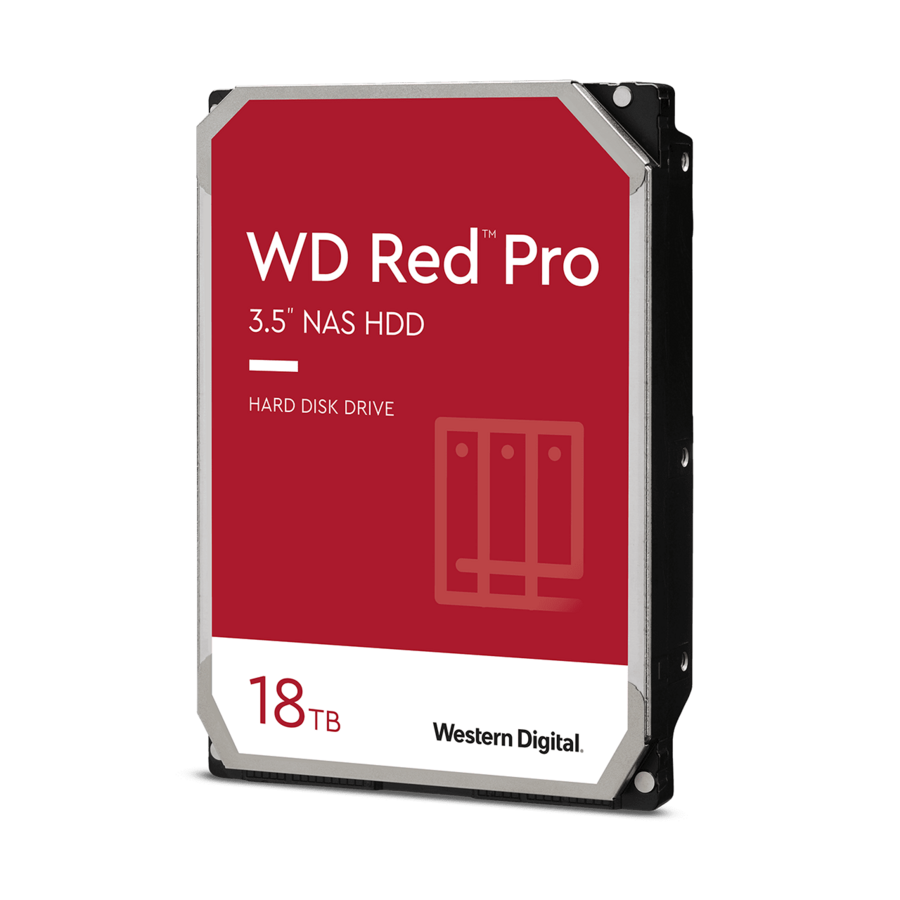
- Match the drive family to the workload — NAS (Red / Red Pro), enterprise and data center (Gold / Ultrastar DC), 24/7 surveillance (Purple), or portable and desktop external (My Passport, G-DRIVE).
- Confirm the interface your backplane needs — SATA 6Gb/s for most NAS, workstation and single-controller servers; 12Gb/s SAS for enterprise controllers requiring dual-port redundancy and higher queue depth.
- Verify recording method, spindle speed and form factor — CMR at 7200rpm suits sustained multi-drive and random workloads; nearly all internal units here are 3.5-inch.
- Check endurance and rated workload — TBW and workload-per-year should exceed your array's write pattern, especially in busy NAS and data-center arrays.
- Size for rebuild and headroom — higher-capacity drives lengthen array rebuilds, so plan your RAID level, hot spares and bay count accordingly.
- Match the warranty term to deployment life — Red Pro, Gold and Ultrastar lines typically carry longer warranties than desktop or external drives.
Where these families land in real deployments
Name the seat before the capacity — backup target, camera store, array member, transport disk — and the family falls out of it. A small-office NAS serving backups and file shares is Red or Red Pro territory, where vibration handling and rated bay count matter more than peak throughput; Red Pro extends that supported bay count for the larger, busier chassis a growing team fills. Continuous-recording video is its own class — the surveillance line absorbs the steady write of many simultaneous camera streams that would exhaust a desktop drive's duty rating.
Enterprise arrays, backup repositories and object-storage nodes are where the Gold and Ultrastar DC drives belong, carrying the sustained mixed load and the rebuild pressure of a busy fabric rather than the bursty life of a workstation. Creative and field workflows lean instead on the external desktop and portable units for offload and transport, not array duty. The failure mode to avoid is the reverse of each: a desktop drive dropped into a 24/7 array, or an enterprise drive tied up as a shuttle disk it is overqualified for.
Planning capacity, RAID and rebuilds
As single-drive capacity climbs into the high tens of terabytes, a rebuild can run for many hours or days, and the array is at its most exposed for that whole window. Choose the RAID level against that exposure — dual parity or a live hot spare buys margin that single parity does not — and size the bay count so you are not forced to the largest available drive merely to hit a capacity target. CMR recording keeps rebuild behavior predictable — the safe default for any parity set.
Vibration is a real effect in a dense multi-bay chassis: the enterprise and NAS-rated units carry rotational-vibration tolerance that desktop drives lack, and mixing the two in one enclosure invites uneven, hard-to-diagnose performance. Where procurement allows, avoid filling an entire array from a single production batch, so a systemic early-life fault cannot threaten several members at once during the same rebuild-vulnerable window. Confirm the model's rated bay count and workload-per-year against your actual enclosure before you standardize an order around it.
Total cost across the drive's life
The purchase line is only the opening entry. In an always-on array the durable cost is power and cooling across dozens of spindles spinning for years, so watts-per-terabyte and how many drives it takes to reach a capacity weigh on the lifetime figure as heavily as the unit does. The larger hidden cost is under-rating the array: a desktop-class drive in 24/7 service invites early replacements, and every swap drags the array back through a rebuild-risk window it did not need to enter.
Longer warranty terms on the NAS-pro, enterprise and data-center lines shorten the span in which a mid-life failure lands as an out-of-pocket replacement, and select NAS and enterprise models bundle a data-recovery service plan worth confirming on the exact part number. Budget a spare allowance sized to your rebuild and redundancy policy so a failed member is an immediate swap rather than a procurement wait. Across a multi-year deployment these lifecycle factors routinely outweigh the difference between two neighboring capacity points.
FAQ
Common questions
- What's the difference between WD Red Pro, Gold and Ultrastar drives?
- Red and Red Pro are tuned for multi-bay NAS with vibration handling and NAS-oriented firmware. Gold and the Ultrastar DC series are enterprise and data-center drives rated for higher sustained workloads (Gold is enterprise SATA; the Ultrastar DC series adds the SAS options and larger cache). Choose by workload intensity and controller interface rather than capacity alone.
- Can I use these drives in an always-on server or NAS?
- The Red Pro, Gold and Ultrastar families are built for continuous multi-drive operation, with CMR recording, 7200rpm spindles and workload ratings suited to 24/7 arrays. Purple surveillance drives are tuned for continuous write from many camera streams. Confirm the specific model's rated workload and supported bay count against your enclosure before deploying.
- Should I order SATA or SAS?
- SATA at 6Gb/s covers most NAS, workstation and single-controller server deployments. SAS at 12Gb/s suits enterprise controllers that need dual-port redundancy, higher queue depth and larger storage fabrics. Match the interface to your backplane and HBA or RAID controller.
- Can these be purchased on a government or education contract?
- Yes — Uniqcli supplies public-sector and education buyers. Every part is sourced through US distribution and screened for TAA country-of-origin and NDAA Section 889 status before checkout, with documentation tied to the specific part number so your procurement and compliance teams can verify sourcing for the exact drive you order.
Need Western Digital drives pricing?
Send a bill of materials or part numbers — we confirm stock and a below-market total, with TAA verified on request. No payment up front.