

Short answer
An enterprise SSD is a drive specified and qualified for a 24x7 multi-user duty cycle, where a client drive assumes an active-and-idle split. The differences that matter are documented rather than implied: a published endurance rating in DWPD or TBW, power-loss protection, steady-state rather than burst performance, telemetry and platform qualification. Compare the datasheets, not the tier names.
Key facts
- Endurance is published as TBW (cumulative host writes) or DWPD, where DWPD = TBW / 365 / warranty years / capacity. Both assume JEDEC's fixed test workload.
- Power-loss protection is on-drive capacitance that flushes acknowledged writes and mapping metadata when power drops. A site UPS covers a different layer.
- Enterprise drives are specified at steady state, after the write cache is exhausted; client drives quote burst figures that a sustained write will not hold.
- Average IOPS hides tail latency. Databases and shared storage care about the p99 response time under load far more than about a headline number.
- Over-provisioning is spare NAND held outside the advertised capacity for garbage collection and bad blocks. More of it means more NAND, and more cost.
- SATA, SAS and NVMe drives are not interchangeable because they are all solid-state. Confirm protocol, connector, backplane, hot-swap and firmware support.
By Uniqcli Team
An enterprise SSD is designed and qualified for sustained multiuser workloads, predictable latency, managed endurance, data integrity, power-loss behavior, telemetry, and platform support. The label alone proves little. Compare the exact drive’s endurance rating, workload definition, power-loss protection, interface, form factor, sector format, firmware, warranty, and server or array qualification.
Enterprise SSD definition
There is no single retail badge that turns a drive into an enterprise SSD. In practice, the category describes a product line designed for servers, storage arrays, hyperconverged nodes, appliances, and data-center workloads. The manufacturer publishes workload-class endurance, steady-state performance, reliability and error-handling behavior, management data, firmware lifecycle, power-loss features, and a warranty appropriate to that use.
A client SSD is designed around personal-computer patterns: bursts of activity, idle time, lower daily writes, and cost-sensitive packaging. It may deliver excellent short benchmarks. An enterprise drive is expected to handle continuous queues, many users, sustained writes, hot-swap service, controlled firmware, and fleet monitoring. The exact difference varies by product, which is why specifications matter more than the category name.
Start with the workload
Collect at least 30 days of representative storage data; longer is better for monthly or seasonal peaks. Measure daily host writes, read/write ratio, block size, random versus sequential access, queue depth, IOPS, throughput, average and percentile latency, capacity growth, peak concurrency, and required recovery behavior.
Identify the role:
- Boot and operating-system mirror
- Virtualization or container datastore
- Transactional database
- Log, journal, or write-ahead log
- Read cache or write cache
- Analytics scratch and temporary data
- Content repository
- Backup landing tier
- All-flash array or software-defined storage
- Read-mostly reference data
The same server can need different SSD classes for different tiers. A heavily written cache drive can consume more endurance than a large read-mostly data tier. Do not average them together.
DWPD and TBW
Drive writes per day, or DWPD, expresses how many times the drive’s user capacity can be written each day over the stated warranty period. Terabytes written, or TBW, expresses the cumulative host-write allowance.
A rough conversion is:
- TBW ≈ capacity in TB × DWPD × 365 × warranty years
For example, a 3.84 TB drive rated at 1 DWPD for five years represents roughly 7,008 TB of host writes under the rating’s assumptions. That calculation is a planning illustration, not a substitute for the manufacturer’s published TBW and warranty terms.
Read the footnotes. Endurance can be based on a JEDEC enterprise workload, a defined random-write pattern, sector size, temperature, and overprovisioning. A drive can have a different rating under sequential writes or alternate capacity configuration. The warranty can end by time or endurance consumed, whichever comes first.
Do not buy exactly at the measured average. Include growth, peak periods, rebuilds, compaction, replication, maintenance, and write amplification. At the same time, avoid paying for write-intensive endurance on a tier that writes only a small fraction of capacity per day.
Measure writes correctly
Host writes are not always equal to NAND writes. The SSD’s flash translation layer moves data for garbage collection, wear leveling, metadata, and error management. Internal writes divided by host writes are described as write amplification. Workload randomness, free space, TRIM or deallocate behavior, block size, overprovisioning, and controller design influence it.
Use platform counters and drive telemetry together. On NVMe, standardized health information can report data units written, percentage used, available spare, temperature, media errors, and unsafe shutdowns, although implementation and units must be interpreted according to the specification and vendor tools. SAS and SATA drives expose their own health and log mechanisms.
Establish a baseline after deployment. Track write rate and percentage used monthly. Project when the drive reaches its endurance threshold, then compare with the planned server lifecycle. Replace on evidence rather than waiting for a media warning during a critical write.
Power-loss protection
SSDs keep volatile mapping and write data in controller memory to deliver performance. During an unexpected loss of input power, a drive without sufficient protection can lose acknowledged data or damage internal mapping state. Enterprise power-loss protection uses energy storage and firmware behavior to complete protected operations and preserve metadata.
Ask what the manufacturer guarantees:
- Protection of data at rest
- Protection of data in flight already acknowledged to the host
- Preservation of mapping and management metadata
- Behavior with volatile write cache enabled
- Supported sector formats and atomicity
- Test method for unexpected power loss
- Health reporting for the protection circuit
Micron’s power-loss technical material distinguishes client and enterprise approaches and explains why administrators must understand how the specific drive behaves. "Has capacitors" is not a complete requirement. The capacitors, controller, firmware, cache policy, and platform must function together.
A UPS does not replace drive PLP. A UPS reduces site-level outages, but cords are pulled, power supplies fail, breakers trip, servers crash, and backplanes malfunction. Protection at multiple layers addresses different failure domains.
Latency consistency and quality of service
Consumer benchmarks emphasize peak sequential throughput and short random IOPS. Enterprise workloads often run long enough for caches to fill and garbage collection to occur. Shared applications feel the slowest requests, not the marketing peak.
Request steady-state data and percentile latency at the workload’s queue depth and read/write mix. Look at 95th, 99th, and higher percentiles where the application’s service level requires it. Confirm performance across drive fill levels and sustained operation.
An SSD with lower peak IOPS but tighter tail latency can be a better database or virtualization choice. Array behavior also matters: RAID, erasure coding, replication, controller cache, network, and software queues can dominate. Test the whole storage path.
SNIA’s enterprise performance test work is useful because it treats conditioning, steady state, IOPS, throughput, latency, and write saturation as related measures. A five-minute fresh-drive result is not a production profile.
Interface: SATA, SAS, or NVMe
SATA
SATA enterprise SSDs fit mature server and storage ecosystems and are appropriate for boot, read-intensive, and moderate-performance tiers. The interface limits throughput compared with current NVMe, but compatibility and cost can make SATA the right choice.
Do not assume every 2.5-inch bay accepts SATA. Some SAS backplanes accept SATA drives, but support and multipath behavior differ. A SATA drive is single-port in common enterprise deployments.
SAS
SAS enterprise SSDs support enterprise storage features and dual-port paths used in redundant controllers and shared enclosures. They belong in systems designed and qualified for SAS. Their value can be availability and integration rather than raw benchmark leadership.
NVMe
NVMe communicates over PCIe and supports high throughput, low latency, parallel queues, standardized health data, namespaces, and enterprise management features. It appears in several physical forms: U.2, U.3, EDSFF, M.2, and add-in cards.
NVMe support requires more than a connector. Confirm PCIe generation and lanes, backplane wiring, hot-plug, bifurcation, retimers, slot power, form factor, drive protocol, firmware, BIOS, operating-system driver, and management. An M.2 boot slot and a front-bay U.2 carrier are not interchangeable.
For interface selection, see SATA vs NVMe SSD.
Form factor and serviceability
M.2 is compact and common for boot devices, but internal placement can complicate hot service and cooling. U.2 and U.3 provide cabled or backplane 2.5-inch formats familiar to server operations. EDSFF families are designed for data-center density, thermals, serviceability, and evolving PCIe capabilities. Add-in cards can deliver capacity or performance when chassis slots and airflow support them.
Check length, height, thickness, carrier, connector, key, power, airflow, and hot-swap instructions. Server bezels and trays can be vendor-specific. A bare drive may require a carrier and screws not included in the quote.
Thermal throttling can erase an NVMe performance advantage. Use the server vendor’s approved airflow and drive list. Monitor composite and component temperatures under sustained load.
Sector format and protection information
Enterprise drives can support 512-byte logical blocks, 4 KiB logical blocks, 512-byte emulation, and formats with protection information. The server, RAID controller, storage software, and application must support the chosen format. Reformatting can erase data and may change performance or endurance behavior.
Do not mix sector formats in an array unless the platform supports the combination. Replacement drives must match the required format, not merely capacity and interface. Record the format at receiving and in the configuration inventory.
End-to-end data protection can add metadata that lets systems detect misdirected or corrupted transfers. It requires support across the stack. A drive capability alone does not enable it.
NAND type: TLC and QLC
TLC stores three bits per cell; QLC stores four. QLC increases density and can lower cost per terabyte, while TLC generally offers more write endurance and steadier native write performance. Controller design, overprovisioning, cache, firmware, and workload can narrow or widen the difference.
Enterprise QLC can be an excellent read-intensive capacity tier. It should not be rejected solely for cell type. Compare the exact drive’s DWPD, TBW, sustained performance, latency, warranty, and workload qualification. A high-capacity QLC drive at low DWPD can outlast the server in a read-mostly role.
Use TLC vs QLC SSD for the full workload decision.
Read-intensive, mixed-use, and write-intensive labels
Manufacturers group drives into workload classes, often read-intensive, mixed-use, and write-intensive. The boundary and DWPD differ by vendor and generation. Do not compare category names without reading numbers.
A read-intensive drive is not read-only. It can support meaningful daily writes. A write-intensive drive does not remove the need to measure workload. Buying a higher-endurance class can reduce usable capacity per NAND amount or increase cost.
Map the drive to the application and maintenance state. Database rebuilds, RAID rebuilds, virtual-machine migrations, log bursts, and backup synthetic full operations can produce write peaks absent from the steady daily average.
Capacity and overprovisioning
Enterprise SSD capacities can look lower than nearby client models because manufacturers reserve NAND for overprovisioning, sparing, garbage collection, and endurance. Decimal terabytes also differ from binary tebibytes displayed by operating systems.
Some enterprise NVMe platforms allow namespace sizing or vendor-supported overprovisioning. NVM Express explains that reducing namespace capacity can improve endurance, performance, and quality of service by giving the controller more spare area. Do not change namespace design without platform and data-protection review.
Size arrays for usable capacity after RAID or erasure coding, hot spares, metadata, snapshots, replication, filesystem reserve, failure domains, and growth. A drive’s raw label is not application capacity.
Firmware and qualification
Server and array vendors qualify exact SSD part numbers and firmware. Storage firmware can affect error recovery, PLP, thermal behavior, health reporting, and interoperability. An unqualified retail drive can trigger controller warnings, lack telemetry, or fail during a firmware or failover event.
Check the hardware compatibility list and supported firmware bundle. Where third-party enterprise drives are allowed, obtain written compatibility evidence and a support plan. Avoid mixing firmware or NAND revisions inside a tightly controlled array without validation.
Firmware updates require backups, redundancy checks, maintenance planning, and post-update health review. Confirm whether the drive remains online, requires reboot, or needs removal from an array. Preserve the prior version and release notes.
Reliability, UBER, MTBF, and warranty
Uncorrectable bit error rate, mean time between failures, annualized failure rate, and reliability statements describe different models. They do not predict the exact date an individual drive fails. Compare products using consistent definitions, then design redundancy and backup assuming any drive can fail.
Warranty terms can include time, endurance, environment, workload, and authorized use. Review whether the warranty ends after the stated years or rated writes, how health is determined, and what the return process does with data-bearing media. Sensitive environments may need keep-your-drive or secure-retention terms.
Support response, advance replacement, firmware access, and product-change notification can be more important than a small MTBF difference.
Security and sanitization
Enterprise SSDs can support secure erase, sanitize commands, cryptographic erase, self-encrypting functions, signed firmware, namespace write protection, or TCG standards. Each capability needs platform support and an operating procedure.
Encryption does not remove access control and key-management duties. Confirm where keys live, how they are backed up or revoked, and what happens after controller replacement. For disposal, use an approved sanitization method mapped to the drive technology and organizational policy. Preserve the result by serial number.
Failed drives present a challenge because they may not accept sanitize commands. Define return, destruction, or data-retention terms before purchase.
Fleet telemetry and replacement
Monitor temperature, percentage used, available spare, media errors, unsafe shutdowns, data written, error logs, and vendor-specific warnings. Set alert thresholds based on the product guide and platform support rather than one generic SMART rule.
Trend data. A slowly rising media-error count, accelerating endurance use, or repeated thermal excursions can justify planned replacement. Compare write consumption with lifecycle forecasts and rebalance workloads if one tier is aging much faster.
Keep serial, part number, firmware, slot, namespace or array membership, install date, warranty, and workload role in the asset record. That makes advisories and recalls actionable.
Procurement checklist
- Workload, capacity, performance, latency, availability, and endurance target.
- Interface, protocol, form factor, connector, carrier, and hot-swap requirement.
- Exact qualified manufacturer part number and firmware.
- Usable capacity and sector format.
- DWPD, TBW, warranty period, and workload assumptions.
- PLP coverage for acknowledged data and metadata.
- Sustained and percentile-latency evidence.
- Temperature, power, airflow, and platform limits.
- Health telemetry and management-tool support.
- Security, firmware signing, encryption, and sanitize capabilities.
- Warranty, replacement SLA, data-bearing return terms, and support lifecycle.
- Substitution approval and receiving test.
For shared arrays and enterprise platforms, browse storage arrays only after the workload and compatibility requirements are clear.
Acceptance testing
Verify the delivered labels, serials, part numbers, firmware, carrier, capacity, format, and platform recognition. Review health data before adding the drive to production. Run vendor diagnostics and an application-representative test after conditioning.
Test redundancy behavior, hot removal where supported, rebuild, failover, telemetry, alerting, and power-loss handling through the approved platform procedure. Do not create uncontrolled power failures on production systems. Use lab or vendor-qualified methods.
Document baseline performance and latency so later degradation has context. Confirm backups before destructive tests and record the final configuration.
Plan for drive failure without losing evidence
Define the operational response before deployment. When a drive alerts, record serial, slot, array or namespace, firmware, health log, endurance used, errors, temperature history, and recent system events before removal when the platform remains safe to operate. That snapshot helps distinguish media wear, thermal stress, link problems, controller faults, and a false predictive alert.
Confirm redundancy and current backups before replacing anything. In clustered or erasure-coded systems, follow the platform’s sequence so an unnecessary rebuild does not create a second failure. Use the qualified replacement capacity, format, firmware, and carrier; "larger and faster" is not automatically safe inside an array.
After replacement, verify rebuild completion, redundancy, performance, health reporting, alerts, and spare policy. Update the asset record and warranty case. For failed media containing sensitive data, use the contracted keep-your-drive, return, or destruction process and retain chain-of-custody evidence.
Review failures in aggregate. A cluster by model, firmware, slot, workload, or temperature may require a fleet action rather than repeated individual replacements. Subscribe to manufacturer advisories and keep enough qualified spares to meet the service objective without stockpiling drives past their support window.
Key takeaways
- Enterprise SSD does not mean "the fastest SSD." It means the drive is built and documented for enterprise duty, failure handling, service, and workload consistency.
- Endurance must be matched to measured writes. DWPD and TBW depend on capacity, warranty period, workload, and sometimes the tested write pattern.
- Power-loss protection should preserve both acknowledged user data and critical mapping metadata during unexpected loss, according to the drive’s design and documentation.
- Average IOPS can hide poor tail latency. Databases and shared storage often care more about response-time consistency under steady-state load.
- SATA, SAS, and NVMe drives are not interchangeable merely because they are solid-state. Confirm protocol, connector, backplane, lane, hot-swap, dual-port, and firmware support.
- Buy the exact qualified part number. Consumer alternatives can fit physically while lacking the endurance, PLP, telemetry, sector format, or support the platform expects.
Shop it at Uniqcli
Parts for this job
Read-intensive
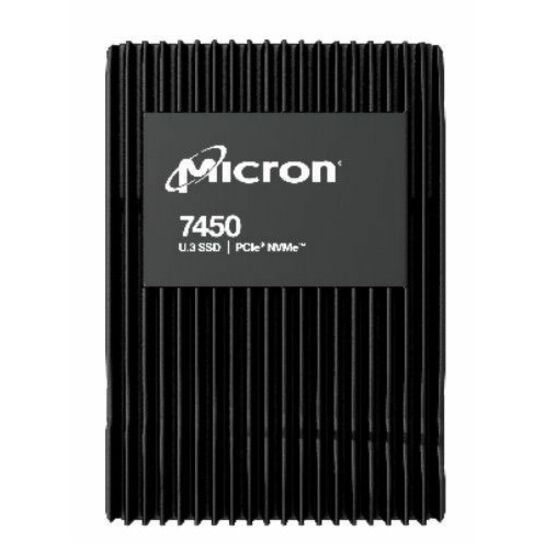
Micron Technology
Micron 7450 PRO 960 GB Solid State Drive
MTFDKCB960TFR-1BC1ZABYY
A 960 GB U.3 NVMe drive on PCIe 4.0 x4 rated read-intensive — the endurance class for boot, media and data that is written once and read constantly.
$1,092.00Back-orderedMixed use
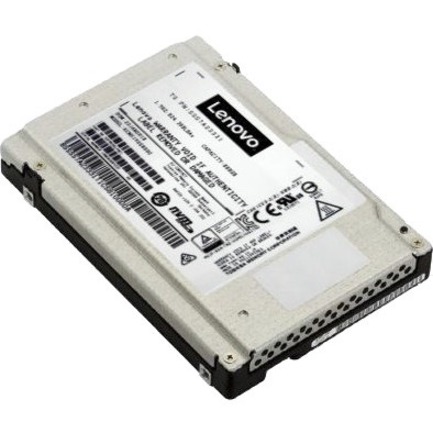
Lenovo
Lenovo 800 GB Solid State Drive
4XB7A08516
An 800 GB U.2 NVMe drive in the mixed-use class, for a tier that takes real write traffic — logs, caches, virtual-machine volumes.
$1,017.47Back-orderedData-centre U.2
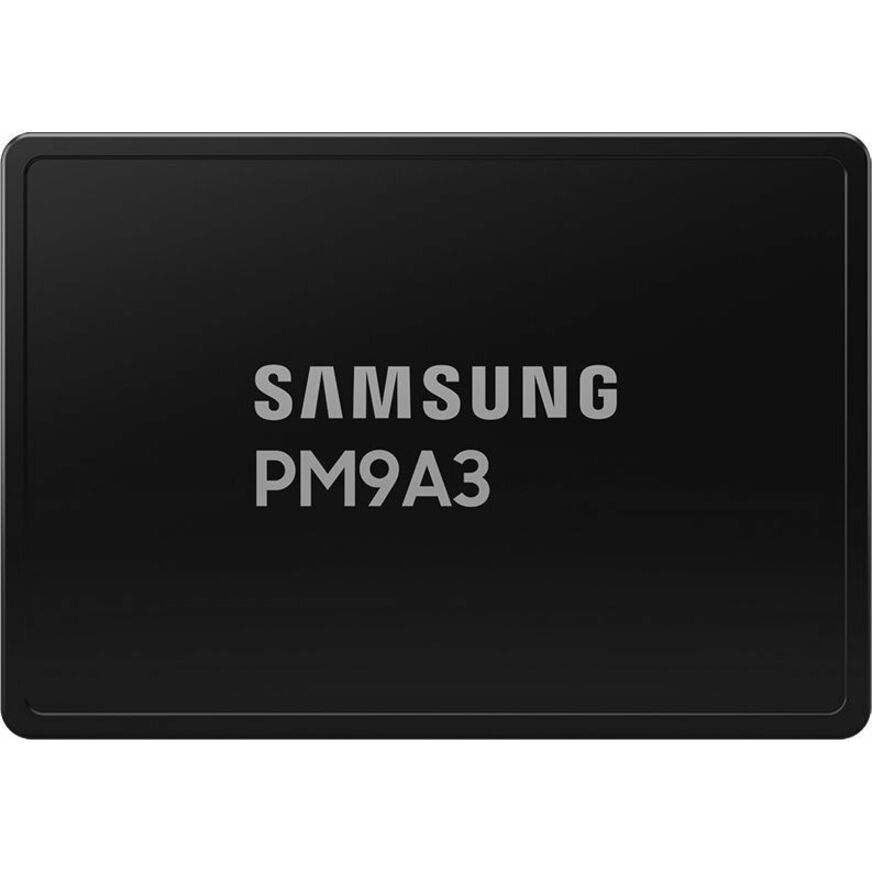
Samsung
Samsung PM9A3 960 GB Solid State Drive
MZQL2960HCJR-00BAL
A 960 GB U.2 NVMe server drive on PCIe 4.0 x4, for a hot-swap bay where the platform's qualified-part list allows it.
Measure daily host writes before choosing an endurance class; the label is not the rating.
$1,647.00Back-orderedFrequently asked
- What makes an SSD enterprise grade?
- The datasheet, not the price. The attributes to read off it are a workload-rated endurance figure, power-loss protection, steady-state performance, predictable tail latency, telemetry, firmware control, a platform qualification list, warranty, and support.
- How much DWPD do I need?
- Measure daily host writes, divide by drive capacity, add peak and growth headroom, and compare the result with the rating and warranty. Separate write-heavy cache or log tiers from read-mostly data.
- Is TBW the same as DWPD?
- Both express endurance. TBW is cumulative host writes; DWPD normalizes daily writes to drive capacity over a warranty period. Read the manufacturer’s exact rating and workload assumptions.
- Does an enterprise SSD need power-loss protection?
- For systems that acknowledge writes and must preserve data through unexpected power loss, documented PLP is an important requirement. Verify what the exact drive protects. A site UPS addresses a different failure layer.
- Can a consumer SSD be used in a server?
- It may fit and operate, but can lack qualified firmware, PLP, endurance, tail-latency behavior, telemetry, thermal design, and support. Use only when the platform and risk owner approve the exact use.
- Are enterprise SSDs worth it?
- For a system that acknowledges writes and runs continuously, yes — and the reason is power-loss protection and documented endurance rather than speed. For a desk machine or a lightly used file server, often no: you are paying for a 24x7 duty cycle the drive will never see. Decide it with two numbers instead of the tier name — measured daily host writes against the drive's DWPD or TBW rating, and whether an unexpected power loss can be allowed to drop an acknowledged write.
- What does enterprise SSD mean?
- It means the manufacturer specifies and qualifies the drive for server duty and publishes the evidence: a workload-rated endurance figure, steady-state performance measured after the write cache is exhausted, power-loss behaviour, telemetry and firmware lifecycle, and a platform qualification list. It is not a performance claim and there is no certifying body — which is why the check is the datasheet for that exact part number rather than the word on the box.
- What are the three types of SSDs?
- The question usually means one of two groupings, and both are worth knowing. By interface: SATA, SAS and NVMe — not interchangeable despite all being solid-state. By NAND cell type: SLC, MLC, TLC and QLC, storing one, two, three and four bits per cell, with endurance falling and capacity per dollar rising as the count goes up. Enterprise drives today are mostly TLC on NVMe, with QLC used where the workload is overwhelmingly read.
- What is SSD over-provisioning?
- Spare NAND the controller keeps outside the advertised capacity, used for garbage collection, wear levelling and replacing bad blocks. More spare area means less write amplification, which is why a 3.2 TB enterprise drive and a 3.84 TB one often carry the same raw flash — the smaller number is the more heavily over-provisioned, higher-endurance version of the same hardware. Some drives let you set it yourself at format time.
Sources
- 1.SNIA — endurance of NVMe, SAS and SATA SSDs (TBW, DWPD, over-provisioning)snia.org
- 2.Micron — 7450 NVMe data-centre SSDmicron.com
- 3.NVM Express — specificationsnvmexpress.org
Keep reading