
Short answer
The main difference between CMR and SMR is track layout: CMR writes parallel, non-overlapping tracks, so any single track can be rewritten on its own, while SMR overlaps tracks like roof shingles for more capacity per platter and must rewrite a whole band to change one track. Choose CMR for a NAS, a RAID set or any sustained-write workload; choose SMR for write-once archive storage.
Key facts
- CMR writes parallel, non-overlapping tracks; SMR overlaps each track over the last, so changing one track forces a rewrite of the whole shingled band.
- Western Digital publishes WD Red at 2 TB-6 TB as SMR and 8 TB and above as CMR; WD Red Plus and WD Red Pro are CMR at every capacity.
- Seagate's published list has IronWolf, IronWolf Pro and SkyHawk as CMR only, and 3.5-inch BarraCuda as SMR at 4 TB and 8 TB.
- Seagate lists Exos as CMR at 4-24 TB, as Mozaic HAMR CMR at 28, 30 and 32 TB, and as SMR at 32, 36 and 44 TB — 32 TB appears in both columns.
- Reads run at full speed on both methods. The penalty is specific to sustained random writes and overwrites, which is what a RAID rebuild is.
- Both makers publish a model-by-model CMR/SMR list, and it is the only reliable check: capacity and family name alone do not settle it.
The short answer: use CMR in anything that writes continuously — a NAS, a RAID set, a database or a VM datastore — and keep SMR for storage that is written once and read afterwards, such as backups, media archives, and compliance retention. CMR lays data on parallel tracks and holds a steady write rate however long the job runs. SMR overlaps its tracks to fit roughly 10-25% more data onto the same platters, and it pays for that density whenever data has to be changed rather than simply appended: once its cache fills, the drive must rewrite whole overlapping bands, throughput drops sharply, and a resync that should finish in hours can slow enough that the controller gives up and drops the drive from the array. Reads are unaffected on both, which is why the difference never shows up in a quick benchmark. If a datasheet does not say which method a model uses, treat that as the finding and settle it against the manufacturer's recording-technology reference for that exact model number — not the product family name.
Most buyers never went shopping for a recording method — they went shopping for capacity, and the recording method came along for the ride. The problem is that two drives of the same size and nearly the same price can behave completely differently under load, and the datasheet often buries which one you are getting. CMR (Conventional Magnetic Recording) writes data to parallel, non-overlapping tracks. SMR (Shingled Magnetic Recording) overlaps each track over the previous one like roof shingles to pack more data onto the same platters. That single physical difference is what actually drives the decision.
The choice is really a question about your write pattern, not your capacity target. SMR gives up nothing on reads and holds up fine for large sequential and write-once workloads, but it pays a heavy penalty on sustained random or overwrite-heavy writes because modifying data means rewriting whole overlapping bands. That penalty is invisible on a spec sheet and only shows up under a real workload — most painfully during a NAS or RAID rebuild, where a slow drive can stall a resync for days or drop out of the array entirely. Knowing which method sits behind the capacity number is the difference between a predictable deployment and a support ticket.
At a glance
Side by side
| Factor | CMR | SMR |
|---|---|---|
| Track layout | Parallel, non-overlapping tracks | Overlapping (shingled) tracks in zones/bands |
| Areal density / capacity gain | Baseline density | Roughly 10-25% more capacity per platter |
| Sustained random write | Consistent throughput | Drops sharply once persistent cache fills, then stalls during band rewrites |
| Overwrite / modify behavior | Writes in place | Must read-modify-rewrite the whole affected band (write amplification) |
| Read performance | Full speed | Full speed — reads are unaffected |
| NAS / RAID rebuild | Predictable resync time | Can stall or time out and drop from the array under sustained write |
| Typical cost per TB | Higher | Lower at the same capacity |
| Best-fit workload | Random, mixed, or write-heavy and arrays | Sequential, write-once, cold/archival storage |
Choose CMR when
- The drive lives in a NAS, RAID set, or any parity array where a rebuild must complete predictably
- The workload has sustained random writes, frequent overwrites, or database/VM I/O
- It is a boot, cache, or general-purpose drive that sees mixed and unpredictable writes
- You need consistent, characterizable write latency regardless of how full the drive is
Choose SMR when
- The workload is write-once/read-many: backups, media archives, or compliance retention
- Writes arrive as large sequential streams rather than small random updates
- The drive is a standalone or JBOD target, not a member of a parity array
- Cost per terabyte for cold, rarely-modified capacity is the deciding factor
Bottom line
Put CMR in every NAS, RAID set and sustained-write role; reserve SMR for write-once archives. CMR buys predictable, consistent write performance and safe array behavior at a higher cost per terabyte, which is why it is the default for NAS, RAID, and any write-heavy or mixed workload. SMR trades sustained-write consistency for cheaper density and is a sound choice for sequential, archival, write-once storage where the data lands and rarely changes. The failure mode to avoid is putting a drive-managed SMR disk into an array and discovering the penalty during a rebuild — match the recording method to the write pattern and both perform as intended.
Products for this decision
Large NAS or array
Western Digital
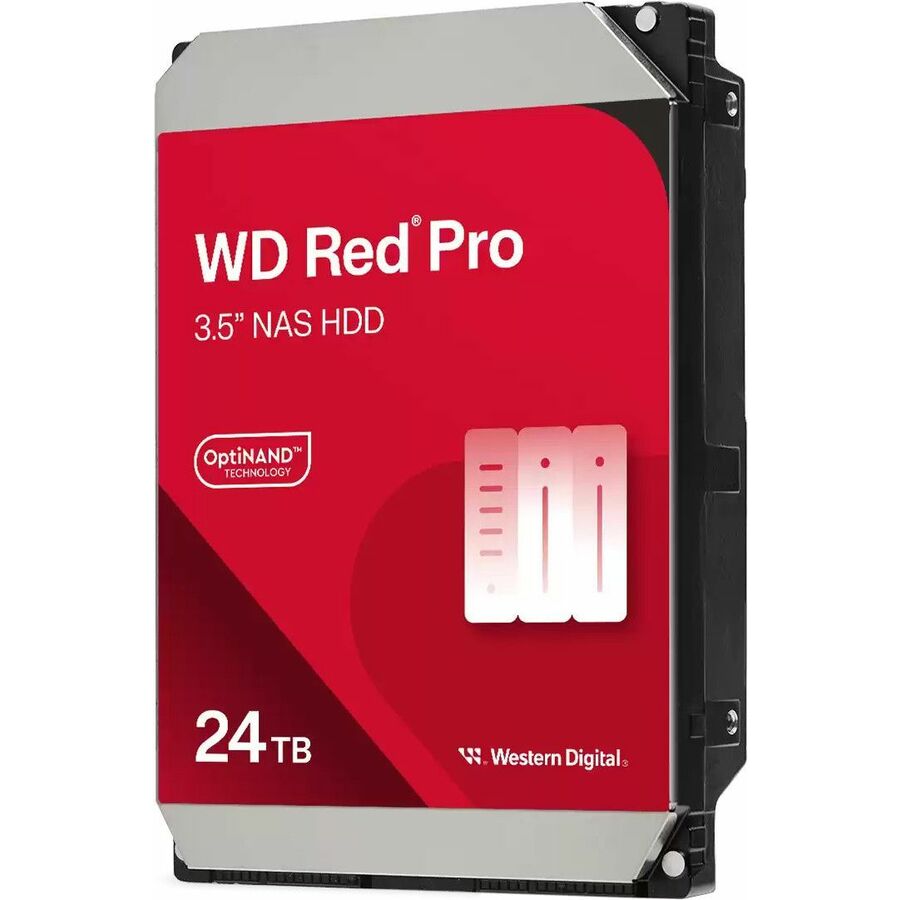
WD Red Pro WD241KFGX 24 TB Hard Drive
WD241KFGX
A 24 TB WD Red Pro at 7200 rpm, published by Western Digital as conventional magnetic recording — the recording method a parity rebuild needs.
Check the enclosure's supported drive capacity and its compatibility list before ordering.
Request pricingMid-capacity NAS
Seagate Technology
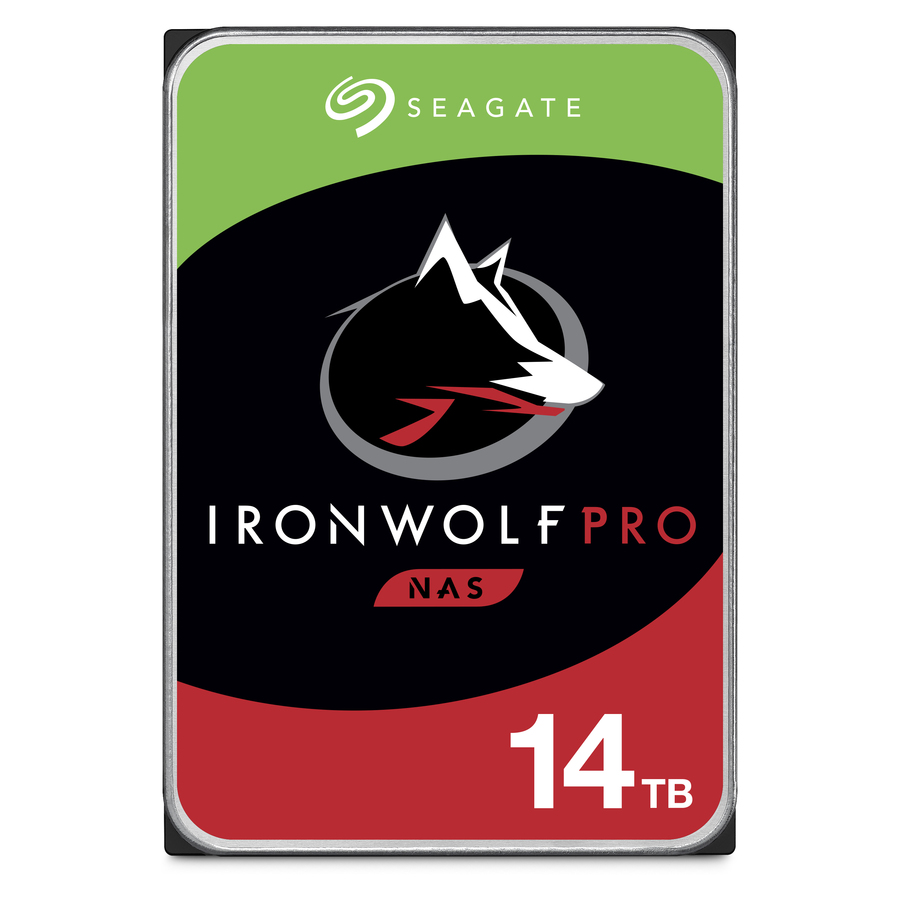
Seagate IronWolf Pro ST14000NE0008 14 TB Hard Drive
ST14000NE0008
A 14 TB IronWolf Pro at 7200 rpm; Seagate's own list carries the IronWolf Pro family as CMR at every capacity it ships.
$1,558.14In stockSmaller bays
Western Digital
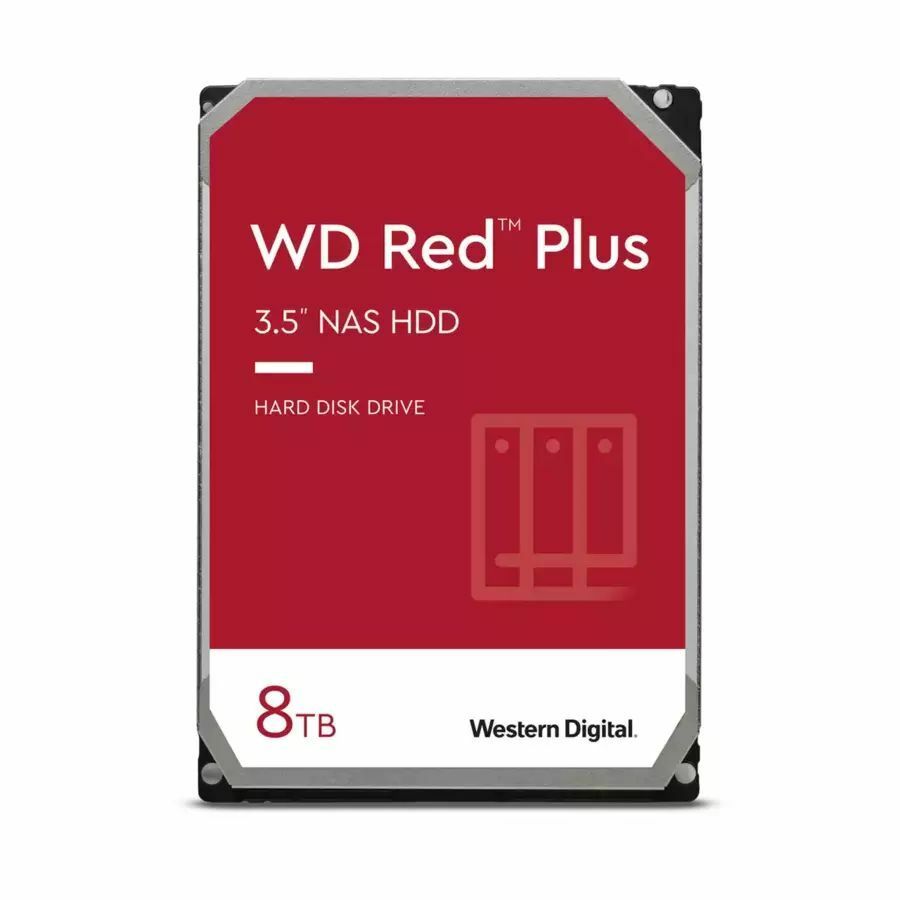
WD Red Plus WD80EFZZ 8 TB Hard Drive
WD80EFZZ
An 8 TB WD Red Plus — the line Western Digital renamed to mark its CMR NAS drives — for a four-bay unit that does not need 24 TB spindles.
$2,048.19Back-orderedFAQ
Common questions
- Why does SMR perform badly in a NAS or RAID rebuild specifically?
- A rebuild writes to the entire drive sustained and sequentially for hours. SMR absorbs the first burst into a persistent cache, but once that fills, every further write must rewrite overlapping bands, and throughput can collapse. If the resync slows enough, some controllers treat the drive as failed and drop it, which can compromise the whole array. CMR holds steady throughput throughout, so its rebuild time is predictable.
- How can I tell whether a drive is CMR or SMR before buying?
- Reputable vendors publish the recording method on the datasheet, but not always prominently, and some lines have quietly shipped SMR at certain capacities. Look for an explicit CMR or SMR label; if it only says the capacity and a generic model family, check the manufacturer's recording-technology reference sheet or the specific model number. Drives sold as NAS, enterprise, or RAID-rated are almost always CMR, but confirm the exact model rather than trusting the product line name.
- Is SMR always slower than CMR?
- No. Reads are unaffected, and for large sequential writes SMR can perform comparably. The penalty is specific to sustained random writes and overwrites, where modifying data forces a read-modify-rewrite of an entire shingled band. For a workload that writes once and mostly reads afterward — archives, backups, media libraries — SMR often performs fine while costing less per terabyte.
- What are drive-managed, host-managed, and host-aware SMR?
- Drive-managed (DM-SMR) hides the shingling behind the normal interface, so the drive looks like any other disk but handles band rewrites internally and unpredictably — this is the variant that surprises people in arrays. Host-managed (HM-SMR) exposes the zones and requires the software or filesystem to write sequentially within them, giving predictable behavior in purpose-built systems. Host-aware is a hybrid that accepts standard writes but can also honor zone hints. Most consumer SMR is drive-managed; large-scale archival deployments typically use host-managed.
- What is CMR in hard drives?
- CMR is conventional magnetic recording: data tracks are written side by side with a guard gap between them, so a single track can be rewritten without disturbing its neighbours. It is the baseline recording method, and it is what every NAS-rated and enterprise line ships as.
- Are WD Red SMR or CMR?
- It depends on the capacity and the sub-line. Western Digital's own published table lists standard WD Red at 1 TB and below as CMR, 2 TB to 6 TB as SMR, and 8 TB and above as CMR; WD Red Plus and WD Red Pro are CMR across their whole range. Check the exact model against that table before putting one in an array.
- Is BarraCuda CMR or SMR?
- Both, depending on the capacity. Seagate's published CMR/SMR list puts the 3.5-inch BarraCuda at 4 TB and 8 TB in the SMR column and its 12 TB to 24 TB capacities in the CMR column, with the 2.5-inch BarraCuda listed as SMR. BarraCuda is a desktop line either way, not a NAS line.
- Is CMR or SMR better for NAS?
- CMR, for any NAS running RAID or any parity scheme. A rebuild is hours of sustained sequential writing, which is exactly the workload that exhausts a drive-managed SMR disk's cache and forces band rewrites; throughput can fall far enough that the controller treats the drive as failed. SMR is reasonable for a single-drive or JBOD archive target that is written once and read afterwards.
Sources
- 1.Western Digital — WD Red NAS drive recording technologies, CMR and SMR by capacityblog.westerndigital.com
- 2.Seagate — CMR and SMR hard drive product listseagate.com