
Best Seagate Drives for Data Center and NAS Storage
Enterprise Exos data-center drives, IronWolf and IronWolf Pro NAS drives, and BarraCuda desktop storage — in SATA/600 and 12Gb/s SAS, from a few terabytes to very high capacities.
Seagate drives in stock at Uniqcli
How to choose →A curated selection with live pricing — in-stock lines first, then back-ordered lines with a typical lead time. Every line is sourced through US distribution and screened for NDAA §889 status before checkout, with TAA verified on request.
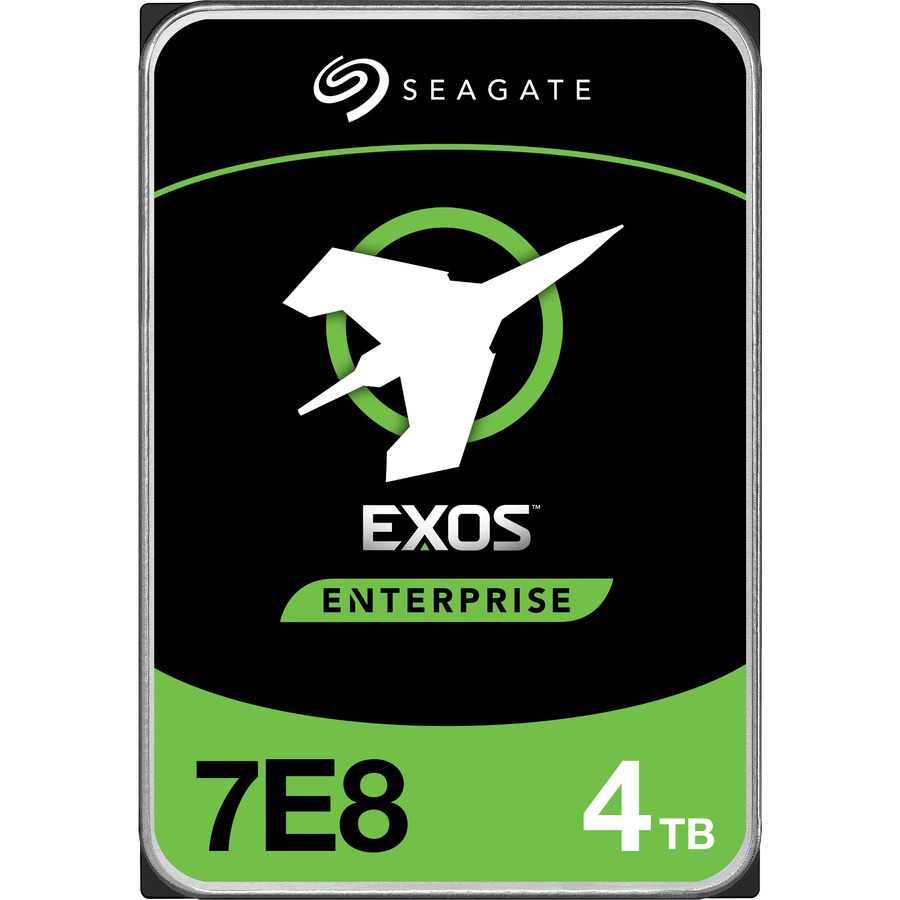
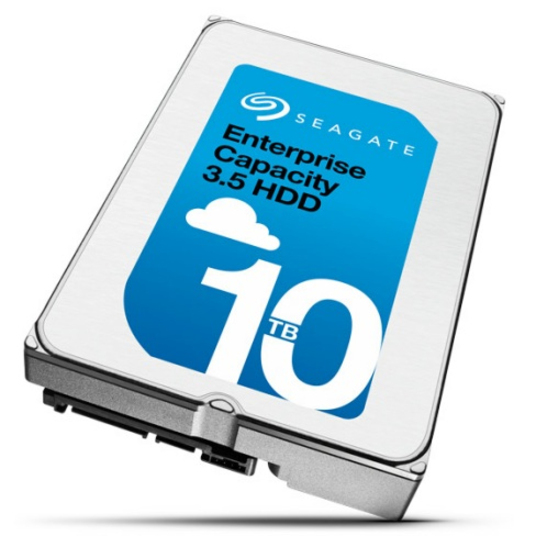
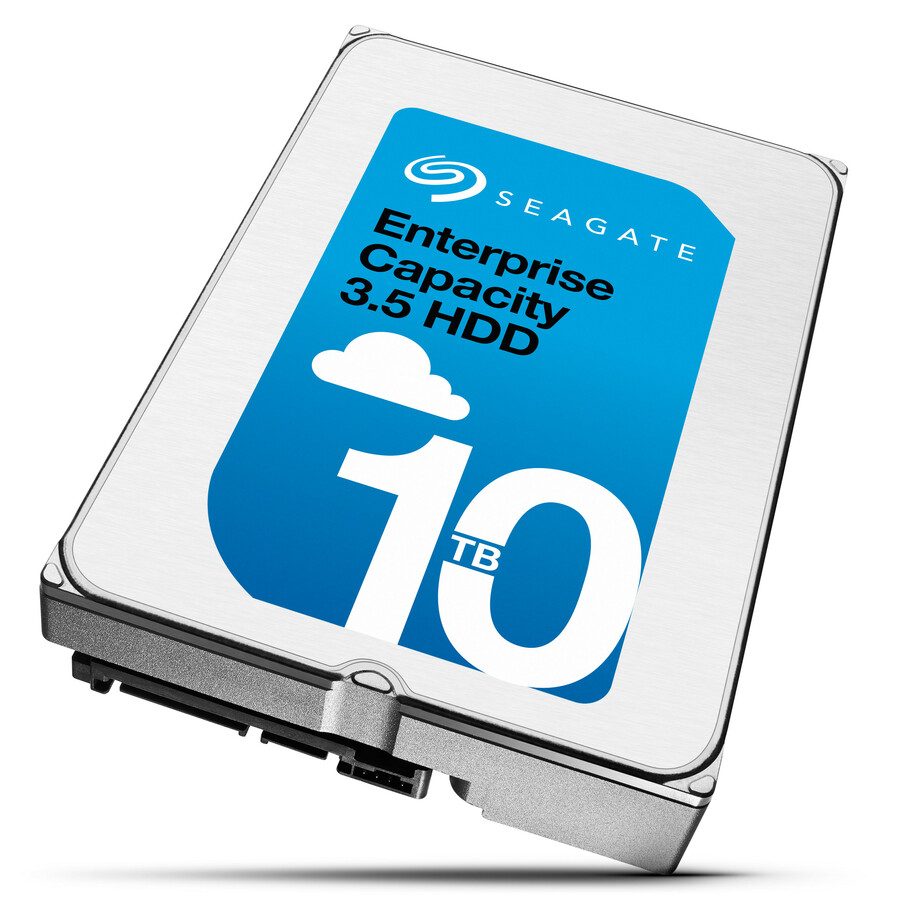
- Seagate TechnologySeagate Exos ST28000NM000C 28 TB Hard Drive - 3.5" Internal - SATA (SATA/600) - Conventional Magnetic Recording (CMR) Method - Data Center, Storage Array, Workstation, Server Device Supported - 7200rpm - Hot Pluggable - 512e Format - 6 Month WarrantyST28000NM000C
$1,021.79
14 in stock
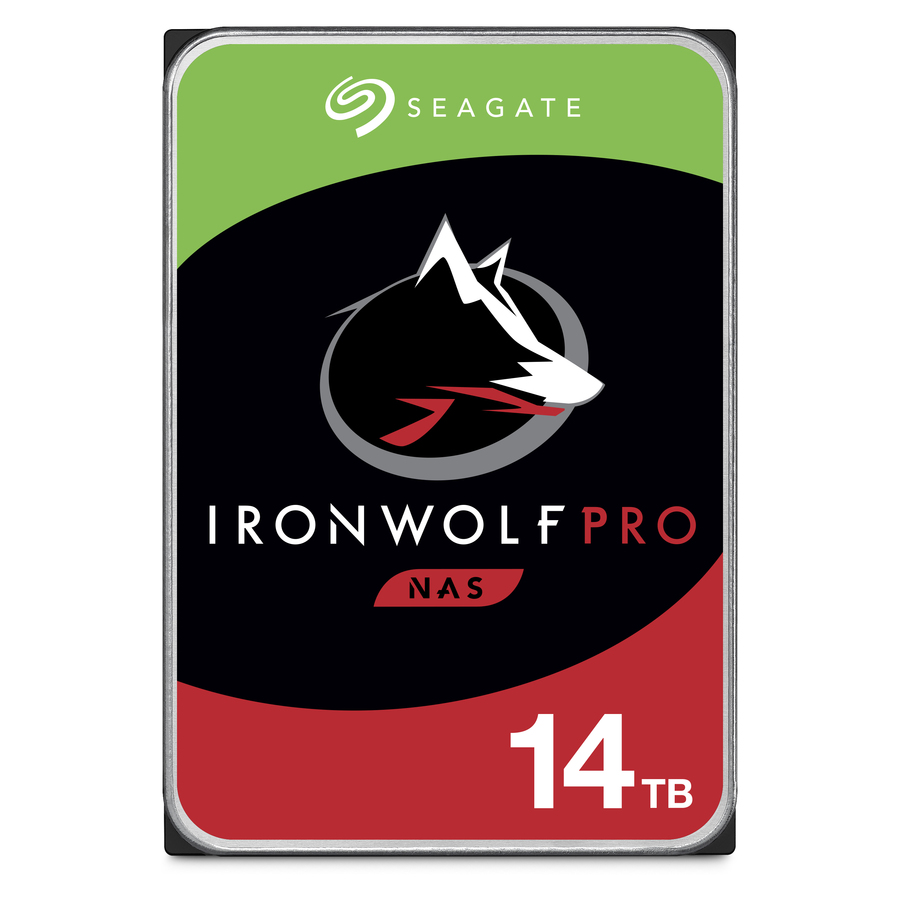
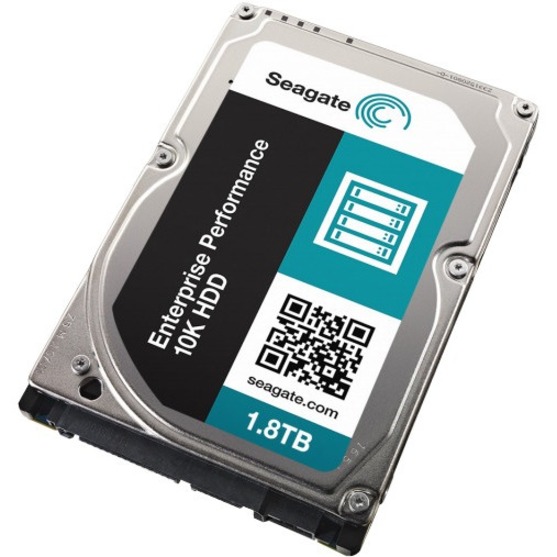
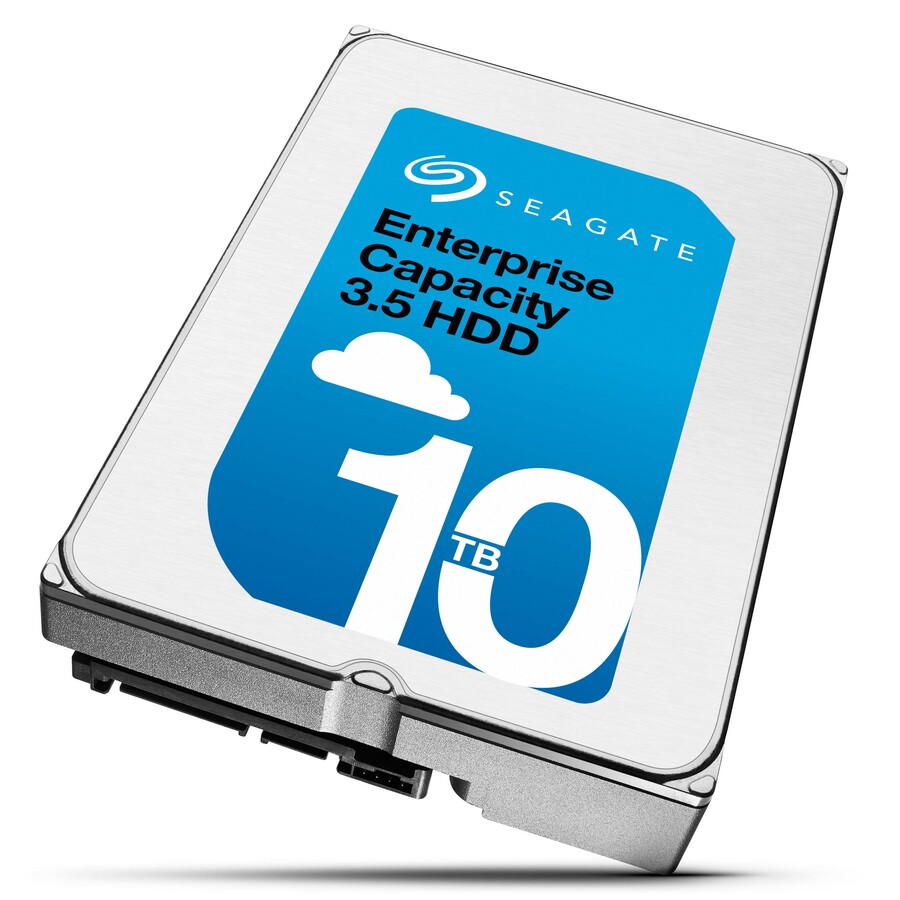
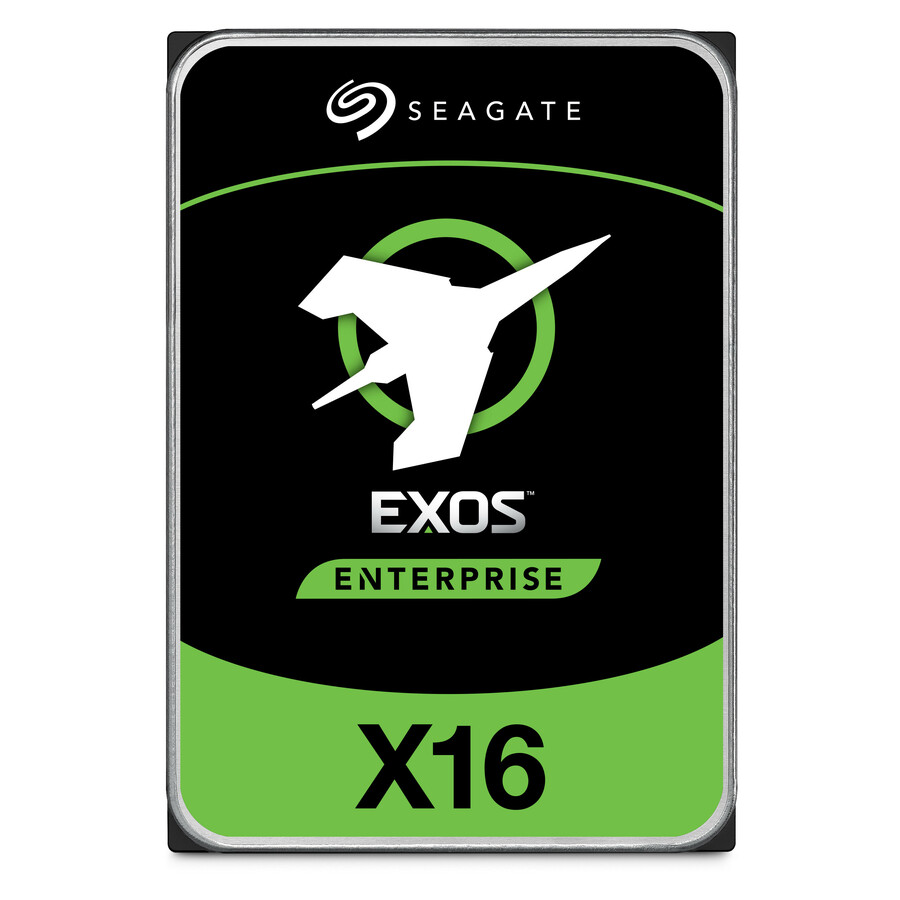
More drives and SSDs in the Uniqcli catalog
See all 9,677 drives and SSDsMore Seagate first — closest to what you were just looking at; “See all drives and SSDs” above opens every other brand in the category. In-stock lines lead, and a back-ordered line carries the same estimated availability its product page does — with live pricing throughout, NDAA §889 screening before checkout and TAA verified on request.
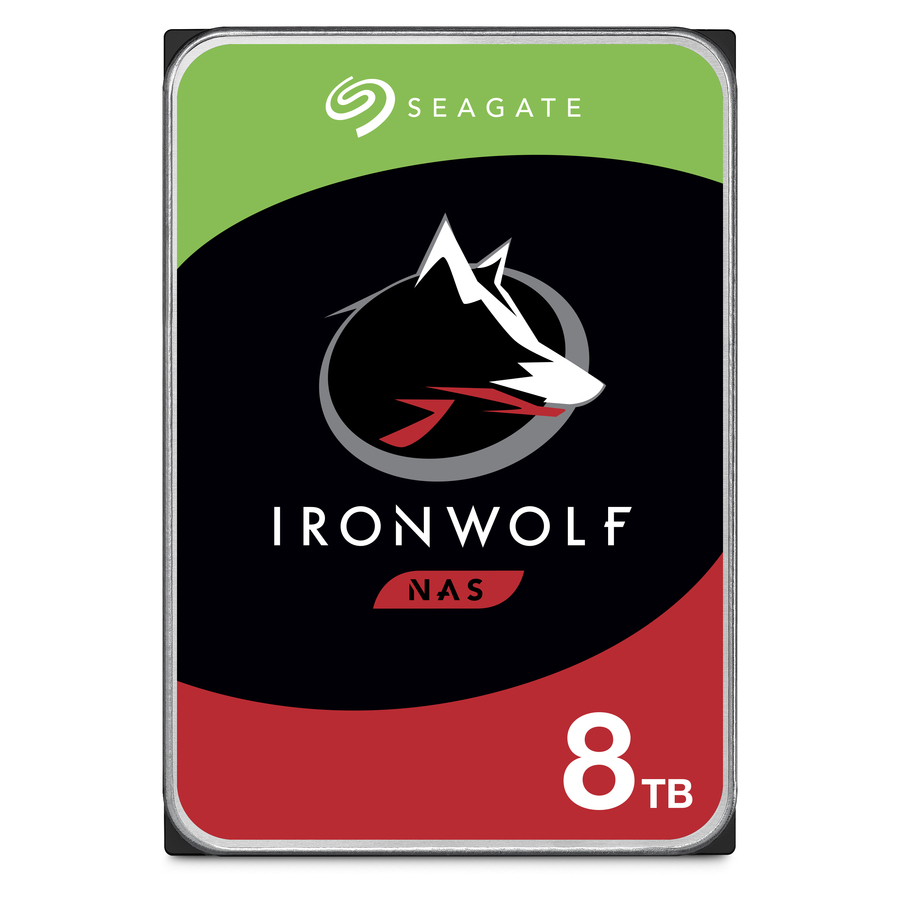
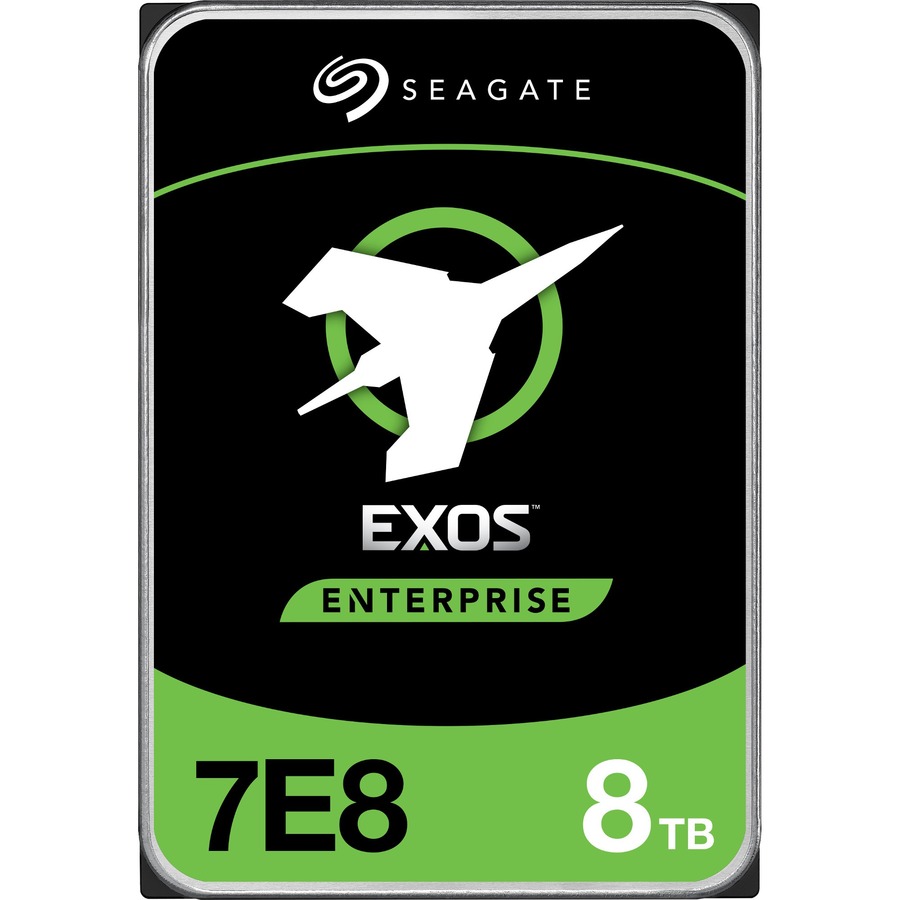
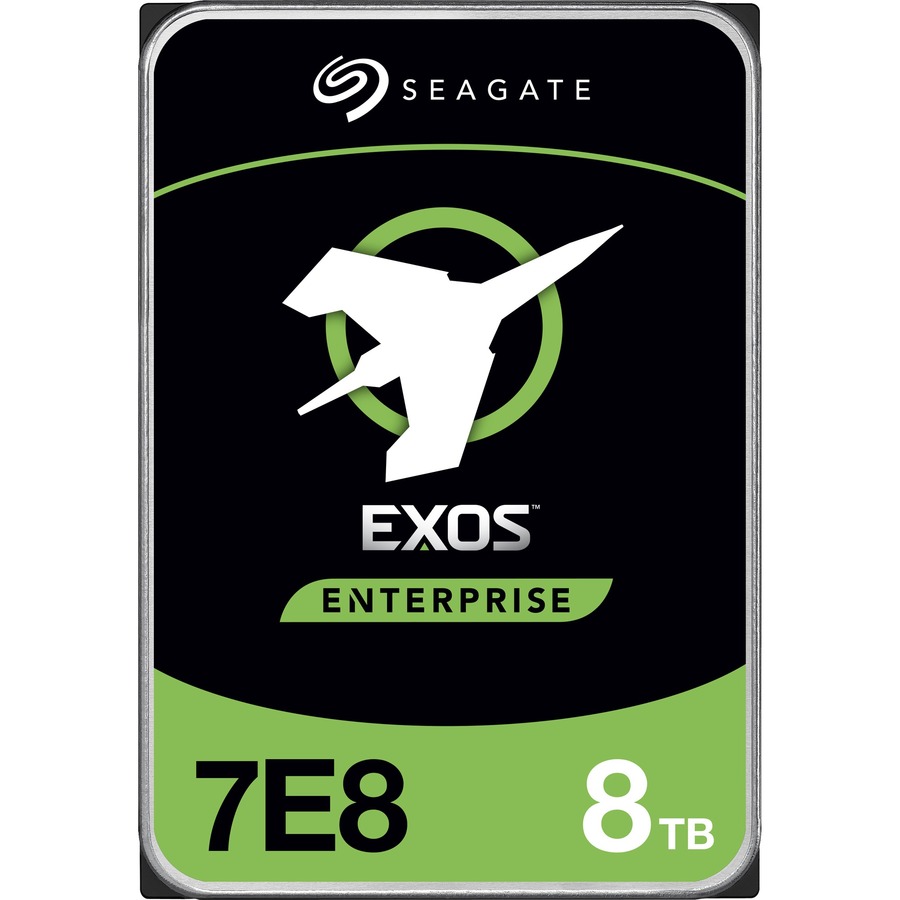
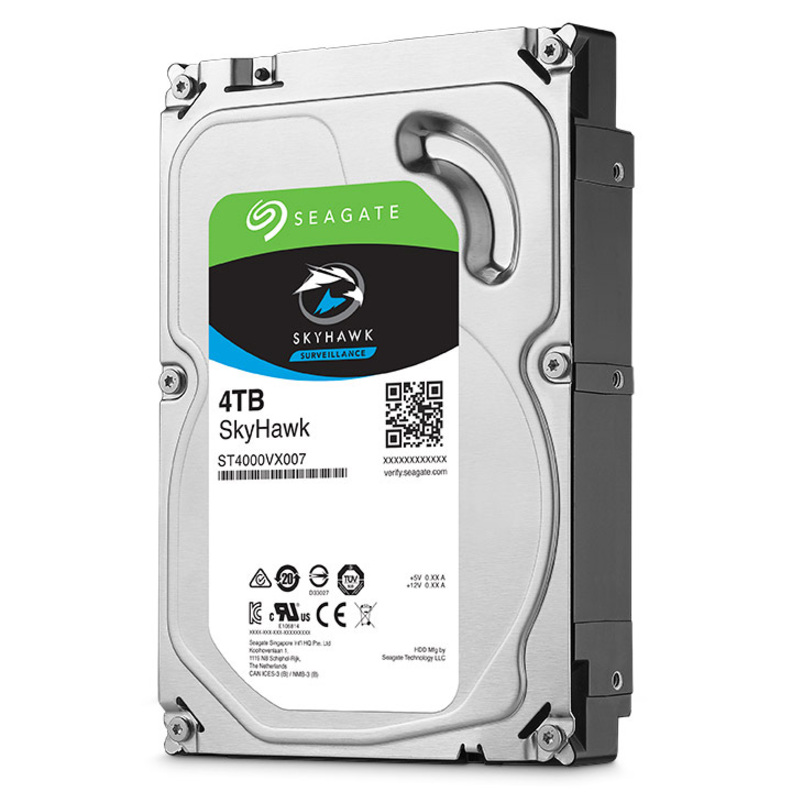
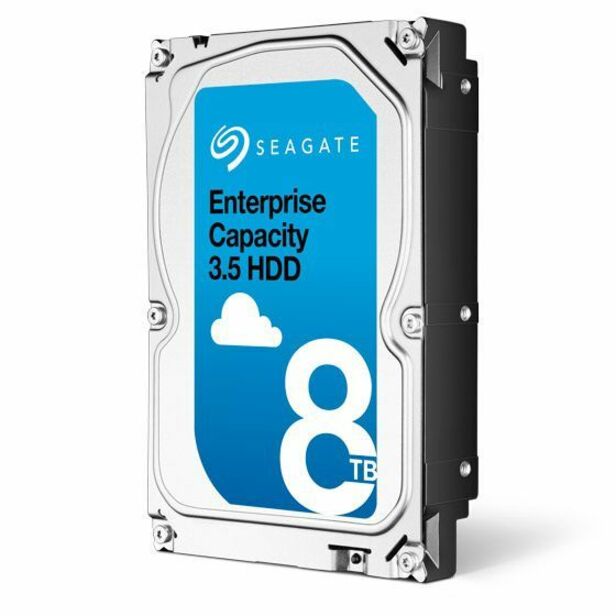
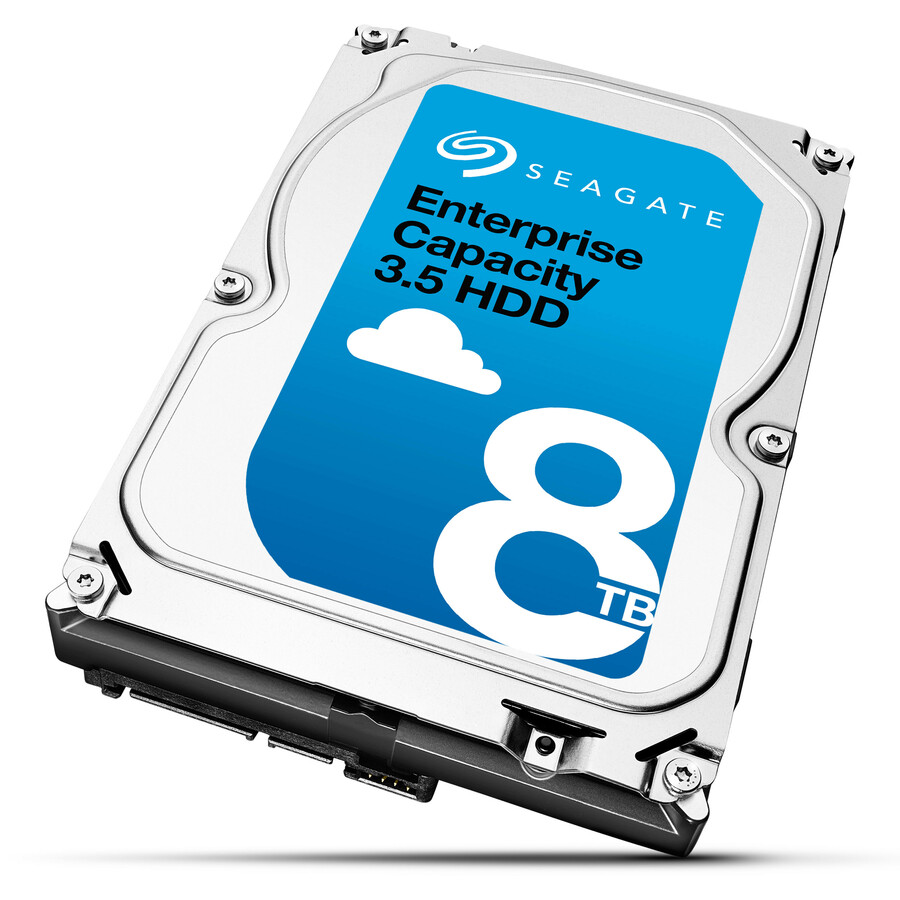
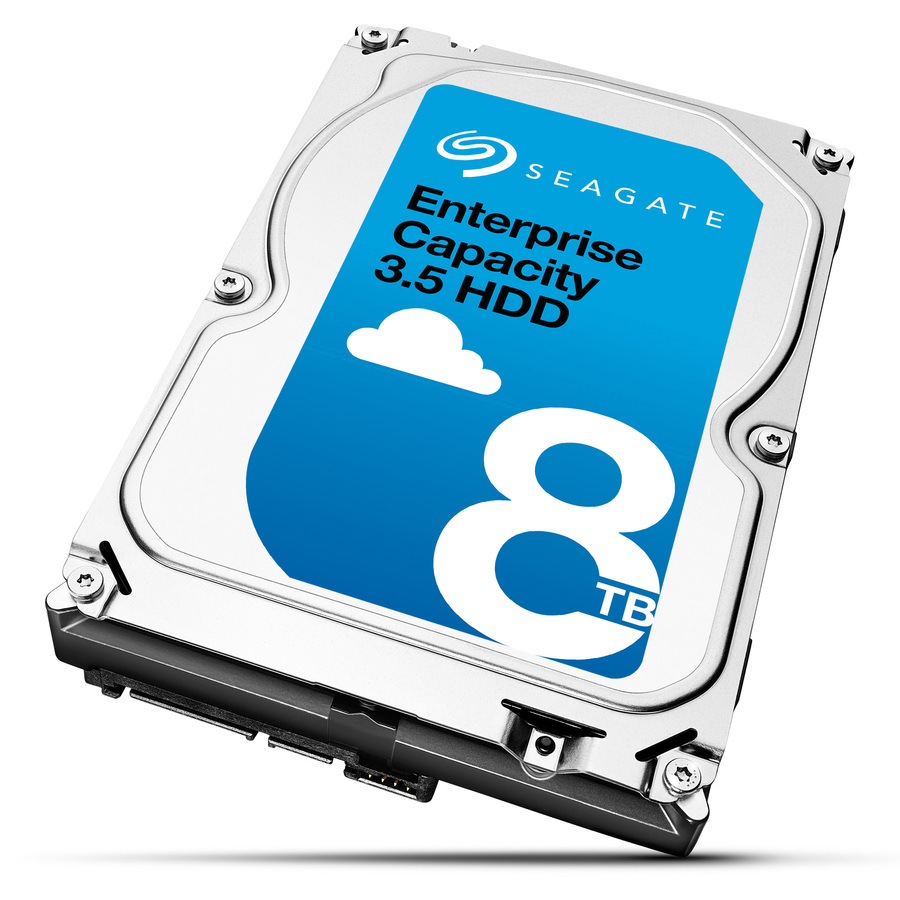
- Seagate TechnologySeagate ST8000NM0075 8 TB Hard Drive - 3.5" Internal - SAS (12Gb/s SAS) - 7200rpmST8000NM0075
$633.19
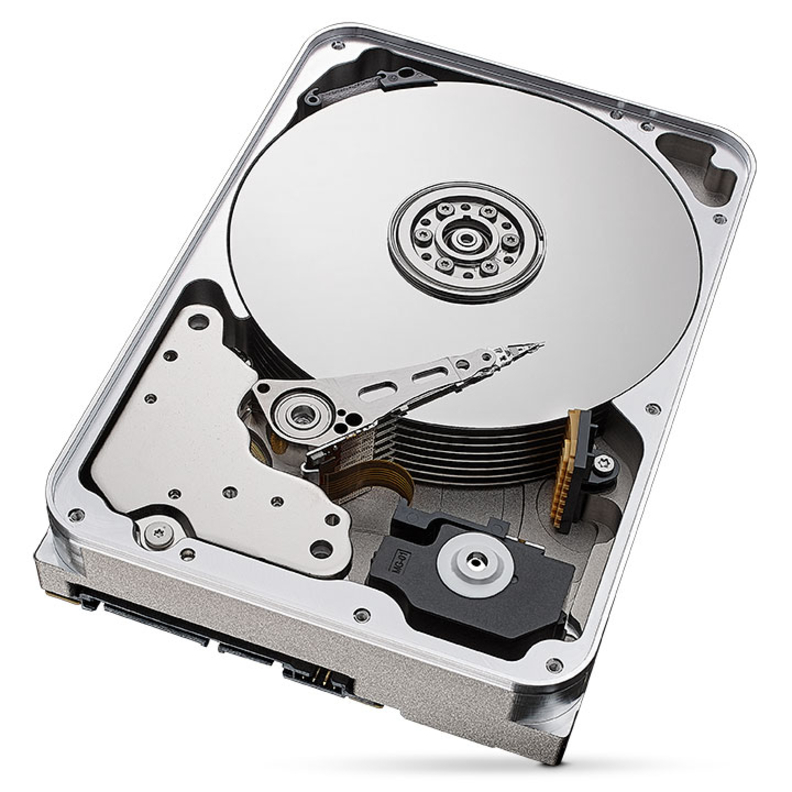
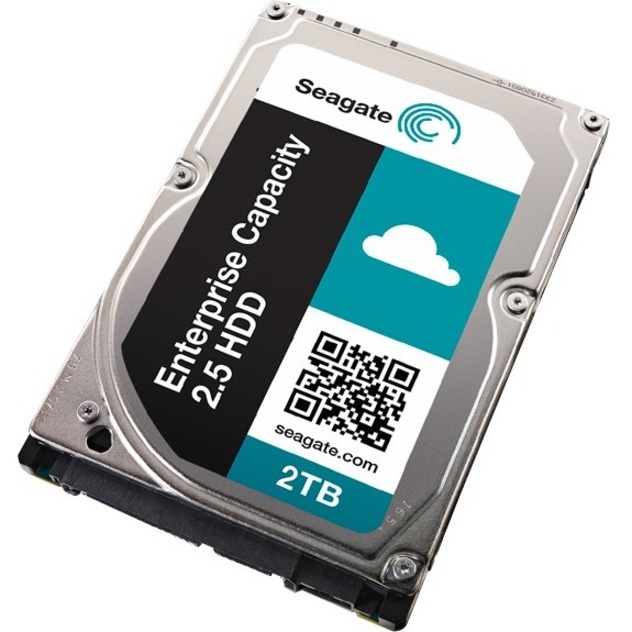
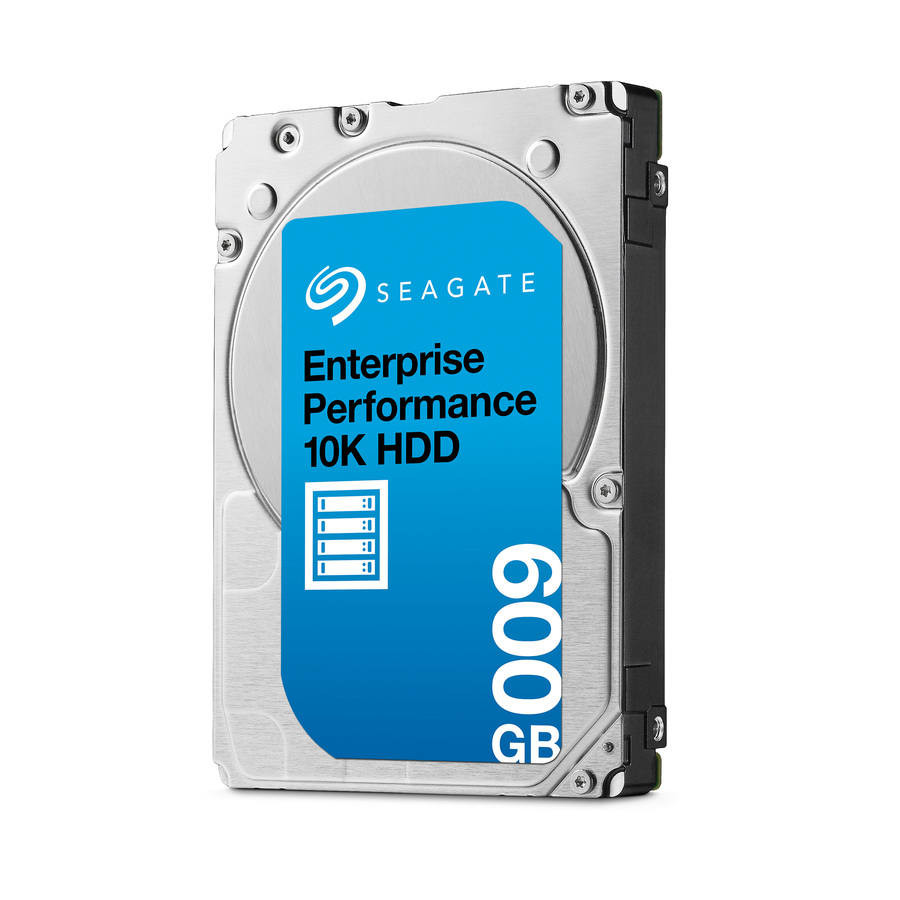
54 in stock - Seagate TechnologySeagate ST600MM0009 600 GB Hard Drive - 2.5" Internal - SAS (12Gb/s SAS) - 10000rpmST600MM0009
$630.27
1 in stock
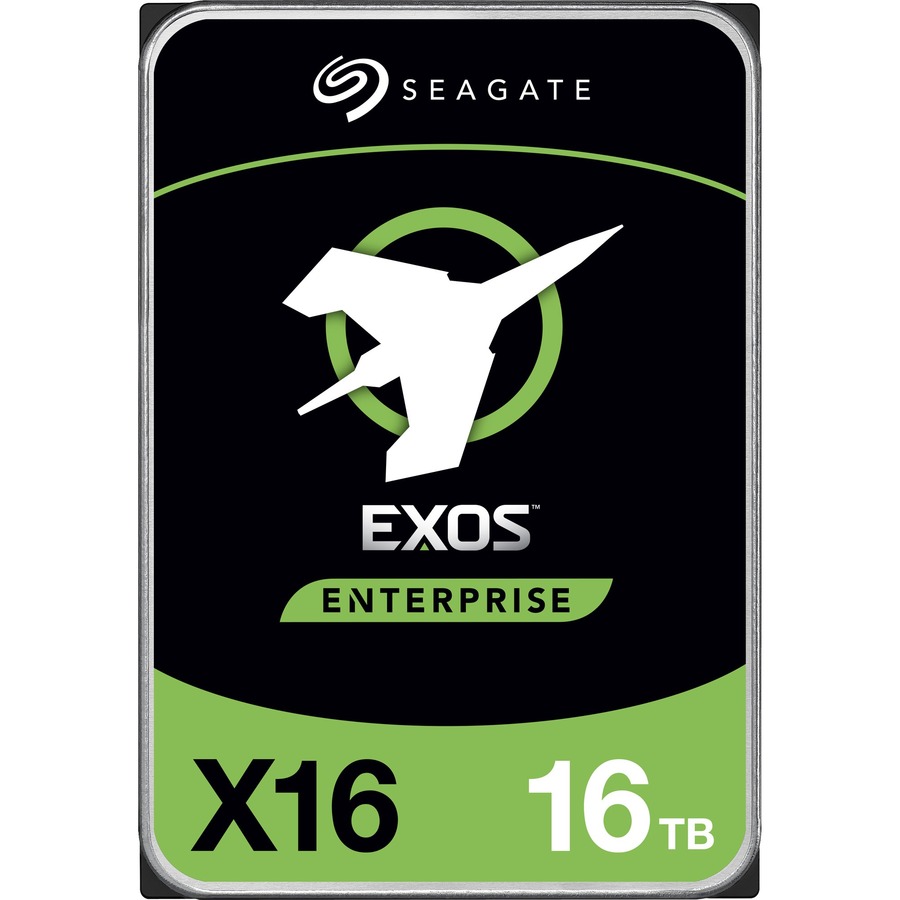
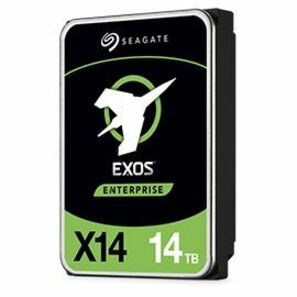
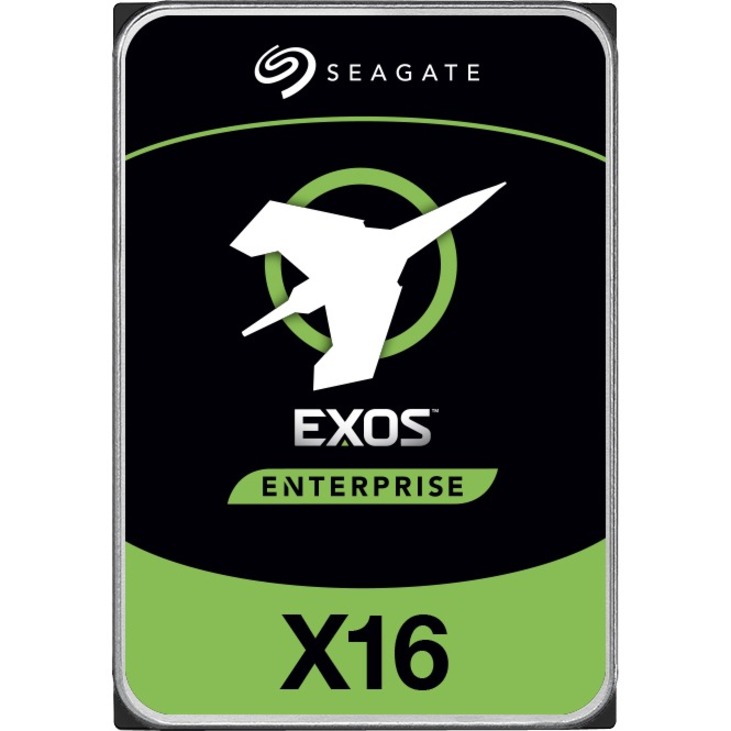
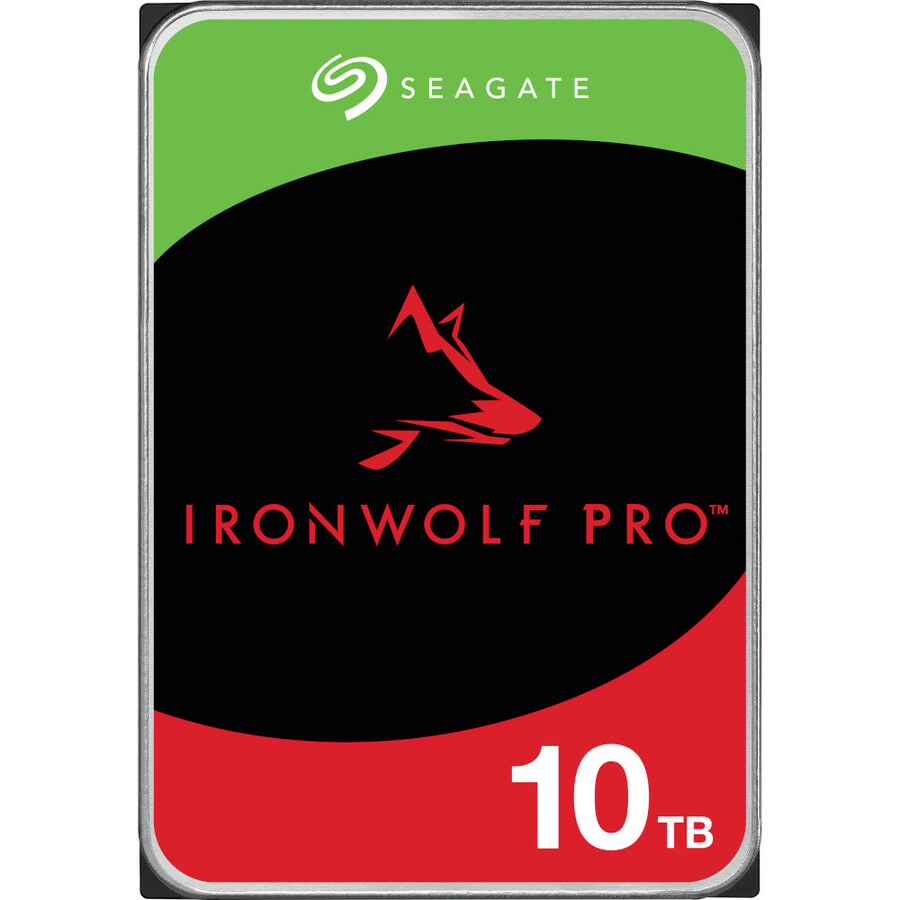
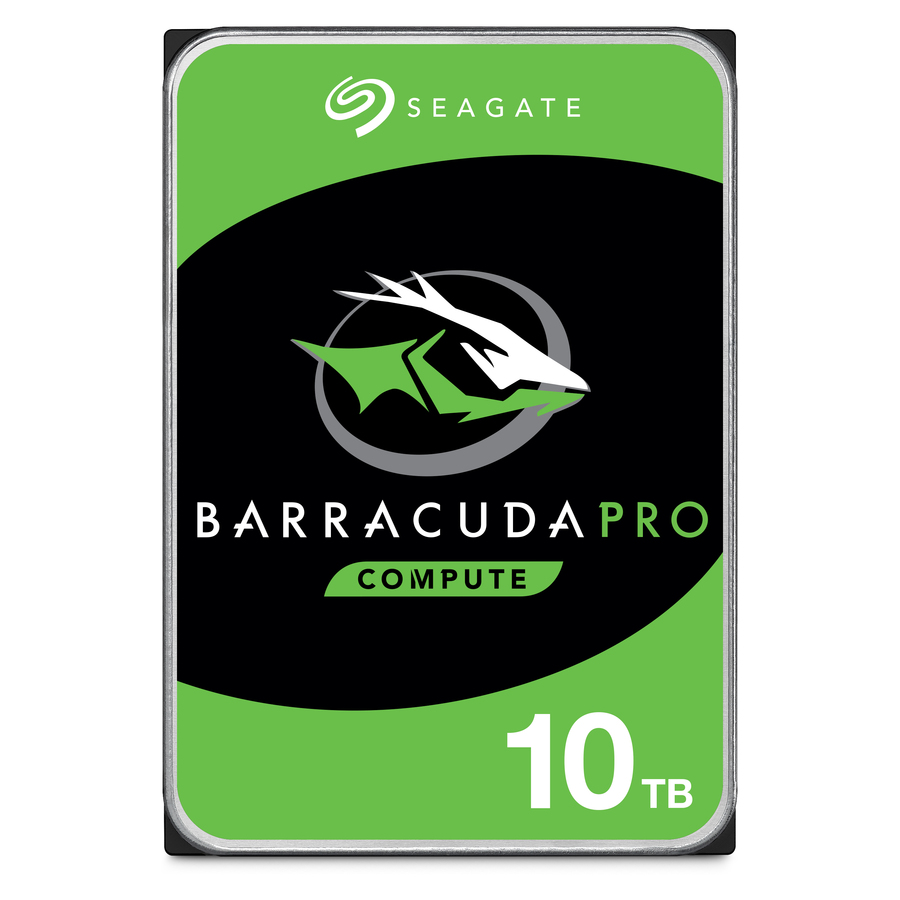
Need pricing on Seagate drives?
Tell us where to reach you and a Uniqcli specialist will follow up by email with current pricing, availability and lead time for the quantities you need — including parts that aren’t shown on this page.
Buying for an organization or for yourself — both work. No payment up front.
Seagate organizes its 3.5-inch drive lineup by workload class rather than by headline capacity. Exos is built for data-center and storage-array duty, IronWolf and IronWolf Pro are tuned for multi-bay NAS and always-on RAID, and BarraCuda targets desktop and single-drive use. The distinctions that actually drive a buying decision are interface (SATA/600 versus 12Gb/s SAS), recording method (CMR versus SMR), rotational speed, sector format (512e, 4Kn, or 512n), and the rated duty cycle and warranty term.
Picking the right variant is mostly a matter of matching the drive to its enclosure and controller. Confirm the interface against your backplane, size capacity to your bay count and the rebuild window your RAID level can tolerate, and choose the family to the duty cycle: enterprise for 24/7 array load, NAS-rated for multi-bay always-on service, desktop for single-drive workstations. For parity arrays and NAS, CMR recording gives more predictable rebuilds, and enterprise families add hot-plug and rotational-vibration tolerance for dense, multi-drive chassis.
The most common mistakes are deploying a desktop-class drive into a 24/7 multi-bay array, mismatching SAS and SATA to the backplane, overlooking sector format, or over-provisioning capacity past the rebuild window your RAID level supports. The selection below is what Uniqcli currently stocks, with live in-stock status shown on each drive; capacities range from a few terabytes up to very high-capacity data-center drives across both SATA and SAS.
Buyer's checklist
How to choose the right Seagate drive
- Match the interface to your backplane — SATA/600 for standard servers, workstations, and most NAS units; 12Gb/s SAS for enterprise storage arrays and dual-port redundancy.
- Confirm the recording method — CMR (conventional magnetic recording) is preferred for RAID and NAS rebuild predictability; verify it before deploying into a parity array.
- Size capacity to your bay count and RAID rebuild window, not just raw need — larger drives lengthen rebuild times and widen exposure during a rebuild.
- Verify the sector format (512e, 4Kn, or 512n) against what your array, controller, or OS expects to avoid alignment surprises.
- Pick the family to the duty cycle — Exos for 24/7 data-center load, IronWolf for multi-bay always-on NAS, BarraCuda for single-drive desktop and workstation roles.
- Check the warranty term and hot-plug support listed on each drive before standardizing a fleet or refresh.
Where each line earns its place
Name the seat before the capacity — array member, NAS bay, capture node, desktop disk — and the line follows. The data-center family is built for the array member's life: object stores, backup repositories and dense JBOD shelves where high capacity and unbroken 24/7 duty are the entire job. The NAS families cover the multi-bay unit a workgroup or media team runs continuously; within them, the Pro tier extends the supported bay count and the rated annual workload for the larger, busier chassis a growing team fills.
The desktop line belongs in single-drive workstations, not in an array that will run it far past its rating. Continuous-recording video and edge capture are their own consideration: they want sustained sequential write and a duty rating built for it, so they sit with the enterprise and NAS-class drives rather than desktop stock. The mismatch to catch in review is a workstation-class drive quietly specified into a multi-bay chassis on price or capacity alone — it will meet the number and miss the duty cycle.
Deploying a fleet at scale
A wall of high-capacity spindles brings deployment concerns the spec sheet does not flag. Enclosures that support staggered spin-up ease the inrush current when a full shelf powers on, so plan for it in dense racks and confirm the drives and backplane negotiate it. Keep the sector format consistent across an array and across a later refresh, because a 512e-versus-4Kn mismatch inside one set surfaces as alignment and compatibility surprises long after the drives are racked and in service.
For always-on NAS, the IronWolf lines expose drive-health telemetry that supported enclosures can read for early warning, so enable it where the platform allows and fold the readings into your replacement planning. Diversify production batches across an array so a single systemic early-life fault cannot take several members at once. And before you standardize a large order, confirm the exact model's rated bay count, hot-plug support and workload-per-year against your real enclosure — the drive that fits the slot still has to match the duty the chassis will impose.
Consolidation and cost over the life
At scale the drive's real cost is measured per terabyte across years of power and cooling, not at the point of sale. High-capacity data-center units consolidate more storage into each slot, which can lower the per-terabyte power draw and defer the capital cost of adding shelves, racks or circuits — provided your RAID level and rebuild policy can tolerate the larger members. That trade between density and rebuild exposure is the central lifecycle decision, and it usually outweighs a small gap in unit price between two capacities.
Match the warranty term to the deployment life so a mid-life failure is not an out-of-pocket event, and note that some enterprise and NAS lines bundle a data-recovery service plan worth confirming on the specific model. Budget a spare pool sized to your redundancy design so a failed member is a same-day swap rather than a capacity gap waiting on procurement. Over a multi-year array, these lifecycle factors — power, density, warranty and spares — consistently dwarf small differences at the unit line.
FAQ
Common questions
- What's the difference between Seagate's Exos, IronWolf, and BarraCuda lines?
- They are workload classes. Exos is built for data-center and storage-array duty with SAS or SATA interfaces and high capacities; IronWolf and IronWolf Pro are tuned for multi-bay NAS and always-on RAID; BarraCuda targets desktop and single-drive use. Choose by duty cycle and enclosure first, then by interface and capacity.
- Should I choose a SAS or a SATA drive?
- It depends on your backplane and controller. 12Gb/s SAS suits enterprise storage arrays, dual-port redundancy, and dense JBOD chassis; SATA/600 fits standard servers, workstations, and most NAS units. Match the drive to what your controller and enclosure support — the interface is listed on each drive in the selection below.
- Are these drives suitable for RAID and NAS?
- The enterprise and NAS-rated families are designed for it. Look for CMR recording, the sector format your array expects, hot-plug support, and rotational-vibration tolerance for multi-bay deployments — all noted in each product's specifications. Desktop-class drives are better kept to single-drive roles.
- Can these be purchased on a government or education contract?
- Yes — Uniqcli sells to business, government, and education buyers. Drives are sourced through US distribution and screened for TAA country-of-origin and NDAA Section 889 status before checkout, with documentation tied to the specific part number. Share your sourcing or contract requirements and we'll confirm availability and the applicable compliance details for the exact drives you need.
Need Seagate drives pricing?
Send a bill of materials or part numbers — we confirm stock and a below-market total, with TAA verified on request. No payment up front.