
Best Storage Arrays for Small Data Centers
SAN and direct-attached (DAS/JBOD) block storage arrays for small data centers — selected by bay count, raw capacity, RAID support and host interface.
Storage arrays in stock at Uniqcli
How to choose →A curated selection with live pricing — in-stock lines first, then back-ordered lines with a typical lead time. Every line is sourced through US distribution and screened for NDAA §889 status before checkout, with TAA verified on request.
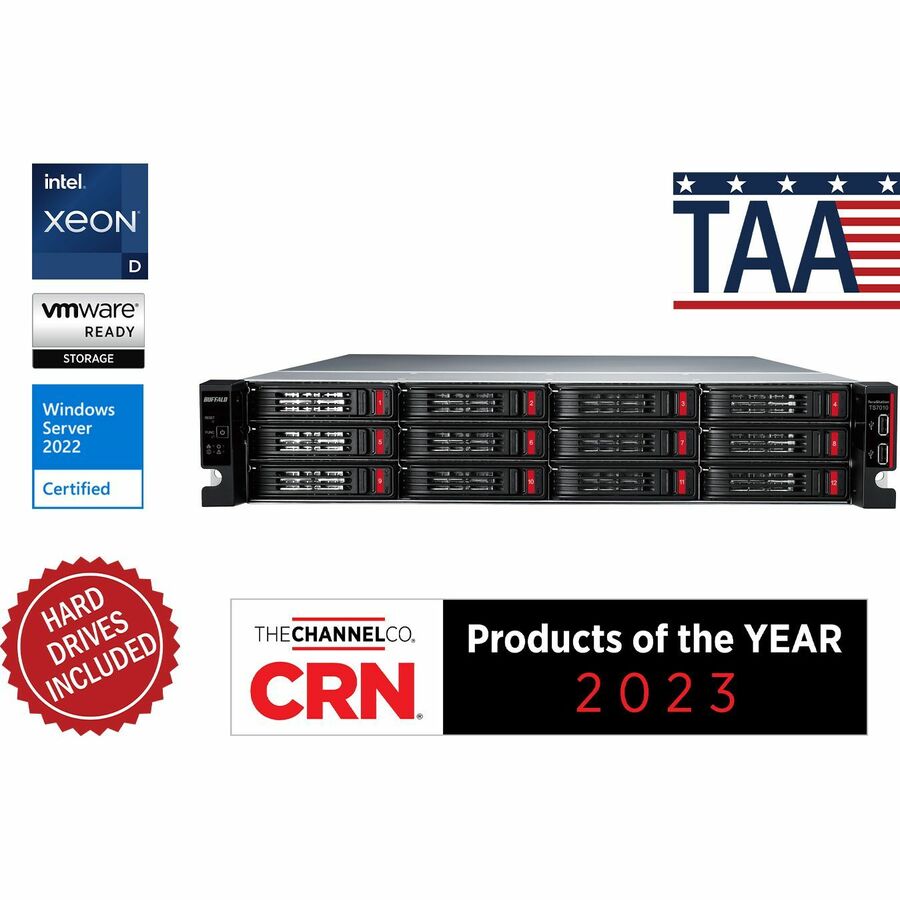
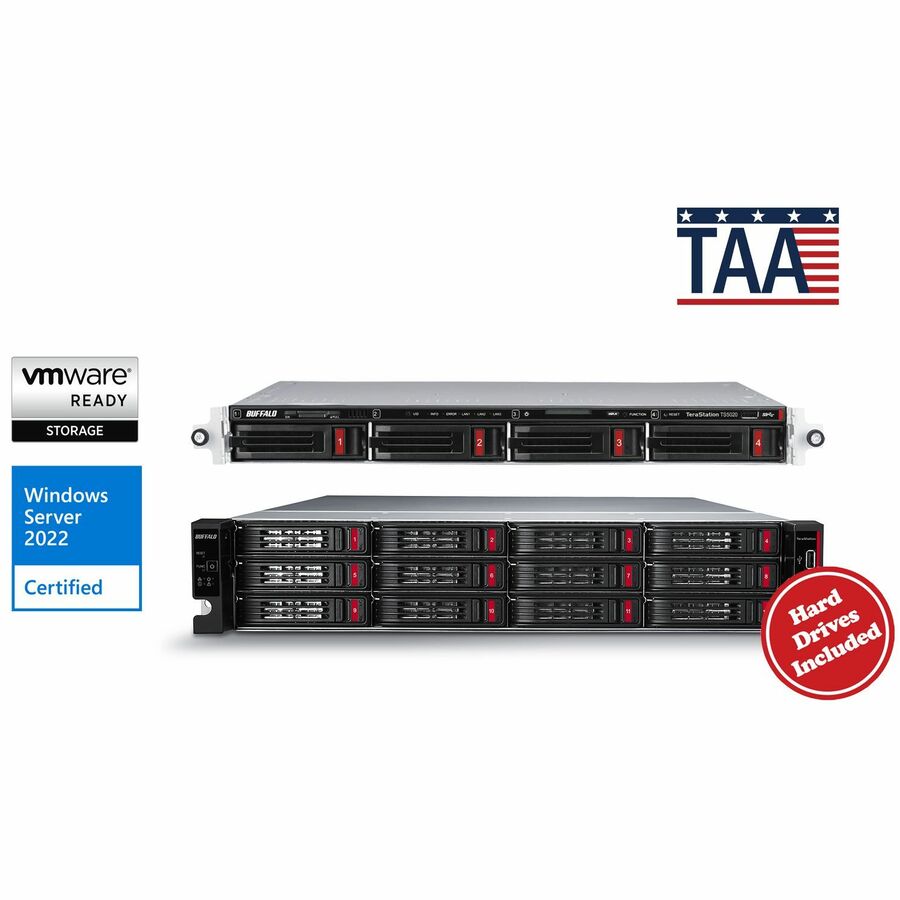
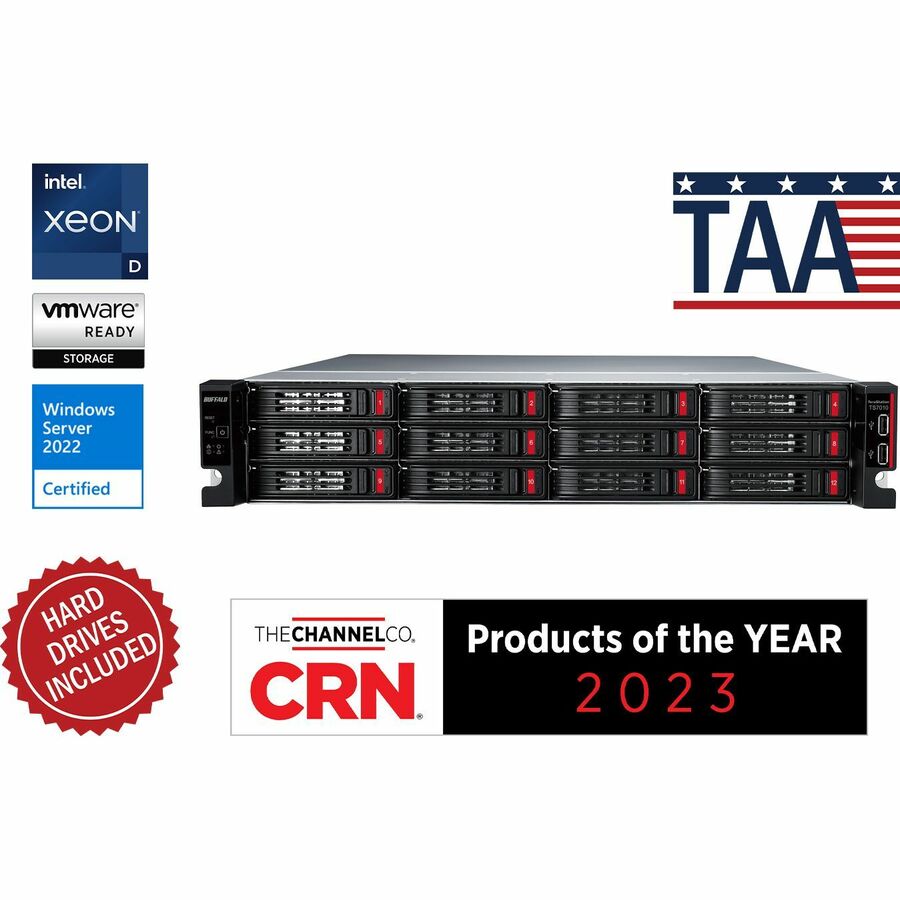
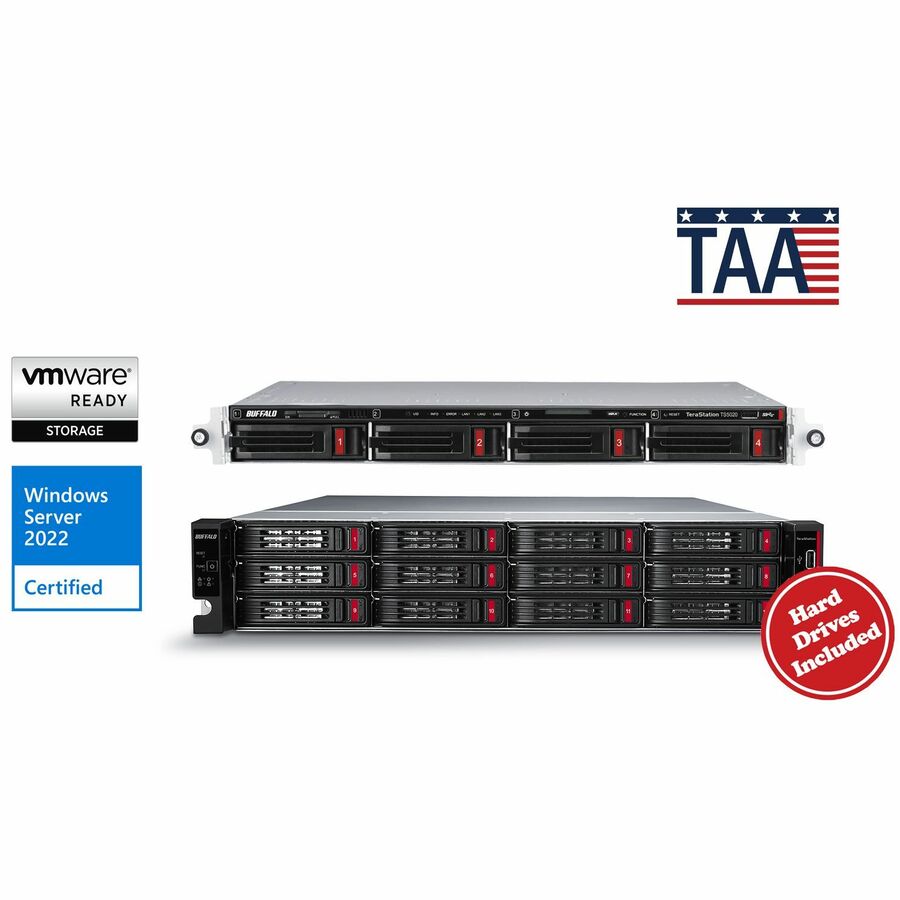
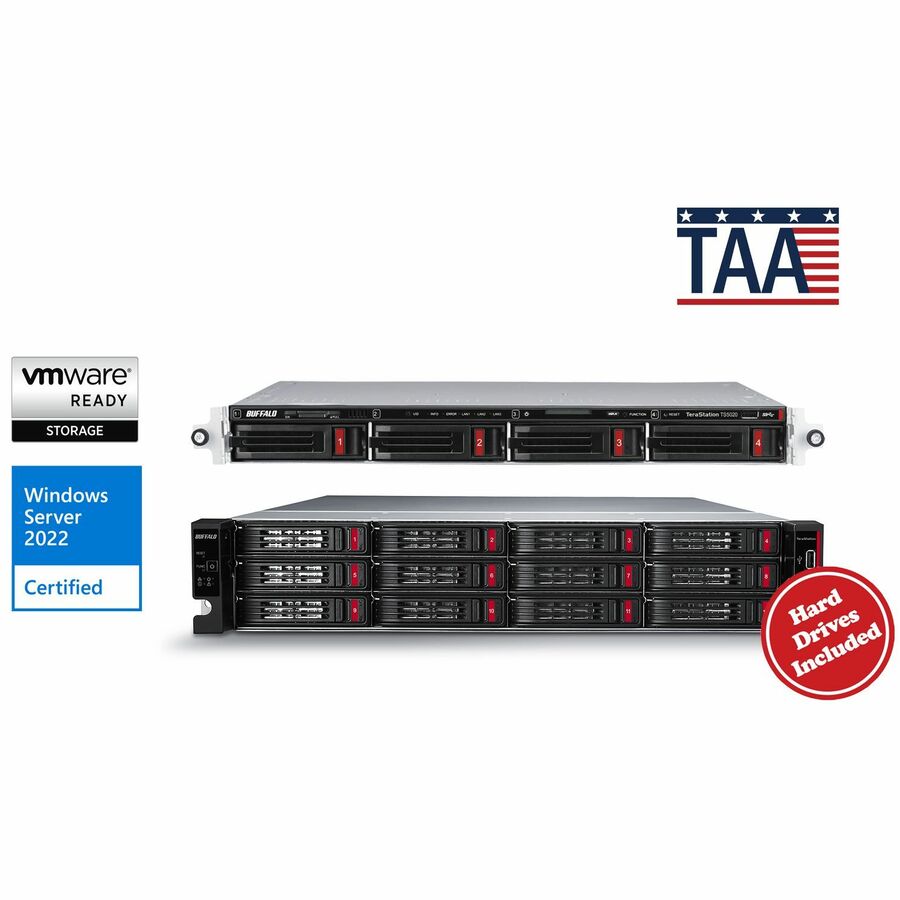
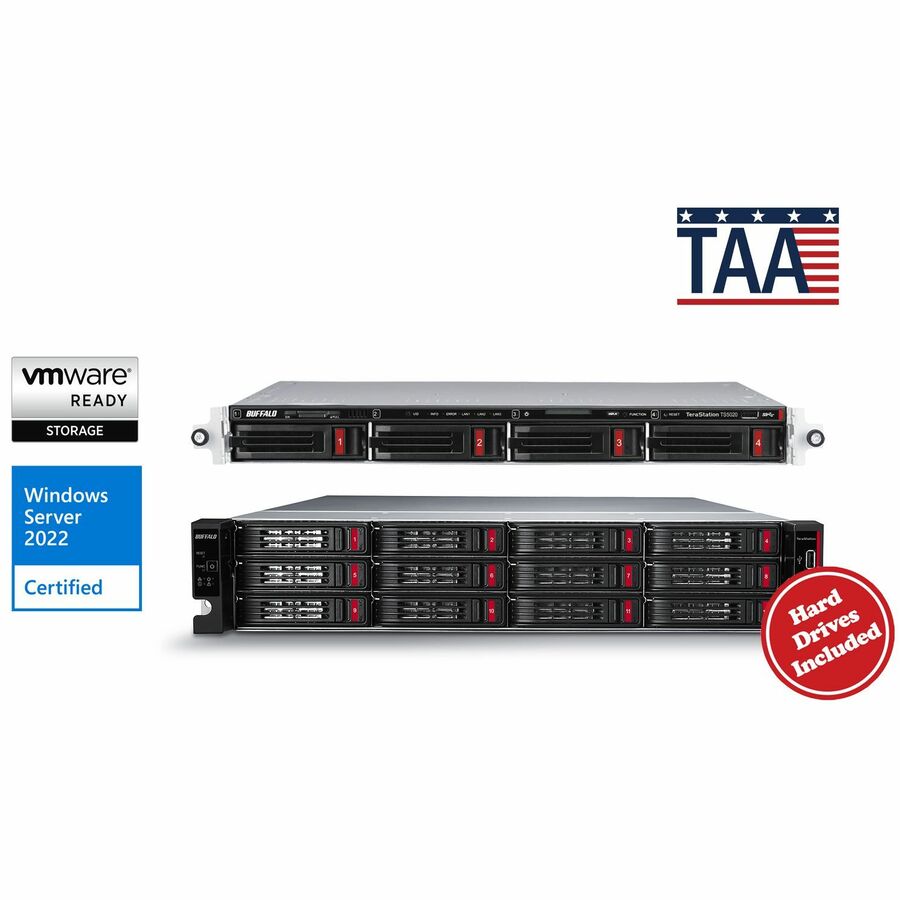
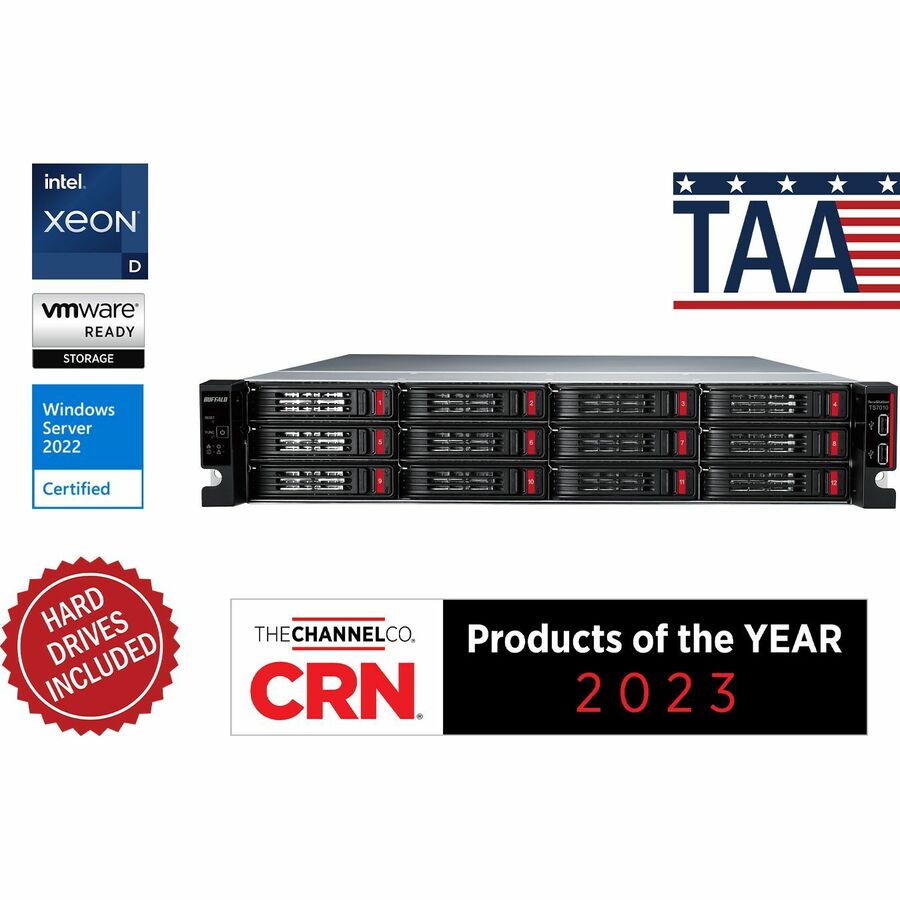
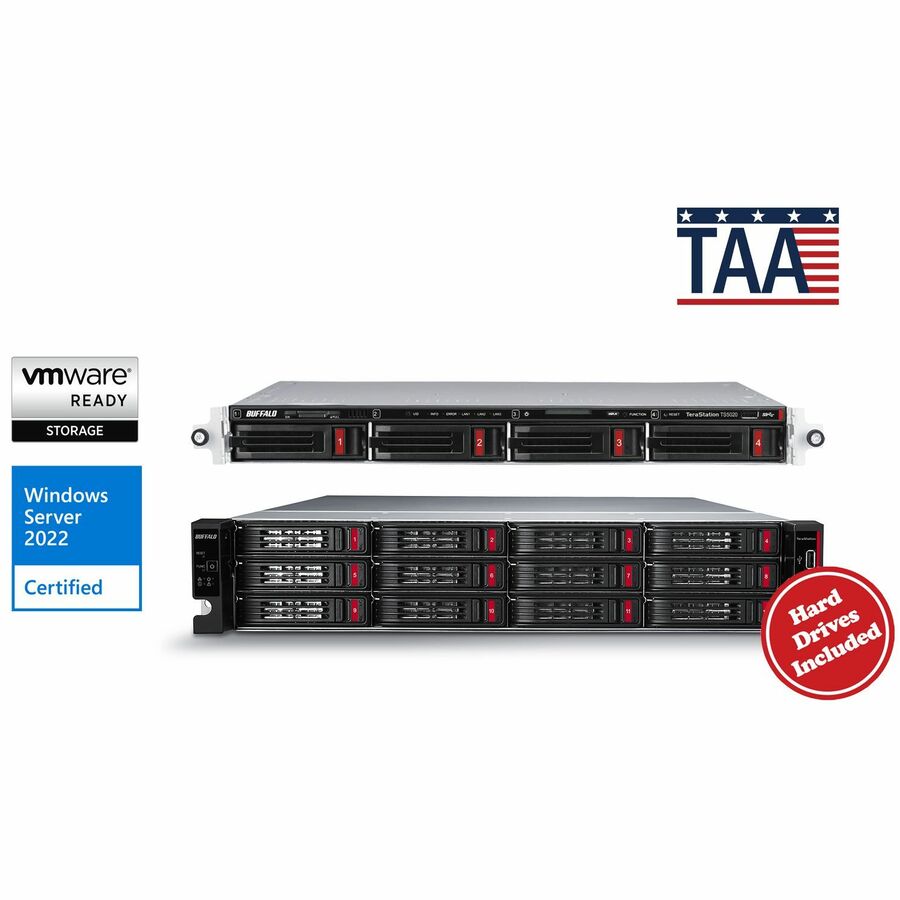
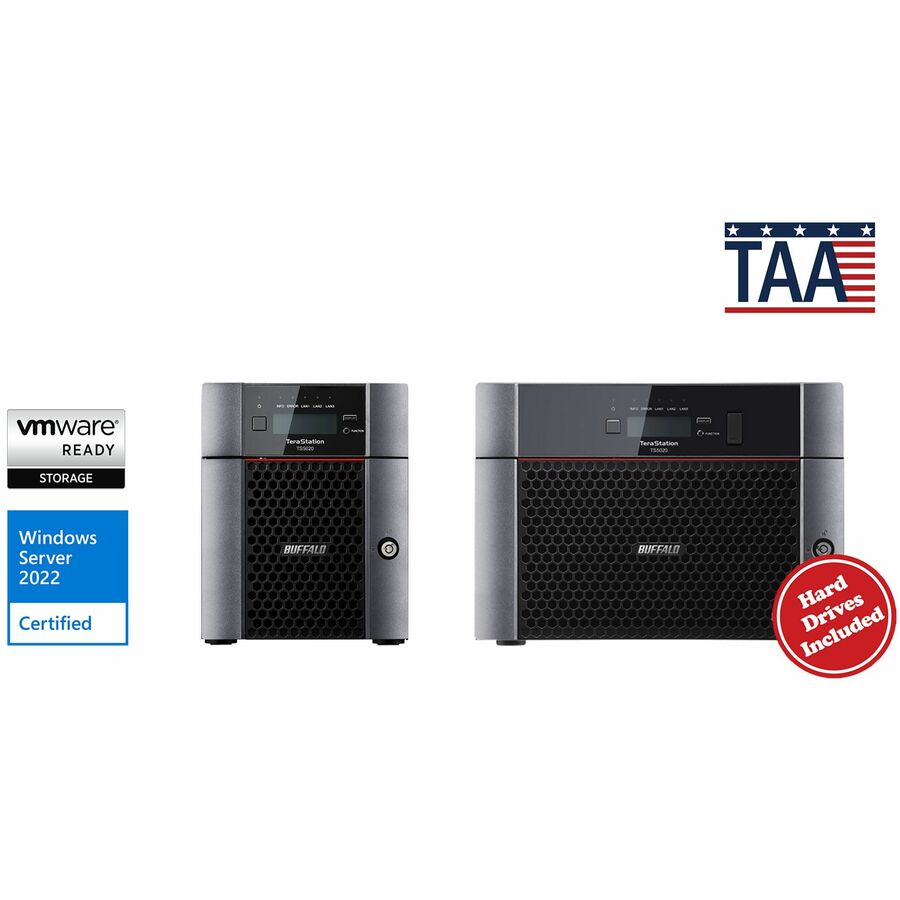
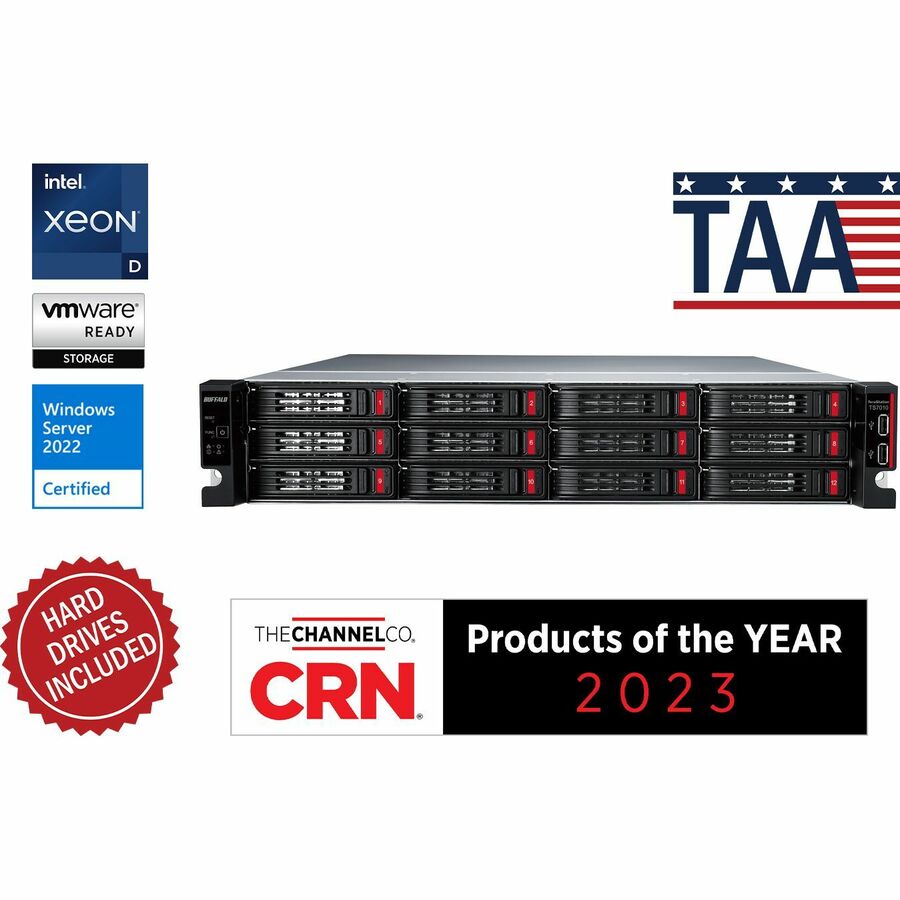
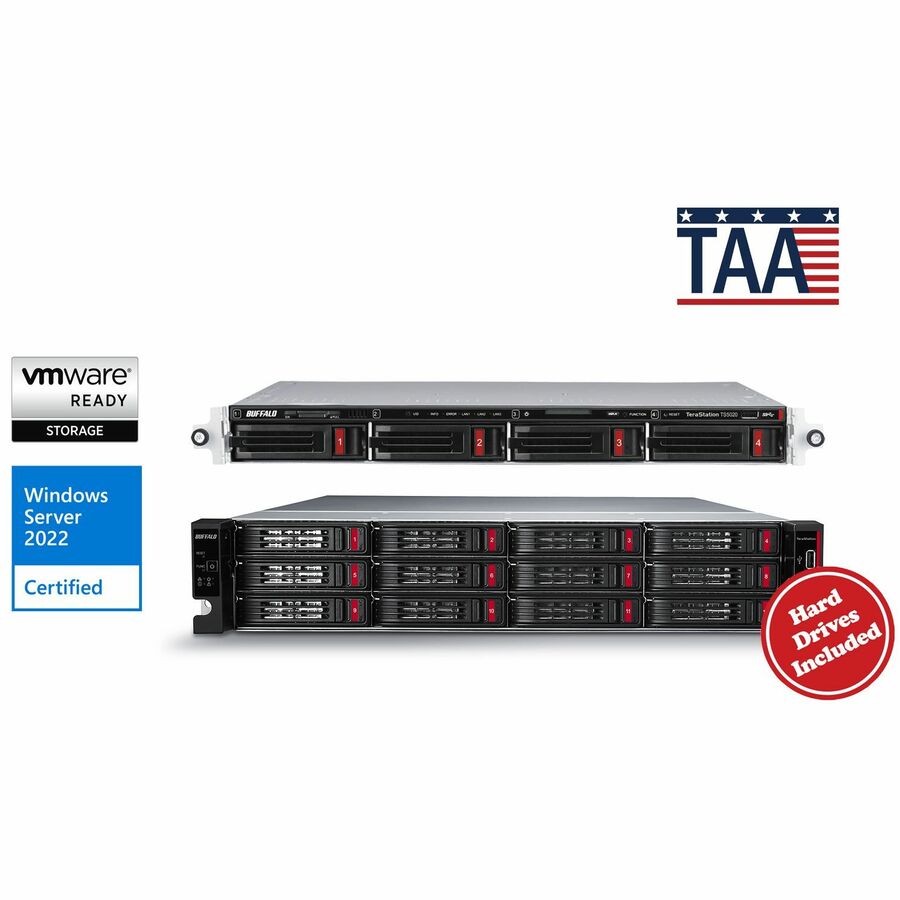
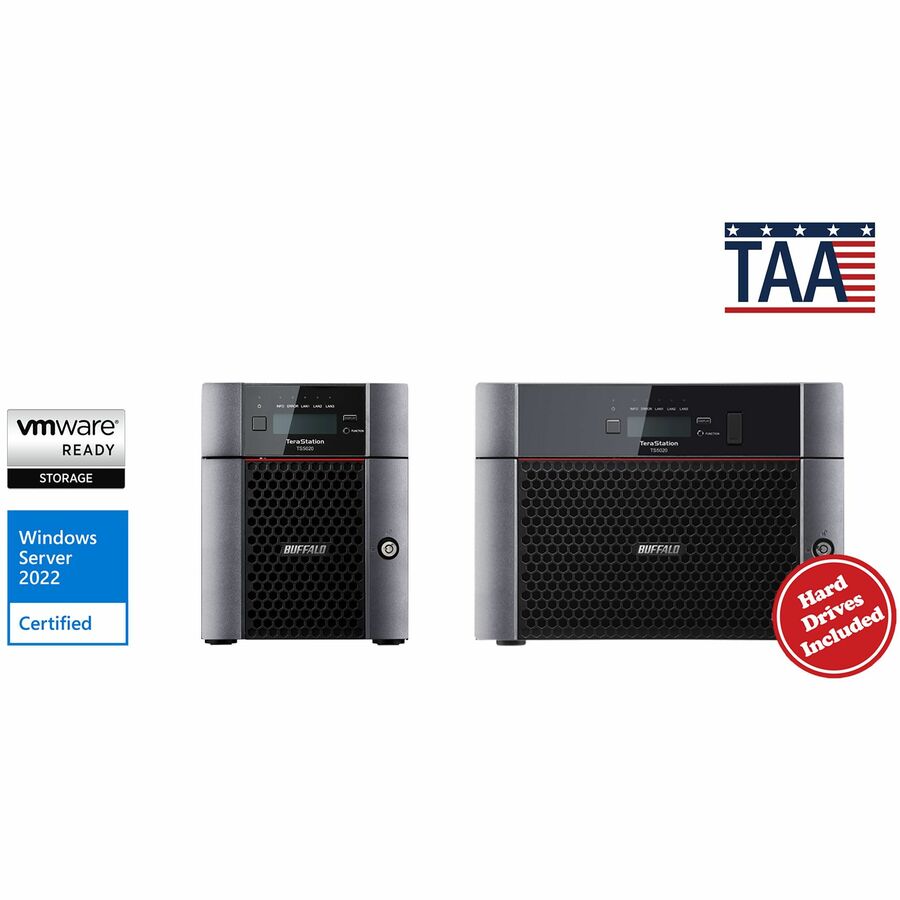
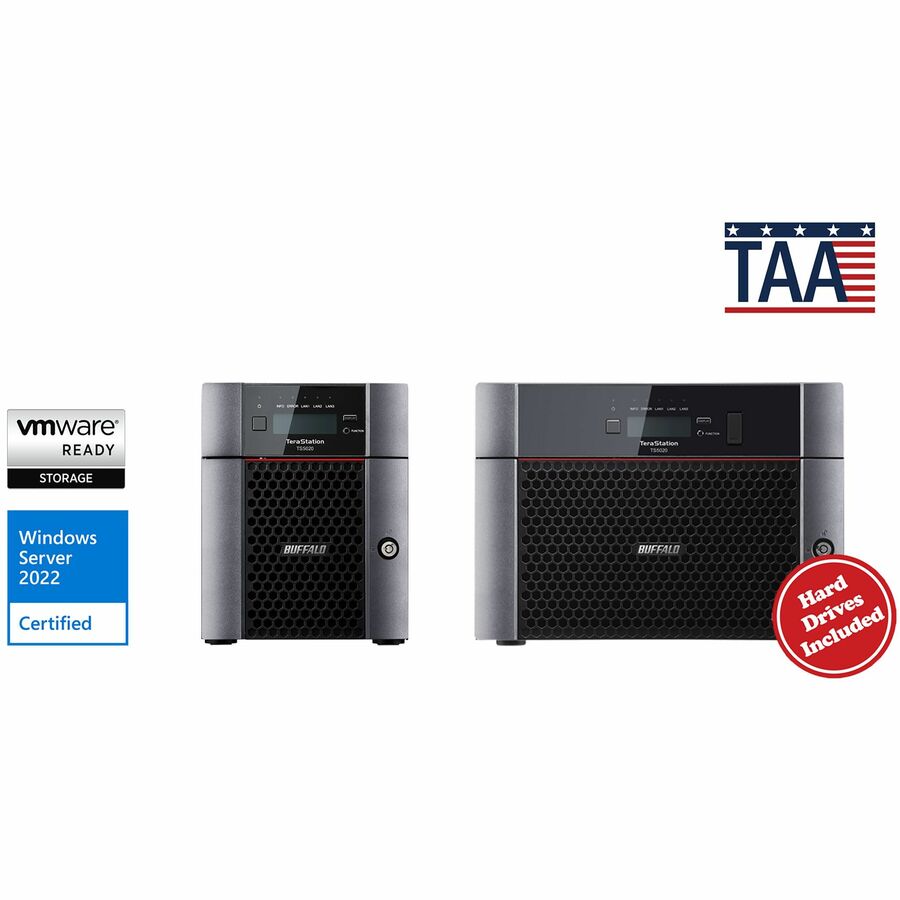
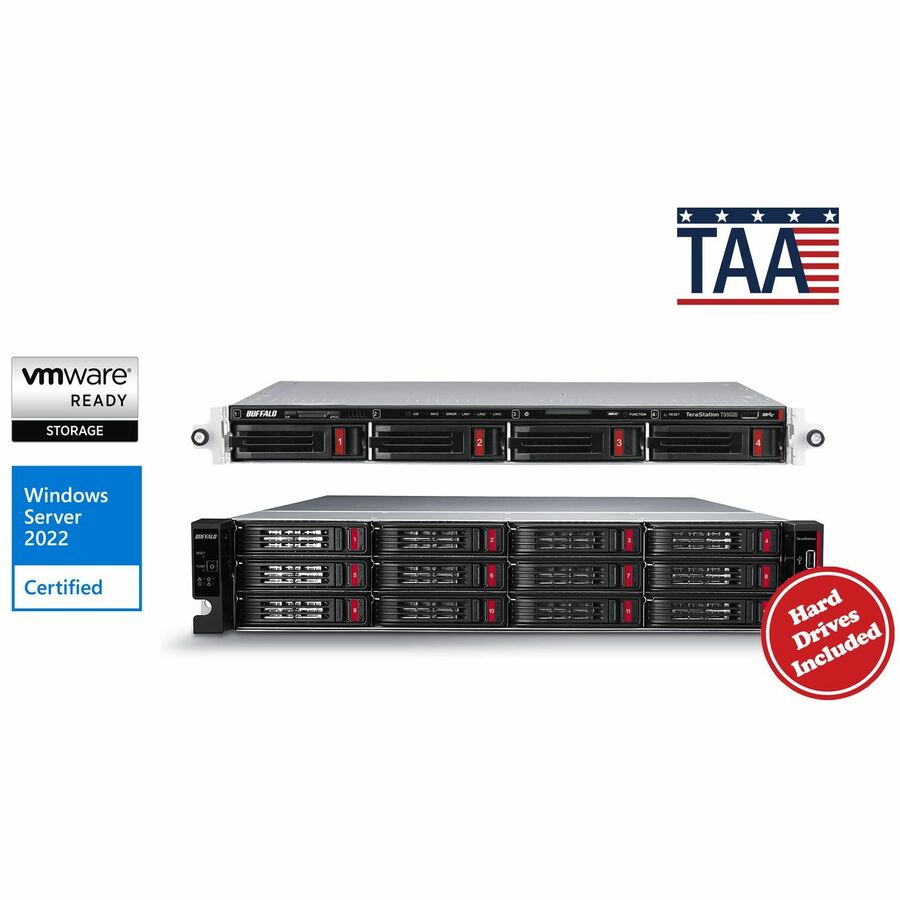
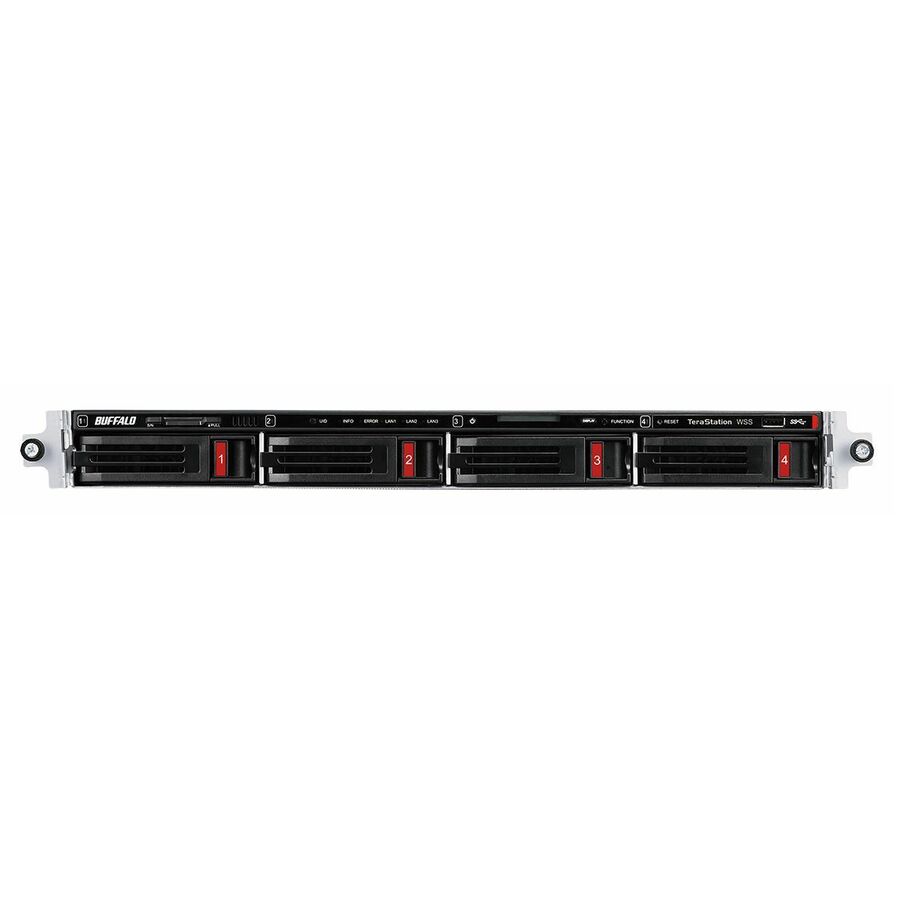
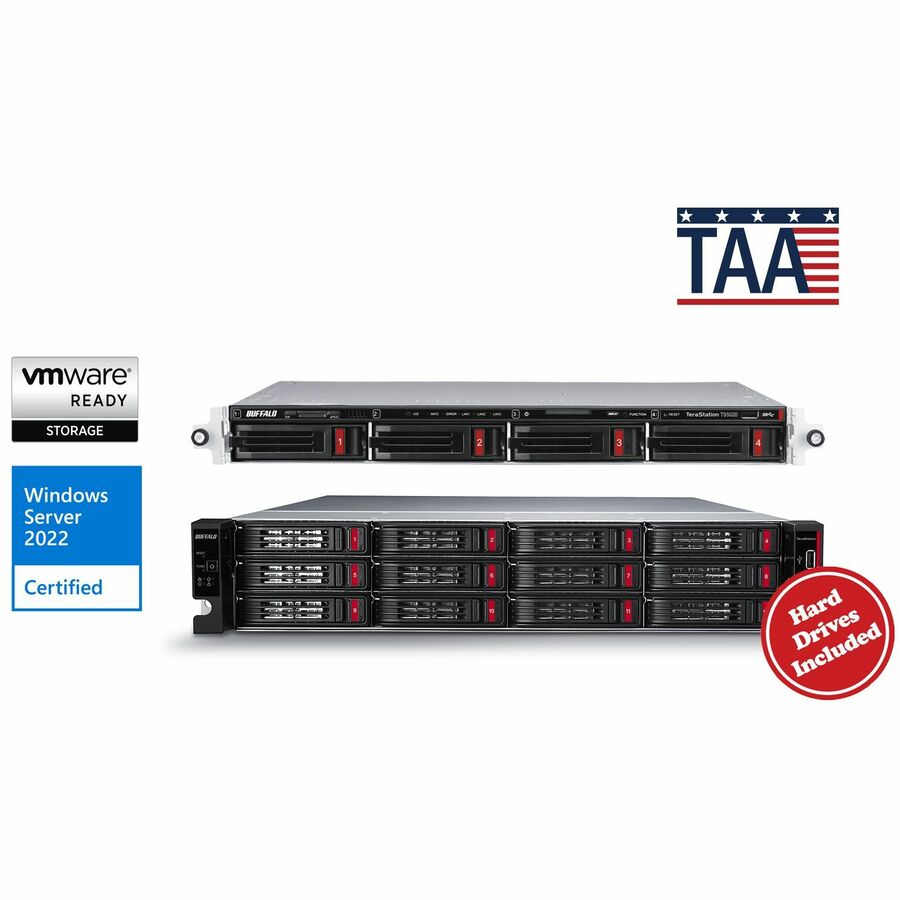
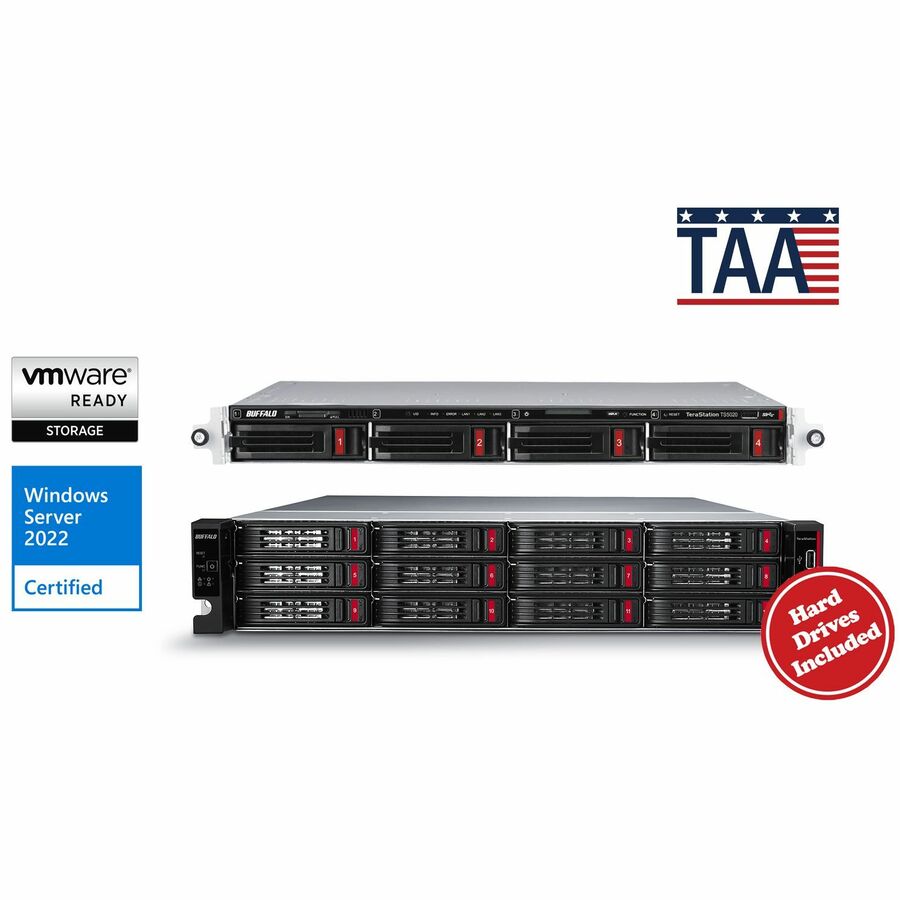
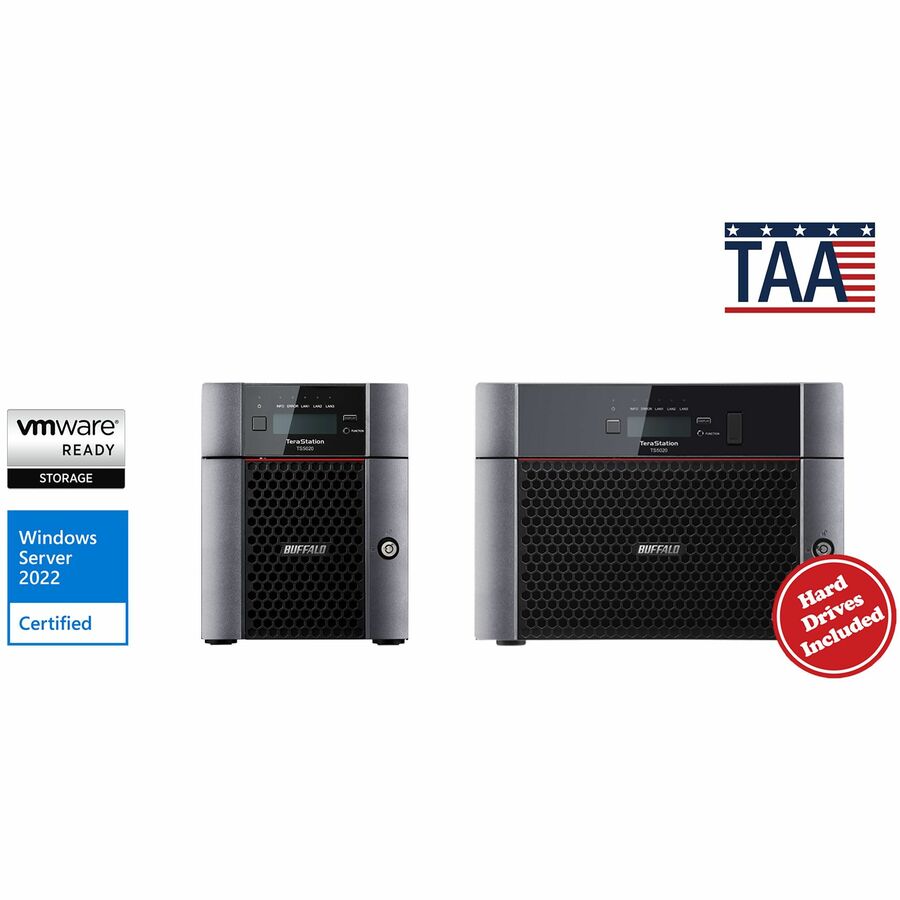
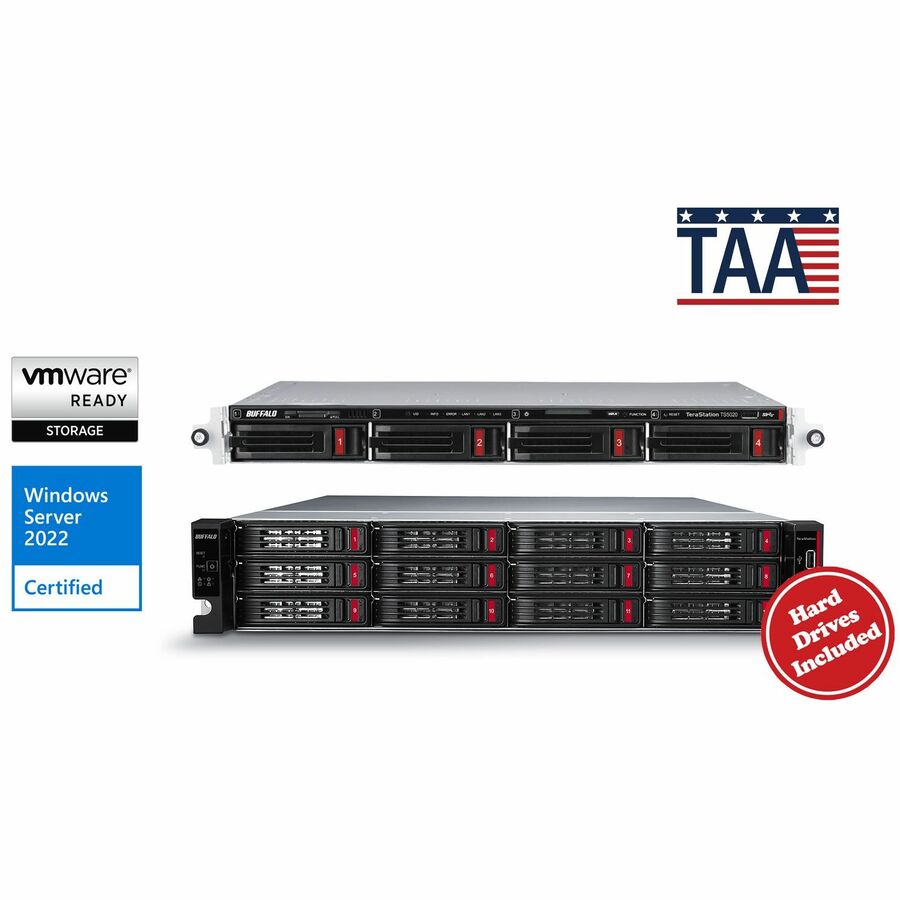
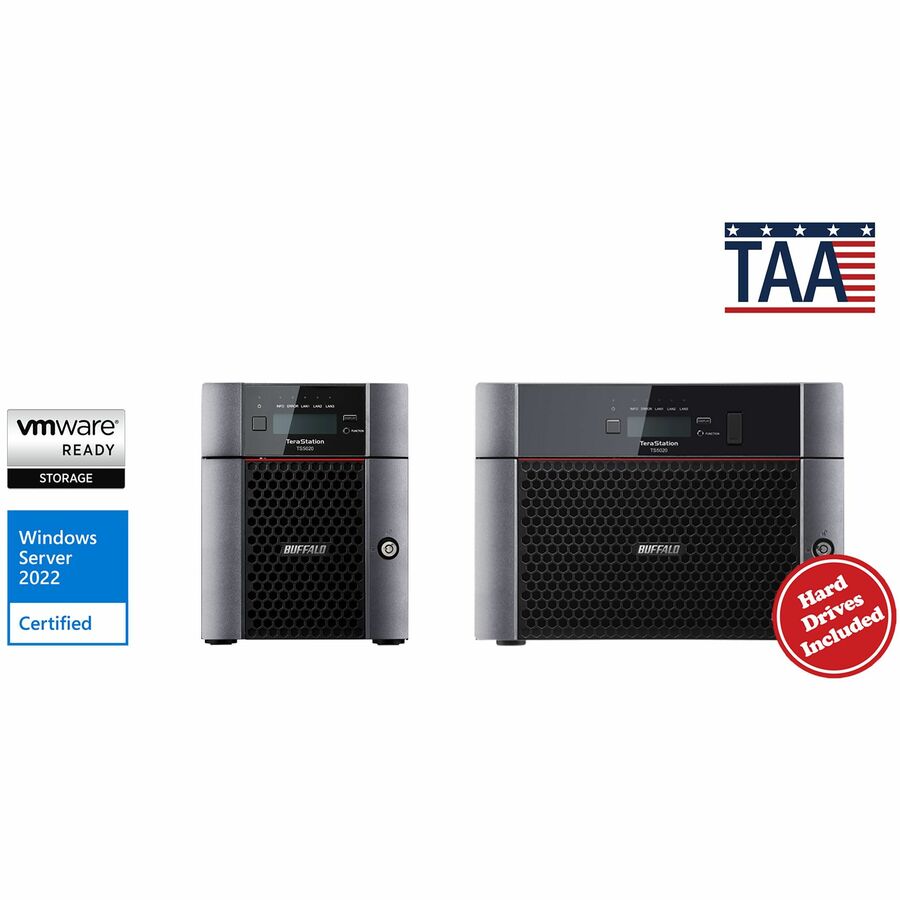
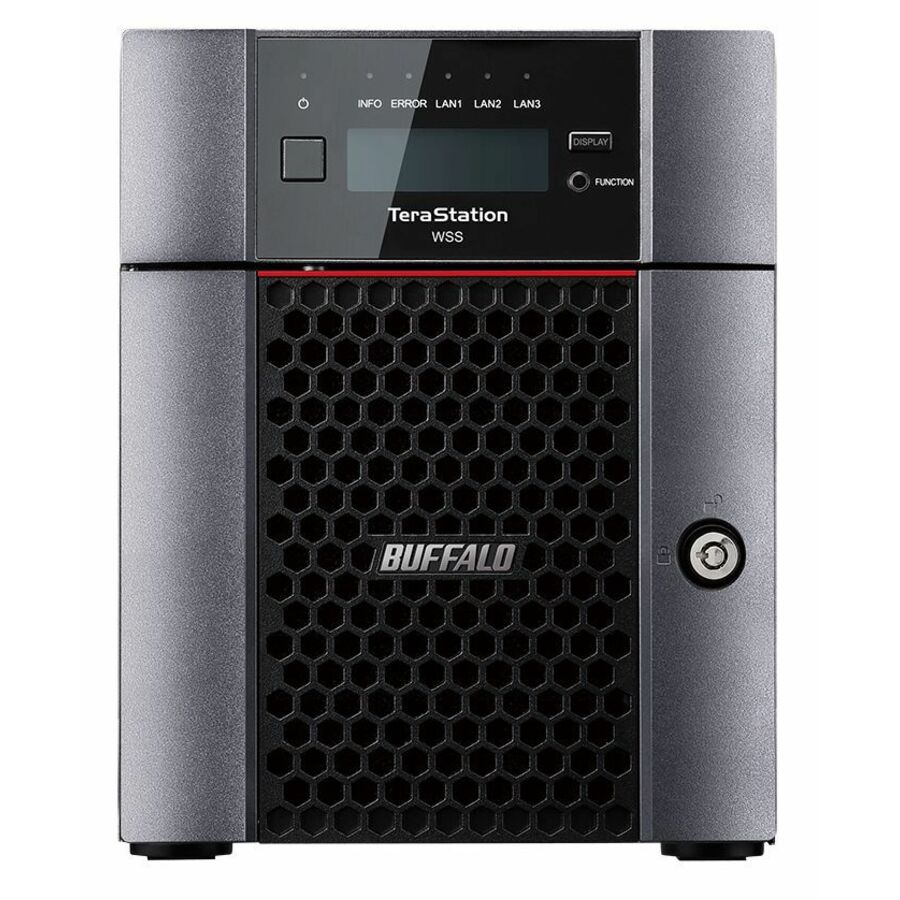
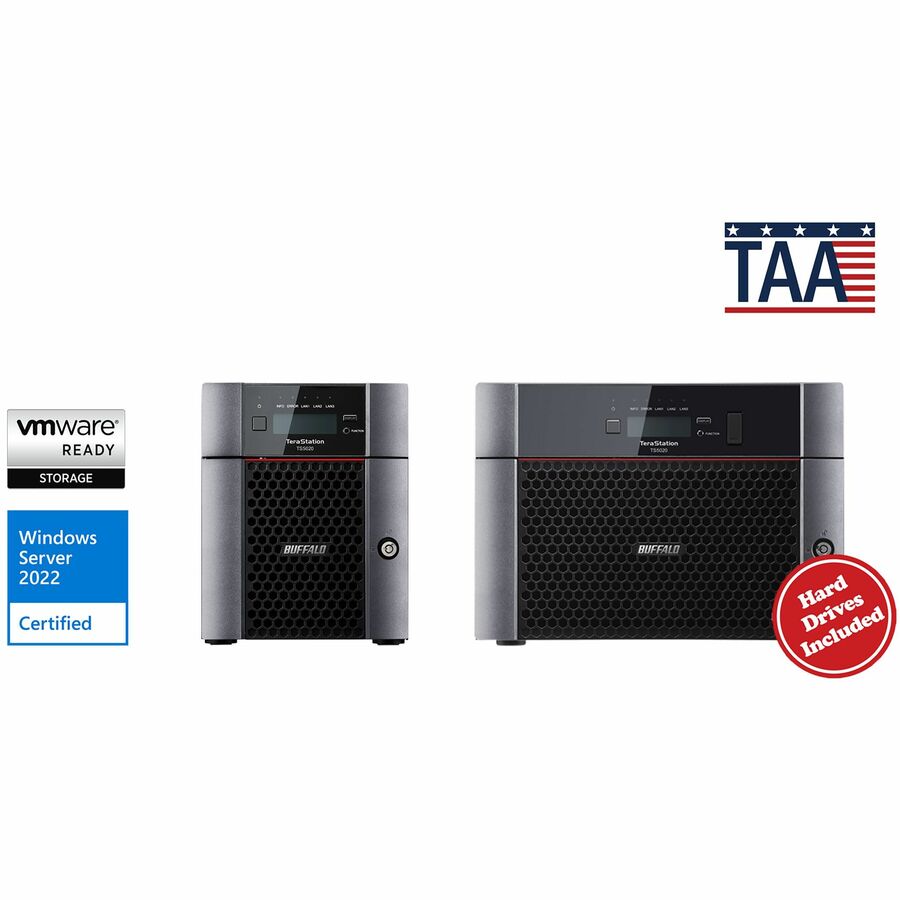
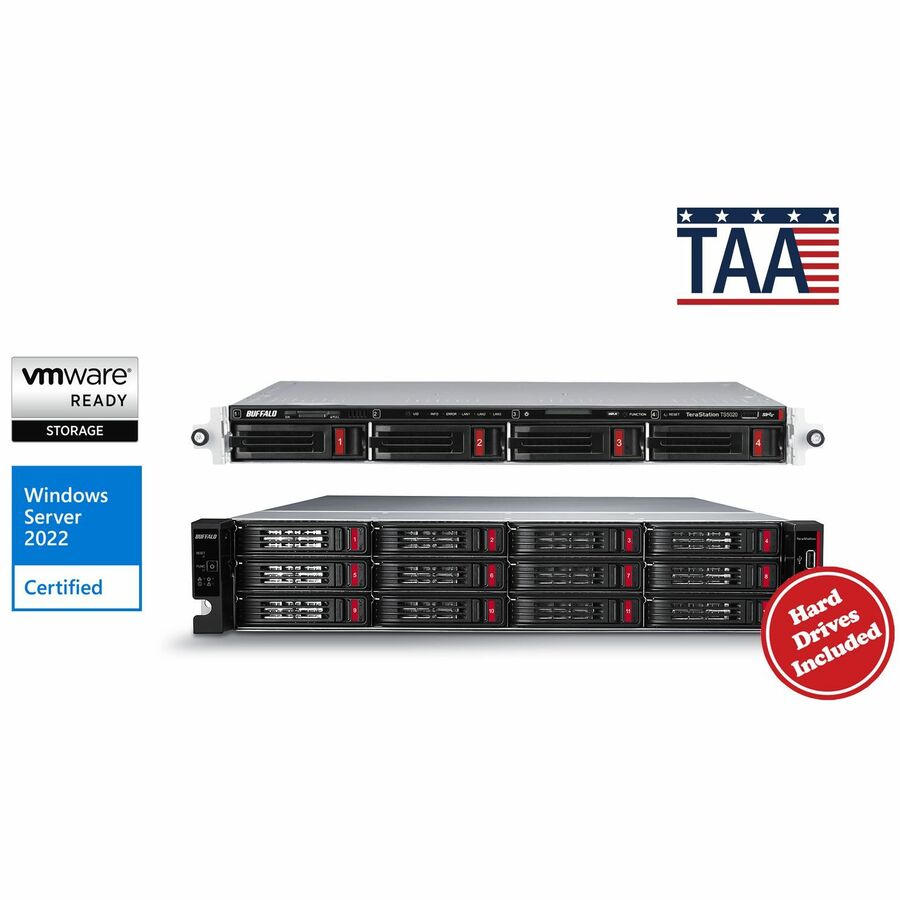
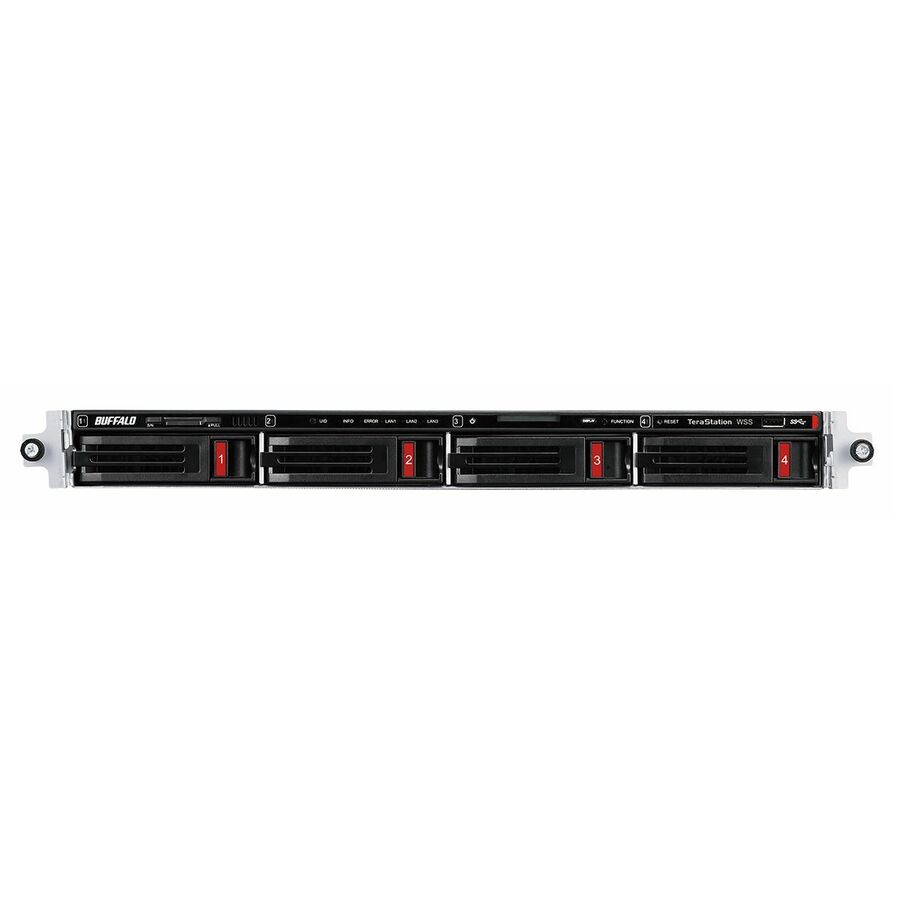
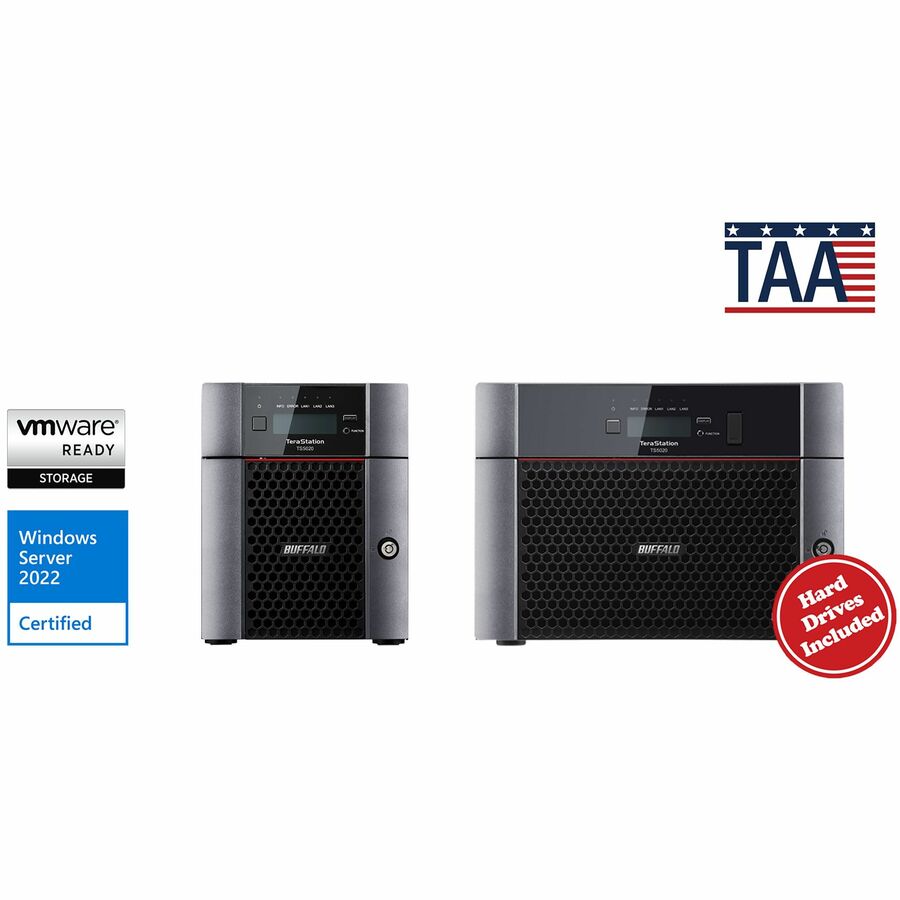
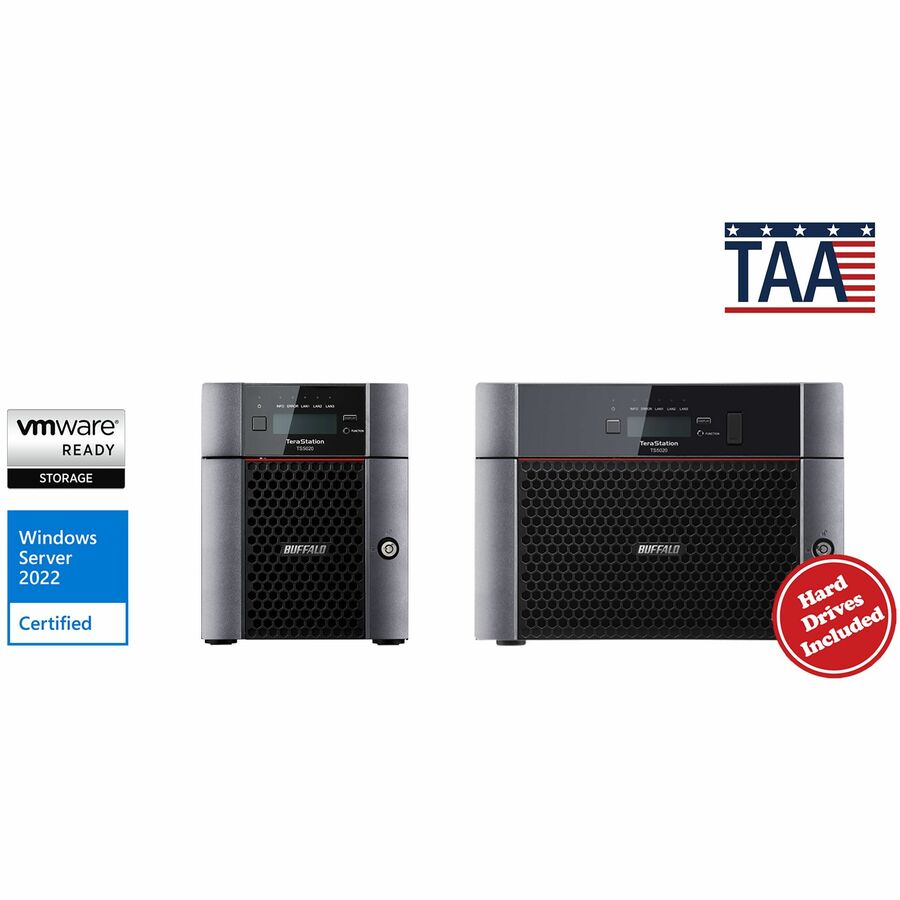
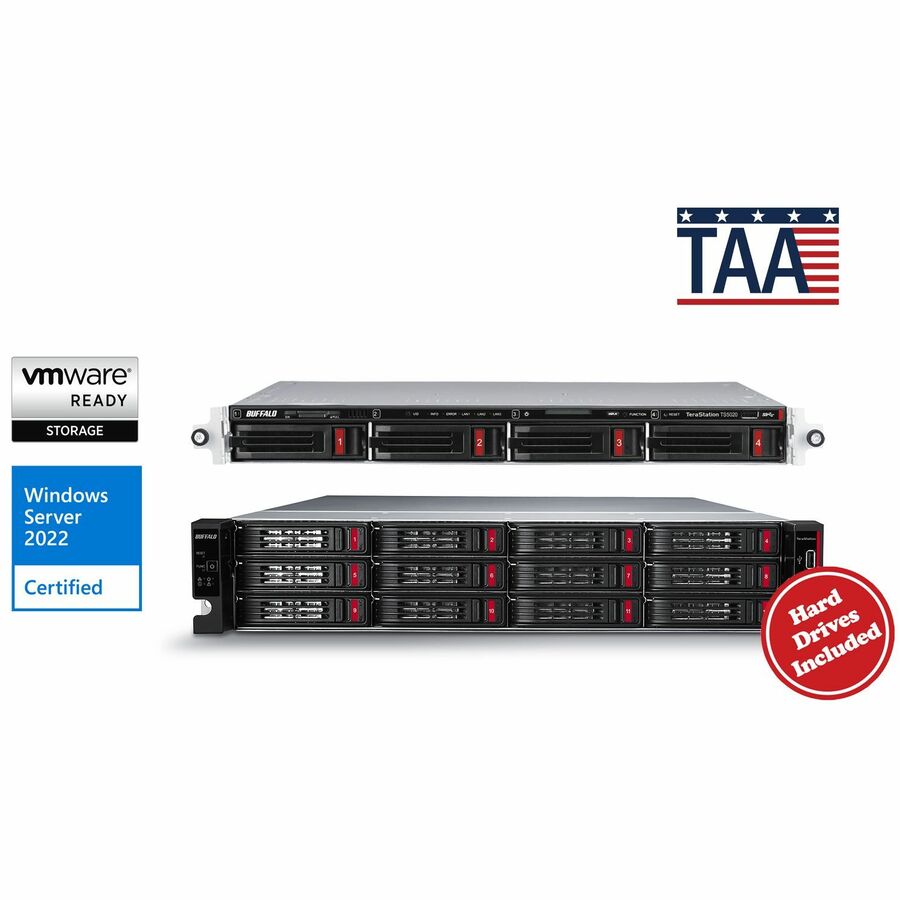
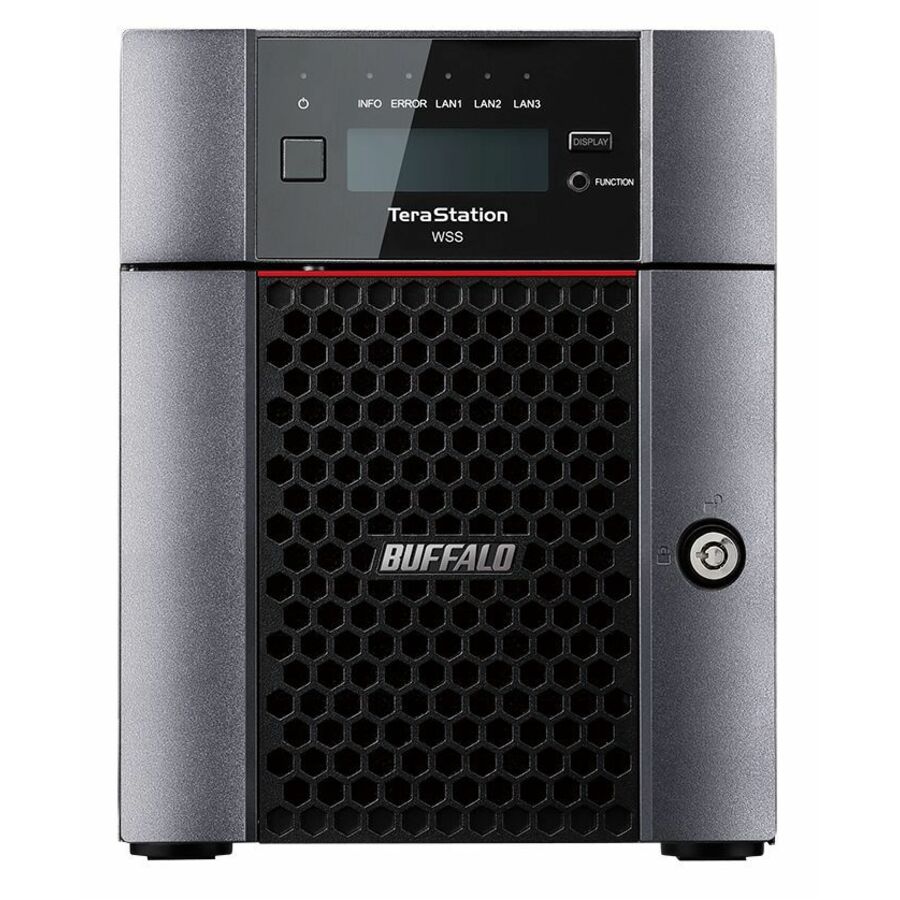
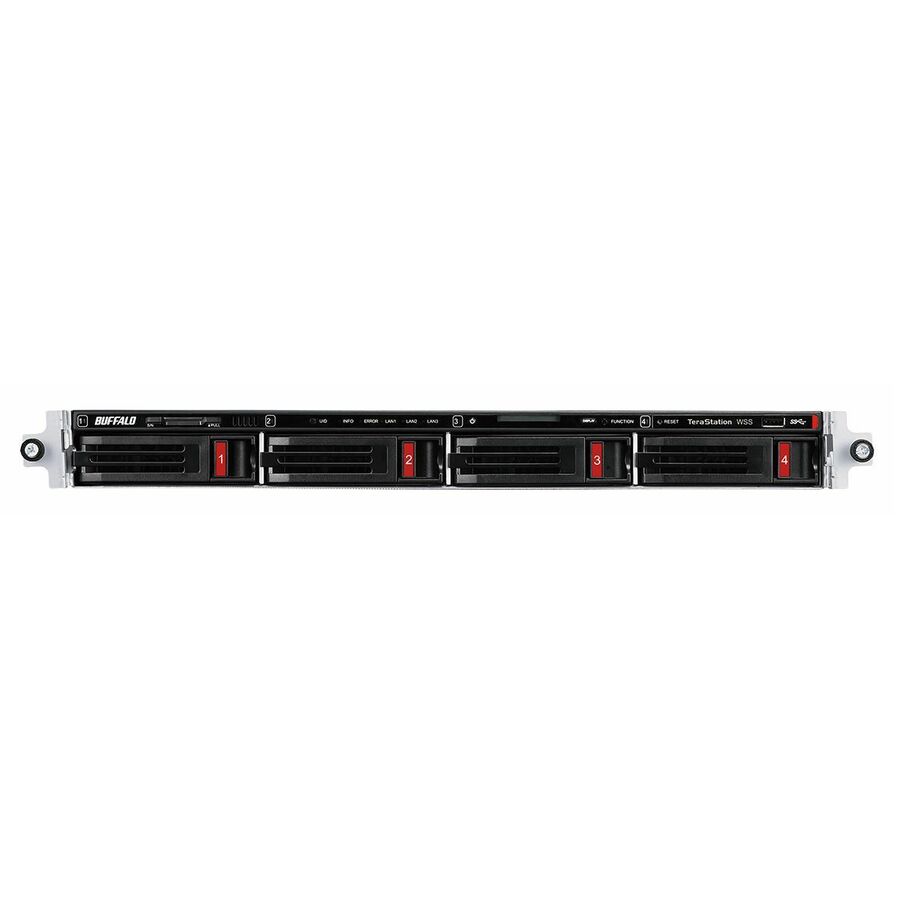
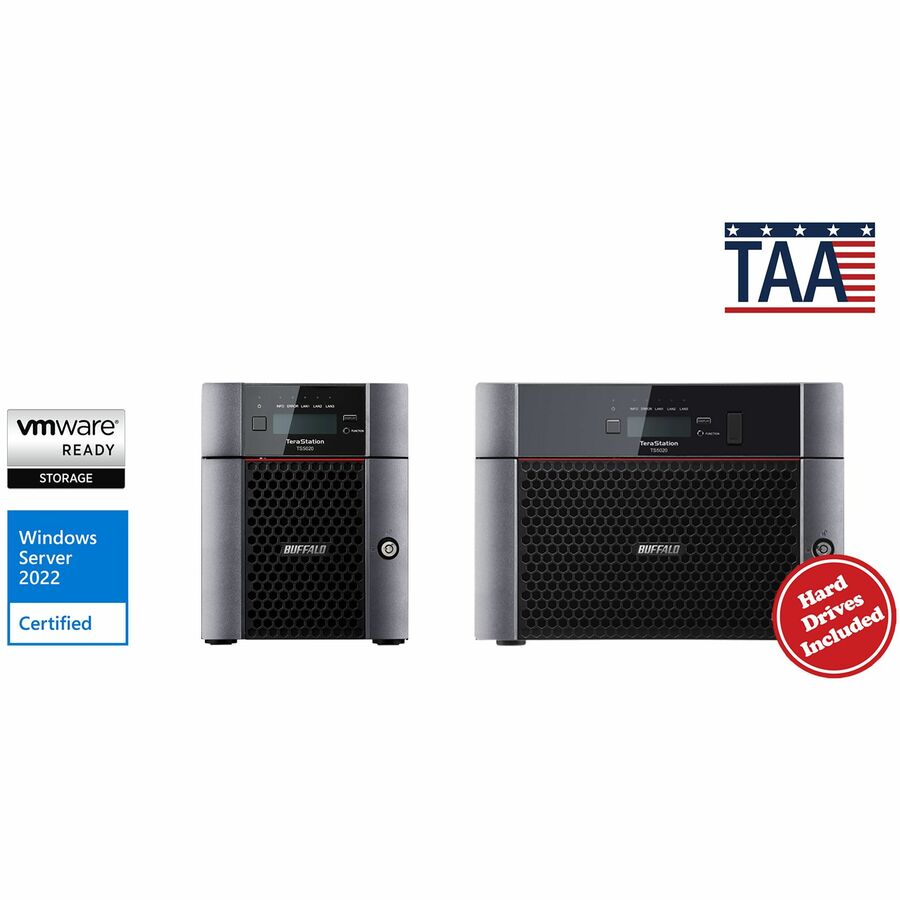
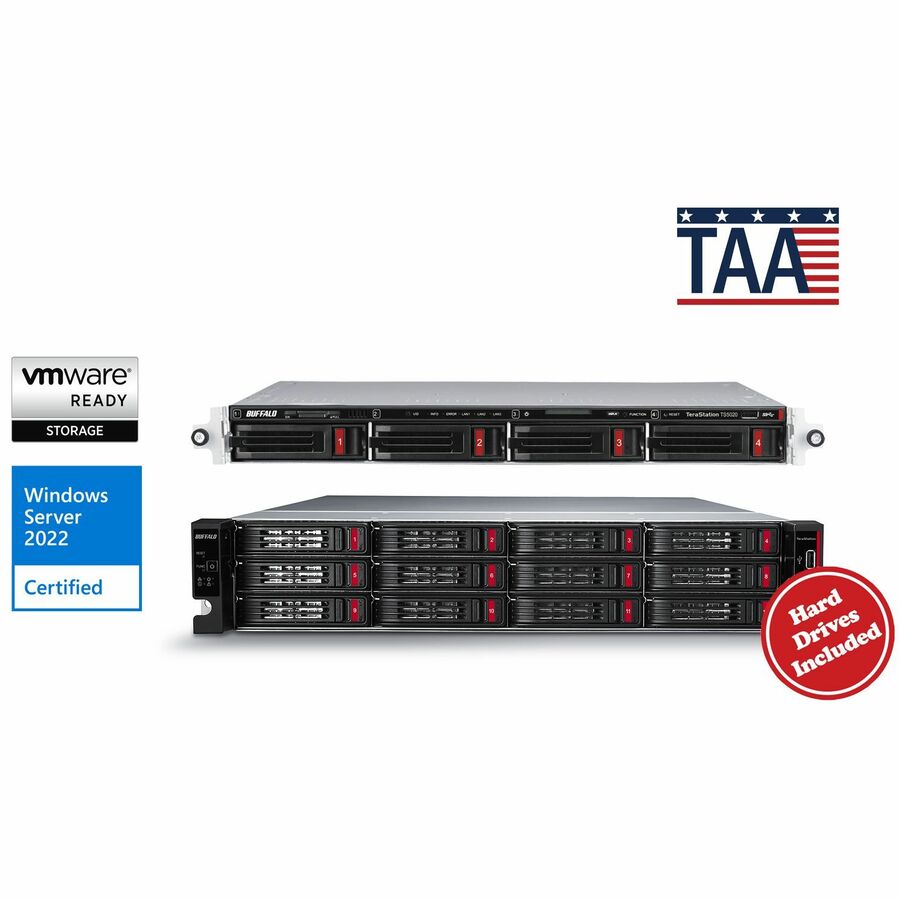
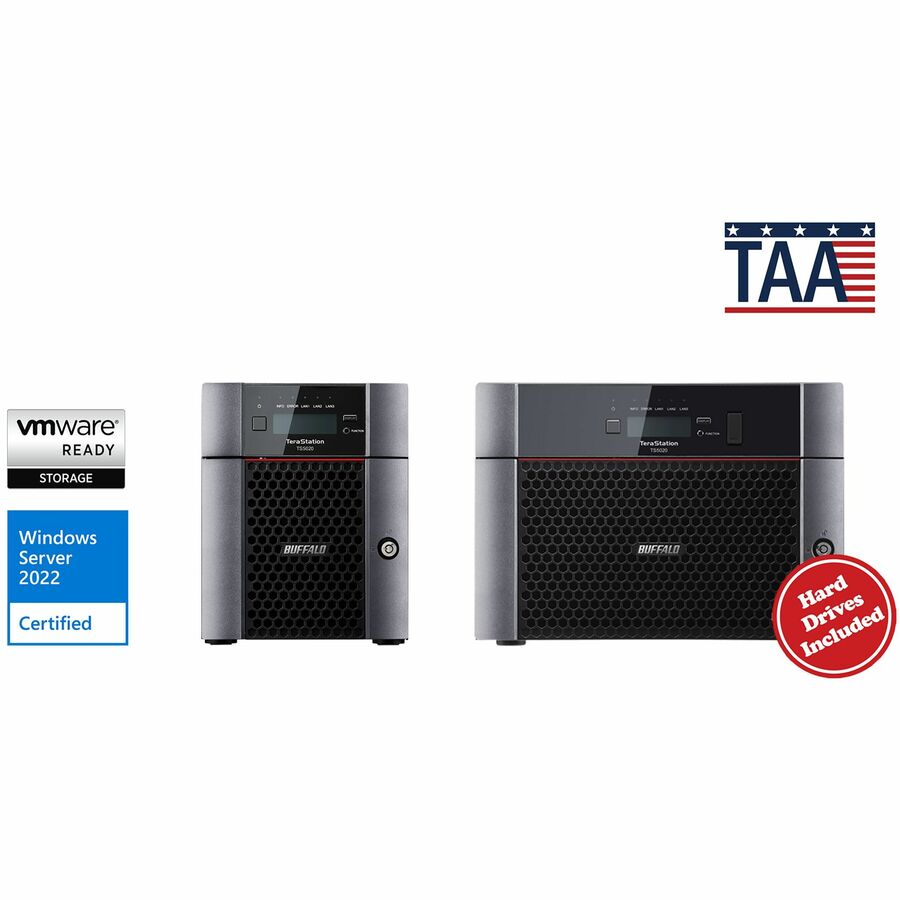
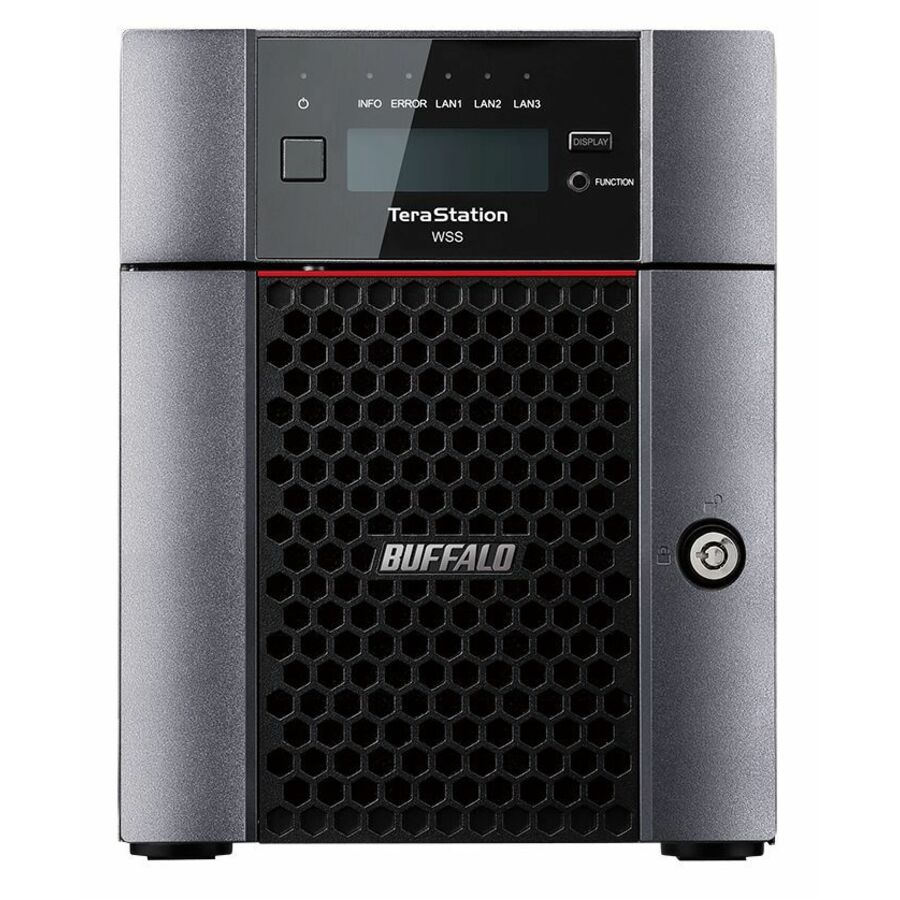
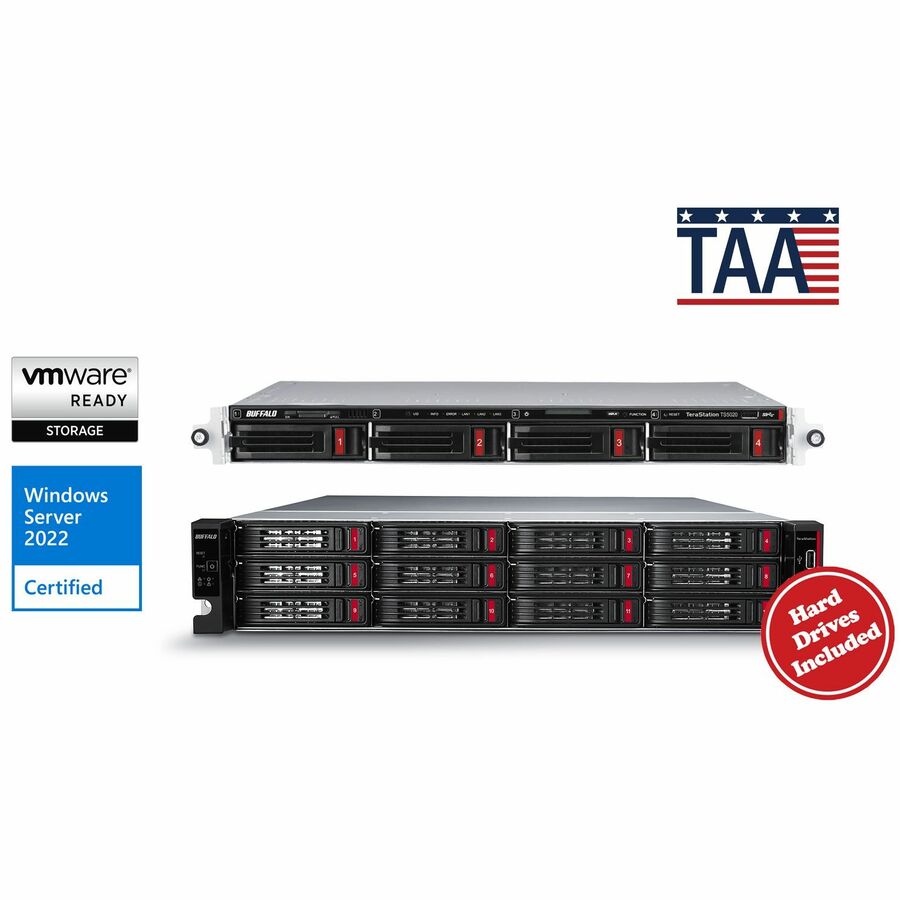
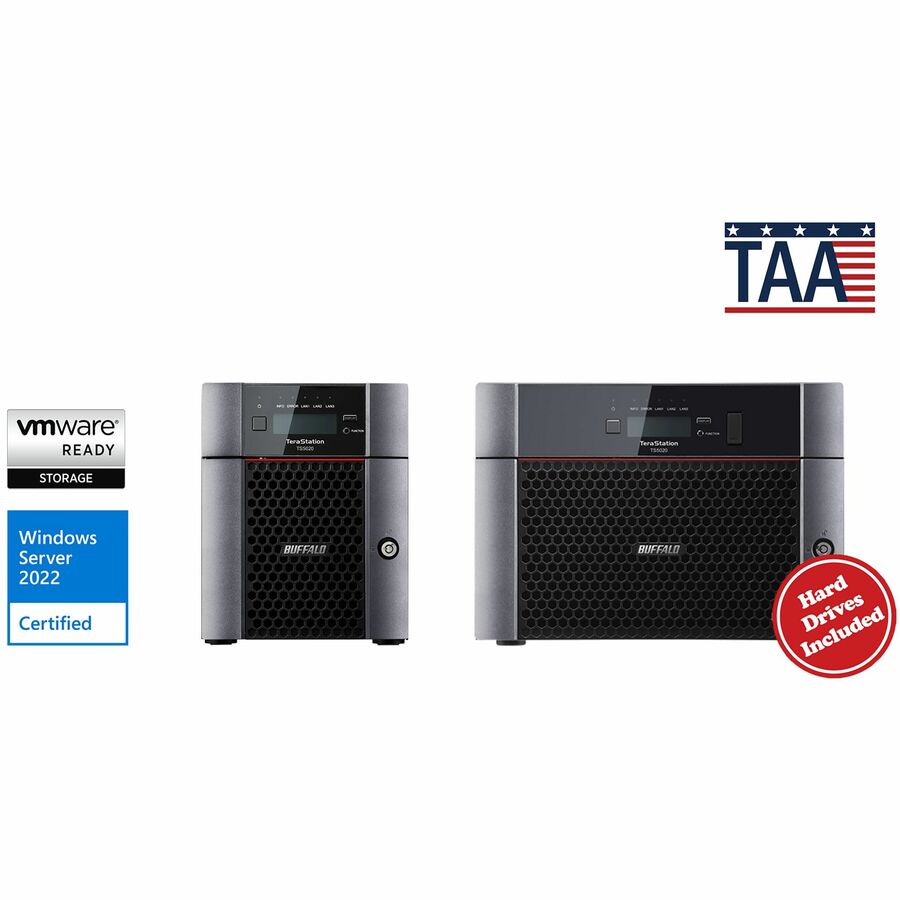
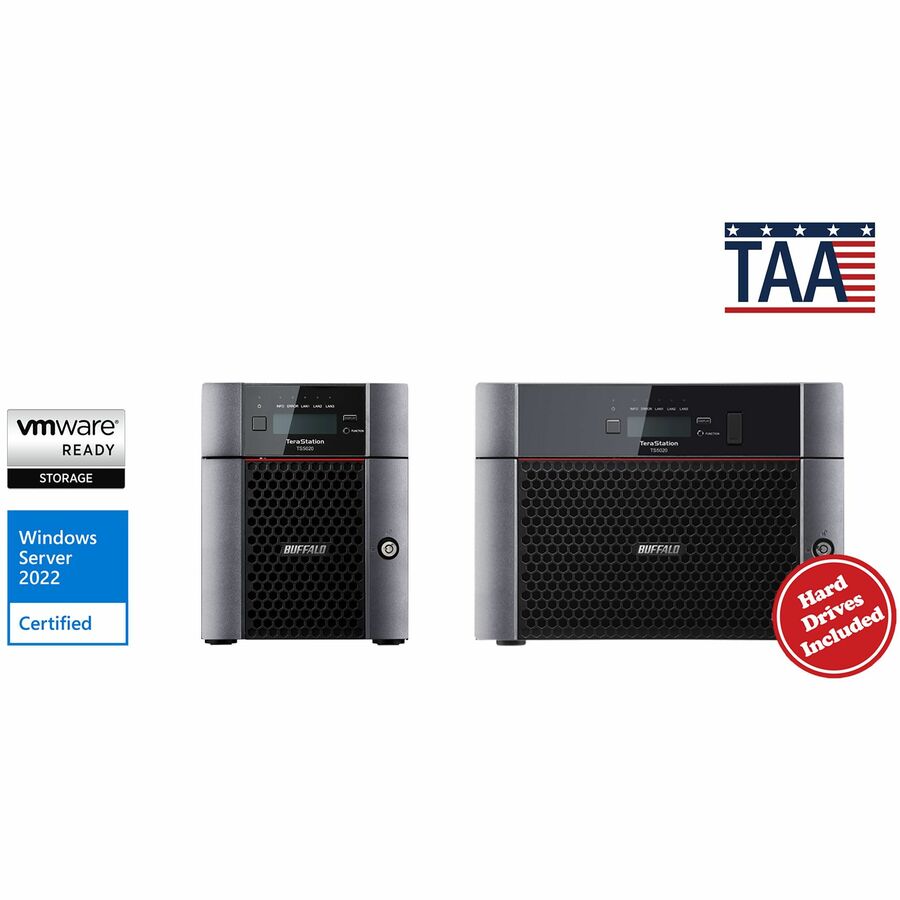
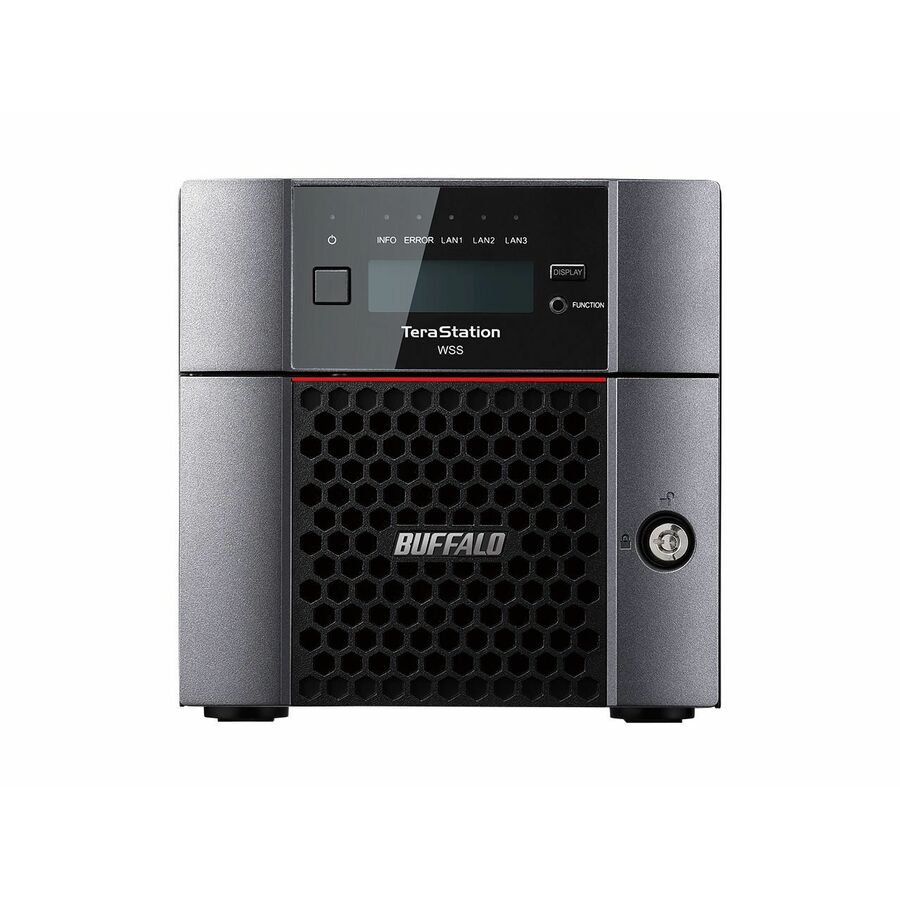
- BuffaloBUFFALO TeraStation 51220RH 12-Bay Secure Business 2U NAS 120TB (12x10TB) w/ Hard Drives Included - 12 x HDD Installed - (12 x 10TB) 120 TB Installed HDD Capacity - Serial ATA/600 - Serial ATA/600 Controller - 0, 1, 5, 6, 10, JBOD RAID Levels - 4 x RJ-45 - 10 Gigabit Ethernet, Gigabit EthernetTS51220RH12012
$15,015.99
$13,964.87*
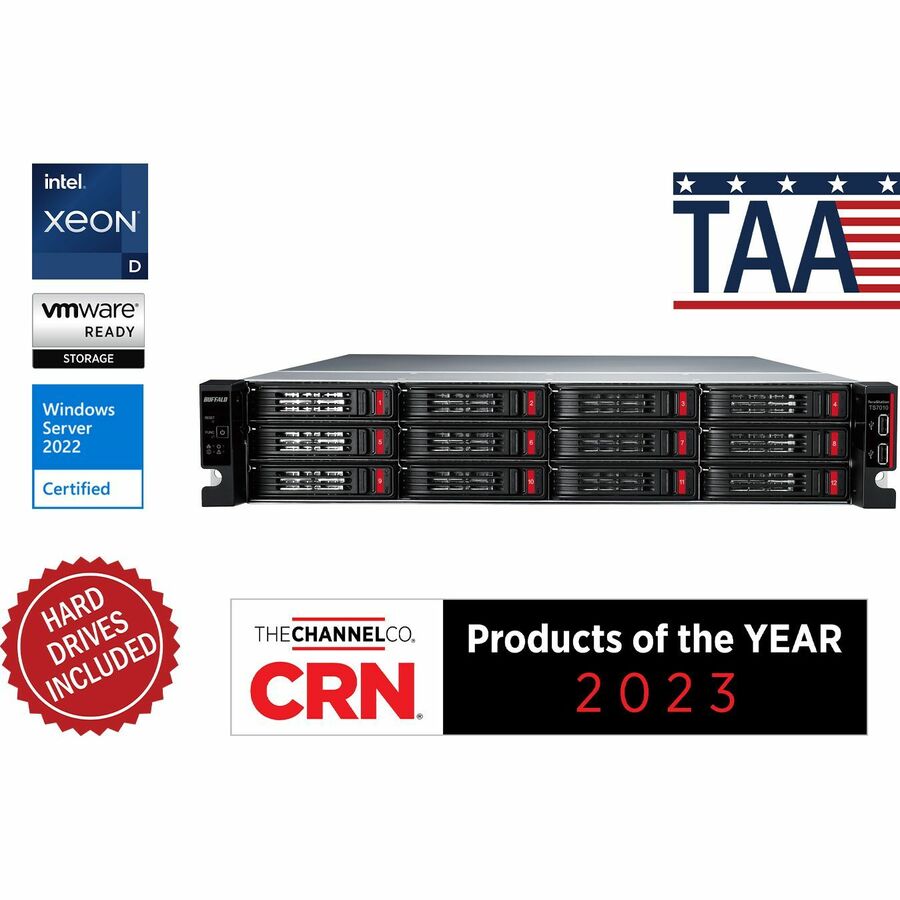
4 in stock - BuffaloBUFFALO TeraStation 51220RH 12-Bay Secure Business 2U NAS 48TB (12x4TB) w/ Hard Drives Included - 12 x HDD Installed - (12 x 4TB) 48 TB Installed HDD Capacity - Serial ATA/600 - Serial ATA/600 Controller - 0, 1, 5, 6, 10, JBOD RAID Levels - 4 x RJ-45 - 10 Gigabit Ethernet, Gigabit EthernetTS51220RH4812
$7,727.99
$7,187.03*
3 in stock



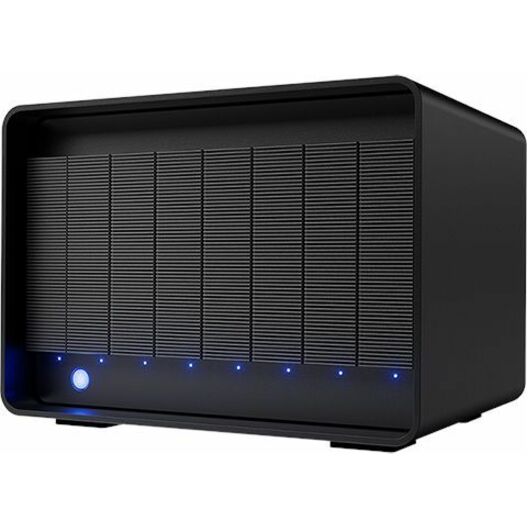
60-bay SAN, 4U
Lenovo
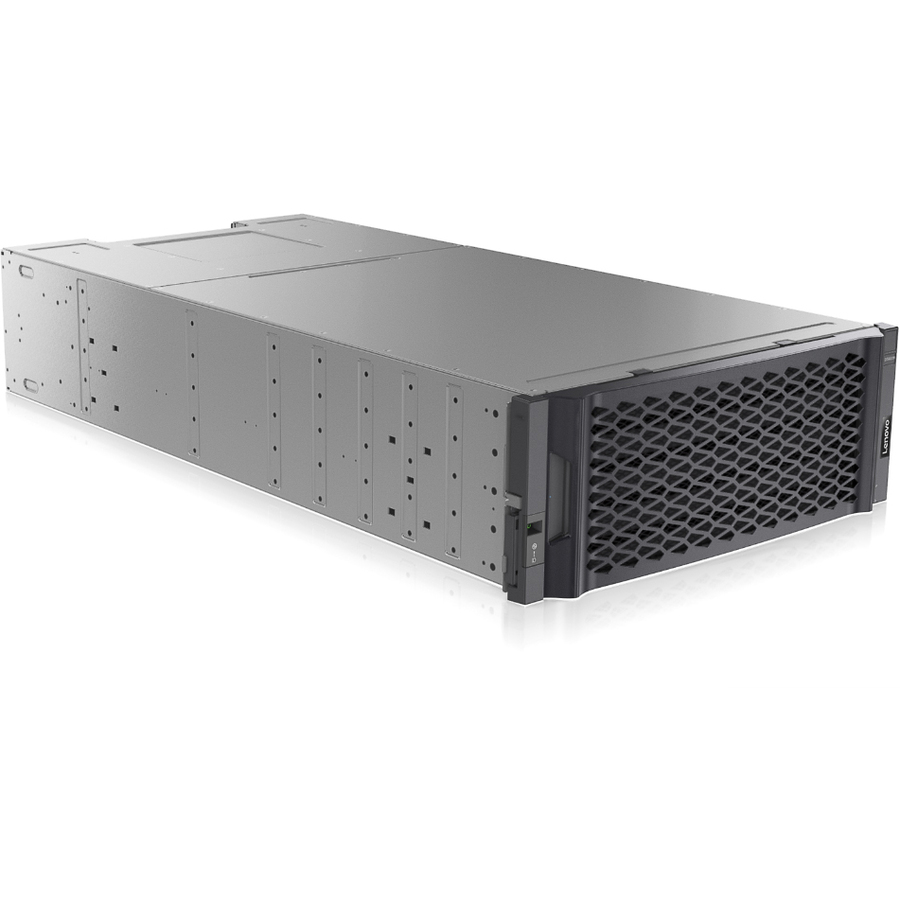
Lenovo ThinkSystem DE6000H SAN Storage System
7Y80A00LWW
A Lenovo ThinkSystem DE6000H SAN storage system — a 60-bay 4U rackmount array with dual 12Gb/s SAS controllers and RAID 0/1/3/5/6/10, the shared-block flagship of this page for a growing cluster.
$41,376.65Back-ordered12-bay flash array
Lenovo
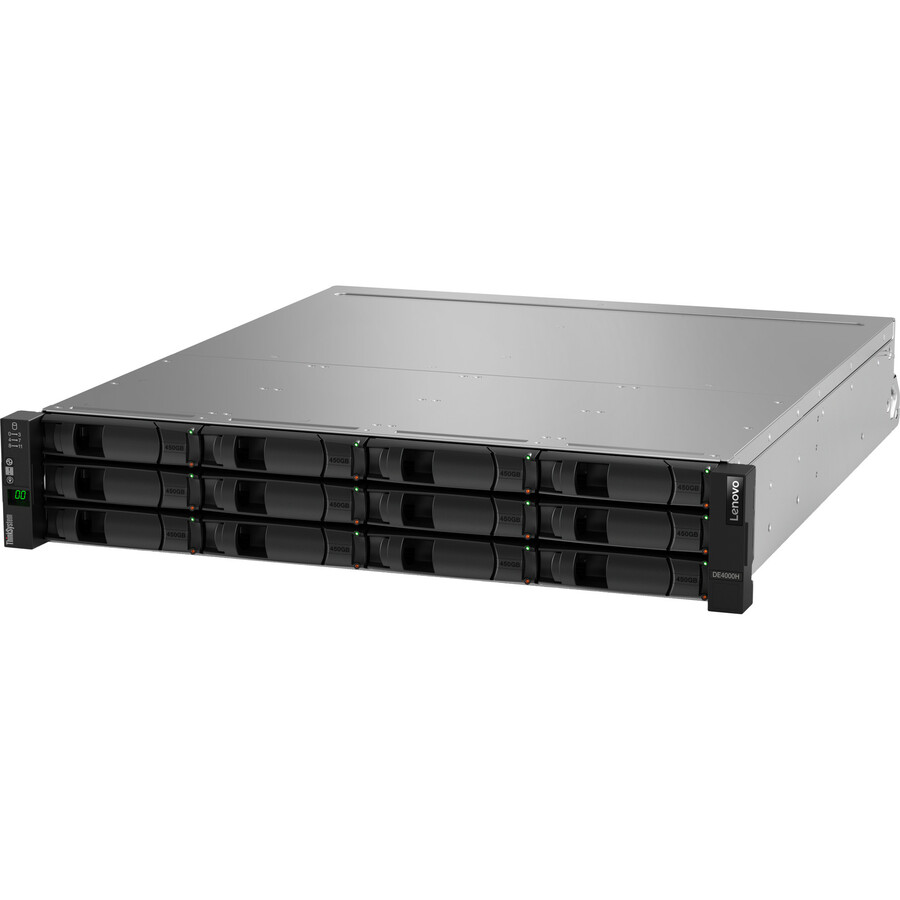
Lenovo ThinkSystem DE4000H SAS Hybrid Flash Array LFF
7Y741009NA
A Lenovo ThinkSystem DE4000H SAS hybrid flash array (LFF) — 12 bays, dual 12Gb/s SAS controllers and hybrid SSD/HDD tiering for a latency-sensitive workload in a 2U slot.
$29,360.33Back-ordered12-bay DAS/SAN
Lenovo
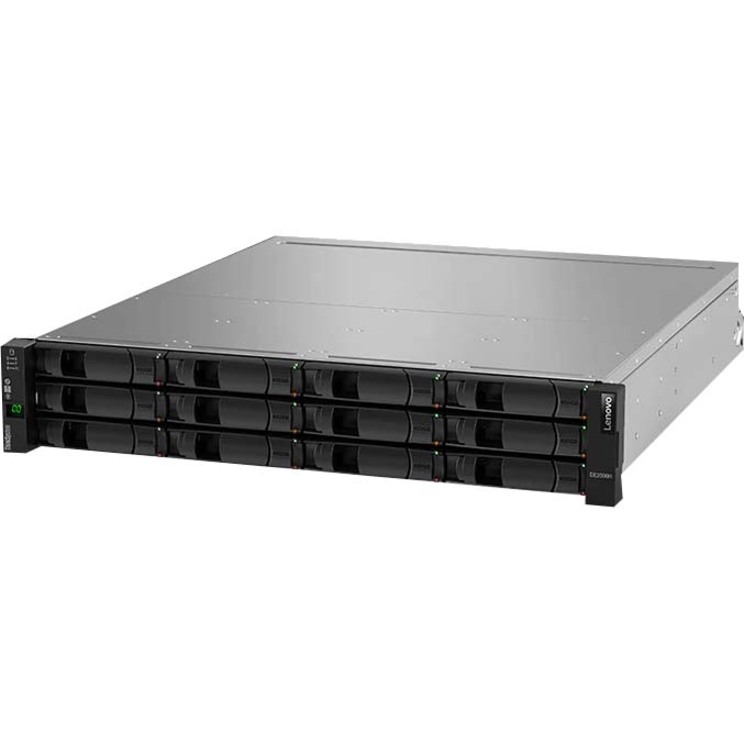
Lenovo ThinkSystem DE2000H DAS/SAN Storage System
7Y701008NA
A Lenovo ThinkSystem DE2000H DAS/SAN storage system — a 12-bay 2U array that can present block storage to hosts or attach directly, with full RAID support and external SAS ports.
$24,501.56Back-ordered12-bay hybrid array
Lenovo
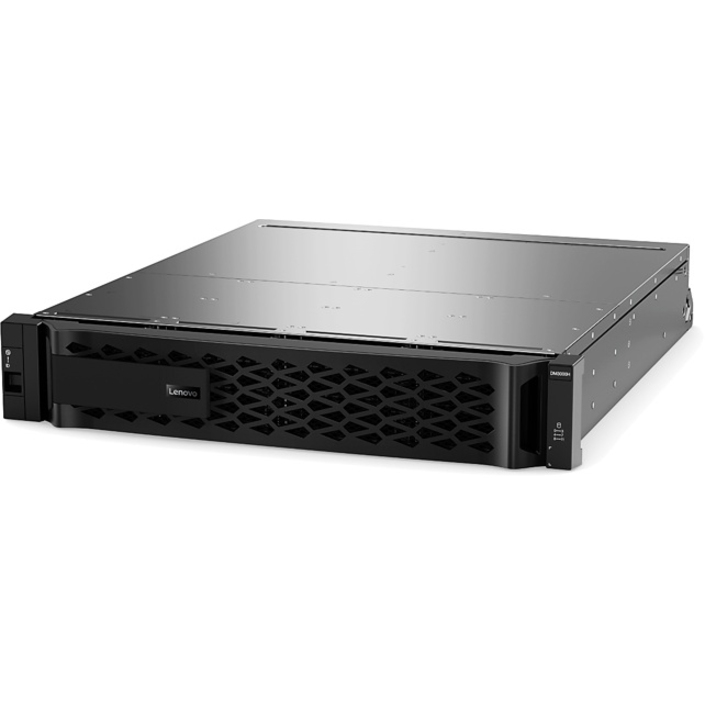
Lenovo ThinkSystem DM3000H Unified Hybrid Storage Array
7Y42A000NA
A Lenovo ThinkSystem DM3000H unified hybrid storage array — 12 bays populated at 48 TB, dual SAS controllers and 10 Gigabit Ethernet, a 2U rackmount unit for a small virtualization host.
$18,284.40Back-ordered16-bay SAN, 3U
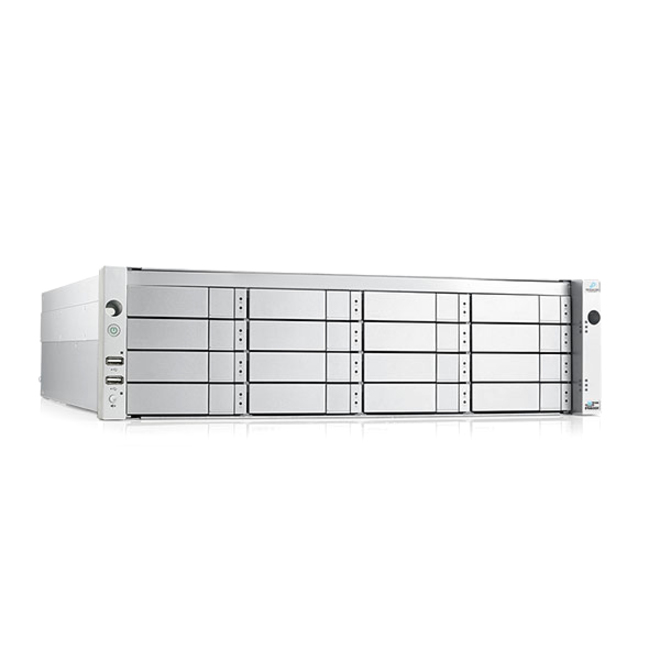
Promise Technology
Promise VTrak D5600xD SAN/NAS Storage System
D5600XDAB0
A Promise VTrak D5600xD SAN/NAS storage system — 16 bays in 3U with dual 12Gb/s SAS controllers, 10 Gigabit Ethernet and iSCSI, a mainstream shared array for a rack of servers.
$12,205.01Back-ordered16-bay iSCSI SAN
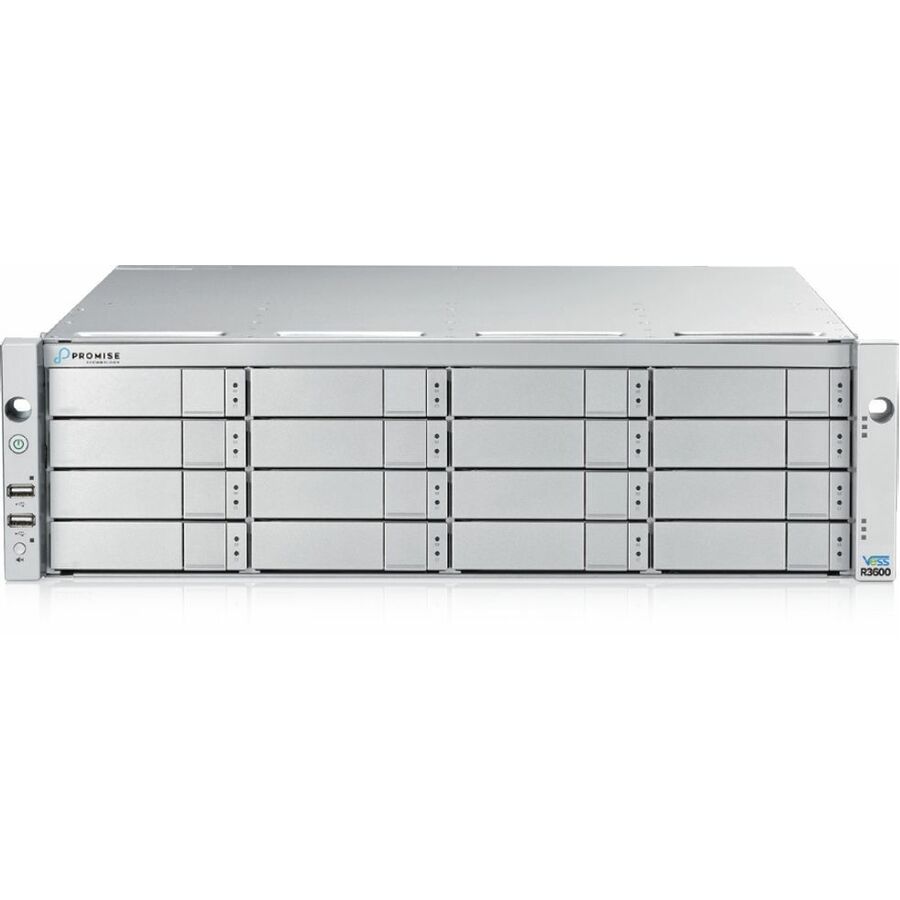
Promise Technology
Promise Vess R3600iS SAN/NAS Storage System
R3600ISQQS4
A Promise Vess R3600iS SAN/NAS storage system — 16 bays, 16 GB cache and a 12Gb/s SAS controller serving iSCSI, NFS and SMB from a 3U rackmount chassis.
$10,006.58Back-ordered12-bay DAS tower
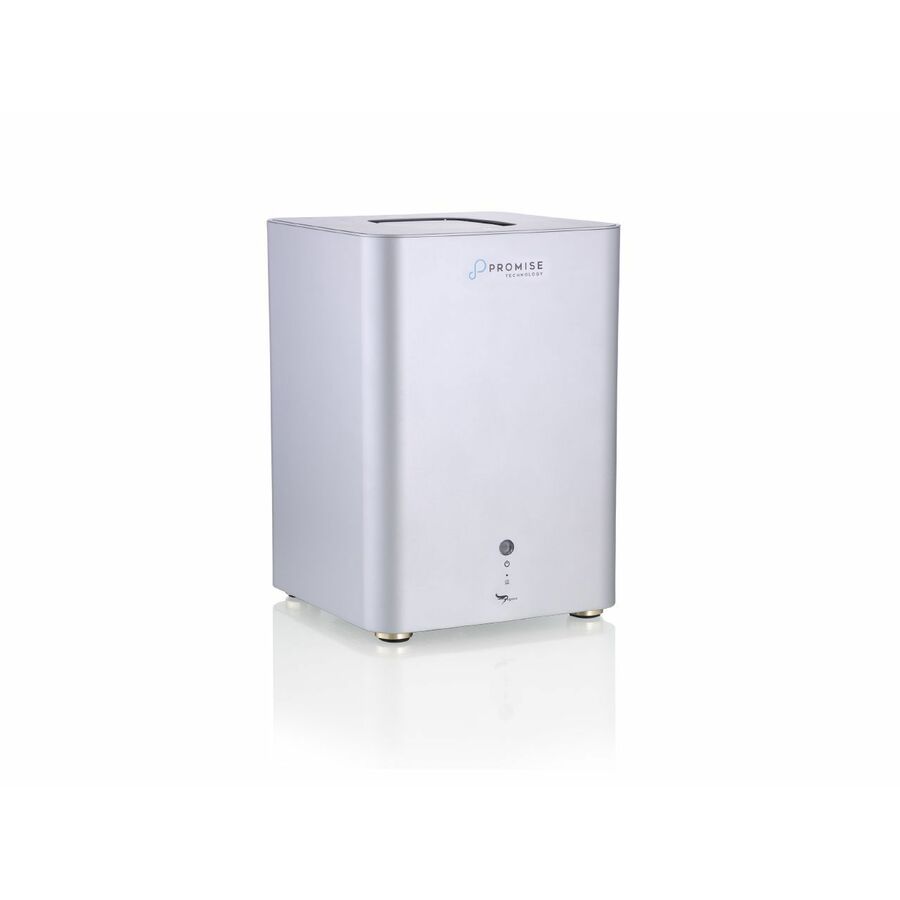
Promise Technology
Promise Pegasus5 R12 Pro DAS Storage System
PG5R12PXX08FTG
A Promise Pegasus5 R12 Pro DAS storage system — a 12-bay tower supporting 288 TB raw with RAID 0/1/5/6/10/50/60, direct-attached capacity for a single high-throughput host.
$12,362.57Back-ordered8-bay DAS, 96 TB
Promise Technology
Promise Pegasus32 R8 DAS Storage System
P32R8HD96US
A Promise Pegasus32 R8 DAS storage system — 8 bays installed at 96 TB with SATA and full RAID including JBOD, a desktop direct-attached array for a media or backup workload.
$7,271.78Back-ordered4-bay DAS array
Promise Technology
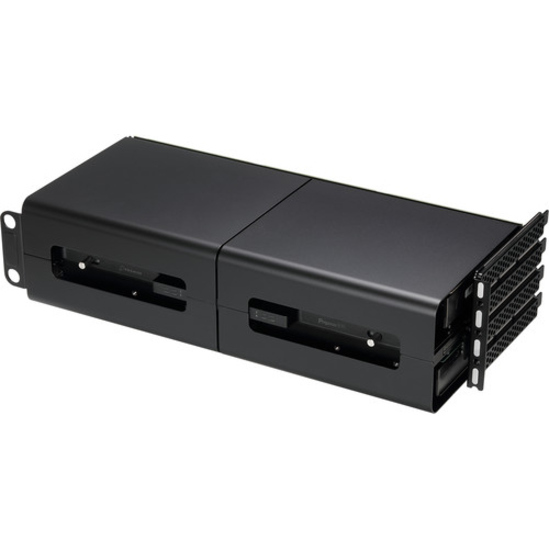
Promise Pegasus R4i DAS Storage System
P3R4IHD32
A Promise Pegasus R4i DAS storage system — a 4-bay unit installed at 32 TB with RAID 0/1/5/6/10 and JBOD, the compact direct-attached entry for a single application server.
$3,621.88Back-ordered16-bay 2U DAS
Lenovo
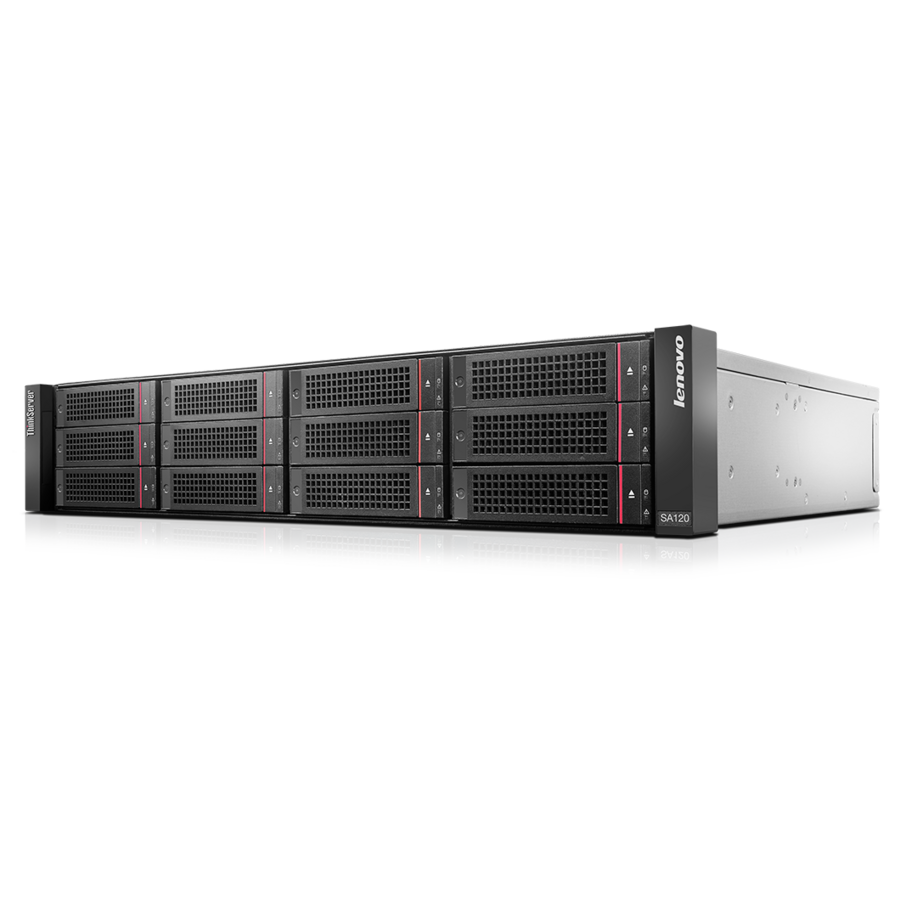
Lenovo ThinkServer SA120 DAS Array with Single Controller
70F10000UX
A Lenovo ThinkServer SA120 DAS array with single controller — 16 total bays (twelve 3.5-inch, four 2.5-inch) of 6Gb/s SAS in a 2U rackmount chassis for direct-attached expansion.
$3,539.26Back-orderedFireproof 2-bay DAS
CDSG
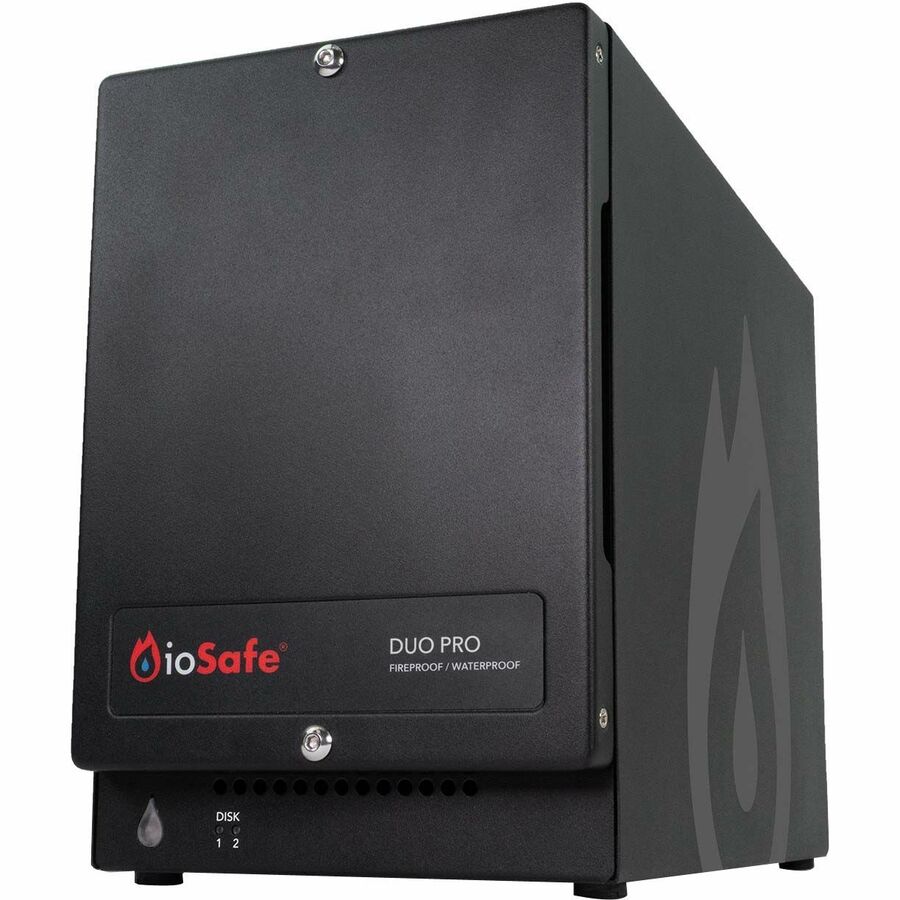
ioSafe Duo Pro DAS Storage System (2 Year DRS)
72410-1942-1200
An ioSafe Duo Pro DAS storage system installed at 24 TB — a fireproof and waterproof 2-bay direct-attached array with RAID 0/1 and JBOD, for on-site data that must survive a disaster.
$2,506.54Back-orderedFireproof DAS, 16 TB
CDSG
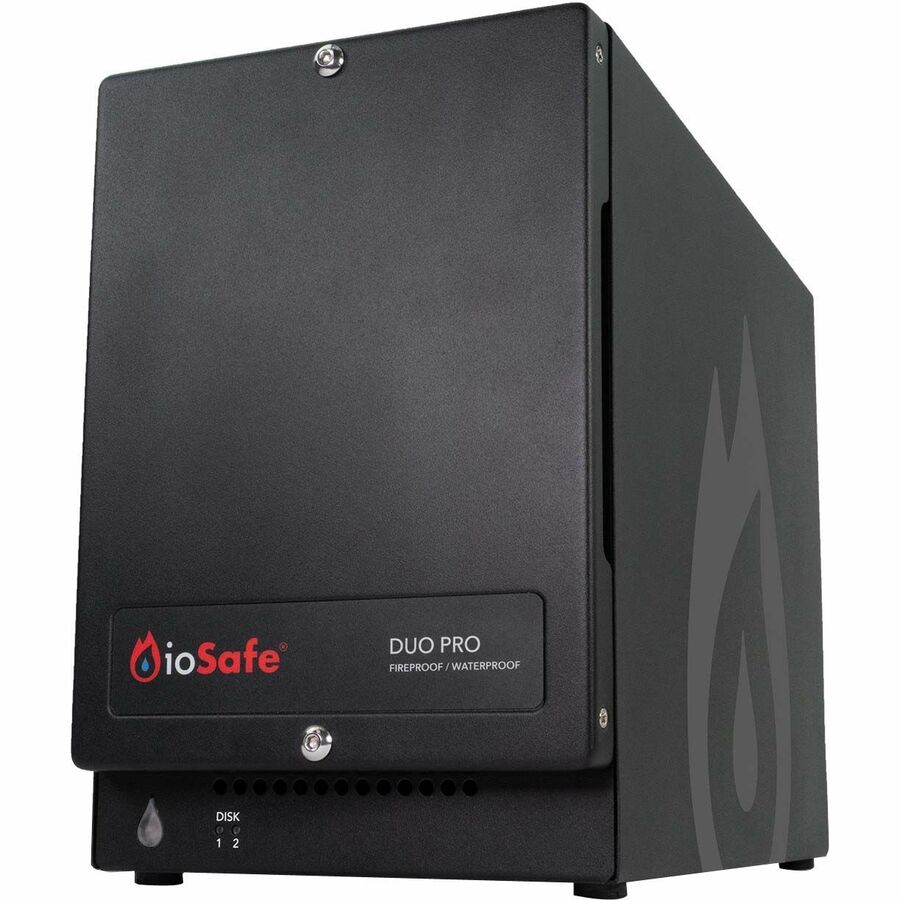
ioSafe Duo Pro DAS Storage System (2 Year DRS)
72410-1940-1200
An ioSafe Duo Pro DAS storage system at 16 TB — the mid-capacity fireproof/waterproof 2-bay unit with hardware RAID, a hardened local target for a branch or edge site.
$1,780.14Back-orderedFireproof DAS entry
CDSG
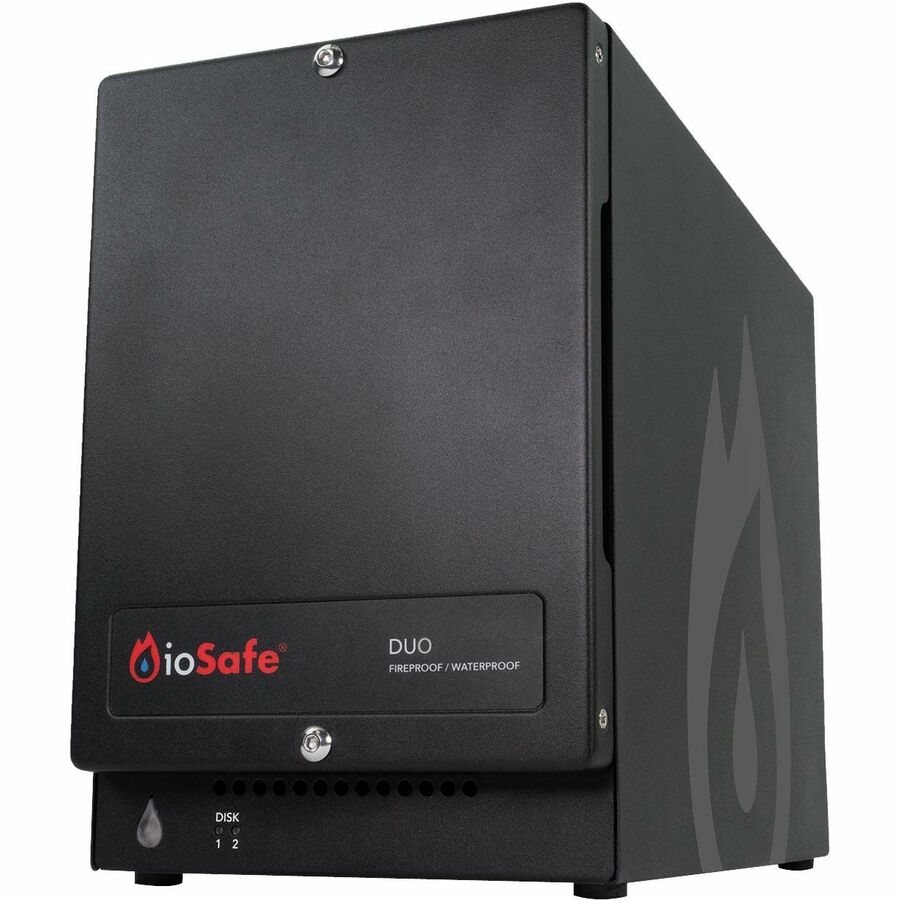
ioSafe Duo DAS Storage System
72400-1930-0200
An ioSafe Duo DAS storage system — a 2-bay fireproof/waterproof direct-attached array supporting 28 TB with RAID 0/1, the entry into disaster-resistant local storage.
$676.39Back-ordered48 TB mirror DAS
Western Digital
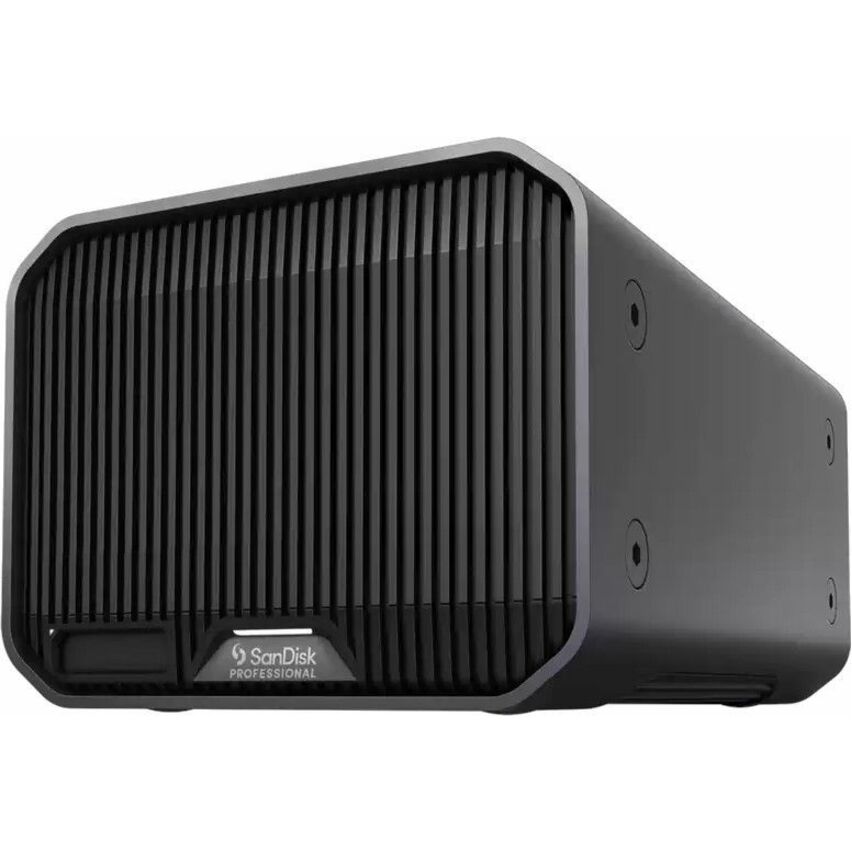
WD G-RAID MIRROR DAS Storage System
SDPHH2H-024T-NBAAD
A WD G-RAID MIRROR DAS storage system — a 2-bay direct-attached array supporting 48 TB with hardware RAID 1, a simple mirrored vault for a workstation or single host.
$1,324.32Back-ordered2-bay TAA RAID
Rocstor
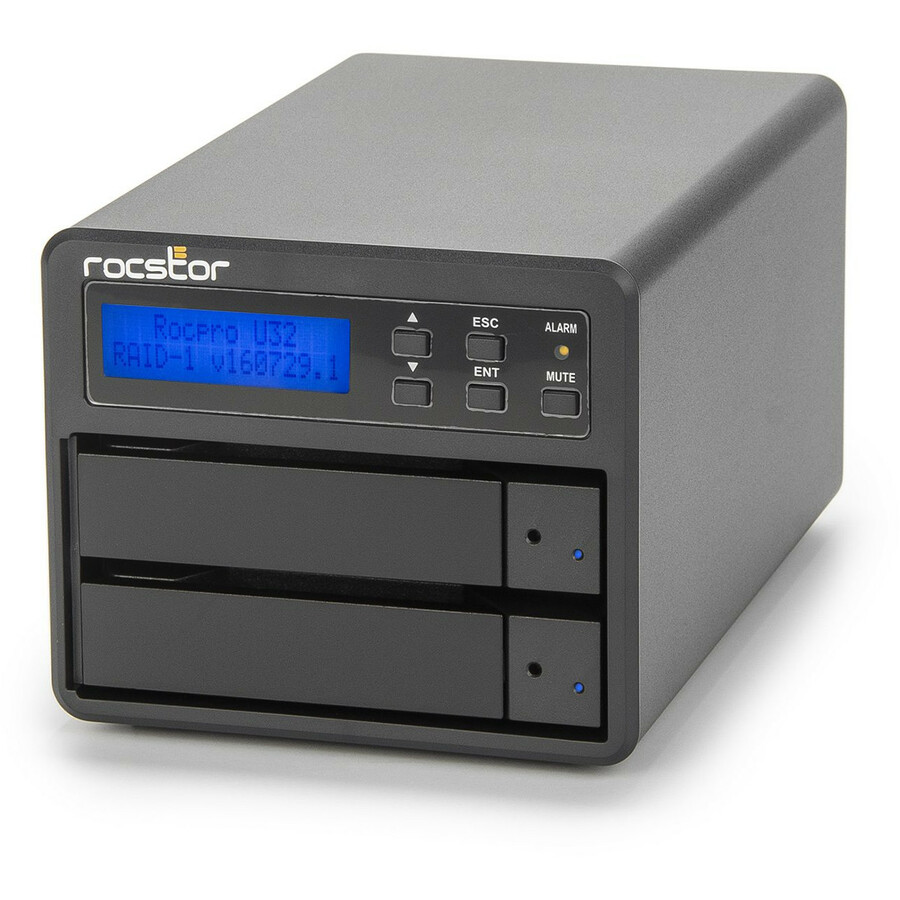
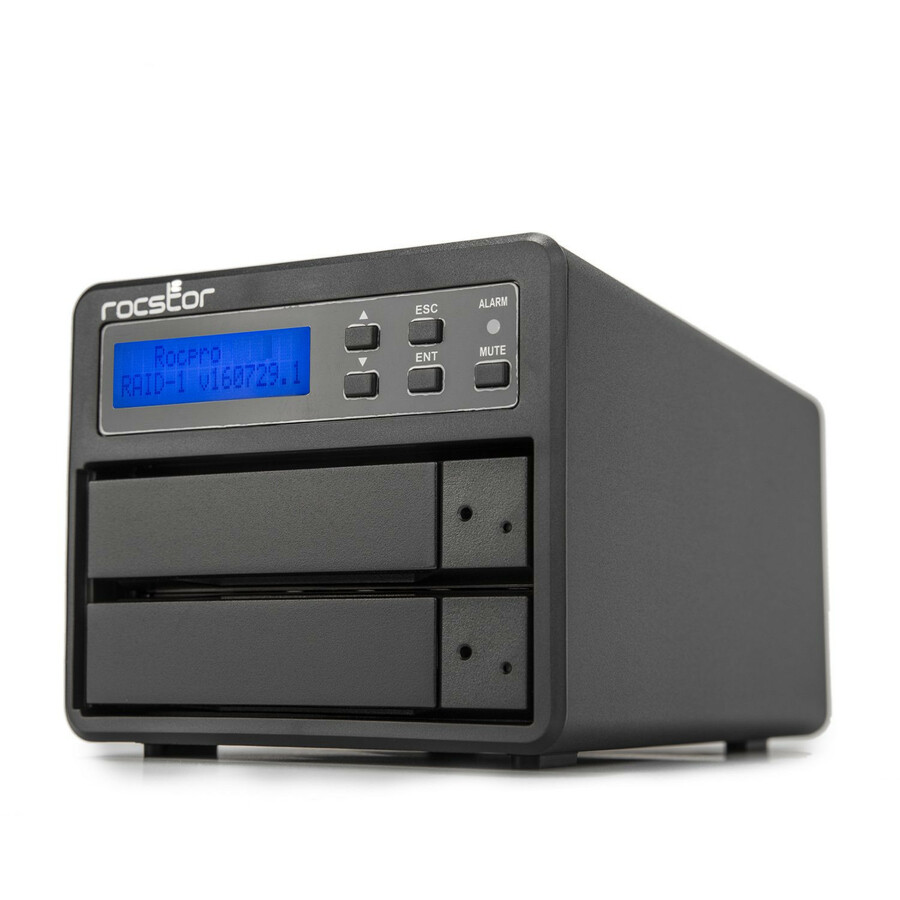
Rocstor Rocpro U33 USB Type-C Desktop RAID Storage
GP4302-01
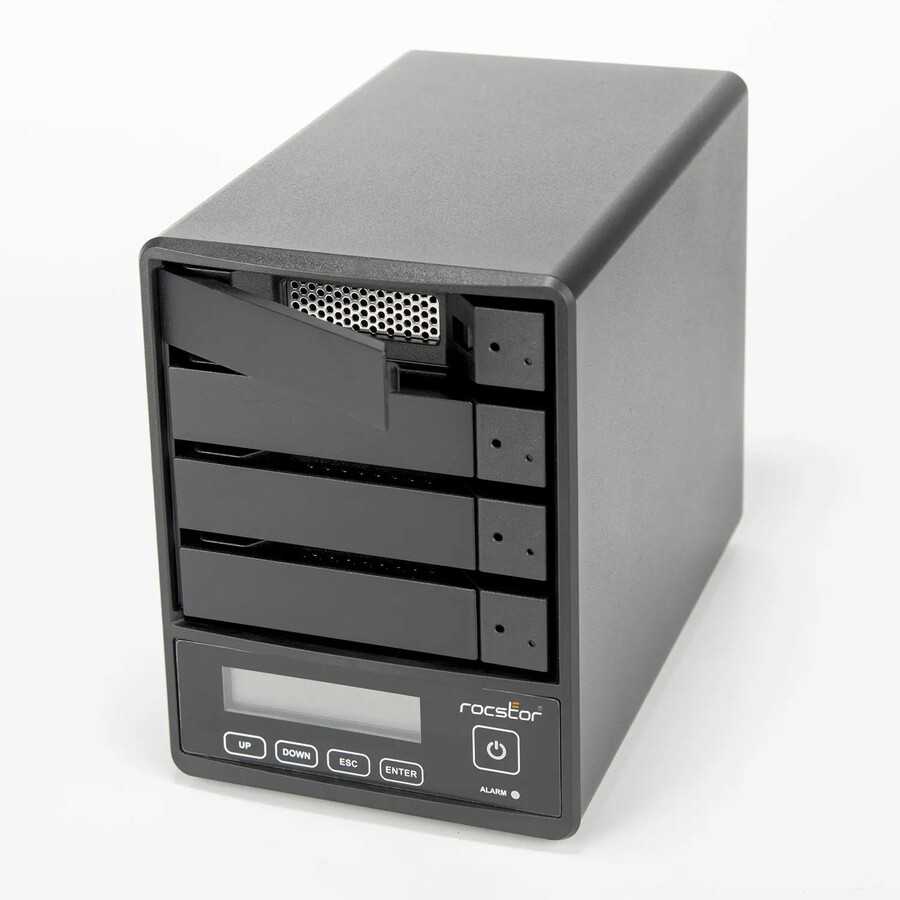
A Rocstor Rocpro U33 desktop RAID storage unit installed at 12 TB — a 2-bay hot-swap USB-C direct-attached array with RAID 0/1, titled TAA Compliant for a compliance-scoped desk.
Titled TAA Compliant, a per-part fact to confirm on the row ordered.
$1,409.05*In stock4-bay TAA enclosure
Rocstor
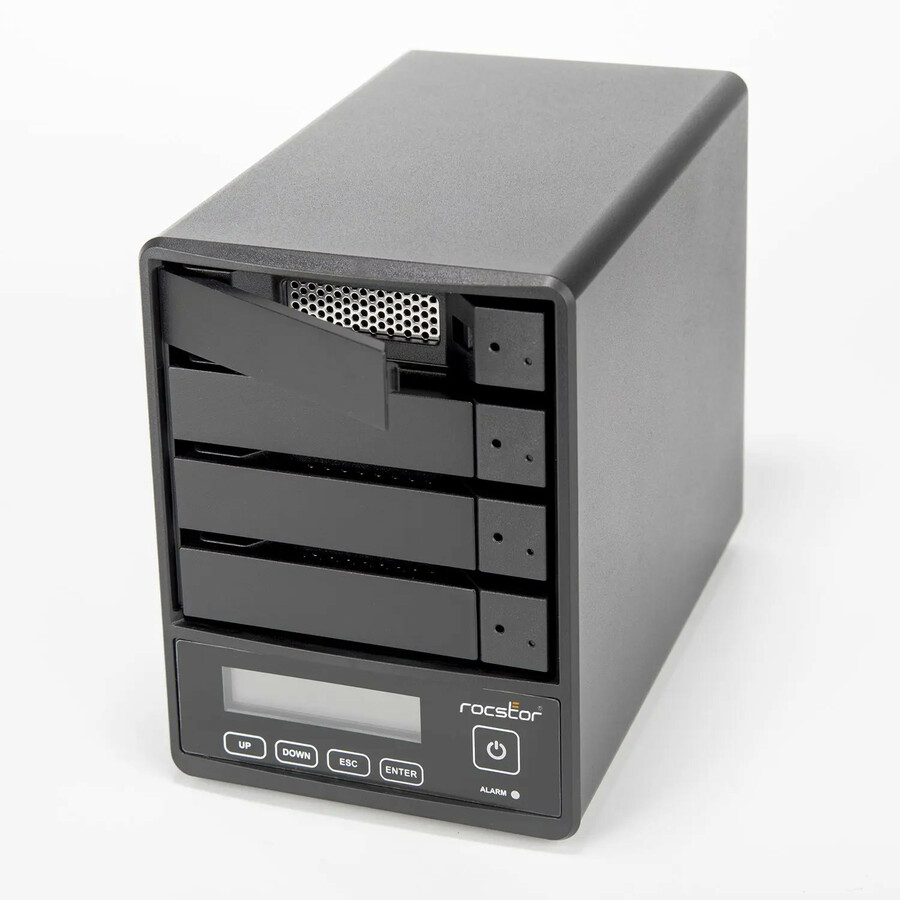
Rocstor Rocpro U35 USB Type-C Desktop RAID Storage
GP44XX-01
A Rocstor Rocpro U35 desktop RAID storage enclosure — a 4-bay hot-swap USB-C direct-attached array with RAID 0/5 and JBOD, supplied without drives, titled TAA Compliant.
Titled TAA Compliant.
$476.75*Back-orderedMore storage arrays and servers in the Uniqcli catalog
See all 6,776 storage arrays and serversMore from across this category. In-stock lines lead, and a back-ordered line carries the same estimated availability its product page does — with live pricing throughout, NDAA §889 screening before checkout and TAA verified on request.
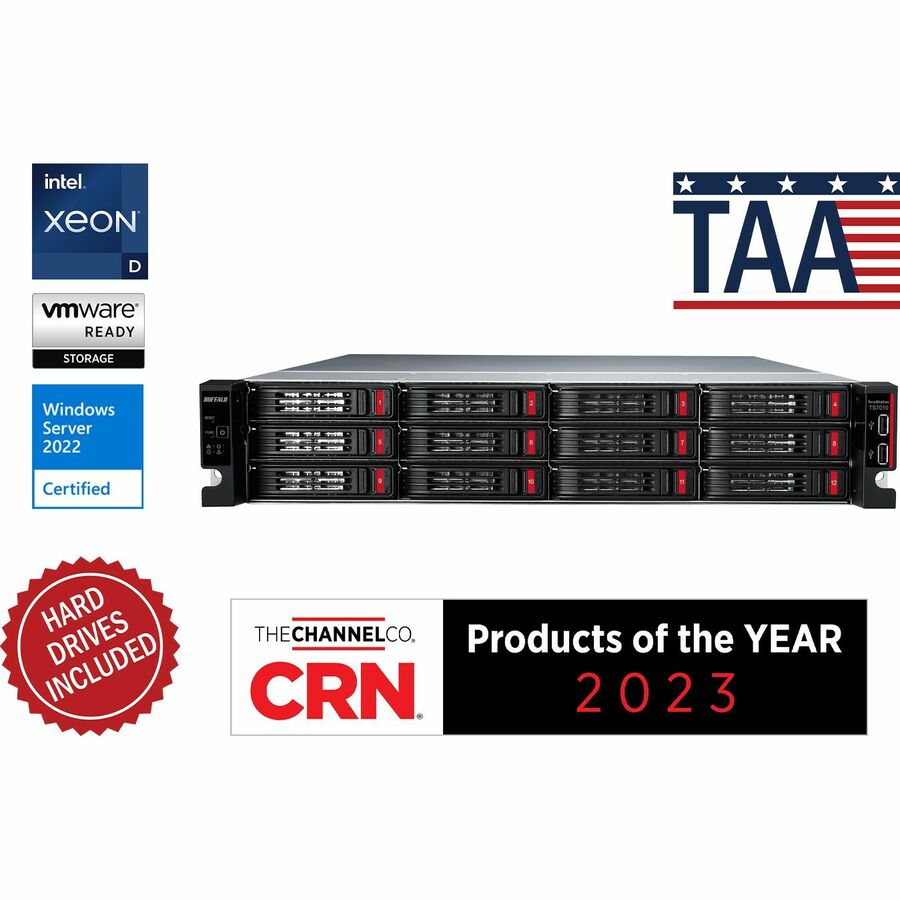
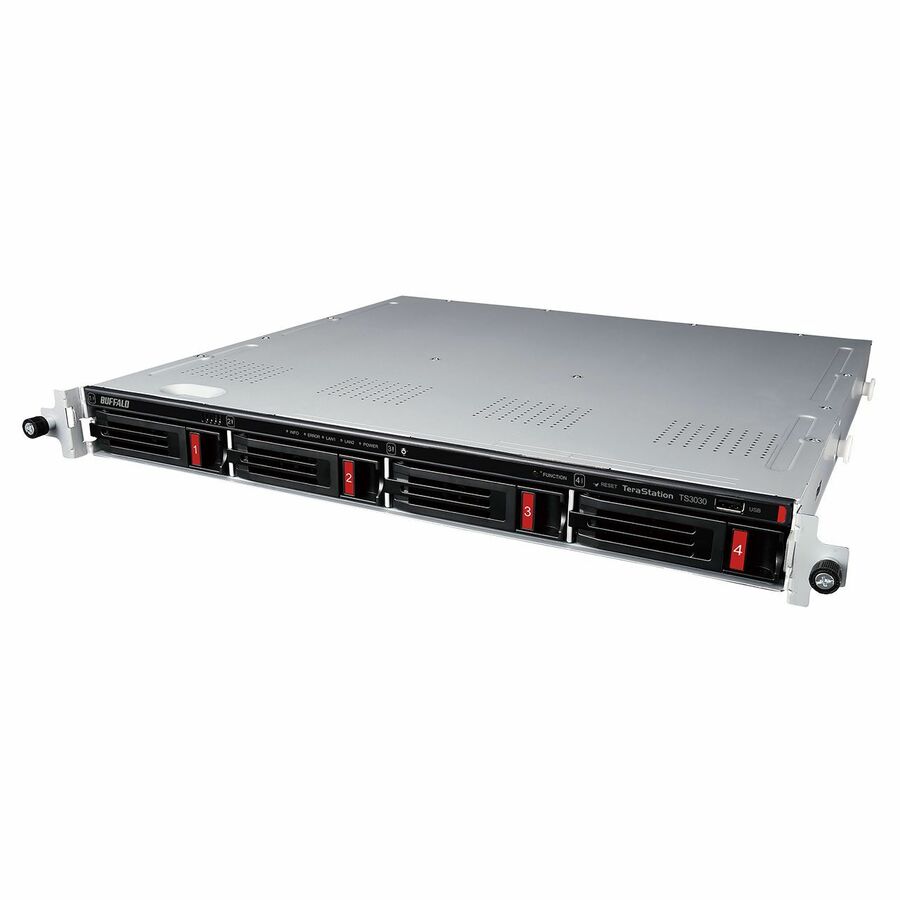
- BuffaloBUFFALO TeraStation 51220RH 12-Bay Secure Business 2U NAS 16TB (4x4TB) w/ Hard Drives Included - 4 x HDD Installed - (4 x 4TB) 16 TB Installed HDD Capacity - Serial ATA/600 - Serial ATA/600 Controller - 0, 1, 5, 6, 10, JBOD RAID Levels - 4 x RJ-45 - 10 Gigabit Ethernet, Gigabit EthernetTS51220RH1604
$5,765.99
$5,362.37*
2 in stock
Need pricing on storage arrays?
Tell us where to reach you and a Uniqcli specialist will follow up by email with current pricing, availability and lead time for the quantities you need — including parts that aren’t shown on this page.
Buying for an organization or for yourself — both work. No payment up front.
A small data center rarely needs a full enterprise storage frame, but it does need more than a desktop drive. The answer is a storage array — a chassis of many drives presented to one or more hosts, with hardware RAID for resilience and a controller that turns a stack of disks into a single managed volume. This page is fenced to that product class: SAN arrays that serve block storage over iSCSI or SAS to a rack of servers, and direct-attached (DAS) and JBOD arrays that hang capacity off a single host. Every card states its bays, its supported RAID levels and its interface in the manufacturer's own title, which is what keeps the choice grounded in the spec rather than the marketing.
The first decision is how the array connects. A SAN array with an iSCSI or SAS controller is shared block storage — several servers see the same pool, which is what a virtualization or database cluster wants. A DAS array is simpler and faster per dollar but belongs to the host it plugs into, which is right for a backup target, a media vault or a single application server. Read the controller line before the capacity line: a 16-bay SAN and a 16-bay DAS look alike on a shelf and behave nothing alike on a network.
The second decision is headroom. An array is bought for the capacity it will hold in two years, not the drives it ships with, so count the total bays and the supported raw capacity, not just the installed figure. The selection here runs from compact 2-bay direct-attached units through 8-, 12- and 16-bay rackmount SAN arrays to 60-bay hybrid flash frames, so a small site can match the chassis to the workload and still leave slots empty for growth. Nothing on this page is a test result; the selection restates each array's own catalog title, and where a designation such as TAA compliance applies it is read on the exact part number.
Buyer's checklist
How to choose a storage array for a small data center
- Decide SAN versus DAS first. A SAN array (iSCSI or SAS controller) serves block storage to several hosts at once — the right shape for a virtualization or database cluster; a DAS or JBOD array belongs to the single host it attaches to and is the simpler, cheaper choice for a backup target or a single application server.
- Count the bays and the supported raw capacity, not the installed capacity. An array is sized for what it will hold as data grows, so read the total-bays and maximum-capacity figures in the title and leave slots for expansion rather than filling the chassis on day one.
- Match the RAID levels to the workload. The titles state which levels each controller supports; RAID 6 or RAID 10 protects against a second drive failure during a rebuild, which matters more as the drives get larger and rebuilds take longer.
- Confirm the drive interface and form factor. SAS, SATA and NVMe are not interchangeable, and a 3.5-inch bay and a 2.5-inch bay take different drives — read the interface line and the bay size before ordering the disks to fill the array.
- Plan the rack and the power. A 2U or 3U rackmount array needs rail depth and a matched pair of PDU outlets; a tower or desktop DAS does not, but also does not share storage across the rack — decide where the box physically lives before you decide how big it is.
- For an order carrying a country-of-origin requirement, read the designation on the exact part number. Several arrays here carry a TAA or trade-compliance designation in the manufacturer's own title and others do not — it is a per-part fact to confirm on the row you order.
SAN, DAS and JBOD: which array shape fits the site
The word "array" covers three connection models, and picking the wrong one is the expensive mistake. A SAN array presents block storage over a network — iSCSI over Ethernet or SAS to nearby hosts — so multiple servers can mount the same pool, which is the foundation a small virtualization cluster or a shared database is built on. A DAS array attaches straight to one host over SAS, USB or Thunderbolt; it is faster and cheaper per terabyte but it is that one server's storage, not the rack's. A JBOD is a shelf of disks with no RAID controller of its own, driven by a host or head unit — capacity in its rawest, densest form, for a site that manages redundancy in software.
For most small data centers the practical split is: a SAN array where several machines need the same data and where you are running virtual machines you cannot afford to lose to a single server's failure, and a DAS or JBOD where one workload — a backup repository, a media store, an imaging vault — owns the capacity. The titles on this page make the distinction legible: read for iSCSI or a SAS controller and "SAN" when you need shared block storage, and for "DAS" or "JBOD" when the array belongs to a single host.
Sizing for growth, resilience and the rack it lives in
An array outlives the drives it ships with, so the number that matters is total bays and the maximum raw capacity the chassis supports, not the terabytes installed today. Buy the frame with room to add disks, and plan the RAID scheme around rebuild time: as individual drives cross into the tens of terabytes, a rebuild after a failure takes long enough that a second failure during it becomes a real risk, which is the argument for RAID 6 or RAID 10 over RAID 5 on a large array. The controller's supported levels are in the title, and they are a design decision, not a setting to leave at default.
The physical envelope is the last constraint people check and the first that stops a delivery at the door. A 2U or 3U rackmount SAN array needs matching rail depth and a redundant pair of PDU outlets; a tower or fireproof desktop DAS needs neither but also cannot share storage across the rack. Decide where the array physically lives, how it is powered and how it is cooled before the capacity is finalized, and quote the array, the drives, the rails and the PDU on one document. Uniqcli can put the whole small-data-center build — arrays, servers, racks and power — on a single quote for business, government and education buyers.
FAQ
Common questions
- What is the difference between a SAN array and a NAS?
- A SAN array serves block storage — it presents raw volumes to hosts over iSCSI or SAS, and each server formats and mounts them as if they were local disks, which is what a virtualization or database cluster expects. A NAS serves files over a network share (SMB or NFS) and manages the filesystem itself. This page is fenced to SAN and direct-attached block storage arrays; if your workload is shared file storage rather than block volumes for servers, a NAS appliance is the right shelf instead, and we cover those separately.
- SAN or DAS for a small data center?
- It depends on how many hosts need the data. A SAN array (iSCSI or SAS) is shared block storage that several servers can mount at once, which is what a virtualization cluster or a shared database needs. A direct-attached (DAS) array belongs to the single host it plugs into — simpler, faster per dollar, and the right choice for a backup repository, a media vault or one application server. Read the controller line in each title: iSCSI or a SAS controller with "SAN" for shared storage, "DAS" or "JBOD" for single-host capacity.
- How much capacity should the array support?
- Size for what it will hold as data grows, not for the drives it ships with. Count the total bays and the maximum supported raw capacity in the title, and leave slots empty for expansion — a 12- or 16-bay array bought half-populated has somewhere to grow, where a full chassis forces a whole new box at the next threshold. Match the RAID level to the drive size too: on large drives, RAID 6 or RAID 10 protects against a second failure during the long rebuild that big disks now require.
- Are any of these arrays TAA compliant?
- Some carry a designation and it is stated per part rather than per brand. A few arrays here name TAA or trade compliance in the manufacturer's own catalog title and others do not, including otherwise similar units. Where an order carries a country-of-origin clause, read the designation on the exact part number you are ordering and confirm it on the quote — a manufacturer's designation is its own statement about that part number, not an independent certification.
- Can business, government and education buyers order these?
- Every line Uniqcli quotes is sourced through US distribution and screened for TAA country-of-origin and NDAA §889 status before checkout — with documentation tied to the specific part number, not a product family.
Need storage arrays pricing?
Send a bill of materials or part numbers — we confirm stock and a below-market total, with TAA verified on request. No payment up front.