
Short answer
DAS and NAS differ in how many machines can reach the storage. DAS attaches to one host over a bus — USB, Thunderbolt or SAS — and only that host sees it; a NAS attaches to the network and serves the same files to many clients over SMB or NFS. Choose DAS for the fastest, simplest capacity on one workstation or server; choose NAS when more than one machine needs the same data.
Key facts
- NIST SP 800-209 traces the move from direct-attached storage to storage placed in networks, and names block, file and object as the service classes.
- A NAS owns its own filesystem and arbitrates access; NFS is specified by IETF RFC 8881 and SMB is the other common file protocol.
- A DAS volume is formatted and owned by the host it is cabled to, so nothing on the network reaches it unless that host shares it.
- NIST storage guidance names network-attached storage and backup appliances as common malicious-encryption targets, because they are reachable over the LAN.
- A SAN sits beyond both: it serves raw block LUNs over iSCSI (IETF RFC 7143) or Fibre Channel rather than files or a single-host volume.
The DAS-versus-NAS question rarely comes up as an abstract debate; it surfaces at concrete moments. A workstation outgrows its internal drives and needs a fast external enclosure for video or CAD scratch space. A second employee now needs the same project files the first one kept on a local disk. A server's nightly job needs somewhere to write backups. Or a small office planning a fleet refresh must decide whether each machine gets its own storage or the team shares one box. Direct-attached storage (DAS) means drives wired straight to a single host — internal bays, or an external USB or SAS enclosure — with no network in the path. Network-attached storage (NAS) is a self-contained appliance that serves files to many clients over the LAN, with its own operating system, RAID, and user accounts, not merely an external drive with a network port. (A separate architecture, SAN, provides block storage over a dedicated network.)
Four factors decide it, and speed is usually the least important. The first is sharing: DAS presents its capacity to exactly one host at a time, so the moment two people or two servers need the same files concurrently, the requirement shifts to a networked file service using NFS or SMB. The second is the performance path — a direct SAS or NVMe link is latency-light and dedicated, while a NAS rides an Ethernet link whose throughput you provision at 1GbE, 2.5GbE, or 10GbE. The third is how you protect and grow the data: a NAS centralizes RAID, snapshots, and scheduled backups and adds capacity for the whole LAN, while DAS scales one enclosure at a time per host. The fourth is cost and operational overhead, which DAS keeps near zero and a NAS trades for shared, managed services.
At a glance
Side by side
| Factor | DAS | NAS |
|---|---|---|
| Data path | Drive wired straight to one host — internal bays or a USB/SAS enclosure, no network in the path. | Self-contained appliance serving files to many clients over Ethernet via NFS or SMB/CIFS. |
| Access type | Block-level; the host's OS formats and owns the file system directly. | File-level; clients mount shares over NFS or SMB and the appliance owns the file system. |
| Concurrent sharing | One host at a time; not built for simultaneous multi-user file access. | Many users and servers at once, with permissions and multi-protocol export. |
| Performance link | Dedicated SAS-4 (22.5 Gbit/s) or NVMe path; low latency, no network contention. | Shared Ethernet you provision — 1GbE, 2.5GbE, or 10GbE — plus protocol overhead. |
| Data protection | RAID possible per enclosure; backups and snapshots are the host's responsibility. | Centralized RAID, snapshots, and scheduled backups managed on the appliance. |
| Scaling | Add or swap one enclosure per host; capacity stays tied to that machine. | Add drives, bays, or expansion units; capacity is shared across the LAN. |
| Setup & overhead | Plug-and-play, minutes to deploy, no admin skills required. | Entry units set up in under an hour for a few hundred dollars; some ongoing admin. |
| Attack surface | No network exposure by construction; smaller surface, but no central access control. | Network-reachable, so a common ransomware target; offset with auth, isolation, encryption. |
| Best fit | Single-host speed, scratch space, local backup targets, edit bays. | Shared team files, central backup, multi-client access, growing datasets. |
Choose DAS when
- A single workstation needs maximum sustained throughput — 4K/8K video editing, CAD, or database scratch — where a dedicated SAS or NVMe link beats any shared network.
- You need a low-cost local backup target attached to one server, and the offsite copy is handled separately by cloud sync or removable media.
- Only one machine will ever touch the data, and adding a network service would mean extra hardware, configuration, and attack surface for no benefit.
- You are expanding capacity on an existing host quickly and cheaply, without provisioning switch ports, IP addressing, or file-share permissions.
Choose NAS when
- Two or more people or servers need the same files at the same time — the shared-access trigger that turns an external drive into a file server.
- You want centralized RAID, snapshots, and scheduled backups protecting one pool instead of managing protection on every machine separately.
- The dataset will keep growing and be reached from several clients, so capacity should live on the LAN rather than stay tied to one host.
- You are consolidating a small office or fleet onto one managed store, and a few hundred dollars plus under an hour of setup is acceptable overhead.
Bottom line
Let the sharing requirement decide first. If exactly one host will ever own the data and raw speed matters most, DAS wins: a dedicated SAS-4 or NVMe enclosure delivers latency and throughput a shared network cannot, at the lowest cost and complexity. The moment a second user or server needs the same files concurrently, NAS wins by default — that is a sharing problem DAS cannot solve without putting a network in front of it. Ignore the old rule that DAS is always faster: a modern multi-gig NAS with NVMe caching easily outruns a single USB drive, while a 24G (22.5 Gbit/s) SAS array outruns a 1GbE NAS. Match the interconnect to the workload, and the architecture to who needs the files.
Products for this decision
Rackmount DAS
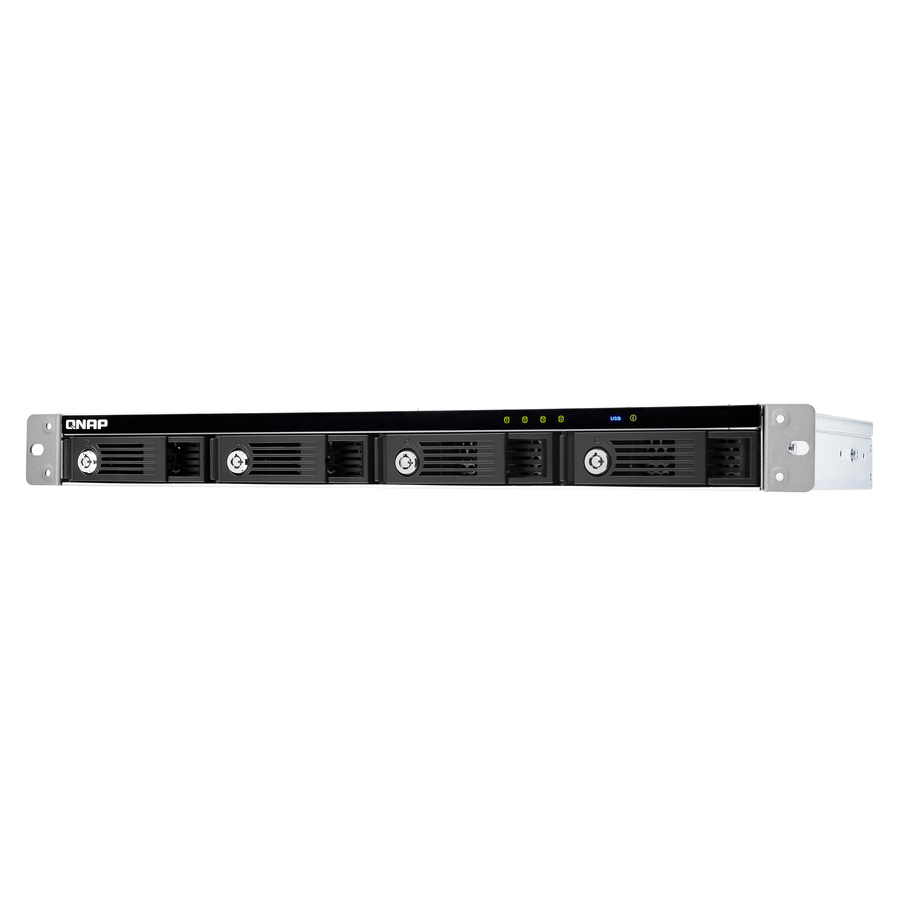
QNAP Systems
QNAP TR-004U 4-bay Rackmount USB 3.0 RAID Expansion Enclosure
TR-004U-US
A 1U four-bay expansion enclosure that attaches to one host over USB and does its own RAID — capacity for a single server, in the rack.
It is an expansion shelf, not a network device: nothing else on the LAN sees it unless the attached host shares it.
$428.93Back-orderedFour-bay NAS
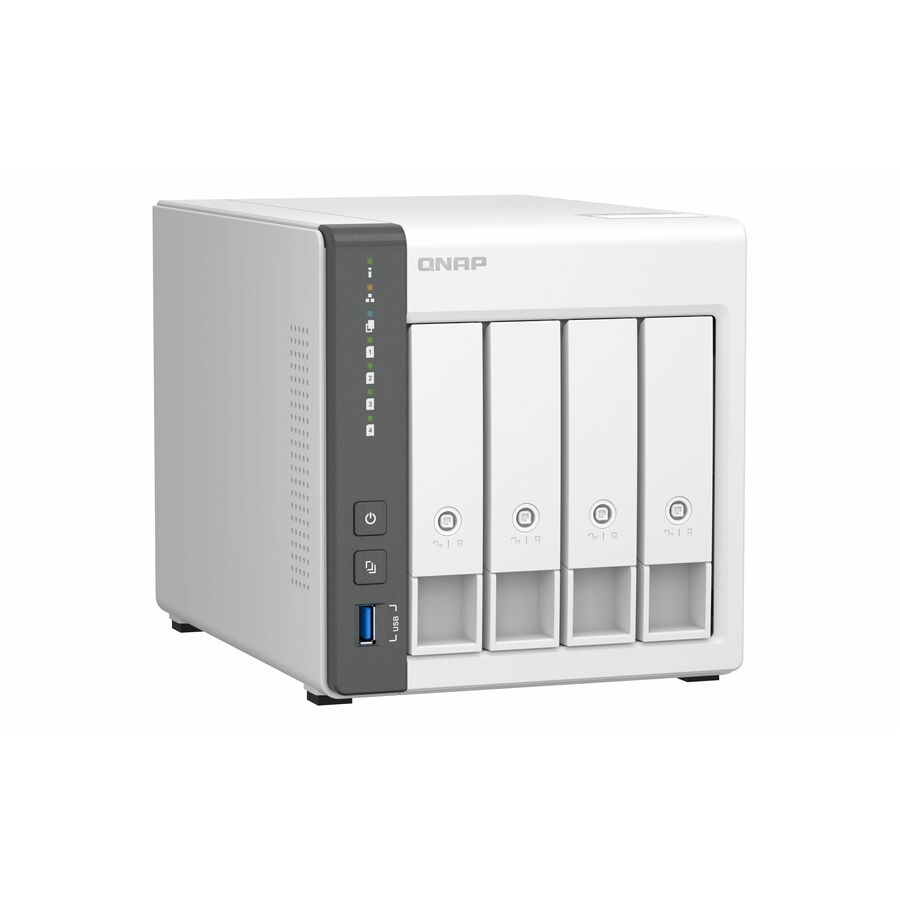
QNAP Systems
QNAP TS-433-4G SAN/NAS Storage System
TS-433-4G-US
A four-bay network appliance with 2.5 Gigabit Ethernet that serves SMB and NFS shares to every client at once, drives supplied separately.
$501.41Back-orderedDesk-side DAS
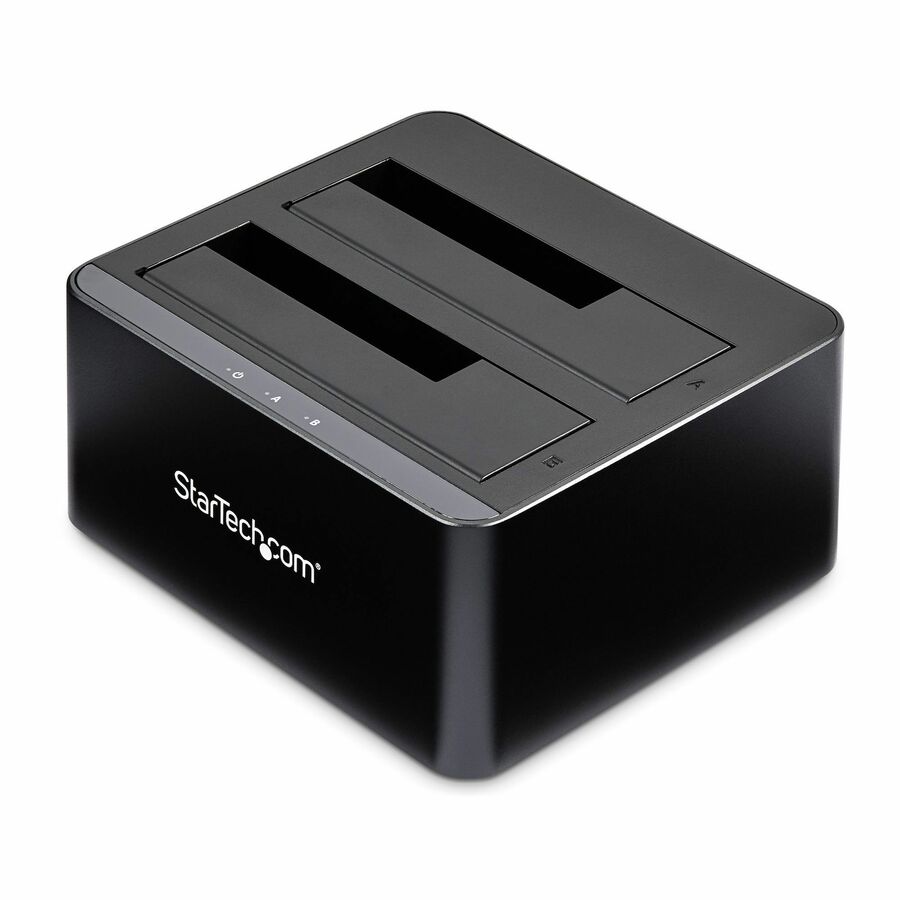
StarTech.com
StarTech Dual-Bay USB 3.0 to SATA Hard Drive Docking Station, 2.5/3.5"…
SDOCK2U33V
A two-bay USB dock for bare 2.5 and 3.5 inch SATA drives — the simplest form of direct-attached storage, and useful for offline copies.
$76.37In stockShop it at Uniqcli
FAQ
Common questions
- Can multiple computers access the same DAS drive at the same time, or only one?
- Generally only one host at a time. Direct-attached storage presents its capacity to the single machine it is wired to, whose operating system formats and owns the file system directly. Some SAS enclosures can be cabled to two servers for failover, but that is a high-availability handoff, not simultaneous multi-user file sharing. If several people need to read and write the same files concurrently, that is precisely the requirement a NAS exists to serve — it presents file-level shares over NFS or SMB with permissions, so many clients can mount the same volume at once.
- What network speed do I need for a NAS to feel as fast as local DAS storage?
- It depends on the drives and workload, but a 1GbE link is the usual bottleneck that makes a NAS feel slower than a local disk. Stepping up to 2.5GbE — now standard on many small-business units — or 10GbE removes most of that gap for everyday file work, and an NVMe read/write cache helps small random operations. A single spinning DAS drive and a modern multi-gig NAS can perform comparably; a fast NVMe or 24G (22.5 Gbit/s) SAS enclosure will still win on sustained sequential throughput. Size the network link to your file sizes and how many clients hit the share at once.
- Can I use a NAS to back up a DAS drive, and does that satisfy the 3-2-1 backup rule?
- Yes, a NAS is a common backup target for data that lives on a DAS drive, and it helps toward the 3-2-1 rule without fully satisfying it. The 3-2-1 rule calls for at least three copies of your data, on two different media types, with one copy kept offsite. Your DAS drive plus a NAS copy gives you two copies in the same location, so you still need a third, offsite copy — a cloud sync or a rotated drive stored elsewhere — to survive fire, theft, or flood taking out the whole site. A NAS is one leg of the strategy, not the whole thing.
- Which is more secure against ransomware, DAS or NAS?
- By construction, a DAS drive with no network exposure has a smaller attack surface, since ransomware spreads across reachable network shares. NIST guidance on storage security specifically names network-attached storage and backup appliances as common malicious-encryption targets precisely because they are reachable over the LAN. That does not make DAS 'more secure' overall — security is a set of controls layered onto any architecture, not a property of the box. A NAS offers centralized access control, authentication, snapshots, and immutable or air-gapped backup options a bare DAS drive lacks. The durable defense is an offline or offsite copy ransomware cannot reach, whichever architecture holds your primary data.
- Can DAS be used as NAS?
- Only indirectly. A DAS enclosure becomes shareable when the host it is attached to shares the volume over the network, which turns that host into the file server — and into a single point of failure a purpose-built NAS appliance would not be, since it has to stay powered, patched and awake for the share to exist. For occasional sharing it works; for a service other people depend on, it is the wrong shape.
- Is a DAS faster than a NAS?
- Usually on a single stream, yes, because a DAS bus like USB, Thunderbolt or SAS is shorter and less contended than a network path, and there is no file protocol in the way. The gap narrows sharply once the NAS has a 2.5 or 10 Gigabit link and closes entirely for multi-client work, where a DAS has no answer at all — one host owns it.
- Can I add a DAS to my NAS?
- Often yes. Most NAS vendors sell expansion enclosures that attach to the appliance over USB or a proprietary port and add bays to the existing pool. Use the vendor's own expansion unit rather than a generic dock: the appliance has to recognise the shelf to manage its drives, and a chassis it does not know is just capacity it cannot pool.
- What is the difference between DAS, NAS and SAN?
- DAS attaches to one host and shares nothing. NAS attaches to the network and serves files to many hosts over SMB or NFS. SAN serves raw block volumes to servers over a dedicated fabric or an isolated iSCSI network, leaving each host to run its own filesystem. Cost, capability and operational complexity rise in that order.
Sources