
Solutions
Network Attached Storage (NAS)
Departmental and field-site file storage rarely justifies an array. We quote the NAS populated with the right drive class, configured and labeled before it ships.
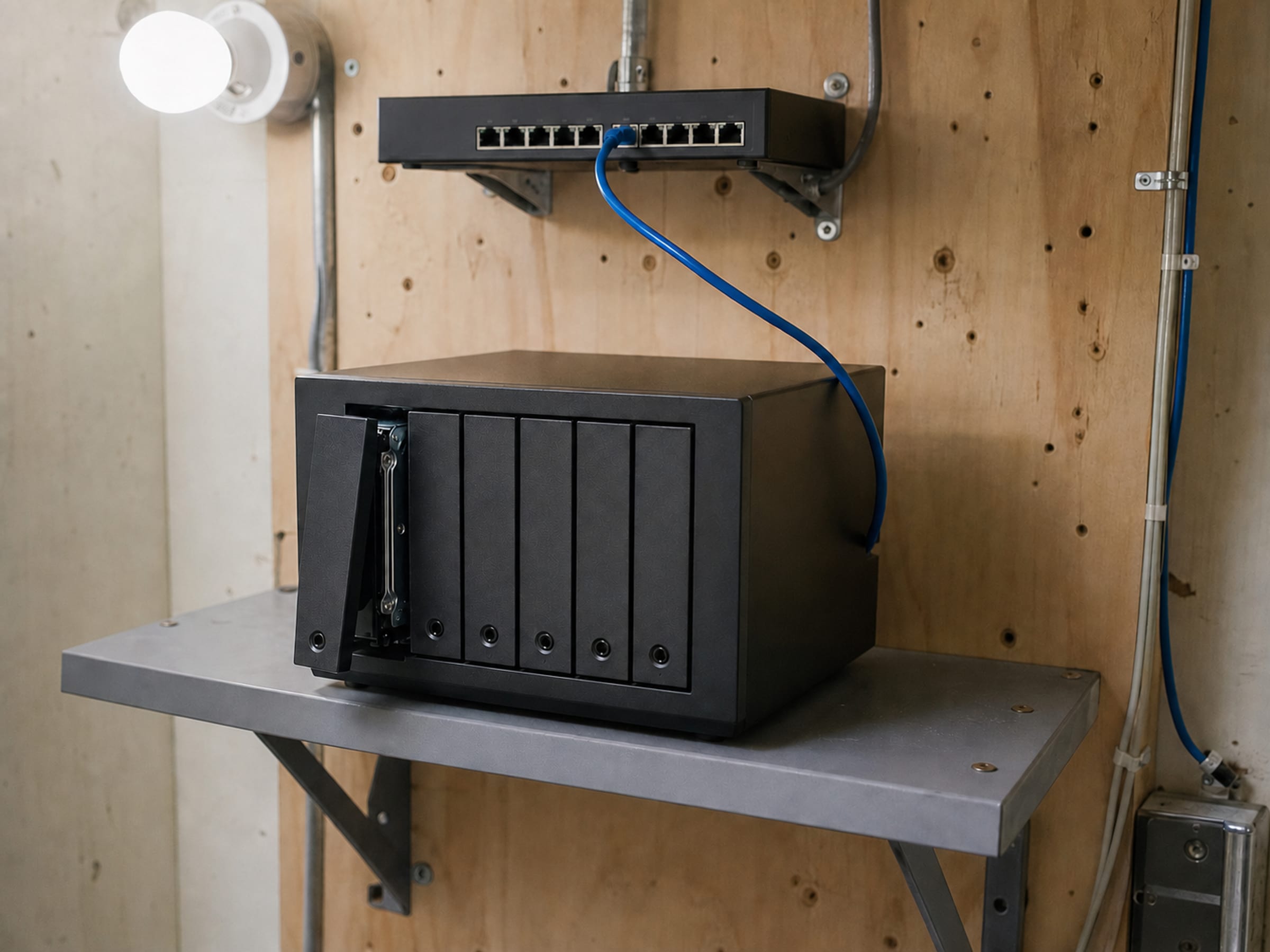
- Scope
- Departmental and field-site file storage
- Quoted as
- Chassis plus drives, never a bare enclosure
- Delivery
- Populated, RAID configured, labeled and ready to mount
- Boundary
- Shares, permissions and backup policy stay yours
Not every storage requirement deserves an array
A field office with fourteen people and a shared drive does not need enterprise storage, and specifying it that way is how a straightforward requirement turns into a procurement that never gets approved. What it needs is a NAS with the right number of bays, drives from a class rated for continuous operation rather than a desktop, a sensible RAID level, and someone to have configured all of that before the box arrives at a site with no IT staff. That is what we quote: the chassis and the drives as one line, configured, labeled and ready to mount.
Chassis, drives and the network behind them
Verified priced lines on this catalog. We quote a NAS populated — a bare enclosure with a drive count written in a footnote is not a real quote. Naming a manufacturer describes the market, not a Uniqcli partnership or endorsement.
NAS chassis
QNAP across desktop and rackmount form factors, and Promise where the requirement leans toward media or surveillance workloads. Bay count chosen for the growth you expect, not for today's capacity.
Drives, matched to duty cycle
Western Digital and Seagate in NAS-rated and enterprise classes. Continuous-operation drives cost more per terabyte and fail far less in an always-on multi-bay chassis — the arithmetic favours them within the first replacement cycle.
Rack storage and expansion
Nexsan arrays and drive cabinets where a department has genuinely outgrown a NAS and the honest answer is the next tier up. We will say when that line has been crossed.
Configured before it ships, because the site has no IT staff
- Drives installed and the RAID level configured to your specification
- Firmware levelled and the unit labeled to your asset convention
- Network settings pre-staged where you supply them
- Rack rails or desktop placement hardware supplied with the unit
- Country of origin recorded per line; NDAA §889 screening before the quote
- Spare drive quoted with the unit — the replacement you will need is cheapest now
NAS procurement questions
How many bays should we buy?
More than today's capacity requires, because expanding a full array usually means replacing every drive rather than adding one. A rough rule: size for the capacity you need in three years at your current growth rate, and buy the bay count that reaches it with one RAID level of protection intact.
Can we use ordinary desktop drives?
You can, and they fail sooner in a multi-bay always-on chassis. NAS-rated and enterprise drives are built for continuous operation and vibration from neighboring drives. The price difference is usually recovered before the first replacement cycle completes.
Does a NAS replace backup?
No. RAID protects against a drive failing; it does not protect against deletion, corruption or the whole unit being lost. A NAS needs a backup target the same as anything else — we can quote that on the same document.
Do you configure the shares and permissions?
We configure the hardware: drives, RAID, firmware, labeling and pre-staged network settings where you supply them. Shares, permissions, directory integration and backup policy are configured by your team, because they encode decisions only you can make.
The solutions atlas
Every solution, by technology area and by customer.
By technology
By customer
- TAA & NDAA-889 Compliance Screening
- CMMC & CUI Solutions
- Federal & DoD
- State, Local & Education
- Healthcare
- Enterprise
- Rapid Procurement & GPC Buys
- Multi-Vendor Integration Projects
- eProcurement & Custom Catalogs
- FISMA Modernization
- CJIS-Compliant Justice Cloud & Local AI
- Federal Storage Modernization
- Government ERP & Business Systems Infrastructure
- Managed Procurement
- Secure AV & Conferencing
- Fiber Network Infrastructure
- Satellite & Resilient Connectivity
- Wavelength & Optical Transport
- Decentralized Data Centers
- Data Center Design & Build
Tell us the site, the users and the growth rate
We come back with a populated NAS quote — chassis, drives, RAID level and a spare — configured and labeled before it ships.