
Best NAS for Small Business File Storage and Backup
Two-bay through ten-bay network storage for offices that have outgrown a shared folder — read by bay count, RAID support, network speed and drives included or not.
Small-business NAS systems in stock at Uniqcli
How to choose →A curated selection with live pricing — in-stock lines first, then back-ordered lines with a typical lead time. Every line is sourced through US distribution and screened for NDAA §889 status before checkout, with TAA verified on request.
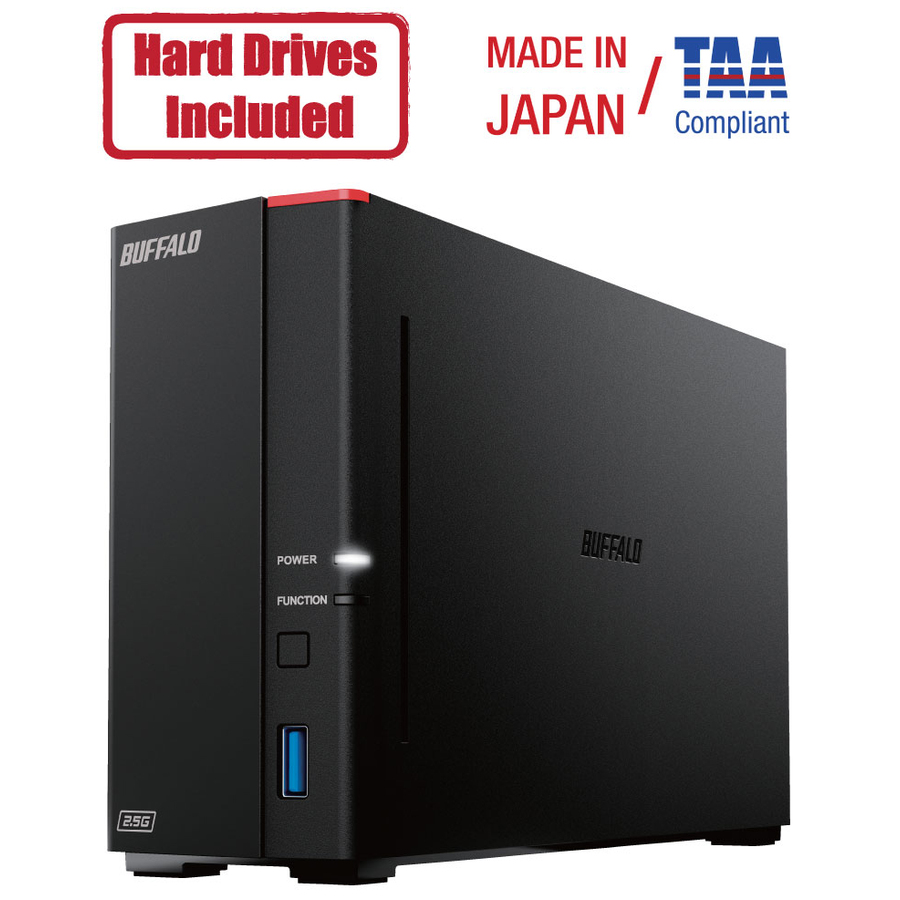
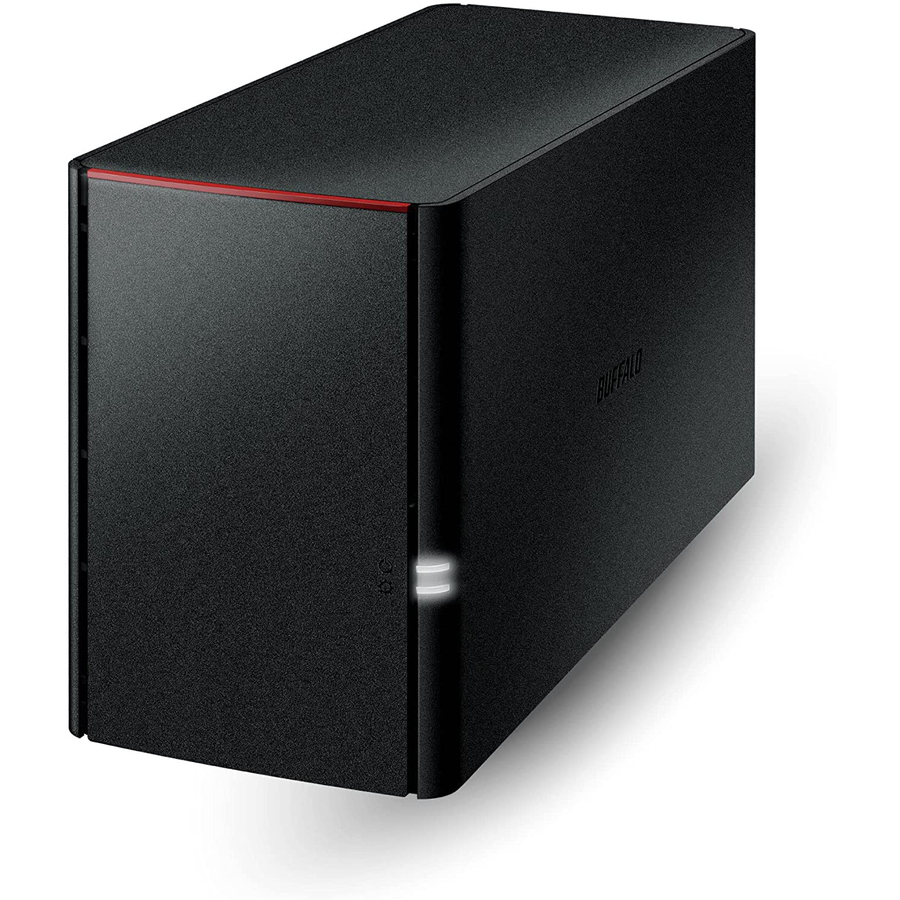
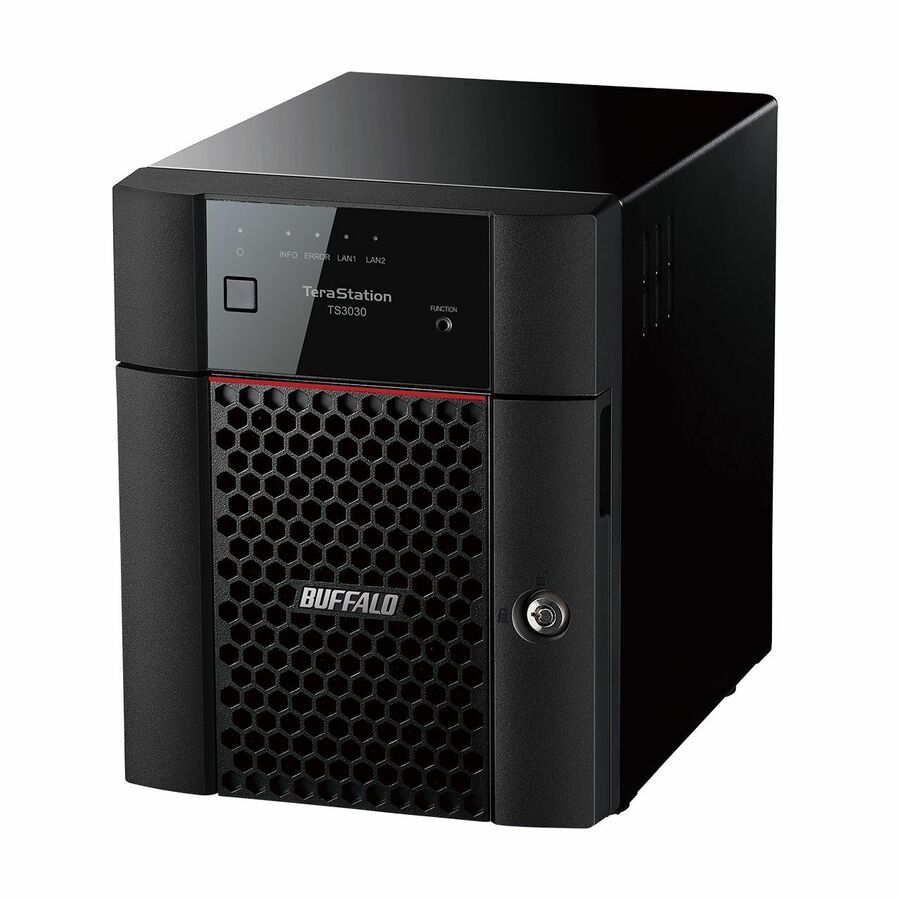
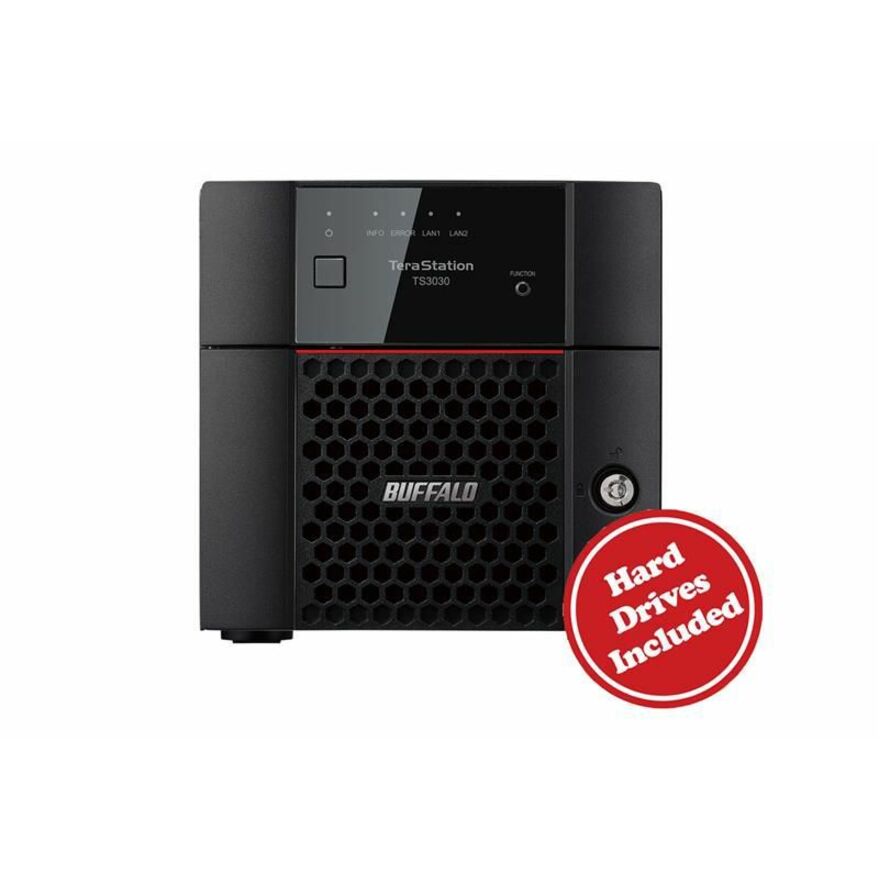
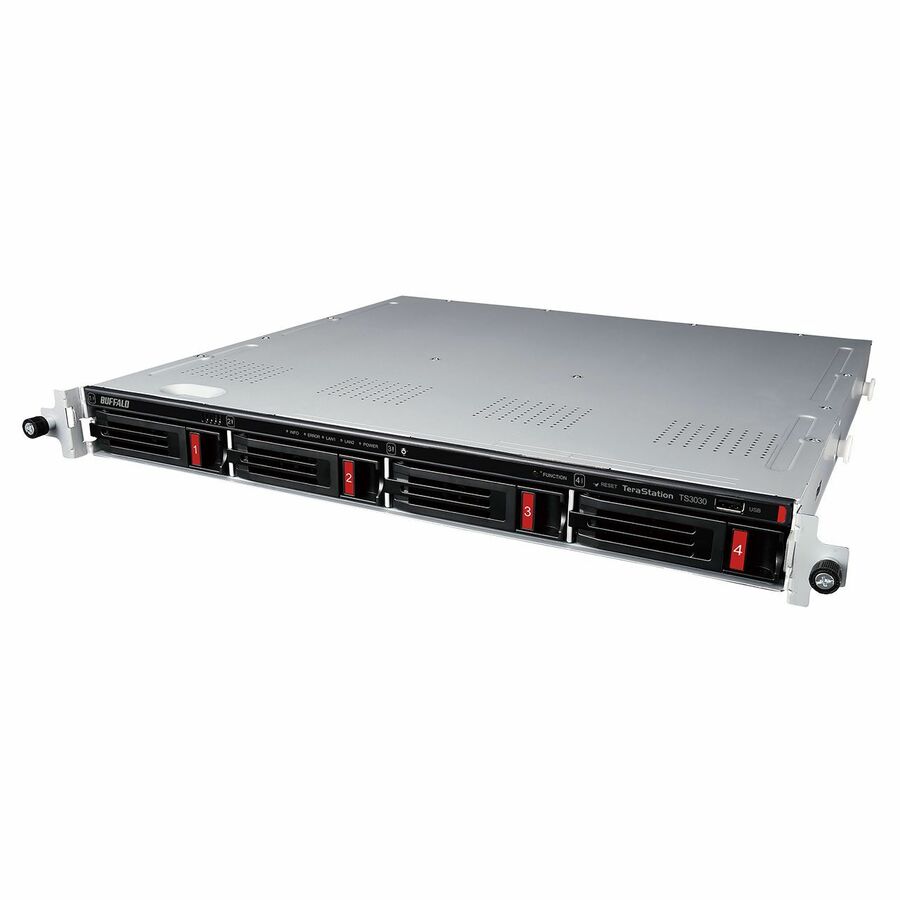
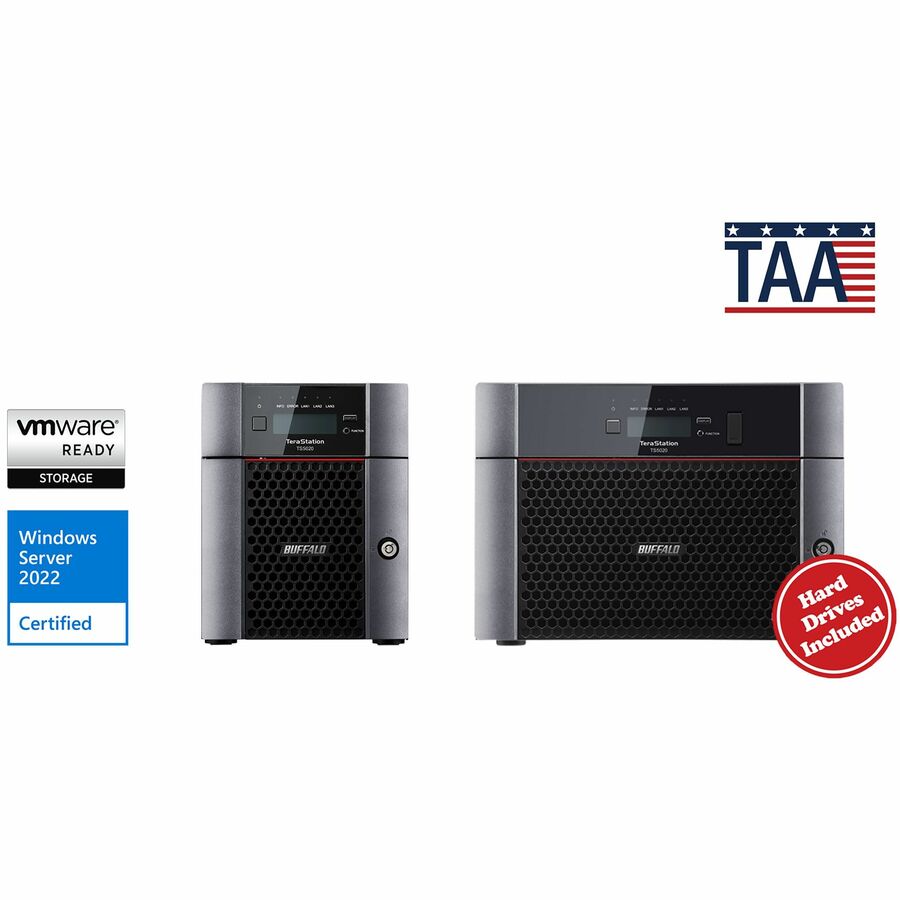
- BuffaloBUFFALO LinkStation SoHo 220 2-Bay Personal Cloud Office NAS 12TB (2x6TB) with Hard Drives Included - 2 x HDD Installed - (2 x 6TB) 12TB Installed HDD Capacity - Serial ATA/300 - Serial ATA/300 Controller - 0, 1, JBOD RAID Levels - 1 x RJ-45 - Gigabit EthernetLS220D1202B
$659.99
$613.79*
50 in stock


Single bay, 4TB
Transcend Information
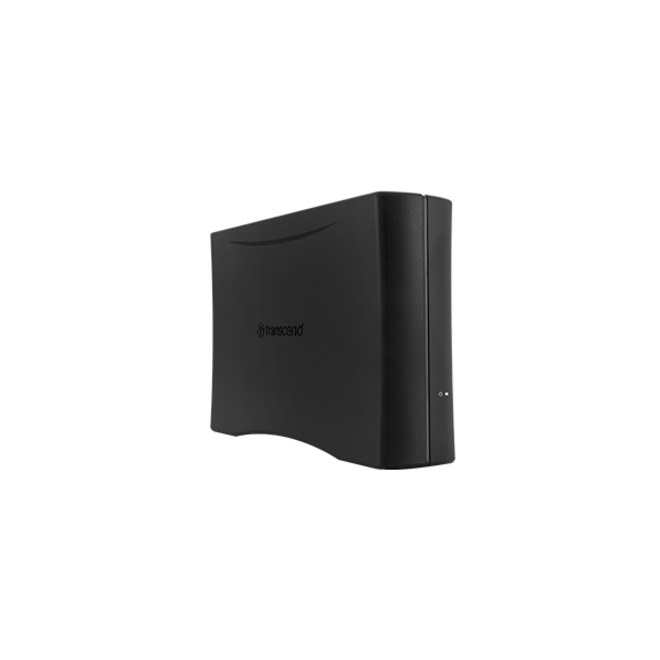
Transcend StoreJet Cloud 110N NAS Storage System
TS4TSJC110N
A single-bay NAS with a 4 TB drive already installed and Gigabit Ethernet — the smallest honest step up from an external drive on somebody's desk, for a share rather than an array.
One bay means no RAID: this is a shared folder with a network address, and it needs its own backup.
$286.51Back-orderedTwo bays, diskless
QNAP Systems
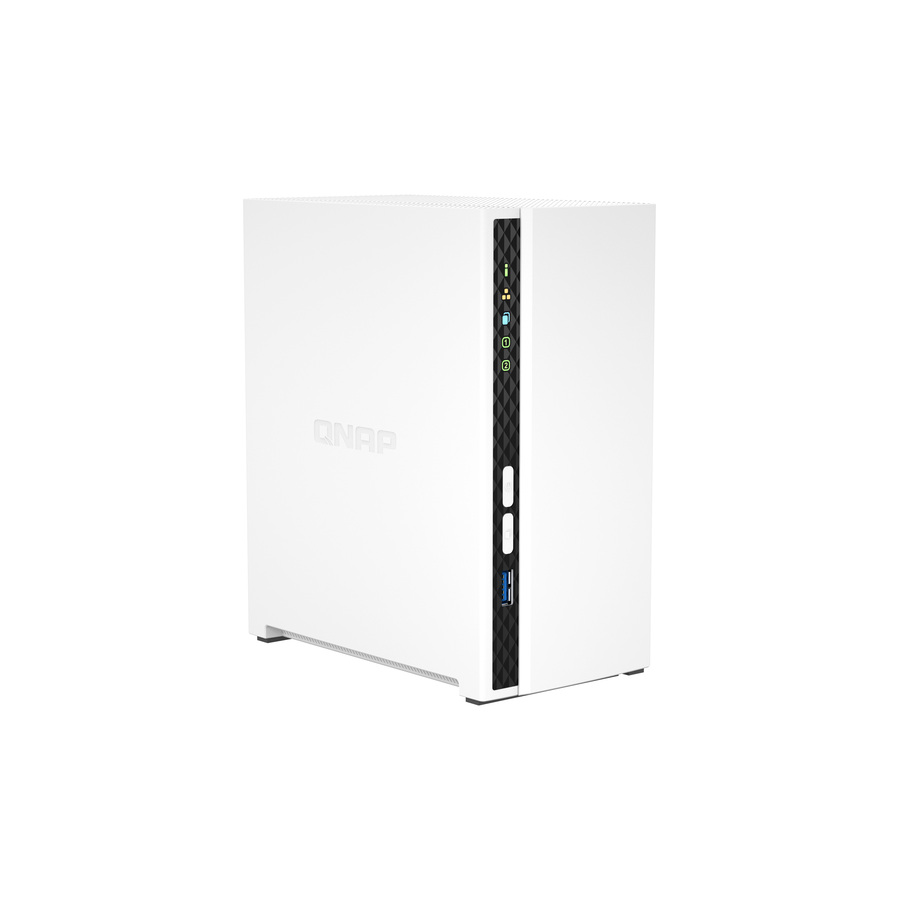
QNAP TS-233 SAN/NAS Storage System
TS-233-US
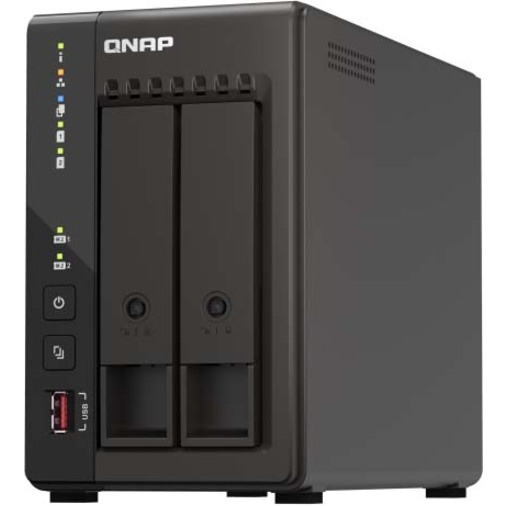
A two-bay diskless NAS supporting RAID 0, 1 and JBOD across two 2.5-inch or 3.5-inch bays on Gigabit Ethernet, with the drive choice left to you.
$281.31In stockFour bays, parity
QNAP Systems
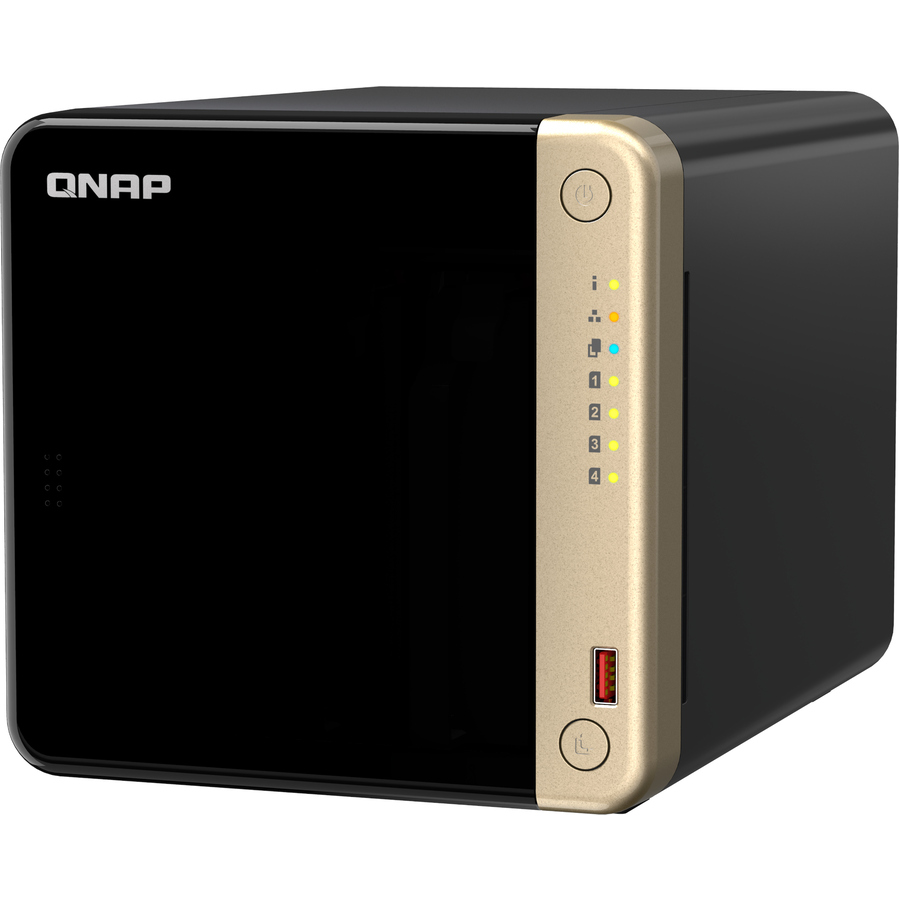
QNAP Turbo NAS TS-464-8G SAN/NAS Storage System
TS-464-8G-US
A four-bay Celeron-based NAS with 8 GB of memory supporting RAID 0, 1, 5, 6, 10 and JBOD — the configuration where single-parity protection starts to make sense.
$741.72Back-orderedSix bays, 2.5GbE
QNAP Systems
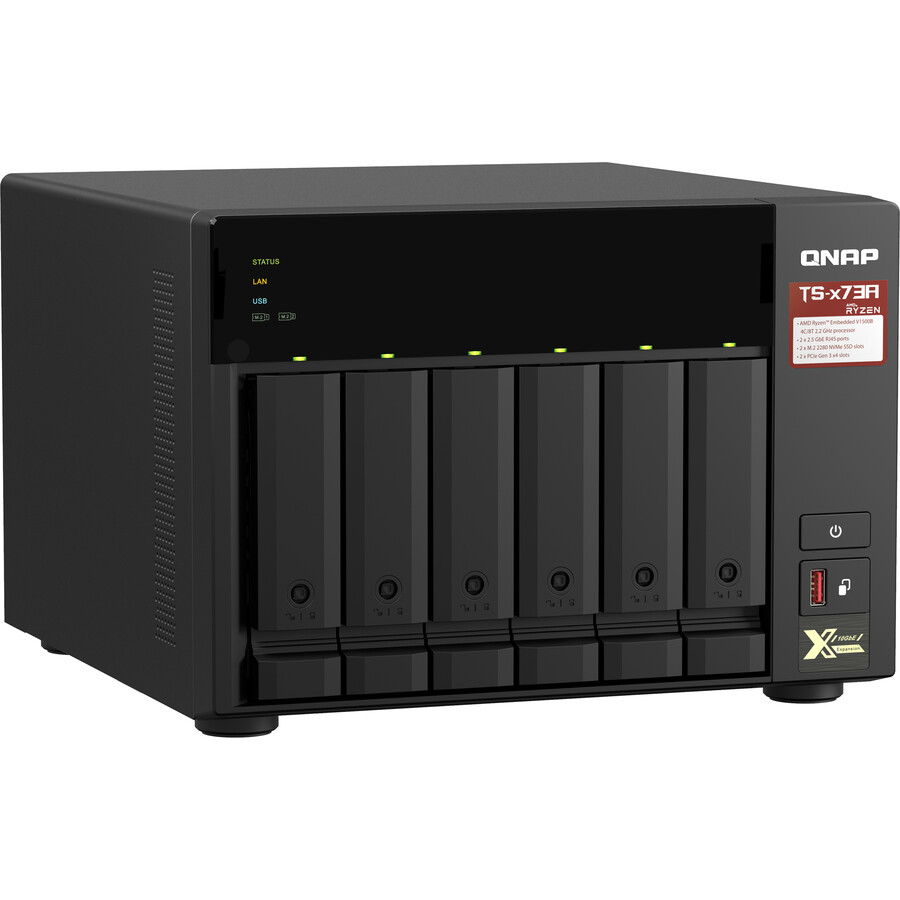
QNAP TS-673A-8G NAS Storage System
TS-673A-8G-US
A six-bay Ryzen-based NAS with 8 GB of memory and 2.5 Gigabit Ethernet, for an office where the array is doing more than serving documents.
$1,155.55Back-orderedFour bays, 4TB in
Buffalo
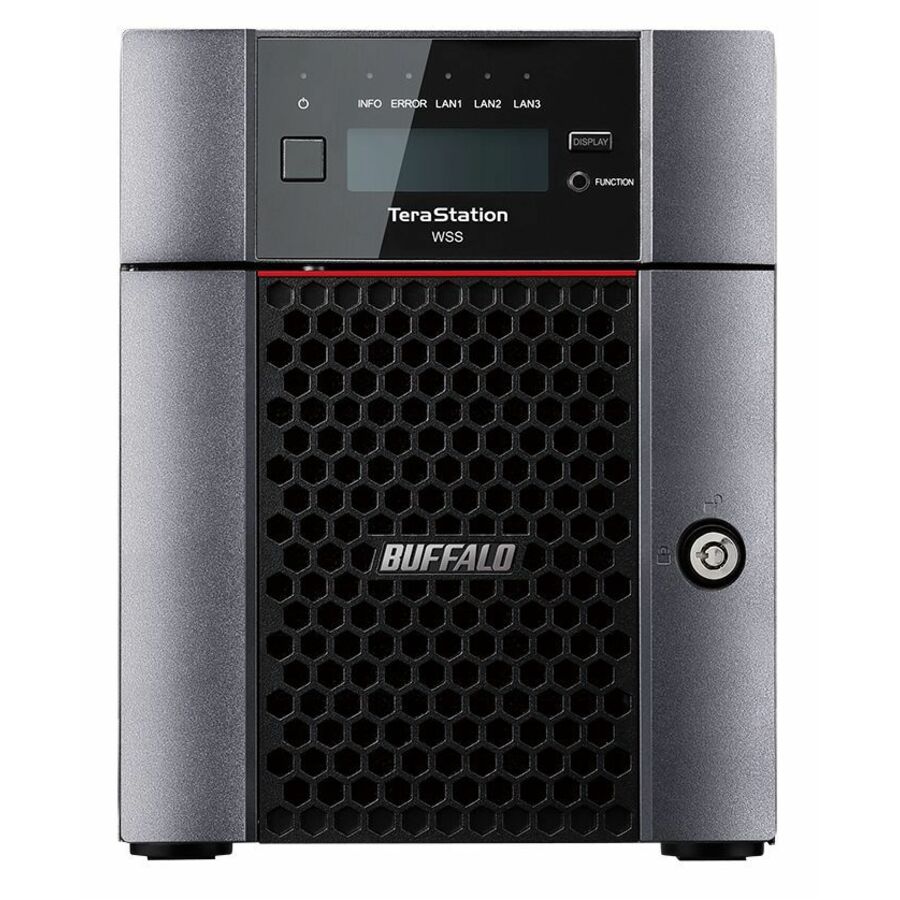
BUFFALO TeraStation 3430DN 4-Bay Secure SMB Desktop NAS 4TB (2x2TB)…
TS3430DN0402
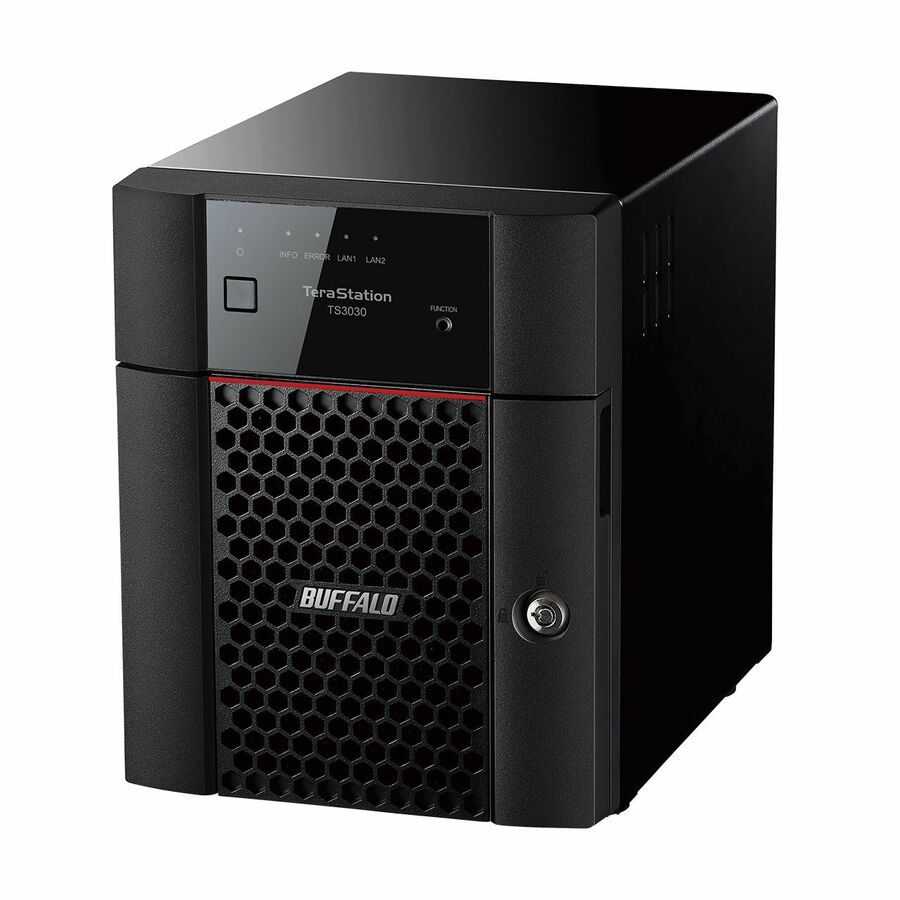
A four-bay desktop NAS supplied with 4 TB of drives installed, supporting RAID 0, 1, 5, 6, 10 and JBOD — configured out of the box for an office with no IT staff.
$1,049.96*In stockFour bays, 16TB in
Buffalo
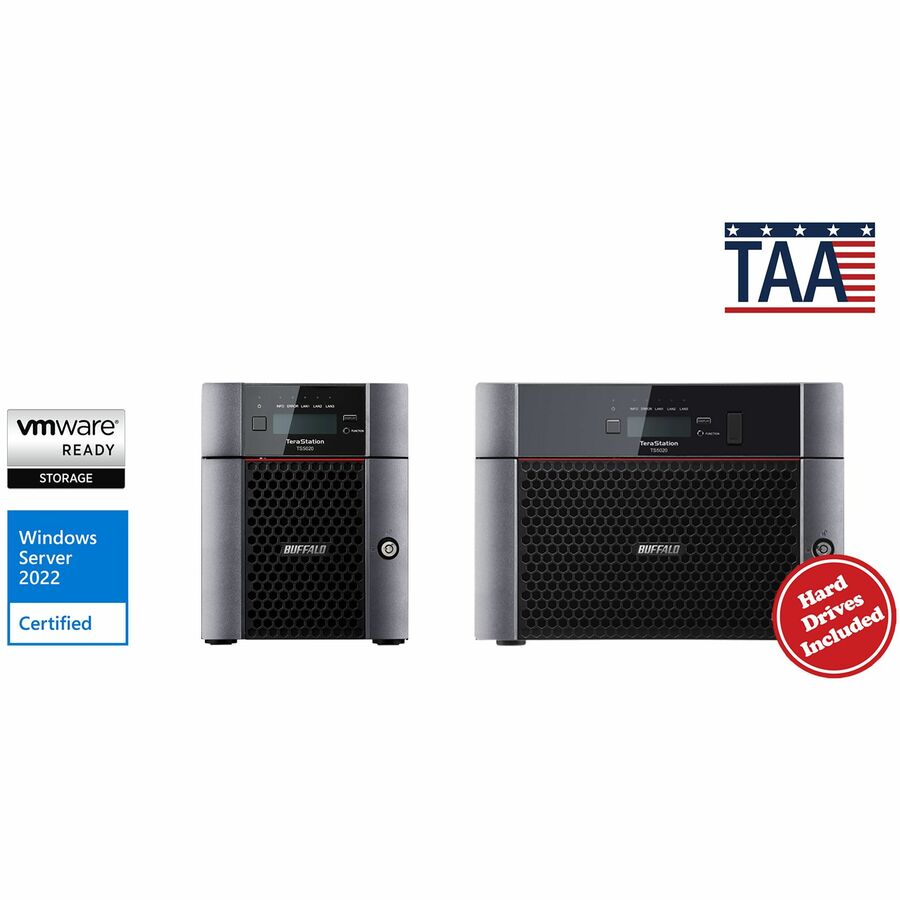
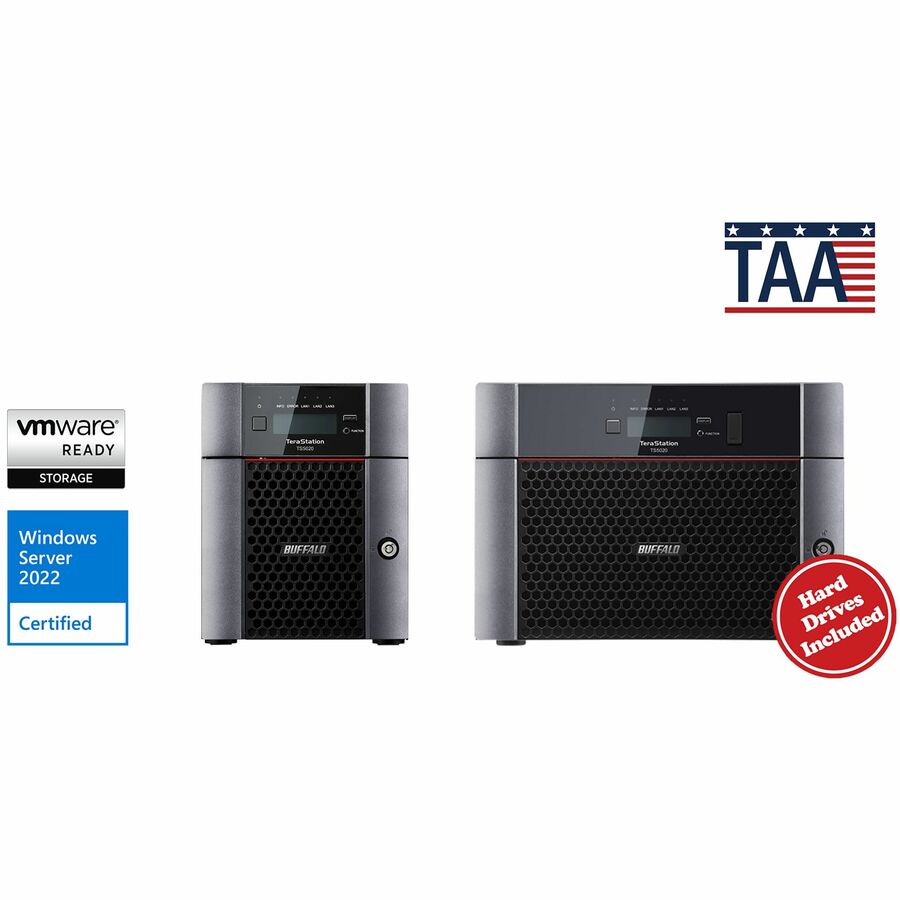
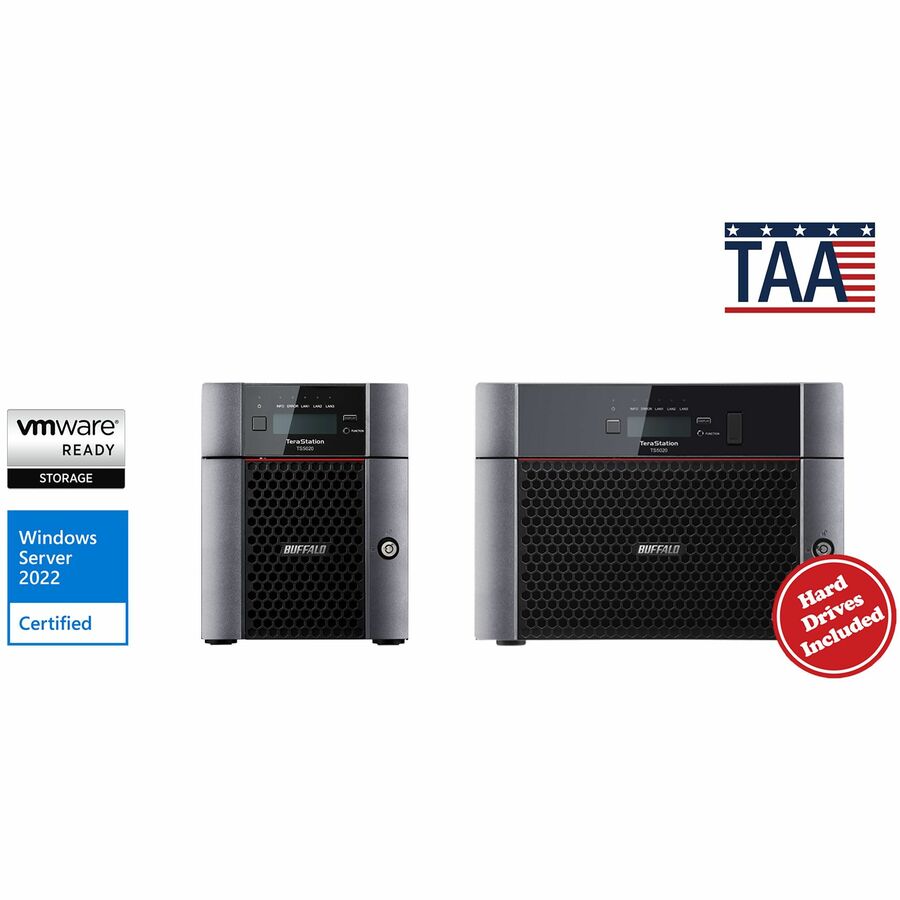
BUFFALO TeraStation 5420DN 4-Bay Secure Business Desktop NAS 16TB…
TS5420DN1604
The business desktop line with four drives installed for 16 TB and 8 GB of memory, supporting the same parity RAID levels — a step up in both capacity and headroom.
$2,125.04*In stockWindows Server IoT
Buffalo
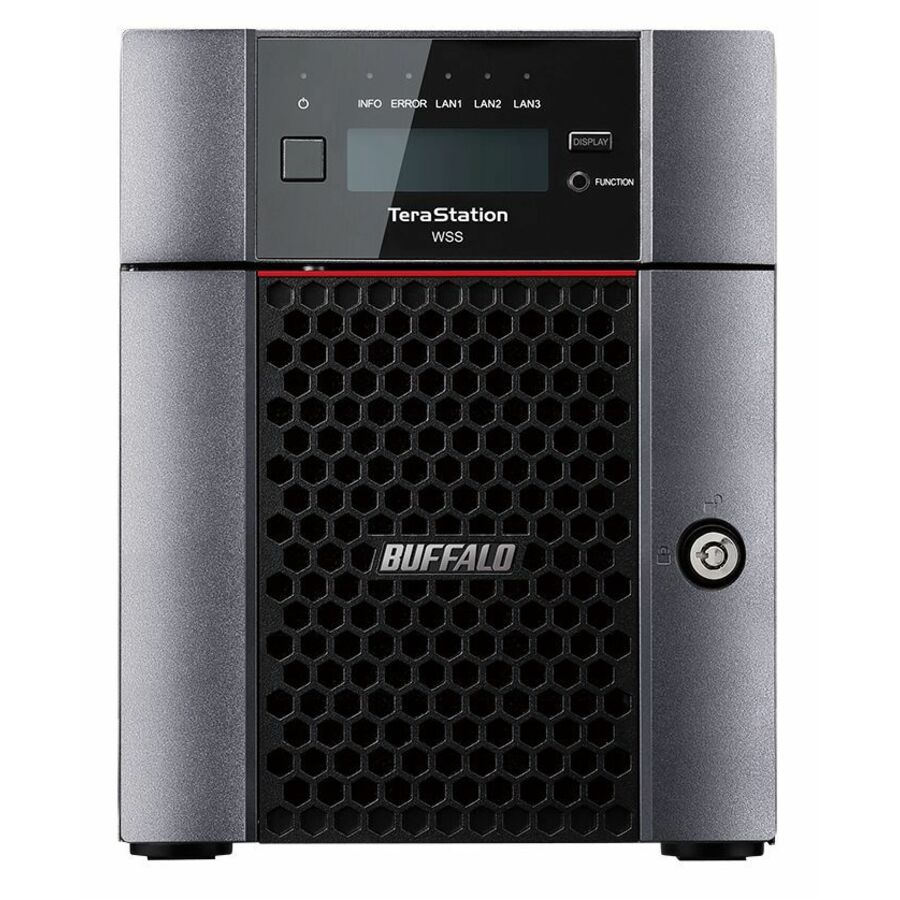
BUFFALO TeraStation WS5420DN 4-Bay Windows Server IoT 2025 Desktop NAS…
WS5420DN16W5
A four-bay desktop NAS running Windows Server IoT 2025 with 16 TB installed and 8 GB of memory, for an estate that would rather manage storage the way it manages its servers.
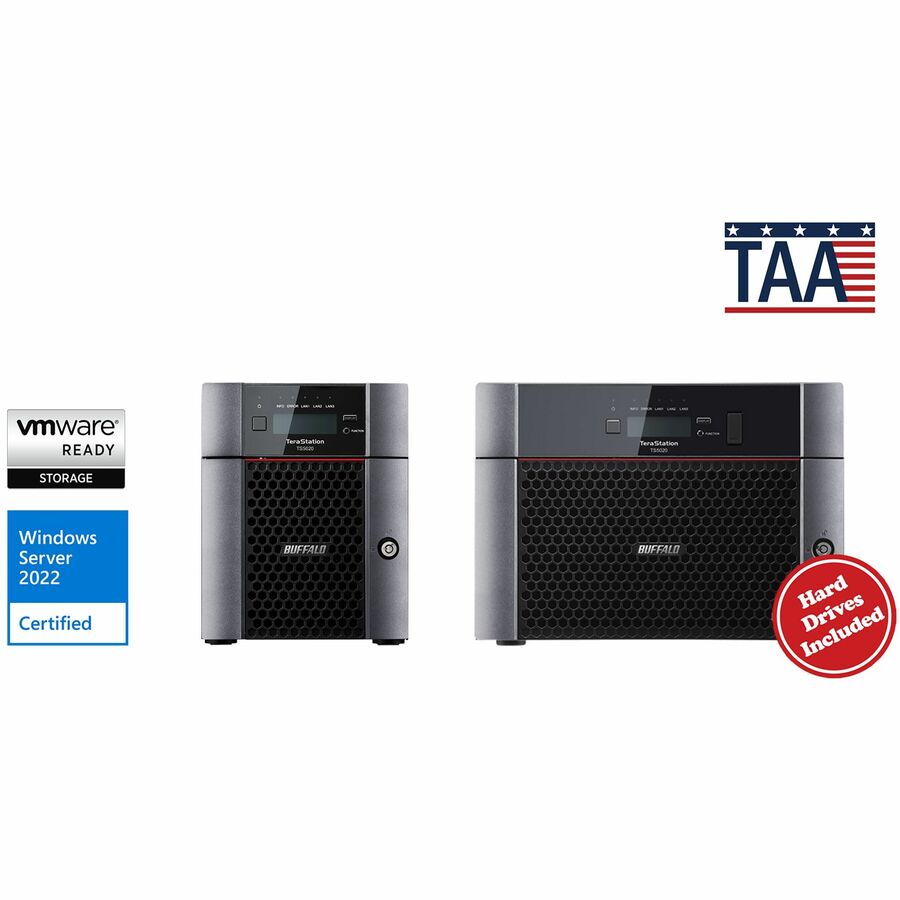
Titled TAA Compliant by the manufacturer — a per-part fact to confirm on the row you order.
$3,249.41*In stockFour bays, flash
ASUSTOR
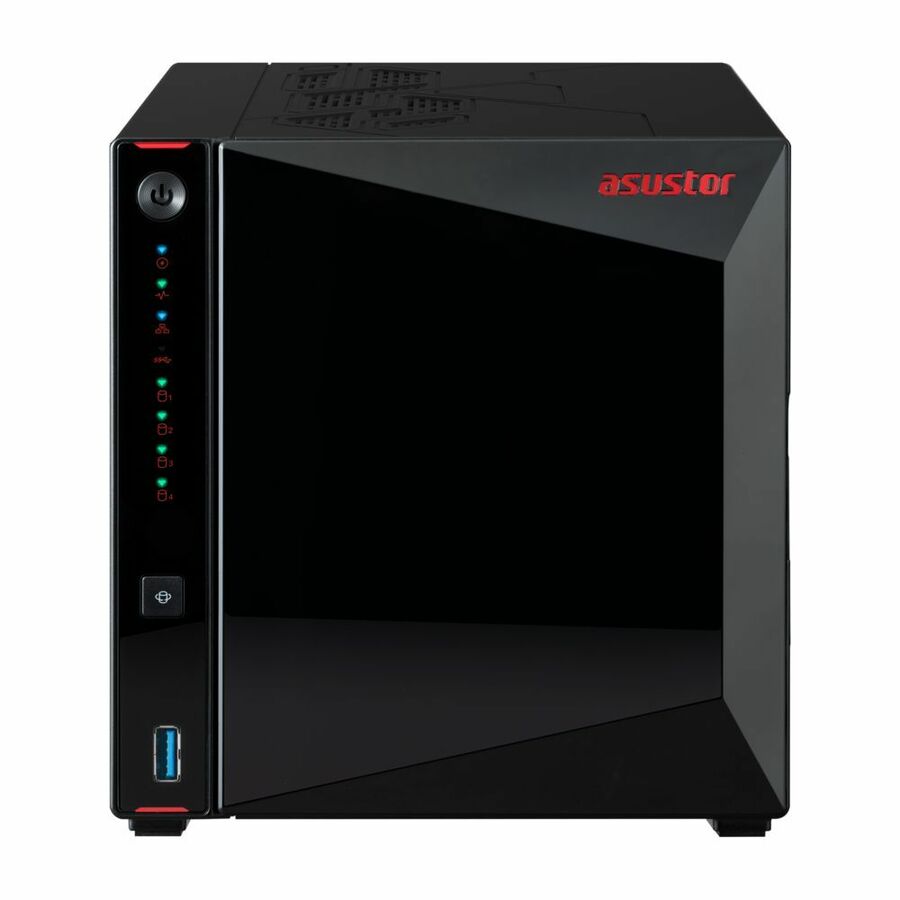
ASUSTOR NIMBUSTOR 4 Gen2 AS5404T
AS5404T
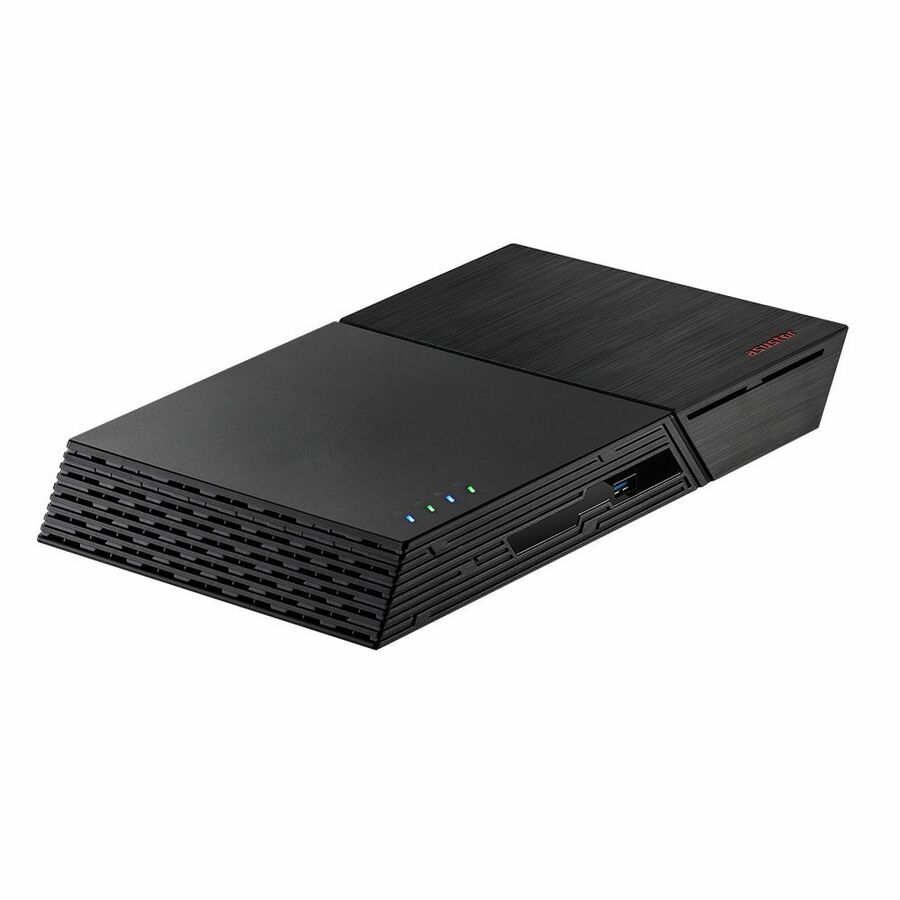
A four-bay NAS built around a mix of hard drives and flash, from a line aimed squarely at small offices that want capacity and a responsive cache in one chassis.
$685.10Back-ordered10GbE, ECC memory
ASUSTOR
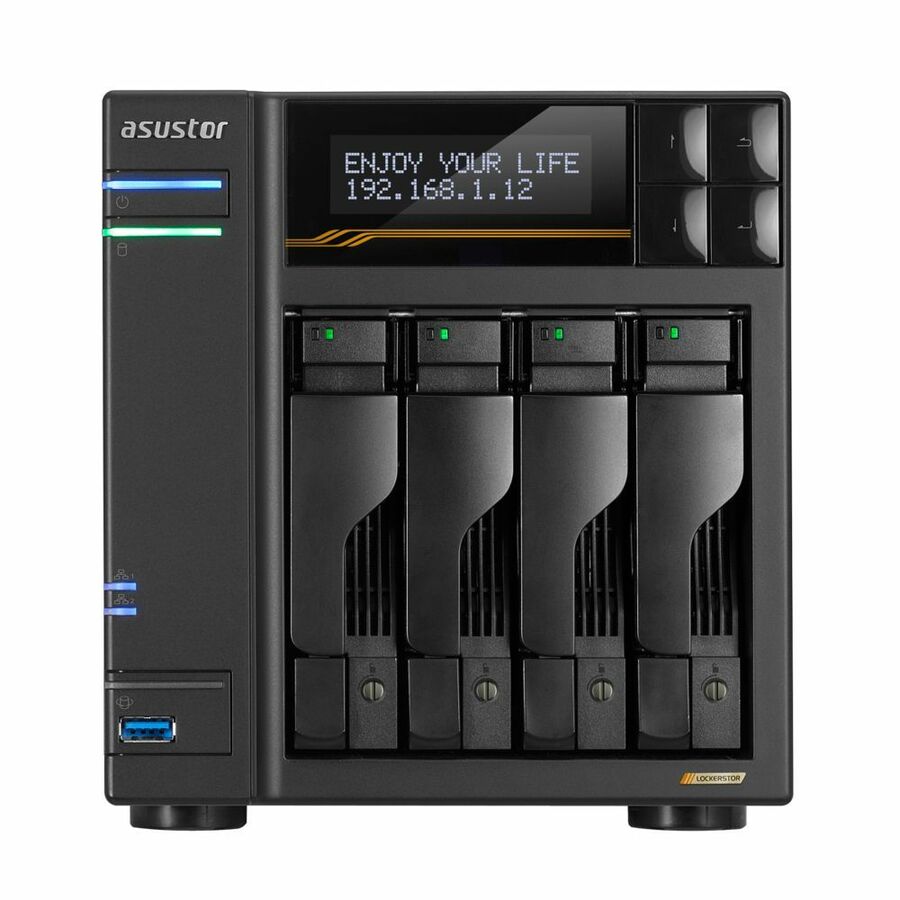
Asustor Lockerstor 4 Gen3 AS6804T, 4 Bay NAS, AMD Ryzen Quad-Core 2.3…
AS6804T
A four-bay Ryzen NAS with 16 GB of ECC DDR5, four M.2 NVMe slots and both dual 5 Gigabit and dual 10 Gigabit Ethernet ports, supplied diskless for a heavier shared workload.
$1,756.95Back-orderedFour bays, 2.5GbE
Ubiquiti
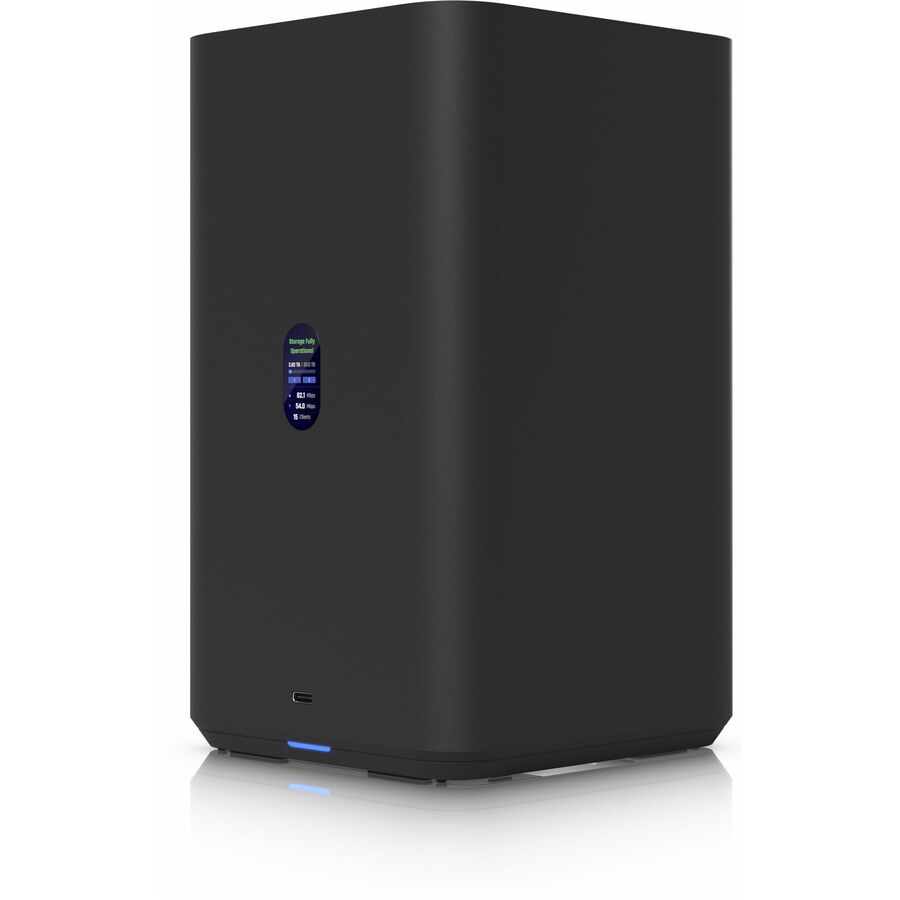
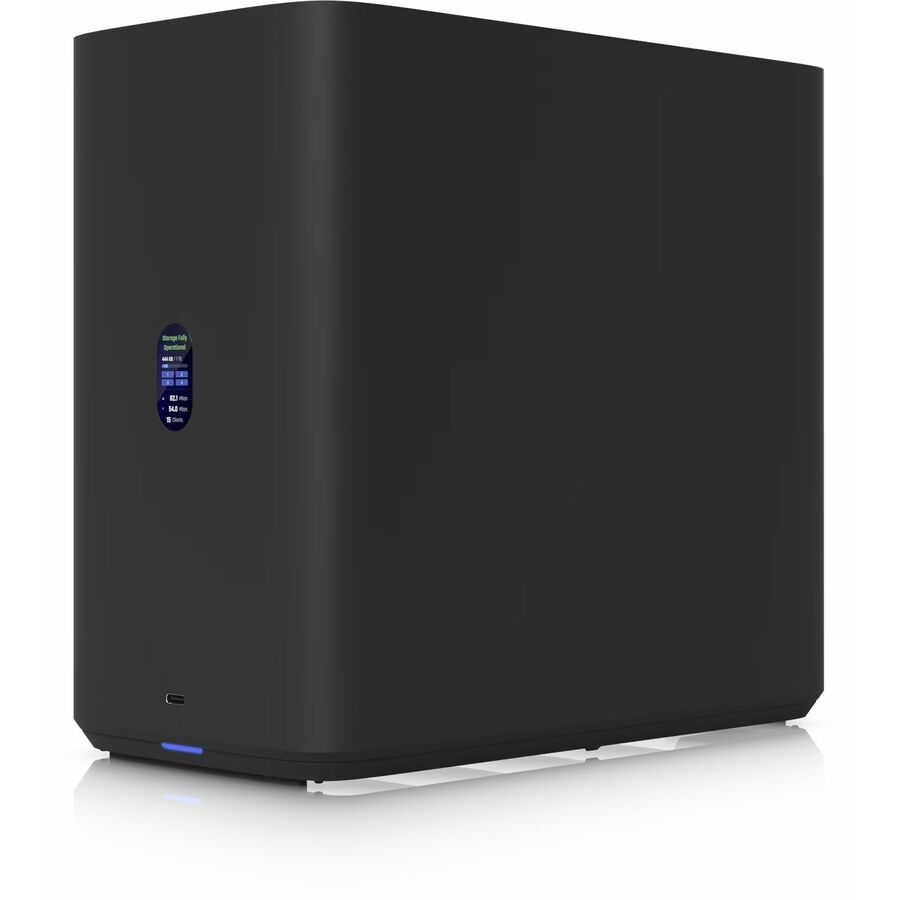
Ubiquiti UNAS-4-B NAS Storage System
UNAS-4-B
A four-bay NAS supporting RAID 5, 6 and 10 with 4 GB of memory and 2.5 Gigabit Ethernet, from the network vendor many small offices already run their switching on.
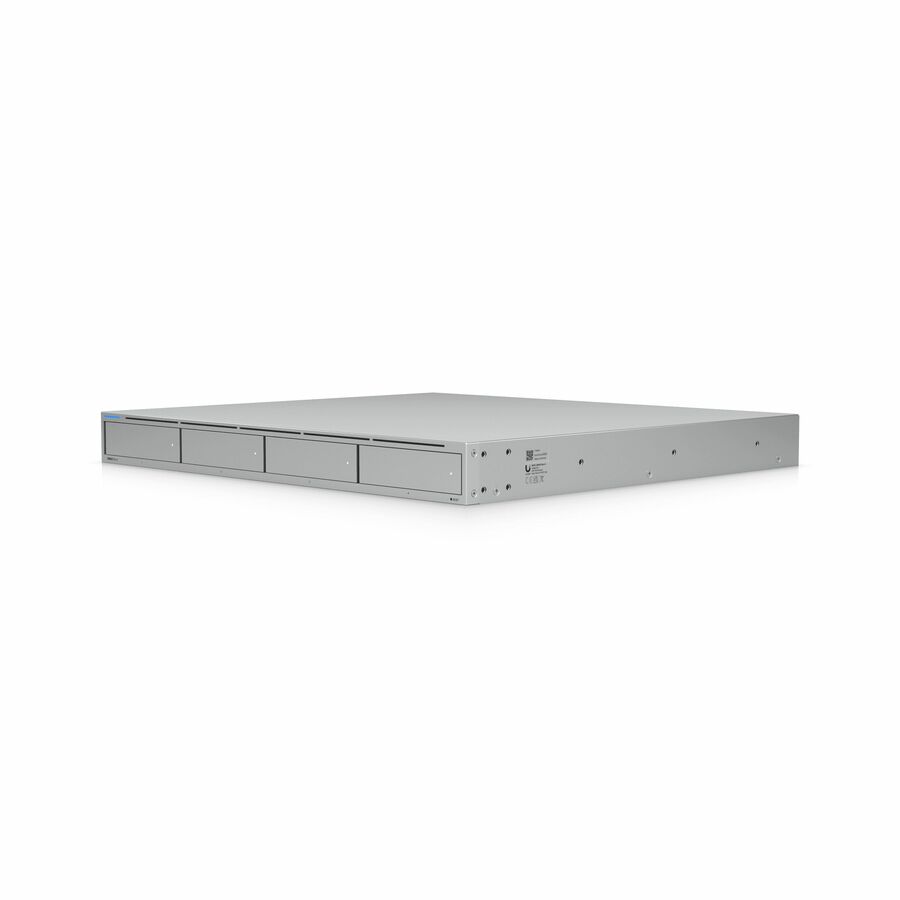
$491.53Back-ordered1U, 10 Gigabit
Ubiquiti
Ubiquiti UNAS-PRO-4 NAS Storage System
UNAS-Pro-4
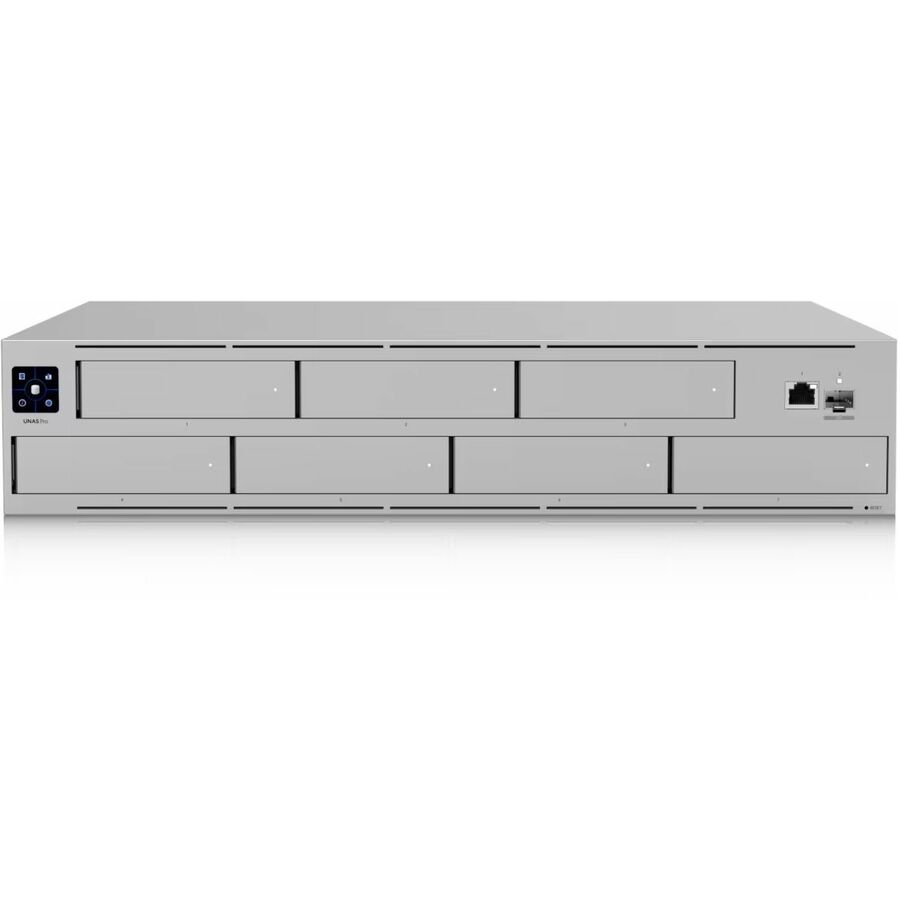
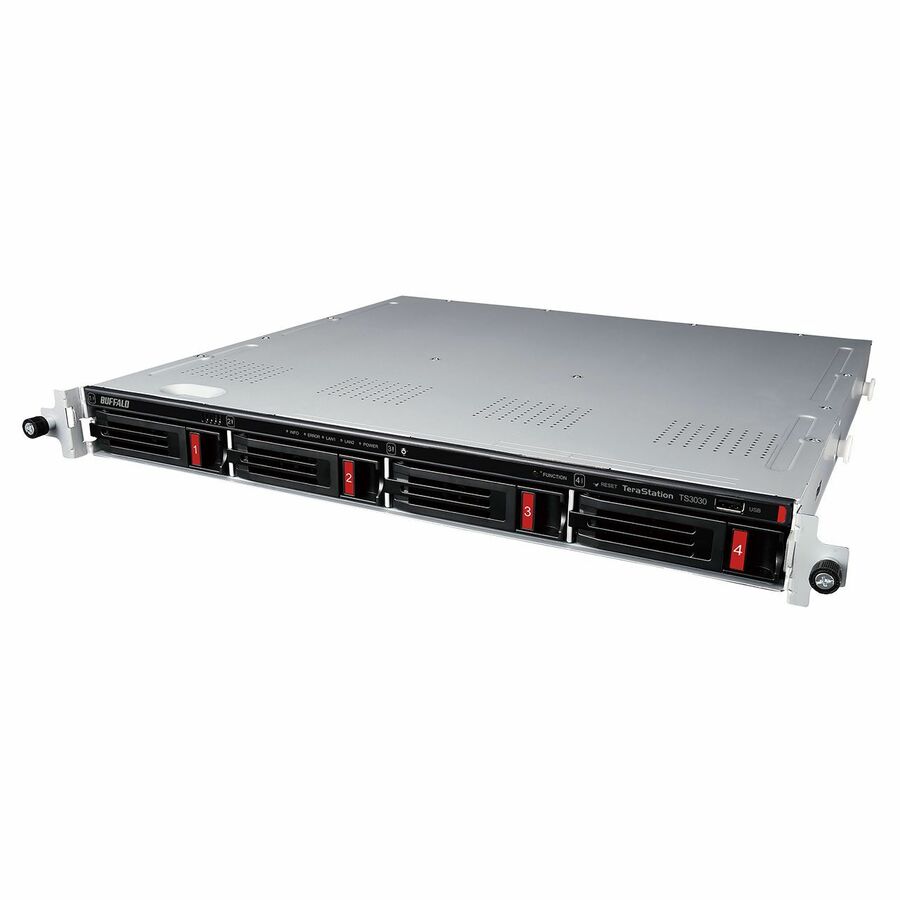
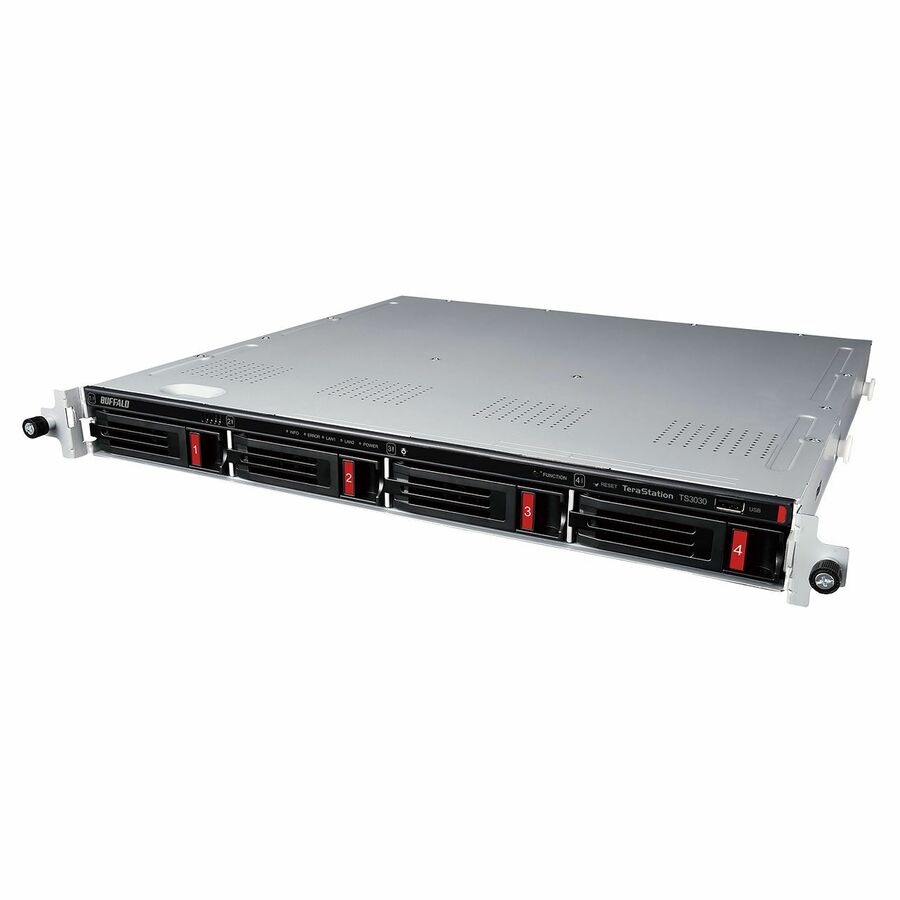
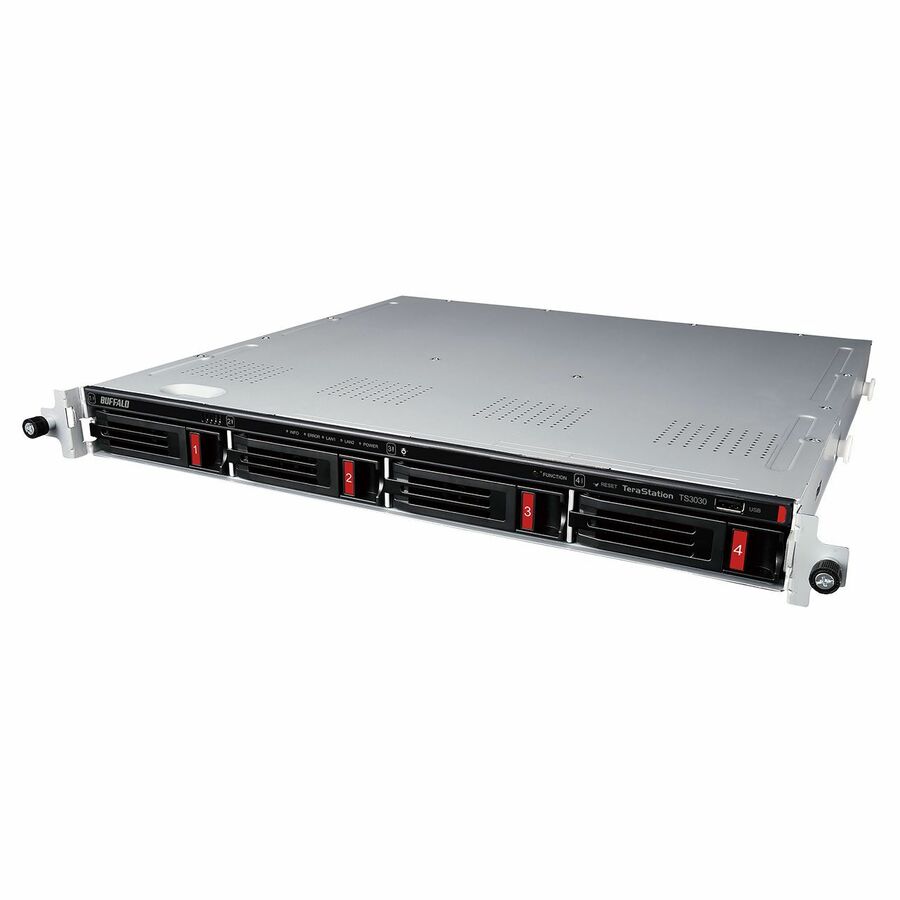
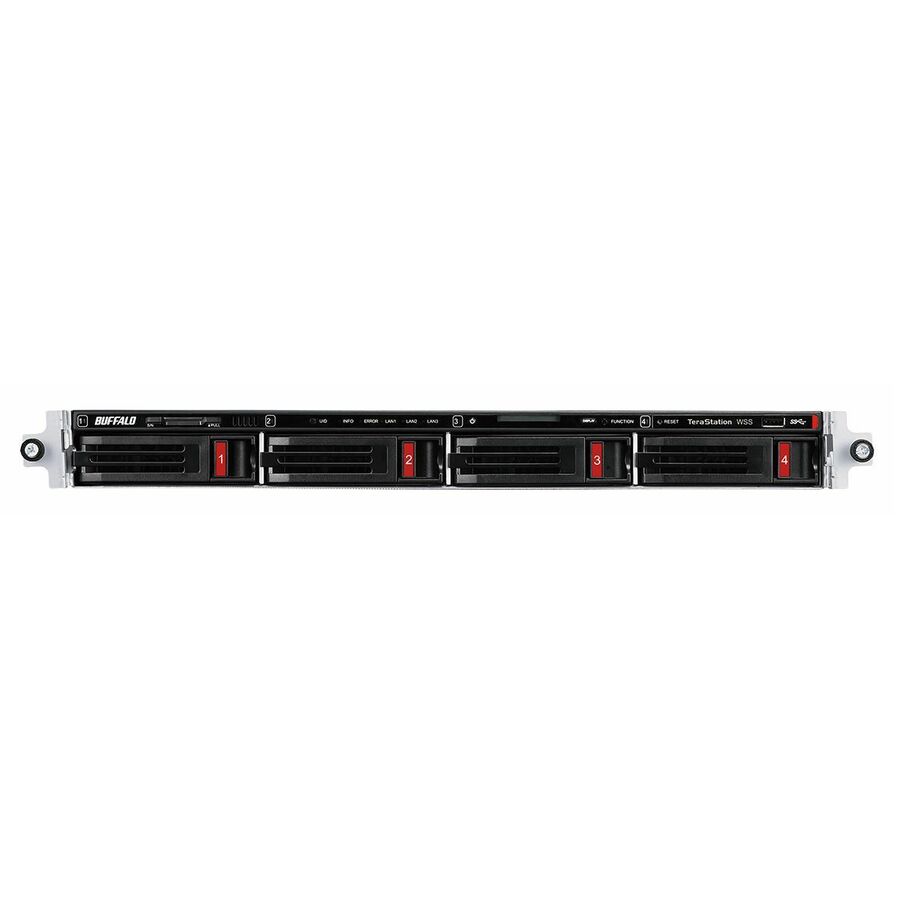
The 1U rack-mounted four-bay unit with 8 GB of memory, 10 Gigabit Ethernet and RAID 5, 6 and 10 support, serving NFS and SMB from a rack rather than a shelf.
$645.54Back-orderedTwo bays, protected
CDSG
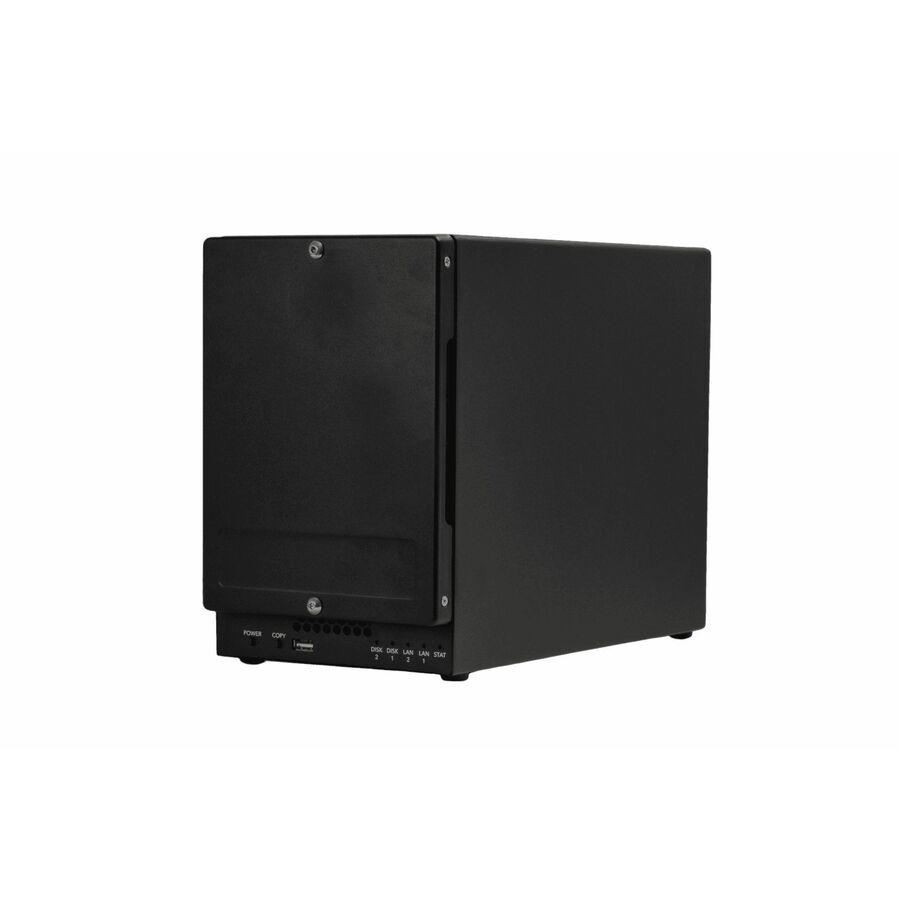
ioSafe 224+ NAS Storage System
72240-3830-0230
A two-bay NAS from a line built around physical disaster protection, with 6 GB of memory and support for RAID 0, 1, JBOD and hybrid RAID across its two bays.
Physical protection is a property of the chassis, not a substitute for an off-site copy.
$1,345.25*Back-orderedFive bays, 32GB RAM
CDSG
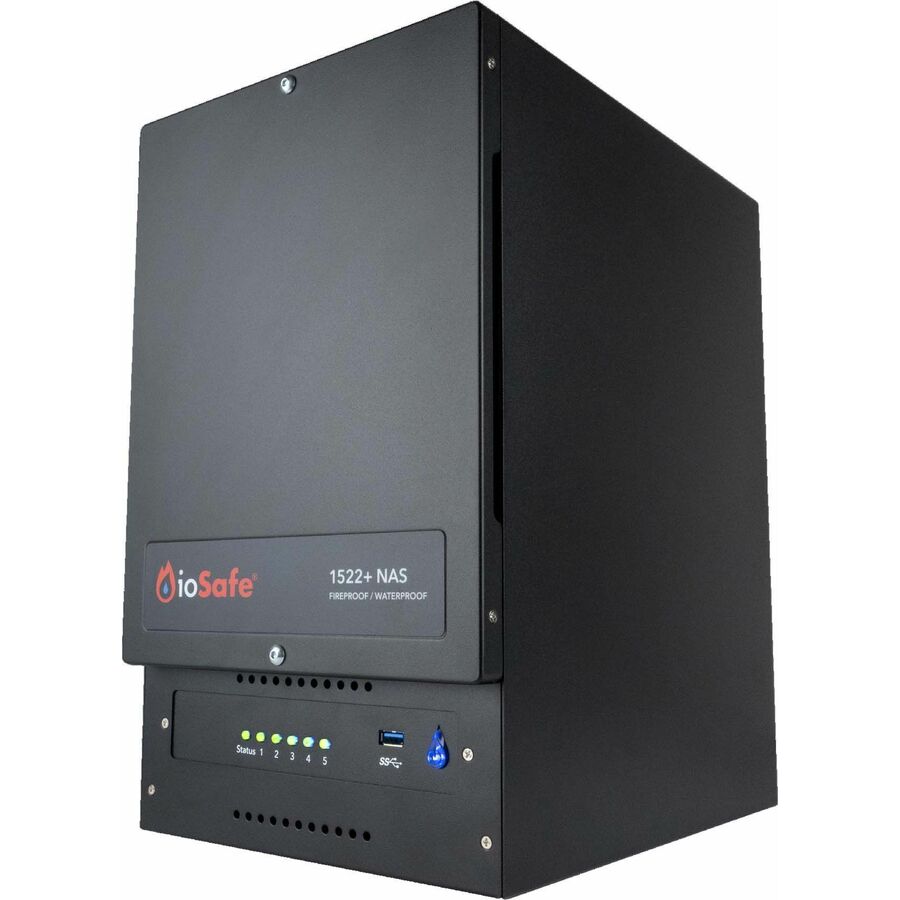
ioSafe 1522+ NAS Storage System
75400-3930-0232
A five-bay Ryzen NAS with 32 GB of memory supporting RAID 0, 1, 5, 6, 10, JBOD and hybrid RAID, from the same disaster-protected line at a much larger capacity.
Every row this page renders states NAS or Network Attached Storage in the manufacturer's own title, as this one does.
$4,405.33Back-orderedMore storage arrays and servers in the Uniqcli catalog
See all 6,776 storage arrays and serversMore from across this category. In-stock lines lead, and a back-ordered line carries the same estimated availability its product page does — with live pricing throughout, NDAA §889 screening before checkout and TAA verified on request.
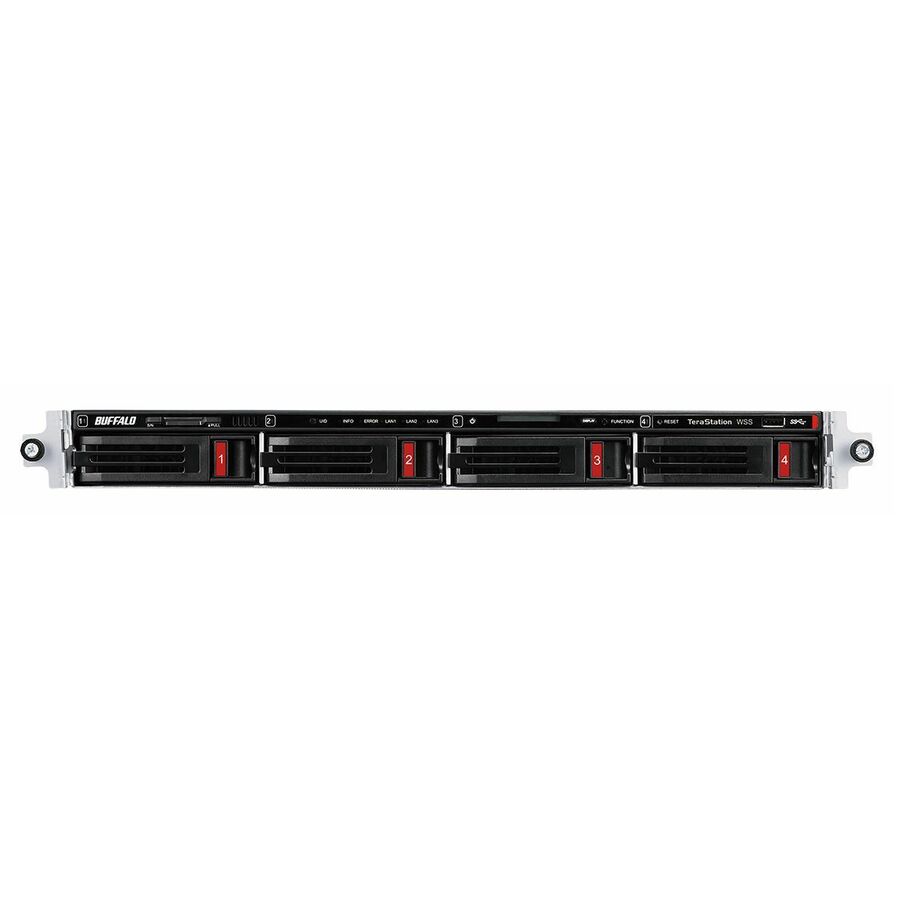
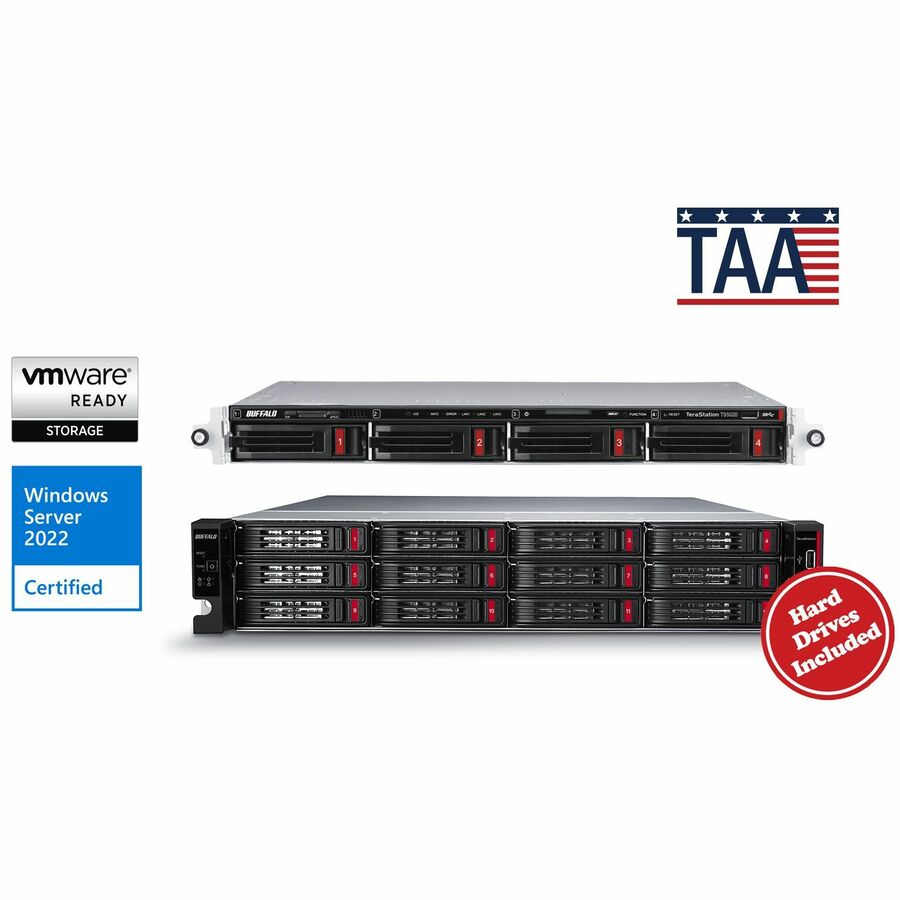
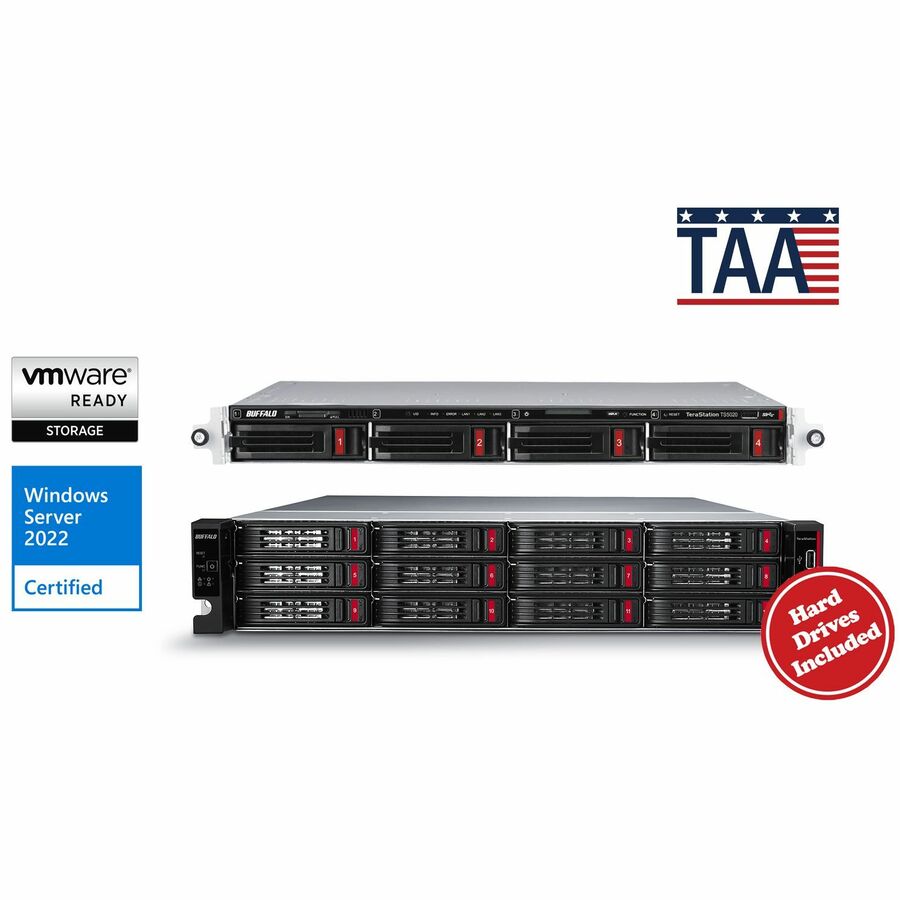
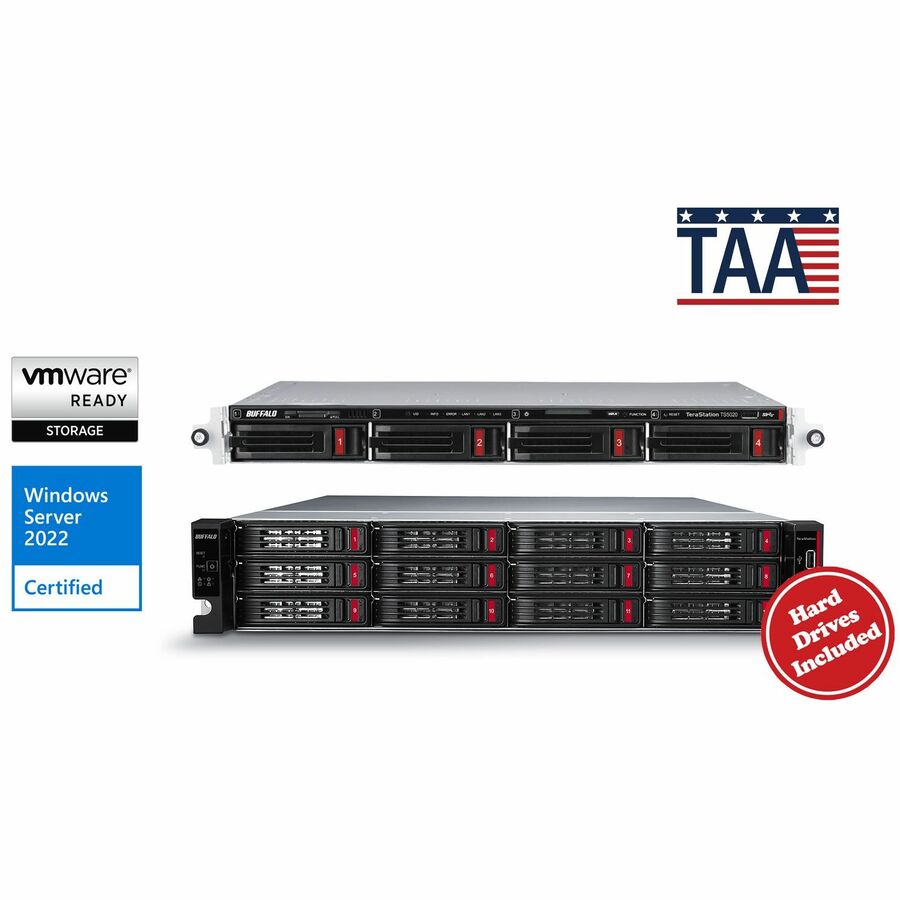
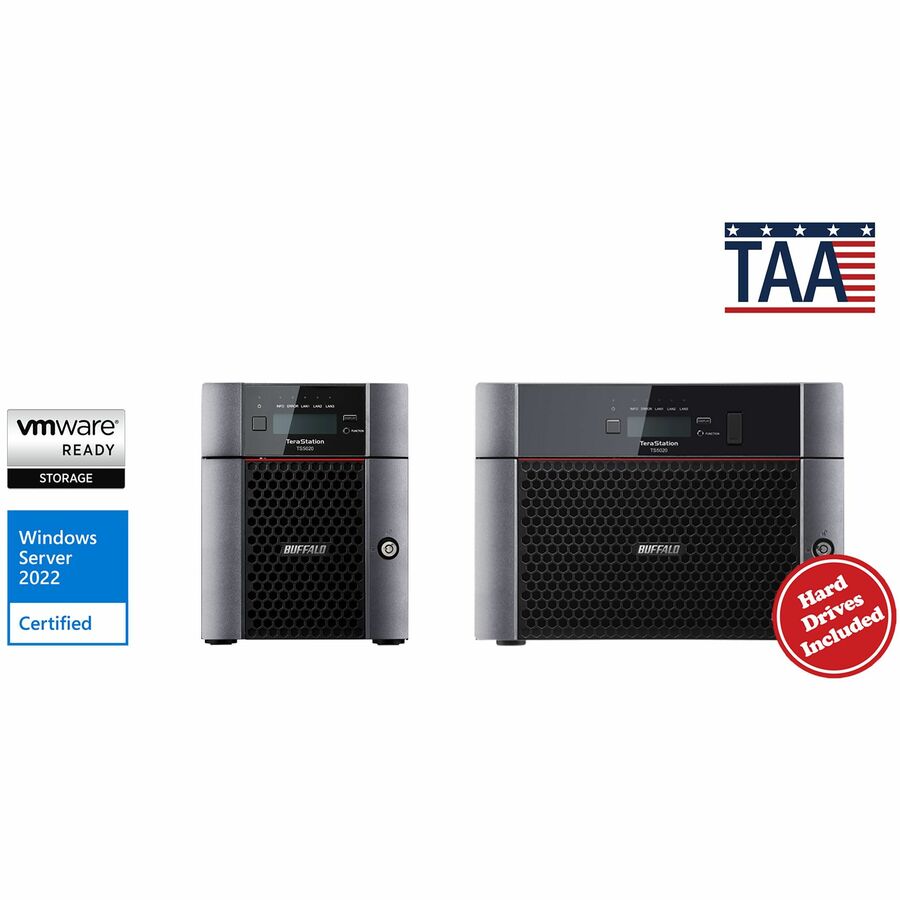
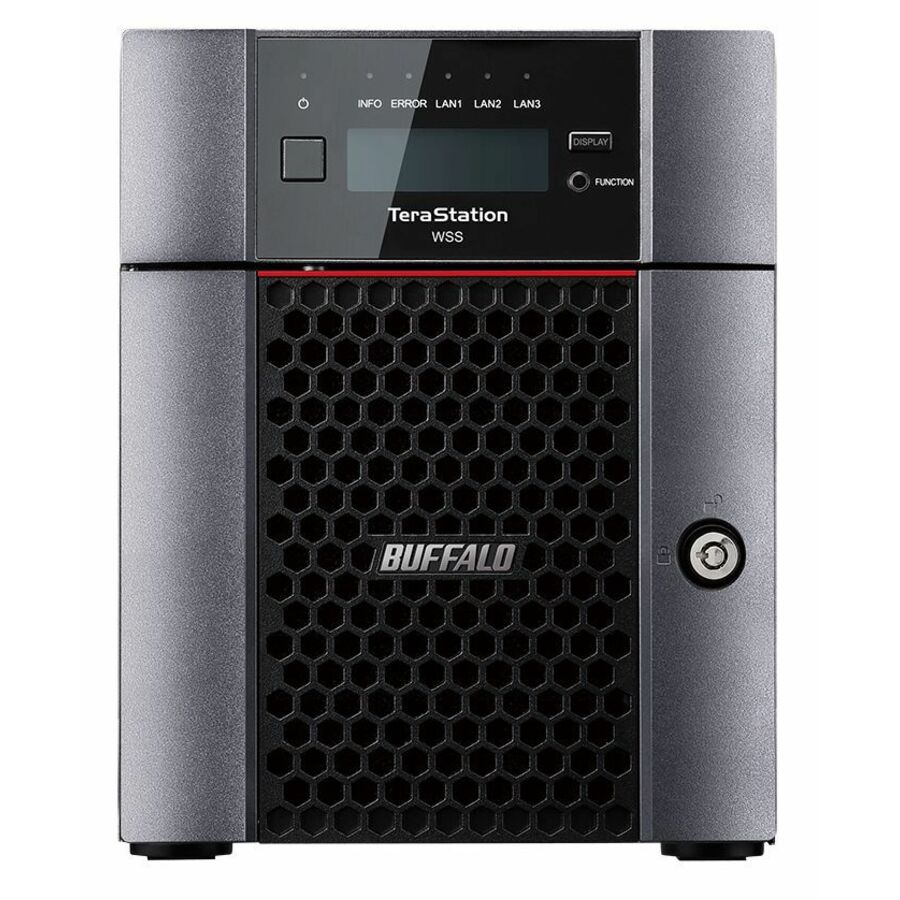
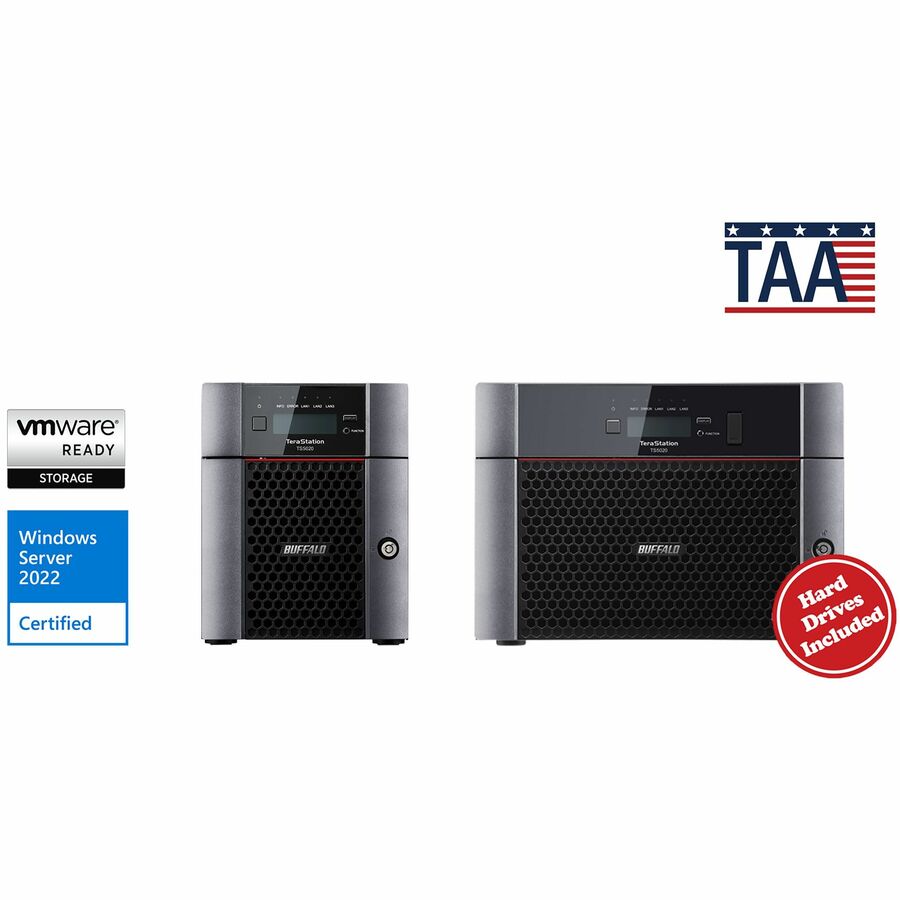
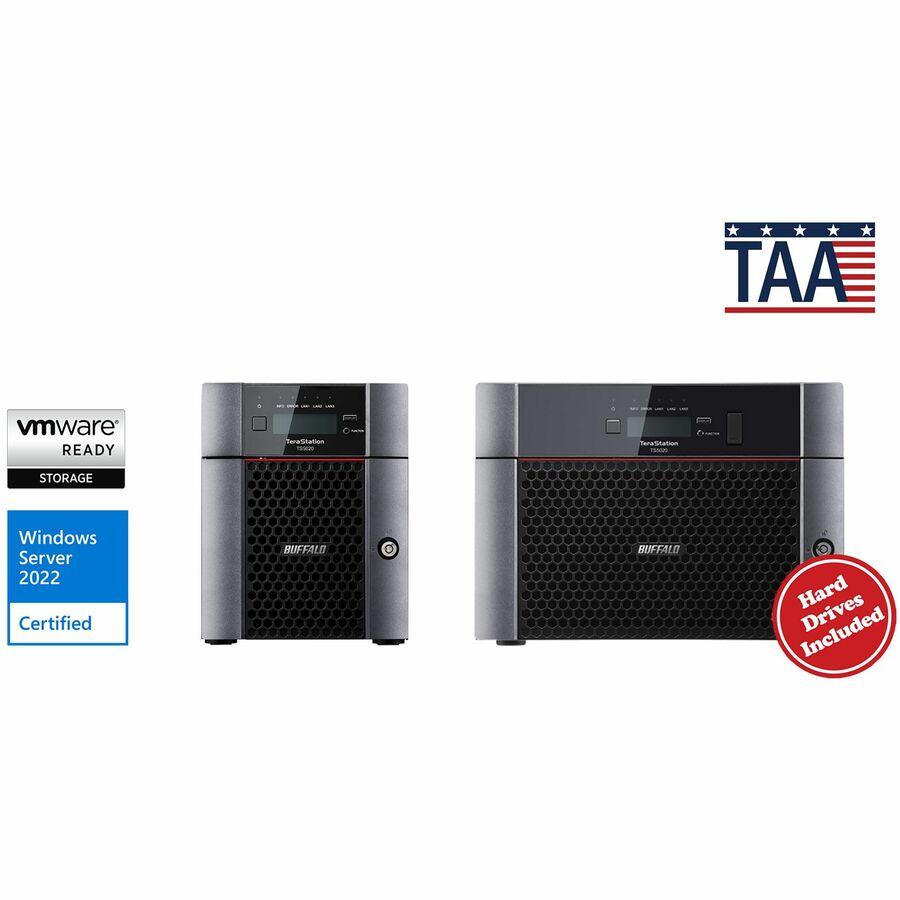
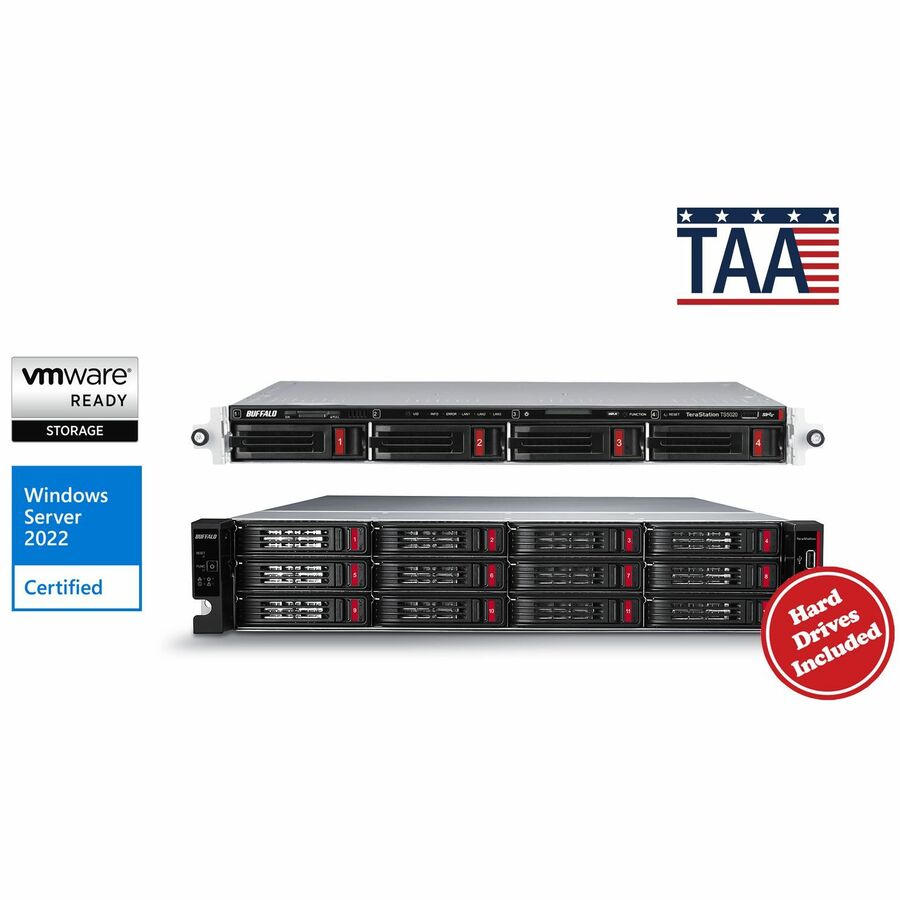
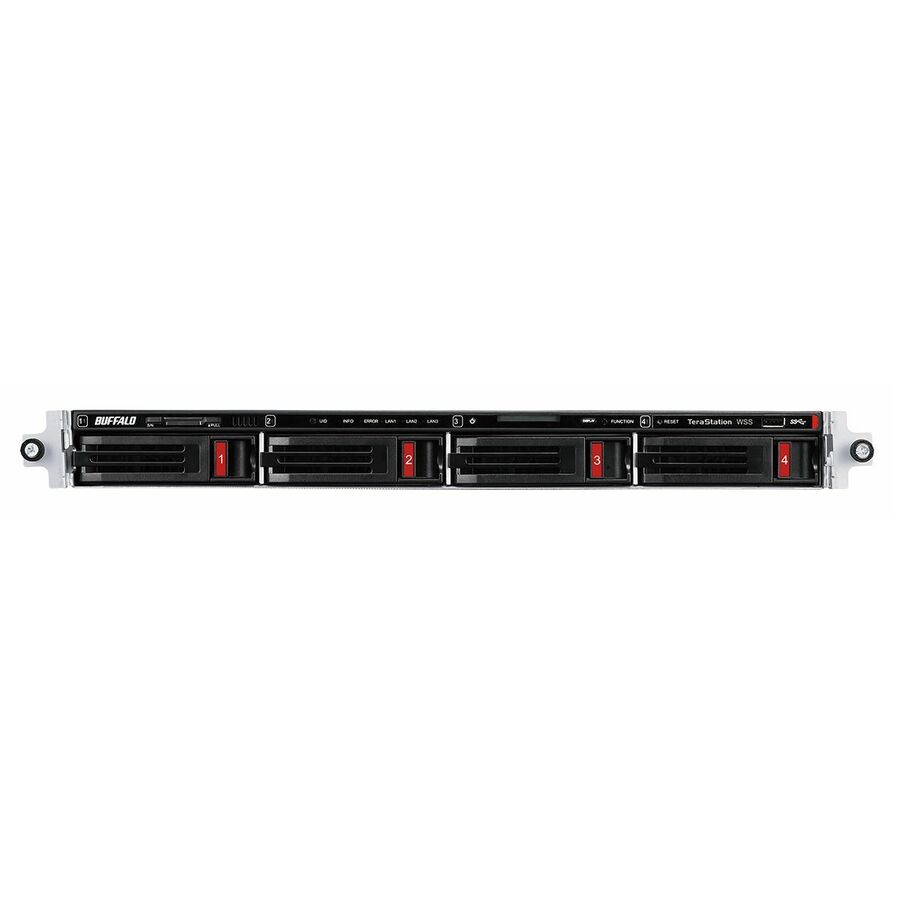
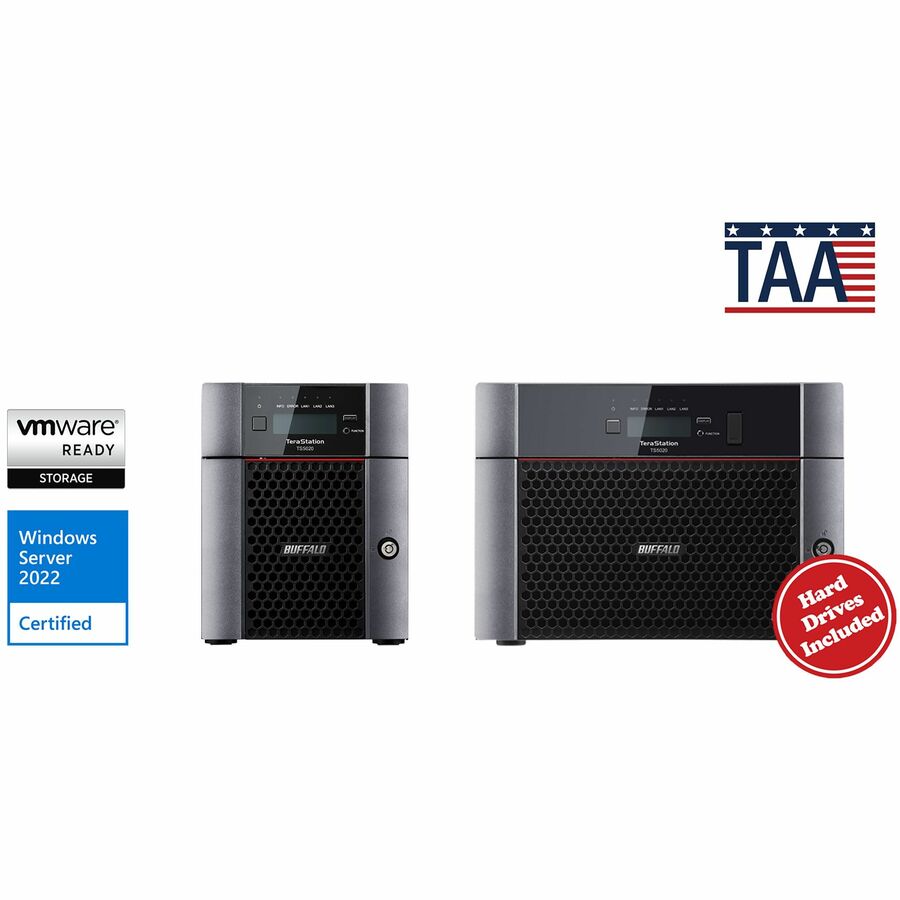
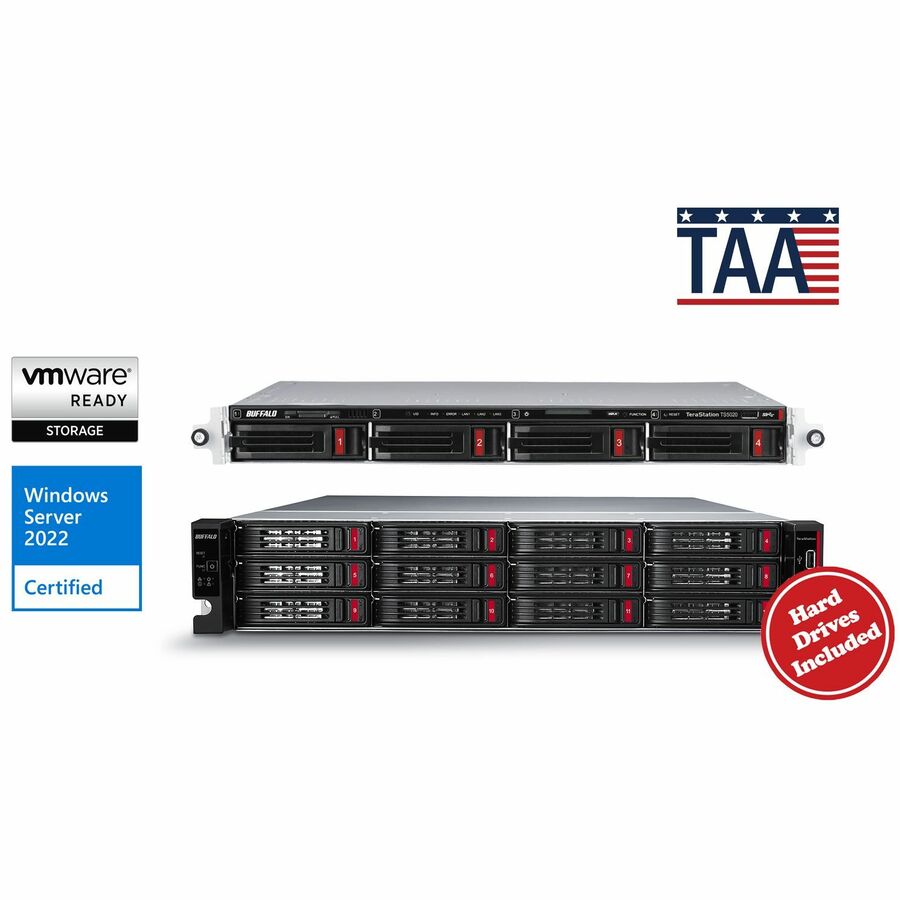
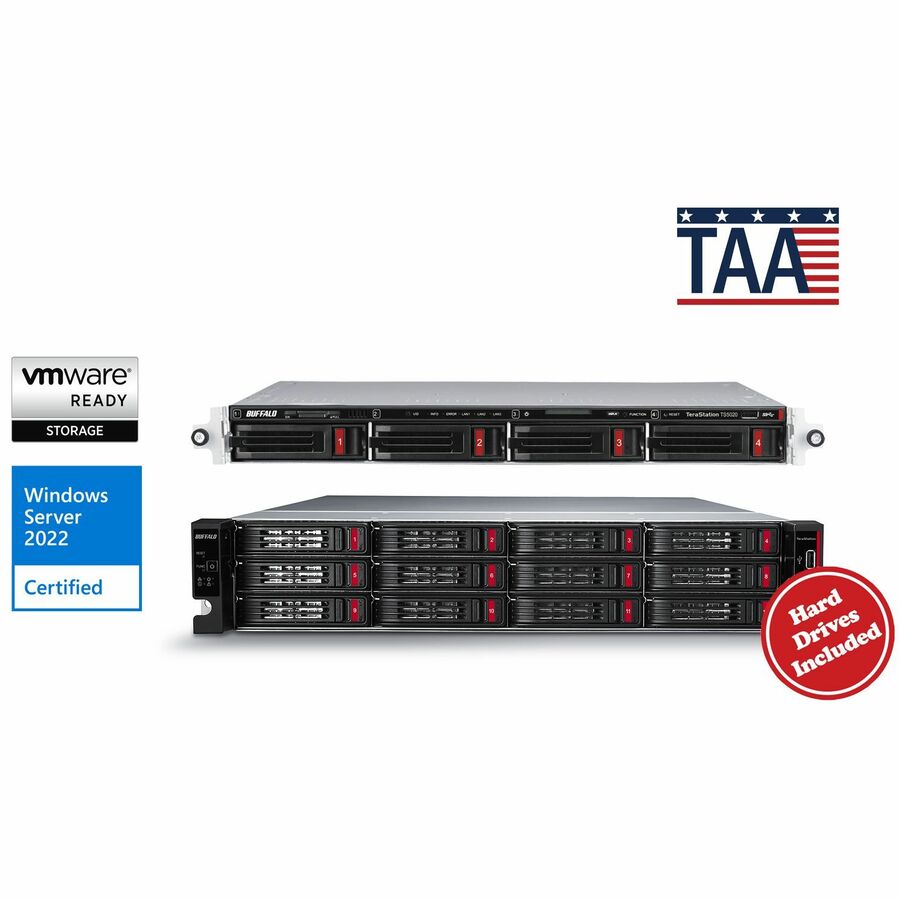
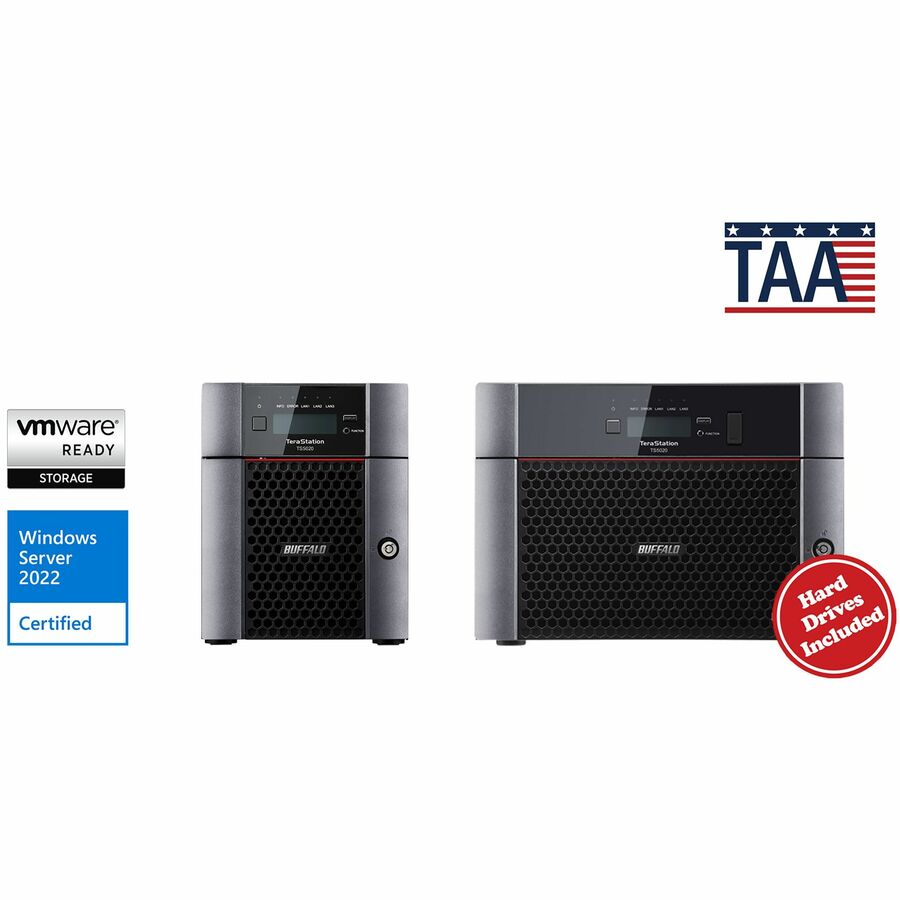
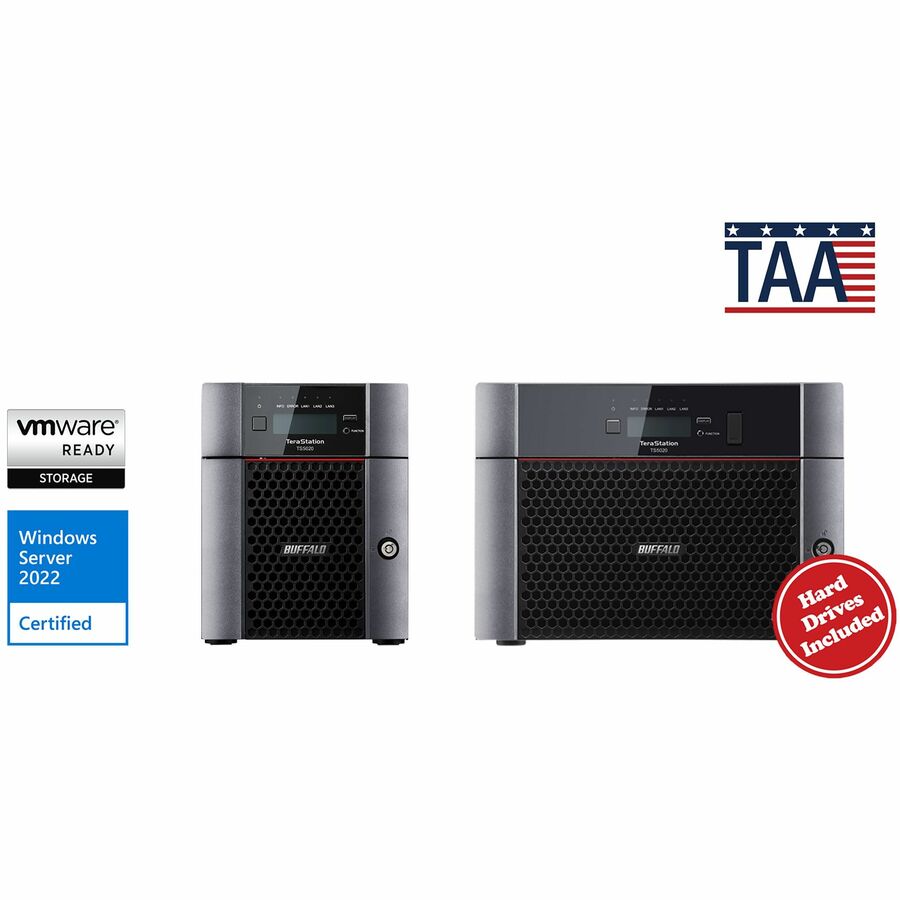
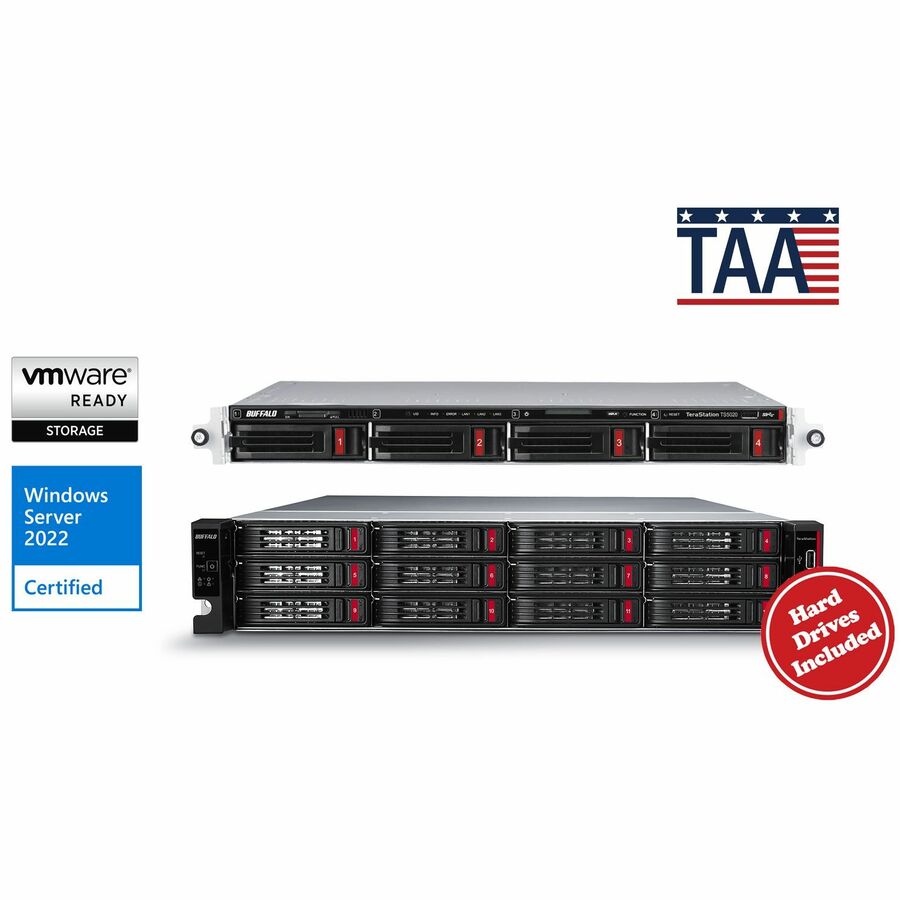
- BuffaloBUFFALO TeraStation 51220RH 12-Bay Secure Business 2U NAS 16TB (4x4TB) w/ Hard Drives Included - 4 x HDD Installed - (4 x 4TB) 16 TB Installed HDD Capacity - Serial ATA/600 - Serial ATA/600 Controller - 0, 1, 5, 6, 10, JBOD RAID Levels - 4 x RJ-45 - 10 Gigabit Ethernet, Gigabit EthernetTS51220RH1604
$5,765.99
$5,362.37*
2 in stock
Need pricing on small-business NAS systems?
Tell us where to reach you and a Uniqcli specialist will follow up by email with current pricing, availability and lead time for the quantities you need — including parts that aren’t shown on this page.
Buying for an organization or for yourself — both work. No payment up front.
Bay count and RAID level decide a small-business NAS, not the processor. Two bays mirrored gives one drive's worth of usable space and no room to grow; four bays is where parity RAID starts to make sense. Gigabit Ethernet is enough for documents and general file sharing; 2.5 and 10 Gigabit matter when several people work on large files at once.
Most small businesses arrive at network storage the same way. Files live on somebody's desktop, then on an external drive plugged into it, then on two external drives because one of them failed. A NAS is the point at which shared storage stops being a person and starts being an appliance: one box on the network, one set of permissions, one place that gets backed up, and a disk failure that is an inconvenience rather than an incident.
Every row on this page states NAS or Network Attached Storage in the manufacturer's own catalog title, so nothing here is a general storage array being reframed as a small-business one. Within that, the page is deliberately scoped to the desktop and small rackmount end of the shelf: the enterprise controller-class arrays and backup appliances that share the same catalog category are a different purchase with a different design conversation, and putting them beside a four-bay office unit would make the comparison useless.
Three decisions carry most of the weight, and none of them is the processor. How many bays — which sets both today's usable capacity and how far the box can grow. Which RAID level — which sets how many drives can fail before data is at risk, and how much of the raw capacity you actually get to use. And whether the unit ships with drives in it or empty, because a diskless chassis and a populated one are the same product with very different lead times, and the titles below say which is which.
Buyer's checklist
How to choose a NAS for a small business
- Count bays against three years, not against today. A two-bay unit mirrored gives you one drive's worth of usable space and no room to grow; four bays is the point at which parity RAID becomes sensible; six, eight and ten bays exist because organisations that fill four keep filling. Bays are the one thing you cannot add later without replacing the box.
- Pick the RAID level before the capacity. Mirroring survives one drive failure and gives you half the raw capacity; single parity survives one failure and costs one drive's worth of space; dual parity survives two and costs two. The titles here state the supported levels per unit, and the choice changes how much storage you are actually buying.
- Say out loud that RAID is not a backup. It protects against a drive dying; it does nothing about deletion, ransomware, fire or theft, all of which reach every copy on the array at once. Plan the second and third copies at the same time as the array, not afterwards.
- Match the network port to the workload. Gigabit Ethernet is genuinely enough for documents and general file sharing; 2.5 Gigabit and 10 Gigabit start to matter when several people are working on large media or design files at once, or when the NAS is a backup target for a whole office overnight.
- Decide diskless versus populated deliberately. A diskless chassis lets you choose drive model and capacity and is the norm for anything above the entry level; a populated unit arrives configured and is simpler to deploy. Where the unit is diskless, budget the drives as part of the same purchase and use drives rated for continuous multi-bay operation.
- Check RAM and whether it can be expanded, especially if the box will run applications, virtual machines or containers rather than just serving files. Memory is the specification that most often limits what a NAS can be asked to do later.
- Choose desktop or rackmount from where it will actually live. A desktop unit in a cupboard is fine for an office of ten; if there is a rack, a 1U or 2U unit keeps the estate tidy and the noise contained, and rackmount models are usually louder than desktop ones by design.
- Plan for the drive that fails, because one will. Keep a spare of the same model on the shelf, know which bay maps to which slot in the interface, and confirm the unit's warranty and support terms before it becomes the only copy of anything.
Bays, RAID and the capacity you actually get
The most common small-business NAS mistake is buying raw capacity and discovering usable capacity. In a two-bay mirror, two identical drives present as one drive's worth of space: that is the cost of surviving a failure, and it is not negotiable. Move to four bays with single parity and one drive's worth of capacity goes to protection instead of half of it, which is the real reason four bays is the practical floor for a business rather than a household. Dual parity — surviving two simultaneous failures — costs two drives' worth, and starts to make sense as individual drive capacities climb, because a large array takes longer to rebuild and the rebuild is exactly when a second drive is most likely to give up.
Bay count is also the only part of the decision that is genuinely irreversible. Memory can often be added, network cards sometimes, drives certainly — but a two-bay chassis is a two-bay chassis forever, and the upgrade path is a new box and a migration. The units on this page run from single-bay personal cloud devices through the two-, four-, five-, six- and eight-bay desktop range to rackmount models, and expansion units exist for some lines. Sizing on the trajectory of the last two years of data growth, rather than on the current folder size, is the cheapest decision available at this stage.
What a NAS does not do, and the copies you still need
A NAS solves availability. It does not solve backup, and the confusion between the two is behind a large share of small-business data loss. RAID protects against the mechanical failure of a drive. It does not protect against a person deleting the wrong folder, an application corrupting a file, ransomware encrypting a share, or the building the array sits in having a bad day — every one of those reaches every disk in the array simultaneously, because that is what an array is for. The conventional framing is to keep three copies of anything that matters, on two different kinds of media, with one of them somewhere else, and a NAS is usually the first or second of those copies rather than the last.
That has practical consequences for the purchase. A NAS that is the backup target for a fleet of laptops needs enough network throughput to absorb an overnight window and enough capacity to hold history rather than just the current state. A NAS that is the primary shared drive needs its own off-site or immutable copy, and increasingly needs snapshot support so a ransomware event has something to roll back to. Both of those are decided at purchase, not at the first incident. Send the current data volume, the growth over the last two years, the number of people working on it at once and whether the box is the primary copy or the backup target, and the array, the drives and the second copy can be quoted together on one document.
FAQ
Common questions
- How many bays does a small business NAS need?
- Four is the practical floor for a business, and bays are the one specification you cannot add later. A two-bay unit mirrored gives you a single drive's worth of usable space with no room to grow, which suits a very small office or a single-purpose share. Four bays is where parity RAID becomes sensible: one drive's worth of capacity goes to protection instead of half of it. Six, eight and ten bay units exist because organisations that fill four keep filling. Size on the last two years of growth, not on today's folder.
- Is a NAS a backup?
- No, and treating it as one is behind a lot of small-business data loss. RAID protects against a drive failing mechanically. It does nothing about a deleted folder, a corrupted file, ransomware or the building itself — all of those reach every disk in the array at the same moment, because a RAID array deliberately keeps the disks in step. The usual discipline is three copies of anything that matters, on two kinds of media, with one of them elsewhere. A NAS is normally the first or second of those copies, not the last one.
- Should I buy a NAS with drives included or an empty one?
- Both shapes are on this page and the titles say which is which. A populated unit arrives configured and is the simpler deployment, which suits an office with no IT staff. A diskless chassis lets you choose the drive model, capacity and warranty yourself, and is the norm above the entry level — but the drives are then part of the same purchase and should be models rated for continuous operation in a multi-drive enclosure, since desktop drives in a busy array are a well-documented way to shorten their own lives.
- Do I need 10 Gigabit Ethernet on a NAS?
- Usually not. Gigabit Ethernet is genuinely sufficient for documents, general file sharing and most office workloads, and it is what the majority of small-business units ship with. Faster ports start to earn their place when several people work simultaneously on large media, design or engineering files, or when the NAS absorbs a whole office's backups inside a fixed overnight window. Remember the port is only half of it: the switch, the cabling and the client machines have to match, or the array negotiates back down to the slowest link.
- What is the best NAS storage device for a small business?
- There is no single best model; the fit is set by bay count, RAID level and network port. Count bays against three years rather than today's capacity, pick the RAID level before the capacity, and match the port to the workload — gigabit for documents, 2.5 or 10 gigabit for large media and design files.
- What are the downsides of using a NAS?
- A NAS is one appliance in one building, so it carries one set of risks. RAID protects against a drive dying and does nothing about deletion, ransomware, fire or theft, all of which reach every copy on the array at once. It also needs somebody to notice a failed drive, keep a matching spare on the shelf, and run the second and third copies somewhere else.
- Is it better to buy a NAS or build your own?
- A prebuilt NAS arrives with the operating system, the drive-failure alerting and a support path already in place. A self-build usually costs less per terabyte and costs staff time instead, and that is the real trade. For an office with nobody to own the box, the prebuilt unit is the safer answer.
- Can business, government and education buyers order these?
- Every line Uniqcli quotes is sourced through US distribution and screened for TAA country-of-origin and NDAA §889 status before checkout — with documentation tied to the specific part number, not a product family.
Need small-business NAS systems pricing?
Send a bill of materials or part numbers — we confirm stock and a below-market total, with TAA verified on request. No payment up front.