
Best Buffalo NAS for Small Business and Branch Offices
TeraStation and LinkStation network storage with the drives already included — desktop and rackmount.
Buffalo NAS and storage arrays in stock at Uniqcli
How to choose →A curated selection with live pricing — in-stock lines first, then back-ordered lines with a typical lead time. Every line is sourced through US distribution and screened for NDAA §889 status before checkout, with TAA verified on request.
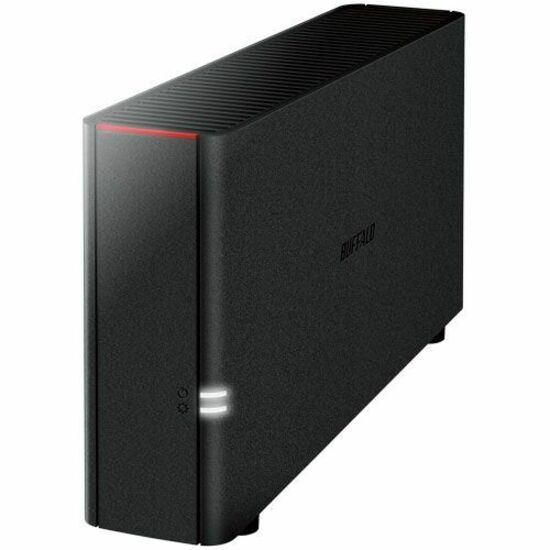
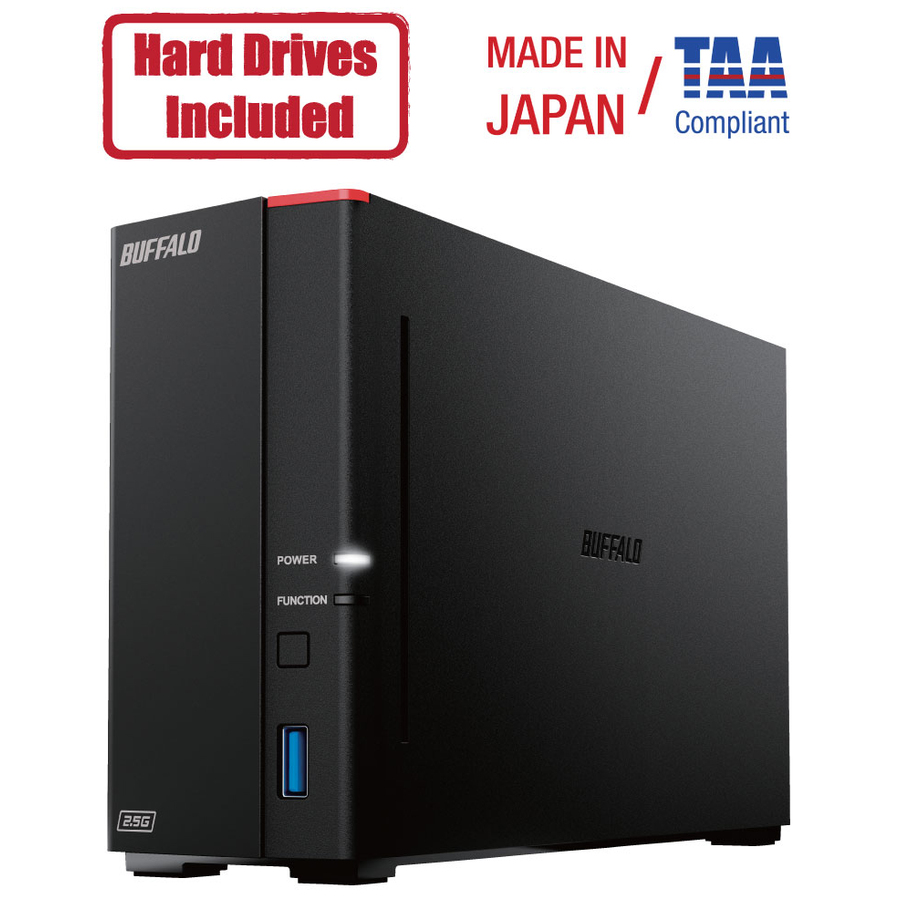
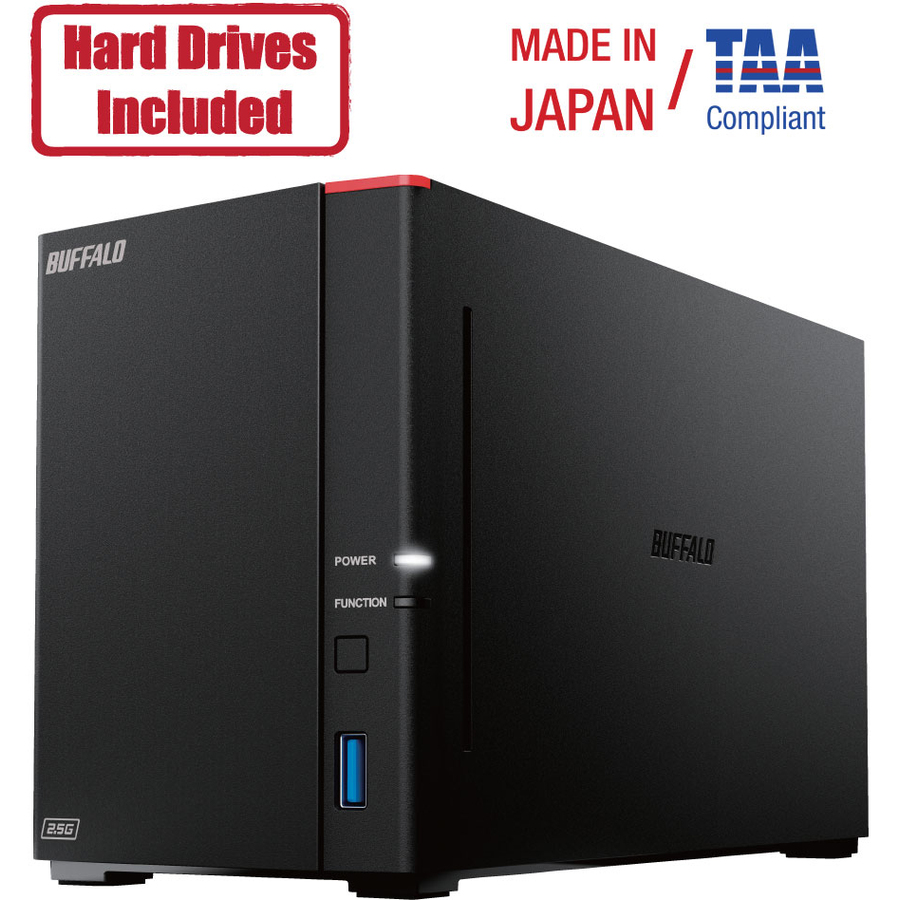
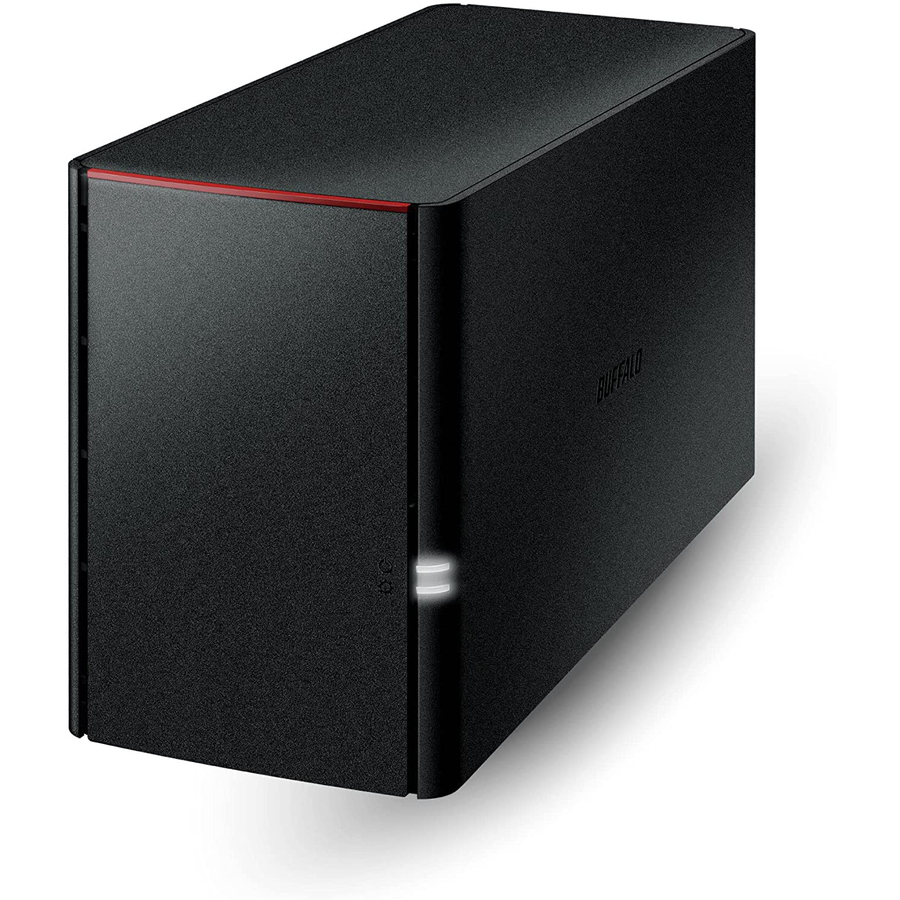
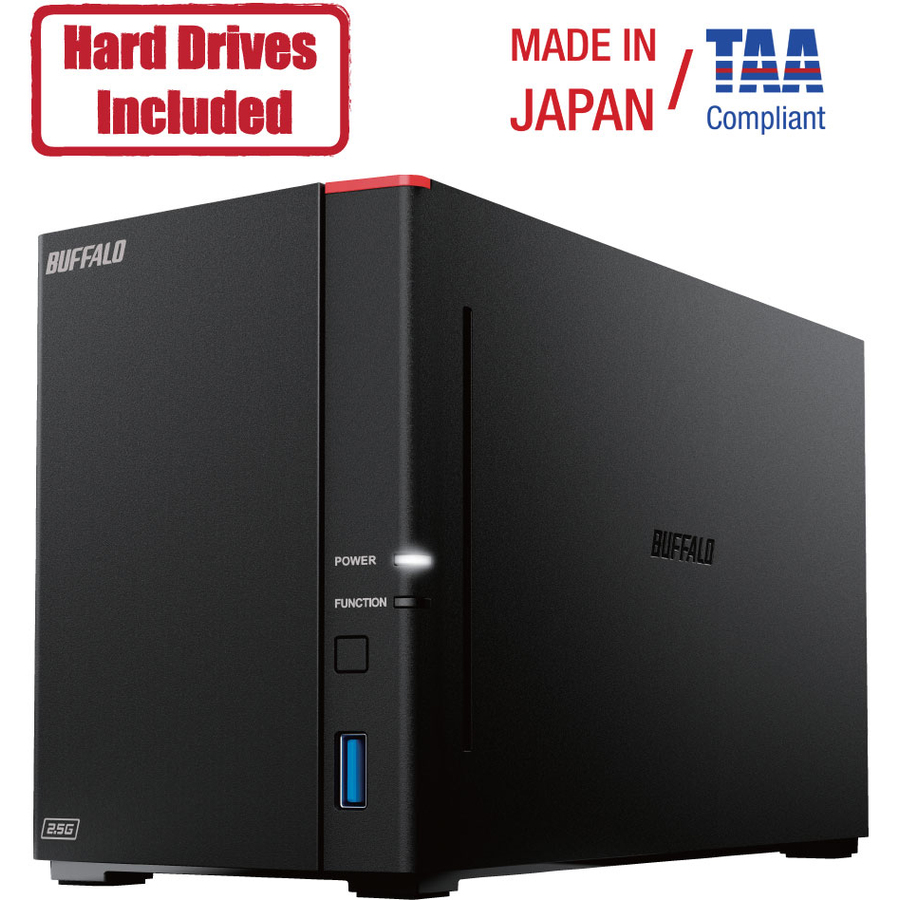
- BuffaloBUFFALO LinkStation SoHo 220 2-Bay Personal Cloud Office NAS 12TB (2x6TB) with Hard Drives Included - 2 x HDD Installed - (2 x 6TB) 12TB Installed HDD Capacity - Serial ATA/300 - Serial ATA/300 Controller - 0, 1, JBOD RAID Levels - 1 x RJ-45 - Gigabit EthernetLS220D1202B
$659.99
$613.79*
50 in stock
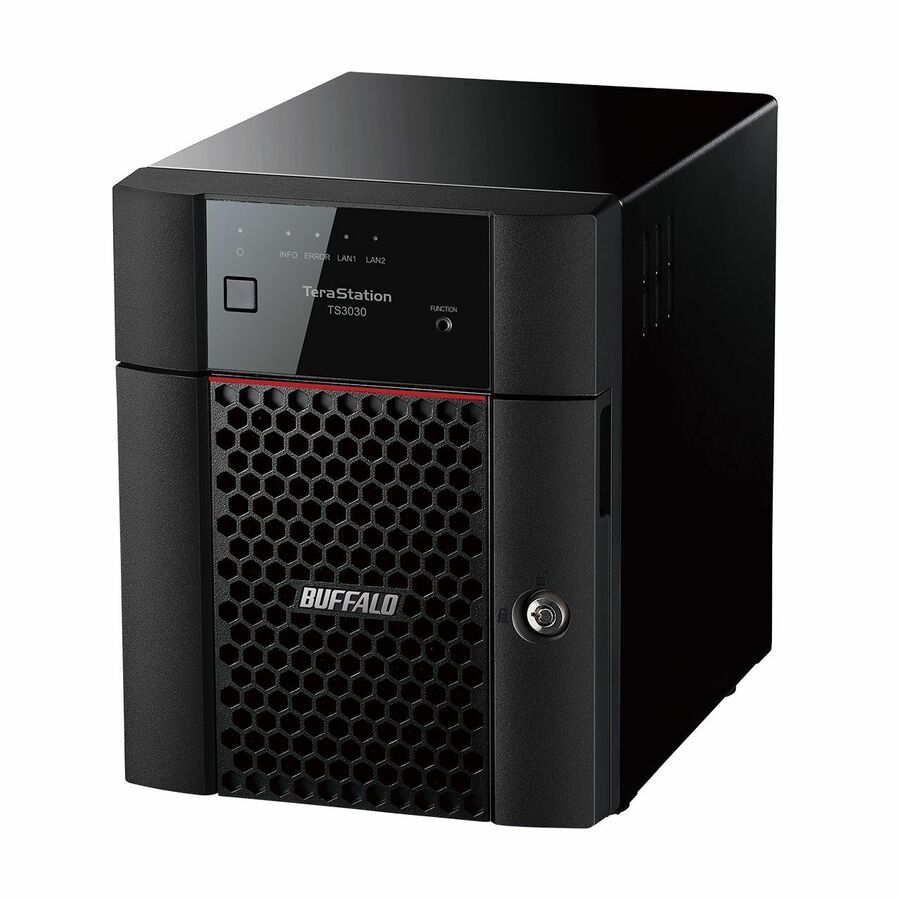
More storage arrays in the Uniqcli catalog
See all 6,776 storage arraysMore Buffalo first — closest to what you were just looking at; “See all storage arrays” above opens every other brand in the category. In-stock lines lead, and a back-ordered line carries the same estimated availability its product page does — with live pricing throughout, NDAA §889 screening before checkout and TAA verified on request.
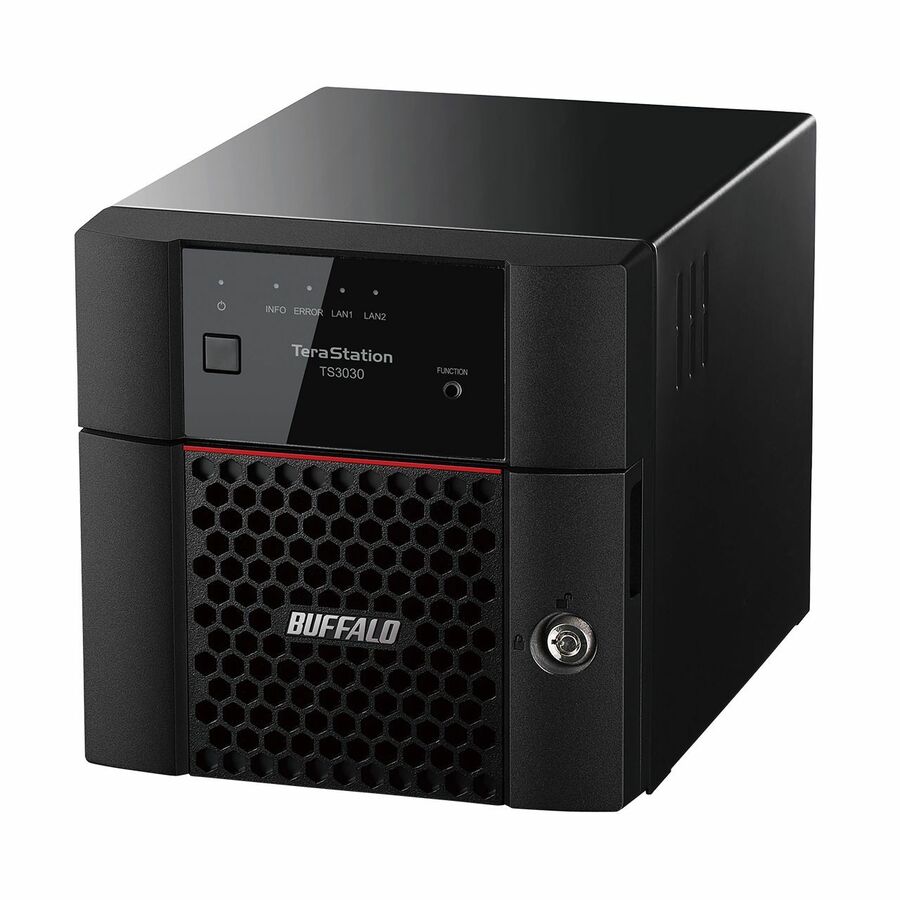
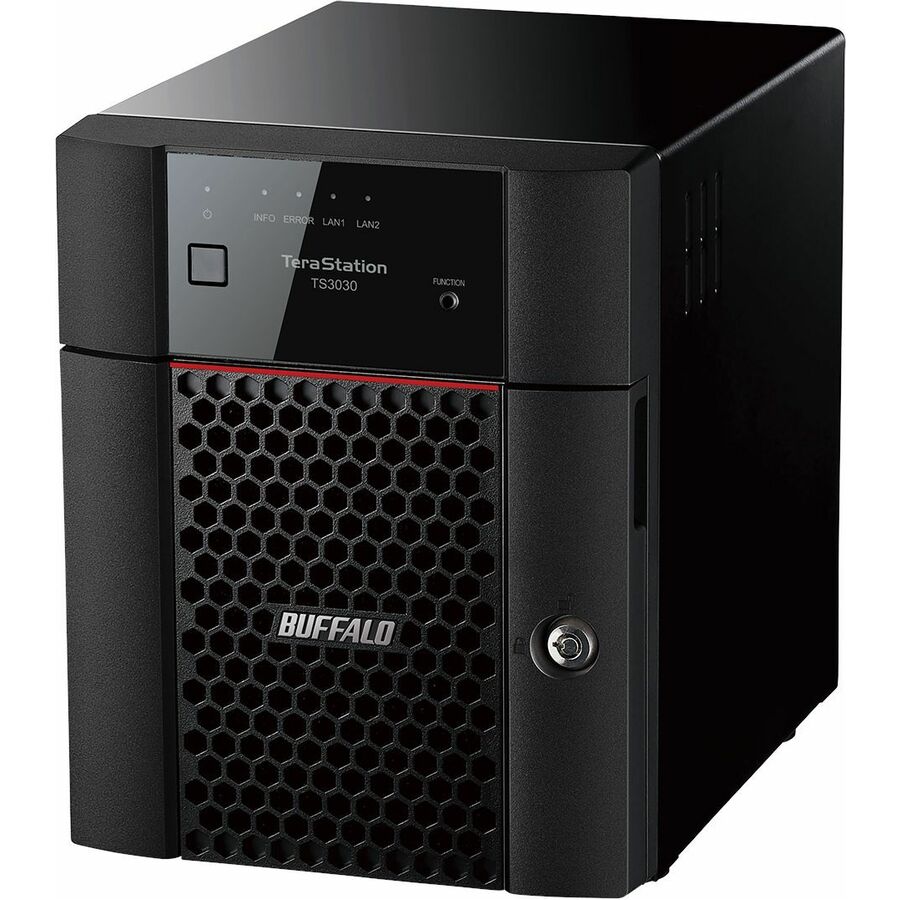
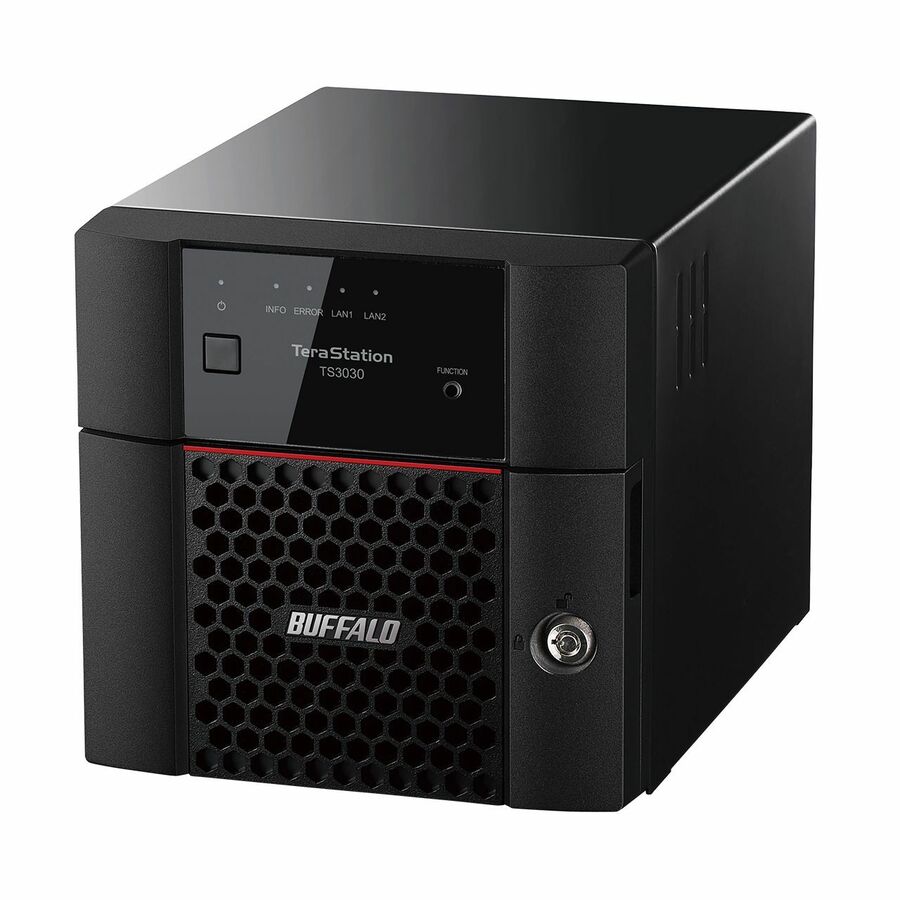
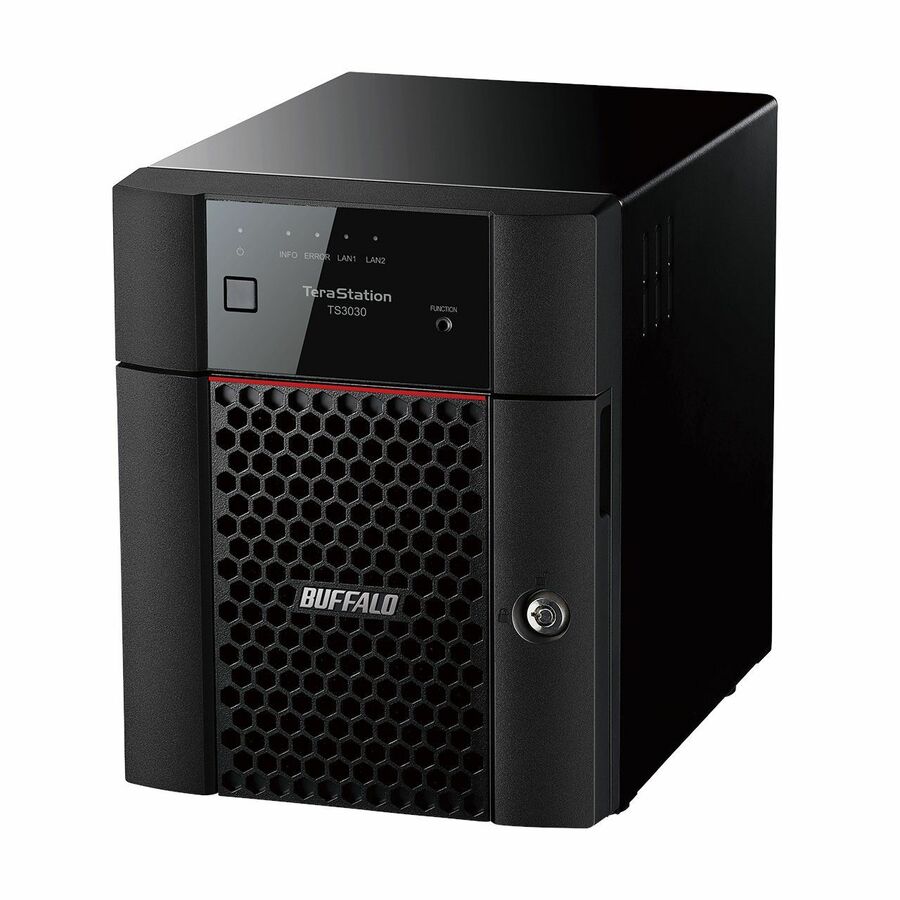
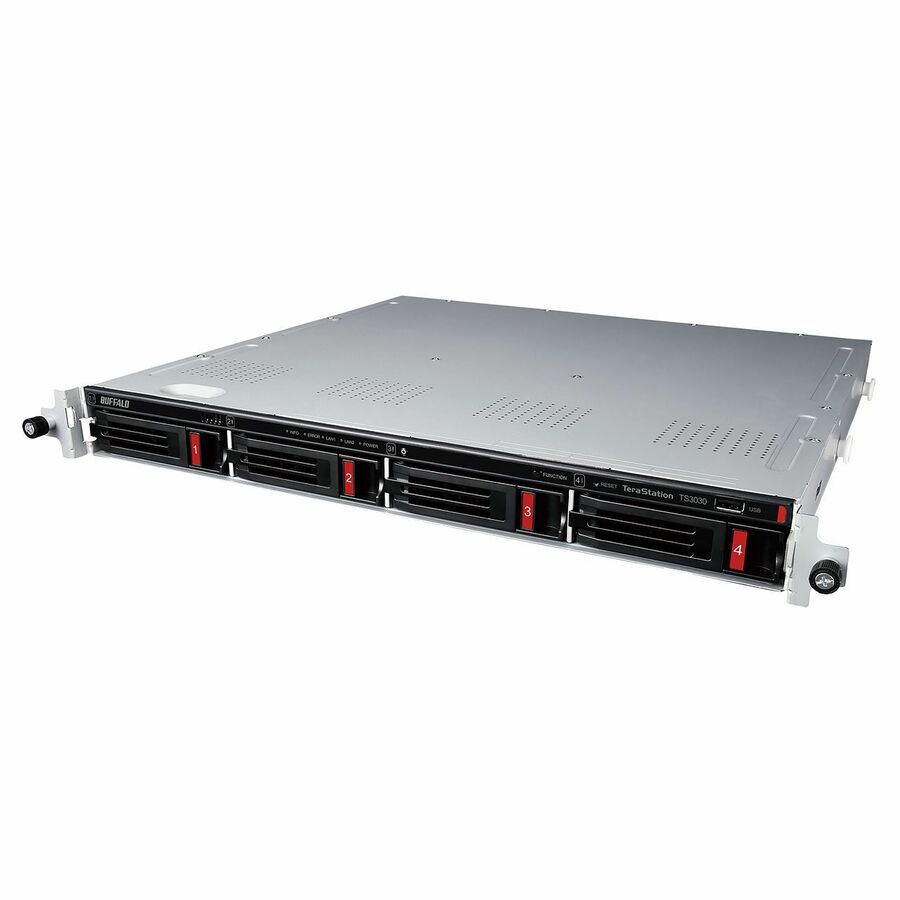
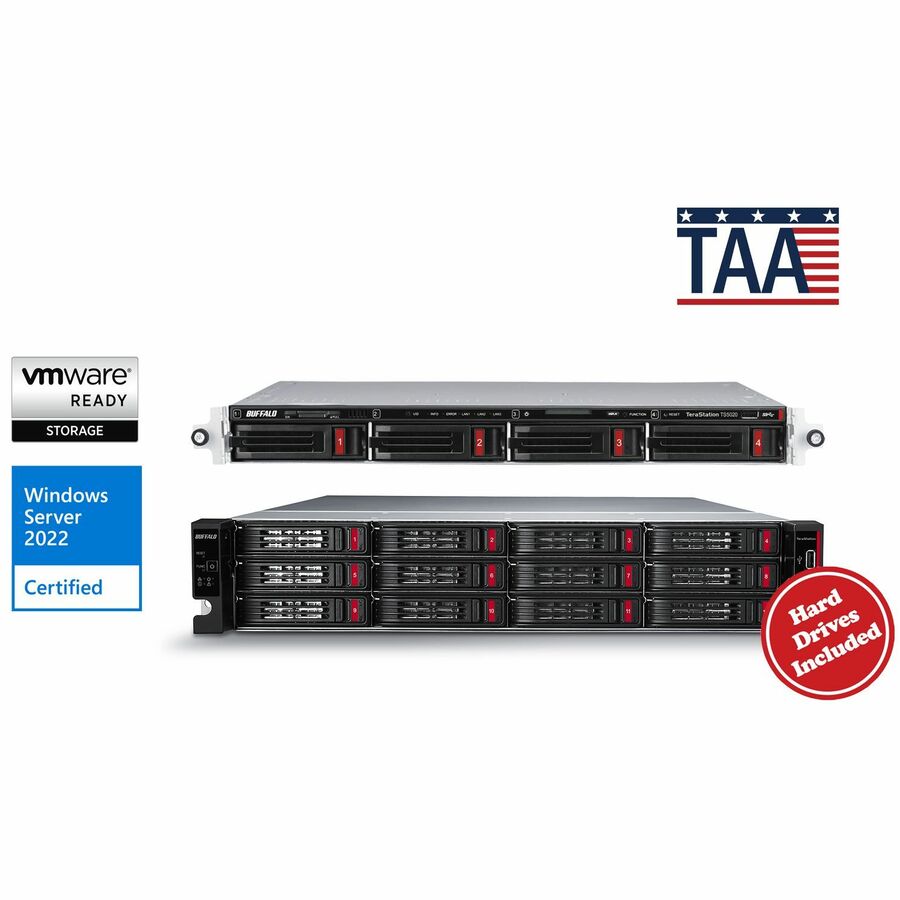
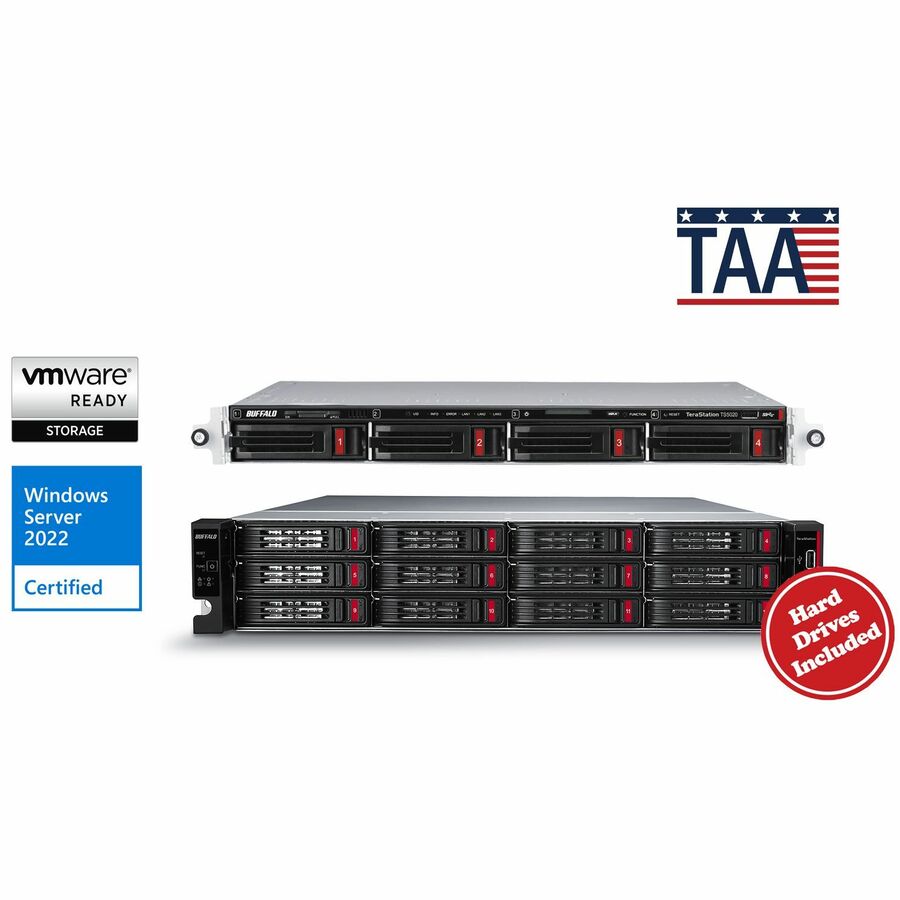
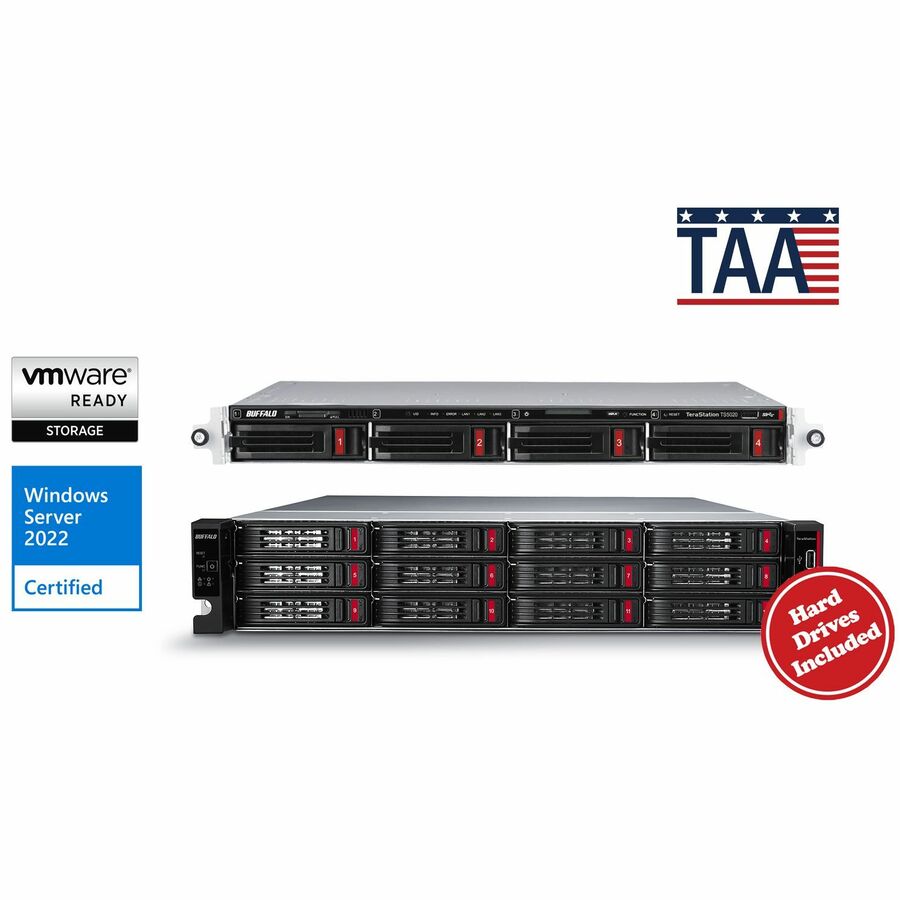
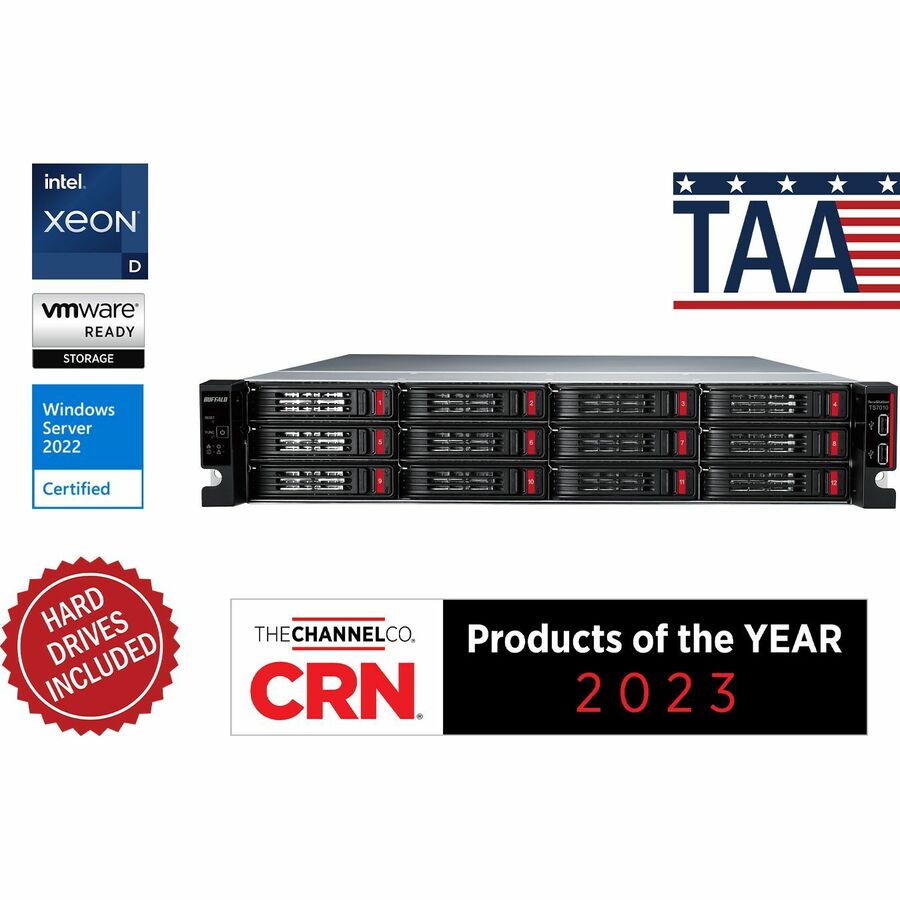
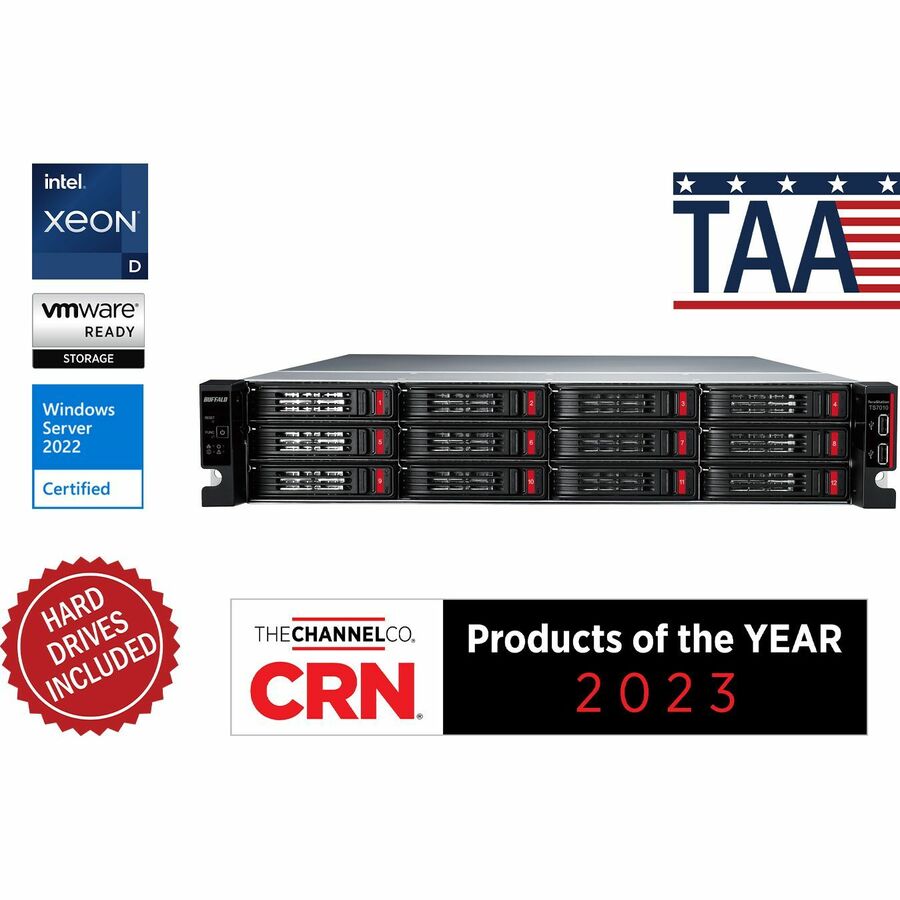
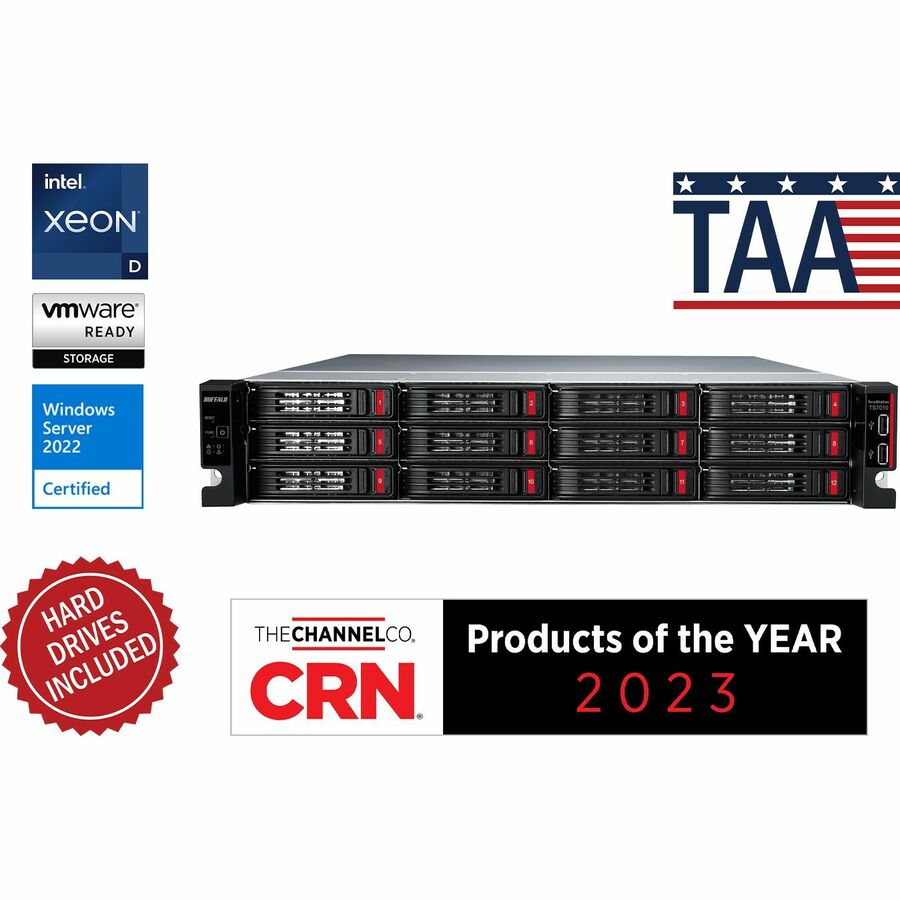
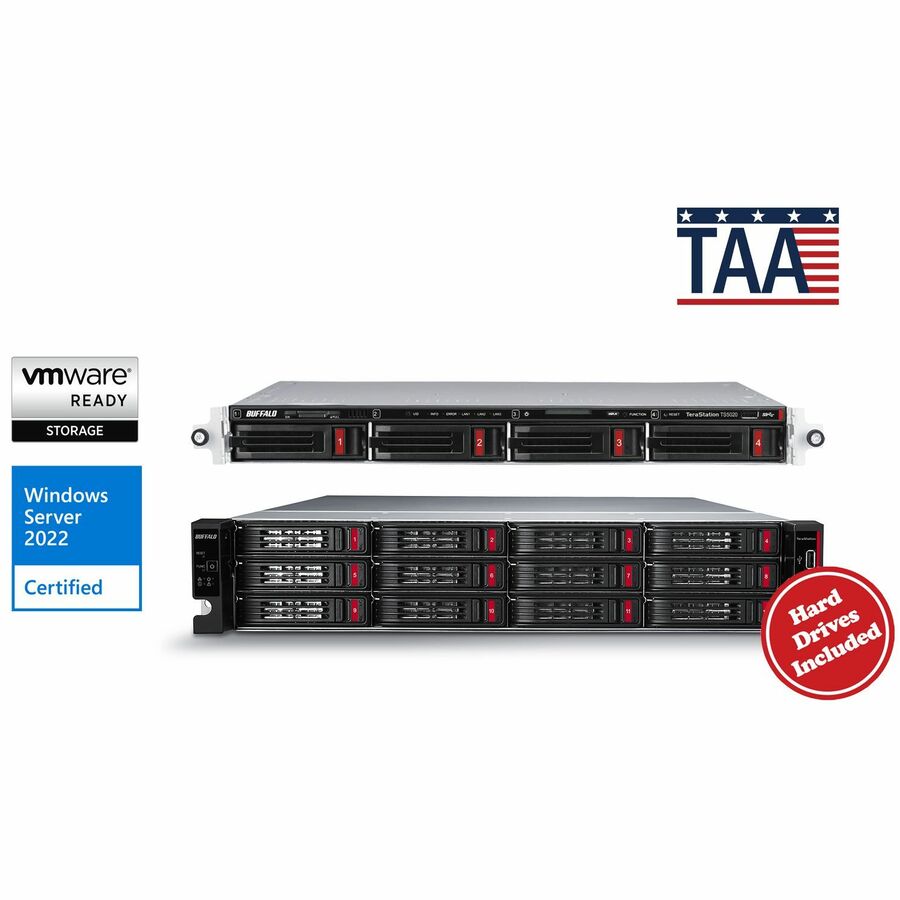
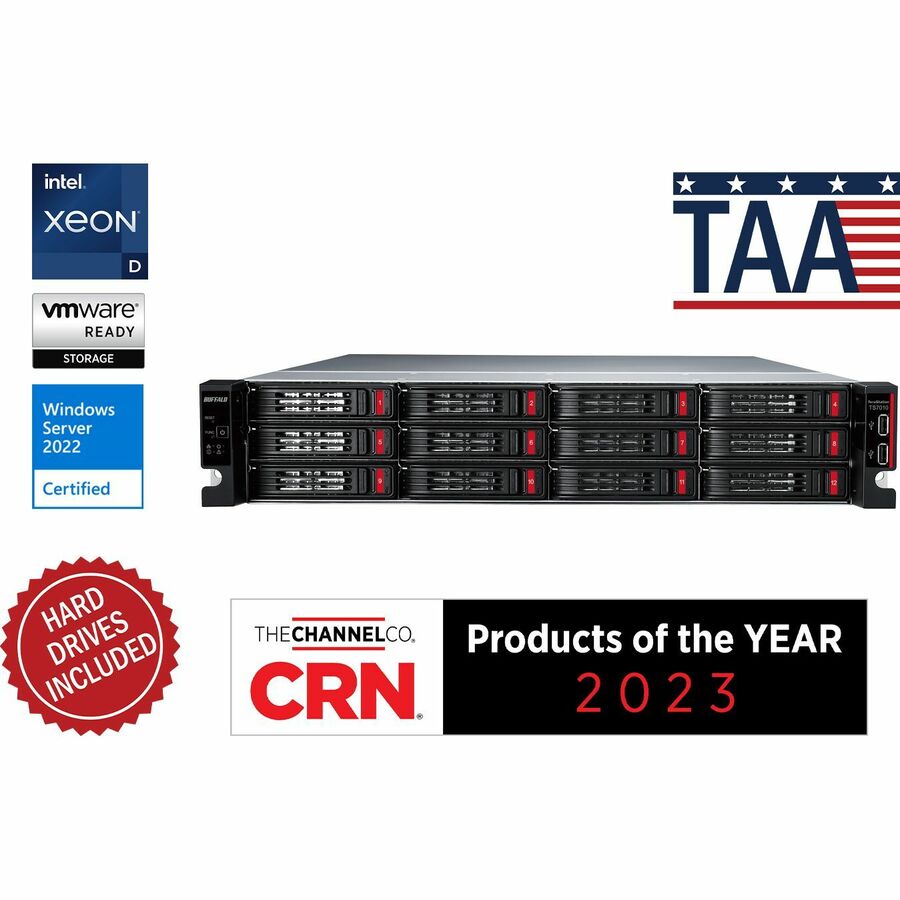
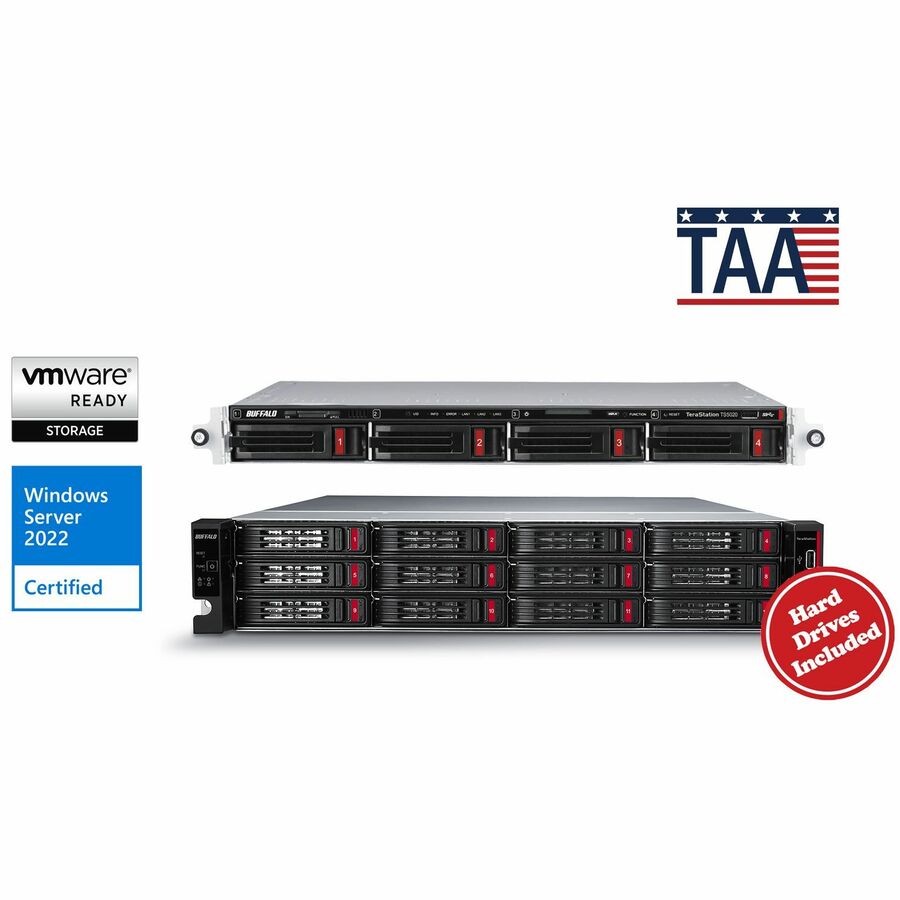
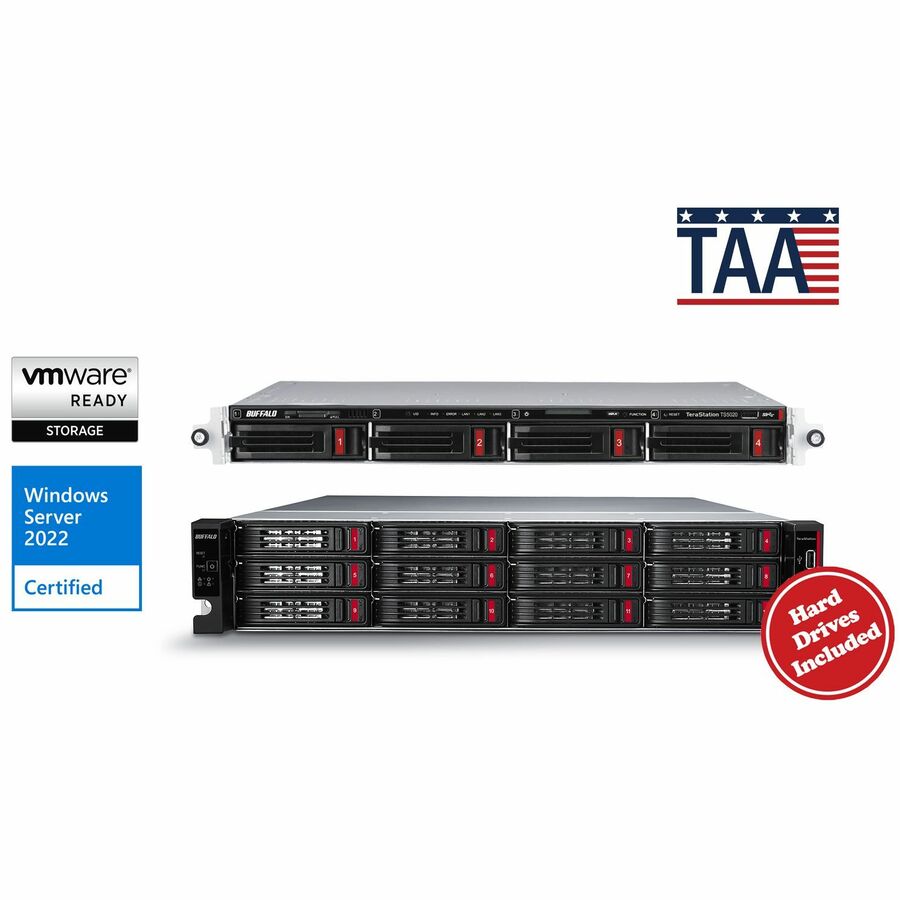
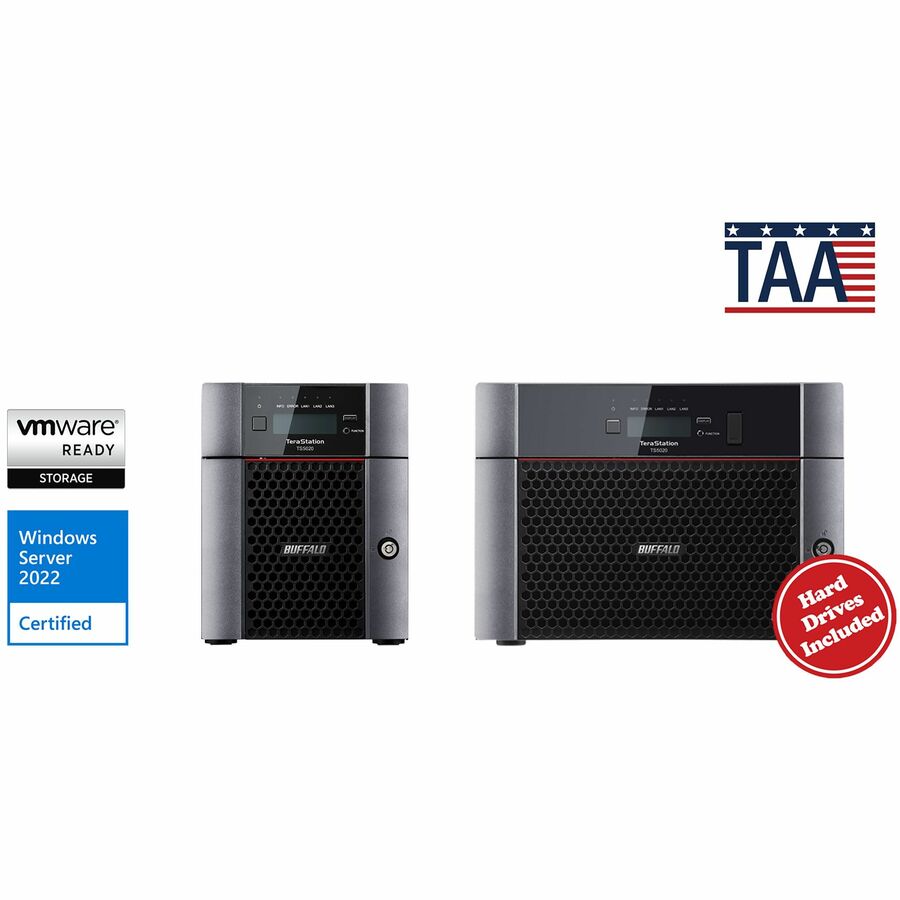
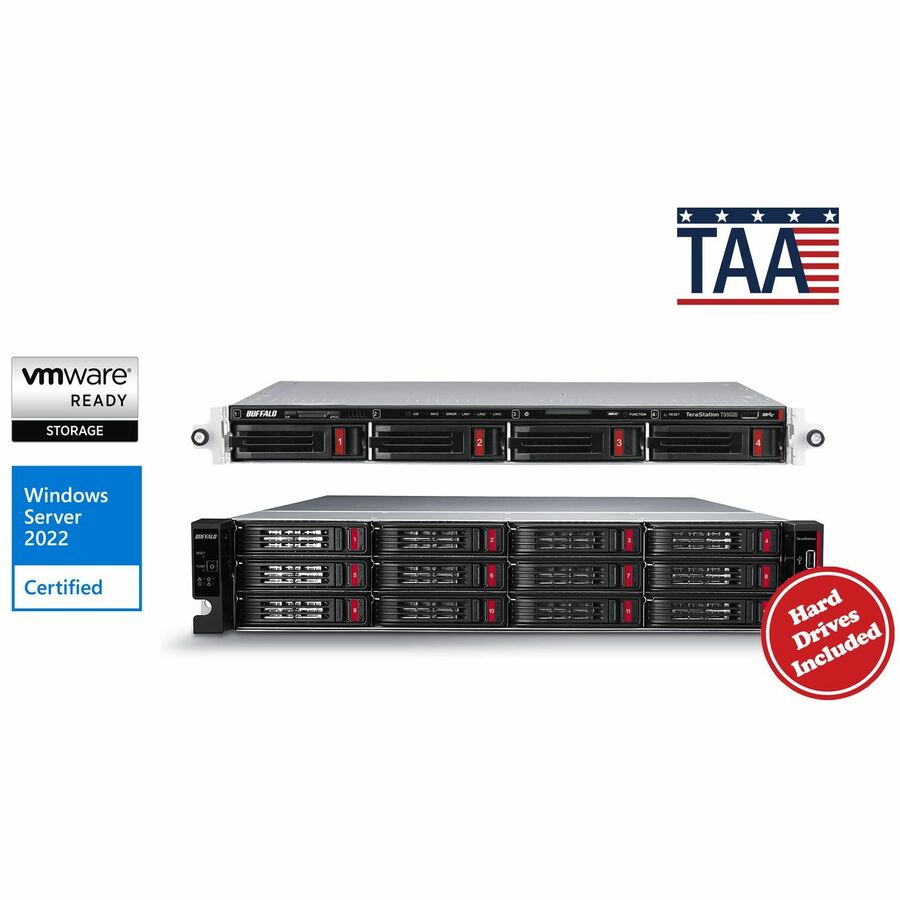
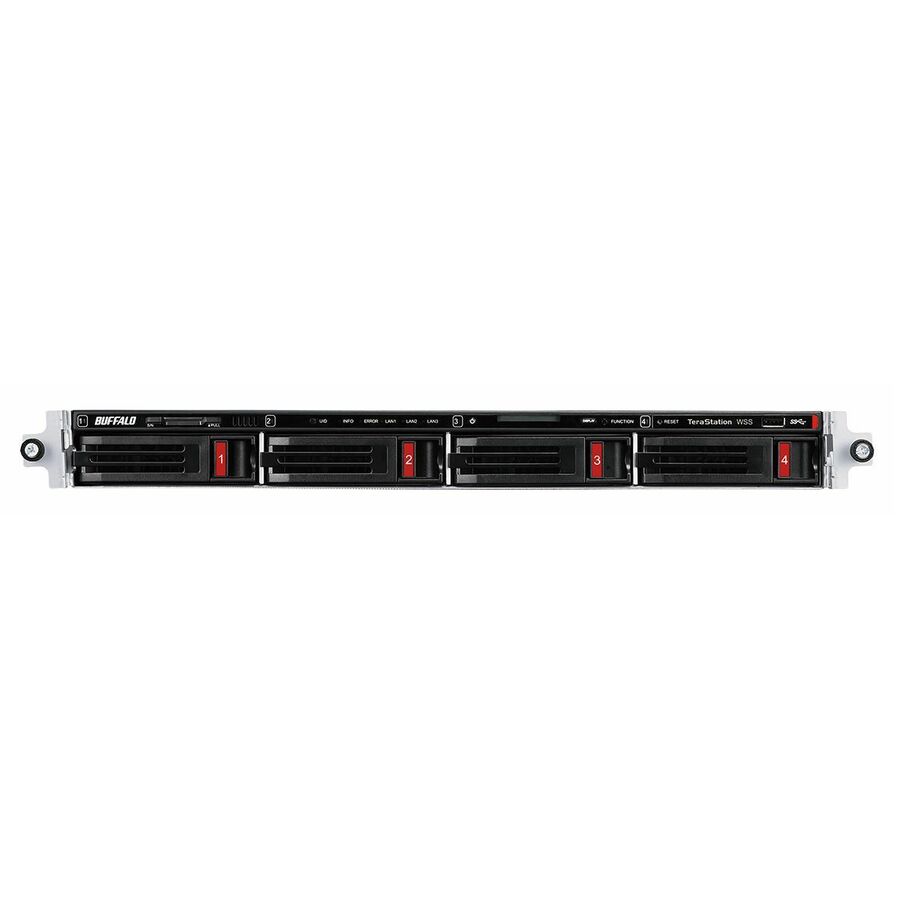
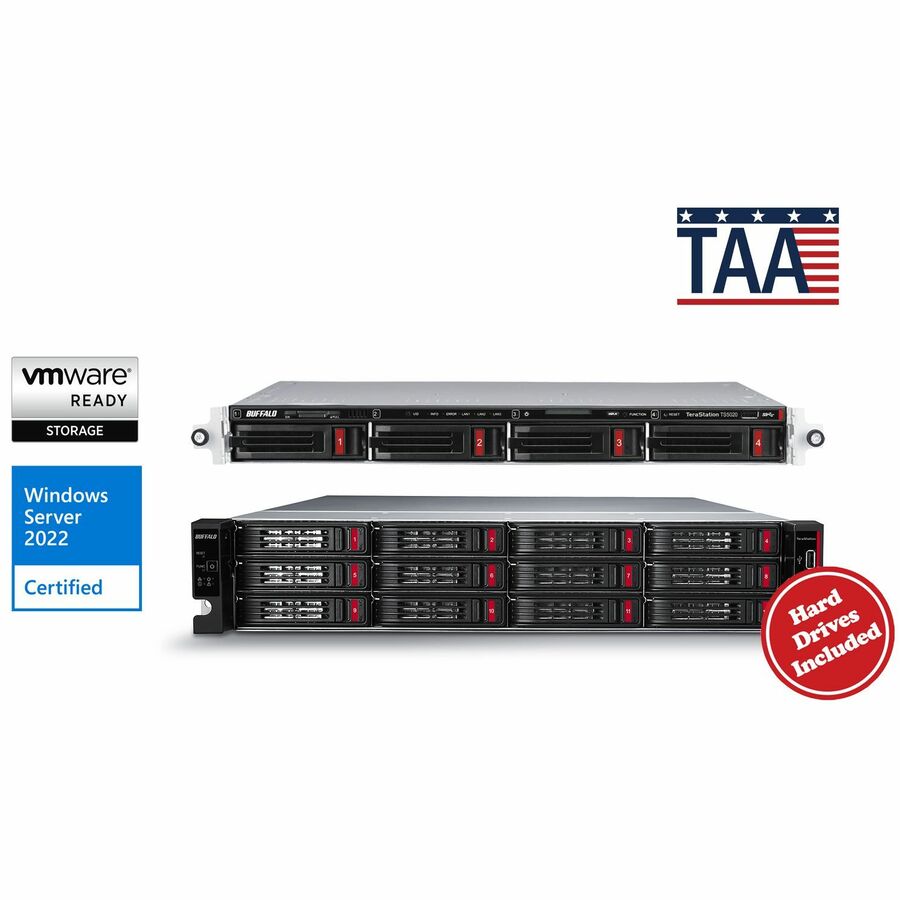
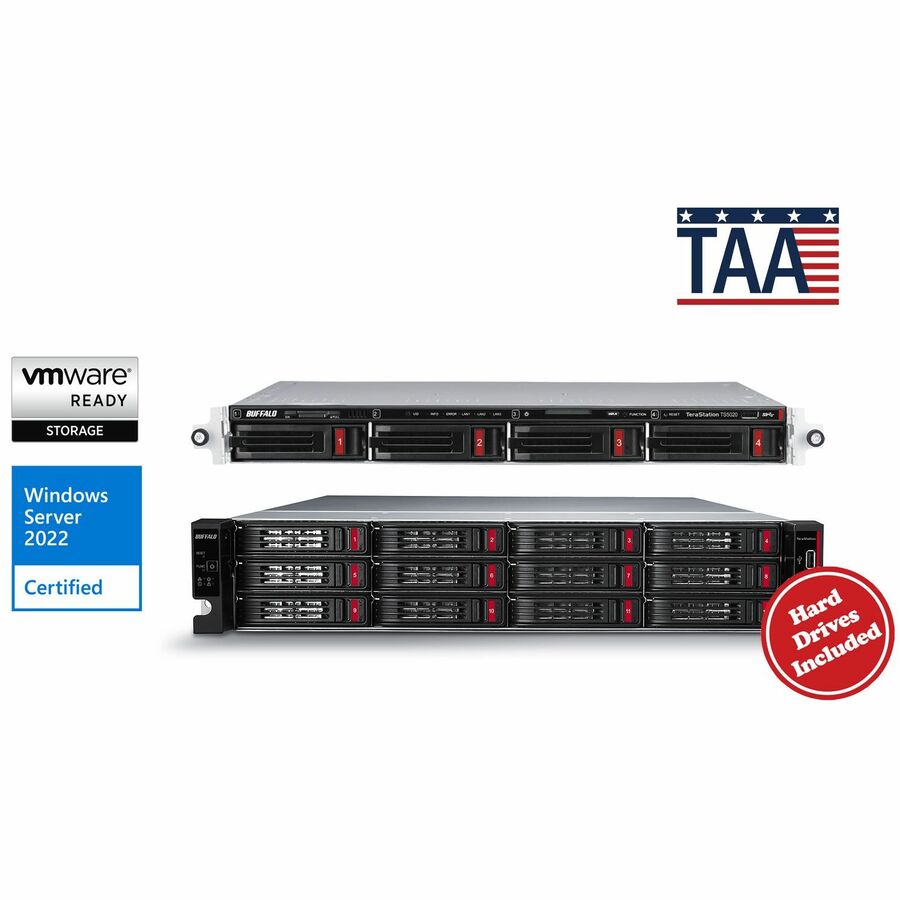
- BuffaloBUFFALO TeraStation 51220RH 12-Bay Secure Business 2U NAS 120TB (12x10TB) w/ Hard Drives Included - 12 x HDD Installed - (12 x 10TB) 120 TB Installed HDD Capacity - Serial ATA/600 - Serial ATA/600 Controller - 0, 1, 5, 6, 10, JBOD RAID Levels - 4 x RJ-45 - 10 Gigabit Ethernet, Gigabit EthernetTS51220RH12012
$15,015.99
$13,964.87*
4 in stock - BuffaloBUFFALO TeraStation 51220RH 12-Bay Secure Business 2U NAS 48TB (12x4TB) w/ Hard Drives Included - 12 x HDD Installed - (12 x 4TB) 48 TB Installed HDD Capacity - Serial ATA/600 - Serial ATA/600 Controller - 0, 1, 5, 6, 10, JBOD RAID Levels - 4 x RJ-45 - 10 Gigabit Ethernet, Gigabit EthernetTS51220RH4812
$7,727.99
$7,187.03*
3 in stock - BuffaloBUFFALO TeraStation 51220RH 12-Bay Secure Business 2U NAS 16TB (4x4TB) w/ Hard Drives Included - 4 x HDD Installed - (4 x 4TB) 16 TB Installed HDD Capacity - Serial ATA/600 - Serial ATA/600 Controller - 0, 1, 5, 6, 10, JBOD RAID Levels - 4 x RJ-45 - 10 Gigabit Ethernet, Gigabit EthernetTS51220RH1604
$5,765.99
$5,362.37*
2 in stock
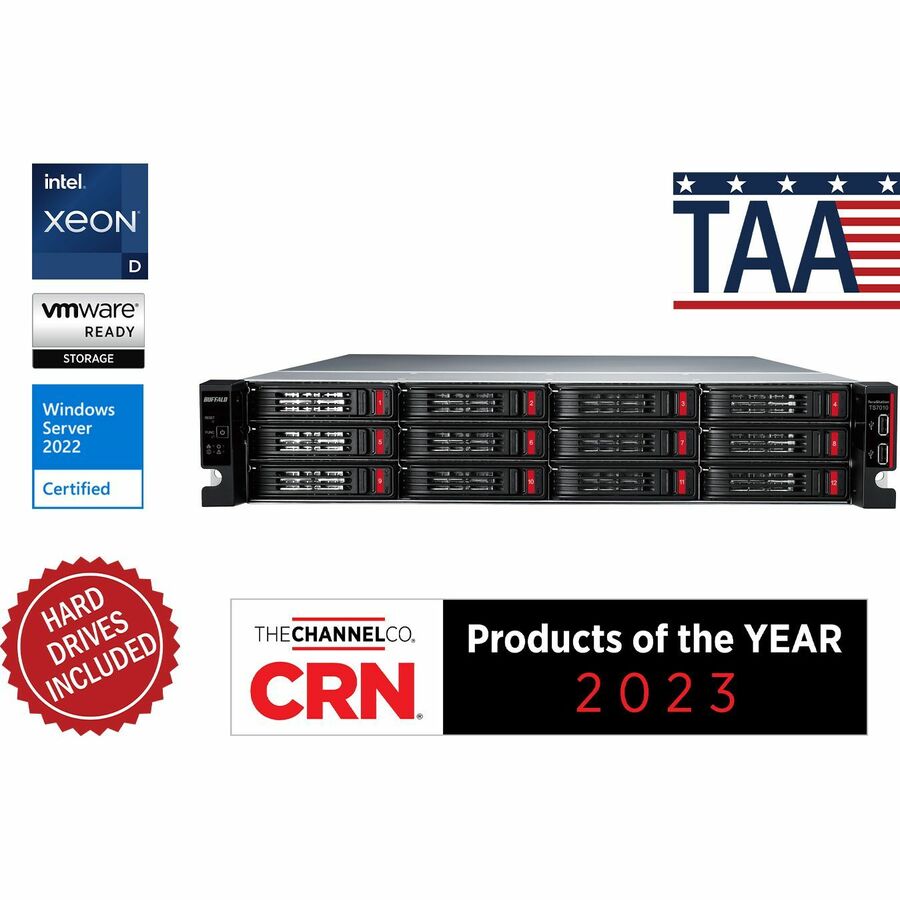
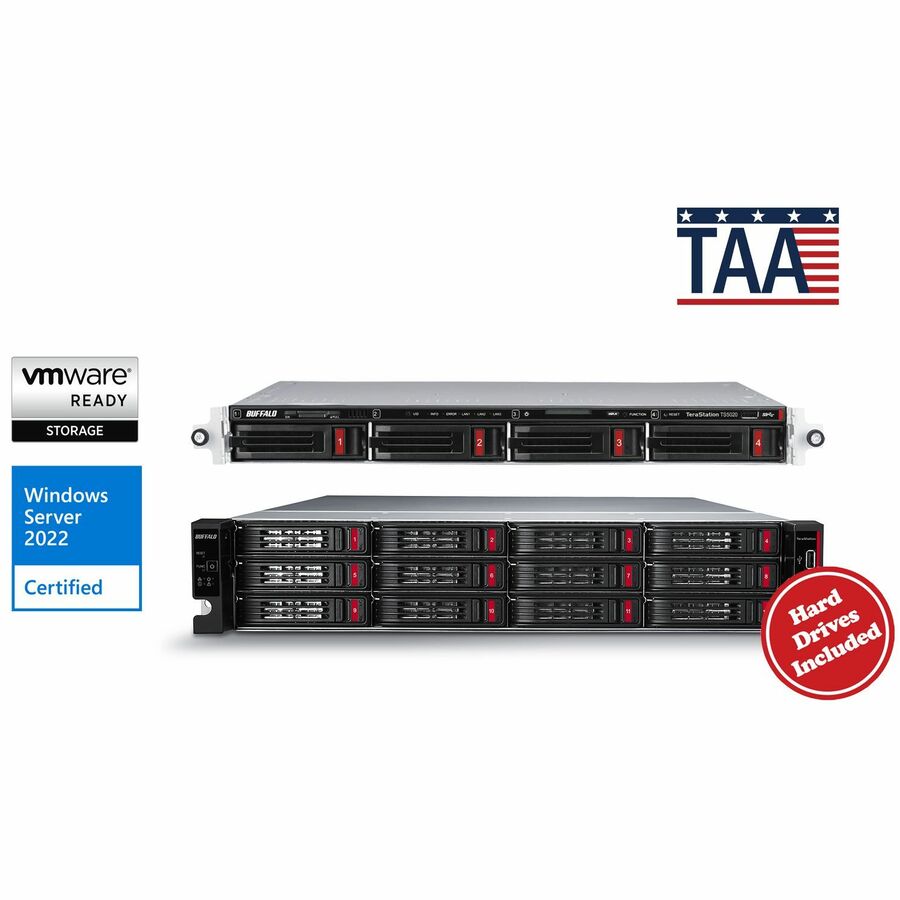
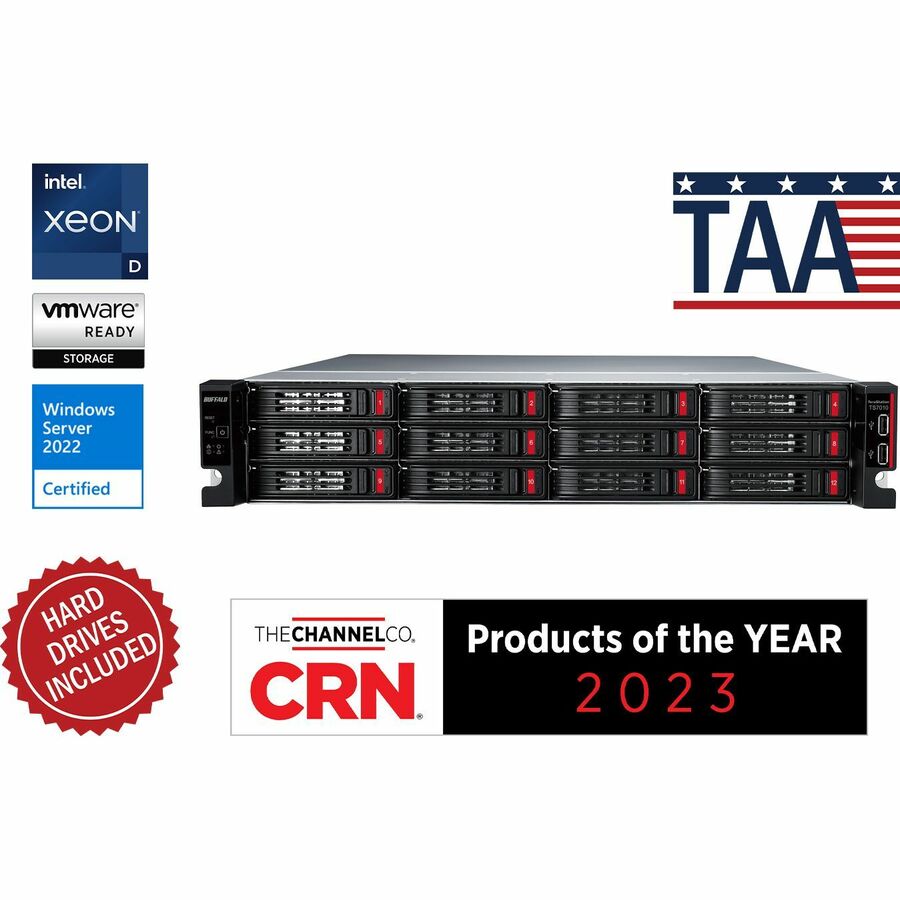
Need pricing on Buffalo NAS and storage arrays?
Tell us where to reach you and a Uniqcli specialist will follow up by email with current pricing, availability and lead time for the quantities you need — including parts that aren’t shown on this page.
Buying for an organization or for yourself — both work. No payment up front.
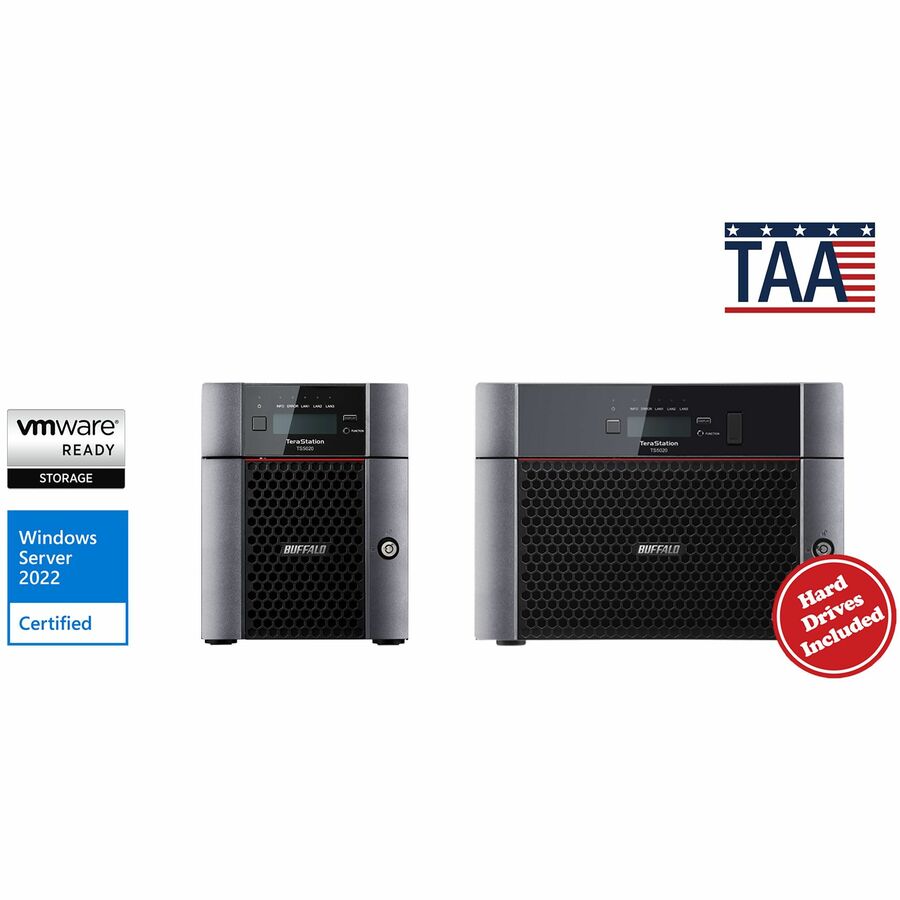
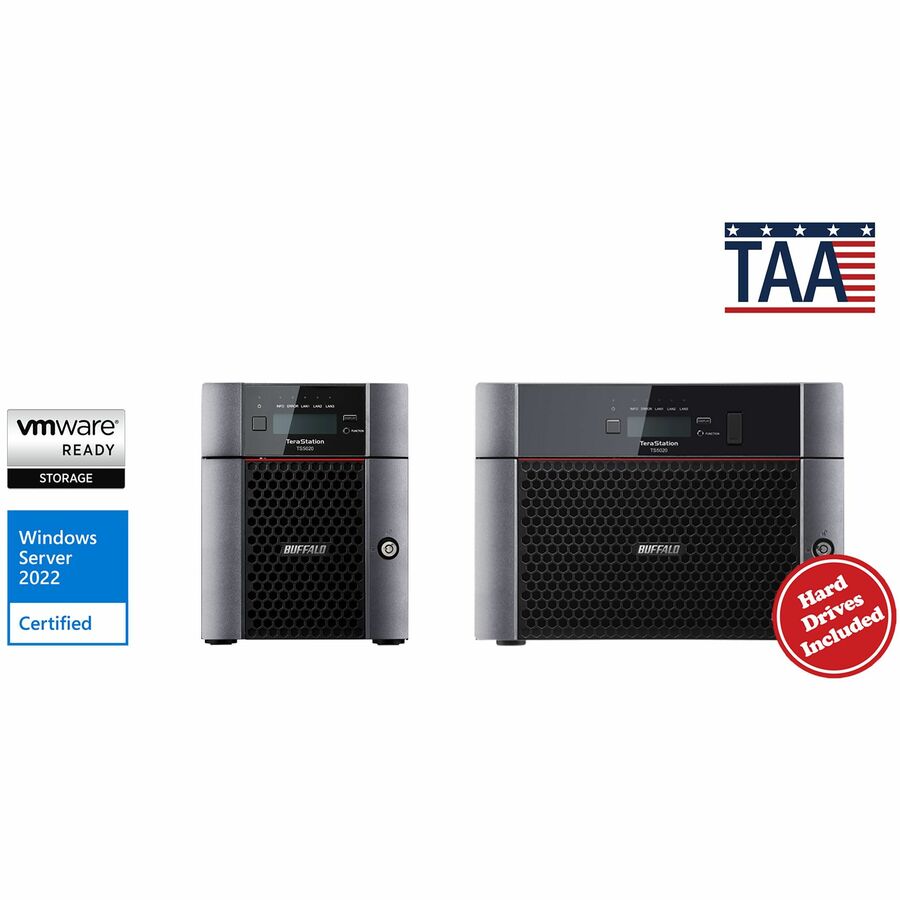
Buffalo splits into two lines: LinkStation for small-office file serving, TeraStation for business duty where RAID levels, more bays and rack mounting are the point. Both are listed with the drives fitted, so there is no second disk order to price — but compare on usable capacity after the RAID level you intend to run, not the figure in the title. Settle desktop or rackmount first.
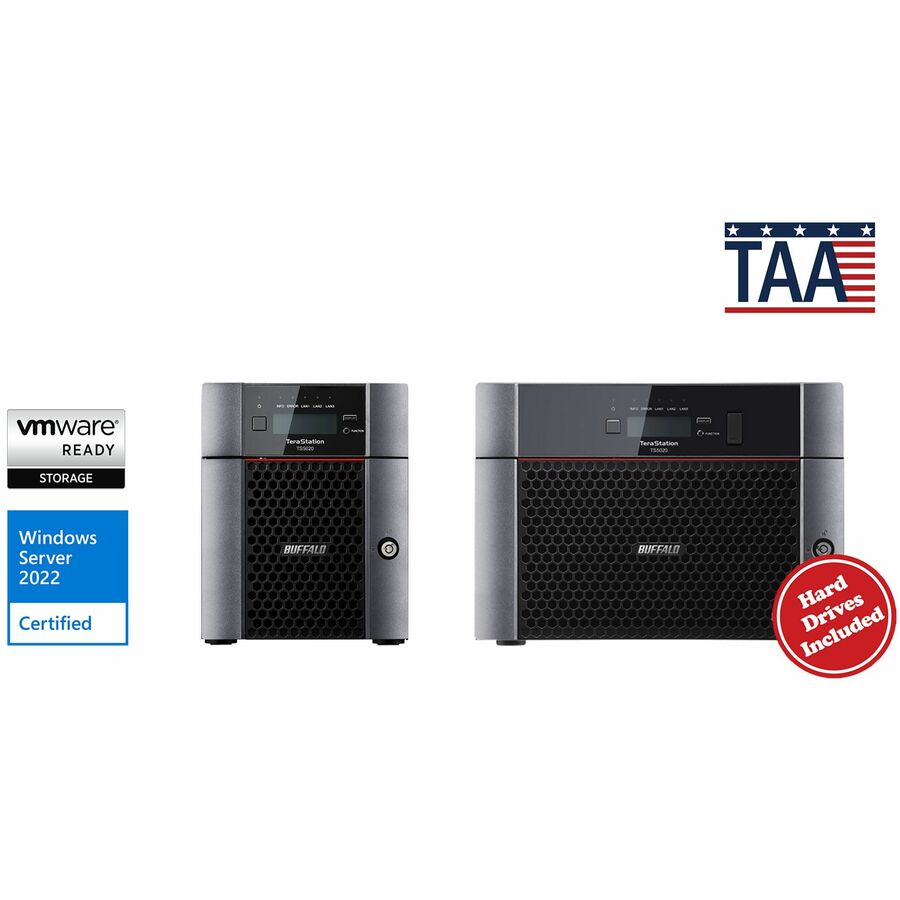
Network storage is bought for a job rather than a spec sheet: a shared drive for an office that has outgrown a USB disk, a backup target that sits somewhere the servers are not, a file server for a branch with no rack and nobody on site to look after it. Buffalo builds two lines against that split. LinkStation is the personal-cloud and small-office tier, including the LinkStation 710 "Professional" units whose titles name a hexa-core processor and a 2.5GbE port. TeraStation is the business tier, in desktop chassis and in rackmount, where RAID levels, more bays and heavier duty cycles are the point. Across both, the product data lists the units with drives included — the capacity in the title is usable on day one rather than a bay count still waiting for disks.
The grid runs price-ascending, so it opens on small LinkStation personal-cloud boxes and climbs through desktop TeraStation RAID units to the rackmount arrays at the top of the range, where the multi-bay business units land. Both chassis shapes are stocked in depth, and the chassis is the first decision to make, because it is the one choice no later setting can undo. This grid is drawn from the Buffalo NAS and storage arrays Uniqcli currently stocks, with live availability on each card.
Buyer's checklist
How to choose a Buffalo NAS
- Settle desktop or rackmount before anything else — both chassis are stocked in depth, and a branch office with no rack, no cooling and no one to hear a fan needs the desktop chassis whatever the bay count says.
- Count bays against the RAID level you actually intend to run, not the headline capacity: mirroring halves usable space, and a rebuild wants a spare drive on the shelf before it wants a faster processor.
- Buy the usable capacity, not empty bays. The product data lists these units with drives included, so the figure in the title is what the share holds on day one — size it against three years of growth rather than this quarter's file server.
- Match the network port to the switch it lands on. The LinkStation 710 "Professional" titles name a 2.5GbE port; a faster NAS behind a 1GbE access port performs like a 1GbE NAS, and the uplink is usually the cheaper half of the fix.
- Read the backup story before the spec sheet — the titles cite bundled backup software and WebAccess for remote reach, and a unit bought as a backup target should be checked against whatever already writes those backups tonight.
- Pick the line by duty: LinkStation for small-office file serving and personal cloud, TeraStation where RAID, more bays or rack duty are the point.
LinkStation or TeraStation, decided by the duty
The two lines are not a good-better ladder, they are different jobs. LinkStation is the small end: personal cloud, a shared folder for a handful of people, a second copy of what lives on one desk. LinkStation units open the grid, and the 710 "Professional" models sit at the top of that line with a hexa-core processor and a 2.5GbE port named in the product data — the titles on that line also state TAA Compliant, which is worth confirming per part number when it matters to the order. TeraStation is the business line and the bulk of the range, split between desktop chassis for offices and rackmount units for wiring closets and server rooms, and it is what a departmental file server, a backup target or anything that has to survive a drive failure without a site visit should be built on. The honest test is not headcount but consequence: if the data going onto it would stop work when it disappeared, buy the RAID unit.
Drives included, backup targets and what to size against
Because the product data lists these units with drives included, the sizing conversation changes shape. There is no second purchase to cost, no disk model to match to the enclosure, and no window where a new NAS sits on a shelf waiting for drives — but the number to compare is delivered usable capacity after the RAID level you plan to run, not the bay count, and that is where two units with the same price can be a long way apart. Size for three years, not for the current share, because expanding a populated array later is more disruptive than buying one step up now. For backup duty the same discipline applies to the workflow: the titles cite bundled backup software and WebAccess remote access, and the unit should be checked against whatever already writes the nightly job before it is bought, not after. Where only one workstation needs the capacity, a DriveStation USB direct-attached drive is the cheaper honest answer — and in either case a RAID set in the same room as the servers is redundancy, not a backup. If you want the RAID math and the bay count checked against a specific configuration, send the model and the capacity you need and we will confirm it with lead time on a quote.
FAQ
Common questions
- What is the difference between a LinkStation and a TeraStation?
- Duty, not badge. LinkStation is the personal-cloud and small-office line — the smaller end of the grid, with the 710 "Professional" models listed with a hexa-core processor and a 2.5GbE port. TeraStation is the business line and the larger part of the range, in both desktop and rackmount chassis, where RAID levels, more bays and continuous duty are the point. The practical rule: a handful of people sharing files in one office is LinkStation territory; a departmental file server, a backup target or anything going into a rack should be a TeraStation.
- Do these units come with hard drives, or do I buy disks separately?
- The product data lists Buffalo NAS units with drives included, so the capacity in the title is what arrives — no separate disk order to price, match and wait for. Two things follow. Compare units on usable capacity after your intended RAID level rather than on bay count, since mirroring and parity both take a share off the top. And plan the replacement drive at purchase time rather than at failure time, because the day an array is rebuilding is the worst day to start sourcing a matching disk.
- Can business, government and education buyers order these?
- Every line Uniqcli quotes is sourced through US distribution and screened for TAA country-of-origin and NDAA §889 status before checkout — with documentation tied to the specific part number, not a product family.
Need Buffalo NAS and storage arrays pricing?
Send a bill of materials or part numbers — we confirm stock and a below-market total, with TAA verified on request. No payment up front.