
Best Buffalo TeraStation NAS for Racks, Offices and Replacements
Rackmount and desktop TeraStation units — multi-bay, shipped with drives included.
Buffalo TeraStation NAS in stock at Uniqcli
How to choose →A curated selection with live pricing — in-stock lines first, then back-ordered lines with a typical lead time. Every line is sourced through US distribution and screened for NDAA §889 status before checkout, with TAA verified on request.
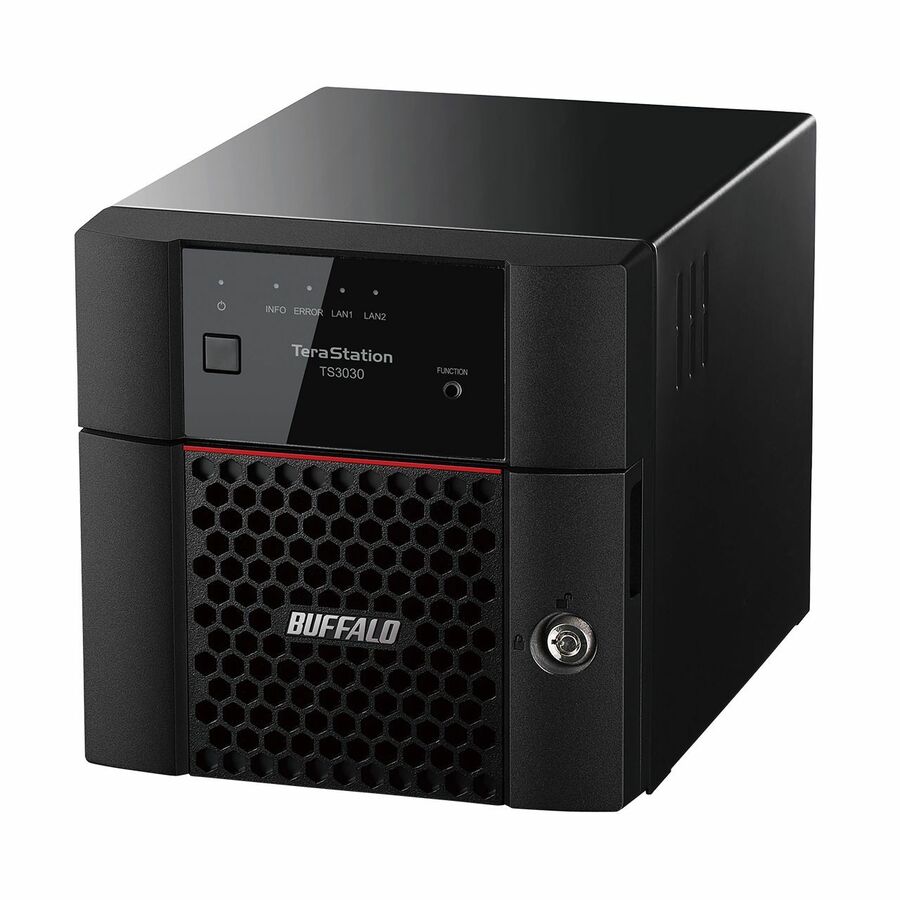

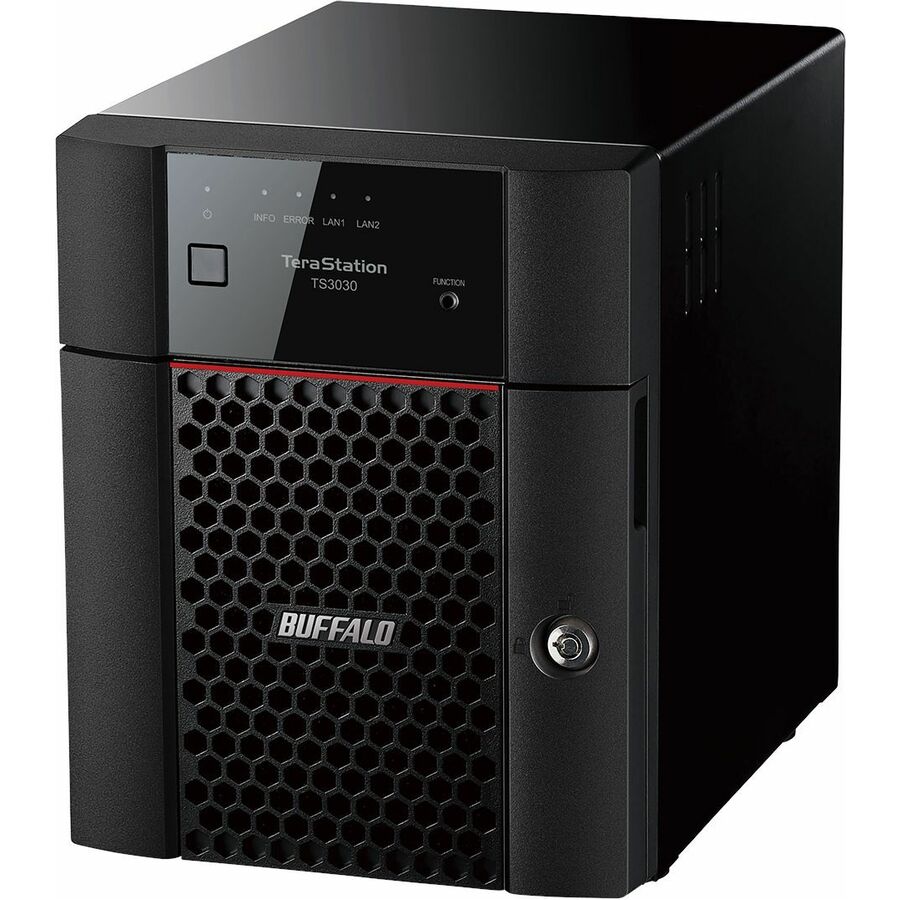
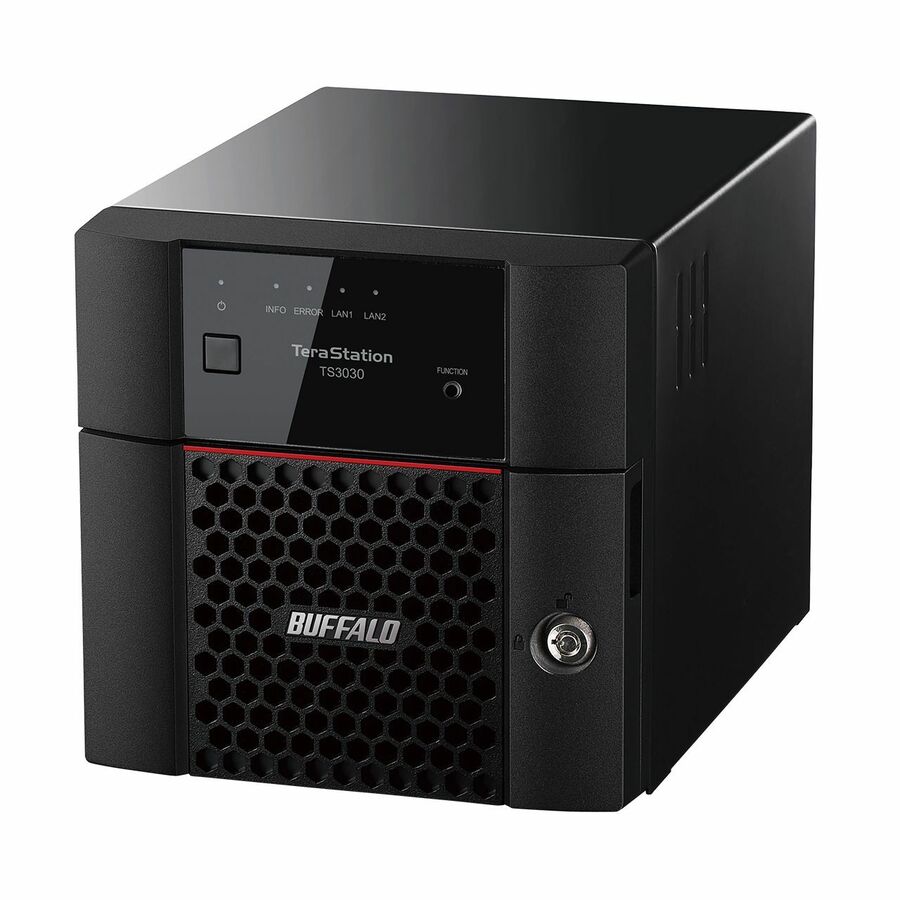
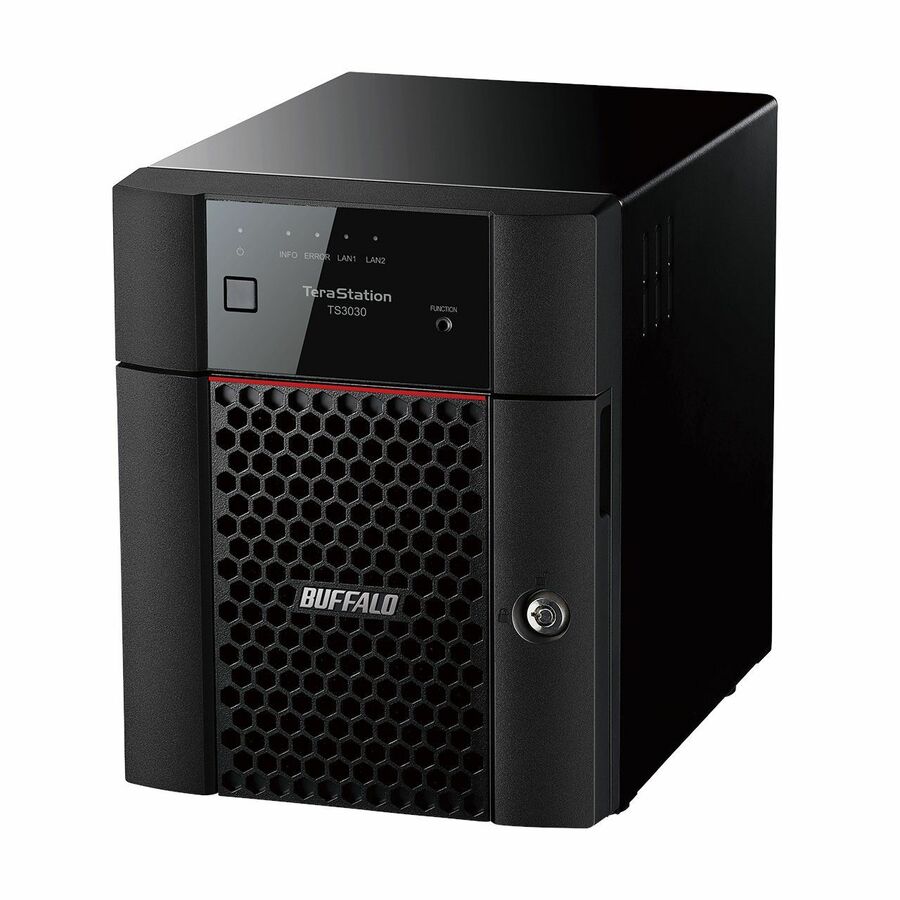
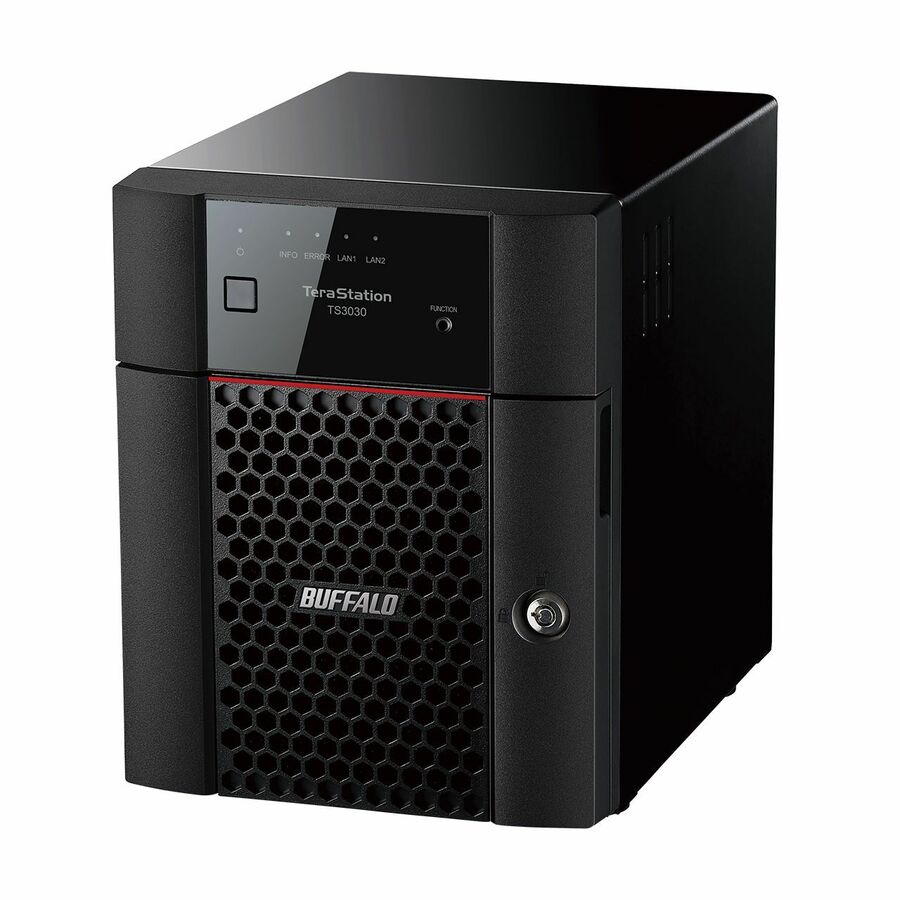
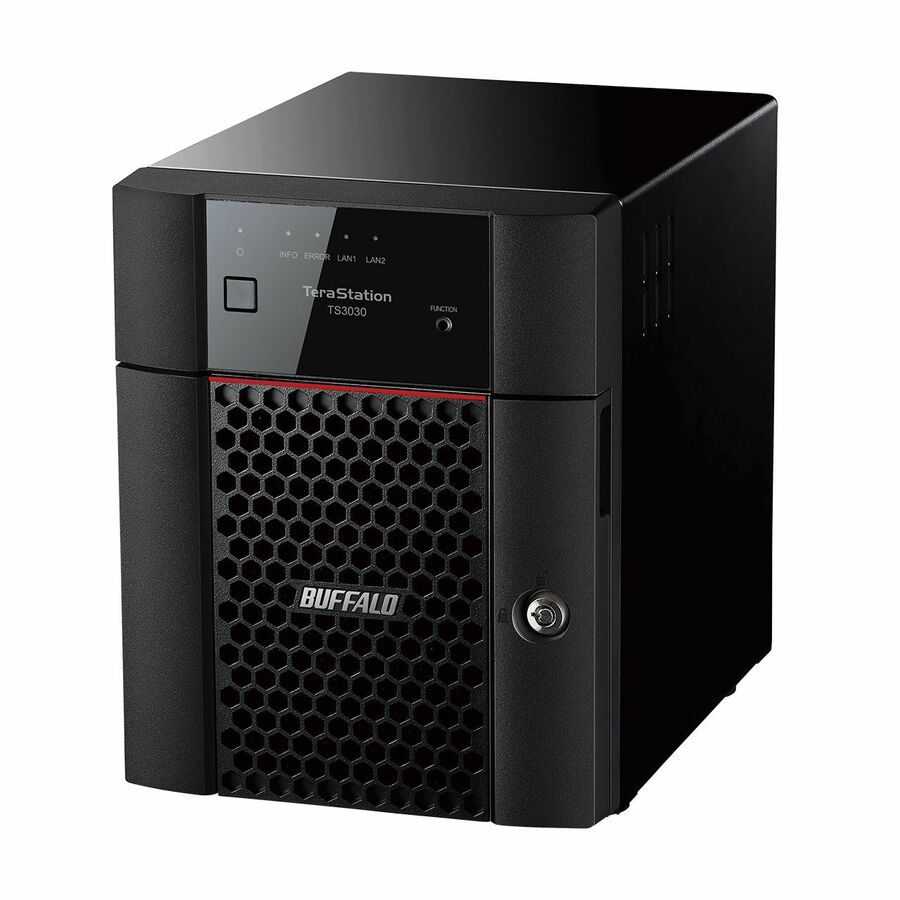
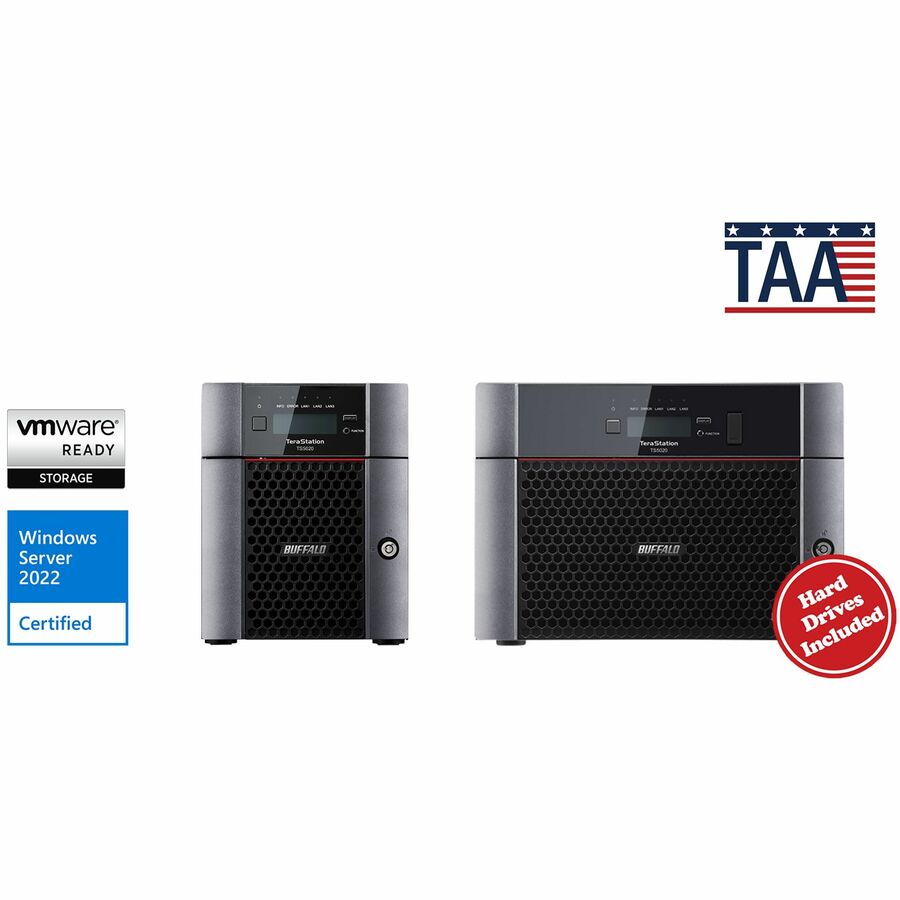
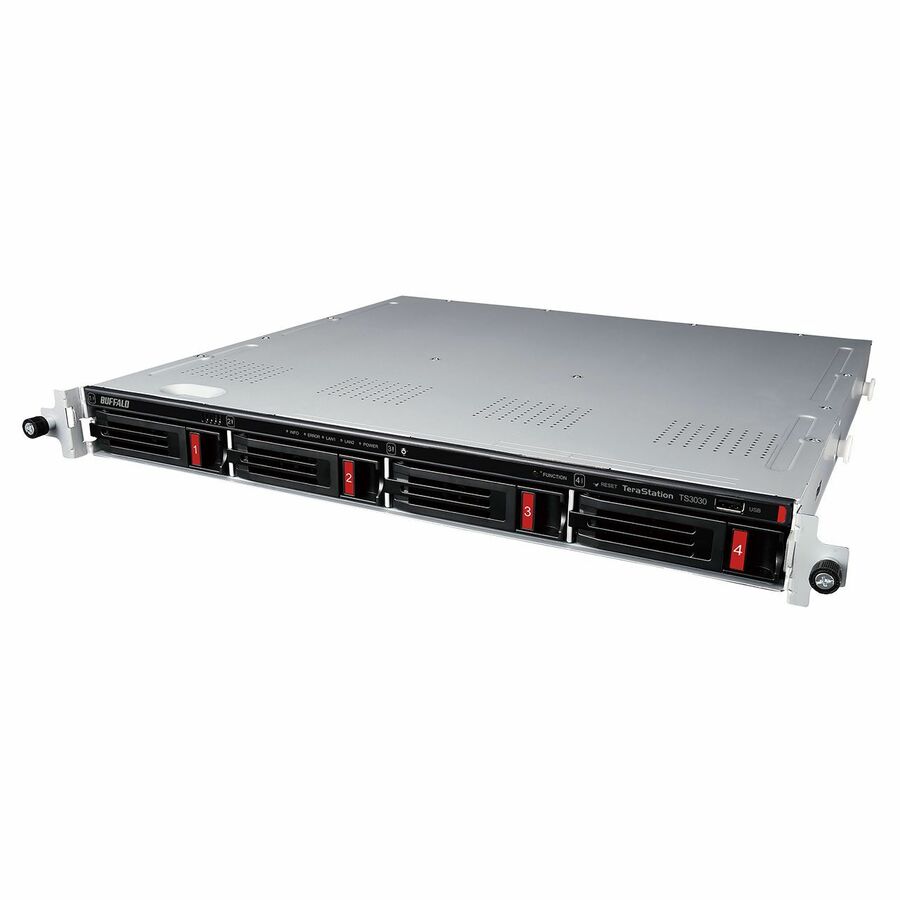
More TeraStation models in the Uniqcli catalog
See all 6,776 TeraStation modelsMore Buffalo first — closest to what you were just looking at; “See all TeraStation models” above opens every other brand in the category. In-stock lines lead, and a back-ordered line carries the same estimated availability its product page does — with live pricing throughout, NDAA §889 screening before checkout and TAA verified on request.
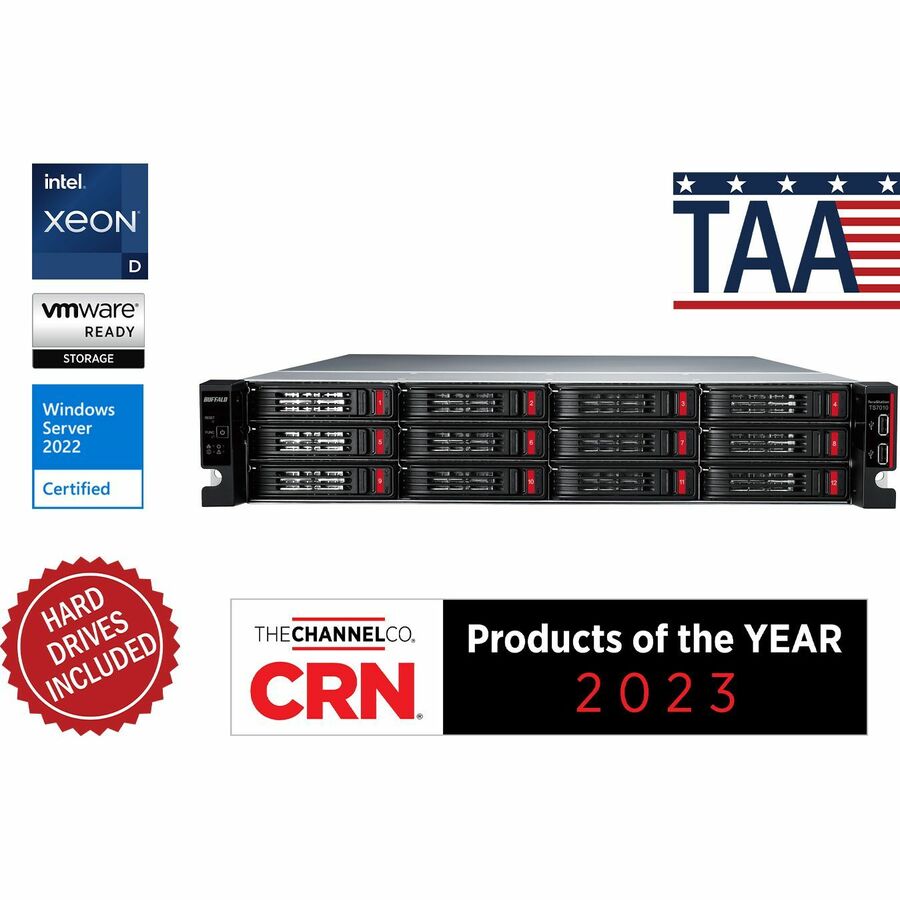
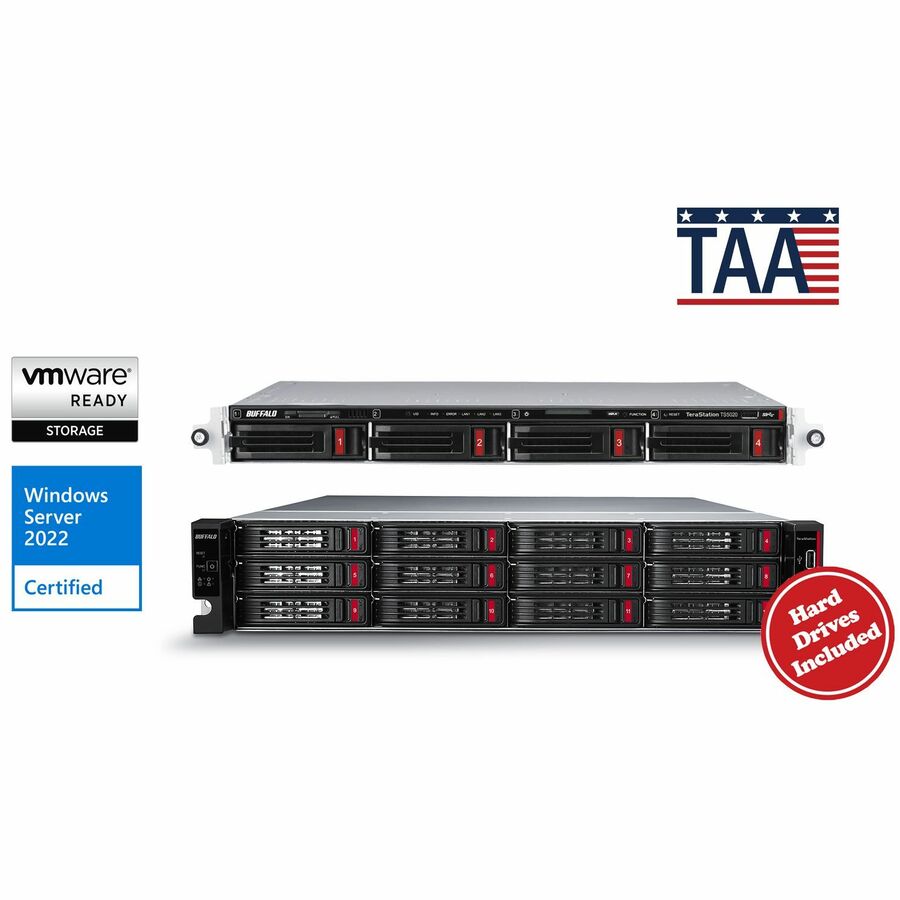
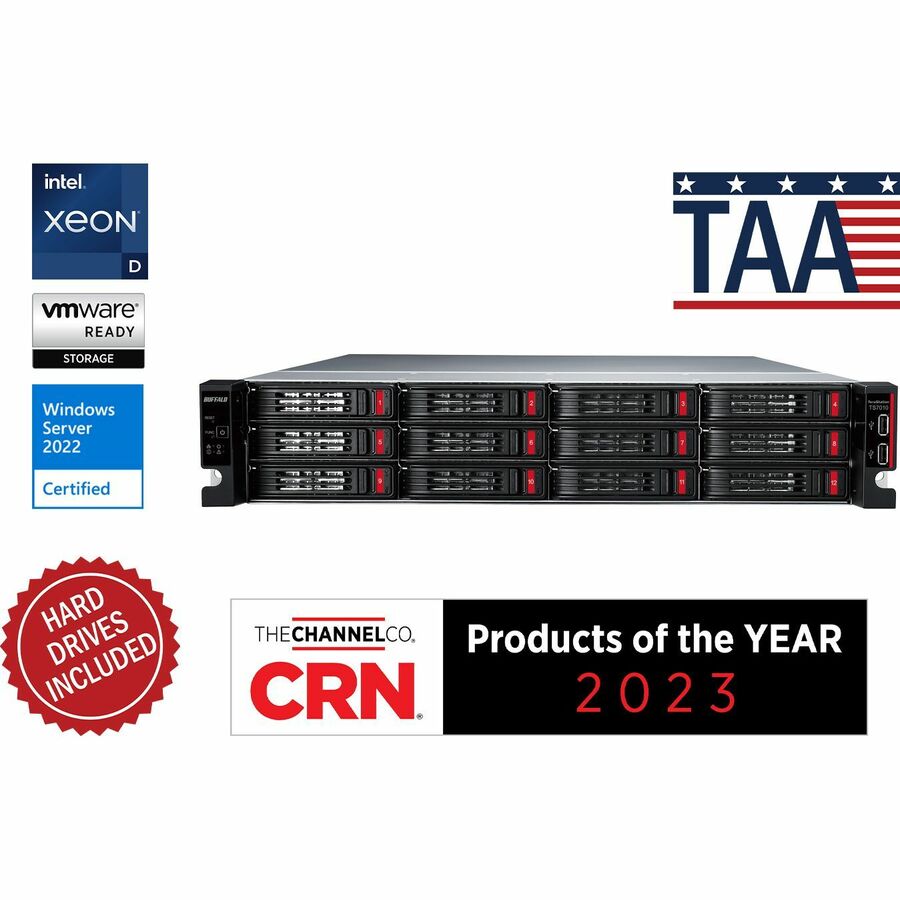
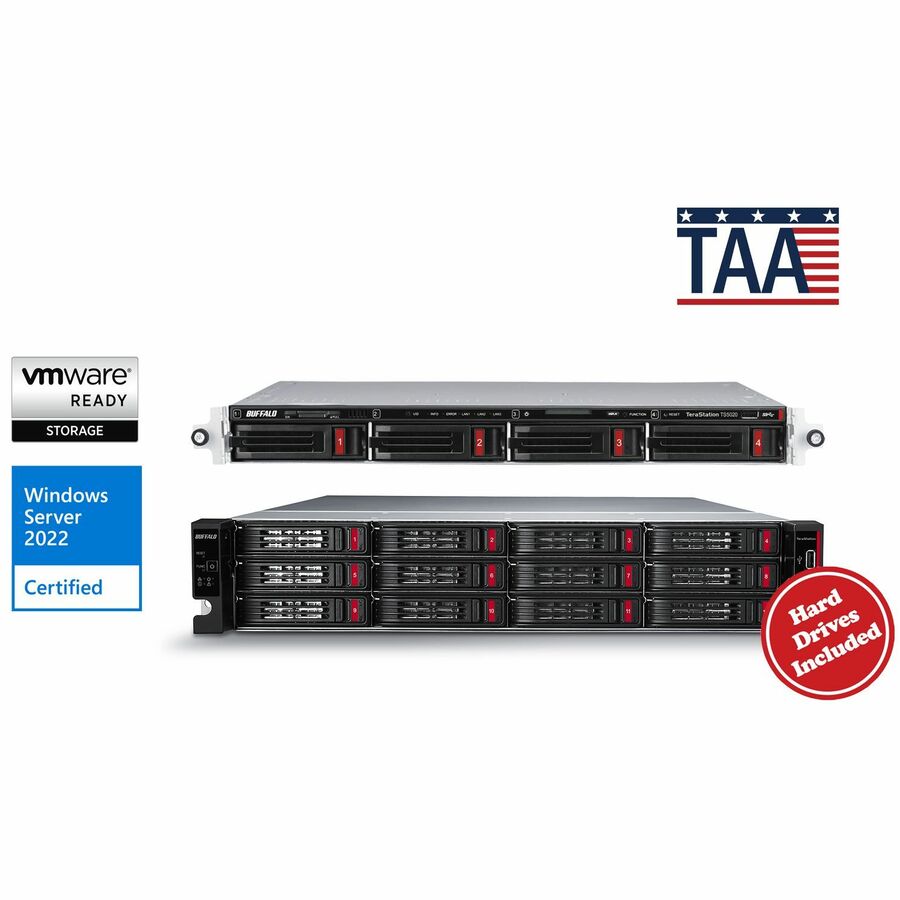
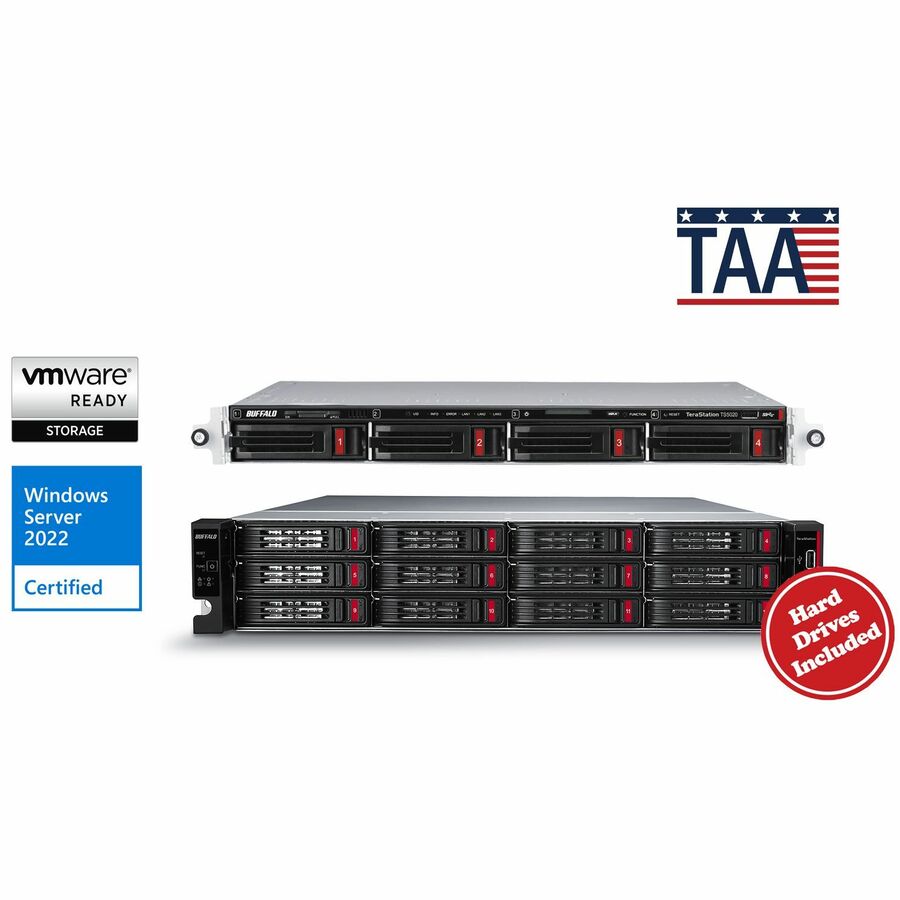
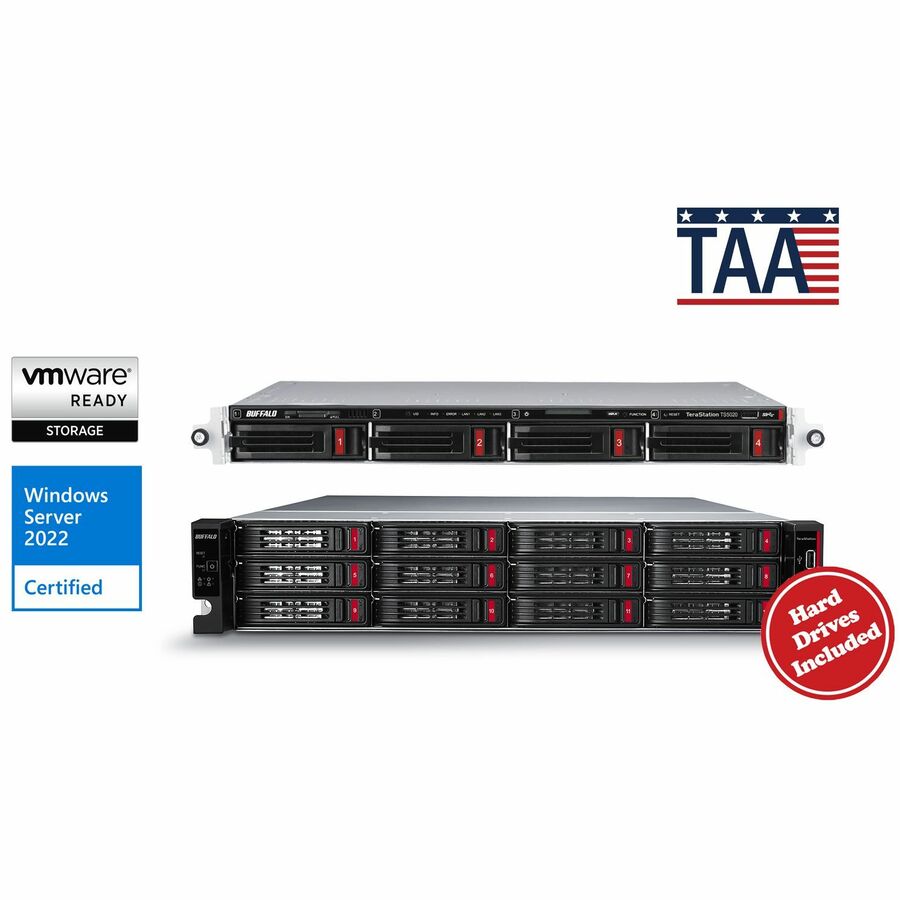
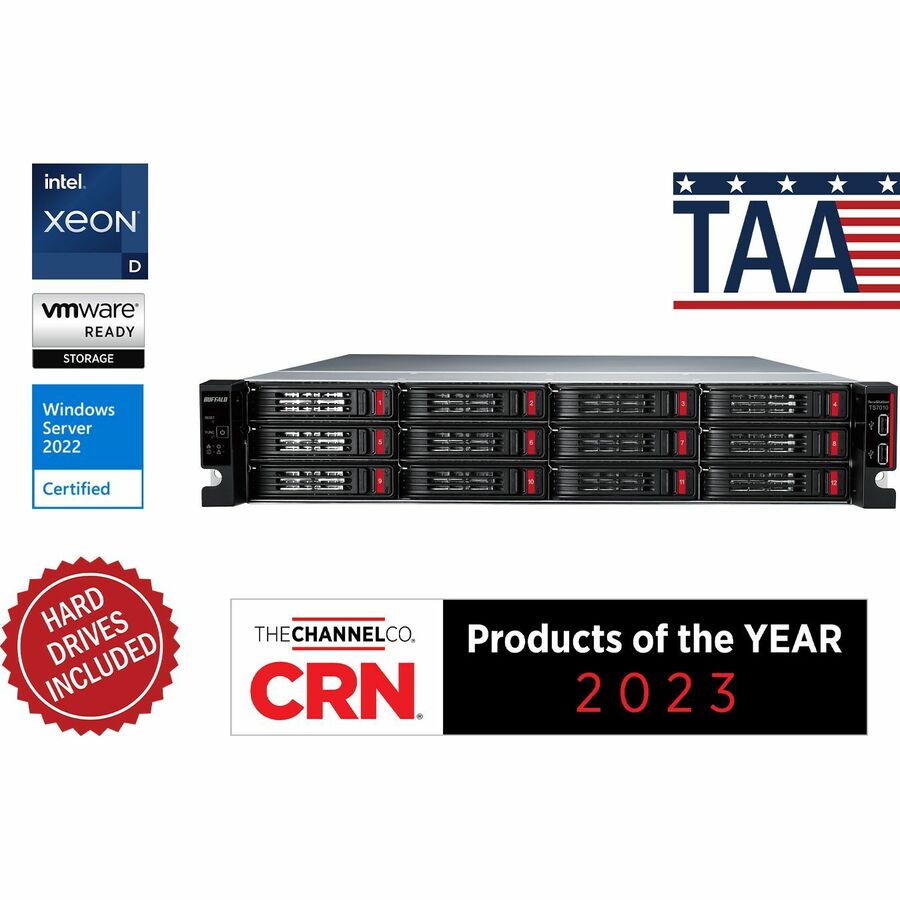
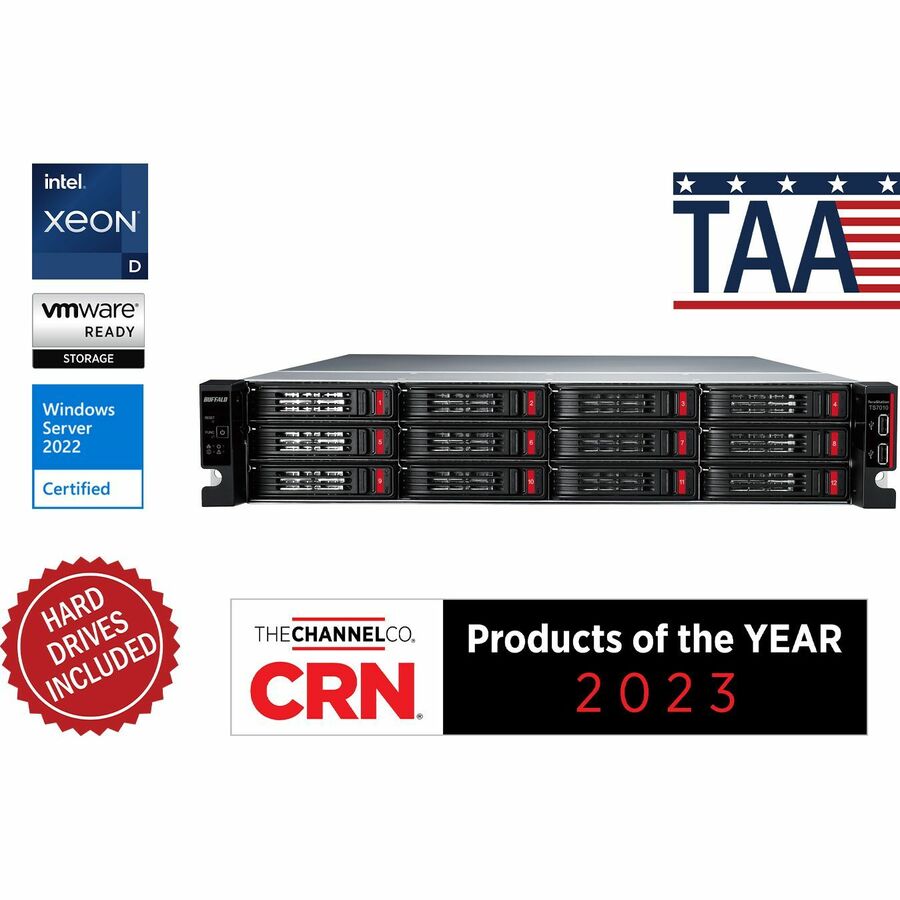
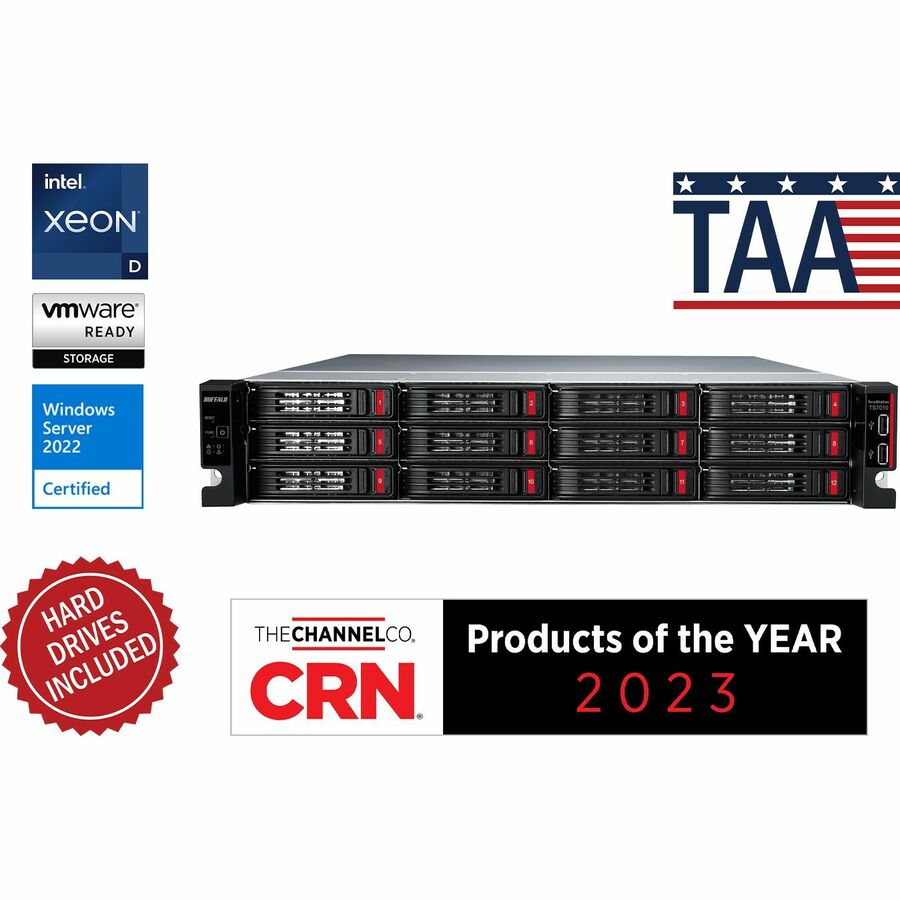
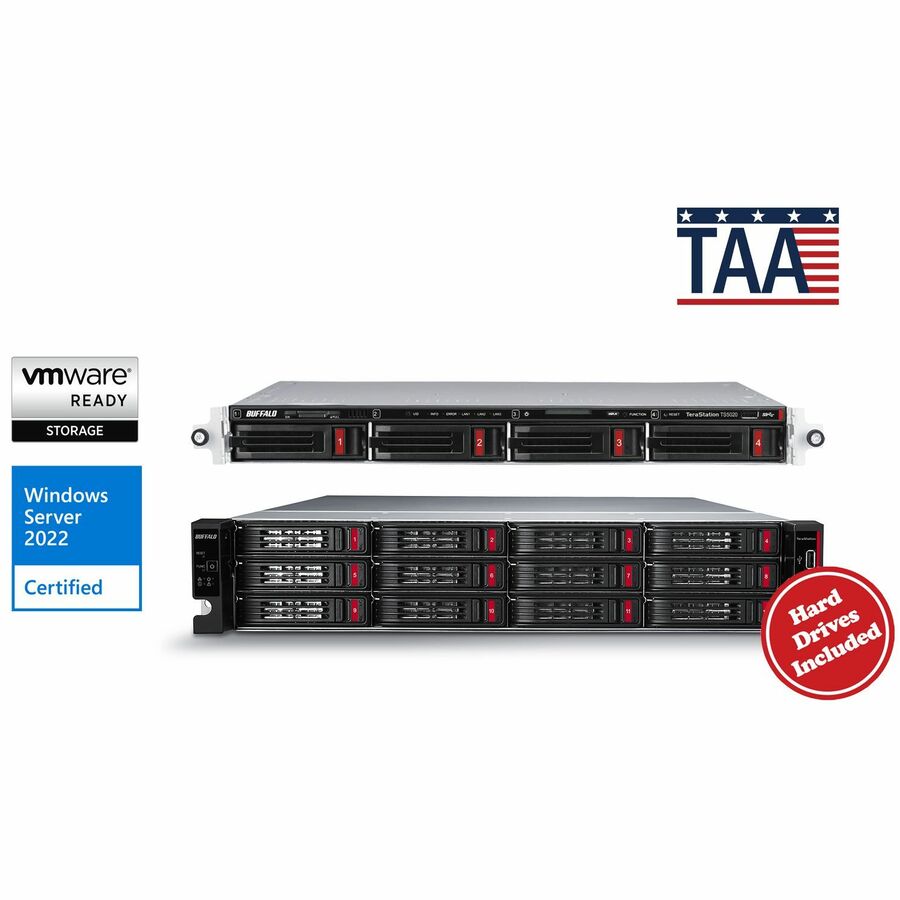
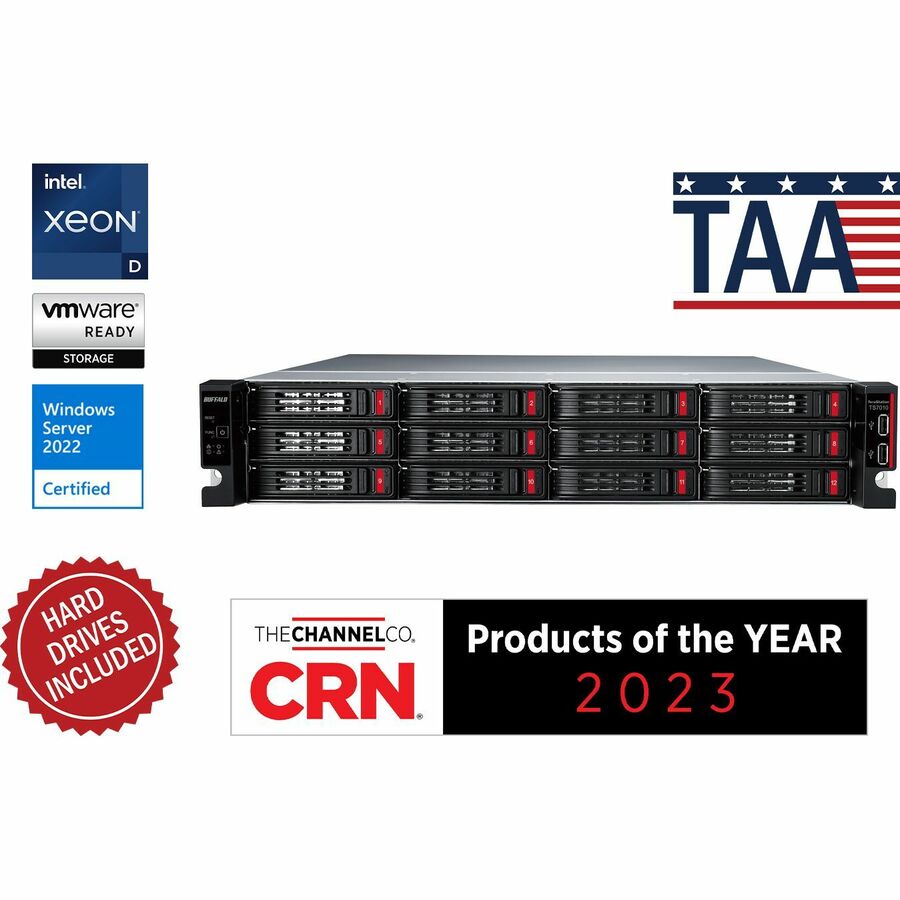
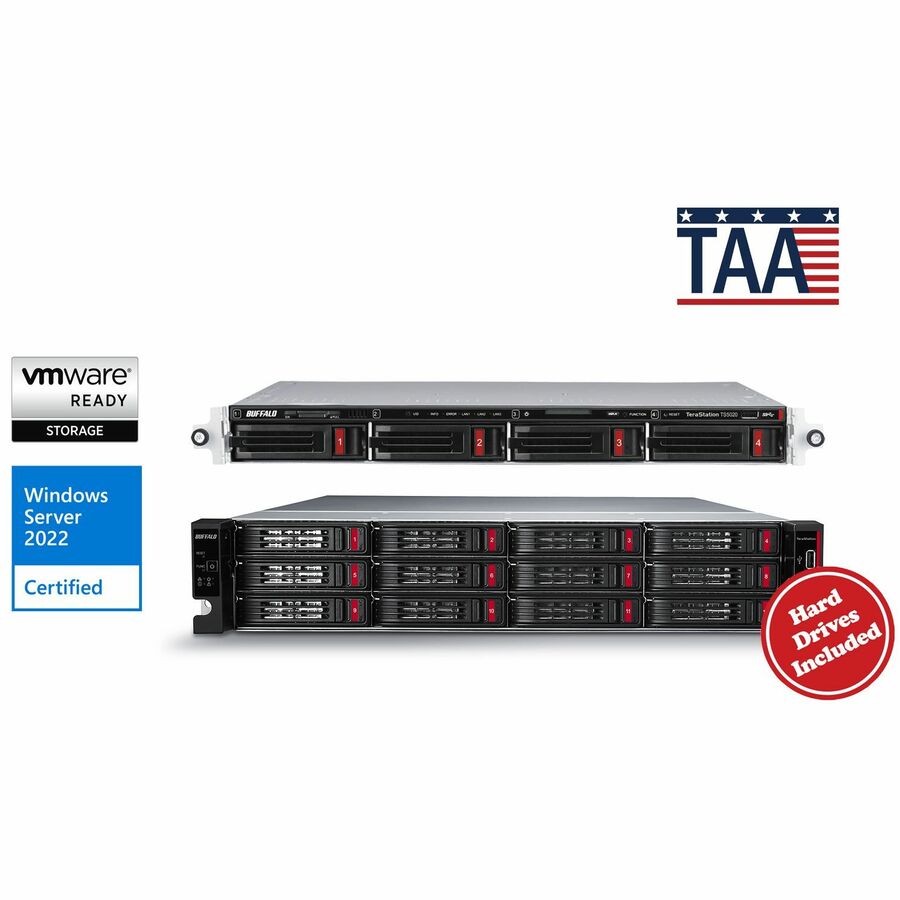
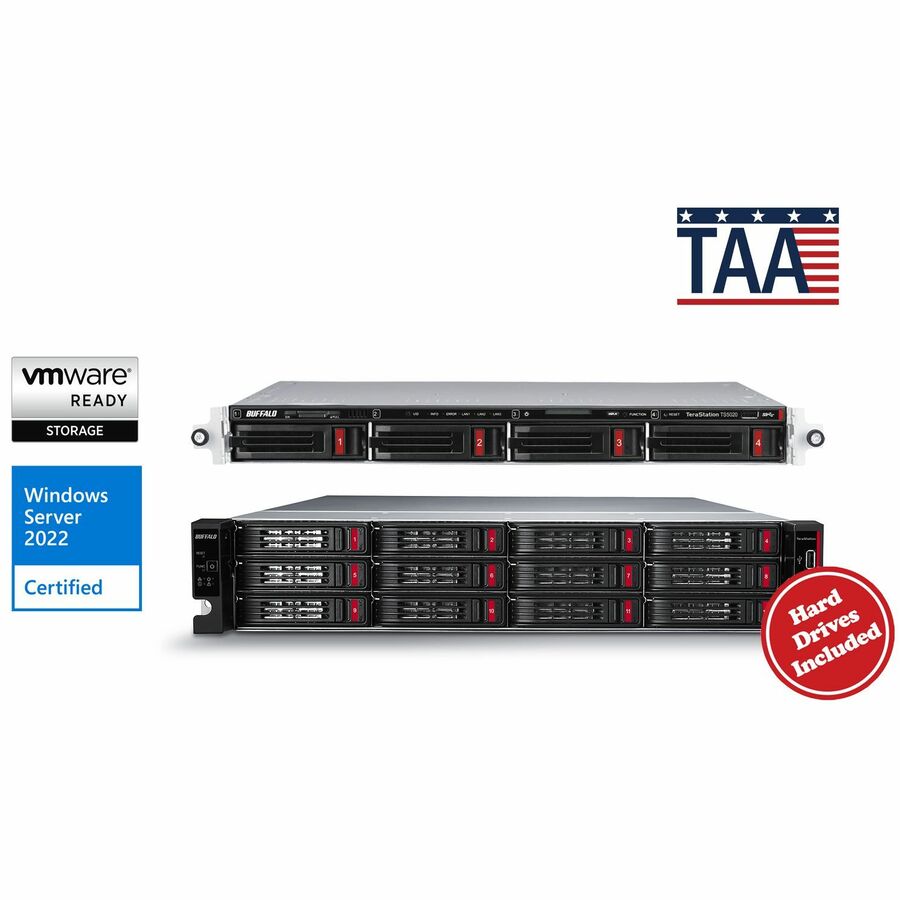
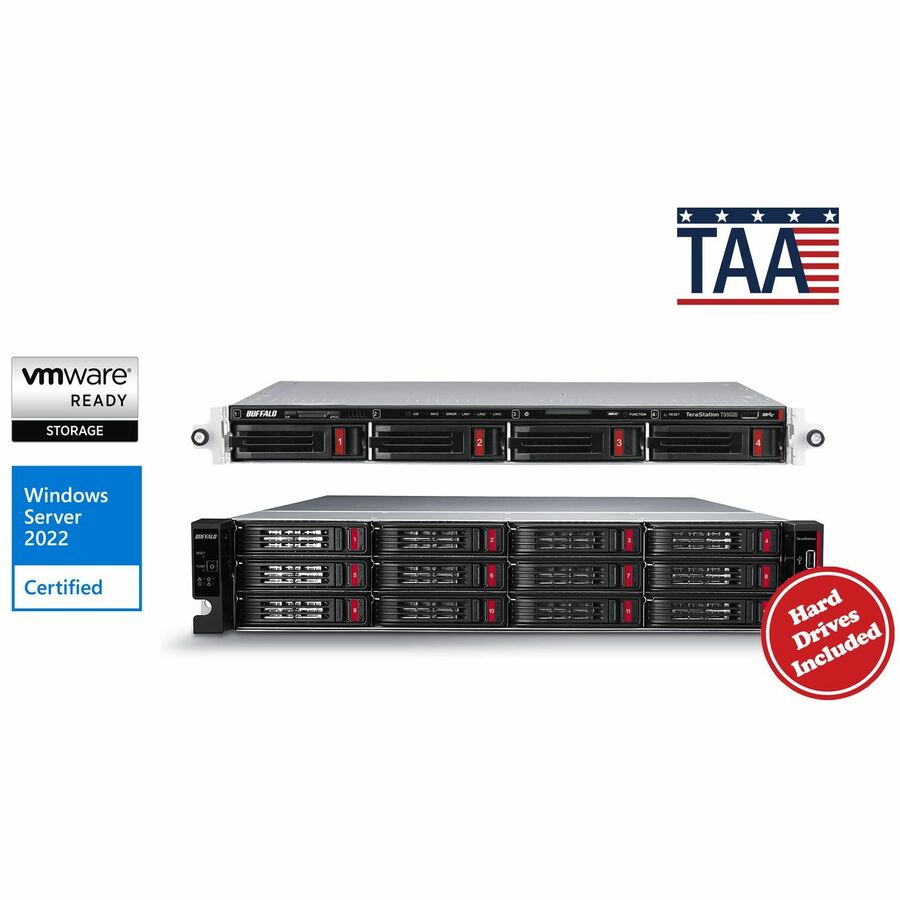
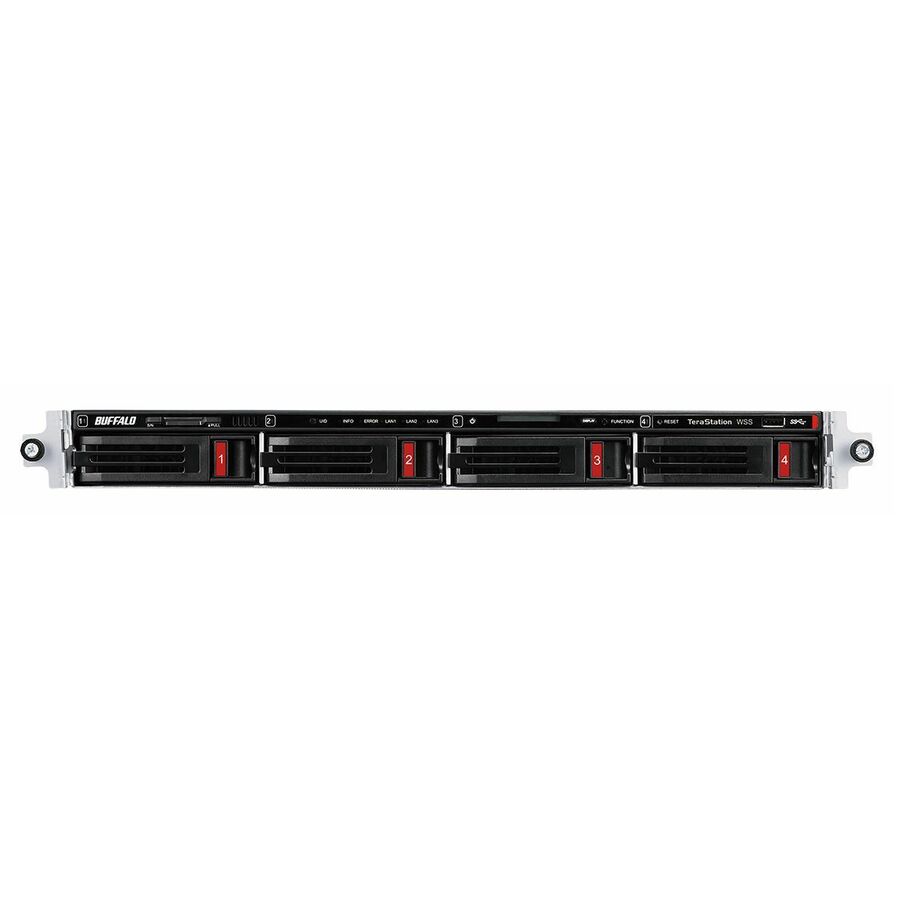
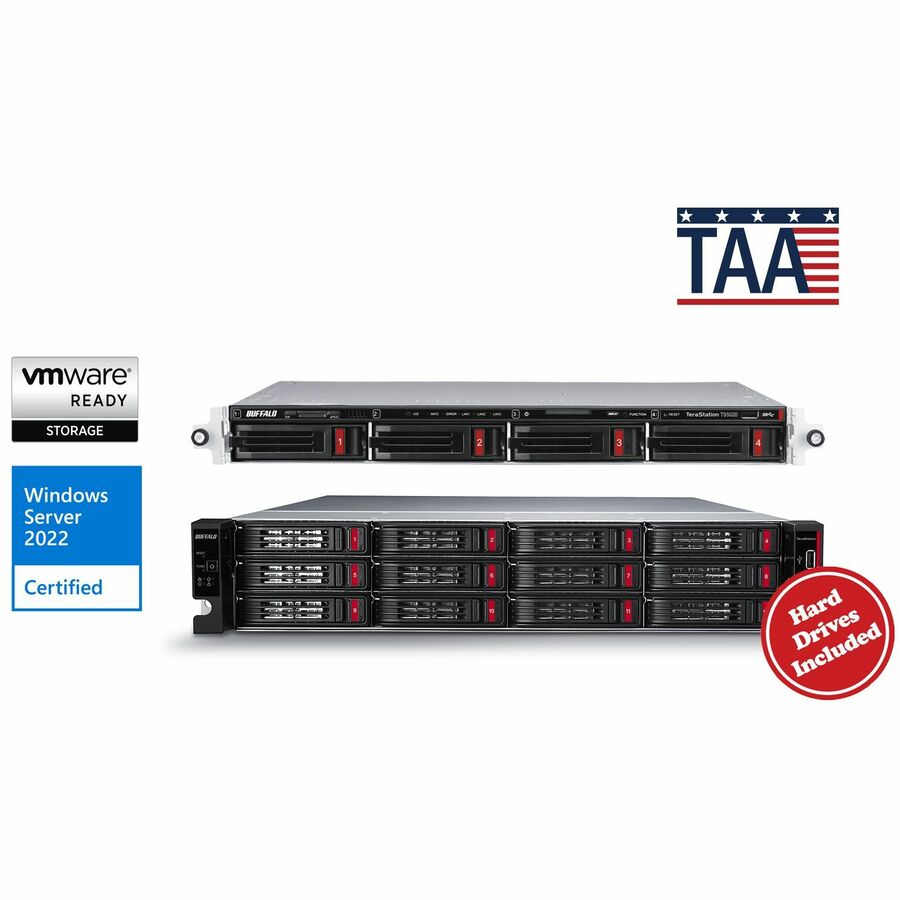
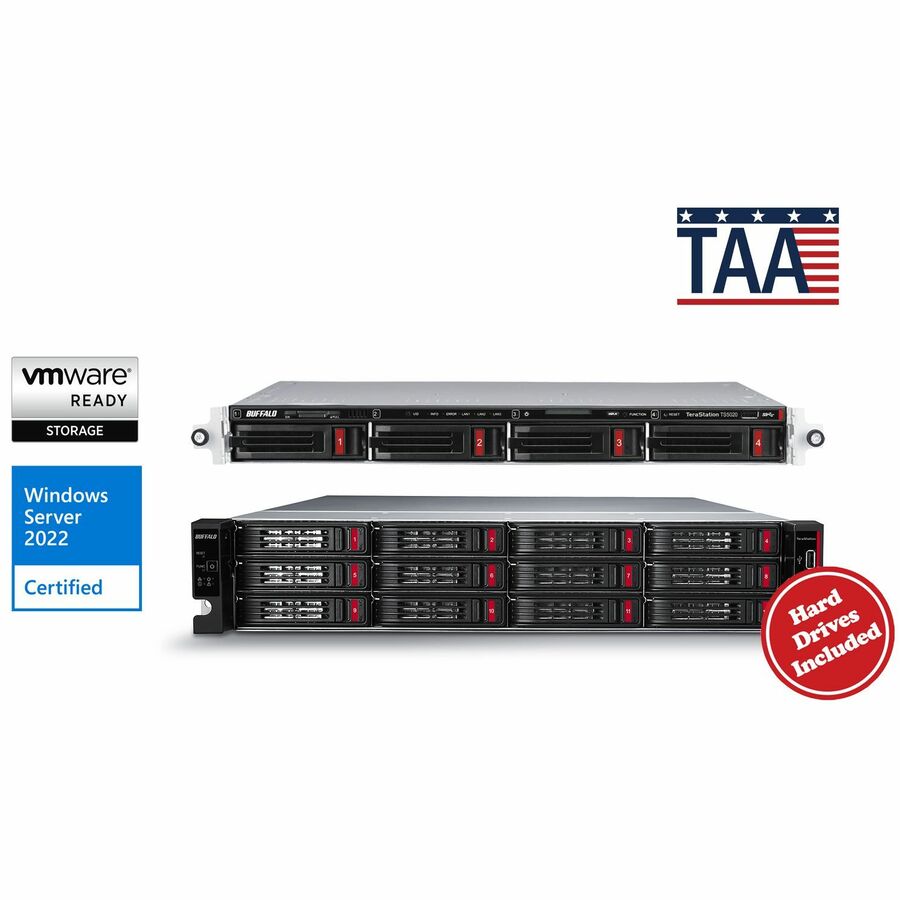
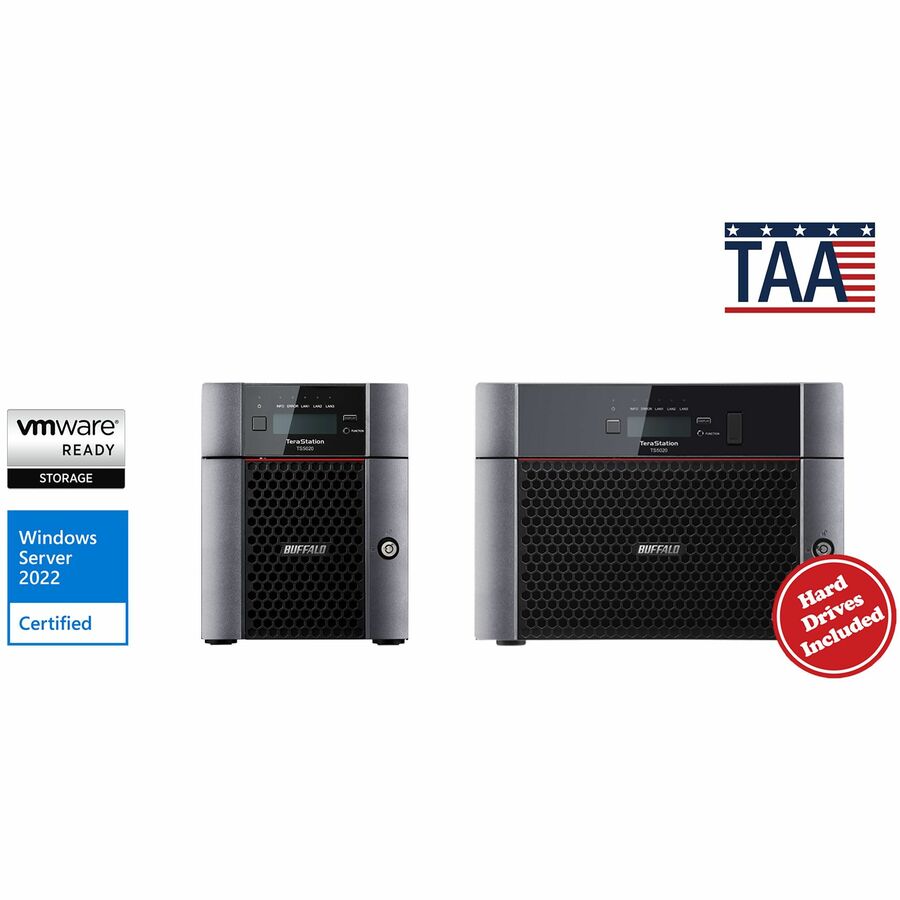
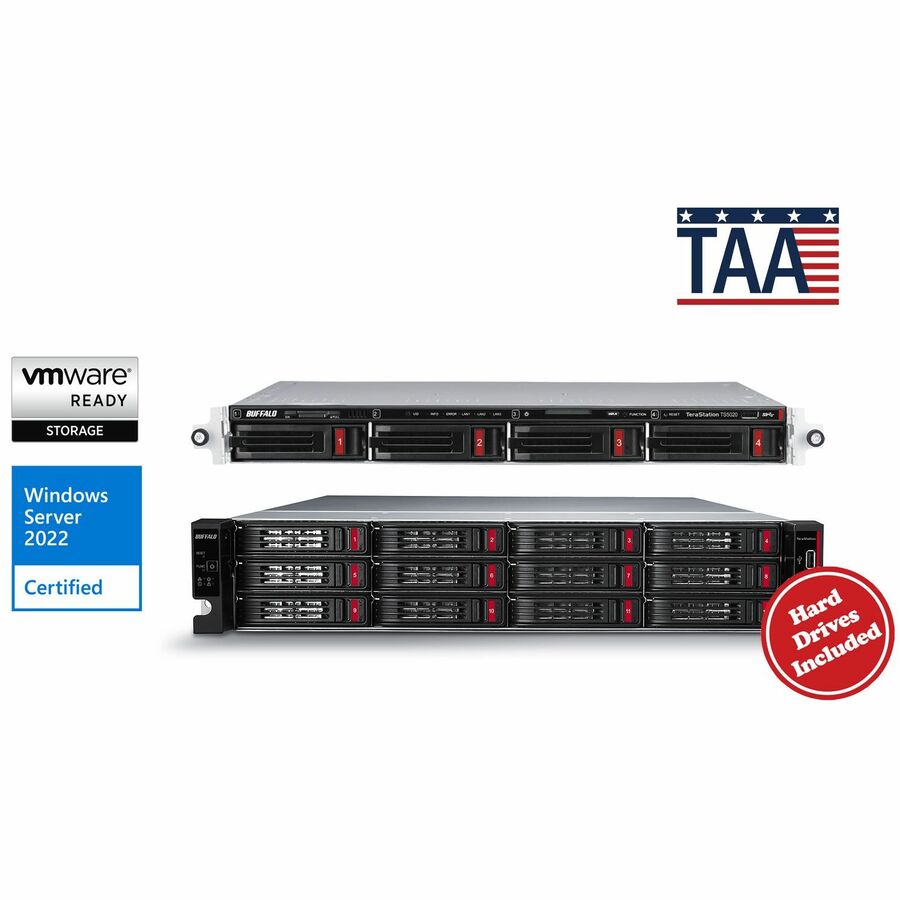
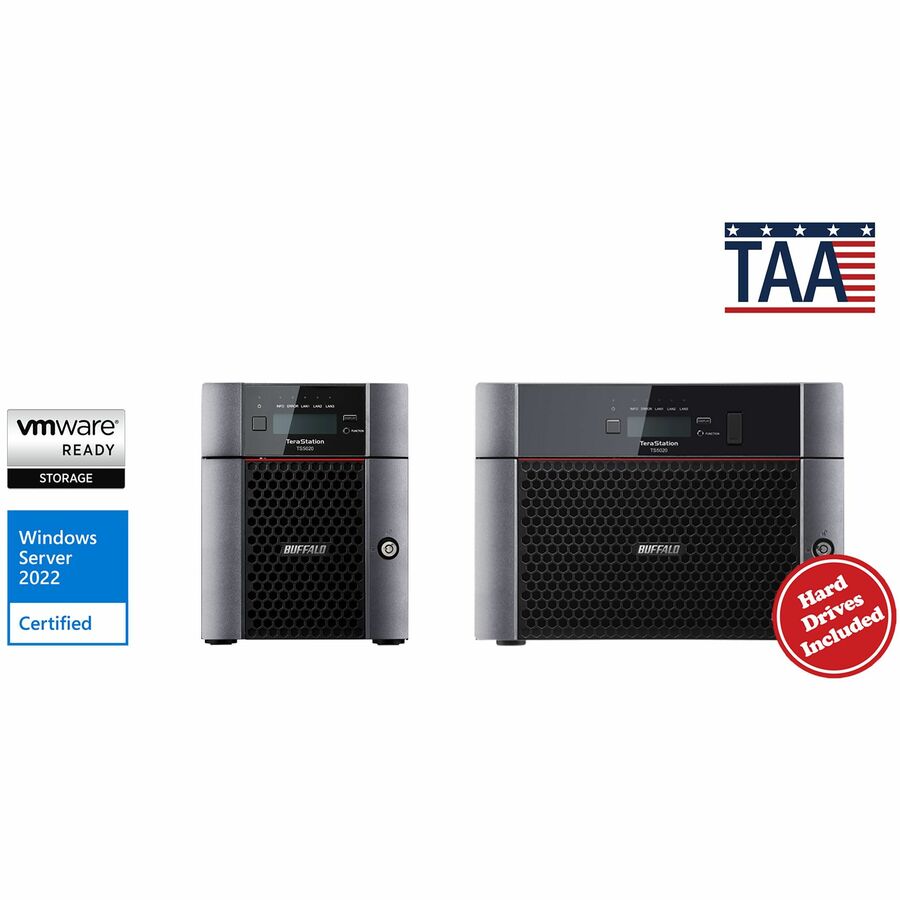
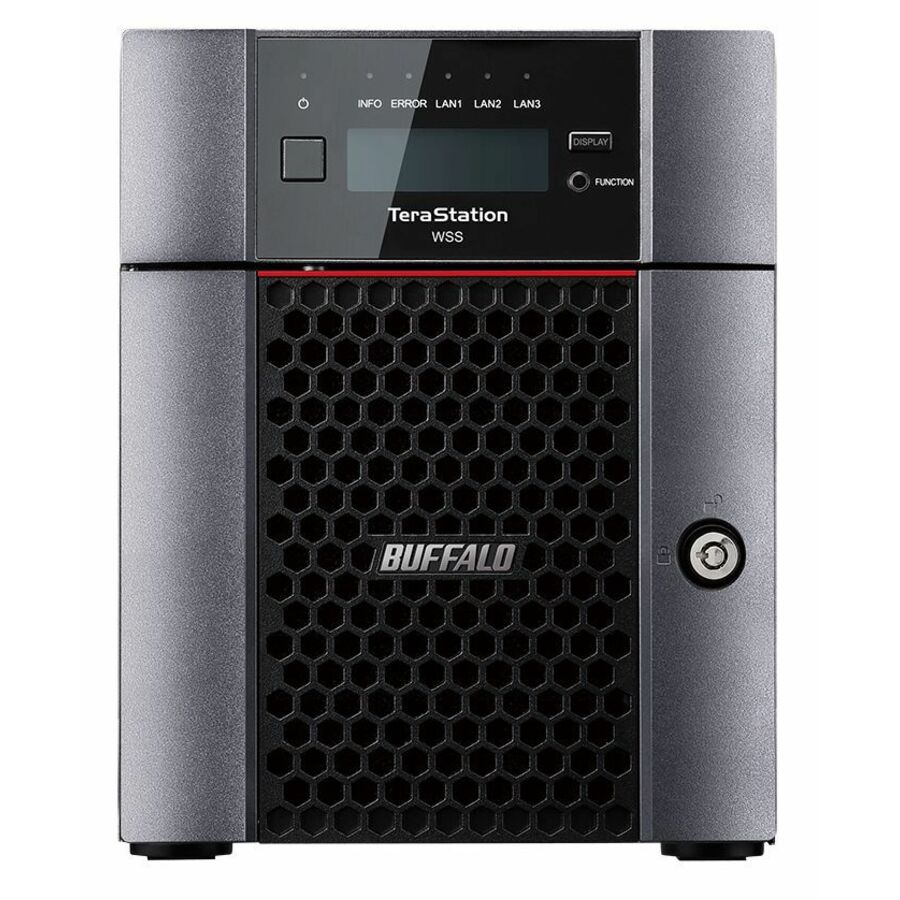
- BuffaloBUFFALO TeraStation 51220RH 12-Bay Secure Business 2U NAS 120TB (12x10TB) w/ Hard Drives Included - 12 x HDD Installed - (12 x 10TB) 120 TB Installed HDD Capacity - Serial ATA/600 - Serial ATA/600 Controller - 0, 1, 5, 6, 10, JBOD RAID Levels - 4 x RJ-45 - 10 Gigabit Ethernet, Gigabit EthernetTS51220RH12012
$15,015.99
$13,964.87*
4 in stock - BuffaloBUFFALO TeraStation 51220RH 12-Bay Secure Business 2U NAS 48TB (12x4TB) w/ Hard Drives Included - 12 x HDD Installed - (12 x 4TB) 48 TB Installed HDD Capacity - Serial ATA/600 - Serial ATA/600 Controller - 0, 1, 5, 6, 10, JBOD RAID Levels - 4 x RJ-45 - 10 Gigabit Ethernet, Gigabit EthernetTS51220RH4812
$7,727.99
$7,187.03*
3 in stock - BuffaloBUFFALO TeraStation 51220RH 12-Bay Secure Business 2U NAS 16TB (4x4TB) w/ Hard Drives Included - 4 x HDD Installed - (4 x 4TB) 16 TB Installed HDD Capacity - Serial ATA/600 - Serial ATA/600 Controller - 0, 1, 5, 6, 10, JBOD RAID Levels - 4 x RJ-45 - 10 Gigabit Ethernet, Gigabit EthernetTS51220RH1604
$5,765.99
$5,362.37*
2 in stock
Need pricing on Buffalo TeraStation NAS?
Tell us where to reach you and a Uniqcli specialist will follow up by email with current pricing, availability and lead time for the quantities you need — including parts that aren’t shown on this page.
Buying for an organization or for yourself — both work. No payment up front.
With a TeraStation the line decision is already made; what is left is the chassis shape, the bay count and how much usable capacity survives once the array is configured for redundancy. These units are listed with drives included, so capacity is settled at purchase. Size the spare into the same order — the larger the drives, the longer a redundant array takes to rebuild.
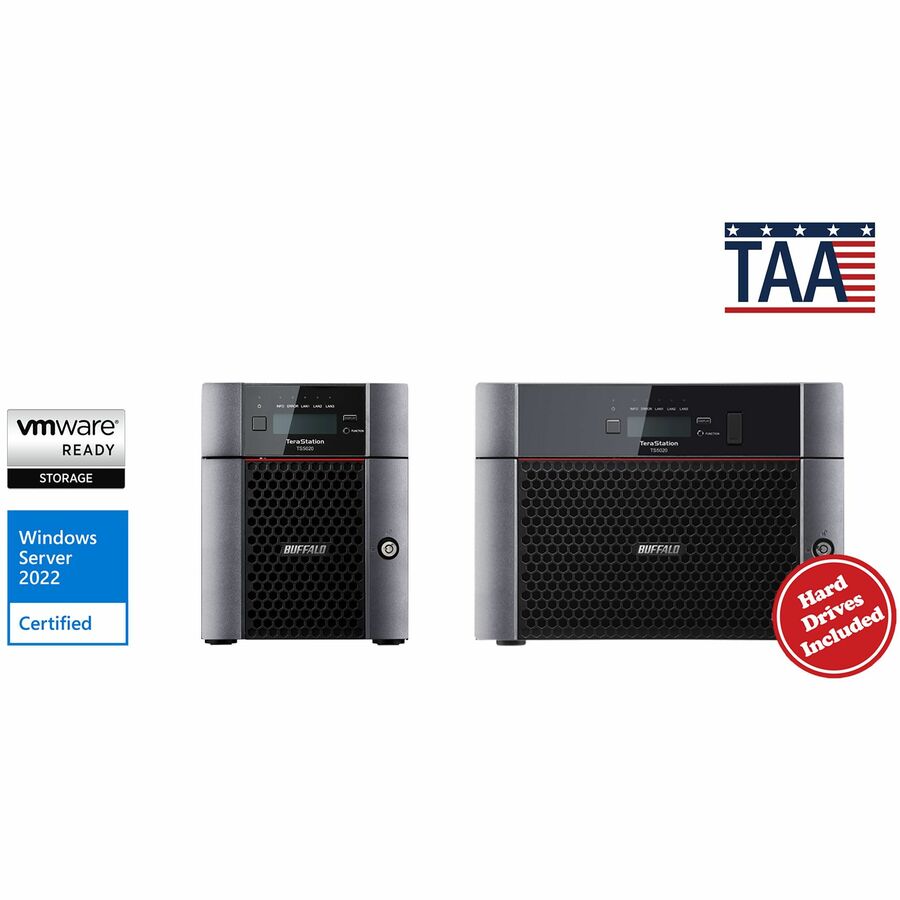
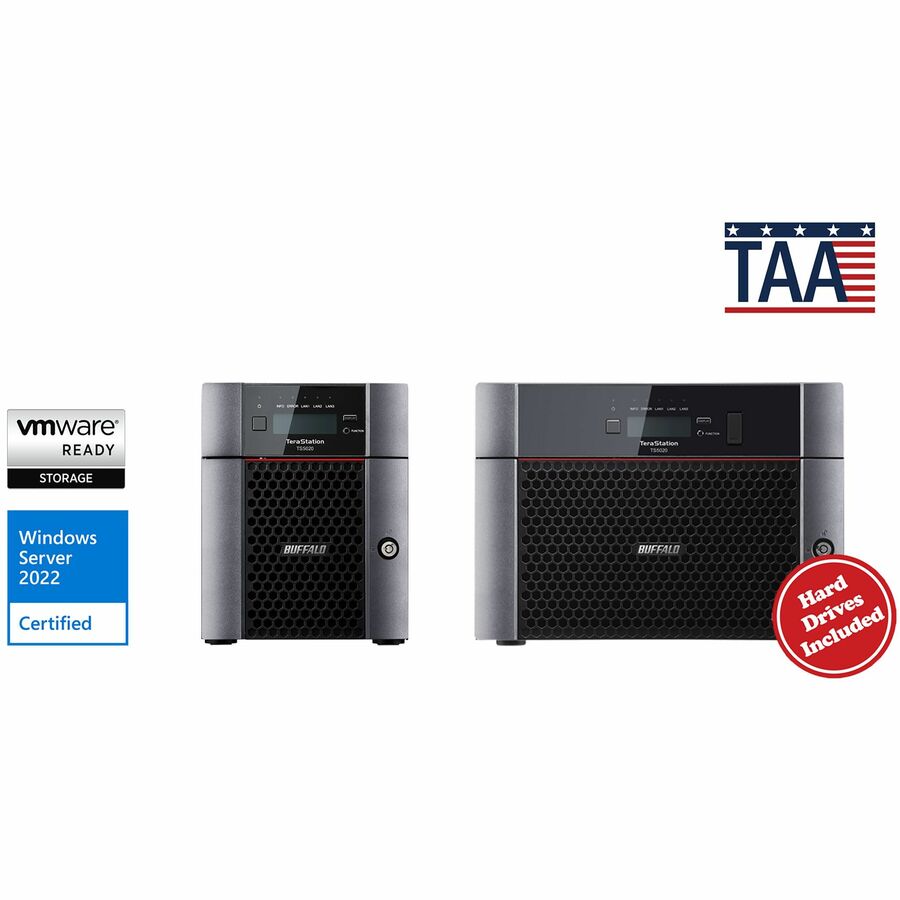
Choosing a TeraStation is a narrower exercise than choosing a storage line. The line decision is already made; what is left is the shape of the chassis, the number of bays, and how much usable capacity survives once the array is configured for redundancy. The grid below runs from desktop units that sit in an office or a wiring closet to rackmount chassis that take a slot in a rack you already own, and the product data lists these units as shipping with drives included — which makes capacity a decision you settle at purchase rather than defer to a separate drive order.
The second decision is continuity. Most TeraStation orders are not a first NAS: they replace a unit that has aged out, add a second site to an estate an administrator already knows, or put a spare on the shelf against the failure that will land in a busy week. That argues for matching the chassis and configuration you already run wherever you can — the same shape mounts the same way, the share layout and admin routine carry over, and the rebuild behavior after a failed disk is behavior your team has seen once already. Size the spare into the original order rather than after the failure. This grid is drawn from the TeraStation units Uniqcli currently stocks, with live availability on each card.
Buyer's checklist
How to choose a TeraStation
- Start from usable capacity, not the number on the label — a multi-bay unit configured for redundancy gives part of its total up to protection, and what remains after the array is built is the figure to size against.
- Count bays for growth as well as for today: with drives included at purchase, bay count and capacity are the parts of the decision that are hardest to revisit once the unit is in service.
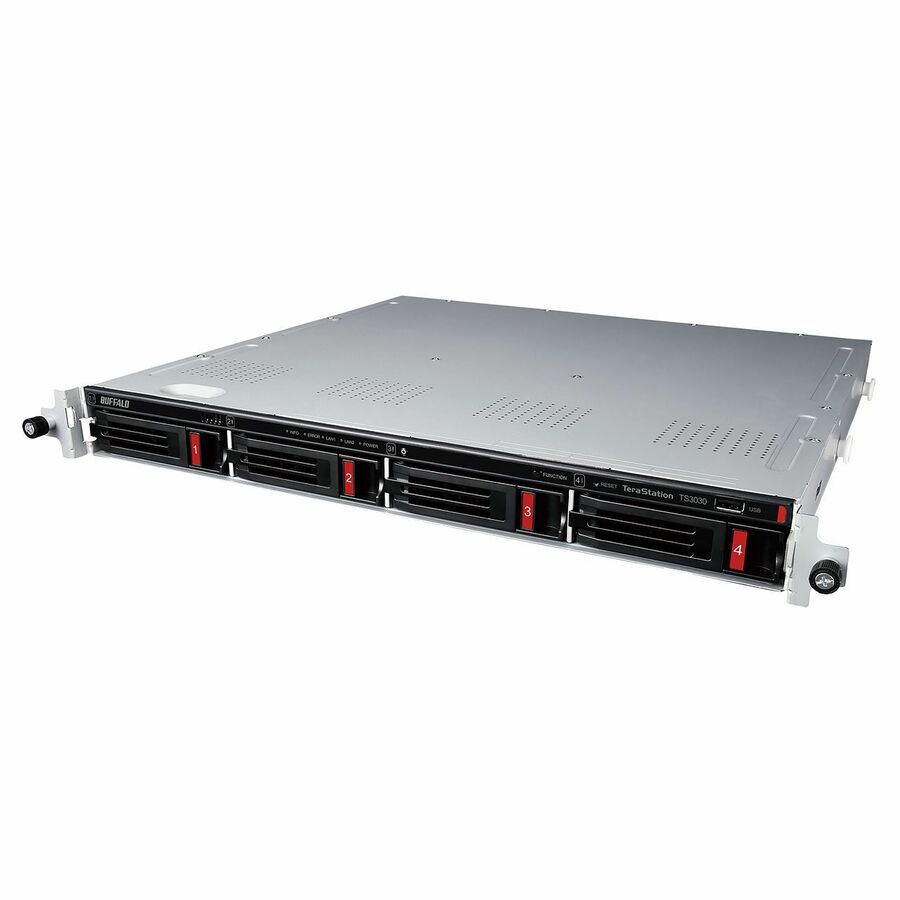
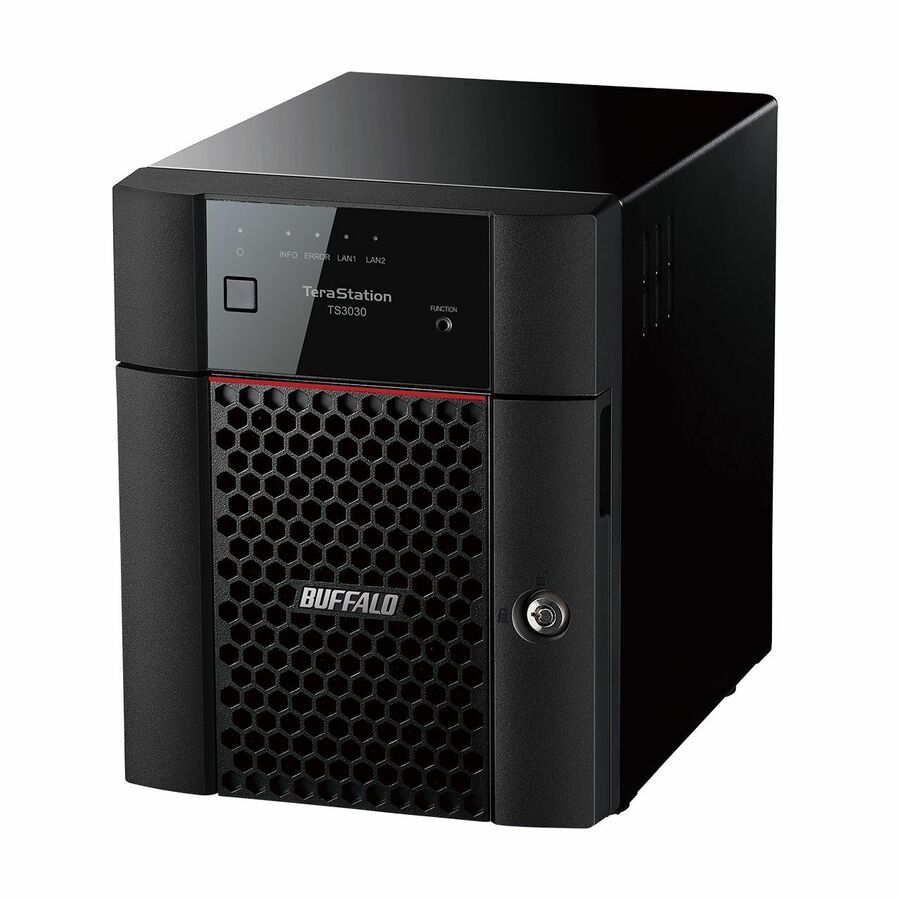
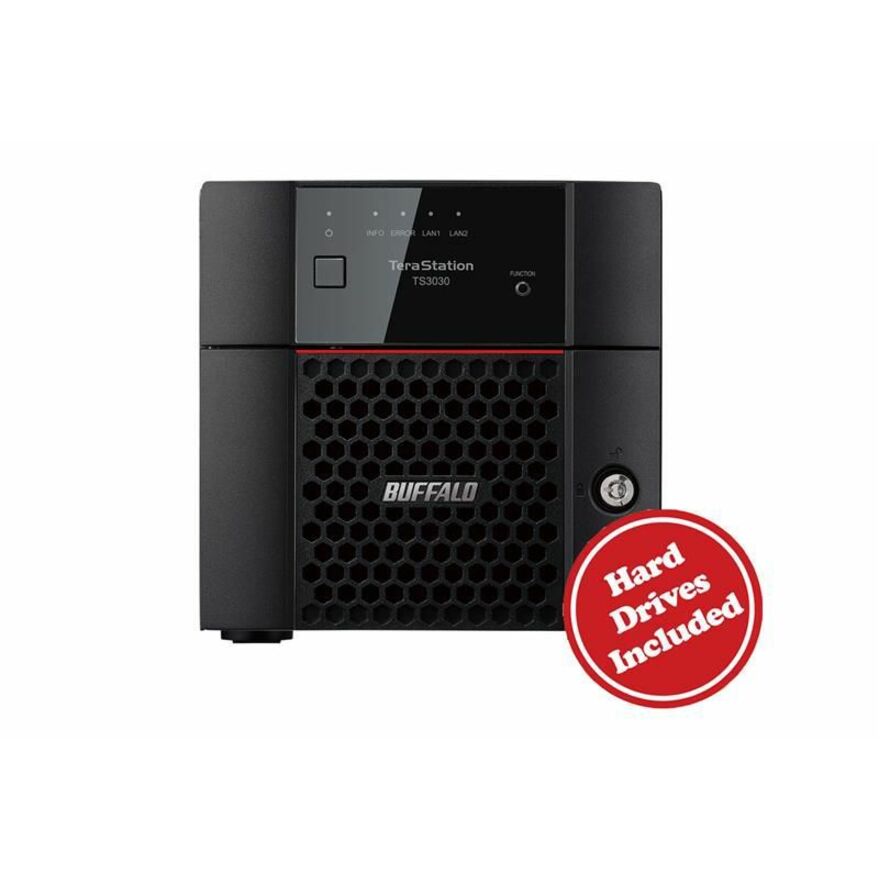
- Rackmount where there is a rack, rails and a depth measurement to check; desktop where the unit lives in an office, a closet or on a shelf and nobody is going to rail-mount it.
- Match an existing estate deliberately — a replacement in the same shape and configuration as the units you already run keeps share layout, admin routine and rebuild behavior consistent across sites.
- Think about the rebuild before the failure: the larger the drives, the longer a redundant array takes to rebuild, and that window is the stretch where the data is least protected.
- Plan spares at the estate level. One unit can wait on a replacement order; several sites usually justify a cold spare that can take over while the failed unit is dealt with.
Rackmount or desktop, decided by where the unit lives
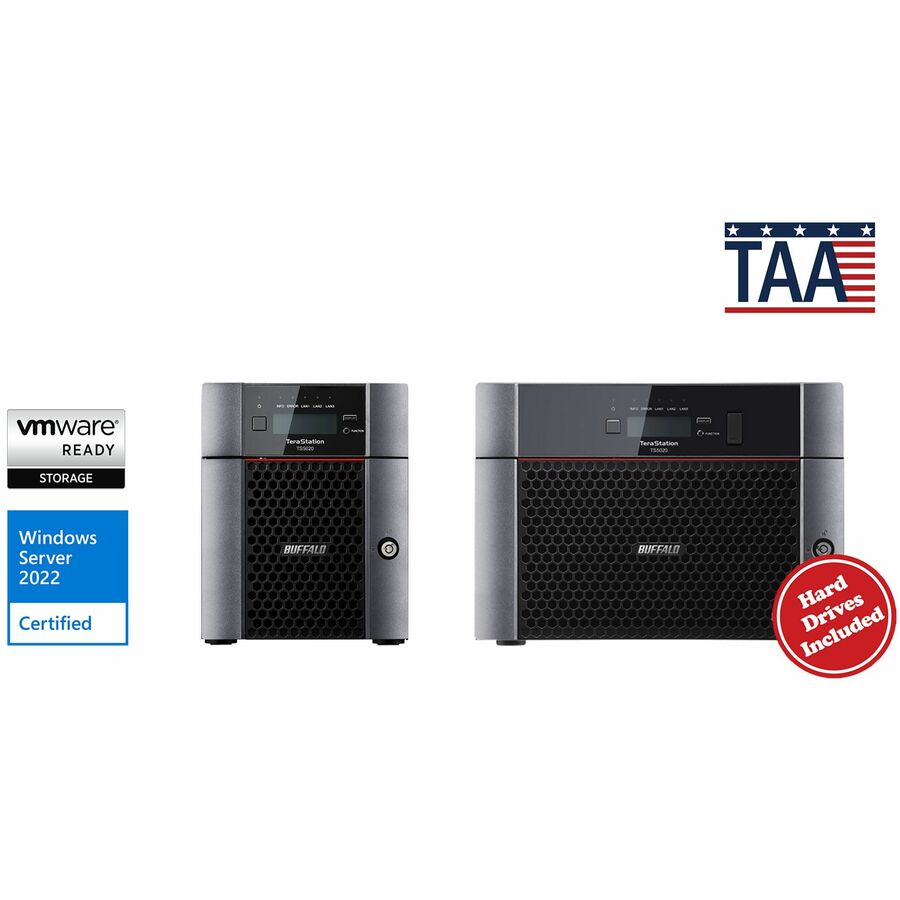
Both chassis shapes do the same storage job — the difference is the room. A rackmount unit belongs where a rack, rails, structured power and airflow already exist, and where the depth of the frame is a number someone can measure before the order goes in; it is the right default for a comms room, a data closet or a headquarters stack that is already standardized. A desktop unit belongs everywhere else: a branch office, a clinic, a school building, a site trailer, anywhere the storage lives in a room with people in it and no one is going to install rails for a single box. Estates commonly run both, and the sensible pattern is to standardize by role rather than by preference — rackmount at the sites that have racks, desktop at the sites that do not, with the same bay count and configuration wherever the workload is the same.
Replacements, spares and keeping an estate consistent
A large share of TeraStation demand is a replacement rather than a first purchase, and consistency is worth more than a marginal spec upgrade on that order. A unit matching what you already run drops into the same rack position or shelf, presents the same administration to the person who has to restore a share at 6am, and behaves the way your team expects when a disk fails and the array rebuilds. Where a like-for-like match is no longer stocked, the next best thing is the closest current configuration in the same chassis shape and bay count, so the estate stays legible. Spares follow the same logic: on a multi-site estate a cold spare unit turns an outage into a swap, and it is cheapest to buy alongside the original order. Send the model you run today and the bay count and capacity you need, and we will confirm what current stock matches, along with screening and lead time.
FAQ
Common questions
- How many bays should I buy?
- Size against usable capacity after redundancy rather than the total on the label, then add headroom for the growth you expect over the life of the unit. Because these units are listed as shipping with drives included, bay count and capacity are settled at purchase — that makes over-buying a bay or two cheaper than discovering the ceiling two years in. If the workload is a backup target or a file share that grows steadily, size for the trend line, not for today's used figure.
- Should a replacement match the TeraStation I already run?
- Where you can, yes. Matching the chassis shape, bay count and configuration keeps the mounting, the share layout, the admin routine and the rebuild behavior consistent, which is what makes a multi-site estate manageable by a small team. Where the exact unit is no longer stocked, the closest current configuration in the same shape is usually the better answer than a different form factor at the same capacity. Send us the model you are replacing and we will confirm what current stock lines up against it.
- Can business, government and education buyers order these?
- Every line Uniqcli quotes is sourced through US distribution and screened for TAA country-of-origin and NDAA §889 status before checkout — with documentation tied to the specific part number, not a product family.
Need Buffalo TeraStation NAS pricing?
Send a bill of materials or part numbers — we confirm stock and a below-market total, with TAA verified on request. No payment up front.