
Best 3.5-Inch Enterprise Hard Drives for Bulk Storage
Datacenter and nearline 3.5-inch drives for capacity storage — read by terabytes, 7,200 rpm, SATA or SAS interface, recording method and whether the row carries a TAA designation.
3.5-inch enterprise hard drives in stock at Uniqcli
How to choose →A curated selection with live pricing — in-stock lines first, then back-ordered lines with a typical lead time. Every line is sourced through US distribution and screened for NDAA §889 status before checkout, with TAA verified on request.
- Western DigitalWD WD5003ABYX 500 GB Hard Drive - 3.5" Internal - SATA (SATA/300) - 7200rpmWD5003ABYX
$95.78
66 in stock - ToshibaToshiba MG03SCA MG03SCA100 1 TB Hard Drive - 3.5" Internal - SAS (6Gb/s SAS) - 7200rpm - 5 Year WarrantyMG03SCA100
$130.99
$119.85
30 in stock - BuffaloBuffalo OP-HD1.0N 1 TB Hard Drive - 3.5" Internal - SATA (SATA/600)OP-HD1.0N
$155.99
$145.07
9 in stock - Seagate TechnologySeagate ST1000VM002 1 TB Hard Drive - 3.5" Internal - SATA (SATA/600) - 5900rpmST1000VM002
$149.22
23 in stock - Seagate TechnologySeagate ST2000NM0045 2 TB Hard Drive - 3.5" Internal - SAS (12Gb/s SAS) - 7200rpmST2000NM0045
$149.22
31 in stock - ToshibaToshiba DT01ACA DT01ACA100 1 TB Hard Drive - 3.5" Internal - SATA (SATA/600) - 7200rpm - 2 Year WarrantyHDKPC03
$168.42
$154.11
90 in stock - ToshibaToshiba DT01ACA DT01ACA200 2 TB Hard Drive - 3.5" Internal - SATA (SATA/600) - 7200rpm - 2 Year WarrantyDT01ACA200
$175.44
$160.53
8 in stock



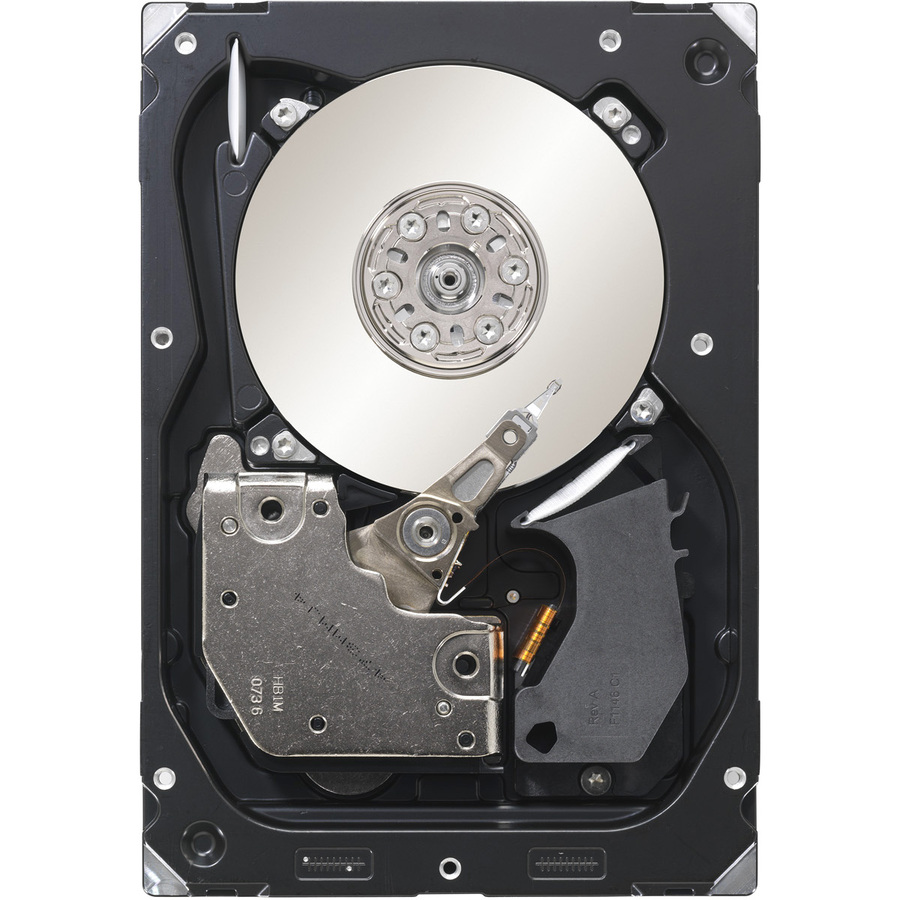
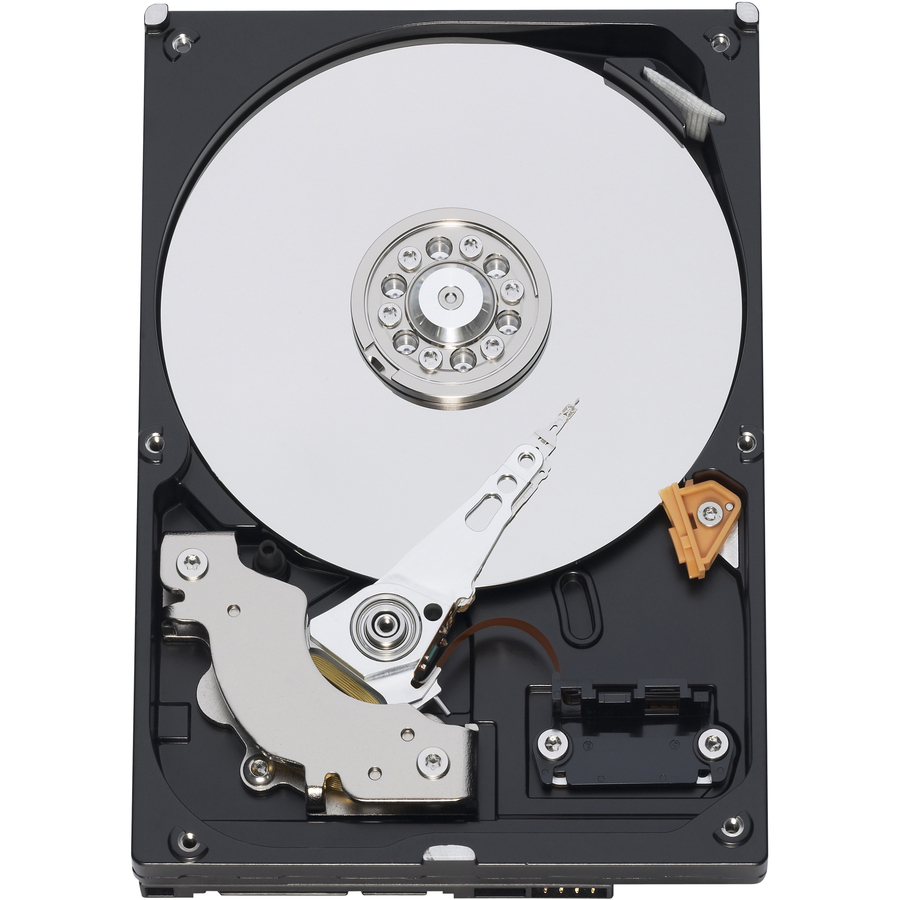
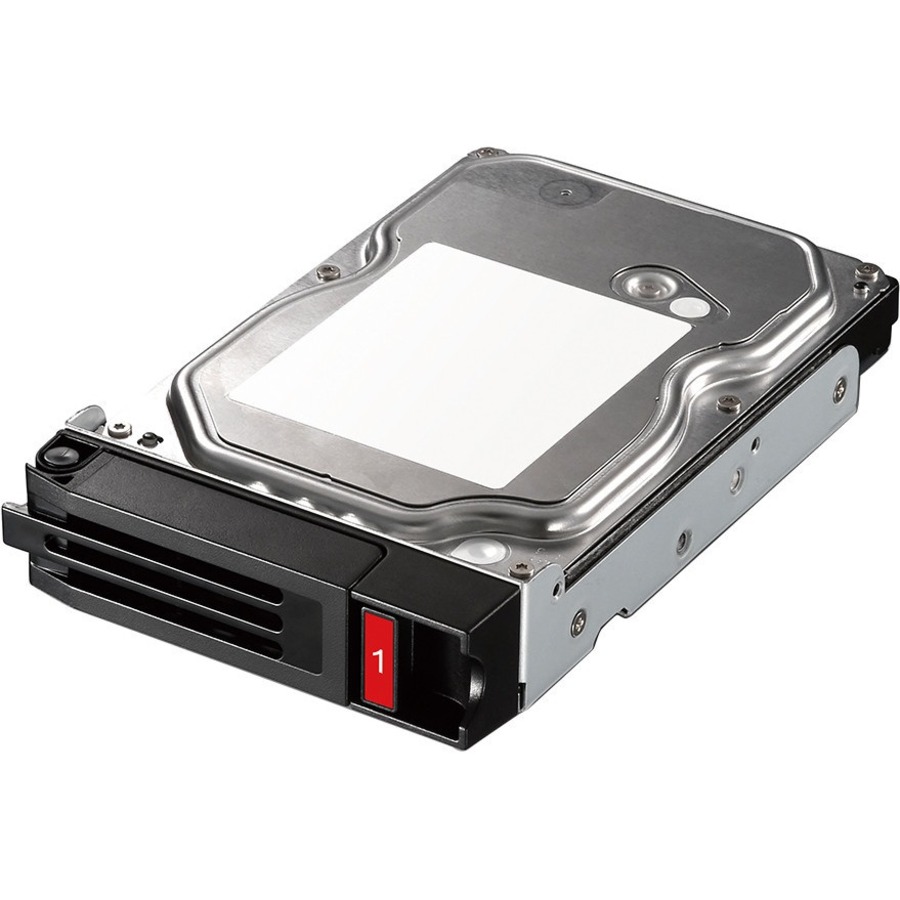

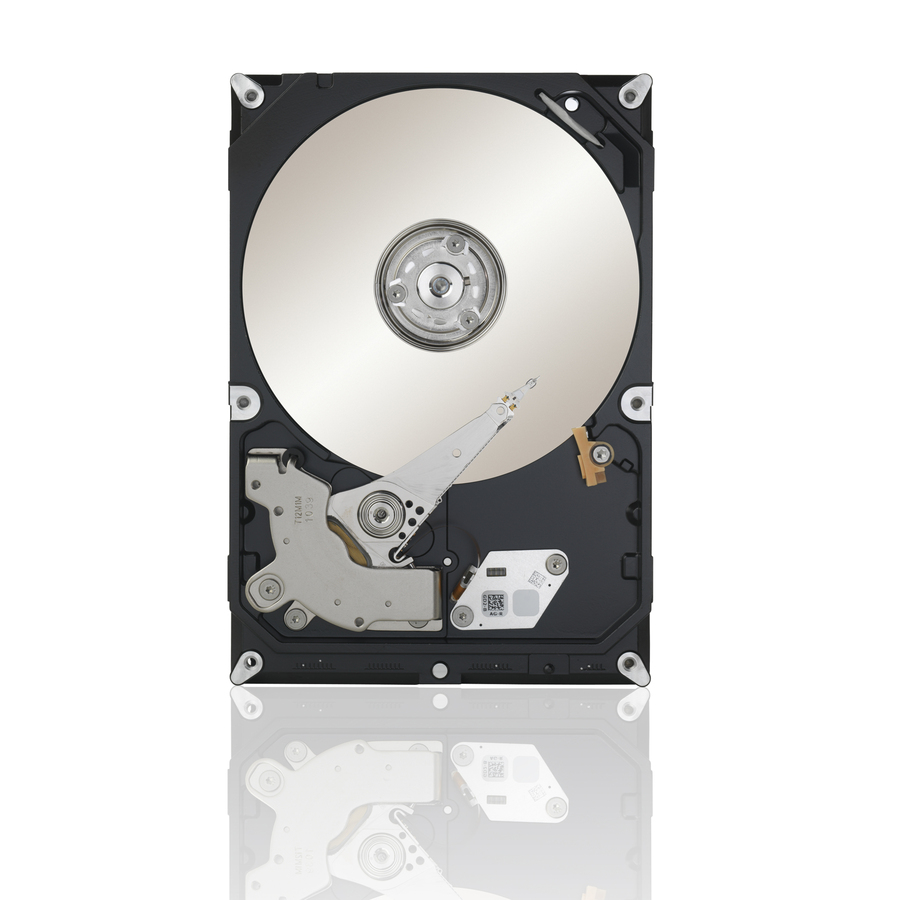
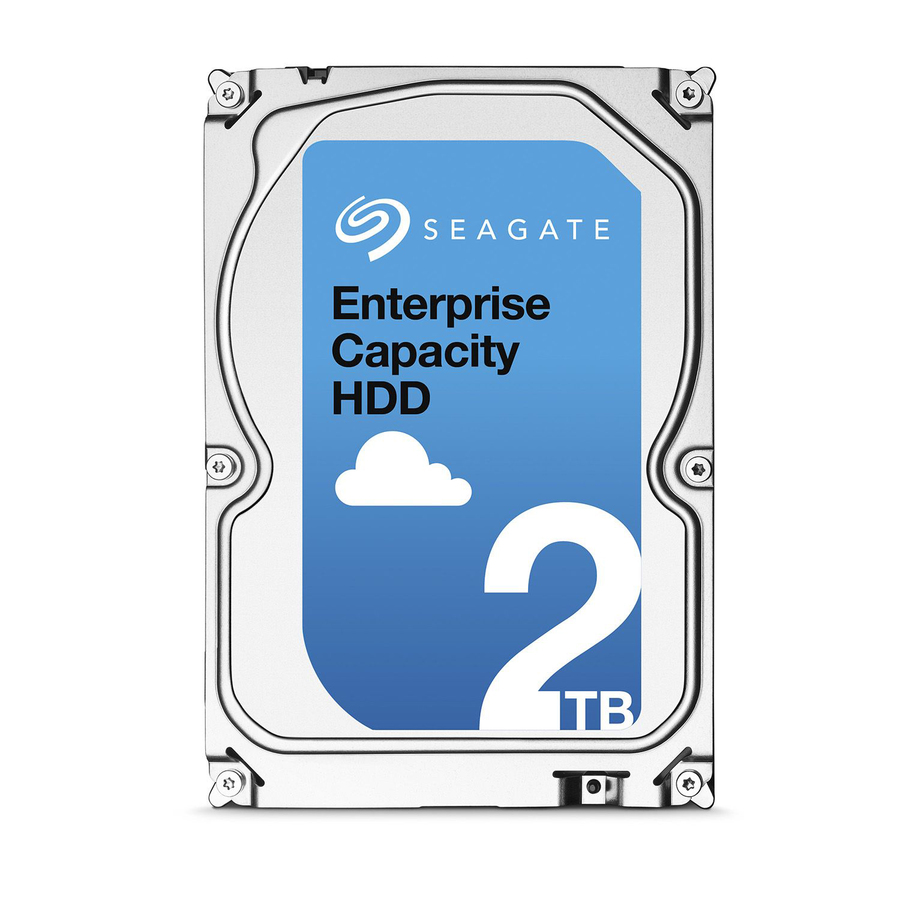
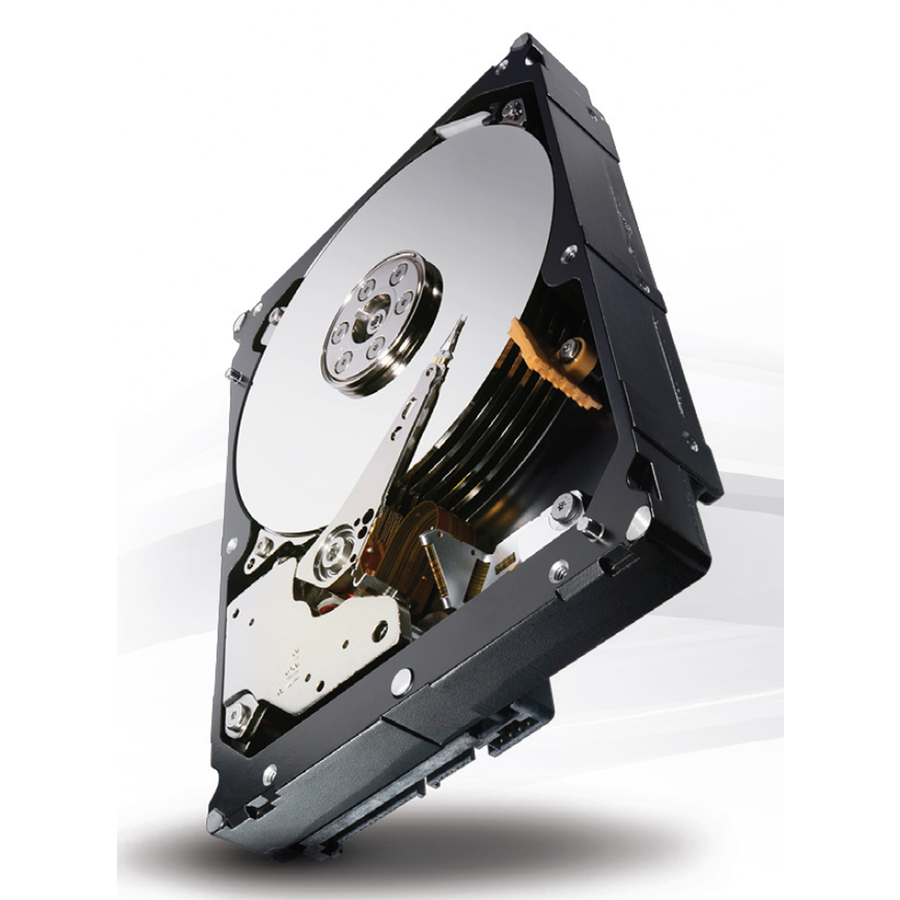
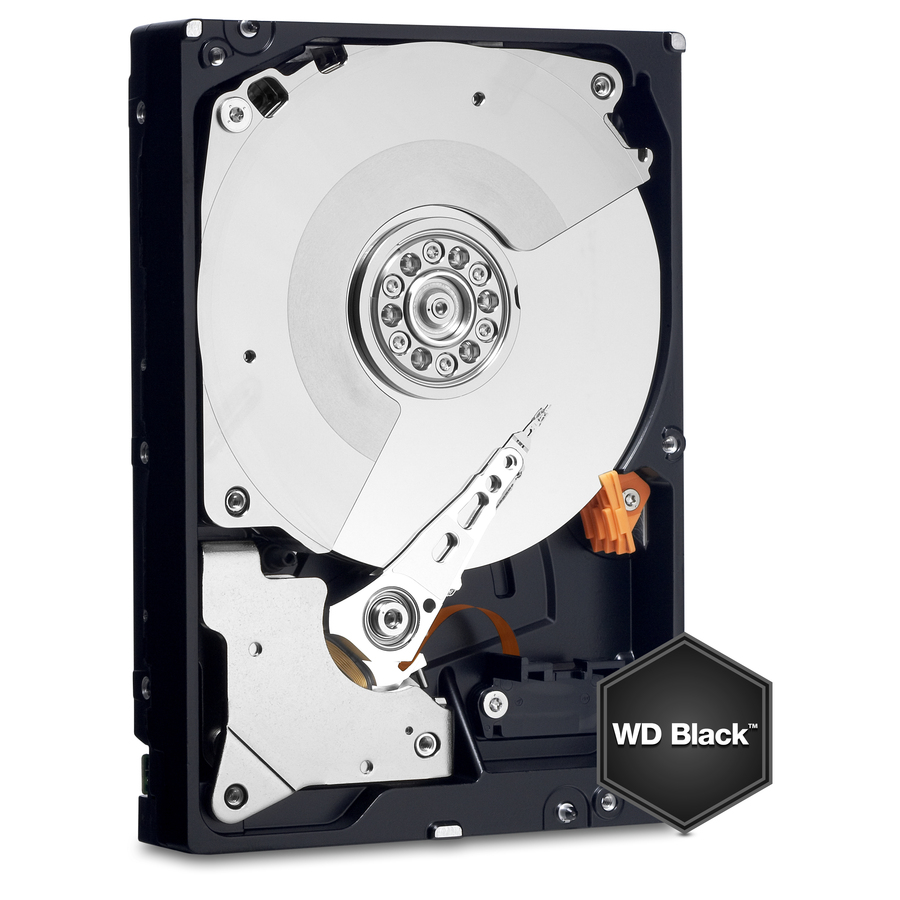
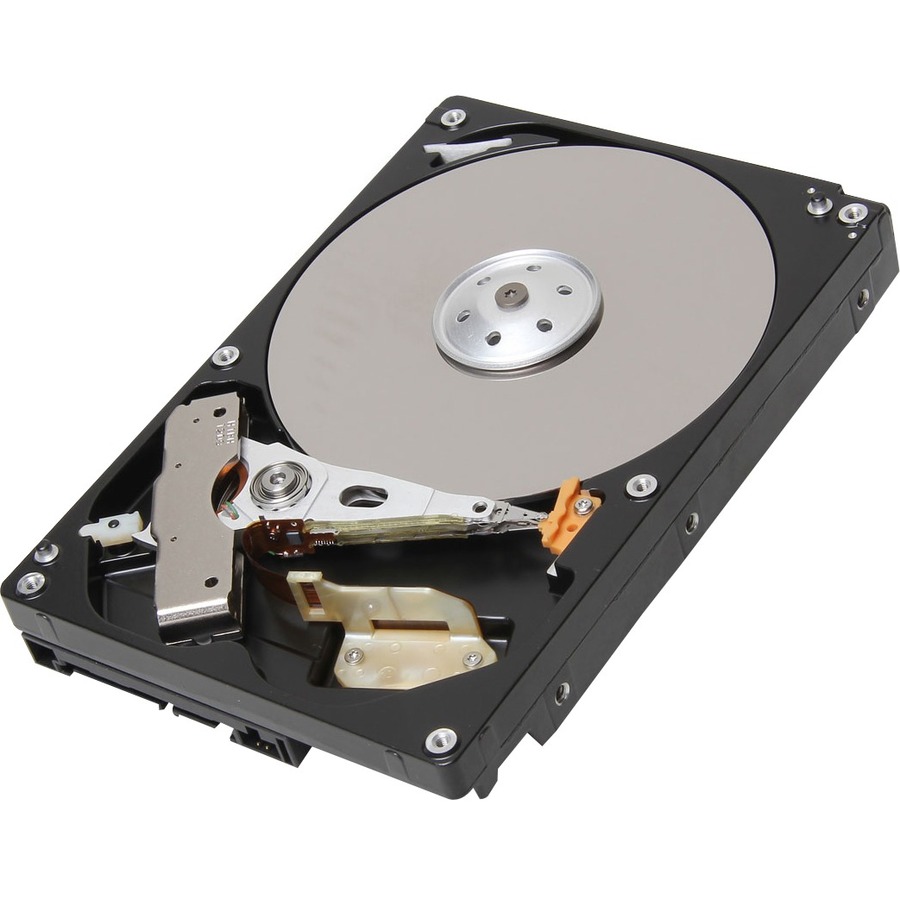
4TB, SATA nearline
Western Digital
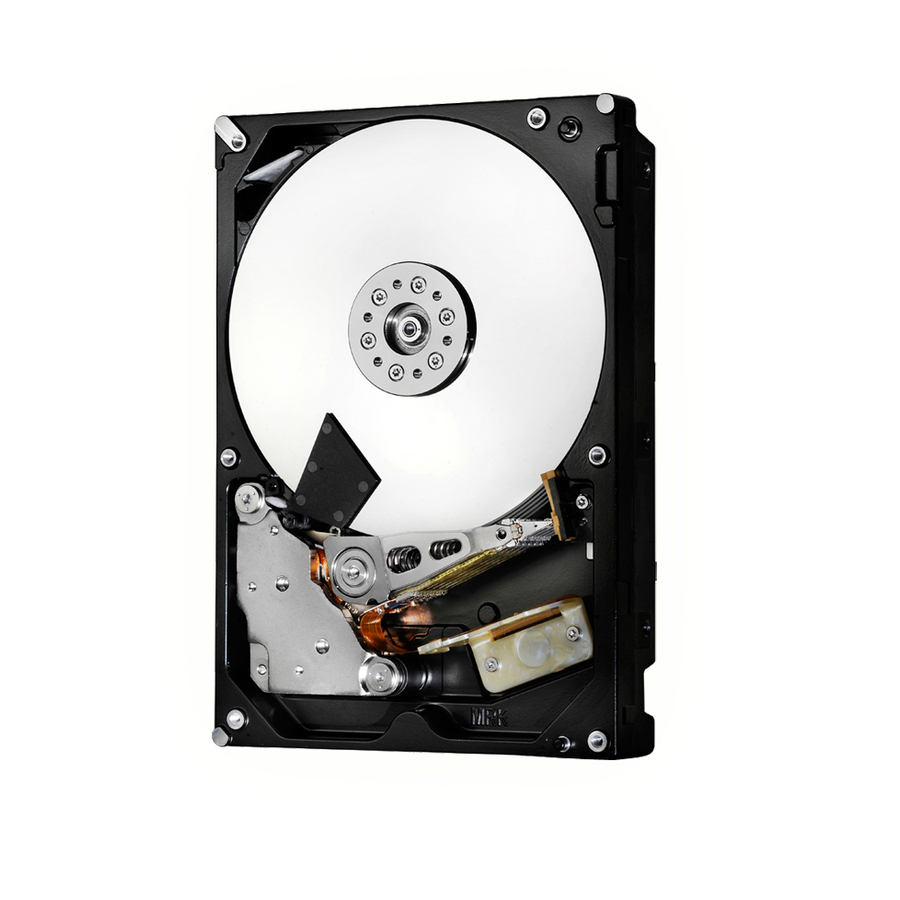
HGST Ultrastar 7K6000 HUS726040ALE611 4 TB Hard Drive
0F23015
A 4 TB 3.5-inch SATA hard drive from the Ultrastar 7K6000 nearline line at 7,200 rpm, an economical capacity drive for bulk and backup storage.
$65.70Back-ordered1TB, Constellation ES
Seagate Technology
Seagate Constellation ES ST1000NM0011 1 TB Hard Drive
ST1000NM0011
A 1 TB 3.5-inch SATA hard drive from the Constellation ES enterprise nearline line, a small-capacity enterprise drive for an array that needs matched enterprise parts.
$120.78In stock3TB, Constellation ES.3
Seagate Technology
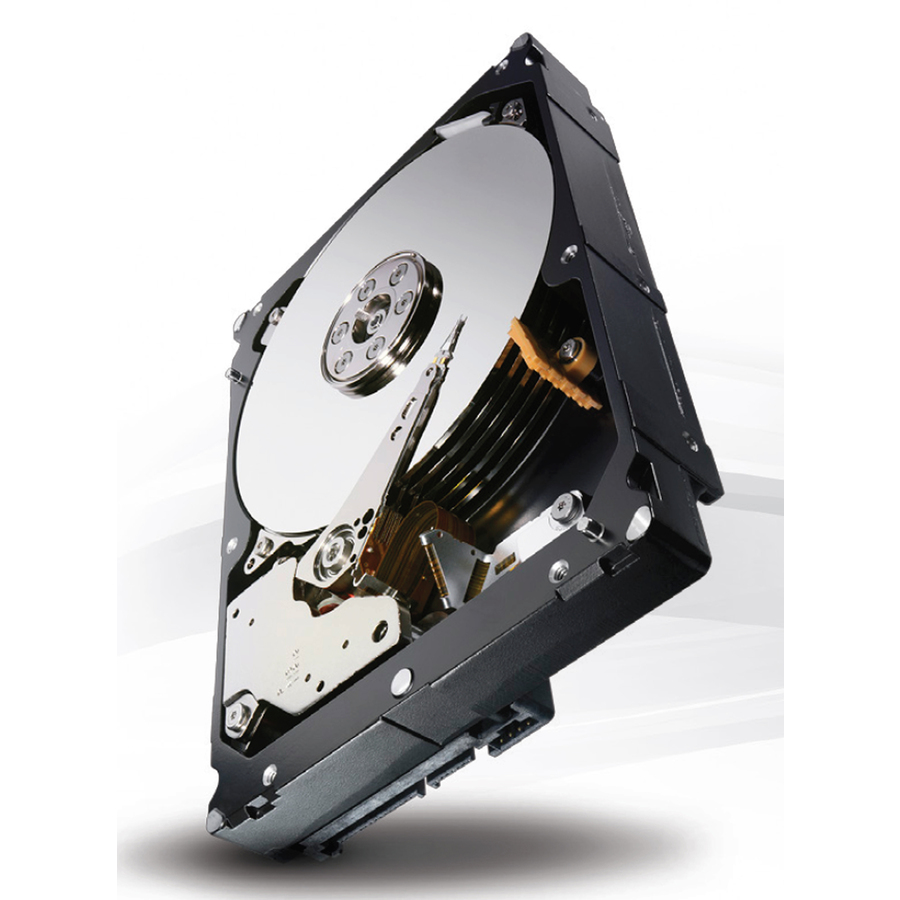
Seagate Constellation ES.3 ST3000NM0033 3 TB Hard Drive
ST3000NM0033
A 3 TB 3.5-inch SATA hard drive from the Constellation ES.3 nearline line at 7,200 rpm, mid-capacity enterprise storage for bulk file and backup duty.
$234.47In stock2TB, Toshiba MG
Toshiba
Toshiba MG04ACA200N 2 TB Hard Drive
MG04ACA200N
A 2 TB 3.5-inch SATA hard drive from the Toshiba MG enterprise line at 7,200 rpm, a nearline drive specified for continuous multi-bay operation.
$770.53Back-ordered8TB, Ultrastar DC
Western Digital
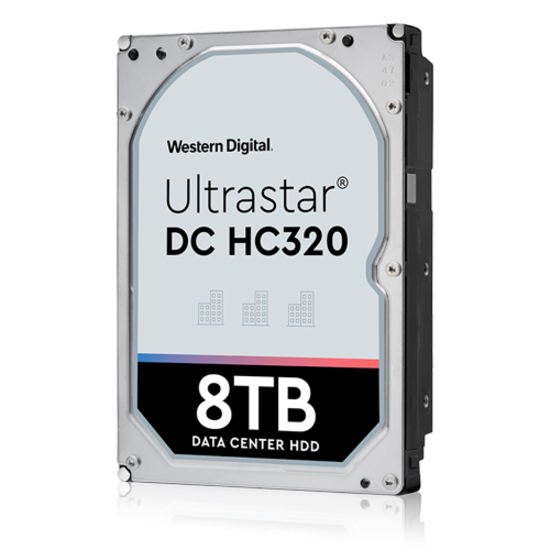
HGST Ultrastar DC HC320 HUS728T8TALN6L4 8 TB Hard Drive
0B36402
An 8 TB 3.5-inch SATA hard drive from the Ultrastar DC HC320 datacenter line at 7,200 rpm, capacity nearline storage rated for continuous enterprise duty.
$252.60Back-ordered10TB, Ultrastar DC
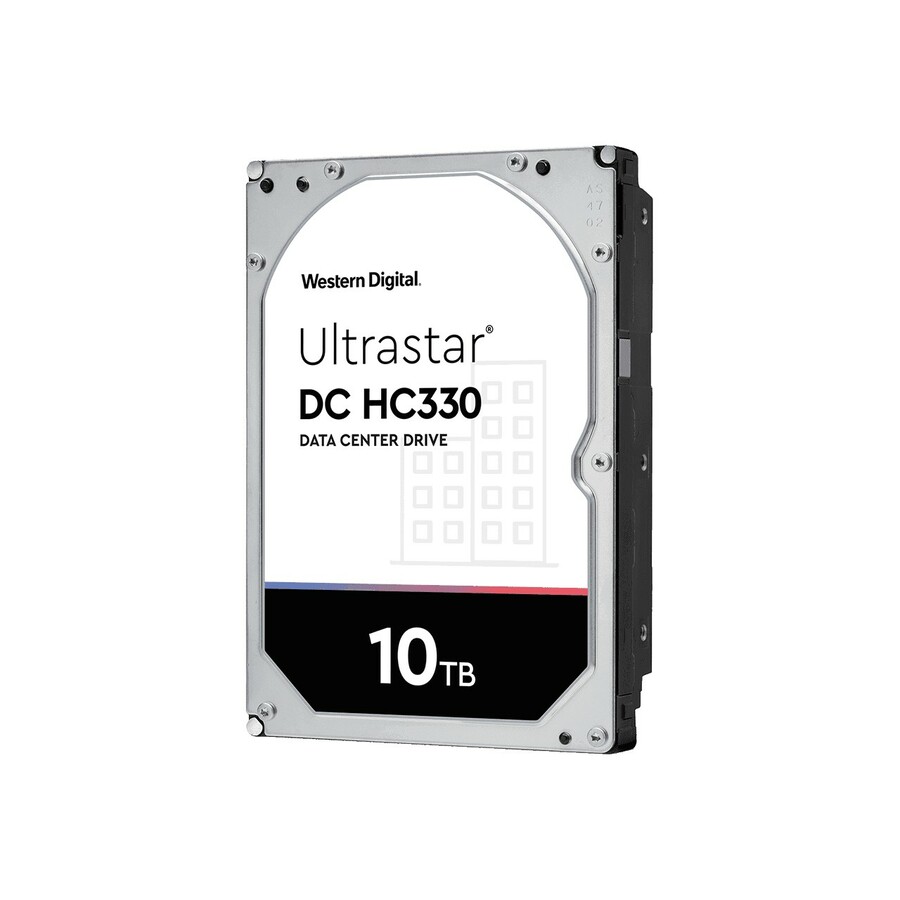
Western Digital
Western Digital Ultrastar DC HC330 WUS721010ALE6L1 10 TB Hard Drive
0B42270
A 10 TB 3.5-inch SATA hard drive from the Ultrastar DC HC330 datacenter line, higher-density nearline capacity for a backup or archive array.
$299.04Back-ordered12TB, helium
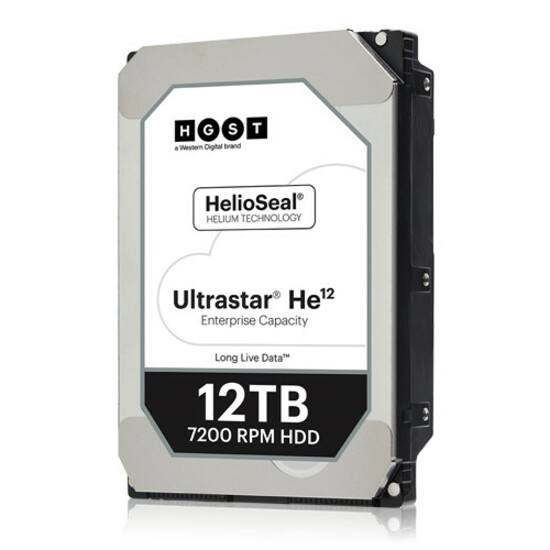
Western Digital
HGST Ultrastar He12 HUH721212ALE600 12 TB Hard Drive
0F29590
A 12 TB 3.5-inch SATA hard drive from the helium-sealed Ultrastar He12 line at 7,200 rpm, packing more capacity into the standard large-form-factor bay at lower power.
$372.10Back-ordered4TB, WD Gold
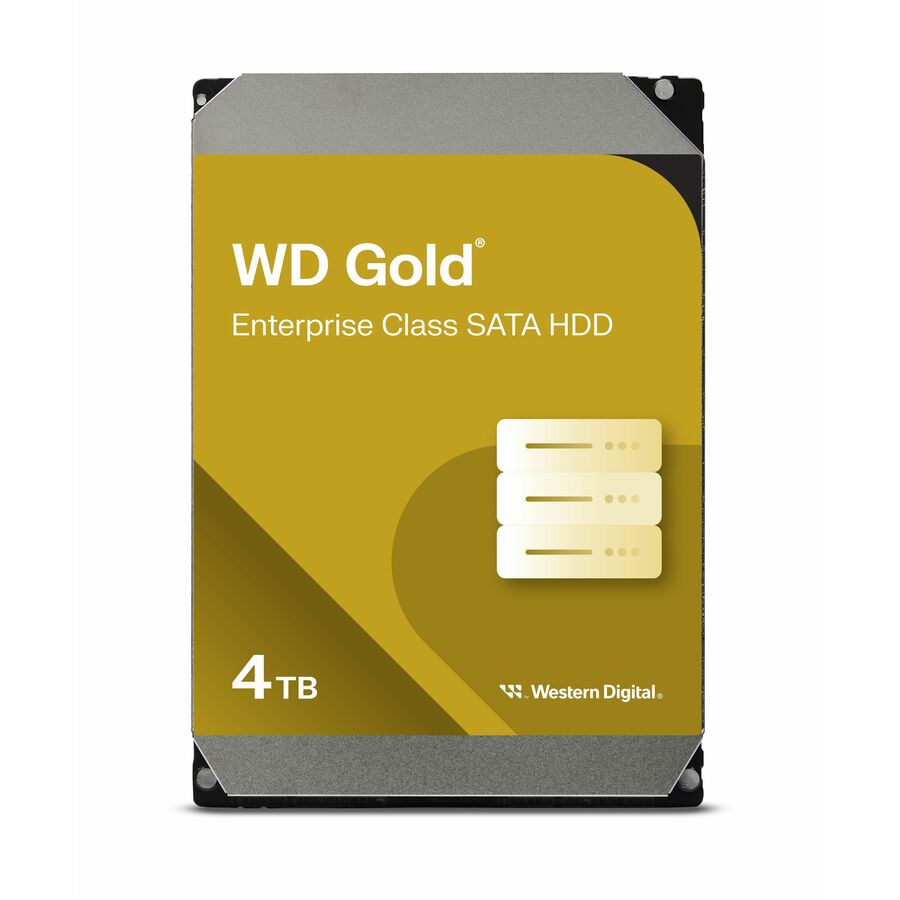
Western Digital
WD Gold WD4004FRYZ 4 TB Hard Drive
WD4004FRYZ
A 4 TB 3.5-inch SATA hard drive from the WD Gold datacenter line, an enterprise-class capacity drive for storage systems and workstations.
$315.43Back-ordered26TB, Exos
Seagate Technology
Seagate Exos ST26000NM000C 26 TB Hard Drive
ST26000NM000C
A 26 TB 3.5-inch SATA hard drive from the Exos line using Conventional Magnetic Recording, a current density flagship for the highest-capacity bulk and archive tiers.
Conventional Magnetic Recording is stated on this row's own title.
$948.79Back-ordered4TB, Exos SAS
Seagate Technology
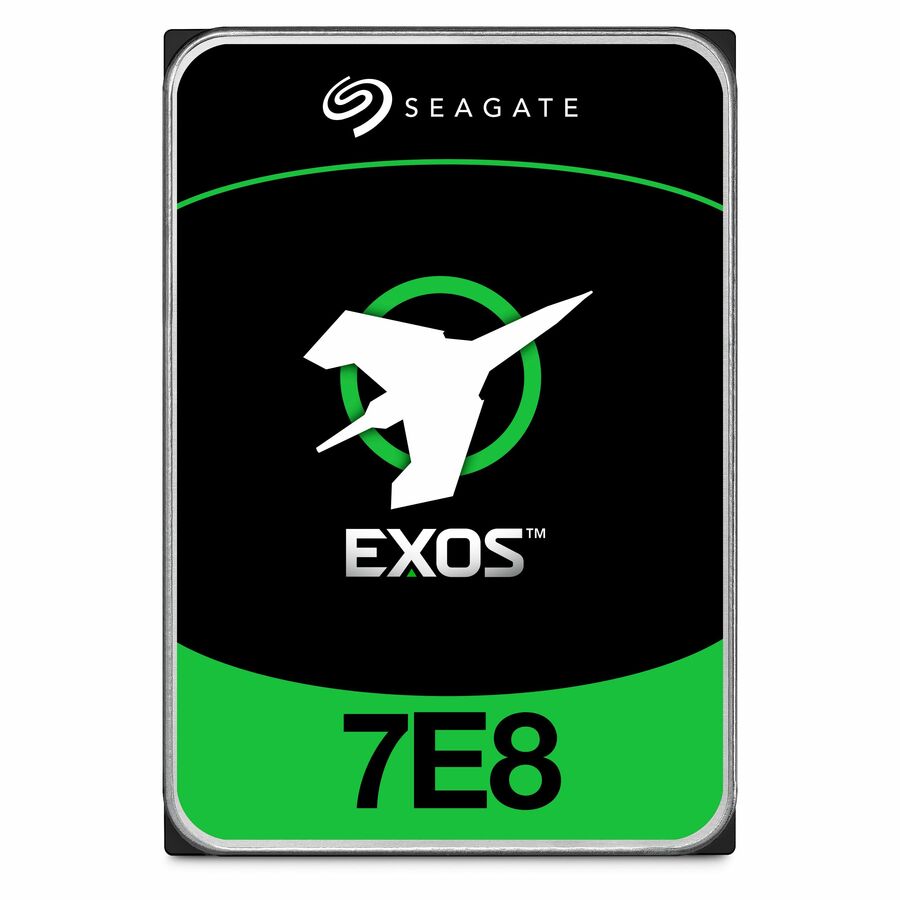
Seagate Exos 7E8 ST4000NM004A 4 TB Hard Drive
ST4000NM004A
A 4 TB 3.5-inch SAS hard drive from the Exos 7E8 line, a dual-ported enterprise drive for a capacity array built on a SAS backplane.
$499.93Back-ordered4TB, Toshiba MG SAS
Toshiba
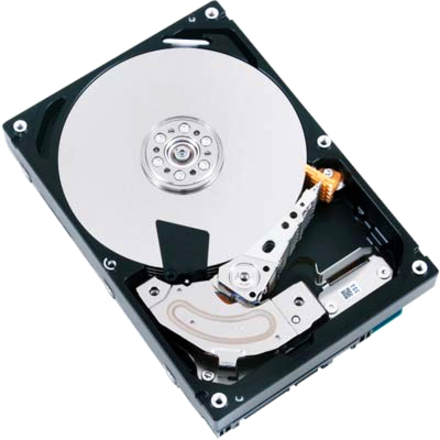
Toshiba MG03SCA MG03SCA400 4 TB Hard Drive
MG03SCA400
A 4 TB 3.5-inch SAS hard drive from the Toshiba MG enterprise line at 7,200 rpm, a dual-ported nearline drive for a SAS array bay.
$587.76Back-ordered20TB, Ultrastar SAS
Western Digital
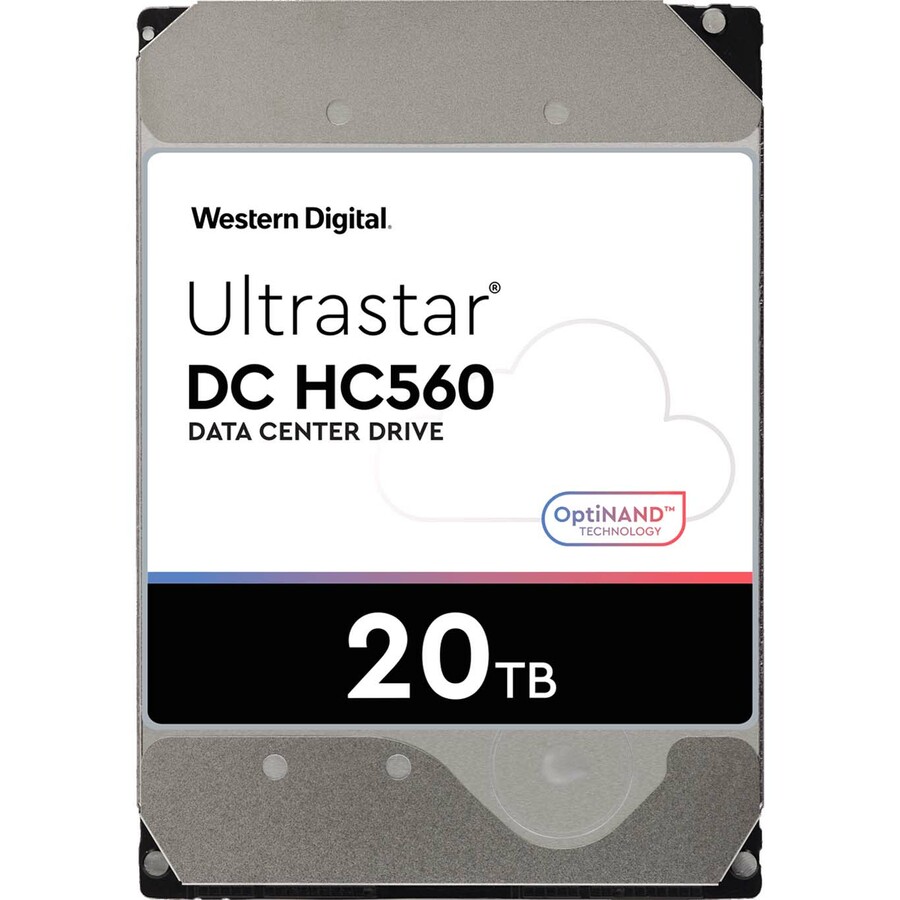
WD Ultrastar DC HC560 WUH722020BL5201 20 TB Hard Drive
0F38651
A 20 TB 3.5-inch SAS hard drive from the Ultrastar DC HC560 datacenter line, a high-density dual-ported nearline drive for a SAS capacity array.
$564.38Back-ordered16TB, Exos TAA
Seagate Technology
Seagate Exos X16 ST16000NM009G 16 TB Hard Drive
ST16000NM009G
A 16 TB 3.5-inch SAS hard drive from the Exos enterprise line, listed TAA Compliant in the manufacturer's own title, for a high-capacity array with a country-of-origin requirement.
TAA Compliant is stated on this row's own title, and every editorial pick here names a datacenter or nearline line, as this one does.
$7,036.02*Back-orderedMore hard drives and SSDs in the Uniqcli catalog
See all 9,677 hard drives and SSDsMore from across this category. In-stock lines lead, and a back-ordered line carries the same estimated availability its product page does — with live pricing throughout, NDAA §889 screening before checkout and TAA verified on request.
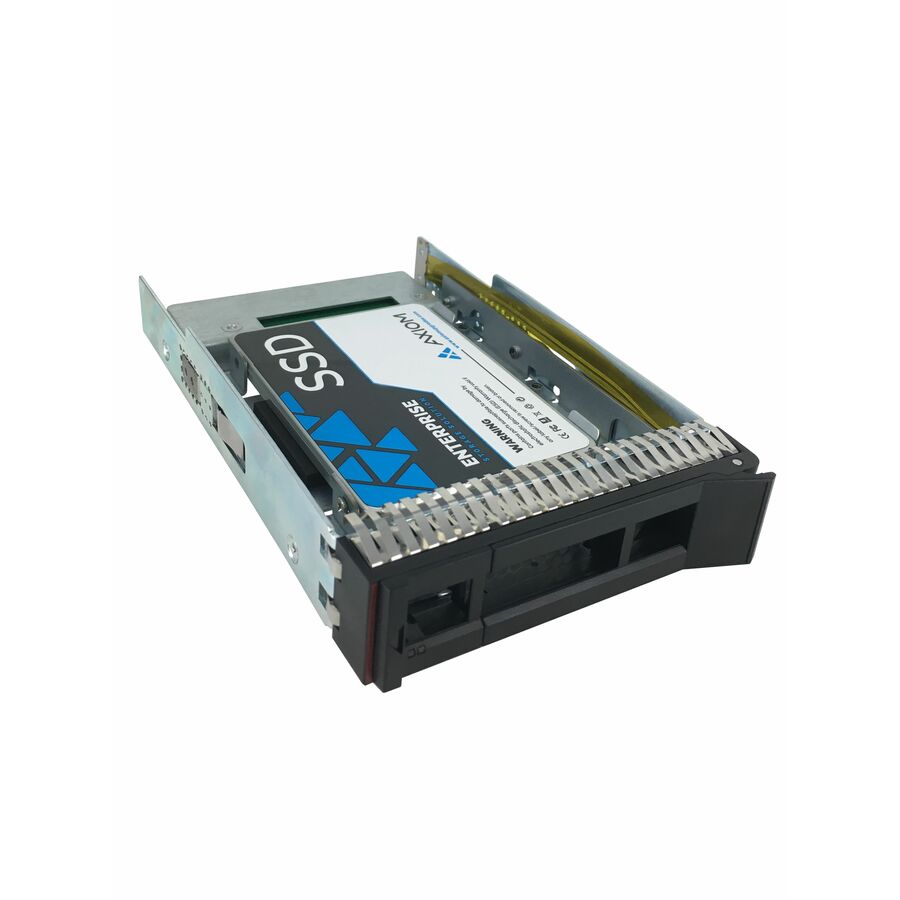
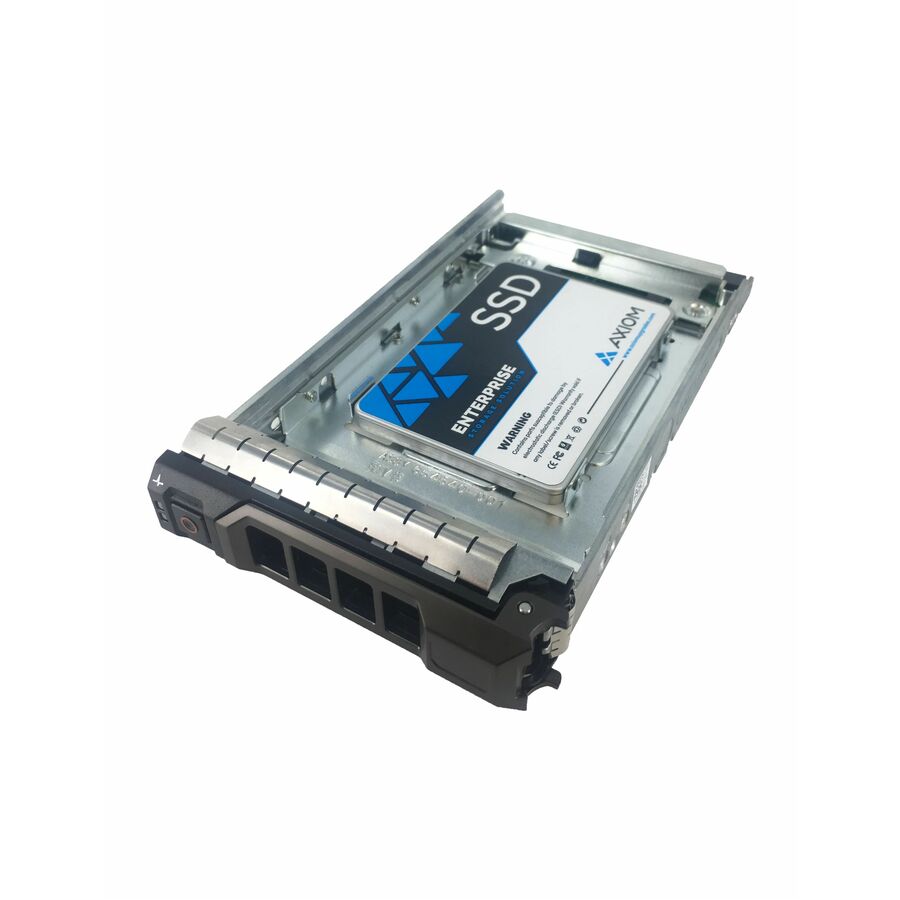
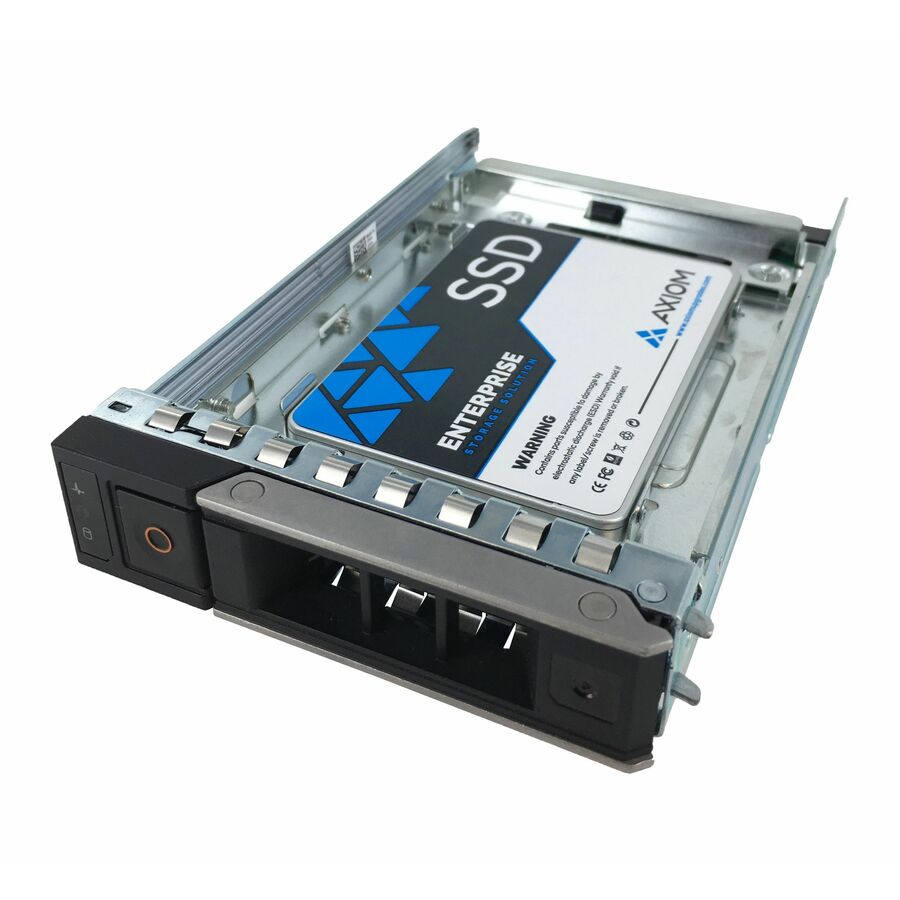
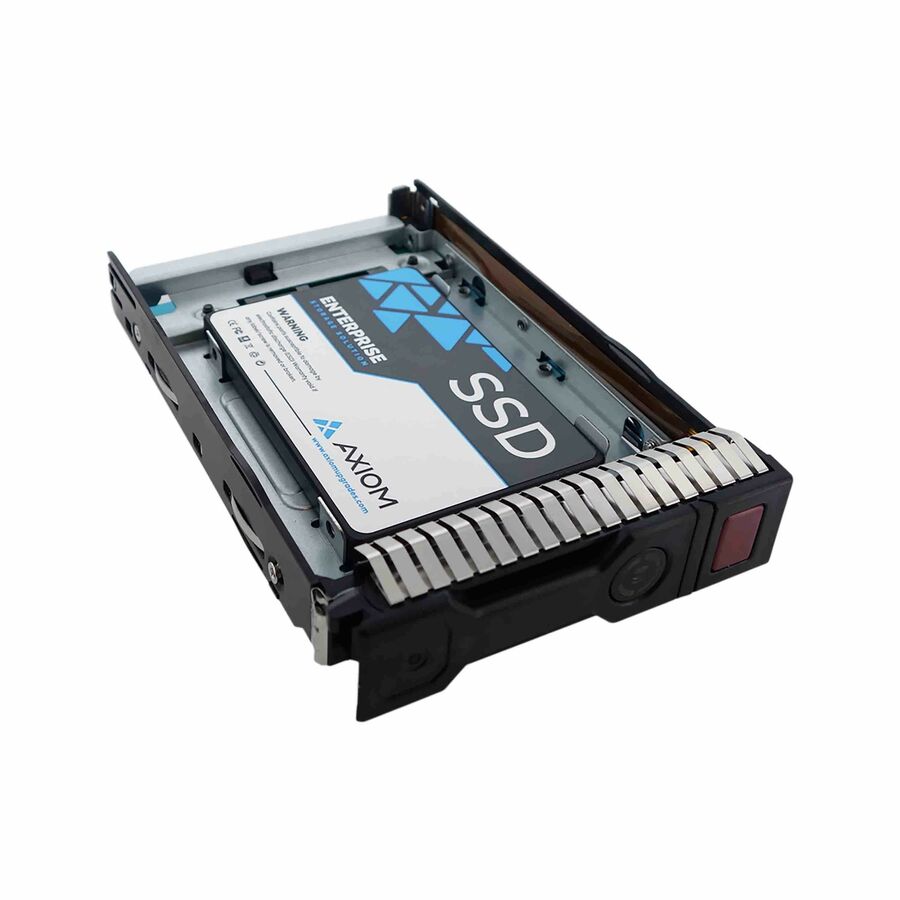
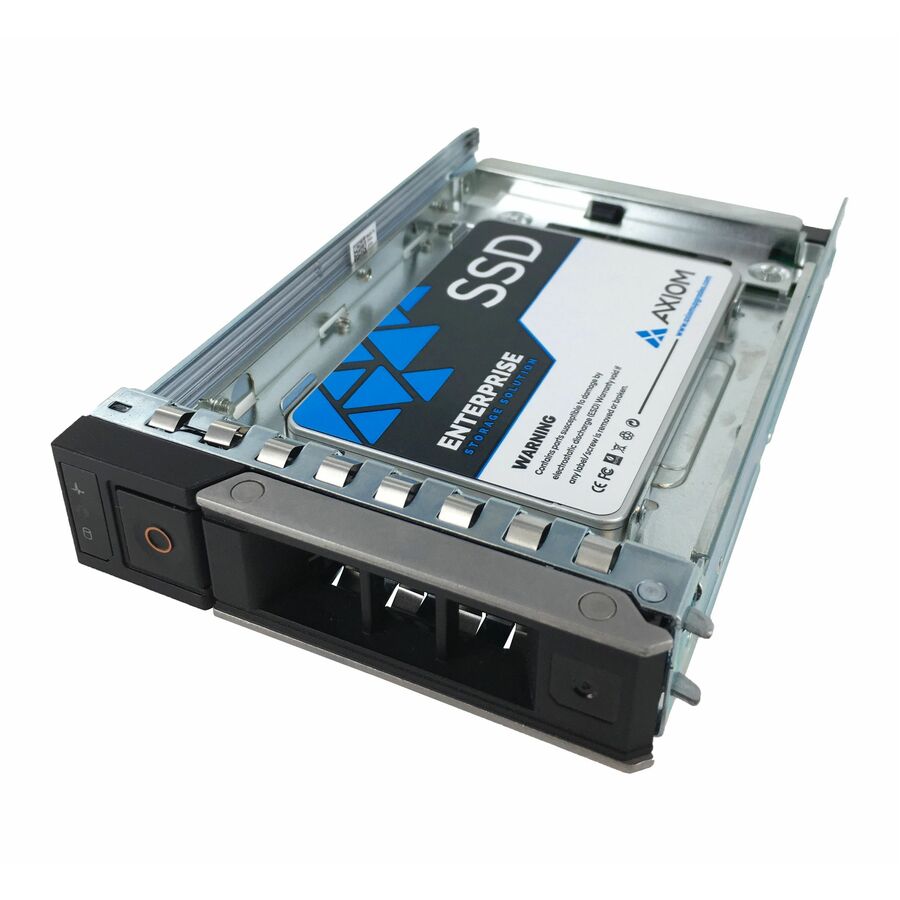
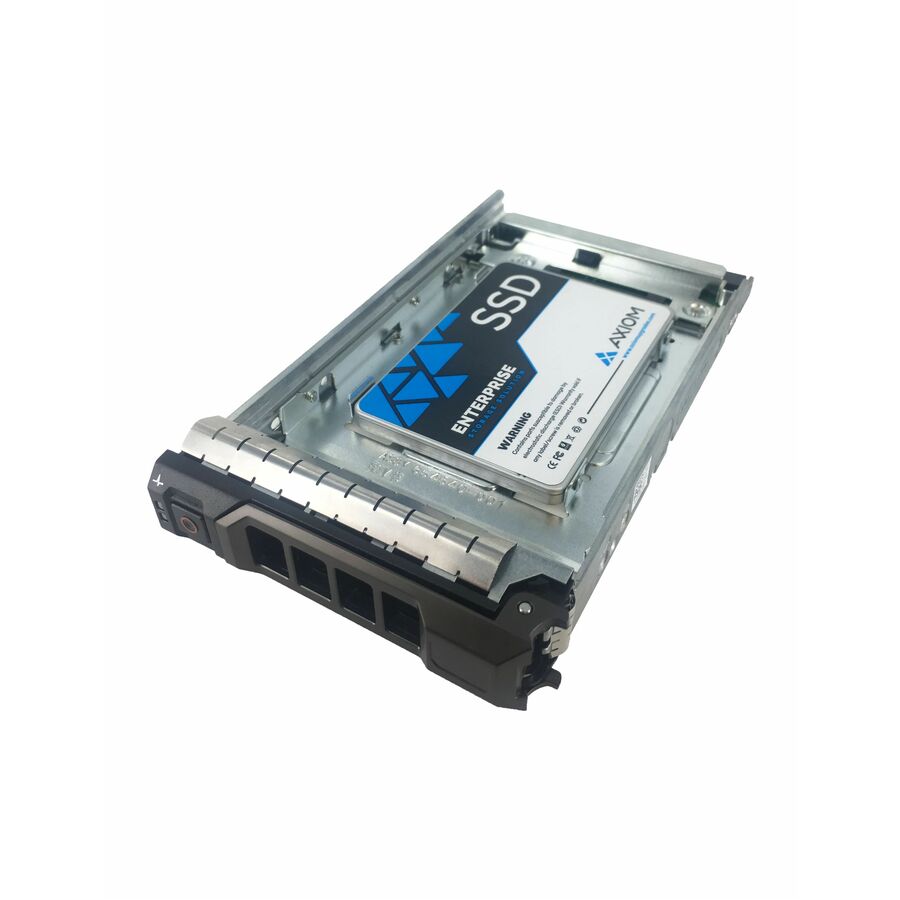
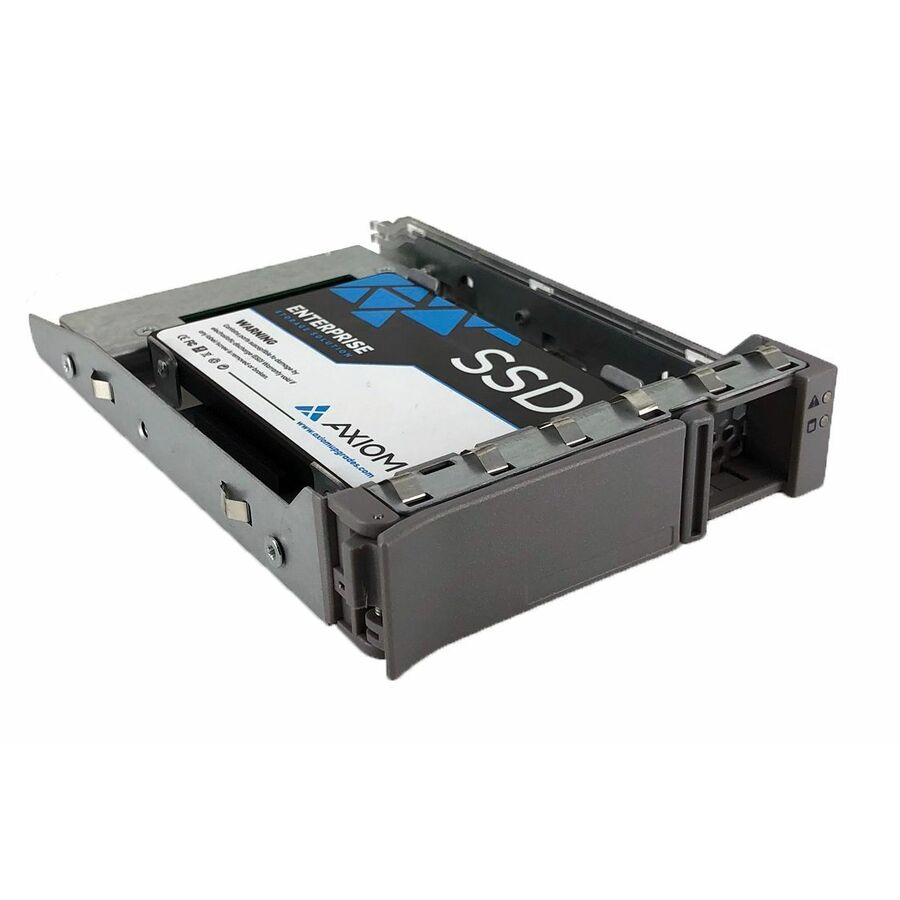
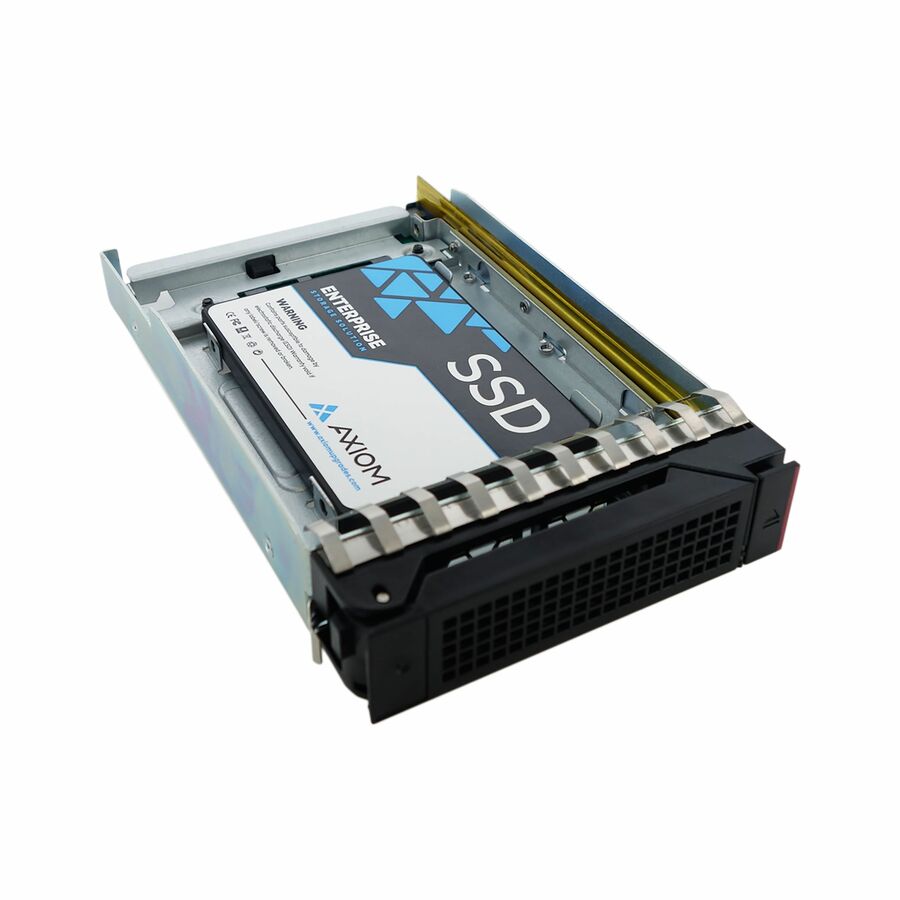
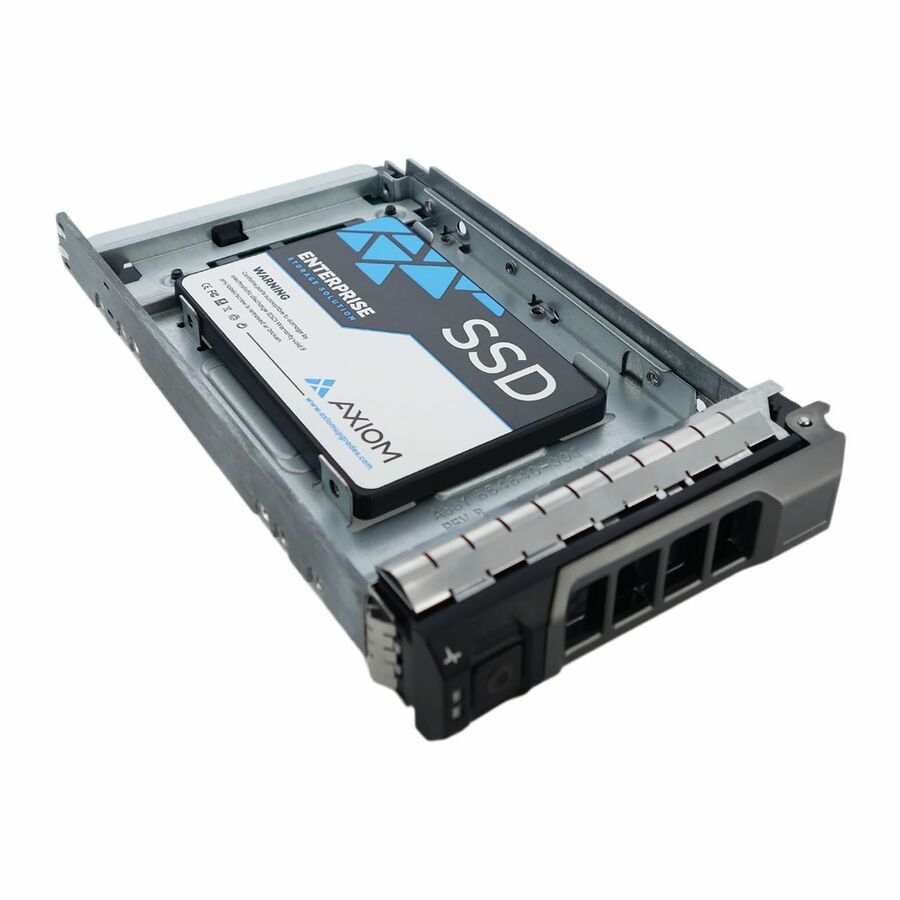
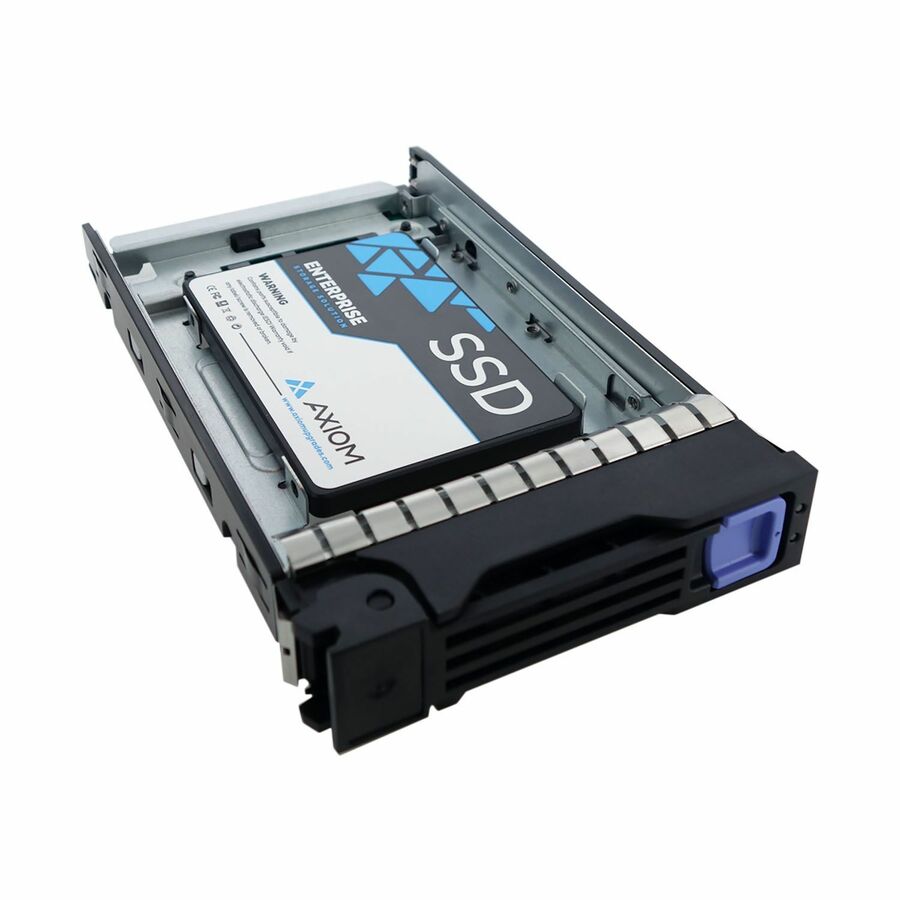
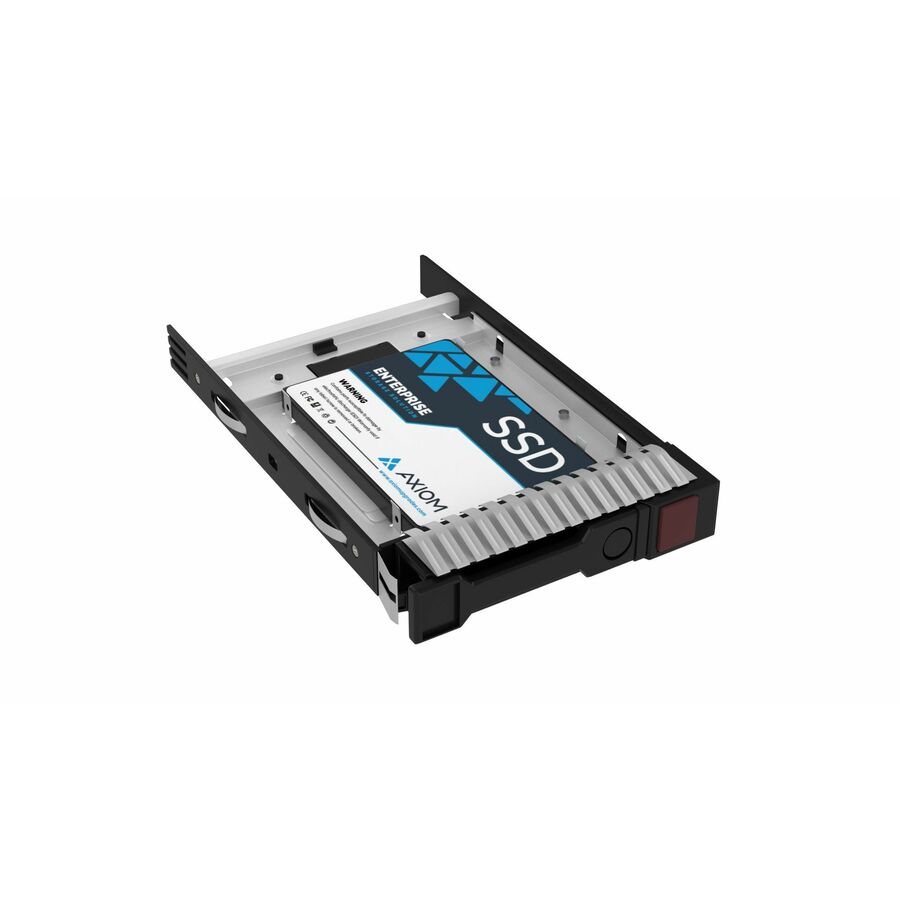
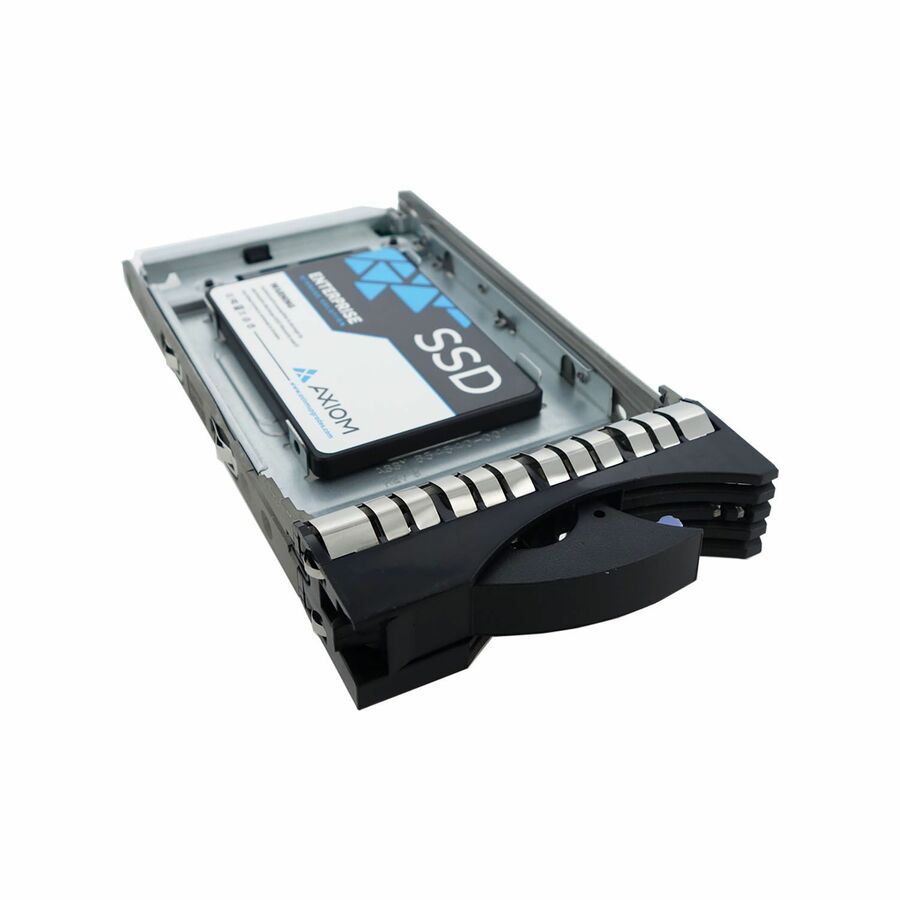
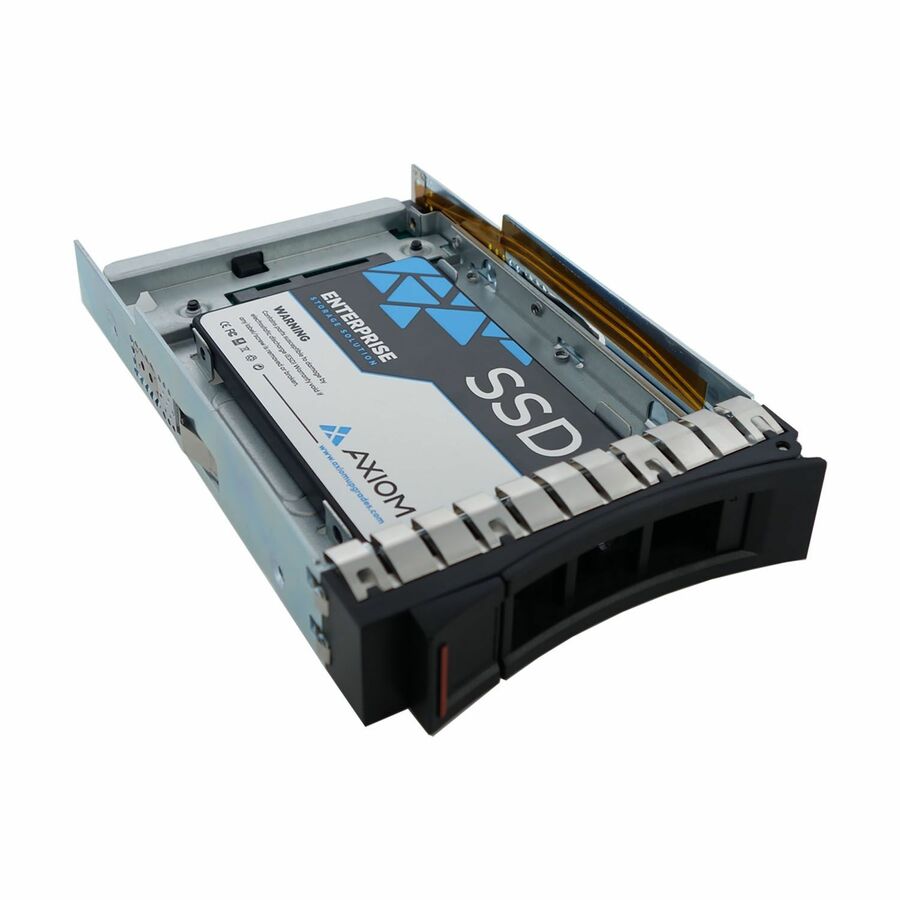
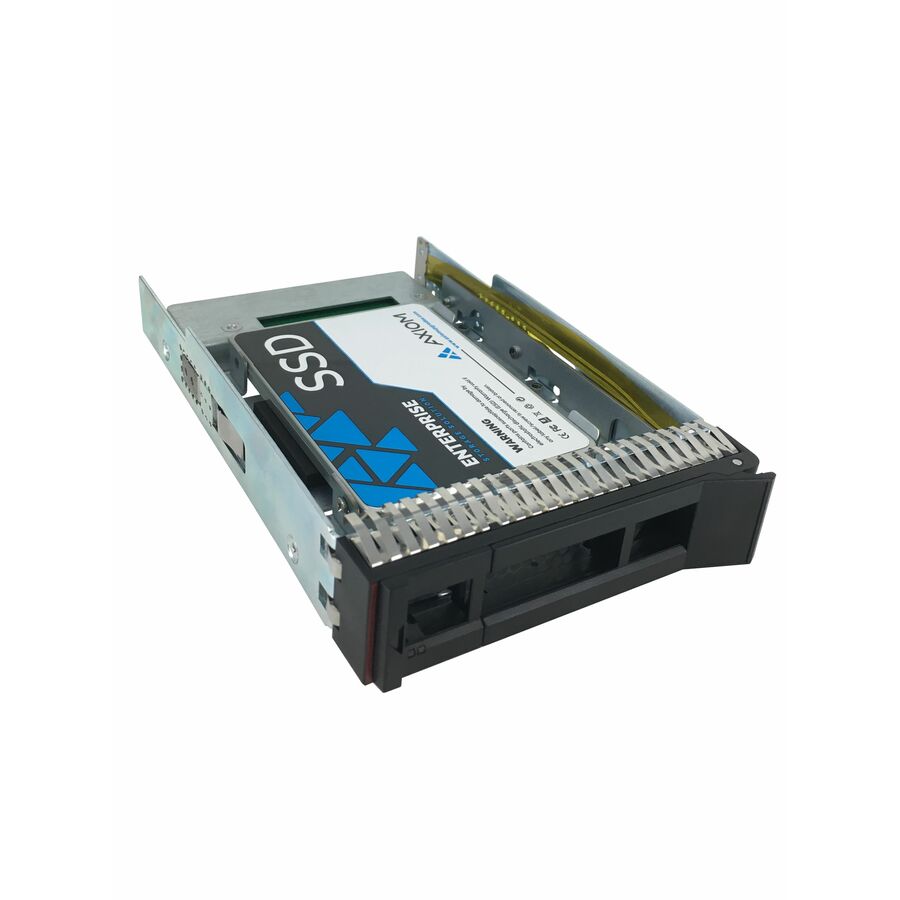
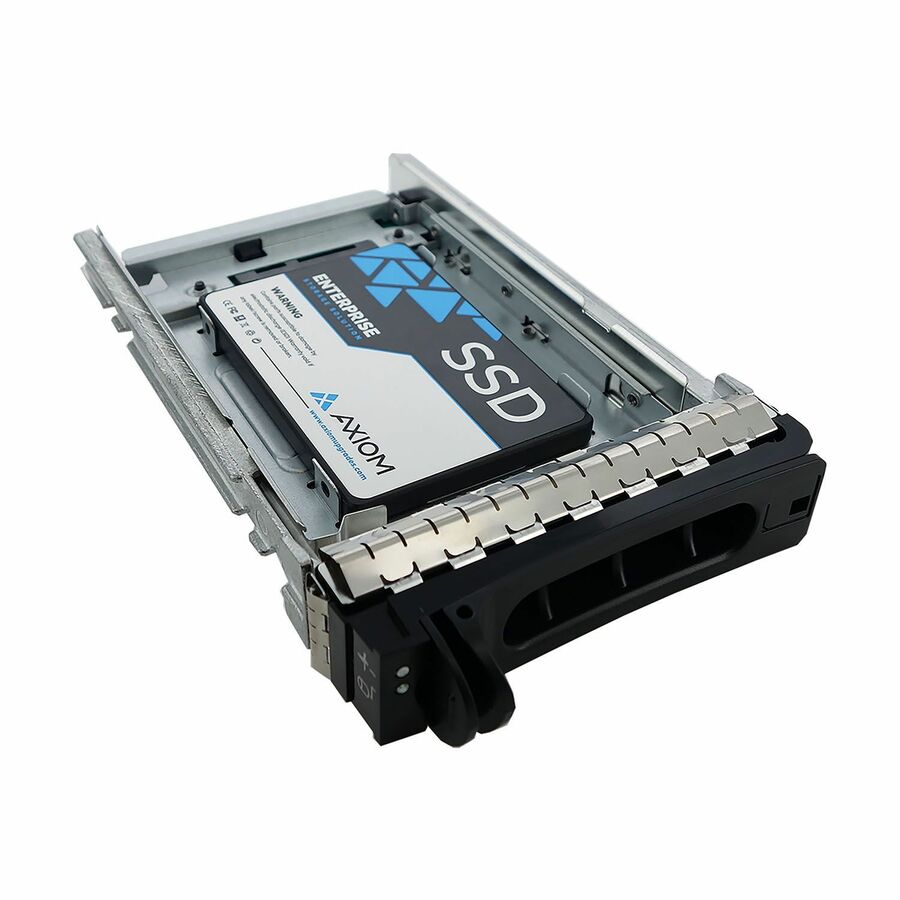
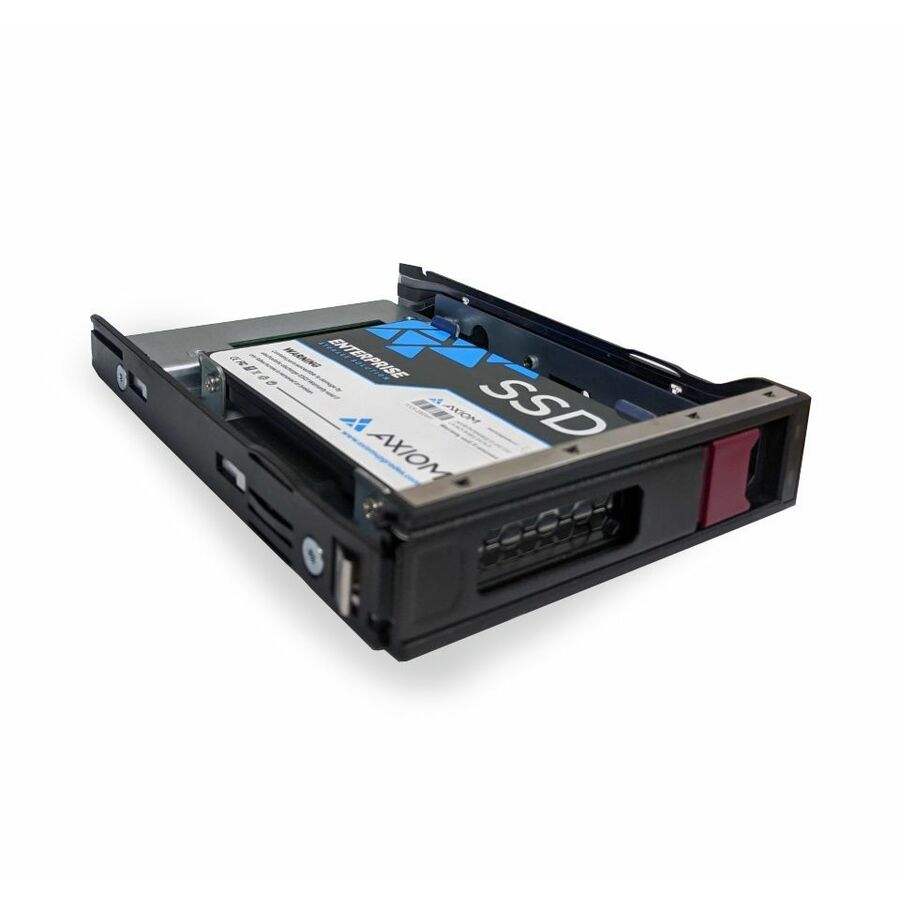
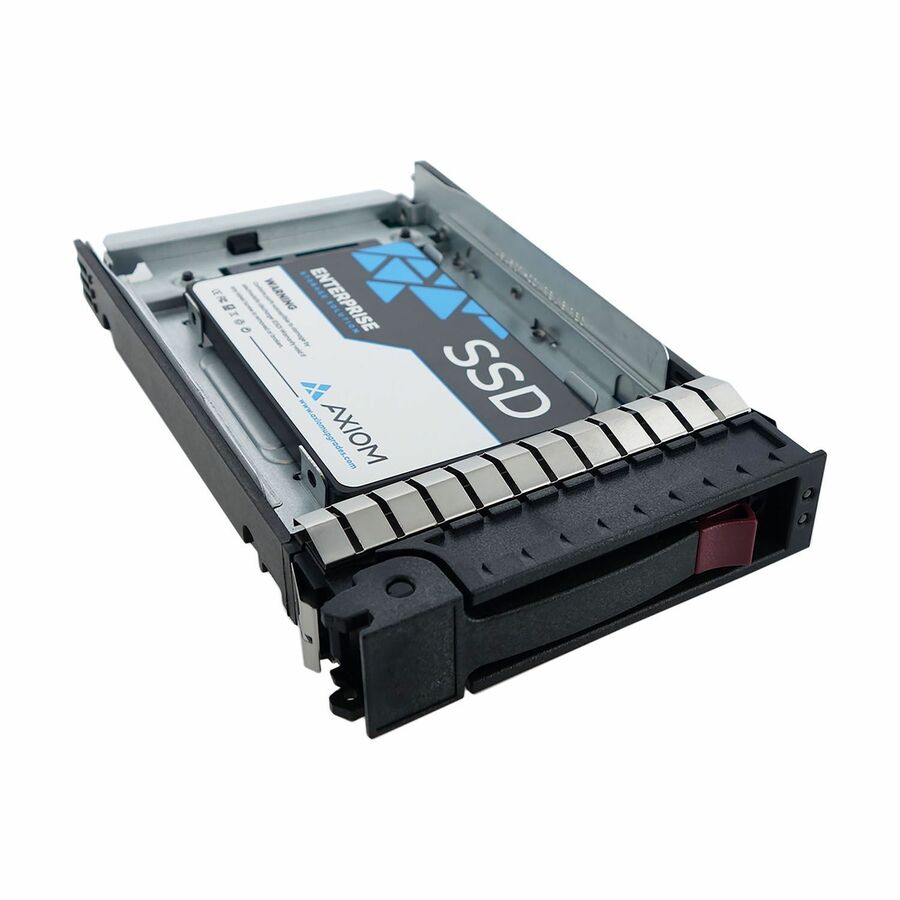
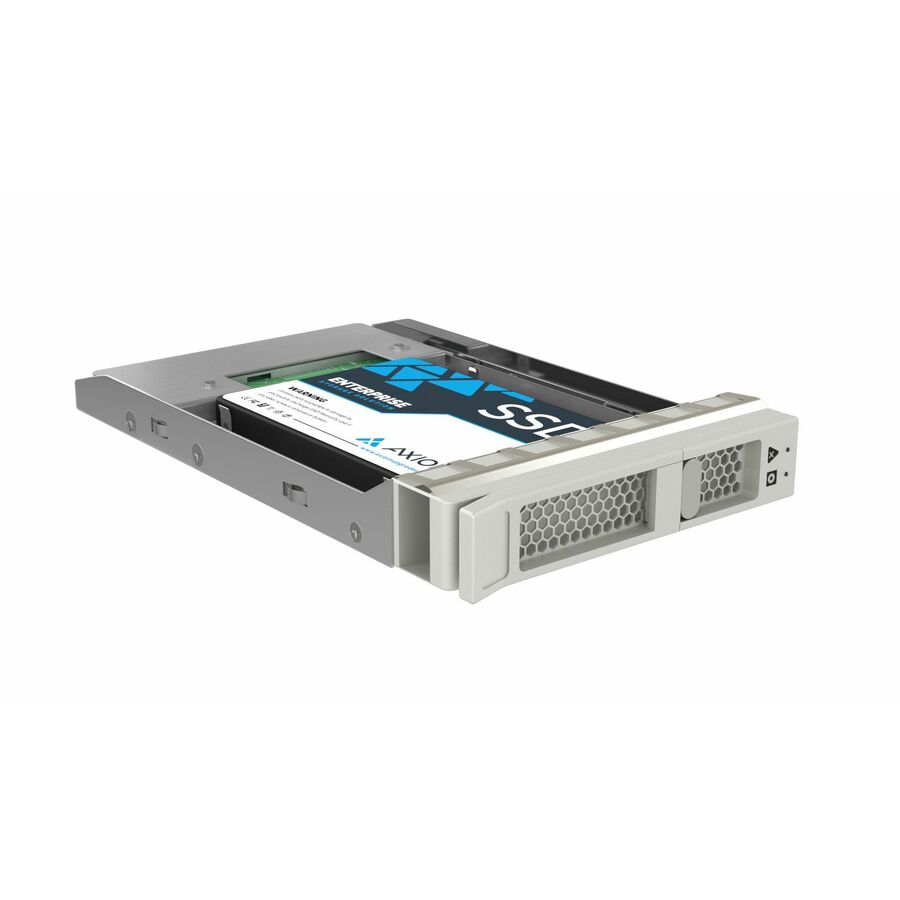
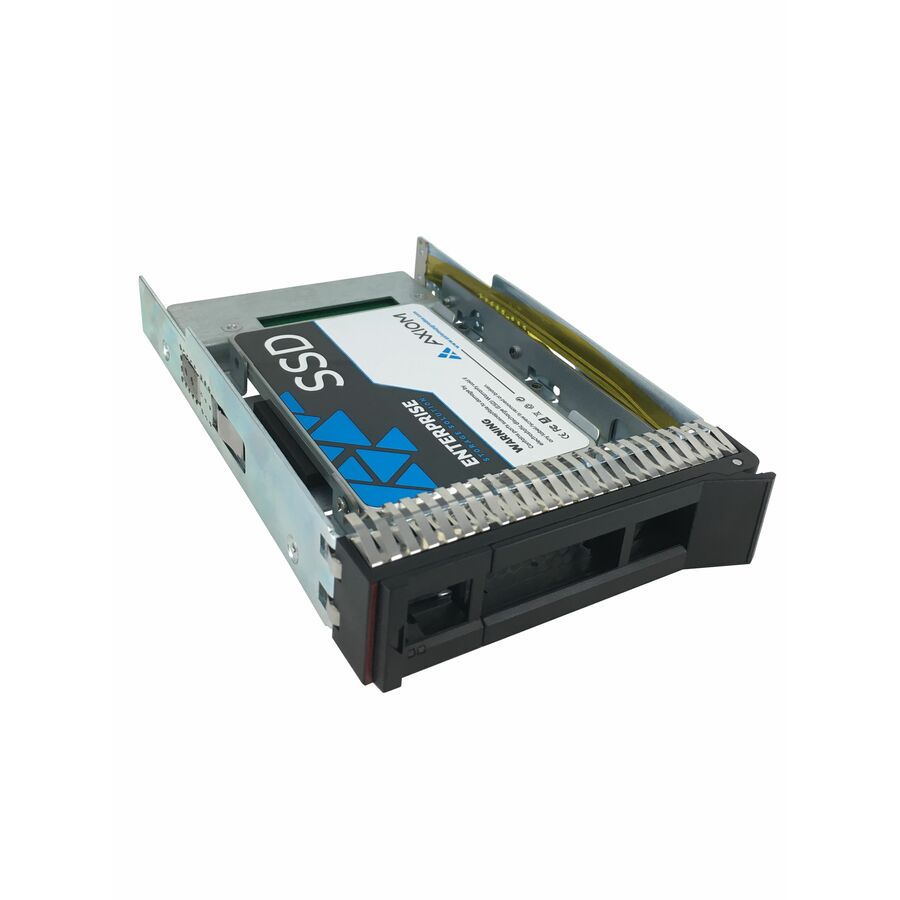
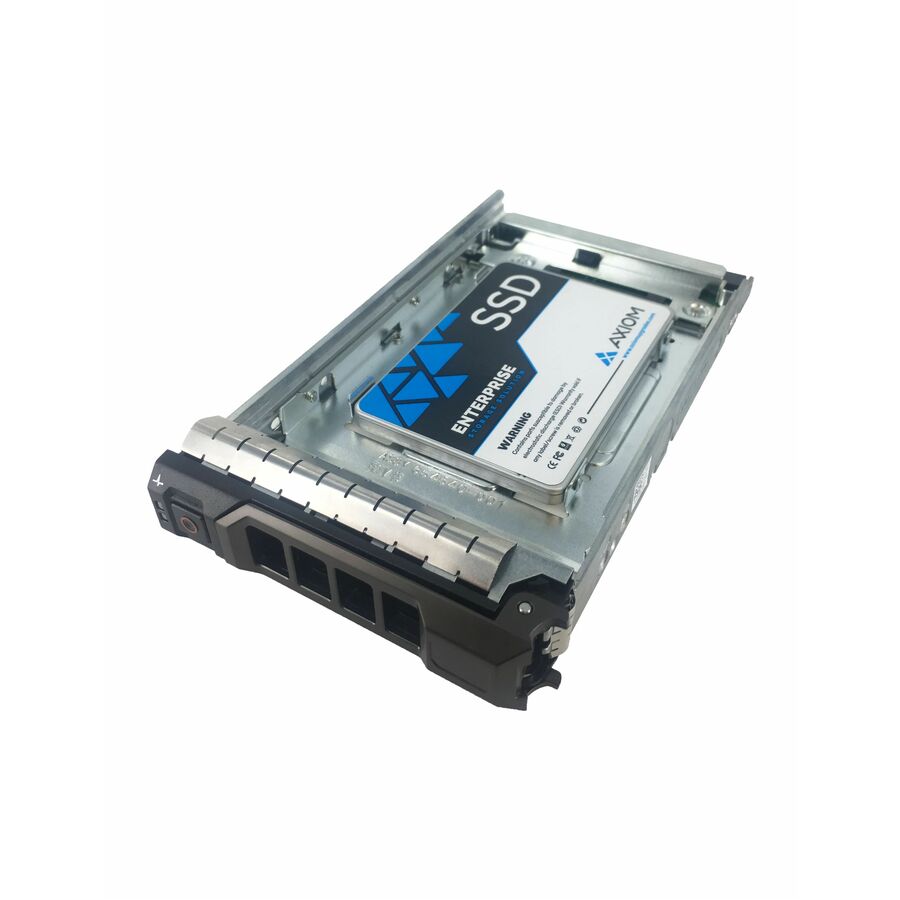
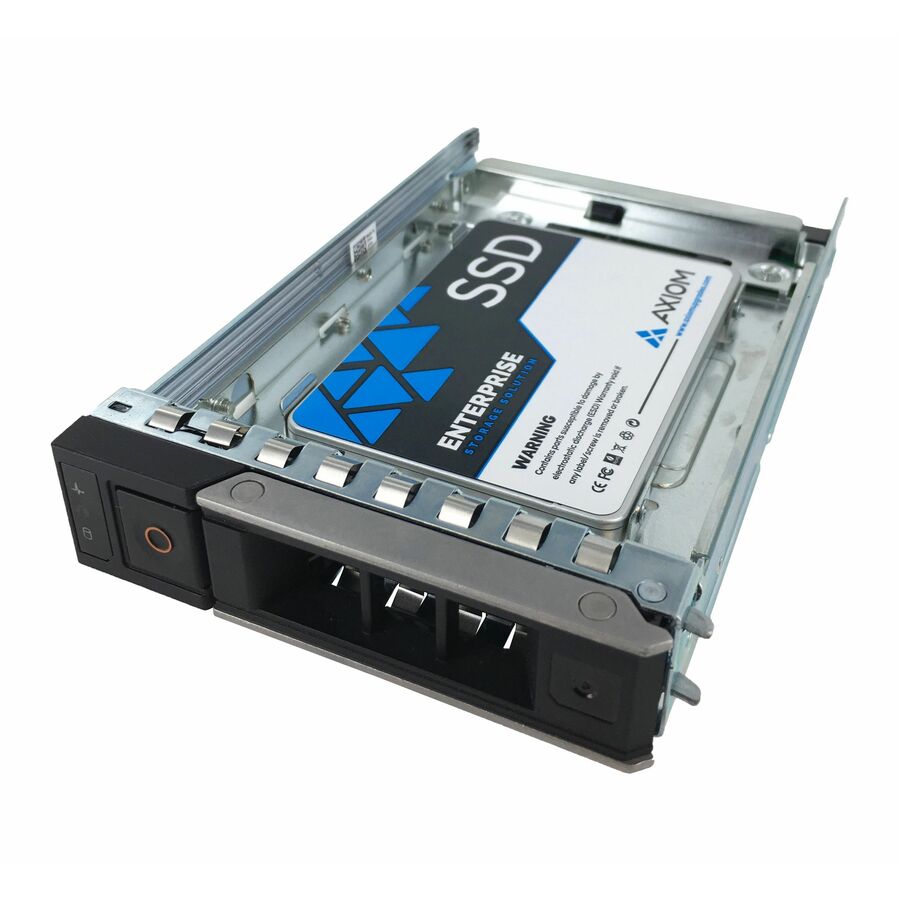
- Axiom Memory SolutionsAxiom Enterprise Pro EP650 7.68 TB Solid State Drive - 3.5" Internal - SAS (24Gb/s SAS) - Data Center Device Supported - Hot SwappableSSDEP65LS7T6-AX
$14,916.00
$12,819.36
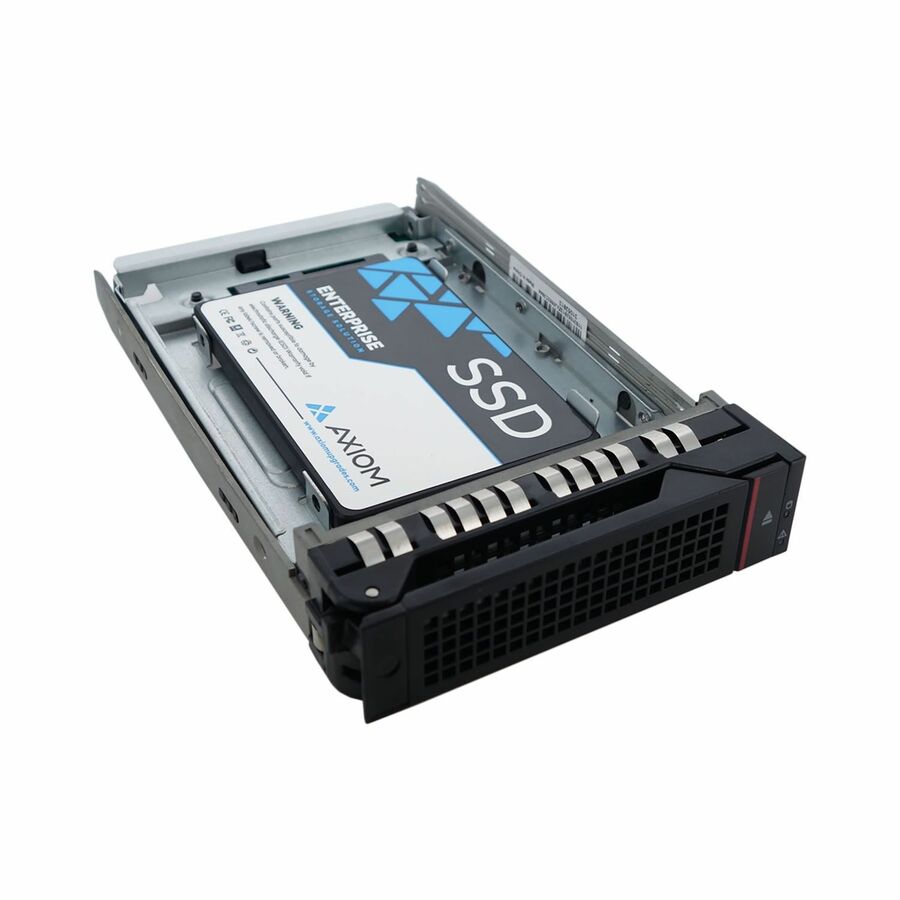
18 in stock - Axiom Memory SolutionsAxiom Enterprise Pro EP650 7.68 TB Solid State Drive - 3.5" Internal - SAS (24Gb/s SAS) - Data Center Device Supported - Hot SwappableSSDEP65KG7T6-AX
$14,916.00
$12,819.36
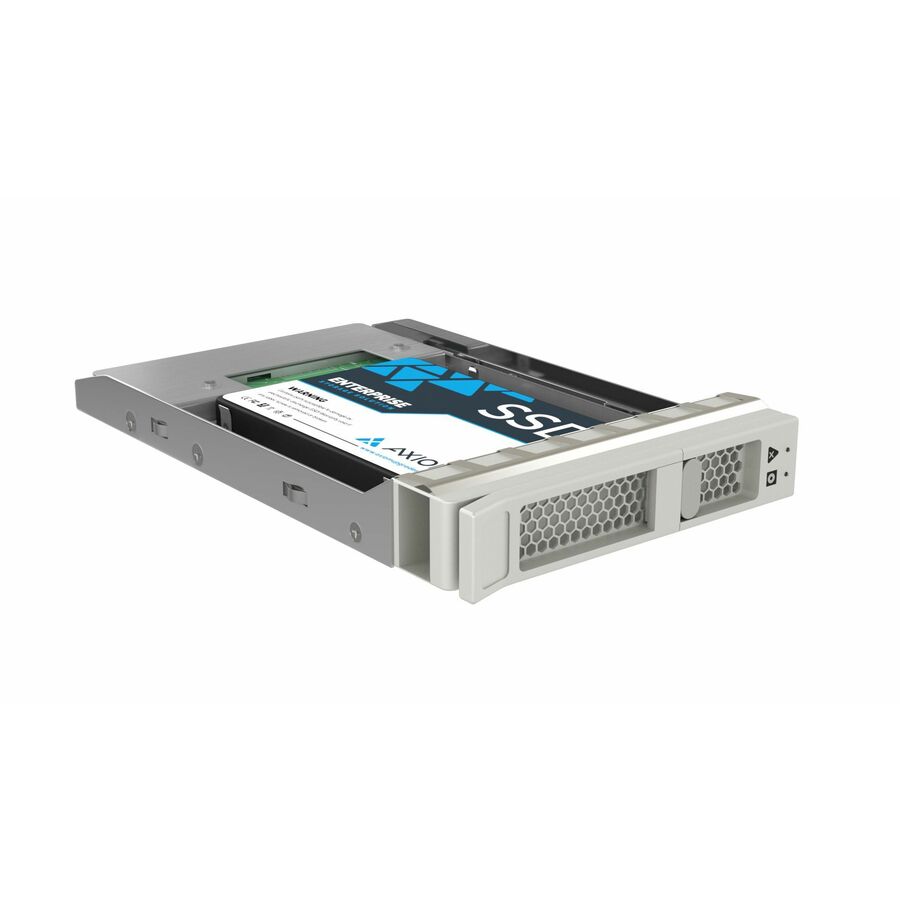
1 in stock - Axiom Memory SolutionsAxiom Enterprise Pro EP650 7.68 TB Solid State Drive - 3.5" Internal - SAS (24Gb/s SAS) - Data Center Device Supported - Hot SwappableSSDEP65DK7T6-AX
$14,916.00
$12,819.36
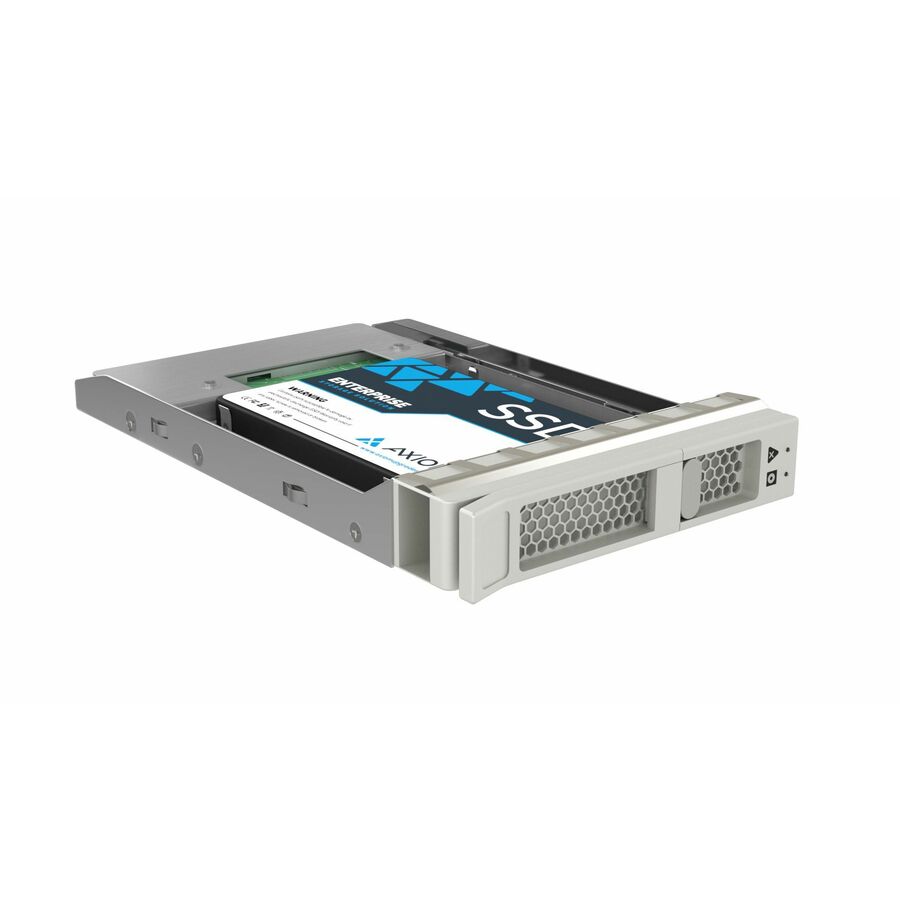
18 in stock - Axiom Memory SolutionsAxiom Enterprise Pro EP650 1.92 TB Solid State Drive - 3.5" Internal - SAS (24Gb/s SAS) - Data Center Device Supported - Hot SwappableSSDEP65LS1T9-AX
$5,677.00
$4,879.26
2 in stock - Axiom Memory SolutionsAxiom Enterprise Pro EP650 1.92 TB Solid State Drive - 3.5" Internal - SAS (24Gb/s SAS) - Data Center Device Supported - Hot SwappableSSDEP65KG1T9-AX
$5,677.00
$4,879.26
2 in stock - Axiom Memory SolutionsAxiom Enterprise Pro EP650 1.92 TB Solid State Drive - 3.5" Internal - SAS (24Gb/s SAS) - Data Center Device Supported - Hot SwappableSSDEP65DK1T9-AX
$5,677.00
$4,879.26
2 in stock

Need pricing on 3.5-inch enterprise hard drives?
Tell us where to reach you and a Uniqcli specialist will follow up by email with current pricing, availability and lead time for the quantities you need — including parts that aren’t shown on this page.
Buying for an organization or for yourself — both work. No payment up front.
What separates a 3.5-inch enterprise drive from the desktop drive it resembles is the line the manufacturer lists it under — datacenter or nearline duty. Read three facts off the title: capacity, the interface (SATA for the mainstream capacity tier, dual-ported SAS for a two-controller backplane), and the recording method, since conventional recording keeps rebuild behaviour predictable.
The 3.5-inch enterprise hard drive is where the terabytes live. When a design calls for bulk capacity — a backup target, an archive, a large file share, the capacity tier under a storage array — the large-form-factor nearline drive is the part that delivers it at the lowest cost per terabyte, and it is a genuinely different device from the desktop 3.5-inch drive it resembles. A nearline drive is specified for continuous operation, for the rotational vibration of a chassis full of spinning neighbours, and for a per-year workload rating a desktop drive does not carry. Every row on this page states 3.5-inch in the manufacturer's own title, and every editorial pick is a datacenter or nearline line whose class the title names.
This is the 3.5-inch section of the drives shelf, and that shelf also carries a little large-form-factor flash; the page is scoped to the spinning enterprise drives, and every pick below states Hard Drive in its own title. Within them, three facts do most of the buying work. Capacity is the reason these drives exist and runs from a few terabytes on the legacy nearline lines to well past twenty on the current flagships. The interface is next — SATA for the mainstream capacity tier, SAS where the array wants a dual-ported enterprise drive on a backplane — and both are on this page because both are how these drives are deployed. Nearly all of them turn at 7,200 rpm, the standard nearline speed that trades a little access time for capacity and endurance.
The third fact is the recording method, and it matters most exactly when the array is under stress. Where a title states Conventional Magnetic Recording, the drive writes tracks without overlapping them, which keeps rebuild and heavy-write behaviour predictable; the very largest capacities increasingly use energy-assisted recording to reach their density, which the titles also state. Availability moves with distribution and is shown per row; where an array needs a matched set, a specific capacity in quantity, or a part not shown here, send the enclosure or array model and the bay count and we will come back with the drives, the spares and the lead times on one document.
Buyer's checklist
How to choose a 3.5-inch enterprise drive
- Buy the enterprise or nearline line, not the family name. Every pick here names a datacenter or nearline line in its title; the same manufacturer sells a physically identical desktop 3.5-inch drive that is specified for nothing of the kind and is the classic false economy in a busy enclosure.
- Size the capacity against the design, then plan the rebuild. A large single drive means a long rebuild window during which the array's redundancy is spent, so decide the parity scheme and the drive size together — two smaller drives in a wider parity set often restore protection sooner than one very large one.
- Match the interface to the enclosure. SATA is the mainstream capacity tier and the right choice for most bulk storage; SAS is dual-ported and enterprise-duty for an array that wants two controllers on a backplane. A SATA drive fits a SATA bay; a SAS drive belongs in a SAS backplane.
- Prefer a title that states Conventional Magnetic Recording where the array does sustained writes or will be rebuilt under load — CMR keeps rebuild behaviour predictable, and the array's worst day is when the recording method surfaces.
- Read the per-year workload rating, not just the capacity. Enterprise nearline drives carry a workload figure that sizes them against how much the array actually writes; a backup target that ingests all night is a different number from a departmental file share.
- Standardise the part number per enclosure archetype so firmware, spares and the replacement procedure stay one decision across the estate, and order at least one same-model spare with the array.
- Where the purchase order names TAA, read it on the part number. Some of these drives carry TAA Compliant in the manufacturer's own title and others do not — it is a per-part fact to confirm on the exact row you order.
What 'enterprise' and 'nearline' mean on a 3.5-inch drive
The phrase in the title is the manufacturer's device-support statement, and it stands in for a set of design choices the desktop drive of the same size does not make. A nearline enterprise drive is built for continuous, always-on operation rather than an eight-hour day; its firmware gives up on a bad sector quickly instead of retrying until a controller drops the disk; it tolerates the rotational vibration of neighbours spinning in the same chassis; and it carries a per-year workload rating that a desktop drive has no equivalent for. That is why the datacenter and nearline LINES — Ultrastar, Exos, Constellation ES, WD Gold, the Toshiba MG family — are the ones this page draws its picks from, and why buying a desktop 3.5-inch drive for an array is cheaper on the purchase order and the first thing to drop out of it.
It is not a performance claim. A 3.5-inch nearline drive at 7,200 rpm is a capacity device, and its job is to hold terabytes reliably and read and write them in long sequential runs, not to serve the small random work a performance drive or a flash tier handles. The two facts that most often decide whether one is right for a given array — recording method and the annual workload rating — are printed on the same title, so read all three together. A part that names a nearline line, states Conventional Magnetic Recording and carries a workload figure at or above what the array will write is a drive you can defend in a design review; a part that names only the capacity is a question worth asking before the order goes in.
Capacity, interface and the rebuild window
Capacity is the reason to reach for a 3.5-inch drive at all, and the range on this shelf is wide — from a few terabytes on the older nearline lines, which still have a place as inexpensive backup and bulk storage, up past twenty terabytes on the current density flagships. The interface then sorts them by how the array is built: SATA drives are the mainstream capacity tier and the right choice for most bulk and archive storage, while SAS drives are dual-ported and enterprise-duty for an array that wants two controllers to see the same disk on a backplane. Both are on this page because both are how these drives are actually deployed, and the title states which each is.
The figure that catches people is not how much storage they need but how long the array spends exposed after a failure. Rebuilding a large drive means reading every other drive in the set from end to end while the array still serves users, and the bigger the drive the longer that window runs — and the rebuild is precisely when a set of same-age drives is most likely to produce a second failure. That is the argument for dual parity on wide sets of large nearline drives, and for choosing the parity scheme and the drive size together rather than buying the biggest disk that fits the budget. Send the enclosure or array model, the bay count, the workload and how the set is protected, and the drives, the spares and the parity plan can be quoted on one document.
FAQ
Common questions
- What makes a 3.5-inch drive 'enterprise' rather than desktop?
- It is the design intent the manufacturer states in the title, not the size. An enterprise or nearline 3.5-inch drive is specified for continuous, always-on operation, tolerates the rotational vibration of a chassis full of spinning drives, uses firmware that gives up on a bad sector quickly rather than hanging the array, and carries a per-year workload rating a desktop drive has no equivalent for. A desktop 3.5-inch drive shares the size and the connector but none of that intent, which is why it is cheaper and why it is the first drive to fail in a busy enclosure. Every pick here names a datacenter or nearline line in its own title, which is the vendor's statement of that intent.
- Should a 3.5-inch enterprise drive be SATA or SAS?
- It depends on the enclosure. SATA is the mainstream capacity tier and the right choice for most bulk and archive storage — a single-ported drive that fits any SATA bay and delivers the terabytes economically. SAS is dual-ported and enterprise-duty, which lets two controllers see the same drive at once for redundant array storage, and it belongs in a SAS backplane rather than a SATA one. Both interfaces are on this page because both are how 3.5-inch enterprise drives are deployed. Match the interface to what the array or enclosure provides; a SAS drive in a SATA-only bay, or the reverse, is a compatibility problem rather than a performance one.
- What is CMR and why does it matter for bulk storage?
- CMR is Conventional Magnetic Recording, where the drive writes data tracks without overlapping them. The alternative, shingled recording, overlaps tracks to pack in more density but has to rewrite a whole band to change any part of it, which makes heavy sustained writes and array rebuilds slower and less predictable. For a bulk-storage array — especially a parity set that will one day rebuild under load — CMR keeps that behaviour predictable, which is why it is worth reading on the title where the workload is write-heavy. The very largest capacities increasingly use energy-assisted recording to reach their density while remaining conventionally organised; the titles here state the recording method where it applies.
- How big a 3.5-inch drive should I buy for an array?
- Big enough for the capacity you need, but chosen with the rebuild window in mind rather than by picking the largest disk that fits. Rebuilding a failed drive means reading every other drive in the set end to end while the array still serves users, and the larger the drive the longer that exposure lasts — and a set of same-age drives is most likely to produce a second failure during exactly that window. That is the argument for dual parity on wide sets of large drives, and sometimes for two smaller drives in a wider set over one very large one. Decide the parity scheme and the drive size together, and size the set on the last couple of years of data growth rather than today's folder.
- What is a helium-filled hard drive?
- A helium-filled drive is hermetically sealed with helium inside the enclosure instead of air. Helium is far less dense than air, so the spinning platters meet less drag: the maker can fit more, thinner platters in the same body and the drive draws less power and runs cooler. That is how the highest-capacity nearline drives reach their density, and the manufacturers state the sealed design on the drive's own datasheet.
- Can business, government and education buyers order these?
- Every line Uniqcli quotes is sourced through US distribution and screened for TAA country-of-origin and NDAA §889 status before checkout — with documentation tied to the specific part number, not a product family.
Need 3.5-inch enterprise hard drives pricing?
Send a bill of materials or part numbers — we confirm stock and a below-market total, with TAA verified on request. No payment up front.