
Best SAS Hard Drives for Servers and Storage Arrays
Dual-ported enterprise drives for server backplanes and storage arrays — read by rotational speed, form factor, 6 or 12 Gb SAS interface and capacity.
SAS server hard drives in stock at Uniqcli
How to choose →A curated selection with live pricing — in-stock lines first, then back-ordered lines with a typical lead time. Every line is sourced through US distribution and screened for NDAA §889 status before checkout, with TAA verified on request.
- Seagate TechnologySeagate Savvio 10K.4 ST9450404SS 450 GB Hard Drive - 2.5" Internal - SAS (6Gb/s SAS) - 10000rpmST9450404SS-RF
$104.45
1 in stock - Seagate TechnologySeagate Savvio 15K.3 ST9146853SS 146 GB Hard Drive - 2.5" Internal - SAS (6Gb/s SAS) - 15000rpmST9146853SS-RF
$106.33
5 in stock - Seagate TechnologySeagate Savvio 10K ST600MM0088 600 GB Hard Drive - 2.5" Internal - SAS (12Gb/s SAS) - 10000rpmST600MM0088-RF
$119.37
2 in stock - ToshibaToshiba MG03SCA MG03SCA100 1 TB Hard Drive - 3.5" Internal - SAS (6Gb/s SAS) - 7200rpm - 5 Year WarrantyMG03SCA100
$130.99
$119.85
30 in stock - Seagate TechnologySeagate Constellation.2 ST91000642SS 1 TB Hard Drive - 2.5" Internal - SAS (6Gb/s SAS) - 7200rpmST91000642SS-RF
$125.33
8 in stock - Seagate TechnologySeagate Savvio 10K.6 ST600MM0026 600 GB Hard Drive - 2.5" Internal - SAS (6Gb/s SAS) - 10000rpmST600MM0026-RF
$146.23
17 in stock - Seagate TechnologySeagate ST2000NM0045 2 TB Hard Drive - 3.5" Internal - SAS (12Gb/s SAS) - 7200rpmST2000NM0045
$149.22
32 in stock - Seagate TechnologySeagate Savvio 10K.6 ST300MM0006 300 GB Hard Drive - 2.5" Internal - SAS (6Gb/s SAS) - 10000rpmST300MM0006-RF
$151.25
10 in stock - ToshibaToshiba MKxx01GRRB MK3001GRRB 300 GB Hard Drive - 2.5" Internal - SAS (6Gb/s SAS) - 15000rpm - 5 Year WarrantyMK3001GRRB
$168.42
$154.11
15 in stock - Seagate TechnologySeagate ST1000NM0045 1 TB Hard Drive - 3.5" Internal - SAS (12Gb/s SAS) - 7200rpmST1000NM0045
$184.73
15 in stock
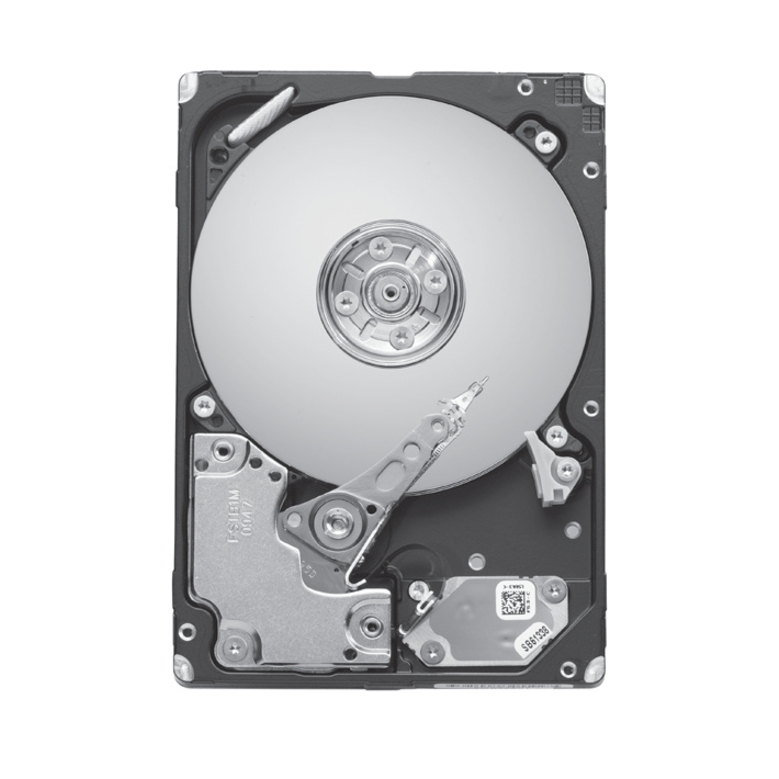

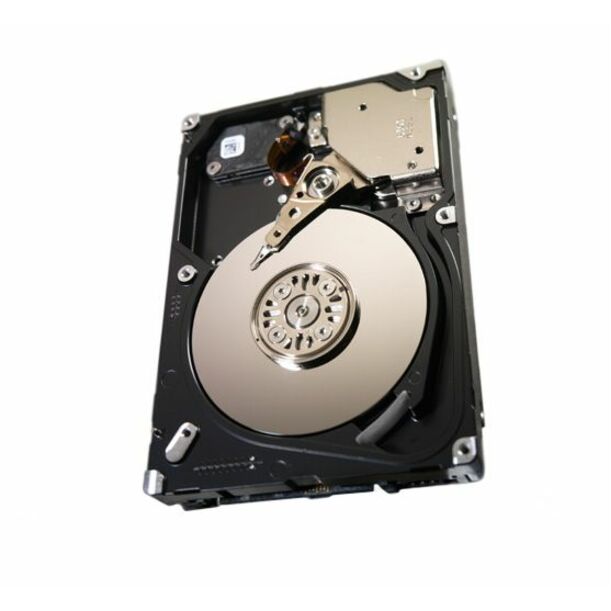
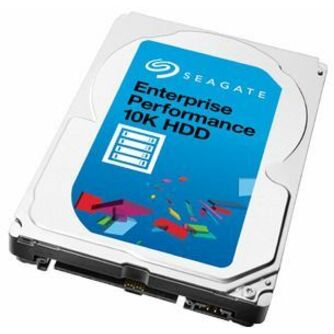
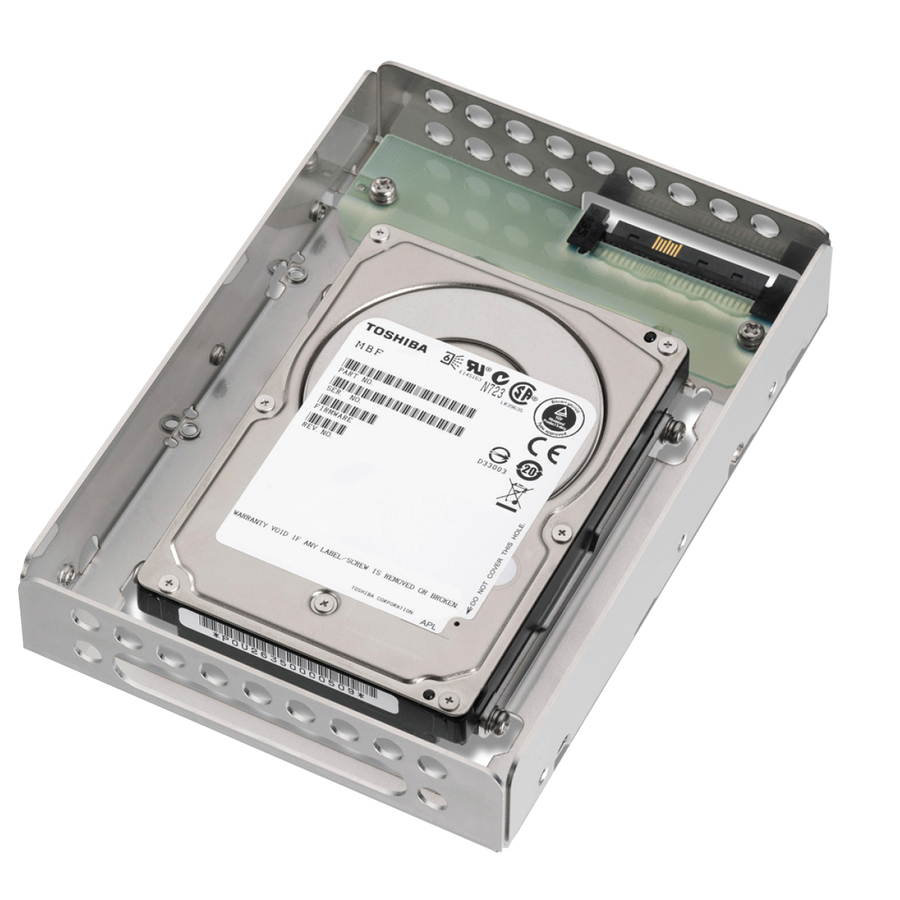

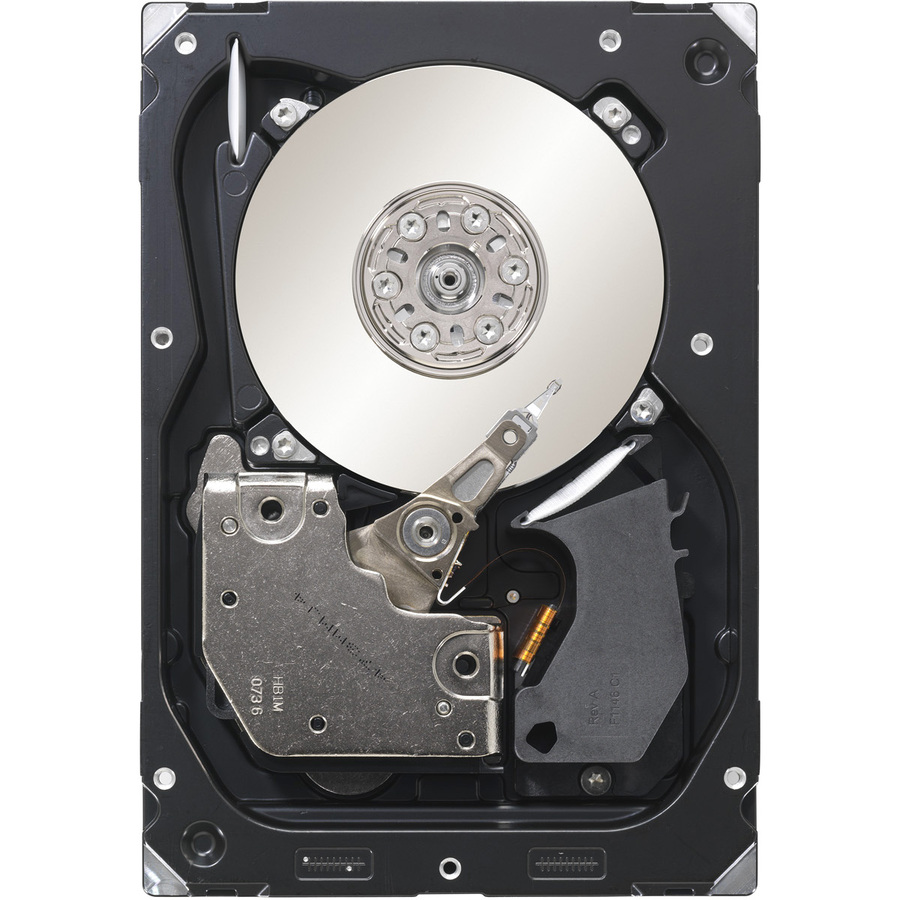
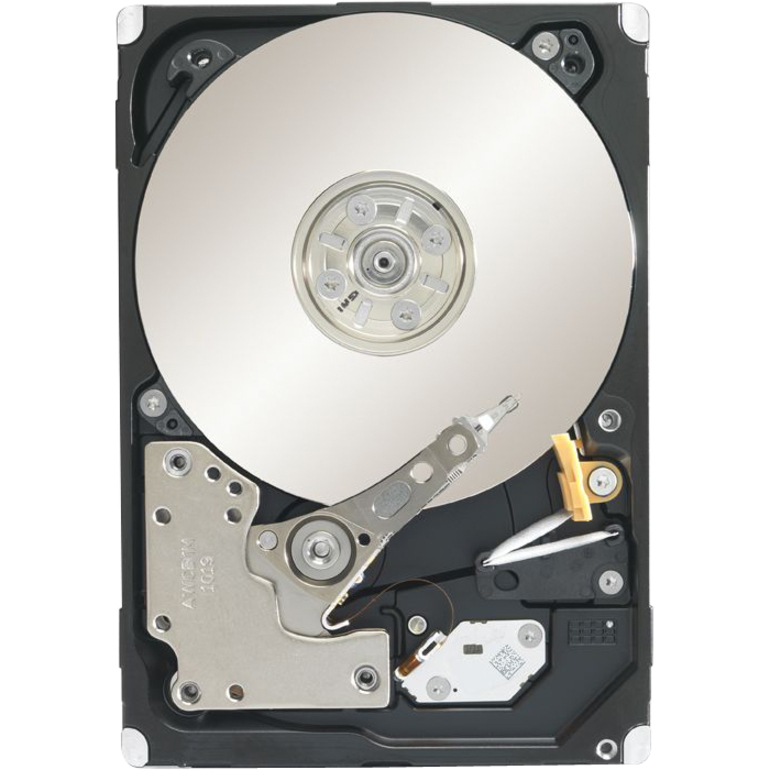
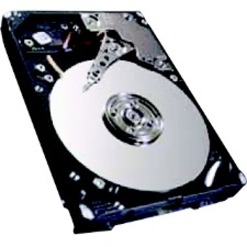
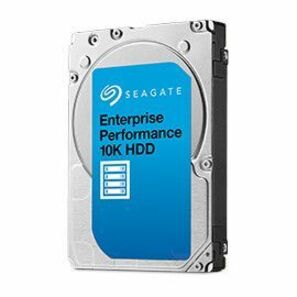
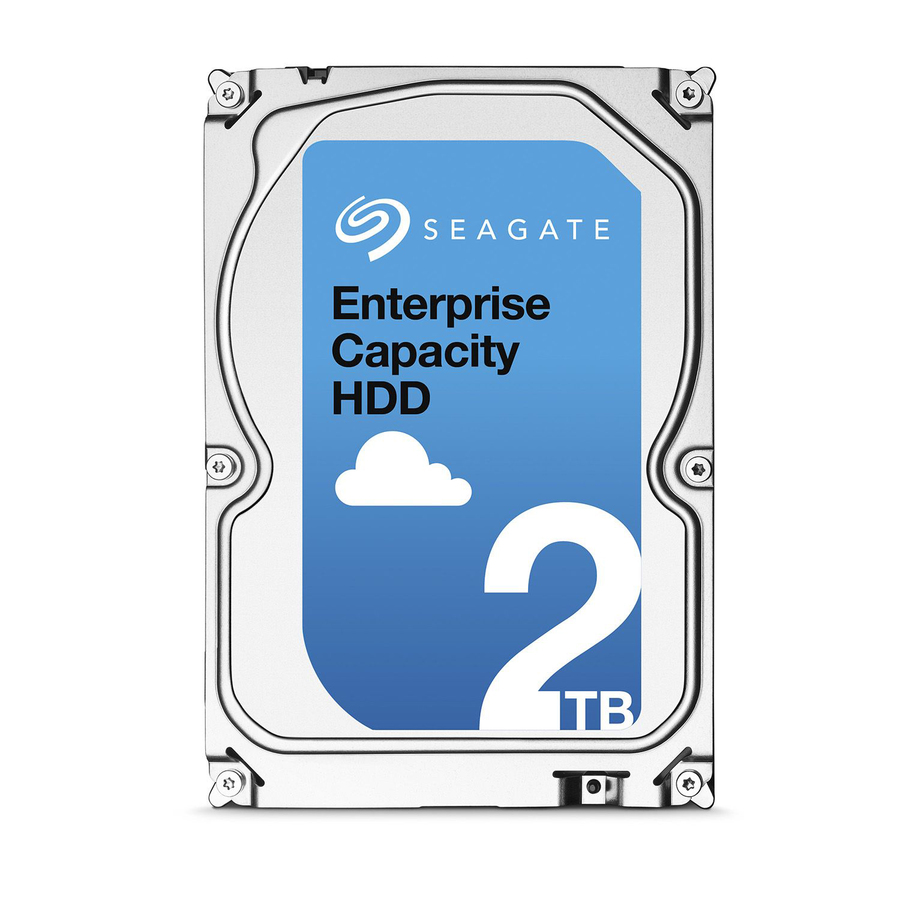
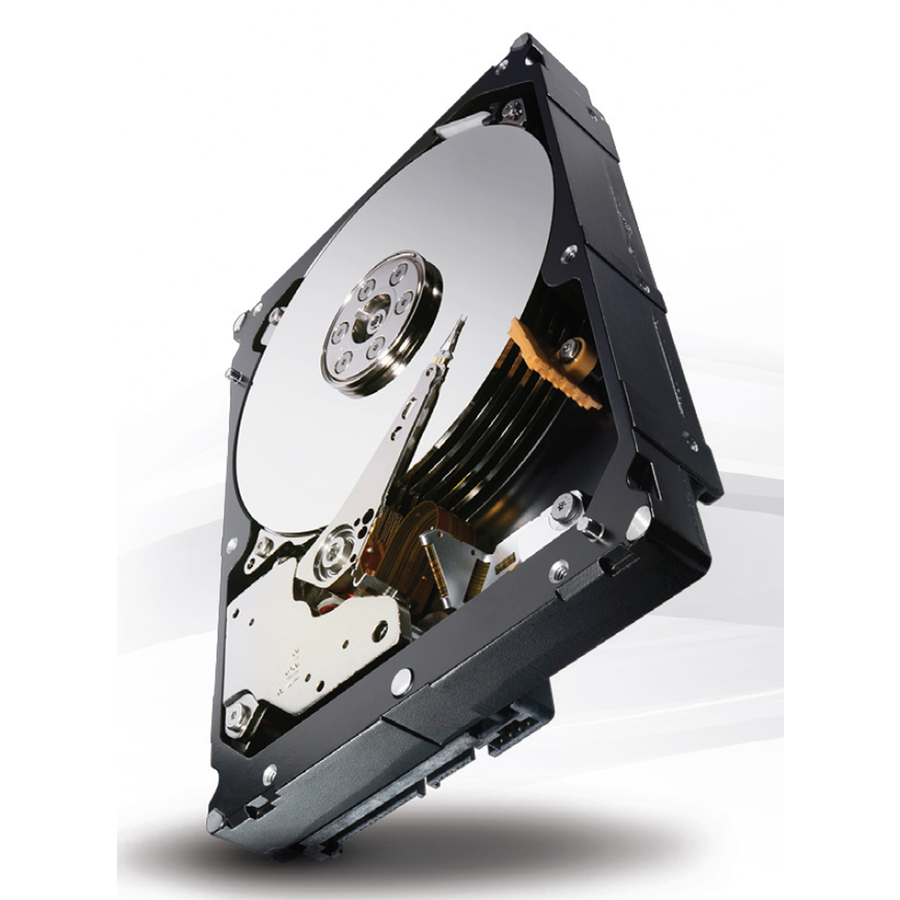
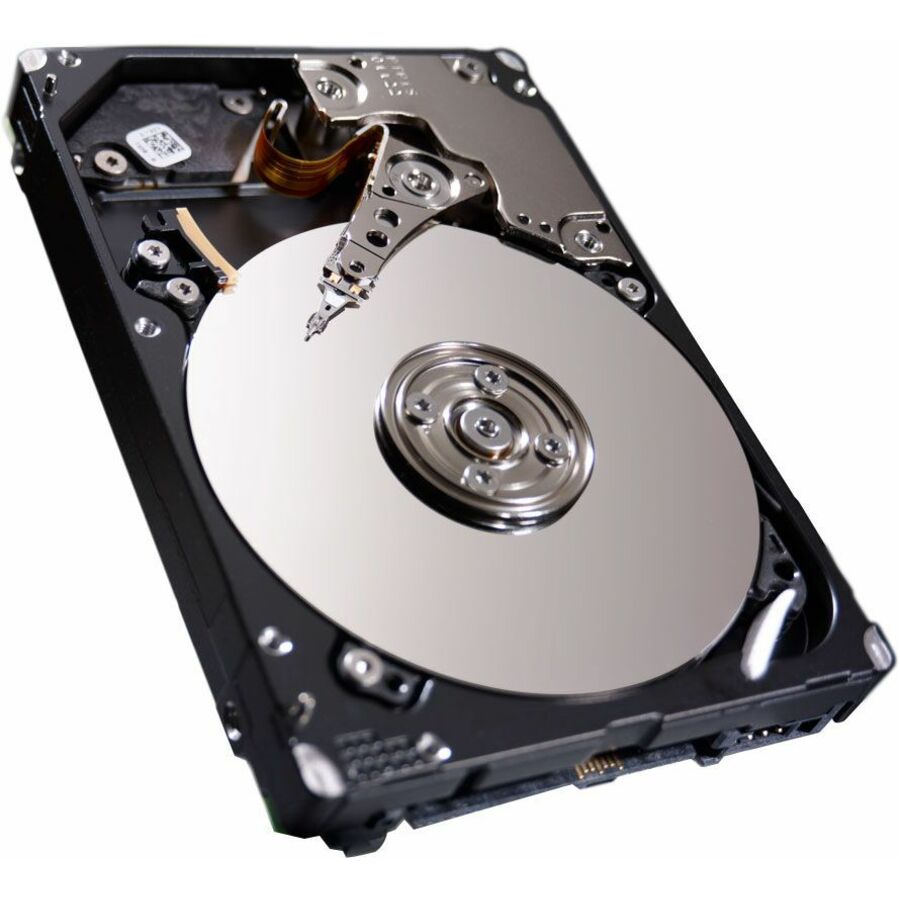
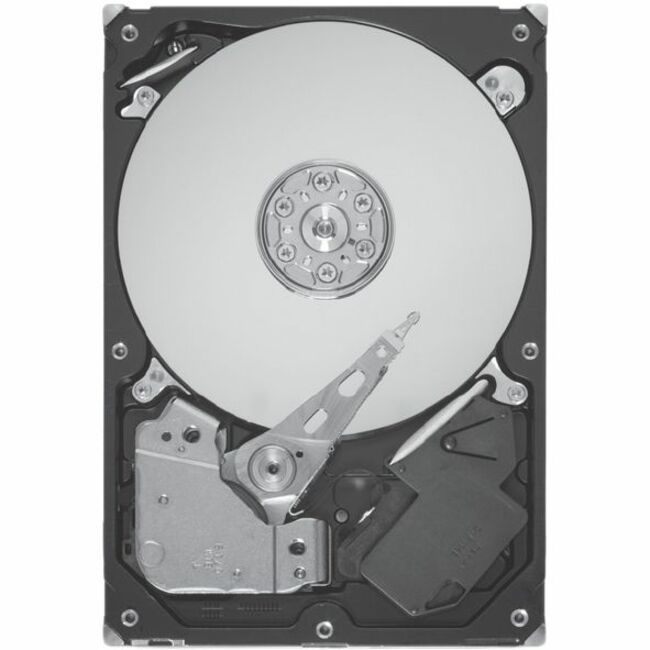
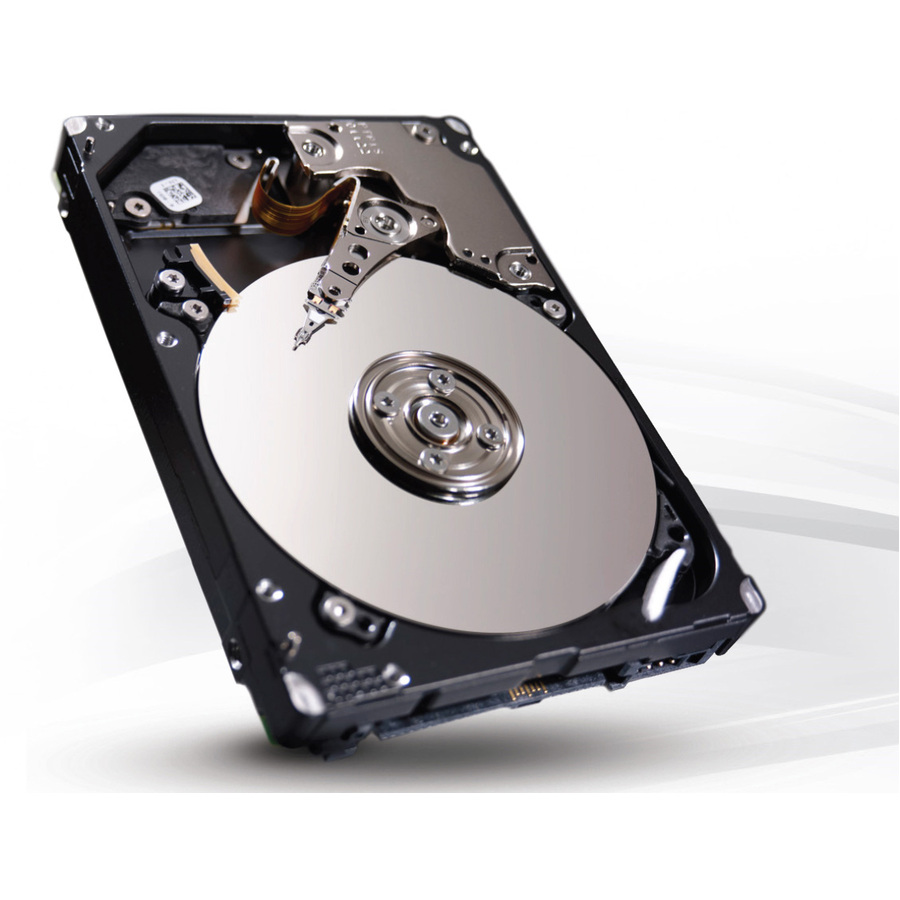
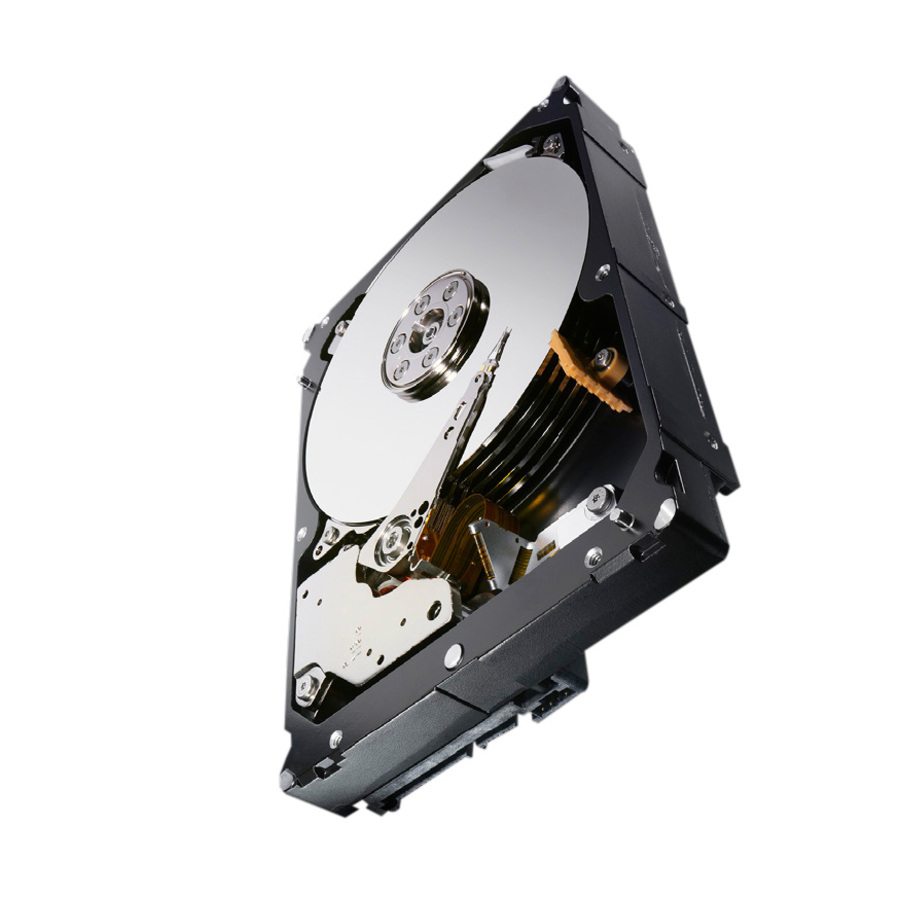
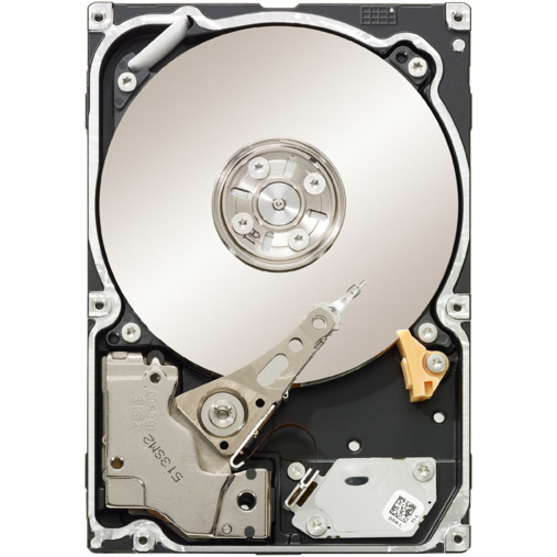
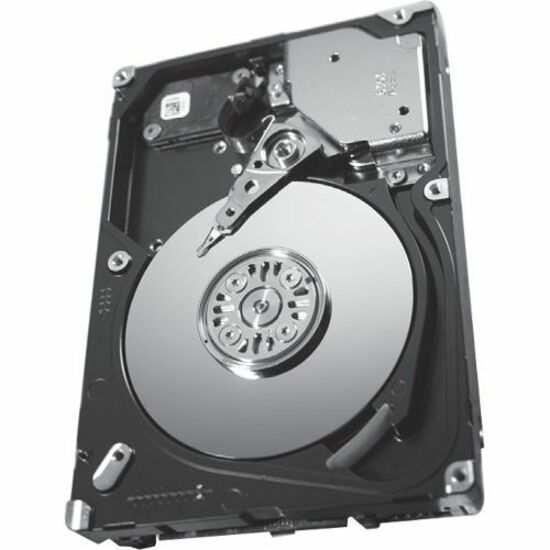
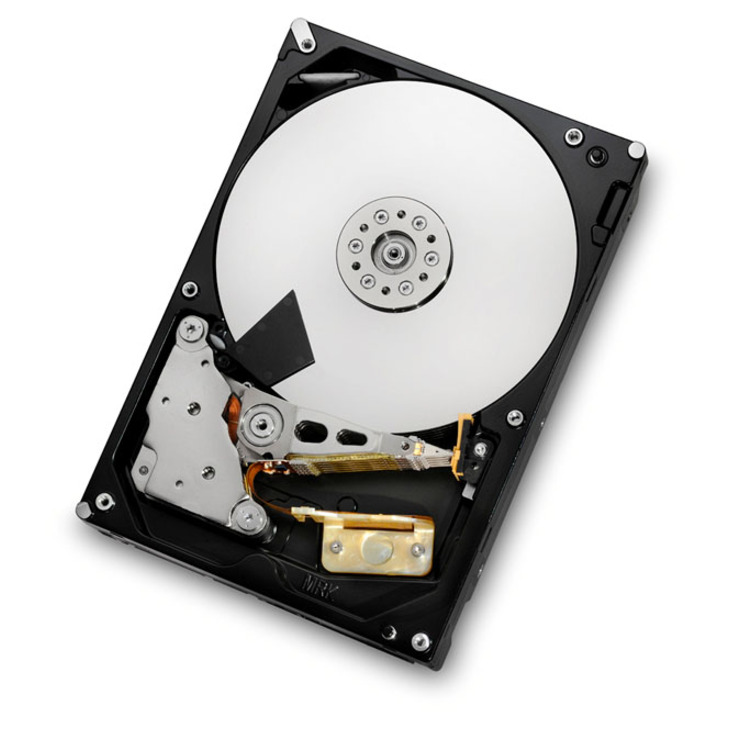

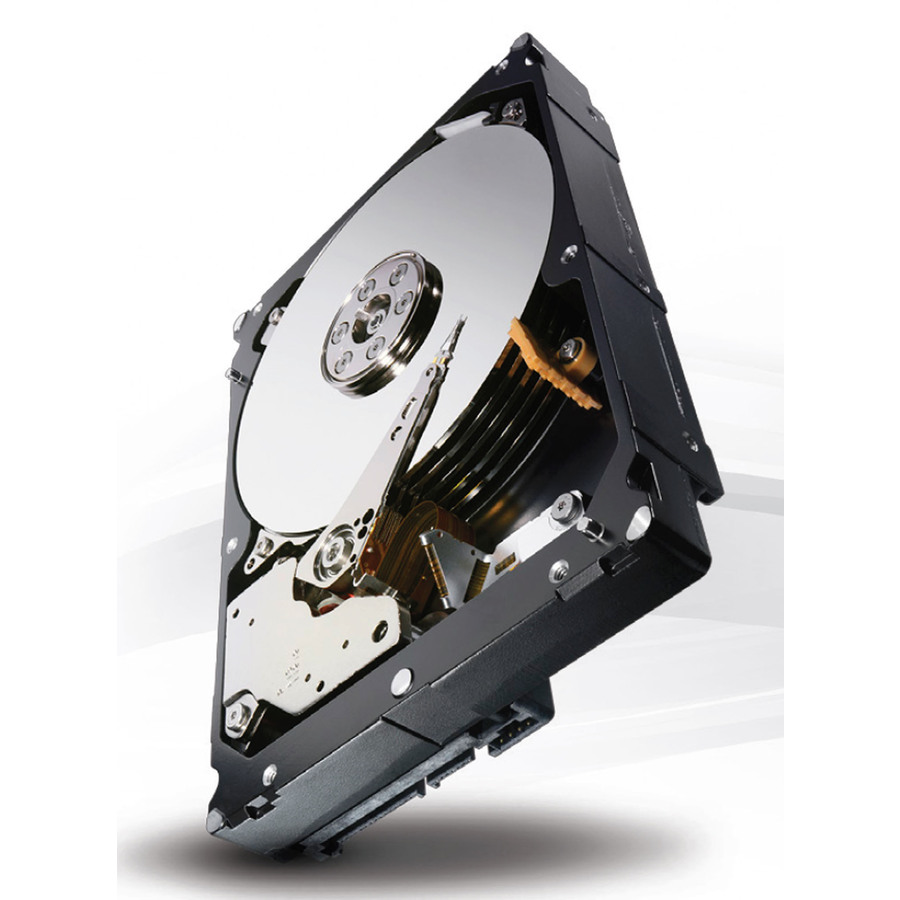
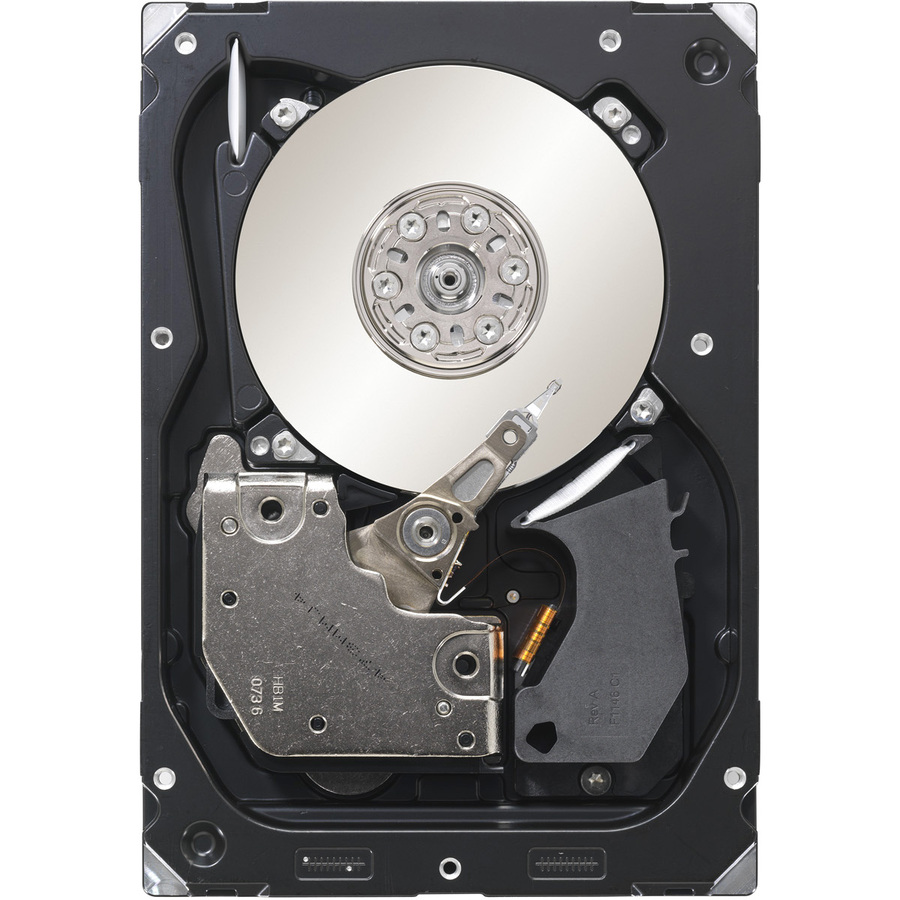
15K, 2.5-inch
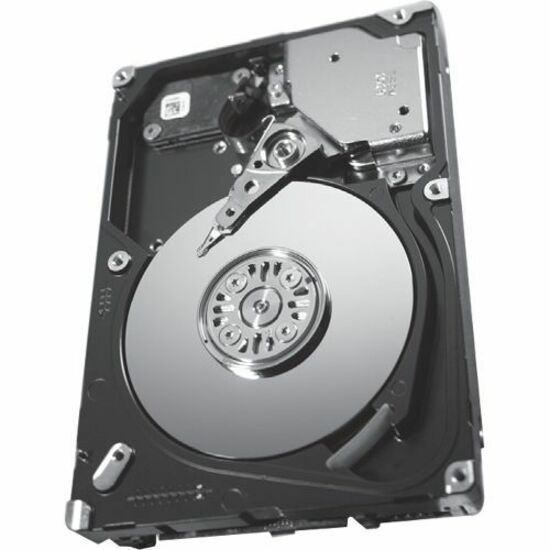
Seagate Technology
Seagate Savvio 15K.3 ST9146853SS 146 GB Hard Drive
ST9146853SS
A 146 GB 2.5-inch SAS hard drive spinning at 15,000 rpm on a 6 Gb interface — the small, fast performance drive that goes under latency-sensitive transactional work.
$151.90Back-ordered15K, 3.5-inch
Seagate Technology
Seagate Cheetah 15K.7 ST3300657SS 300 GB Hard Drive
ST3300657SS
A 300 GB 3.5-inch SAS hard drive at 15,000 rpm on a 6 Gb interface, from the classic enterprise performance line for arrays that still run large-form-factor bays.
$135.00In stock15K, 3.5-inch
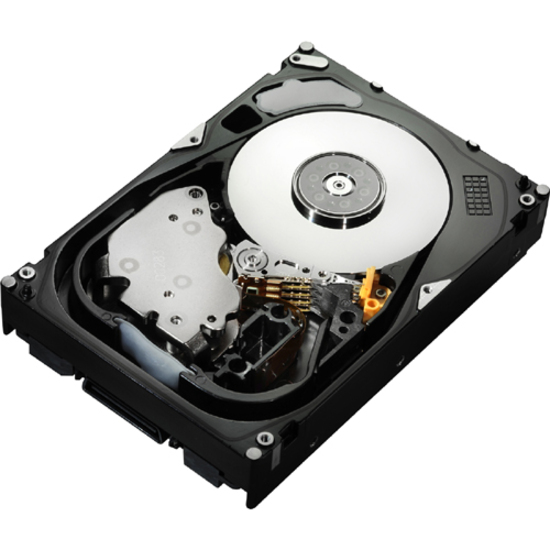
Western Digital
HGST Ultrastar 15K600 HUS156030VLS600 300 GB Hard Drive
HUS156030VLS600
A 300 GB 3.5-inch SAS hard drive at 15,000 rpm on a 6 Gb interface from the Ultrastar enterprise line, a performance drive for a large-form-factor backplane.
$520.51Back-ordered10K, 2.5-inch
Seagate Technology
Seagate Savvio 10K.6 ST900MM0006 900 GB Hard Drive
ST900MM0006
A 900 GB 2.5-inch SAS hard drive at 10,000 rpm on a 6 Gb interface, the balance of capacity and speed for a dense small-form-factor performance array.
$143.30In stock10K, 2.5-inch
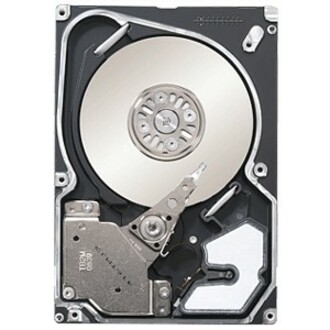
Seagate Technology
Seagate Savvio 10K.4 ST9450404SS 450 GB Hard Drive
ST9450404SS
A 450 GB 2.5-inch SAS hard drive at 10,000 rpm on a 6 Gb interface, a compact performance drive for a server backplane packed with small-form-factor spindles.
$149.22Back-ordered10K, 12 Gb
Toshiba
Toshiba AL14SEBxxEx 1.20 TB Hard Drive
AL14SEB12EQ
A 1.2 TB 2.5-inch SAS hard drive at 10,000 rpm on a 12 Gb interface, pairing the newer interface generation with the small-form-factor performance tier.
$222.76Back-orderedNearline, 3.5-inch
Toshiba
Toshiba MG03SCA MG03SCA100 1 TB Hard Drive
MG03SCA100
A 1 TB 3.5-inch SAS hard drive at 7,200 rpm on a 6 Gb interface, an entry into the nearline capacity tier for bulk sequential storage.
$119.85In stockNearline, 4TB
Seagate Technology
Seagate Constellation ES.3 ST4000NM0023 4 TB Hard Drive
ST4000NM0023
A 4 TB 3.5-inch SAS hard drive at 7,200 rpm on a 6 Gb interface from the Constellation ES nearline line, for backups and bulk file storage where the terabytes live.
$170.53In stockHelium, 8TB
Western Digital
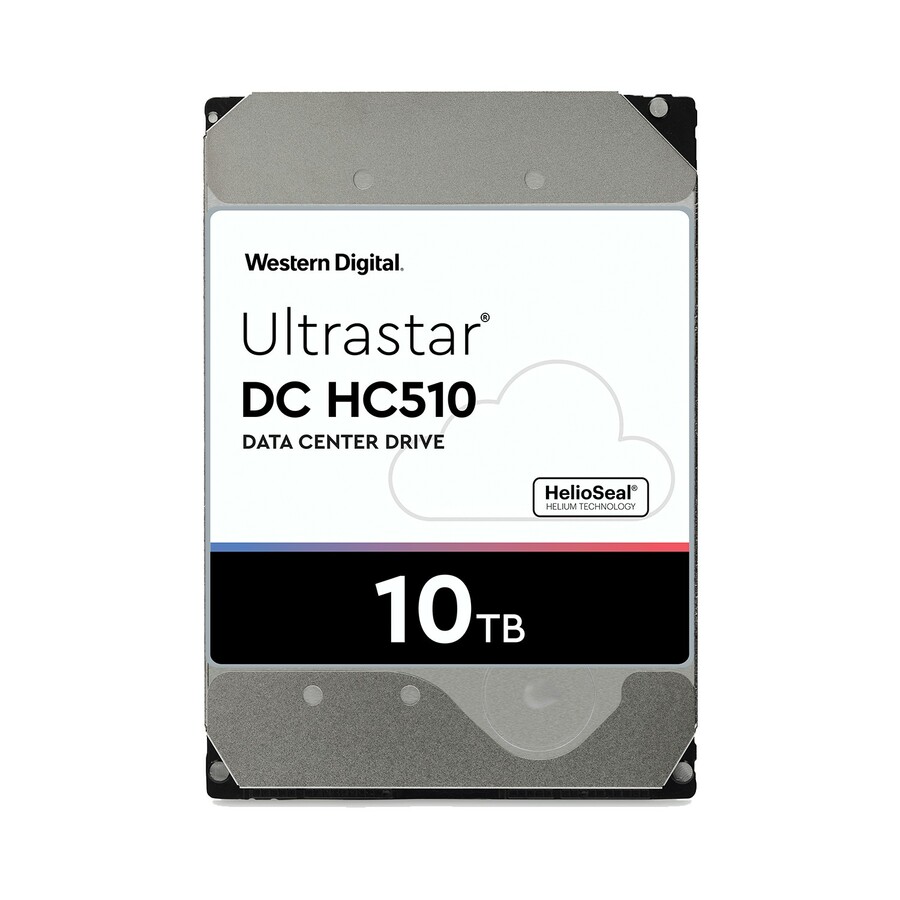
Western Digital Ultrastar He10 HUH721008AL4200 8 TB Hard Drive
0F27406
An 8 TB 3.5-inch SAS hard drive at 7,200 rpm on a 12 Gb interface from the helium-sealed Ultrastar He line, for high-capacity nearline duty at lower power per terabyte.
$436.35Back-orderedHelium, 12TB
Western Digital
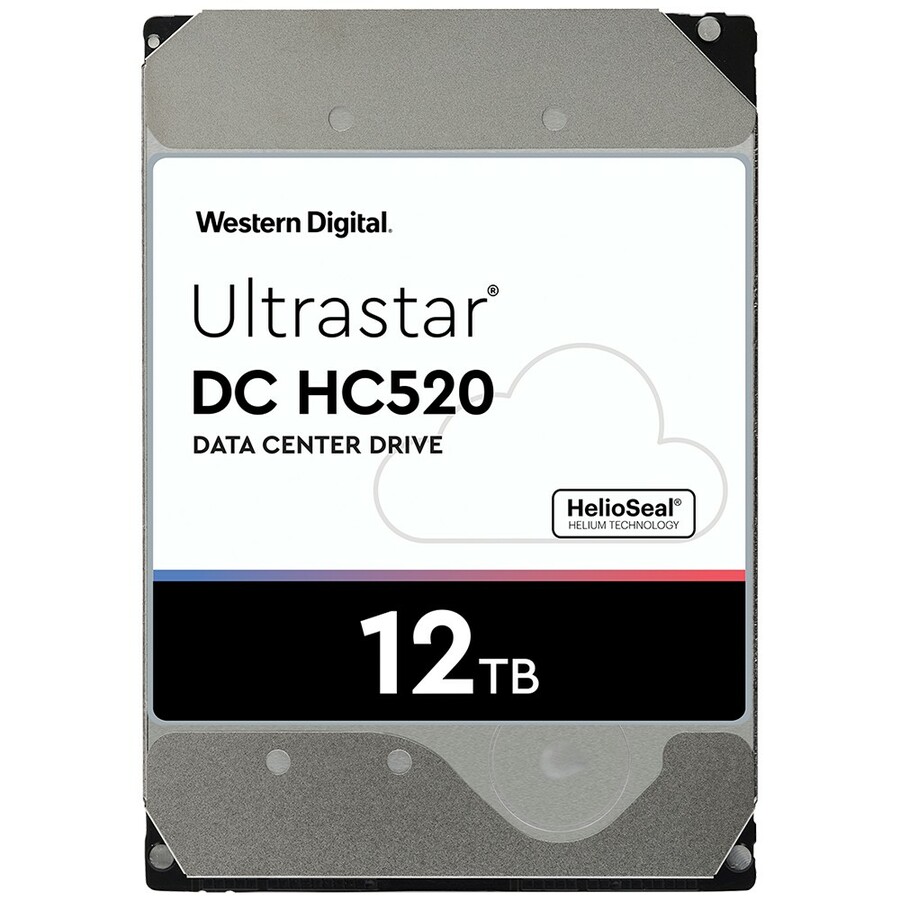
Western Digital Ultrastar He12 HUH721212AL5201 12 TB Hard Drive
0F29531
A 12 TB 3.5-inch SAS hard drive at 7,200 rpm on a 12 Gb interface from the helium-sealed Ultrastar He line, packing more capacity into the same large-form-factor bay.
$398.66Back-orderedNearline, 14TB
Western Digital
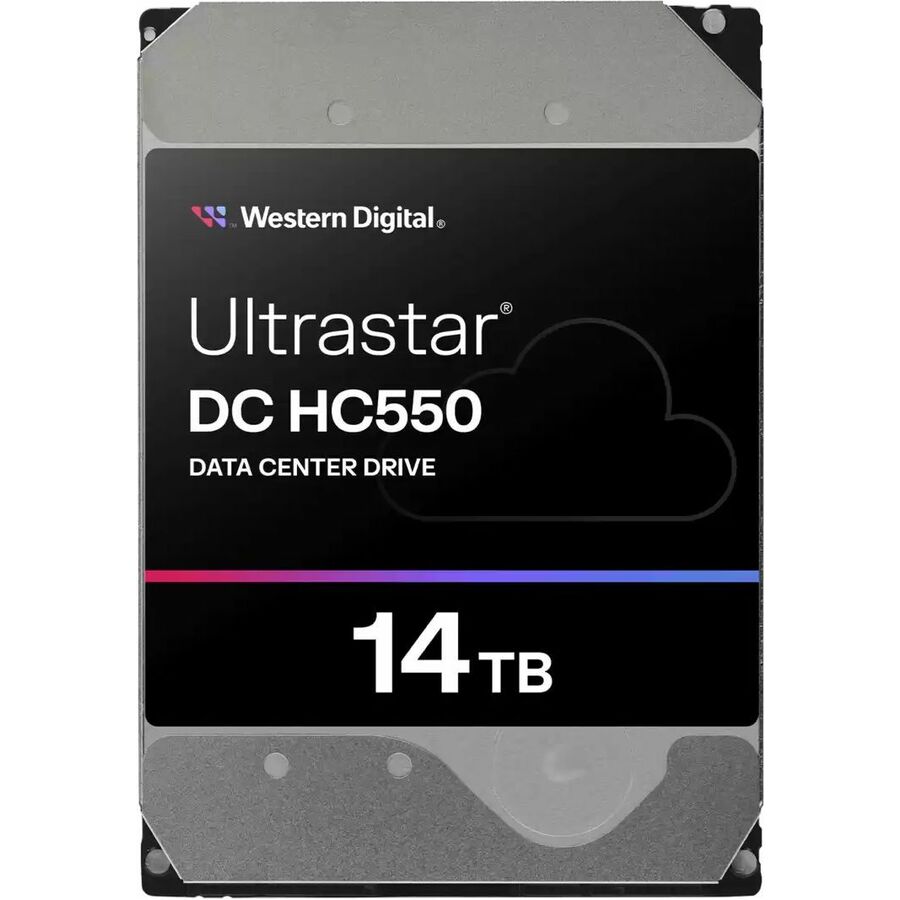
WD Ultrastar DC HC550 14 TB Hard Drive
0F38529
A 14 TB 3.5-inch SAS hard drive from the Ultrastar DC line using energy-assisted magnetic recording, high-capacity nearline storage for a 12 Gb backplane.
$438.46Back-ordered16TB, TAA
Seagate Technology
Seagate Exos X16 ST16000NM009G 16 TB Hard Drive
ST16000NM009G
A 16 TB 3.5-inch SAS hard drive at 12 Gb from the Exos enterprise line, listed TAA Compliant in the manufacturer's own title for a high-capacity nearline array.
TAA Compliant is stated on this row's own title — a per-part fact to confirm on the model you order.
$7,036.02*Back-ordered18TB, TAA
Western Digital
WD 18 TB Hard Drive
1EX2488
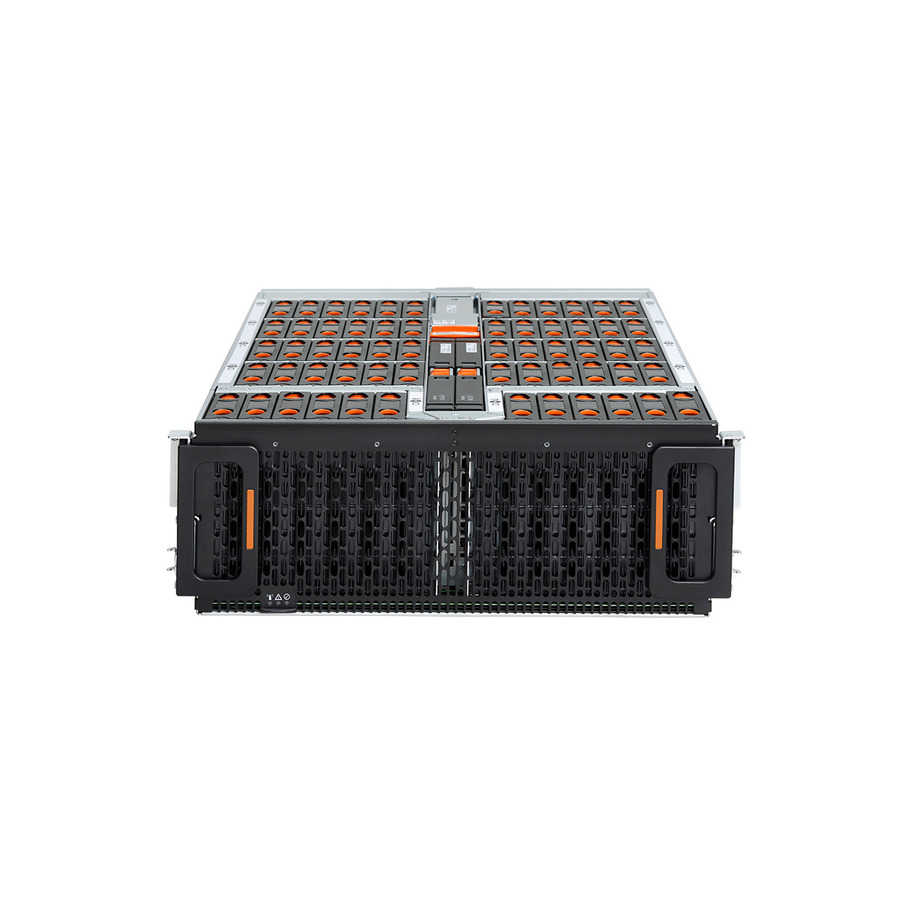
An 18 TB 3.5-inch SAS hard drive on a 12 Gb interface, listed TAA Compliant by the manufacturer, at the top of the nearline capacity range for bulk enterprise storage.
Every editorial pick here is a spinning drive whose title states Hard Drive and SAS, as this one does.
$7,236.89*Back-orderedMore hard drives and SSDs in the Uniqcli catalog
See all 9,677 hard drives and SSDsMore from across this category. In-stock lines lead, and a back-ordered line carries the same estimated availability its product page does — with live pricing throughout, NDAA §889 screening before checkout and TAA verified on request.
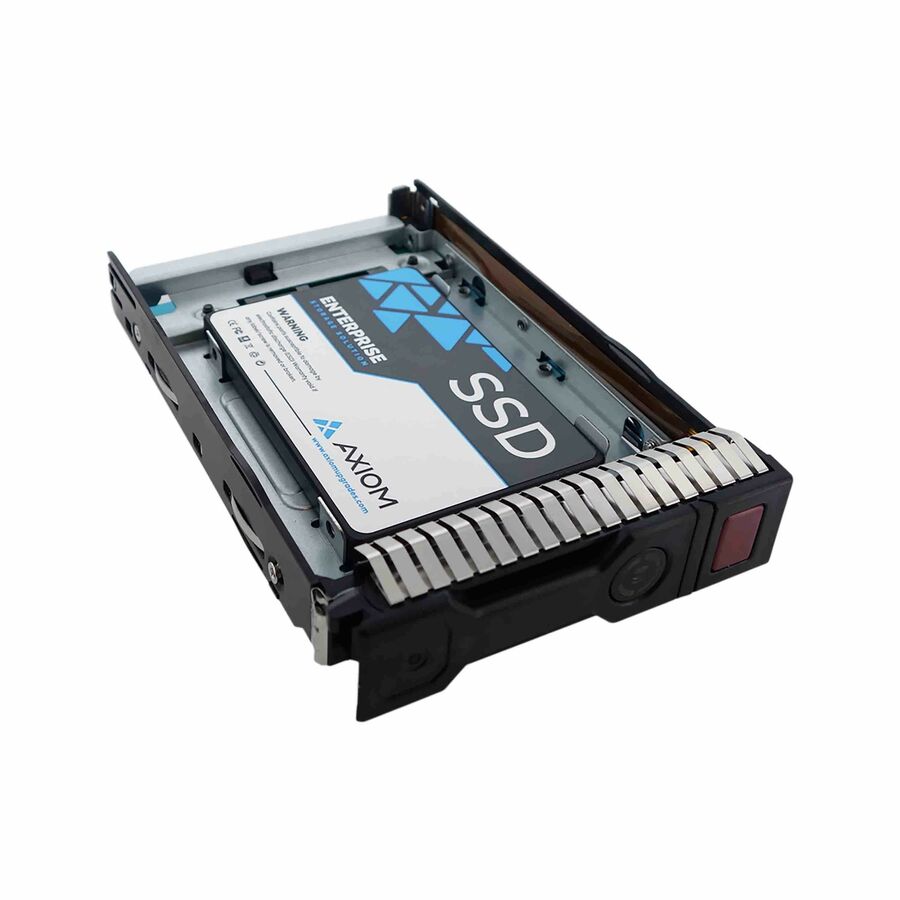
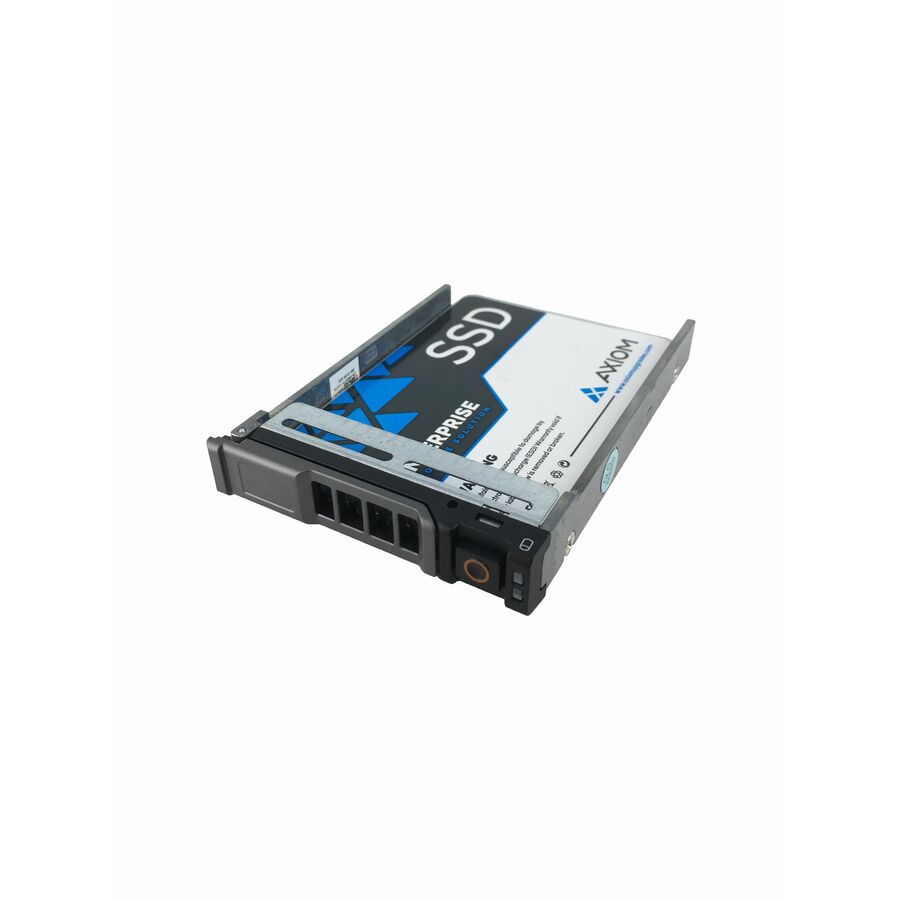
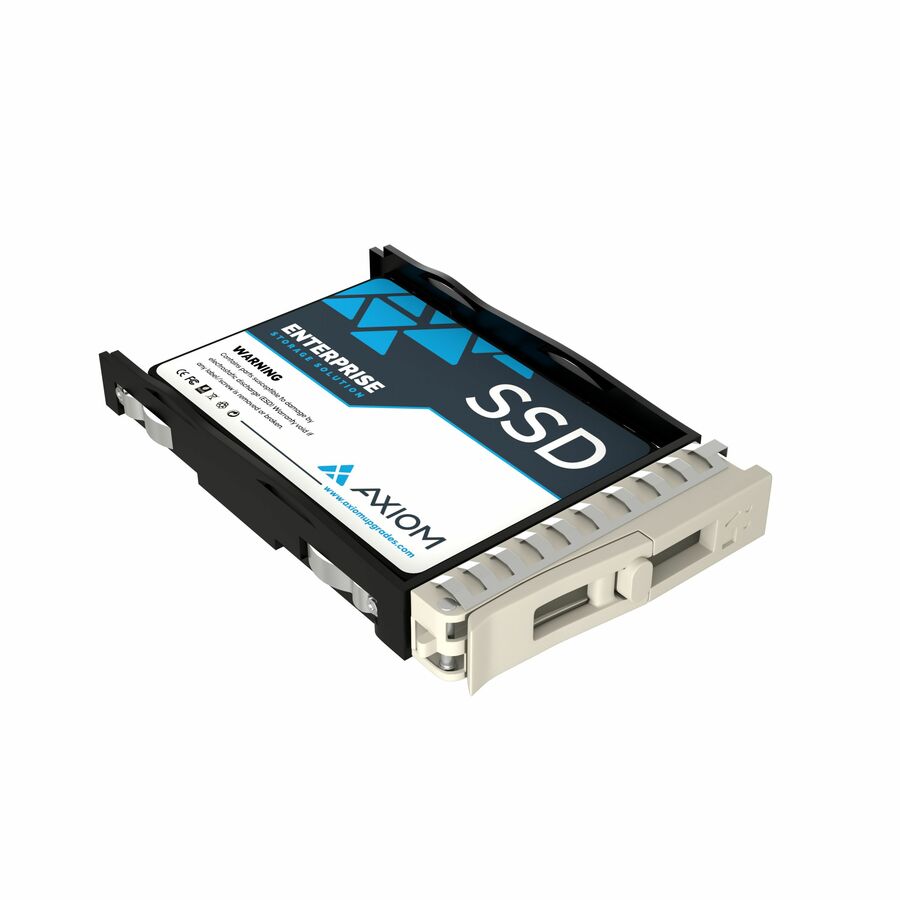
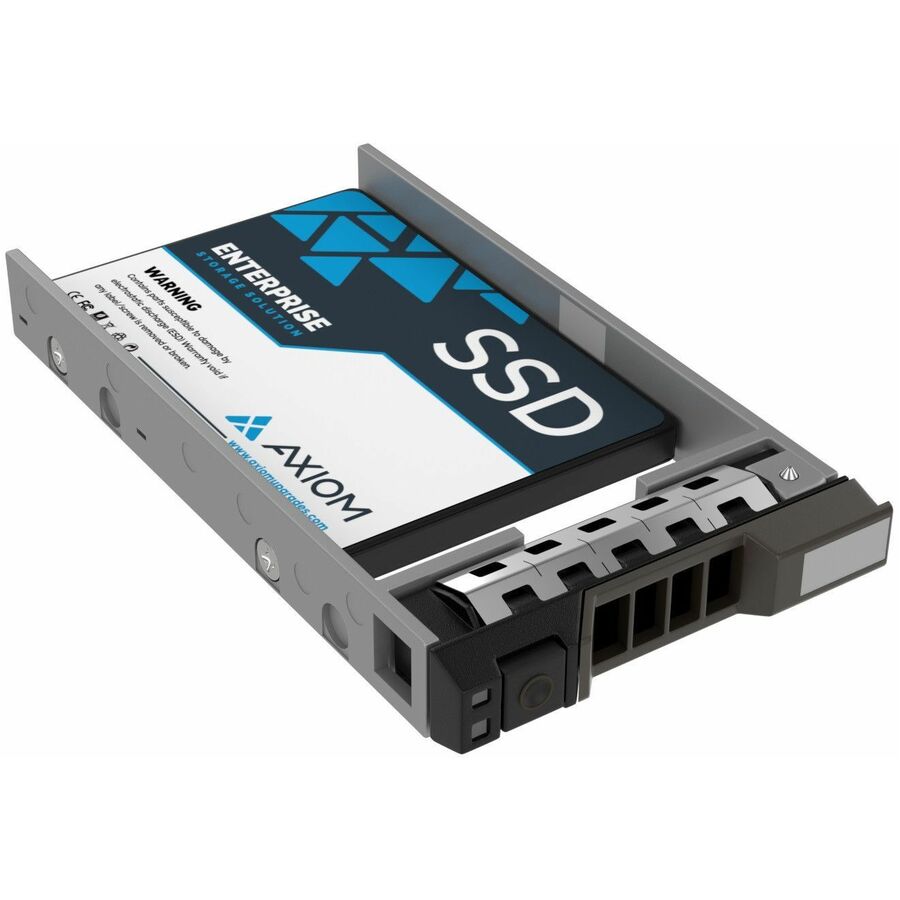
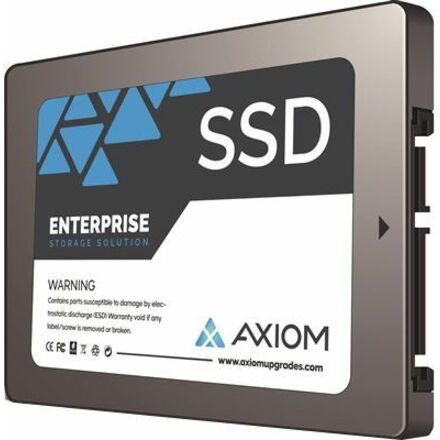
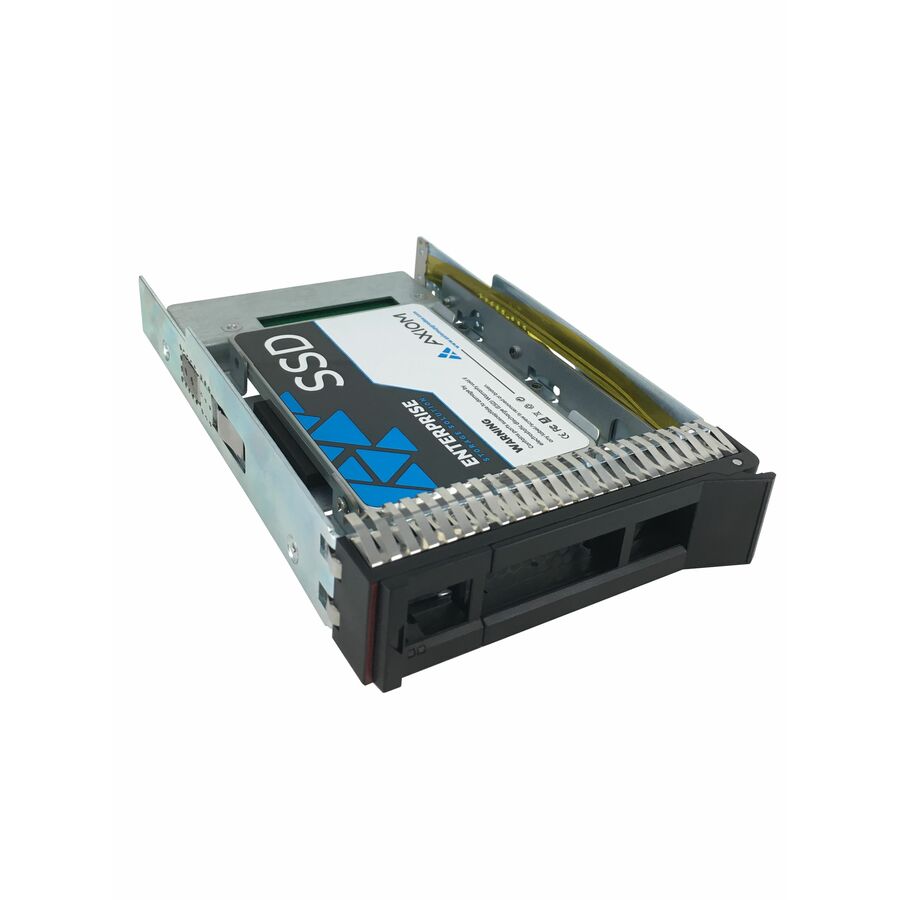
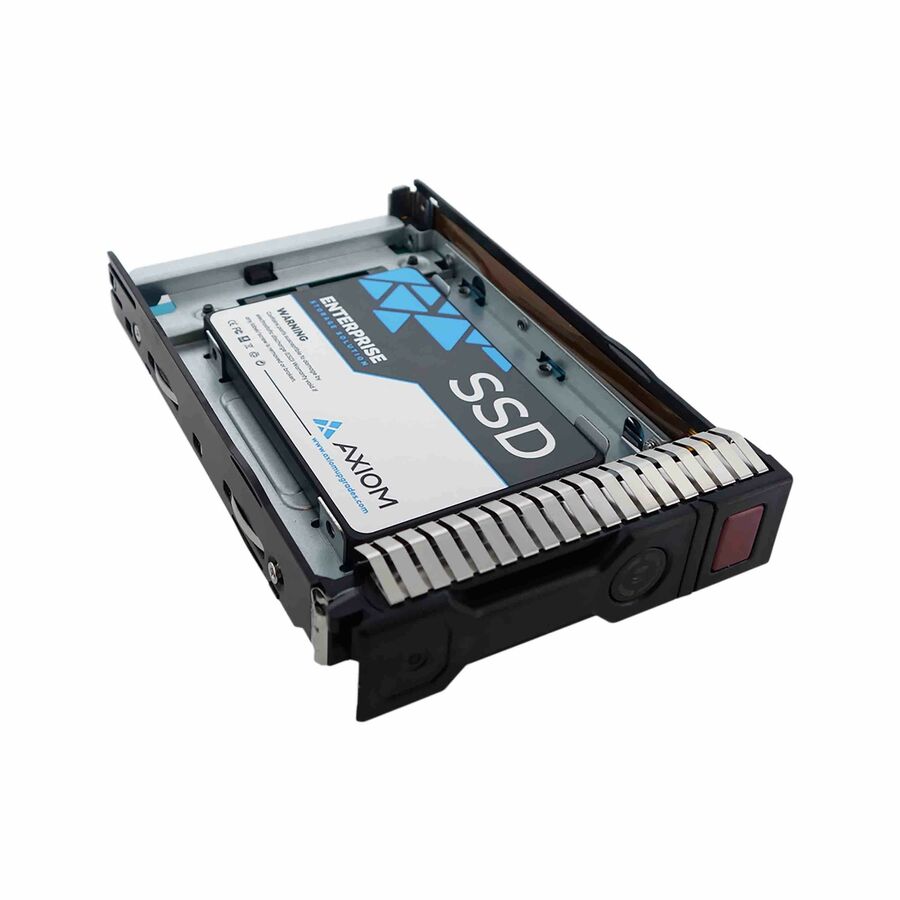
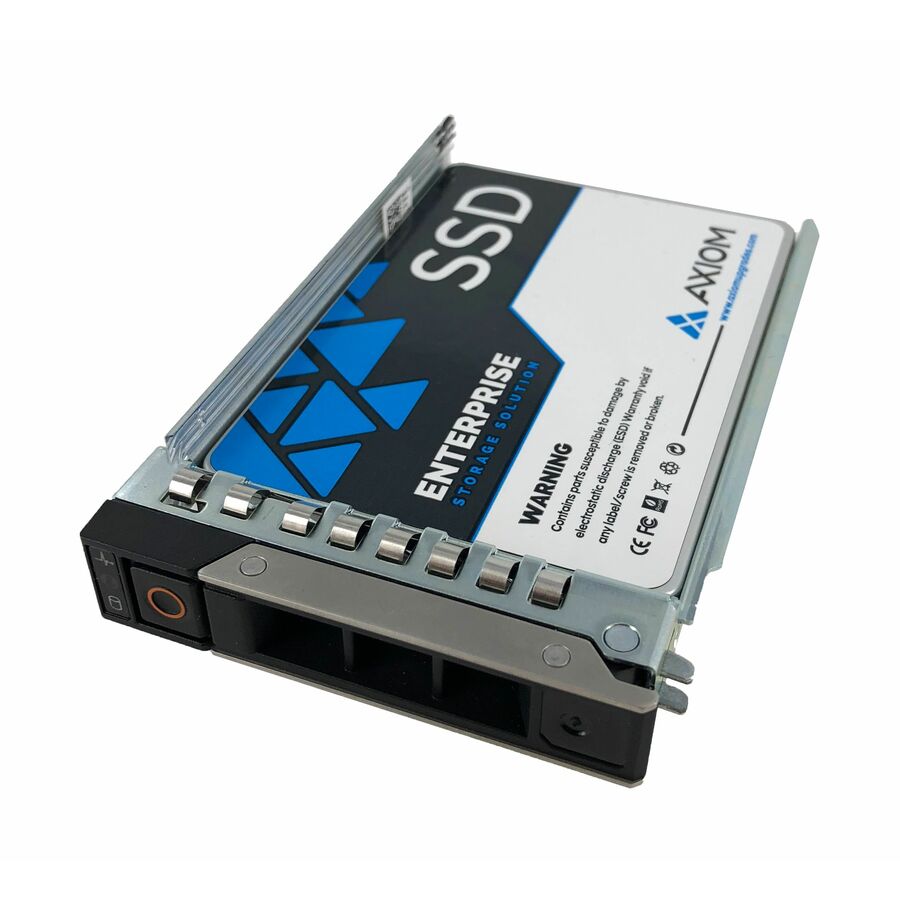
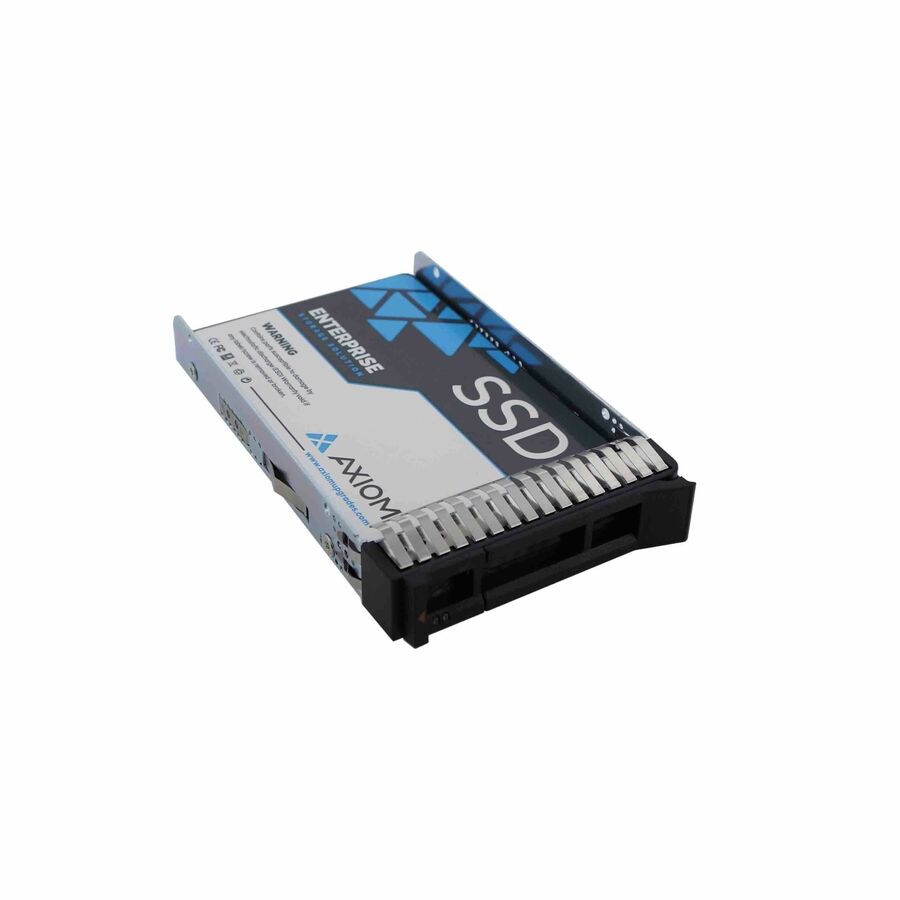
- Axiom Memory SolutionsAxiom Enterprise Pro EP650 7.68 TB Solid State Drive - 3.5" Internal - SAS (24Gb/s SAS) - Data Center Device Supported - Hot SwappableSSDEP65LS7T6-AX
$14,916.00
$12,819.36
18 in stock - Axiom Memory SolutionsAxiom Enterprise Pro EP650 7.68 TB Solid State Drive - 3.5" Internal - SAS (24Gb/s SAS) - Data Center Device Supported - Hot SwappableSSDEP65KG7T6-AX
$14,916.00
$12,819.36
1 in stock - Axiom Memory SolutionsAxiom Enterprise Pro EP650 7.68 TB Solid State Drive - 3.5" Internal - SAS (24Gb/s SAS) - Data Center Device Supported - Hot SwappableSSDEP65DK7T6-AX
$14,916.00
$12,819.36
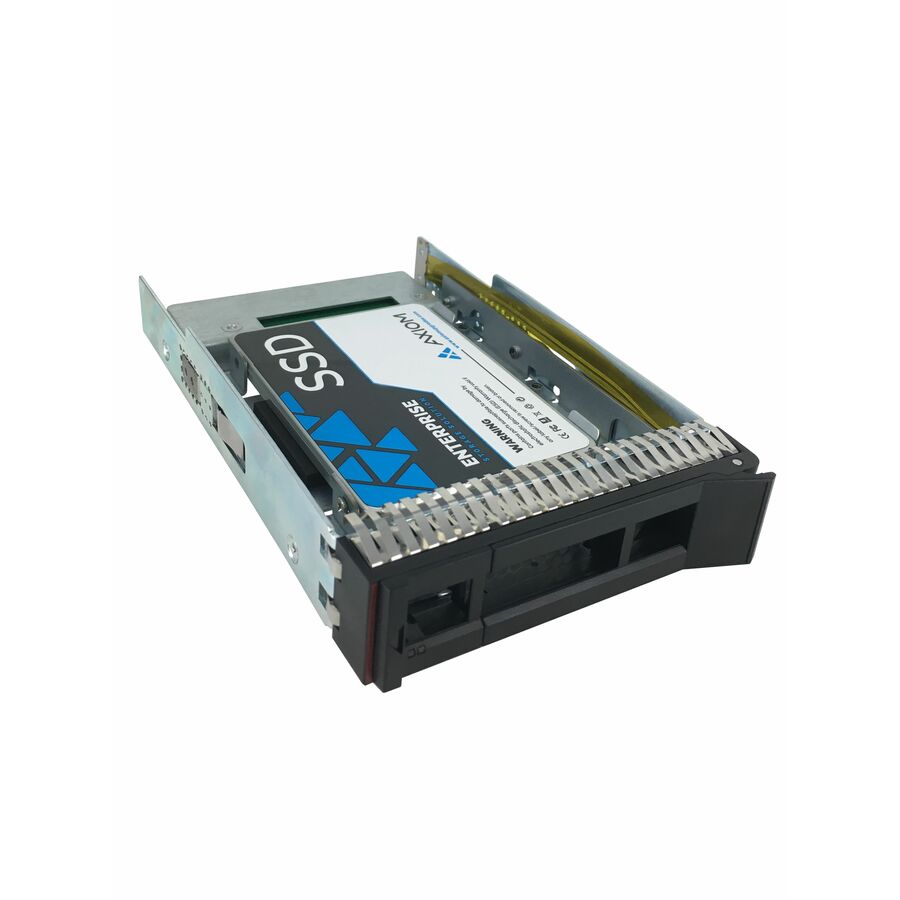
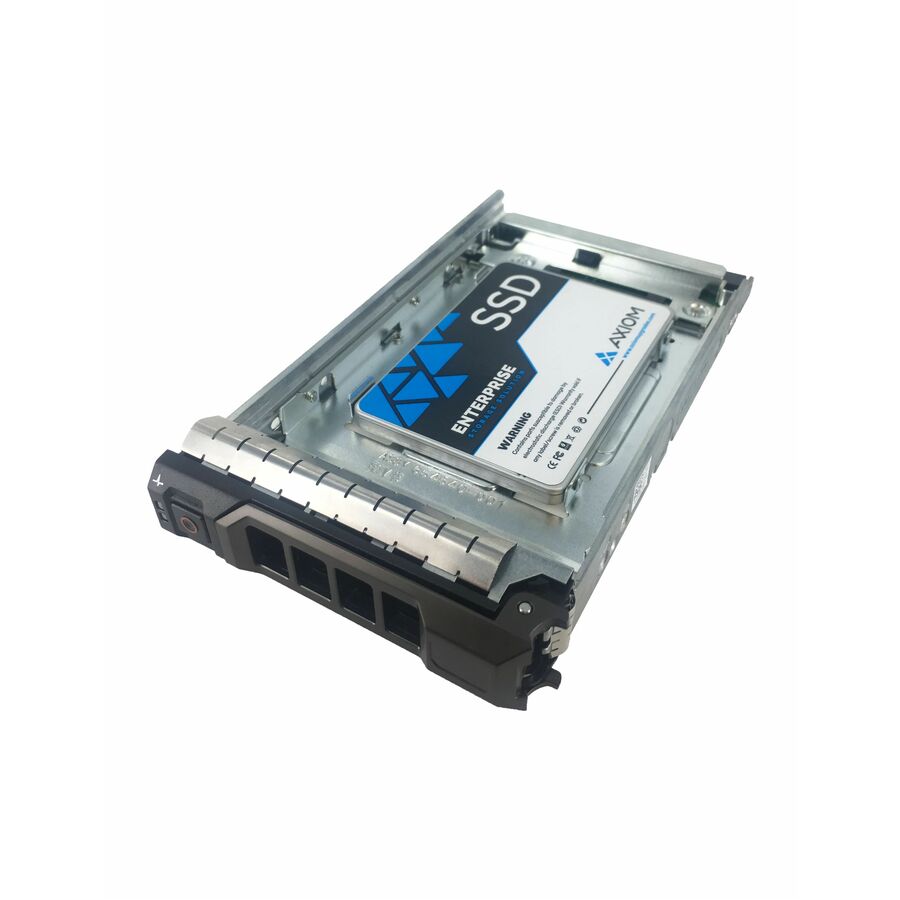
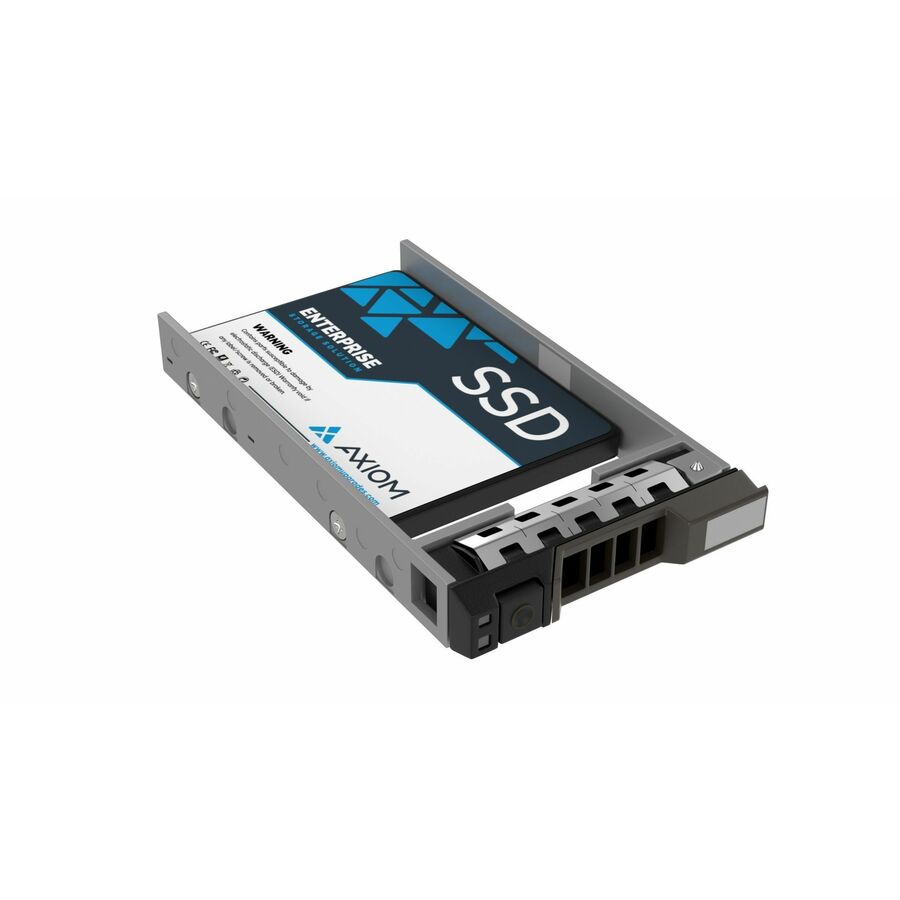
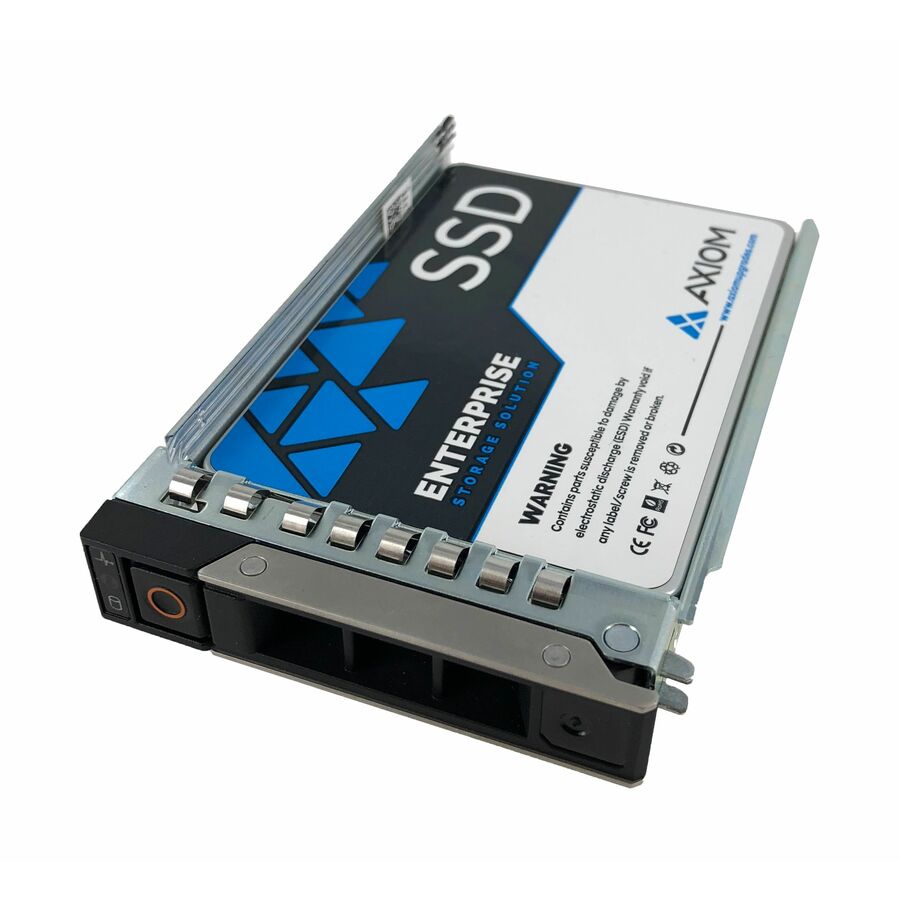
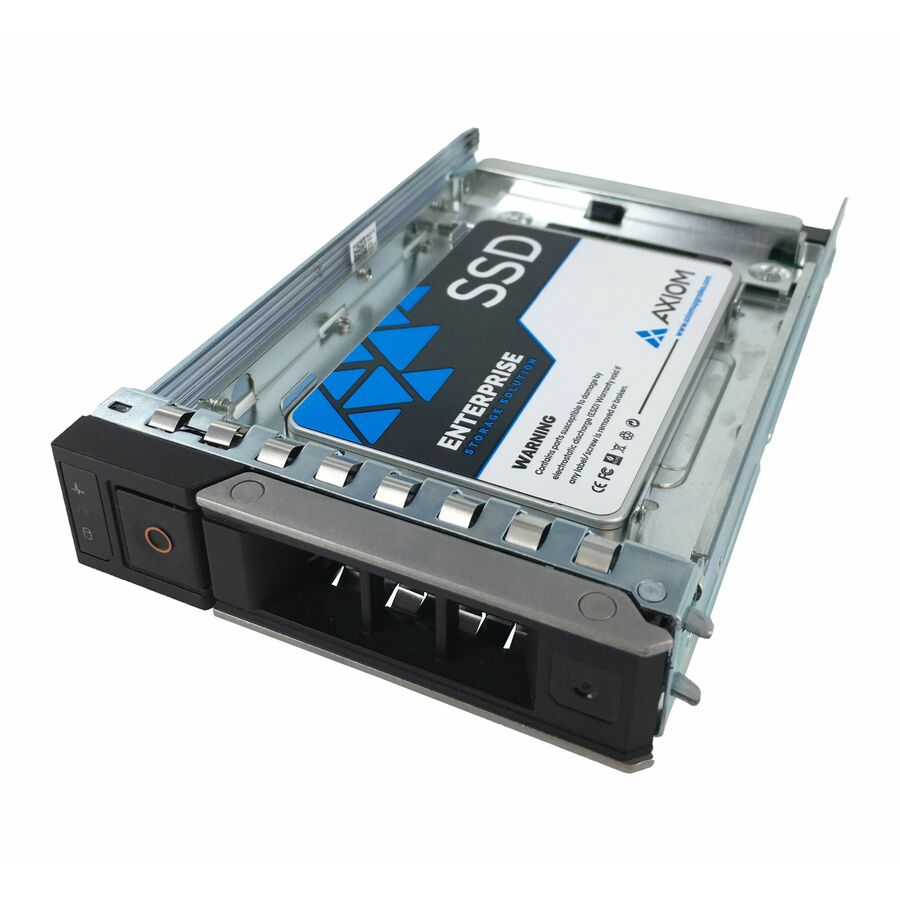
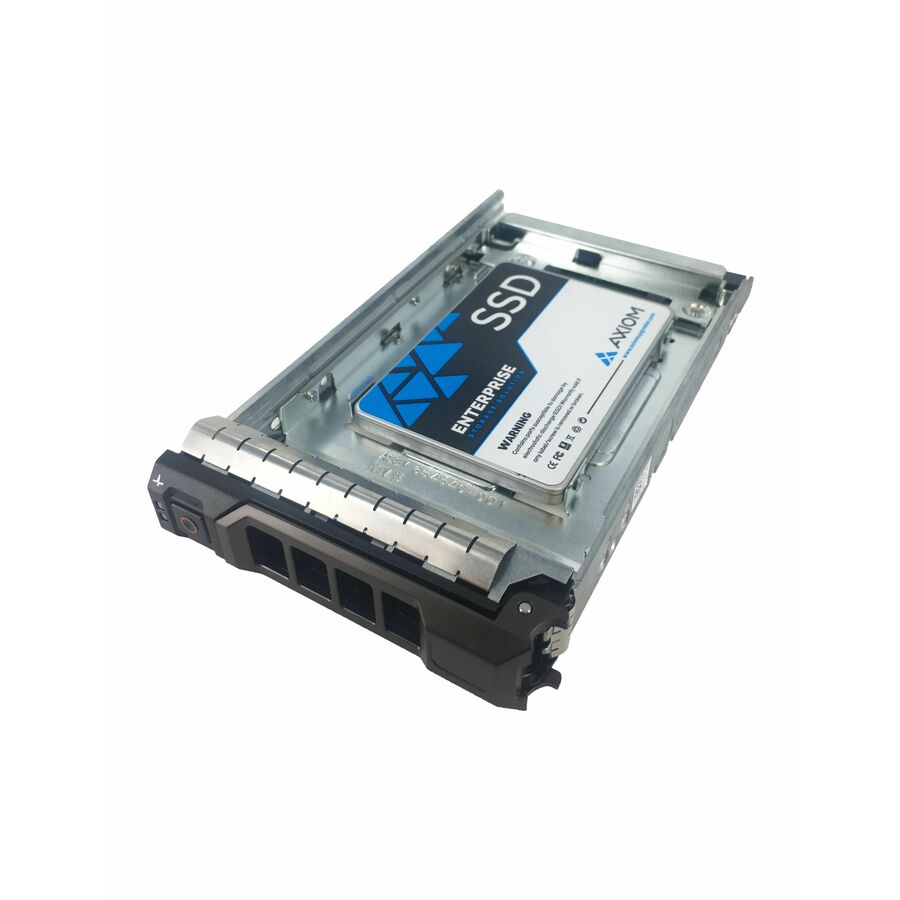
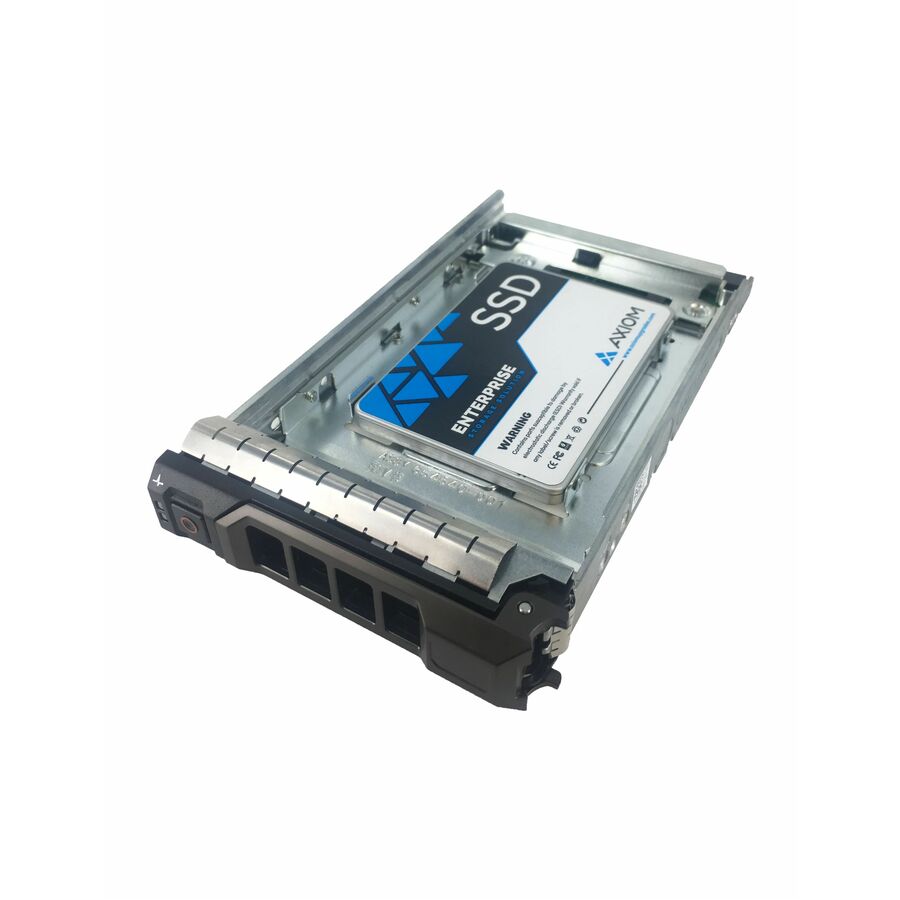
18 in stock - Axiom Memory SolutionsAxiom 7.68TB Enterprise EP650 SSD for Dell - Axiom 7.68TB Enterprise Pro EP650 3.5-inch Hot-Swap SAS SSD for DellSSDEP65DF7T6-AX
$14,916.00
$12,819.36
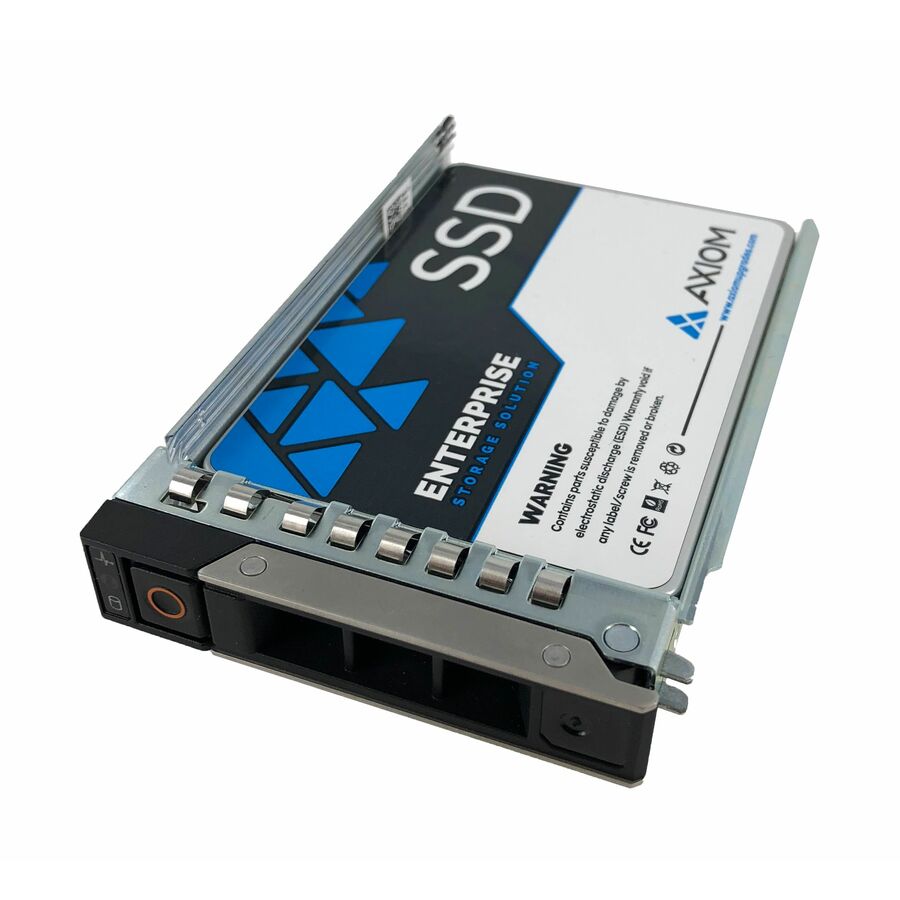
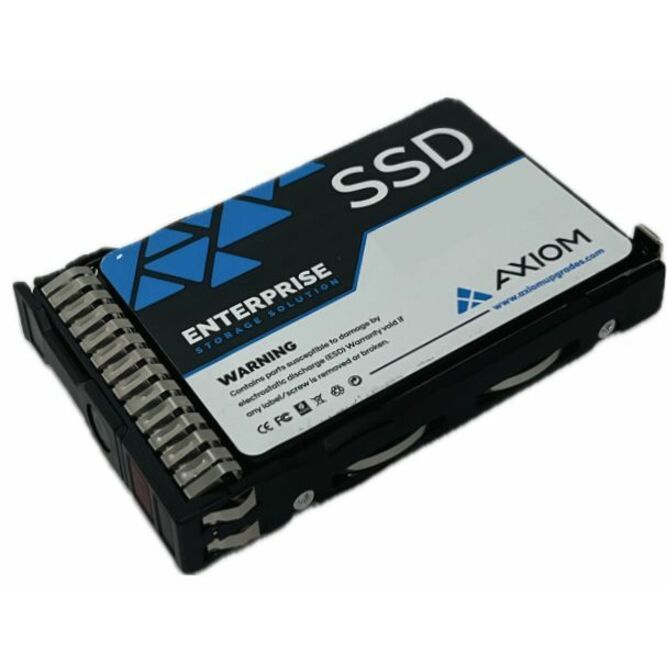
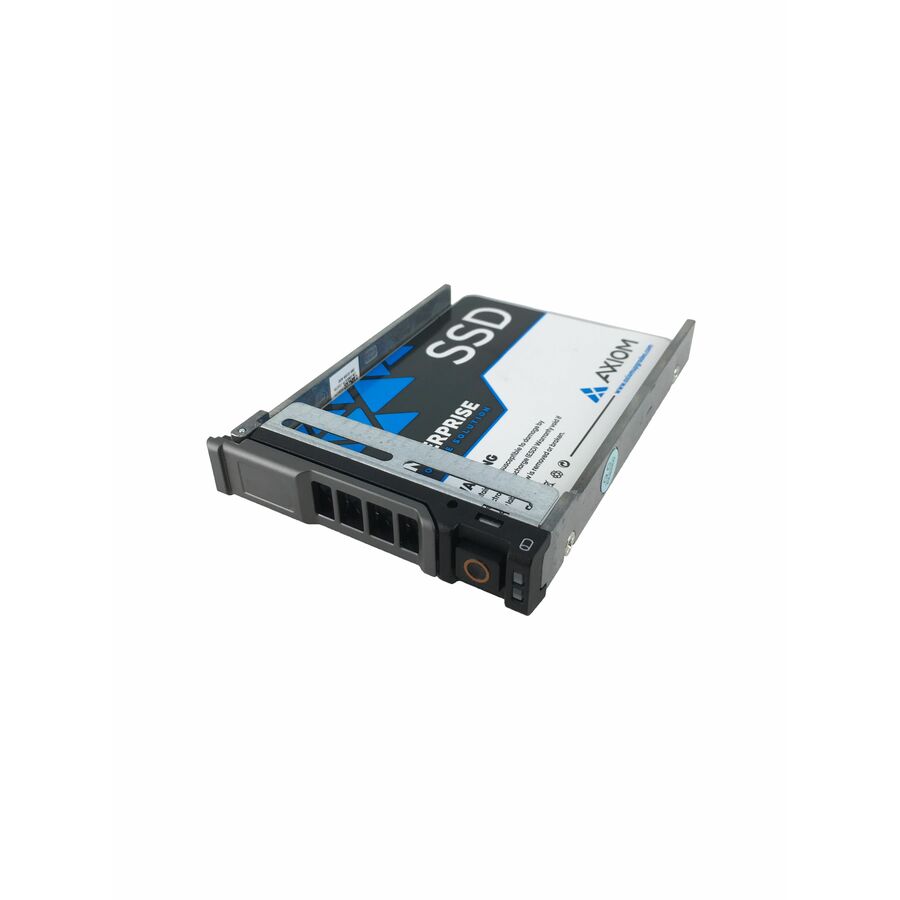
18 in stock - Axiom Memory SolutionsAxiom Enterprise Pro EP650 7.68 TB Solid State Drive - 2.5" Internal - SAS (24Gb/s SAS) - Data Center Device Supported - Hot SwappableSSDEP65HV7T6-AX
$14,600.00
$12,548.29
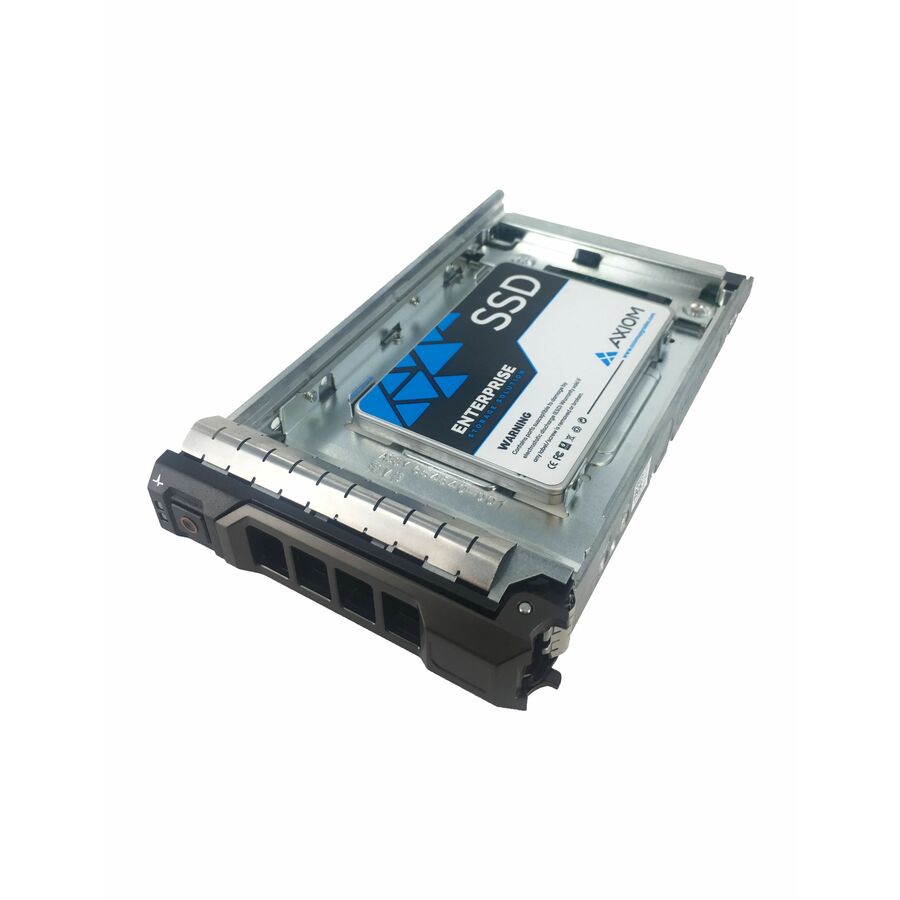
18 in stock - Axiom Memory Solutions7.68TB Enterprise EP650 SSD for Dell - Axiom 7.68TB Enterprise Pro EP650 2.5-inch Hot-Swap SAS SSD for DellSSDEP65DG7T6-AX
$14,600.00
$12,548.29
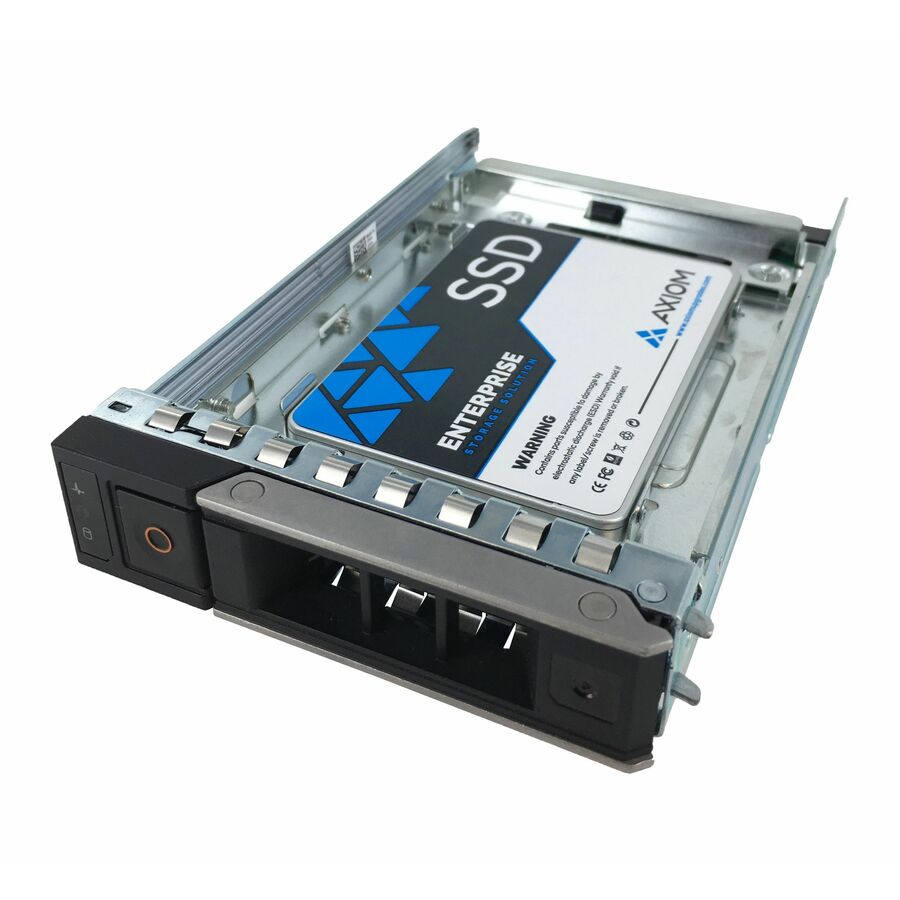
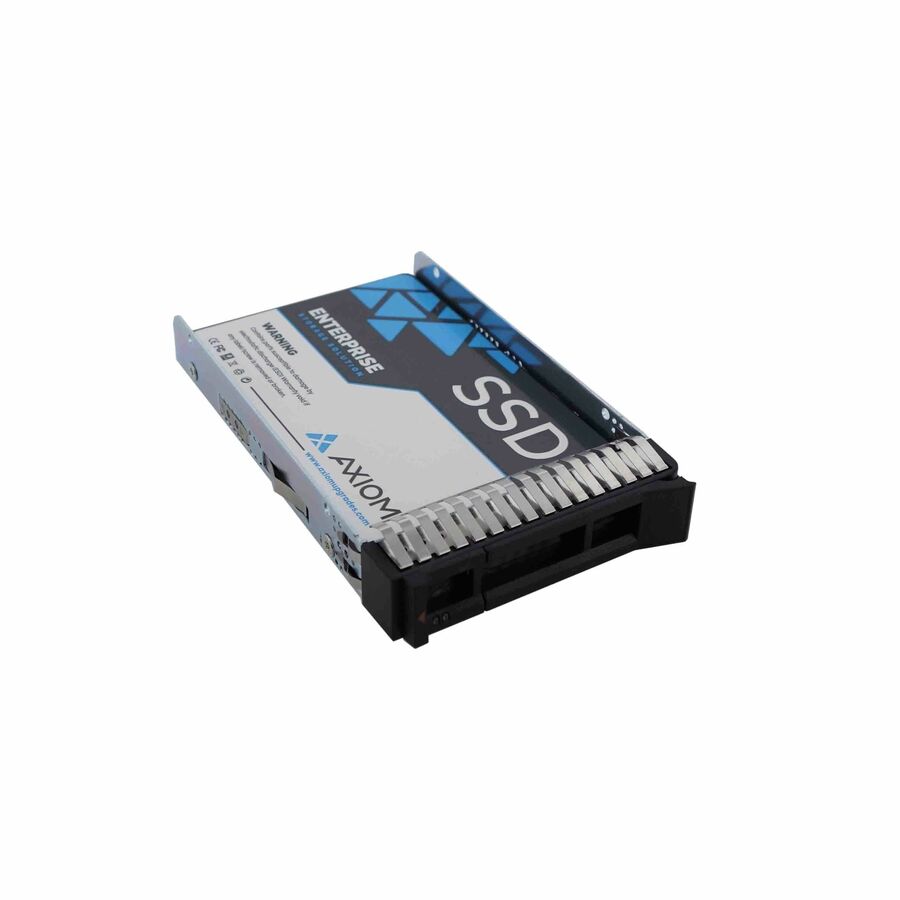
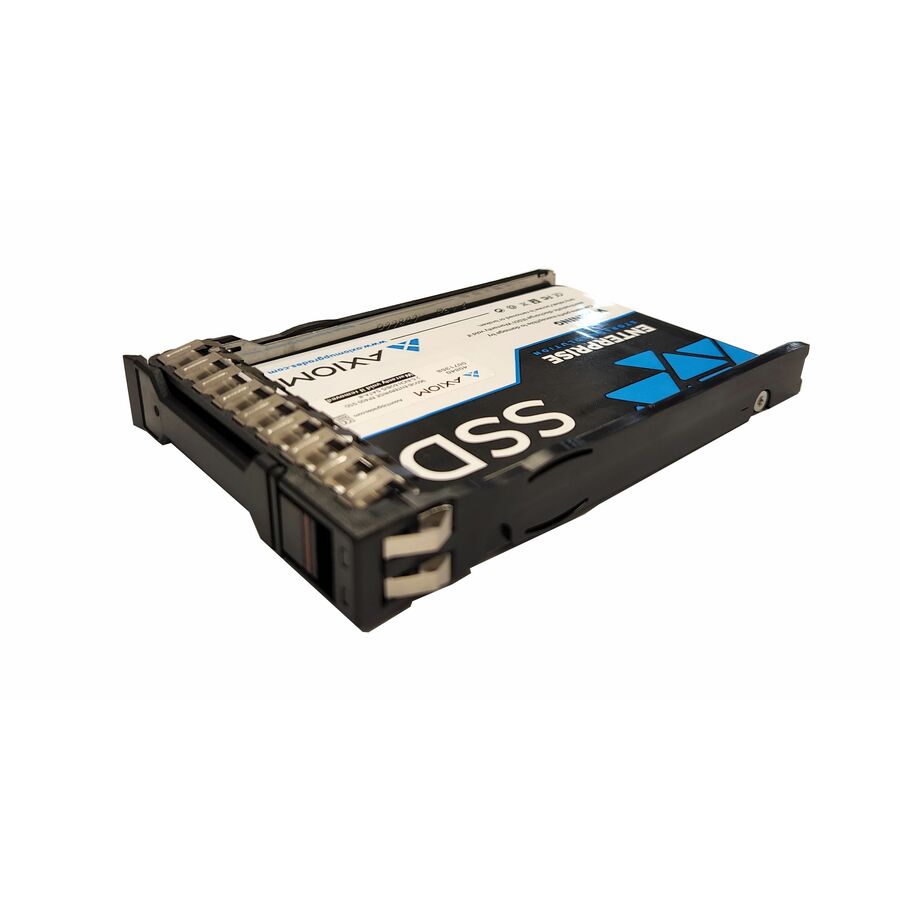
18 in stock - Axiom Memory Solutions3.84TB Enterprise EP650 SSD for Dell - Axiom 3.84TB Enterprise Pro EP650 3.5-inch Hot-Swap SAS SSD for DellSSDEP65DM3T8-AX
$10,539.00
$9,057.57
3 in stock
Need pricing on SAS server hard drives?
Tell us where to reach you and a Uniqcli specialist will follow up by email with current pricing, availability and lead time for the quantities you need — including parts that aren’t shown on this page.
Buying for an organization or for yourself — both work. No payment up front.
SAS is what server backplanes are built around, because a SAS drive is dual-ported and enterprise-duty: two controllers can see it, and it is rated for the vibration of dozens of neighbours in one chassis. Three facts decide the part — rotational speed (15,000 and 10,000 rpm for transactional work, 7,200 rpm for bulk nearline capacity), the 2.5 or 3.5-inch form factor, and 6 or 12 Gb SAS.
SAS is the interface servers and storage arrays are built around, and the reason is not raw speed — it is that a SAS drive is a dual-ported, enterprise-duty device designed to live in a backplane, be seen by two controllers at once and tolerate the vibration of dozens of neighbours spinning in the same chassis. A SATA drive can physically plug into many of the same bays, but it is a single-ported desktop-class device, and the difference shows on the array's worst day rather than its best. Every row on this page states SAS in the manufacturer's own title, which is the vendor's statement that the drive is built for that role.
This is the SAS section of the drives shelf, and that shelf also carries enterprise SAS flash; the page is scoped to the spinning hard drives, and every editorial pick below states Hard Drive in its own title. Within the hard drives, three facts do most of the buying work. Rotational speed comes first — 15,000, 10,000 or 7,200 rpm on the parts here — and it is a trade of performance against capacity and heat: 15K and 10K drives are the transactional performance tier, while 7,200 rpm nearline drives are where the terabytes live. Form factor is next, 2.5-inch small-form-factor for dense performance bays or 3.5-inch large-form-factor for capacity, and the two are not interchangeable in a given backplane.
The third fact is the interface generation, 6 Gb or 12 Gb SAS, printed on every title. It is backward-compatible, so a 12 Gb drive works in a 6 Gb backplane at the lower rate, but matching it to the controller is how the drive delivers what it is rated for. Availability moves with distribution and is shown per row; where an array needs a matched set, a specific capacity in quantity or a part that is not shown here, send the server or enclosure model and the bay count and we will come back with the drives, the spares and the lead times on one document.
Buyer's checklist
How to choose SAS drives for a server
- Buy on the interface the backplane actually uses. A SAS drive is dual-ported and enterprise-duty; a SATA drive is single-ported and desktop-class, and while it may fit the bay it is a different reliability and dual-controller story. The titles here all name SAS, which is the point.
- Pick the rotational speed by the workload, not the capacity. 15,000 and 10,000 rpm drives are the transactional performance tier; 7,200 rpm nearline drives are where the bulk capacity lives. A database and a backup target want different drives, and the title states the rpm on every row.
- Match the form factor to the backplane. 2.5-inch small-form-factor bays pack more spindles into a chassis for performance; 3.5-inch large-form-factor bays hold the high-capacity nearline drives. A drive does not move between the two without a caddy the enclosure has to support.
- Read the interface generation against the controller. 6 Gb and 12 Gb SAS are backward-compatible, so a 12 Gb drive runs in a 6 Gb backplane at the lower rate — matching the two is how the drive delivers its rated throughput.
- Plan the rebuild before the capacity. A large nearline drive takes a long time to rebuild, and the array is exposed for that whole window, so decide the parity scheme and the drive size together rather than buying the biggest disk that fits.
- Standardise the part number per enclosure archetype so firmware, spares and the replacement procedure stay one decision across the estate, and order at least one same-model spare with the array.
- Where the purchase order names TAA, read it on the part number. Some of these drives carry TAA Compliant in the manufacturer's own title and others do not — it is a per-part fact to confirm on the exact row you order.
Why servers use SAS, and what dual-ported buys
The visible difference between SAS and SATA is a connector; the real difference is the design intent behind the drive. A SAS drive is dual-ported, which means two controllers can see it at once — the foundation of the redundant, no-single-point-of-failure storage a server is supposed to be. It is specified for full-time operation and for the rotational vibration of a chassis full of spinning neighbours, its firmware gives up on a bad sector quickly rather than retrying until a controller drops the disk, and it carries the enterprise error-recovery and queuing behaviour an array's software expects. A SATA drive shares the bus form but none of that intent, which is why it is the right drive for a desktop and the wrong one for a backplane, even when it physically fits.
That is also why the interface, not the capacity, is where this decision starts. A server or array is a dual-controller, hot-swap, continuous-duty environment, and a drive built for it behaves predictably when a component fails — which is the only time the difference is ever tested. The titles on this page all state SAS, and many also name the server, storage-system or data-center device support the manufacturer certifies the part for, so the fit to the role is a fact to read on the exact number rather than an assumption to carry.
Speed, capacity and the rebuild window
Rotational speed is the clearest fork in the SAS range. Fifteen-thousand and ten-thousand rpm drives are the performance tier — smaller capacities, faster access, and the drives that go under transactional databases and virtual-machine estates where latency is the metric that matters. Seven-thousand-two-hundred rpm nearline drives are the capacity tier, where the terabytes are cheapest per unit and the workload is backups, archives and bulk file storage that reads and writes in long sequential runs rather than small random ones. Buying a performance drive for a backup target wastes money, and buying a nearline drive under a database wastes the database's time; the rpm on the title is the fork.
Capacity interacts with the one figure that catches people out: the rebuild window. Replacing a failed drive means reading every other drive in the set from end to end while the array still serves users, and the larger the drive the longer that exposure lasts — and the rebuild is exactly the moment a set of same-age drives is most likely to produce a second failure. That is the argument for dual parity on wide sets of large nearline drives, and for deciding the parity scheme and the drive size together rather than separately. Send the array or server model, the bay form factor, the workload and how many drives the set needs, and the drives, the spares and the parity plan can be quoted on one document.
FAQ
Common questions
- What is the difference between SAS and SATA drives in a server?
- SAS drives are dual-ported and enterprise-duty; SATA drives are single-ported and desktop-class. The dual porting is what lets two controllers see the same drive at once, which is the basis of redundant server and array storage, and SAS drives are specified for continuous operation and for the rotational vibration of a chassis full of spinning neighbours. A SATA drive may physically fit the same bay, but it lacks that design intent, so it is the right drive for a desktop and the wrong one for a backplane. Every drive on this page states SAS in its own title, which is the vendor's statement that it is built for the server role.
- Should I buy 15K, 10K or 7,200 rpm SAS drives?
- It depends on the workload, not the capacity. Fifteen-thousand and ten-thousand rpm SAS drives are the performance tier — smaller, faster and the right choice under transactional databases and busy virtual-machine estates where latency matters. Seven-thousand-two-hundred rpm nearline SAS drives are the capacity tier, where the terabytes are cheapest and the work is backups, archives and bulk sequential storage. Matching the rpm to what the array actually does is the decision; a performance drive on a backup target wastes money, and a nearline drive under a database wastes its time. The rotational speed is stated in every title here.
- Does a 12 Gb SAS drive work in a 6 Gb backplane?
- Yes. SAS interface generations are backward-compatible, so a 12 Gb SAS drive runs in a 6 Gb SAS backplane, negotiating down to the lower rate. It will not deliver its full rated throughput there, which is why matching the drive generation to the controller and backplane is worth doing where performance is the point — but it is not a compatibility barrier, and mixing generations in an array is common. The interface generation is printed on every title on this page, so you can read what each drive is rated for and decide whether the backplane can use it.
- Can I mix 2.5-inch and 3.5-inch SAS drives in one server?
- Only where the chassis provides both kinds of bay or a supported caddy adapts one to the other. A 2.5-inch small-form-factor drive and a 3.5-inch large-form-factor drive are different physical sizes, and a backplane is built for one or the other; 2.5-inch bays pack more spindles for performance, while 3.5-inch bays hold the high-capacity nearline drives. Some enclosures offer both in different sections. The form factor is stated in each title here, so check it against the specific server or array before ordering, because a drive that does not fit the bay is a return rather than a rebuild.
- Can business, government and education buyers order these?
- Every line Uniqcli quotes is sourced through US distribution and screened for TAA country-of-origin and NDAA §889 status before checkout — with documentation tied to the specific part number, not a product family.
Need SAS server hard drives pricing?
Send a bill of materials or part numbers — we confirm stock and a below-market total, with TAA verified on request. No payment up front.