
Best NVMe SSDs for Servers
Data-center NVMe drives whose makers list them for server duty in the part's own title — read by endurance rating, U.2/U.3/E1.S form factor, capacity and workload tuning.
Server NVMe SSDs in stock at Uniqcli
How to choose →A curated selection with live pricing — in-stock lines first, then back-ordered lines with a typical lead time. Every line is sourced through US distribution and screened for NDAA §889 status before checkout, with TAA verified on request.
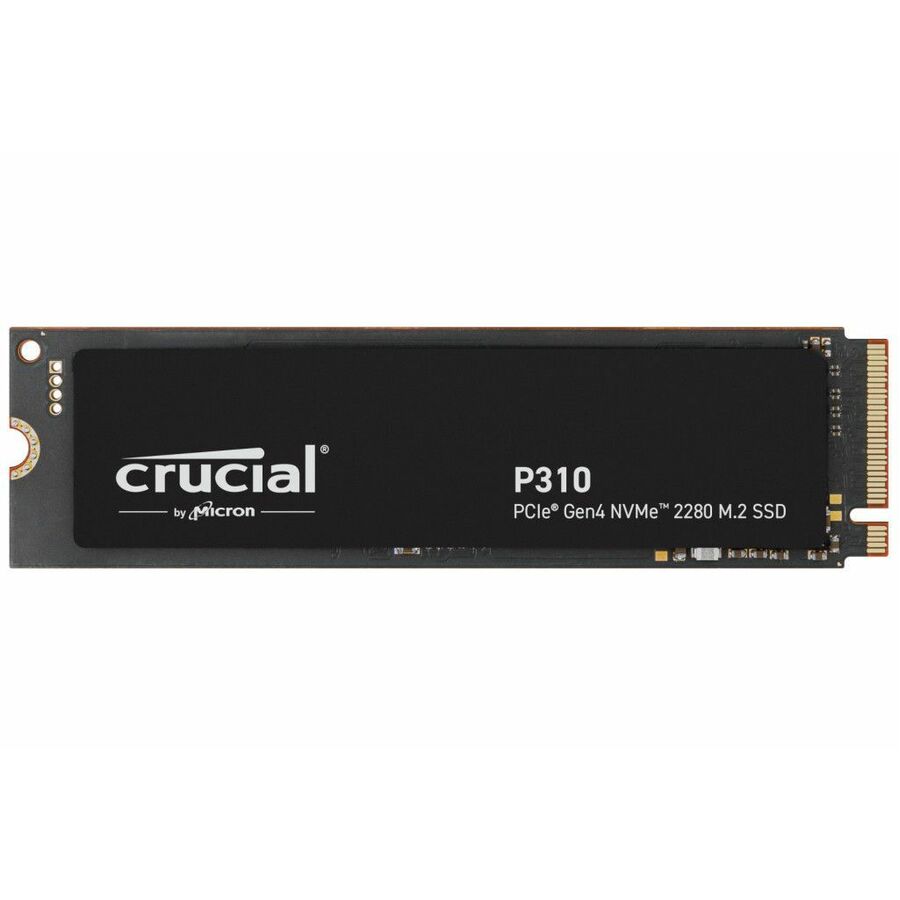
- Axiom Memory SolutionsAxiom 500GB C5280e Series PCIe Gen4 x4 NVMe M.2 - Axiom 500GB C5280e Series PCIe Gen4 x4 NVMe M.2 22x80 SSD - 3D NANDSSDMSM6880ES500-AX
$377.00
$325.02
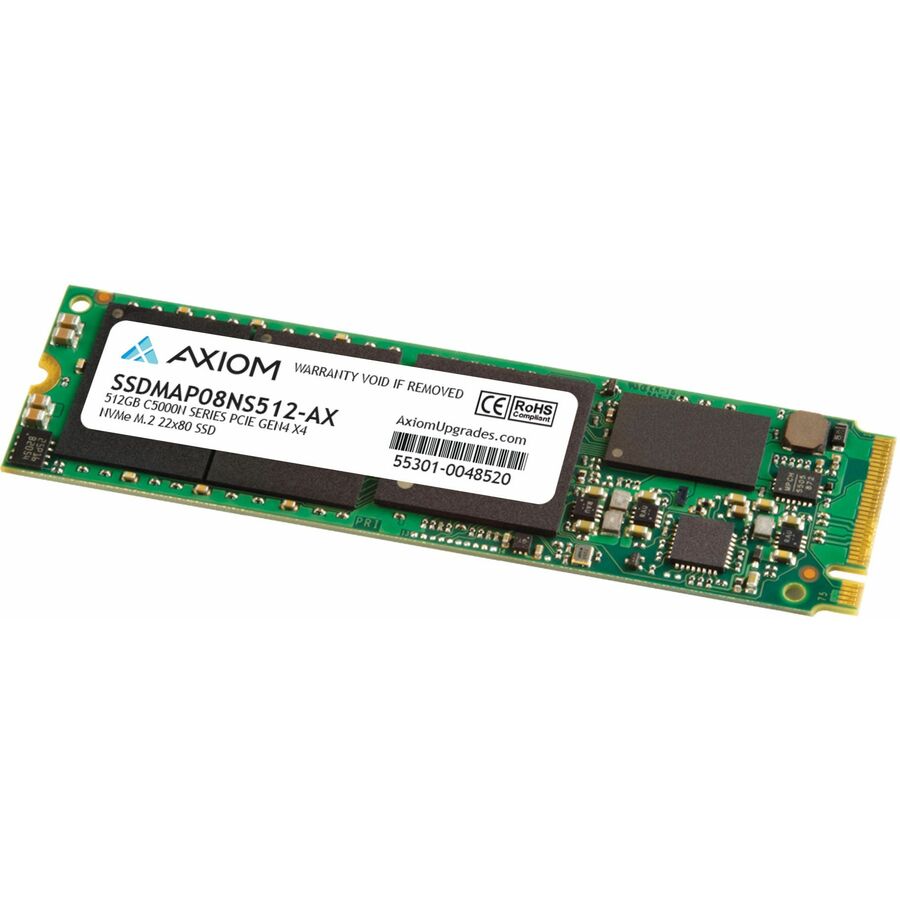
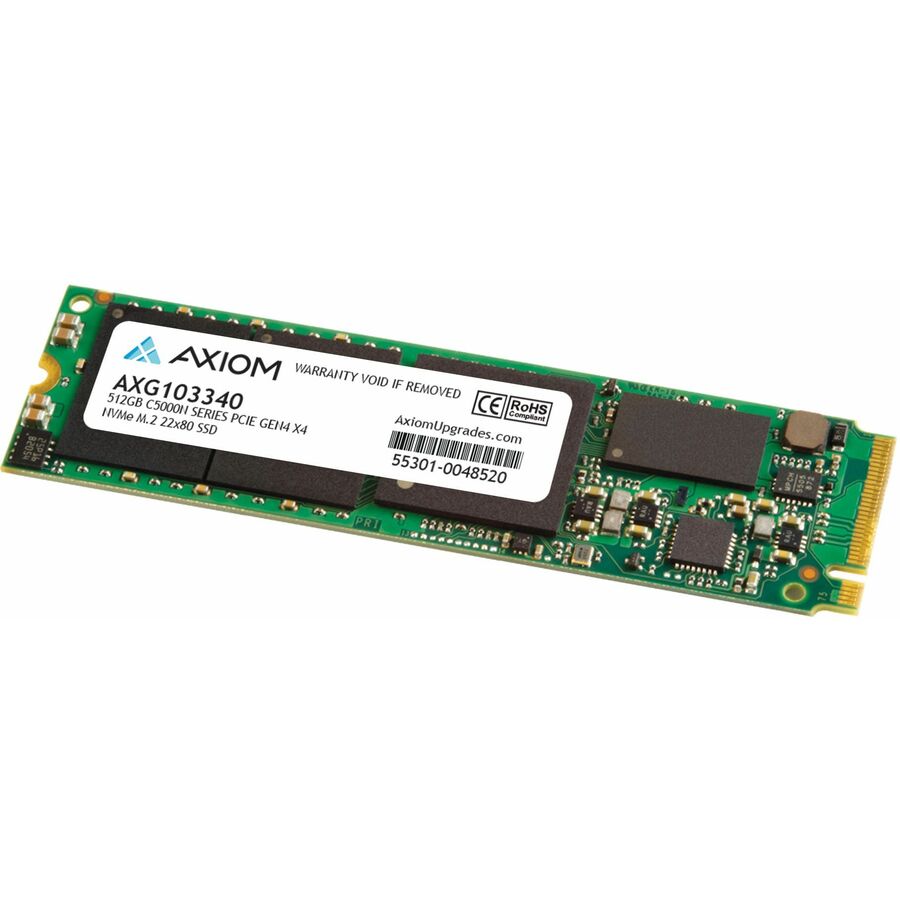
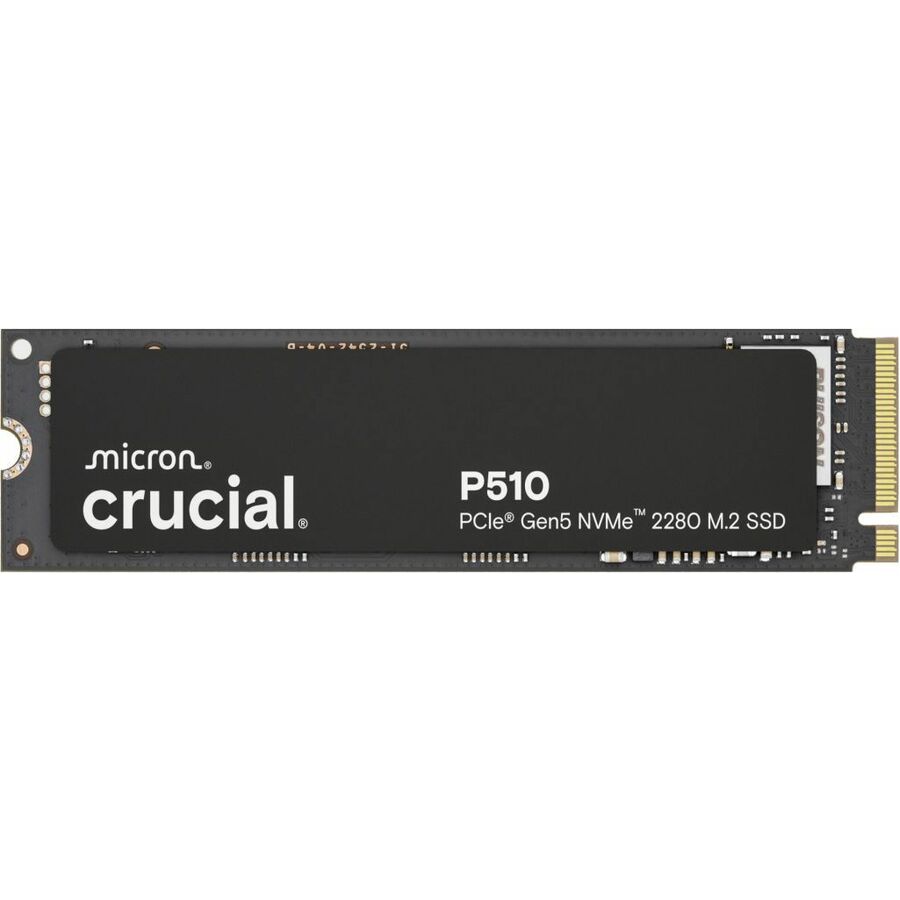
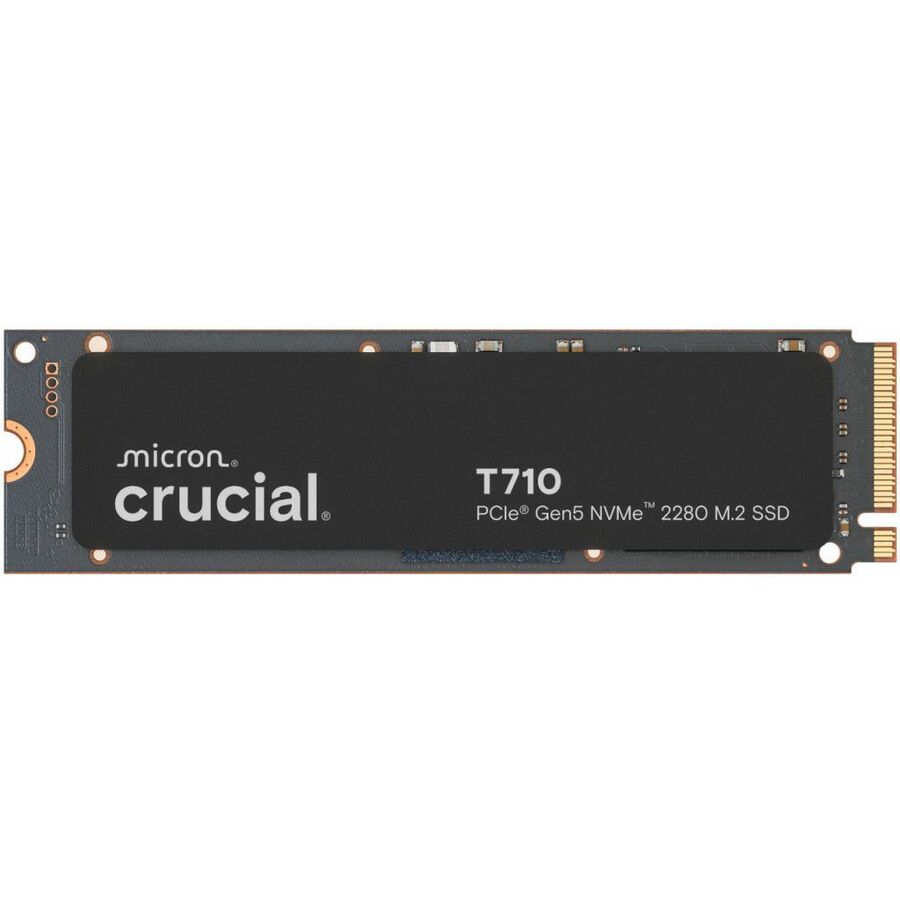
73 in stock - Axiom Memory Solutions512GB C5000n Series PCIe Gen4 x4 NVMe M.2 - Axiom 512GB C5000n Series PCIe Gen4 x4 NVMe M.2 22x80 SSD - 3D NANDSSDMAP08NS512-AX
$384.00
$330.33
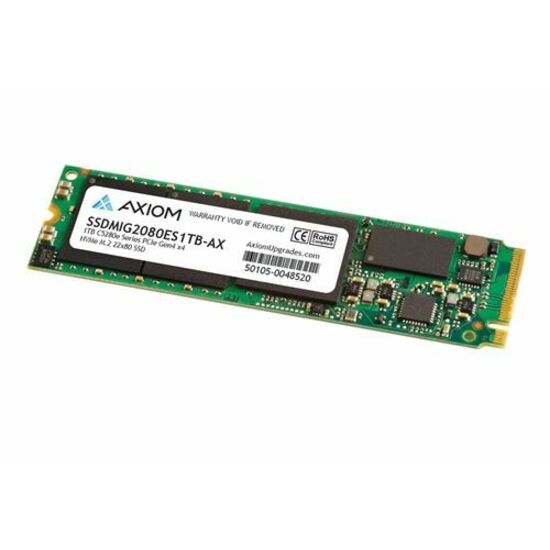
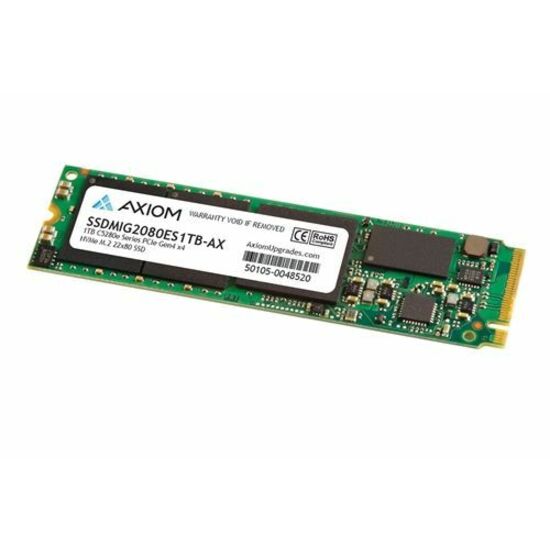
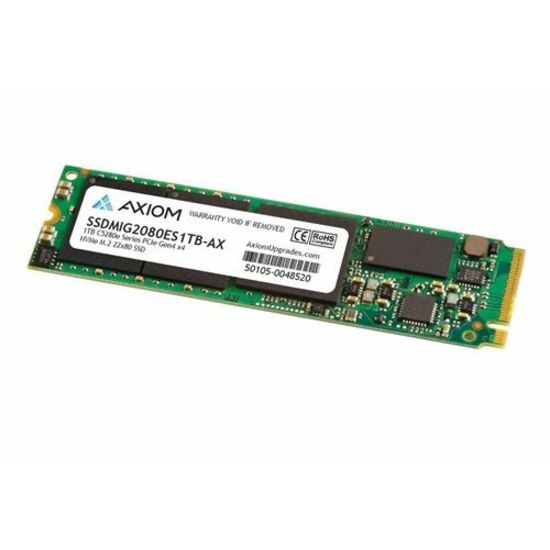
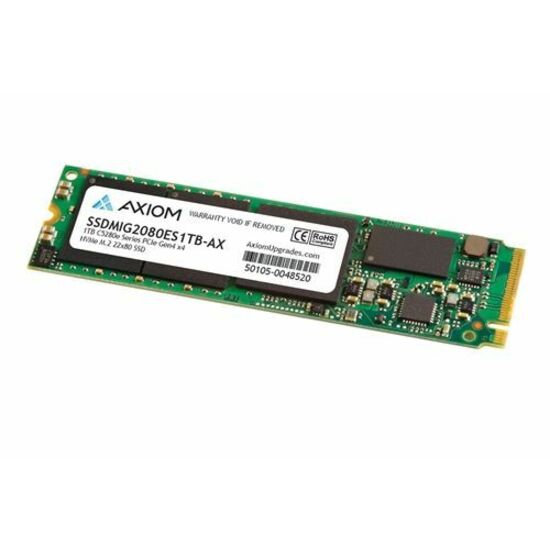
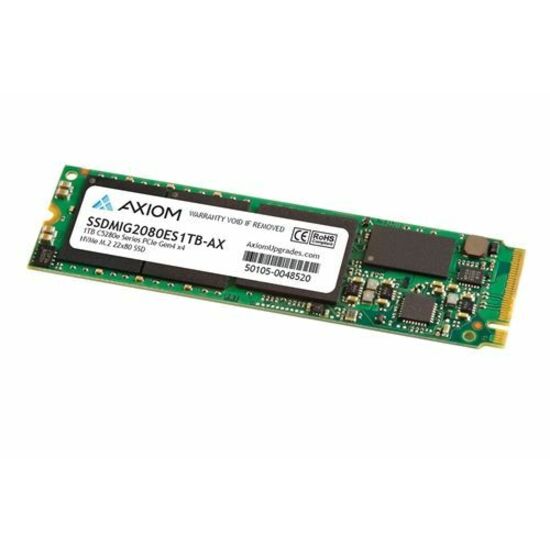
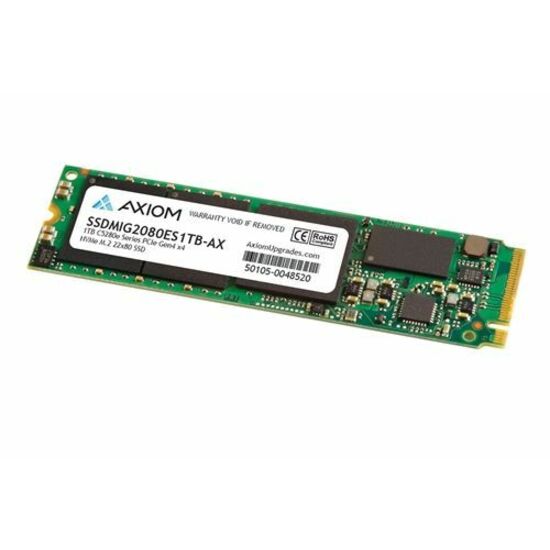
42 in stock - Axiom Memory SolutionsAxiom 1TB C5280e Series PCIe Gen4 x4 NVMe M.2 - Axiom 1TB C5280e Series PCIe Gen4 x4 NVMe M.2 22x80 SSD - 3D NANDSSDMSM6880ES1TB-AX
$639.00
$548.78
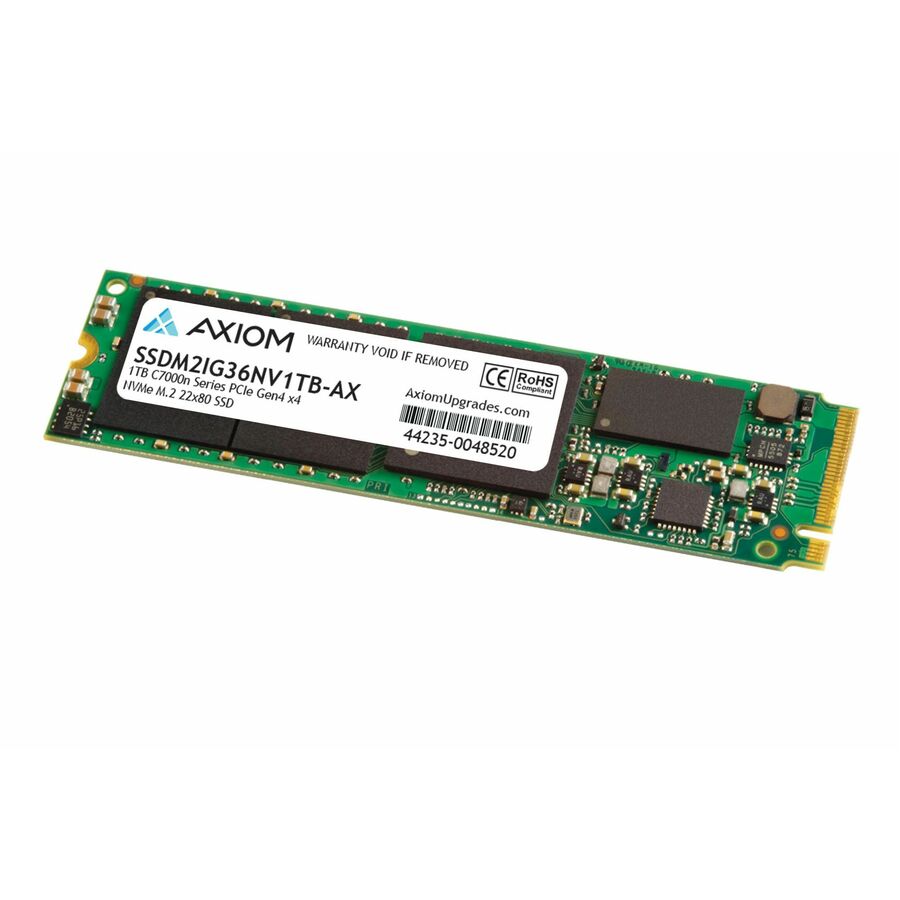
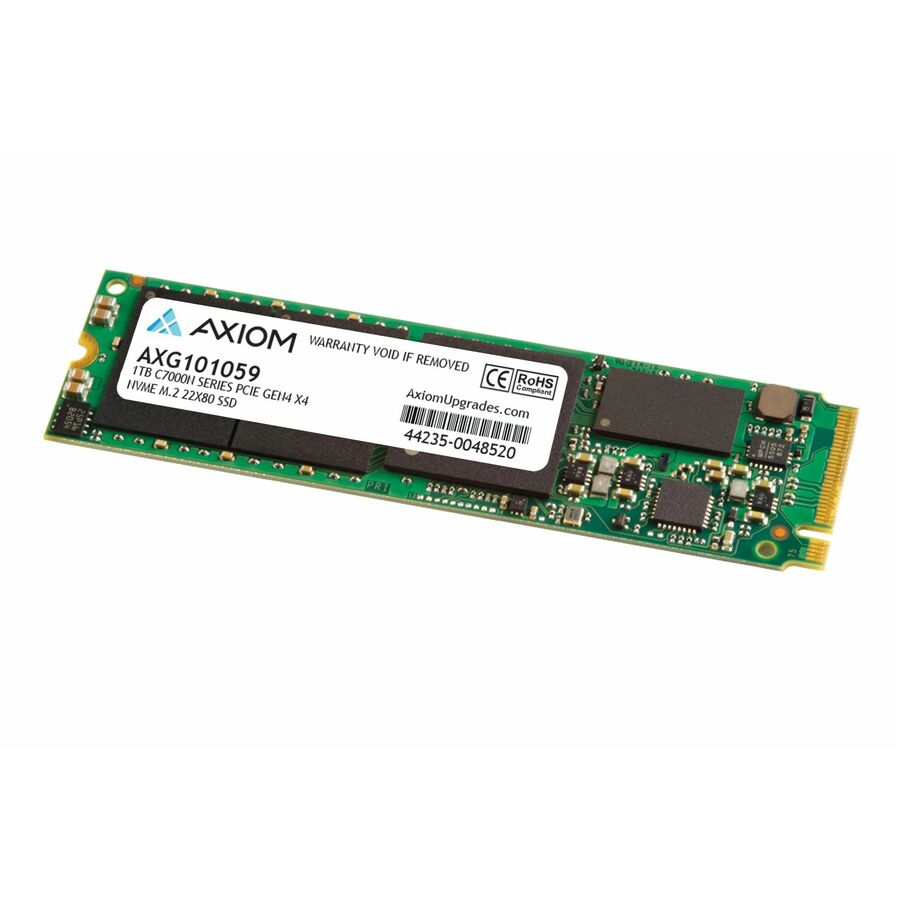
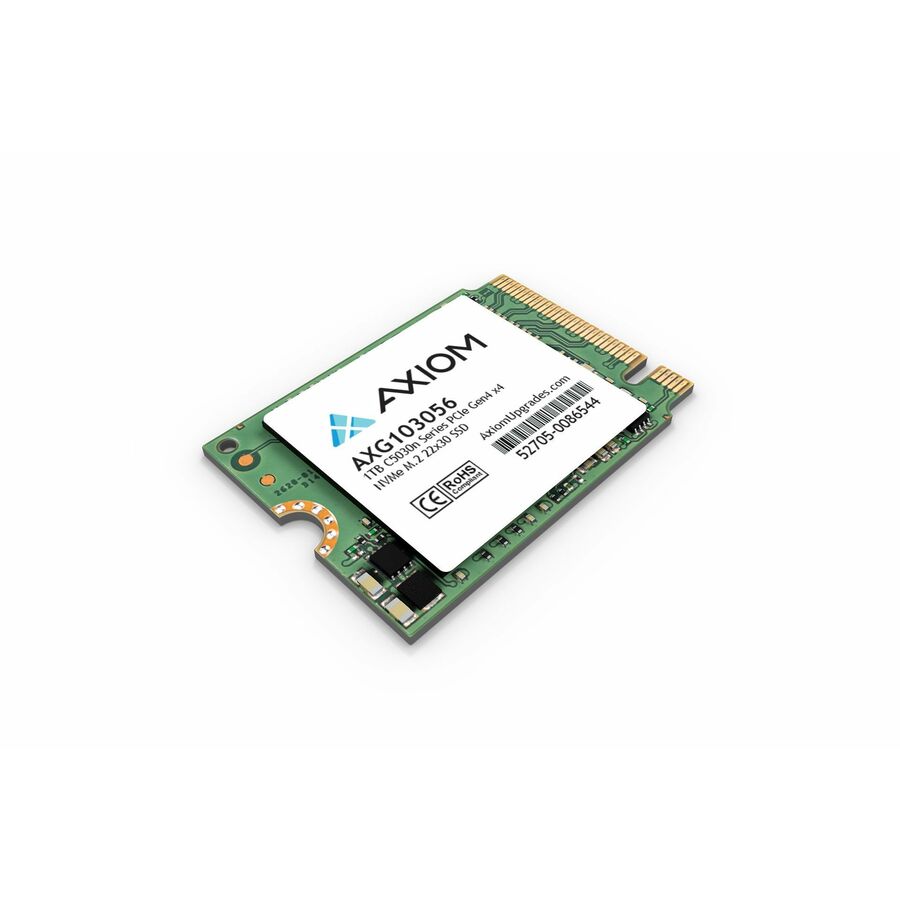
17 in stock - Axiom Memory SolutionsAxiom C7000n 1 TB Solid State Drive - M.2 2280 Internal - PCI Express NVMe (PCI Express NVMe 4.0 x4) - Notebook, Workstation, All-in-One PC Device Supported - 0.46 DWPD - 500 TB TBW - 7430 MB/s Maximum Read Transfer Rate - 512-bit Encryption Standard - 3 Year WarrantySSDM2IG36NV1TB-AX
$705.00
$605.64
31 in stock


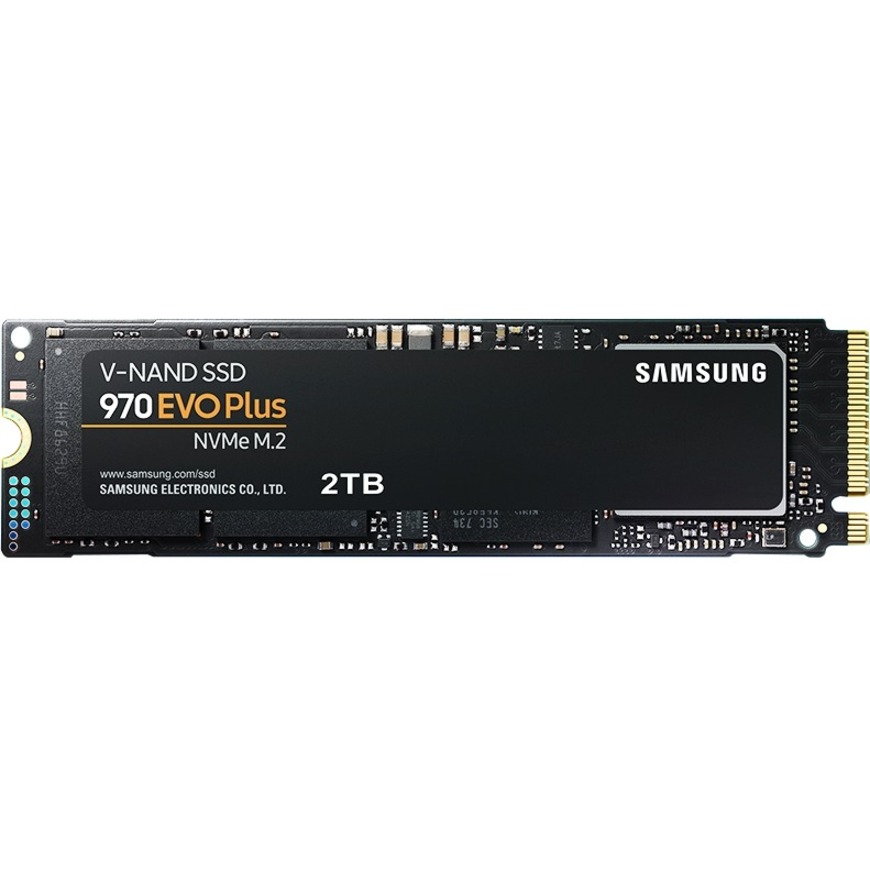
M.2 boot, data center
Kingston Technology
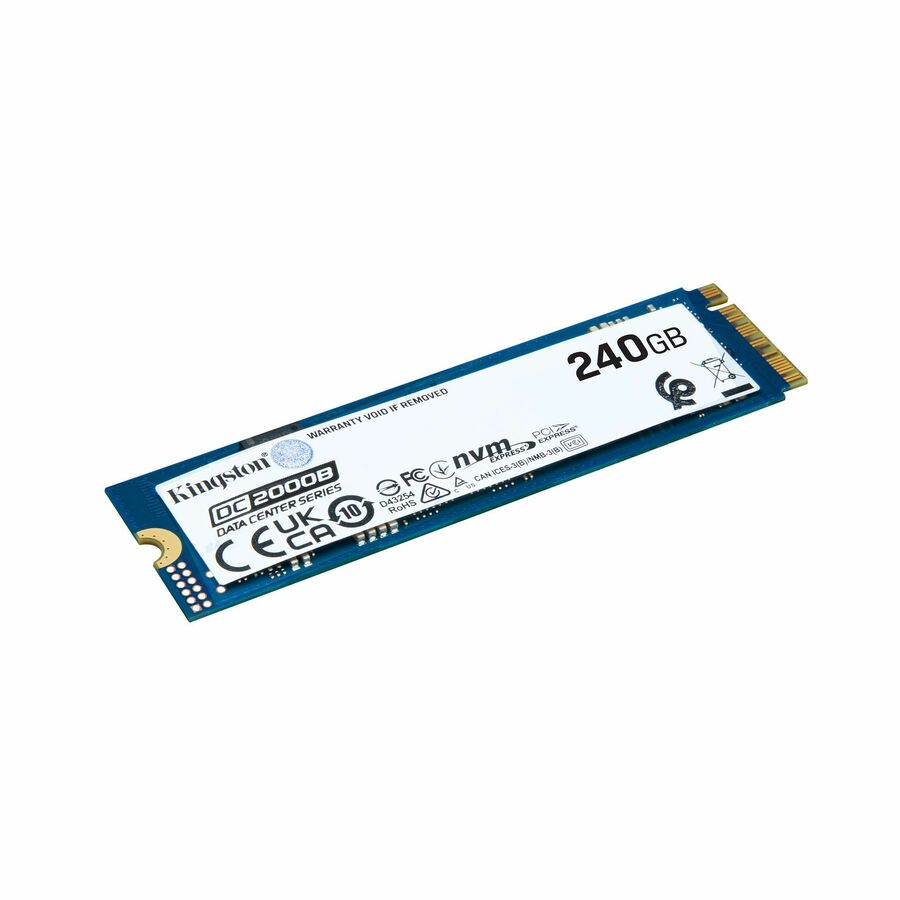
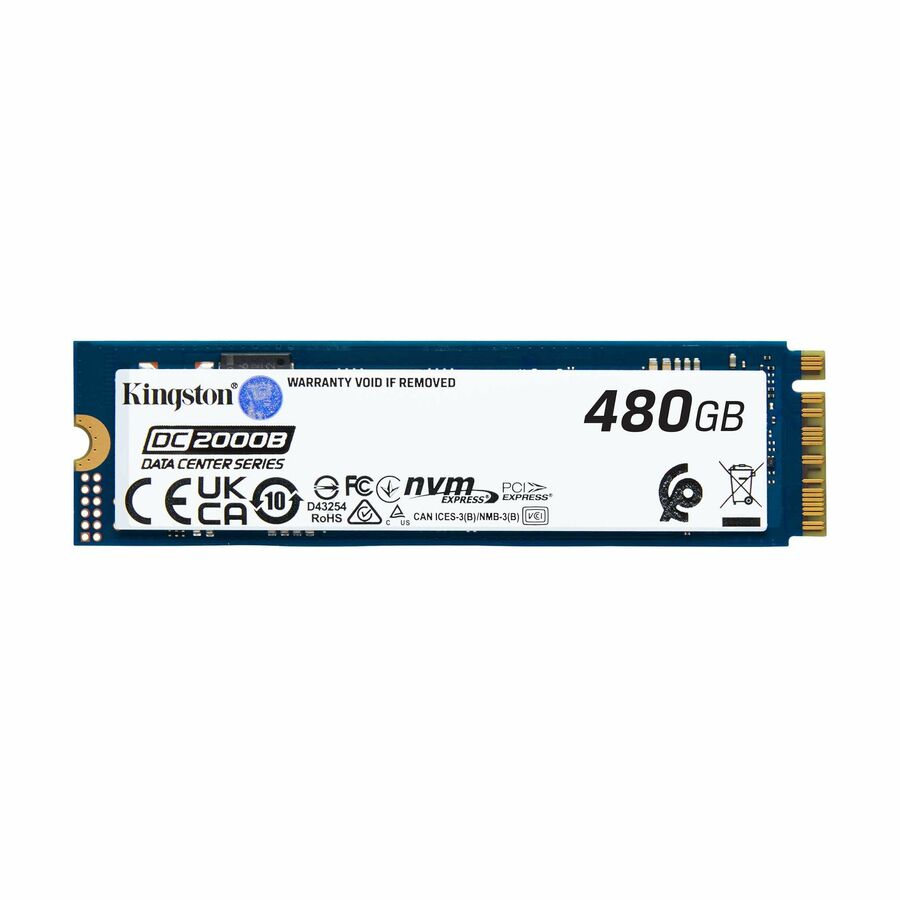
Kingston DC2000B 480 GB Solid State Drive
SEDC2000BM8/480G
A 480GB M.2 2280 NVMe drive listed as Server, Data Center Device Supported at 0.4 DWPD — a boot-and-metadata drive built for a server rather than a desktop.
$629.60In stockM.2 boot, 960GB
Kingston Technology
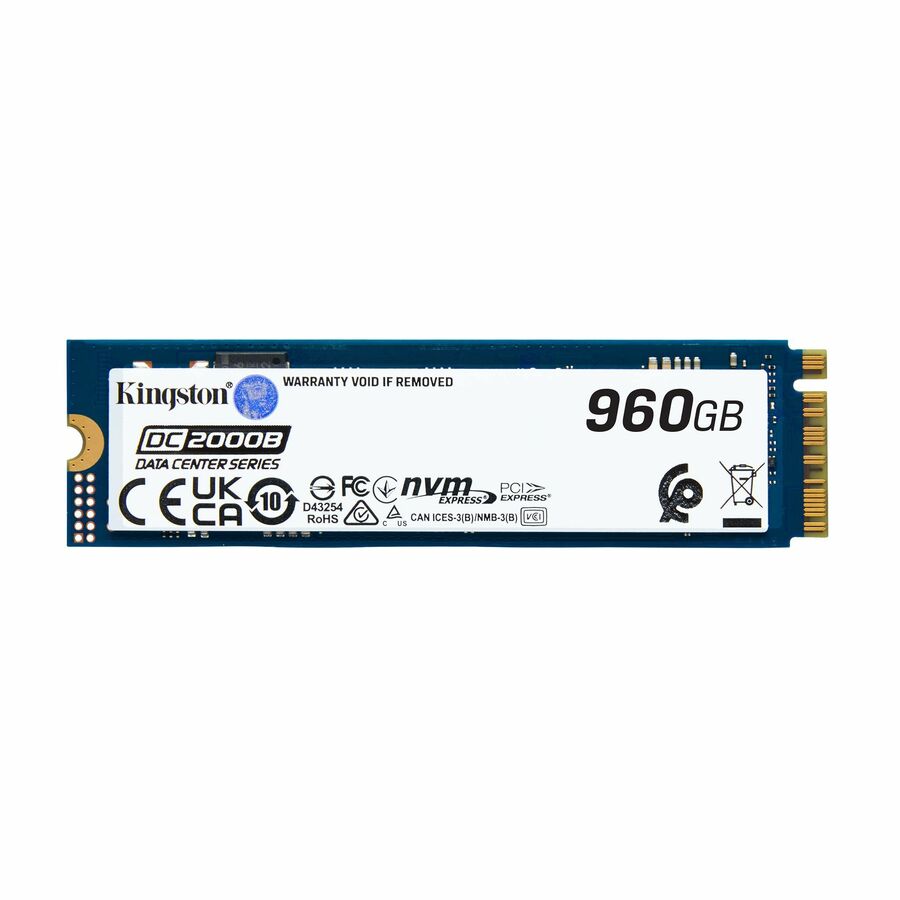
Kingston DC2000B 960 GB Solid State Drive
SEDC2000BM8/960G
A 960GB M.2 2280 NVMe drive listed for server and data-center use at 0.4 DWPD, for a larger server boot or system volume.
$847.20In stockU.2, 3.84TB, encrypted
Kingston Technology
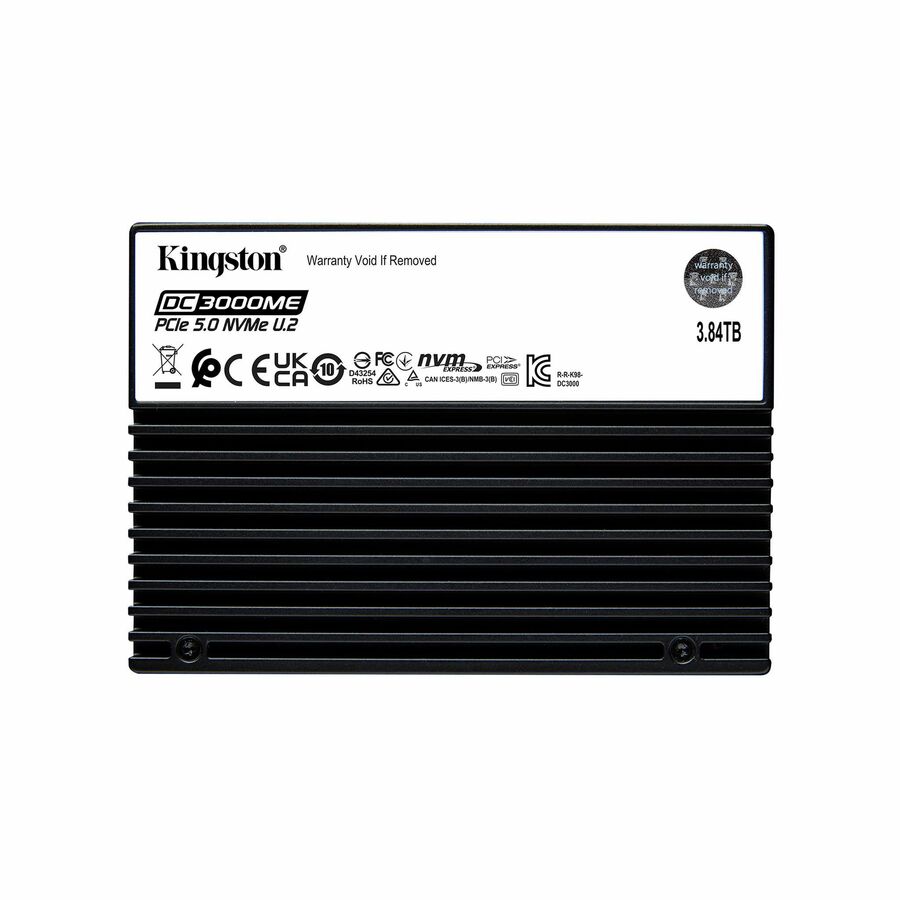
Kingston DC3000ME 3.84 TB Solid State Drive
SEDC3000ME/3T8
A 3.84TB U.2 PCIe NVMe drive listed as Server, Data Center Device Supported at 1 DWPD with 256-bit AES encryption — a mixed-capacity backplane drive.
$3,400.80Back-orderedU.3 960GB read-intensive
Micron Technology
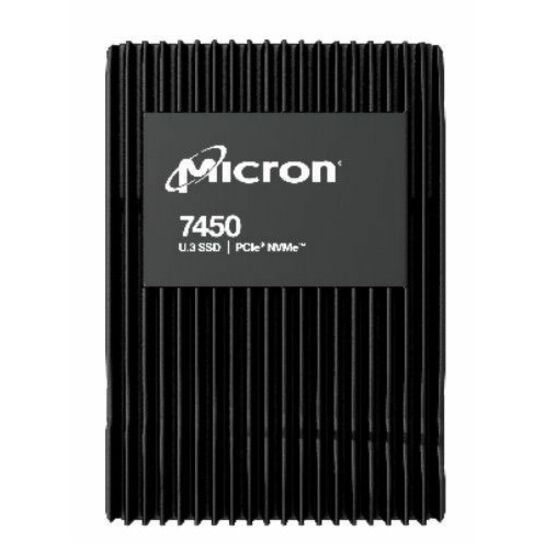
Micron 7450 PRO 960 GB Solid State Drive
MTFDKCB960TFR-1BC1ZABYY
A 960GB U.3 NVMe drive tuned read-intensive at 1 DWPD and 1700 TB written, listed as Data Center, Server Device Supported with a five-year warranty.
$1,092.00Back-orderedU.3, TAA, read-intensive
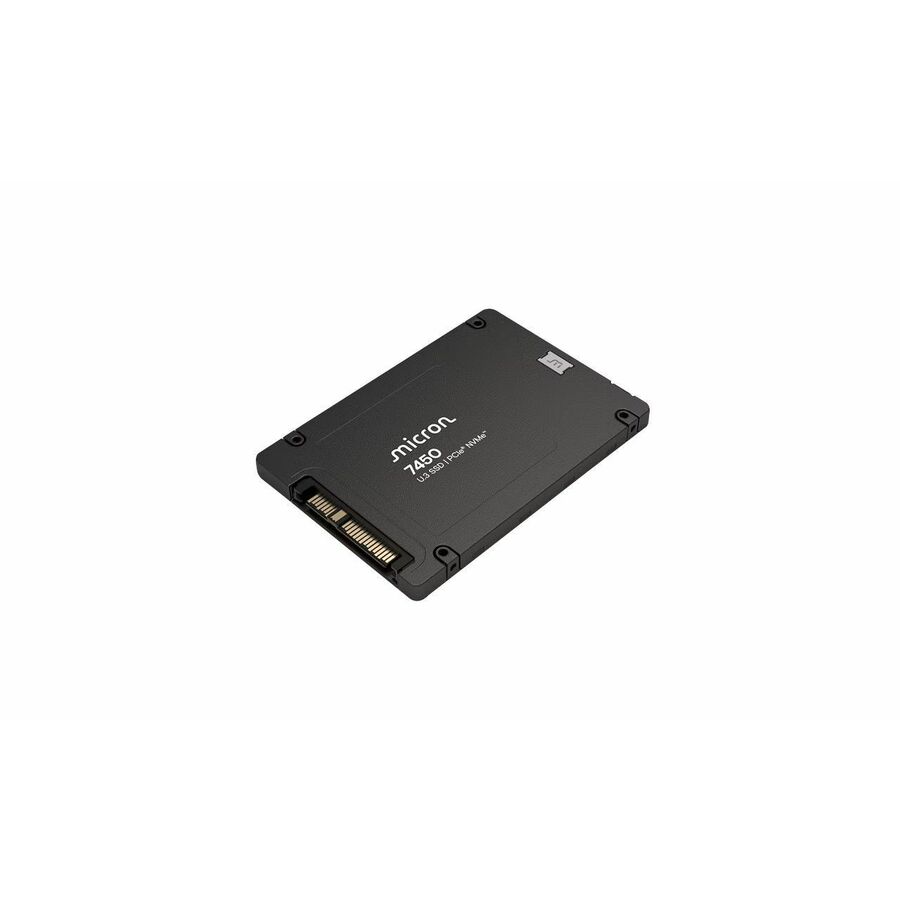
Micron Technology
Micron 7450 PRO 960 GB Solid State Drive
MTFDKCC960TFR-1BC15ABYY
A 960GB U.3 NVMe read-intensive drive listed as Server, Storage System Device Supported and titled TAA Compliant — a per-part fact to confirm on the row you order.
Titled TAA Compliant by the manufacturer; the designation is a property of this part number.
$4,231.25*Back-orderedU.2 6.4TB, mixed-use
Micron Technology
Micron 9300 9300 MAX 6.40 TB Solid State Drive
MTFDHAL6T4TDR-1AT1ZABYY
A 6.4TB U.2 NVMe drive tuned mixed-use at 3 DWPD with over 38 PB of endurance — a write-heavy capacity drive for a caching or log tier.
$4,829.85Back-orderedU.2, data-center, 960GB
Axiom Memory Solutions
Axiom UX10 960 GB Solid State Drive
SSDUX10960-AX
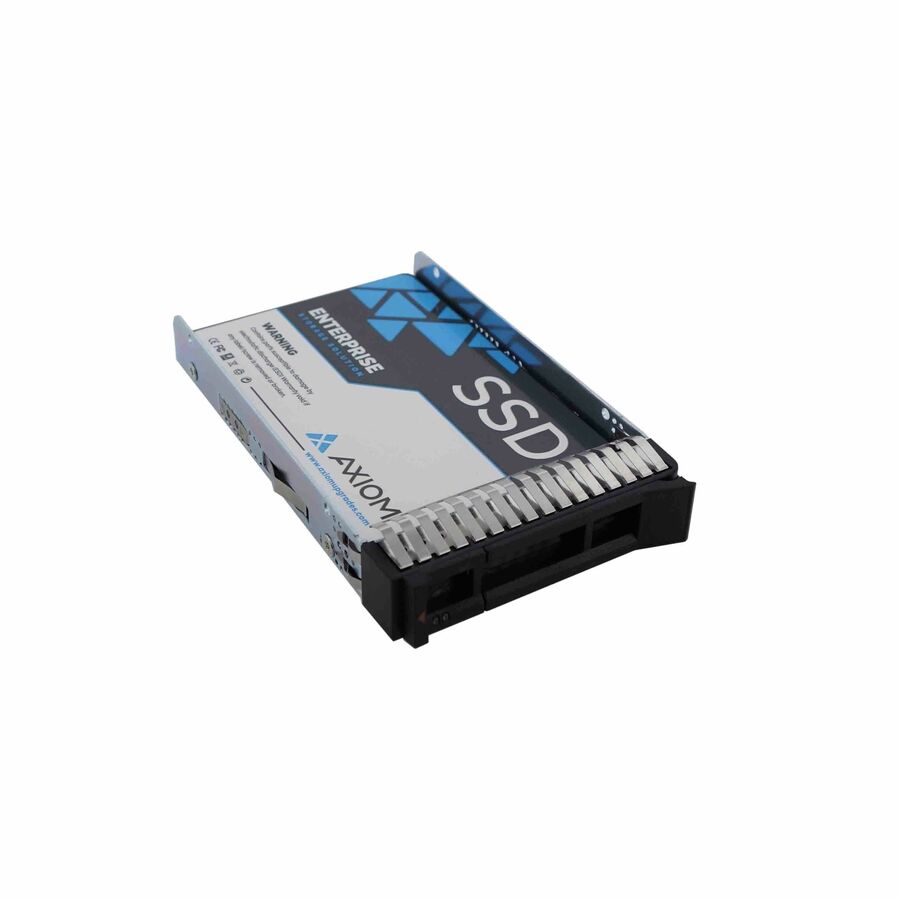
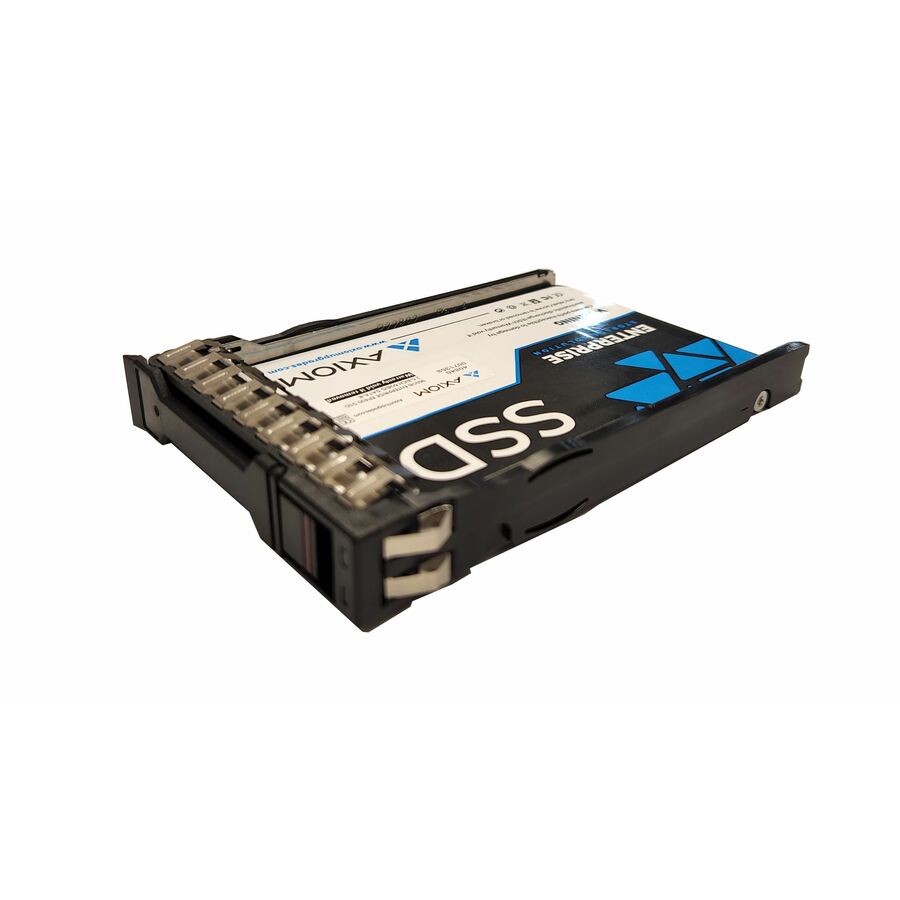
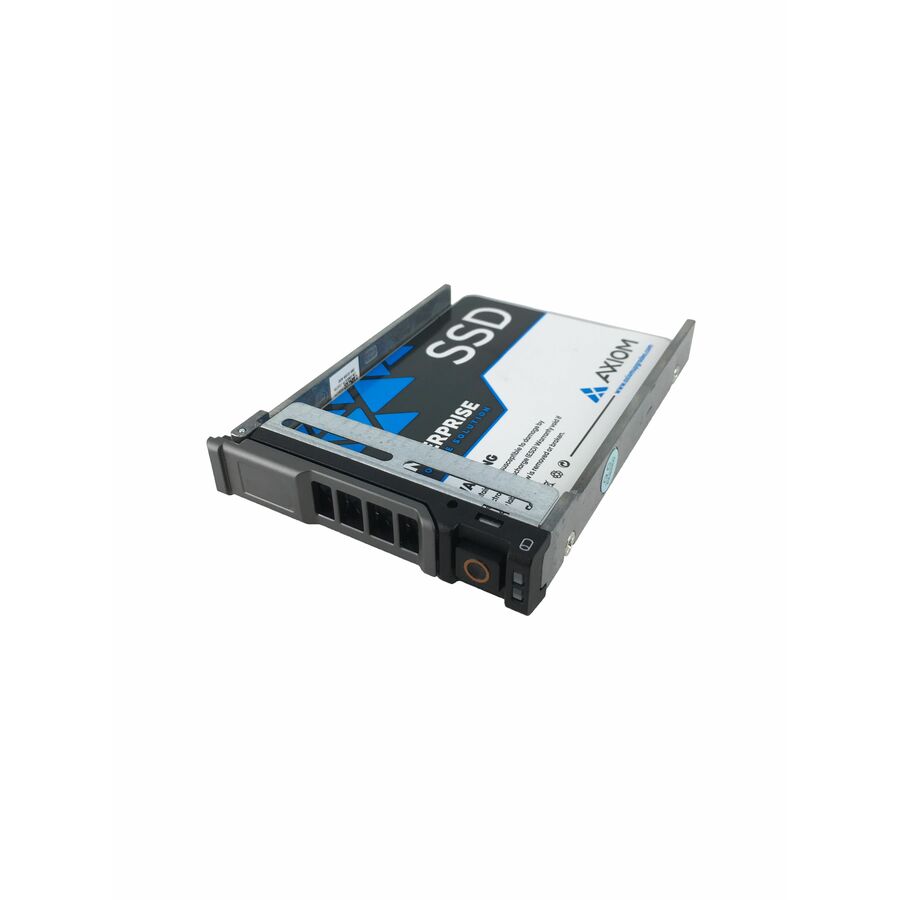
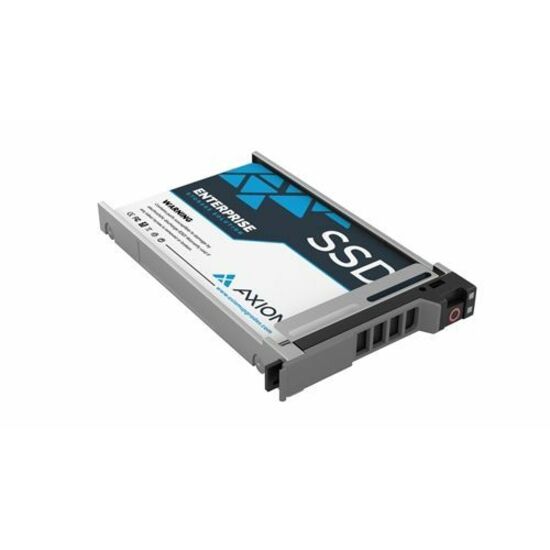
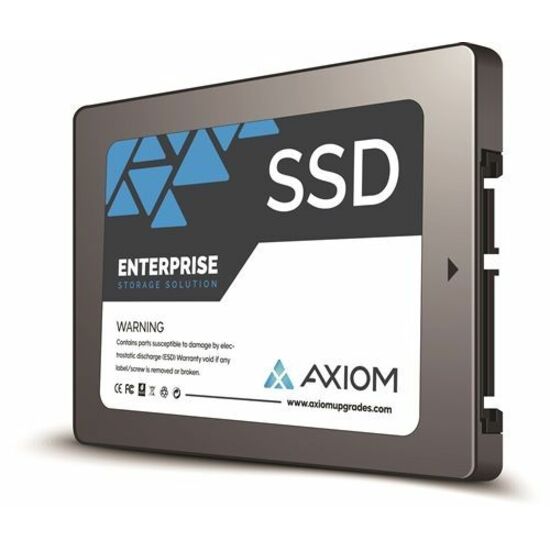
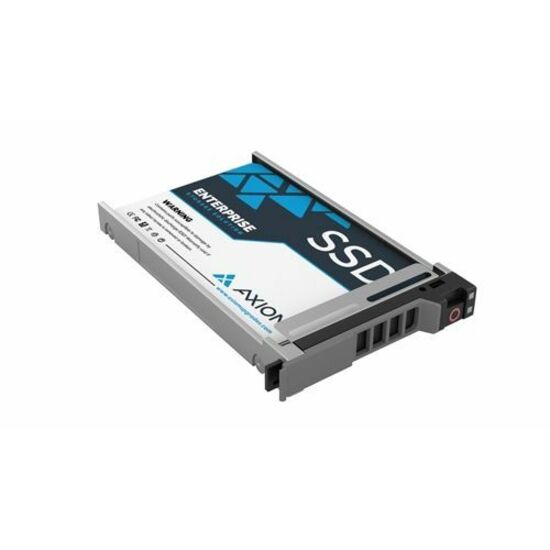
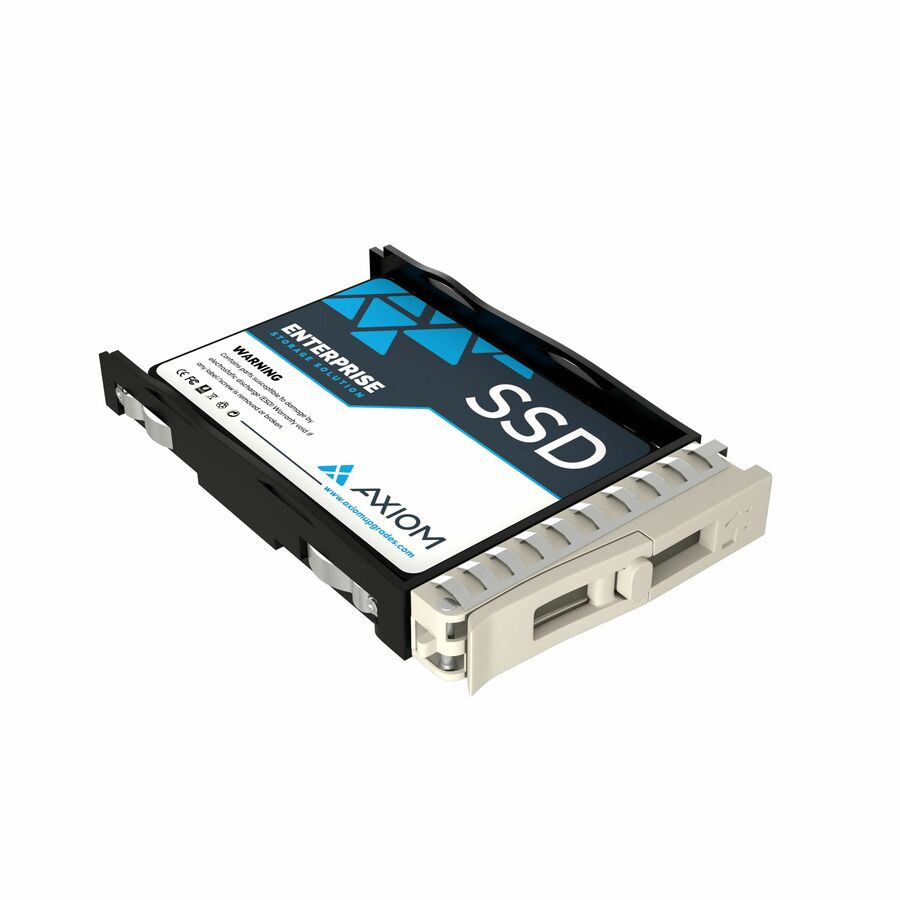
A 960GB 2.5-inch PCIe NVMe drive listed as Data Center Device Supported at 1 DWPD with 256-bit AES encryption and a five-year warranty.
$1,319.67In stockData-center, 1.92TB
Axiom Memory Solutions
Axiom UX10 1.92 TB Solid State Drive
SSDUX101T9-AX
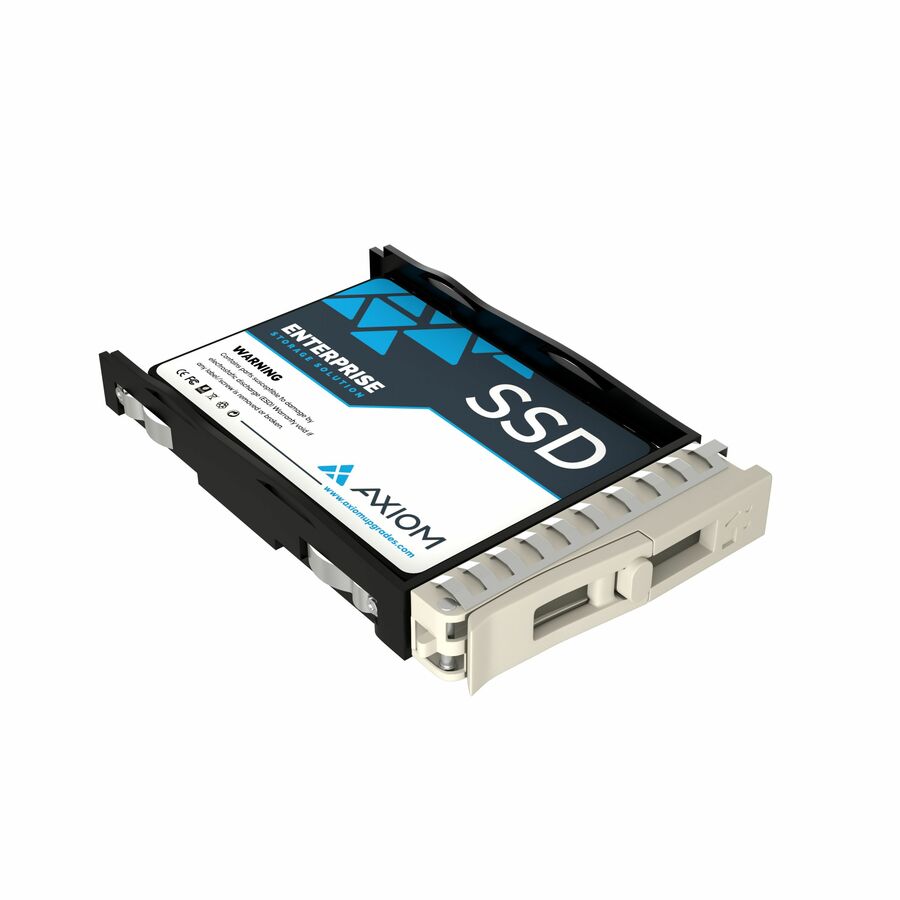
A 1.92TB 2.5-inch PCIe NVMe drive listed as Data Center Device Supported at 1 DWPD, hot-swappable with hardware AES encryption.
$2,631.35In stockU.2 960GB, enterprise
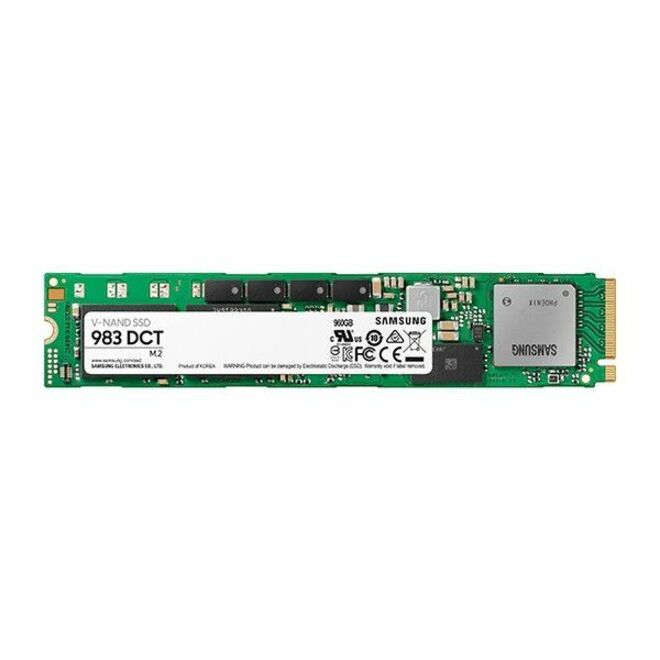
Samsung
Samsung Enterprise 983 DCT 960 GB Solid State Drive
MZQLB960HAJR
A 960GB U.2 NVMe drive from an Enterprise 983 DCT line, a 2.5-inch hot-swap part for a server backplane.
$850.48Back-orderedM.2 22110, PM9A3
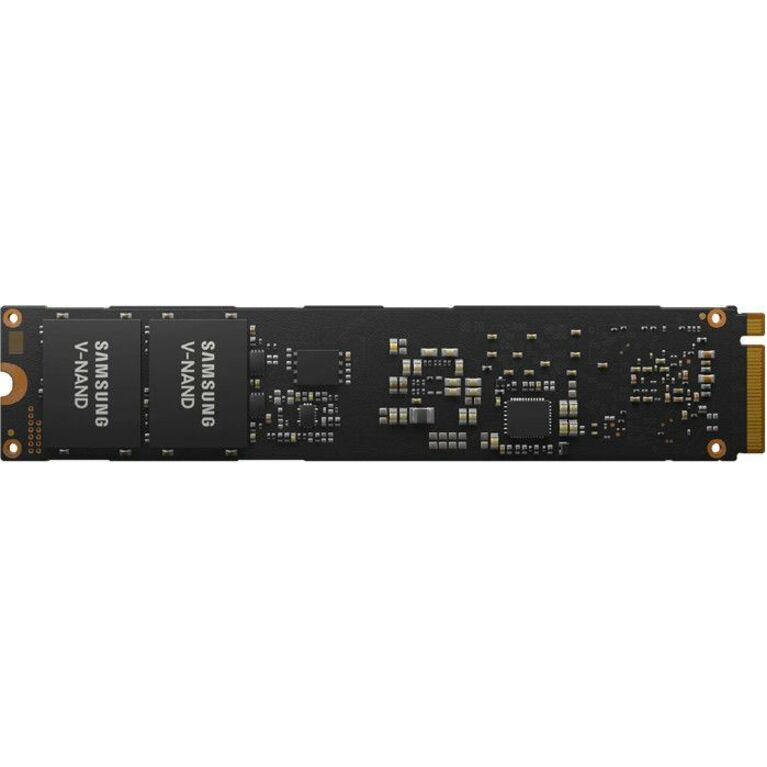
Samsung
Samsung PM9A3 960 GB Solid State Drive
MZ1L2960HCJR
A 960GB PM9A3 NVMe drive in the long M.2 22110 form — a data-center boot-and-cache part with power-loss protection built for server duty.
$1,454.98Back-orderedU.2 PM9A3, 960GB
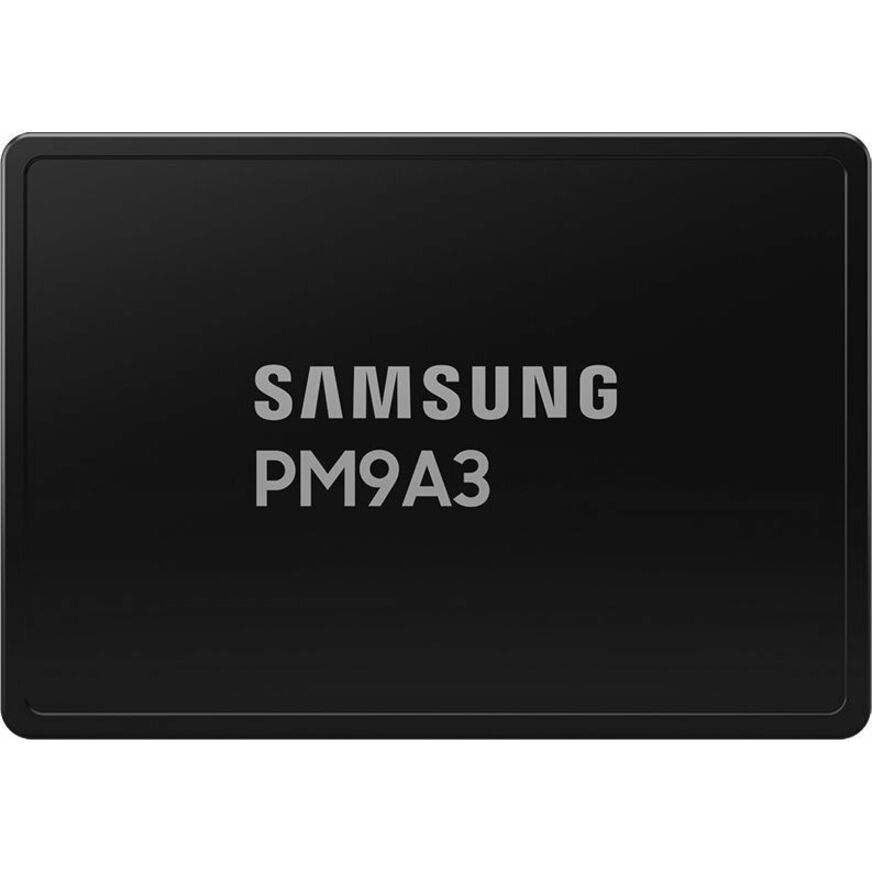
Samsung
Samsung PM9A3 960 GB Solid State Drive
MZQL2960HCJR-00BAL
A 960GB PM9A3 U.2 PCIe 4.0 NVMe drive, the 2.5-inch data-center form of the same line for a hot-swap server backplane.
$1,647.00Back-orderedU.2 1TB, server
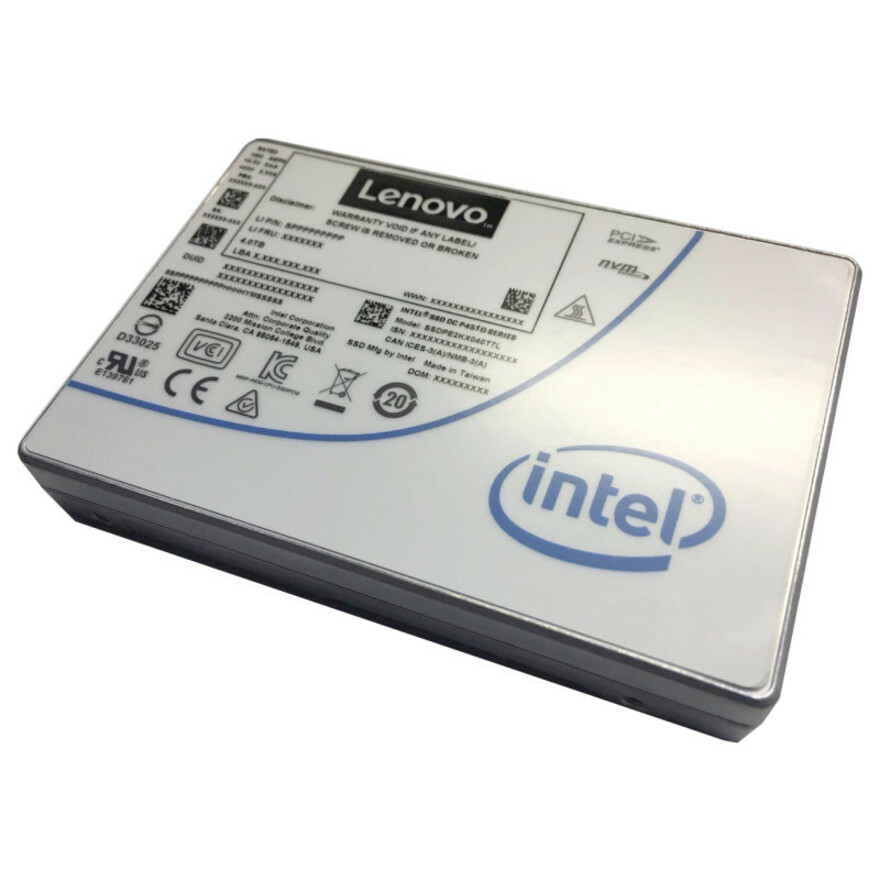
Lenovo
Lenovo DC P4510 1 TB Solid State Drive
4XB7A10202
A 1TB U.2 NVMe server drive built to a server-vendor spec, for a backplane that presents U.2 bays.
$867.19Back-orderedU.3 960GB, server
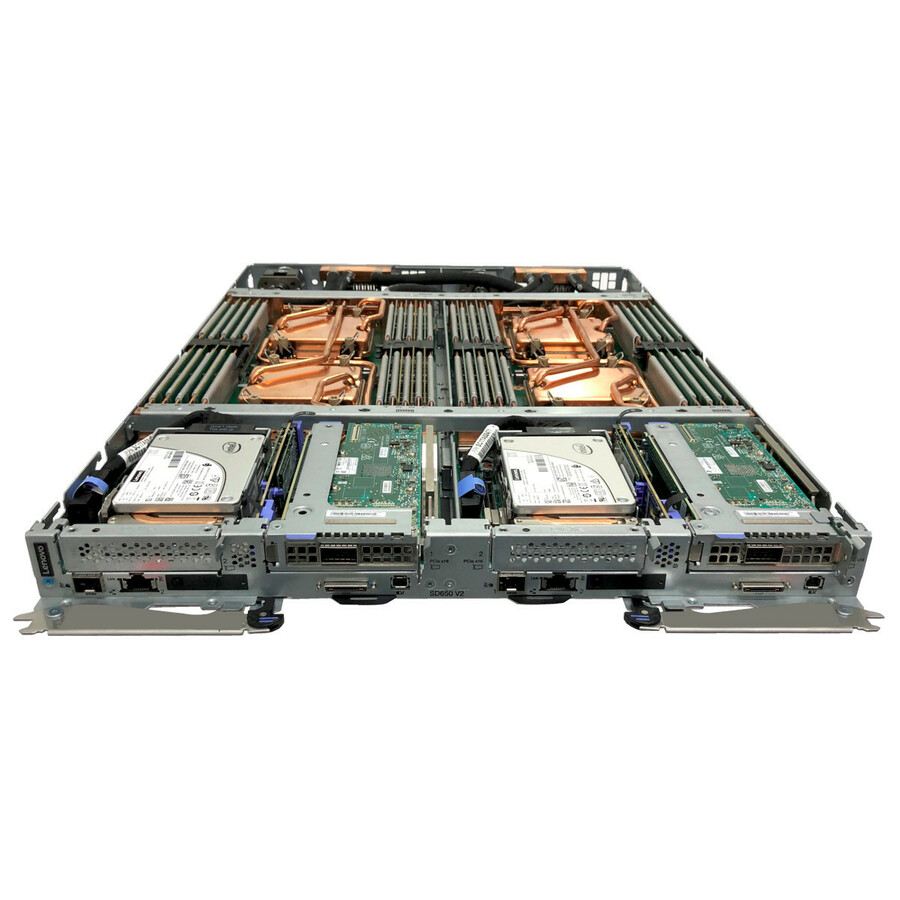
Lenovo
Lenovo 7450 PRO 960 GB Solid State Drive
4XB7A13975
A 960GB U.3 NVMe drive built to a server-vendor spec, for a modern U.3 backplane that mixes NVMe and legacy drives in one slot.
$961.07Back-orderedE3.S / U.3, 1.92TB
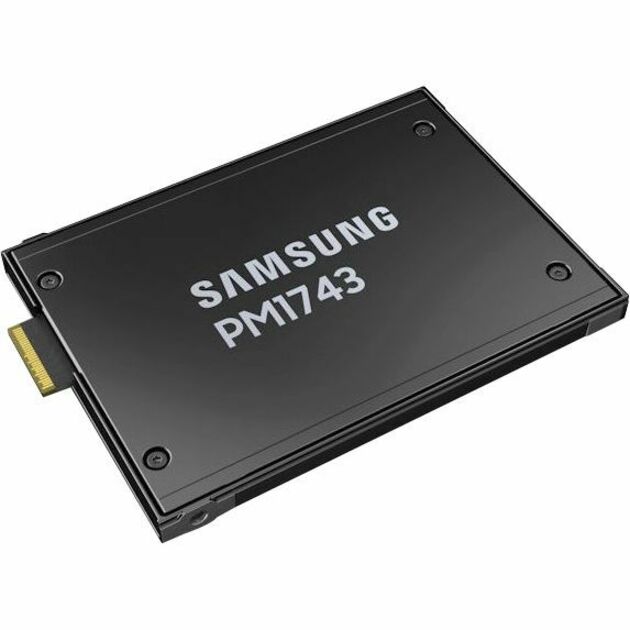
Lenovo
Lenovo ThinkSystem PM1743 1.92 TB Solid State Drive
4XB7A84129
A 1.92TB drive listed in the E3.S / U.3 EDSFF family for a server platform built around the newer ruler and tri-mode backplanes.
Every row this page renders states NVMe in the manufacturer's own title, as this one does.
$1,231.20Back-orderedMore hard drives and SSDs in the Uniqcli catalog
See all 9,672 hard drives and SSDsMore from across this category. In-stock lines lead, and a back-ordered line carries the same estimated availability its product page does — with live pricing throughout, NDAA §889 screening before checkout and TAA verified on request.
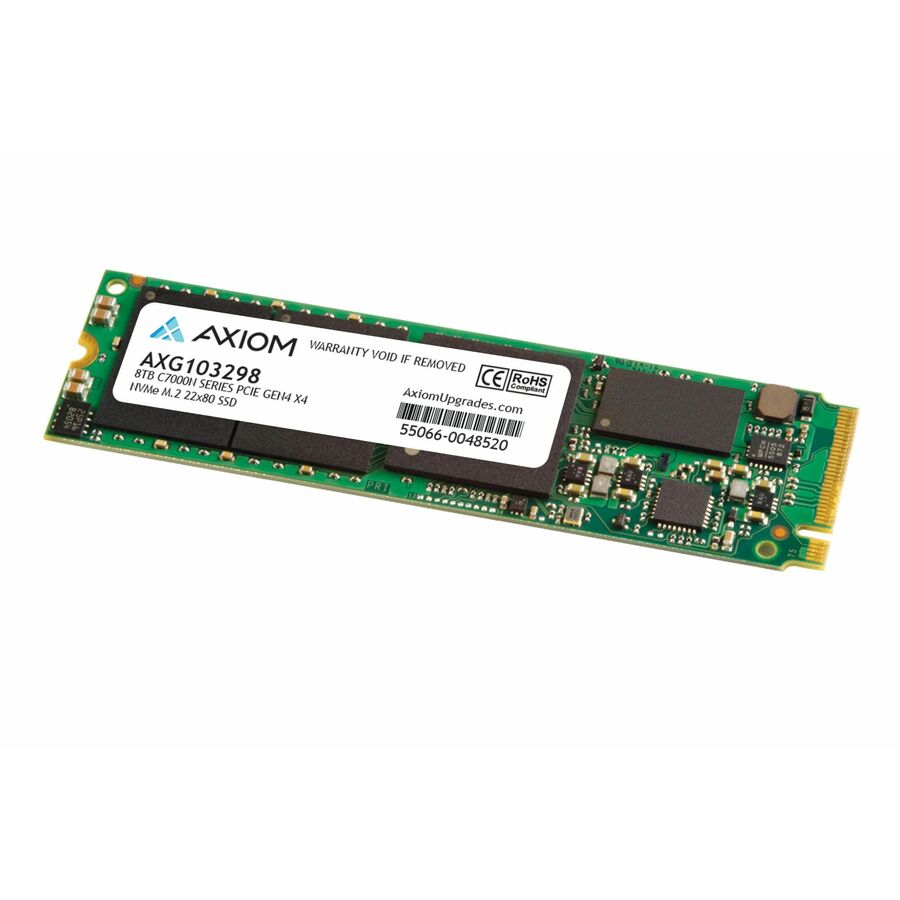
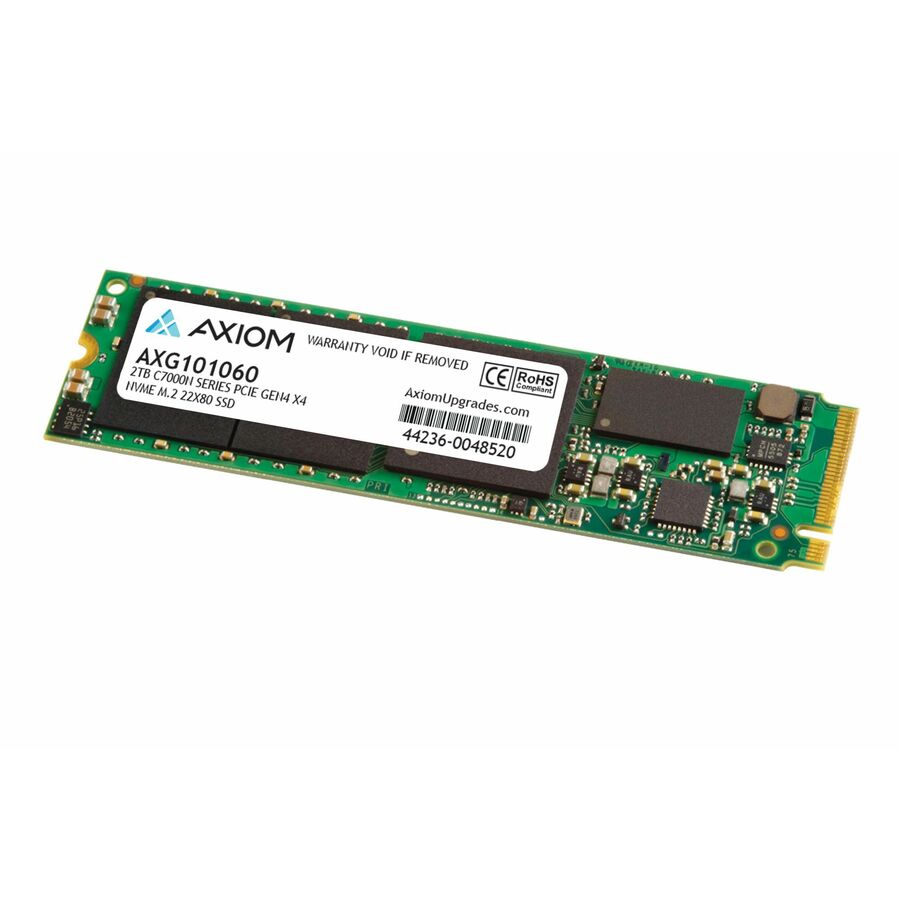
- Axiom Memory SolutionsAxiom C7000n 8 TB Solid State Drive - M.2 2280 Internal - PCI Express NVMe (PCI Express NVMe 4.0 x4) - TAA CompliantAXG103298
$16,054.00
$5,671.16*
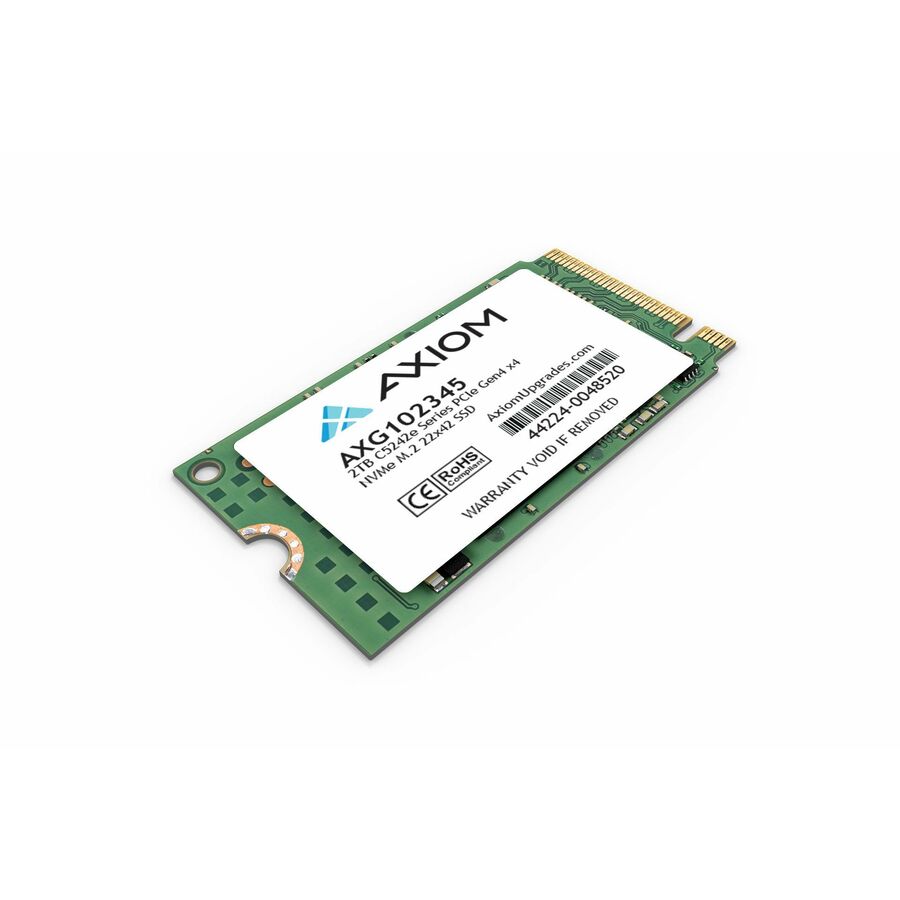
23 in stock - Axiom Memory Solutions2TB C5242e Series PCIe Gen4 x4 NVMe M.2 - 2TB C5242e Series PCIe Gen4 x4 NVMe M.2 22x42 SSD - 3D NAND - TAA CompliantAXG102345
$3,737.00
$1,426.71*
6 in stock - Axiom Memory SolutionsAxiom 2TB C5280e Series PCIe Gen4 x4 NVMe M.2 - 2TB C5280e Series PCIe Gen4 x4 NVMe M.2 22x80 SSD - 3D NAND - TAA CompliantAXG103992
$2,790.00
$1,134.53*
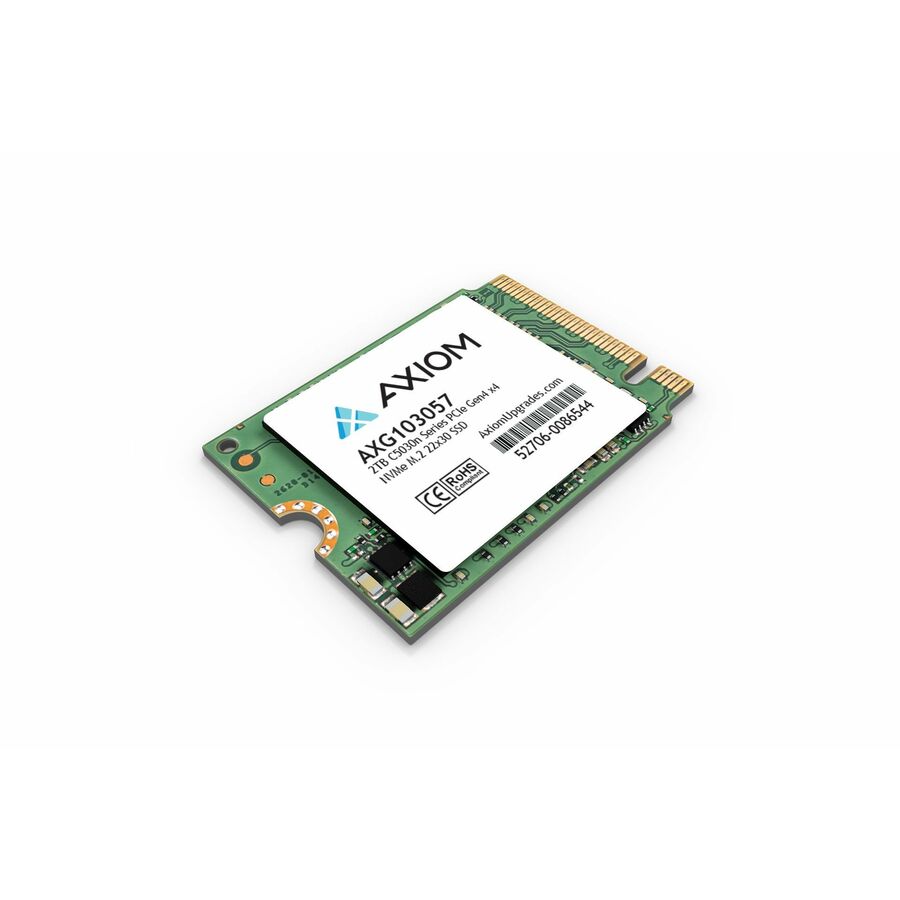
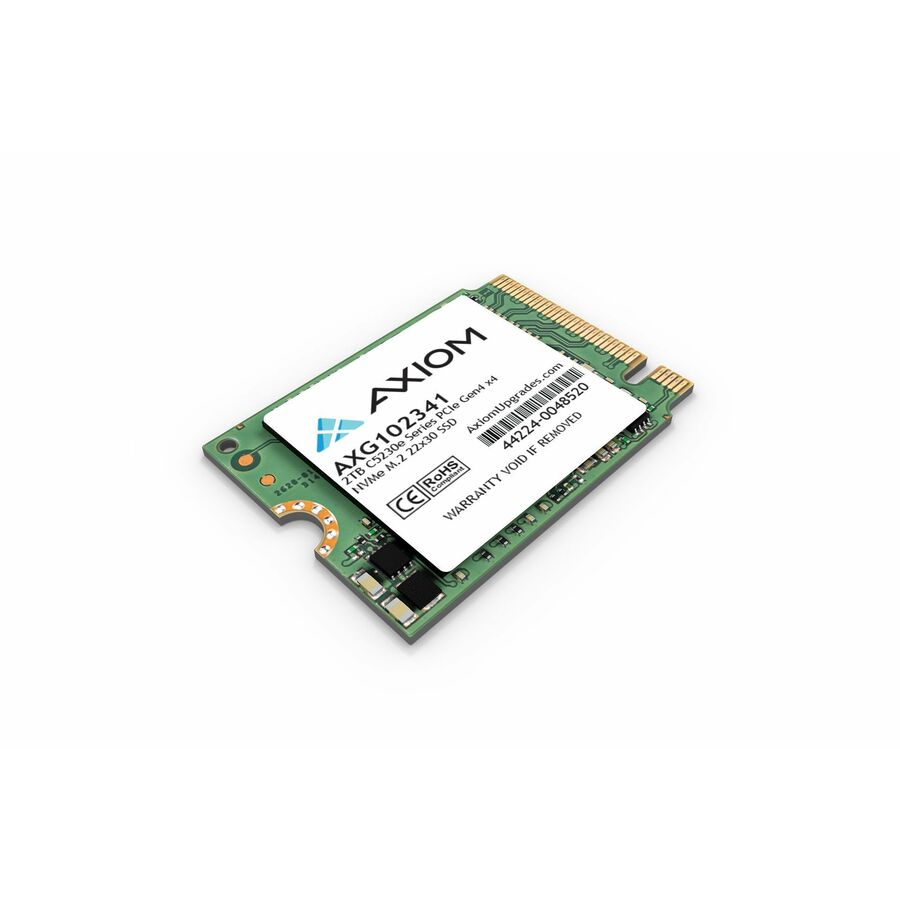
24 in stock - Axiom Memory Solutions2TB C5230e Series PCIe Gen4 x4 NVMe M.2 - 2TB C5230e Series PCIe Gen4 x4 NVMe M.2 22x30 SSD - 3D NAND - TAA CompliantAXG102341
$2,790.00
$1,524.54*
7 in stock - Micron TechnologyMicron PRO 7450 PRO 7.68 TB Solid State Drive - 2.5" Internal - U.3 (PCI Express NVMe 4.0 x4) - Read Intensive - Server, Storage System Device Supported - 1 DWPD - 14000 TB TBW - 6800 MB/s Maximum Read Transfer Rate - 5 Year WarrantyMTFDKCC7T6TFR-1BC1ZABYY
$21,104.94
$19,873.76
20 in stock
Need pricing on server NVMe SSDs?
Tell us where to reach you and a Uniqcli specialist will follow up by email with current pricing, availability and lead time for the quantities you need — including parts that aren’t shown on this page.
Buying for an organization or for yourself — both work. No payment up front.
Two facts separate a server NVMe drive from a consumer one: endurance and power-loss protection. Endurance is printed on the part as drive-writes-per-day and total-bytes-written — around one DWPD for read-intensive work, three for a write-heavy cache or log. Match the form factor to the backplane first: U.2 and U.3 are the 2.5-inch hot-swap drives most servers take.
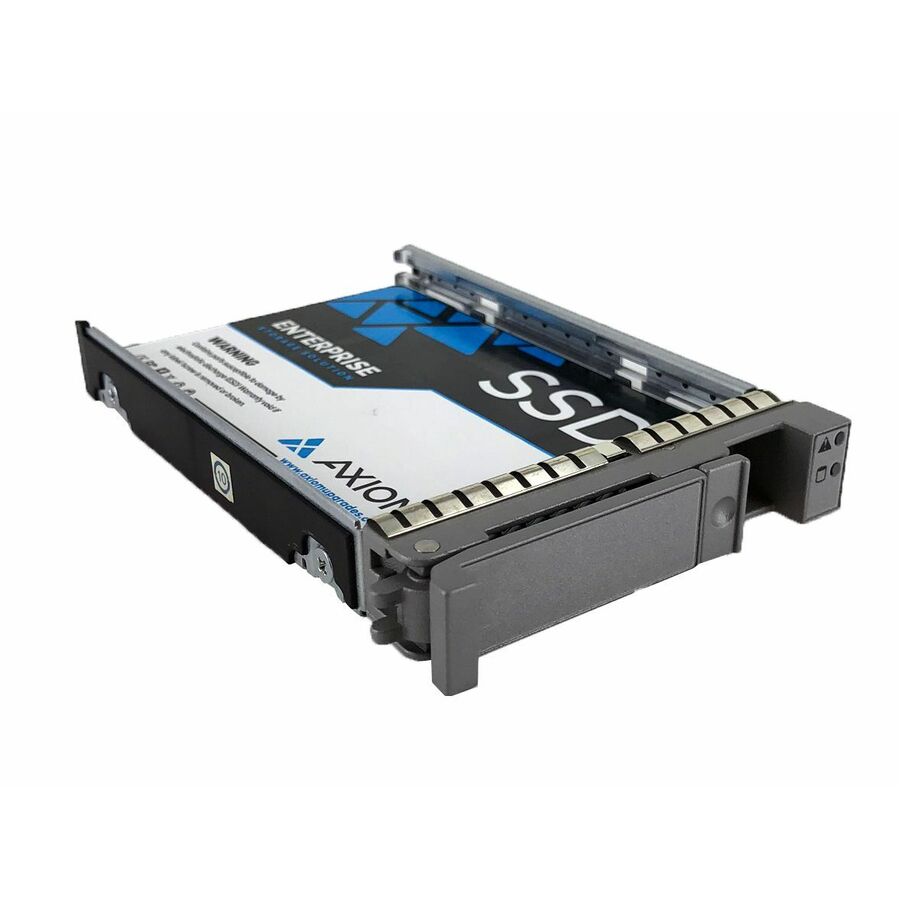
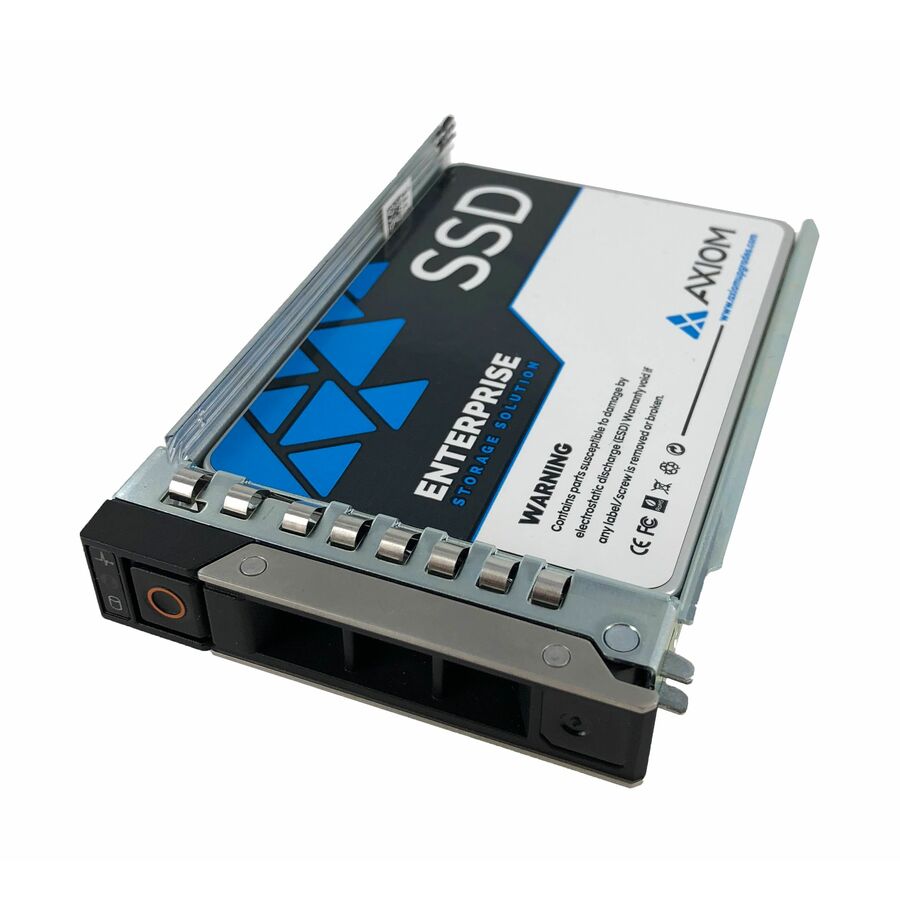
A server NVMe drive is not a fast laptop SSD in a bigger box — it is a different class of part, and the titles say so. Every row on this page names NVMe in the manufacturer's own catalog title, and every pick additionally states a server form factor or a data-center listing, because the drive that belongs in a server is specified for continuous, concurrent, multi-year duty and for the endurance a busy database or virtualization host actually generates. A consumer M.2 stick will physically fit many boot slots; it is the part that wears out first under a workload it was never rated for.
The two facts that separate these drives from consumer NVMe are endurance and form factor. Endurance is printed on the part as drive-writes-per-day and total-bytes-written: a read-intensive drive rated around one write per day suits a database that reads far more than it writes, while a mixed-use drive rated at three writes per day is built for a caching tier or a write-heavy log. Form factor is the physical and electrical shape — U.2 and U.3 are the 2.5-inch hot-swap backplane drives most servers take, E1.S and EDSFF are the newer ruler formats built for dense flash, and M.2 22110 is the long boot-and-cache form. The titles below state both, and both have to match the chassis.
The rest of the decision is capacity against the workload and the drive's own protections. Power-loss protection, error correction across the flash, and often hardware encryption are the enterprise features a server drive carries and a consumer one does not, and they are why the drive can be trusted with data that has to survive a sudden power event. Send the server model and the backplane it presents — U.2, U.3 or an EDSFF cage — along with the capacity per bay and the read-versus-write character of the workload, and the drives, the endurance class and the population plan come back matched to the machine.
Buyer's checklist
How to choose NVMe SSDs for a server
- Match the form factor to the backplane first. U.2 and U.3 are the 2.5-inch hot-swap drives most servers accept; E1.S and other EDSFF rulers need a cage built for them; M.2 22110 is a boot-and-cache form. A drive that does not fit the chassis is not a drive for that server, whatever its endurance.
- Read the endurance rating, not the capacity, against the workload. Drive-writes-per-day and total-bytes-written are printed on these parts: a read-intensive drive around one DWPD suits a read-heavy database; a mixed-use drive at three DWPD is for a write-heavy caching or log tier. Buying capacity and ignoring endurance is how a busy drive wears out early.
- Confirm the drive carries power-loss protection. Enterprise NVMe holds in-flight writes through a sudden power failure using onboard capacitors; consumer drives generally do not, which is the single most important reason not to put a desktop SSD in a server that matters.
- Decide read-intensive versus mixed-use per role. A database that mostly reads, a virtualization host with a balanced mix, and a write-heavy log or cache are three different endurance classes — the titles name the tuning, and matching it to the workload is the real sizing decision.
- Plan capacity per bay against the whole array, not one drive. A large single drive in a small array means a long rebuild window if it fails and the redundancy is spent; decide the capacity, the number of bays and the RAID or erasure scheme together.
- Check the PCIe generation the server exposes. A PCIe 5.0 drive in a Gen4 backplane runs at Gen4 speed, so pay for the generation the server can actually clock rather than the highest number on the box.
- Where a matched set fills a backplane, standardize the part number. Firmware, endurance and the replacement procedure stay one decision across the array rather than a mix, and a same-part spare turns a failure into a swap.
- Note the drive's data protections beyond endurance — hardware encryption and end-to-end data-path protection are listed on many of these parts and are often a requirement for regulated data, not a nice-to-have.
Endurance is the specification, not capacity
The mistake that shortens a server drive's life is buying it like a laptop disk — on capacity and sequential speed — and ignoring the endurance rating printed on the part. Enterprise NVMe is sold in workload classes: a read-intensive drive is rated for roughly one drive-write per day and is built for a database or a content store that reads far more than it writes; a mixed-use drive is rated for around three writes per day and is built for a caching tier, a write-heavy log, or a virtualization host that churns. Those numbers, and the total-bytes-written figure beside them, are the honest way to size a drive against what the server actually does, and they are exactly what a consumer spec sheet leaves off.
The reason it matters is that flash wears with writes, and a server generates them relentlessly — metadata, journals, snapshots, background scrubs — on top of the application's own load. A read-intensive drive dropped into a write-heavy role does not fail dramatically; it quietly consumes its endurance and reaches its rated limit years earlier than the array was planned around. The drives on this page state their DWPD and TBW so the match can be made deliberately: pick the endurance class for the role, then the capacity, then confirm the form factor fits the backplane — in that order.
Form factor, power-loss protection and the chassis
The physical shape of a server NVMe drive is not a detail — it is a compatibility gate. U.2 and U.3 are the 2.5-inch hot-swappable drives that plug into the drive bays of most current servers; U.3 backplanes are designed to accept SAS, SATA and NVMe in the same slot, which is why so much of the modern enterprise flash on this page is U.3. E1.S and the wider EDSFF family are the ruler-shaped formats built for the density of all-flash servers and need a chassis with cages made for them. M.2 22110 is the long M.2 form used for boot and cache. A drive in the wrong form factor for the chassis is simply not an option for that server, and the titles state the form factor precisely so the match can be made before the order.
The feature that most separates these drives from consumer flash is power-loss protection: onboard capacitors that hold enough charge to flush in-flight writes to the flash when power disappears without warning. In a server that is the difference between a clean recovery and silent corruption, and it is why a desktop SSD — however fast — is the wrong part for a machine that matters. Enterprise drives layer on end-to-end data-path protection and often hardware encryption as well, both listed on the parts here. Send the server model, the backplane type and the capacity per bay, and the drives can be matched to the chassis with the endurance class chosen for the workload rather than assumed from the size.
FAQ
Common questions
- Can I use a consumer NVMe SSD in a server?
- You can fit one in many boot slots, and it is usually the wrong decision for anything that matters. Consumer NVMe generally lacks power-loss protection — the onboard capacitors that flush in-flight writes when power is lost without warning — and it is rated for a fraction of the endurance a server generates. The result is not an immediate failure but a drive that quietly consumes its life under metadata, journals and background work and wears out years early. The drives on this page state their server duty, endurance and protections in their own titles for exactly that reason.
- What do DWPD and TBW mean on a server SSD?
- They are the endurance rating, and they are how you size a drive to the workload. DWPD is drive-writes-per-day — how many times the whole drive can be overwritten daily for its warranty life — and TBW is the total bytes that can be written over that life. A read-intensive drive around one DWPD suits a database or store that reads far more than it writes; a mixed-use drive around three DWPD is built for a caching tier, a log, or a write-heavy host. Buying on capacity and ignoring these figures is the classic way a busy server drive wears out early.
- What is the difference between U.2, U.3 and E1.S NVMe drives?
- They are form factors — the physical and electrical shape that has to match the server's backplane. U.2 and U.3 are 2.5-inch hot-swap drives; a U.3 backplane is designed to take SAS, SATA and NVMe in the same slot, which is why so much modern enterprise flash is U.3. E1.S and the wider EDSFF family are ruler-shaped formats built for dense all-flash servers and need a chassis with cages made for them. The titles here name the form factor per part, and a drive in the wrong one is simply not compatible with that chassis.
- Should I choose a read-intensive or mixed-use drive?
- Match it to what the server does. A read-intensive drive, rated around one write per day, is built for a workload that reads far more than it writes — a database, a content store, a read-heavy analytics tier. A mixed-use drive, rated around three writes per day, is built for a role that writes hard: a caching layer, a write-ahead log, a busy virtualization host. The titles name the tuning per part; picking the class for the role before the capacity is the real sizing decision.
- Can business, government and education buyers order these?
- Every line Uniqcli quotes is sourced through US distribution and screened for TAA country-of-origin and NDAA §889 status before checkout — with documentation tied to the specific part number, not a product family.
Need server NVMe SSDs pricing?
Send a bill of materials or part numbers — we confirm stock and a below-market total, with TAA verified on request. No payment up front.