
Best Data Center SSDs & NVMe Drives for Servers
NVMe, SATA and SAS drives built for data-center duty — U.2, U.3 and 2.5-inch server formats with live pricing and stock on every card.
Data center drives in stock at Uniqcli
How to choose →A curated selection with live pricing — in-stock lines first, then back-ordered lines with a typical lead time. Every line is sourced through US distribution and screened for NDAA §889 status before checkout, with TAA verified on request.
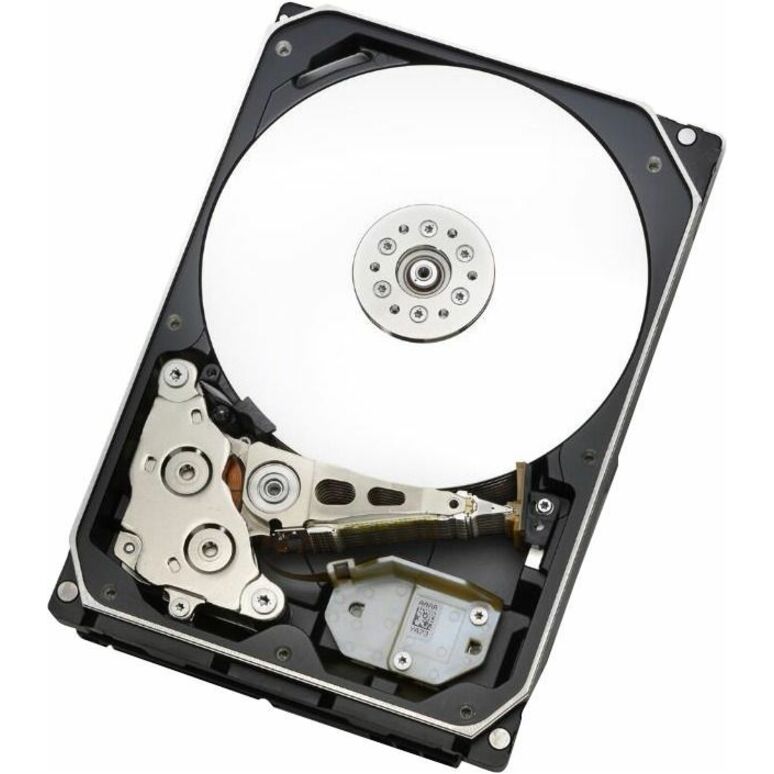
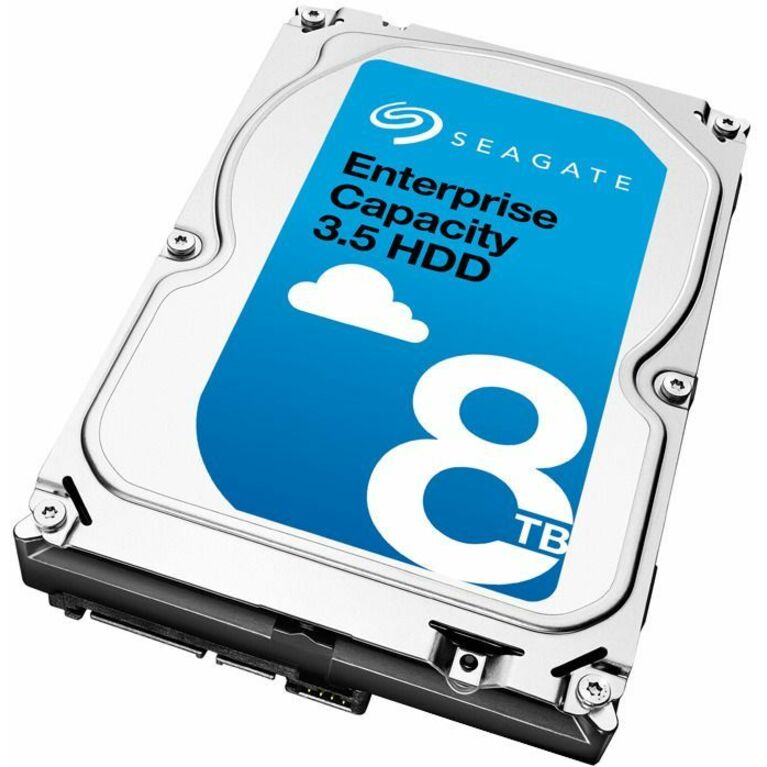
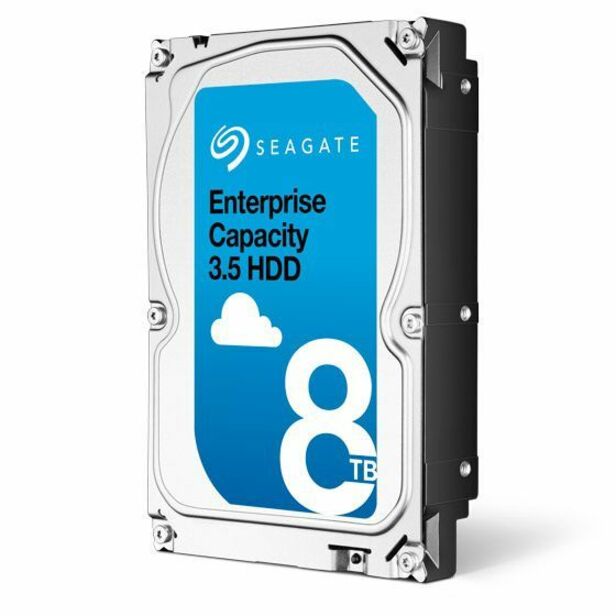
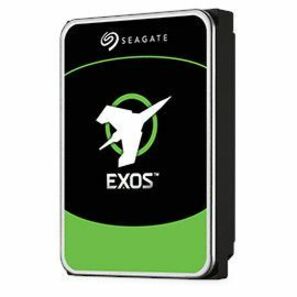
- Seagate TechnologySeagate Exos ST28000NM000C 28 TB Hard Drive - 3.5" Internal - SATA (SATA/600) - Conventional Magnetic Recording (CMR) Method - Data Center, Storage Array, Workstation, Server Device Supported - 7200rpm - Hot Pluggable - 512e Format - 6 Month WarrantyST28000NM000C
$1,021.79
14 in stock



More drives in the Uniqcli catalog
See all 9,677 drivesMore from across this category. In-stock lines lead, and a back-ordered line carries the same estimated availability its product page does — with live pricing throughout, NDAA §889 screening before checkout and TAA verified on request.
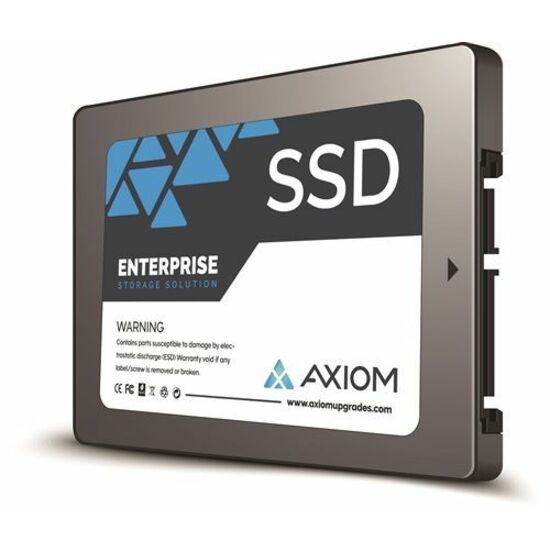
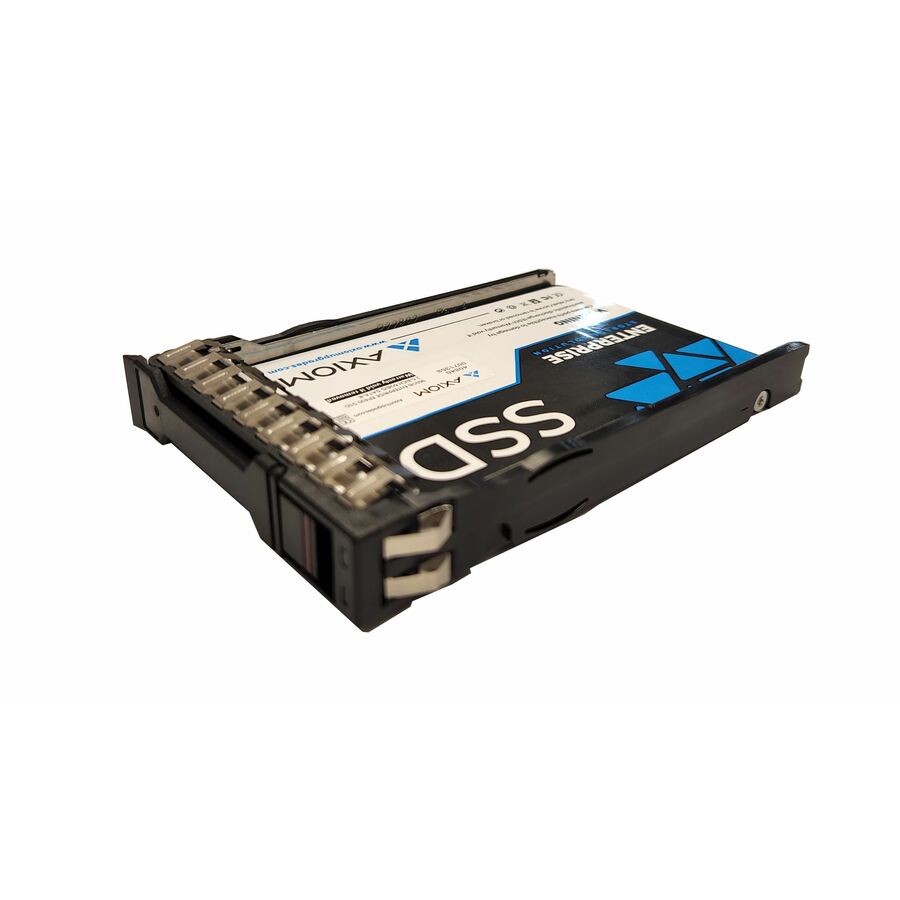
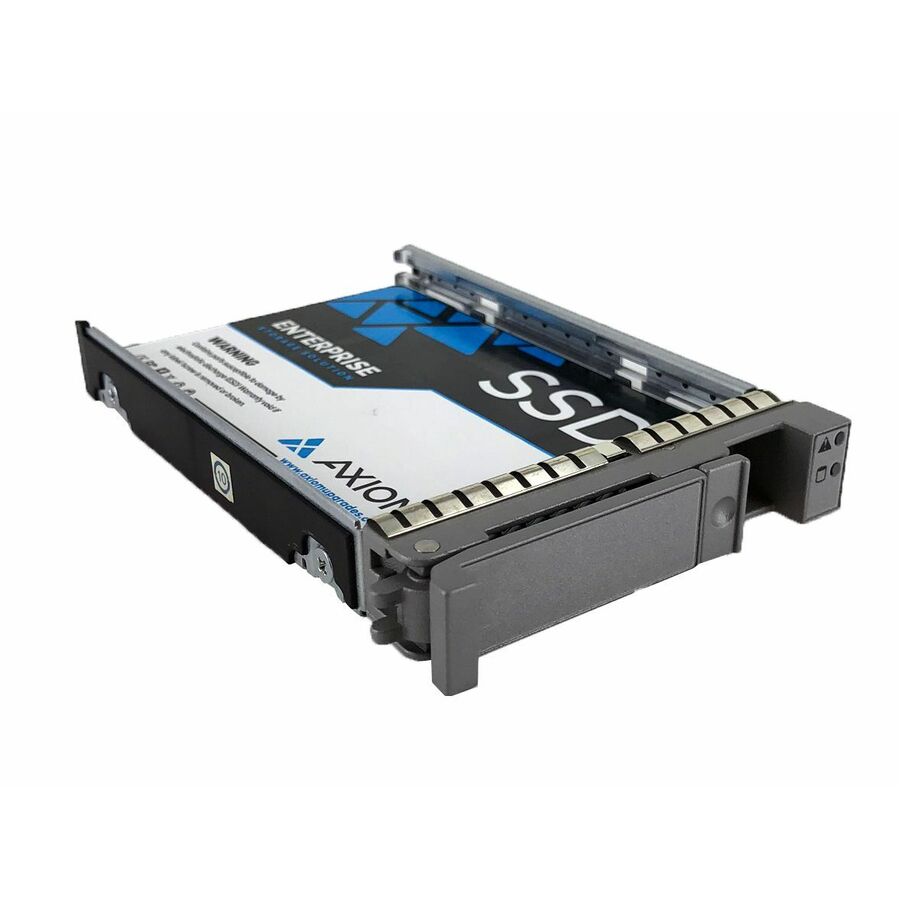
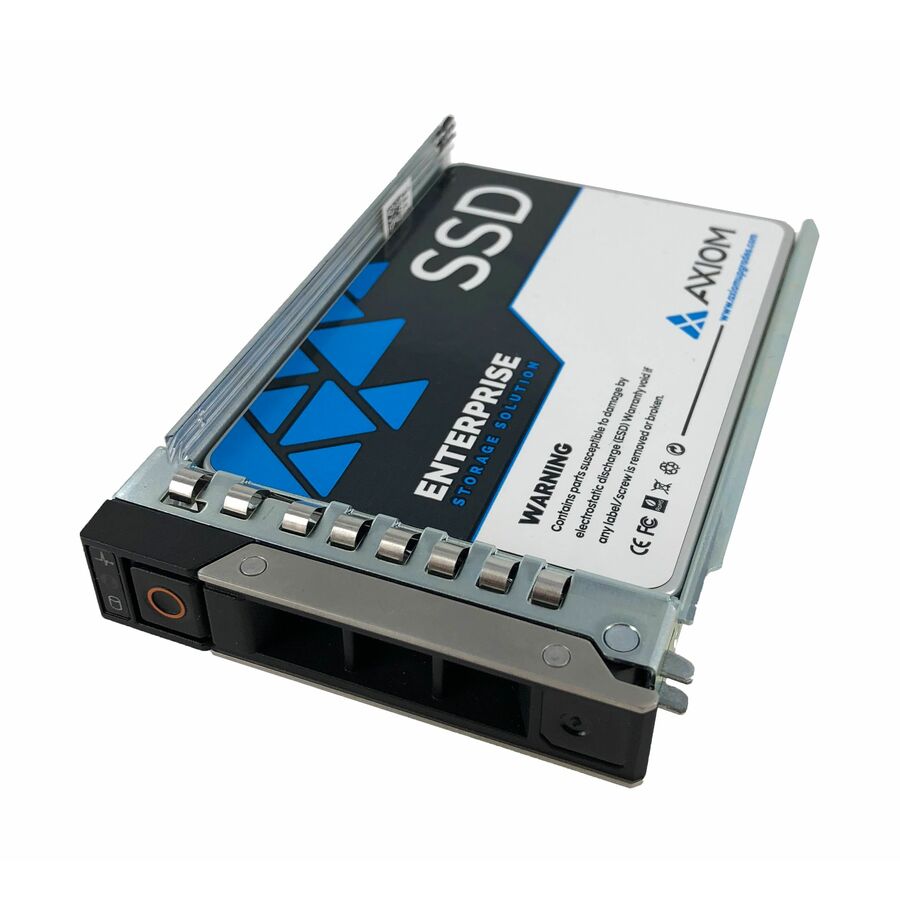
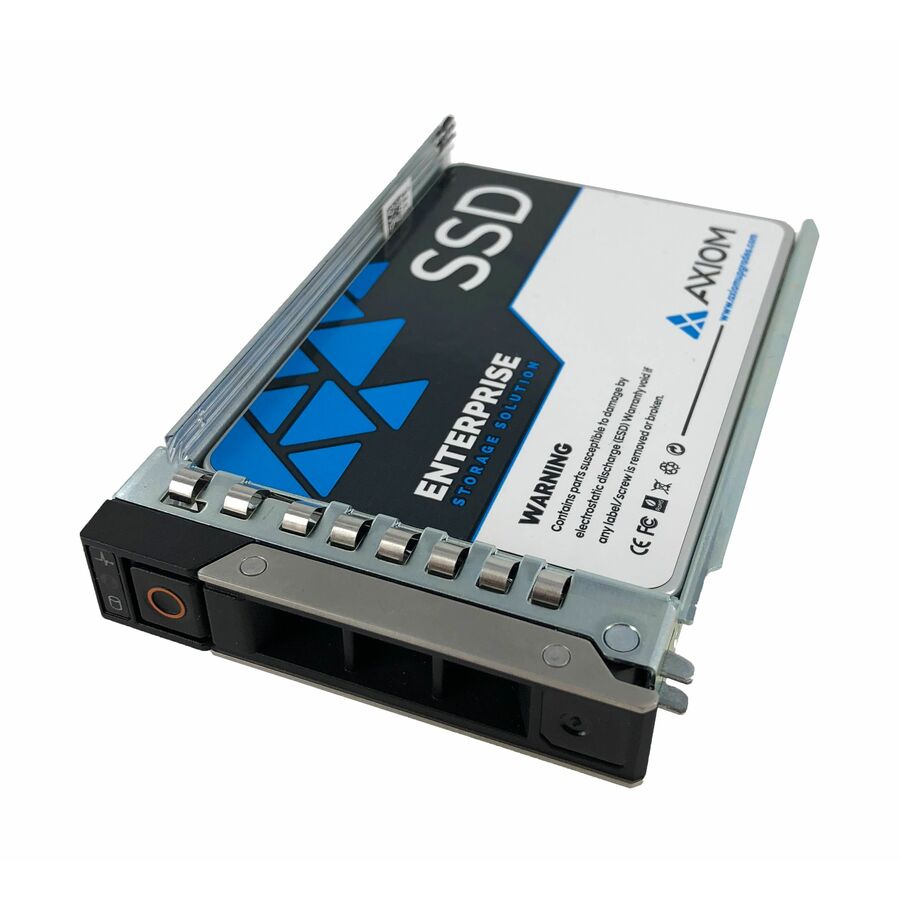
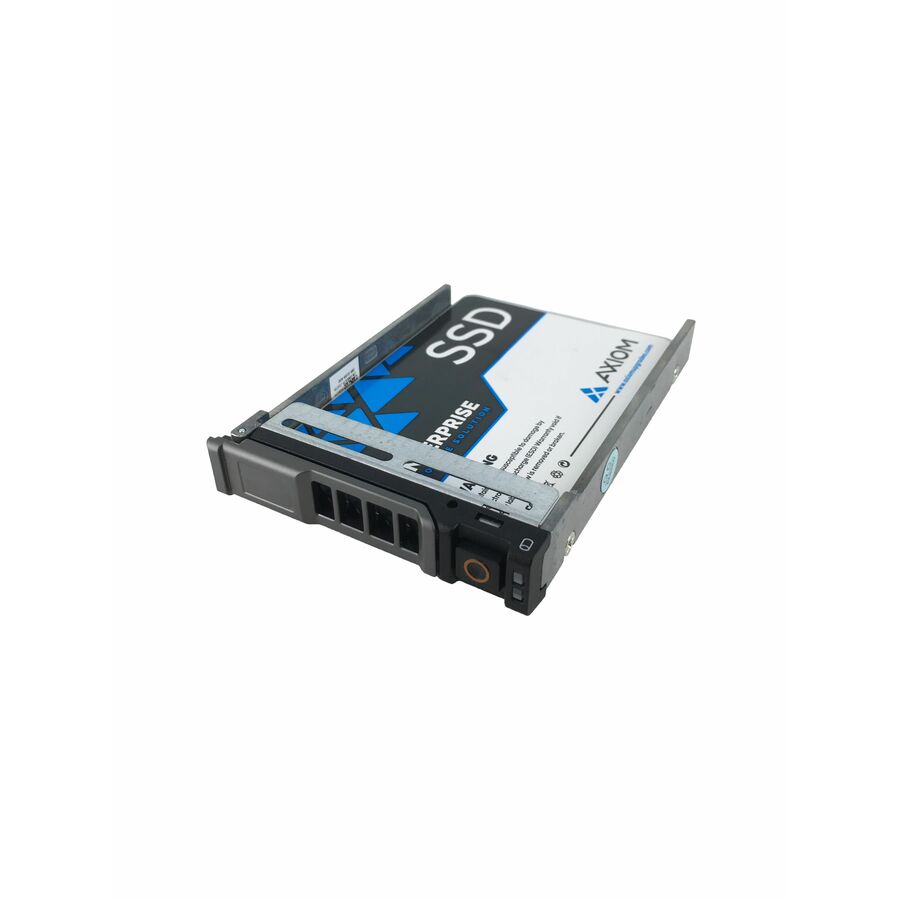
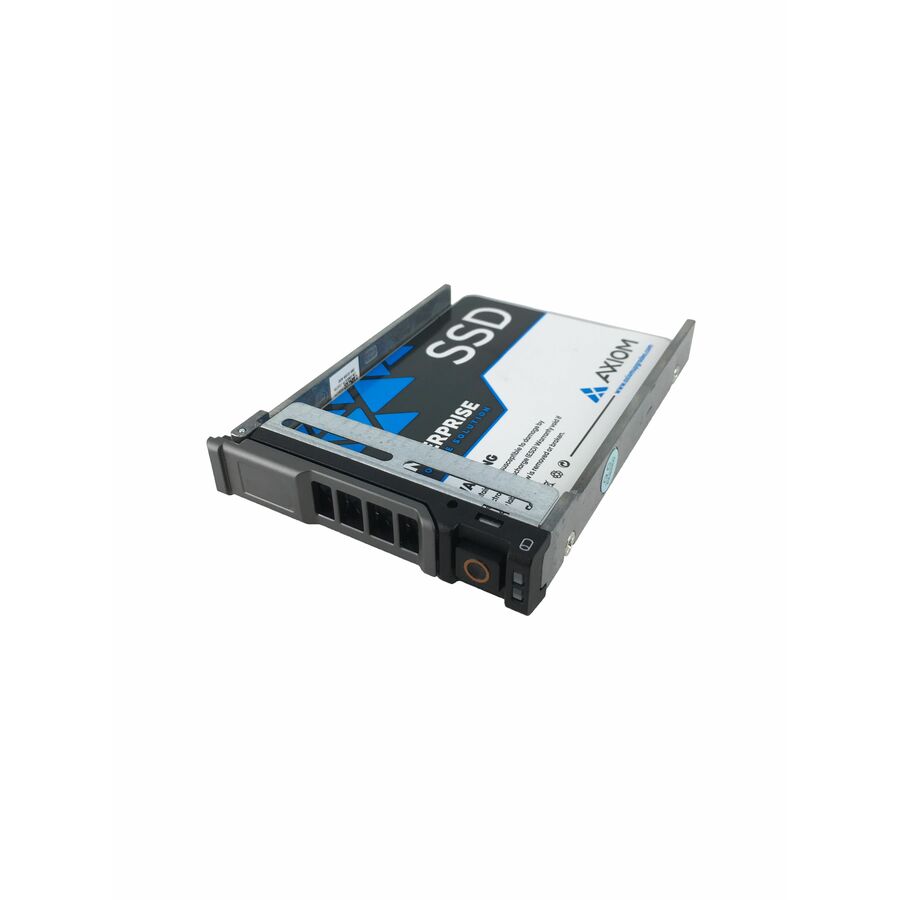
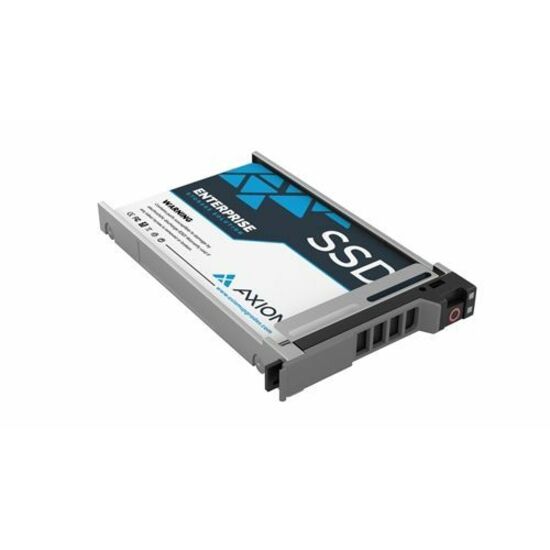
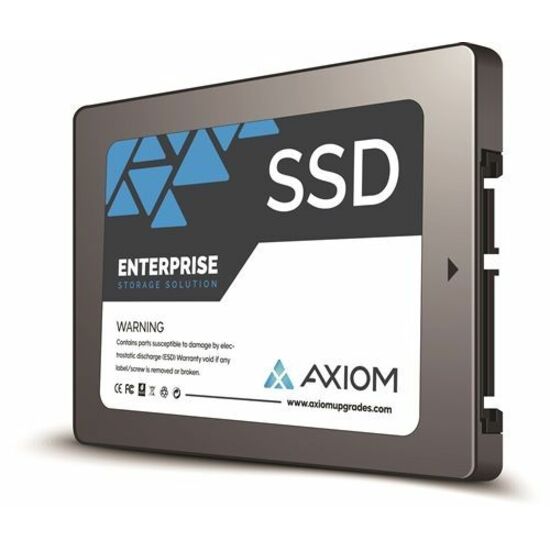
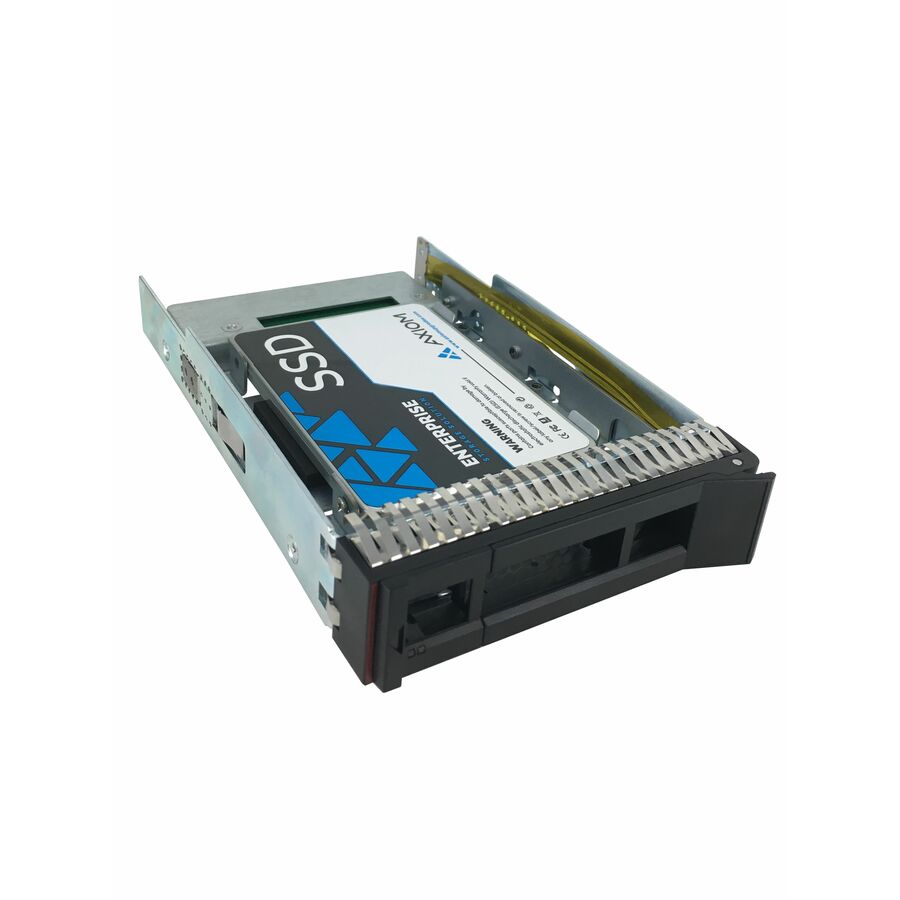
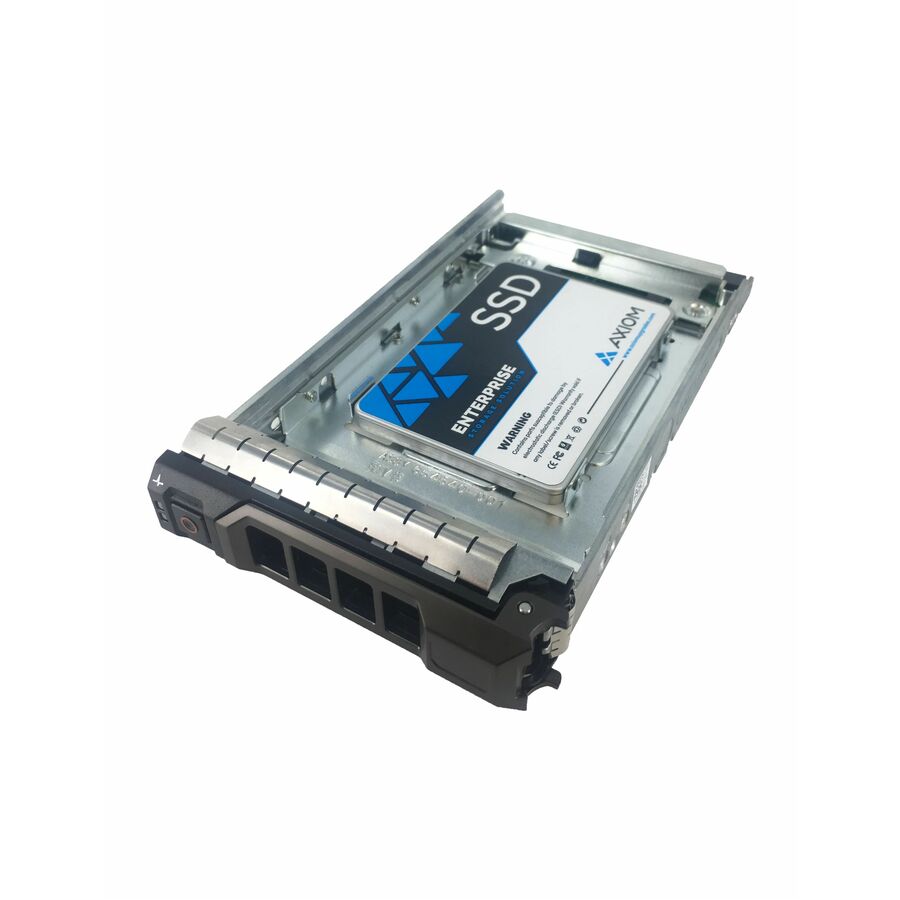
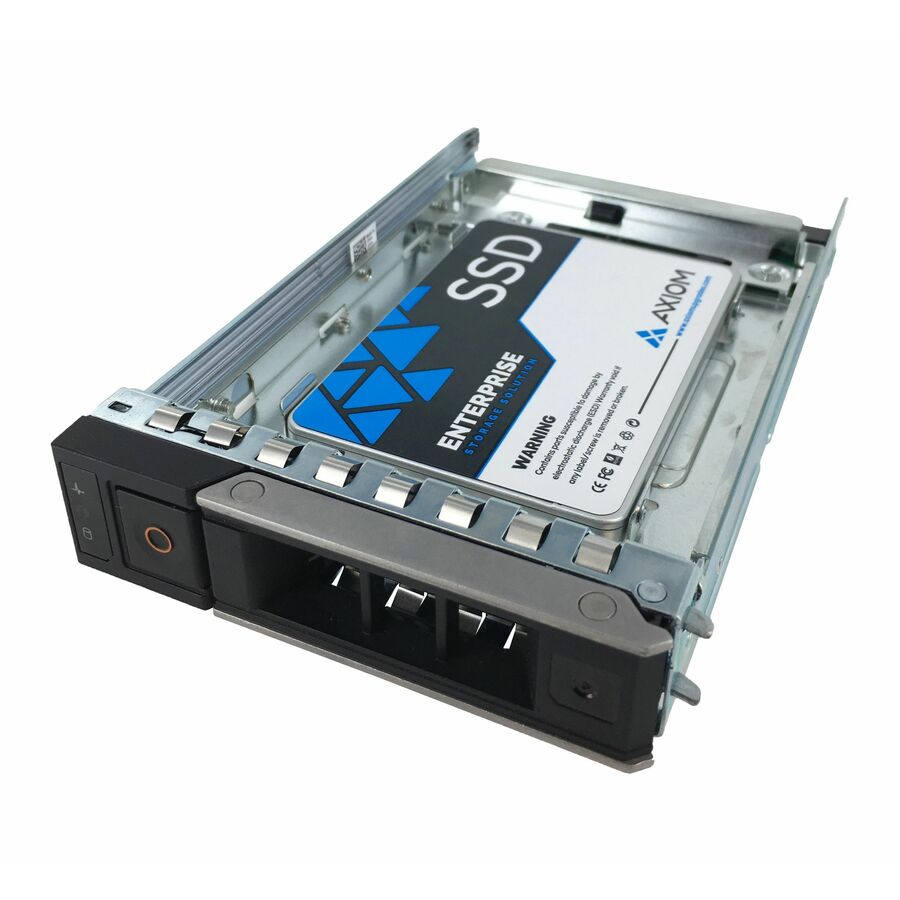
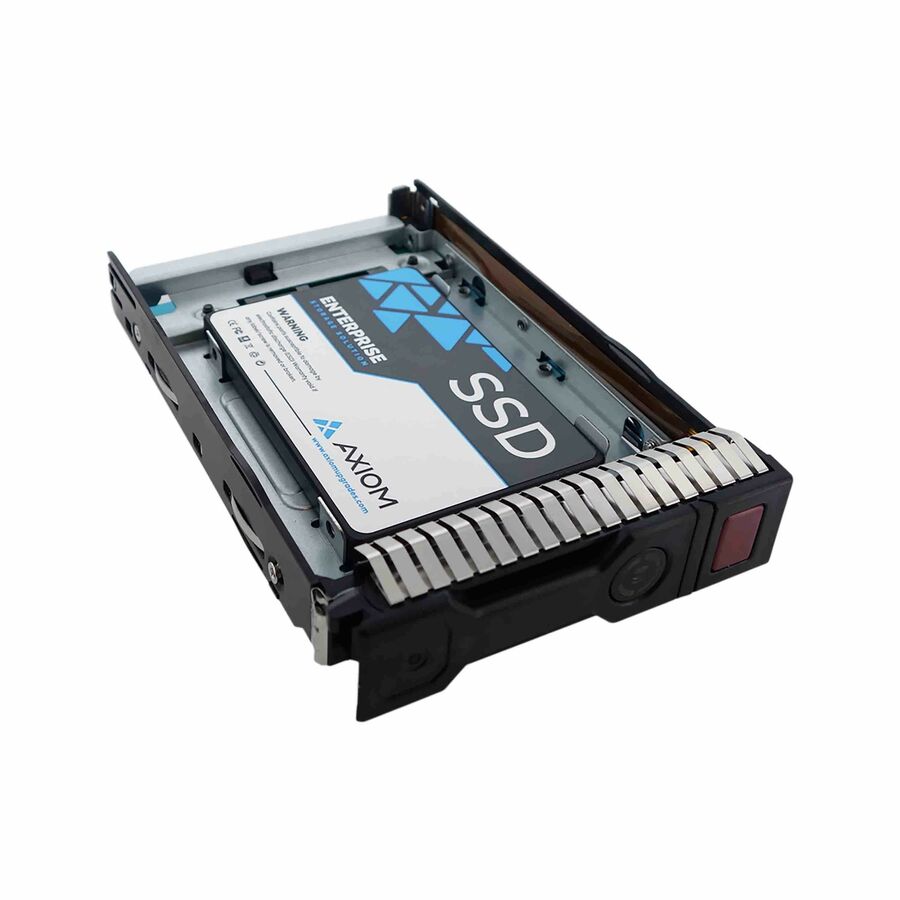
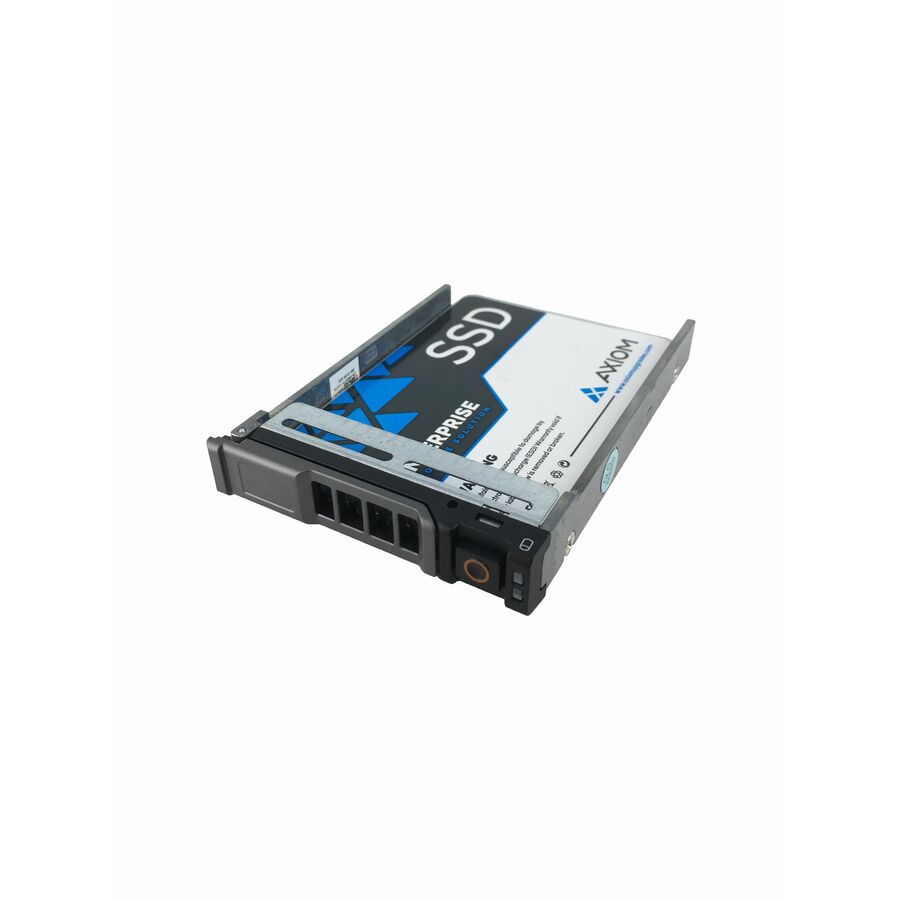
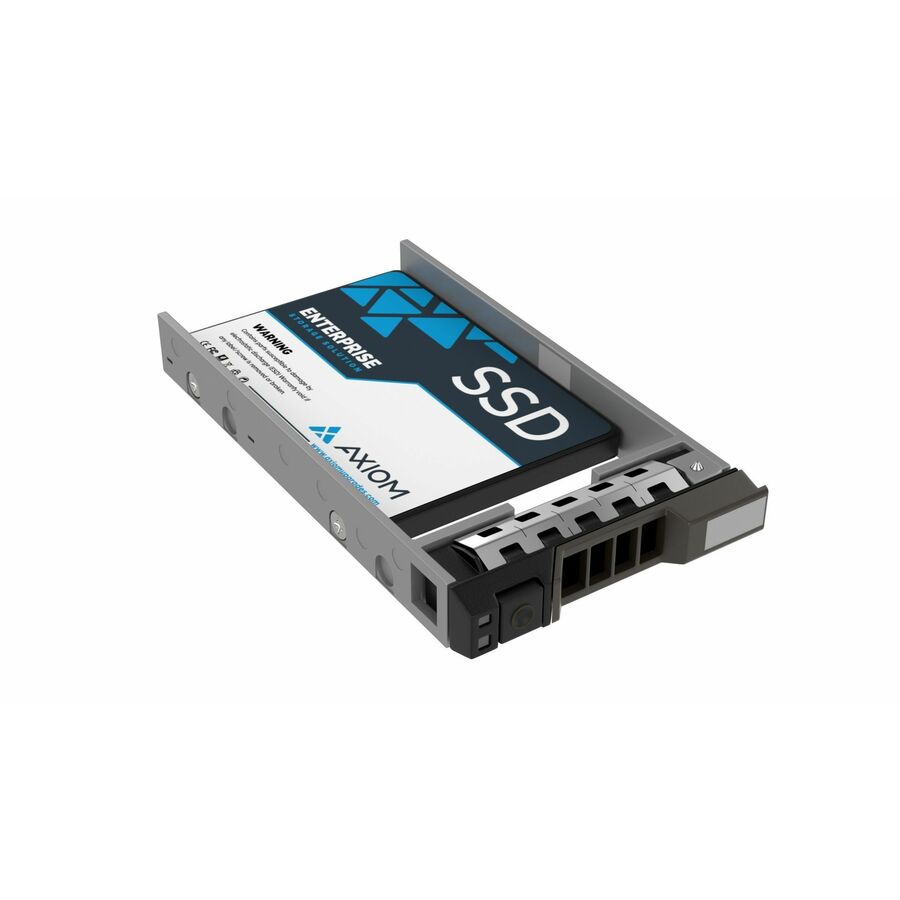
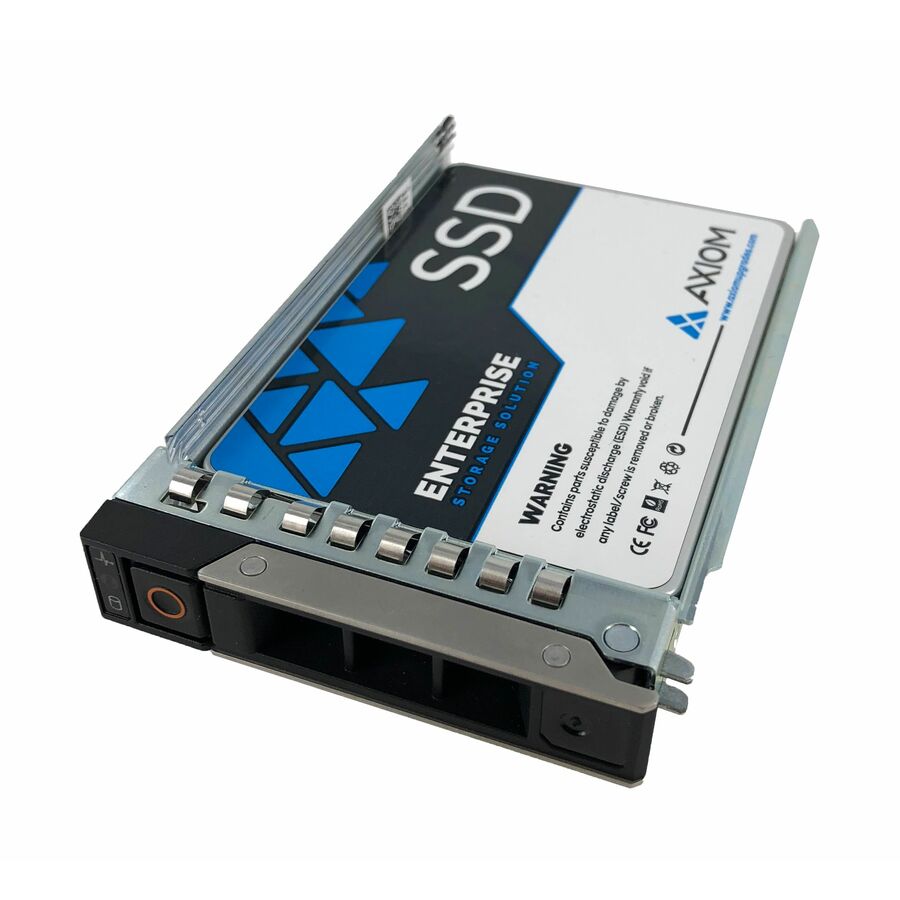
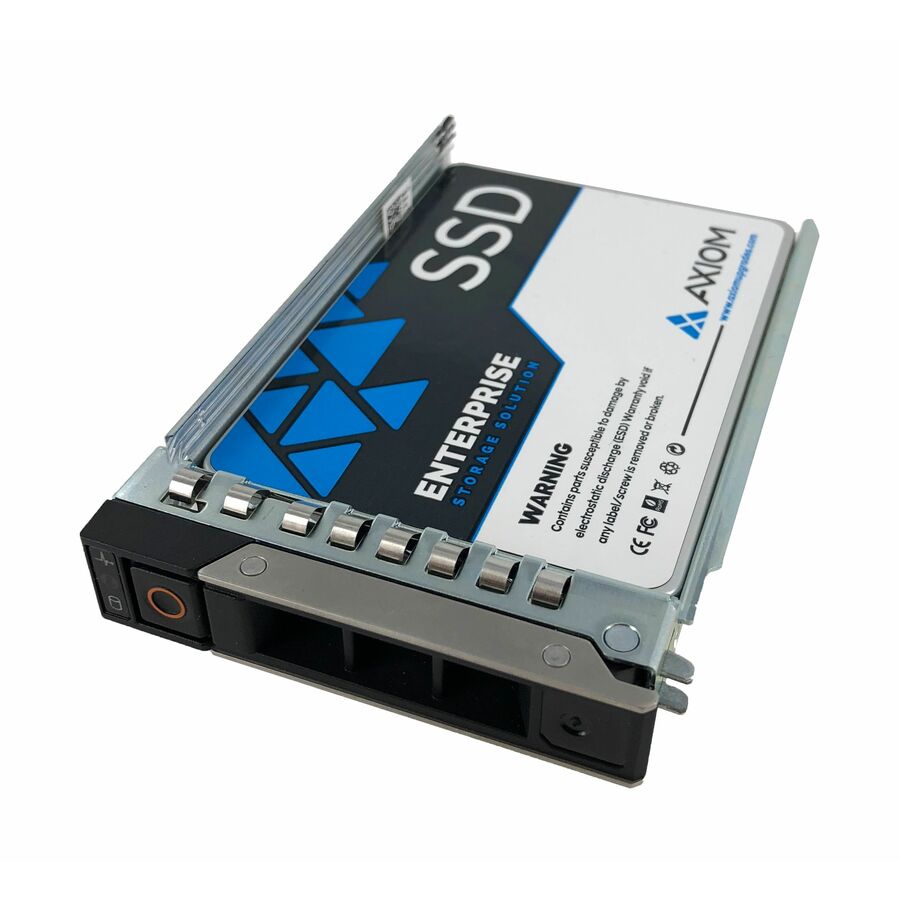
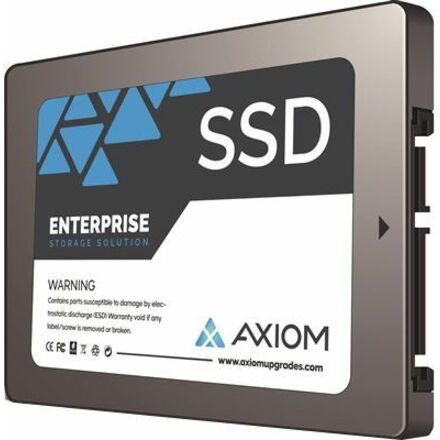
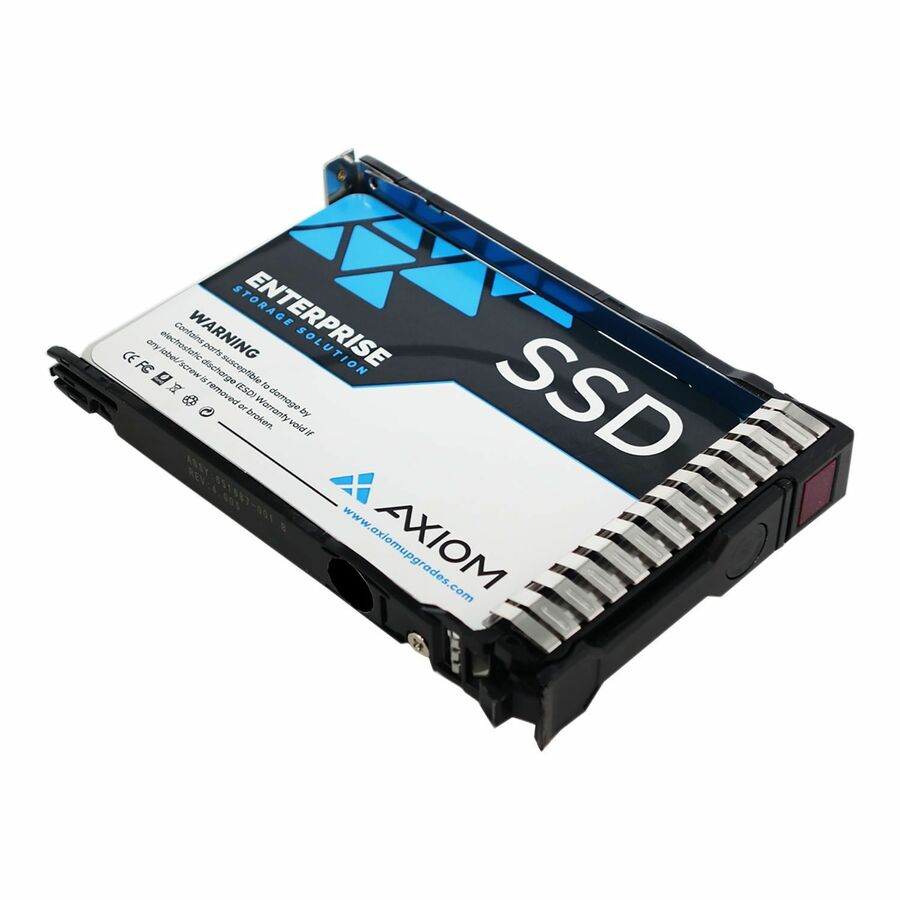
- Axiom Memory SolutionsAxiom Enterprise Pro EP650 7.68 TB Solid State Drive - 3.5" Internal - SAS (24Gb/s SAS) - Data Center Device Supported - Hot SwappableSSDEP65LS7T6-AX
$14,916.00
$12,819.36
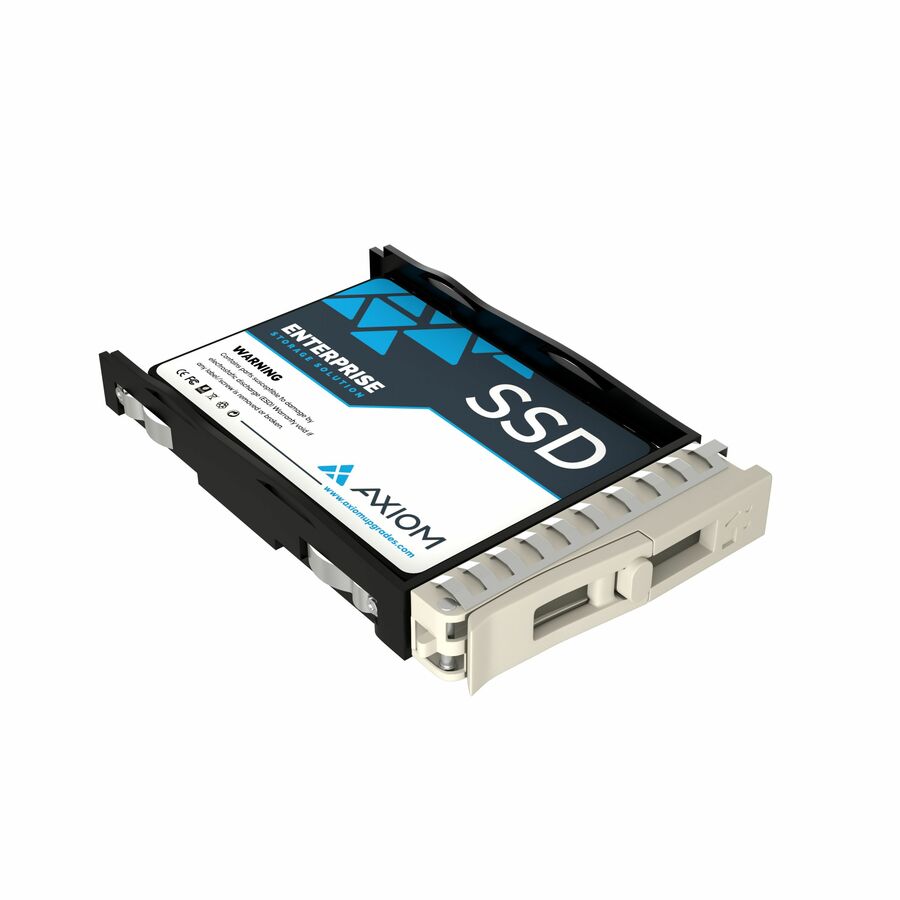
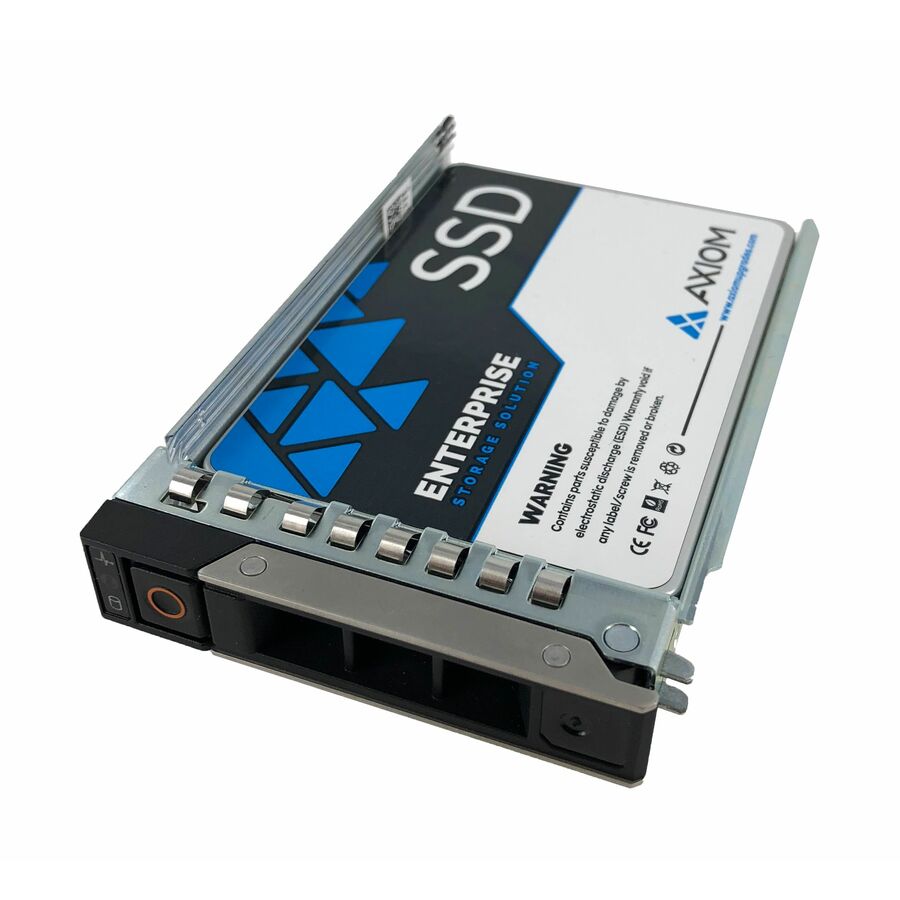
18 in stock - Axiom Memory SolutionsAxiom Enterprise Pro EP650 7.68 TB Solid State Drive - 3.5" Internal - SAS (24Gb/s SAS) - Data Center Device Supported - Hot SwappableSSDEP65KG7T6-AX
$14,916.00
$12,819.36
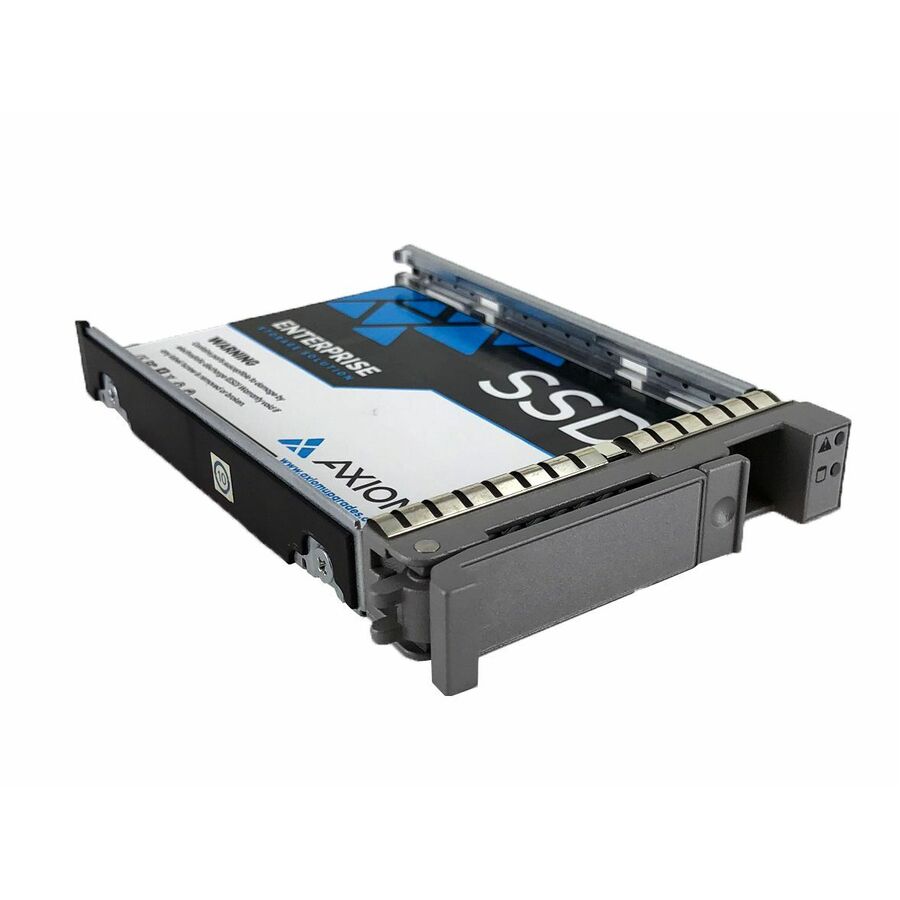
1 in stock - Axiom Memory SolutionsAxiom Enterprise Pro EP650 7.68 TB Solid State Drive - 3.5" Internal - SAS (24Gb/s SAS) - Data Center Device Supported - Hot SwappableSSDEP65DK7T6-AX
$14,916.00
$12,819.36
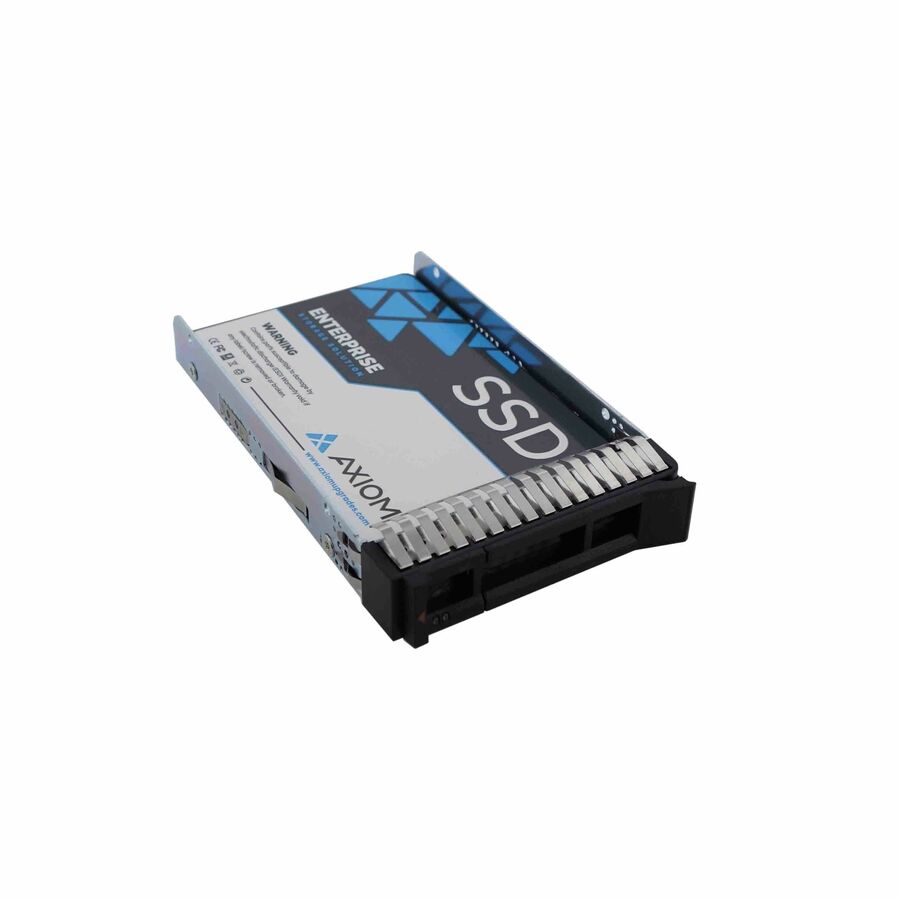
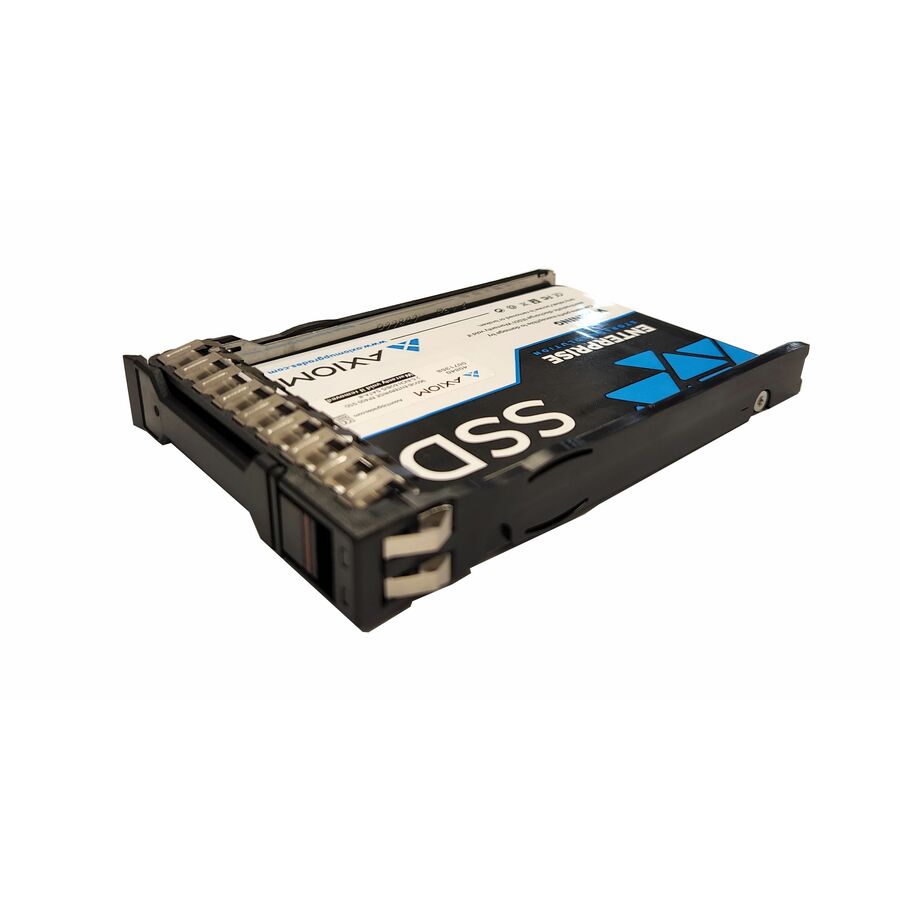
18 in stock - Axiom Memory SolutionsAxiom Enterprise Pro EP650 7.68 TB Solid State Drive - 2.5" Internal - SAS (24Gb/s SAS) - Data Center Device Supported - Hot SwappableSSDEP65HV7T6-AX
$14,600.00
$12,548.29
18 in stock
Need pricing on data center drives?
Tell us where to reach you and a Uniqcli specialist will follow up by email with current pricing, availability and lead time for the quantities you need — including parts that aren’t shown on this page.
Buying for an organization or for yourself — both work. No payment up front.
A data-center drive is specified by its duty cycle, not its benchmark: the product data names the workload class — read-intensive, mixed-use or write-heavy — and a read-intensive drive under a logging or database write load runs out of endurance years early. Pick the interface by the tier: NVMe U.2/U.3 where latency is the product, SATA or SAS where the backplane already decides it.
A data-center drive is specified by its duty cycle, not its benchmark. The product data on these models names the workload class directly — read-intensive, mixed-use, write-heavy — alongside sustained-throughput and endurance figures that a client drive never has to publish, because a client drive is idle most of its life and these are not. The selection here spans the two interfaces that matter in a modern server: NVMe over PCI Express for the tiers where latency is the product, and SATA and SAS for capacity tiers, boot volumes and the enormous installed base of arrays built around them.
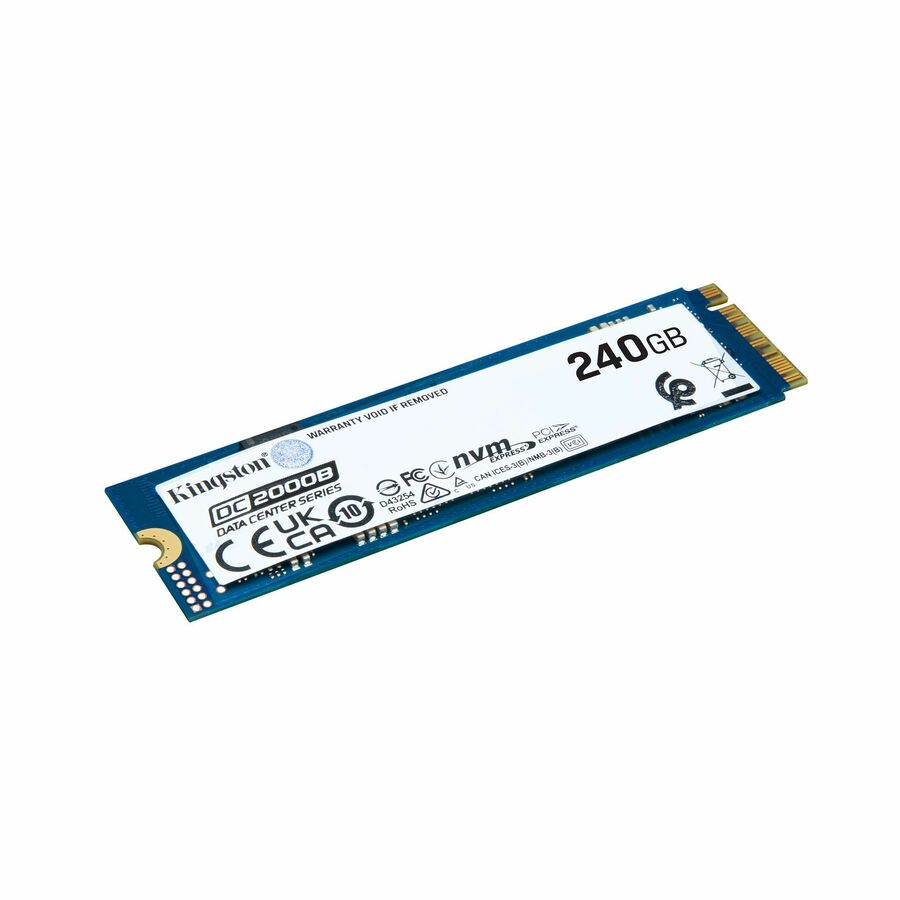
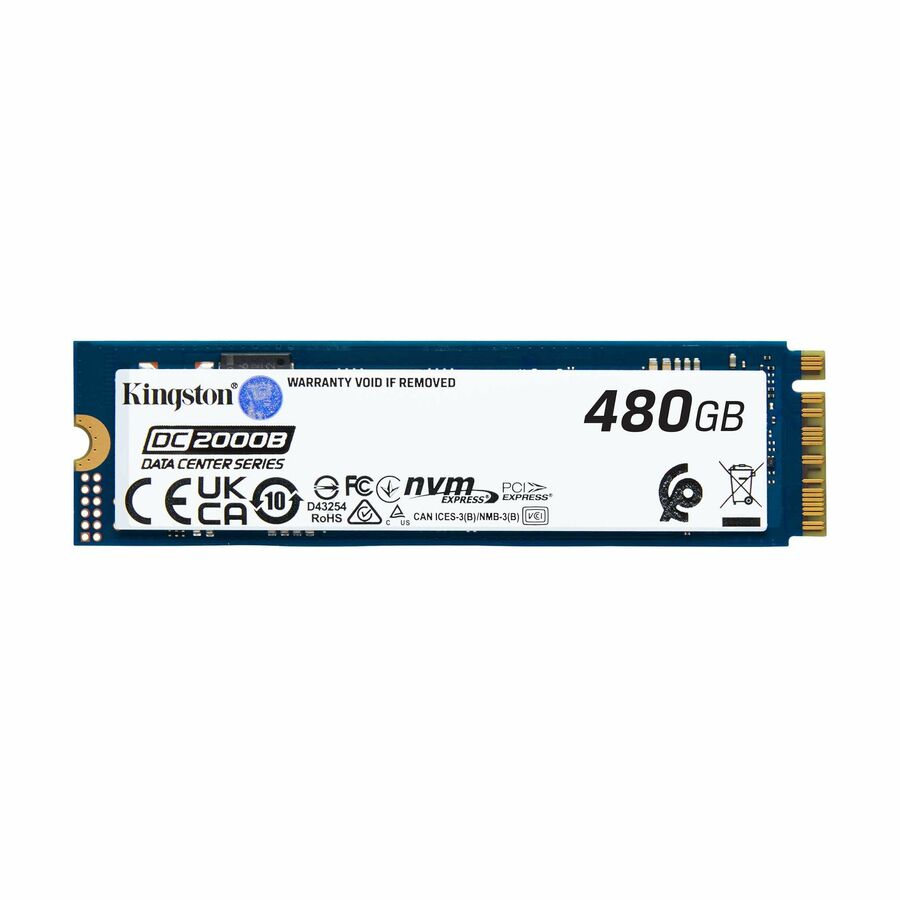
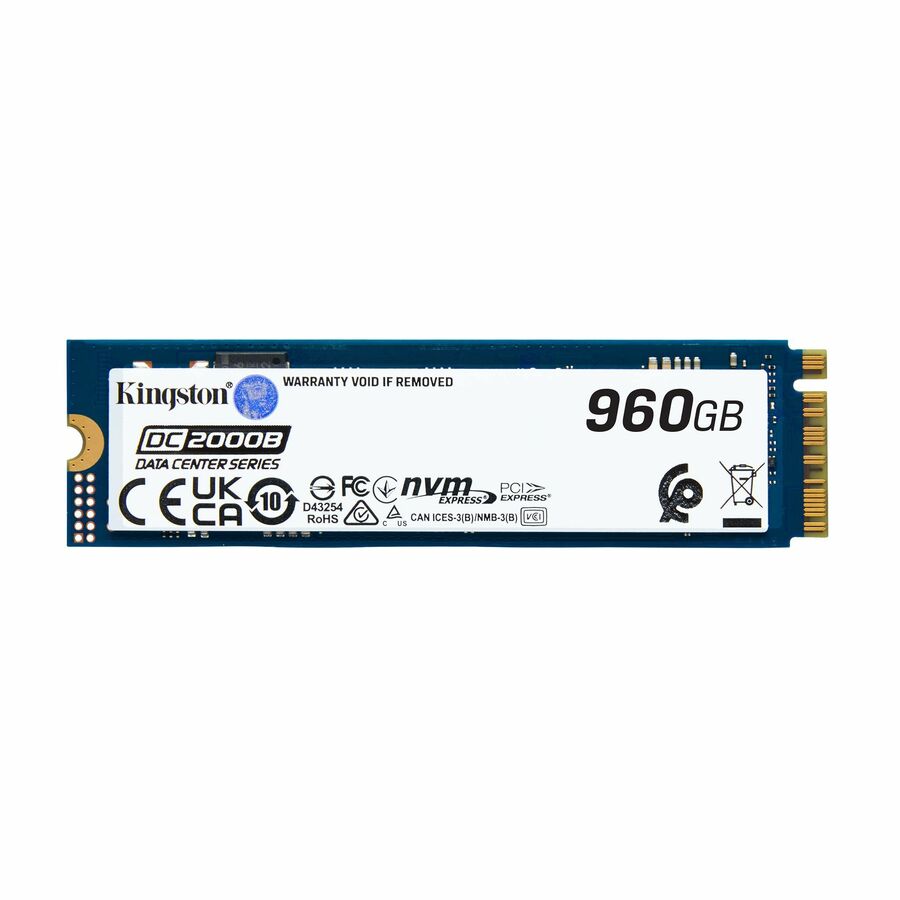
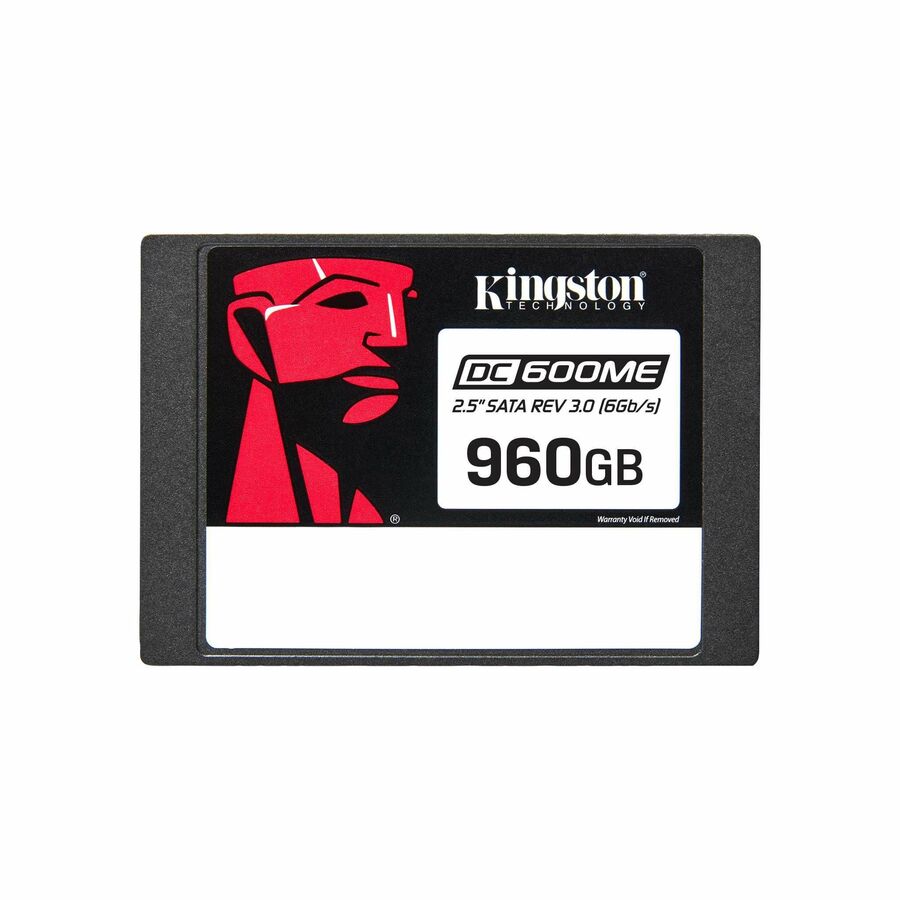
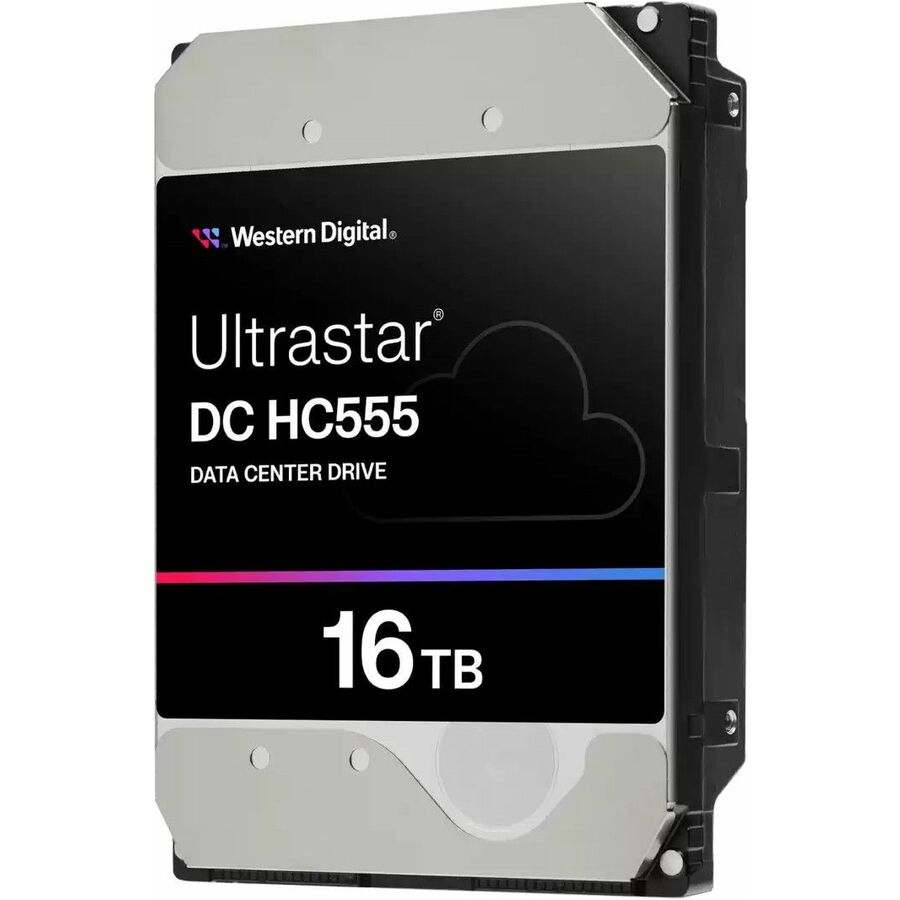
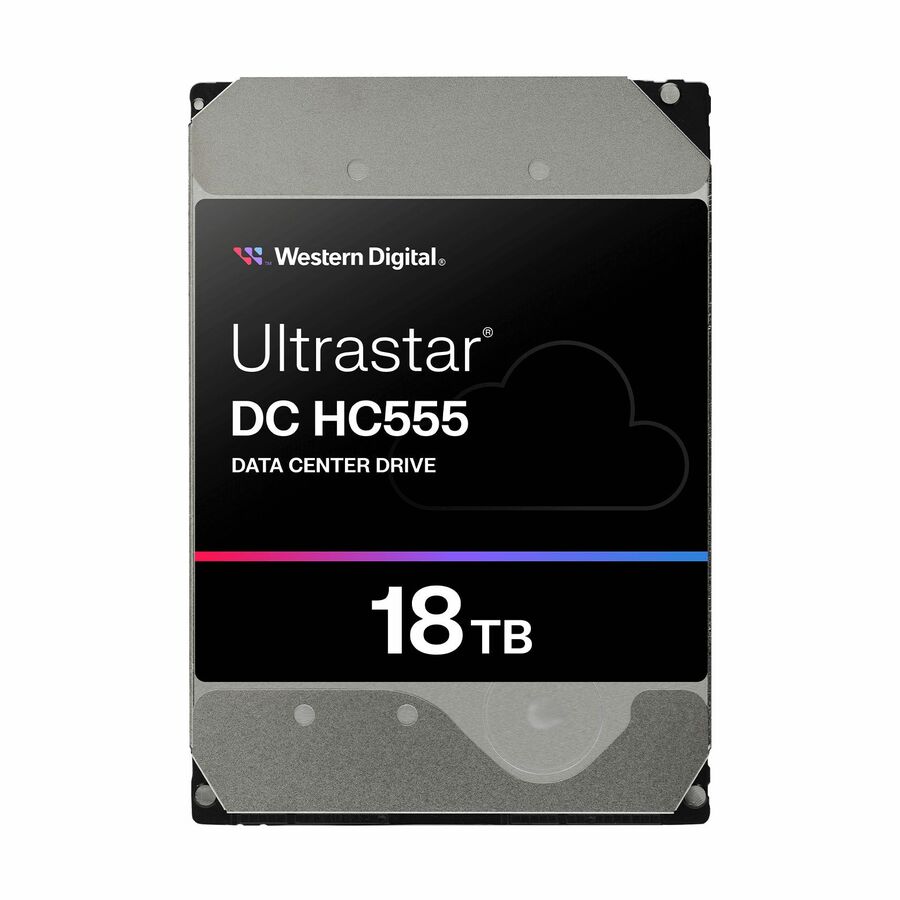
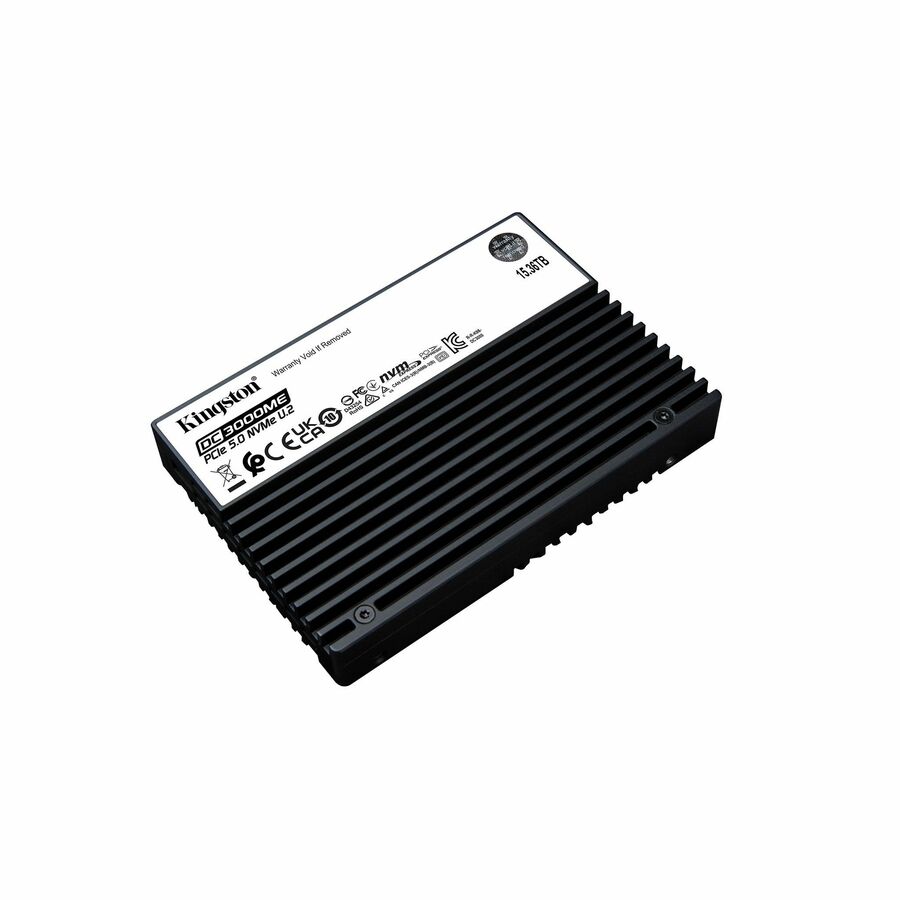
The names in the grid are the ones that come up in a server build: the Axiom UX10 NVMe line in U.2 form with the largest models running to 15.36 TB, Kingston's DC600M mixed-use SATA and DC2000B boot-drive models, and rotating data-center drives including Seagate Exos and Ultrastar units for bulk capacity. Because the grid is sorted price-ascending, it opens on the capacity hard drives and boot-class models and climbs to the large NVMe units — the drive for a lab server and the drive for an all-flash tier are both in here, and the live card under each model is the figure to trust. This grid is drawn from the data-center drives Uniqcli currently stocks, with live availability on each card.
Buyer's checklist
How to choose a data center SSD
- Start from the workload class the product data names — read-intensive, mixed-use or write-heavy — and match it to the job: a read-intensive drive under a logging or database write load will run out of endurance years early.
- Pick the interface by the tier, not by fashion: NVMe U.2/U.3 where latency and throughput are the point, SATA or SAS where the array, backplane or boot duty already decides it. Both are data-center products; neither is a downgrade in its own lane.
- Confirm the physical format against the actual bay — U.2 and U.3 2.5-inch carriers, 3.5-inch bays for the capacity hard drives, and the occasional M.2 boot module are not interchangeable, and the server's backplane decides which it accepts.
- Size endurance in drive-writes-per-day against the data you will actually write, not the capacity you are buying — the product data states the endurance class, and it is the figure that separates two drives of identical capacity and very different price.
- Buy the RAID set plus a spare in one order, from one place: a rebuild wants an identical drive on the shelf, and matching a part number months later is harder than ordering one more today.
- For an existing array, match the replacement to the installed drive's interface, format and duty class first — then consider whether the failure is the signal to size the next tier up.
NVMe, SATA or SAS — the tier decides
The interface question sorts itself out the moment the drive is assigned a job. An all-flash tier serving virtual machines, databases or analytics wants NVMe — the protocol was built for flash, the queue model is deeper, and the U.2/U.3 format delivers it in a hot-swappable server carrier rather than a motherboard slot. A capacity tier holding backups, archives, media or cold data wants the rotating data-center drives, where cost per terabyte is the whole argument and the drives are engineered for continuous duty rather than desktop hours. Between them sit the SATA data-center SSDs — mixed-use models for the arrays and mid-tier servers that were built around SATA and are not being rebuilt this budget cycle, and dedicated boot drives whose job is to be reliable, endurant and out of the way. Buying the tier rather than the spec sheet also protects the budget: the premium NVMe unit is wasted holding cold archives, and the capacity hard drive is wrong under a latency-sensitive database.
Endurance, RAID sets and ordering discipline
Two figures on a data-center drive matter more than the headline capacity: the workload class and the endurance rating, both named in the product data. Endurance is bought per write, so a write-heavy tier on read-intensive drives fails early and expensively, while write-heavy drives holding a read-mostly archive is money spent on nothing. Decide the duty first and the drive follows. Then order like an operator: a RAID set wants identical drives, a rebuild wants a cold spare already on the shelf, and a growing tier wants the next order to still match — which argues for settling on a line, not just a model, when the first set is bought. For volume orders, mixed tiers or a bay-by-bay match against an existing server fleet, send the configuration and quantities and we will confirm part numbers, availability and lead time together on a quote.
FAQ
Common questions
- What makes a drive a data center drive rather than a regular SSD?
- Duty. The product data on these models names a workload class — read-intensive, mixed-use or write-heavy — plus endurance and sustained-performance figures, because the drive is engineered to run continuously under load rather than in the bursts a desktop produces. The practical differences follow from that: server form factors like U.2 and U.3 with hot-swap carriers, power-loss protection on models whose data names it, and endurance ratings measured in drive-writes-per-day. A client drive with a similar capacity and a lower price is not a substitute in a server bay; it is a different product for a different life.
- Do I need NVMe, or is a SATA data center SSD enough?
- Match the interface to the tier. NVMe U.2 and U.3 drives are the answer where latency and parallel throughput carry the workload — virtualization, databases, analytics, all-flash tiers. SATA data-center SSDs remain the right product for boot volumes, mid-tier arrays and any chassis whose backplane was built around SATA, and the rotating SAS and SATA capacity drives still win on cost per terabyte for backup and archive tiers. The wrong answer is paying the NVMe premium for a job SATA covers, or putting a client SATA drive where a data-center one belongs.
- Can business, government and education buyers order these?
- Every line Uniqcli quotes is sourced through US distribution and screened for TAA country-of-origin and NDAA §889 status before checkout — with documentation tied to the specific part number, not a product family.
Need data center drives pricing?
Send a bill of materials or part numbers — we confirm stock and a below-market total, with TAA verified on request. No payment up front.