
Best U.2 and U.3 Enterprise SSDs for Servers
2.5-inch hot-swap enterprise NVMe drives in U.2 and U.3 form factors — read by endurance class, capacity, PCIe generation and whether the server backplane is tri-mode U.3 or U.2-only.
U.2 and U.3 enterprise SSDs in stock at Uniqcli
How to choose →A curated selection with live pricing — in-stock lines first, then back-ordered lines with a typical lead time. Every line is sourced through US distribution and screened for NDAA §889 status before checkout, with TAA verified on request.
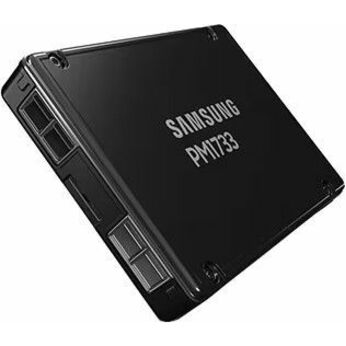
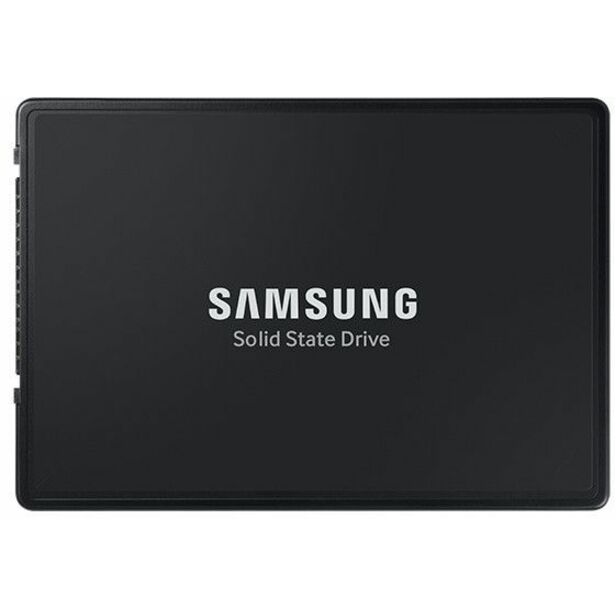
- SamsungSamsung PM1733 1.92 TB Solid State Drive - 2.5" Internal - U.2 (PCI Express NVMe 4.0 x4)MZ-WLJ1T90
$3,654.53
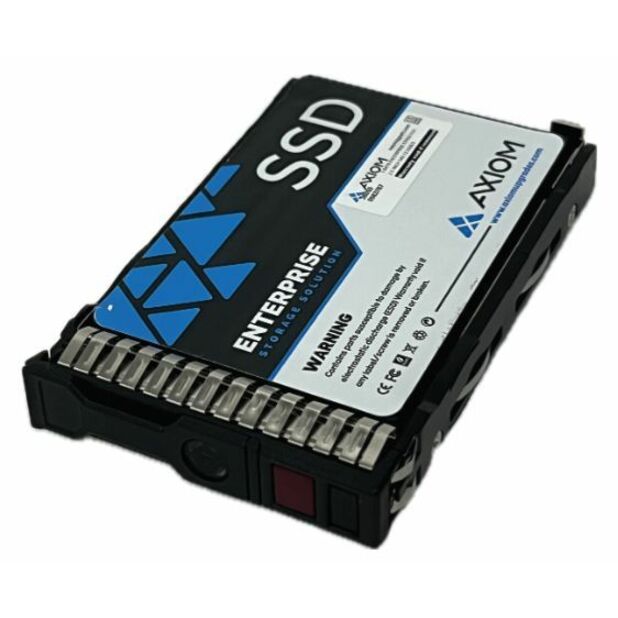
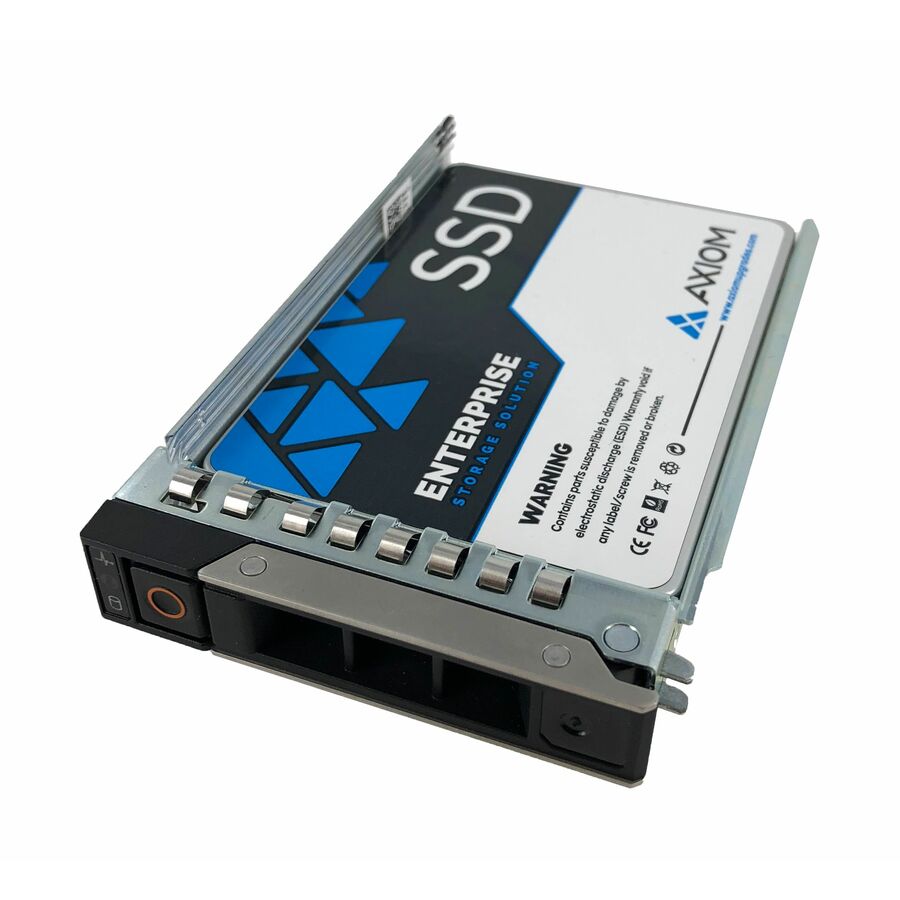
1 in stock - Axiom Memory Solutions3.84TB U.2 PCIe Gen4 x4 Enterprise Pro EP750 SSD - Axiom 3.84TB Enterprise Pro EP750 Hot-Swap U.2 PCIe Gen4 x4 SSD for HPSSDUX10HN3T8-AX
$6,131.00
$5,269.34
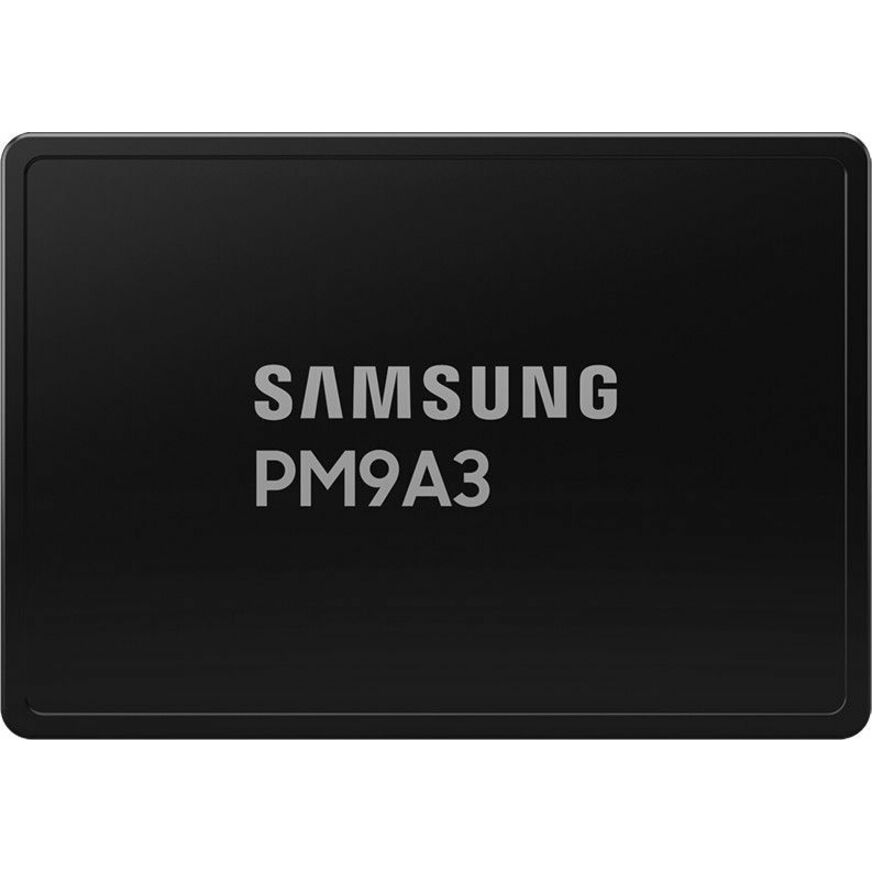
1 in stock - SamsungSamsung PM9A3 3.84 TB Solid State Drive - 2.5" Internal - U.2 (PCI Express NVMe 4.0)MZ-QL23T80
$5,393.64
9 in stock - Axiom Memory Solutions7.68TB Enterprise U.2 PCIe X4 SSD for Dell - Axiom 7.68TB U.2 PCIe Gen4 x4 Hot-Swap Enterprise Pro SSD for DellSSDUX10DX7T6-AX
$7,999.00
$6,874.54
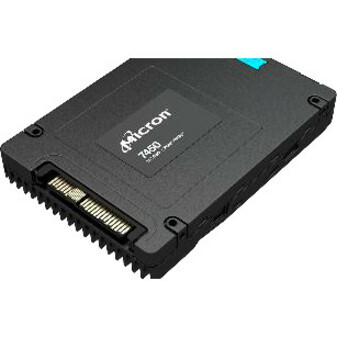
1 in stock - Micron TechnologyMicron PRO 7450 PRO 7.68 TB Solid State Drive - 2.5" Internal - U.3 (PCI Express NVMe 4.0 x4) - Read Intensive - Server, Storage System Device Supported - 1 DWPD - 14000 TB TBW - 6800 MB/s Maximum Read Transfer Rate - 5 Year WarrantyMTFDKCC7T6TFR-1BC1ZABYY
$14,773.46
$13,911.64
20 in stock - SamsungSamsung PM9A3 15.36 TB Solid State Drive - 2.5" Internal - U.2 (PCI Express NVMe 4.0 x4)MZ-QL215T0
$31,052.46
1 in stock Back-ordered — estimated OEM lead time 3–8 weeks (Nov 14 – Dec 19 if ordered today).
Back-ordered — estimated OEM lead time 3–8 weeks (Nov 14 – Dec 19 if ordered today).
Back-ordered — estimated OEM lead time 3–8 weeks (Nov 14 – Dec 19 if ordered today).
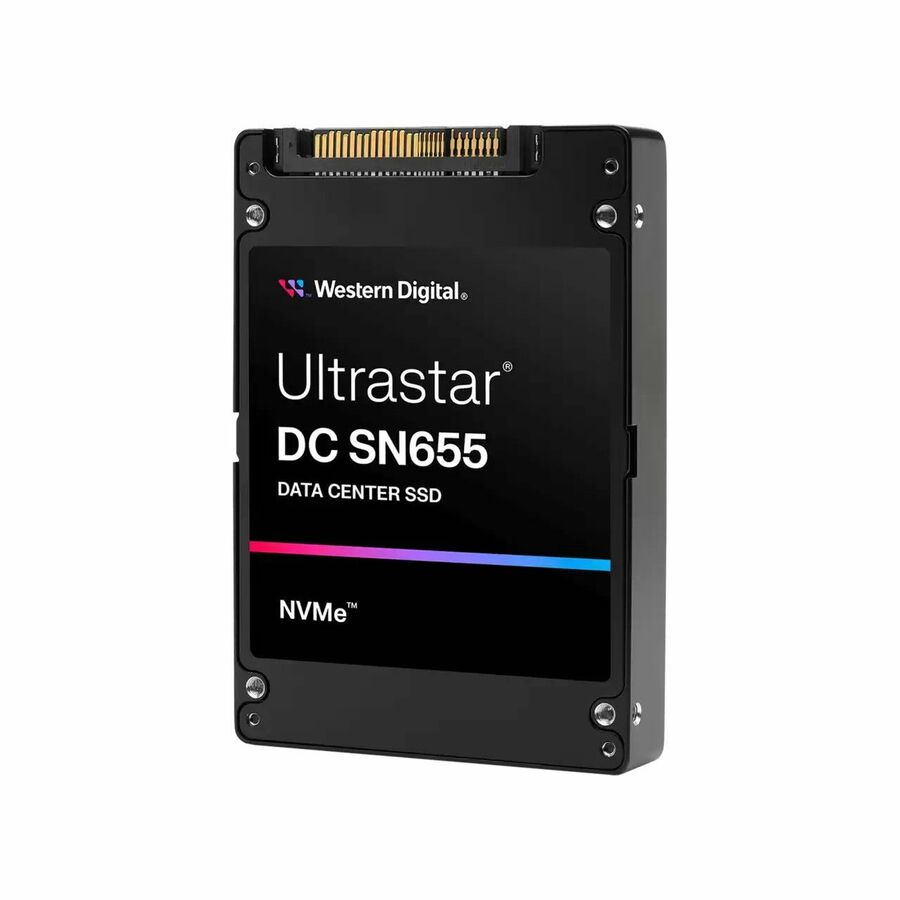
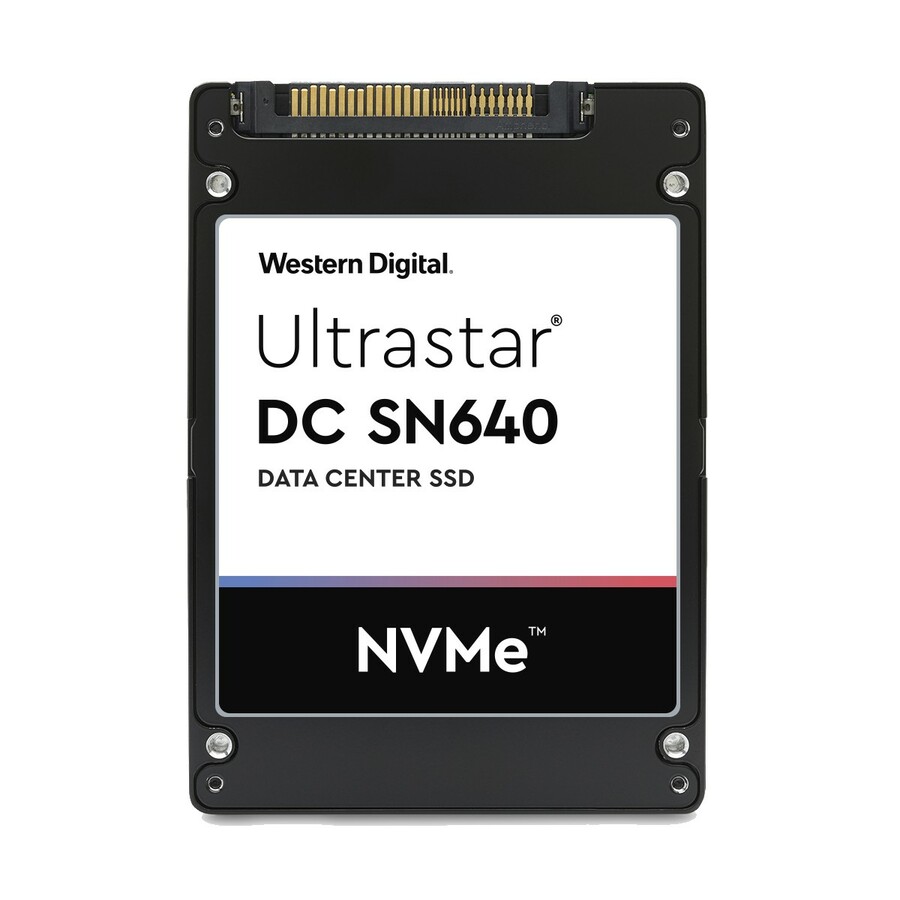
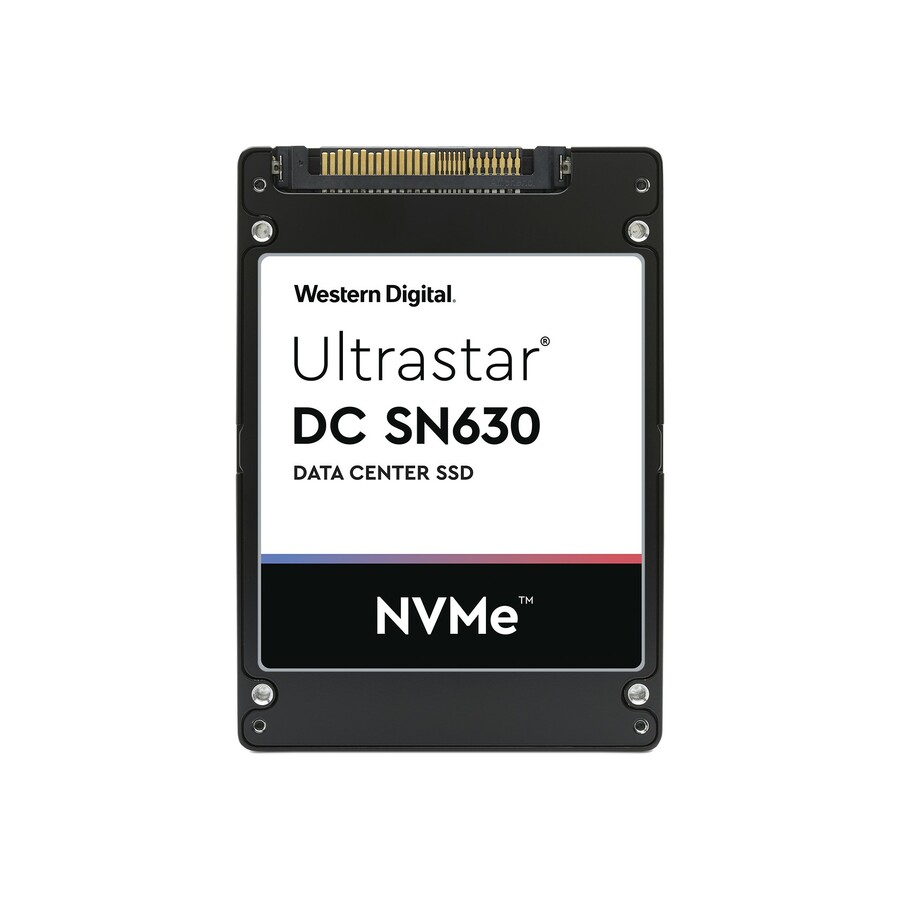
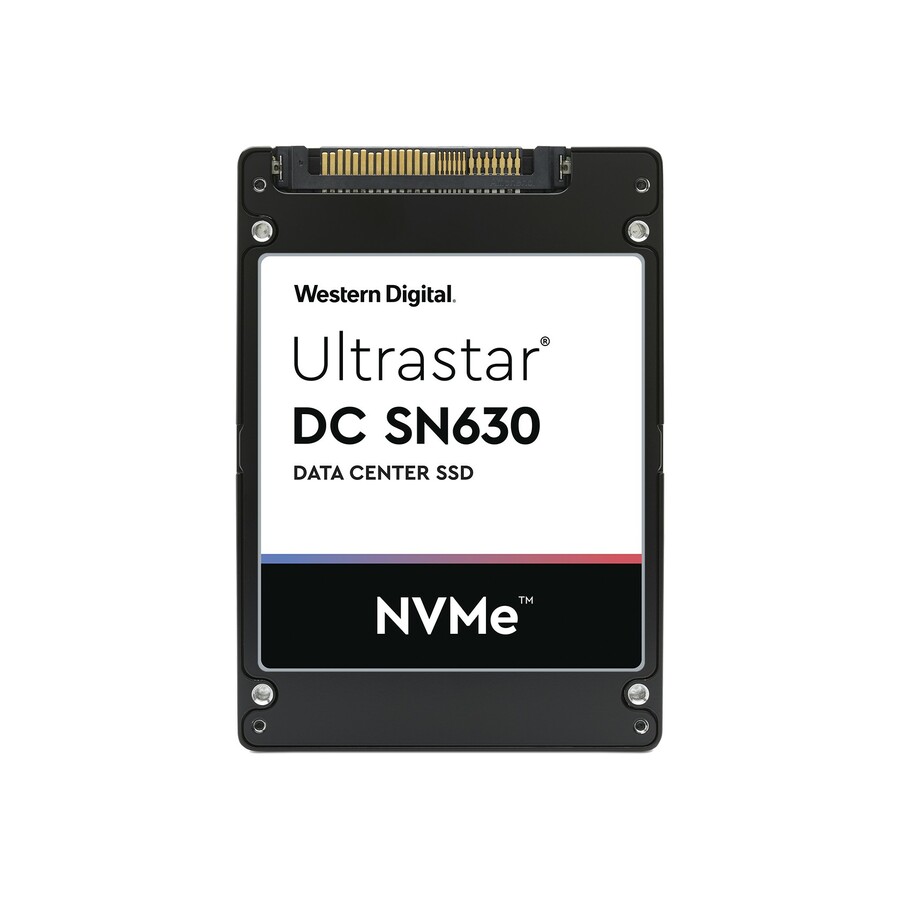
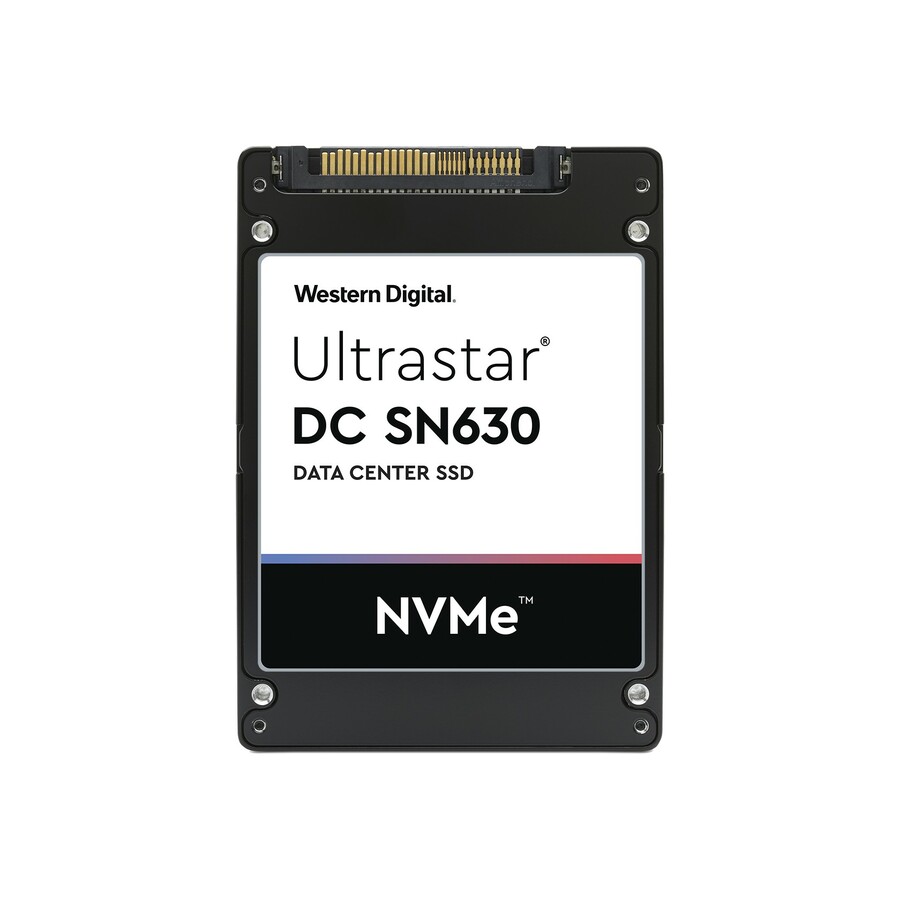
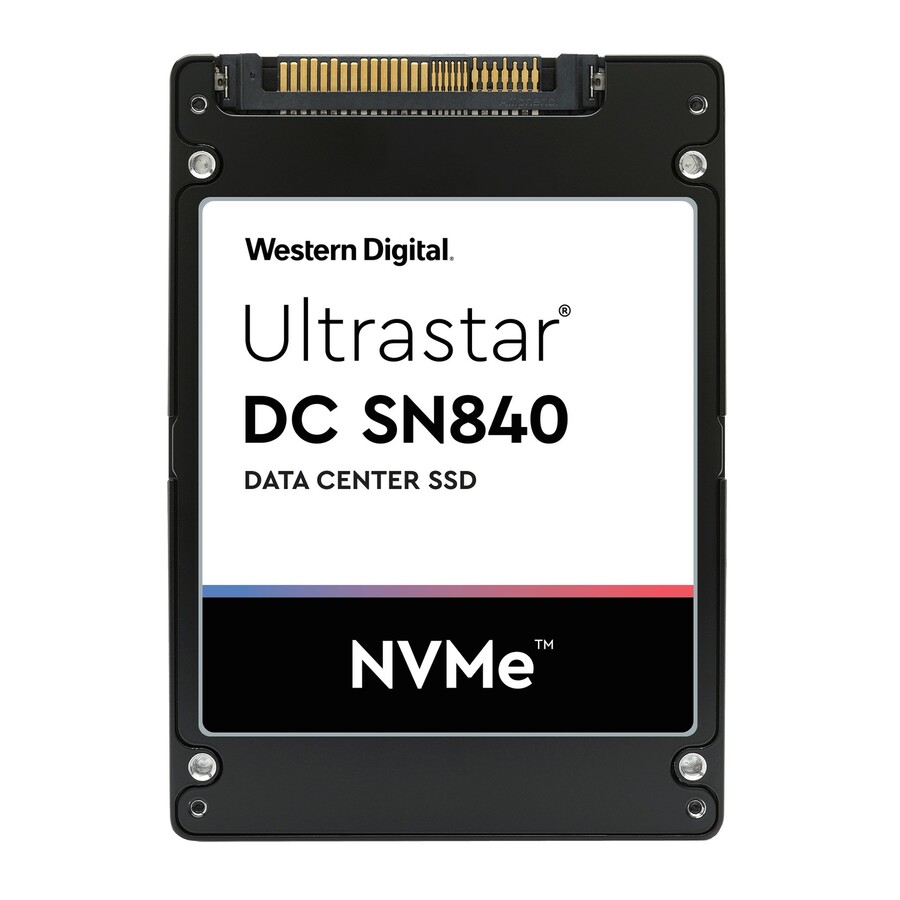
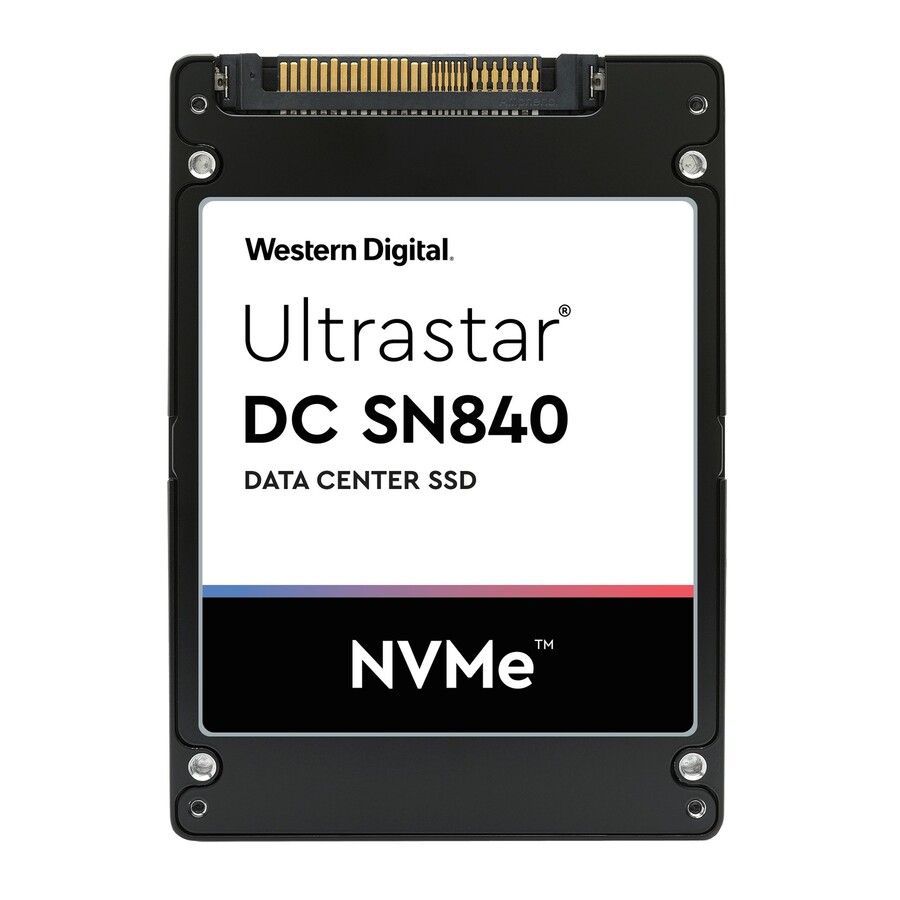
- Western DigitalWestern Digital Ultrastar DC SN630 1.56 TB Solid State Drive - 2.5" Internal - U.2 (SFF-8639) NVMe (PCI Express 3.0)0TS1638
$560.92
Back-orderedBack-ordered — estimated OEM lead time 3–8 weeks (Nov 14 – Dec 19 if ordered today).
Back-ordered — estimated OEM lead time 3–8 weeks (Nov 14 – Dec 19 if ordered today).
Back-ordered — estimated OEM lead time 3–8 weeks (Nov 14 – Dec 19 if ordered today).
Back-ordered — estimated OEM lead time 3–8 weeks (Nov 14 – Dec 19 if ordered today).
Back-ordered — estimated OEM lead time 3–8 weeks (Nov 14 – Dec 19 if ordered today).



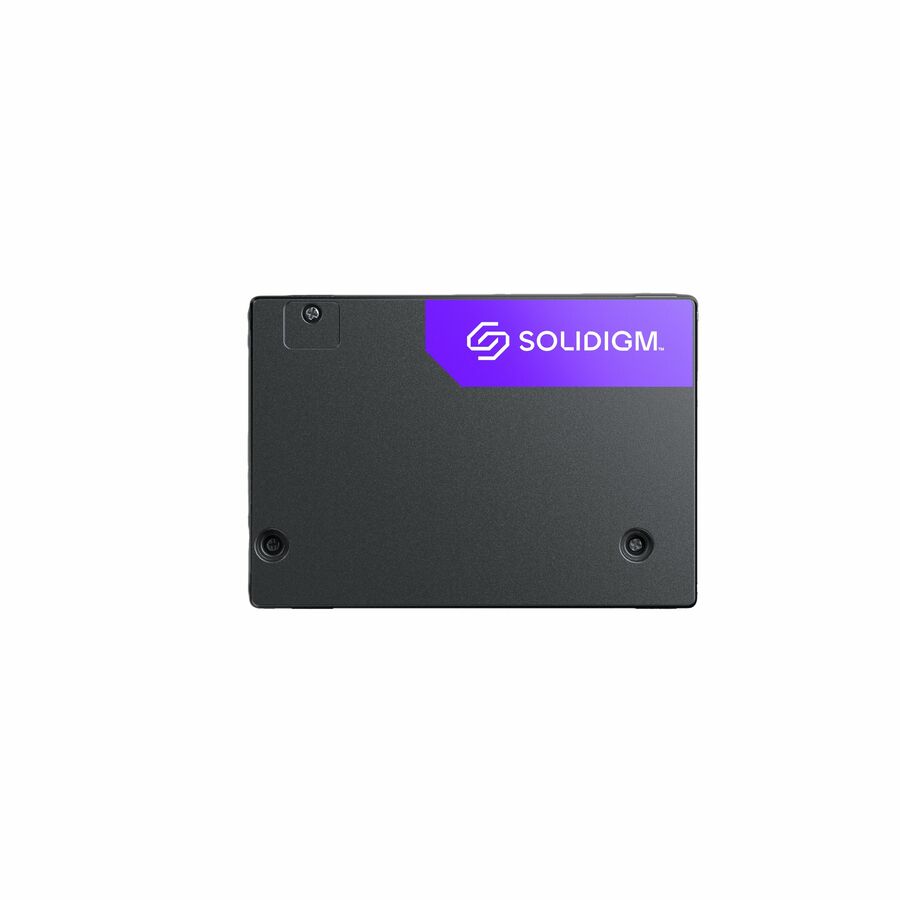
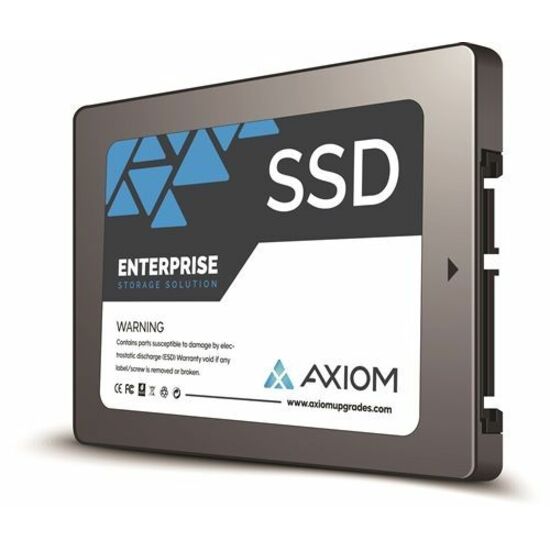
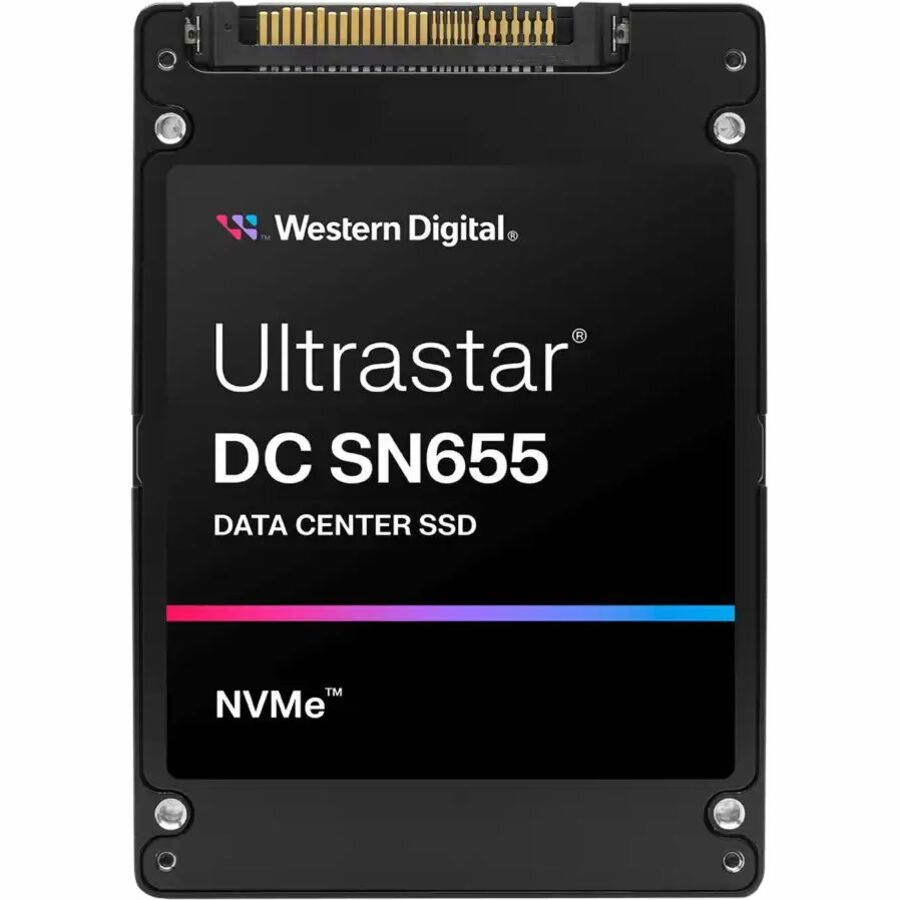
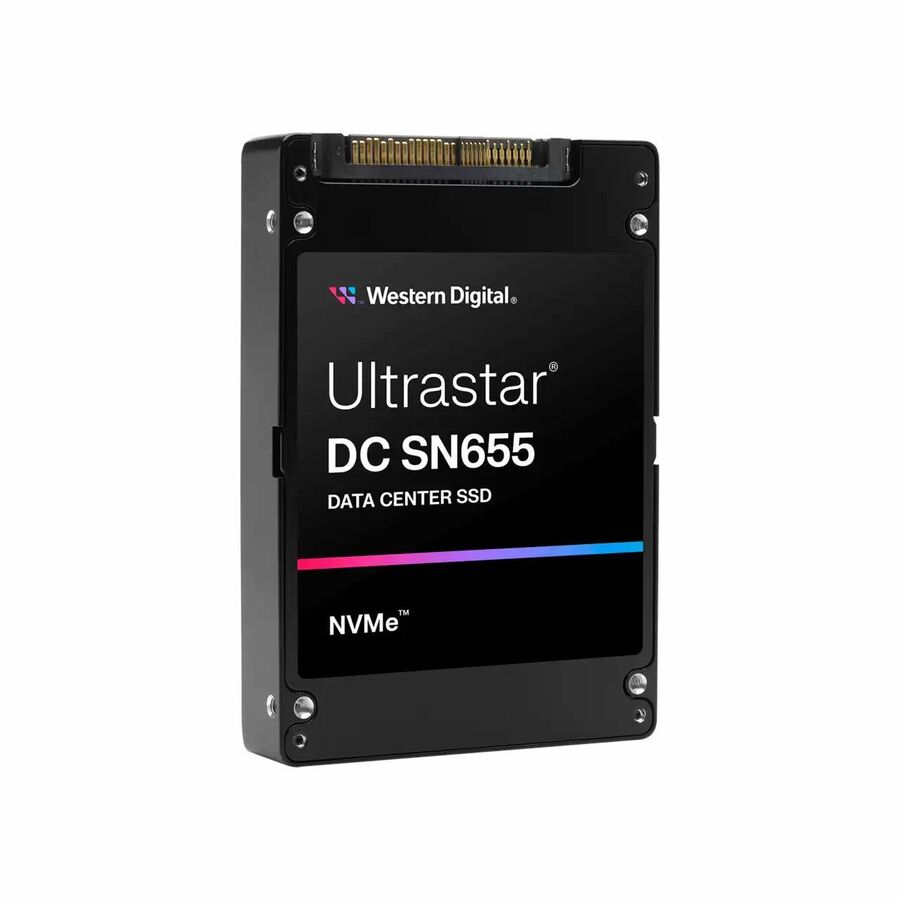
Entry U.2, Samsung
Samsung
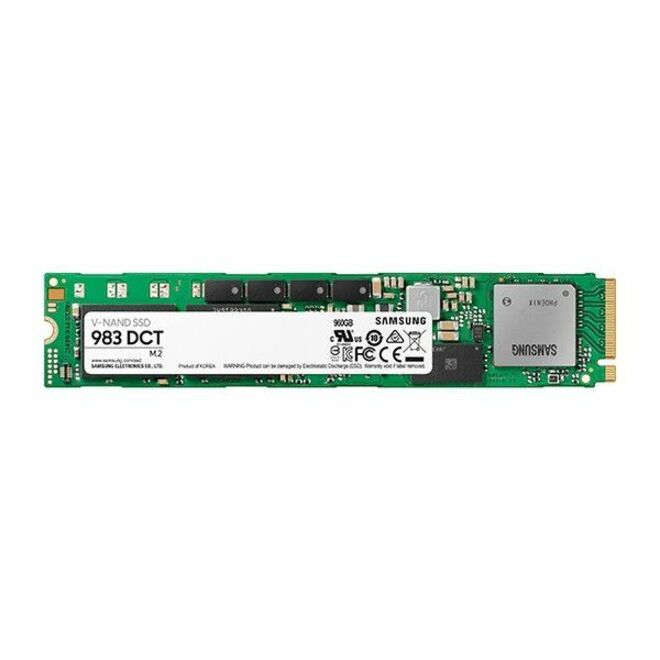
Samsung Enterprise 983 DCT 960 GB Solid State Drive
MZQLB960HAJR
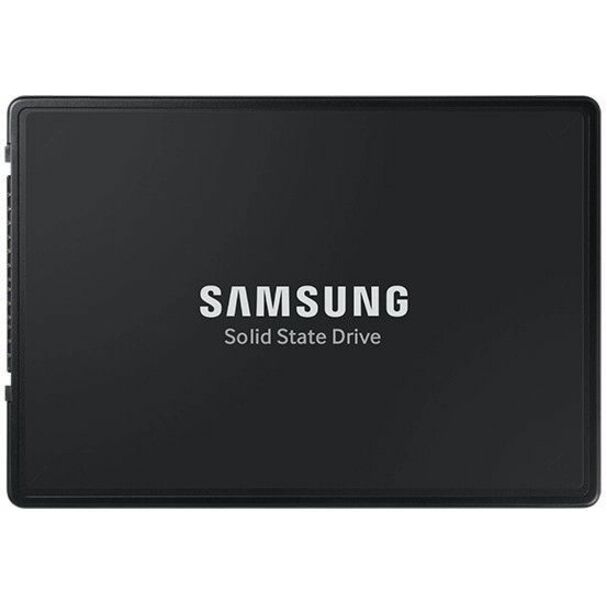
A Samsung 983 DCT 960 GB U.2 data-center NVMe drive — the entry into the enterprise form factor for a boot pair or a read-mostly tier, with power-loss protection and a data-center endurance rating.
$850.48Back-orderedLenovo 7450 PRO U.3
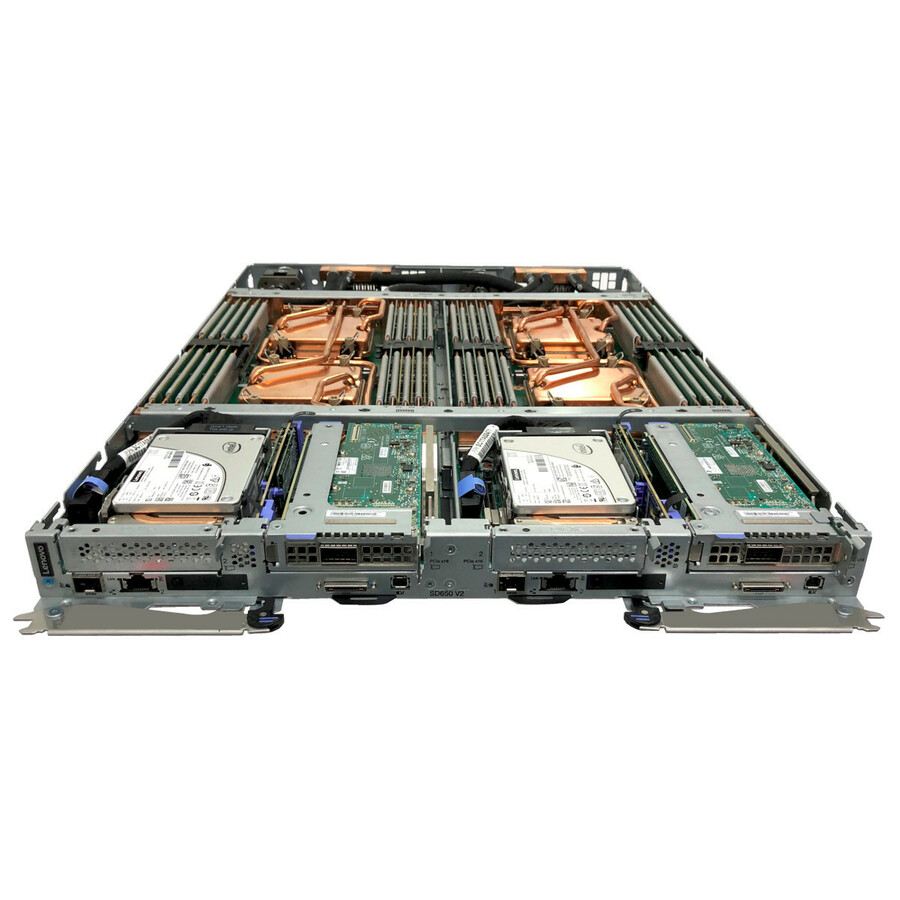
Lenovo
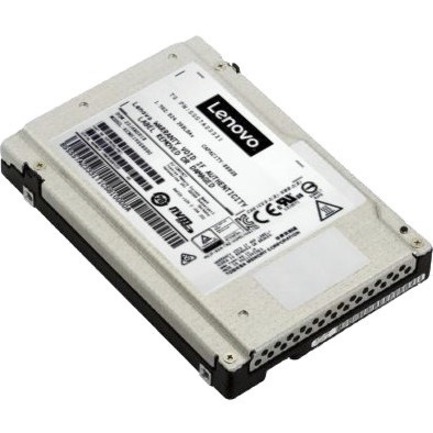
Lenovo 7450 PRO 960 GB Solid State Drive
4XB7A13975
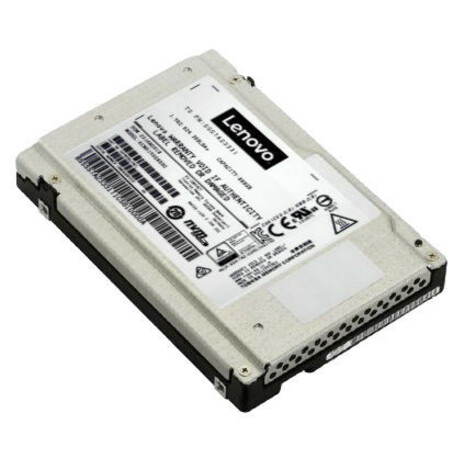
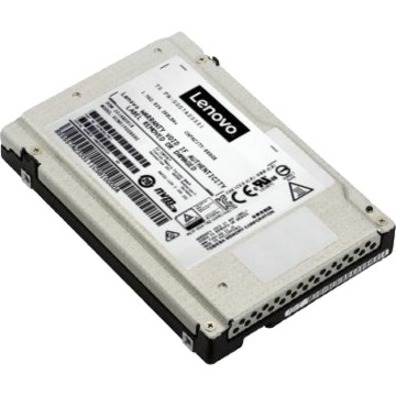
A Lenovo 7450 PRO 960 GB U.3 read-intensive NVMe drive on PCIe Gen4 — an OEM-qualified U.3 tri-mode part for a ThinkSystem server, sized for content, boot and analytics-read workloads.
$1,069.71Back-orderedMicron 7450 PRO U.3
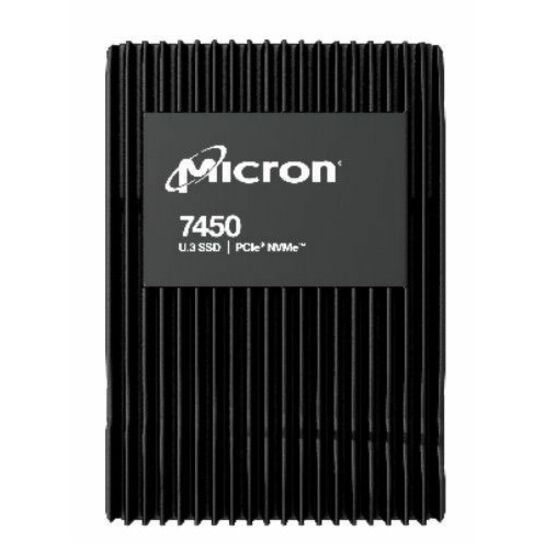
Micron Technology
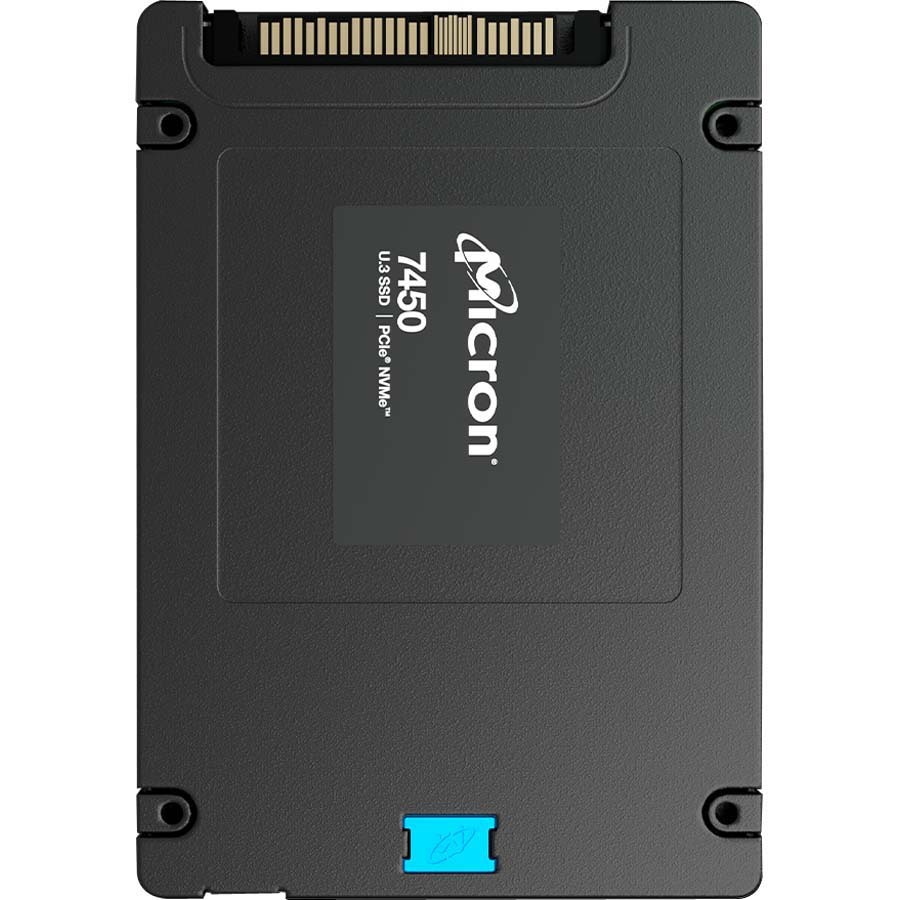
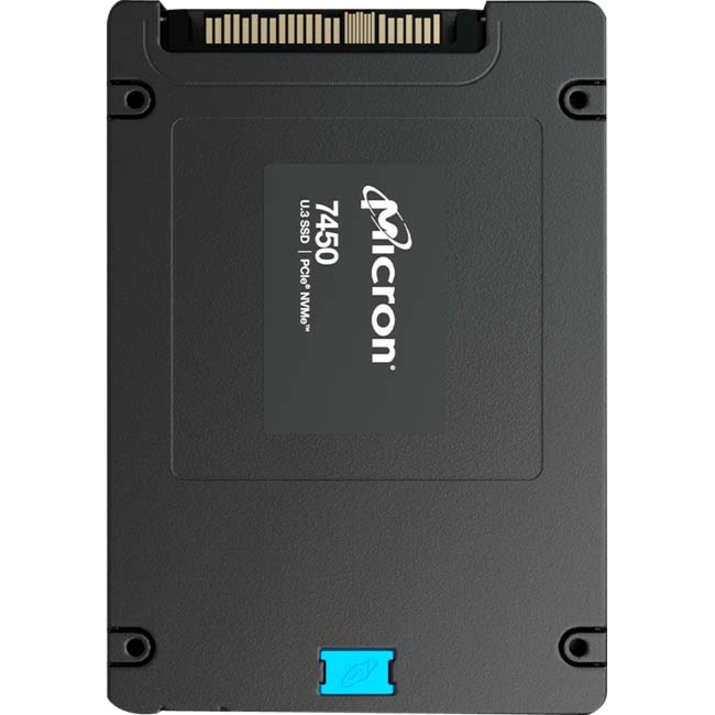
Micron 7450 PRO 960 GB Solid State Drive
MTFDKCB960TFR-1BC1ZABYY
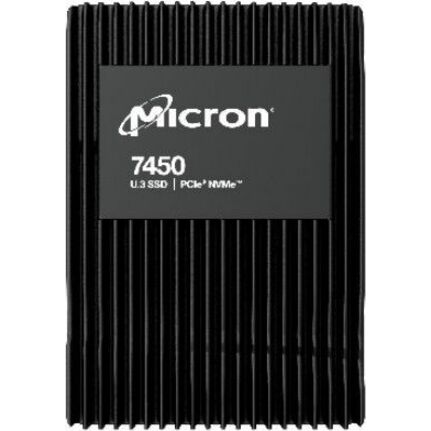
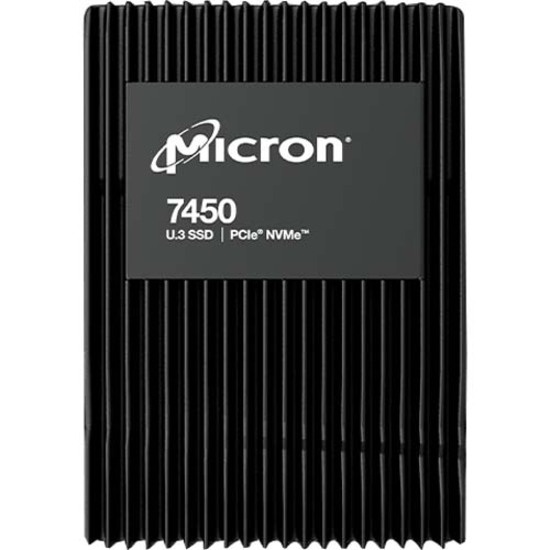
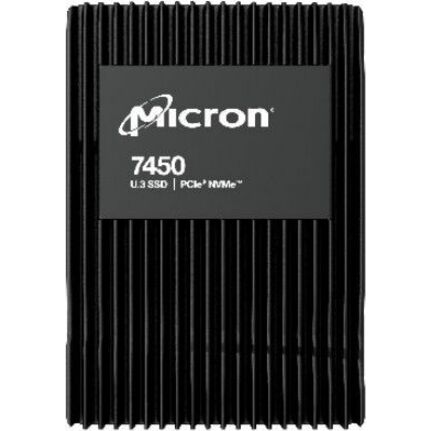
A Micron 7450 PRO 960 GB U.3 read-intensive NVMe drive on PCIe Gen4 — the mainstream read-intensive workhorse of Micron's enterprise line, for the bulk of a virtualization or content estate.
$1,092.00Back-orderedSamsung PM9A3 U.2
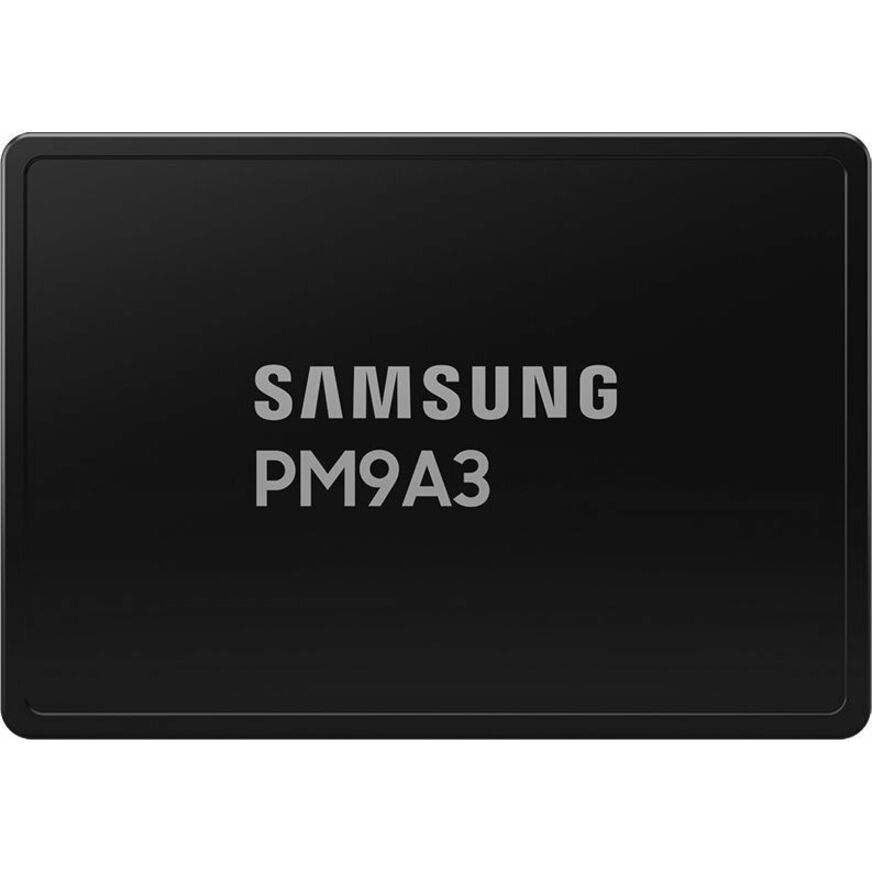
Samsung
Samsung PM9A3 960 GB Solid State Drive
MZQL2960HCJR-00BAL
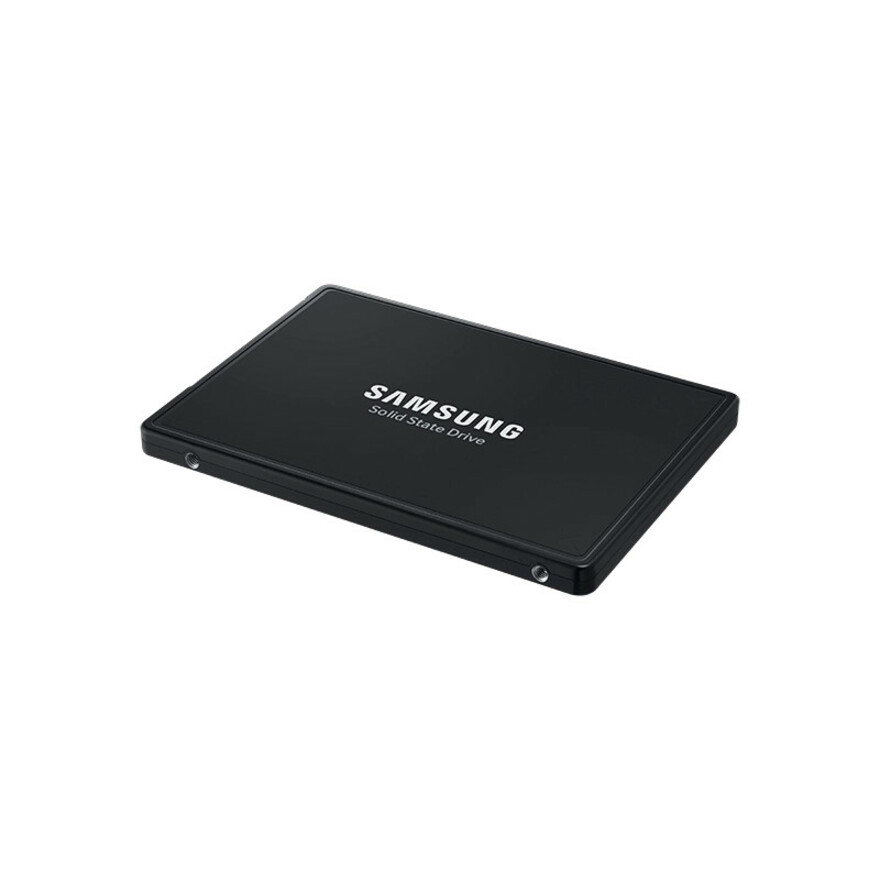
A Samsung PM9A3 960 GB U.2 NVMe drive on PCIe Gen4 — a widely qualified data-center part for a read-intensive server tier, with the endurance and power-loss protection of Samsung's enterprise line.
$1,647.00Back-orderedLenovo PM1743 U.3
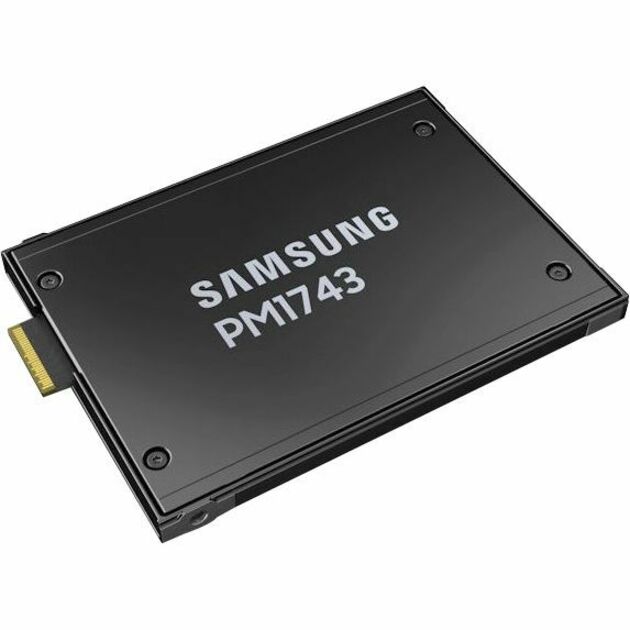
Lenovo
Lenovo ThinkSystem PM1743 1.92 TB Solid State Drive
4XB7A84129
A Lenovo ThinkSystem PM1743 1.92 TB U.3 NVMe drive on PCIe Gen5 — the next-generation throughput tier for a ThinkSystem platform whose lanes are Gen5, in the tri-mode U.3 form factor.
$1,370.38Back-orderedLenovo 7400 PRO U.3
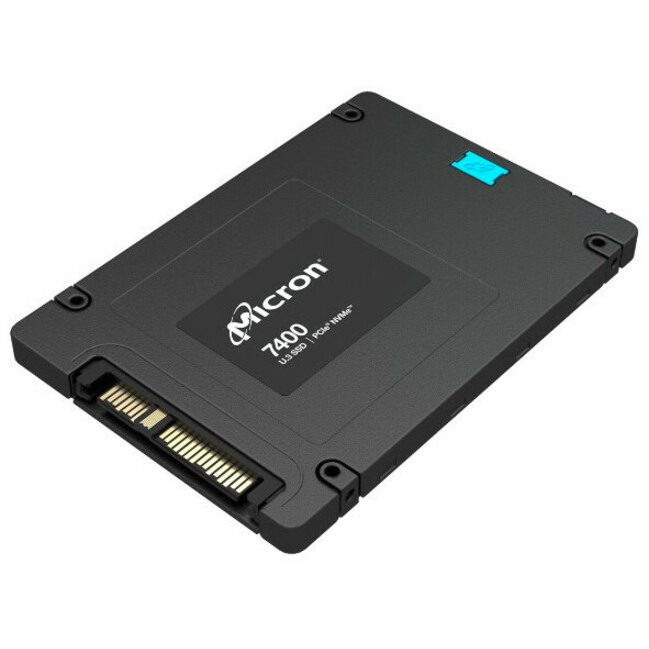
Lenovo
Lenovo 7400 PRO 1.92 TB Solid State Drive
4XB7A80377
A Lenovo 7400 PRO 1.92 TB U.3 read-intensive NVMe drive on PCIe Gen4 — a nearly-two-terabyte read tier for a ThinkSystem server, OEM-qualified against the platform's tri-mode backplane.
$1,500.74Back-orderedLenovo P5520 U.2
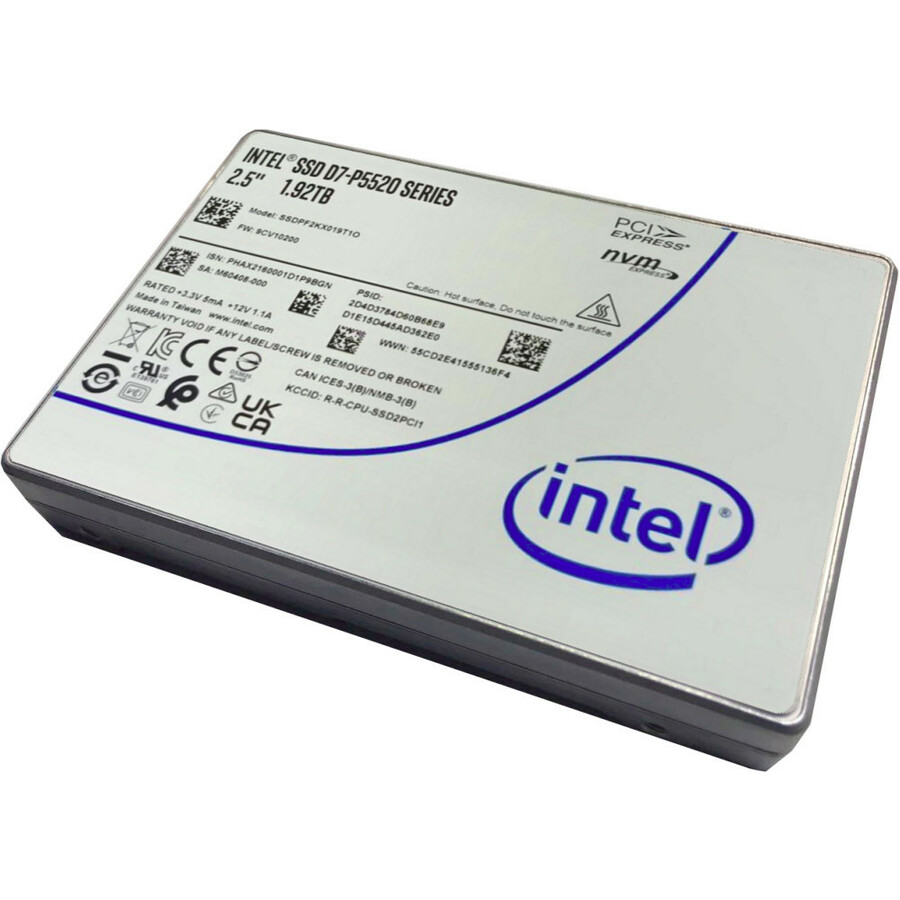
Lenovo
Lenovo P5520 3.84 TB Solid State Drive
4XB7A17124
A Lenovo P5520 3.84 TB U.2 read-intensive NVMe drive on PCIe Gen4 — a high-capacity read tier in the U.2 form factor, sized to collapse a rack of read-mostly storage into a handful of bays.
$1,970.94Back-orderedKingston Gen5 U.2
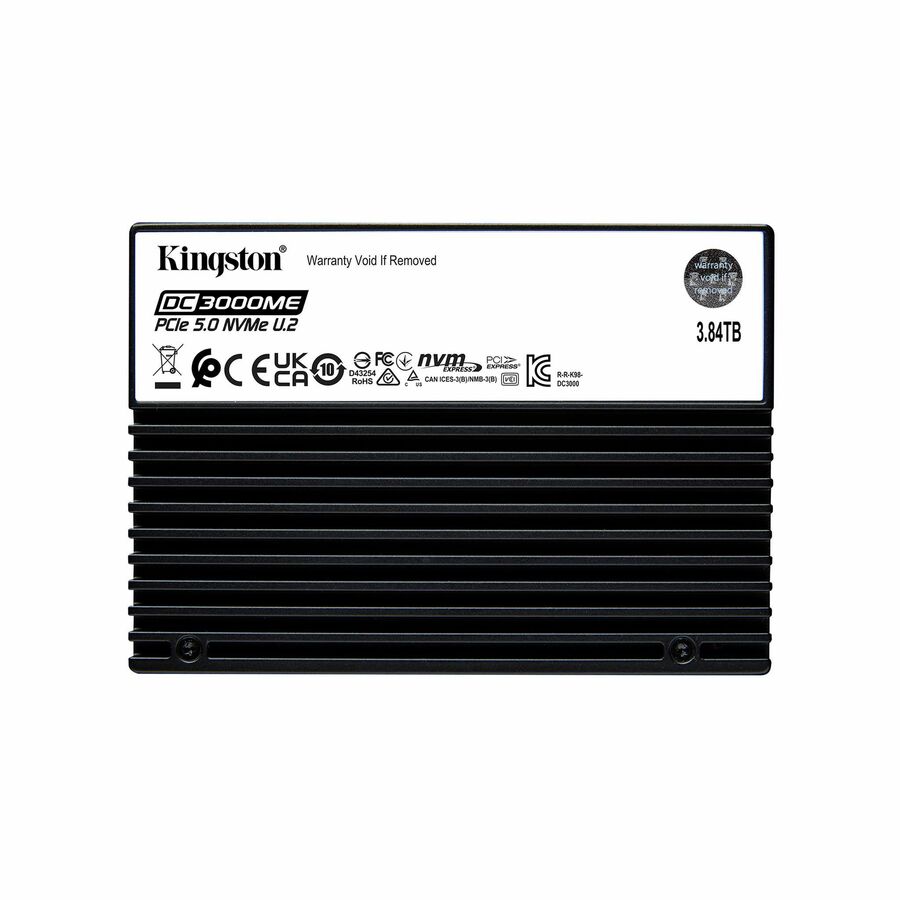
Kingston Technology
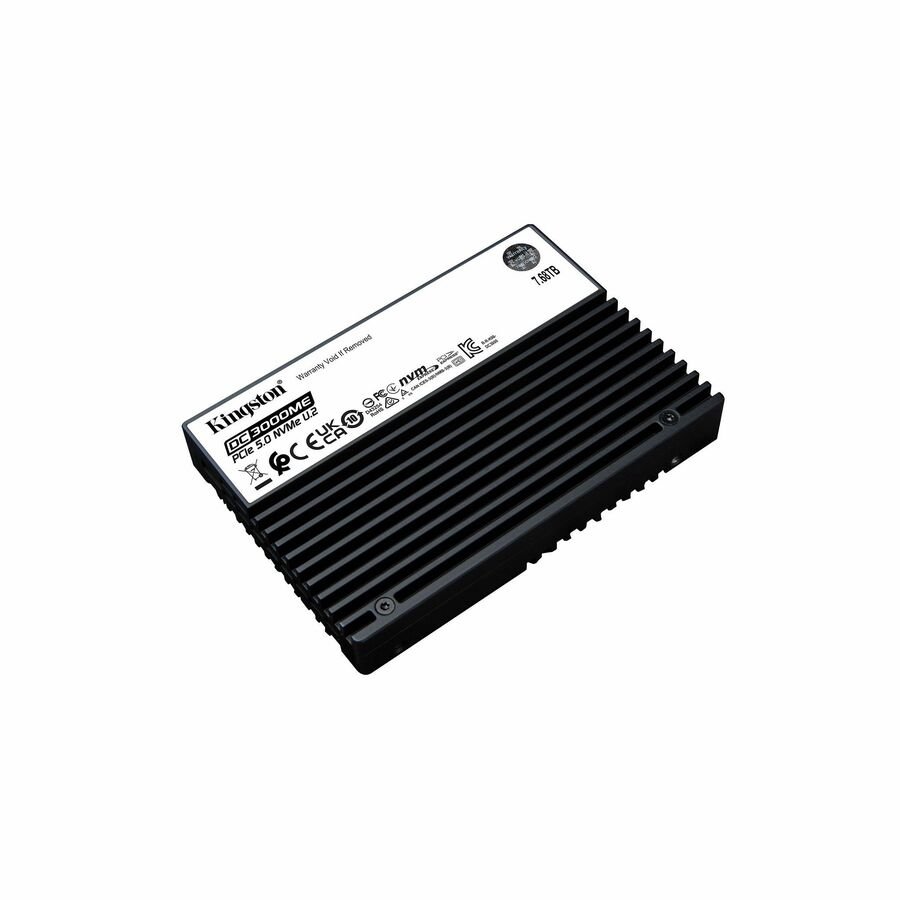
Kingston DC3000ME 3.84 TB Solid State Drive
SEDC3000ME/3T8
A Kingston DC3000ME 3.84 TB U.2 mixed-use NVMe drive on PCIe Gen5 — a write-endurant, next-generation drive for a database or cache tier on a host whose lanes are Gen5.
$3,400.80Back-orderedSamsung PM1733 U.2
Samsung
Samsung PM1733 1.92 TB Solid State Drive
MZ-WLJ1T90
A Samsung PM1733 1.92 TB U.2 NVMe drive on PCIe Gen4 — a high-throughput data-center part for a demanding read or mixed tier, with Samsung's enterprise power-loss protection and endurance rating.
$3,654.53In stockMicron mixed-use TAA
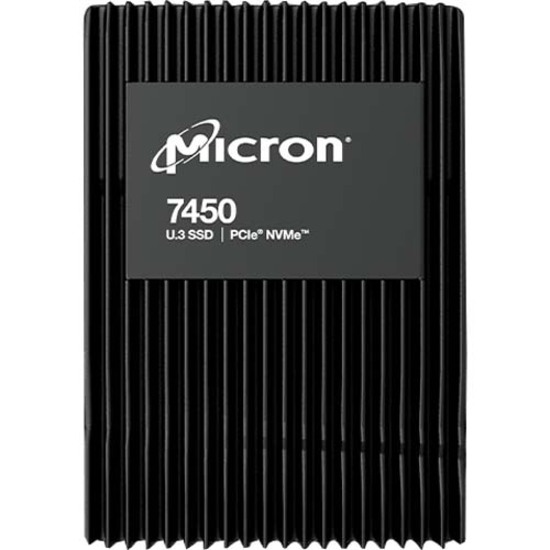
Micron Technology
Micron 3.20 TB Solid State Drive
MTFDKCC3T2TFS-1BC1ZABYY
A Micron 3.2 TB U.3 mixed-use NVMe drive on PCIe Gen4 — the higher write-endurance class for a database or write-heavy log, ordered as the manufacturer's TAA-marked part number.
Its title reads TAA Compliant. TAA and standard variants are different SKUs, so we screen and document the exact part number on the quote rather than the model family.
$4,106.98*Back-orderedMicron 9200 PRO U.2
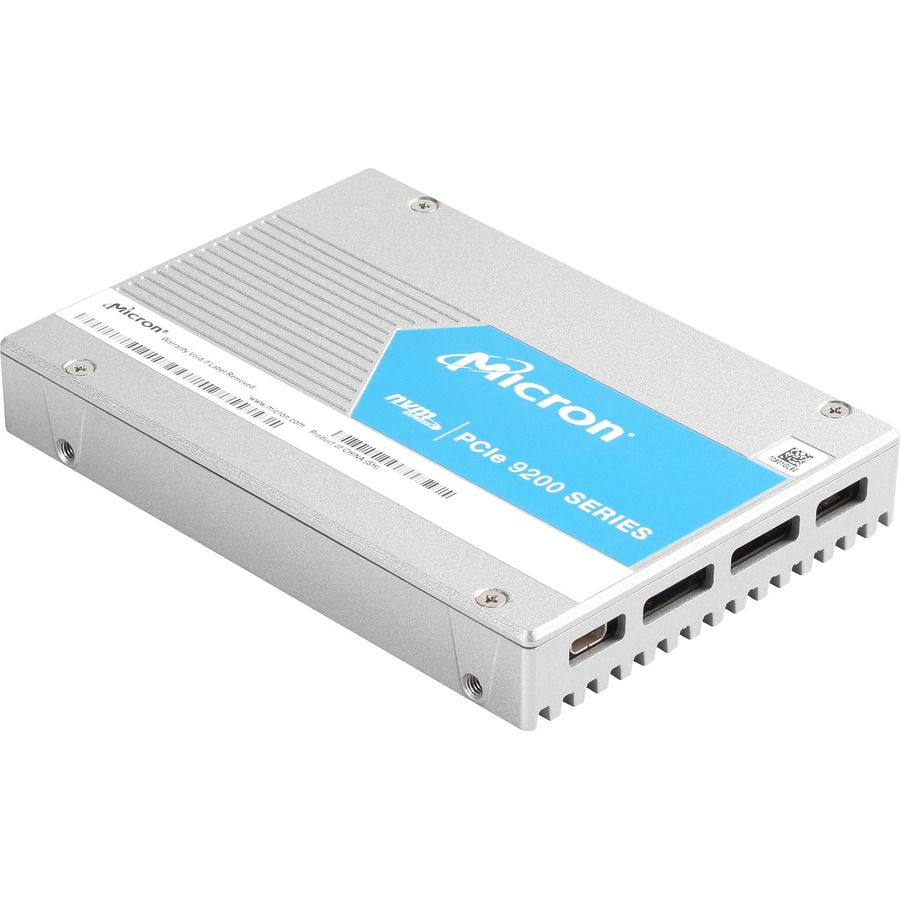
Micron Technology
Micron 9200 9200 PRO 3.84 TB Solid State Drive
MTFDHAL3T8TCT-1AR1ZABYY
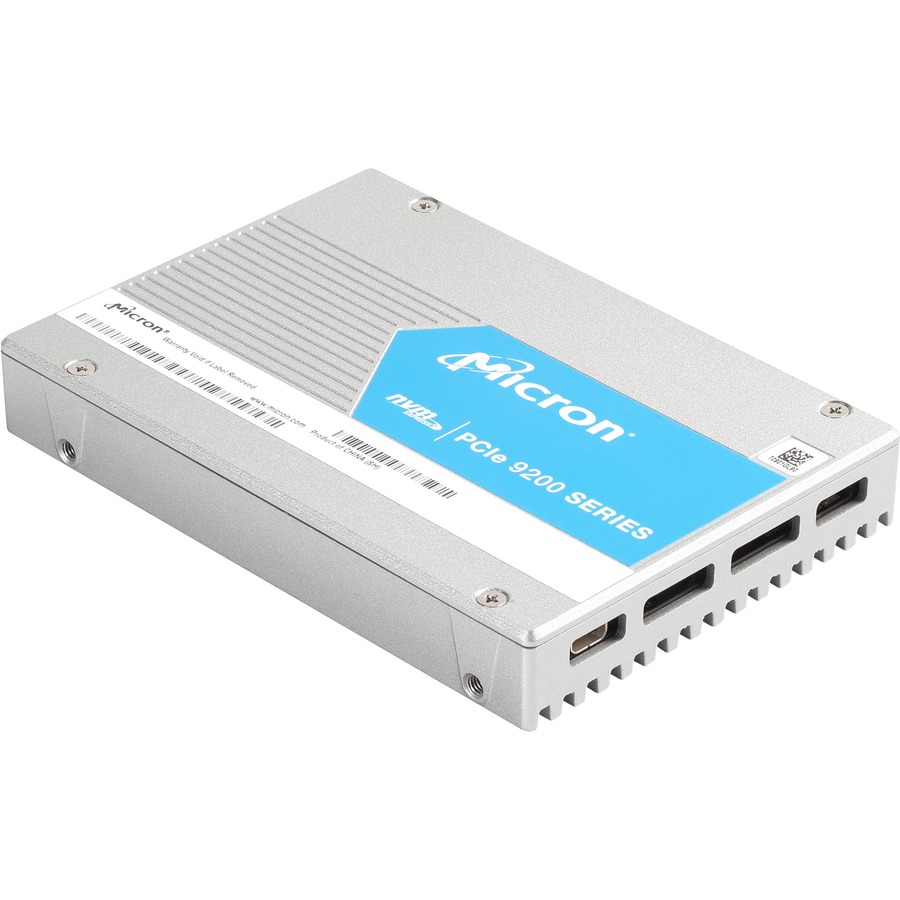
A Micron 9200 PRO 3.84 TB U.2 NVMe drive over the SFF-8639 connector — a high-capacity enterprise part for a read-mostly tier on a server whose backplane presents U.2 rather than U.3.
$7,335.07Back-orderedAxiom EP750 U.2
Axiom Memory Solutions
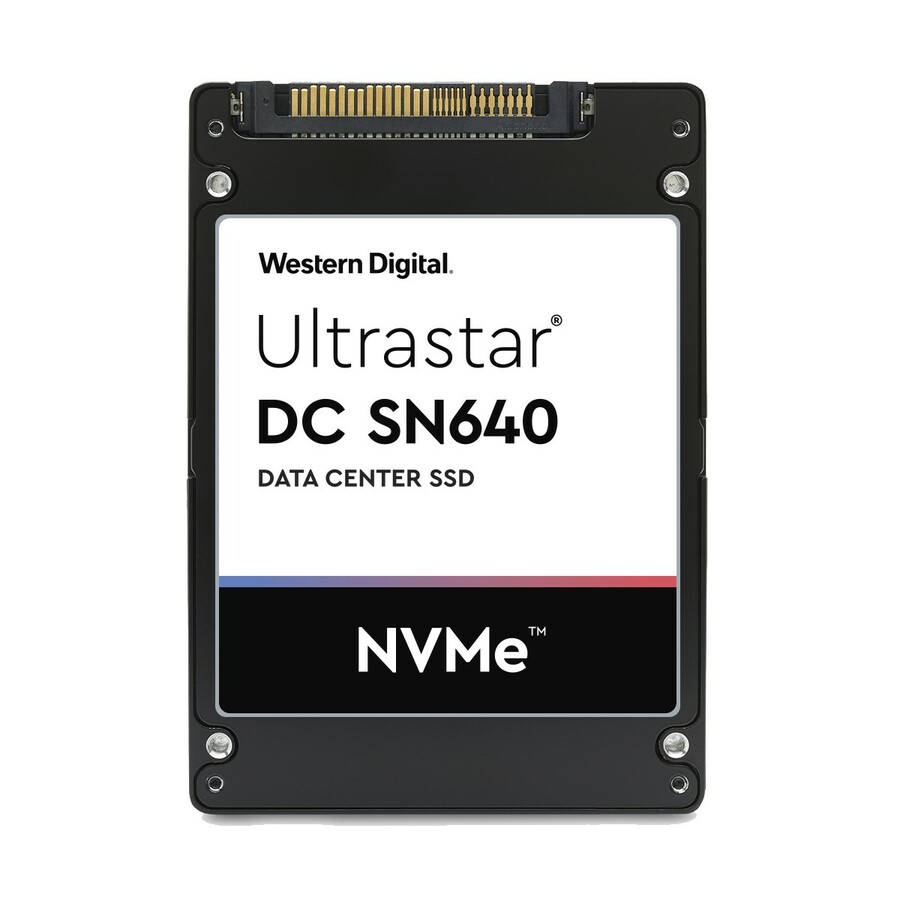
3.84TB U.2 PCIe Gen4 x4 Enterprise Pro EP750 SSD
SSDUX10HN3T8-AX
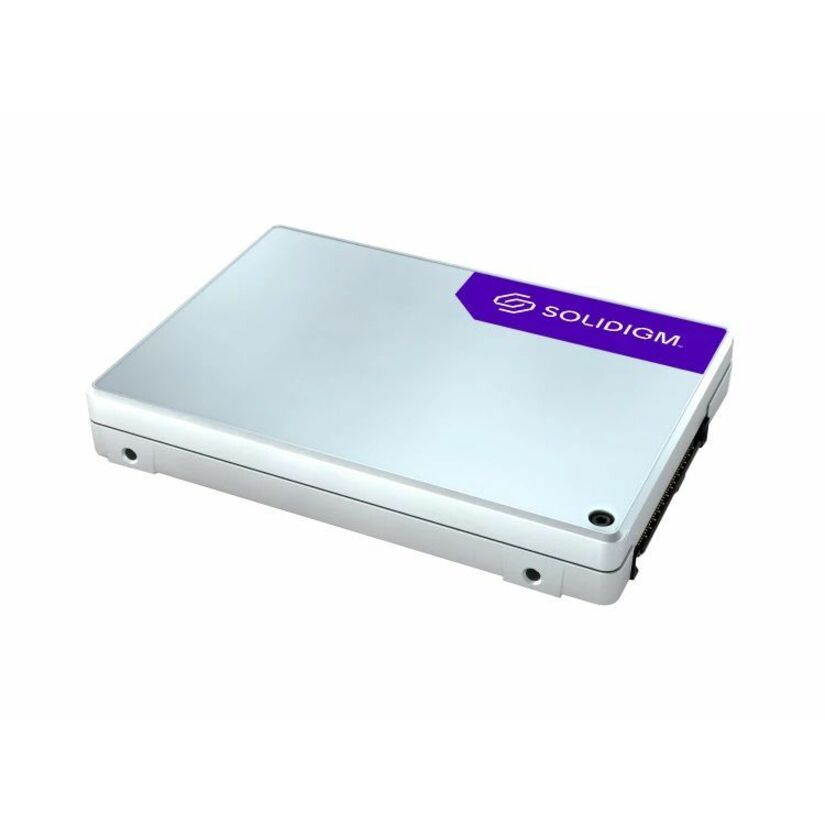
An Axiom Enterprise Pro EP750 3.84 TB U.2 hot-swap NVMe drive on PCIe Gen4 — a high-capacity enterprise drive in the U.2 form factor for a server tier that needs the density without the OEM part premium.
$5,269.34In stockMicron 7450 PRO 7.68TB
Micron Technology
Micron PRO 7450 PRO 7.68 TB Solid State Drive
MTFDKCC7T6TFR-1BC1ZABYYR
A Micron 7450 PRO 7.68 TB U.3 read-intensive NVMe drive on PCIe Gen4 — a high-density read tier that puts most of a storage shelf into a single hot-swap bay.
$22,906.32Back-orderedWD Gold U.2 7.68TB
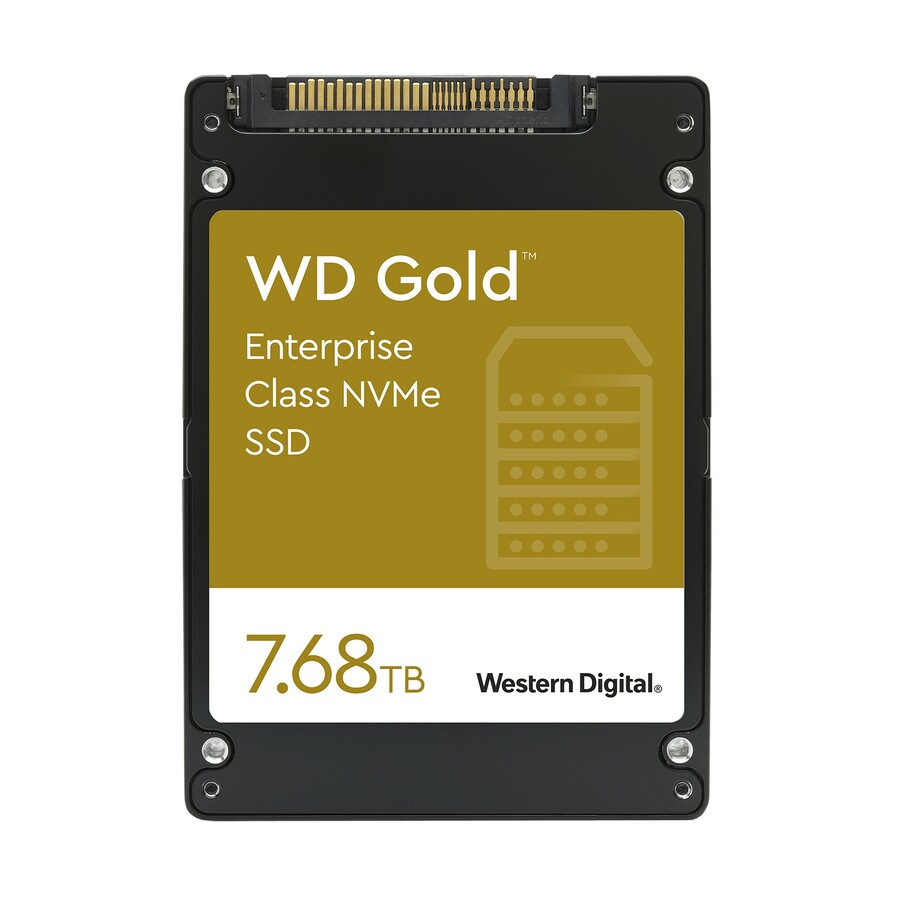
Western Digital
Western Digital Gold WDS768T1D0D 7.68 TB Solid State Drive
WDS768T1D0D
A Western Digital Gold 7.68 TB U.2 NVMe drive over the SFF-8639 connector — a high-capacity enterprise drive for a read or archive tier on a U.2 backplane, from WD's data-center line.
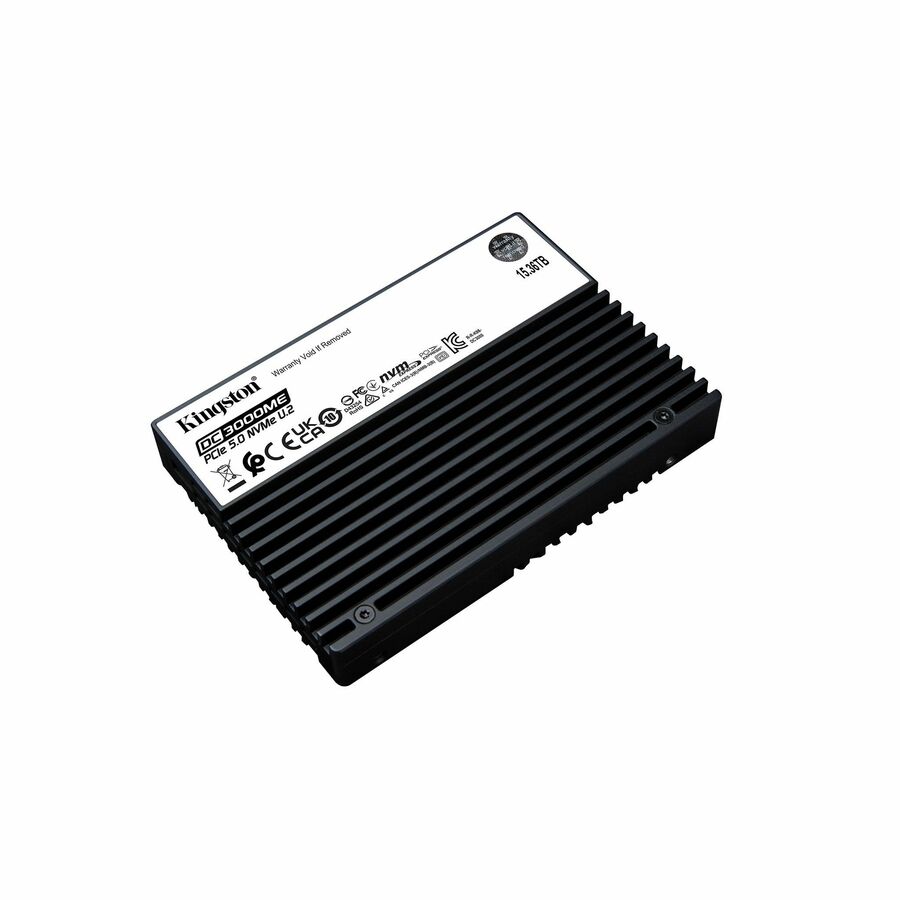
$12,674.69Back-orderedKingston 15.36TB U.2
Kingston Technology
Kingston DC3000ME 15.36 TB Solid State Drive
SEDC3000ME/15T3
A Kingston DC3000ME 15.36 TB U.2 mixed-use NVMe drive on PCIe Gen5 — a top-of-density, write-endurant part for a capacity-and-write tier where one bay replaces a shelf of disks.
$10,136.00In stockMore enterprise SSDs in the Uniqcli catalog
See all 9,677 enterprise SSDsMore from across this category. In-stock lines lead, and a back-ordered line carries the same estimated availability its product page does — with live pricing throughout, NDAA §889 screening before checkout and TAA verified on request.
- Kingston TechnologyKingston DC3000ME 30.72 TB Solid State Drive - 2.5" Internal - U.2 PCIe (NVMe) (PCI Express NVMe 5.0 x4) - Data Center, Server Device Supported - 1 DWPD - 56064 TB TBW - 256-bit AES Encryption Standard - 5 Year WarrantySEDC3000ME/30T7
$22,776.00
$18,220.80
Back-orderedBack-ordered — estimated OEM lead time 3–8 weeks (Nov 14 – Dec 19 if ordered today).
- Micron TechnologyMicron 7450 PRO 15.36 TB Solid State Drive - 2.5" Internal - U.3 (PCI Express NVMe 4.0 x4) - Read Intensive - Data Center, Server Device Supported - 1 DWPD - 28000 TB TBW - 5 Year WarrantyMTFDKCC15T3TFR-1BC15ABYY
$63,193.46
$59,507.00
Back-orderedBack-ordered — estimated OEM lead time 3–8 weeks (Nov 14 – Dec 19 if ordered today).
- Micron TechnologyMicron 12.80 TB Solid State Drive - 2.5" Internal - U.3 (PCI Express NVMe 4.0) - Mixed Use - TAA Compliant - Server Device Supported - 3 DWPD - 70000 TB TBW - 6800 MB/s Maximum Read Transfer Rate - 5 Year WarrantyMTFDKCC12T8TFS-1BC1ZABYY
$60,727.28
$57,184.69*
Back-orderedBack-ordered — estimated OEM lead time 3–8 weeks (Nov 14 – Dec 19 if ordered today).
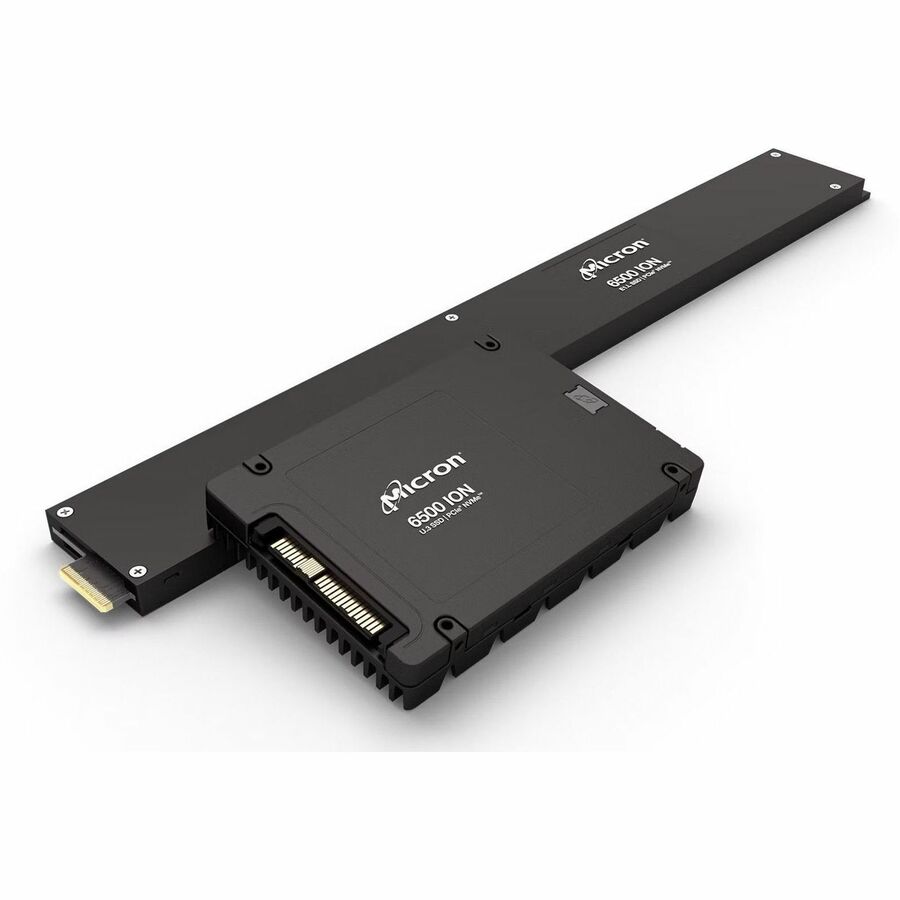
- Micron TechnologyMicron 6500 ION 30.72 TB Solid State Drive - 2.5" Internal - U.3 (PCI Express NVMe 4.0 x4) - TAA Compliant - 1 DWPD - 1MTFDKCC30T7TGR-1BK1DFCYYR
$59,974.48
$56,475.81*
Back-orderedBack-ordered — estimated OEM lead time 3–8 weeks (Nov 14 – Dec 19 if ordered today).
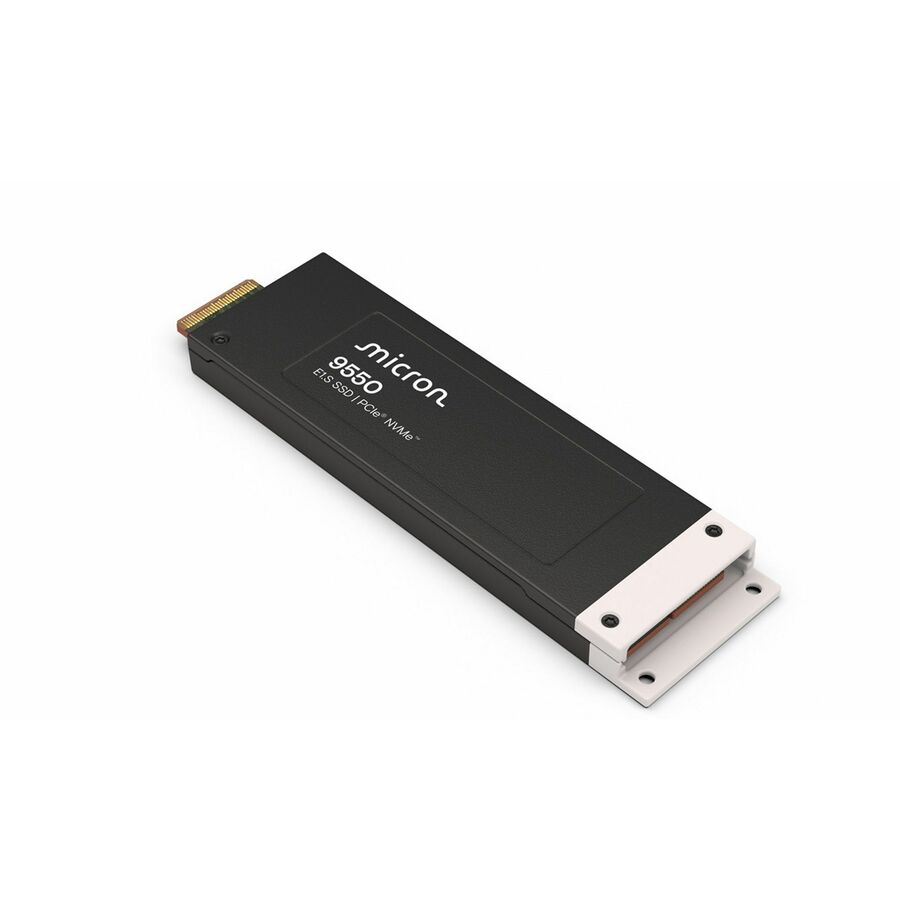
- Micron TechnologyMicron 9550 PRO 15 TB Solid State Drive - 2.5" Internal - U.2 (PCI Express NVMe 5.0 x4) - 1 DWPDMTFDLAL15T3THA-1BK1JABYY
$58,266.60
$54,867.55
Back-orderedBack-ordered — estimated OEM lead time 3–8 weeks (Nov 14 – Dec 19 if ordered today).
- Micron TechnologyMicron 9400 30 TB Solid State Drive - Internal - U.3 (PCI Express NVMe 4.0 x4) - 56064 TB TBW - 7000 MB/s Maximum Read Transfer Rate - 5 Year Warranty - 1MTFDKCC30T7TGH-1BC1ZABYYR
$53,684.21
$50,552.48
Back-orderedBack-ordered — estimated OEM lead time 3–8 weeks (Nov 14 – Dec 19 if ordered today).
- Micron TechnologyMicron 7450 MAX 6.40 TB Solid State Drive - 2.5" Internal - U.3 (PCI Express NVMe 4.0 x4) - Mixed Use - Data Center, Server Device Supported - 3 DWPD - 35000 TB TBW - 5 Year WarrantyMTFDKCB6T4TFS-1BC1ZABYY
$41,982.23
$39,533.15
Back-orderedBack-ordered — estimated OEM lead time 3–8 weeks (Nov 14 – Dec 19 if ordered today).
- Micron TechnologyMicron 6500 ION 30.72 TB Solid State Drive - 2.5" Internal - U.3 (PCI Express NVMe 4.0) - 1 DWPDMTFDKCC30T7TGR-1BK1JABYY
$33,318.65
$31,374.97
Back-orderedBack-ordered — estimated OEM lead time 3–8 weeks (Nov 14 – Dec 19 if ordered today).
- LenovoLenovo 6.40 TB Solid State Drive - 2.5" Internal - U.2 (SFF-8639) NVMe (PCI Express 3.0 x4) - 3.5" Carrier - Mixed Use - Server Device Supported - 3 DWPD - 35040 TB TBW - 3200 MB/s Maximum Read Transfer Rate - Hot Swappable - 1 Year Warranty - 14XB7A08535
$12,829.00
$10,891.56
Back-orderedBack-ordered — estimated OEM lead time 3–8 weeks (Nov 14 – Dec 19 if ordered today).
- LenovoLenovo 6.40 TB Solid State Drive - 2.5" Internal - U.2 (SFF-8639) NVMe (PCI Express 3.0 x4) - Mixed Use - Server Device Supported - 3 DWPD - 35040 TB TBW - 3200 MB/s Maximum Read Transfer Rate - Hot Swappable - 1 Year Warranty - 14XB7A08519
$12,829.00
$10,891.56
Back-orderedBack-ordered — estimated OEM lead time 3–8 weeks (Nov 14 – Dec 19 if ordered today).
- LenovoLenovo 3 TB Solid State Drive - 2.5" Internal - U.2 (SFF-8639) NVMe (PCI Express 3.0 x4) - Mixed Use - Server Device Supported - 3 DWPD - 17520 TB TBW - 3200 MB/s Maximum Read Transfer Rate - Hot Swappable - 1 Year Warranty - 14XB7A08518
$6,999.00
$5,484.93
Back-orderedBack-ordered — estimated OEM lead time 3–8 weeks (Nov 14 – Dec 19 if ordered today).
- LenovoLenovo 3.20 TB Solid State Drive - 2.5" Internal - U.2 (SFF-8639) NVMe (PCI Express 3.0 x4) - 3.5" Carrier - Mixed Use - Server Device Supported - 3 DWPD - 17520 TB TBW - 3200 MB/s Maximum Read Transfer Rate - Hot Swappable - 1 Year Warranty - 14XB7A08534
$6,999.00
$5,484.93
Back-orderedBack-ordered — estimated OEM lead time 3–8 weeks (Nov 14 – Dec 19 if ordered today).
- Micron TechnologyMicron PRO 7450 PRO 7.68 TB Solid State Drive - 2.5" Internal - U.3 (PCI Express NVMe 4.0 x4) - Read Intensive - Server, Storage System Device Supported - 1 DWPD - 14000 TB TBW - 6800 MB/s Maximum Read Transfer Rate - 5 Year Warranty - RetailMTFDKCC7T6TFR-1BC1ZABYYR
$24,325.36
$22,906.32
Back-orderedBack-ordered — estimated OEM lead time 3–8 weeks (Nov 14 – Dec 19 if ordered today).
- Kingston TechnologyKingston DC3000ME 7.68 TB Solid State Drive - 2.5" Internal - U.2 (PCI Express NVMe 5.0 x4) - Server, Data Center Device Supported - 1 DWPD - 14016 TB TBW - 256-bit AES Encryption StandardSEDC3000ME/7T6
$6,837.00
$5,469.60
Back-orderedBack-ordered — estimated OEM lead time 3–8 weeks (Nov 14 – Dec 19 if ordered today).
- Micron TechnologyMicron MAX 7450 MAX 6.40 TB Solid State Drive - 2.5" Internal - U.3 (PCI Express NVMe 4.0 x4) - Mixed Use - Server, Storage System Device Supported - 3 DWPD - 35000 TB TBW - 6800 MB/s Maximum Read Transfer Rate - 5 Year WarrantyMTFDKCC6T4TFS-1BC1ZABYY
$19,573.19
$18,431.37
Back-orderedBack-ordered — estimated OEM lead time 3–8 weeks (Nov 14 – Dec 19 if ordered today).
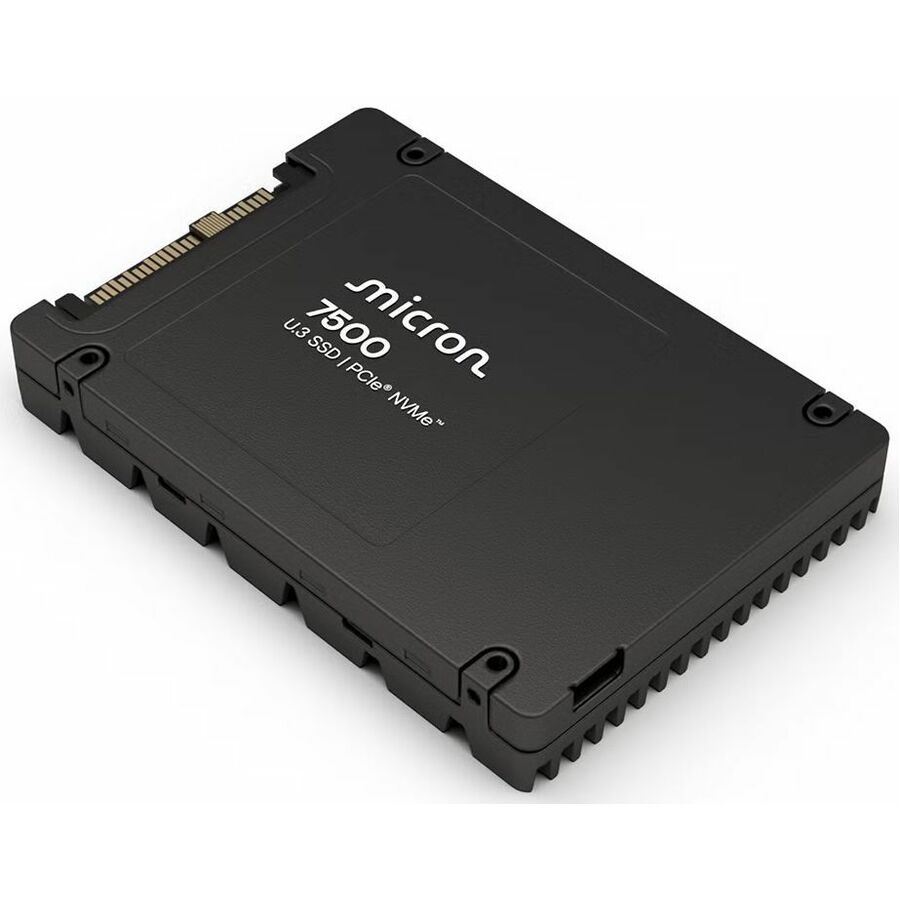
- Micron TechnologyMicron 7500 MAX 3.13 TB Solid State Drive - 2.5" Internal - U.3 (PCI Express NVMe 4.0 x4) - Mixed Use - Data Center, Server Device Supported - 17520 TB TBWMTFDKCC3T2TGQ-1BK1DABYY
$16,221.47
$15,275.18
Back-orderedBack-ordered — estimated OEM lead time 3–8 weeks (Nov 14 – Dec 19 if ordered today).
- Kingston TechnologyKingston DC3000ME 3.84 TB Solid State Drive - 2.5" Internal - U.2 (PCI Express NVMe 5.0 x4) - Server, Data Center Device Supported - 1 DWPD - 7008 TB TBW - 256-bit AES Encryption StandardSEDC3000ME/3T8
$4,251.00
$3,400.80
Back-orderedBack-ordered — estimated OEM lead time 3–8 weeks (Nov 14 – Dec 19 if ordered today).
- Micron TechnologyMicron 7450 PRO 3.84 TB Solid State Drive - 2.5" Internal - U.3 (PCI Express NVMe 4.0 x4) - Read Intensive - Data Center, Server Device Supported - 1 DWPD - 7300 TB TBW - 5 Year WarrantyMTFDKCB3T8TFR-1BC1ZABYY
$14,441.05
$13,598.62
Back-orderedBack-ordered — estimated OEM lead time 3–8 weeks (Nov 14 – Dec 19 if ordered today).
- Micron TechnologyMicron 9200 9200 PRO 7.68 TB Solid State Drive - 2.5" Internal - U.2 (SFF-8639) NVMe (PCI Express 3.0 x4) - 3430.40 MB/s Maximum Read Transfer RateMTFDHAL7T6TCT-1AR1ZABYY
$12,631.58
$11,894.71
Back-orderedBack-ordered — estimated OEM lead time 3–8 weeks (Nov 14 – Dec 19 if ordered today).
- Micron TechnologyMicron 7450 PRO 7.68 TB Solid State Drive - 2.5" Internal - U.3 (PCI Express NVMe 4.0 x4) - Read Intensive - TAA Compliant - Server Device Supported - 1 DWPD - 14000 TB TBW - 6800 MB/s Maximum Read Transfer Rate - 5 Year Warranty - RetailMTFDKCB7T6TFR-1BC1ZABYYR
$11,356.94
$10,694.42*
Back-orderedBack-ordered — estimated OEM lead time 3–8 weeks (Nov 14 – Dec 19 if ordered today).
- Micron TechnologyMicron 7450 PRO 1.92 TB Solid State Drive - 2.5" Internal - U.3 (PCI Express NVMe 4.0 x4) - Read Intensive - TAA Compliant - Server Device Supported - 1 DWPD - 3650 TB TBW - 6800 MB/s Maximum Read Transfer Rate - 5 Year Warranty - RetailMTFDKCB1T9TFR-1BC15ABYY
$10,824.34
$10,192.89*
Back-orderedBack-ordered — estimated OEM lead time 3–8 weeks (Nov 14 – Dec 19 if ordered today).
- Micron TechnologyMicron 7450 PRO 3.84 TB Solid State Drive - 2.5" Internal - U.3 (PCI Express NVMe 4.0) - Read Intensive - TAA Compliant - Server Device Supported - 1 DWPD - 7300 TB TBW - 6800 MB/s Maximum Read Transfer Rate - 5 Year Warranty - RetailMTFDKCC3T8TFR-1BC1ZABYYR
$10,112.91
$9,522.97*
Back-orderedBack-ordered — estimated OEM lead time 3–8 weeks (Nov 14 – Dec 19 if ordered today).
- LenovoLenovo 1.60 TB Solid State Drive - 2.5" Internal - U.2 (SFF-8639) NVMe (PCI Express 3.0 x4) - 3.5" Carrier - Mixed Use - Server Device Supported - 3 DWPD - 8760 TB TBW - 3100 MB/s Maximum Read Transfer Rate - Hot Swappable - 1 Year Warranty - 14XB7A08533
$3,449.00
$2,928.13
Back-orderedBack-ordered — estimated OEM lead time 3–8 weeks (Nov 14 – Dec 19 if ordered today).
- LenovoLenovo 1.60 TB Solid State Drive - 2.5" Internal - U.2 (SFF-8639) NVMe (PCI Express 3.0 x4) - Mixed Use - Server Device Supported - 3 DWPD - 8760 TB TBW - 3100 MB/s Maximum Read Transfer Rate - Hot Swappable - 1 Year Warranty - 14XB7A08517
$3,449.00
$2,928.13
Back-orderedBack-ordered — estimated OEM lead time 3–8 weeks (Nov 14 – Dec 19 if ordered today).
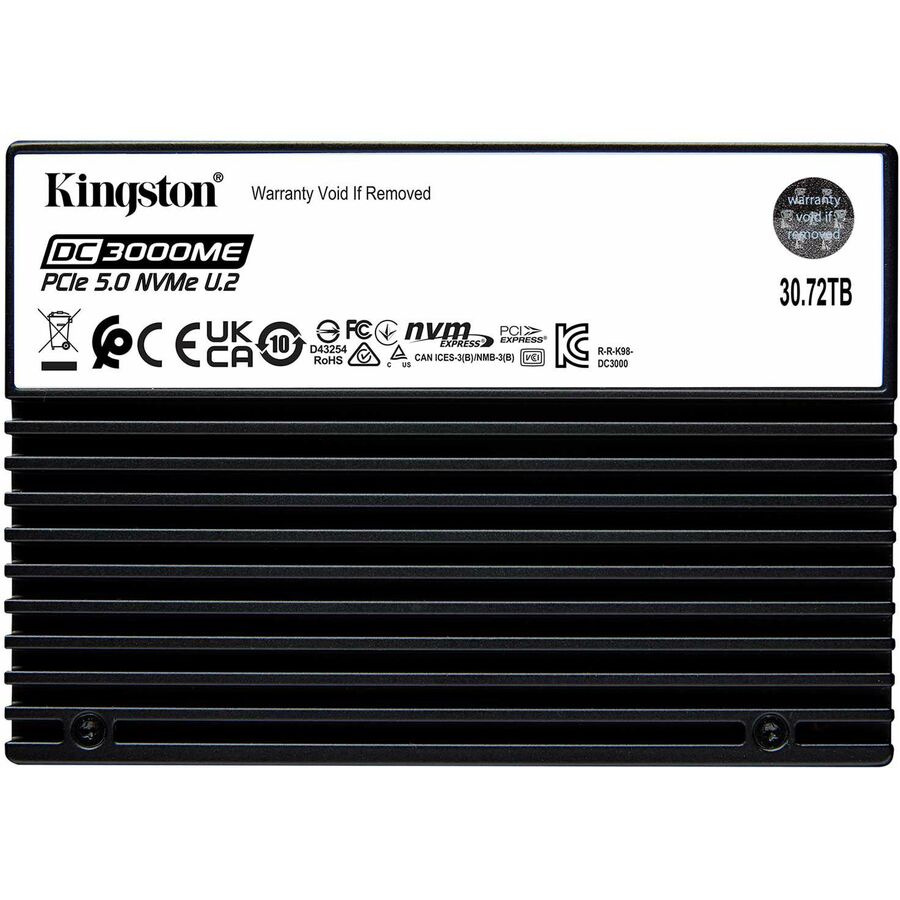

Need pricing on U.2 and U.3 enterprise SSDs?
Tell us where to reach you and a Uniqcli specialist will follow up by email with current pricing, availability and lead time for the quantities you need — including parts that aren’t shown on this page.
Buying for an organization or for yourself — both work. No payment up front.
U.2 and U.3 are the enterprise NVMe form factors that put a hot-swappable 2.5-inch drive on the front of a server, and the difference between them is the backplane, not the drive bay. U.2 carries PCIe over the SFF-8639 connector; U.3 uses the newer SFF-TA-1001 wiring so a single tri-mode backplane slot can take a U.3 NVMe drive, a SAS drive or a SATA drive interchangeably. A U.3 drive is generally backward-compatible with a U.2 host, but a U.2 drive does not run in a U.3-only tri-mode slot, so the first question is what the server's backplane actually presents. Everything on this page is a U.2 or U.3 enterprise SSD — a data-center part with power-loss protection, an endurance rating and a service life measured in drive writes per day, not a client drive in a caddy.
After the form factor, three numbers pick the drive. Endurance class is first: read-intensive drives are built for the bulk of enterprise workloads — content, boot, analytics reads, and the large majority of a virtualization estate — while mixed-use drives carry the higher write endurance a database, a cache tier or a write-heavy log deserves, and they cost more per gigabyte for it. Capacity is second, and NVMe now runs from under a terabyte to tens of terabytes on a single drive, so a rack's worth of storage can collapse into a handful of bays. PCIe generation is third: Gen4 is the mainstream today and Gen5 drives are landing, but the drive only delivers its rated throughput if the server's lanes match, so read the host's PCIe generation before paying for the drive's. Where a purchase order names TAA, read it on the exact part number — TAA-marked variants exist under separate SKUs and the paperwork follows the one that ships.
Buyer's checklist
How to choose a U.2 or U.3 enterprise SSD
- Check the server backplane first: a U.3 tri-mode slot takes U.3 NVMe, SAS or SATA, but a U.2 drive does not run in a U.3-only slot — confirm what the host presents before ordering the form factor.
- Pick the endurance class by workload: read-intensive for content, boot, analytics reads and most of a virtualization estate; mixed-use for databases, cache tiers and write-heavy logs that earn the higher drive-writes-per-day rating.
- Size capacity against the bay count, not the byte count: a single NVMe drive now runs from under a terabyte to tens of terabytes, so a few bays can replace a rack of spinning storage.
- Match the PCIe generation to the host — Gen4 is mainstream and Gen5 is arriving — because a drive only delivers its rated throughput if the server's lanes are the same generation.
- Confirm power-loss protection and the data-center feature set are present; these are enterprise drives with capacitor-backed write protection, not client SSDs in a hot-swap caddy.
- Where the order names TAA, read it on the part number — TAA-marked variants exist under separate SKUs, and it is a per-part fact to verify on the exact drive you order.
U.2 versus U.3, and why the backplane decides
The two form factors share the 2.5-inch drive body and the hot-swap bay, which is what makes them look interchangeable until a drive will not train. U.2 wires PCIe through the SFF-8639 connector and has been the enterprise NVMe standard for years. U.3 rewires the same physical connector to the SFF-TA-1001 specification so one tri-mode backplane slot can accept a U.3 NVMe drive, a SAS drive or a SATA drive, which is why servers increasingly ship U.3 backplanes: one slot type, three protocols, and a simpler bill of materials. The compatibility rule that matters at ordering time is directional — a U.3 drive generally runs in a U.2 host, but a U.2 drive does not run in a U.3-only slot, and a tri-mode backplane also needs the host firmware and the storage controller to agree. Read the server's own documentation for which form factor the bays present and whether the drives on this page are on its supported list, especially for the OEM-branded drives that are qualified against a specific platform.
Endurance, capacity and the total configuration
The endurance class is the specification that most often gets bought wrong, in both directions. Paying for mixed-use write endurance on a read-mostly content or boot workload wastes budget on drive-writes-per-day nobody will use; putting a read-intensive drive under a write-heavy database or a cache tier wears it out early and turns a capacity decision into a replacement schedule. Match the class to the measured write pattern, not to a habit or a spare-parts list. Capacity then decides how many bays the design needs — modern NVMe densities let a handful of drives carry what used to be a shelf of disks, which changes the power, the cooling and the rebuild-time maths as much as the rack space. A storage refresh is rarely just the drives, so Uniqcli quotes the U.2 or U.3 SSDs alongside the server or JBOF they populate, the tri-mode backplane or controller if the platform needs one, the rails and cabling, and the support and migration services, on one order with the country-of-origin and Section 889 screening tied to each part number.
FAQ
Common questions
- What is the difference between U.2 and U.3 SSDs?
- Both are 2.5-inch hot-swap enterprise NVMe drives, and they share the same physical connector body. U.2 wires PCIe through the SFF-8639 pinout; U.3 uses the newer SFF-TA-1001 wiring so a single tri-mode backplane slot can take a U.3 NVMe drive, a SAS drive or a SATA drive interchangeably. The rule that matters when you order is directional: a U.3 drive generally runs in a U.2 host, but a U.2 drive does not run in a U.3-only tri-mode slot. So the first thing to confirm is what the server's backplane presents, and whether the drive is on that platform's supported list — particularly for OEM-branded drives qualified against a specific server.
- Do I need read-intensive or mixed-use endurance?
- Match it to the write pattern. Read-intensive drives are built for the bulk of enterprise workloads — content, boot, analytics reads and most of a virtualization estate — and cost less per gigabyte. Mixed-use drives carry a higher drive-writes-per-day endurance rating for databases, cache tiers and write-heavy logs, and cost more for it. Paying for mixed-use endurance on a read-mostly workload wastes budget; putting a read-intensive drive under heavy writes wears it out early. Size the class against the measured write rate rather than the nameplate, and where you cannot characterise the workload, mixed-use is the safer specification for anything that writes constantly.
- Can business, government and education buyers order these?
- Every line Uniqcli quotes is sourced through US distribution and screened for TAA country-of-origin and NDAA §889 status before checkout — with documentation tied to the specific part number, not a product family.
Need U.2 and U.3 enterprise SSDs pricing?
Send a bill of materials or part numbers — we confirm stock and a below-market total, with TAA verified on request. No payment up front.