
Best Micron SSDs for Servers and Business Systems
Drives Micron lists under its own name in the part's title — selected by interface, form factor, read-intensive or mixed-use endurance, and capacity.
Micron Micron SSDs in stock at Uniqcli
How to choose →A curated selection with live pricing — in-stock lines first, then back-ordered lines with a typical lead time. Every line is sourced through US distribution and screened for NDAA §889 status before checkout, with TAA verified on request.
- Micron TechnologyMicron 1100 2 TB Solid State Drive - 2.5" Internal - SATA (SATA/600) - Black - 530 MB/s Maximum Read Transfer Rate - 256-bit Encryption StandardMTFDDAK2T0TBN-1AR1ZABYY
$1,009.25
$958.68
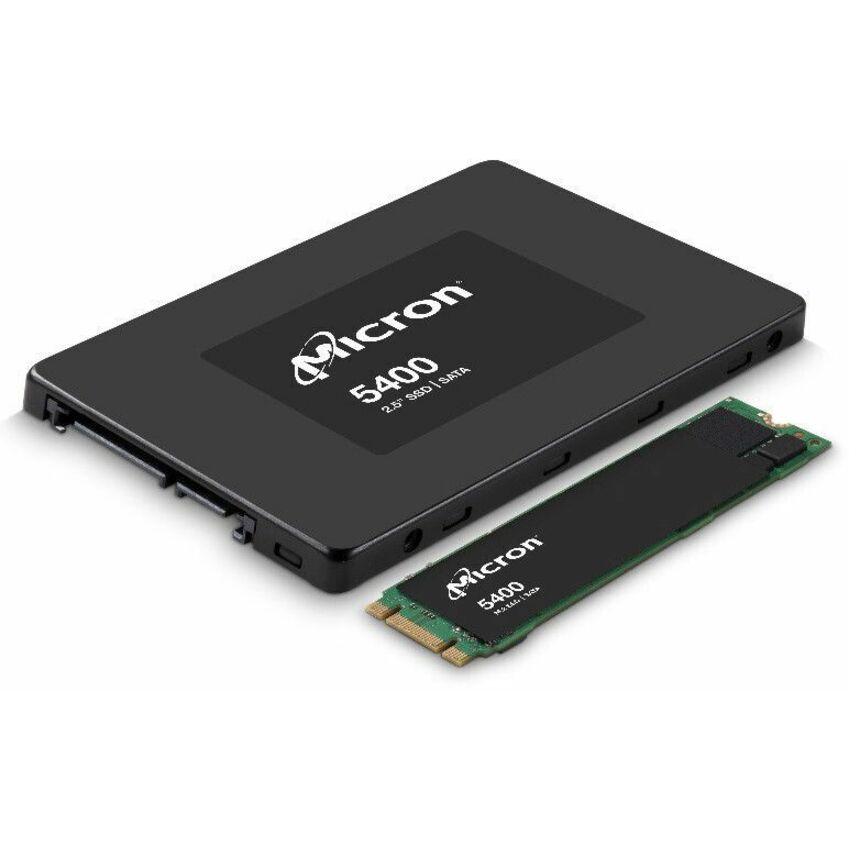
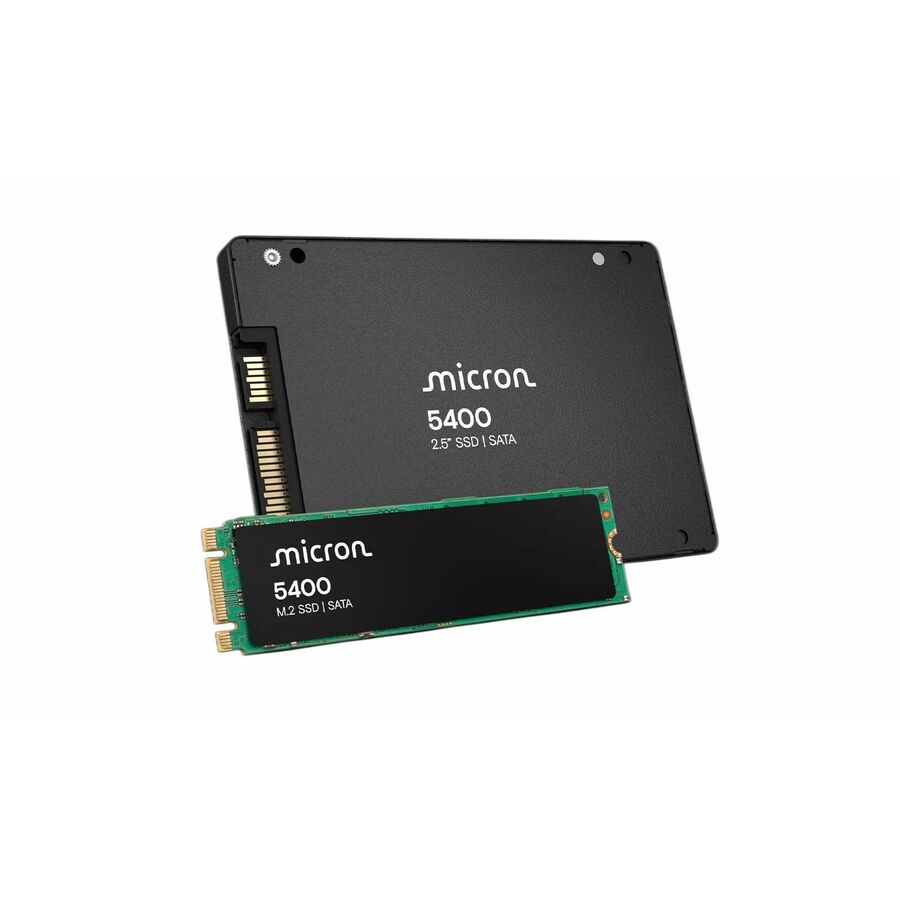
30 in stock - Micron TechnologyMicron 5400 MAX 960 GB Solid State Drive - 2.5" Internal - SATA (SATA/600) - Mixed Use - Server Device Supported - 5 DWPD - 540 MB/s Maximum Read Transfer Rate - Hot Pluggable - 256-bit AES Encryption Standard - 5 Year Warranty - RetailMTFDDAK960TGB-1BC16ABYYR
$4,492.51
$4,241.92
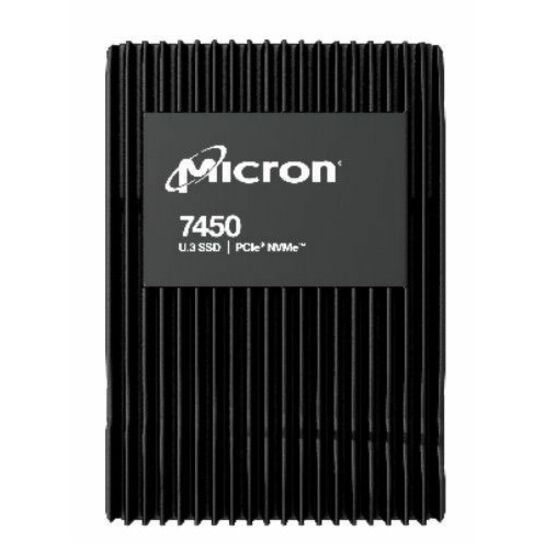
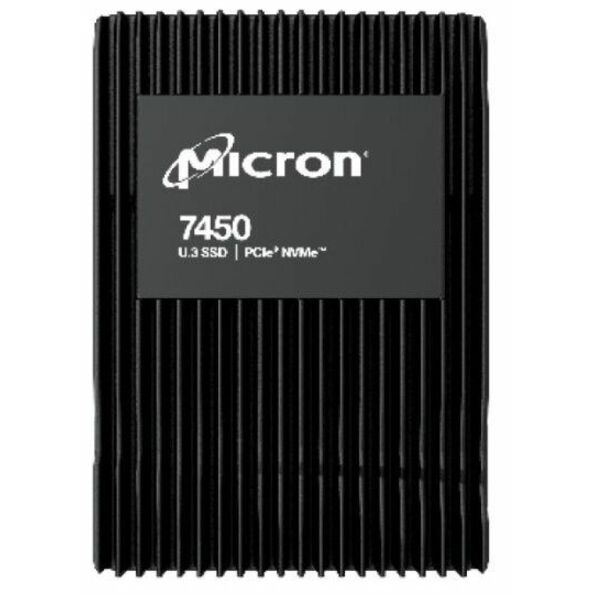
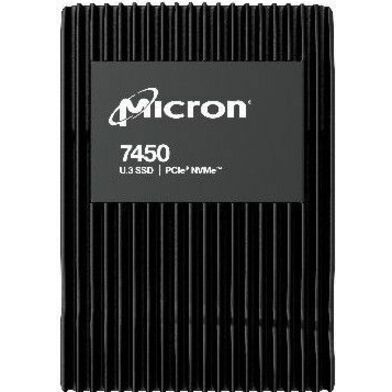
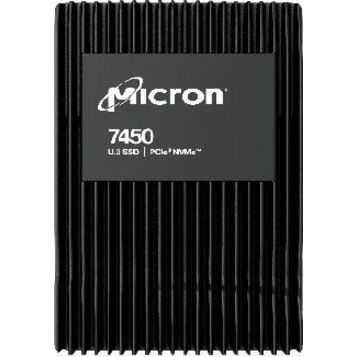
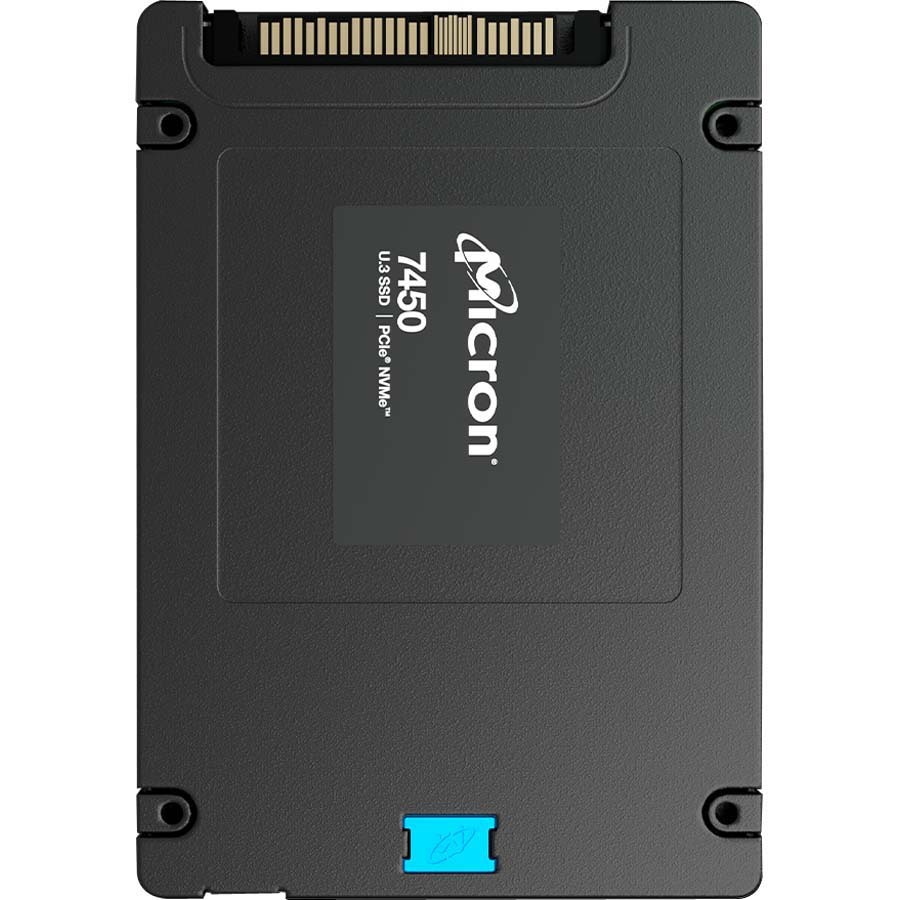
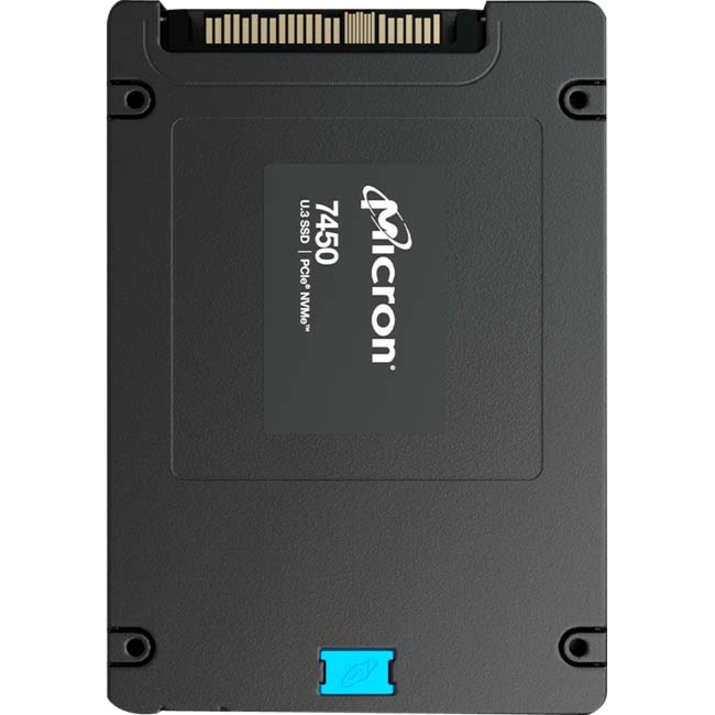
25 in stock - Micron TechnologyMicron PRO 7450 PRO 7.68 TB Solid State Drive - 2.5" Internal - U.3 (PCI Express NVMe 4.0 x4) - Read Intensive - Server, Storage System Device Supported - 1 DWPD - 14000 TB TBW - 6800 MB/s Maximum Read Transfer Rate - 5 Year WarrantyMTFDKCC7T6TFR-1BC1ZABYY
$21,104.94
$19,873.76
20 in stock - Micron TechnologyMicron 1100 256 GB Solid State Drive - 2.5" Internal - SATA (SATA/600) - Black - 530 MB/s Maximum Read Transfer Rate - 256-bit Encryption StandardMTFDDAK256TBN-1AR1ZABYY
$270.44
$260.59
Back-orderedBack-ordered — estimated OEM lead time 3–8 weeks (Nov 8 – Dec 13 if ordered today).
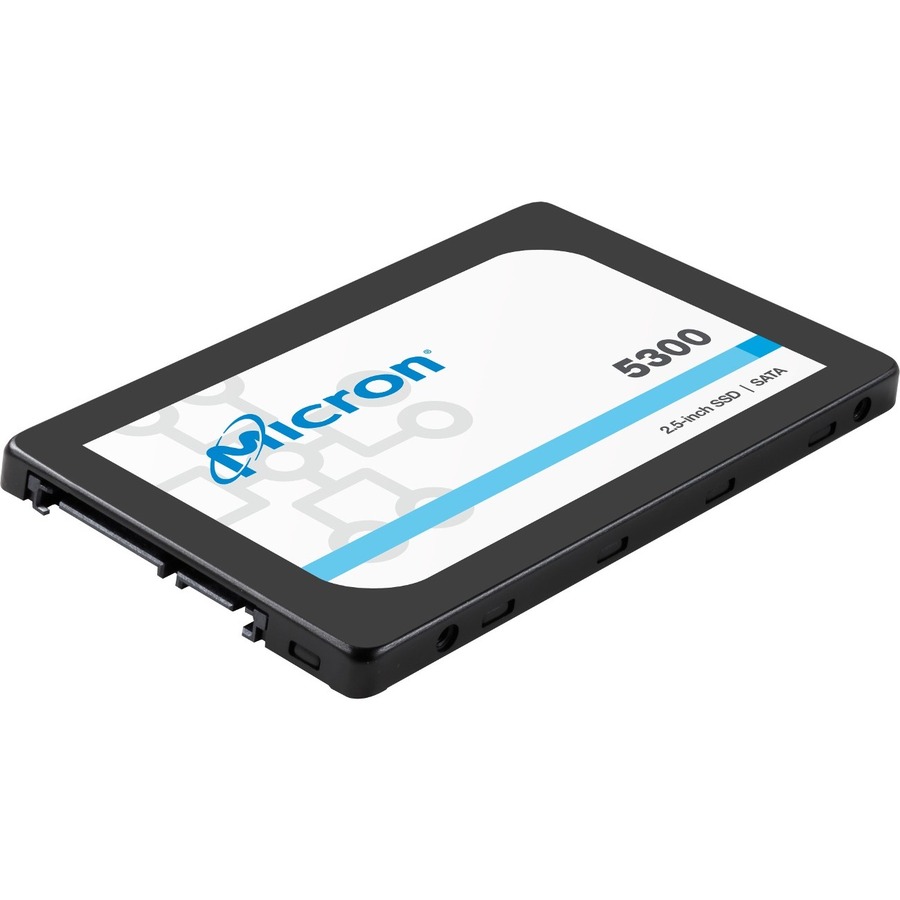
- Micron TechnologyMicron 5300 5300 PRO 960 GB Solid State Drive - 2.5" Internal - SATA (SATA/600) - Read Intensive - Server, Storage System Device Supported - 2628 TB TBW - 540 MB/s Maximum Read Transfer Rate - Hot Pluggable - 5 Year WarrantyMTFDDAK960TDS-1AW1ZABYY
$780.94
$748.76
Back-orderedBack-ordered — estimated OEM lead time 3–8 weeks (Nov 8 – Dec 13 if ordered today).
- Micron TechnologyMicron 5300 5300 PRO 240 GB Solid State Drive - 2.5" Internal - SATA (SATA/600) - Read Intensive - Server, Storage System Device Supported - 657 TB TBW - 540 MB/s Maximum Read Transfer Rate - Hot PluggableMTFDDAK240TDS-1AW1ZAB
$1,045.04
$992.68
Back-orderedBack-ordered — estimated OEM lead time 3–8 weeks (Nov 8 – Dec 13 if ordered today).
- Micron TechnologyMicron 7450 PRO 960 GB Solid State Drive - 2.5" Internal - U.3 (PCI Express NVMe 4.0 x4) - Read Intensive - Data Center, Server Device Supported - 1 DWPD - 1700 TB TBW - 5 Year WarrantyMTFDKCB960TFR-1BC1ZABYY
$1,149.60
$1,092.00
Back-orderedBack-ordered — estimated OEM lead time 3–8 weeks (Nov 8 – Dec 13 if ordered today).
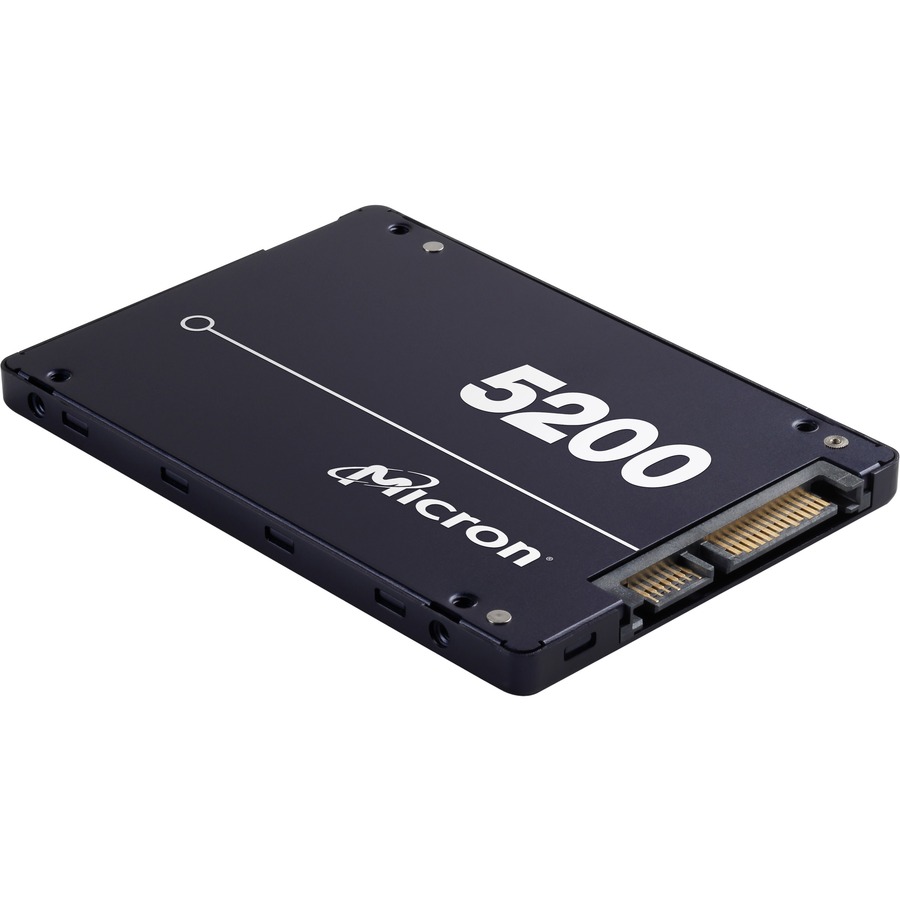
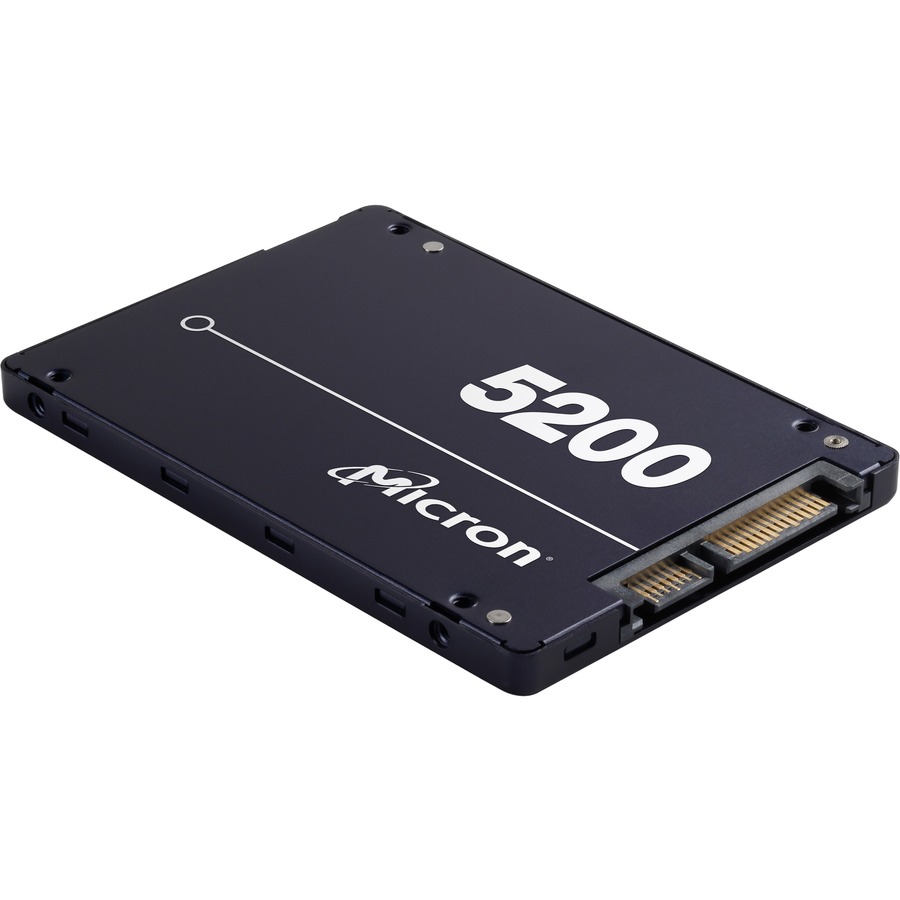
- Micron TechnologyMicron 5200 5200 PRO 960 GB Solid State Drive - 2.5" Internal - SATA (SATA/600) - TAA Compliant - 540 MB/s Maximum Read Transfer Rate - Hot Pluggable - 256-bit Encryption Standard - 5 Year WarrantyMTFDDAK960TDD-1AT1ZABYY
$1,665.08
$1,575.63*
Back-orderedBack-ordered — estimated OEM lead time 3–8 weeks (Nov 8 – Dec 13 if ordered today).
- Micron TechnologyMicron 7450 MAX 1.56 TB Solid State Drive - 2.5" Internal - U.3 (PCI Express NVMe 4.0 x4) - Mixed Use - Data Center Device Supported - 3 DWPDMTFDKCB1T6TFS-1BC1ZABYY
$1,983.83
$1,877.25
Back-orderedBack-ordered — estimated OEM lead time 3–8 weeks (Nov 8 – Dec 13 if ordered today).
- Micron TechnologyMicron 5300 240 GB Solid State Drive - M.2 2280 Internal - SATA (SATA/600) - Read Intensive - Server, Storage System Device Supported - 1 DWPD - 438 TB TBW - 540 MB/s Maximum Read Transfer Rate - Hot PluggableMTFDDAV240TDU-1AW1ZABYY
$1,998.65
$1,891.28
Back-orderedBack-ordered — estimated OEM lead time 3–8 weeks (Nov 8 – Dec 13 if ordered today).
- Micron TechnologyMicron 7450 PRO 480 GB Solid State Drive - M.2 2280 Internal - PCI Express NVMe (PCI Express NVMe 4.0 x4) - Read Intensive - TAA Compliant - Server, Storage System Device Supported - 1 DWPD - 800 TB TBW - 5000 MB/s Maximum Read Transfer Rate - 5 Year Warranty - RetailMTFDKBA480TFR-1BC1ZABYYR
$2,036.36
$1,926.97*
Back-orderedBack-ordered — estimated OEM lead time 3–8 weeks (Nov 8 – Dec 13 if ordered today).
- Micron TechnologyMicron 5300 5300 PRO 480 GB Solid State Drive - M.2 2280 Internal - SATA (SATA/600) - Read Intensive - Server, Storage System Device Supported - 1324 TB TBW - 540 MB/s Maximum Read Transfer Rate - Hot Pluggable - 3 Year WarrantyMTFDDAV480TDS-1AW1ZABYY
$2,084.21
$1,972.24
Back-orderedBack-ordered — estimated OEM lead time 3–8 weeks (Nov 8 – Dec 13 if ordered today).
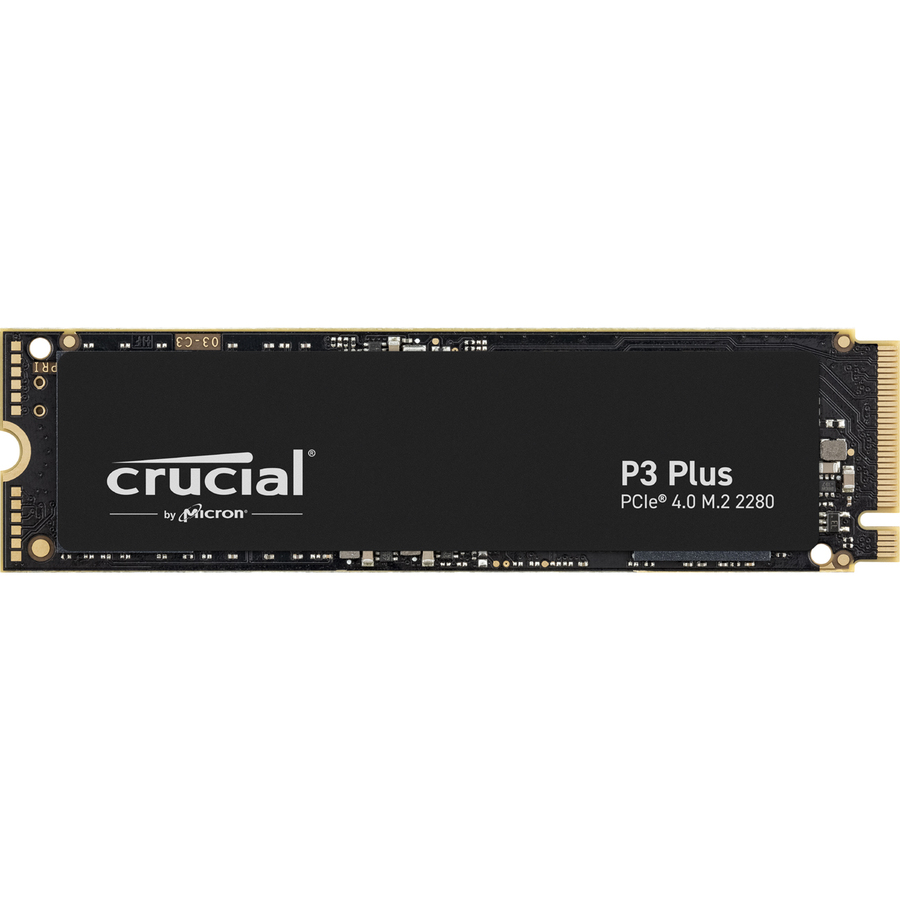
- Micron TechnologyMicron P3 Plus CT500P3PSSD8T 500 GB Solid State Drive - M.2 Internal - PCI Express NVMeCT500P3PSSD8T
$2,137.80
$2,022.94
Back-orderedBack-ordered — estimated OEM lead time 3–8 weeks (Nov 8 – Dec 13 if ordered today).
- Micron TechnologyMicron 5300 5300 PRO 240 GB Solid State Drive - M.2 2280 Internal - SATA (SATA/600) - Read Intensive - Server, Storage System Device Supported - 657 TB TBW - 540 MB/s Maximum Read Transfer Rate - Hot Pluggable - 5 Year WarrantyMTFDDAV240TDS-1AW1ZABYY
$2,217.35
$2,098.23
Back-orderedBack-ordered — estimated OEM lead time 3–8 weeks (Nov 8 – Dec 13 if ordered today).
- Micron TechnologyMicron 5300 5300 PRO 1.92 TB Solid State Drive - 2.5" Internal - SATA (SATA/600) - Read Intensive - Server, Storage System Device Supported - 5256 TB TBW - 540 MB/s Maximum Read Transfer Rate - Hot Pluggable - 5 Year WarrantyMTFDDAK1T9TDS-1AW1ZABYY
$2,330.20
$2,205.02
Back-orderedBack-ordered — estimated OEM lead time 3–8 weeks (Nov 8 – Dec 13 if ordered today).
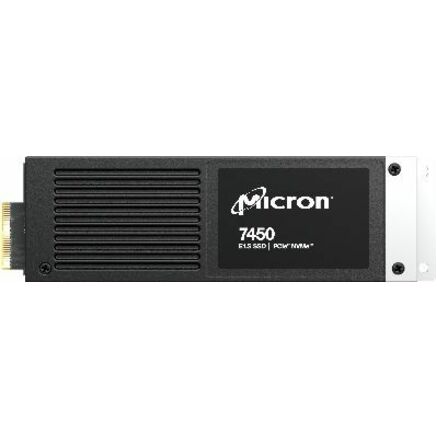
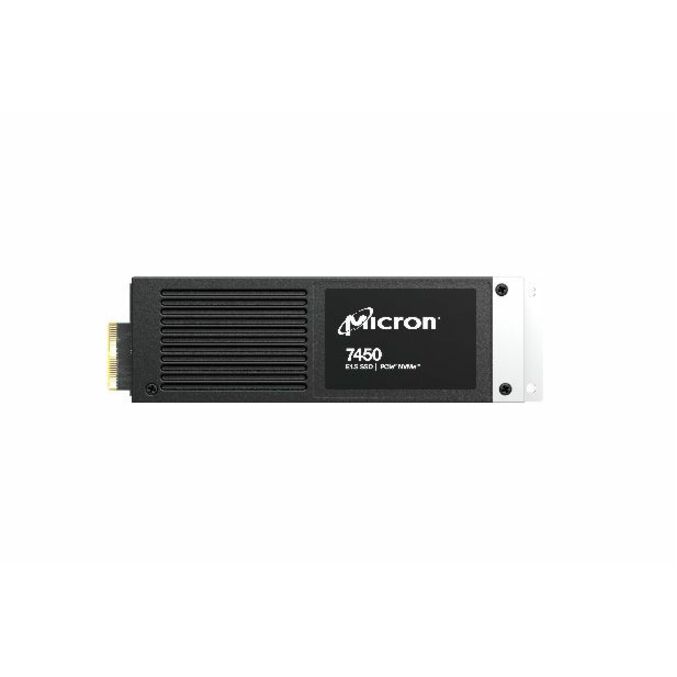
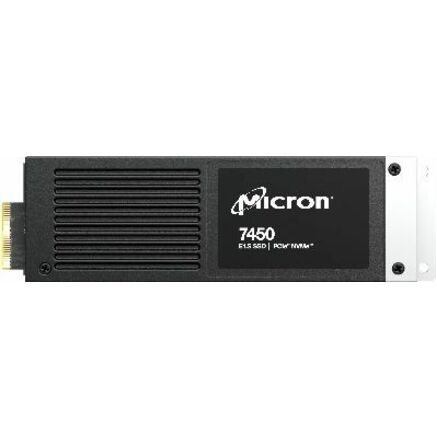
- Micron TechnologyMicron 7400 PRO 960 GB Solid State Drive - E1.S - EDSFF Internal - PCI Express NVMe (PCI Express NVMe 4.0 x4) - Read Intensive - TAA Compliant - Server Device Supported - 1 DWPD - 6700 TB TBW - 6500 MB/s Maximum Read Transfer Rate - 5 Year WarrantyMTFDKBZ960TDZ-1AZ15ABYY
$2,365.00
$2,237.94*
Back-orderedBack-ordered — estimated OEM lead time 3–8 weeks (Nov 8 – Dec 13 if ordered today).
- Micron TechnologyMicron 5400 PRO 480 GB Solid State Drive - 2.5" Internal - SATA (SATA/600) - 1324 TB TBWMTFDDAK480TGA-1BC1ZABYY
$2,390.44
$2,262.01
Back-orderedBack-ordered — estimated OEM lead time 3–8 weeks (Nov 8 – Dec 13 if ordered today).
- Micron TechnologyMicron 5300 5300 PRO 480 GB Solid State Drive - 2.5" Internal - SATA (SATA/600) - Read Intensive - Server, Storage System Device Supported - 1324 TB TBW - 540 MB/s Maximum Read Transfer Rate - Hot Pluggable - 5 Year WarrantyMTFDDAK480TDS-1AW1ZABYY
$2,623.92
$2,482.96
Back-orderedBack-ordered — estimated OEM lead time 3–8 weeks (Nov 8 – Dec 13 if ordered today).
- Micron TechnologyMicron 7450 MAX 800 GB Solid State Drive - 2.5" Internal - U.3MTFDKCB800TFS-1BC1ZA
$2,736.07
$2,589.08
Back-orderedBack-ordered — estimated OEM lead time 3–8 weeks (Nov 8 – Dec 13 if ordered today).
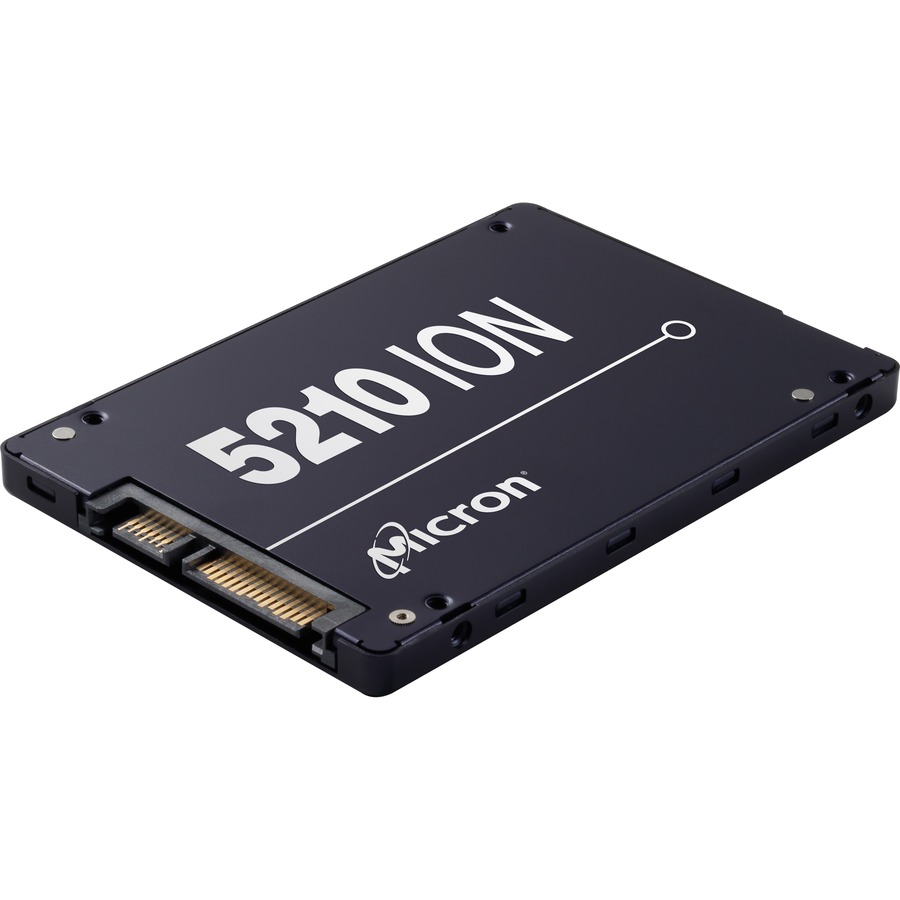
- Micron TechnologyMicron 5200 5210 ION 1.92 TB Solid State Drive - 2.5" Internal - SATA (SATA/600) - Read Intensive - 0.8 DWPD - 540 MB/s Maximum Read Transfer Rate - Hot Pluggable - 5 Year WarrantyMTFDDAK1T9QDE-2AV1ZABYY
$2,888.67
$2,727.54
Back-orderedBack-ordered — estimated OEM lead time 3–8 weeks (Nov 8 – Dec 13 if ordered today).
- Micron TechnologyMicron 5300 5300 PRO 480 GB Solid State Drive - M.2 2280 Internal - SATA (SATA/600) - Read Intensive - Server, Storage System Device Supported - 1324 TB TBW - 540 MB/s Maximum Read Transfer Rate - Hot Pluggable - 256-bit Encryption StandardMTFDDAV480TDS-1AW15ABYY
$2,977.46
$2,811.38
Back-orderedBack-ordered — estimated OEM lead time 3–8 weeks (Nov 8 – Dec 13 if ordered today).
- Micron TechnologyMicron 5200 5200 PRO 1.92 TB Solid State Drive - 2.5" Internal - SATA (SATA/600) - TAA Compliant - 540 MB/s Maximum Read Transfer Rate - Hot Pluggable - 256-bit Encryption Standard - 5 Year WarrantyMTFDDAK1T9TDD-1AT1ZABYY
$3,305.54
$3,121.16*
Back-orderedBack-ordered — estimated OEM lead time 3–8 weeks (Nov 8 – Dec 13 if ordered today).
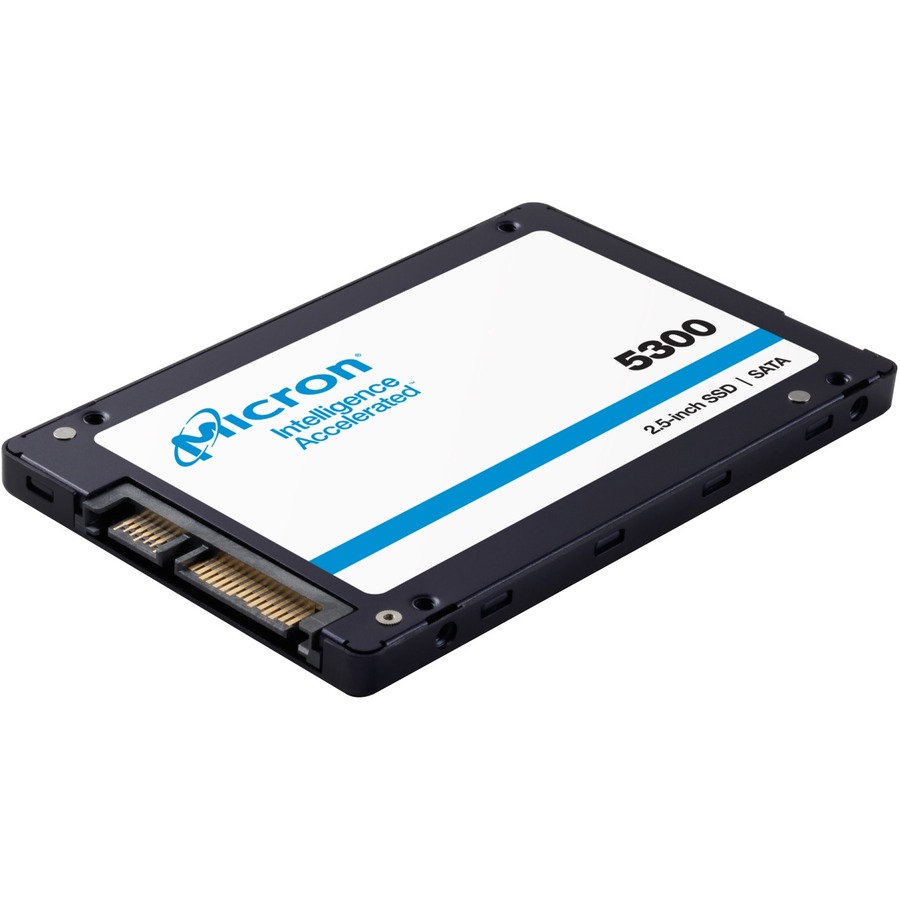
5300 PRO, boot class
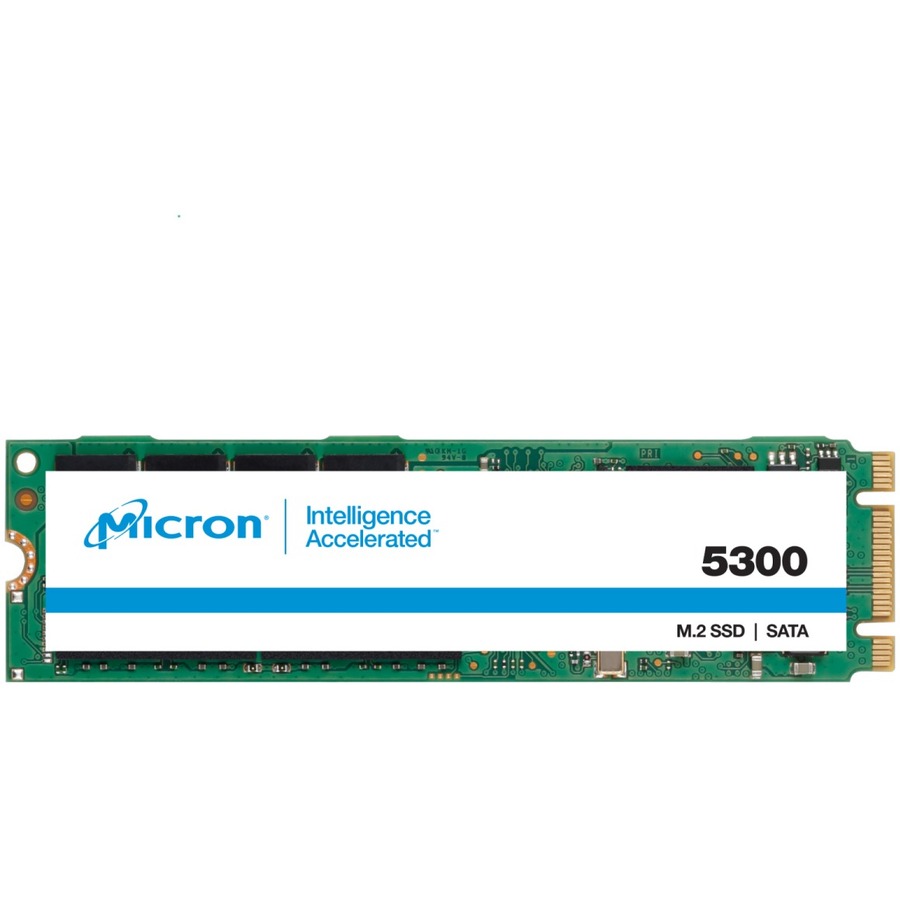
Micron Technology
Micron 5300 5300 PRO 240 GB Solid State Drive
MTFDDAK240TDS-1AW1ZAB
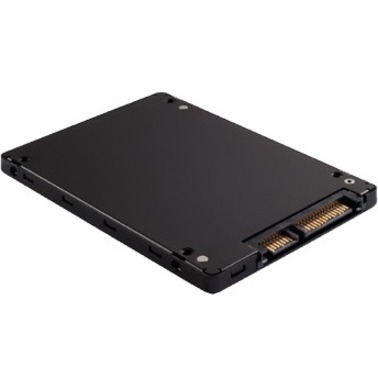
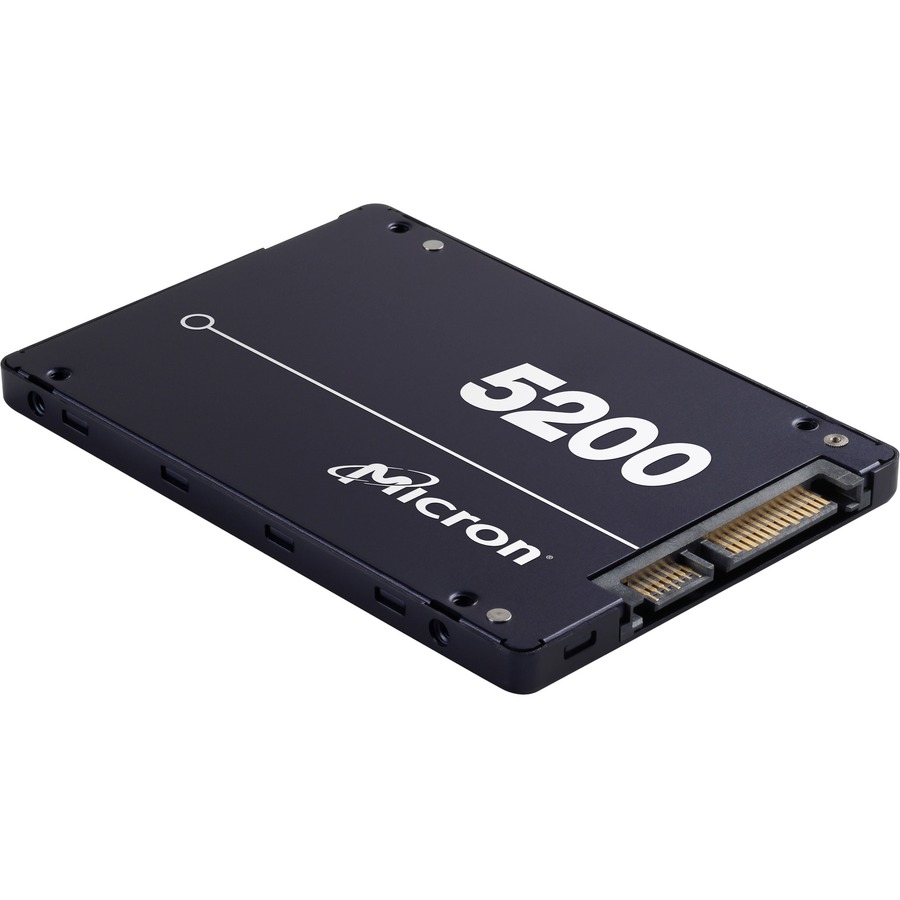
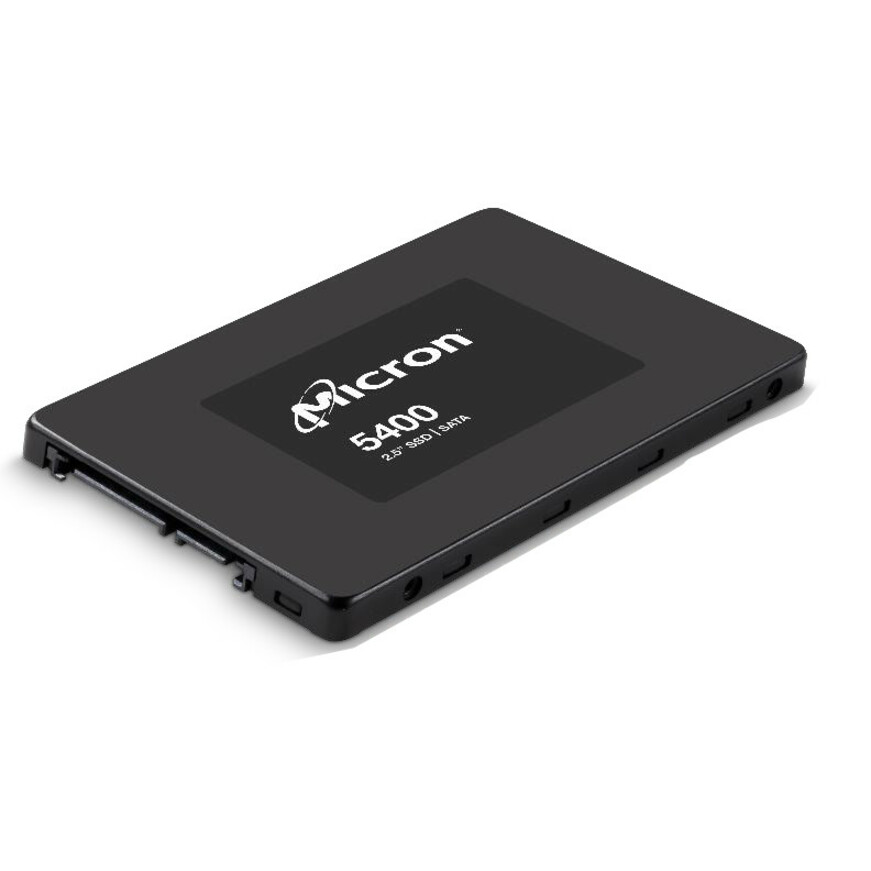
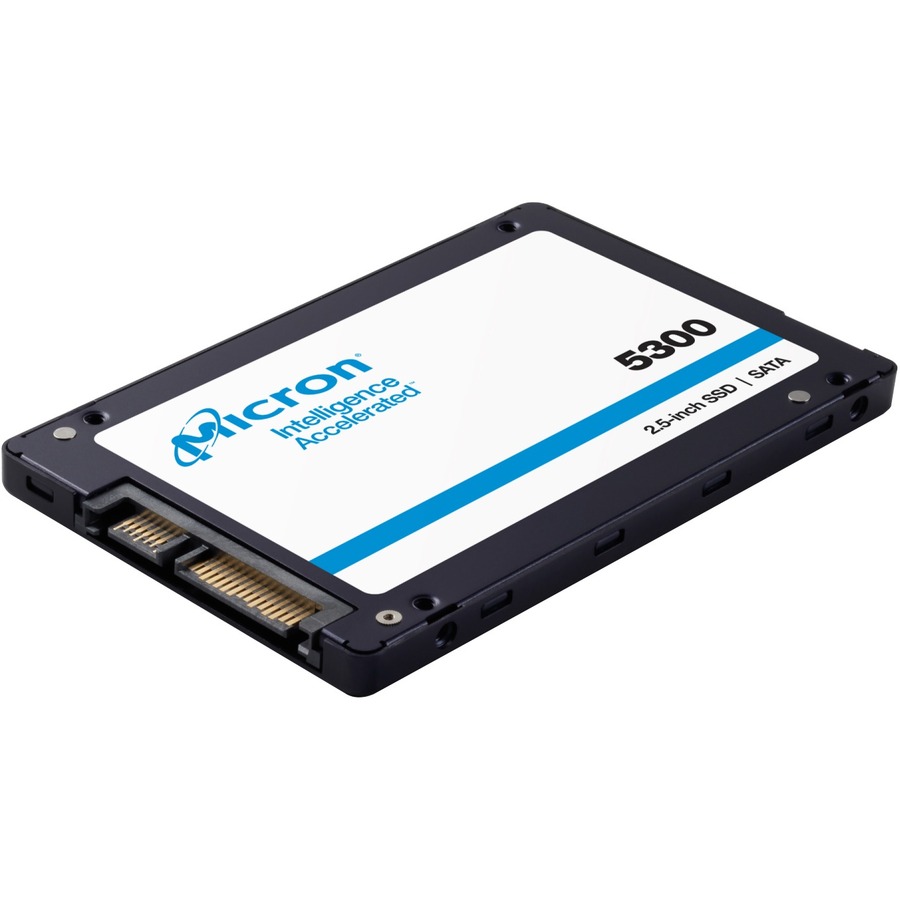
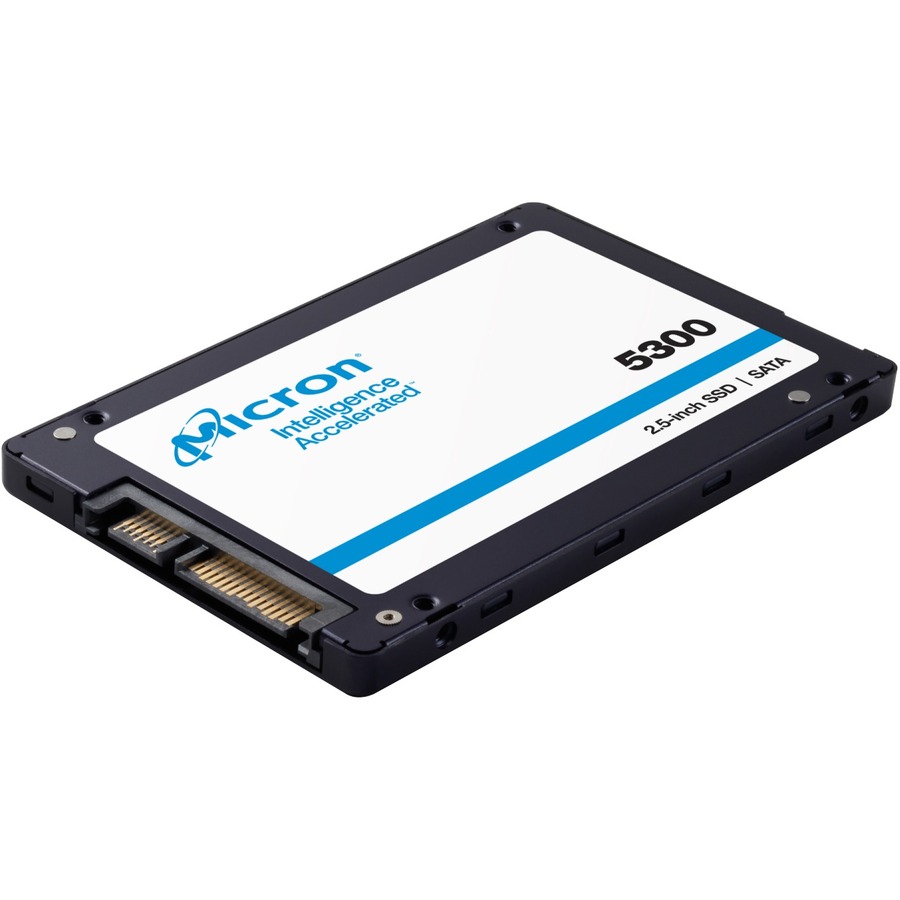
The Micron 5300 PRO at 240GB — a read-intensive 2.5-inch SATA drive listed for server and storage-system use, the boot-class capacity of the 5300 family.
$992.68Back-ordered1100, 2TB SATA
Micron Technology
Micron 1100 2 TB Solid State Drive
MTFDDAK2T0TBN-1AR1ZABYY
The Micron 1100 at 2TB — a 2.5-inch SATA drive published at 530 MB/s read with a 256-bit encryption standard stated in the title.
$958.68In stock5300, M.2 SATA
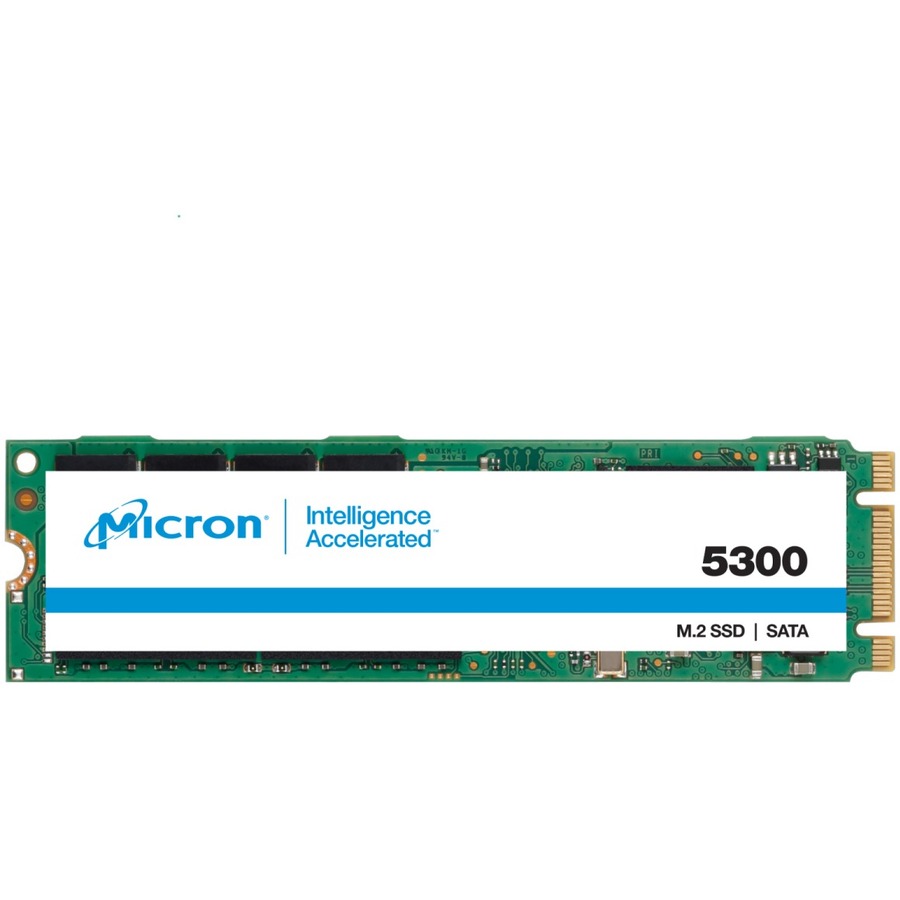
Micron Technology
Micron 5300 240 GB Solid State Drive
MTFDDAV240TDU-1AW1ZABYY
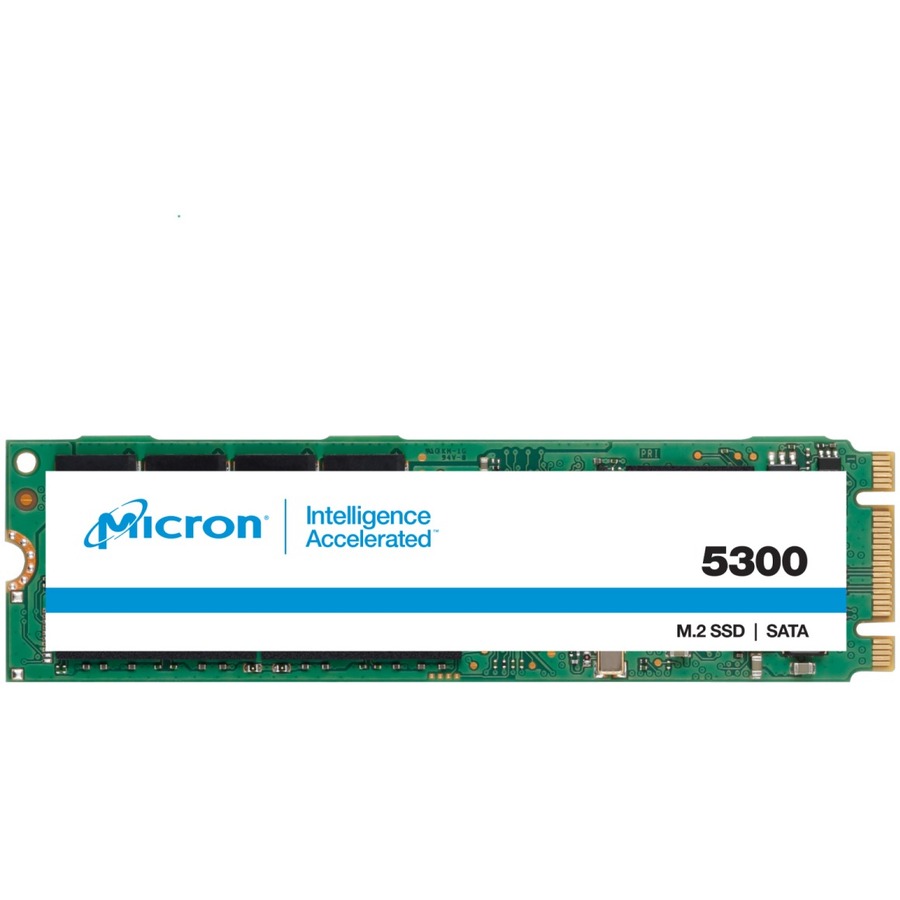
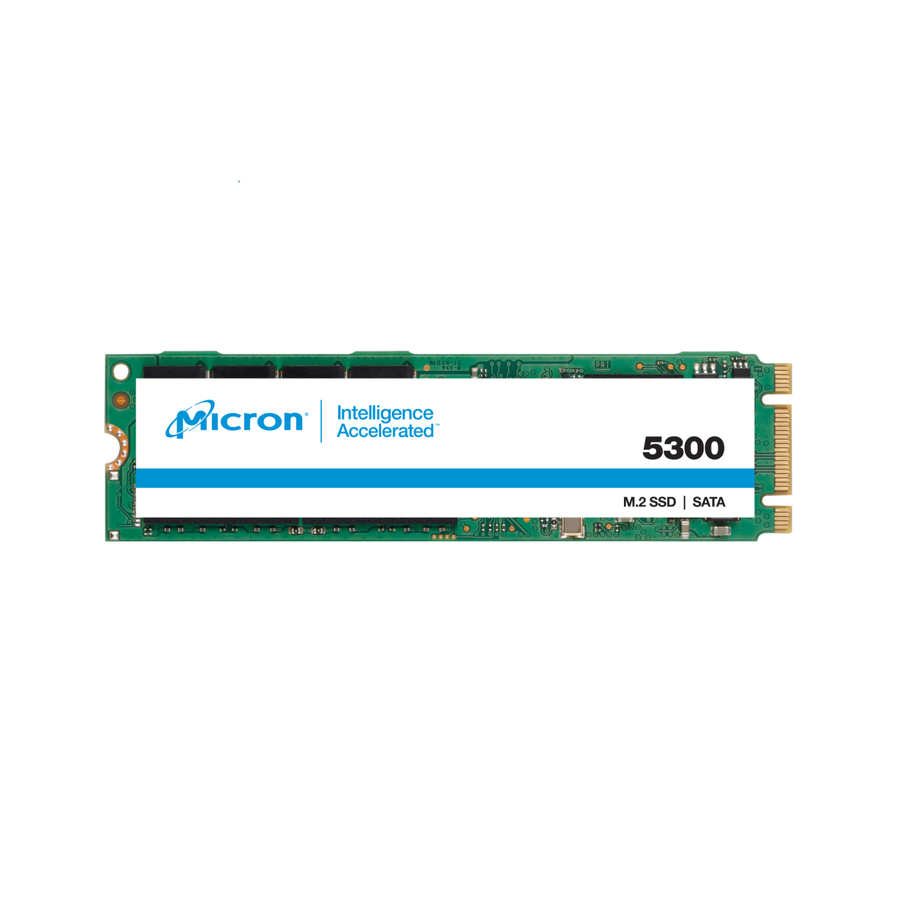
The Micron 5300 at 240GB in M.2 2280 — a read-intensive SATA stick at 1 DWPD, for a board-mounted boot device rather than a front carrier.
$1,891.28Back-ordered5200 ECO, 1.92TB
Micron Technology
Micron 5200 5200 ECO 1.92 TB Solid State Drive
MTFDDAK1T9TDC-1AT1ZABYY
The Micron 5200 ECO at 1.92TB — a hot-pluggable 2.5-inch SATA drive with a 256-bit encryption standard, sized for a capacity tier on existing carriers.
Titled TAA Compliant, a per-part fact to confirm on the row ordered.
$2,915.50*In stock7400 PRO, E1.S
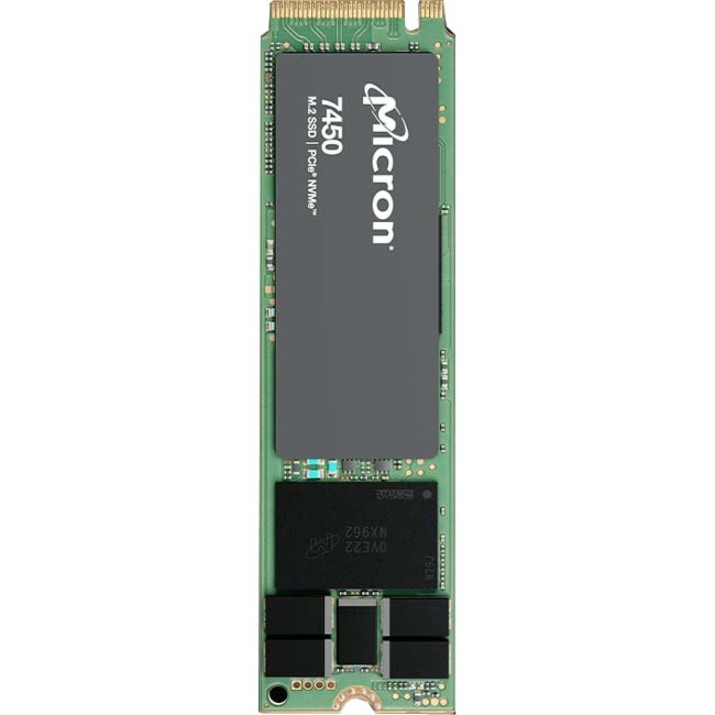
Micron Technology
Micron 7400 PRO 960 GB Solid State Drive
MTFDKBZ960TDZ-1AZ15ABYY
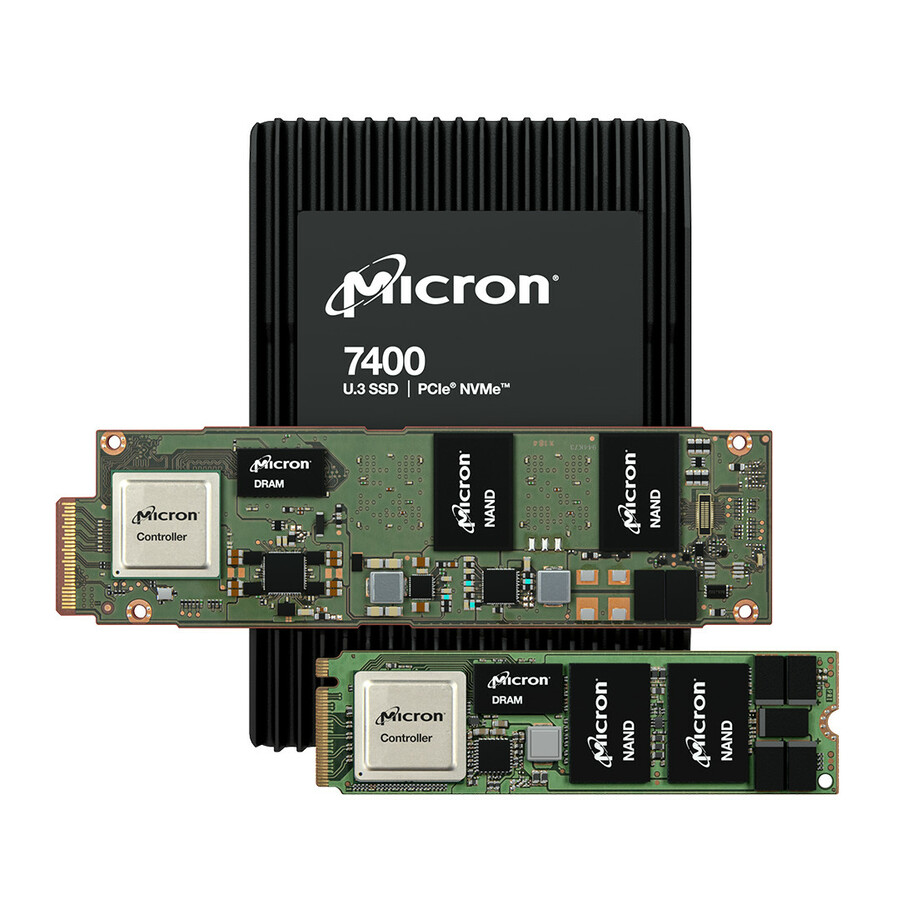
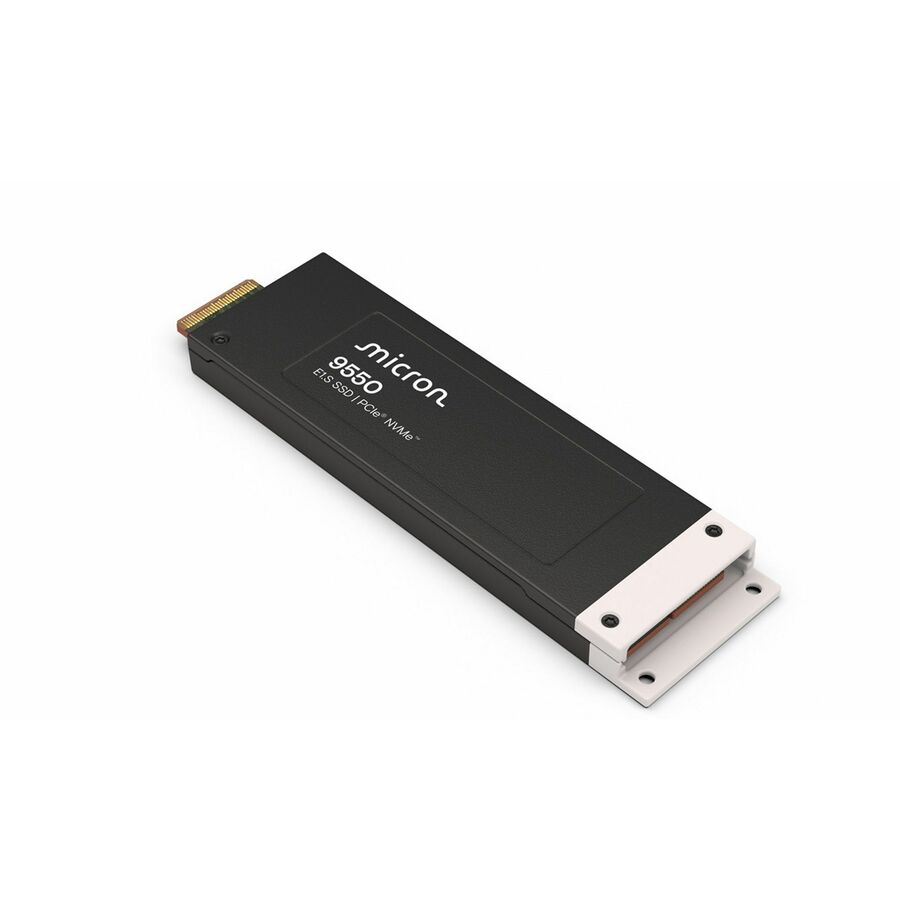
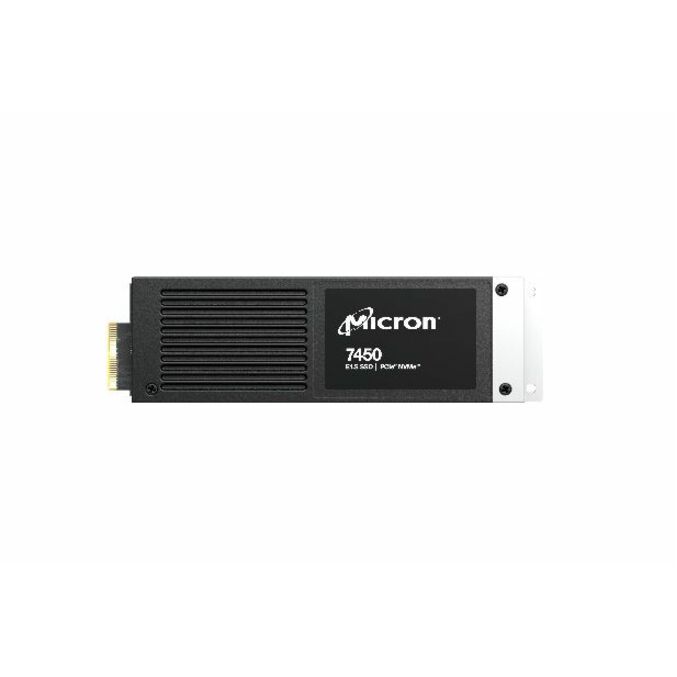
The Micron 7400 PRO at 960GB in the E1.S EDSFF form — a read-intensive PCIe 4.0 NVMe blade at 1 DWPD, published at 6500 MB/s read.
Titled TAA Compliant.
$2,237.94*Back-ordered5400 PRO, 480GB
Micron Technology
Micron 5400 PRO 480 GB Solid State Drive
MTFDDAK480TGA-1BC1ZABYY
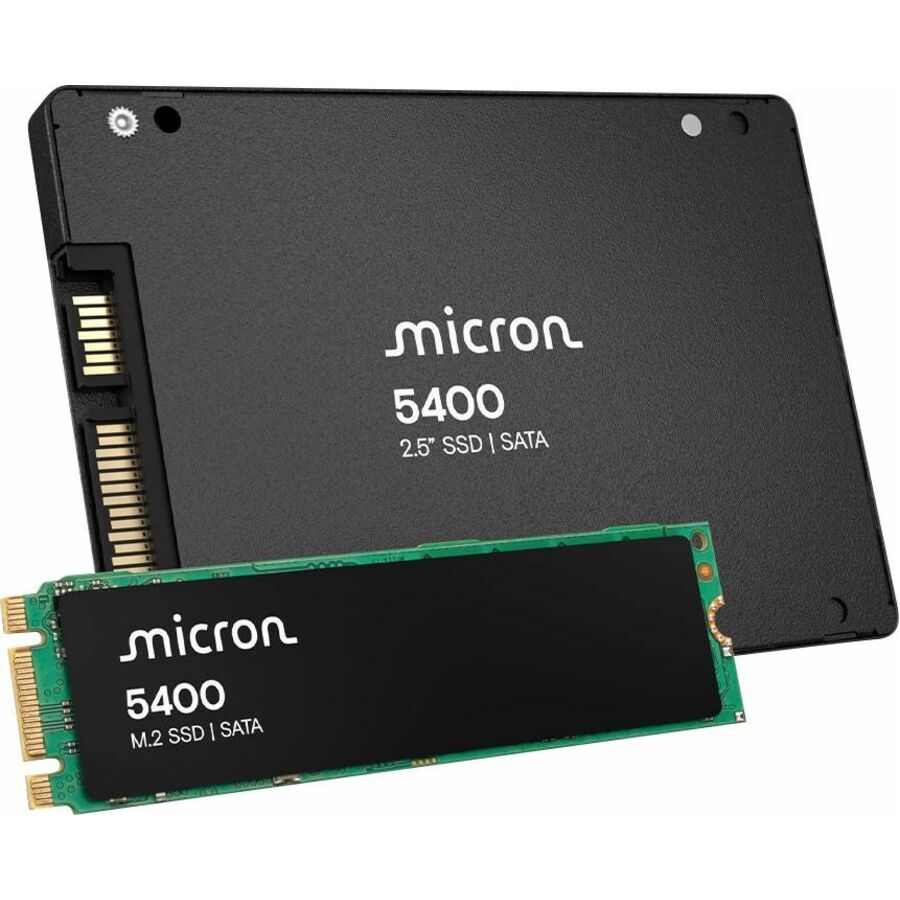
The Micron 5400 PRO at 480GB — a 2.5-inch SATA drive from the newest SATA generation in this line, listed at 1324 TB written.
$2,262.01Back-ordered7450 PRO, M.2 NVMe
Micron Technology
Micron 7450 PRO 480 GB Solid State Drive
MTFDKBA480TFR-1BC1ZABYYR
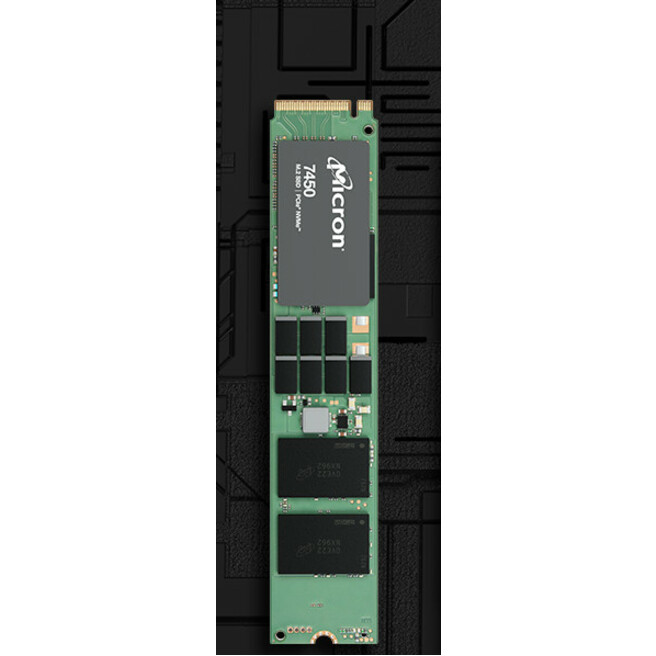
The Micron 7450 PRO at 480GB in M.2 2280 — a read-intensive PCIe 4.0 NVMe stick at 1 DWPD, published at 5000 MB/s read for server and storage use.
Titled TAA Compliant.
$1,926.97*Back-ordered7450 MAX, U.3
Micron Technology
Micron 7450 MAX 800 GB Solid State Drive
MTFDKCB800TFS-1BC1ZA
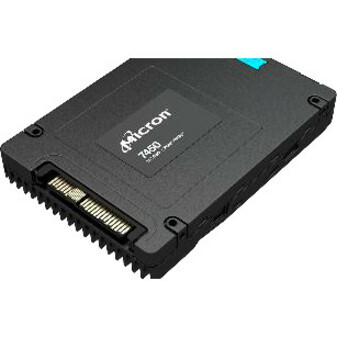
The Micron 7450 MAX at 800GB — a 2.5-inch U.3 drive from the MAX side of the 7450 family, the endurance-oriented half of that line in a front-serviceable carrier.
$2,589.08Back-ordered5210 ION, capacity
Micron Technology
Micron 5200 5210 ION 1.92 TB Solid State Drive
MTFDDAK1T9QDE-2AV1ZABYY
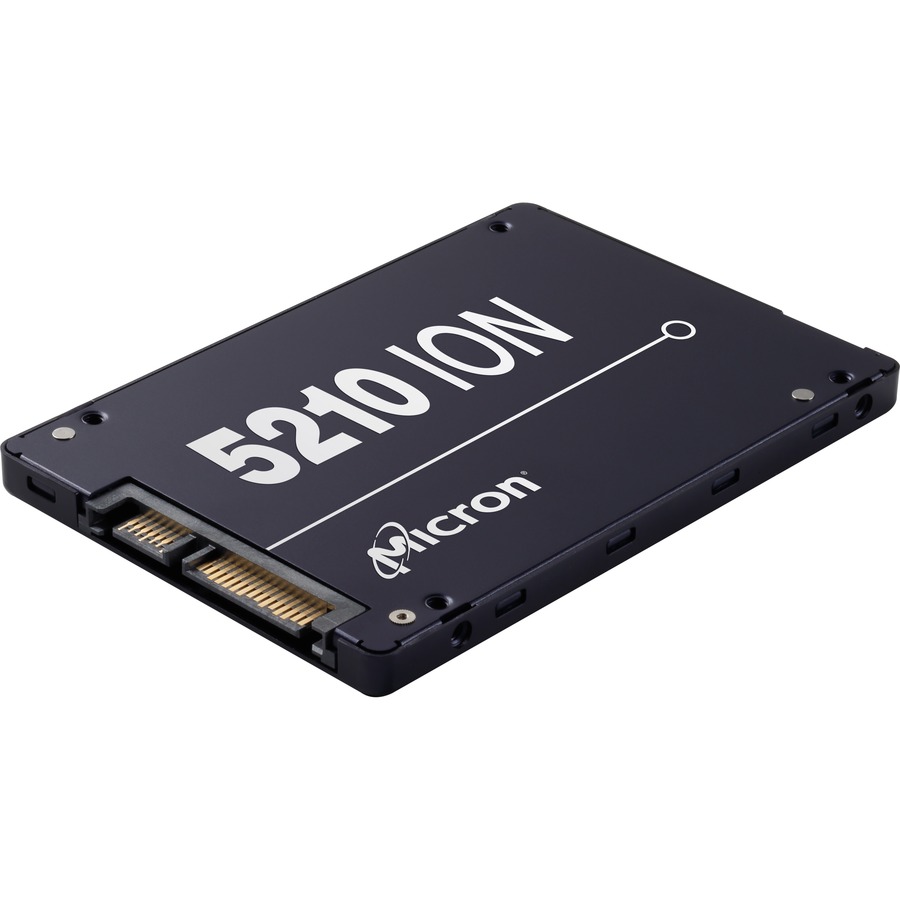
The Micron 5210 ION at 1.92TB — a read-intensive 2.5-inch SATA drive at 0.8 DWPD, the capacity-first class for write-once, read-many data.
$2,727.54Back-ordered7450 PRO, 1.88TB U.3
Micron Technology
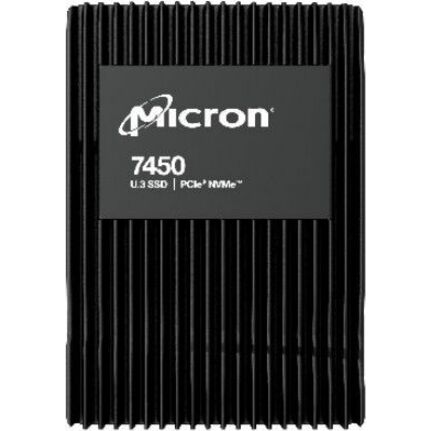
Micron 7450 PRO 1.88 TB Solid State Drive
MTFDKCB1T9TFR-1BC1ZABYY
The Micron 7450 PRO at 1.88TB — a 2.5-inch U.3 PCIe 4.0 NVMe drive at 1 DWPD, listed at 3650 TB written for a read-mostly NVMe tier.
$4,107.33Back-ordered5400 MAX, 5 DWPD
Micron Technology
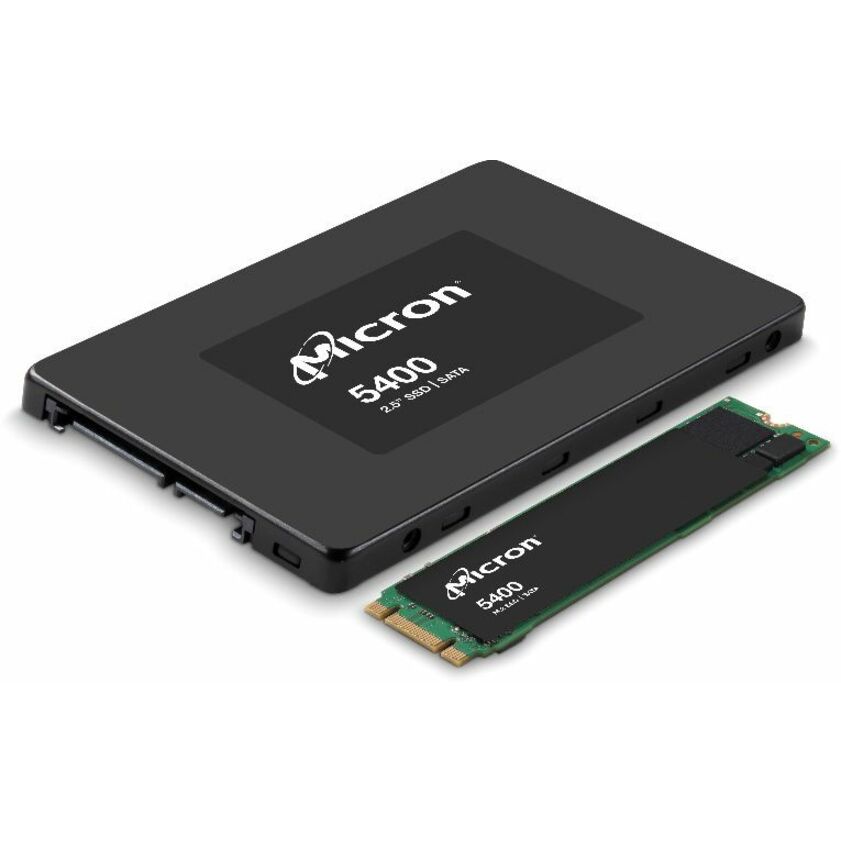
Micron 5400 MAX 960 GB Solid State Drive
MTFDDAK960TGB-1BC16ABYYR
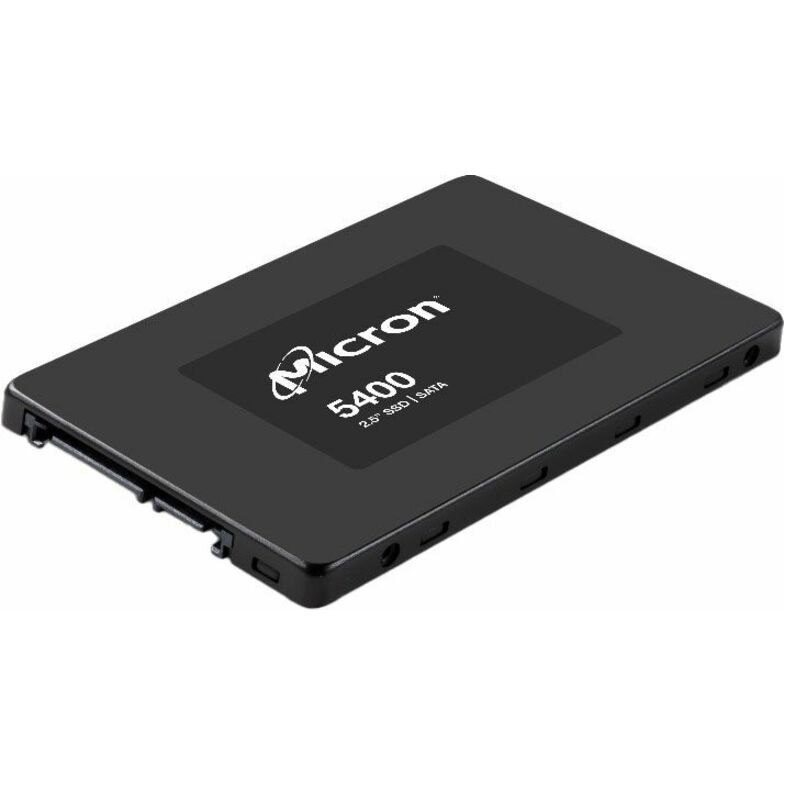
The Micron 5400 MAX at 960GB — a mixed-use 2.5-inch SATA drive at 5 DWPD with a 256-bit AES encryption standard, hot-pluggable and server-listed.
$4,241.92In stock3.84TB U.3 NVMe
Micron Technology
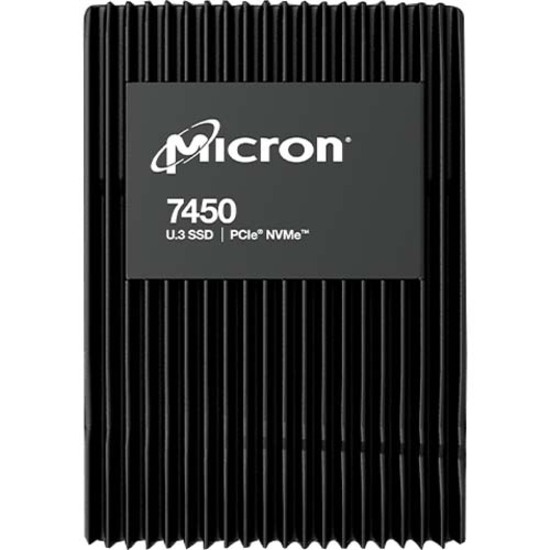
Micron 3.84 TB Solid State Drive
MTFDKCC3T8TFR-1BC1ZABYY
A Micron 3.84TB 2.5-inch U.3 PCIe 4.0 NVMe drive — read-intensive at 1 DWPD, listed at 7300 TB written and 6800 MB/s read for a dense flash tier.
Titled TAA Compliant.
$4,711.76*Back-ordered7500, 3.75TB U.3
Micron Technology
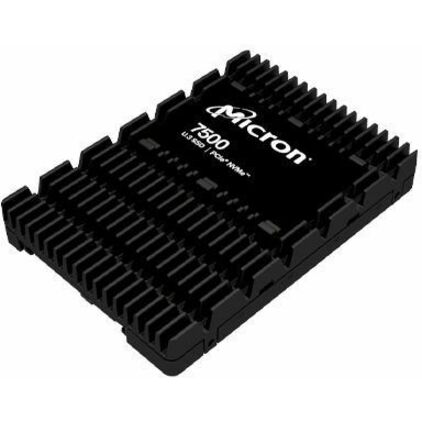
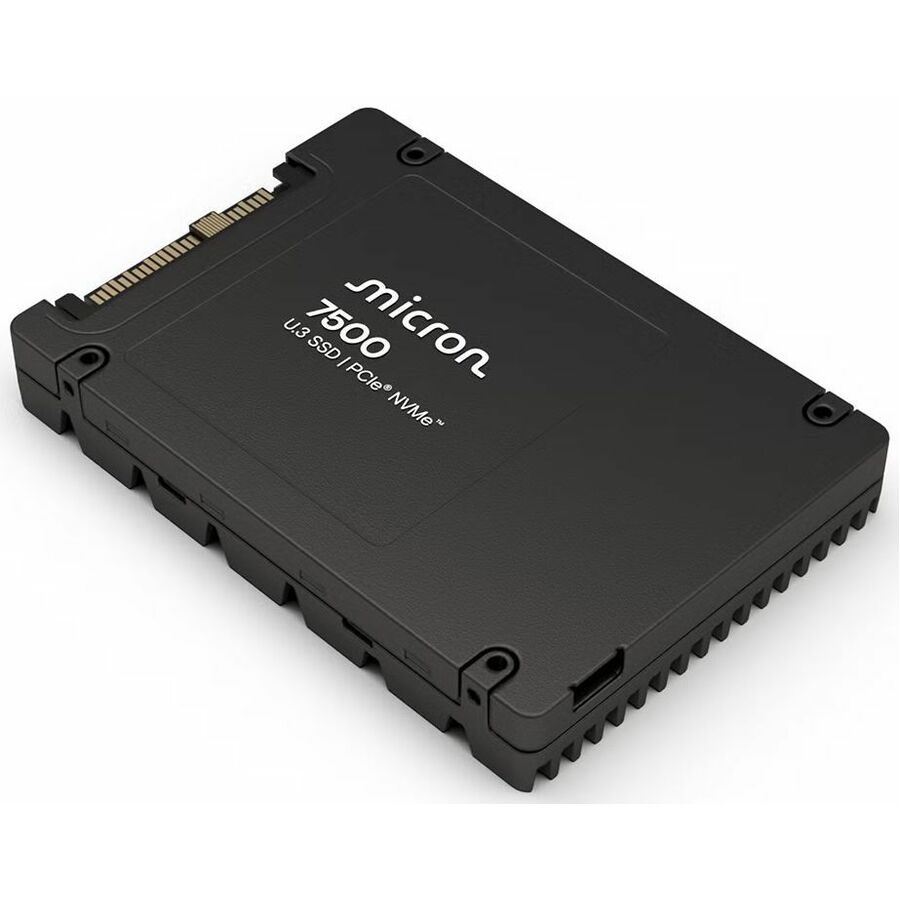
Micron 7500 3.75 TB Solid State Drive
MTFDKCC3T8TGP-1BK1DABYYR
The Micron 7500 at 3.75TB — an internal U.3 drive from the newer 7000-series generation, for a current-platform NVMe capacity tier.
$7,382.33Back-ordered9200 PRO, U.2
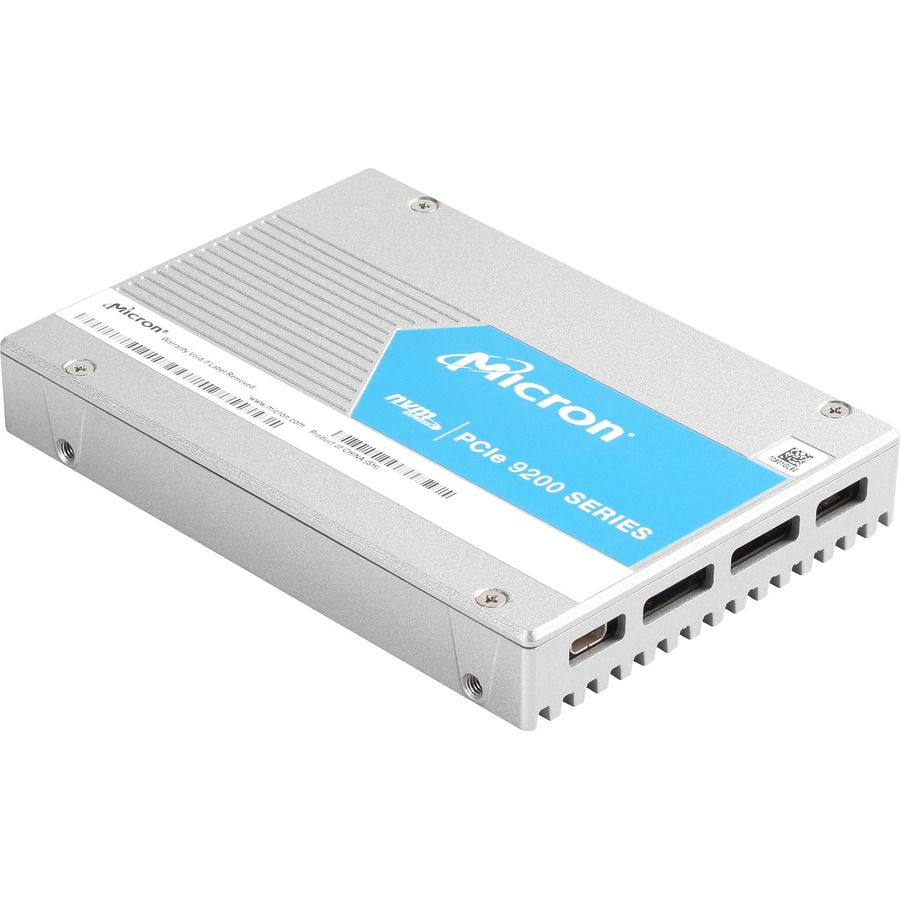
Micron Technology
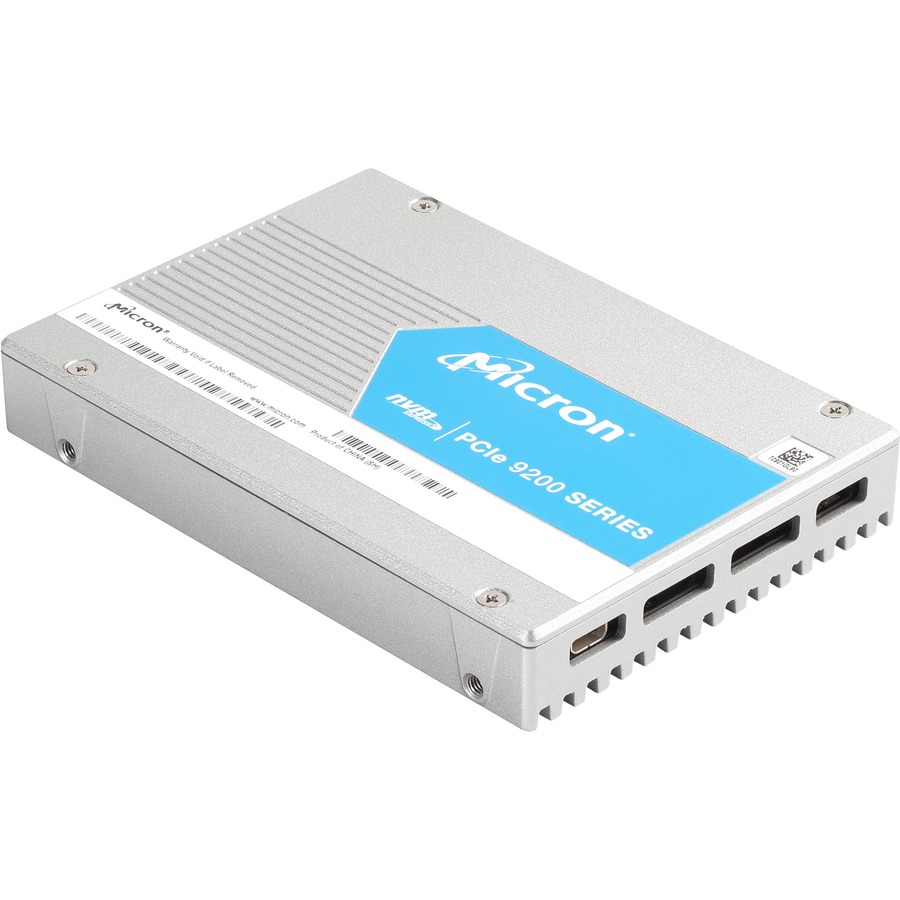
Micron 9200 9200 PRO 3.84 TB Solid State Drive
MTFDHAL3T8TCT-1AR1ZABYY
The Micron 9200 PRO at 3.84TB — a 2.5-inch U.2 NVMe drive on PCIe 3.0 x4 published at 3430 MB/s read, the throughput-first line in a legacy U.2 bay.
$7,335.07Back-ordered6500 ION, 30.72TB
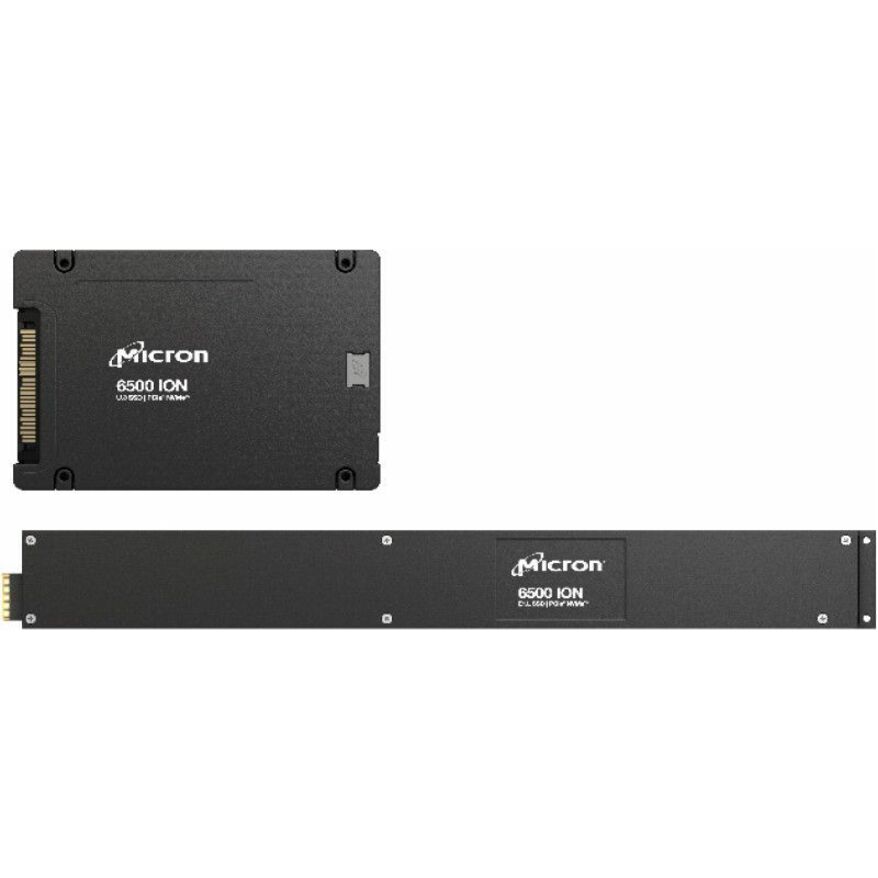
Micron Technology
Micron 6500 ION 30.72 TB Solid State Drive
MTFDKCC30T7TGR-1BK1JABYY
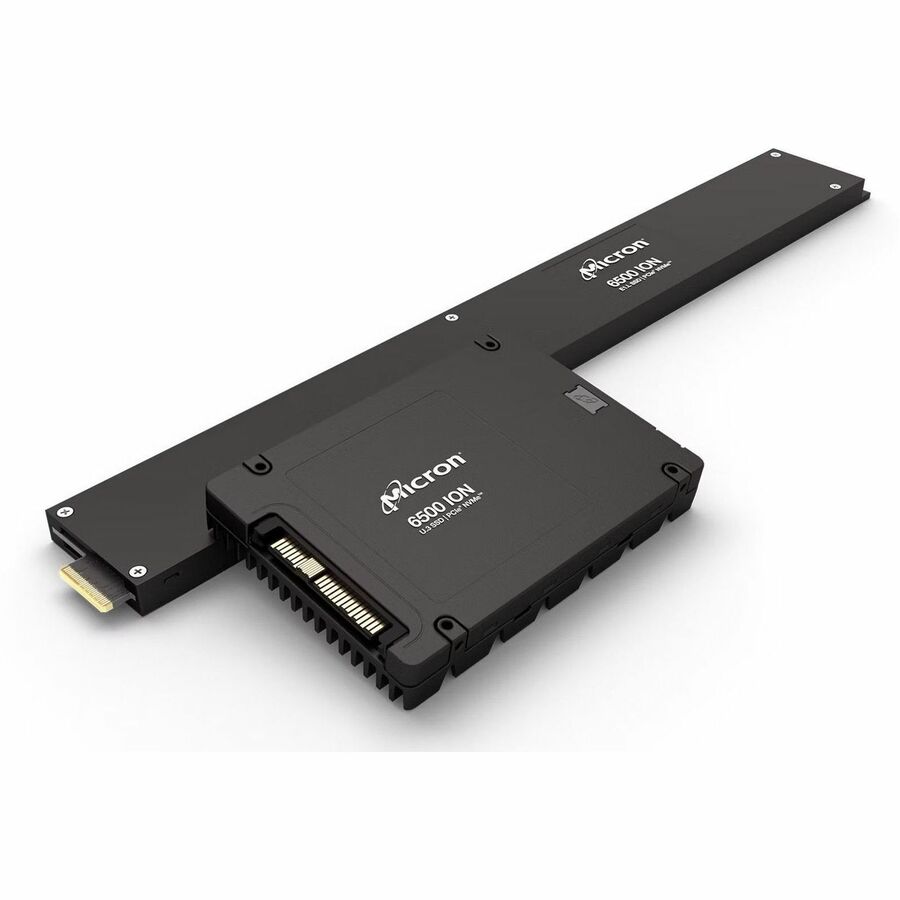
The Micron 6500 ION at 30.72TB — a 2.5-inch U.3 PCIe 4.0 NVMe drive at 1 DWPD, the highest-capacity part on this shelf for a read-mostly archive tier.
Every row this page renders states 'Micron' in the manufacturer's own title, as this one does.
$20,916.64Back-orderedMore hard drives and SSDs in the Uniqcli catalog
See all 9,672 hard drives and SSDsMore Micron first — closest to what you were just looking at; “See all hard drives and SSDs” above opens every other brand in the category. In-stock lines lead, and a back-ordered line carries the same estimated availability its product page does — with live pricing throughout, NDAA §889 screening before checkout and TAA verified on request.
- Micron TechnologyMicron 7450 PRO 15.36 TB Solid State Drive - 2.5" Internal - U.3 (PCI Express NVMe 4.0 x4) - Read Intensive - Data Center, Server Device Supported - 1 DWPD - 28000 TB TBW - 5 Year WarrantyMTFDKCC15T3TFR-1BC15ABYY
$63,193.46
$59,507.00
Back-orderedBack-ordered — estimated OEM lead time 3–8 weeks (Nov 8 – Dec 13 if ordered today).
- Micron TechnologyMicron 12.80 TB Solid State Drive - 2.5" Internal - U.3 (PCI Express NVMe 4.0) - Mixed Use - TAA Compliant - Server Device Supported - 3 DWPD - 70000 TB TBW - 6800 MB/s Maximum Read Transfer Rate - 5 Year WarrantyMTFDKCC12T8TFS-1BC1ZABYY
$60,727.28
$57,184.69*
Back-orderedBack-ordered — estimated OEM lead time 3–8 weeks (Nov 8 – Dec 13 if ordered today).
- Micron TechnologyMicron 9550 PRO 15 TB Solid State Drive - 2.5" Internal - U.2 (PCI Express NVMe 5.0 x4) - 1 DWPDMTFDLAL15T3THA-1BK1JABYY
$58,266.60
$54,867.55
Back-orderedBack-ordered — estimated OEM lead time 3–8 weeks (Nov 8 – Dec 13 if ordered today).
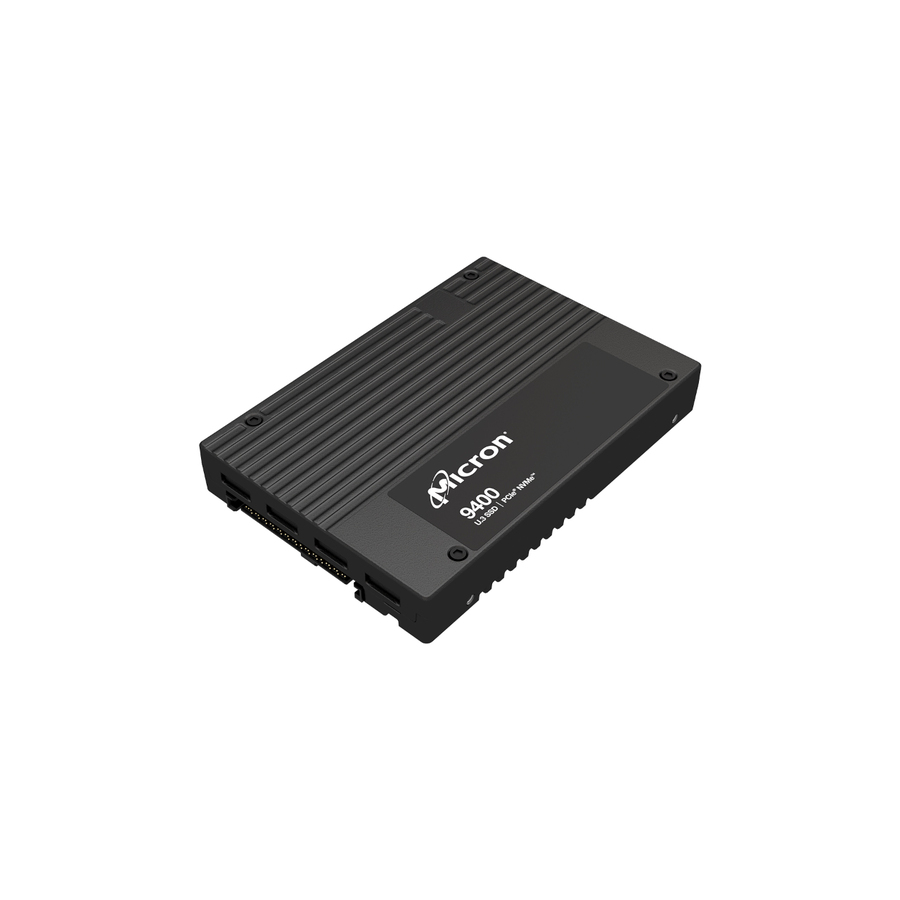
- Micron TechnologyMicron 9400 30 TB Solid State Drive - Internal - U.3 (PCI Express NVMe 4.0 x4) - 56064 TB TBW - 7000 MB/s Maximum Read Transfer Rate - 5 Year Warranty - 1MTFDKCC30T7TGH-1BC1ZABYYR
$53,684.21
$50,552.48
Back-orderedBack-ordered — estimated OEM lead time 3–8 weeks (Nov 8 – Dec 13 if ordered today).
- Micron TechnologyMicron 6500 ION 30.72 TB Solid State Drive - 2.5" Internal - U.3 (PCI Express NVMe 4.0 x4) - TAA Compliant - 1 DWPD - 1MTFDKCC30T7TGR-1BK1DFCYYR
$44,720.04
$42,111.25*
Back-orderedBack-ordered — estimated OEM lead time 3–8 weeks (Nov 8 – Dec 13 if ordered today).
- Micron TechnologyMicron 7450 MAX 6.40 TB Solid State Drive - 2.5" Internal - U.3 (PCI Express NVMe 4.0 x4) - Mixed Use - Data Center, Server Device Supported - 3 DWPD - 35000 TB TBW - 5 Year WarrantyMTFDKCB6T4TFS-1BC1ZABYY
$41,982.23
$39,533.15
Back-orderedBack-ordered — estimated OEM lead time 3–8 weeks (Nov 8 – Dec 13 if ordered today).
- Micron TechnologyMicron 7450 PRO 7.50 TB Solid State Drive - E1.S - EDSFF Internal - PCI Express NVMe (PCI Express NVMe 4.0) - Data Center Device SupportedMTFDKBZ7T6TFR-1BC15ABYY
$30,438.82
$28,663.14
Back-orderedBack-ordered — estimated OEM lead time 3–8 weeks (Nov 8 – Dec 13 if ordered today).
- Micron TechnologyMicron MAX 7450 MAX 6.40 TB Solid State Drive - 2.5" Internal - U.3 (PCI Express NVMe 4.0 x4) - Mixed Use - Server, Storage System Device Supported - 3 DWPD - 35000 TB TBW - 6800 MB/s Maximum Read Transfer Rate - 5 Year WarrantyMTFDKCC6T4TFS-1BC1ZABYY
$27,961.71
$26,330.54
Back-orderedBack-ordered — estimated OEM lead time 3–8 weeks (Nov 8 – Dec 13 if ordered today).
- Micron TechnologyMicron 7450 PRO 3.84 TB Solid State Drive - M.2 22110 Internal - PCI Express NVMe (PCI Express NVMe 4.0 x4) - Read Intensive - TAA Compliant - Server Device Supported - 1 DWPD - 7300 TB TBW - 5000 MB/s Maximum Read Transfer Rate - 5 Year WarrantyMTFDKBG3T8TFR-1BC15ABYY
$24,019.14
$22,617.96*
Back-orderedBack-ordered — estimated OEM lead time 3–8 weeks (Nov 8 – Dec 13 if ordered today).
- Micron TechnologyMicron 5400 PRO 7.68 TB Solid State Drive - 2.5" Internal - SATA (SATA/600) - Read Intensive - Server Device Supported - 0.6 DWPD - 540 MB/s Maximum Read Transfer Rate - Hot Pluggable - 256-bit AES Encryption Standard - 5 Year Warranty - RetailMTFDDAK7T6TGA-1BC15ABYYR
$22,753.01
$21,425.69
Back-orderedBack-ordered — estimated OEM lead time 3–8 weeks (Nov 8 – Dec 13 if ordered today).
- Micron TechnologyMicron PRO 7450 PRO 7.68 TB Solid State Drive - 2.5" Internal - U.3 (PCI Express NVMe 4.0 x4) - Read Intensive - Server, Storage System Device Supported - 1 DWPD - 14000 TB TBW - 6800 MB/s Maximum Read Transfer Rate - 5 Year Warranty - RetailMTFDKCC7T6TFR-1BC1ZABYYR
$22,554.39
$21,238.65
Back-orderedBack-ordered — estimated OEM lead time 3–8 weeks (Nov 8 – Dec 13 if ordered today).
- Micron TechnologyMicron 6500 ION 30.72 TB Solid State Drive - 2.5" Internal - U.3 (PCI Express NVMe 4.0) - 1 DWPDMTFDKCC30T7TGR-1BK1JABYY
$22,212.44
$20,916.64
Back-orderedBack-ordered — estimated OEM lead time 3–8 weeks (Nov 8 – Dec 13 if ordered today).
- Micron TechnologyMicron 7450 PRO 3.75 TB Solid State Drive - E1.S - EDSFF Internal - PCI Express NVMe (PCI Express NVMe 4.0) - Data Center Device SupportedMTFDKBZ3T8TFR-1BC15ABYY
$19,518.81
$18,380.15
Back-orderedBack-ordered — estimated OEM lead time 3–8 weeks (Nov 8 – Dec 13 if ordered today).
- Micron TechnologyMicron 5400 MAX 3.75 TB Solid State DriveMTFDDAK3T8TGB-1BC1ZABYY
$17,648.66
$16,619.11
Back-orderedBack-ordered — estimated OEM lead time 3–8 weeks (Nov 8 – Dec 13 if ordered today).
- Micron TechnologyMicron 7450 PRO 3.75 TB Solid State Drive - E1.S - EDSFF Internal - PCI Express NVMe (PCI Express NVMe 4.0) - Data Center Device SupportedMTFDKBZ3T8TFR-1BC1ZABYY
$17,118.26
$16,119.65
Back-orderedBack-ordered — estimated OEM lead time 3–8 weeks (Nov 8 – Dec 13 if ordered today).
- Micron TechnologyMicron 7500 MAX 3.13 TB Solid State Drive - 2.5" Internal - U.3 (PCI Express NVMe 4.0 x4) - Mixed Use - Data Center, Server Device Supported - 17520 TB TBWMTFDKCC3T2TGQ-1BK1DABYY
$16,221.47
$15,275.18
Back-orderedBack-ordered — estimated OEM lead time 3–8 weeks (Nov 8 – Dec 13 if ordered today).
- Micron TechnologyMicron 7450 PRO 3.84 TB Solid State Drive - 2.5" Internal - U.3 (PCI Express NVMe 4.0 x4) - Read Intensive - Data Center, Server Device Supported - 1 DWPD - 7300 TB TBW - 5 Year WarrantyMTFDKCB3T8TFR-1BC1ZABYY
$14,441.05
$13,598.62
Back-orderedBack-ordered — estimated OEM lead time 3–8 weeks (Nov 8 – Dec 13 if ordered today).
- Micron TechnologyMicron 5400 PRO 3.75 TB Solid State Drive - 2.5" Internal - SATA (SATA/600) - 10512 TB TBWMTFDDAK3T8TGA-1BC1ZABYY
$13,560.03
$12,769.00
Back-orderedBack-ordered — estimated OEM lead time 3–8 weeks (Nov 8 – Dec 13 if ordered today).
- Micron TechnologyMicron 9200 9200 PRO 7.68 TB Solid State Drive - 2.5" Internal - U.2 (SFF-8639) NVMe (PCI Express 3.0 x4) - 3430.40 MB/s Maximum Read Transfer RateMTFDHAL7T6TCT-1AR1ZABYY
$12,631.58
$11,894.71
Back-orderedBack-ordered — estimated OEM lead time 3–8 weeks (Nov 8 – Dec 13 if ordered today).
- Micron TechnologyMicron 7450 PRO 1920 TB Solid State Drive - E1.S - EDSFF Internal - PCI Express NVMe (PCI Express NVMe 4.0)MTFDKBZ1T9TFR-1BC15ABYY
$12,147.65
$11,439.00
Back-orderedBack-ordered — estimated OEM lead time 3–8 weeks (Nov 8 – Dec 13 if ordered today).
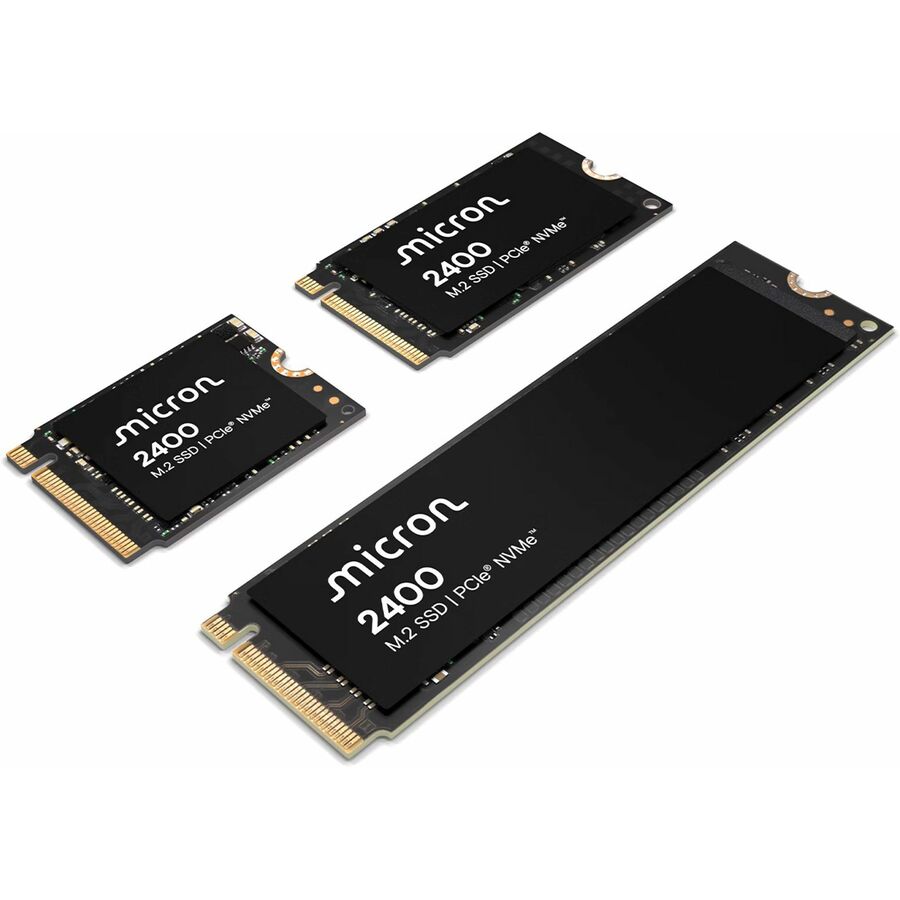
- Micron TechnologyMicron 2400 512 GB Solid State Drive - M.2 2230 Internal - PCI Express NVMe (PCI Express NVMe 4.0) - Notebook, Desktop PC Device Supported - 150 TB TBW - 256-bit AES Encryption StandardMTFDKBK512QFM-1BD1AABYY
$11,469.60
$10,800.51
Back-orderedBack-ordered — estimated OEM lead time 3–8 weeks (Nov 8 – Dec 13 if ordered today).
- Micron TechnologyMicron 7450 PRO 7.68 TB Solid State Drive - 2.5" Internal - U.3 (PCI Express NVMe 4.0 x4) - Read Intensive - TAA Compliant - Server Device Supported - 1 DWPD - 14000 TB TBW - 6800 MB/s Maximum Read Transfer Rate - 5 Year Warranty - RetailMTFDKCB7T6TFR-1BC1ZABYYR
$10,938.44
$10,300.34*
Back-orderedBack-ordered — estimated OEM lead time 3–8 weeks (Nov 8 – Dec 13 if ordered today).
- Micron TechnologyMicron 7450 PRO 1.92 TB Solid State Drive - 2.5" Internal - U.3 (PCI Express NVMe 4.0 x4) - Read Intensive - TAA Compliant - Server Device Supported - 1 DWPD - 3650 TB TBW - 6800 MB/s Maximum Read Transfer Rate - 5 Year Warranty - RetailMTFDKCB1T9TFR-1BC15ABYY
$10,824.34
$10,192.89*
Back-orderedBack-ordered — estimated OEM lead time 3–8 weeks (Nov 8 – Dec 13 if ordered today).
- Micron TechnologyMicron 5400 MAX 960 GB Solid State Drive - 2.5" Internal - SATA (SATA/600) - TAA Compliant - 8760 TB TBW - 512e FormatMTFDDAK960TGB-1BC15TAYY
$10,200.97
$9,605.89*
Back-orderedBack-ordered — estimated OEM lead time 3–8 weeks (Nov 8 – Dec 13 if ordered today).
Need pricing on Micron Micron SSDs?
Tell us where to reach you and a Uniqcli specialist will follow up by email with current pricing, availability and lead time for the quantities you need — including parts that aren’t shown on this page.
Buying for an organization or for yourself — both work. No payment up front.
Micron is one of a very small number of companies that makes the NAND in its own drives, and its business SSD book is organized around that: a SATA line for capacity and fleet refresh, an NVMe line for throughput, and a small client line for notebooks and desktops. Every row on this page states 'Micron' in the manufacturer's own title, which keeps the Crucial-branded consumer parts that share the same catalog brand out of a page about drives that go into servers and storage systems. The first fact to read on any of them is the interface, because it decides both the performance ceiling and where the drive can physically go.
The interfaces split three ways here. SATA — the 5200, 5300 and 5400 families — is the mature, inexpensive path for boot drives, capacity tiers and refreshing an existing bay of 2.5-inch carriers; it tops out around 540 MB/s and every controller already knows what to do with it. NVMe over PCIe is the 7000 and 9000 families, in 2.5-inch U.2 and U.3 carriers, M.2 2280 and 22110 sticks and E1.S EDSFF blades, with published read figures several times the SATA ceiling. The connector shape matters as much as the protocol: a U.3 drive needs a tri-mode backplane, and an M.2 22110 stick needs the longer standoff the board may not have.
The second fact is endurance class, and Micron states it in the title. Read-intensive parts — PRO and ION — are sized for workloads that mostly read: boot volumes, content, analytics, backup targets. Mixed-use parts — MAX — carry more spare area and a much higher drive-writes-per-day figure for databases, virtualization and logging. Buying a read-intensive drive for a write-heavy role is the classic expensive mistake, because the drive works correctly right up until the endurance is spent. The titles carry the DWPD and total-bytes-written figures, and several parts carry a TAA designation in Micron's own title — a per-part fact to confirm on the exact model an order names.
Buyer's checklist
How to choose a Micron SSD
- Start with the interface the platform actually exposes. SATA (5200/5300/5400) fits any existing 2.5-inch bay; NVMe (7000/9000) needs PCIe lanes and, for U.2 or U.3, a backplane that speaks them. The fastest drive in the wrong slot is a drive that does not appear.
- Read the endurance class before the capacity. PRO and ION parts are read-intensive; MAX parts are mixed-use with far higher drive-writes-per-day. Match the class to the workload — a write-heavy database on a read-intensive drive consumes its endurance early.
- Check the physical form against the chassis. 2.5-inch U.2/U.3 carriers, M.2 2280 and 22110 sticks and E1.S EDSFF blades all appear in this line, and an M.2 22110 will not fit a board drilled only for 2280.
- For U.3 parts, confirm the backplane. U.3 runs on a tri-mode backplane that handles SAS, SATA and NVMe on one connector; an older U.2-only or SAS-only backplane is not a drop-in for it.
- Compare the published TBW figure, not just the DWPD. Total bytes written scales with capacity, so a larger drive in the same family carries more absolute endurance — sometimes the cheaper way to buy write headroom is more capacity.
- Match SATA capacity tiers to the bay count you have. The 5000-series spans small boot-class capacities up to multi-terabyte parts, and on a fixed number of carriers the capacity per bay is what sets the array's ceiling.
- Where an order carries a country-of-origin clause, read the TAA designation on the exact part number. Several Micron models carry TAA in the maker's own title and others do not — confirm it per part, never per family.
- Buy the drive against the whole platform. Controller or HBA, backplane, cooling and firmware policy all decide whether a drive performs as specified, and matching them at quote time is cheaper than discovering the mismatch at install.
SATA, NVMe and EDSFF: matching the interface to the machine
The interface decision is really a decision about the machine, not the drive. A server with a bay of 2.5-inch SATA carriers and a RAID controller that has run for years does not need to become an NVMe platform to get a large, reliable flash tier — the Micron 5200, 5300 and 5400 families exist for exactly that refresh, and they top out near the SATA ceiling of roughly 540 MB/s with the hot-plug behaviour the chassis already expects. That ceiling is the point: it is predictable, it is cheap per gigabyte at capacity, and it does not consume PCIe lanes that a GPU or a network card wants.
Where throughput is the constraint, the 7000 and 9000 families move to NVMe over PCIe and the shape of the drive starts to matter. A 2.5-inch U.3 part slots into a tri-mode backplane and keeps the serviceability of a front-loading carrier; an M.2 2280 or 22110 stick lives on the board and is the right answer for a boot pair or a compact appliance, provided the standoff length matches; an E1.S EDSFF blade is the dense, front-serviceable form modern flash-first chassis are built around. Read the form factor and the backplane together before the part number is fixed — that is the pairing that decides whether a drive is a drop-in or a chassis project.
Read-intensive, mixed-use and the endurance arithmetic
Micron labels endurance in the title and it is the number worth reading twice. A PRO part is read-intensive, typically around one drive-write per day, and it suits boot volumes, media, analytics reads, backup targets and the large read-mostly tiers that make up most of a storage estate. An ION part goes further in the same direction — high capacity at a lower DWPD, built for data that is written once and read many times. A MAX part is mixed-use, carrying substantially more over-provisioning and a DWPD figure several times higher, which is what a busy database, a virtualization host or a logging tier actually consumes.
The arithmetic is straightforward and worth doing before the order rather than after. Take the workload's daily write volume, divide by the drive's capacity, and compare the result to the DWPD figure in the title; then sanity-check it against the total-bytes-written figure over the warranty period. Because TBW scales with capacity, a larger read-intensive drive sometimes carries more absolute write endurance than a smaller mixed-use one, which occasionally makes capacity the cheaper way to buy headroom. Several parts in this line carry a TAA designation in Micron's own title where an order needs it. Uniqcli can quote the drives, the carriers and the controllers they attach to on one document for business, government and education buyers.
FAQ
Common questions
- What is the difference between a Micron PRO, MAX and ION drive?
- They are endurance classes. PRO parts are read-intensive, generally around one drive-write per day, for boot volumes, read-mostly data and backup targets. MAX parts are mixed-use with far more over-provisioning and a much higher DWPD figure, for databases, virtualization and logging. ION parts push capacity at a lower DWPD for write-once, read-many data. The class is stated in the drive's own title alongside its DWPD and total-bytes-written figures.
- Can a U.3 Micron drive go into a U.2 backplane?
- Not reliably, and it is the mismatch worth checking before ordering. U.3 is designed for a tri-mode backplane that carries SAS, SATA and NVMe on one connector; a legacy U.2-only or SAS-only backplane does not present the same signalling. Confirm what the chassis backplane actually supports — the drive form factor alone does not answer it.
- Should we buy SATA or NVMe for a server refresh?
- It depends on whether the bottleneck is throughput or capacity. If the platform has 2.5-inch SATA carriers and the workload is read-mostly, the 5000-series SATA drives are the least disruptive way to get a large, reliable flash tier without spending PCIe lanes. If the workload is throughput-bound — databases, virtualization, analytics — the 7000 and 9000 NVMe families publish read figures several times the SATA ceiling, provided the chassis and backplane support them.
- Are Micron SSDs TAA-designated?
- Some parts are and some are not, and it is a per-part fact rather than a family one. Several drives in the 5200, 7400 and 7450 ranges carry a TAA designation in Micron's own catalog title; others in the same families do not. Where an order carries a country-of-origin clause, confirm the designation on the exact part number ordered rather than on the series.
- Can business, government and education buyers order these?
- Every line Uniqcli quotes is sourced through US distribution and screened for TAA country-of-origin and NDAA §889 status before checkout — with documentation tied to the specific part number, not a product family.
Need Micron Micron SSDs pricing?
Send a bill of materials or part numbers — we confirm stock and a below-market total, with TAA verified on request. No payment up front.