
Best 2.5-Inch SATA SSDs for Fleet Refresh and Server Bays
Client and data-center 2.5-inch SATA drives whose own titles state the form factor and interface — read against endurance ratings, bay hardware and what the removed disk still holds.
2.5-inch SATA SSDs in stock at Uniqcli
How to choose →A curated selection with live pricing — in-stock lines first, then back-ordered lines with a typical lead time. Every line is sourced through US distribution and screened for NDAA §889 status before checkout, with TAA verified on request.
- Transcend InformationTranscend 240 GB Solid State Drive - 2.5" Internal - SATA (SATA/600)TS240GSSD220S
$151.00
$138.65
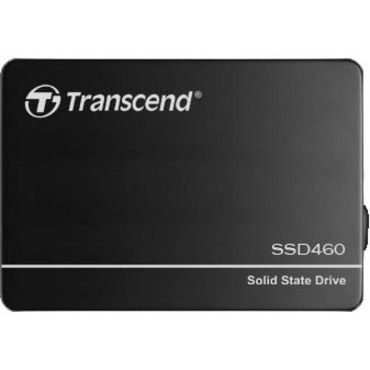
3 in stock - Transcend InformationTranscend SSD460K 128 GB Solid State Drive - 2.5" Internal - SATA (SATA/600) - 1.95 DWPD - 3 Year WarrantyTS128GSSD460K
$206.00
$188.64
2 in stock - Transcend InformationTranscend SSD452K 128 GB Solid State Drive - 2.5" Internal - SATA (SATA/600) - 1.61 DWPD - 3 Year WarrantyTS128GSSD452K
$264.00
$241.73
45 in stock

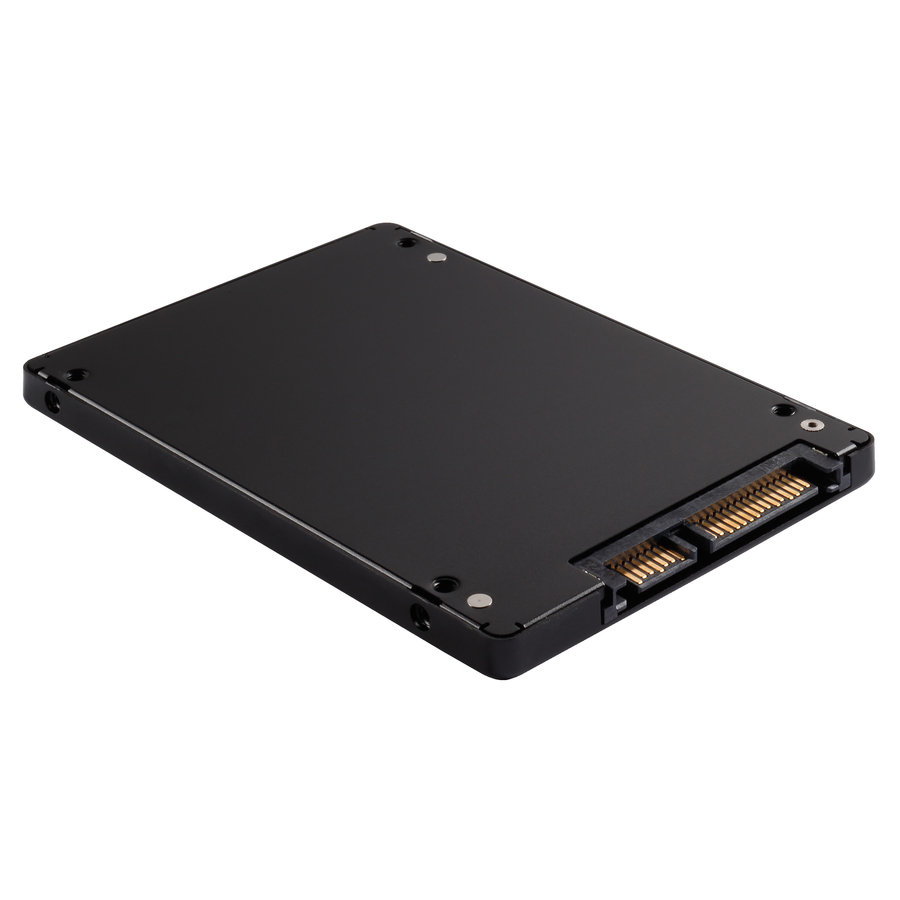
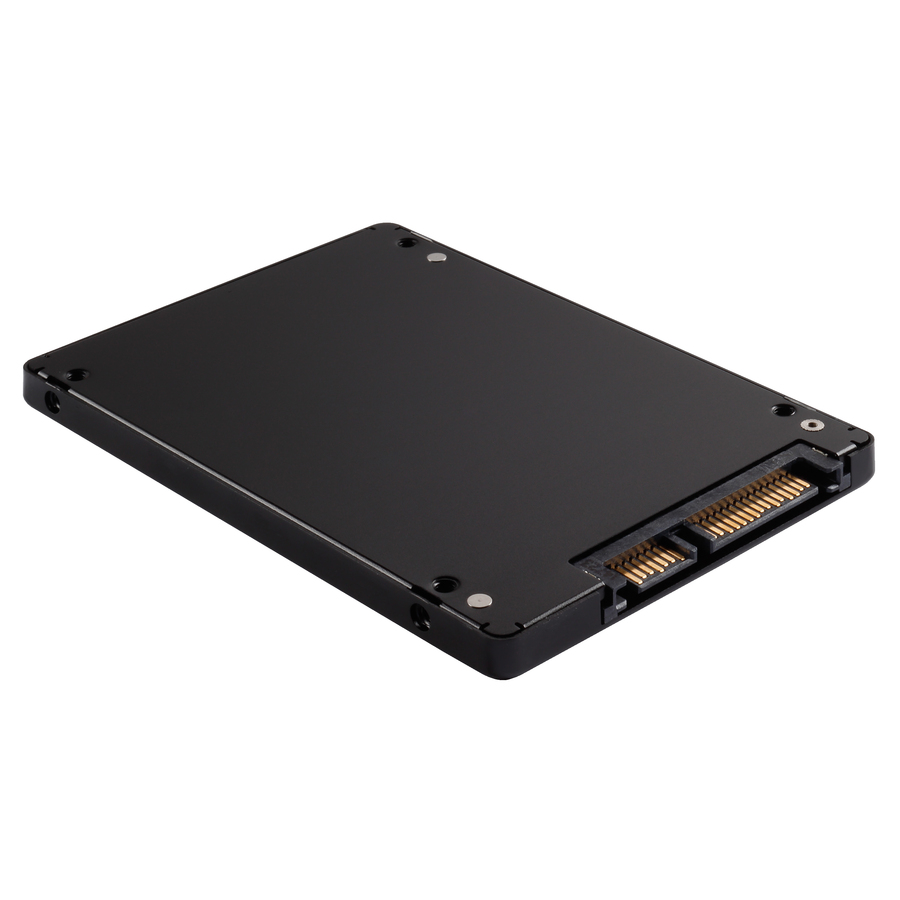
Entry client drive
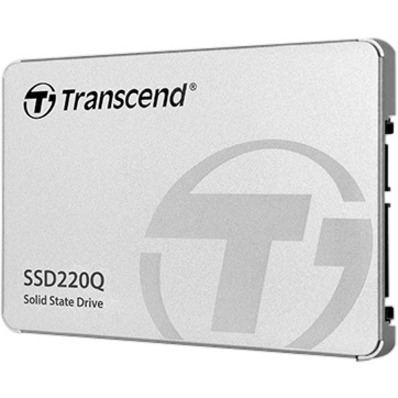
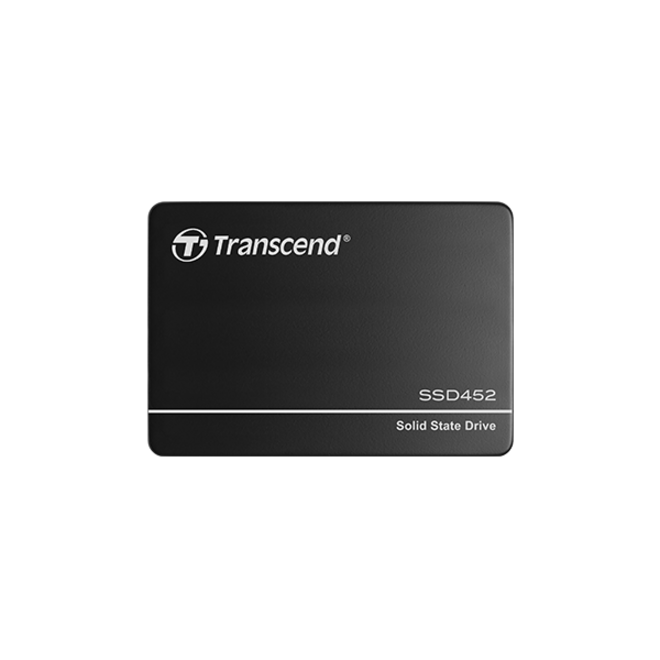
Transcend Information
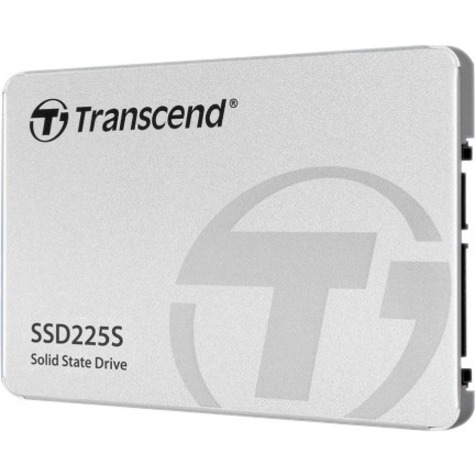
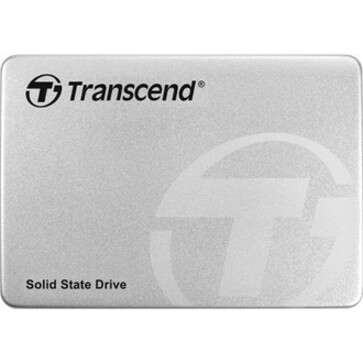
Transcend 256 GB Solid State Drive
TS250GSSD225S
A 256 GB client drive listed for desktop and notebook duty, rated 0.3 drive-writes-per-day and 90 TB written with a three-year warranty. The size that turns an aging office machine around when the workload is documents and a browser rather than data.
$136.33In stockQLC at 250 GB
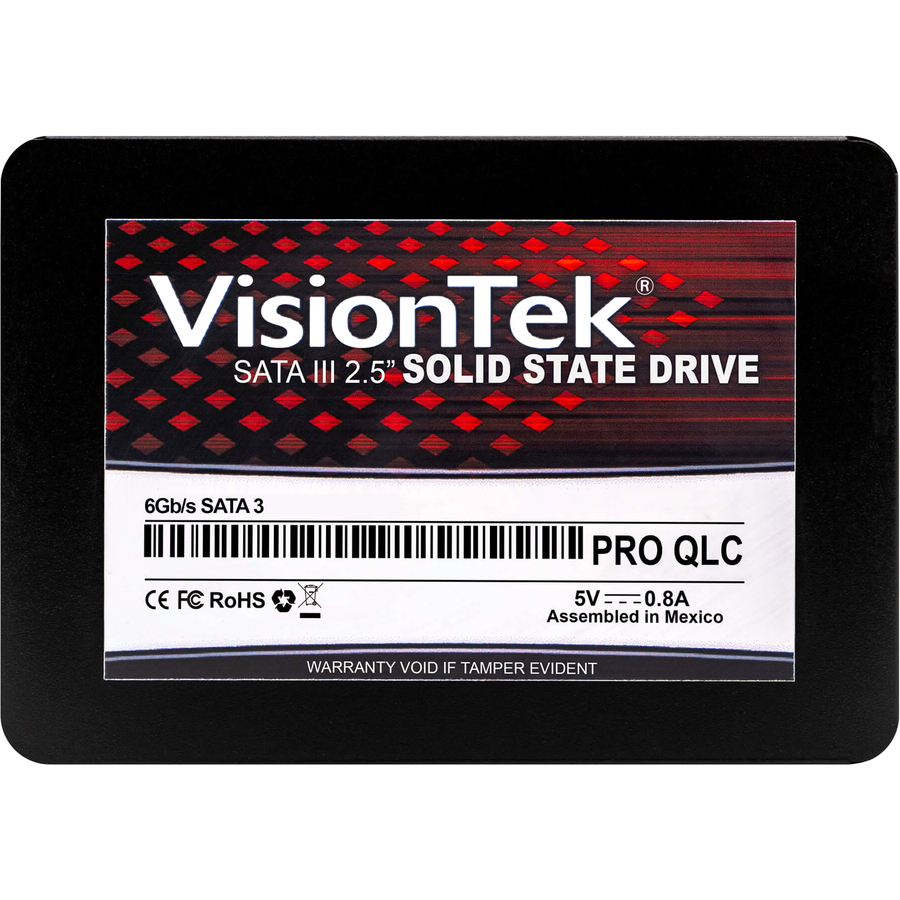
VisionTek Products
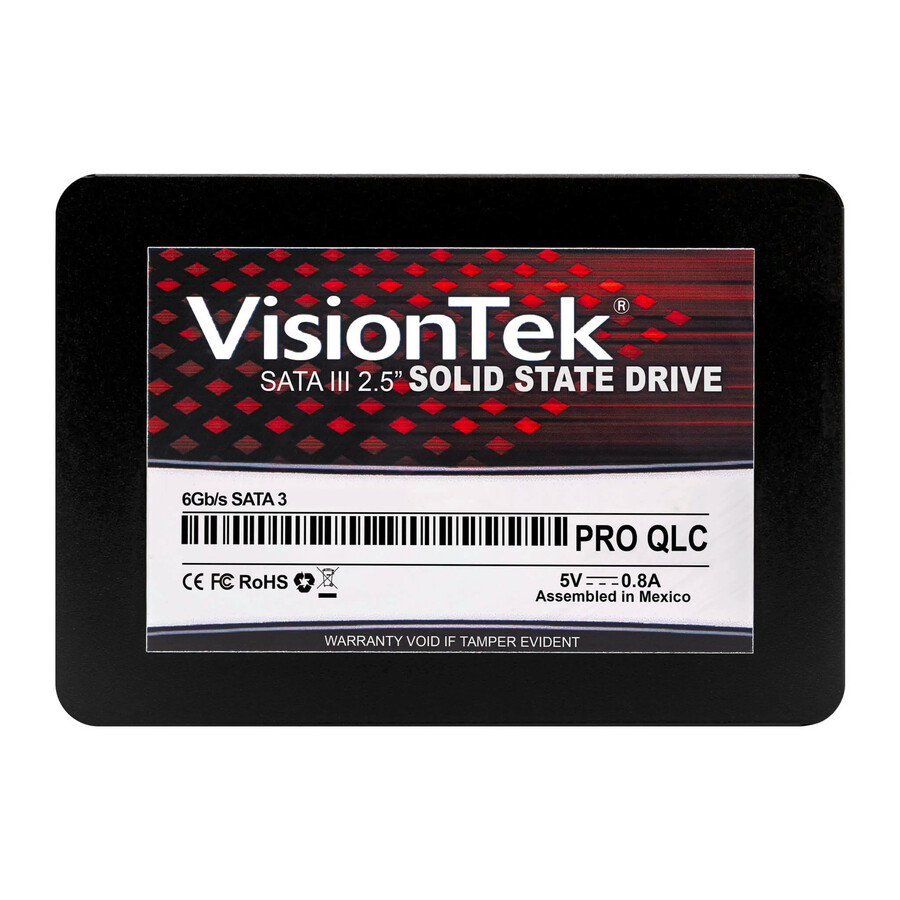
VisionTek PRO QLC 250 GB Solid State Drive
901367
A PRO QLC 250 GB drive rated 0.361 drive-writes-per-day and 380 TB written, with a 550 MB/s maximum read figure and a three-year warranty on the title. Read the endurance rating against the seat: QLC parts are built for read-heavy duty.
$149.21In stockFleet standard, 250 GB
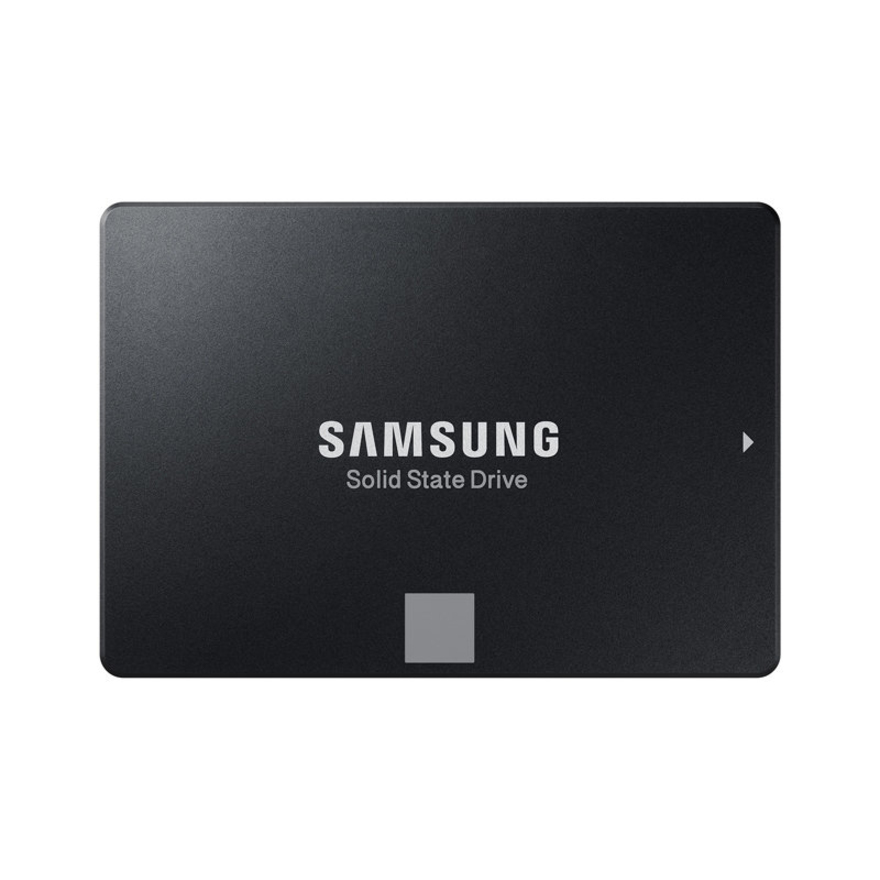
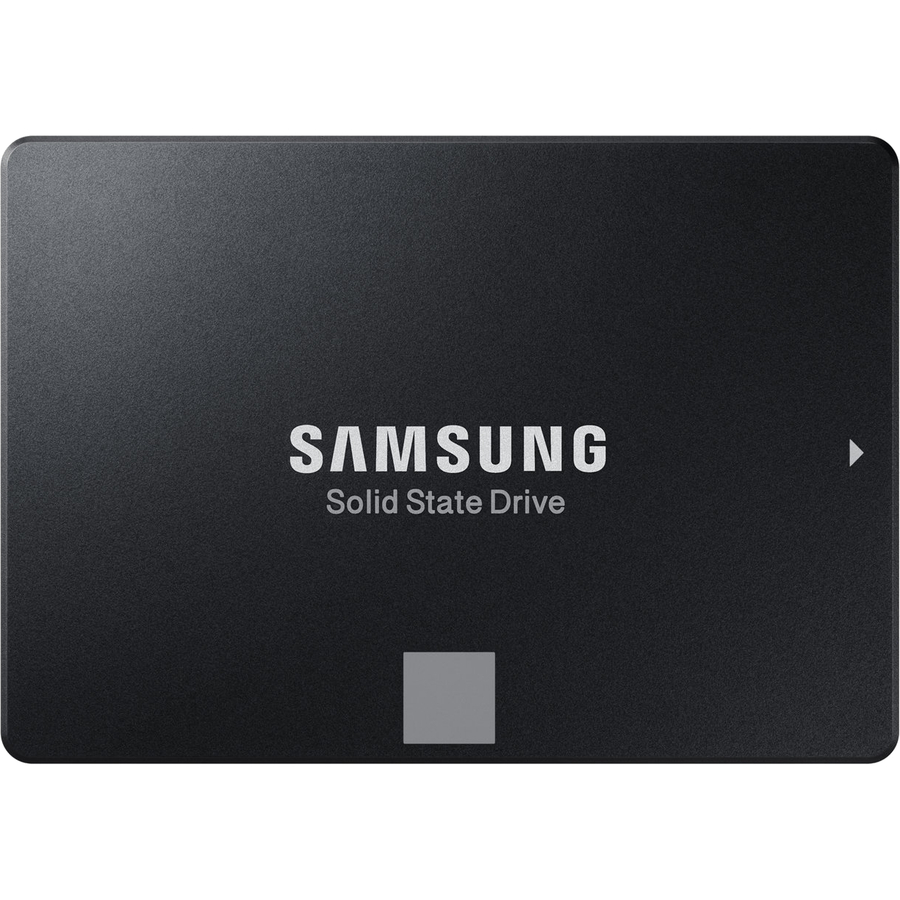
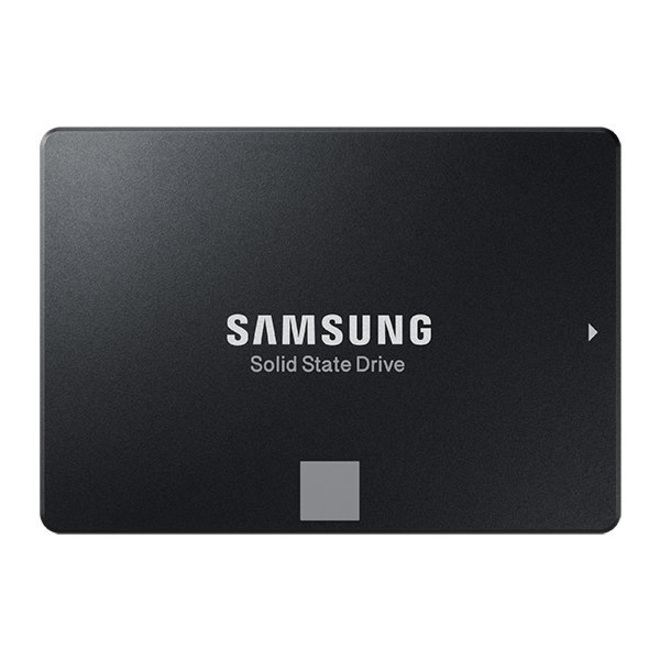
Samsung
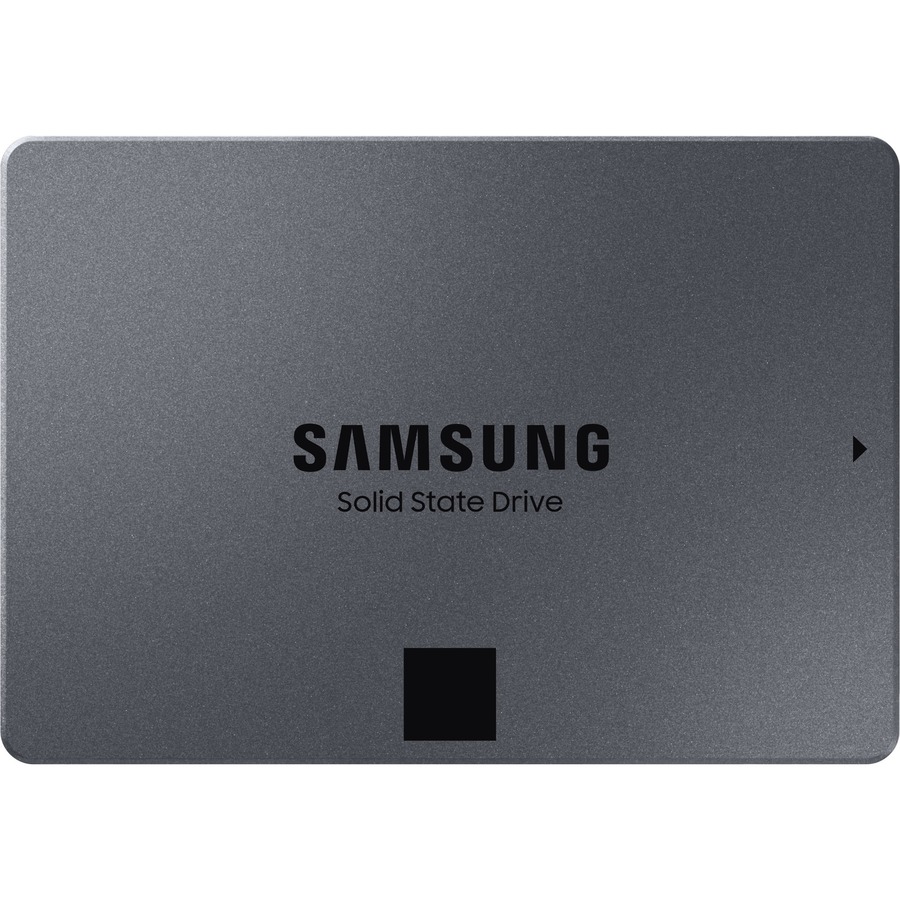
Samsung 860 EVO MZ-76E250B/AM 250 GB Solid State Drive
MZ-76E250B/AM
An 860 EVO at 250 GB with a 550 MB/s maximum read figure, a 256-bit encryption standard named on the title and a five-year warranty. A long-standing fleet-refresh part for laptops and desktops where one part number has to cover a lot of machines.
$219.79In stockNewer client drive
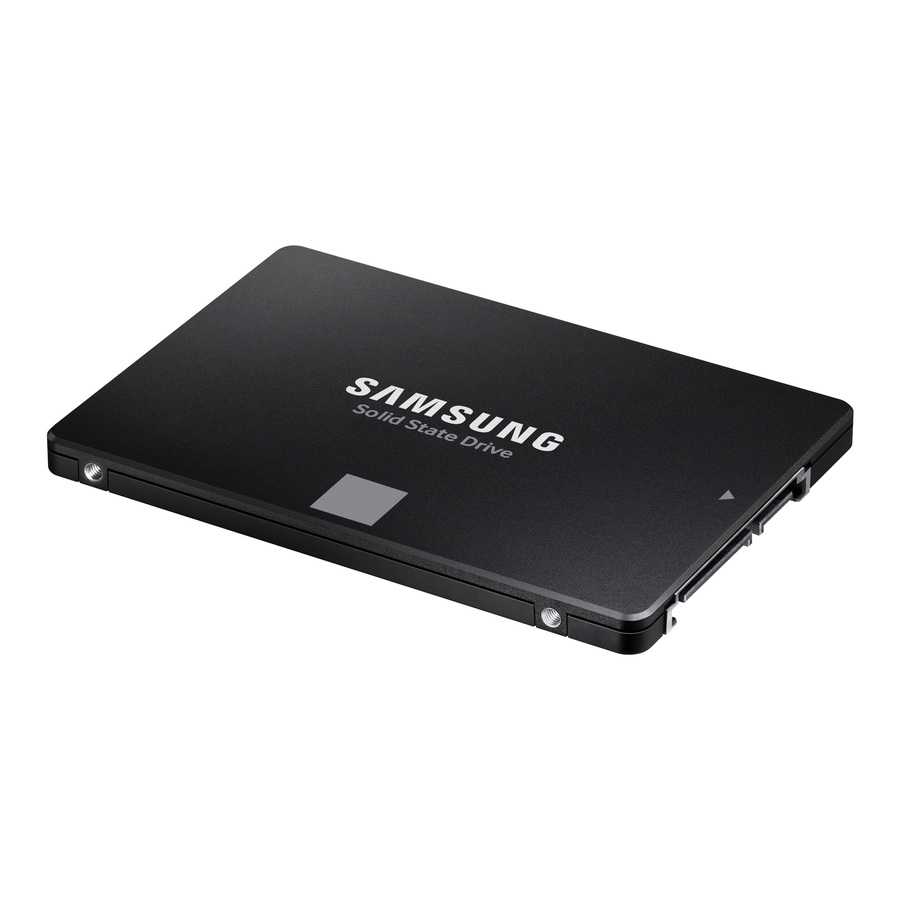
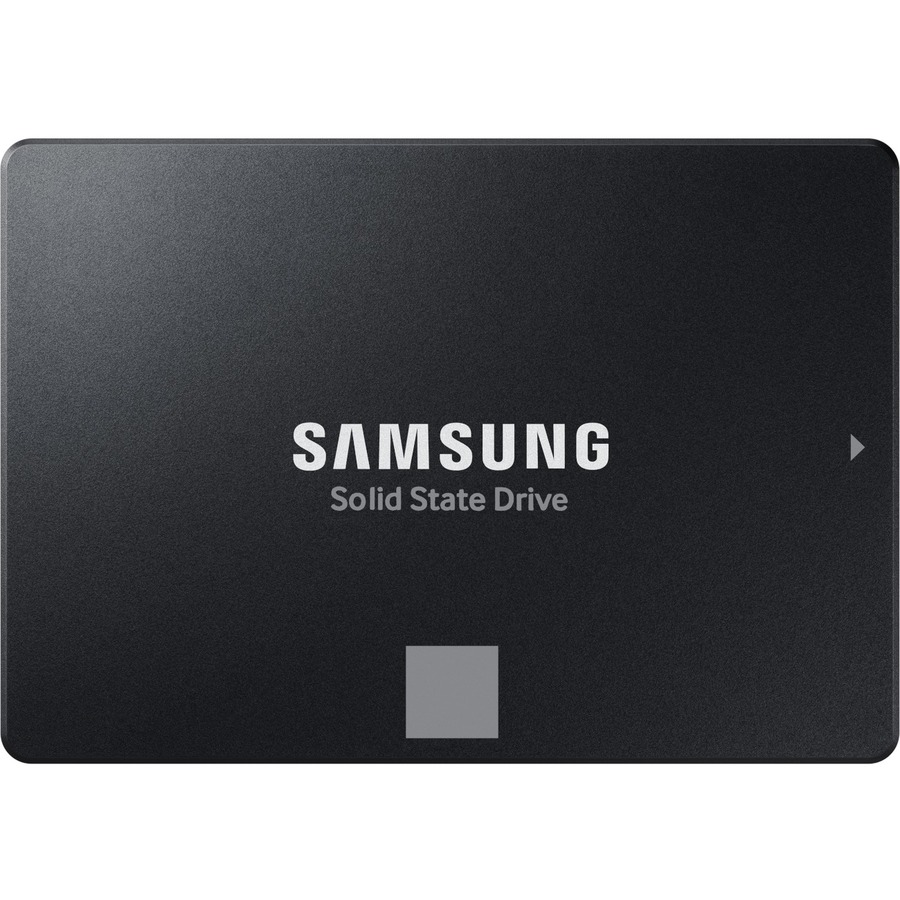
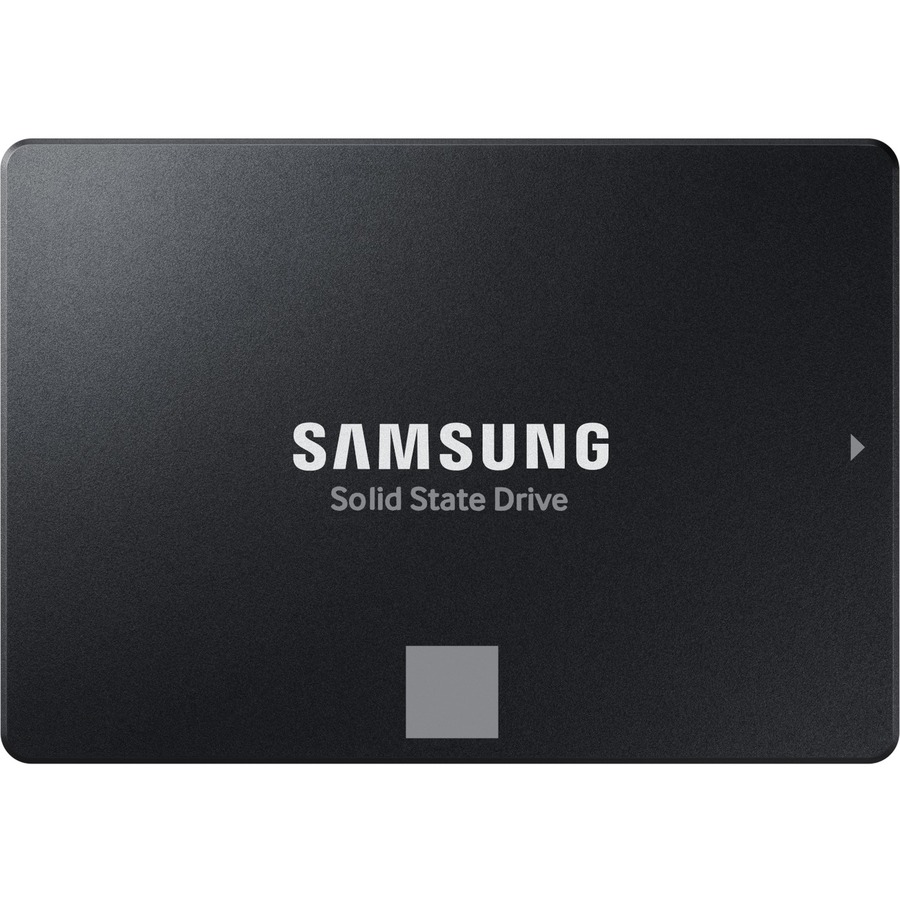
Samsung
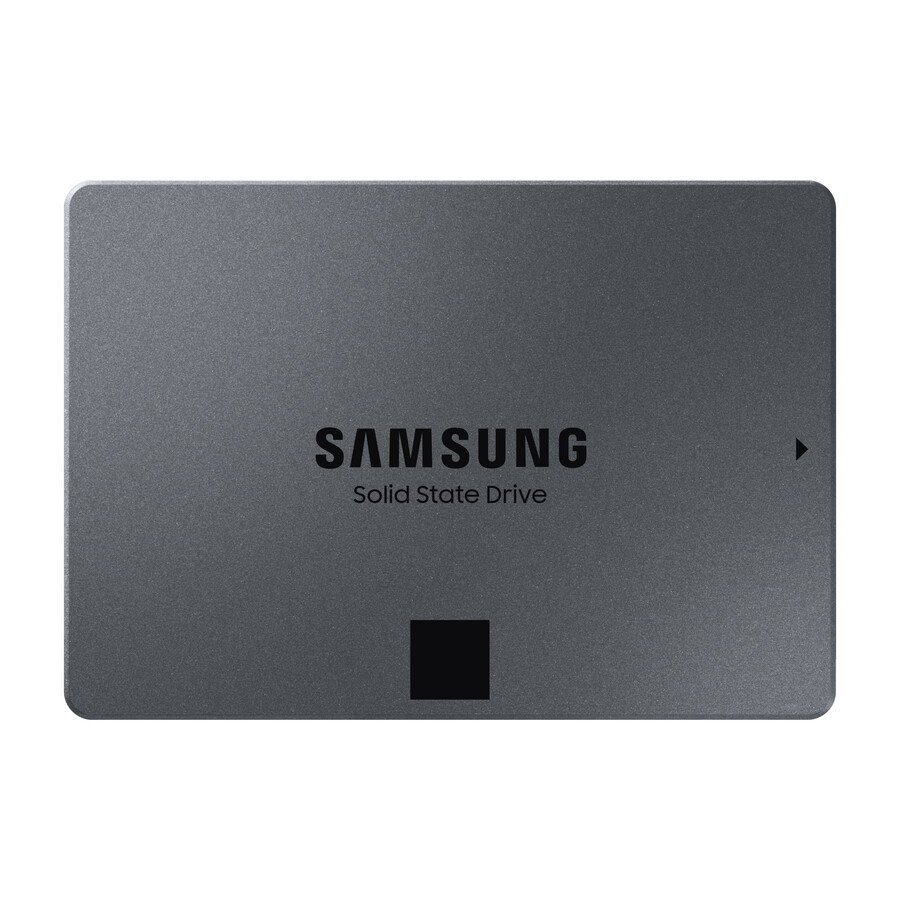
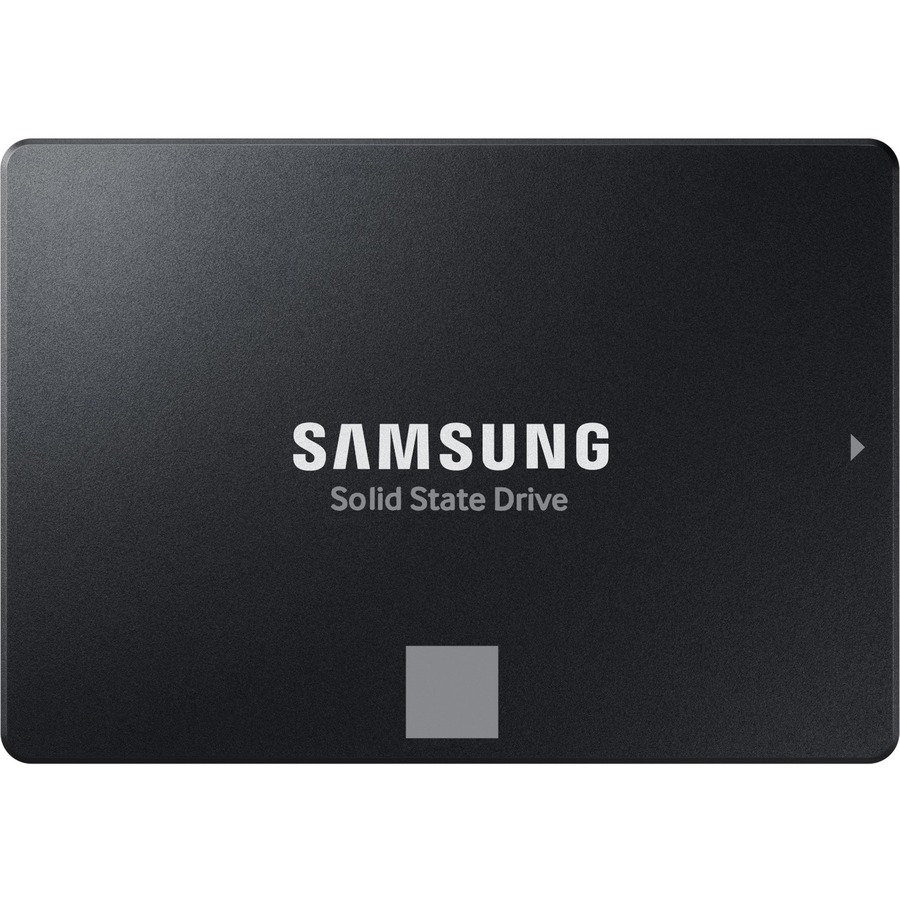
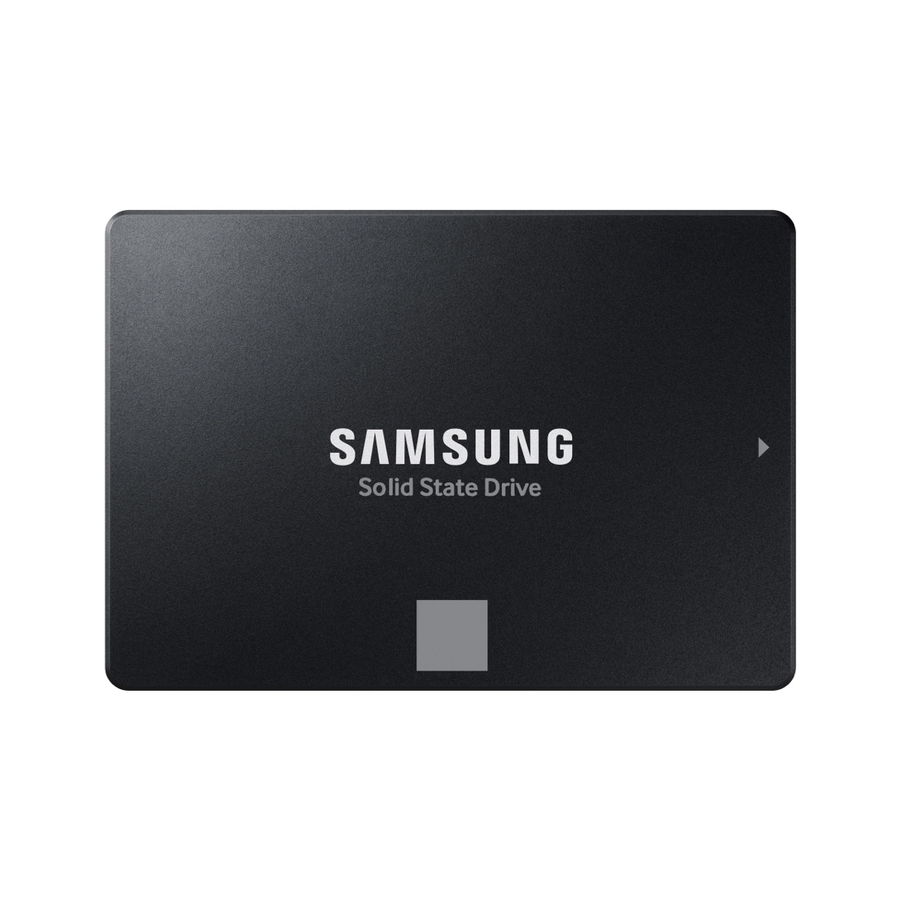
Samsung 870 EVO MZ-77E250B/AM 250 GB Solid State Drive
MZ-77E250B/AM
The 870 EVO at 250 GB — 560 MB/s maximum read, 256-bit encryption standard and a five-year warranty, listed for desktop, notebook, motherboard, storage system and video recorder duty. The broader device listing is the reason it turns up in recorders as well as desks.
$356.21In stock256 GB with encryption
Micron Technology
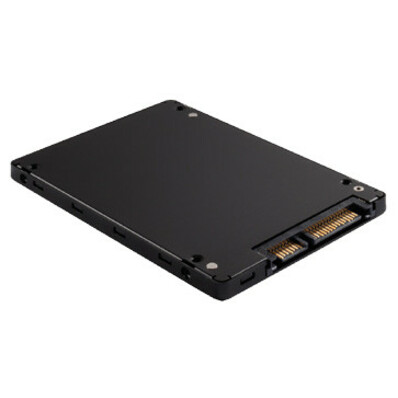
Micron 1100 256 GB Solid State Drive
MTFDDAK256TBN-1AR1ZABYY
A 256 GB drive with a 530 MB/s maximum read figure and a 256-bit encryption standard on its own title. A plain client capacity for a refresh where the encryption line has to be present on the part record.
$247.45Back-ordered1 TB, value tier
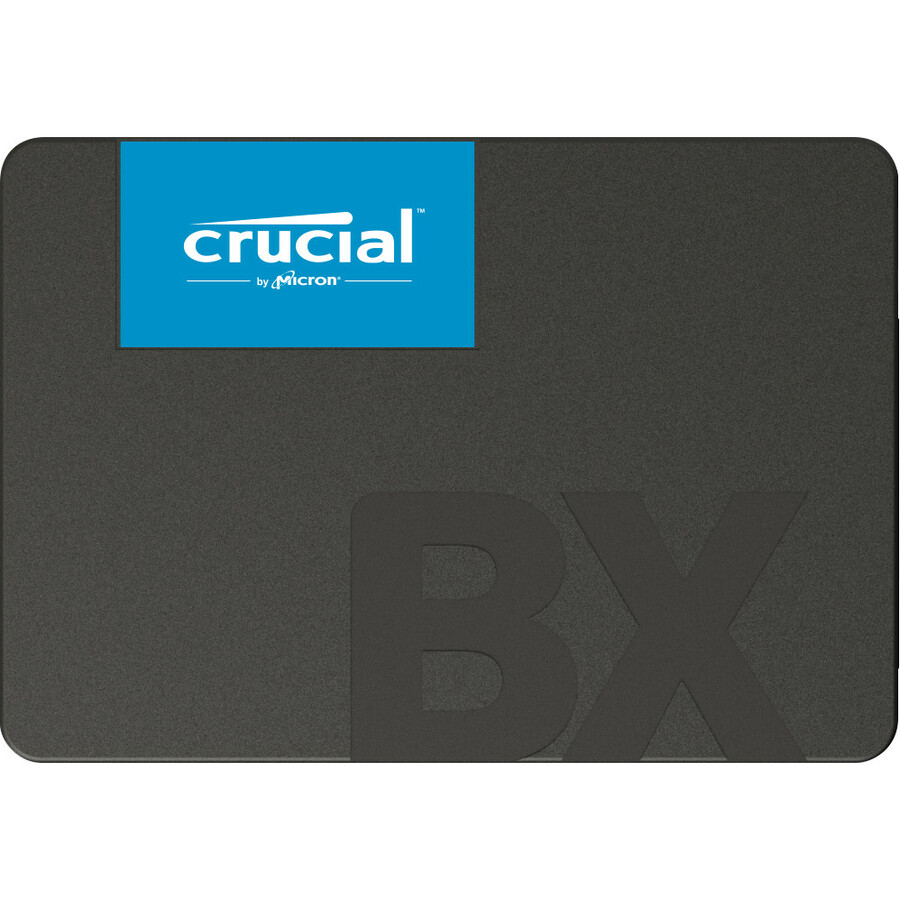
Micron Technology
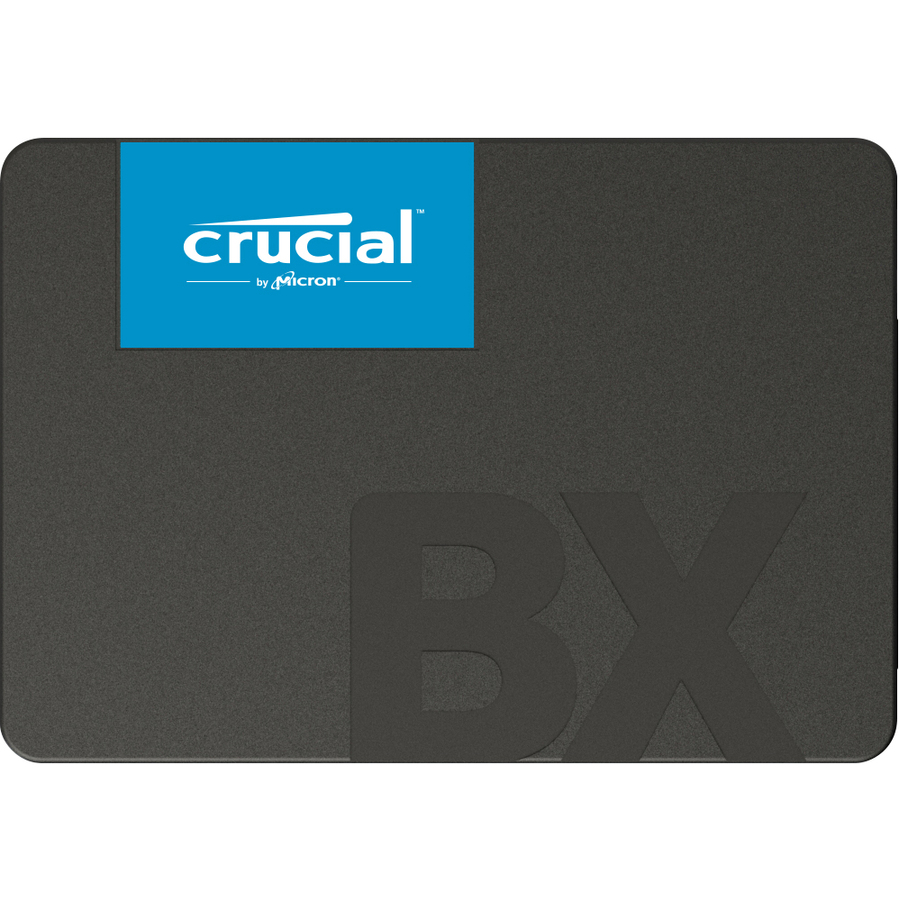
Crucial BX500 1 TB Solid State Drive
CT1000BX500SSD1
A BX500 at 1 TB, listed for desktop and notebook duty with a 540 MB/s maximum read figure. The capacity most users notice: enough space that the upgrade is not immediately followed by a disk-cleanup exercise.
$423.79In stock1 TB, five-year
Micron Technology
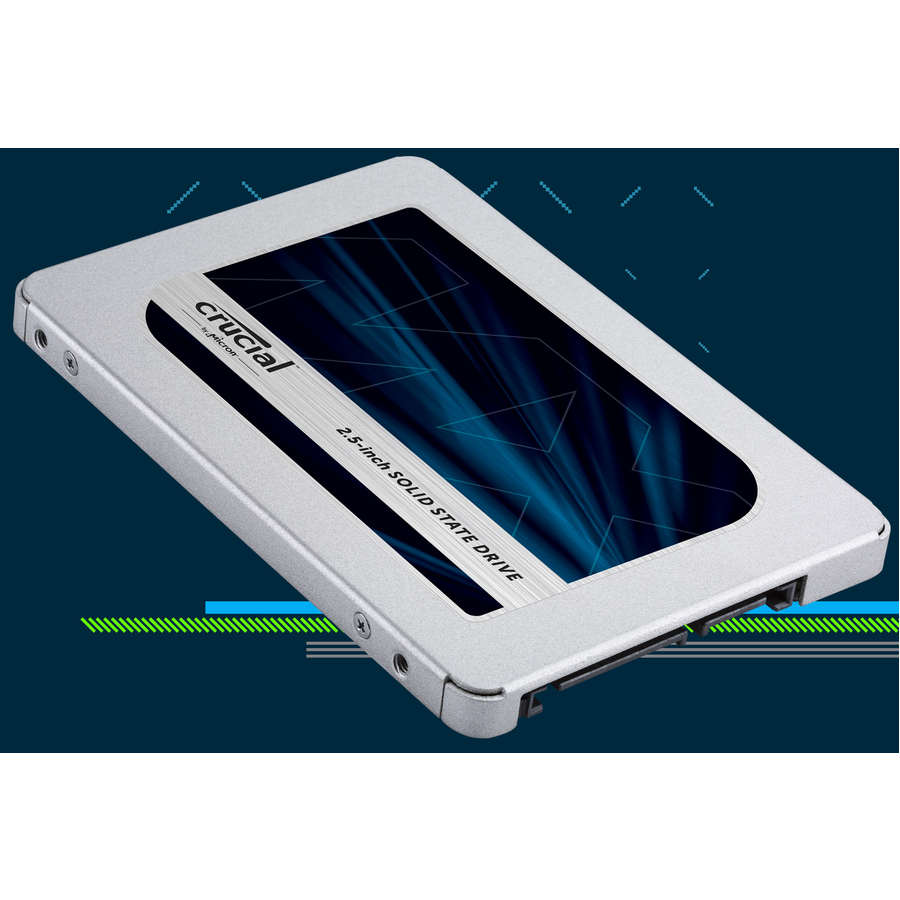
Crucial MX500 1 TB Solid State Drive
CT1000MX500SSD1
An MX500 at 1 TB with a 560 MB/s maximum read figure, a 256-bit encryption standard and a five-year warranty on the title. The step up from the value tier when the machine is expected to stay in service for the whole of that term.
$565.06In stockEnterprise mixed-use
Kingston Technology
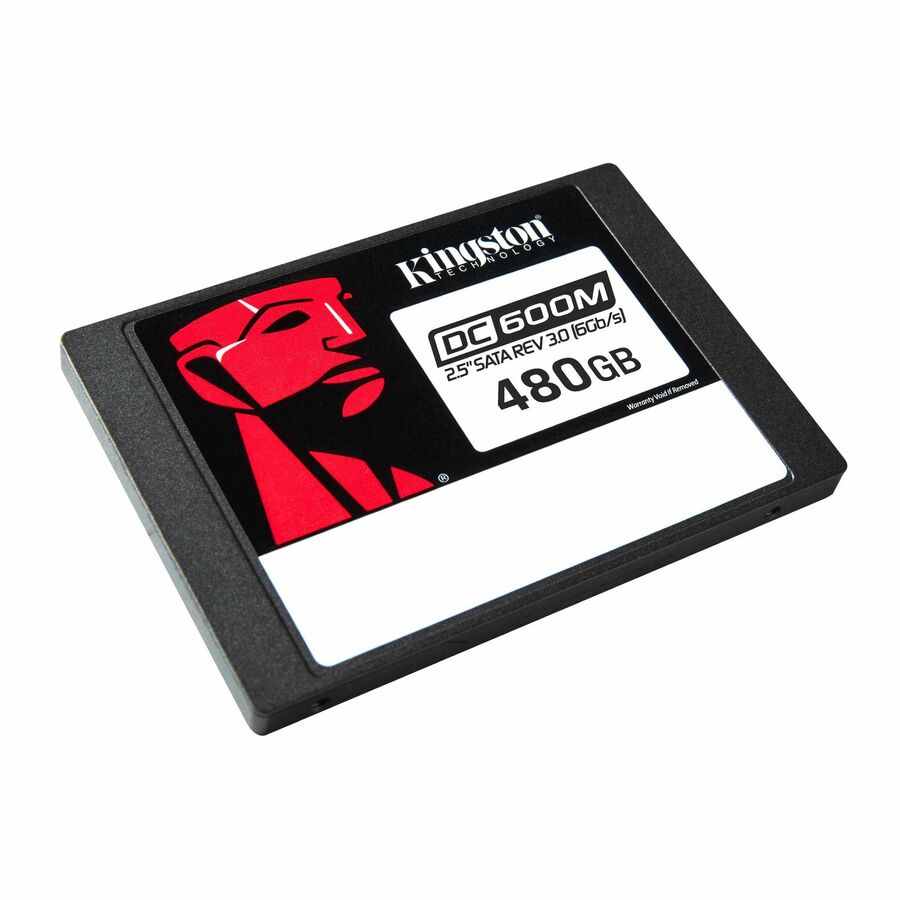
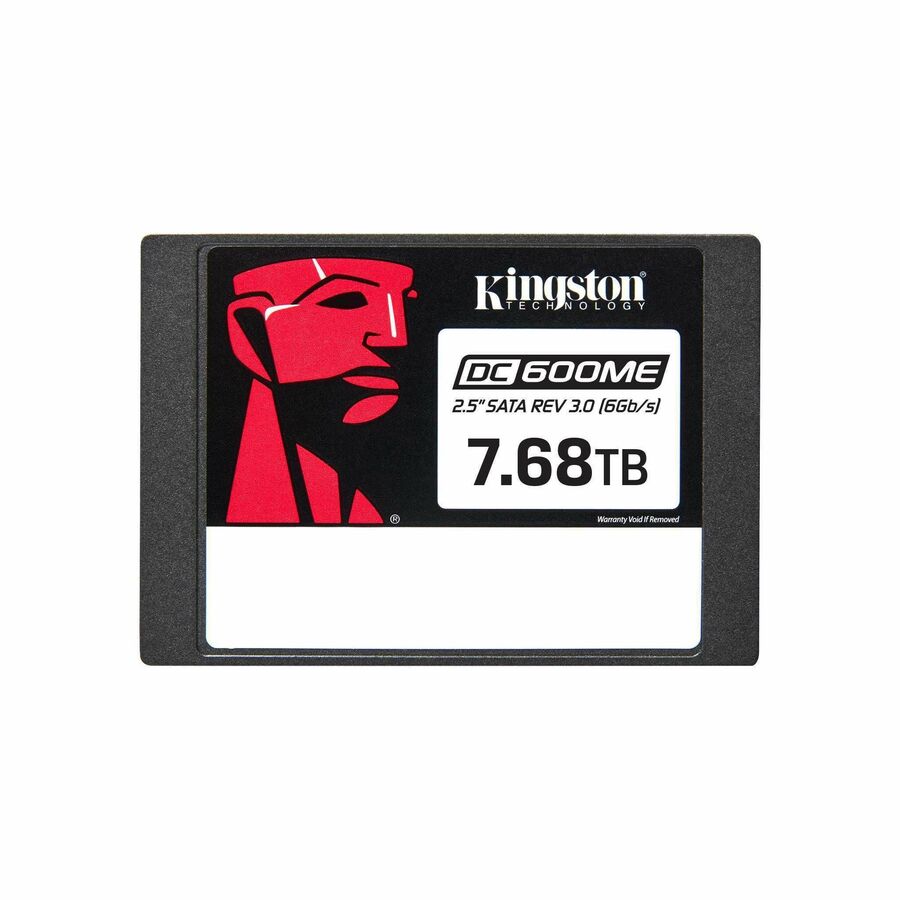
Kingston DC600M 480 GB Solid State Drive
SEDC600M/480G
A DC600M at 480 GB: mixed-use, 1 drive-write-per-day, 876 TB written, a 560 MB/s maximum read figure, a 256-bit AES encryption standard and a server device listing. The entry capacity for a front bay that writes continuously.
$602.40In stock2 TB with a carrier
Kingston Technology
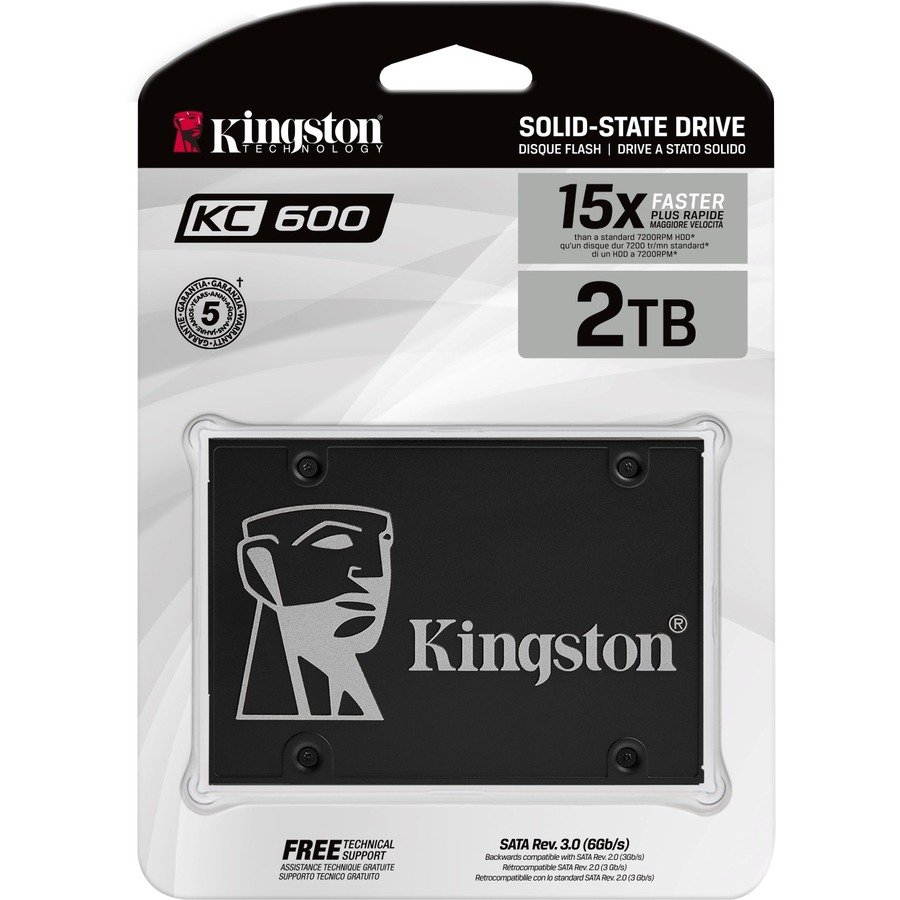
Kingston KC600 2 TB Solid State Drive
SKC600/2048G
A KC600 at 2 TB whose title names a 3.5-inch carrier alongside its notebook and desktop listing, rated 1200 TB written with 256-bit encryption and a five-year warranty. The carrier is the detail that makes it drop straight into a desktop's larger bay.
$616.00In stockMixed-use at 1.88 TB
Kingston Technology
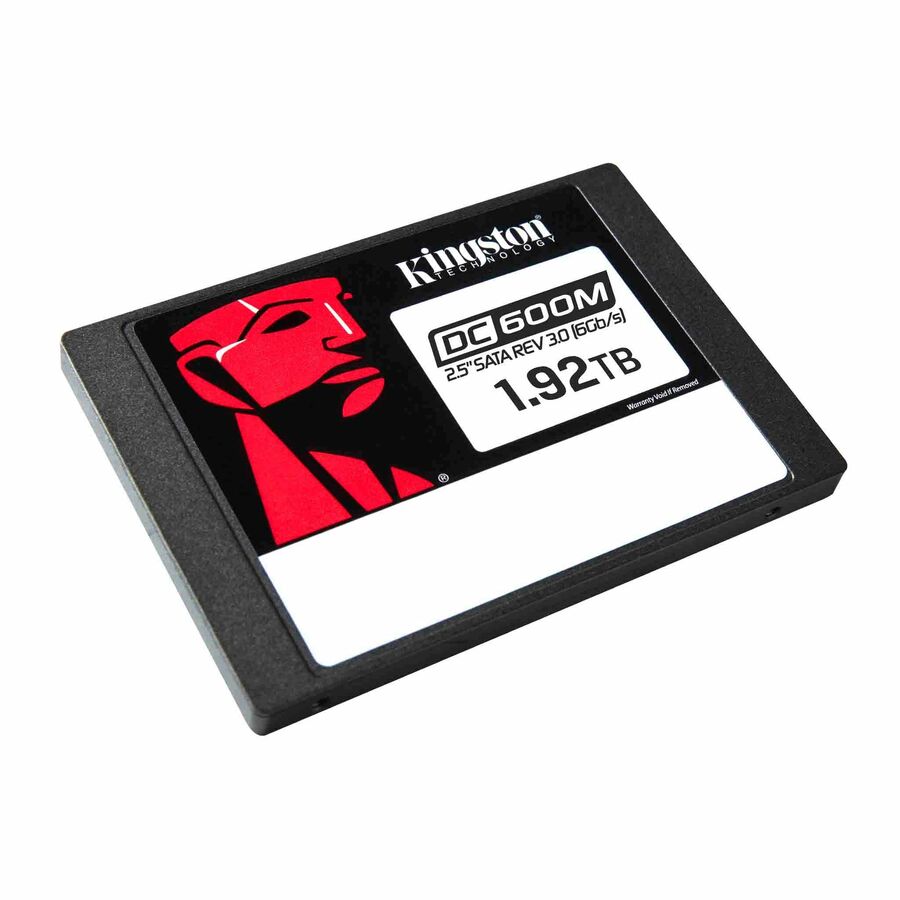
Kingston DC600M 1.88 TB Solid State Drive
SEDC600M/1920G
The DC600M at 1.88 TB, titled as a mixed-use enterprise SATA drive. The capacity step for a virtualization host or a logging target where the write pattern is constant and the bay is SATA rather than NVMe.
$1,644.80In stockTAA-designated, 120 GB
Edge Memory
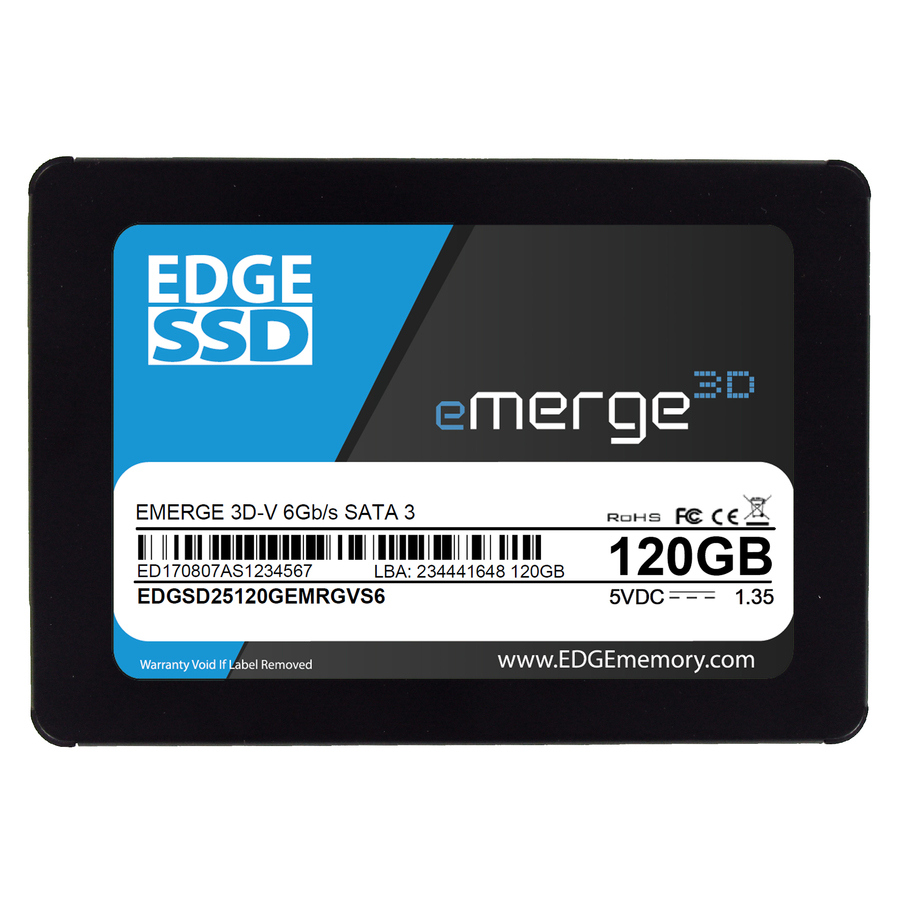
EDGE eMerge 3D-V 120 GB Solid State Drive
PE254476
An eMerge 3D-V at 120 GB with a 560 MB/s maximum read figure, a three-year warranty and TAA Compliant stated in its own title. A small capacity for a boot or appliance role where the origin designation is the deciding line.
Read the designation on the exact part number, never on the product family.
$99.38*Back-orderedTAA-designated, 1 TB
Edge Memory
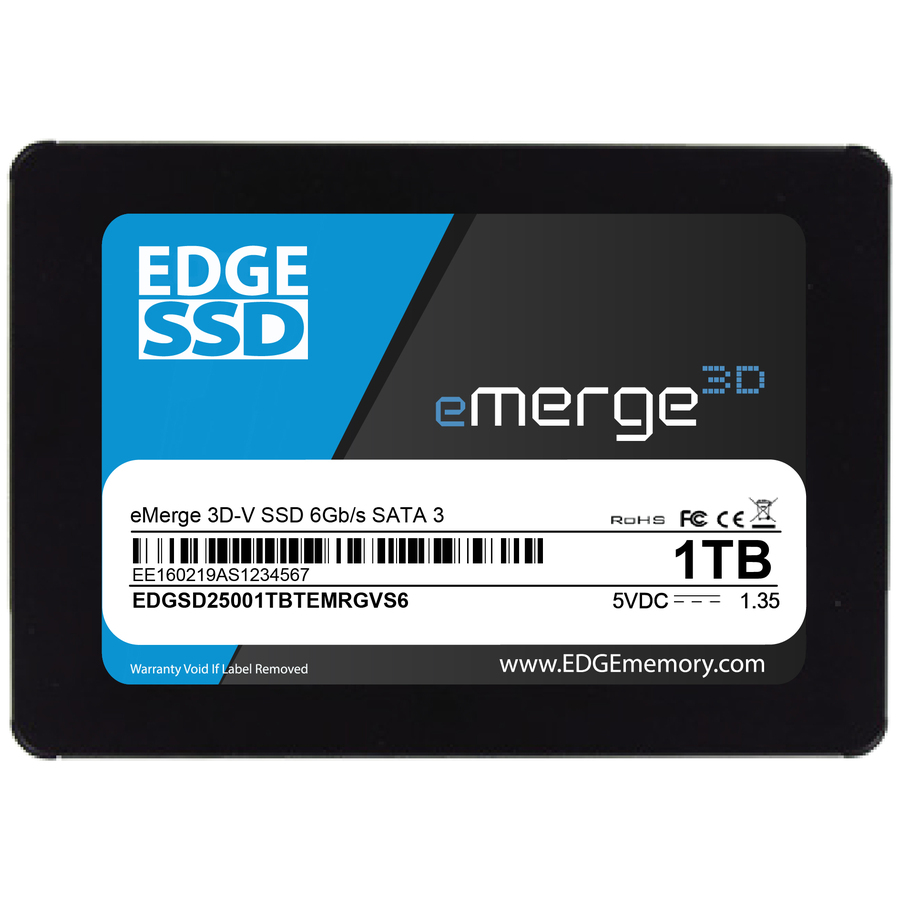
EDGE eMerge 3D-V 1 TB Solid State Drive
PE252328
The same eMerge 3D-V family at 1 TB, again TAA Compliant on the title with a 565 MB/s maximum read figure and a three-year warranty. The general-purpose capacity in the same origin-designated line, for a fleet refresh under an origin clause.
$379.26*Back-orderedTAA-designated, 2 TB
Axiom Memory Solutions
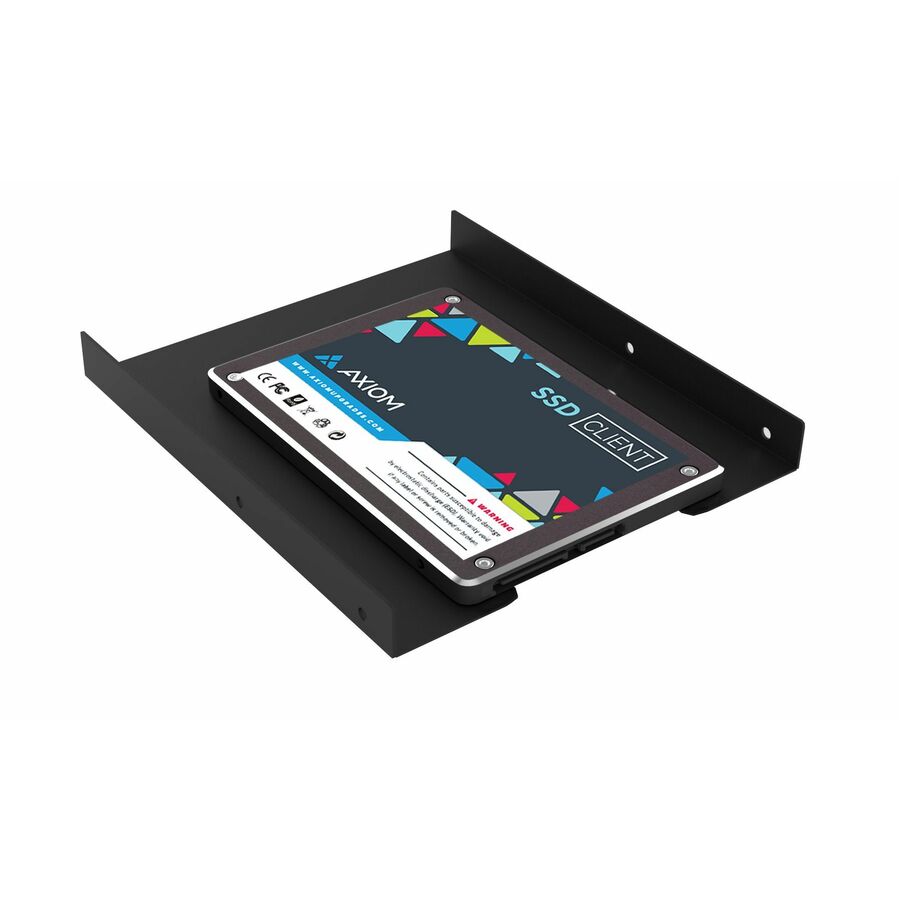
Axiom C550n 2 TB Solid State Drive
SSD3558X2TB-AX
A C550n at 2 TB, TAA Compliant on its own title, rated 1250 TB written with a 550 MB/s maximum read figure and listed across desktops, notebooks, ultrabooks, workstations and Macs. The broad device listing is what makes it a single-part answer for a mixed estate.
$1,110.89*In stockHot-swap enterprise
Axiom Memory Solutions
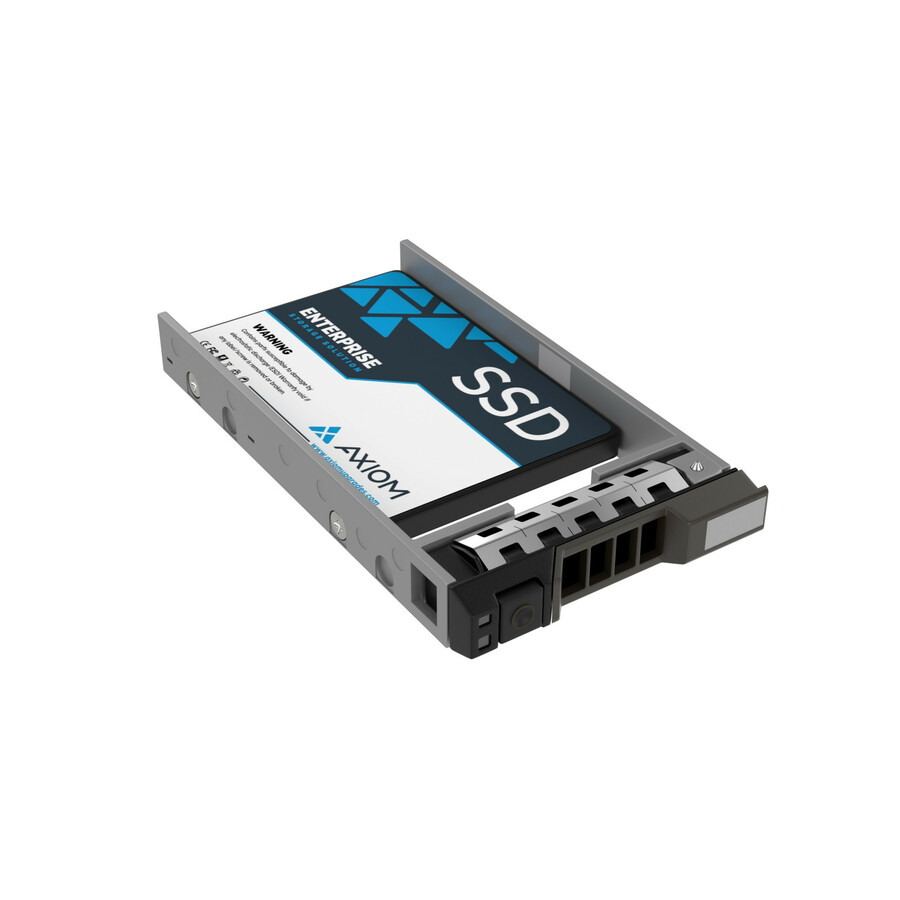
Axiom EV200 480 GB Solid State Drive
SSDEV20DL480-AX
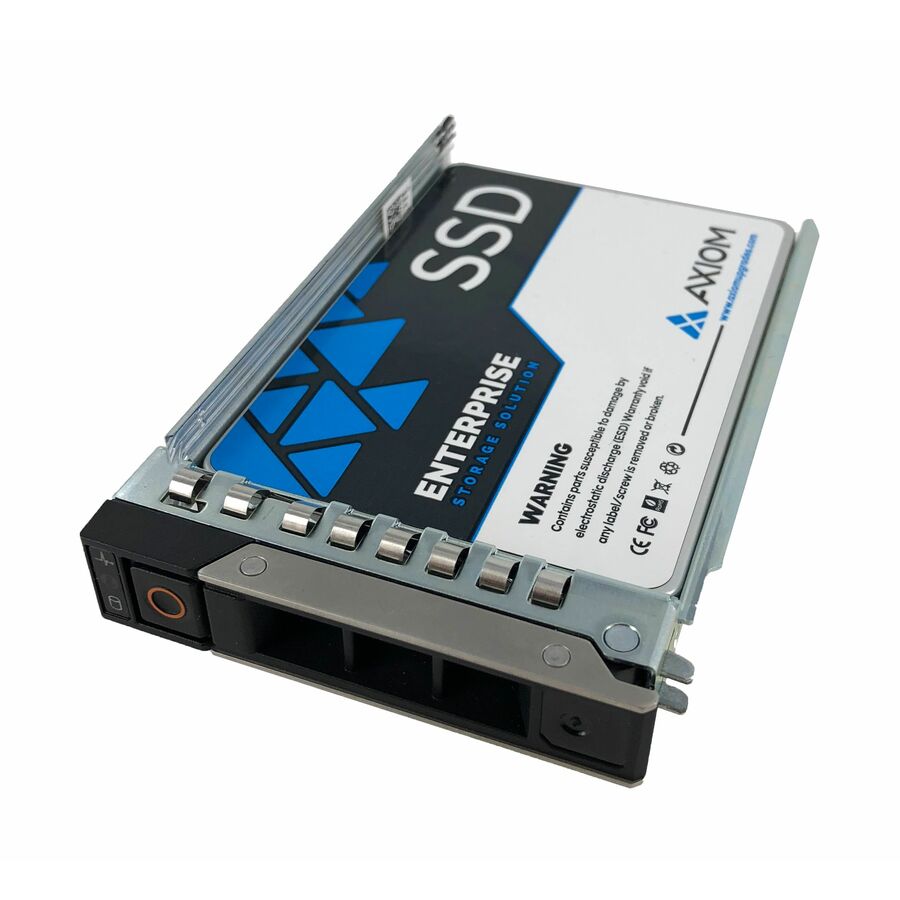
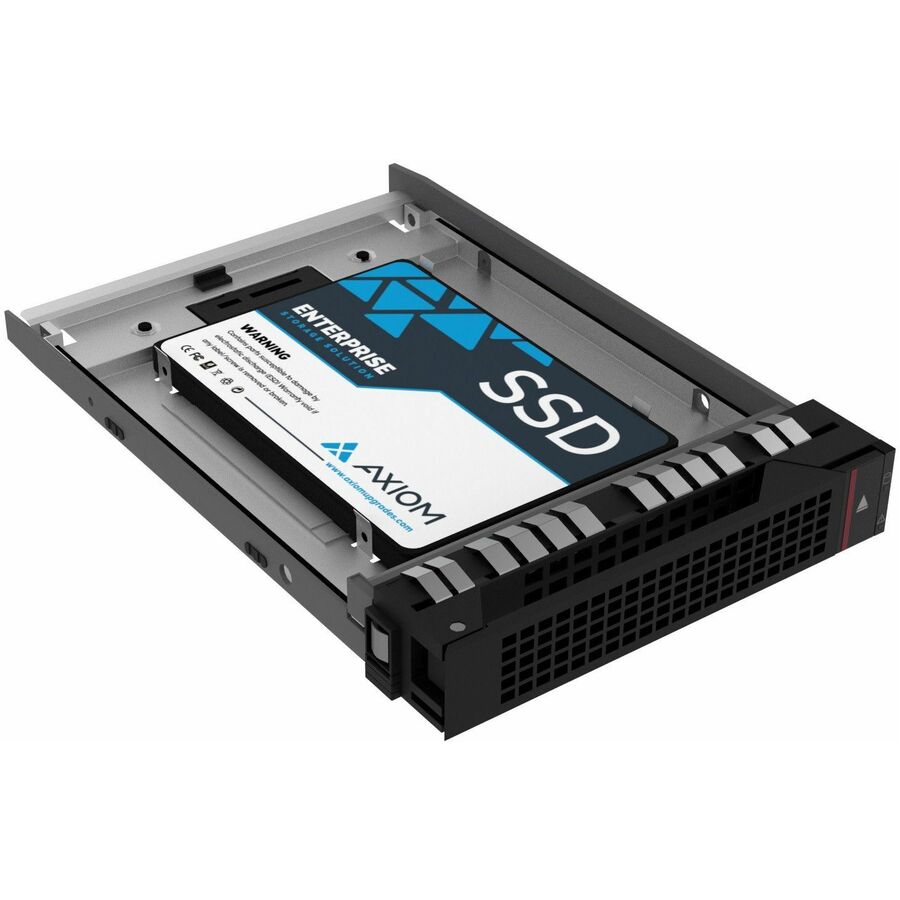
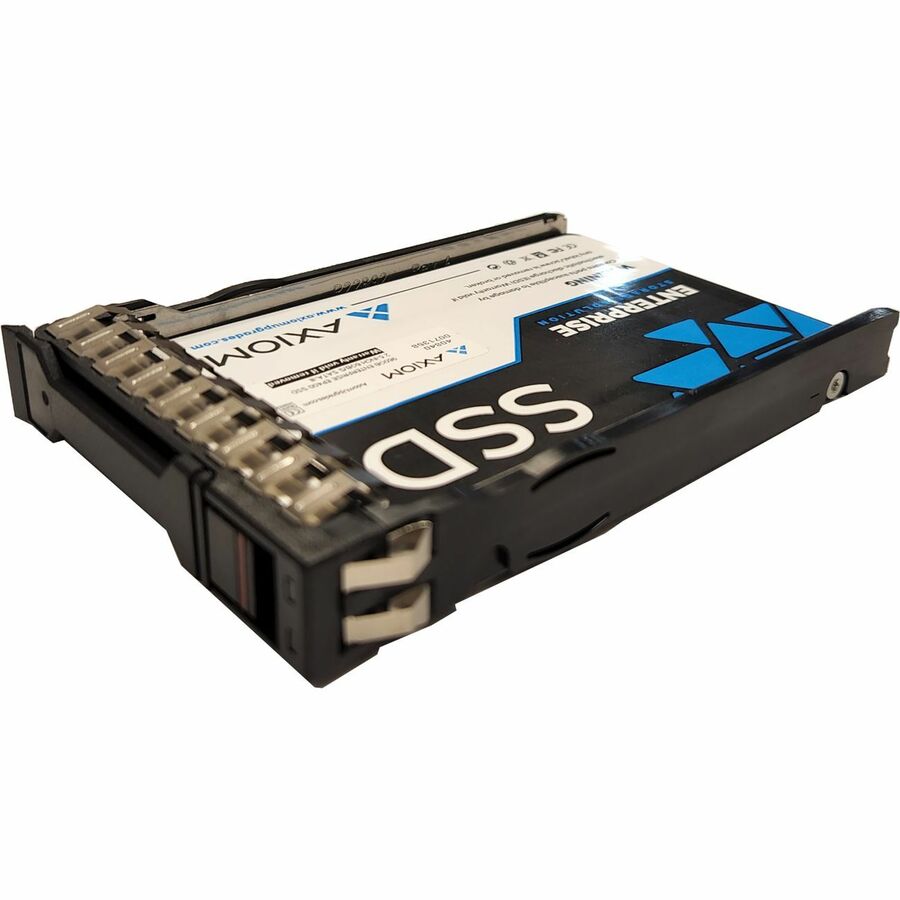
An EV200 at 480 GB: mixed-use, 683 TB written, a 550 MB/s maximum read figure, hot-swappable, with a 256-bit encryption standard and a five-year warranty on the title. Confirm the chassis caddy at the same time — hot-swap bays are chassis-specific.
$1,712.49In stockSelf-encrypting drive
iStorage/Kanguru
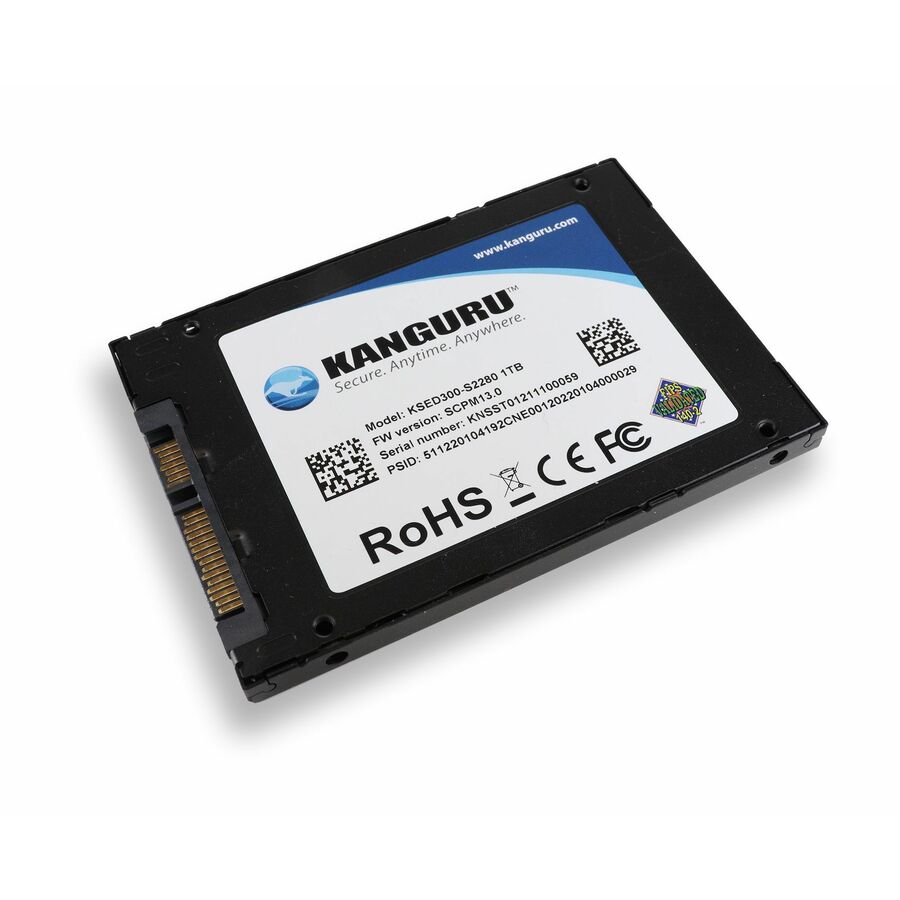
Kanguru Defender SED300 Hardware-Based Self-Encrypting Internal SATA…
KSED300-SATA-500G
A Defender SED300 at 500 GB, titled as a hardware-based self-encrypting internal SATA SSD, FIPS 140-2 Certified and TAA Compliant, with 256-bit AES and a 550 MB/s maximum read figure. Verify the module's certificate at csrc.nist.gov before citing the certification.
As of August 2026, FIPS 140-2 certificates are scheduled to move to the NIST CMVP Historical list on 21 September 2026 — check the certificate's current status against your own requirement.
$1,093.17*In stockIndustrial 960 GB
Advantech
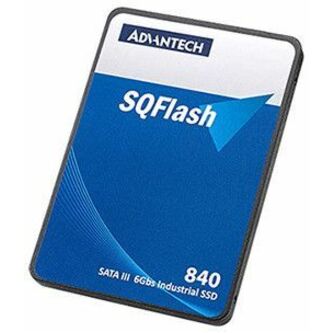
Advantech SQFlash 840 960 GB Solid State Drive
SQF-S25V4-960GDSCE
An SQFlash 840 at 960 GB with a 256-bit AES encryption standard on the title. The industrial-supply lane, where the value is a part number that stays orderable and unchanged for the life of the machine it was designed into.
$1,565.77Back-orderedMore hard drives and SSDs in the Uniqcli catalog
See all 9,677 hard drives and SSDsMore from across this category. In-stock lines lead, and a back-ordered line carries the same estimated availability its product page does — with live pricing throughout, NDAA §889 screening before checkout and TAA verified on request.
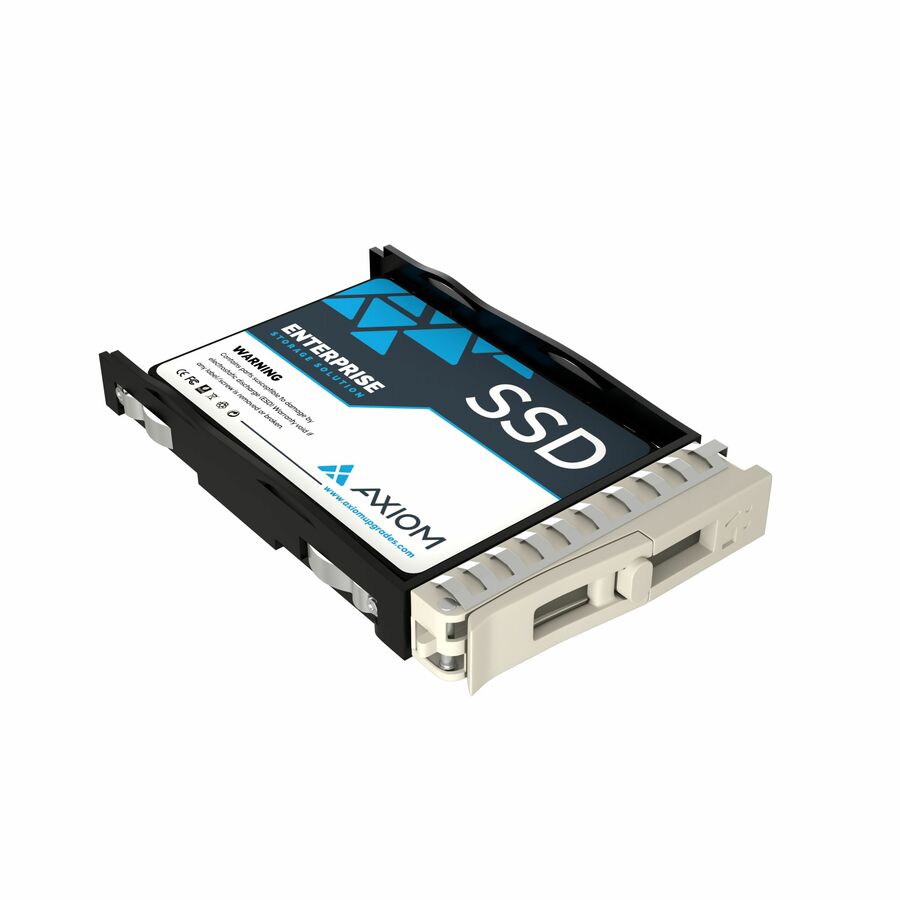
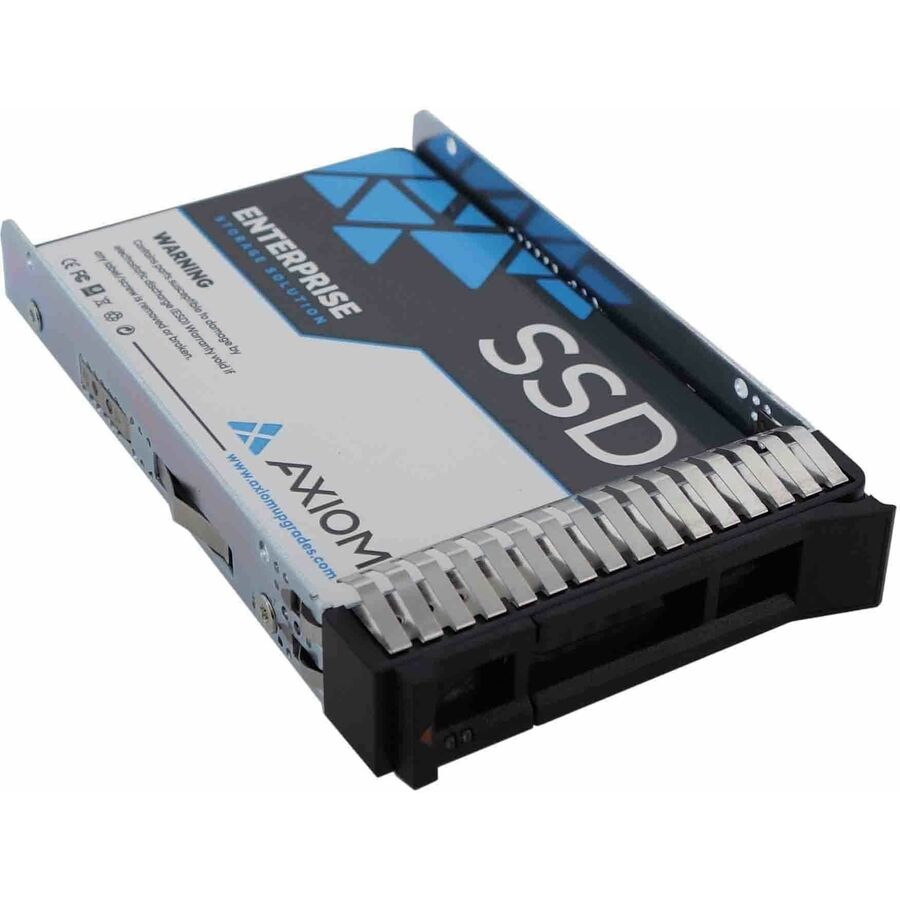
- Axiom Memory SolutionsAxiom 3.84 TB Solid State Drive - 2.5" Internal - SATA (SATA/600)SSDEP40M53T8-AX
$5,924.00
$5,090.82
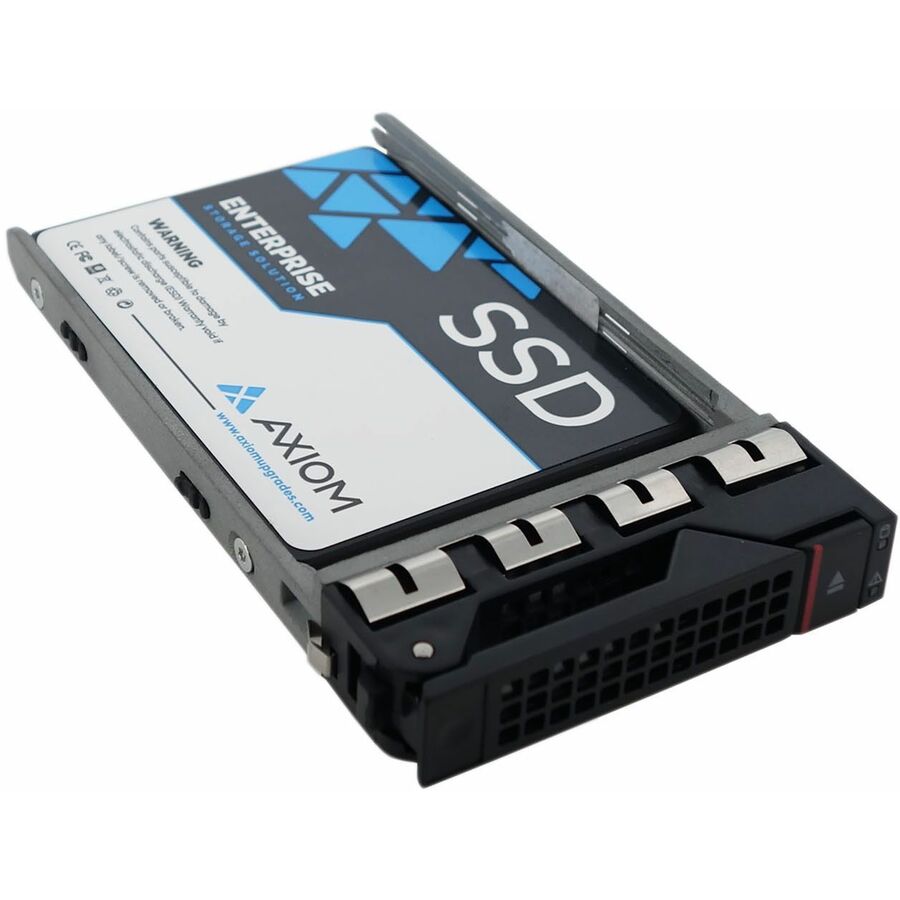
1 in stock - Axiom Memory SolutionsAxiom 3.84 TB Solid State Drive - 2.5" Internal - SATASSDEP40DJ3T8-AX
$5,924.00
$5,090.82
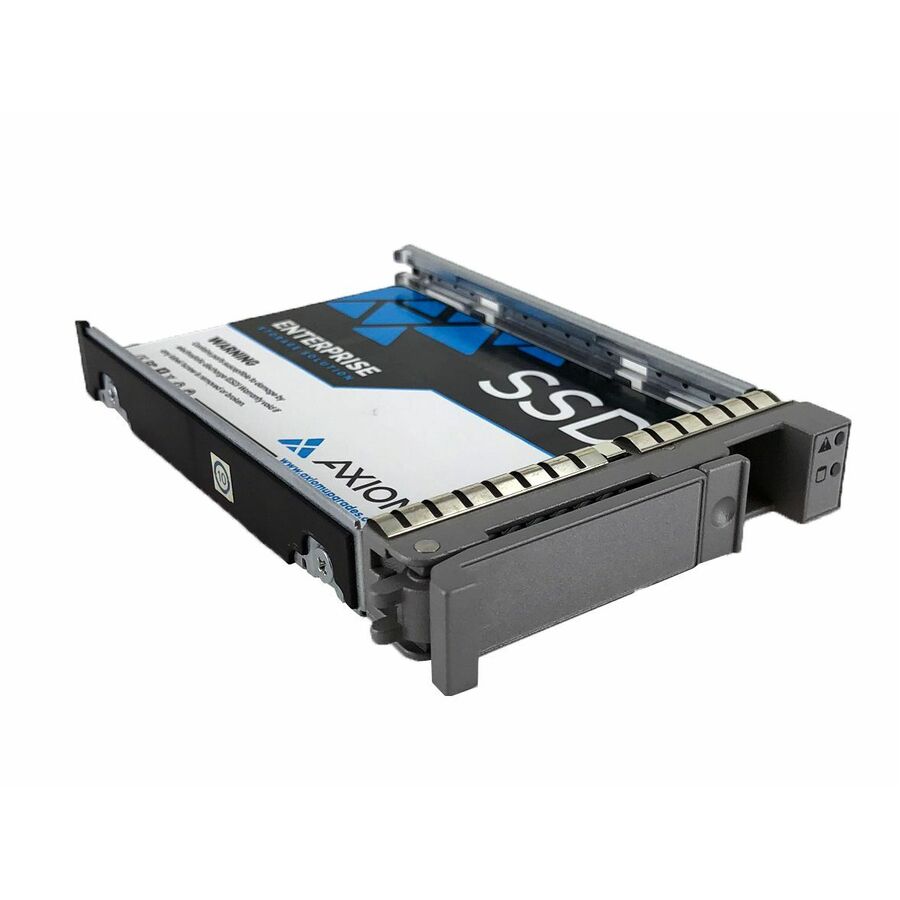
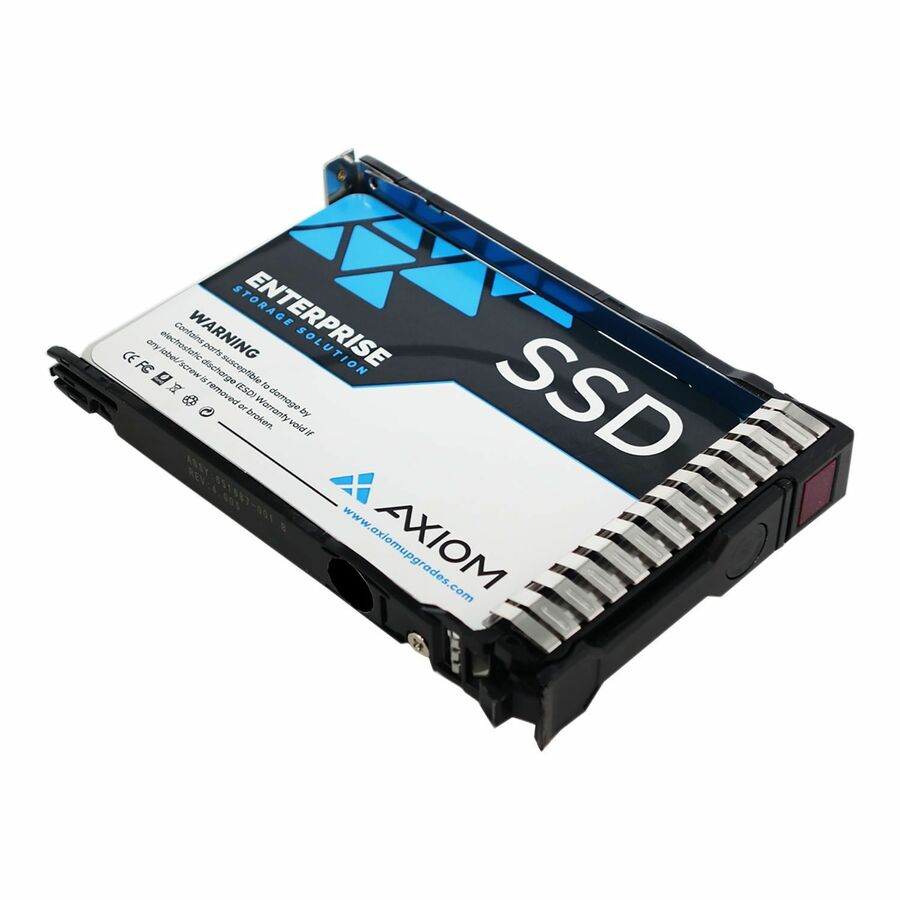
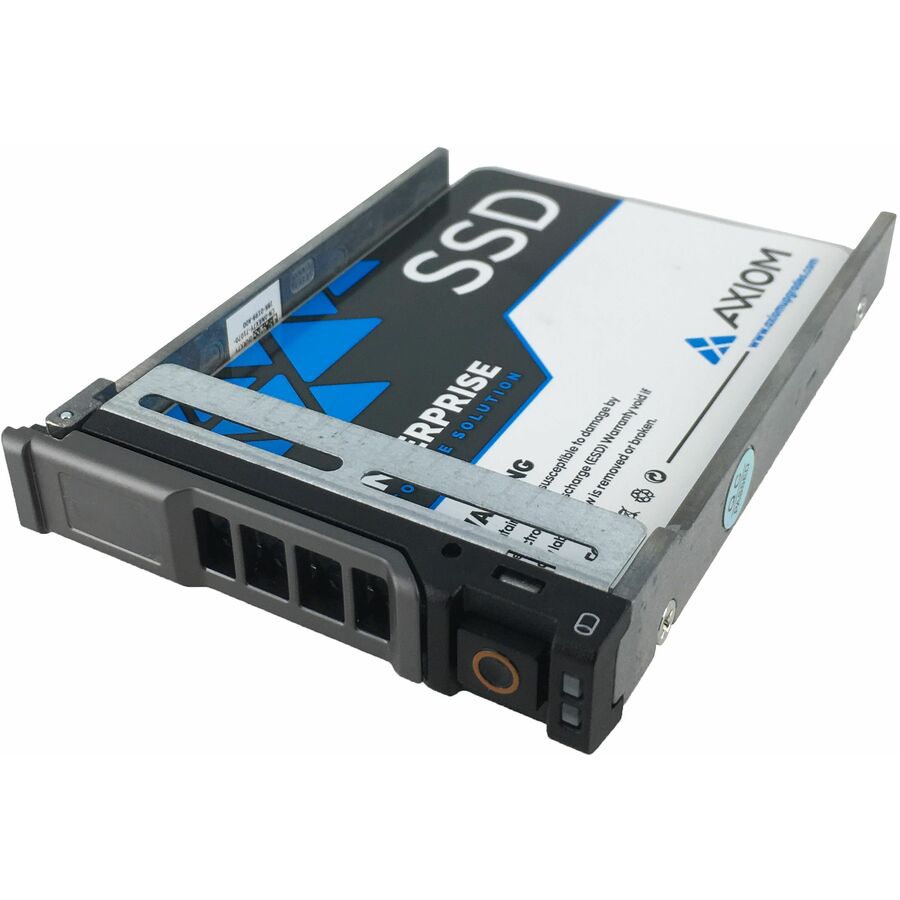
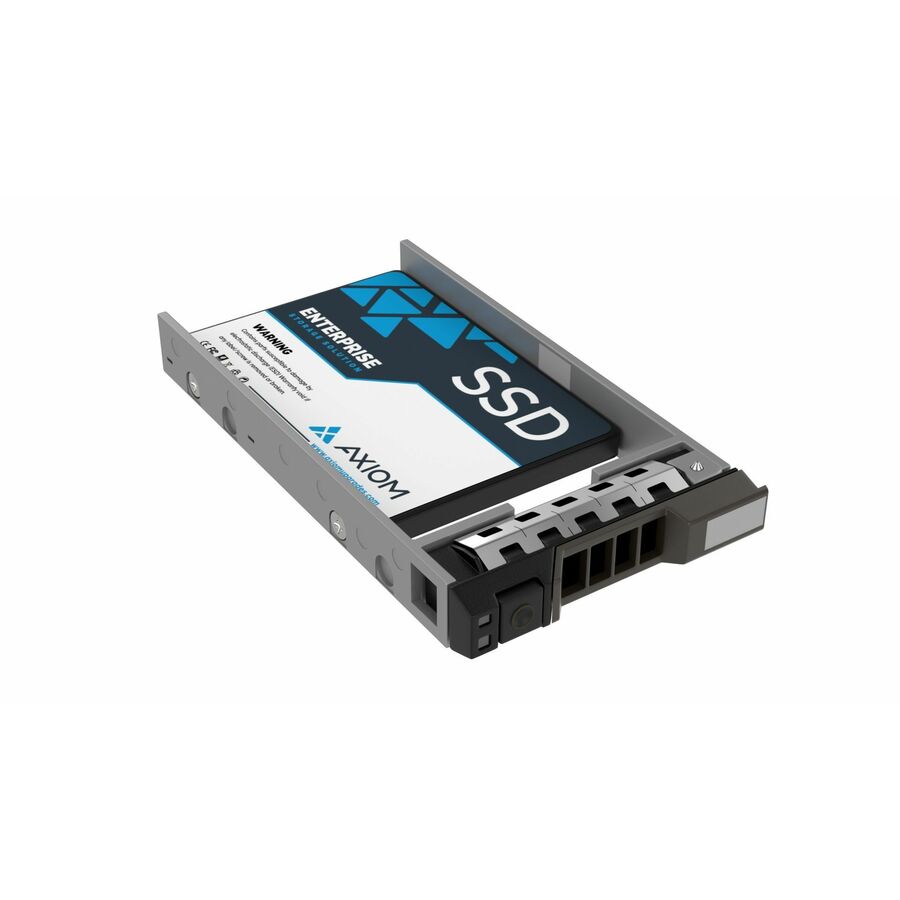
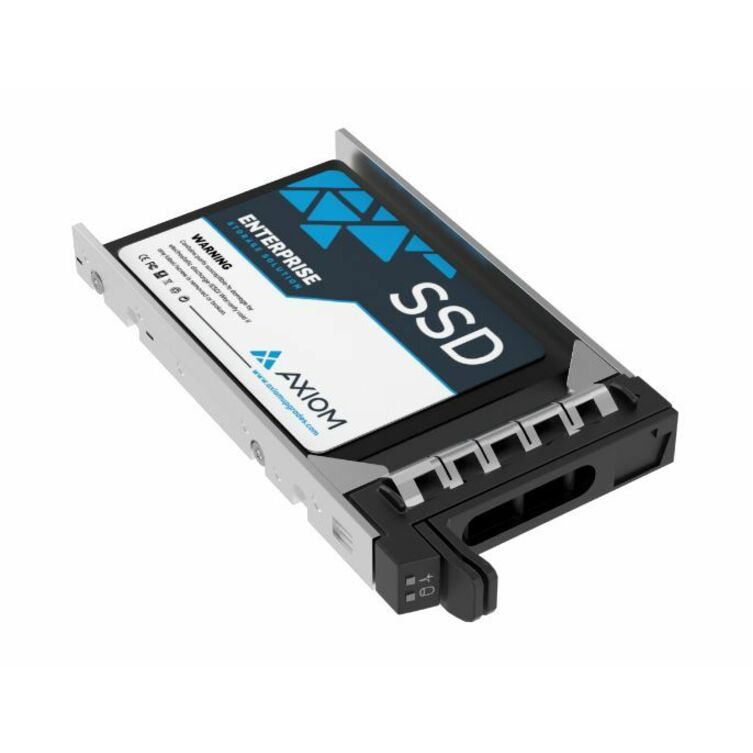
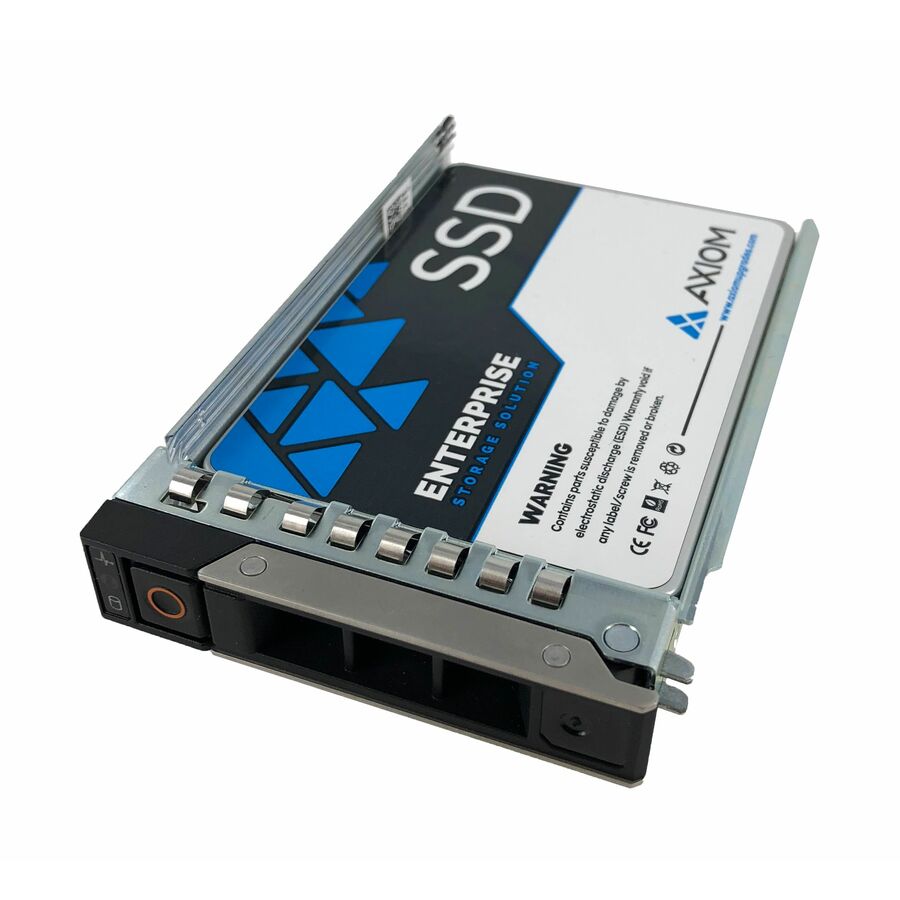
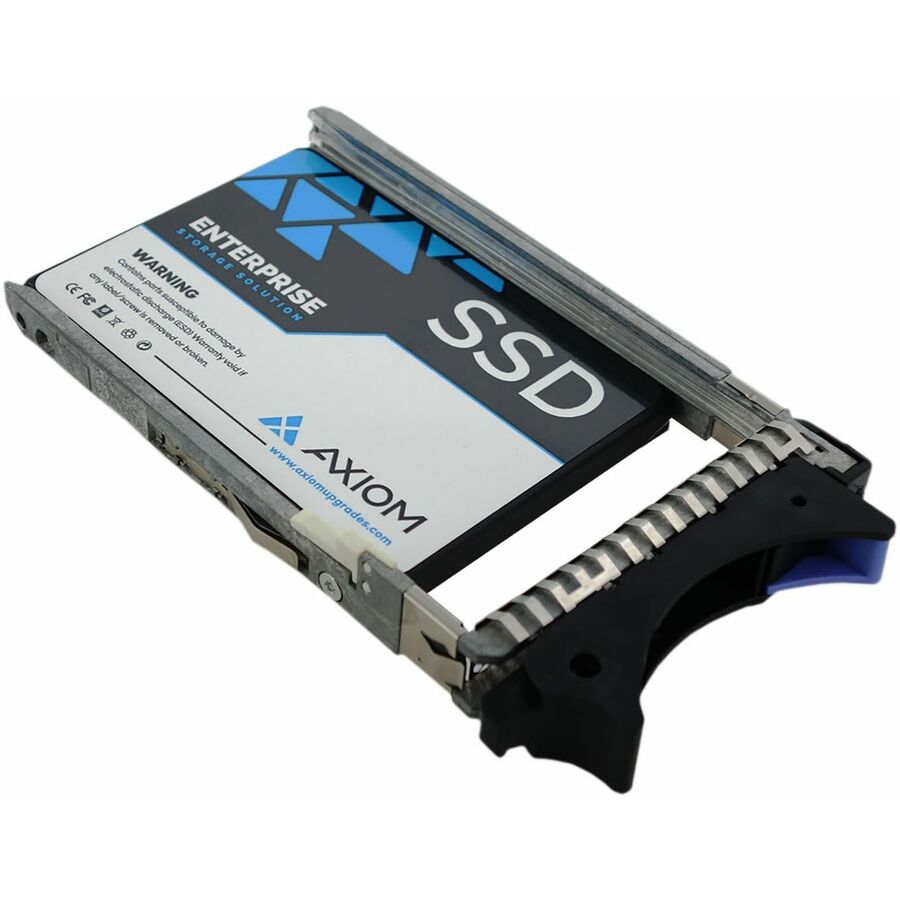
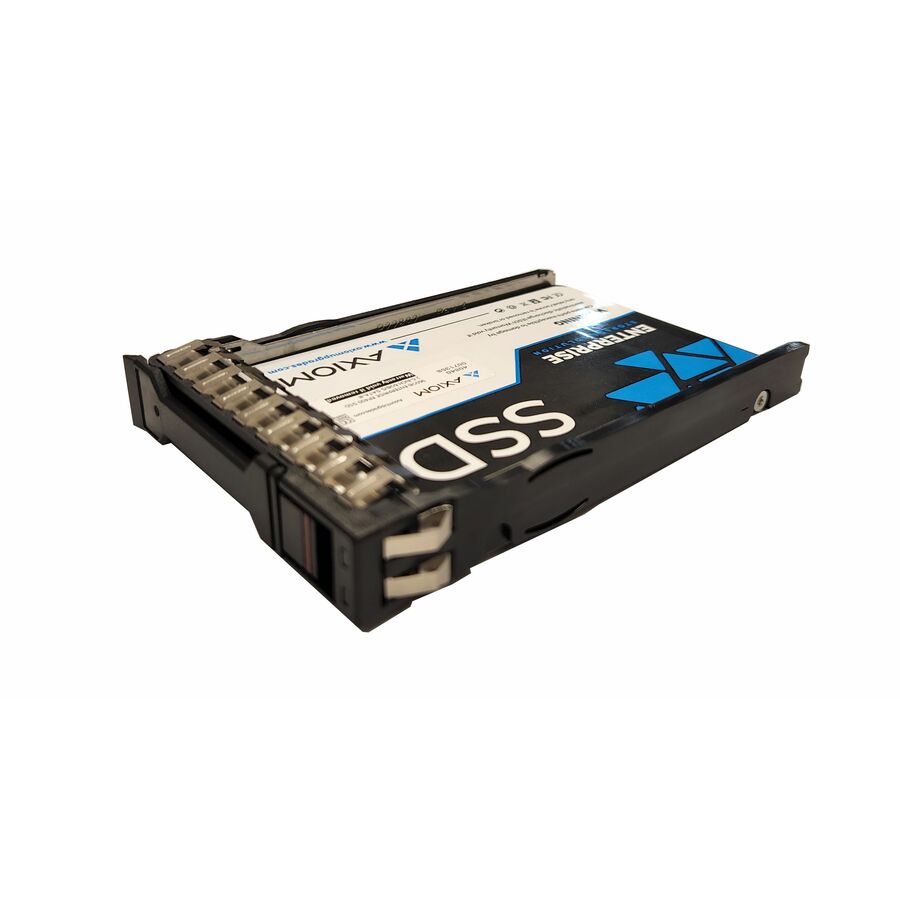
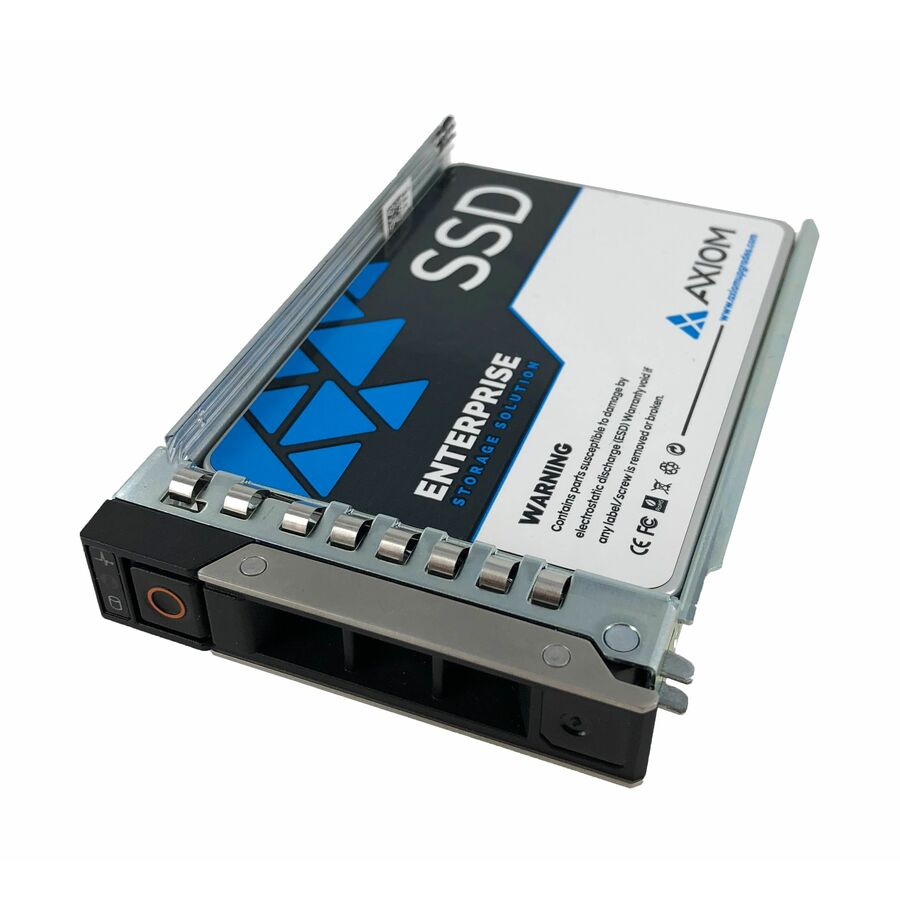
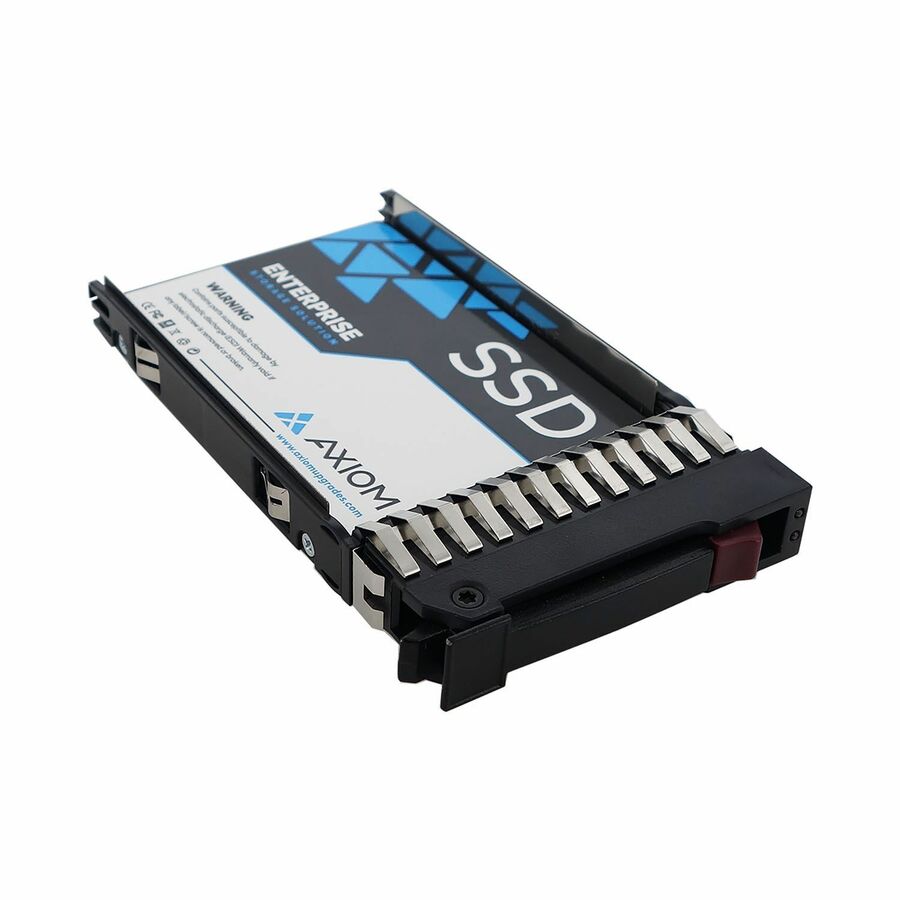
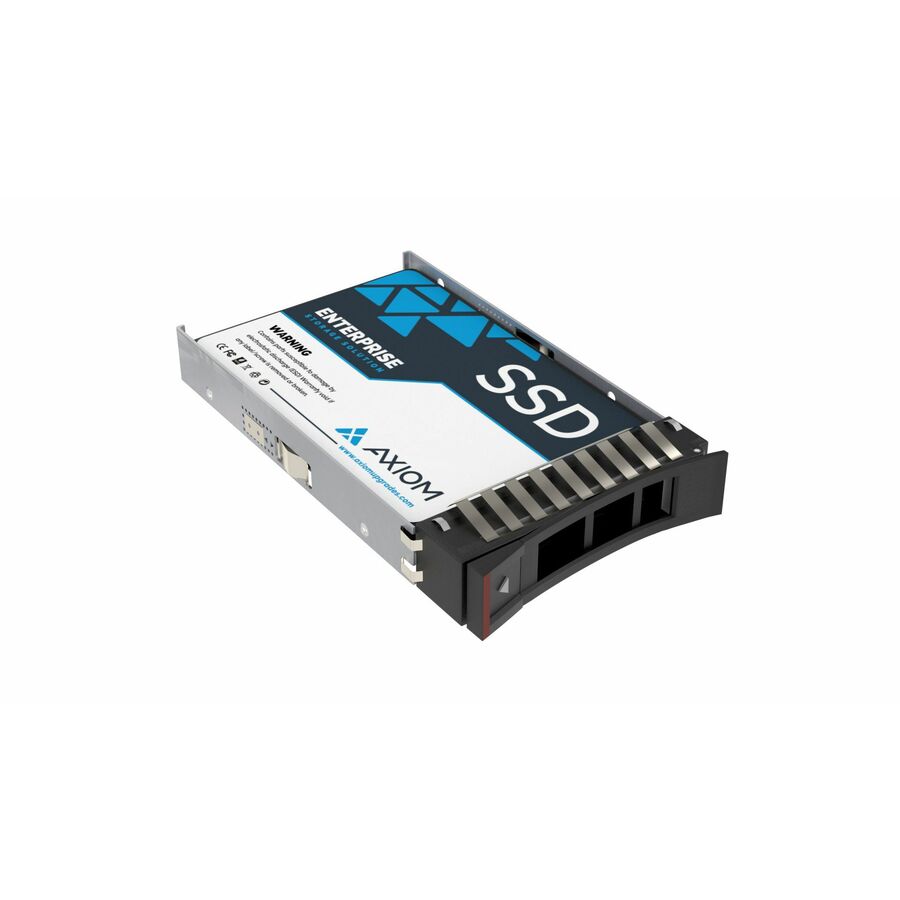
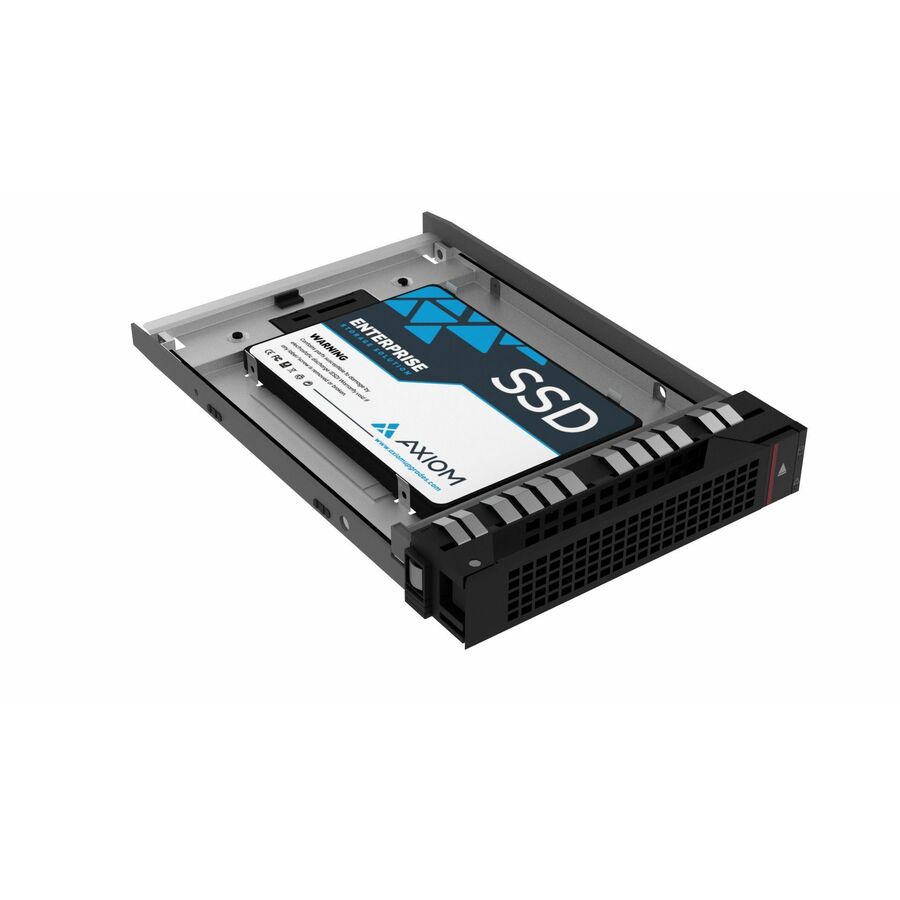
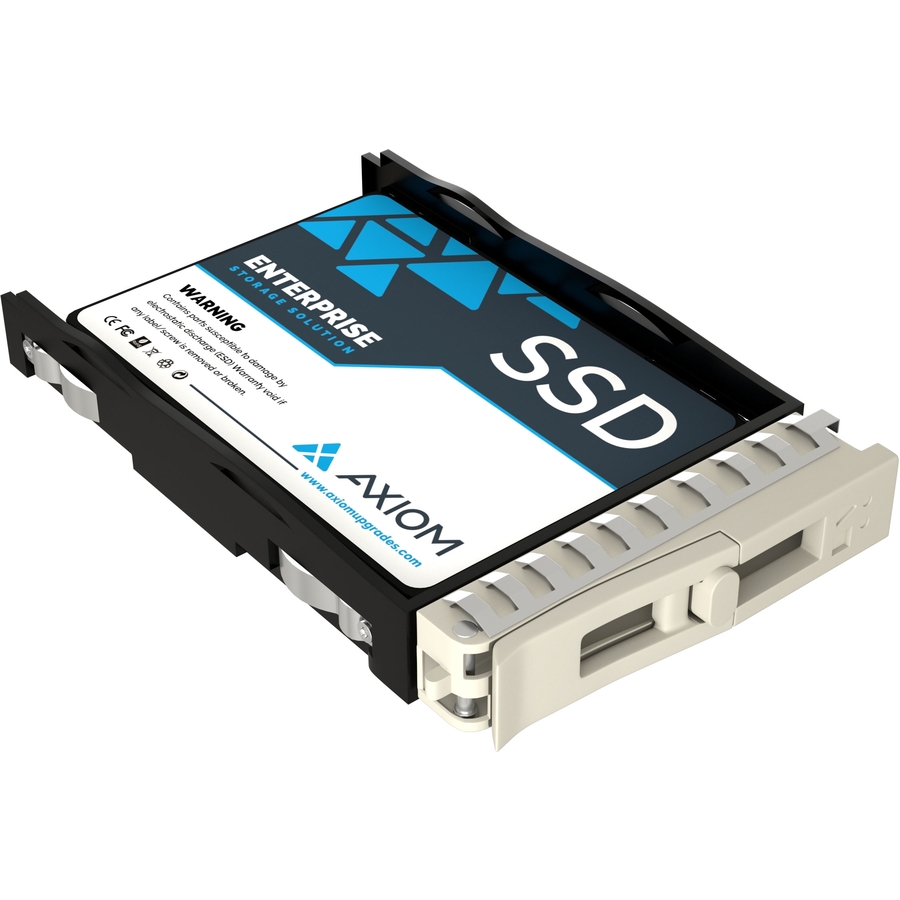
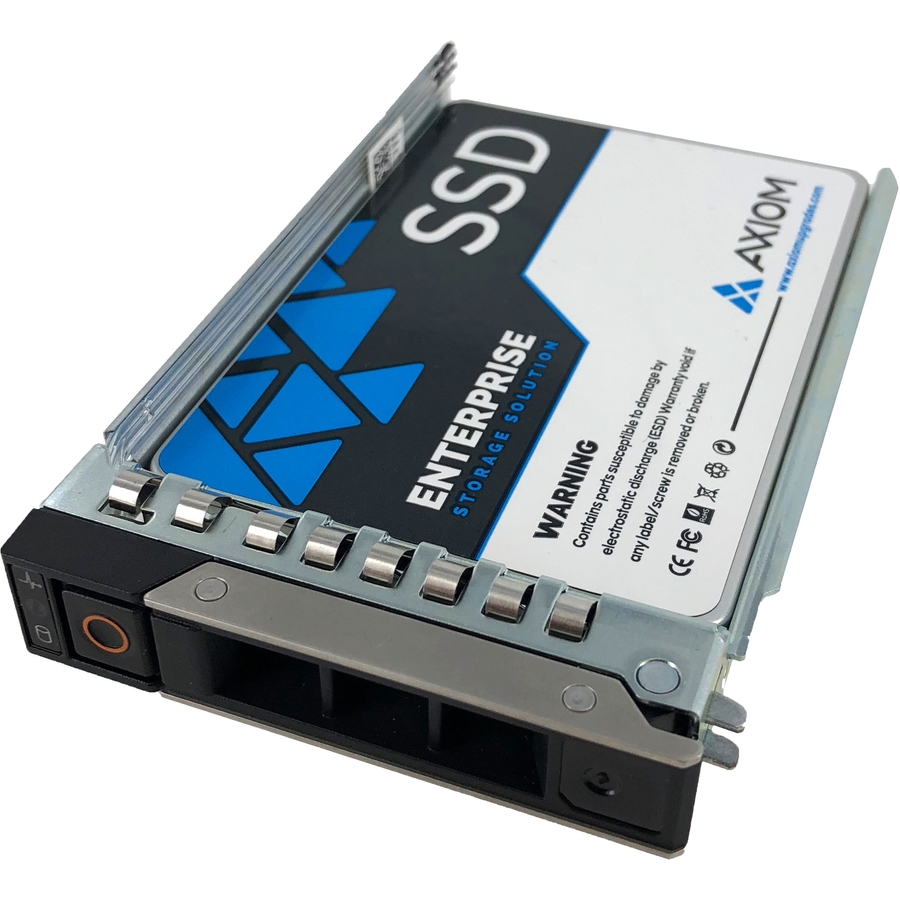
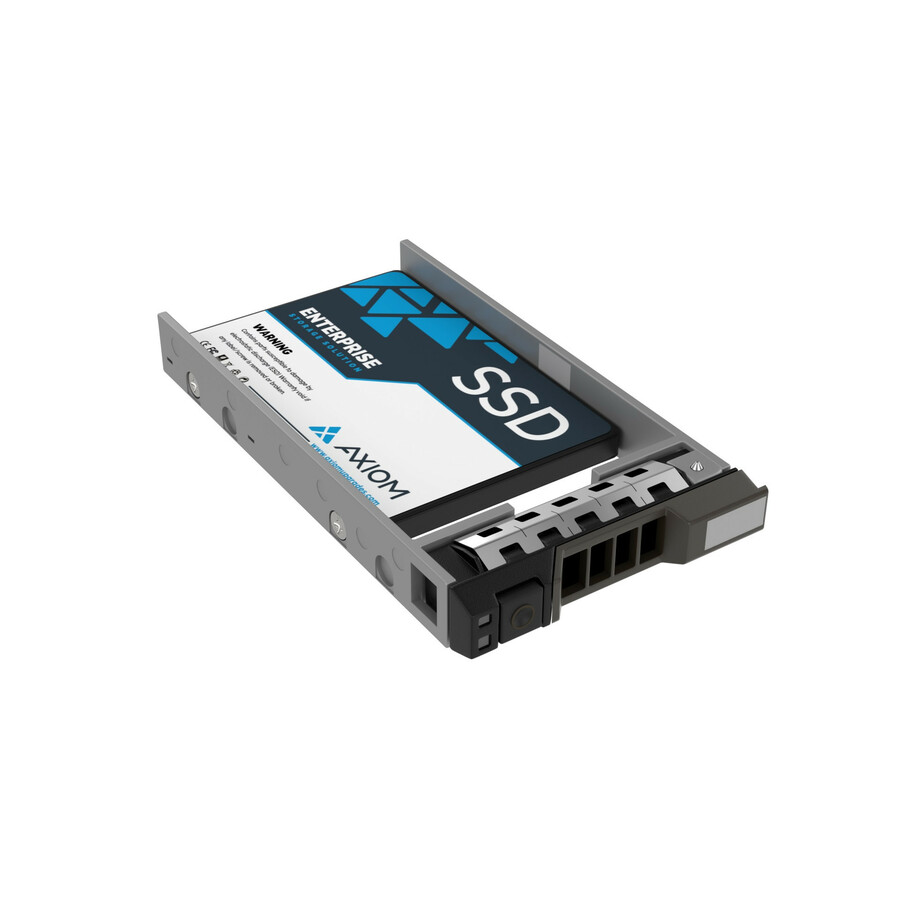
1 in stock - Axiom Memory SolutionsAxiom EP400 3.84 TB Solid State Drive - 2.5" Internal - SATA (SATA/600) - Server, Storage System Device Supported - 3.6 DWPD - 21024 TB TBW - 540 MB/s Maximum Read Transfer Rate - Hot Swappable - 256-bit AES Encryption Standard - 5 Year WarrantySSDEP40HB3T8-AX
$5,924.00
$5,090.82
1 in stock - Axiom Memory SolutionsAxiom EP400 3.84 TB Solid State Drive - 2.5" Internal - SATA (SATA/600) - Server, Storage System Device Supported - 3 DWPD - 21024 TB TBW - 540 MB/s Maximum Read Transfer Rate - Hot Swappable - 256-bit AES Encryption Standard - 5 Year WarrantySSDEP40HV3T8-AX
$5,924.00
$5,090.82
1 in stock

Need pricing on 2.5-inch SATA SSDs?
Tell us where to reach you and a Uniqcli specialist will follow up by email with current pricing, availability and lead time for the quantities you need — including parts that aren’t shown on this page.
Buying for an organization or for yourself — both work. No payment up front.
The 2.5-inch SATA SSD is the least glamorous storage purchase an organization makes and one of the most useful. It is the drive that turns a five-year-old fleet laptop into a machine people stop complaining about, the drive that fills the front bays of a server generation that never had NVMe, and the drive that fits the enclosure already screwed into the rack. Interface speed is not the reason to buy one — SATA has been the slower road for years — and it is not the point either: against a spinning disk the improvement is enormous, and against NVMe the deciding factor is almost always which slot or bay the machine actually has.
Every row here states all three premise facts in the manufacturer's own title: a solid state drive, in the 2.5-inch internal form factor, on SATA. That fence matters more than it sounds, because the same catalog category holds 2.5-inch drives on SAS and PCIe that will not work in a SATA bay, and 2.5-inch spinning disks that are not SSDs at all. What the titles then vary on is the fact that decides the purchase: endurance. Client drives here are rated in total terabytes written; data-center drives add a drive-writes-per-day figure and a read-intensive or mixed-use designation, which is the vendor telling you what workload the part was built to survive.
Read those figures before capacity and long before price per gigabyte. A read-intensive drive under a write-heavy database, or a client drive in a role that logs continuously, is a part that will be replaced early and out of cycle — and the replacement costs more in labour than the drive did in the first place. The selection below spans the manufacturers Uniqcli carries in this form factor, from client drives to enterprise mixed-use parts, with live pricing on each card and availability shown per row rather than promised in this copy.
Buyer's checklist
How to choose a 2.5-inch SATA SSD
- Confirm the bay before anything else: a 2.5-inch SATA drive needs a SATA port or backplane, and the SAS and PCIe drives that share this catalog category and this physical size will not work in one.
- Buy on the endurance figure the vendor prints per part — total terabytes written on client drives, drive-writes-per-day on the data-center parts here — and match it to what the machine actually writes rather than to the drive's capacity.
- Read the read-intensive and mixed-use designations for what they are: the manufacturer's own statement of the workload the part was built for. A read-intensive drive under sustained writes is the most common early failure in this category.
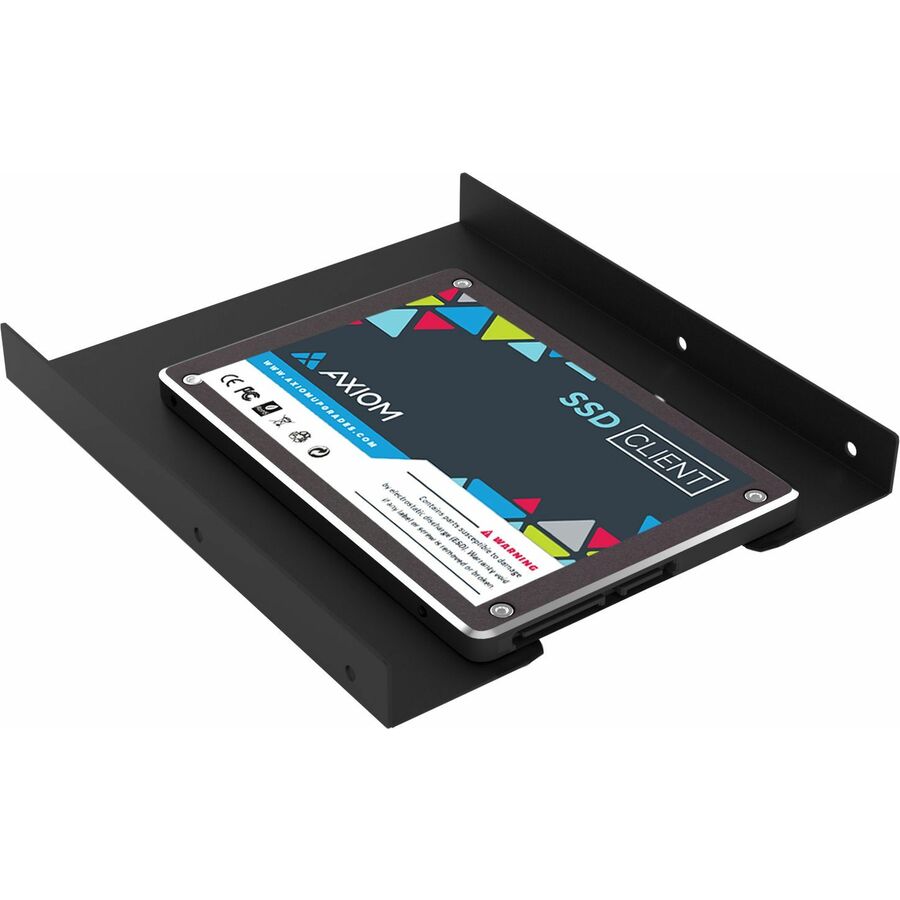
- Check the bay hardware in the same order. A 3.5-inch bay needs a carrier or an adapter — one drive here names a 3.5-inch carrier in its own title — and a hot-swap server bay needs the caddy that fits that chassis, which is rarely included.
- Where a title names 256-bit AES or an encryption standard, treat it as a per-part fact and check what it actually gives you: drive-level encryption still has to be enabled and keyed by something, and it is not the same as a validated self-encrypting deployment unless the title and the certificate say so.
- Where the purchase order names TAA, read the designation on the part number — it appears in the titles of specific drives here and is never a family or brand rule.
- Standardize one part number per machine model across a fleet refresh so imaging, spares and the swap procedure stay uniform, and order the spares with the first batch rather than after the first failure.
- Plan what happens to the disk that comes out. A removed drive still holds everything it ever held, so sanitization or destruction belongs on the same work order as the upgrade, not on a shelf in the comms room.
Client drives and data-center drives are different purchases
A client SSD is built for a duty cycle with gaps in it: a laptop that is idle most of the day, a desktop that sleeps overnight, a workstation that writes in bursts. The titles reflect that — an endurance figure in total terabytes written, a warranty of three to five years, and no drive-writes-per-day number because the vendor is not underwriting a continuous workload. For a fleet refresh, that is exactly the right part, and paying enterprise prices for a laptop bay buys endurance nobody in that seat will ever consume.
A data-center SSD is built for the opposite: continuous operation, a stated drive-writes-per-day figure, power-loss protection in most designs, and a designation of read-intensive or mixed-use that tells you which side of the trade the part sits on. The parts on this page that name mixed-use and a drive-writes-per-day figure are the ones to read for a server front bay, a virtualization host or a logging target. The mistake in both directions is expensive and quiet: an enterprise drive in a laptop is money spent on an unused property, and a client drive in a server bay is a maintenance window you did not schedule.
Why SATA still wins bays it has no business winning
The interface question answers itself once you look at the machine. A laptop with a 2.5-inch bay and no M.2 slot takes a SATA drive or it takes nothing; a server generation whose front bays are SATA or SAS backplanes takes what the backplane speaks; an external enclosure, a video recorder or an industrial box takes the drive it was designed around. Against the spinning disk being removed, a SATA SSD is transformative regardless of the interface's headline number, which is why this form factor keeps outliving predictions of its retirement.
That also makes it the sensible standardization target for a mixed estate. One part number that fits the laptops, the desktops and the spare-parts drawer is worth more operationally than a faster drive that fits a third of them, and it keeps imaging and firmware management to one line. Where a fleet refresh is in front of you, send the machine models and the counts and we will price the drives, the carriers where they are needed and the disposal of what comes out on one document, with lead times attached rather than assumed.
Keep exploring
Other bays, other interfaces
FAQ
Common questions
- Should I buy SATA or NVMe for a fleet refresh?
- Buy what the machine has a slot for. NVMe drives connect over PCIe and generally need an M.2 or U.2 interface the machine either has or does not; a 2.5-inch SATA drive needs a SATA bay. Plenty of business laptops, desktops and older servers only have the second, and in those machines the choice is between a SATA SSD and the spinning disk that is currently in it — a comparison the SSD wins decisively. Where a machine offers both, NVMe is the faster road for anything that reads or writes large amounts at once; for ordinary office workloads the difference on the desk is far smaller than the difference between any SSD and a hard disk.
- What do DWPD and TBW actually tell me?
- They are two ways of stating the same thing: how much writing the drive is specified to absorb. Total bytes written (TBW) is a lifetime figure, common on client drives; drive-writes-per-day (DWPD) is the enterprise form, meaning the drive's full capacity written that many times a day for its warranted life. A 1 DWPD mixed-use part is built for a very different job from a client drive rated in a few hundred terabytes total. Estimate what the machine actually writes — logging, virtualization, backup ingest and database workloads are the usual surprises — and buy above that number rather than at it. Both figures are printed per part number on the titles here.
- Can a 2.5-inch drive go in a 3.5-inch bay?
- Yes, with a carrier or adapter bracket, and one of the drives on this page names a 3.5-inch carrier in its own title. In a desktop or an external enclosure this is a simple, cheap part. In a server it is not so simple: hot-swap bays take a chassis-specific caddy, that caddy is rarely supplied with the drive, and a drive sitting loose in a bay is not a supported arrangement. Confirm the caddy or carrier at the same time as the drive, and where the chassis model is not obvious from the order, send it with the quote request so the bay hardware is priced alongside the drives rather than discovered afterwards.
- Do these drives encrypt data on their own?
- Some of them state an encryption standard in their own titles — 256-bit AES appears on several rows here — and that is a per-part fact worth reading on the exact number. It is not, on its own, a finished encryption story: drive-level encryption has to be enabled and keyed by the platform, an operating system, or a management layer, and a validated self-encrypting deployment is a further step again with its own certificate to point at. If the requirement is a specific validation rather than the presence of a cipher, ask us to confirm the module and its certificate on the part number before the order goes in.
- Can business, government and education buyers order these?
- Every line Uniqcli quotes is sourced through US distribution and screened for TAA country-of-origin and NDAA §889 status before checkout — with documentation tied to the specific part number, not a product family.
Need 2.5-inch SATA SSDs pricing?
Send a bill of materials or part numbers — we confirm stock and a below-market total, with TAA verified on request. No payment up front.