
Best Samsung SSDs for Servers, Datacenters, and Workstations
Datacenter NVMe and U.2, enterprise SATA, and high-capacity client drives for read-intensive workloads, boot/capacity tiers, and workstation storage.
Samsung SSDs in stock at Uniqcli
How to choose →A curated selection with live pricing — in-stock lines first, then back-ordered lines with a typical lead time. Every line is sourced through US distribution and screened for NDAA §889 status before checkout, with TAA verified on request.
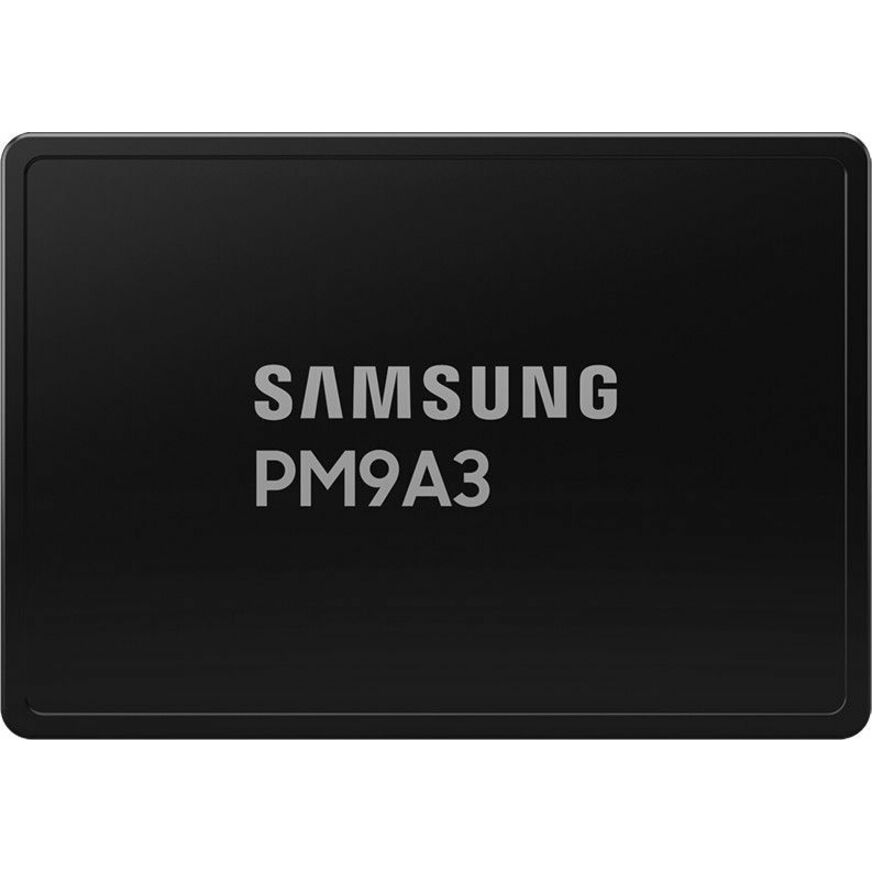
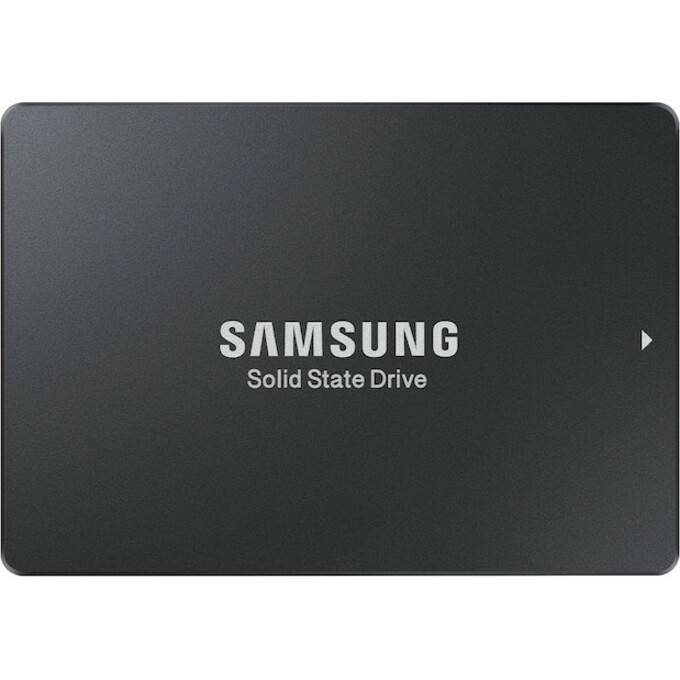
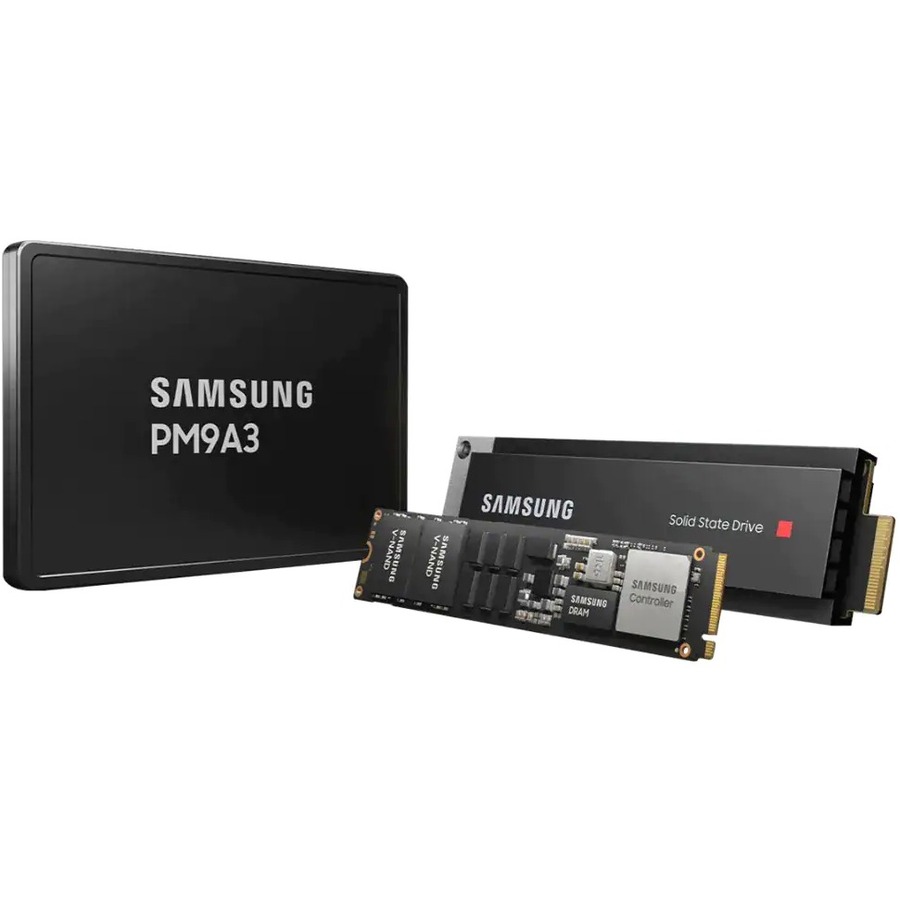
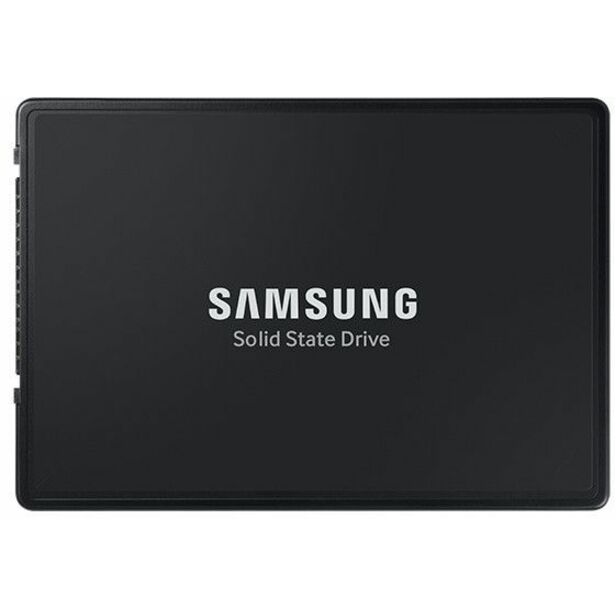
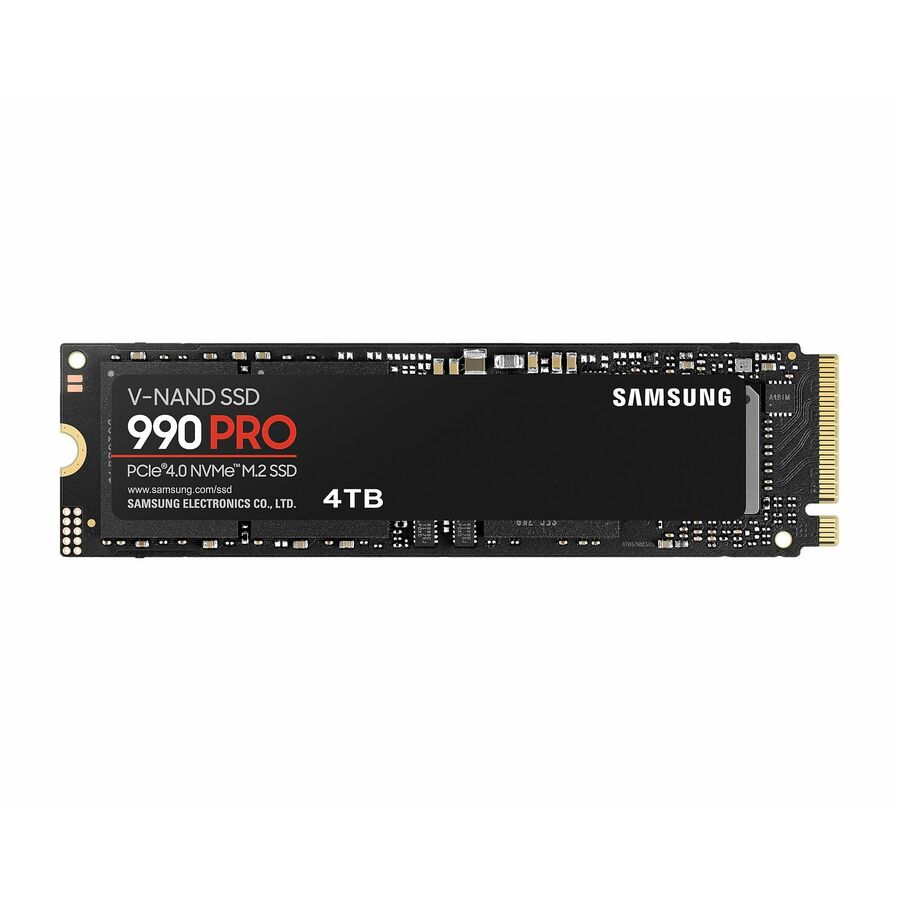
- SamsungSamsung PM9A3 15.36 TB Solid State Drive - 2.5" Internal - U.2 (PCI Express NVMe 4.0 x4)MZ-QL215T0
$28,381.16
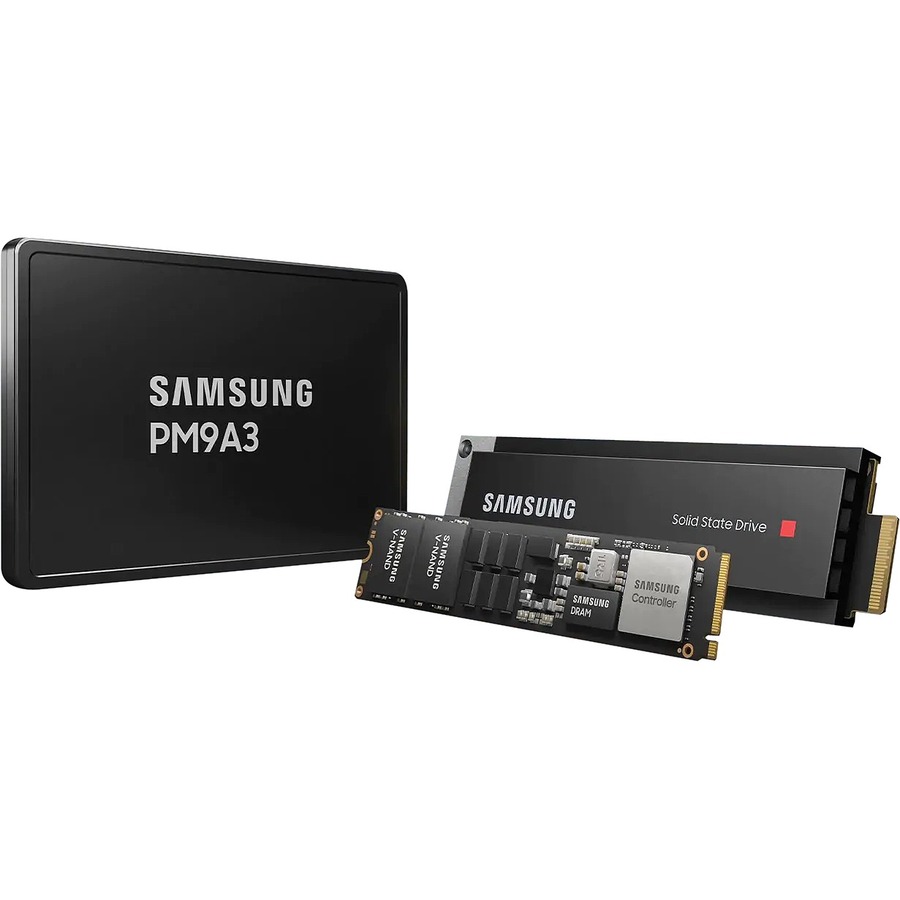
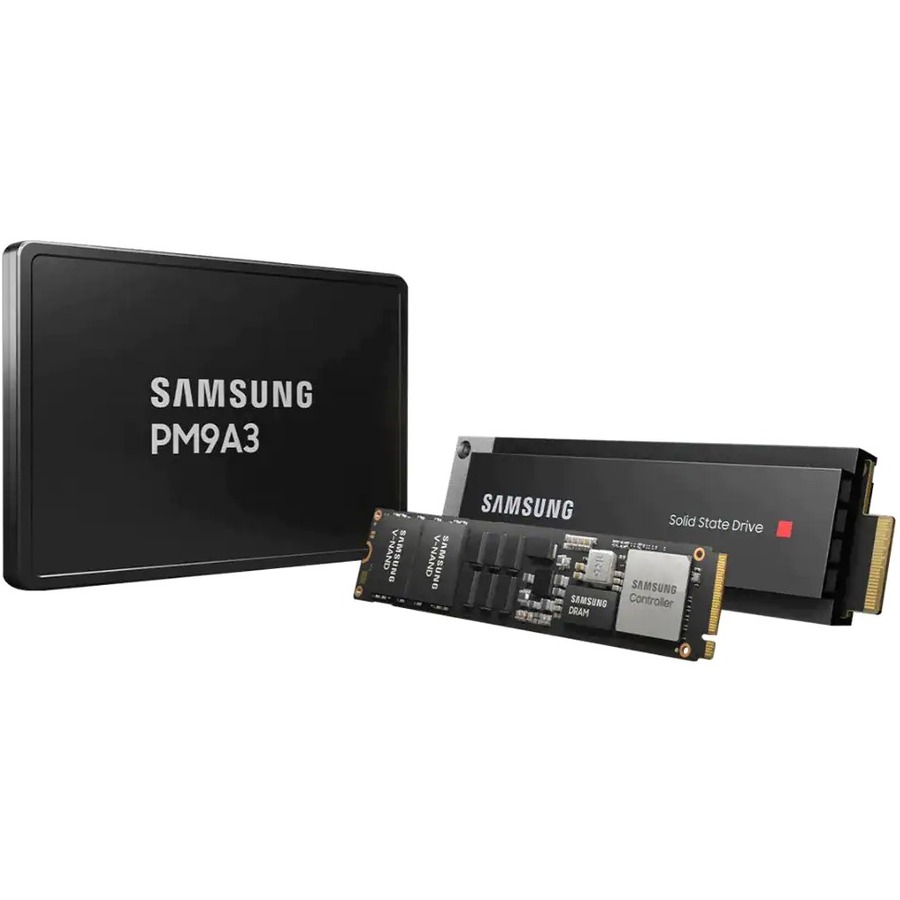
1 in stock - SamsungSamsung PM9A3 MZ1L23T8HBLA-00A07 3.84 TB Solid State Drive - M.2 Internal - PCI Express (PCI Express 4.0 x4) - BulkMZ1L23T8HBLA-00A07
$18,660.79
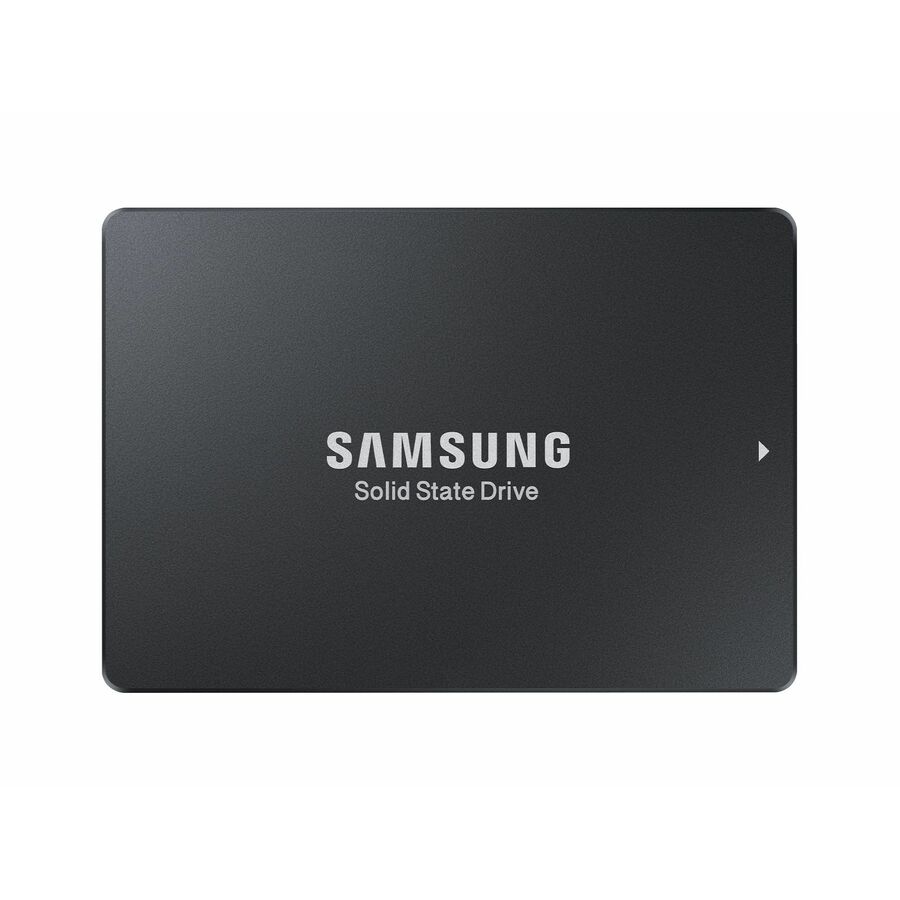
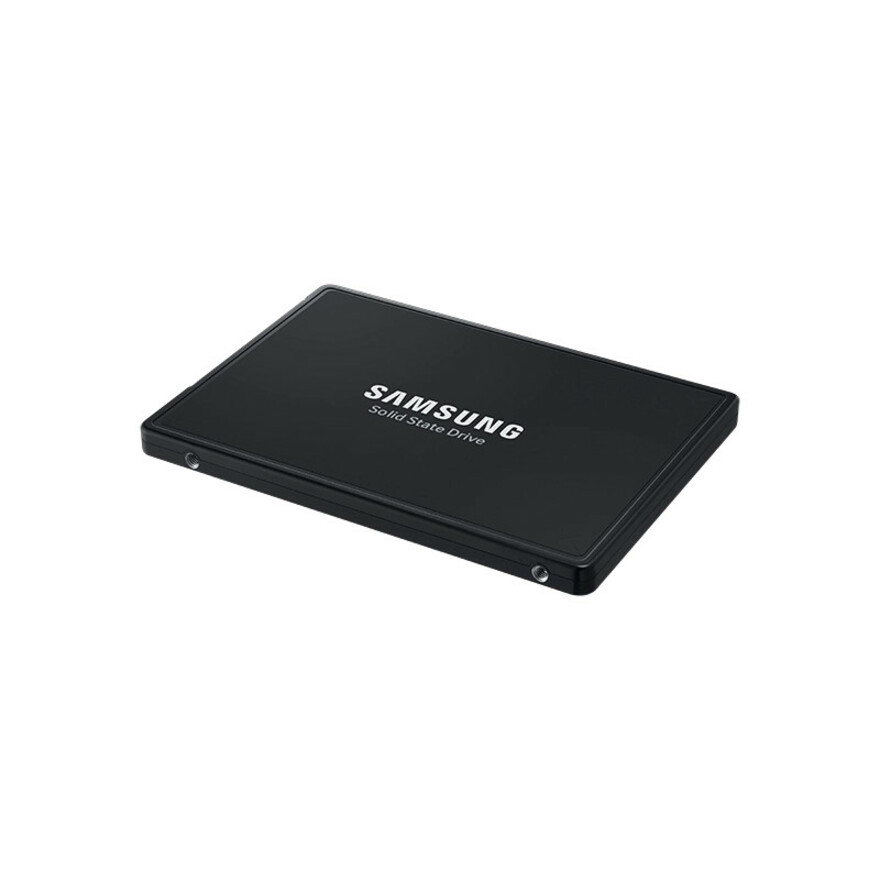
10 in stock - SamsungSamsung PM9A3 3.84 TB Solid State Drive - 2.5" Internal - U.2 (PCI Express NVMe 4.0)MZ-QL23T80
$5,393.64
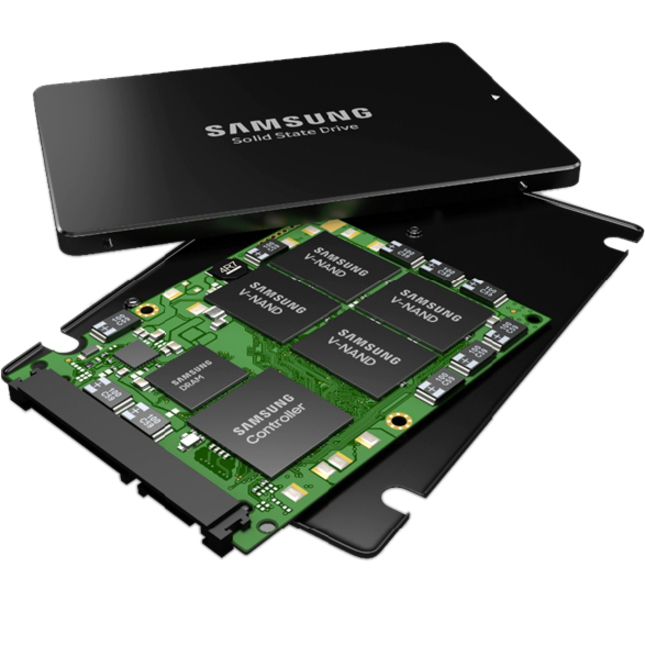
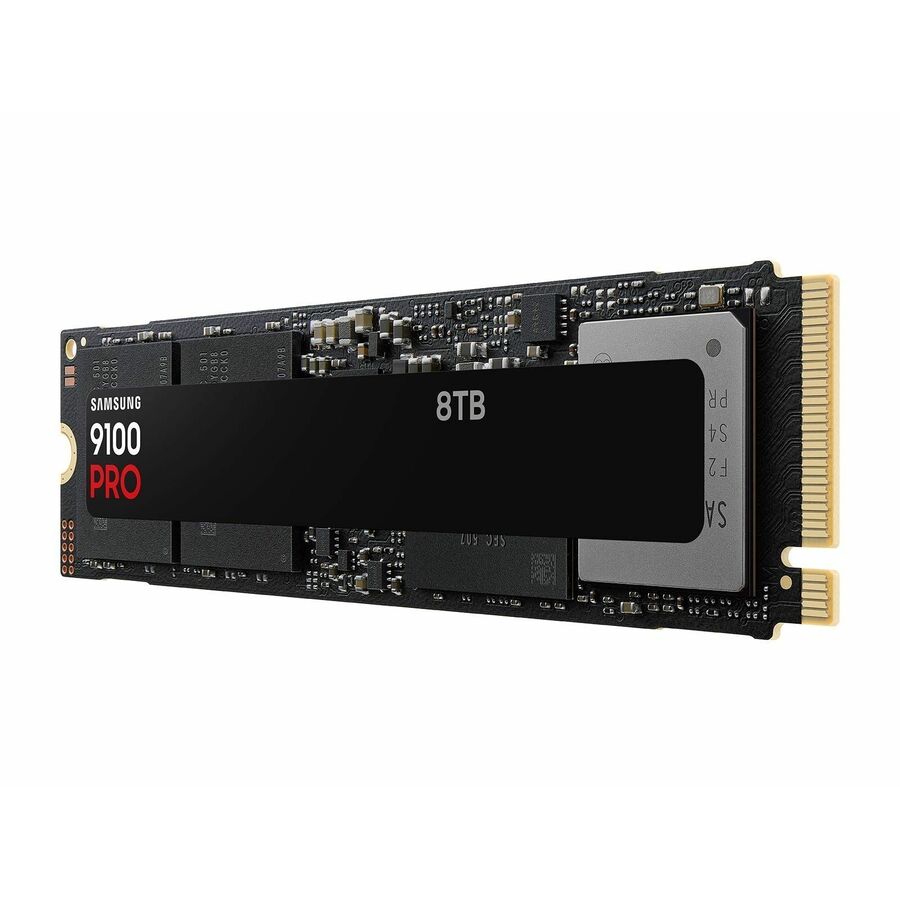
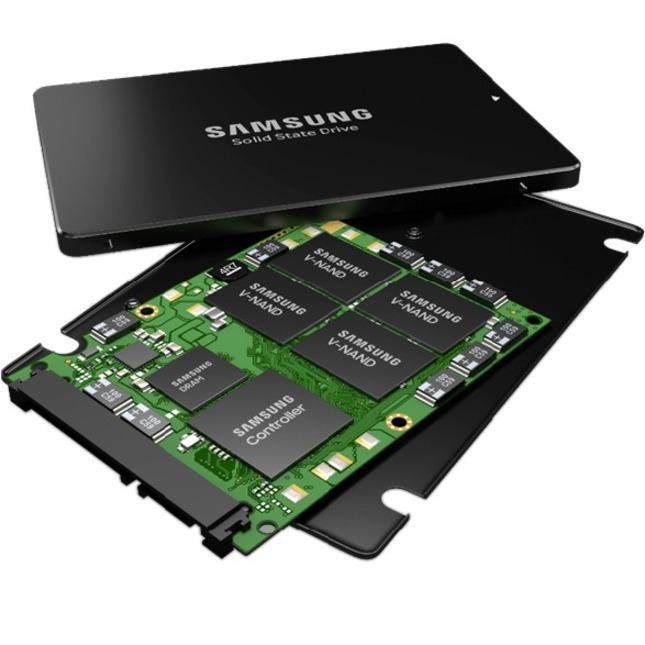
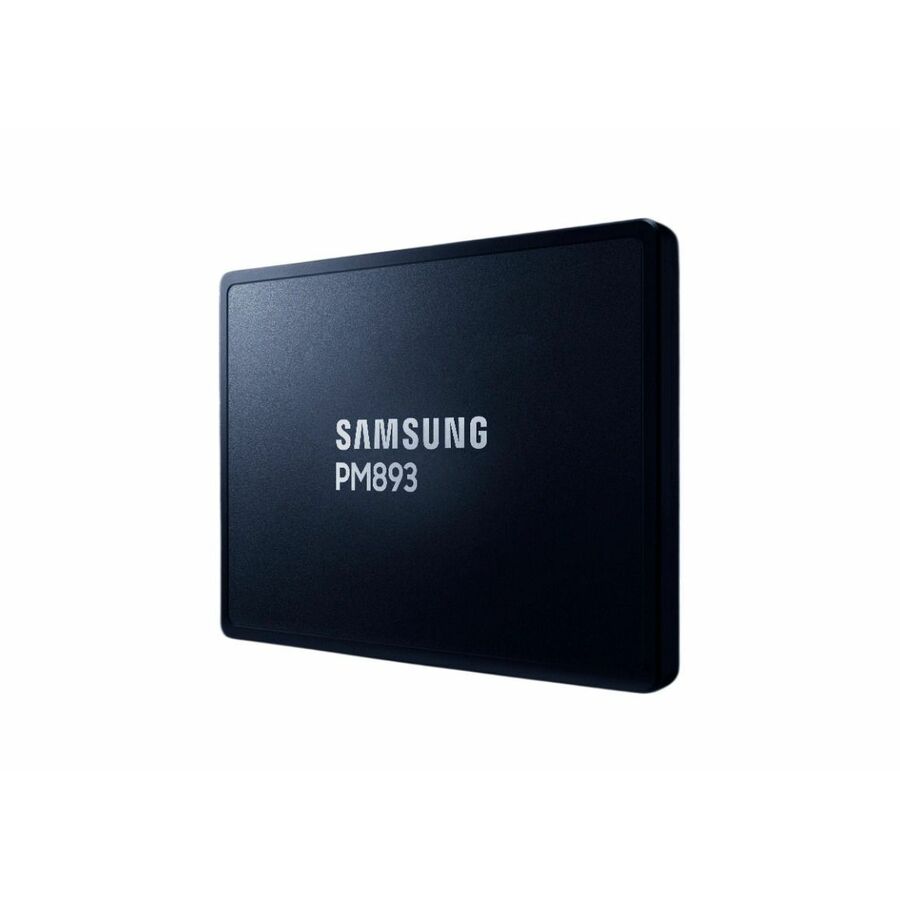
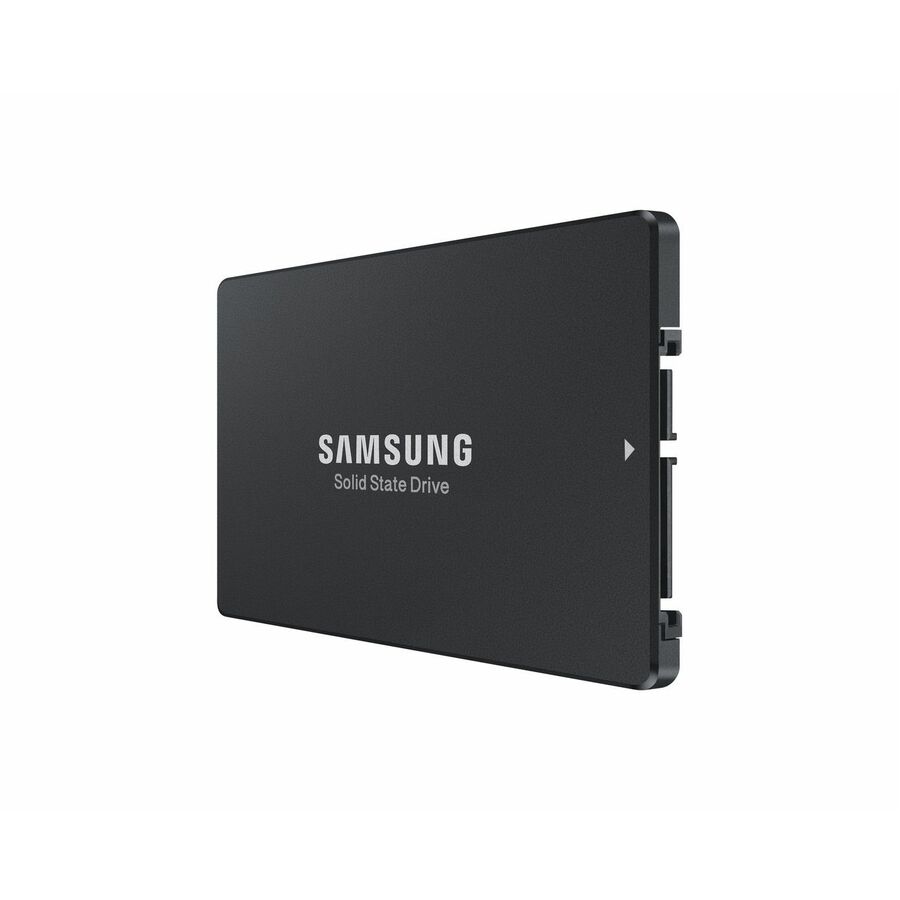
9 in stock - SamsungSamsung PM893 1.92 TB Solid State Drive - 2.5" Internal - SATA (SATA/600)MZ-7L31T90
$4,169.84
40 in stock
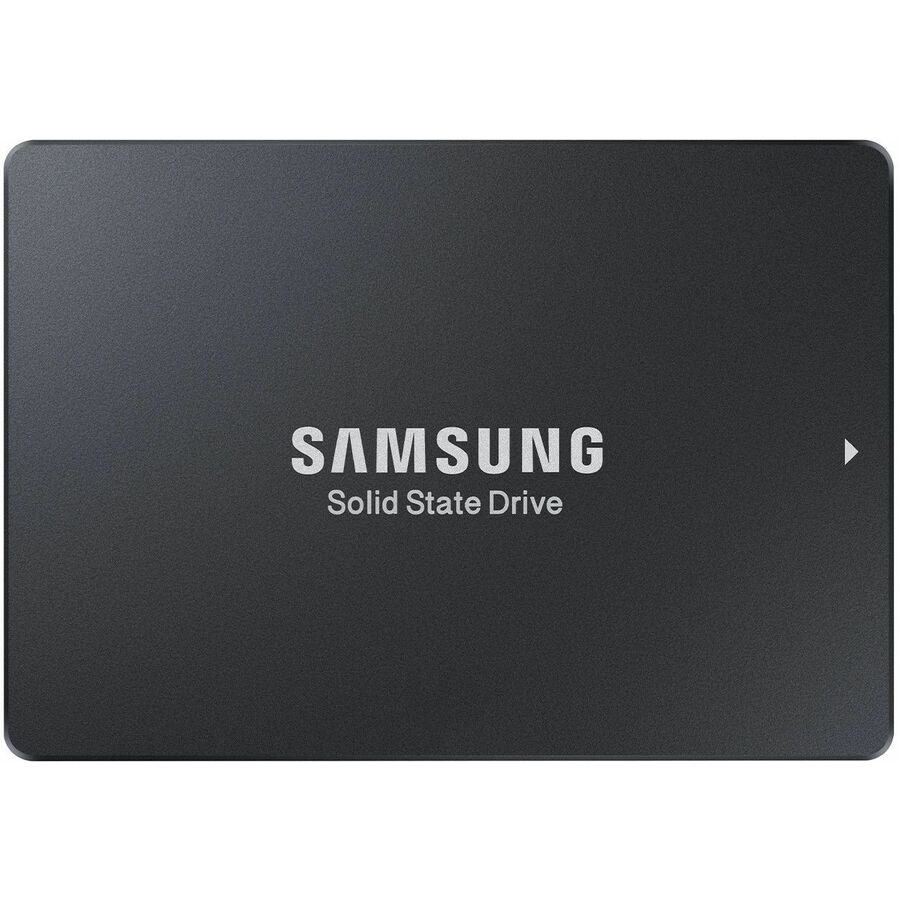
More drives and SSDs in the Uniqcli catalog
See all 9,677 drives and SSDsMore Samsung first — closest to what you were just looking at; “See all drives and SSDs” above opens every other brand in the category. In-stock lines lead, and a back-ordered line carries the same estimated availability its product page does — with live pricing throughout, NDAA §889 screening before checkout and TAA verified on request.
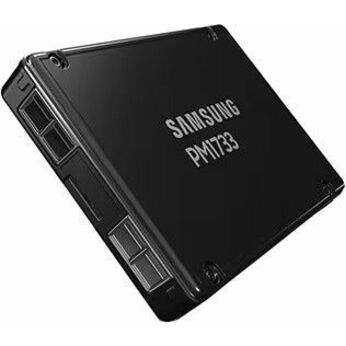
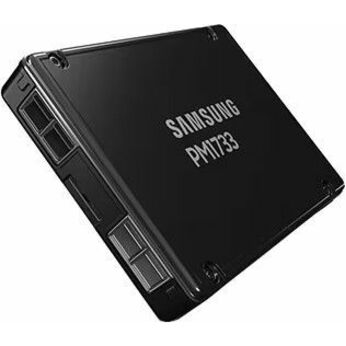
- SamsungSamsung PM1733 1.92 TB Solid State Drive - 2.5" Internal - U.2 (PCI Express NVMe 4.0 x4)MZ-WLJ1T90
$3,654.53
1 in stock - SamsungSamsung PM863a 3.75 TB Solid State Drive - 2.5" Internal - SATA (SATA/600) - 520 MB/s Maximum Read Transfer RateMZ7LM3T8HMLP-00005
$3,363.35
4 in stock
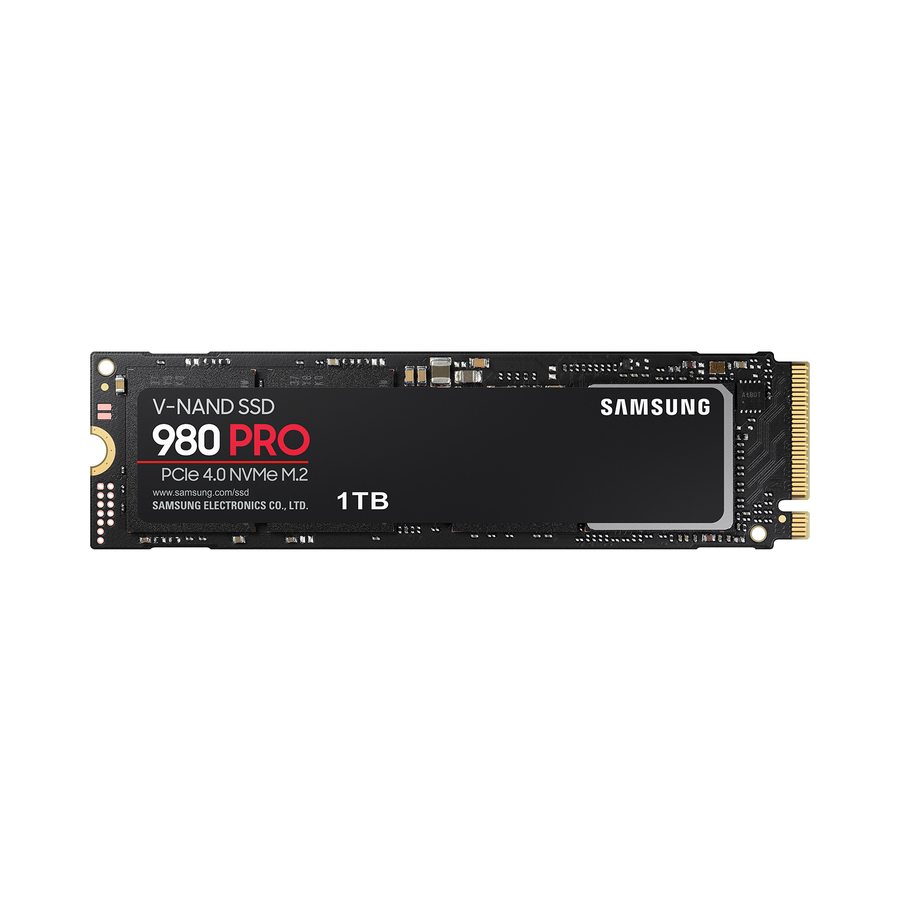
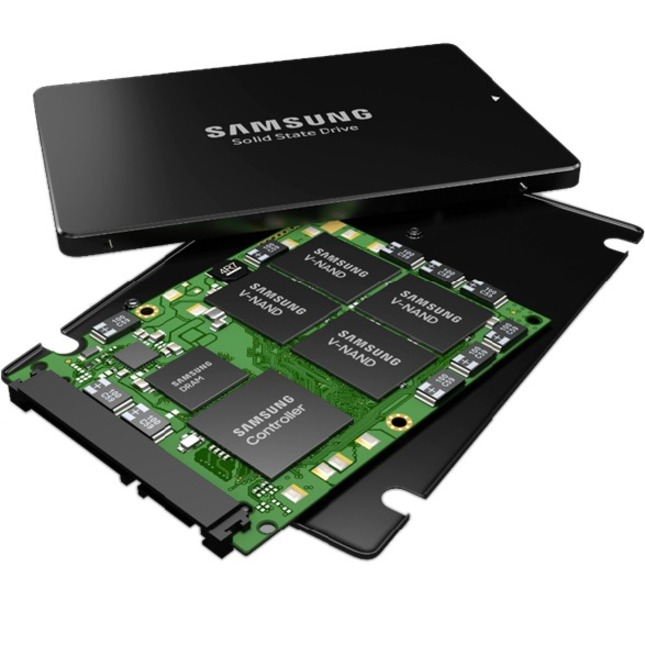
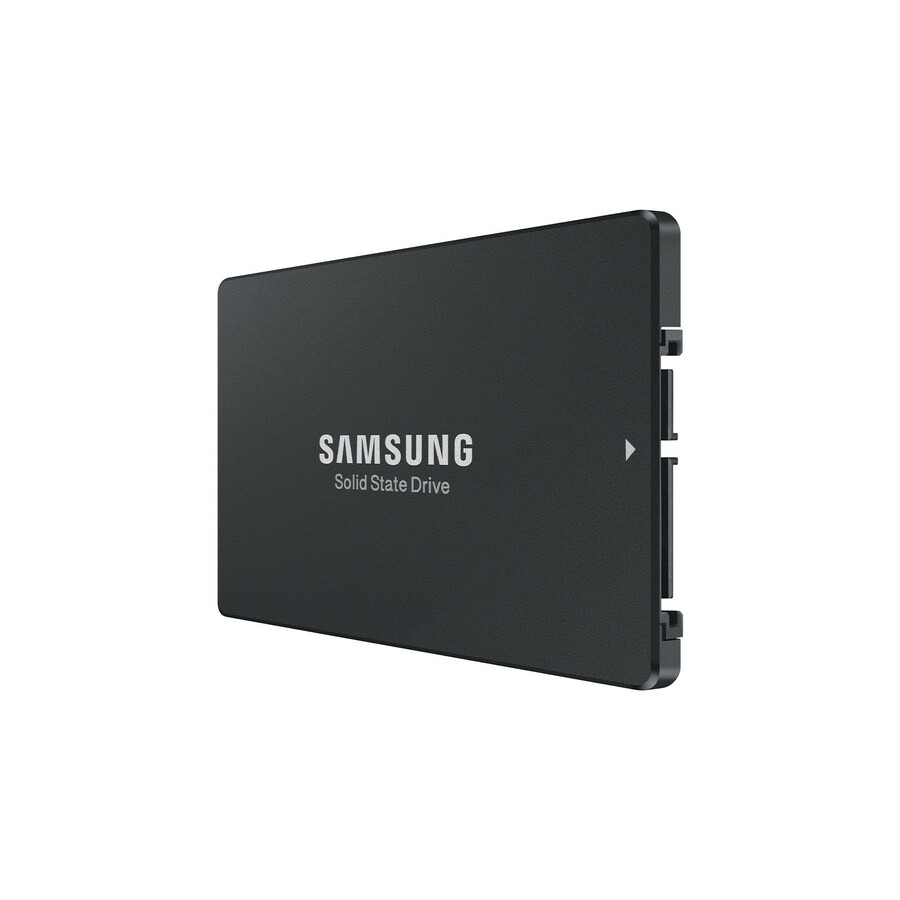
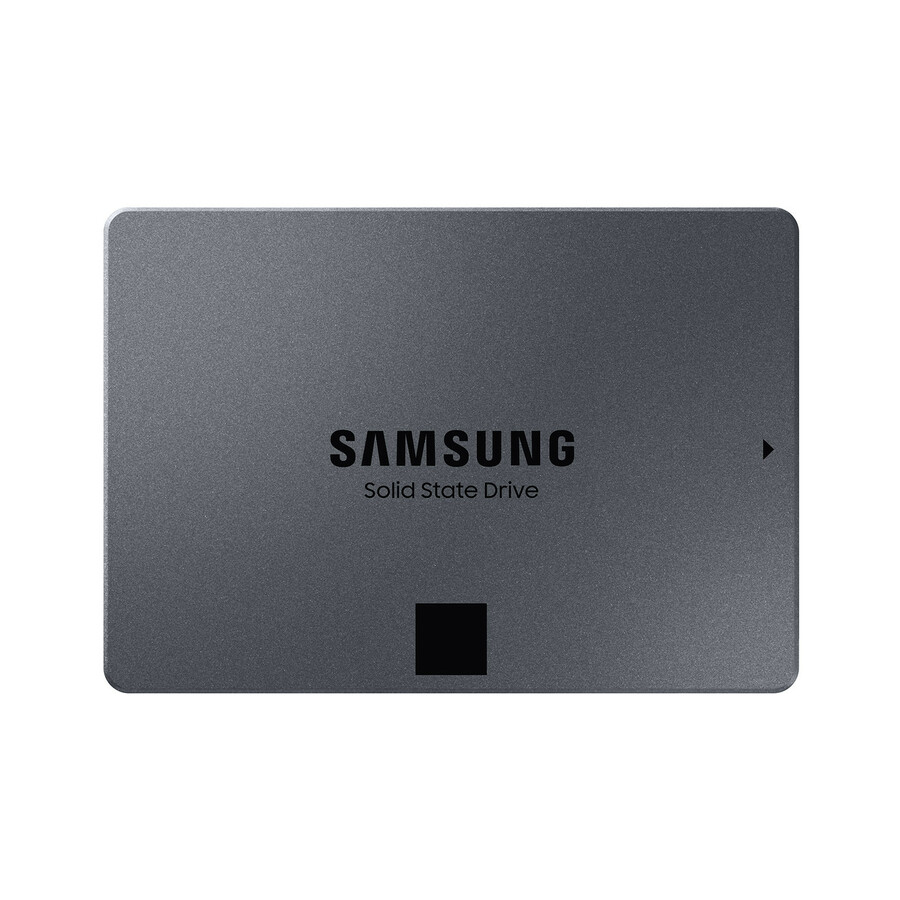
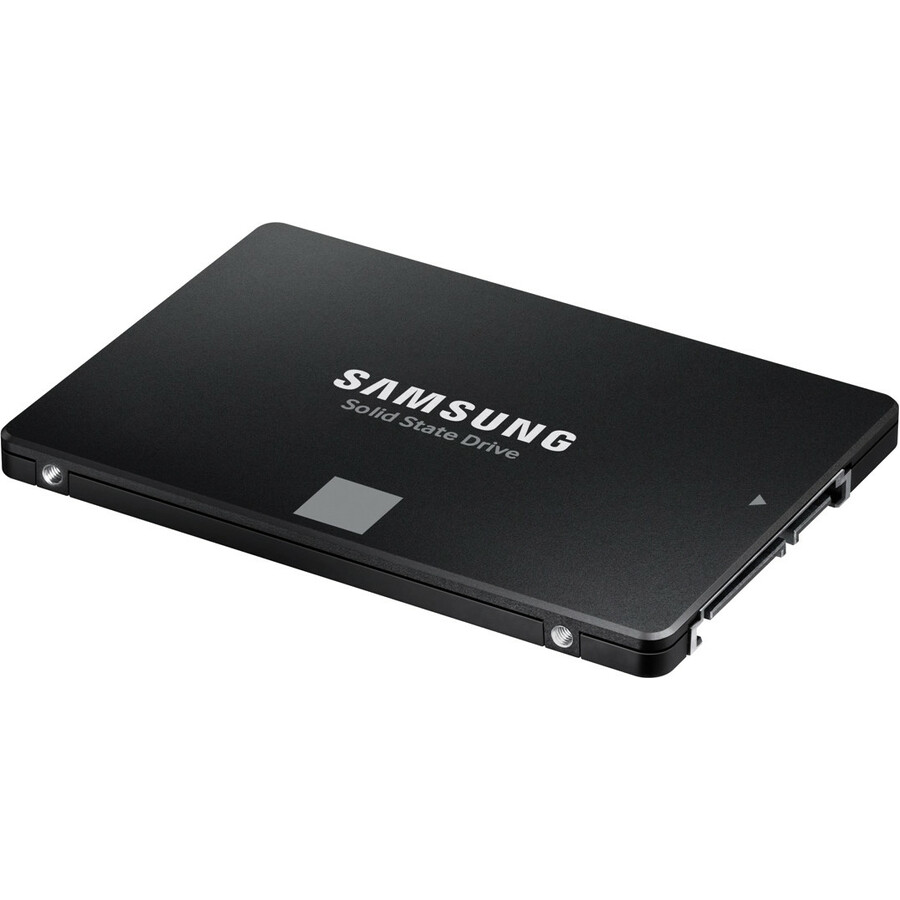
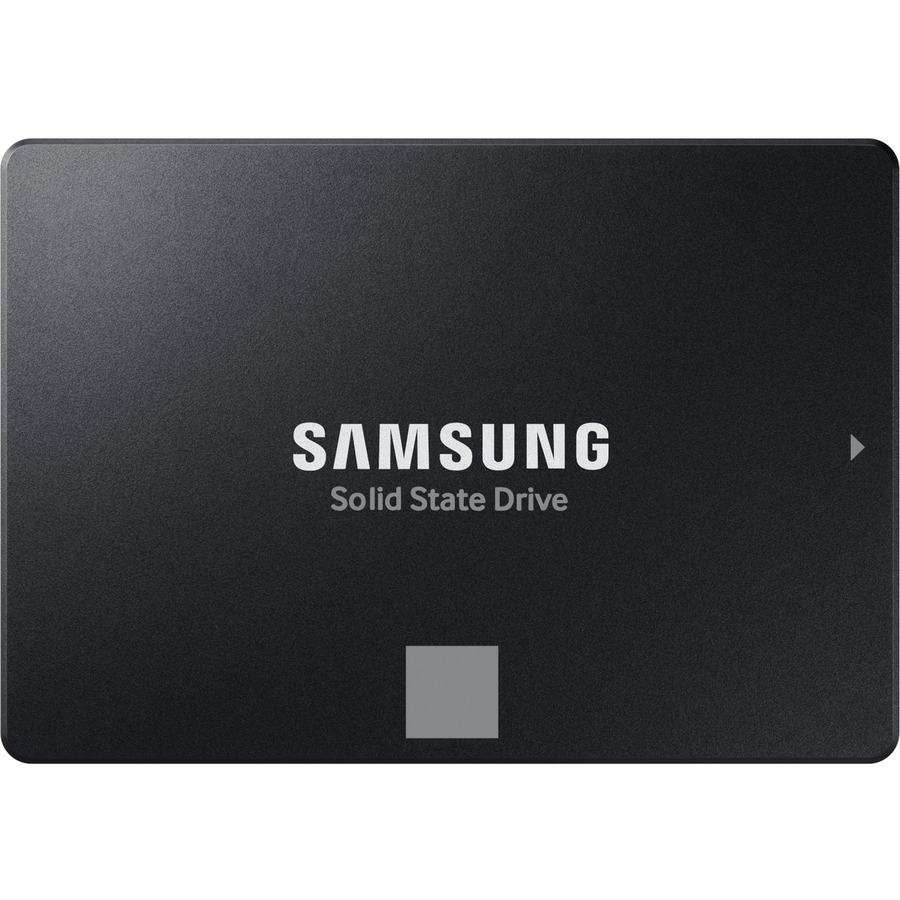
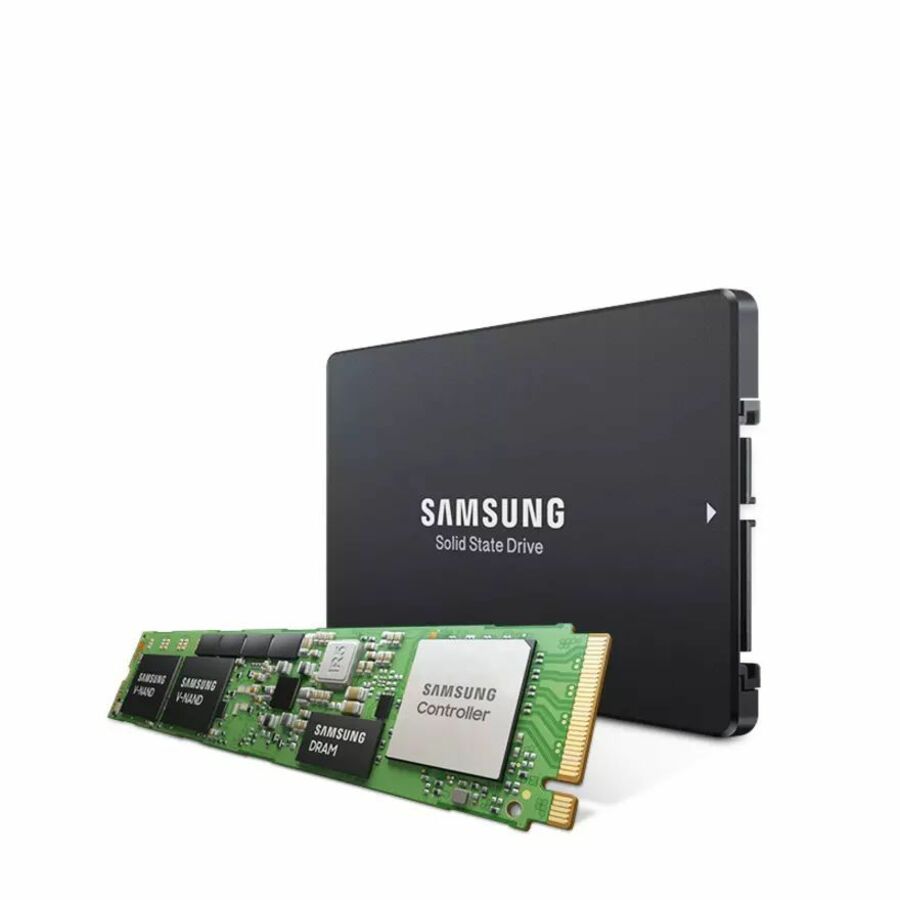
Need pricing on Samsung SSDs?
Tell us where to reach you and a Uniqcli specialist will follow up by email with current pricing, availability and lead time for the quantities you need — including parts that aren’t shown on this page.
Buying for an organization or for yourself — both work. No payment up front.
Choose the tier of a Samsung SSD before the capacity. PM-series and DCT parts are datacenter drives rated in DWPD for sustained duty; 870 EVO and 870 QVO are client drives for desktops and workstations. Then match the interface to the platform, PCIe NVMe or U.2 for latency-bound work and SATA/600 for boot and capacity, and read DWPD against the real write pattern.
Samsung's SSD range splits cleanly by deployment tier, and picking the right variant starts with recognizing which line you are looking at. The PM-series and DCT drives are datacenter-class parts built for sustained duty and rated in DWPD, while the 870 EVO and 870 QVO are client drives tuned for desktop and workstation use. The two families are not interchangeable: a datacenter workload put on a consumer QLC drive will burn through its endurance budget, and a boot or read-cache tier does not need the price of a write-optimized enterprise NVMe part.
Once you know the tier, three specs decide the variant. Interface governs throughput and platform fit — PCIe NVMe 4.0 and U.2 drives deliver the highest bandwidth for latency-sensitive and read-intensive work, while SATA/600 remains the pragmatic choice for capacity, boot volumes, and broad backplane compatibility. Endurance (DWPD or TBW) should be matched to your actual write pattern rather than to headline capacity. And form factor matters at the connector: a 2.5" U.2 NVMe drive and a 2.5" SATA drive share a bay size but not a backplane, so confirm the platform before ordering.
The selection below is what Uniqcli currently stocks in this category, with live in-stock status shown on each product. Capacities span client through high-capacity datacenter tiers across both NVMe and SATA interfaces, and many enterprise parts offer AES-256 hardware encryption alongside published endurance and warranty terms. Read the individual product specs to confirm interface, DWPD/TBW, and encryption support against your build sheet before checkout.
Buyer's checklist
How to choose the right Samsung SSD
- Match the interface to your platform — PCIe NVMe 4.0 or U.2 for throughput- and latency-bound workloads, SATA/600 for capacity, boot volumes, and broad backplane compatibility.
- Read DWPD and TBW against your real write pattern — read-intensive datacenter classes suit mostly-read workloads, higher-endurance parts suit logging, OLTP, and write-heavy tiers.
- Confirm the form factor and connector fit — a 2.5" U.2 NVMe drive and a 2.5" SATA drive occupy the same bay but require different backplanes.
- Separate datacenter and client lines by intent — PM and DCT parts are built for sustained duty; 870 EVO/QVO client drives are tuned for desktop and workstation use, with QLC best kept to cold or read-heavy tiers.
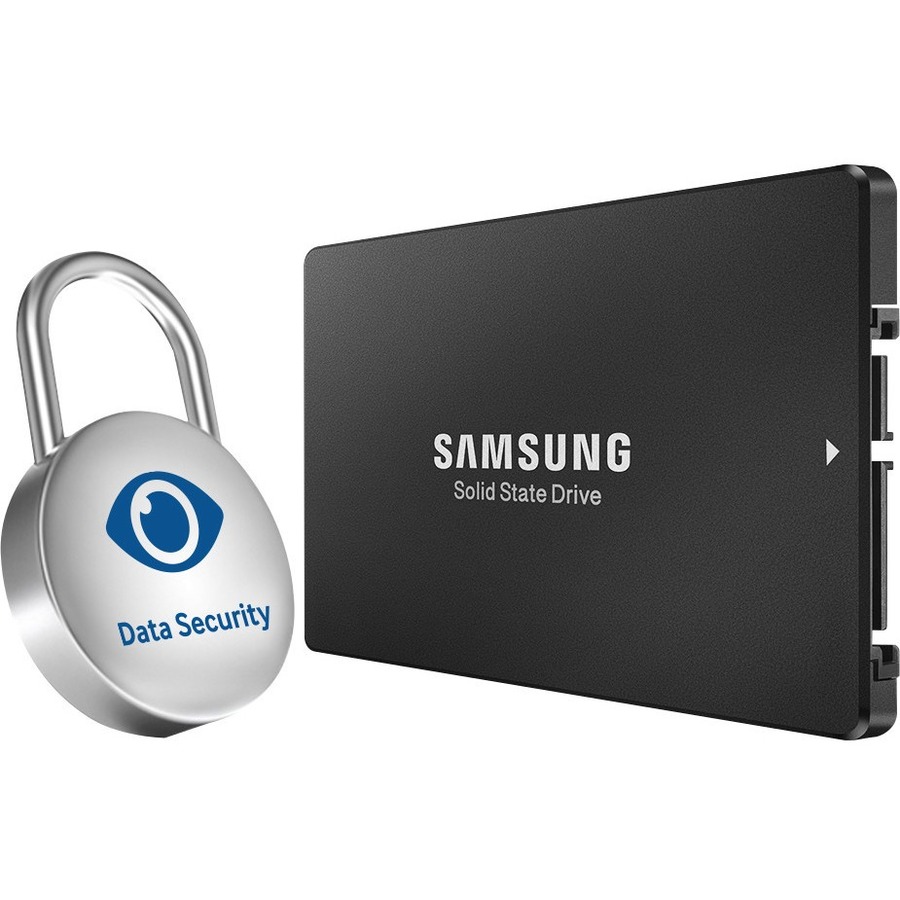
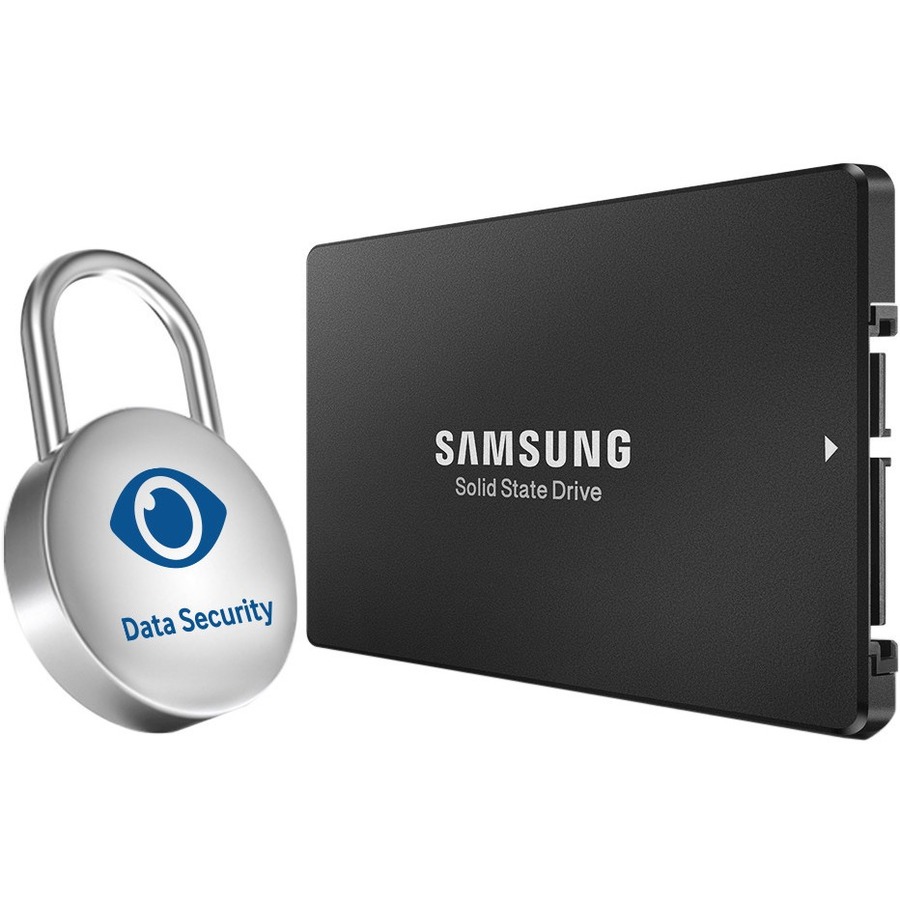
- Verify data-at-rest requirements — check for AES-256 / self-encrypting (TCG Opal) support on the specific part if encryption is mandated.
- Size for headroom and check the warranty term — leave overprovisioning capacity and confirm the endurance and warranty coverage span your intended deployment life.
Compliance, encryption and lead time
For regulated and public-sector deployments, the data-at-rest requirement usually drives the part choice as much as performance. Where a mandate specifies a validated cryptographic module — a FIPS-validated self-encrypting drive, or TCG Opal or Enterprise SSC support — confirm that status on the exact model and firmware rather than assuming it from the family, since validation can differ across capacities and revisions. Handling encryption in the drive itself, when it qualifies, avoids bolting on a separate software layer later to satisfy the same rule.
The other end of the lifecycle deserves the same planning: enterprise parts generally support cryptographic erase, which retires a drive's data in seconds by discarding its encryption key instead of overwriting every block — worth confirming on the model if your decommissioning policy requires verifiable sanitization. And for a large build, plan lead time early: high-capacity enterprise NVMe and U.2 in volume is more allocation-sensitive than client drives, so confirm availability against your quantity and target ship date before the schedule depends on it.
Build-sheet and deployment details
Two enterprise features are easy to miss on a spec line and expensive to discover after deployment. Power-loss protection — the on-drive capacitors that flush in-flight writes when power drops — is standard on the datacenter parts and absent on client drives, which matters for any write-cached database or storage node, so confirm it explicitly on the build sheet. Thermals are the other: a dense NVMe or U.2 population needs real, directed airflow, because a drive that throttles on heat quietly gives back the throughput you specified it for.
Leave overprovisioning headroom rather than filling a drive to its last usable block; the spare area gives the controller room for garbage collection and holds write latency steadier under sustained load. For a fleet, pin a single firmware revision and qualify it before rollout, so every drive behaves identically under the same workload — a stray revision is hard to isolate once it is scattered across production. Where the platform publishes a compatibility list, check the exact enterprise model against it, since NVMe support is firmware- and backplane-specific.
Endurance economics over the life
Solid-state cost of ownership turns less on the sticker than on fit. In read-heavy tiers, enterprise SSDs draw markedly less power per terabyte than spinning media and pack more capacity into each rack unit, so the savings show up in the power, cooling and slot budget across a multi-year deployment, not at the checkout line. Hardware encryption that already satisfies a data-at-rest mandate removes a separate product or license from the bill of materials — another cost that lives outside the drive's unit figure.
Endurance is the lever that turns those savings into or out of a loss. Buy far more write endurance than the workload consumes and you have paid for headroom you will never touch; buy too little and you replace drives early, each swap carrying its own rebuild risk. The disciplined move is to measure the real daily write volume and choose the endurance class one step above it — then confirm the warranty span covers the intended service life and keep a spare sized to your redundancy policy, so a wear-out is a planned swap, not an outage.
FAQ
Common questions
- What is the difference between Samsung's PM/DCT datacenter drives and the 870 EVO/QVO?
- The PM-series and DCT drives are datacenter-class parts rated in DWPD for sustained, mixed-duty workloads in servers and storage systems. The 870 EVO (TLC) and 870 QVO (QLC) are client drives intended for desktops and workstations; the QVO's QLC media is best reserved for high-capacity, read-heavy or cold tiers rather than sustained writes.
- Should I choose NVMe/U.2 or SATA?
- Choose PCIe NVMe 4.0 or U.2 when throughput and low latency drive the workload — read-intensive databases, virtualization, and analytics. SATA/600 remains a sound choice for boot volumes, capacity tiers, and platforms whose backplanes are SATA-only. Confirm your server or workstation supports the interface and connector before ordering.
- How do I read the DWPD and TBW endurance ratings?
- DWPD (drive writes per day) is how many times the full capacity can be overwritten daily across the warranty period; TBW (terabytes written) is the same budget expressed as a total. Read-intensive parts sit near 1 DWPD, which fits mostly-read workloads; write-heavy roles like logging or transactional databases want higher-endurance drives. Match the rating to your measured write volume, not to capacity.
- Are these available to government and education buyers?
- Yes. These drives are available to business, government, and education buyers. Uniqcli sources through US distribution and screens each part for TAA country-of-origin and NDAA Section 889 status before checkout, with the documentation tied to the specific part number you order. Country of origin can vary by part and production run, so request the screening details for the exact SKU and quantity you need and we will confirm before you purchase.
Need Samsung SSDs pricing?
Send a bill of materials or part numbers — we confirm stock and a below-market total, with TAA verified on request. No payment up front.