
Short answer
The main difference between a 2.5-inch and a 3.5-inch drive is platter area and bay size: a 3.5-inch drive holds more platters and reaches far higher capacity per unit, while a 2.5-inch drive fits laptop and server bays and uses less power. They fit in one direction only — a 2.5-inch drive goes in a 3.5-inch bay with an adapter bracket, and a 3.5-inch drive never fits a 2.5-inch bay.
Key facts
- The two envelopes are defined by SNIA's SFF specifications: SFF-8201 covers 2.5-inch drive dimensions and SFF-8301 covers 3.5-inch drive dimensions.
- SFF-8201 fixes not one 2.5-inch size but a family of z-heights, which is why a 15 mm enterprise drive will not seat in a 7 mm notebook bay.
- Enterprise 3.5-inch hard drives now reach 32 TB per drive, which is why bulk and archive tiers stay on that form factor.
- Enterprise SSDs standardised on the 2.5-inch envelope rather than 3.5-inch because flash needs no platter area to hold capacity.
- Connector type is a separate question from size: a bay that physically accepts a drive may still speak SAS, SATA or NVMe and not the one you brought.
The choice between 2.5-inch (SFF) and 3.5-inch (LFF) drives is really a choice about what you are optimizing per rack unit: raw capacity per drive, or the number of spindles and flash devices you can pack into a chassis. 3.5-inch drives hold the top-end per-drive HDD capacities and the lowest cost per terabyte, which makes them the default for bulk, archival, and capacity-tier storage. 2.5-inch is the form factor of nearly all enterprise SSDs and the remaining higher-RPM HDDs, so it dominates performance tiers, dense flash arrays, and mixed workloads where IOPS and footprint matter more than the lowest possible cost per terabyte.
The decision is usually constrained before you get to it, because the server or JBOD backplane is built for one bay size. A chassis with 3.5-inch bays can often seat a 2.5-inch drive in an adapter, but the reverse is not true, and hot-swap bay count, backplane connectors (SAS/SATA vs U.2/U.3 NVMe), power budget, and cooling are all designed around the form factor you buy into. Getting this right up front avoids stranded bays, thermal problems, and paying for capacity or performance you cannot actually deploy.
At a glance
Side by side
| Factor | 2.5-inch drives | 3.5-inch drives |
|---|---|---|
| Physical size (SFF spec) | SFF-8201; ~70mm wide, 7mm/9.5mm/15mm thick | SFF-8301; ~101mm wide, 26mm thick |
| Top per-drive HDD capacity | Lower (roughly ~2TB at 7mm, up to ~5TB at 15mm) | Highest available (mid-to-high tens of TB nearline) |
| Dominant SSD use | Primary enterprise SSD form factor (U.2/U.3 NVMe, SATA/SAS) | Rare; almost no mainstream 3.5-inch SSDs |
| Rack density (front-load, 2U) | Higher; ~24 bays typical in 2U | Lower; ~12 bays typical in 2U |
| Power per drive (HDD) | Lower idle/active watts per drive | Higher idle/active watts per drive |
| Cost per terabyte (HDD) | Higher $/TB | Lowest $/TB for bulk capacity |
| HDD spindle speeds | 5.4k to 10k/15k RPM (10k/15k now largely EOL) | Typically 5.4k to 7.2k RPM (nearline) |
| Backplane compatibility | Fits SFF bays; adapts into some LFF bays | Fits LFF bays only; cannot seat in SFF bays |
Choose 2.5-inch drives when
- You are building a flash or performance tier — nearly all enterprise SSDs, including U.2/U.3 NVMe, ship in 2.5-inch
- Rack density matters and you want the most spindles or flash devices per U in a front-loading chassis
- Power and cooling budgets are tight, since per-drive HDD wattage is lower
- You want high-IOPS flash and capacity in one bay type — the performance role that 10k/15k HDDs once filled is now largely served by SSDs
Choose 3.5-inch drives when
- You are sizing a capacity or archival tier and want the lowest cost per terabyte
- You need the highest per-drive HDD capacity to hit a large usable total with fewer drives and slots
- You are filling bulk JBOD or top-load storage chassis designed around LFF bays, where per-U drive counts can be very high
- Rebuild-count reduction and dollars-per-terabyte matter more than raw IOPS or footprint
Bottom line
Buy 3.5-inch for capacity per bay and 2.5-inch for density, power and laptop or server bays. 3.5-inch wins on per-drive capacity and cost per terabyte, making it the workhorse of bulk and archival tiers. 2.5-inch wins on density per U in front-load chassis, power efficiency per drive, and access to enterprise SSDs and NVMe, making it the default for performance and flash tiers. In practice the backplane and bay type of your chassis constrain the choice, so decide the tier and platform first, then let the form factor follow. Many builds use both: 3.5-inch for capacity nodes, 2.5-inch for flash and performance nodes.
Products for this decision
3.5-inch capacity

Seagate Technology
Seagate Exos ST26000NM000C 26 TB Hard Drive
ST26000NM000C
A 26 TB conventional-recording 3.5-inch drive — the form factor doing what it is for, holding the most terabytes per bay.
$948.79Back-ordered3.5-inch, smaller step
Western Digital
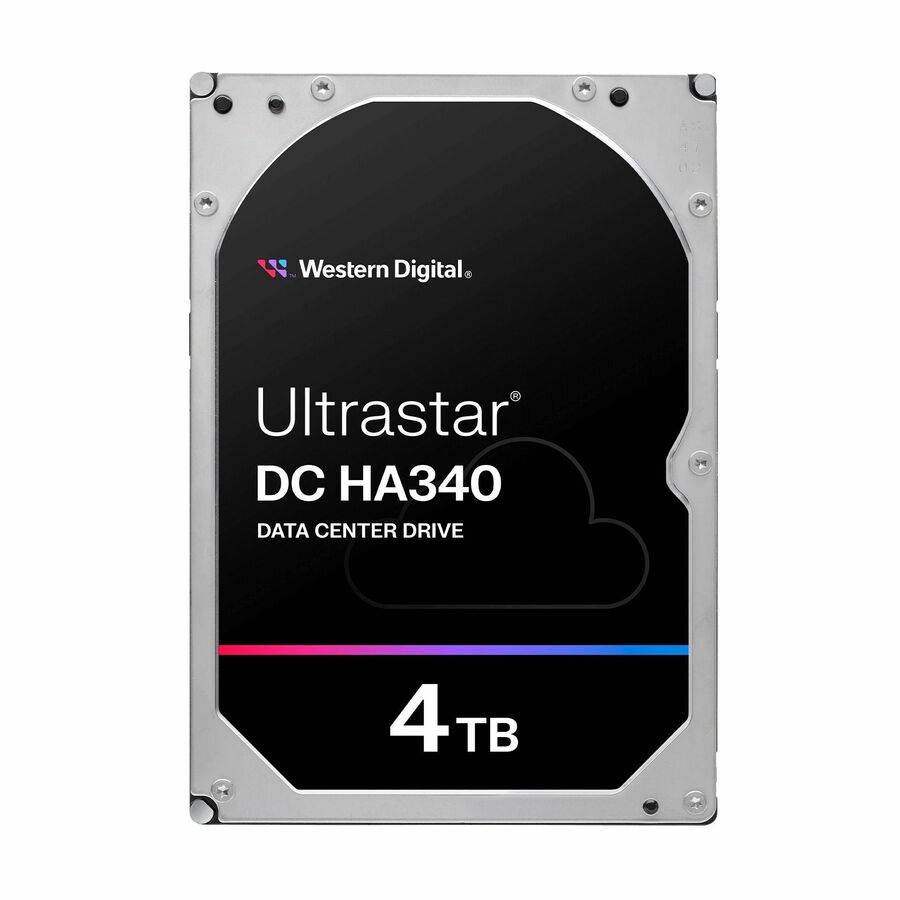
WD Ultrastar DC HA340 WUS721204BLE6L4 4 TB Hard Drive
0B47076
A 4 TB enterprise 3.5-inch SATA drive for a chassis whose bays are large but whose capacity requirement is not.
$307.53Back-ordered2.5-inch flash
Samsung
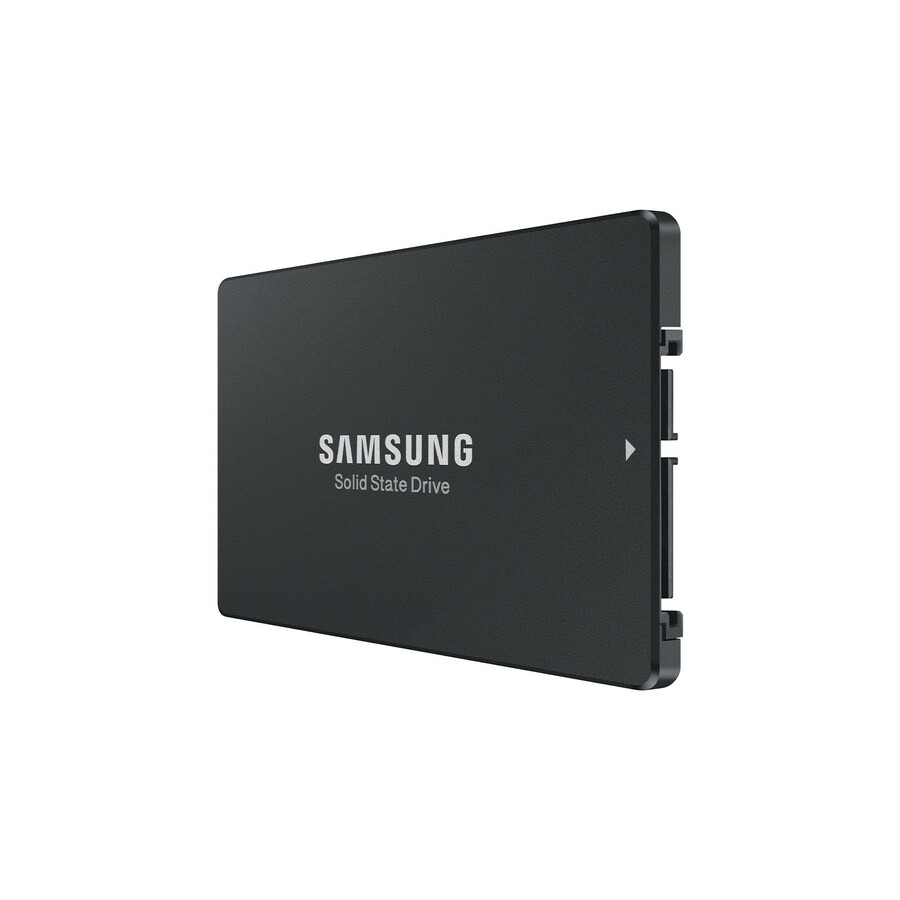
Samsung PM893 1.92 TB Solid State Drive
MZ-7L31T900
A 1.92 TB data-center SATA SSD in the 2.5-inch envelope, the form factor enterprise flash settled on.
Check the backplane protocol as well as the bay size — a U.2/U.3 NVMe bay is not a SAS/SATA bay.
$4,040.80In stockShop it at Uniqcli
FAQ
Common questions
- Can I put a 2.5-inch drive in a 3.5-inch bay?
- Often yes, with a 2.5-to-3.5-inch adapter bracket or a tray that supports both, provided the connector type matches (SATA/SAS). The reverse is not possible: a 3.5-inch drive is physically too large to fit a 2.5-inch bay. Also confirm the backplane speaks the right protocol, since U.2/U.3 NVMe bays differ from plain SAS/SATA.
- Why do most SSDs come in 2.5-inch rather than 3.5-inch?
- Flash does not need the platter area of a spinning disk, so the smaller 2.5-inch envelope is sufficient and packs more devices per U. The industry standardized enterprise SSDs around 2.5-inch (U.2/U.3), alongside newer EDSFF and M.2 formats. Mainstream 3.5-inch SSDs are rare because the larger shell offers no benefit for flash.
- Which form factor gives more total capacity per rack unit?
- It depends on drive type and chassis. For HDDs, 3.5-inch can win on total capacity because each drive holds far more terabytes, and top-load JBODs pack many per U. For SSDs, 2.5-inch wins because it fits many high-capacity flash drives in the same space. Compare both per-drive capacity and bays-per-U for your specific chassis.
- Do 3.5-inch drives use more power and generate more heat?
- Per drive, yes: larger platters and motors draw more idle and active wattage than a 2.5-inch drive, so plan power and cooling accordingly. However, because a 3.5-inch drive holds more capacity, the picture can flip when measured per terabyte. Evaluate power both per drive and per usable terabyte for your workload.
- What are the standard hard drive form factors?
- Two, for internal drives: 3.5-inch and 2.5-inch, each defined by its own SNIA SFF specification. Everything else in a modern system is a flash form factor rather than a drive one — M.2 for board-mounted NVMe, and the EDSFF family for dense server flash. The 5.25-inch bay survives only for optical and tape. When a listing says a size, it is describing the mechanical envelope, not the interface or the protocol behind it.
- Why won't my 2.5-inch drive fit the server's 2.5-inch bay?
- Almost always thickness. The 2.5-inch specification allows a family of z-heights, and a 15 mm enterprise drive is physically taller than a 7 mm or 9.5 mm notebook drive, so it will not go into a slim bay or a tray sized for one. The reverse fits mechanically but can rattle without the right tray. Check the drive's height in millimetres against the chassis documentation before ordering, not just the words "2.5-inch".