
Best Seagate Enterprise SATA Drives for Data Center Arrays and NAS Fleets
3.5-inch internal SATA/600 nearline and NAS-class drives for storage arrays, JBOD shelves and multi-bay units — conventional magnetic recording, 7200rpm.
Seagate enterprise SATA drives in stock at Uniqcli
How to choose →A curated selection with live pricing — in-stock lines first, then back-ordered lines with a typical lead time. Every line is sourced through US distribution and screened for NDAA §889 status before checkout, with TAA verified on request.
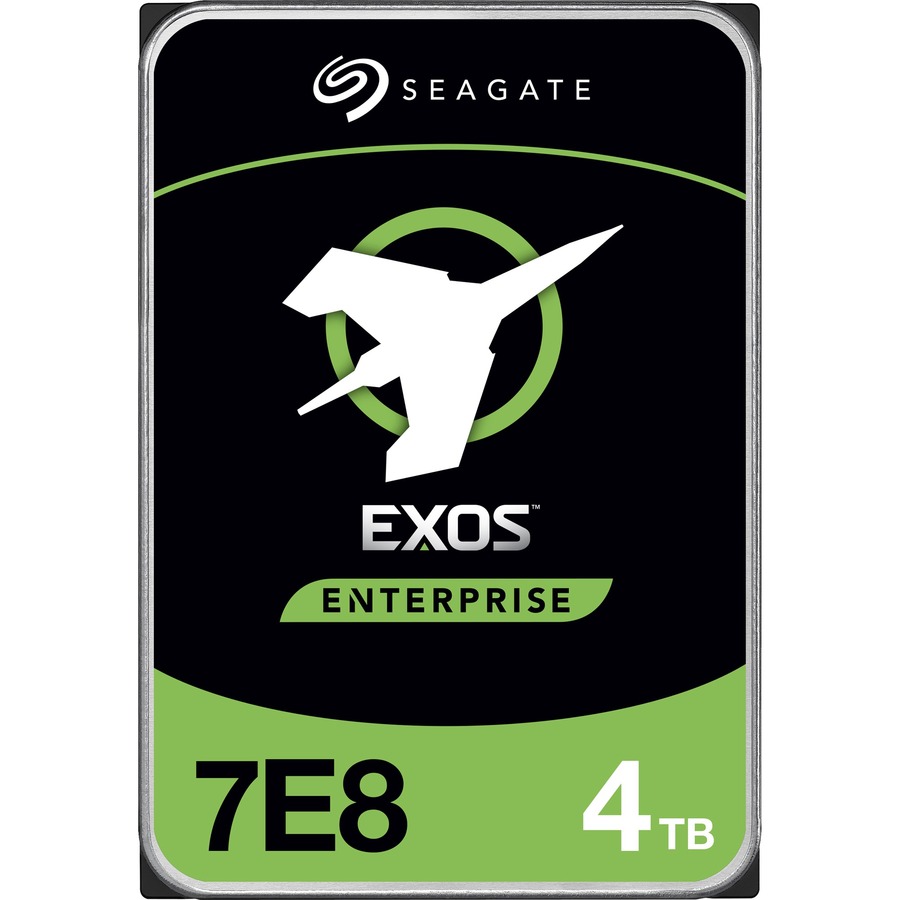
- Seagate TechnologySeagate Exos ST28000NM000C 28 TB Hard Drive - 3.5" Internal - SATA (SATA/600) - Conventional Magnetic Recording (CMR) Method - Data Center, Storage Array, Workstation, Server Device Supported - 7200rpm - Hot Pluggable - 512e Format - 6 Month WarrantyST28000NM000C
$1,021.79
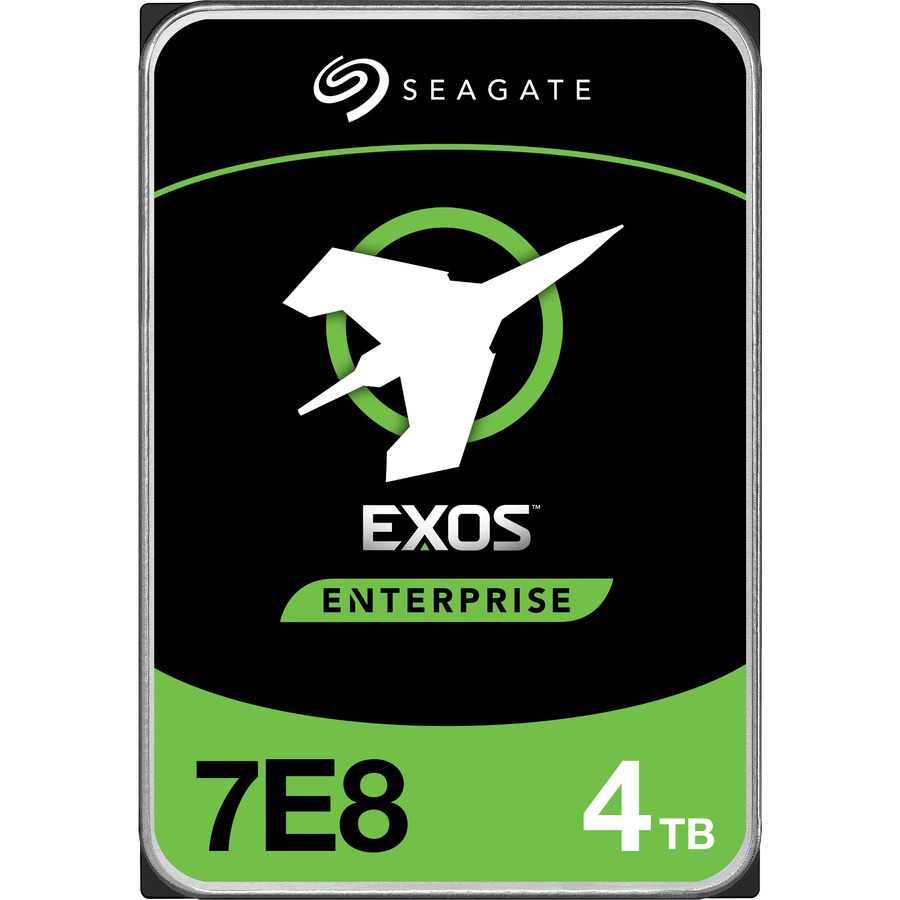
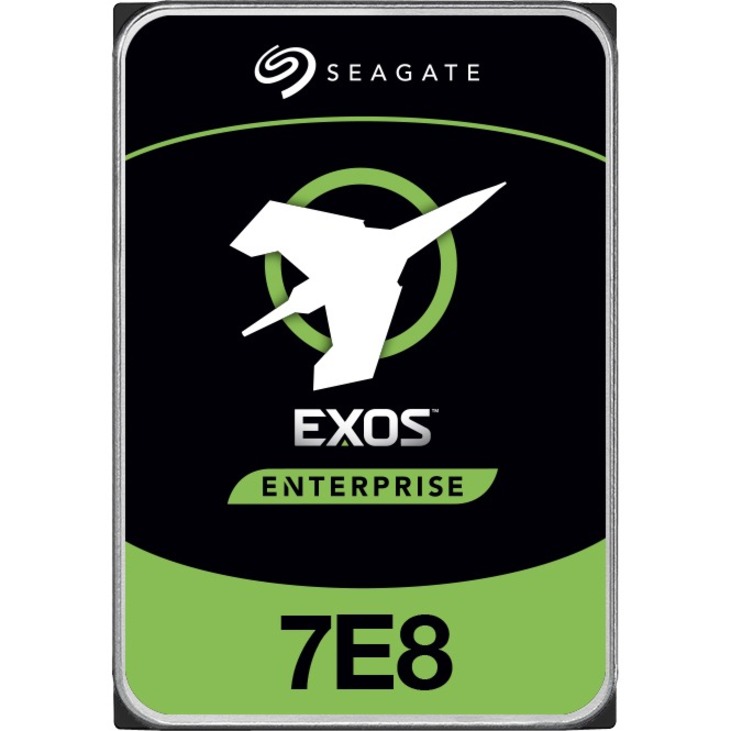
5 in stock - Seagate TechnologySeagate Exos 7E8 ST4000NM010A 4 TB Hard Drive - 3.5" Internal - SATA (SATA/600) - Storage System, Video Surveillance System Device Supported - 7200rpm - 512e Format - 5 Year WarrantyST4000NM010A
$1,435.56
Back-orderedBack-ordered — estimated OEM lead time 3–8 weeks (Nov 23 – Dec 28 if ordered today).
- Seagate TechnologySeagate IronWolf Pro ST8000NE001 8 TB Hard Drive - 3.5" Internal - SATA (SATA/600) - Conventional Magnetic Recording (CMR) Method - Storage System Device Supported - 7200rpm - Hot Pluggable - 512e FormatST8000NE001
$1,425.09
Back-orderedBack-ordered — estimated OEM lead time 3–8 weeks (Nov 23 – Dec 28 if ordered today).
Top pick
Seagate Technology
Seagate Exos ST24000NM000C 24 TB Hard Drive
ST24000NM000C
Twenty-four terabytes in a 3.5-inch internal SATA/600 drive at 7200rpm, conventional magnetic recording, 512e sector format and hot pluggable, listed for data center and storage array duty. The mid-point of the high-capacity family on this page, and the usual answer when a whole shelf is being filled with one part number.
$865.46Back-orderedHighest capacity
Seagate Technology
Seagate Exos ST28000NM000C 28 TB Hard Drive
ST28000NM000C
The largest capacity listed here at twenty-eight terabytes, 3.5-inch internal SATA/600, CMR, 7200rpm, 512e format and hot pluggable, listed for data center, storage array, workstation and server duty. Confirm the rebuild window your RAID level tolerates before standardizing a set on a member this size.
$1,021.79In stockVolume fleet standard
Seagate Technology
Seagate Exos ST22000NM000C 22 TB Hard Drive
ST22000NM000C
Twenty-two terabytes, 3.5-inch internal SATA/600, CMR, 7200rpm, 512e and hot pluggable, listed for data center and storage array duty. The entry point into this capacity family, and the part to weigh against the twenty-four terabyte member when the extra slot capacity is not what the design needs.
$793.98In stockMixed-format arrays
Seagate Technology
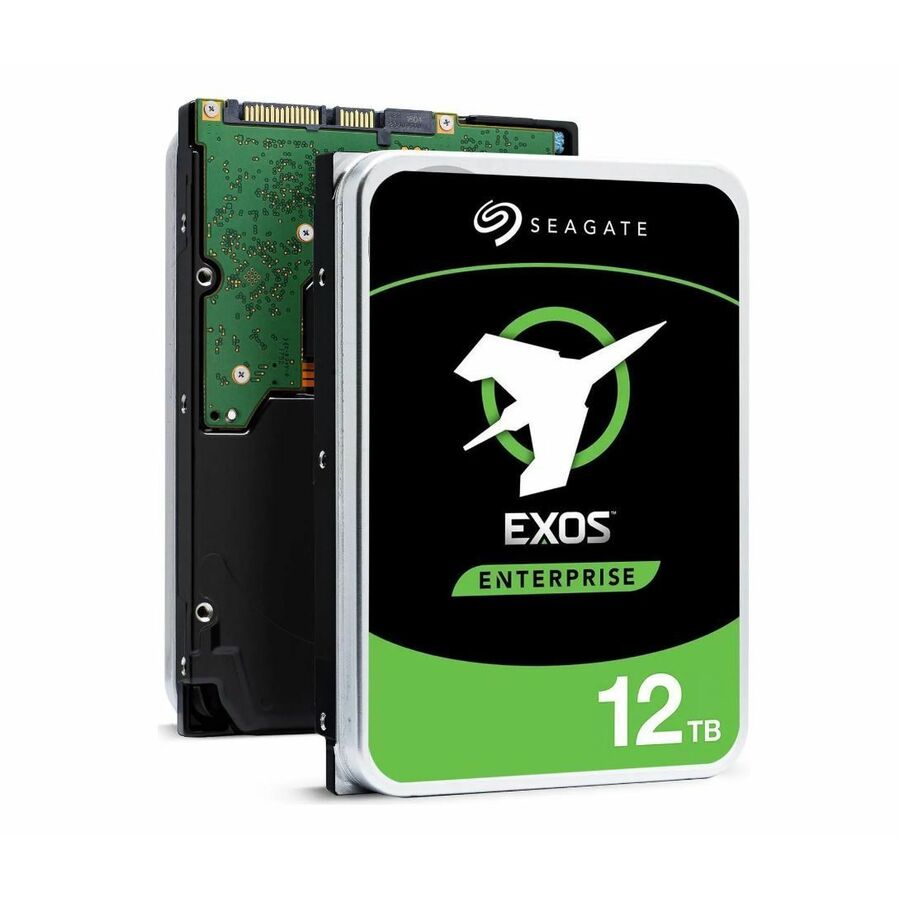
Seagate Exos X16 ST12000NM001G 12 TB Hard Drive
ST12000NM001G
Twelve terabytes on SATA/600 at 7200rpm, hot pluggable, in a 512e/4Kn format and carrying a five-year warranty term, listed for storage system duty. The part to reach for when the controller or the array expects native 4Kn sectors rather than 512-byte emulation.
$781.58In stockMid-capacity nearline
Seagate Technology
Seagate Exos 7E8 ST8000NM000A 8 TB Hard Drive
ST8000NM000A
Eight terabytes on internal SATA/600 at 7200rpm in 512e format with a five-year warranty term. A mid-capacity nearline member for shelves where the bay count rather than the individual drive is doing the capacity work.
$781.58In stockNative 512n member
Seagate Technology
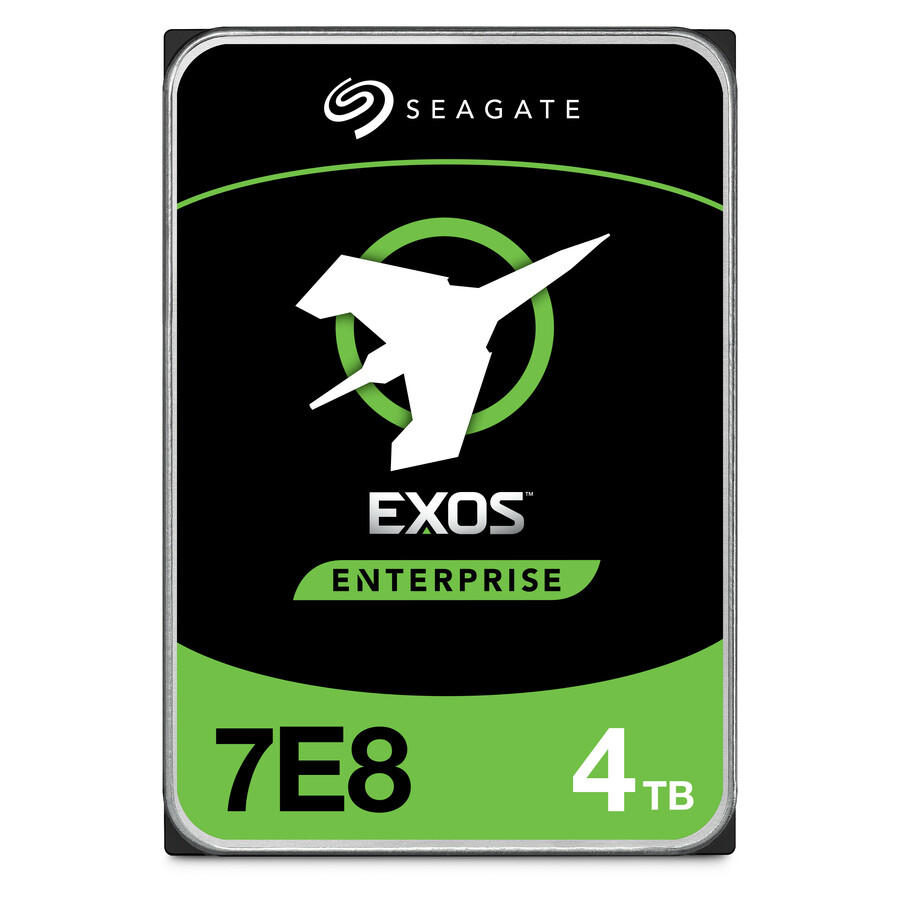
Seagate Exos 7E8 ST4000NM000A 4 TB Hard Drive
ST4000NM000A
Four terabytes, 3.5-inch internal SATA/600, 7200rpm, 512n sector format and a five-year warranty term, listed for storage system duty. The native-512 part for older arrays and controllers that were never qualified against emulated sectors.
$639.47In stockNAS Pro tier
Seagate Technology
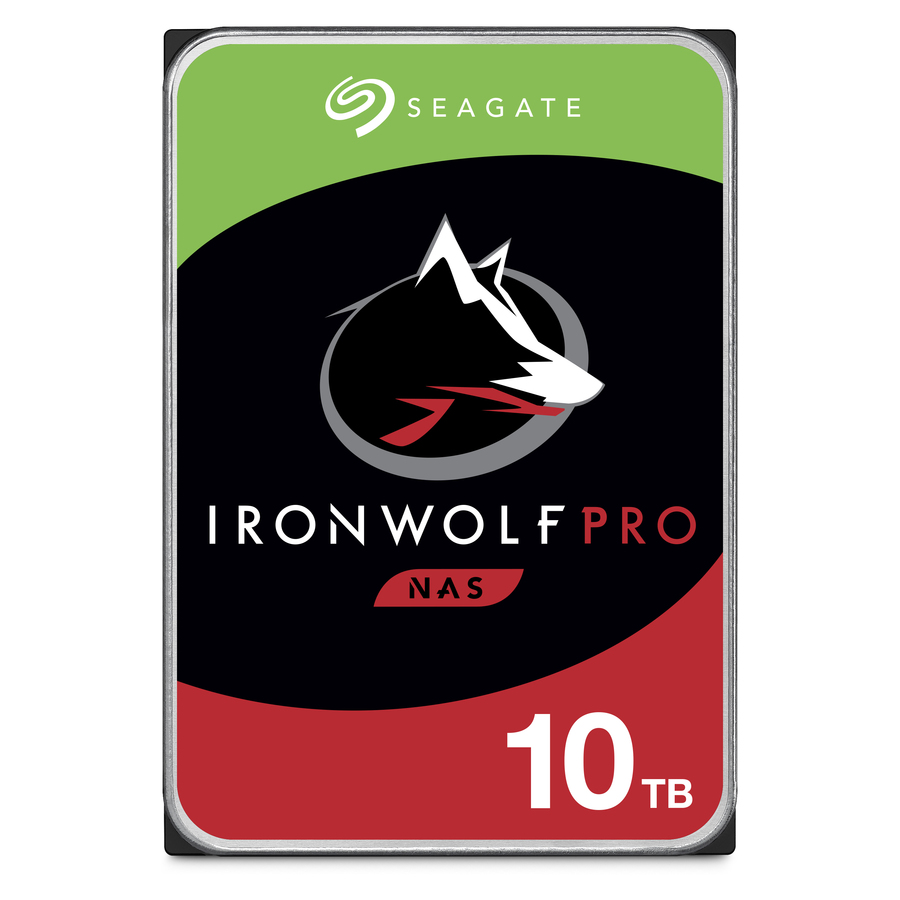
Seagate IronWolf Pro ST10000NT001 10 TB Hard Drive
ST10000NT001
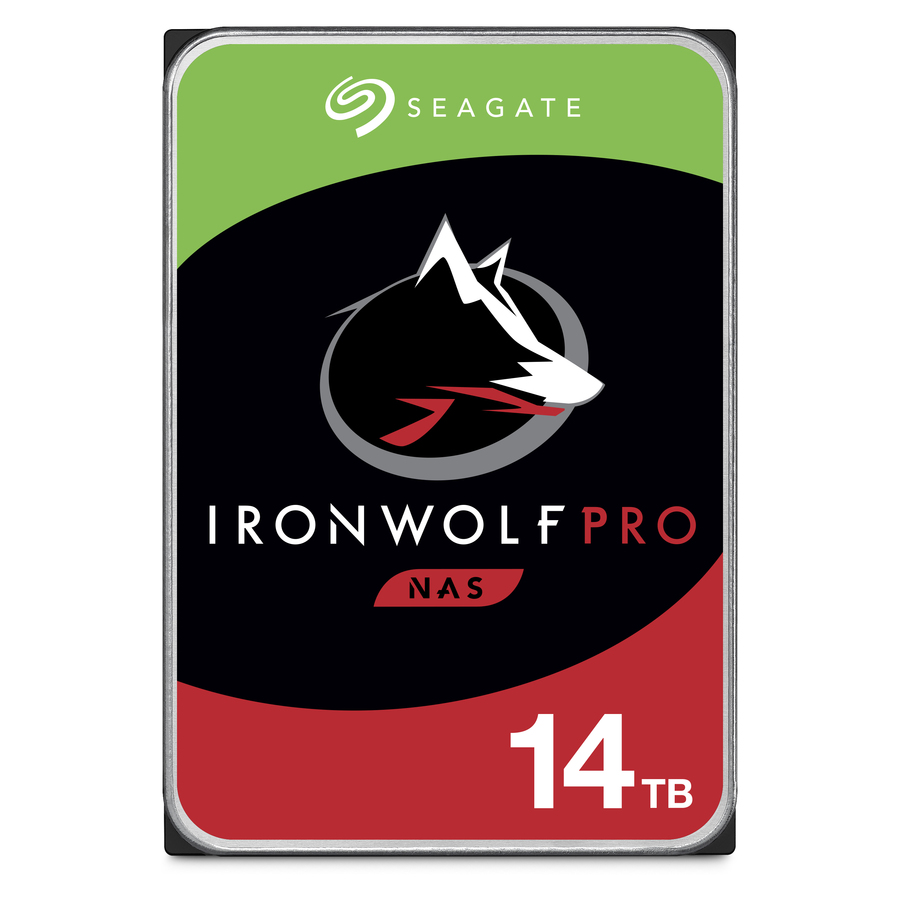
Ten terabytes of NAS-class storage on 3.5-inch internal SATA/600, conventional magnetic recording at 7200rpm, 512e format and a five-year warranty term, listed as supported in server and workstation devices as well as NAS. The Pro-tier choice for a busy multi-bay unit rather than a lightly loaded one.
$852.63In stockMulti-bay NAS
Seagate Technology
Seagate IronWolf ST8000VN0022 8 TB Hard Drive
ST8000VN0022
Eight terabytes of NAS-class storage, 3.5-inch internal SATA/600, conventional magnetic recording at 7200rpm, with a three-year warranty term. Sized for a workgroup multi-bay unit that runs continuously without carrying array-scale rebuild traffic.
$1,065.78In stockHigher-capacity NAS
Seagate Technology
Seagate IronWolf ST10000VN0008 10 TB Hard Drive
ST10000VN0008
Ten terabytes in the standard NAS line, 3.5-inch internal SATA/600, CMR at 7200rpm, three-year warranty term. The capacity step for a unit whose bay count is fixed and which has to hold more without changing chassis.
$760.27In stockCapacity growth member
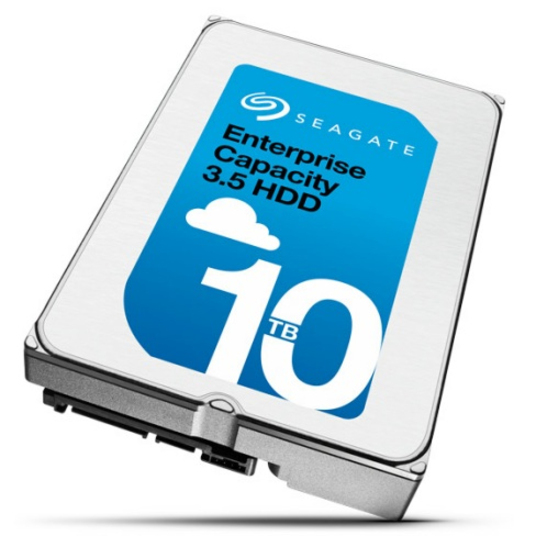
Seagate Technology
Seagate ST10000NM0146 10 TB Hard Drive
ST10000NM0146
Ten terabytes, 3.5-inch internal SATA/600 at 7200rpm with a five-year warranty term. A straightforward nearline member for adding capacity to an existing shelf whose controller is already qualified on SATA.
$710.53In stockArray refresh member
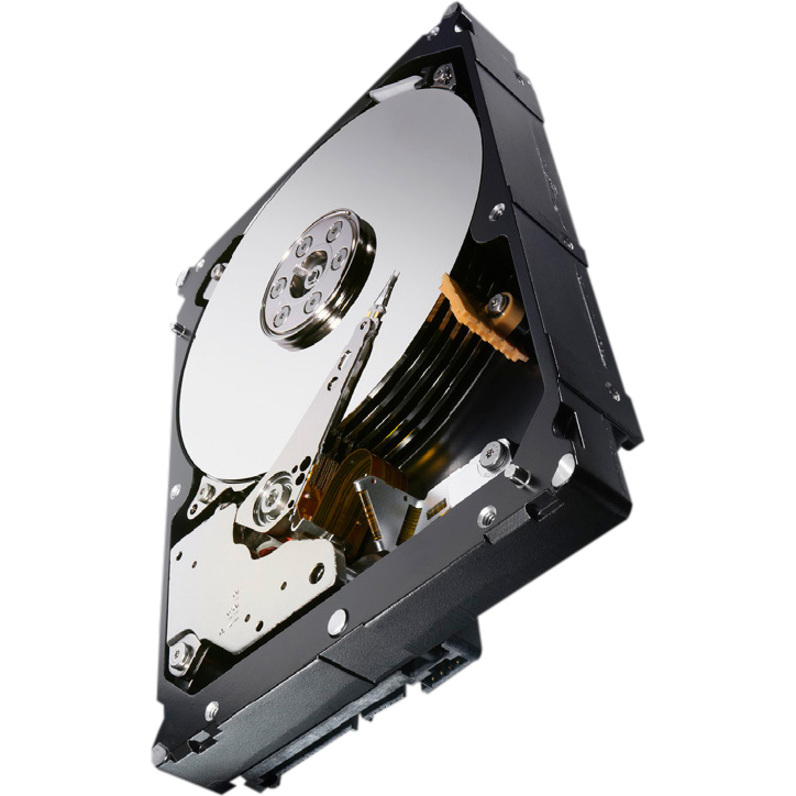
Seagate Technology
Seagate Constellation ES.3 ST4000NM0033 4 TB Hard Drive
ST4000NM0033
Four terabytes of nearline storage, 3.5-inch internal SATA/600 at 7200rpm with a five-year warranty term. The part to match when an older array is being refilled member by member and the drives already in the set are this generation.
$305.53In stockLike-for-like swap
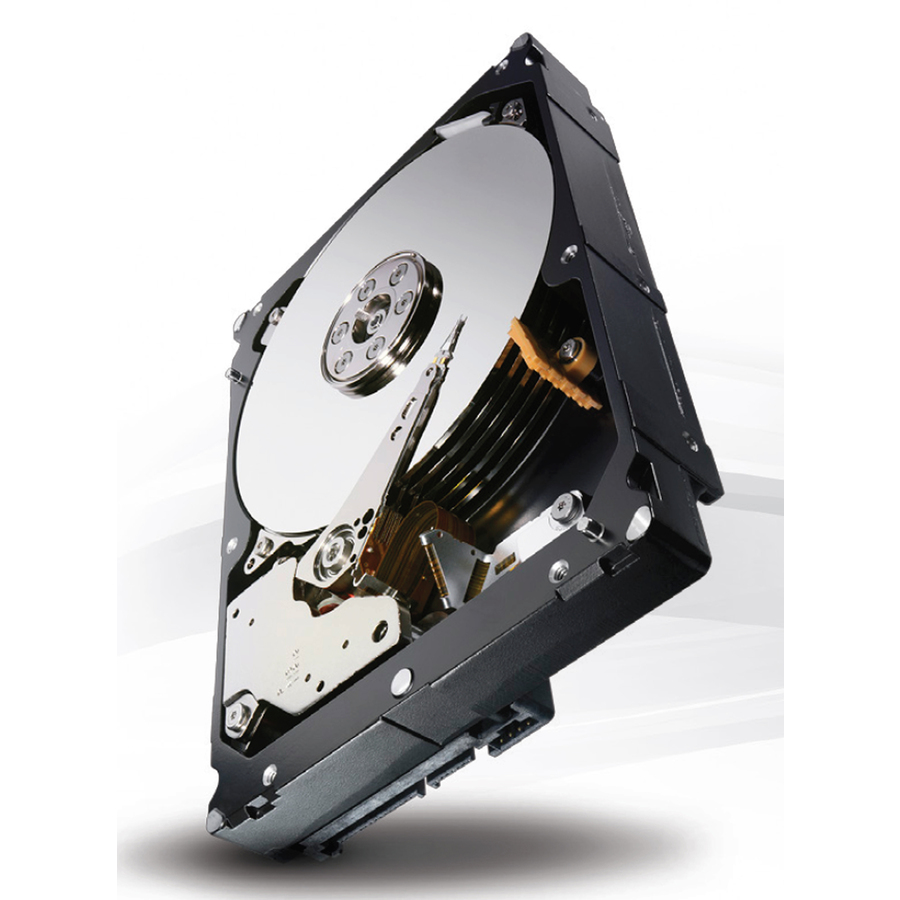
Seagate Technology
Seagate Constellation ES.3 ST3000NM0033 3 TB Hard Drive
ST3000NM0033
Three terabytes, 3.5-inch internal SATA/600 at 7200rpm with a five-year warranty term. The smallest nearline member listed here, and the like-for-like replacement for a shelf that was built at this capacity and is not being resized.
$234.47In stockMore drives and SSDs in the Uniqcli catalog
See all 9,677 drives and SSDsMore Seagate first — closest to what you were just looking at; “See all drives and SSDs” above opens every other brand in the category. In-stock lines lead, and a back-ordered line carries the same estimated availability its product page does — with live pricing throughout, NDAA §889 screening before checkout and TAA verified on request.
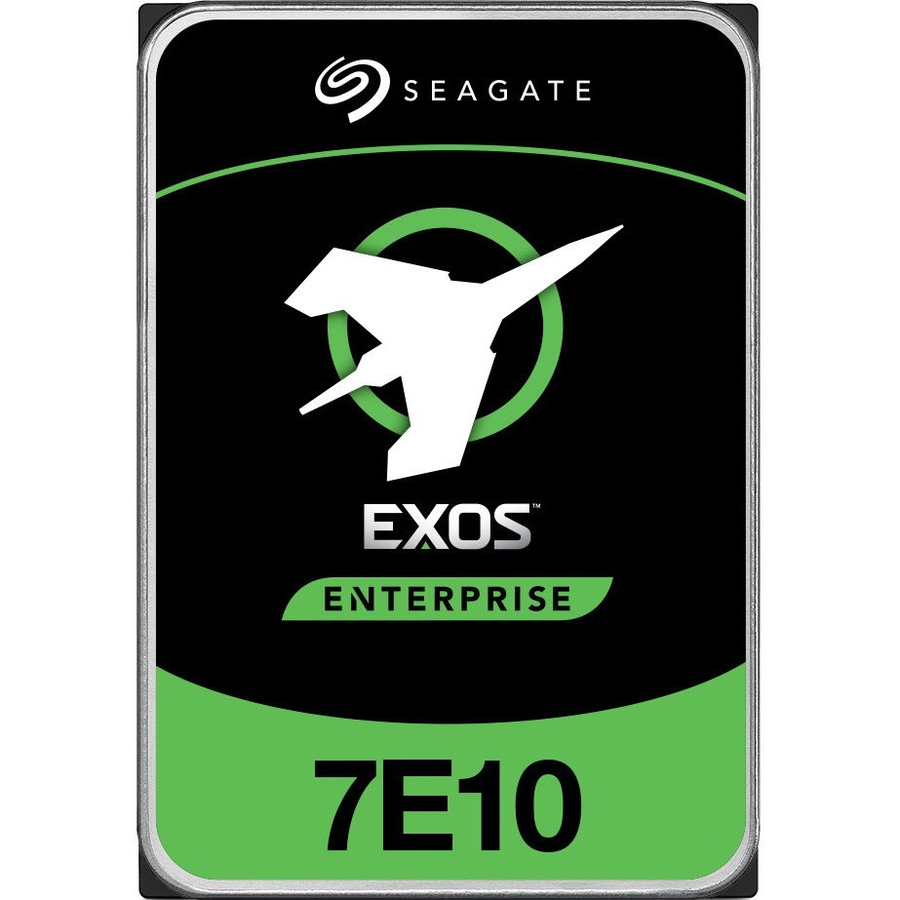
- Seagate TechnologySeagate Exos 7E10 ST8000NM017B 8 TB Hard Drive - Internal - SATA (SATA/600) - Storage System, Video Surveillance System Device Supported - 7200rpm - 512e/4Kn Format - 20ST8000NM017B-20PK
$8,999.80
$8,672.68
Back-orderedBack-ordered — estimated OEM lead time 3–8 weeks (Nov 23 – Dec 28 if ordered today).
- Seagate TechnologySeagate IronWolf Pro ST24000NT002 24 TB Hard Drive - Internal - SATA (SATA/600) - Conventional Magnetic Recording (CMR) Method - NAS, Server, Workstation Device Supported - 7200rpm - 550 TB TBW - 512e Format - 5 Year Warranty - 20ST24000NT002-20PK
$24,953.68
Back-orderedBack-ordered — estimated OEM lead time 3–8 weeks (Nov 23 – Dec 28 if ordered today).
- Seagate TechnologySeagate Exos X24 ST16000NM002H 16 TB Hard Drive - 3.5" Internal - SATA (SATA/600) - Conventional Magnetic Recording (CMR) Method - Storage Array Device Supported - 7200rpm - Hot Pluggable - 512e Format - 20ST16000NM002H-20PK
$16,825.27
Back-orderedBack-ordered — estimated OEM lead time 3–8 weeks (Nov 23 – Dec 28 if ordered today).
- Seagate TechnologySeagate Exos X24 ST12000NM001H 12 TB Hard Drive - 3.5" Internal - SATA (SATA/600) - Conventional Magnetic Recording (CMR) Method - Storage Array Device Supported - 7200rpm - Hot Pluggable - 512e/4Kn Format - 5 Year Warranty - 20 PackST12000NM001H-20PK
$12,789.47
Back-orderedBack-ordered — estimated OEM lead time 3–8 weeks (Nov 23 – Dec 28 if ordered today).
- Seagate TechnologySeagate Exos 7E10 ST10000NM017B 10 TB Hard Drive - Internal - SATA (SATA/600) - Storage System, Video Surveillance System Device Supported - 7200rpm - 512e/4Kn Format - 20 PackST10000NM017B-20PK
$10,231.58
Back-orderedBack-ordered — estimated OEM lead time 3–8 weeks (Nov 23 – Dec 28 if ordered today).
- Seagate TechnologySeagate Exos 7E10 ST10000NM019B 10 TB Hard Drive - Internal - SATA (SATA/600) - Storage System, RAID Controller, Video Surveillance System Device Supported - 7200rpm - 512e/4Kn Format - 5 Year Warranty - 20 PackST10000NM019B-20PK
$10,231.58
Back-orderedBack-ordered — estimated OEM lead time 3–8 weeks (Nov 23 – Dec 28 if ordered today).
- Seagate TechnologySeagate Exos 7E10 ST4000NM000B 4 TB Hard Drive - Internal - SATA (SATA/600) - Storage System, RAID Controller, Video Surveillance System Device Supported - 7200rpm - 512n Format - 20ST4000NM000B-20PK
$5,973.24
Back-orderedBack-ordered — we expect to receive stock the week of Jan 25–31 and will process your delivery right after.
- Seagate TechnologySeagate Exos 7E10 ST4000NM006B 4 TB Hard Drive - Internal - SATA (SATA/600) - Storage System, Video Surveillance System Device Supported - 7200rpm - 512n Format - 20ST4000NM006B-20PK
$5,973.24
Back-orderedBack-ordered — estimated OEM lead time 3–8 weeks (Nov 23 – Dec 28 if ordered today).
- Seagate TechnologySeagate Exos 7E10 ST4000NM024B 4 TB Hard Drive - Internal - SATA (SATA/600) - Storage System, Video Surveillance System, RAID Controller Device Supported - 7200rpm - 512e/4Kn Format - 20ST4000NM024B-20PK
$5,972.33
Back-orderedBack-ordered — estimated OEM lead time 3–8 weeks (Nov 23 – Dec 28 if ordered today).
- Seagate TechnologySeagate Exos 7E10 ST4000NM026B 4 TB Hard Drive - Internal - SATA (SATA/600) - Conventional Magnetic Recording (CMR) Method - Storage System, RAID Controller, Video Surveillance System Device Supported - 7200rpm - 512e/4Kn Format - 20ST4000NM026B-20PK
$5,968.42
Back-orderedBack-ordered — estimated OEM lead time 3–8 weeks (Nov 23 – Dec 28 if ordered today).
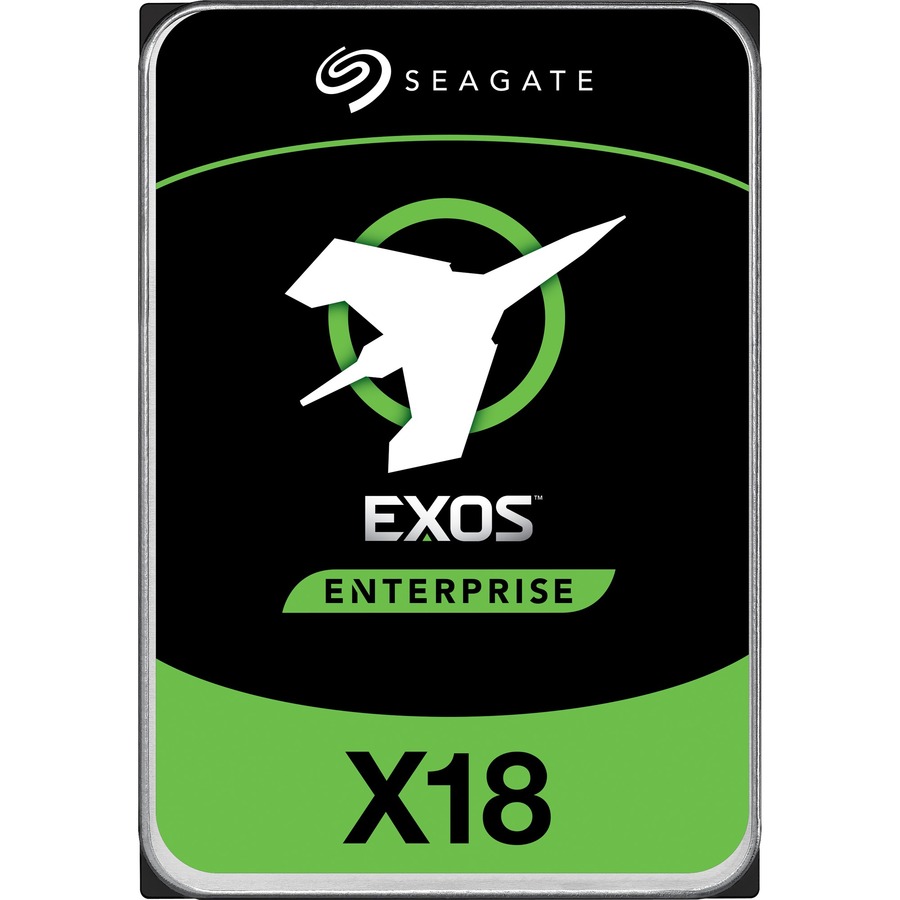
- Seagate TechnologySeagate Exos X18 ST10000NM018G 10 TB Hard Drive - Internal - SATA (SATA/600) - Conventional Magnetic Recording (CMR) Method - Storage System, Video Surveillance System Device Supported - 7200rpm - Hot Pluggable - 512e FormatST10000NM018G
$5,648.68
Back-orderedBack-ordered — estimated OEM lead time 3–8 weeks (Nov 23 – Dec 28 if ordered today).
- Seagate TechnologySeagate Exos X16 ST12000NM003G 12 TB Hard Drive - Internal - SATA (SATA/600) - Storage System Device Supported - 7200rpm - 245 MB/s Maximum Read Transfer Rate - Hot Pluggable - 512e/4Kn Format - 5 Year WarrantyST12000NM003G
$4,819.58
Back-orderedBack-ordered — estimated OEM lead time 3–8 weeks (Nov 23 – Dec 28 if ordered today).
- Seagate TechnologySeagate Exos X18 ST12000NM000J 12 TB Hard Drive - Internal - SATA (SATA/600) - Conventional Magnetic Recording (CMR) Method - Storage System, Video Surveillance System Device Supported - 7200rpm - 270 MB/s Maximum Read Transfer Rate - Hot Pluggable - 512e/4Kn Format - 5 Year WarrantyST12000NM000J
$4,567.67
Back-orderedBack-ordered — estimated OEM lead time 3–8 weeks (Nov 23 – Dec 28 if ordered today).
- Seagate TechnologySeagate Exos 7E10 ST6000NM000B 6 TB Hard Drive - Internal - SATA (SATA/600) - Storage System, Video Surveillance System Device Supported - 7200rpm - 512n Format - 5 Year WarrantyST6000NM000B
$3,701.19
Back-orderedBack-ordered — estimated OEM lead time 3–8 weeks (Nov 23 – Dec 28 if ordered today).
- Seagate TechnologySeagate Exos X16 ST16000NM003G 16 TB Hard Drive - Internal - SATA (SATA/600) - Storage System Device Supported - 7200rpm - Hot Pluggable - 512e/4Kn FormatST16000NM003G
$3,666.60
Back-orderedBack-ordered — estimated OEM lead time 3–8 weeks (Nov 23 – Dec 28 if ordered today).
- Seagate TechnologySeagate IronWolf Pro ST12000NE0008 12 TB Hard Drive - 3.5" Internal - SATA (SATA/600) - Conventional Magnetic Recording (CMR) Method - 7200rpm - Hot Pluggable - 512e Format - 5 Year WarrantyST12000NE0008
$2,923.32
Back-orderedBack-ordered — estimated OEM lead time 3–8 weeks (Nov 23 – Dec 28 if ordered today).
- Seagate TechnologySeagate Exos 7E8 ST4000NM016A 4 TB Hard Drive - 3.5" Internal - SATA (SATA/600) - 7200rpm - 512n FormatST4000NM016A
$2,106.66
Back-orderedBack-ordered — estimated OEM lead time 3–8 weeks (Nov 23 – Dec 28 if ordered today).
- Seagate TechnologySeagate IronWolf Pro ST10000NE0008 10 TB Hard Drive - 3.5" Internal - SATA (SATA/600) - Conventional Magnetic Recording (CMR) Method - 7200rpm - Hot Pluggable - 512e FormatST10000NE0008
$1,377.77
Back-orderedBack-ordered — estimated OEM lead time 3–8 weeks (Nov 23 – Dec 28 if ordered today).
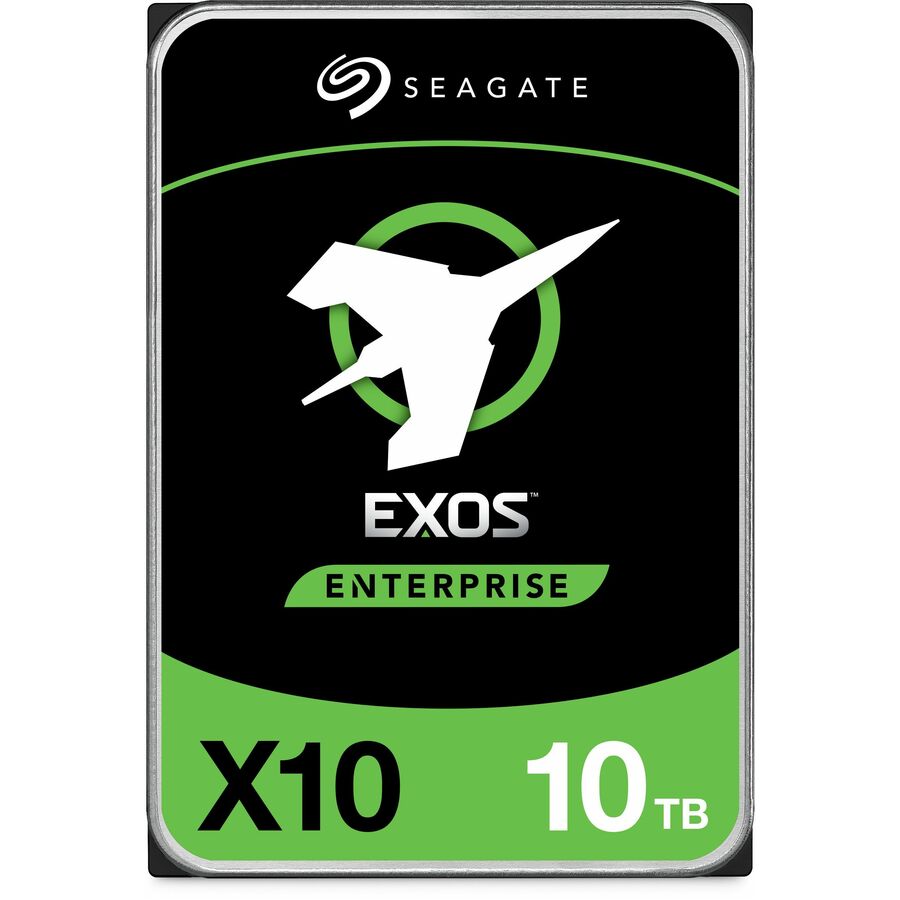
- Seagate TechnologySeagate Exos X10 ST10000NM0186 10 TB Hard Drive - 3.5" Internal - SATA (SATA/600) - Storage Array Device Supported - 7200rpm - Hot Pluggable - 4Kn Format - 5 Year WarrantyST10000NM0186
$1,353.71
Back-orderedBack-ordered — estimated OEM lead time 3–8 weeks (Nov 23 – Dec 28 if ordered today).
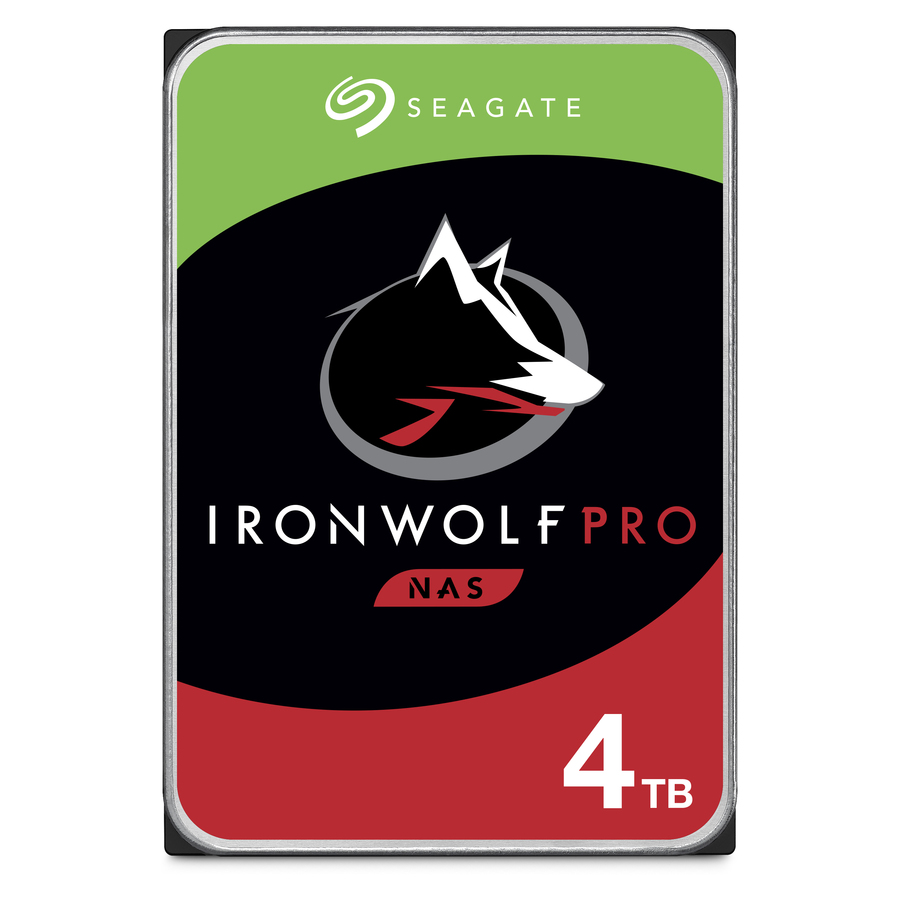
- Seagate TechnologySeagate IronWolf Pro ST4000NE001 4 TB Hard Drive - 3.5" Internal - SATA (SATA/600) - Conventional Magnetic Recording (CMR) Method - 7200rpm - Hot Pluggable - 512e Format - 5 Year WarrantyST4000NE001
$1,202.84
Back-orderedBack-ordered — estimated OEM lead time 3–8 weeks (Nov 23 – Dec 28 if ordered today).
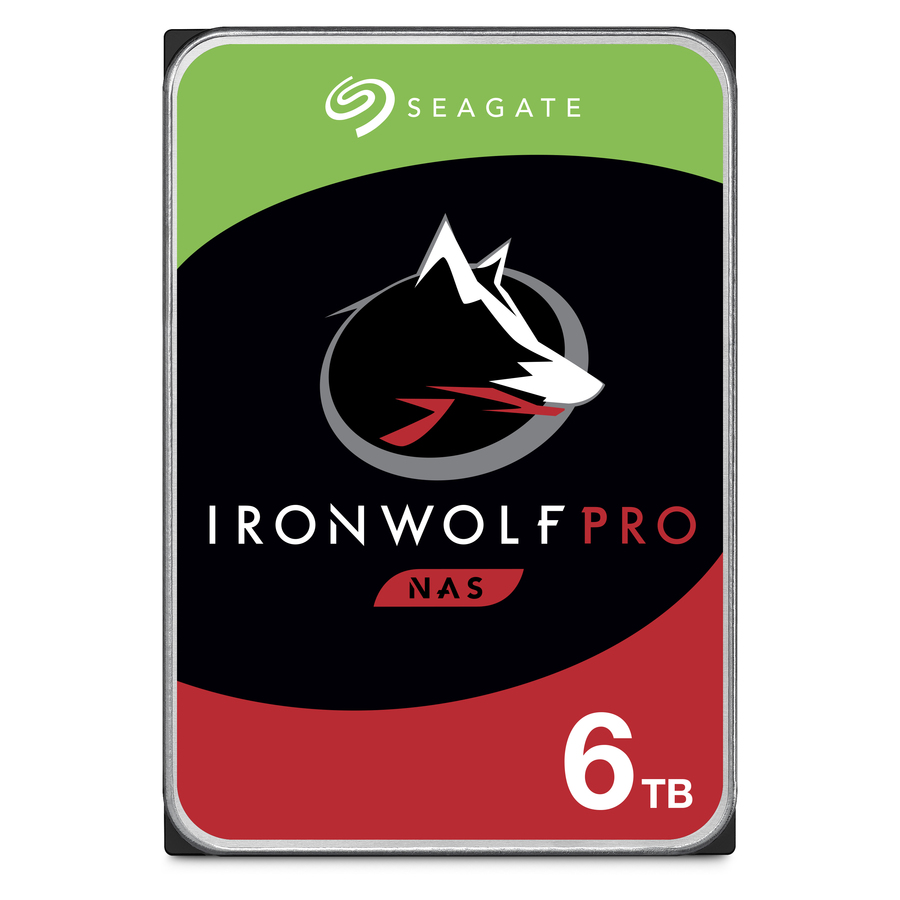
- Seagate TechnologySeagate IronWolf Pro ST6000NE000 6 TB Hard Drive - 3.5" Internal - SATA (SATA/600) - Conventional Magnetic Recording (CMR) Method - Storage System Device Supported - 7200rpm - Hot Pluggable - 512e FormatST6000NE000
$1,052.39
Back-orderedBack-ordered — estimated OEM lead time 3–8 weeks (Nov 23 – Dec 28 if ordered today).
- Seagate TechnologySeagate Exos ST26000NM000C 26 TB Hard Drive - 3.5" Internal - SATA (SATA/600) - Conventional Magnetic Recording (CMR) Method - Data Center, Storage Array Device Supported - 7200rpm - Hot Pluggable - 512e Format - 6 Month WarrantyST26000NM000C
$948.79
Back-orderedBack-ordered — estimated OEM lead time 3–8 weeks (Nov 23 – Dec 28 if ordered today).
- Seagate TechnologySeagate Exos 7E8 ST2000NM001A 2 TB Hard Drive - Internal - SATA (SATA/600) - 7200rpm - 512e Format - 5 Year WarrantyST2000NM001A
$922.32
Back-orderedBack-ordered — estimated OEM lead time 3–8 weeks (Nov 23 – Dec 28 if ordered today).
- Seagate TechnologySeagate Exos ST24000NM000C 24 TB Hard Drive - 3.5" Internal - SATA (SATA/600) - Conventional Magnetic Recording (CMR) Method - Data Center, Storage Array Device Supported - 7200rpm - Hot Pluggable - 512e Format - 6 Month WarrantyST24000NM000C
$865.46
Back-orderedBack-ordered — estimated OEM lead time 3–8 weeks (Nov 23 – Dec 28 if ordered today).
Need pricing on Seagate enterprise SATA drives?
Tell us where to reach you and a Uniqcli specialist will follow up by email with current pricing, availability and lead time for the quantities you need — including parts that aren’t shown on this page.
Buying for an organization or for yourself — both work. No payment up front.
An array member is bought differently from a disk. A workstation drive is chosen once, for one machine, and its failure is an inconvenience to one user; a member of a shelf is chosen for a population, and its behaviour under a rebuild, its sector format and its firmware generation all become properties of the whole array rather than of the one part. That is why this page is scoped to the SATA drives built for that seat, and why the first questions below are about the enclosure and the RAID level rather than about terabytes.
Four fields settle most of the decision, and all four are printed on the individual part number rather than on the product family. Recording method decides how the drive behaves when a parity set is rebuilding, which is why conventional magnetic recording is the property to confirm before a drive is put into an array at all. Sector format — 512n, 512e or 4Kn — has to agree with what the controller and the operating system expect, and it has to stay consistent across a set and across the refresh that follows it. Rotational speed and the device classes the part lists tell you which seat the manufacturer built it for. And the warranty term varies more inside one class than buyers expect, so it is read per part number here rather than assumed from the family name.
Capacity is the last question, not the first, because it is the one that trades against rebuild exposure. A larger member consolidates more storage into each slot and lowers the per-terabyte cost of power, cooling and shelf space, and it also lengthens the window during which a degraded parity set is running without its redundancy. That trade is settled by the RAID level and the recovery time the workload can tolerate, not by the price per terabyte on its own. The selection below is what Uniqcli currently carries in this class with live pricing on each card, and where a deployment needs a matched set, a quantity or a part that is not shown, the quote path takes the array model and the bay count and comes back with pricing and lead times together.
Buyer's checklist
How to choose an enterprise SATA drive for an array
- Start from the enclosure, not the drive: confirm the backplane speaks SATA rather than SAS, and confirm the bay form factor, before any capacity question is asked.
- Confirm conventional magnetic recording on the specific part number before it goes into a parity set — recording method is what decides how the drive behaves during a rebuild.
- Read the sector format (512n, 512e or 4Kn) against what the controller and the operating system expect, and keep it consistent across the whole set and the refresh after it.
- Size the member to the rebuild window your RAID level can tolerate, not to the raw capacity you want — a larger drive lengthens the period the set runs degraded.
- Match the class to the duty: nearline and data-center parts for continuous array load, NAS-class parts for multi-bay units, and the Pro tier where the unit is busy rather than lightly loaded.
- Check whether the part lists hot-plug support if the chassis expects members to be replaced without a shutdown.
- Read the warranty term on the part number itself rather than inferring it from the product line, and match it to how long the array is expected to stay in service.
- Standardize on as few part numbers as the design allows, so spares, firmware qualification and technician instructions stay uniform across the estate.
Array members, NAS bays and the difference between them
A nearline drive is built for the storage array's own duty cycle: continuous load, a chassis full of neighbours vibrating against each other, and a controller that expects the member to answer predictably rather than to retry indefinitely when it hits a bad sector. Those are the parts that list data center, storage array or storage system among their supported devices, and they are what belongs in a JBOD shelf, a backup repository or an object store, where the array rather than any one drive is the unit of resilience.
A NAS-class drive answers a related but different problem. The multi-bay unit a workgroup or a media team runs is always on, but the chassis is smaller, the neighbour count is lower and the workload is closer to a working set than to a scan of everything. Within that class the Pro tier exists for the busier and larger of those units, and the ordinary tier for the ones that are on continuously without being hammered. Reading the device classes printed on the specific part is the fastest way to tell which seat the manufacturer built it for.
The failure this section exists to prevent is the quiet one: a desktop or laptop-class disk specified into a multi-bay chassis because it met the capacity and the budget line. It will meet the number and miss the duty, and the array will report the difference months later as a member that dropped out under load rather than as a purchasing decision that was made on the wrong axis.
Deploying a matched set across a shelf
A wall of high-capacity spindles brings deployment concerns no single drive's spec sheet flags. Dense enclosures draw a large inrush at power-on, so confirm that the chassis and the drives negotiate staggered spin-up before a full shelf is switched on for the first time. Keep the sector format identical across the set, because a mixed 512e and 4Kn population inside one array surfaces as alignment and compatibility trouble long after the drives are racked and carrying data.
Diversify the production batches inside a single array where the order size allows it, so one systemic early-life fault cannot take several members at once. Qualify the firmware generation against the controller before the order rather than after, and keep a spare pool sized to the redundancy design — on a parity set the difference between a same-day swap and a two-week procurement cycle is the difference between a maintenance task and an exposure window. Where a rollout has to arrive as a matched set rather than as whatever is on the shelf that week, say so on the quote request and it is planned as one order instead of several.
What the array costs across its service life
At fleet scale the meaningful figure is cost per terabyte across the years the array stays in service, not the line price of one member. Larger members consolidate more storage into each slot, which lowers the per-terabyte draw on power and cooling and defers the capital cost of adding shelves, racks and circuits. Set against that is rebuild exposure, which grows with member size, and the fact that a shelf standardized on a very large capacity is harder to grow in small increments later.
The second lifecycle item is the warranty term, and it is the one most often assumed rather than read. Terms vary inside a single product class here, so match the term on the exact part number to the years the array is planned to run; a mid-life replacement that falls outside the term is an unbudgeted event rather than a warranty claim. Where an array is being refreshed rather than built, sending the existing member's part number with the quote request is usually faster than describing the chassis, because the replacement has to match the sector format and the interface of the drives already in the set.
FAQ
Common questions
- What makes a drive an enterprise SATA drive rather than a desktop one?
- The seat it was built for, which shows up in four places on the part number itself: the device classes it lists as supported (data center, storage array, storage system, server), the recording method, the sector format it exposes, and whether it lists hot-plug support. Enterprise nearline parts are specified for continuous load in a chassis full of neighbouring drives, and for predictable behaviour under a parity rebuild. A desktop drive can hold the same number of terabytes and still be the wrong part for that seat — the capacity matches and the duty cycle does not.
- Do I need SATA or SAS for my array?
- Whatever the backplane and controller in front of the bays support, which is a fact about the enclosure rather than a preference. This page is scoped to SATA/600 drives, which fit standard servers, most storage systems that expose SATA bays, and multi-bay NAS units. Dual-port SAS is a different interface for enterprise arrays and dense JBOD chassis that are wired for it, and those parts sit on the wider Seagate drive guide linked below. If you are unsure which the chassis presents, send the array or server model with a quote request and it can be confirmed before anything is ordered.
- Why does the recording method matter so much for RAID?
- Because it changes how the drive behaves when the array is rebuilding rather than how fast it is on a normal day. Conventional magnetic recording writes tracks that do not overlap, so a rewrite is a rewrite; the shingled alternative overlaps tracks and can therefore have to read and rewrite a neighbouring band to service one write, which is exactly the pattern a parity rebuild generates for hours on end. That is why the drives on this page state the recording method on the part number, and why it is worth confirming before a member is added to an existing set.
- How do I check the warranty term on a specific drive?
- Read it on the individual part number rather than inferring it from the product line, because terms differ inside a single class here — some of the high-capacity members on this page carry a materially shorter term than the enterprise families they sit beside. Each product page states the term the manufacturer publishes for that exact part, and it is the field to check against how long the array is planned to stay in service. If the term matters to the decision, name it on the quote request and it will be confirmed for the specific parts being quoted.
- Can Uniqcli quote a matched set of drives for a shelf or a fleet refresh?
- Yes. Send the array or NAS model, the bay count and the quantity, and a rep comes back with pricing and lead times together on one quote rather than line by line. Where the set has to arrive together, or has to match the sector format and interface of drives already in service, say so on the request and include the part number of an existing member — that is usually faster than describing the chassis, and it is what lets the quote be built against the drives the array will actually accept.
Need Seagate enterprise SATA drives pricing?
Send a bill of materials or part numbers — we confirm stock and a below-market total, with TAA verified on request. No payment up front.