
Best Toshiba Drives for Enterprise Storage
Toshiba enterprise and NAS hard drives across MG-series SATA/SAS, N300, S300 surveillance and X300 performance lines, chosen by capacity, interface, rotational speed and the workload each is rated for.
Toshiba drives in stock at Uniqcli
How to choose →A curated selection with live pricing — in-stock lines first, then back-ordered lines with a typical lead time. Every line is sourced through US distribution and screened for NDAA §889 status before checkout, with TAA verified on request.
- ToshibaToshiba MG03SCA MG03SCA100 1 TB Hard Drive - 3.5" Internal - SAS (6Gb/s SAS) - 7200rpm - 5 Year WarrantyMG03SCA100
$130.99
$119.85
30 in stock - ToshibaToshiba MG03ACA MG03ACA100 1 TB Hard Drive - 3.5" Internal - SATA (SATA/600) - Storage System, Server Device Supported - 7200rpmMG03ACA100-RF
$142.93
$130.78
30 in stock - ToshibaToshiba DT01ACA DT01ACA100 1 TB Hard Drive - 3.5" Internal - SATA (SATA/600) - 7200rpm - 2 Year WarrantyHDKPC03
$168.42
$154.11
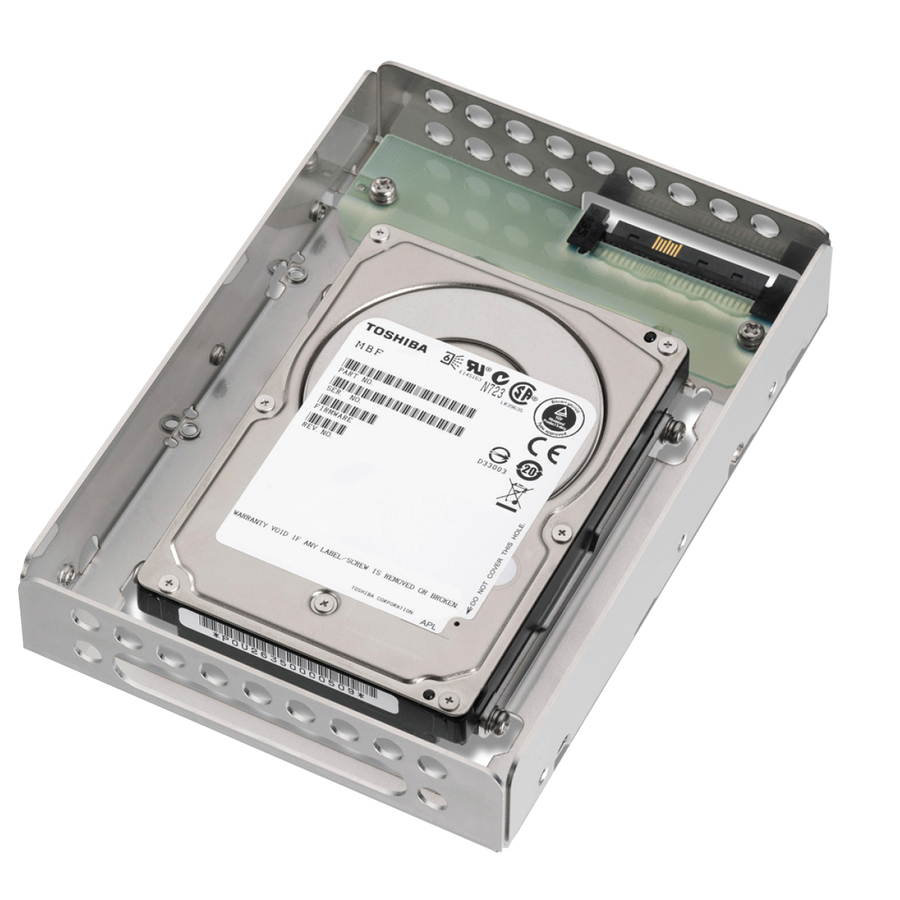
90 in stock - ToshibaToshiba MKxx01GRRB MK3001GRRB 300 GB Hard Drive - 2.5" Internal - SAS (6Gb/s SAS) - 15000rpm - 5 Year WarrantyMK3001GRRB
$168.42
$154.11
15 in stock - ToshibaToshiba DT01ACA DT01ACA200 2 TB Hard Drive - 3.5" Internal - SATA (SATA/600) - 7200rpm - 2 Year WarrantyDT01ACA200
$175.44
$160.53
8 in stock - ToshibaToshiba DT01ACA DT01ACA300 3 TB Hard Drive - 3.5" Internal - SATA (SATA/600) - 7200rpm - 2 Year WarrantyDT01ACA300
$350.88
$321.06
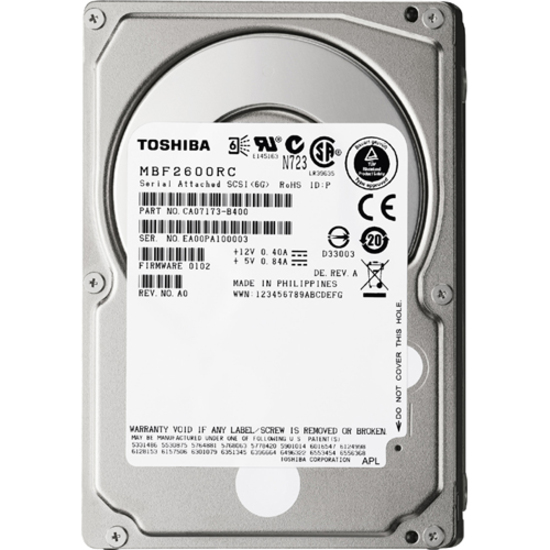
8 in stock - ToshibaToshiba MBF2-RC MBF2600RC 600 GB Hard Drive - 2.5" Internal - SAS (6Gb/s SAS) - 10025rpm - Hot SwappableMBF2600RC
$501.88
$459.22
3 in stock - ToshibaToshiba 12 TB Hard Drive - 3.5" Internal - SATA (SATA/600) - 7200rpmMG07ACA12TE
$854.86
$782.20
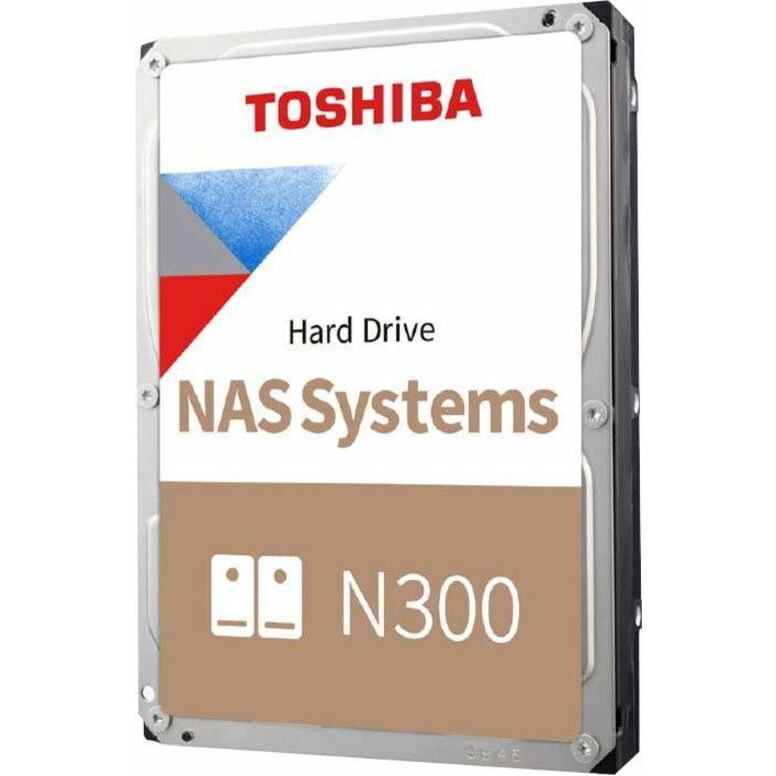
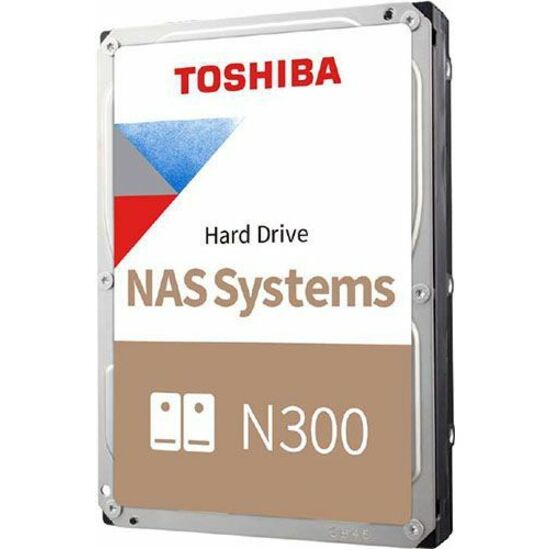
1 in stock - ToshibaToshiba N300 HDWG71AXZSTA 10 TB Hard Drive - 3.5" Internal - SATA (SATA/600) - Conventional Magnetic Recording (CMR) Method - NAS, Storage Server, Server, Cloud Storage Device Supported - 7200rpm - 281 MB/s Maximum Read Transfer Rate - 512e Format - RetailHDWG71AXZSTA
$1,181.50
$1,081.08
3 in stock - ToshibaToshiba N300 HDWG51CXZSTA 12 TB Hard Drive - 3.5" Internal - SATA (SATA/600) - Conventional Magnetic Recording (CMR) Method - NAS, Storage Server, Server, Cloud Storage Device Supported - 7200rpm - 281 MB/s Maximum Read Transfer Rate - 512e Format - RetailHDWG51CXZSTA
$1,500.48
$1,372.94
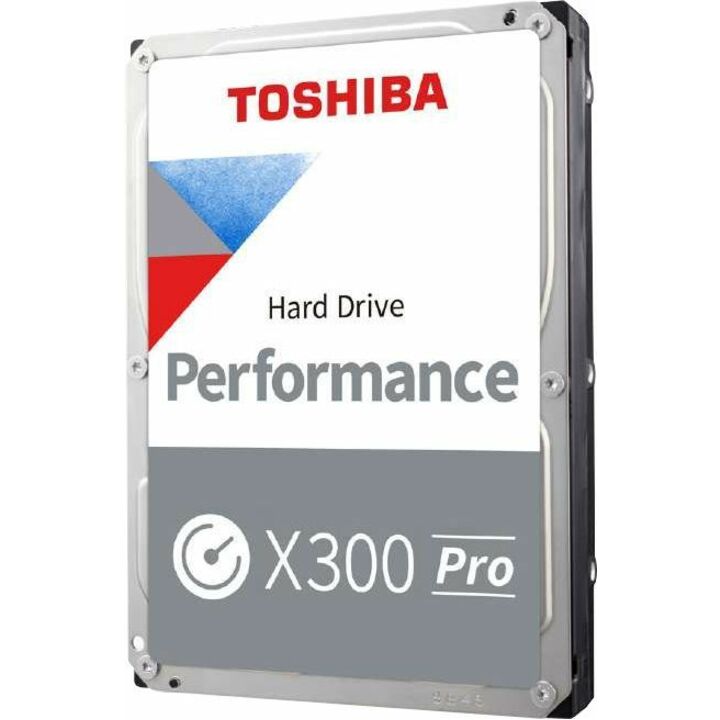
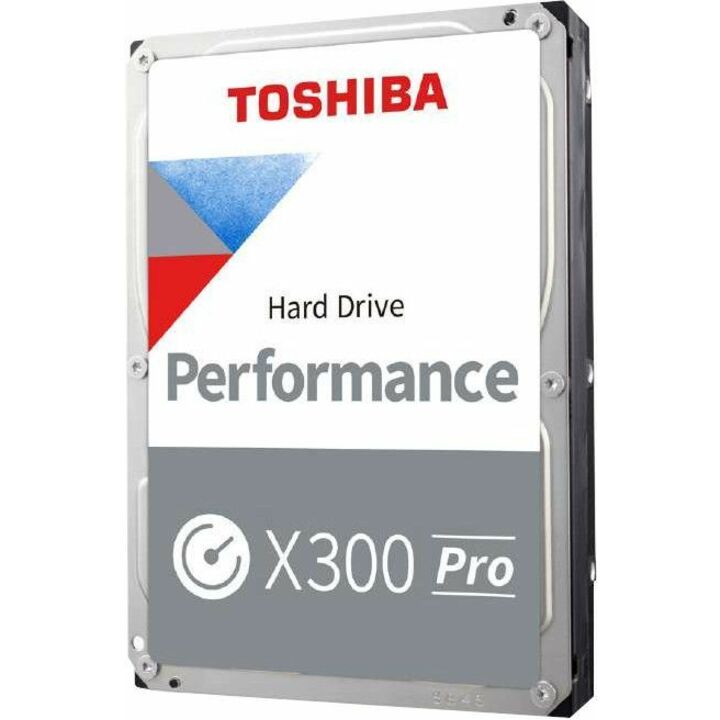
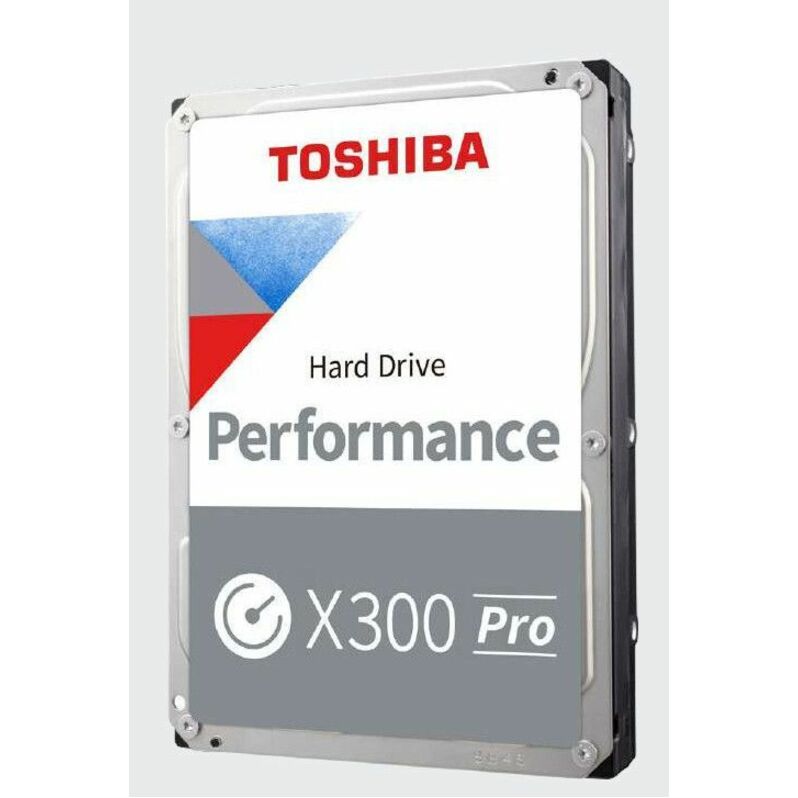
3 in stock - ToshibaToshiba Performance X300 Pro HDWR51JXZSTB 18 TB Hard Drive - 3.5" Internal - SATA (SATA/600) - Conventional Magnetic Recording (CMR) Method - Workstation, Gaming PC, Desktop PC Device Supported - 7200rpm - 300 TB TBW - 512e Format - 5 Year Warranty - RetailHDWR51JXZSTB
$2,138.44
$1,956.67
3 in stock - ToshibaToshiba AL13SX AL13SXB300N 300 GB Hard Drive - 2.5" Internal - SAS (6Gb/s SAS) - Server, Storage System Device Supported - 15000rpm - OEMAL13SXB300N-RF
$206.67
$189.10
Back-orderedBack-ordered — estimated OEM lead time 3–8 weeks (Nov 20 – Dec 25 if ordered today).
- ToshibaToshiba MG04ACA-N MG04ACA100N 1 TB Hard Drive - 3.5" Internal - SATA (SATA/600) - 7200rpmMG04ACA100N
$210.01
$192.16
Back-orderedBack-ordered — estimated OEM lead time 3–8 weeks (Nov 20 – Dec 25 if ordered today).
- ToshibaToshiba AL13SE AL13SEB900 900 GB Hard Drive - 2.5" Internal - SAS (6Gb/s SAS) - 10500rpm - 5 Year WarrantyAL13SEB900
$232.11
$212.38
Back-orderedBack-ordered — estimated OEM lead time 3–8 weeks (Nov 20 – Dec 25 if ordered today).
- ToshibaToshiba AL14SEBxxEx 1.20 TB Hard Drive - 2.5" Internal - SAS (12Gb/s SAS) - 10500rpmAL14SEB12EQ
$243.45
$222.76
Back-orderedBack-ordered — estimated OEM lead time 3–8 weeks (Nov 20 – Dec 25 if ordered today).
- ToshibaToshiba MQ01ABD 1 TB Hard Drive - 2.5" Internal - SATA (SATA/300) - 5400rpm - 1 Year WarrantyMQ01ABD100
$264.36
$241.89
Back-orderedBack-ordered — estimated OEM lead time 3–8 weeks (Nov 20 – Dec 25 if ordered today).
- ToshibaToshiba L200 1 TB Hard Drive - 2.5" Internal - SATA (SATA/600) - Notebook Device Supported - 5400rpm - BulkHDWL110UZSVA
$306.98
$280.88
Back-orderedBack-ordered — estimated OEM lead time 3–8 weeks (Nov 20 – Dec 25 if ordered today).
- ToshibaToshiba MQ01ABF MQ01ABF050 500 GB Hard Drive - 2.5" Internal - SATA (SATA/600) - 5400rpm - 3 Year WarrantyMQ01ABF050
$365.21
$334.17
Back-orderedBack-ordered — estimated OEM lead time 3–8 weeks (Nov 20 – Dec 25 if ordered today).
- ToshibaToshiba MQ01ACF050 500 GB Hard Drive - 2.5" Internal - SATA (SATA/600) - 7278rpmMQ01ACF050
$385.96
$353.15
Back-orderedBack-ordered — estimated OEM lead time 3–8 weeks (Nov 20 – Dec 25 if ordered today).
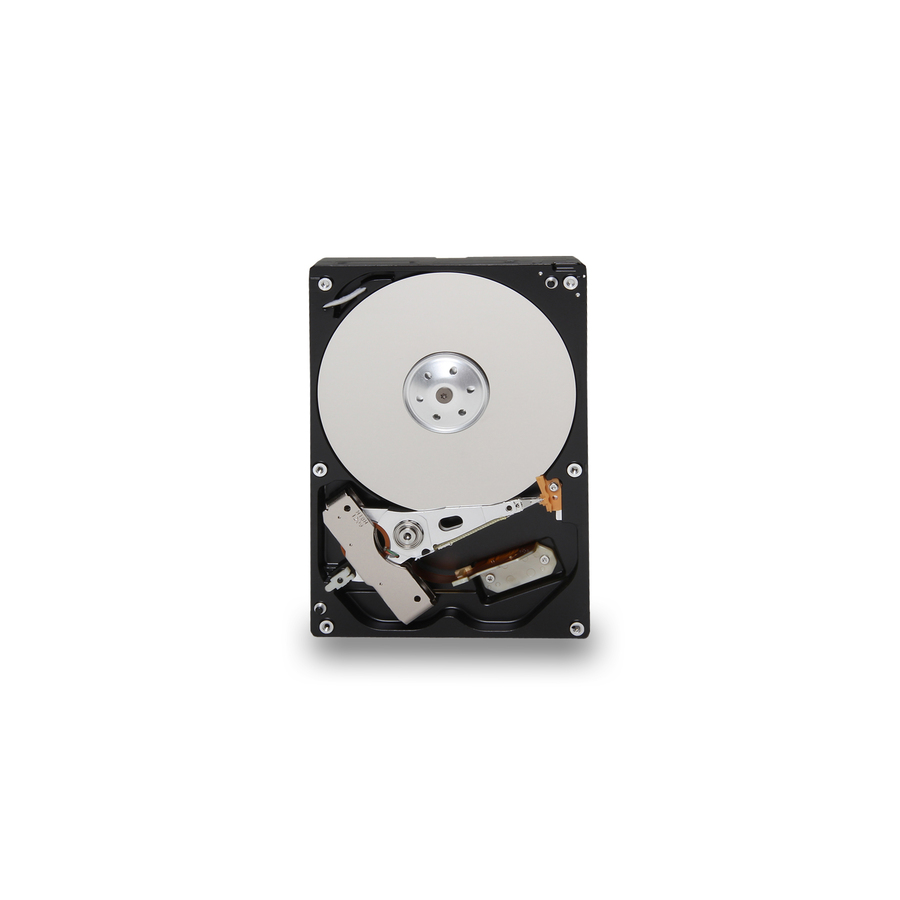
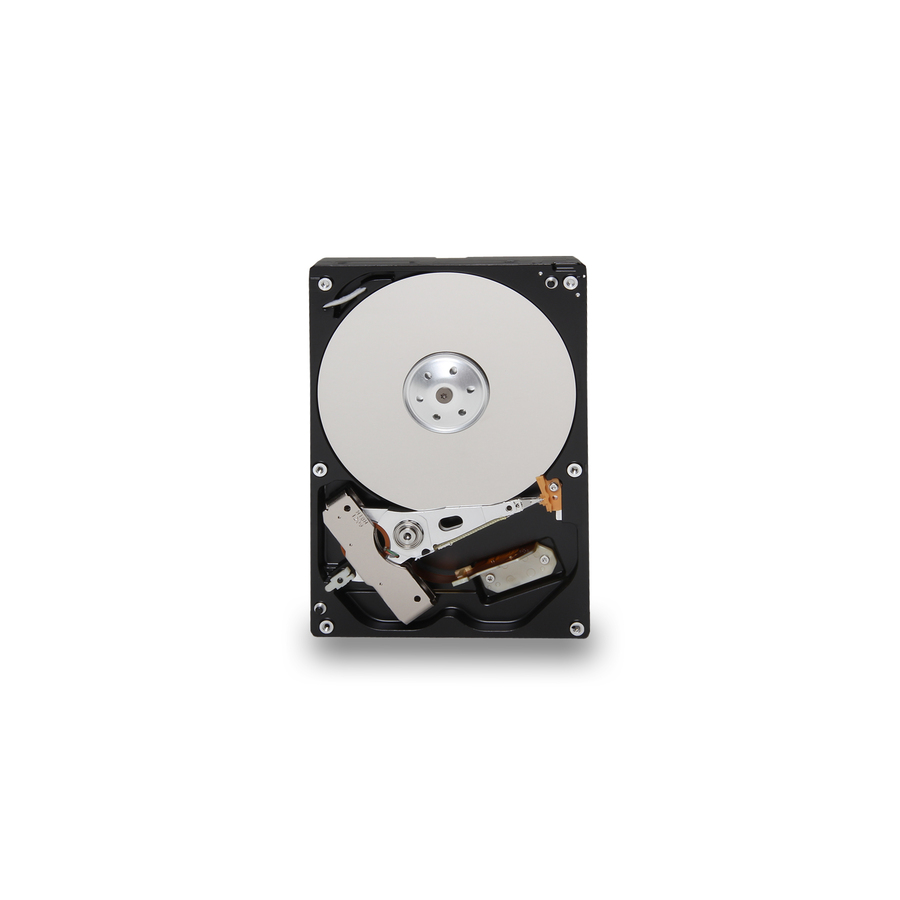
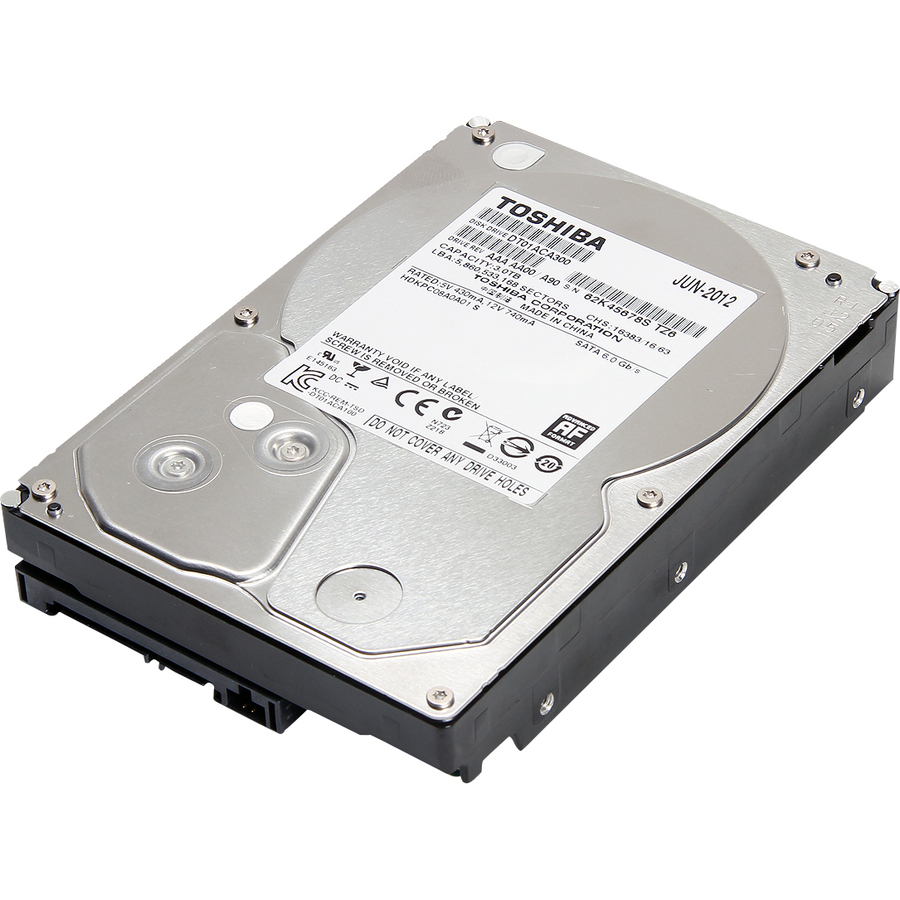
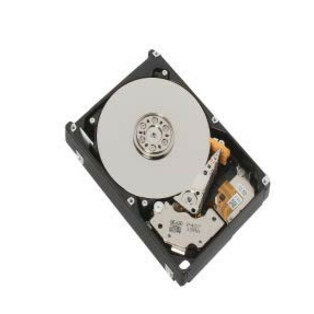
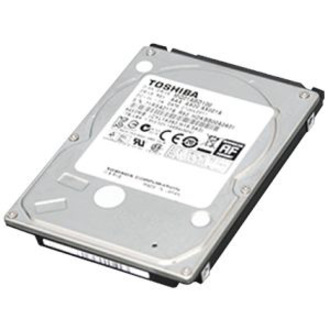
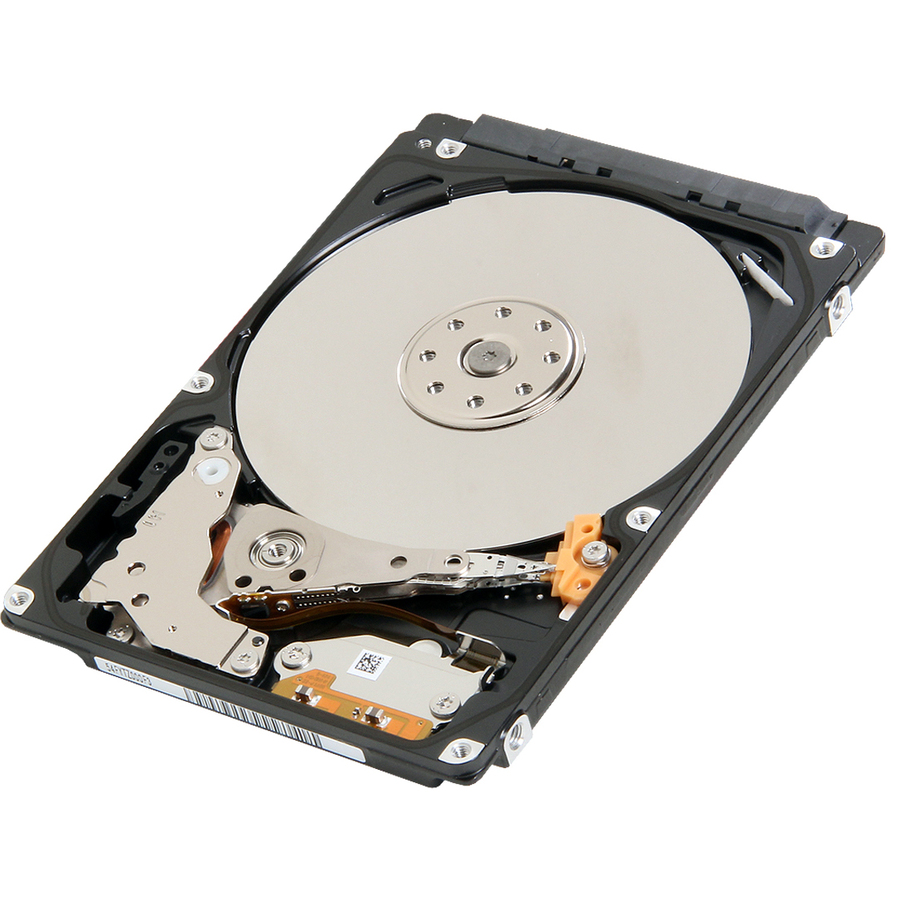
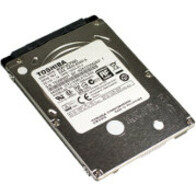
1TB SAS enterprise
Toshiba
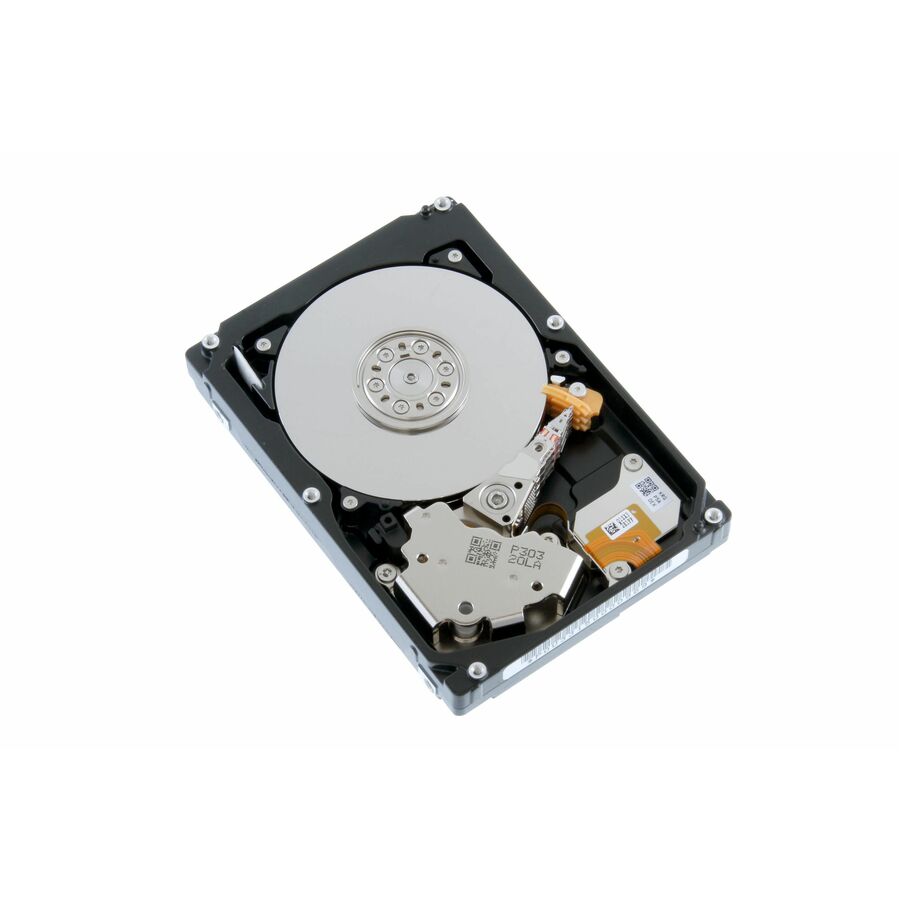
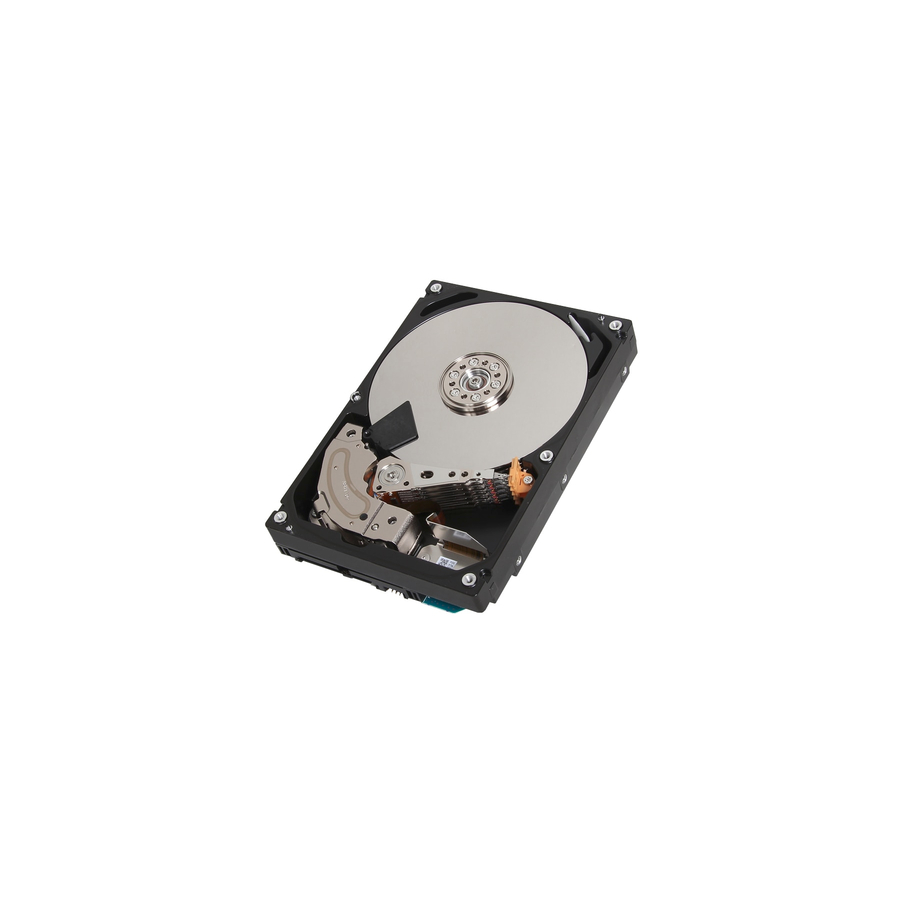
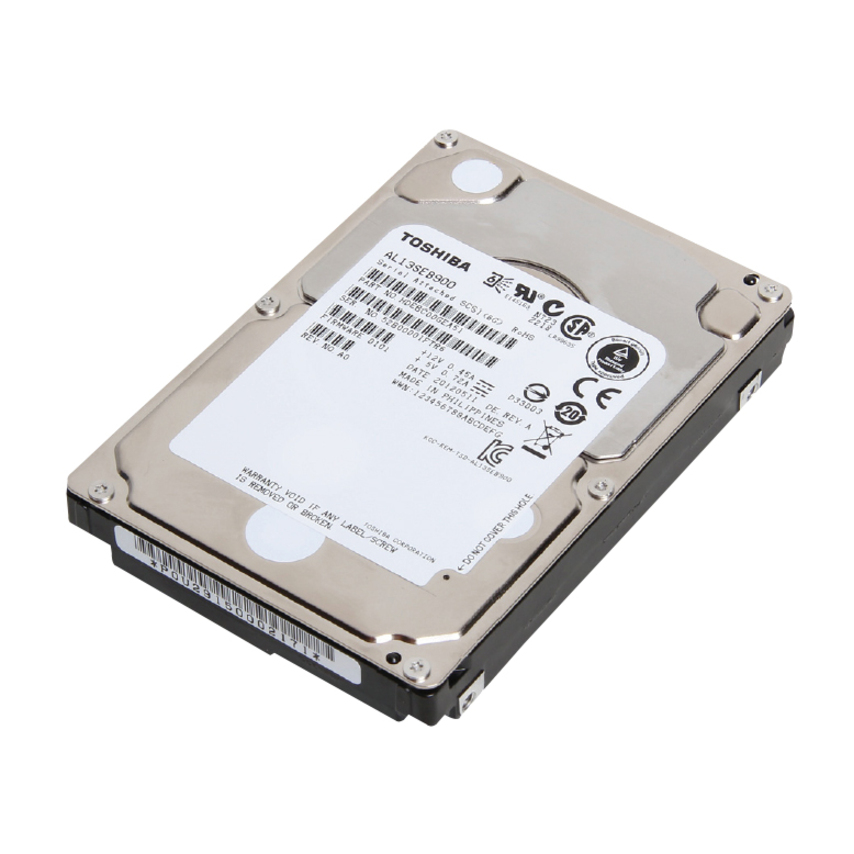
Toshiba MG03SCA MG03SCA100 1 TB Hard Drive
MG03SCA100
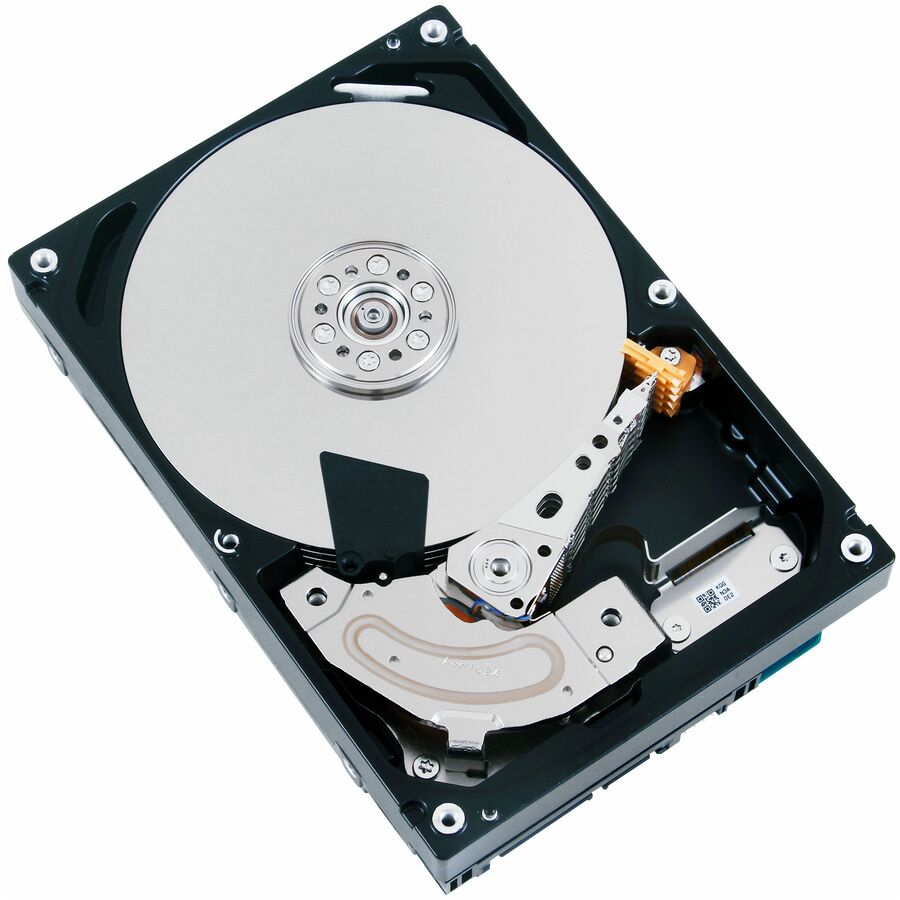
The Toshiba MG03SCA 1 TB 3.5-inch SAS enterprise drive at 7,200 rpm — a dual-port capacity disk for an enterprise array.
$119.85In stock1TB SATA MG
Toshiba
Toshiba MG03ACA MG03ACA100 1 TB Hard Drive
MG03ACA100-RF
The Toshiba MG03ACA 1 TB 3.5-inch SATA enterprise drive — a storage-system disk for broad server and array compatibility.
$130.78In stock1TB SATA MG04
Toshiba
Toshiba MG04ACA-N MG04ACA100N 1 TB Hard Drive
MG04ACA100N
The Toshiba MG04ACA-N 1 TB 3.5-inch SATA enterprise drive at 7,200 rpm — a current-generation MG capacity disk for datacenter duty.
$192.16Back-ordered2TB SATA desktop
Toshiba
Toshiba DT01ACA DT01ACA200 2 TB Hard Drive
DT01ACA200
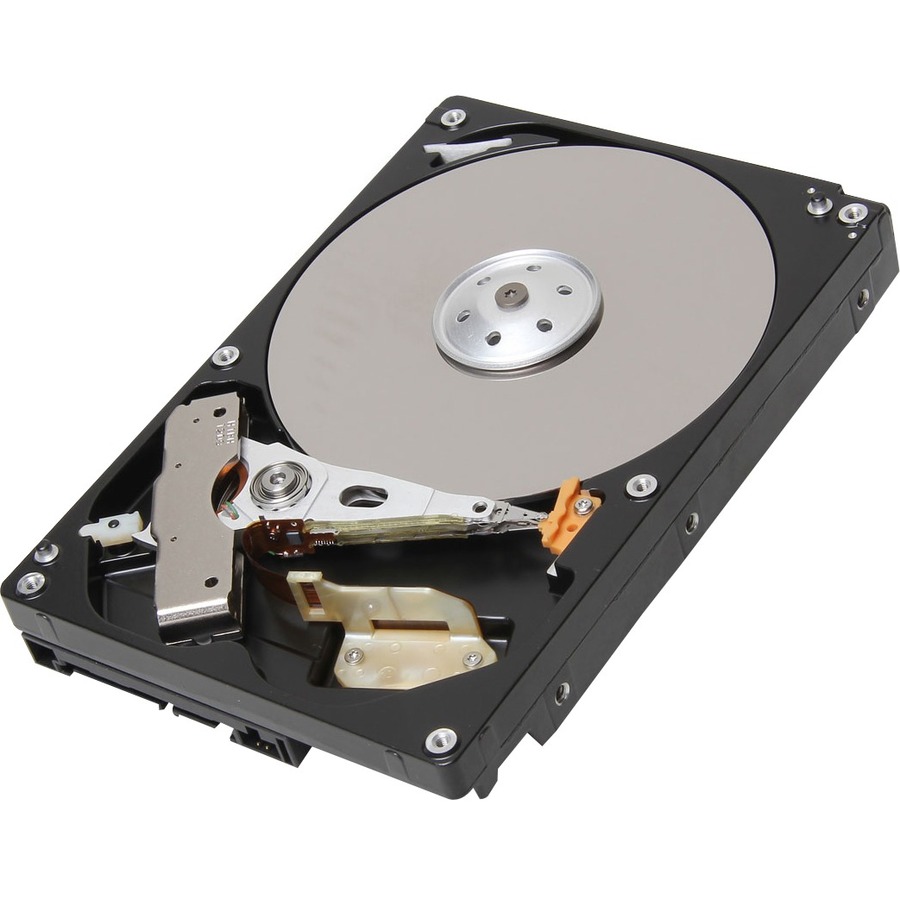
The Toshiba DT01ACA 2 TB 3.5-inch SATA drive at 7,200 rpm — a straightforward 2 TB disk for a desktop or entry storage build.
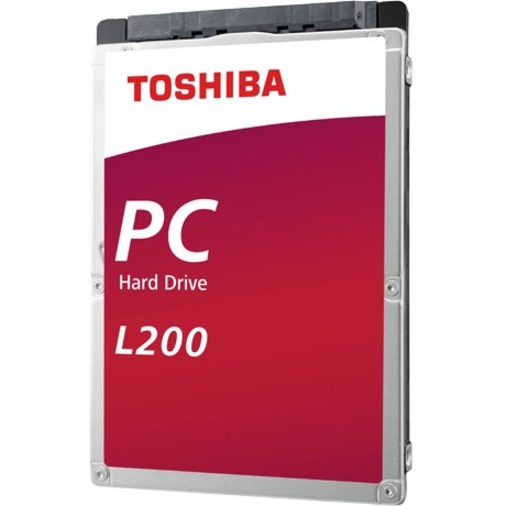
$160.53In stock1TB 2.5in L200
Toshiba
Toshiba L200 1 TB Hard Drive
HDWL110UZSVA
The Toshiba L200 1 TB 2.5-inch SATA drive — a compact notebook-form disk for a small chassis or a laptop bay.
$280.88Back-ordered1.2TB SAS 2.5in
Toshiba
Toshiba AL14SEBxxEx 1.20 TB Hard Drive
AL14SEB12EQ
The Toshiba AL14SE 1.2 TB 2.5-inch SAS drive at 10,500 rpm — a dense, higher-rpm enterprise disk for a populated 2.5-inch chassis.
$222.76Back-ordered2TB SATA MG04
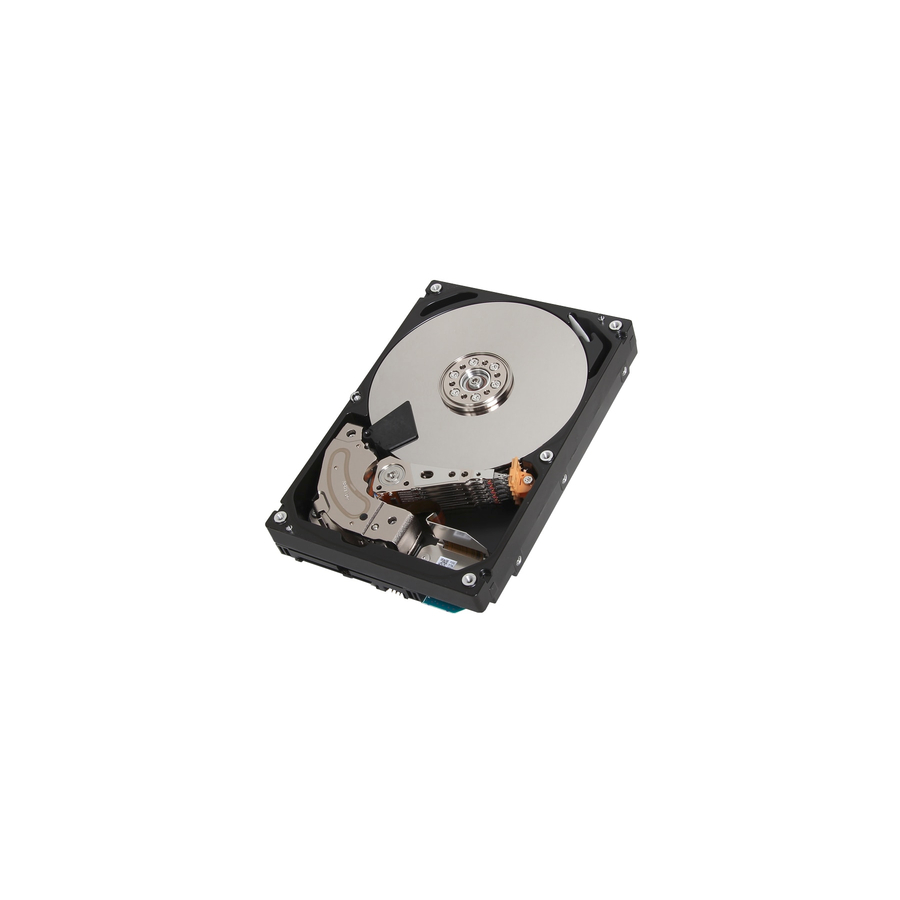
Toshiba
Toshiba MG04ACA200N 2 TB Hard Drive
MG04ACA200N
The Toshiba MG04ACA 2 TB 3.5-inch SATA enterprise drive at 7,200 rpm — a mid-capacity MG disk for a general server array.
$770.53Back-ordered4TB SAS MG03
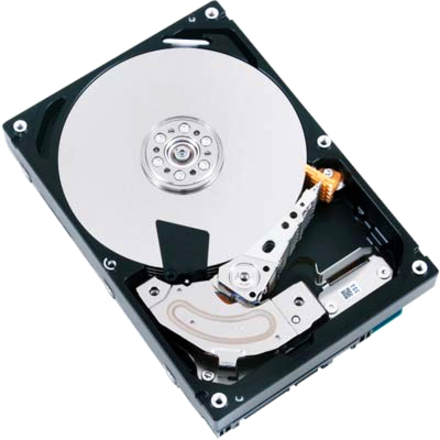
Toshiba
Toshiba MG03SCA MG03SCA400 4 TB Hard Drive
MG03SCA400
The Toshiba MG03SCA 4 TB 3.5-inch SAS enterprise drive at 7,200 rpm — a dual-port capacity disk for an enterprise storage system.
$587.76Back-ordered4TB SATA MG08
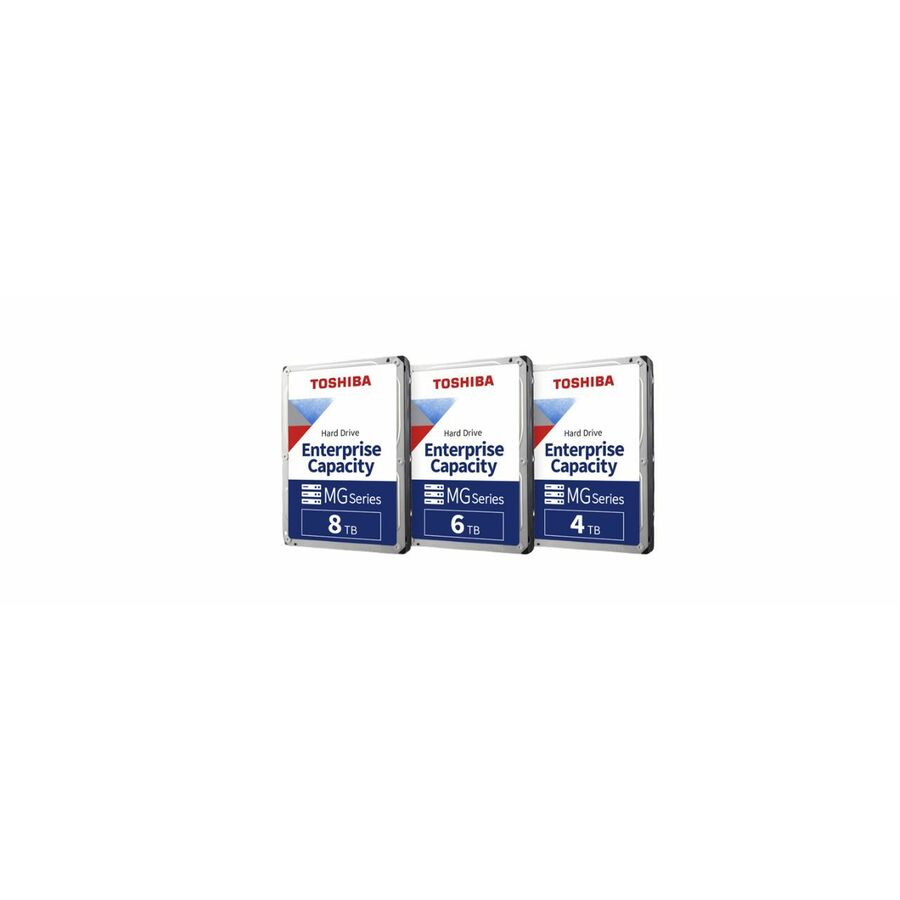
Toshiba
Toshiba MG08-D 4 TB Hard Drive
MG08ADP400E
The Toshiba MG08-D 4 TB 3.5-inch SATA enterprise drive — a datacenter-class capacity disk rated for server and storage-system duty.
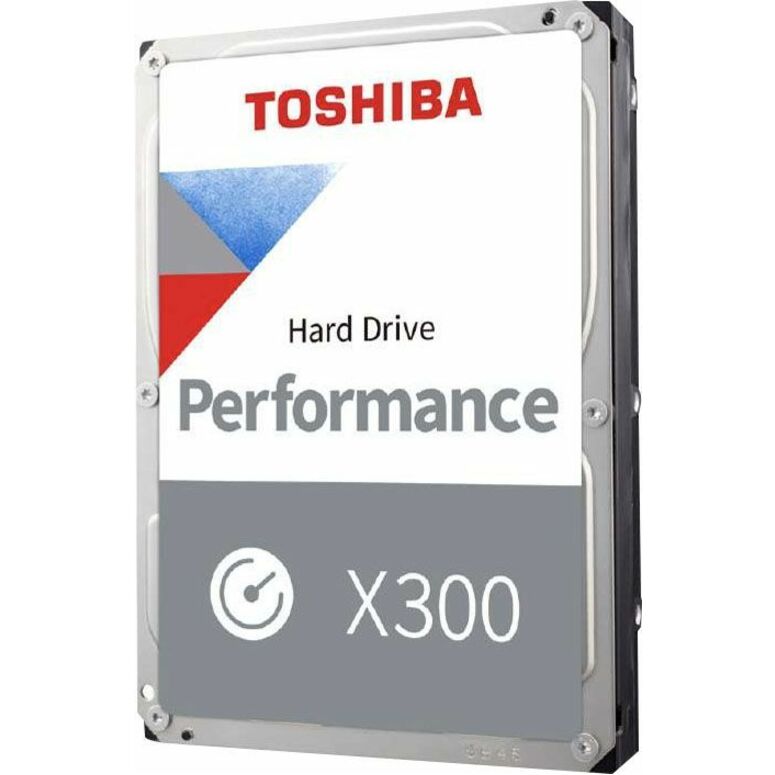
$822.02Back-ordered6TB X300 performance
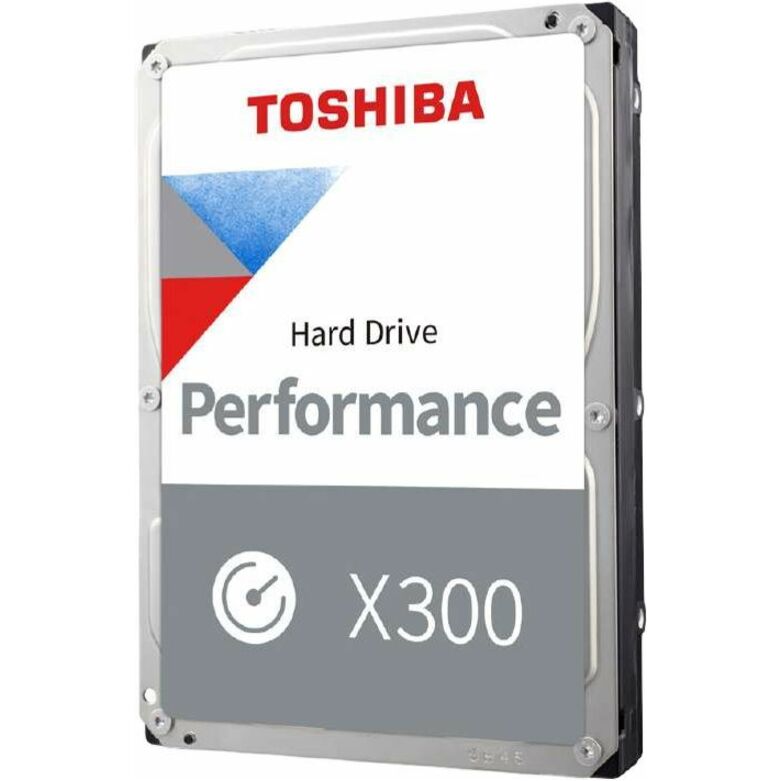
Toshiba
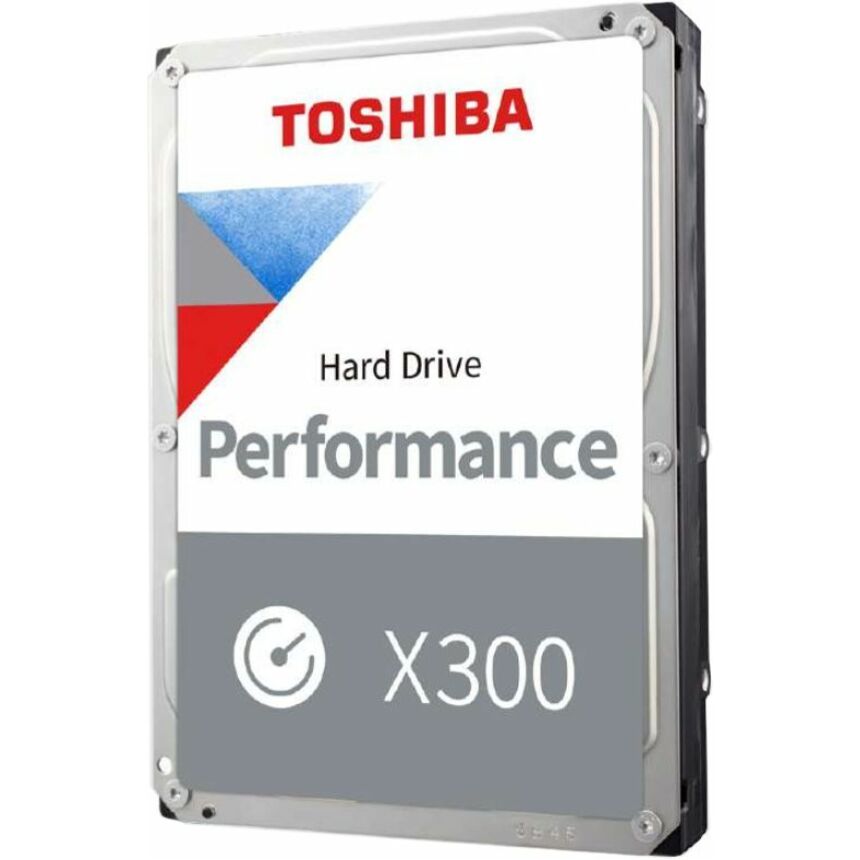
Toshiba Performance X300 HDWR760XZSTA 6 TB Hard Drive
HDWR760XZSTA
The Toshiba Performance X300 6 TB 3.5-inch SATA drive — a high-capacity performance disk for a workstation or a desktop storage tier.
$801.49Back-ordered6TB S300 Pro
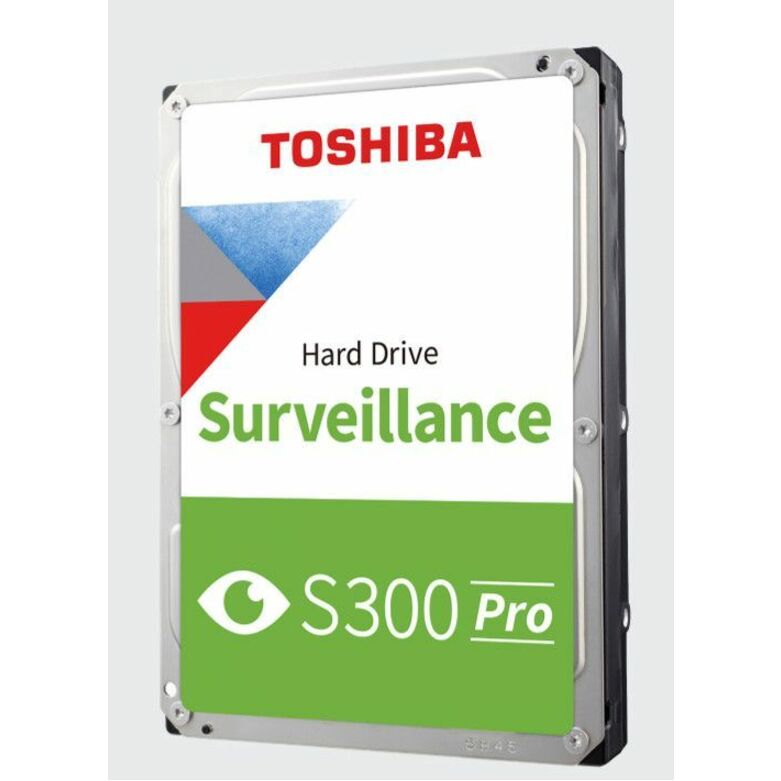
Toshiba
Toshiba S300 Pro HDWTA60UZSVAR 6 TB Hard Drive
HDWTA60UZSVAR
The Toshiba S300 Pro 6 TB 3.5-inch SATA surveillance drive — extra headroom for a larger multi-camera recorder deployment.
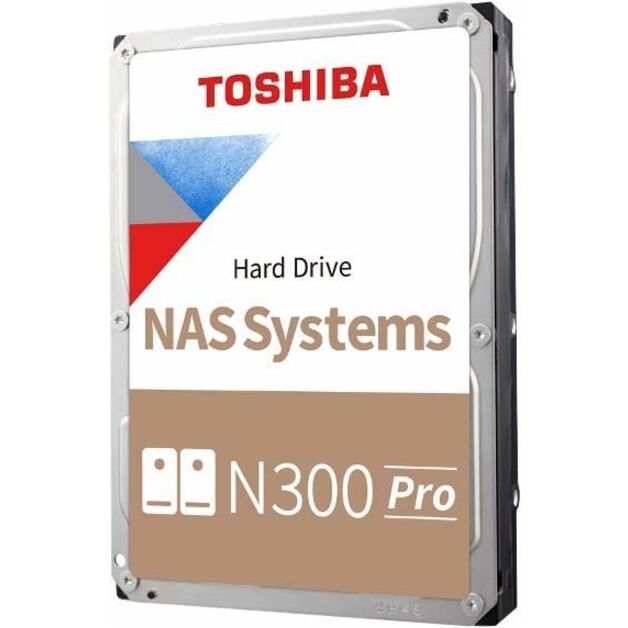
$1,052.85Back-ordered10TB N300 Pro
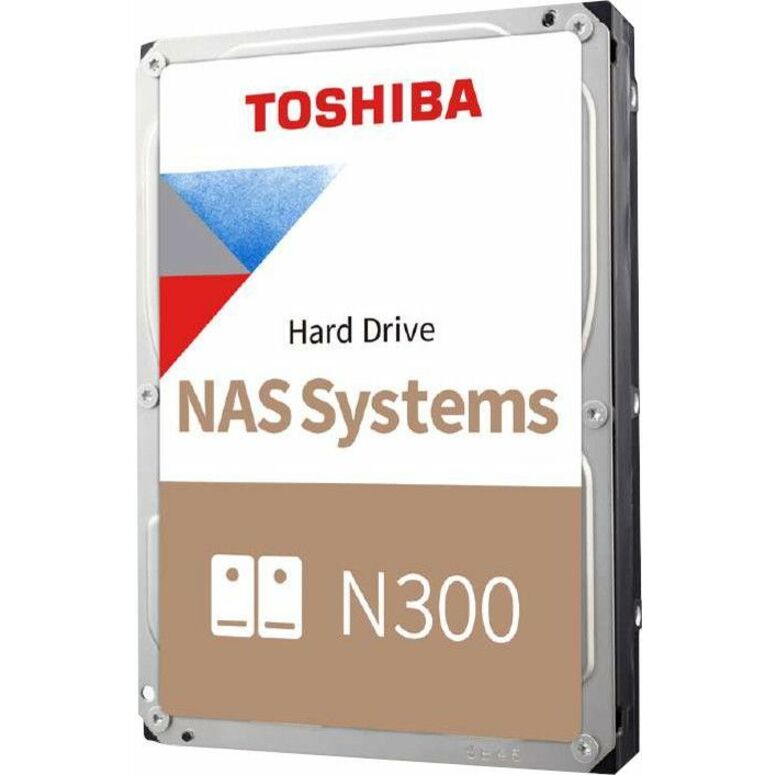
Toshiba
Toshiba N300 Pro 10 TB Hard Drive
HDWG71AXZSTB
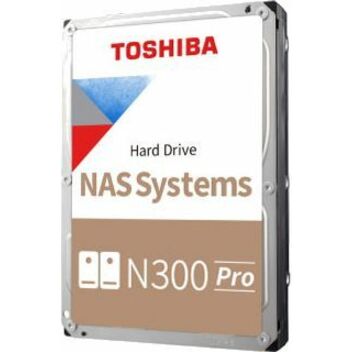
The Toshiba N300 Pro 10 TB 3.5-inch SATA NAS drive at 7,200 rpm — high-capacity, 24/7-rated storage for a multi-bay NAS array.
$1,023.57Back-ordered12TB N300 Pro
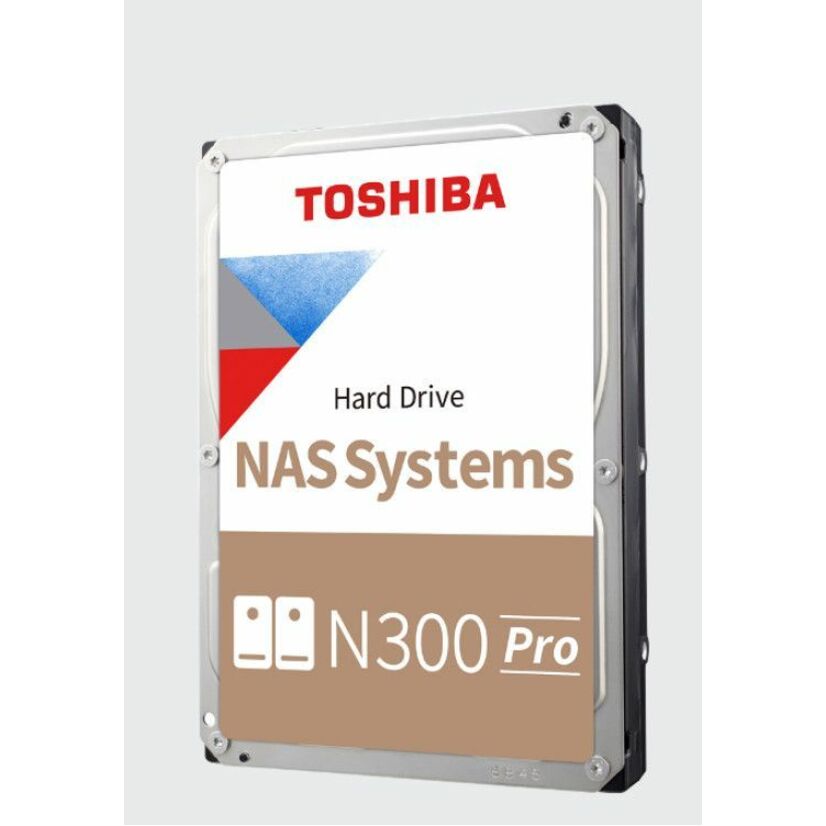
Toshiba
Toshiba N300 Pro HDWG51CXZSTB 12 TB Hard Drive
HDWG51CXZSTB
The Toshiba N300 Pro 12 TB 3.5-inch SATA NAS drive — the top NAS capacity here, for a dense archive or media storage array.
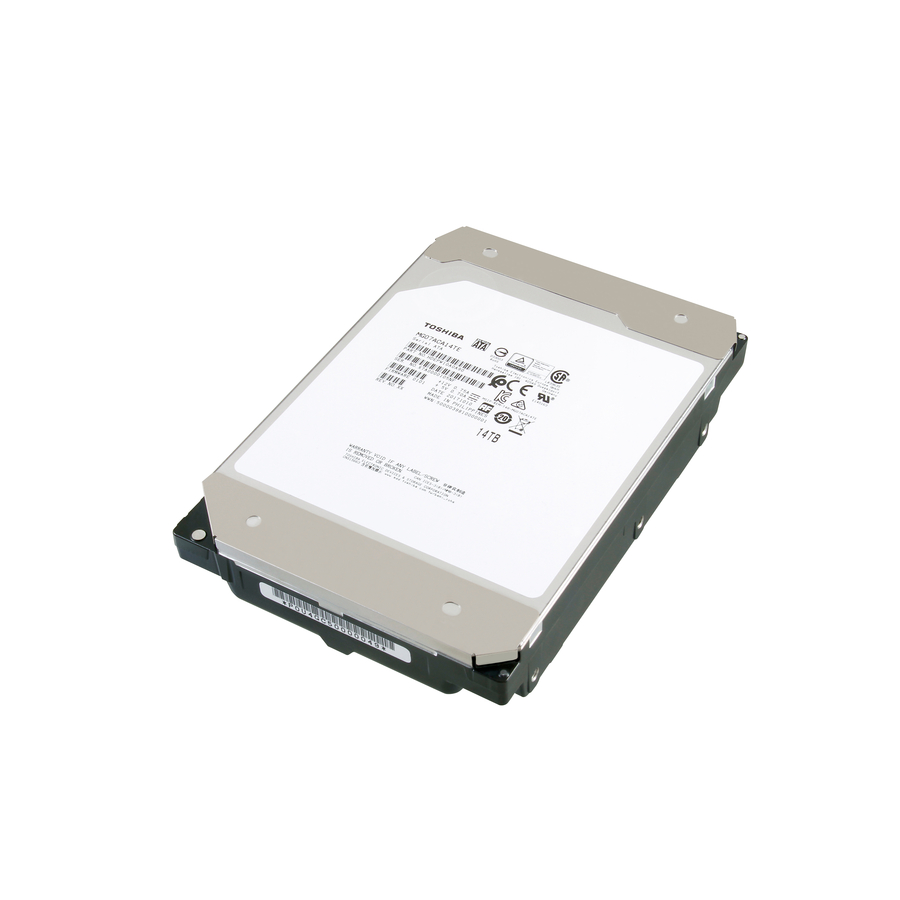
$1,162.90Back-ordered12TB MG07 SATA
Toshiba
Toshiba 12 TB Hard Drive
MG07ACA12TE
The Toshiba MG07ACA 12 TB 3.5-inch SATA enterprise drive at 7,200 rpm — high-density datacenter capacity for a bulk storage tier.
$782.20In stockMore drives and SSDs in the Uniqcli catalog
See all 9,677 drives and SSDsMore Toshiba first — closest to what you were just looking at; “See all drives and SSDs” above opens every other brand in the category. In-stock lines lead, and a back-ordered line carries the same estimated availability its product page does — with live pricing throughout, NDAA §889 screening before checkout and TAA verified on request.
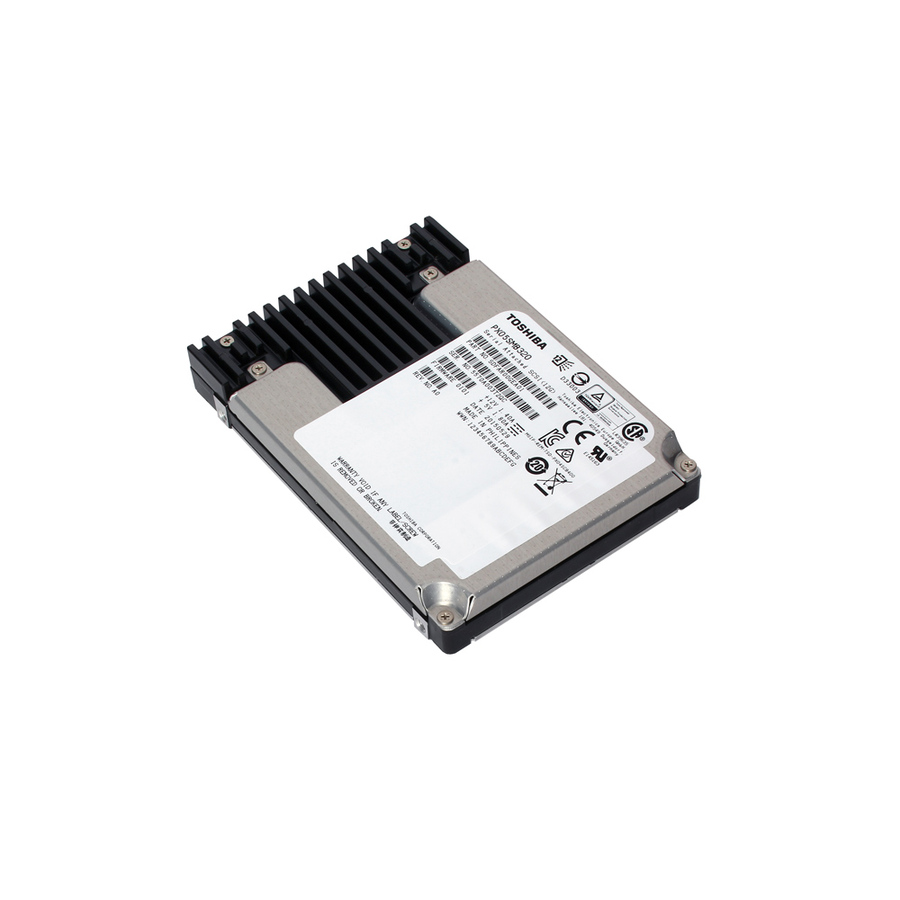
- ToshibaToshiba PX05S PX05SRB384 3.75 TB Solid State Drive - 2.5" Internal - SAS (12Gb/s SAS)PX05SRB384
$8,279.87
$7,576.09
Back-orderedBack-ordered — estimated OEM lead time 3–8 weeks (Nov 20 – Dec 25 if ordered today).
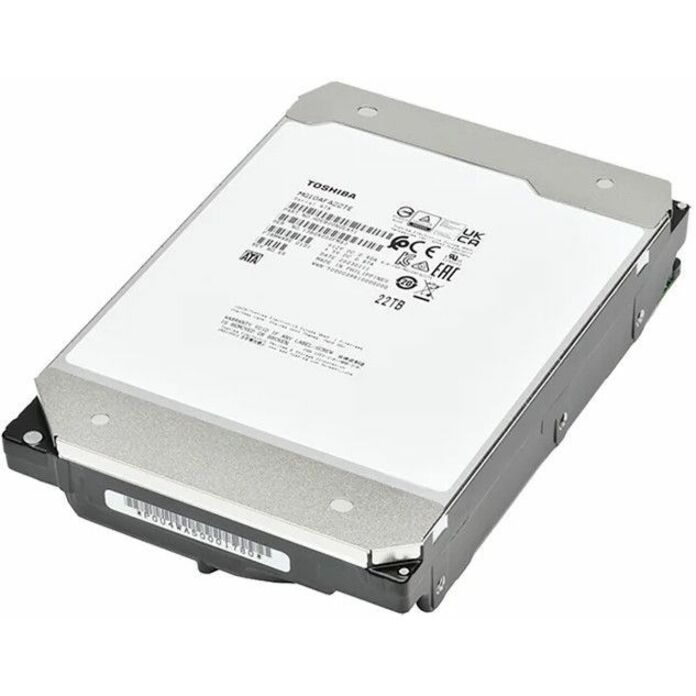
- ToshibaToshiba Enterprise MG MG10AFA22TE 22 TB Hard Drive - Internal - SATA - 7200rpm - 512e FormatMG10AFA22TE
$8,139.44
$7,447.59
Back-orderedBack-ordered — estimated OEM lead time 3–8 weeks (Nov 20 – Dec 25 if ordered today).
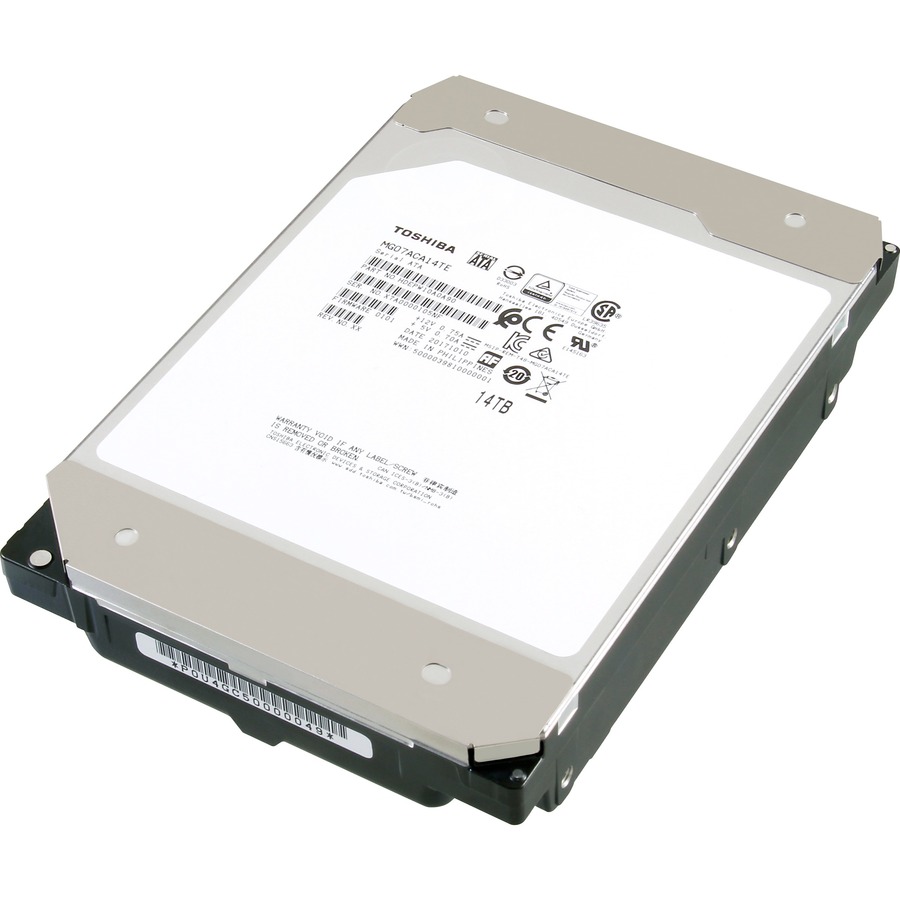
- ToshibaToshiba 14 TB Hard Drive - 3.5" Internal - SATA (SATA/600) - 7200rpmMG07ACA14TE
$6,471.65
$5,921.56
Back-orderedBack-ordered — estimated OEM lead time 3–8 weeks (Nov 20 – Dec 25 if ordered today).
- ToshibaToshiba MG07SCA 14 TB Hard Drive - 3.5" Internal - SAS (12Gb/s SAS) - Server Device Supported - 7200rpmMG07SCA14TEY
$5,353.00
$4,898.00
Back-orderedBack-ordered — estimated OEM lead time 3–8 weeks (Nov 20 – Dec 25 if ordered today).
- ToshibaToshiba MG08-D MG08ADA800E 8 TB Hard Drive - 3.5" Internal - SATA (SATA/600) - Server, Storage System, Desktop PC Device Supported - 7200rpm - 550 TB TBW - 512e FormatMG08ADA800E
$5,290.51
$4,840.81
Back-orderedBack-ordered — estimated OEM lead time 3–8 weeks (Nov 20 – Dec 25 if ordered today).
- ToshibaToshiba AL14SX AL14SXB90ENY 900 GB Hard Drive - 2.5" Internal - SAS - Server, Storage System, Data Center Device Supported - 15000rpm - 512n FormatAL14SXB90ENY
$4,707.23
$4,307.11
Back-orderedBack-ordered — estimated OEM lead time 3–8 weeks (Nov 20 – Dec 25 if ordered today).
- ToshibaToshiba MG06SCA 10 TB Hard Drive - 3.5" Internal - SAS (12Gb/s SAS) - Server Device Supported - 7200rpmMG06SCA10TE
$4,300.36
$3,934.83
Back-orderedBack-ordered — estimated OEM lead time 3–8 weeks (Nov 20 – Dec 25 if ordered today).
- ToshibaToshiba MG09 MG09SCA16TE 16 TB Hard Drive - 3.5" Internal - SAS (12Gb/s SAS) - Conventional Magnetic Recording (CMR) Method - Server, Storage System Device Supported - 7200rpm - 512e FormatMG09SCA16TE
$4,257.00
$3,895.16
Back-orderedBack-ordered — estimated OEM lead time 3–8 weeks (Nov 20 – Dec 25 if ordered today).
- ToshibaToshiba MKx001GRZB MK1001GRZB 100 GB Solid State Drive - 2.5" Internal - SAS (6Gb/s SAS) - 500 MB/s Maximum Read Transfer Rate - 5 Year WarrantyMK1001GRZB
$3,939.41
$3,604.56
Back-orderedBack-ordered — estimated OEM lead time 3–8 weeks (Nov 20 – Dec 25 if ordered today).
- ToshibaToshiba X300 HDWR62AXZSTA 20 TB Hard Drive - 3.5" Internal - SATA (SATA/600) - Conventional Magnetic Recording (CMR) Method - Desktop PC, Workstation, All-in-One PC, Gaming PC Device Supported - 7200rpm - 512e Format - 2 Year Warranty - RetailHDWR62AXZSTA
$3,923.48
$3,589.98
Back-orderedBack-ordered — estimated OEM lead time 3–8 weeks (Nov 20 – Dec 25 if ordered today).
- ToshibaToshiba X300 Pro HDWR62CXZSTB 22 TB Hard Drive - 3.5" Internal - SATA (SATA/600) - Conventional Magnetic Recording (CMR) Method - 3.5" Carrier - Workstation, Gaming PC, Desktop PC Device Supported - 7200rpm - 300 TB TBW - 512e Format - 5 Year Warranty - RetailHDWR62CXZSTB
$3,923.49
$3,590.00
Back-orderedBack-ordered — estimated OEM lead time 3–8 weeks (Nov 20 – Dec 25 if ordered today).
- ToshibaToshiba X300 HDWR51JXZSTA 18 TB Hard Drive - 3.5" Internal - SATA (SATA/600) - Conventional Magnetic Recording (CMR) Method - Desktop PC, Workstation, All-in-One PC, Gaming PC, Storage System Device Supported - 7200rpm - 512e Format - 2 Year Warranty - RetailHDWR51JXZSTA
$3,540.67
$3,239.72
Back-orderedBack-ordered — estimated OEM lead time 3–8 weeks (Nov 20 – Dec 25 if ordered today).
- ToshibaToshiba N300 Pro HDWG62AXZSTB 20 TB Hard Drive - 3.5" Internal - SATA (SATA/600) - Conventional Magnetic Recording (CMR) Method - NAS Device Supported - 7200rpm - 281 MB/s Maximum Read Transfer Rate - 512e FormatHDWG62AXZSTB
$3,156.38
$2,888.08
Back-orderedBack-ordered — estimated OEM lead time 3–8 weeks (Nov 20 – Dec 25 if ordered today).
- ToshibaToshiba MG08 MG08ACA16TA 16 TB Hard Drive - 3.5" Internal - SATA (SATA/600) - Server, Storage System Device Supported - 7200rpm - 512e FormatMG08ACA16TE
$2,857.14
$2,614.28
Back-orderedBack-ordered — estimated OEM lead time 3–8 weeks (Nov 20 – Dec 25 if ordered today).
- ToshibaToshiba N300 8 TB Hard Drive - 3.5" Internal - SATA (SATA/600) - Conventional Magnetic Recording (CMR) Method - NAS, Desktop PC, Server Device Supported - 7200rpm - 180 TB TBW - RetailHDWG480XZSTA
$2,841.98
$2,600.41
Back-orderedBack-ordered — estimated OEM lead time 3–8 weeks (Nov 20 – Dec 25 if ordered today).
- ToshibaToshiba MG MG10ACA20TE 20 TB Hard Drive - 3.5" Internal - SATA (SATA/600) - Server, Storage System Device Supported - 7200rpm - 550 TB TBW - 512e FormatMG10ACA20TE
$2,723.78
$2,492.25
Back-orderedBack-ordered — estimated OEM lead time 3–8 weeks (Nov 20 – Dec 25 if ordered today).
- ToshibaToshiba N300 HDWG51JXZSTA 18 TB Hard Drive - 3.5" Internal - SATA (SATA/600) - Conventional Magnetic Recording (CMR) Method - NAS, Server, Storage Server, Cloud Storage Device Supported - 7200rpm - 512e Format - RetailHDWG51JXZSTA
$2,711.99
$2,481.47
Back-orderedBack-ordered — estimated OEM lead time 3–8 weeks (Nov 20 – Dec 25 if ordered today).
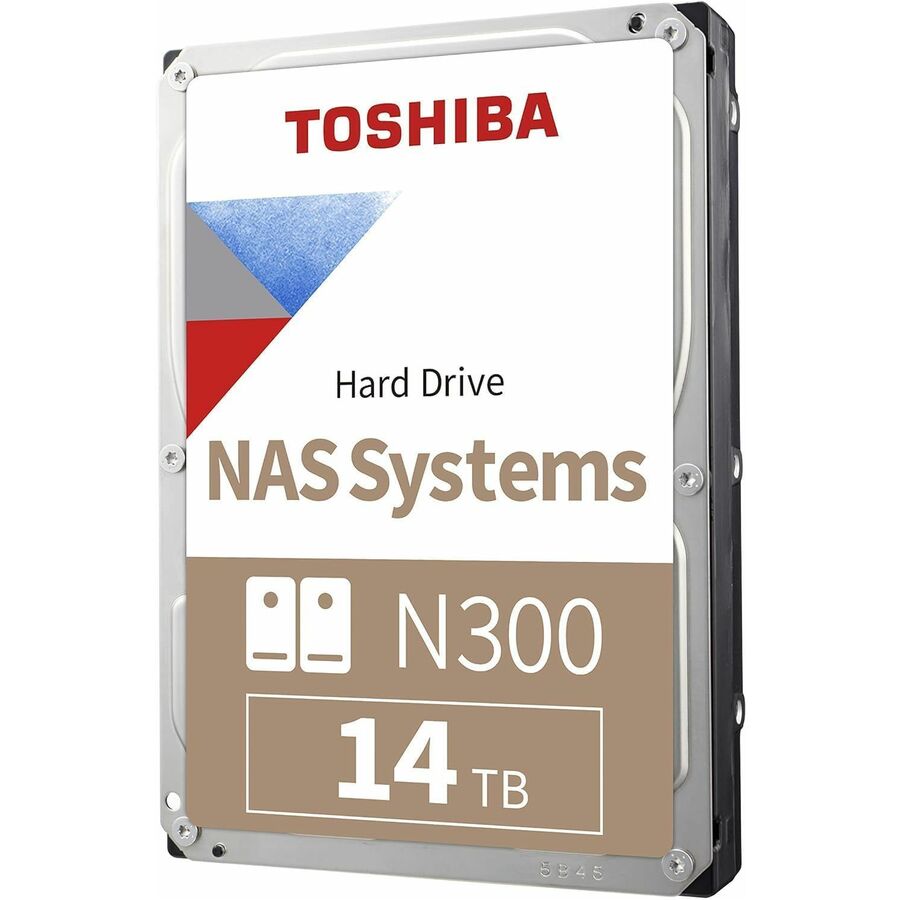
- ToshibaToshiba N300 14 TB Hard Drive - Internal - SATA (SATA/600)HDWG51EXZSTA
$2,567.35
$2,349.13
Back-orderedBack-ordered — estimated OEM lead time 3–8 weeks (Nov 20 – Dec 25 if ordered today).
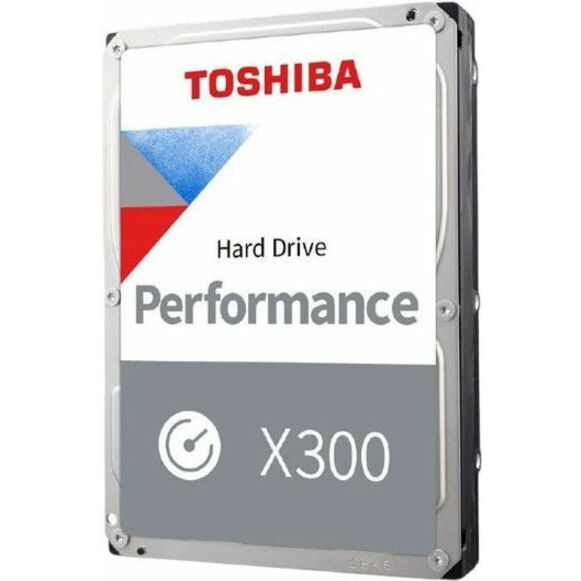
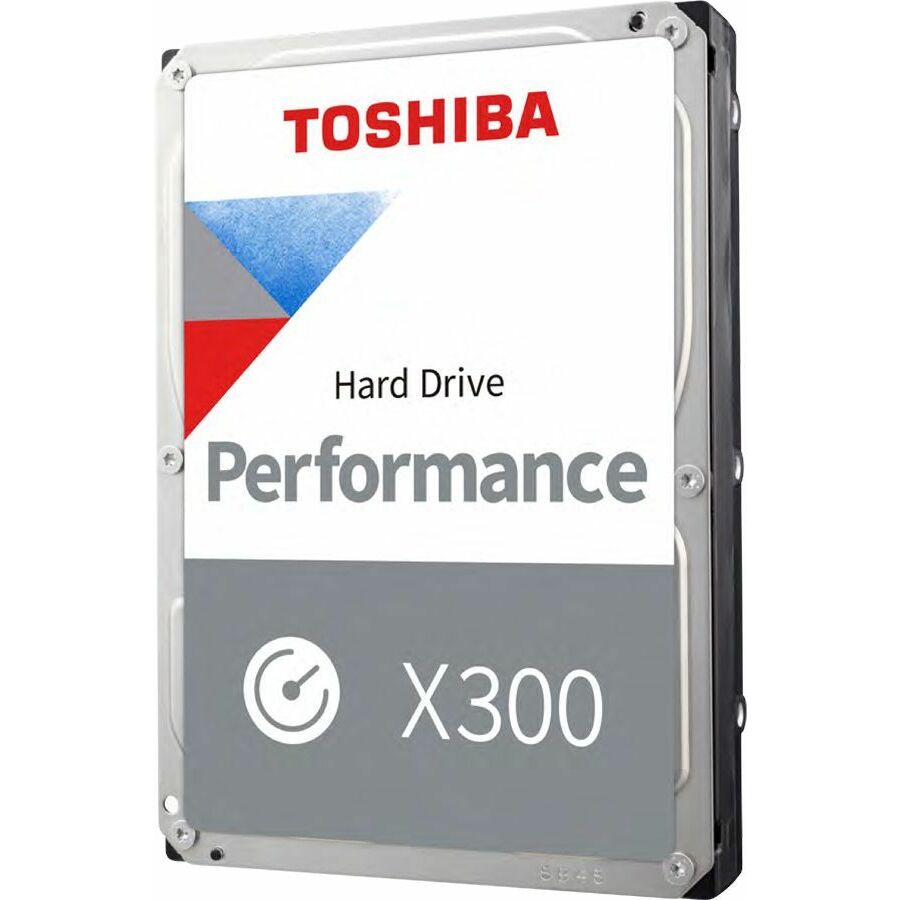
- ToshibaToshiba Performance X300 14 TB Hard Drive - 3.5" Internal - SATA (SATA/600) - 7200rpmHDWR51EXZSTA
$2,567.35
$2,349.13
Back-orderedBack-ordered — estimated OEM lead time 3–8 weeks (Nov 20 – Dec 25 if ordered today).
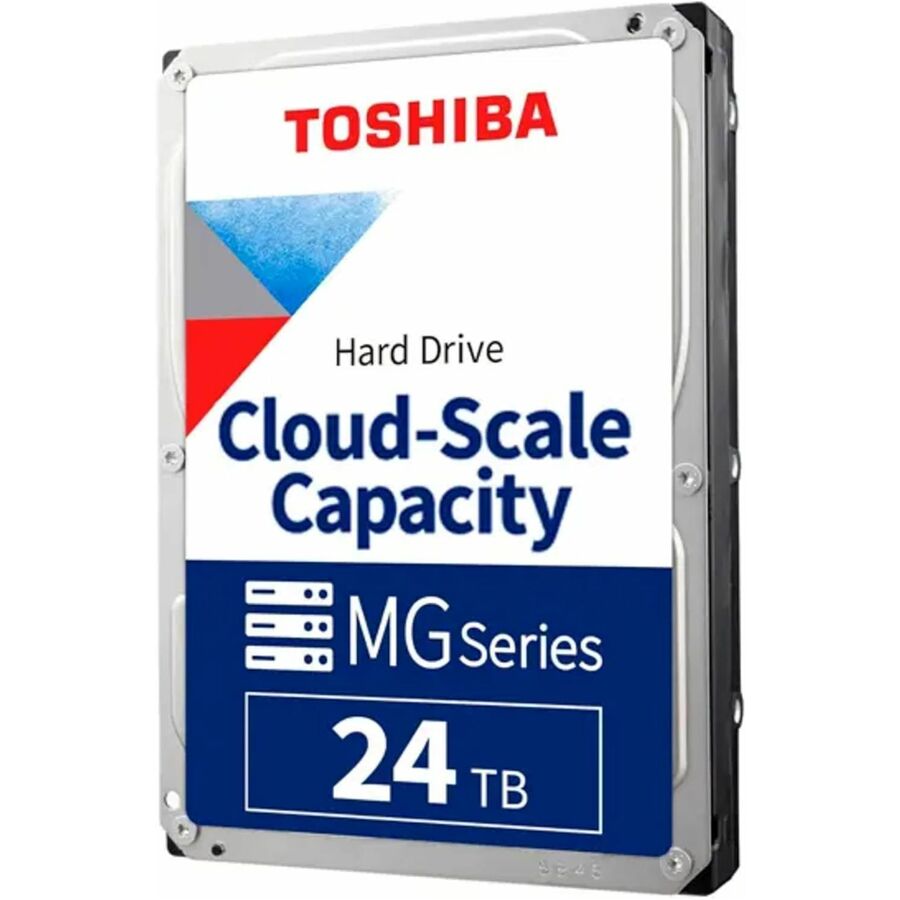
- ToshibaToshiba MG11 MG11ACA24TE 24 TB Hard Drive - 3.5" Internal - SATA - Conventional Magnetic Recording (CMR) Method - Data Center, Video Surveillance System, Storage System, Cloud Storage Device Supported - 7200rpm - 550 TB TBW - 512e FormatMG11ACA24TE
$2,385.96
$2,183.15
Back-orderedBack-ordered — estimated OEM lead time 3–8 weeks (Nov 20 – Dec 25 if ordered today).
- ToshibaToshiba MG07SCA 14 TB Hard Drive - 3.5" Internal - SAS (12Gb/s SAS) - Server Device Supported - 7200rpmMG07SCA14TE
$2,157.21
$1,973.85
Back-orderedBack-ordered — estimated OEM lead time 3–8 weeks (Nov 20 – Dec 25 if ordered today).
- ToshibaToshiba MG09 MG09ACA14TE 14 TB Hard Drive - 3.5" Internal - SATA - Conventional Magnetic Recording (CMR) Method - Server, Storage System Device Supported - 7200rpm - 512e FormatMG09ACA14TE
$2,157.21
$1,973.85
Back-orderedBack-ordered — estimated OEM lead time 3–8 weeks (Nov 20 – Dec 25 if ordered today).
- ToshibaToshiba S300 Pro HDWTA80UZSVA 8 TB Hard Drive - 3.5" Internal - SATA (SATA/600) - Conventional Magnetic Recording (CMR) Method - Camera, Video Surveillance System, Network Video Recorder, Digital Video Recorder, Storage Array Device Supported - 7200rpm - 300 TB TBW - 512e Format - 5 Year Warranty - BulkHDWTA80UZSVA
$2,060.84
$1,885.67
Back-orderedBack-ordered — estimated OEM lead time 3–8 weeks (Nov 20 – Dec 25 if ordered today).
- ToshibaToshiba MG06ACA 8 TB Hard Drive - 3.5" Internal - SATA (SATA/600) - Server, Storage System Device Supported - 7200rpmMG06ACA800E-RF
$1,982.23
$1,813.74
Back-orderedBack-ordered — estimated OEM lead time 3–8 weeks (Nov 20 – Dec 25 if ordered today).
Need pricing on Toshiba drives?
Tell us where to reach you and a Uniqcli specialist will follow up by email with current pricing, availability and lead time for the quantities you need — including parts that aren’t shown on this page.
Buying for an organization or for yourself — both work. No payment up front.
Toshiba is one of the last three makers of enterprise hard drives, and its range is organized by workload rather than by a single capacity ladder — which is exactly how you should choose from it. The MG series is the datacenter workhorse, built for 24/7 duty and rated for high annual workloads; the N300 line is tuned for network-attached storage; the S300 family is designed for the sustained sequential writes of surveillance recorders; and the X300 is a performance desktop and workstation drive. Picking the right one starts with matching the drive's rated workload to how the bay will actually be used, not with the terabytes on the label.
Two specs then decide the variant: interface and capacity. Interface governs both platform fit and duty — a 6 Gb/s SATA drive is the broad-compatibility choice for servers, NAS units and workstations, while a 12 Gb/s SAS drive suits enterprise arrays and dual-port redundancy, and the two are not interchangeable at the backplane. Capacity should be sized with rebuild time in mind: a larger drive stores more but takes longer to resilver in a RAID set, so the biggest disk is not always the right one for a given redundancy scheme. Rotational speed — most enterprise Toshiba drives spin at 7,200 rpm — sets sustained throughput and latency.
The workload rating is the spec that separates an enterprise drive from a desktop one and is easy to overlook. Enterprise and NAS drives are rated for continuous operation and a high number of terabytes written per year, with the firmware and vibration tolerance to run in a populated multi-bay chassis; a drive built for a single desktop will wear out early in that environment. The selection below is what Uniqcli currently stocks from Toshiba, with live pricing and current availability on each card. Read the individual drive's interface, capacity, rpm and rated workload against the array or enclosure before ordering.
Buyer's checklist
How to choose the right Toshiba drive
- Match the line to the workload — MG for general enterprise and datacenter duty, N300 for NAS, S300 for surveillance recorders' sustained writes, X300 for performance desktop and workstation use.
- Pick the interface for the platform — 6 Gb/s SATA for broad server, NAS and workstation compatibility; 12 Gb/s SAS for enterprise arrays and dual-port redundancy. They are not interchangeable at the backplane.
- Size capacity with rebuild time in mind — a larger drive holds more but takes longer to resilver in a RAID set, so balance density against the redundancy scheme and acceptable rebuild window.
- Read the rated workload, not just the capacity — enterprise and NAS drives are rated for 24/7 operation and high annual terabytes written; a desktop-class drive put in a populated array wears out early.
- Confirm the form factor and bay — most enterprise Toshiba drives are 3.5-inch; 2.5-inch SAS models fit dense enterprise chassis. Check the enclosure's bay size and interface before ordering.
- Plan drives as a matched set for an array — populate a RAID group or NAS with the same model and firmware so every disk behaves identically under the same workload, and keep a spare sized to the redundancy policy.
Enterprise, NAS and surveillance — matching the line to the bay
The most useful thing to know about Toshiba's hard-drive range is that the line name tells you the intended workload. An MG-series drive is built for general enterprise and datacenter duty with a high annual workload rating and the vibration tolerance to sit in a populated rack chassis. An N300 is tuned for the mixed read-write patterns and always-on nature of network-attached storage. An S300 is designed for surveillance, where many camera streams write sequentially around the clock and the firmware is optimized for that pattern rather than for random enterprise I/O. Putting a drive in the environment it was built for is what makes it last.
The mismatch to avoid is a desktop or performance drive in an array role. An X300 is a fine performance disk for a workstation, but it is not rated for the sustained multi-bay duty a NAS or surveillance recorder imposes, and a drive run outside its rating fails early and takes its rebuild risk with it. Read the enclosure's expectations — enterprise, NAS or surveillance — and populate it with the matching Toshiba line, then keep the whole group on one model and firmware so behavior is uniform under load.
SATA, SAS and sizing for rebuild
Interface is both a fit and a duty decision. A 6 Gb/s SATA drive is the broad-compatibility choice that drops into most servers, NAS units and workstations, and it carries the bulk of capacity storage. A 12 Gb/s SAS drive suits enterprise arrays that want dual-port redundancy and the higher queue performance of the SAS command set, and its connector is not interchangeable with SATA at the backplane, so confirm what the enclosure accepts before ordering. Toshiba ships both across its enterprise families, including 2.5-inch SAS models for dense chassis.
Capacity should be sized against rebuild time, not just the price per terabyte. A larger drive stores more but takes longer to resilver when it fails, and during that window the RAID set runs degraded and exposed, so a very large disk in a single-parity scheme can be a poor trade. Match the drive size to the redundancy policy and the rebuild window you can tolerate, populate the array as a matched set, and keep a spare of the same model on the shelf. Uniqcli can quote Toshiba enterprise, NAS and surveillance drives alongside the enclosures and controllers on one document for business, government and education buyers.
FAQ
Common questions
- What is the difference between Toshiba's MG, N300 and S300 drives?
- The three lines are built for different workloads. MG-series drives are general enterprise and datacenter disks, rated for 24/7 operation and high annual workloads with the vibration tolerance for a populated rack chassis. The N300 is tuned for network-attached storage and its mixed, always-on read-write pattern. The S300 is designed for surveillance recorders, where many camera streams write sequentially around the clock and the firmware is optimized for sustained sequential writes rather than random enterprise I/O. Choose the line that matches how the bay will be used, because a drive run outside its intended environment wears out early.
- Should I choose a SATA or SAS Toshiba drive?
- Choose 6 Gb/s SATA for broad compatibility with most servers, NAS units and workstations — it carries the bulk of capacity storage and is the pragmatic default. Choose 12 Gb/s SAS for enterprise arrays that want dual-port redundancy and the higher queue performance of the SAS command set. The two are not interchangeable at the backplane: a SAS drive will not fit a SATA-only bay. Confirm what the server, array or enclosure supports before ordering, and check the form factor too, since Toshiba offers both 3.5-inch and dense 2.5-inch SAS enterprise models.
- Can I use a desktop drive in a NAS or surveillance system?
- It is a false economy. NAS and surveillance drives are rated for continuous 24/7 operation, a high number of terabytes written per year, and the vibration of a populated multi-bay chassis; the N300 and S300 firmware is tuned for those patterns. A desktop or performance drive lacks that rating and the vibration tolerance, so in an always-on array it wears out early and raises the rebuild risk for the whole set. For a NAS use the N300 line, for a surveillance recorder use the S300, and for general enterprise duty use the MG series — match the drive to the role.
- How should I size drive capacity for a RAID array?
- Size capacity against rebuild time as much as price per terabyte. A larger drive stores more but takes longer to resilver when it fails, and during that rebuild the RAID set runs degraded and exposed to a second failure, so a very large disk in a single-parity scheme can be a poor trade. Match the drive size to the redundancy policy and the rebuild window you can tolerate, populate the array as a matched set of the same model and firmware so every disk behaves identically, and keep a spare of the same model on hand so a failure is a planned swap rather than an outage.
- Are these available to business, government and education buyers?
- Every line Uniqcli quotes is sourced through US distribution and screened for TAA country-of-origin and NDAA §889 status before checkout — with documentation tied to the specific part number, not a product family.
Need Toshiba drives pricing?
Send a bill of materials or part numbers — we confirm stock and a below-market total, with TAA verified on request. No payment up front.