
Best NAS Hard Drives for Business NAS Arrays
Drives whose manufacturers list them for NAS duty in the part's own title — CMR and 7,200 rpm models from 4 TB to 28 TB, read alongside how an array actually fails.
NAS hard drives in stock at Uniqcli
How to choose →A curated selection with live pricing — in-stock lines first, then back-ordered lines with a typical lead time. Every line is sourced through US distribution and screened for NDAA §889 status before checkout, with TAA verified on request.
- BuffaloBUFFALO 2 TB Spare Replacement NAS Hard Drive for DriveStation Quad (OP-HD2.0QH) - SATA - NAS GradeOP-HD2.0QH
$227.99
$212.03
4 in stock - BuffaloBUFFALO 3 TB Spare Replacement NAS Hard Drive for DriveStation Quad (OP-HD3.0QH) - SATA - NAS GradeOP-HD3.0QH
$263.99
$245.51
12 in stock - BuffaloBUFFALO 4 TB Spare Replacement NAS Hard Drive for DriveStation Quad (OP-HD4.0QH) - SATA - NAS GradeOP-HD4.0QH
$383.99
$357.11
2 in stock - BuffaloBUFFALO 6 TB Spare Replacement NAS Hard Drive for DriveStation Quad (OP-HD6.0QH) - SATA - NAS GradeOP-HD6.0QH
$623.99
$580.31
2 in stock - BuffaloBuffalo 16 TB Hard Drive - Internal - SATA (SATA/600) - NAS Device Supported - 3 Year WarrantyOP-HD16.0N
$1,007.99
$937.43
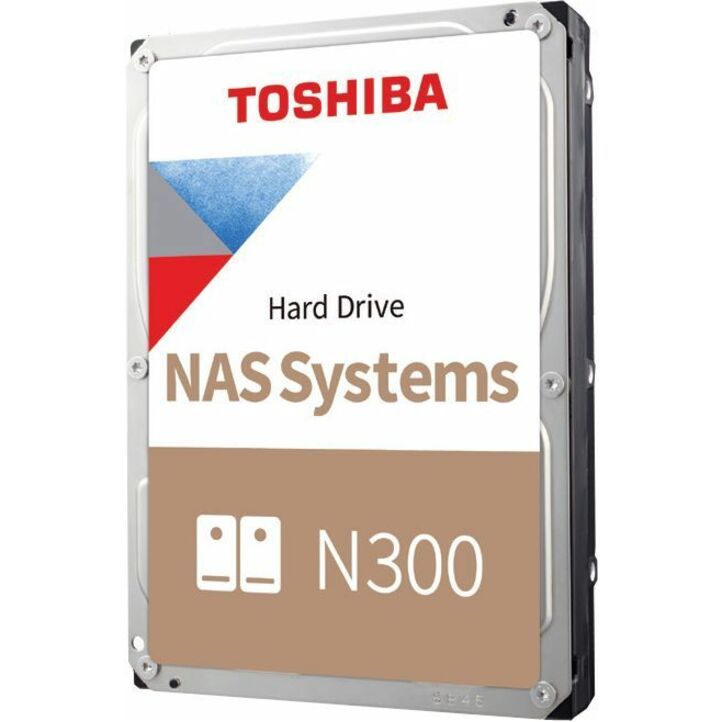
43 in stock - ToshibaToshiba N300 HDWG71AXZSTA 10 TB Hard Drive - 3.5" Internal - SATA (SATA/600) - Conventional Magnetic Recording (CMR) Method - NAS, Storage Server, Server, Cloud Storage Device Supported - 7200rpm - 281 MB/s Maximum Read Transfer Rate - 512e Format - RetailHDWG71AXZSTA
$1,181.50
$1,081.08
3 in stock - BuffaloBuffalo 20 TB Hard Drive - NAS, Desktop PC Device Supported - 3 Year WarrantyOP-HD20.0N
$1,247.99
$1,160.63
27 in stock - Axiom Memory SolutionsAxiom 12TB 6Gb/s SATA 7.2K RPM LFF 3.5-inch NAS Bare Hard Drive - Storage System Device Supported - 7200rpm - 3 Year WarrantyAXHD12T7235A34N
$1,358.00
$1,168.29
1 in stock - ToshibaToshiba N300 HDWG51CXZSTA 12 TB Hard Drive - 3.5" Internal - SATA (SATA/600) - Conventional Magnetic Recording (CMR) Method - NAS, Storage Server, Server, Cloud Storage Device Supported - 7200rpm - 281 MB/s Maximum Read Transfer Rate - 512e Format - RetailHDWG51CXZSTA
$1,500.48
$1,372.94
3 in stock - Axiom Memory Solutions16TB 6Gb/s SATA 7.2K LFF NAS HDD - AXHD14T7235A3N - Axiom 16TB 6Gb/s SATA 7.2K RPM LFF 3.5-inch NAS Bare Hard DriveAXHD16T7235A3N
$2,224.00
$1,911.40
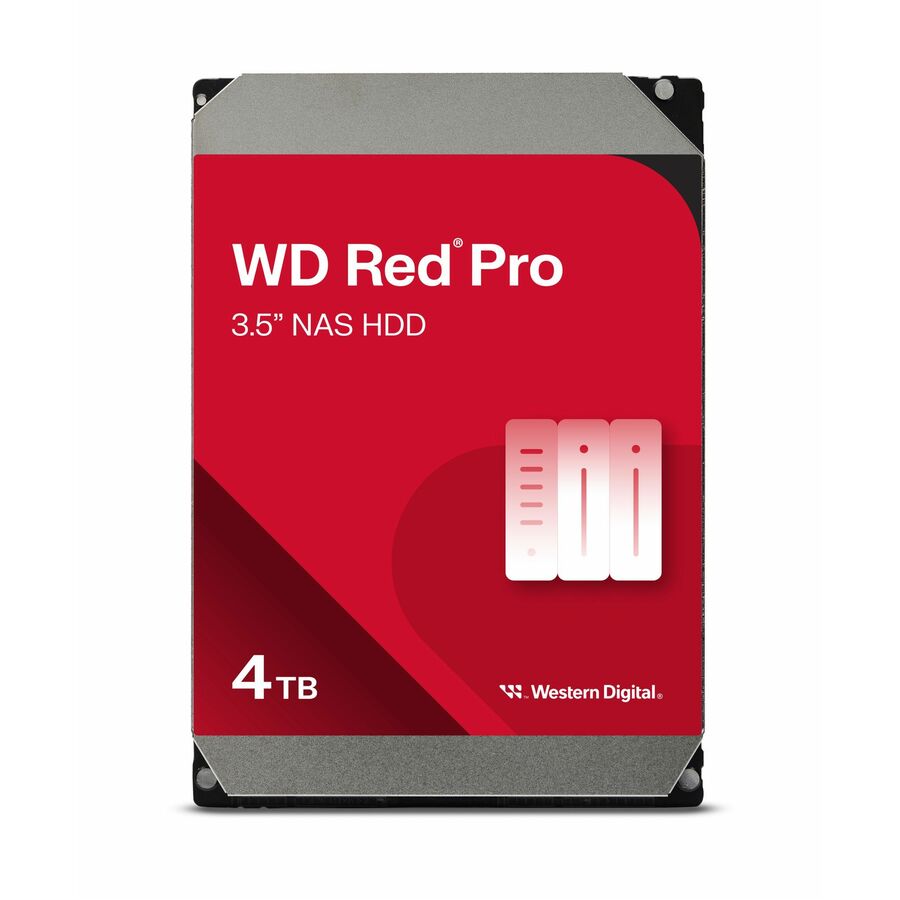
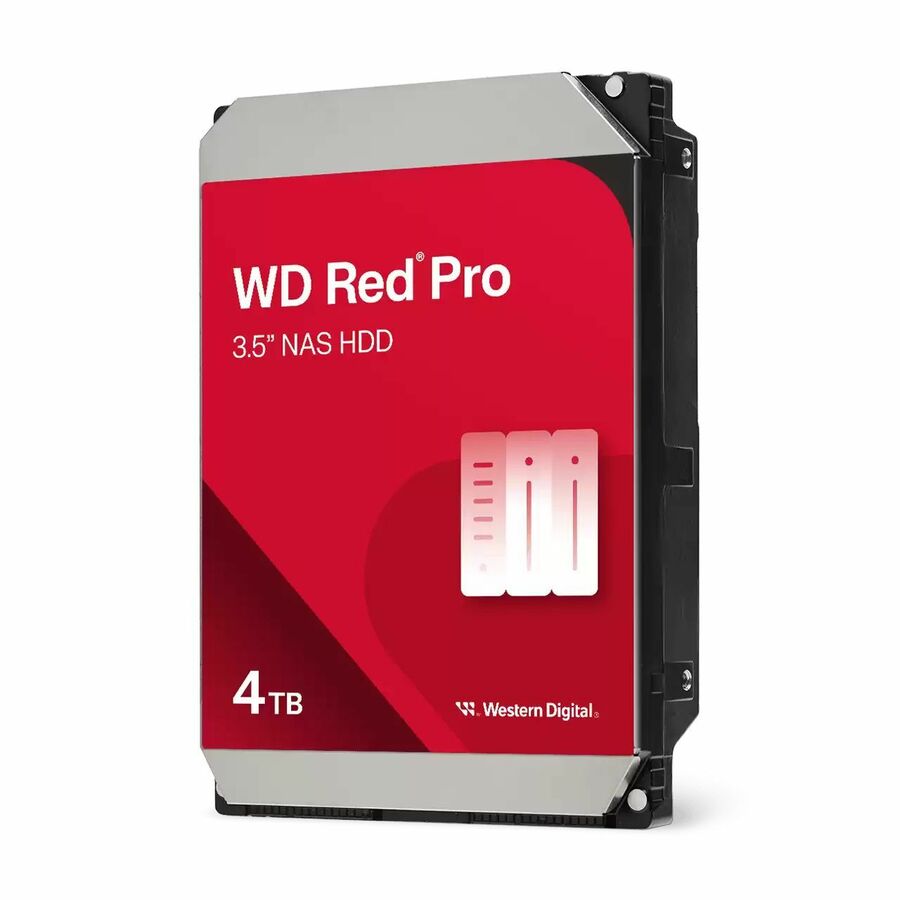
1 in stock - Western DigitalWD Red Pro WD4005FFBX 4 TB Network Hard Drive - 3.5" Internal - SATA (SATA/600) - Conventional Magnetic Recording (CMR) Method - NAS Device Supported - 7200rpm - 5 Year WarrantyWD4005FFBX
$321.65
Back-orderedBack-ordered — estimated OEM lead time 3–8 weeks (Nov 22 – Dec 27 if ordered today).
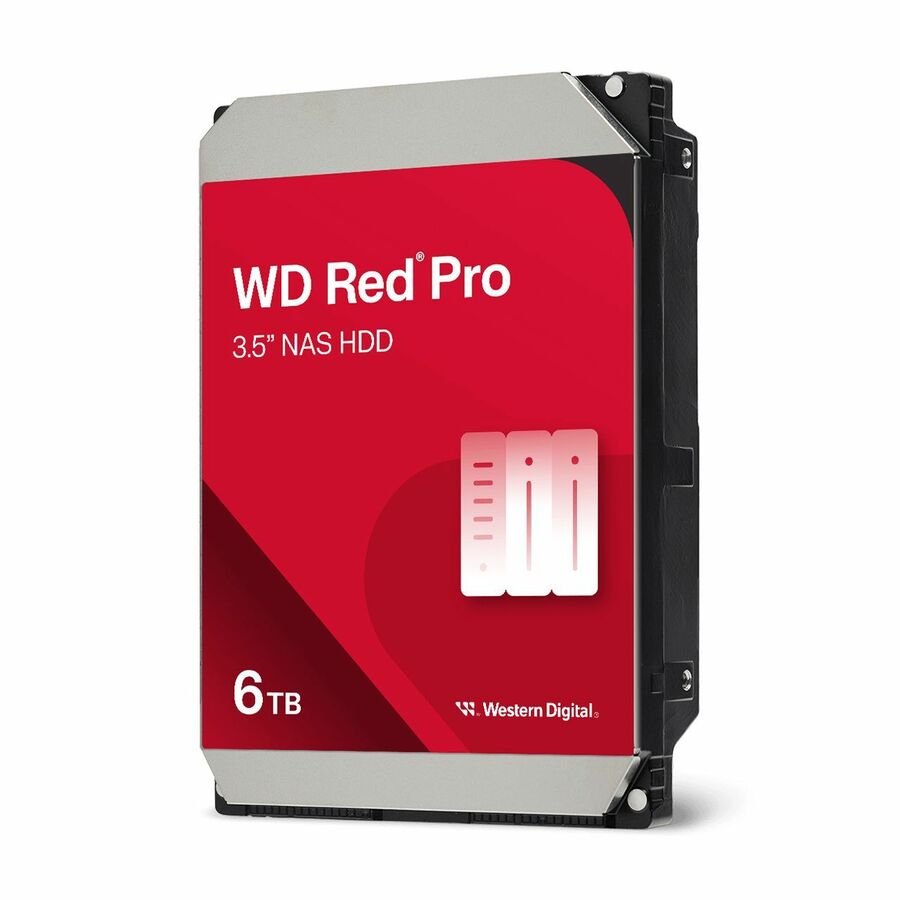
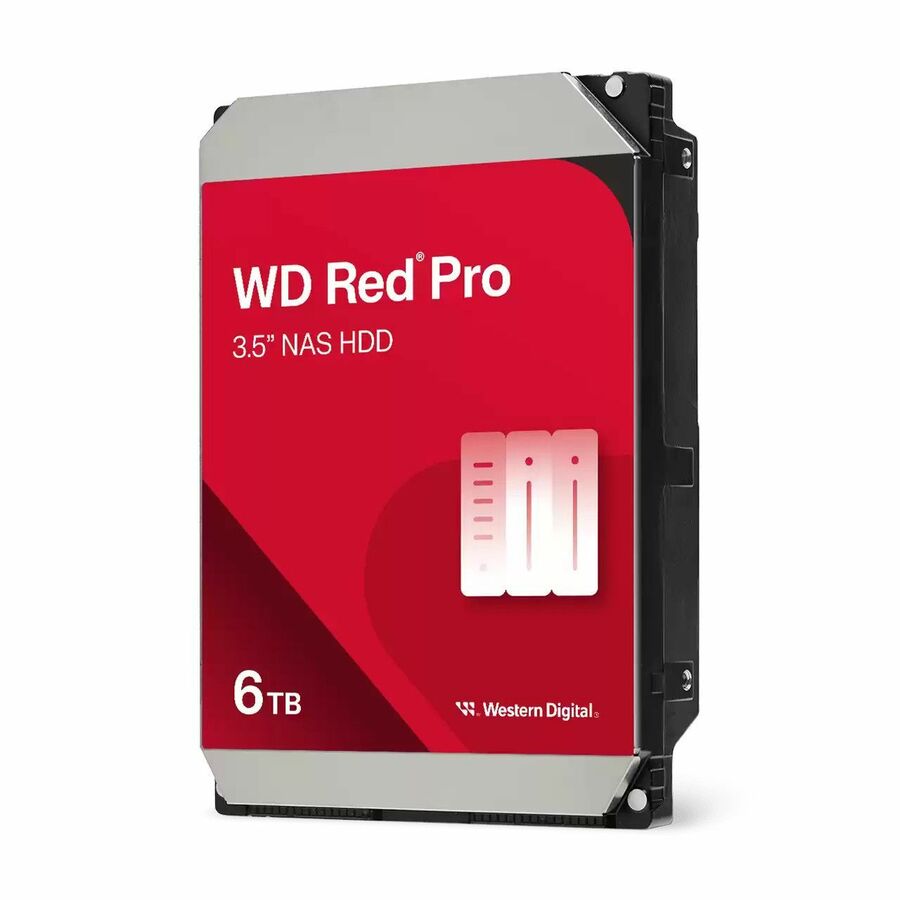
- Western DigitalWestern Digital Red Pro WD6005FFBX 6 TB Hard Drive - 3.5" Internal - SATA (SATA/600) - Conventional Magnetic Recording (CMR) Method - NAS Device Supported - 7200rpmWD6005FFBX
$416.59
Back-orderedBack-ordered — we expect to receive stock the week of Nov 9–15 and will process your delivery right after.
- Western DigitalWD Red Plus WD100EFGX 10 TB Hard Drive - 3.5" Internal - SATA (SATA/600) - Conventional Magnetic Recording (CMR) Method - NAS, Desktop PC Device Supported - 7200rpm - 180 TB TBWWD100EFGX
$610.49
Back-orderedBack-ordered — estimated OEM lead time 3–8 weeks (Nov 22 – Dec 27 if ordered today).
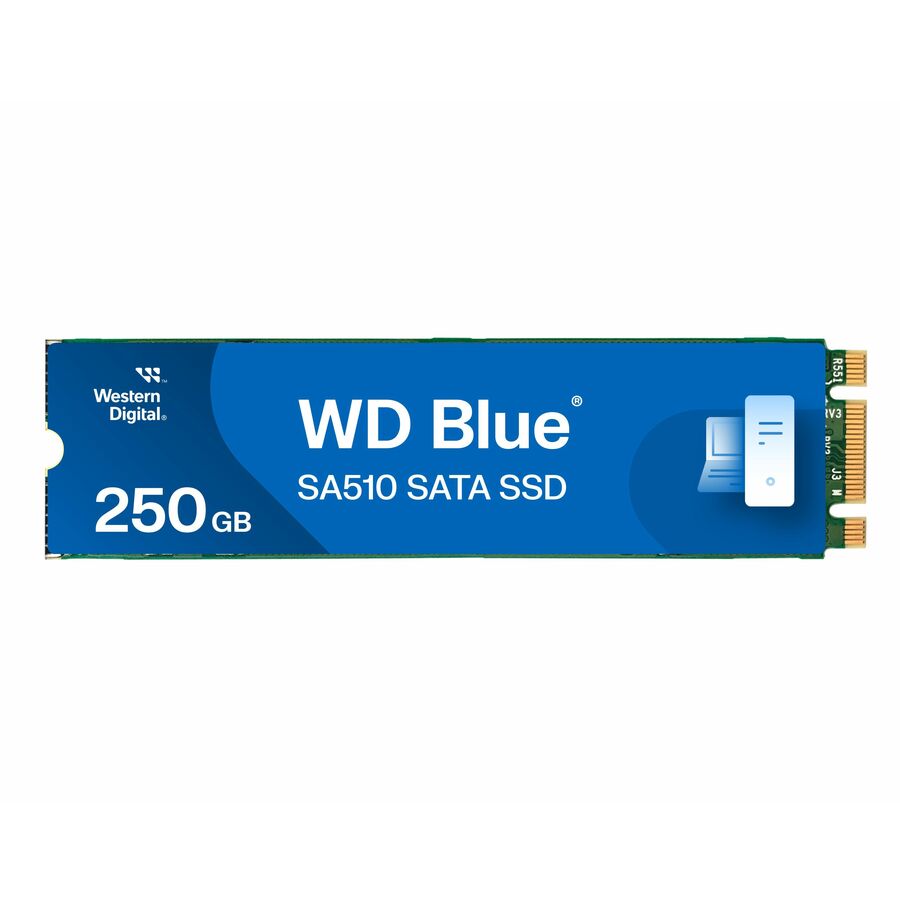
- Western DigitalWD Blue SA510 WDS250G3B0B 250 GB Solid State Drive - M.2 2280 Internal - SATA (SATA/600) - Desktop PC, Computer, NAS Device Supported - 100 TB TBW - 555 MB/s Maximum Read Transfer Rate - 10 PackWDS250G3B0B-00AXS0PK
$646.33
Back-orderedBack-ordered — estimated OEM lead time 3–8 weeks (Nov 22 – Dec 27 if ordered today).



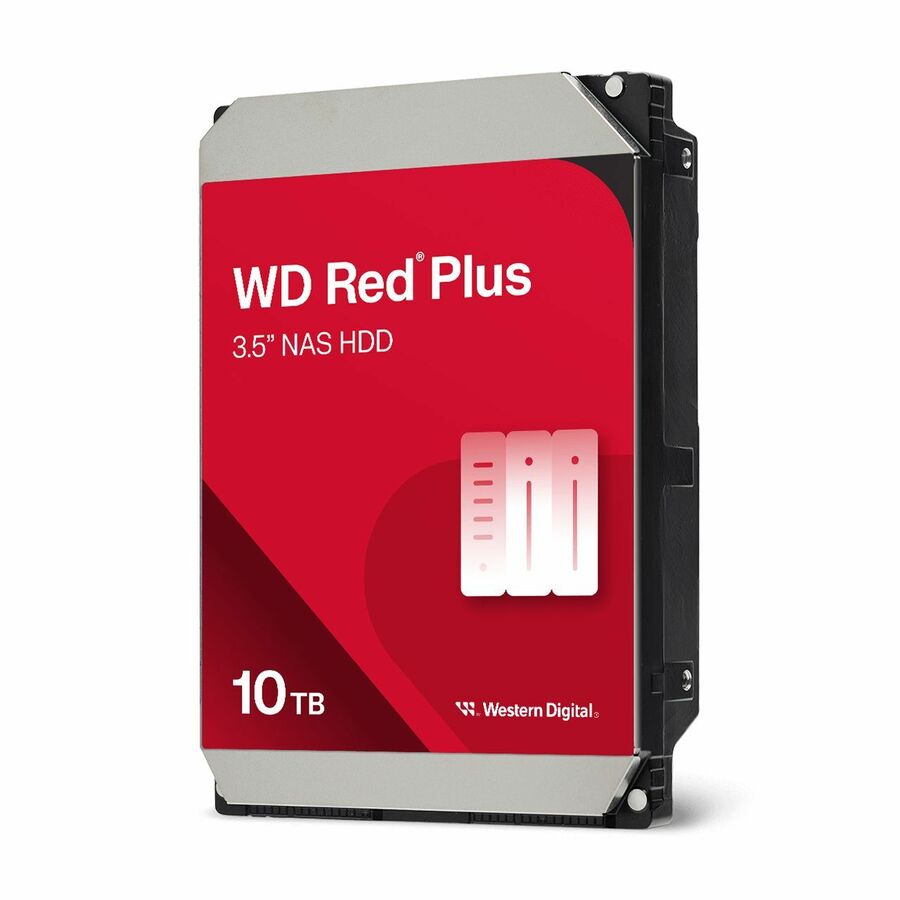
Entry four-bay drive
Western Digital
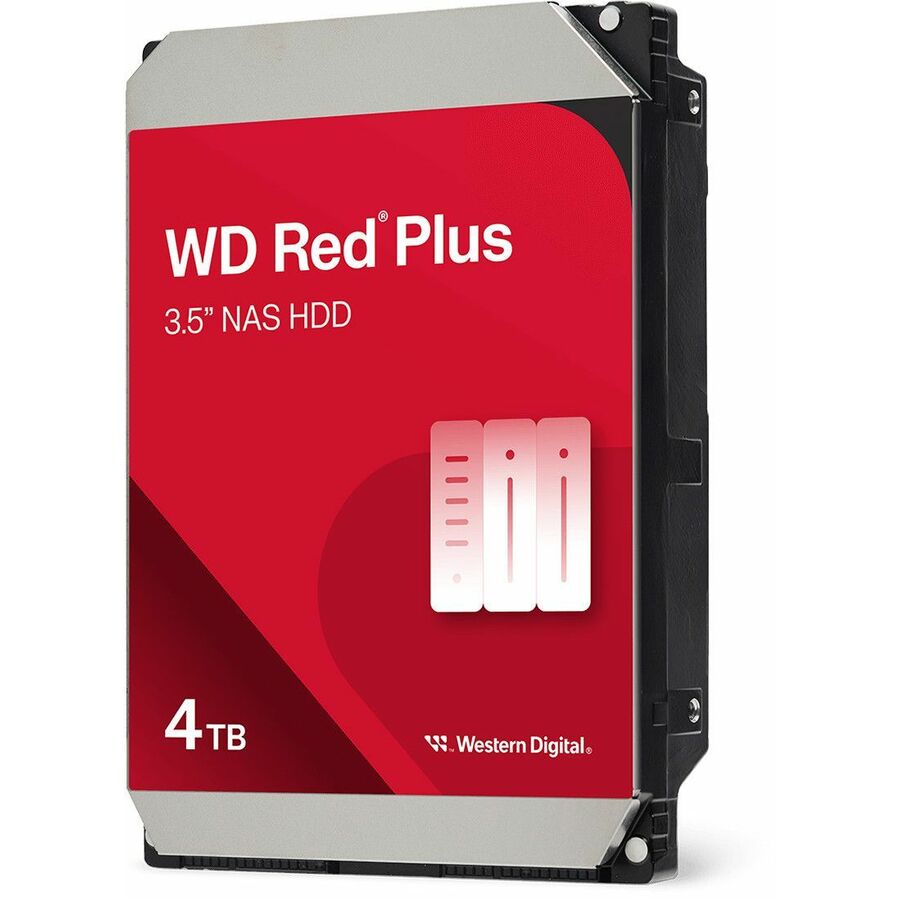
WD Red Plus WD40EFZZ 4 TB Hard Drive
WD40EFZZ
A 4 TB 3.5-inch SATA drive listed for NAS and desktop PC duty, titled Conventional Magnetic Recording at 5,400 rpm with a 180 TB-per-year workload figure — the sensible starting capacity for a small office share that is not also the backup target.
Its own title carries a three-year warranty.
$255.85In stockMid-capacity workhorse
Western Digital
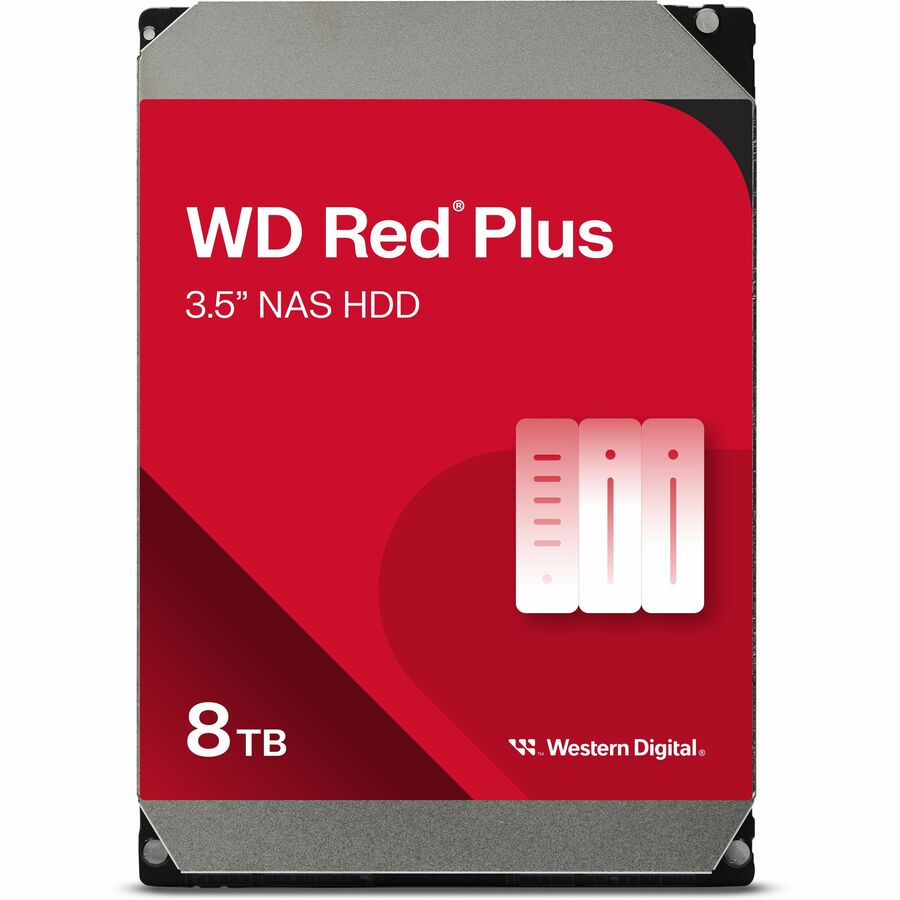
WD Red Plus WD80EFPX 8 TB Hard Drive
WD80EFPX
The same NAS-and-desktop listing at 8 TB, CMR at 5,640 rpm and the same 180 TB annual workload figure. The step most four-bay arrays actually want: enough usable space after parity to last the enclosure's life without moving into a hotter drive.
$511.54In stockTop capacity, five-year
Western Digital
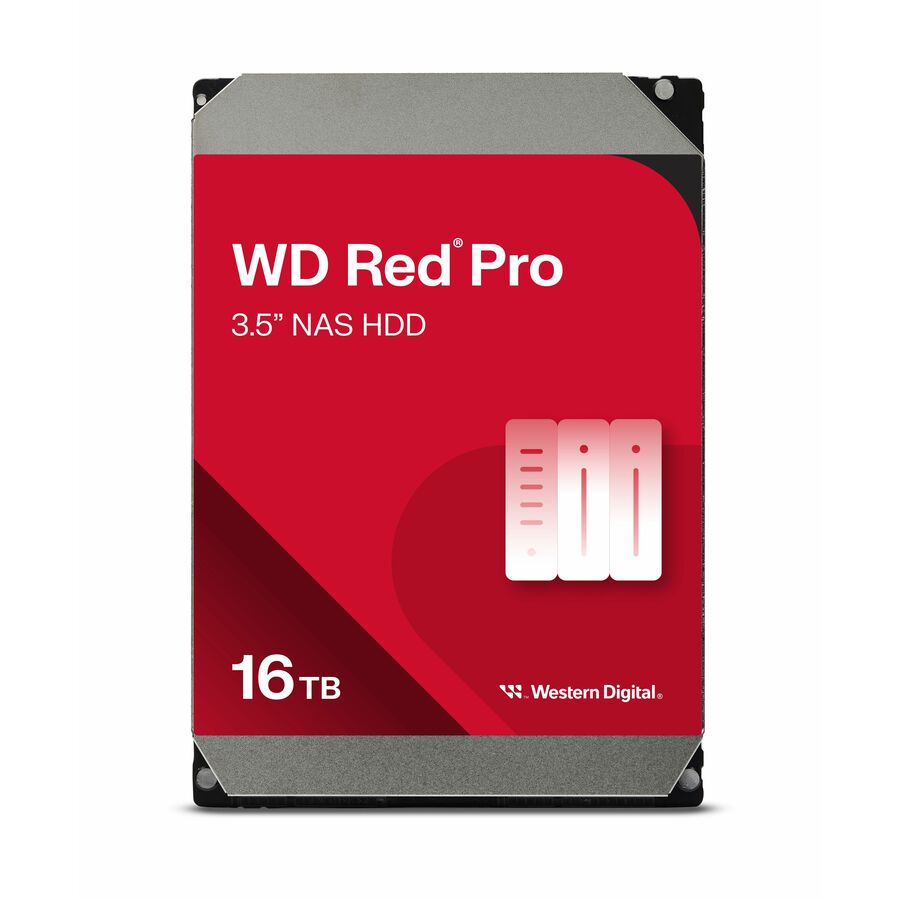
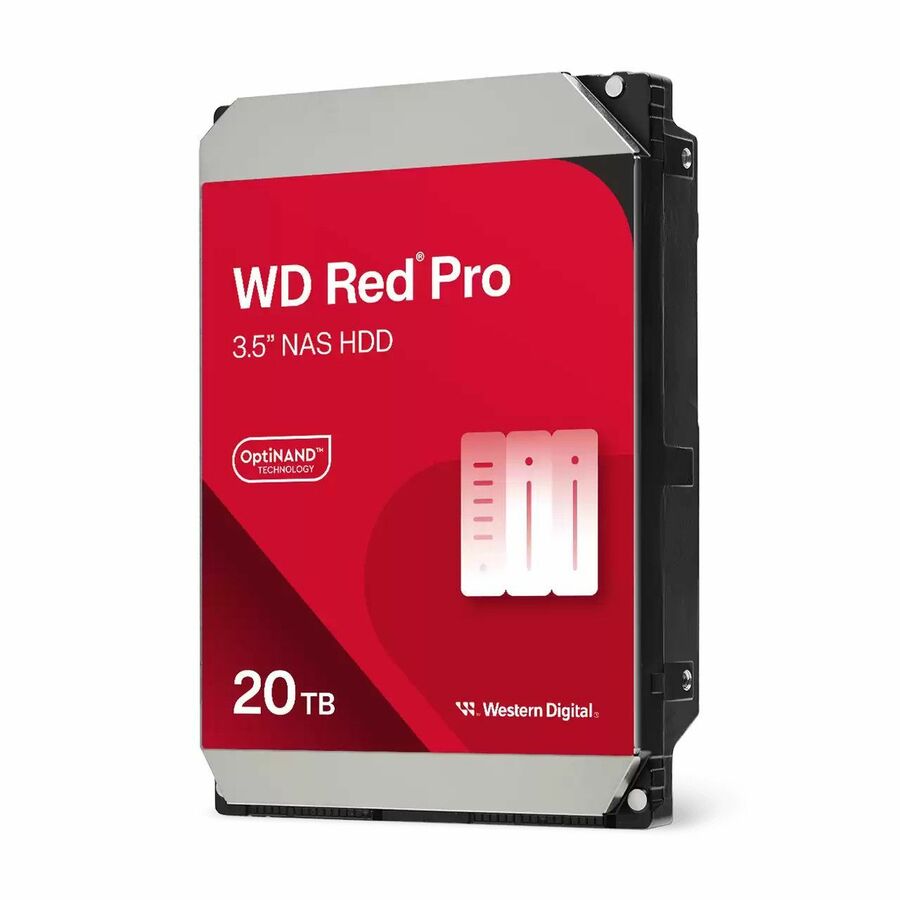
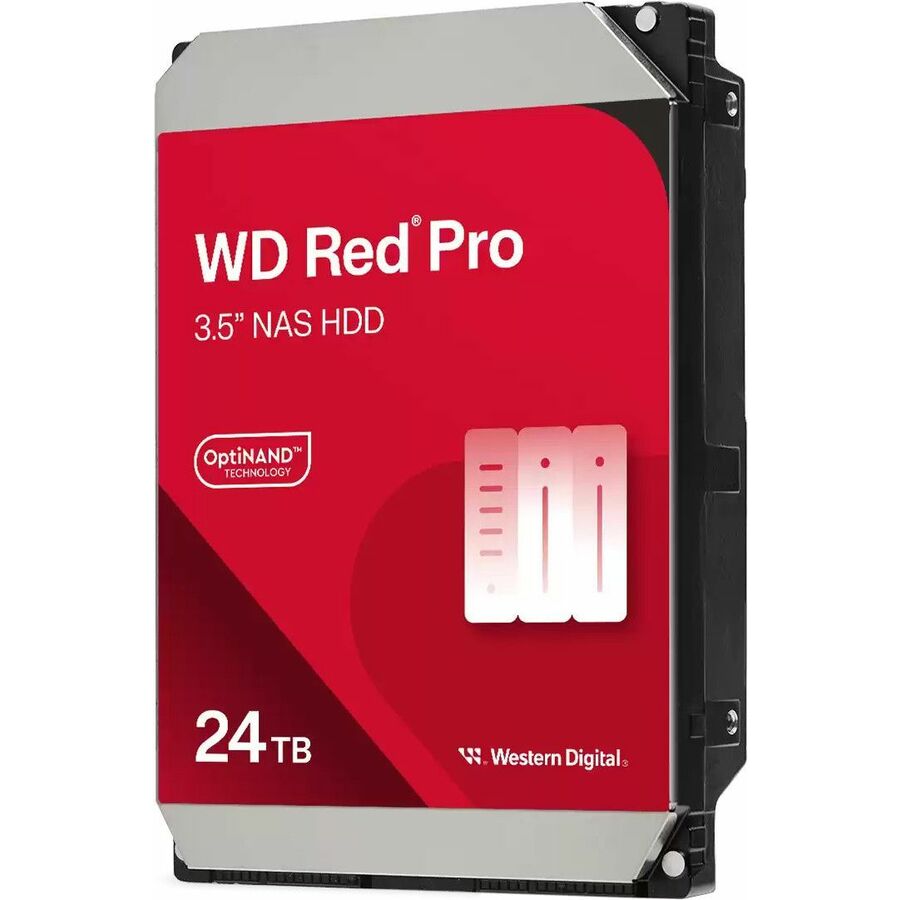
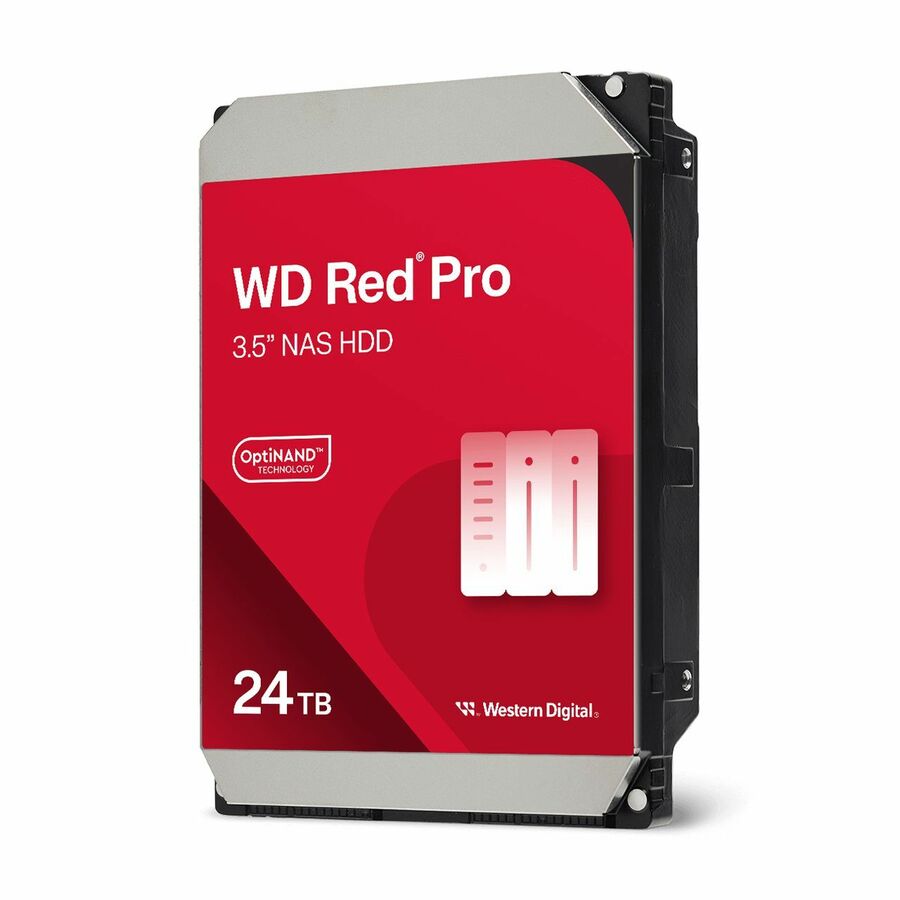
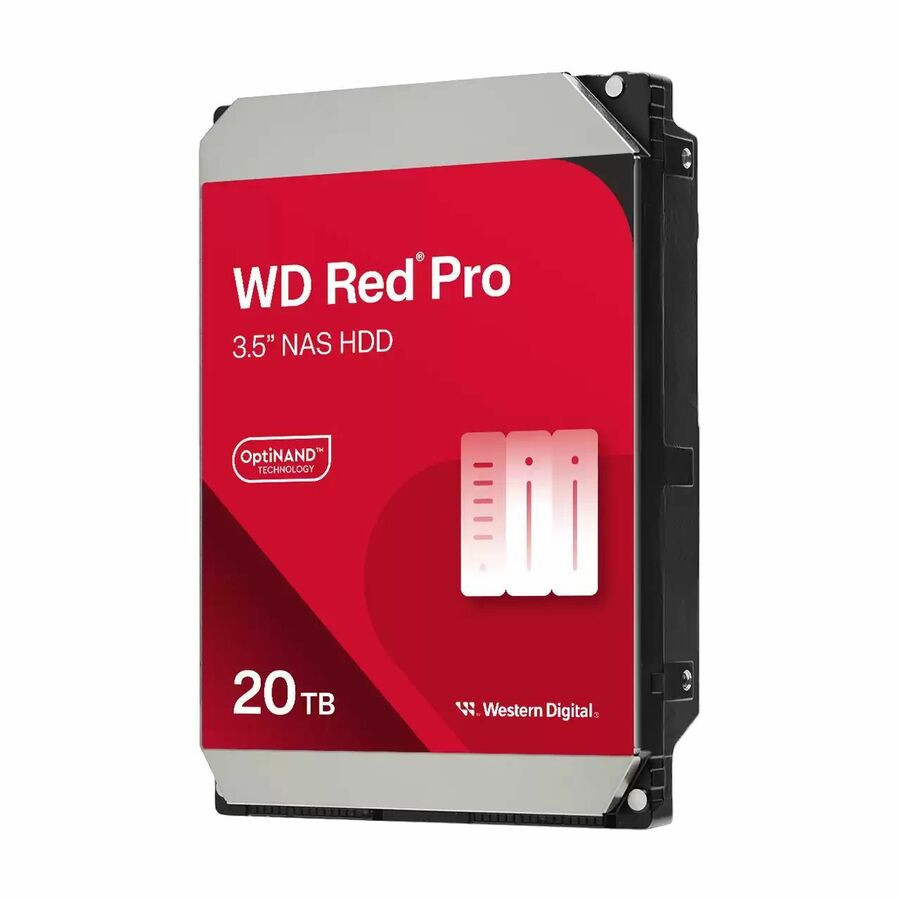
WD Red Pro WD241KFGX 24 TB Hard Drive
WD241KFGX
24 TB of CMR at 7,200 rpm, listed for NAS and desktop PC duty with a 550 TB annual workload figure and a five-year warranty in the title. This is the density-and-endurance end of the shelf, for arrays that write hard and are rebuilt under load.
Request pricing7,200 rpm at 10 TB
Toshiba
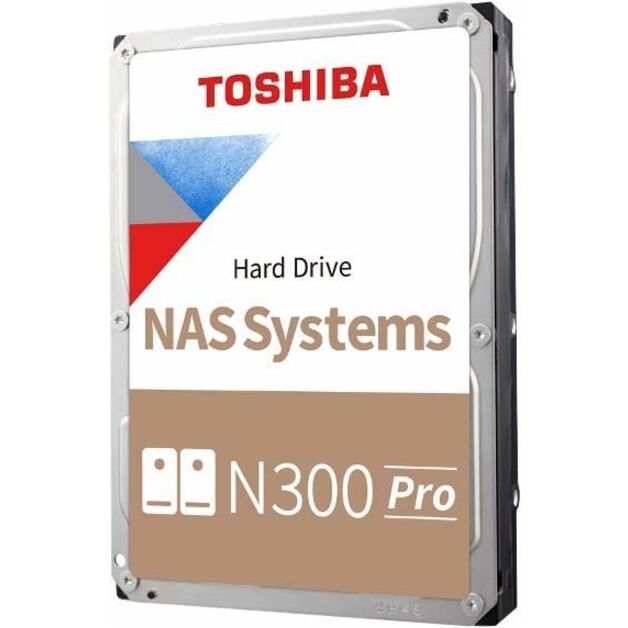
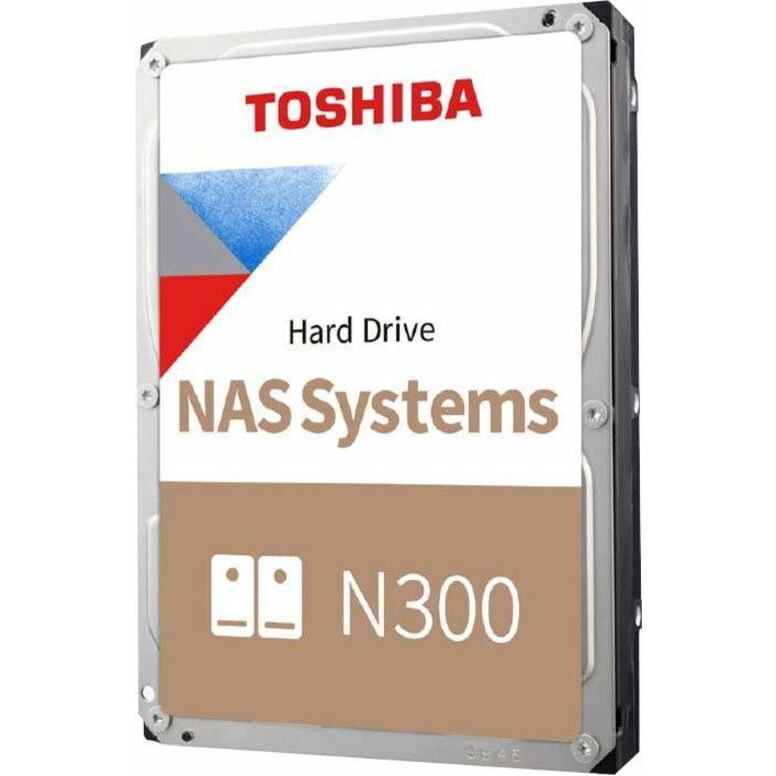
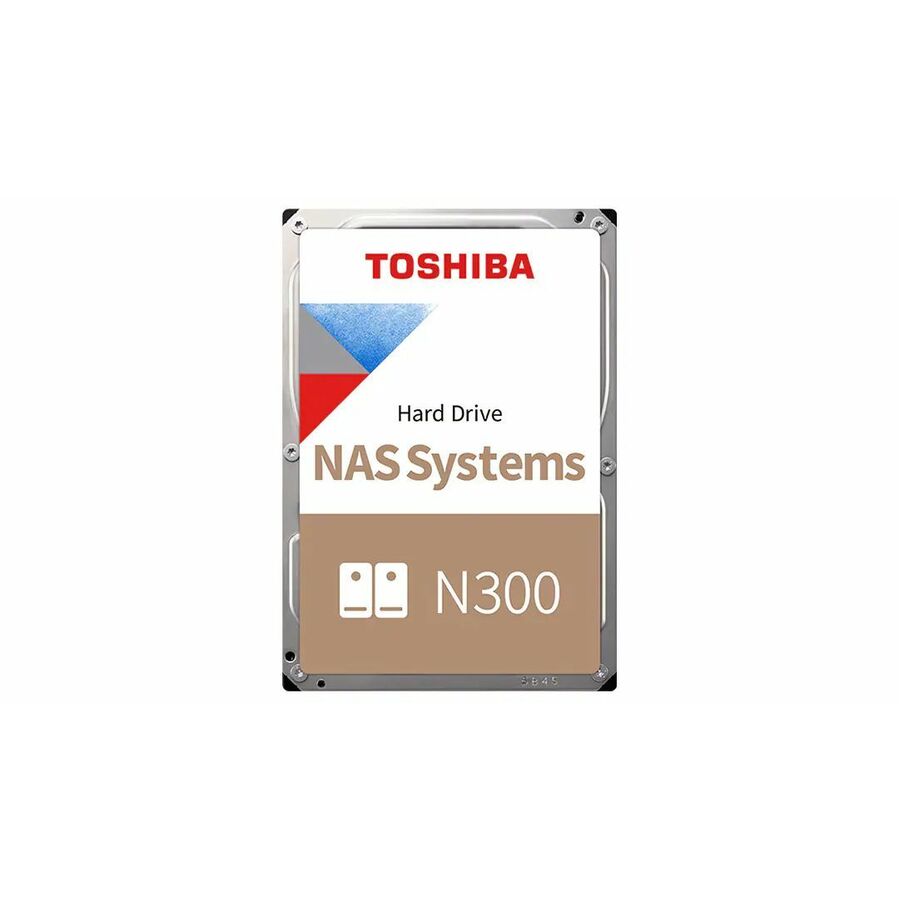
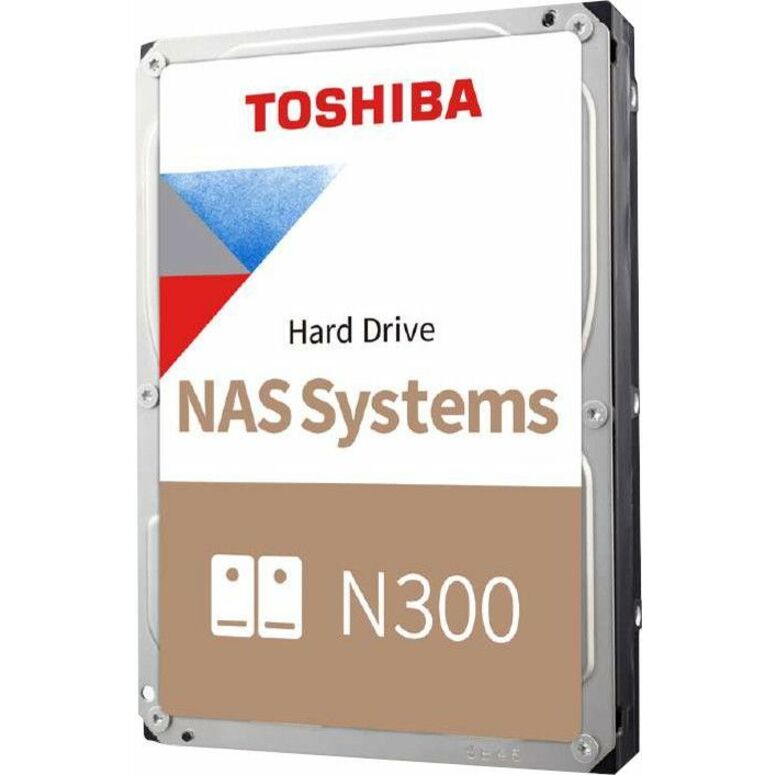
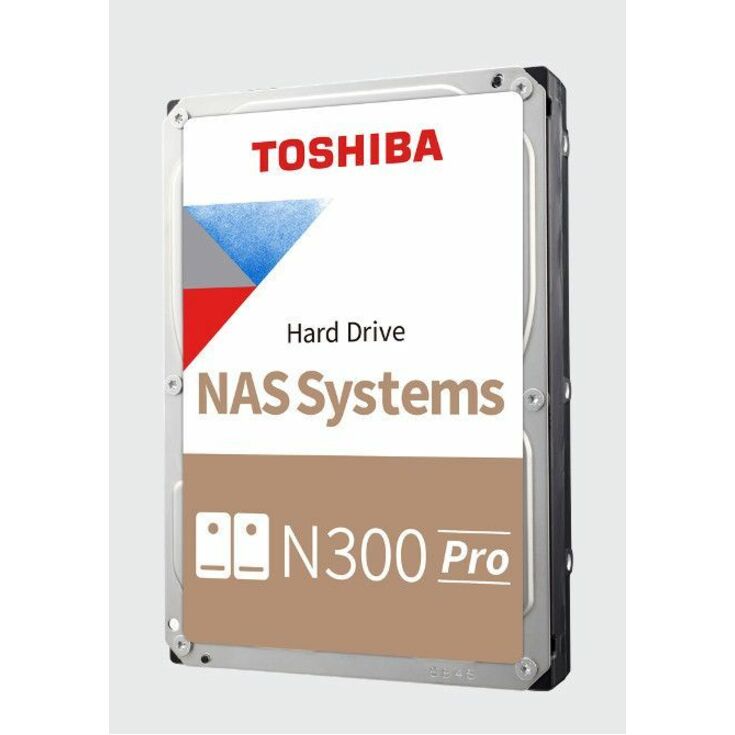
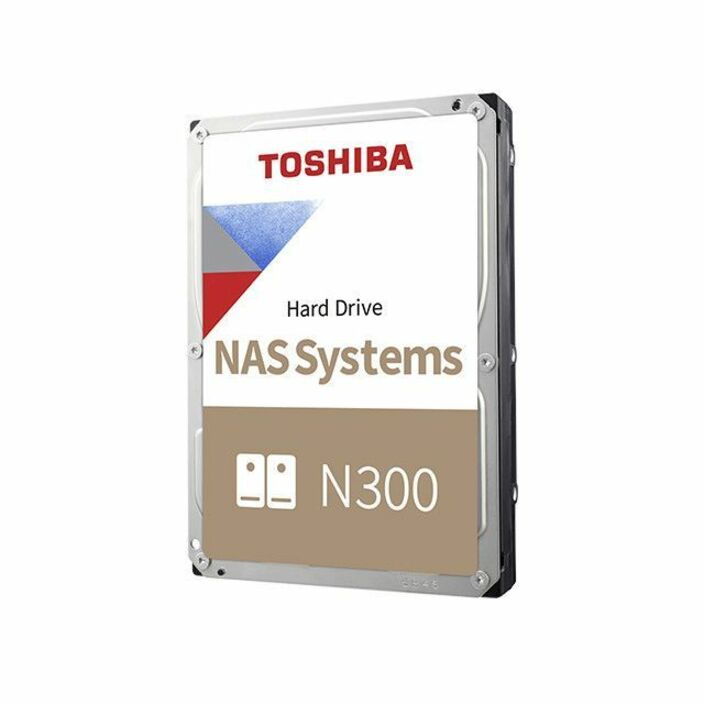
Toshiba N300 Pro 10 TB Hard Drive
HDWG71AXZSTB
A 10 TB 3.5-inch SATA drive listed for NAS duty at 7,200 rpm with a 281 MB/s maximum read transfer rate on the title. The faster-spindle option where the array serves users rather than sitting behind a backup job.
This title does not state a recording method — ask us to confirm it on the part number if that is a design input.
$1,023.57Back-ordered12 TB, CMR, 512e
Toshiba
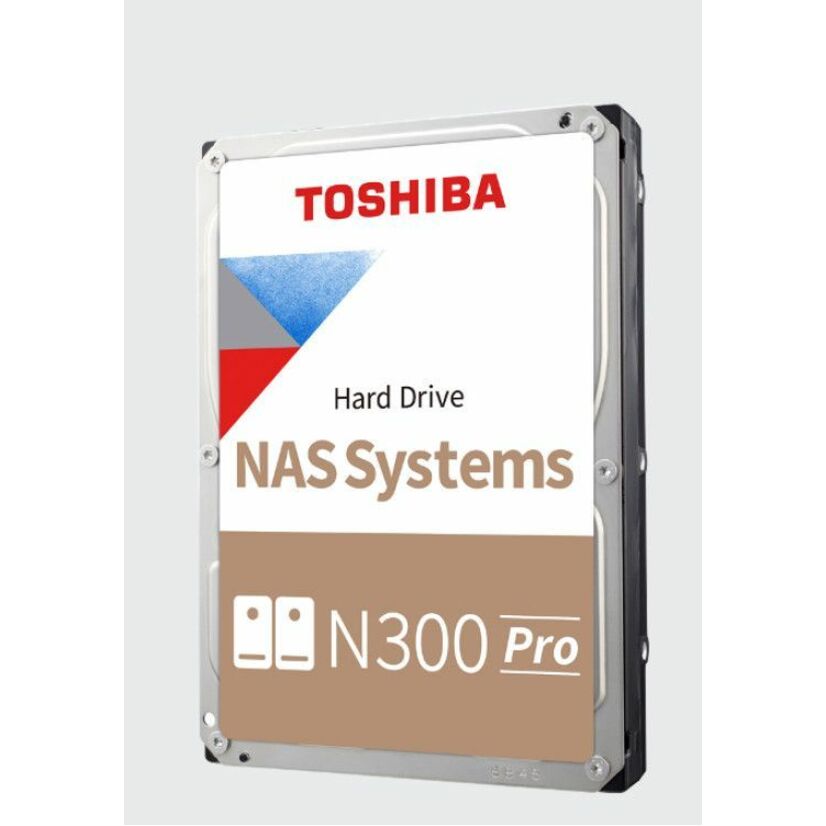
Toshiba N300 Pro HDWG51CXZSTB 12 TB Hard Drive
HDWG51CXZSTB
12 TB of Conventional Magnetic Recording at 7,200 rpm in 512e format, listed for NAS duty with the same 281 MB/s maximum read figure. A straightforward capacity step for a four- or six-bay array that is already on 7,200 rpm drives.
$1,162.90Back-orderedIronWolf at 14 TB
Seagate Technology
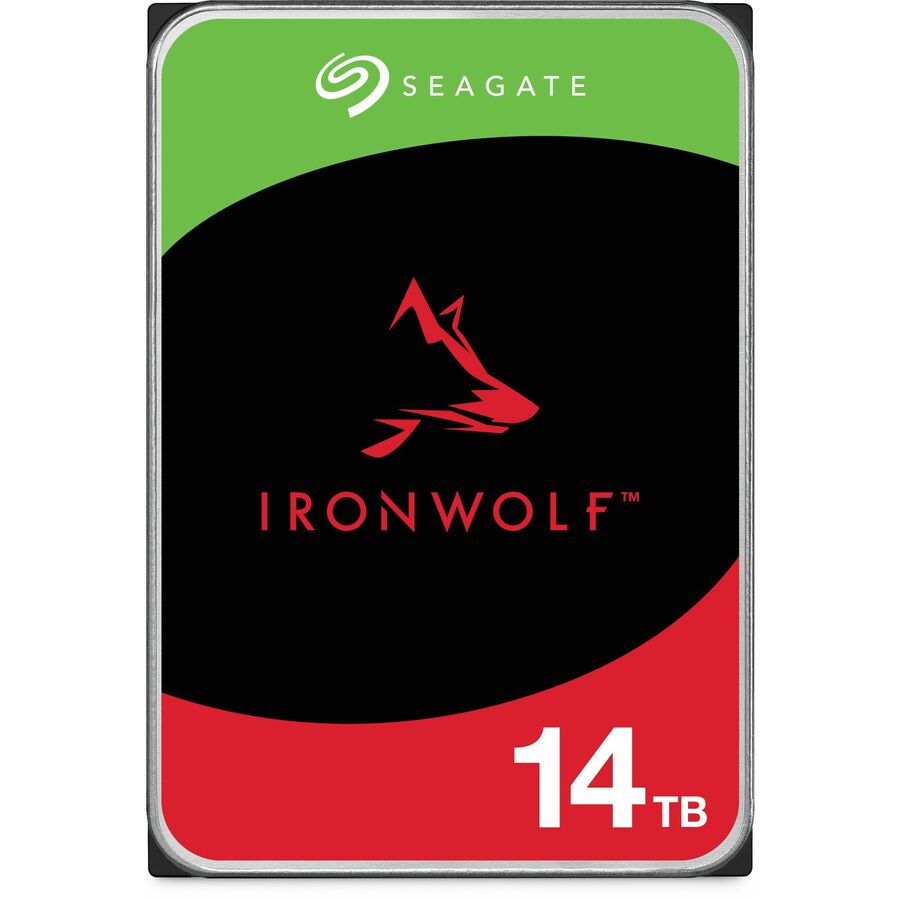
Seagate IronWolf ST14000VNA008 14 TB Hard Drive
ST14000VNA008
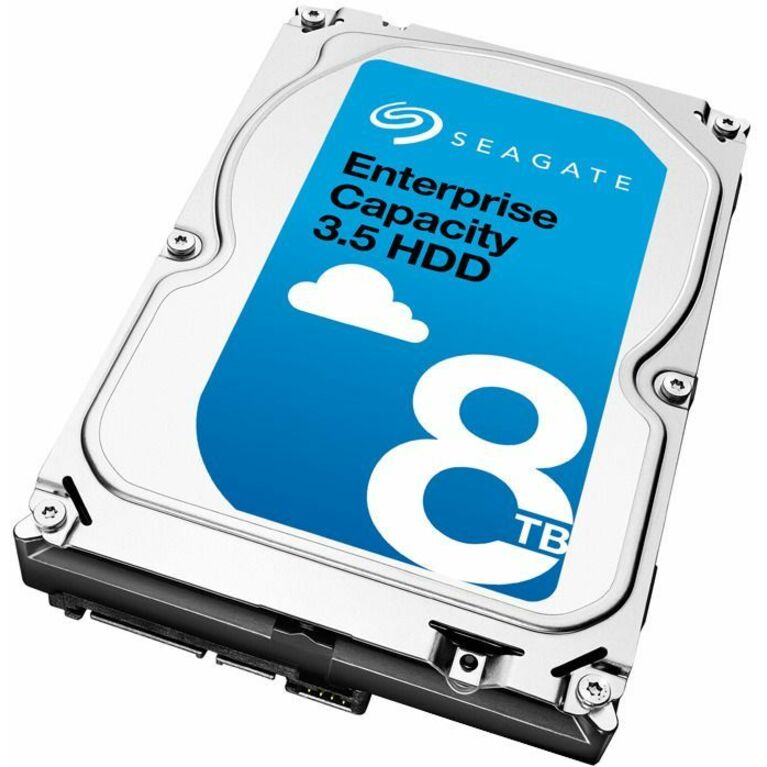
An IronWolf 14 TB 3.5-inch SATA drive, titled Conventional Magnetic Recording at 7,200 rpm with a 180 TB annual workload figure and listed for NAS duty. The mid-range IronWolf position for a departmental array that reads far more than it writes.
$3,266.58Back-orderedLargest here, 28 TB
Seagate Technology
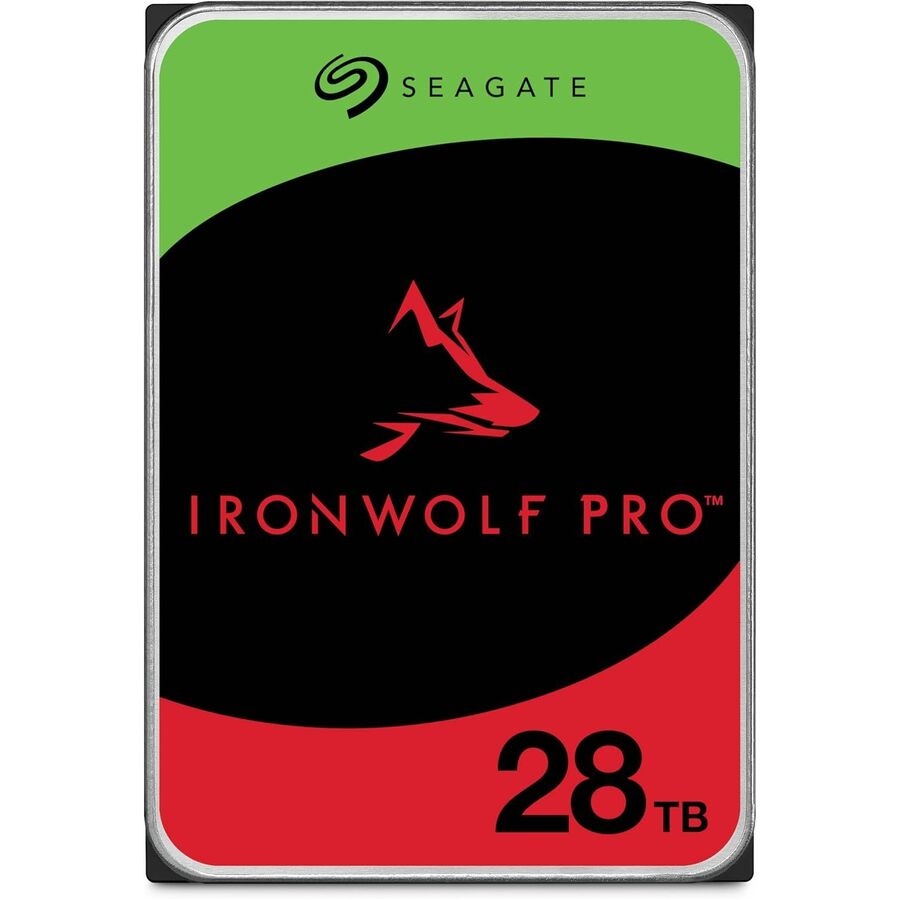
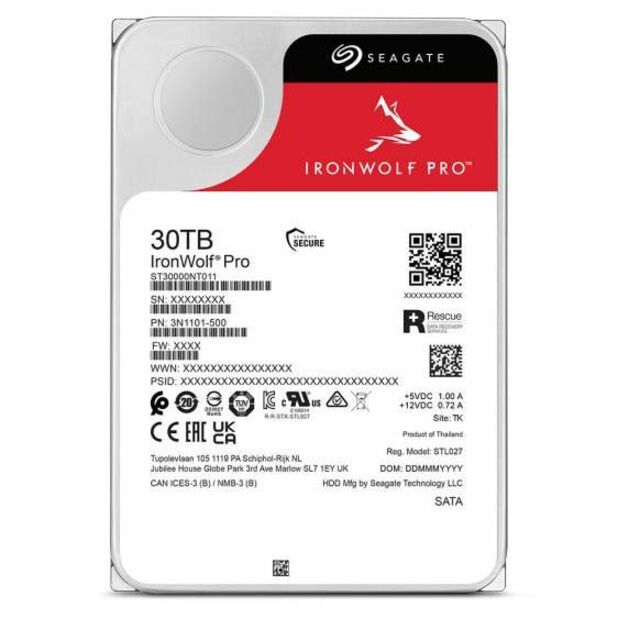
Seagate IronWolf Pro ST28000NT000 28 TB Hard Drive
ST28000NT000
IronWolf Pro at 28 TB — CMR at 7,200 rpm, listed for NAS, workstation and server duty, with a 550 TB annual workload figure, 512e format and a five-year warranty on the title. Plan the parity scheme before ordering a drive this size: the rebuild window is the real constraint.
Request pricingSAS backplane option
Seagate Technology
Seagate ST8000NM0075 8 TB Hard Drive
ST8000NM0075-RF
8 TB on a 12 Gb/s SAS interface at 7,200 rpm, listed for data center, NAS, storage server and storage system duty. The row to read when the chassis has a SAS backplane rather than SATA ports — check the interface against the enclosure first, because the two are not interchangeable.
$405.00In stockDriveStation spare
Buffalo
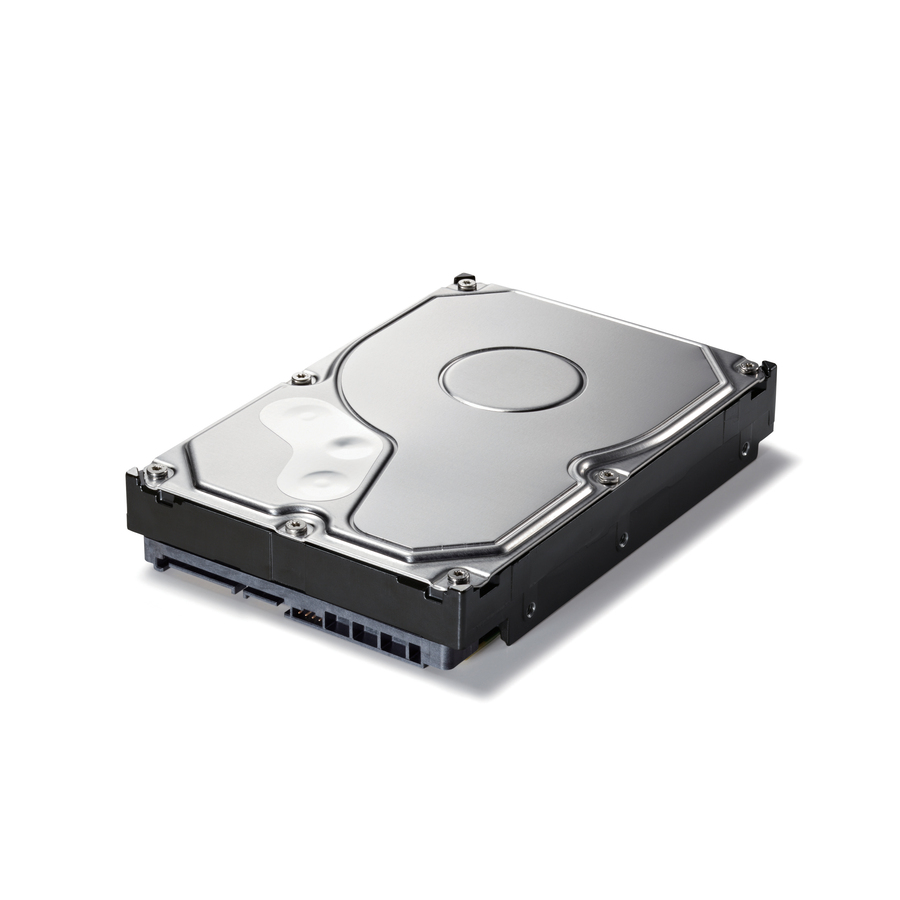
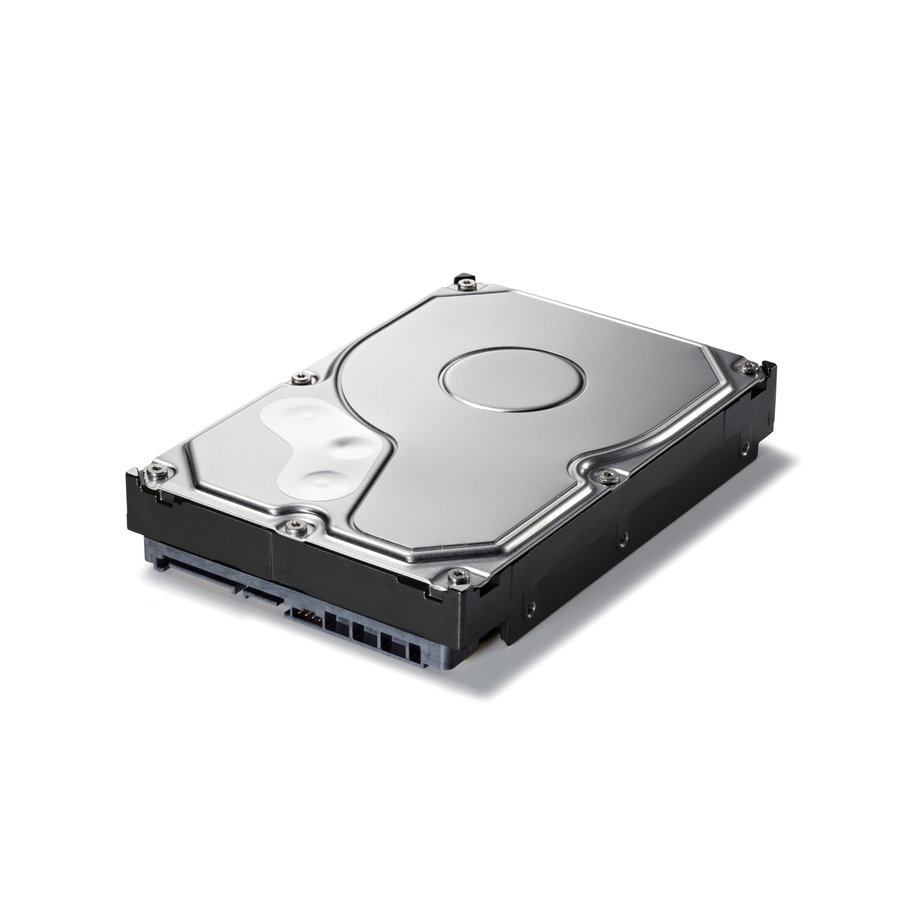
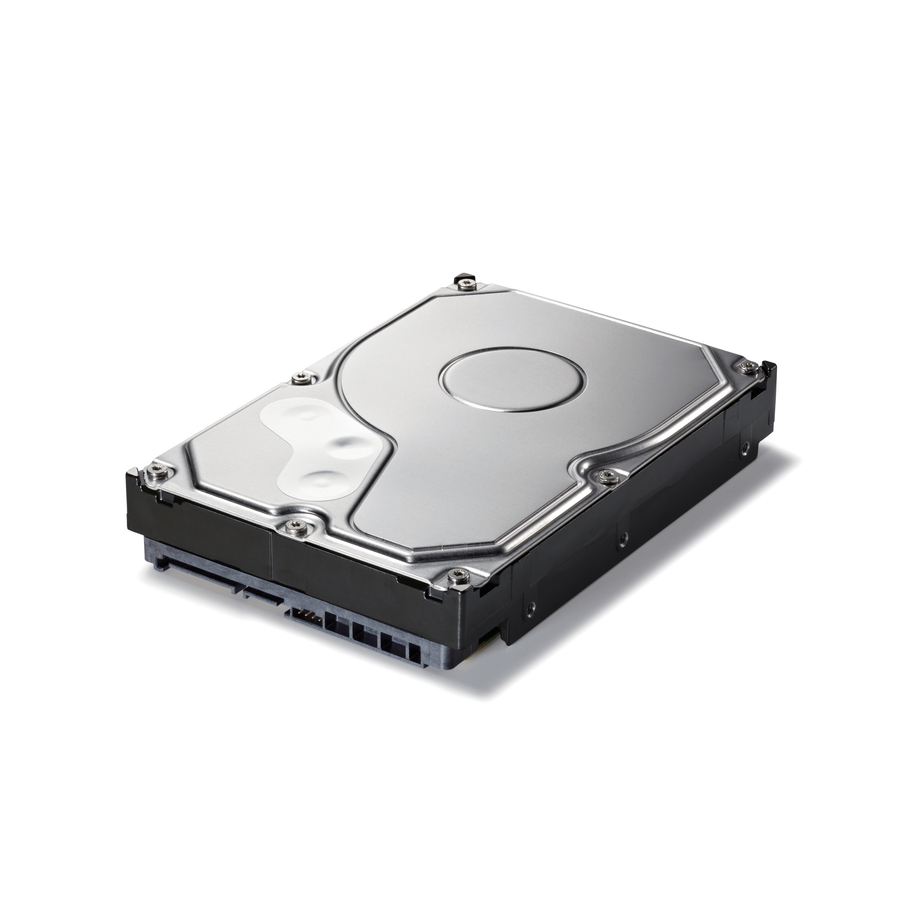
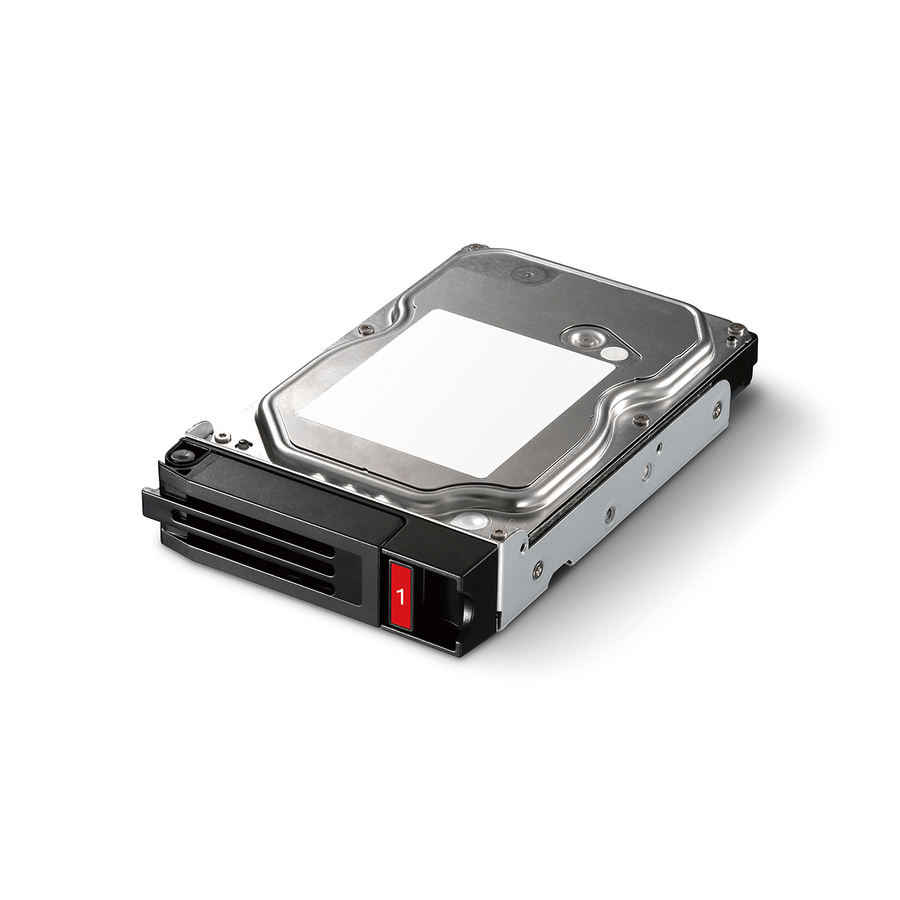
BUFFALO 4 TB Spare Replacement NAS Hard Drive for DriveStation Quad…
OP-HD4.0QH
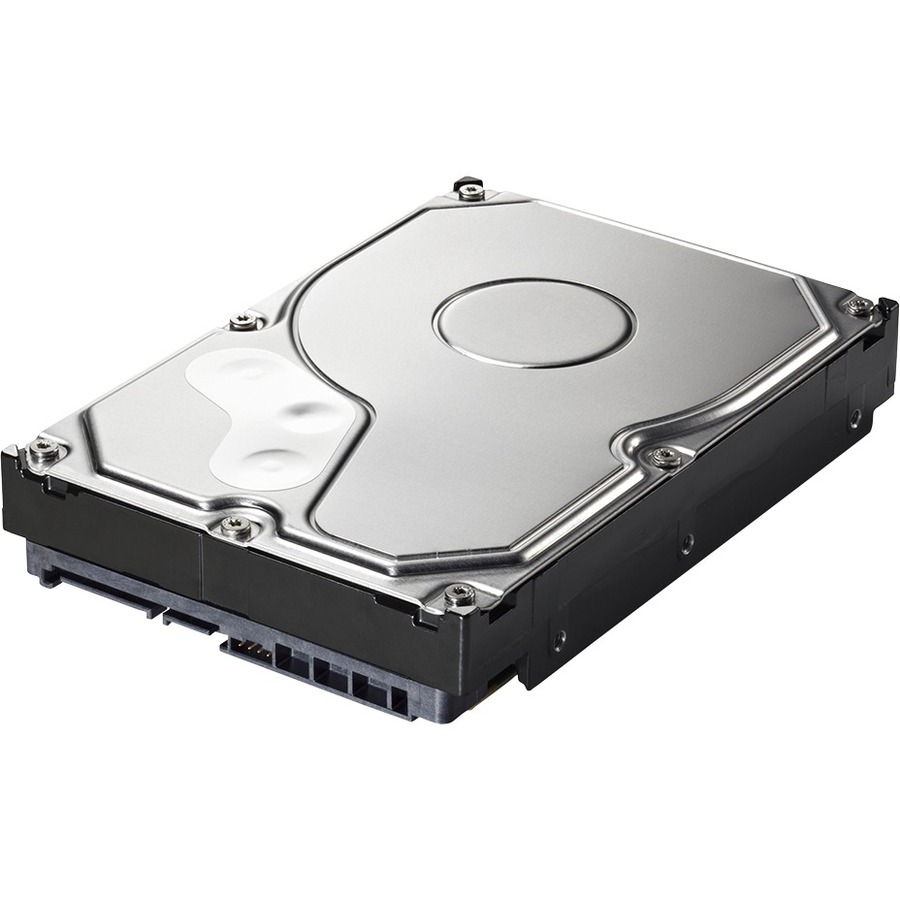
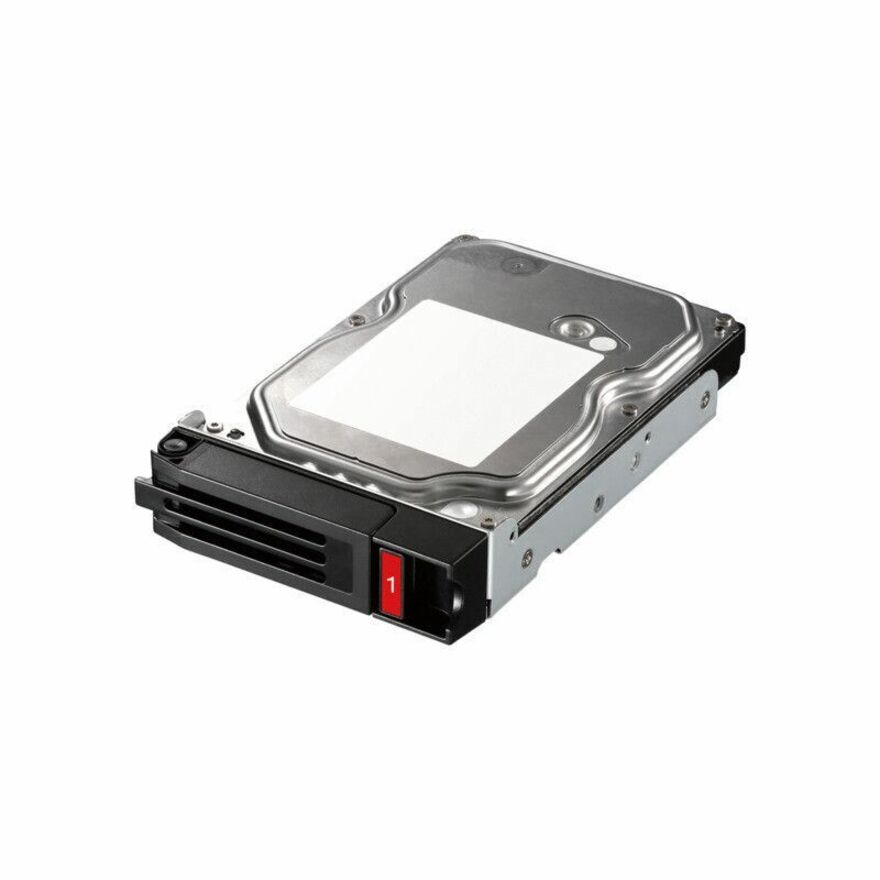
A 4 TB SATA drive sold as the spare replacement for the DriveStation Quad and titled NAS Grade. The point of a part like this is that it is the same drive the enclosure shipped with, which is what turns a failure into a swap instead of a compatibility exercise.
$357.11In stock16 TB, single drive
Buffalo
Buffalo 16 TB Hard Drive
OP-HD16.0N
A 16 TB internal SATA drive listed for NAS duty with a three-year warranty in the title. A capacity step for a Buffalo enclosure that has outgrown the drives it was bought with, ordered as a matched set rather than one bay at a time.
$937.43In stockBare drive, 12 TB
Axiom Memory Solutions
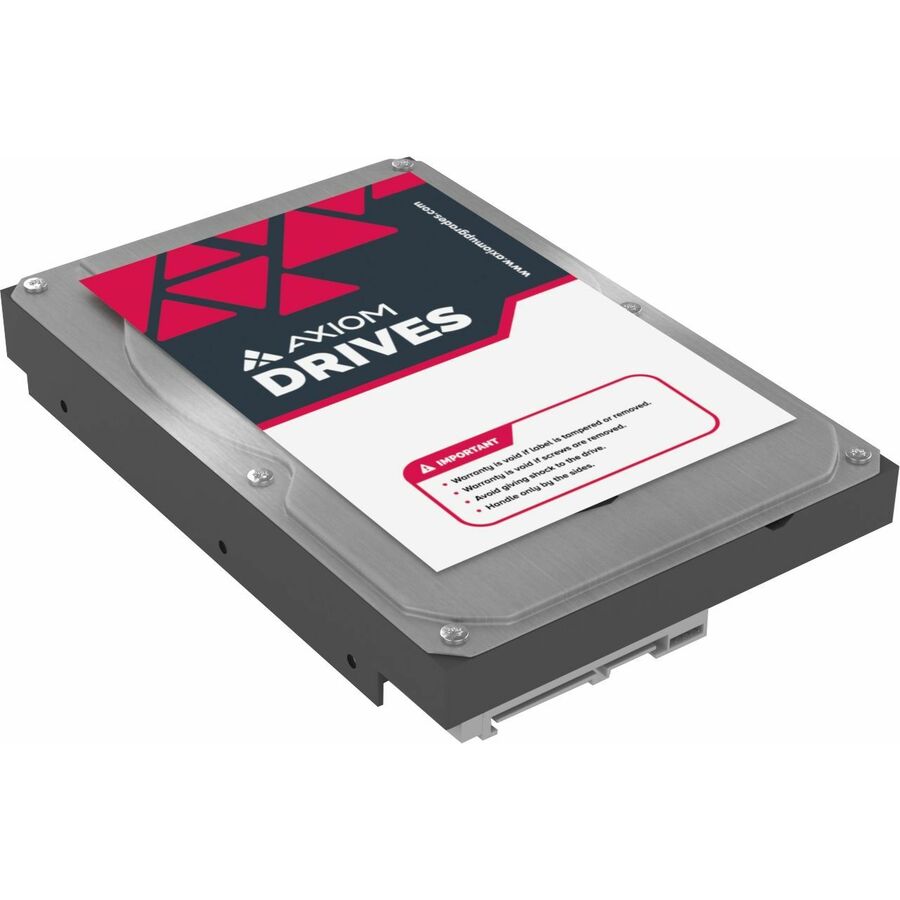
Axiom 12TB 6Gb/s SATA 7.2K RPM LFF 3.5-inch NAS Bare Hard Drive
AXHD12T7235A34N
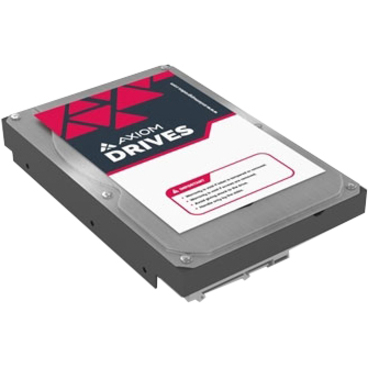
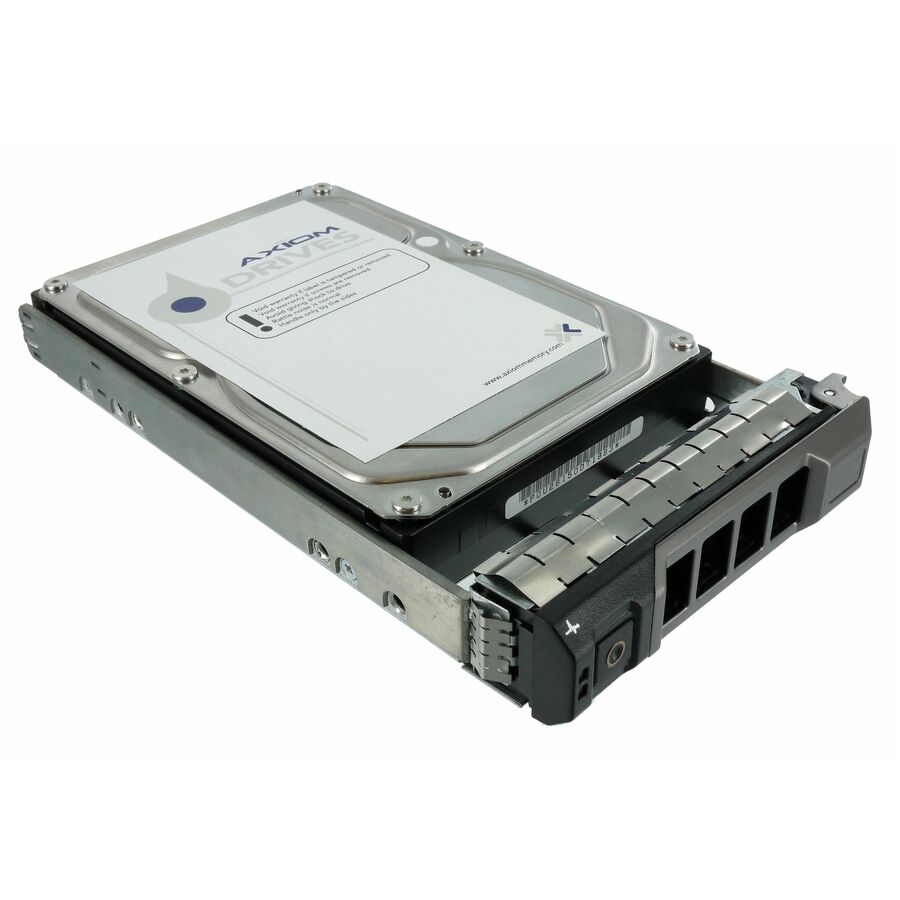
A 12 TB 6 Gb/s SATA bare drive at 7.2K rpm in the 3.5-inch large form factor, titled for NAS use and listed as storage-system supported with a three-year warranty. Bare means no caddy or rails: confirm what the chassis needs before ordering in quantity.
$1,168.29In stockMore hard drives and SSDs in the Uniqcli catalog
See all 9,677 hard drives and SSDsMore from across this category. In-stock lines lead, and a back-ordered line carries the same estimated availability its product page does — with live pricing throughout, NDAA §889 screening before checkout and TAA verified on request.
- ToshibaToshiba N300 Pro HDWG62AXZSTB 20 TB Hard Drive - 3.5" Internal - SATA (SATA/600) - Conventional Magnetic Recording (CMR) Method - NAS Device Supported - 7200rpm - 281 MB/s Maximum Read Transfer Rate - 512e FormatHDWG62AXZSTB
$3,156.38
$2,888.08
Back-orderedBack-ordered — estimated OEM lead time 3–8 weeks (Nov 22 – Dec 27 if ordered today).
- ToshibaToshiba N300 8 TB Hard Drive - 3.5" Internal - SATA (SATA/600) - Conventional Magnetic Recording (CMR) Method - NAS, Desktop PC, Server Device Supported - 7200rpm - 180 TB TBW - RetailHDWG480XZSTA
$2,841.98
$2,600.41
Back-orderedBack-ordered — estimated OEM lead time 3–8 weeks (Nov 22 – Dec 27 if ordered today).
- ToshibaToshiba N300 HDWG51JXZSTA 18 TB Hard Drive - 3.5" Internal - SATA (SATA/600) - Conventional Magnetic Recording (CMR) Method - NAS, Server, Storage Server, Cloud Storage Device Supported - 7200rpm - 512e Format - RetailHDWG51JXZSTA
$2,711.99
$2,481.47
Back-orderedBack-ordered — estimated OEM lead time 3–8 weeks (Nov 22 – Dec 27 if ordered today).
- ToshibaToshiba N300 Pro HDWG760XZSTB 6 TB Hard Drive - 3.5" Internal - SATA (SATA/600) - Conventional Magnetic Recording (CMR) Method - NAS, RAID Controller Device Supported - 7200rpm - 300 TB TBW - 281 MB/s Maximum Read Transfer Rate - 512e Format - RetailHDWG760XZSTB
$1,570.61
$1,437.11
Back-orderedBack-ordered — estimated OEM lead time 3–8 weeks (Nov 22 – Dec 27 if ordered today).
- ToshibaToshiba N300 Pro HDWG740XZSTD 4 TB Hard Drive - 3.5" Internal - SATA (SATA/600) - Conventional Magnetic Recording (CMR) Method - NAS Device Supported - 7200rpm - 300 TB TBW - 512e Format - 5 Year Warranty - RetailHDWG740XZSTD
$1,342.43
$1,228.32
Back-orderedBack-ordered — estimated OEM lead time 3–8 weeks (Nov 22 – Dec 27 if ordered today).
- ToshibaToshiba N300 HDWG740XZSTC 4 TB Hard Drive - 3.5" Internal - SATA (SATA/600) - Conventional Magnetic Recording (CMR) Method - NAS, Storage Server, Server, Cloud Storage Device Supported - 7200rpm - 281 MB/s Maximum Read Transfer Rate - 512e Format - RetailHDWG740XZSTC
$1,329.50
$1,216.50
Back-orderedBack-ordered — estimated OEM lead time 3–8 weeks (Nov 22 – Dec 27 if ordered today).
- ToshibaToshiba N300 Pro HDWG51CXZSTB 12 TB Hard Drive - 3.5" Internal - SATA (SATA/600) - Conventional Magnetic Recording (CMR) Method - NAS Device Supported - 7200rpm - 281 MB/s Maximum Read Transfer Rate - 512e FormatHDWG51CXZSTB
$1,270.93
$1,162.90
Back-orderedBack-ordered — estimated OEM lead time 3–8 weeks (Nov 22 – Dec 27 if ordered today).
- ToshibaToshiba N300 Pro 10 TB Hard Drive - 3.5" Internal - SATA (SATA/600) - NAS Device Supported - 7200rpm - 281 MB/s Maximum Read Transfer RateHDWG71AXZSTB
$1,118.65
$1,023.57
Back-orderedBack-ordered — estimated OEM lead time 3–8 weeks (Nov 22 – Dec 27 if ordered today).
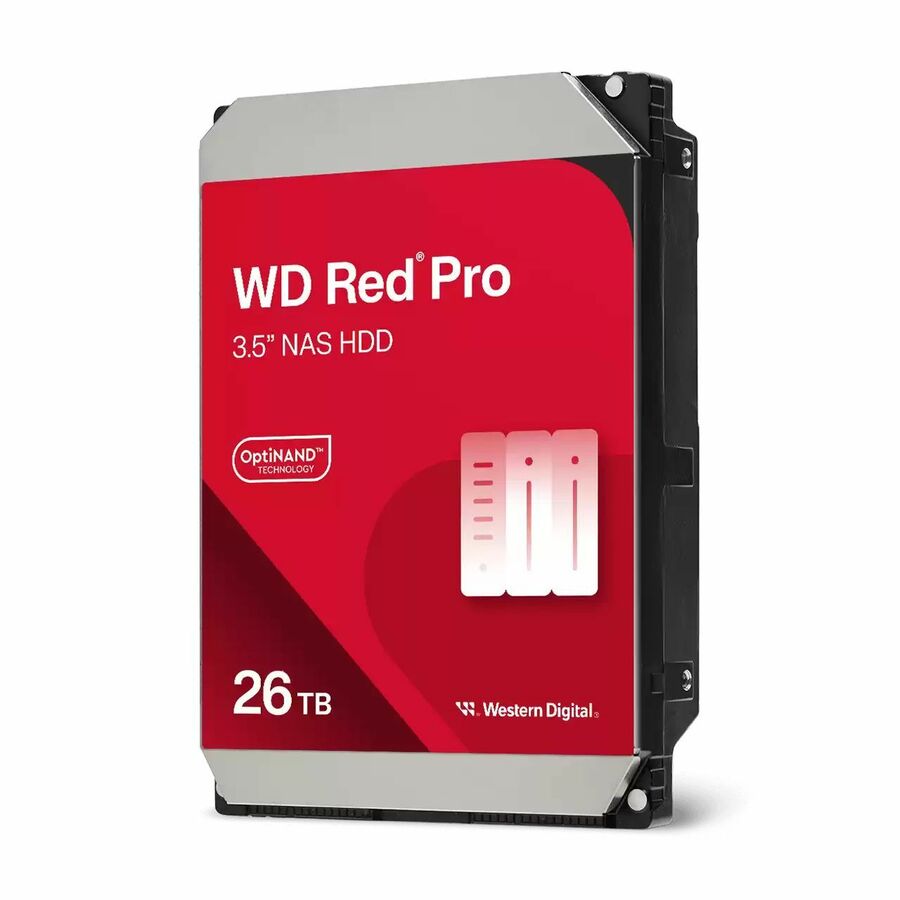
- Western DigitalWestern Digital Red Pro WD260KFGX 26 TB Hard Drive - 3.5" Internal - NAS Device Supported - 72000rpm - 20 PackWD260KFGX-20PK
$39,087.46
Back-orderedBack-ordered — we expect to receive stock the week of Nov 30 – Dec 6 and will process your delivery right after.
- Western DigitalWD Red Pro WD241KFGX 24 TB Hard Drive - 3.5" Internal - SATA - Conventional Magnetic Recording (CMR) Method - NAS, Desktop PC Device Supported - 7200rpm - 550 TB TBW - 5 Year Warranty - 20 PackWD241KFGX-20PK
$36,080.75
Back-orderedBack-ordered — we expect to receive stock the week of Nov 30 – Dec 6 and will process your delivery right after.
- Seagate TechnologySeagate IronWolf Pro 30 TB Hard Drive - 3.5" Internal - SATA - NAS Device Supported - 7200rpm - 20 PackST30000NT011-20PK
$31,121.05
Back-orderedBack-ordered — estimated OEM lead time 3–8 weeks (Nov 22 – Dec 27 if ordered today).
- Western DigitalWD Red Pro WD202KFGX 20 TB Hard Drive - 3.5" Internal - SATA - Conventional Magnetic Recording (CMR) Method - NAS Device Supported - 7200rpm - 550 TB TBW - 5 Year Warranty - 20 PackWD202KFGX-20PK
$30,072.04
Back-orderedBack-ordered — we expect to receive stock the week of Nov 23–29 and will process your delivery right after.
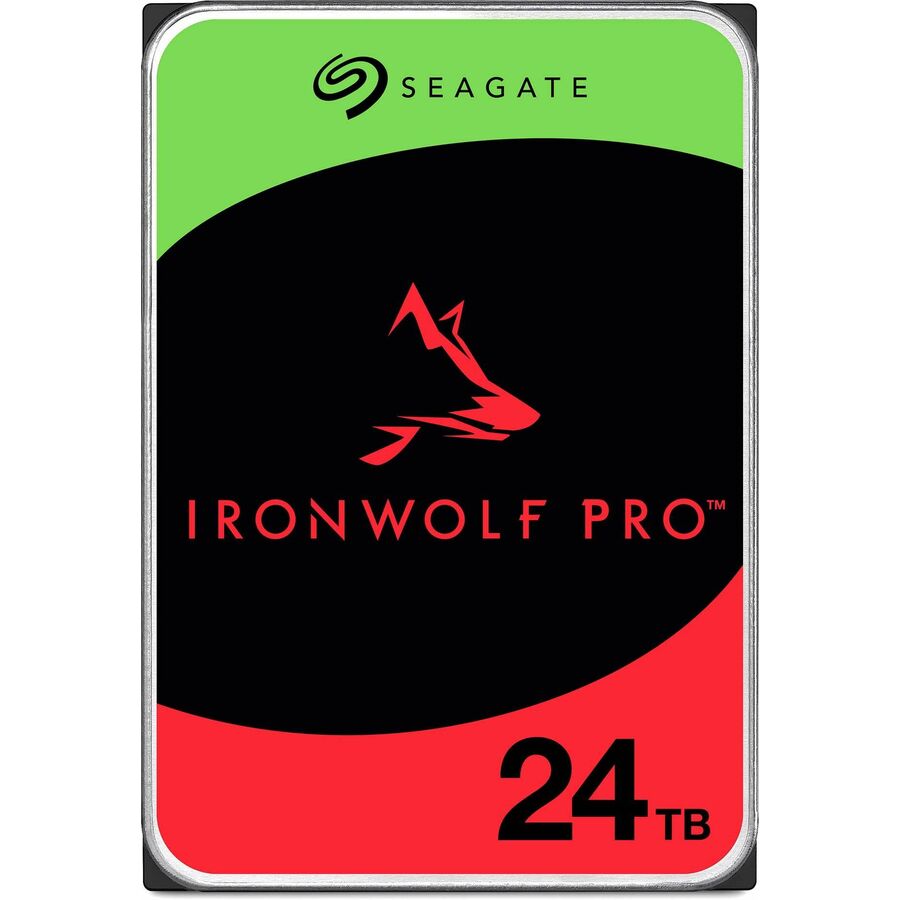
- Seagate TechnologySeagate IronWolf Pro ST24000NT002 24 TB Hard Drive - Internal - SATA (SATA/600) - Conventional Magnetic Recording (CMR) Method - NAS, Server, Workstation Device Supported - 7200rpm - 550 TB TBW - 512e Format - 5 Year Warranty - 20ST24000NT002-20PK
$24,953.68
Back-orderedBack-ordered — estimated OEM lead time 3–8 weeks (Nov 22 – Dec 27 if ordered today).
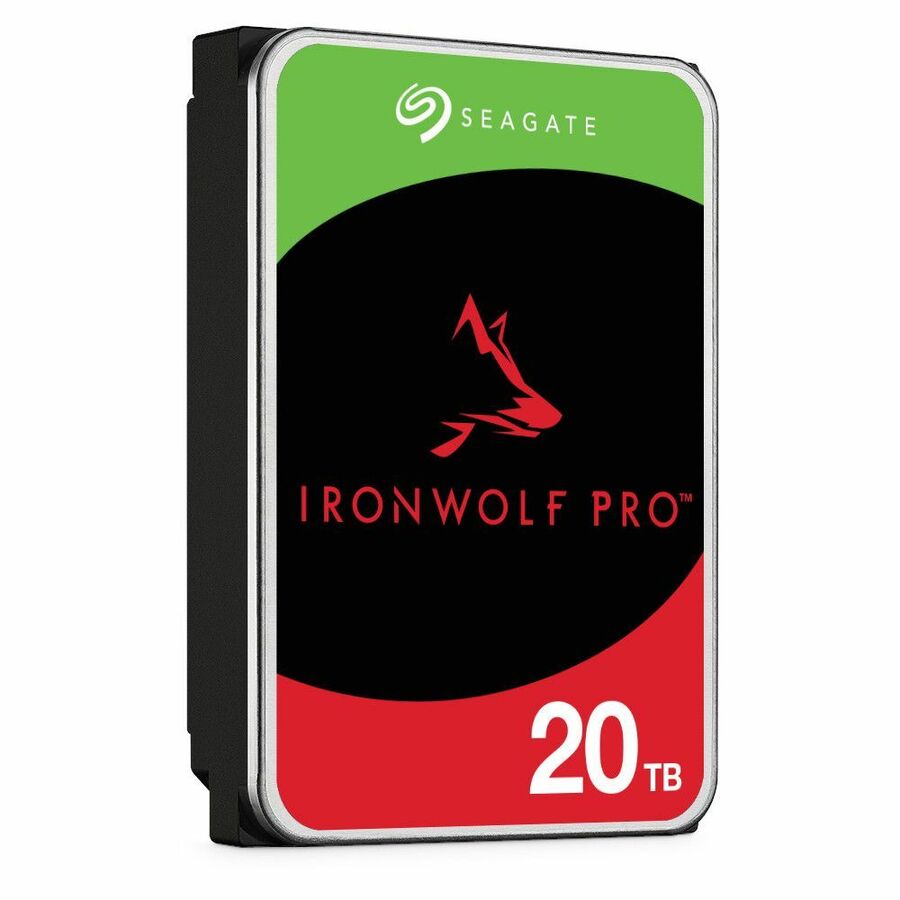
- Seagate TechnologySeagate IronWolf Pro 20 TB Hard Drive - 3.5" Internal - SATA (SATA/600) - NAS Device Supported - 7200rpm - 550 TB TBW - 20ST20000NT001-20PK
$20,747.37
Back-orderedBack-ordered — estimated OEM lead time 3–8 weeks (Nov 22 – Dec 27 if ordered today).
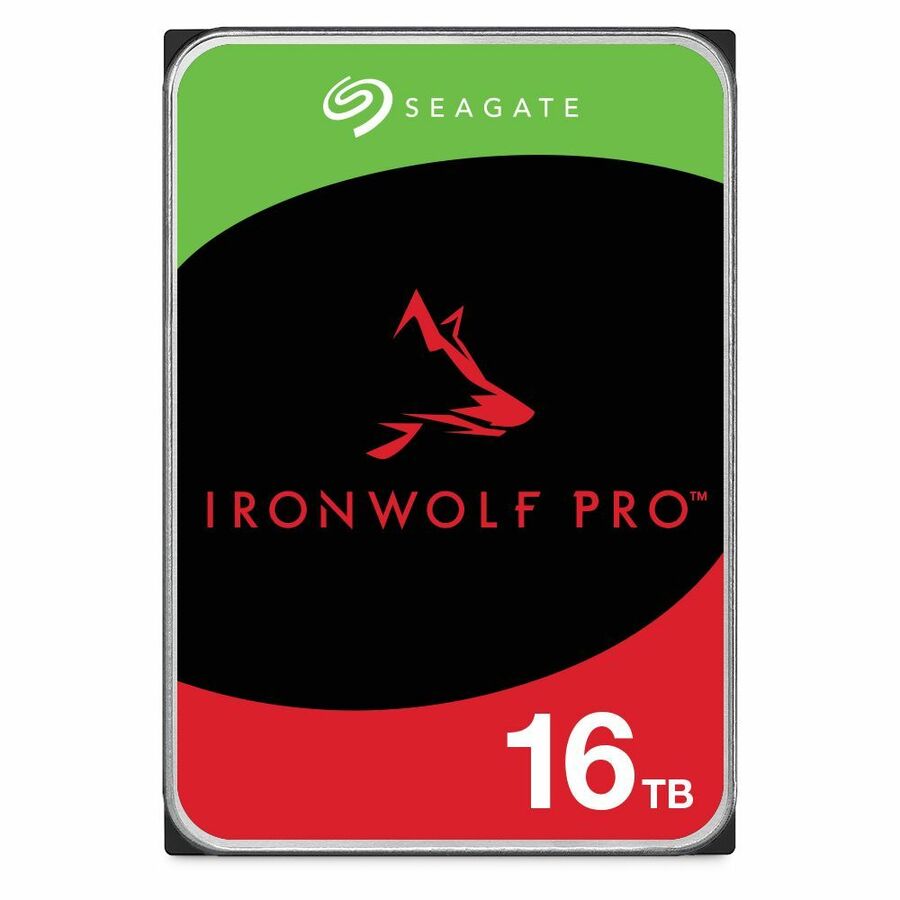
- Seagate TechnologySeagate IronWolf Pro ST16000NT001 16 TB Hard Drive - 3.5" Internal - SATA (SATA/600) - Conventional Magnetic Recording (CMR) Method - NAS, Server, Workstation Device Supported - 7200rpm - 550 TB TBW - 5 Year Warranty - 20ST16000NT001-20PK
$16,825.27
Back-orderedBack-ordered — estimated OEM lead time 3–8 weeks (Nov 22 – Dec 27 if ordered today).
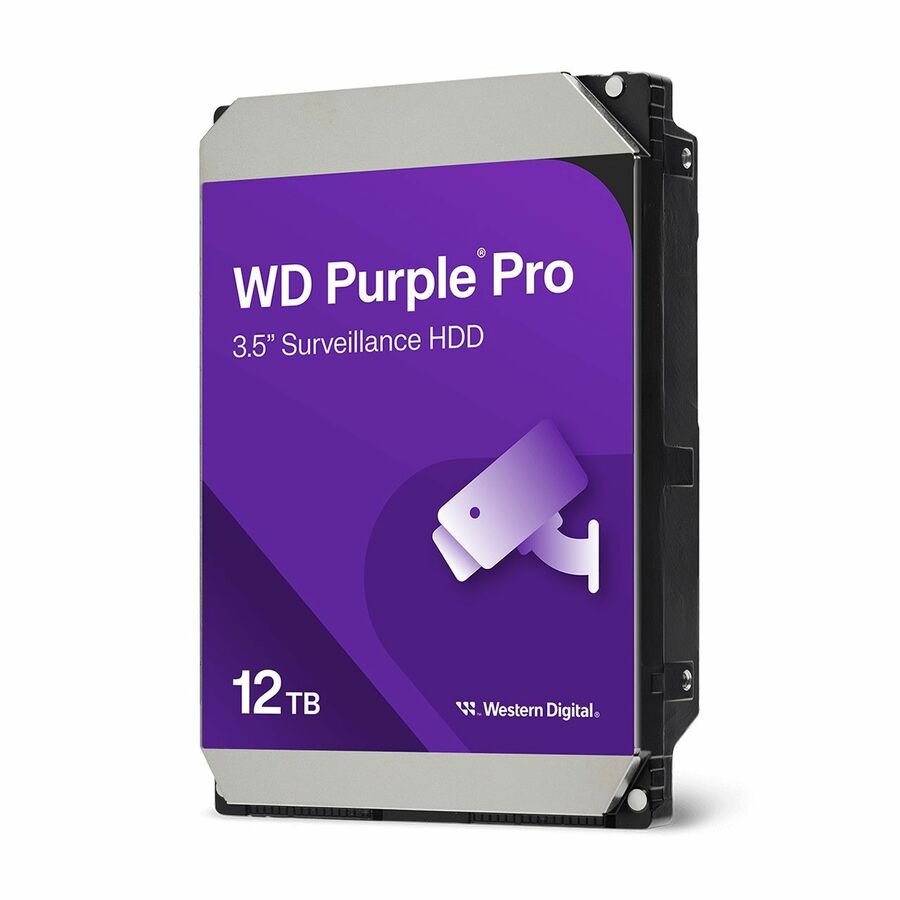
- Western DigitalWD Purple Pro WD122PURP 12 TB Hard Drive - 3.5" Internal - SATA (SATA/600) - Conventional Magnetic Recording (CMR) Method - Server, Camera, NAS, Cloud Storage, Video Recorder Device Supported - 7200rpm - 550 TB TBW - 20 PackWD122PURP-20PK
$16,611.11
Back-orderedBack-ordered — we expect to receive stock the week of Nov 30 – Dec 6 and will process your delivery right after.
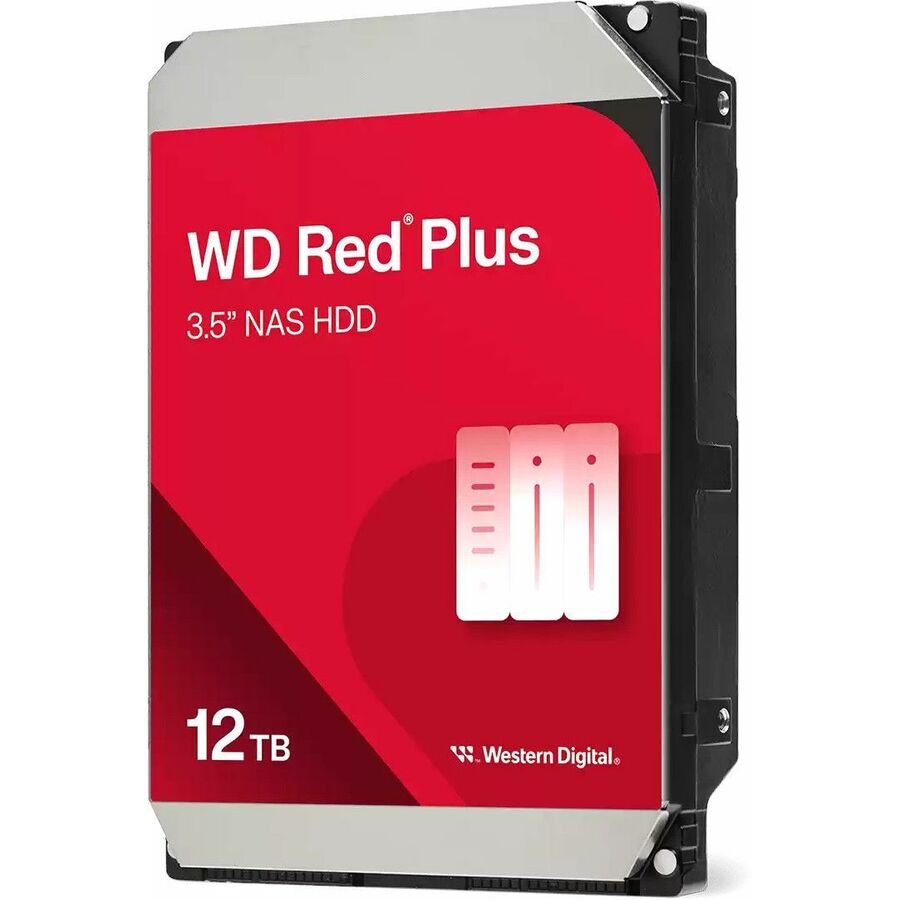
- Western DigitalWD Red Plus WD120EFGX 12 TB Hard Drive - 3.5" Internal - SATA (SATA/600) - Conventional Magnetic Recording (CMR) Method - NAS, Desktop PC Device Supported - 7200rpm - 180 TB TBW - 20 PackWD120EFGX-20PK
$14,491.81
Back-orderedBack-ordered — estimated OEM lead time 3–8 weeks (Nov 22 – Dec 27 if ordered today).
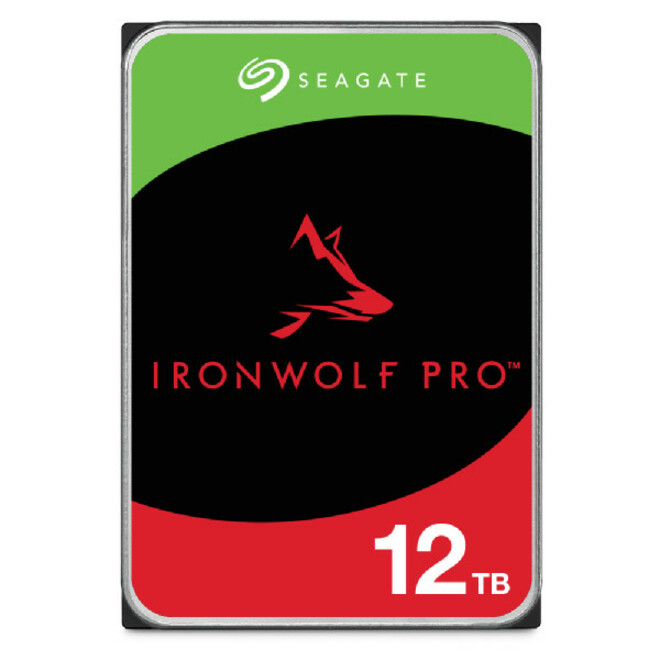
- Seagate TechnologySeagate IronWolf Pro 12 TB Hard Drive - 3.5" Internal - SATA - NAS Device Supported - 7200rpm - 20ST12000NT001-20PK
$12,789.47
Back-orderedBack-ordered — estimated OEM lead time 3–8 weeks (Nov 22 – Dec 27 if ordered today).
- Western DigitalWD Red Pro 6 TB Hard Drive - NAS Device Supported - 20WD6005FFBX-20PK
$7,795.16
Back-orderedBack-ordered — we expect to receive stock the week of Nov 2–8 and will process your delivery right after.
- Western DigitalWD Red Pro WD4005FFBX 4 TB Network Hard Drive - 3.5" Internal - SATA (SATA/600) - Conventional Magnetic Recording (CMR) Method - NAS Device Supported - 7200rpm - 20 PackWD4005FFBX-20PK
$6,018.30
Back-orderedBack-ordered — estimated OEM lead time 3–8 weeks (Nov 22 – Dec 27 if ordered today).
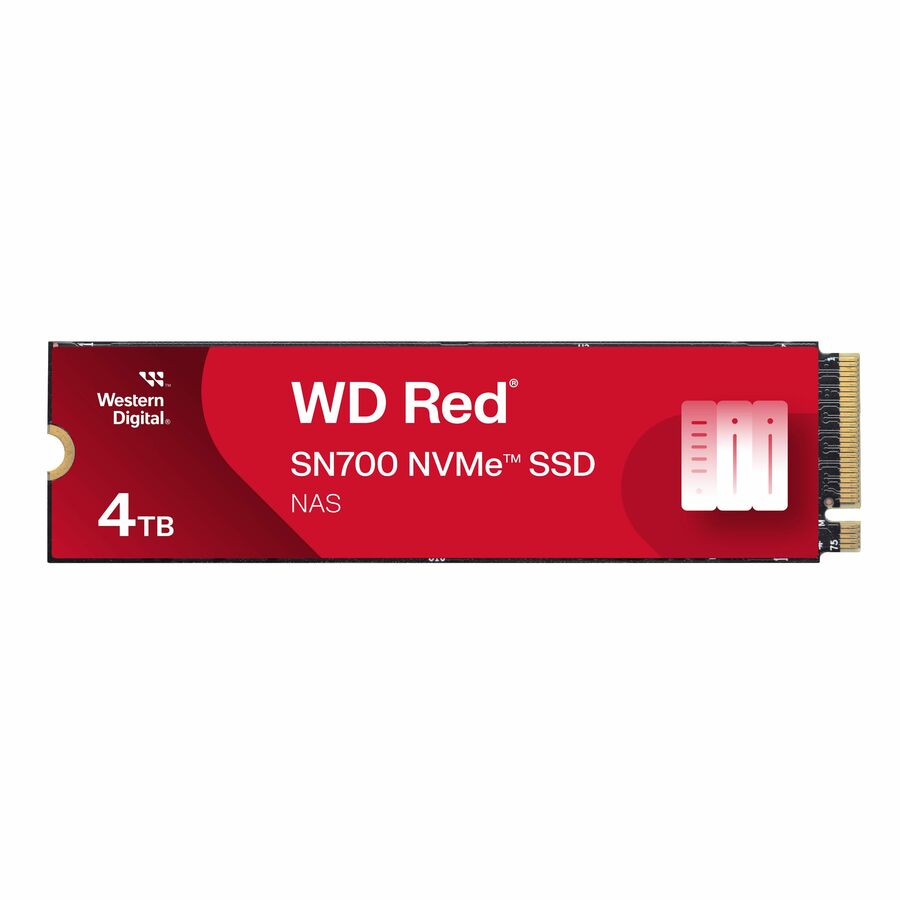
- Western DigitalWD Red WDS400T1R0C 4 TB Solid State Drive - M.2 2280 Internal - PCI Express NVMe (PCI Express NVMe 3.0 x4) - Storage System, NAS Device Supported - 5100 TB TBW - 3400 MB/s Maximum Read Transfer Rate - 10 PackWDS400T1R0C-68BDK0PK
$5,566.64
Back-orderedBack-ordered — estimated OEM lead time 3–8 weeks (Nov 22 – Dec 27 if ordered today).
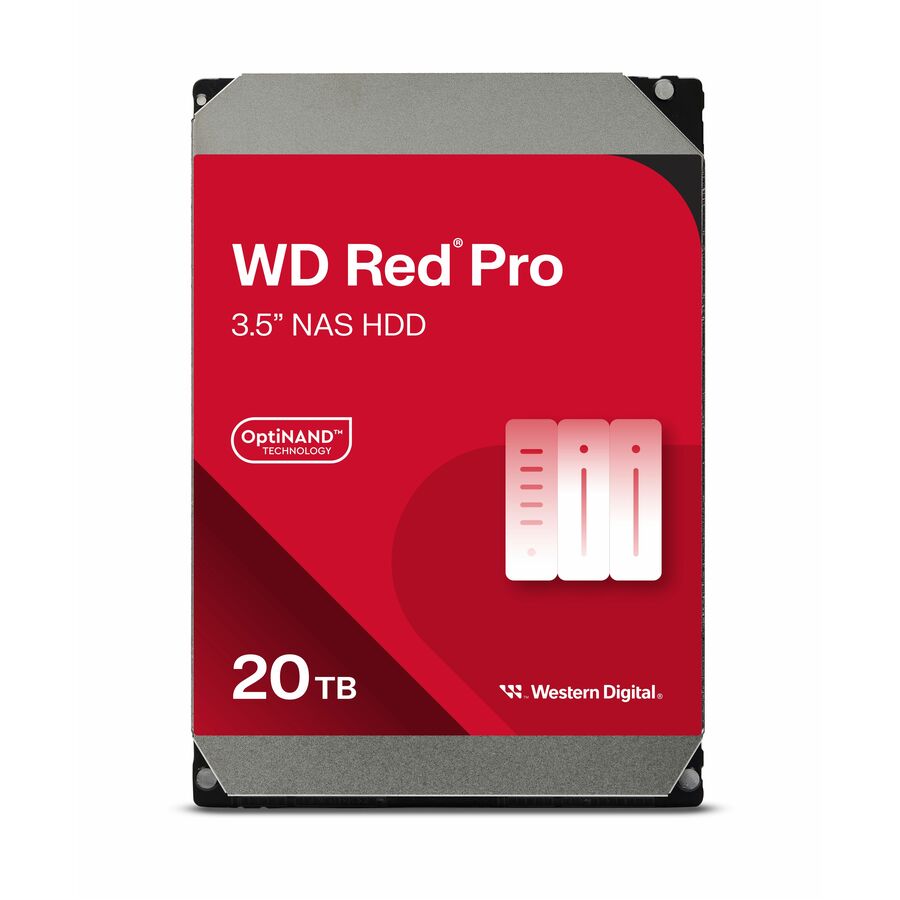
- Western DigitalWD Red Pro WD201KFGX 20 TB Hard Drive - 3.5" Internal - SATA (SATA/600) - Conventional Magnetic Recording (CMR) Method - NAS Device Supported - 7200rpm - 300 TB TBW - 5 Year WarrantyWD201KFGX
$5,392.83
Back-orderedBack-ordered — estimated OEM lead time 3–8 weeks (Nov 22 – Dec 27 if ordered today).
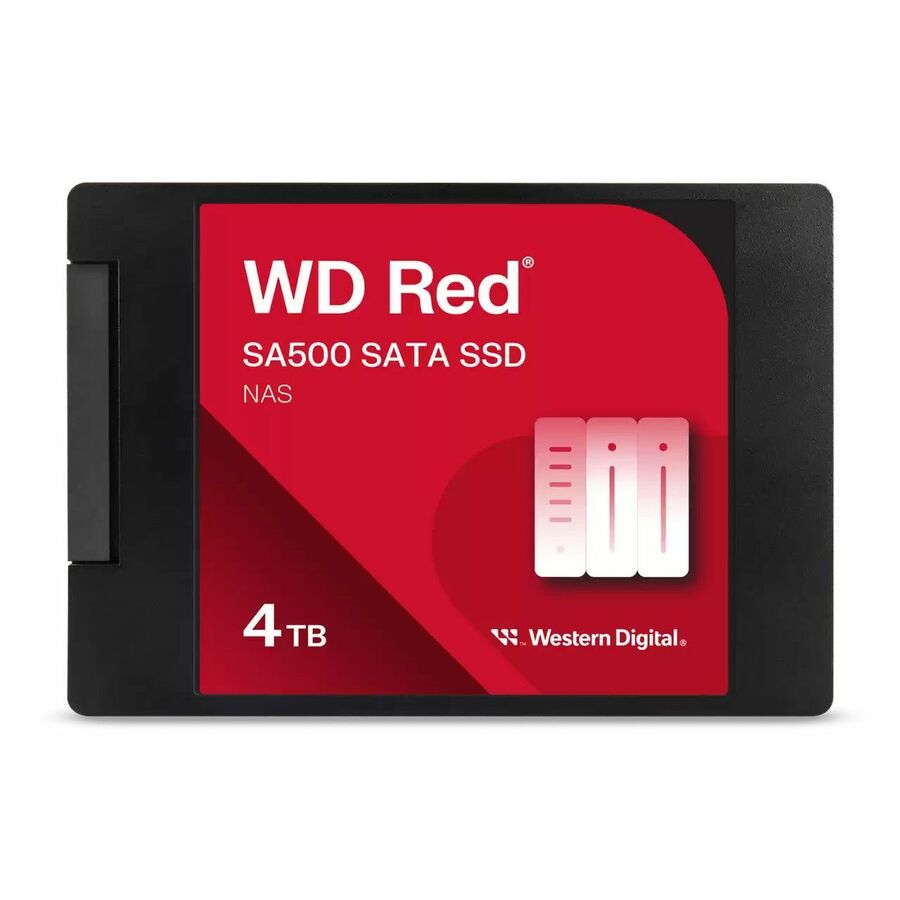
- Western DigitalWD Red SA500 WDS400T2R0A 4 TB Solid State Drive - 2.5" Internal - SATA (SATA/600) - NAS Device Supported - 2500 TB TBW - 10 PackWDS400T2R0A-68CKB0PK
$5,173.18
Back-orderedBack-ordered — estimated OEM lead time 3–8 weeks (Nov 22 – Dec 27 if ordered today).
- Western DigitalWD Red S700 WDS200T1R0C 2 TB Solid State Drive - M.2 2280 Internal - PCI Express NVMe (PCI Express NVMe 3.0 x4) - Storage System, NAS Device Supported - 2500 TB TBW - 3400 MB/s Maximum Read Transfer Rate - 10 PackWDS200T1R0C-68BDK0PK
$3,307.93
Back-orderedBack-ordered — estimated OEM lead time 3–8 weeks (Nov 22 – Dec 27 if ordered today).
Need pricing on NAS hard drives?
Tell us where to reach you and a Uniqcli specialist will follow up by email with current pricing, availability and lead time for the quantities you need — including parts that aren’t shown on this page.
Buying for an organization or for yourself — both work. No payment up front.
A NAS hard drive is one the manufacturer lists for network-attached storage duty in the part's own title — continuous multi-bay operation, not desktop use. Read three facts off that title: the recording method, since conventional recording keeps rebuild behaviour predictable; the rotational speed; and the workload rating, which on this shelf runs 180 TB to 550 TB written per year.
A NAS array is bought once and lived with for five years, and the drive is the part of it that decides how those years go. The distinction that matters is not the badge on the bezel: it is that the manufacturer lists the specific part number for network-attached storage duty in its own catalog title, which is the vendor's statement that the drive is specified for continuous multi-bay operation rather than for a desktop that is switched off at night. Every row on this page carries that listing in the title. The wider drives shelf does not, and a desktop drive in a busy four-bay enclosure is the classic false economy — it is cheaper on the purchase order and it is the one that drops out of the array first.
Three facts on these titles do most of the buying work. The recording method comes first: where a title states Conventional Magnetic Recording, the drive writes tracks without overlapping them, which is what keeps rebuild and heavy-write behaviour predictable — shingled drives are a different animal and a rebuild is exactly when the difference shows. Rotational speed is next, at 5,400, 5,640 or 7,200 rpm on the parts here, and it is a trade against heat and noise as much as it is a performance figure. Third is the endurance figure the vendor prints per part: 180 TB, 300 TB or 550 TB written per year on these rows, which is the honest way to size a drive against what the array is actually asked to do rather than against how big it is.
The selection below is drawn from the drives currently listed for NAS duty on the hub, across the manufacturers Uniqcli carries, with live pricing printed on each card rather than stated in this copy. Availability moves with distribution and is shown per row; where an array needs a matched set, a specific capacity in quantity, or a part that is not shown here, send the enclosure model and the bay count and we will come back with the drives, the spares and the lead times on one document.
Buyer's checklist
How to choose drives for a business NAS
- Buy on the vendor's own listing, not on the family name: every row here names NAS duty in its title, and the same manufacturer will sell a physically similar desktop drive that is specified for nothing of the kind.
- Prefer a title that states Conventional Magnetic Recording where the array does sustained writes or will ever be rebuilt under load — shingled recording rewrites overlapping tracks, and the array's worst day is the day that behaviour surfaces.
- Size against the workload rating printed on the part, not against capacity alone. These titles carry per-year figures from 180 TB to 550 TB written; a backup target that ingests all night is a different number from a departmental file share.
- Match rotational speed to the room as well as the workload — 7,200 rpm parts run warmer and louder than the 5,400 and 5,640 rpm models here, which matters in a cupboard with no cooling and not at all in a rack.
- Check the interface against the enclosure before you order: most of these are SATA, and the SAS part on this page belongs in a backplane that speaks SAS, not in a desktop four-bay.
- Plan the rebuild, because that is the real capacity limit. A single large drive in a small array means a long window where the redundancy you paid for is spent, so decide the parity scheme and the drive size together rather than buying the biggest disk that fits the budget.
- Order at least one spare with the array and keep it on the shelf. A same-part spare turns a failure into a swap; sourcing a match two years later, after the line has moved on, is the expensive version of the same event.
- Standardize the part number per enclosure archetype so firmware, spares and the replacement procedure stay one decision across the estate rather than twenty.
What a NAS listing on a drive title actually means
The phrase in the title is the manufacturer's own device-support statement for that part number: this drive is listed for network-attached storage, and on several rows here for storage systems, servers or camera recorders as well. It is a per-part fact rather than a family rule, which is the whole reason to read it on the exact number you are ordering. What it stands in for is a set of design choices a desktop drive does not make — firmware that gives up on a bad sector quickly instead of retrying until the controller drops the disk, tolerance for the rotational vibration of neighbours spinning in the same chassis, and a duty cycle written for continuous operation rather than for an eight-hour day.
It is not a performance claim and it is not a warranty of fitness for your specific array. Compatibility with a given enclosure is still the enclosure vendor's list to answer, and the two facts that most often decide whether a drive is right — recording method and the annual workload rating — are printed separately on the same title. Read all three together. A part that names NAS duty, states Conventional Magnetic Recording and carries a workload figure at or above what the array will actually write is a drive you can defend in a design review; a part that names NAS duty and nothing else is a question worth asking us before the order goes in.
Capacity, parity and the rebuild window
The arithmetic that catches people is not about how much storage they need, it is about how long the array spends exposed after a failure. Rebuilding a large drive means reading every other drive in the set from end to end while the array is still serving users, and the bigger the drive the longer that window runs. Two smaller drives in a wider parity set often restore protection sooner than one very large drive does, and a second parity drive buys tolerance for the failure that arrives during the rebuild — which is precisely when a set of same-age drives is most likely to produce one.
That is also the argument for reading the endurance figure before the capacity. A 28 TB drive rated at 550 TB written per year and a 4 TB drive rated at 180 TB are aimed at different jobs, and a backup target that ingests a full copy every night will reach a modest rating faster than its owner expects. Where the array is the primary copy of anything, the drives are one line of the design and not the design: the enclosure, the parity scheme, the spare, the network path and the off-array copy belong on the same quote. Send the enclosure model, the bay count, the capacity you need to land and what the array is for, and we will price the drives and the parts around them together with lead times attached.
Keep exploring
The array around the drives
FAQ
Common questions
- What makes a drive a NAS drive rather than a desktop drive?
- The manufacturer's own listing for the part number, which is what every row on this page carries in its title. Behind that listing sit design choices a desktop drive does not make: error-recovery firmware that reports a bad sector quickly rather than retrying long enough for the RAID controller to drop the disk, tolerance for the rotational vibration of other drives spinning in the same chassis, and a duty cycle written for continuous operation. It is a per-part statement, not a brand or family rule — read it on the exact number you are ordering, alongside the recording method and the annual workload figure printed on the same title.
- Does the recording method matter for a NAS?
- It matters most at the moment you least want a surprise. A drive whose title states Conventional Magnetic Recording writes tracks side by side, so its write behaviour stays predictable under sustained load and during a rebuild. Shingled recording overlaps tracks to gain density and can slow markedly once its cache is saturated by continuous writes — which is the profile of a rebuild or a large ingest. Most of the parts on this page state CMR in their own titles; where a title is silent, ask us to confirm the recording method on that specific part number before the order goes in rather than inferring it from the family.
- How do I read the workload rating on a drive?
- It is the manufacturer's figure for how much data the drive is specified to have written to it per year, and on these rows it runs from 180 TB to 550 TB. Estimate what the array will actually write — nightly backup ingest is the usual surprise, because a full copy every night adds up far faster than a file share does — and buy a rating above it rather than at it. The figure is printed per part number, so two capacities in the same product family can carry different ratings, and a drive chosen on capacity alone can sit a long way under the number its own job requires.
- Should every drive in an array be the same model?
- For a new array, yes — one part number keeps firmware behaviour, capacity and rebuild timing uniform, and it means the spare on your shelf is a genuine match. The exception is deliberate: some administrators deliberately mix manufacturing batches to avoid a set of identical drives from one production run failing at a similar age, which is a real effect during the rebuild window. Either approach is defensible; buying whatever was cheapest each year is not, because it leaves an array whose replacement procedure is different for every bay.
- Is CMR or SMR better for NAS?
- Conventional magnetic recording is the safer choice for an array. CMR writes each track in its own lane, so sustained-write and rebuild behaviour stays predictable; shingled recording overlaps tracks and has to rewrite the neighbours, which shows up exactly when the array is rebuilding under load. Read the recording method on the part's own datasheet.
- What is CMR in hard drives?
- CMR is conventional magnetic recording: each data track is written in its own lane, without overlapping the track beside it. That is the traditional method, and it is what keeps heavy-write and rebuild behaviour predictable in a multi-bay array.
- Are ironwolf drives CMR or SMR?
- The recording method is published per model on the drive's own datasheet, and it differs by part number inside a family. Read the manufacturer's datasheet or product page for the exact part number you are ordering rather than assuming a family rule.
- Can business, government and education buyers order these?
- Every line Uniqcli quotes is sourced through US distribution and screened for TAA country-of-origin and NDAA §889 status before checkout — with documentation tied to the specific part number, not a product family.
Need NAS hard drives pricing?
Send a bill of materials or part numbers — we confirm stock and a below-market total, with TAA verified on request. No payment up front.