
Best Professional Workstation Graphics Cards
NVIDIA RTX professional boards from small-form-factor cards to 96 GB flagships — read by memory size, slot and height, display outputs and the power budget of the chassis they go in.
Professional workstation graphics cards in stock at Uniqcli
How to choose →A curated selection with live pricing — in-stock lines first, then back-ordered lines with a typical lead time. Every line is sourced through US distribution and screened for NDAA §889 status before checkout, with TAA verified on request.
- LenovoLenovo NVIDIA RTX A400 Graphic Card - 4 GB GDDR6 - 4 x Mini DisplayPort - Mini DisplayPort4X61Q73040
$271.99
$241.38
51 in stock - PNY TechnologiesPNY NVIDIA RTX 4000 Ada Graphic Card - 20 GB GDDR6VCNRTX4000ADALP-B
$1,673.94
20 in stock - PNY TechnologiesPNY NVIDIA RTX Quadro 4000 Graphic Card - 20 GB GDDR6 - DisplayPort - 4 x DisplayPort - Single Slot Space RequiredVCNRTX4000ADA-PB
$1,999.00
$1,688.49
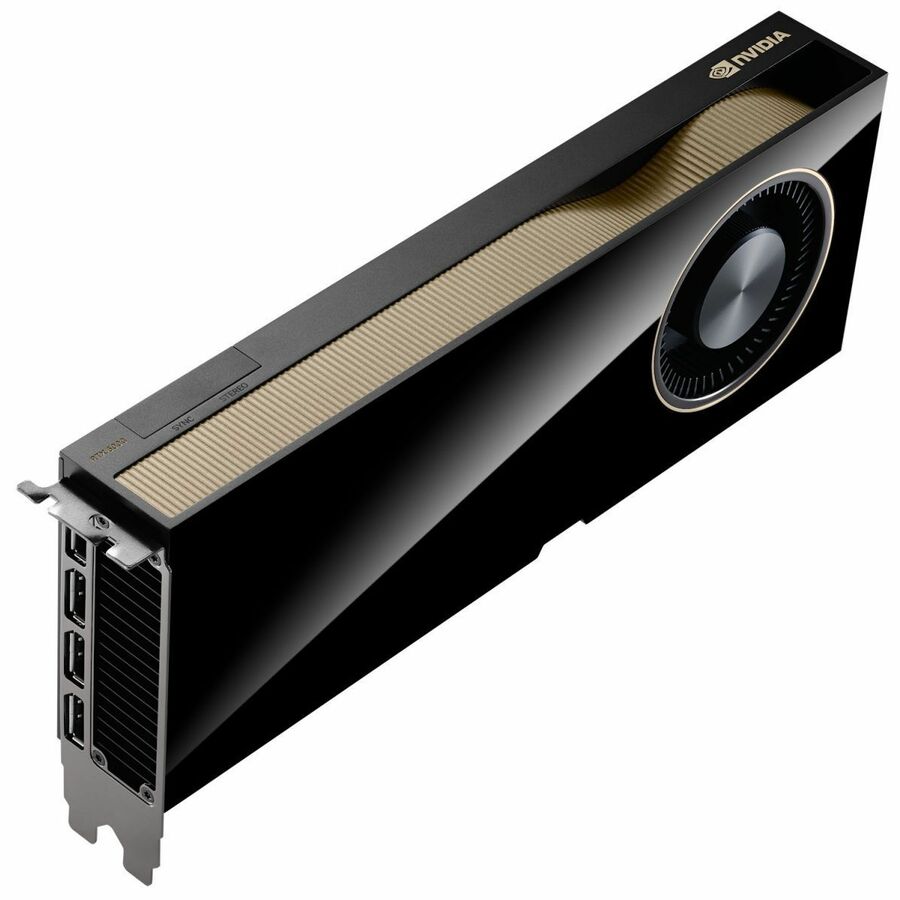
41 in stock - NVIDIANVIDIA RTX PRO 6000 Blackwell Workstation Edition Dual-Fan 96GB GDDR7 Graphics Card (OEM)900-5G144-2200-000-01
$19,999.99
$18,007.39
154 in stock - PNY TechnologiesPNY NVIDIA RTX A400 Professional Graphics Board - NVIDIA RTX A400 , Small Form Factor, NVIDIA Ampere Architecture, 4GB GDDR6 GPU MemoryVCNRTXA400ATX-PB
$326.02
Back-orderedBack-ordered — we expect to receive stock the week of Nov 2–8 and will process your delivery right after.
Back-ordered — estimated OEM lead time 3–8 weeks (Nov 22 – Dec 27 if ordered today).
- PNY TechnologiesPNY NVIDIA RTX 4000 SFF Ada Graphic Card - 20 GB GDDR6 - Low-profile - 7680 x 4320 - 160 bit Bus Width - PCI Express 4.0 x16 - 4 x Mini DisplayPort - Mini DisplayPort - Dual Slot Space Required - Active CoolerVCNRTX4000ADALP-PB
$1,999.00
$1,883.91
Back-orderedBack-ordered — estimated OEM lead time 3–8 weeks (Nov 22 – Dec 27 if ordered today).
- LenovoLenovo NVIDIA RTX A2000 Graphic Card - 12 GB GDDR6 - PCI Express - DisplayPort4X67A76720
$2,049.31
Back-orderedBack-ordered — estimated OEM lead time 3–8 weeks (Nov 22 – Dec 27 if ordered today).
Back-ordered — estimated OEM lead time 3–8 weeks (Nov 22 – Dec 27 if ordered today).
- LenovoLenovo NVIDIA RTX 4000 SFF Ada Graphic Card - 20 GB GDDR6 - Low-profile - 7680 x 4320 - 160 bit Bus Width - PCI Express 4.0 x16 - 4 x Mini DisplayPort - Mini DisplayPort4X61Q50293
$2,623.99
$2,328.70
Back-orderedBack-ordered — estimated OEM lead time 3–8 weeks (Nov 22 – Dec 27 if ordered today).
- LenovoLenovo NVIDIA RTX 4000 Ada Graphic Card - 20 GB GDDR6 - PCI Express 4.0 x16 - DisplayPort - 4 x DisplayPort4X61P39479
$2,833.99
$2,515.07
Back-orderedBack-ordered — estimated OEM lead time 3–8 weeks (Nov 22 – Dec 27 if ordered today).
- PNY TechnologiesPNY NVIDIA RTX 4000 Graphic Card - 20 GB GDDR6 - Low-profile - 160 bit Bus Width - PCI Express 4.0 x16VCNRTX4000ADALPSY-PB
$2,752.97
Back-orderedBack-ordered — estimated OEM lead time 3–8 weeks (Nov 22 – Dec 27 if ordered today).


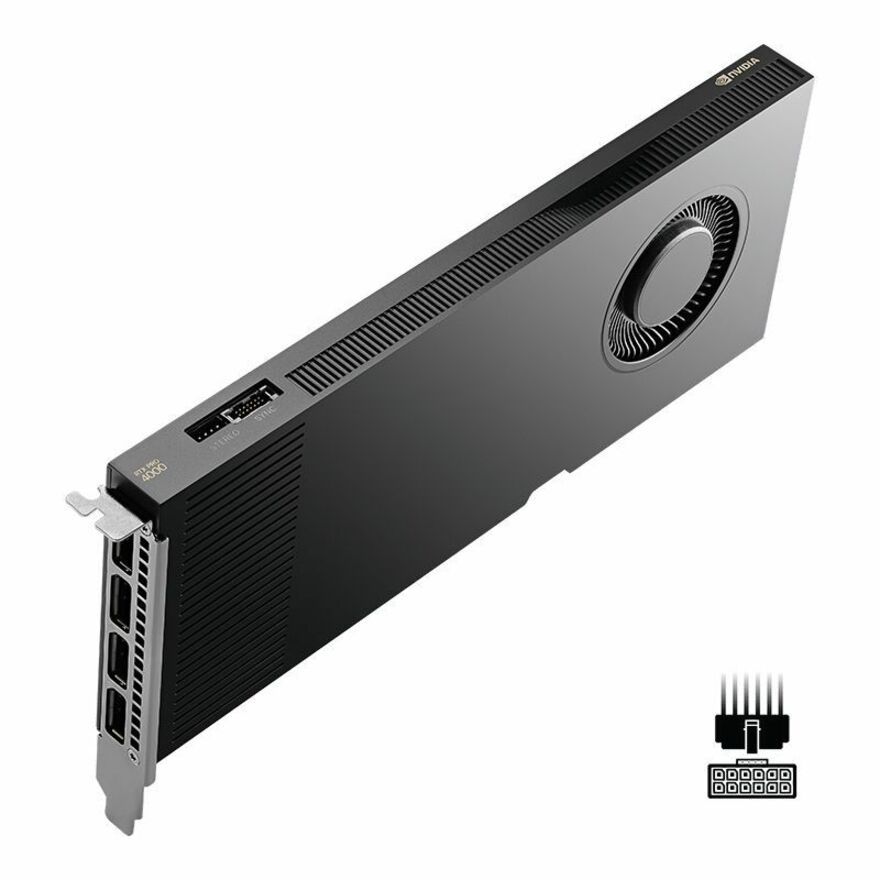
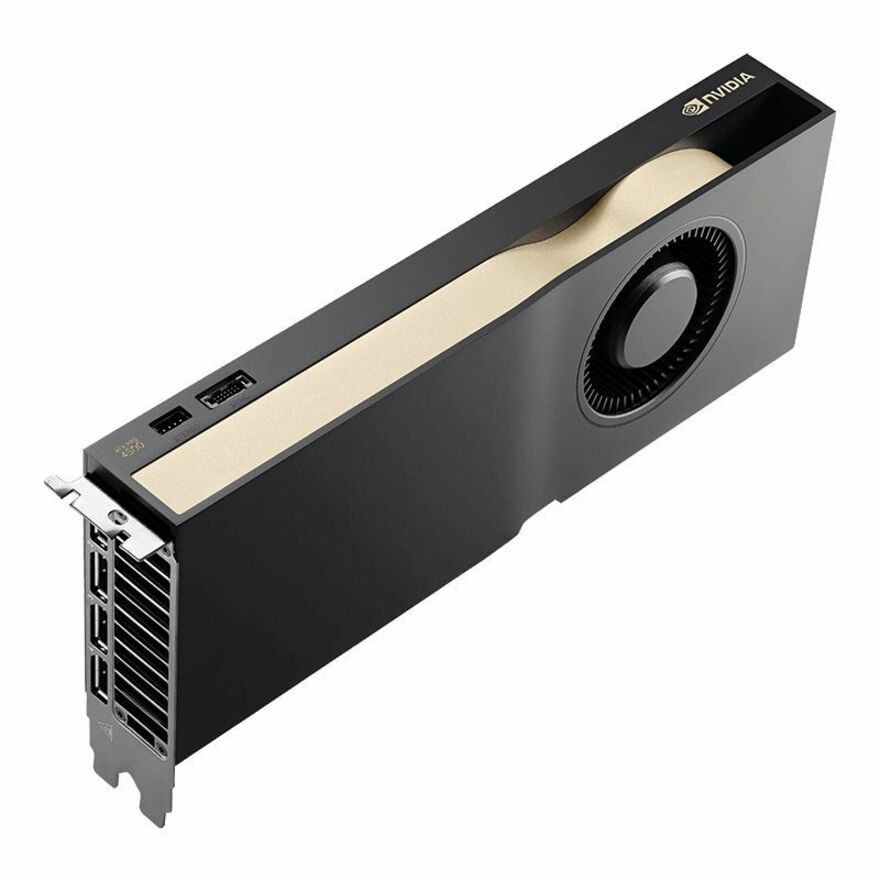
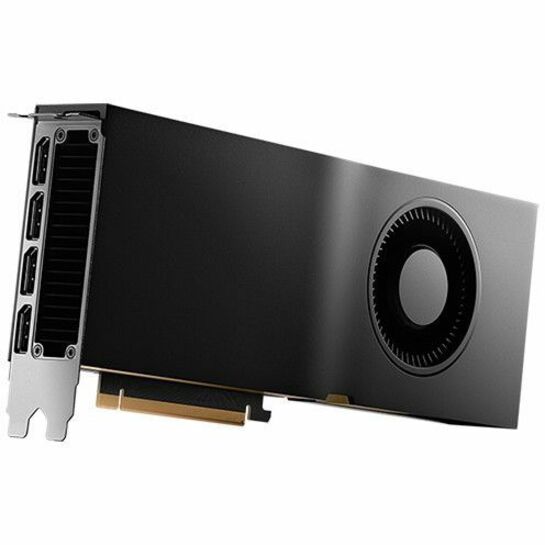
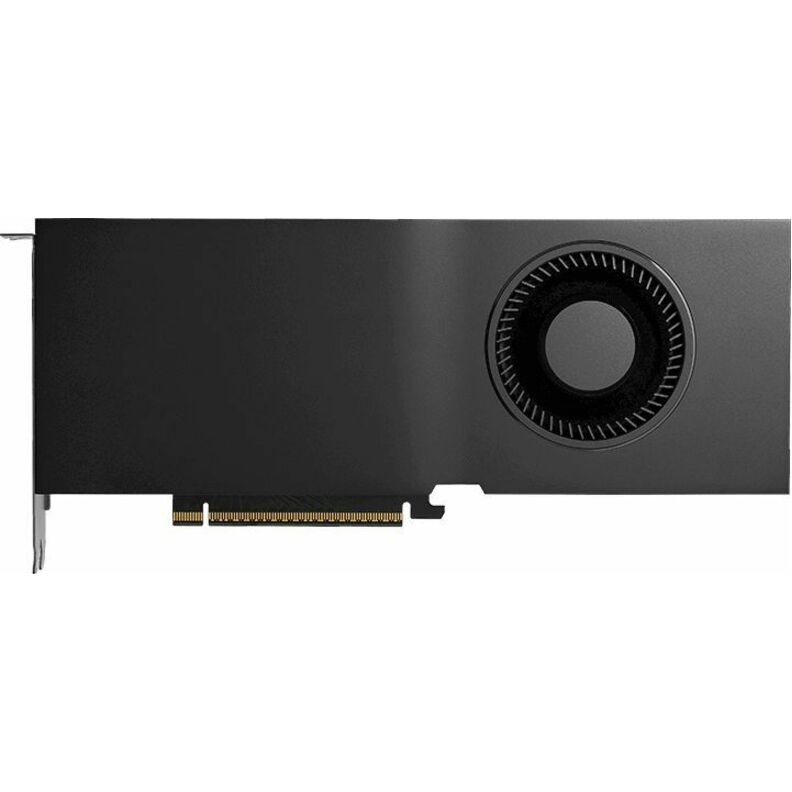
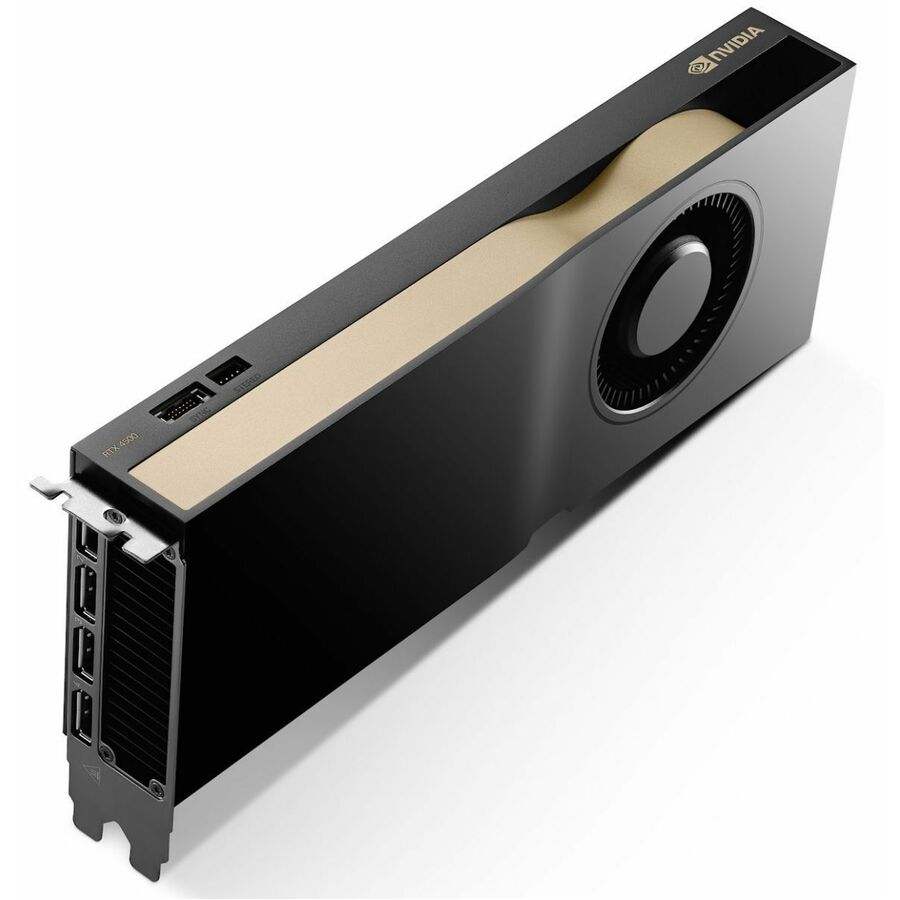
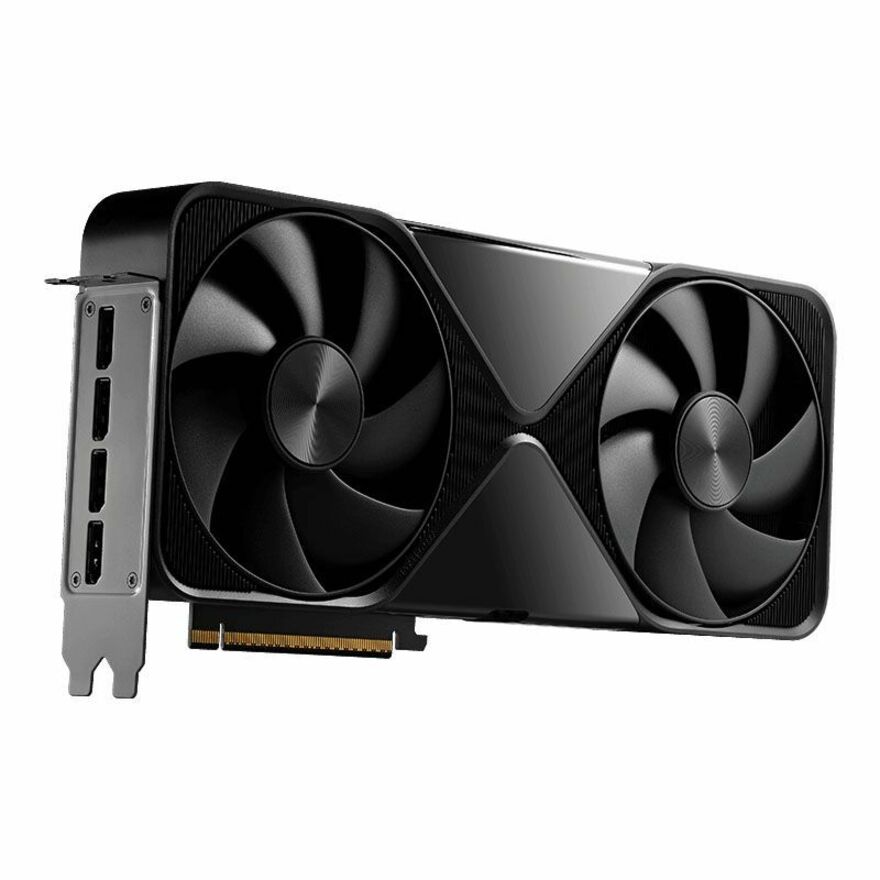
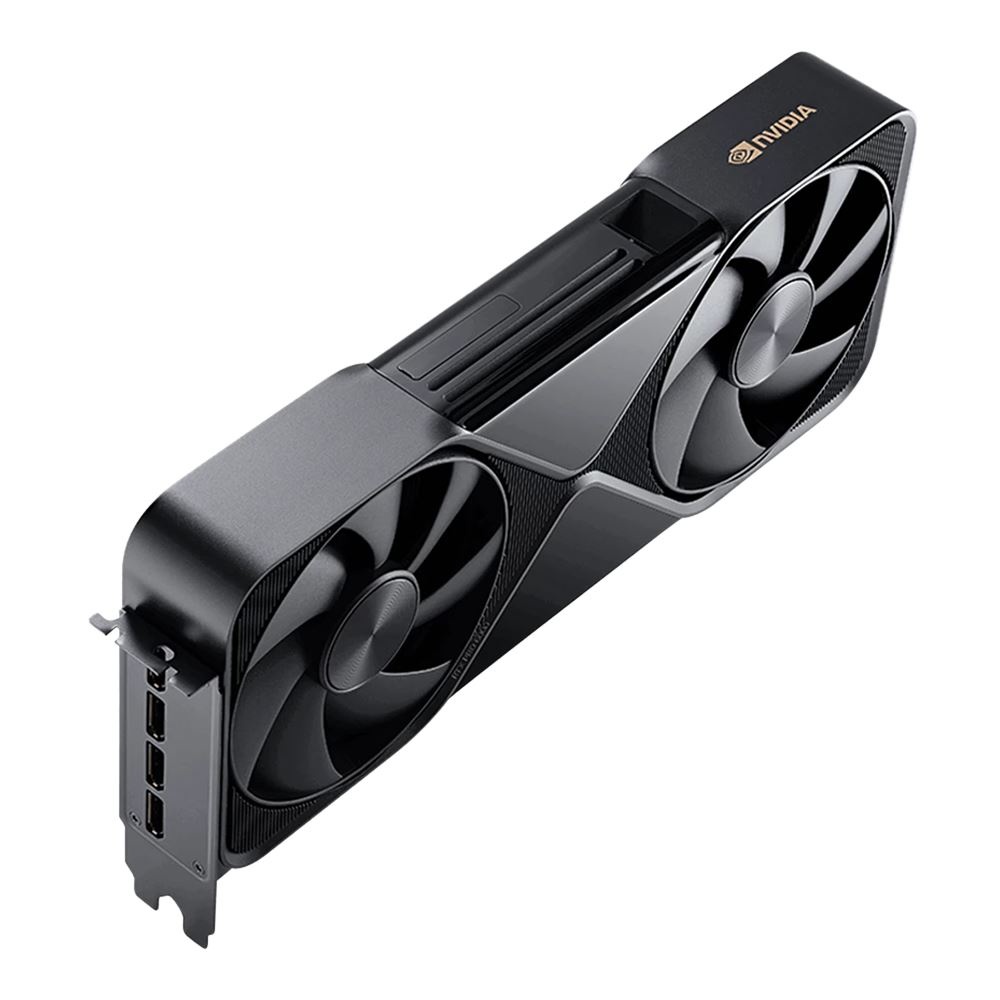

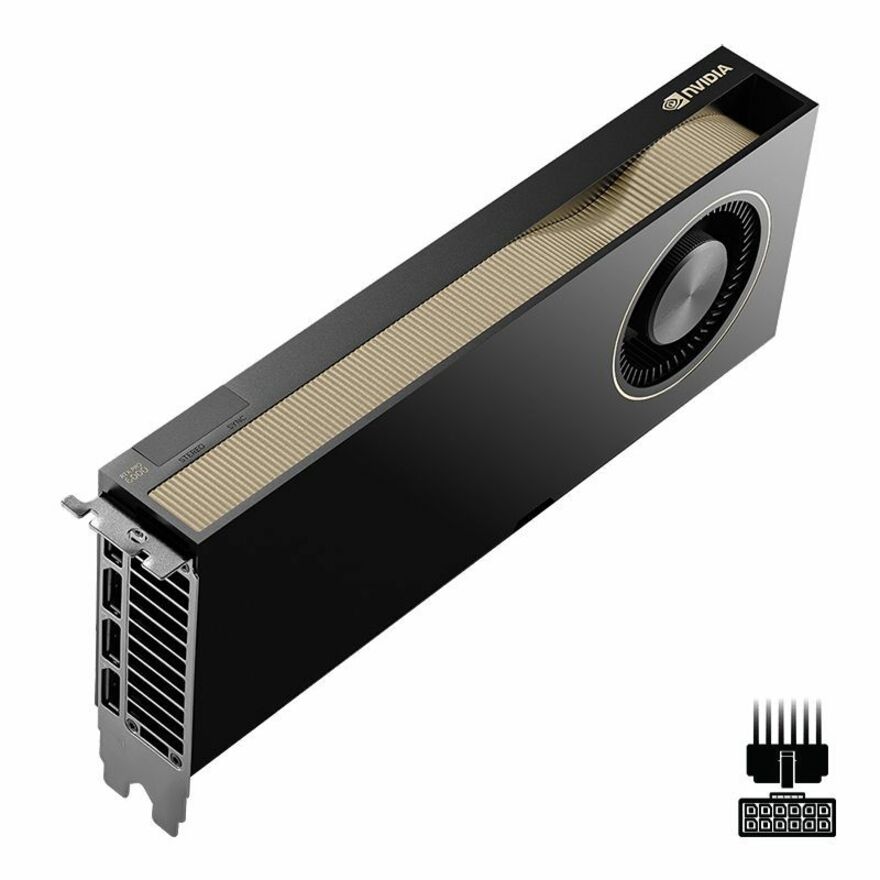
Entry SFF board
Lenovo
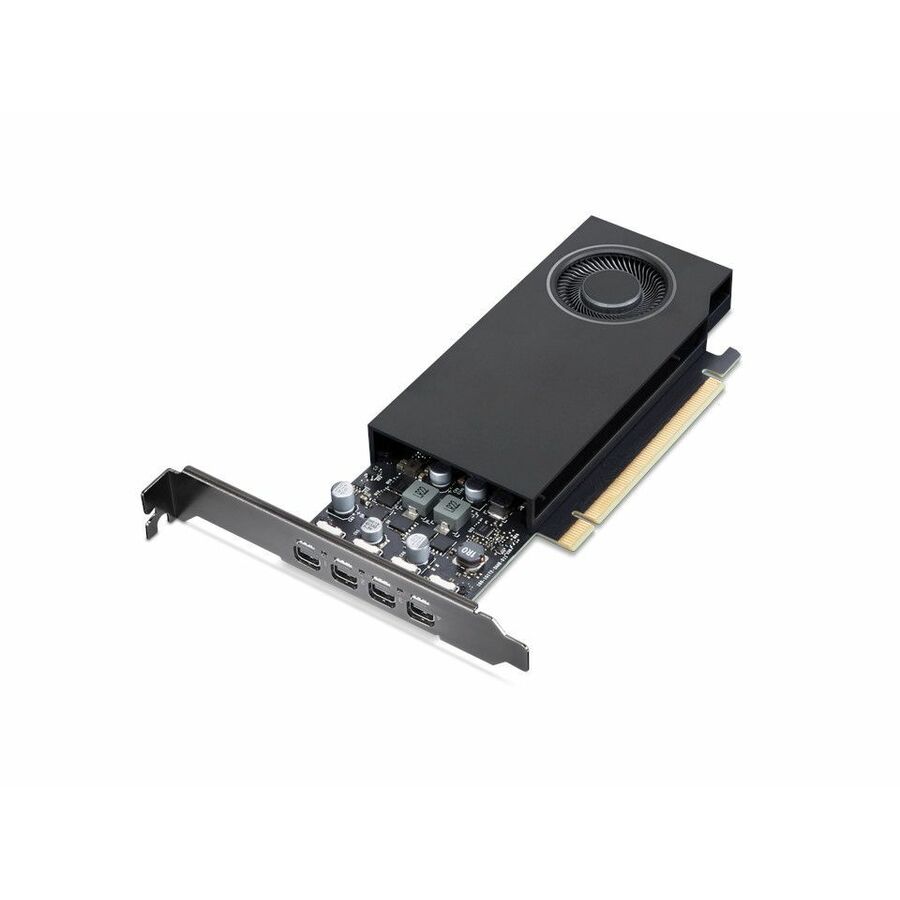
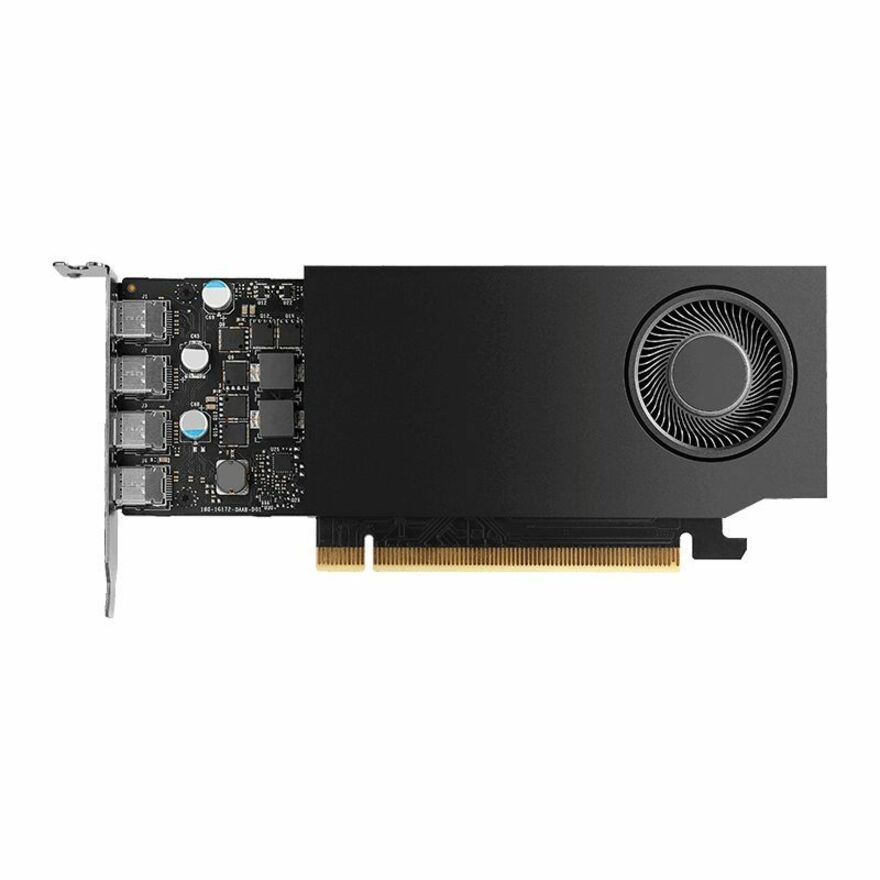
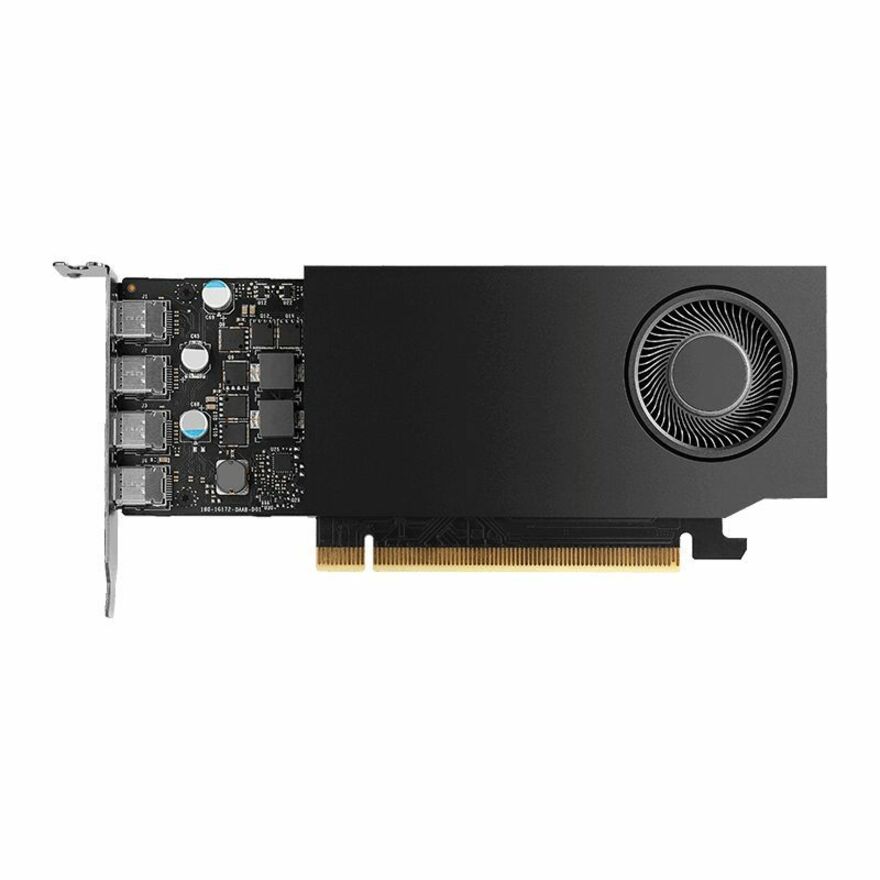
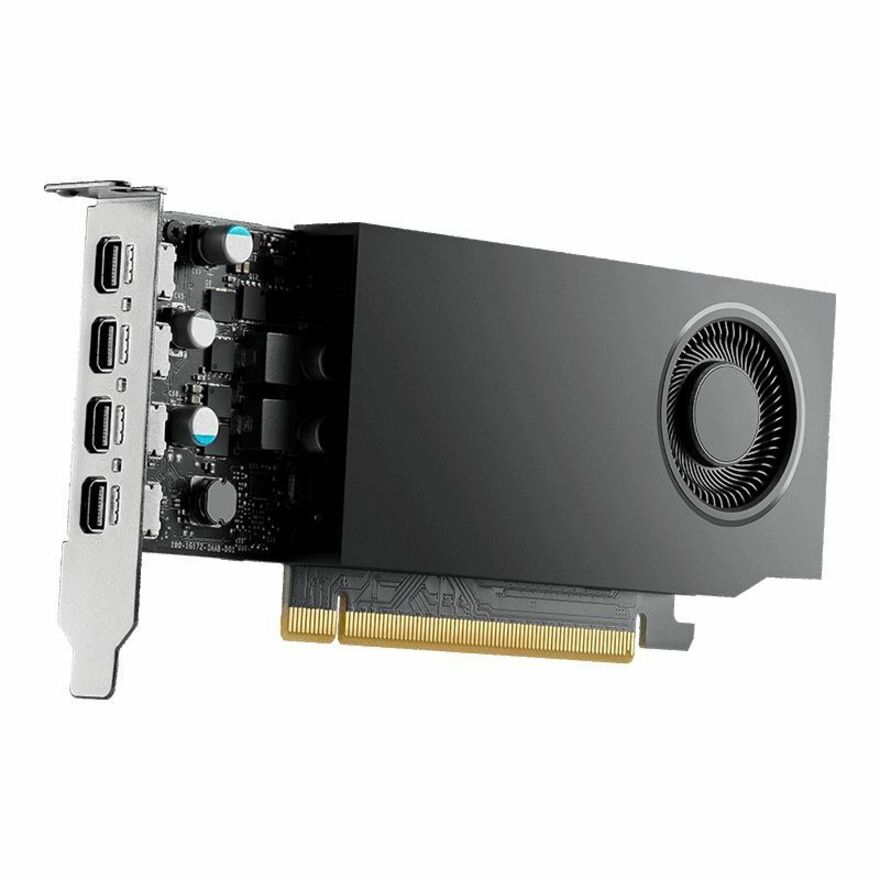
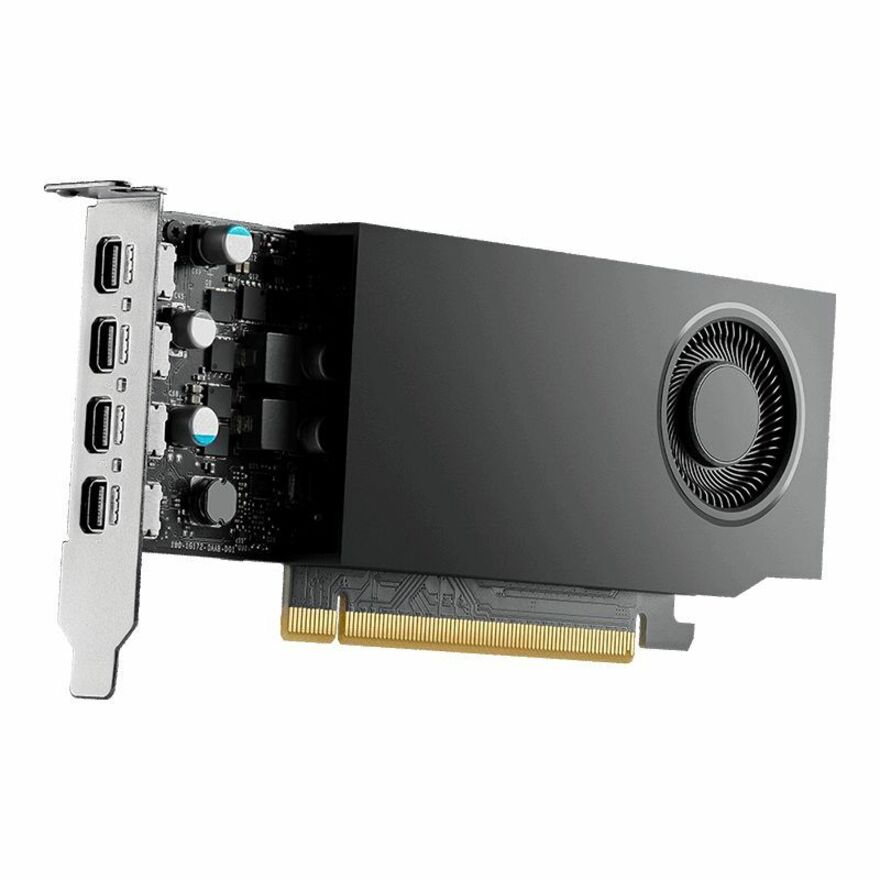
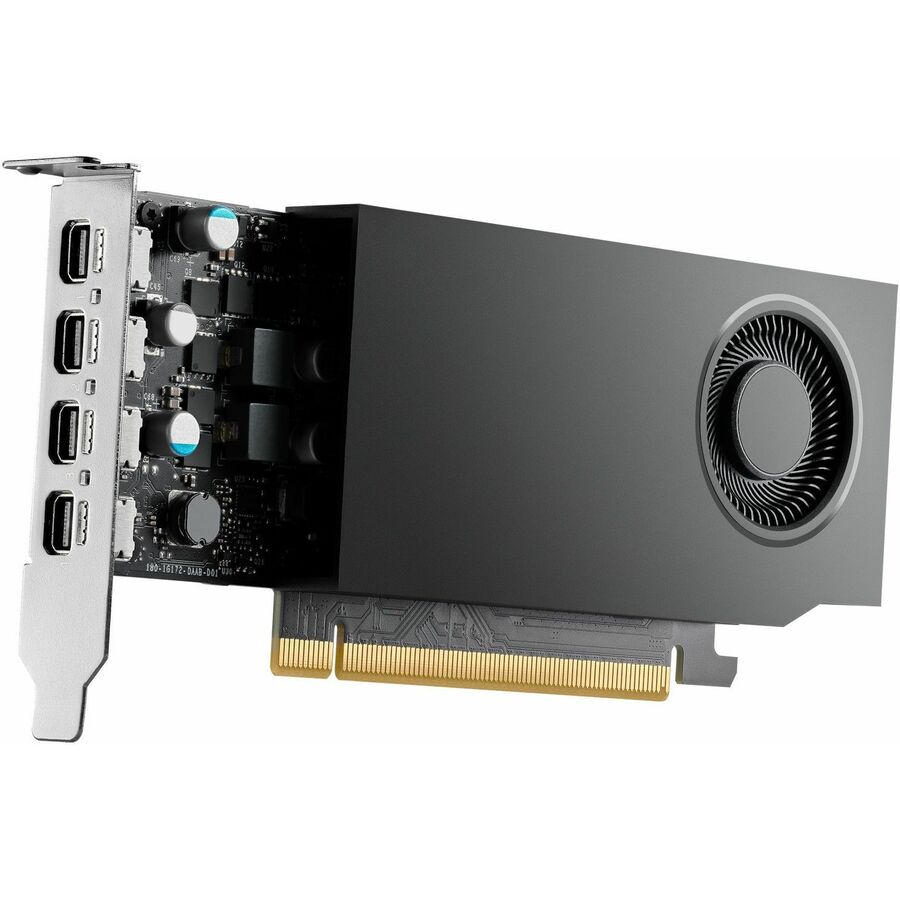
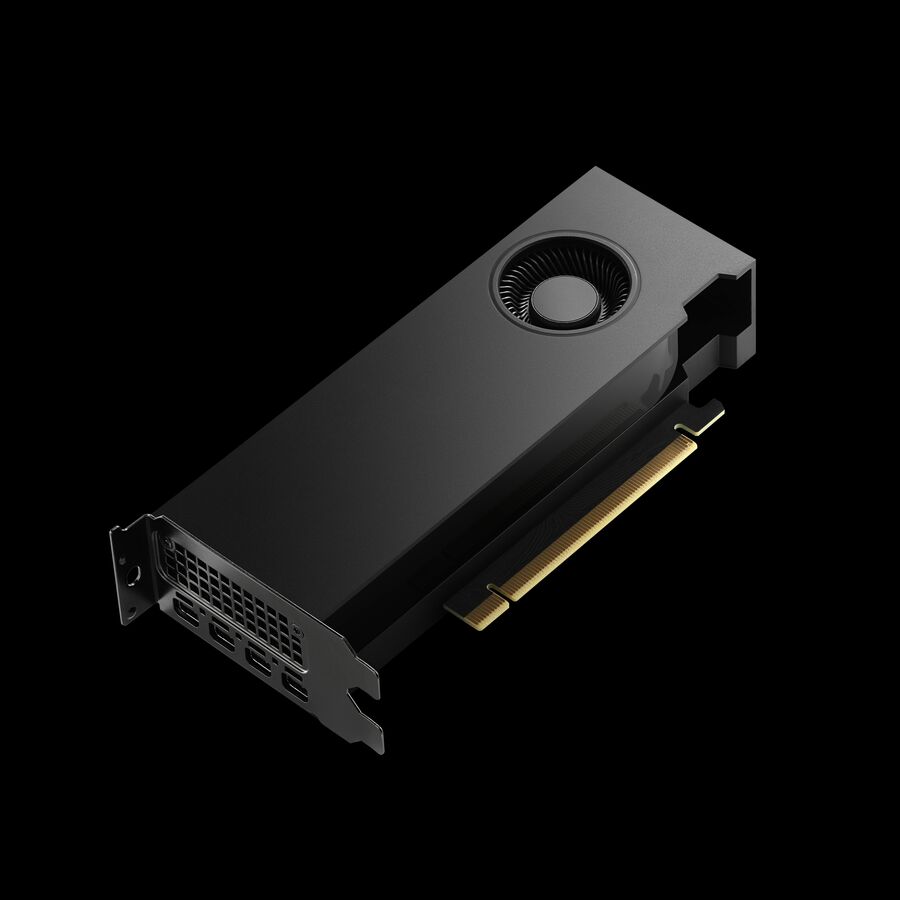
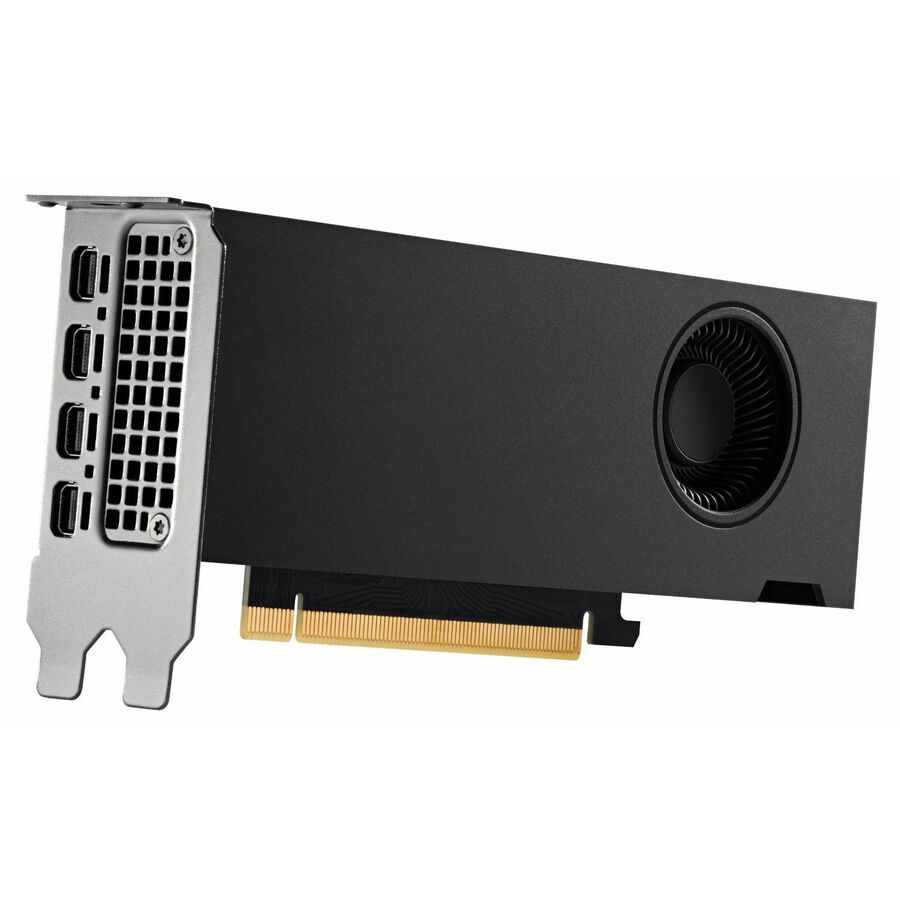
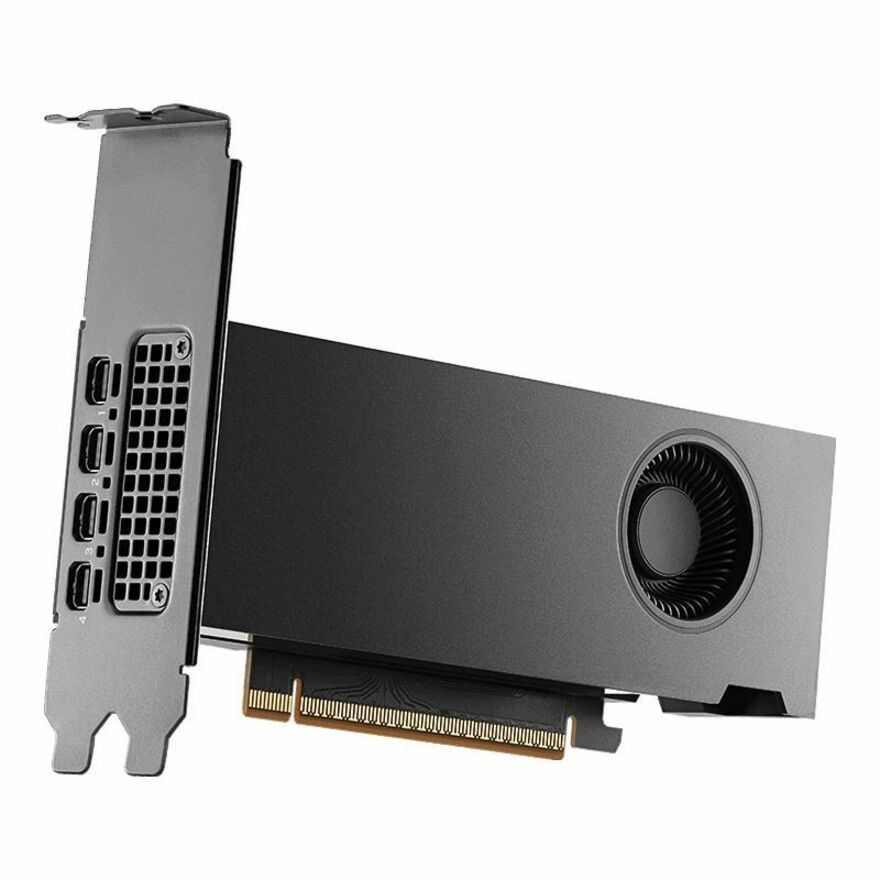
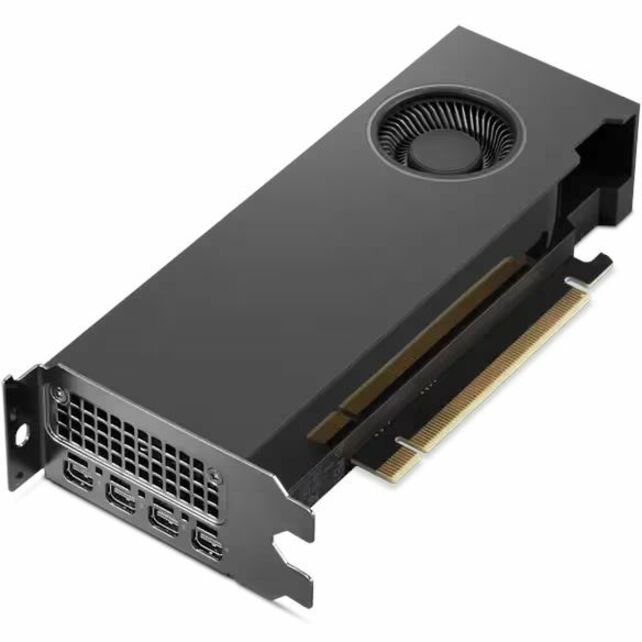
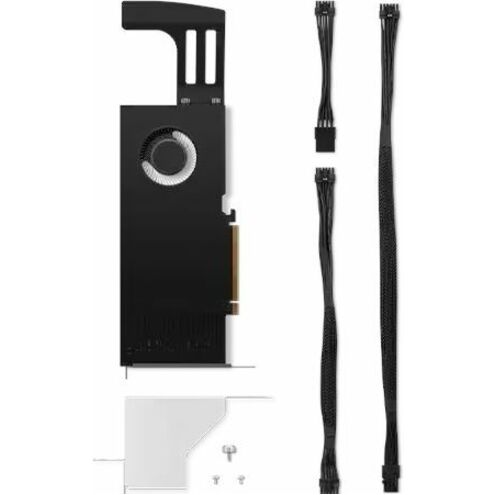
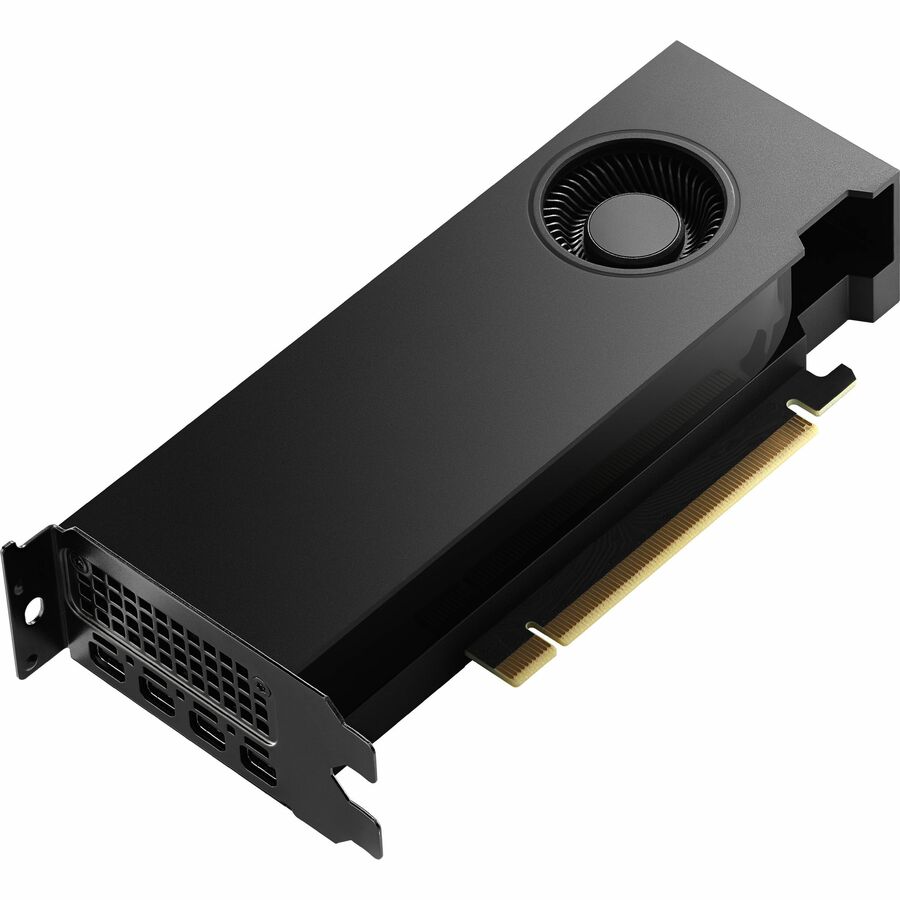
Lenovo NVIDIA RTX A400 Graphic Card
4X61Q73040
An NVIDIA RTX A400 with 4 GB of GDDR6 and four Mini DisplayPort outputs — the small board for a multi-monitor drafting, dispatch or review seat.
Four Mini DisplayPort outputs means four adapters or Mini-DP cables in the same order.
$241.38In stock8 GB small form factor
PNY Technologies
PNY NVIDIA RTX A1000 Professional Graphics Board
VCNRTXA1000ATX-B
An NVIDIA RTX A1000 professional board on the Ampere architecture with 8 GB of GDDR6 in a small-form-factor body, for compact workstations that still need a professional driver branch.
$720.47In stock16 GB, low profile
PNY Technologies
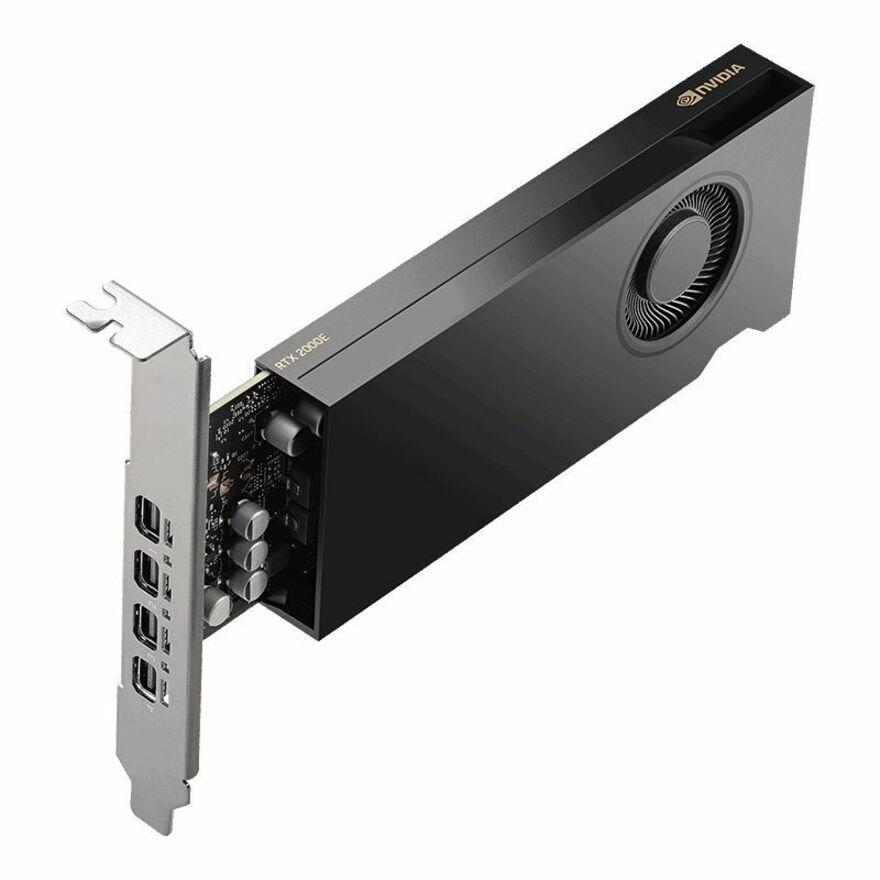
PNY NVIDIA RTX 2000E Ada Generation Professional Graphics Board
VCNRTX2000ADAS-LLP
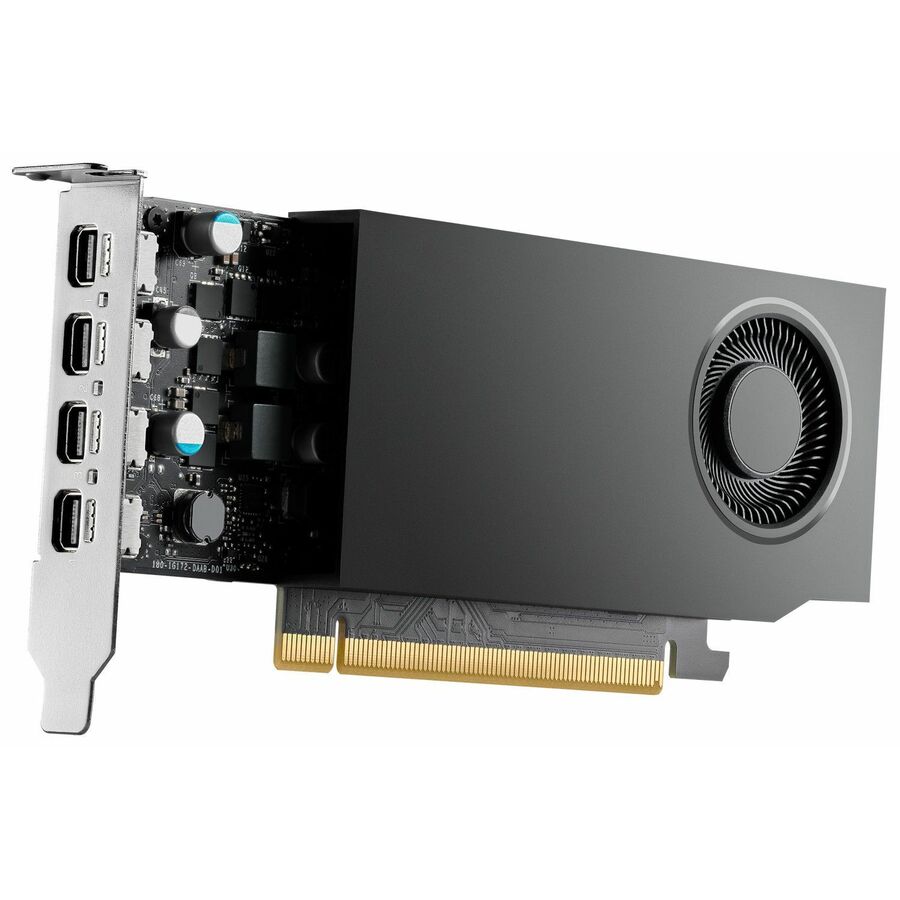
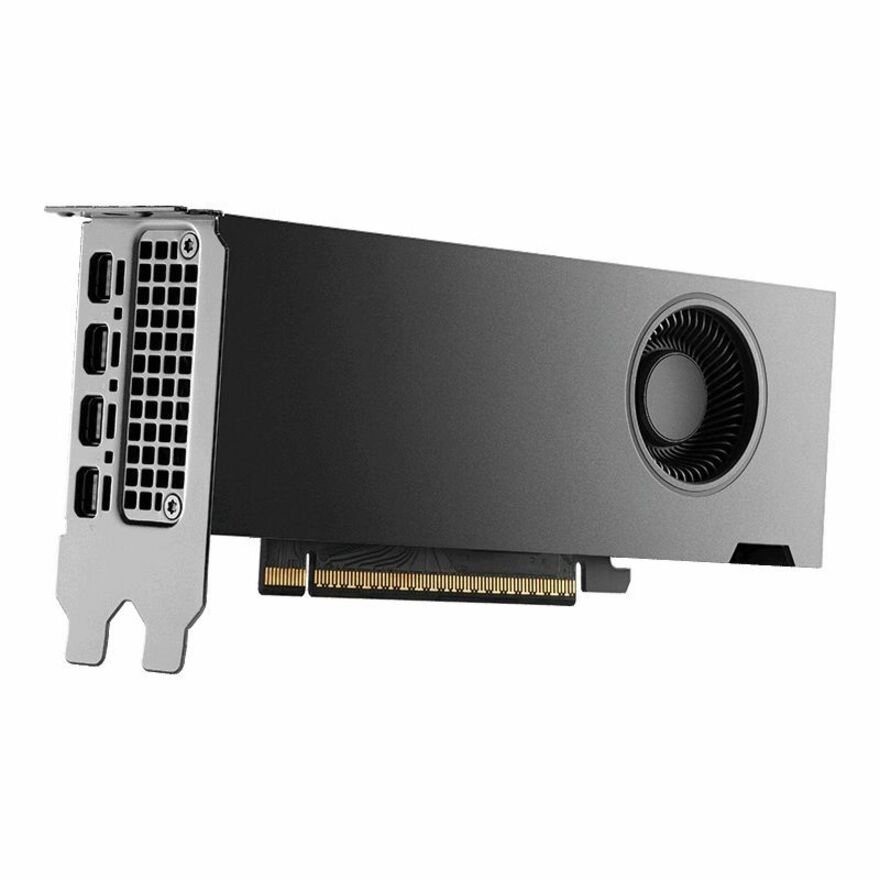
An RTX 2000E Ada Generation board with 16 GB of GDDR6 with ECC, four Mini DisplayPort 1.4a outputs and a half-height, low-profile, single-slot body at 50 W.
ECC memory and a 50 W envelope in a low-profile slot — the row to read for a compact chassis with no spare power connector.
$1,507.41In stock20 GB SFF Ada
Lenovo
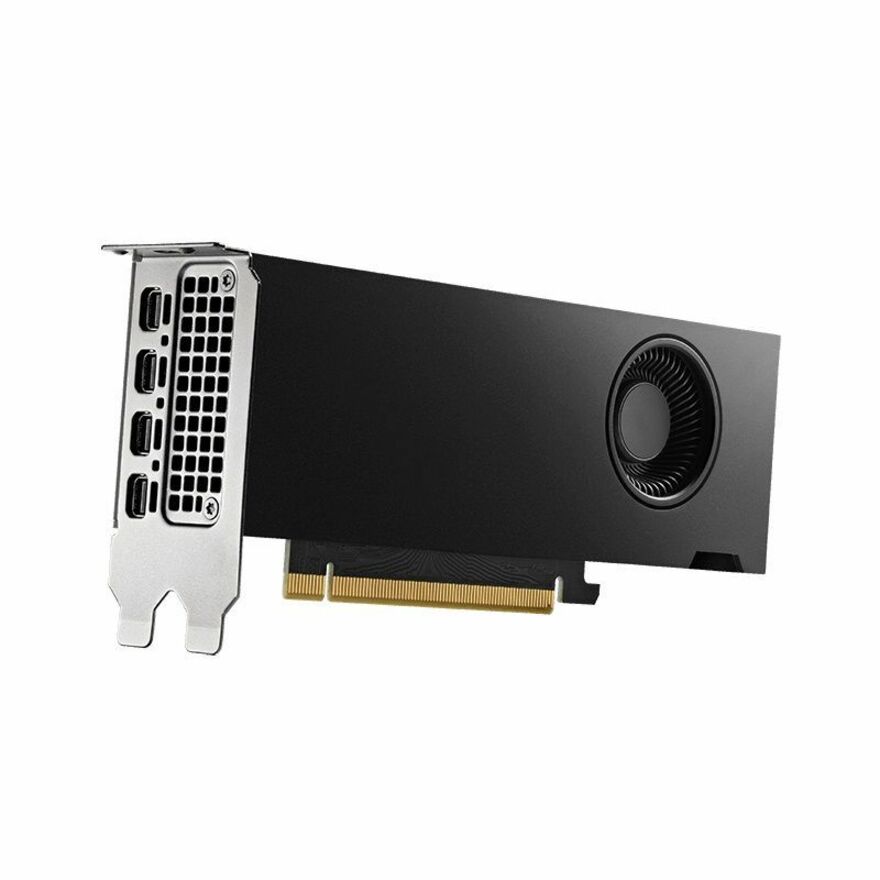
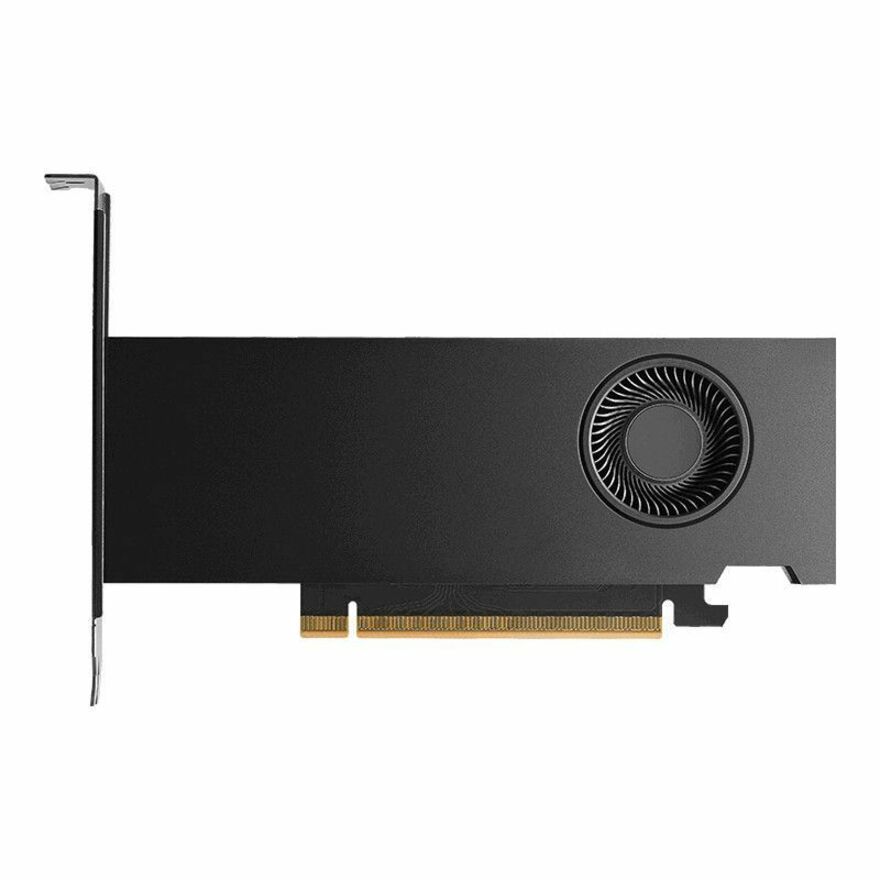
Lenovo NVIDIA RTX 4000 SFF Ada Graphic Card
4X61Q50293
An NVIDIA RTX 4000 SFF Ada board with 20 GB of GDDR6 on a low-profile card with four Mini DisplayPort outputs, over PCI Express 4.0 x16.
$2,328.70Back-ordered32 GB Ada
Lenovo
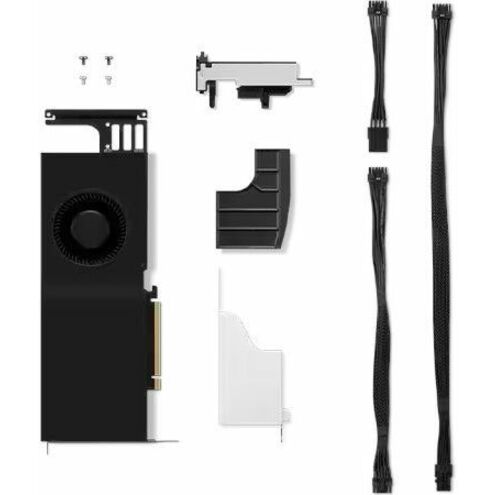
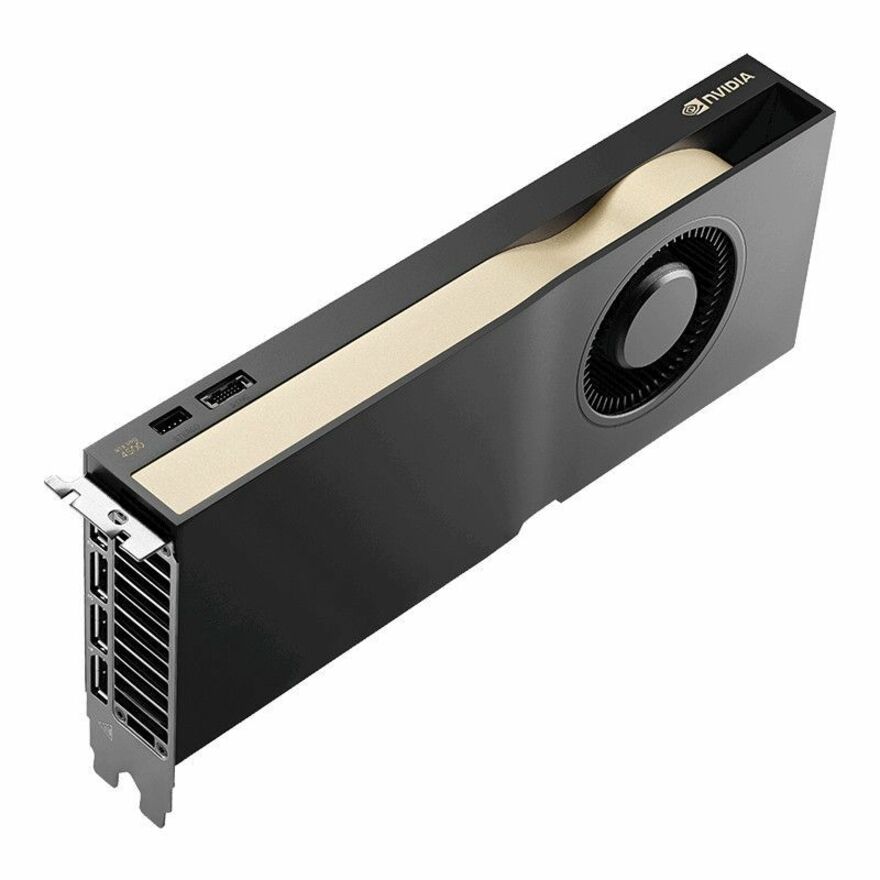
Lenovo NVIDIA RTX 5000 Ada Graphic Card
4X61N43590
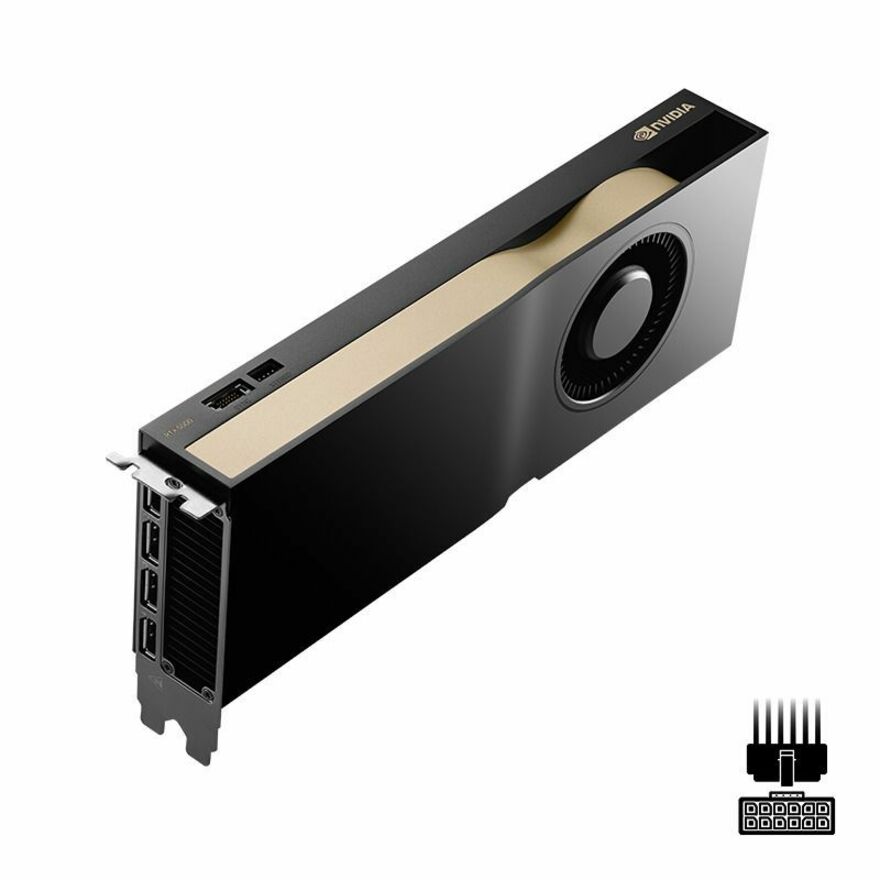
An NVIDIA RTX 5000 Ada board with 32 GB of GDDR6, full-height, over PCI Express 4.0 with four DisplayPort outputs — where simulation and large-scene work start to fit comfortably.
$7,919.74Back-ordered96 GB flagship
PNY Technologies
PNY NVIDIA RTX PRO 6000 Graphic Card
VCNRTXPRO6000B-PB
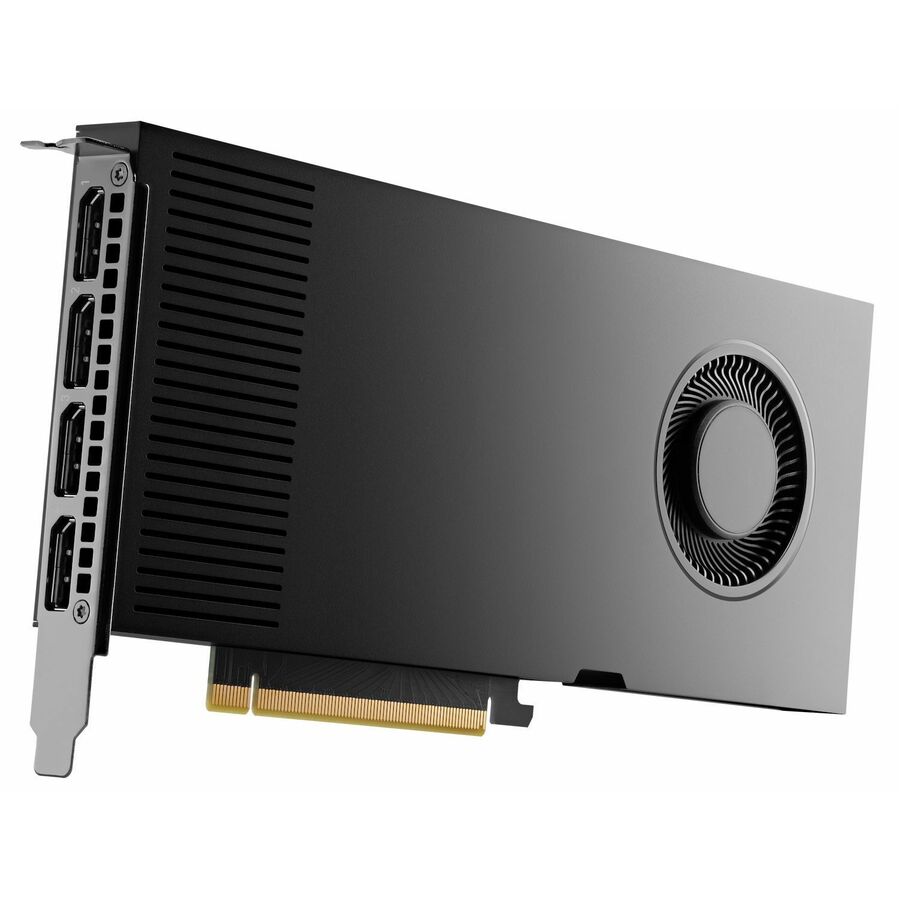
An NVIDIA RTX PRO 6000 with 96 GB of GDDR7 on a 512-bit bus over PCI Express 5.0 x16, dual-slot with four DisplayPort outputs.
Dual-slot and PCI Express 5.0 — confirm the slot spacing and the power budget against the exact chassis, not the workstation family.
$17,944.33In stockIndustrial 16 GB
Advantech
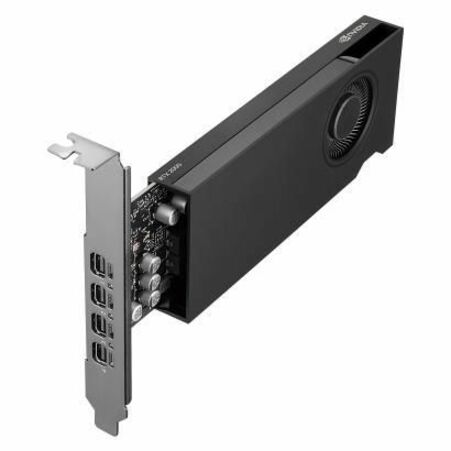
Advantech NVIDIA Quadro RTX 2000E Ada Graphic Card
SKY-QUAD-2000EA-16
An NVIDIA Quadro RTX 2000E Ada board with 16 GB of GDDR6 in a low-profile, single-slot body over PCI Express 4.0 x8, listed with a two-year warranty.
Listed by an industrial-systems vendor: the board to ask about when the host is an embedded or edge chassis rather than a desk-side tower.
$1,032.85Back-orderedIndustrial 20 GB
Advantech
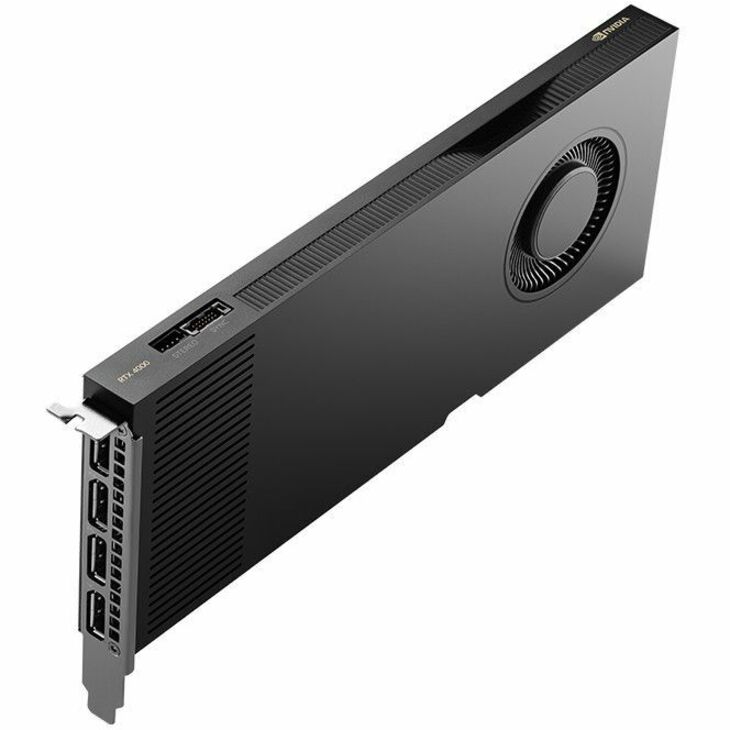
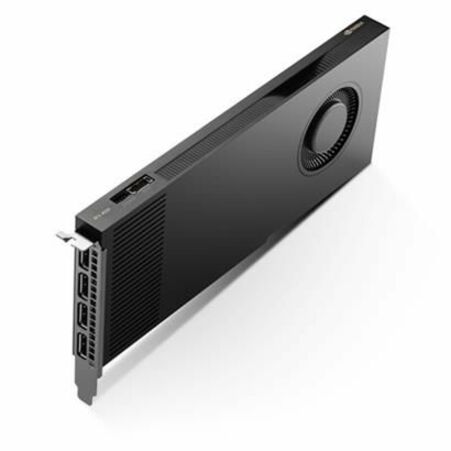
Advantech NVIDIA Quadro RTX 4000 Ada Graphic Card
SKY-QUAD-4000A-20
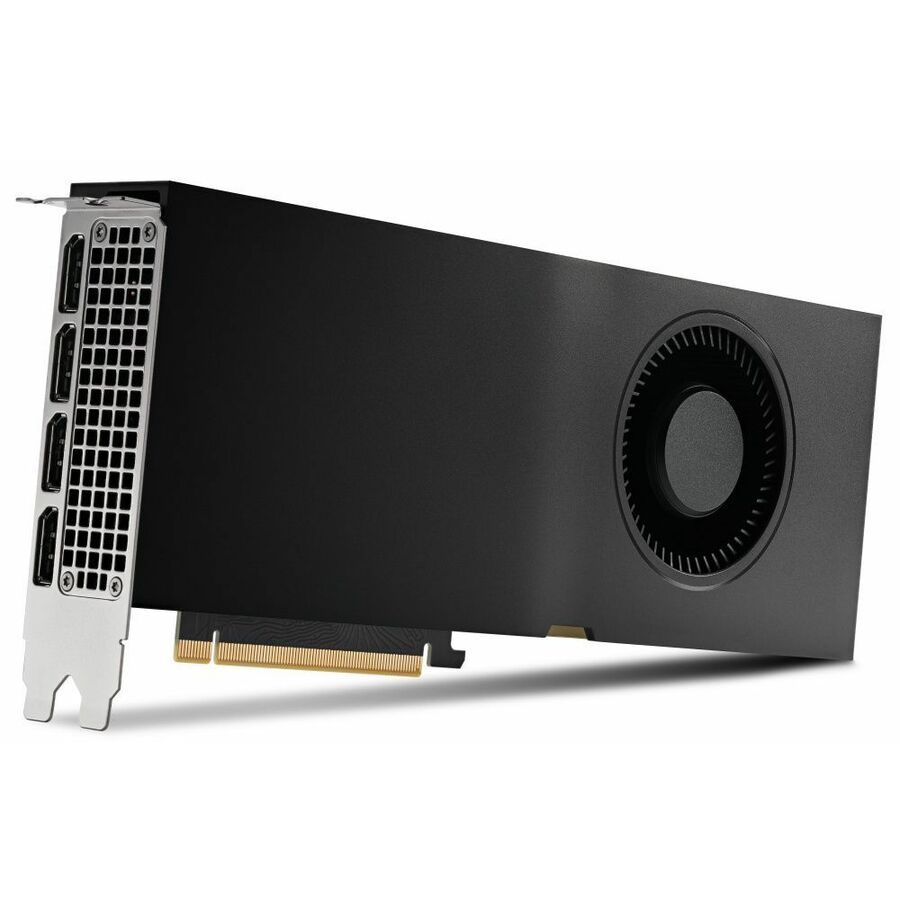
An NVIDIA Quadro RTX 4000 Ada with 20 GB of GDDR6, full-height, on a 160-bit bus over PCI Express 4.0 x16 with four DisplayPort outputs.
$1,862.67Back-orderedAMD 8 GB pro
Advanced Micro Devices
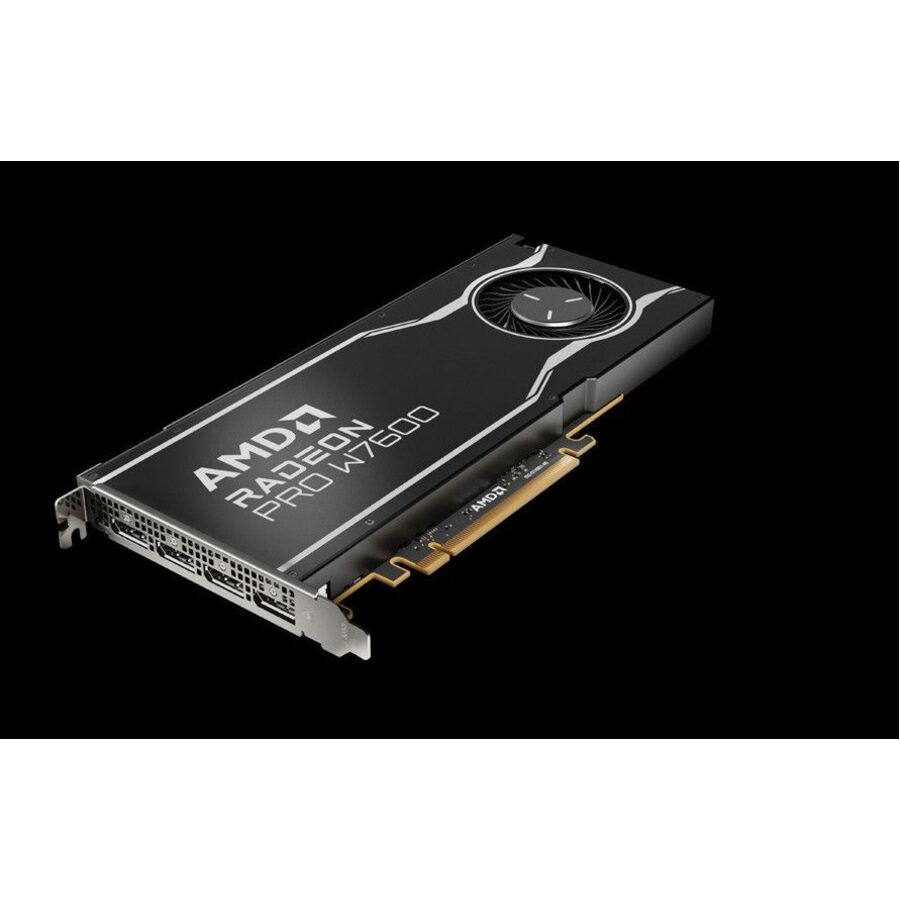
AMD Radeon Pro W7600 Graphic Card
100-300000077
An AMD Radeon Pro W7600 with 8 GB of GDDR6, full-height and single-slot over PCI Express 4.0 x8, with four DisplayPort outputs and an active cooler.
Named here because the fence above is built on NVIDIA's line name — this is the professional AMD answer for a shop standardized on it.
Request pricingAMD 5 outputs
Advanced Micro Devices
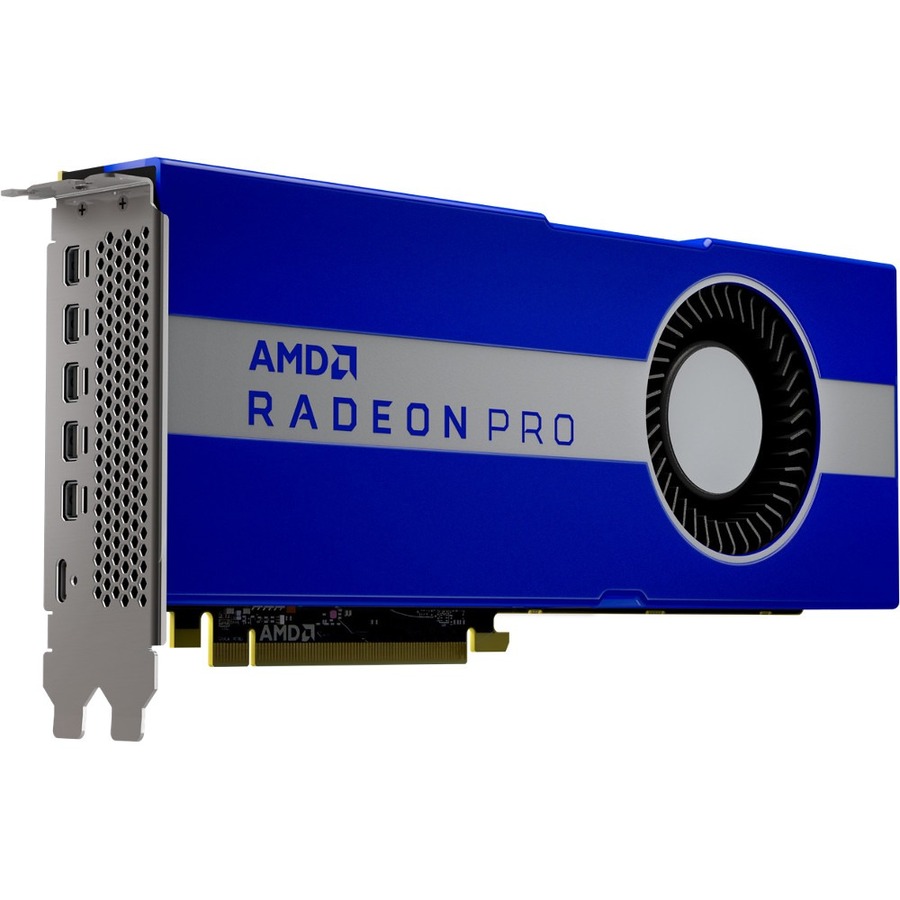
AMD Radeon PRO W5700 Workstation Graphics
100-506085
An AMD Radeon Pro W5700 with 8 GB of GDDR6 in a dual-slot body over PCI Express 4.0 x16, carrying five Mini DisplayPort outputs.
Five outputs on one card is unusual — the row to read for a five-screen control or monitoring position.
$2,004.53Back-orderedMore graphics cards in the Uniqcli catalog
See all 379 graphics cardsMore from across this category. In-stock lines lead, and a back-ordered line carries the same estimated availability its product page does — with live pricing throughout, NDAA §889 screening before checkout and TAA verified on request.
- PNY TechnologiesPNY NVIDIA RTX PRO 6000 Blackwell Max-Q Workstation Edition 96GB GDDR7 Graphics Card1000002731
$19,999.99
$17,969.22
Back-orderedBack-ordered — estimated OEM lead time 3–8 weeks (Nov 22 – Dec 27 if ordered today).
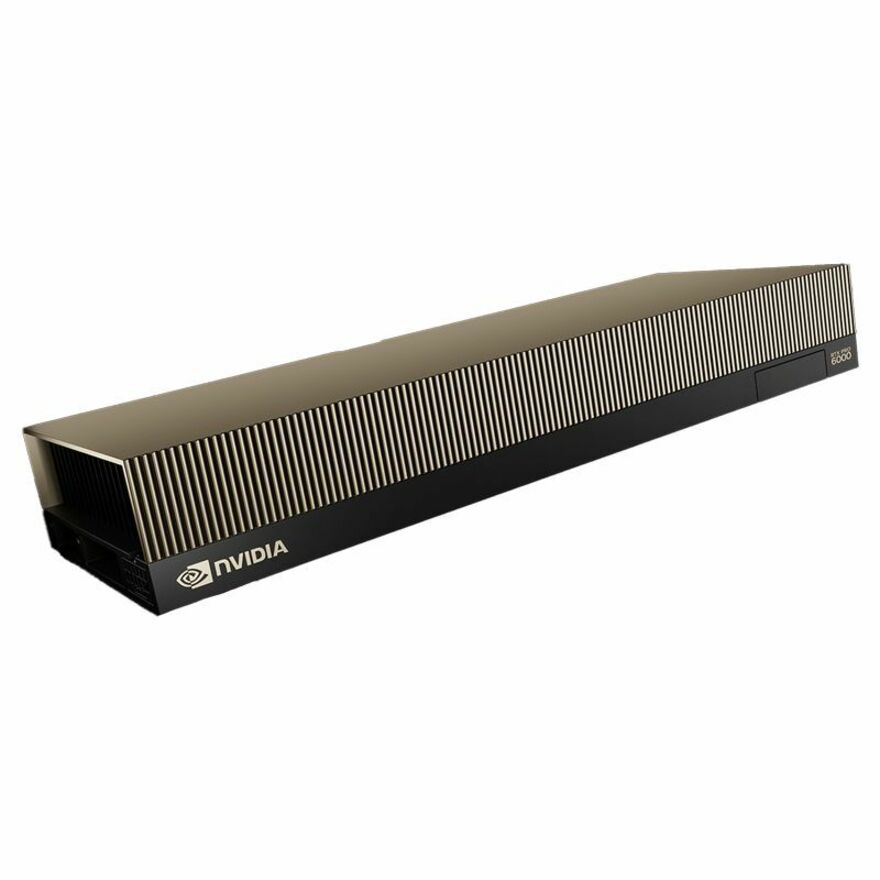
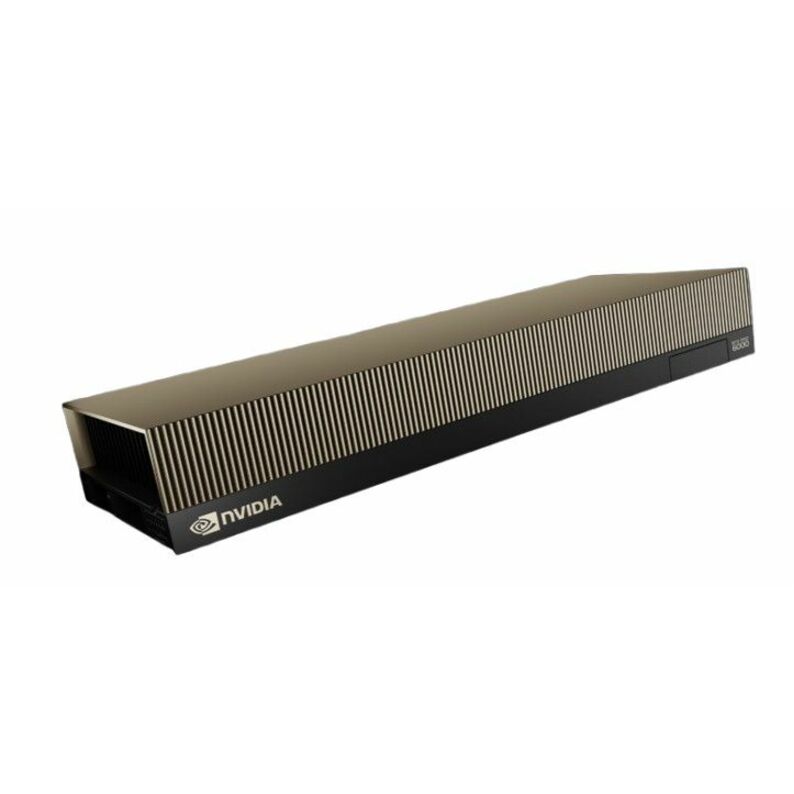
- NVIDIANVIDIA RTX PRO 6000 Blackwell Max-Q Single-Fan 96GB GDDR7 Workstation Graphics Card (OEM)900-5G153-2200-000-01
$19,999.99
$17,978.36
Back-orderedBack-ordered — estimated OEM lead time 3–8 weeks (Nov 22 – Dec 27 if ordered today).
- LenovoLenovo NVIDIA RTX 5000 Ada Graphic Card - 32 GB GDDR6 - Full-height - 7680 x 4320 - PCI Express 4.0 - DisplayPort - 4 x DisplayPort4X61N43590
$8,923.99
$7,919.74
Back-orderedBack-ordered — estimated OEM lead time 3–8 weeks (Nov 22 – Dec 27 if ordered today).
- PNY TechnologiesPNY NVIDIA RTX PRO 5000 Graphic Card - 48 GB GDDR7 - 7680 x 4320 - 384 bit Bus Width - PCI Express - DisplayPort - 4 x DisplayPortVCNRTXPRO5000B-EDU
$9,999.00
$9,662.50
Back-orderedBack-ordered — estimated OEM lead time 3–8 weeks (Nov 22 – Dec 27 if ordered today).
Back-ordered — estimated OEM lead time 3–8 weeks (Nov 22 – Dec 27 if ordered today).
- PNY TechnologiesNVIDIA RTX PRO 6000 Blackwell - Server Edition - graphics card - RTX PRO 6000 Blackwell - 96 GB GDDR7 - PCI Express 5.0 x16 - DisplayPort - 4 x DisplayPortNVRTXPRO6000TCGPU-KIT
$20,800.02
Back-orderedBack-ordered — estimated OEM lead time 3–8 weeks (Nov 22 – Dec 27 if ordered today).
- NVIDIANVIDIA NVIDIA RTX PRO 6000 Blackwell Server Edition Graphic Card - 96 GB GDDR7 - 512 bit Bus Width - PCI Express 5.0 x16 - DisplayPort - 4 x DisplayPort - Dual Slot Space Required - Passive Cooler - 3 Year Warranty900-2G153-0000-200
$15,410.53
Back-orderedBack-ordered — estimated OEM lead time 3–8 weeks (Nov 22 – Dec 27 if ordered today).
- PNY TechnologiesPNY NVIDIA RTX PRO 4500 Graphic Card - 32 GB GDDR7 - Full-height - 7680 x 4320 - 256 bit Bus Width - PCI Express 5.0 x16 - DisplayPort - 4 x DisplayPort - HDMI - DVI - Dual Slot Space Required - Active Cooler - 3 Year WarrantyVCNRTXPRO4500BSYNC-PB
$7,371.71
Back-orderedBack-ordered — estimated OEM lead time 3–8 weeks (Nov 22 – Dec 27 if ordered today).
- LenovoLenovo NVIDIA RTX 4000 Ada Graphic Card - 20 GB GDDR6 - Full-height - 7680 x 4320 - 160 bit Bus Width - PCI Express 4.0 x16 - DisplayPort - 4 x DisplayPort4X67A97287
$6,359.51
Back-orderedBack-ordered — estimated OEM lead time 3–8 weeks (Nov 22 – Dec 27 if ordered today).
Back-ordered — estimated OEM lead time 3–8 weeks (Nov 22 – Dec 27 if ordered today).
- PNY TechnologiesPNY NVIDIA RTX Quadro 5000 Ada Graphic Card - 32 GB GDDR6 - Full-height - DisplayPort - 4 x DisplayPort - Dual Slot Space Required - Active Cooler - 3 Year WarrantyVCNRTX5000ADA-EDU
$4,631.91
Back-orderedBack-ordered — estimated OEM lead time 3–8 weeks (Nov 22 – Dec 27 if ordered today).
Back-ordered — estimated OEM lead time 3–8 weeks (Nov 22 – Dec 27 if ordered today).
- PNY TechnologiesPNY NVIDIA RTX PRO 4000 Graphic Card - 24 GB GDDR7 - Half-height/Low-profile - 7680 x 4320 - 192 bit Bus Width - PCI Express 5.0 x8 - 4 x Mini DisplayPort - Mini DisplayPort - Dual Slot Space Required - Active Cooler - 3 Year WarrantyVCNRTXPRO4000BLP-PB
$4,140.78
Back-orderedBack-ordered — estimated OEM lead time 3–8 weeks (Nov 22 – Dec 27 if ordered today).
Need pricing on professional workstation graphics cards?
Tell us where to reach you and a Uniqcli specialist will follow up by email with current pricing, availability and lead time for the quantities you need — including parts that aren’t shown on this page.
Buying for an organization or for yourself — both work. No payment up front.
Size a professional workstation GPU by memory and physical fit, not headline speed: 4 to 8 GB for 2D drafting and multi-display office CAD, 16 to 24 GB for large assemblies, point clouds and GIS rasters, 32 GB and up for simulation and large scenes. Then confirm the board height, slot width and chassis power budget.
A professional graphics card is bought for a different reason than a gaming one, and the difference is not raw speed. It is memory size, sustained behaviour under long loads, display outputs that match a multi-monitor desk, and a driver branch that an application vendor is willing to support. That is why a CAD, GIS, simulation or visualization workstation is specified with the professional line even where a consumer board would post a higher benchmark: the board that finishes a twelve-hour solve, drives four screens without argument and appears on the application's own supported-hardware list is the one that keeps the seat working.
The grid below is fenced to boards whose own manufacturer title carries NVIDIA's professional designation — the RTX A-series, the RTX Ada Generation and the RTX PRO range — which is what makes every card on it a professional part rather than a consumer one wearing a similar model number. Read four things on the row. Memory decides the size of model, scene or dataset that fits without spilling; the range here runs from 4 GB up to 96 GB, and it is the specification that most often forces a rebuy. Form factor decides whether it physically goes in: several rows name a low-profile or small-form-factor body for a compact chassis, others are full-height and dual-slot. Display outputs decide the desk — some rows carry four Mini DisplayPort connectors and want adapters, others carry full-size DisplayPort. Power and cooling decide the rest, and they are a chassis question as much as a card one.
Nothing here is a benchmark result and nothing here is a ranking. Every card was selected by reading the manufacturer's own catalog title against the job a workstation seat is being bought for, and the picks below the grid say which job each one is for. AMD's professional Radeon Pro boards and the embedded-style Quadro-titled cards from Advantech sit outside a fence built on NVIDIA's line name, so they are named as picks instead of quietly left out. Cards carry live pricing and current availability from the catalog.
Buyer's checklist
How to choose a professional workstation GPU
- Size the memory to the work, not to the benchmark: 4 to 8 GB for 2D, drafting and multi-display office CAD; 16 to 24 GB for large assemblies, point clouds, GIS rasters and video; 32 GB and up for simulation, large scenes and model work. Running out of GPU memory does not slow a job down gracefully — it changes what the job can open.
- Check the physical fit before anything else. Several boards here name a half-height, low-profile or small-form-factor body for compact and rack-mounted workstations; the rest are full-height, and some name a dual-slot cooler that will cover the neighbouring slot.
- Read the display outputs against the desk. A board with four Mini DisplayPort connectors needs adapters or Mini-DP cables for standard monitors, and a four-screen position needs a board that actually carries four outputs — which most professional boards here do and few consumer cards do.
- Confirm the power budget of the chassis, not just the card. A professional board with a modest power draw is often chosen precisely because it needs no supplementary connector; a larger one may need both a bigger supply and airflow the case does not have.
- If your application publishes a supported or certified hardware list, check the exact board against it. That list belongs to the software vendor, and it is the practical reason design and engineering teams standardize on the professional lines rather than on whichever card is quickest this quarter.
- Where a row names ECC memory, that is error-correcting memory on the card — worth specifying deliberately for long solves and analysis runs where a silent bit error is worse than a slow one.
- Standardize on one or two part numbers per role across a refresh. The drivers, the display adapters, the imaging profile and the spares pool are all cheaper when the fleet holds two boards rather than seven.
What separates a professional board from a consumer one
The visible differences start with memory and outputs. Professional boards carry larger memory pools at a given price point than the consumer range, several offer error-correcting memory, and they are laid out for multi-monitor desks — four display outputs is the norm rather than the exception, and the Mini DisplayPort connectors that turn up on so many of these boards exist because four full-size ports do not fit on a low-profile bracket. Form factor is the second difference: the professional range includes half-height, single-slot and small-form-factor cards designed to go into compact and rack-mounted workstations, which is a category the consumer range barely serves.
The less visible difference is the driver branch and the vendor relationship behind it. Professional lines are the ones application vendors publish support statements against, and a design or engineering team that has to raise a support case with its CAD or simulation vendor cares about that more than about a frame-rate figure. None of this is a claim about performance — it is about which board a shop can get help with when a specific application misbehaves, and it is the reason the professional line is what appears on a workstation standard even when a consumer card is nominally faster.
Fitting a card to a chassis, and to a rollout
Most professional GPU problems on a refresh are mechanical rather than computational. The card is dual-slot and the workstation has a card in the neighbouring slot; the case is a small-form-factor unit and the board is full-height; the power supply has no free supplementary connector; the airflow that was adequate for the old card is not adequate for the new one. All four are answerable from the specification before the order: read the height, the slot width and the cooler on the row, and match them against the actual chassis model rather than against the workstation family, since a maker's small chassis and its tower share a name and not a slot budget.
The rollout half is the display chain. Boards with Mini DisplayPort outputs need either Mini-DP to DisplayPort cables or adapters, one per screen, and those are a line item that gets forgotten until the seats are being built. Decide it with the card, along with the mounting and the number of monitors per seat. Send the workstation models, the seat count and the applications in use, and Uniqcli will quote the boards, the display adapters and the monitors together on one document with lead times attached.
FAQ
Common questions
- What is the difference between a professional workstation GPU and a gaming card?
- Memory, outputs, form factor and driver support rather than raw speed. Professional boards carry larger memory pools for the size of model or dataset a workstation opens, several offer error-correcting memory, and they are built for multi-monitor desks with four display outputs as standard. The professional range also includes half-height, single-slot and small-form-factor bodies for compact and rack-mounted workstations, which the consumer range mostly does not. The practical difference in daily use is that application vendors publish support statements against the professional lines, so a CAD or simulation team has a supported path when something misbehaves.
- How much GPU memory does a workstation actually need?
- It follows the size of what is open rather than the application's name. Drafting, 2D work and general multi-display office CAD run comfortably on 4 to 8 GB. Large assemblies, point clouds, GIS raster work and video production sit in the 16 to 24 GB band. Simulation, large scenes, visualization and model work are where 32 GB and above start to matter, and the range here reaches 96 GB. Memory is the specification worth over-buying slightly: a card that is a generation slower still finishes the job, while a card that runs out of memory changes what the job can open at all.
- Will a professional card fit a small-form-factor workstation?
- Some will, and the row says which. Several boards on this page name a half-height, low-profile or small-form-factor body specifically for compact and rack-mounted chassis, and the trade for that is usually Mini DisplayPort outputs and a lower power envelope. The rest are full-height, and some name a dual-slot cooler that occupies the neighbouring slot. Check the height, the slot width and the supplementary power requirement against the exact chassis model rather than the workstation family — a manufacturer's tower and its small chassis often share a product name and never share a slot budget.
- Are there professional alternatives to the NVIDIA RTX line here?
- Yes, and they are named in the picks below the grid rather than hidden. The catalog carries AMD's professional Radeon Pro boards, and Advantech lists Quadro-titled cards aimed at embedded and industrial systems. The grid on this page is fenced to boards whose manufacturer title carries NVIDIA's professional designation, which is what keeps the heading true for every card shown; it is a fence on the wording of the catalog, not a statement that the alternatives are unsuitable. Where an application or an existing standard points at a different vendor, ask for that board on the quote.
- Can business, government and education buyers order these?
- Every line Uniqcli quotes is sourced through US distribution and screened for TAA country-of-origin and NDAA §889 status before checkout — with documentation tied to the specific part number, not a product family.
Need professional workstation graphics cards pricing?
Send a bill of materials or part numbers — we confirm stock and a below-market total, with TAA verified on request. No payment up front.