
Best Low-Profile Graphics Cards for Small-Form-Factor PCs
Half-height cards for small-form-factor desktops, mini towers and short-depth chassis — every card on this page states the low-profile form factor in the manufacturer's own title.
Low-profile graphics cards in stock at Uniqcli
How to choose →A curated selection with live pricing — in-stock lines first, then back-ordered lines with a typical lead time. Every line is sourced through US distribution and screened for NDAA §889 status before checkout, with TAA verified on request.
- GIGABYTE TechnologyGIGABYTE NVIDIA GeForce GT 710 Graphic Card - 2 GB DDR3 SDRAM - Low-profile - 4096 x 2160 - 954 MHz Core - 64 bit Bus Width - PCI Express 2.0 x8 - HDMI - VGA - DVIGV-N710D3-2GL REV 2.0
$77.70
Back-orderedBack-ordered — estimated OEM lead time 3–8 weeks (Nov 22 – Dec 27 if ordered today).
- VisionTek ProductsOCPC NVIDIA GeForce GT 730 Graphic Card - 4 GB DDR3 SDRAM - Low-profile - 3840 x 2160 - 902 MHz Core - 64 bit Bus Width - PCI Express 2.0 x16 - HDMI - VGA - DVI901718
$105.77
Back-orderedBack-ordered — estimated OEM lead time 3–8 weeks (Nov 22 – Dec 27 if ordered today).
- GIGABYTE TechnologyGIGABYTE NVIDIA GeForce GT 1030 Graphic Card - 2 GB DDR4 SDRAM - Low-profile - 1.18 GHz Core - 1.42 GHz Boost Clock - 64 bit Bus Width - PCI Express 3.0 - HDMI - DVIGV-N1030D4-2GL
$131.72
Back-orderedBack-ordered — estimated OEM lead time 3–8 weeks (Nov 22 – Dec 27 if ordered today).
- ASUS Computer InternationalAsus NVIDIA GeForce GT 730 Graphic Card - 2 GB GDDR5 - Low-profile - 902 MHz Core - 64 bit Bus Width - PCI Express 2.0 - HDMI - VGA - DVIGT730-SL-2GD5-BRK
$142.70
Back-orderedBack-ordered — estimated OEM lead time 3–8 weeks (Nov 22 – Dec 27 if ordered today).
- ASUS Computer InternationalAsus NVIDIA GeForce GT 1030 Graphic Card - 2 GB GDDR5 - Low-profile - 1920 x 1200 - 1.27 GHz Core - 1.51 GHz Boost Clock - 64 bit Bus Width - PCI Express 3.0 - HDMI - DVIGT1030-2G-CSM
$154.87
Back-orderedBack-ordered — estimated OEM lead time 3–8 weeks (Nov 22 – Dec 27 if ordered today).
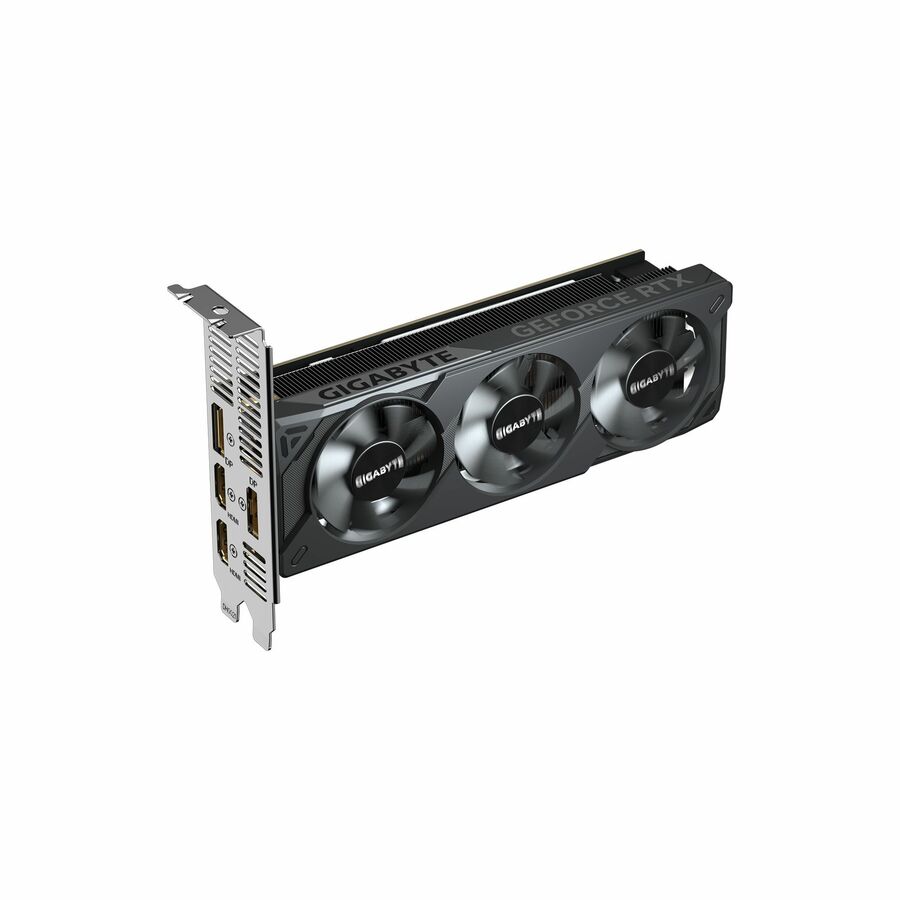
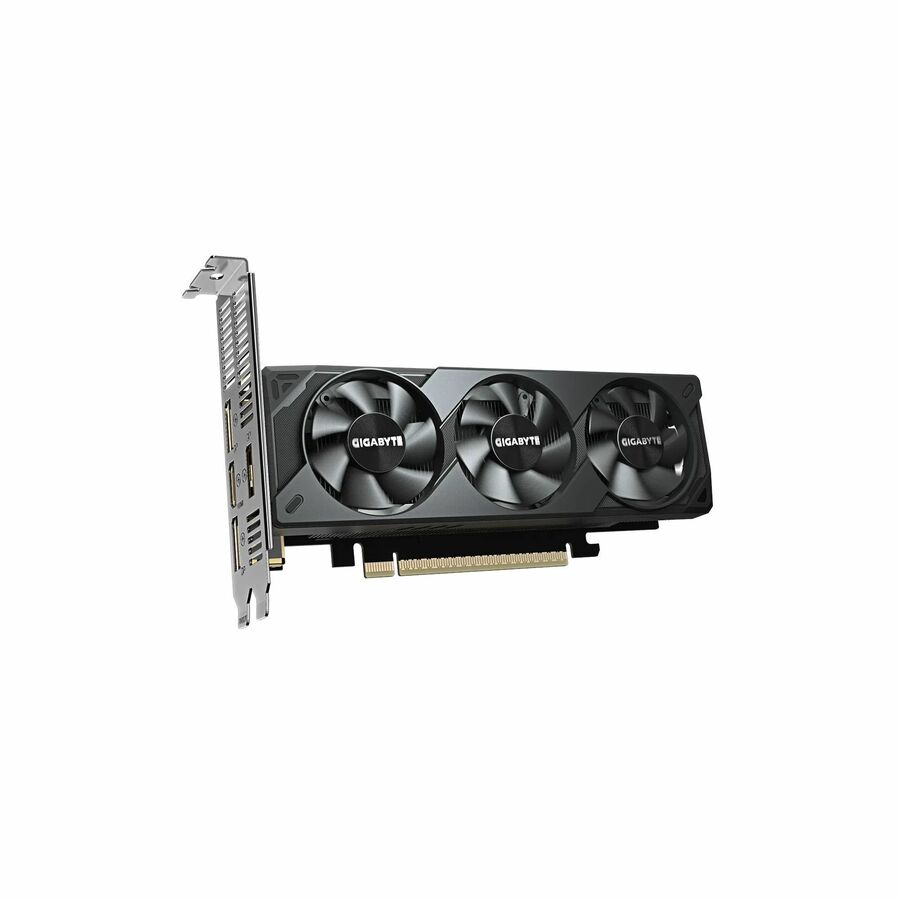
- GIGABYTE TechnologyGIGABYTE NVIDIA GeForce RTX 5050 Graphic Card - 8 GB GDDR6 - Low-profile - 7680 x 4320 - 2.59 GHz Core - 128 bit Bus Width - PCI Express 5.0 - DisplayPort - 2 x DisplayPort - HDMIGVN5050OC8GL
$490.40
Back-orderedBack-ordered — estimated OEM lead time 3–8 weeks (Nov 22 – Dec 27 if ordered today).
- GIGABYTE TechnologyGIGABYTE NVIDIA GeForce RTX 5060 Graphic Card - 8 GB GDDR7 - Low-profile - 7680 x 4320 - 2.51 GHz Core - 128 bit Bus Width - PCI Express 5.0 - DisplayPort - 3 x DisplayPort - HDMIGVN5060OC8GL
$609.66
Back-orderedBack-ordered — estimated OEM lead time 3–8 weeks (Nov 22 – Dec 27 if ordered today).
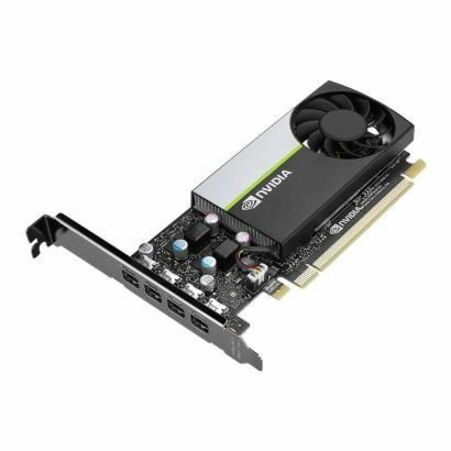
- AdvantechAdvantech NVIDIA Quadro T1000E Graphic Card - 8 GB GDDR6 - Low-profile - 7680 x 4320 - 128 bit Bus Width - PCI Express 3.0 x16 - 4 x Mini DisplayPort - Mini DisplayPort - Single Slot Space Required - Active Cooler - 2 Year WarrantySKY-QUAD-T1000E8B
$624.20
Back-orderedBack-ordered — estimated OEM lead time 3–8 weeks (Nov 22 – Dec 27 if ordered today).
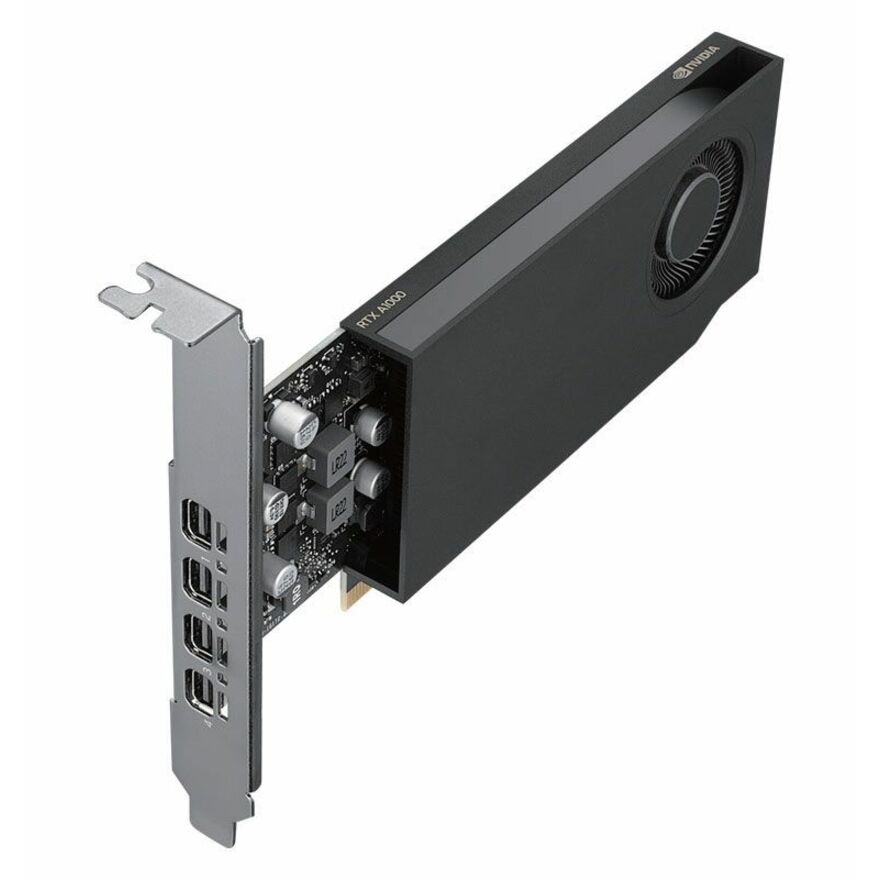
- AdvantechAdvantech NVIDIA Quadro A1000 Graphic Card - 8 GB GDDR6 - Half-height/Low-profile - 7680 x 4320 - 128 bit Bus Width - PCI Express 4.0 x8 - 4 x Mini DisplayPort - Mini DisplayPortSKY-QUAD-A1000-8
$846.11
Back-orderedBack-ordered — estimated OEM lead time 3–8 weeks (Nov 22 – Dec 27 if ordered today).





Entry display outputs
ASUS Computer International
Asus NVIDIA GeForce GT 730 Graphic Card
GT730-SL-2GD5-BRK
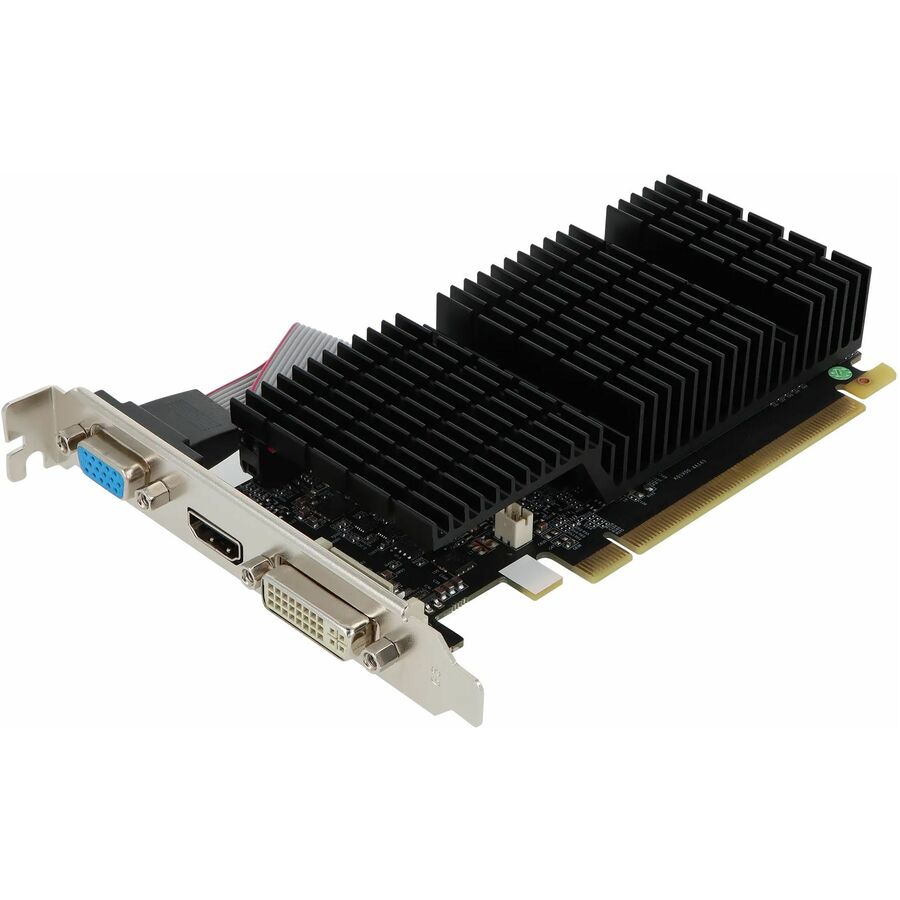
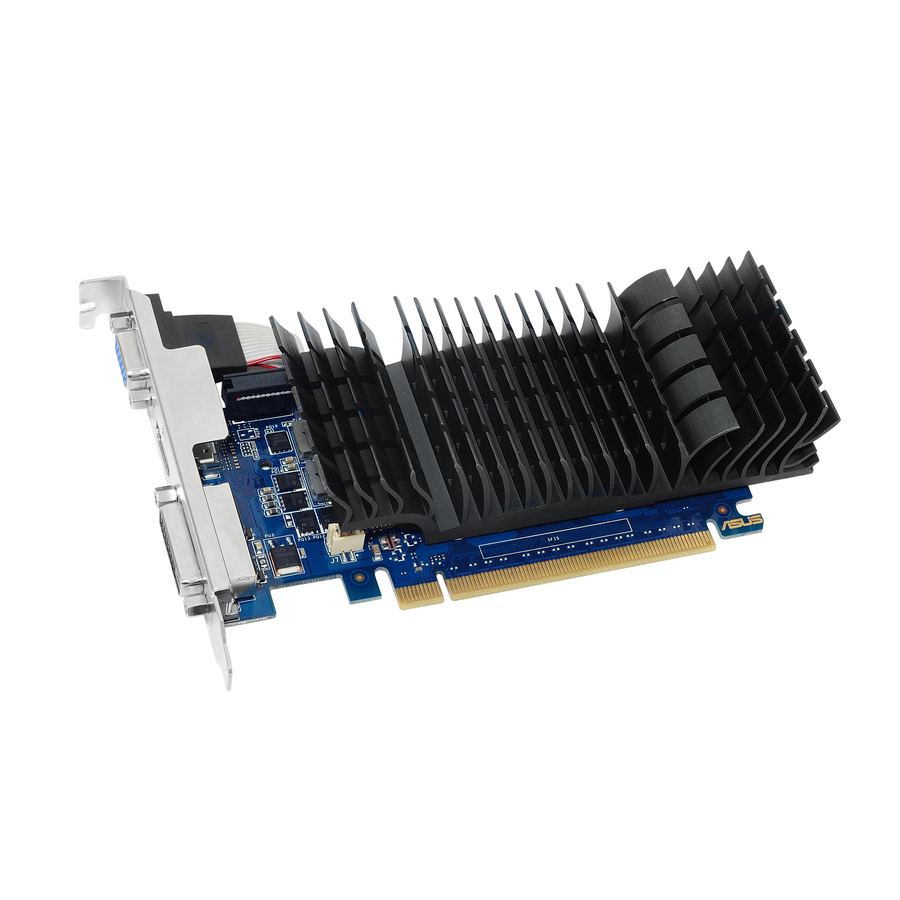
The plain answer to "this small desktop needs another screen": a GeForce GT 730 with 2 GB of GDDR5 in a low-profile board carrying HDMI, VGA and DVI, which is the connector mix that keeps an older monitor estate working through a desktop refresh.
$142.70Back-orderedLegacy connectors
GIGABYTE Technology
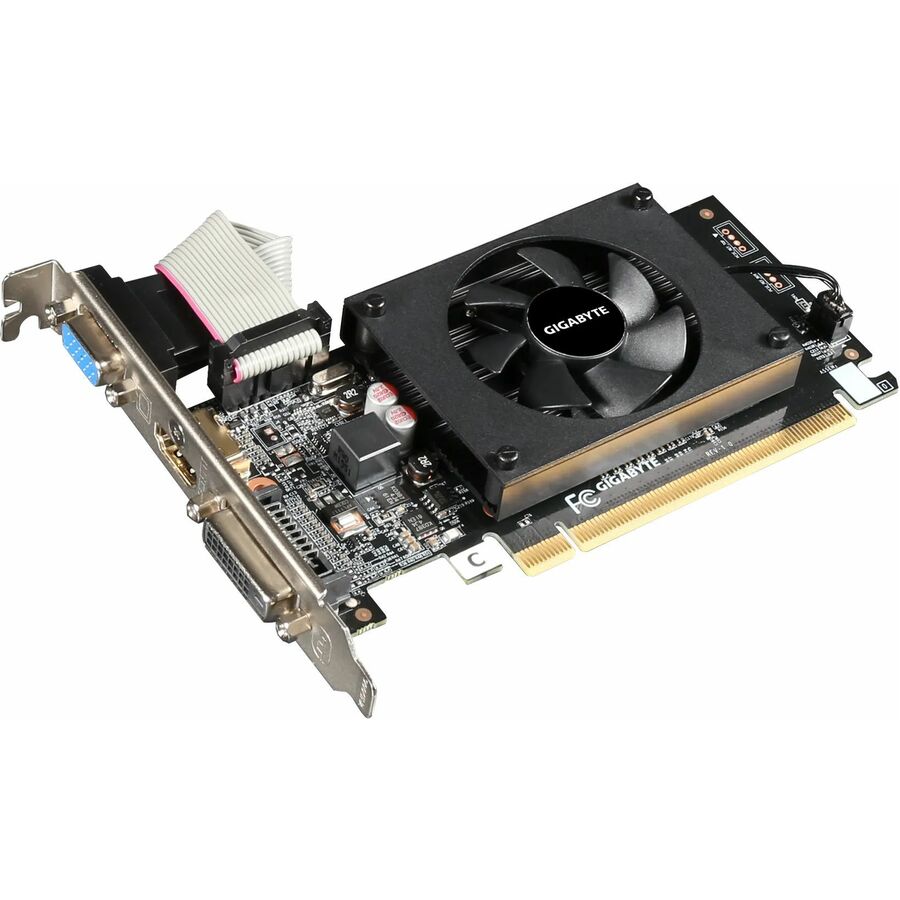
GIGABYTE NVIDIA GeForce GT 710 Graphic Card
GV-N710D3-2GL REV 2.0
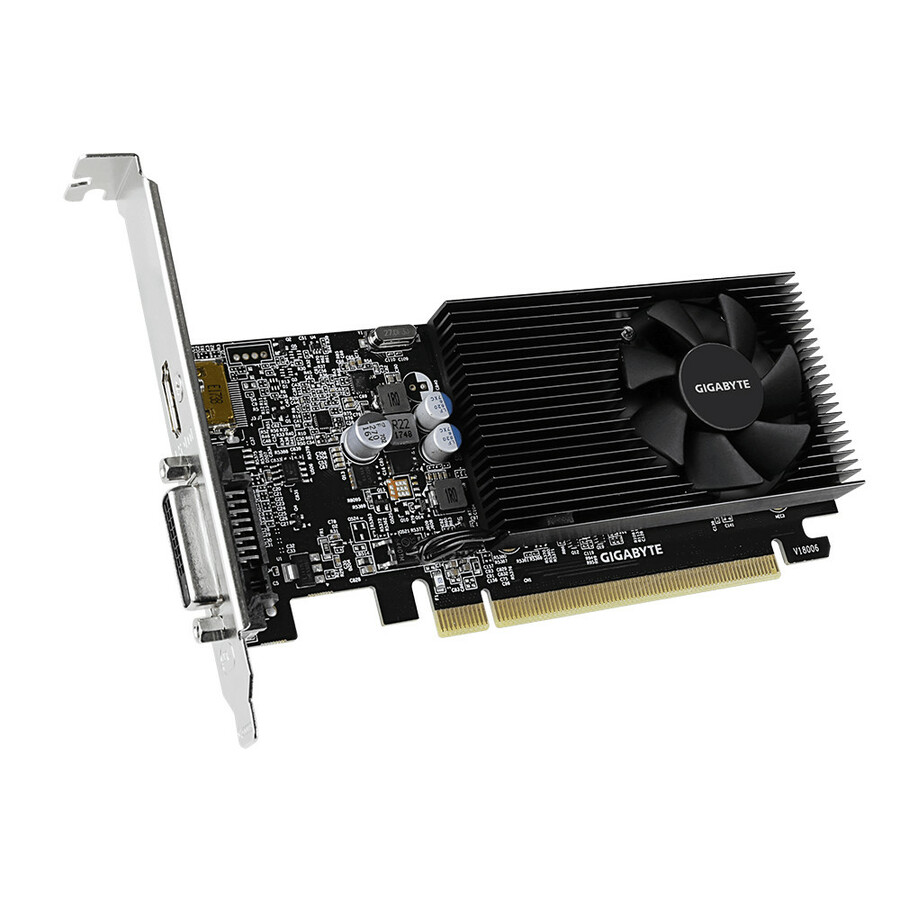
A GeForce GT 710 with 2 GB of DDR3 on a PCI Express 2.0 x8 low-profile board, again with HDMI, VGA and DVI on the bracket. The card to reach for when the requirement is display outputs on an older small chassis and nothing more.
$77.70Back-orderedSingle-slot, three ports
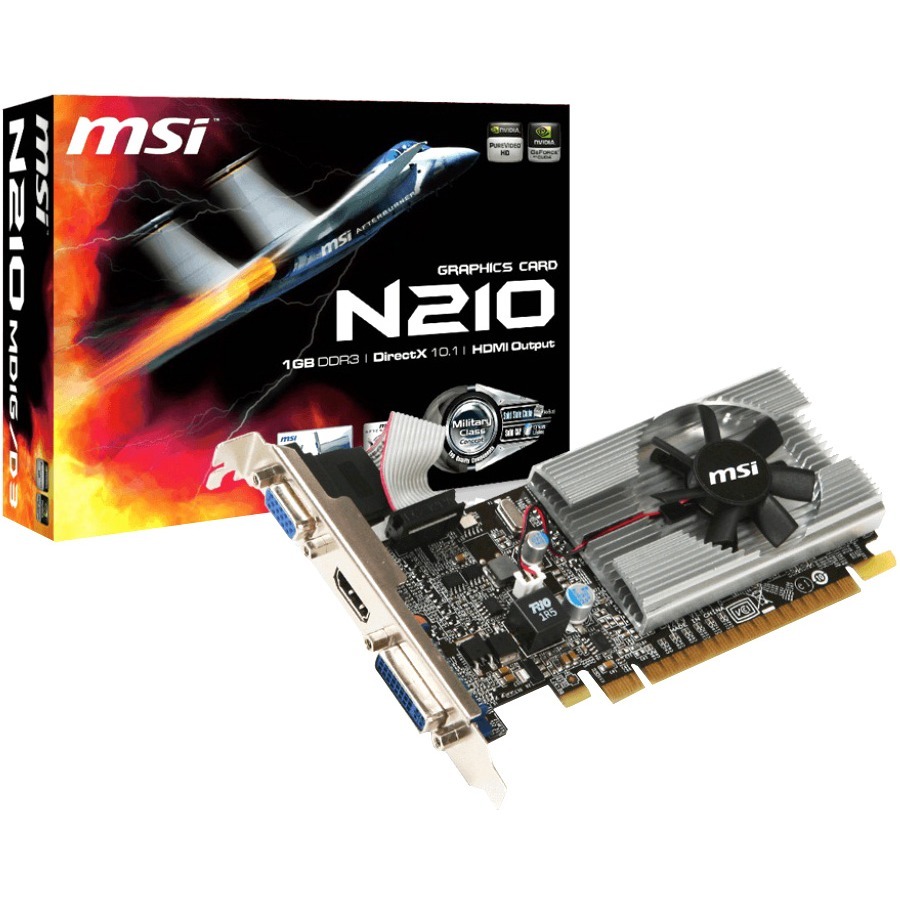
MSI
MSI NVIDIA GeForce 210 Graphic Card
N210-MD1G/D3
Titled "Single Slot Space Required" outright, which is the specification that matters in a chassis with one free position — a low-profile GeForce 210 with 1 GB of GDDR3 and HDMI, VGA and DVI on the bracket, with a three-year warranty stated on the part.
Request pricingGT 1030, GDDR5
ASUS Computer International
Asus NVIDIA GeForce GT 1030 Graphic Card
GT1030-2G-CSM
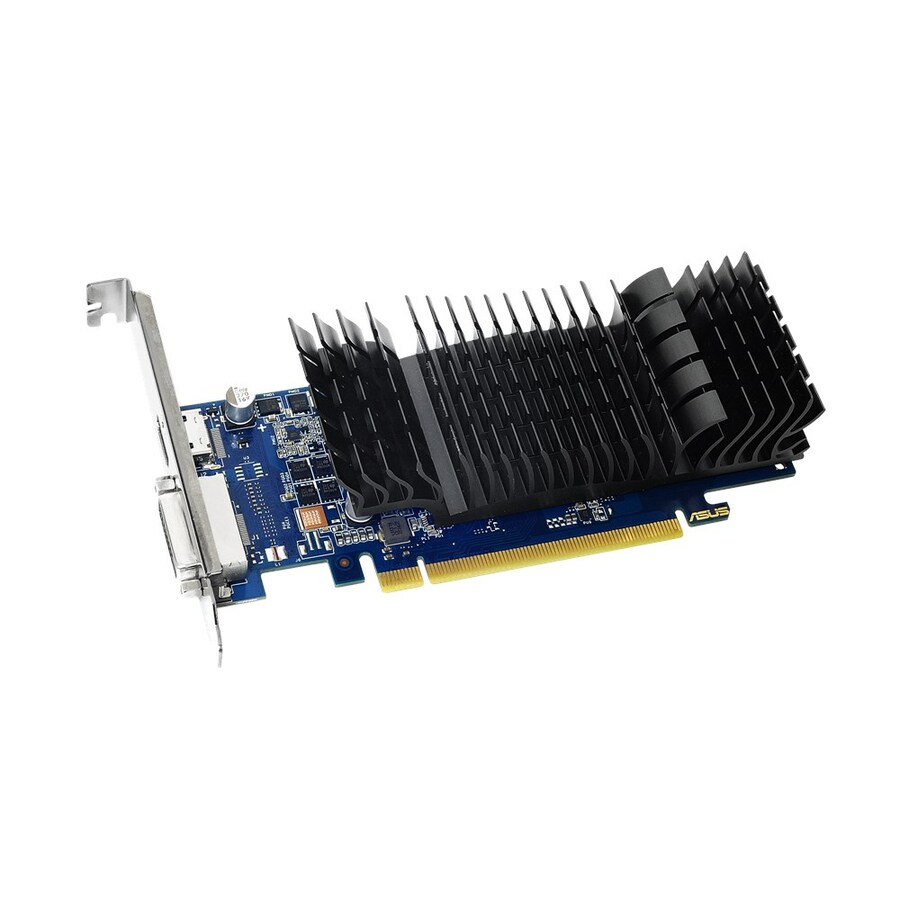
A GeForce GT 1030 with 2 GB of GDDR5 on PCI Express 3.0 in a low-profile board with HDMI and DVI — a step up in capability from the GT 700 series parts while staying in the same physical envelope and the same simple driver story.
$154.87Back-orderedAMD, 128-bit
VisionTek Products
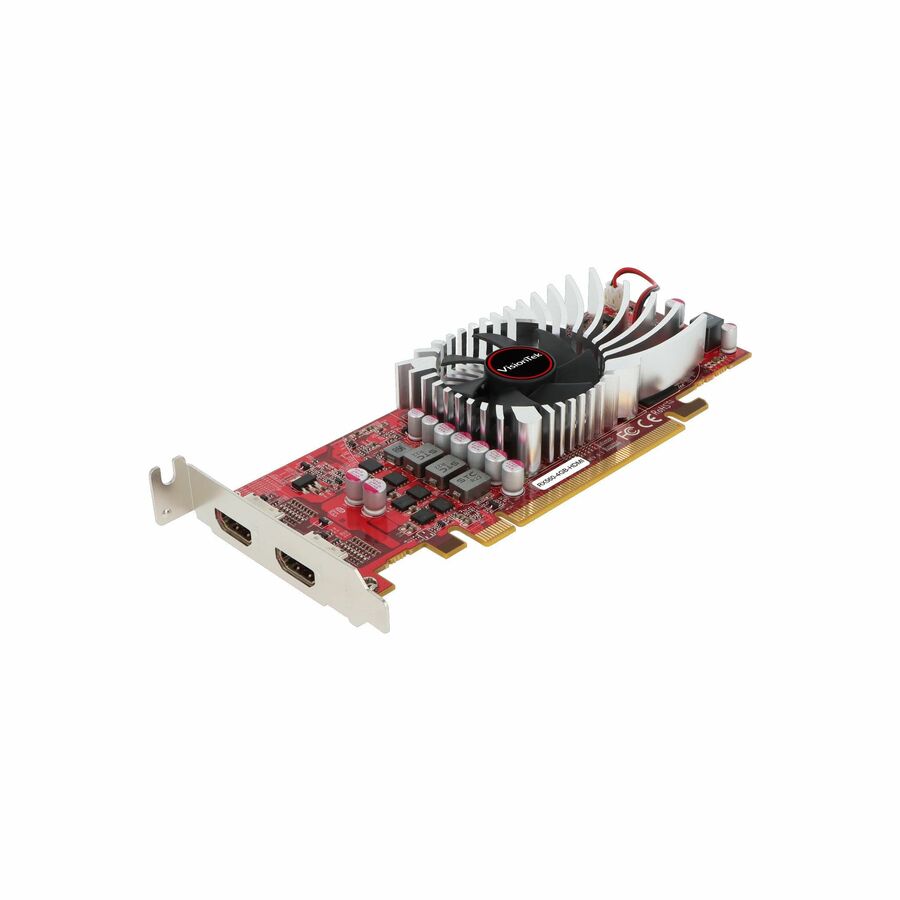
VisionTek AMD Radeon RX 560 Graphic Card
901789
The AMD option on this shelf: a Radeon RX 560 with 4 GB of GDDR5 on a 128-bit bus and PCI Express 3.0 x8, low-profile, with a fan cooler and a three-year warranty stated on the part. Useful where a site standardizes away from one vendor's driver stack.
$146.42In stockRTX 5050, PCIe 5.0
GIGABYTE Technology
GIGABYTE NVIDIA GeForce RTX 5050 Graphic Card
GVN5050OC8GL
A GeForce RTX 5050 with 8 GB of GDDR6 on a 128-bit bus and PCI Express 5.0, in a low-profile board with three DisplayPort outputs and HDMI — current-generation consumer silicon in a form factor that historically only got last-generation parts.
$490.40Back-orderedRTX 5060, GDDR7
GIGABYTE Technology
GIGABYTE NVIDIA GeForce RTX 5060 Graphic Card
GVN5060OC8GL
The same idea a tier up: a GeForce RTX 5060 with 8 GB of GDDR7 on PCI Express 5.0, low-profile, with three DisplayPort outputs and HDMI. The most capable consumer part in this fence, for a small chassis doing real graphics work.
$609.66Back-orderedQuadro A1000, 8 GB
Advantech
Advantech NVIDIA Quadro A1000 Graphic Card
SKY-QUAD-A1000-8
Titled "Half-height/Low-profile" by the manufacturer: an NVIDIA Quadro A1000 with 8 GB of GDDR6 on a 128-bit bus and PCI Express 4.0 x8, with four mini DisplayPort outputs — a workstation card sized for an embedded or short-depth chassis.
$846.11Back-orderedSingle-slot workstation
Advantech
Advantech NVIDIA Quadro T1000E Graphic Card
SKY-QUAD-T1000E8B
An NVIDIA Quadro T1000E with 8 GB of GDDR6 on PCI Express 3.0 x16, titled both low-profile and "Single Slot Space Required" with an active cooler and four mini DisplayPort outputs — the combination that fits the tightest professional seats.
$624.20Back-orderedRTX 2000E Ada, ECC
PNY Technologies
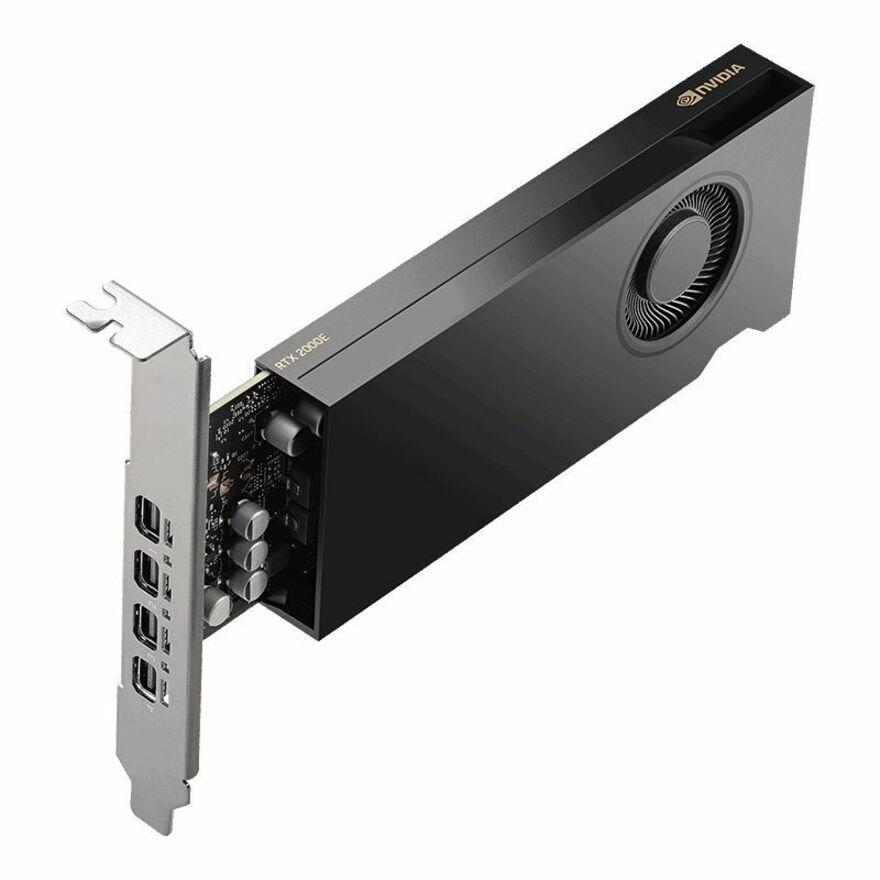
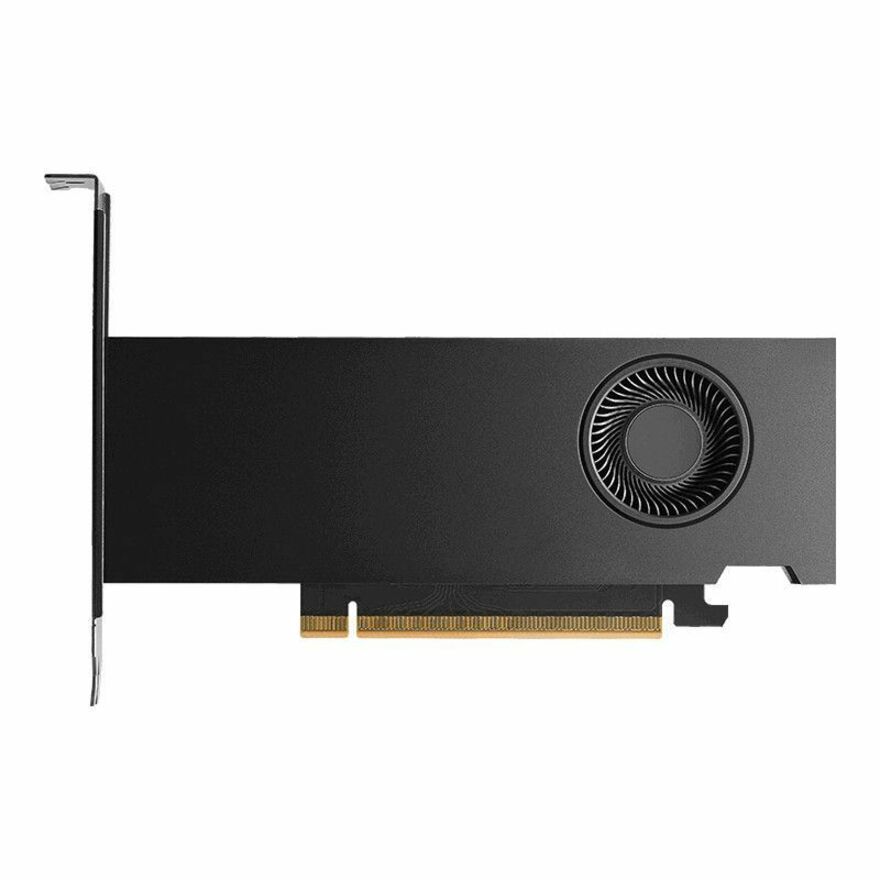
PNY NVIDIA RTX 2000E Ada Generation Professional Graphics Board
VCNRTX2000ADAS-LLP
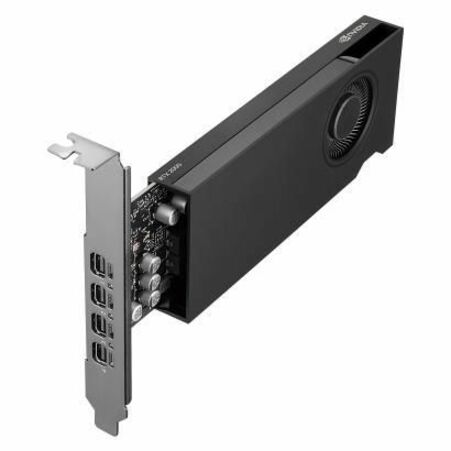
The specification stated in full on the part: Ada Lovelace architecture, 16 GB of GDDR6 with ECC, 2,816 CUDA cores, 22 third-generation RT cores and 88 fourth-generation Tensor cores, four mini DisplayPort 1.4a connectors, PCIe 4.0 x8, half-height low-profile single-slot, 50 W total power, with four latching mini DisplayPort to DisplayPort adapters.
The only card on this page whose own title states that display adapters are supplied — everywhere else, treat adapters as a separate line.
$1,507.41In stockRTX PRO 2000, GDDR7
PNY Technologies
PNY NVIDIA RTX PRO 2000 Graphic Card
VCNRTXPRO2000B-PB
An RTX PRO 2000 with 16 GB of GDDR7 on a 128-bit bus and PCI Express 5.0 x8, four mini DisplayPort outputs and a three-year warranty stated on the part — current-generation professional silicon in a full-height/low-profile board.
Titled "Dual Slot Space Required": it clears the height limit and needs two slot positions. Check the chassis before ordering.
$2,253.09In stockRTX 4000 SFF Ada
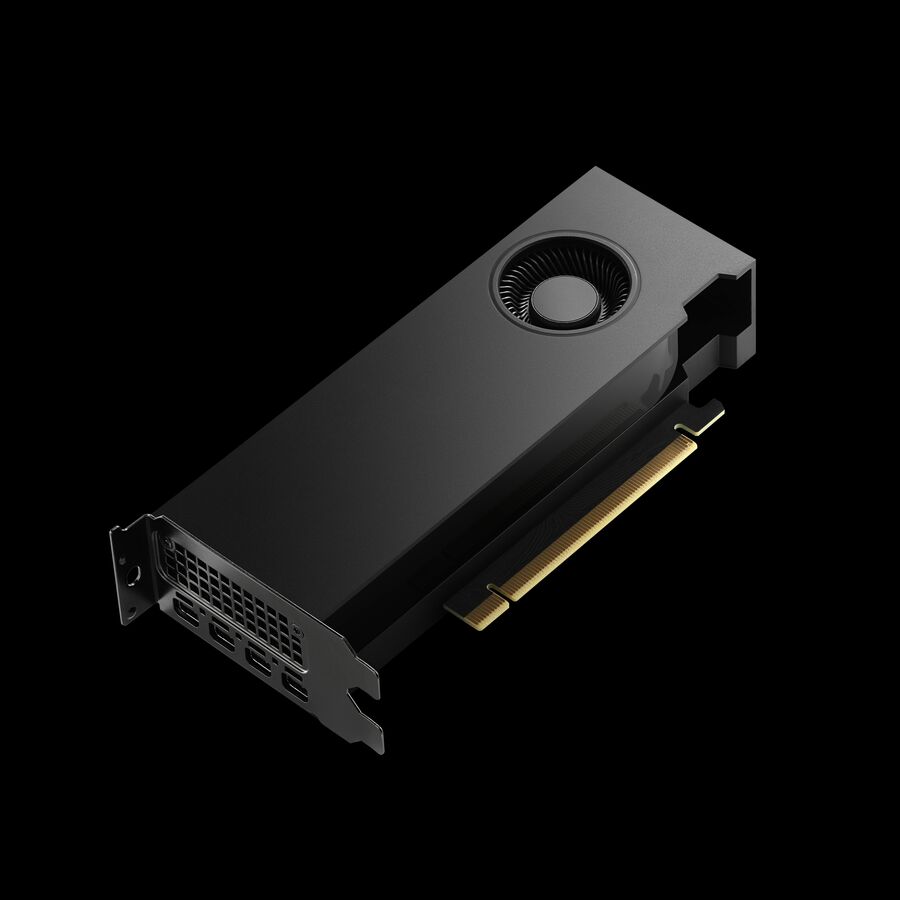
PNY Technologies
PNY NVIDIA RTX 4000 SFF Ada Graphic Card
VCNRTX4000ADALP-PB
An RTX 4000 SFF Ada with 20 GB of GDDR6 on a 160-bit bus and PCI Express 4.0 x16, low-profile with four mini DisplayPort outputs and an active cooler — the largest professional memory pool in this fence, aimed at compact CAD and imaging seats.
Also titled "Dual Slot Space Required" — the small-chassis plan has to allow two positions for it.
$1,883.91Back-ordered20 GB, PCIe 4.0 x16
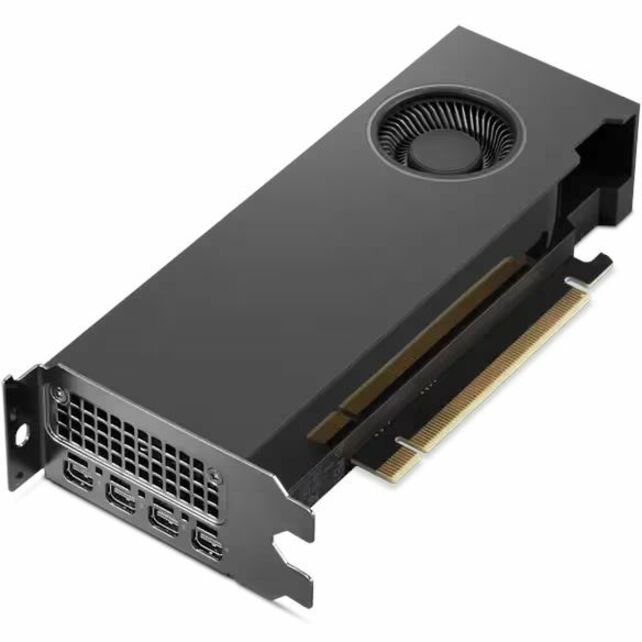
Lenovo
Lenovo NVIDIA RTX 4000 SFF Ada Graphic Card
4X61Q50293
The same RTX 4000 SFF Ada class supplied through a system manufacturer's own part number, with 20 GB of GDDR6, a 160-bit bus, PCI Express 4.0 x16 and four mini DisplayPort outputs — the route to take where the machine's vendor support matters.
$2,328.70Back-orderedInference, single-slot
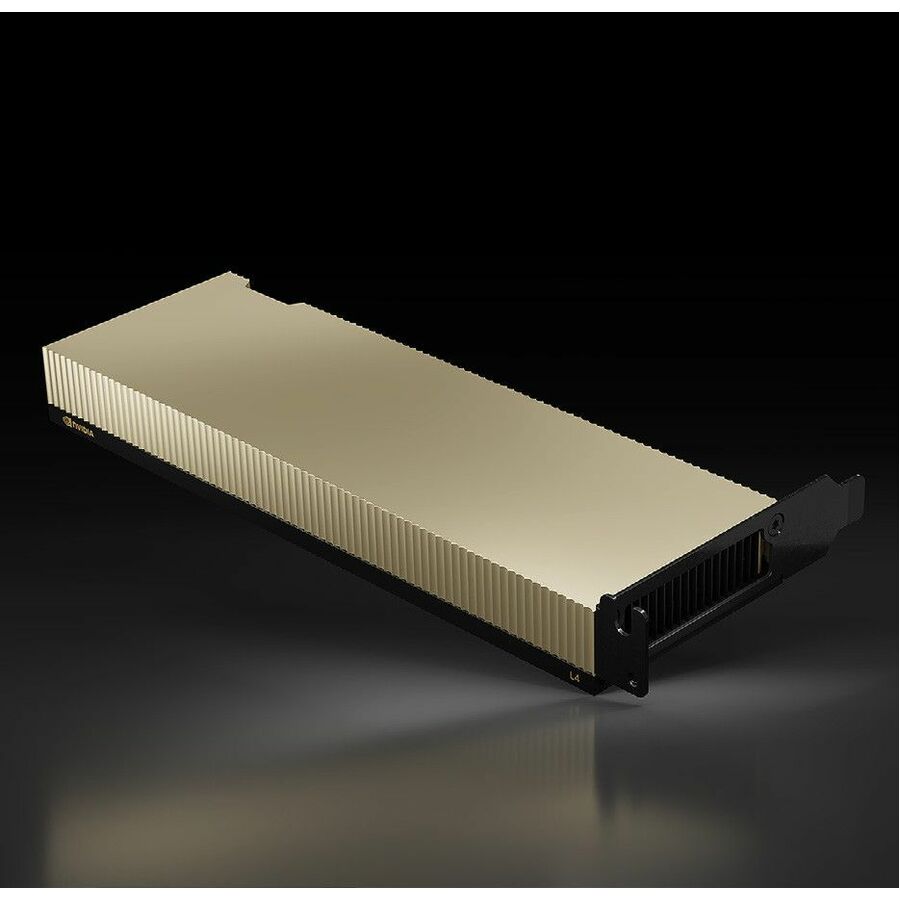
NVIDIA
NVIDIA L4 Graphic Card
900-2G193-0000-001
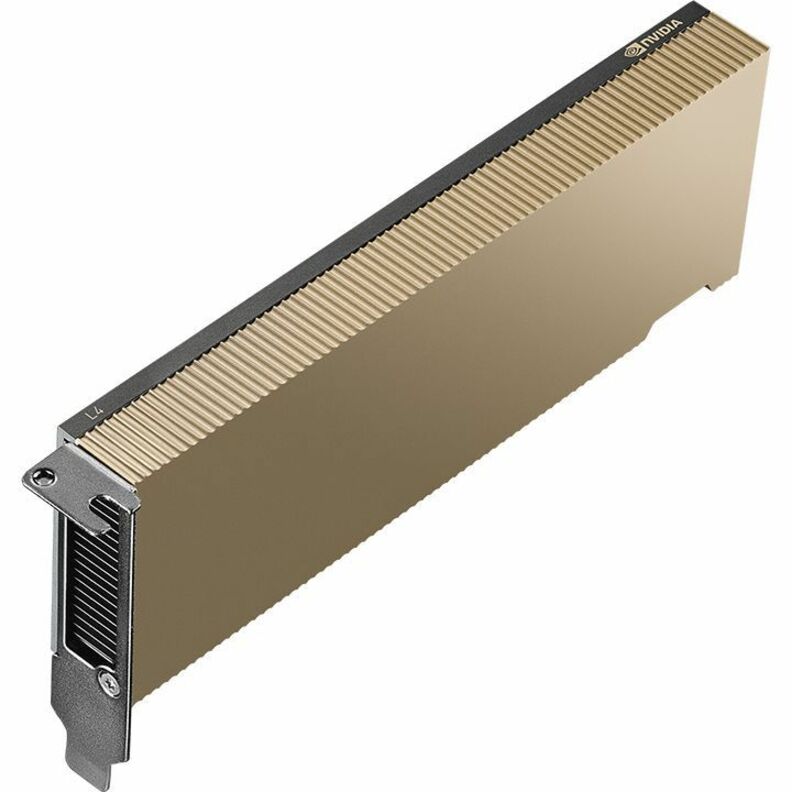
The compute case rather than the display case: an NVIDIA L4 with 24 GB of GDDR6 on a 192-bit bus and PCI Express 4.0 x16, titled low-profile and "Single Slot Space Required" — the shape that lets several accelerators share one short-depth server.
Sized alongside the server rather than as an accessory to it: slot count, power and airflow decide how many a chassis can actually take.
$3,426.27Back-orderedMore graphics cards in the Uniqcli catalog
See all 379 graphics cardsMore from across this category. In-stock lines lead, and a back-ordered line carries the same estimated availability its product page does — with live pricing throughout, NDAA §889 screening before checkout and TAA verified on request.
- LenovoLenovo NVIDIA RTX 4000 SFF Ada Graphic Card - 20 GB GDDR6 - Low-profile - 7680 x 4320 - 160 bit Bus Width - PCI Express 4.0 x16 - 4 x Mini DisplayPort - Mini DisplayPort4X61Q50293
$2,623.99
$2,328.70
Back-orderedBack-ordered — estimated OEM lead time 3–8 weeks (Nov 22 – Dec 27 if ordered today).
- Amulet HotkeyAmulet Hotkey Teradici TERA 2240 Graphic Card - 512 MB DDR3 SDRAM - Full-height/Low-profile - 3840 x 2160 - PCI Express - 4 x Mini DisplayPort - Mini DisplayPortKT-DXH4-0001
$1,360.00
$1,210.12
Back-orderedBack-ordered — estimated OEM lead time 3–8 weeks (Nov 22 – Dec 27 if ordered today).
- PNY TechnologiesPNY NVIDIA RTX 4000 SFF Ada Graphic Card - 20 GB GDDR6 - Low-profile - 7680 x 4320 - 160 bit Bus Width - PCI Express 4.0 x16 - 4 x Mini DisplayPort - Mini DisplayPort - Dual Slot Space Required - Active CoolerVCNRTX4000ADALP-PB
$1,999.00
$1,883.91
Back-orderedBack-ordered — we expect to receive stock the week of Jan 11–17 and will process your delivery right after.
- PNY TechnologiesPNY NVIDIA L4 Graphic Card - 24 GB - Low-profile - 795 MHz Core - 2.04 GHz Boost Clock - 192 bit Bus Width - PCI Express 4.0 x16NVL4TCGPU-KIT
$4,415.19
Back-orderedBack-ordered — estimated OEM lead time 3–8 weeks (Nov 22 – Dec 27 if ordered today).
- PNY TechnologiesPNY NVIDIA RTX PRO 4000 Graphic Card - 24 GB GDDR7 - Half-height/Low-profile - 7680 x 4320 - 192 bit Bus Width - PCI Express 5.0 x8 - 4 x Mini DisplayPort - Mini DisplayPort - Dual Slot Space Required - Active Cooler - 3 Year WarrantyVCNRTXPRO4000BLP-PB
$4,140.78
Back-orderedBack-ordered — estimated OEM lead time 3–8 weeks (Nov 22 – Dec 27 if ordered today).
- NVIDIANVIDIA NVIDIA L4 Graphic Card - 24 GB GDDR6 - Low-profile - 795 MHz Core - 2.04 GHz Boost Clock - 192 bit Bus Width - PCI Express 4.0 x16 - Single Slot Space Required900-2G193-0000-001
$3,426.27
Back-orderedBack-ordered — estimated OEM lead time 3–8 weeks (Nov 22 – Dec 27 if ordered today).
- PNY TechnologiesPNY NVIDIA RTX 4000 Graphic Card - 20 GB GDDR6 - Low-profile - 160 bit Bus Width - PCI Express 4.0 x16VCNRTX4000ADALPSY-PB
$2,752.97
Back-orderedBack-ordered — estimated OEM lead time 3–8 weeks (Nov 22 – Dec 27 if ordered today).
- AdvantechAdvantech NVIDIA Quadro RTX 2000E Ada Graphic Card - 16 GB GDDR6 - Low-profile - 7680 x 4320 - 128 bit Bus Width - PCI Express 4.0 x8 - 4 x Mini DisplayPort - Mini DisplayPort - Single Slot Space Required - Active Cooler - 2 Year WarrantySKY-QUAD-2000EA-16
$1,032.85
Back-orderedBack-ordered — estimated OEM lead time 3–8 weeks (Nov 22 – Dec 27 if ordered today).



Need pricing on low-profile graphics cards?
Tell us where to reach you and a Uniqcli specialist will follow up by email with current pricing, availability and lead time for the quantities you need — including parts that aren’t shown on this page.
Buying for an organization or for yourself — both work. No payment up front.
The low-profile card exists because the chassis got smaller and the expansion slot did not go away. A small-form-factor desktop, a 1U or 2U server and most mini towers give a PCIe card roughly half the height a full-size board expects, so a card that fits is a genuinely different product rather than the same product with a shorter bracket — the board itself is shorter, the cooler is smaller, and the display connectors are usually mini DisplayPort because four full-size ports will not physically fit across a half-height slot cover. That constraint is the whole buying decision on this page, and it is one the specification sheet answers before performance ever comes up.
Three quite different buyers arrive here. The first needs display outputs and nothing else: a small desktop with integrated graphics that cannot drive the three or four monitors the seat requires, where the correct answer is the cheapest card with the right connector count and the right form factor. The second is running a professional application — CAD, GIS, imaging, video review — on a small-chassis workstation, and needs a workstation-class card with the certified-driver behaviour those applications expect. The third is putting inference or virtual-desktop capacity into a short-depth server, where the card is a compute device that happens to be shaped like a graphics card. All three are on this page, and the price range between them is enormous.
The selection below is a spec-verification exercise and nothing more — nothing here was tested, benchmarked or ranked by opinion. The grid is fenced to the cards whose own catalog titles carry the low-profile form factor, which is what makes the heading true of every card under it, and the picks restate the memory, interface, connector count and slot width those titles state. Live pricing renders on each card from the catalog index rather than from this copy.
Buyer's checklist
How to choose a low-profile graphics card
- Confirm the form factor AND the slot width separately — they are two different constraints and the titles state them separately. Several cards on this page are titled low-profile and "Dual Slot Space Required", which means they fit the height but need two slot positions; in a chassis with one usable slot that card does not go in.
- Check the bracket that ships with the card against the chassis before the order. A low-profile card is normally supplied with brackets for both heights, but that is a packing detail the catalog title does not state, so it is a question to ask on the exact part number rather than an assumption to make.
- Count the displays and read the connector type, not just the number. Most cards here present mini DisplayPort because four full-size connectors do not fit across a half-height cover — which means the order may need mini DisplayPort to DisplayPort or HDMI adapters, one per screen, and those are a separate line.
- Match the PCIe generation and lane width to the slot you have. These titles state it explicitly, from PCI Express 2.0 x8 up to PCI Express 5.0 x8 and 4.0 x16. A card will run in a slower or narrower slot, but a compute or inference card bought for throughput and dropped into a short slot is money spent on bandwidth you cannot use.
- Size the power path before the card. Small chassis have small supplies, and the cards on this page range from passively modest display adapters to workstation and inference parts — where the manufacturer states a power figure on the part, read it against the supply that is actually in the machine and against the cooling that chassis provides.
- Buy on the application's requirements, not the memory number. A professional application that expects workstation drivers behaves differently on a workstation card than on a consumer card with more memory; a display-wall seat needs outputs and nothing else. Decide which of the three jobs the seat is doing before comparing any two cards on capacity.
- Standardize on one part number per chassis archetype. A fleet of identical small-form-factor desktops with two different graphics cards in them is two driver baselines, two spares pools and two sets of tickets — and low-profile cards turn over quickly enough that the second one is usually the harder to re-order.
Half-height, single-slot, and the two constraints people conflate
Height and width are separate limits and a card can pass one and fail the other. "Low-profile" — sometimes written "half-height" on the same part — is a statement about the board and bracket height, which is what decides whether the card physically enters a small-form-factor case or a short-depth server chassis at all. Slot width is a statement about how many adjacent slot positions the cooler occupies, and it is stated separately: several parts on this page are explicitly titled "Single Slot Space Required", and several others are titled low-profile and "Dual Slot Space Required" in the same breath. The second group is not mislabelled; a dual-slot low-profile card is a real and common shape, and it fits a 2U server or an SFF desktop that has two slot positions free and does not fit a 1U or a chassis whose second slot is occupied.
The connector question follows directly from the height limit. A full-height bracket has room for a row of full-size DisplayPort or HDMI connectors; a half-height one usually does not, which is why so many cards on this page state mini DisplayPort outputs — often four of them. That is a perfectly good arrangement for a four-monitor seat, and it means the desk needs four adapters or four mini-DP-to-DP cables that are not in the box unless the title says they are. One part on this page states latching mini DisplayPort to DisplayPort adapters as included; the others do not say, which means the question belongs on the quote rather than in an assumption. Budget the adapters at the same time as the card, because a card that arrives without them is a seat that still cannot see a screen.
Three jobs, three classes of card
The display-output job is the one that brings most people here, and it is the easiest to over-buy. A small desktop that needs to drive three or four panels for a dispatch, records or trading-style seat needs outputs, driver stability and a card that fits — not compute. The entry cards on this page, the GeForce GT and low-end Radeon parts, exist for exactly that and have for years; their memory figures and clock speeds are almost beside the point, and the specification that matters is the connector mix. Several of them carry HDMI, VGA and DVI together, which is the combination that keeps an older monitor estate alive through a desktop refresh — worth reading off the title, because VGA in particular is disappearing from newer cards.
The workstation job is a different purchase. Professional applications in CAD, GIS, medical and geospatial imaging, and broadcast review are qualified against workstation-class cards and their drivers, and that qualification — not raw throughput — is usually why the card is specified. This page carries the small-chassis members of those lines, from the modest four-gigabyte parts up to sixteen- and twenty-gigabyte cards with ECC memory, and the reason they appear in a low-profile page at all is that a great many of the seats running those applications are compact machines under a desk rather than towers beside one. Where a card states ECC memory in its title, that is a data-integrity feature the consumer parts on the same page do not have.
The third job is compute in a short chassis: inference, transcode and virtual-desktop capacity in a 1U or 2U server, where the card is chosen for its throughput and its power envelope rather than for what it can display. The single-slot inference parts on this page are the clearest example — a low-profile, single-slot card with a large memory pool is shaped the way it is precisely so several of them fit in one server. If that is the job, the sizing conversation is about power, airflow and how many cards the chassis takes, and it belongs alongside the server rather than as an accessory to it.
What ships around a low-profile card
A graphics card in a small chassis rarely arrives alone. Display adapters and cables are the first companion line and the one most often forgotten, because mini DisplayPort outputs need converting to whatever the monitors take. Monitor arms and mounts follow, since a card bought for four screens implies a desk that can hold four screens. Where the card is going into an existing fleet machine, the power supply and the thermal headroom are worth checking before the order rather than after, and where it is going into a server, the chassis' own slot budget and airflow decide how many cards the plan can actually hold.
Uniqcli quotes the card, the adapters and cables, the displays and mounts, and the machines themselves on one document — along with the manufacturer warranty and support lines that attach to the professional cards, which are usually worth carrying on a workstation that a specialist team depends on. Send the seat: the chassis model, the slot positions free, the number and type of displays, and the application that is driving the requirement. It comes back as part numbers, availability, lead times and volume pricing before anything is committed.
FAQ
Common questions
- What is the difference between low-profile and single-slot?
- Low-profile — also written half-height — describes the height of the board and bracket, and it decides whether the card physically fits a small-form-factor desktop or a short-depth server chassis. Single-slot describes how many adjacent expansion-slot positions the card and its cooler occupy. They are independent: a card can be low-profile and still need two slot positions, and several parts on this page are titled exactly that way. Read both from the manufacturer's own title on the exact part number, and check both against the machine, because passing one test and failing the other still means the card does not go in.
- Does a low-profile card come with the short bracket?
- Usually, but the catalog title does not say so, and this page does not claim it. Manufacturers commonly ship low-profile cards with brackets for both heights in the box, but that is a packing decision that varies by part number and by production run, and it is not something to infer from a specification line. If the chassis needs the half-height bracket, ask for confirmation on the exact part number at quote time — it is a one-line question that avoids a card arriving that cannot be screwed into the case it was bought for.
- Will a low-profile card give me four monitors?
- Several on this page state four outputs, and most of them are mini DisplayPort rather than full-size connectors, because four full-size ports do not fit across a half-height slot cover. That is a good arrangement for a four-screen seat with one caveat that catches people out: unless the title says adapters are included, the desk needs a mini DisplayPort to DisplayPort or HDMI adapter or cable for every screen, and those belong on the same order as the card. Count the outputs on the exact part, then count the adapters, then count the cables — three numbers, one requisition.
- Do I need a workstation card or will a consumer one do?
- It depends on what the seat runs, and the honest answer is that the application vendor decides rather than the hardware. Professional CAD, GIS, imaging and broadcast applications are qualified against workstation-class cards and their driver branches, and where a support agreement or a validated configuration names that class, a consumer card with a larger memory figure is not a substitute. Where the requirement is simply to drive several displays reliably from a small desktop, the entry cards on this page do that job at a fraction of the cost. Where a card states ECC memory in its title, that is a genuine difference the consumer parts do not have.
- Can business, government and education buyers order these?
- Every line Uniqcli quotes is sourced through US distribution and screened for TAA country-of-origin and NDAA §889 status before checkout — with documentation tied to the specific part number, not a product family.
Need low-profile graphics cards pricing?
Send a bill of materials or part numbers — we confirm stock and a below-market total, with TAA verified on request. No payment up front.