
Best USB-C Hubs and Multiport Adapters
Bus-powered USB-C hubs and multiport adapters for hot desks, shared workstations and travel kits — and the point at which the honest answer is a dock instead.
USB-C hubs and adapters in stock at Uniqcli
How to choose →A curated selection with live pricing — in-stock lines first, then back-ordered lines with a typical lead time. Every line is sourced through US distribution and screened for NDAA §889 status before checkout, with TAA verified on request.
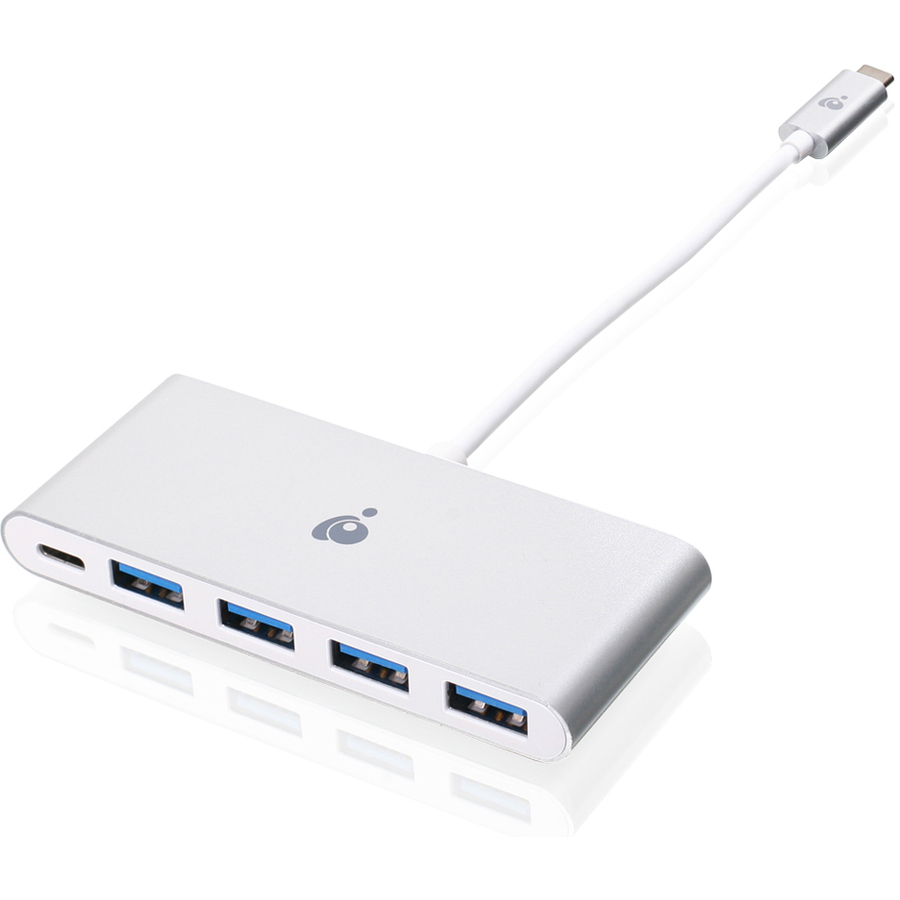
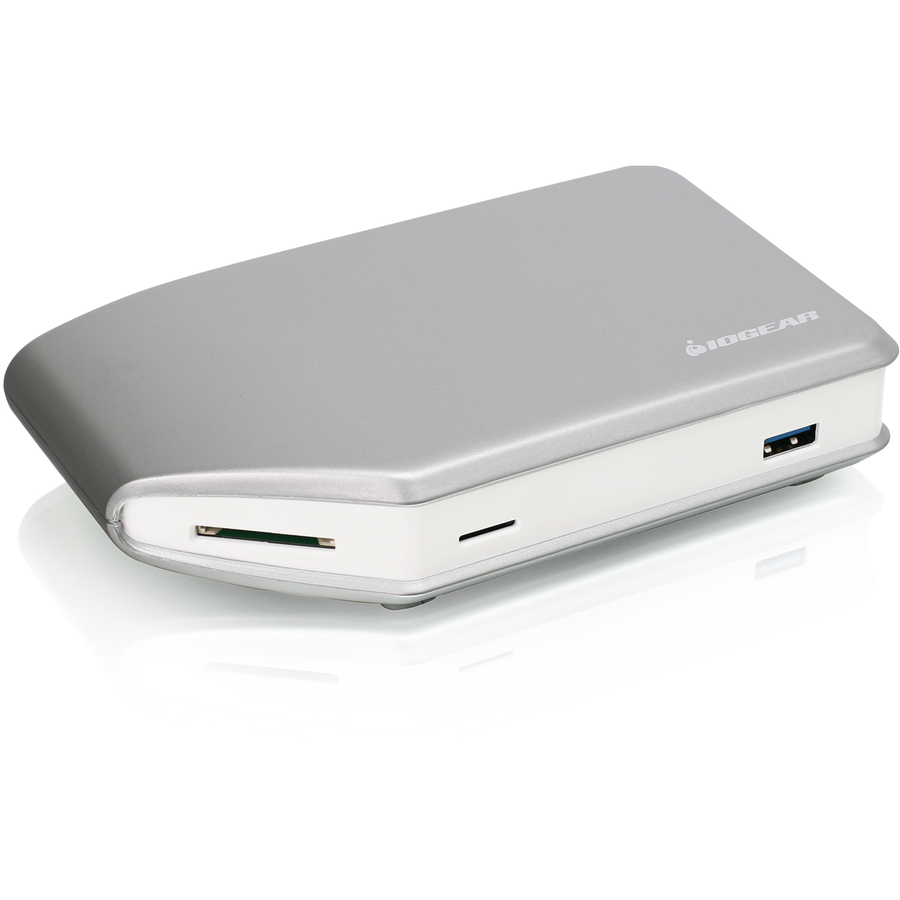
- IOGEARIOGEAR HUB-C - USB-C to 4-port USB-A Hub - USB Type C - External - 4 USB Port(s) - 4 USB 3.0 Port(s) - PC, MacGUH3C14
$19.95
$18.95
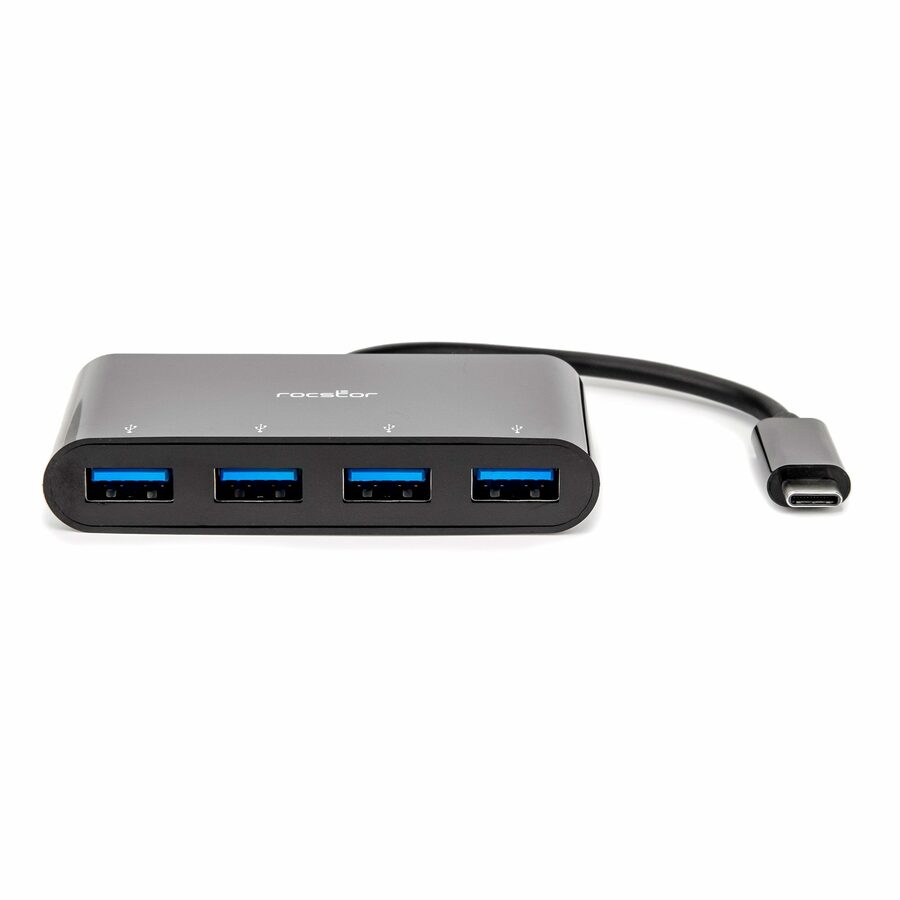
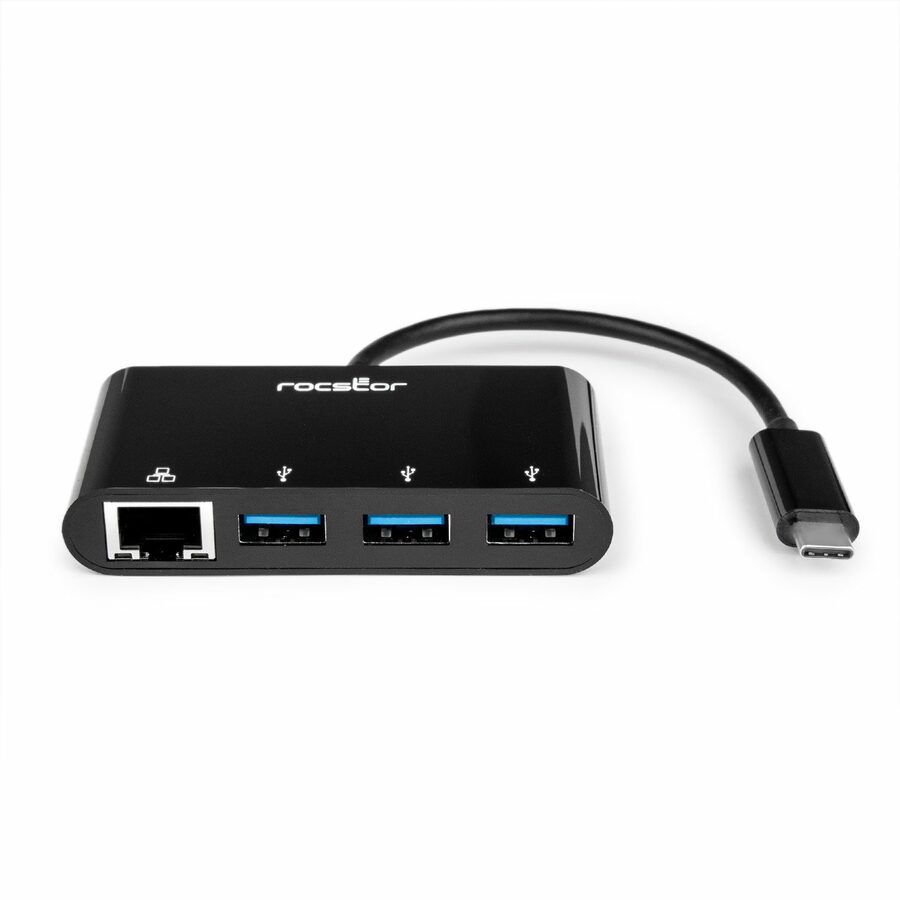
1,360 in stock - RocstorRocstor Premium Slim Portable 4 Port Hub - USB-C to 4x USB-A Slim Hub - USB 3.0 Hub - Bus Powered - Black - USB C to USB Type-A Hub - USB Type C - External - USB-C 3.1 to 4 USB Type-A 3.0 Port(s) USB-A - USB Type C - External - 4 USB Port(s) - 4 USB 3.0 Port(s) - PC, Mac, LinuxY10A228-B1
$21.95
$20.41
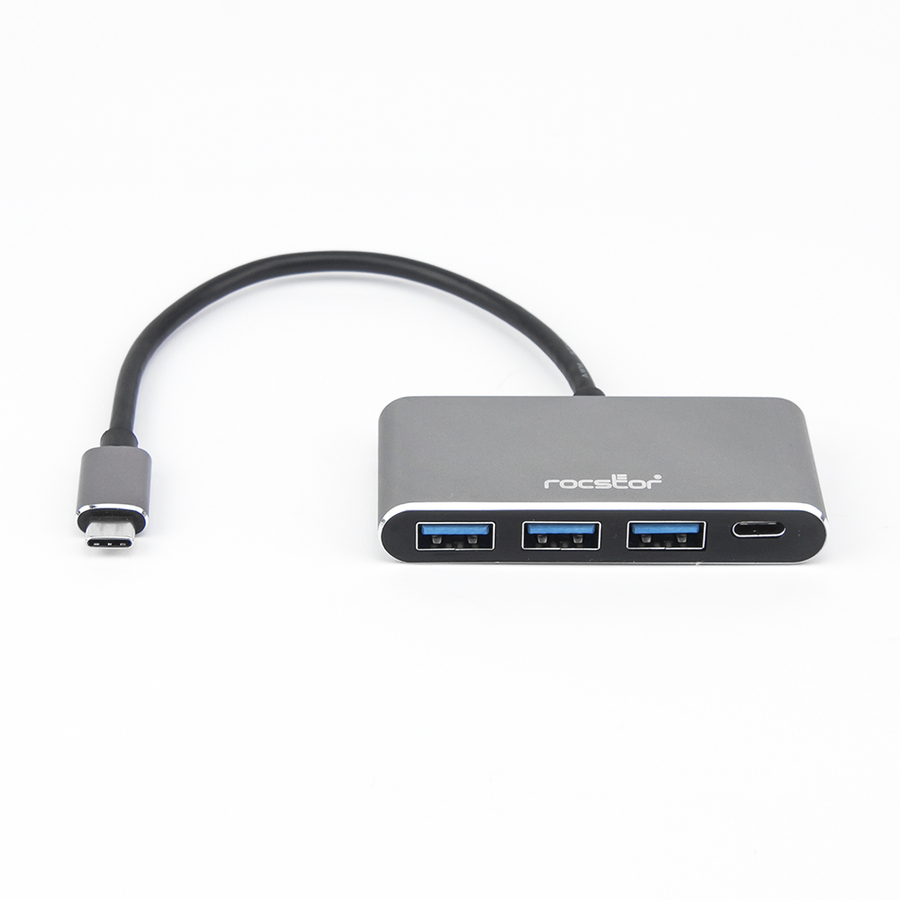
22 in stock - RocstorRocstor Premium USB C Hub - 4 Port USB-C to USB-A (3x) and USB-C (1x) - Bus Powered USB Hub - USB Type-C Hub - Port Expander - USB Type C External 4 USB Port(s) - (1) USB 3.1 Port AND (3) USB 3.0 USB MULTIPORT - USB Type C - External - 4 USB Port(s) - 3 USB 3.0 Port(s) - 1 USB 3.1 Port(s) - PC, MacY10A200-A1
$25.95
$23.66
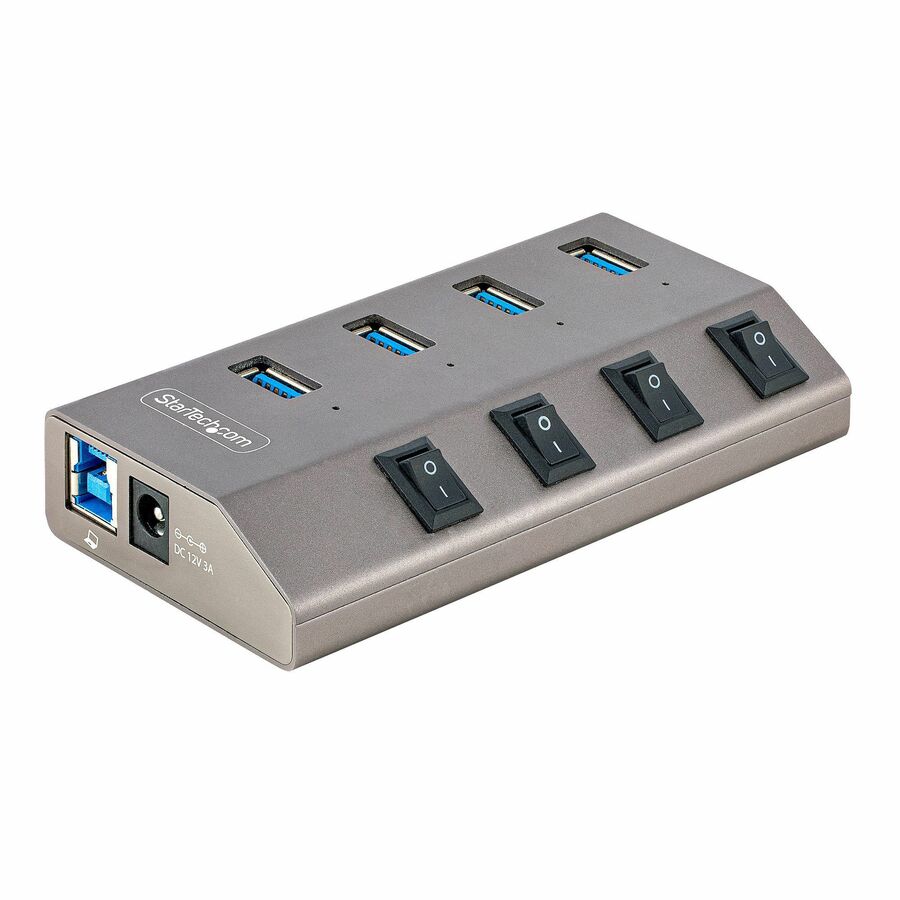
179 in stock - StarTech.comStarTech 4-Port Self-Powered USB-C Hub with Individual On/Off Switch, Desktop/Laptop USB-C to USB-A Hub, USB Type C Hub w/Power Supply - 4 Port Aluminum USB 3.2 Gen 1 5Gbps hub w/individual port switches - 4x USB Type-A ports - BC 1.2 1.5A (7.5W) of power and on/off switches/LEDs on each port - 3.3ft USB-A/USB-C host cables - Self powered USB hub with AC adapter - OS independent5G4AIBS-USB-HUB-NA
$28.99
$26.67
7,777 in stock




Travel pick
StarTech.com
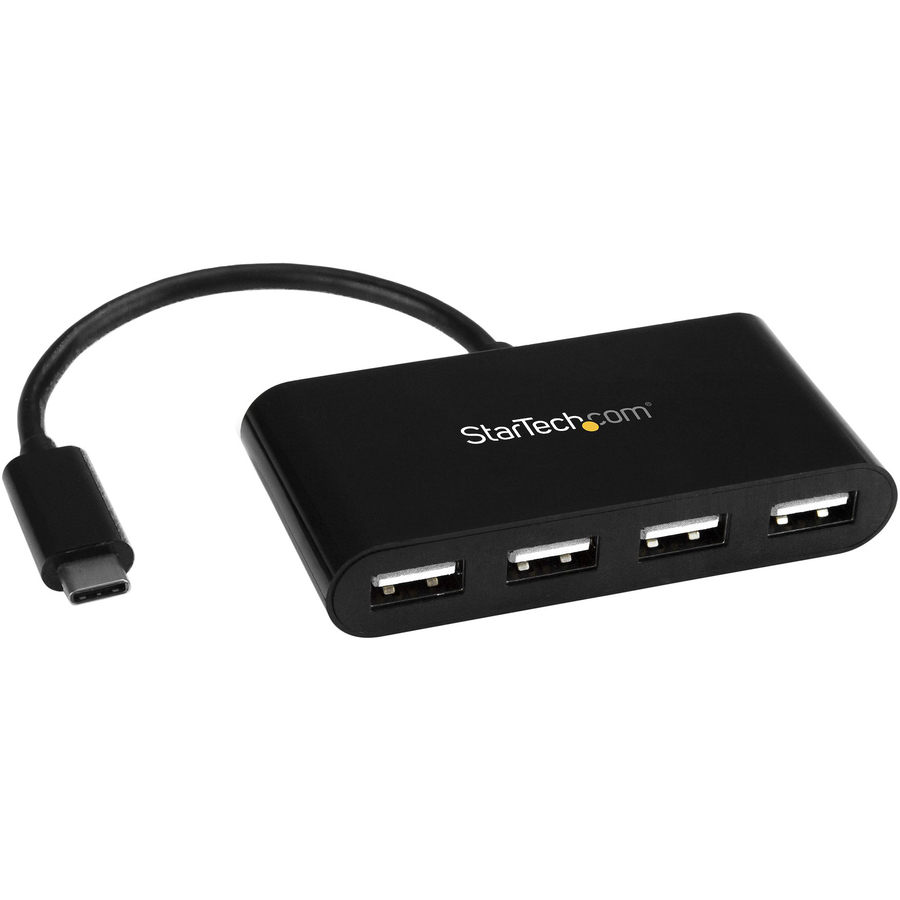
StarTech 4-Port USB-C Hub, 5Gbps, USB-C to 4x USB-A, Bus Powered, Small…
H5C4A-USB-HUB
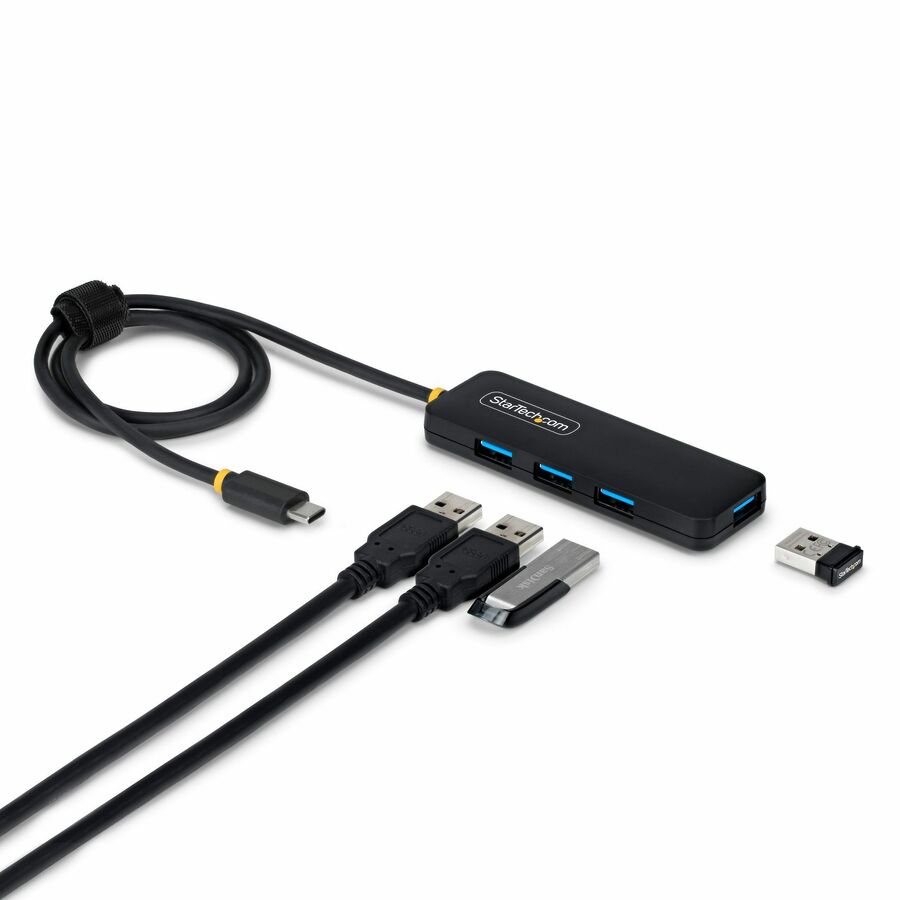
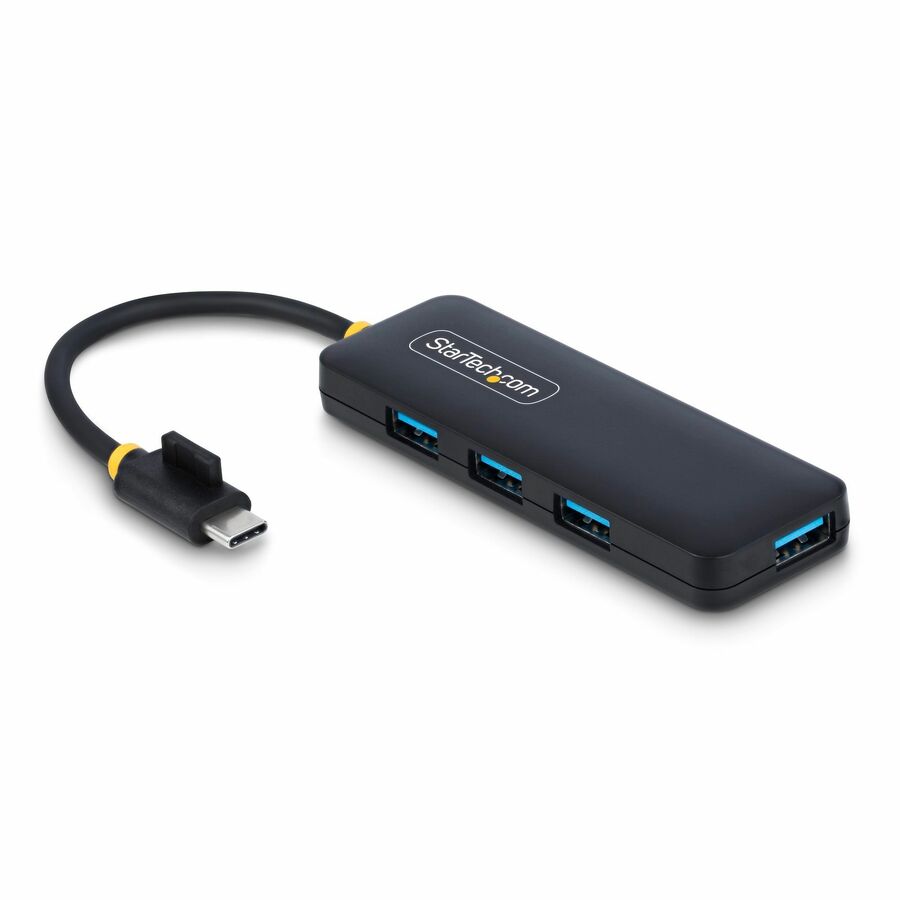
A four-port USB-C to USB-A hub at 5 Gbps, bus powered, 1.1 oz, with hot-swap support and no drivers on Windows, macOS, Linux or ChromeOS. The plain answer for a bag: it adds four legacy ports to a machine that has none and asks for nothing in return.
$18.85In stockLonger-cable pick
StarTech.com
StarTech 4-Port USB-C Hub, 5Gbps, Bus Powered, USB-C to 4x USB-A Mini…
H5C4A-USB-HUB-2
The same four-port 5 Gbps bus-powered design with a 2 ft host cable and a 70% post-consumer-recycled housing. The longer lead is the whole reason to pick it — a hub that cannot reach the back of the desk gets left hanging off the laptop.
$16.55In stock10 Gbps pick
VisionTek Products
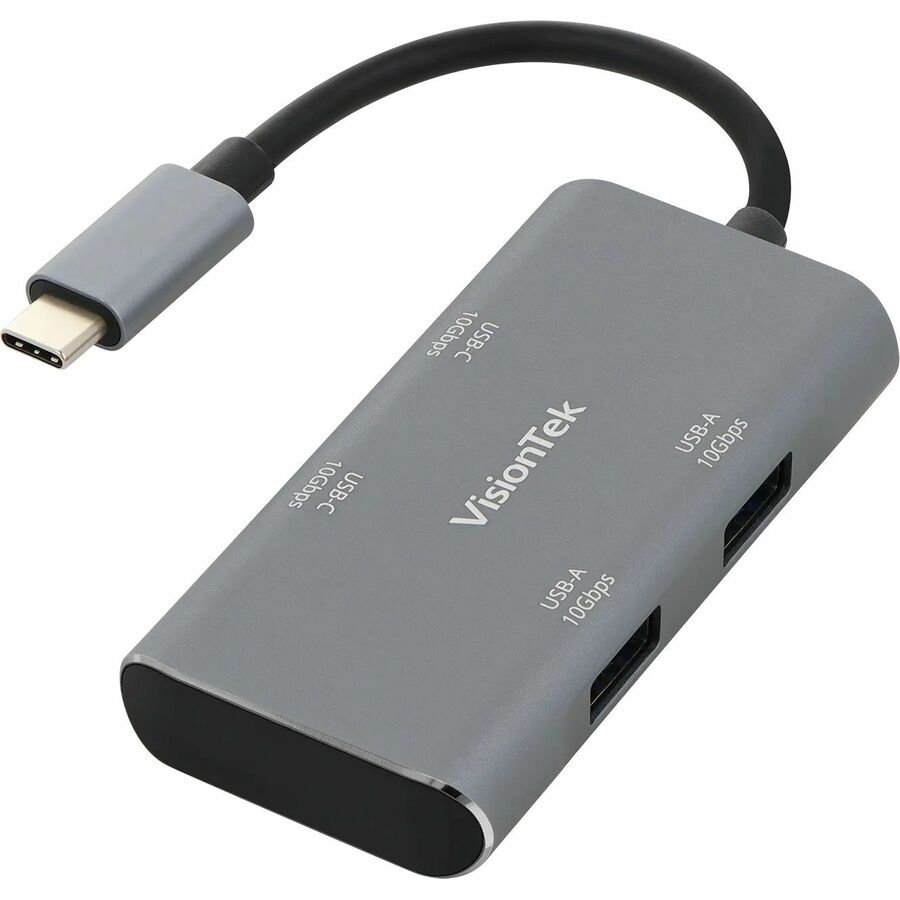
VisionTek USB-C Hub (2x USB-A 10Gbps | 2x USB-C 10Gbps)
901539
A four-port hub that runs two USB-A and two USB-C ports at 10 Gbps, which roughly doubles the shared pool against a 5 Gbps design. The right choice where a portable SSD is part of the daily workflow rather than an occasional one.
$26.66In stockDesk pick
IOGEAR
IOGEAR HUB-C
GUH3C14
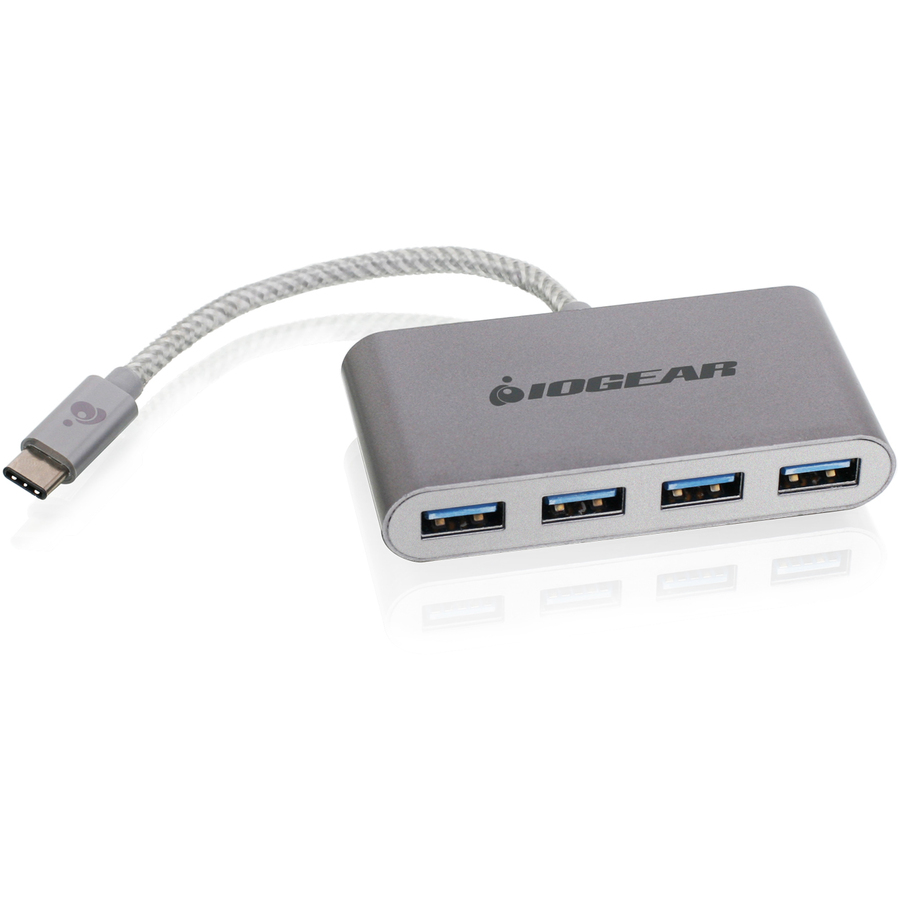
A four-port USB-C to USB-A hub listed for PC and Mac, in an external rather than pocket form factor. Sized to sit on a desk and stay there, which is what a fixed seat wants instead of something that travels.
$18.95In stockSlim pick
Rocstor
Rocstor Premium Slim Portable 4 Port Hub
Y10A228-B1
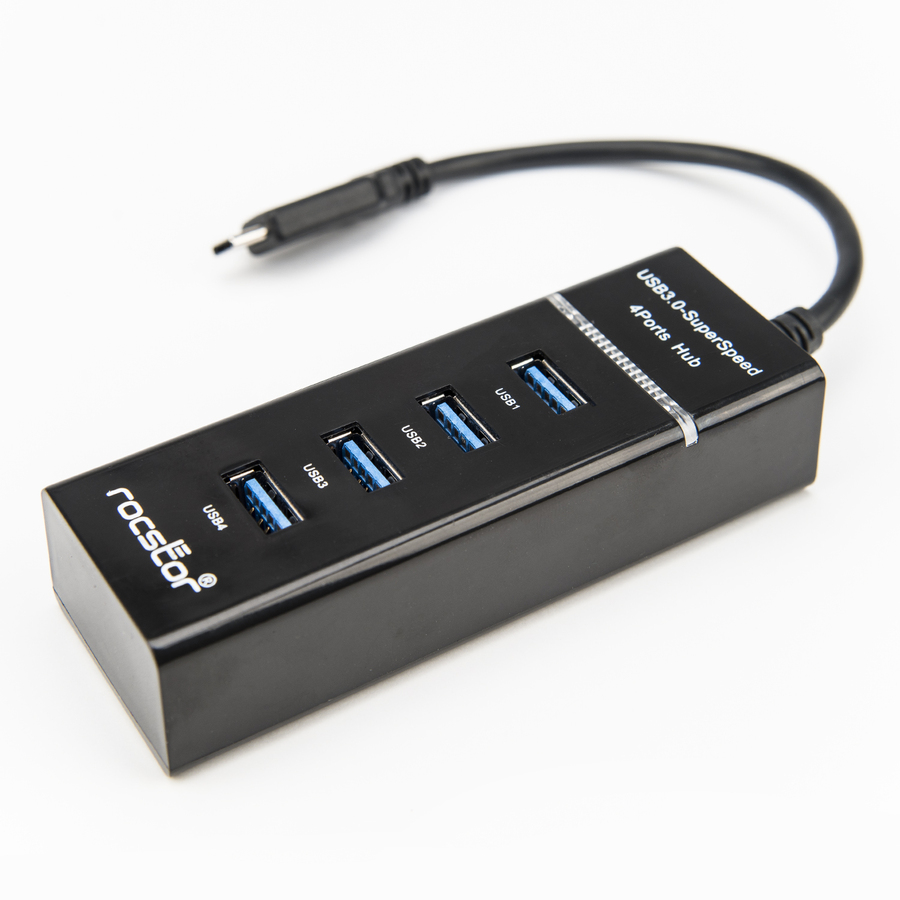
A slim bus-powered USB-C to four USB-A hub at USB 3.0, listed for PC, Mac and Linux. The low-profile build is the point on a crowded desk or a hot-desk drawer where a boxy hub does not fit.
$20.41In stockAluminium pick
Rocstor
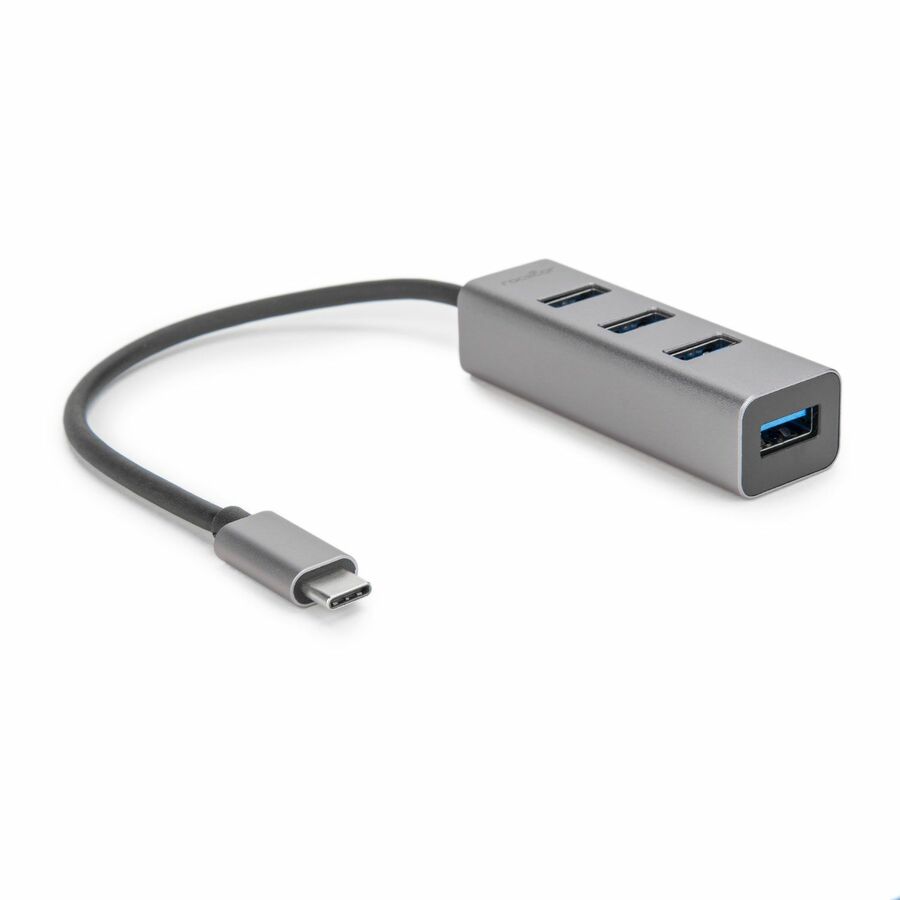
Rocstor Premium Portable 4 Port Aluminum Hub
Y10A228-A1
The aluminium build of the same four-port bus-powered design, listed for MacBook, Chromebook and Surface hosts. Metal is worth the small step up on any shared workstation, because the failure mode of a plastic hub is a cracked housing nobody reports.
$21.24In stockMore USB adapters in the Uniqcli catalog
See all 450 USB adaptersMore from across this category. In-stock lines lead, and a back-ordered line carries the same estimated availability its product page does — with live pricing throughout, NDAA §889 screening before checkout and TAA verified on request.
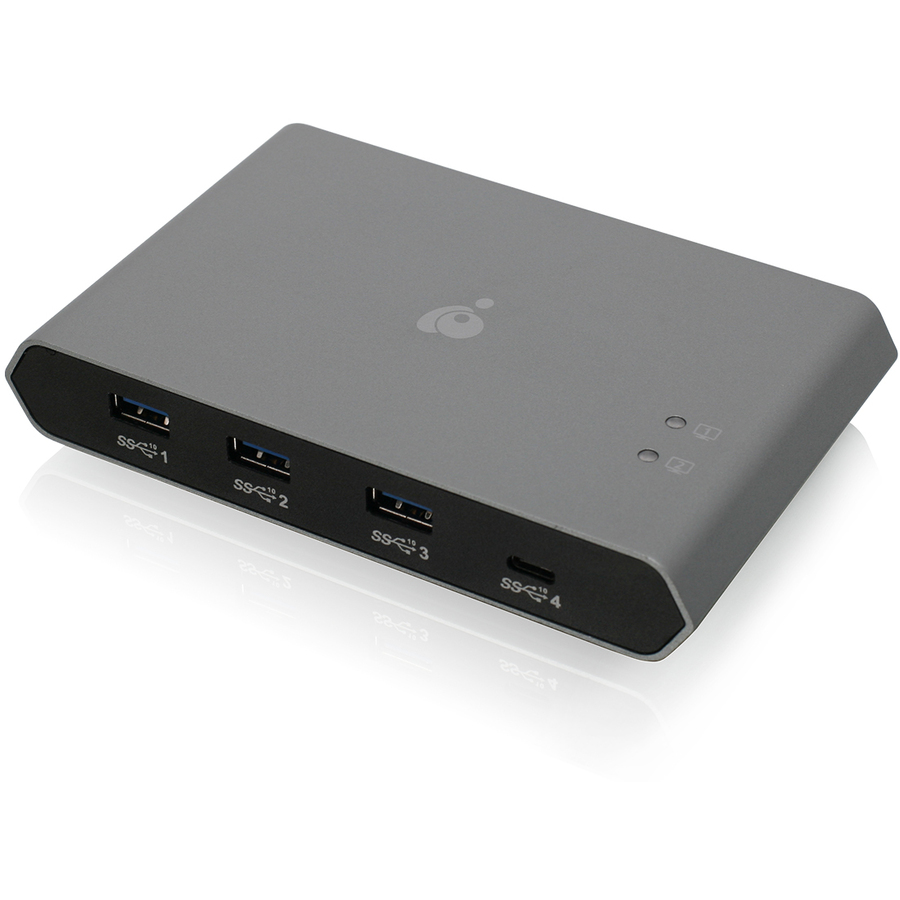
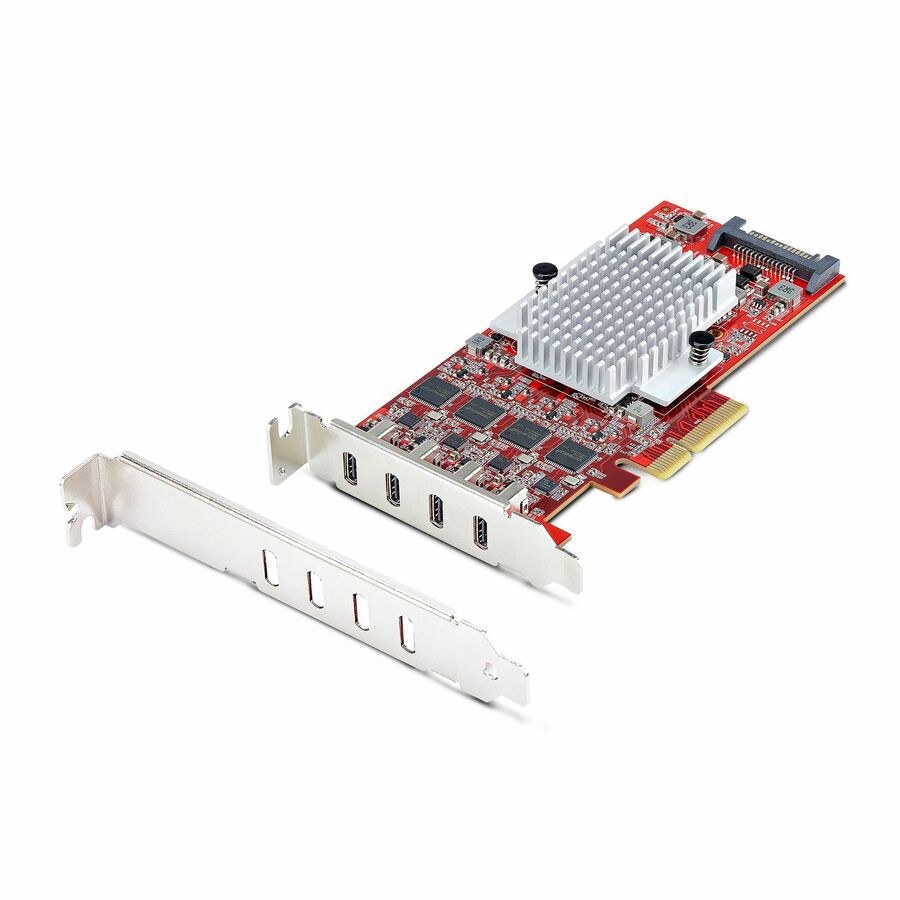
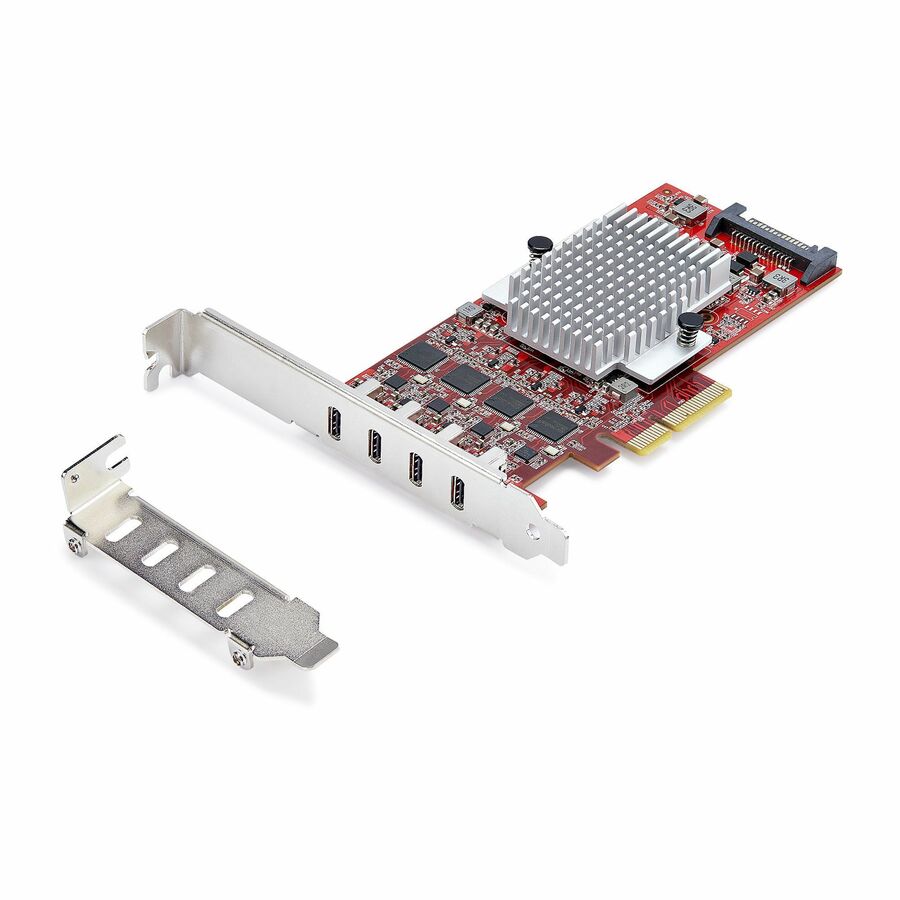
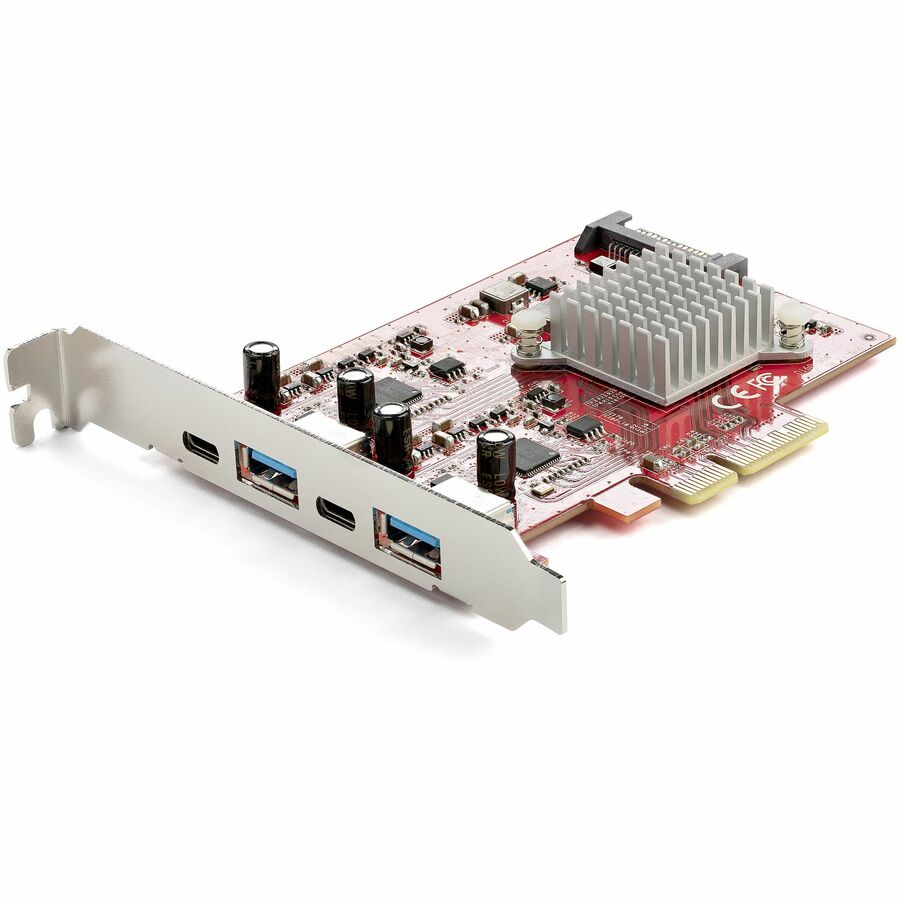
- StarTech.comStarTech 4-Port USB Type-C PCIe Card, USB 3.2 10Gbps, USB-C PCI Express Expansion Card, 4x Independent USB Controllers, TAA-Compliant - Enhance a desktop/server w/ this 4-port USB 3.2 Gen 2 Type-C card - Independent USB controllers; Max 10Gbps per port; PCIe 3.0 - Ideal for high-speed file transfer/high-performance USB-C peripherals - Windows/Linux/macOS; Aux SATA power; 15W per portP10Q4C-USB-CARD-LP
$307.99
$283.35*
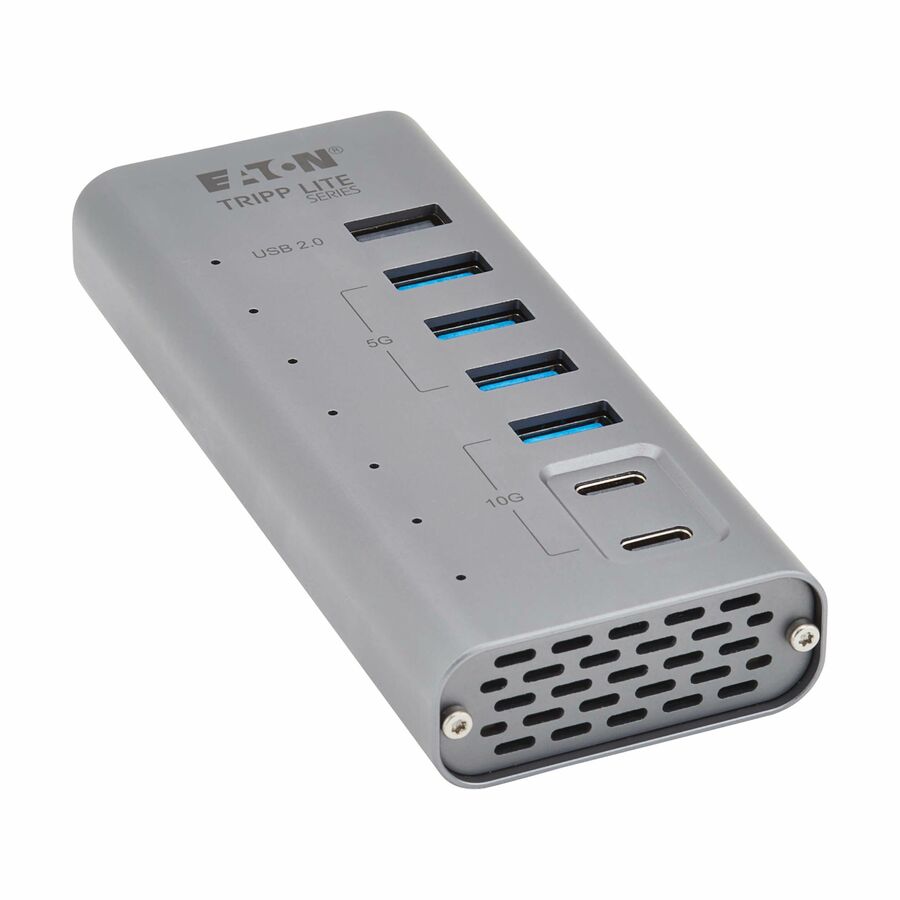
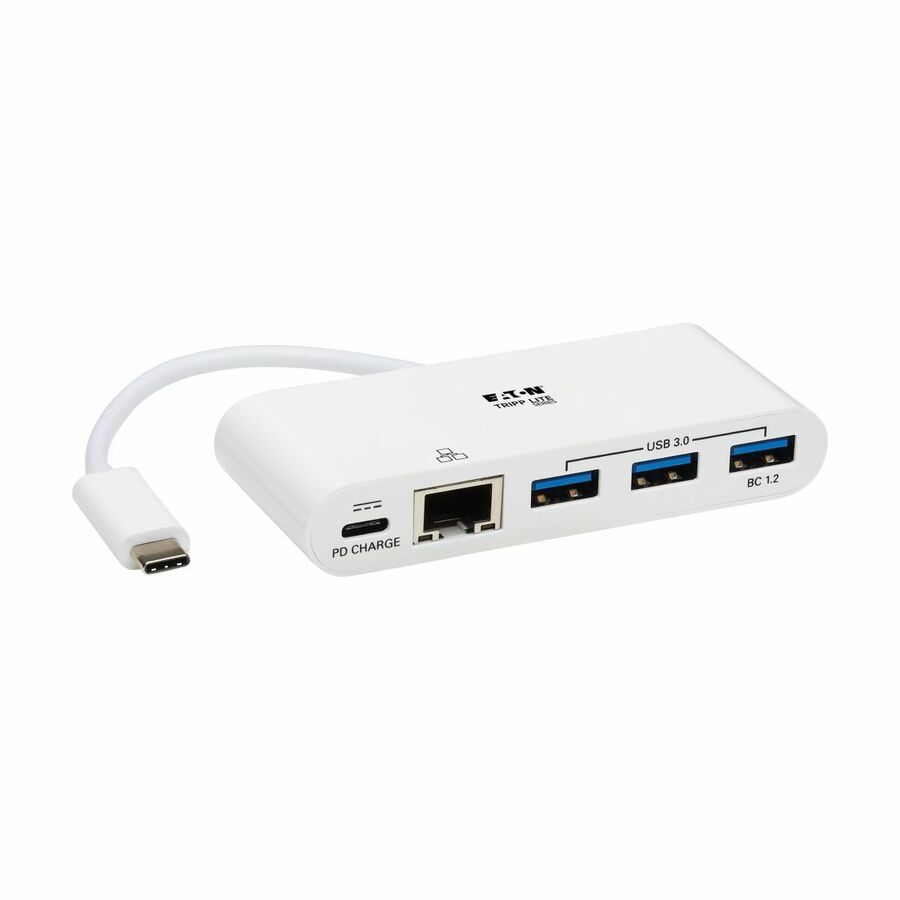
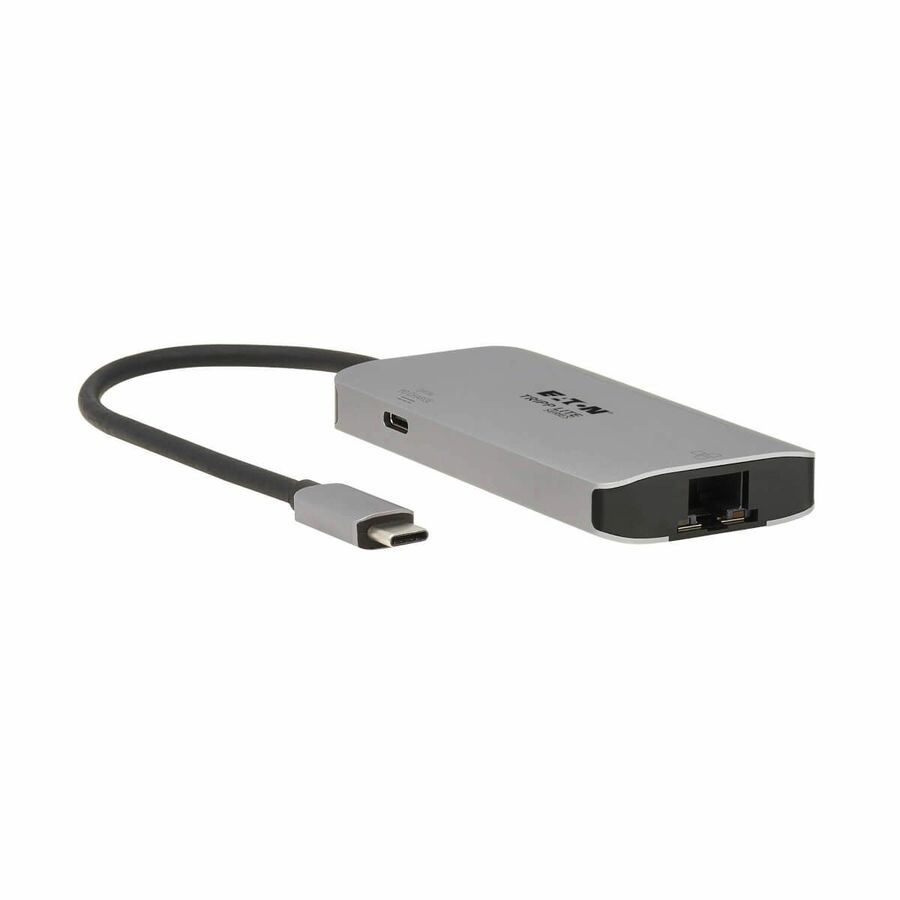
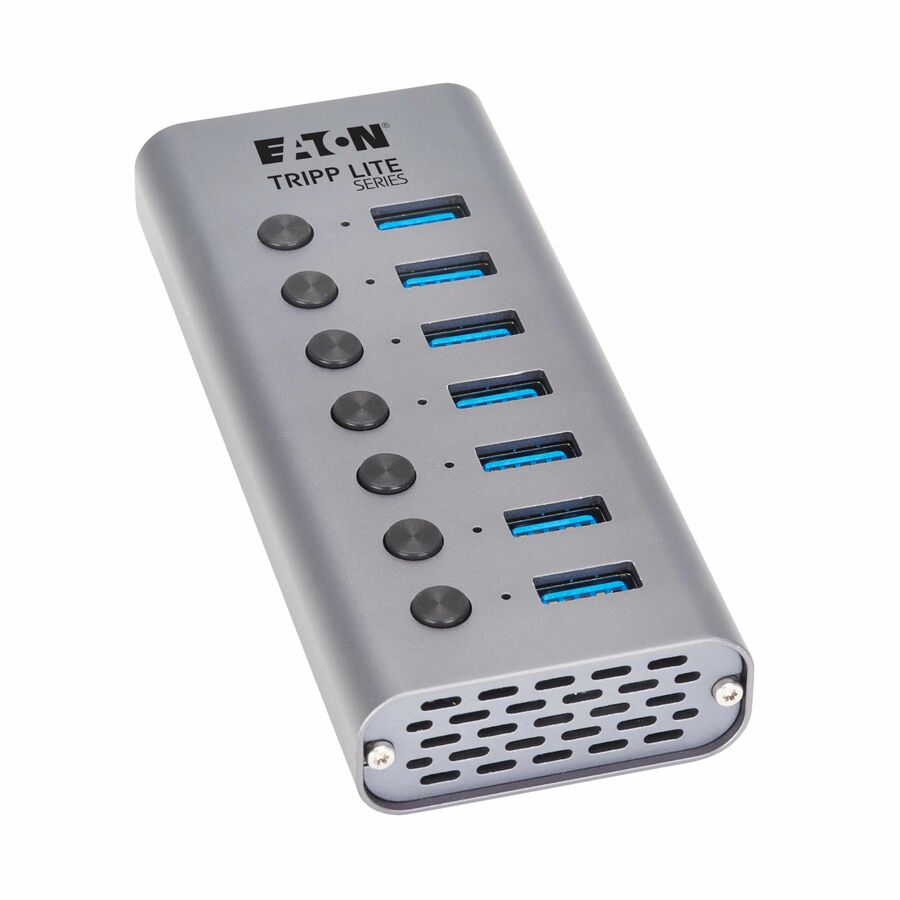
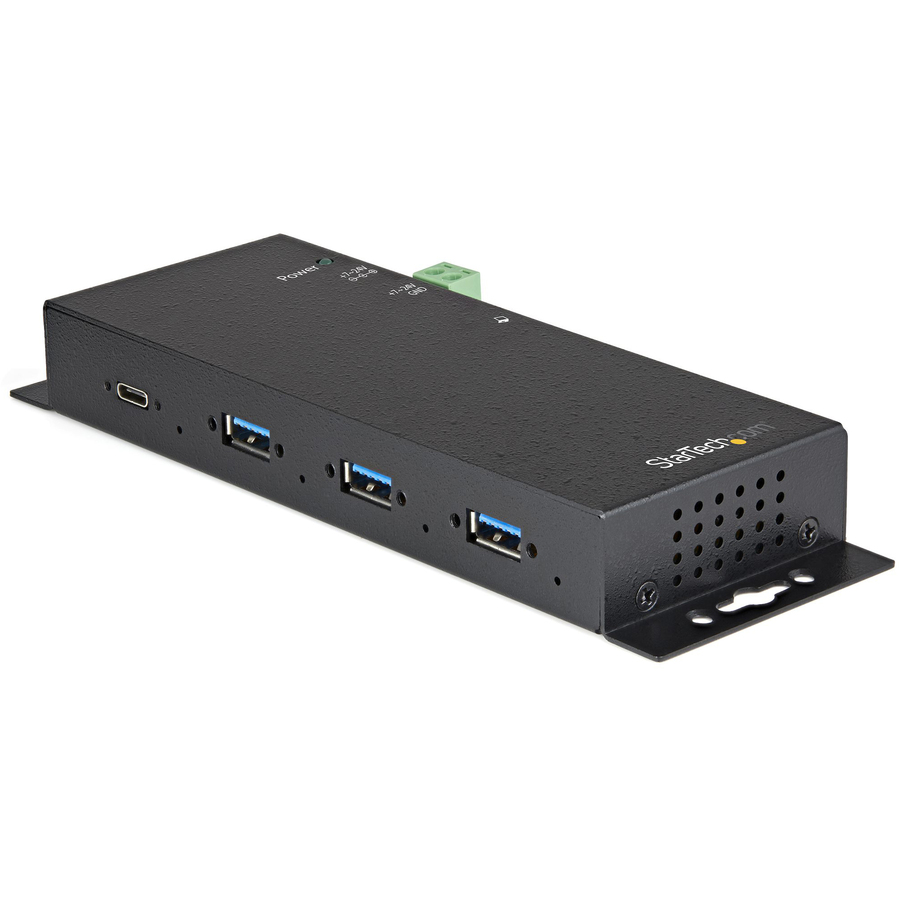
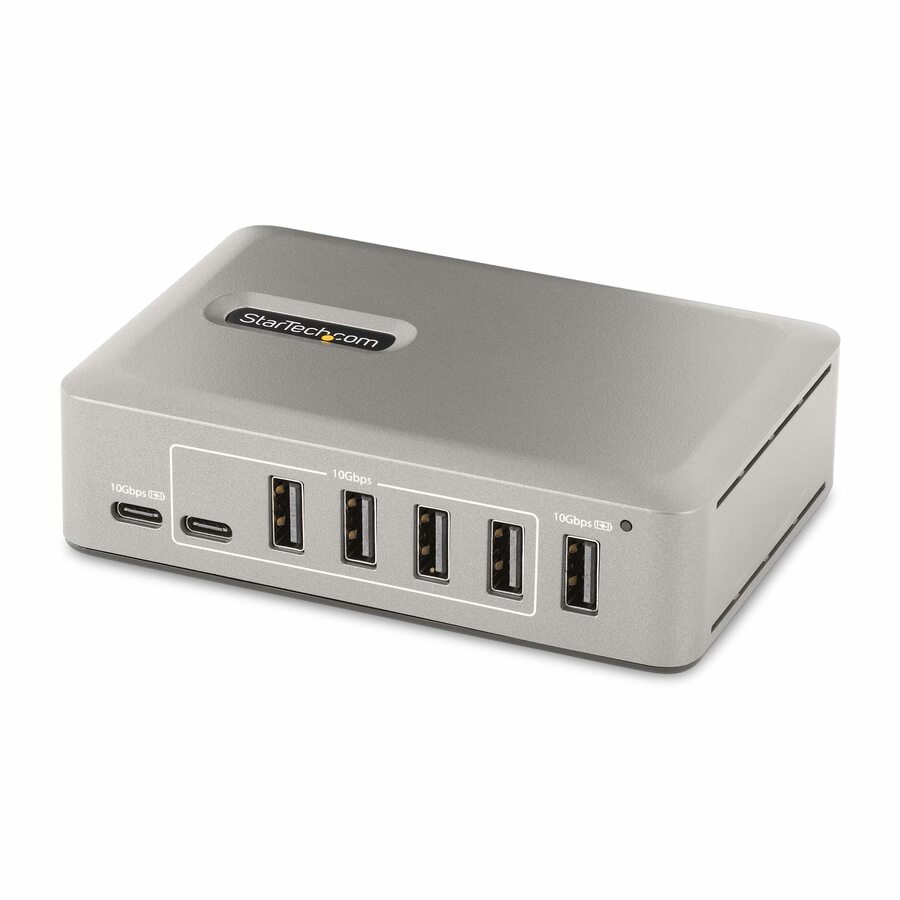
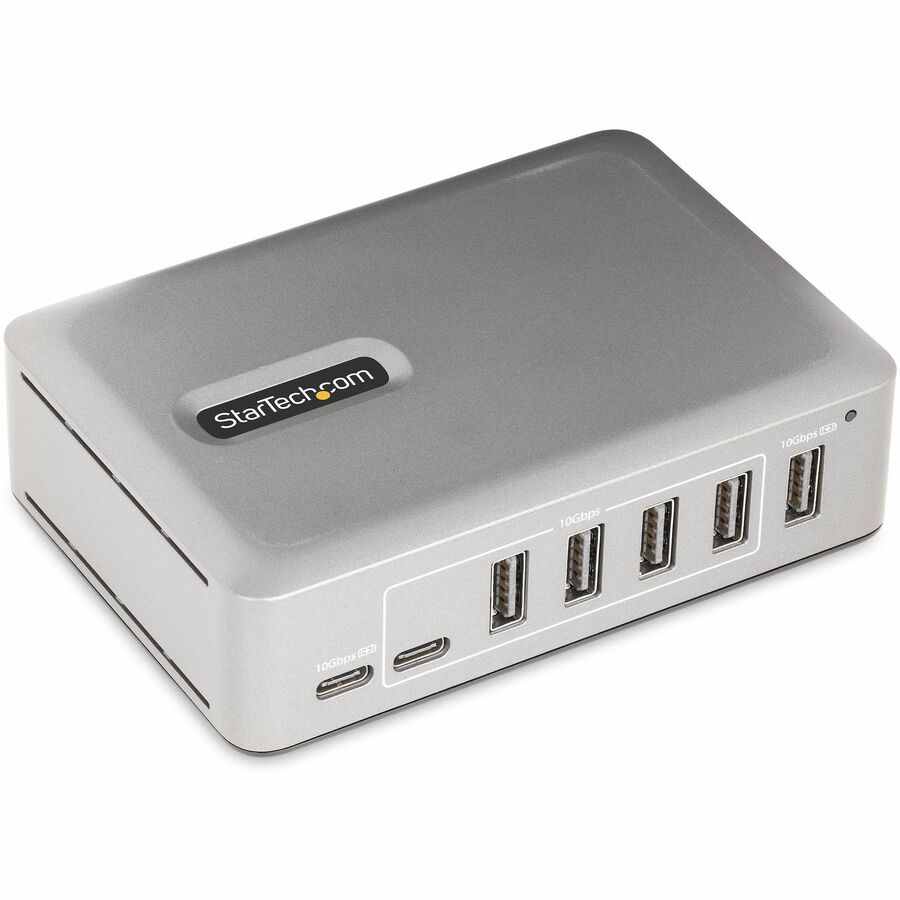
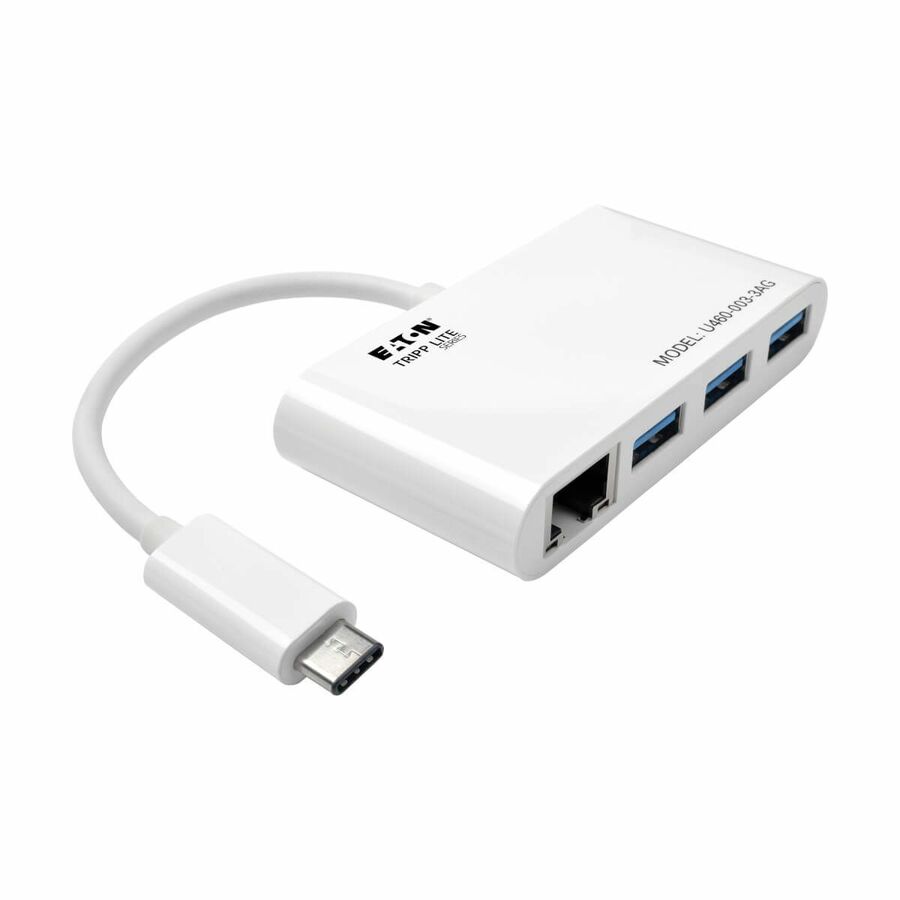
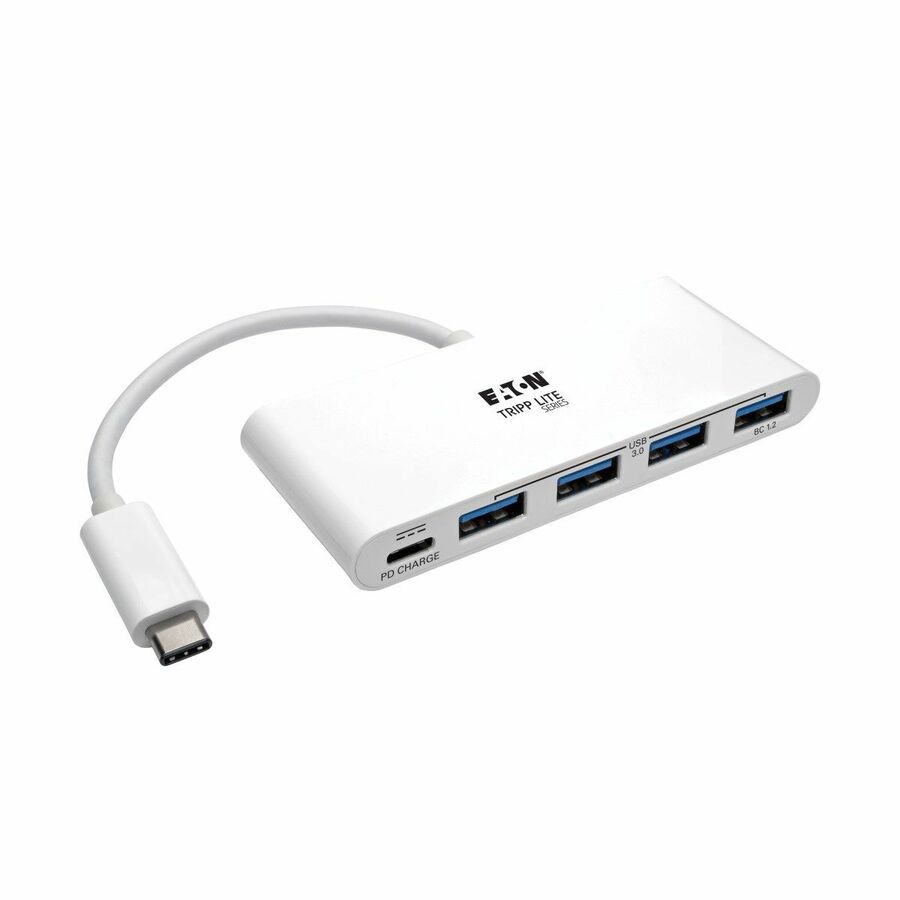
395 in stock - EatonEaton Tripp Lite Series 7-Port USB-C Hub - USB 3.2 Gen 1 and USB 3.2 Gen 2, 5 USB-A and 2 USB-C Ports, Gray - USB Type C - 640 MB/s, 1.25 GB/s - Desktop, Smartphone, Tablet, Notebook, Headset, Microphone, Scanner, Webcam, Keyboard, Mouse, Power Meter, ... - Portable - 7 USB Port(s) - 1 USB 2.0 Port(s) - PC, MacU360-007-5A2C
$231.00
$212.52
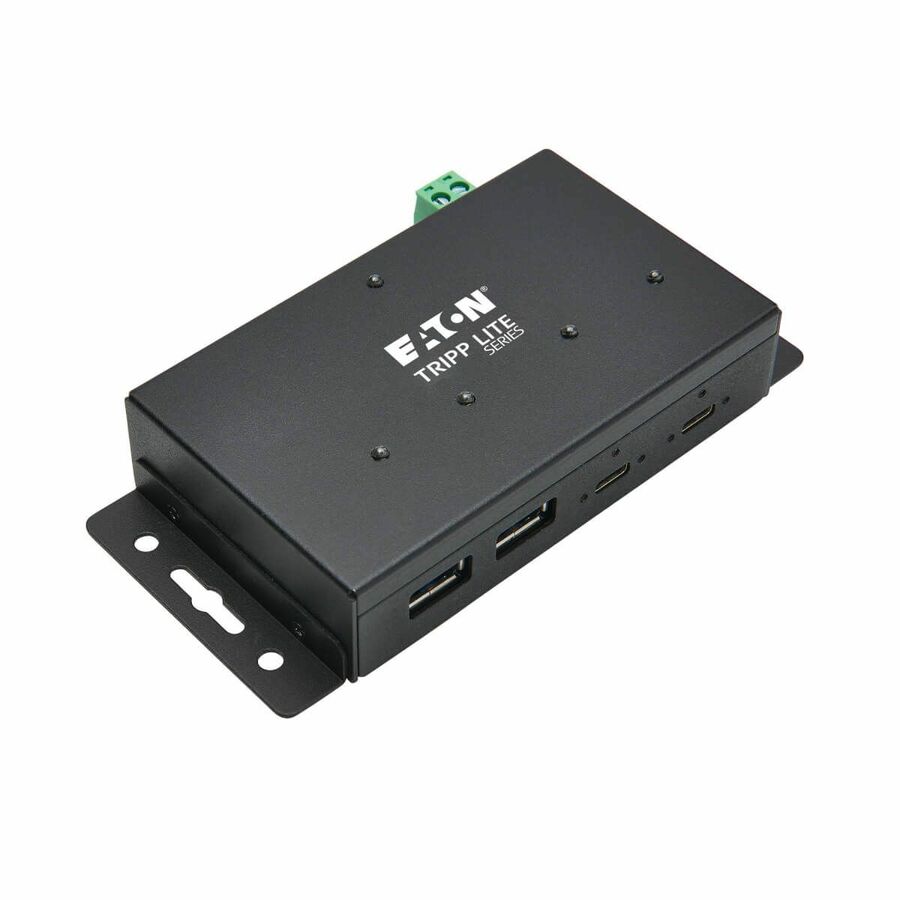
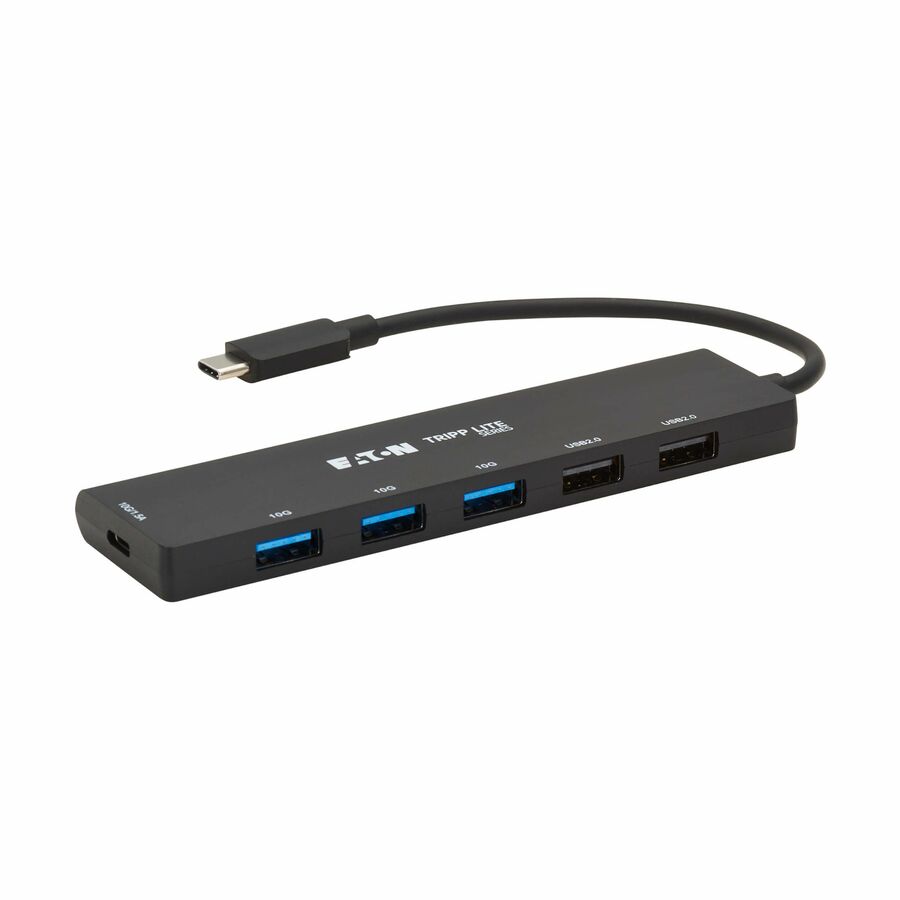
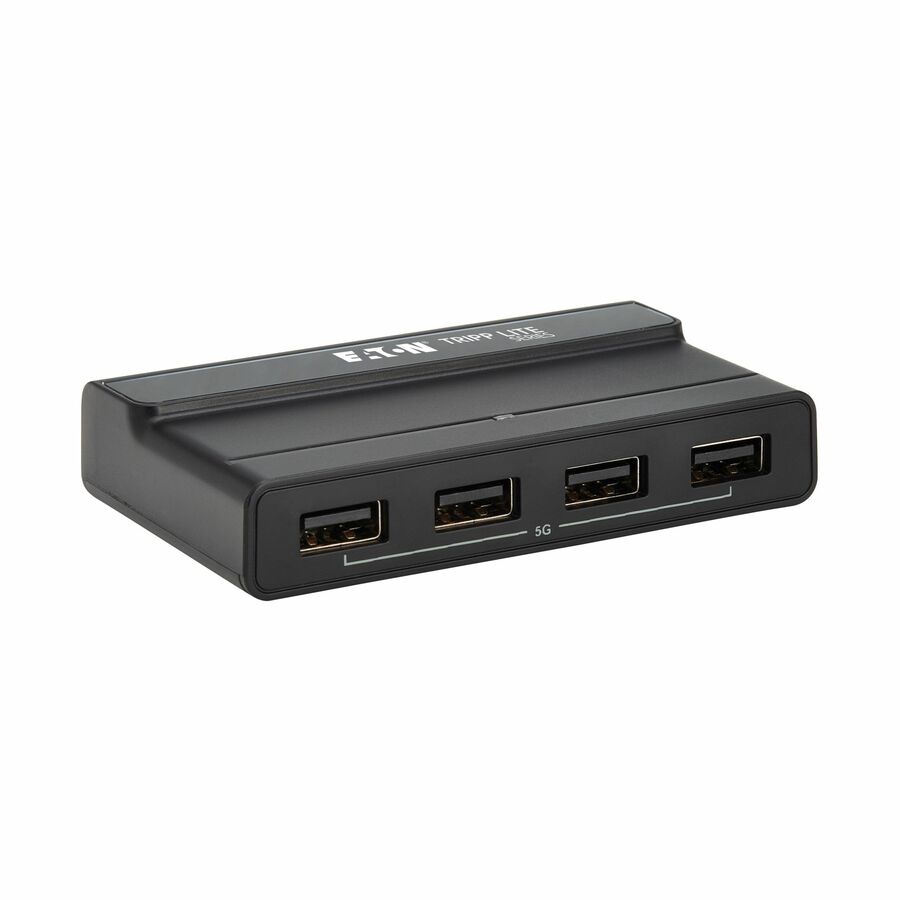
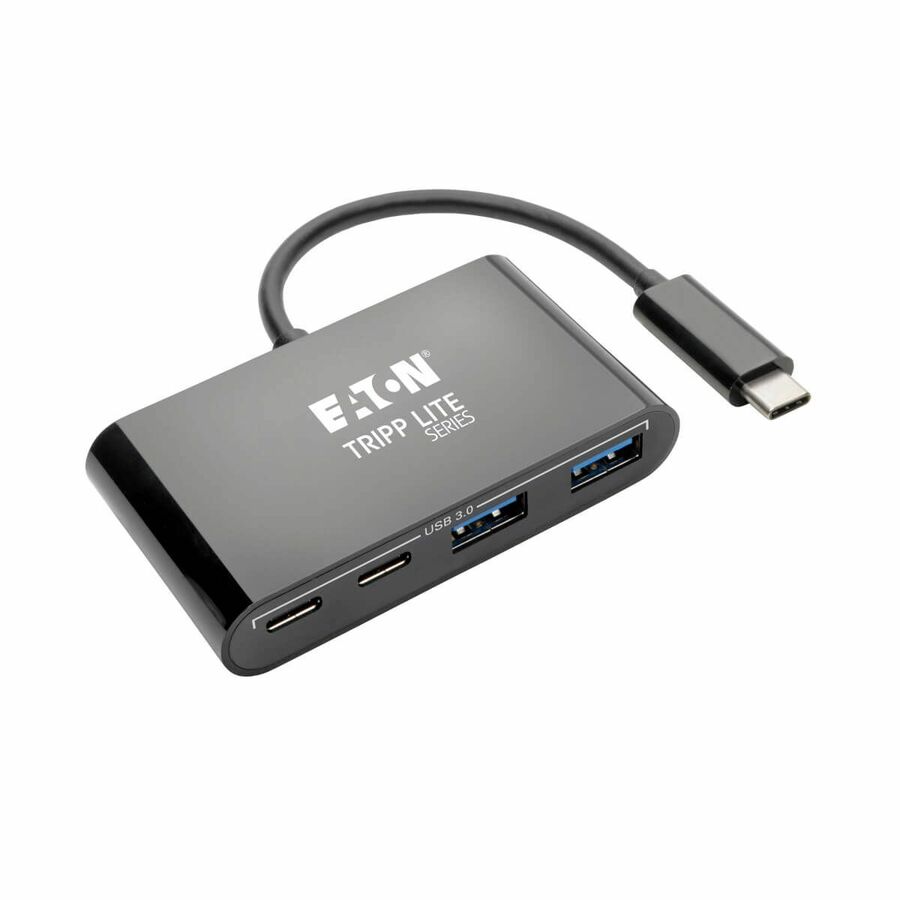
259 in stock - EatonEaton Tripp Lite Series 6-Port Slim USB Hub, USB 3.2 Gen 2 (10 Gbps) and USB-A 2.0 Hub Ports, USB-C Connector with USB-A Adapter, Black - USB Type C - 1.25 GB/s, 60 MB/s - Notebook, Desktop, Tablet, Smartphone, Hard Drive, Keyboard, Mouse, Headset, Microphone, Power Meter, Printer - Desktop - 6 USB Port(s) - 2 USB 2.0 Port(s)U460-006-5A1C
$161.00
$148.12
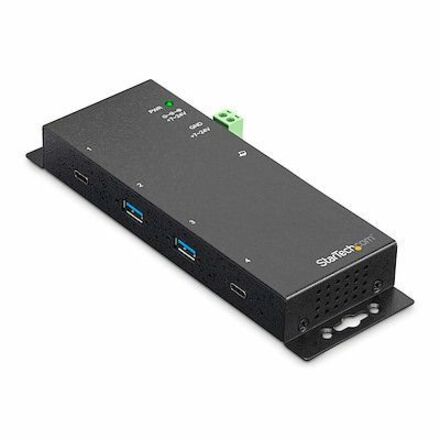
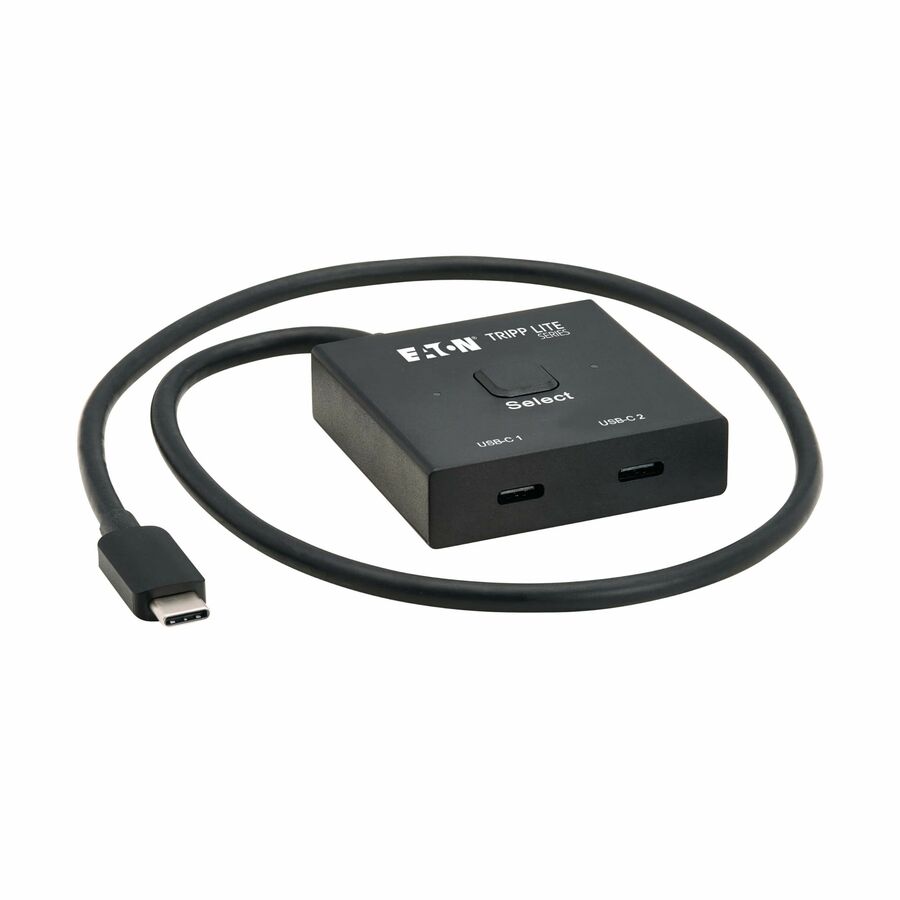
23 in stock - EatonEaton Tripp Lite Series 2x1 Bi-Directional USB-C Switch - 8K 60 Hz Video, HDCP Passthrough, USB 3.2 Gen 2, 100W PD Charging, Black - USB Type C - 1.25 GB/s, 5 GB/s - Notebook, Portable Speaker, Smartphone, Tablet, Desktop, Server, Projector, Monitor, Watch, Gaming Console, TV - 2 USB Port(s)U415-002-BDS
$120.45
$110.81
275 in stock

Need pricing on USB-C hubs and adapters?
Tell us where to reach you and a Uniqcli specialist will follow up by email with current pricing, availability and lead time for the quantities you need — including parts that aren’t shown on this page.
Buying for an organization or for yourself — both work. No payment up front.
Bandwidth on a USB-C hub is a shared pool, not a per-port figure: four ports on a 5 Gbps hub share 5 Gbps between them, which is fine for input devices and a headset and not fine for two external drives copying at once. A bus-powered hub draws from the laptop rather than feeding it, so when a seat needs charging, multiple displays and wired networking on one cable, the honest answer is a dock.
A USB-C hub takes one port and turns it into several. That is the whole product, and for a large number of desks it is genuinely all that is needed: a keyboard, a mouse, a headset and a flash drive on a laptop that only has two ports. The parts here are small, cheap and bus-powered, which means they draw what they need from the host and need no wall adapter — the reason a hub lives in a bag and a dock lives on a desk.
The specification that actually matters is bandwidth, and it is shared. A 5 Gbps hub gives all its downstream ports 5 Gbps between them, not each — so four ports on a 5 Gbps hub are fine for input devices and a headset, and are not fine for two external drives copying at once. A 10 Gbps hub roughly doubles the pool. Neither carries video unless the listing says so, and a hub that does add HDMI or DisplayPort is spending some of that same shared budget on it.
The second question is power, and it is where most disappointment lives. A bus-powered hub draws from the laptop rather than feeding it, so the laptop is still on its own charger. Some hubs add a power-delivery pass-through port, which lets the charger plug into the hub instead — genuinely useful on a single-port machine, and worth checking the wattage on because pass-through loses some of what it carries. When a seat needs charging plus multiple displays plus wired networking through one cable, that is a dock, and the honest recommendation is to stop buying hubs. For a floor of desks, the hubs, the docks, any software licensing the endpoints run and the deployment work all belong on one quote rather than as a trickle of small orders.
Buyer's checklist
How to choose a USB-C hub
- Read the bandwidth as a shared pool, not per port. Four ports on a 5 Gbps hub share 5 Gbps between them.
- Count the devices that will actually run at once. Input devices and a headset are trivial; two external drives copying simultaneously are not.
- Check whether power delivery pass-through is present and at what wattage, if the laptop has only one USB-C port to spare.
- Do not assume video. A hub carries display output only if its listing says so, and the display modes it supports are per part number.
- Confirm the host requirement. Some hubs need a USB-C host with specific alternate-mode support, and a laptop that lacks it will bring up fewer features than the box implies.
- For a hot desk, prefer a fixed-length host cable long enough to reach where the laptop actually sits — the short-cable hub is the one that ends up dangling.
- For a shared workstation, choose metal over plastic and a form factor that can be secured or tethered. Hubs walk.
- Buy a dock instead when the seat needs charging, multiple displays and wired networking on one cable — that is the boundary, and a hub does not cross it.
The hub-versus-dock line, drawn honestly
A hub is bus powered and passes data. It draws from the laptop, gives you more ports, and leaves the laptop on its own charger. A dock is externally powered and it works in the other direction: it feeds the laptop while it carries data, video and often wired networking, so a single cable to the desk does everything. That is the real distinction, and it is not about port count — a four-port hub and a four-port dock are different products doing different jobs.
The line is crossed the moment a seat needs charging plus more than one display plus wired networking through one connection. At that point no bus-powered hub is going to be satisfying, and buying two hubs to get there is the classic false economy: it costs more than the dock, occupies two ports and creates two things to fail. Where the seat genuinely does not need charging or displays — a desktop with too few front ports, a laptop that stays on its own charger, a travel kit — a hub is the correct and much cheaper answer.
Bandwidth is shared, and that is the whole story
The single most useful thing to understand about a hub is that its rated speed is a pool the downstream ports divide, not a figure each port gets. A 5 Gbps hub with four ports has 5 Gbps in total. For a keyboard, a mouse, a headset and a webcam that is comfortable — those devices together do not come close. For two external SSDs copying at the same time it is not, and the symptom is not an error message but a transfer that is mysteriously slower than it was straight into the laptop.
A 10 Gbps hub roughly doubles the pool, which is what makes it the right buy for anyone who works off portable storage. Video, where a hub offers it, comes out of the same budget and is the reason a hub with HDMI can feel slower on its data ports than a hub without. None of this is a defect; it is how a shared bus works. It just means the sizing question is "what runs at the same time", not "how many things do I own".
Buying hubs for a floor rather than a person
One person buying a hub optimises for their bag. An organisation buying hubs is buying for churn, and the two decisions look different. Standardise on one or two part numbers so the helpdesk knows what is on the desk and the spares box is small. Prefer metal housings and a host cable long enough for a real desk. Check the connector against the laptop fleet rather than the newest model in it, because a mixed estate mid-refresh is the normal case, not the exception.
Then decide the hot-desk policy deliberately. Hubs on hot desks disappear, and the choice is between issuing them per person as part of the laptop kit or tethering them to the desk and accepting a replacement rate. Either is fine; drifting between them is what produces a monthly trickle of one-off orders. On a floor rollout, the hubs, the docks for the seats that genuinely need them, the endpoint software licensing and the asset-tagging and deployment work belong on a single quote — the hardware is the cheapest part of that list.
FAQ
Common questions
- What is the difference between a USB-C hub and a docking station?
- Power direction and scope. A hub is bus powered — it takes power from the laptop, adds ports, and leaves the laptop on its own charger. A dock has its own power supply and feeds the laptop while carrying data, video and usually wired Ethernet, so one cable to the desk does everything. If a seat needs charging plus more than one display plus networking through a single connection, that is a dock. If it needs a few more ports on a machine that stays on its own charger, a hub is the right and much cheaper answer.
- Do the ports on a hub each get the full rated speed?
- No, and this is the most common surprise. The rated speed is a shared pool the downstream ports divide between them, so a four-port 5 Gbps hub has 5 Gbps in total, not 5 Gbps per port. Input devices, headsets and webcams use almost none of it and coexist happily. Two external drives copying at once will contend, and the symptom is a slow transfer rather than an error. If portable storage is part of the daily workflow, buy a 10 Gbps hub and roughly double the pool.
- Will a USB-C hub charge my laptop?
- Only if it has a power-delivery pass-through port and you plug the laptop's charger into it — and even then it is passing the charger's power through rather than generating any. A plain bus-powered hub does the opposite: it draws a small amount from the laptop. Pass-through loses some wattage in transit, so check the figure on the specific part number against what the laptop actually wants under load. On a single-port machine, pass-through is often the feature that makes a hub usable at all.
- Can a USB-C hub drive an external monitor?
- Only if its listing says so, and then only to the resolutions and refresh rates that listing states. Many hubs are data-only. Those that do carry video use the same shared bandwidth for it, which is why a hub with HDMI can feel slower on its data ports than one without. It also depends on the host: some display modes need specific alternate-mode support on the laptop's USB-C port, and a machine without it will bring up less than the packaging suggests. For two displays plus charging, stop looking at hubs and price a dock.
- Can Uniqcli quote USB-C hubs for a government or education order?
- Every line Uniqcli quotes is sourced through US distribution and screened for TAA country-of-origin and NDAA §889 status before checkout — with documentation tied to the specific part number, not a product family.
Need USB-C hubs and adapters pricing?
Send a bill of materials or part numbers — we confirm stock and a below-market total, with TAA verified on request. No payment up front.