
Best GPUs for AI: Data Center and Workstation Compute Cards
Data center and workstation compute cards for training, inference and visualization — HBM and GDDR memory, passive and active cooling.
GPUs in stock at Uniqcli
How to choose →A curated selection with live pricing — in-stock lines first, then back-ordered lines with a typical lead time. Every line is sourced through US distribution and screened for NDAA §889 status before checkout, with TAA verified on request.
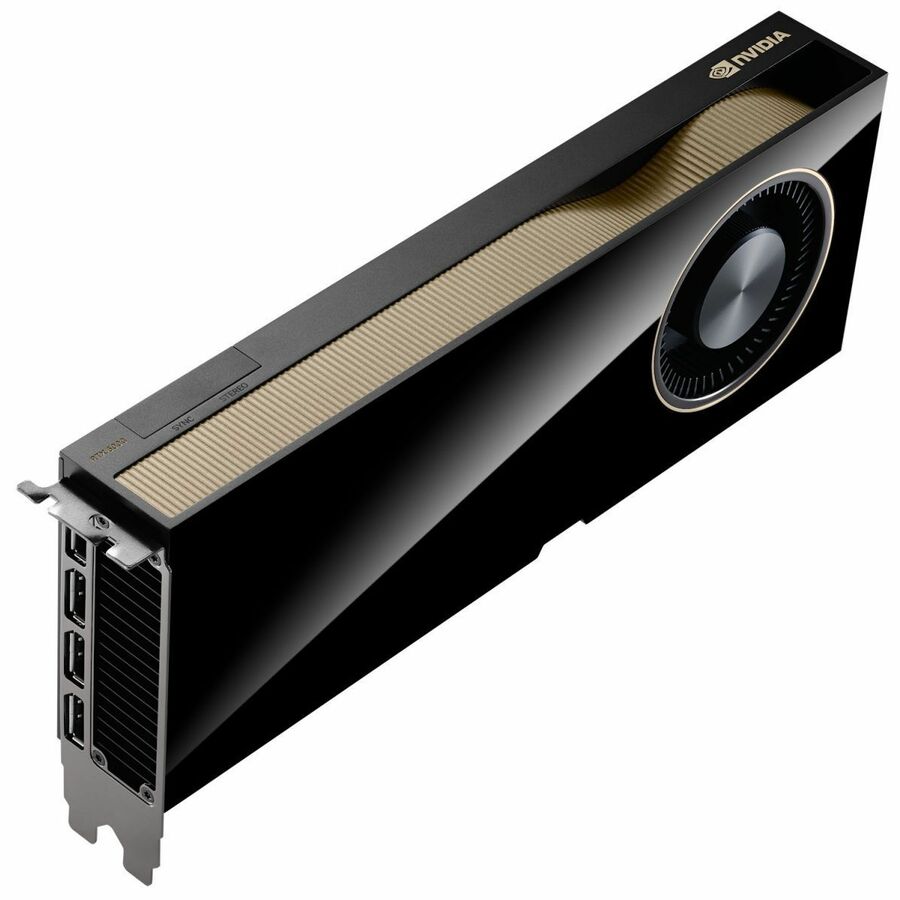
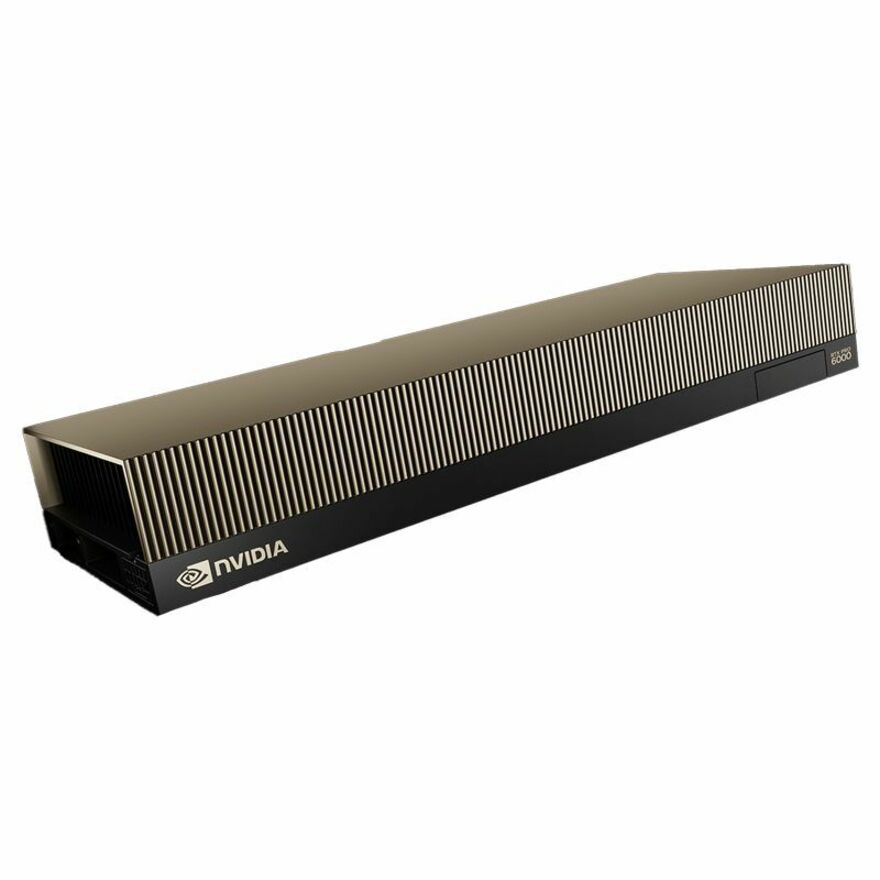
- NVIDIANVIDIA RTX PRO 6000 Blackwell Workstation Edition Dual-Fan 96GB GDDR7 Graphics Card (OEM)900-5G144-2200-000-01
$19,999.99
$18,007.39
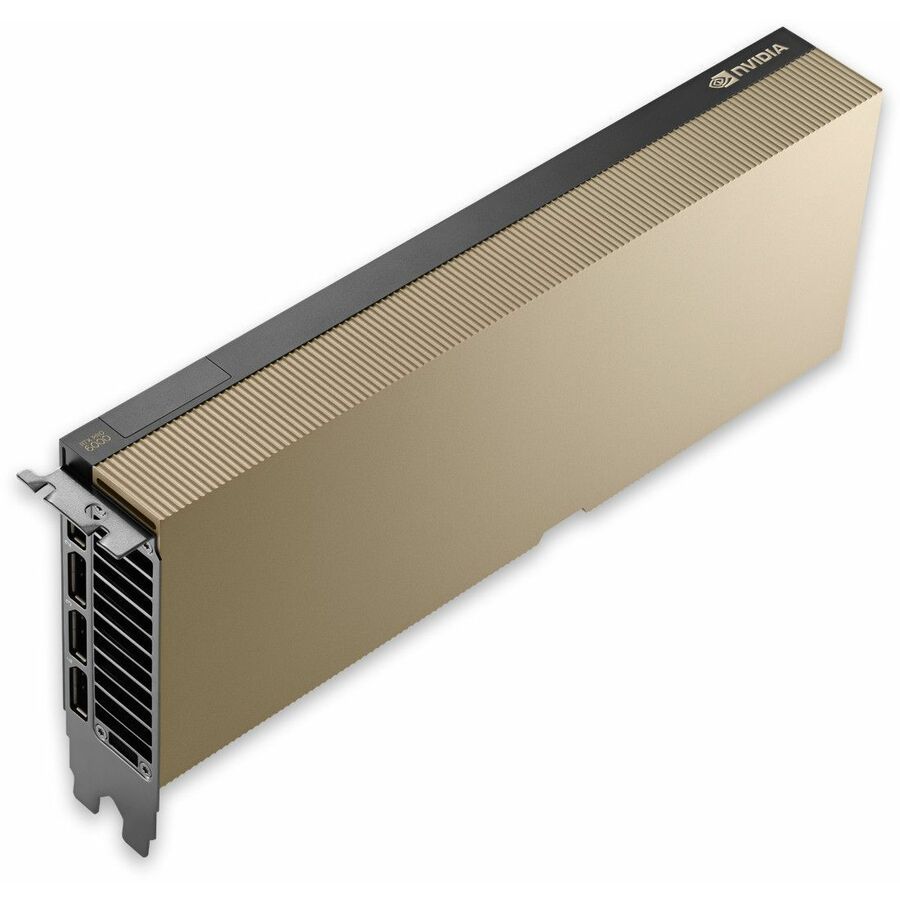
154 in stock - AdvantechAdvantech NVIDIA Quadro RTX 6000 Ada Graphic Card - 48 GB GDDR6 - Full-height - 7680 x 4320 - 384 bit Bus Width - PCI Express 4.0 x16 - DisplayPort - 4 x DisplayPortSKY-QUAD-6000A-48
$10,287.03
Back-orderedBack-ordered — estimated OEM lead time 3–8 weeks (Nov 17 – Dec 22 if ordered today).
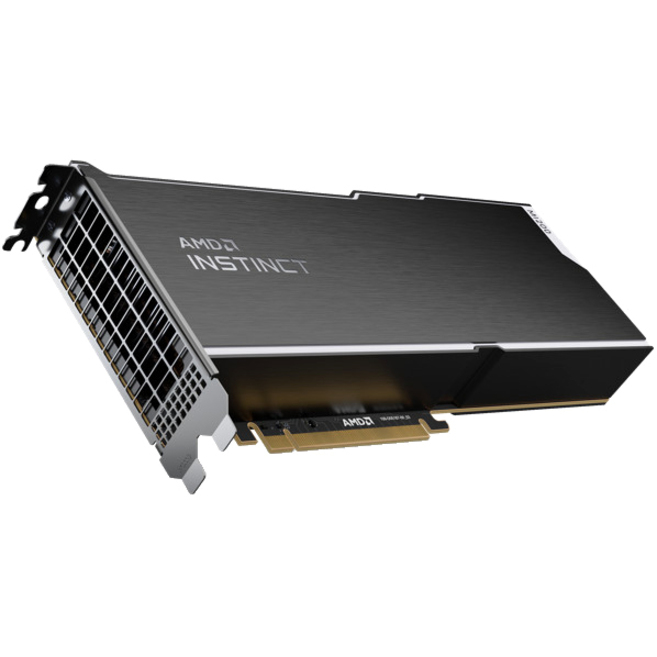
- Advanced Micro DevicesAMD Instinct MI210 accelerators - PCI Express 4.0 - Dual Slot Space Required100-300000008H
$10,972.85
Back-orderedBack-ordered — estimated OEM lead time 3–8 weeks (Nov 17 – Dec 22 if ordered today).
- PNY TechnologiesPNY NVIDIA Quadro L40S Graphic Card - 48 GB GDDR6 - DisplayPort - 4 x DisplayPortNVL40STCGPU-KIT
$12,745.47
Back-orderedBack-ordered — estimated OEM lead time 3–8 weeks (Nov 17 – Dec 22 if ordered today).
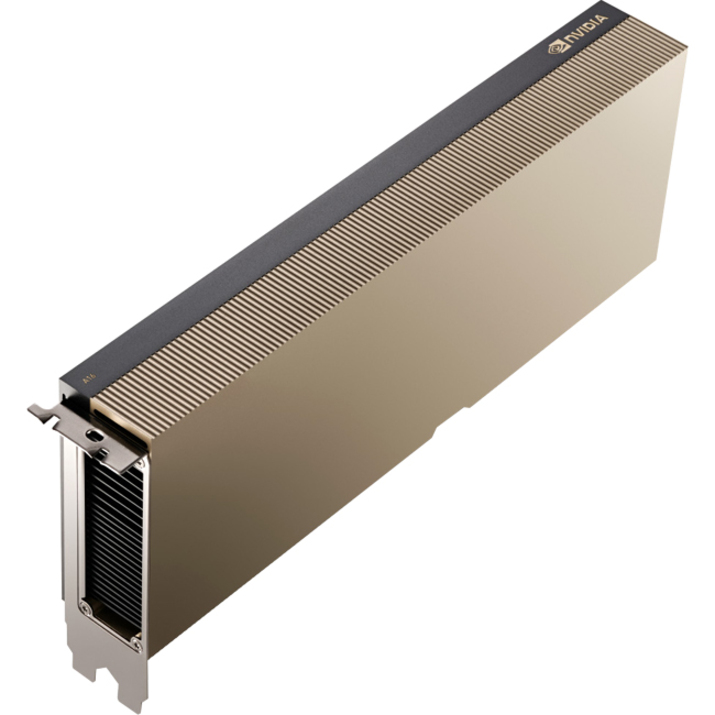
- LenovoLenovo NVIDIA A16 Graphic Card - 64 GB GDDR6 - Full-height - PCI Express 4.0 x164X67A76727
$12,824.82
Back-orderedBack-ordered — estimated OEM lead time 3–8 weeks (Nov 17 – Dec 22 if ordered today).
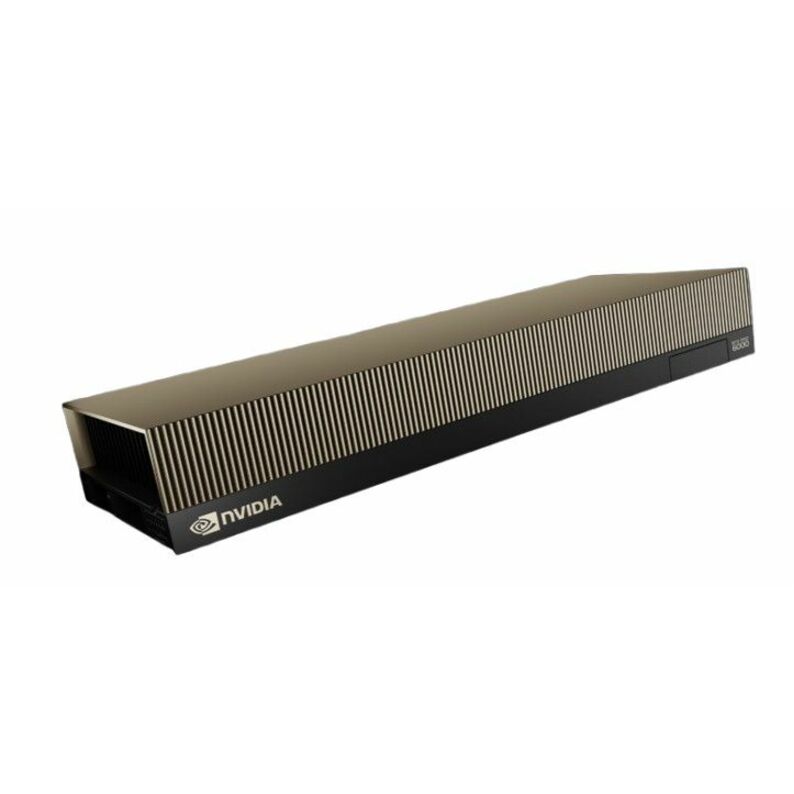
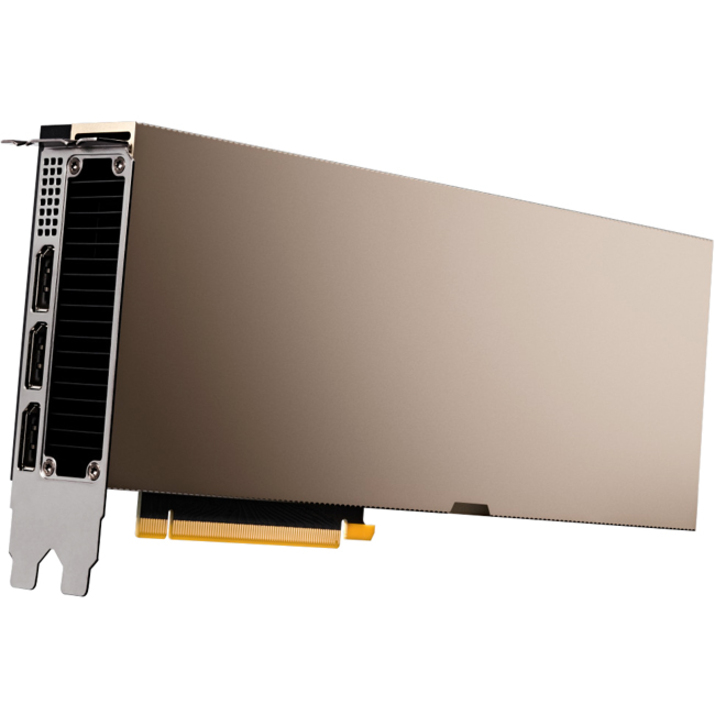
- NVIDIANVIDIA NVIDIA RTX PRO 6000 Blackwell Server Edition Graphic Card - 96 GB GDDR7 - 512 bit Bus Width - PCI Express 5.0 x16 - DisplayPort - 4 x DisplayPort - Dual Slot Space Required - Passive Cooler - 3 Year Warranty900-2G153-0000-200
$15,410.53
Back-orderedBack-ordered — estimated OEM lead time 3–8 weeks (Nov 17 – Dec 22 if ordered today).
- PNY TechnologiesPNY NVIDIA RTX PRO 6000 Blackwell Max-Q Workstation Edition 96GB GDDR7 Graphics Card1000002731
$19,999.99
$17,969.22
Back-orderedBack-ordered — estimated OEM lead time 3–8 weeks (Nov 17 – Dec 22 if ordered today).
- NVIDIANVIDIA RTX PRO 6000 Blackwell Max-Q Single-Fan 96GB GDDR7 Workstation Graphics Card (OEM)900-5G153-2200-000-01
$19,999.99
$17,979.36
Back-orderedBack-ordered — estimated OEM lead time 3–8 weeks (Nov 17 – Dec 22 if ordered today).




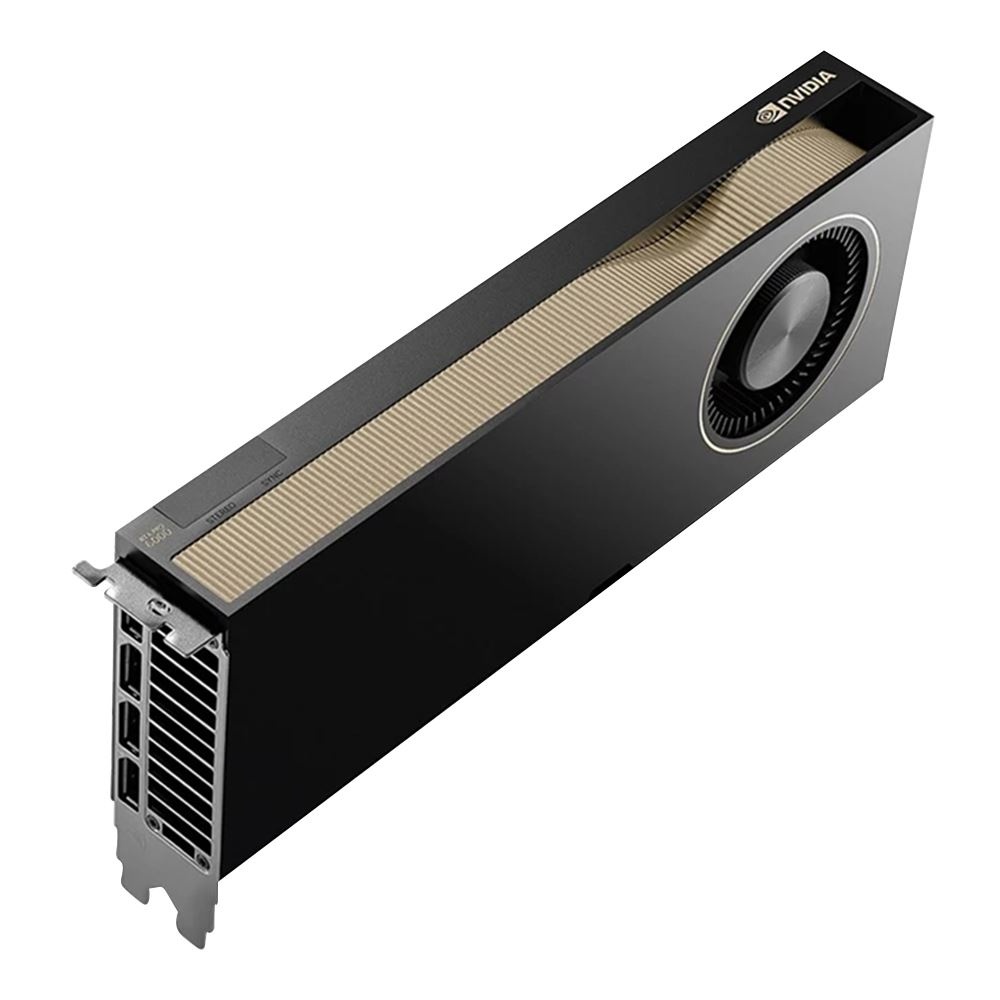
Passive, for servers
NVIDIA
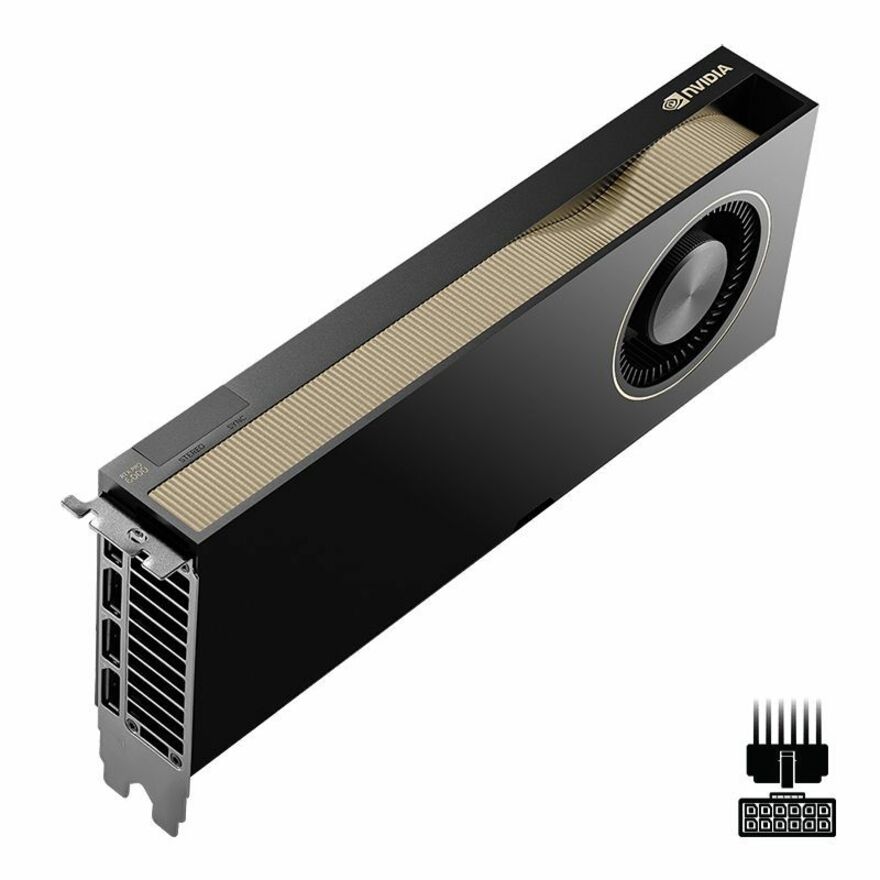
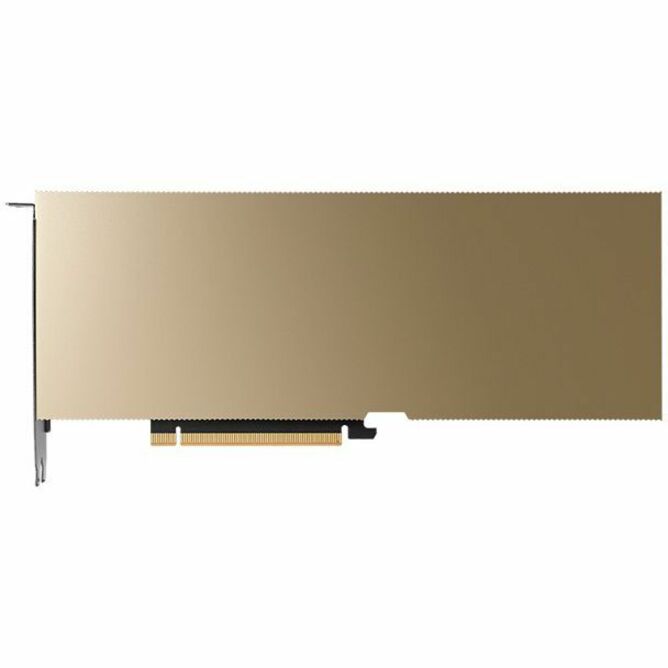
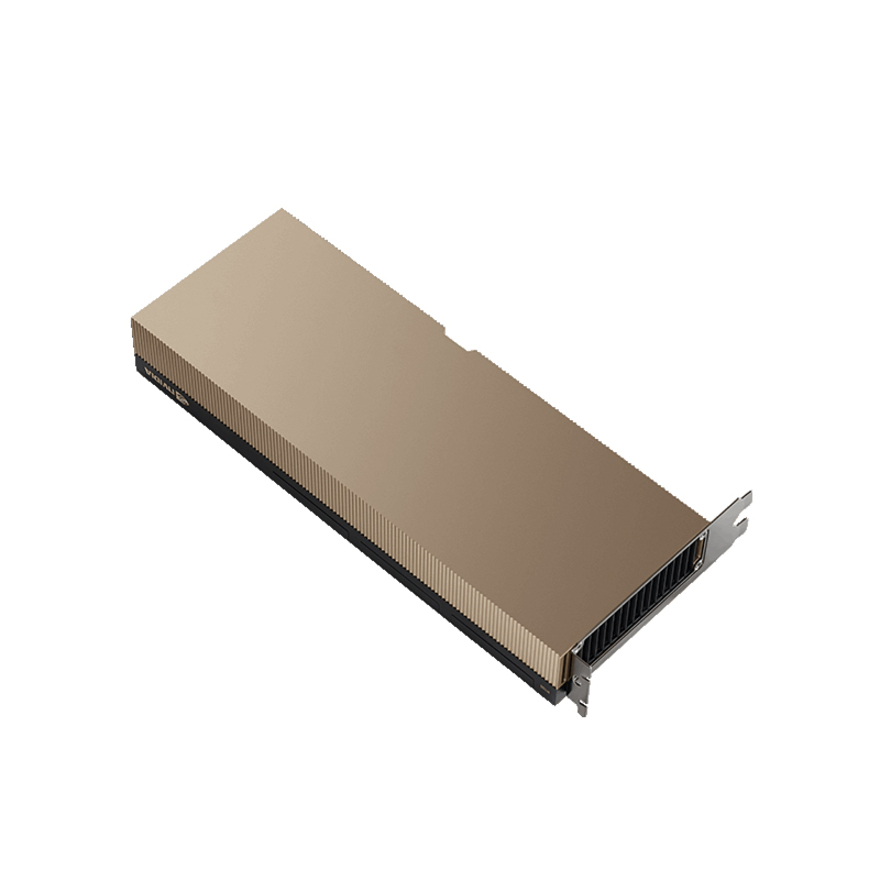
NVIDIA RTX PRO 6000 Blackwell Server Edition Graphic Card
900-2G153-0000-200
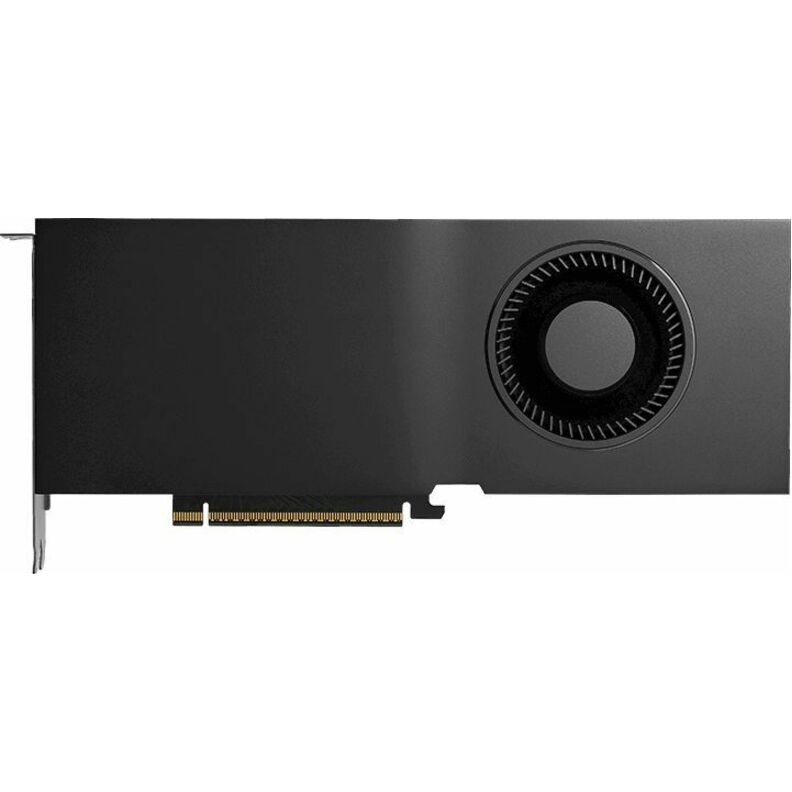
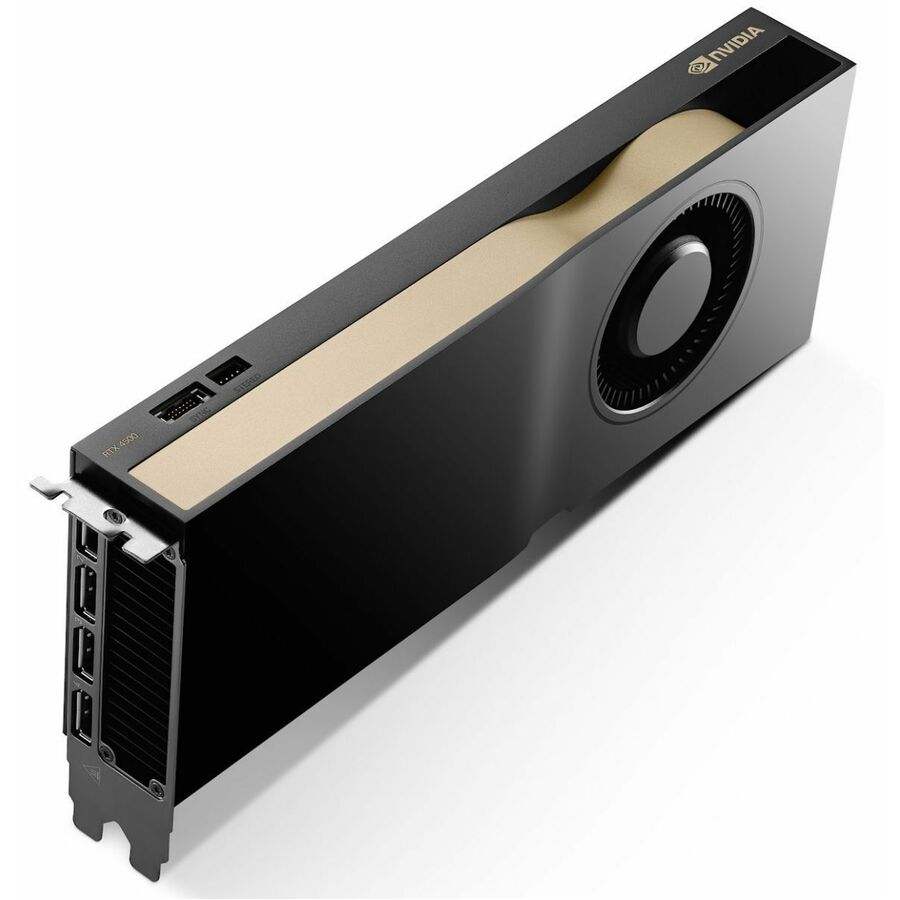
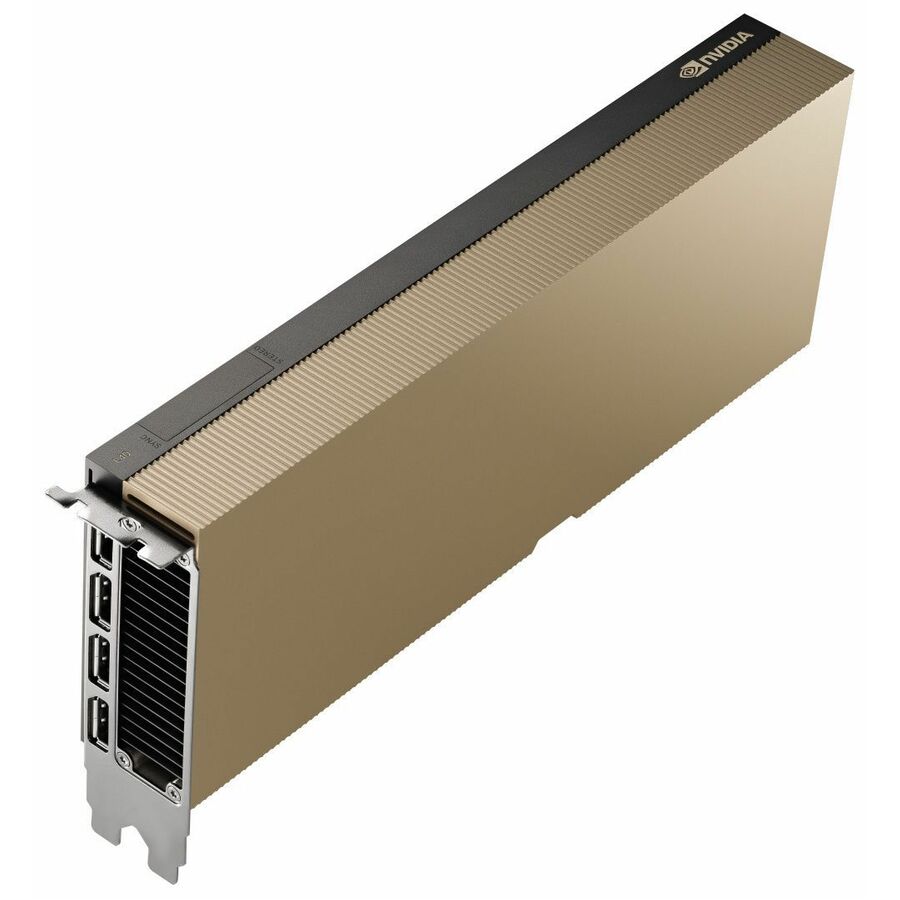
This Server Edition board is titled with a passive cooler, so the chassis moves the air — the right shape for a rack server with a documented GPU airflow path, carrying 96 GB of GDDR7 on a 512-bit bus.
PCIe 5.0 x16, dual-slot space required.
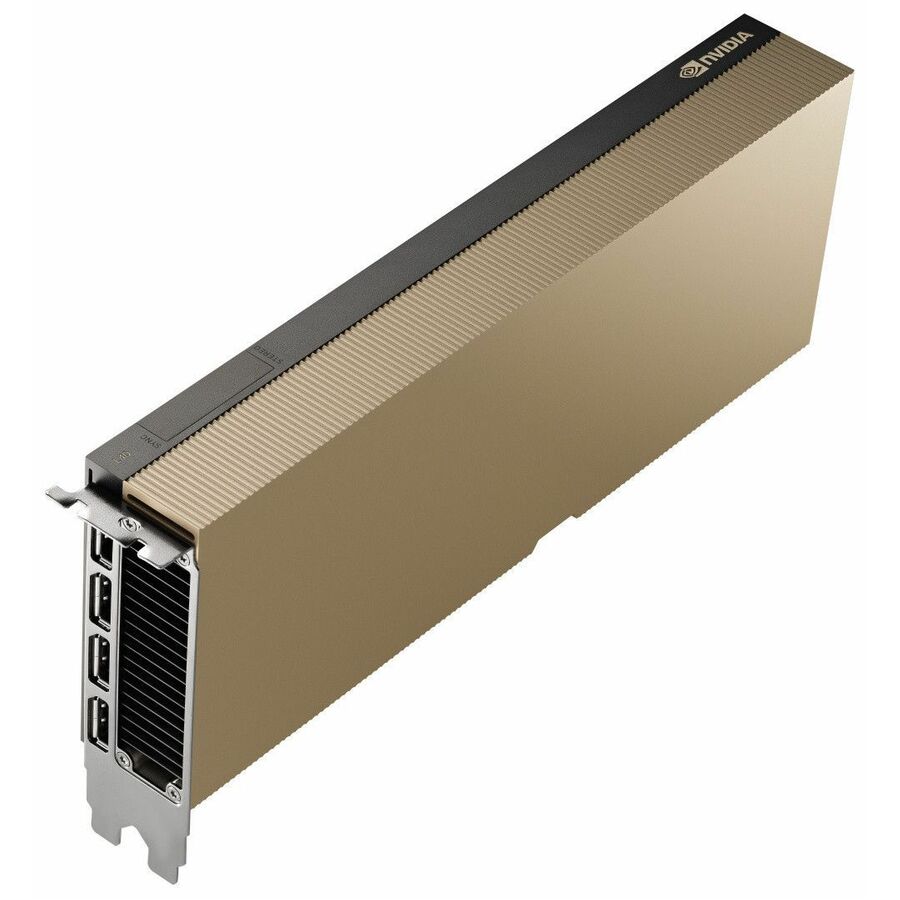
$15,410.53Back-orderedActive, for workstations
PNY Technologies
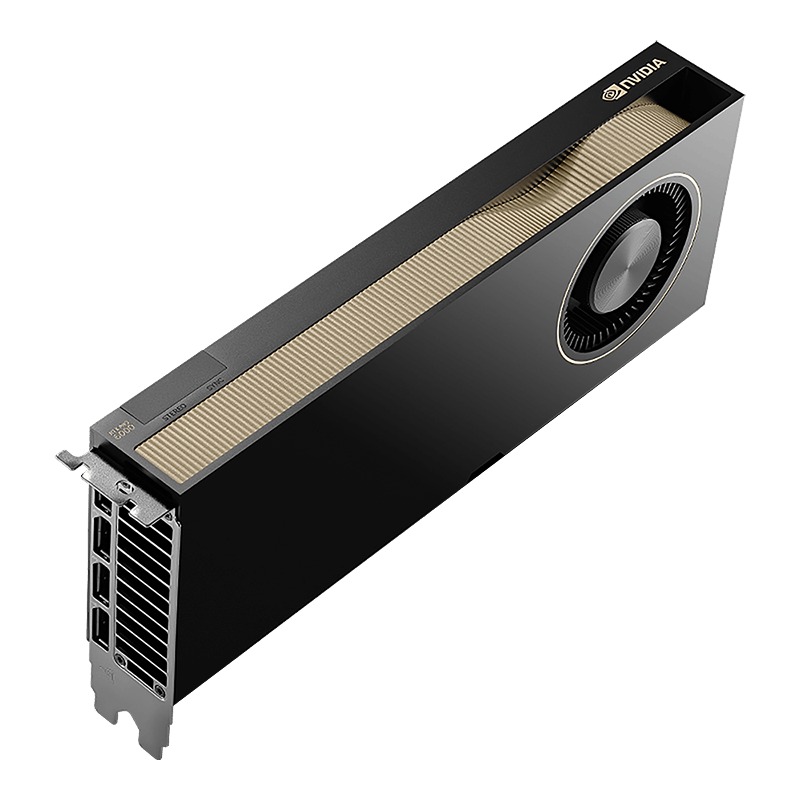
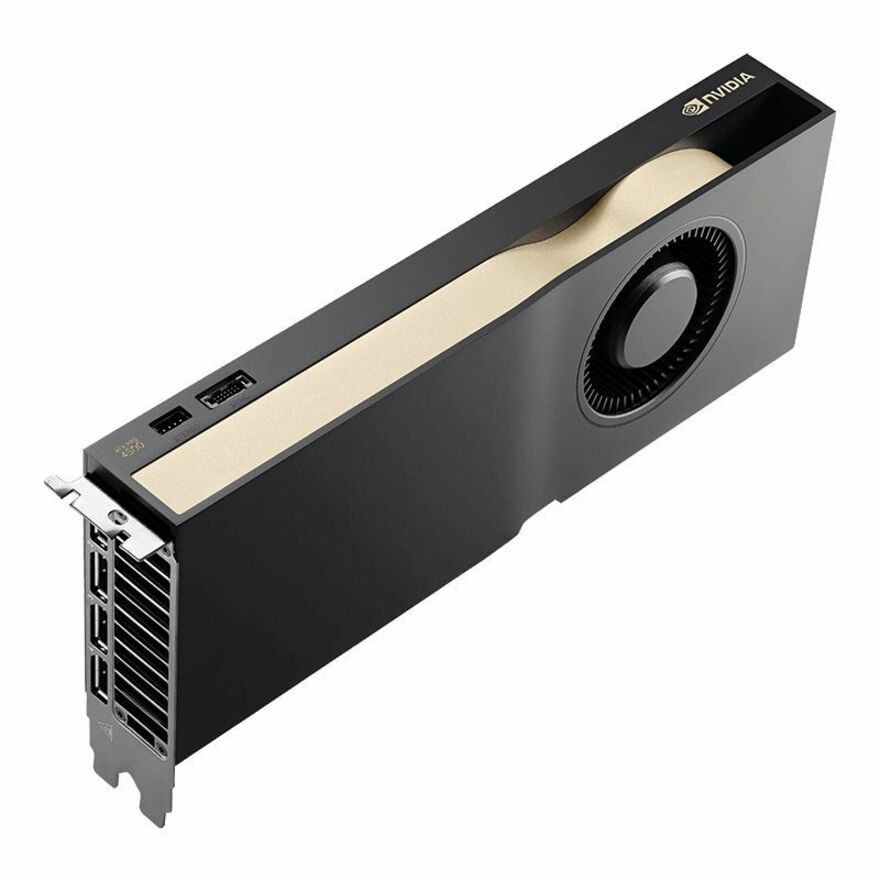
PNY NVIDIA RTX PRO 6000 Graphic Card
VCNRTXPRO6000BQ-PB
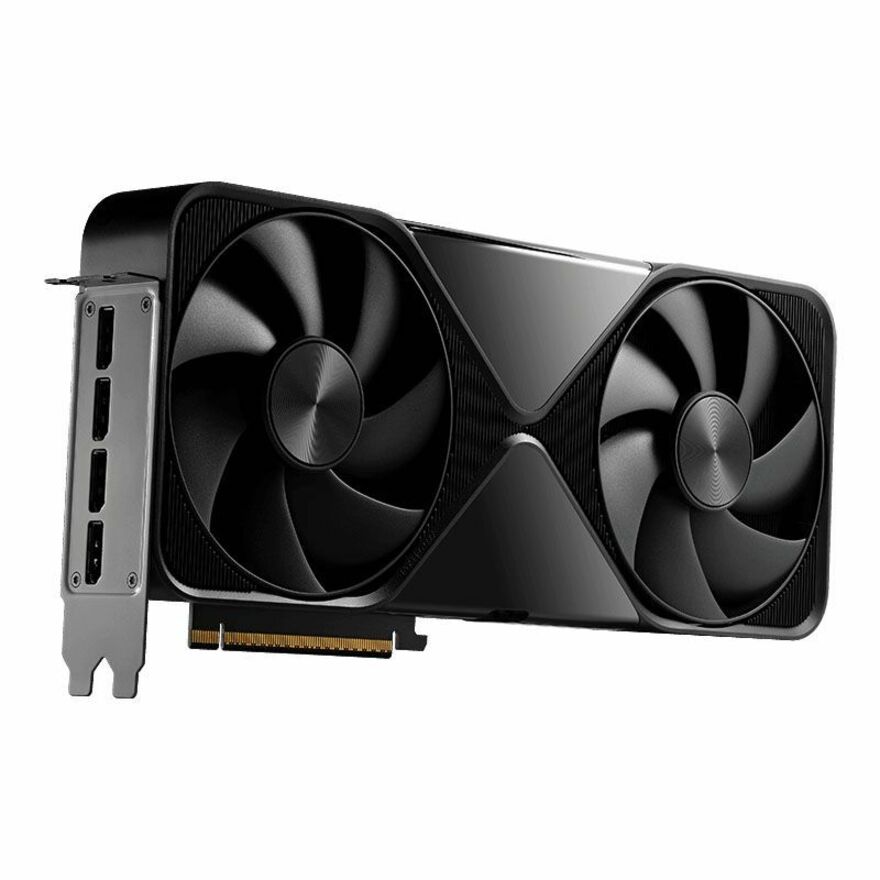
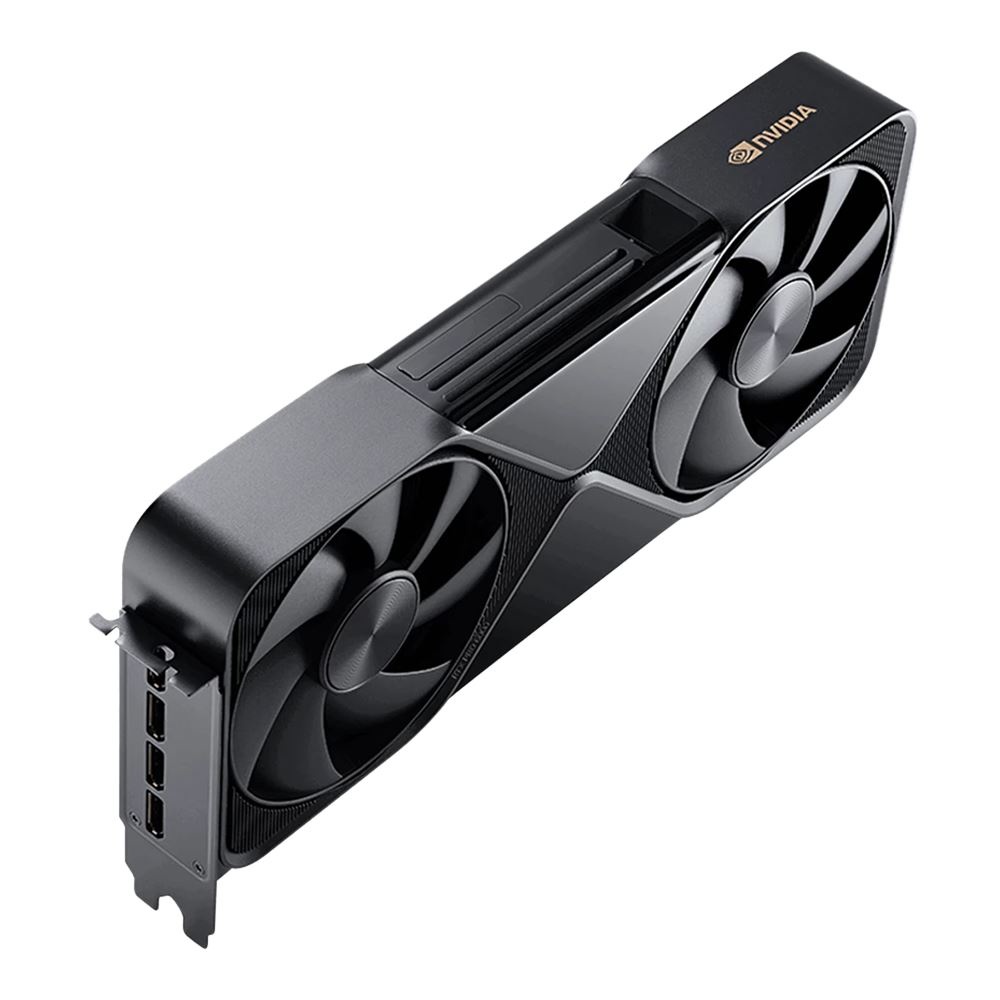
The same 96 GB GDDR7 class in the active-cooled, full-height shape a workstation needs, with four DisplayPort outputs for seats that render and drive displays as well as compute.
$18,117.49In stockBig-memory tier
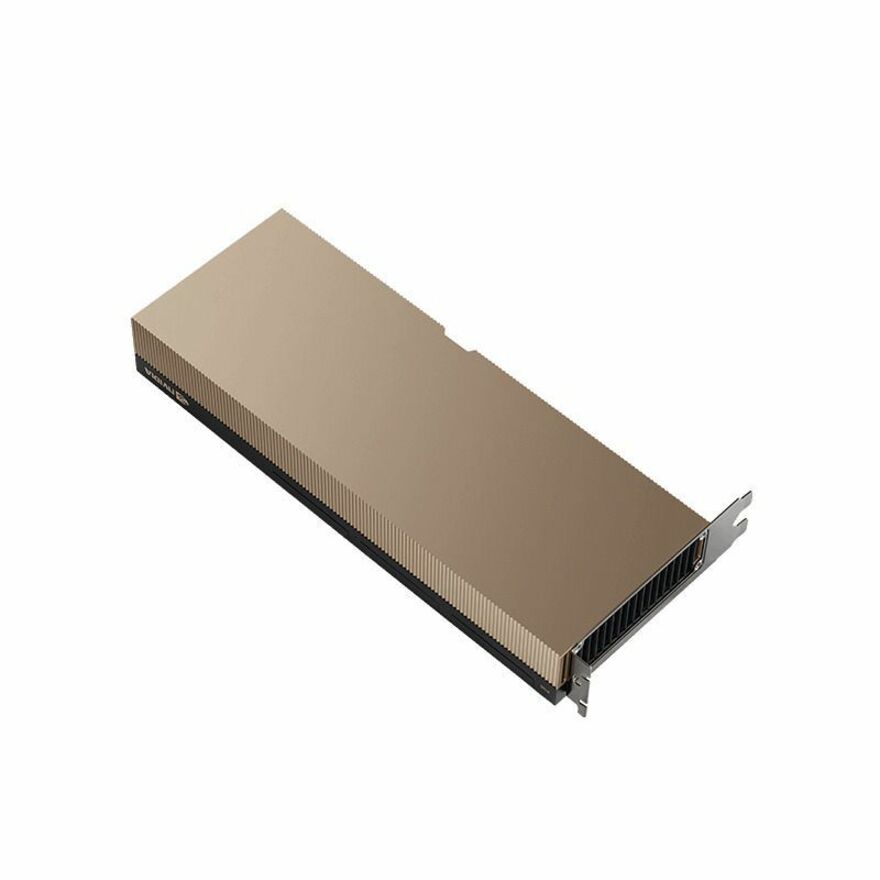
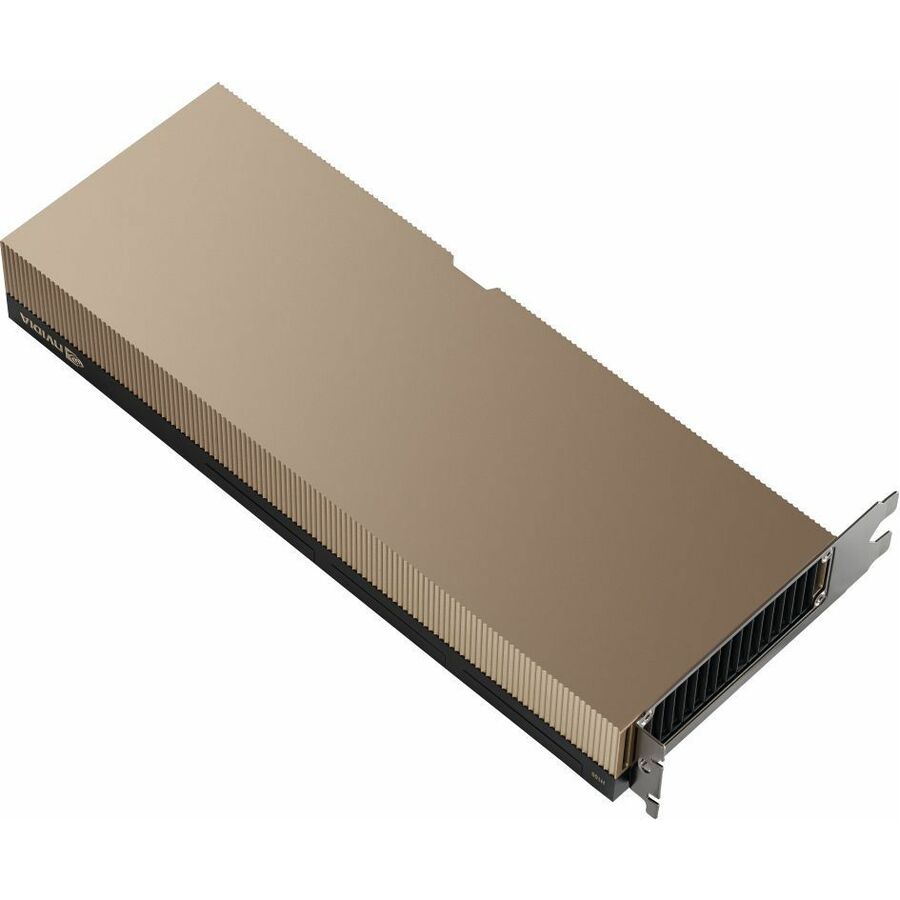
PNY Technologies
PNY NVIDIA H200 Graphic Card
NVH200NVLTCGPU-KIT
141 GB of HBM3e on a single full-height PCIe 5.0 x16 card — the memory-first answer when the working set should stay resident on one board rather than be split across nodes.
$38,570.32Back-orderedMore graphics cards in the Uniqcli catalog
See all 379 graphics cardsMore from across this category. In-stock lines lead, and a back-ordered line carries the same estimated availability its product page does — with live pricing throughout, NDAA §889 screening before checkout and TAA verified on request.
Back-ordered — estimated OEM lead time 3–8 weeks (Nov 17 – Dec 22 if ordered today).
Back-ordered — estimated OEM lead time 3–8 weeks (Nov 17 – Dec 22 if ordered today).
Back-ordered — estimated OEM lead time 3–8 weeks (Nov 17 – Dec 22 if ordered today).
Back-ordered — estimated OEM lead time 3–8 weeks (Nov 17 – Dec 22 if ordered today).
Back-ordered — estimated OEM lead time 3–8 weeks (Nov 17 – Dec 22 if ordered today).
- LenovoLenovo AMD Instinct MI210 Graphic Card - 64 GB HBM2e - Full-height - 1.60 GHz Core - 64 bit Bus Width - PCI Express 4.0 x164X67A81102
$40,908.12
Back-orderedBack-ordered — estimated OEM lead time 3–8 weeks (Nov 17 – Dec 22 if ordered today).
Back-ordered — estimated OEM lead time 3–8 weeks (Nov 17 – Dec 22 if ordered today).
- PNY TechnologiesNVIDIA® H100 NVL Tensor Core Graphics Board - The NVIDIA® H100 NVL Tensor Core GPU supercharges generative AI and high-performance computing (HPC) workloads with game-changing performance and memory capabilities.NVH100NVLTCGPU-KIT
$38,570.32
Back-orderedBack-ordered — estimated OEM lead time 3–8 weeks (Nov 17 – Dec 22 if ordered today).
- PNY TechnologiesPNY NVIDIA H200 Graphic Card - 141 GB HBM3e - Full-height - PCI Express 5.0 x16NVH200NVLTCGPU-KIT
$38,570.32
Back-orderedBack-ordered — estimated OEM lead time 3–8 weeks (Nov 17 – Dec 22 if ordered today).
- LenovoLenovo NVIDIA Tesla V100 Graphic Card - 16 GB - Full-height - PCI Express4X67A11524
$26,016.65
Back-orderedBack-ordered — estimated OEM lead time 3–8 weeks (Nov 17 – Dec 22 if ordered today).
Back-ordered — estimated OEM lead time 3–8 weeks (Nov 17 – Dec 22 if ordered today).
- PNY TechnologiesNVIDIA RTX PRO 6000 Blackwell - Server Edition - graphics card - RTX PRO 6000 Blackwell - 96 GB GDDR7 - PCI Express 5.0 x16 - DisplayPort - 4 x DisplayPortNVRTXPRO6000TCGPU-KIT
$20,684.75
Back-orderedBack-ordered — estimated OEM lead time 3–8 weeks (Nov 17 – Dec 22 if ordered today).
- LenovoLenovo NVIDIA A40 Graphic Card - 48 GB GDDR6 - Full-height - PCI Express 4.0 x16 - DisplayPort - 3 x DisplayPort4X67A72593
$19,500.66
Back-orderedBack-ordered — estimated OEM lead time 3–8 weeks (Nov 17 – Dec 22 if ordered today).
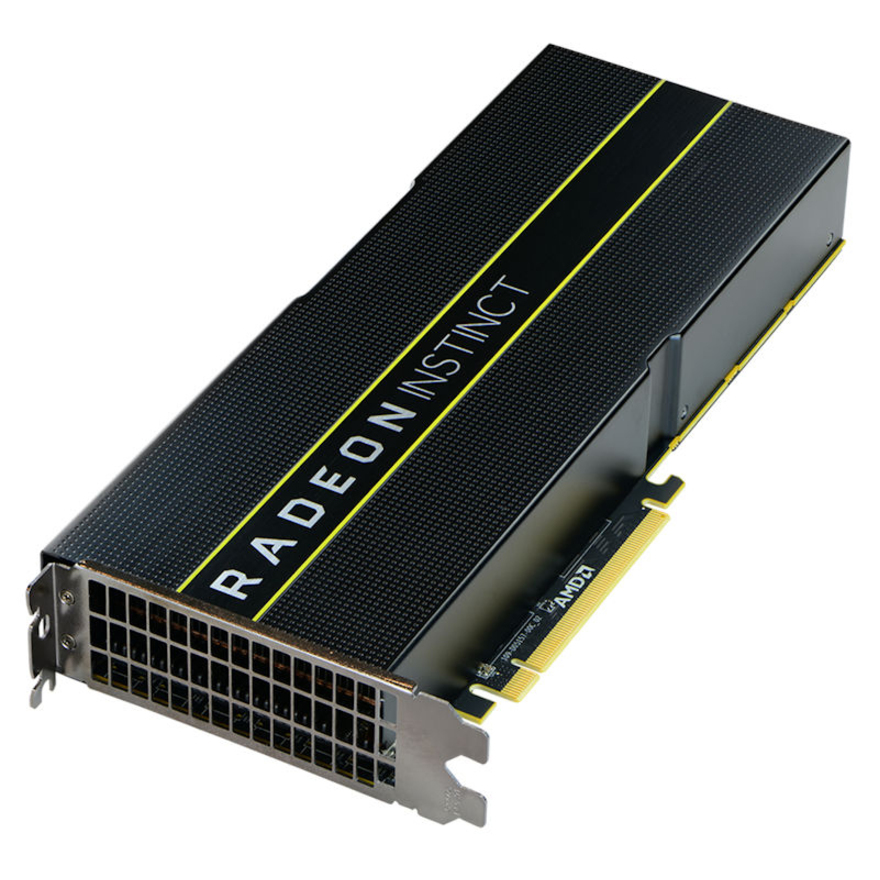
- LenovoLenovo AMD Radeon Instinct MI25 Graphic Card - 16 GB - PCI Express7C57A02897
$18,898.29
Back-orderedBack-ordered — estimated OEM lead time 3–8 weeks (Nov 17 – Dec 22 if ordered today).
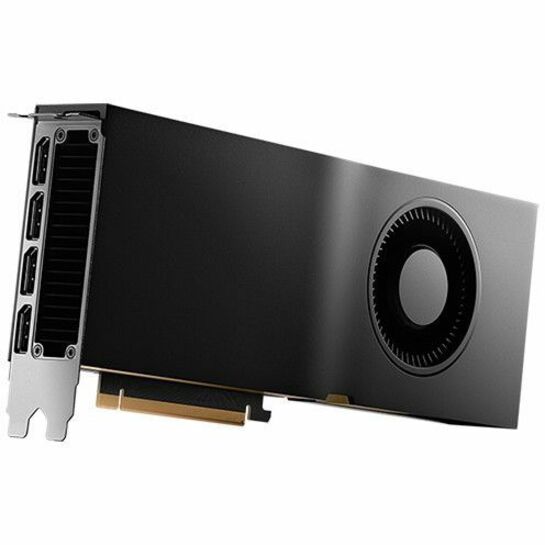
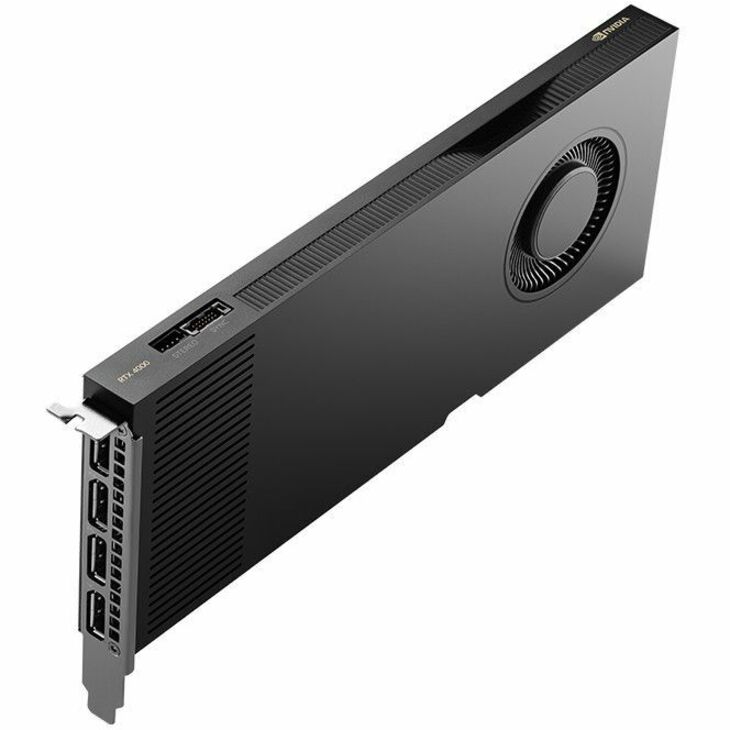
- PNY TechnologiesPNY NVIDIA RTX Quadro 4000 Graphic Card - 20 GB GDDR6 - DisplayPort - 4 x DisplayPort - Single Slot Space RequiredVCNRTX4000ADA-PB
$1,999.00
$1,688.49
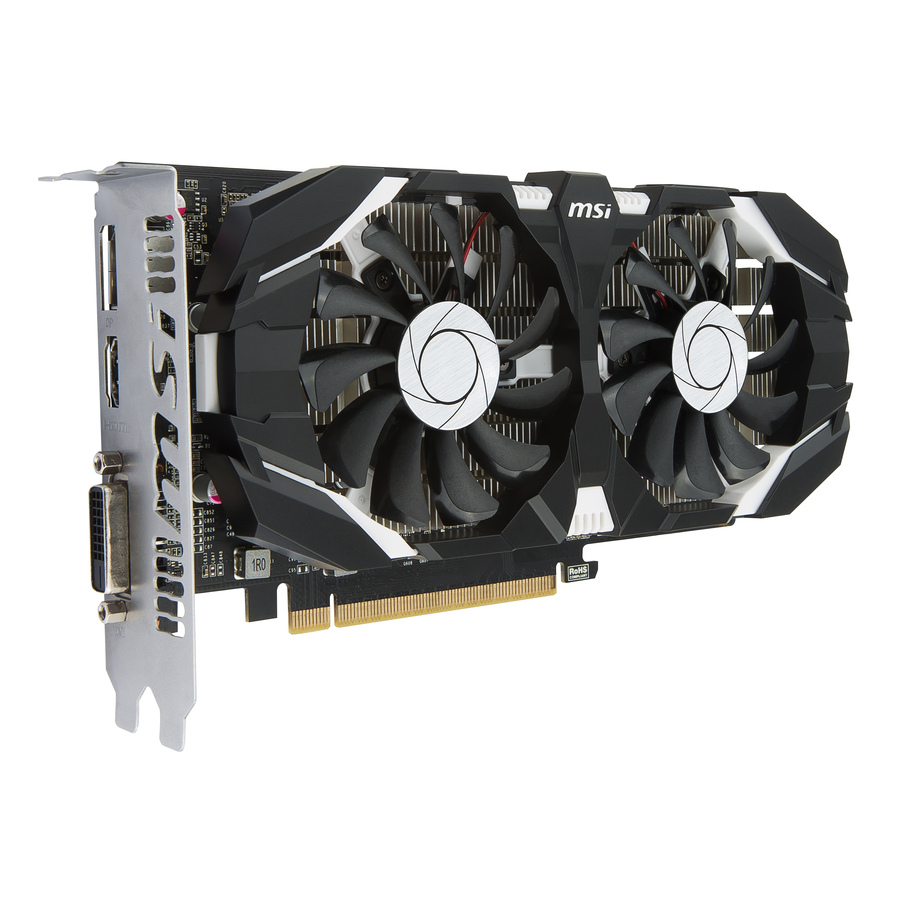
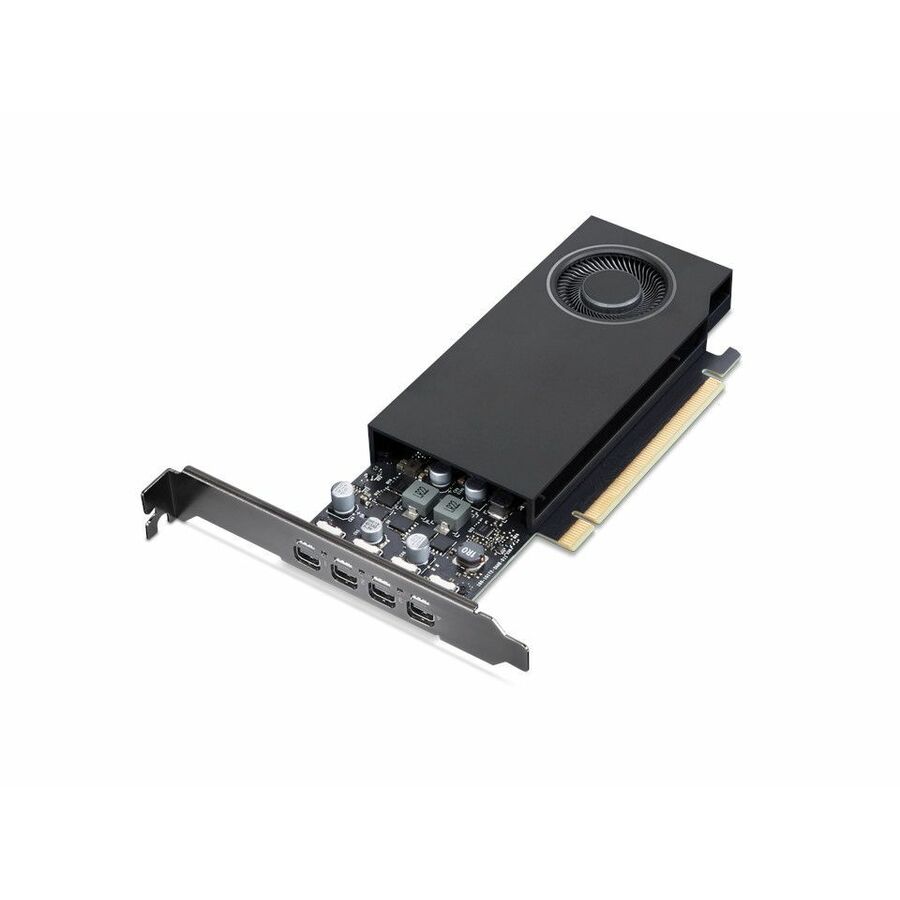
41 in stock - LenovoLenovo NVIDIA RTX A400 Graphic Card - 4 GB GDDR6 - 4 x Mini DisplayPort - Mini DisplayPort4X61Q73040
$271.99
$241.38
32 in stock


Need pricing on GPUs?
Tell us where to reach you and a Uniqcli specialist will follow up by email with current pricing, availability and lead time for the quantities you need — including parts that aren’t shown on this page.
Buying for an organization or for yourself — both work. No payment up front.
Buying a GPU for AI work is mostly a memory decision. Capacity on these cards runs from 16 GB to 141 GB on a single board, and a model that does not fit the working set has to be split across cards or nodes. Memory type is the workload signal: the HBM2, HBM2e, HBM3 and HBM3e parts are bandwidth-first compute boards, while GDDR6 and GDDR7 parts serve professional graphics and inference.
Buying a GPU for AI work is mostly a memory decision, and the memory line is the first thing nearly every title in this grid states. The capacity range on these cards runs from 16 GB up to 141 GB on a single board, and the memory type tells you which half of the market a card belongs to. The compute-first parts carry high-bandwidth memory — HBM2 on the A100 and A30 boards, HBM2e on the Instinct MI210, and HBM3 and HBM3e on the H100 and H200 parts — because feeding a training run is a bandwidth problem before it is a FLOPS problem. The professional and visualization parts carry GDDR: 64 GB of GDDR6 on the A16, 48 GB of GDDR6 on the A40, and 96 GB of GDDR7 on the RTX PRO 6000 Blackwell generation, with a 512-bit bus named in the title, alongside 48 GB L40-class and RTX Ada boards. Model size, batch size and how much you are willing to split across cards decide which of those lines you need; nothing else on the spec sheet rescues a card that cannot hold the working set.
The second decision is physical, and it is where orders go wrong. Server Edition boards are built for chassis airflow, and the passive cooler is named in the title on the rows that state it — check the exact part before ordering, because a passively cooled card depends on the chassis fans moving air along a documented GPU path. The active-cooler and fan-cooler variants of the same silicon are built for a workstation that has no such airflow. The rest of the fit is titled too — full-height, dual-slot space required, and a PCIe generation that runs 4.0 x16 on the older families and 5.0 x16 on the current ones. Display outputs follow the same split: several of the workstation-class boards list DisplayPort outputs in their own titles, while the HBM compute parts are titled without any, because driving monitors is not their job. Some rows name the warranty term in the title as well; where none is shown, we confirm it per part number on the quote. The grid below leads with what is on the shelf and then climbs by price, and it is drawn from the data center and workstation GPUs Uniqcli currently stocks. Availability at this tier moves quickly — the card carries the live status, and lead time is confirmed with the quote.
Buyer's checklist
How to choose a GPU for AI work
- Start from the working set, not the model name: capacity on these cards runs from 16 GB to 141 GB on a single board, and a model that does not fit has to be split across cards or nodes, which turns a hardware decision into a networking one.
- Read the memory type as a workload signal — the HBM2, HBM2e, HBM3 and HBM3e parts are the bandwidth-first compute boards, while the GDDR6 and GDDR7 parts serve professional graphics, inference and mixed visualization work. Where the title names the memory type it is the fastest workload signal on the row; several rows state capacity only, and we confirm the type per part number on the quote.
- Match the cooler to the box before anything else: passive-cooled Server Edition cards need a chassis that supplies the airflow, active and fan-cooled cards need room to breathe in a workstation, and swapping the two is the most common and most expensive mistake in this category.
- Confirm mechanical and electrical fit against the server or workstation vendor's own GPU support matrix — the titles here name full-height, dual-slot space required and PCIe 4.0 or 5.0 x16, but power headroom, supported riser positions and how many cards a chassis will accept are the host vendor's specification, not the card's.
- Decide whether the seat also drives displays: several workstation-class boards list DisplayPort outputs in their titles while the HBM compute parts list none, which is a fast way to rule a card in or out for a design or simulation workstation.
- Buy the software and the support term in the same motion — platform, virtualization and AI-stack licensing, plus the warranty term named on the part number, decide what the card can actually run and for how long it is covered.
- Plan the rack alongside the cards: accelerated nodes change the power draw and the heat rejection of a row, and the PDUs, UPS capacity and airflow strategy have to be sized in the same conversation as the boards.
Training, inference and visualization want different cards
Three jobs hide behind the phrase AI hardware, and they buy differently. Training is the memory-and-bandwidth job: it wants the largest resident capacity the budget allows and the high-bandwidth memory types, which is what the HBM-class boards in this grid exist for, and it is the case most likely to run out of one card and into a multi-node design. Inference is a throughput-and-density job — enough memory to hold the served model, then as many cards per rack unit and per watt as the room can cool, which is where the GDDR-based data center boards earn their place and where the passive Server Edition parts belong. Visualization, simulation and virtual-desktop work is the third case, and it is the one people forget is on this page at all: the boards with four DisplayPort outputs and active cooling are built for a workstation under a desk or a rendering seat, not for a dense compute row. Naming the job first turns an intimidating catalog into a short list, because each job rules out most of the range.
The card is one line on a much longer bill of materials
An accelerator only performs inside a host that was designed for it. The chassis has to be on the vendor's supported list for the exact card, with the riser positions, slot spacing and airflow path to match — and the power envelope of a populated node has almost nothing in common with the general-purpose server it looks like from the front. Storage has to read fast enough to keep the boards fed, or the expensive silicon idles waiting on a data path nobody sized. Multi-card and multi-node work adds the fabric between them. And the software layer — drivers, firmware levels, virtualization and platform entitlements — decides what the hardware can legally and practically run, which is why licensing belongs on the same quote as the metal rather than in a separate conversation two months later.
That is how Uniqcli quotes this class of hardware: the cards, the hosts, the storage tier, the racks, power and cooling underneath them, the licensing on top, and the integration work — build, firmware leveling, burn-in and racking — as readable lines on one document. Send the workload shape (training or inference, model sizes, how many concurrent users or streams), the chassis or workstation platform you are standardizing on, and the power and cooling the room can actually deliver, and we will come back with the configuration, availability and honest lead times before anything is committed.
Keep exploring
What an accelerated node needs around it
FAQ
Common questions
- How much GPU memory do I need for AI work?
- Enough to hold the working set — the model weights plus activations and whatever batch size you intend to run — because a model that does not fit has to be split across cards or nodes, and that redesign costs far more than the next card up. The boards in this grid are titled from 16 GB to 141 GB on a single card, so the practical exercise is to size the working set first and then read the capacity line on each candidate. Memory type matters alongside capacity: the HBM2, HBM2e, HBM3 and HBM3e parts are built for bandwidth-hungry training, while the GDDR6 and GDDR7 parts serve inference, professional graphics and mixed workloads. If you are unsure how a specific model maps onto a card, send the model and concurrency and we will size it with you.
- What is the difference between a passive Server Edition card and an active workstation card?
- The cooling, and it decides where the card can legally live. A passive-cooled board has no fan of its own — the rows that state it name a passive cooler in the title — and it depends on a server chassis pushing air through the heatsink along a documented path, which is why these boards appear in rack servers designed for GPU airflow. An active or fan-cooled board carries its own fan and is built for a workstation, where nothing else is guaranteed to move air across it. Putting an active card in a dense server wastes slot space and fights the chassis airflow; putting a passive card in a workstation starves it. Check the host vendor's GPU support matrix for the exact card before ordering either shape.
- Can business, government and education buyers order these?
- Every line Uniqcli quotes is sourced through US distribution and screened for TAA country-of-origin and NDAA §889 status before checkout — with documentation tied to the specific part number, not a product family.
Need GPUs pricing?
Send a bill of materials or part numbers — we confirm stock and a below-market total, with TAA verified on request. No payment up front.