
Best Lenovo Workstations for Engineering and Creative Teams
ThinkStation P-series towers, small-form-factor and Ultra rigs for CAD, simulation, rendering, and AI/data-science workloads.
Lenovo workstations in stock at Uniqcli
How to choose →A curated selection with live pricing — in-stock lines first, then back-ordered lines with a typical lead time. Every line is sourced through US distribution and screened for NDAA §889 status before checkout, with TAA verified on request.
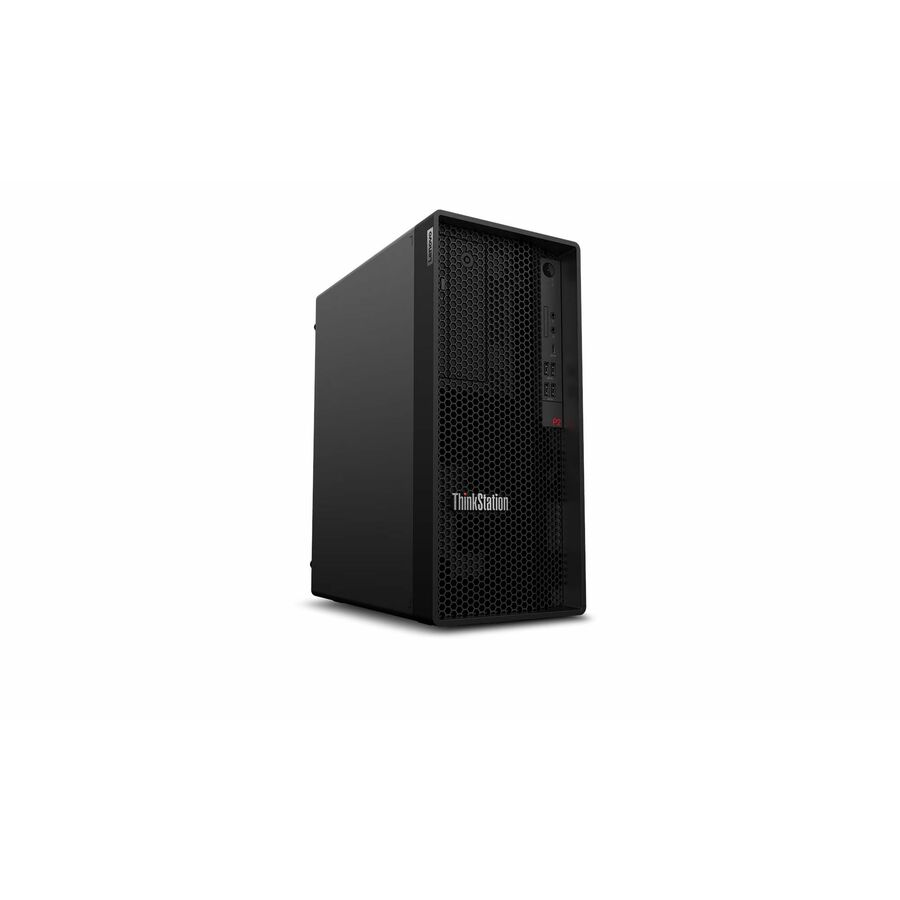
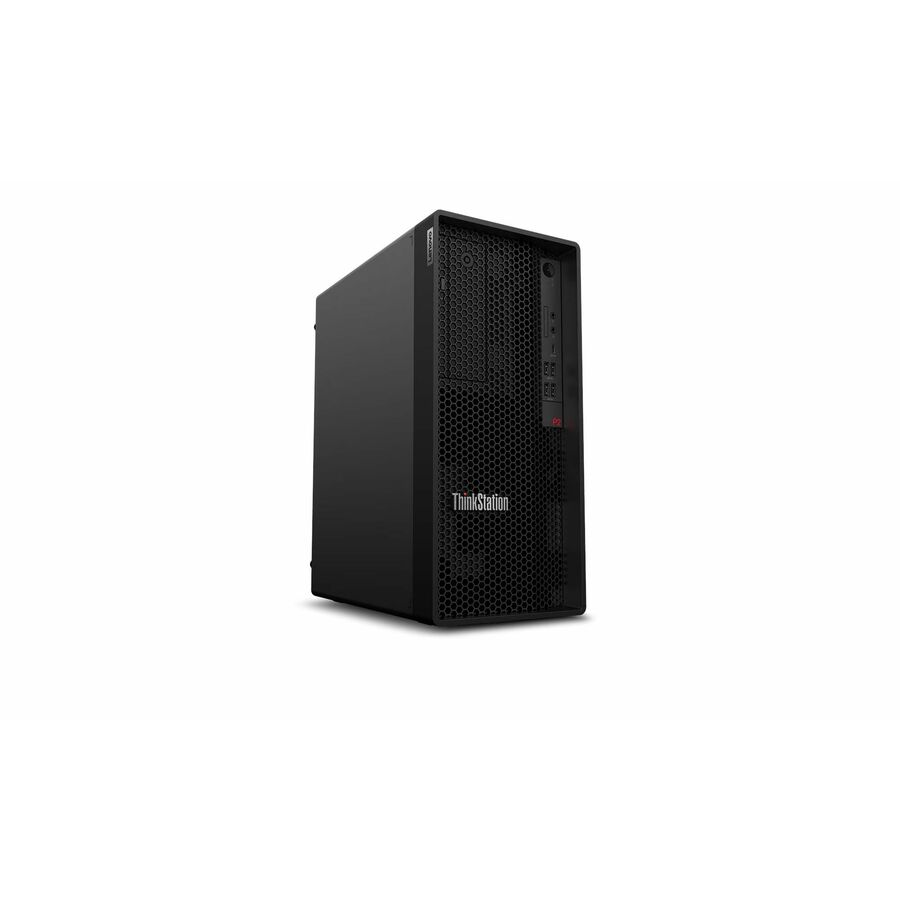
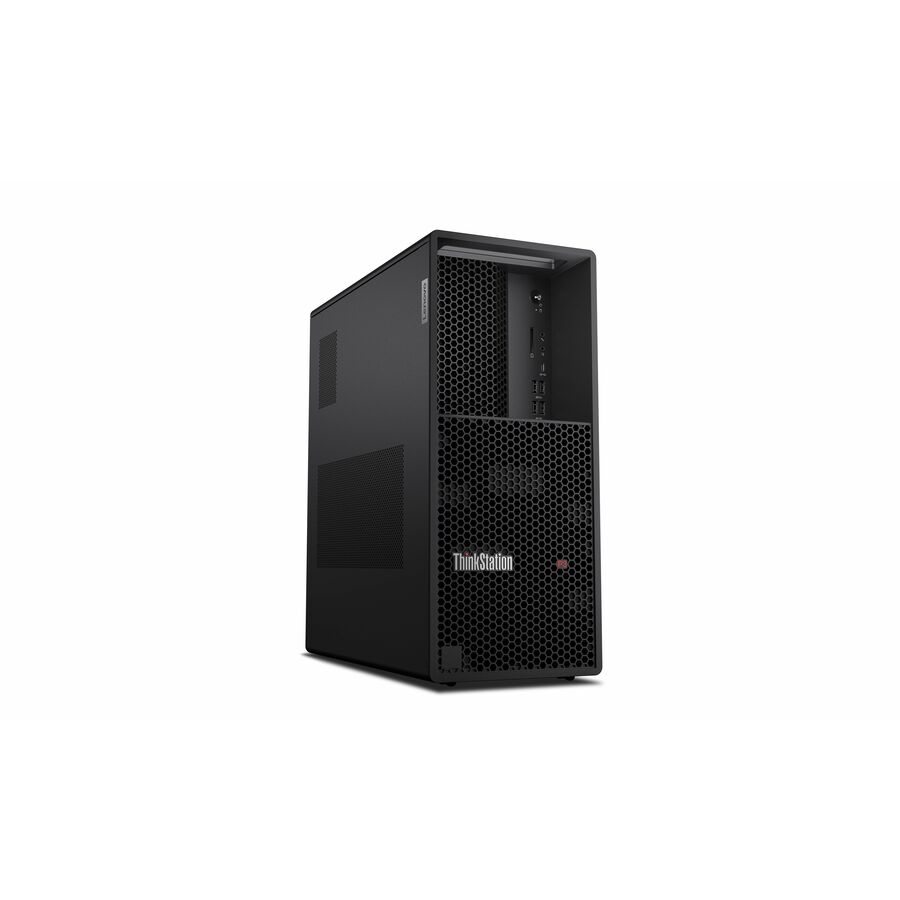
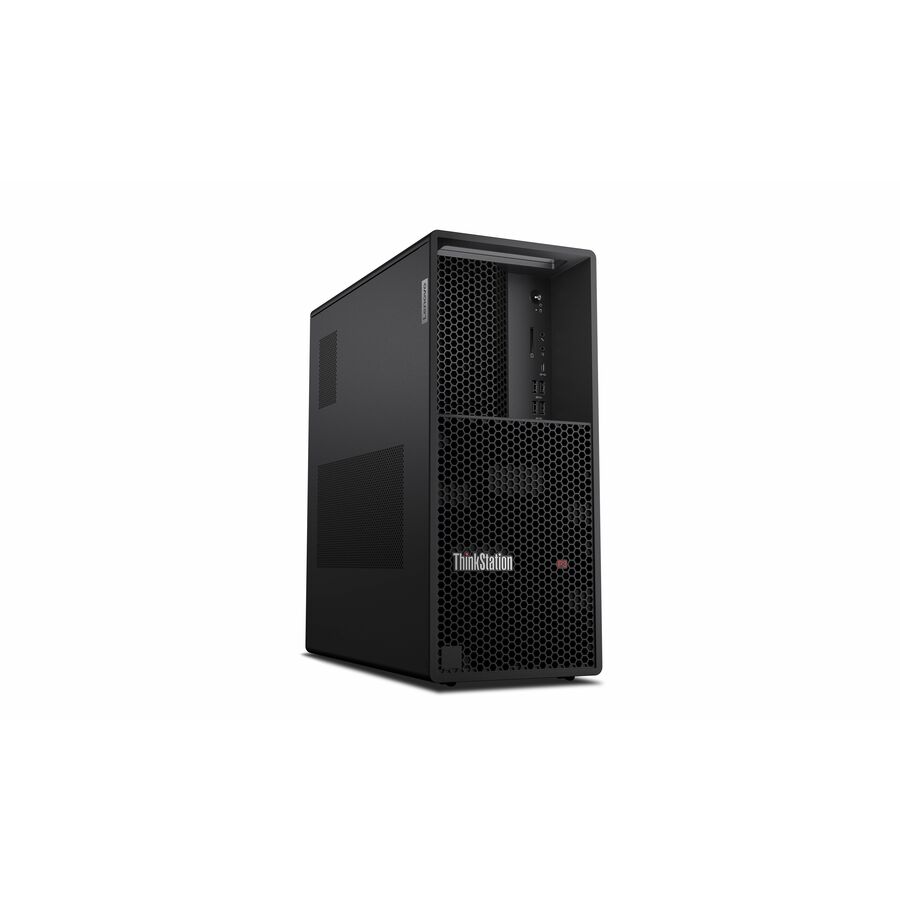
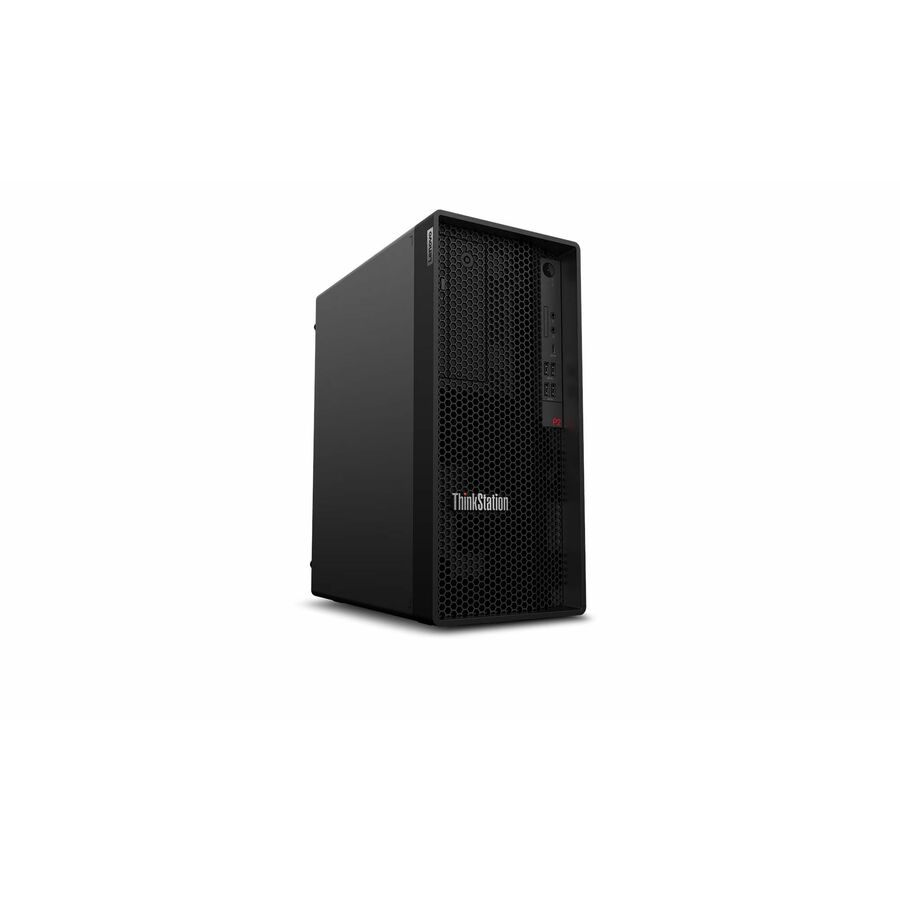
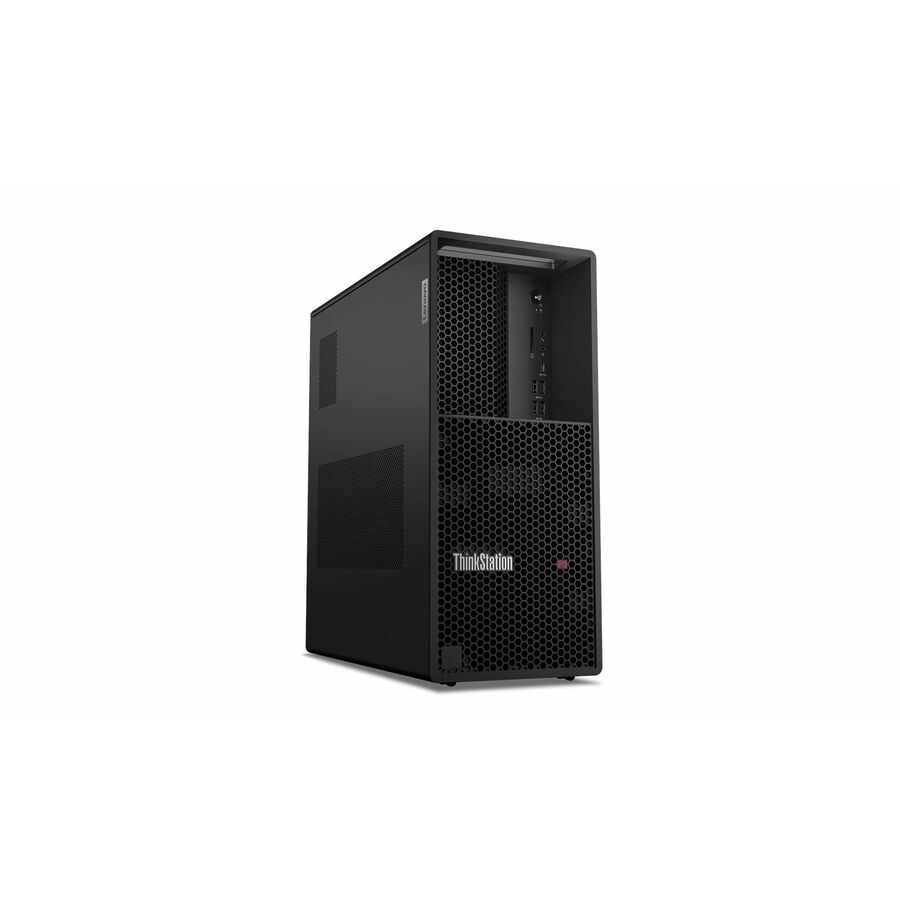
- LenovoLenovo ThinkStation P2 Gen 2 30JQ002TUS Workstation - 1 x Intel Core Ultra 5 235 - vPro Technology - 16 GB - 512 GB SSD - Tower - Intel W880 Chip - Windows 11 Pro - Intel Graphics - Serial ATA, NVMe Controller - English Keyboard - Gigabit Ethernet - Wireless LAN30JQ002TUS
$2,179.00
$2,046.86
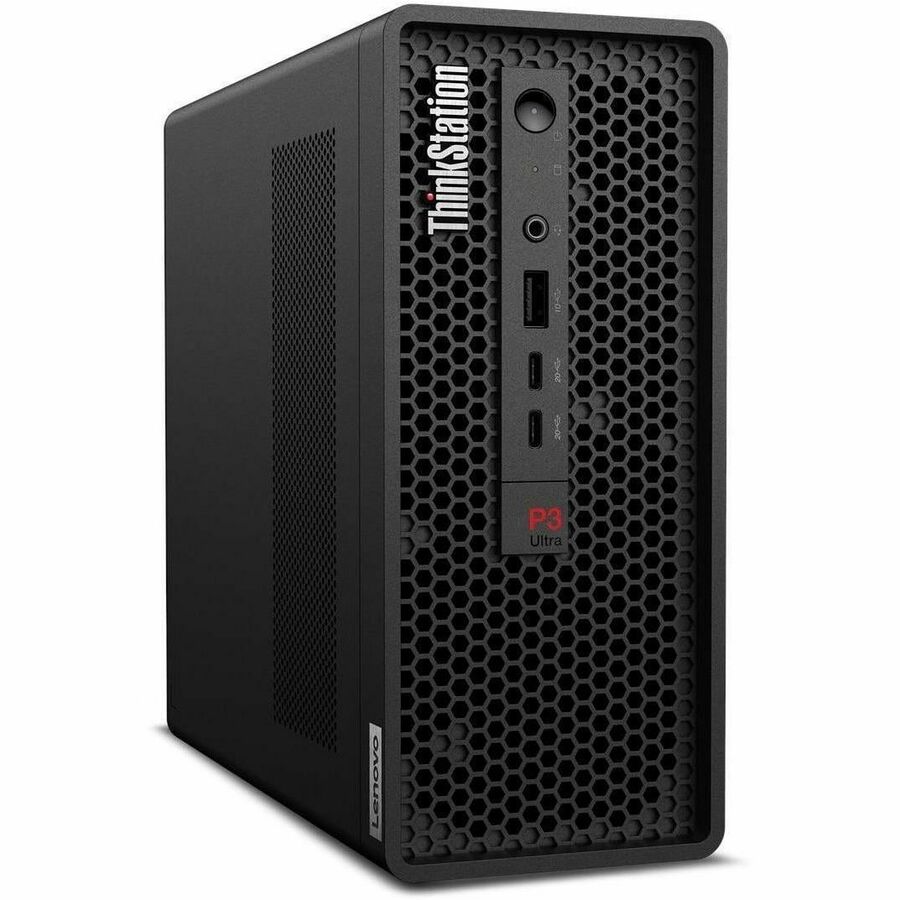
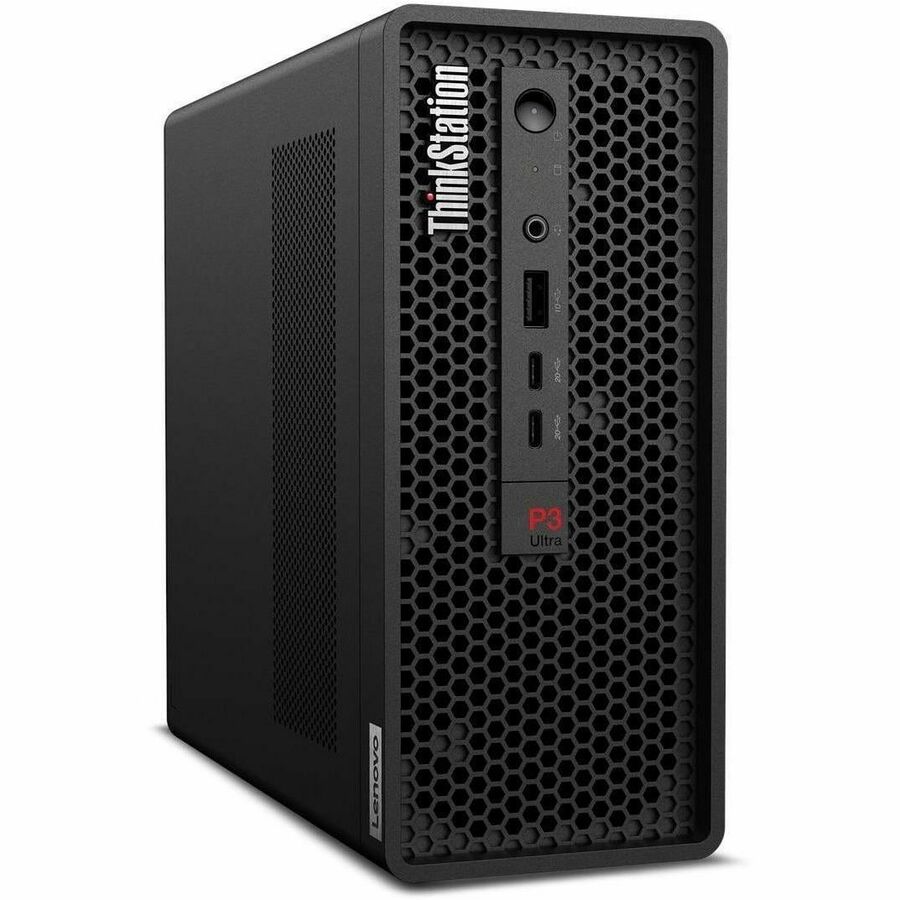
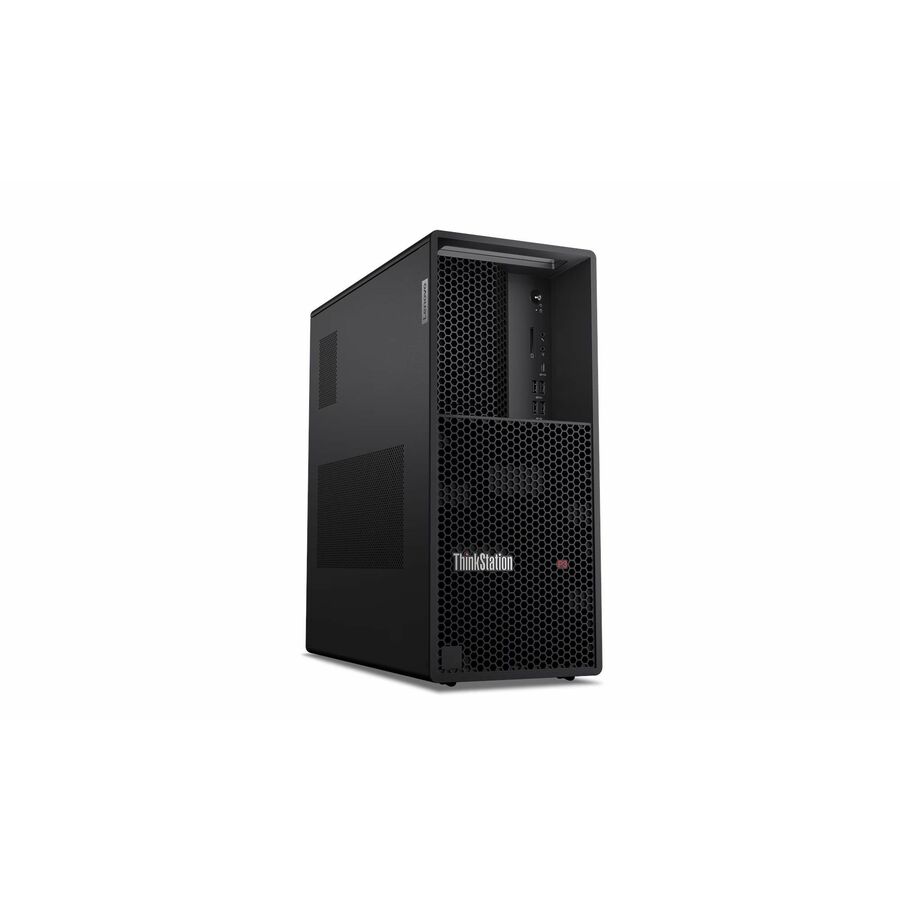
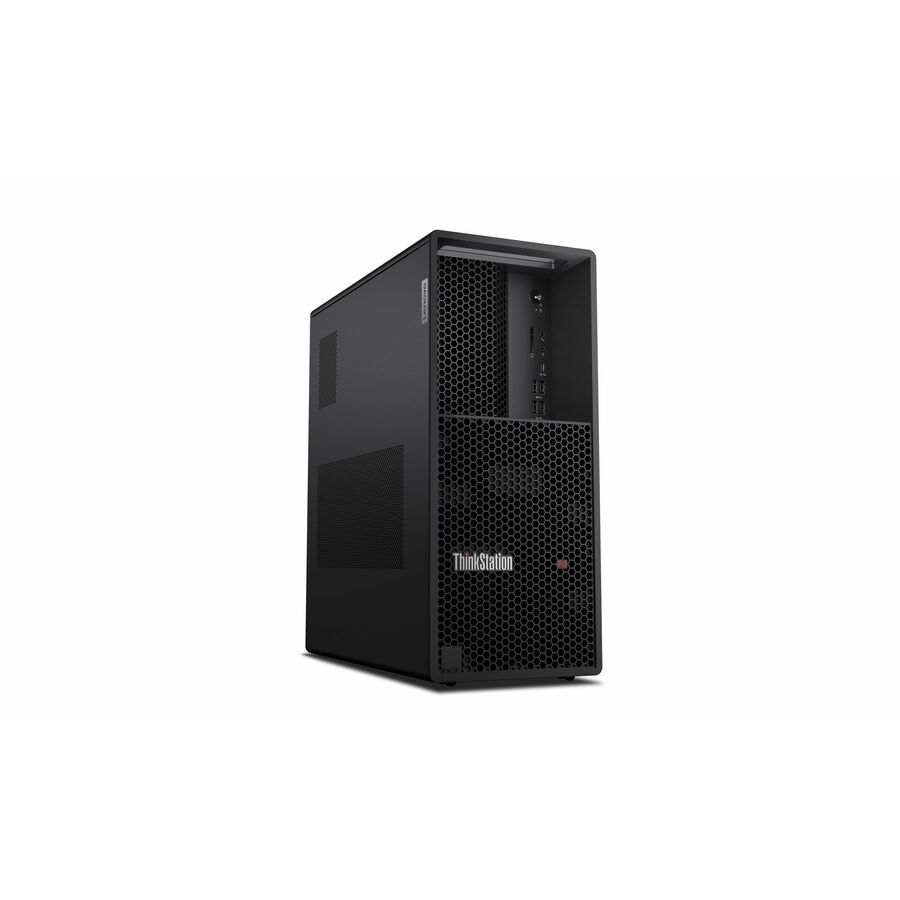
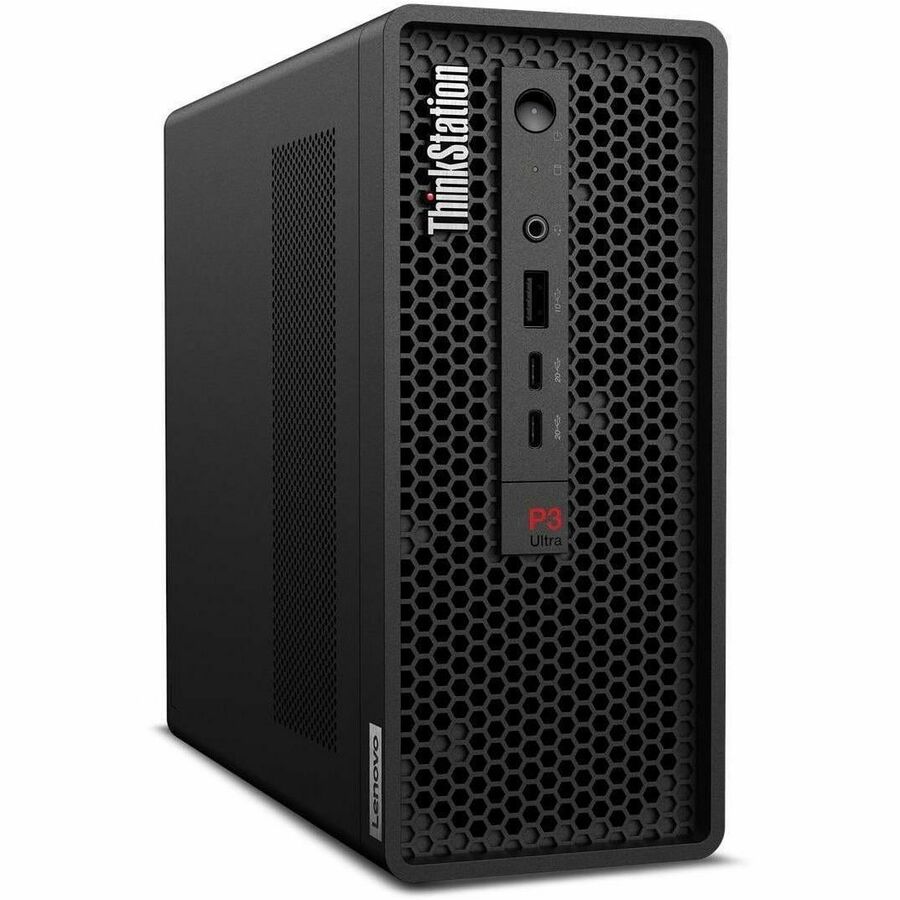
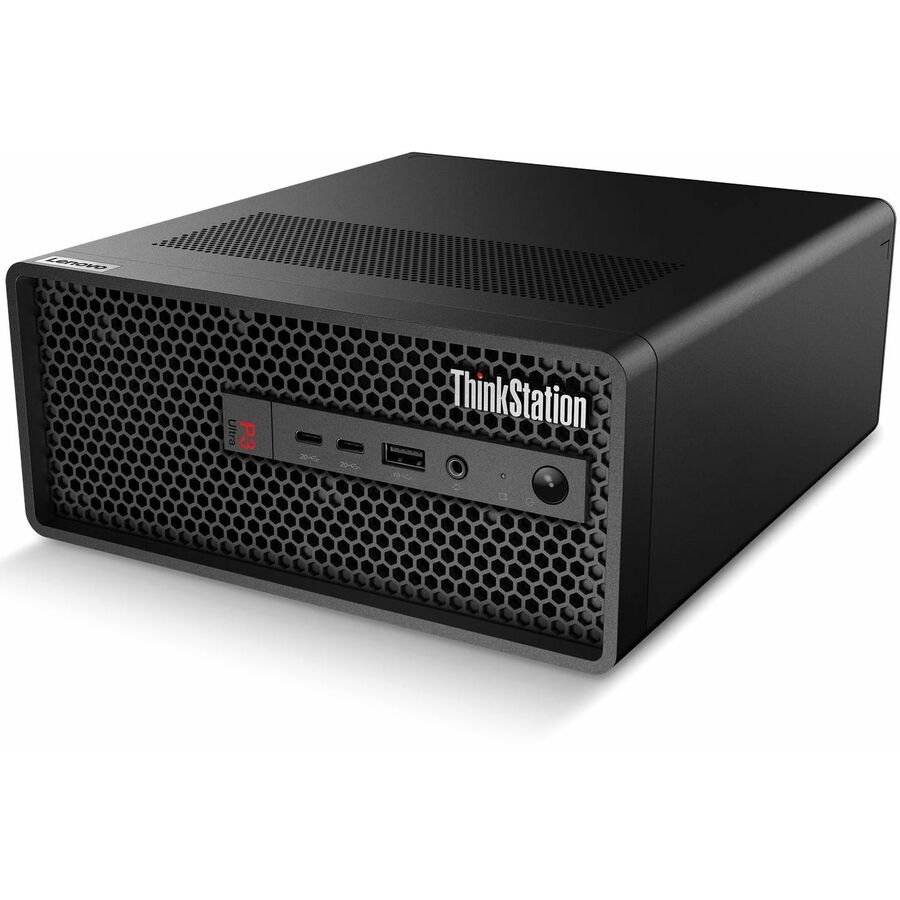
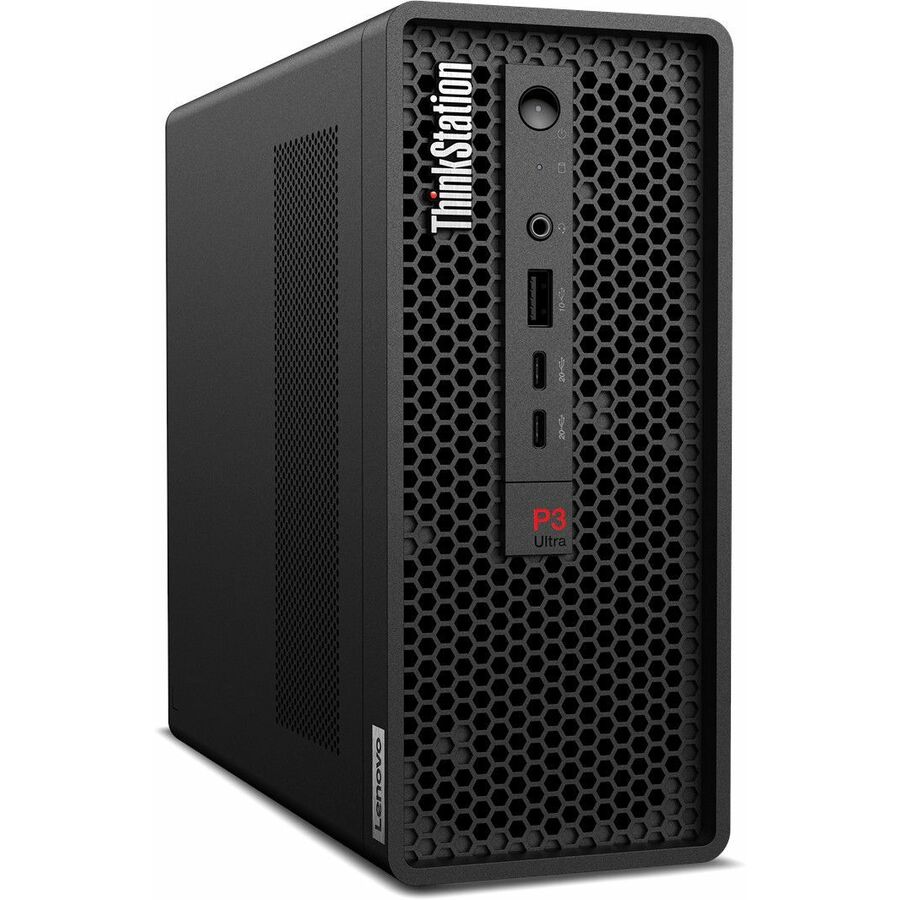
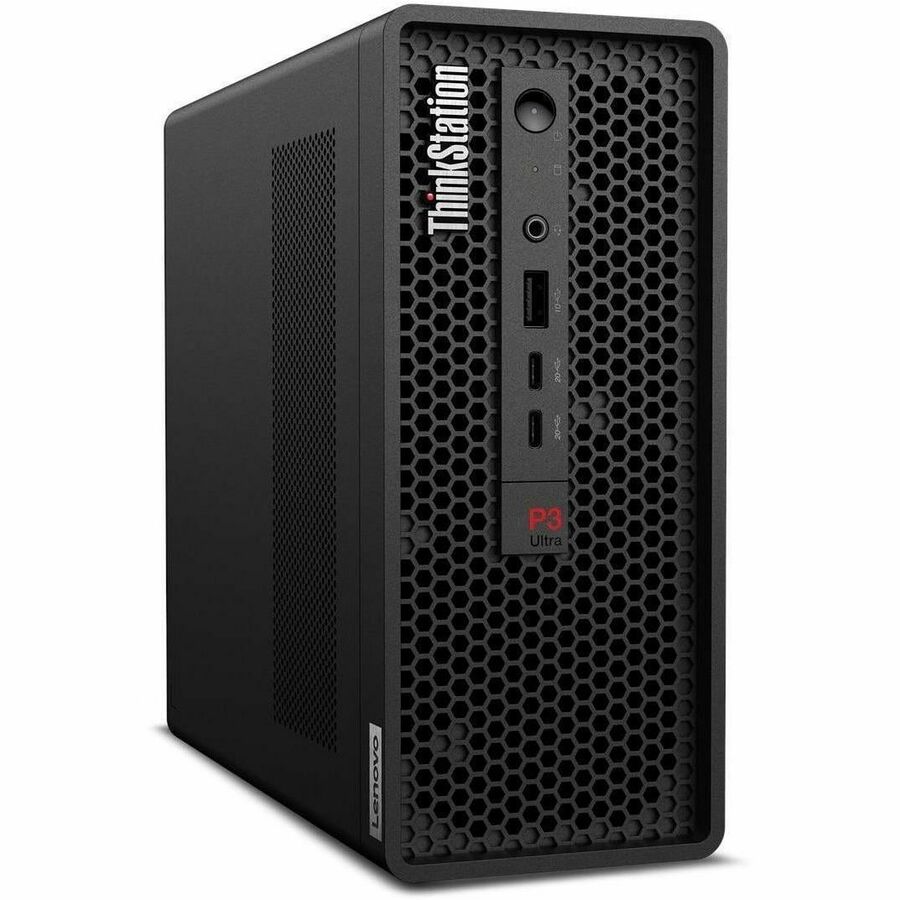
1 in stock - LenovoLenovo ThinkStation P3 Ultra Gen 2 30J50039US Workstation - 1 x Intel Core Ultra 5 2nd Gen 235 - vPro Technology - 16 GB - 512 GB SSD - Small Form Factor - Black - Intel W880 Chip - Windows 11 Pro - Intel Graphics - Serial ATA Controller - English Keyboard - Gigabit Ethernet - Wireless LAN30J50039US
$2,379.00
$2,148.49
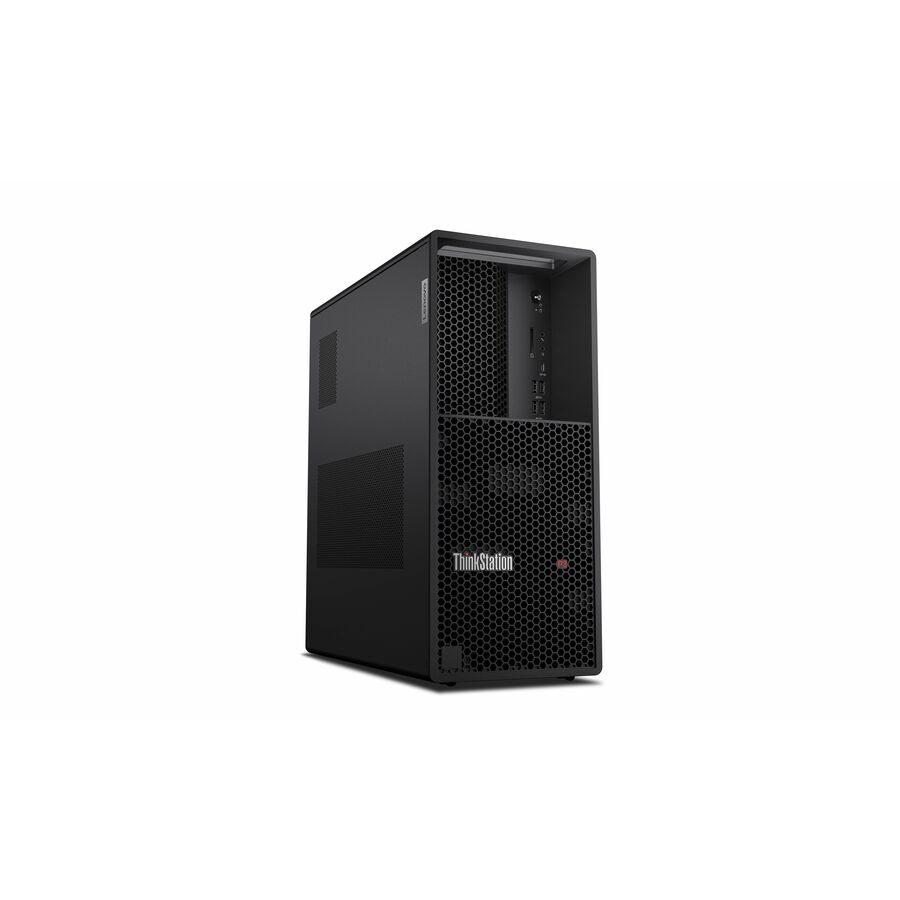
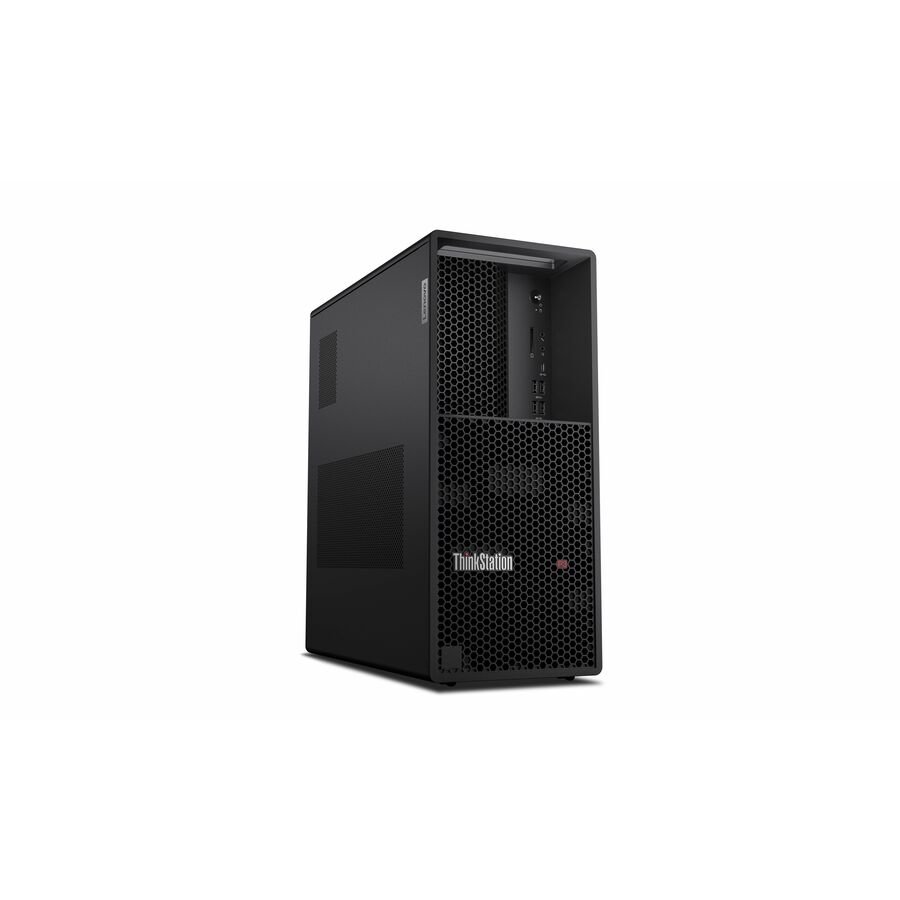
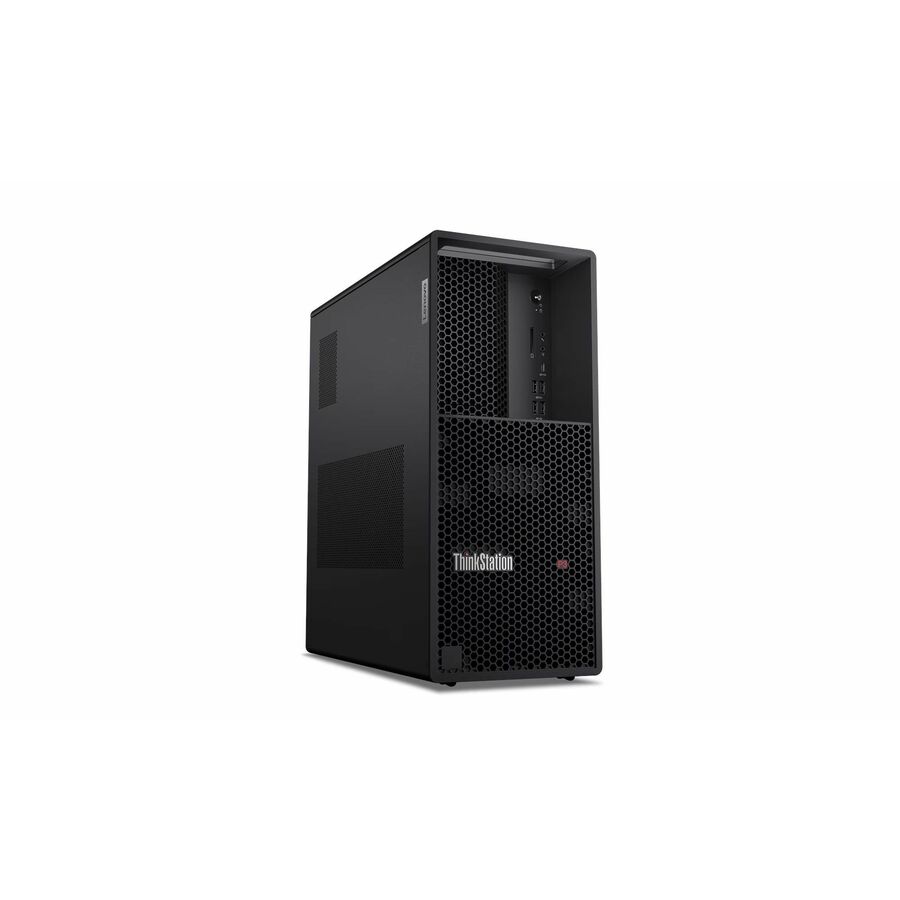
168 in stock - LenovoLenovo ThinkStation P3 Gen 2 30HT004RUS Workstation - 1 x Intel Core Ultra 5 235 - vPro Technology - 16 GB - 512 GB SSD - Tower - Intel W880 Chip - Windows 11 Pro - Intel Graphics - DVD-Writer - NVMe, Serial ATA Controller - English Keyboard - Gigabit Ethernet - Wireless LAN30HT004RUS
$2,439.00
$2,280.63
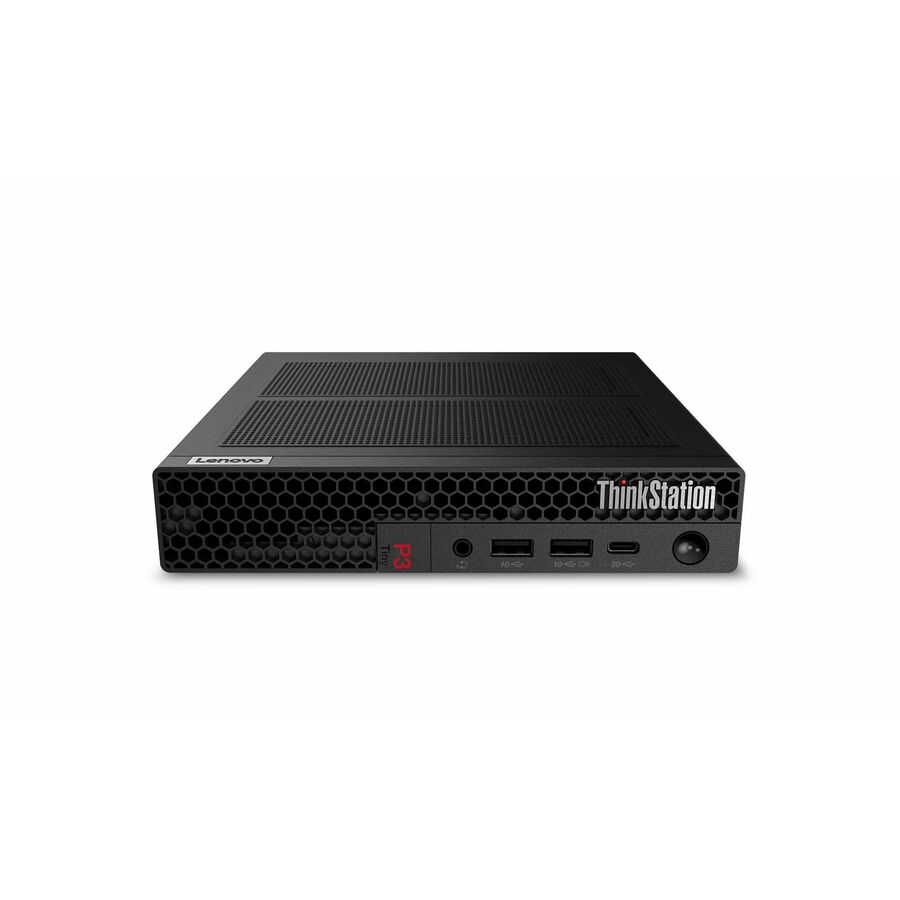
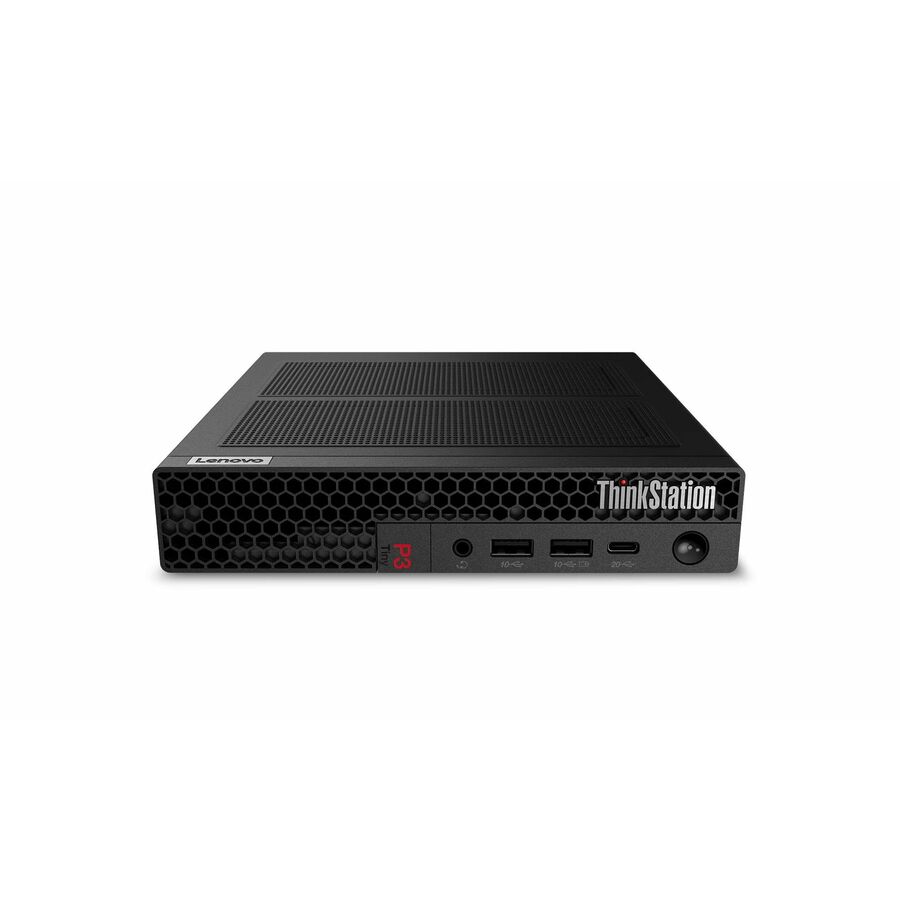
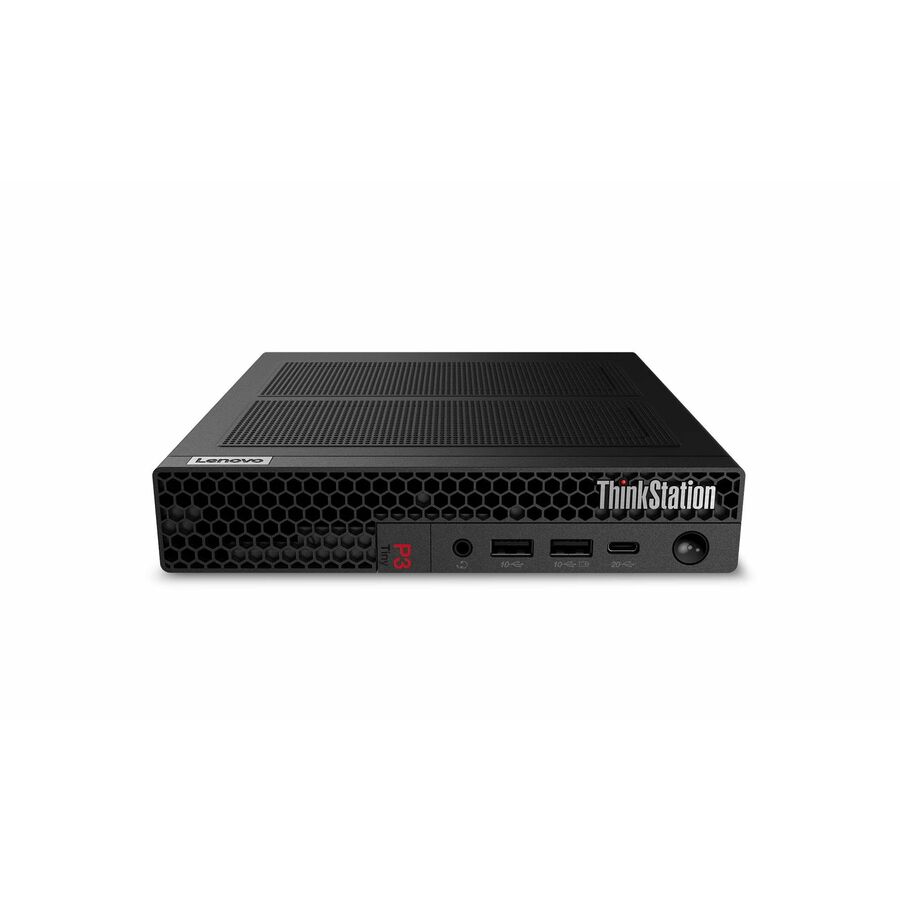
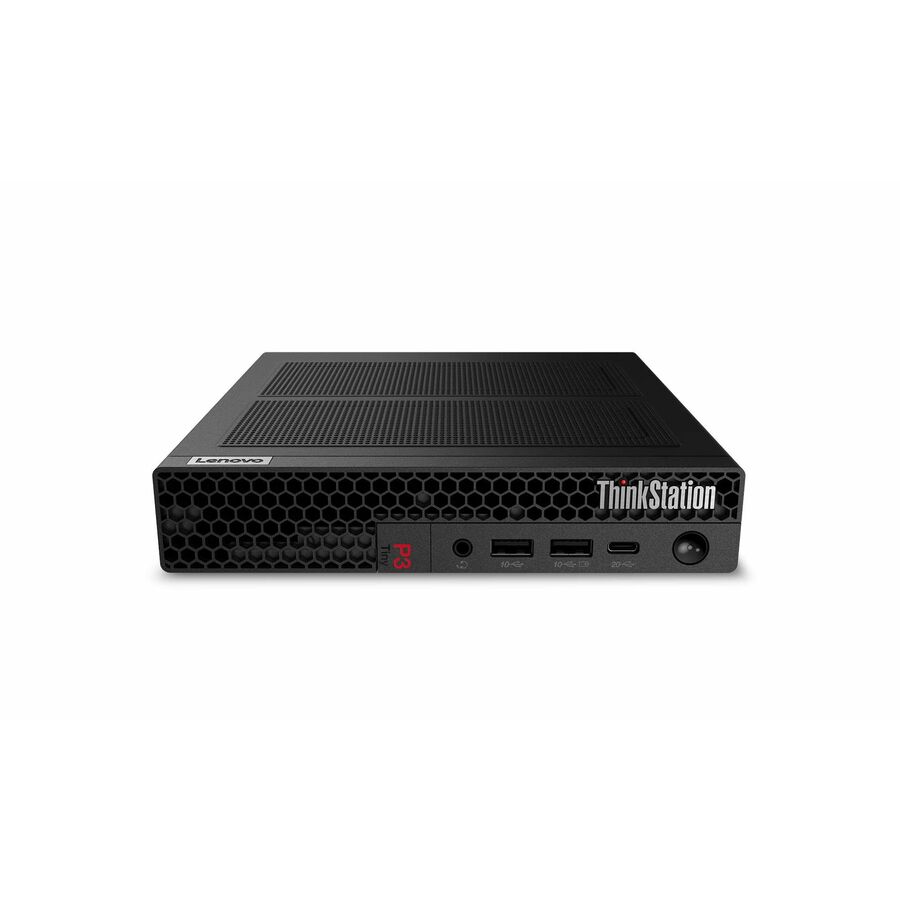
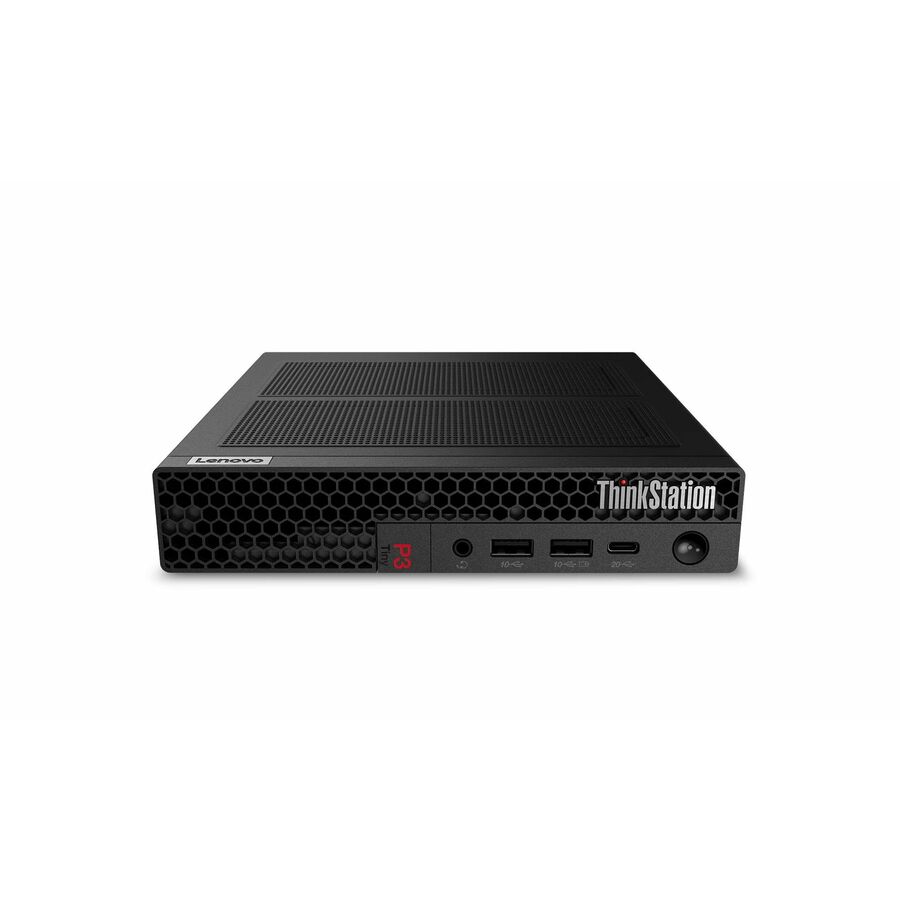
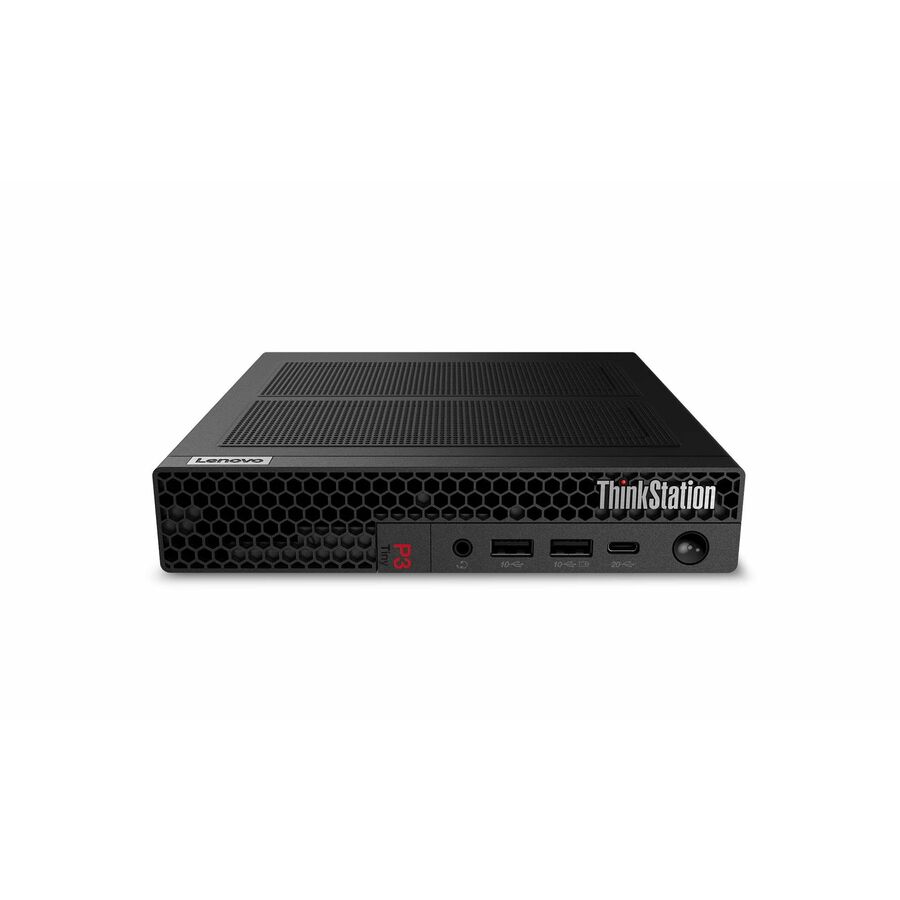
41 in stock - LenovoLenovo ThinkStation P3 Gen 2 30K50022US Workstation - 1 x Intel Core Ultra 7 265 - vPro Technology - 32 GB - 512 GB SSD - Tiny - Black - Intel Q870 Chip - Windows 11 Pro - Intel Graphics - NVMe Controller - English Keyboard - Gigabit Ethernet - Wireless LAN30K50022US
$3,009.00
$2,352.76
105 in stock - LenovoLenovo ThinkStation P3 Gen 2 30K50057US Workstation - 1 x Intel Core Ultra 7 265 - 16 GB - 512 GB SSD - Tiny - Black - Intel Q870 Chip - Windows 11 Pro - 1 x NVIDIA RTX A400 4 GB GDDR6 Graphics - NVMe Controller - English Keyboard - Gigabit Ethernet - Wireless LAN30K50057US
$2,679.00
$2,523.29
172 in stock - LenovoLenovo ThinkStation P3 Ultra Gen 2 30J50034US Workstation - 1 x Intel Core Ultra 5 2nd Gen 235 - vPro Technology - 32 GB - 512 GB SSD - Small Form Factor - Intel W880 Chip - Windows 11 Pro - Intel Graphics - Serial ATA Controller - English Keyboard - Gigabit Ethernet - Wireless LAN30J50034US
$2,909.00
$2,627.46
2 in stock - LenovoLenovo ThinkStation P3 Gen 2 30HT0053US Workstation - 1 x Intel Core Ultra 7 265 - vPro Technology - 16 GB - 512 GB SSD - Tower - Intel W880 Chip - Windows 11 Pro - Intel Graphics - DVD-Writer - NVMe, Serial ATA Controller - English Keyboard - Gigabit Ethernet - Wireless LAN30HT0053US
$2,769.00
$2,657.96
101 in stock - LenovoLenovo ThinkStation P2 Gen 2 30JQ002XUS Workstation - 1 x Intel Core Ultra 7 265 - vPro Technology - 32 GB - 512 GB SSD - Tower - Intel W880 Chip - Windows 11 Pro - Intel Graphics - Serial ATA, NVMe Controller - English Keyboard - Gigabit Ethernet - Wireless LAN30JQ002XUS
$2,889.00
$2,795.16
8 in stock

More workstations in the Uniqcli catalog
See all 4,110 workstationsMore Lenovo first — closest to what you were just looking at; “See all workstations” above opens every other brand in the category. In-stock lines lead, and a back-ordered line carries the same estimated availability its product page does — with live pricing throughout, NDAA §889 screening before checkout and TAA verified on request.
- LenovoLenovo ThinkStation P3 Gen 2 30HT004YUS Workstation - 1 x Intel Core Ultra 5 2nd Gen 235 - vPro Technology - 32 GB - 512 GB SSD - Tower - Intel W880 Chip - Windows 11 Pro - 1 x NVIDIA 8 GB GDDR6 Graphics - DVD-Writer - NVMe, Serial ATA Controller - English Keyboard - Gigabit Ethernet - Wireless LAN30HT004YUS
$3,519.00
$3,261.43
34 in stock - LenovoLenovo ThinkStation P3 Gen 2 30HT007WUS Workstation - 1 x Intel Core Ultra 7 265 - vPro Technology - 32 GB - 1 TB SSD - Tower - Intel W880 Chip - Windows 11 Pro - Intel Graphics - DVD-Writer - NVMe, Serial ATA Controller - English Keyboard - Gigabit Ethernet - Wireless LAN30HT007WUS
$3,679.00
$3,488.13
43 in stock - LenovoLenovo ThinkStation P3 Ultra Gen 2 30J50032US Workstation - 1 x Intel Core Ultra 7 2nd Gen 265 - vPro Technology - 32 GB - 512 GB SSD - Small Form Factor - Black - Intel W880 Chip - Windows 11 Pro - 1 x NVIDIA 4 GB Graphics - Serial ATA Controller - English Keyboard - Gigabit Ethernet - Wireless LAN30J50032US
$3,389.00
$3,239.83
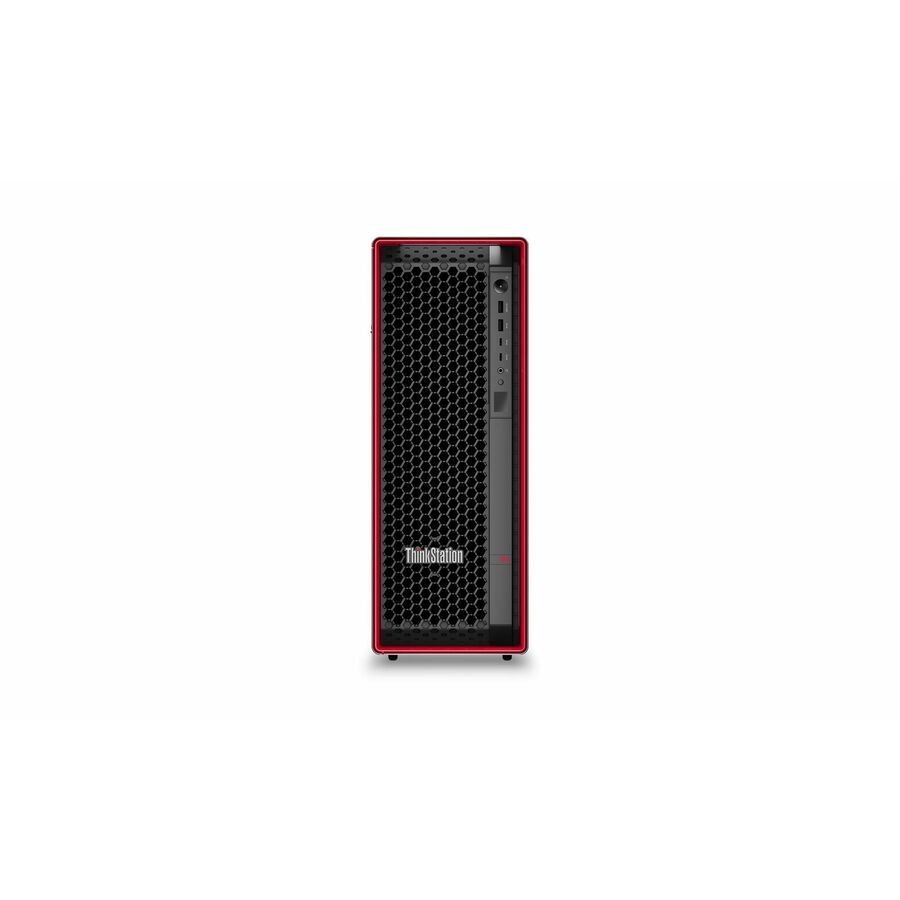
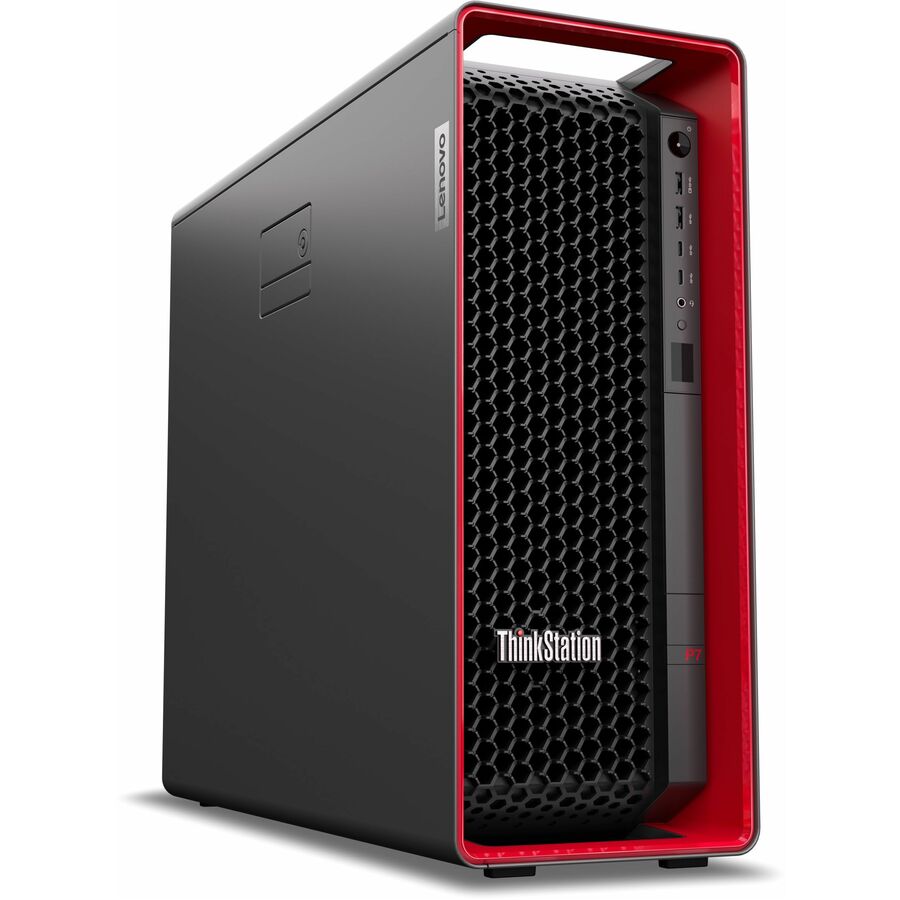
118 in stock - LenovoLenovo ThinkStation P5 30GA00A3US Workstation - 1 x Intel Xeon w5-2455X - vPro Technology - 64 GB - 1 TB SSD - Tower - Intel W790 Chip - Windows 11 Pro for Workstations - 1 x NVIDIA 24 GB Graphics - NVMe, Serial ATA Controller - English Keyboard - Gigabit Ethernet30GA00A3US
$13,582.73
1 in stock
Need pricing on Lenovo workstations?
Tell us where to reach you and a Uniqcli specialist will follow up by email with current pricing, availability and lead time for the quantities you need — including parts that aren’t shown on this page.
Buying for an organization or for yourself — both work. No payment up front.
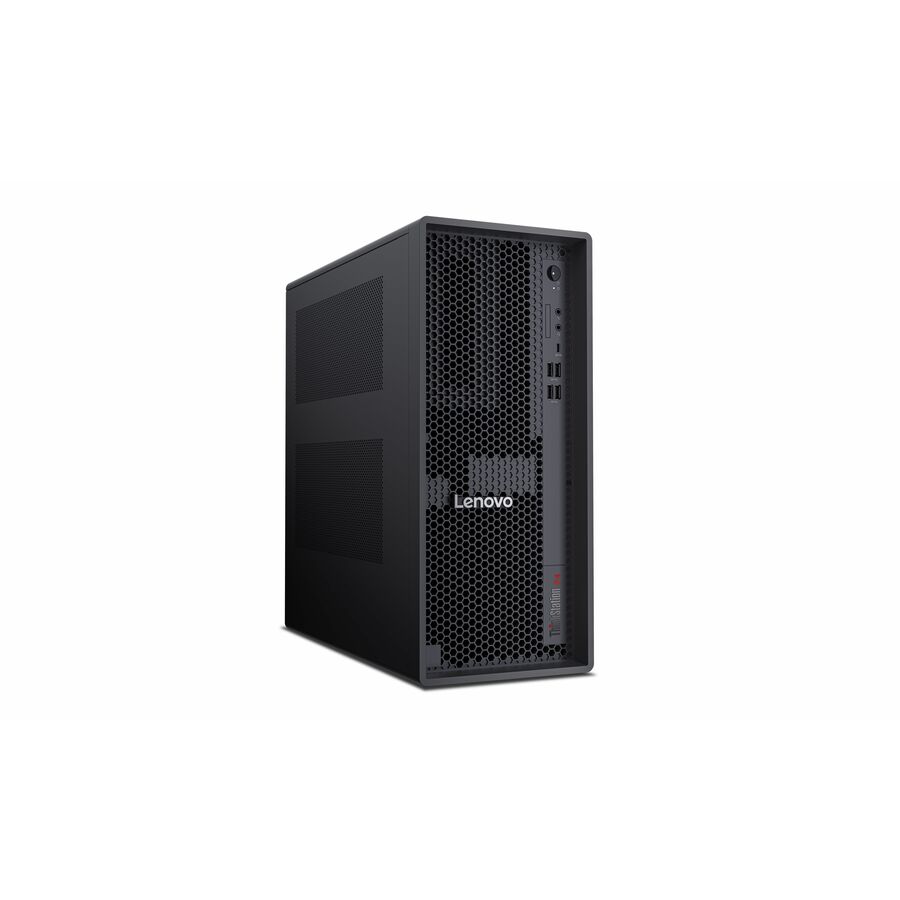
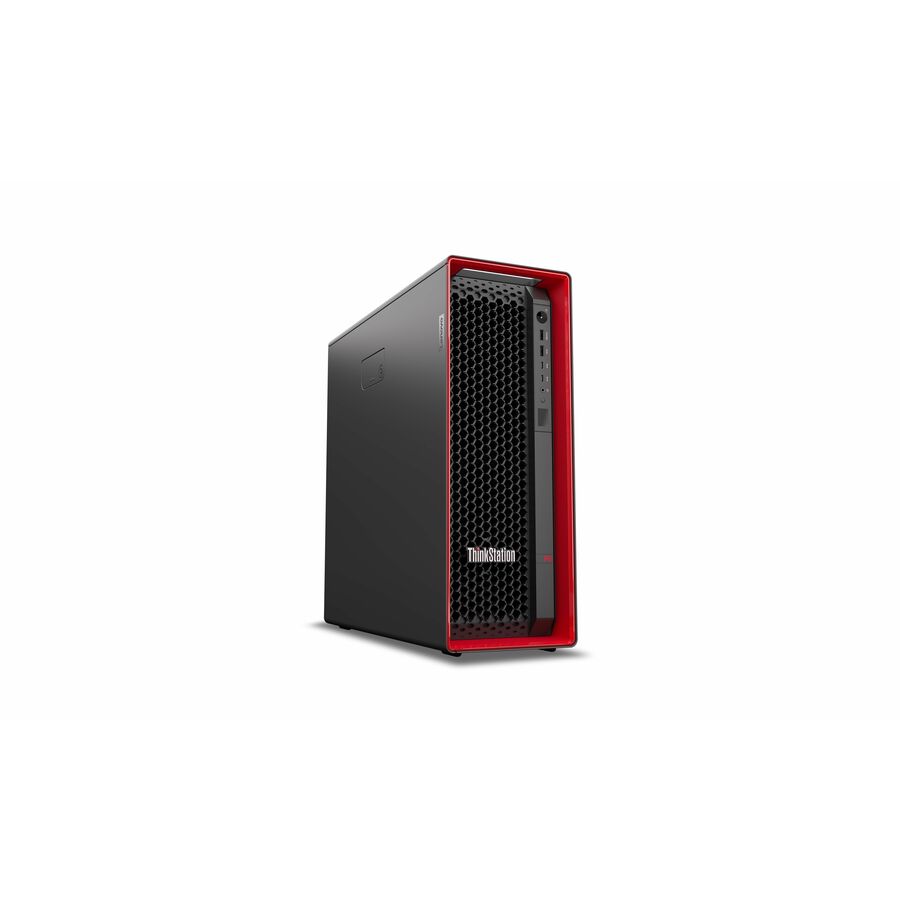
ThinkStation is Lenovo's desktop workstation line and ThinkPad P-series is the mobile one. On a ThinkStation, the processor and GPU class against the actual job decide the tier: P3 and P3 Ultra for entry-to-midrange CAD and content, P5 for single-socket Xeon simulation and rendering, P8 for many-core Threadripper PRO parallel work. The chassis then follows the space you have.
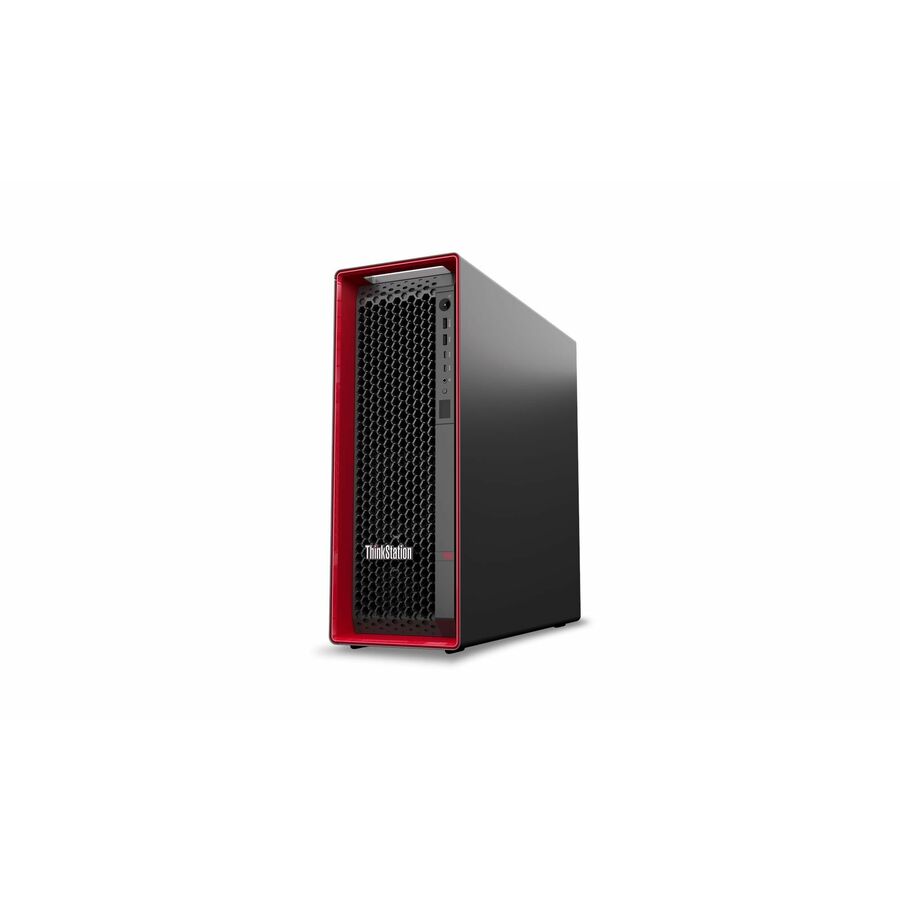
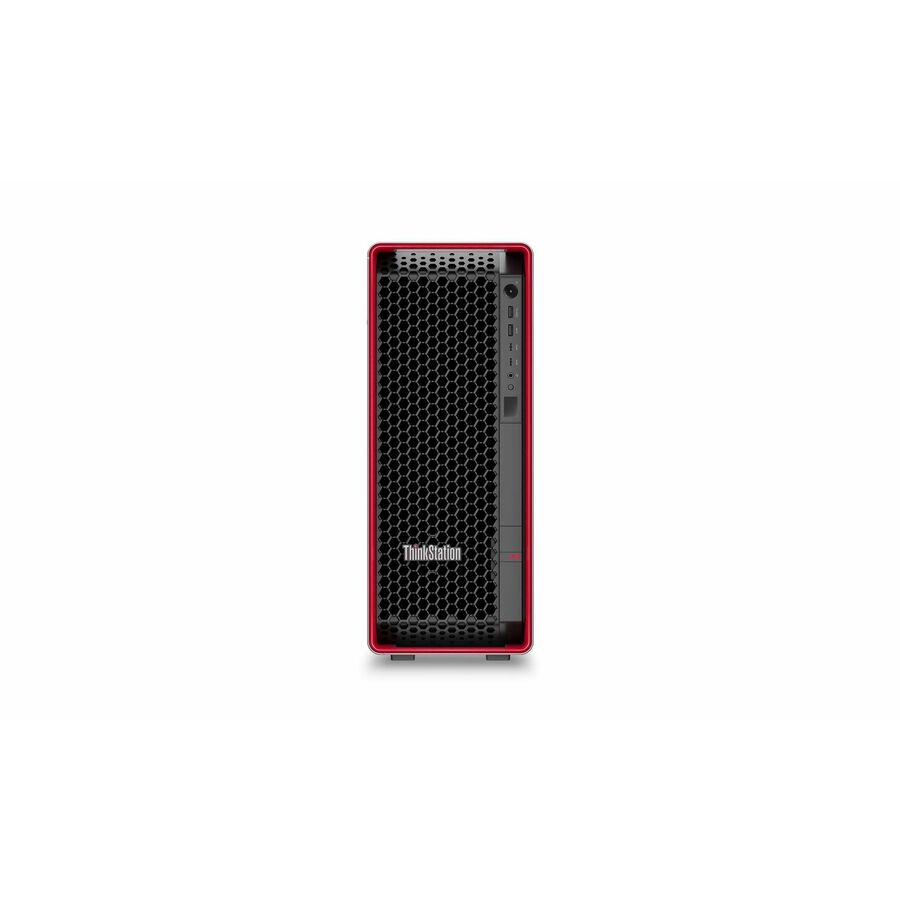
Lenovo's workstation line centers on the ThinkStation P-series, purpose-built desktop machines that separate themselves from standard business PCs through ECC-capable memory, single-socket Xeon or Ryzen Threadripper PRO processors, and NVIDIA professional graphics rather than consumer parts. The range is tiered by compute headroom and chassis: the P3 and space-saving P3 Ultra cover entry-to-midrange CAD and content work, the P5 and P5 Gen 2 add single-socket Xeon performance and higher-class RTX professional GPUs for heavier simulation and rendering, and the P8 moves to many-core Threadripper PRO on a WRX90 platform for the most parallel jobs. ISV certification for common engineering and creative applications is a defining reason teams standardize on this line.
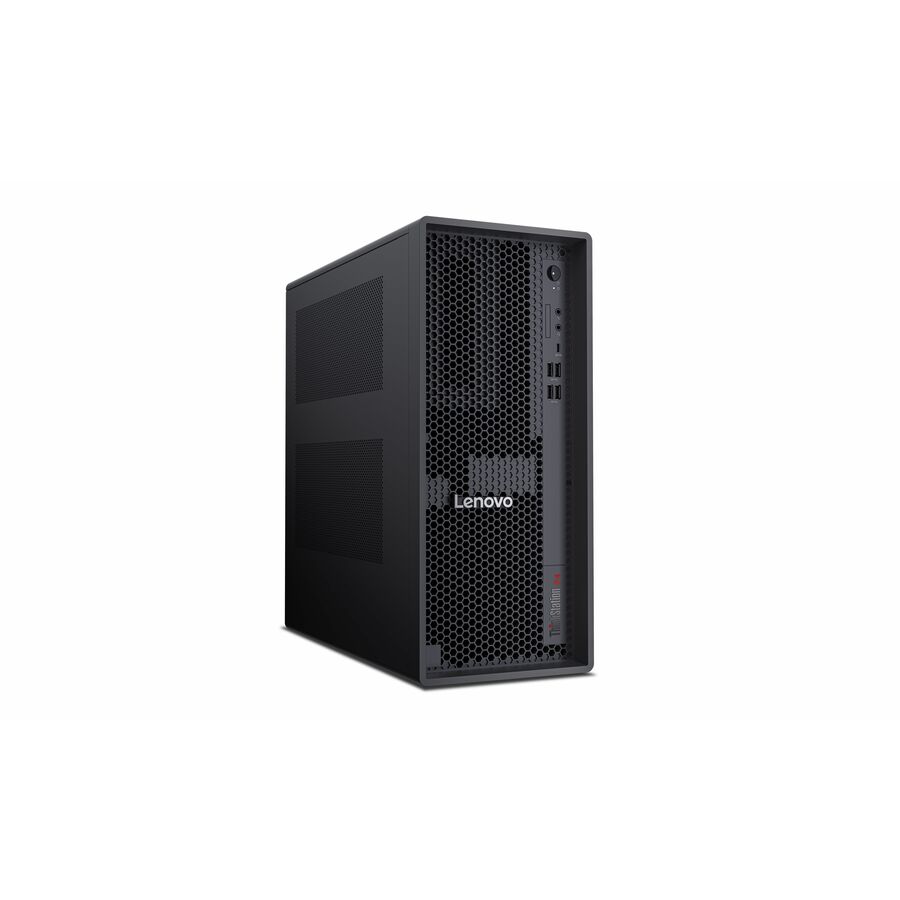
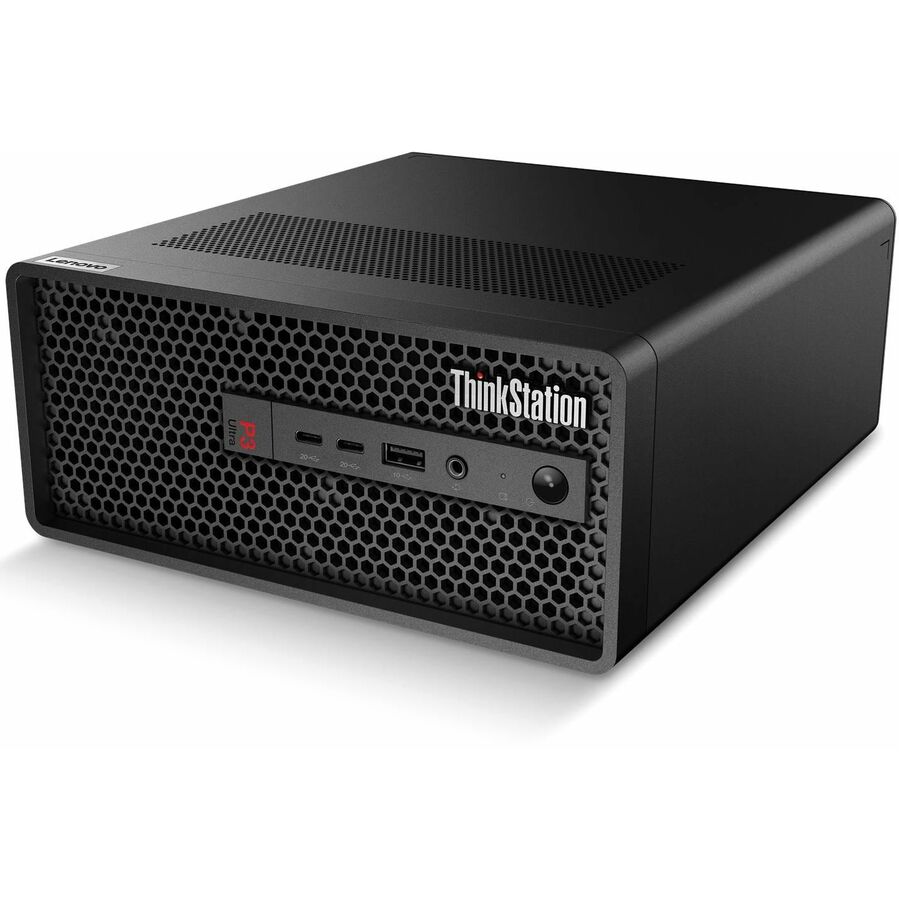
Pick the variant by matching the processor and GPU to the actual workload, then the chassis to the space. A small-form-factor or Ultra unit fits tight desks and lab benches but limits expansion; a full tower leaves room for additional storage, RAID, and larger graphics cards. Size memory for your largest models or scenes and favor ECC where numerical accuracy matters. Confirm the graphics class against your software's requirements — an entry professional GPU is fine for modeling but under-provisioned for GPU rendering or AI inference — and check whether you need Windows 11 Pro or Pro for Workstations.
The common mistakes are over-buying a many-core tower for single-threaded CAD, under-sizing the GPU for viewport or compute-heavy work, and ignoring expansion needs on a small chassis you will want to grow. The selection below is what Uniqcli currently stocks, with in-stock status shown on each unit, so you can match a configuration to your workload and confirm availability before you commit.
Buyer's checklist
How to choose a Lenovo workstation
- Match the tier to the workload: P3 / P3 Ultra for entry-to-midrange CAD and content, P5 for single-socket Xeon simulation and rendering, P8 for many-core Threadripper PRO parallel jobs.
- Size the GPU to the application — entry professional cards suit modeling, while higher-class NVIDIA RTX professional GPUs are needed for GPU rendering, visualization, and AI inference; verify ISV certification for your software.
- Choose ECC-capable memory with headroom for your largest assemblies, scenes, or datasets rather than the base configuration.
- Pick the form factor for the space: small-form-factor or Ultra for tight desks and benches, full tower where you need storage, RAID, and card-slot expansion.
- Confirm the OS edition (Windows 11 Pro vs Pro for Workstations) and storage/RAID layout against your standard image and IT policy.
- Confirm TAA country-of-origin and NDAA 889 screening tied to the specific part number before checkout when sourcing for government or regulated buyers.
Where these workstations fit
Mechanical CAD and product-design desks sit comfortably on a P3 or P3 Ultra, where single-threaded modeling performance and a certified professional GPU matter more than core count. Simulation, FEA, and rendering teams move to the P5 for single-socket Xeon throughput and a higher graphics class. The P8's many-core Threadripper PRO earns its place on the most parallel jobs — large solves, heavy rendering, and on-prem AI or data-science work where the model or dataset drives the configuration.
GIS, media production, and VDI-host roles round out the line, and a small-form-factor or Ultra unit suits lab benches and constrained desks where a full tower will not fit. The unifying reason teams standardize here is ISV certification: when a workstation is validated for the application it runs, driver-level surprises during a deadline become far less likely.
Deployment: power, acoustics, and remote access
A many-core tower with a high-class GPU draws real power and generates real heat, so confirm the desk or lab circuit can supply it and that the room's cooling and acoustics suit an always-on machine. Small-form-factor and Ultra units are quieter and easier to place but trade away the expansion room a tower keeps for added storage, RAID, or a larger card later — a tradeoff worth settling before the chassis is chosen, not after.
Where users are hybrid or the hardware needs to stay in a controlled space, plan for remote access to the workstation rather than moving the box. Keeping the machine racked or benched and letting users connect in protects the asset and centralizes support, while ISV-certified drivers keep the remote session behaving the same as a local one for the applications that depend on them.
Total cost of ownership
Workstations reward buying for the workload's ceiling, not its average. Sizing ECC memory and the GPU for your largest assemblies or datasets avoids the mid-life rebuild that a base configuration forces, and a machine kept a full four-to-five-year term amortizes better than repeated stopgap upgrades. Factor the power draw of a high-wattage tower and on-site warranty into the plan; the goal is a rig that carries the work for its whole service life without becoming the bottleneck a project waits on.
FAQ
Common questions
- Which ThinkStation line fits my workload?
- Use the P3 or space-saving P3 Ultra for entry-to-midrange CAD, modeling, and content work; step up to the P5 or P5 Gen 2 for single-socket Xeon performance and higher-class professional graphics on simulation and rendering; choose the P8 with Threadripper PRO when your jobs scale across many cores. Match the GPU class to whether your software is viewport-bound or compute-bound.
- What is the difference between the tower and small-form-factor models?
- Small-form-factor and Ultra units fit tight desks, benches, and lab spaces but trade away internal expansion. Full towers give you room for additional storage, RAID configurations, and larger or higher-power graphics cards, so pick the tower where you expect to grow the machine over its service life.
- Do these workstations support ECC memory and professional graphics?
- The ThinkStation P-series is designed around ECC-capable memory and NVIDIA professional graphics rather than consumer parts, which is a core reason teams standardize on the line for engineering and creative work. Exact memory capacity, ECC support, and GPU class vary by configuration, so check the listed specs on each unit against your application's requirements.
- Can government and education buyers purchase these?
- Yes. These workstations are sourced through US distribution and available to business, government, and education buyers. Units are screened for TAA country-of-origin and NDAA 889 status before checkout, with documentation tied to the specific part number so you can confirm sourcing details against your procurement and compliance requirements before you order.
Need Lenovo workstations pricing?
Send a bill of materials or part numbers — we confirm stock and a below-market total, with TAA verified on request. No payment up front.