
Short answer
A mobile workstation, also called a workstation laptop, is a notebook with a professional GPU, professional drivers and ISV certification for applications such as CAD, simulation and rendering. Choose one when your software publishes a certified-hardware list or the work runs at full load for hours; choose a business laptop for office software, where the certification and cooling buy nothing.
Key facts
- Certification is the dividing line: NVIDIA states its professional laptop GPUs are certified for leading professional applications, CAD and simulation included.
- NVIDIA's professional notebook family is the RTX PRO Laptop GPU line on the Blackwell architecture, with up to 24 GB of GDDR7 memory.
- AMD's professional counterpart is Radeon PRO. Both ship a professional driver branch, separate from the consumer one, that certification is granted against.
- Chassis tiers are real constraints: a 14-inch thin-and-light runs a lower-wattage GPU than a 16- or 18-inch chassis carrying the same GPU name.
By Uniqcli Team
A mobile workstation is a high-performance laptop engineered and certified to run professional compute workloads — CAD, 3D modeling, simulation, video editing, rendering, and data science — reliably and at sustained load. What sets it apart from a standard business laptop is not just faster parts, but validation: workstation-class laptops carry Independent Software Vendor (ISV) certifications, typically pair a professional-grade GPU with a multi-core CPU, and are built with the cooling, memory options, and serviceability needed to run demanding applications for hours without throttling or instability.
In practical terms, a mobile workstation is the portable equivalent of a desktop workstation. It targets users whose software is on a vendor's supported-hardware list and whose work would overwhelm a consumer or general-office laptop. That framing matters for procurement: you are evaluating a validated platform and a support relationship, not only a spec sheet. The premium over a business laptop reflects certification, professional components, stronger thermals, and longer support and parts availability.
How does a mobile workstation work?
A mobile workstation combines four things a business laptop usually lacks. First, a professional GPU — a graphics processor from a vendor's professional product line, paired with drivers tuned and tested for engineering and content-creation applications rather than gaming. Second, a capable multi-core CPU, often a higher-wattage or workstation-class processor that can sustain heavy multi-threaded loads. Third, a thermal and power design built to hold that performance: larger heat pipes, higher-capacity fans, and power delivery sized so the machine does not aggressively throttle under prolonged load. Fourth, expandable and sometimes error-correcting memory, plus fast NVMe storage, frequently in configurable or multi-drive arrangements.
The defining ingredient is ISV certification. Software vendors test specific laptop models with specific GPU and driver combinations and publish supported-hardware lists. A certified configuration means the vendor has validated that the application runs correctly on that hardware, and it is the basis for support: if something breaks, you are on a supported platform. This is why organizations running professional design, engineering, or simulation tools often require certified hardware as a purchasing standard.
What types of mobile workstations are there?
Mobile workstations generally fall along a spectrum from thin-and-light to full-power. Thin-and-light workstations prioritize portability and battery life, using lower-wattage professional GPUs and CPUs; they suit CAD reviewers, field engineers, and users who value mobility over maximum throughput. Mainstream 15- and 16-inch workstations balance performance and portability and are the most common corporate choice. Large-chassis, full-power workstations (often 16 or 17 inches) offer the highest-wattage GPUs and CPUs, the most memory and storage capacity, and the strongest cooling — these are effectively desktop replacements for rendering, simulation, and large-model work.
Configurations also vary by component tier. Entry professional GPUs handle CAD and light visualization; mid- and high-tier professional GPUs add capacity for GPU rendering, real-time visualization, and AI or compute workloads. Memory can range from standard non-ECC modules to ECC (error-correcting) memory where data integrity matters. Not every mobile workstation supports ECC, and support often depends on the CPU and platform, so it is a specification to confirm rather than assume.
When do you actually need a mobile workstation?
You need a mobile workstation when your software, your data set, or your support requirements demand it — not simply because you want a fast laptop. The clearest signal is an ISV supported-hardware list: if the applications your team relies on (CAD, CAM, BIM, EDA, simulation, professional video or 3D tools) publish certified configurations, choosing a certified mobile workstation keeps you inside vendor support and reduces the risk of driver-related defects and instability. A second signal is workload intensity: sustained multi-core compute, GPU-accelerated rendering or visualization, large model or dataset sizes, or work that must run at full load for extended periods.
For general office work — documents, email, browsers, video calls, and light photo work — a business laptop is the right tool and a workstation is unnecessary cost, weight, and power draw. The honest test is whether a specific application, a specific data size, or a specific certification or reliability requirement justifies the premium. If none of those apply, a well-specified business laptop will serve better and cost less.
What should you consider when choosing one?
Start with the software, not the hardware. List the professional applications your users run and check each vendor's certified-hardware list, then match your configuration to that list — this single step resolves most compatibility and support questions. From there, match the GPU tier to the actual workload (CAD versus GPU rendering versus AI compute are very different demands), size memory for your largest realistic project and decide whether ECC is required, and choose storage capacity and speed accordingly. Weigh sustained-performance and cooling behavior, not just peak benchmark numbers, because a workstation's value is holding performance under load.
Then account for the practical realities of a fleet: weight and battery life against how mobile the user truly is; display quality and color accuracy if the work is visual; port selection and docking for desk use; and security and manageability features your IT environment requires. Finally, consider lifecycle factors — serviceability and parts access, warranty and on-site support terms, and how long the vendor keeps the model and its certified configurations available. These lifecycle and support attributes are often what genuinely separate a workstation-class platform from a consumer one.
Key takeaways
- A mobile workstation is a laptop validated for professional workloads — the differentiator is ISV certification, not just faster parts.
- Core ingredients are a professional GPU with tested drivers, a strong multi-core CPU, sustained-load thermals, and expandable (sometimes ECC) memory.
- Match your configuration to your software vendors' certified-hardware lists first; the certified configuration is the basis of application support.
- Match the GPU and memory tier to the real workload — CAD, GPU rendering, and AI compute have very different requirements.
- ECC memory support is platform- and CPU-dependent; confirm it rather than assuming every mobile workstation offers it.
- For general office use a business laptop is the better, cheaper choice; a workstation is justified only by specific software, data size, or reliability needs.
Shop it at Uniqcli
Parts for this job
Thin-and-light
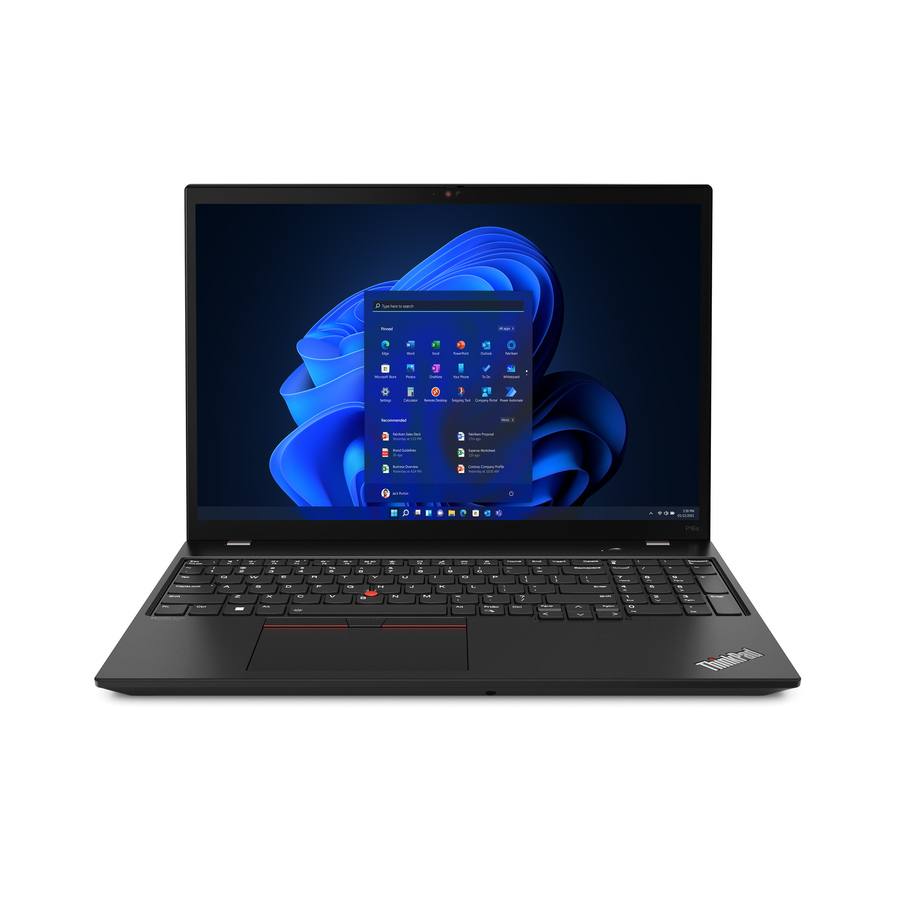
Lenovo
Lenovo ThinkPad P16s Gen 2 21HK001UUS 16" Mobile Workstation
21HK001UUS
A 16-inch ThinkPad P16s with an NVIDIA RTX A500, 16 GB and a 512 GB SSD — the tier for CAD review, field engineering and users who carry the machine every day.
$2,194.23Back-orderedEntry professional GPU
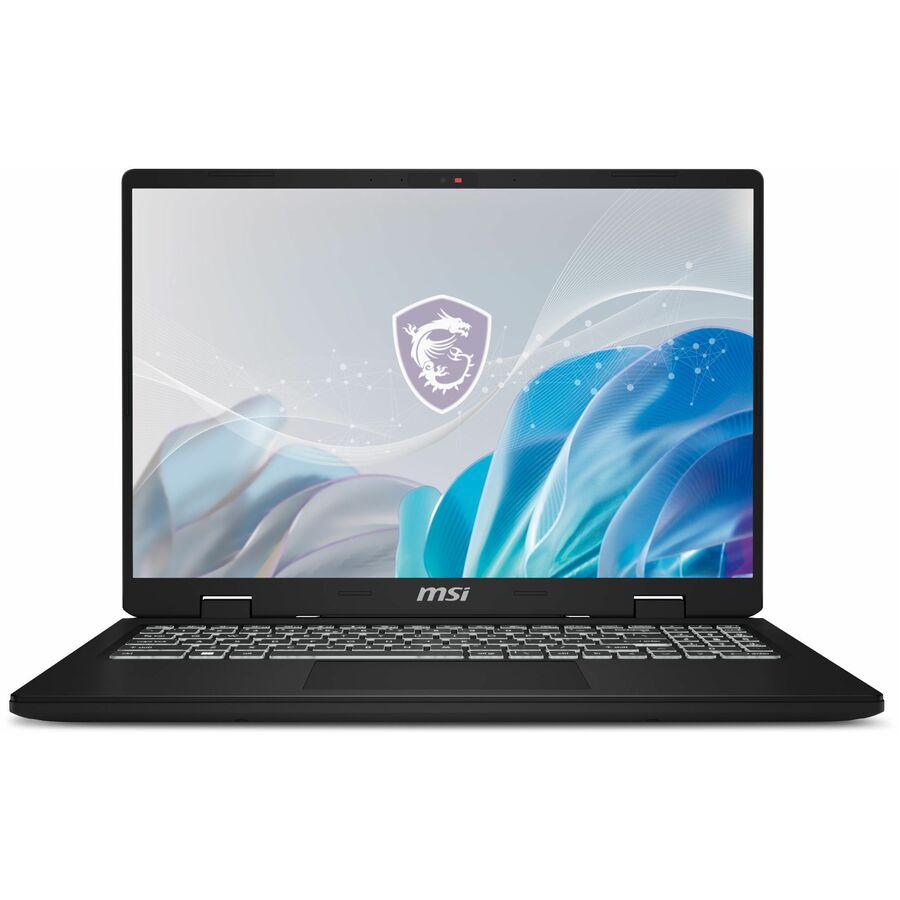
MSI
MSI CreatorPro M 16 in 144Hz Laptop, Intel Core i7-14650HX, RTX 2000…
CProM1614412
A 16-inch CreatorPro M with an RTX 2000 Ada (8 GB), a 14th-gen Core i7 HX, 32 GB and 1 TB — enough professional GPU for modelling and light visualisation.
$2,097.40Back-orderedFull power
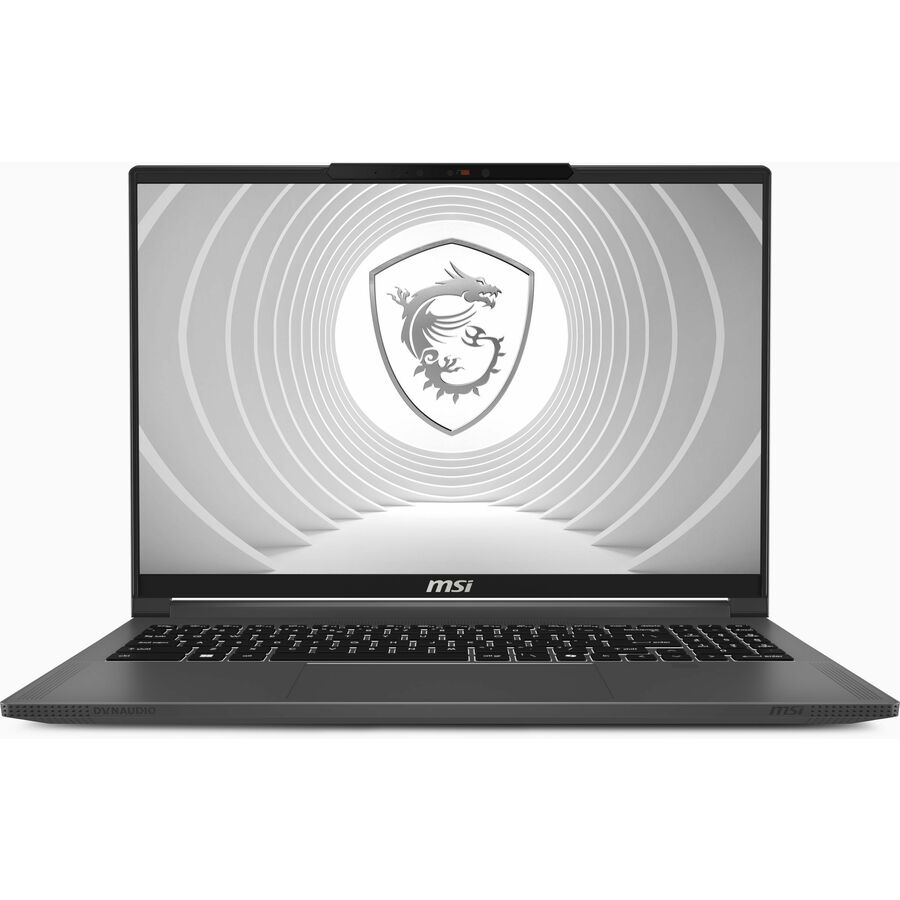
MSI
MSI CreatorPro AI Studio 16 inch Mobile Workstation Laptop Intel Core…
CPRO1614076
CreatorPro AI Studio 16 with an RTX 5000 Ada (16 GB), Core Ultra 9, 64 GB and 2 TB on a 3840 x 2400 panel — the desktop-replacement tier for rendering and large models.
Check your application vendor's certified-hardware list against the exact model and GPU before ordering.
$5,703.09Back-orderedFrequently asked
- What is the difference between a mobile workstation and a business laptop?
- A business laptop is optimized for general office productivity, portability, and cost. A mobile workstation adds a professional GPU with certified drivers, a higher-performance CPU, stronger cooling for sustained load, and often expandable or ECC memory — and critically, it carries ISV certifications so professional applications run on a vendor-supported configuration. If your software is on a certified-hardware list or your workloads run at full load for long periods, that is the dividing line.
- What is ISV certification and why does it matter?
- ISV (Independent Software Vendor) certification means a software vendor has tested a specific laptop model with a specific GPU and driver combination and confirmed the application runs correctly on it. It matters because it is the basis of support: running a certified configuration reduces driver-related defects and keeps you inside the vendor's supported-hardware boundary if you need help. Many organizations make certified hardware a purchasing requirement for professional design and engineering tools.
- Do I need ECC memory in a mobile workstation?
- ECC (error-correcting) memory detects and corrects certain memory errors, which matters most for long-running simulations, scientific computing, and workloads where silent data corruption is unacceptable. Many professional users do not require it, and ECC support in laptops depends on the CPU and platform — not every mobile workstation offers it. Treat ECC as a specification to confirm against your workload's data-integrity needs rather than a default assumption.
- Is a mobile workstation worth it for everyday office work?
- Generally no. For documents, email, browsing, video calls, and light media work, a business laptop delivers a better balance of weight, battery life, and cost. A mobile workstation's certification, professional GPU, and heavy-duty cooling add price, weight, and power draw that everyday tasks do not use. It becomes worthwhile only when a specific professional application, large data set, or certification or reliability requirement justifies the premium.
- Are mobile workstations worth it?
- They are worth it when a specific application, data size or support requirement makes them worth it, and not otherwise. The clearest test is whether the software your team runs publishes a certified-hardware list: if it does, a certified machine keeps you inside vendor support and out of driver-related defects. The second test is sustained load — hours of multi-core compute or GPU rendering rather than bursts. Neither applies to office software, and there the premium buys weight and power draw you will not use.
- How powerful is a mobile workstation?
- It spans a wide range, and the chassis decides as much as the badge. An entry configuration pairs a professional GPU such as an RTX 2000 Ada with a mainstream mobile CPU and 32 GB of memory; a full-power 16- or 18-inch machine runs an RTX 5000 Ada with 64 GB or more and a display panel to match. The same GPU name in a thinner chassis runs at a lower wattage and holds lower sustained clocks, so compare the configured wattage and the cooling rather than the GPU name alone.
- Which is the best mobile workstation?
- There is no single answer, because the right machine is decided by the application rather than by a benchmark. Start with your software vendor's certified-hardware list, pick the GPU tier that matches the actual workload — CAD review, GPU rendering and AI compute are three different demands — then size memory for the largest project you really open. After that, weigh chassis size against how far the machine travels and confirm the warranty and on-site terms, which is where fleet decisions are usually won or lost.
Sources
- 1.NVIDIA — RTX PRO laptop GPUs for professionalsnvidia.com
- 2.AMD — Radeon PRO workstation graphicsamd.com
Keep reading